













Advanced Auto Parts Search and Selection in Purchase Order

Creating purchase orders with a large number of products can be challenging and time-consuming. To simplify this, our module introduces a "Select Products (Advanced)" button in the purchase order form, allowing users to easily search and filter auto parts using criteria such as type, make, model, year, price, barcode, internal reference, and product attributes. It also offers the ability to save frequently used products in a 'Specific' list for quick selection. This advanced search functionality makes the process easy.

Features

Product Filtering
Quickly filter products by Type, Make, Model, and Year.

Specific Products Tab
Store commonly required products in a dedicated Specific tab for quick access.

Attribute-Based Product Search
Quickly find product using products attributes filed.
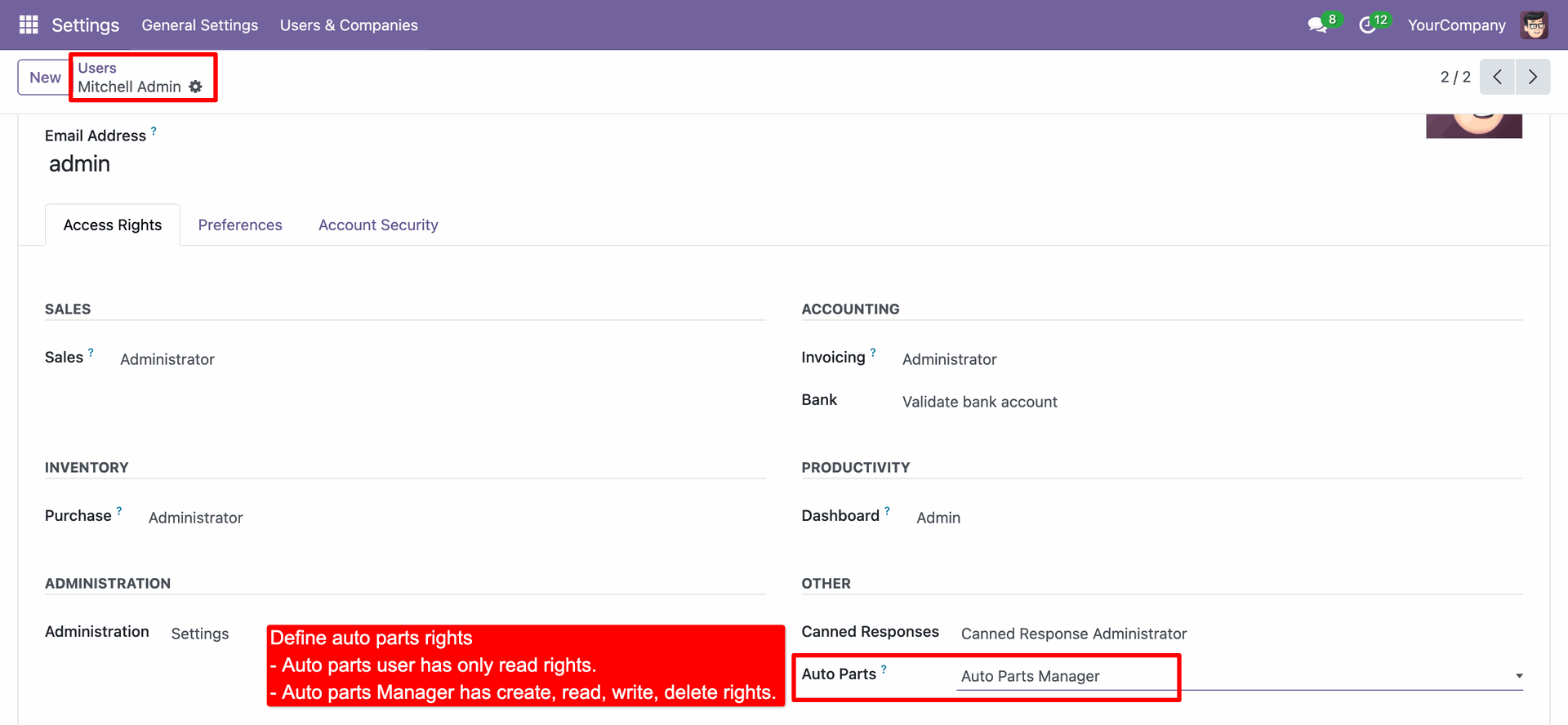
Go to the user settings and assign the 'Auto Parts Manager' access rights under the 'Auto Parts'.
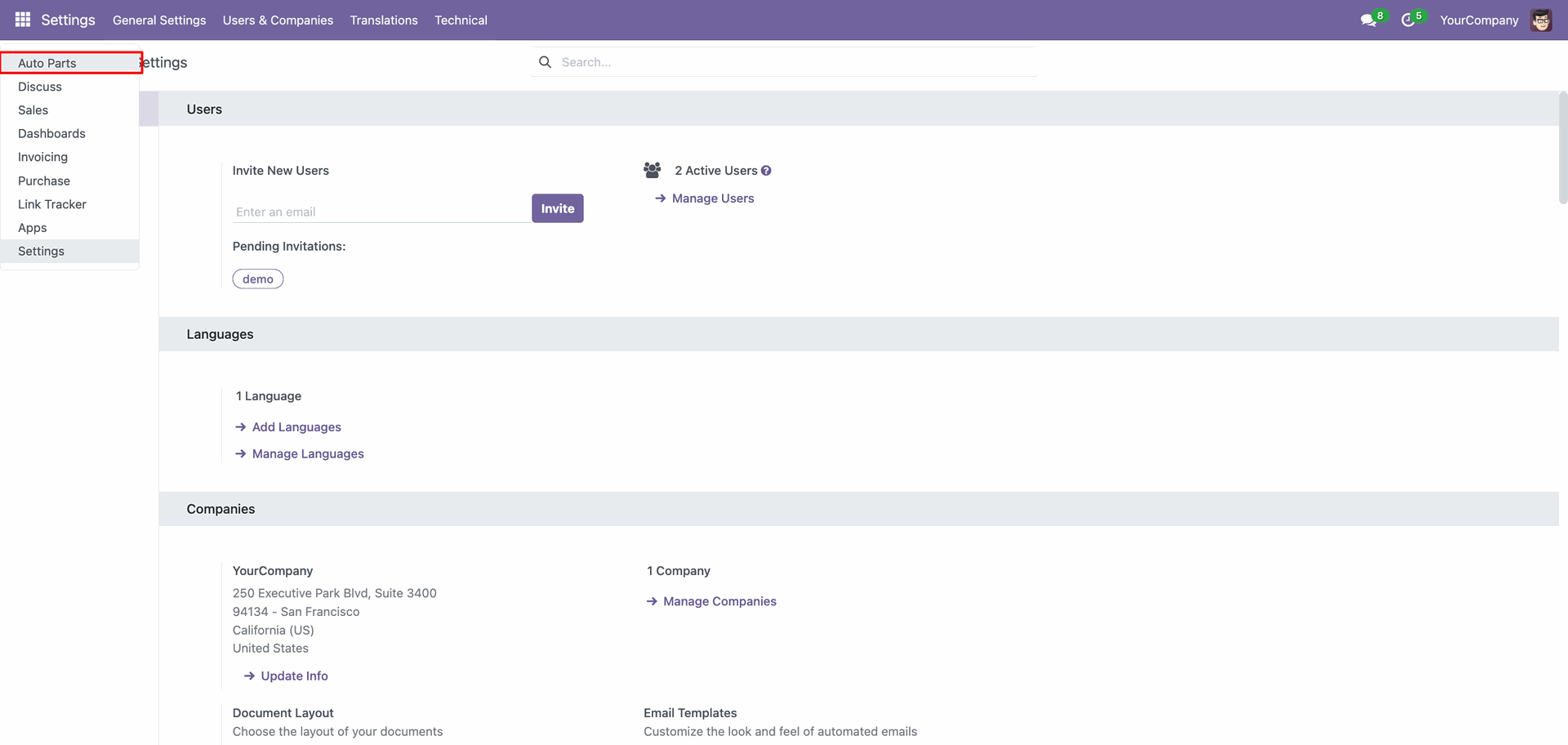
'Auto Parts' menu.
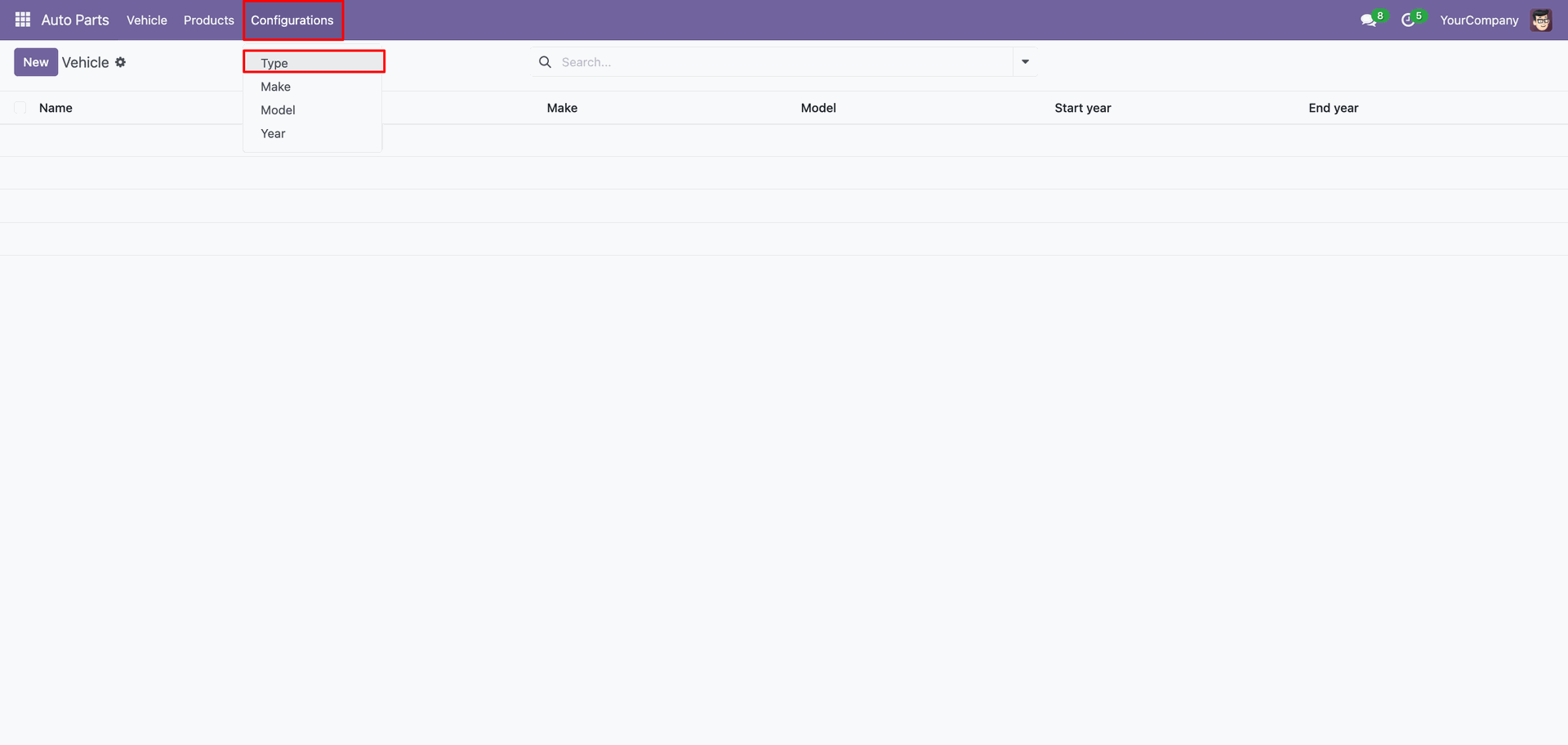
'Type' menu and tree view.
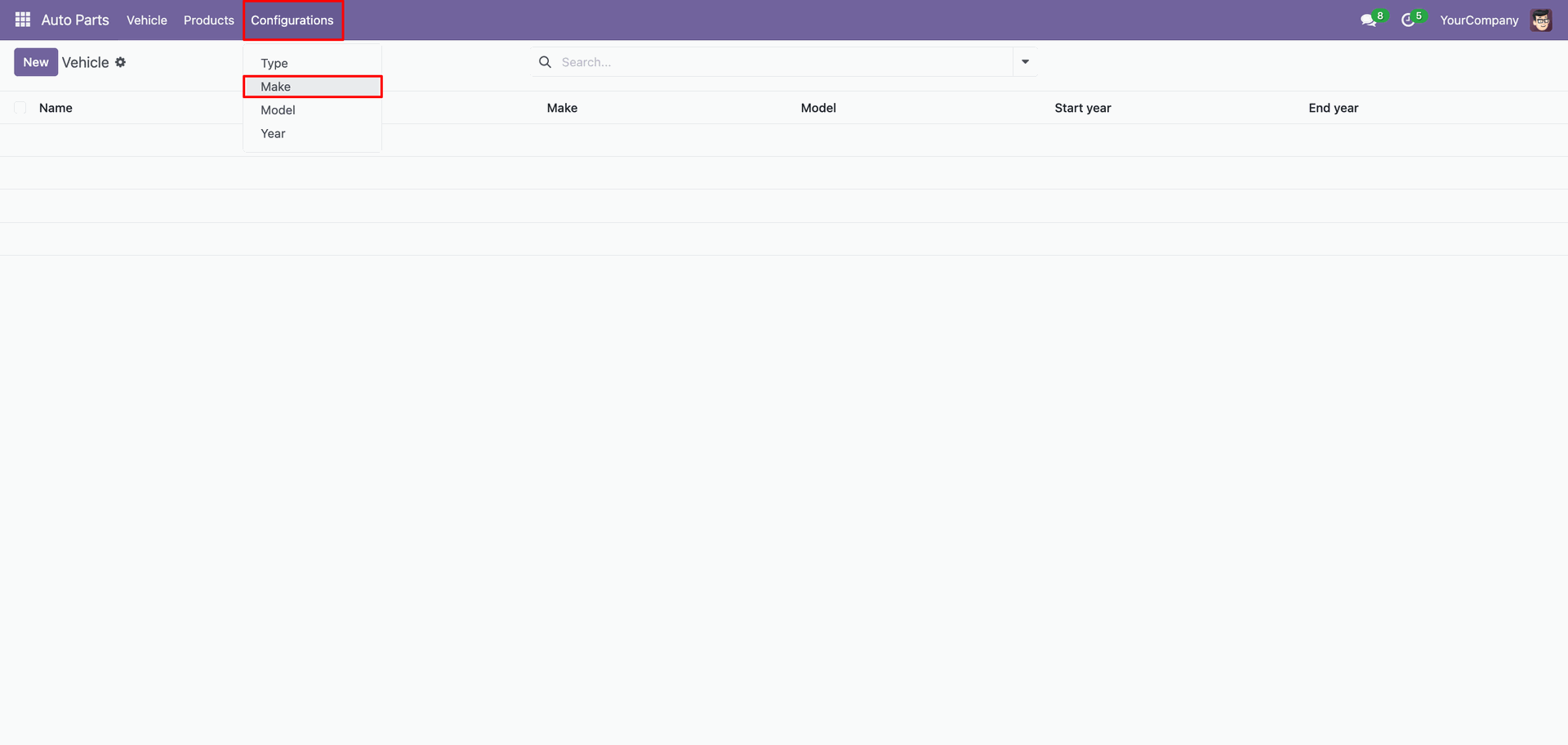
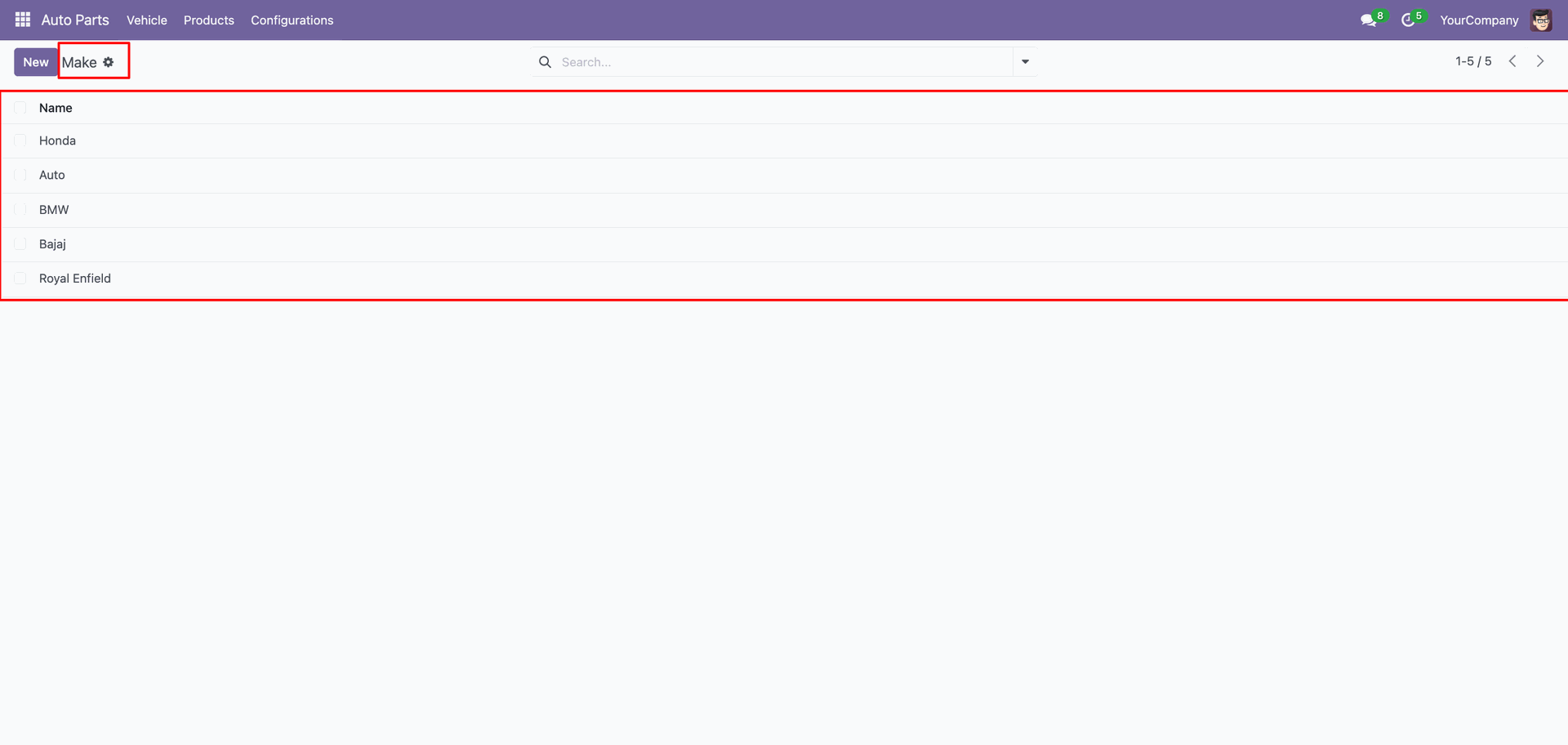
'Make' menu and tree view.
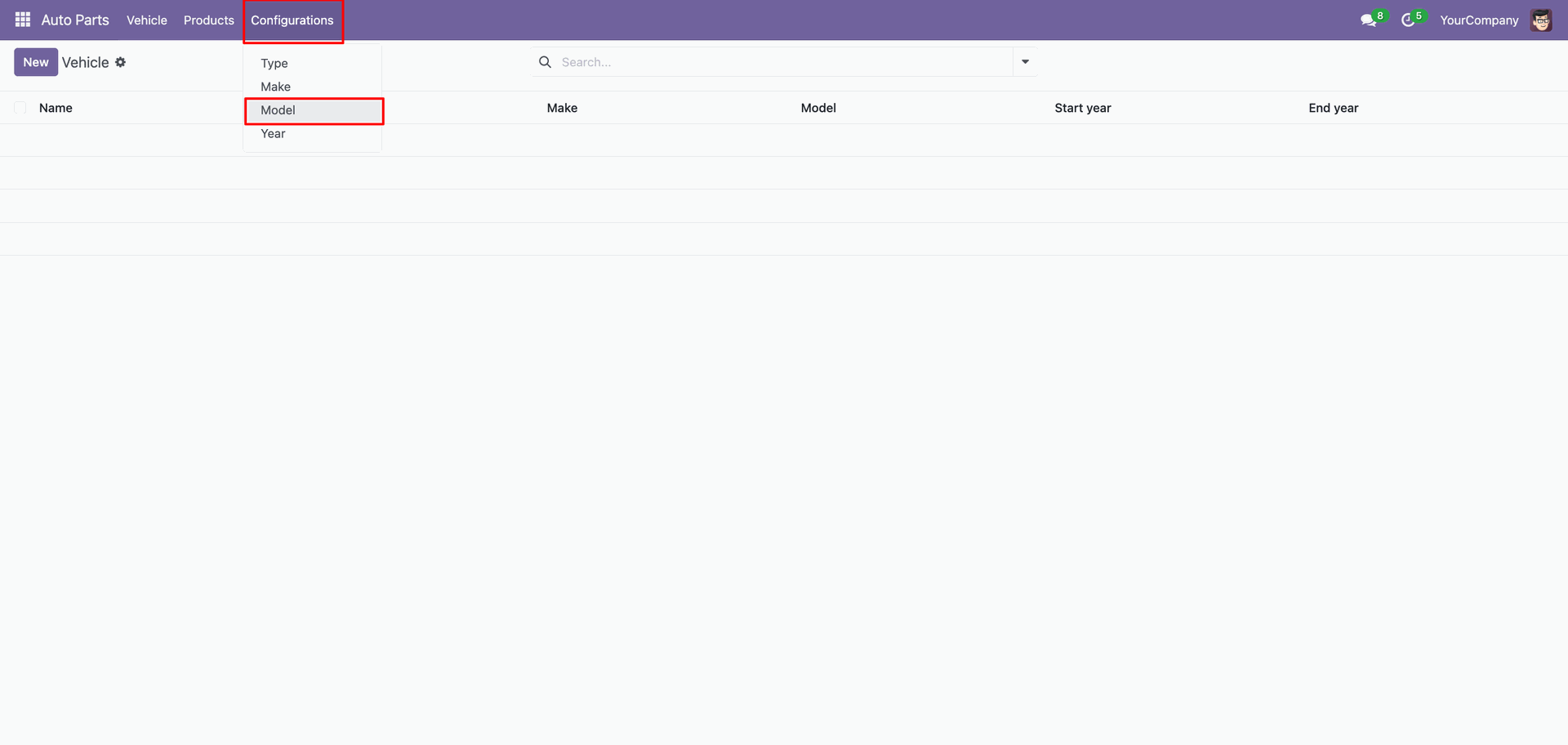
'Model' menu and tree view.
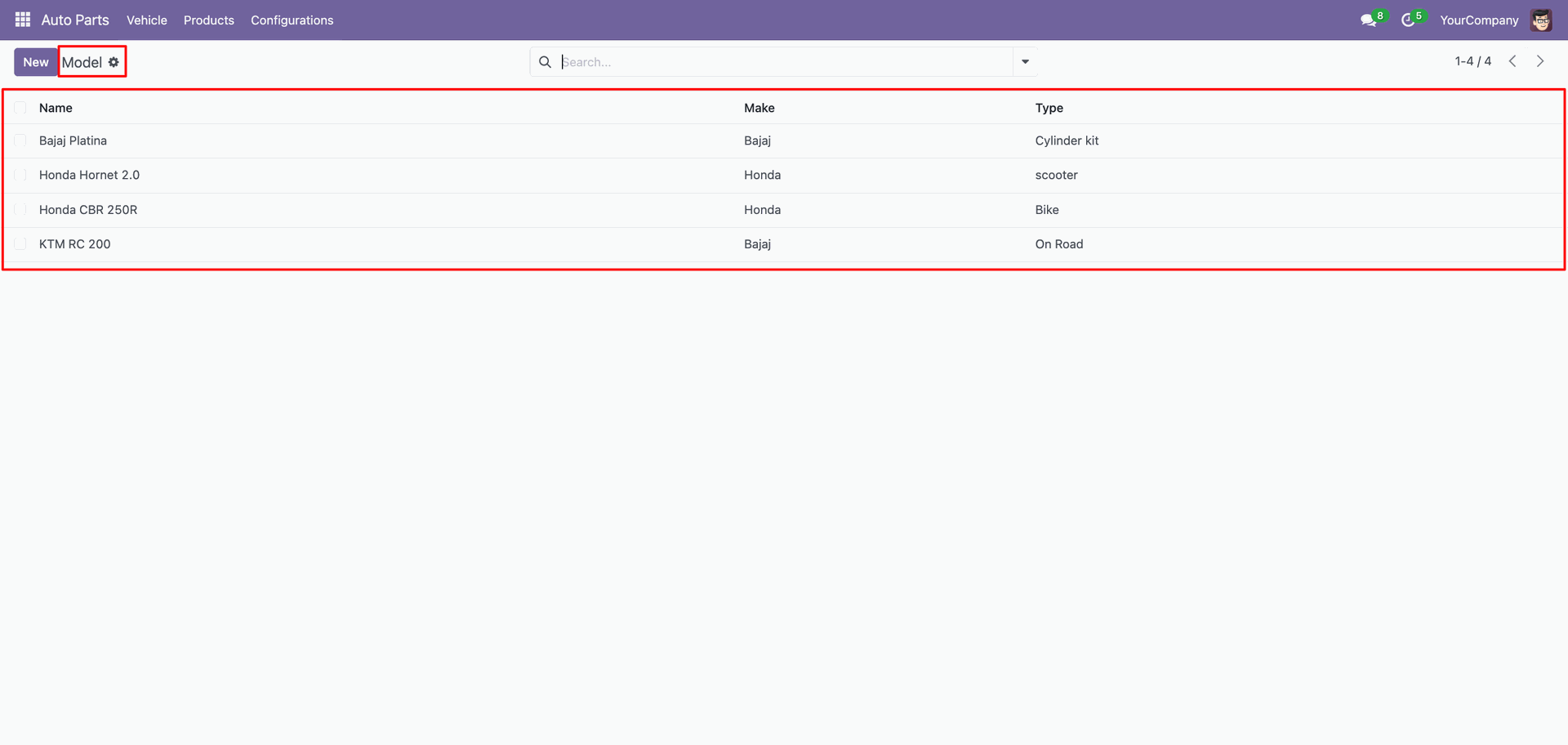
Form view of the 'Model'.
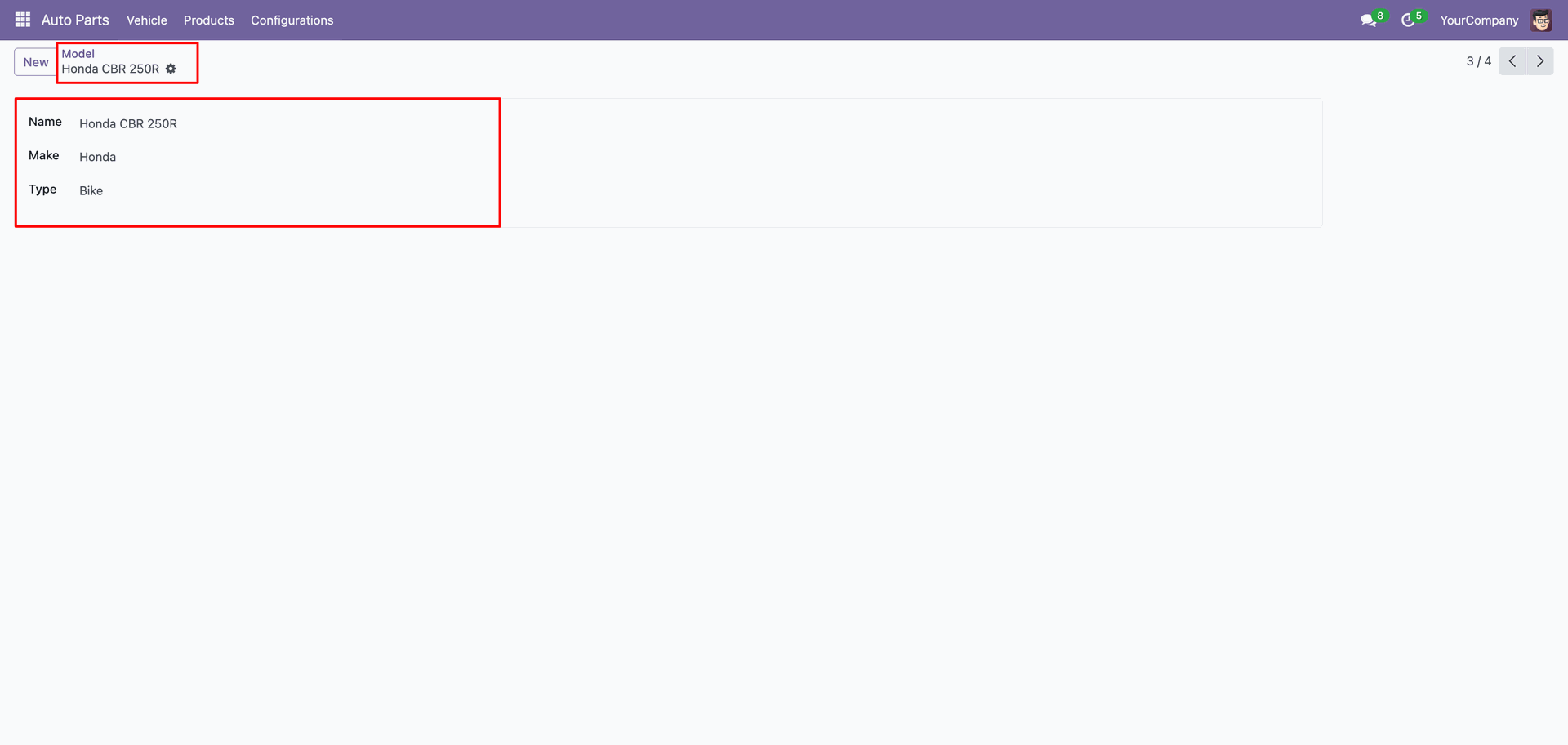
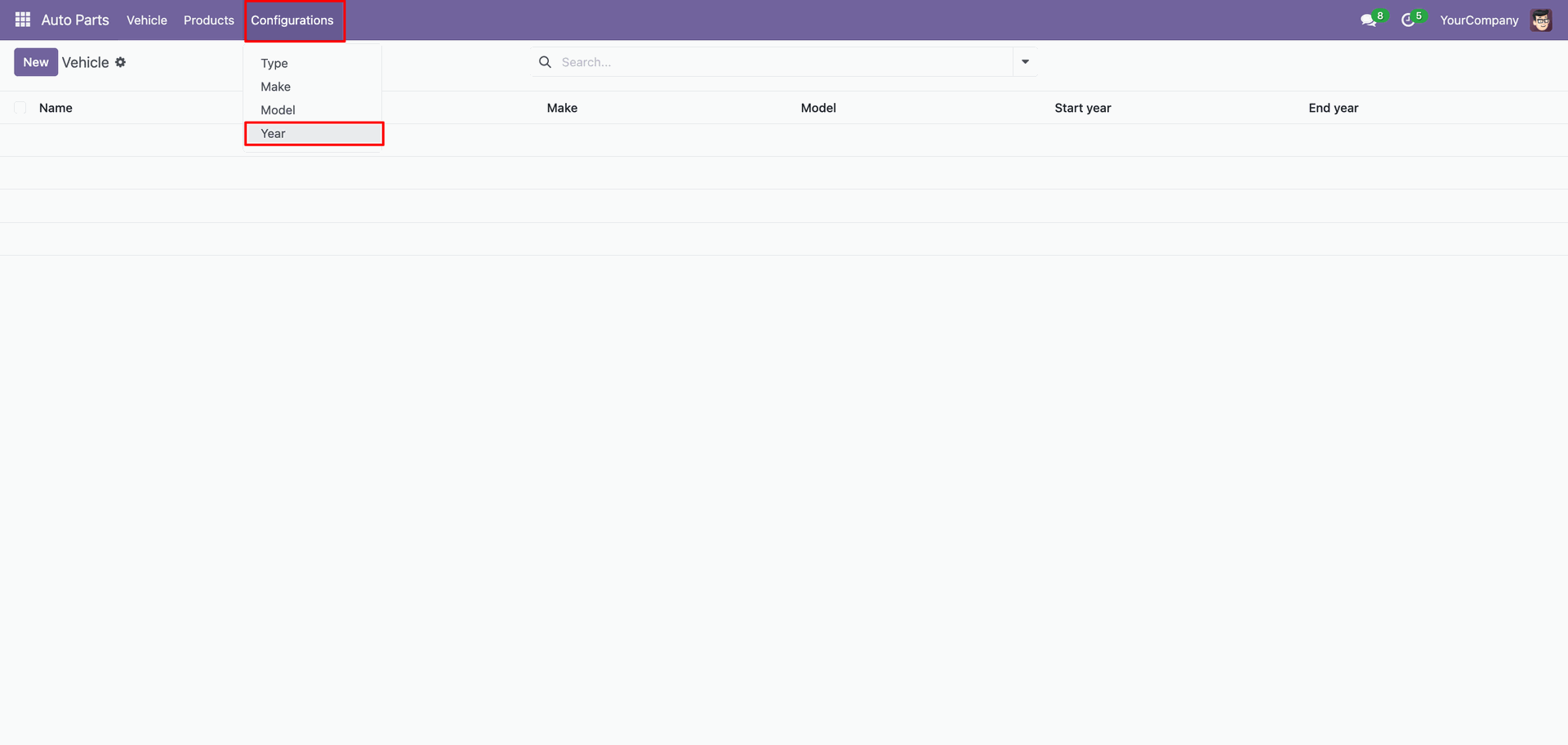
Menu of the 'Year'.
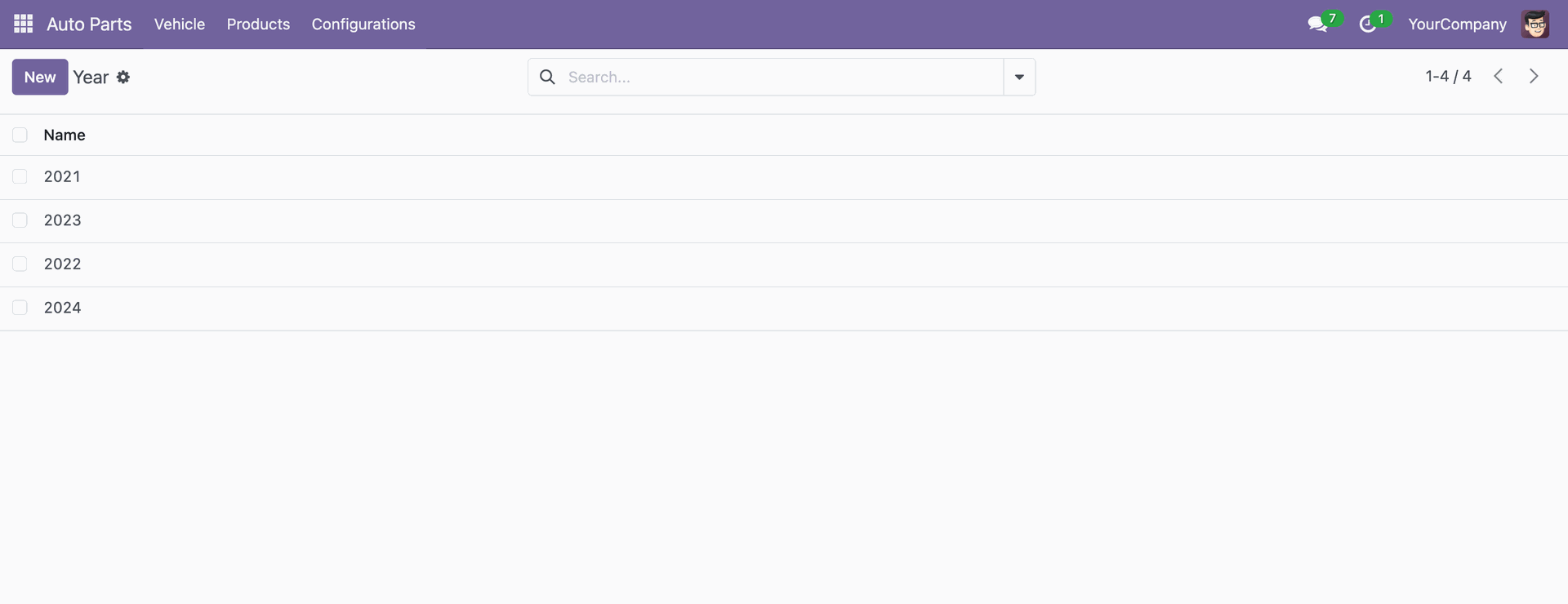
Tree view of the 'Year'.
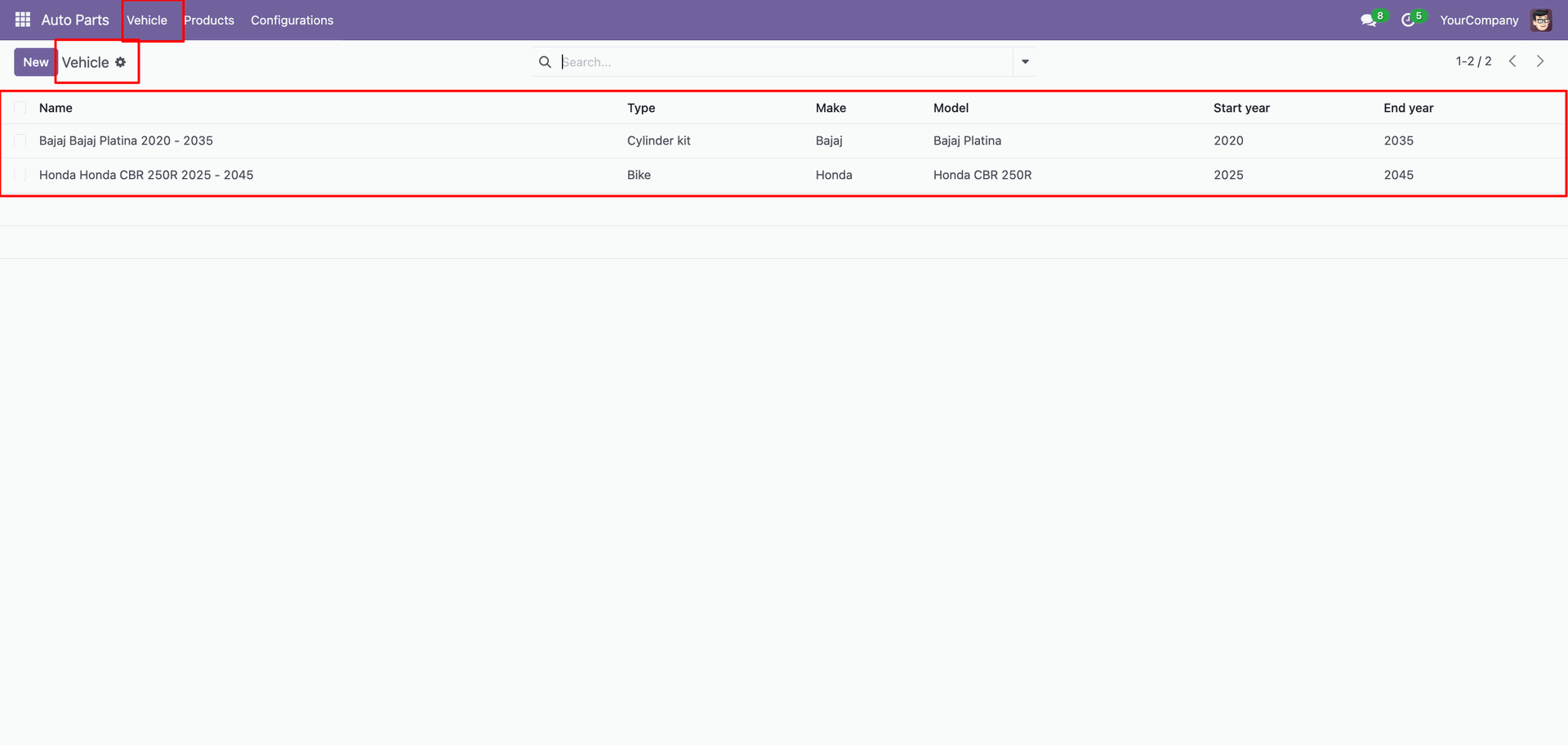
'Vehicle' menu and tree view.
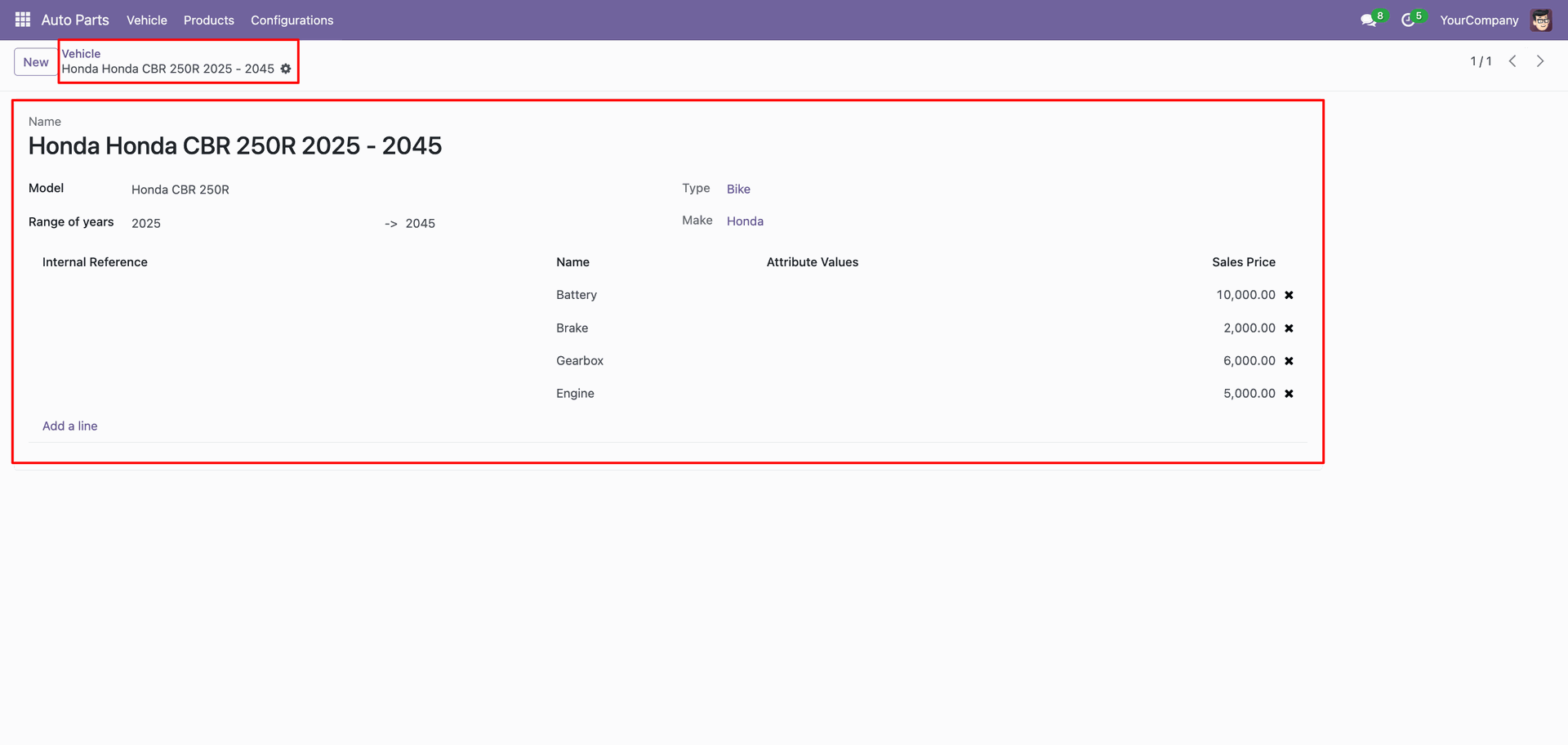
Form view of the 'Vehicle'.
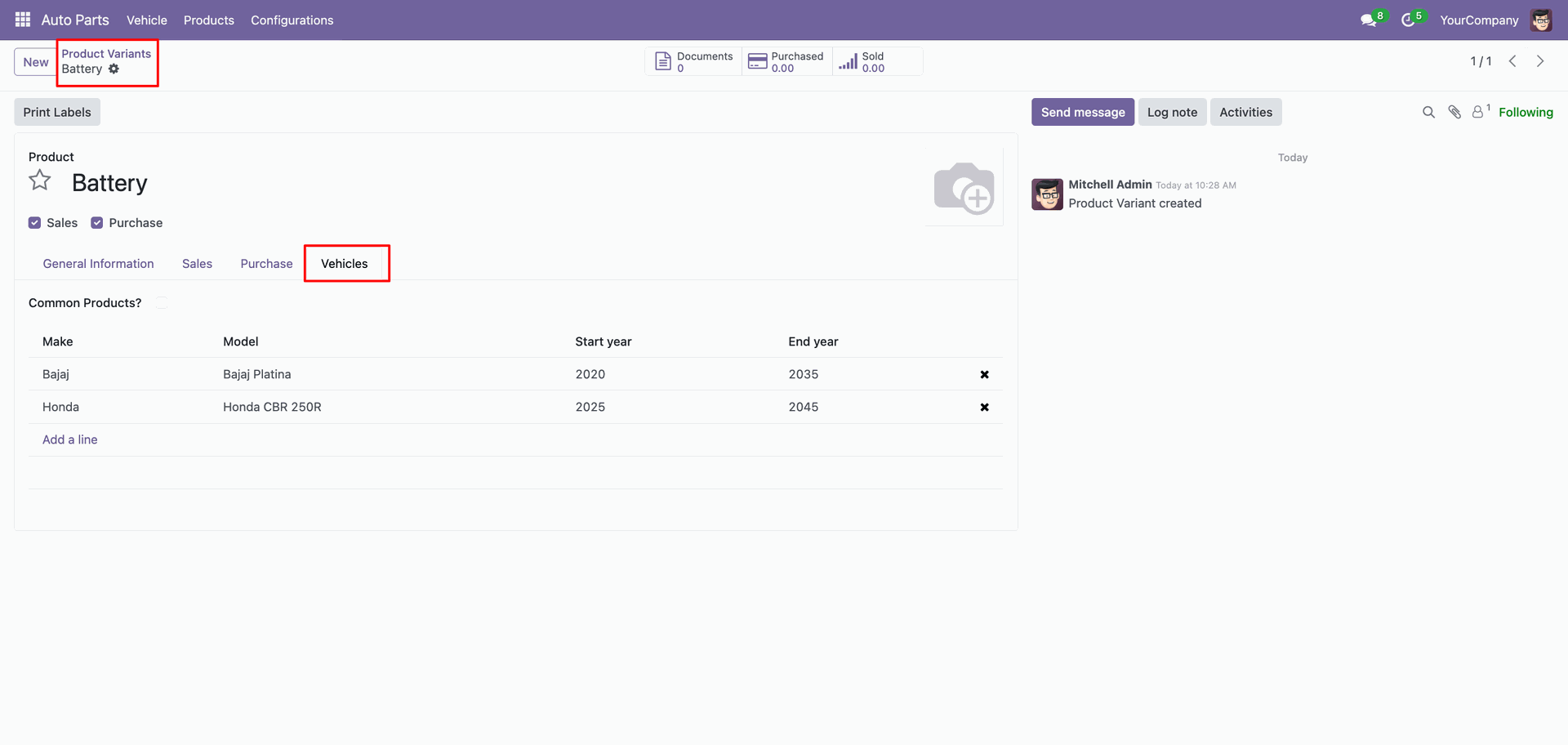
In the product variant form view, you can view the vehicle details under the Vehicle tab.
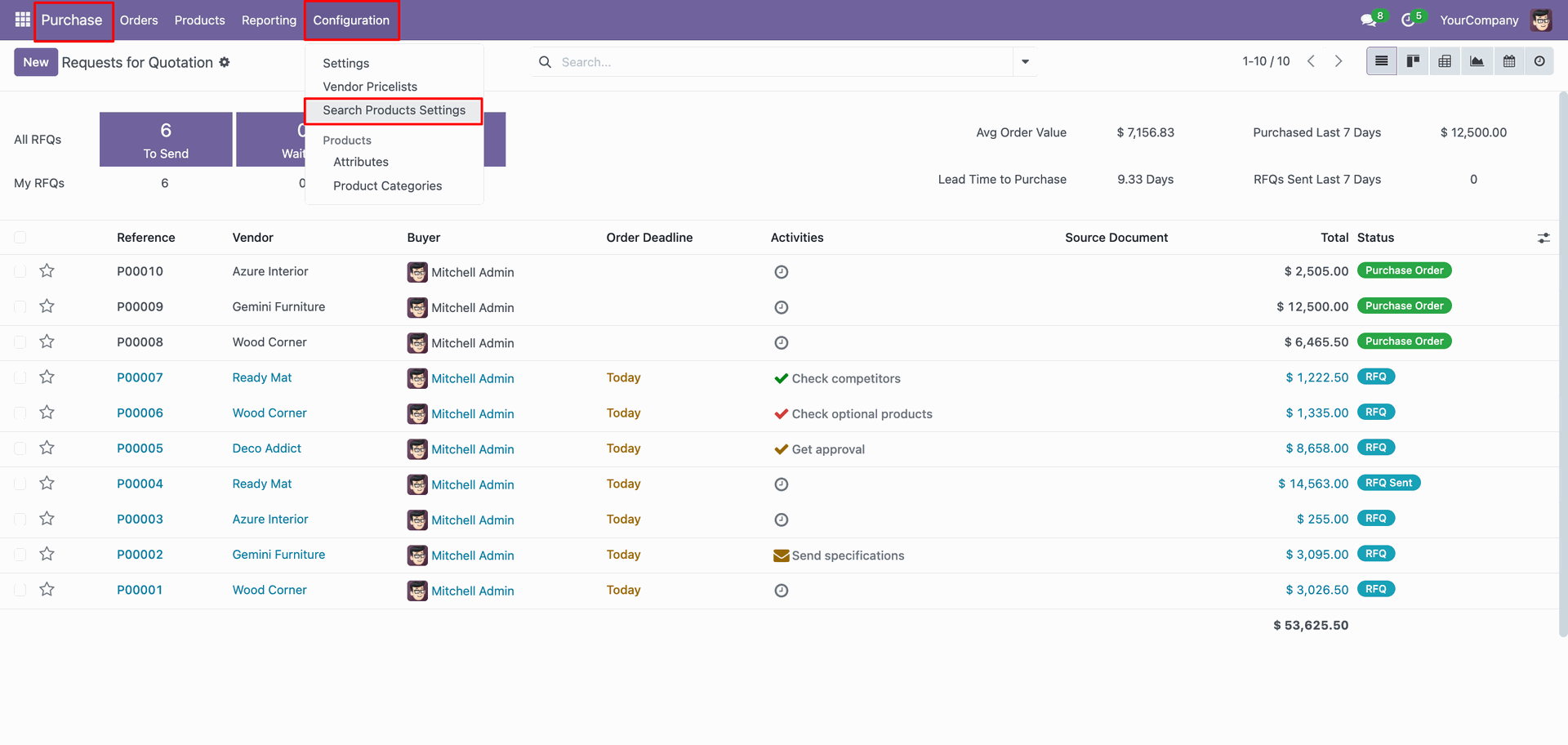
'Search Product Settings' menu.
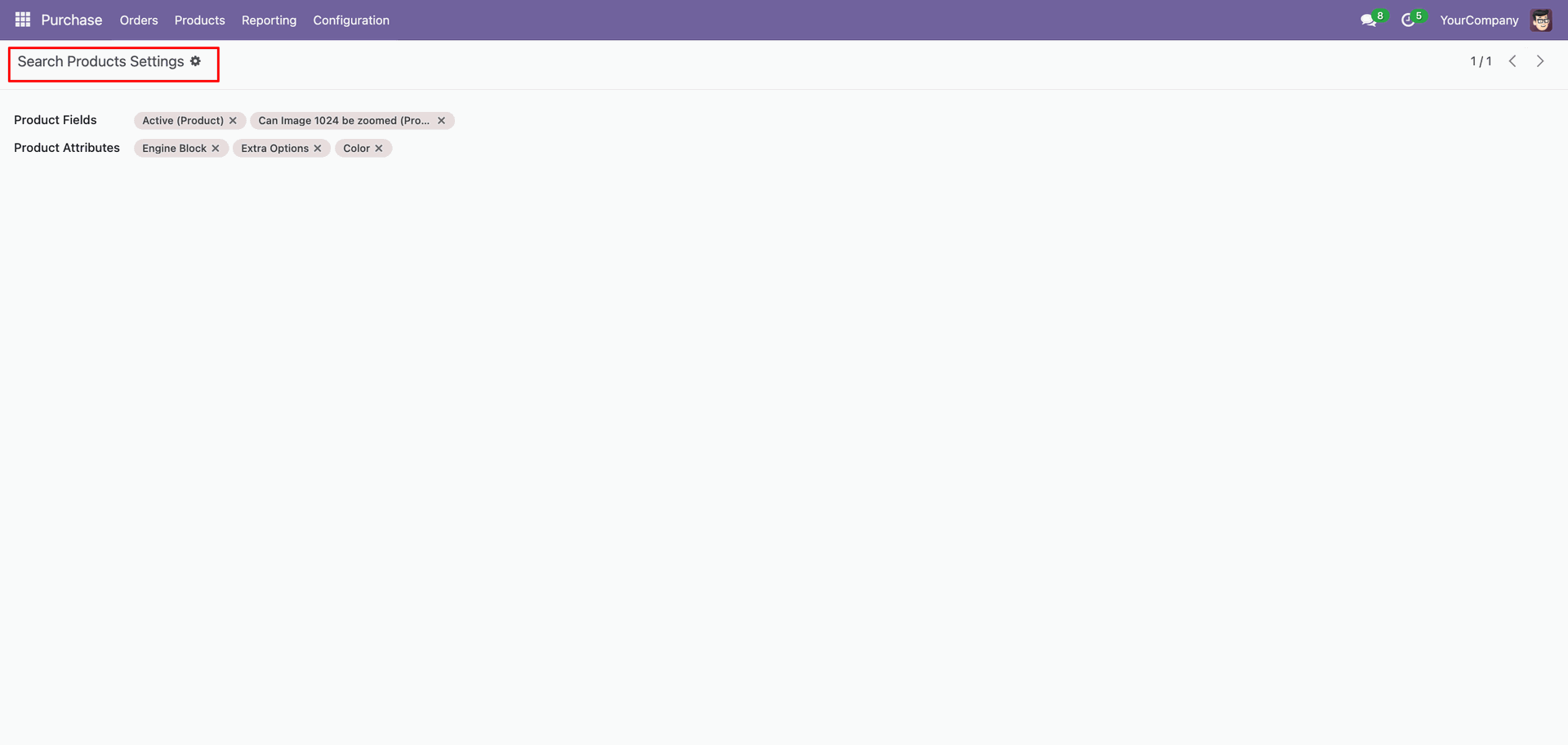
Form view of the 'Search Product Settings'.
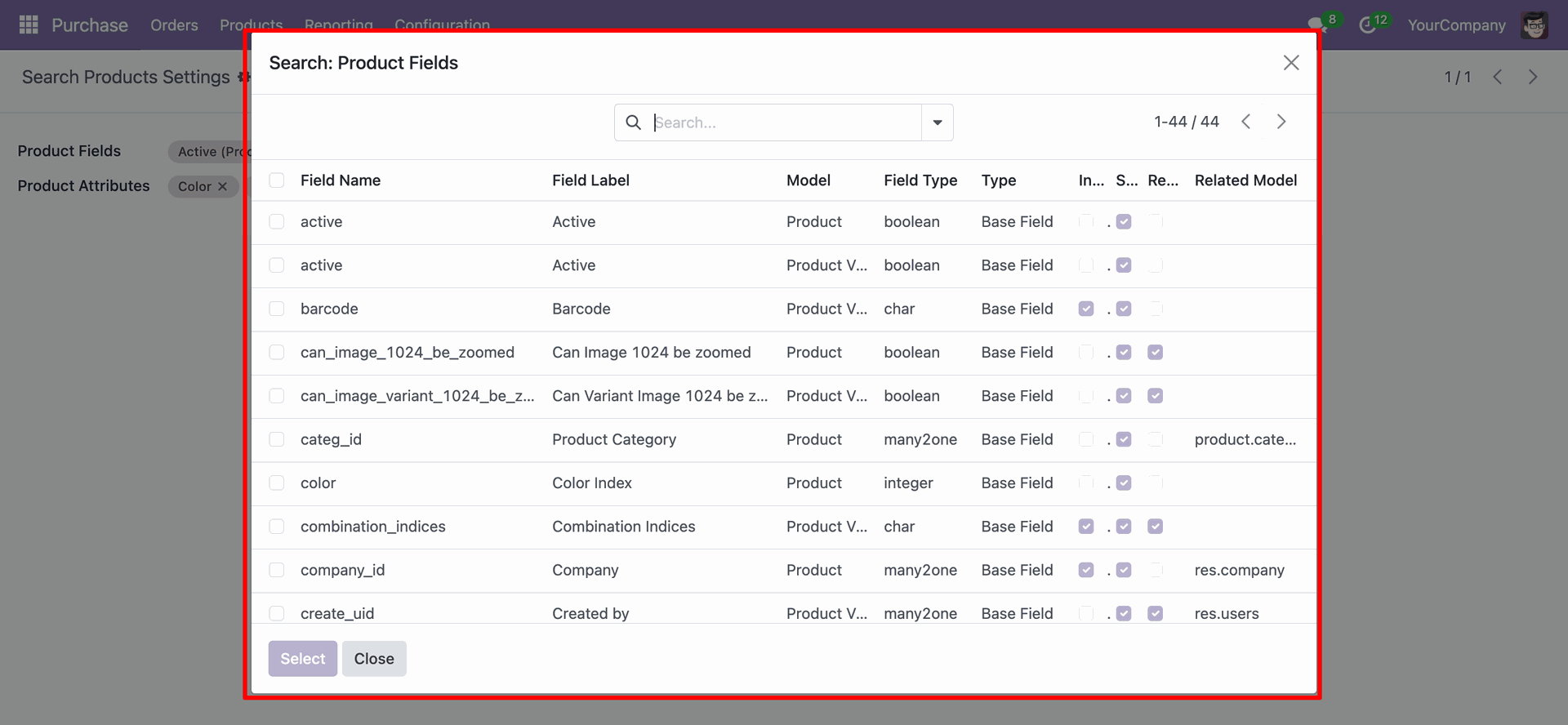
You can select a product template and a product variant field.
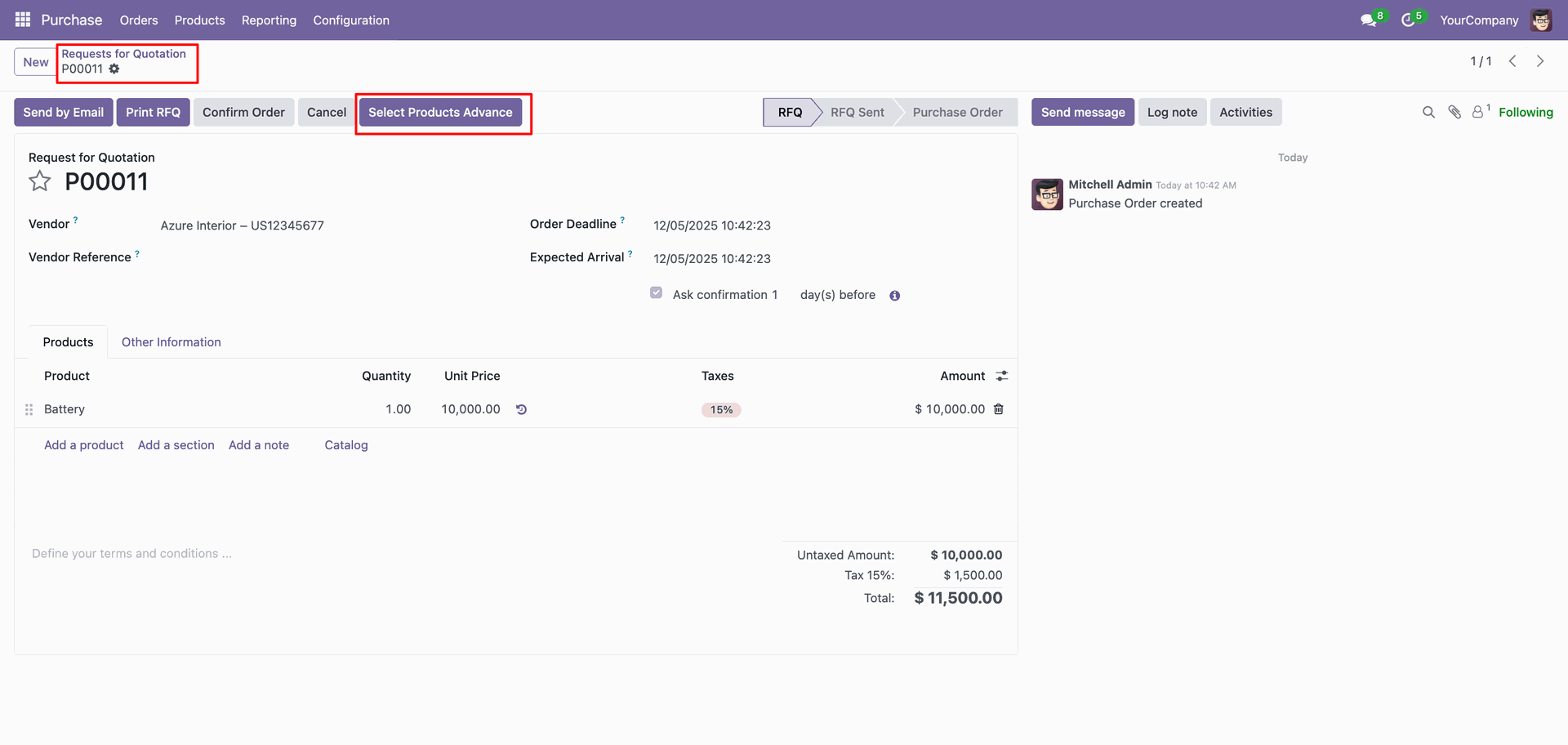
Create a purchase order and click on the 'Select Products Advance' button.
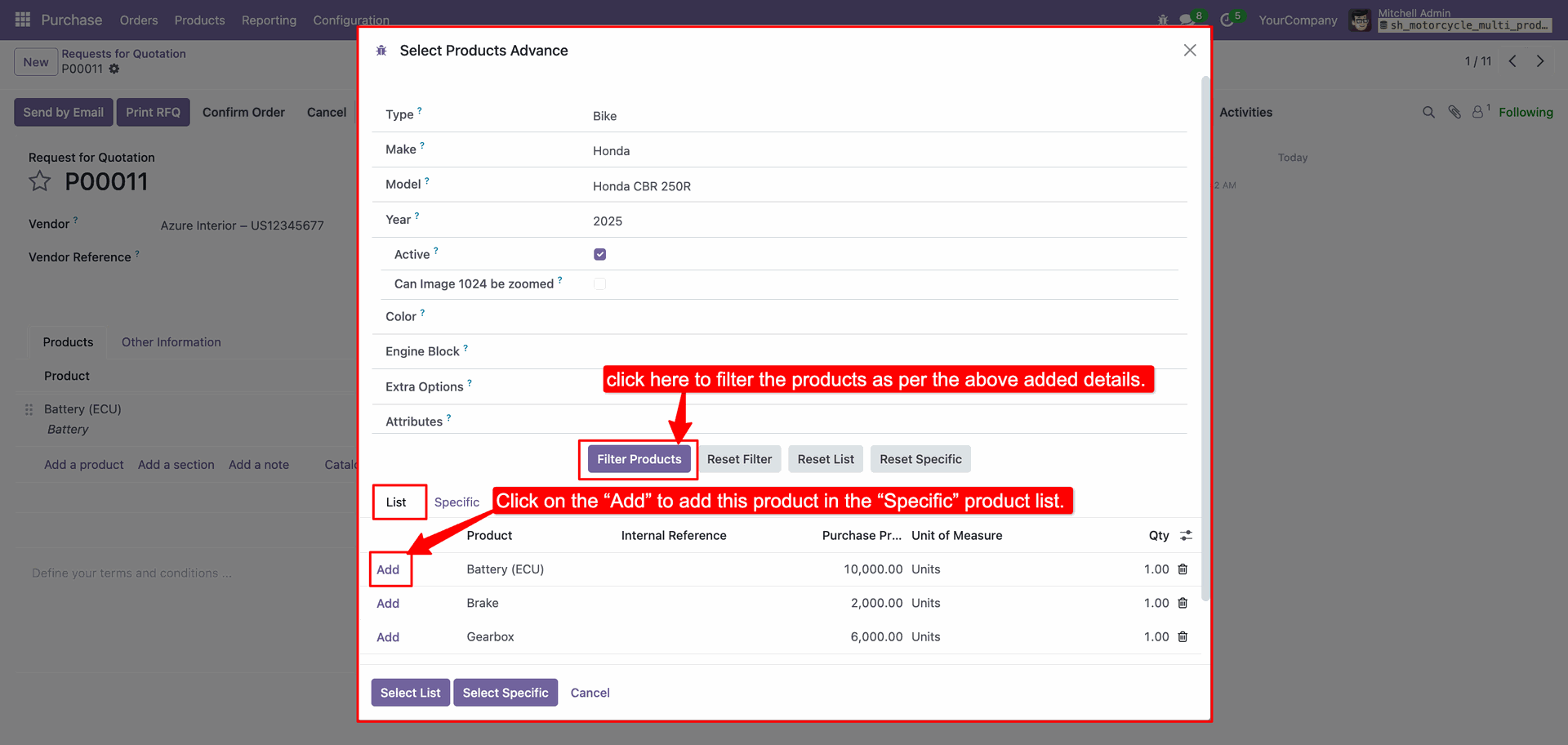
After that, the following wizard will appear. Enter the details and click on the 'Filter
Product' button.
Click on the Add button to add a product in the Specific product list.
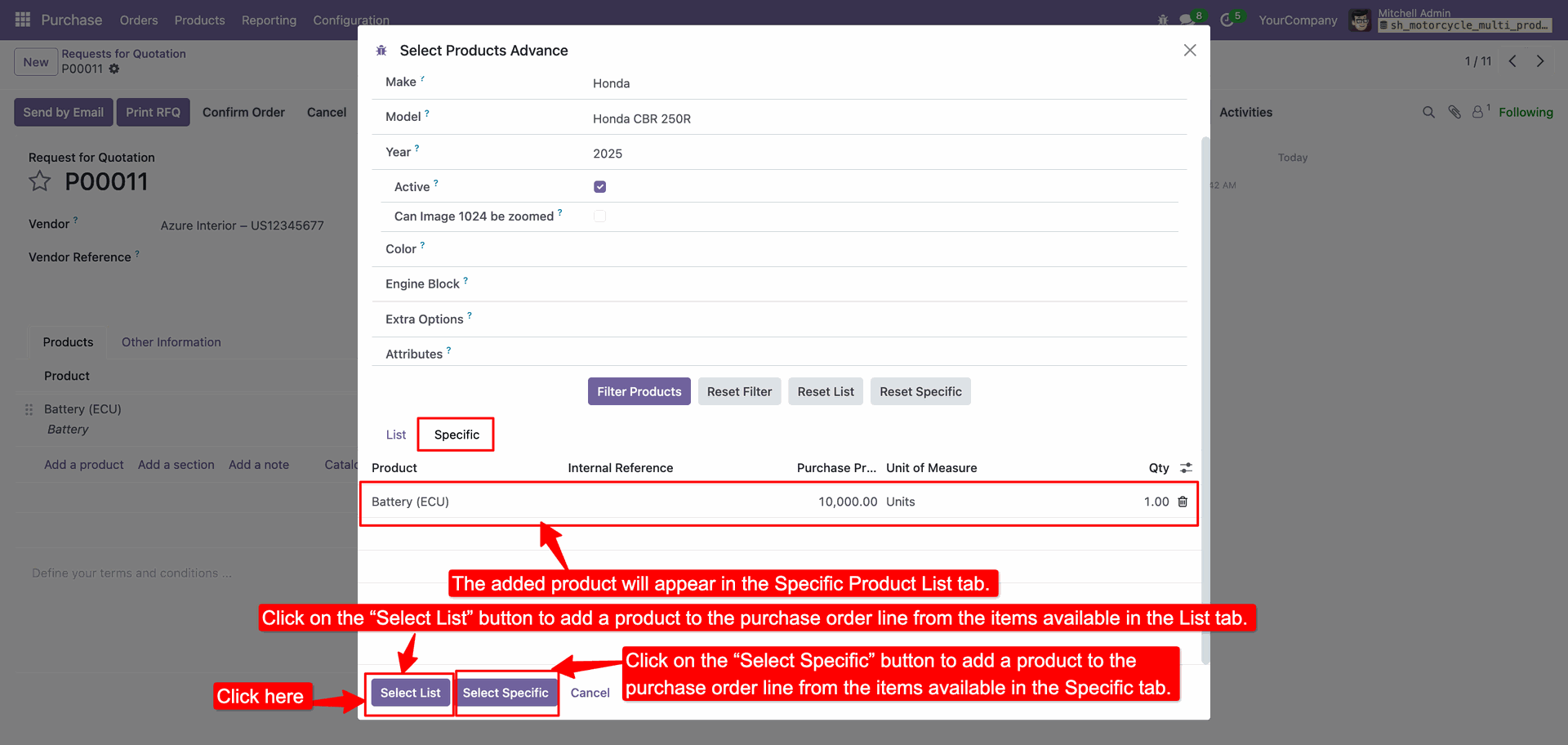
The added product will appear in the Specific Product List tab.
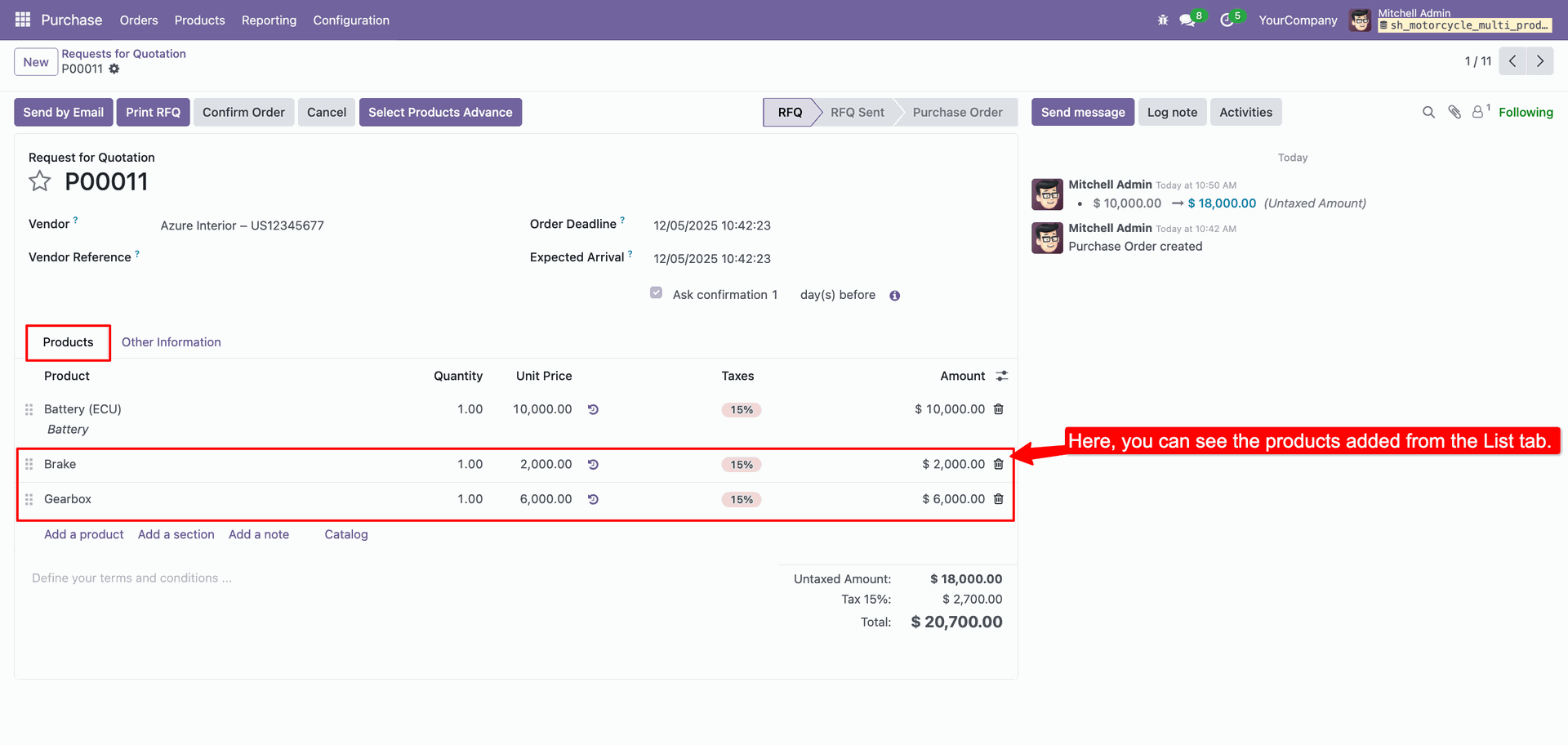
Here, you can see the products added from the List tab.
Version 18.0.1.0.0 | Released on : 2nd February 2026
- Yes, this app works perfectly with Odoo Enterprise (Odoo.sh & On-Premise) as well as Community.
- No, this application is not compatible with odoo.com(odoo saas/Odoo Online).
- Please Contact Us at sales@softhealer.com to request customization.
- Yes, you will get free update for lifetime.
- No, you don't need to install addition libraries.
- For version 12 or upper, you will need to purchase the module for each version that you want to use.
- Yes, we provide free support for 365 days.
- No, We do not provide any kind of exchange.
