












Add To Cart Ajax & Multiples Quantity Option At Shop Product List

Do you want the product multiples QTY option in the product list view(shop page)? This module helps the customer to add an item in the cart (Ajax) with a multiples quantity option in the product list view(shop page). Suppose you want to set multiples of quantity is 5, it will default the value of the product in the shop. If customers put manual quantity (manually = 8)of the product so it will automatically take higher No of quantity(higher = 10). Customers can decrease the number of products relative to default quantity(default is 5) in the shop or cart. If the customer click button "Add to Cart" in the shop, the product quantity automatically sets the default quantity. You can enable/disable the QTY selection option at product list view page. customers can quickly add items in the cart without loading in the cart page (AJAX).

Hot Features
Advantages of AJAX
- Reduce the traffic travels between the client and the server.
- Response time is faster so increases performance and speed.
- User Experience is very high as page don't reload.
- Bandwidth Usage: No requirement to completely reload the page again. AJAX improves speed and performance. Fetching data from the database and storing data into the database perform background without reloading page.
Features
- You have a product quantity option in the product list view(shop page).
- Easy to set multiples quantity of the product in the product.
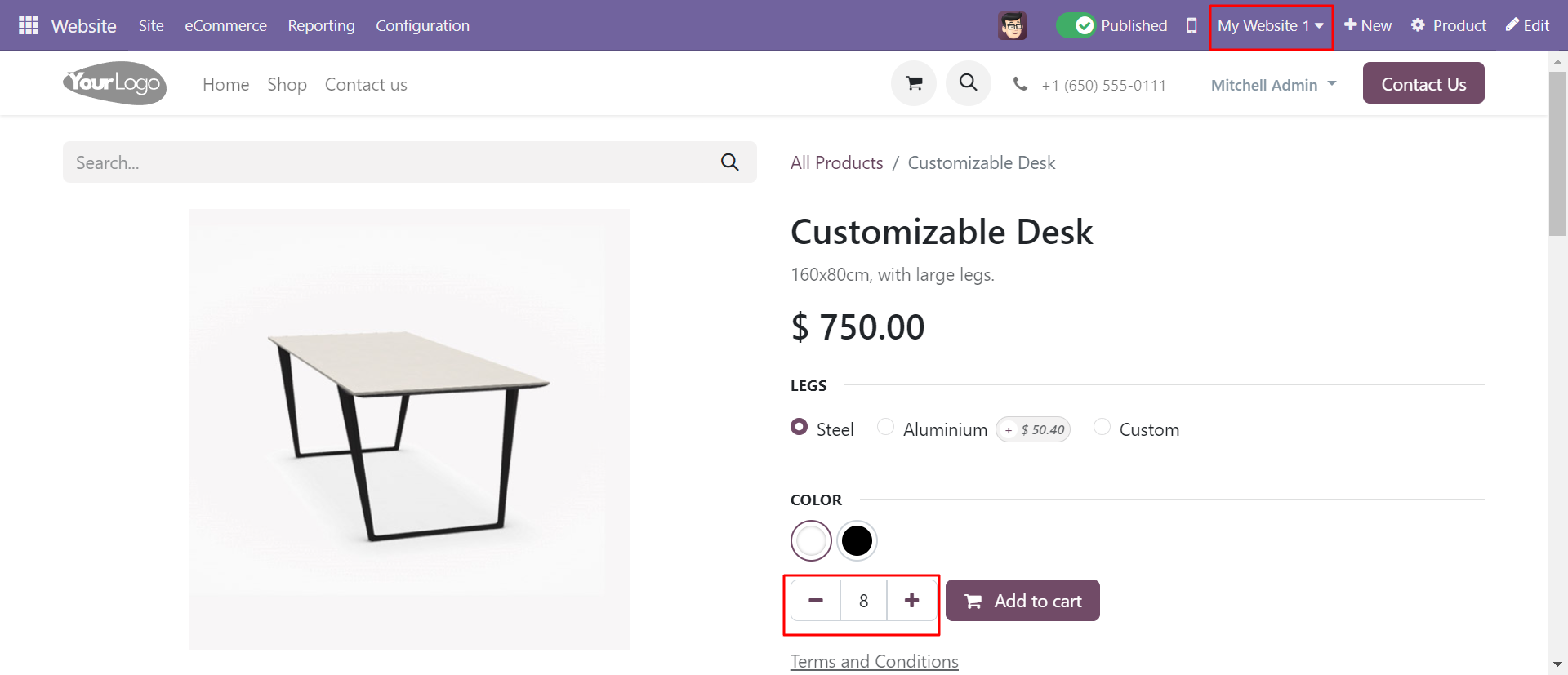
- You can add multiple quantities for the multi-website.
- You can enable/disable the quantity option.
- Don't need to go on the shopping cart/product page for input product quantity.
- The cart opens directly with defined multiples product quantity.
- Customers can easily increase or decrease product quantity relative to the multiples quantity.
- If customers click "Add to Cart" in the shop so product quantity set automatically multiples quantity.
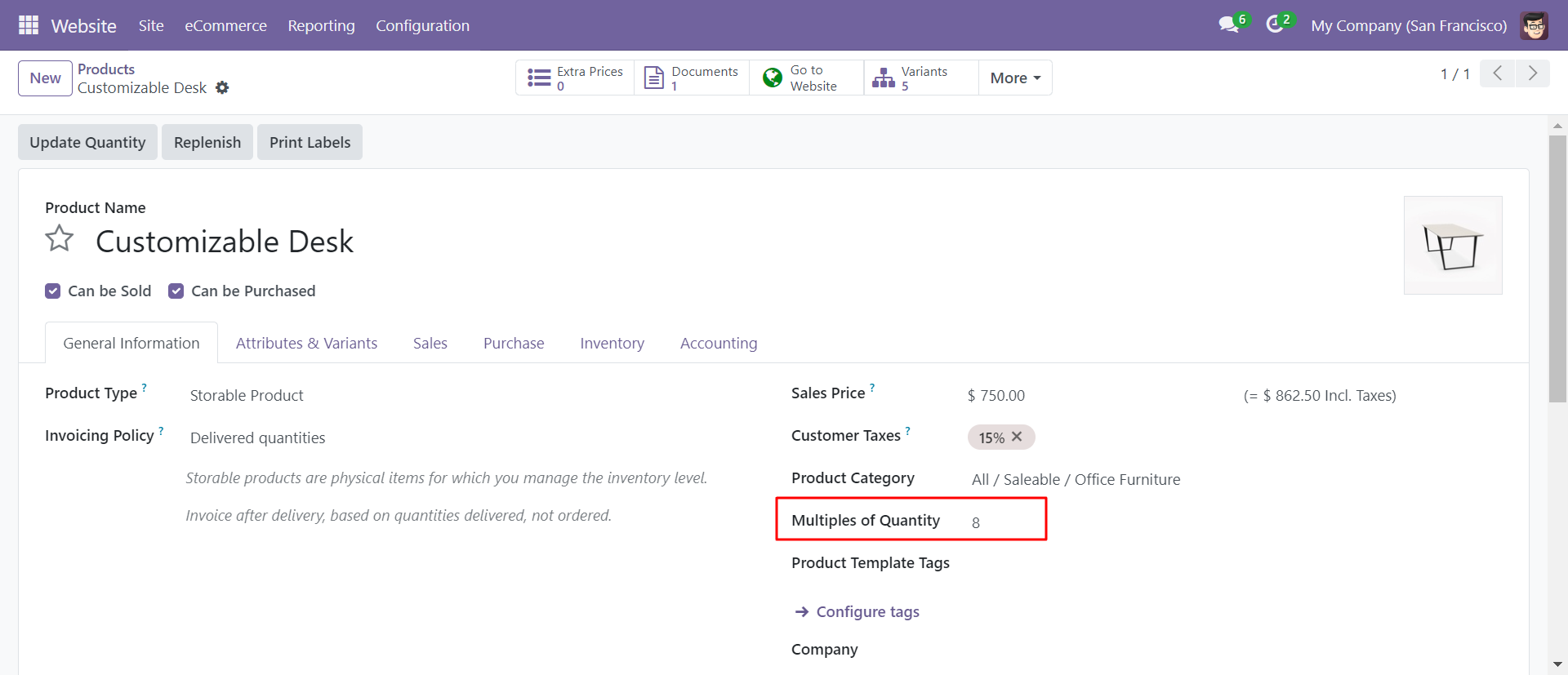
Set "multiples of Quantity" in the product.
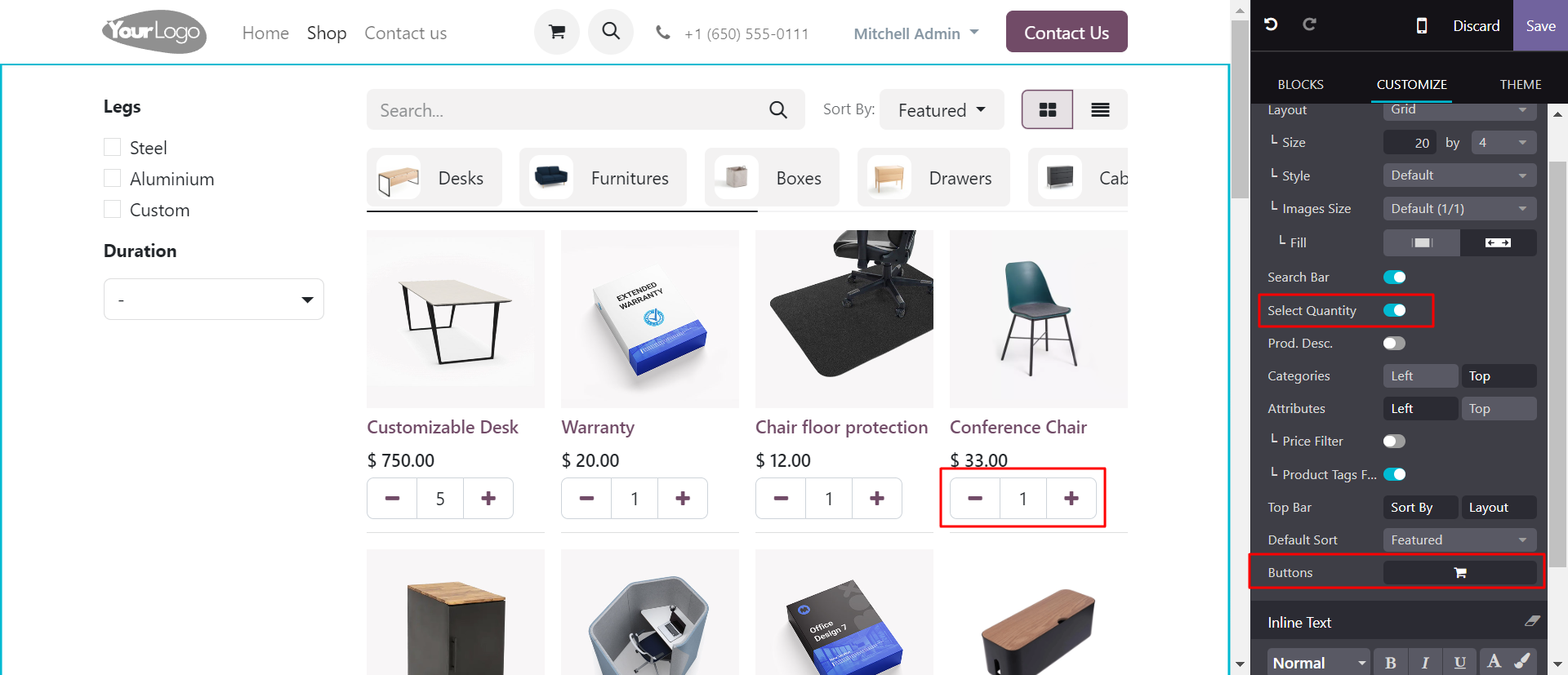
You can enable/disable the product QTY selection option.
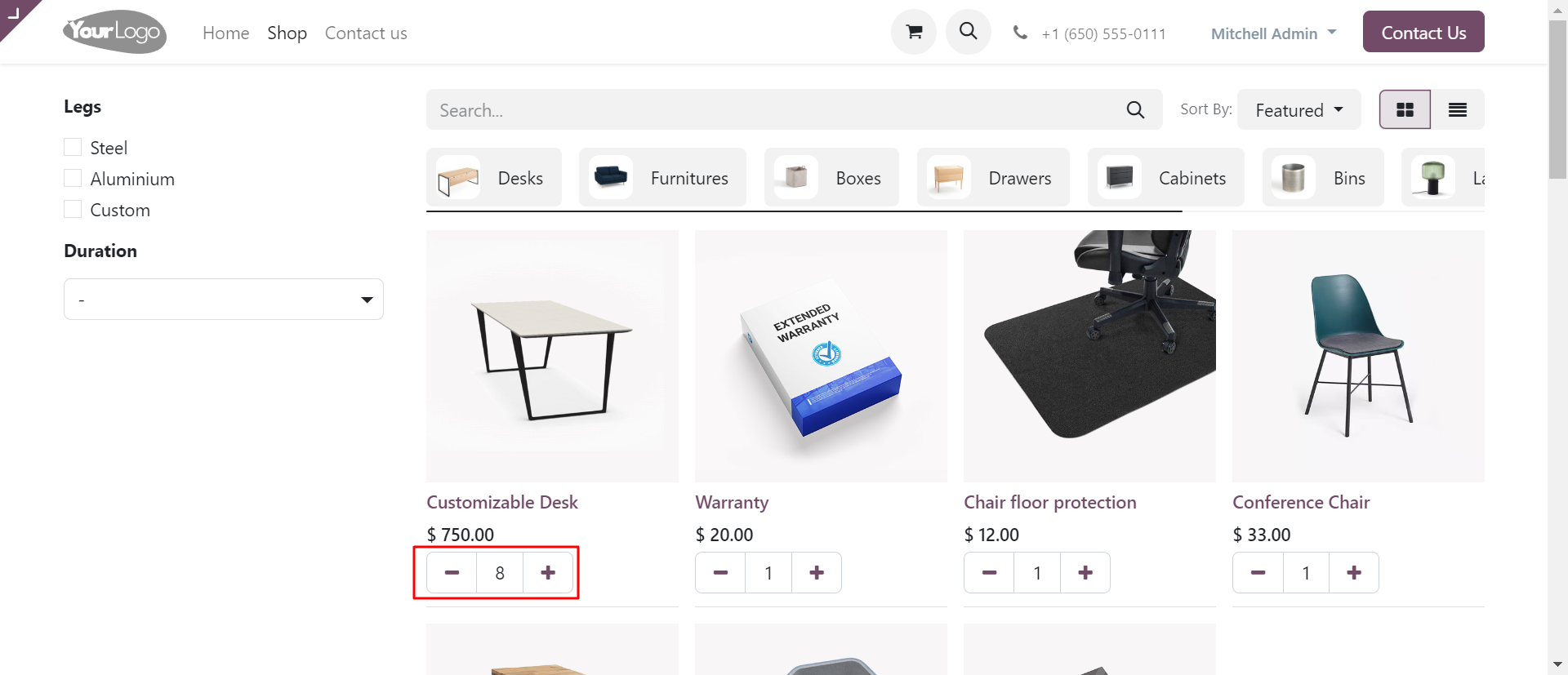
In product detail page product quantity is default quantity.
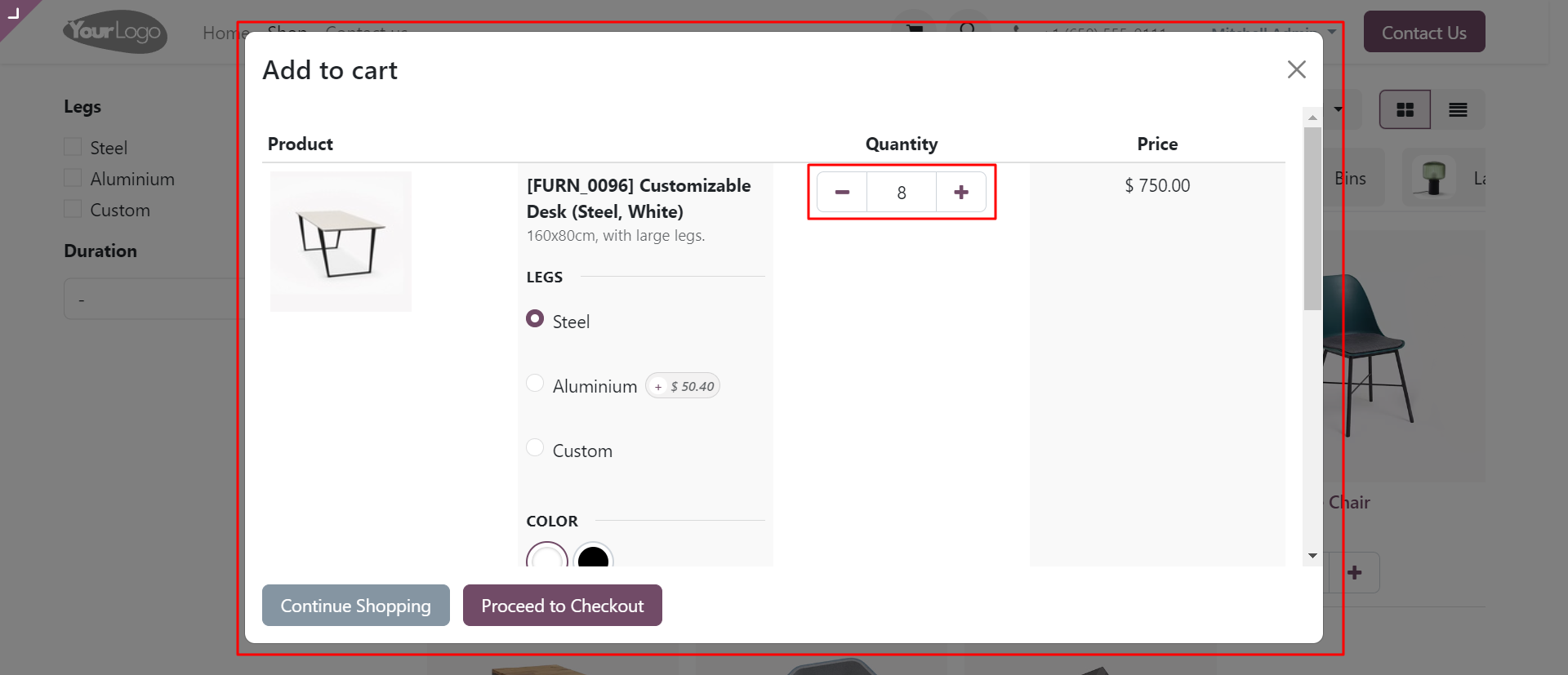
When we click on the cart, the defined product quantity added to the cart.
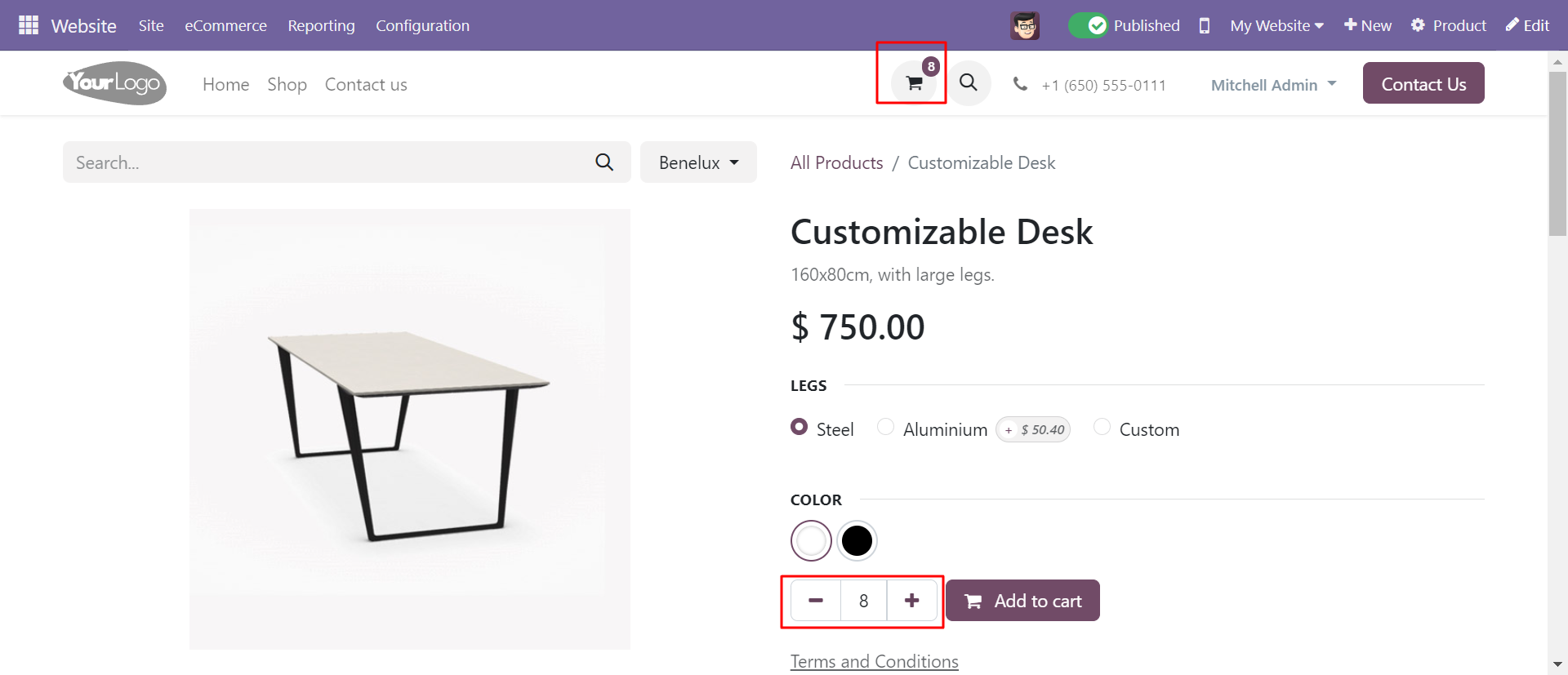
Product quantity in cart page, user can increase or decrease relative to default
quantity.
Click on the 'Proceed to checkout' button.
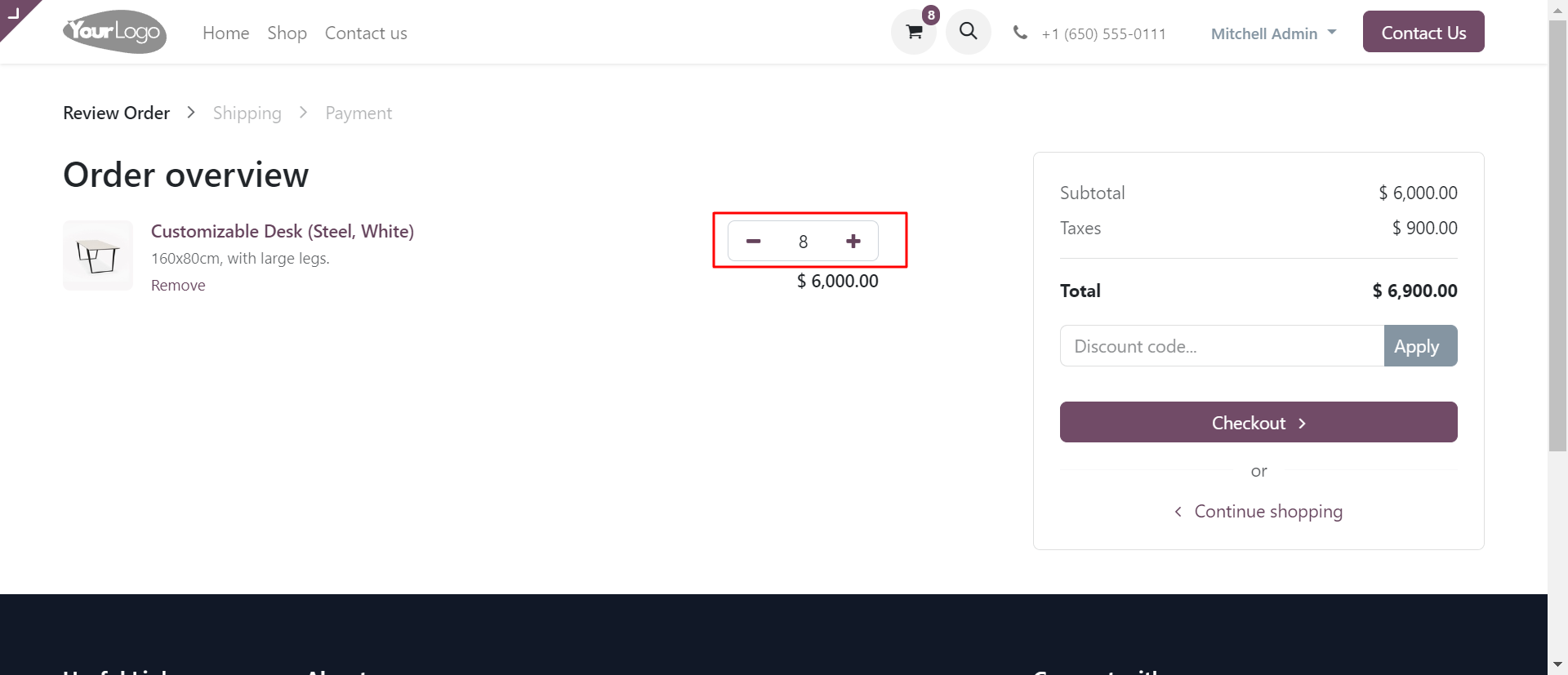
Order review page looks like below.
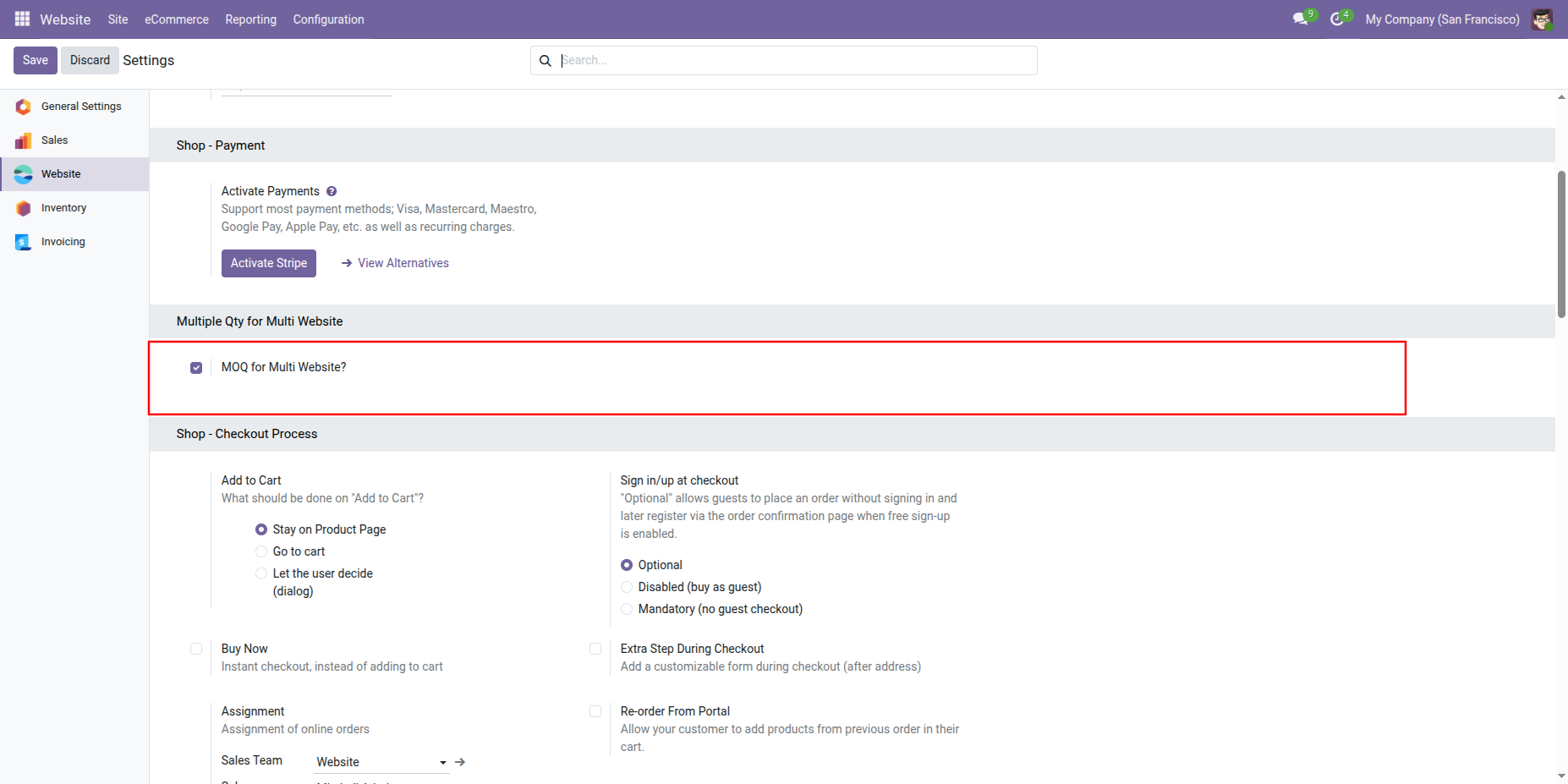
Tick the tickbox "MOQ for Multi Website?" to activate multiples of quantities for the multi-website. & Tick the tickbox "Enable MOQ Qty In Backend Sale Order" to activate multiples of quantities for backend.
You can set quantities from here.
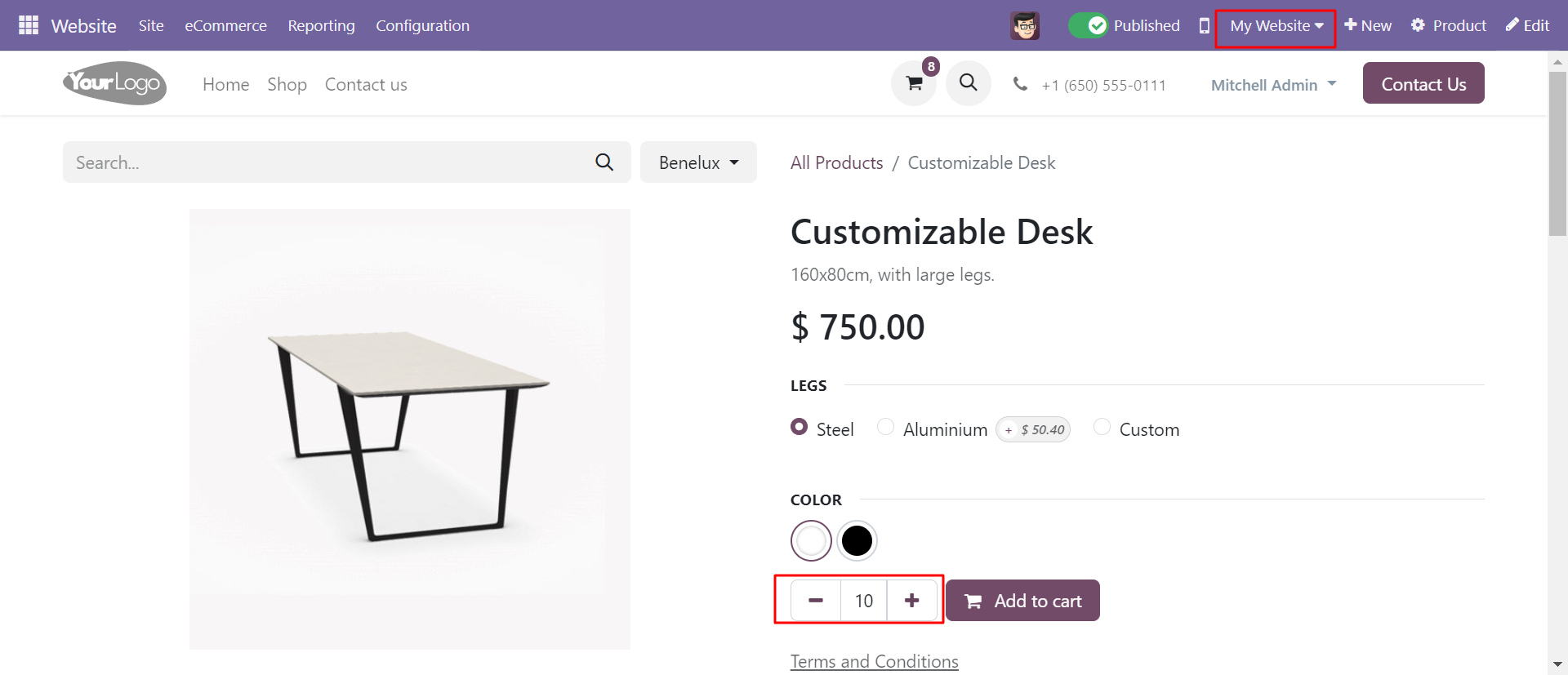
In product detail page product quantity comes according to the selected website.
Version 20.0.1.0.0 | Released on : 2nd September 2026
- Yes, this app works perfectly with Odoo Enterprise (Odoo.sh & Premise) as well as Community.
- No, this application is not compatible with odoo.com(odoo saas/Odoo Online)
- Yes, to test this module, please contact us at sales@softhealer.com.
- Please contact us at sales@softhealer.comto request customization.
- Yes, we provide free support for 365 days from the date of purchase.
- Yes, you will receive lifetime free updates for the version of the module you purchased.
- No, there is no need to install any additional libraries.
- Yes, for version 12 and above, you need to purchase the module separately for each version you intend to use.
- No, exchanges or refunds are not allowed. Please make sure to select the correct version before purchasing.
- You can contact us at support@softhealer.com for language translation support. We use Google Translator tools to provide translations in multiple languages, so the accuracy may vary. We welcome your suggestions to help improve translations.
Discover Our Latest Apps