












Website Product Notes

Website Product Notes enables customers to add specific notes or personalization details to shop orders, which are automatically synchronized to the backend Sale Order lines for seamless communication.

Features

Enable Product-wise Notes
Enable product notes individually on each product and then display custom notes directly on the product page.

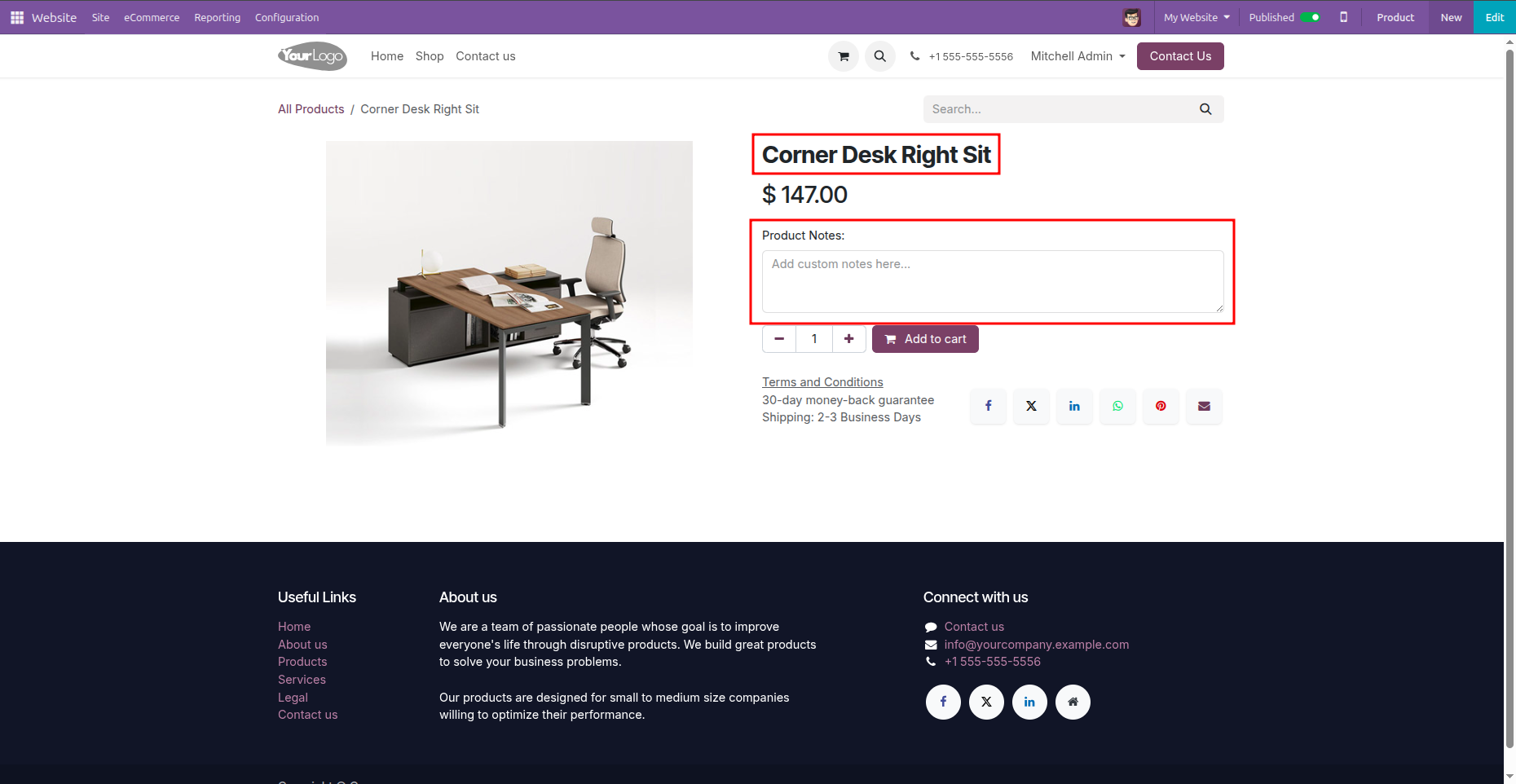
Custom TextArea on Shop
A user-friendly textarea appears on the product details page for easy input.

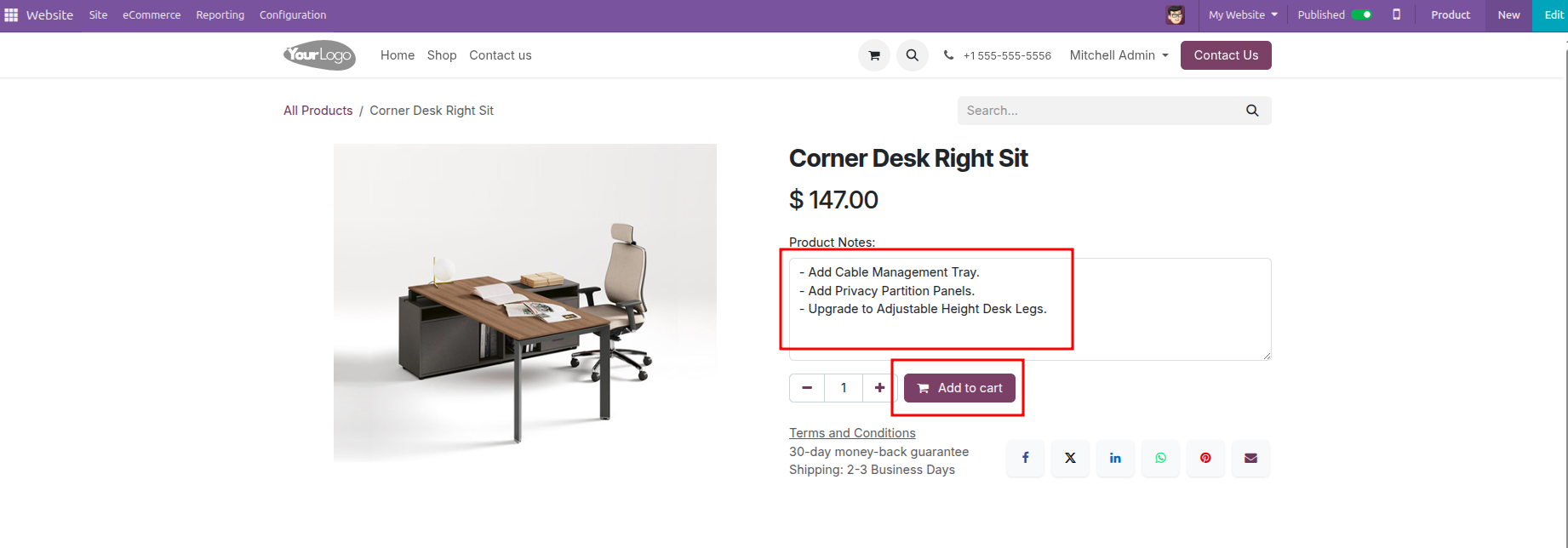
Real-time Cart Display
Customers can see and verify their notes in the shopping cart instantly.

Automatic Backend Sync
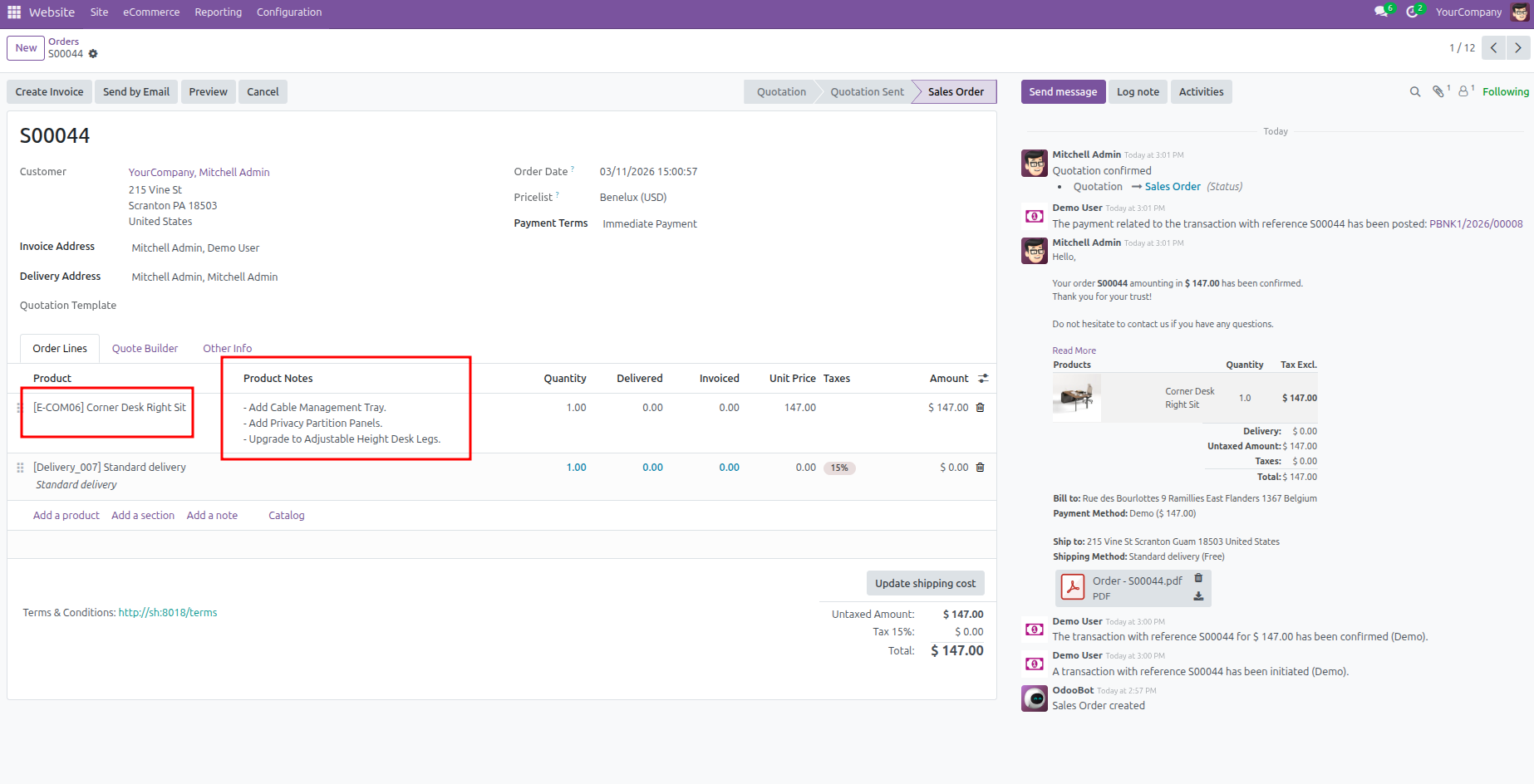
Notes are automatically carried over to the Odoo Sale Order lines in backend.
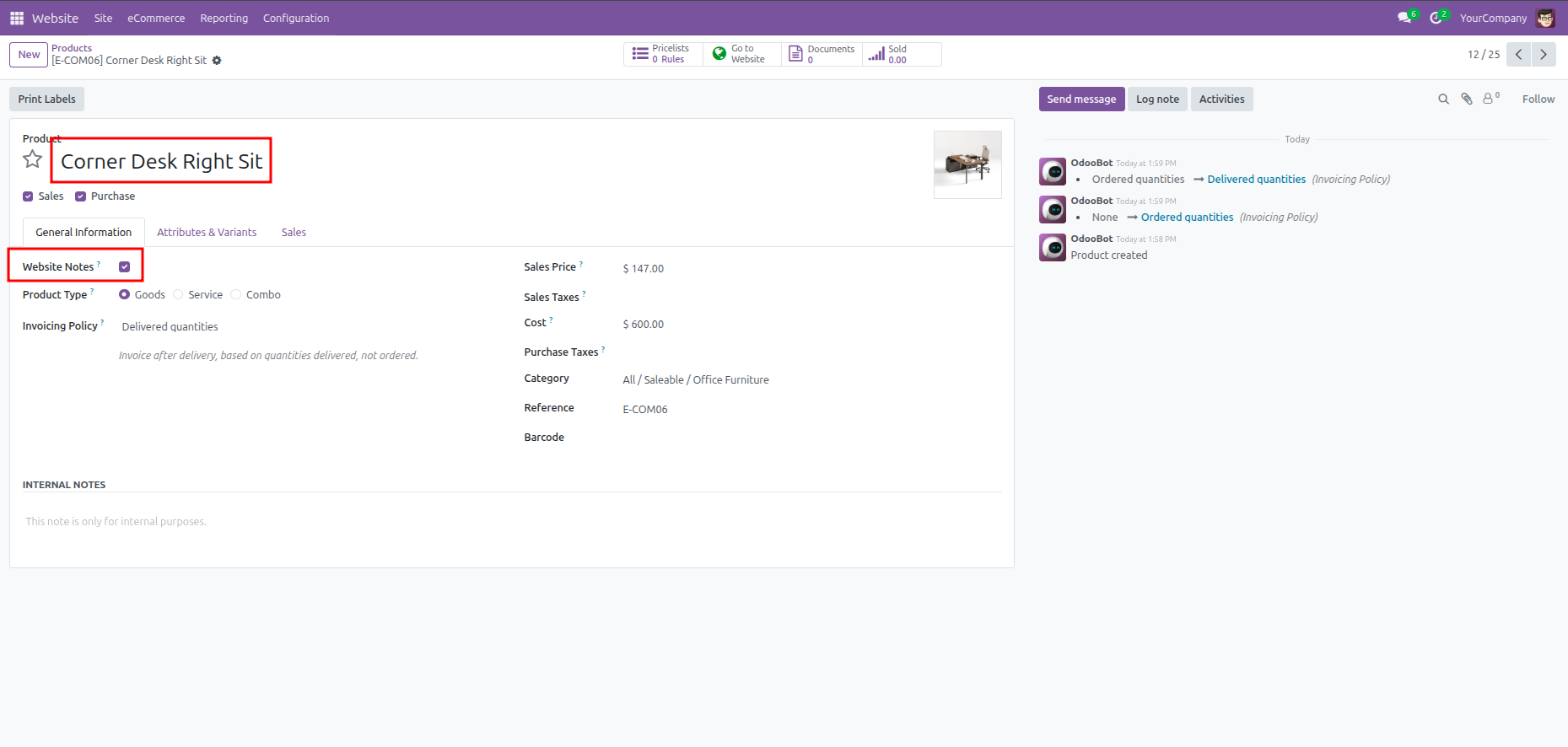
Enable 'Website Notes' on the Product Form to enable customer notes.
Custom Product Notes field seamlessly integrated into the website product page.
Customers can easily add specific instructions or personalization details.
Notes are clearly displayed for each item in the shopping cart.
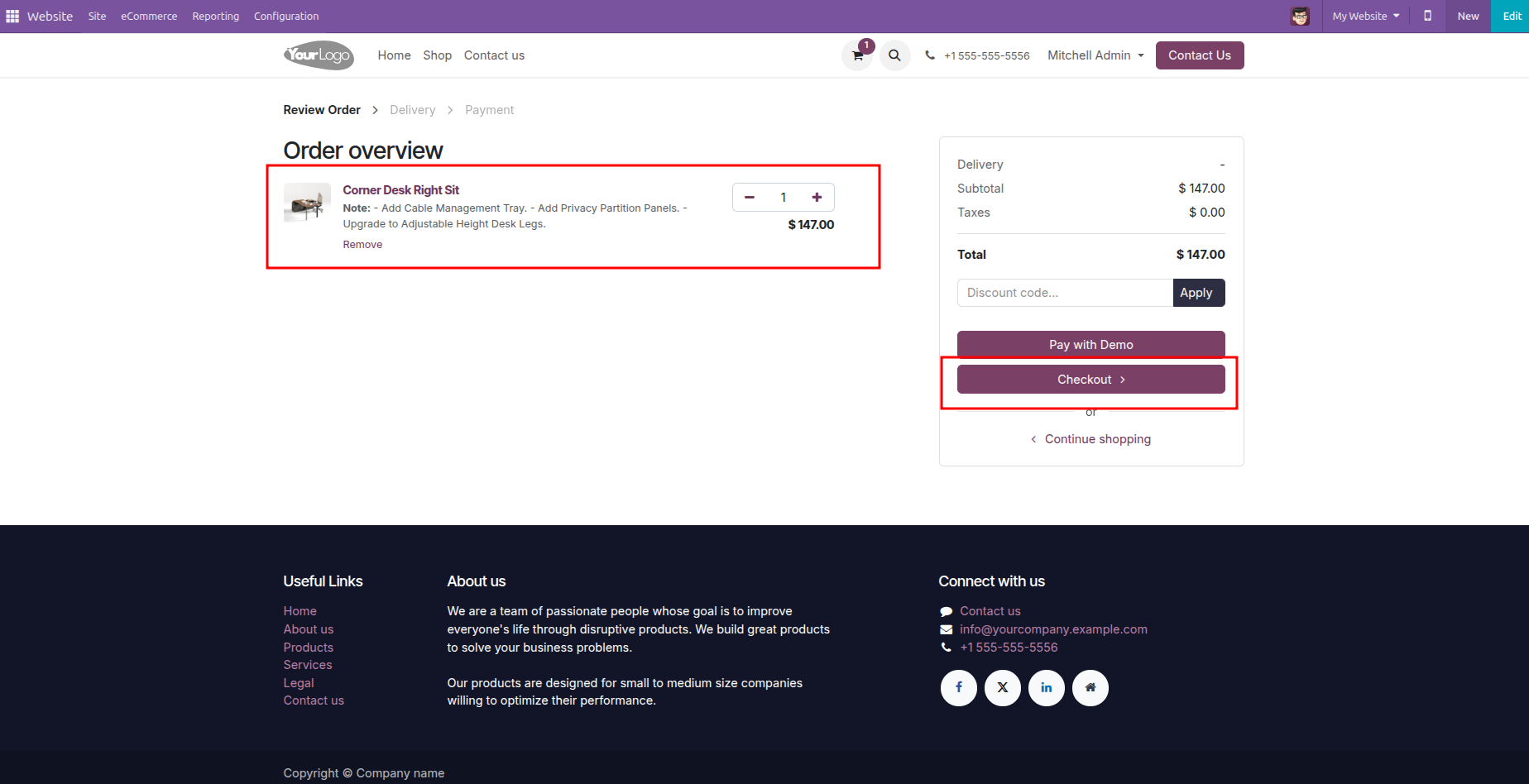
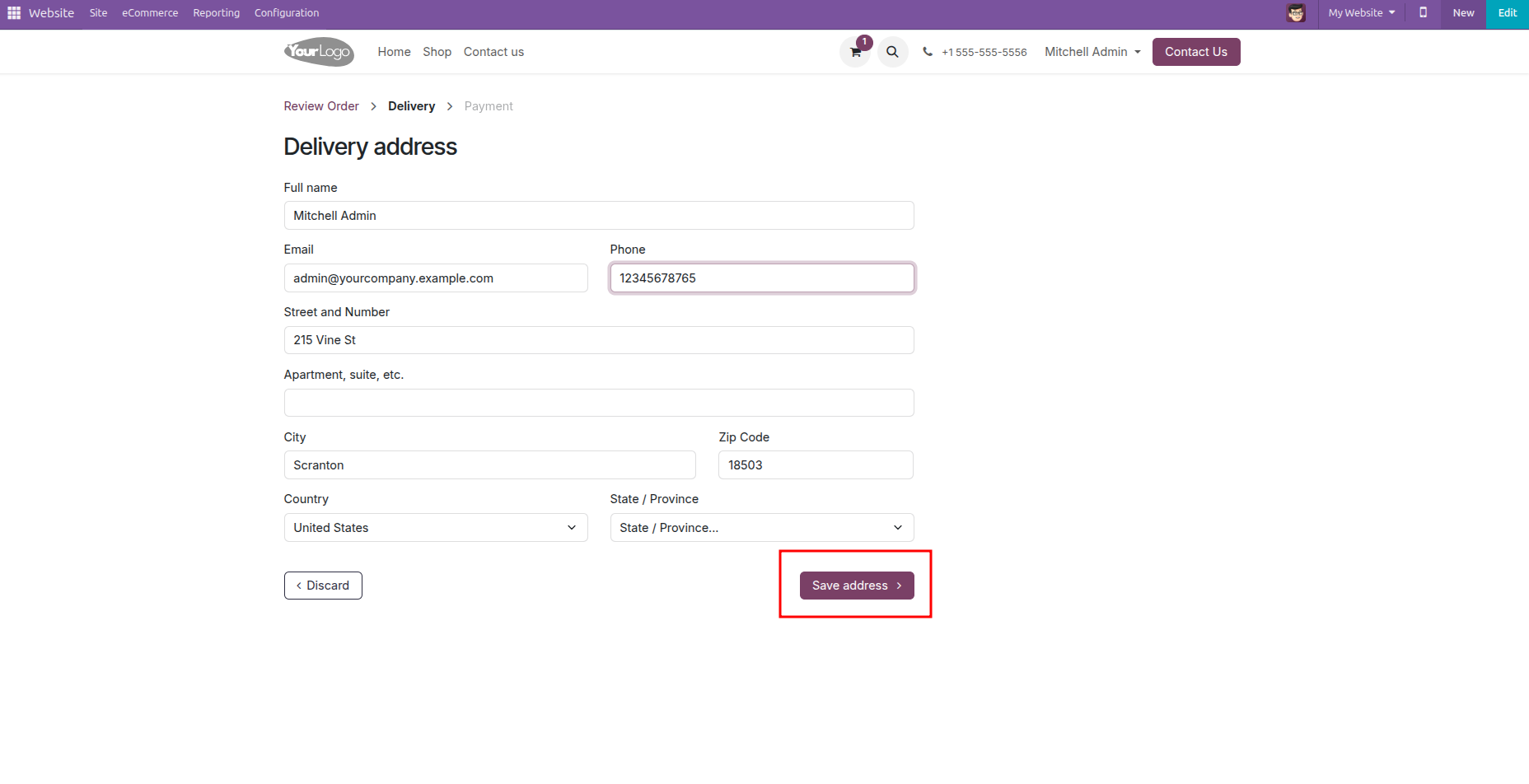
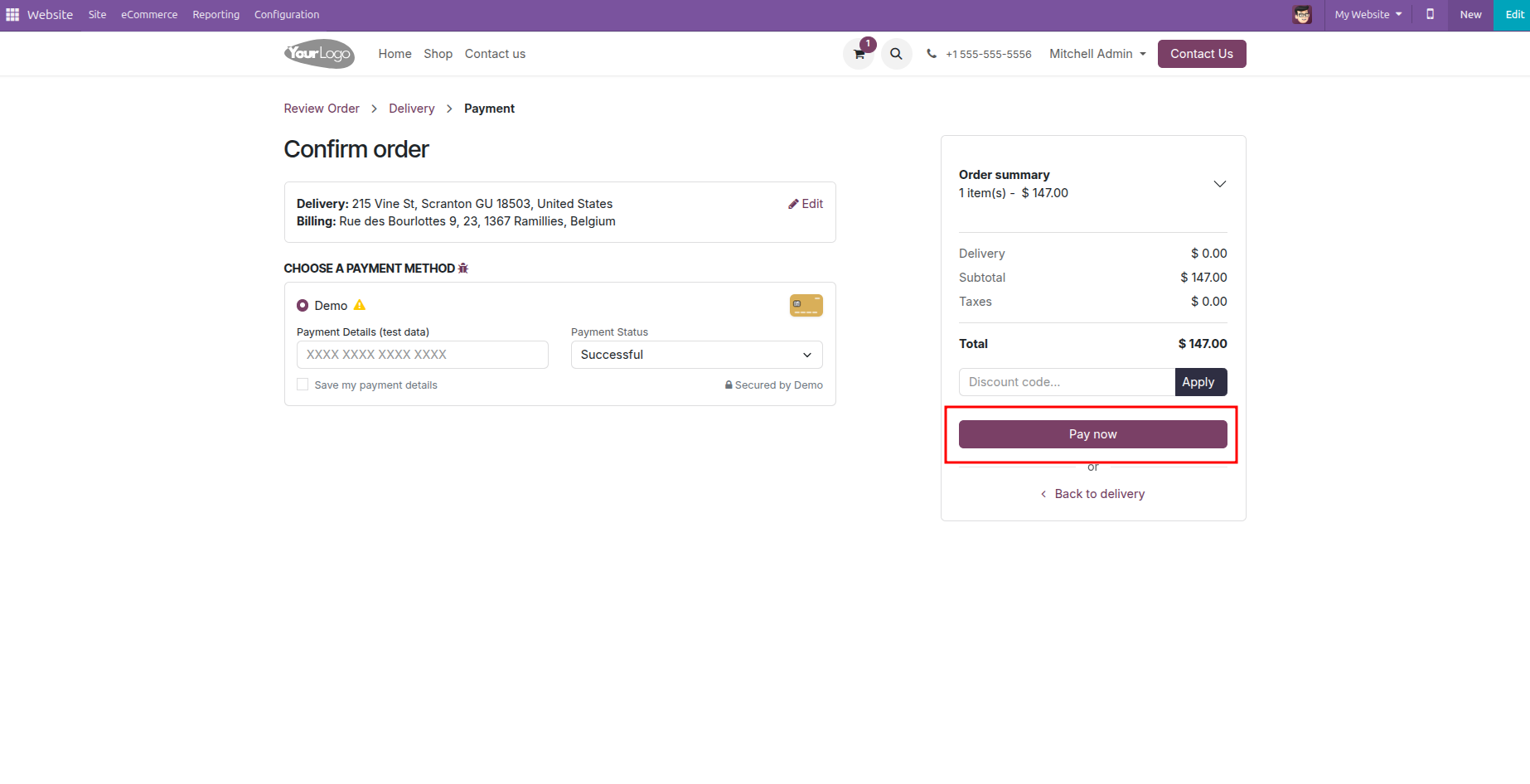
Add the delivery address details during checkout.
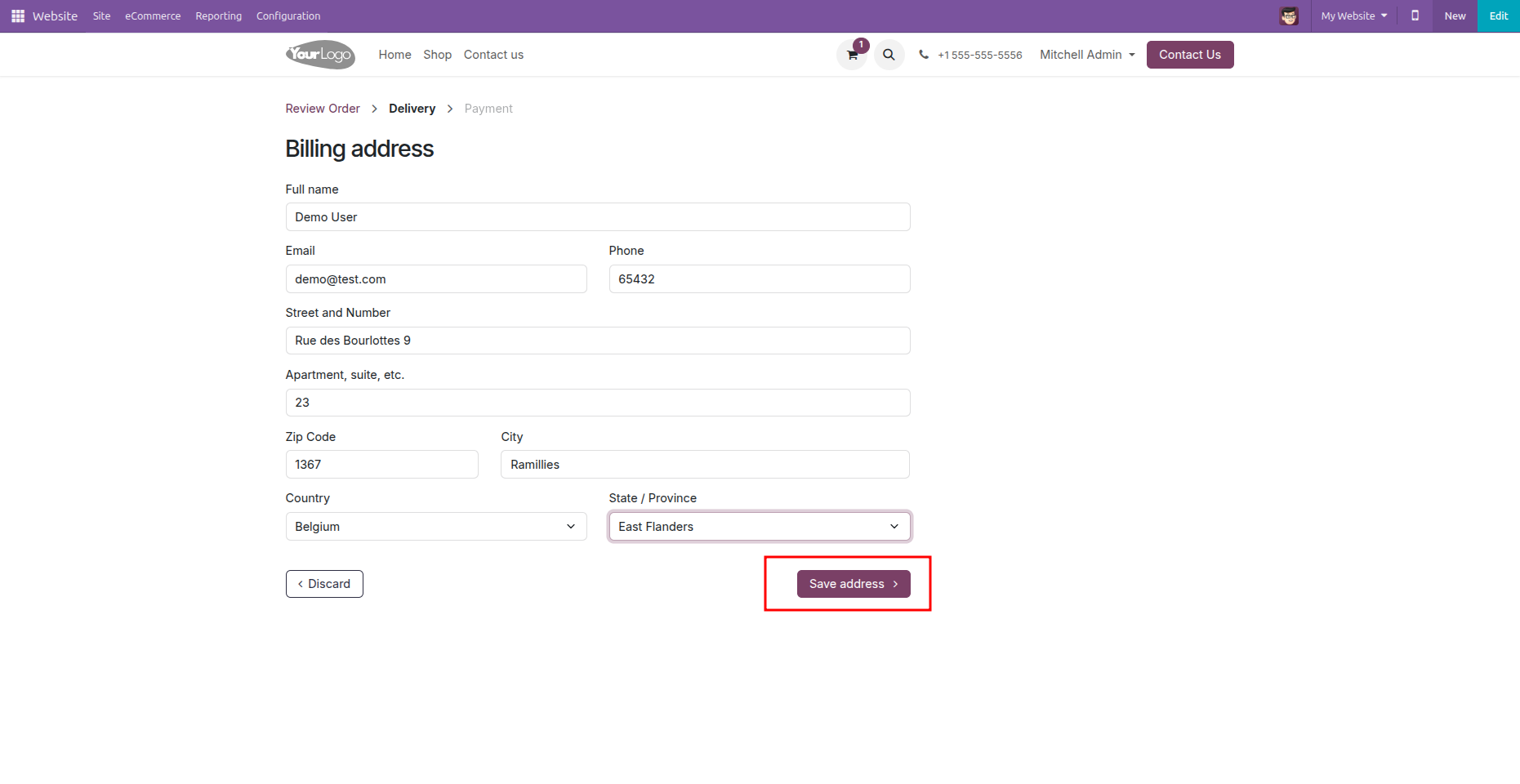
Add the billing address details during checkout.
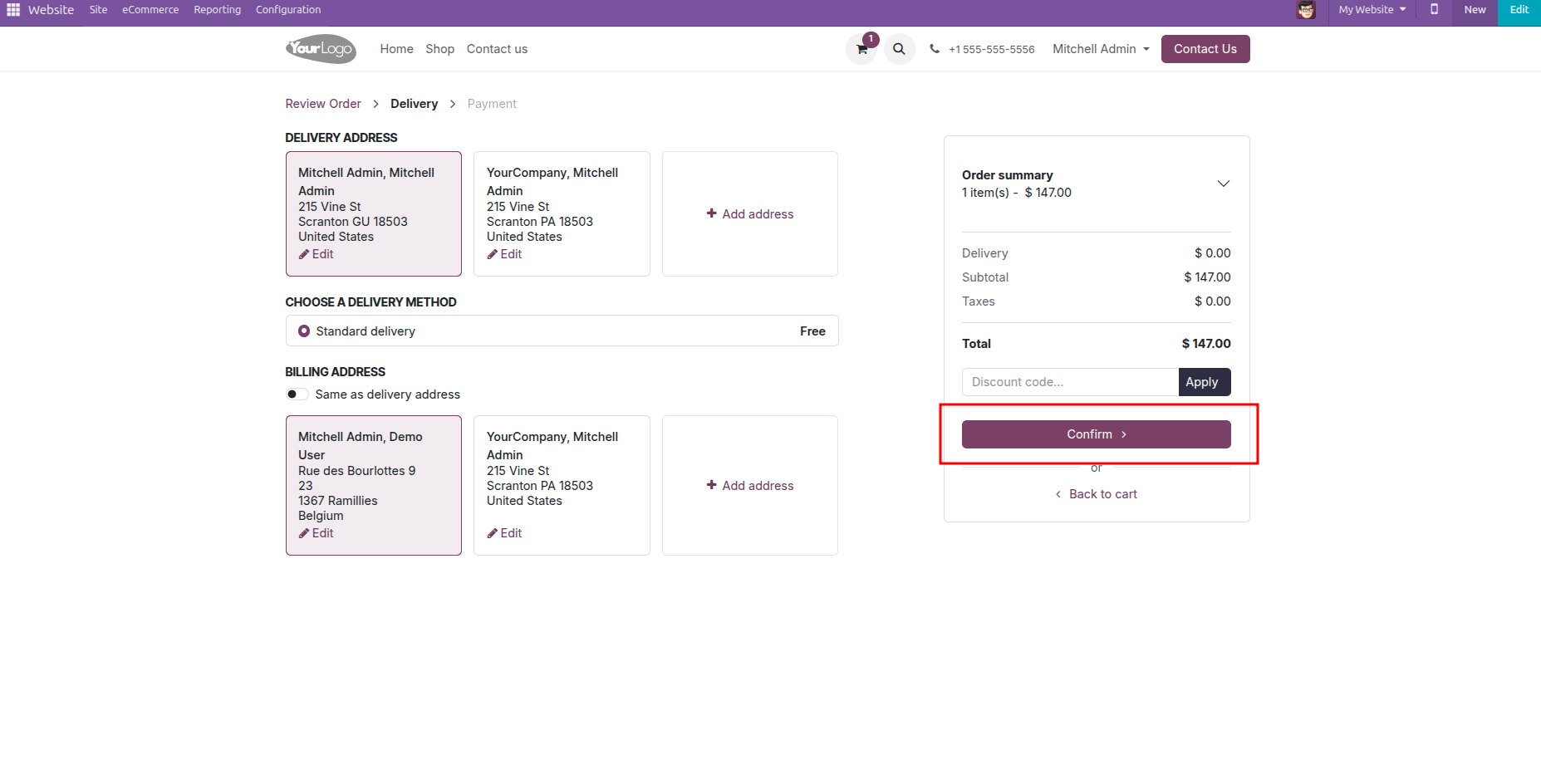
Confirm the standard delivery method.
Add card details during checkout and pay now during the checkout process.
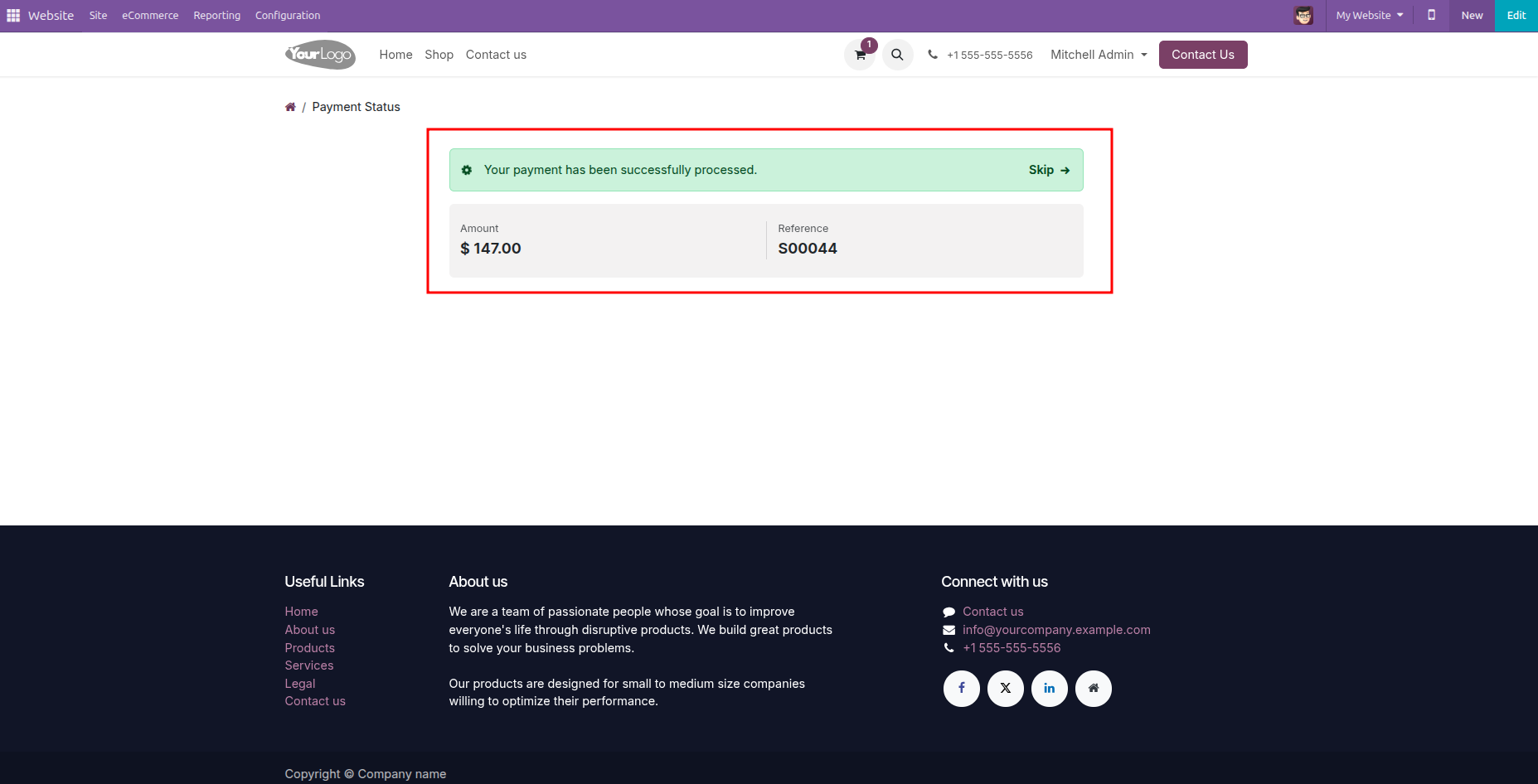
Success message upon successful order placement.
Product notes can be seen in the backend order.
Version 18.0.1.0.0 | Released on : 30th April 2026
- Yes, this app works perfectly with Odoo Enterprise (Odoo.sh & Premise) as well as Community.
- No, this application is not compatible with odoo.com(odoo saas/Odoo Online)
- Yes, to test this module, please contact us at sales@softhealer.com.
- Please contact us at sales@softhealer.com to request customization.
- Yes, we provide free support for 365 days from the date of purchase.
- Yes, you will receive lifetime free updates for the version of the module you purchased.
- No, there is no need to install any additional libraries.
- Yes, for version 12 and above, you need to purchase the module separately for each version you intend to use.
- No, exchanges or refunds are not allowed. Please make sure to select the correct version before purchasing.
- You can contact us at support@softhealer.com for language translation support. We use Google Translator tools to provide translations in multiple languages, so the accuracy may vary. We welcome your suggestions to help improve translations.
Discover Our Latest Apps