

 Easy to Manage
 Dedicated Support
















 Scan to email sales





Website Mega Menu

Mega Menu is an advanced dropdown menu that can display a large number of sub-menus in a structured layout. It’s often used to showcase important information, such as your company address with a map, recent successful projects, latest products with images, or key team members with social media links. Mega Menus help organize menu items effectively while allowing you to add images and visual cues for each section, making navigation intuitive.

Features
- Well designed, clean, responsive & futuristic 7+ mega-menu styles.
- Easy to define mega menu with the image.
- Easy to set social media links in mega-menu content with appropriate icons.
- Easy to define mega menu dynamically with spesific style.
- We provide Mega Menu Style 1 and Mega Menu Style 2 as dynamic styles, while the remaining styles are available as static options.
- Easy to set mega-menu statically for static information.
- Easy to set in the Website menu just drag and drop.
Mega-Menu configuration menu and list view.
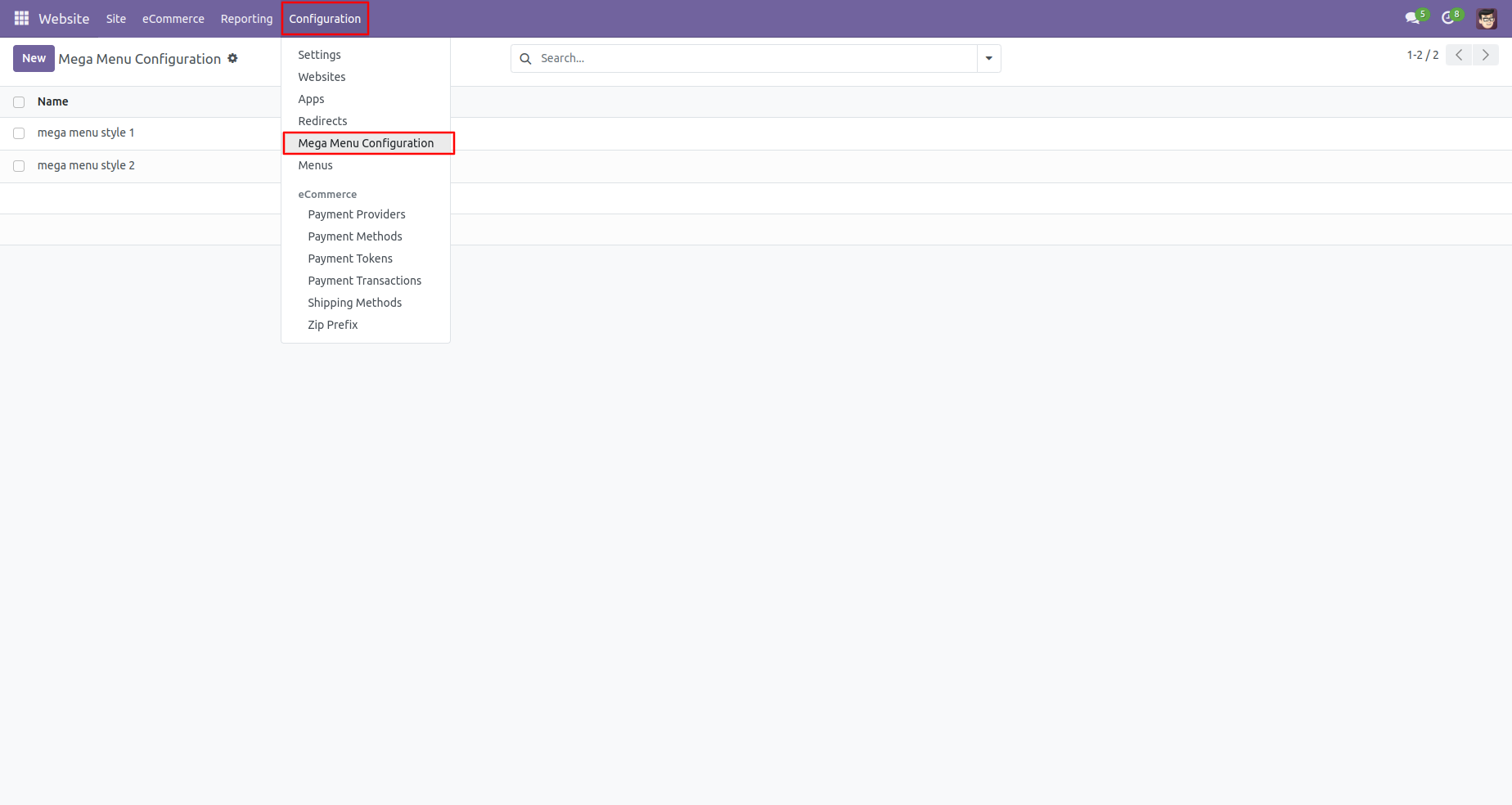
Mega-Menu forms a view where you can create mega-menu with an appropriate menu style and add category line. (*2 different Dynamic mega menu style).
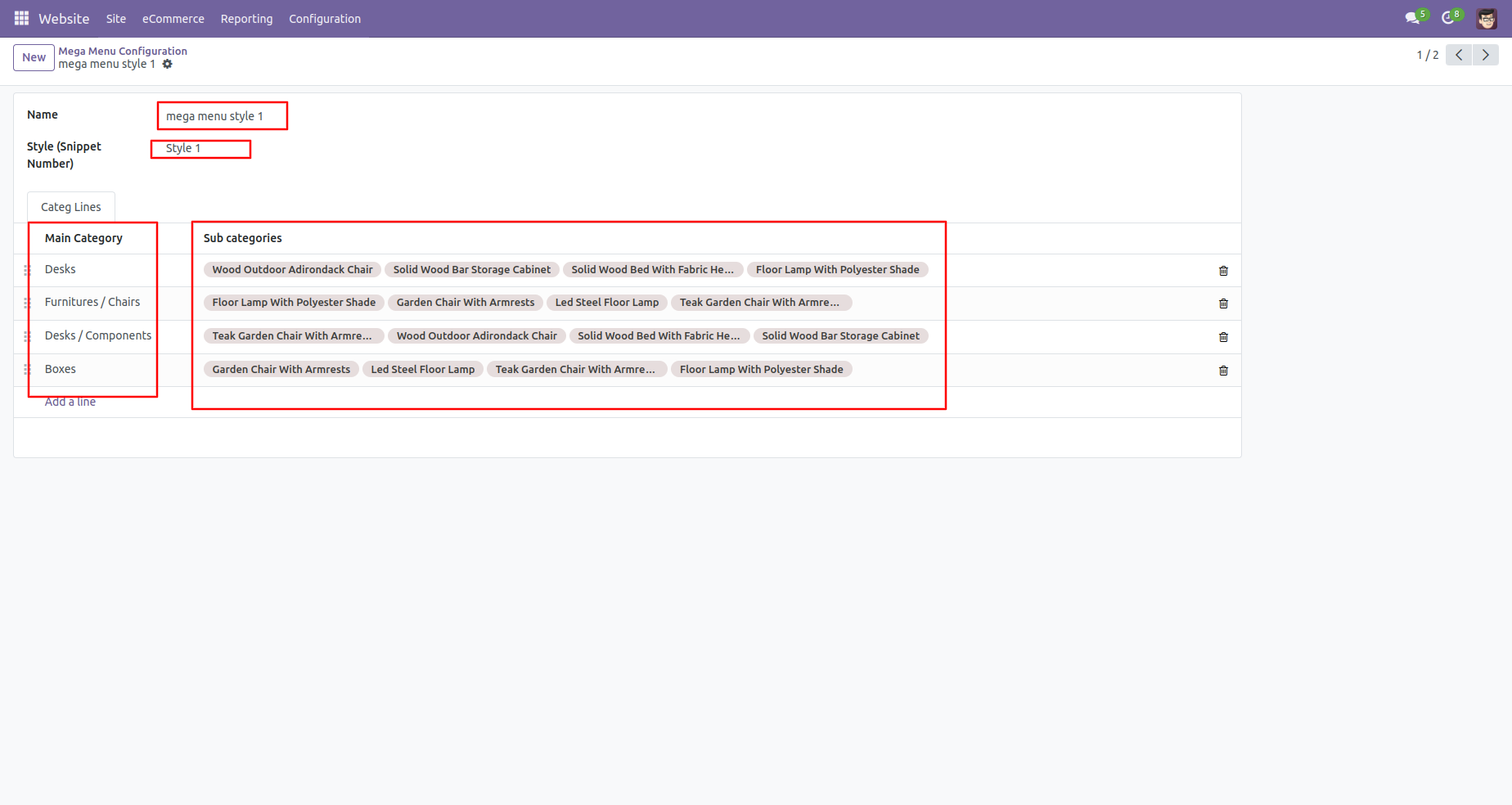
Create a category of the mega menu with an image.
Wesite menu editor.
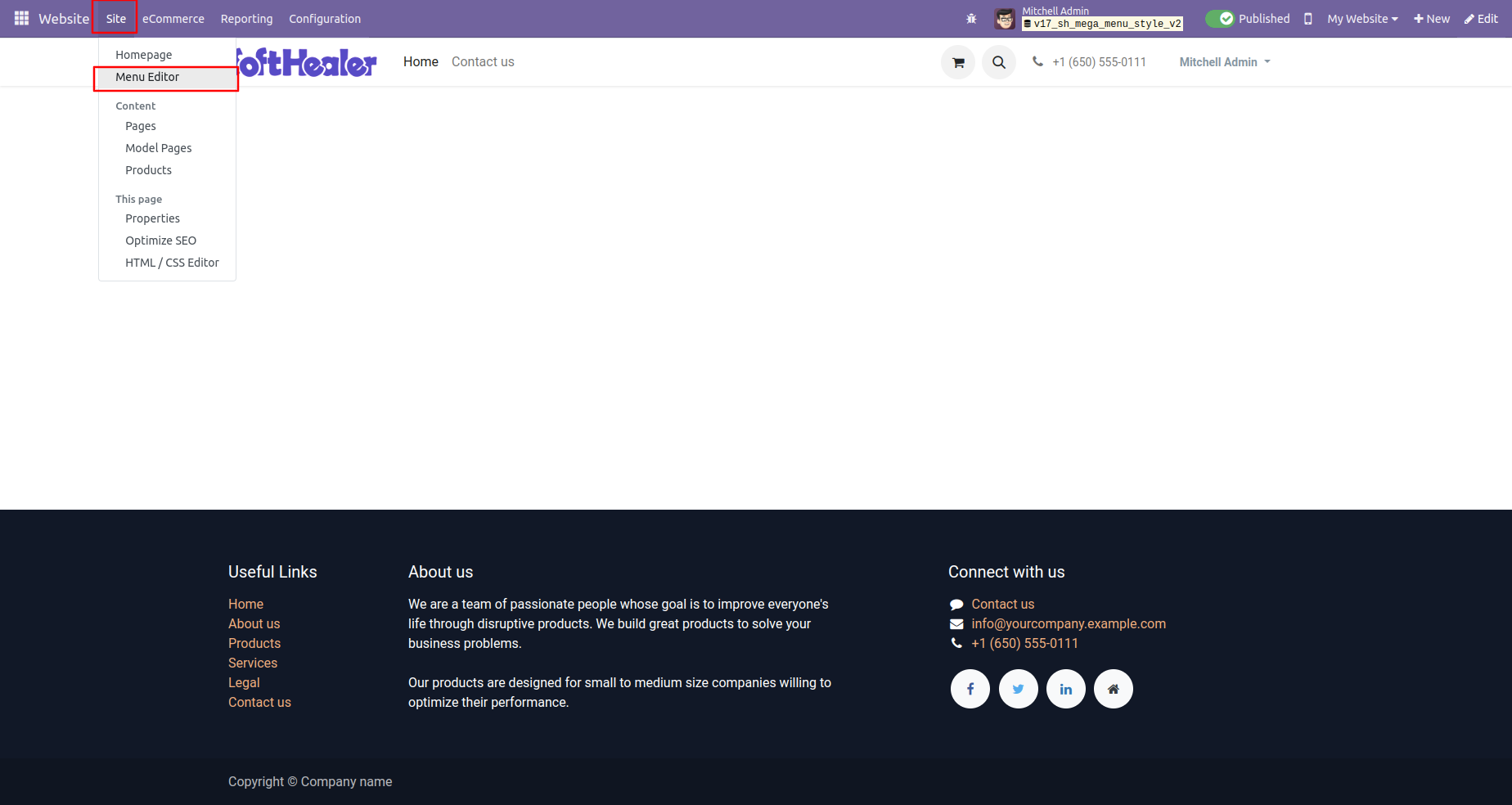
Click on the'Add mega menu item in the 'Edit Menu' wizard.
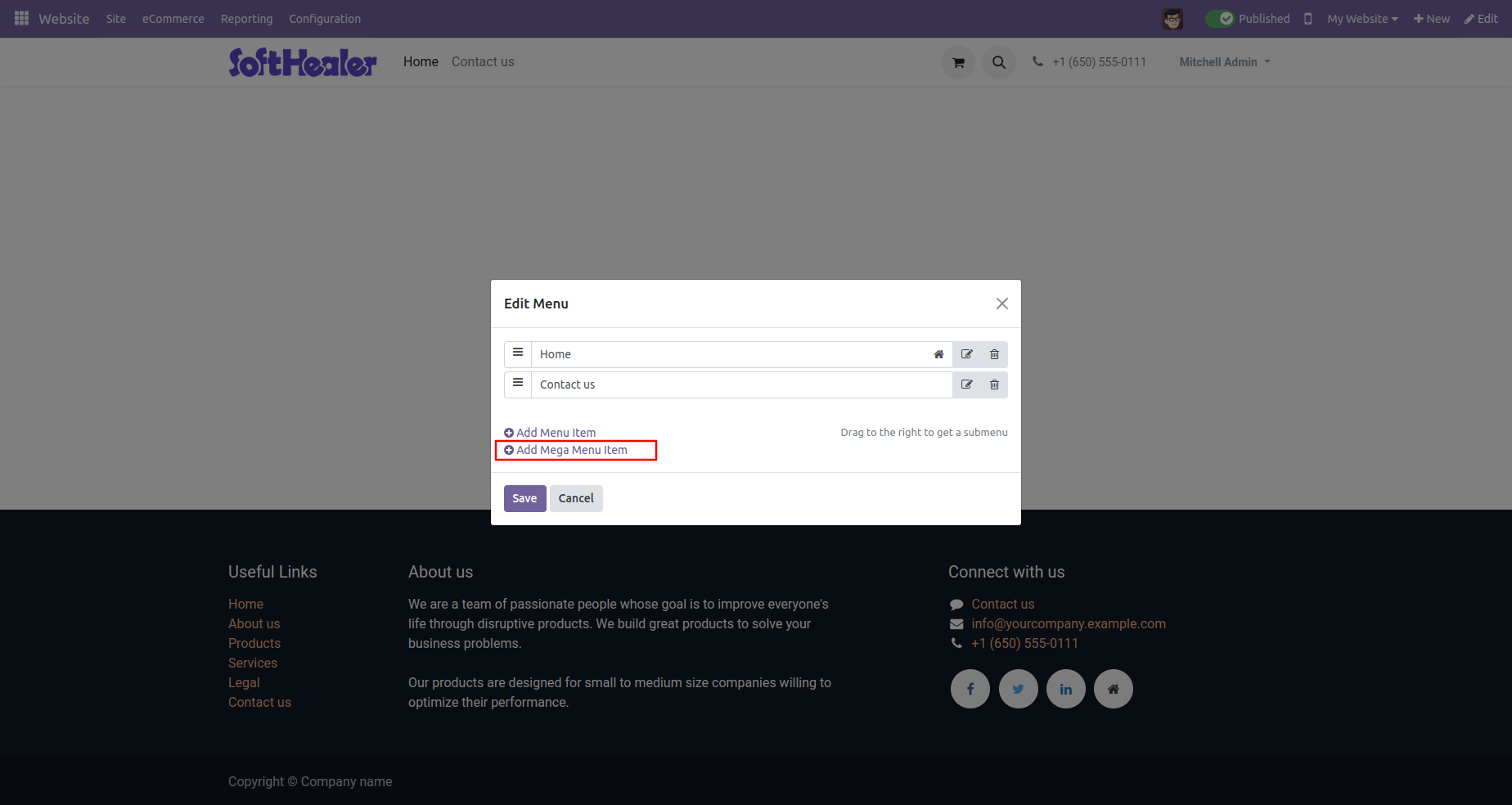
After that 'Add a menu item' wizard will appear. Add a menu item name.
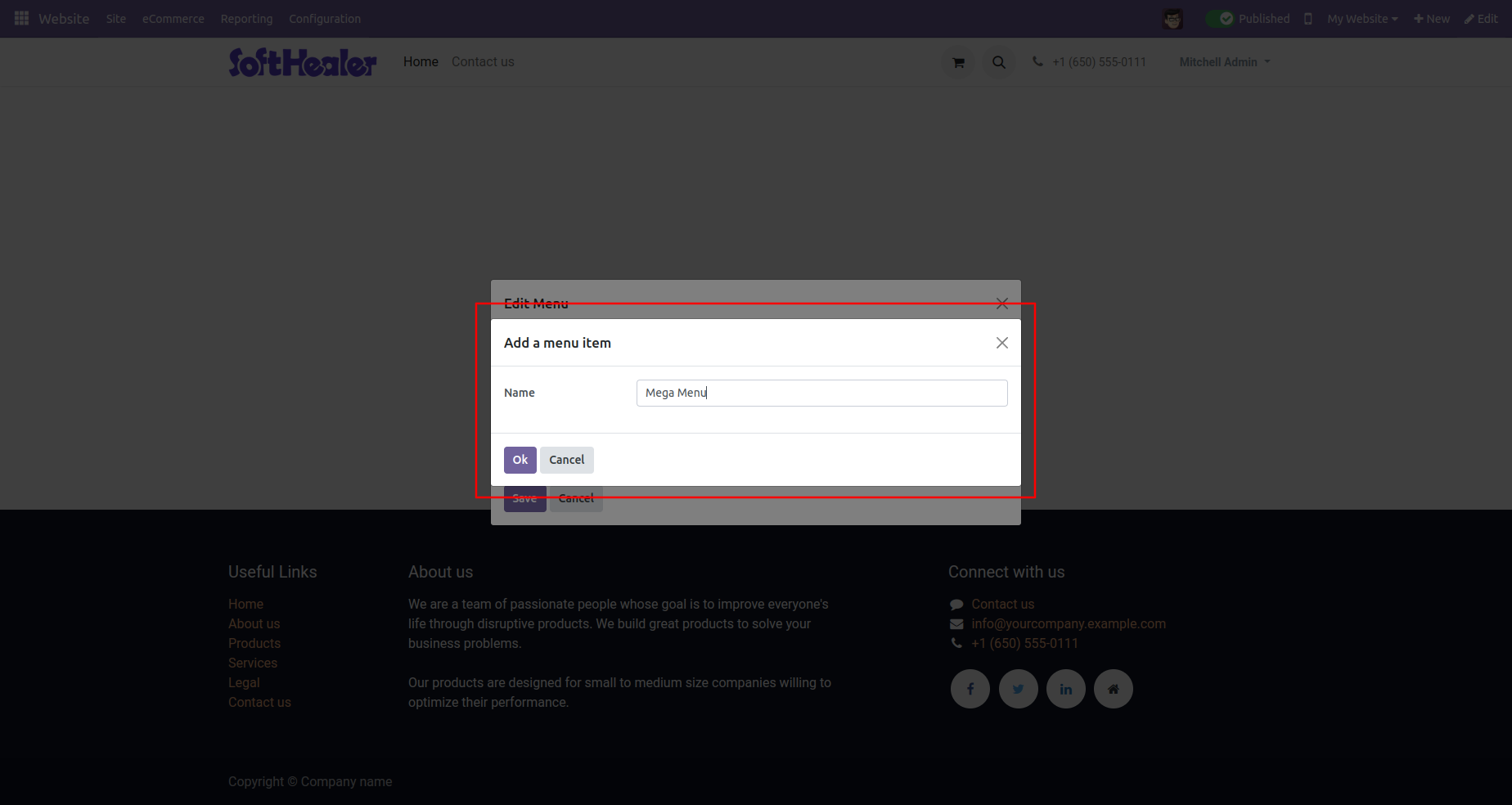
Created new menu is visible in the edit menu wizard.
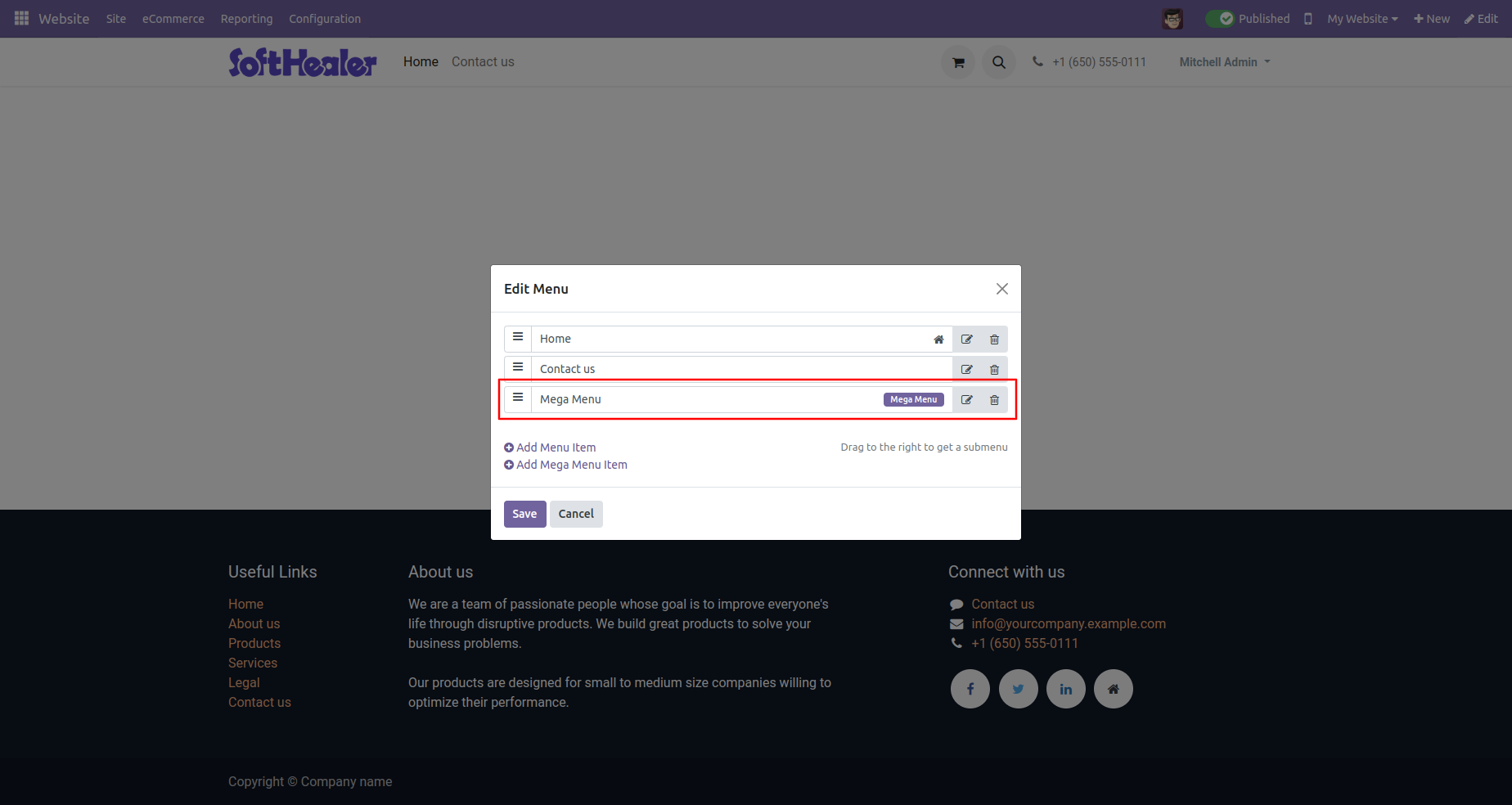
You can see the created menu in the website.
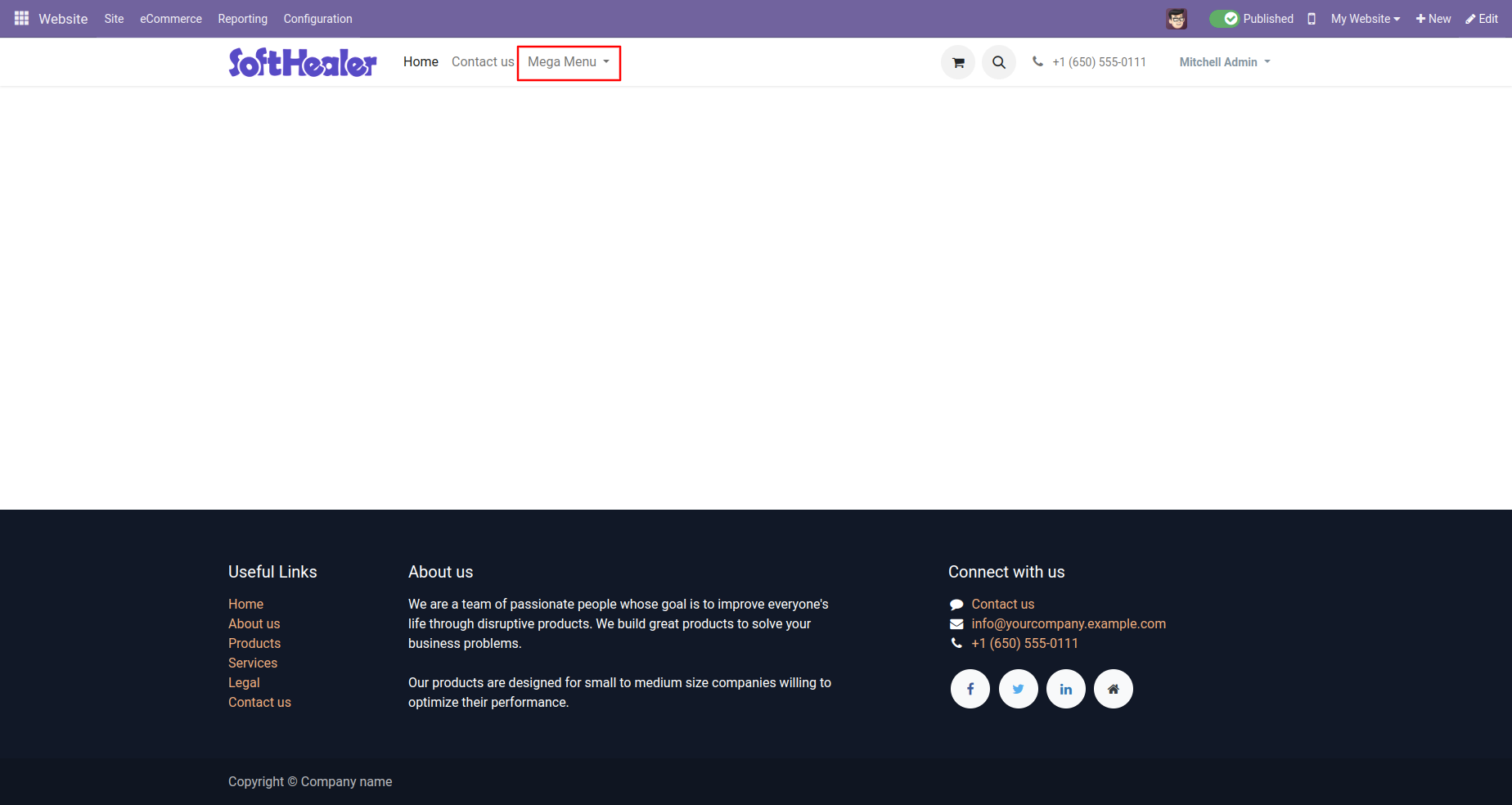
Mega-Menu will look like this.
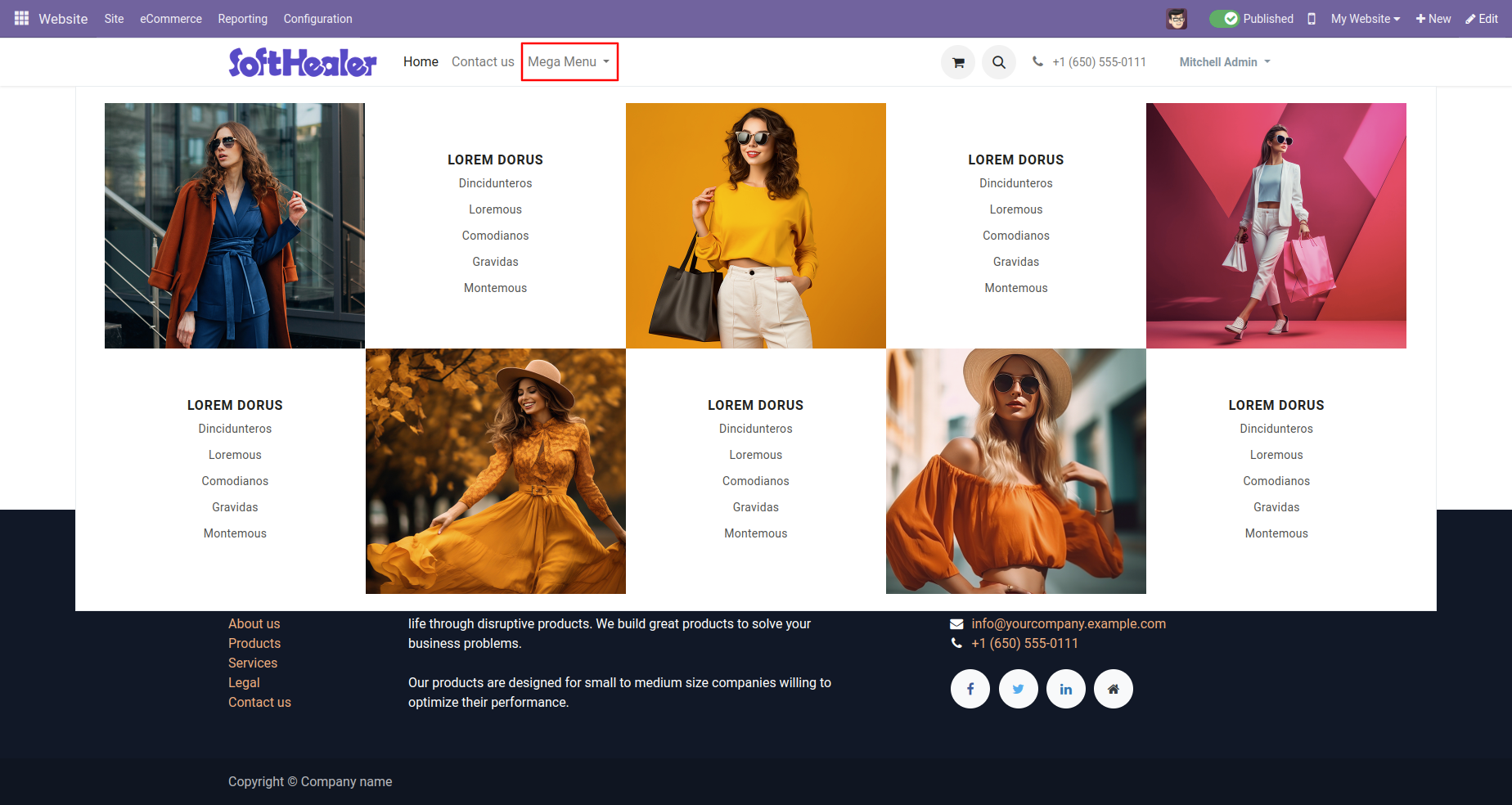
Mega menu style 1 (Dynamic).
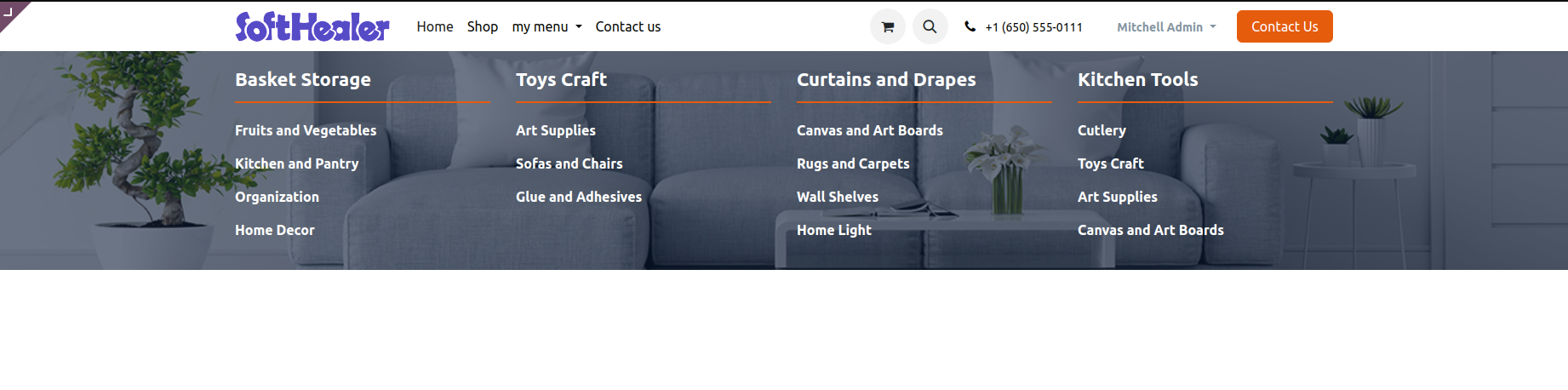
Mega menu style 2 (Dynamic).
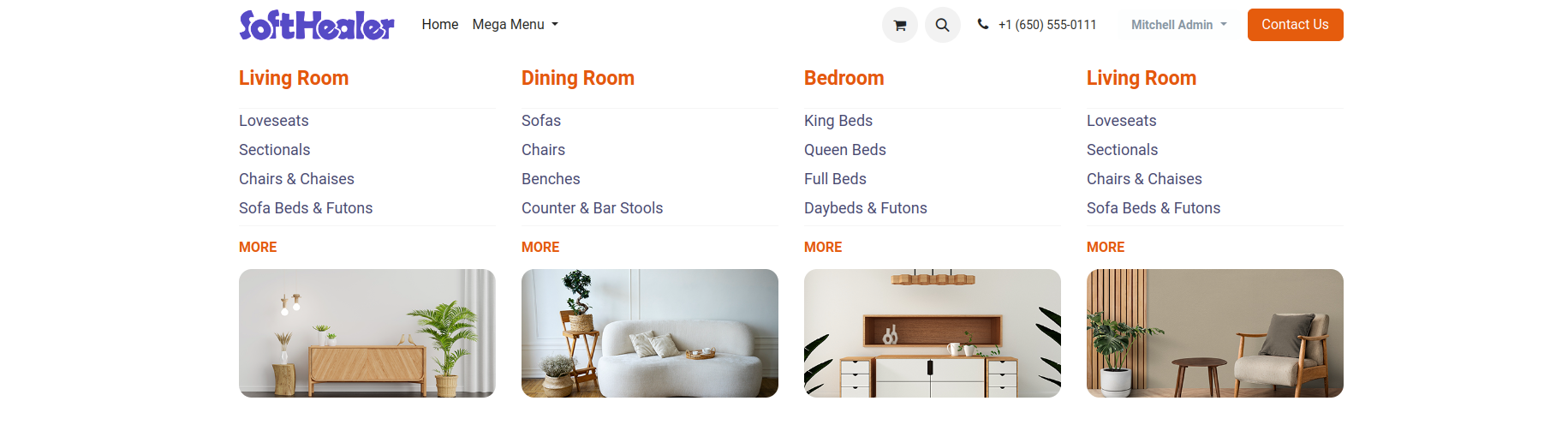
Mega menu style 3 (Static).
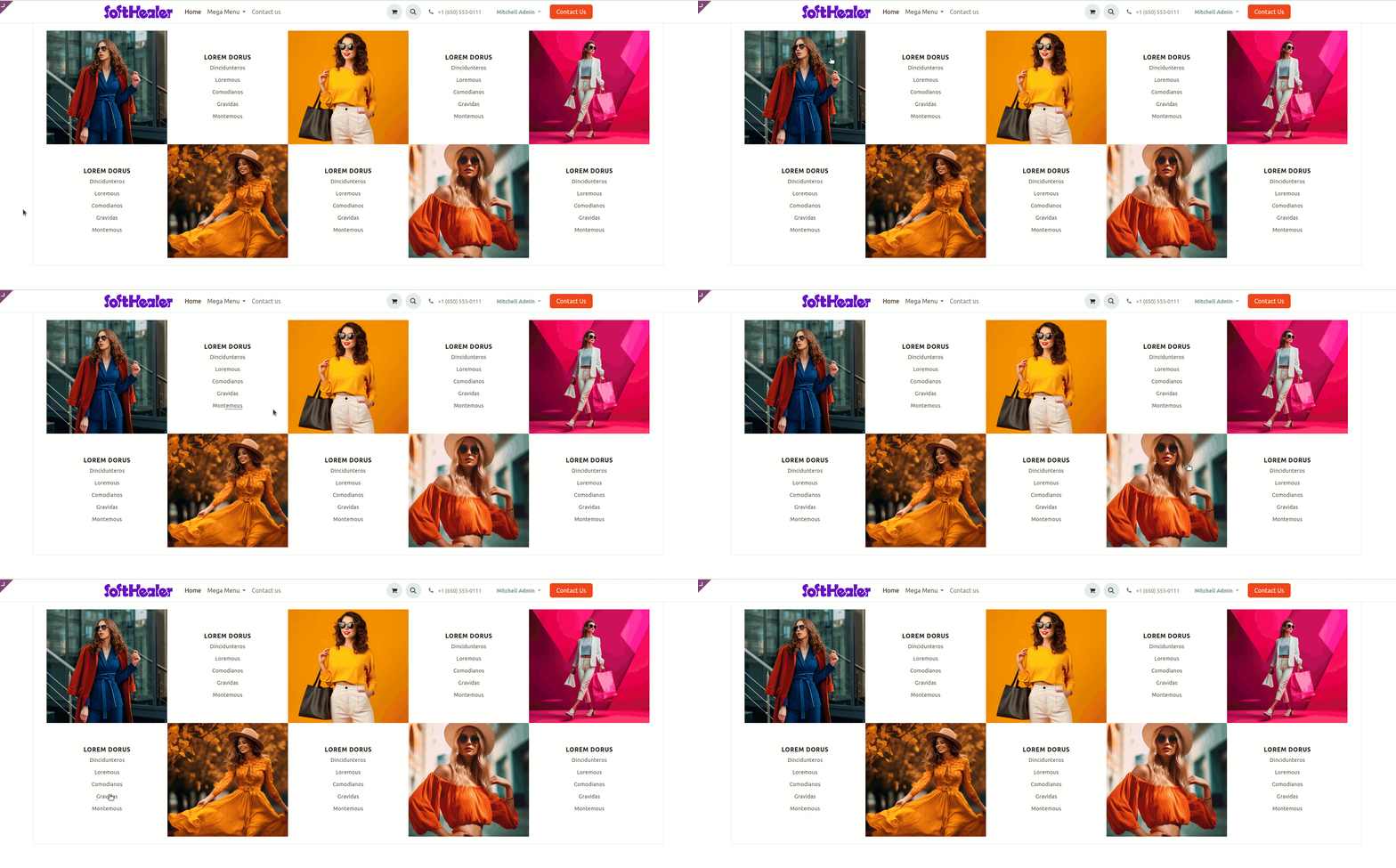
Mega menu style 4 (Static).
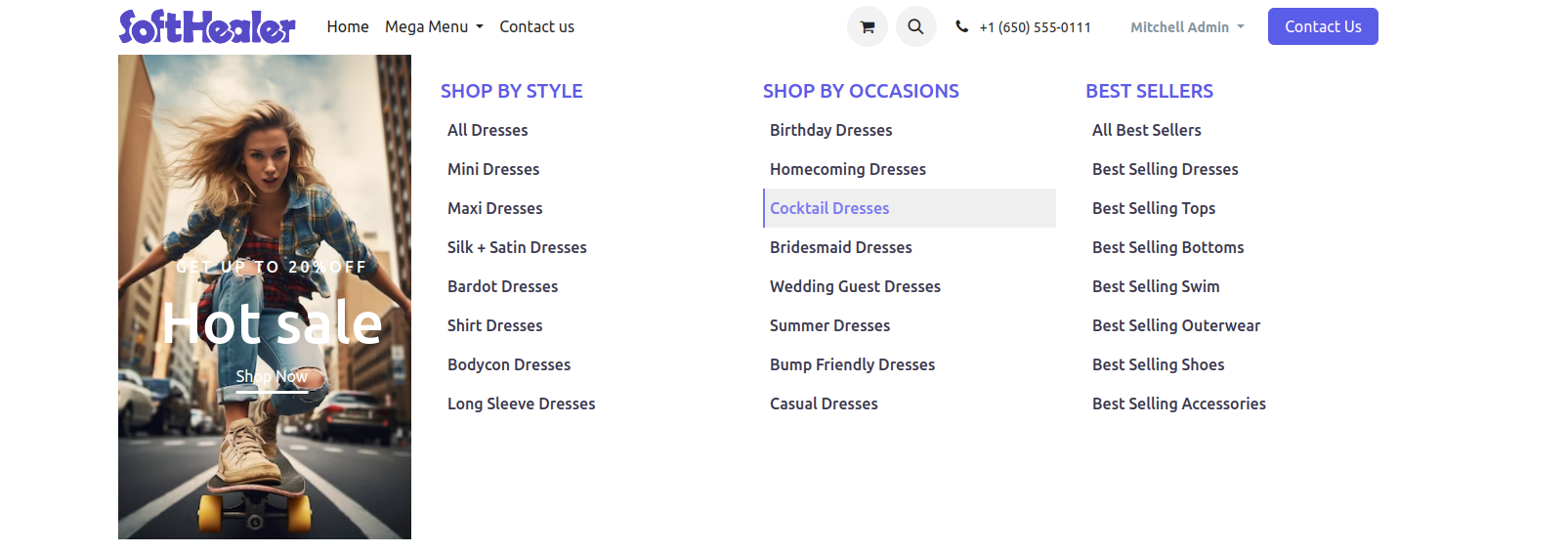
Mega menu style 5 (Static).
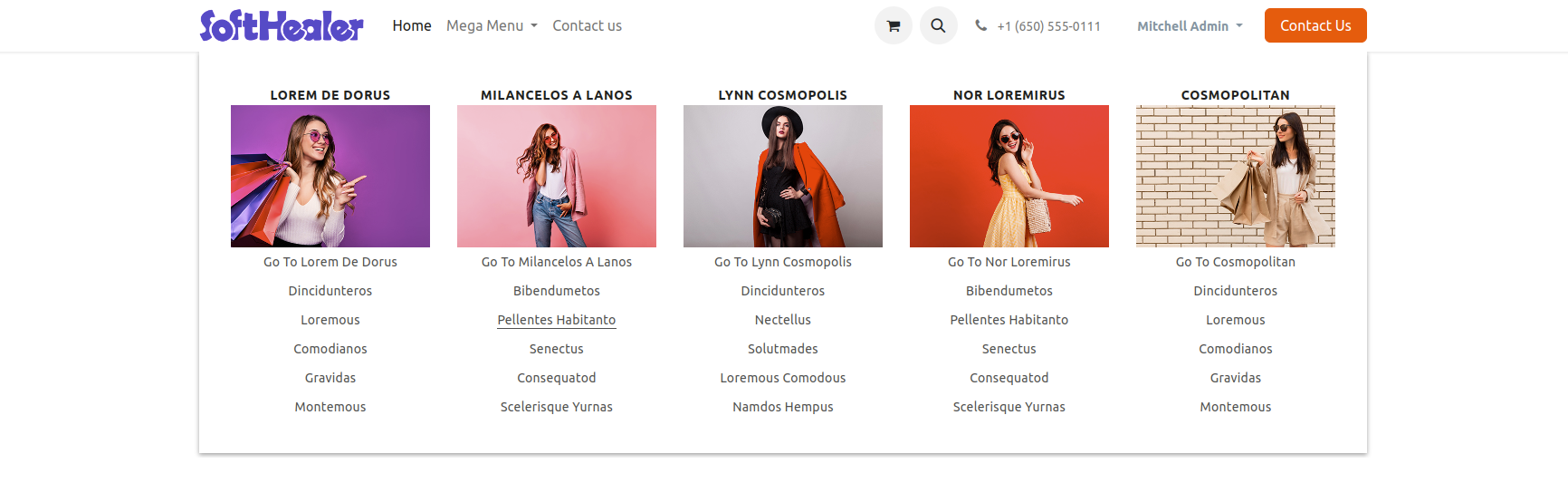
Mega menu style 6 (Static).
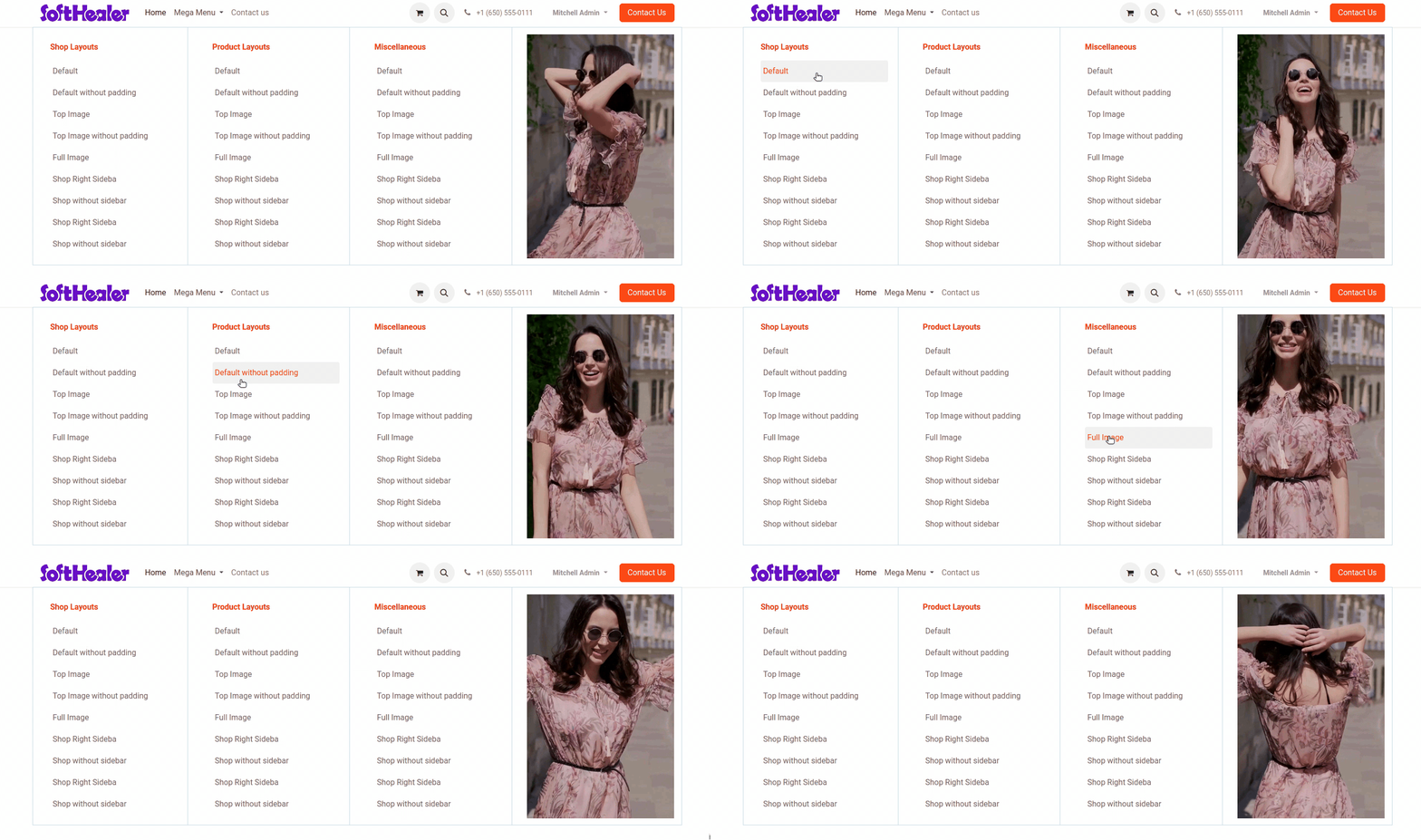
Mega menu style 7 (Static).
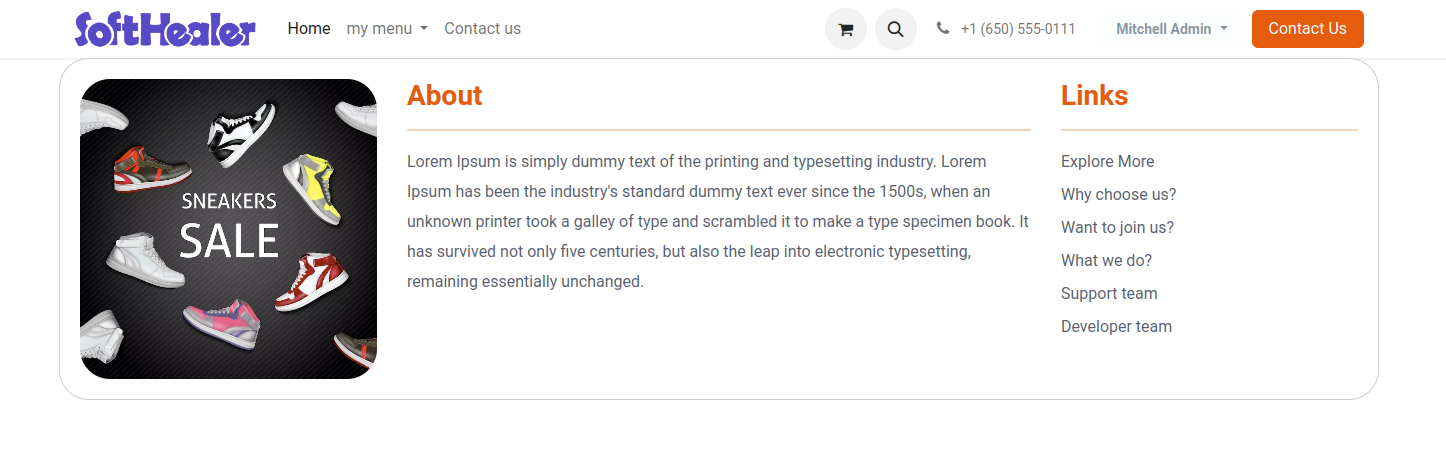
Mega menu style 8 (Static).
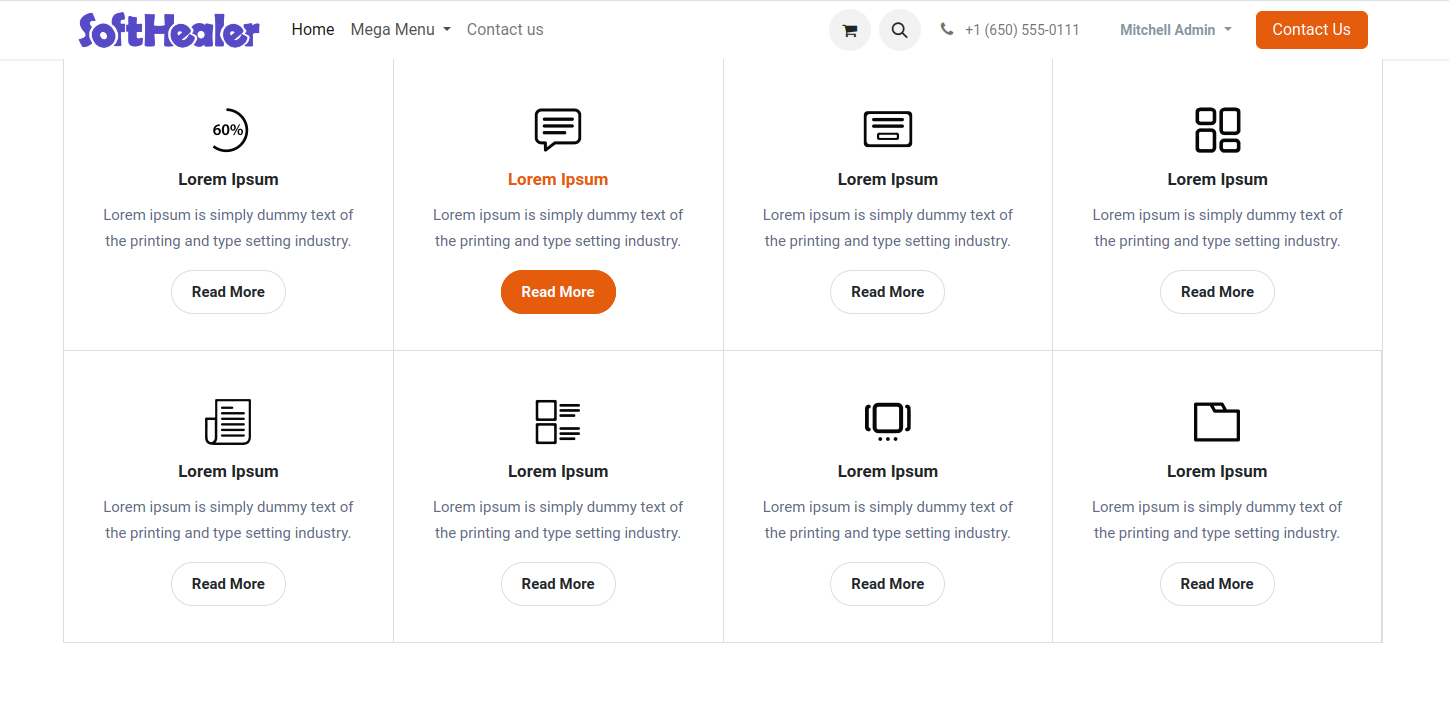
Version 19.0.2 | Released on : 26th December 2025
Version 19.0.1 | Released on : 6th October 2025
- Yes, this app works perfectly with Odoo Enterprise (Odoo.sh & Premise) as well as Community.
- No, this application is not compatible with odoo.com(odoo saas/Odoo Online)
- Yes, to test this module, please contact us at sales@softhealer.com.
- Please contact us at sales@softhealer.com to request customization.
- Yes, we provide free support for 365 days from the date of purchase.
- Yes, you will receive lifetime free updates for the version of the module you purchased.
- No, there is no need to install any additional libraries.
- Yes, for version 12 and above, you need to purchase the module separately for each version you intend to use.
- No, exchanges or refunds are not allowed. Please make sure to select the correct version before purchasing.
- You can contact us at support@softhealer.com for language translation support. We use Google Translator tools to provide translations in multiple languages, so the accuracy may vary. We welcome your suggestions to help improve translations.
Discover Our Latest Apps