












Tyro Payment Integration

The Tyro Payment Provider module seamlessly integrates your Odoo store with the Tyro payment gateway, enabling fast and secure online payments. It enhances the checkout experience with customizable payment status messages and automatic notifications, while offering full multi-website compatibility so each site can manage its own payment settings. The module also supports processing refunds directly from Odoo for smoother cancellations and maintains complete transaction history for easy tracking, with accurate conversions. Additionally, customers can securely pay through a dedicated self-service payment portal, ensuring a reliable and convenient payment experience for your e-commerce business.
Related Modules
Key Features
Features
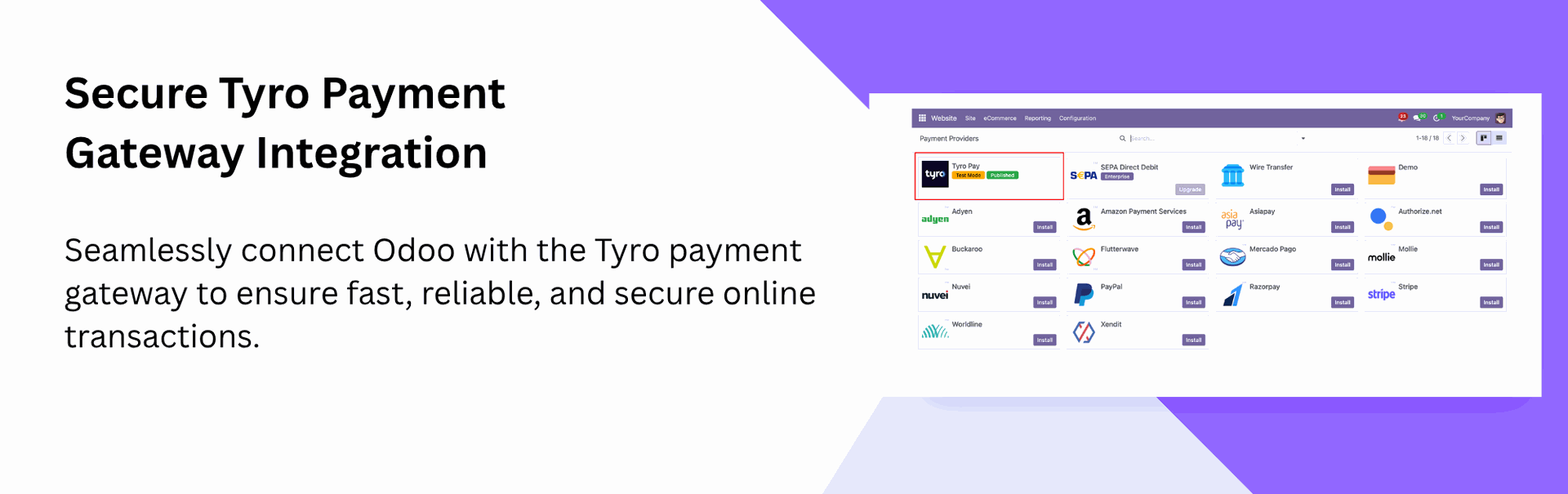
Secure Tyro Payment Gateway Integration
Connect your store with Tyro for fast and secure payment processing.
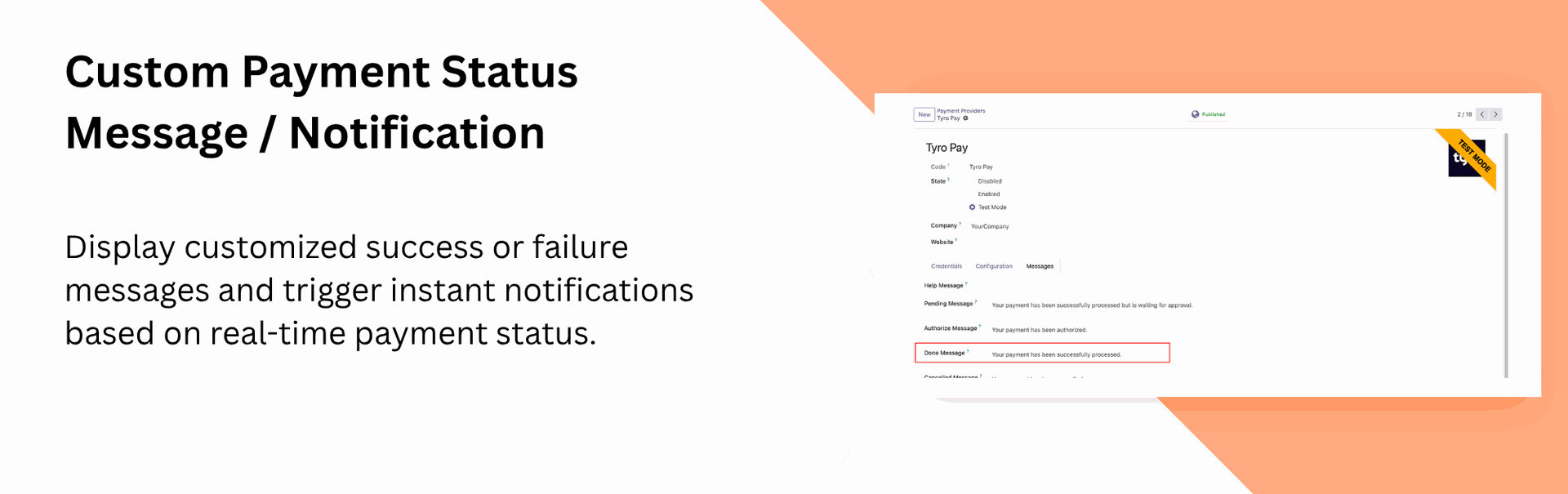
Custom Payment Status Message / Notification
Show personalized success/failure messages and send notifications after each payment update.
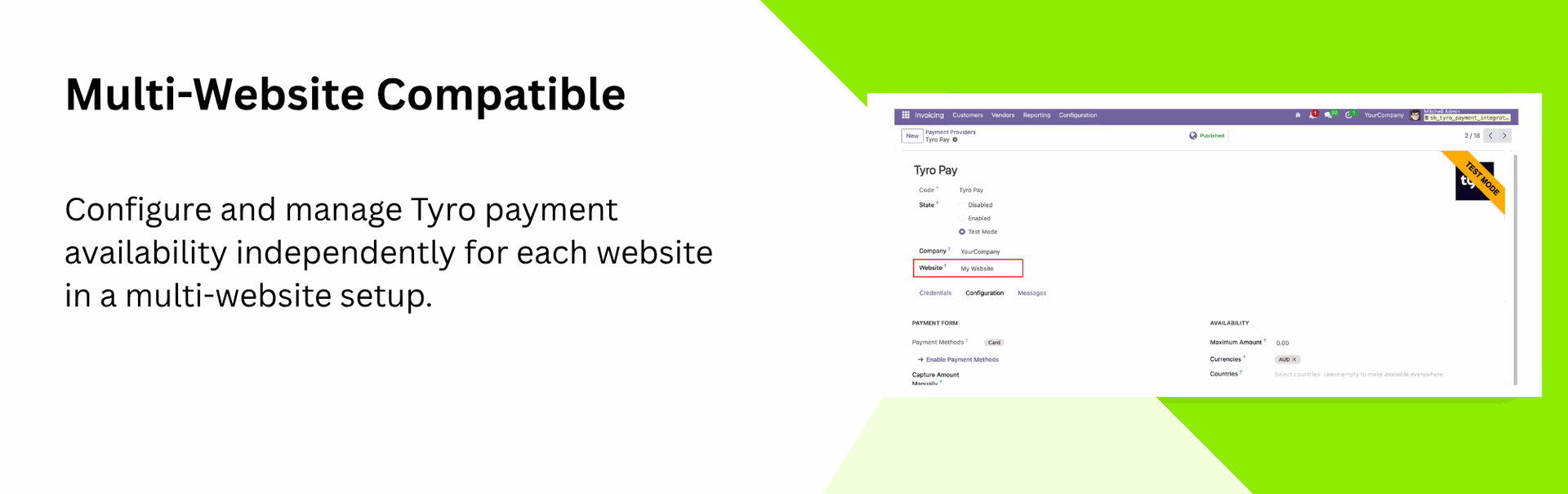
Multi-Website Compatible
Enable payment methods separately for each website in a multi-website environment.

Payment Dashboard
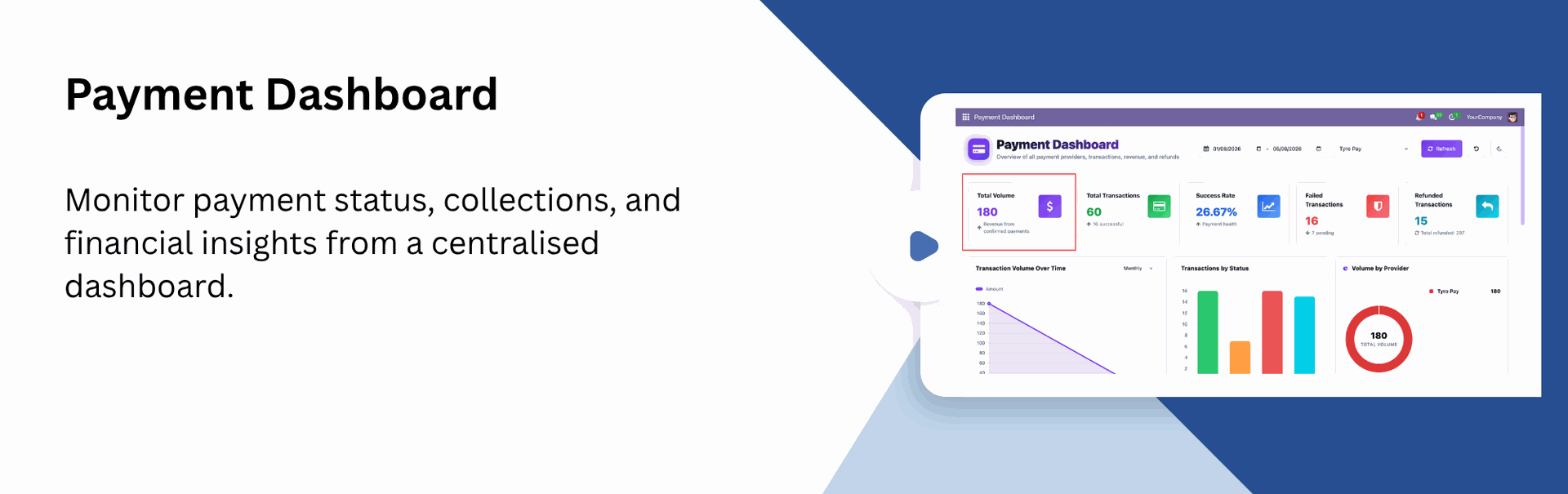
Monitor payment status, collections, and financial insights from a centralized dashboard.

Refund Support for Tyro Payments
Process refunds directly from Odoo for any order paid through Tyro. Ensuring smooth handling of cancellations.

Transaction History
Maintain a transaction history in Odoo for all payments processed through Tyro, making payments straightforward.

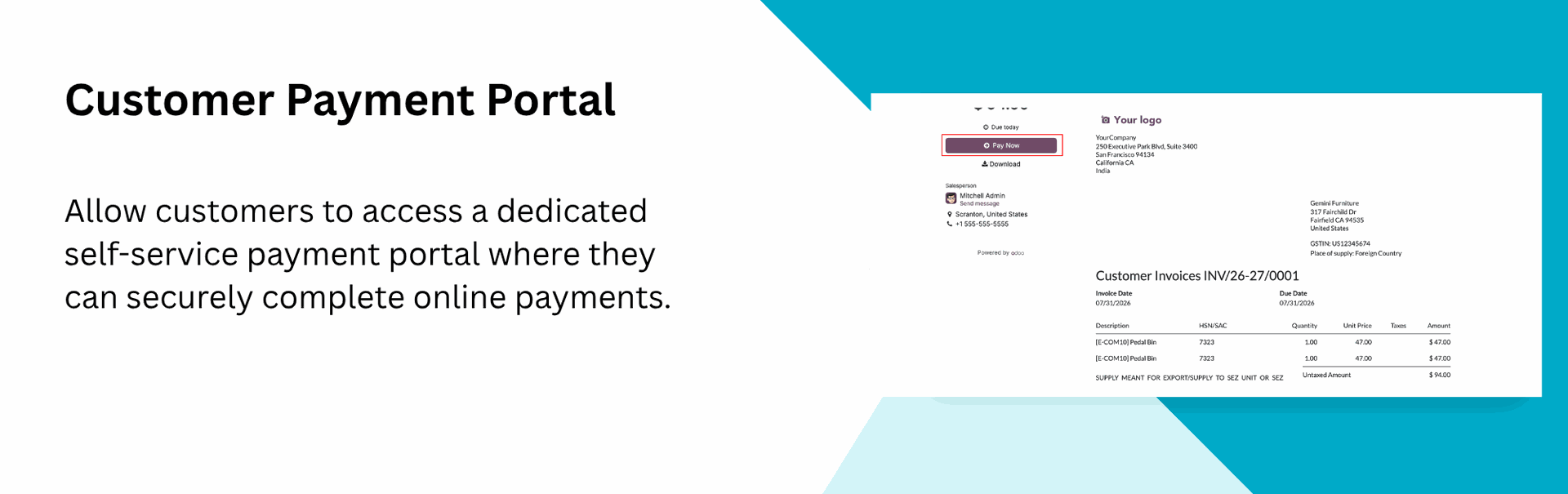
Customer Payment Portal
Let customers pay online securely through a self-service payment portal.
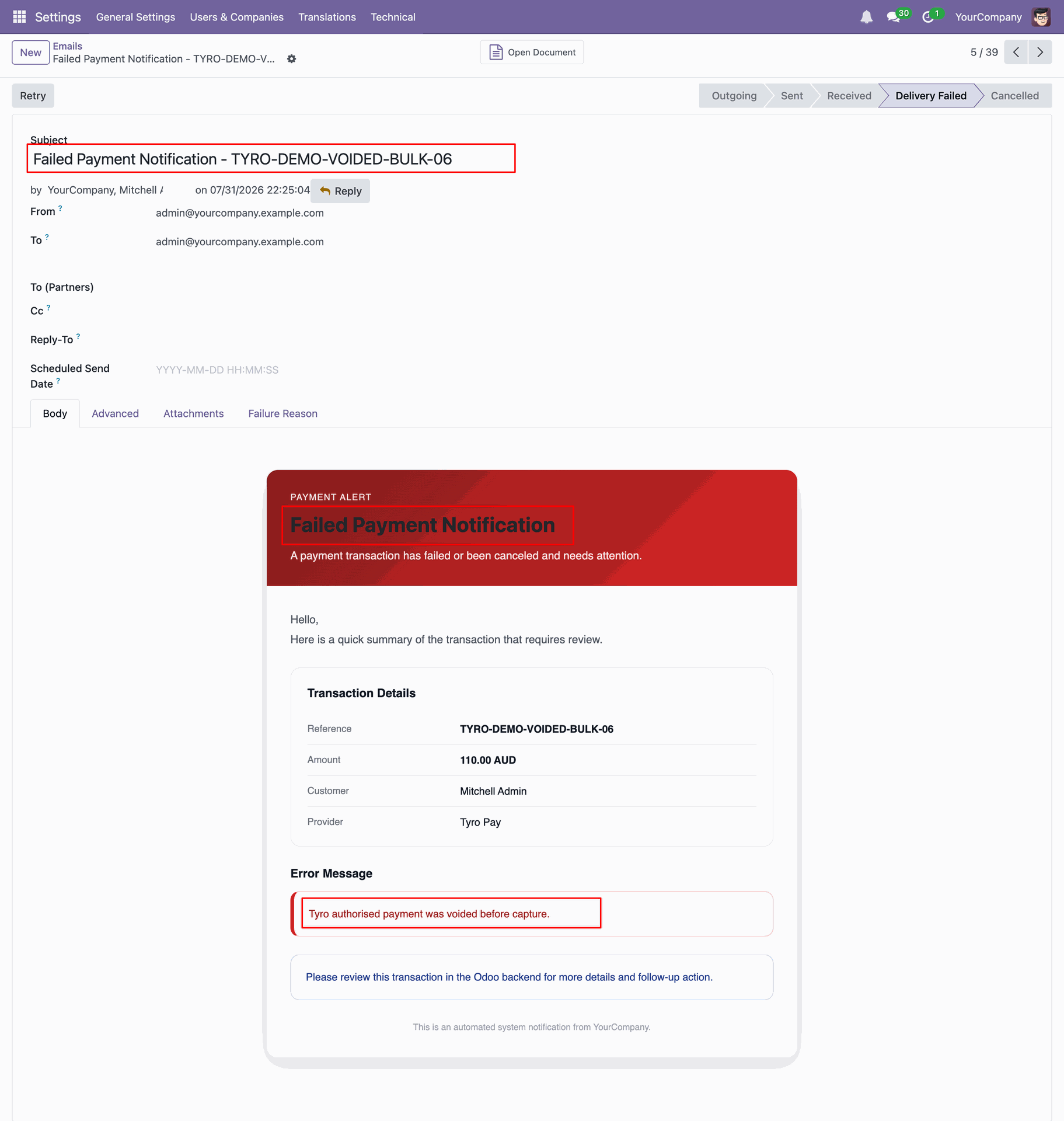
Failed Payment Notifications
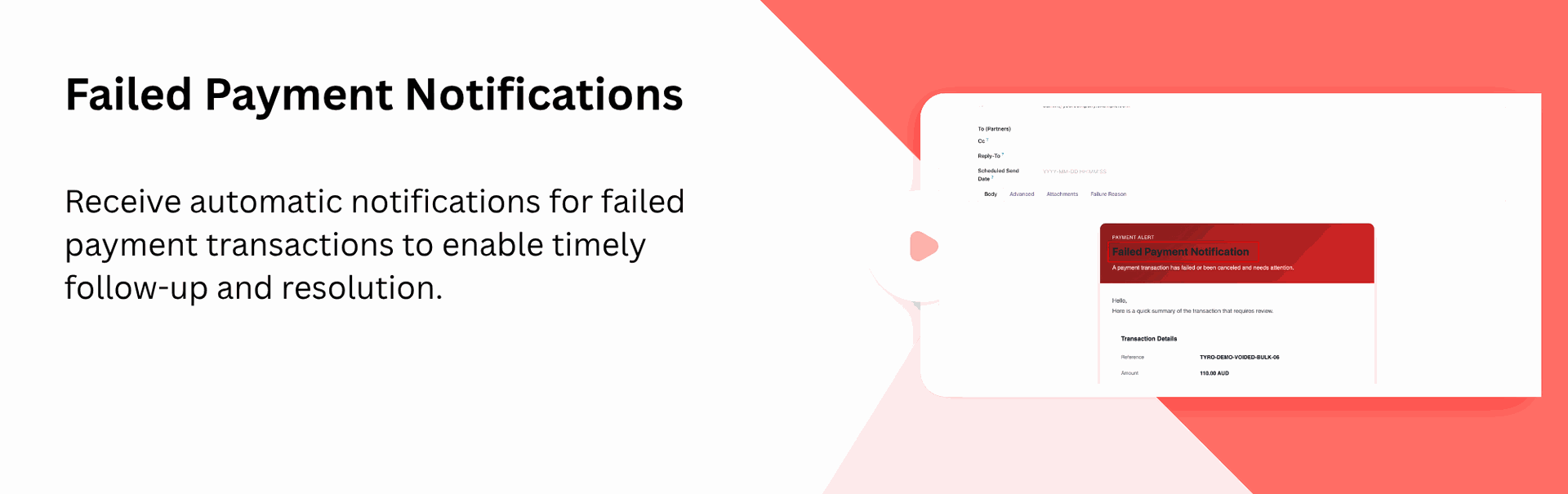
Receive automatic notifications for failed payment transactions to enable timely follow-up and resolution.
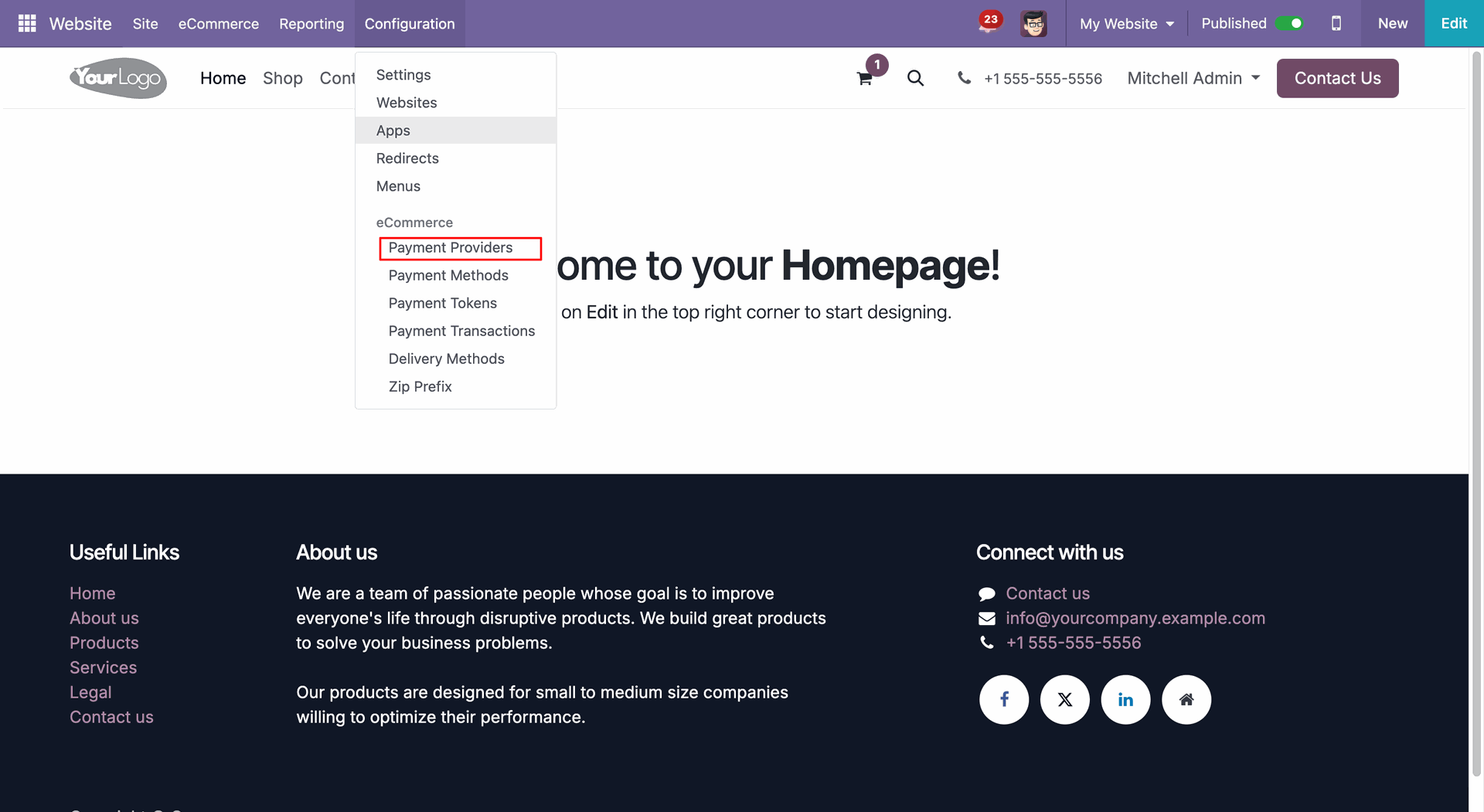
Go to Website -> Configuration -> Payment Providers to access Tyro settings.
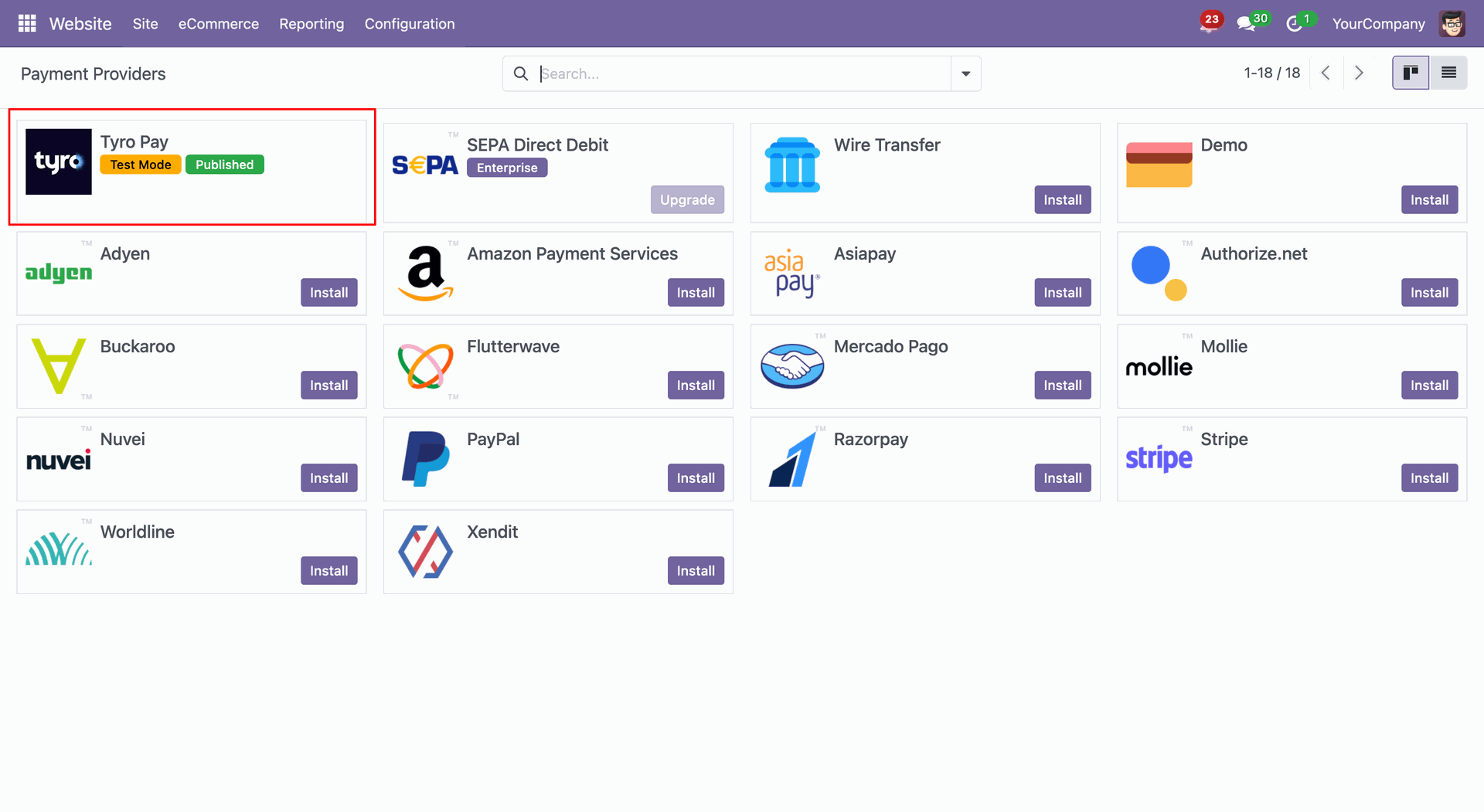
Select Tyro from the list of available payment providers.
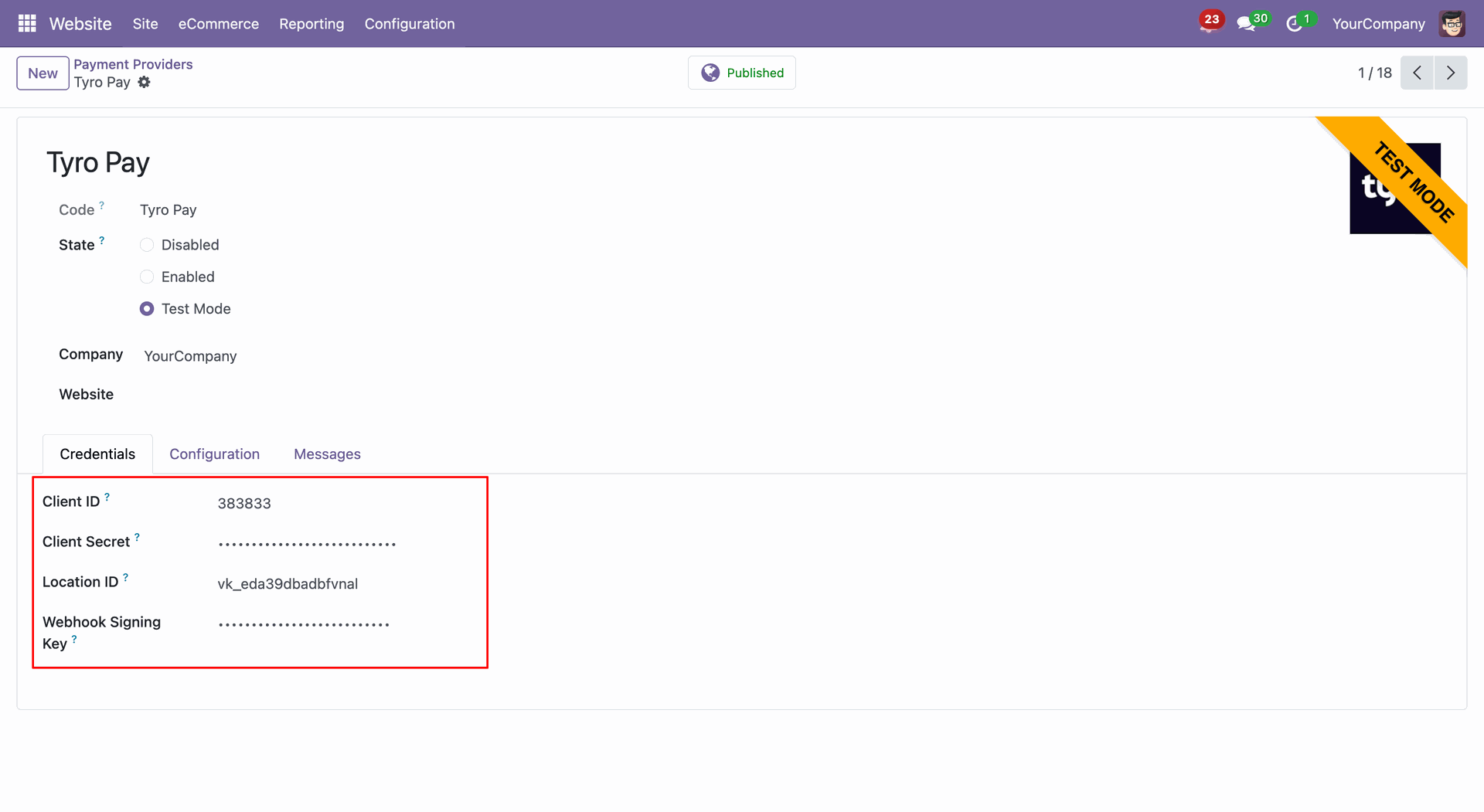
Enter your Tyro credentials to enable payment processing.
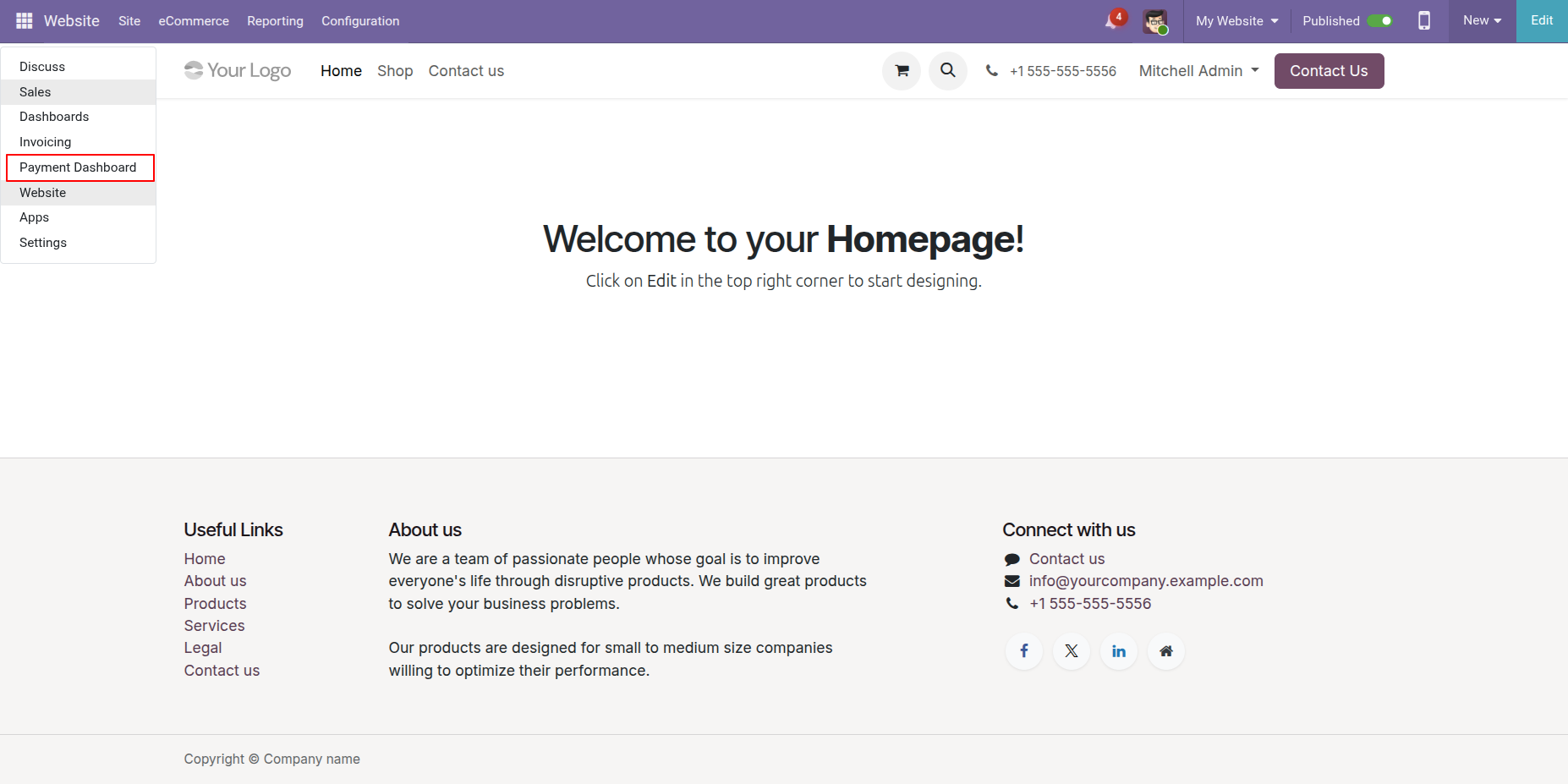
Go to the Payment Dashboard to view all payment records and their details.
Users can filter records by date range and refresh the dashboard to view the latest data.
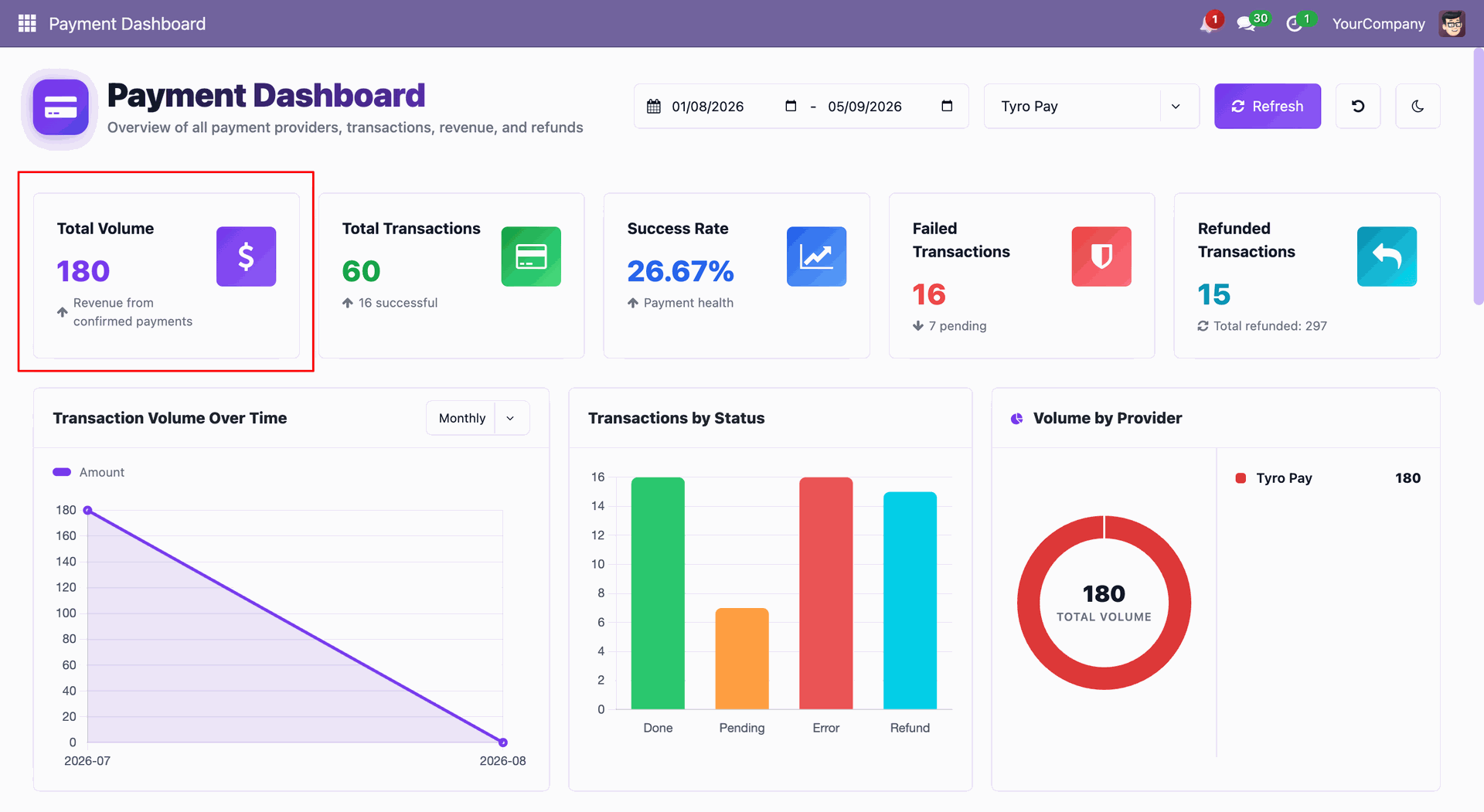
Users can view Total Volume, Total Transactions, Success Rate, Failed Transactions, and Refunded Transactions directly from the dashboard.
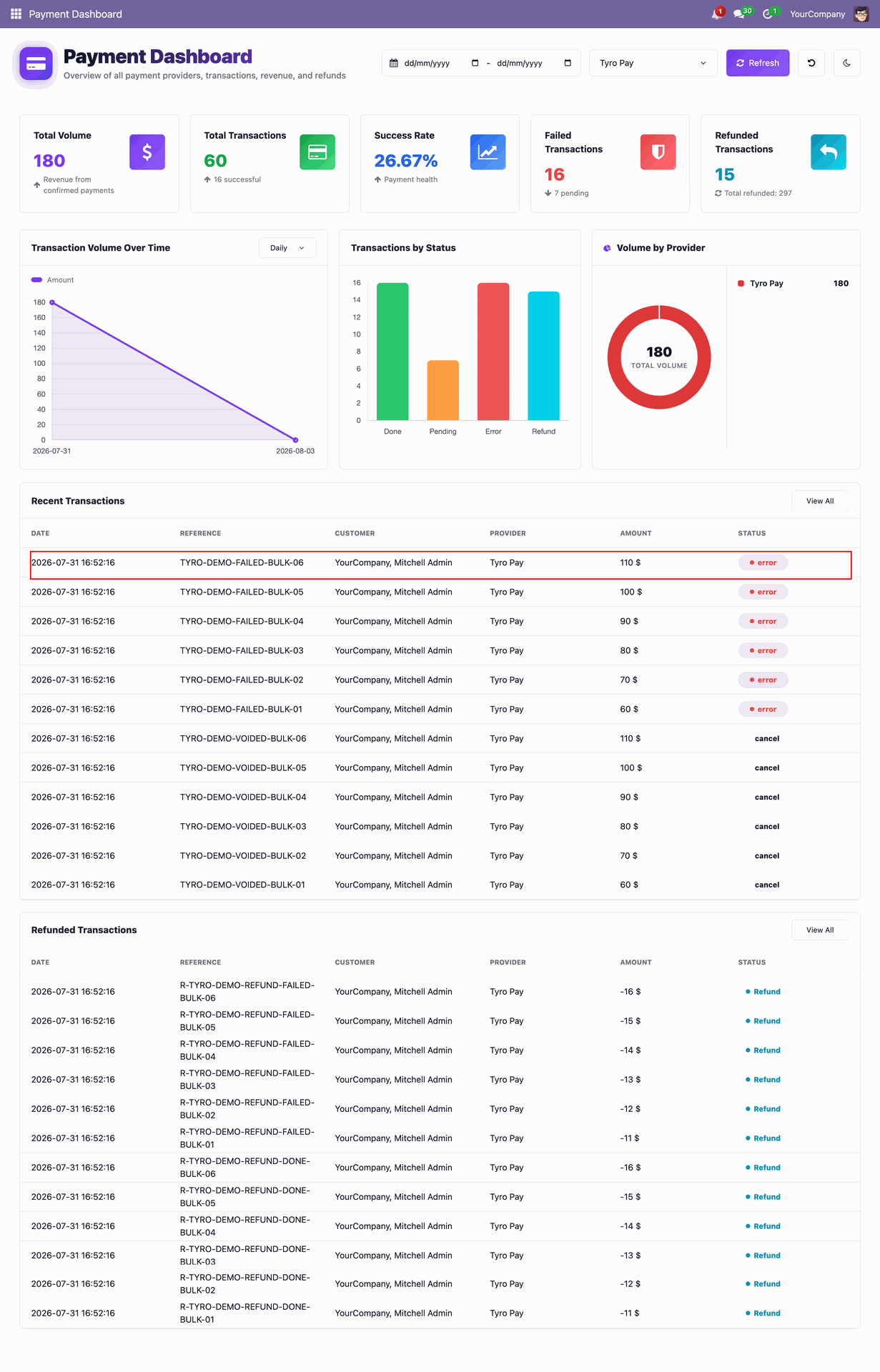
Users can view charts for Transaction Volume Over Time, Transactions by Status, and Volume by Provider directly from the dashboard.
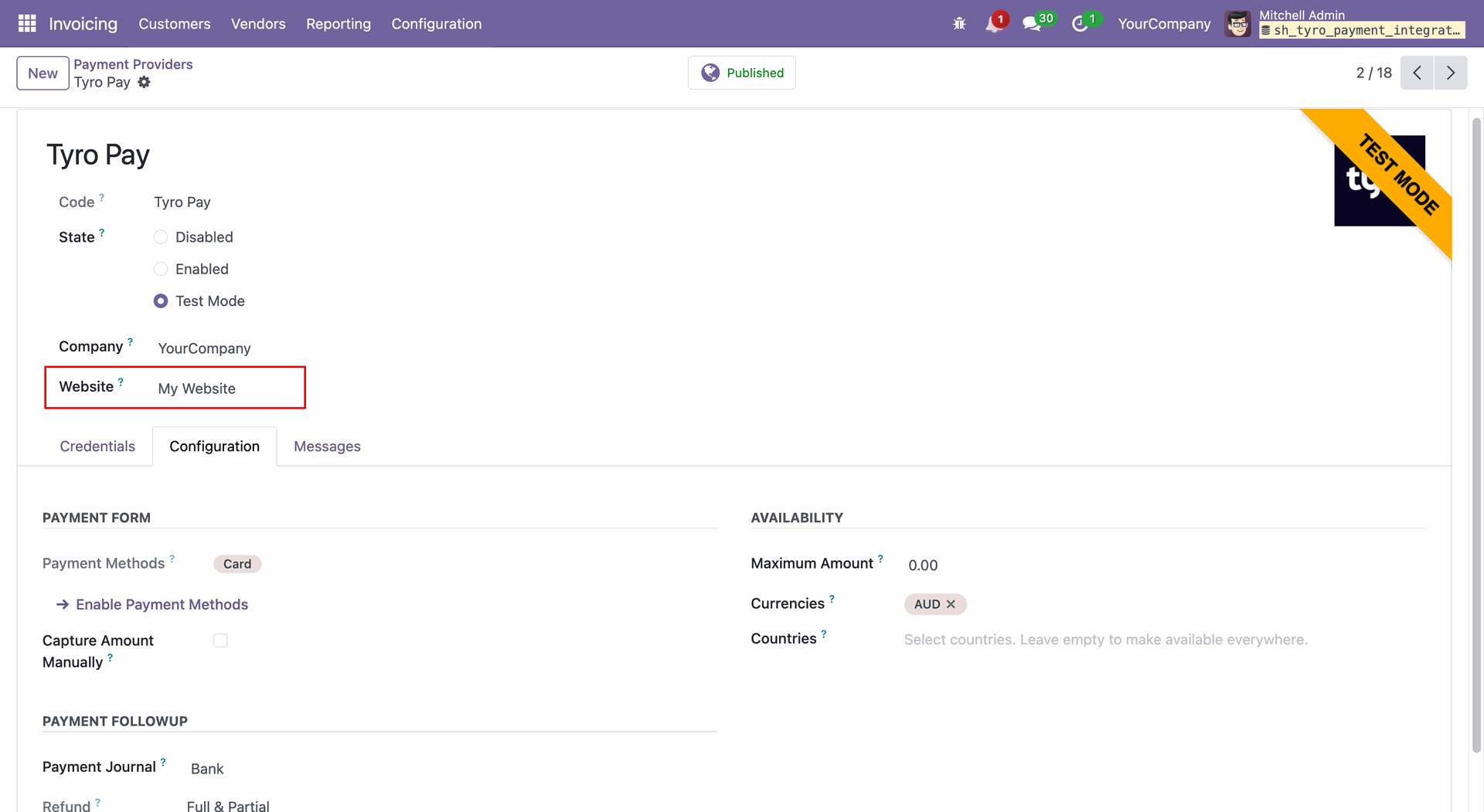
Enable Tyro Payments across multiple Odoo websites.
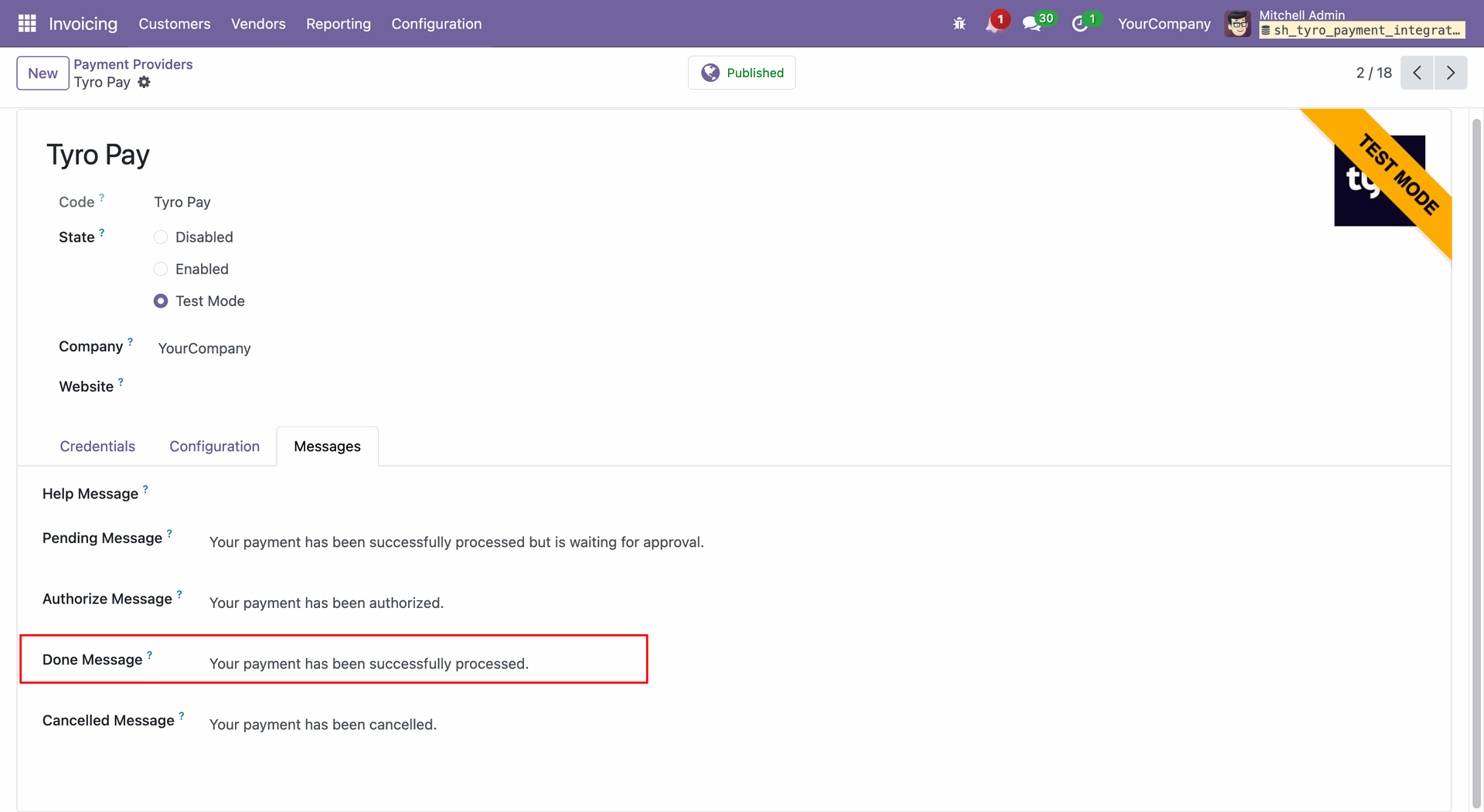
You can set custom payment messages.
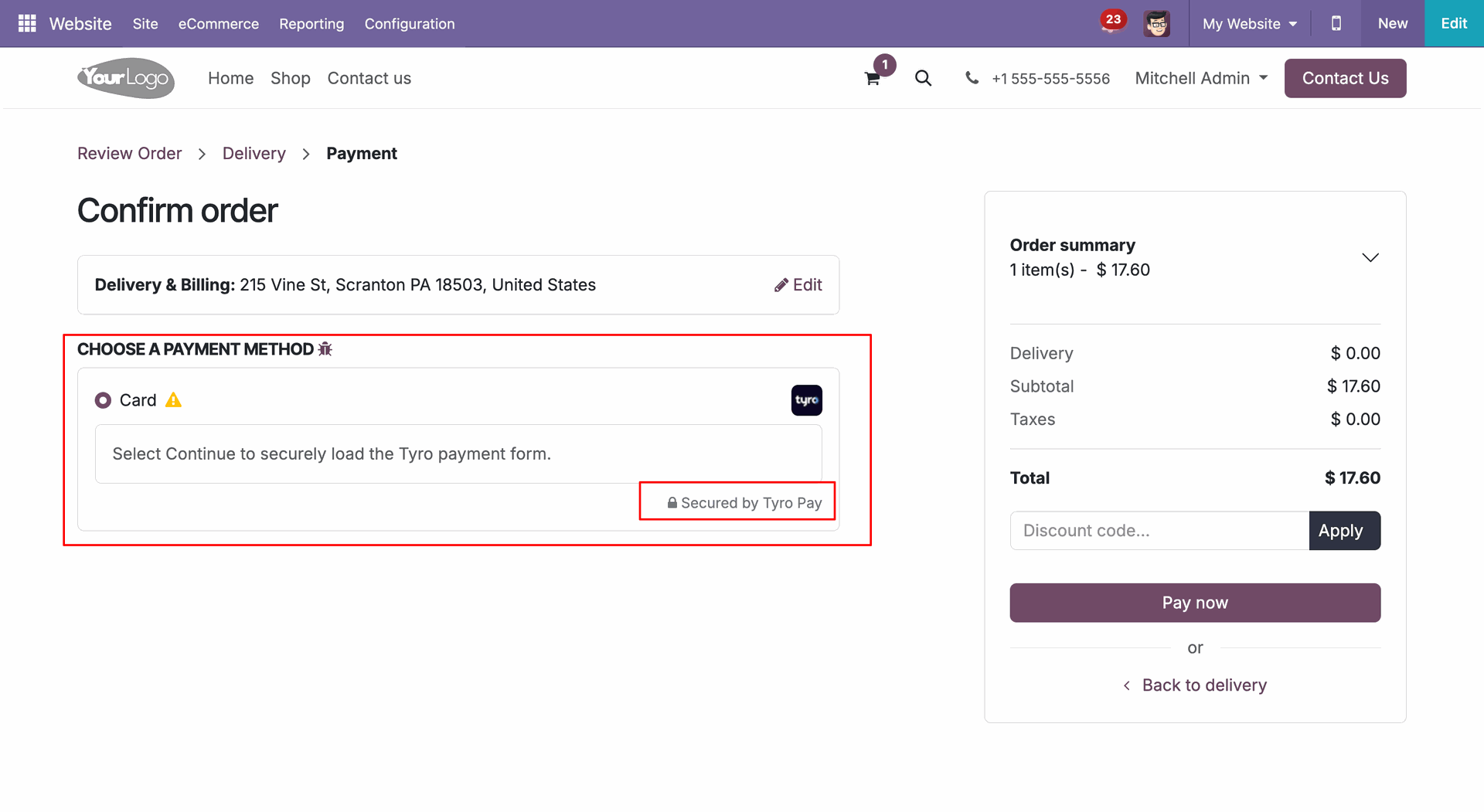
Select "Tyro" in checkout and click "Pay Now".
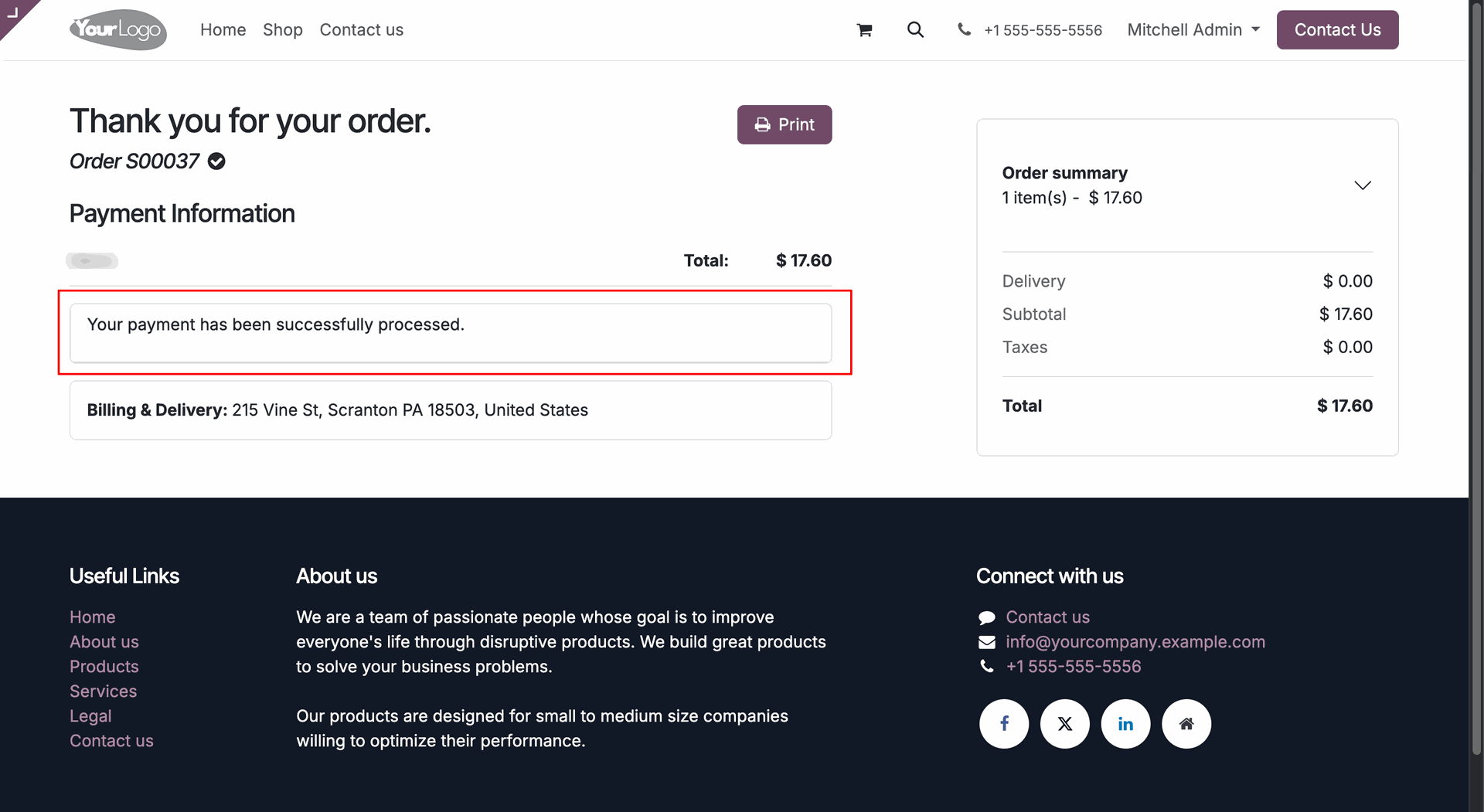
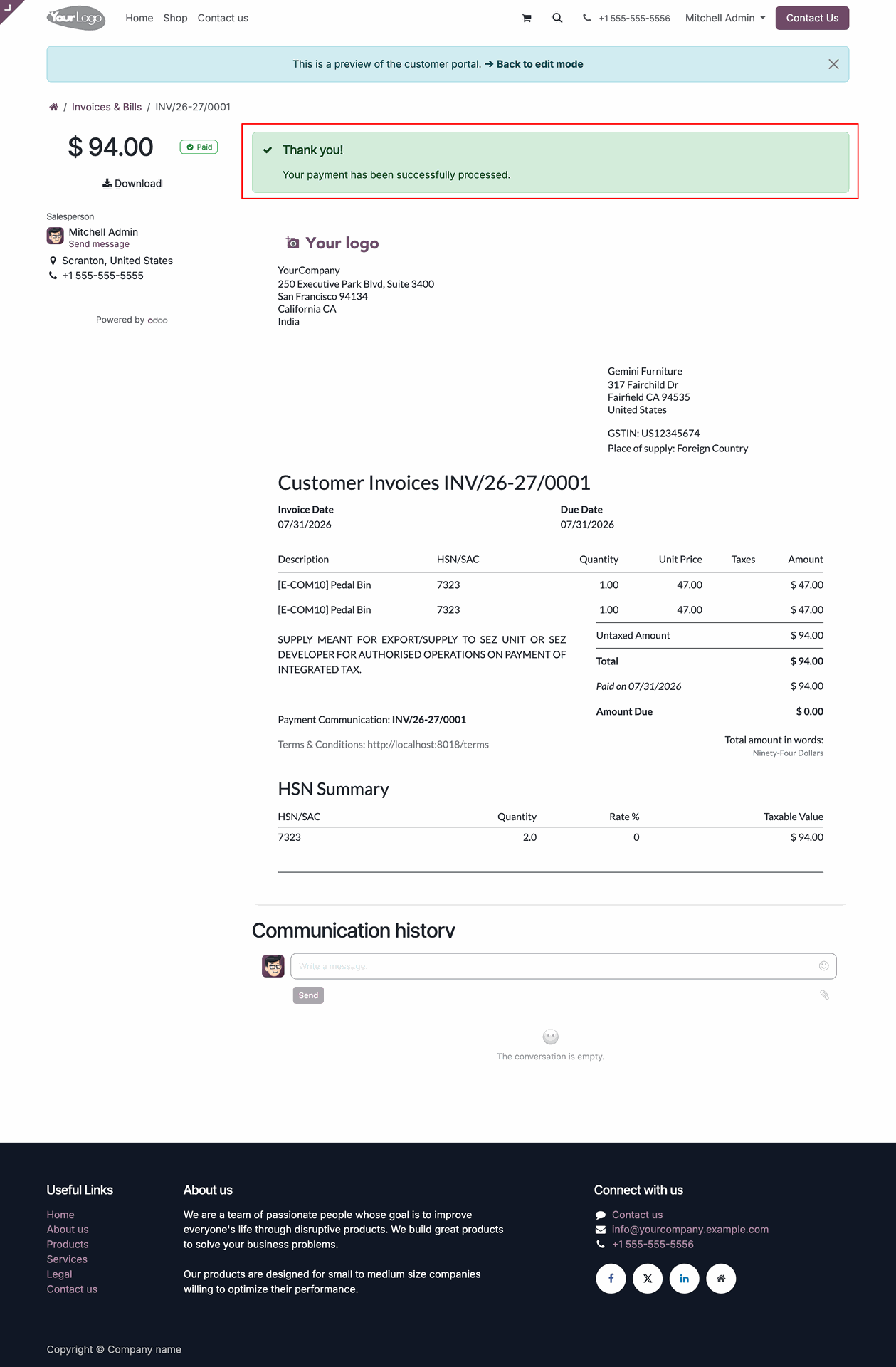
Once payment is done, it shows an order confirmation message.
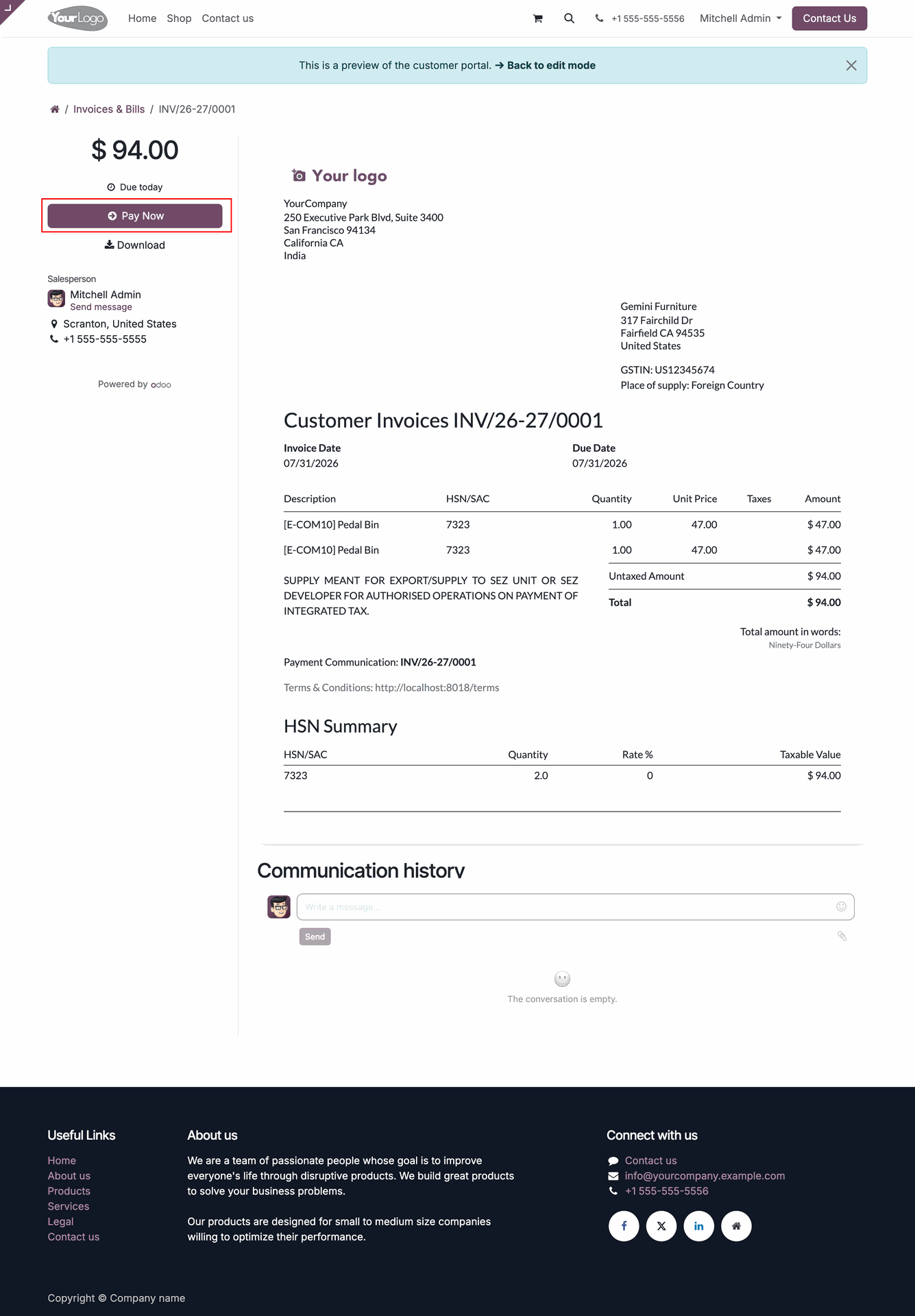
Click the Pay Now button at the portal for portal payment.
Select "Tyro" in checkout and click "Pay".
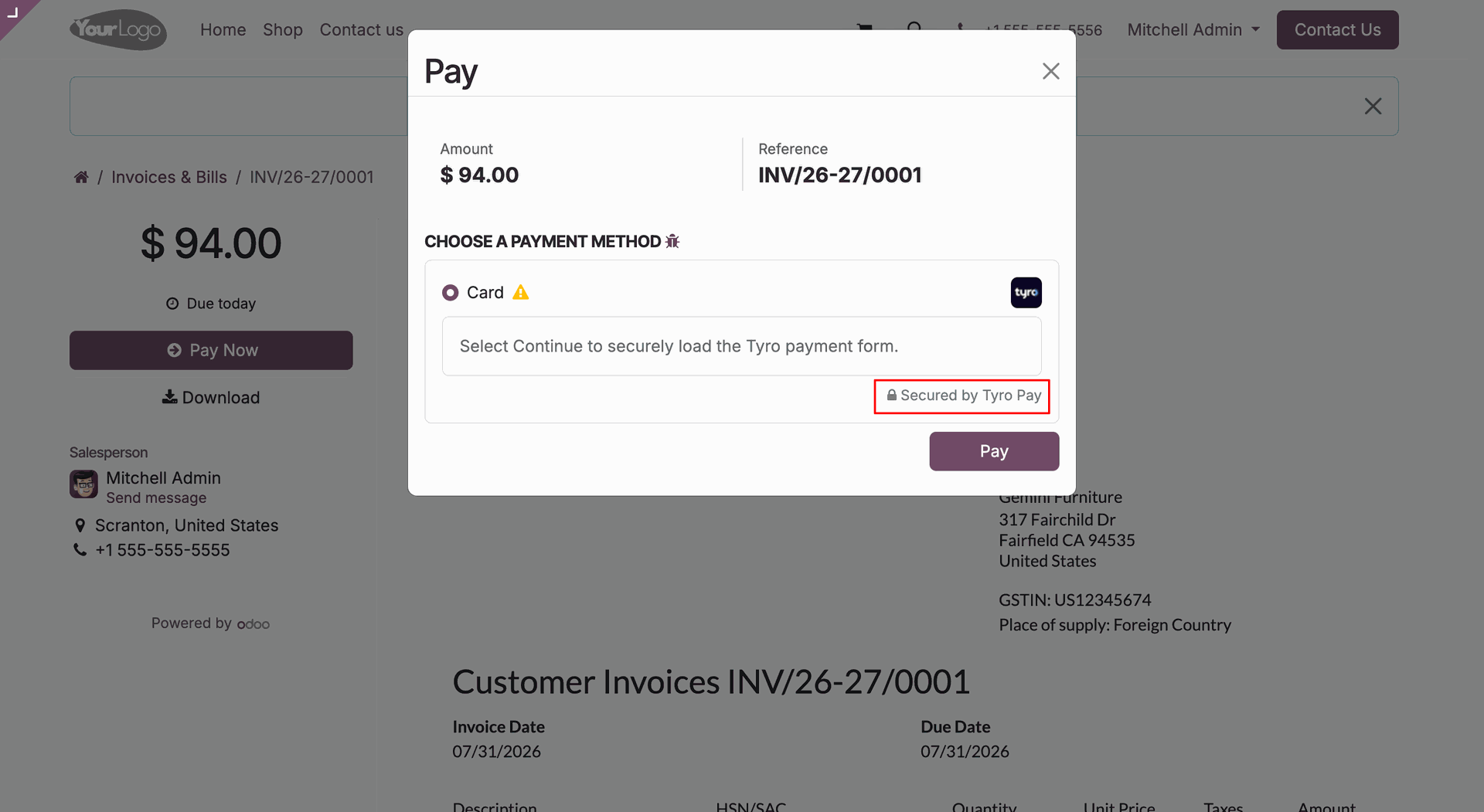
Once payment is done, it shows an order confirmation message.
Go to the Website General Settings and enable the Failed Payment Notification option to receive notifications whenever a payment transaction fails.
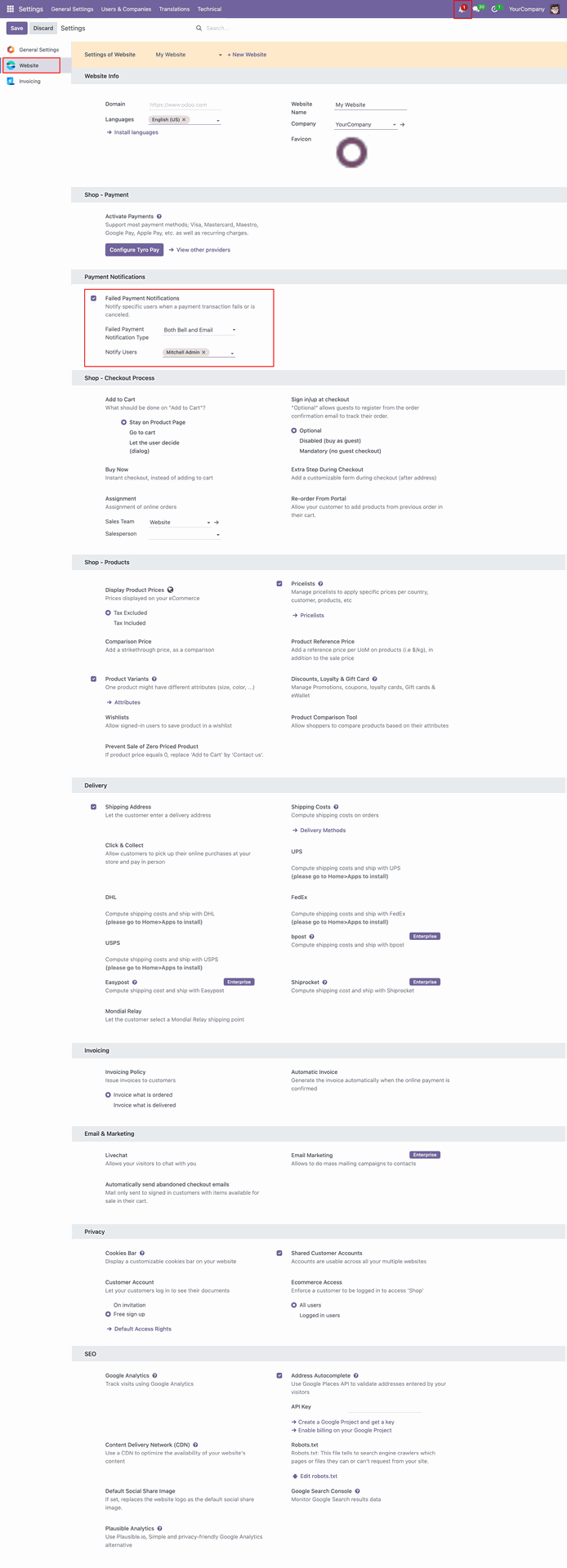
Configure the Failed Payment Notification Type by selecting one of the following options: Bell Icon Only, Email Only, or Both Email and Bell Icon.
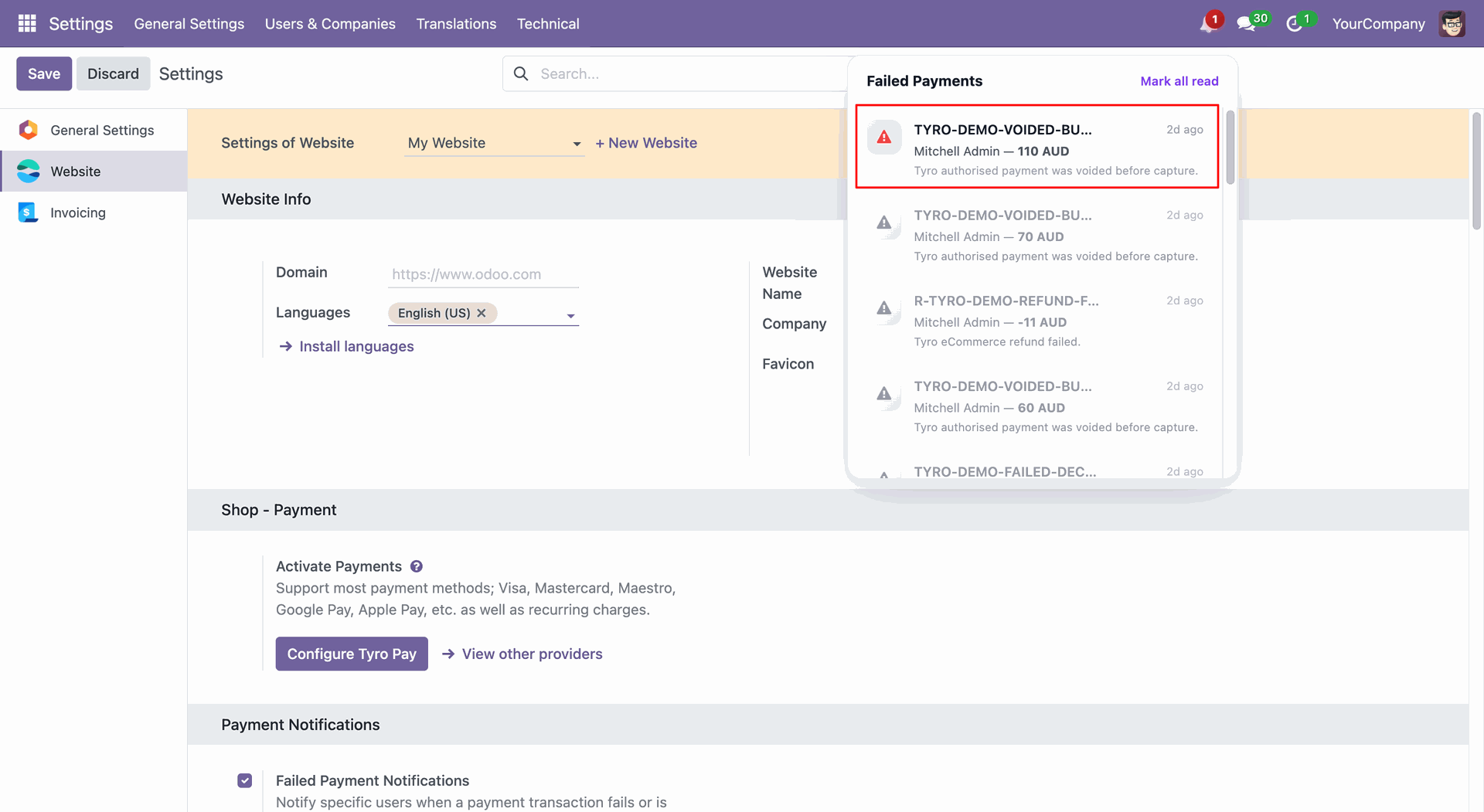
Users will receive an email containing the failed payment details and related transaction information.
Version 18.0.1.0.0 | Released on : 08th August 2026
- Yes, this app works perfectly with Odoo Enterprise (Odoo.sh & On-Premise) as well as Community.
- No, this application is not compatible with odoo.com(odoo saas/Odoo Online).
- Please Contact Us at sales@softhealer.com to request customization.
- Yes, you will get free update for lifetime.
- No, you don't need to install additional libraries.
- For version 12 or upper, you will need to purchase the module for each version that you want to use.
- Yes, we provide free lifetime support for the version you purchased.
- No, We do not provide any kind of exchange.
Discover Our Latest Apps