












Tours & Travel Management System

This module simplifies travel agency operations by managing tour packages, day-wise itineraries, seasonal packages, customer bookings, hotel accommodations, destinations, guides, drivers, and customer invoicing. Plan memorable journeys and streamline travel operations from one centralized platform.

Features
Interactive Dashboard
Track active seasons, available tour packages, booking stages, and dynamic analytics through a centralized overview.

Tour Packages
Design complete holiday packages with day-wise itineraries, facilities, transparent policies, and pricing structures.

Tour Bookings
Manage customer bookings from initial draft inquiries to confirmed travel arrangements effortlessly.
Customer Invoicing
Generate accounting customer invoices automatically upon tour booking confirmation to streamline billing.

Hotel Management
Maintain partner hotel directories, room categories, dining plans, and photo galleries.

Location Catalog
Organize travel destinations, regional territories, sightseeing places, and landmark photo galleries systematically.
Guide Registration
Register professional tour guides with verified specialties, service rates, and destination details.

Driver Management
Manage qualified transit drivers, license documentation, and road service rates.

Visa Documentation
Attach and verify passenger passports, and travel visa documents within booking records.
CRM Integration
Convert pipeline sales opportunities into confirmed tour bookings directly from the lead form.
Customer Booking Wizard
Launch an instant booking wizard straight from customer contact cards to reserve tours rapidly.

Travel Insurance Tracking
Maintain traveler insurance policy numbers, description, and provider terms on bookings.

Manage Tour Master Data
Configure tour types, seasons, places, categories, meal types, available food, activities, room types, hotel & package facilities from one centralized setup.
View the interactive dashboard showing season overviews, package metrics, booking counts, and dynamic analytical charts.
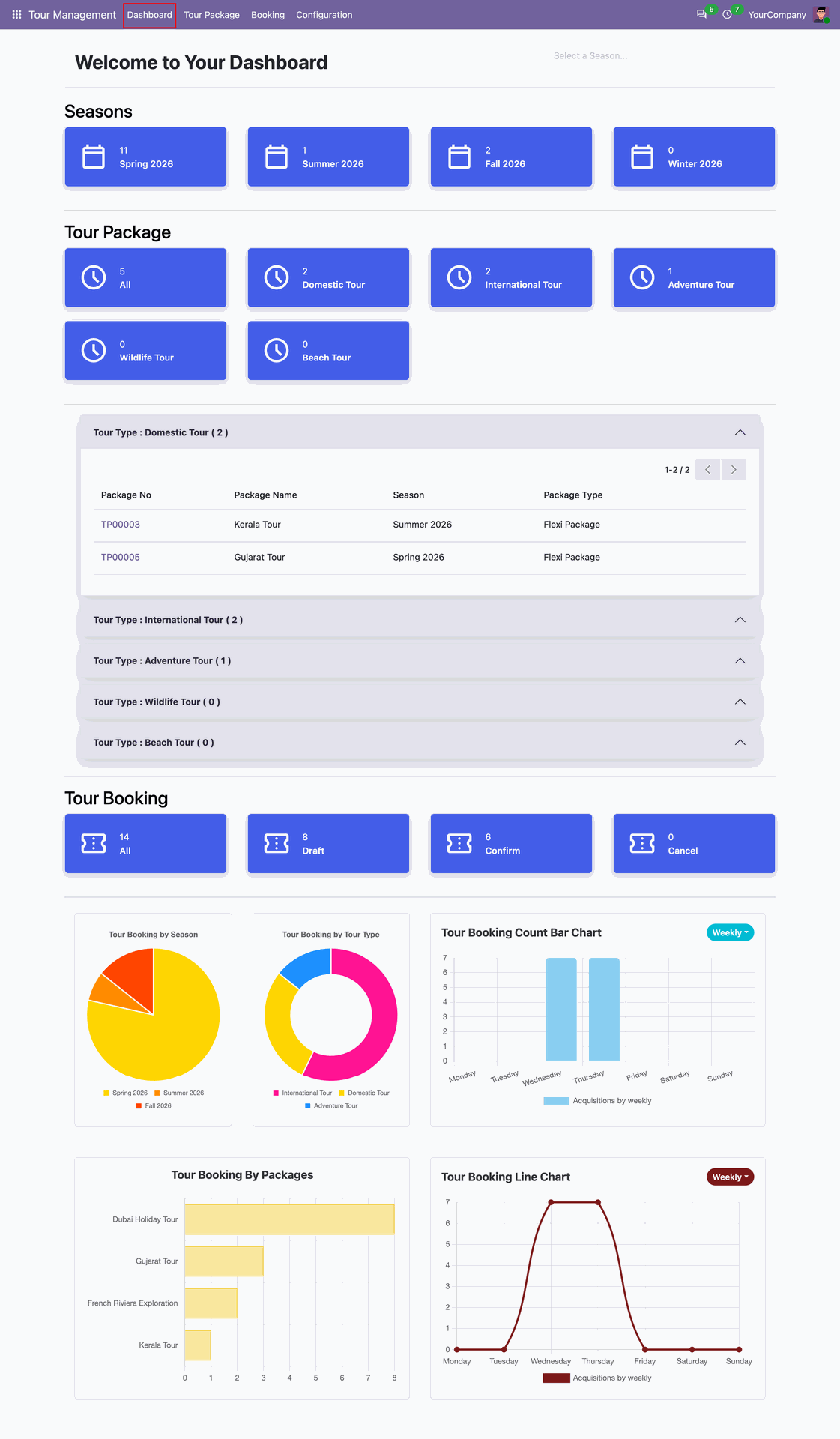
Filter dashboard metrics dynamically by selecting the Spring 2026 season card from the top overview.
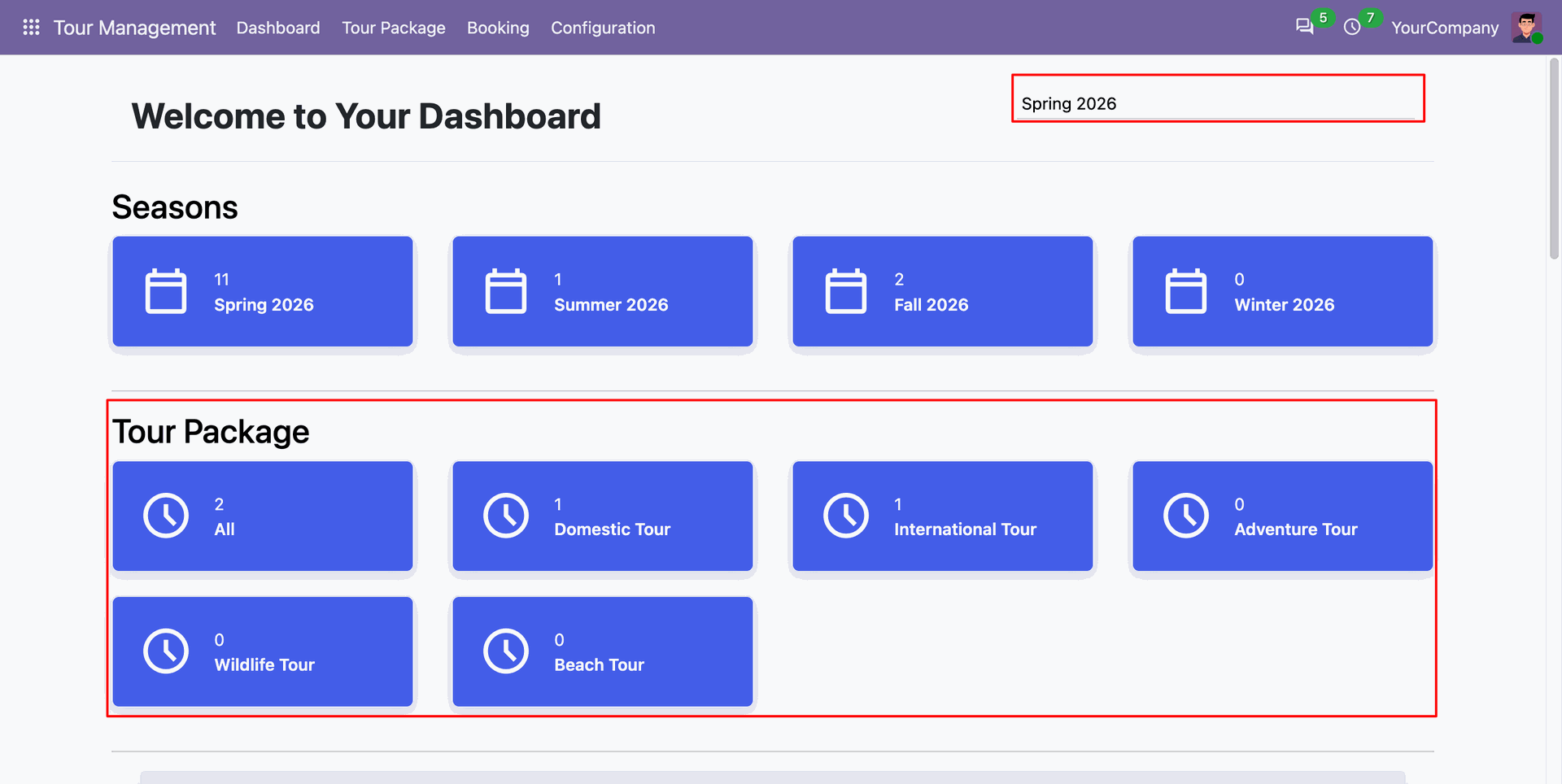
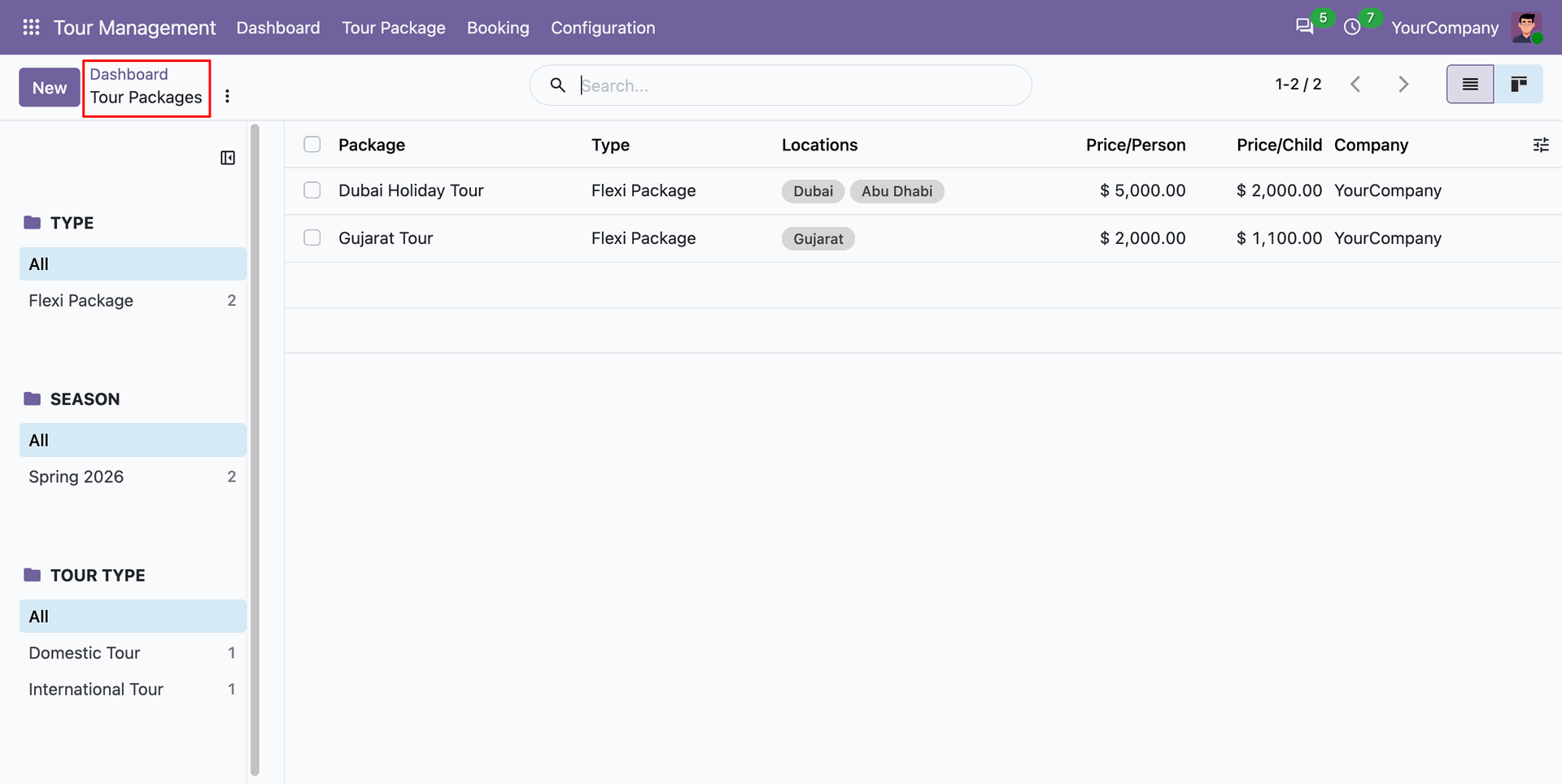
Click any package dashboard counter to instantly open the filtered list of matching tour packages.
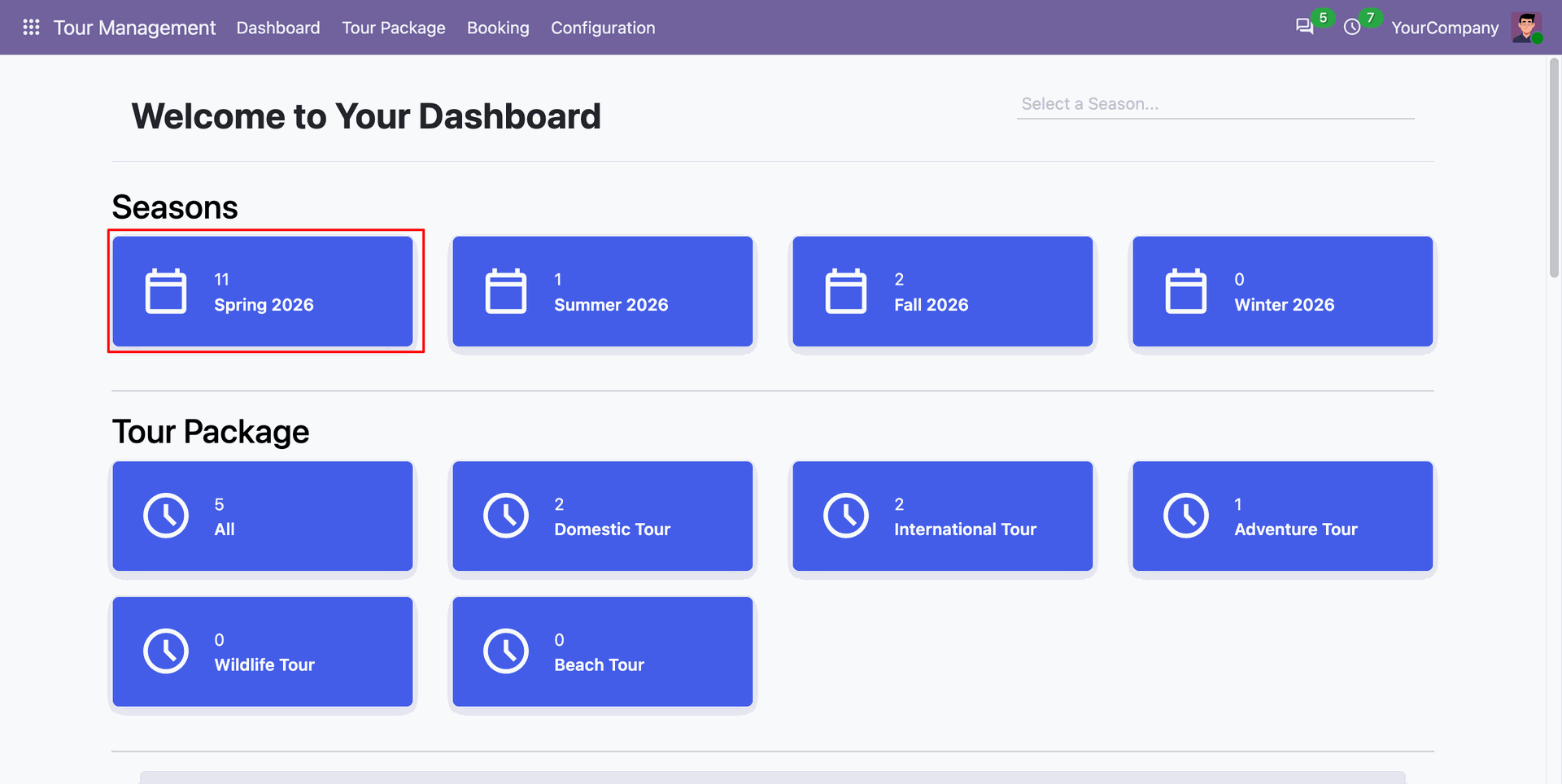
Select the highlighted Spring 2026 season card to view bookings scheduled for that specific travel period.
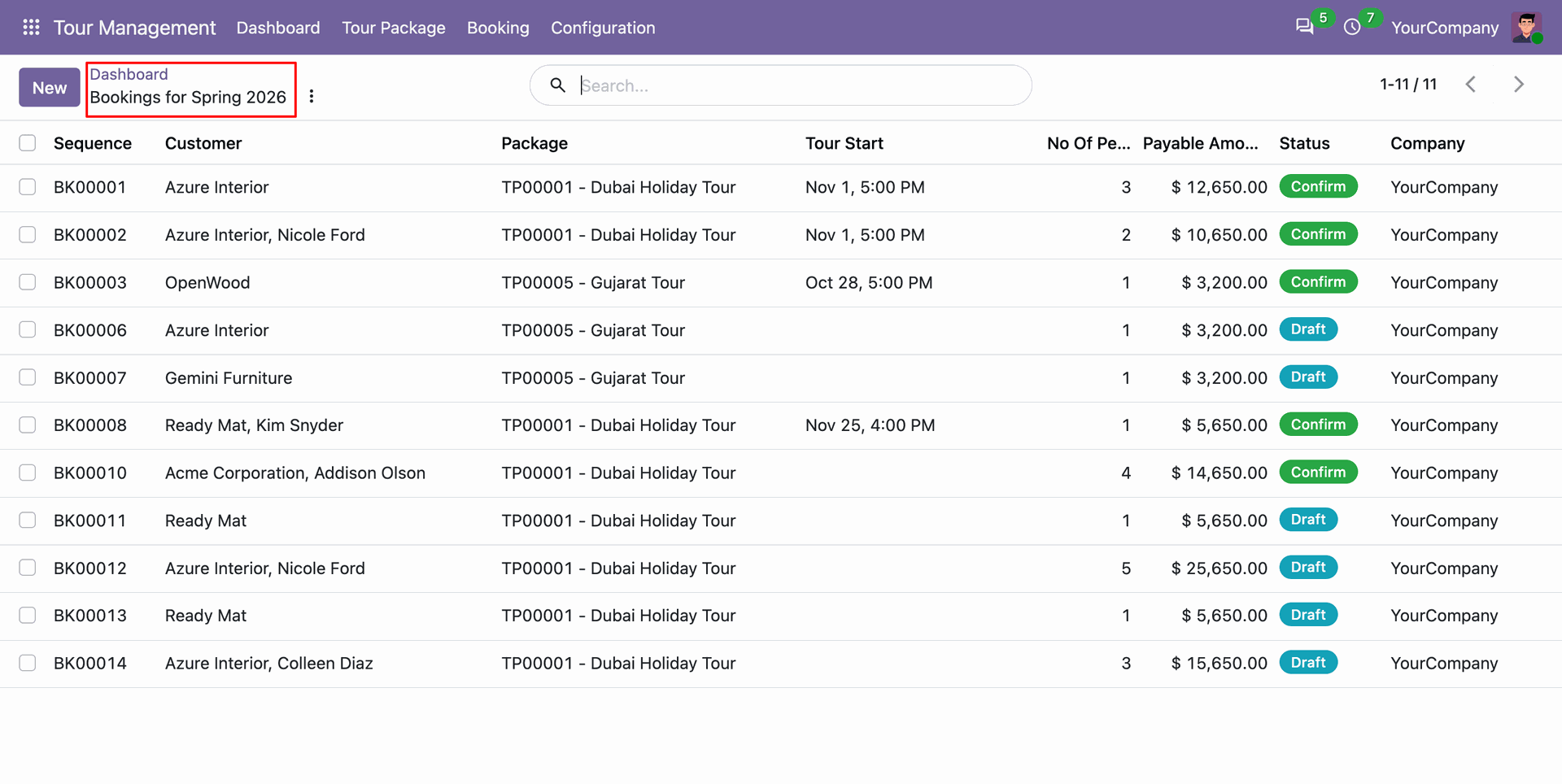
Explore the filtered tour bookings list generated directly from the selected season card on the dashboard.
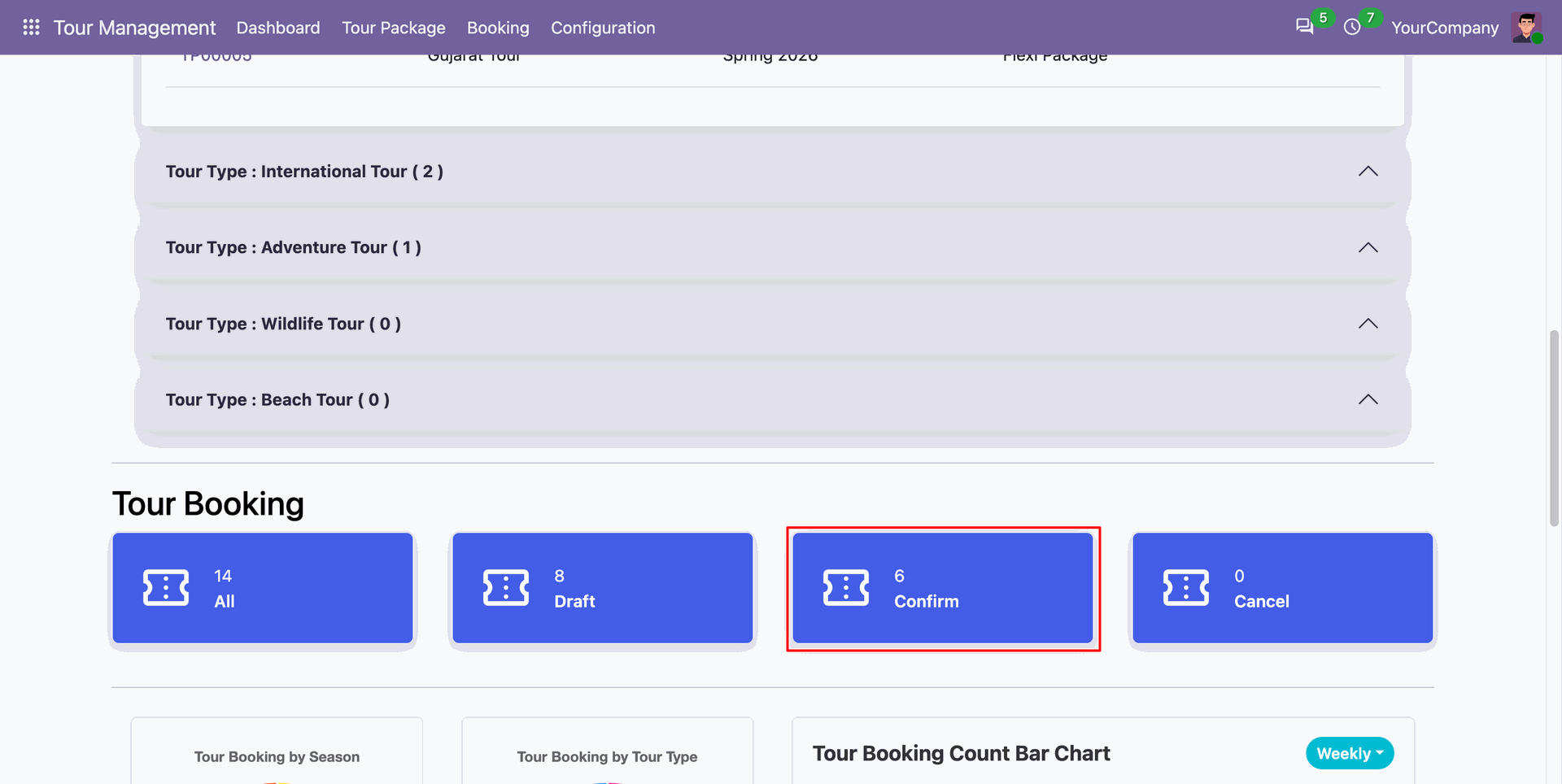
Click the confirmed booking status card to inspect all tour bookings currently in confirmed stage.
Access the filtered list view showing confirmed tour bookings navigated straight from the dashboard status card.
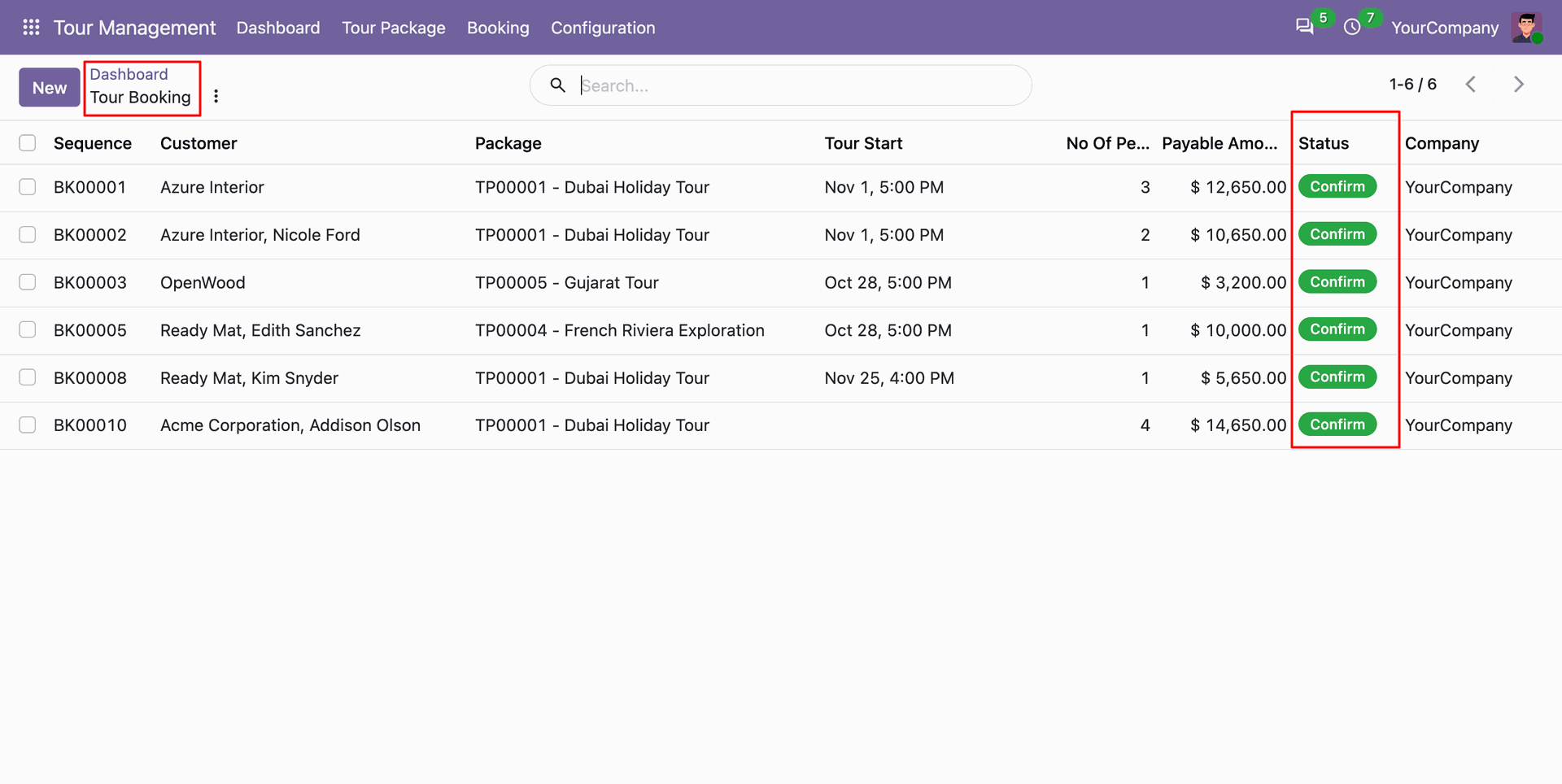
Navigate to Hotels under the Configuration menu to view and manage registered hotel partner records.
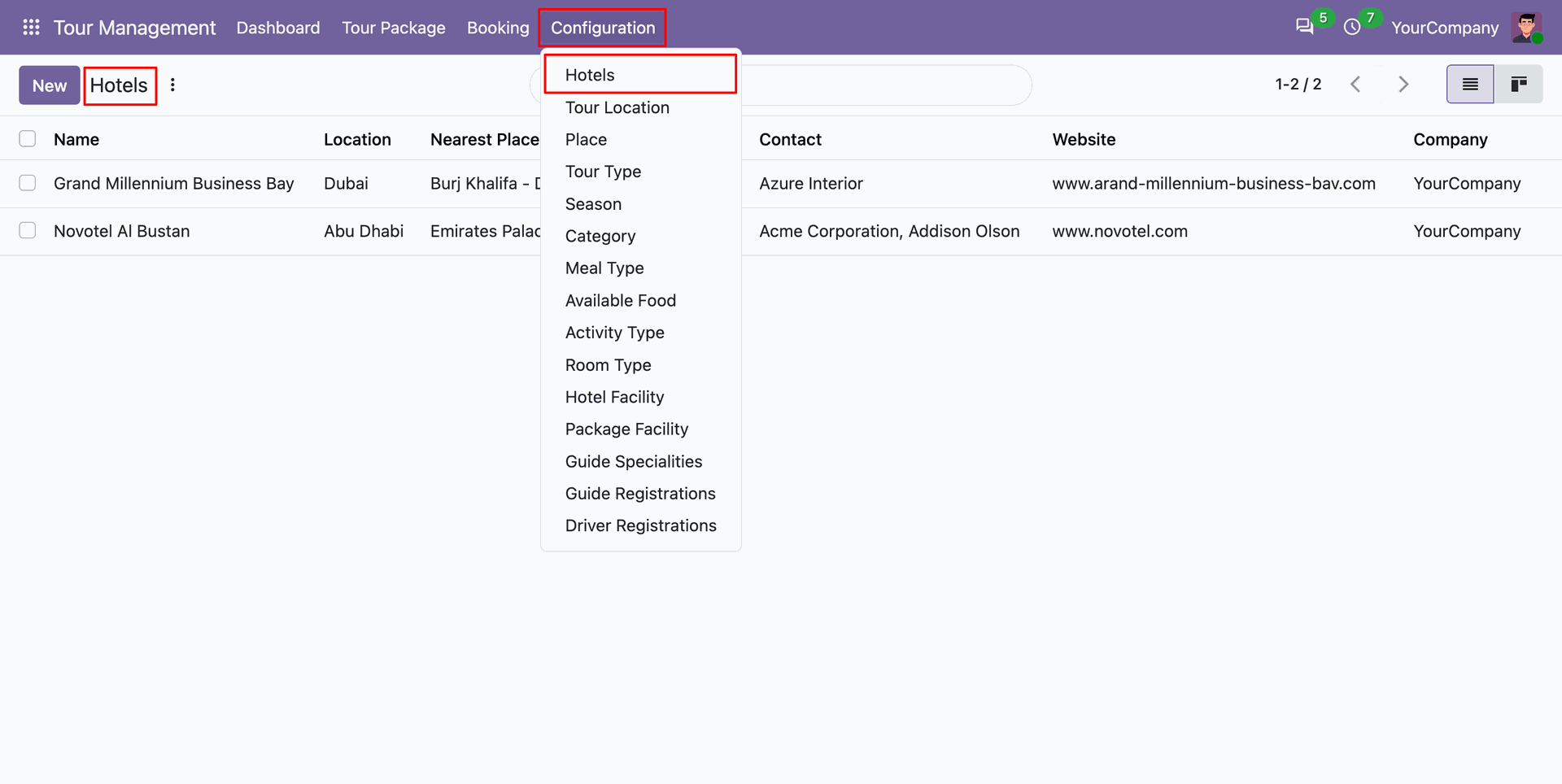
Upload and organize visual property images within the galleries tab of the hotel record.
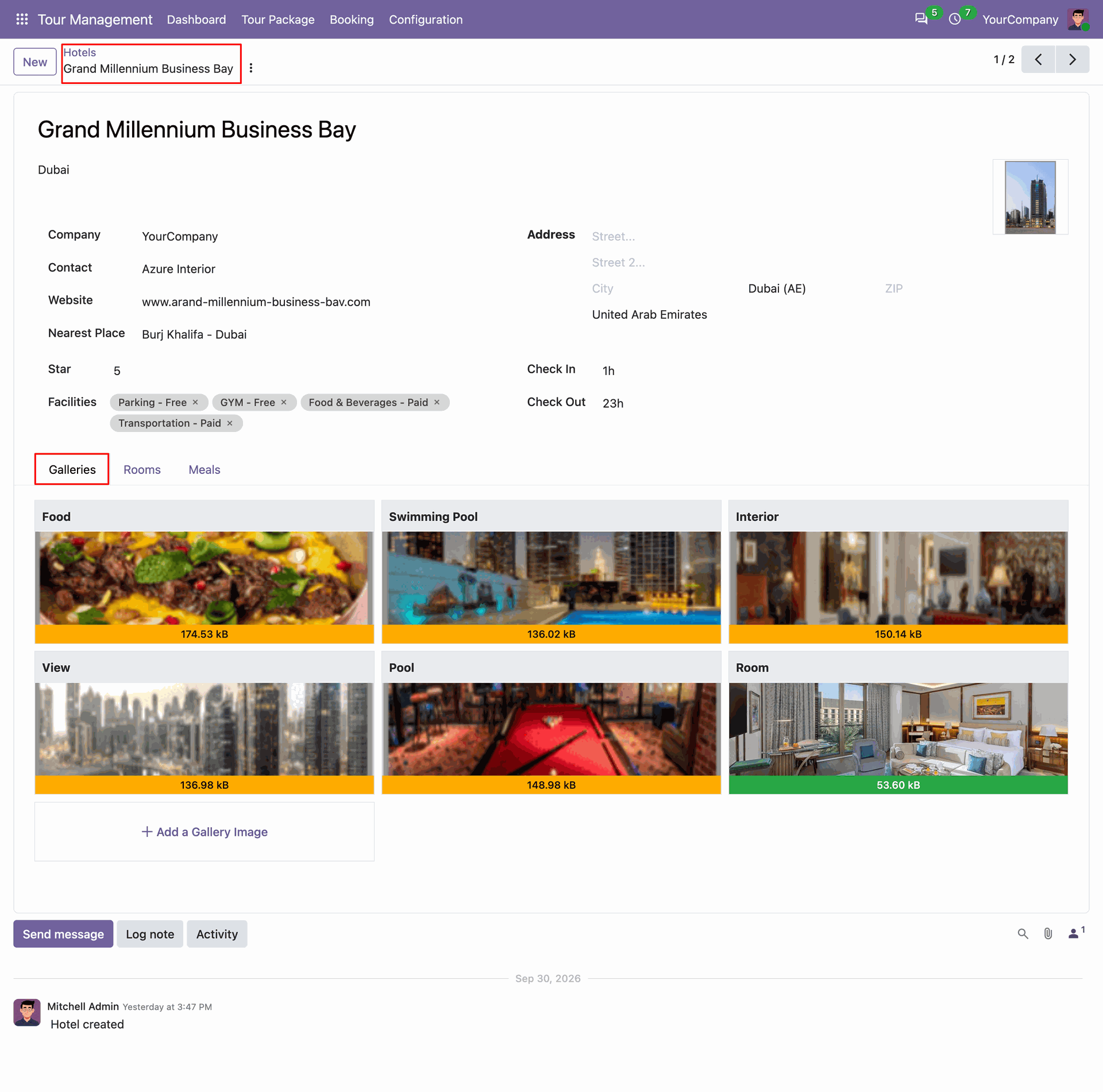
Configure available hotel room types.
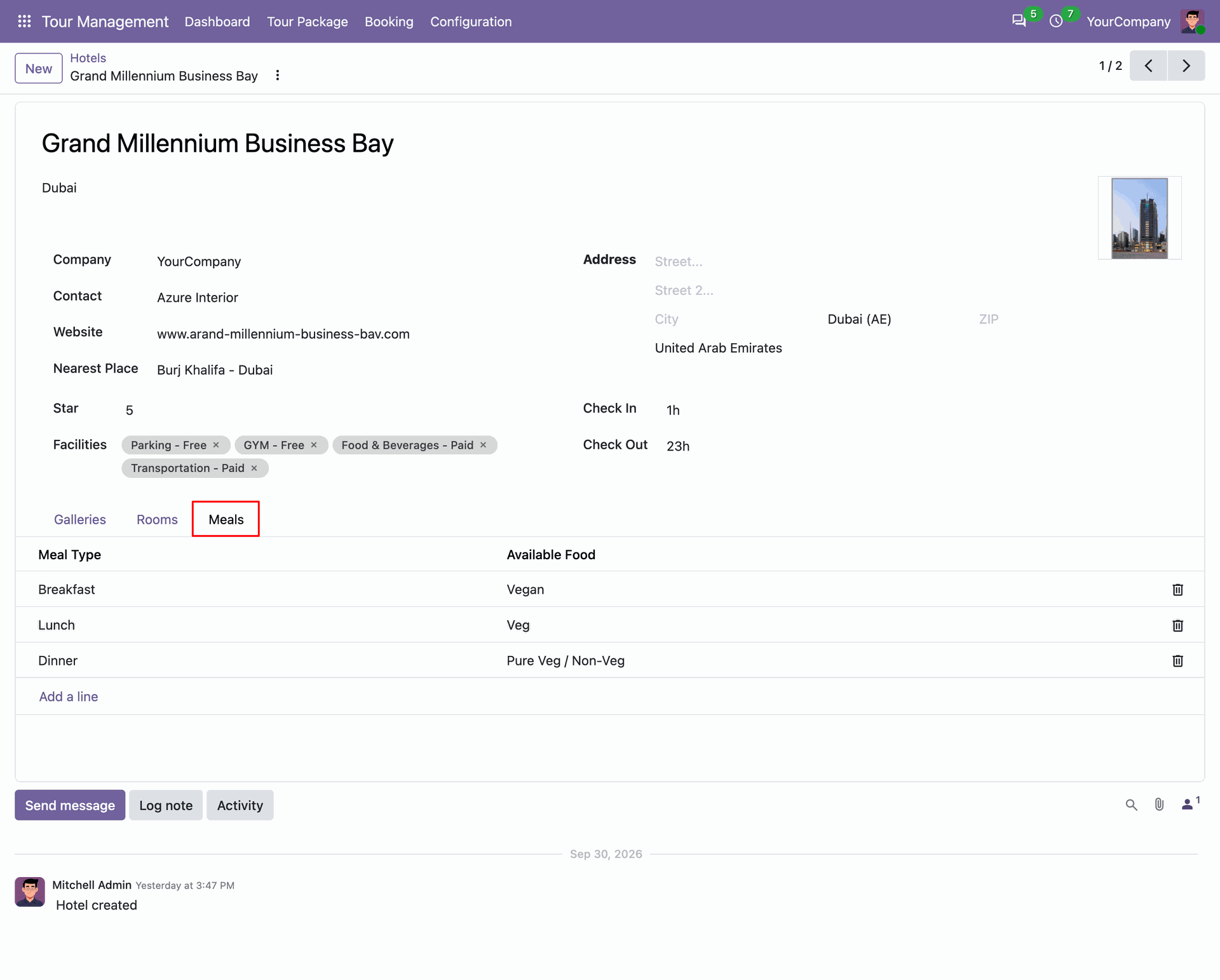
Set up meal plans and available food options.
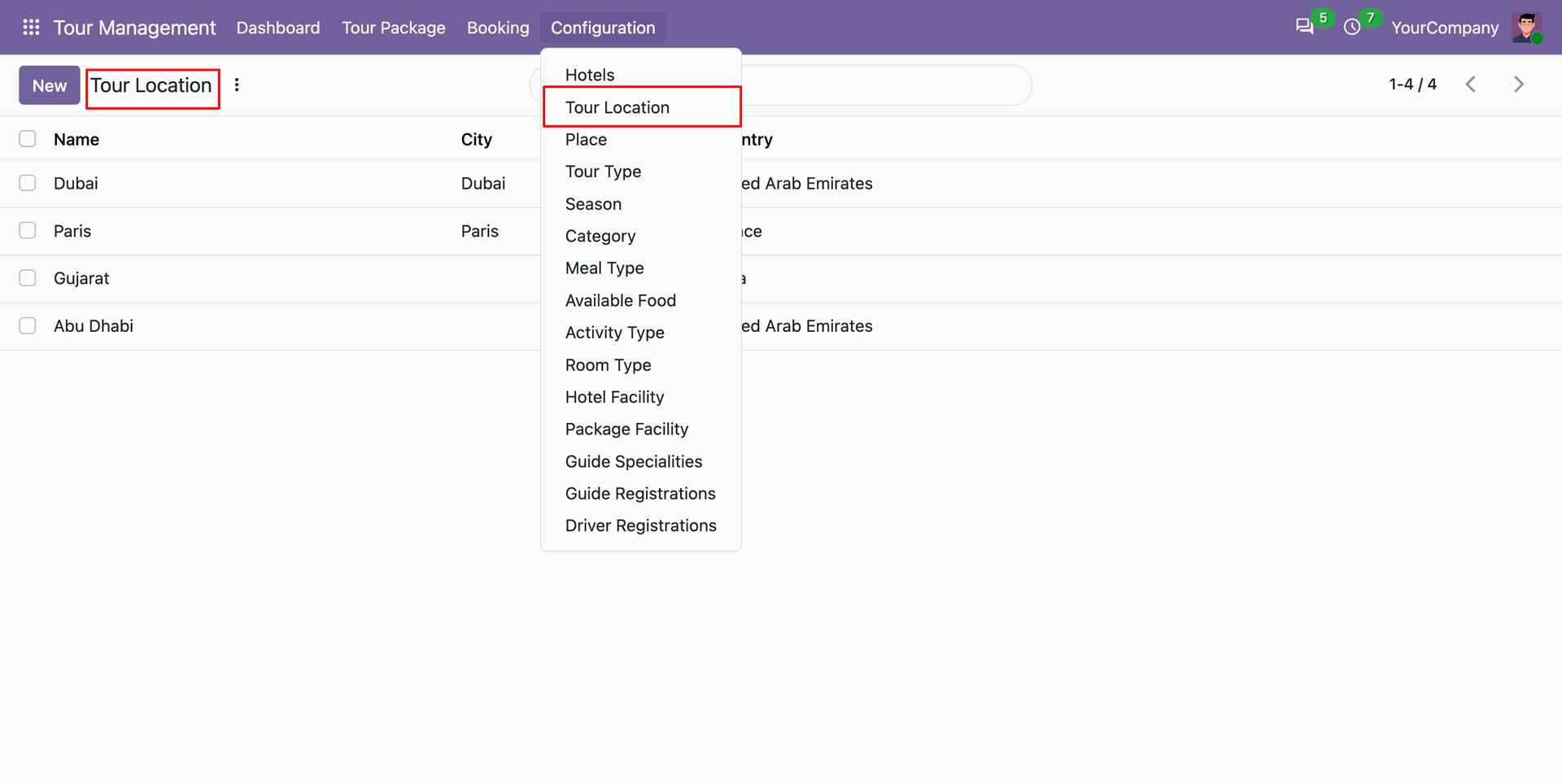
Open the Tour Locations menu to manage geographic travel destinations, countries, and regional areas.
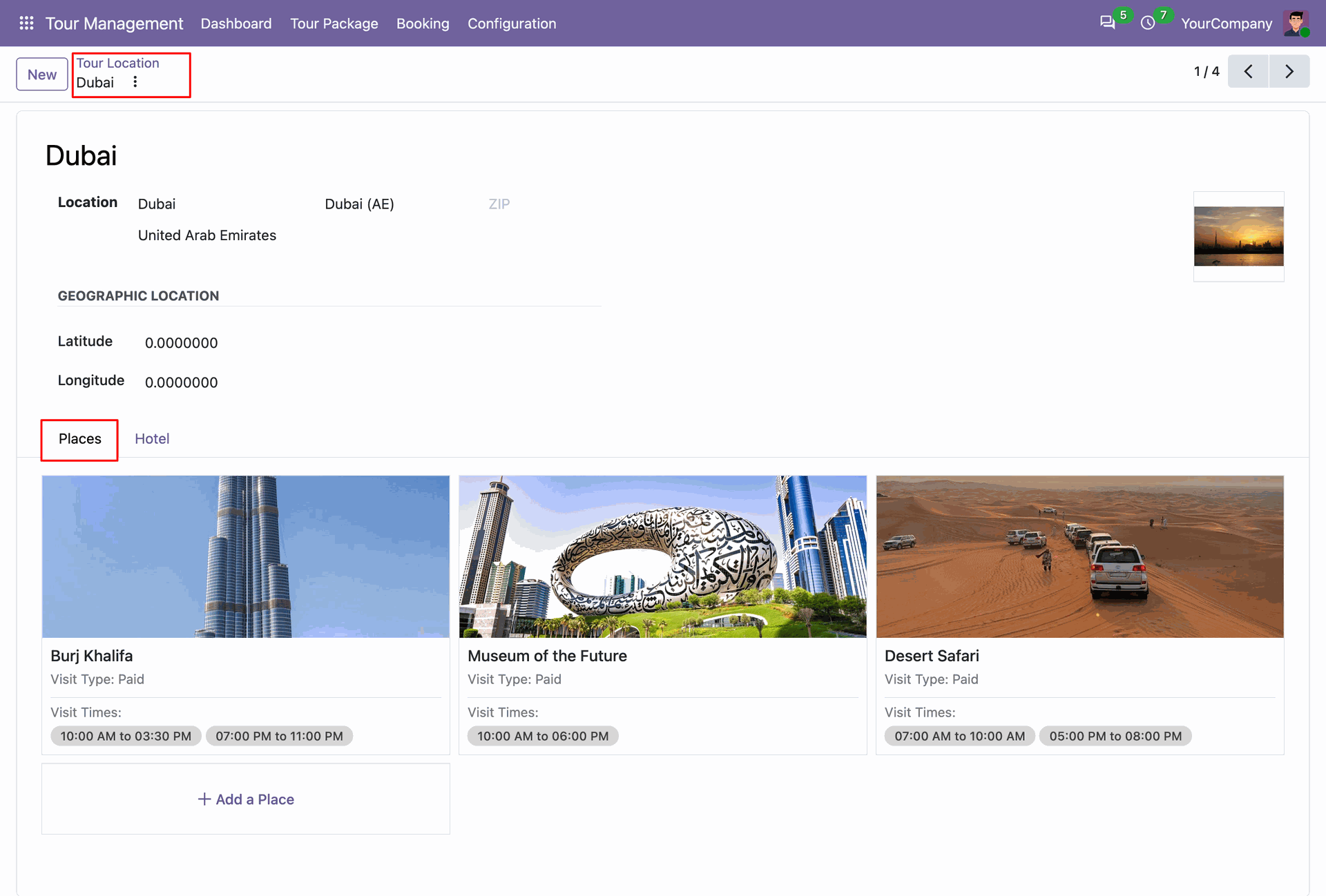
Tour location form view with places.
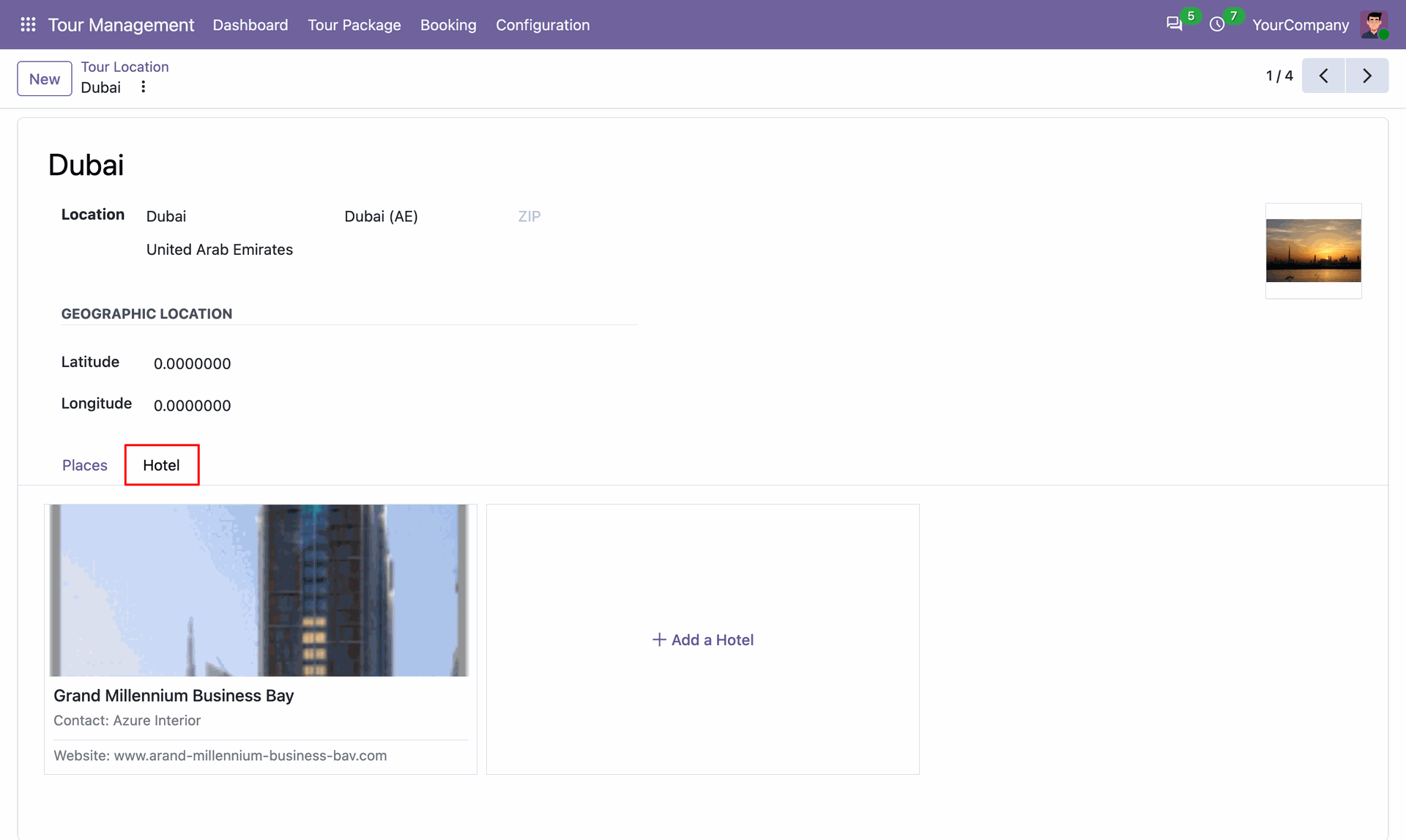
Tour location form view with hotels.
Navigate to the Places menu.
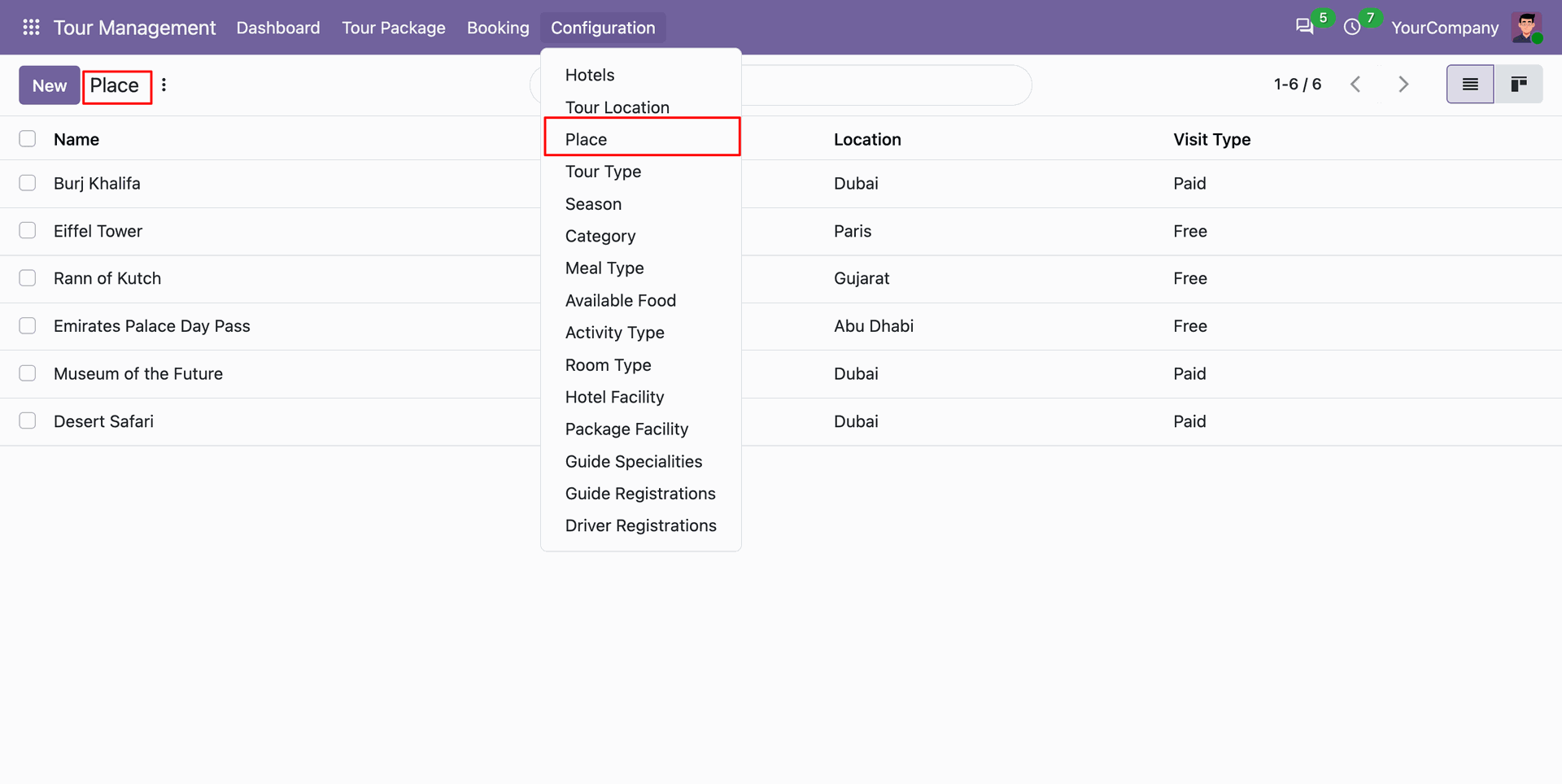
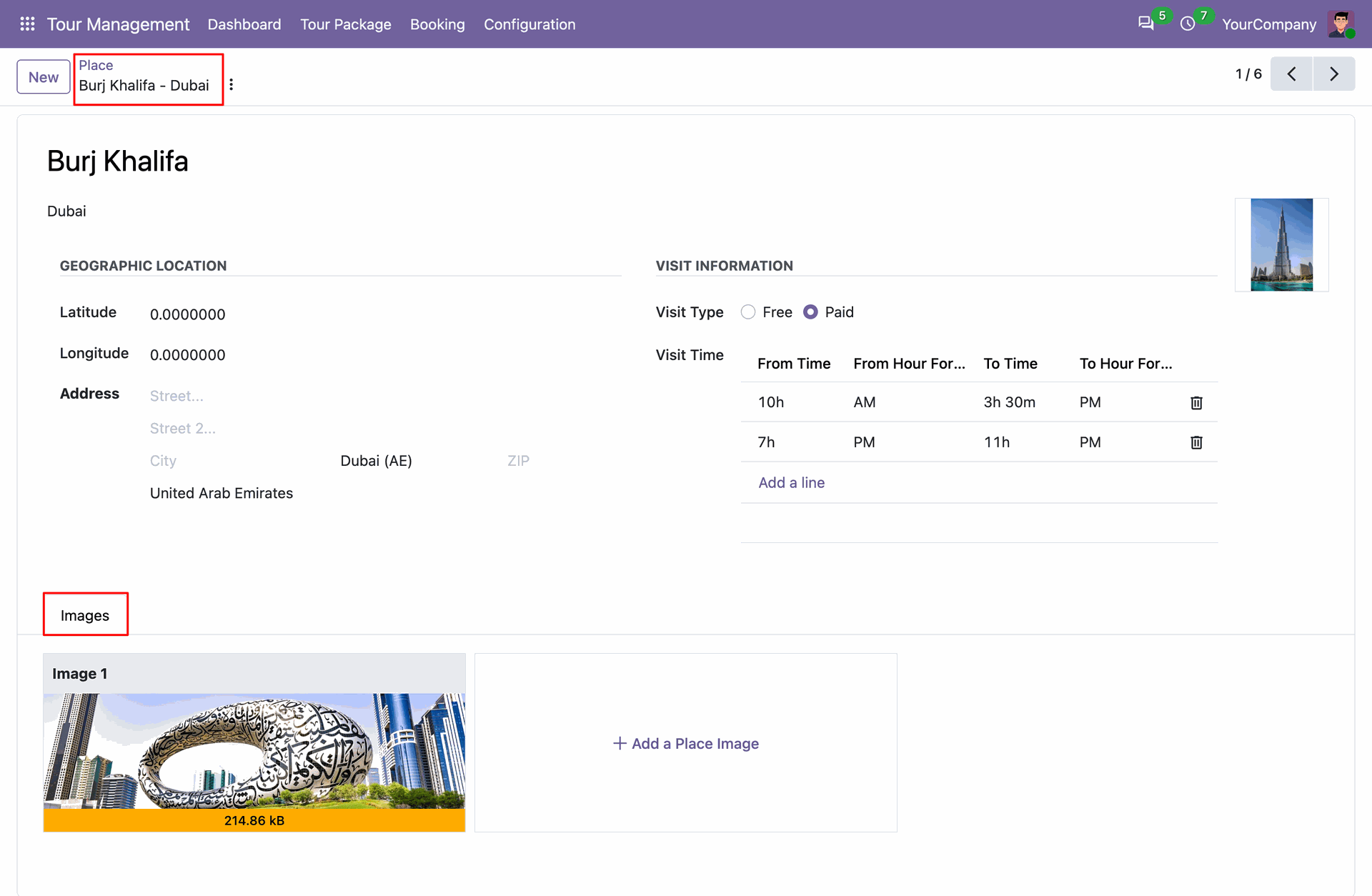
Place form view with details.
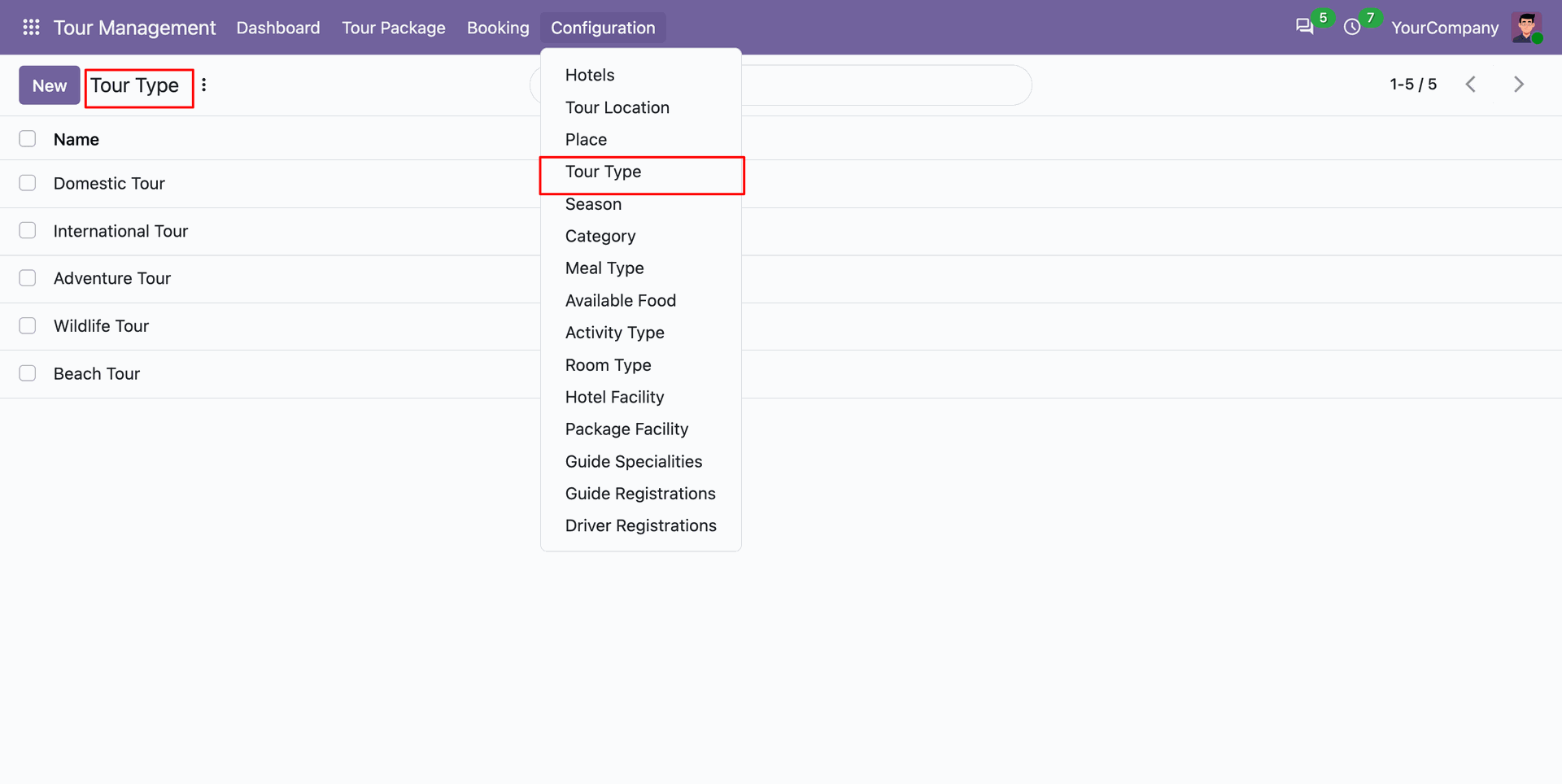
Access Tour Types configuration to classify packages.
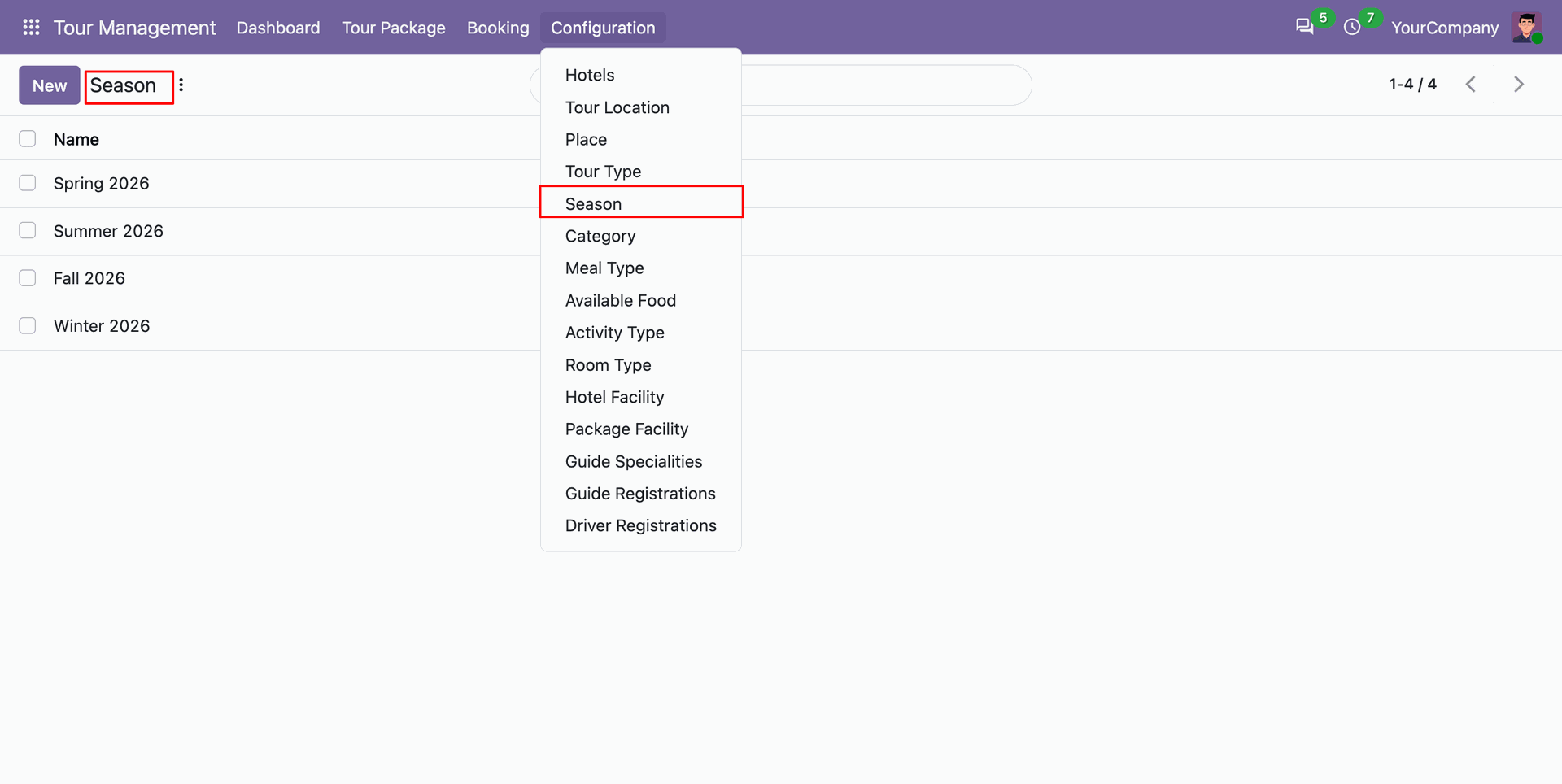
Configure seasonal travel periods.
Organize traveler add-ons into structured groups using the preference categories configuration menu.
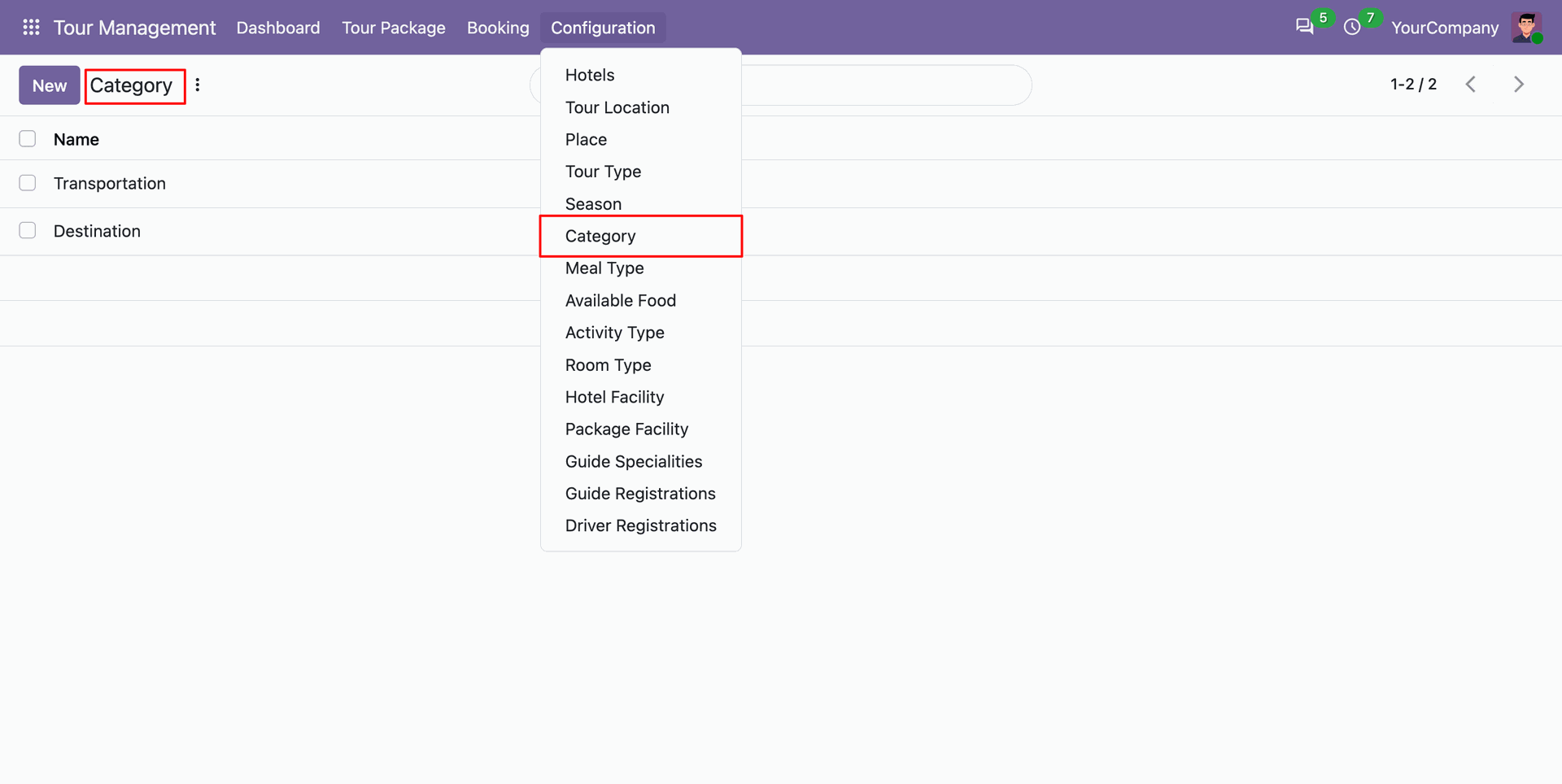
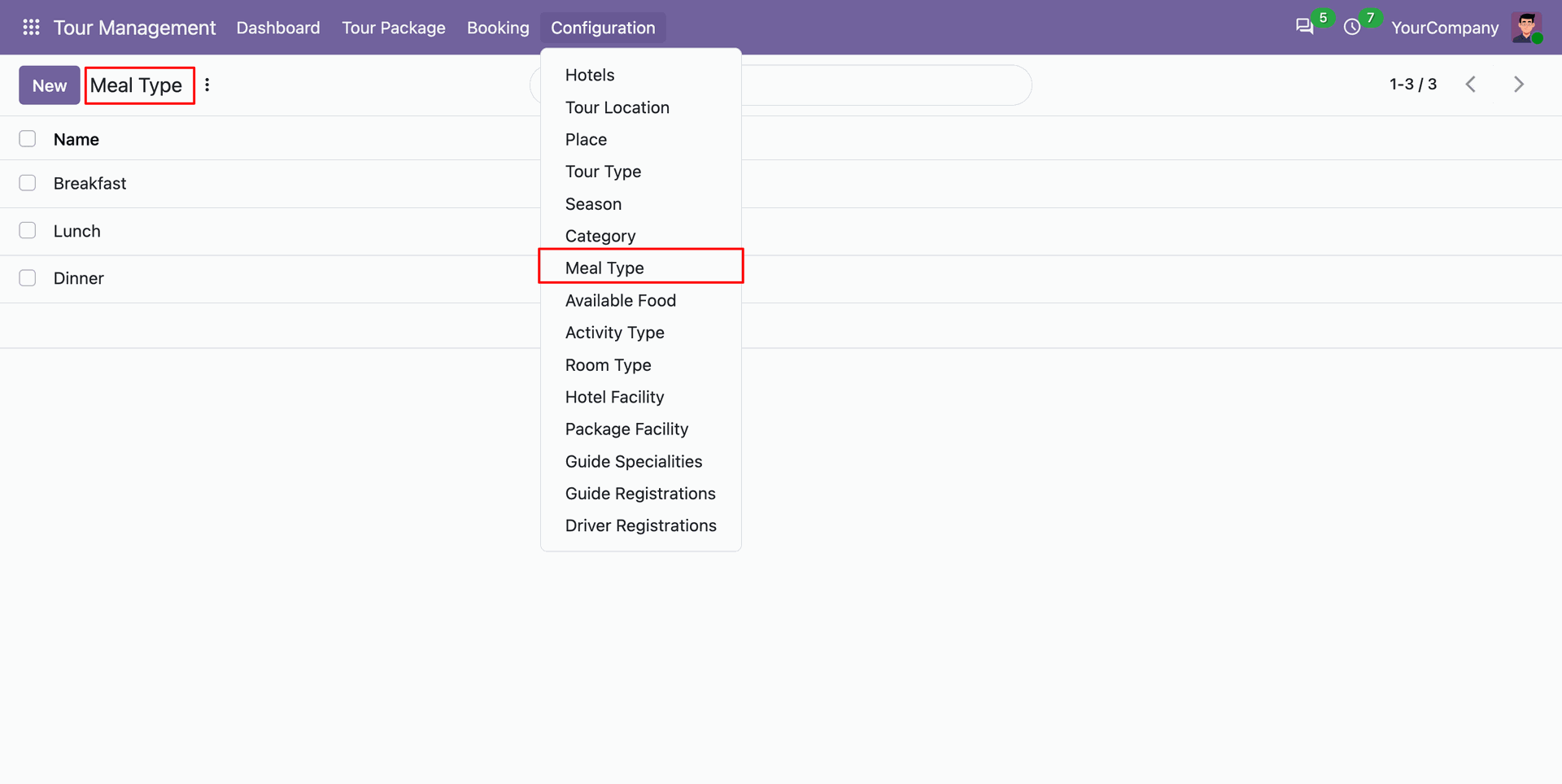
Create distinct meal type classifications to accommodate diverse customer dining preferences on tour itineraries.
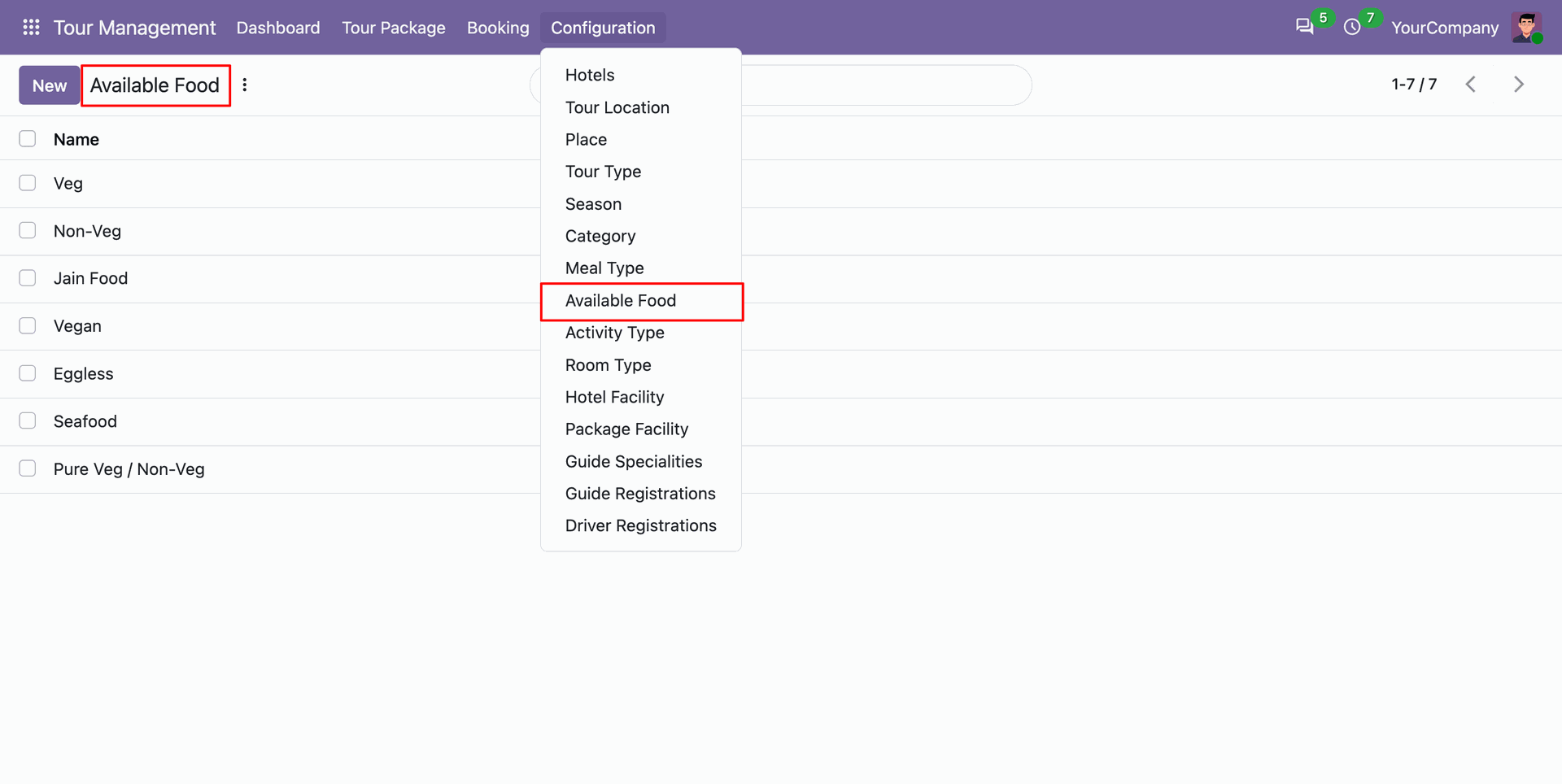
Maintain specific food menus and dining items linked to meal types in available foods setup.
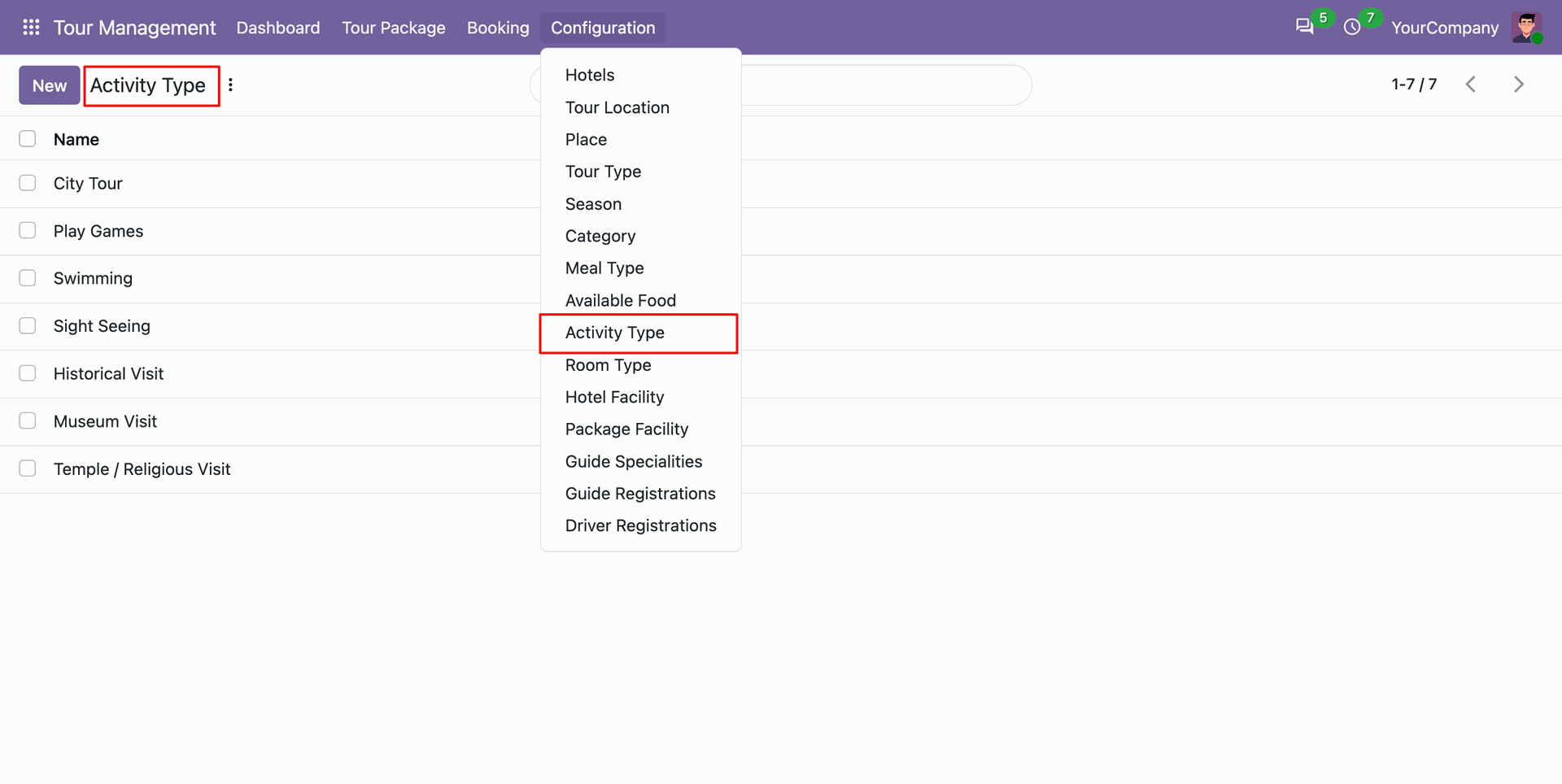
Define activity categories such as desert safaris and water sports within the activity types menu.
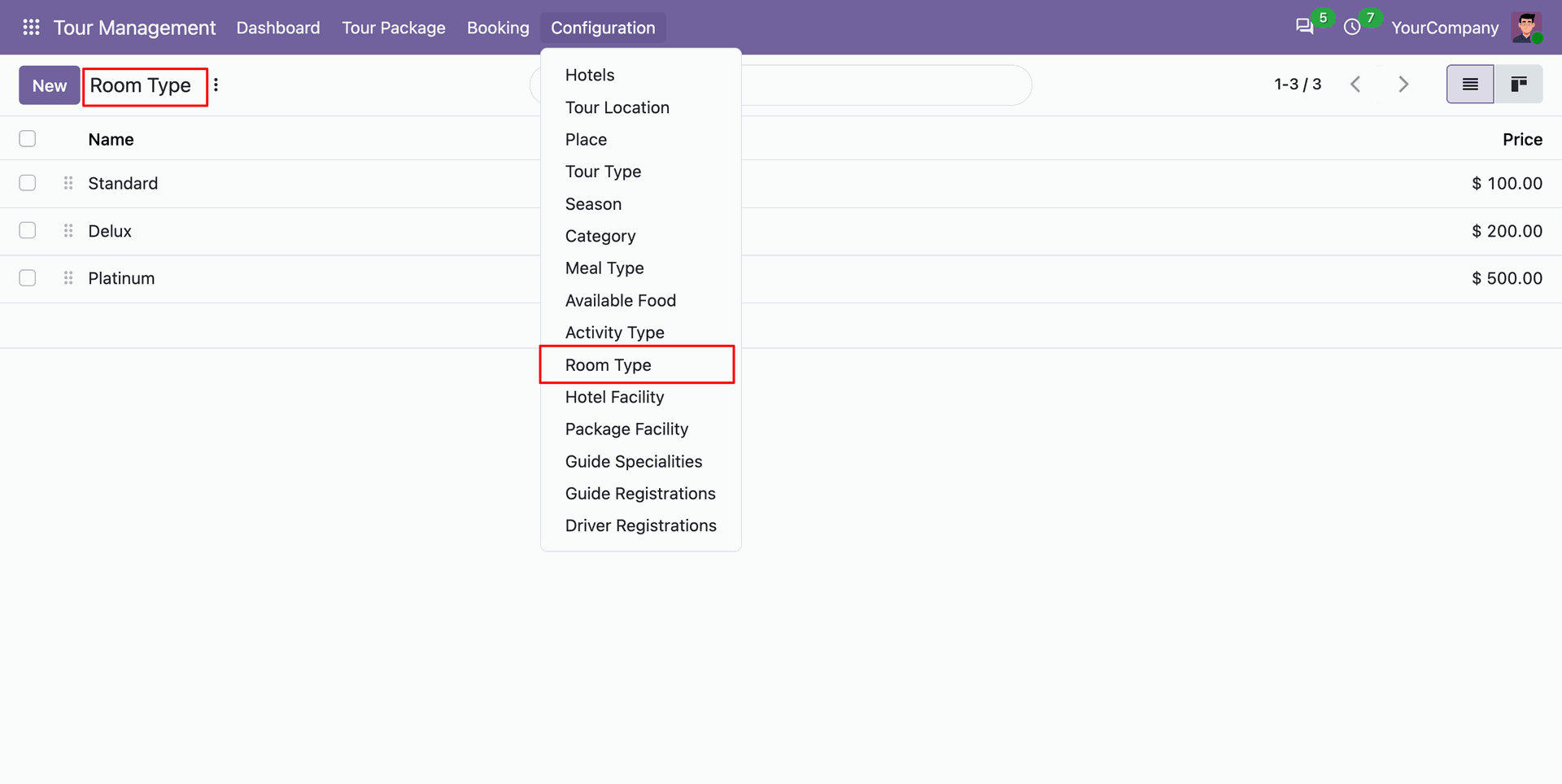
Set up standardized room types across partner hotels.
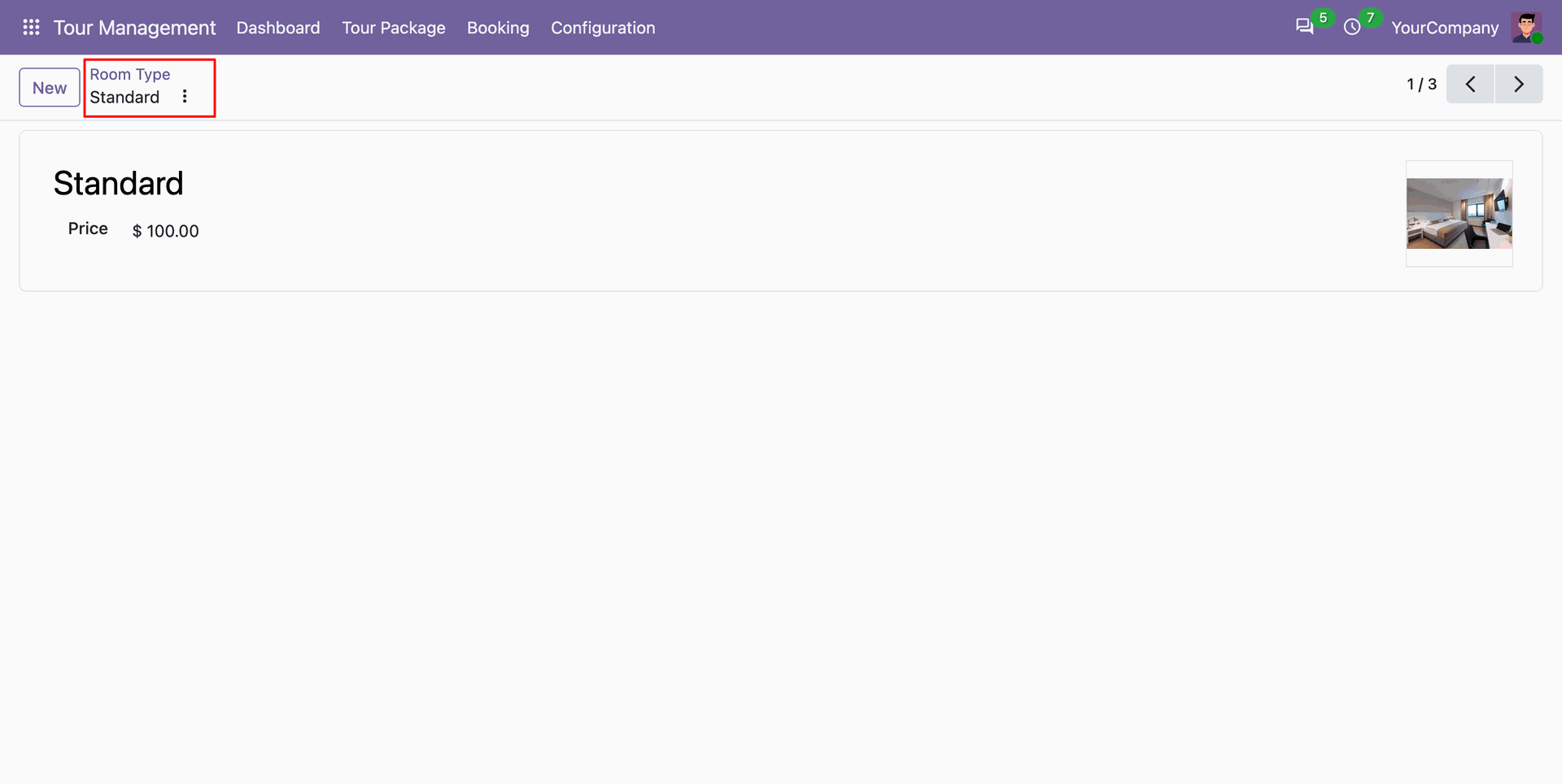
Room type form view.
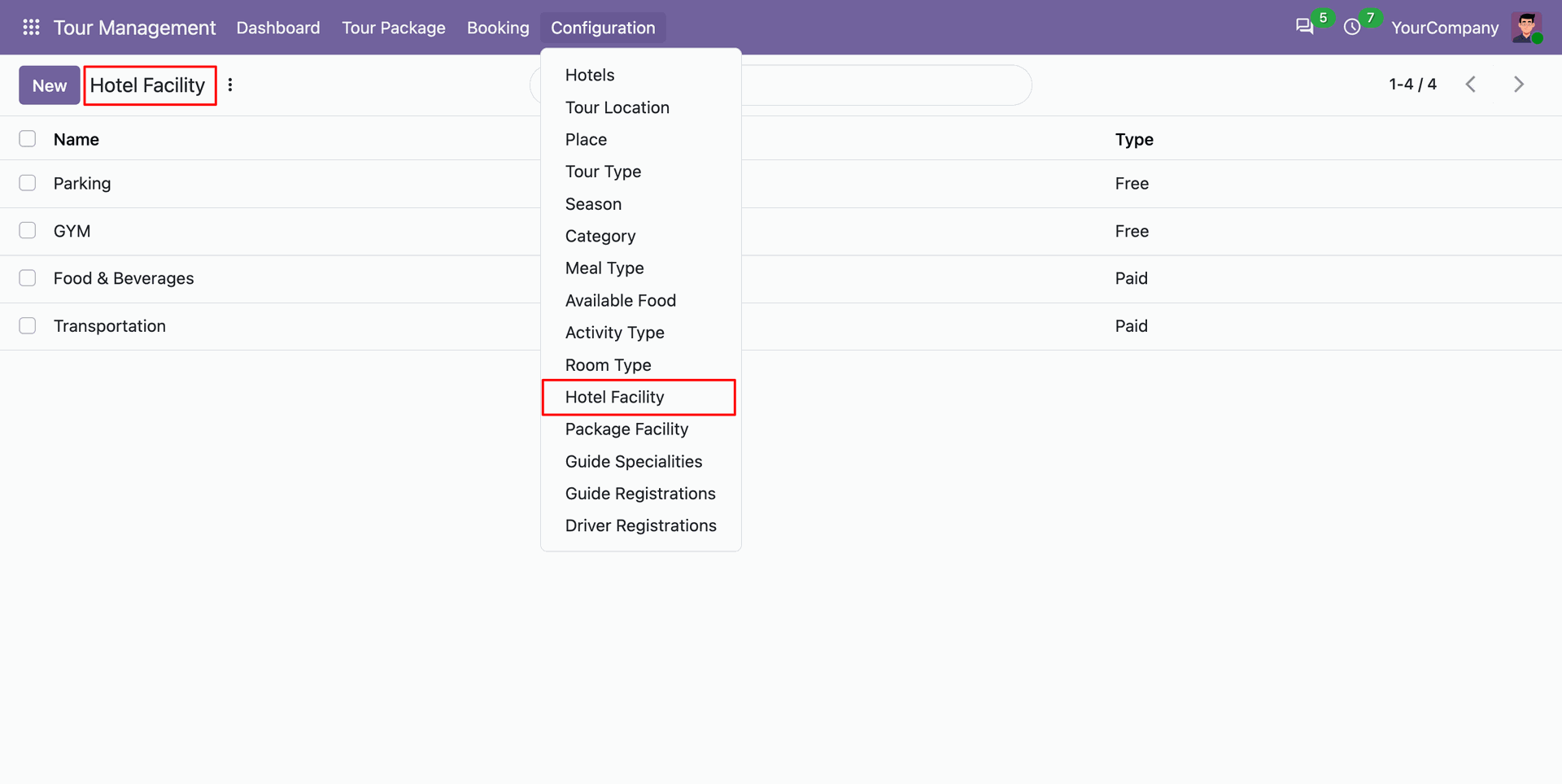
Manage standardized hotel failities.
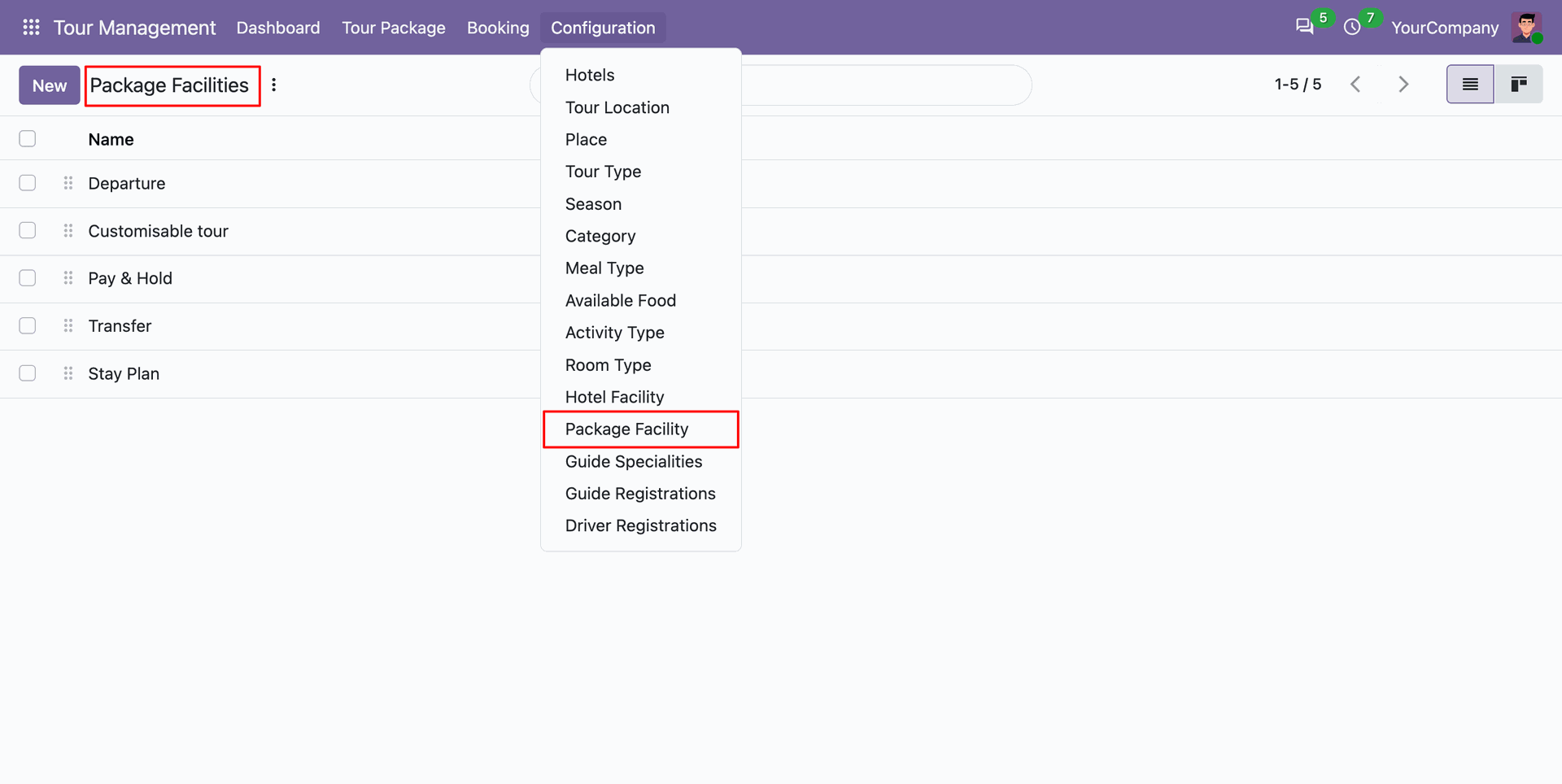
Define package facilities.
Package facilities form view.
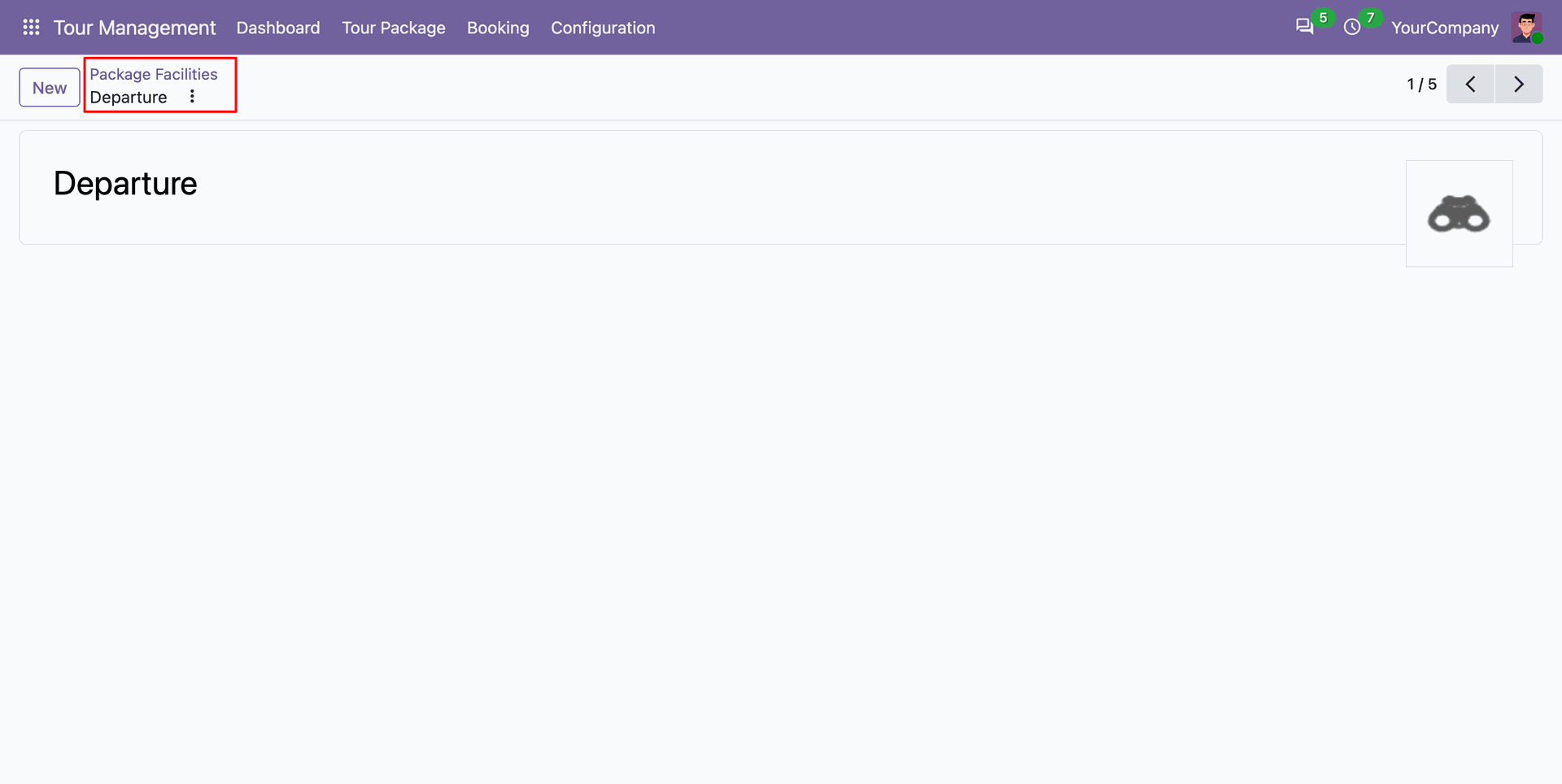
Register professional guide specialty domains such as historical expertise or multi-lingual fluency under guide specialties.
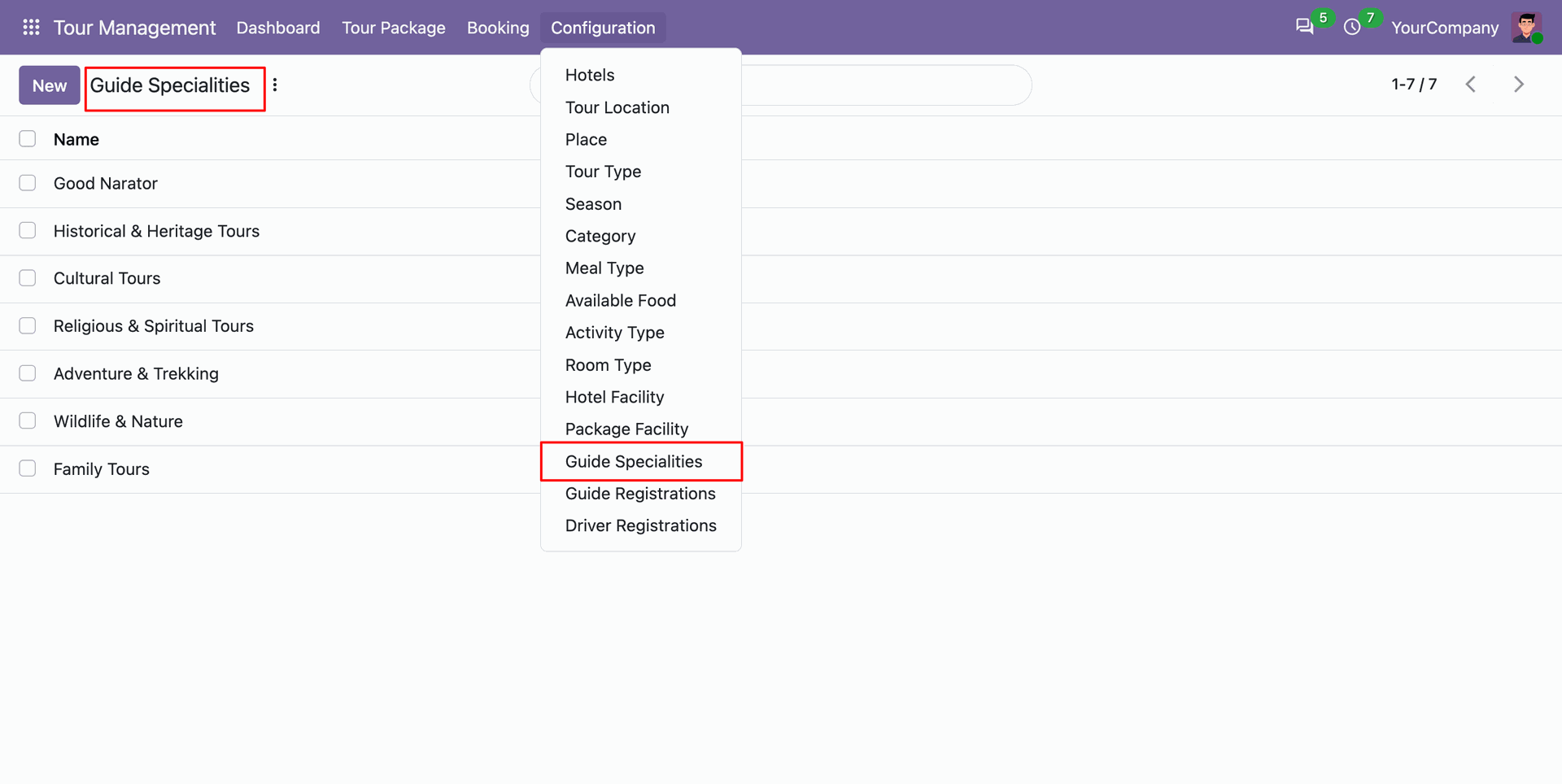
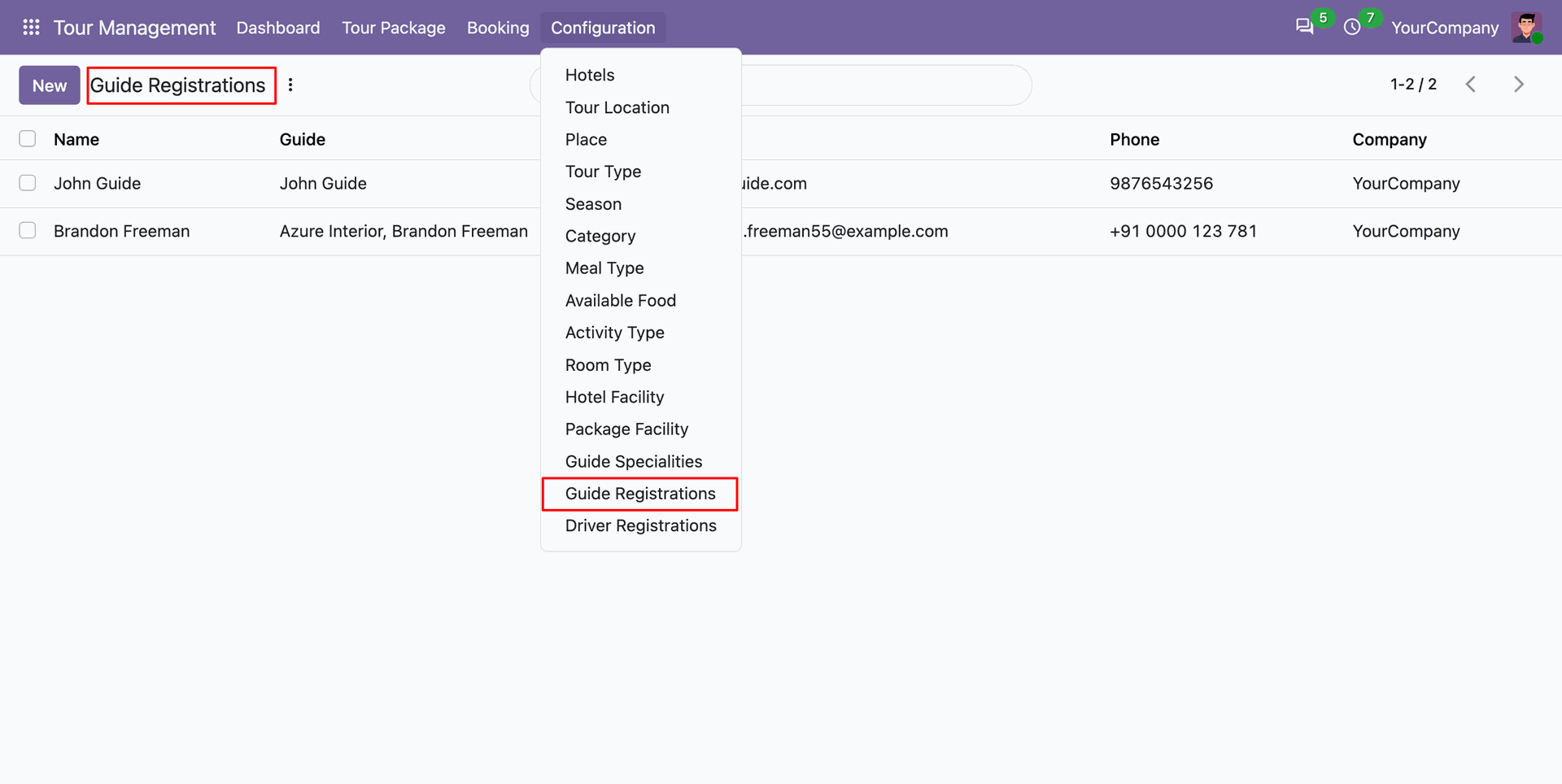
Access the Guide Registration menu to manage certified tour guides.
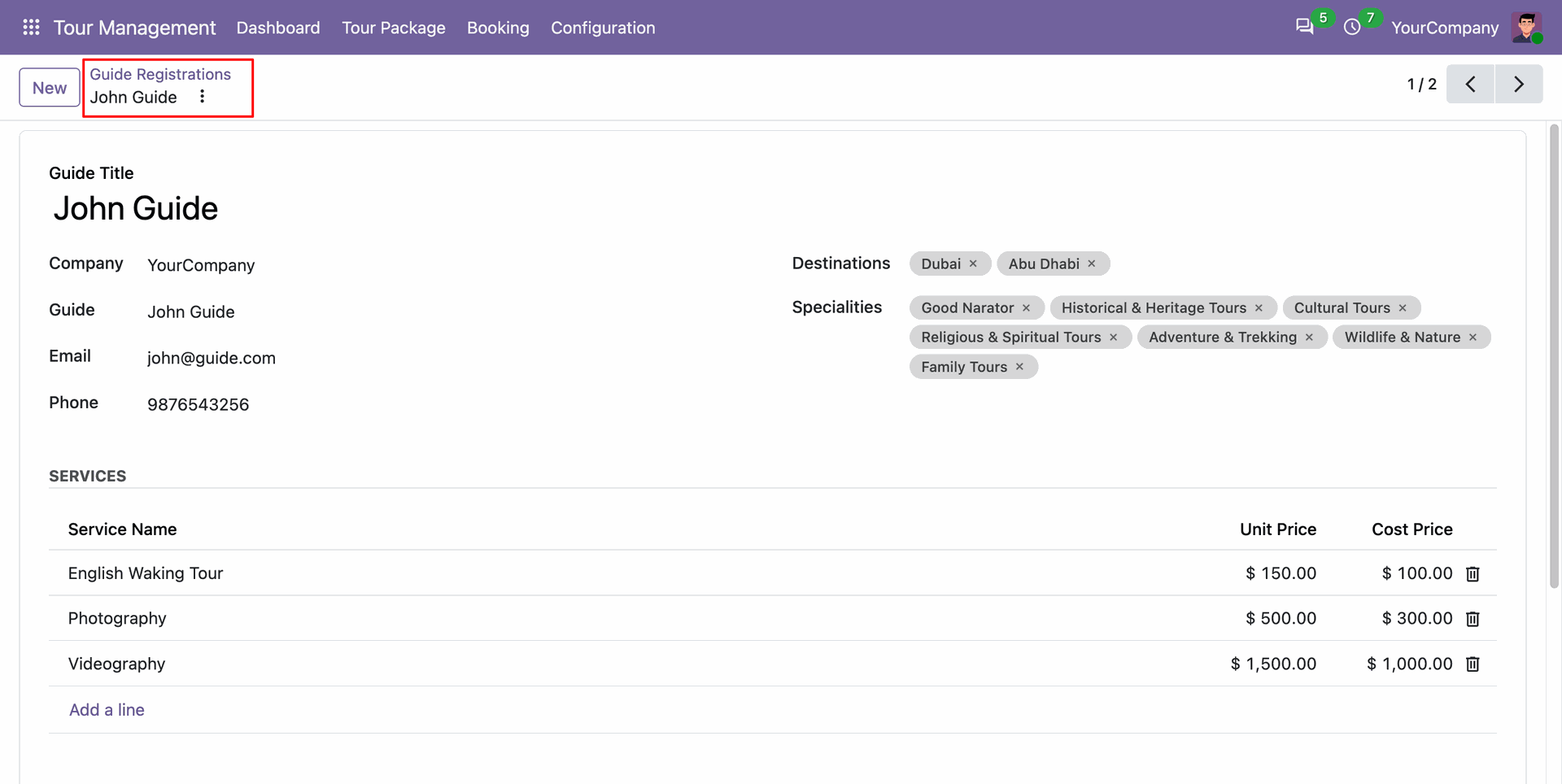
Fill in guide registration details including contact information, rates, assigned specialty, and destinations.
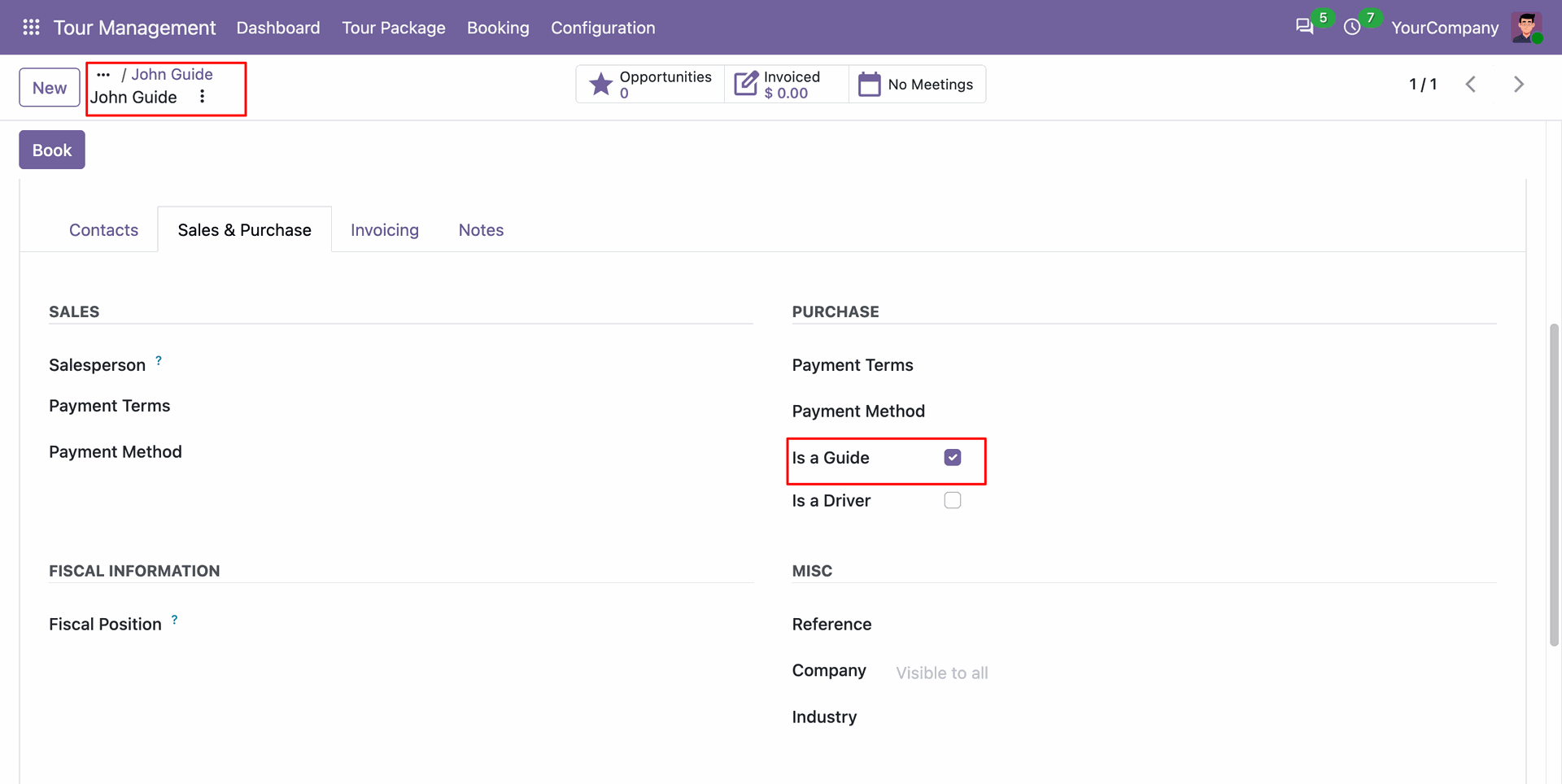
Enable the tour guide status checkbox on partner contact records to authorize guide booking assignments.
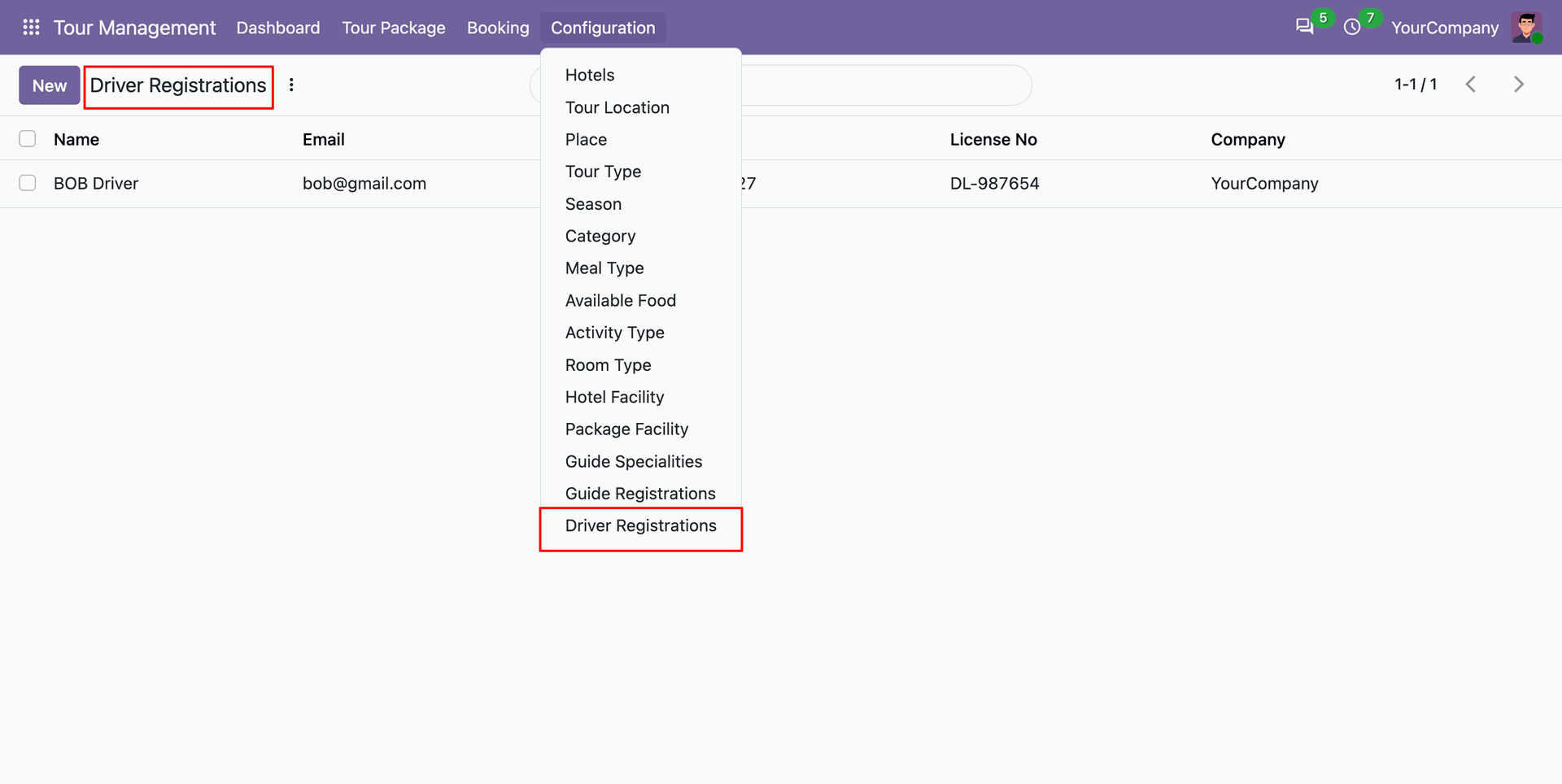
Driver registration list view.
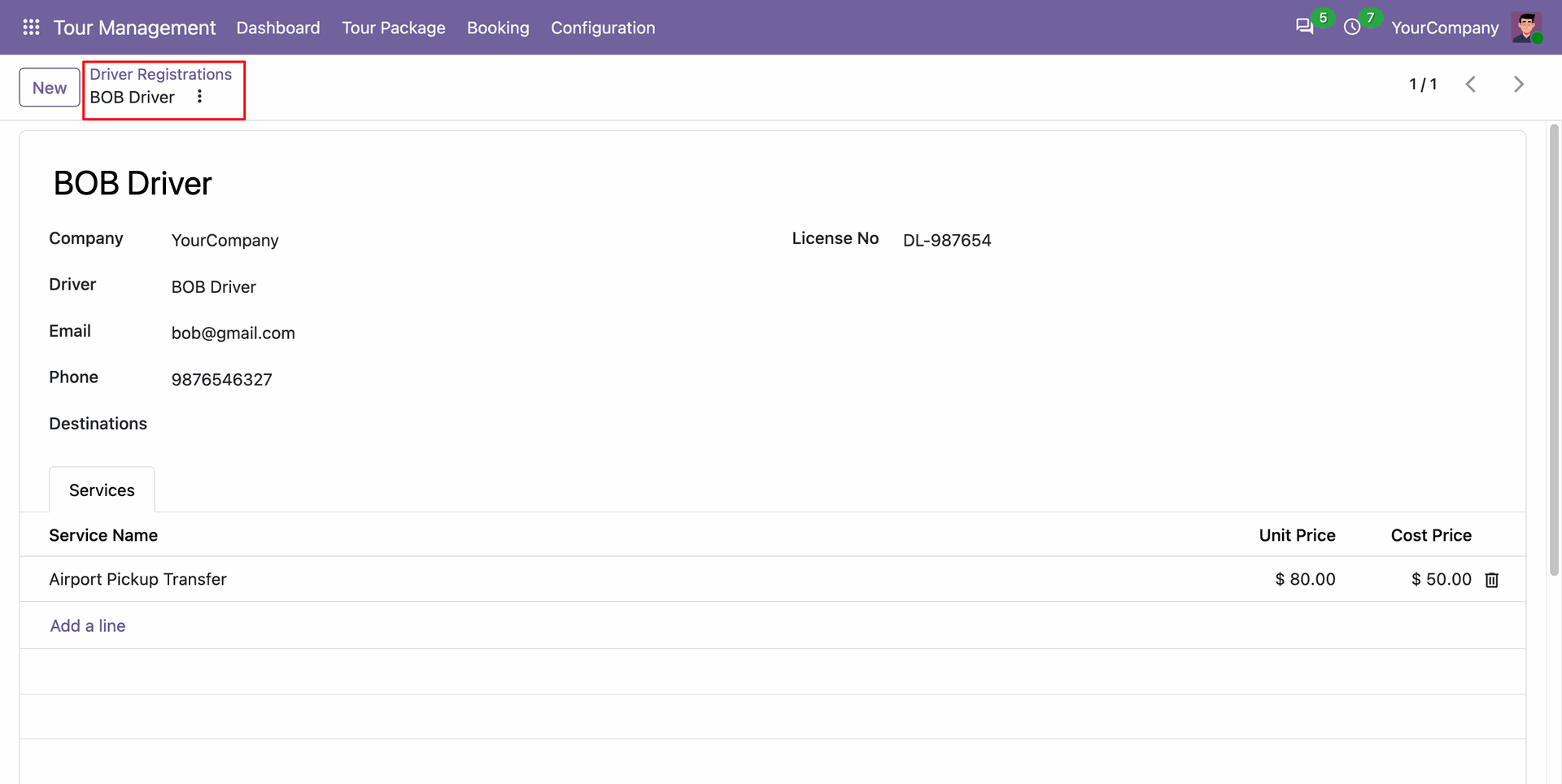
Driver registration form view.
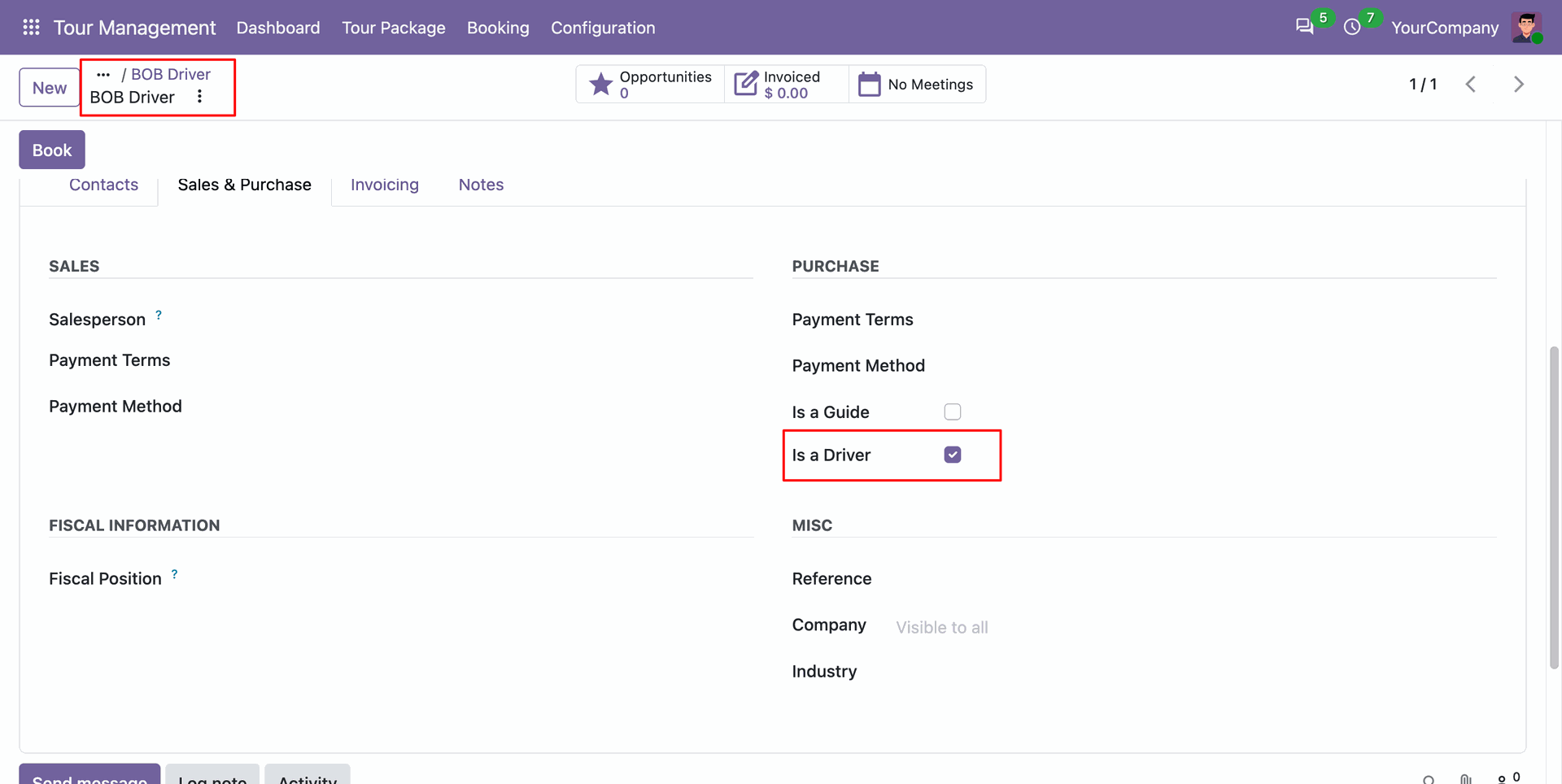
Enable the is a driver status to maintain verified transport drivers.
Open the Tour Packages menu to view, search, and manage all comprehensive tour package offerings.
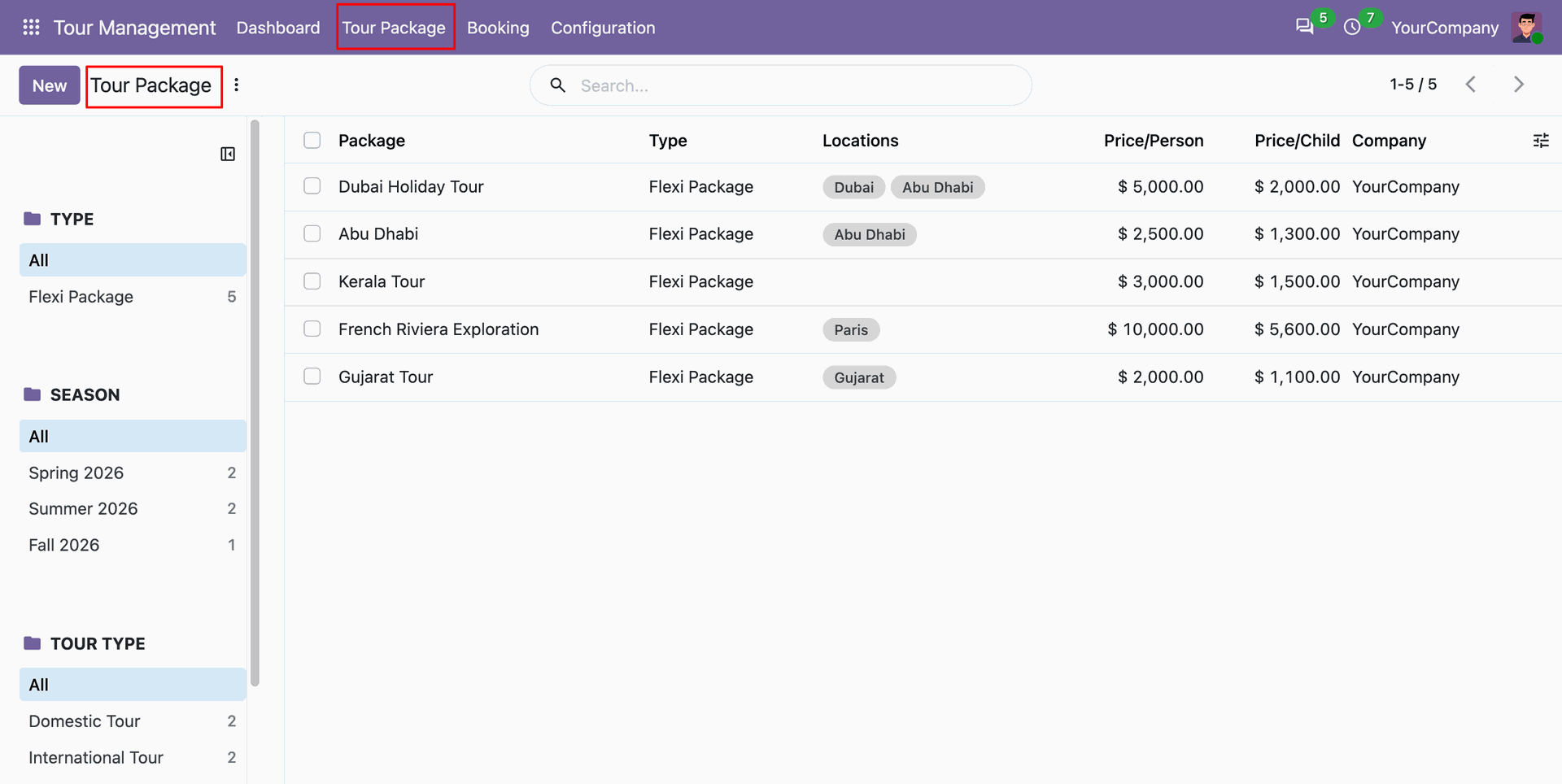
Build day-by-day itineraries linking scheduled activities and hotels.
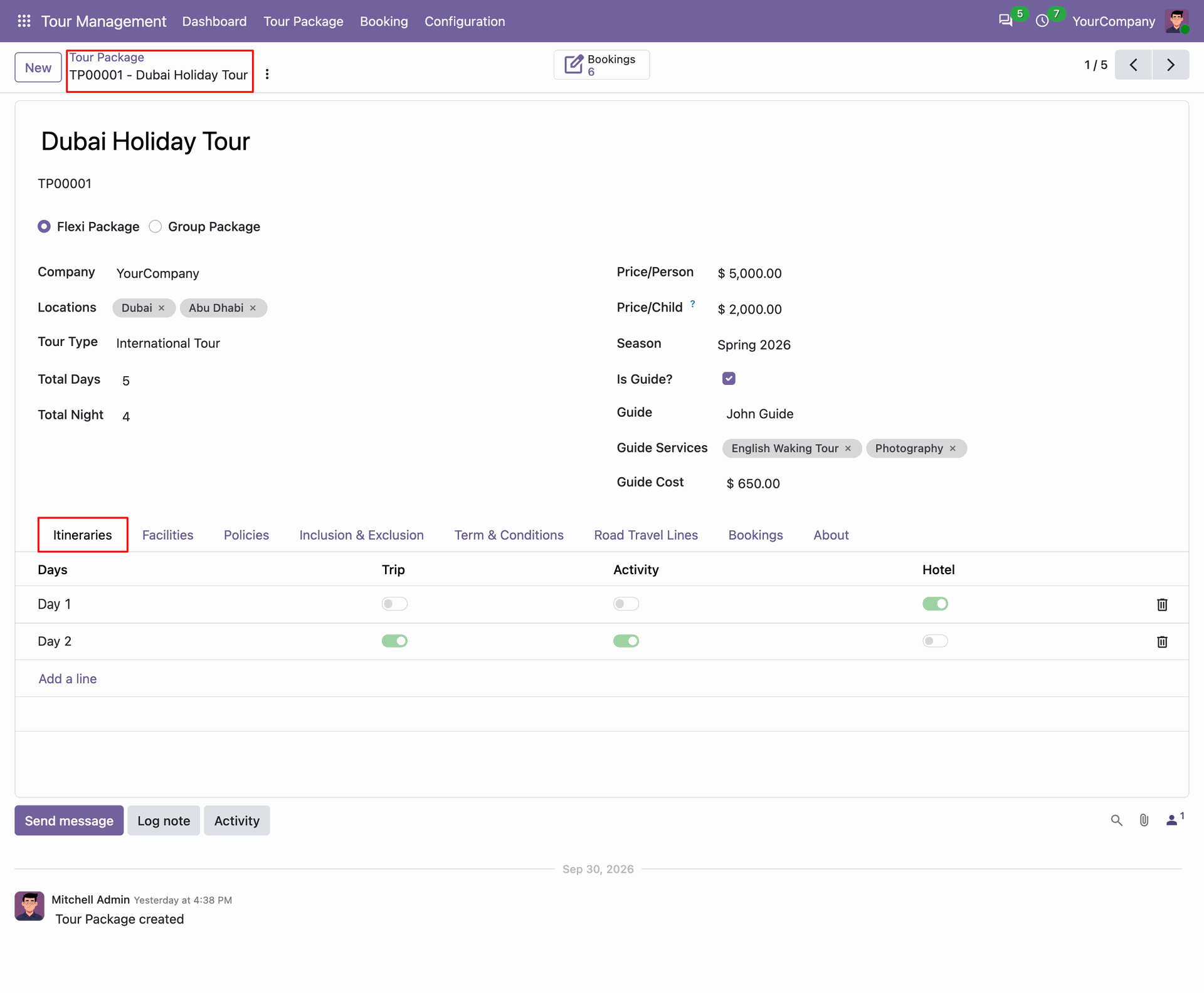
Configure departure points, transfer options and other details.
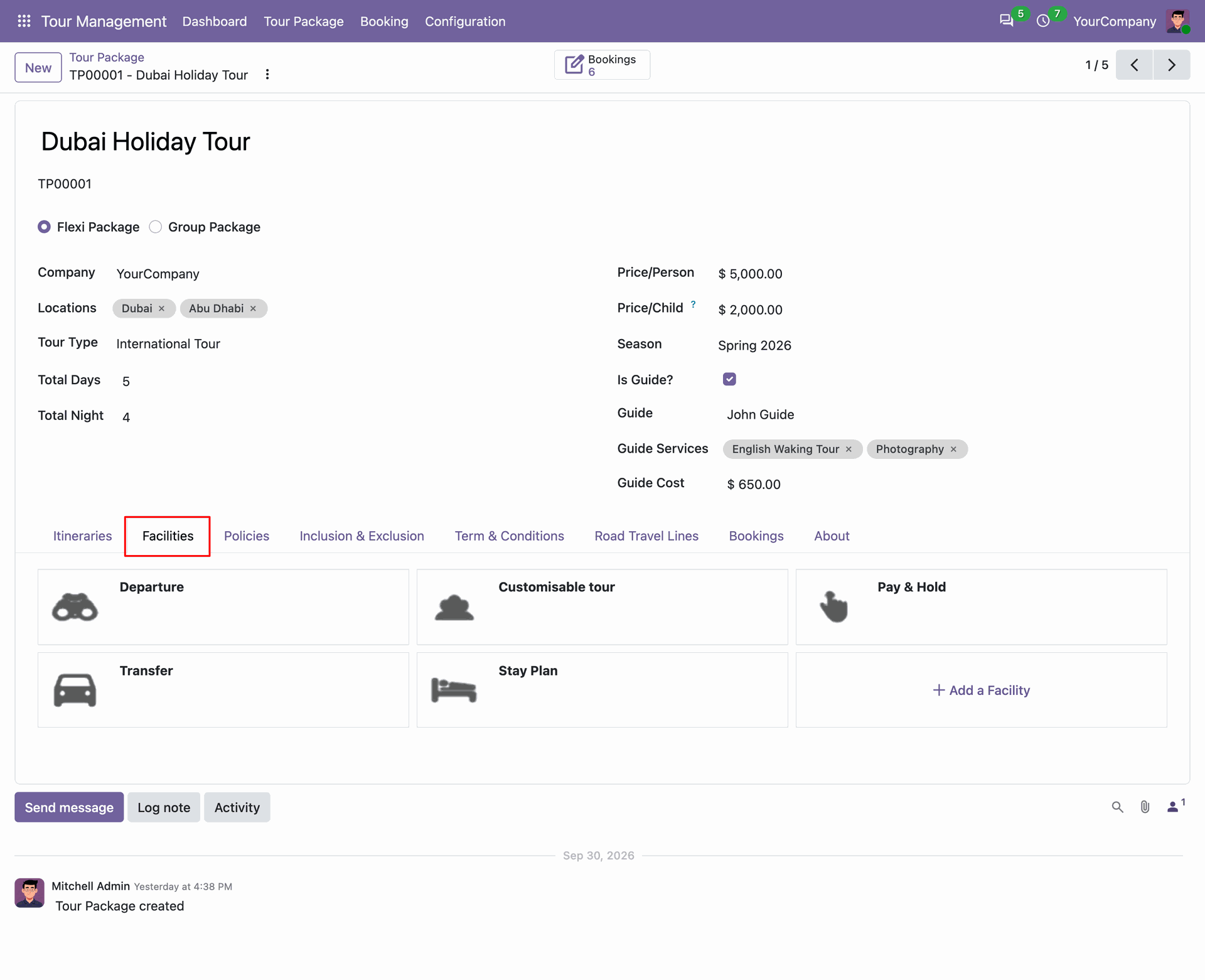
Set transparent booking policies covering cancellation fees and allowable date modification terms on the package.
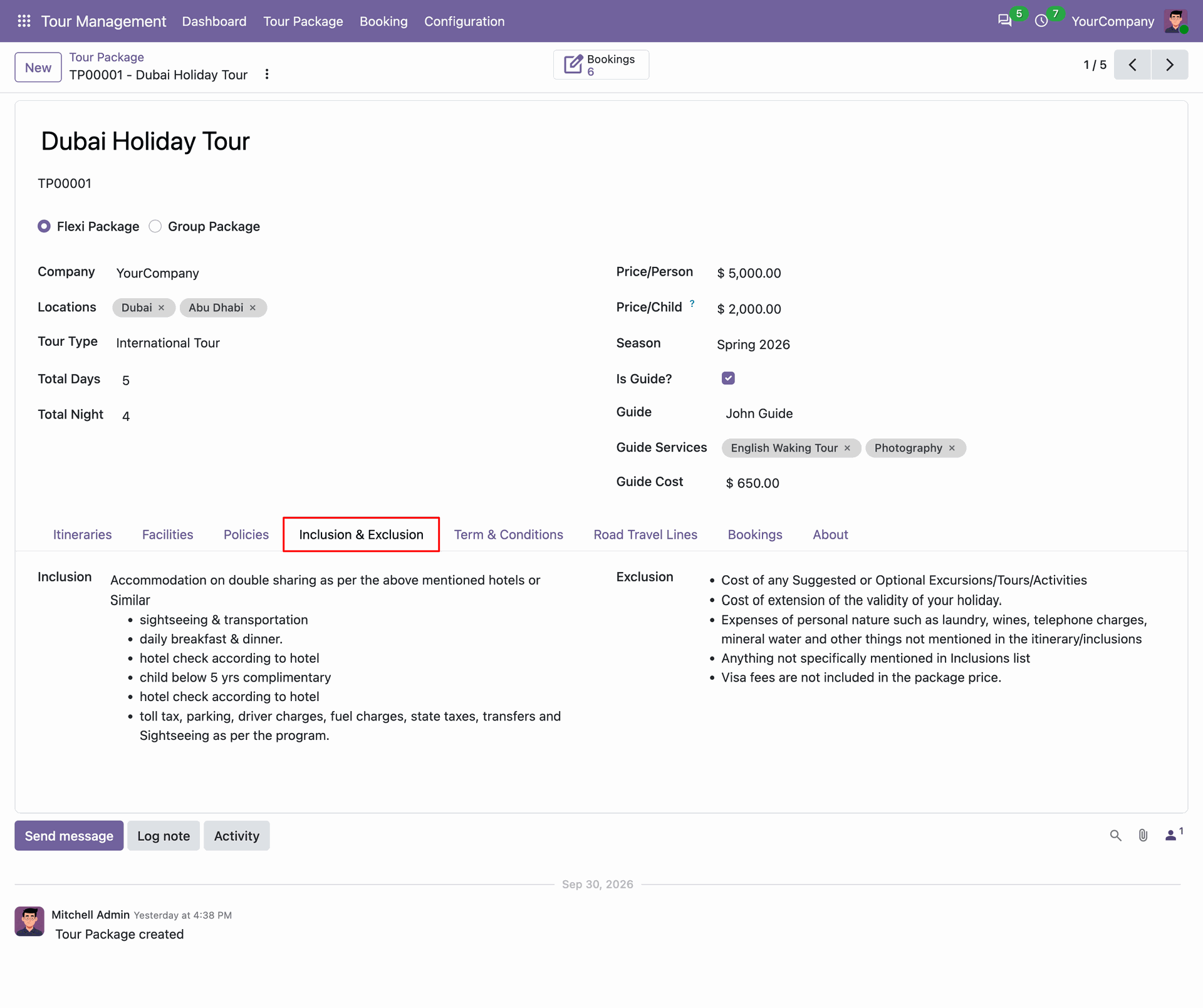
Detail covered itinerary amenities and excluded customer expenses clearly inside the package inclusions tab.
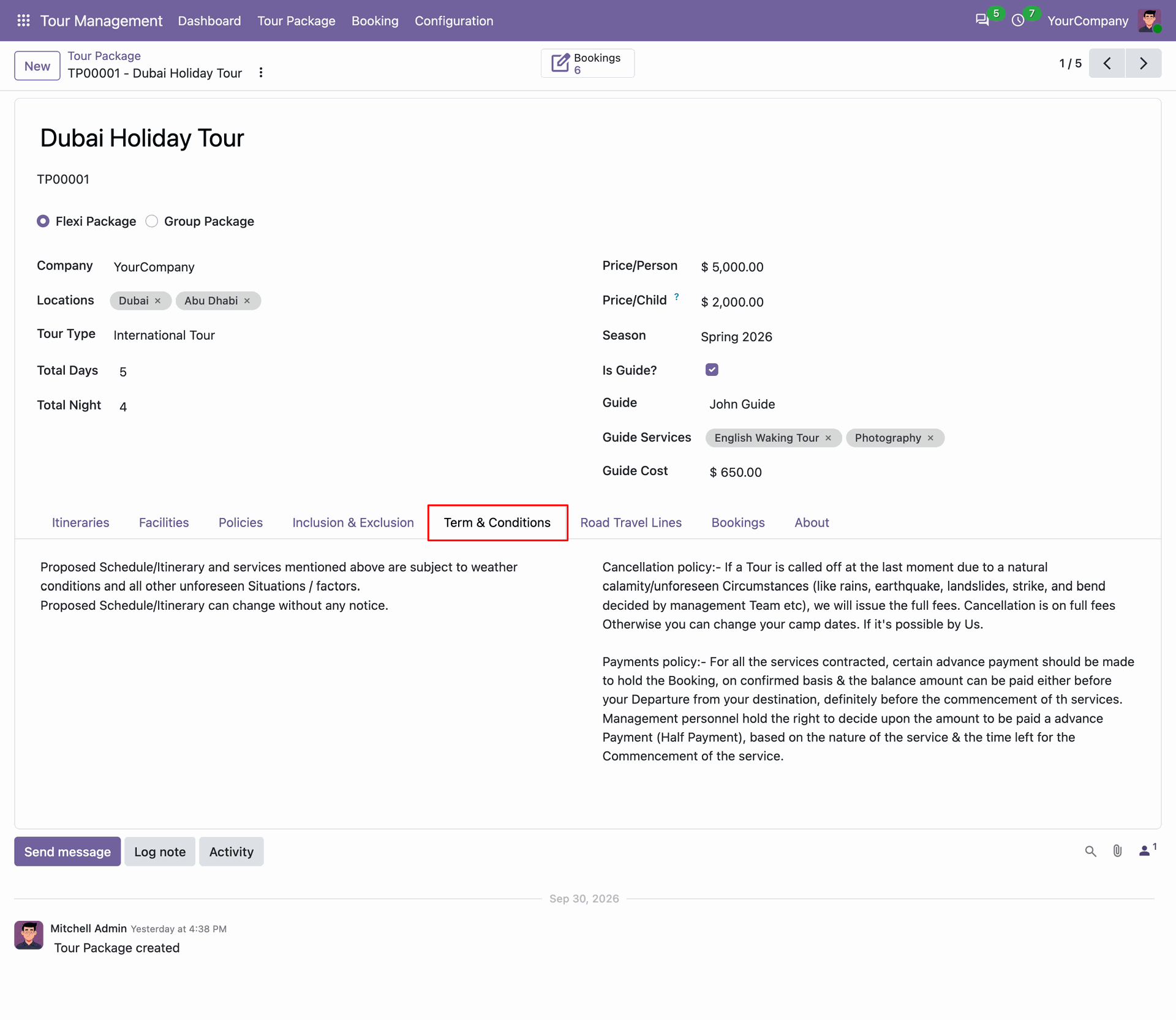
Define official contract conditions in the terms and conditions tab.
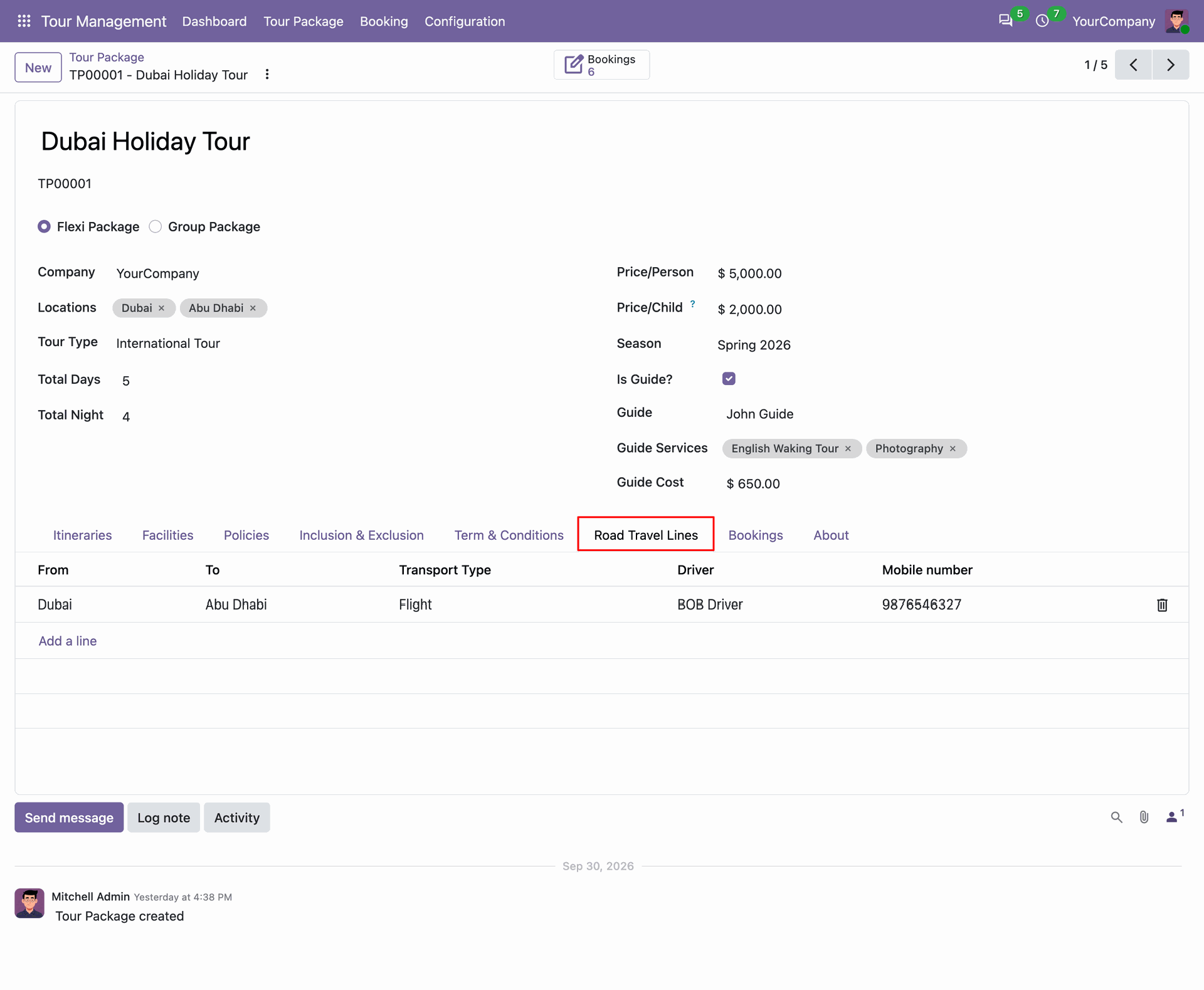
Schedule road travel lines.
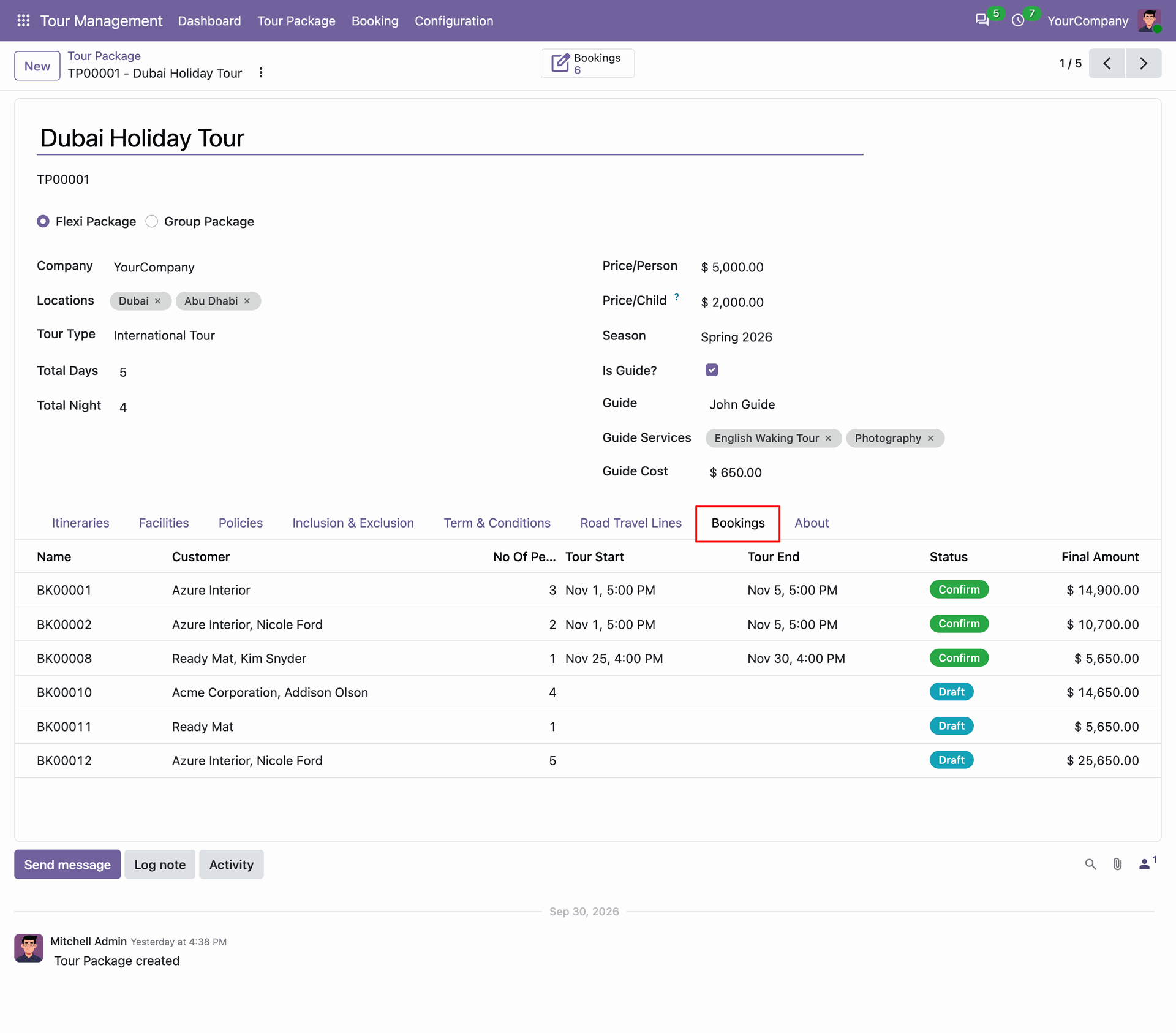
Track all customer bookings linked to the tour package directly within the dedicated bookings tab.
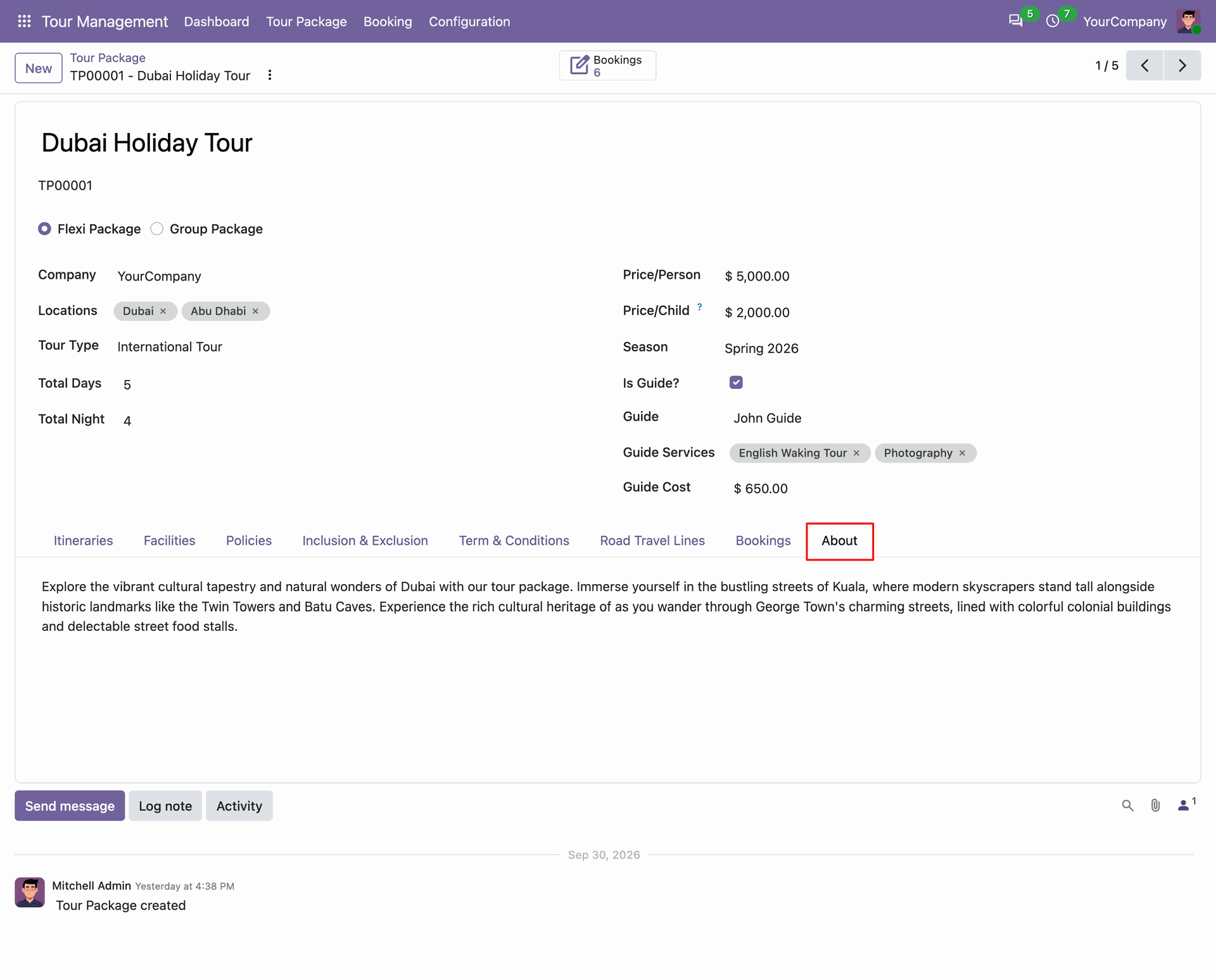
Provide comprehensive tour overviews in the package about tab.
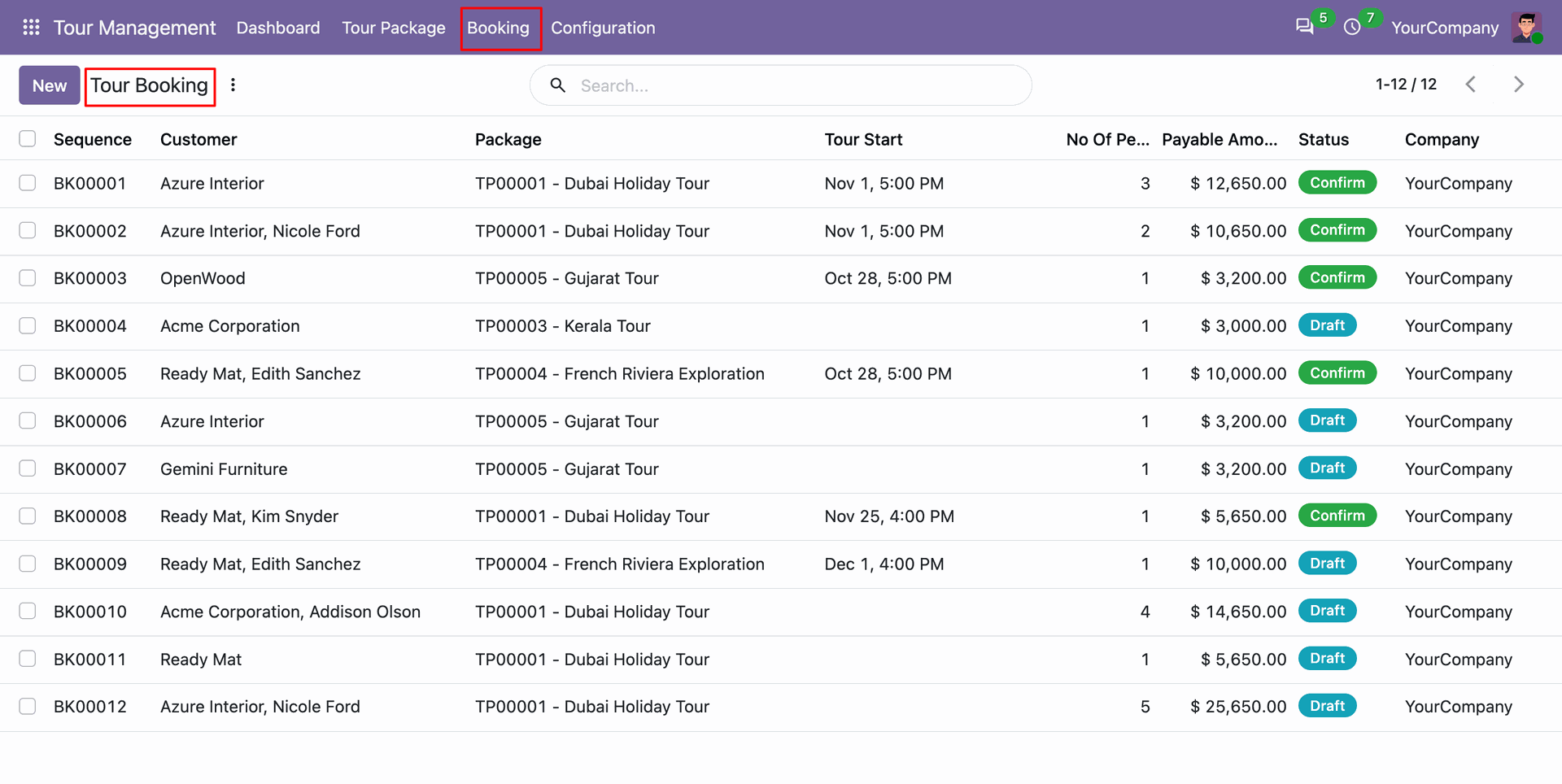
Access Tour Bookings to track customer package selections, travel schedules, and current stages.
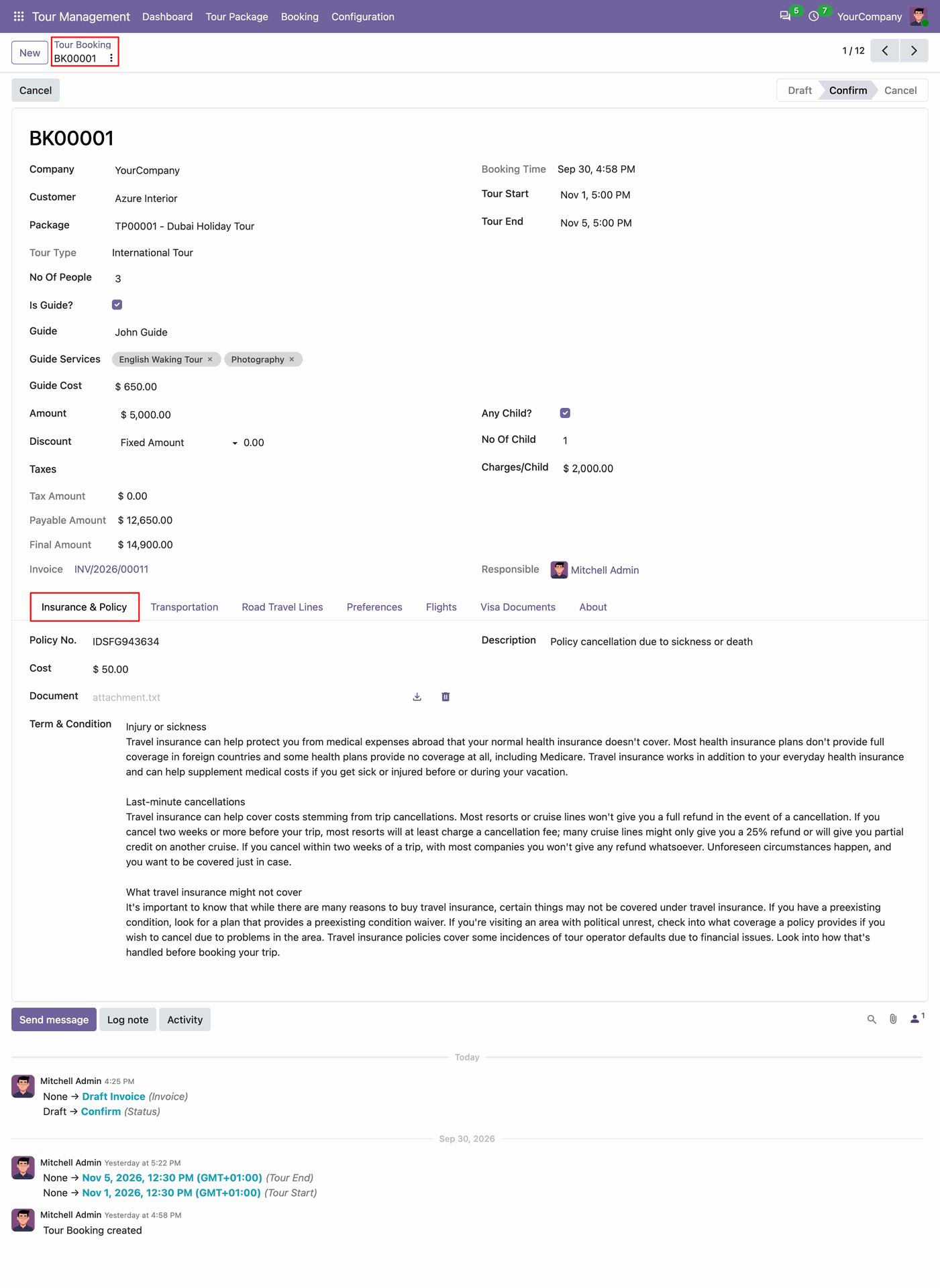
Record travel insurance policies, coverage amounts, provider details, and policy conditions for registered travelers.
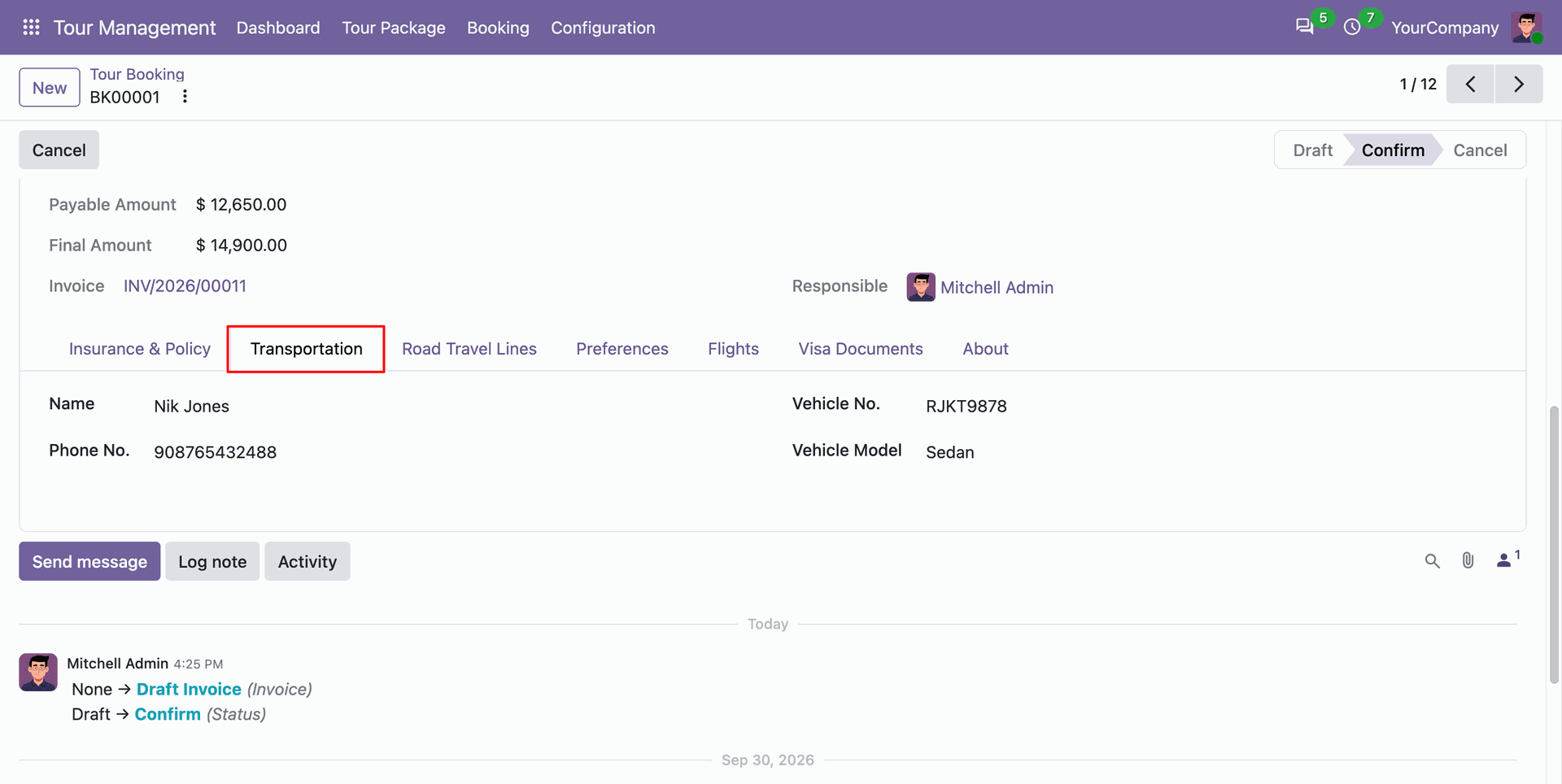
Assign transportation vehicles and verified drivers to manage seamless transfers.
Review scheduled road travel lines.
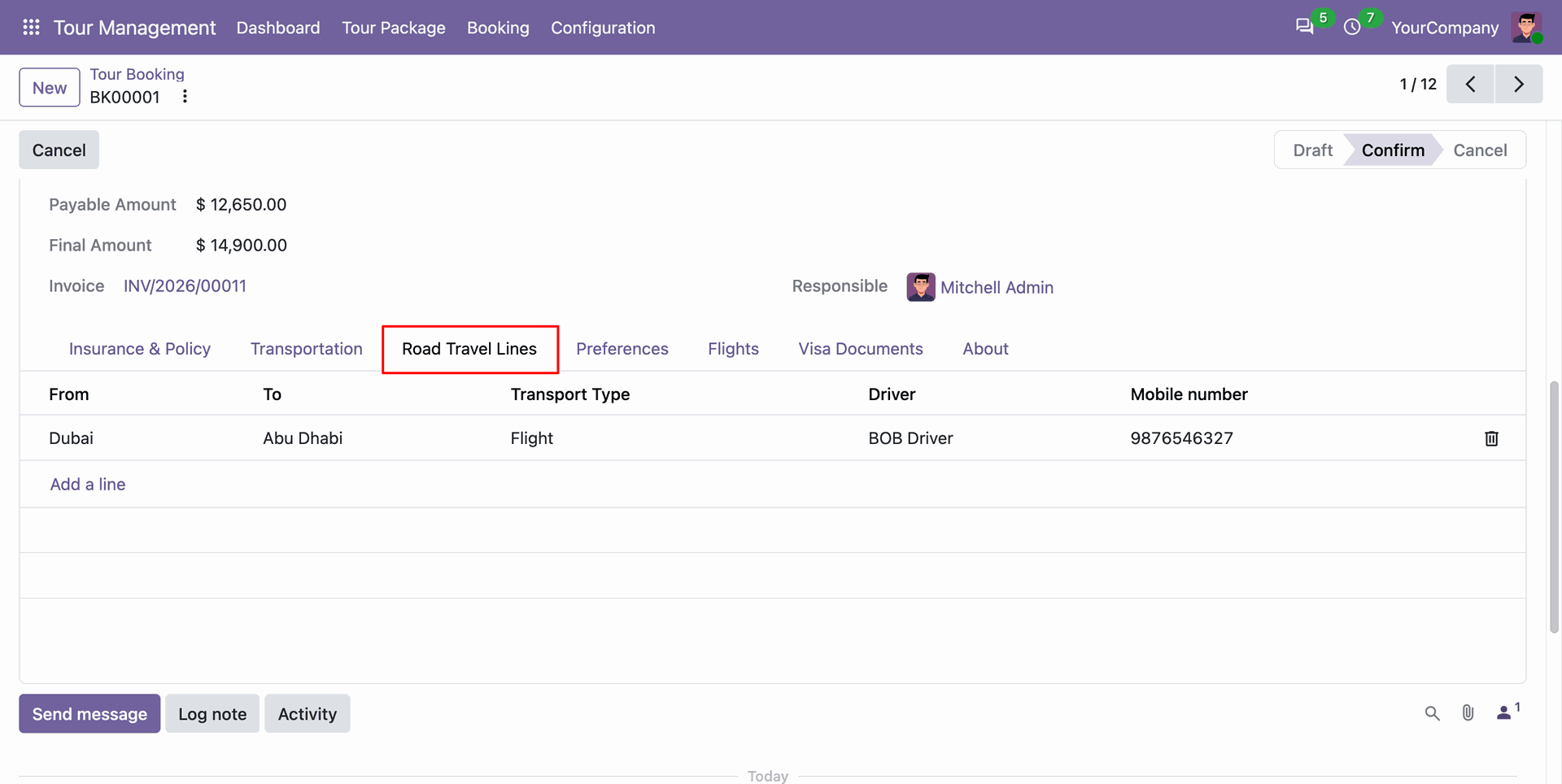
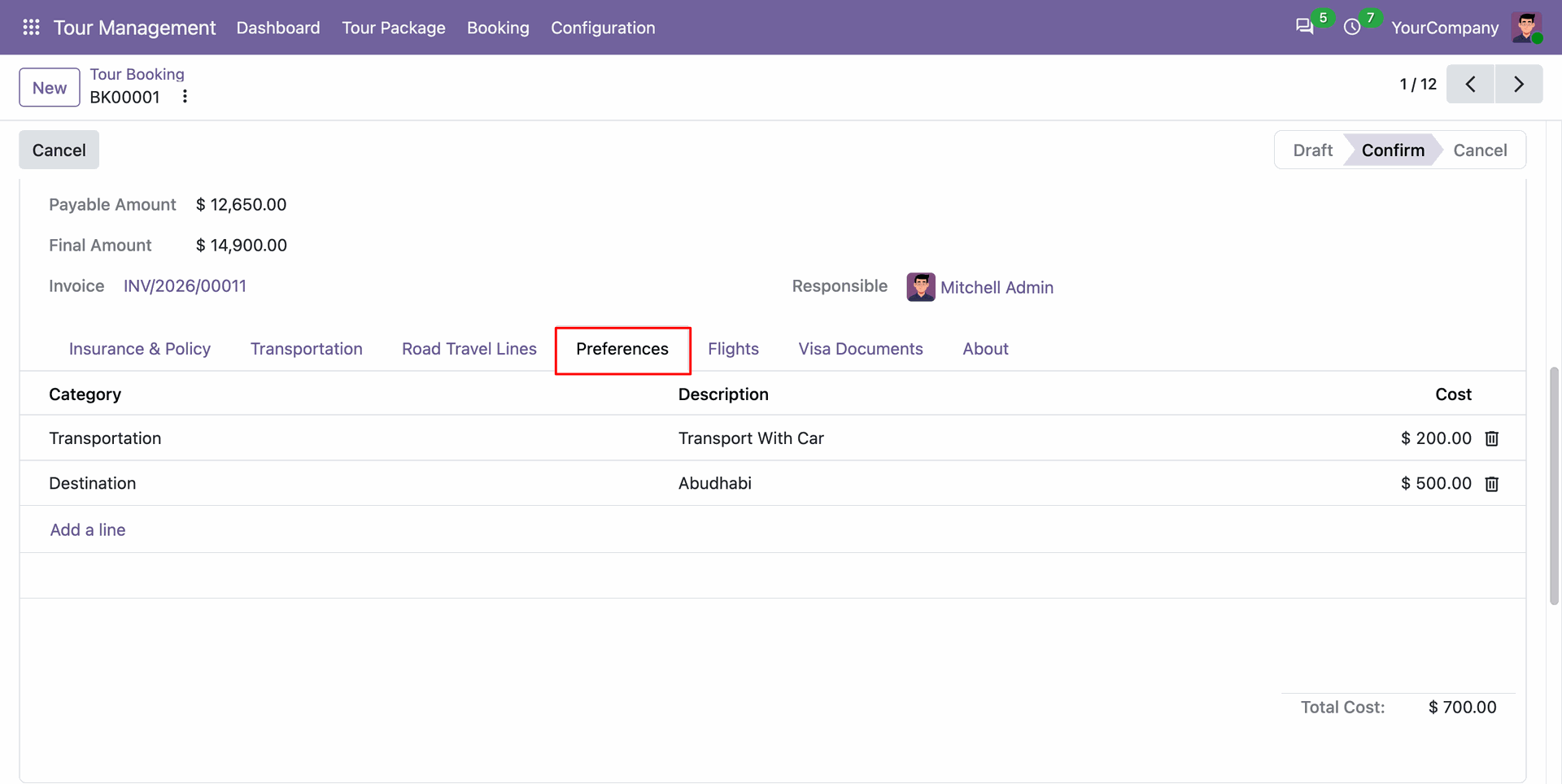
Capture personalized traveler preferences within the preferences tab.
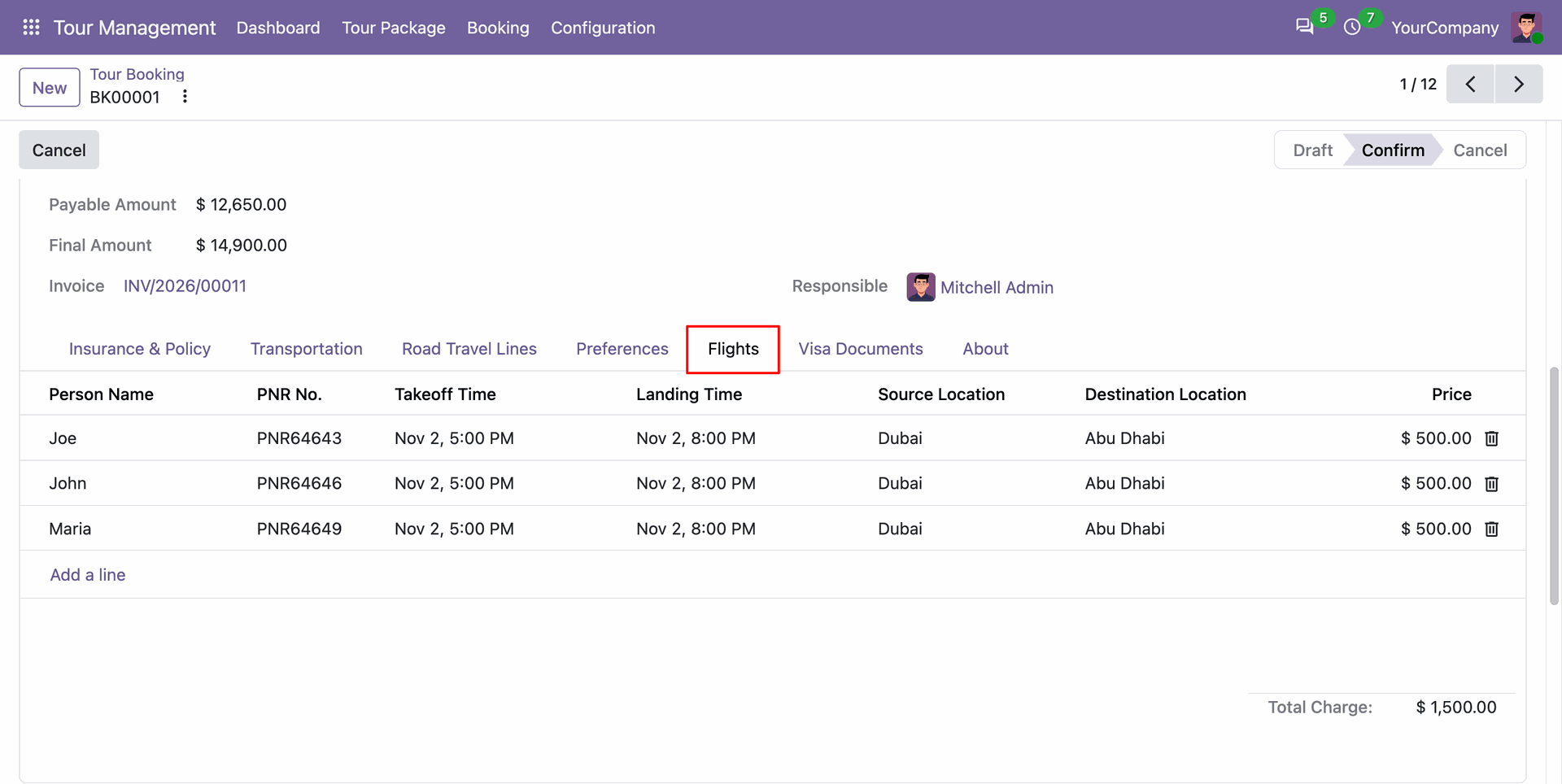
Manage passenger flight bookings under flights tab.
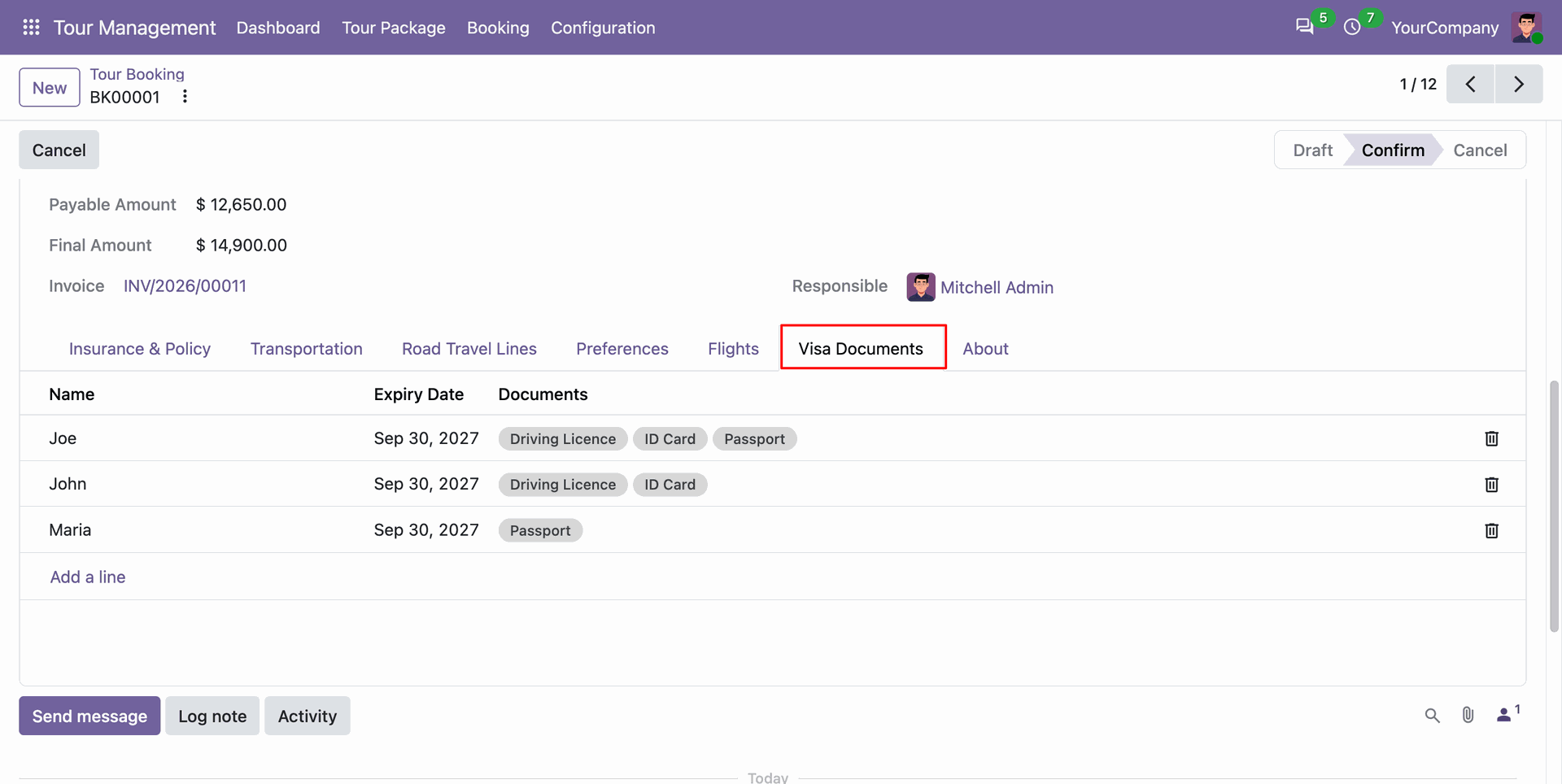
Store and verify essential passenger visa documents including passports, identification cards, and driving licenses.
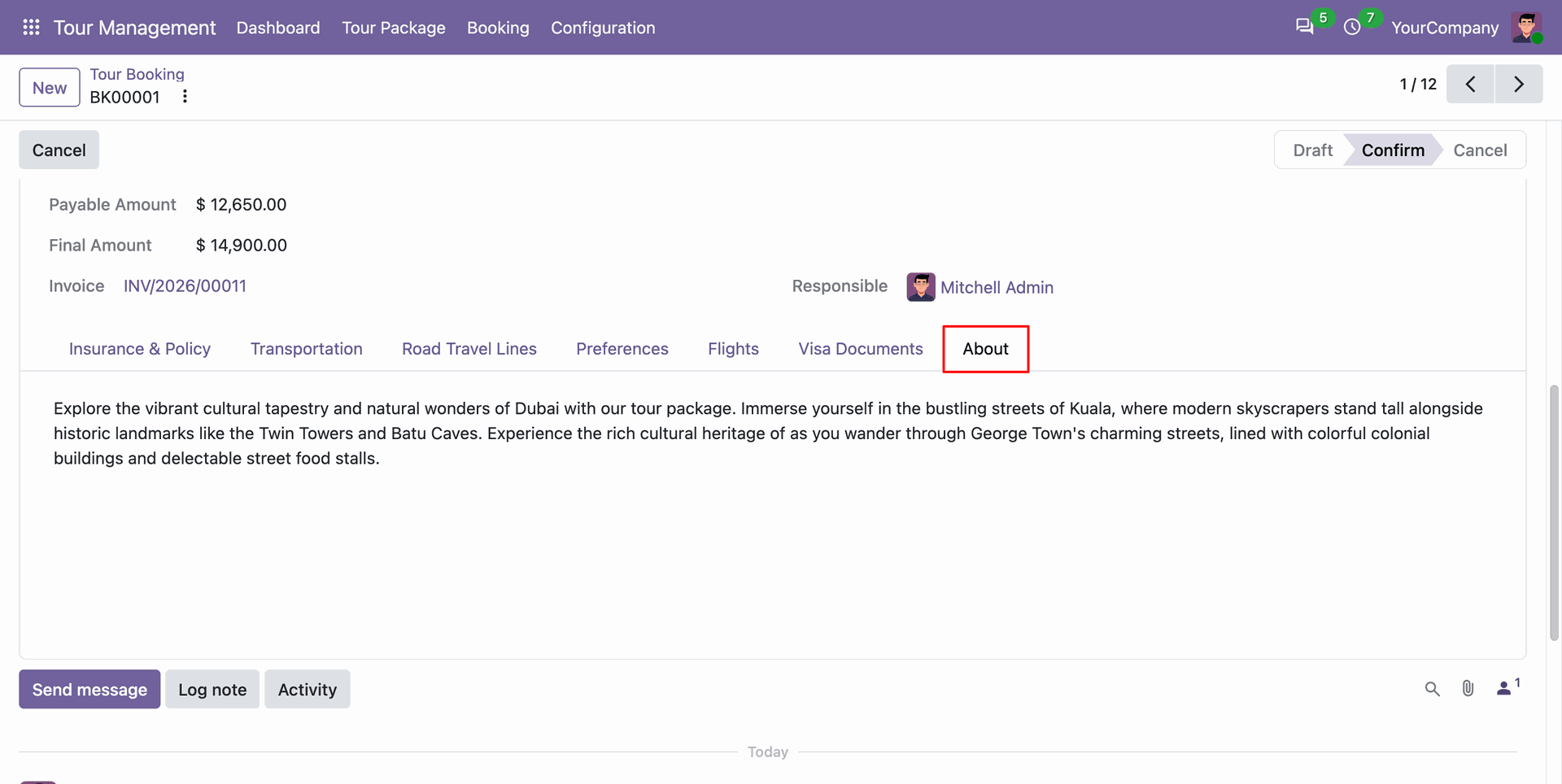
Review detailed package notes and specific customer instructions recorded in the booking about tab.
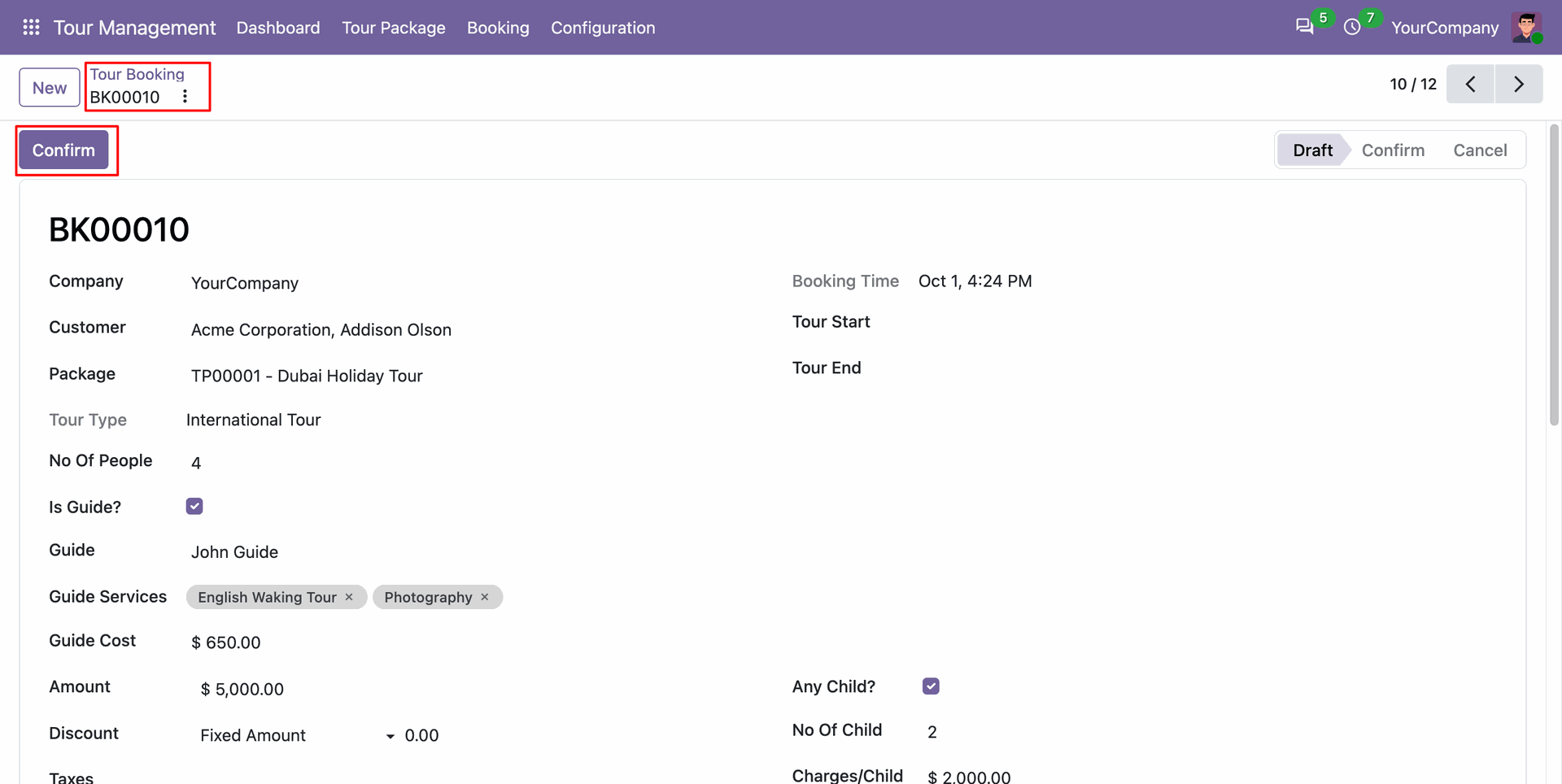
Click the Confirm button on a draft booking to validate bookings and advance the workflow.
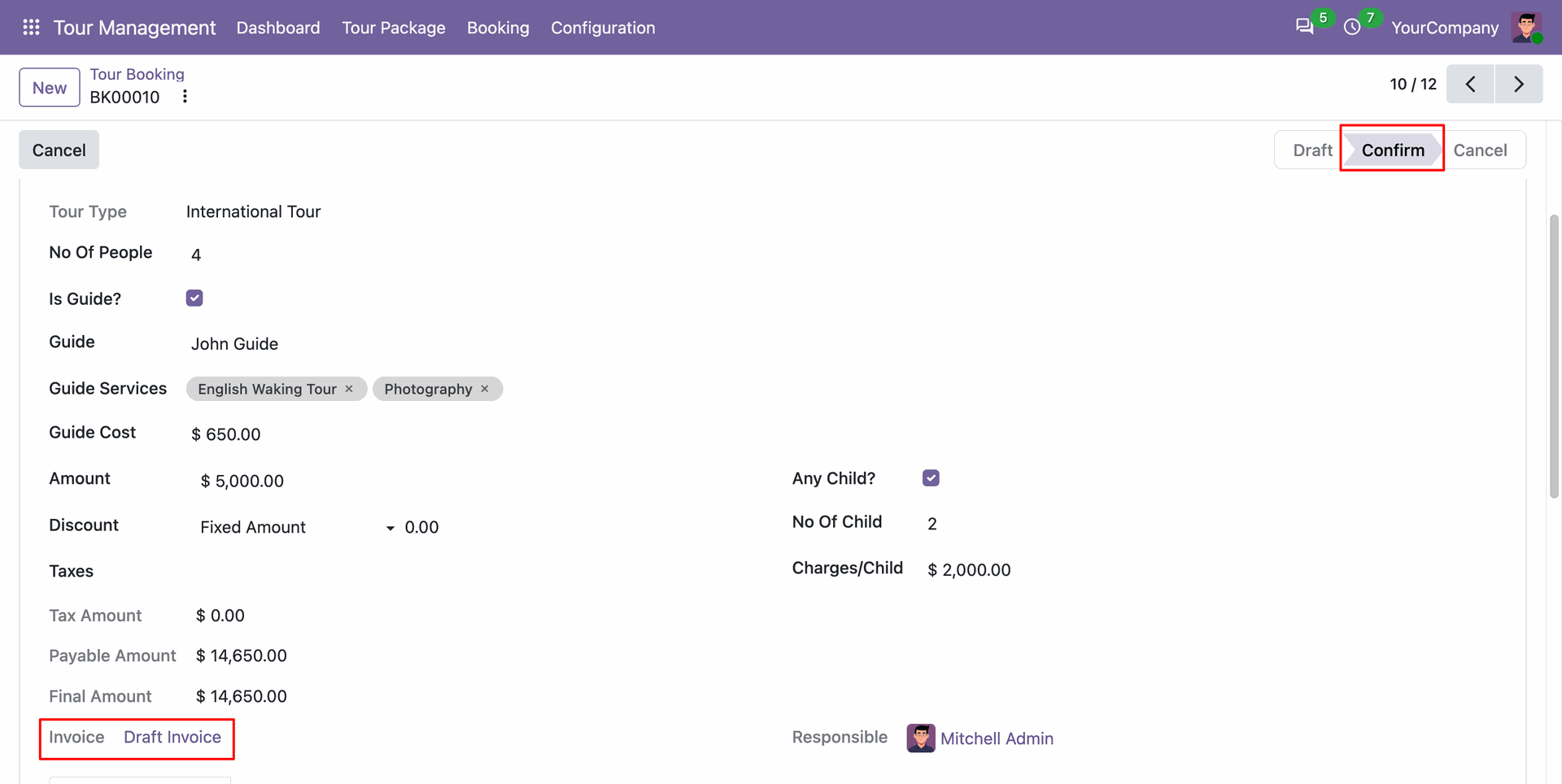
View the automatically created customer invoice record linked directly to the confirmed tour booking.
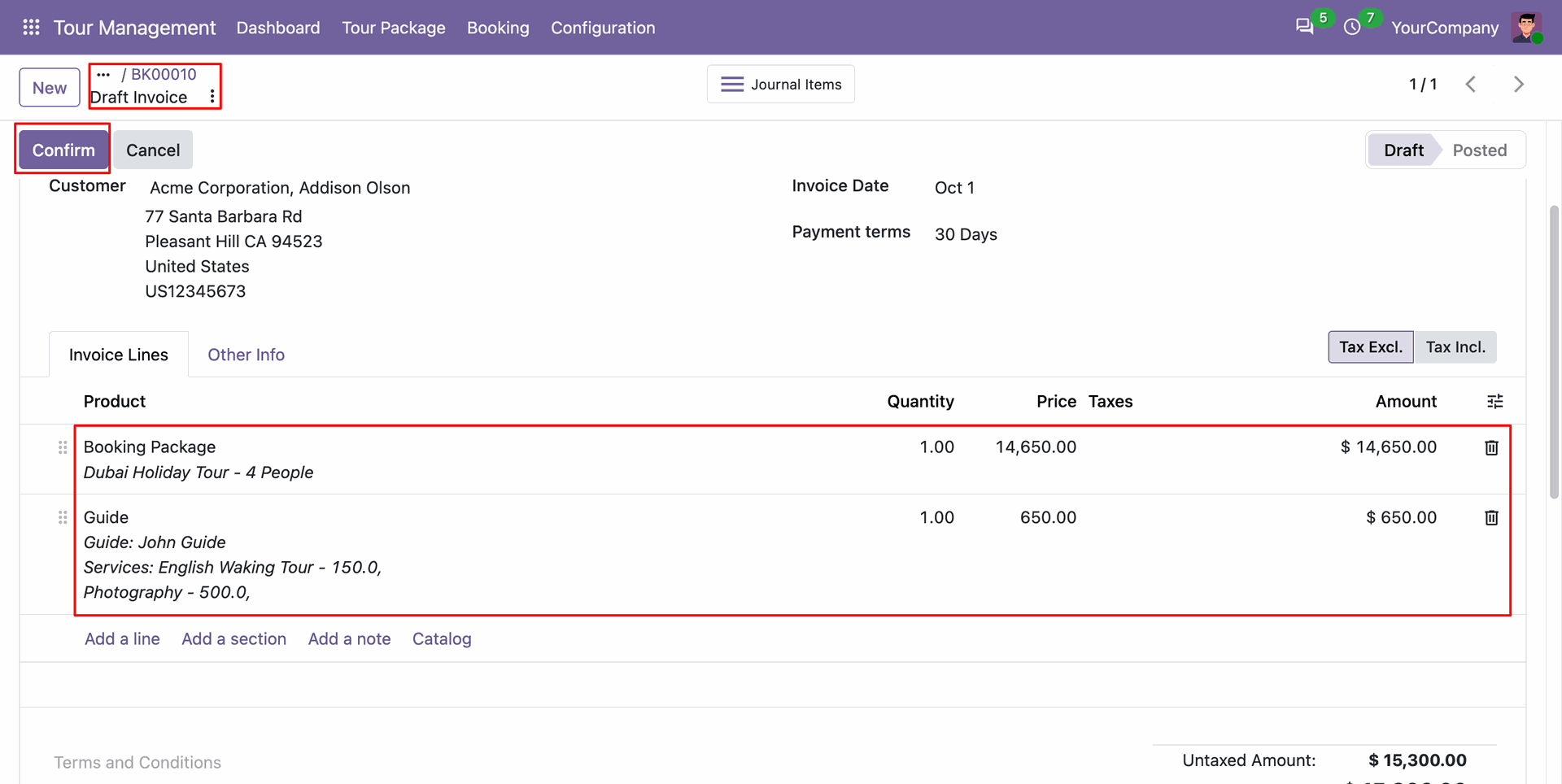
Open and confirm the generated customer invoice detailing package charges and supplementary travel service fees.
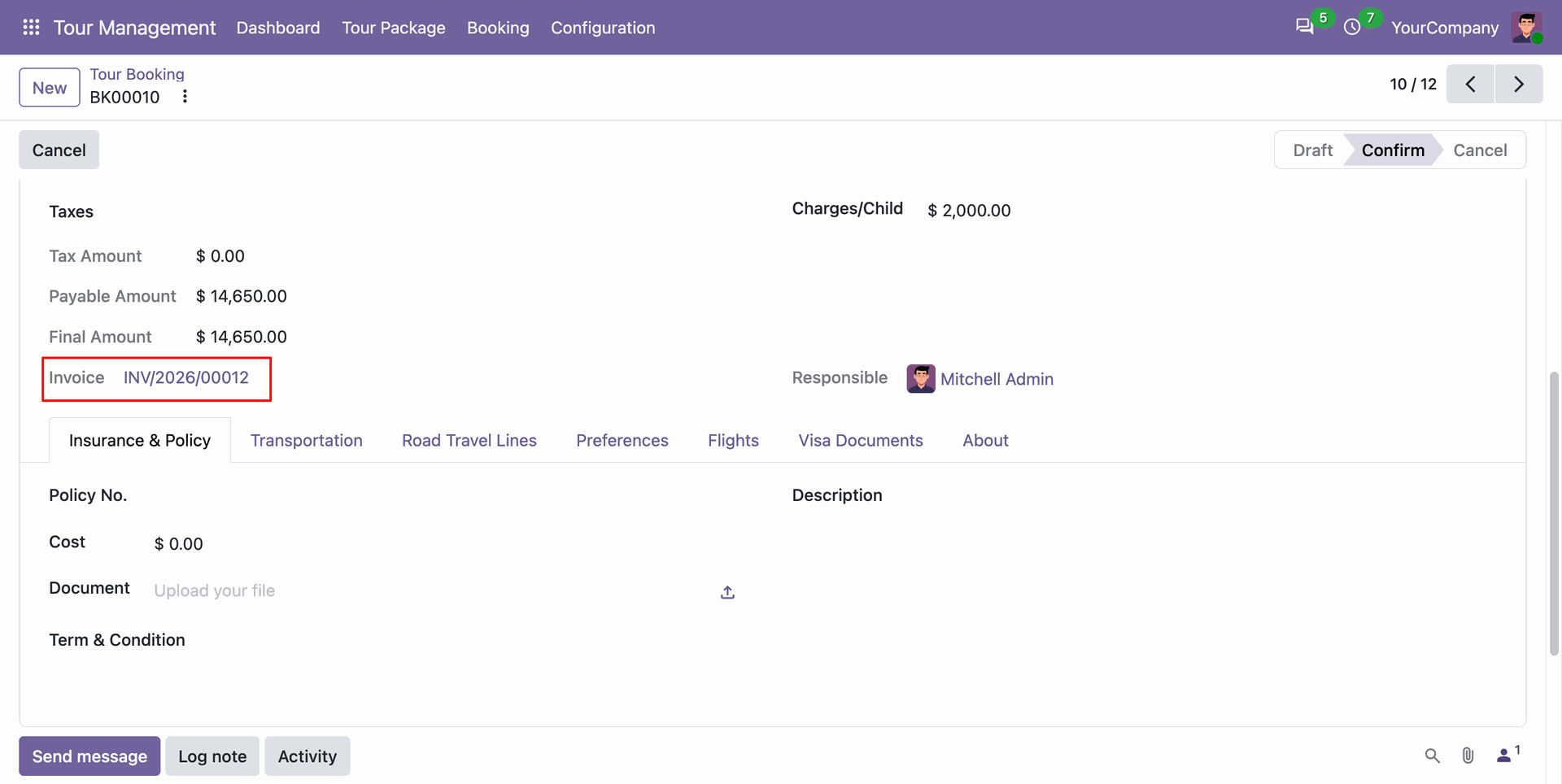
Monitor the posted invoice reference directly from the tour booking to ensure complete payment tracking.
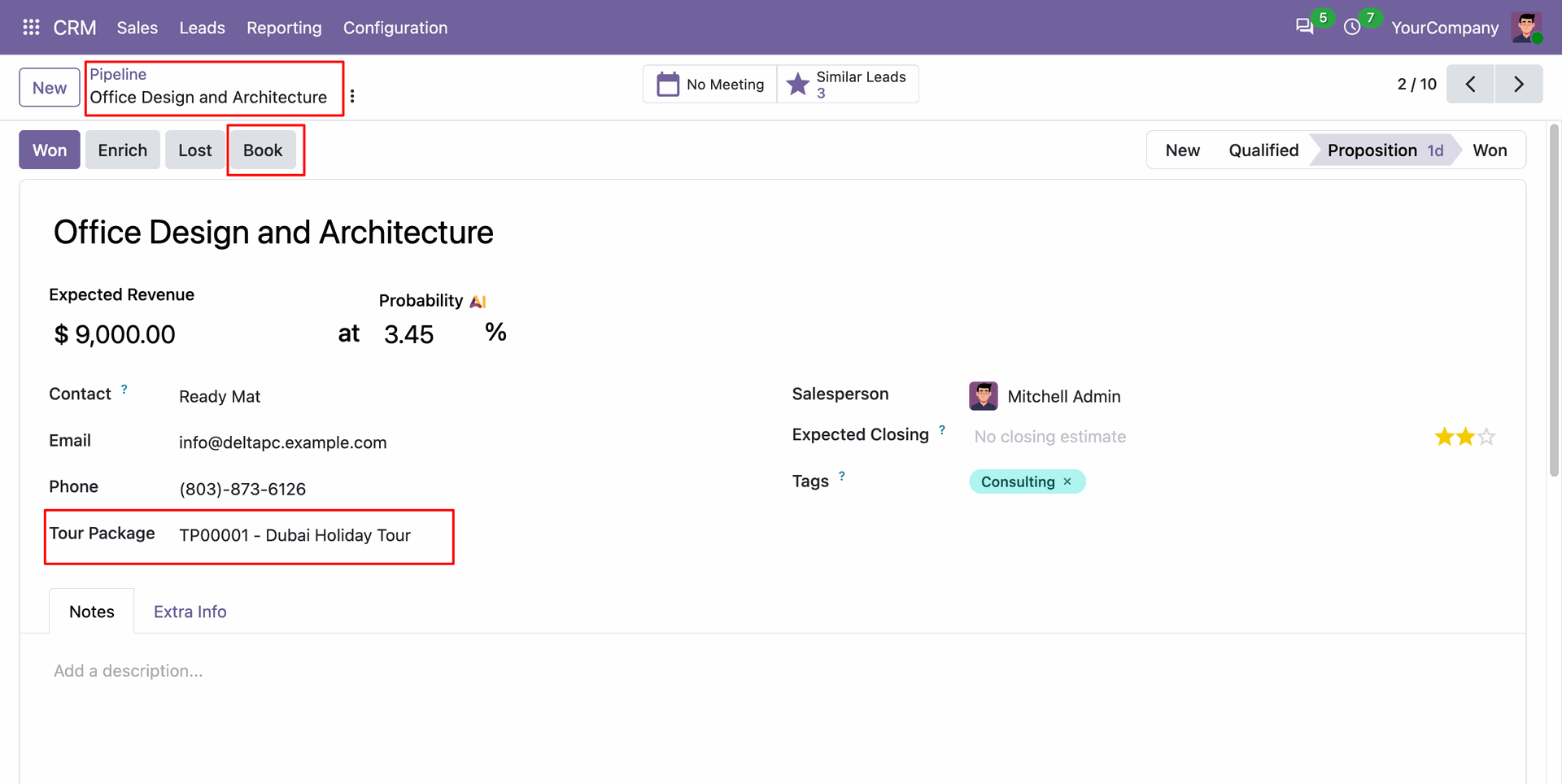
Select the desired tour package on a CRM lead and click Book to start booking.
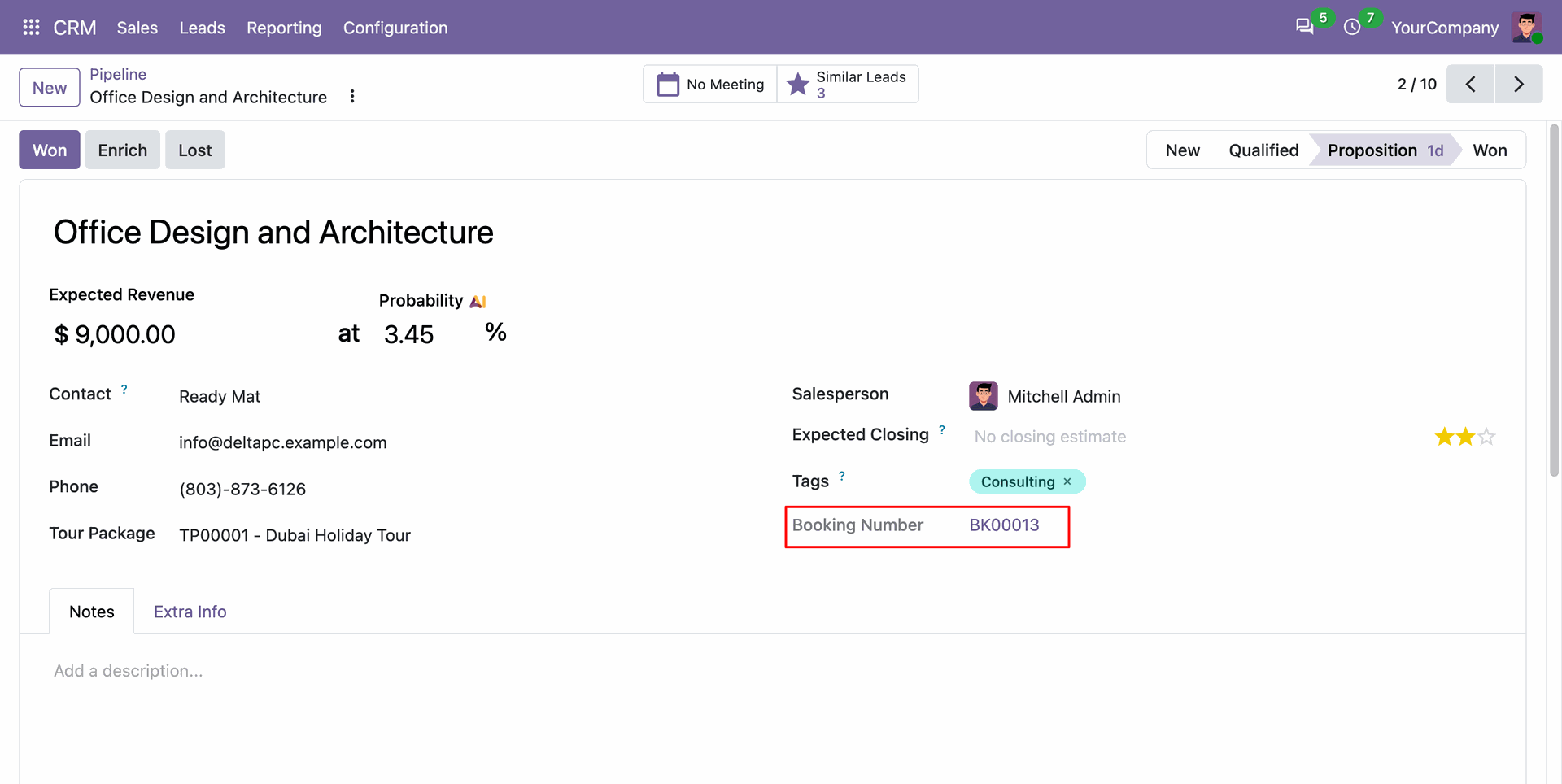
View the generated tour booking reference automatically recorded directly on the CRM lead form.
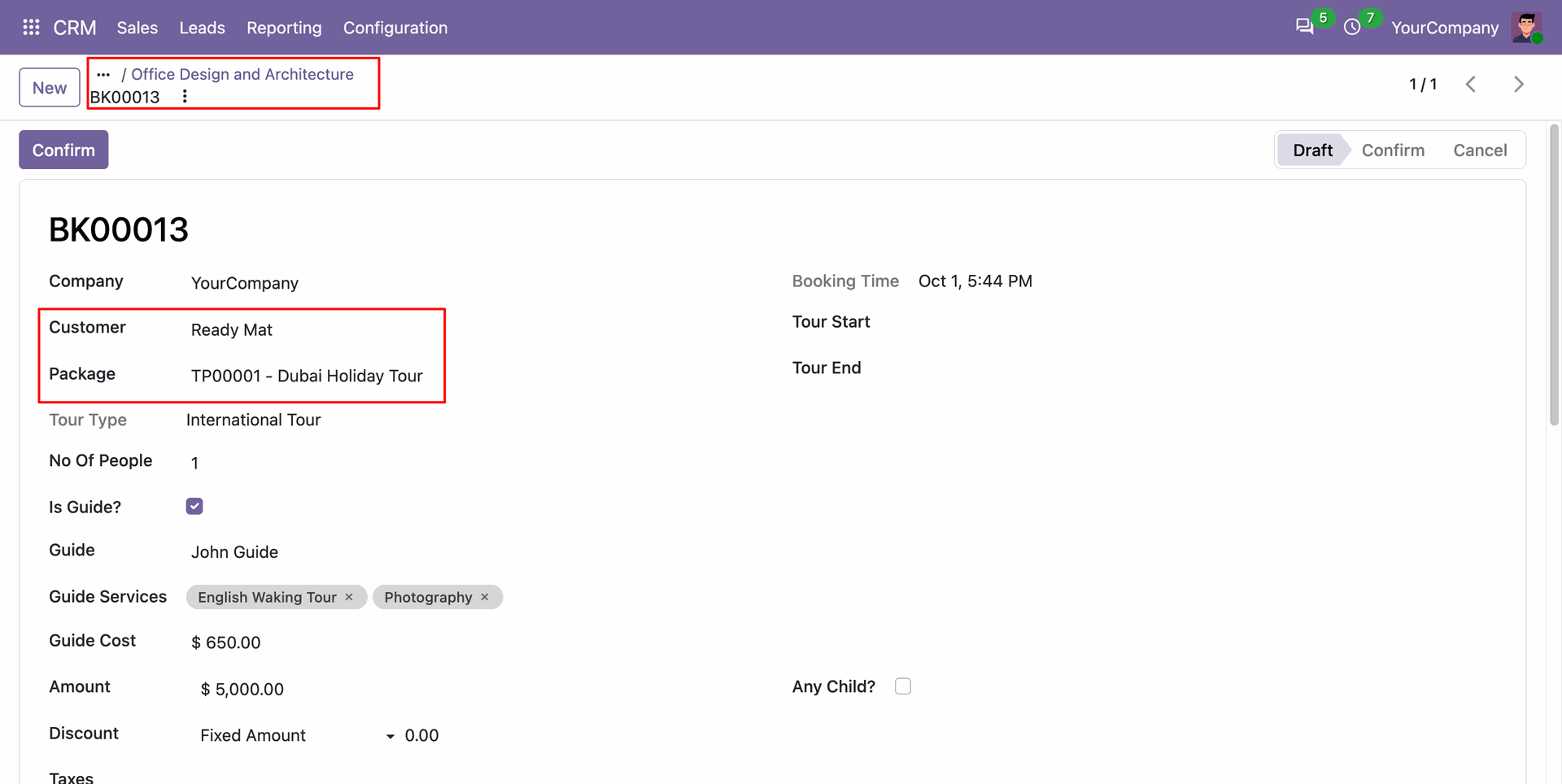
Inspect the prefilled tour booking created seamlessly from the sales pipeline lead without manual data re-entry.
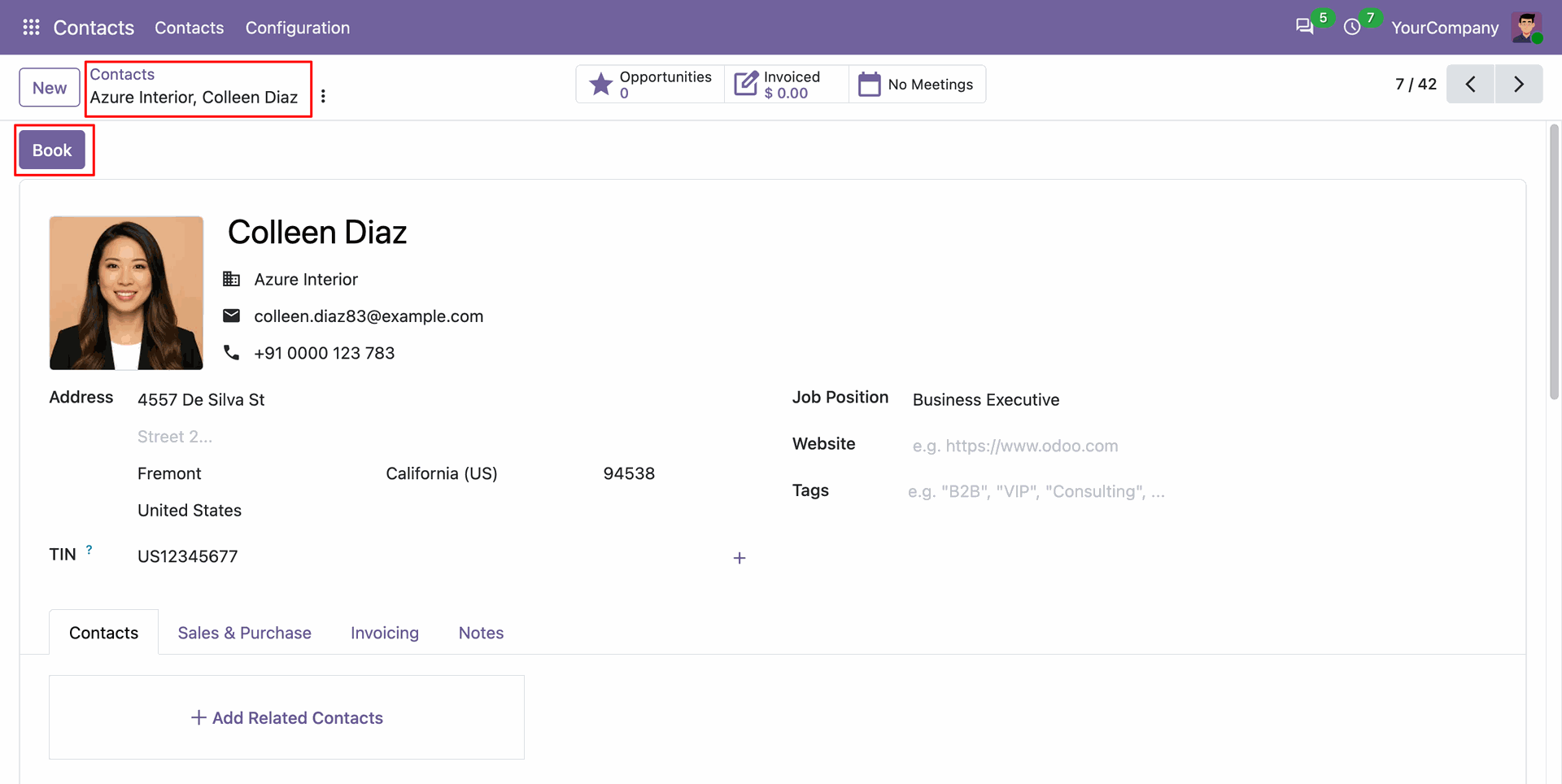
Click the dedicated Book button on any customer contact card to initiate a direct tour booking.
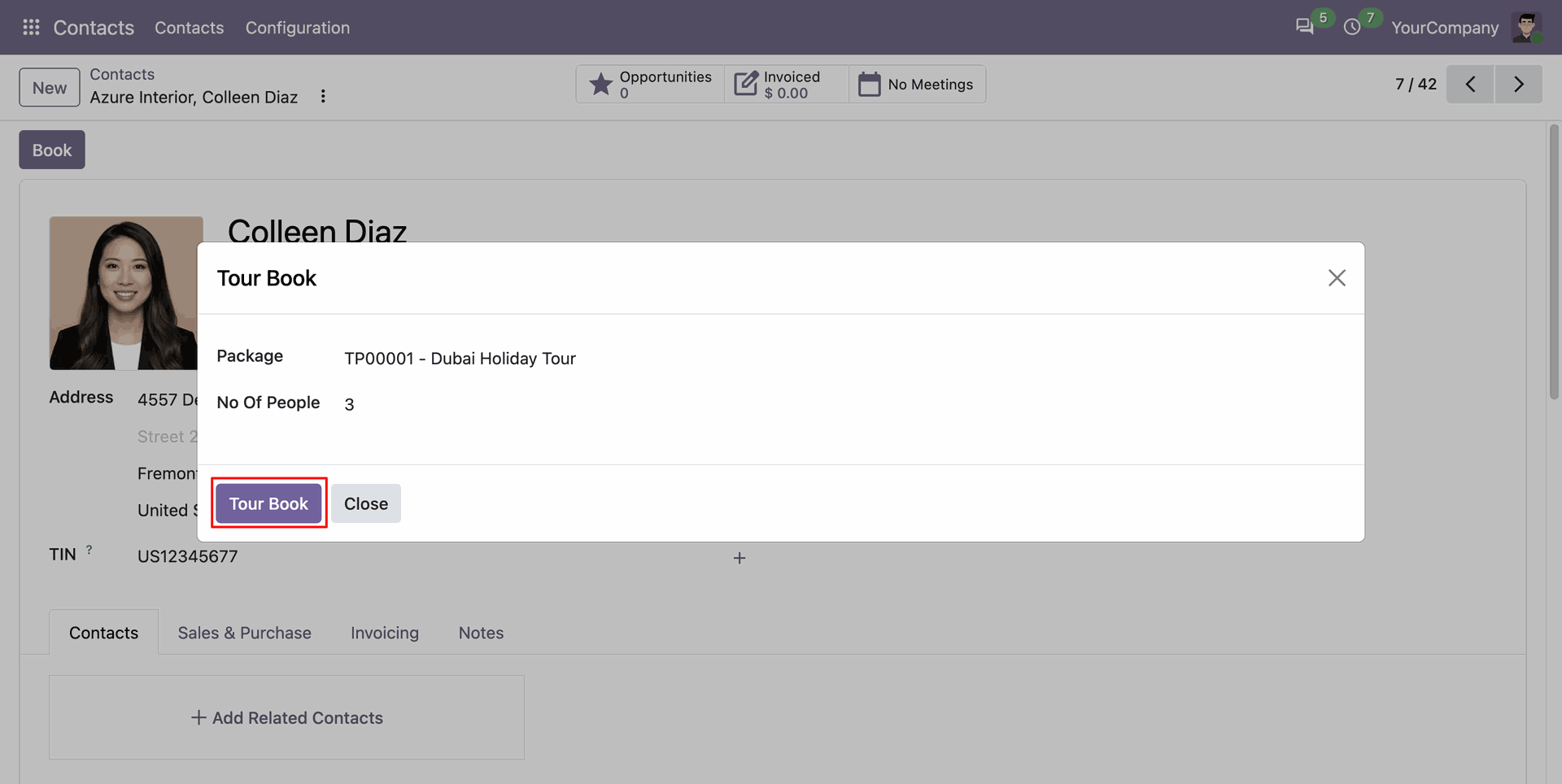
Select the chosen tour package and confirm booking details using the interactive tour book popup wizard.
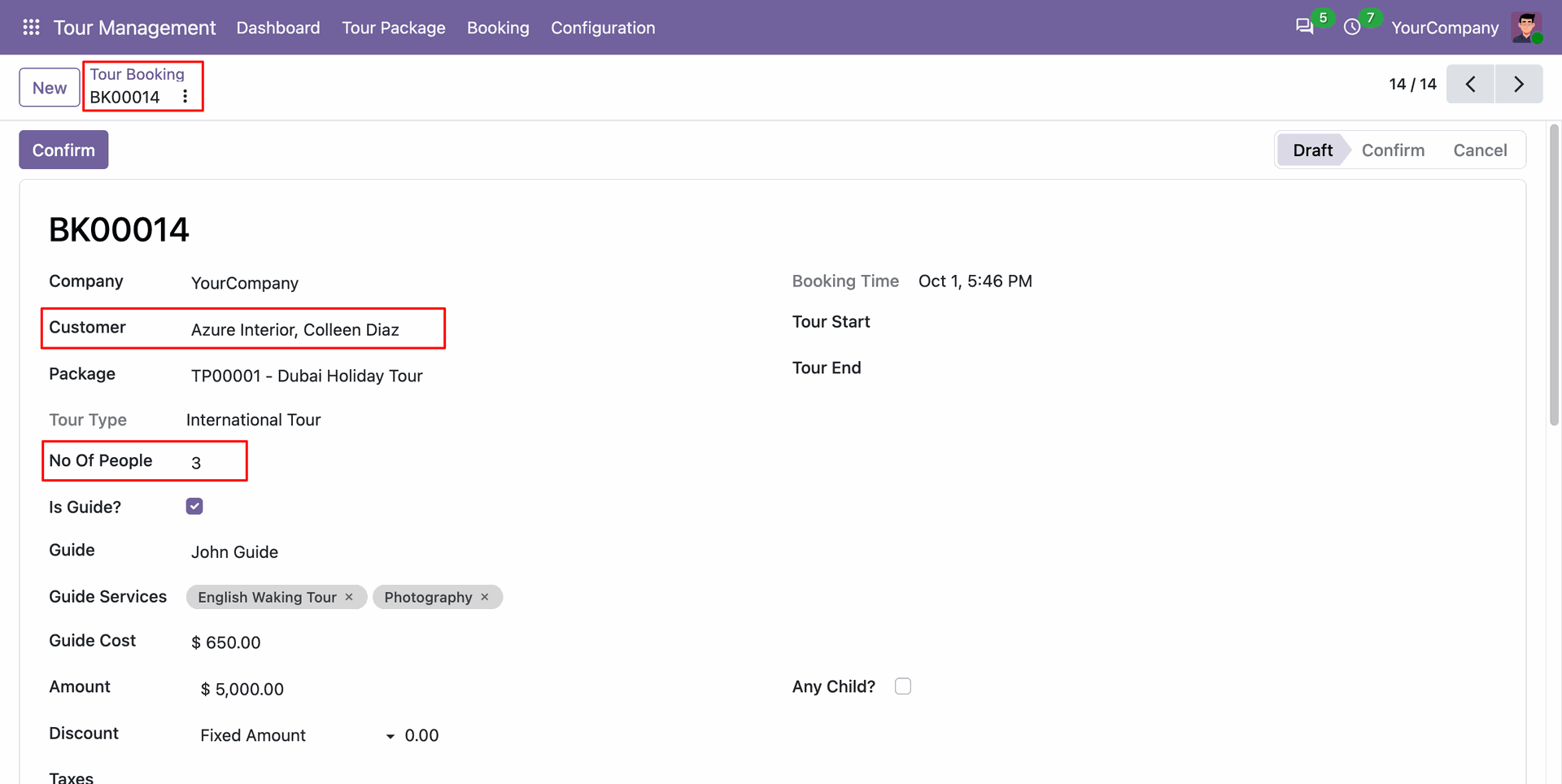
Open the resulting tour booking instantly generated with customer contact information already populated.
Version 18.0.1.0.0 | Released on : 28th October 2026
- Yes, this app works perfectly with Odoo Enterprise (Odoo.sh & Premise) as well as Community.
- No, this application is not compatible with odoo.com(odoo saas/Odoo Online)
- Yes, to test this module, please contact us at sales@softhealer.com.
- Please contact us at sales@softhealer.com to request customization.
- Yes, we provide free support for 365 days from the date of purchase.
- Yes, you will receive lifetime free updates for the version of the module you purchased.
- No, there is no need to install any additional libraries.
- Yes, for version 12 and above, you need to purchase the module separately for each version you intend to use.
- No, exchanges or refunds are not allowed. Please make sure to select the correct version before purchasing.
- You can contact us at support@softhealer.com for language translation support. We use Google Translator tools to provide translations in multiple languages, so the accuracy may vary. We welcome your suggestions to help improve translations.
Discover Our Latest Apps