









Survmate Survey Theme

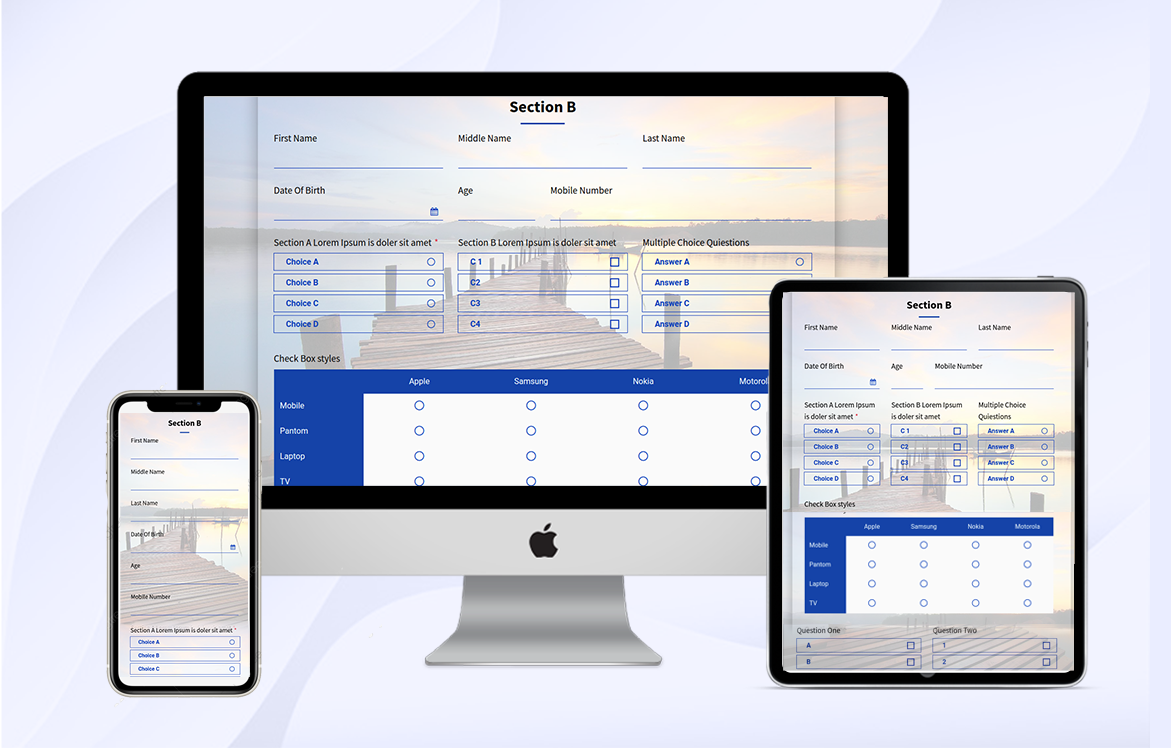
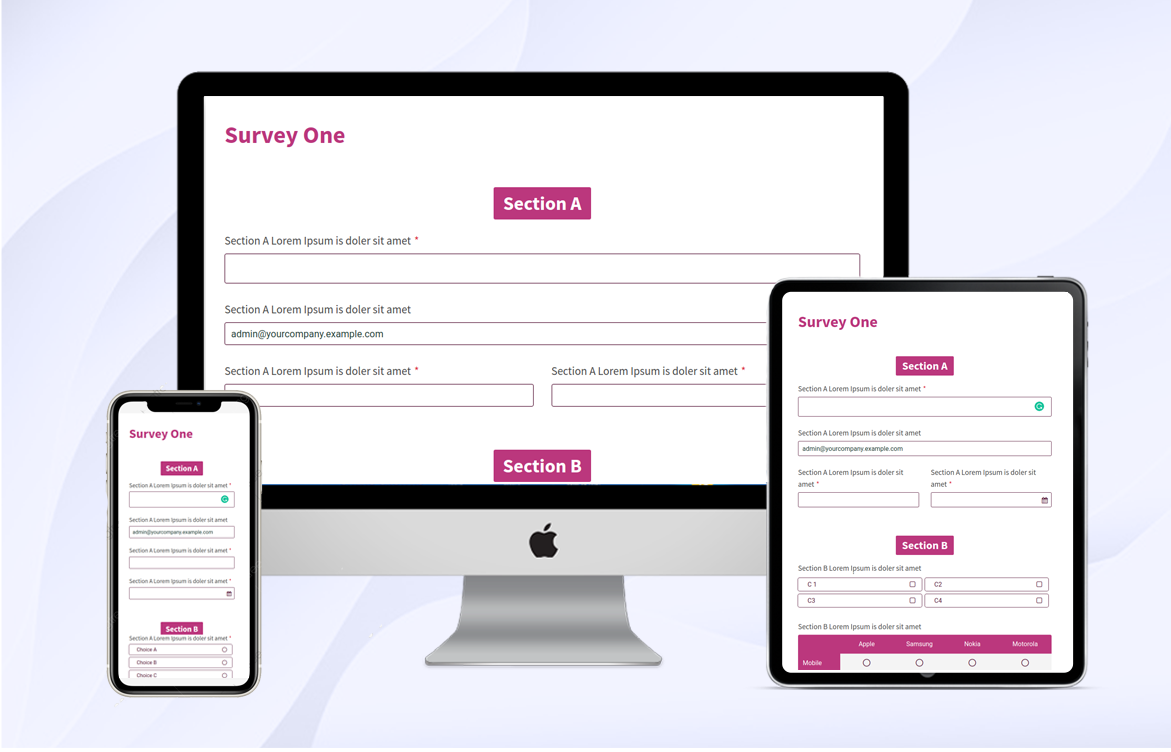
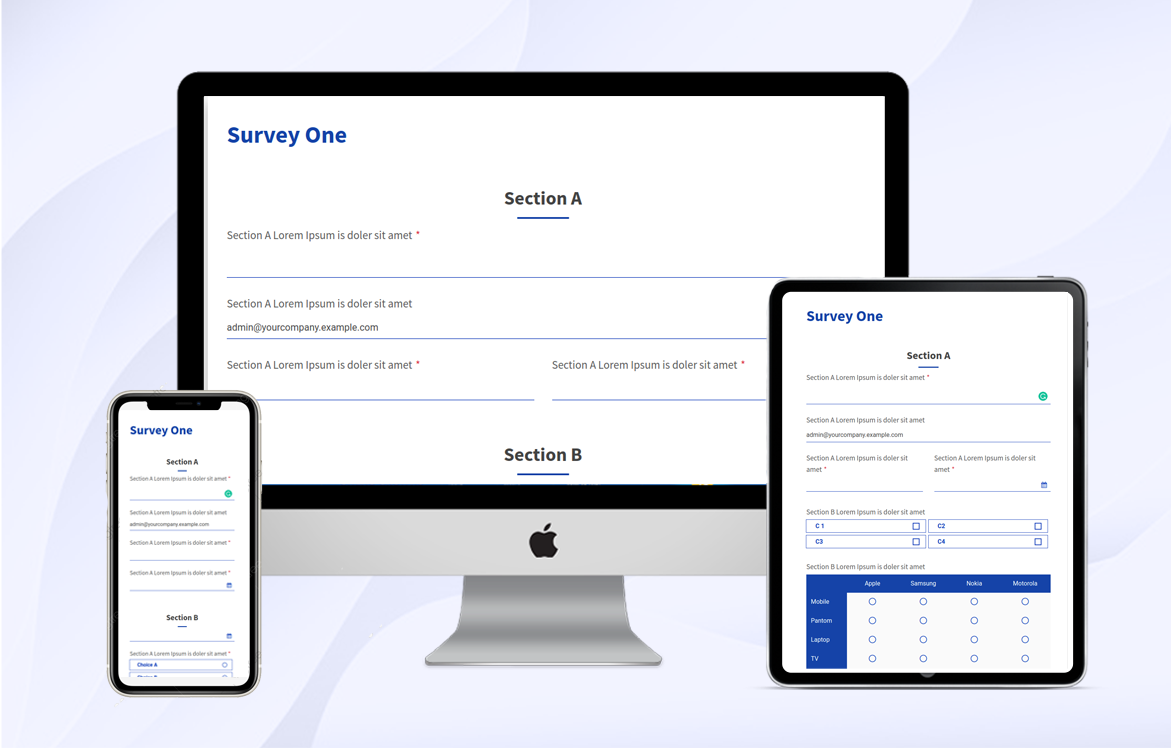
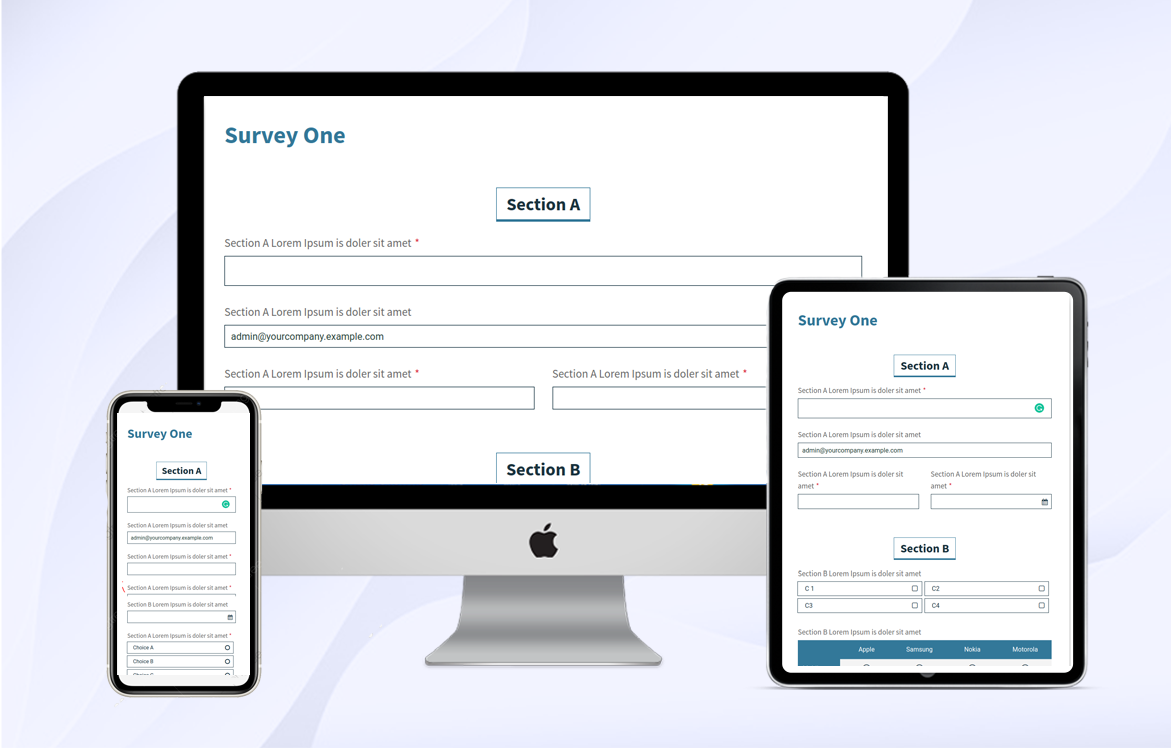
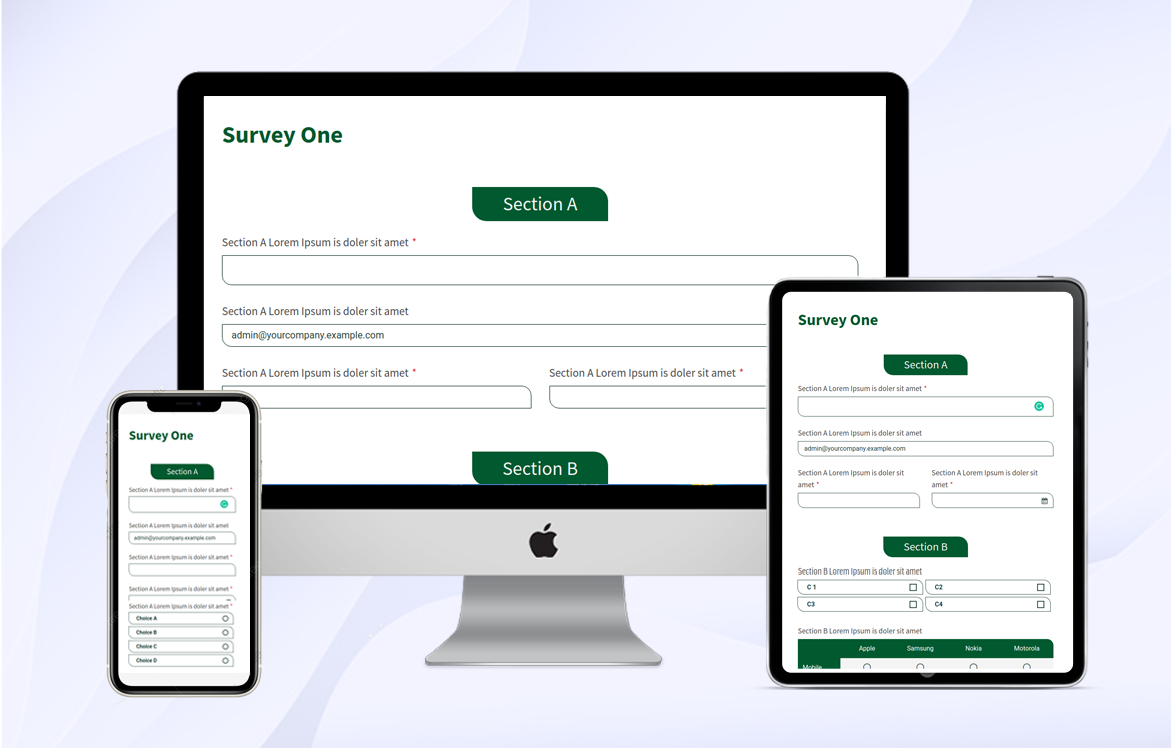
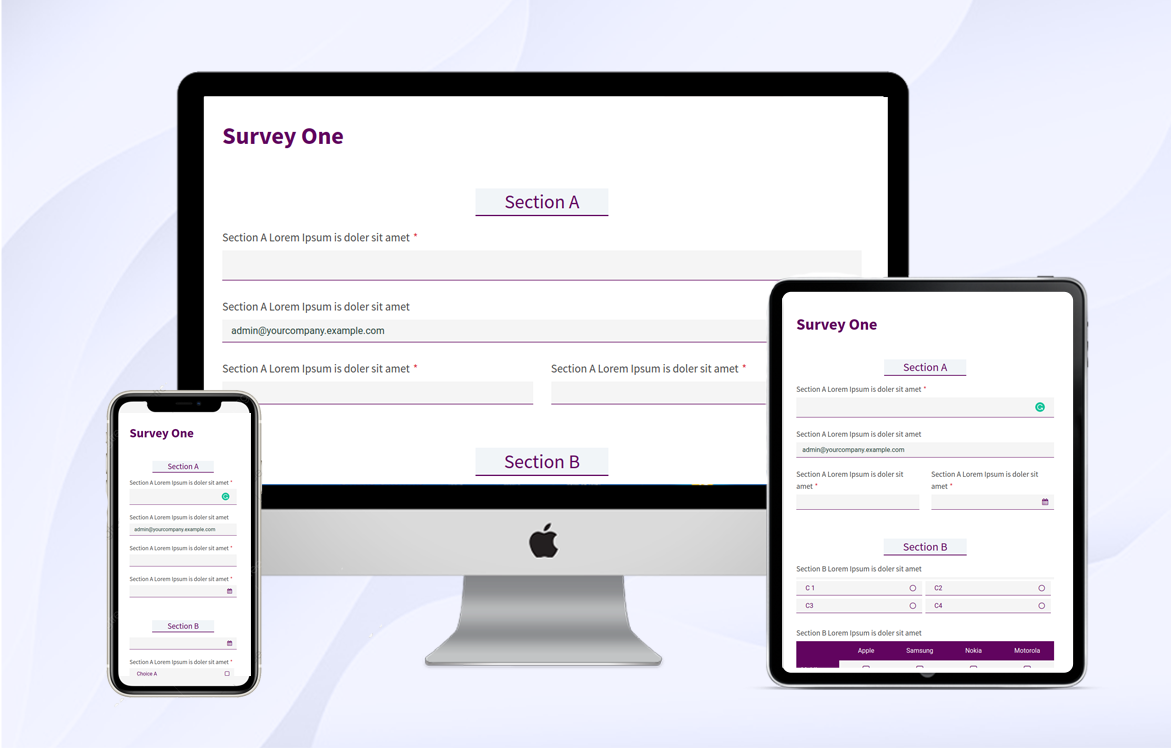
The online survey is the best way to get a review of your organization/company. It will look more attractive and clean. Surveys can take multiple forms but are most common in the form of a questionnaire, either written or Multiple Choice Questions. Technically, The survey is a method of collecting information from selected people. So that your survey form must be the most attractive, clean, and modern materialize. Currently, in odoo, there are no options for decorating your survey form. You can do that thing using our 'Survmate Survey Theme' You can create attractive and clean survey forms with no effort.

Related Modules
Hot Features
Features
- Fully Responsive, Customizable, and Clean.
- Easy to create attractive themes for the survey form.
- 5 ready made amazing themes for the survey form.
- 5 unique styles to customize the form heading section.
- 5 unique styles for form elements like the input section.
- 5 unique styles for buttons, radio buttons, and checkboxes.
- Easy to set background image/color in the survey form.
- Easy to make a different theme for the different survey forms.
- Bootstrap grid system for form elements.
Theme Configuration
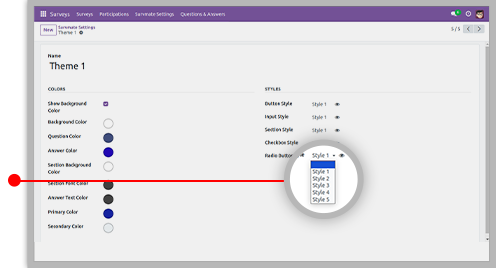
You can customize your survey form body with different tools. There is mainly two types of theme style. That you can easily customization as per requirement. There are many options for customizing themes. All options are briefly explained below.
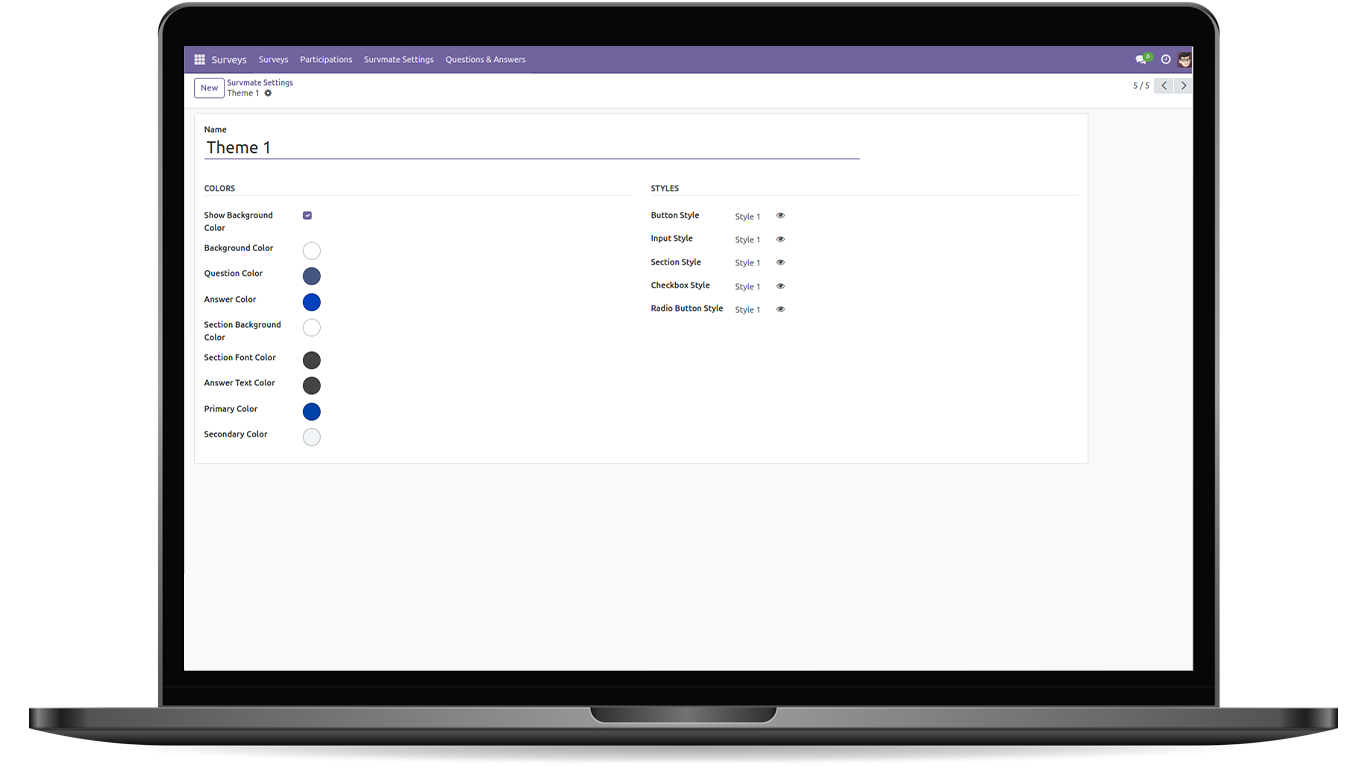
Theme Styles
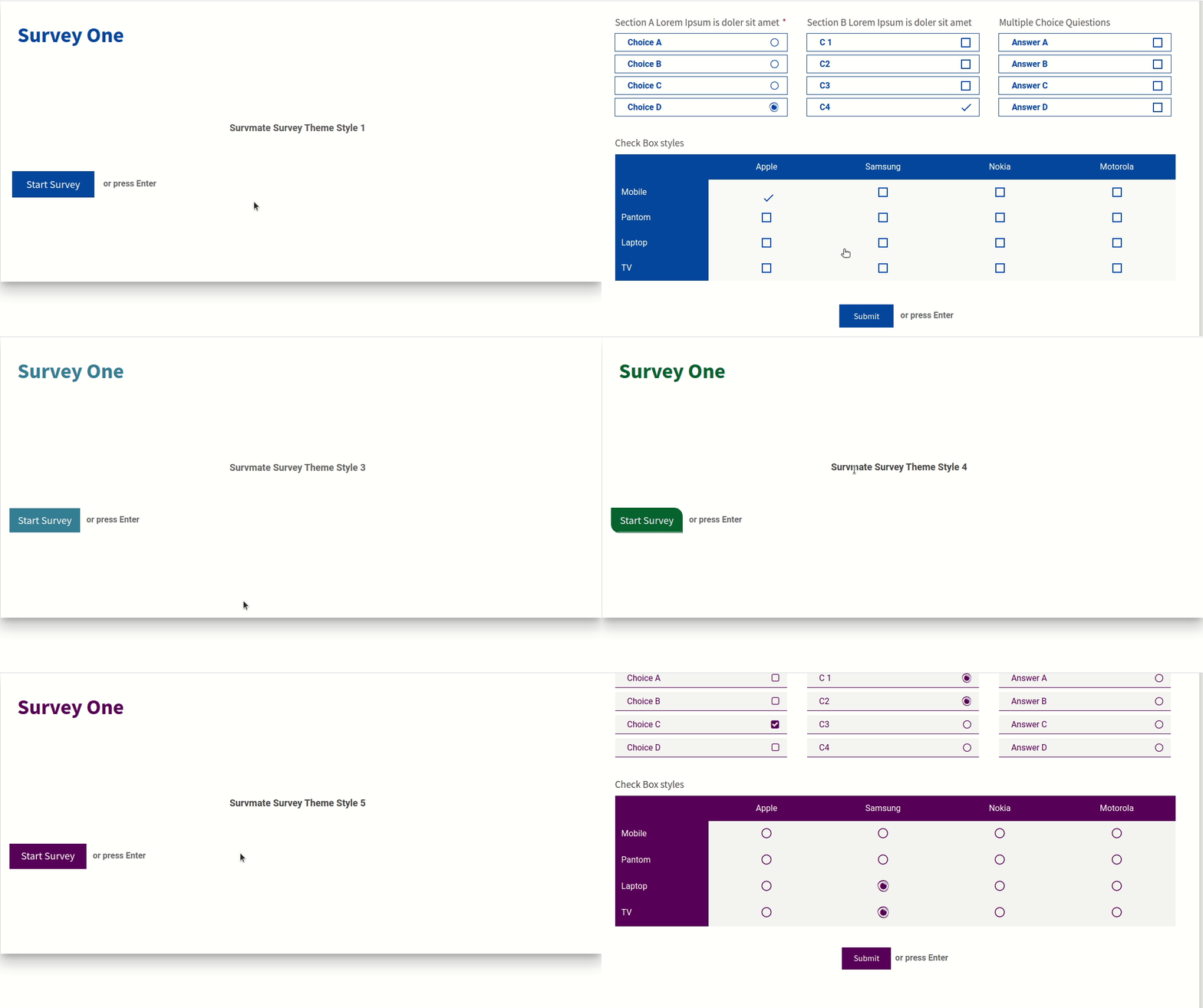
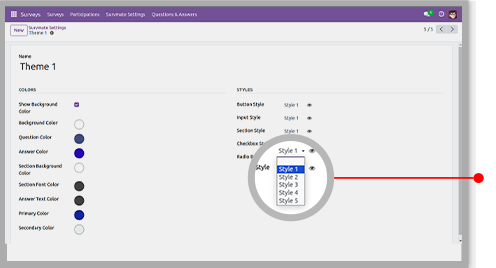
Here in this theme you have 5 different ready made theme styles. You can also change it as per your choice.
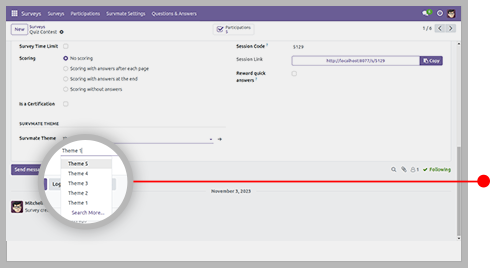
Section Styles
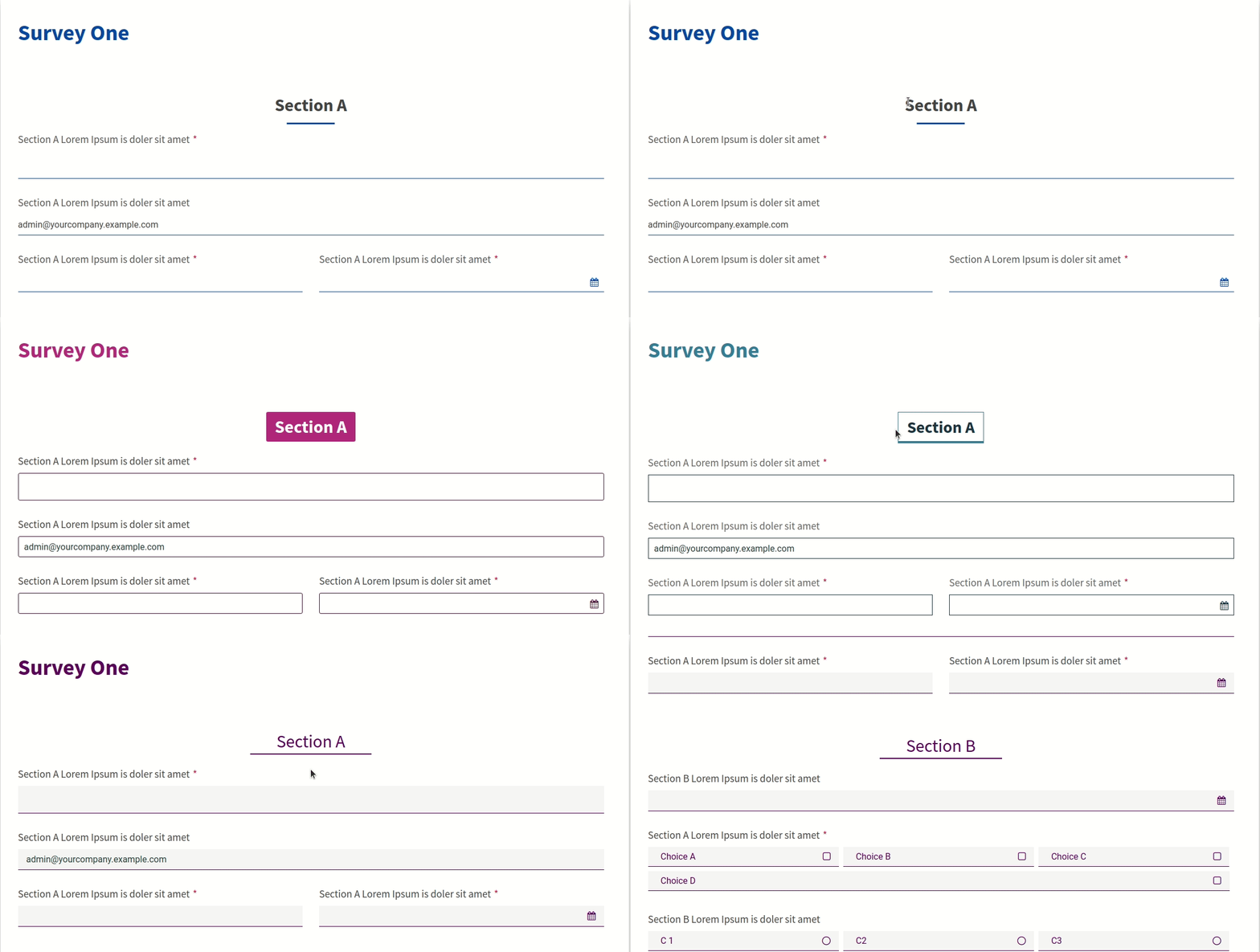
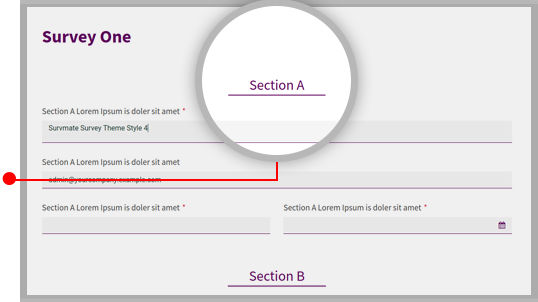
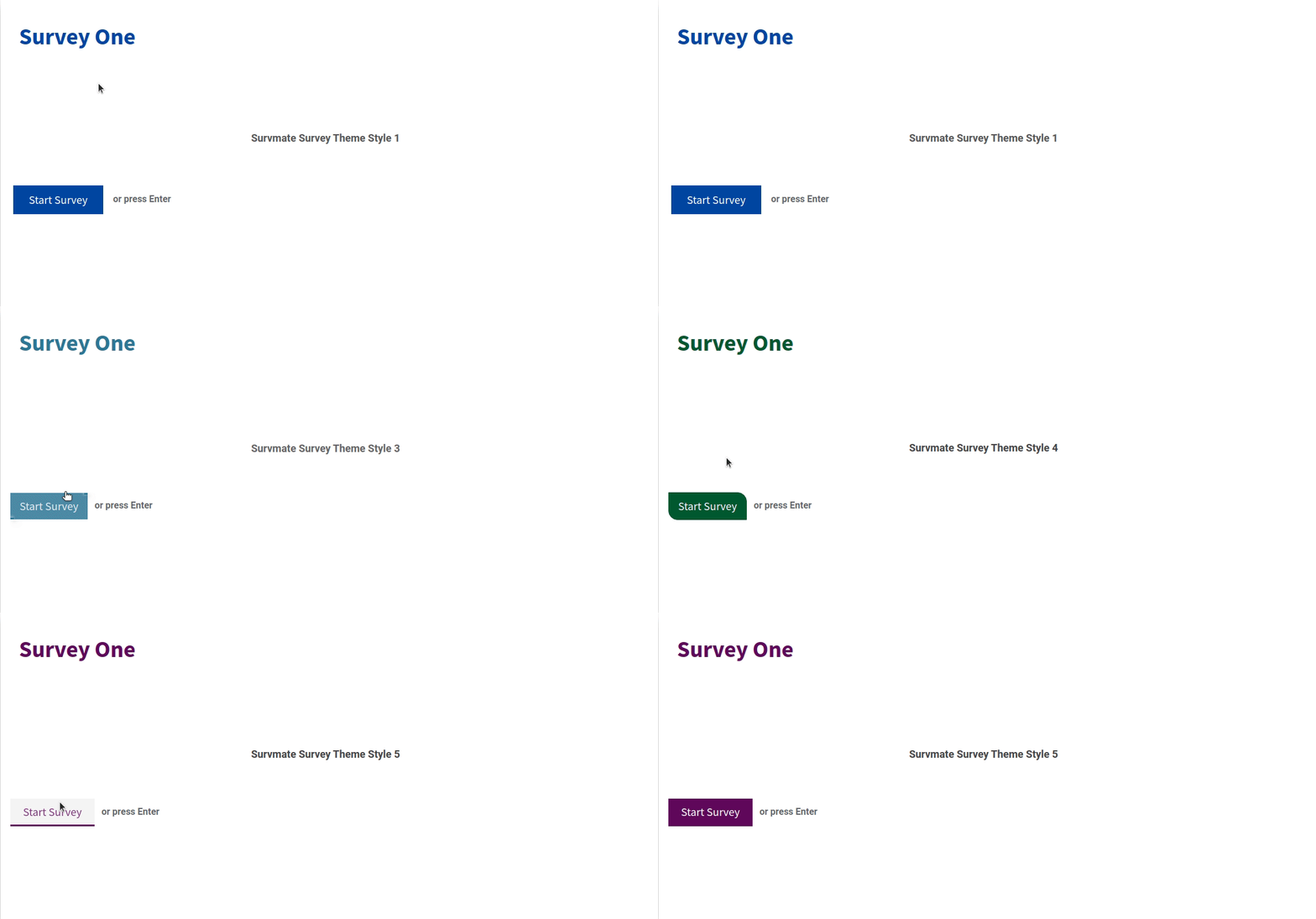
You can customize your section style from the configuration settings. We are providing 5 unique section styles.
Button Styles
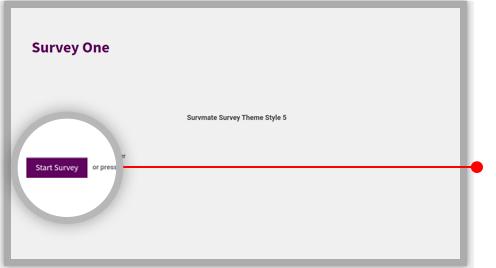
You can customize your button style from the configuration settings. here we provide 5 unique button styles.
Form Elements Styles
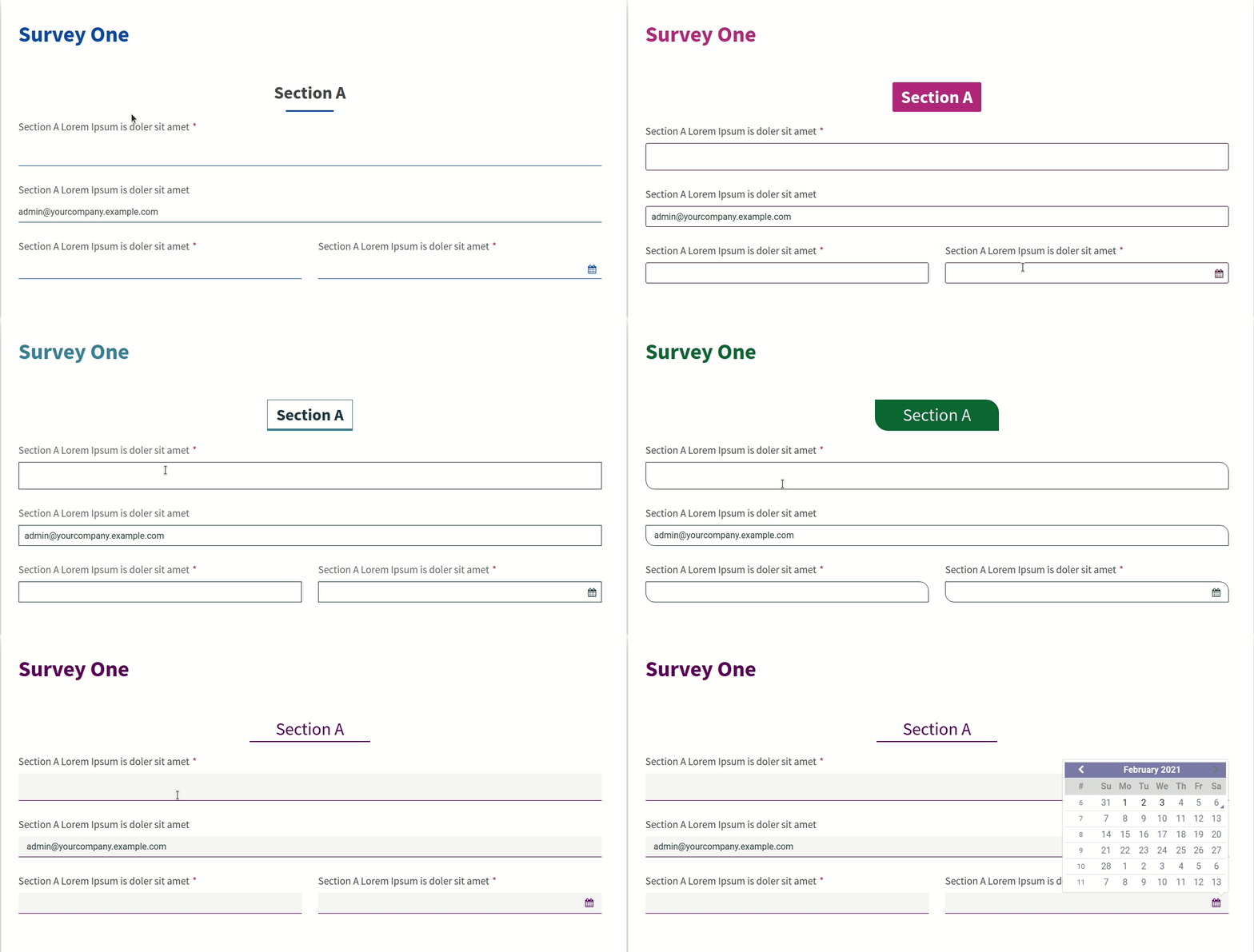
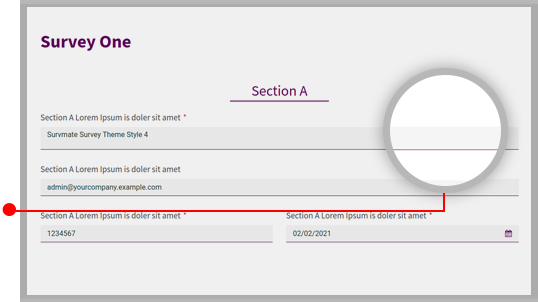
You can customize your form elements style from the configuration settings. We are providing 10 unique form elements styles.
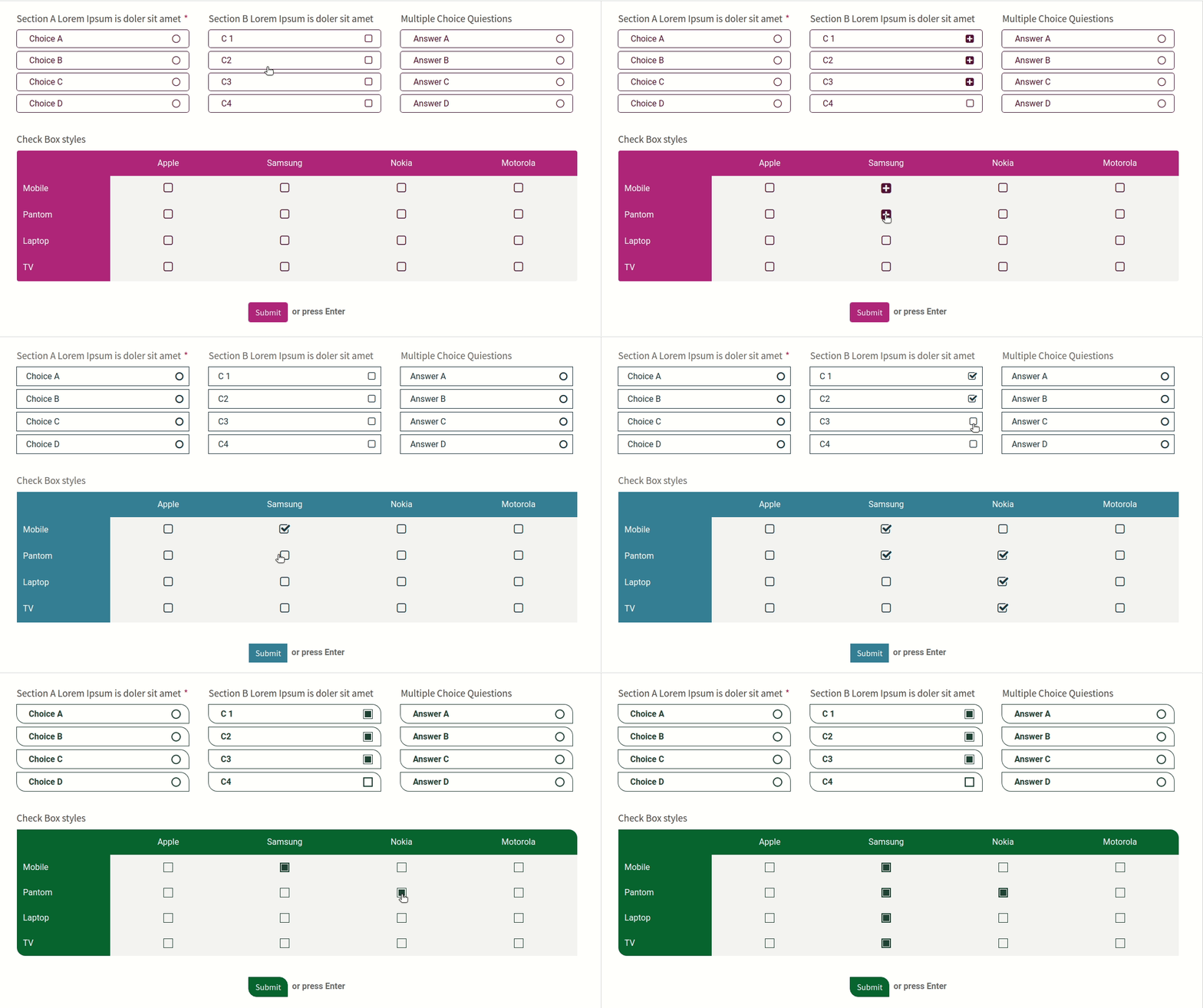
CheckBox Styles
You can customize the checkbox style from the configuration settings. Here we provide 10 unique checkbox styles.
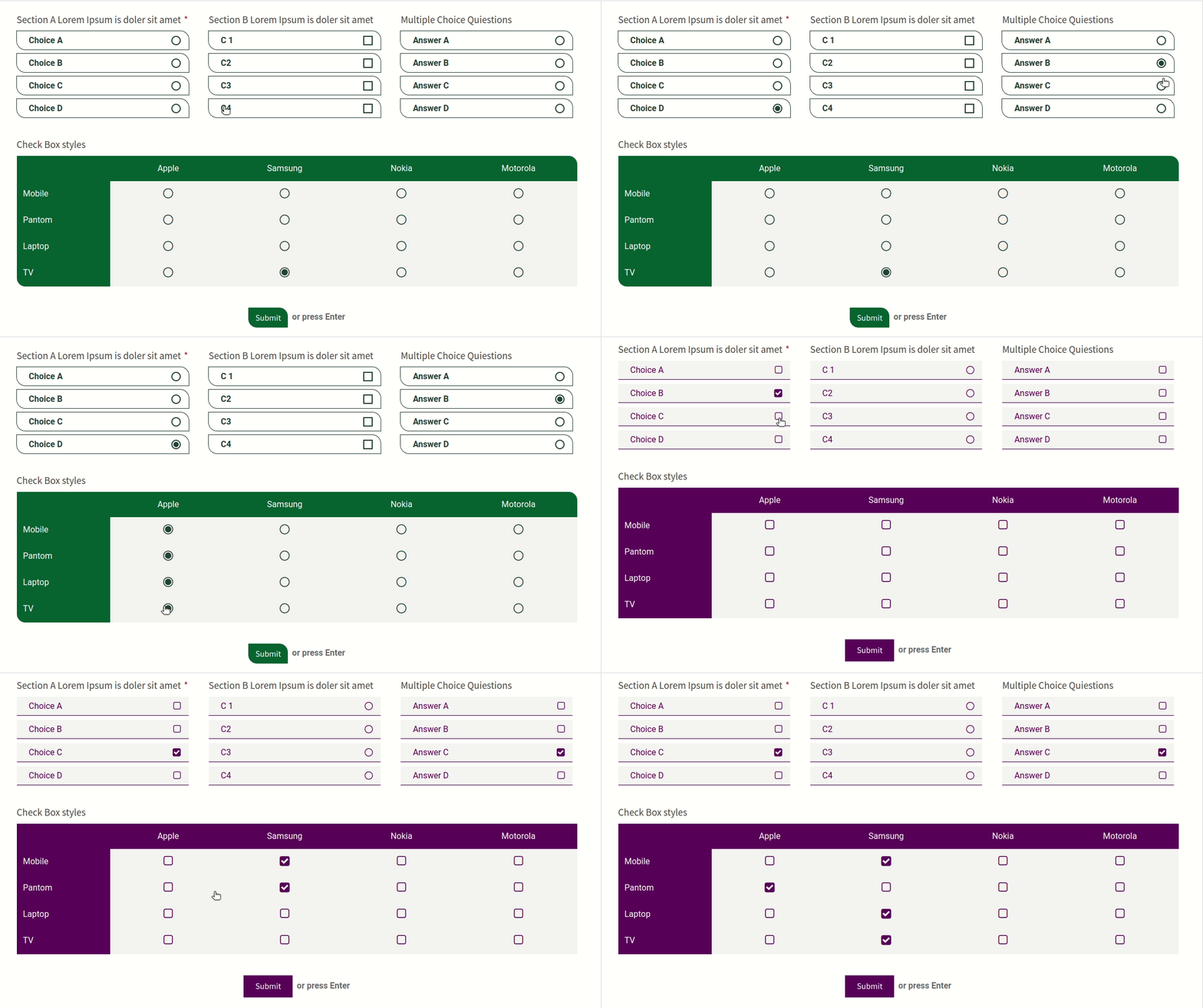
Radio Button Styles
You can customize the radio button style from the configuration settings. Here we providing 10 unique radio button styles.
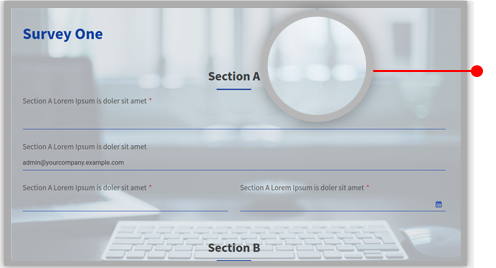
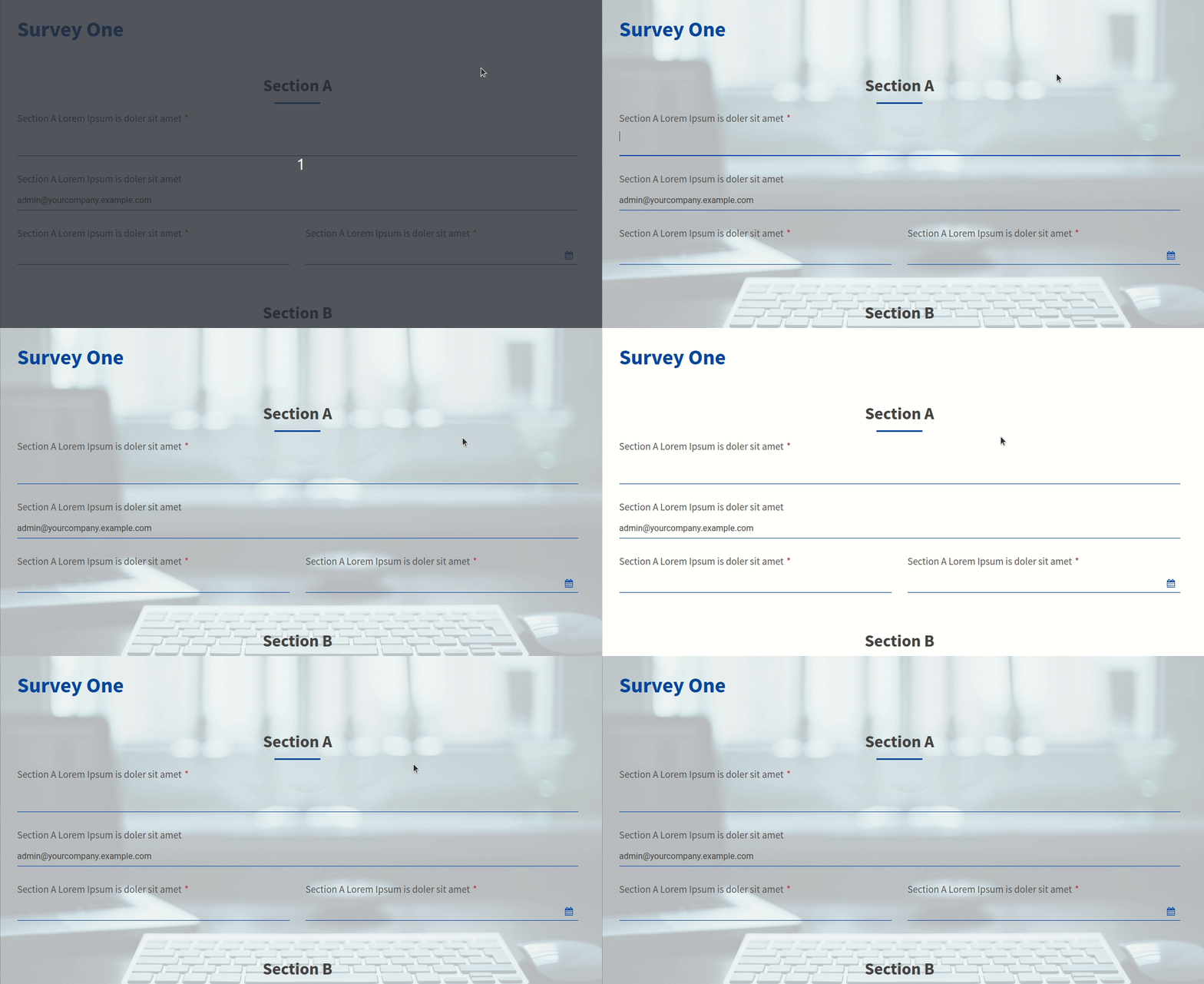
Background Styles
You can customize your background style from the configuration settings. You can set survey form background image or color
Bootstrap Grid
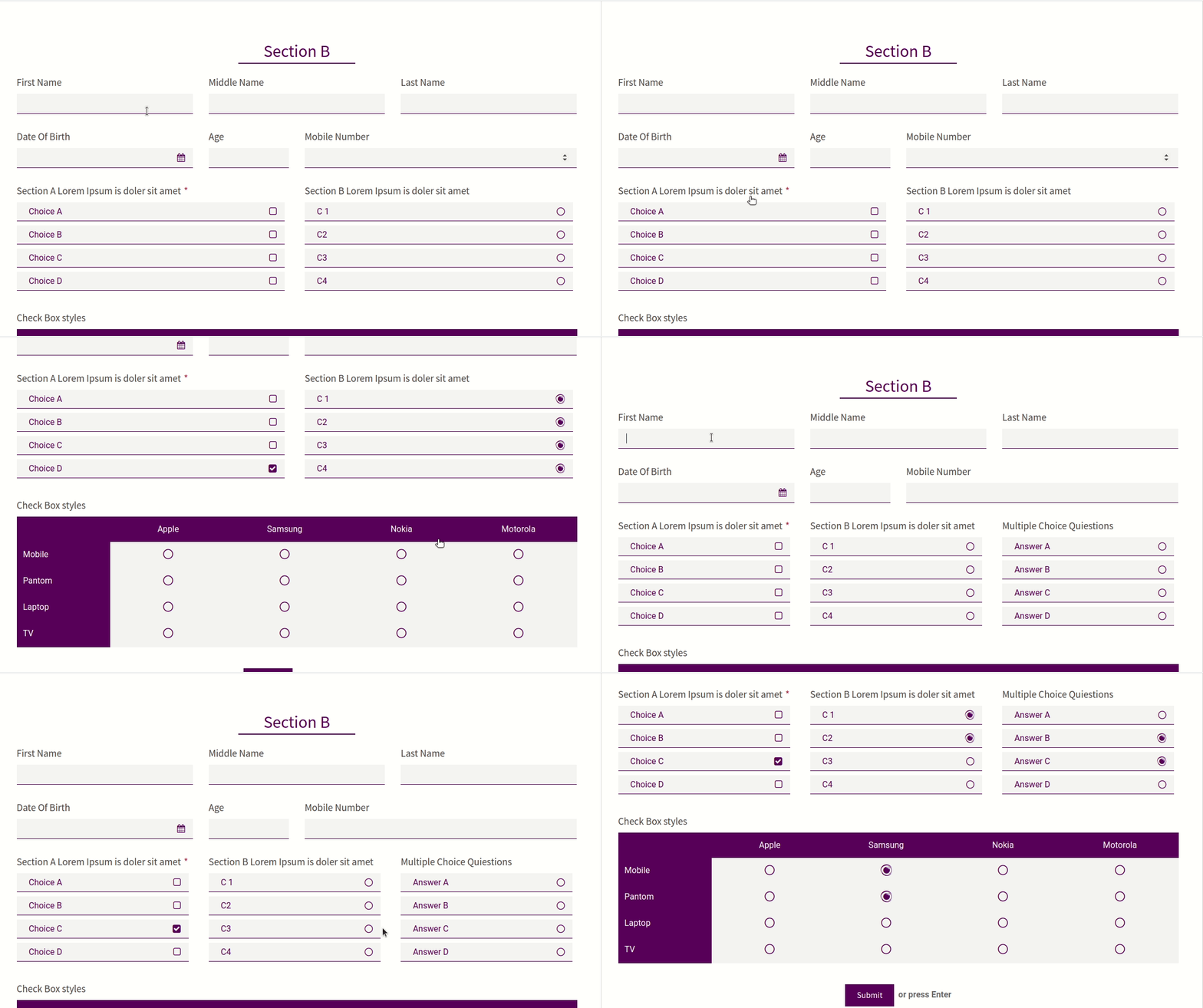
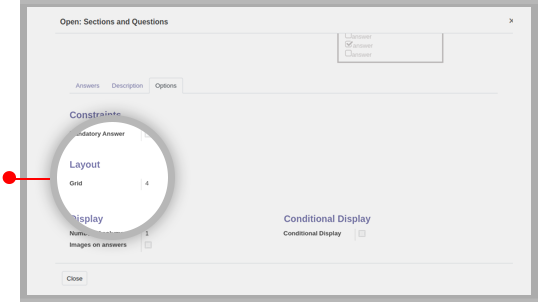
You can customize your Questions and Answers like bootstrap grid system. This feature will help to display your survey form more clean and attractive.
Primary Color Styles
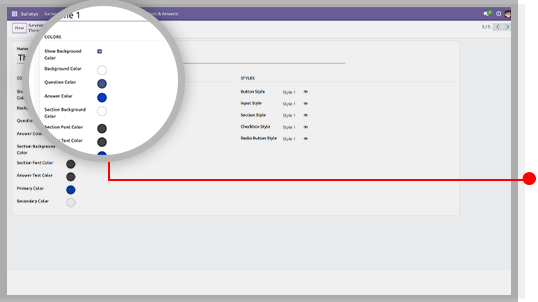
You can set your primary and secondary color from as per theme color so your survey form will look more attractive.
Version 20.0.1.0.0 | Released on : 15th September 2026
- Yes, this app works perfectly with Odoo Enterprise (Odoo.sh & Premise) as well as Community.
- No, this application is not compatible with odoo.com(odoo saas/Odoo Online)
- Yes, to test this module, please contact us at sales@softhealer.com.
- Please contact us at sales@softhealer.com to request customization.
- Yes, we provide free support for 365 days from the date of purchase.
- Yes, you will receive lifetime free updates for the version of the module you purchased.
- No, there is no need to install any additional libraries.
- Yes, for version 12 and above, you need to purchase the module separately for each version you intend to use.
- No, exchanges or refunds are not allowed. Please make sure to select the correct version before purchasing.
- You can contact us at support@softhealer.com for language translation support. We use Google Translator tools to provide translations in multiple languages, so the accuracy may vary. We welcome your suggestions to help improve translations.
