












Survey - Extra Fields

The online survey is the best way to get a review about your organize/company so you have to some type of question for a user like product review so they need to upload images or documents like many more types of questions. Currently, odoo provides only a few types of field in the Survey. So here we build a module that can help you to add that fields in your survey very easily like email, file, URL, time, range, week, month, password, color, etc. In the file field, you can upload-download the file. You can easily add all this field in survey no need any professional IT skills.

Hot Features
Features
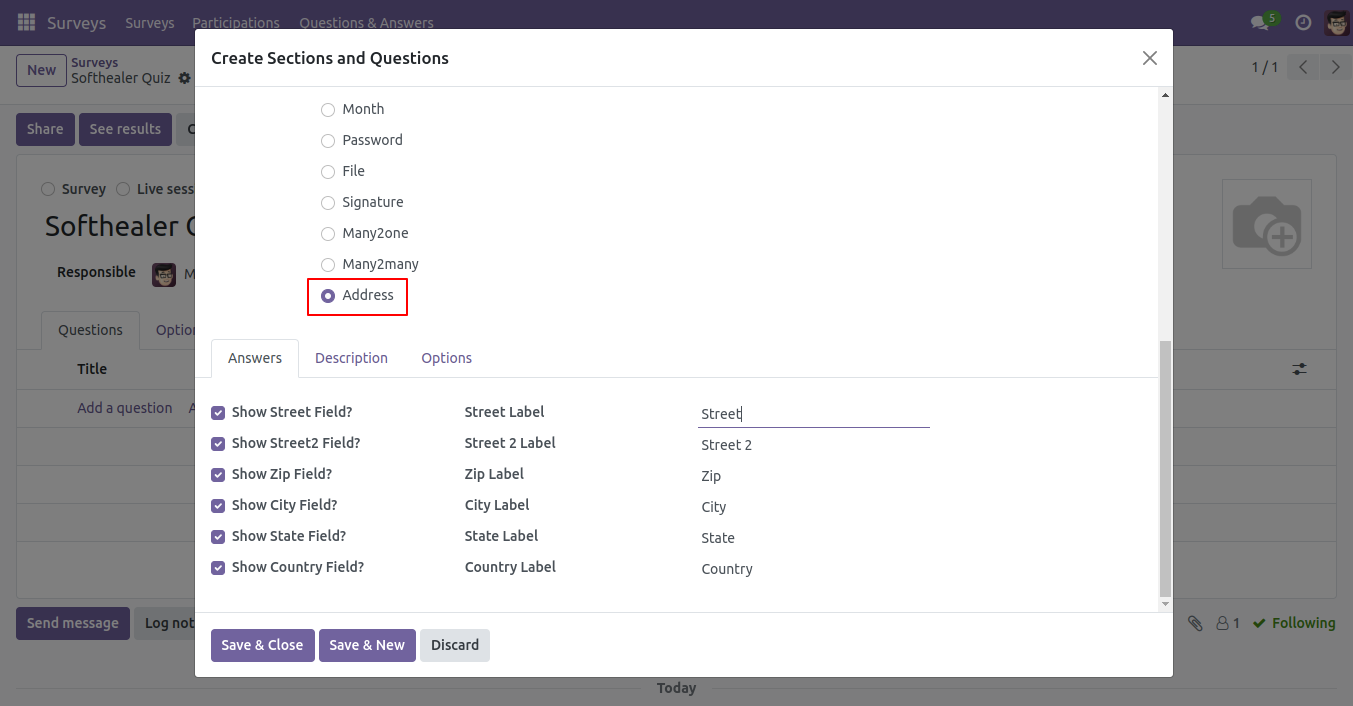
- Easy to set address field that helps to get address from a user in the survey.
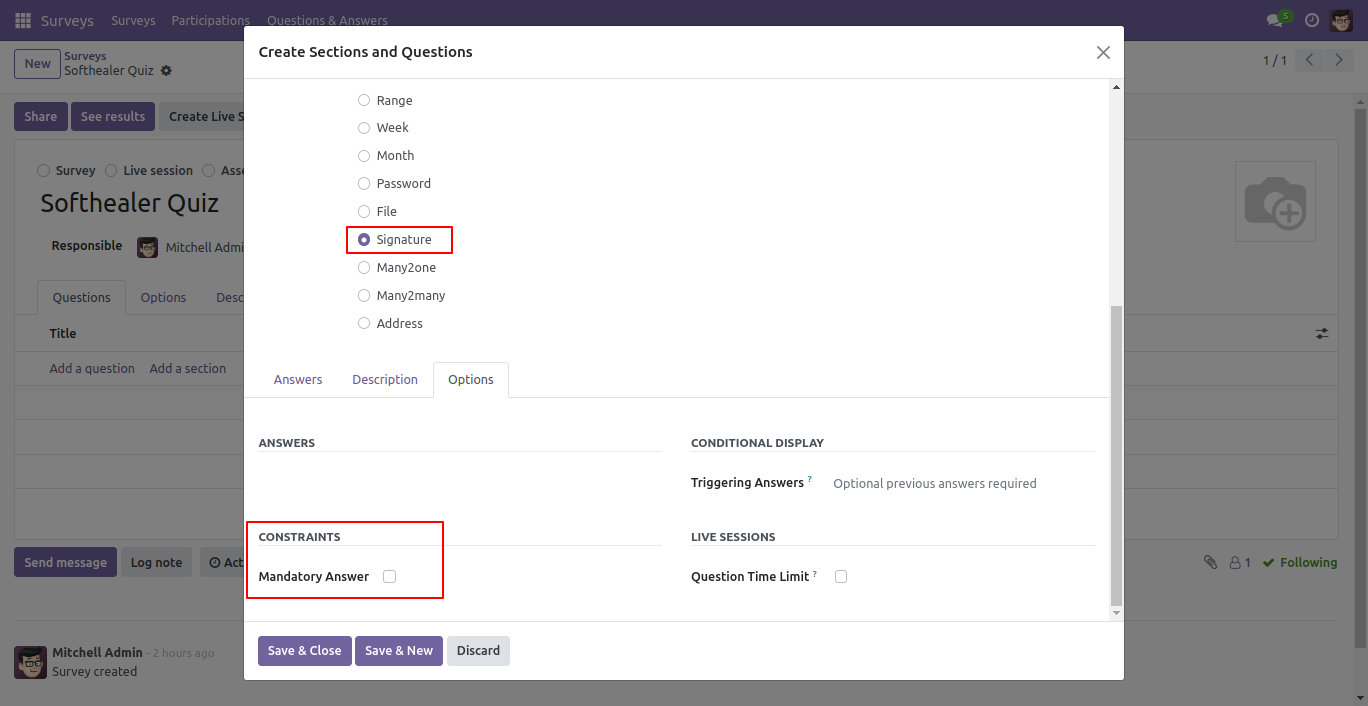
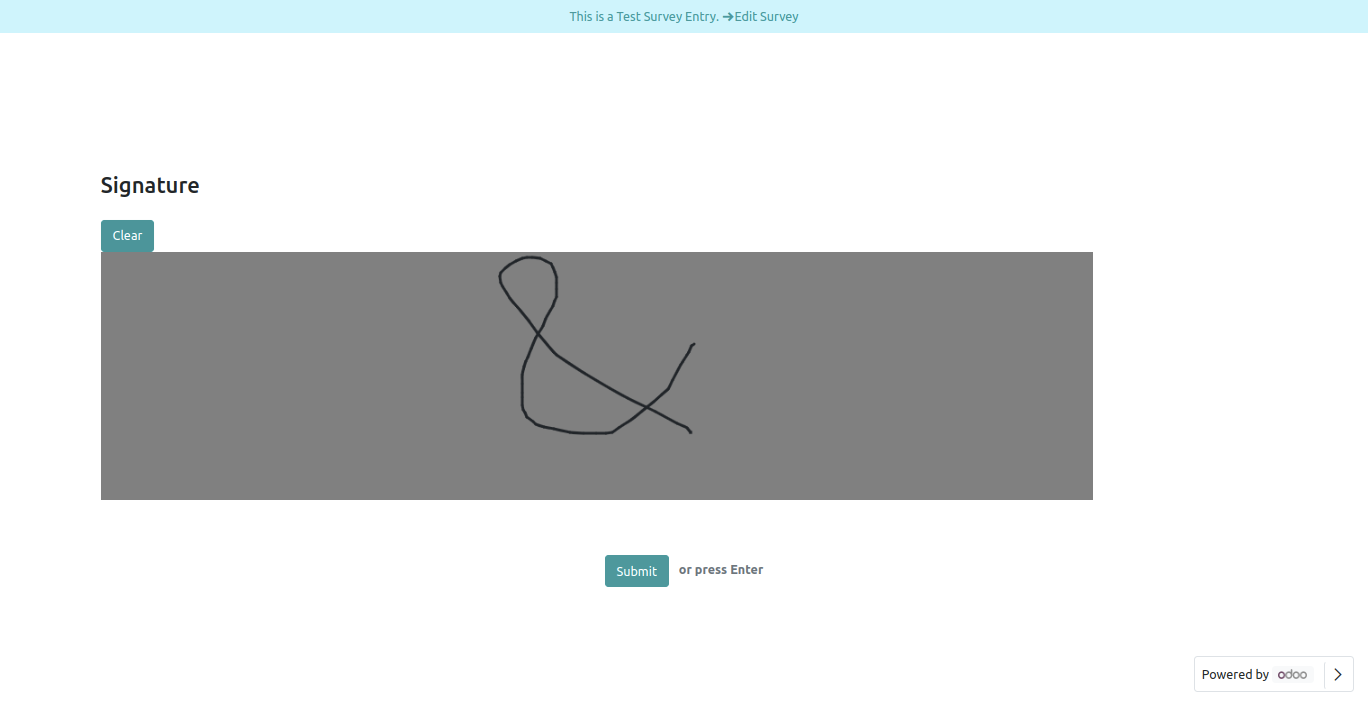
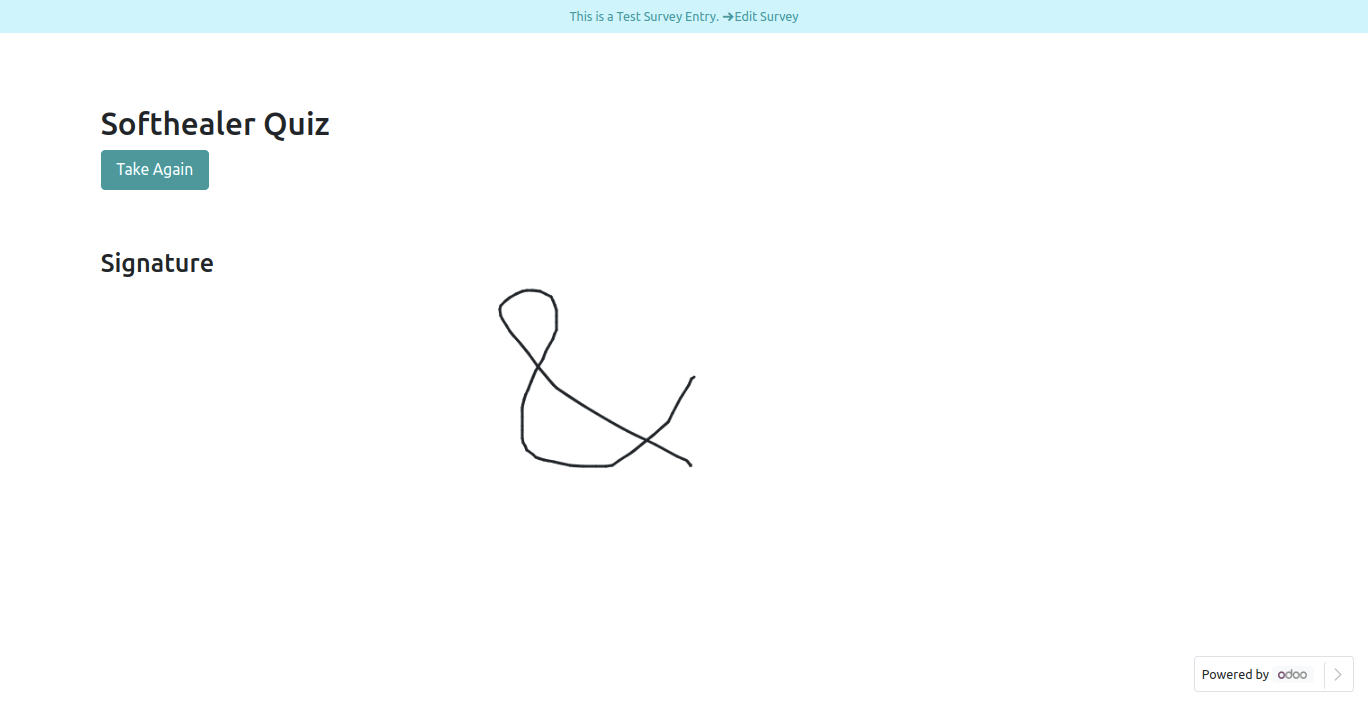
- Easy to set signature field that helps to get signature from a user in the survey.
- You can set many2many & many2one fields in the survey.
- Easy to set a file field that helps to get a file/documents from a user in the survey.
- In the file field, you can upload-download the file.
- Easy to set an email field in the survey form to get an email id.
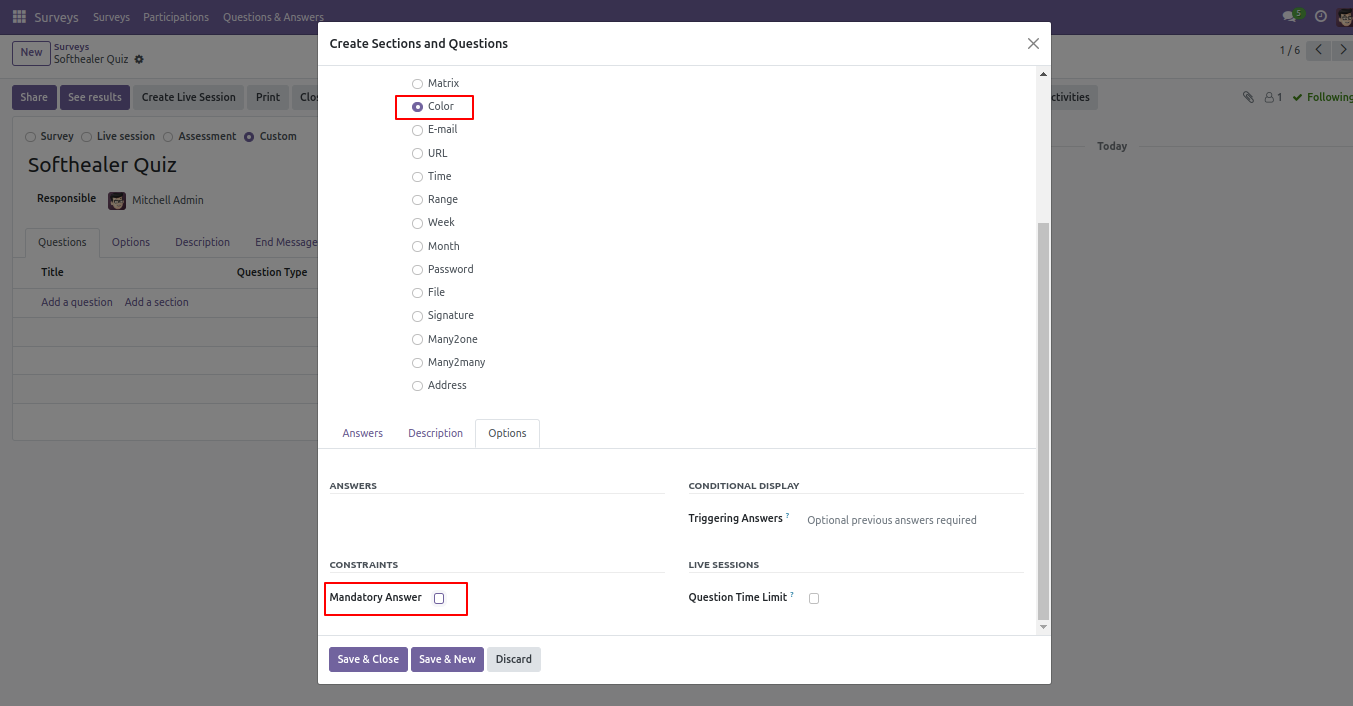
- Easy to set the color field in the survey form.
- Easy to set the password field in the survey form.
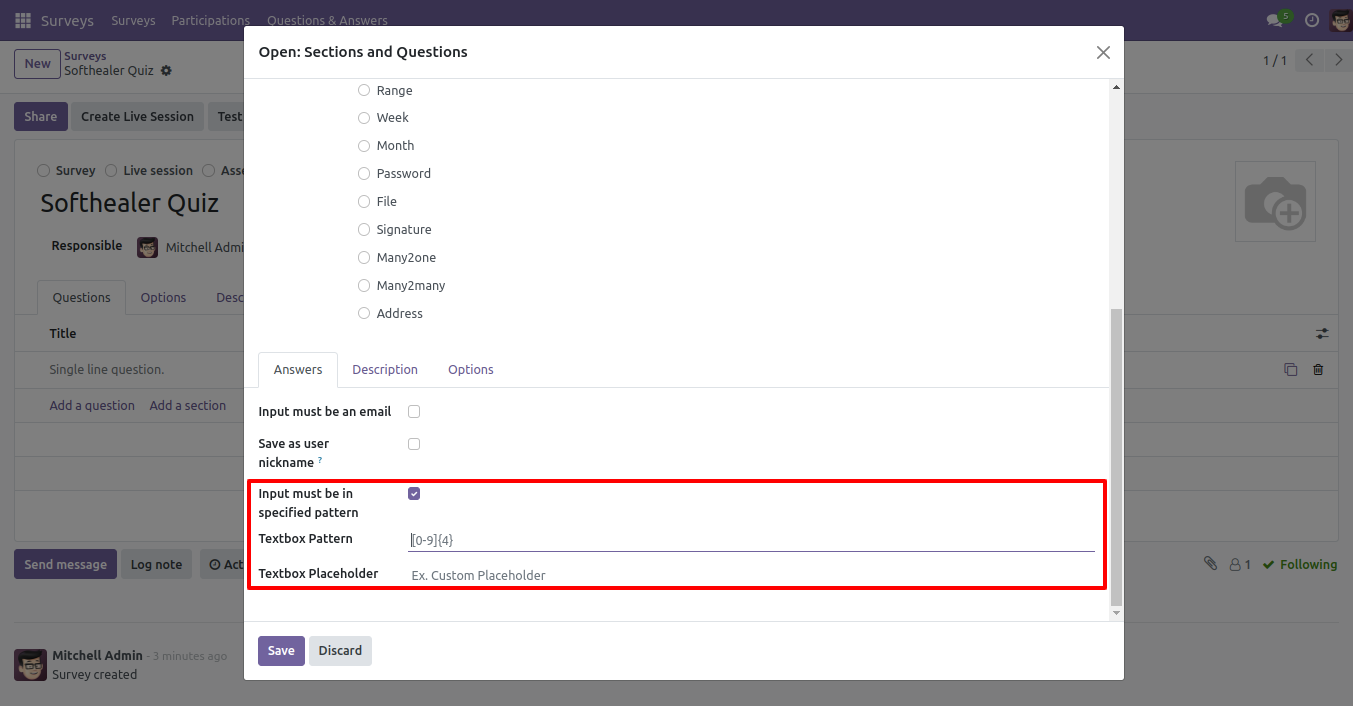
- Easy to set a pattern of text in the text field which helps the user to input exact formate of [number, pin, etc.] value in the survey form.
- Easy to set range field which helps to get the price, age, etc.
- Easy to set a month field in the survey form.
- Easy to set week field in the survey form.
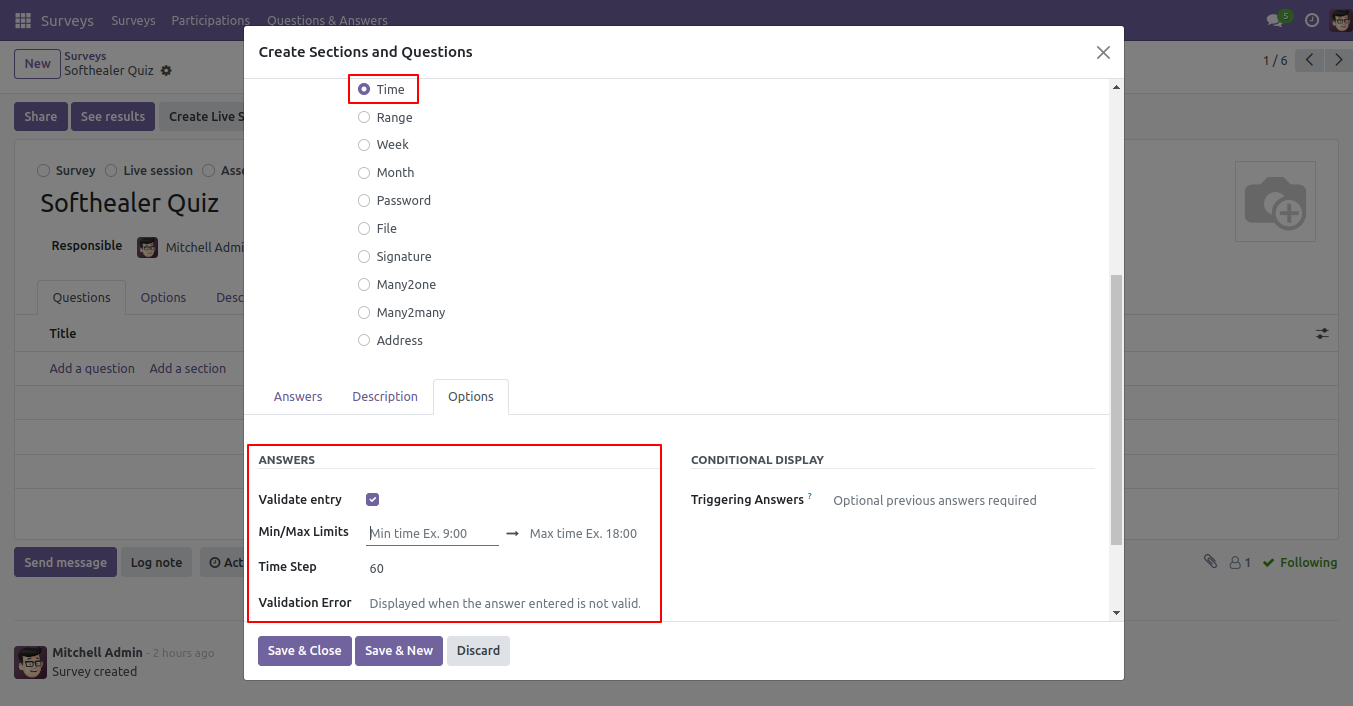
- Easy to set time field in the survey form.
- Easy to print your survey answers.
Pattern option in single-line text box Field.
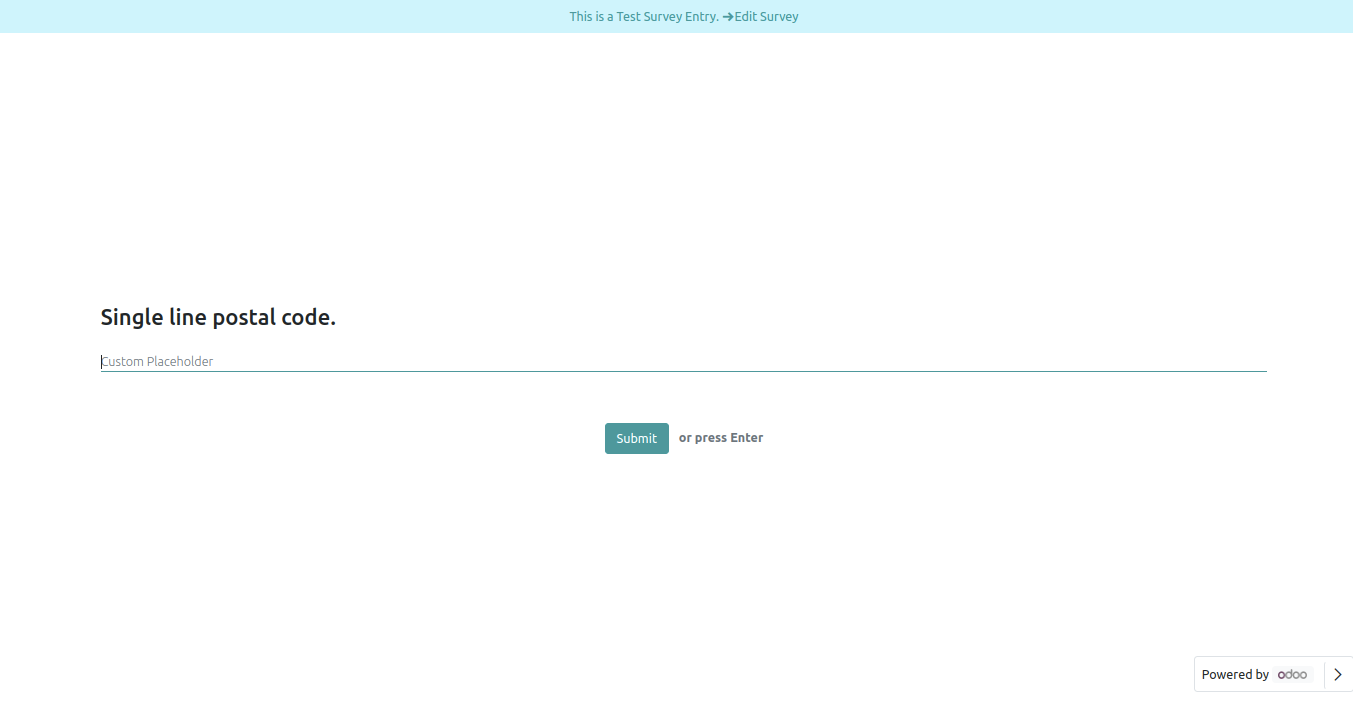
A single-line text box with a pattern Front View.
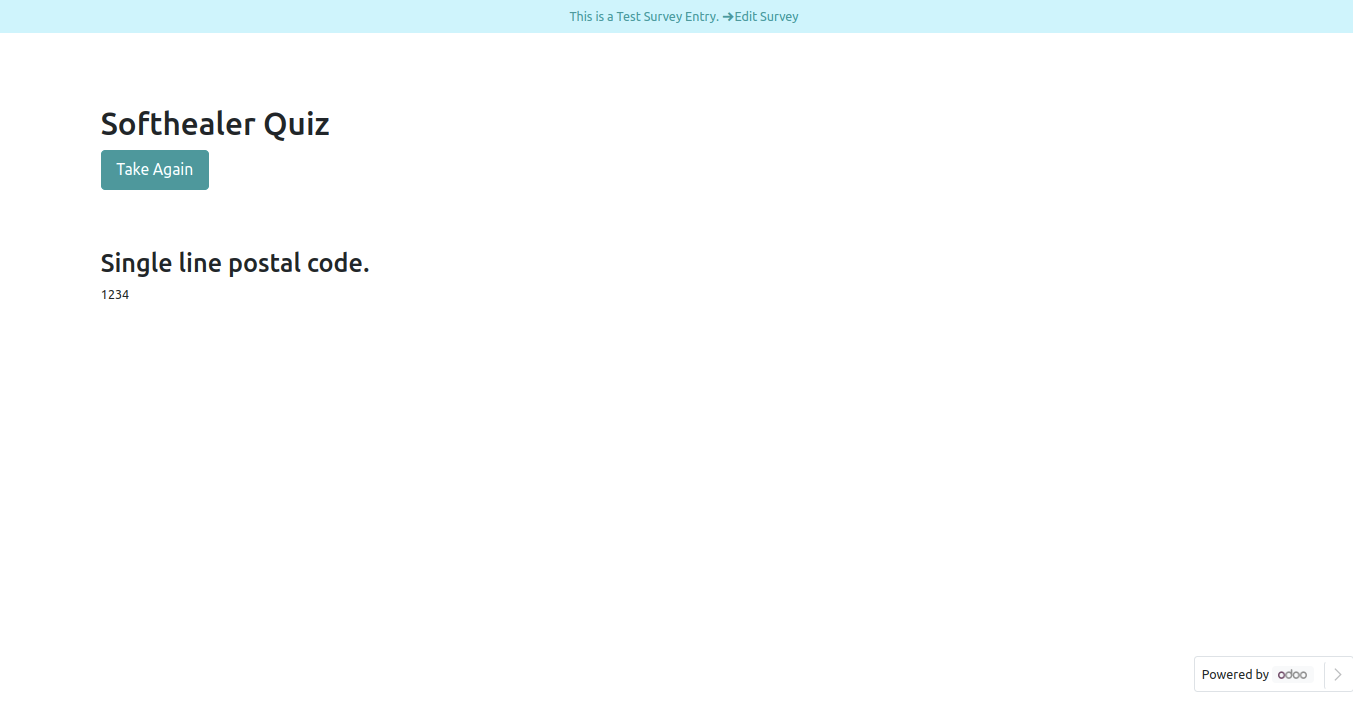
A single-line text box with a pattern in reviewing your answers(submitted answer).
A single-line text box with pattern Field in backed.
Color Field.
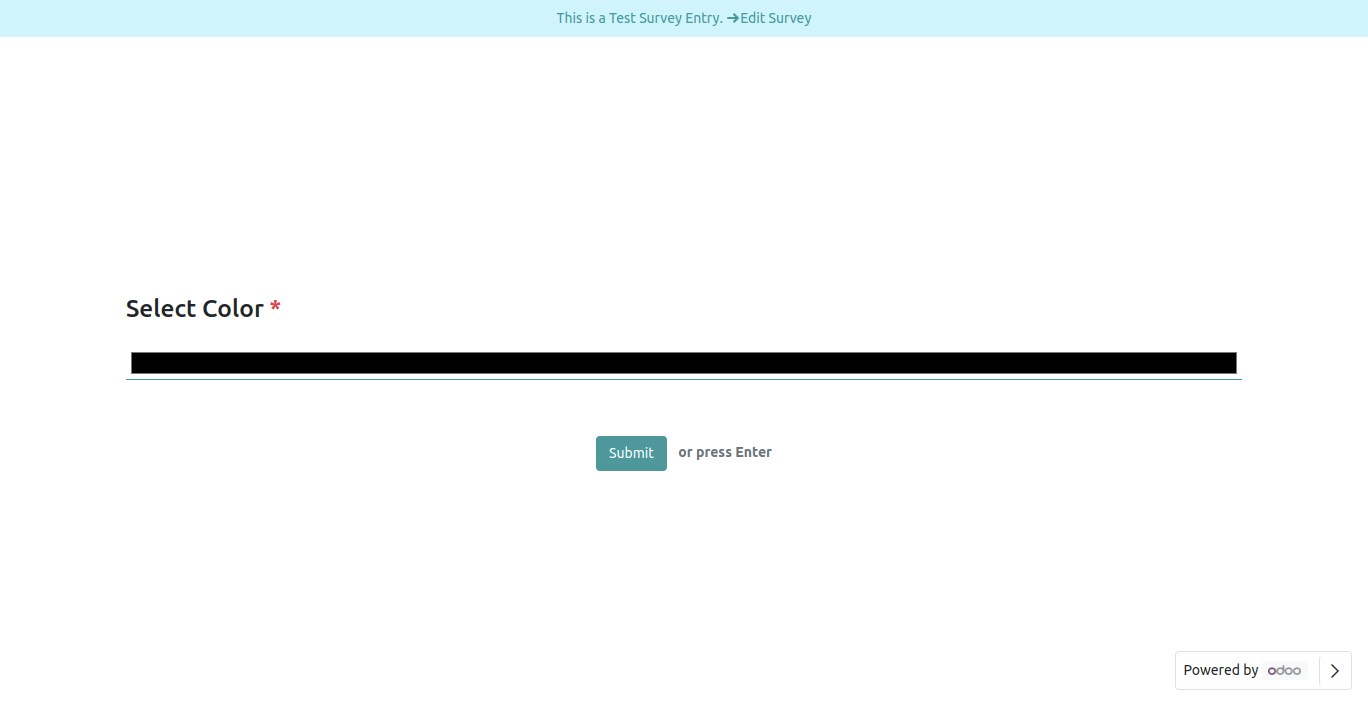
Color Field Front View.
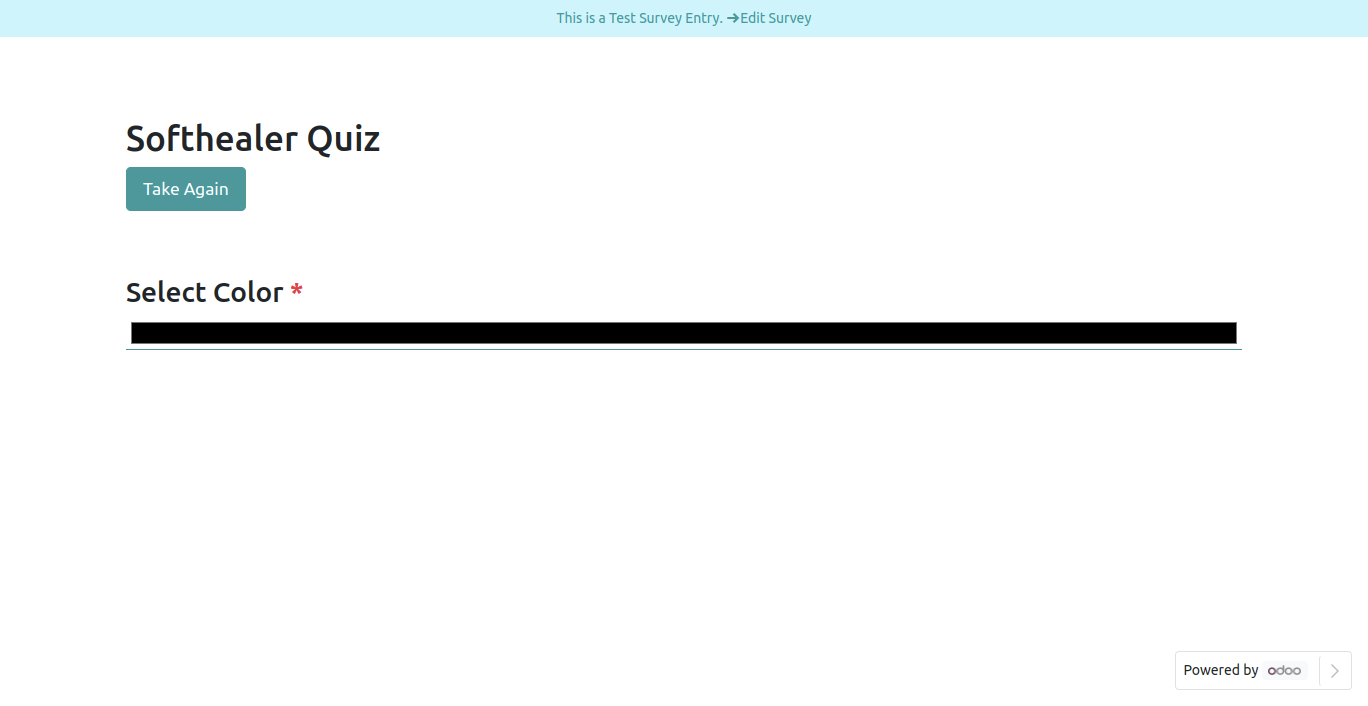
Color Field in reviewing your answers(submitted answer).
Color Field in backed.
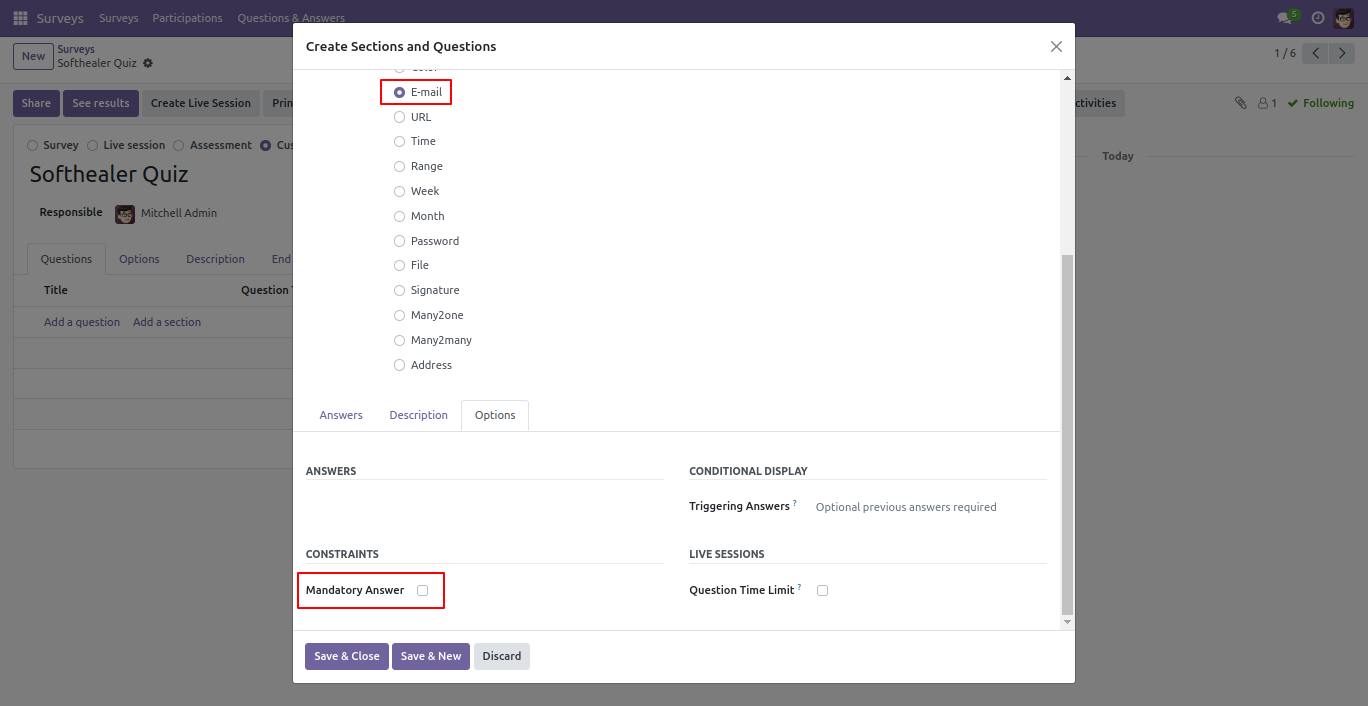
E-mail Field.
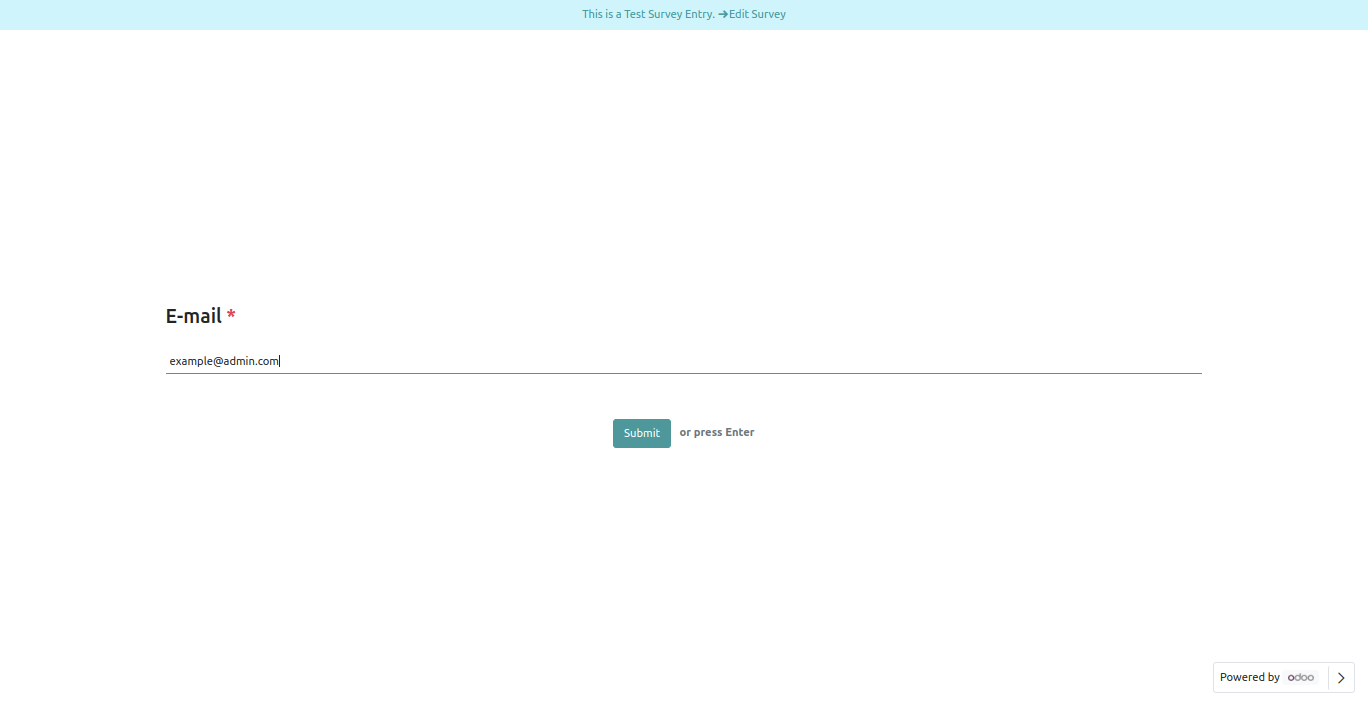
E-mail Field Front View.
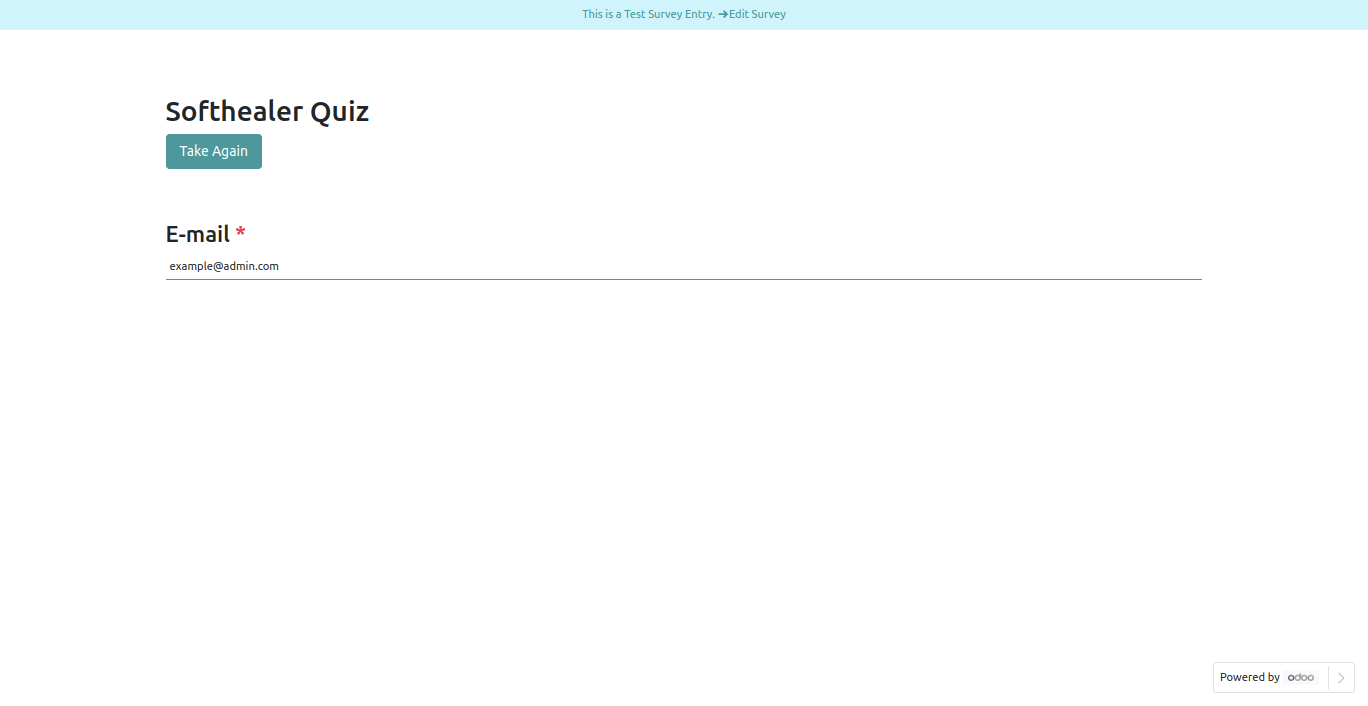
E-mail Field in reviewing your answers(submitted answer).
E-mail Field in backed.
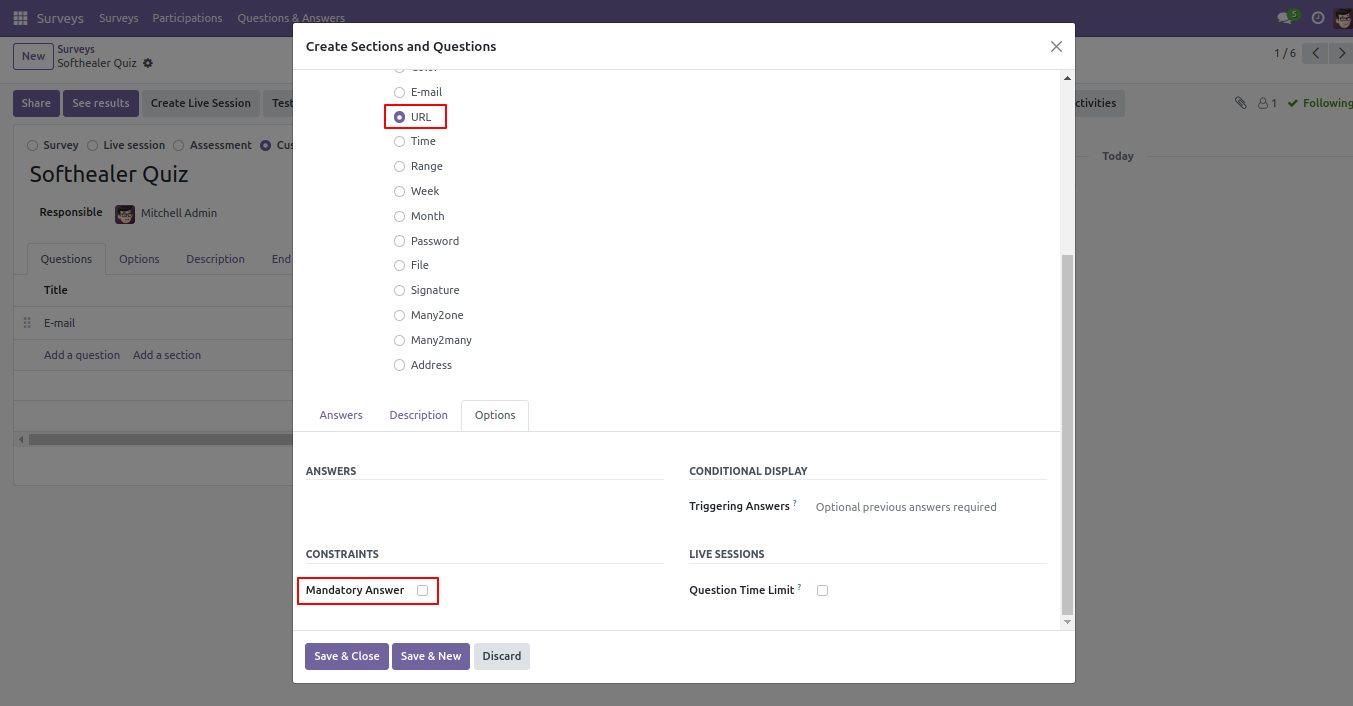
URL Field.
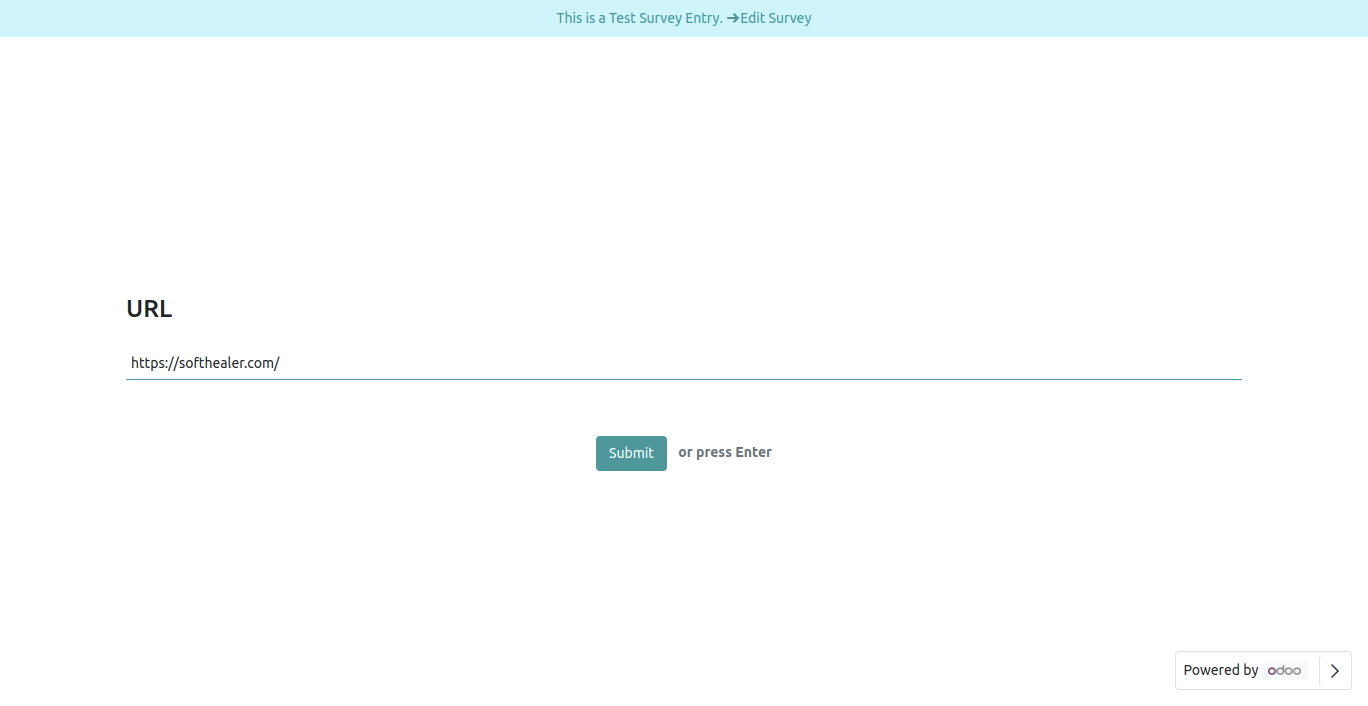
URL Field Front View.
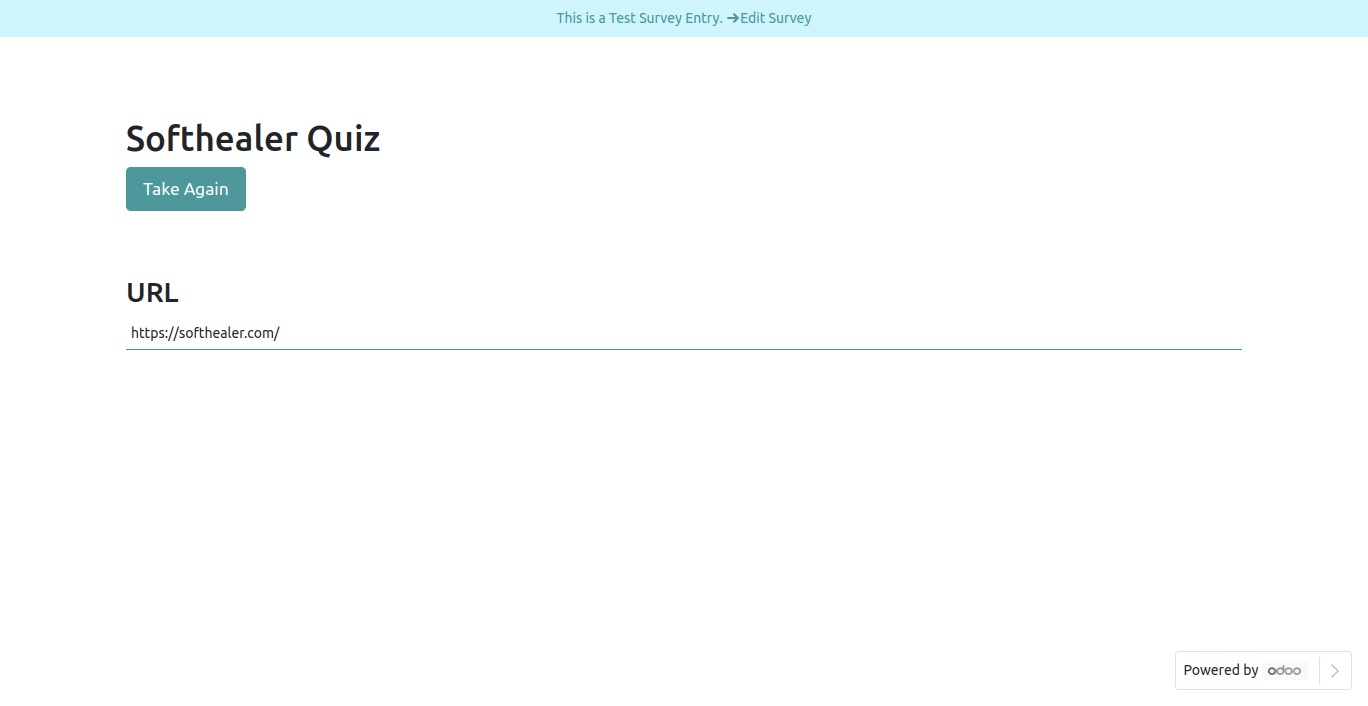
URL Field in reviewing your answers(submitted answer).
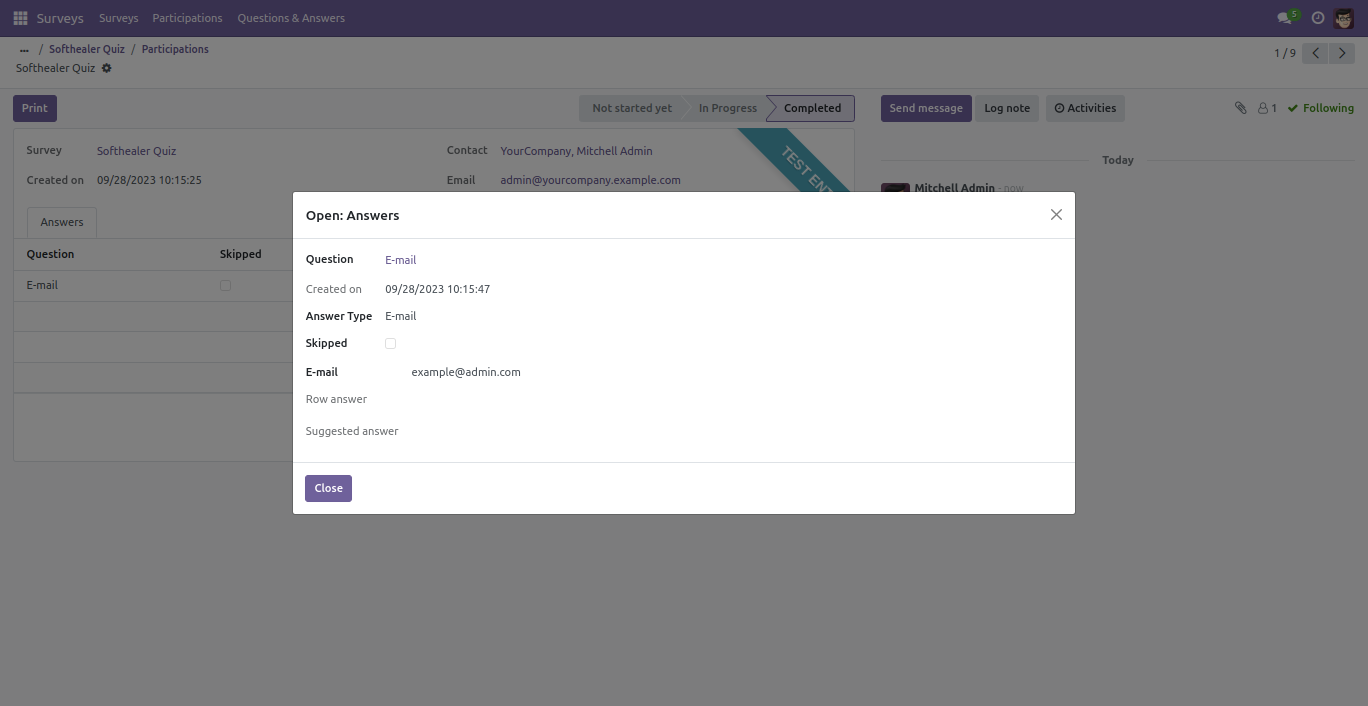
URL Field in backed.
Time Field.
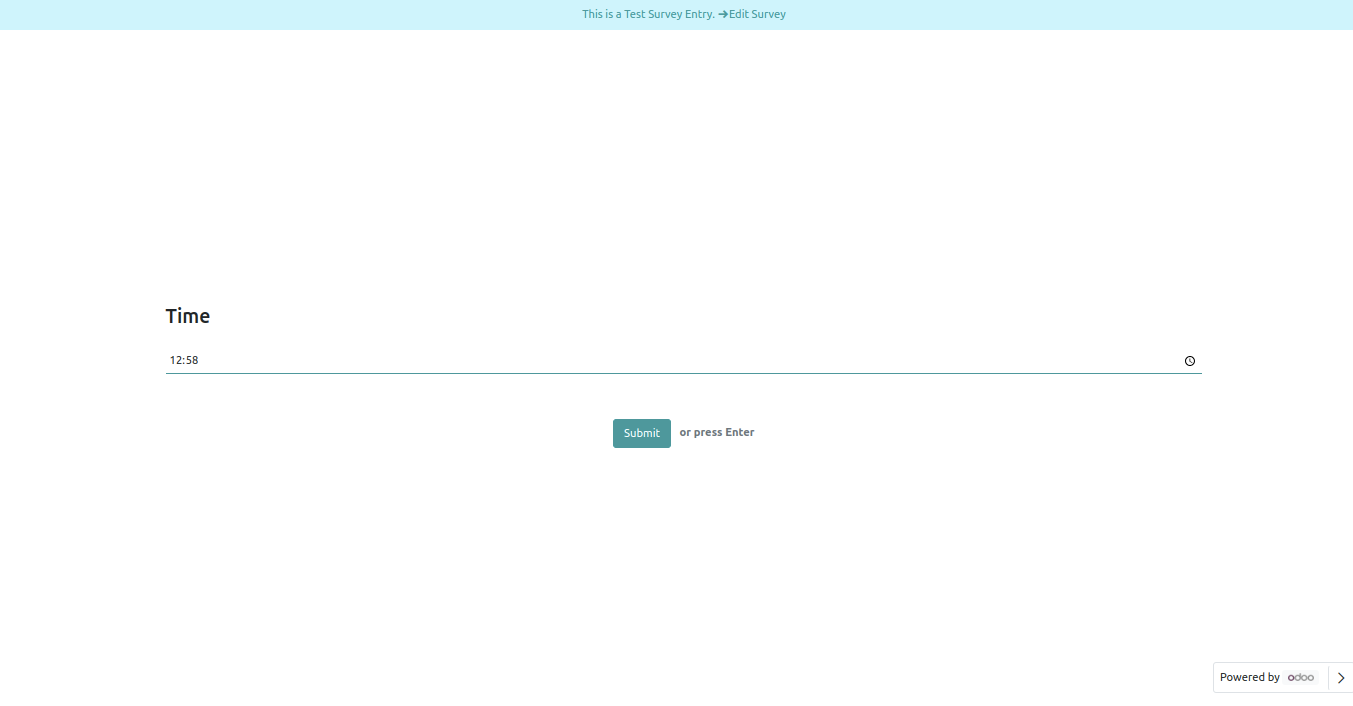
Time Field Front View.
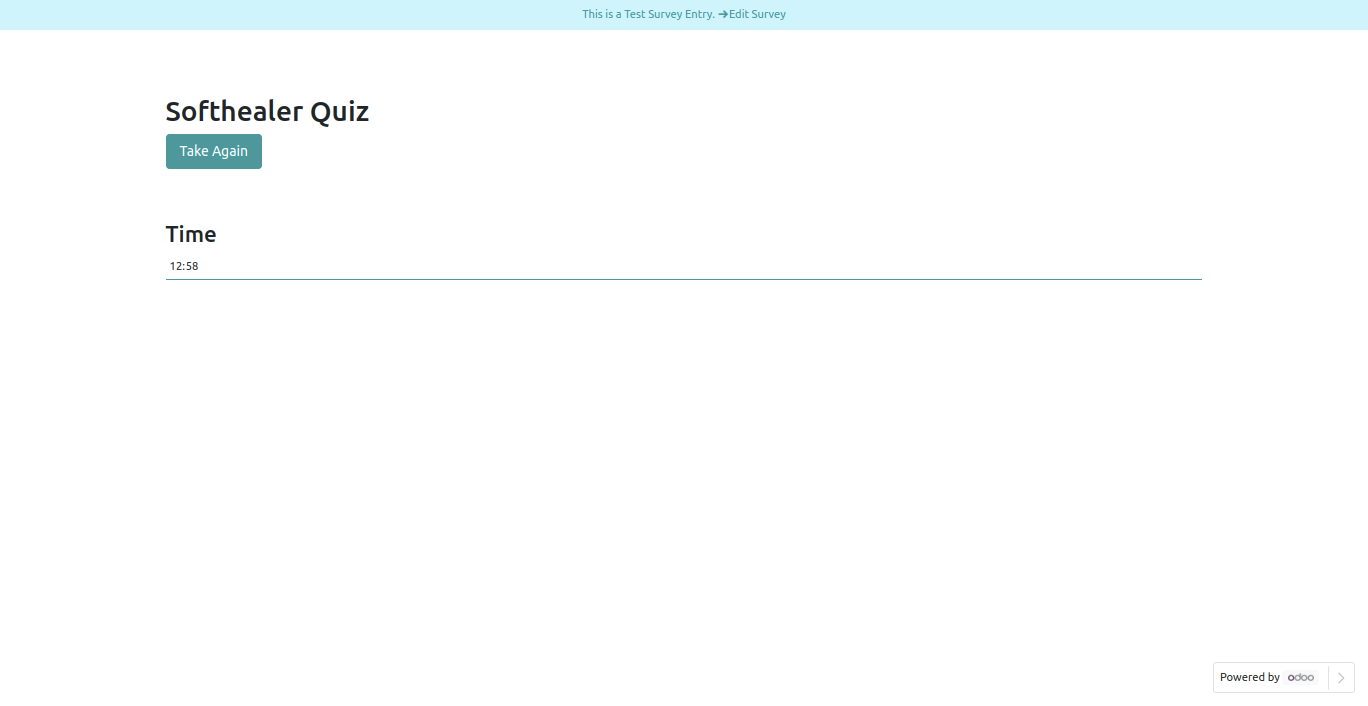
Time Field in reviewing your answers(submitted answer).
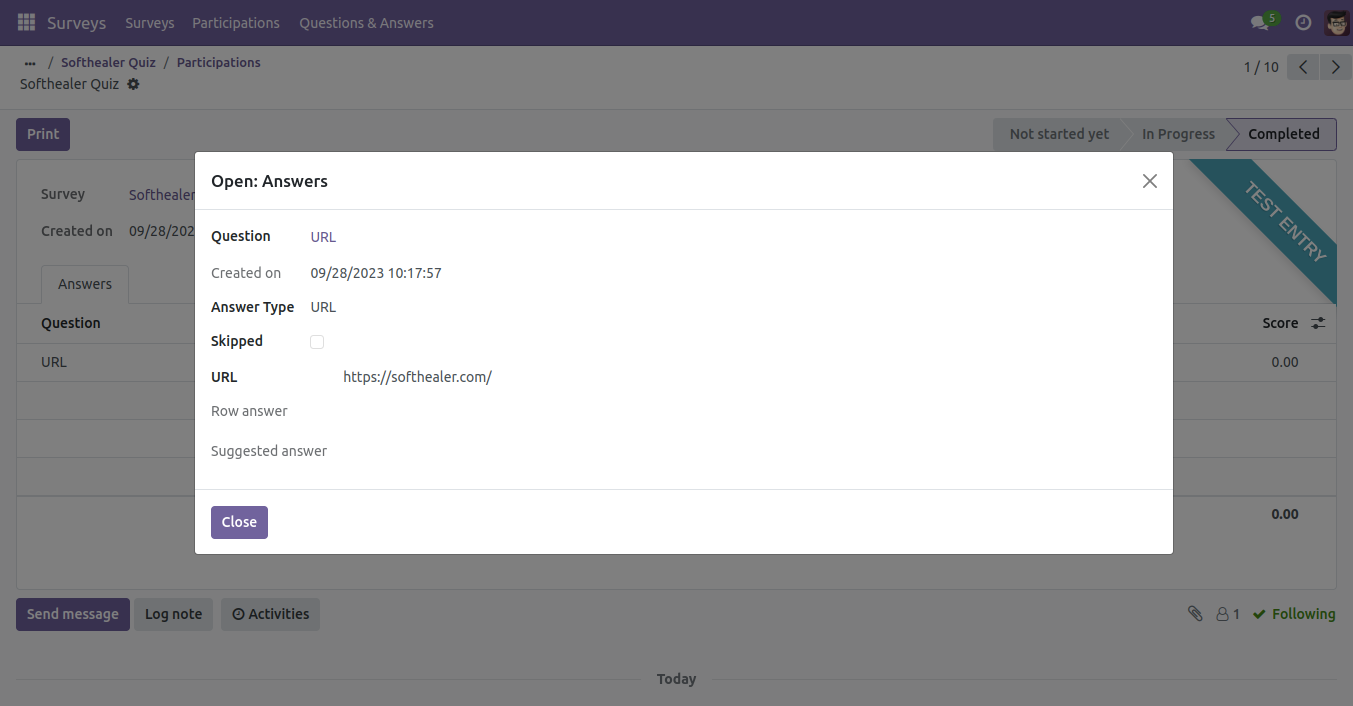
Time Field in backed.
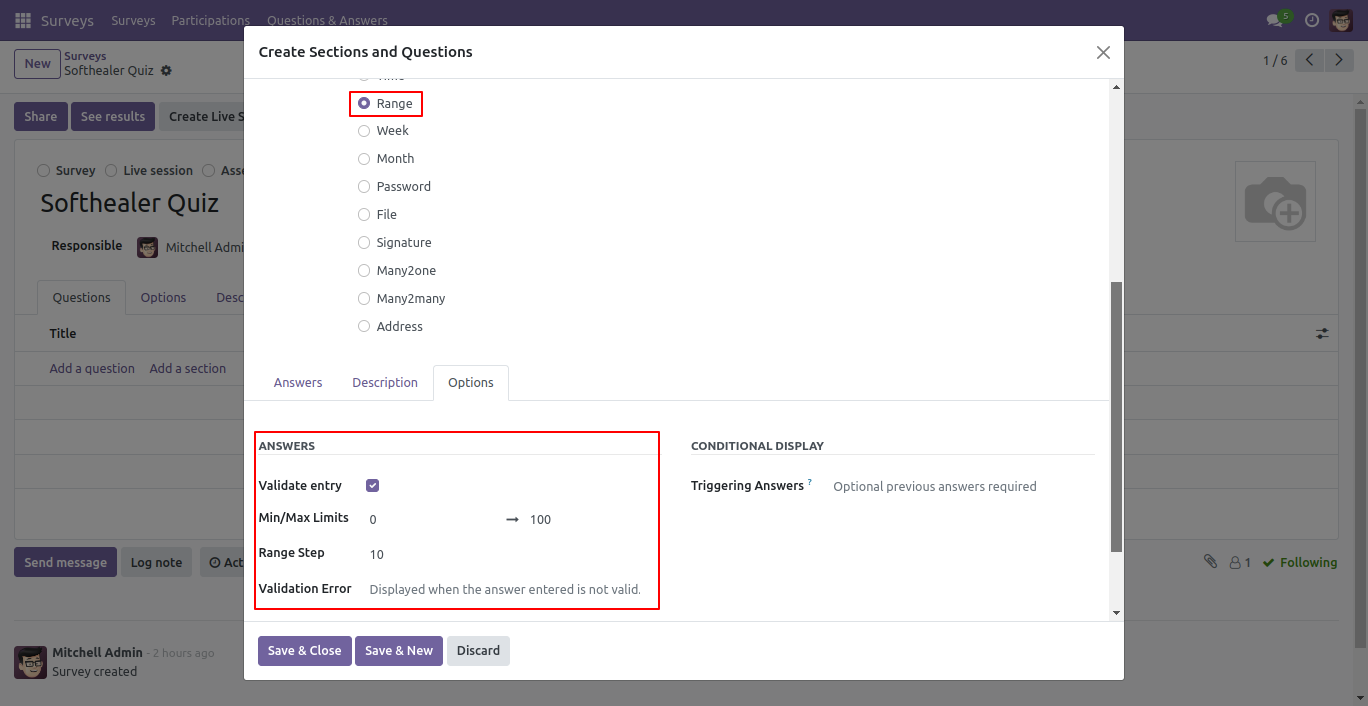
Range Field.
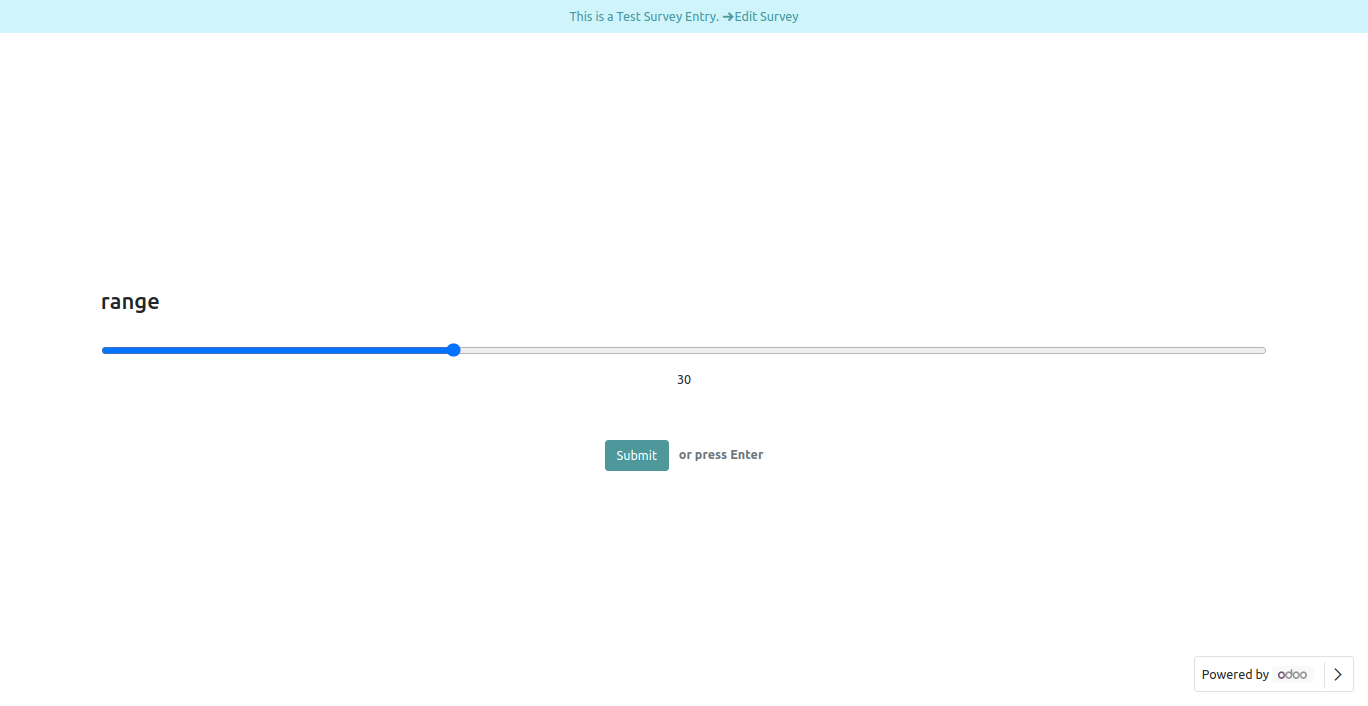
Range Field Front View.
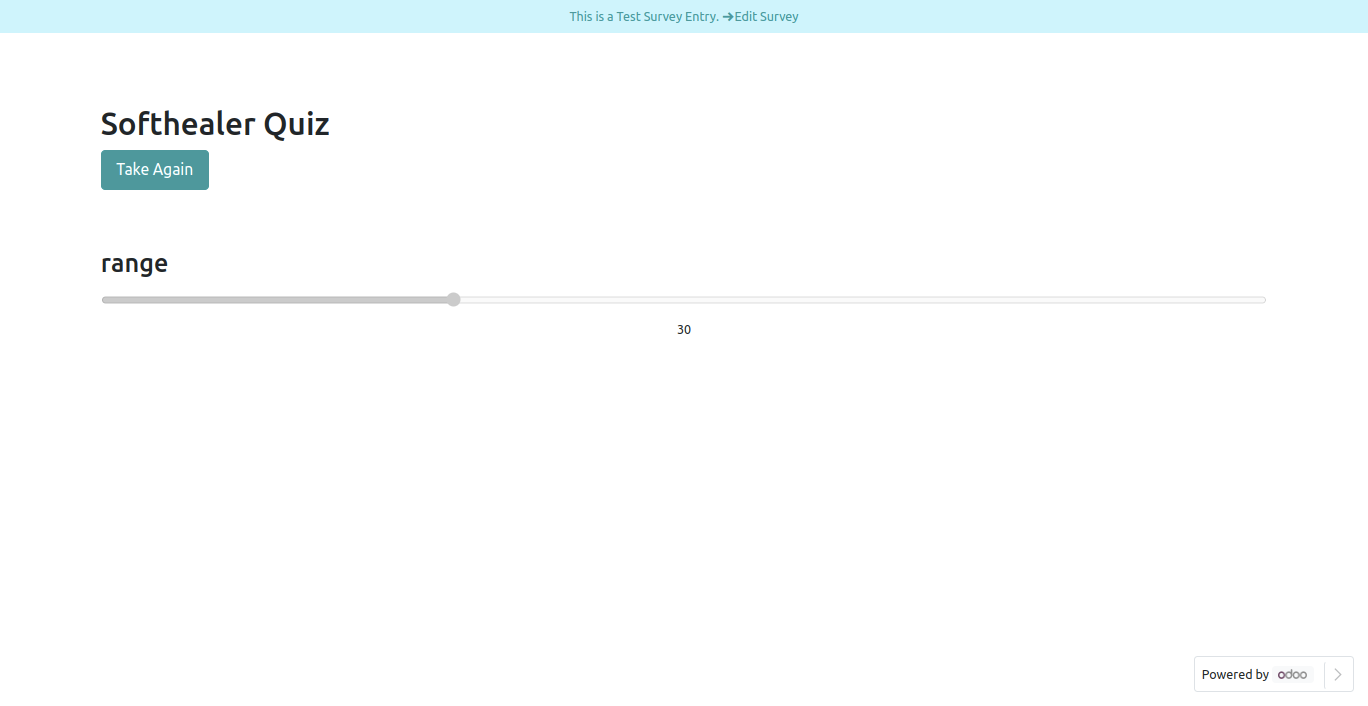
Range Field in reviewing your answers(submitted answer).
Range Field in backed.
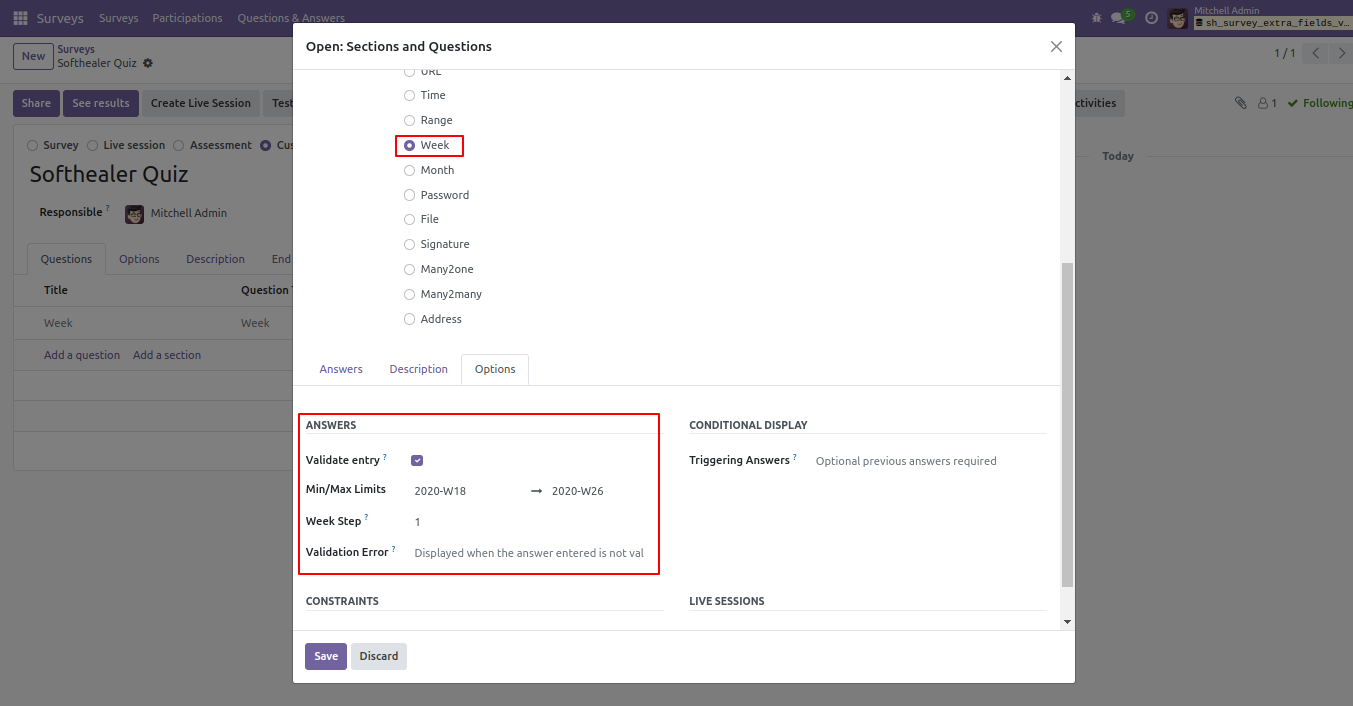
Week Field.
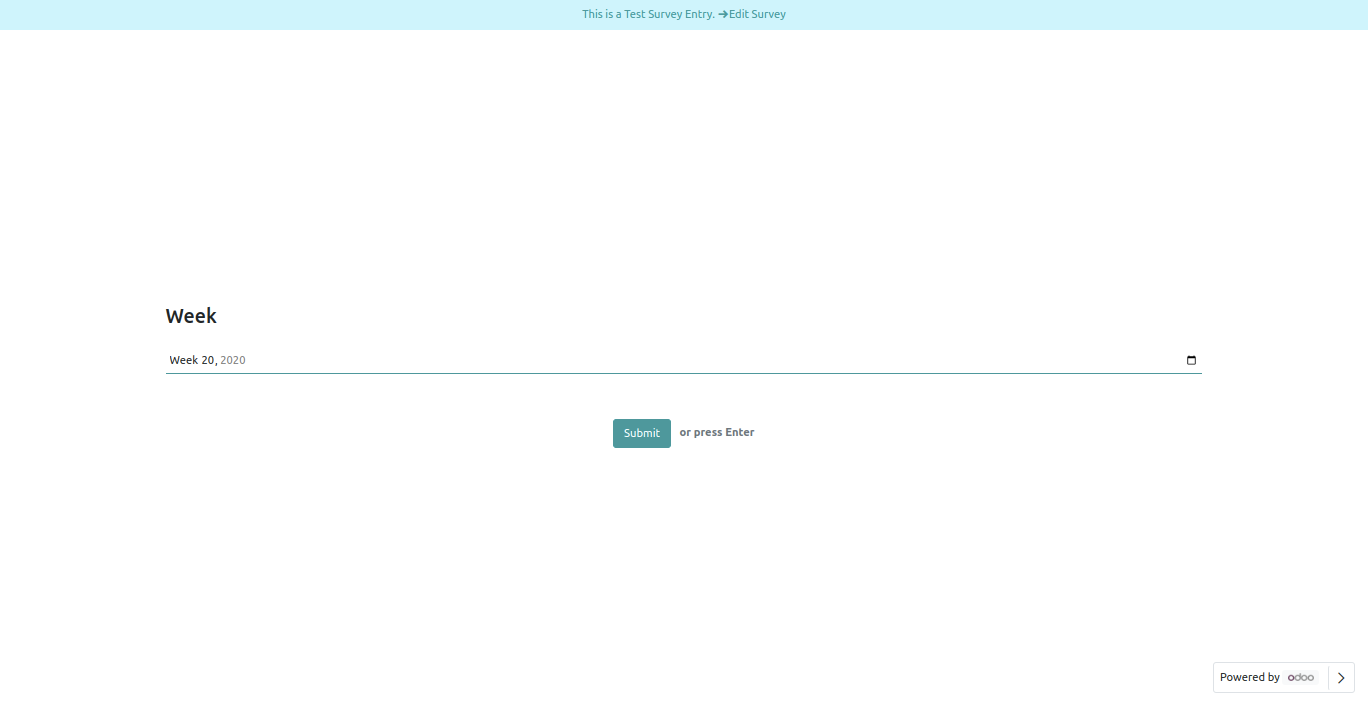
Week Field Front View.
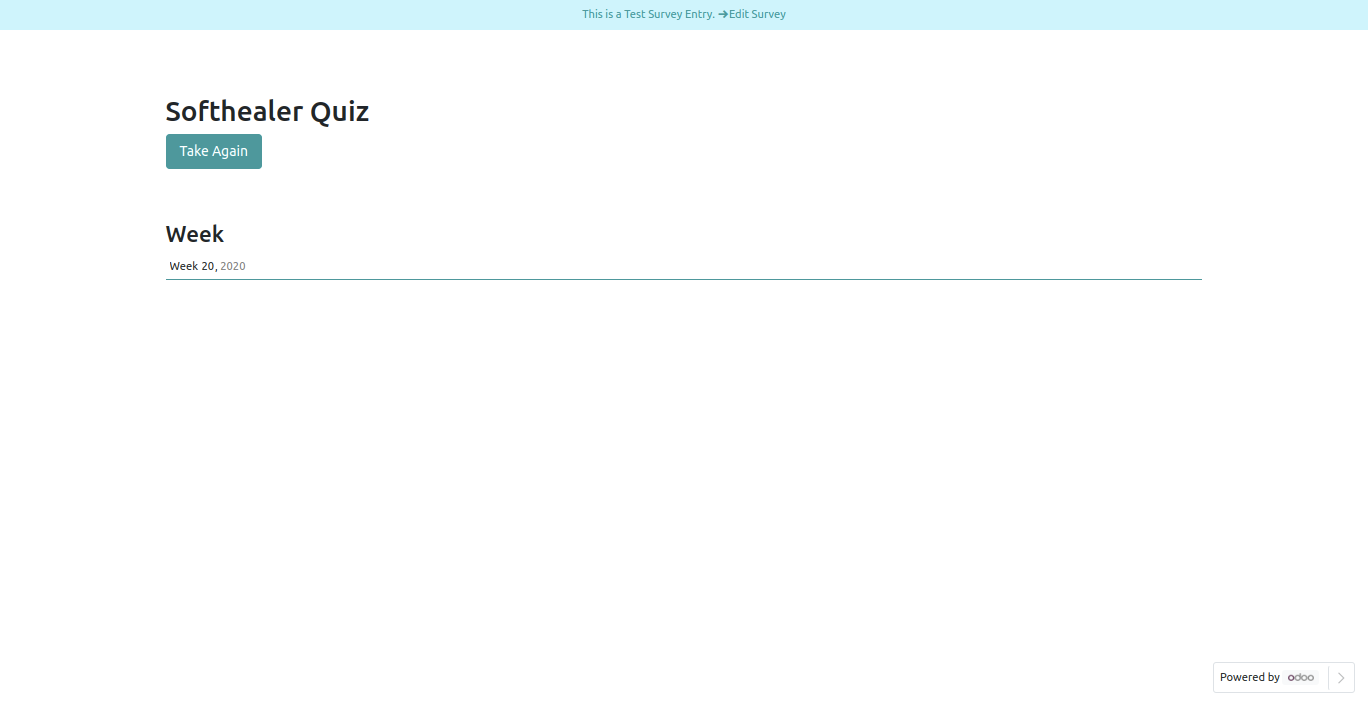
Week Field in reviewing your answers(submitted answer).
Week Field in backed.
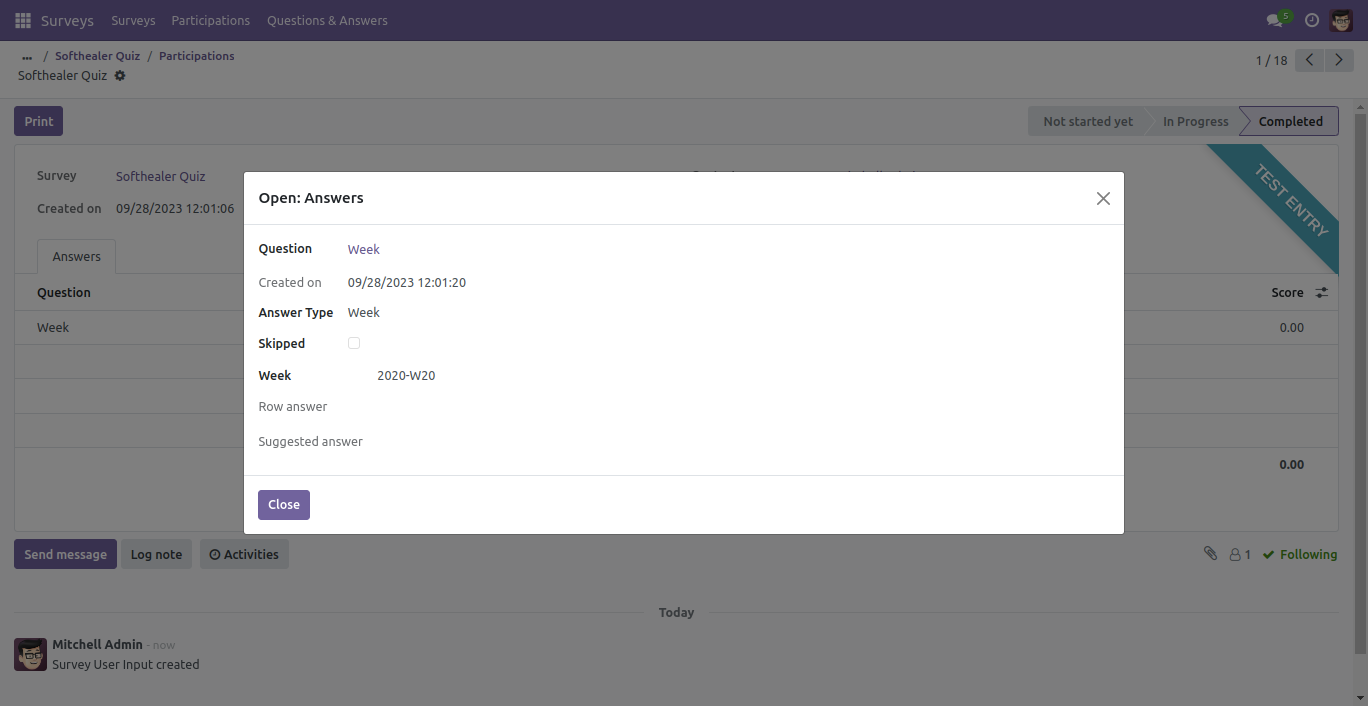
Month Filed
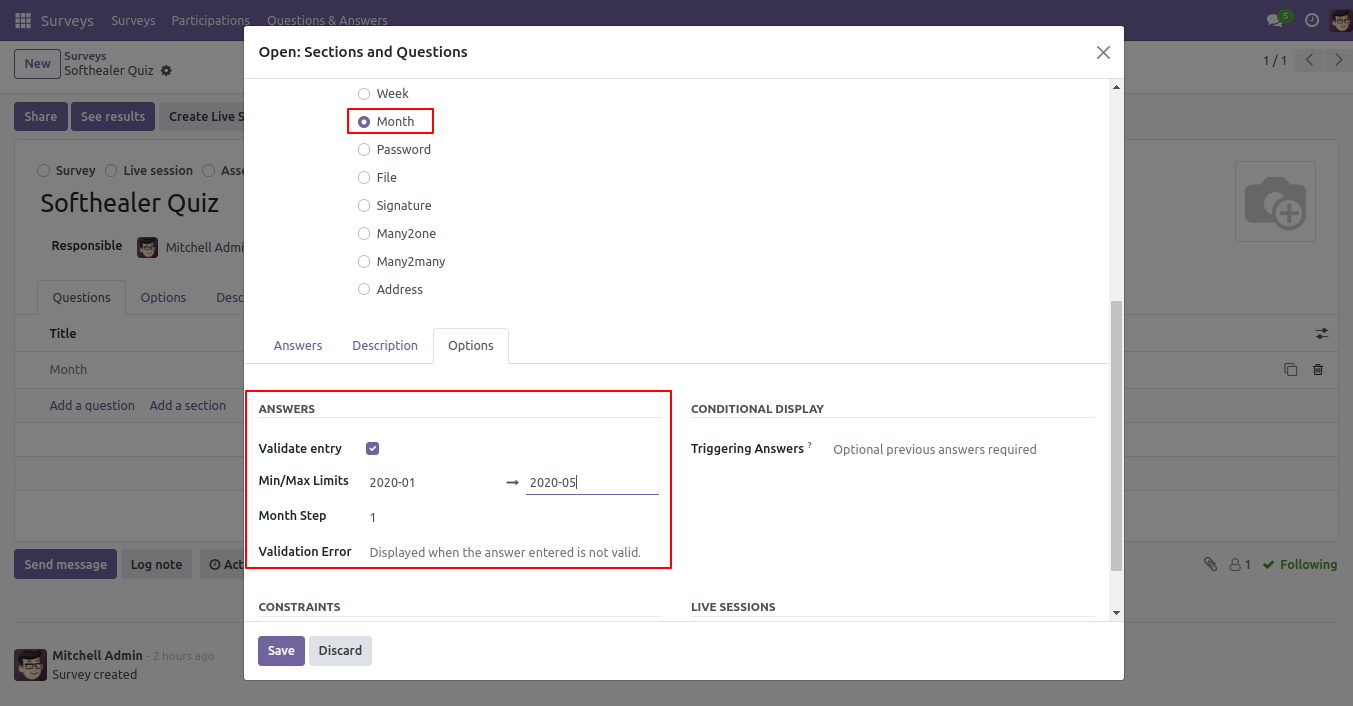
Month Field Front View.
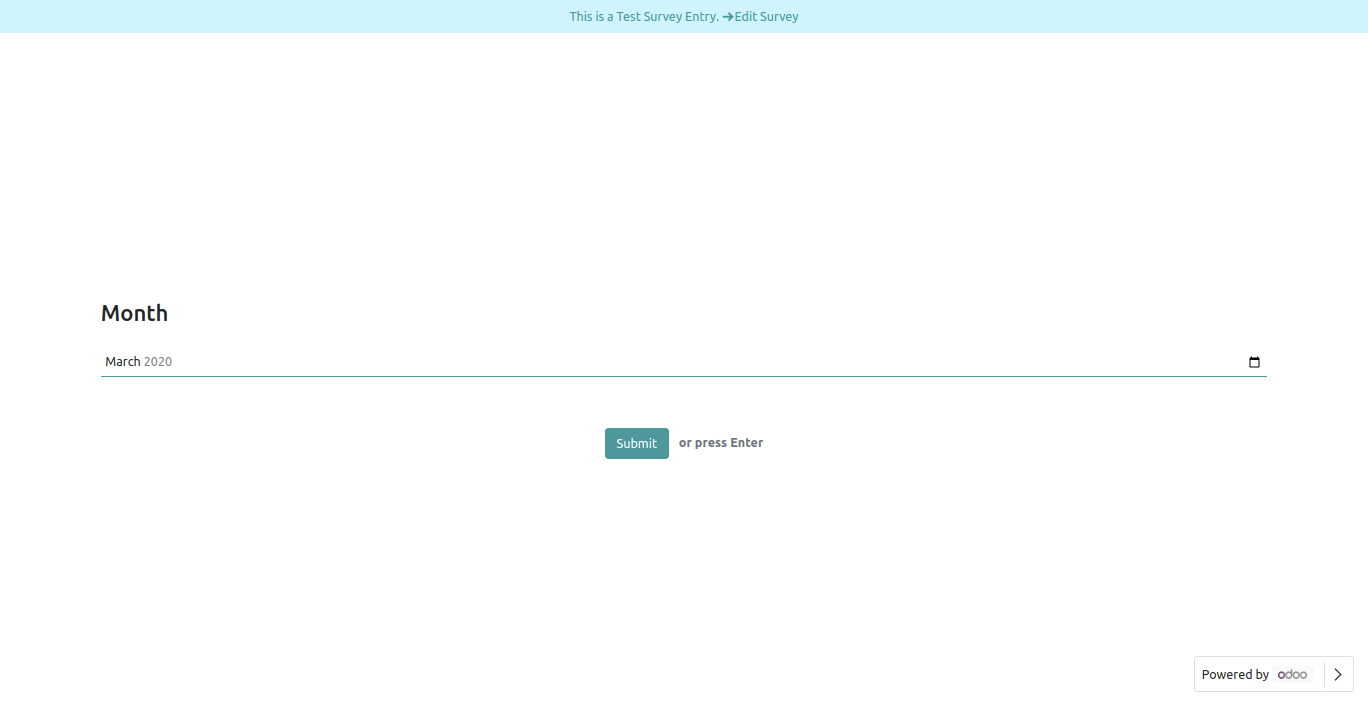
Month Field in reviewing your answers(submitted answer).
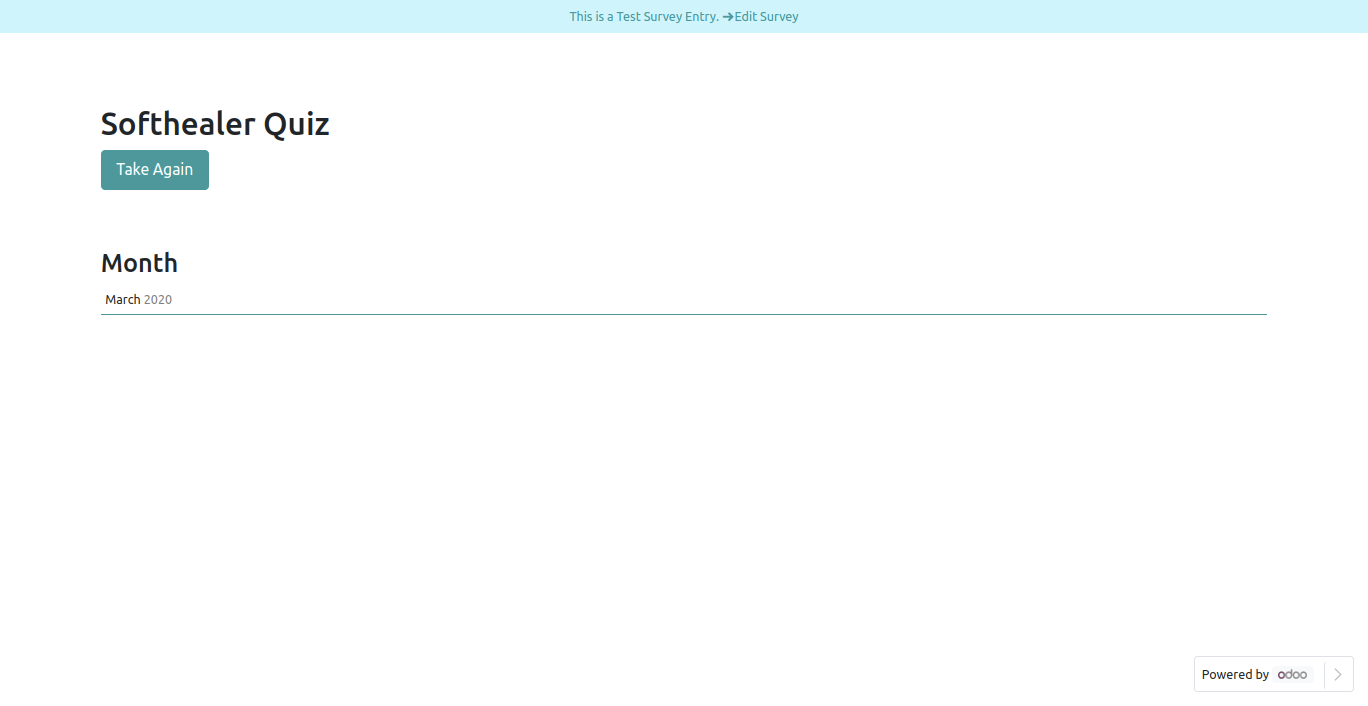
Month Field in backed.
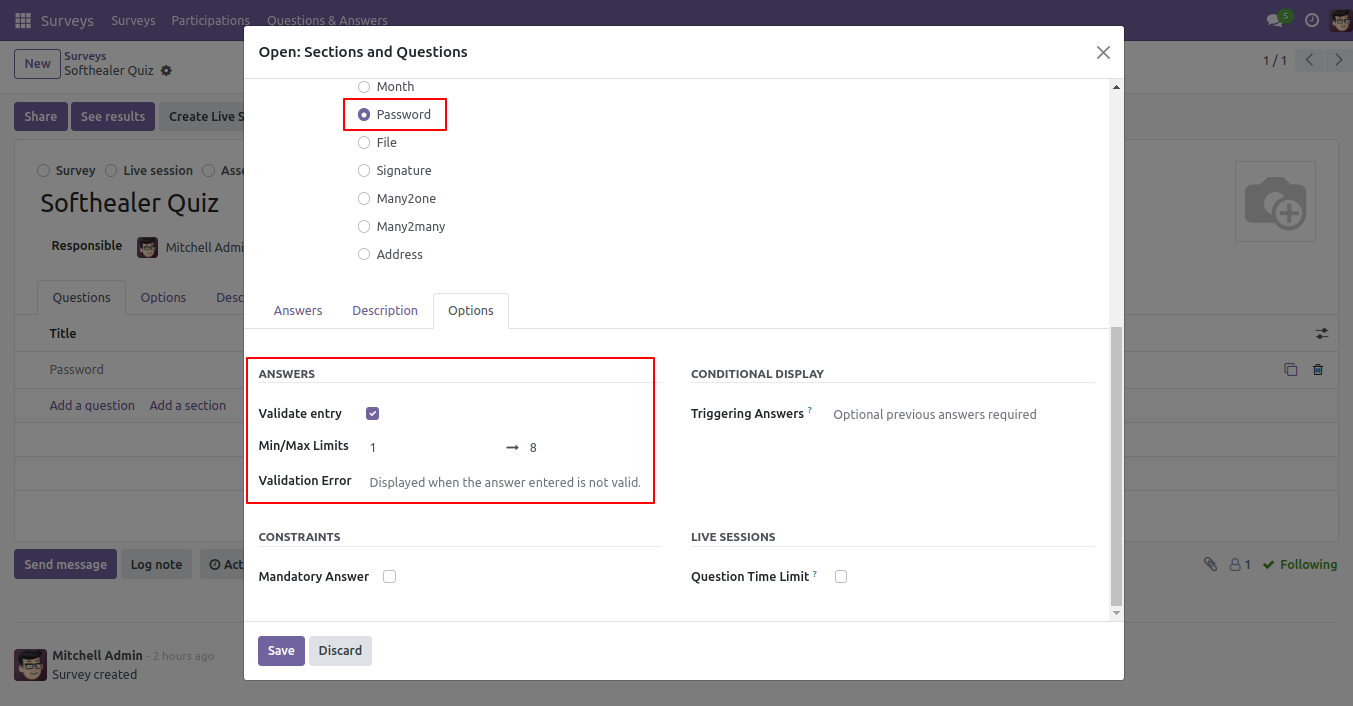
Password filed
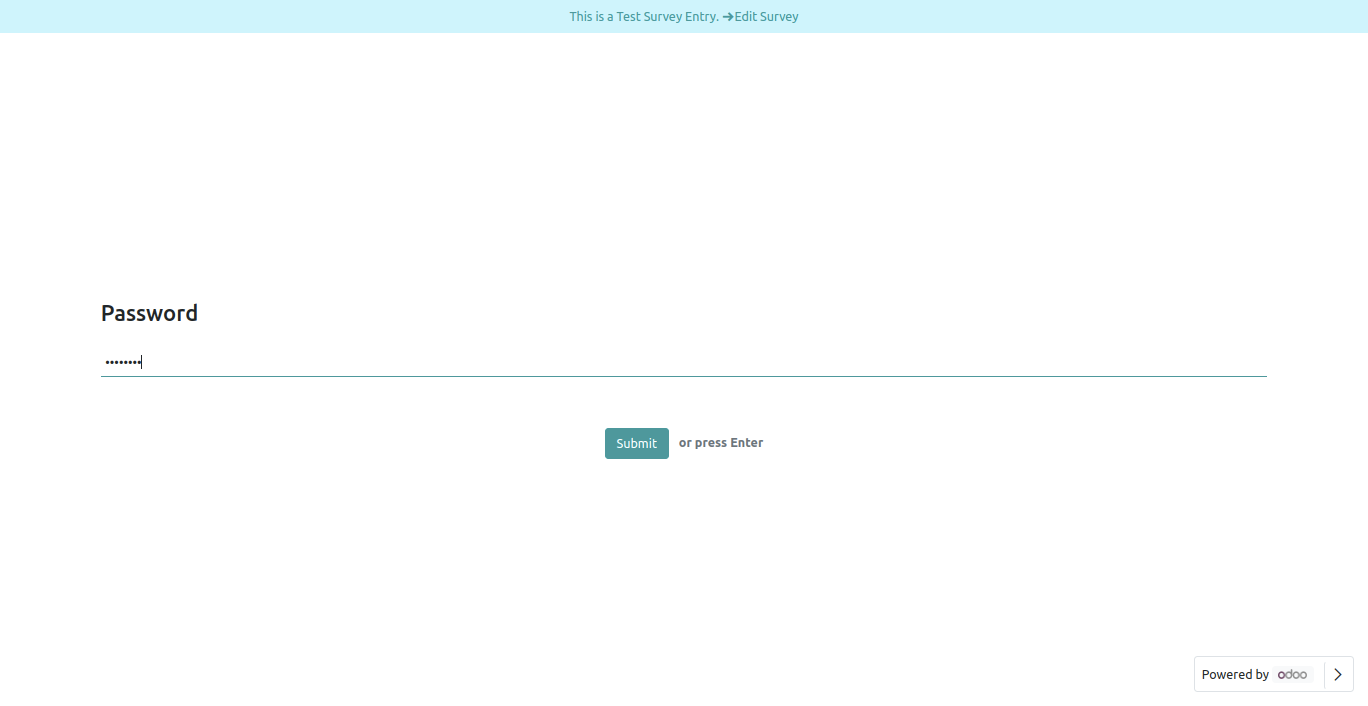
Password Field Front View.
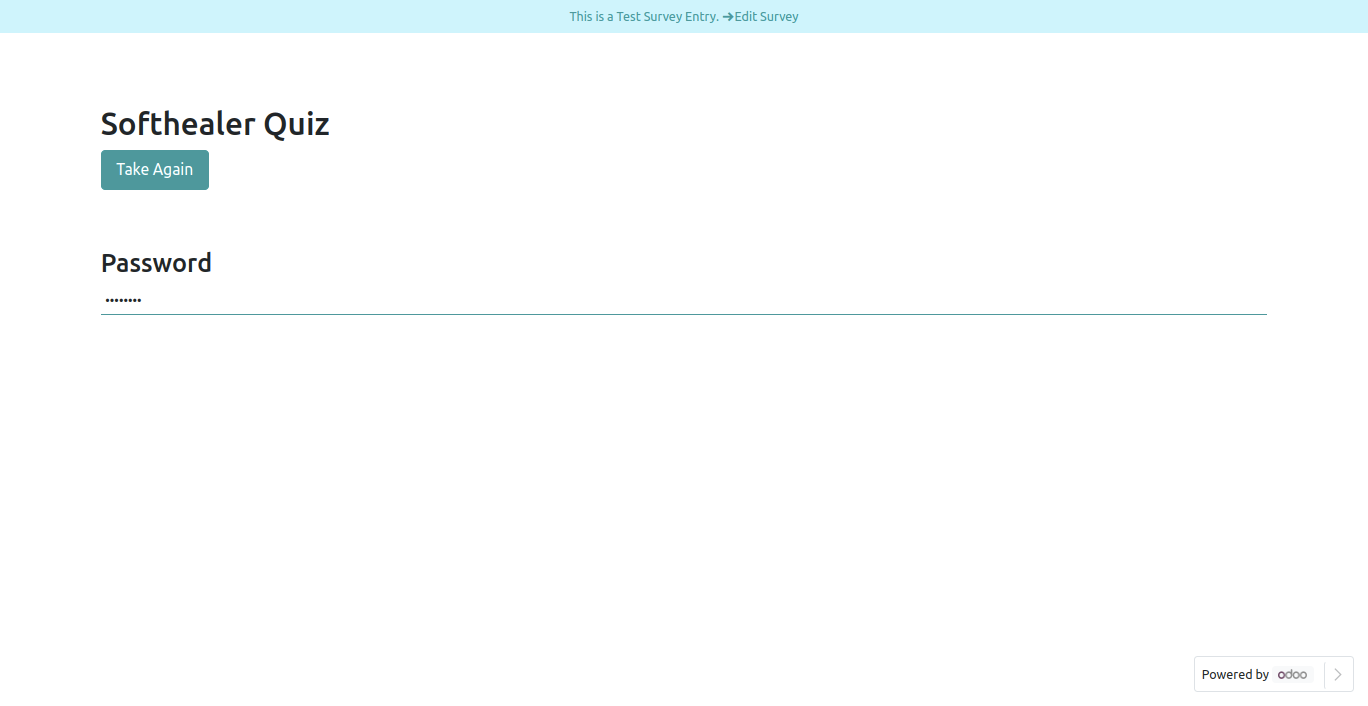
Password Field in reviewing your answers(submitted answer).
Password Field in backed.
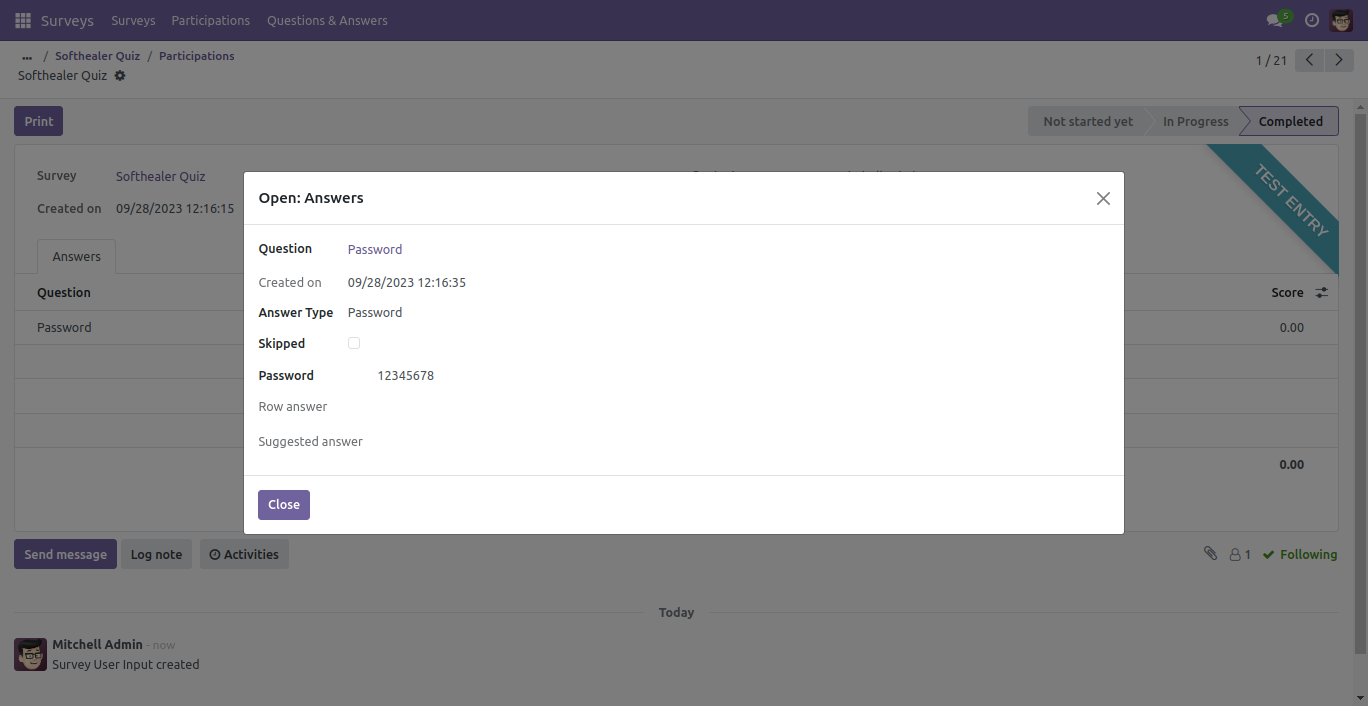
File Field.
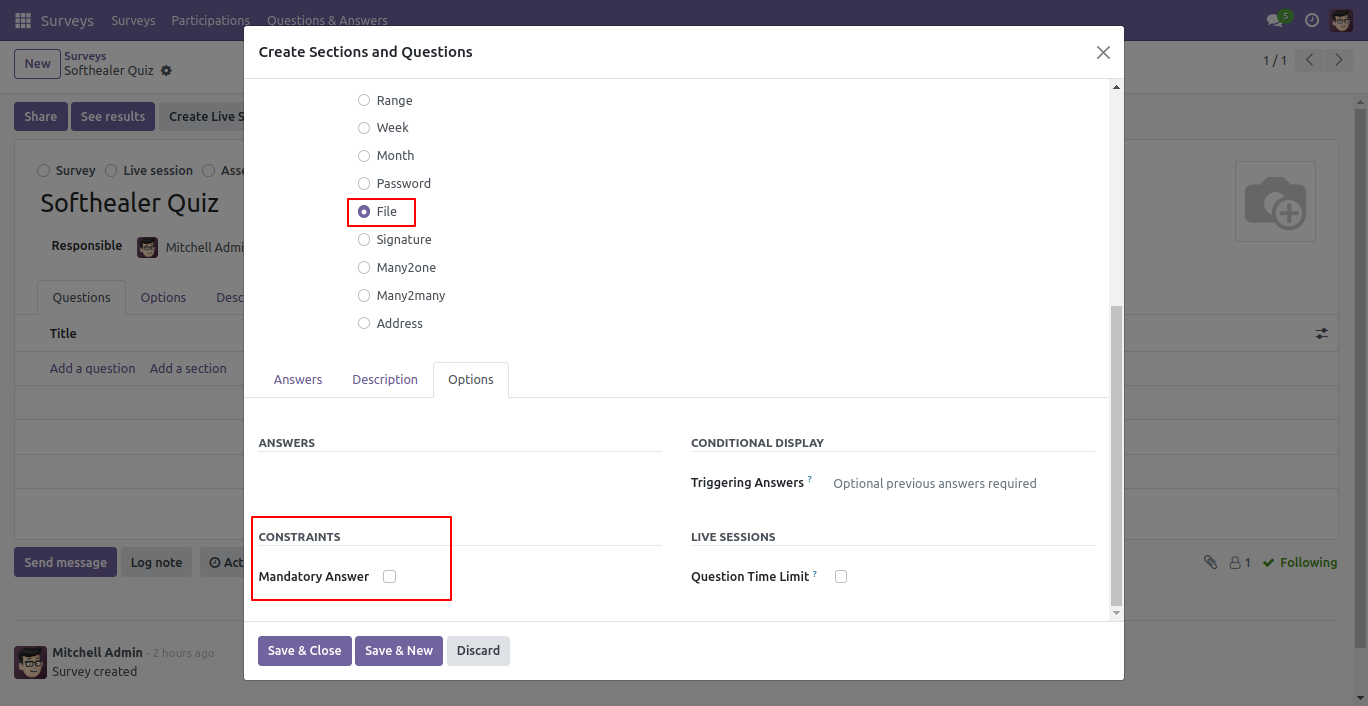
File Field Front View.
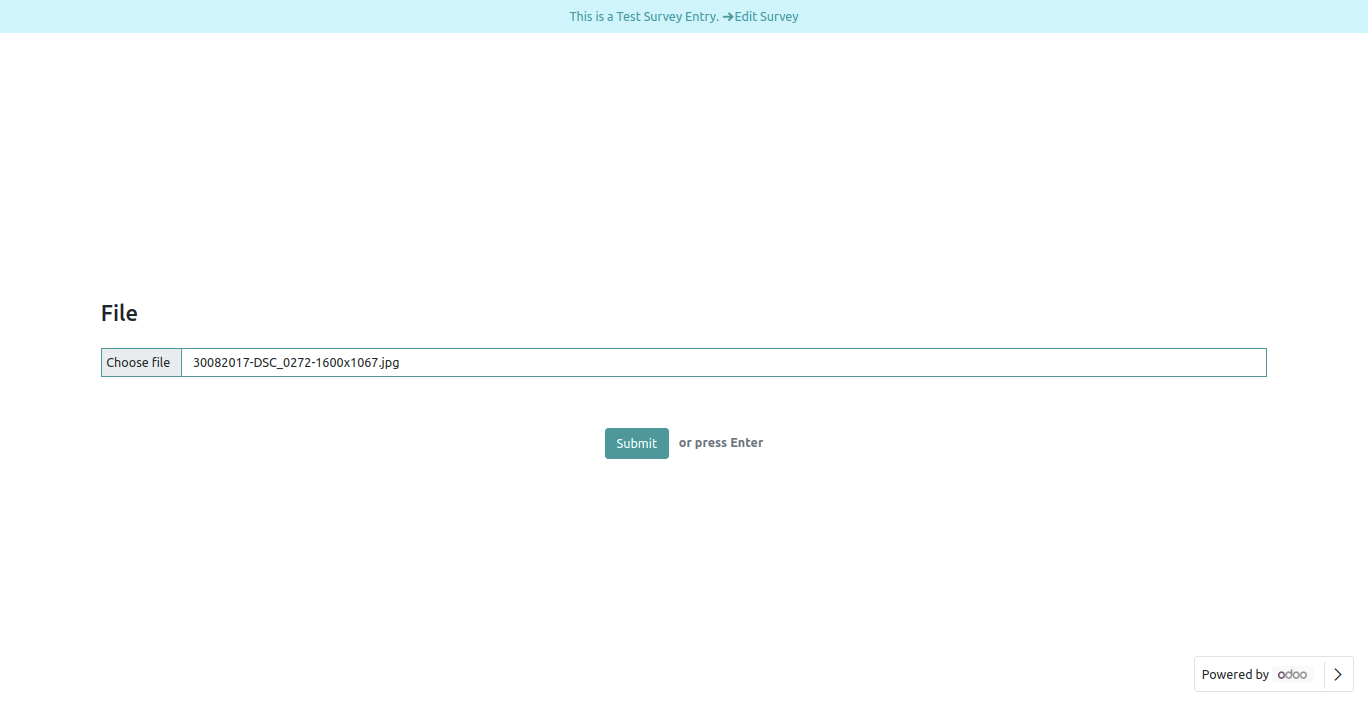
File Field in reviewing your answers(submitted answer).
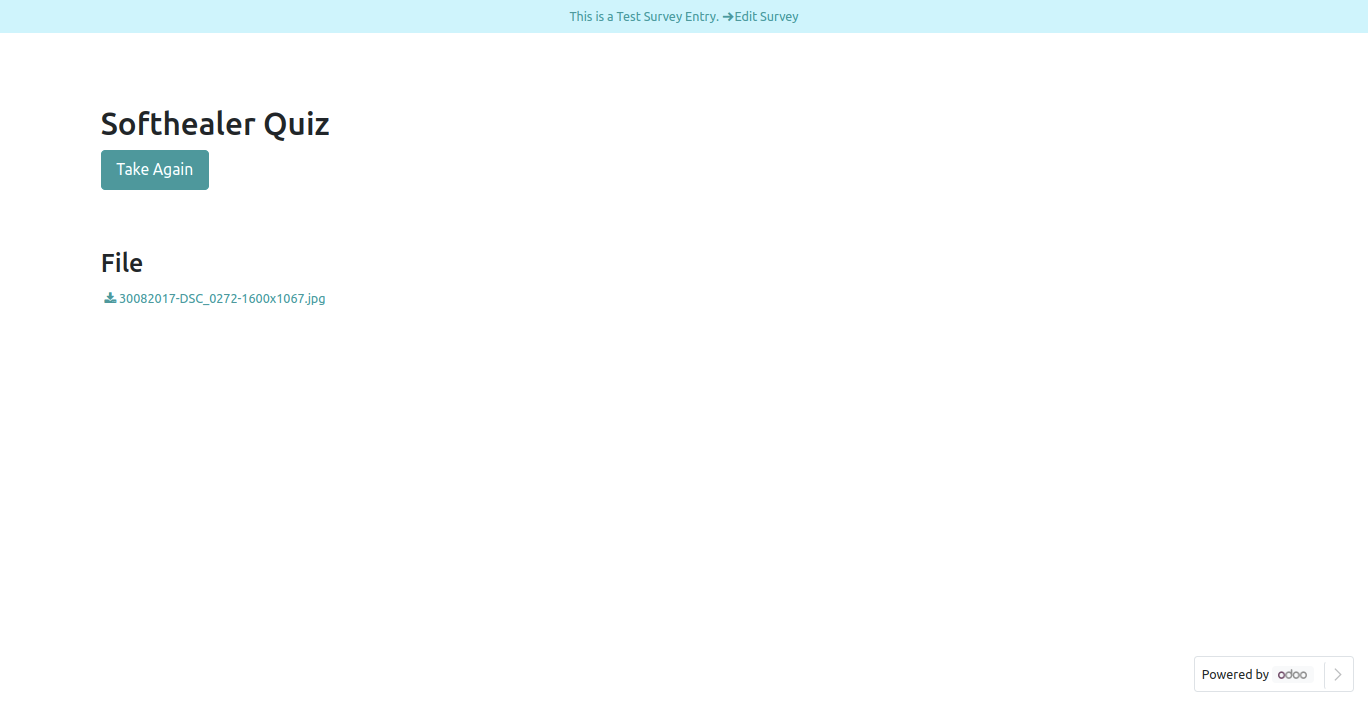
File Field in backed.
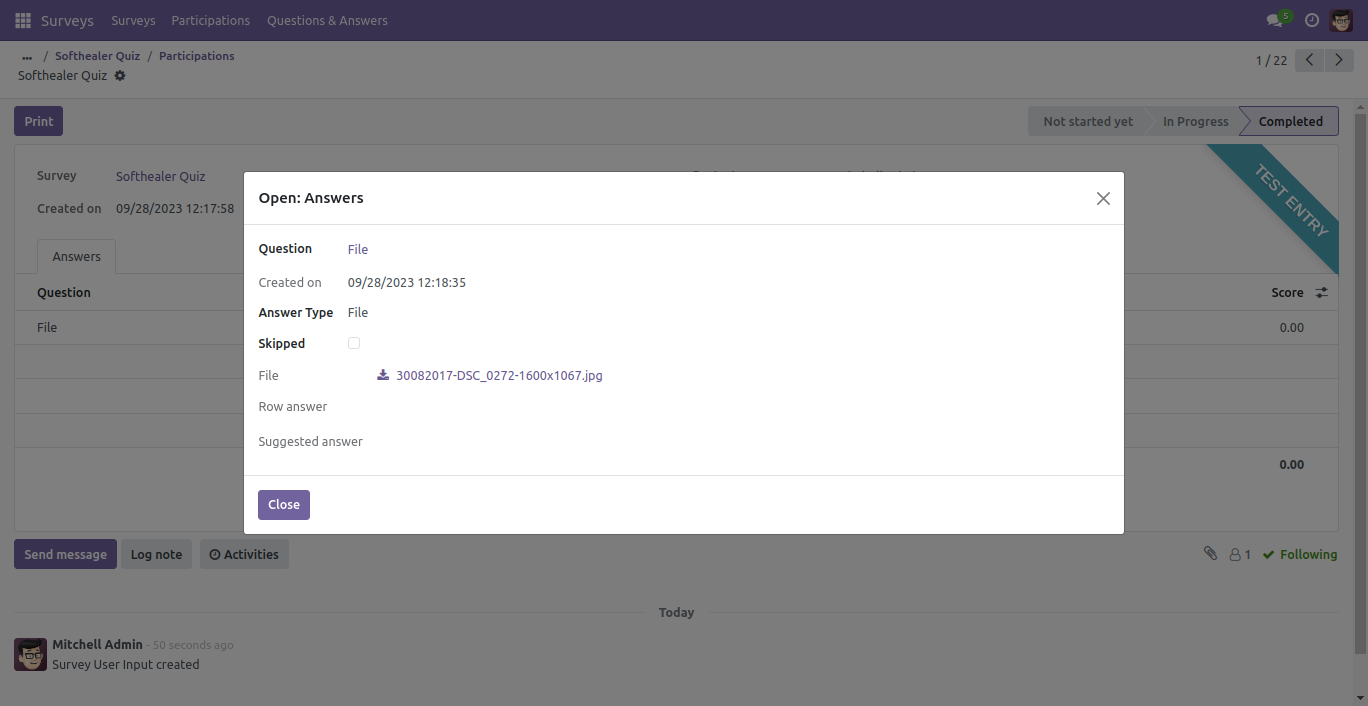
Print Survey looks like below.
Signature front view in survey form.
Signature Field in reviewing your answers(submitted answer).
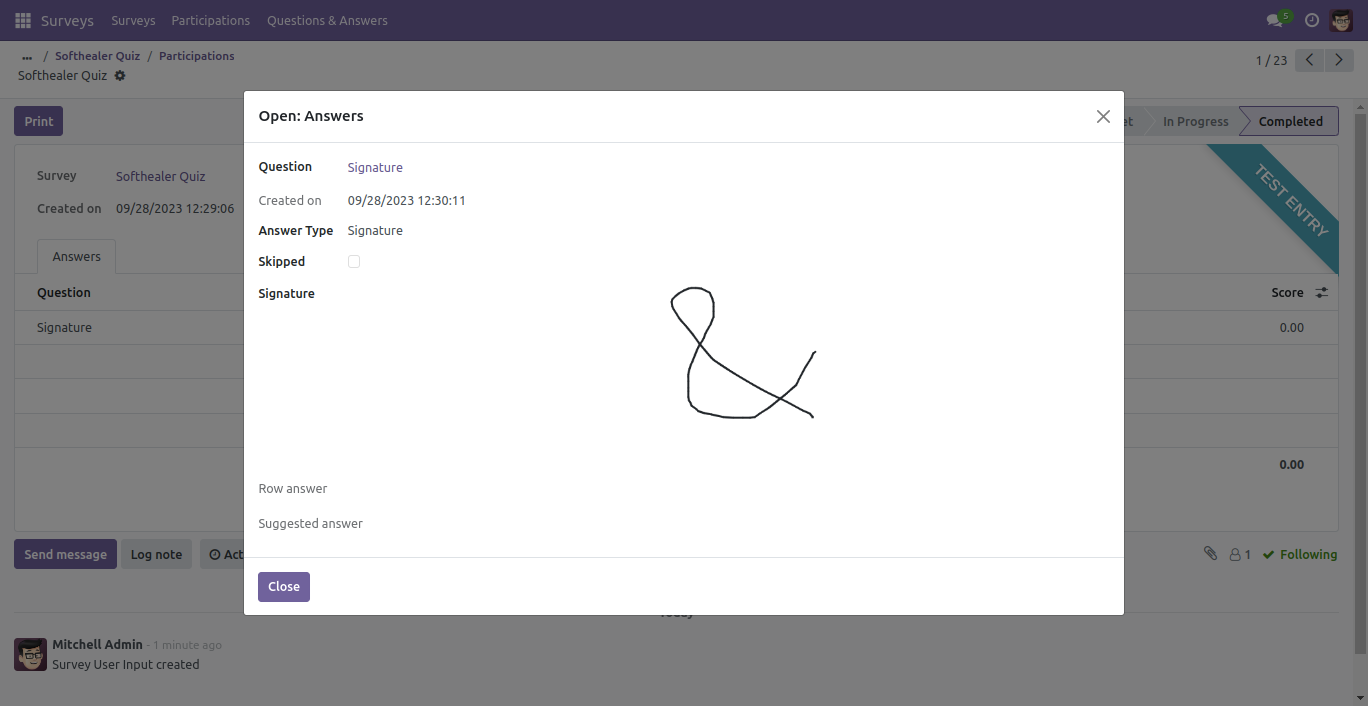
Signature Field in backed.
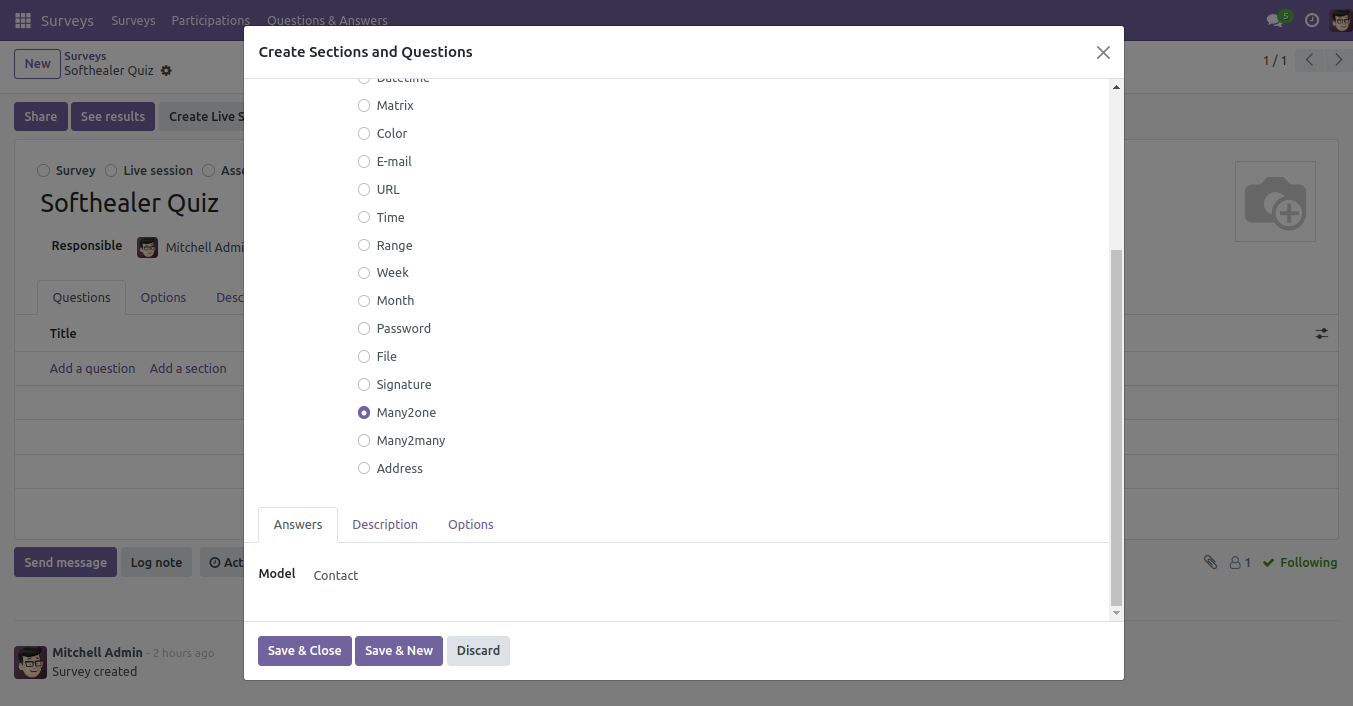
Many2one Field.
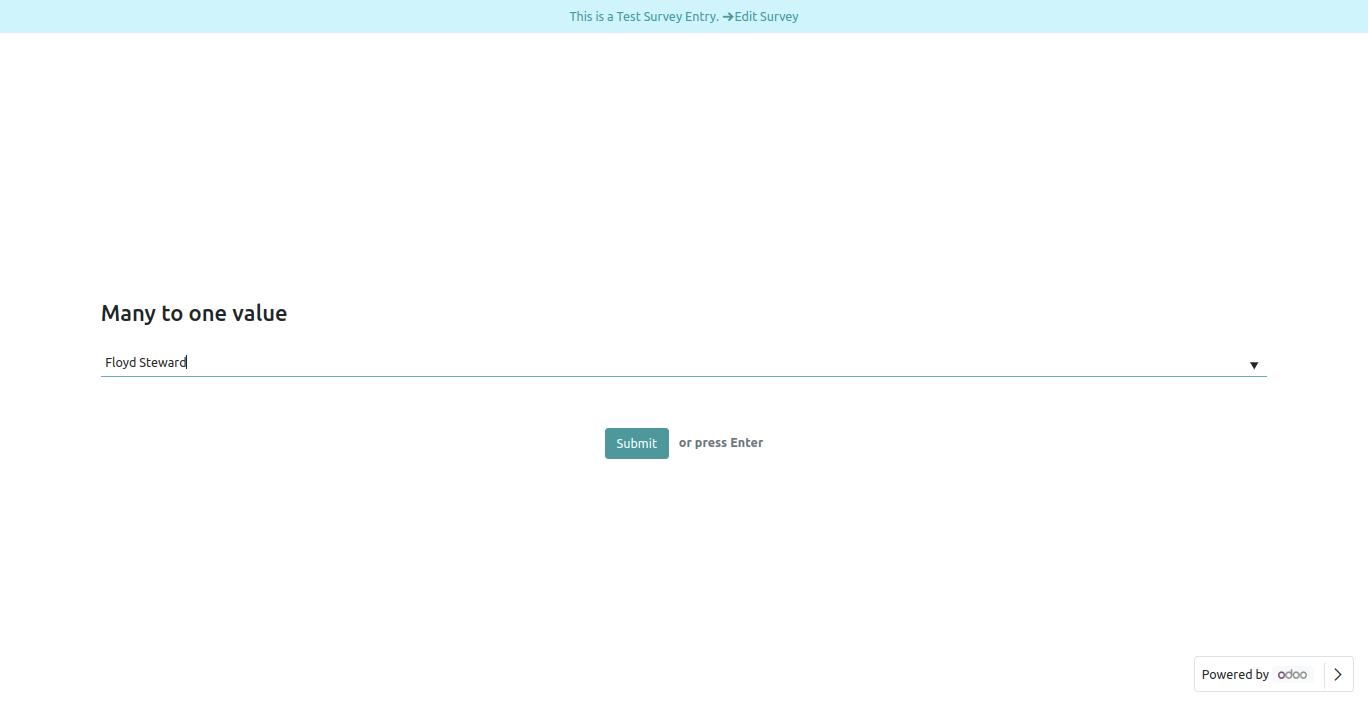
Many2one Field Front View.
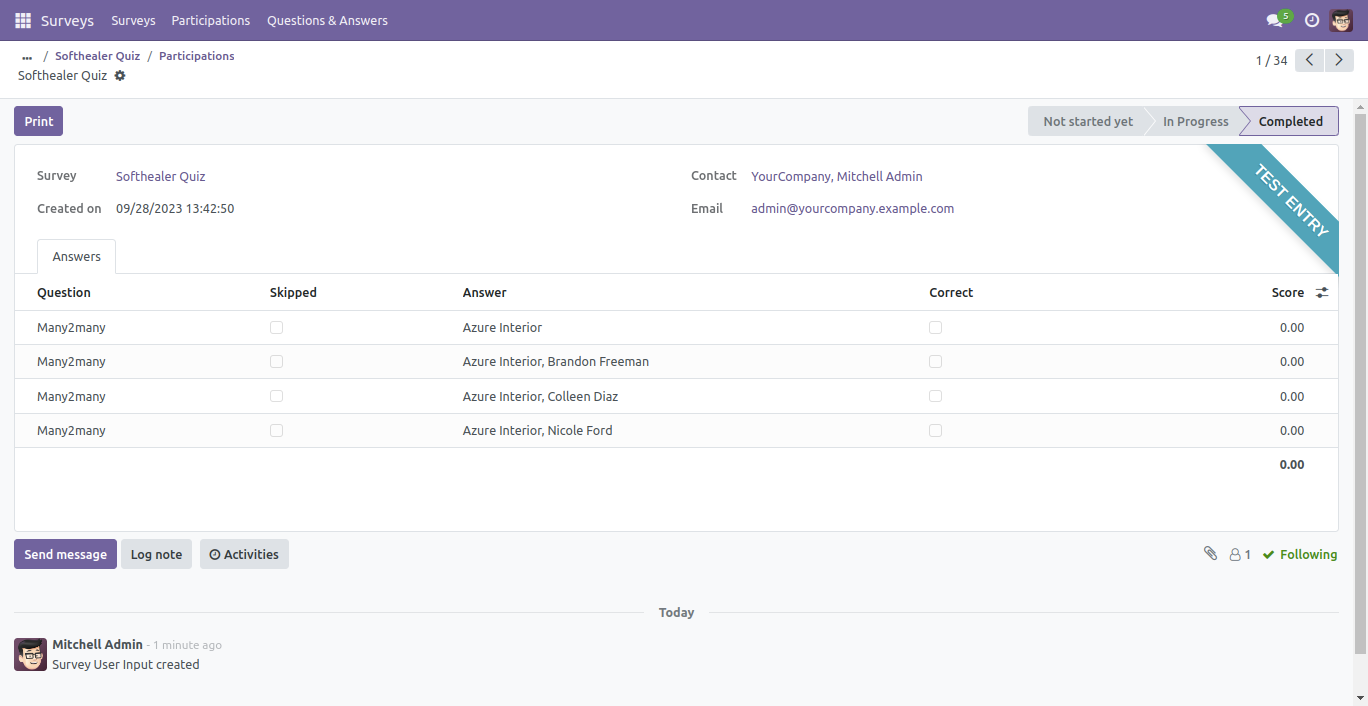
Many2one Field in reviewing your answers(submitted answer).
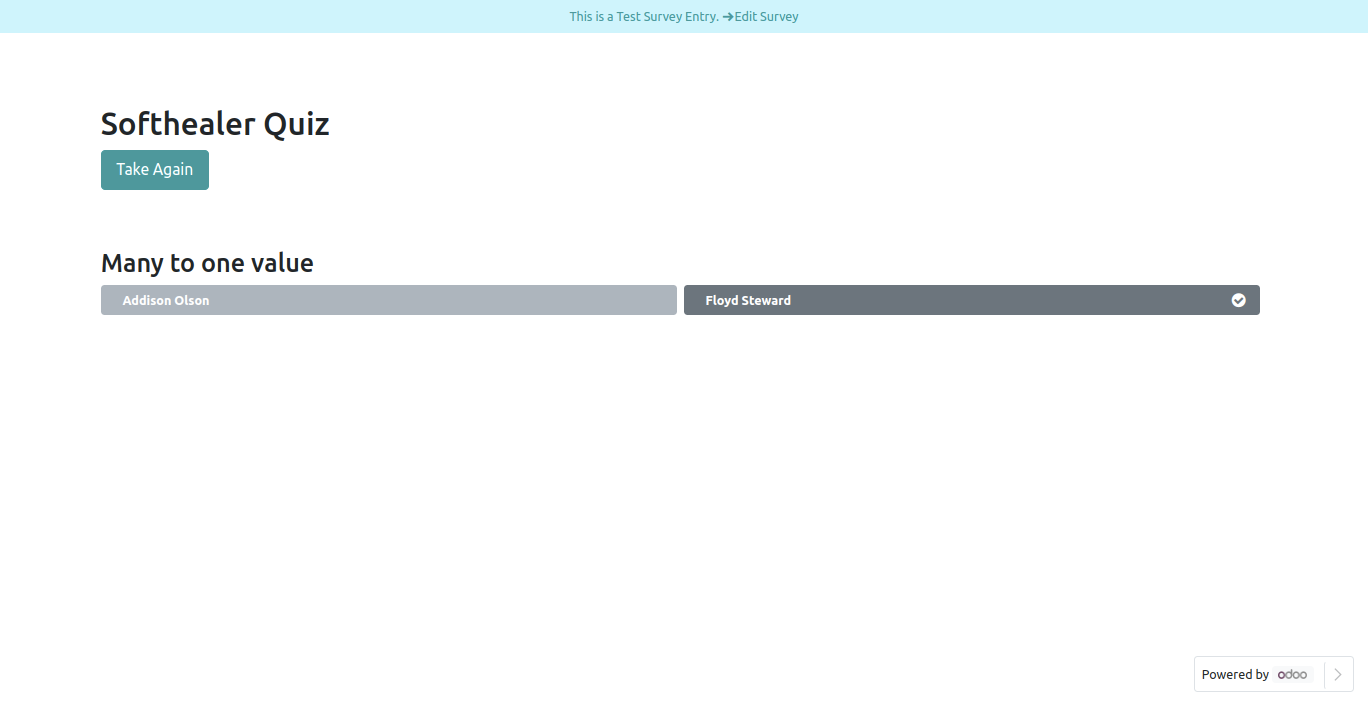
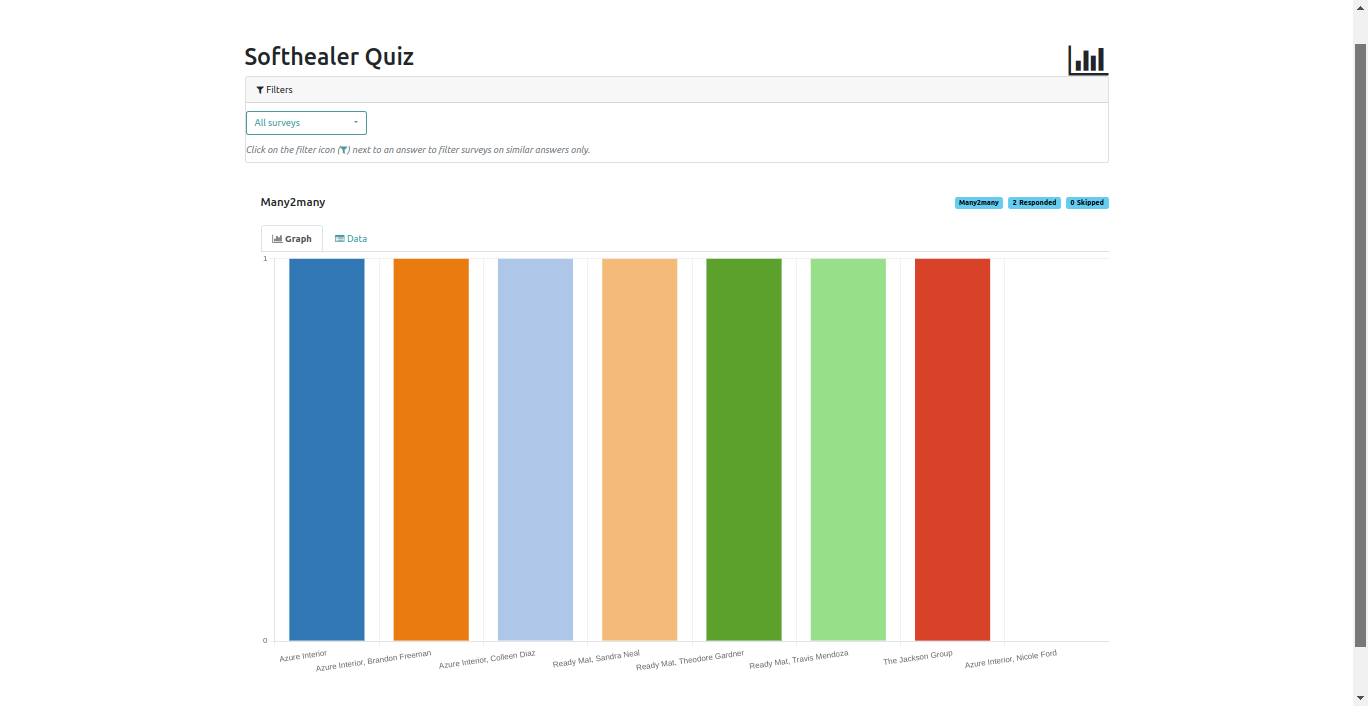
Many2one field graph view.
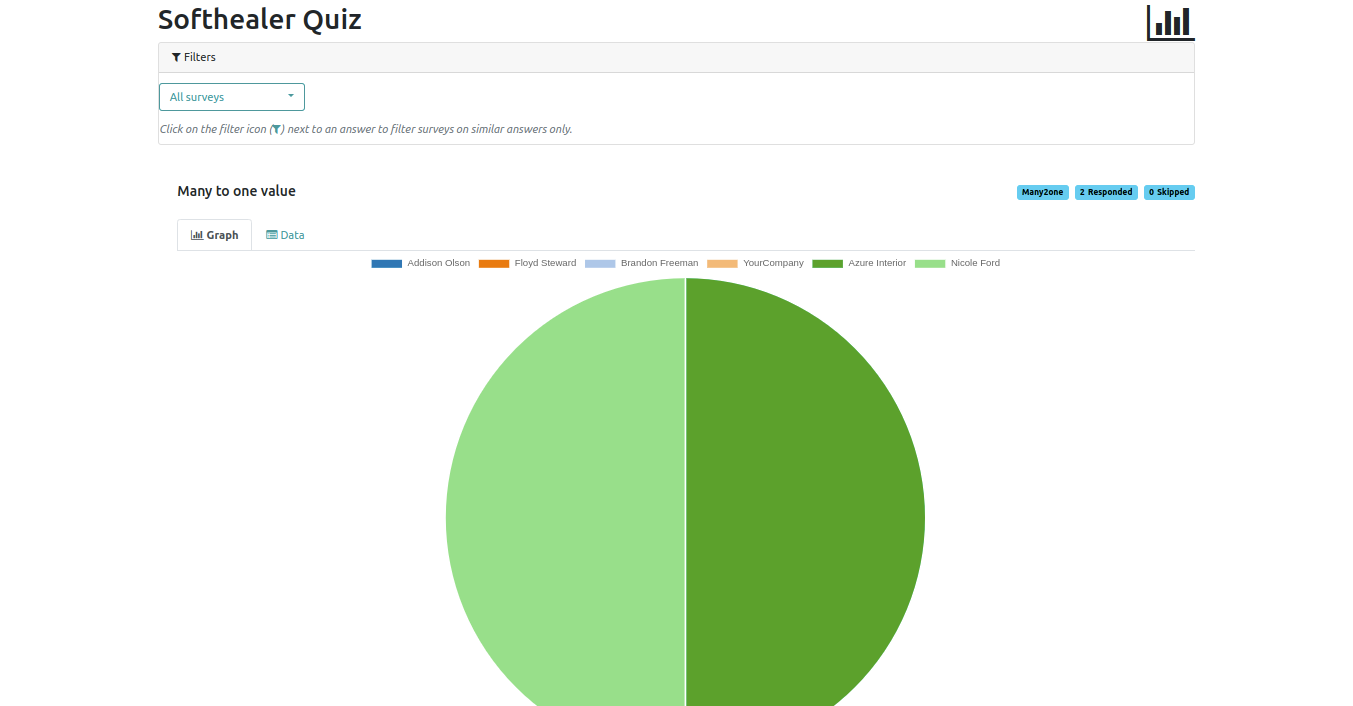
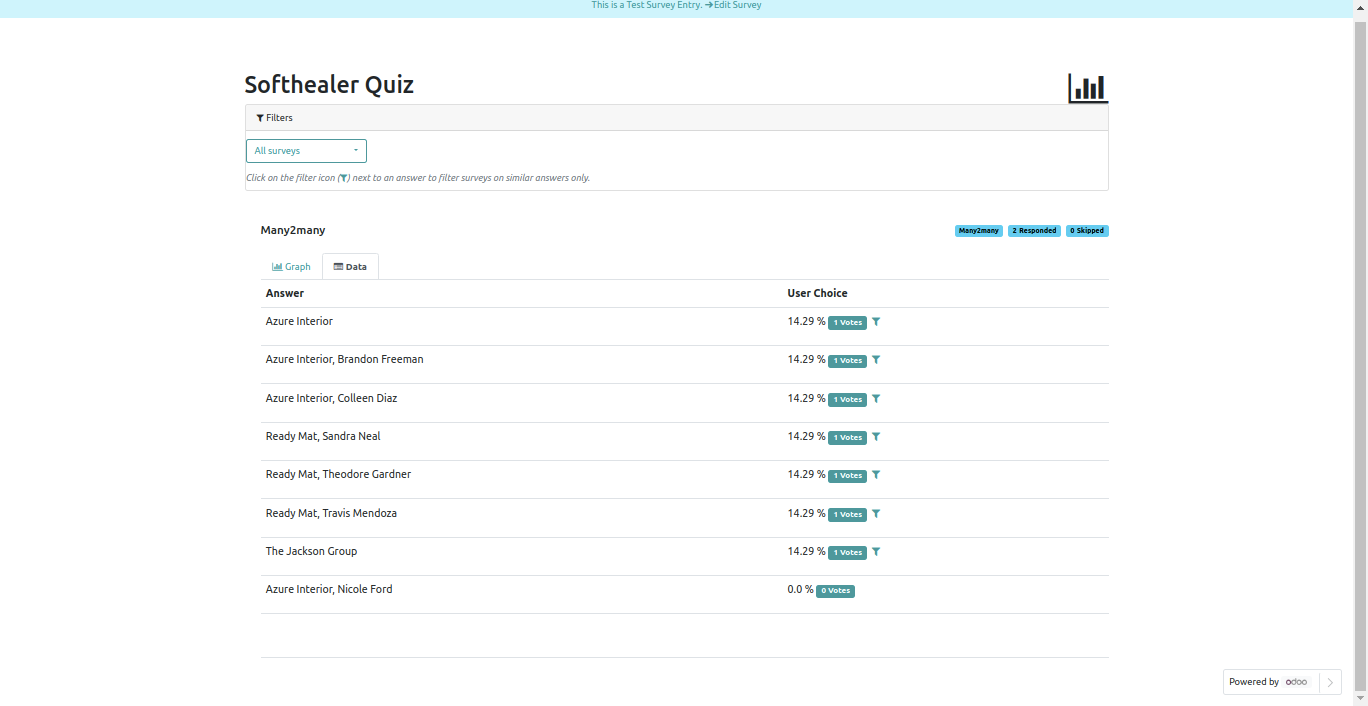
Many2many field detail view.
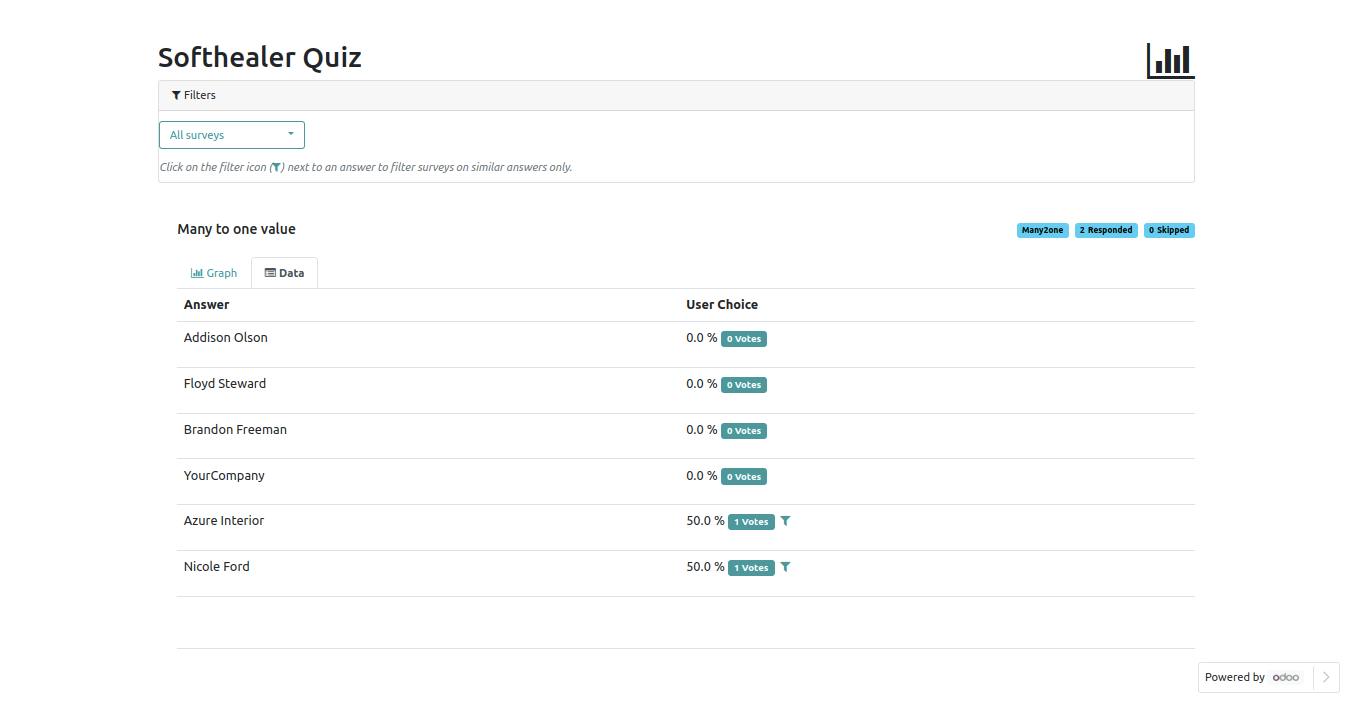
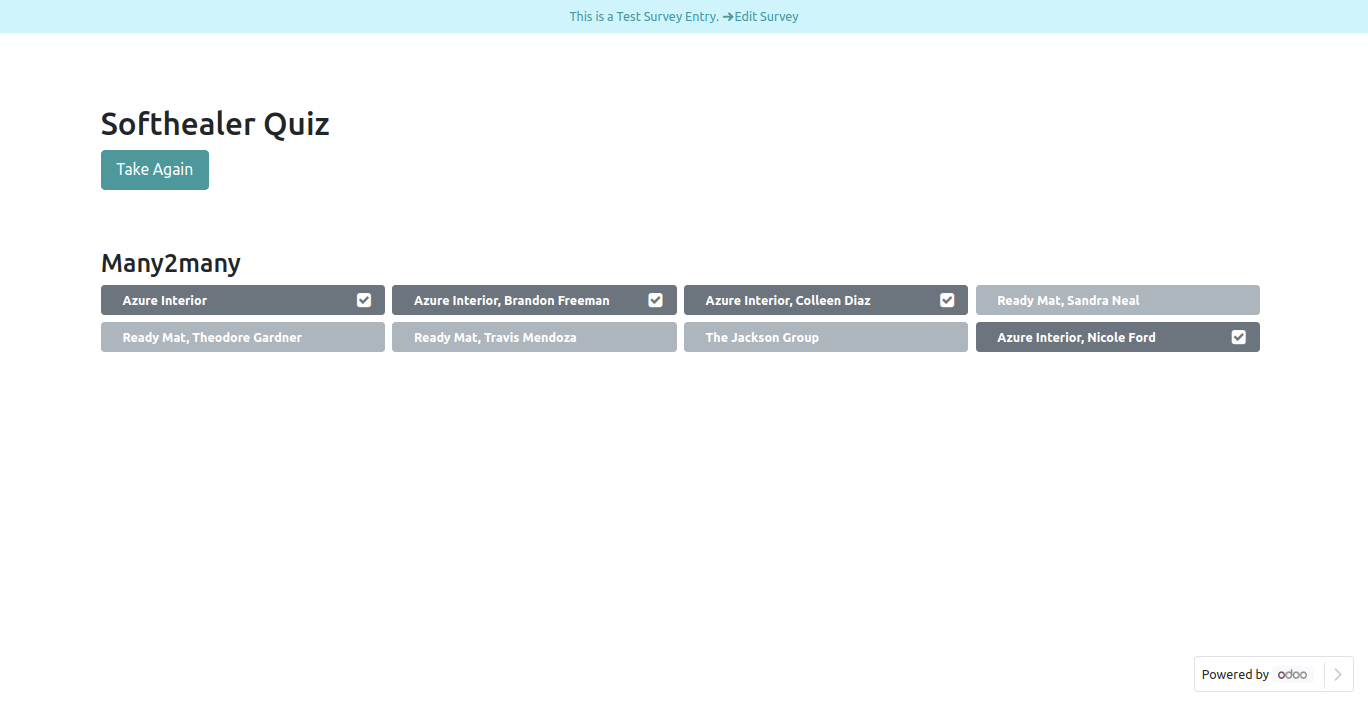
Many2many Field.
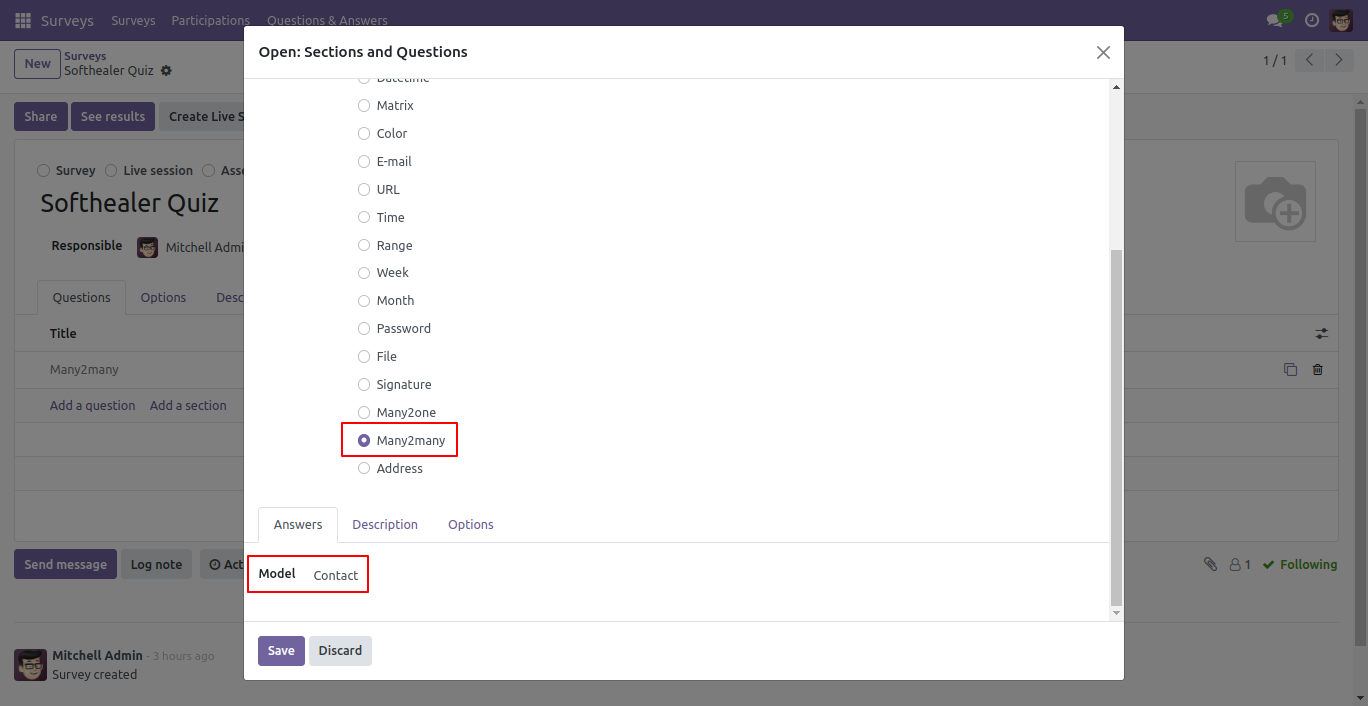
Using Many2many field you can select and search partners in survey.
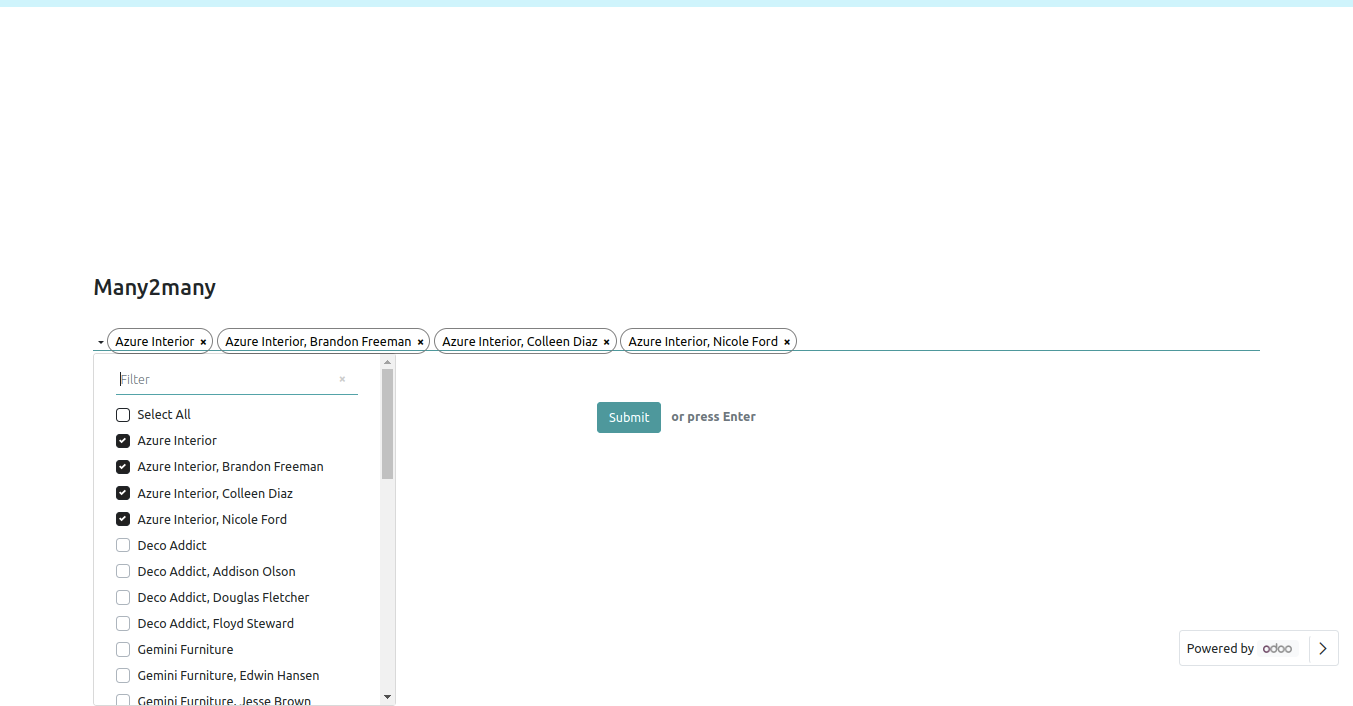
Many2many field front view.
Participations form view.
Many2one field detail view.
Many2many field detail view.
Address option in survey form.
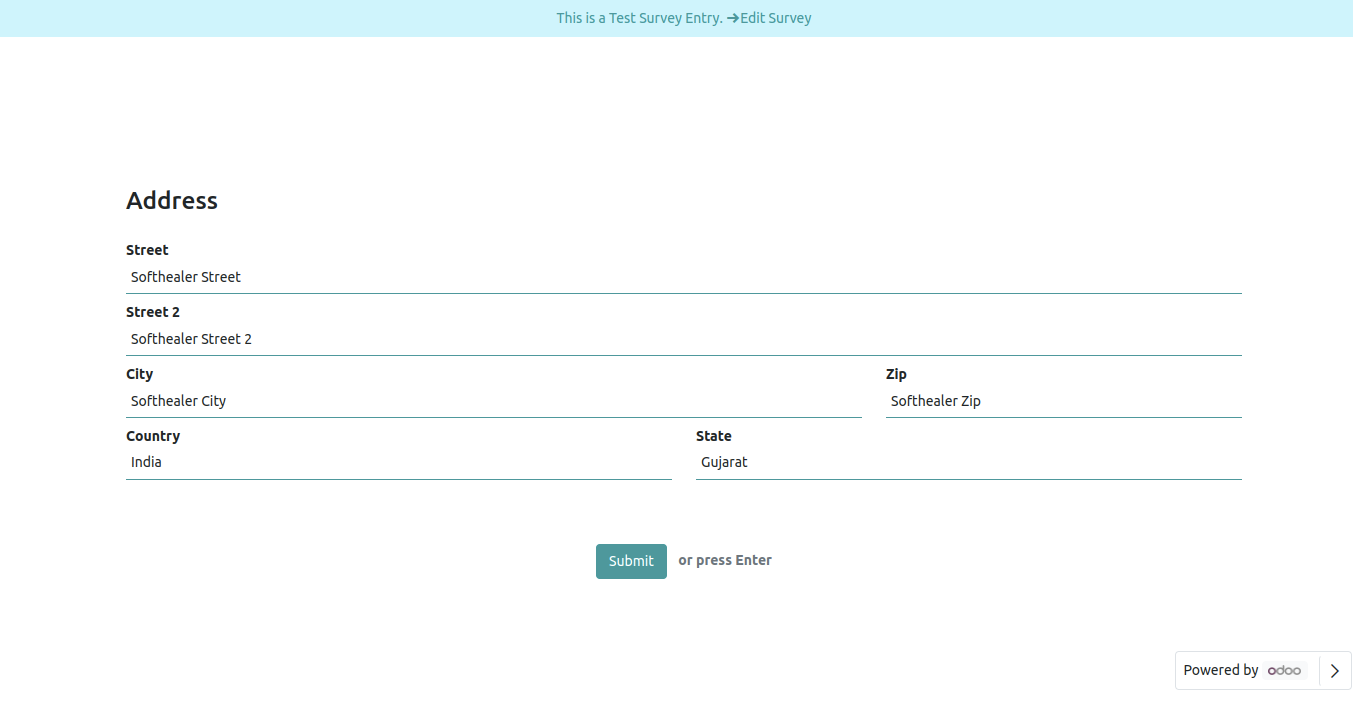
Address front view in survey form.
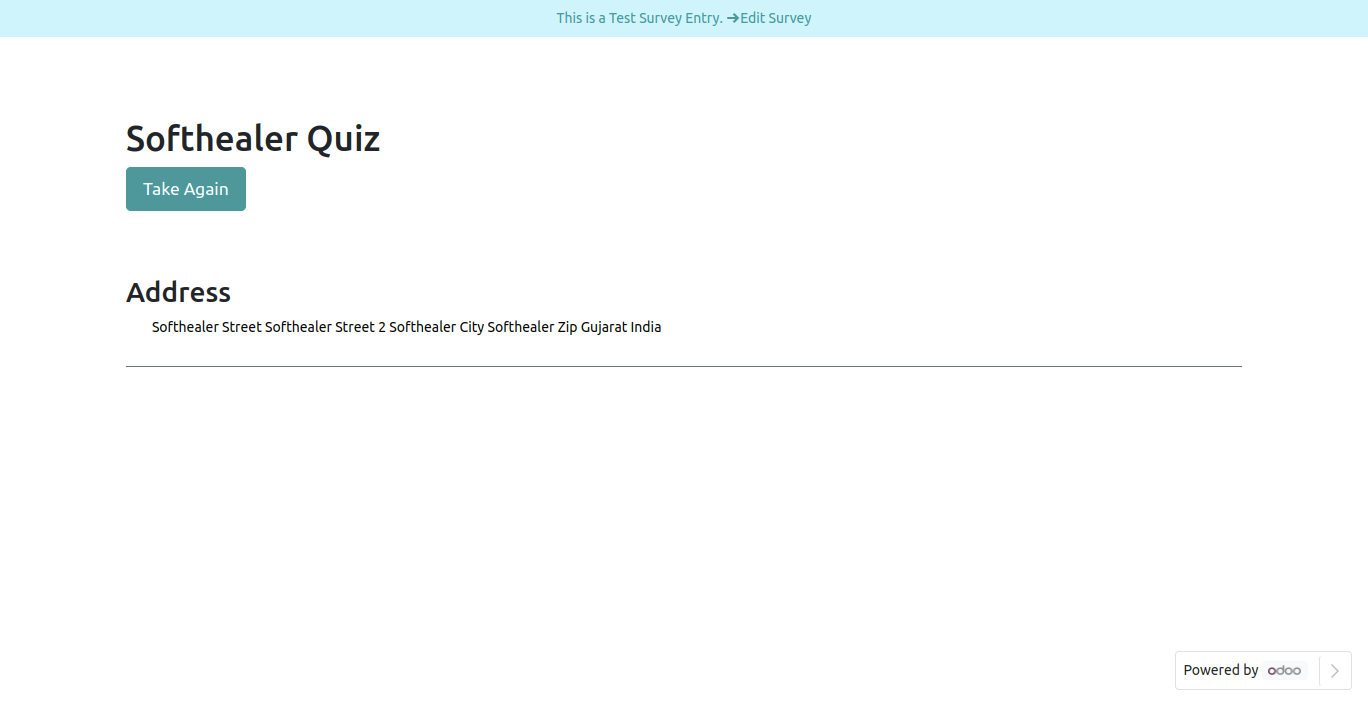
Address Field in reviewing your answers(submitted answer).
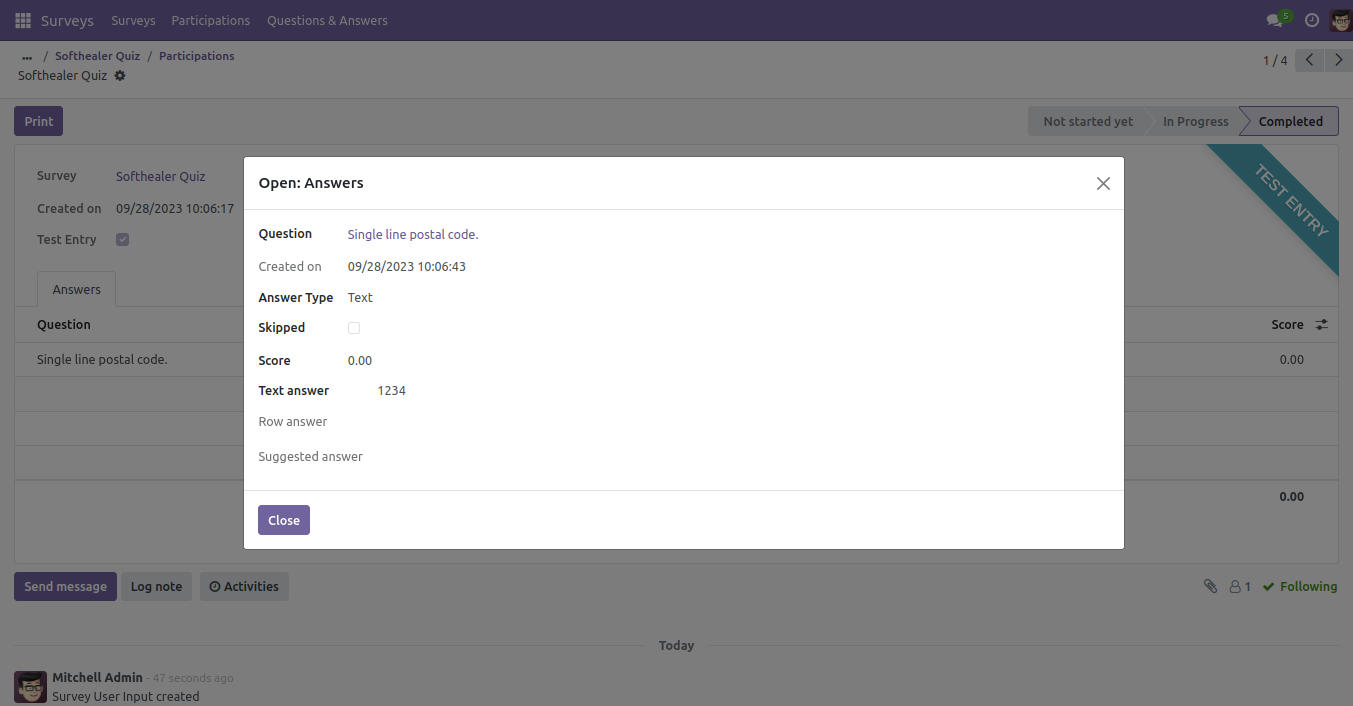
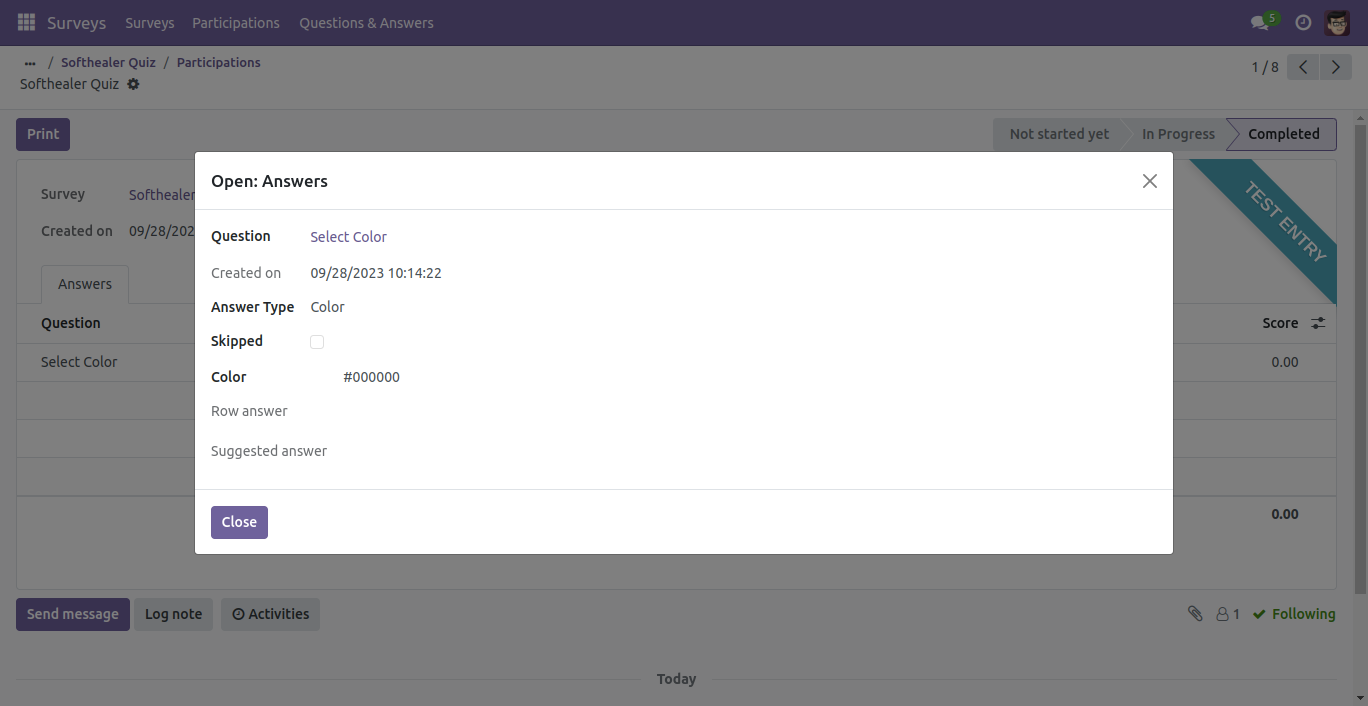
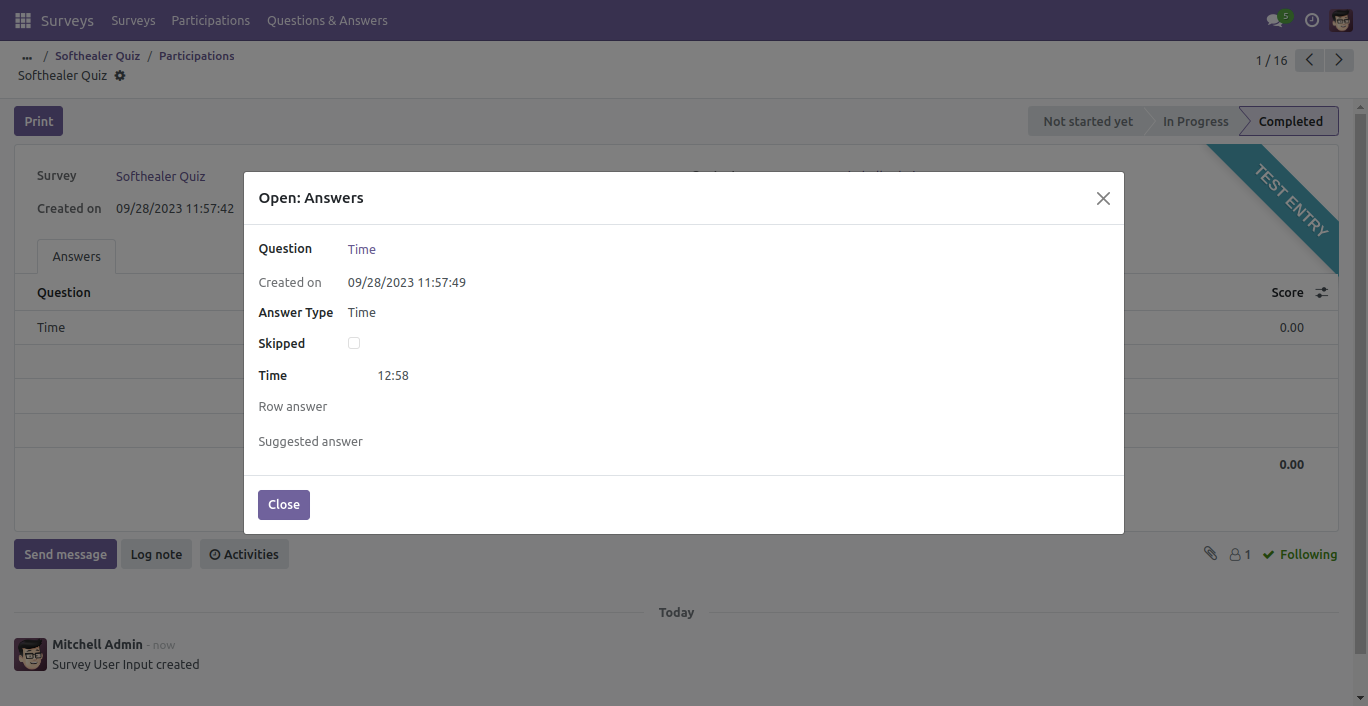
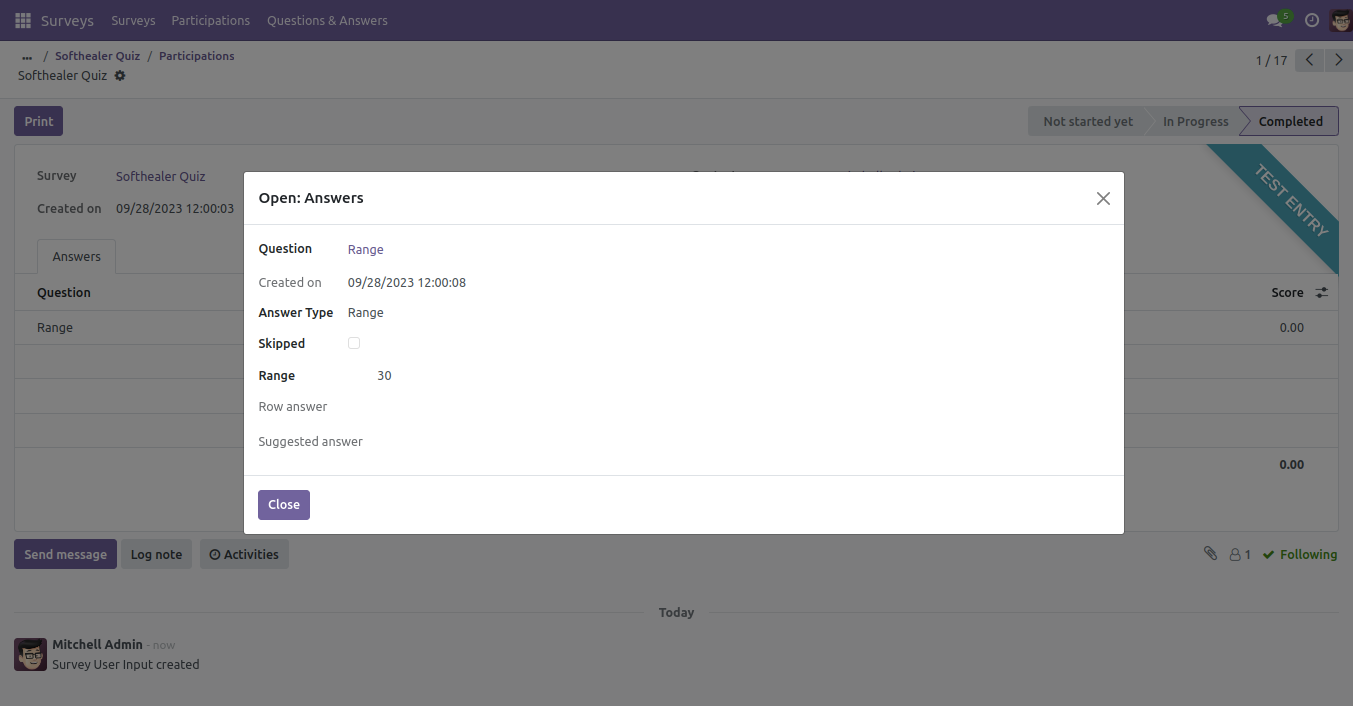
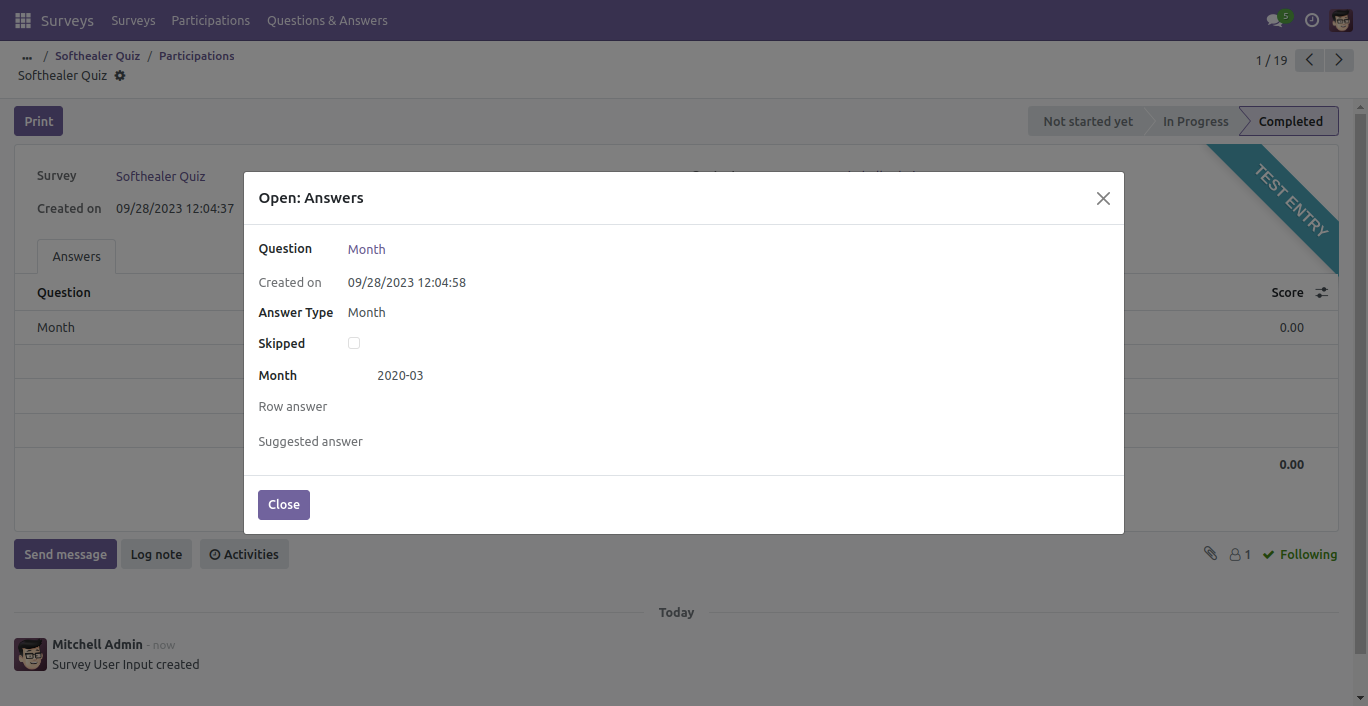
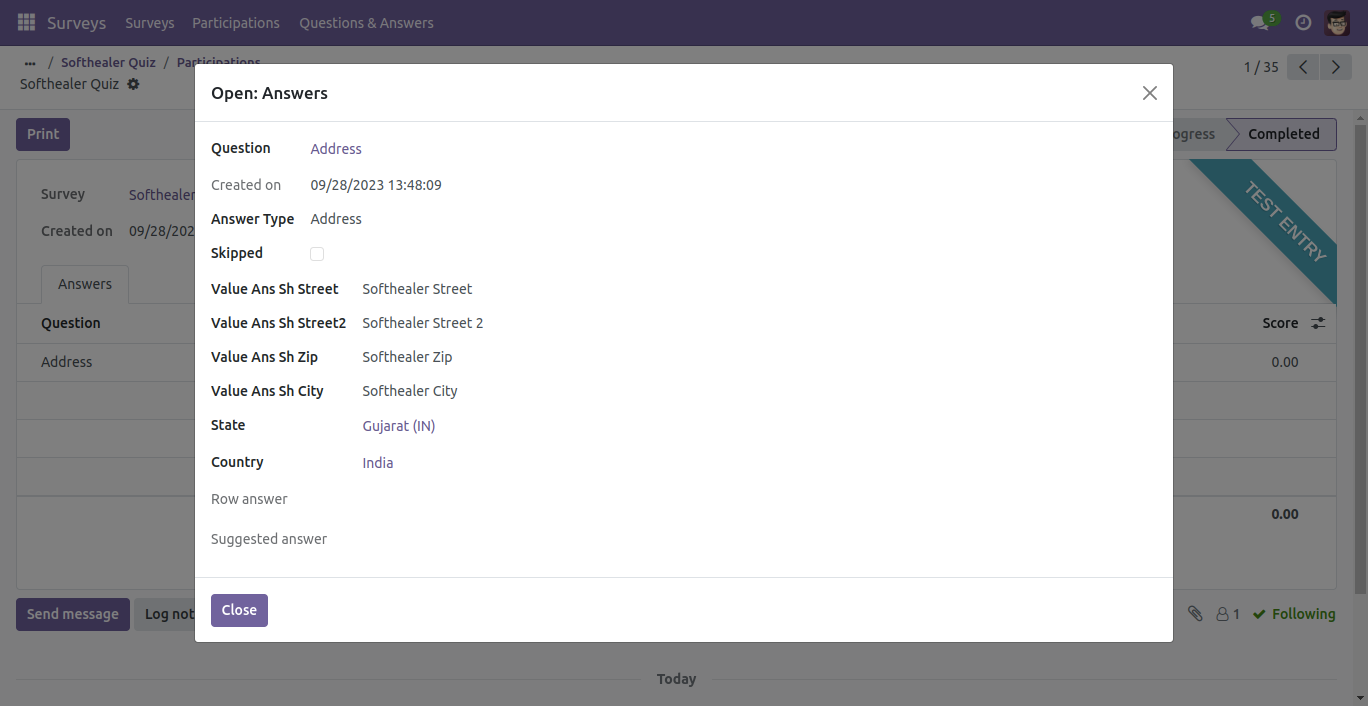
If you want to see the answers then click on the survey, after that answer wizard will be appear.
Version 20.0.1.0.0 | Released on : 2nd September 2026
- Yes, this app works perfectly with Odoo Enterprise (Odoo.sh & Premise) as well as Community.
- No, this application is not compatible with odoo.com(odoo saas/Odoo Online)
- Yes, to test this module, please contact us at sales@softhealer.com.
- Please contact us at sales@softhealer.com to request customization.
- Yes, we provide free support for 365 days from the date of purchase.
- Yes, you will receive lifetime free updates for the version of the module you purchased.
- No, there is no need to install any additional libraries.
- Yes, for version 12 and above, you need to purchase the module separately for each version you intend to use.
- No, exchanges or refunds are not allowed. Please make sure to select the correct version before purchasing.
- You can contact us at support@softhealer.com for language translation support. We use Google Translator tools to provide translations in multiple languages, so the accuracy may vary. We welcome your suggestions to help improve translations.
Discover Our Latest Apps