











SumUp Terminal Integration For POS

The Odoo SumUp POS Terminal Integration module connects Odoo Point of Sale with SumUp terminals for seamless payment processing. Configure SumUp credentials, manage terminals, process POS payments, handle refunds, recover payments, and track payment transactions directly from Odoo.

Features
SumUp Payment Integration
Connect Odoo POS with SumUp for integrated terminal-based payment processing.

Payment Receipt
Display successful payment confirmation and provide customer receipt after payment.

SumUp Transaction Tracking
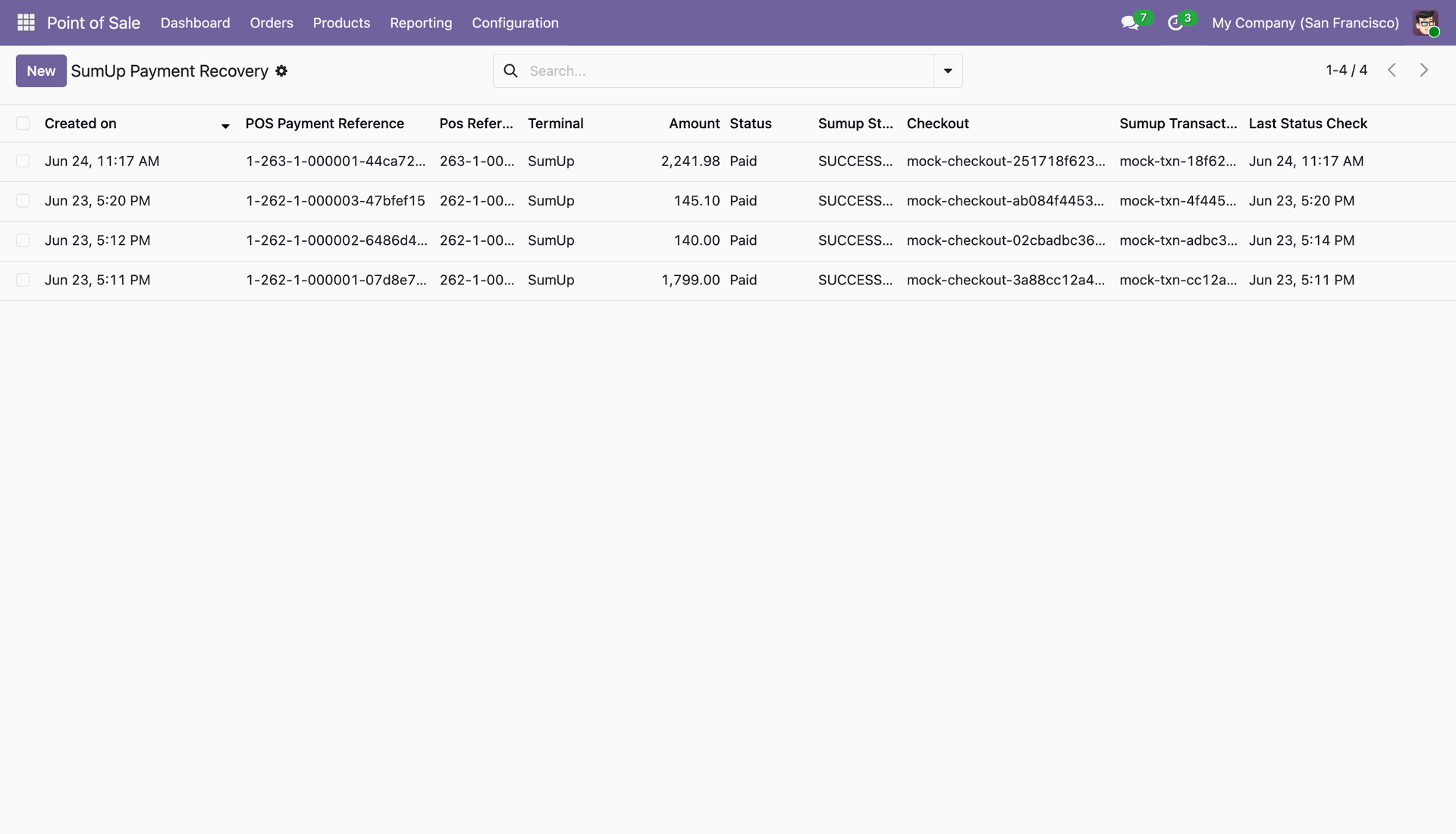
View SumUp payment transactions with payment references, amounts, status, and transaction information.

SumUp Payment Refund
Initiate refunds for completed SumUp payments directly from the Odoo transaction interface.
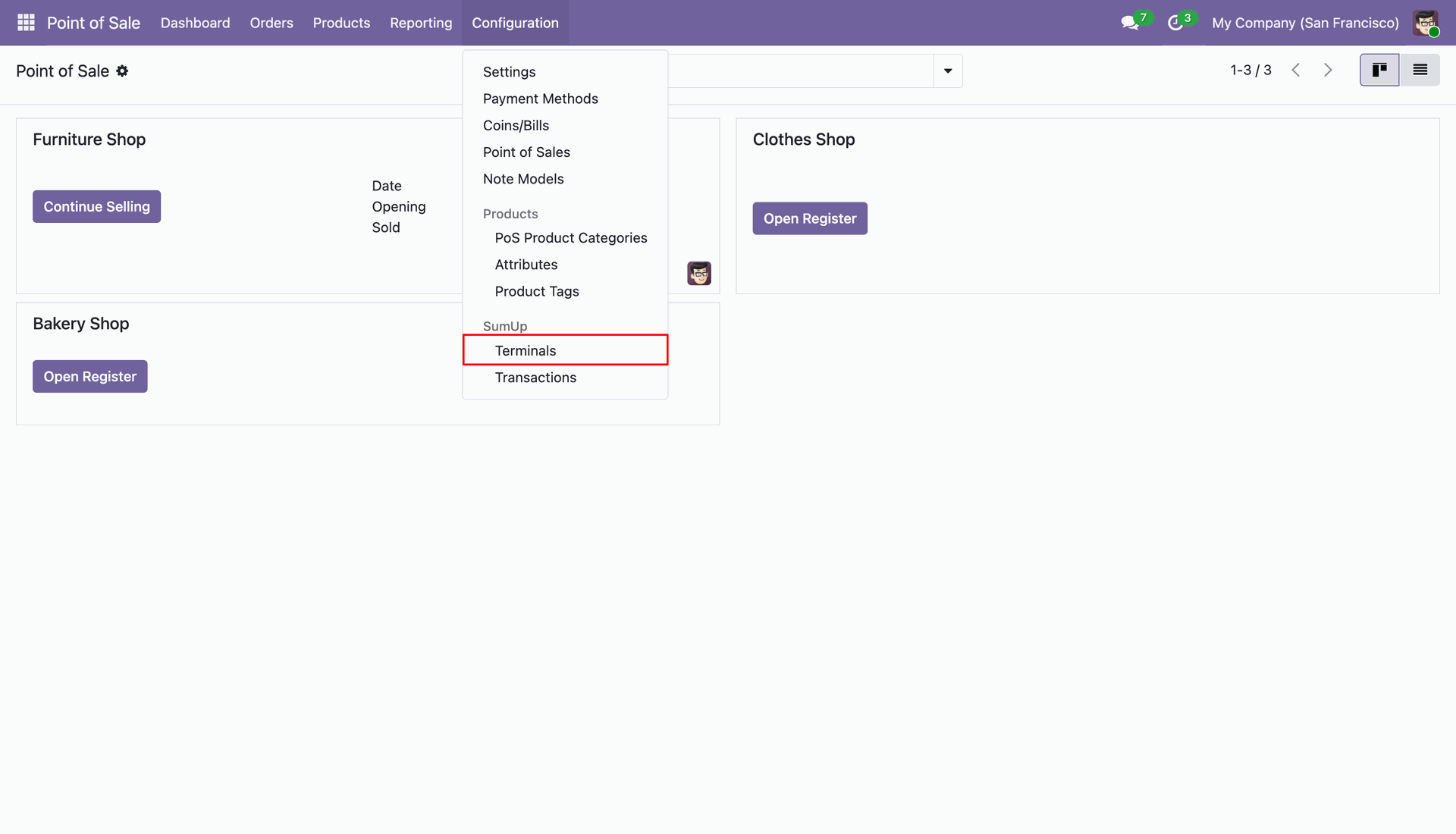
Navigate to Point of Sale > Configuration > SumUp Terminals to manage your SumUp devices.
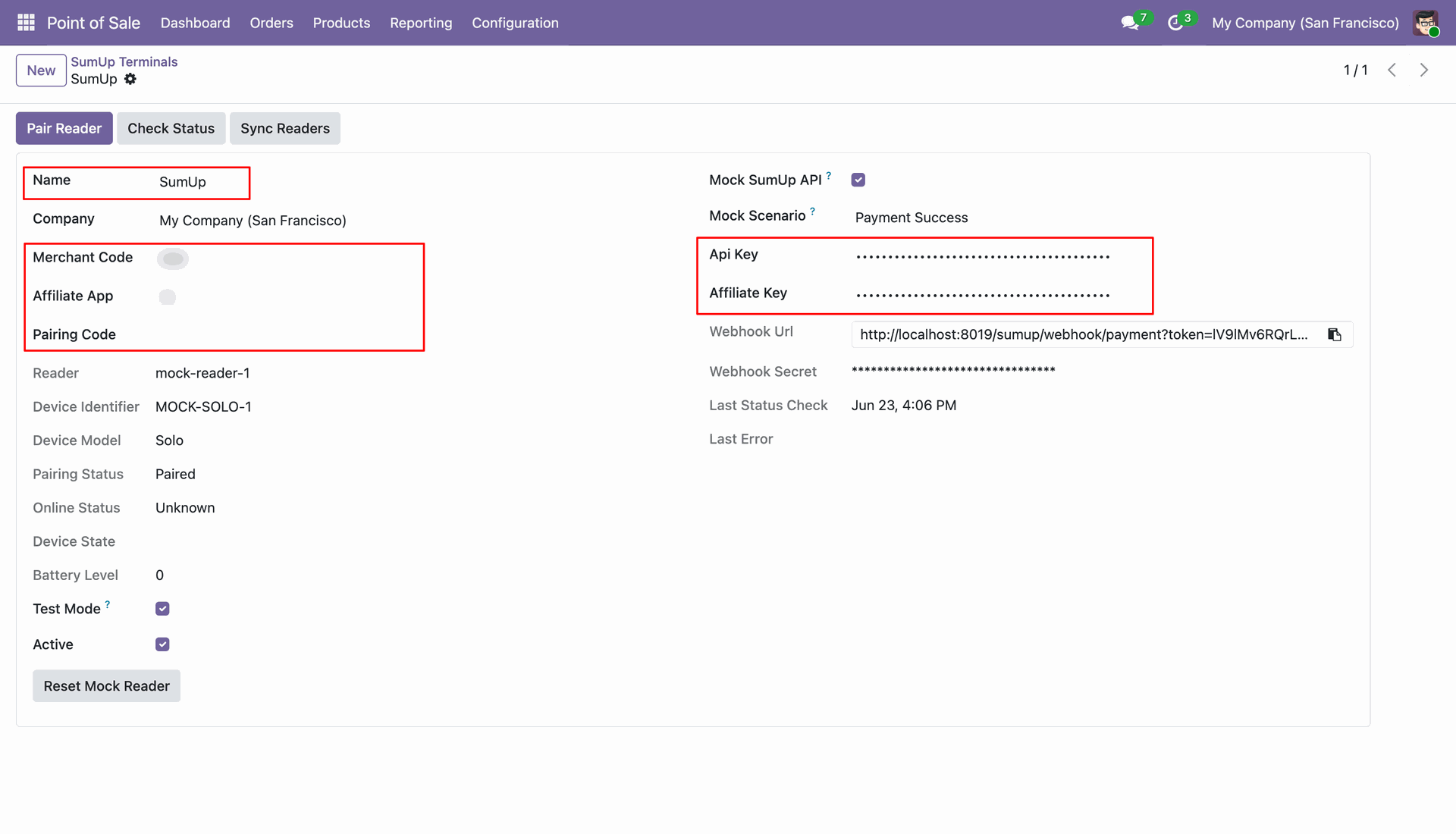
Configure SumUp Terminal details including Merchant Code, Affiliate App ID, API Key, and enter the Pairing Code to pair your reader.
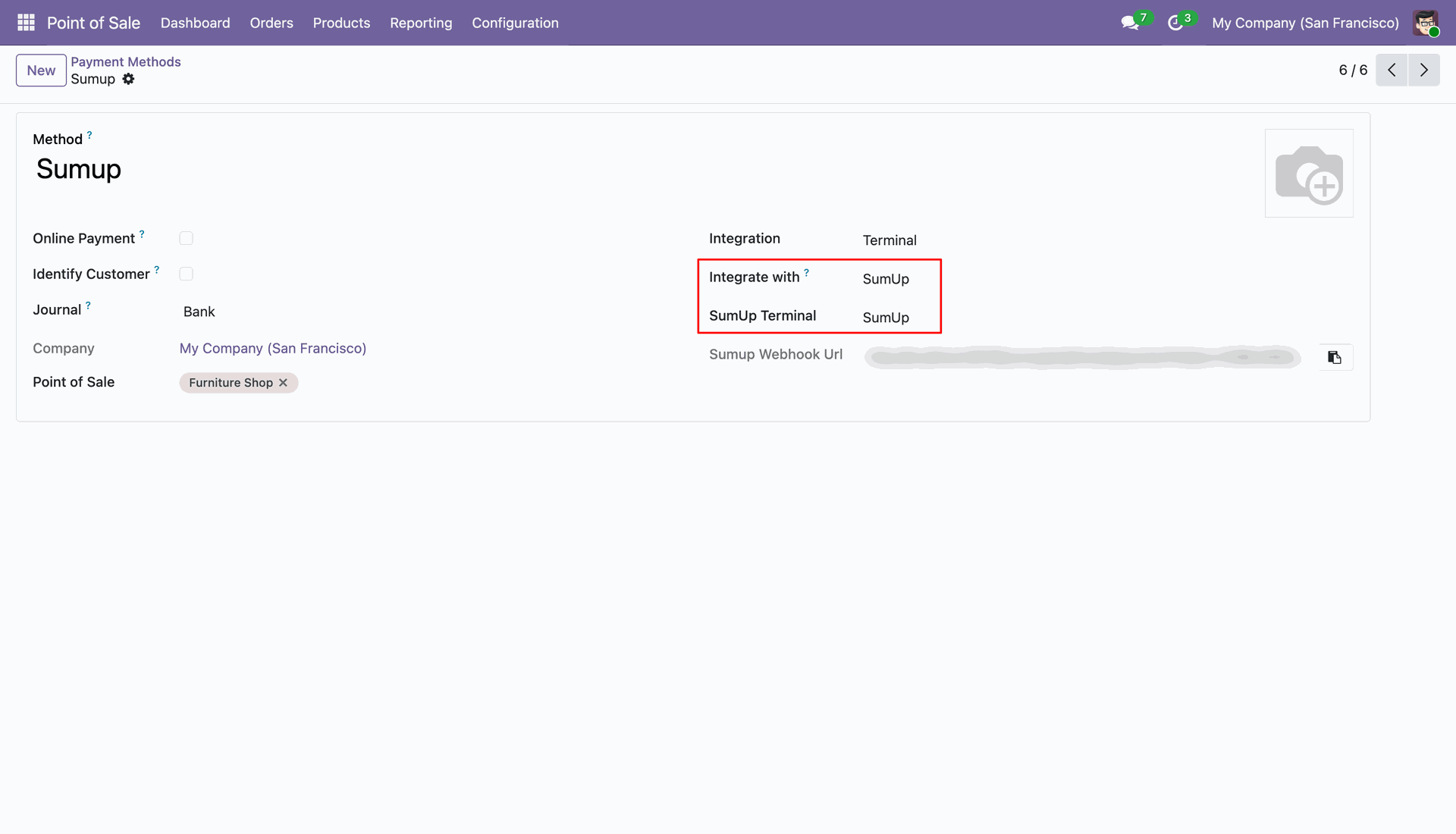
Set up Point of Sale Payment Method with Integration set to Terminal and select SumUp as the payment provider.
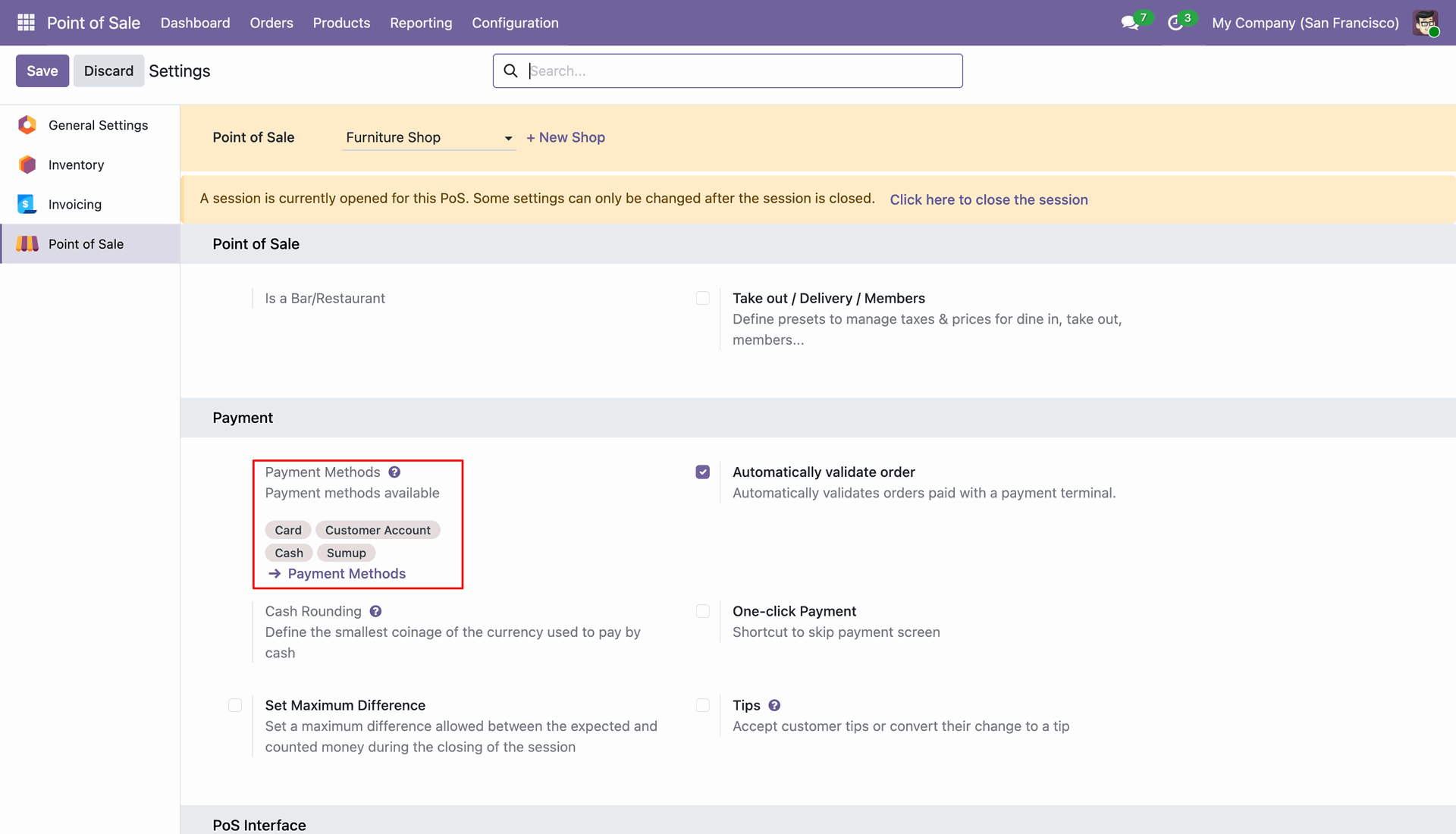
Configure SumUp payment methods under Point of Sale Configuration Settings.
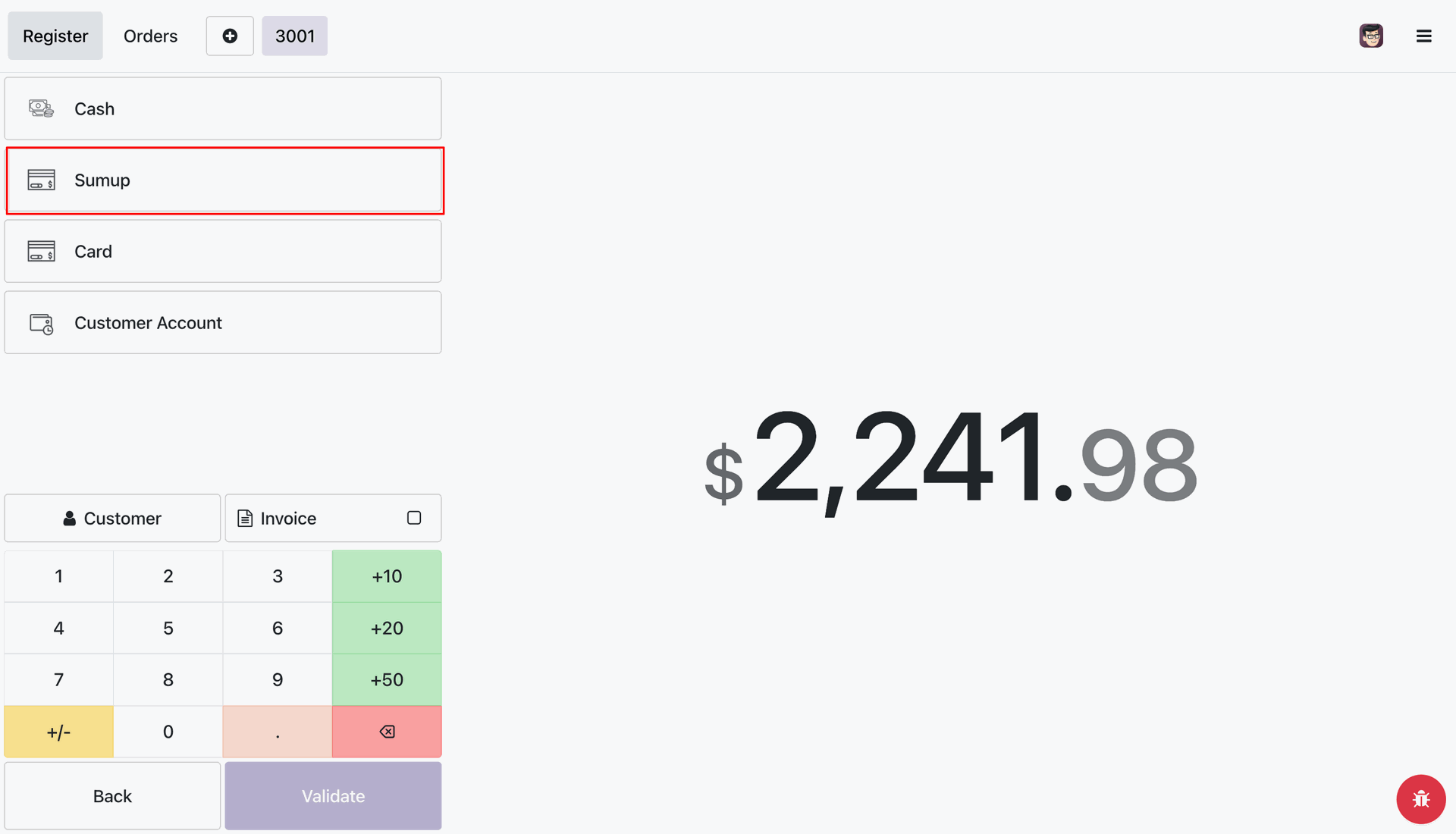
Select SumUp payment method on the POS payment screen to process payment via SumUp terminal.
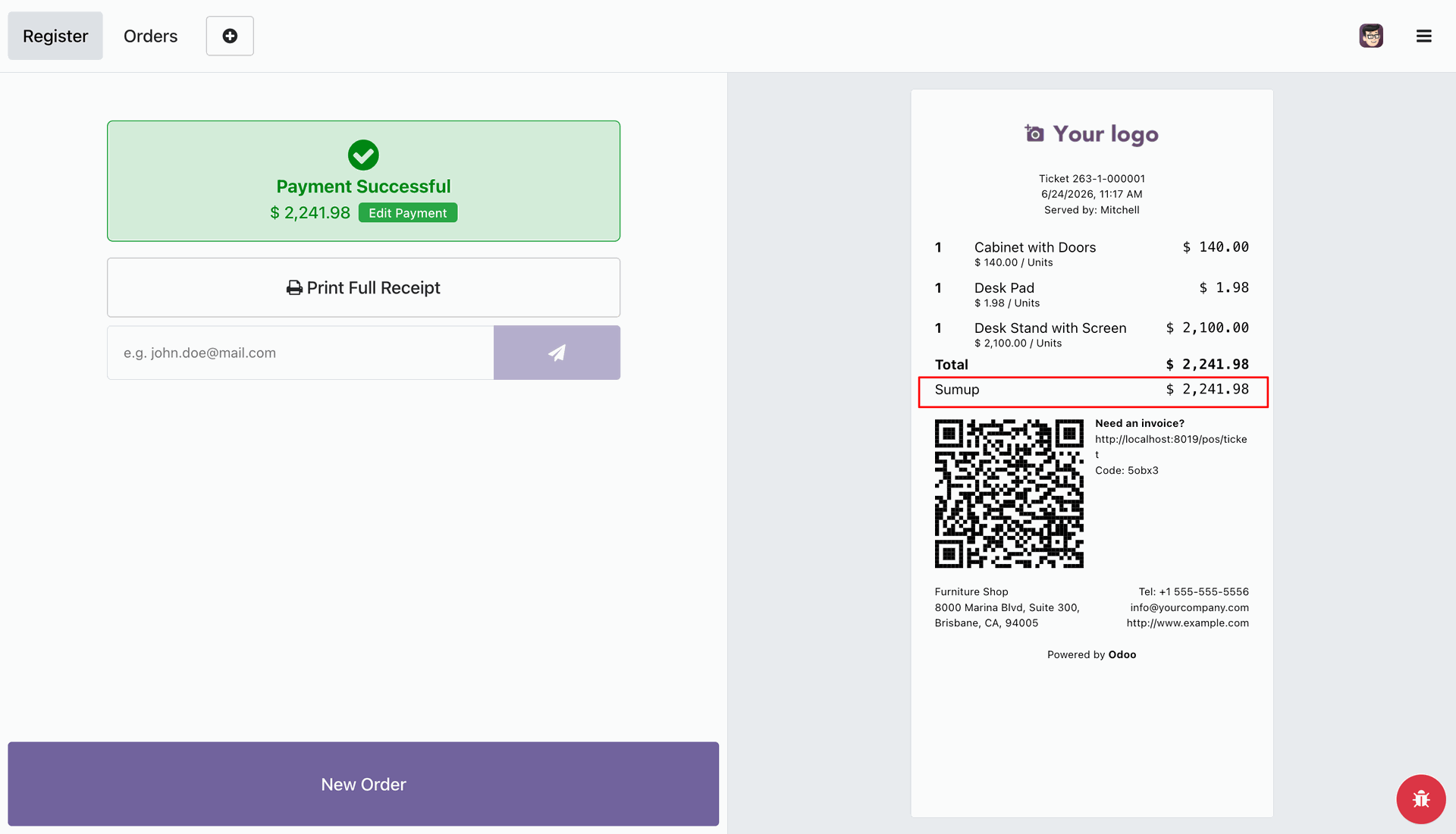
Payment Successful screen displaying validated transaction receipt with SumUp payment confirmation.
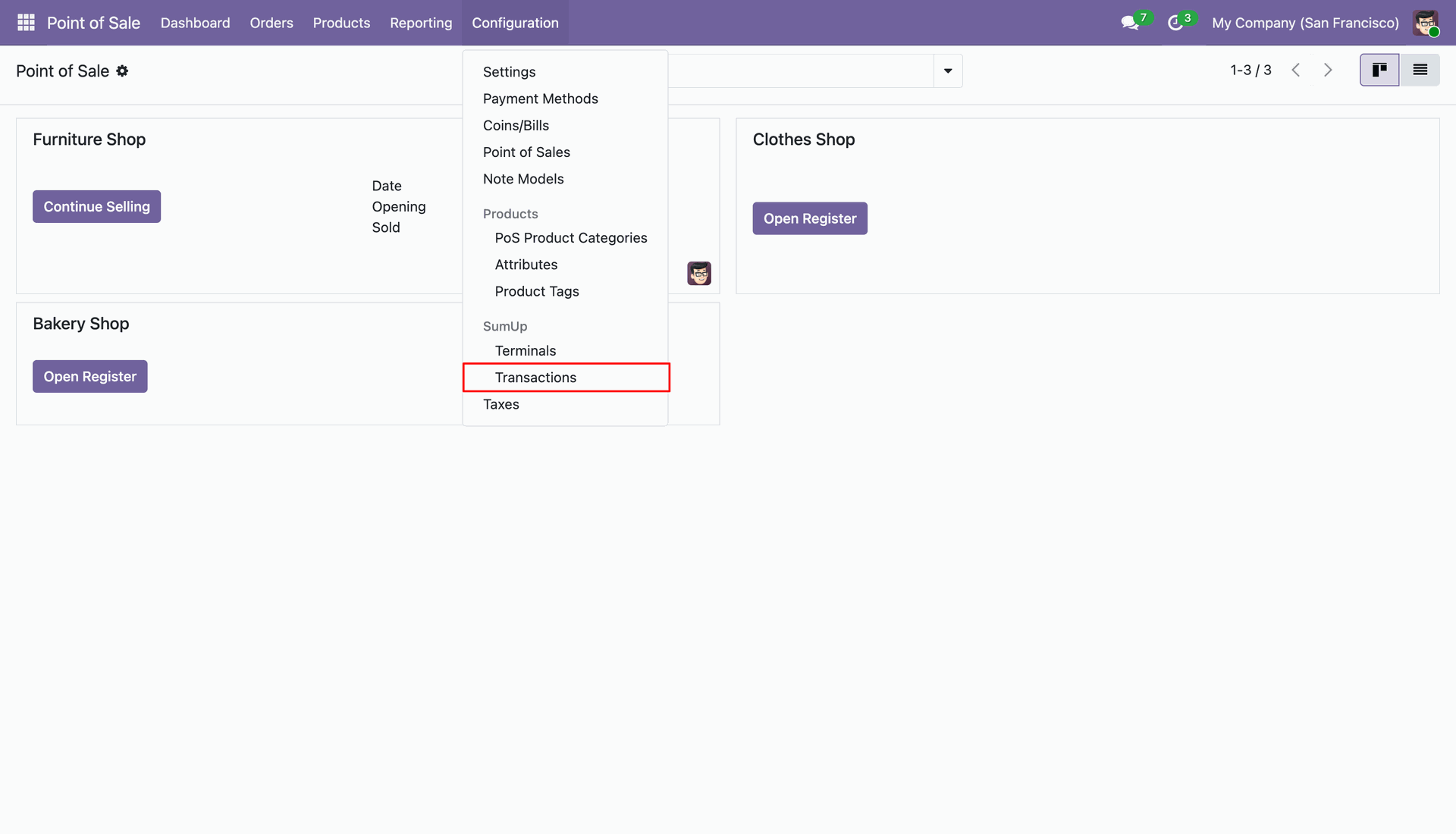
Navigate to Point of Sale > Configuration > SumUp Transactions to view transaction logs and recovery details.
SumUp Transactions list view displaying all details.
SumUp Transaction detail form view.
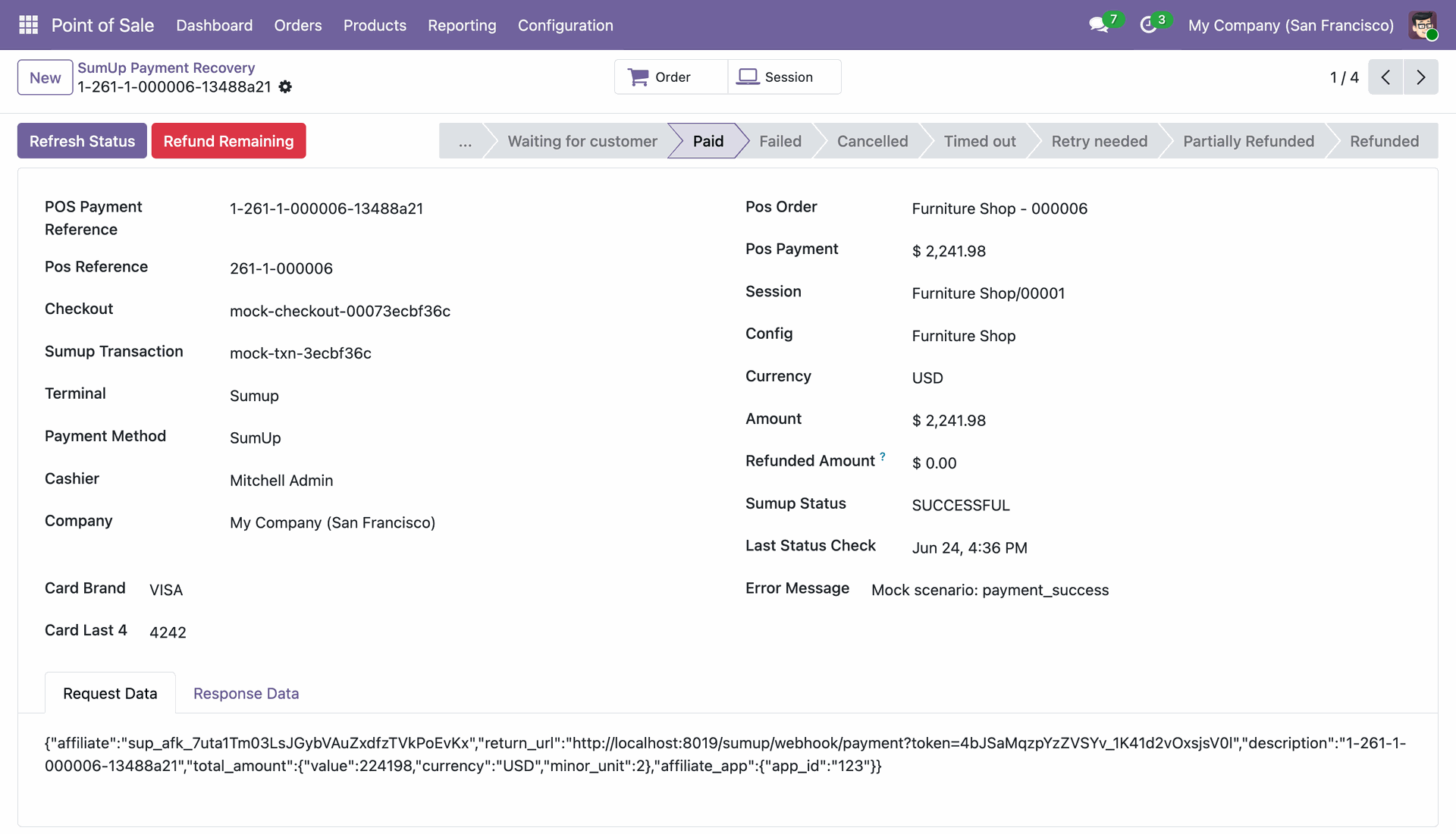
Click on the 'Refund Remaining' button on a paid SumUp transaction record to initiate a card refund.
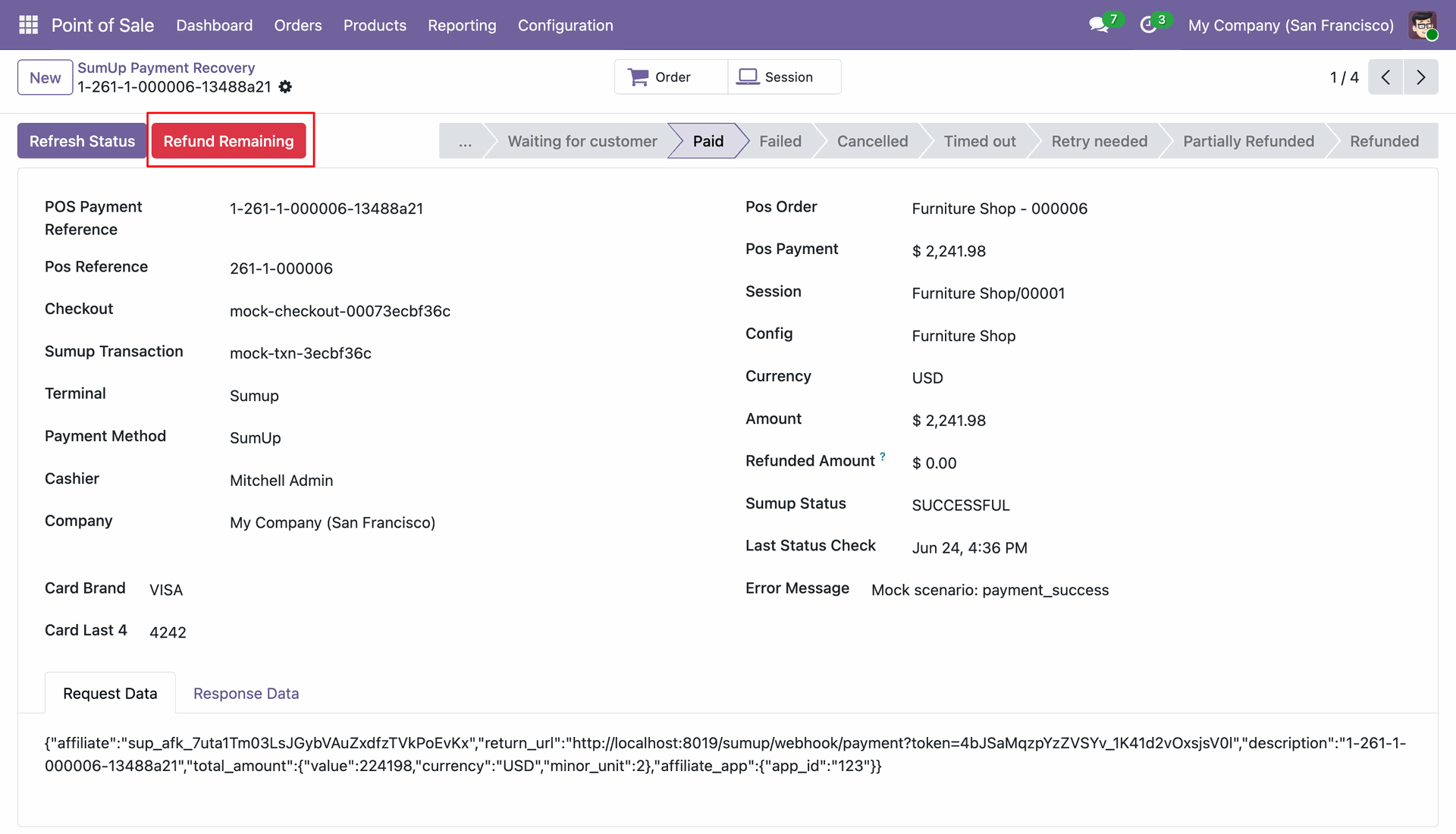
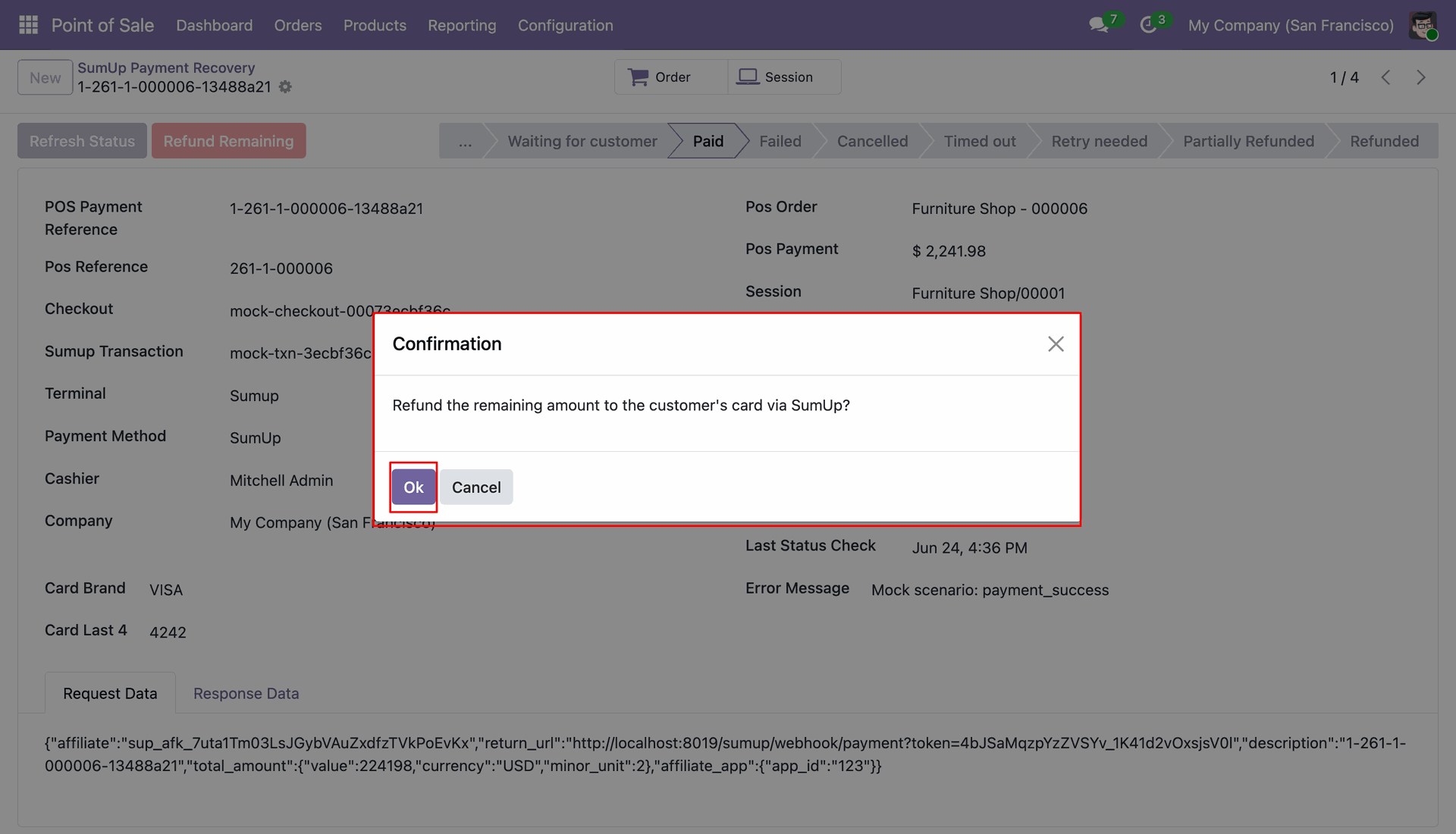
Confirmation dialog to approve refunding the payment amount back to the customer's card via SumUp.
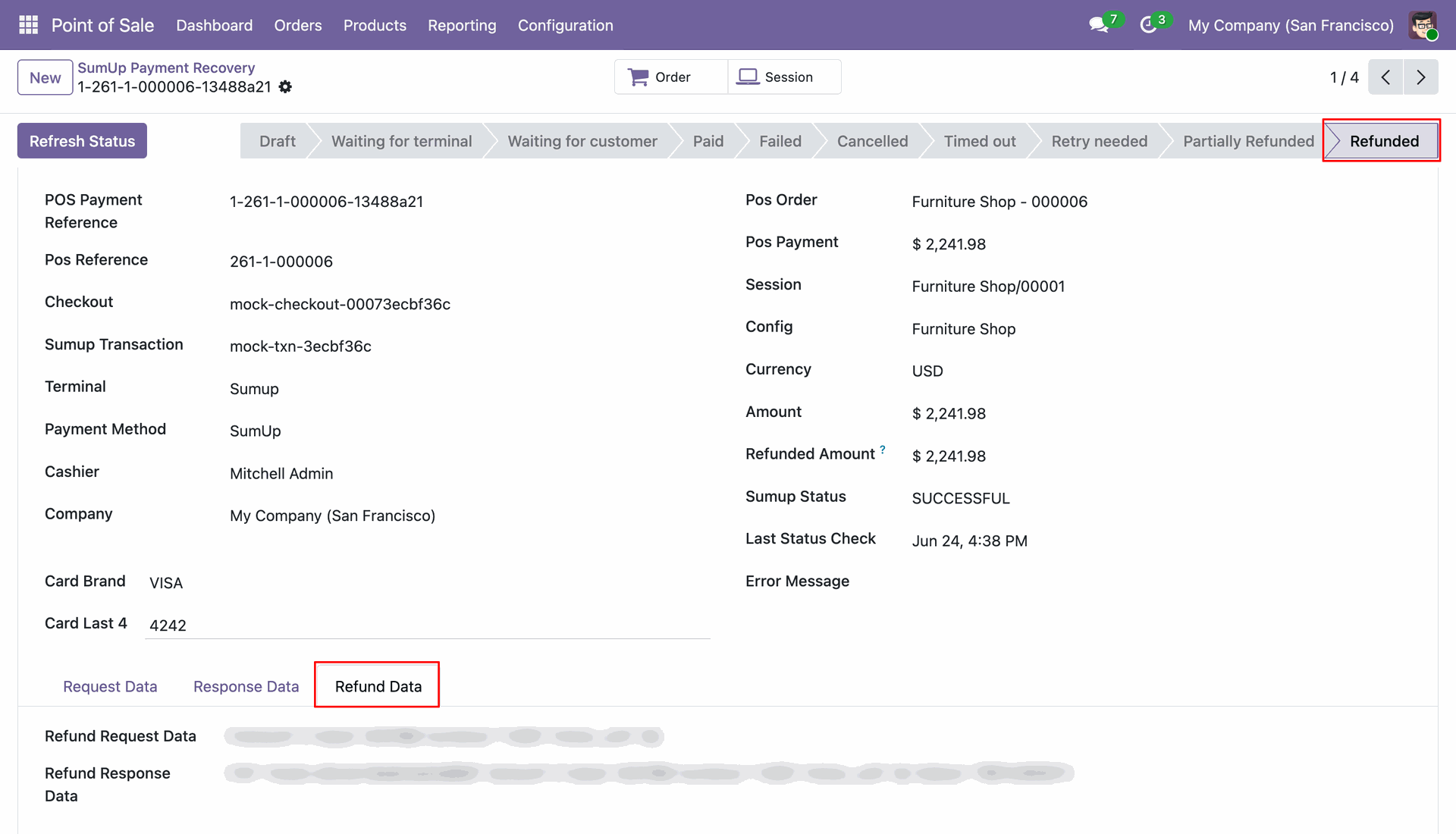
Transaction state updated to Refunded with complete refund request and response log.
Version 18.0.1.0.0 | Released on : 28th September 2026
- Yes, this app works perfectly with Odoo Enterprise (Odoo.sh & Premise) as well as Community.
- No, this application is not compatible with odoo.com(odoo saas/Odoo Online)
- Yes, to test this module, please contact us at sales@softhealer.com.
- Please contact us at sales@softhealer.com to request customization.
- Yes, we provide free support for 365 days from the date of purchase.
- Yes, you will receive lifetime free updates for the version of the module you purchased.
- No, there is no need to install any additional libraries.
- Yes, for version 12 and above, you need to purchase the module separately for each version you intend to use.
- No, exchanges or refunds are not allowed. Please make sure to select the correct version before purchasing.
- You can contact us at support@softhealer.com for language translation support. We use Google Translator tools to provide translations in multiple languages, so the accuracy may vary. We welcome your suggestions to help improve translations.
Discover Our Latest Apps