












ShipStation V2 Odoo Shipping Integration

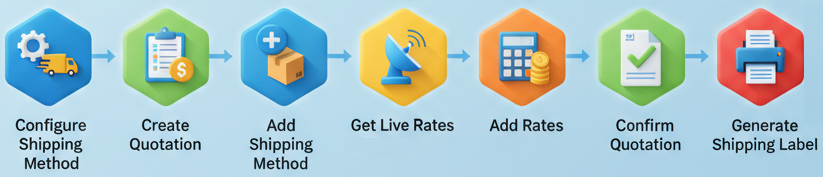
Using this integration, you can seamlessly connect your Odoo system with ShipStation V2 and manage your entire shipping workflow from one place. Users can add shipping methods, fetch accurate live rates, confirm orders, generate labels, track shipments, create return shipments, and cancel shipments directly from Odoo without switching platforms. This integration reduces manual effort, improves dispatch accuracy, and ensures a smooth, fast, and reliable order-to-shipment process for businesses of any size.
Key Features
Features

ShipStation Integration
Real-time ShipStation V2 integration for instant data sync between Odoo and ShipStation.

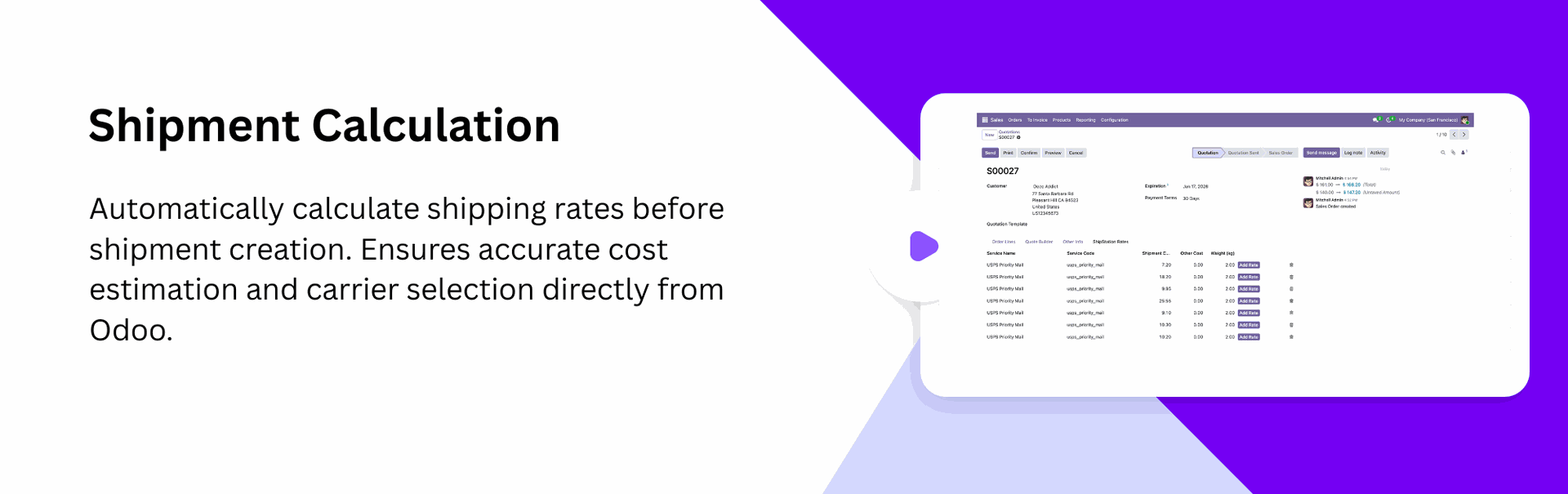
Instant Rate Calculation
Automatic rate fetching to provide live ShipStation shipping prices during Quotation creation.
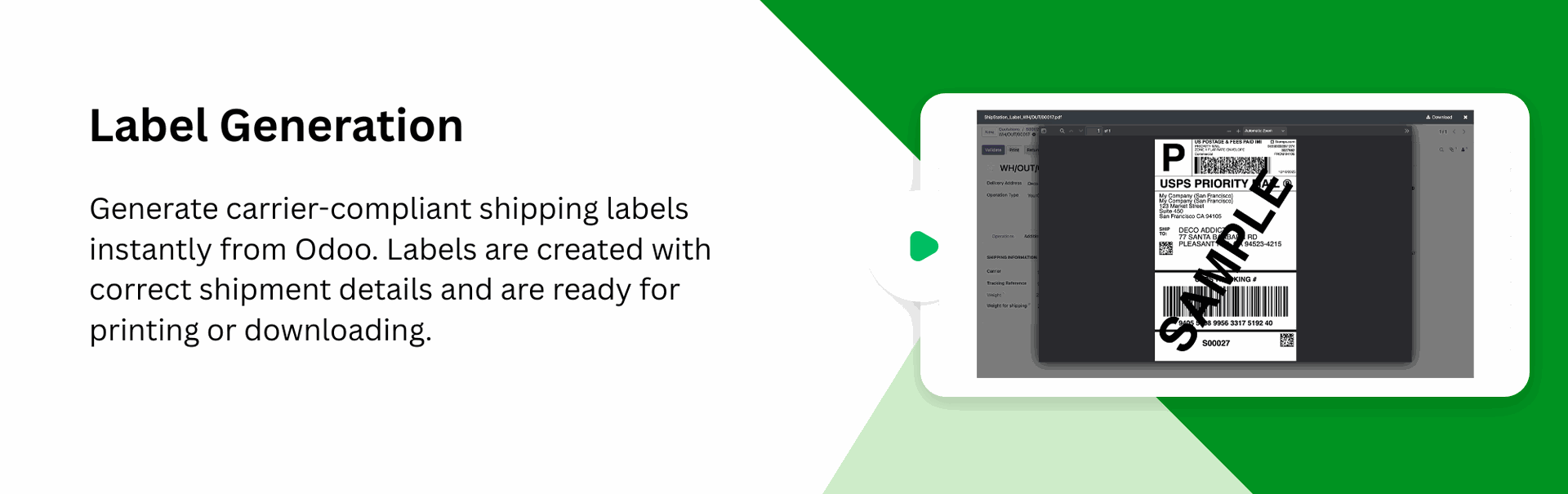
Generate Shipping Labels
One-click label generation and download for seamless ShipStation shipment processing.
ShipStation Warehouse Configuration
Connect and configure ShipStation warehouses inside Odoo to maintain accurate fulfillment sources for every outgoing order.

Attach Details in Chatter
Automatically attach generated label PDFs and tracking details in Chatter.

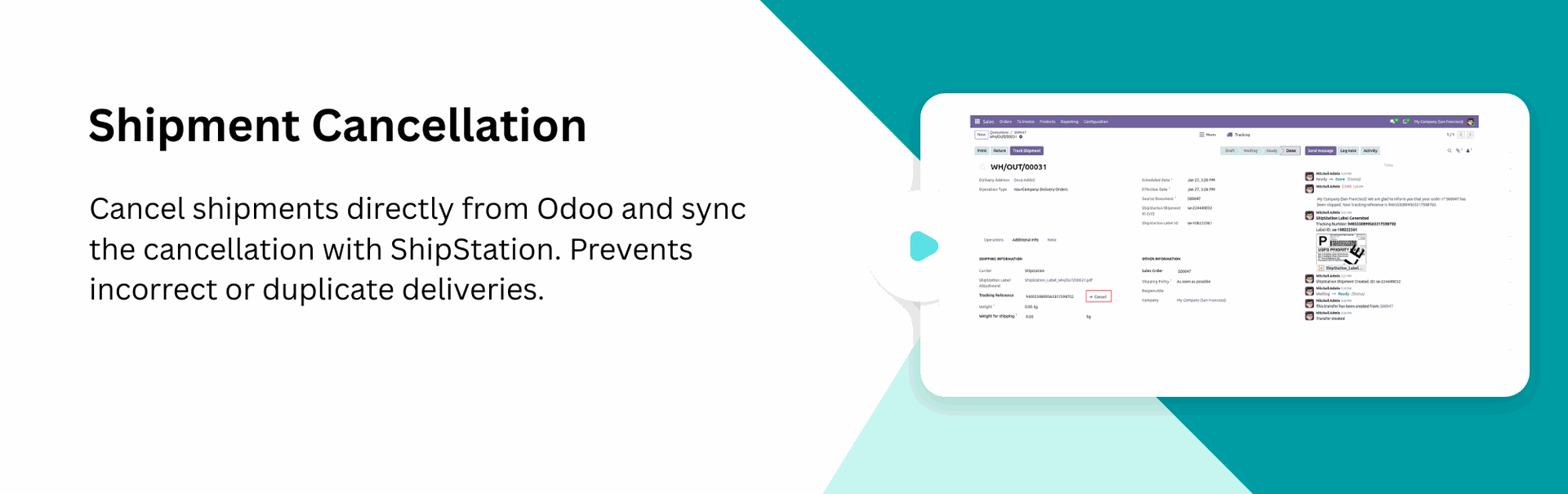
Cancel Shipment
Cancel shipments instantly from Odoo to avoid incorrect deliveries and maintain accurate shipping records.

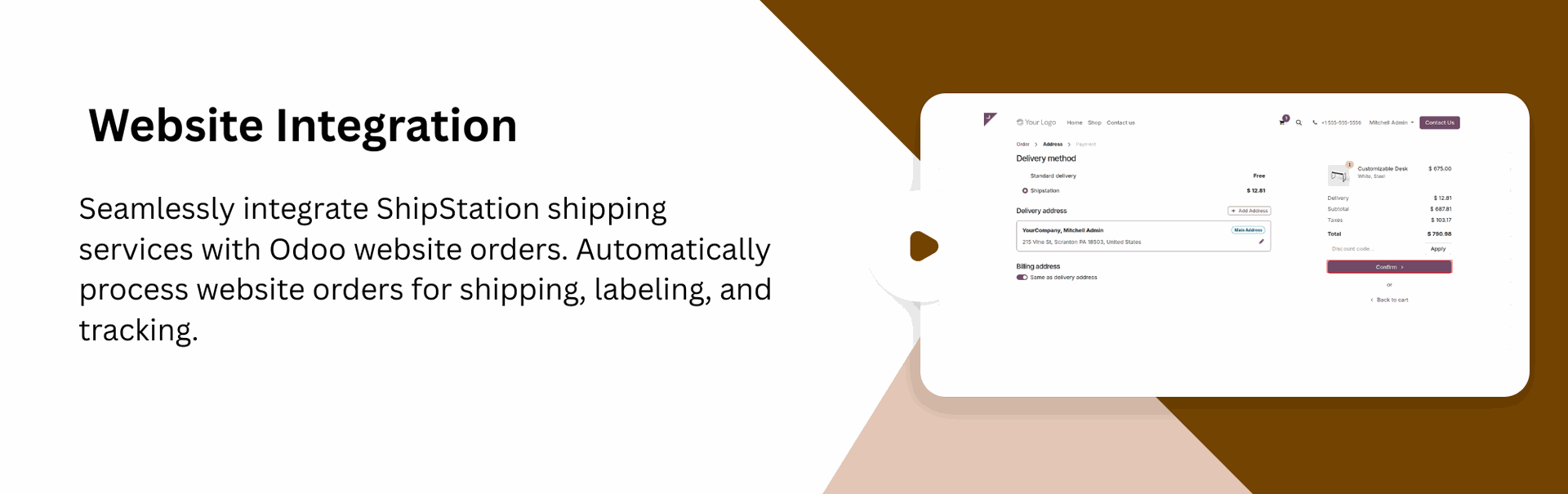
Compatible with Odoo Website and Backend
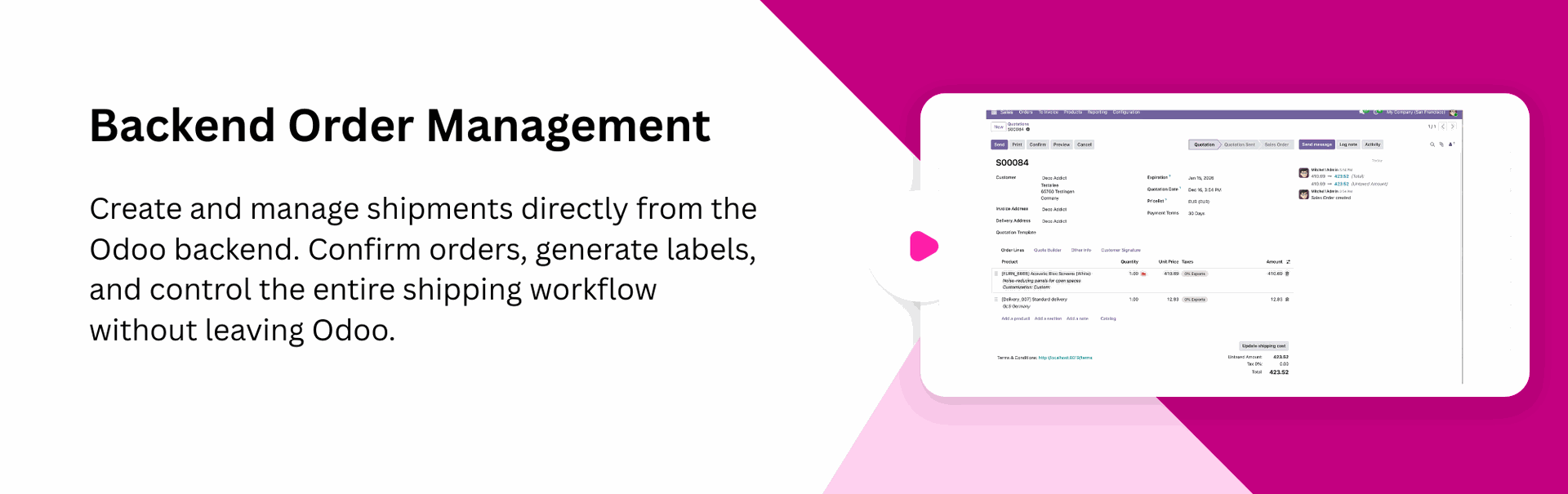
Allow admins to manage shipping from the backend while customers can select Shipstation during website checkout.
Multiple Carrier Management
View all fetched rates instantly and apply the best option to your order with just one click.
ShipStation Carrier Packages Setup
Set up supported package types provided by ShipStation carriers so each shipment uses the correct packaging and dimensional details.

ShipStation Carrier Services Configuration
Map and configure all available carrier service levels from ShipStation within Odoo.

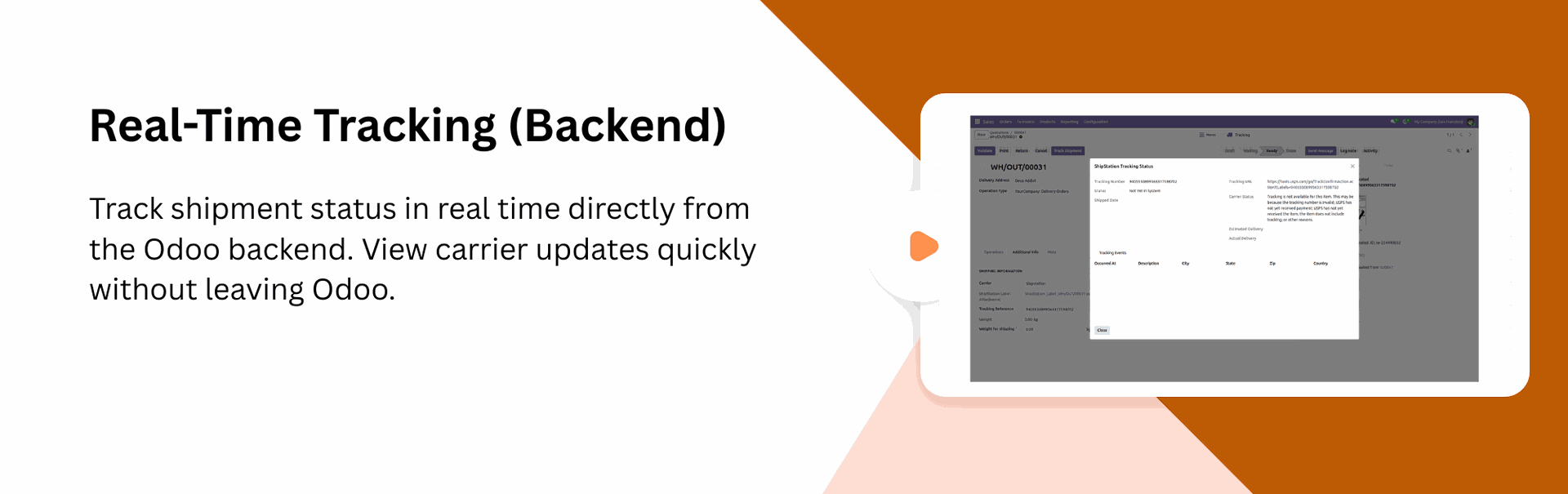
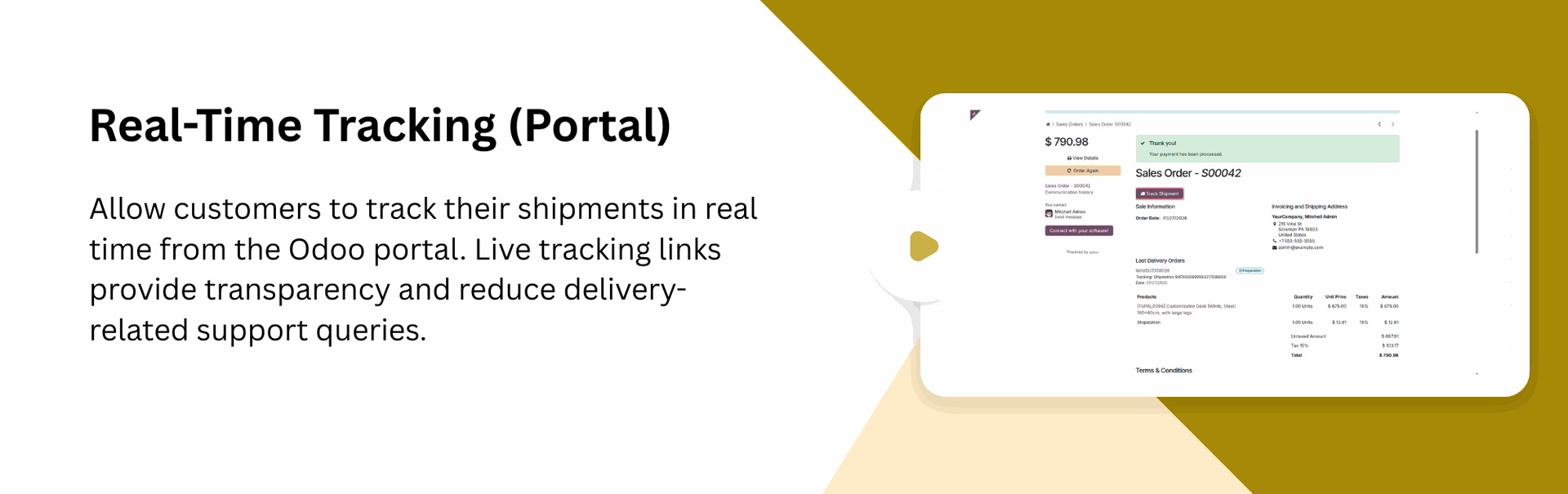
Real-time Tracking (Backend & Portal)
Track shipments in real-time - admins can monitor deliveries from the backend, while customers can track from the portal.

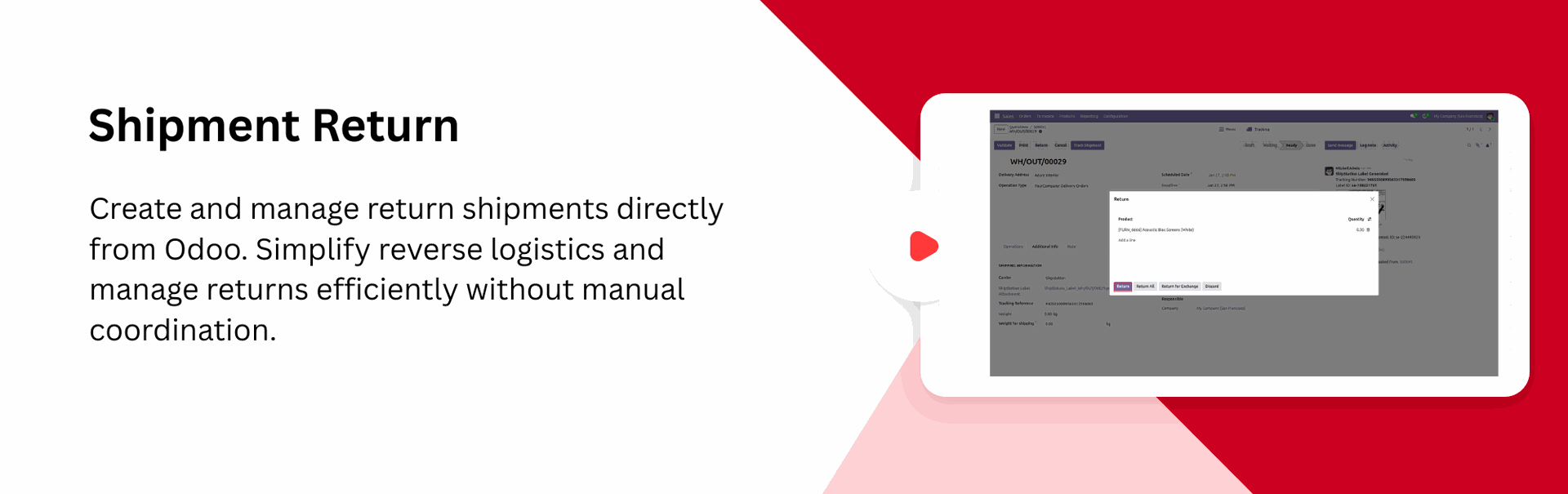
Return Shipment Management
Create and process return shipments directly from Odoo with a single click to ensure smooth and hassle-free reverse logistics.
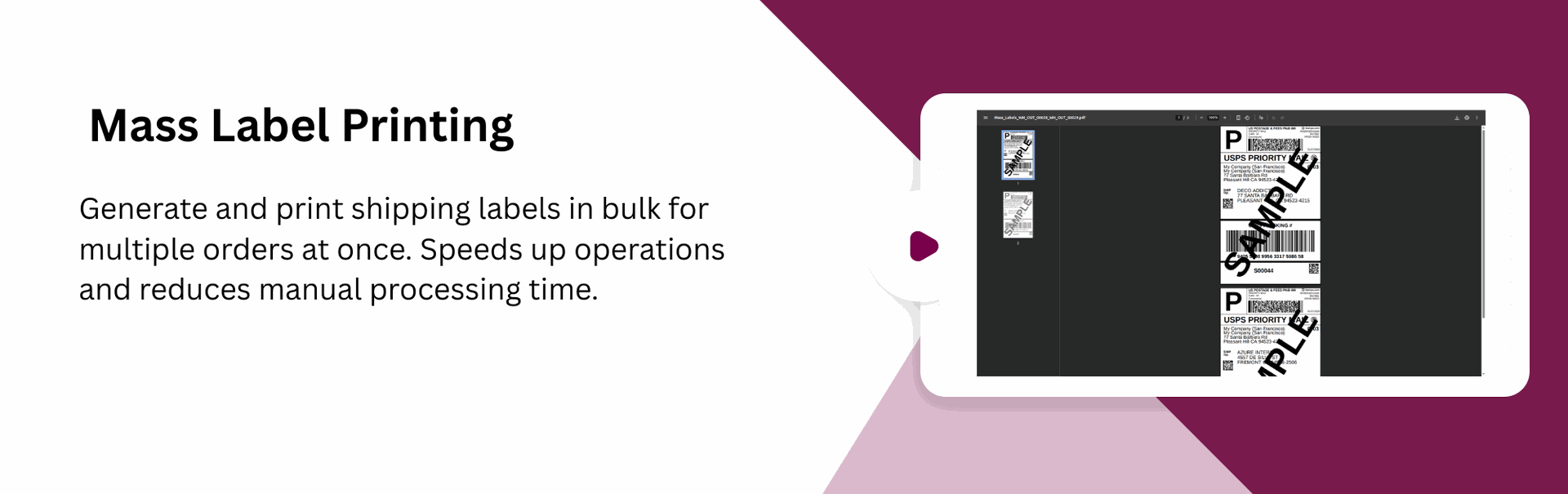
Generate Mass Shipping Labels
Generate multiple shipping labels in one action directly from Odoo, allowing you to process bulk delivery orders faster.

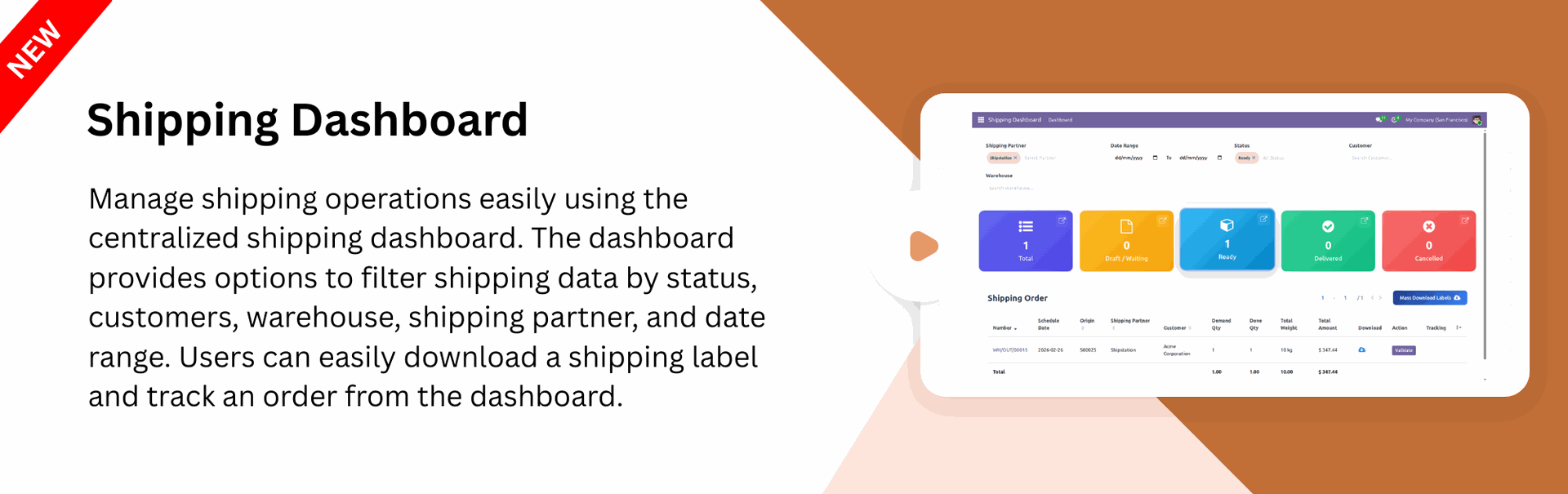
Shipping Dashboard
Get a centralized view of all shipping activities in one place. The dashboard provides quick operational insights.
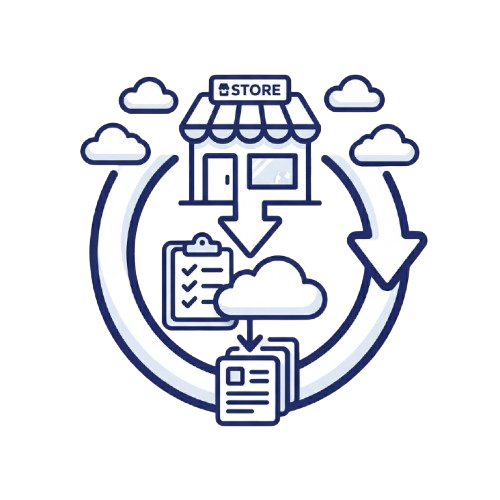
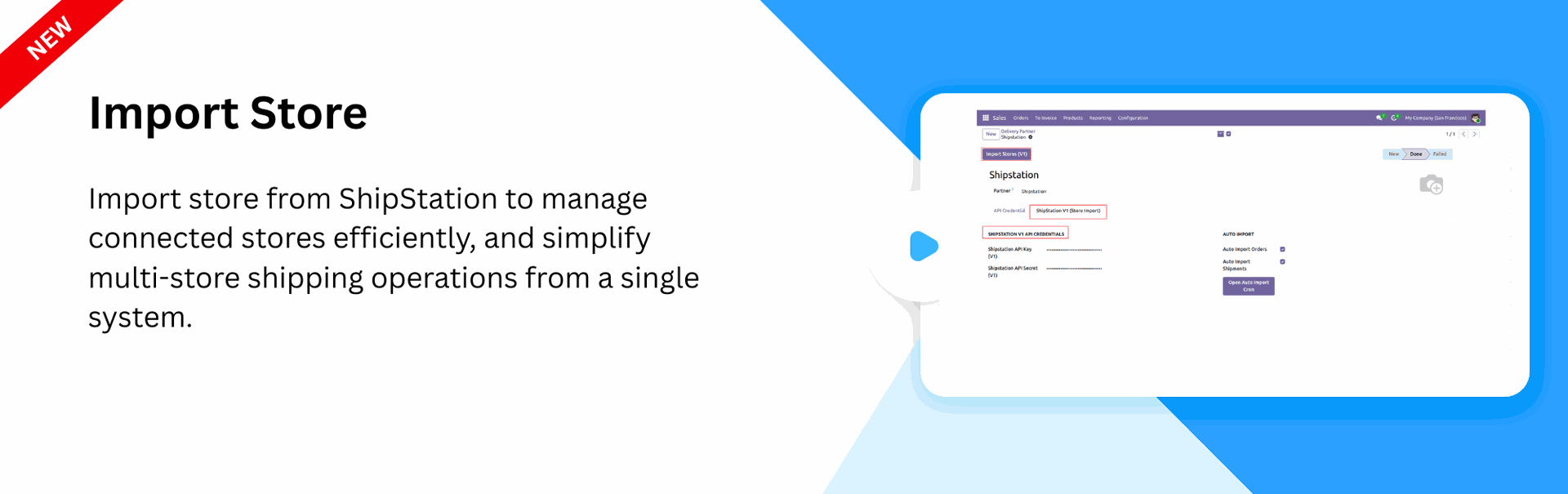
Import Store
Import stores from ShipStation into Odoo for organized multi-store shipping management.
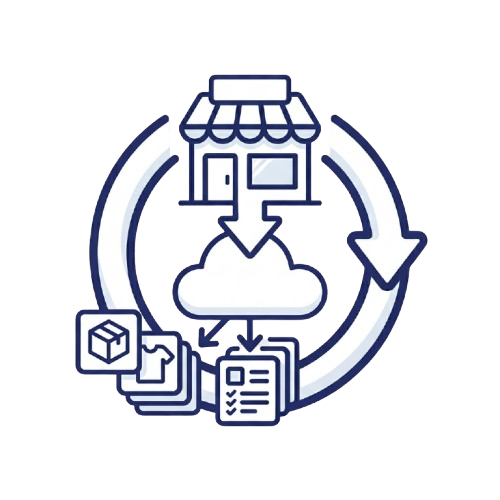
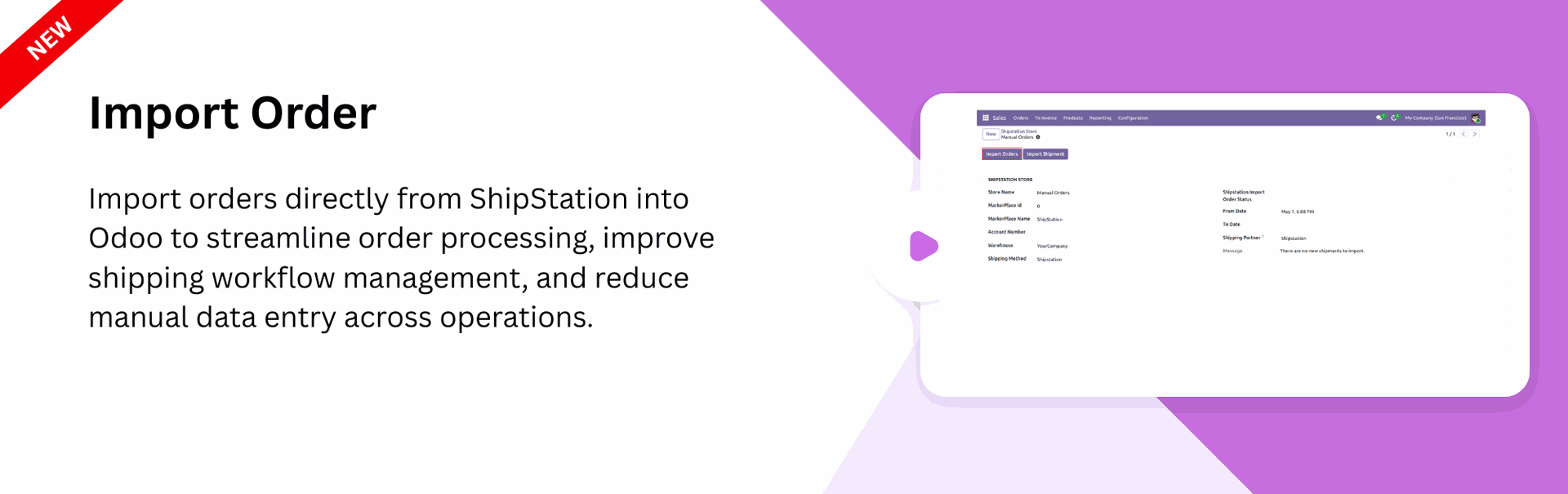
Import Order
Import orders from ShipStation into Odoo to simplify shipping and order processing workflows.
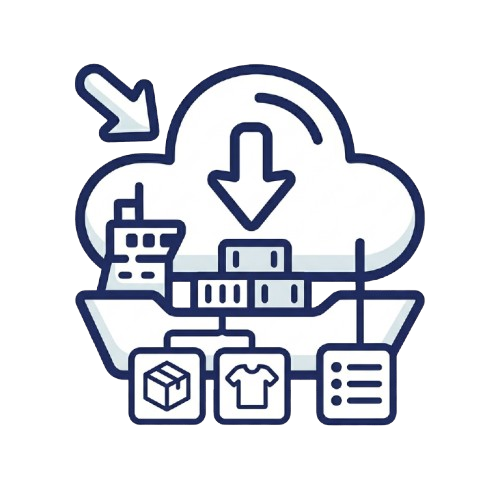
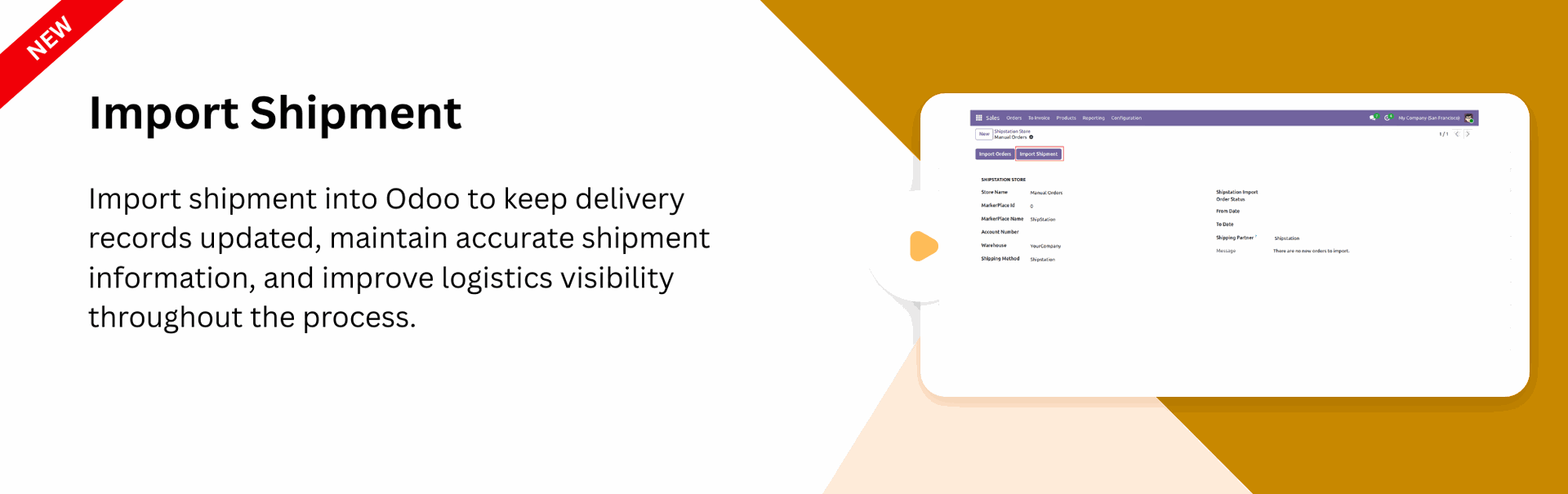
Import Shipment
Import shipment into Odoo to keep delivery records updated and well managed.
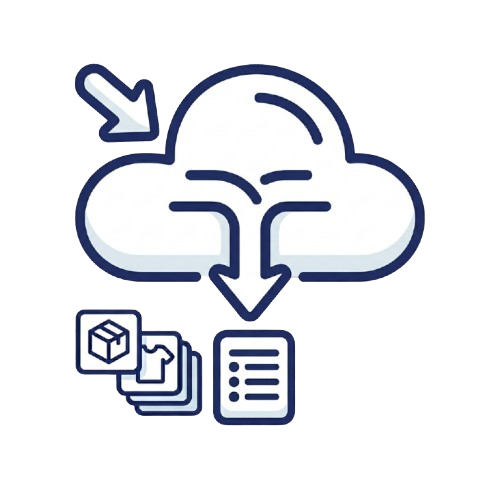
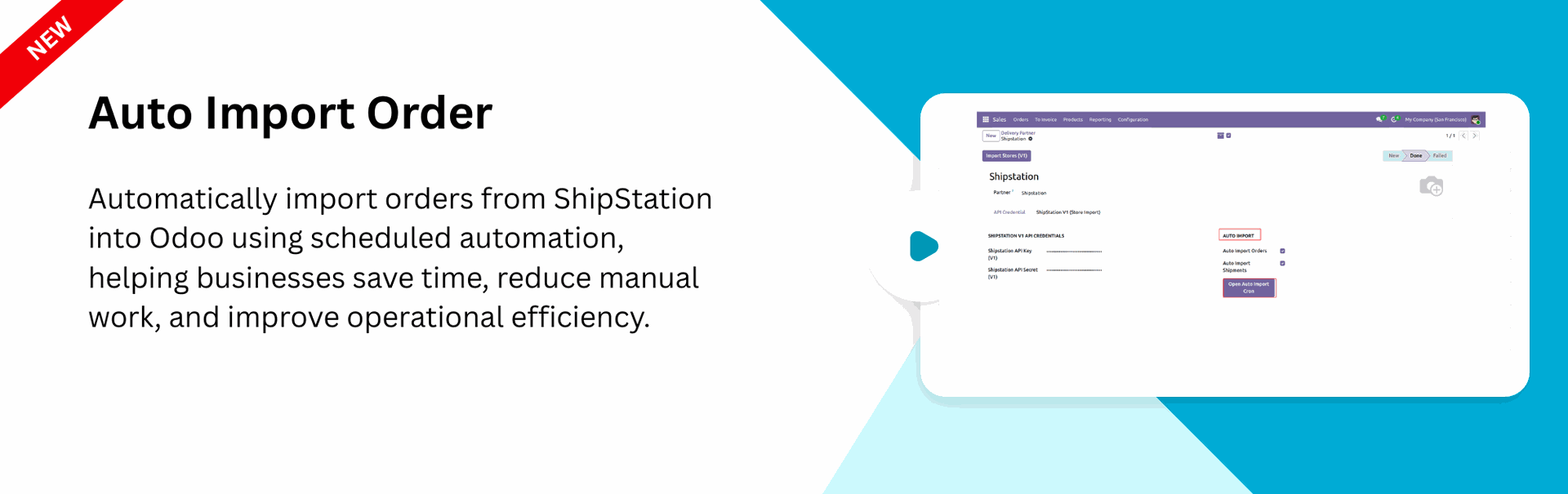
Auto Import Order
Automatically import orders from ShipStation into Odoo using scheduled automation.
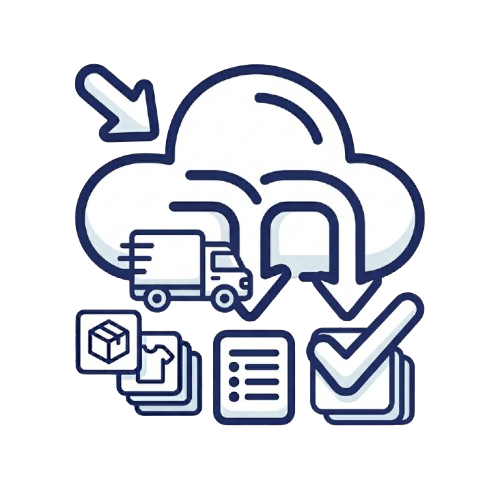
Auto-Validate Delivery on Import
Automatically validate delivery orders during import to speed up fulfillment and reduce manual processing.
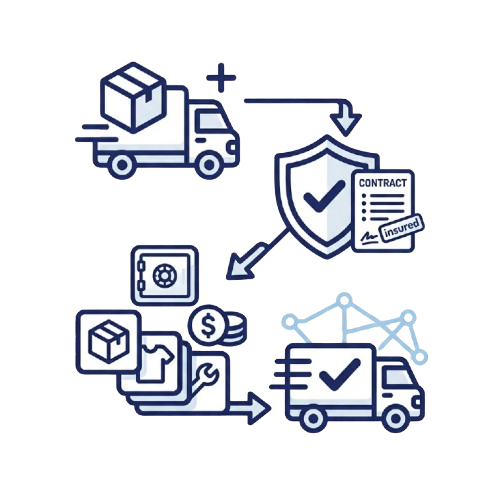
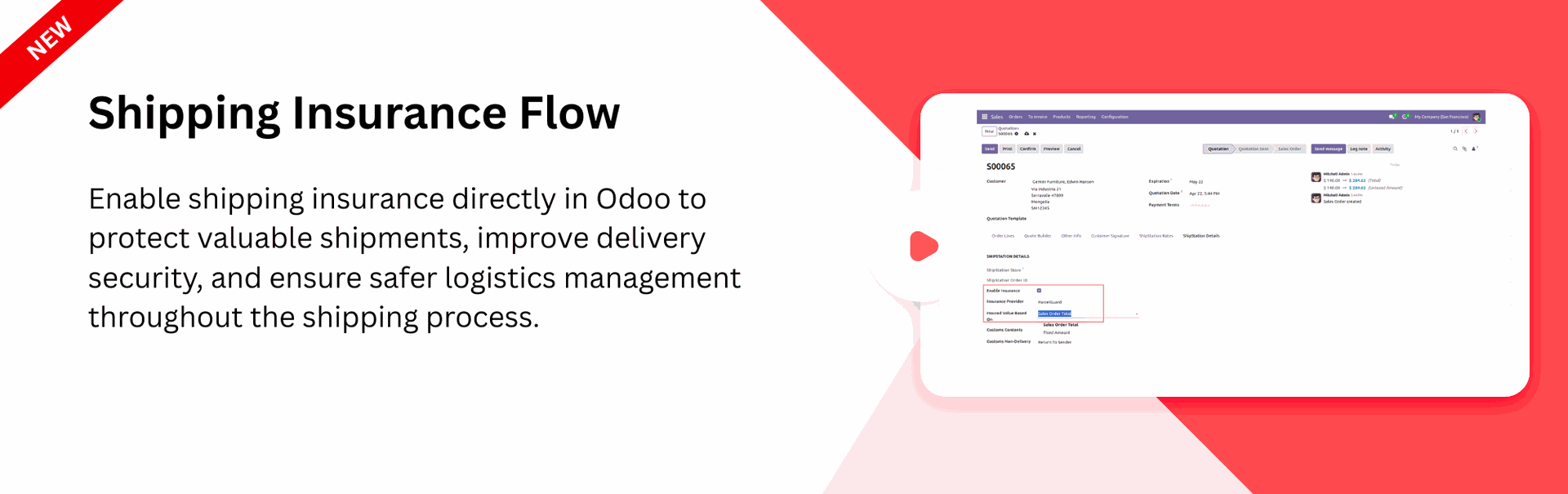
Shipping Insurance Flow
Enable shipment insurance directly in Odoo to provide added protection during the delivery process.
Multi-Package
Management

Create and manage multiple packages for products to support flexible packaging and inventory operations.

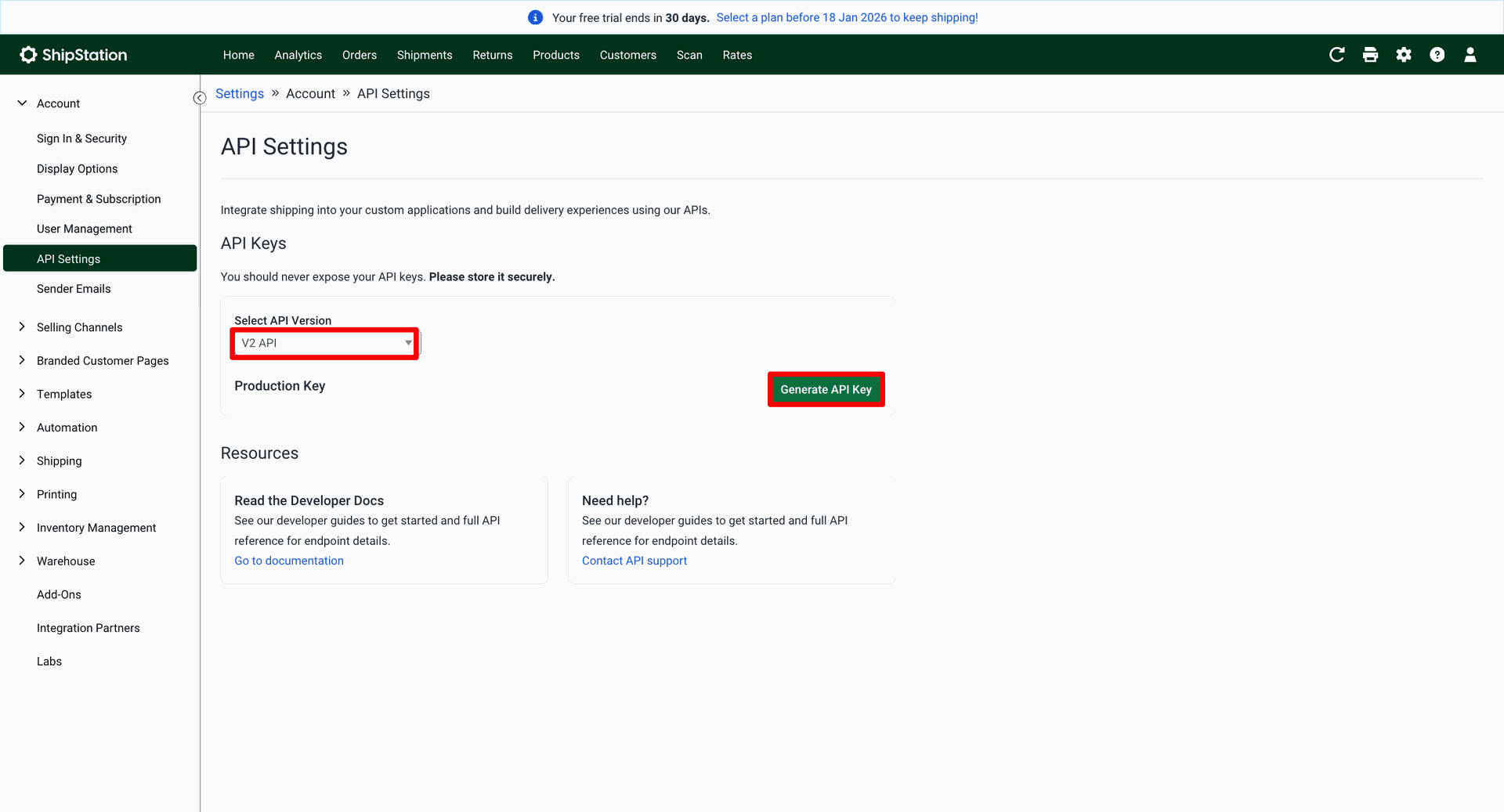
Open ShipStation. Go to the "Account" ==> API Settings. To generate the API key, click on the 'Generate API Key' button.
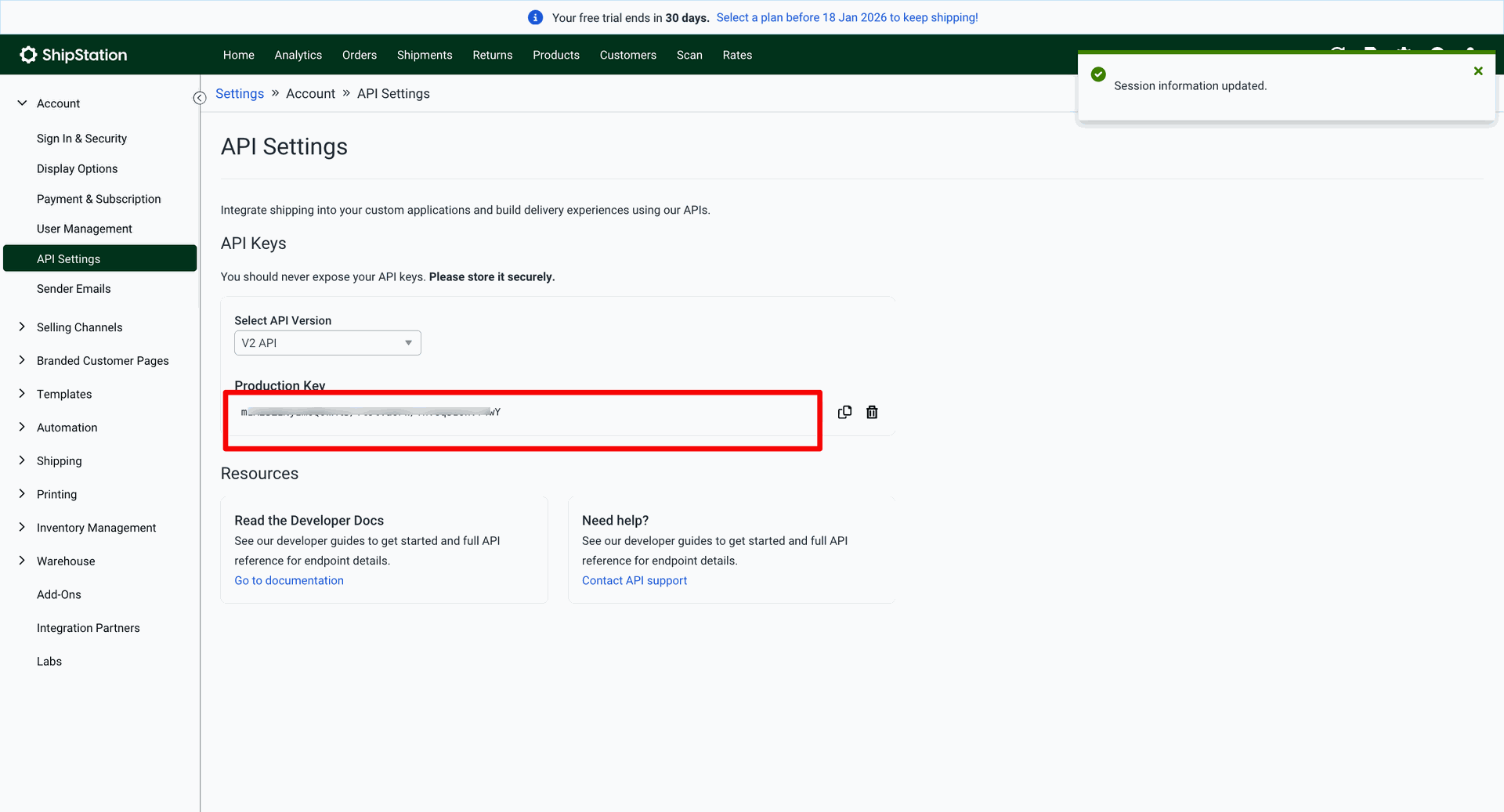
Enter the production key.
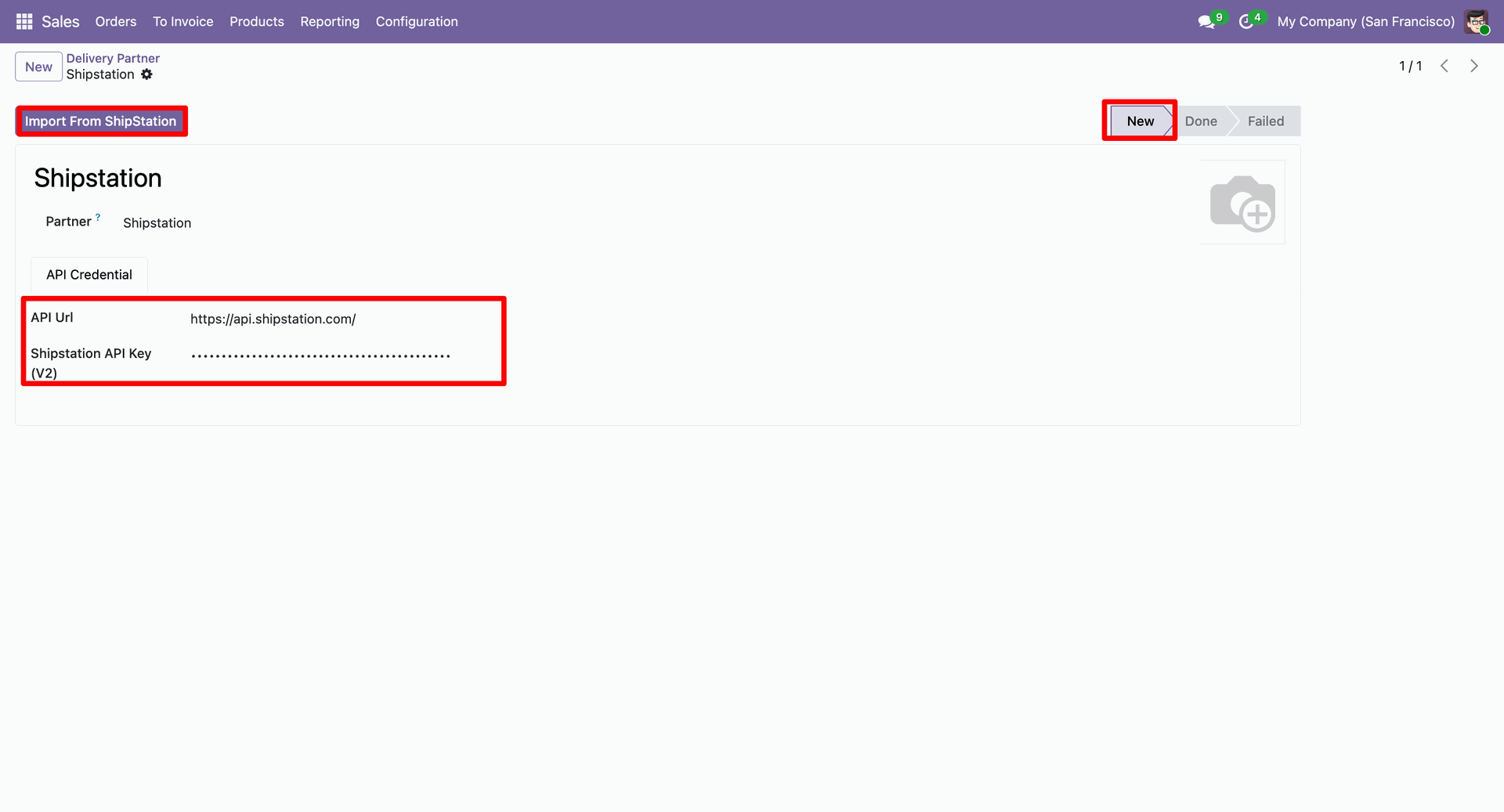
Enter your ShipStation API credentials, and then click Import From ShipStation so your data will be fetched, and the delivery partner stage will be changed to done.
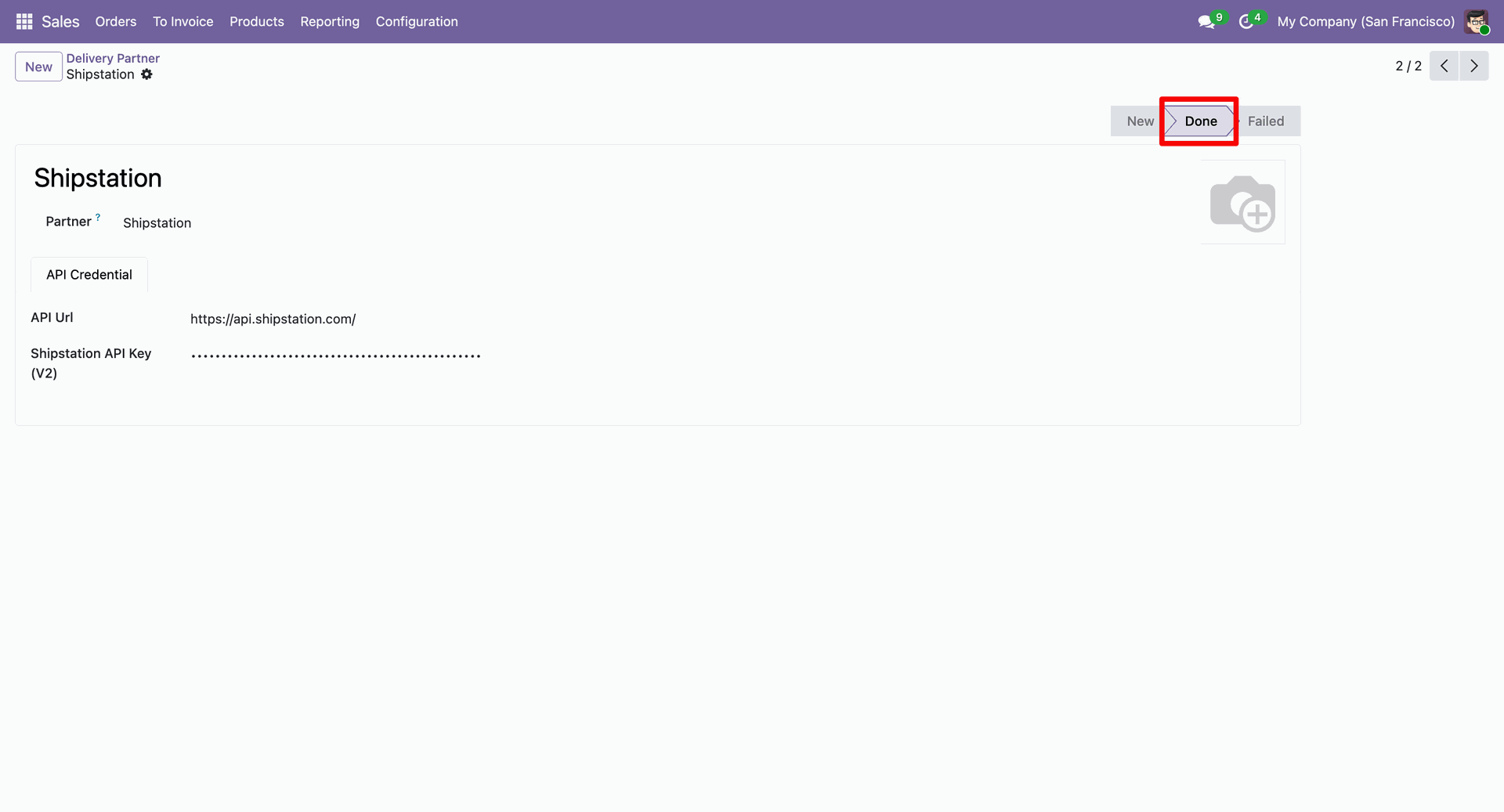
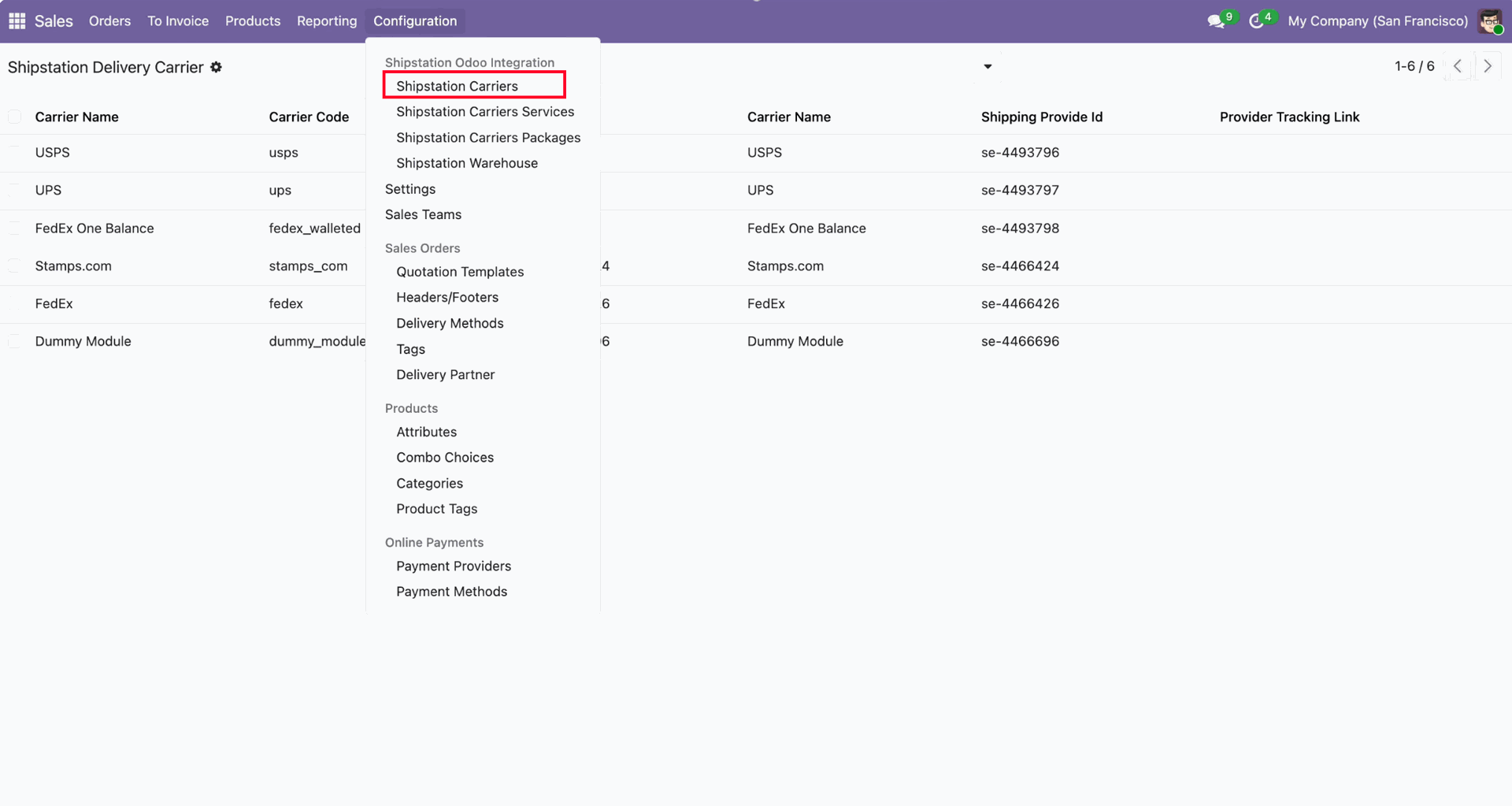
You can view the imported data under the 'ShipStation Carriers'.
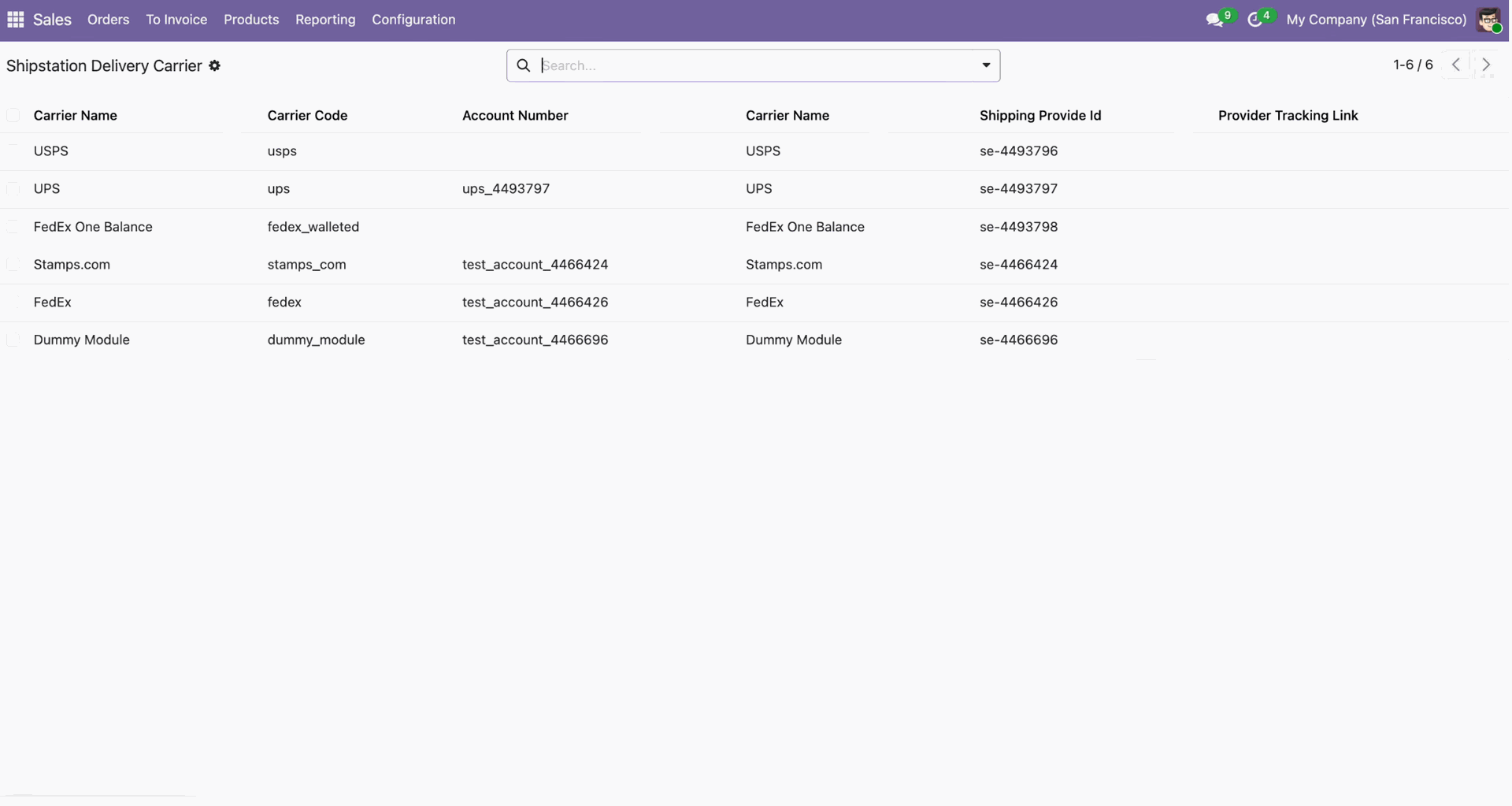
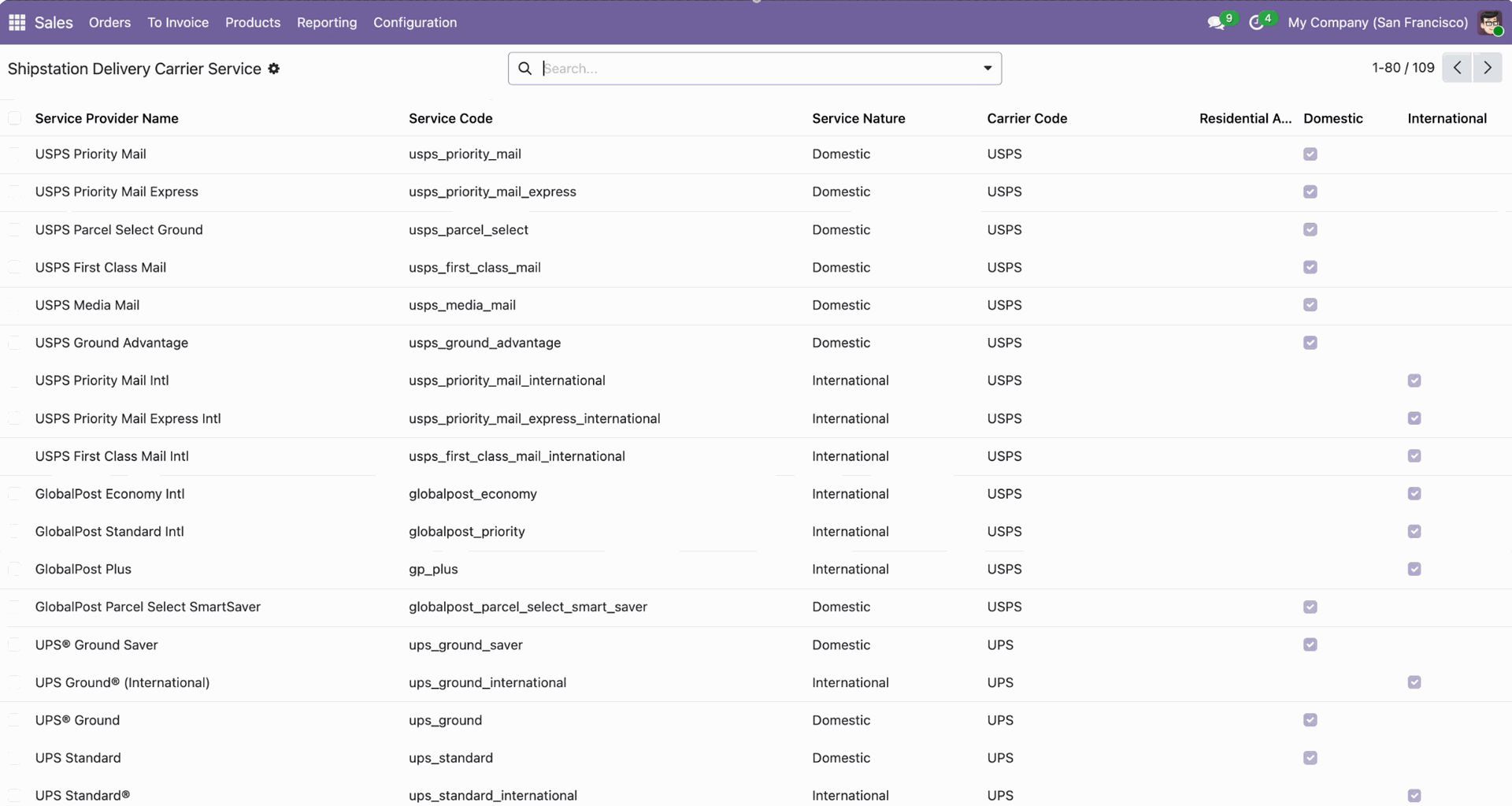
You can view the imported data under the 'ShipStation Carriers Services'.
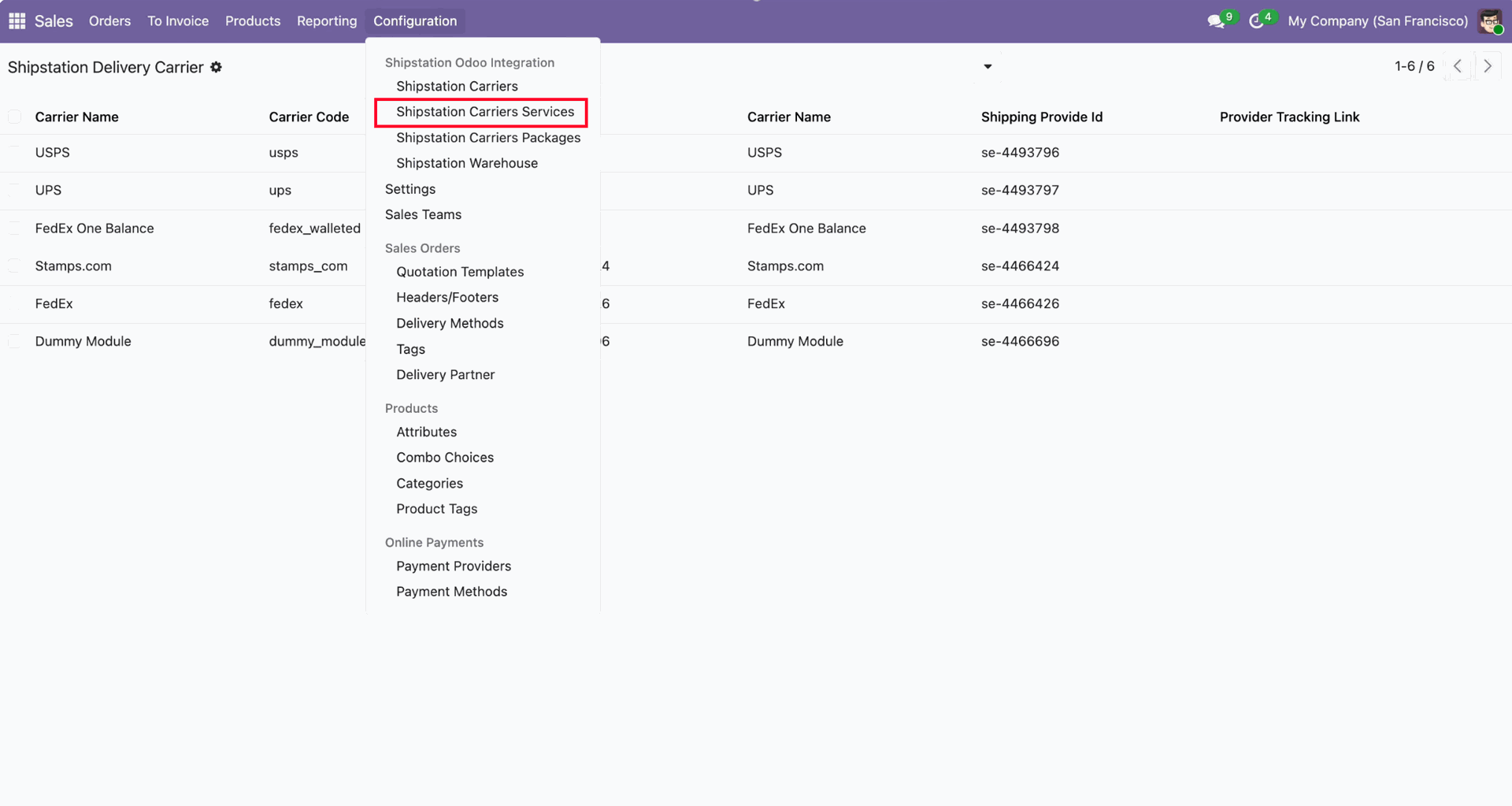
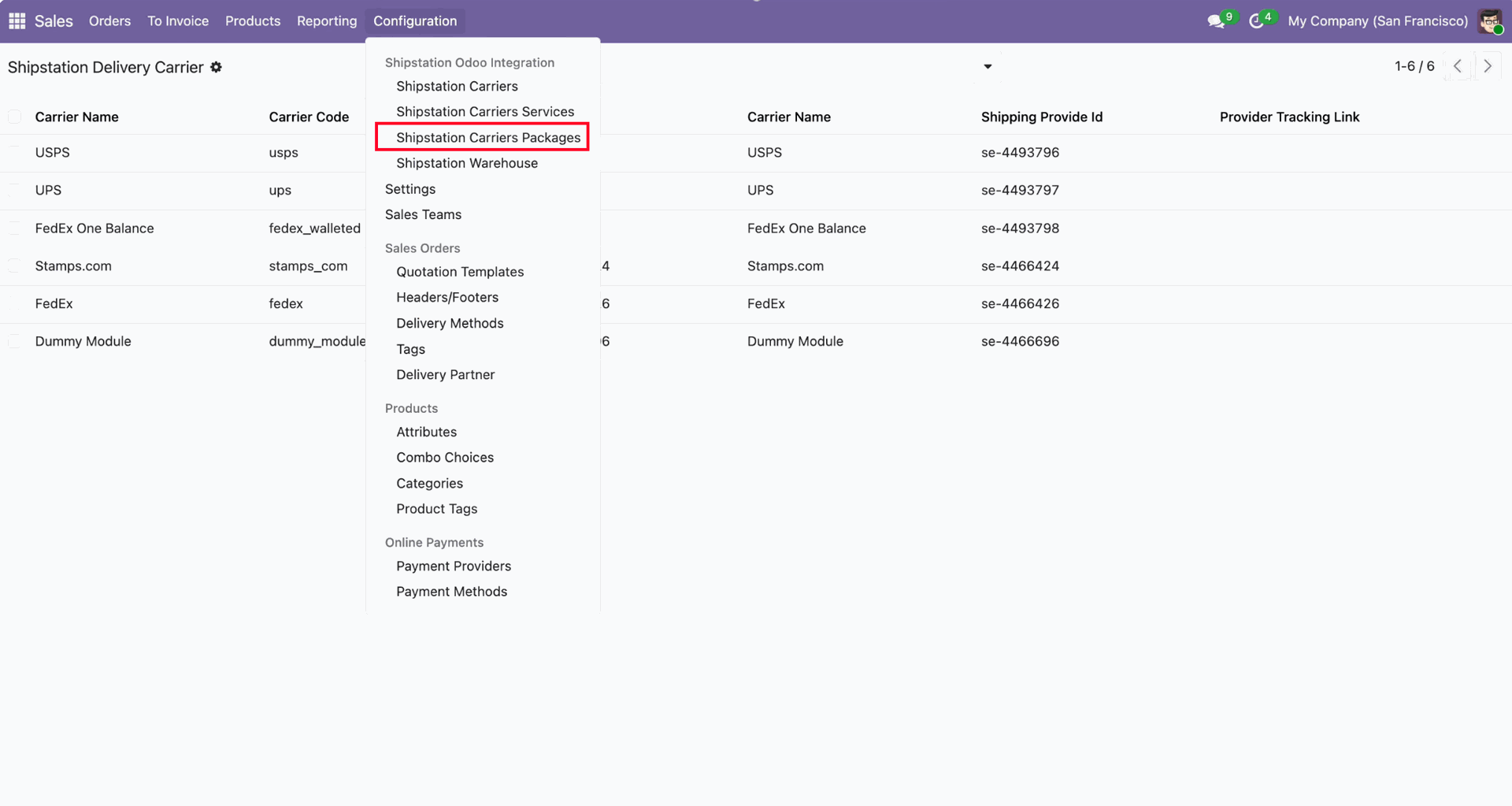
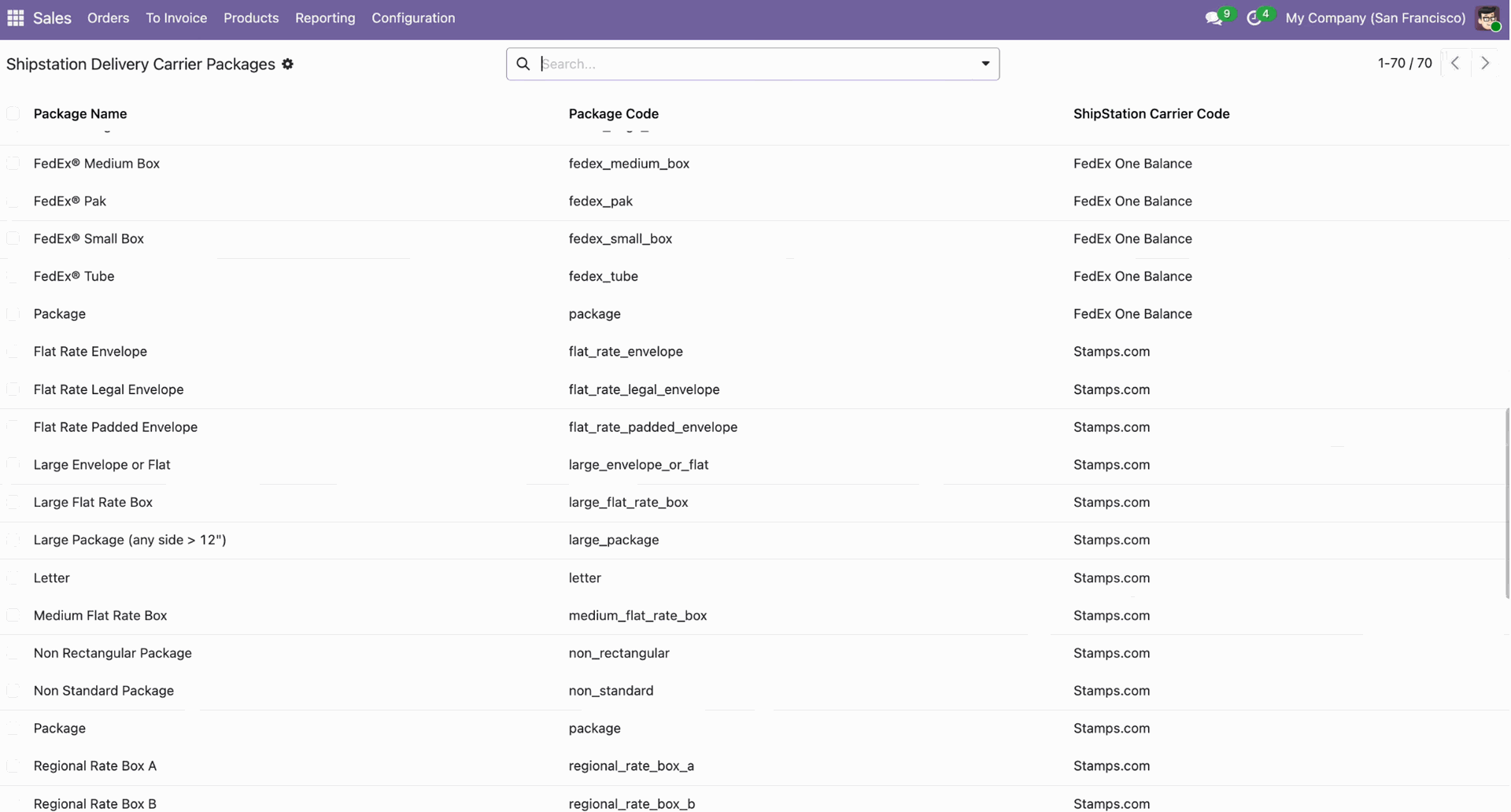
You can view the imported data under the 'ShipStation Carriers Packages'.
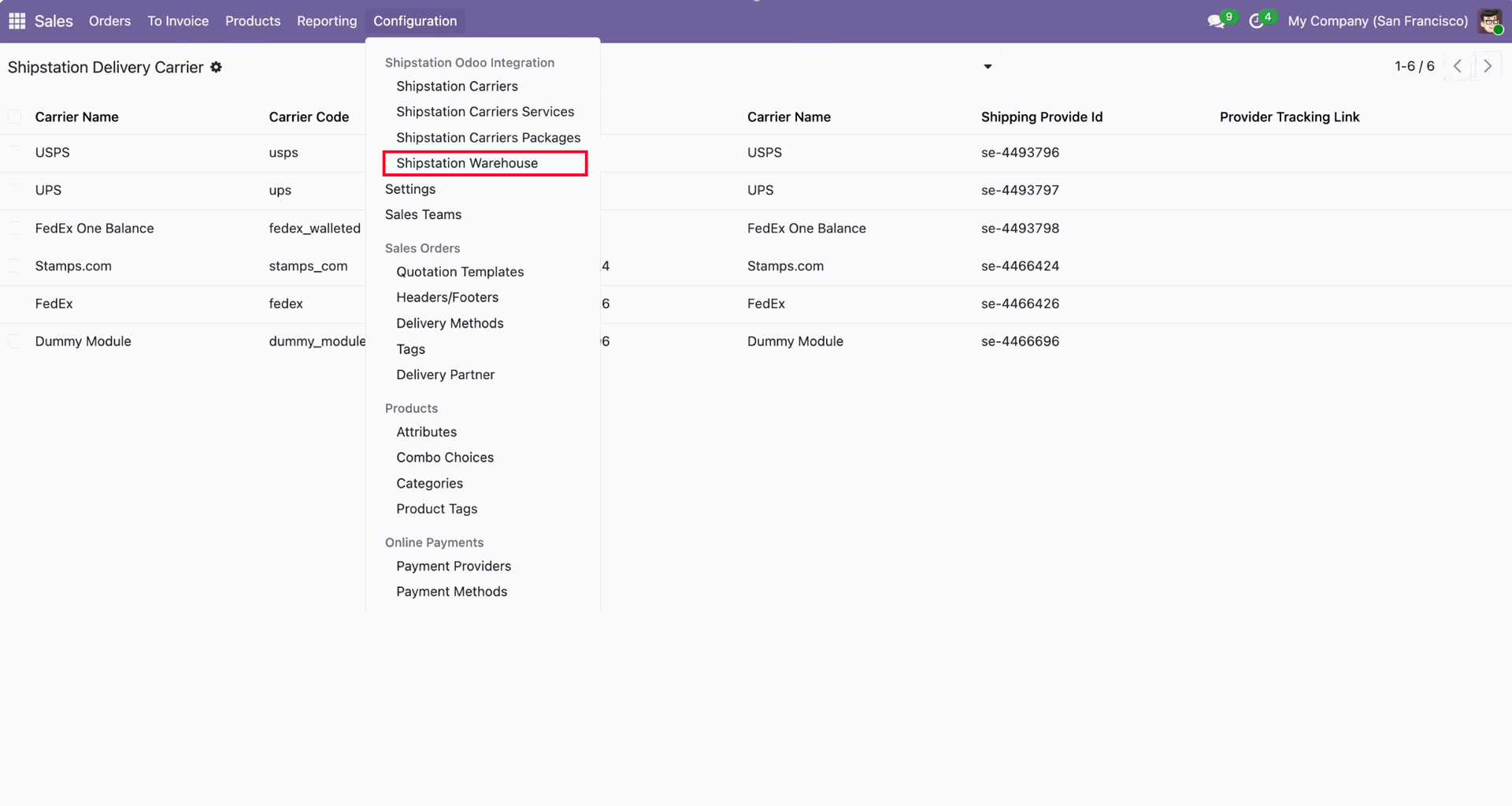
You can view the imported data under the 'ShipStation Warehouse'.
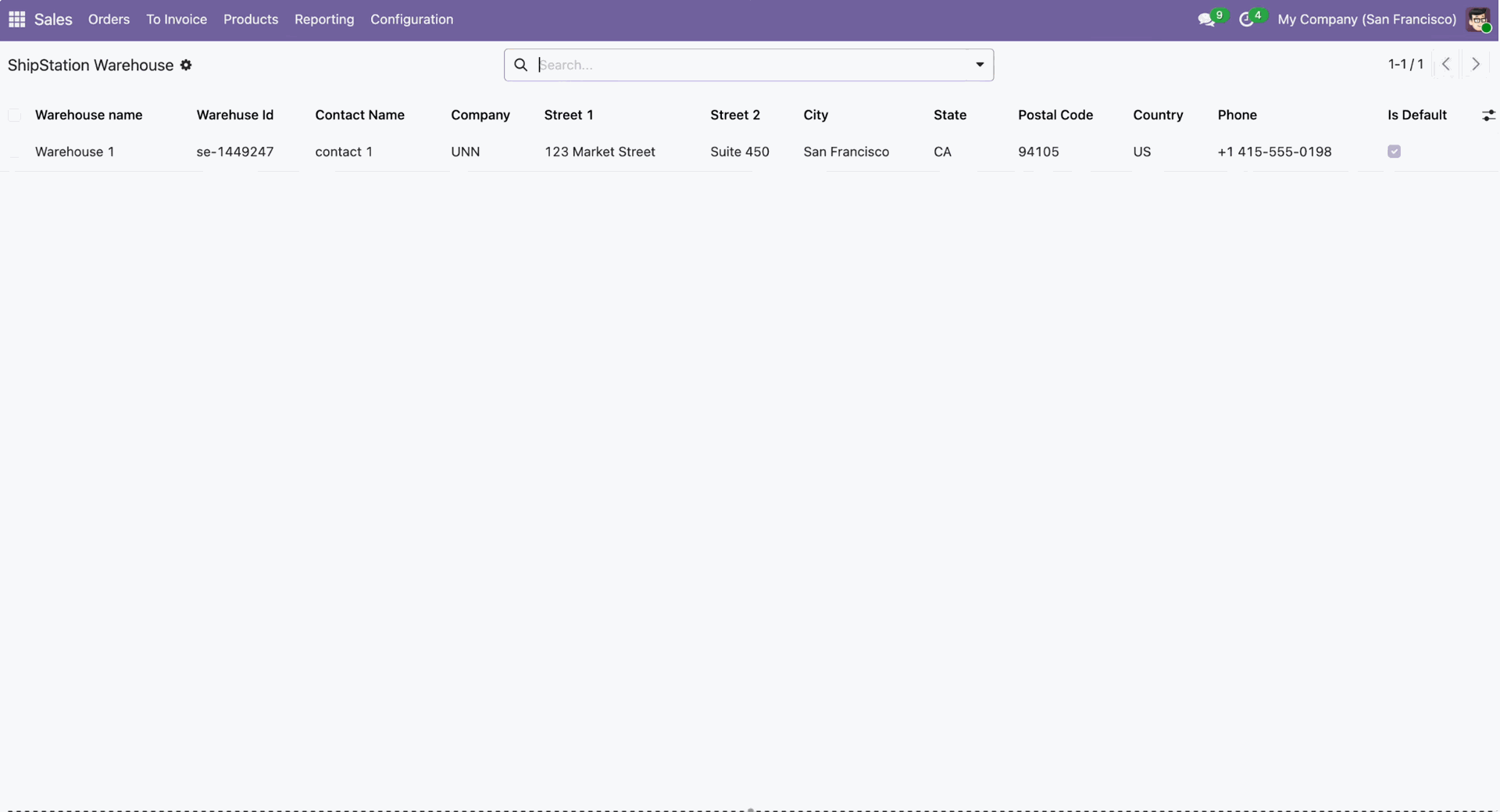
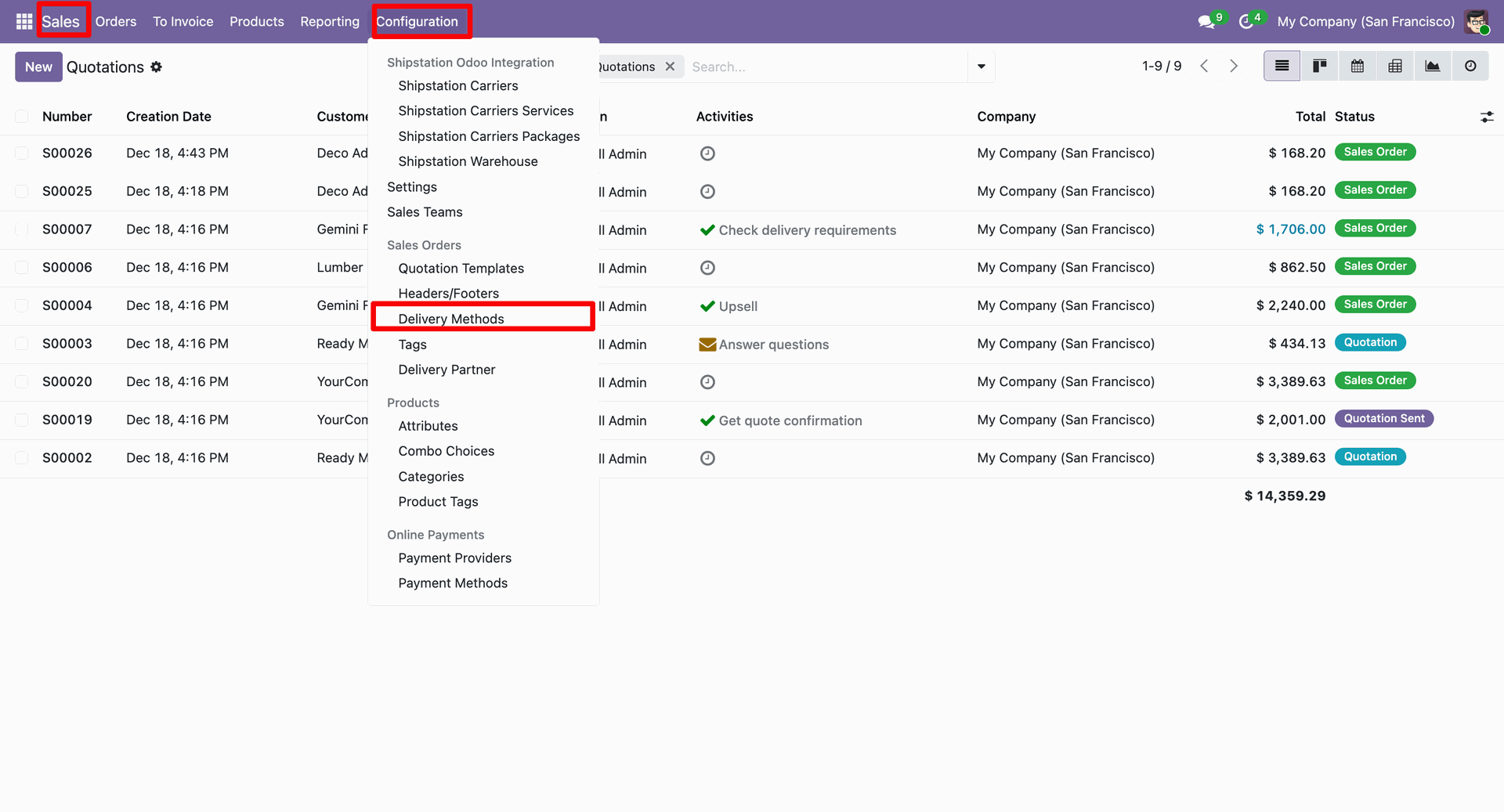
Go to the sales "Configuration" ==> Delivery Methods.
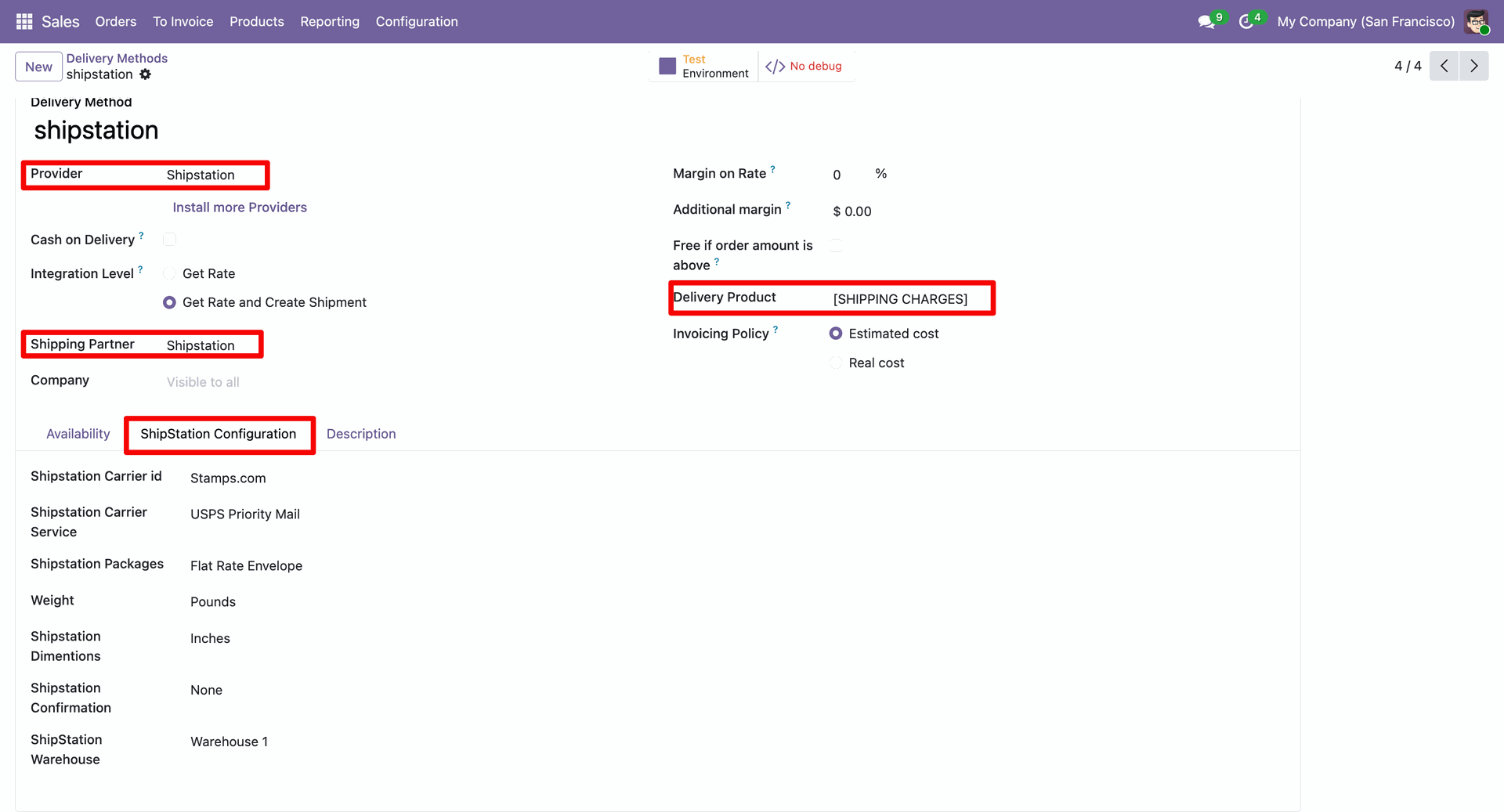
Select the 'Delivery Product' and fill in all other required details.
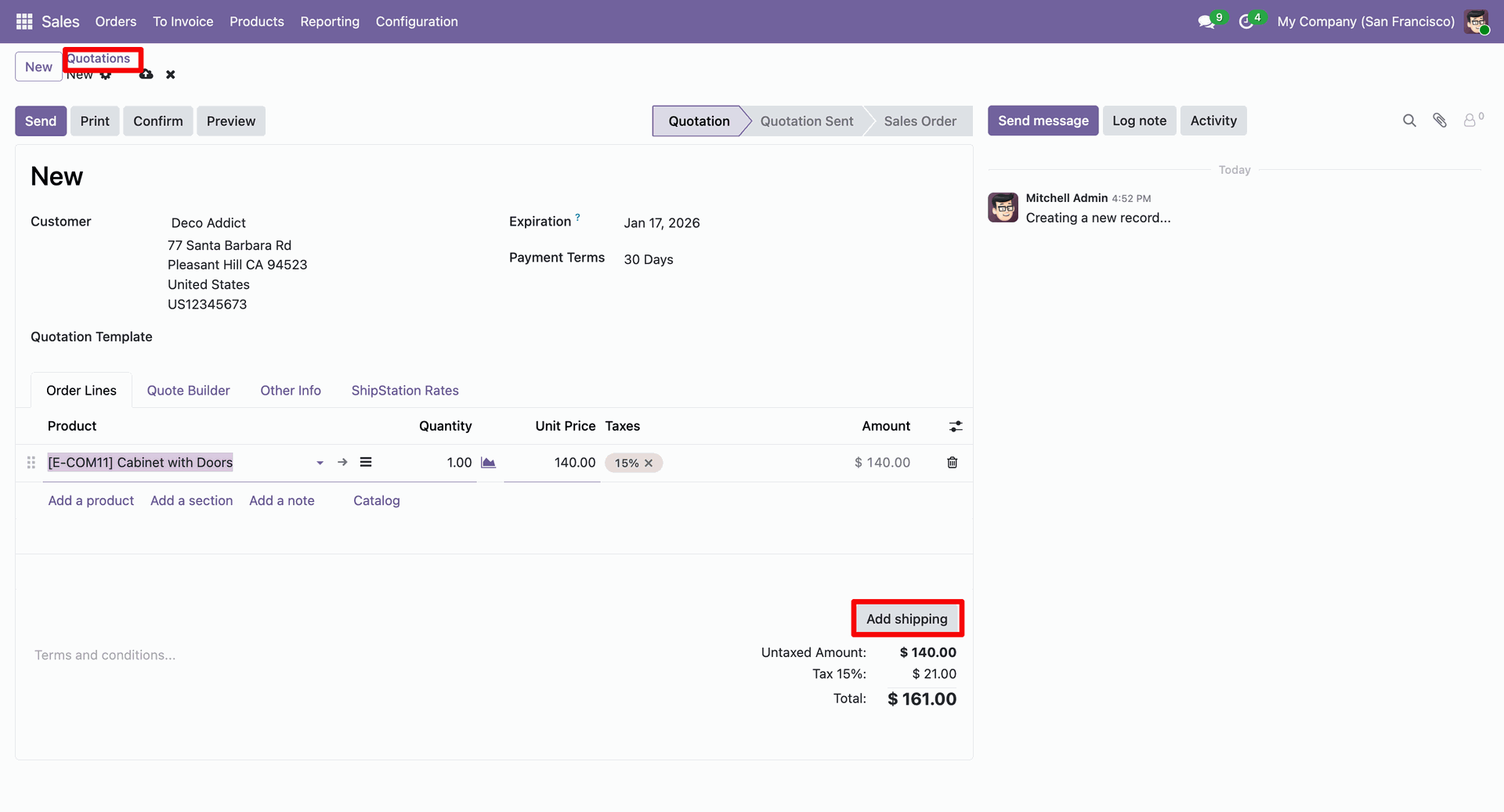
Create a quotation and click on the 'Add Shipping' button.
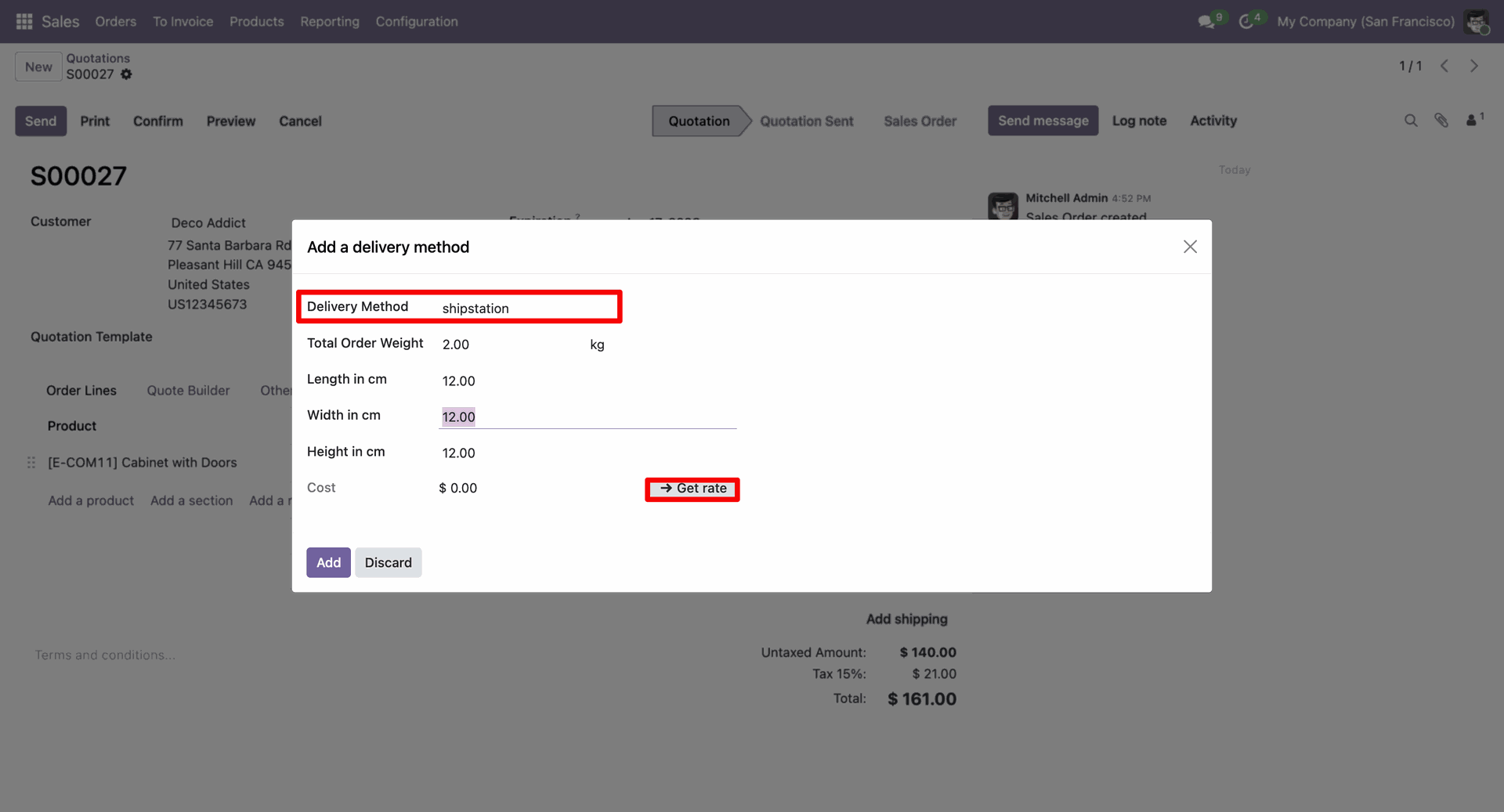
After that, the 'Add a Delivery Method' wizard will appear. Enter all the details and click on the 'Get Rate' button.
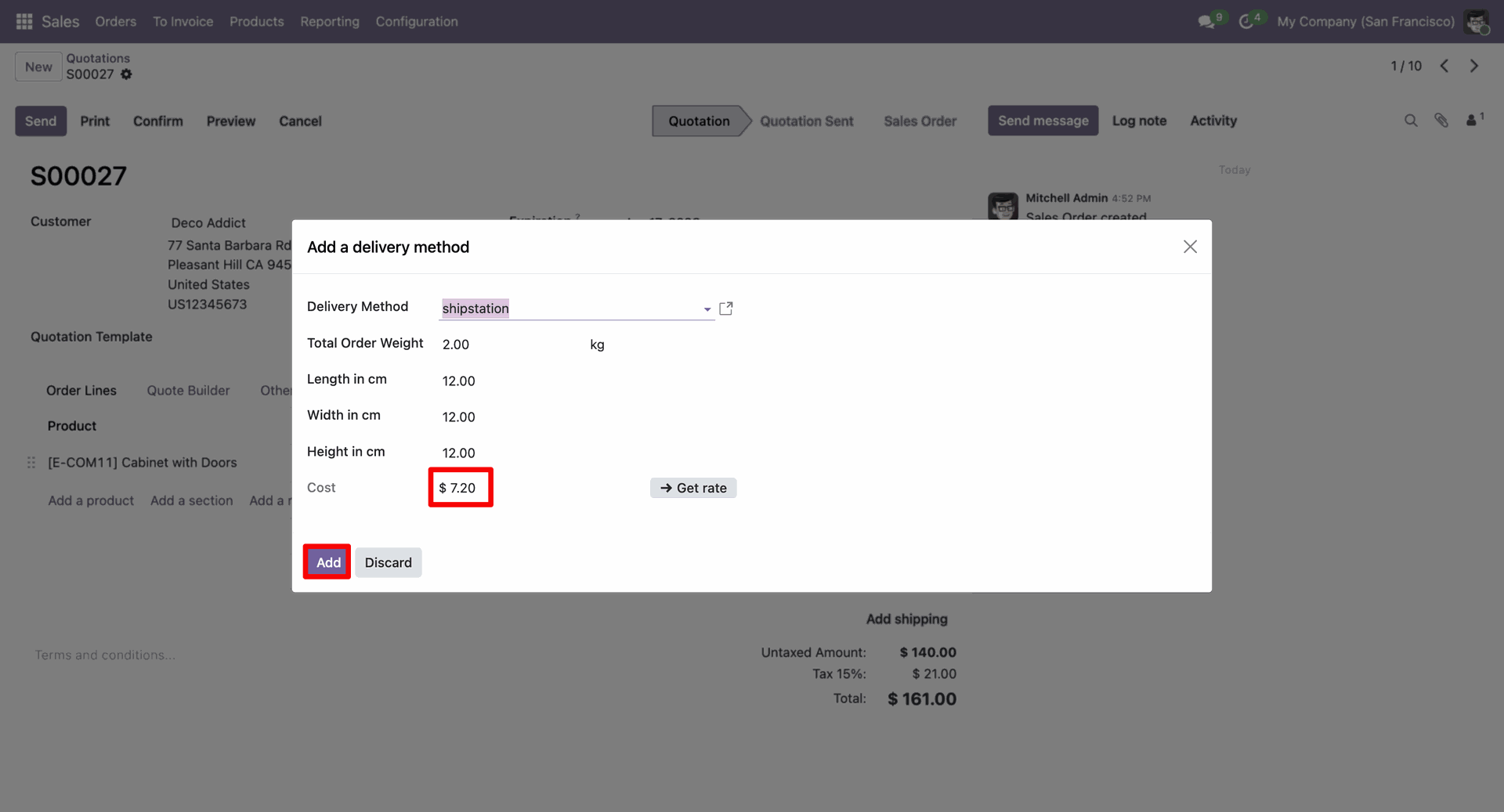
Here you can see the generated cost. Click on the 'Add' button.
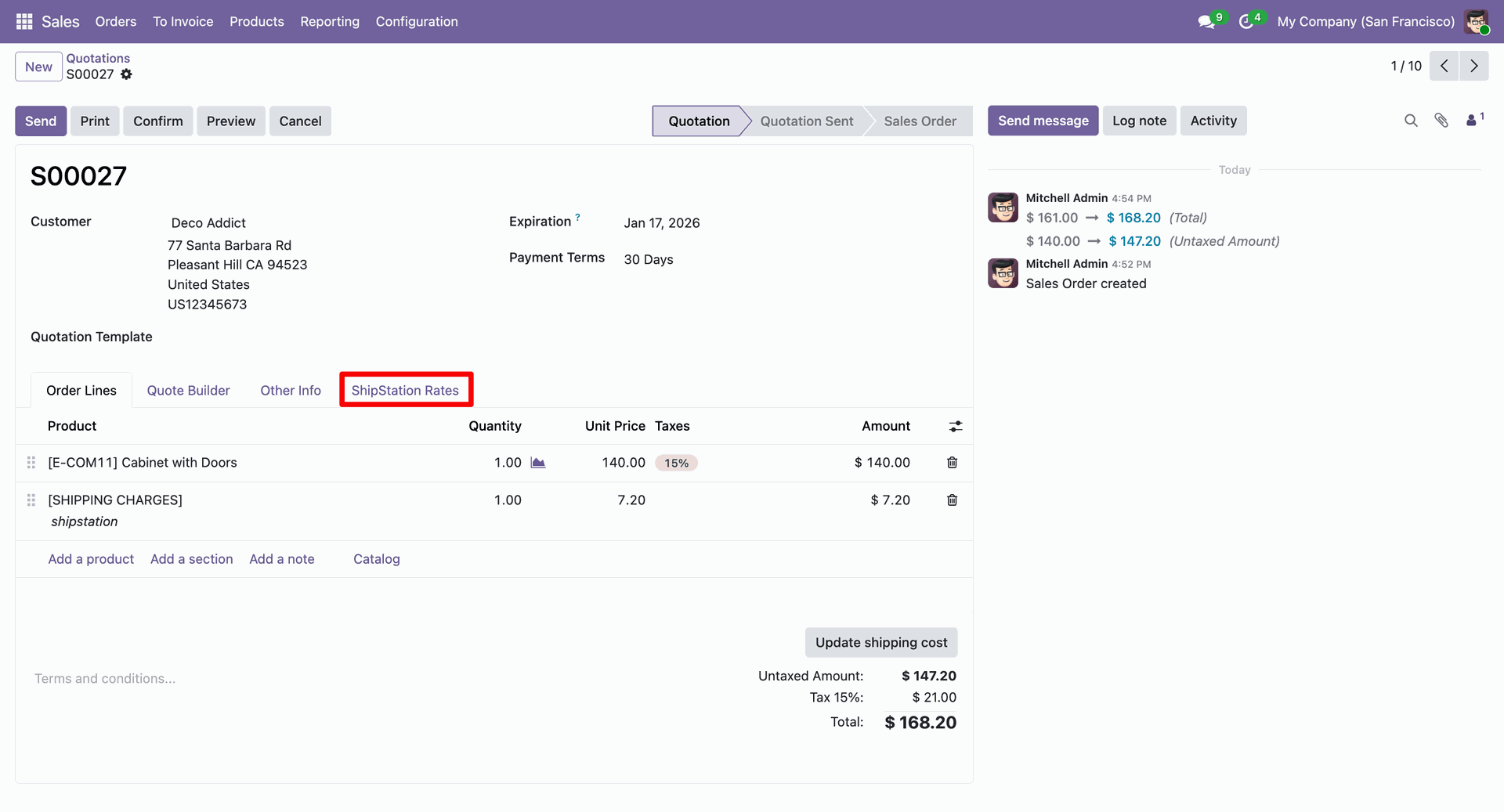
Click on the 'Add Rate' button for the rate you want to add under the 'ShipStation Rates' tab.
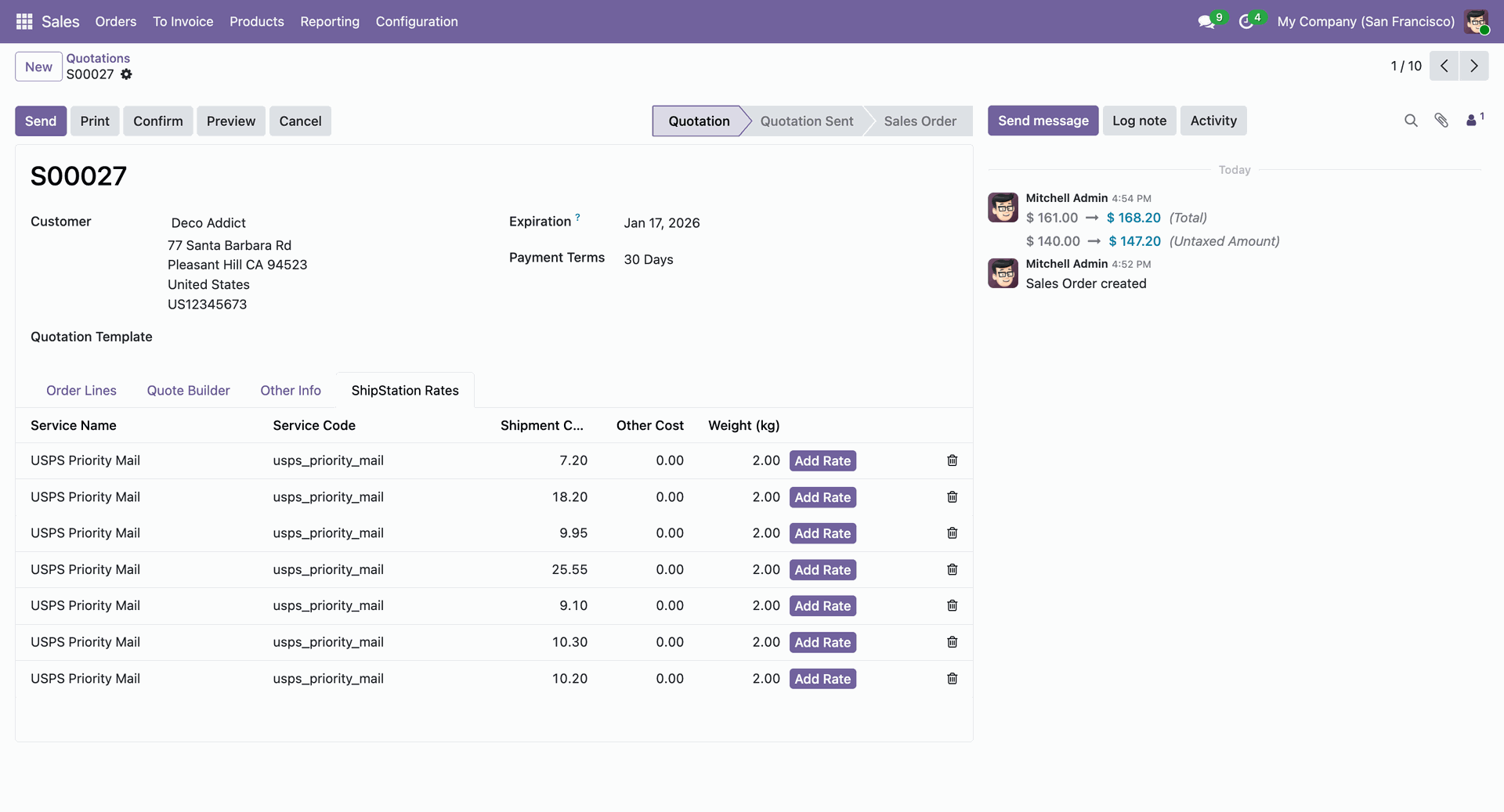
Here you can see the added ShipStation rate. Now confirm the quotation.
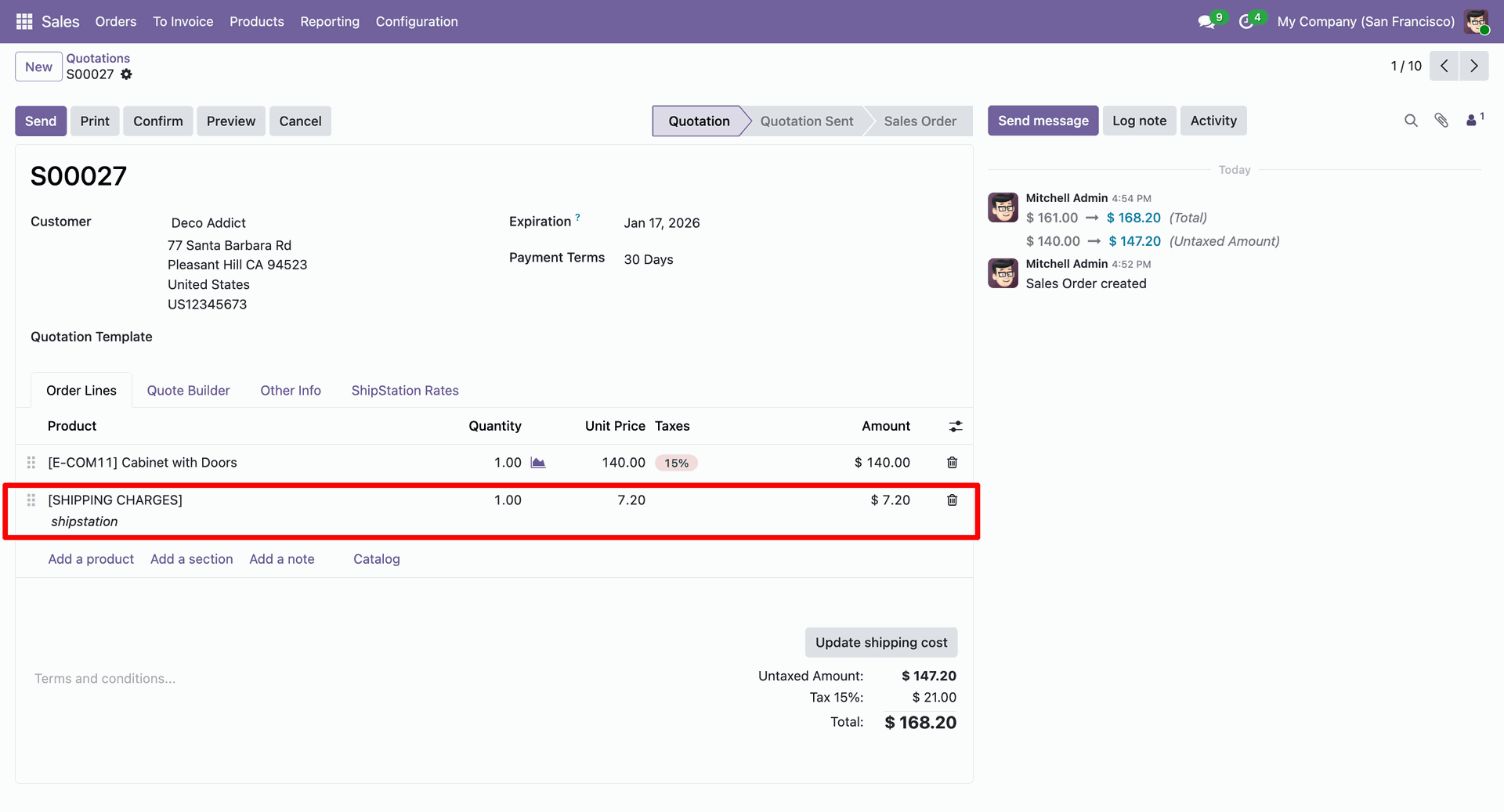
Confirm the quotation, and open the delivery order.
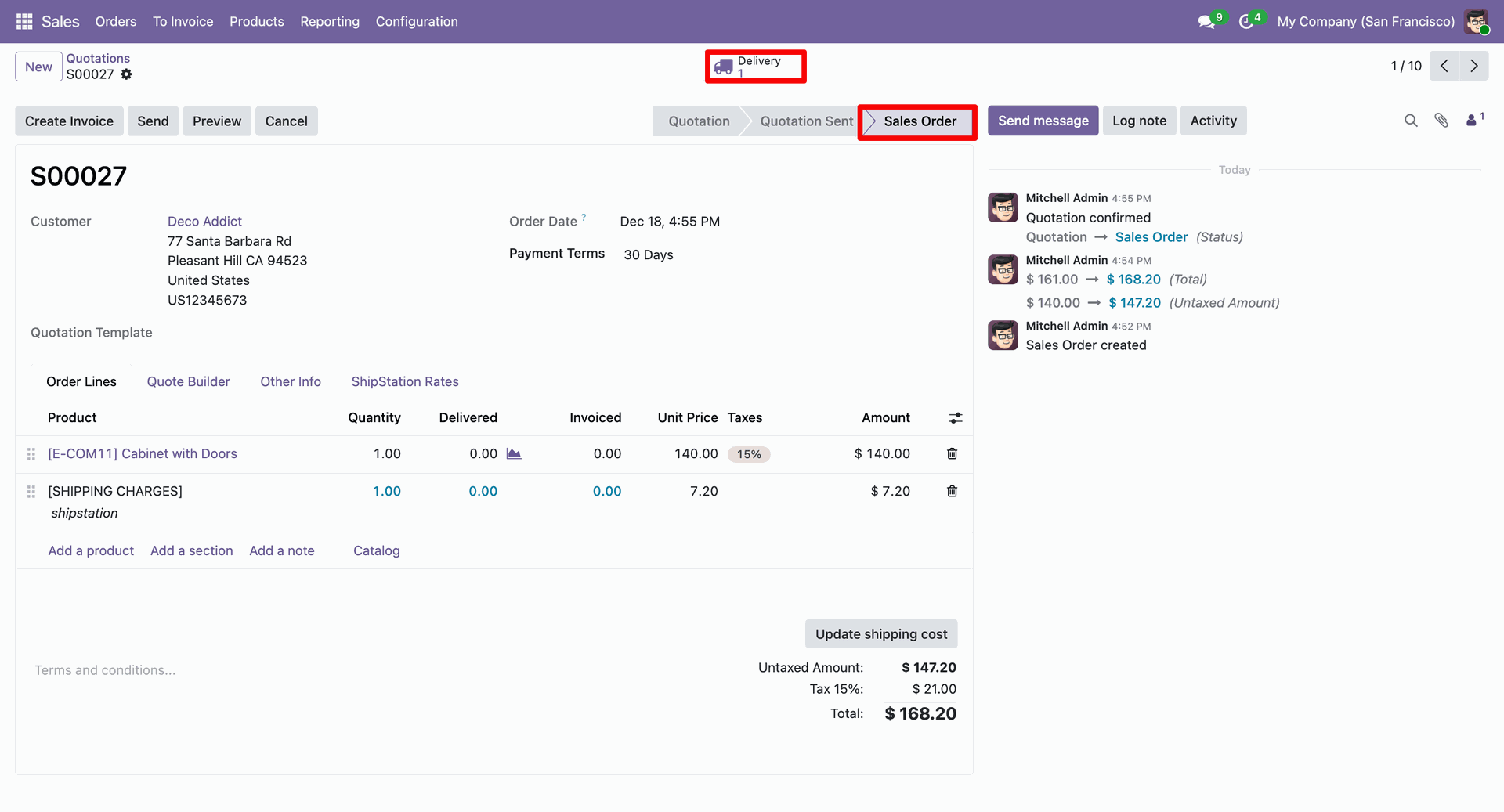
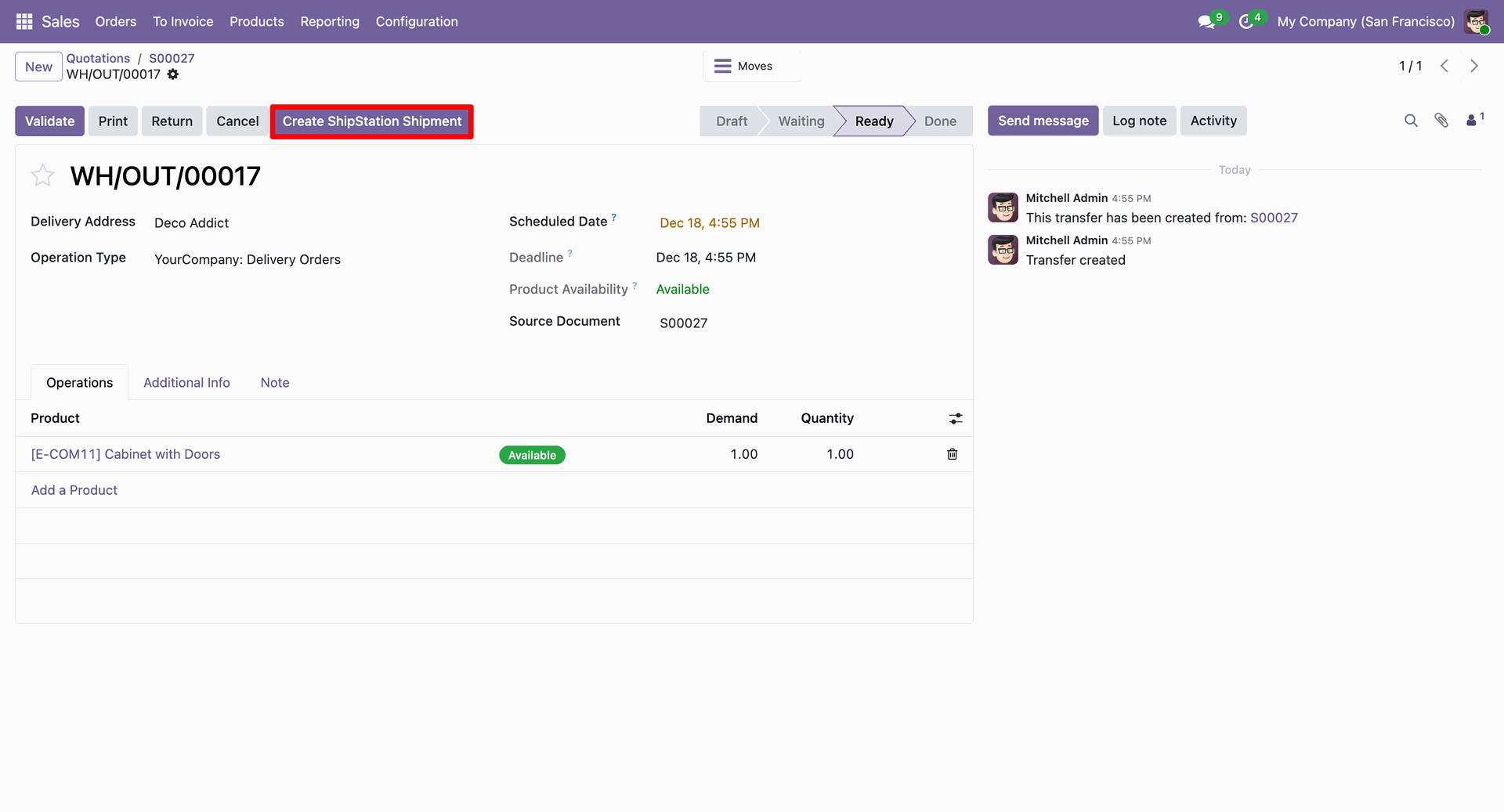
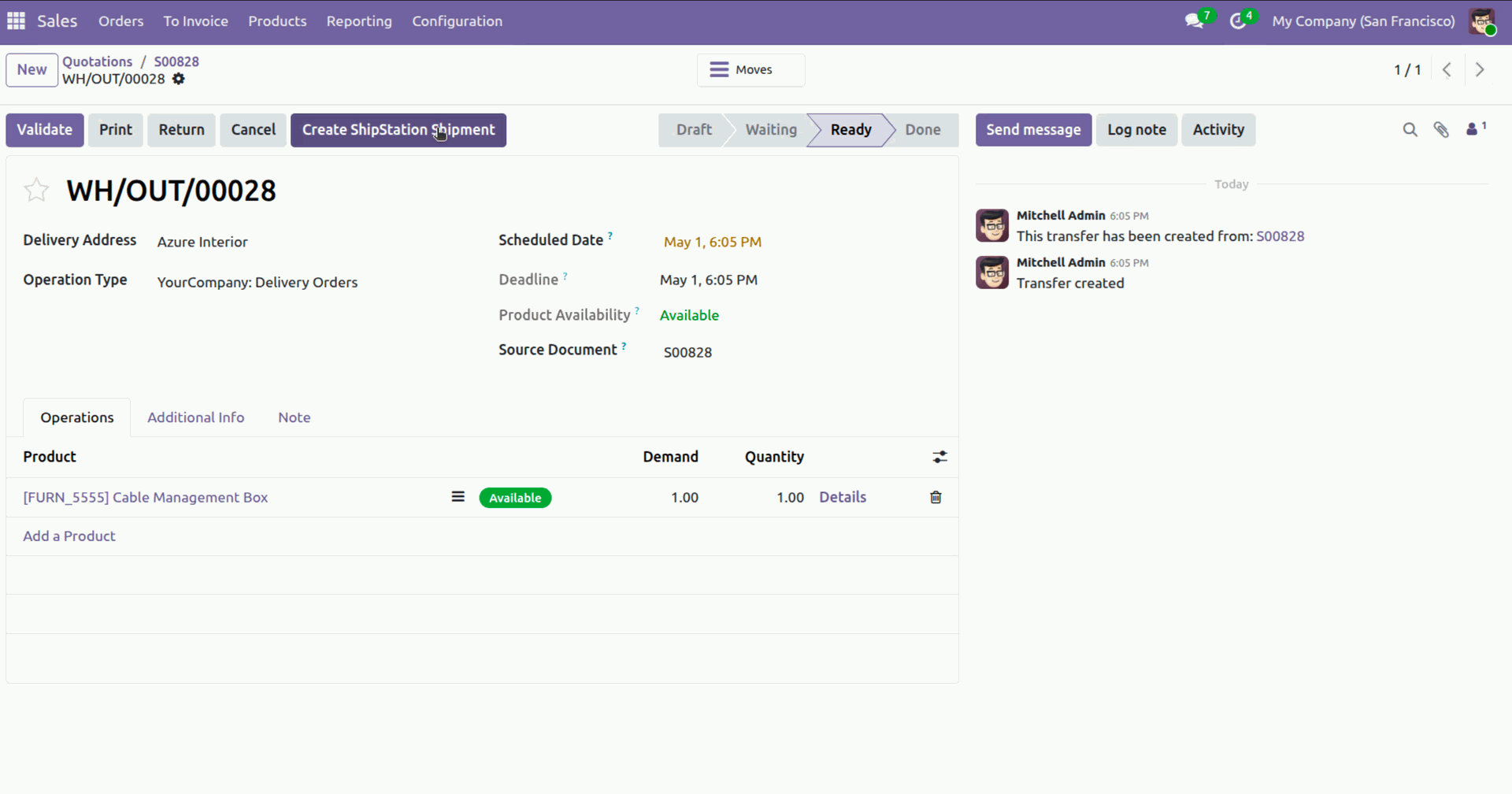
Click the button "Create ShipStation Shipment".
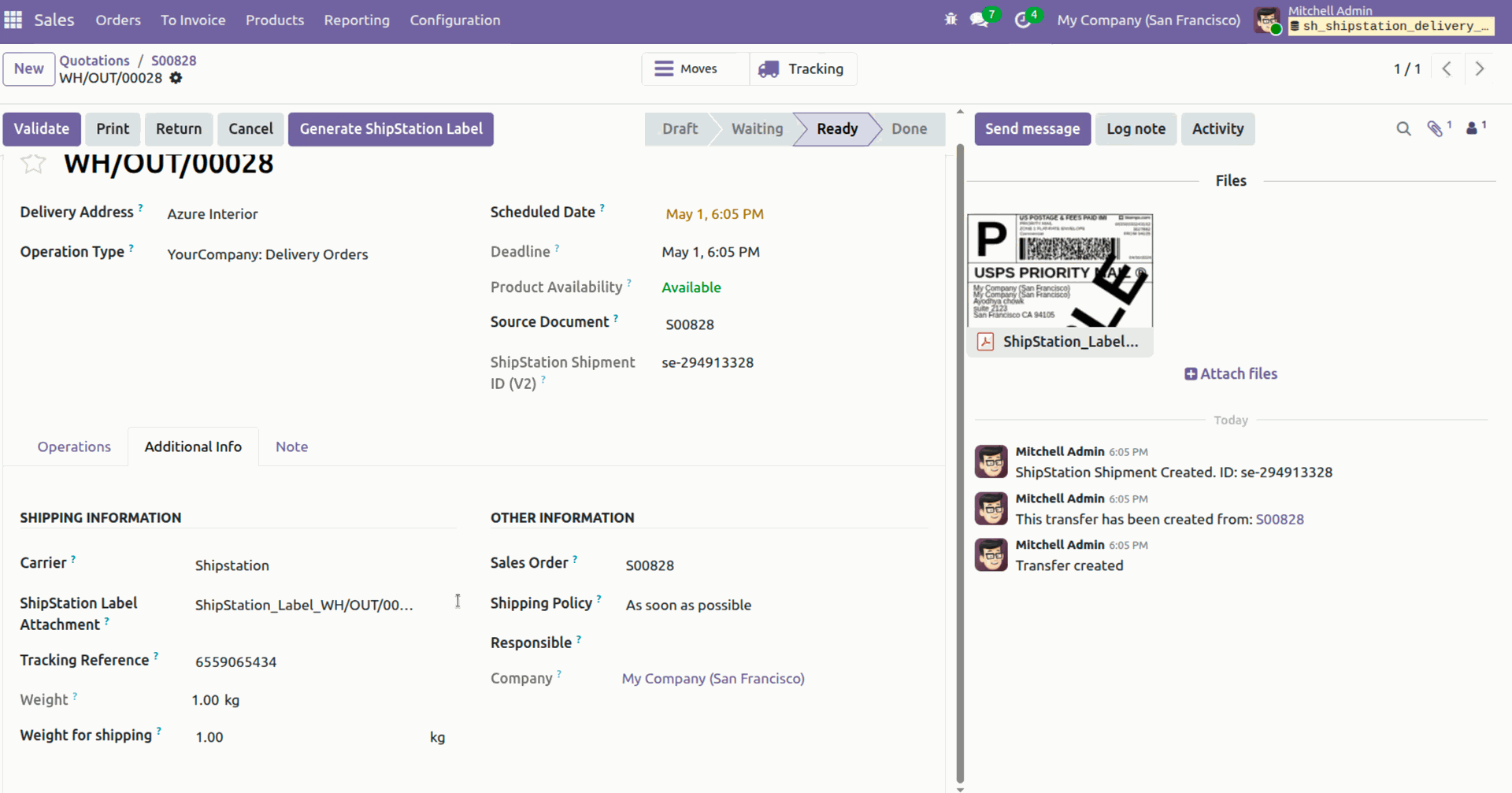
Shipment created.
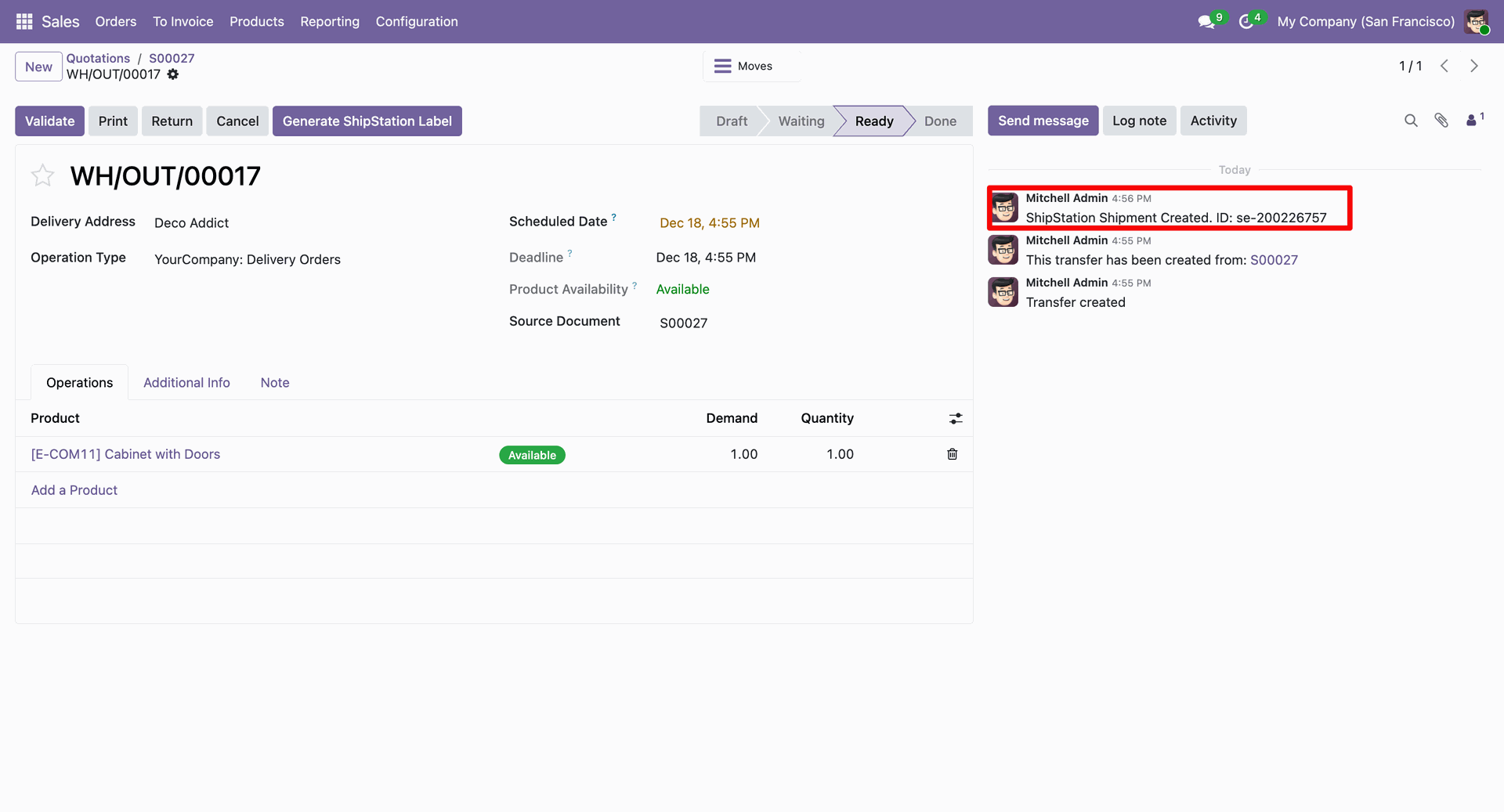
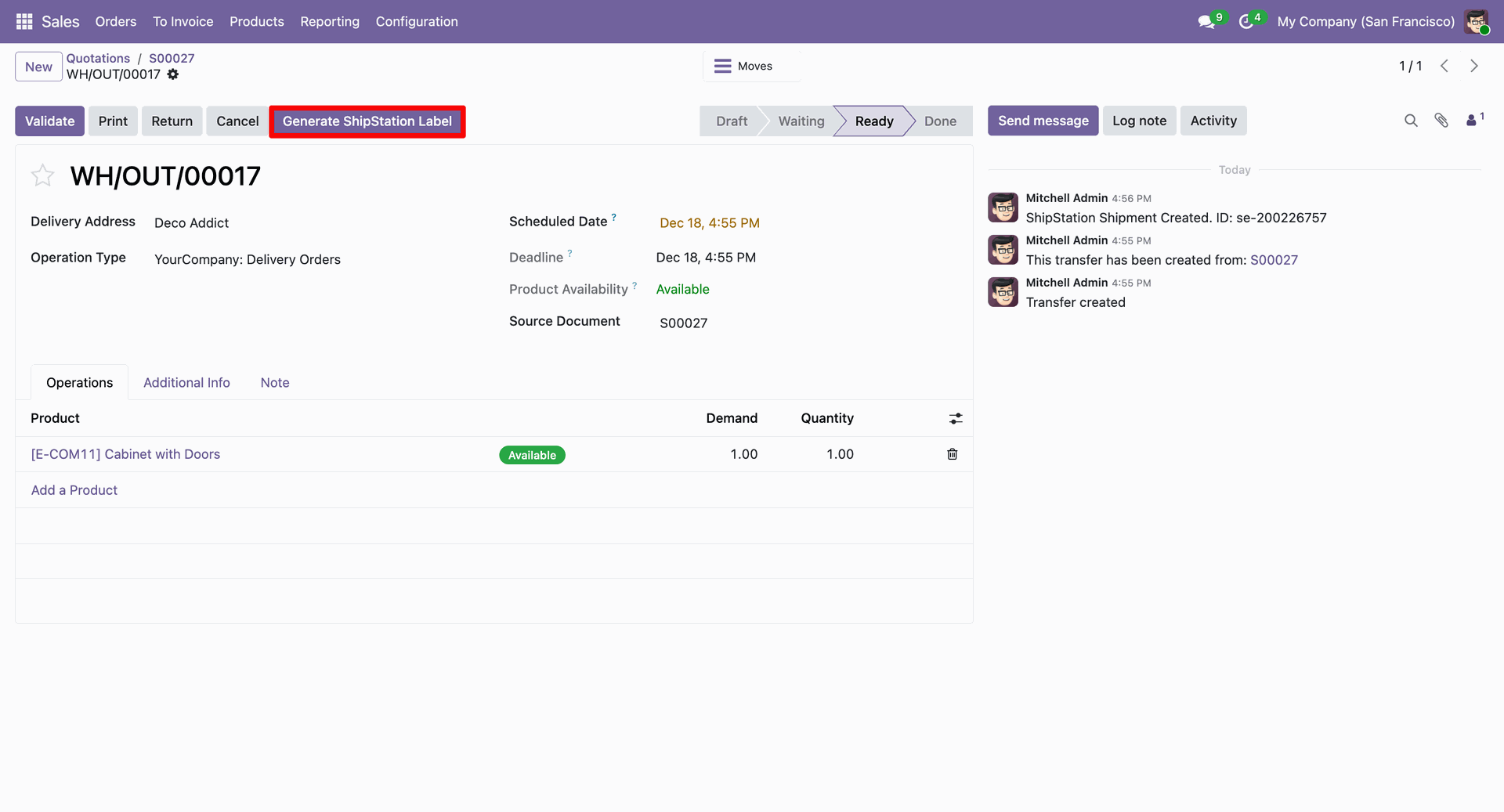
Click the 'Generate ShipStation Shipping Label' button.
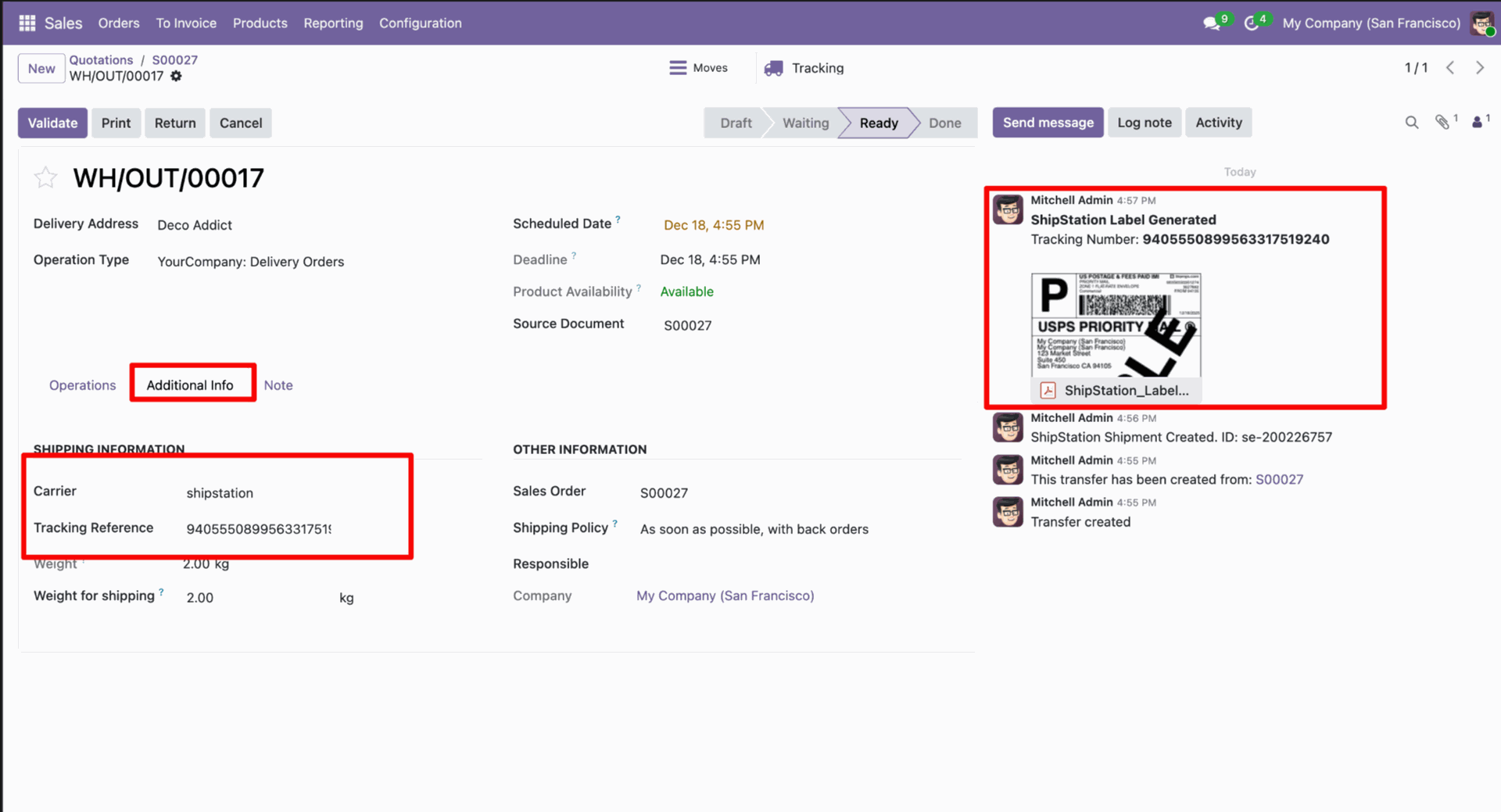
In the log note, it shows that the shipping label was successfully generated, along with a downloadable PDF link.
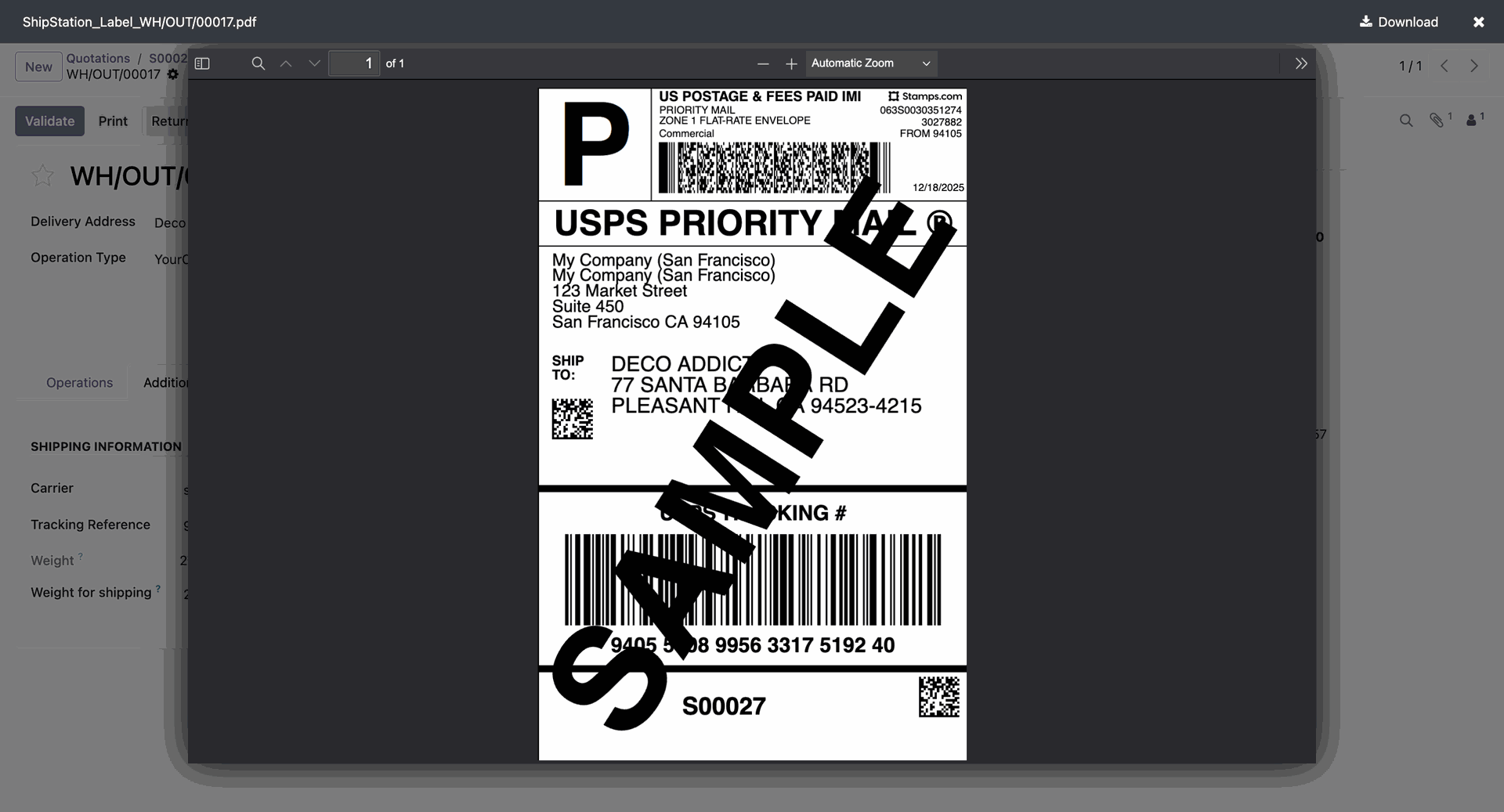
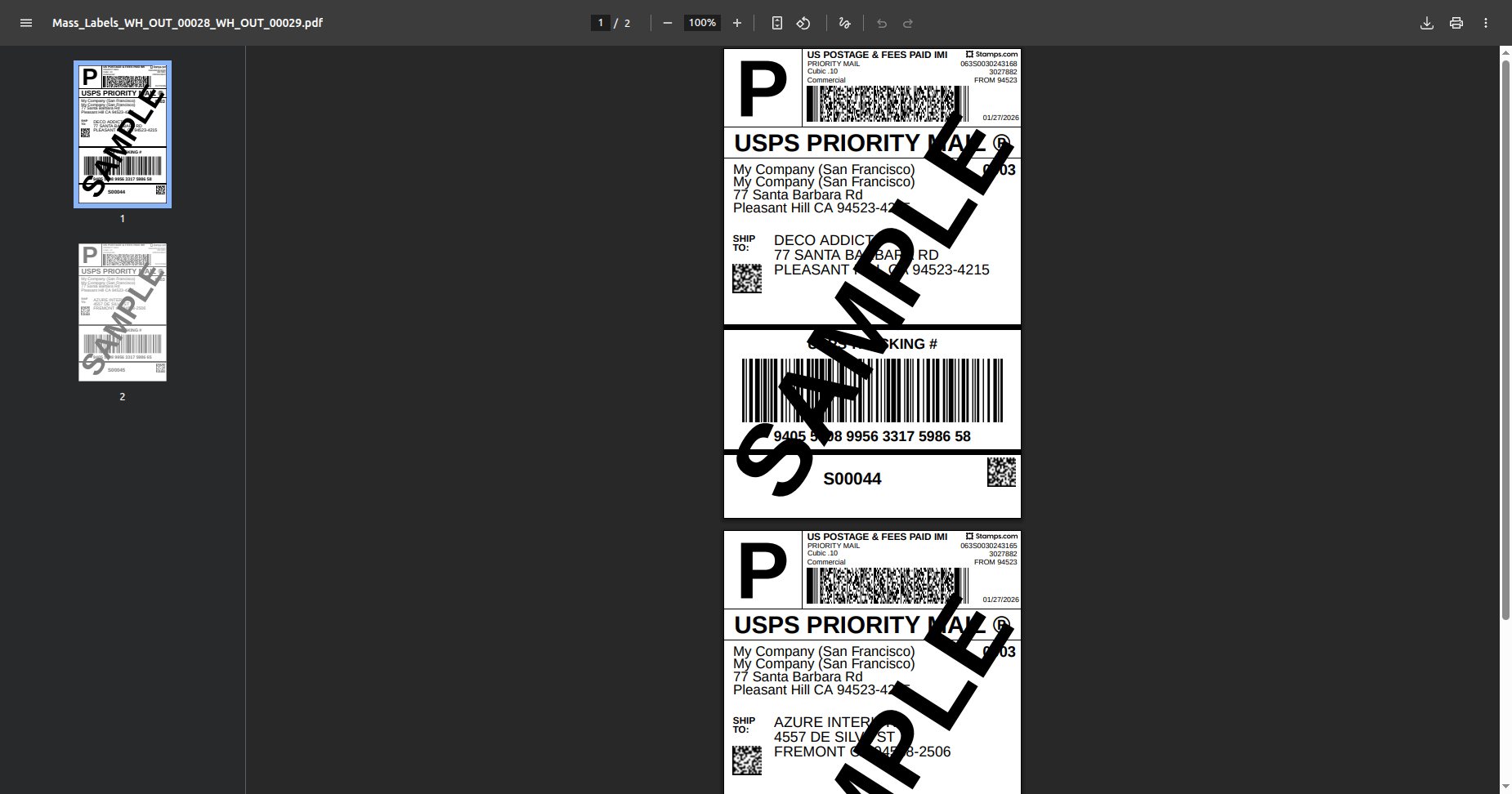
The PDF view looks like this.
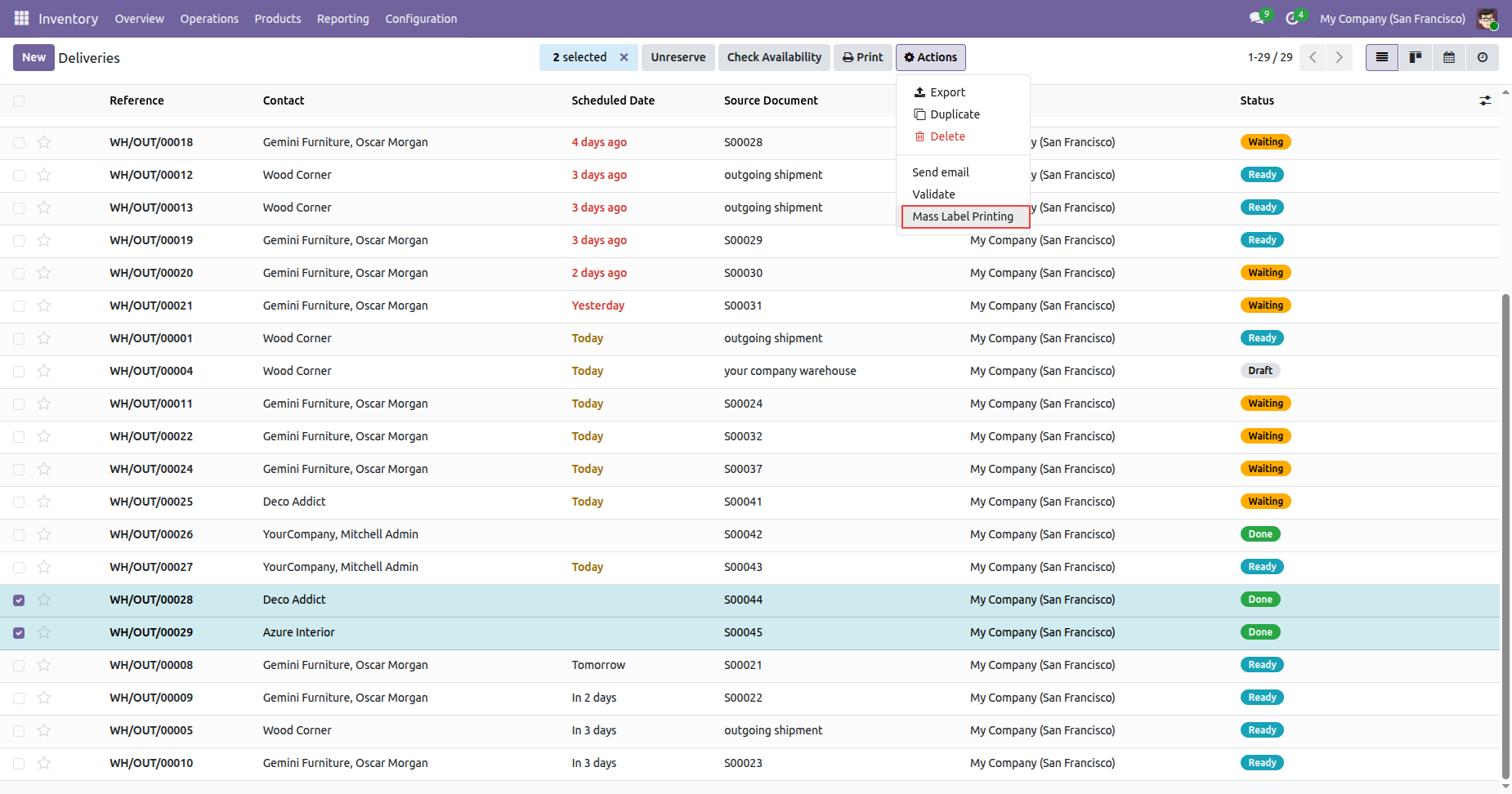
Select deliveries and click Action -> Mass Label Printing.
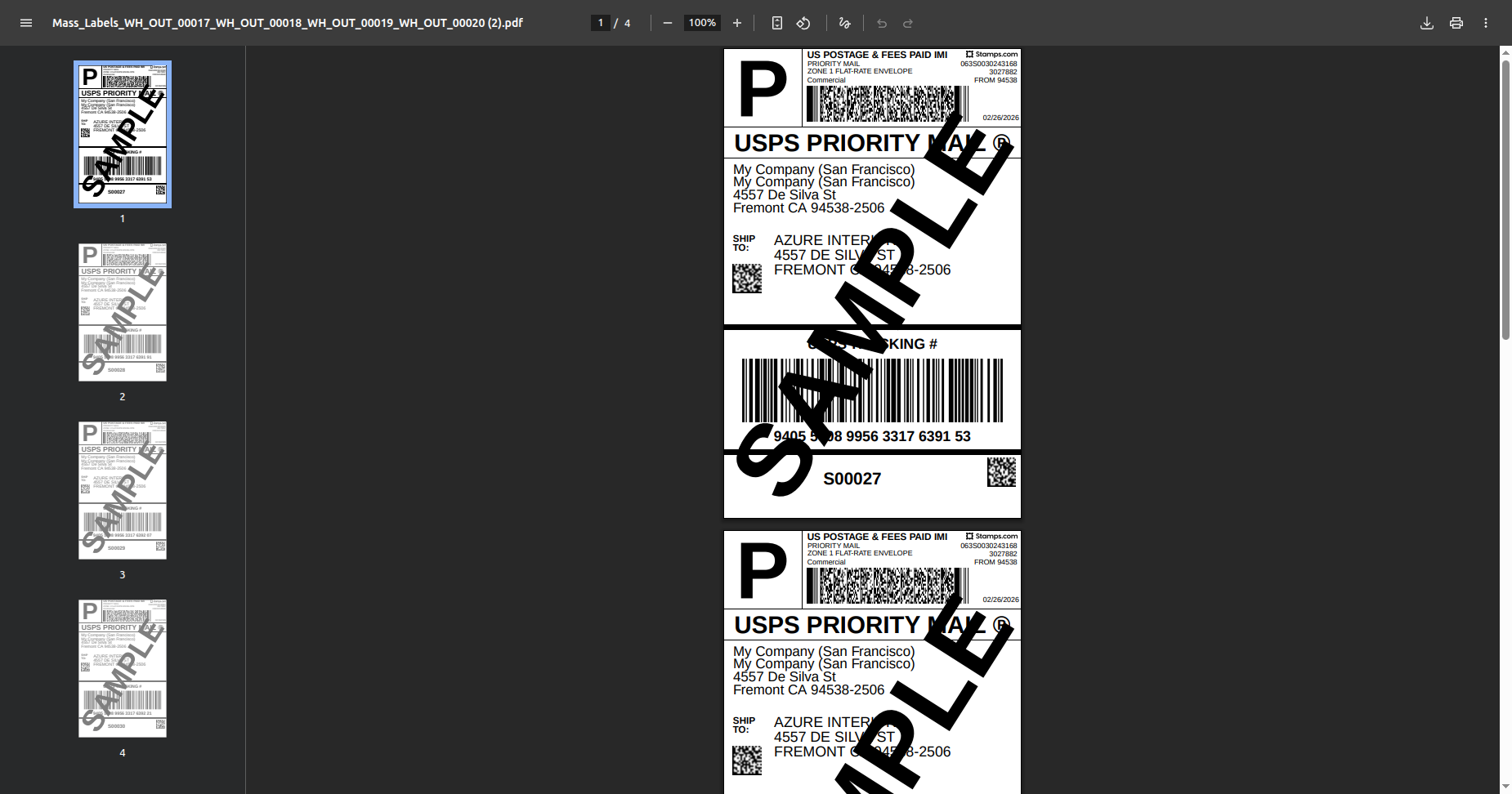
Labels generated.
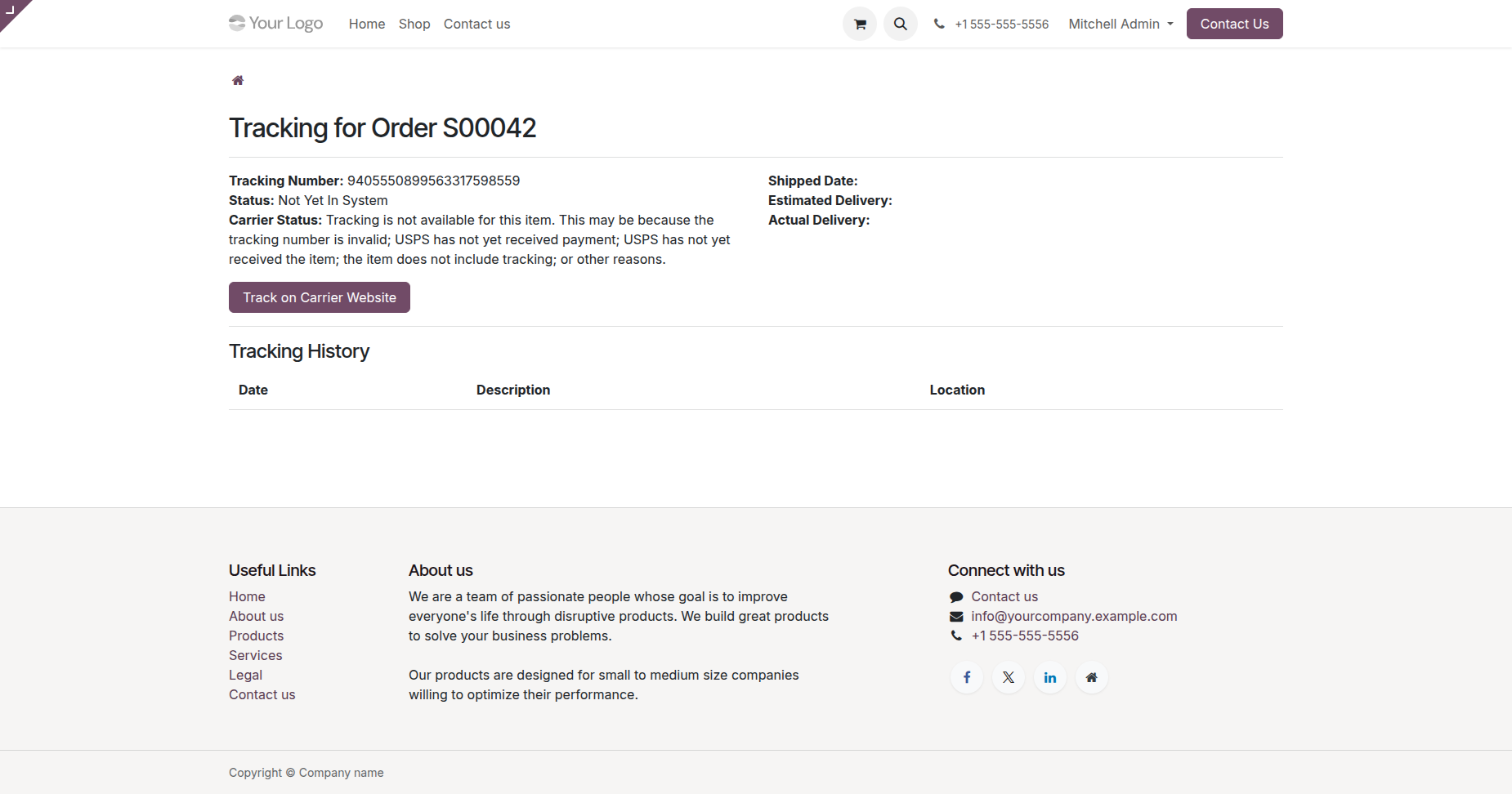
Click Track Shipment on portal.
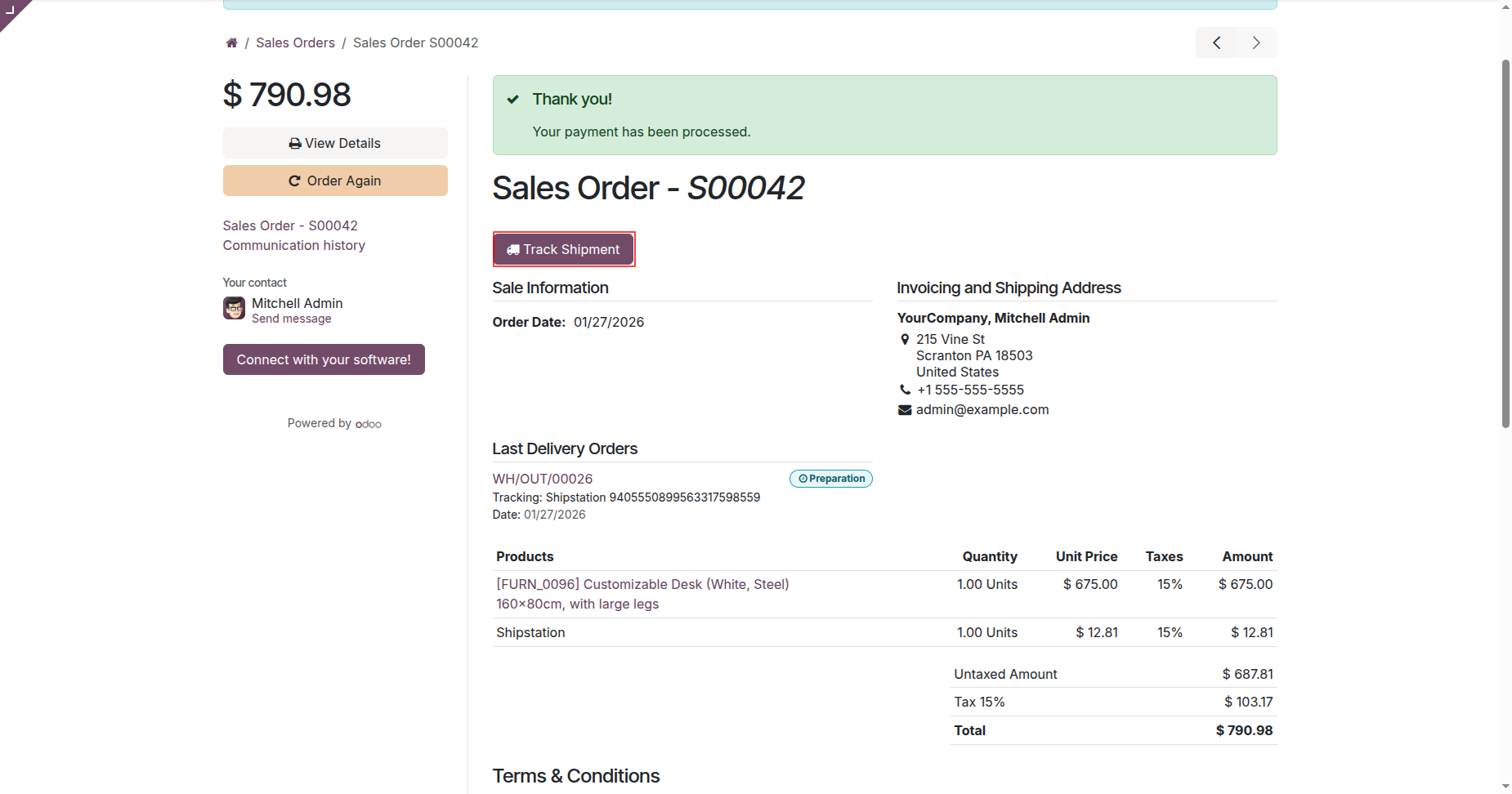
Portal order with tracking details.
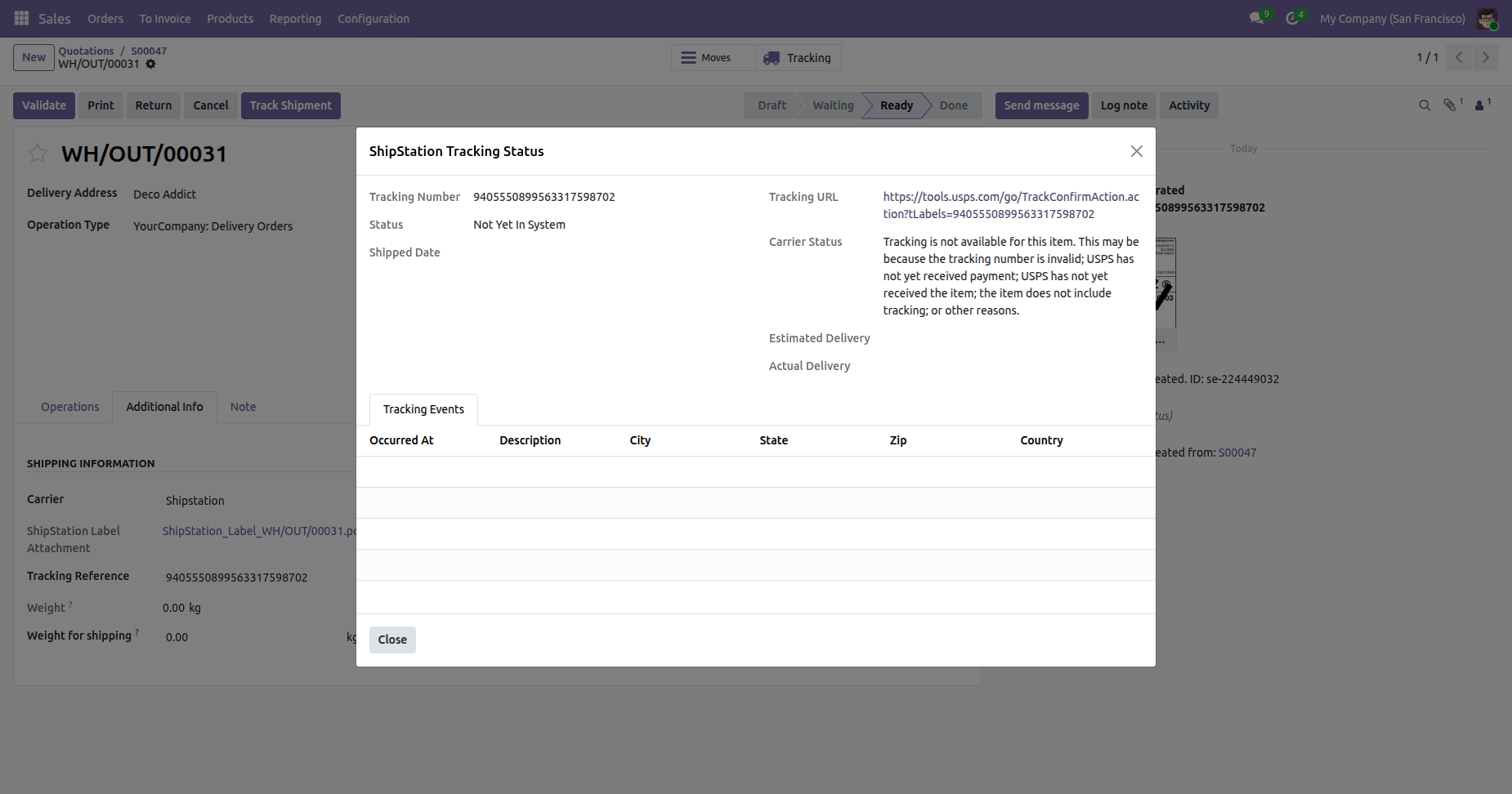
Click Track Shipment at the backend.
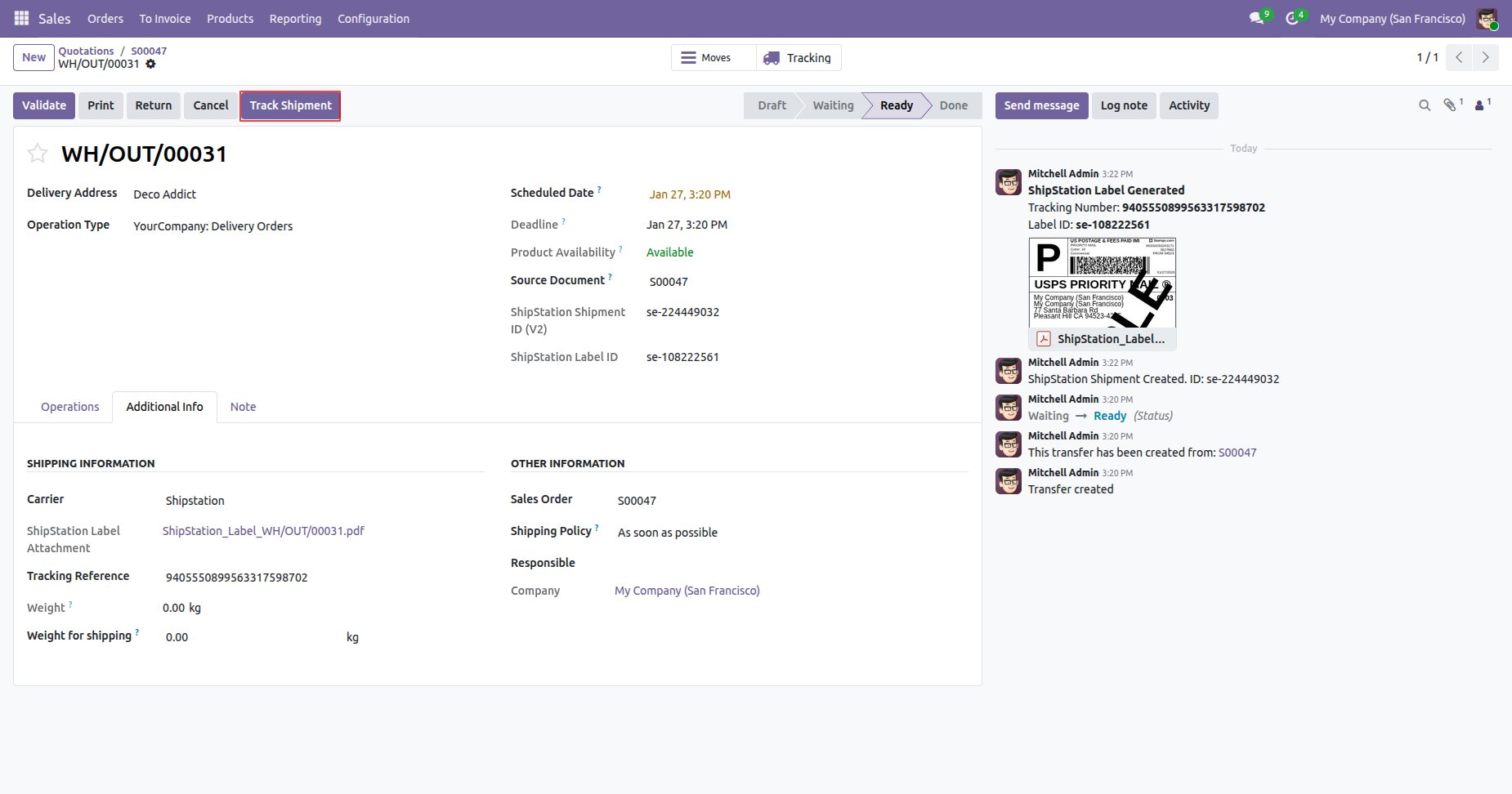
Backend order with tracking details.
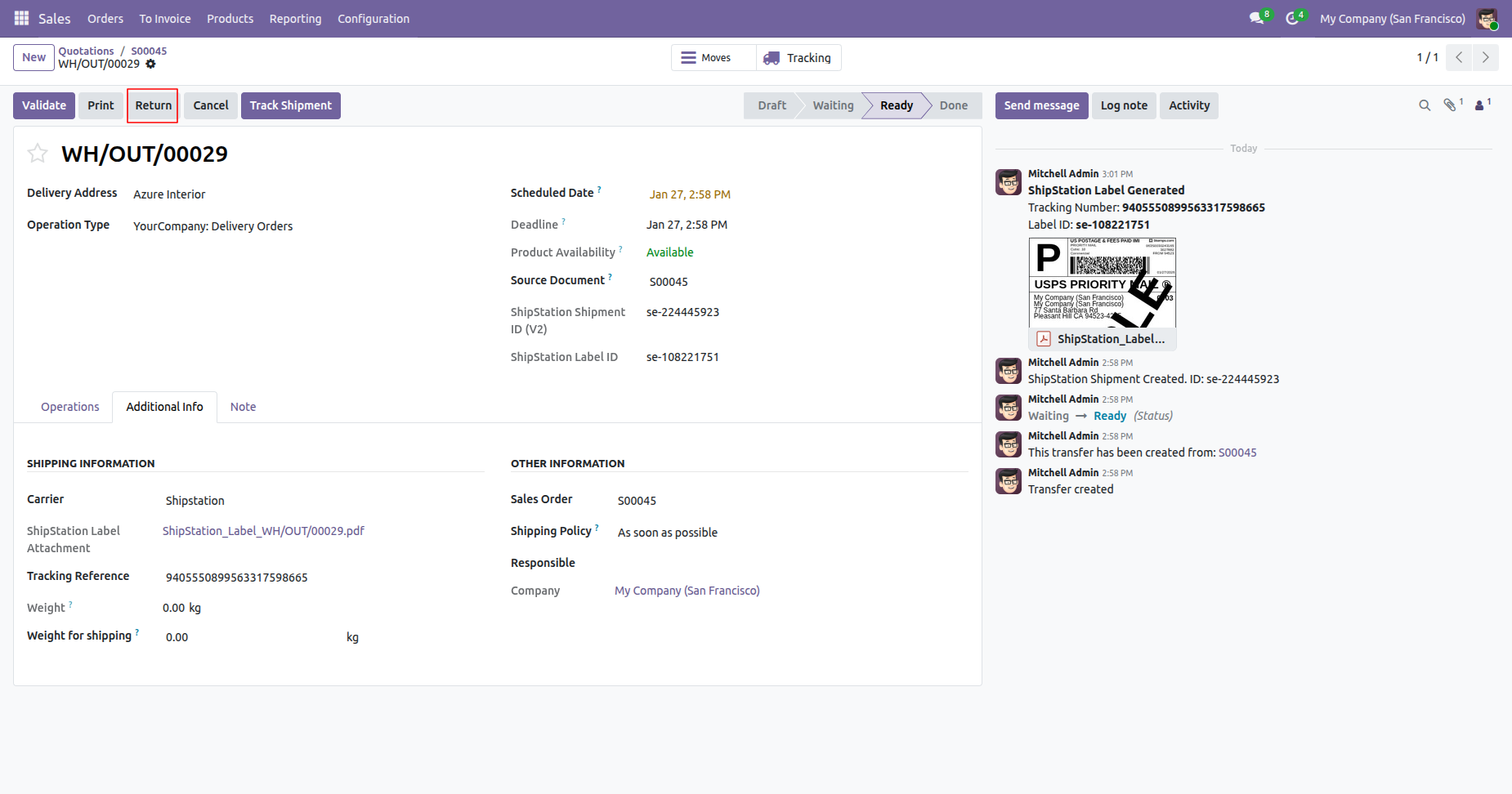
Click "Return" to return the shipment.
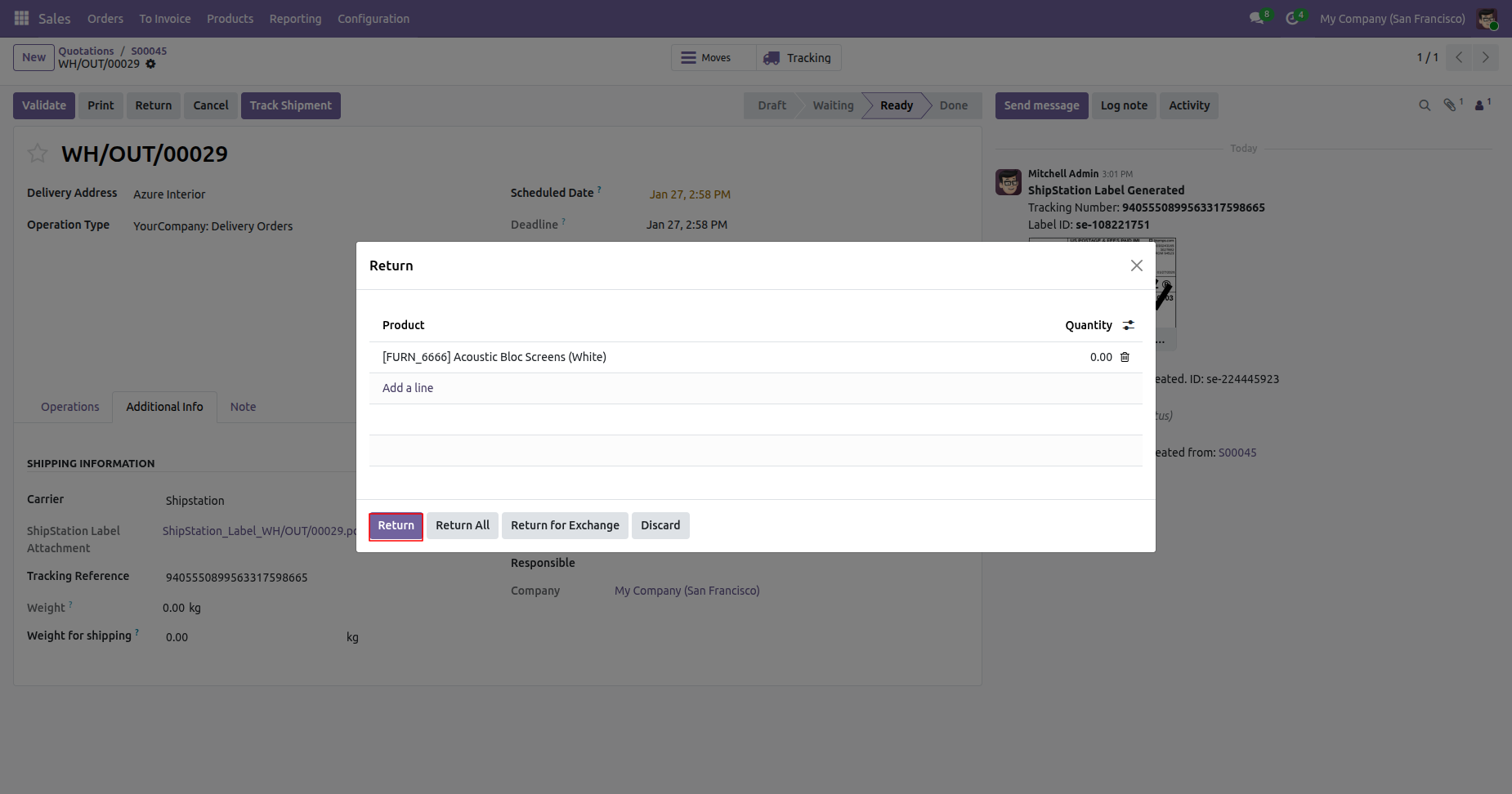
Select quantity and click Return.
Select the carrier and validate.
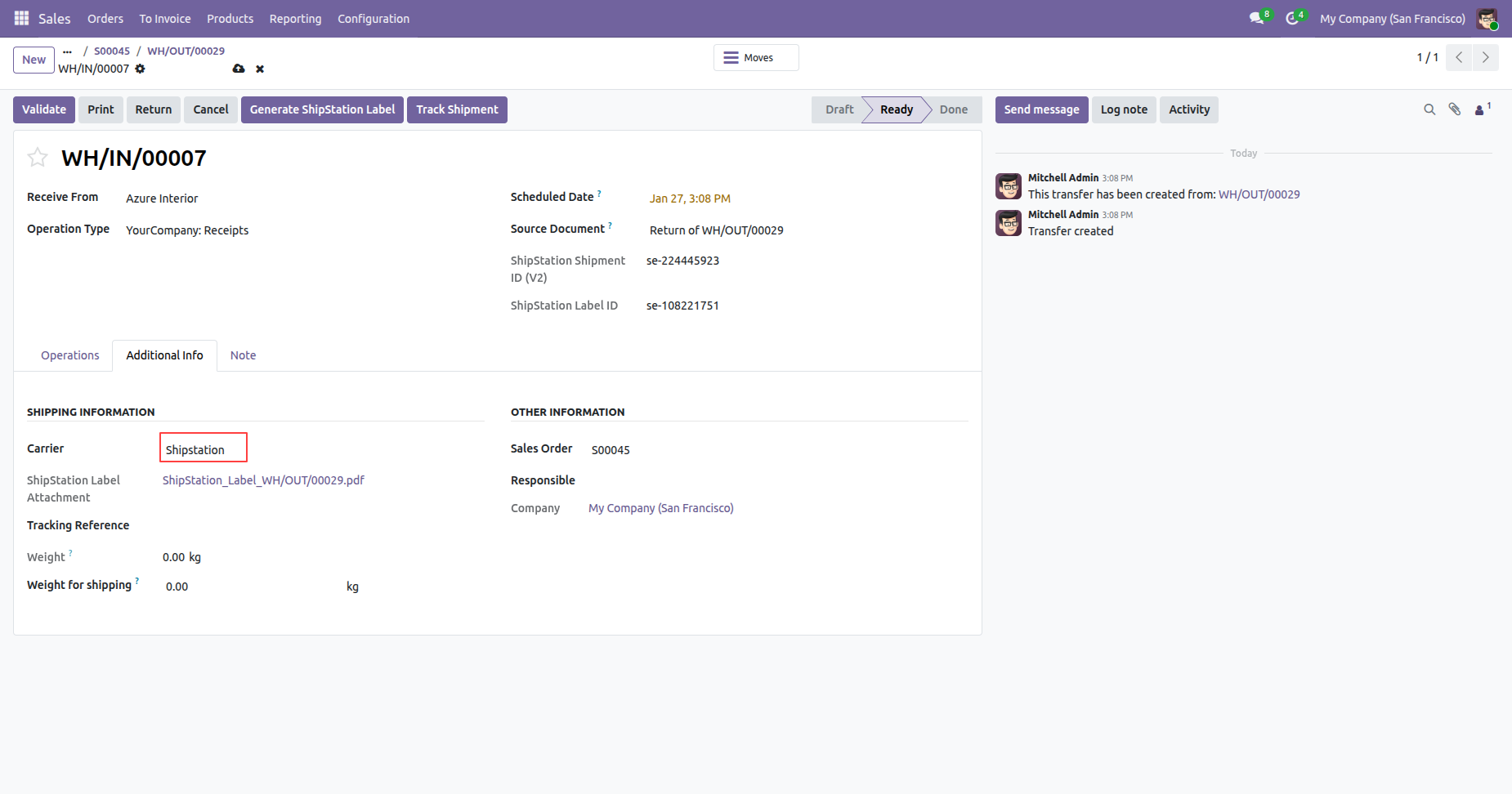
Return shipment created.
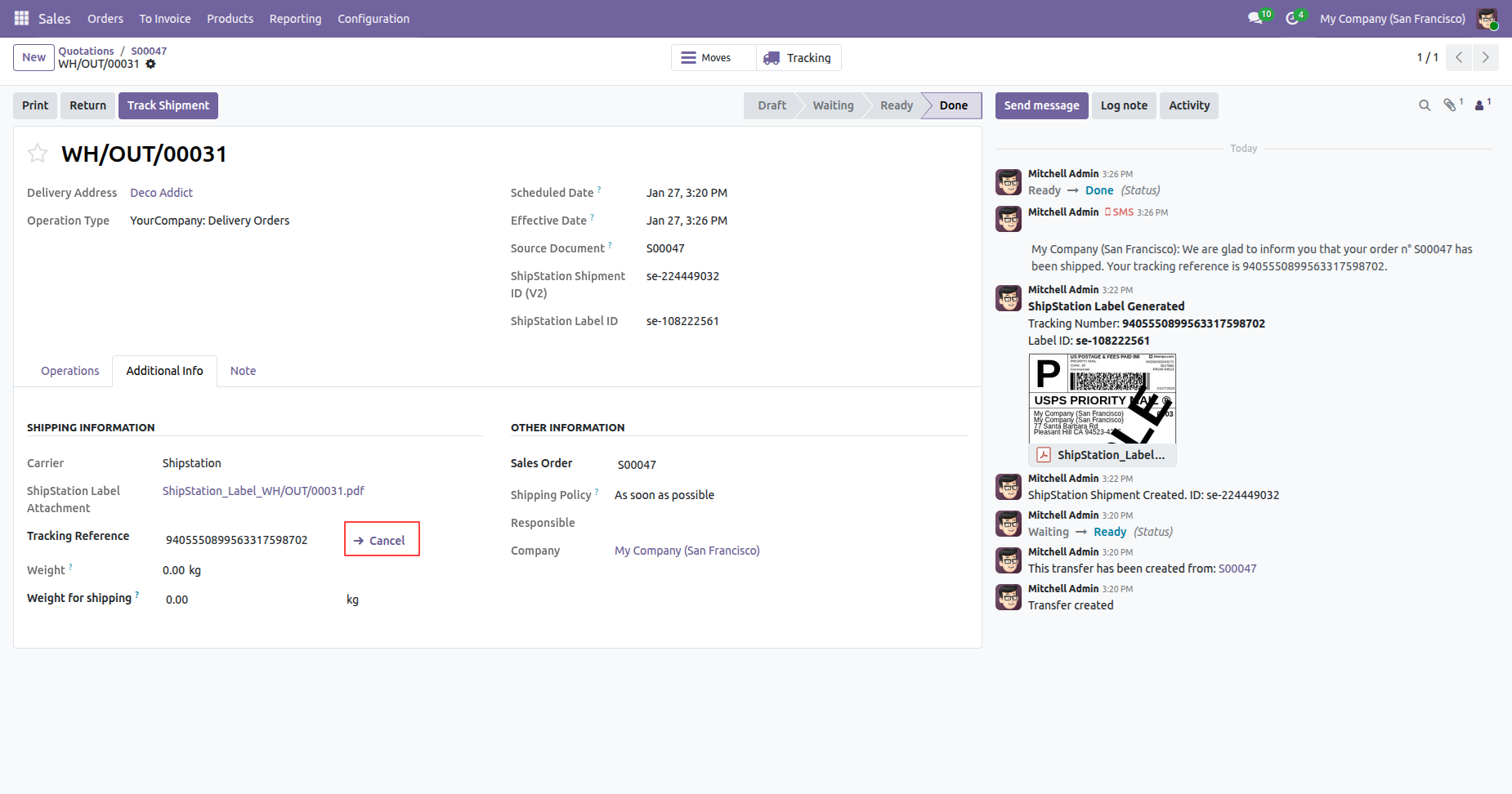
Click "Cancel" to cancel the shipment.
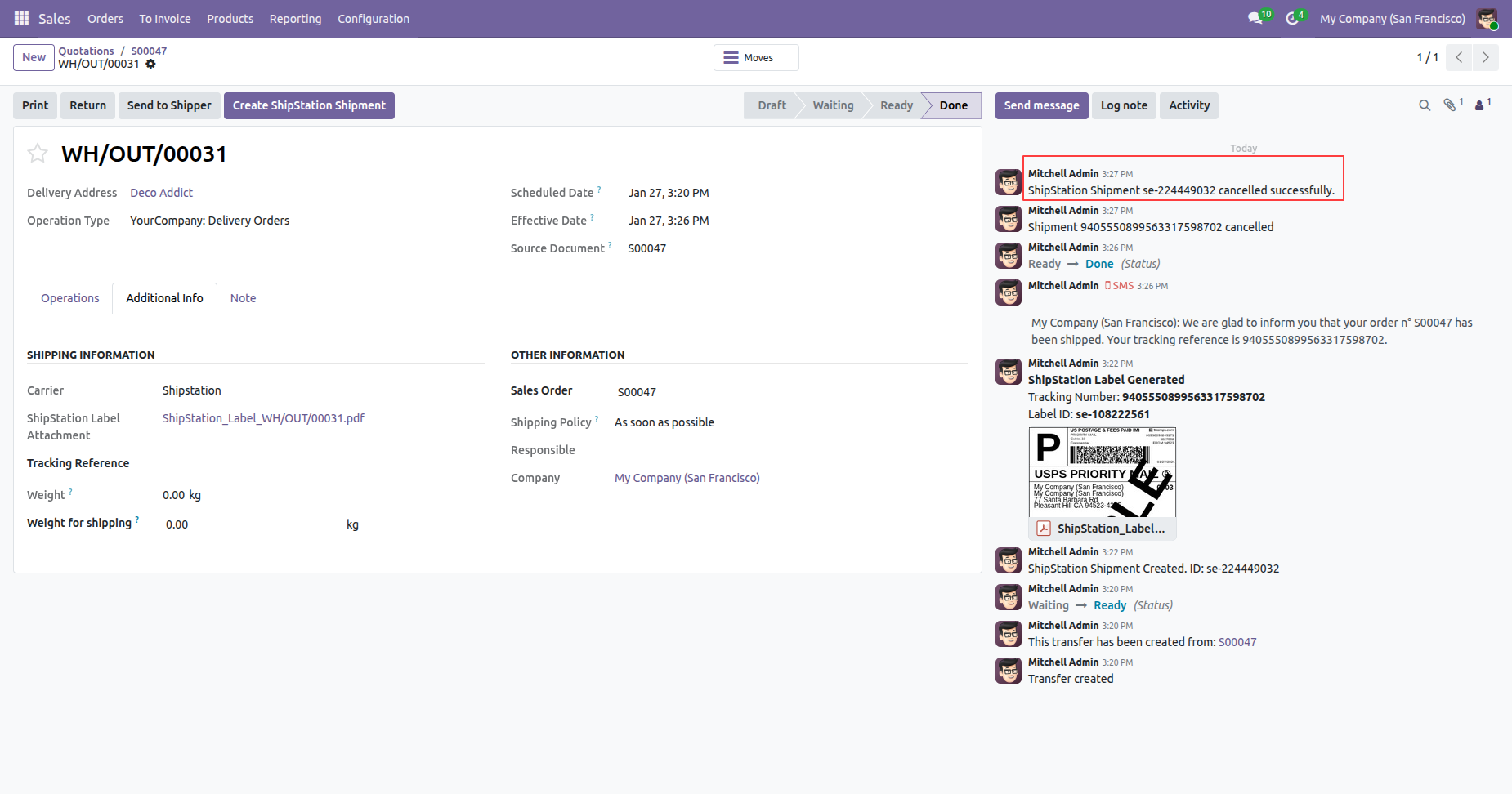
Shipment cancelled with a chatter message.
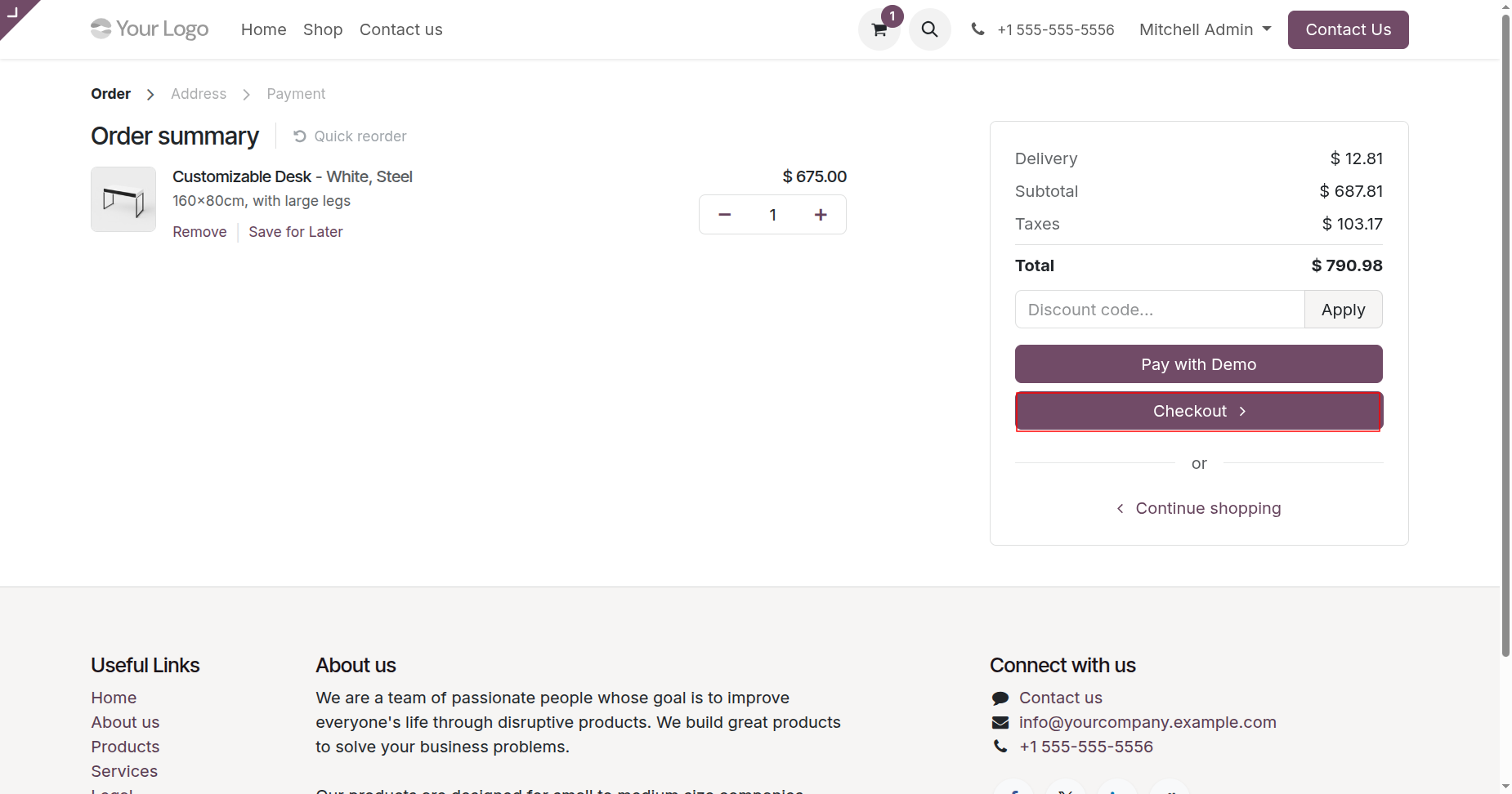
Select products and proceed to checkout.
Select the ShipStation delivery method.
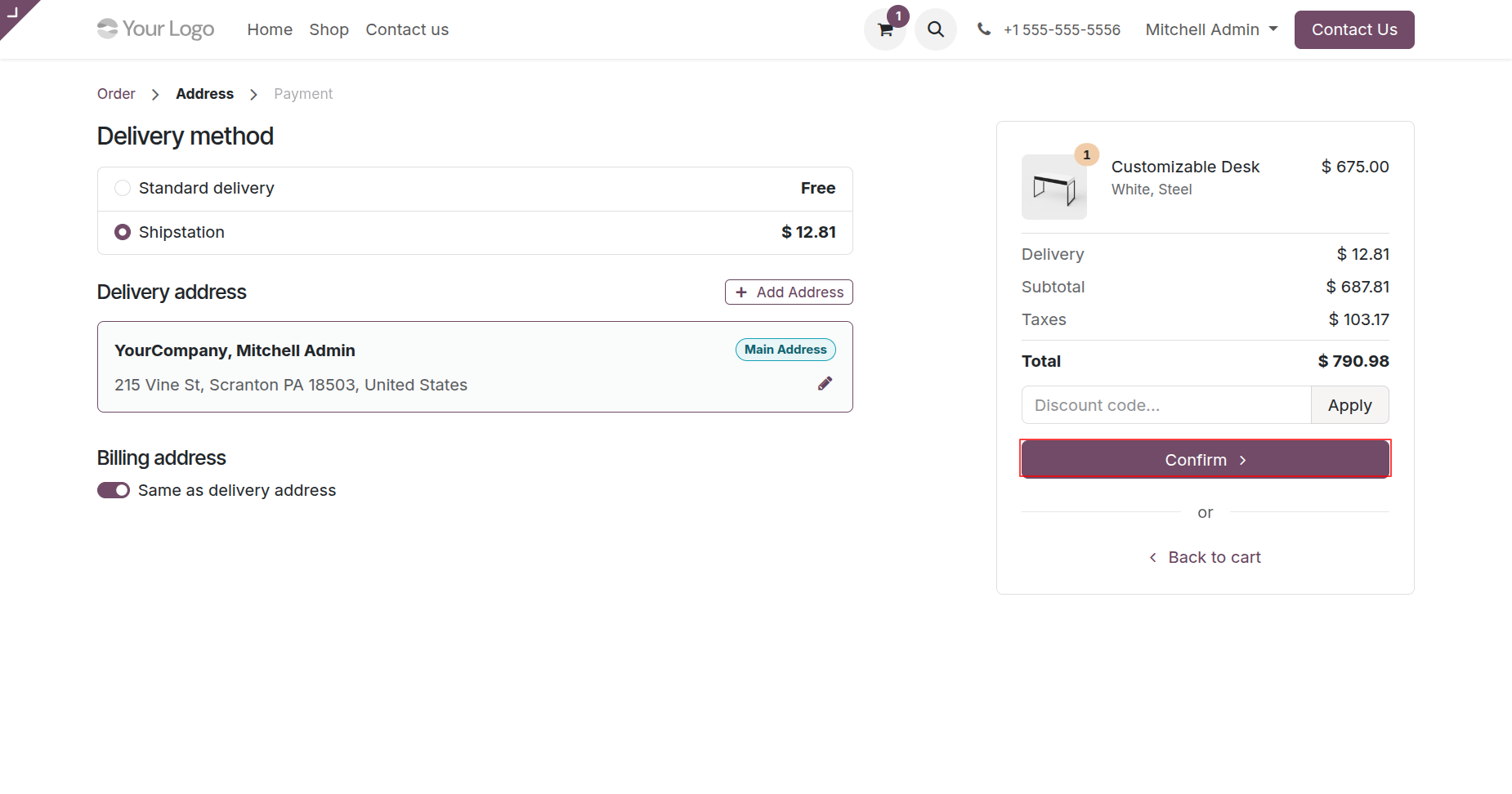
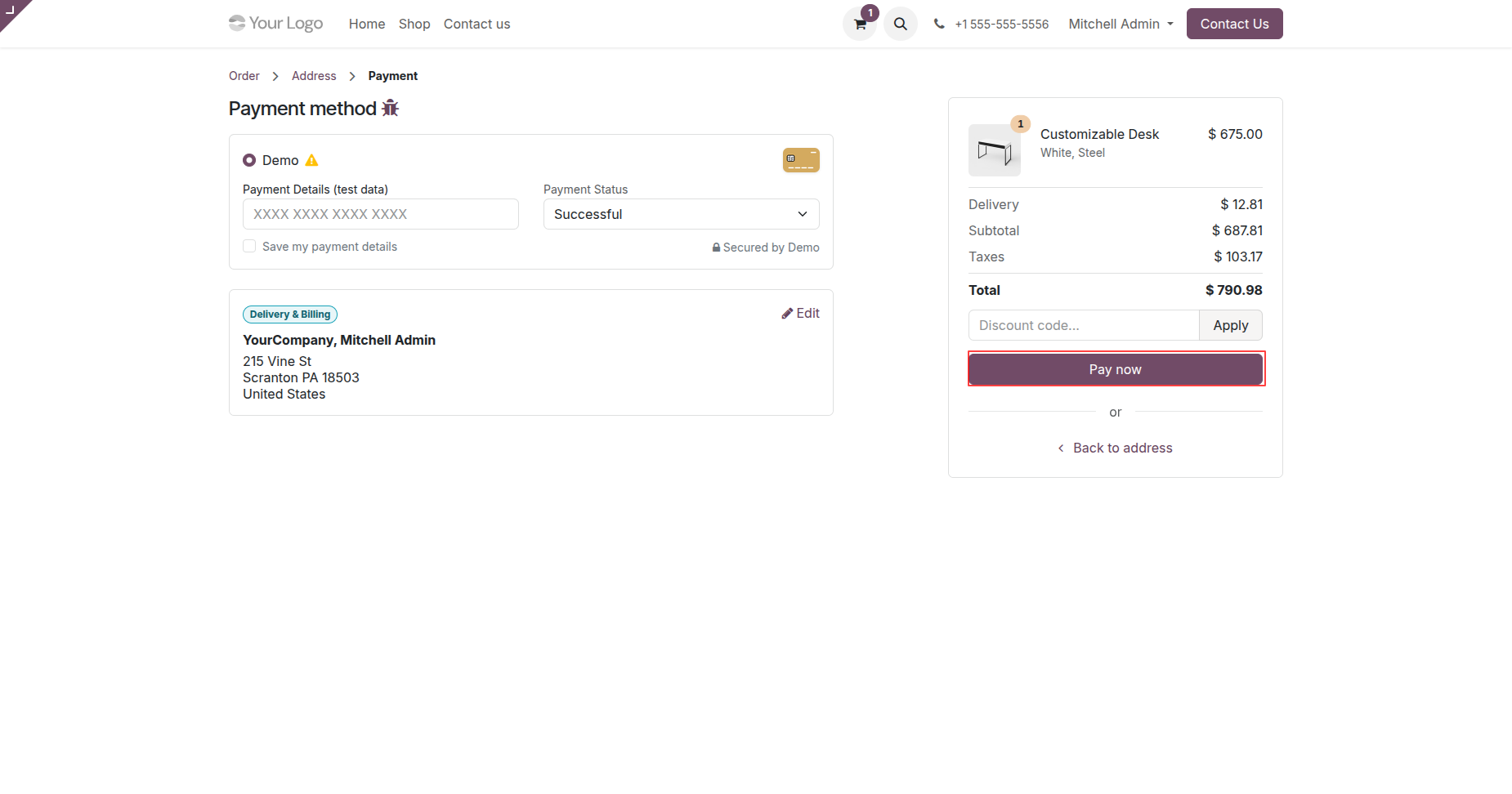
Enter payment details and click Pay Now.
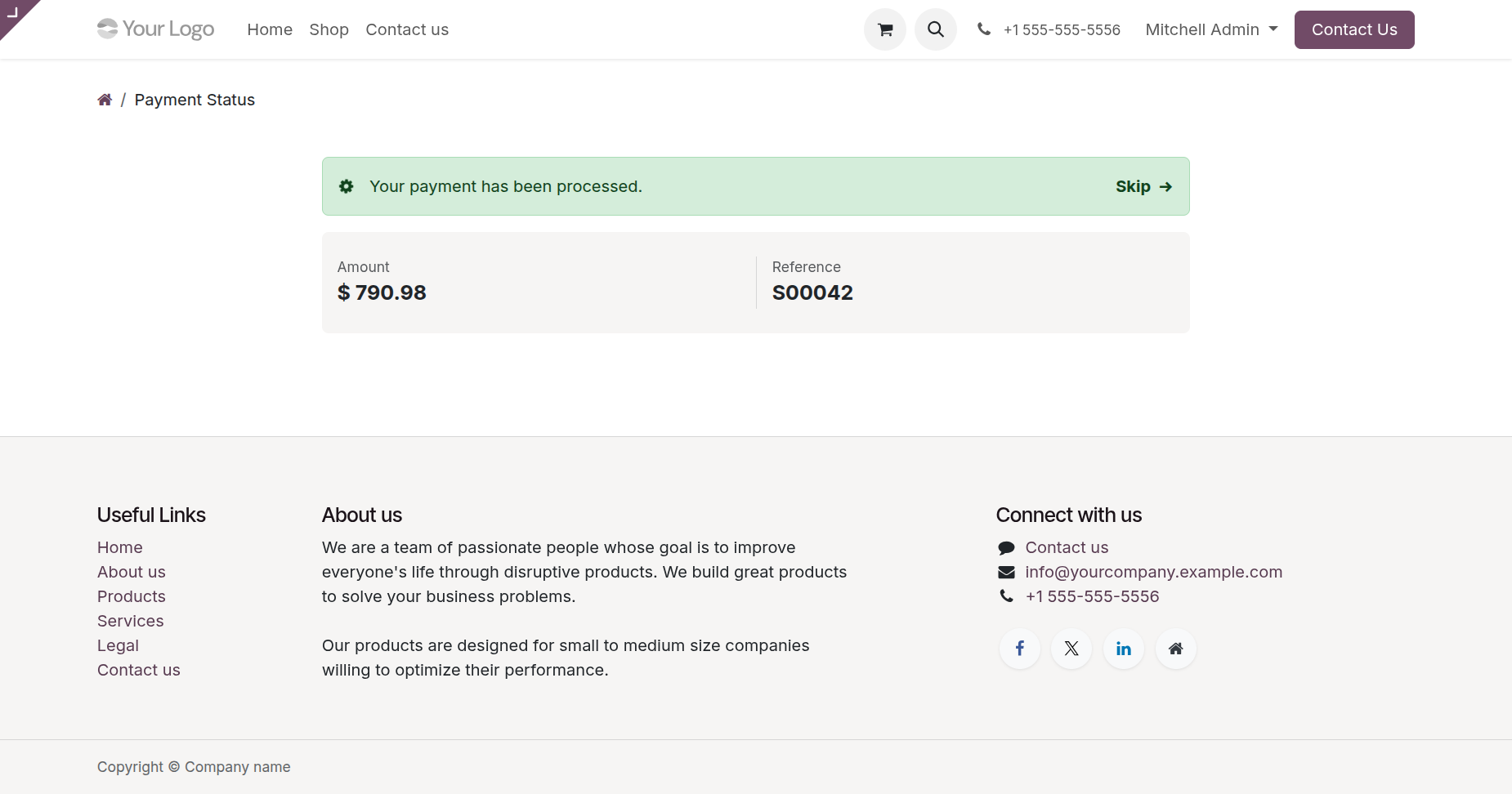
Checkout done successfully.
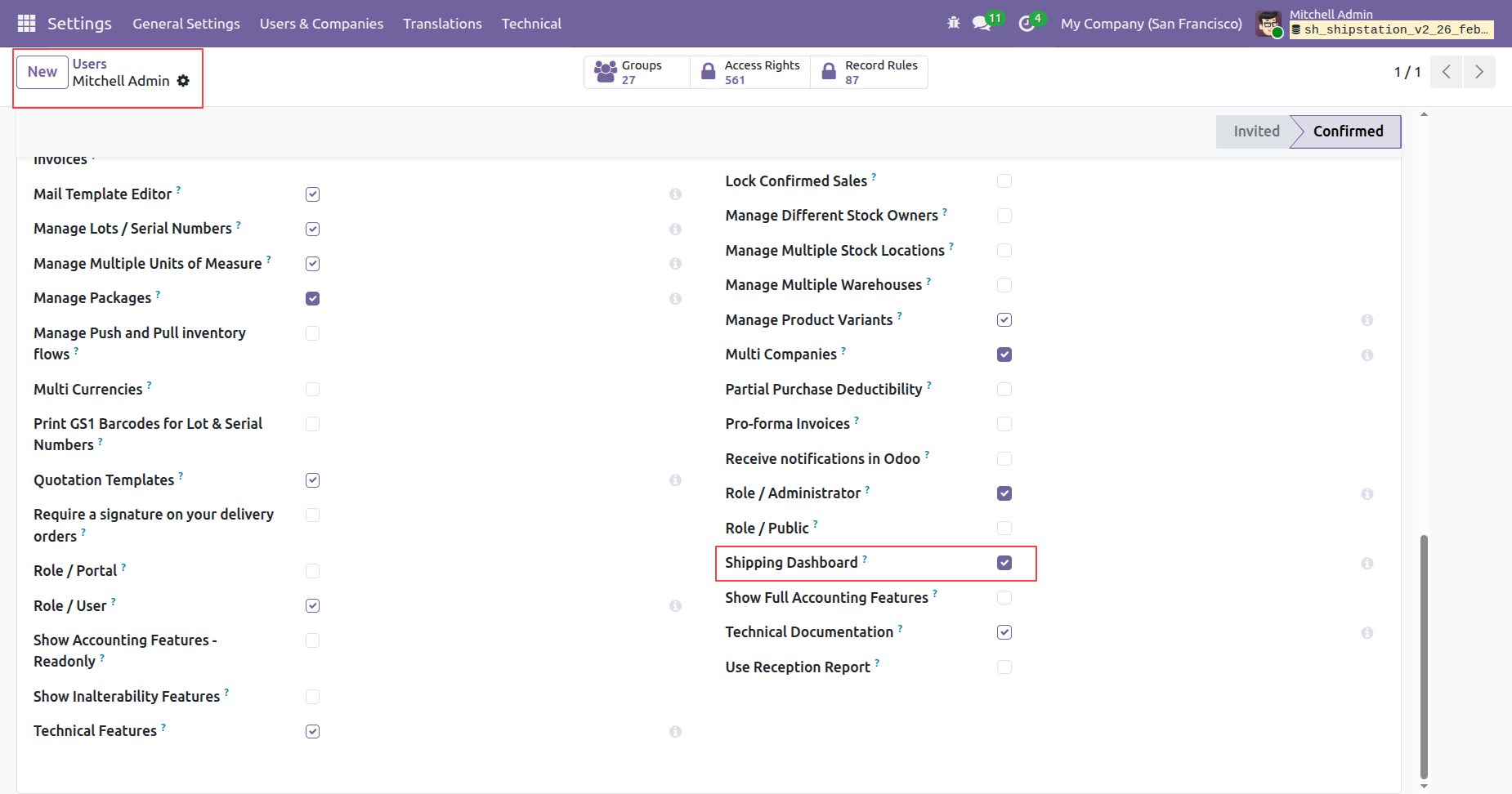
Enable 'Shipping Dashboard'.
Click 'Shipping Dashboard'.
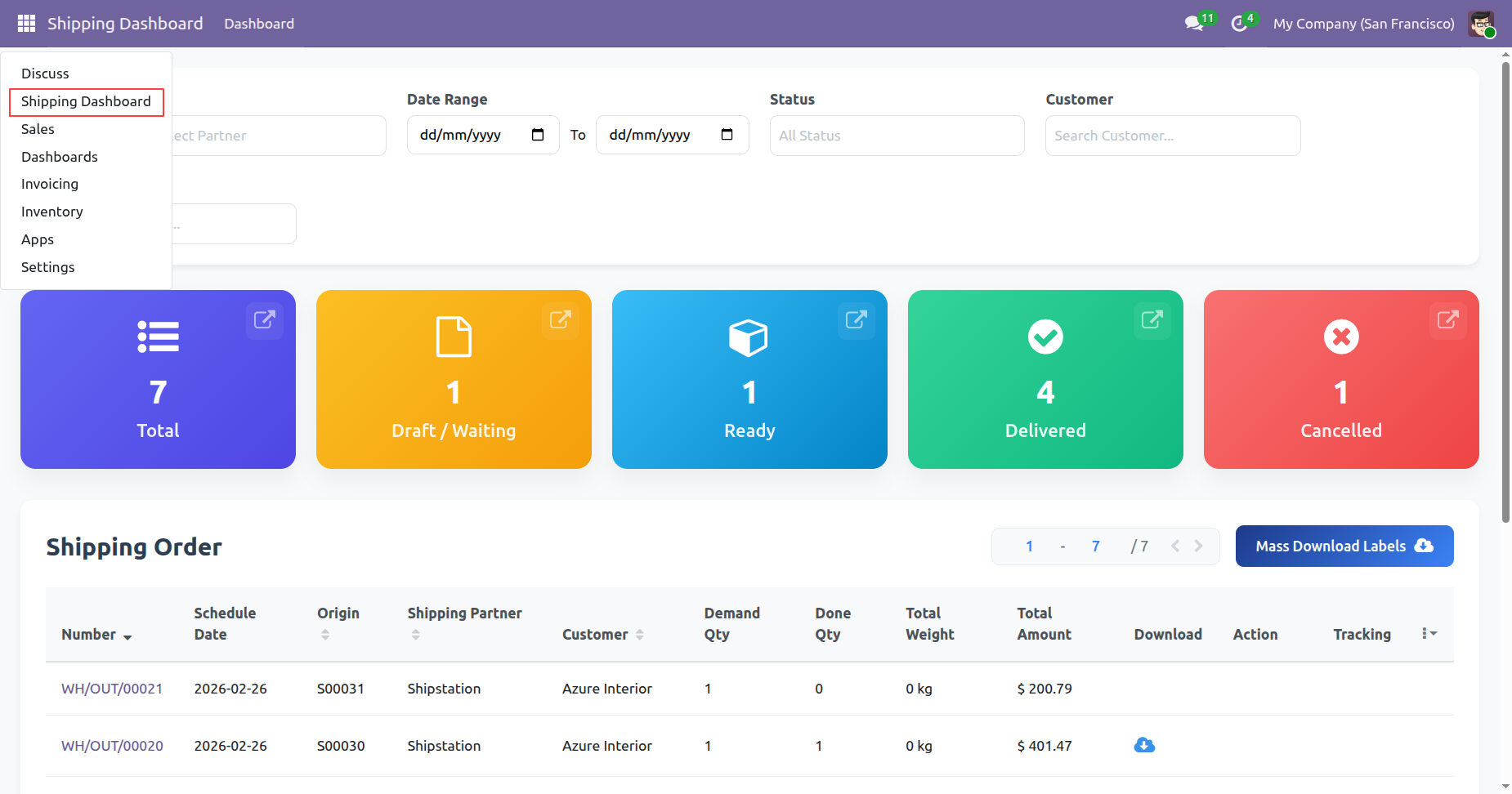
Dashboard view.
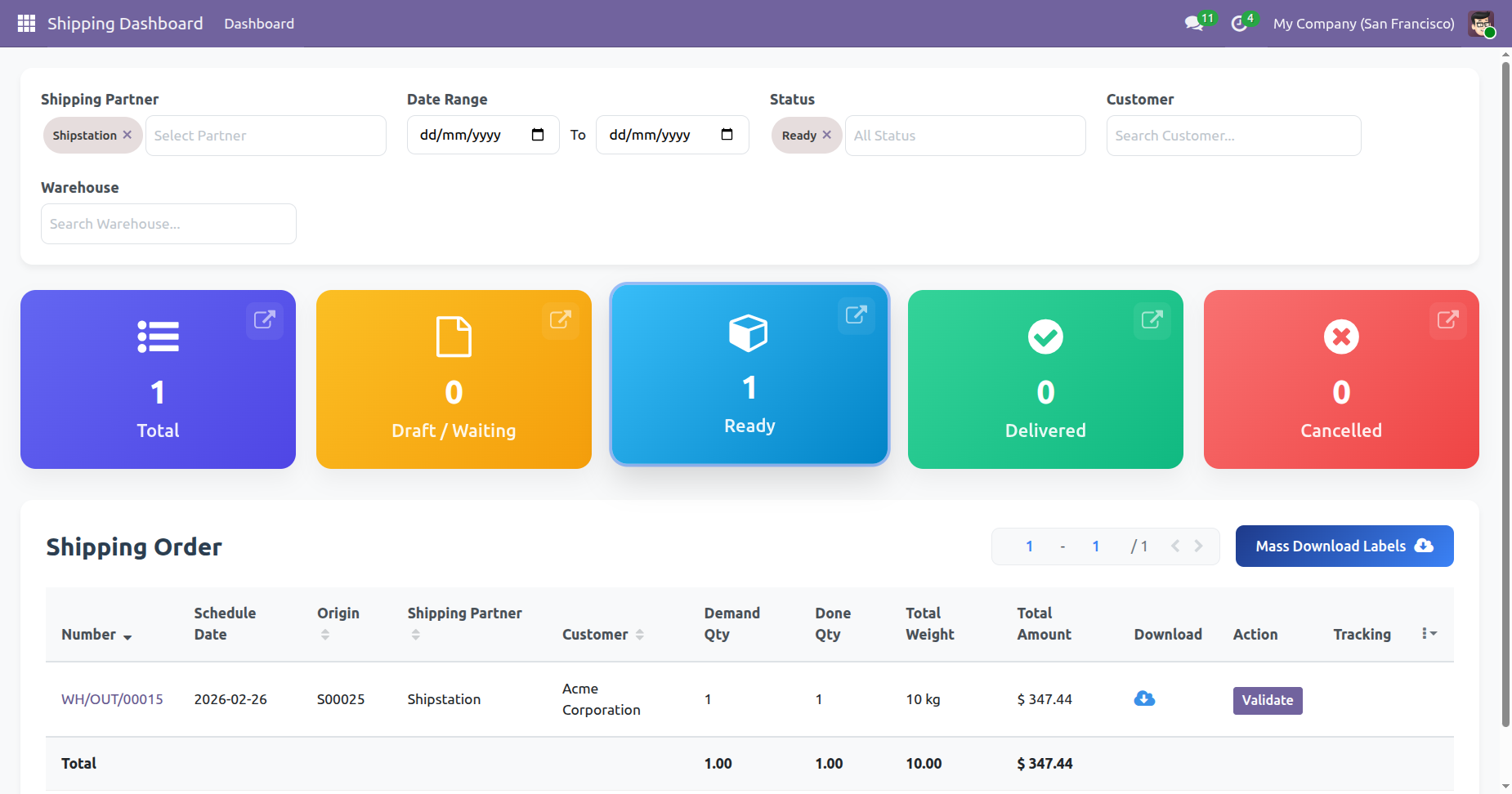
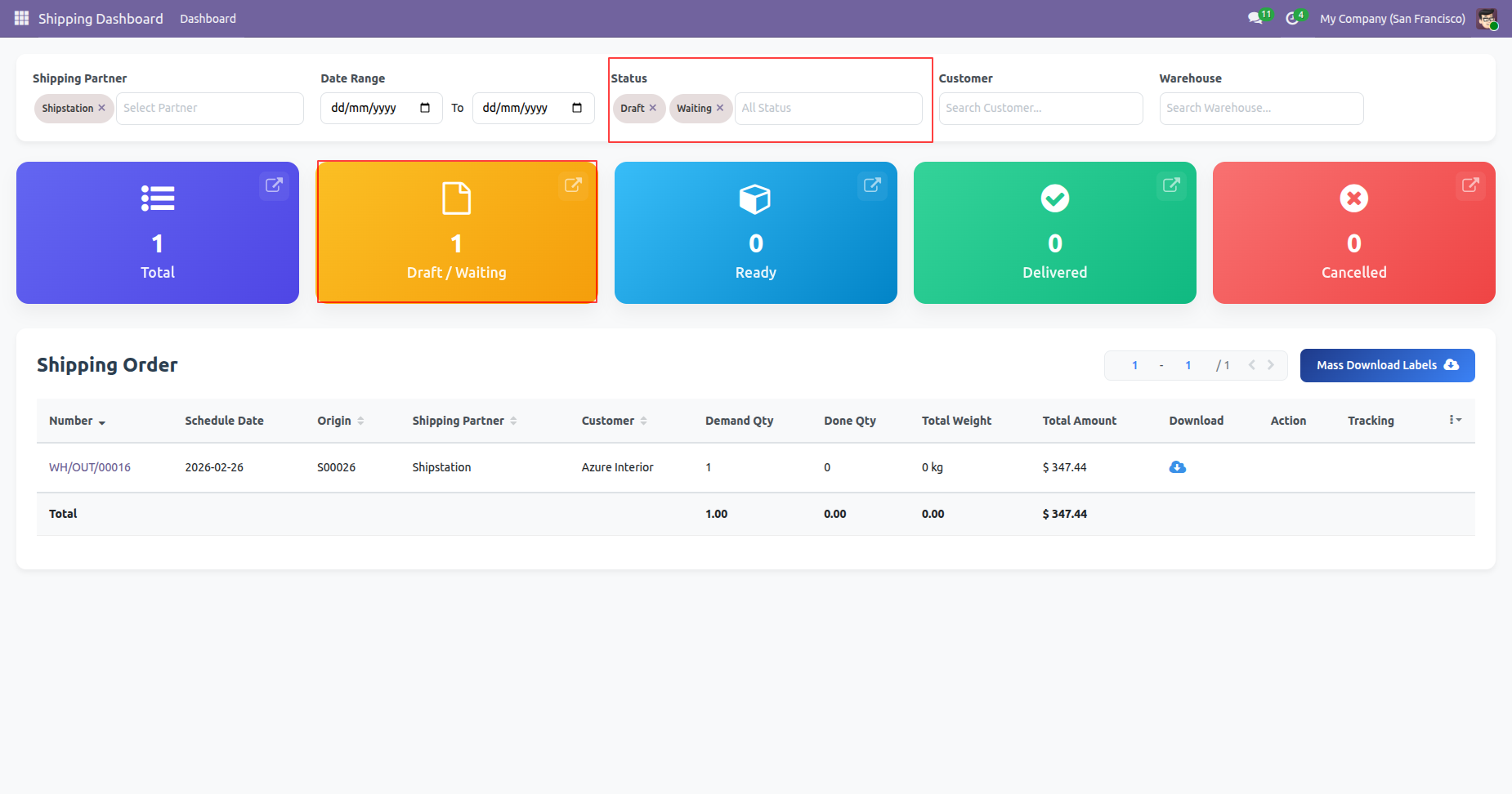
You can select shipping status.
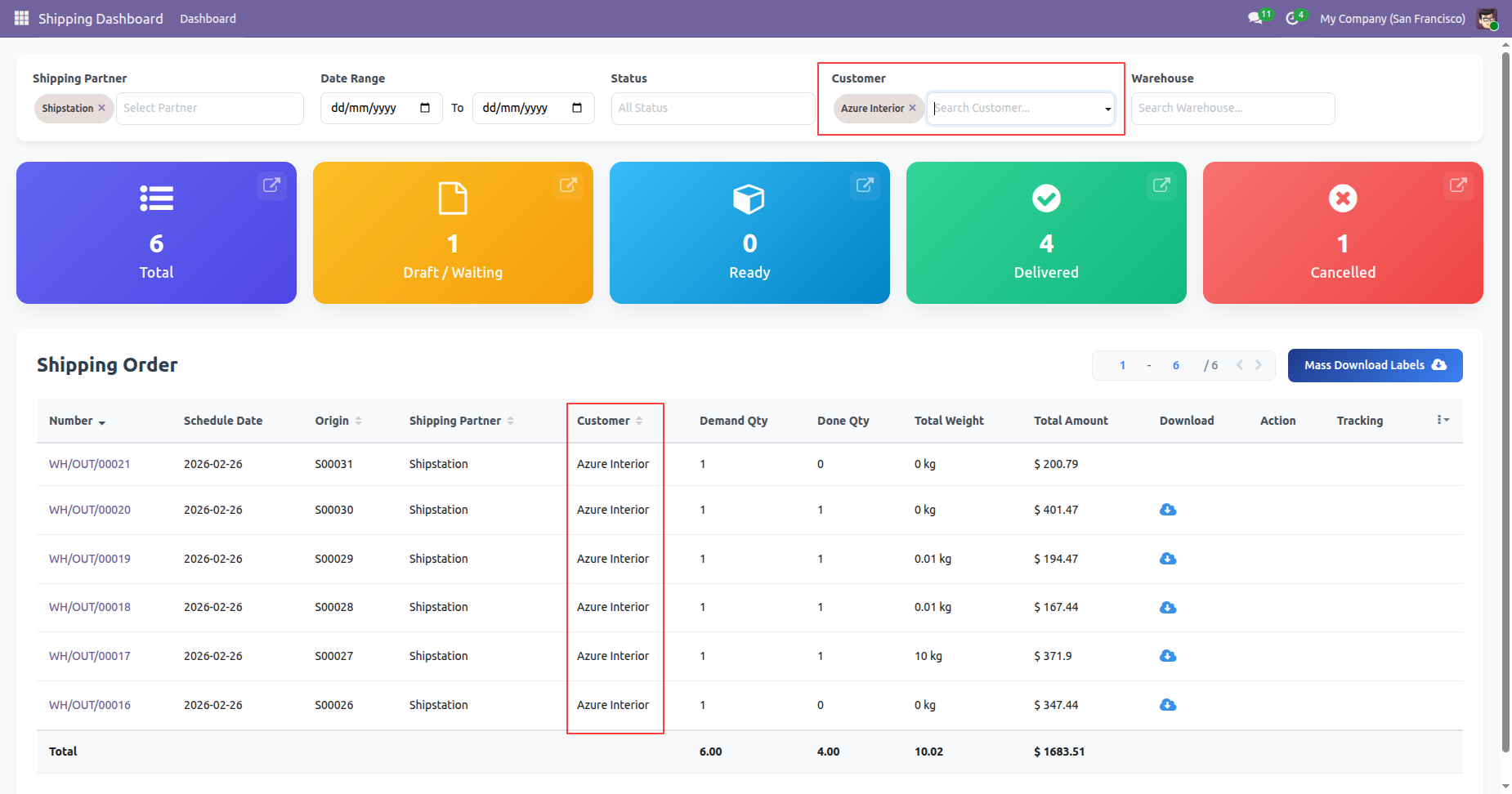
You can select customers.
You can select warehouse.
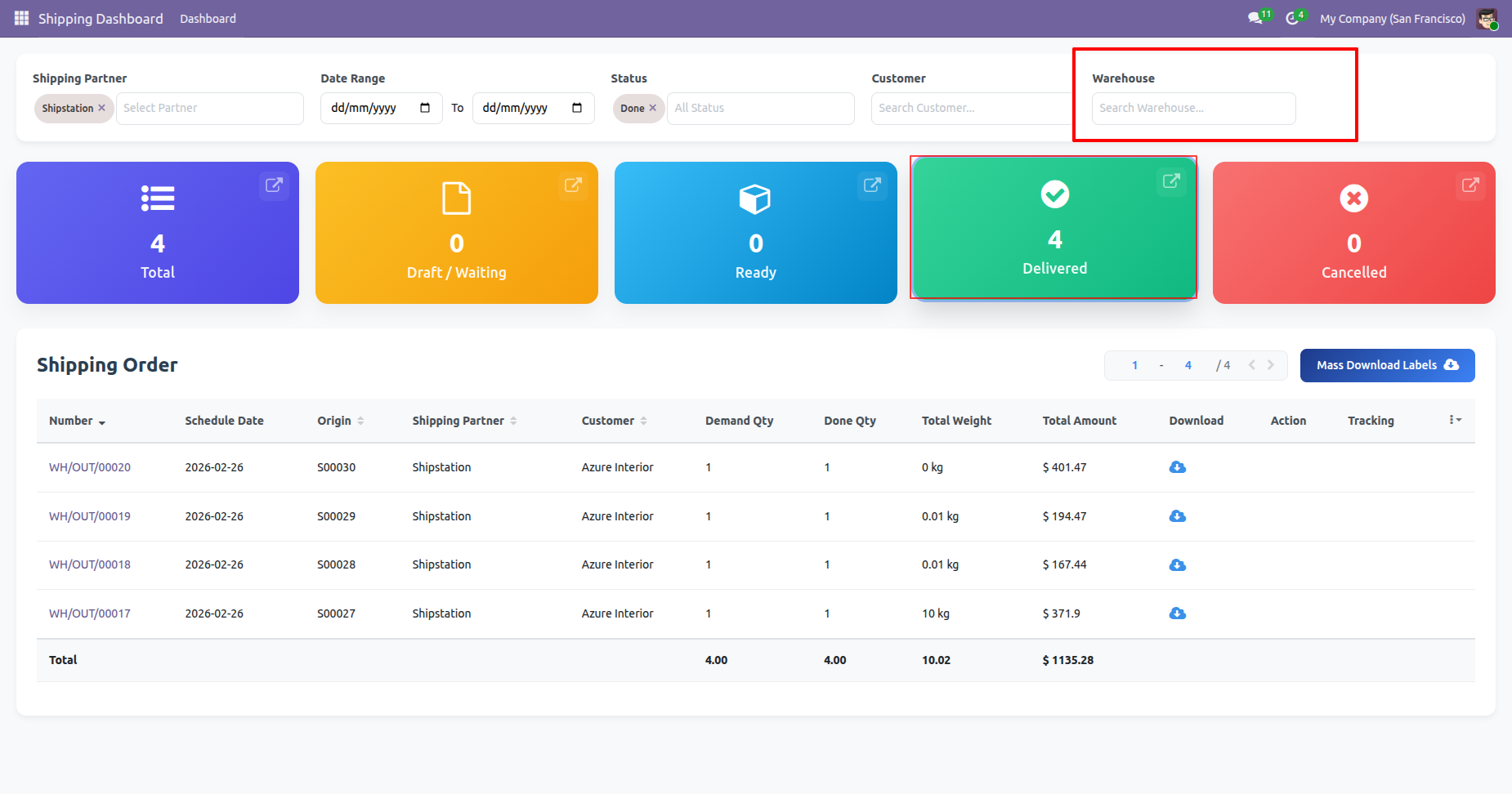
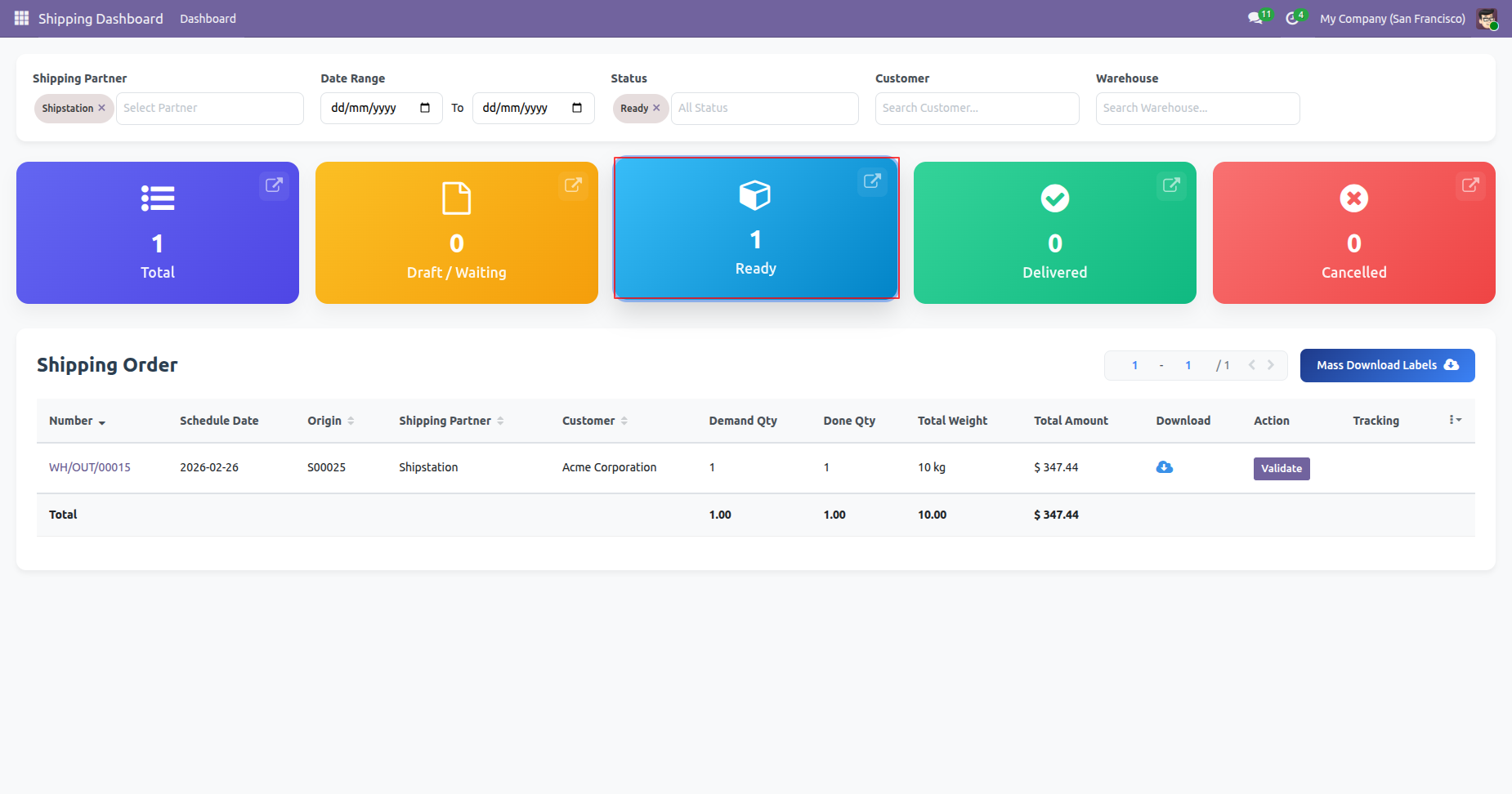
By clicking on a particular status, it shows its own details only on the dashboard.
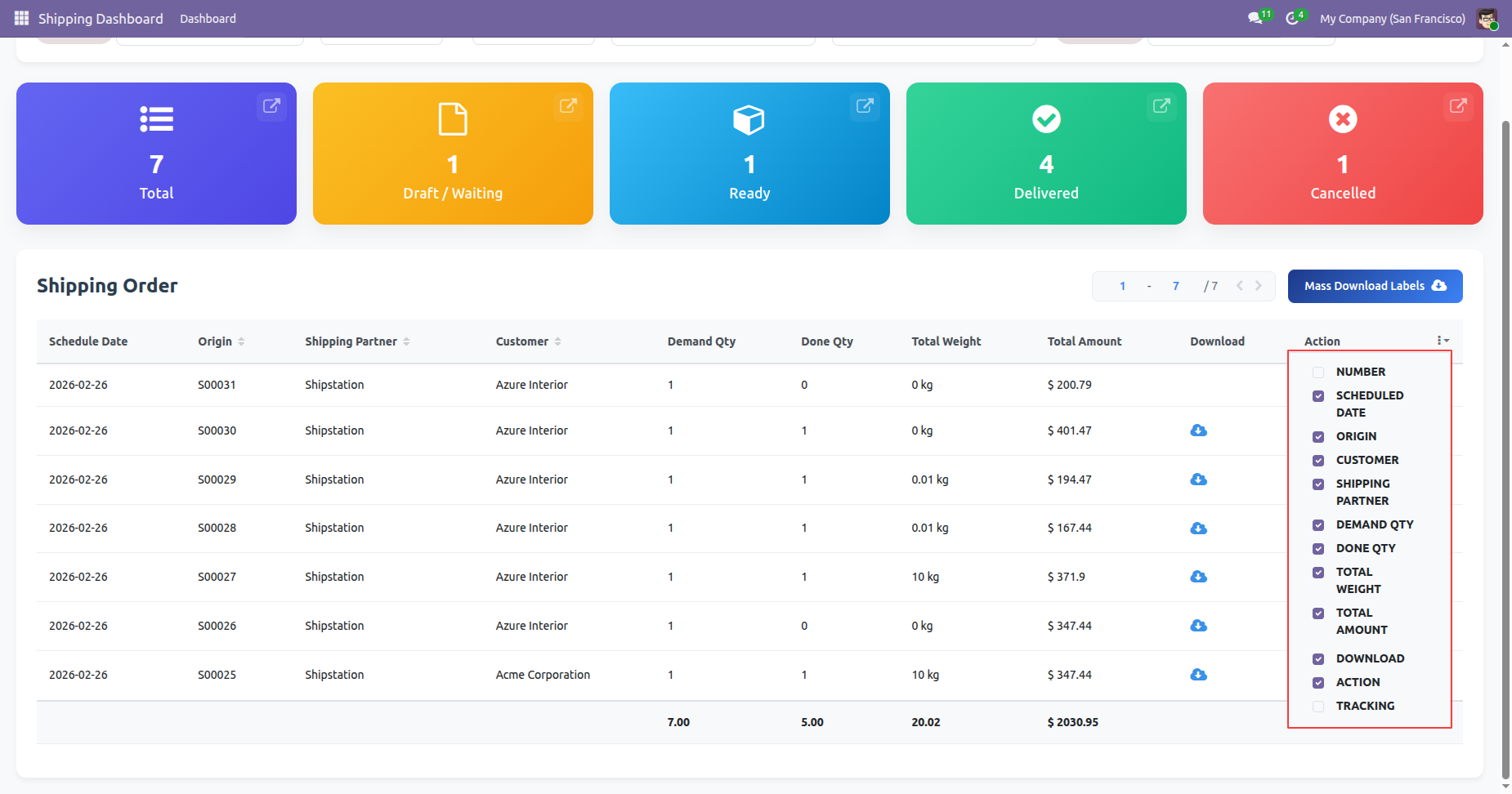
You can set fields by enabling/disable option.
Click 'Mass Download Labels' to download all at single click, You can download and track shipping from the dashboard.
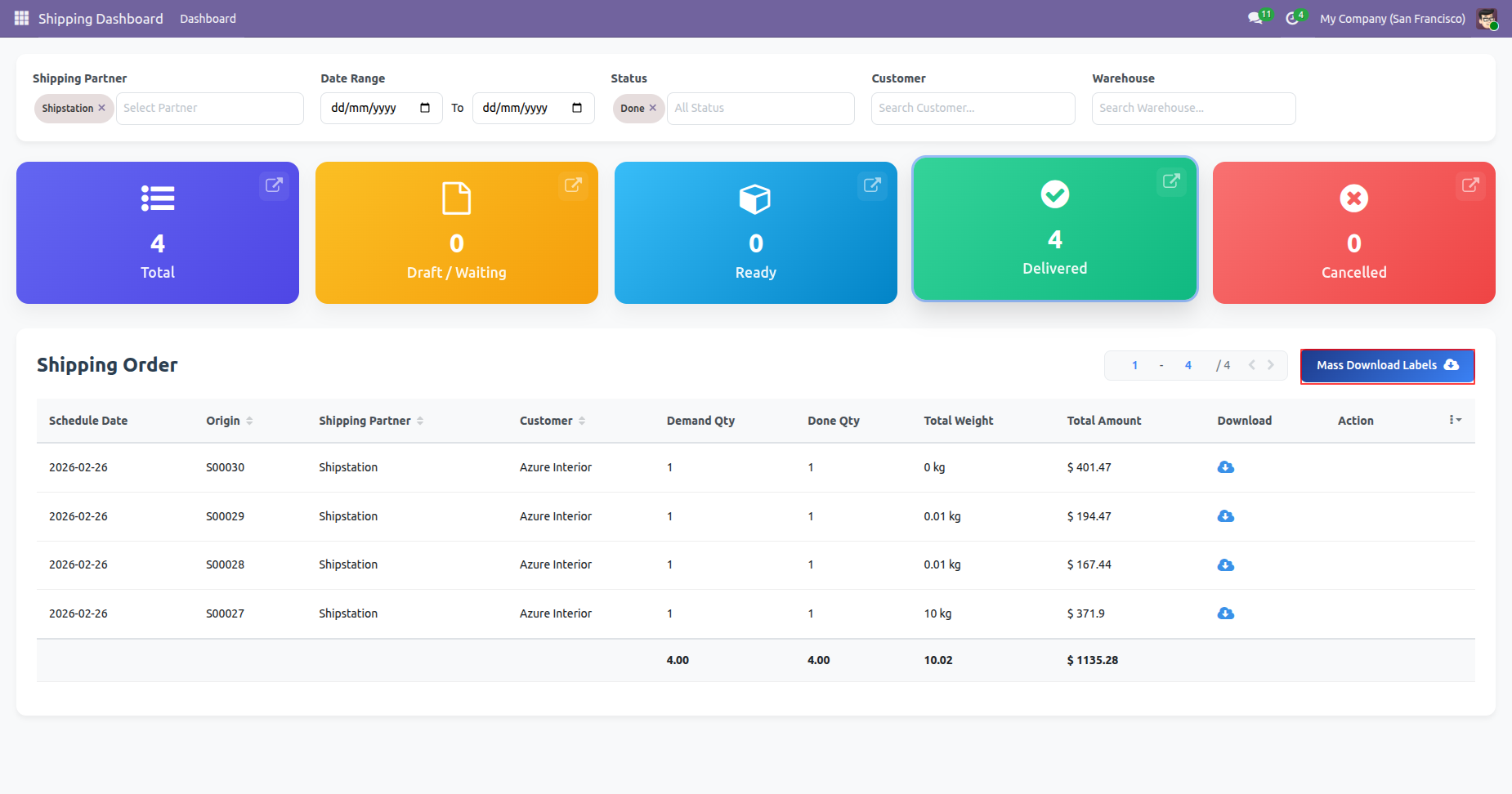
Labels downloaded.
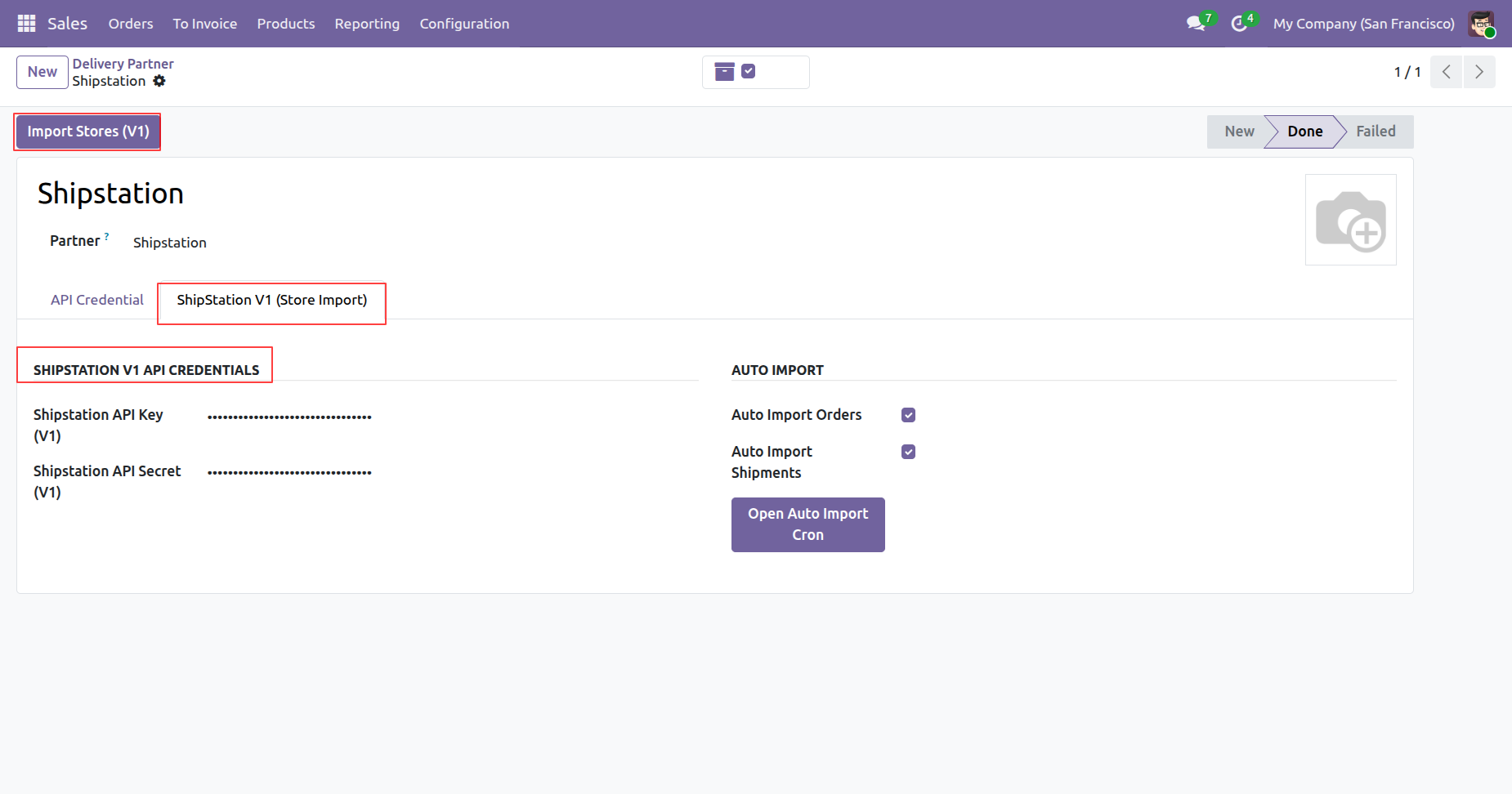
Enter API credentials and then press Import Stores (V1) to fetch store details.
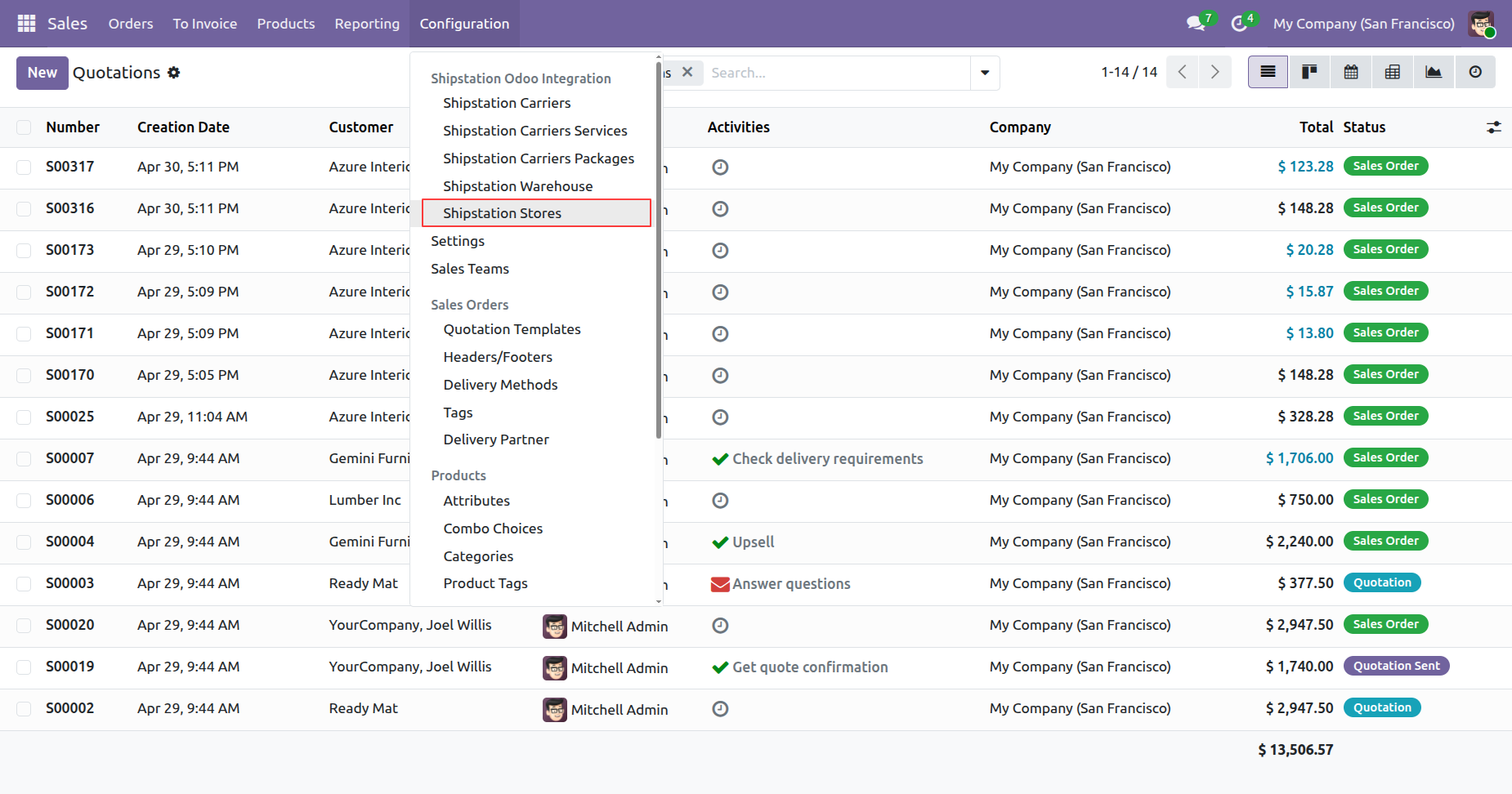
Displays the configuration menu with the Shipstation Stores option highlighted for managing connected accounts.
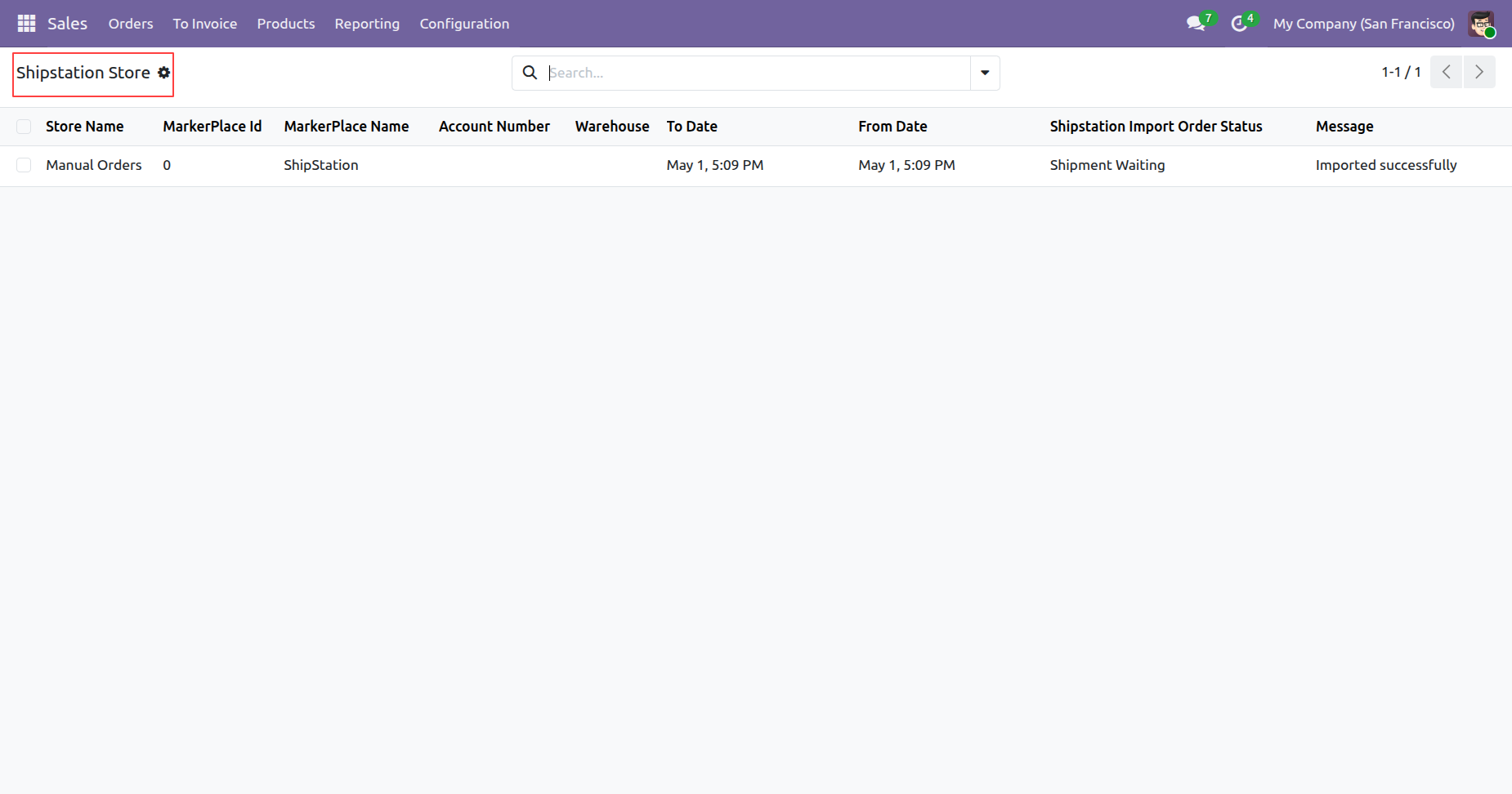
Displays imported ShipStation stores with their marketplace details, dates, and import order statuses.
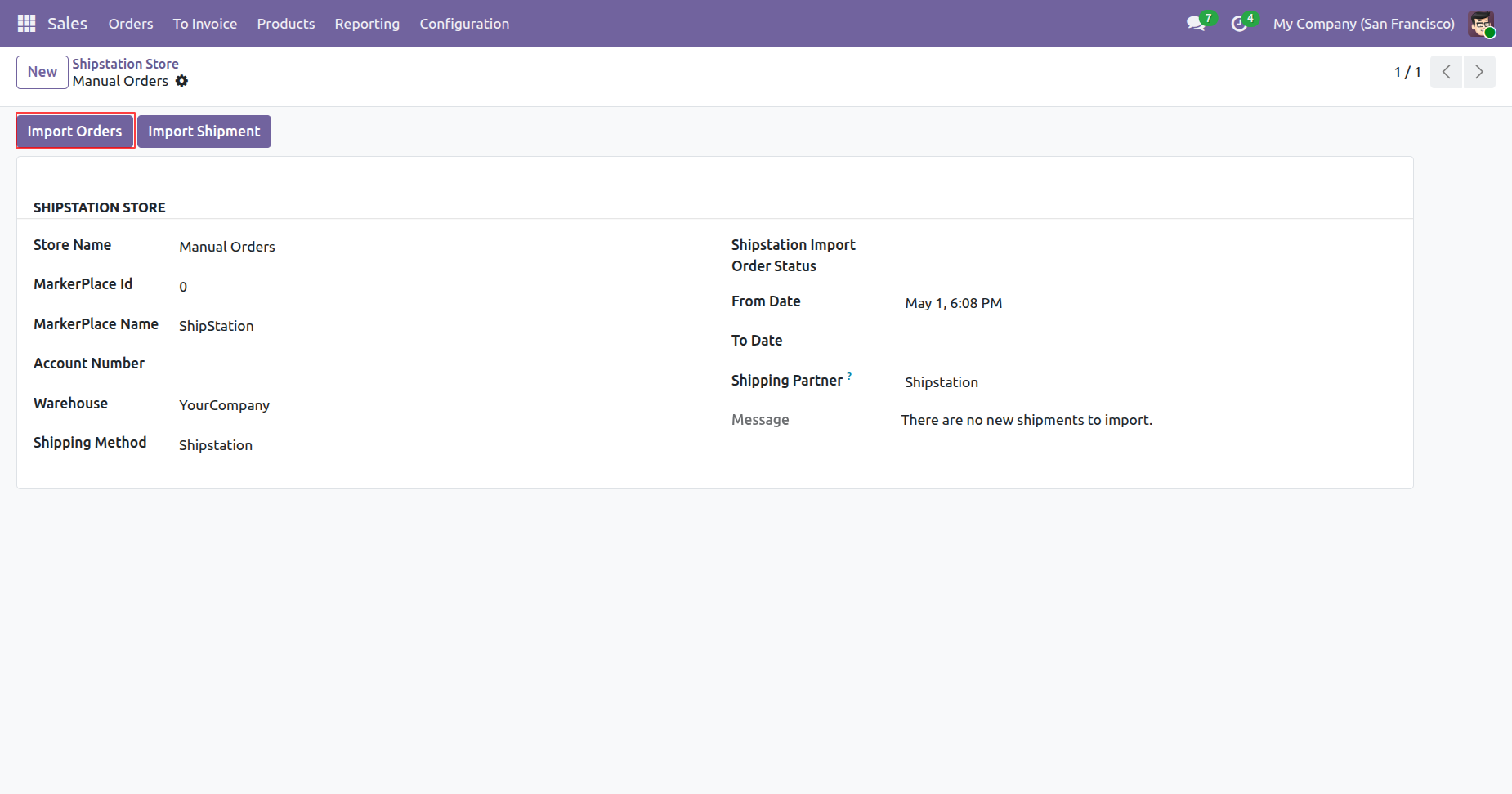
Open a ShipStation store and then press Import Orders to fetch recent order data.
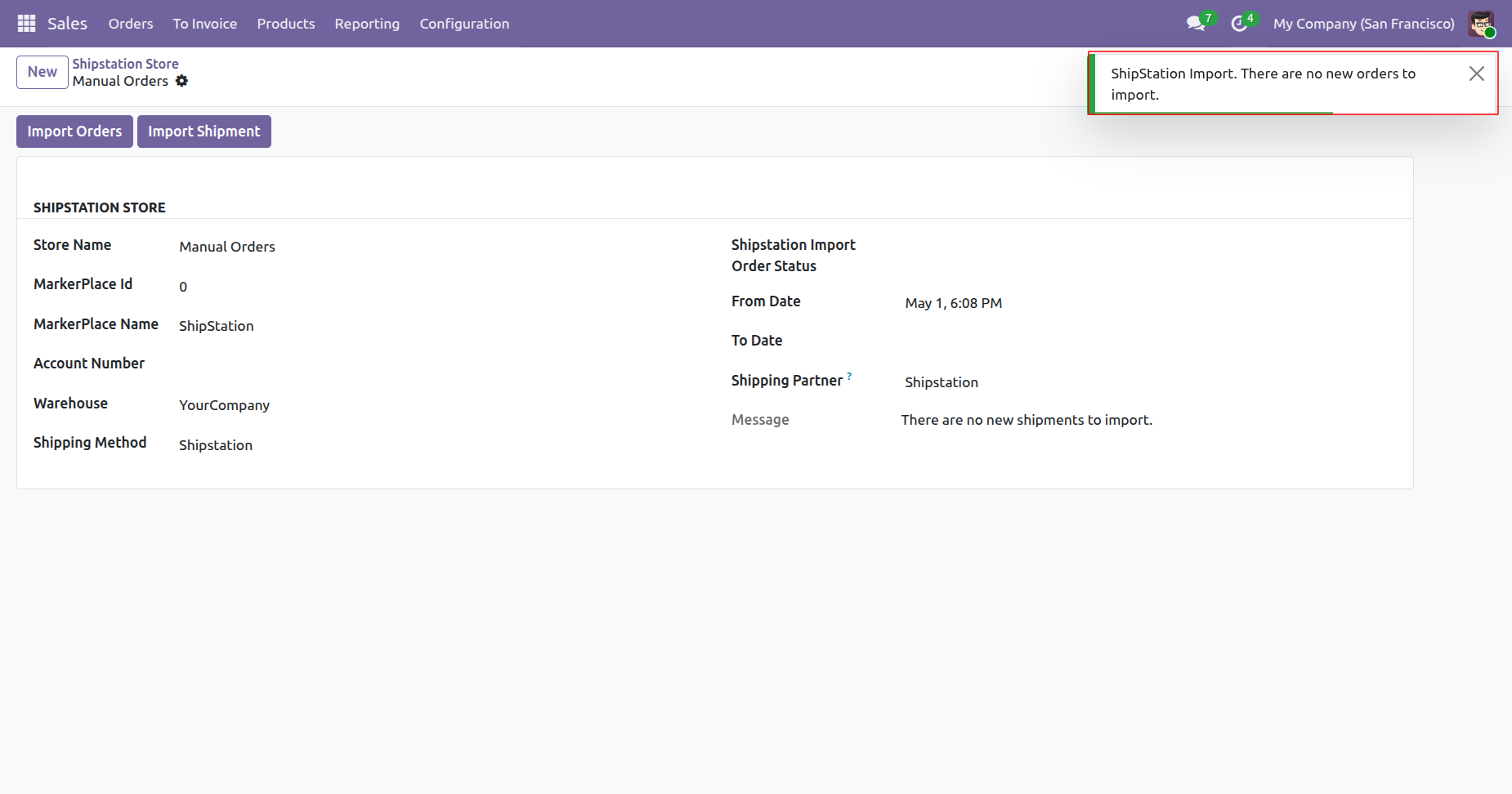
Displays an alert notification when there are no new orders available to fetch.
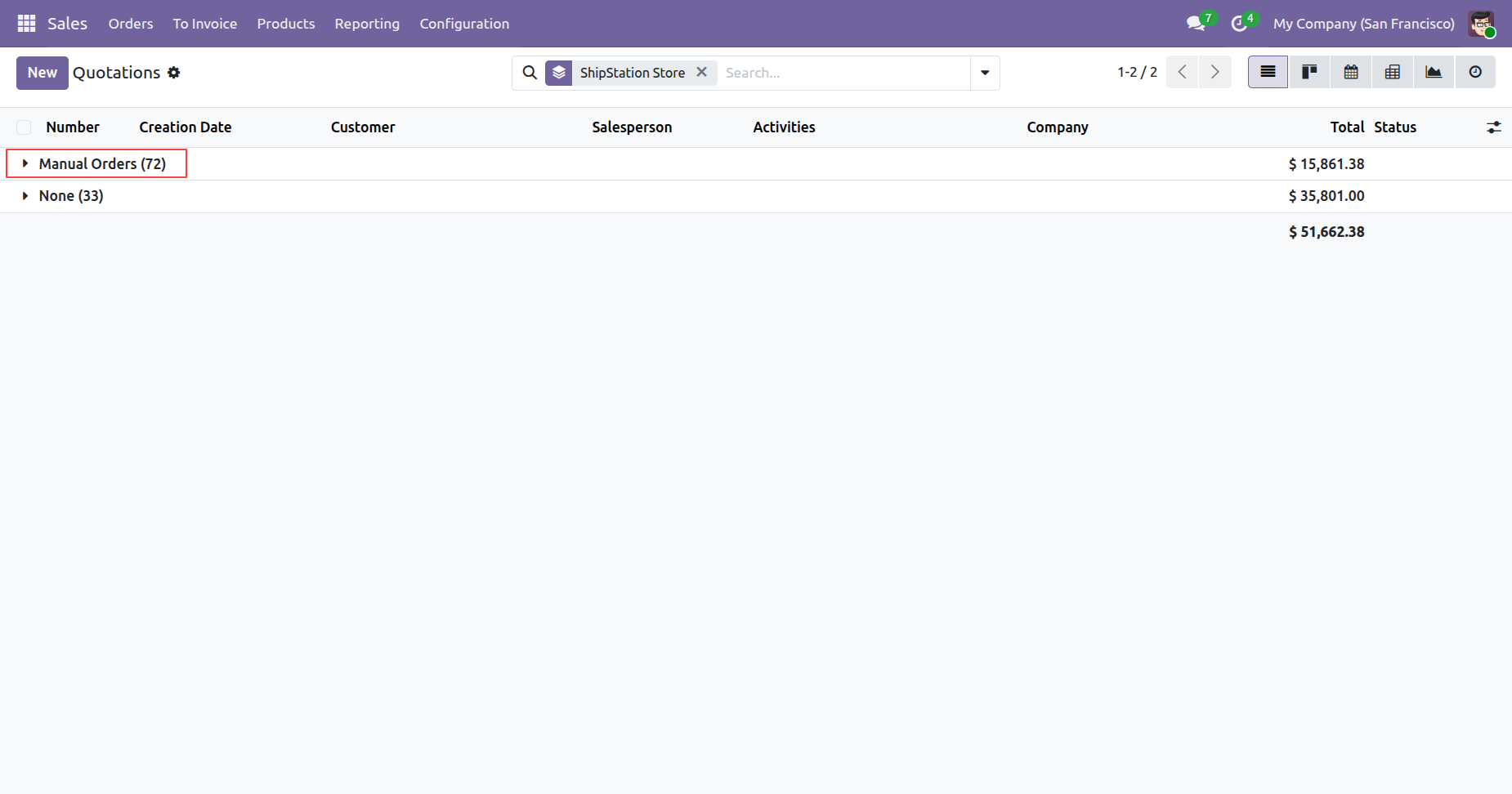
Displays the imported ShipStation orders directly within the comprehensive sales quotations list view.
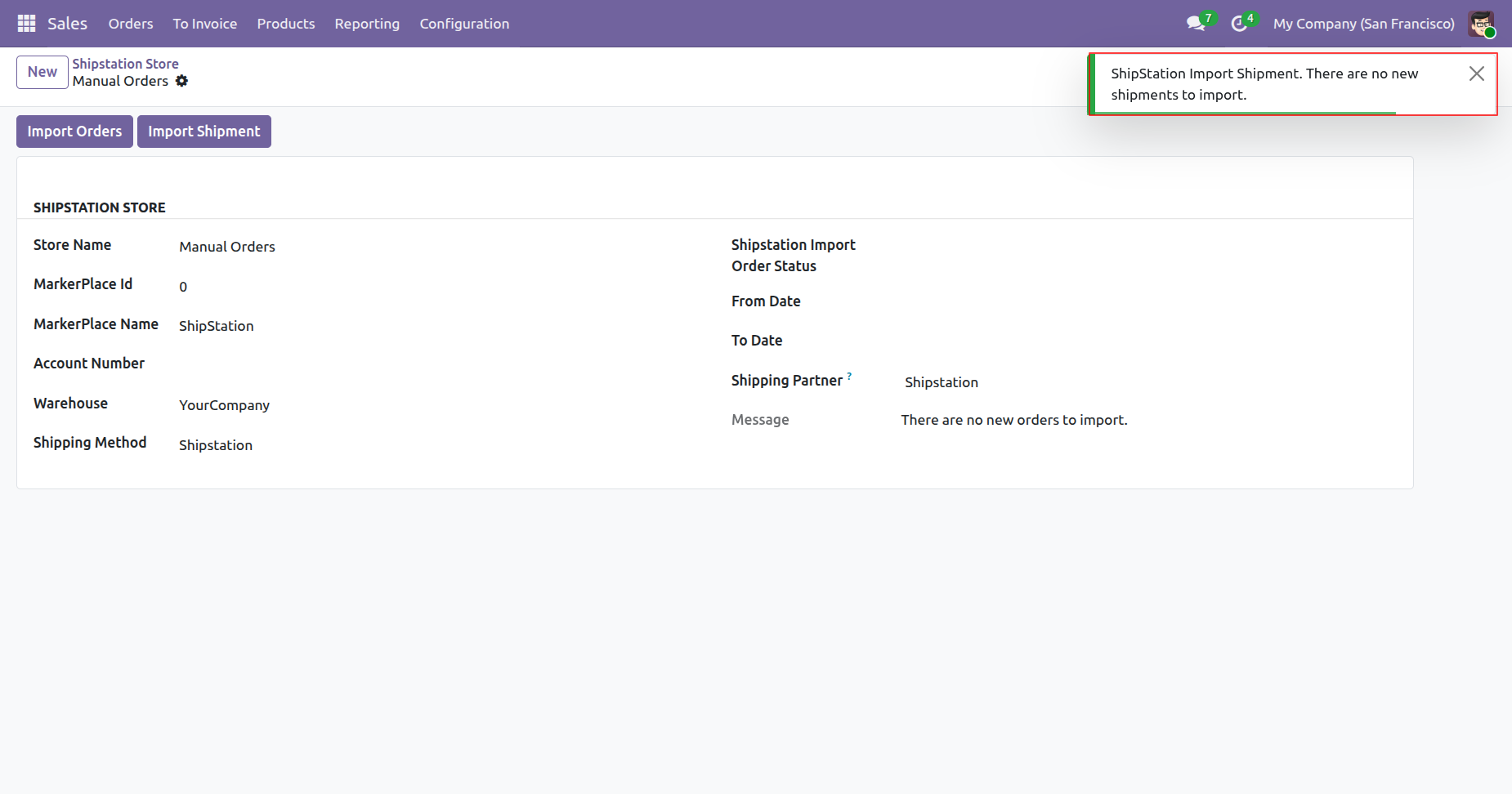
Select a configured store and then press Import Shipment to fetch delivery tracking updates.
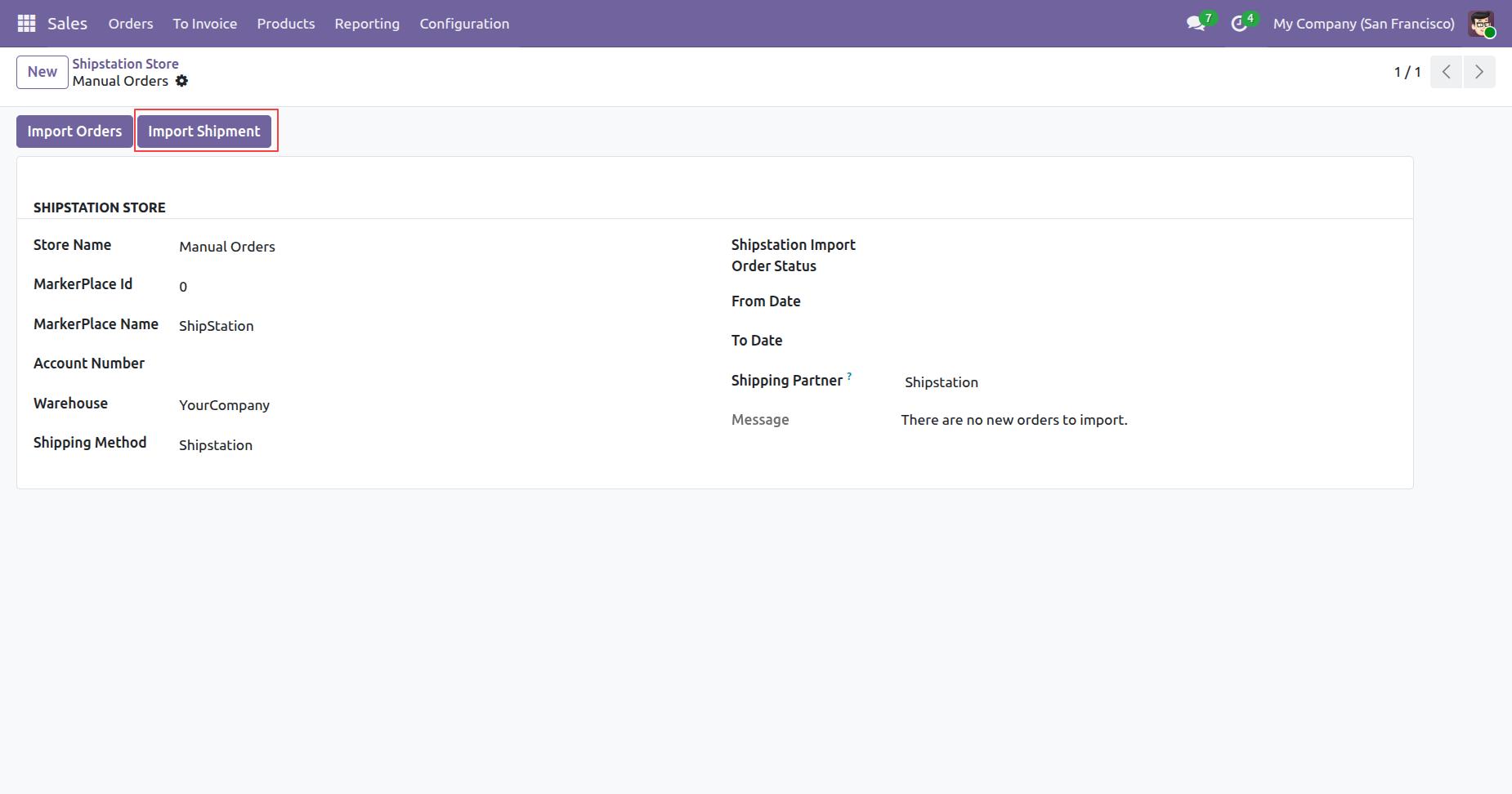
Shows a warning message indicating that no new shipment records require synchronization currently.
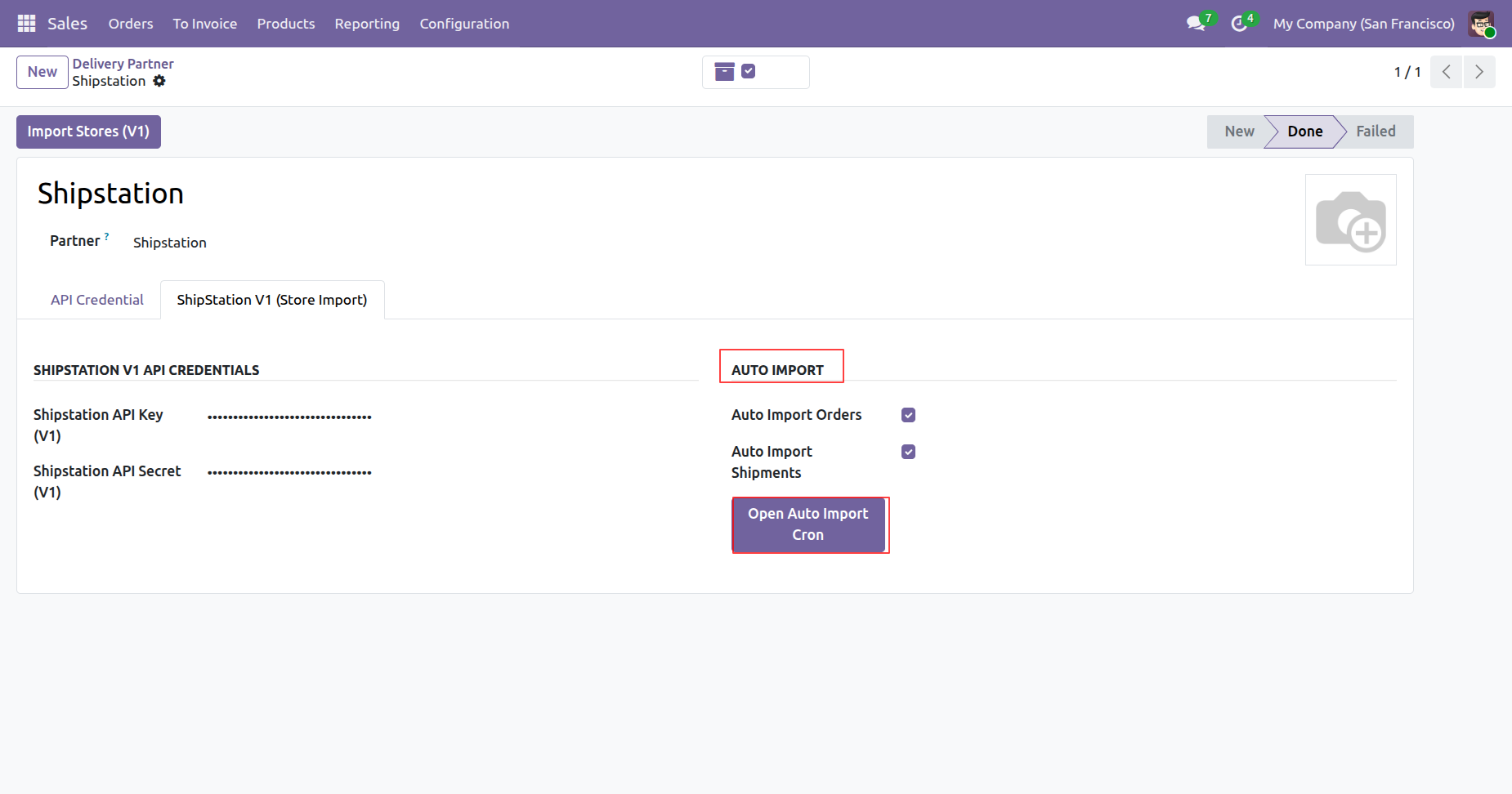
Enable Auto Import settings and then press Open Auto Import Cron to schedule imports.
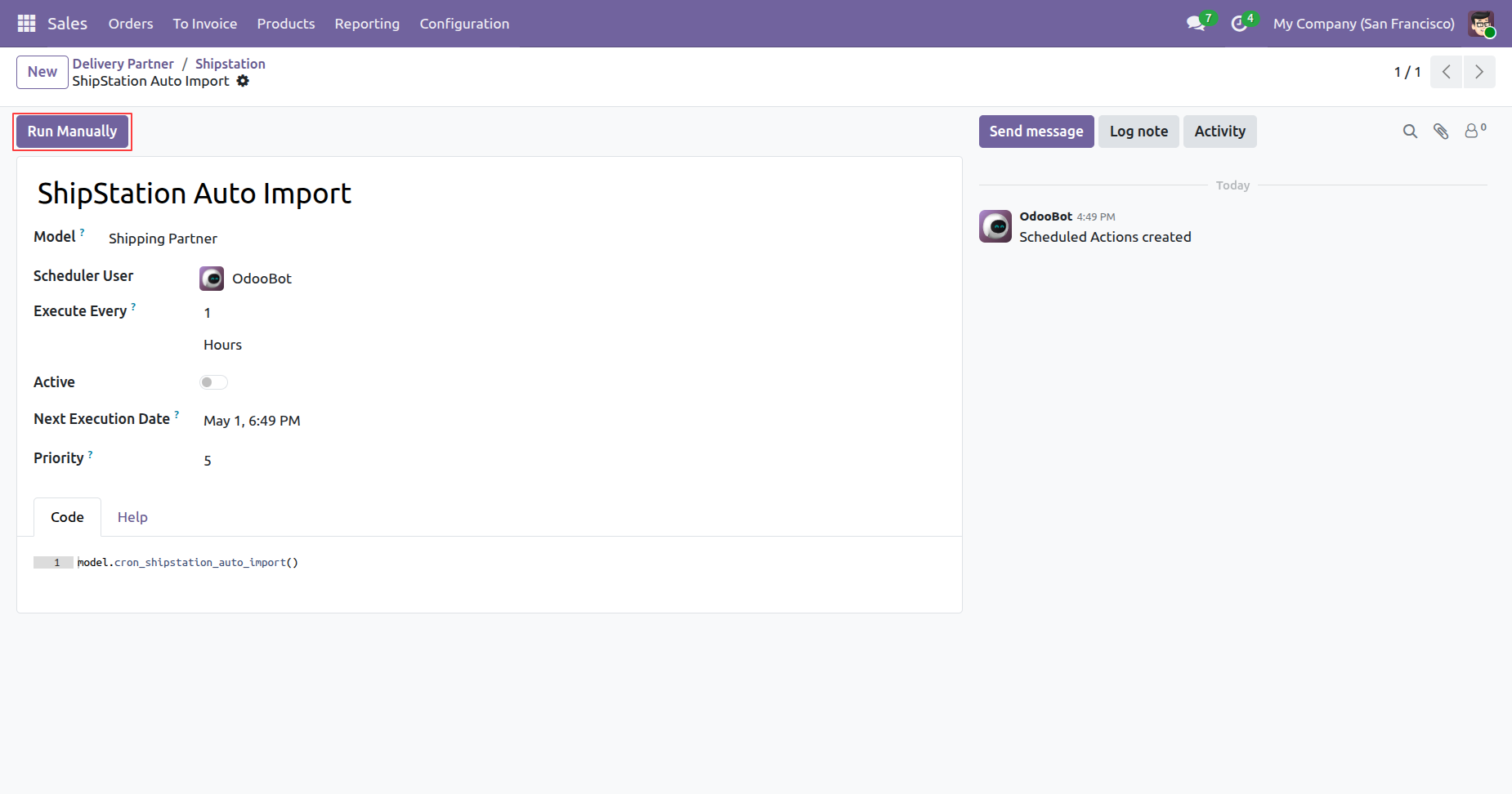
Configure the scheduled action and then press Run Manually to trigger automatic imports instantly.
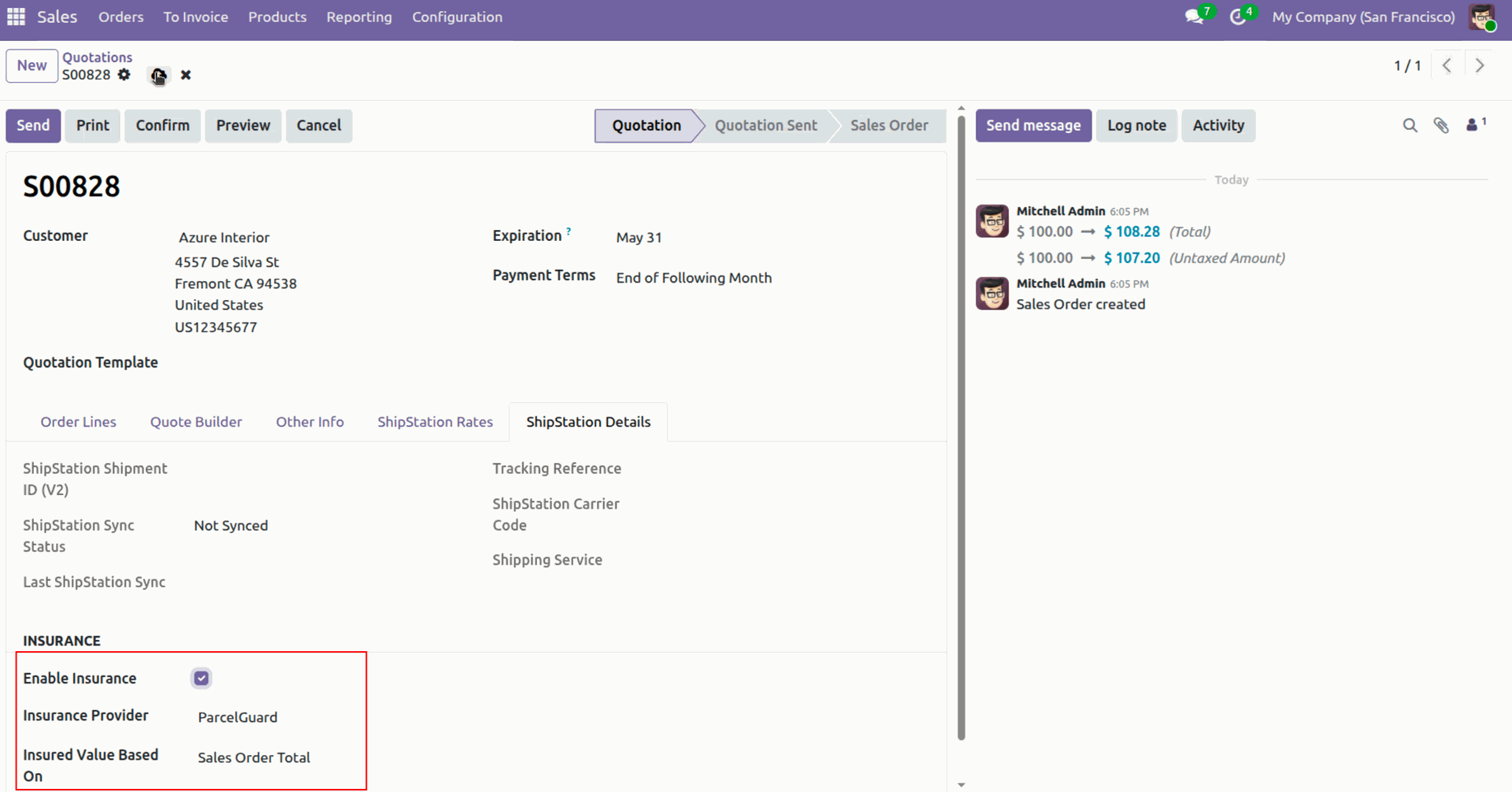
Displays the insurance configuration section where coverage providers and value calculations are defined.
Open the delivery transfer and then press Create ShipStation Shipment to process the order.
Displays the created shipment identifier within the chatter log along with the generated label.
Version 19.0.5.0.0 | Released on : 29th June 2026
Version 19.0.4.0.0 | Released on : 4th May 2026
Version 19.0.3.0.0 | Released on : 2nd March 2026
Version 19.0.2.0.0 | Released on : 28th January 2026
Version 19.0.1.0.0 | Released on : 31st December 2025
- Yes, this app works perfectly with Odoo Enterprise (Odoo.sh & On-Premise) as well as Community.
- No, this application is not compatible with odoo.com(odoo saas/Odoo Online).
- Please Contact Us at sales@softhealer.com to request customization.
- Yes, you will get free update for lifetime.
- No, you don't need to install addition libraries.
- For version 12 or upper, you will need to purchase the module for each version that you want to use.
- Yes, we provide free lifetime support for the version you purchased.
- No, We do not provide any kind of exchange.
Discover Our Latest Apps