











Shipping Label Direct Print

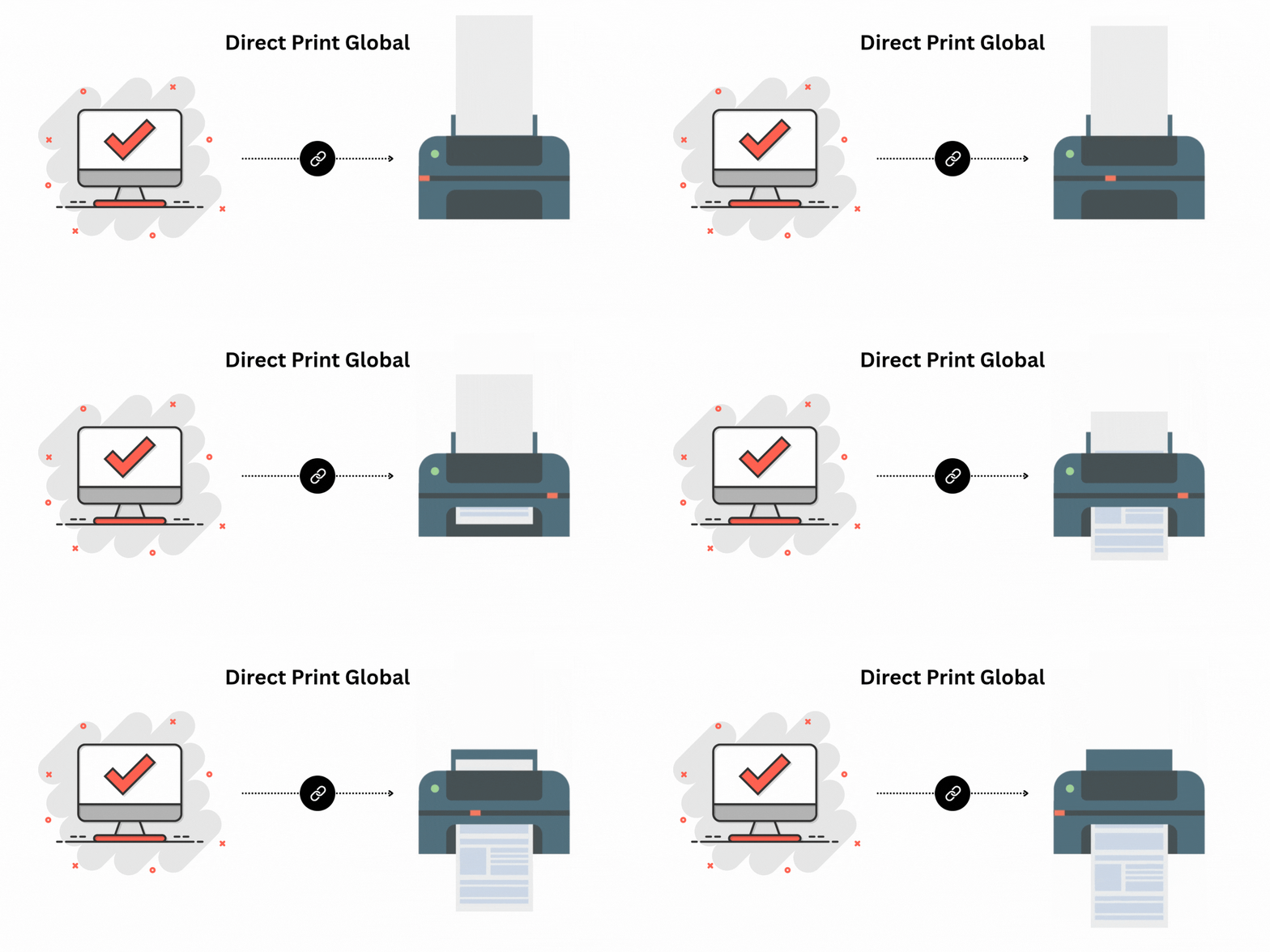
The Shipping Label Direct Print module allows you to instantly generate and print shipping labels without extra steps, saving time in daily delivery operations. It automatically creates and sends labels to the printer directly from delivery orders, helping warehouses speed up packing and shipping processes while reducing manual work.

Features
Direct Shipping Label Printing (One-Click)
Print shipping labels instantly from delivery orders without downloading or manual steps.

Supported Operating Systems
Fully compatible with Mac, Windows, and Ubuntu Linux.

No Recurring Charges
One-time setup with zero ongoing fees.
Lower Lines of Code
Optimized code leads a faster execution and smoother operations.

No IoT Required
No external IoT devices or hardware are needed.
Access From Anywhere
Remote printing is possible if the printer supports Ethernet connectivity.
Printer Compatibility
Works with A4 size paper format supported any printer, allowing seamless printing.

Strong Security for Complete Peace of Mind
Powered by Odoo's secure framework to safeguard your system, desktop app, and printer access.

Free Desktop App, No Recurring Costs
Enjoy a fully free desktop application with zero ongoing or recurring expenses. Use it anytime without subscription fees or additional charges.
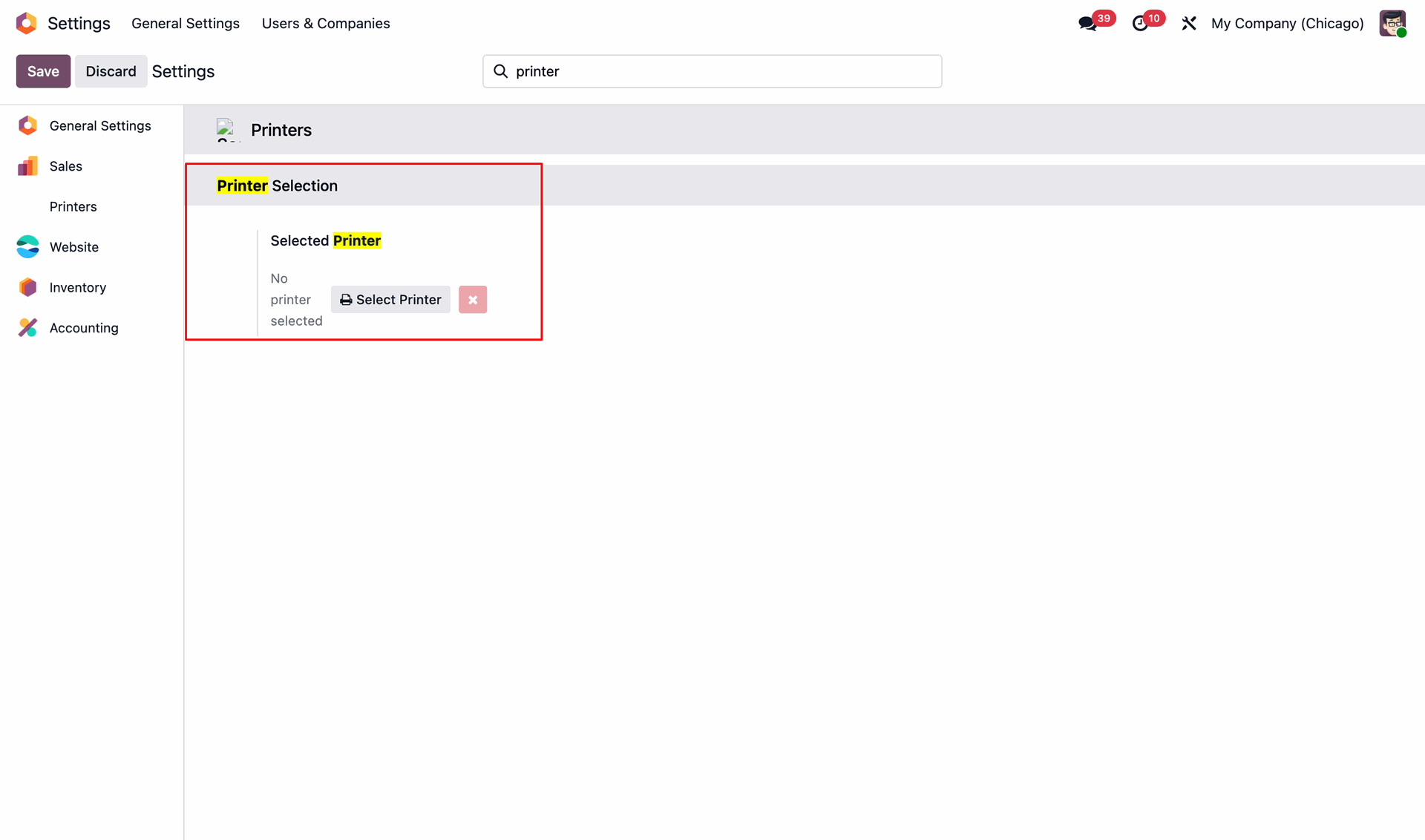
Go to the Printer settings and select the printer.
Create a Sale order/quotation.
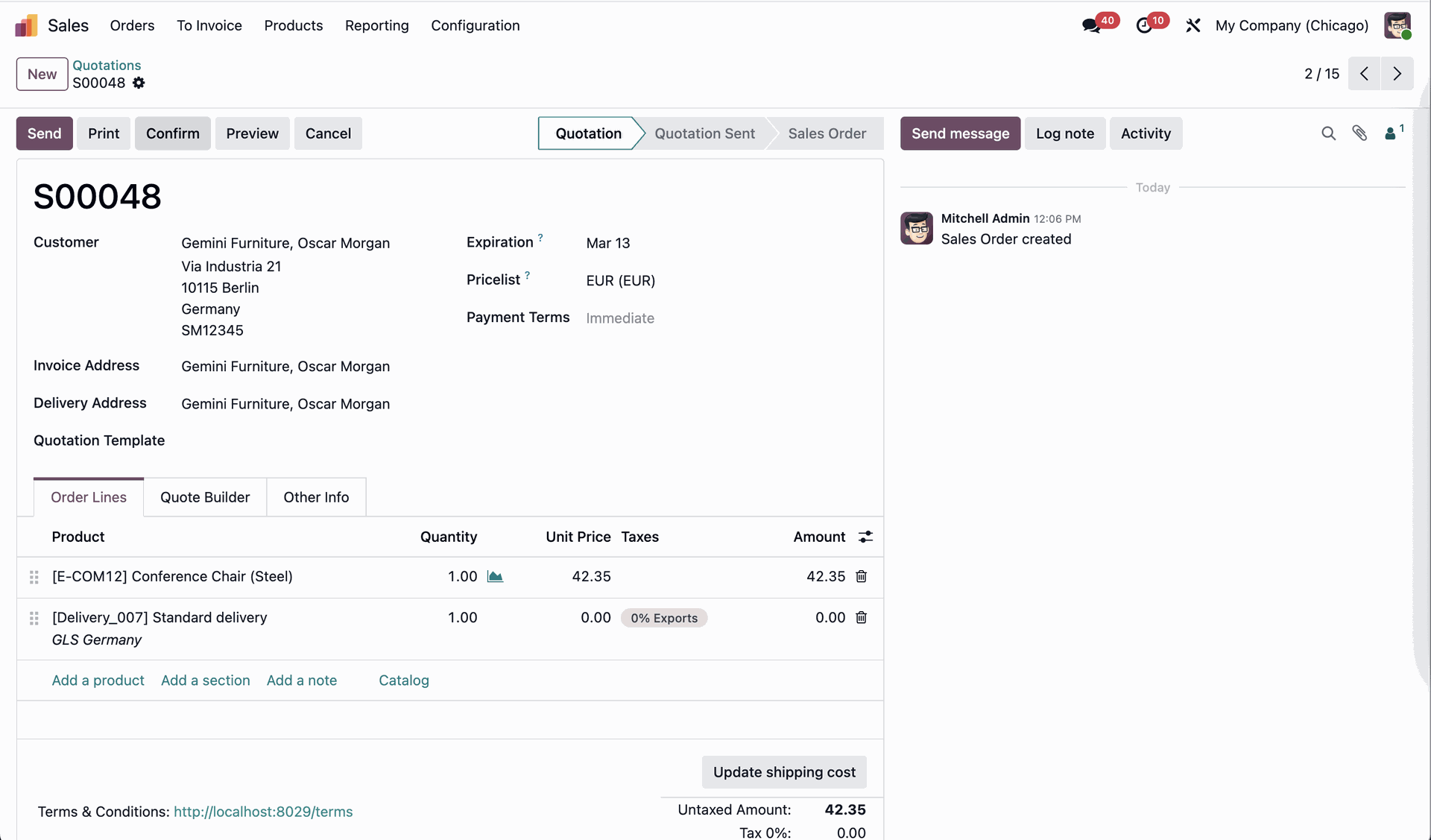
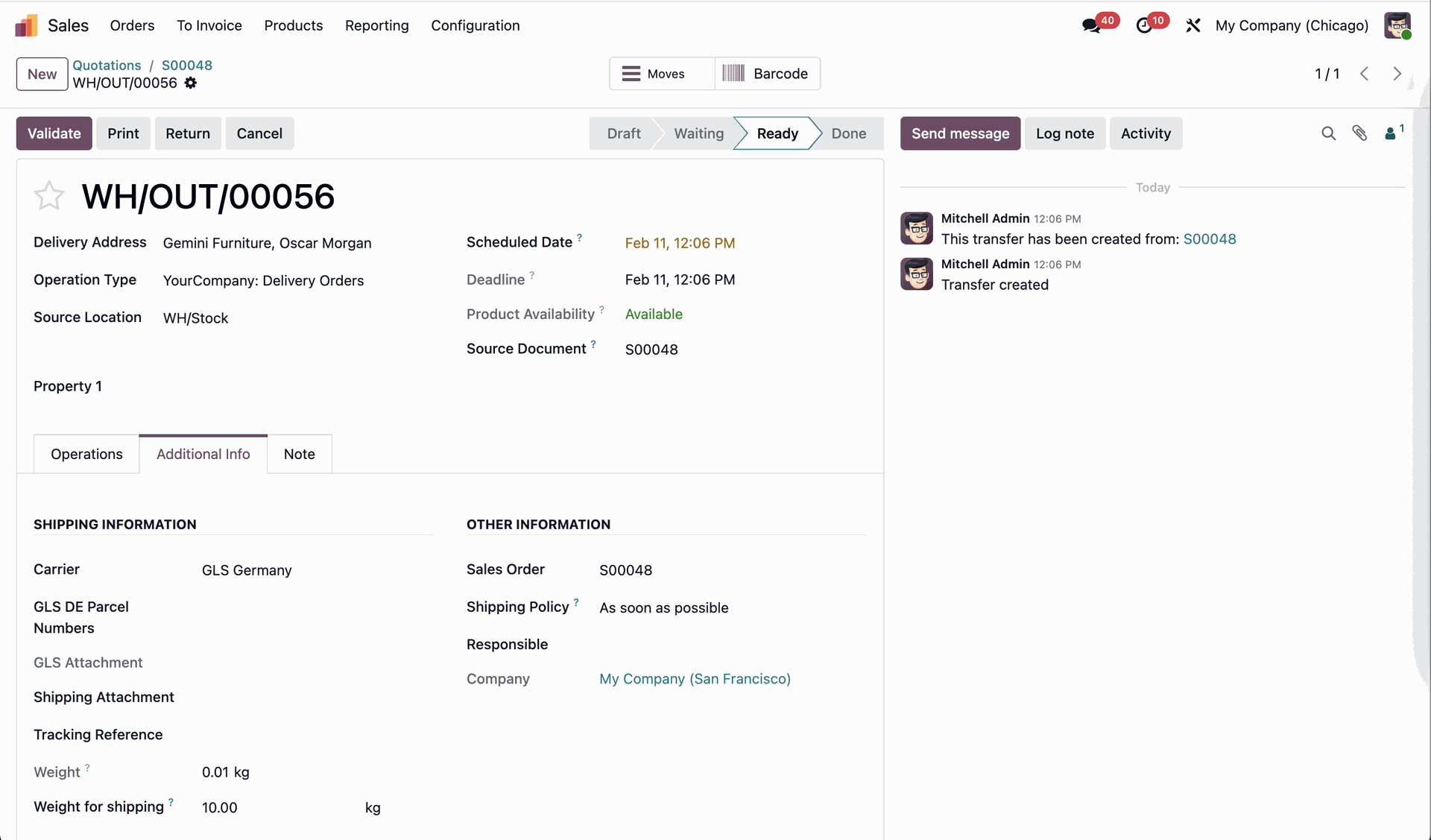
Validate the order.
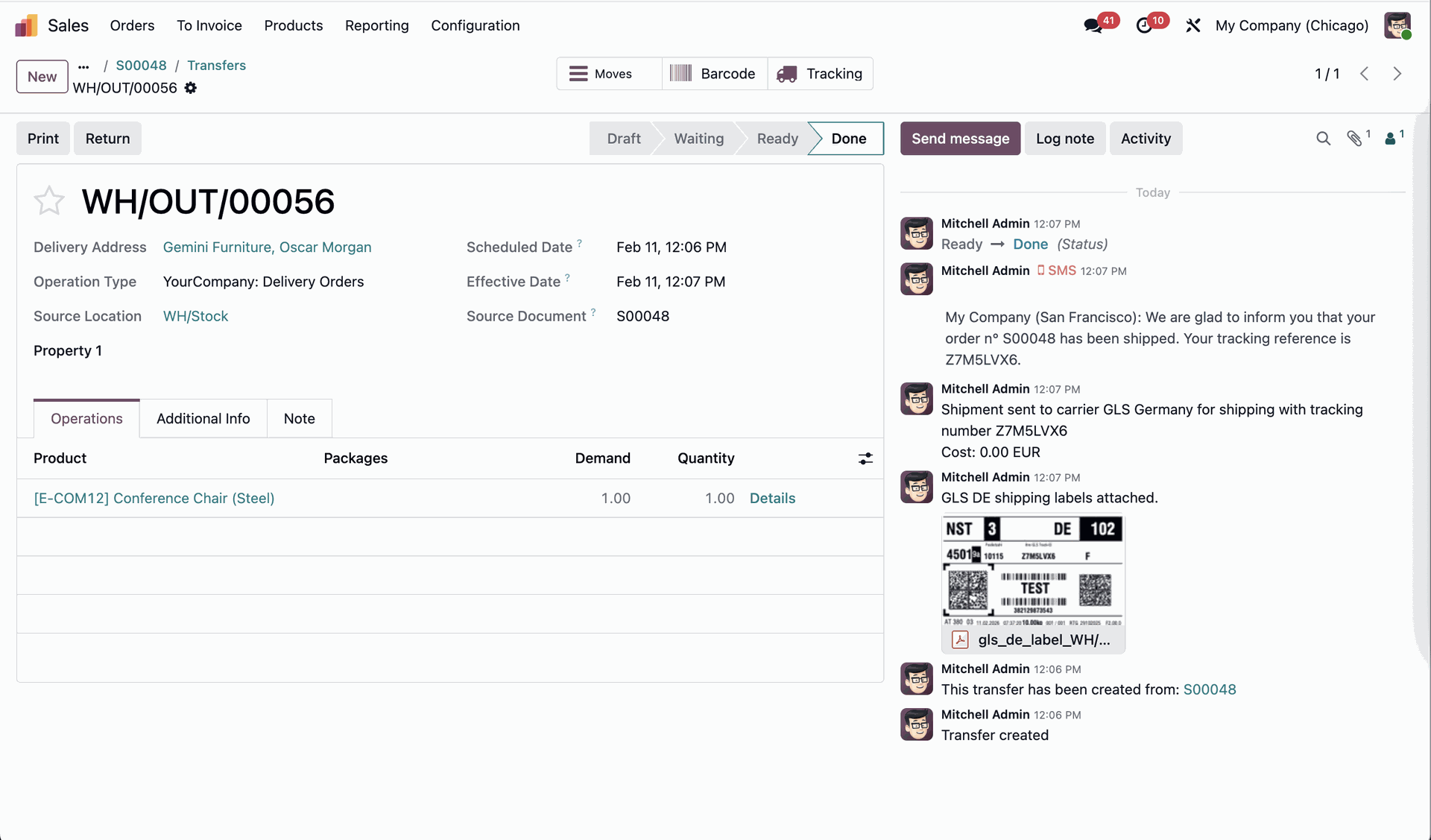
The label is generated and printed if the printer is connected.
Version 19.0.1 | Released on : 13th February 2026
- Yes, this app works perfectly with Odoo Enterprise (Odoo.sh & Premise) as well as Community.
- No, this application is not compatible with odoo.com(odoo saas/Odoo Online)
- Yes, to test this module, please contact us at sales@softhealer.com.
- Please contact us at sales@softhealer.comto request customization.
- Yes, we provide free support for 365 days from the date of purchase.
- Yes, you will receive lifetime free updates for the version of the module you purchased.
- No, there is no need to install any additional libraries.
- Yes, for version 12 and above, you need to purchase the module separately for each version you intend to use.
- No, exchanges or refunds are not allowed. Please make sure to select the correct version before purchasing.
- You can contact us at support@softhealer.com for language translation support. We use Google Translator tools to provide translations in multiple languages, so the accuracy may vary. We welcome your suggestions to help improve translations.
Discover Our Latest Apps