


 Easy to Manage
 Dedicated Support
















 Scan to email sales






Separate Quotation Number

Currently in odoo for quotation and sales order one sequence no managed. so it's difficult to identify quotations or sell orders based on sequence number generated. so our module helps to overcome this issue this module will help you to manage both sequences separately. So you will be easy to filter both as well. Another thing we have done in this module, default odoo when we click on the quotation menu it was showing all orders without filtering specific quotation orders. so we have made this quotation menu only show you quotation state list instead of quotation plus sale order list. After confirming to sale order still, you will be having a reference of quotation in another info tab. so you can track that as well.

Features
- The quotation menu shows only quotations instead of all orders.
- Quotation and Sale order Reports also changed accordingly.
- Easy to track quotation no after confirming to the sale order.
- Separate quotation number information in the sale order report.
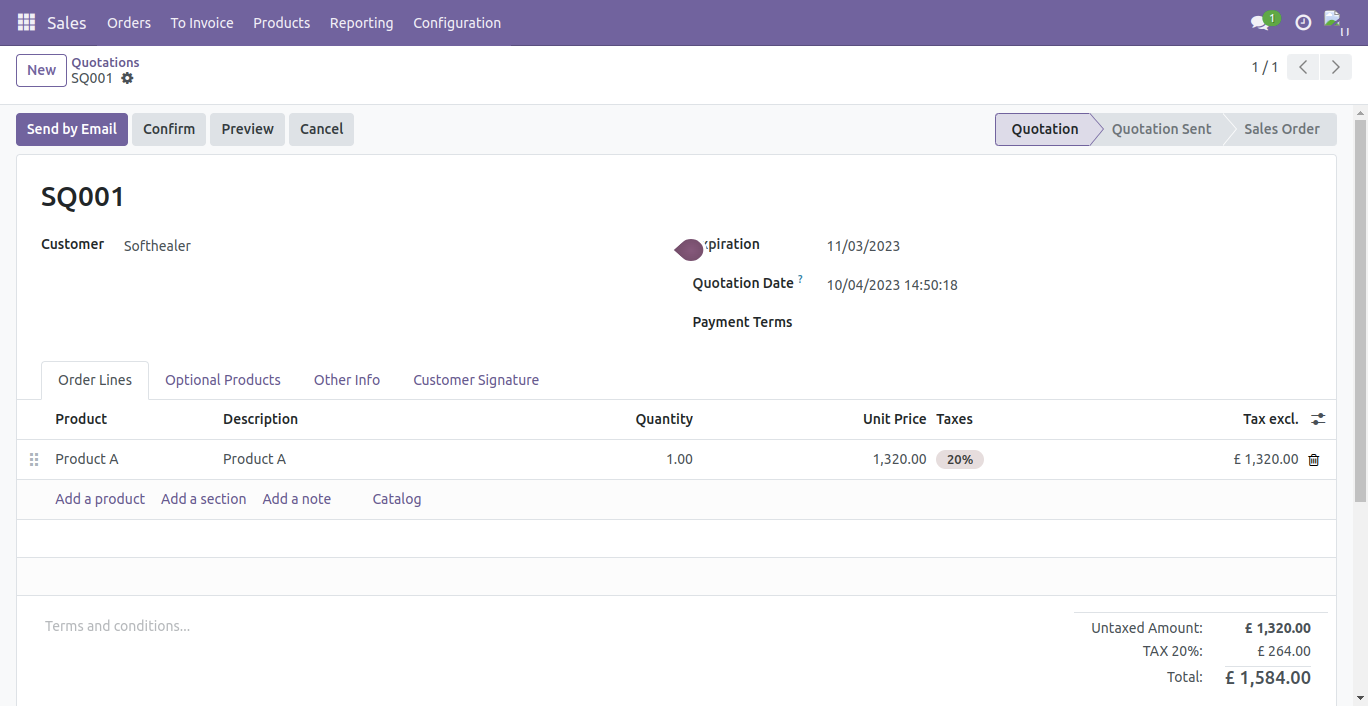
For Sales Quotation that is in "Quotation" or "Quotation Sent" stage new sequence generated having prefix 'SQ'.
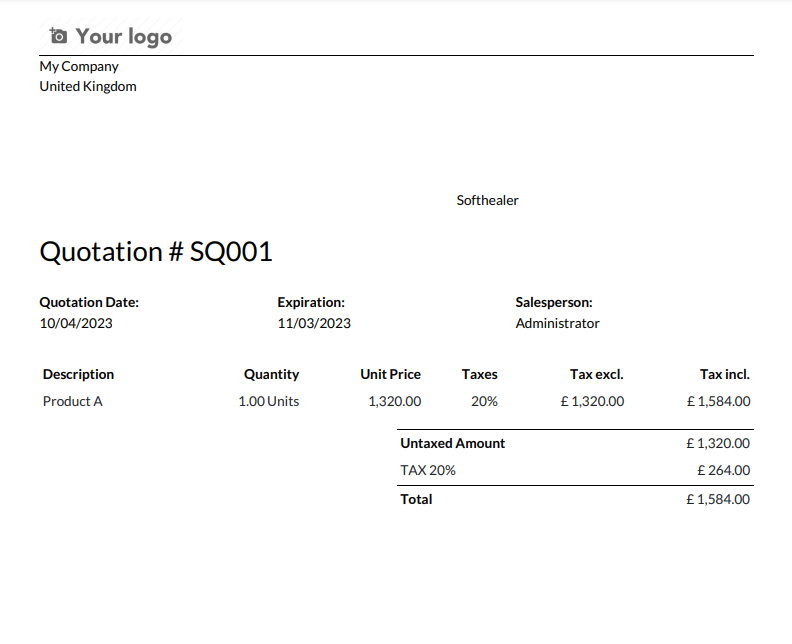
When we print sales quotation there mentioned new sales quotation number.
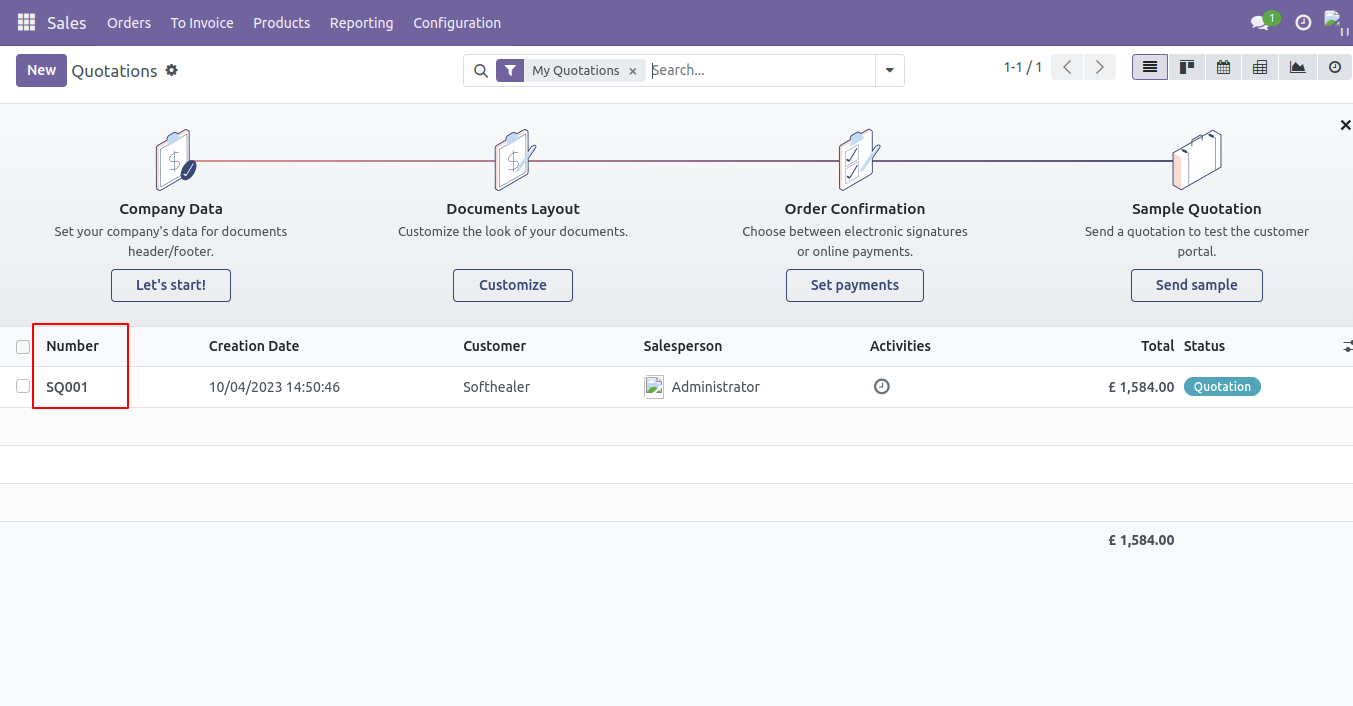
Sales quotation list view shows only order that are in quotation stage.
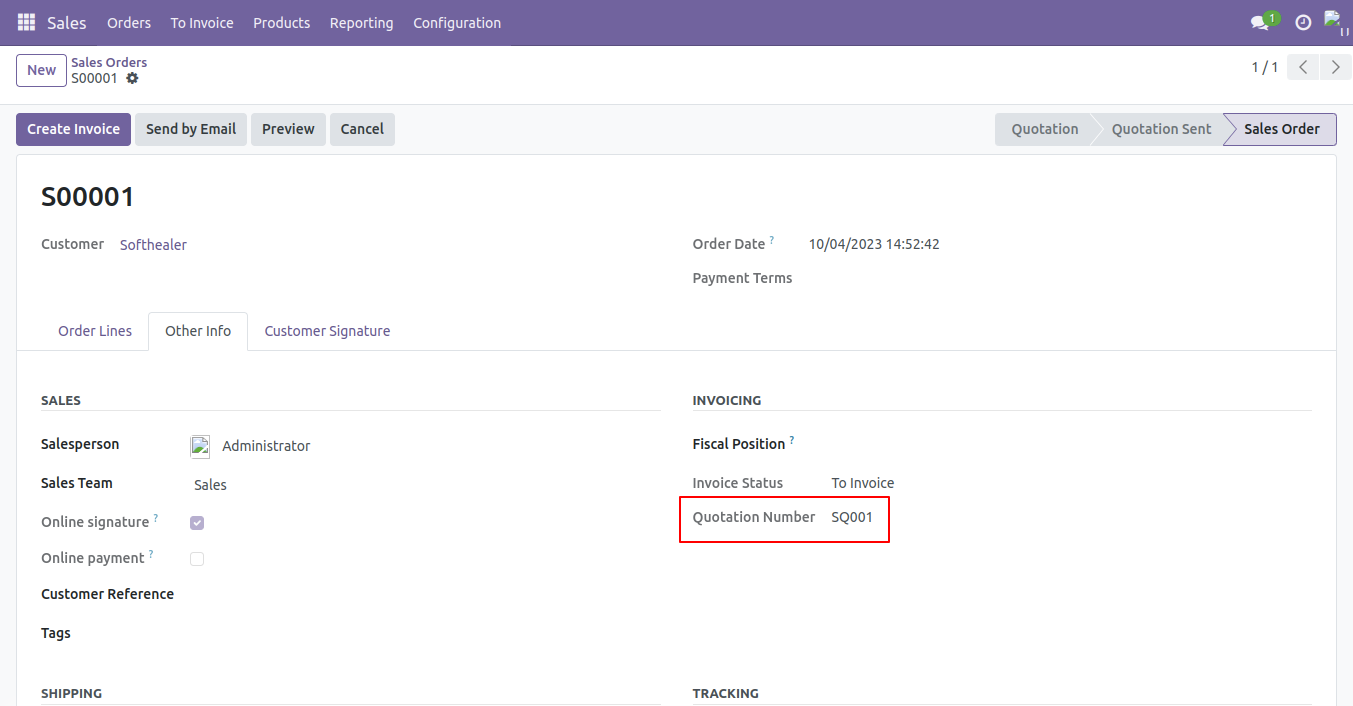
For Sales Order that is Confirmed stage new sequence generated having prefix 'SO', and quotation number that was previously generated is shown in "Other Information" tab.
When we print sales order there mentioned sales order number as well sales quotation number.

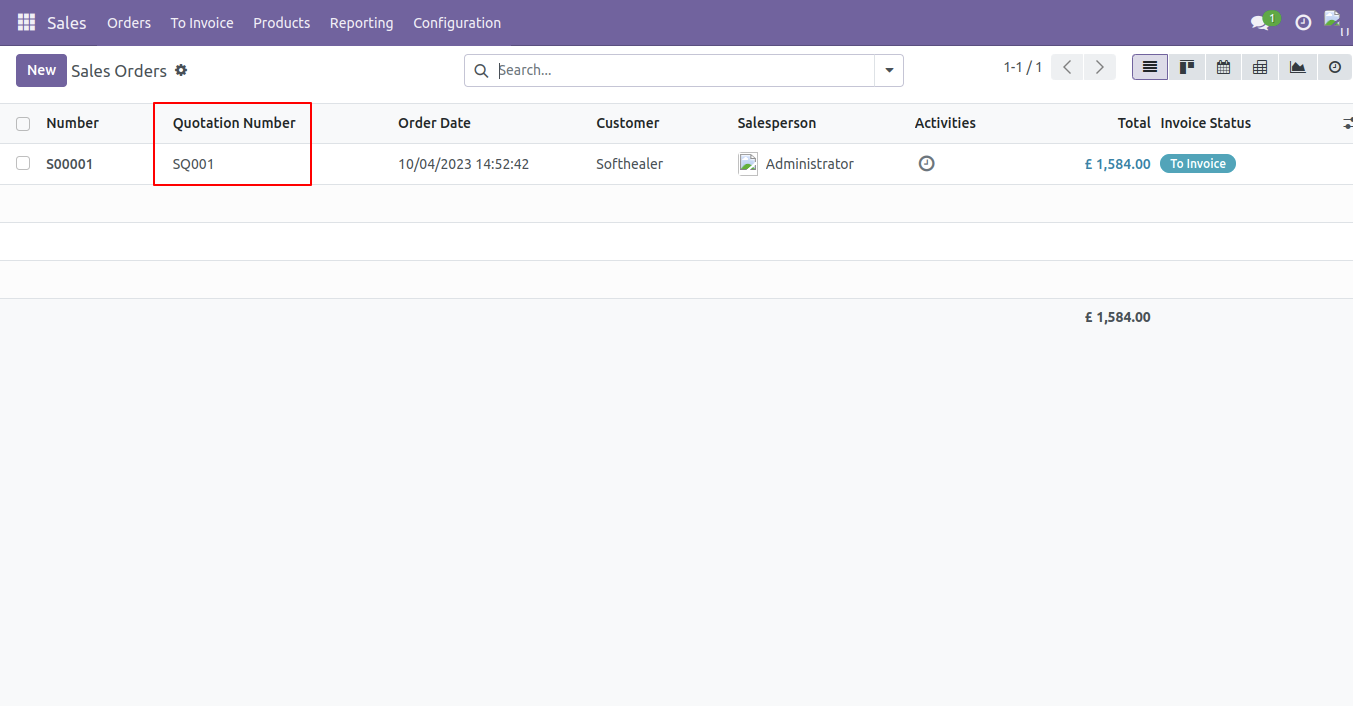
In Sales order list view shows quotation number as well as order number.
Version 18.0.1 | Released on : 29th August 2024
- Yes, this app works perfectly with Odoo Enterprise (Odoo.sh & On-Premise) as well as Community.
- No, this application is not compatible with odoo.com(odoo saas/Odoo Online).
- Please Contact Us at sales@softhealer.com to request customization.
- Yes, you will get free update for lifetime.
- No, you don't need to install addition libraries.
- For version 12 or upper, you will need to purchase the module for each version that you want to use.
- Yes, we provide free support for 100 days.
- No, We do not provide any kind of exchange.
