










POS-Mate POS Responsive Theme

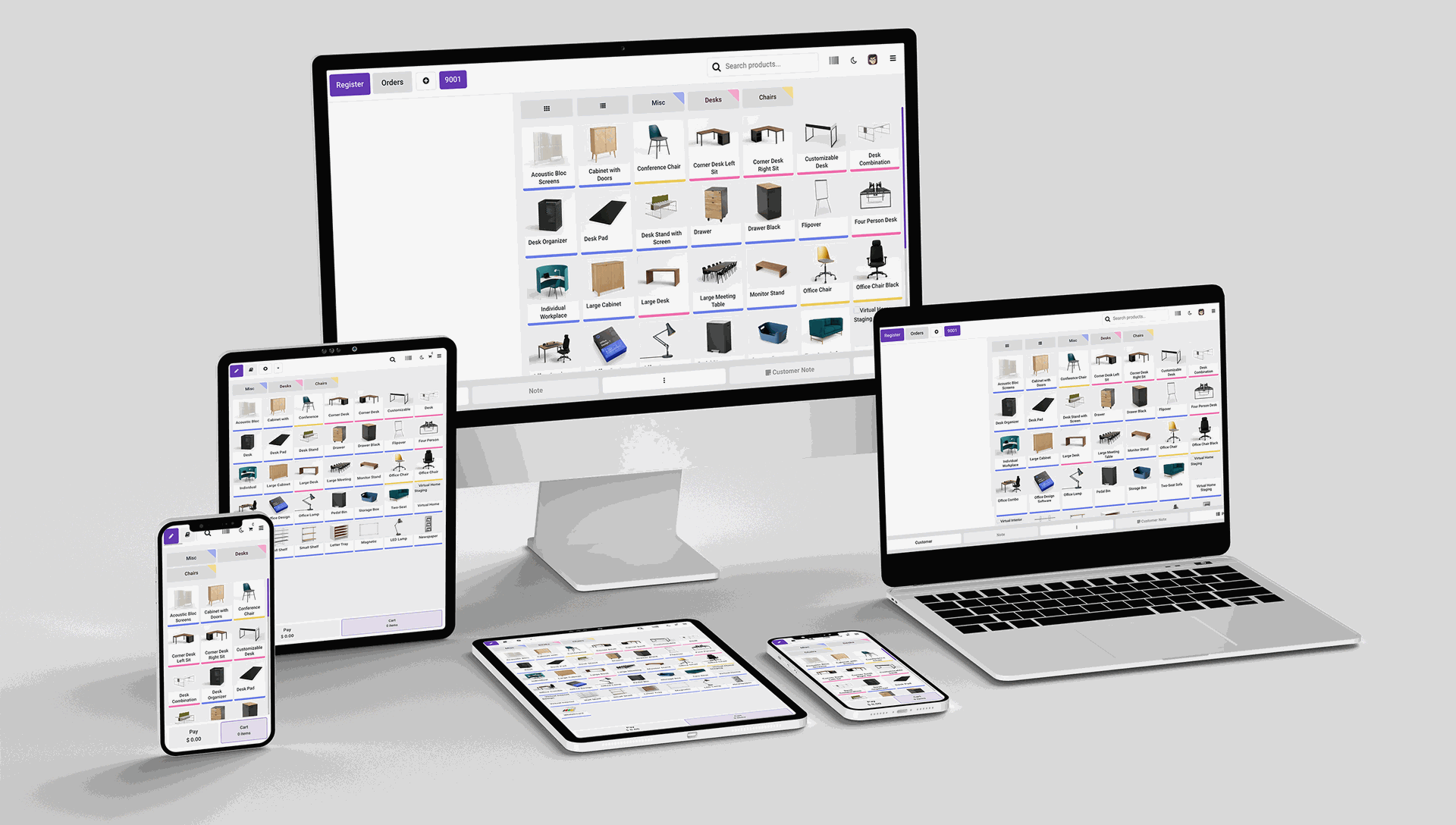
Are you bored with your standard odoo POS theme? Are You are looking for modern, creative, clean, clear, materialize Odoo theme for your POS? So you are at the right place, We have made sure that this theme is highly customizable and it comes with a premium look and feels. Our theme is not only beautifully designed but also fully functional, flexible, fast, lightweight, animated and modern theme.
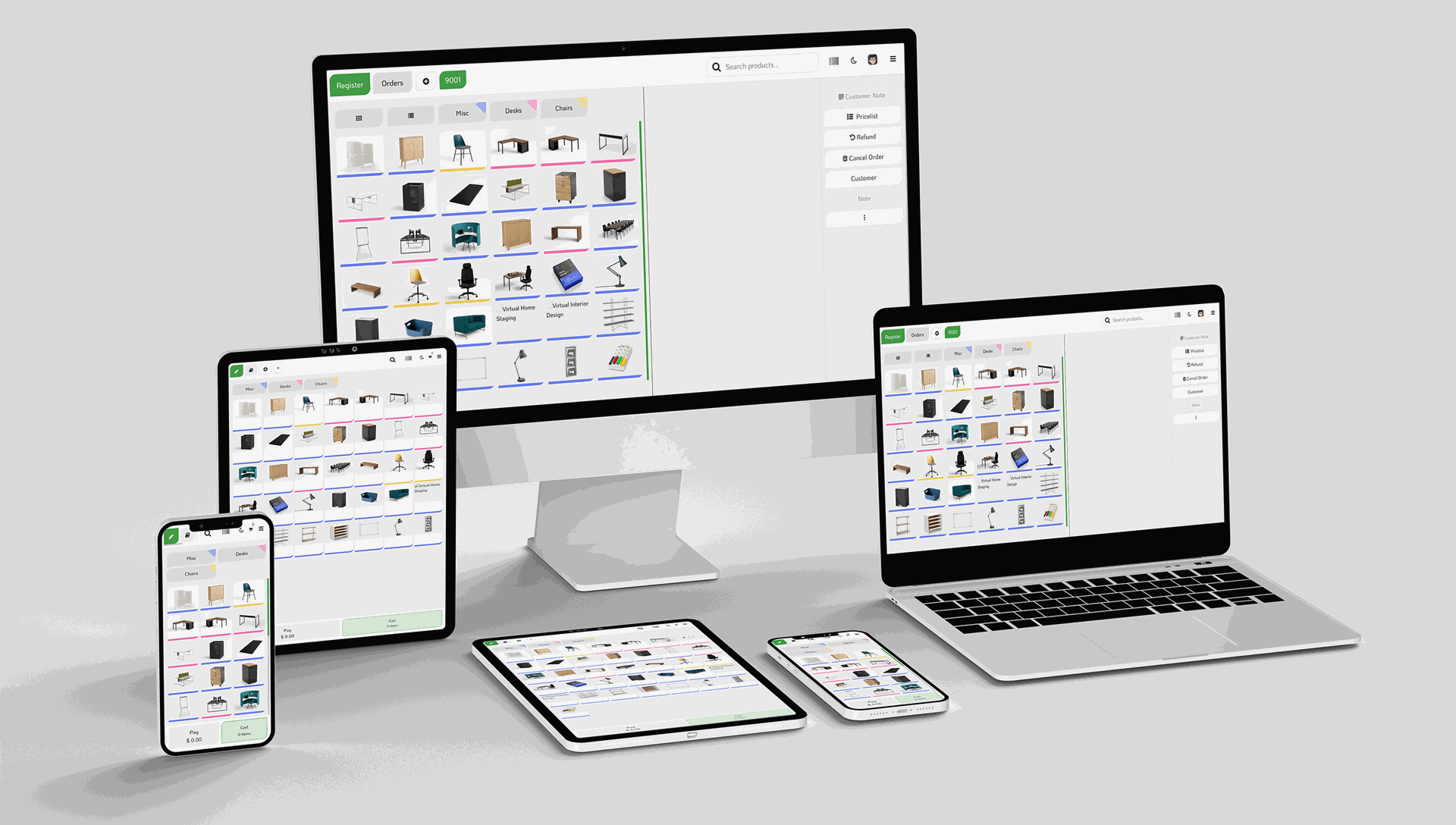
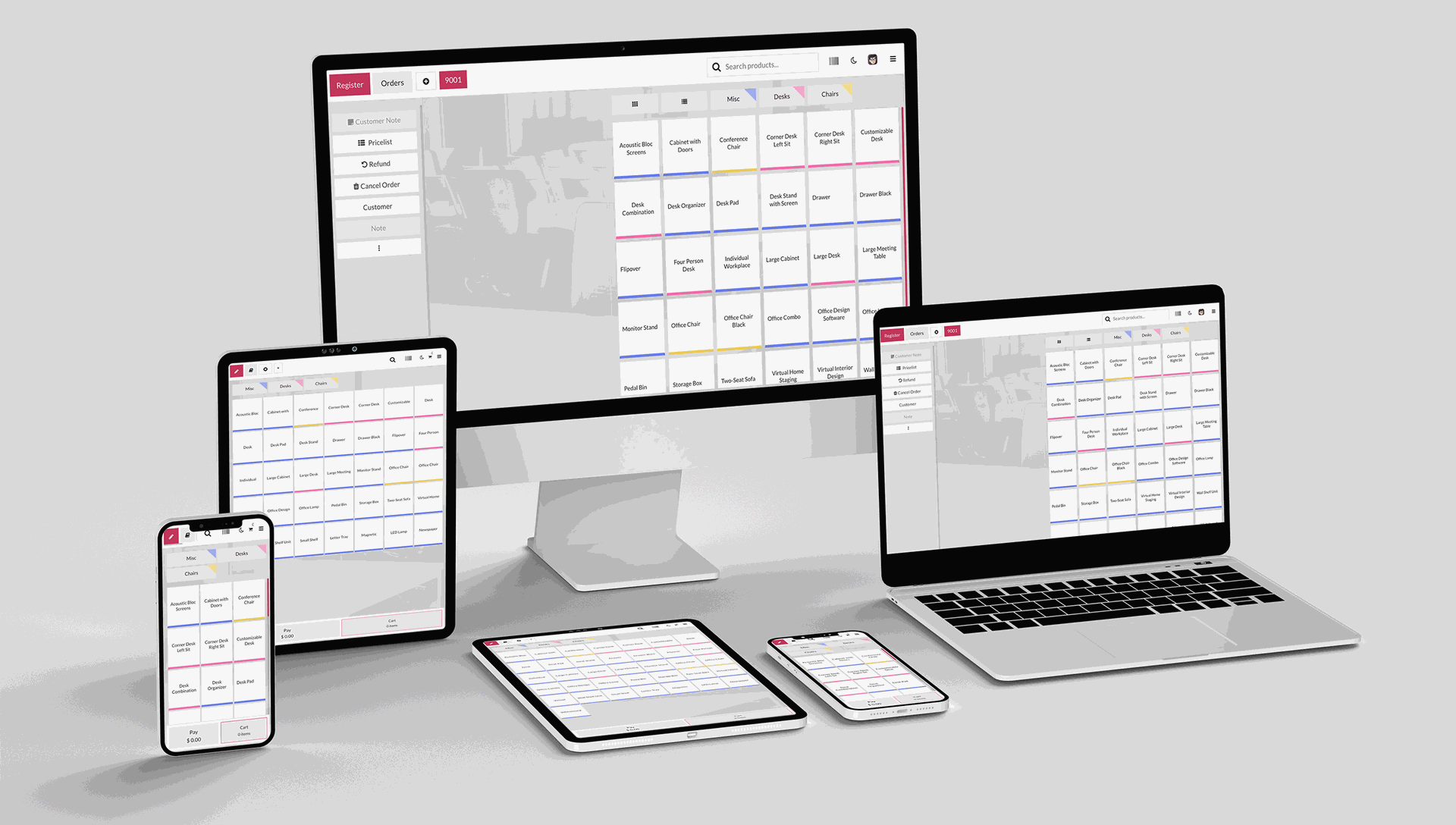
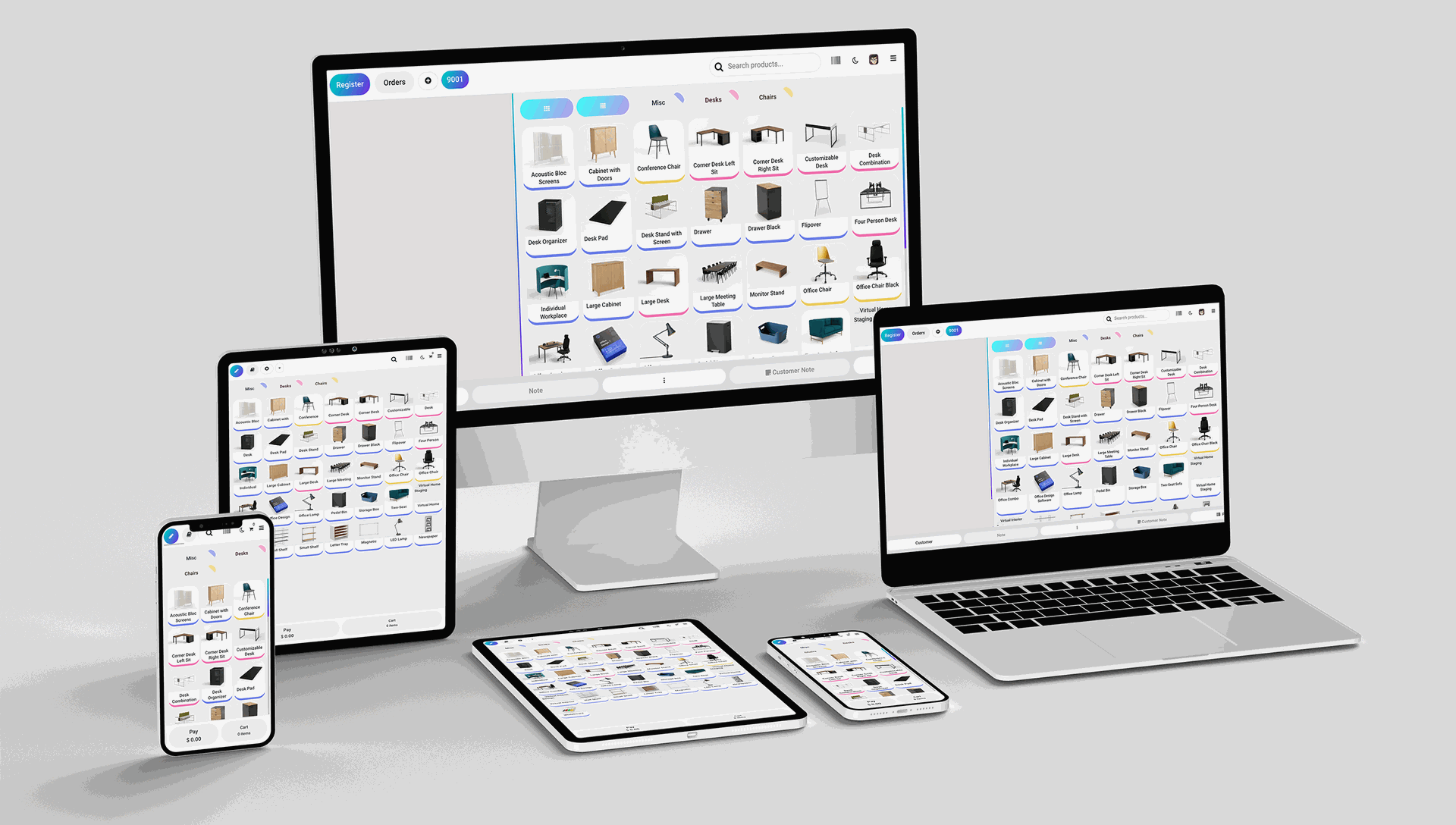

Hot Features
Features
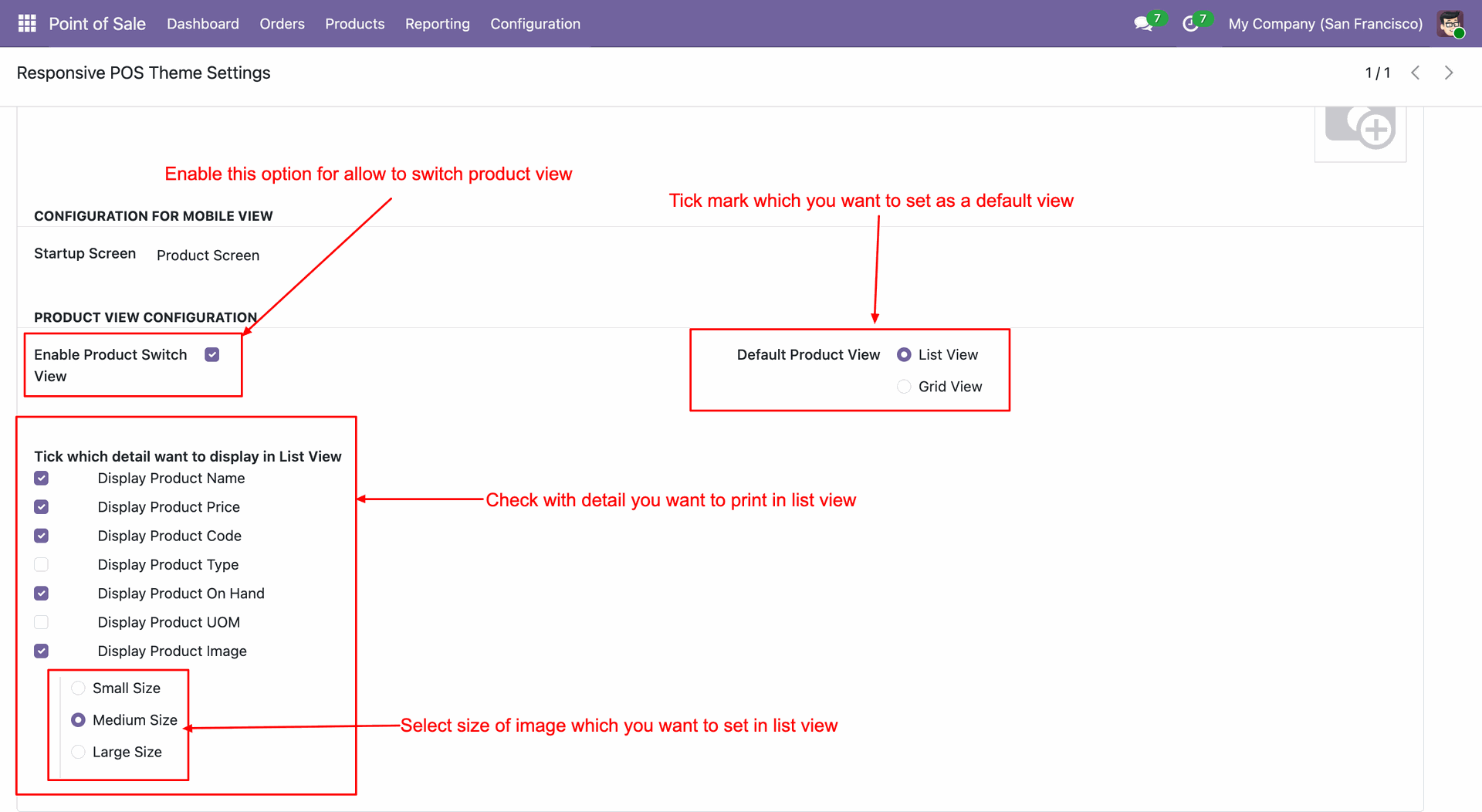
- You can switch product view in the running POS session.
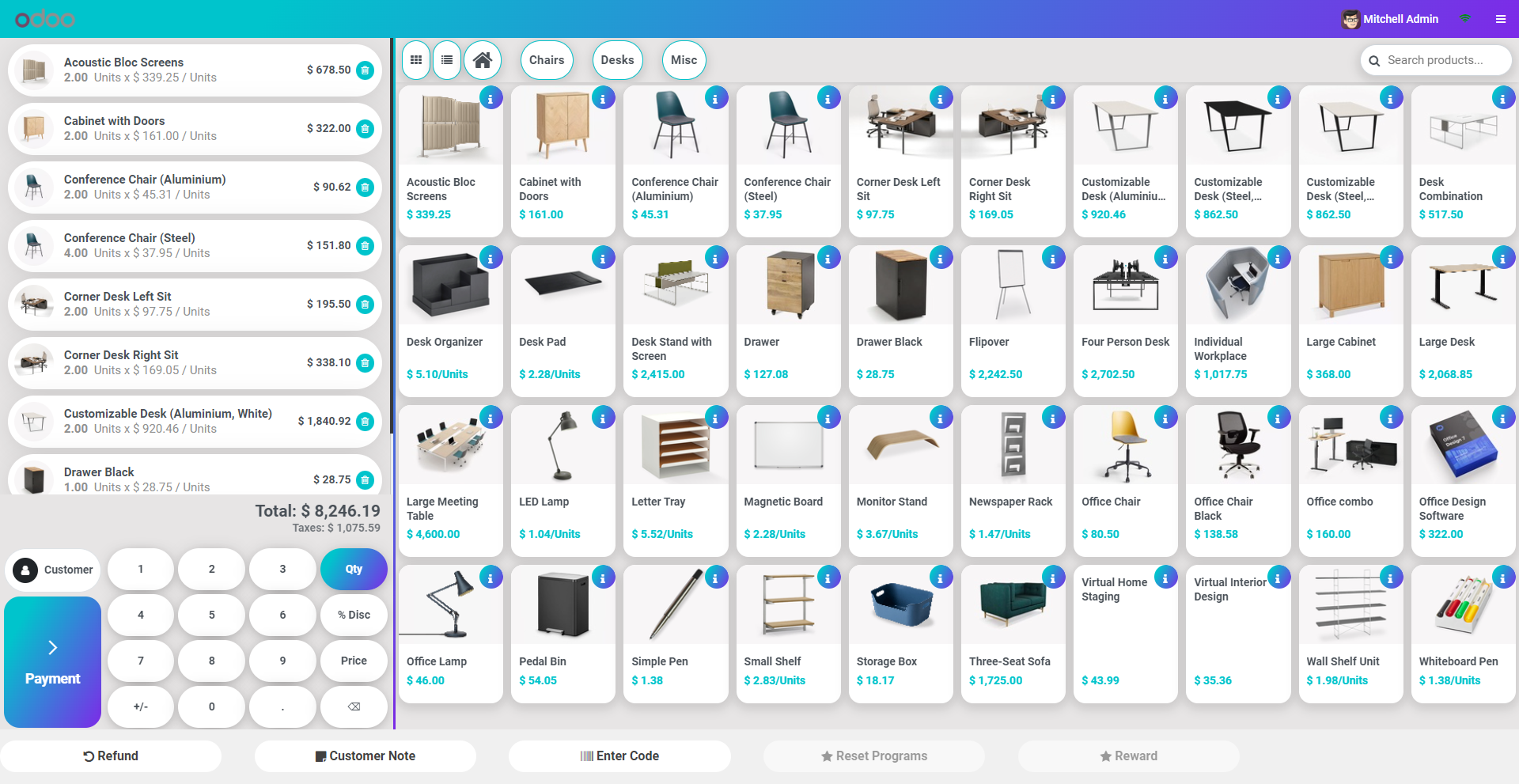
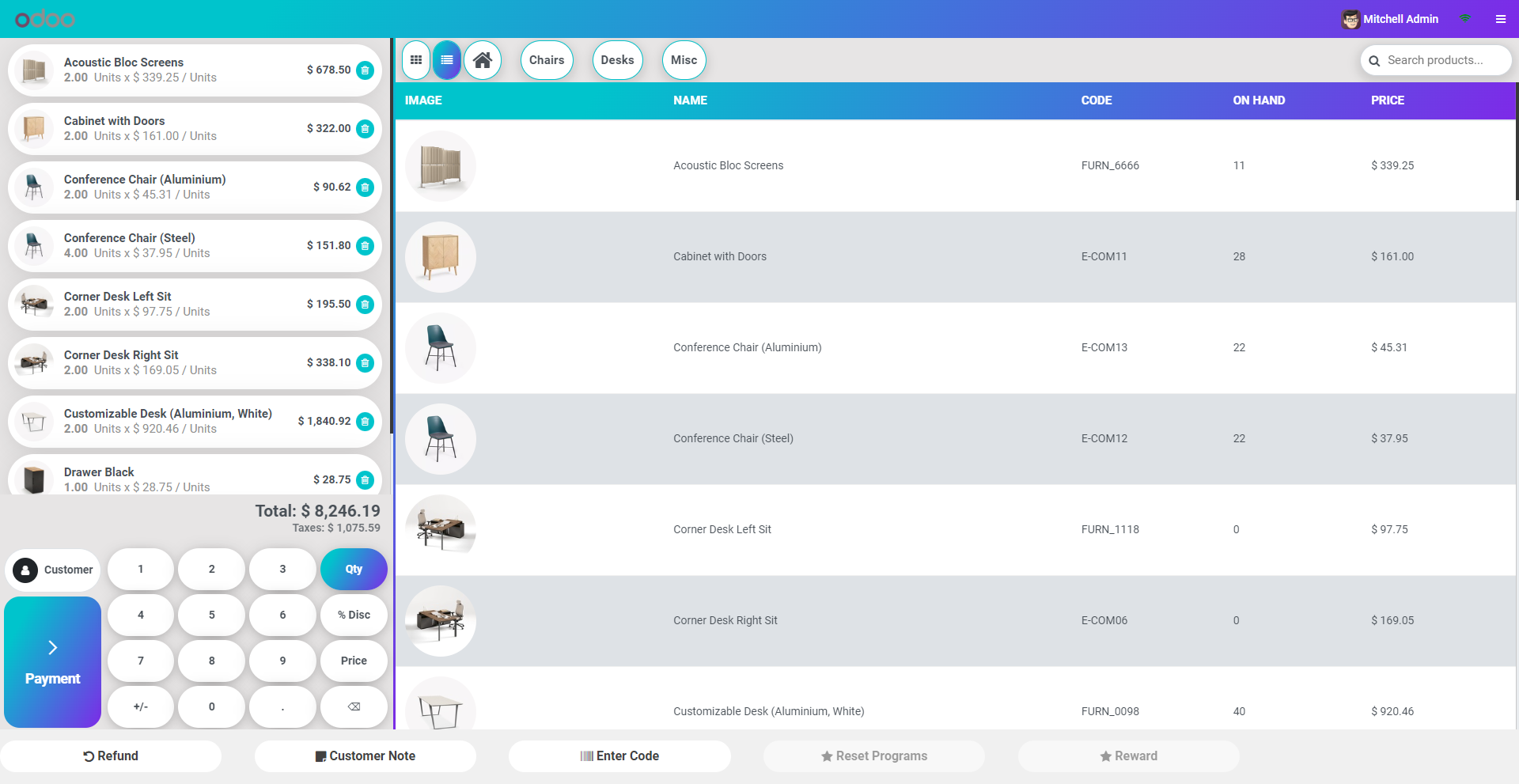
- The POS user can switch between grid view and list view during the running POS Session.
- You can show product images in the list view with different sizes (small, medium & large).
- Observe the design of the product details box.
- Many font families. (Roboto, Raleway, Poppins, Oxygen, Opensans, Koho, Ubuntu, Montserrat, Lato).
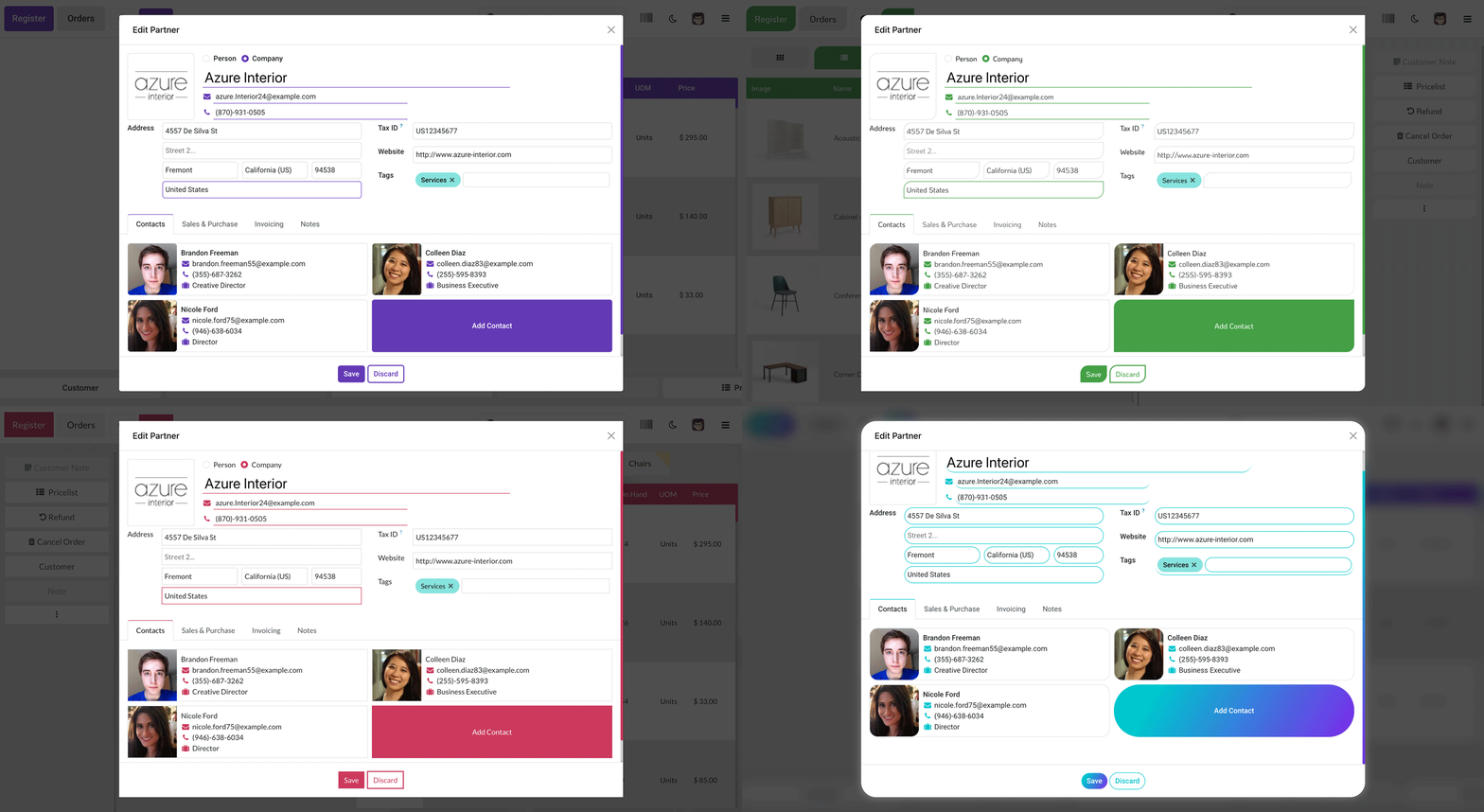
- Easy to change form elements style with 4 different style.
- Allow the configuration of your brand logo on the POS shop page.
- Fully Customizable POS Theme.
- Fully attractive 4 different theme styles.
- Fully Responsive Modern Material Desktop Design.
- Craft your own styles with dozens of functions.
- 4 Attractive Buttons.
- Color Customization.
- Amazing Google fonts.
- Fully customizable product box style 4 amazing box styles.
- Sticky header.
- Easy to set list view with border and without border.
- Easy to set row hover color.
- Easy to set Odd Even row color.
- Easy to enable display product image in cart.
- Easy to set cart position Right or Left.
- Customizable body background with image or color.
- Easy to define mobile startup screen.
- Note: while you do any kind of changes in POS Configuration Settings, you have to restart your service then after changes apply.
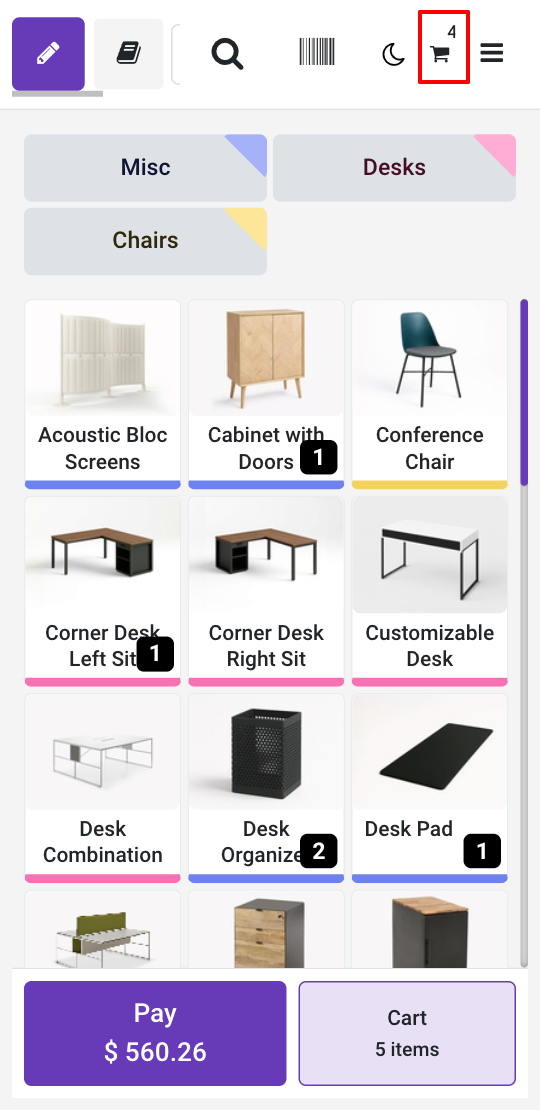
- In the mobile view, product item quantity counters can be displayed by badges on the product.
- In the mobile view, the product cart item quantity counter is displayed on the cart by the badge.
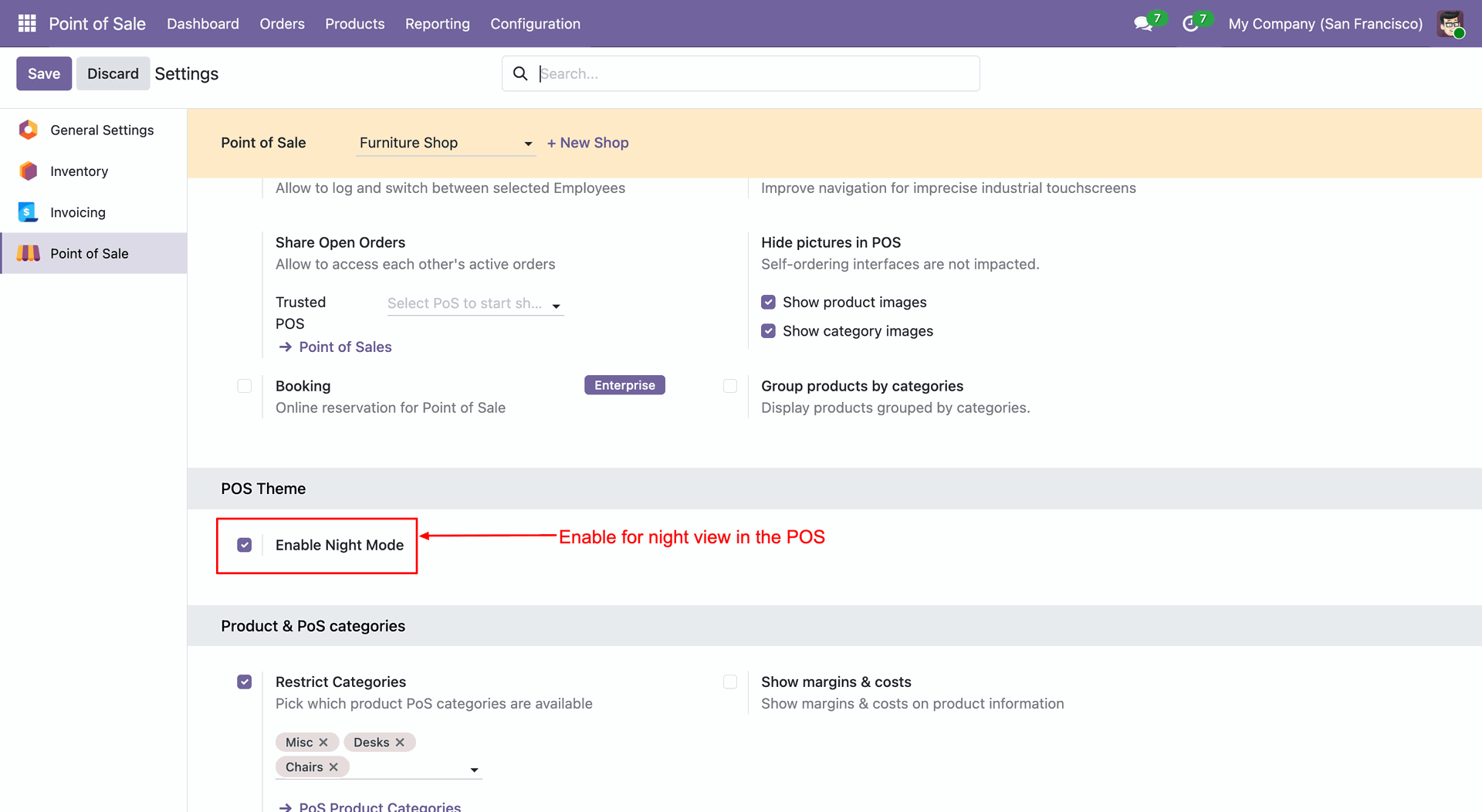
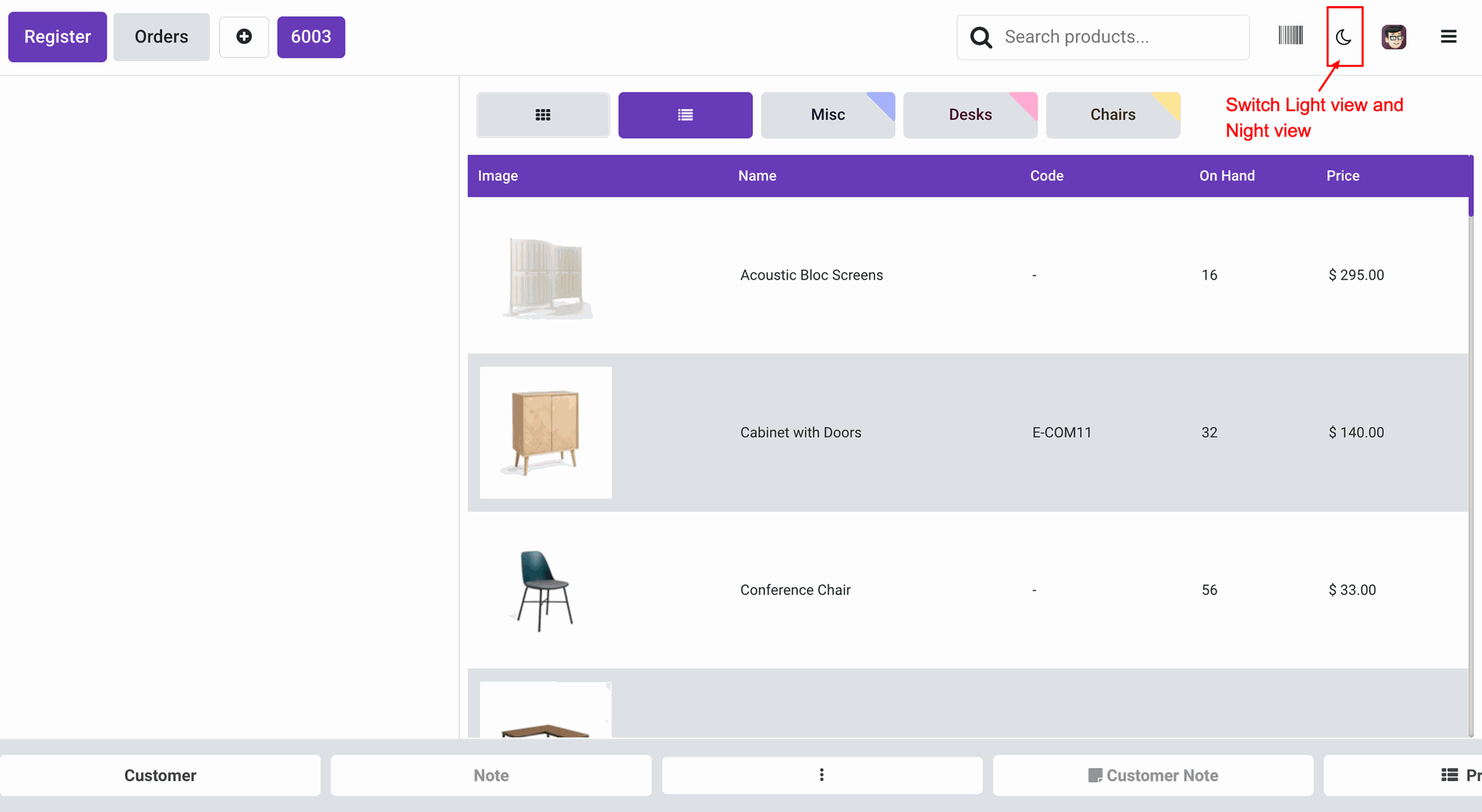
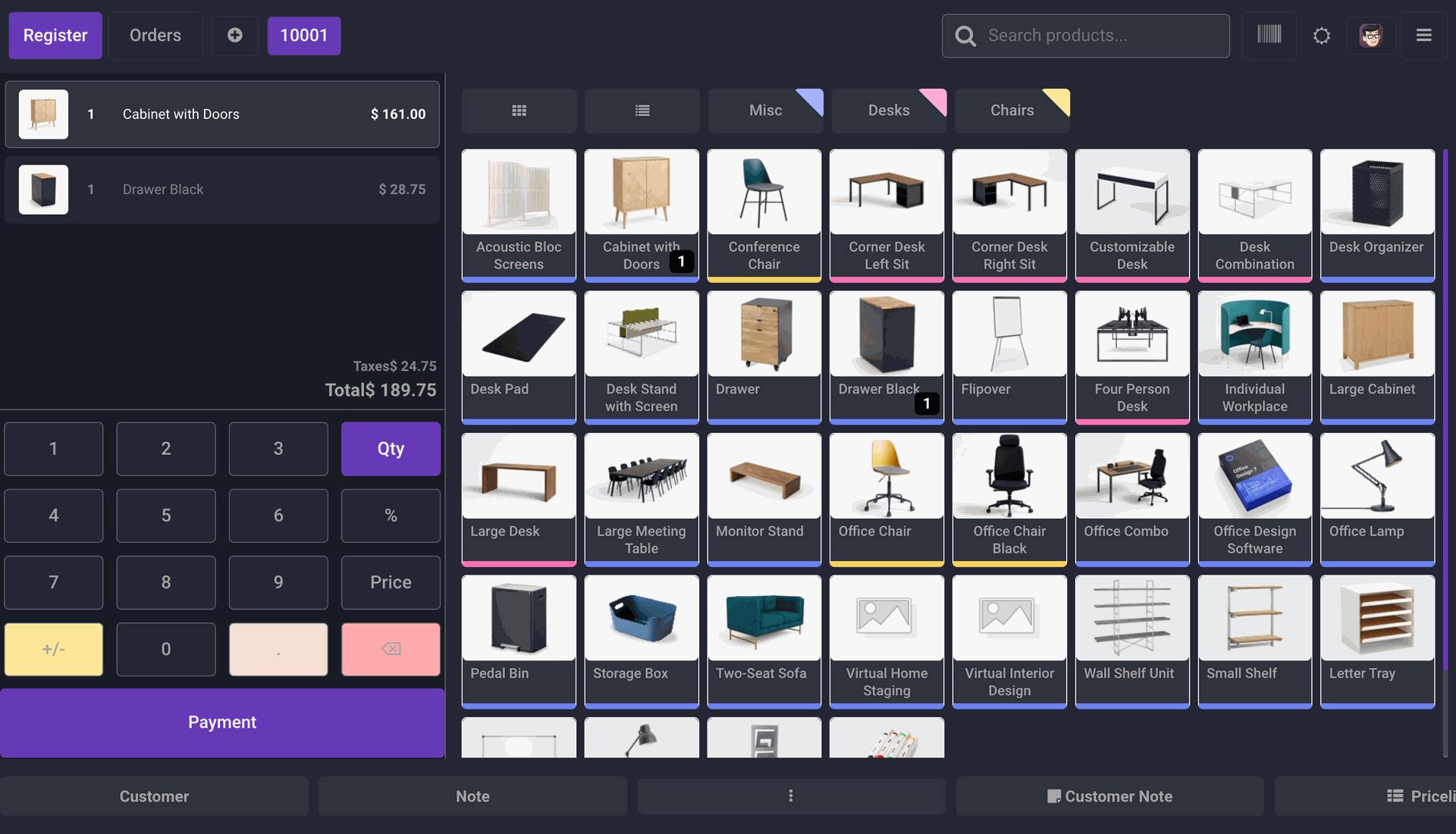
- Using the night mode feature, you can easily switch between light and dark themes as per your preference.
Form Elements Style
Here we have 4 unique form elements style. Which is helps to improve your POS look. Also, you can set a favorite form element style with the favorite theme style.
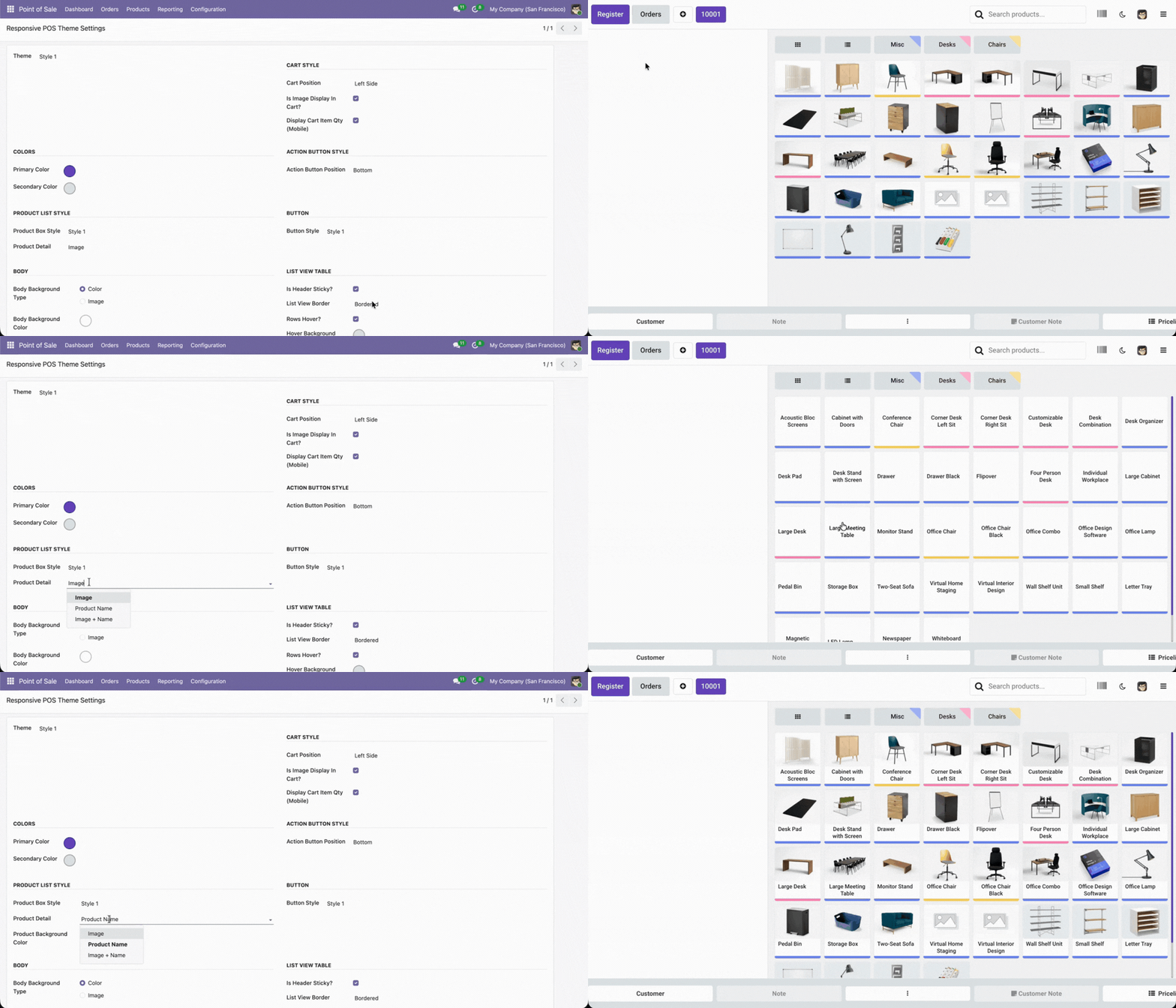
Product Detail Box
We have made 3 different unique style for product detail box. You can select option and use as per your requirement. you can choose option only product name , only product image and product image & product name both for product box. You can easily customize box with particular theme style.
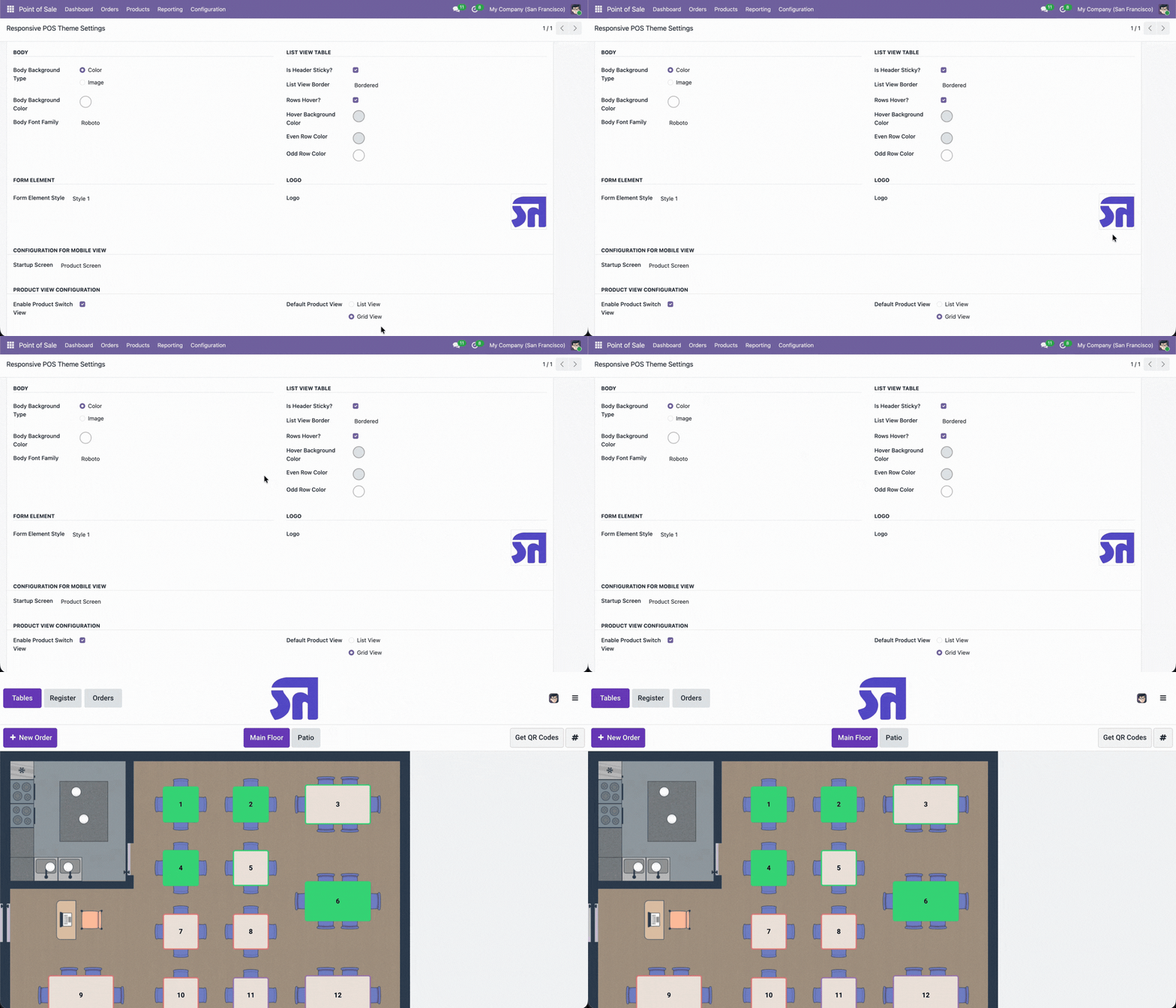
Set Logo
Here you have another amazing option to set logo in pos shop page.
Theme Style
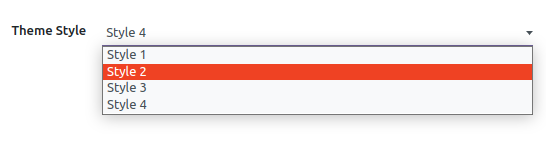
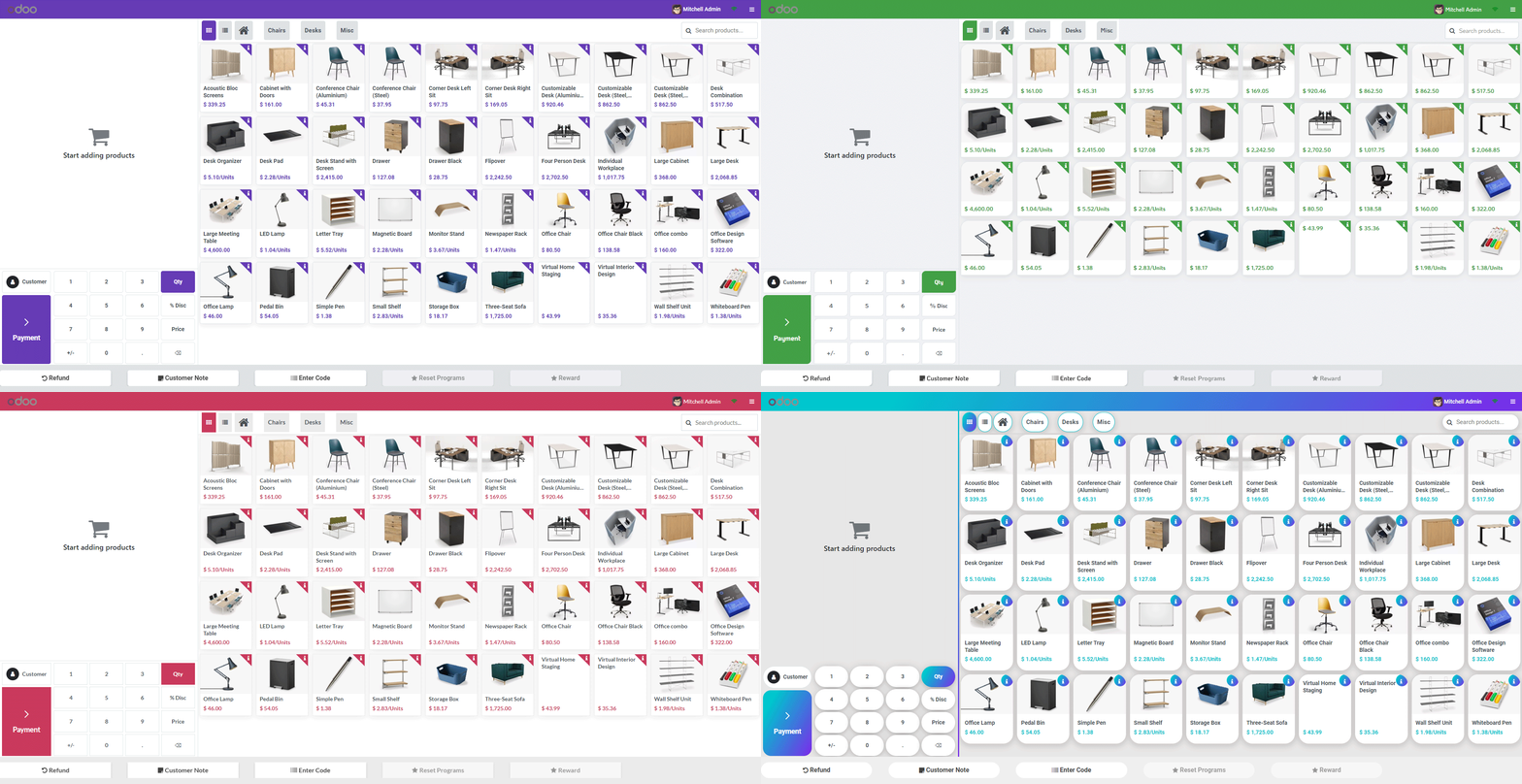
We have made 4 different beautiful theme style, You can select and use as per your requirement. You can easily customize that particular theme style, Normally user has its brand colors so the user can customize as per brand colors.
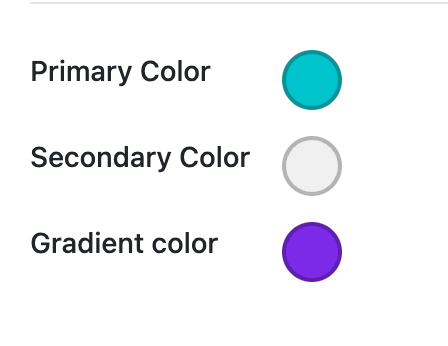
Colors
Normally, users have a logo or brand color, allowing them to
customize primary colors and secondary colors according to
their brand. In the fourth style, you can also use gradient
colors alongside these options.
Note: the gradient color is only for style-4.
Button Style
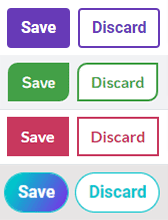
You can set a button style with 4 different styles of the button like a leaf, square corner, light rounded corner, gradient rounded corner.
Box Style
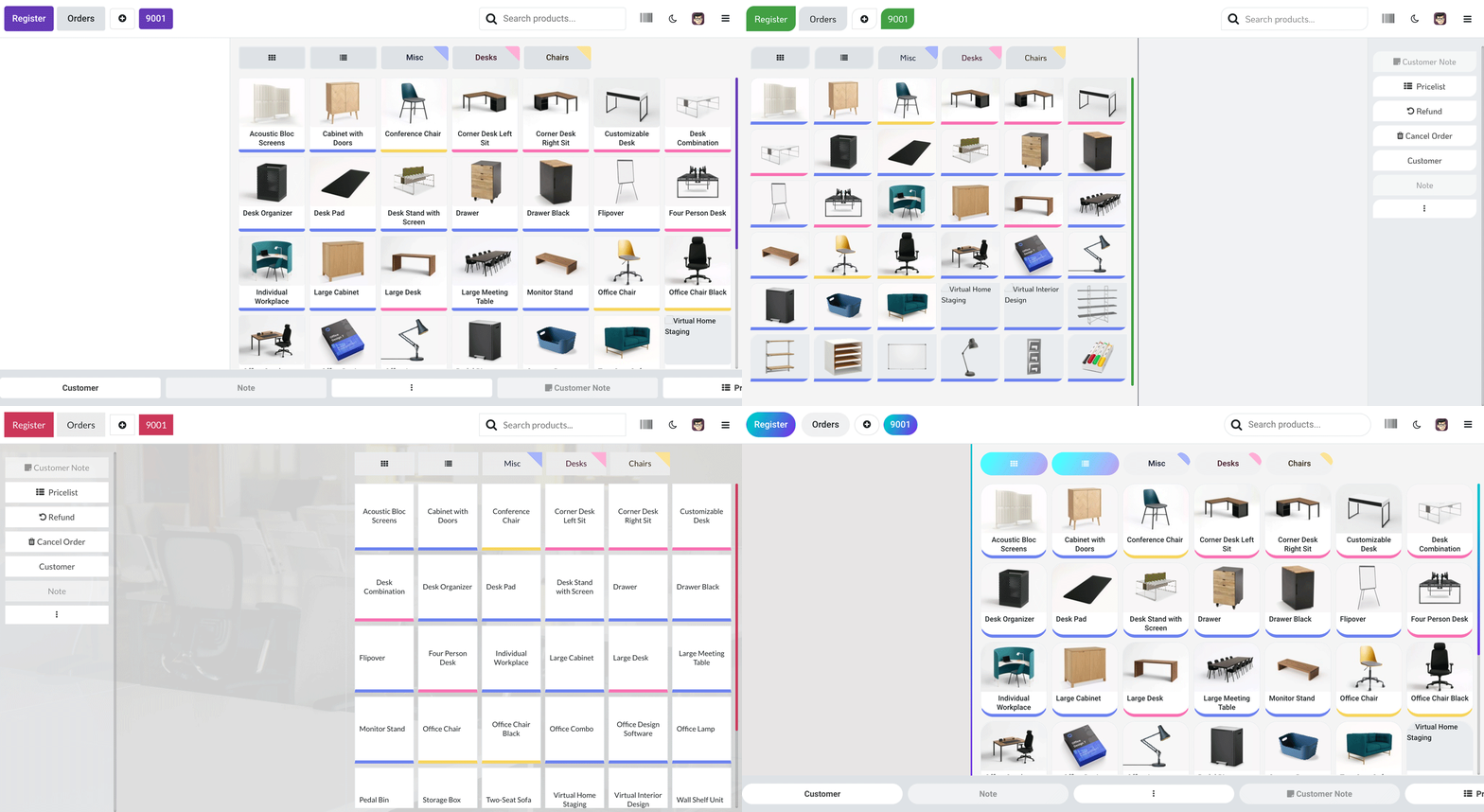
Here in this theme, there is 4 different style of product box (square , rounded corner , leaf style , rounded) . you can easily set box style as per your choice.
Body Style
You can customize your body with different options. There
are two options
for body background Image/Color. Also, you can change body
font color and
body font type with default 9 different beautiful and clean
font family (Roboto, Raleway, Poppins, Oxygen, Open Sans,
KoHo, Ubuntu , Montserrat , Lato etc)
Also, provide google font family in this pos theme. So the
user has a large
range of body font type and set as your choice.
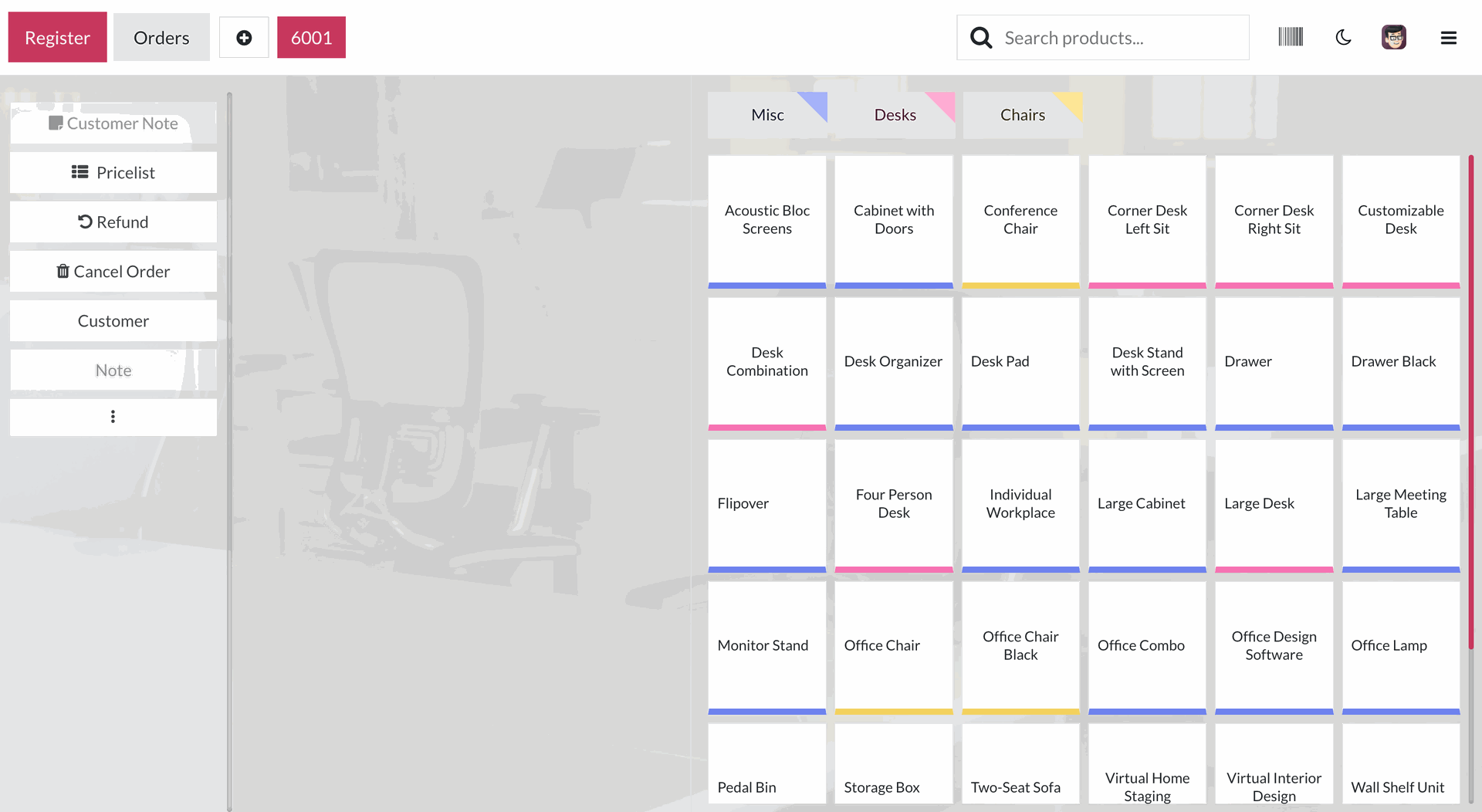
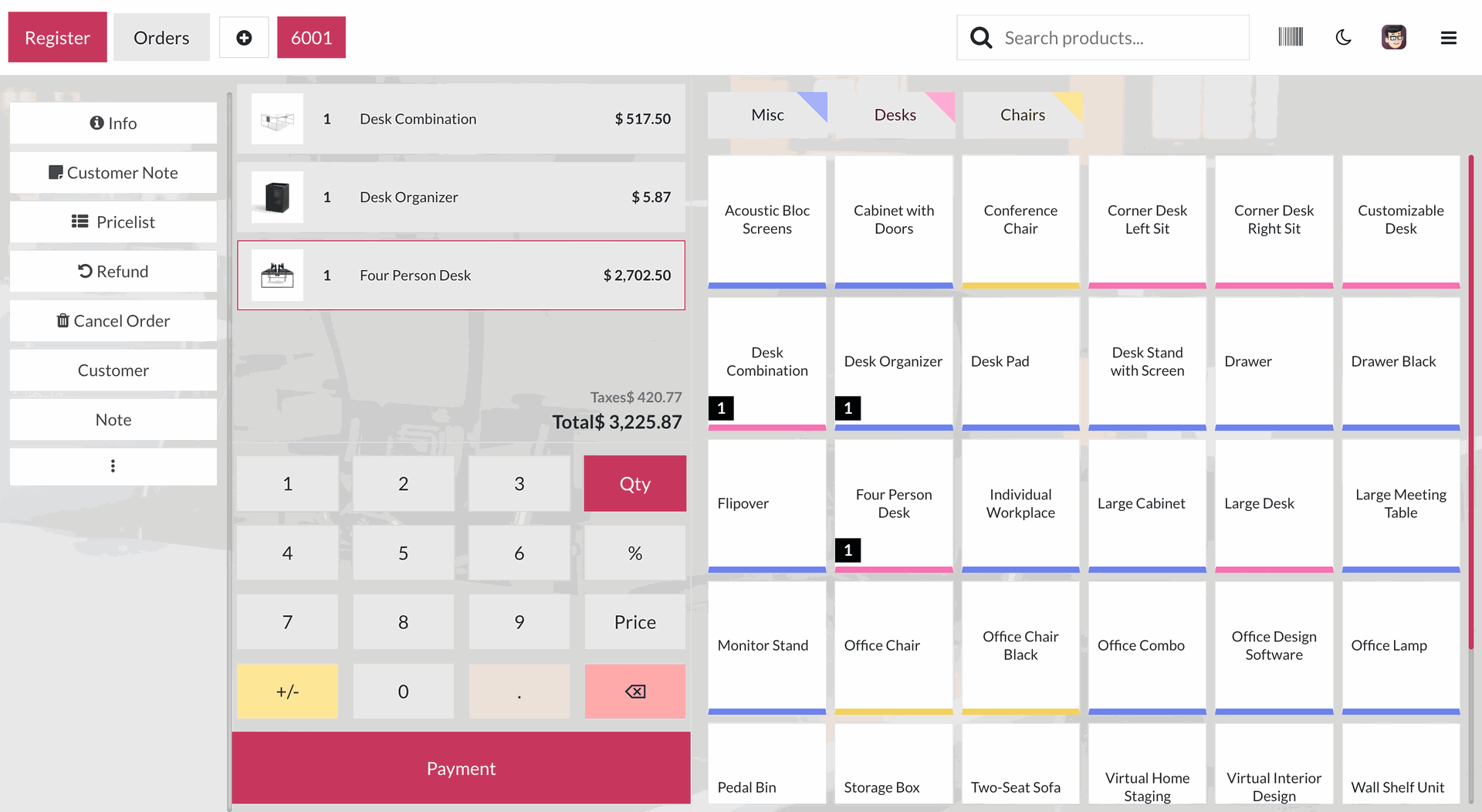
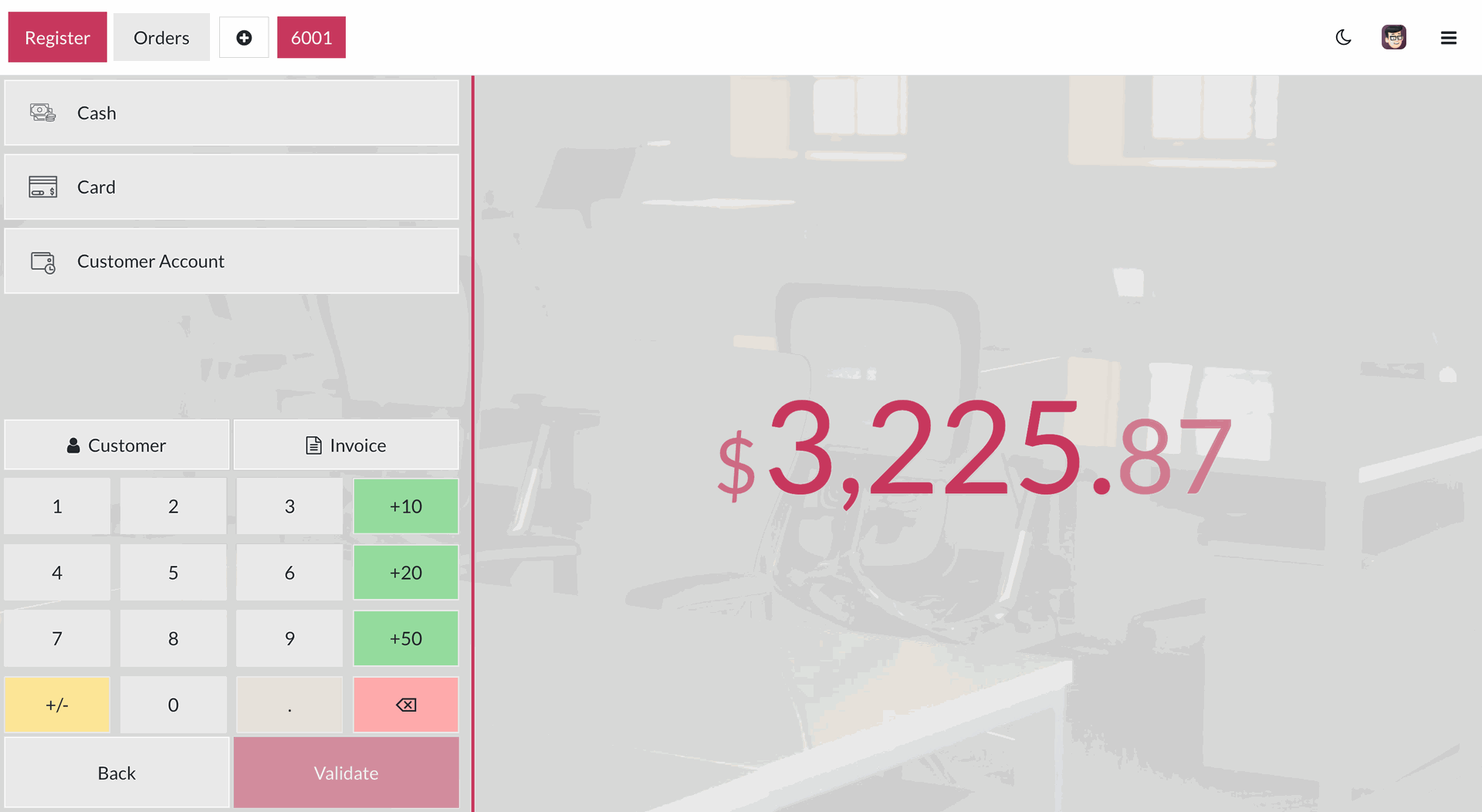
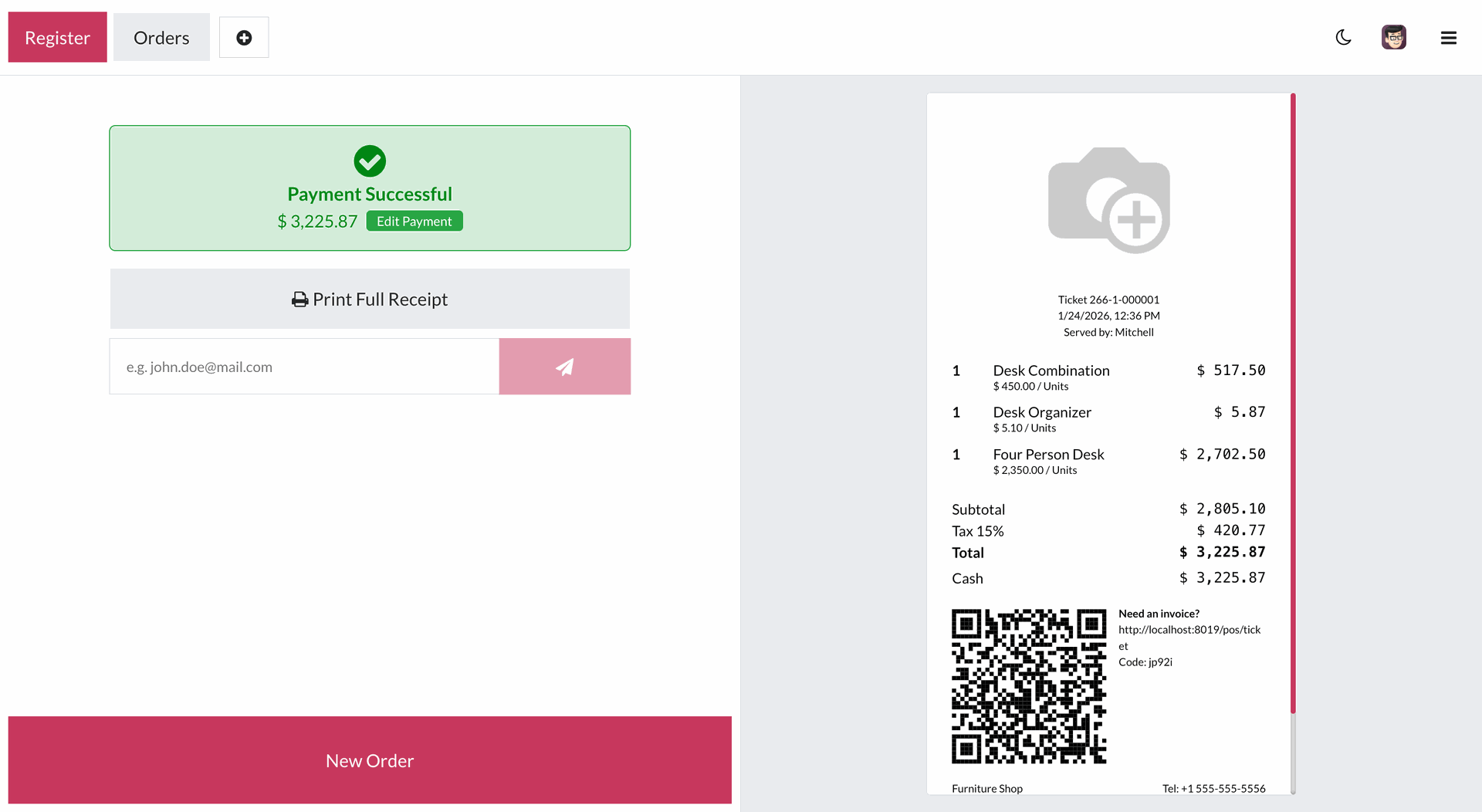
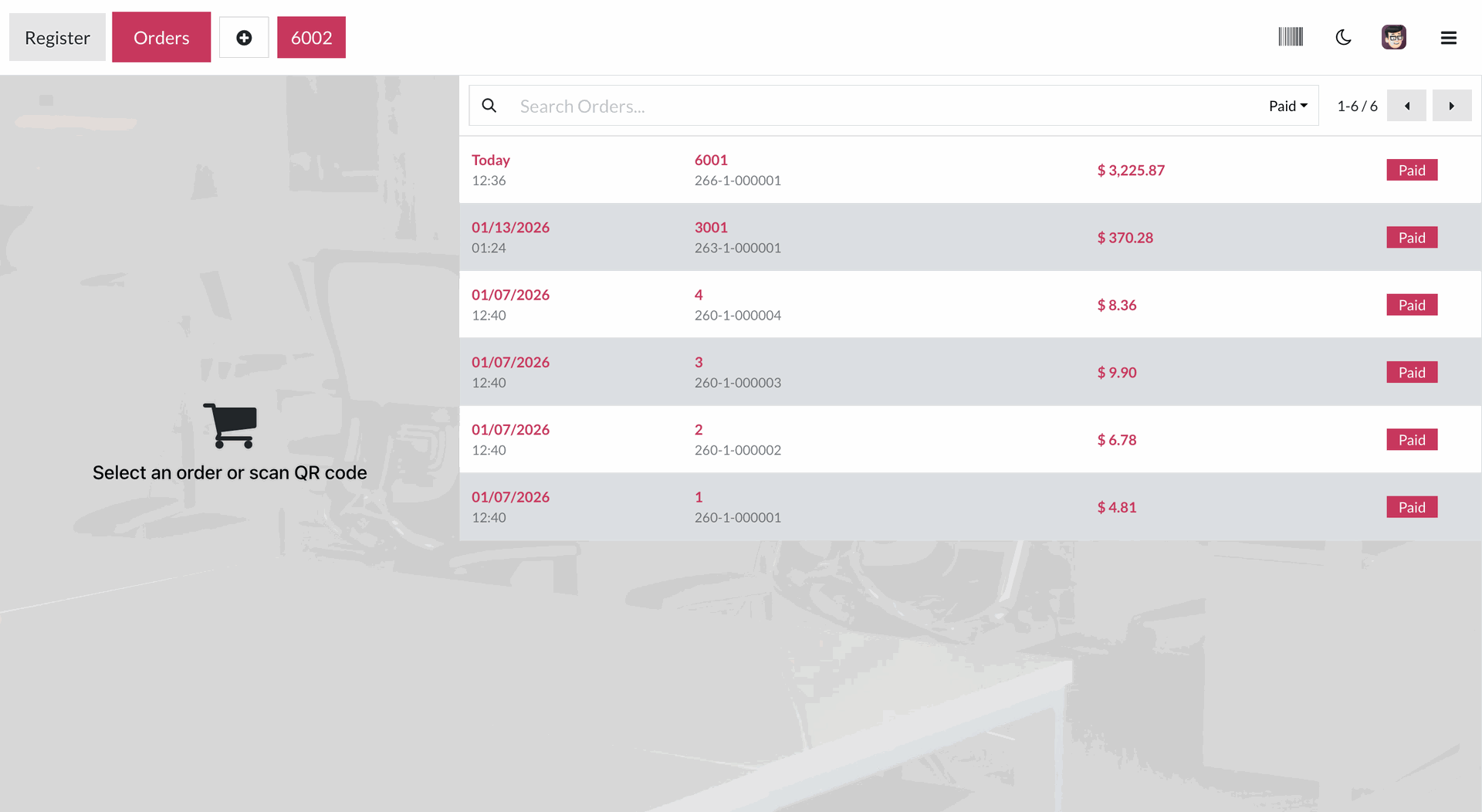
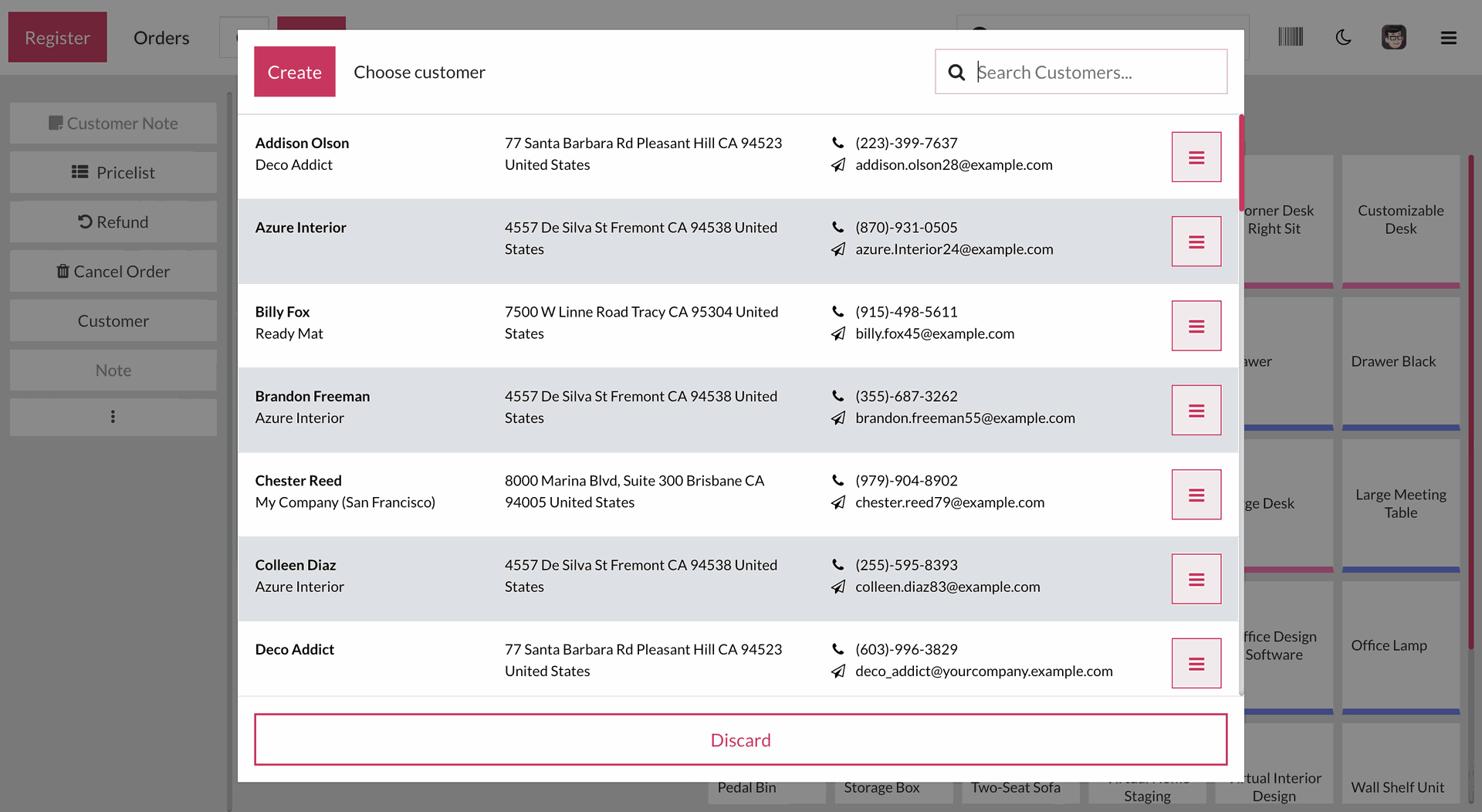
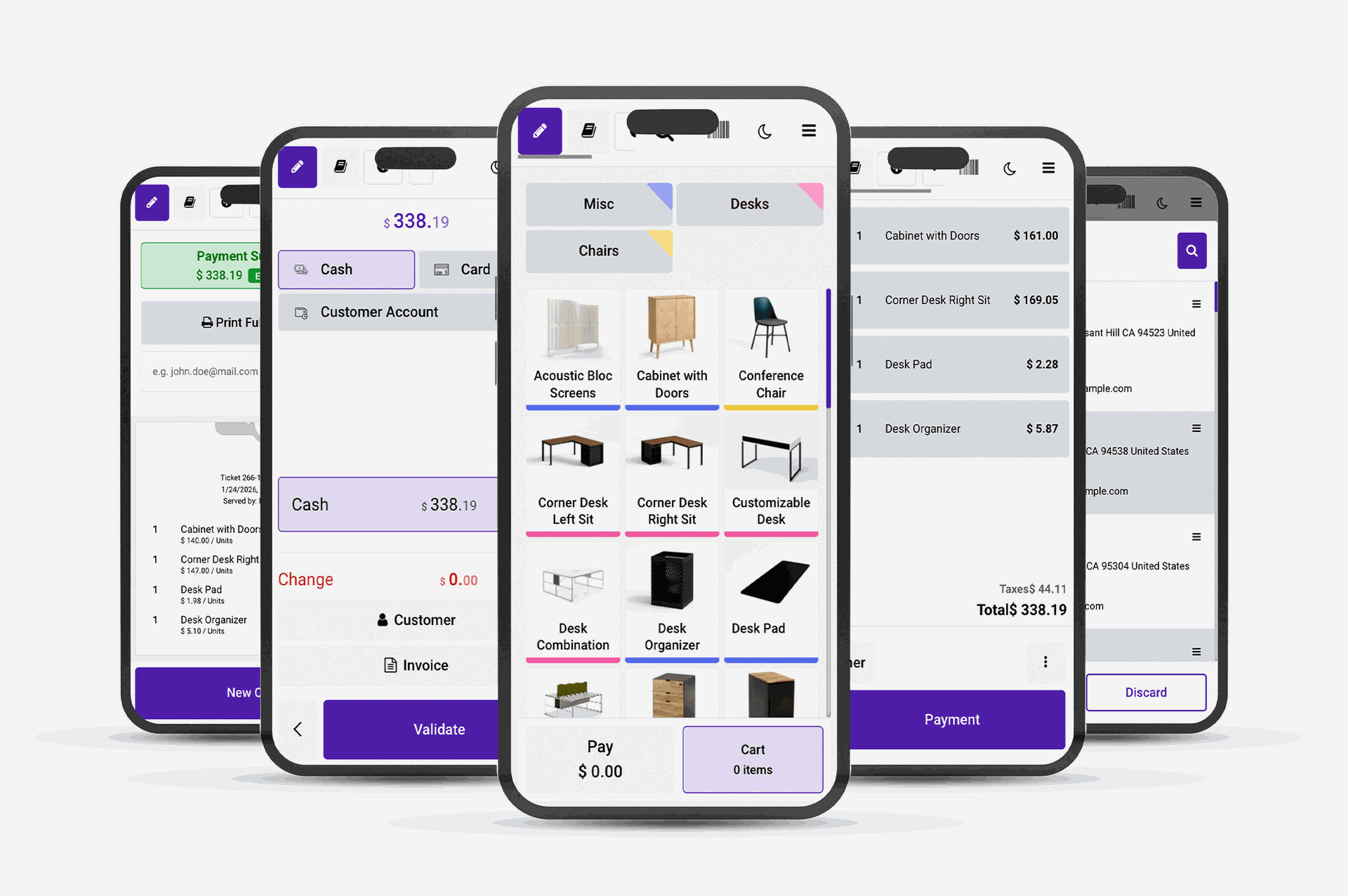
Configuration for POS product switch view.
The POS screen with the default list view with the selected product details.
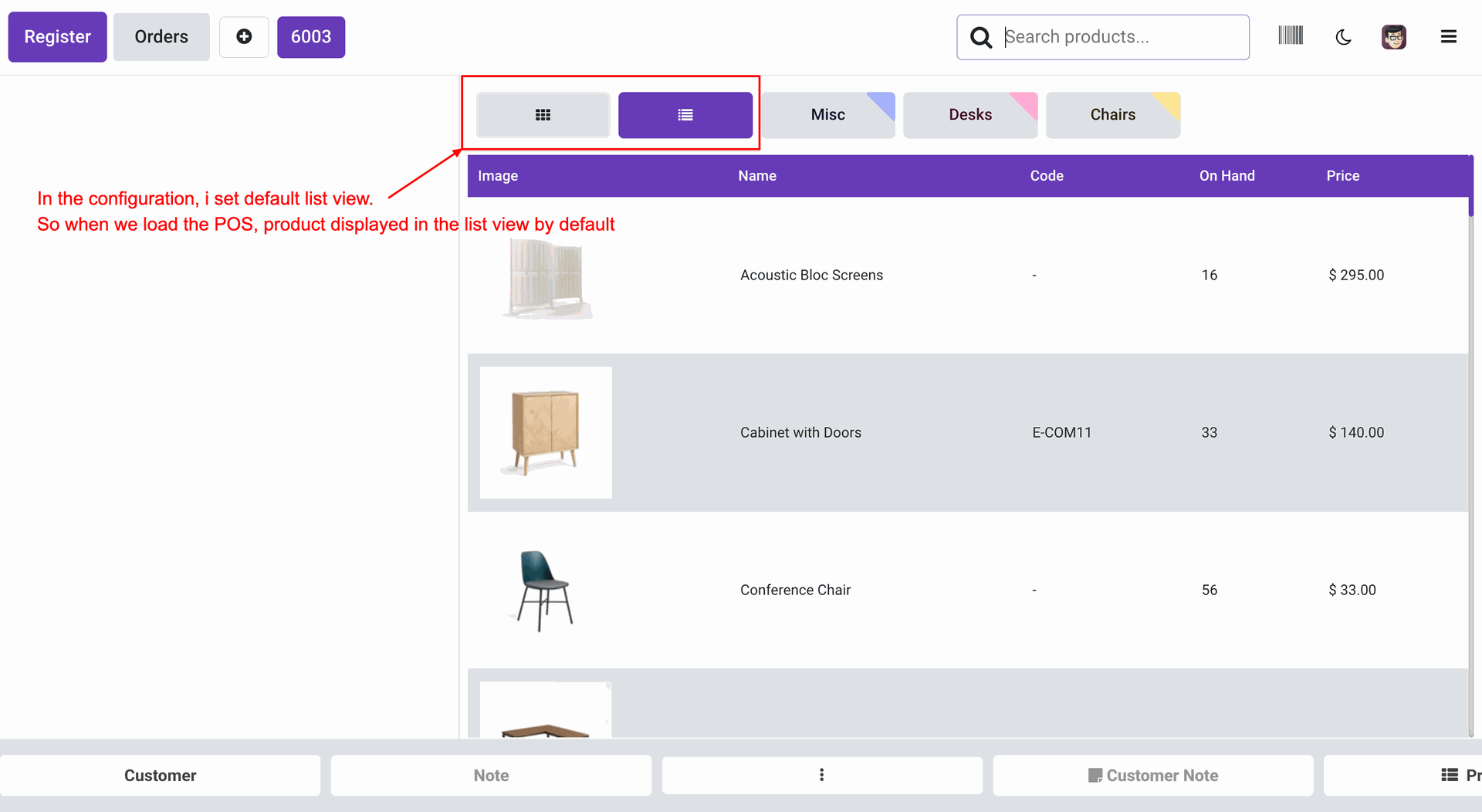
You can switch between grid view and list view during the running POS Session.
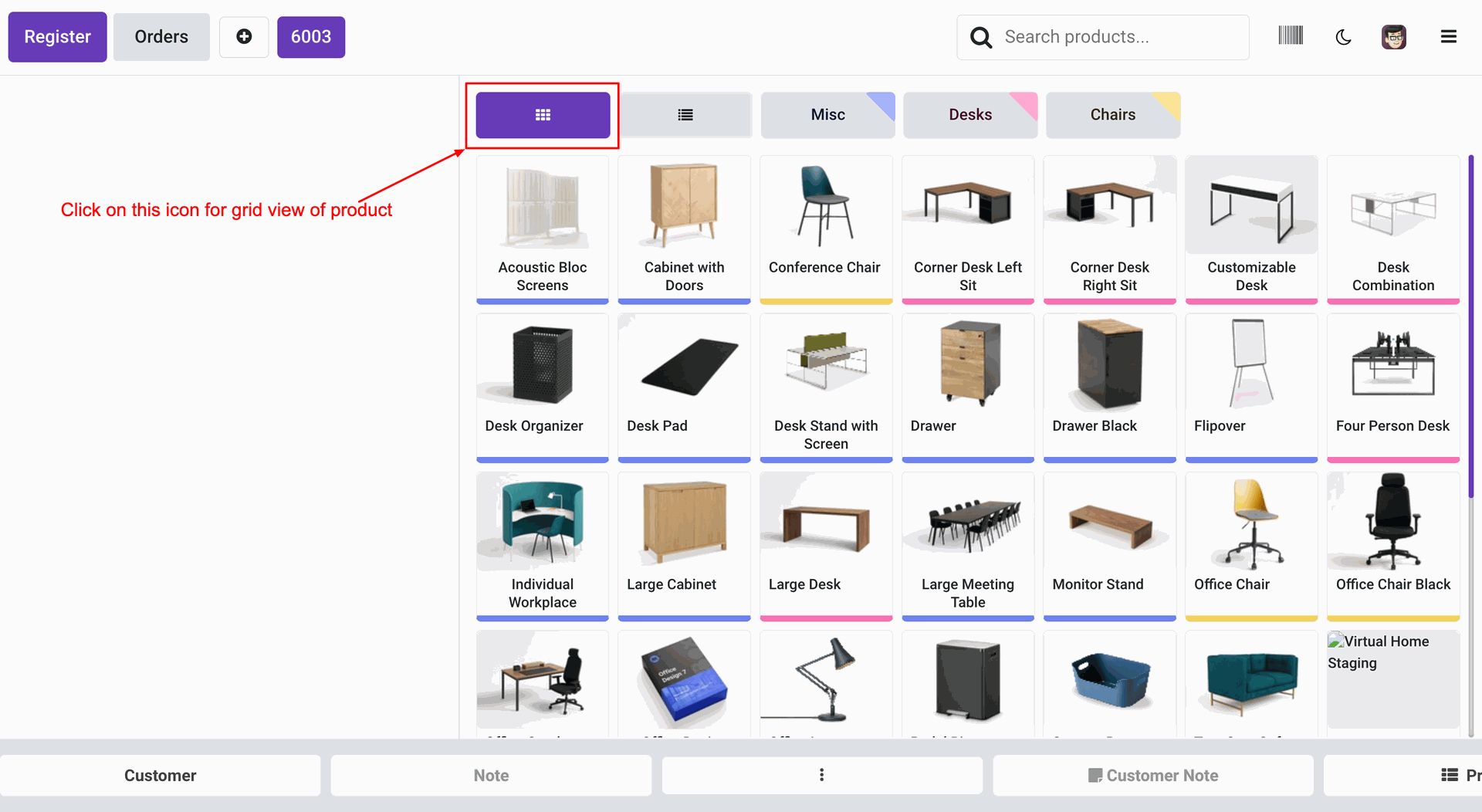
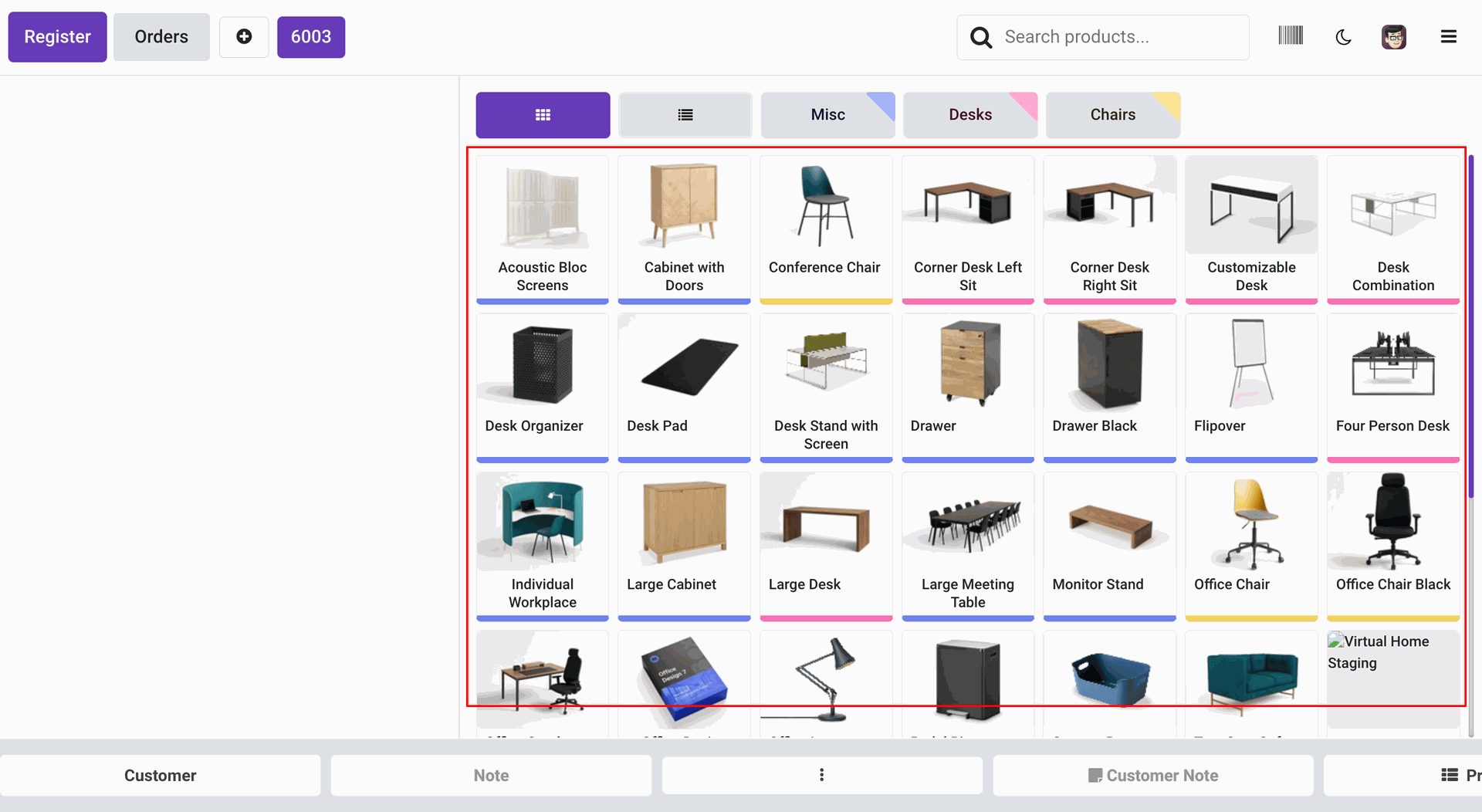
The POS screen with the product grid view looks like this.
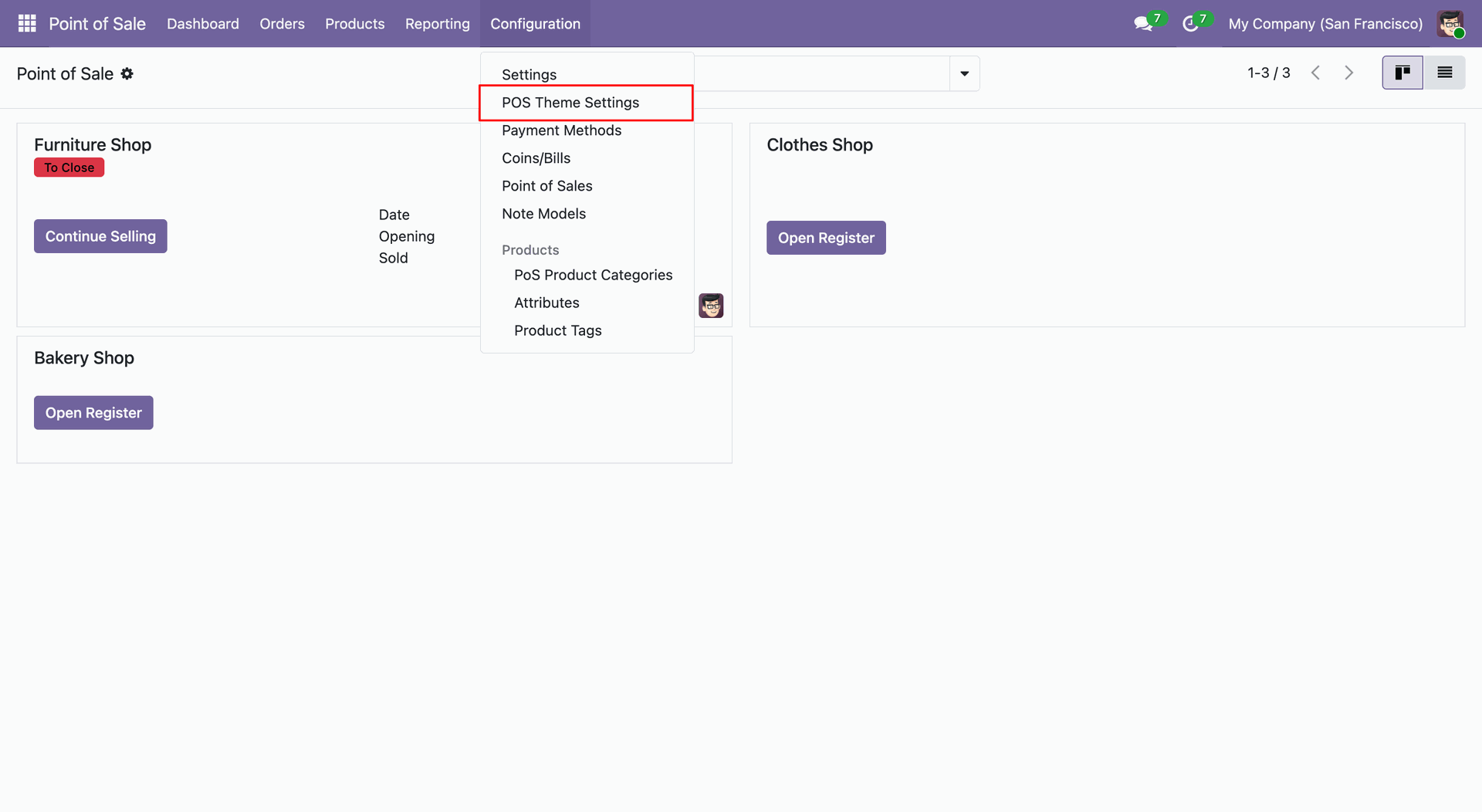
Go to the 'POS Theme Settings' and enable the 'Display Product Qty' option.
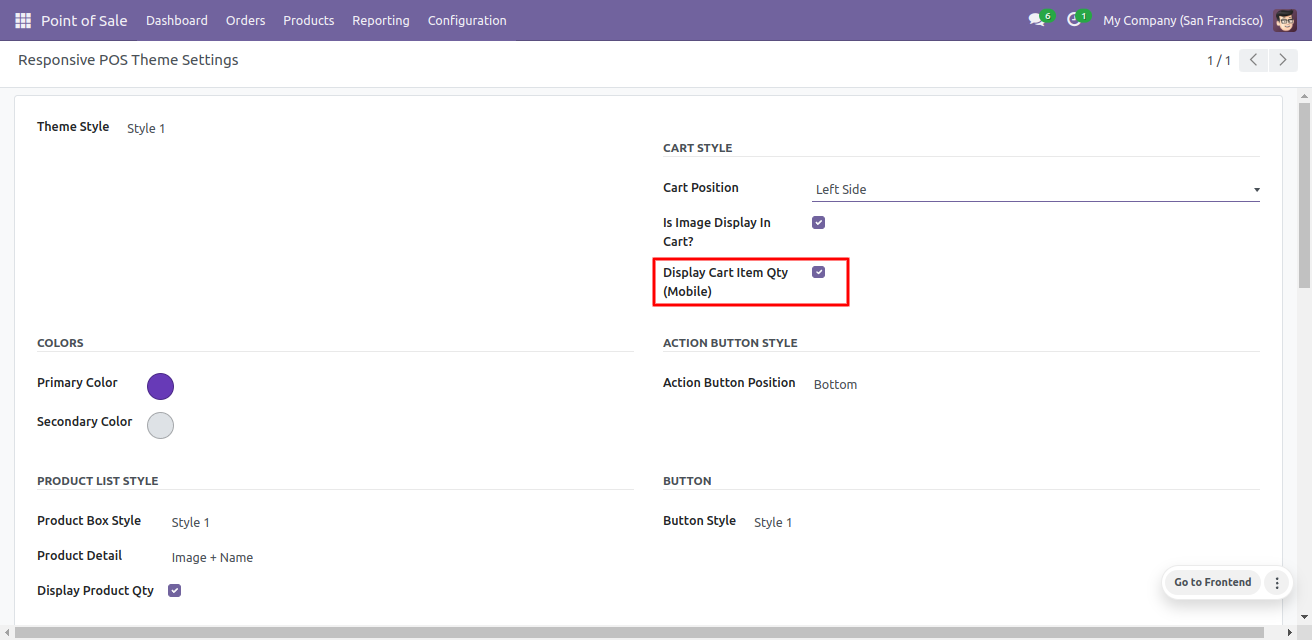
The quantity of the product items is visible on the product.
Night mode
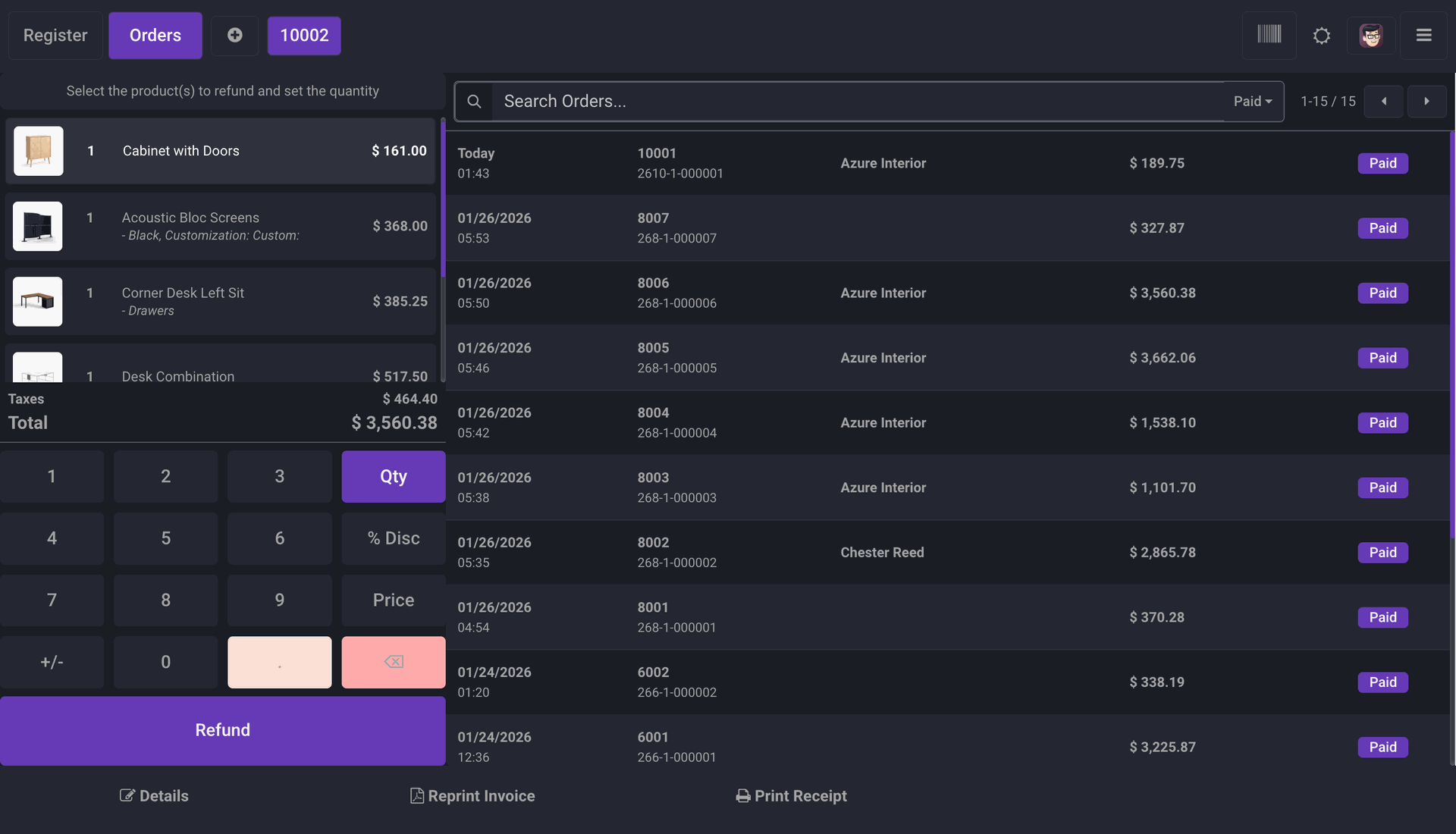
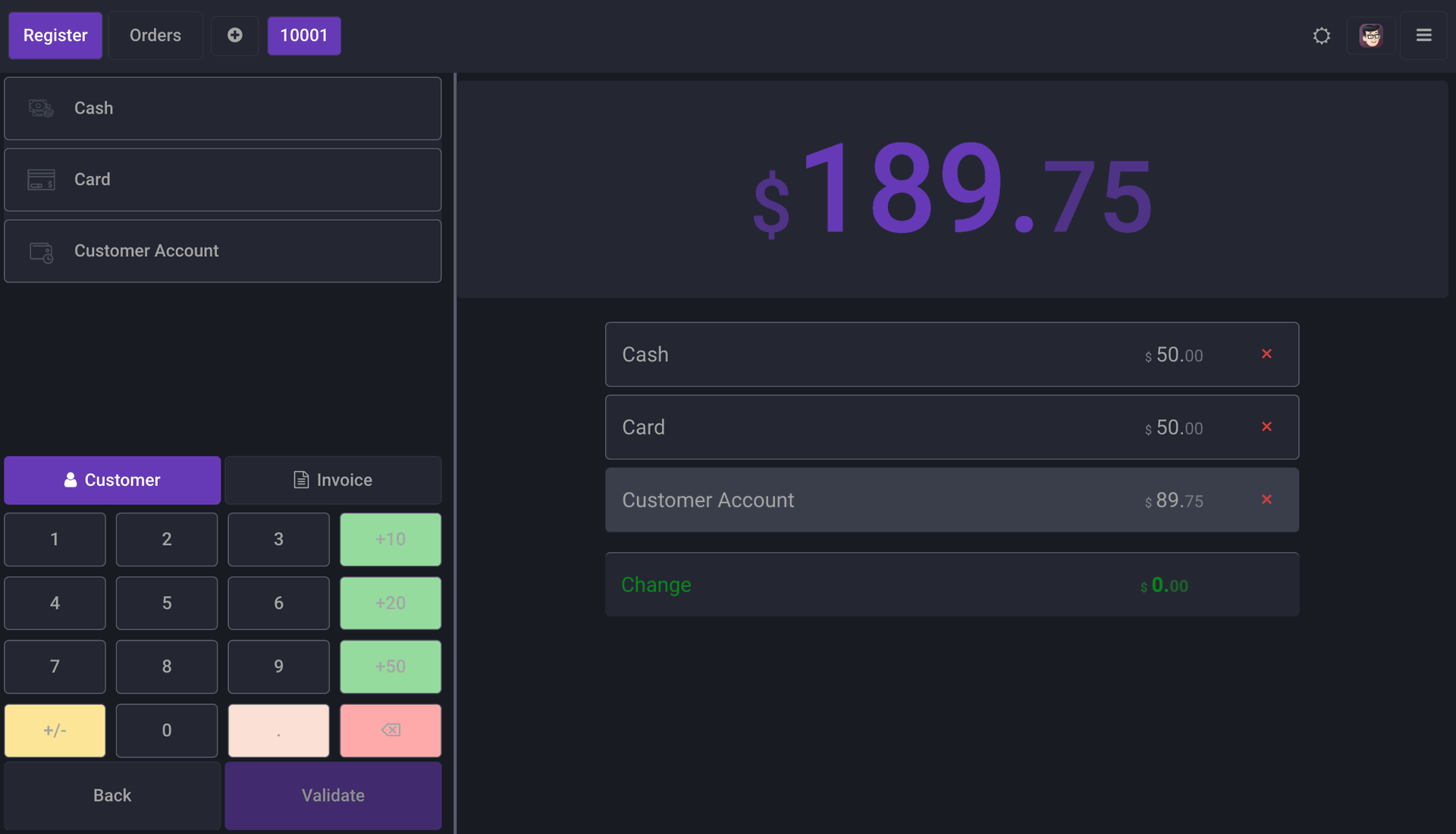
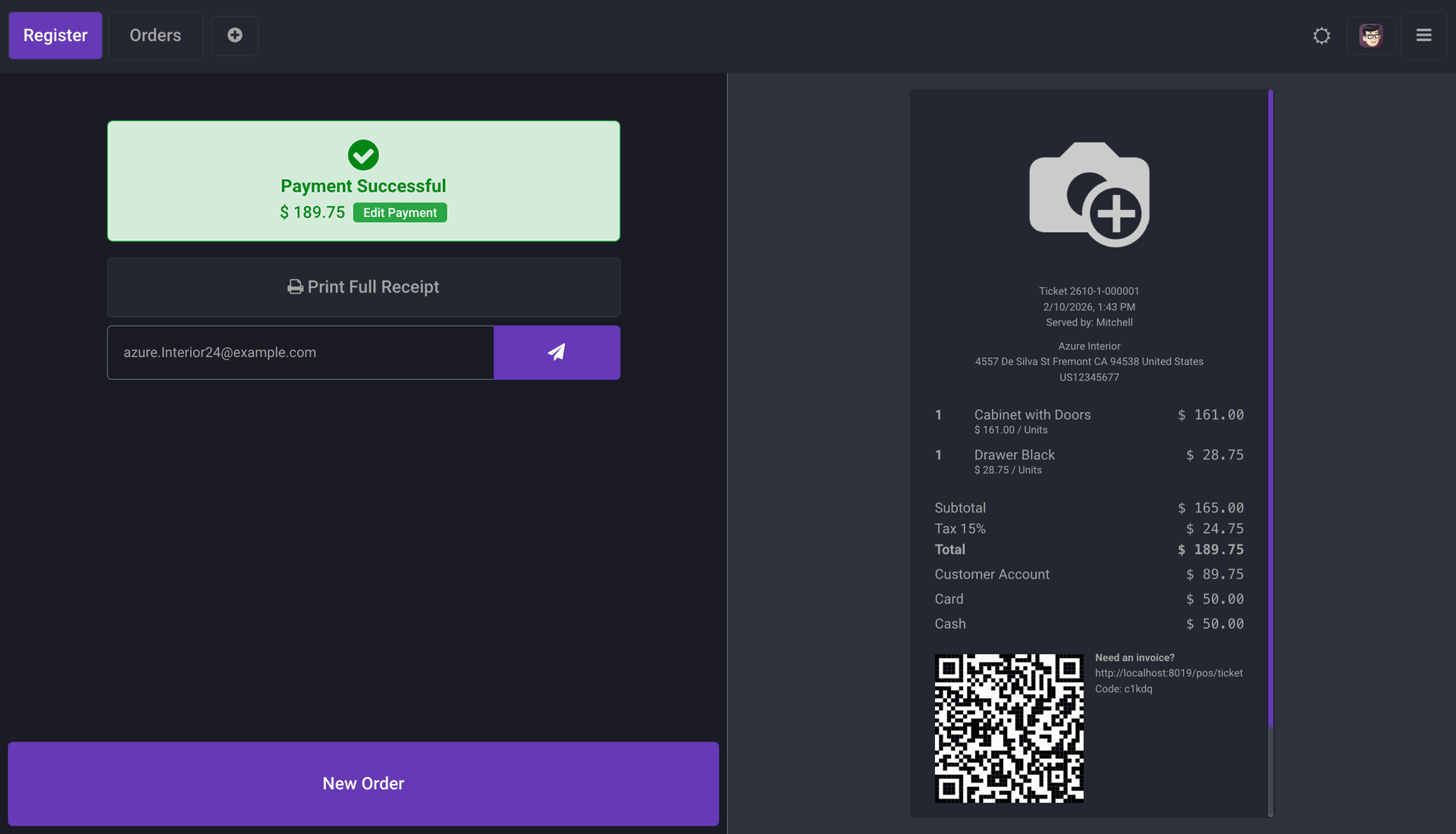
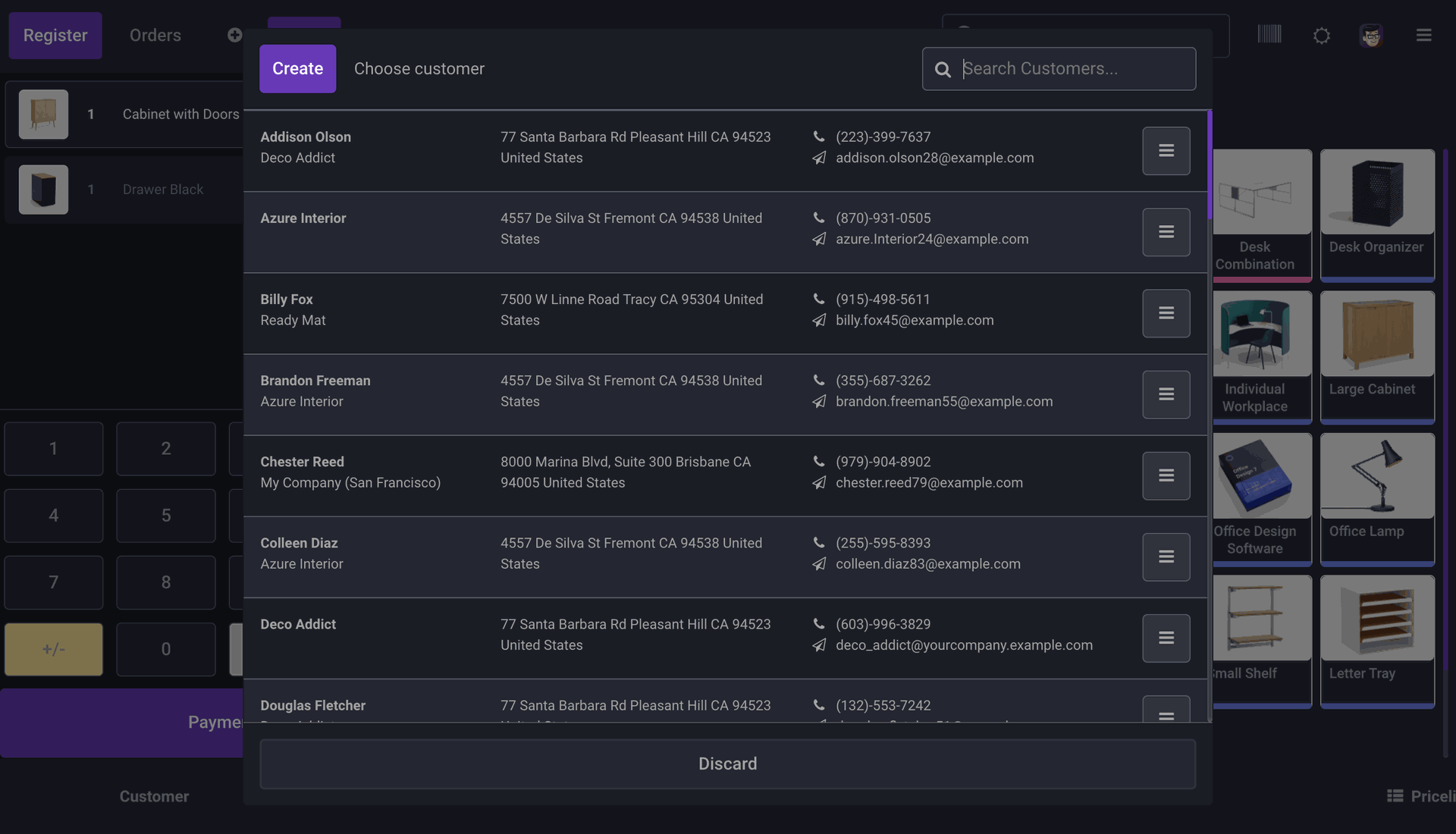
Theme Style 4
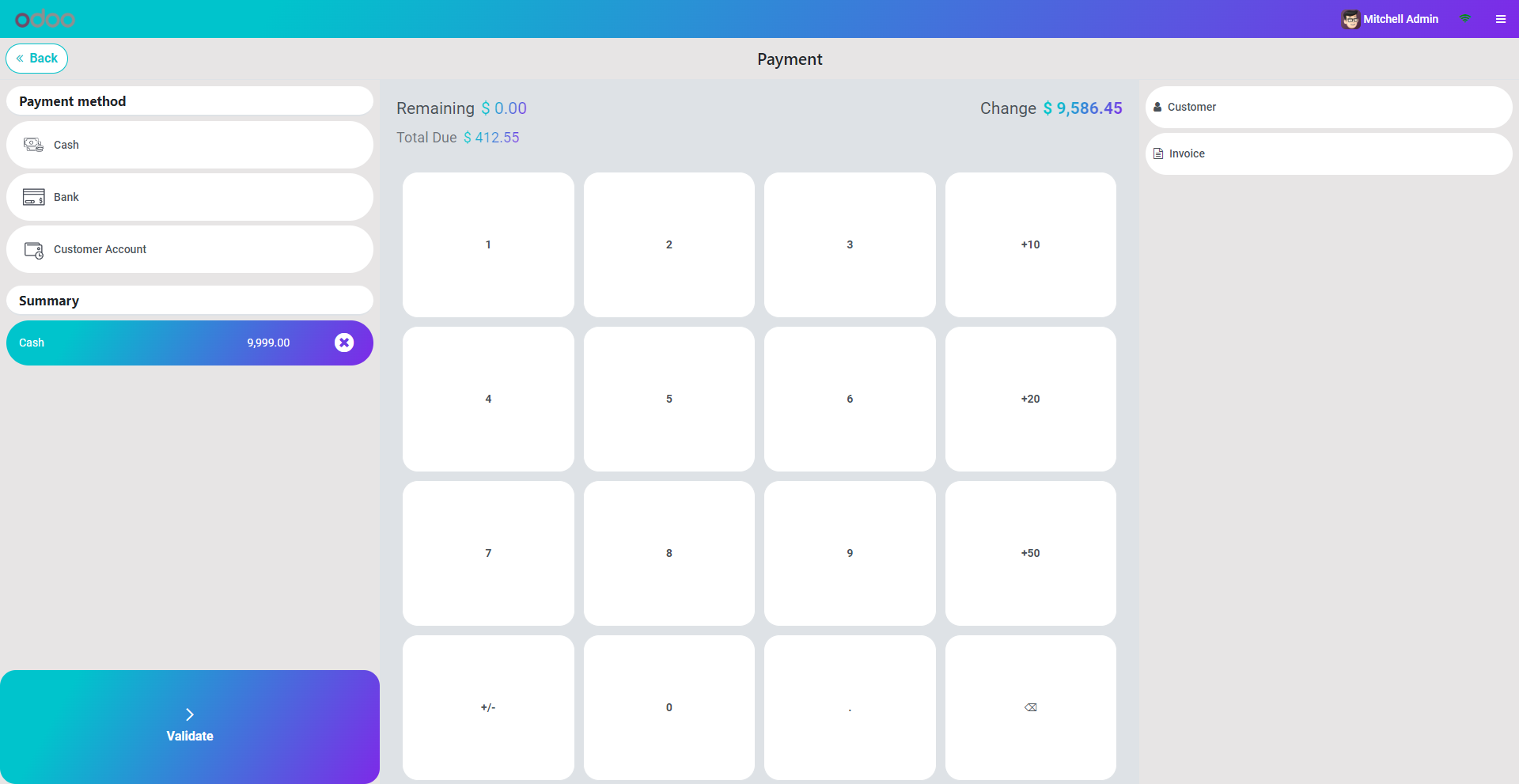
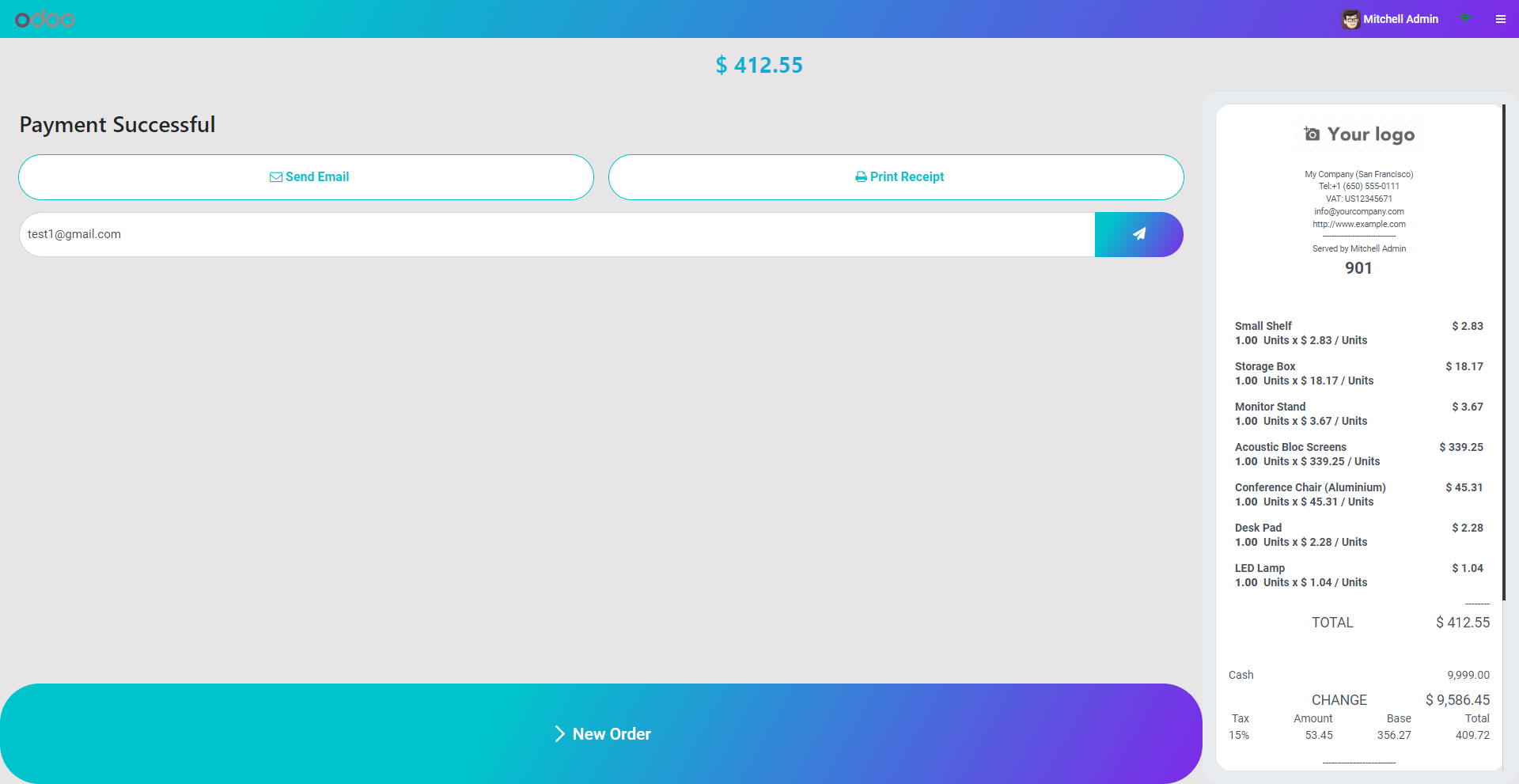
Night mode
Version 20.0.1.0.0 | Released on : 15th September 2026
- Yes, this app works perfectly with Odoo Enterprise (Odoo.sh & Premise) as well as Community.
- No, this application is not compatible with odoo.com(odoo saas/Odoo Online)
- Yes, to test this module, please contact us at sales@softhealer.com.
- Please contact us at sales@softhealer.comto request customization.
- Yes, we provide free support for 365 days from the date of purchase.
- Yes, you will receive lifetime free updates for the version of the module you purchased.
- No, there is no need to install any additional libraries.
- Yes, for version 12 and above, you need to purchase the module separately for each version you intend to use.
- No, exchanges or refunds are not allowed. Please make sure to select the correct version before purchasing.
- You can contact us at support@softhealer.com for language translation support. We use Google Translator tools to provide translations in multiple languages, so the accuracy may vary. We welcome your suggestions to help improve translations.
