









Report Enhancement

This module enhances the documents/reports by adding a custom header and footer image in all odoo pdf reports.

Features
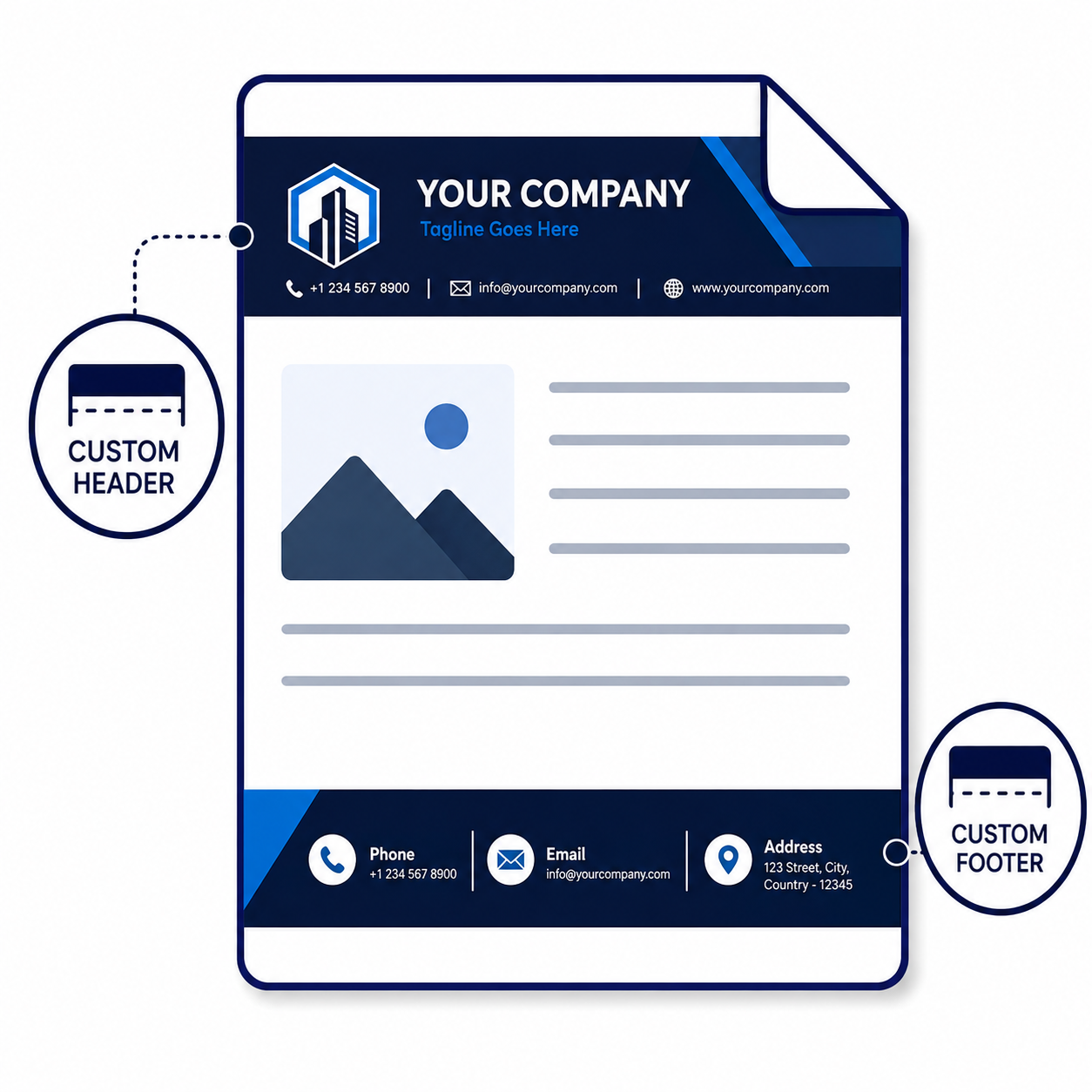
Custom Report Header & Footer
Add custom header and footer images to Odoo PDF reports.

Predefined Report Templates

Choose ready-made report templates to quickly create consistent visual layouts for Odoo PDF reports.

Custom Watermarks
Add a watermark image to reports and control its display from report settings.

Amount In Words
Show invoice, sales, and purchase totals as readable words directly on generated reports.

Product Images
Display product pictures beside report lines to make invoice documents easier to identify.

Custom Report Styles
Create reusable report styles with custom fonts, colors, sizes, and row formatting.

Global Default Settings
Set report defaults centrally for templates, styles, images, watermarks, and amount display.

Partner Report Styles
Assign specific report templates and styles to individual customer or vendor records.

Report Type Styles
Configure templates and styles for specific report types such as purchase orders.

Press the "Configure Document Layout".
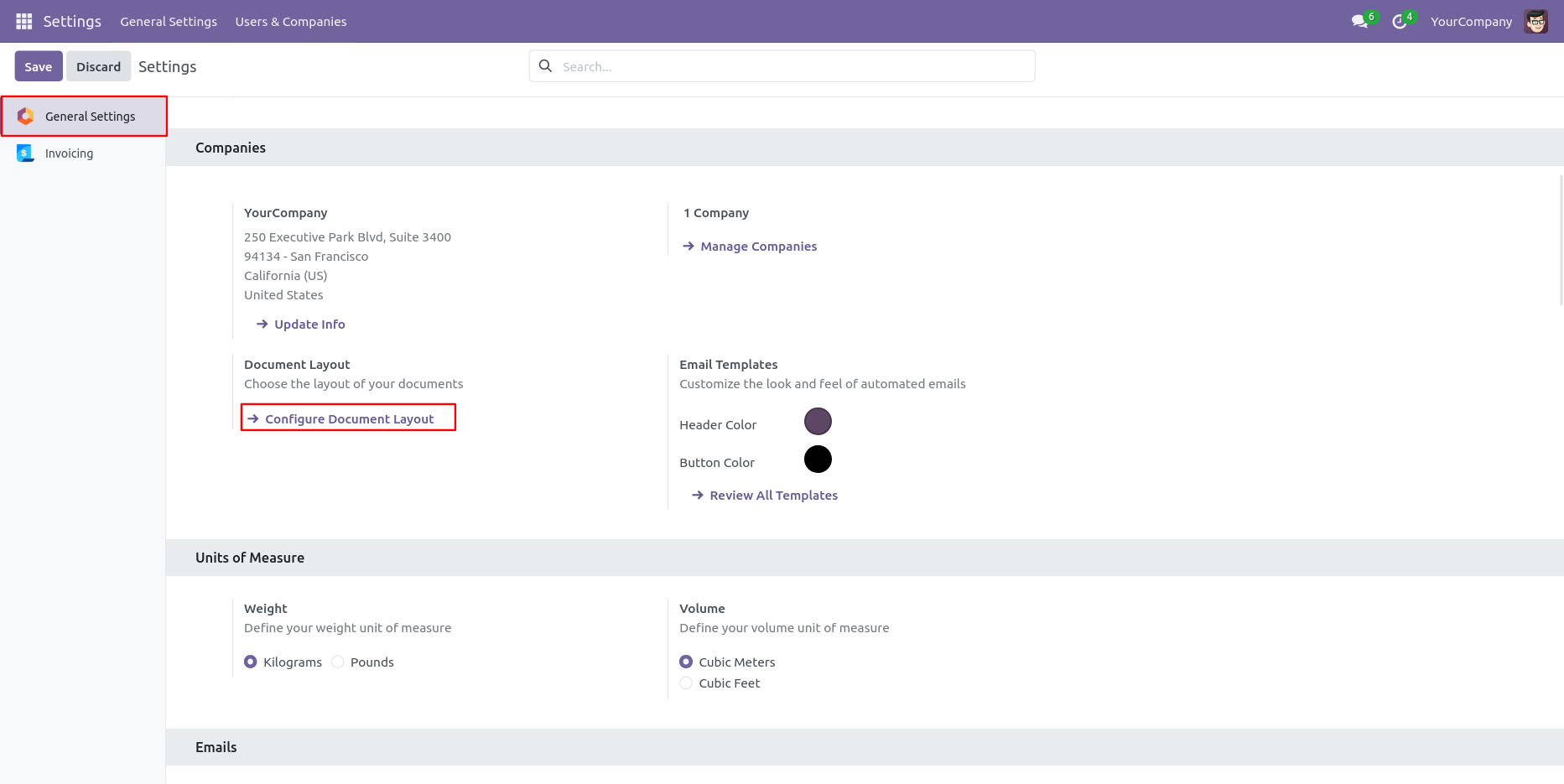
You can configure your document layout as per your choice.
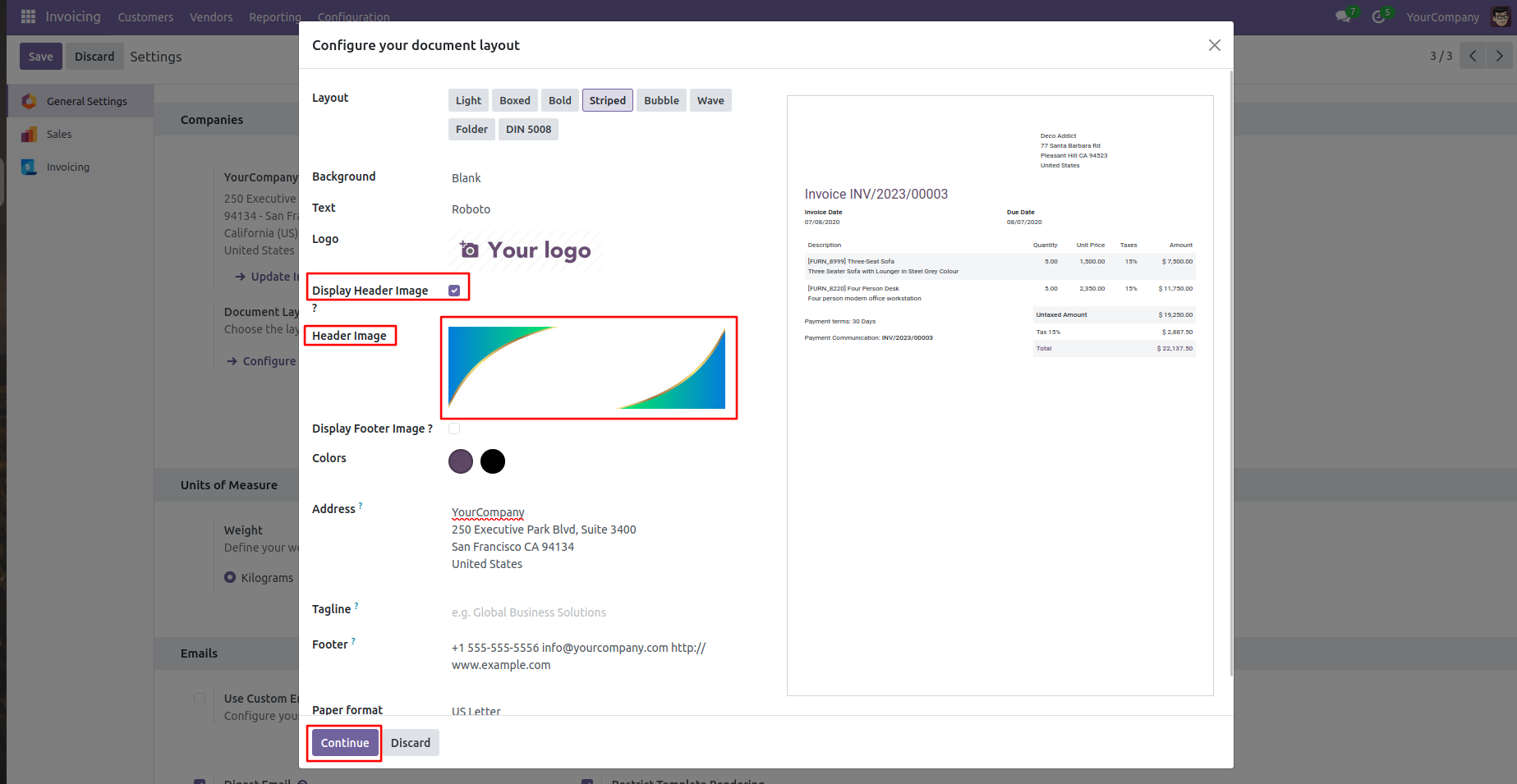
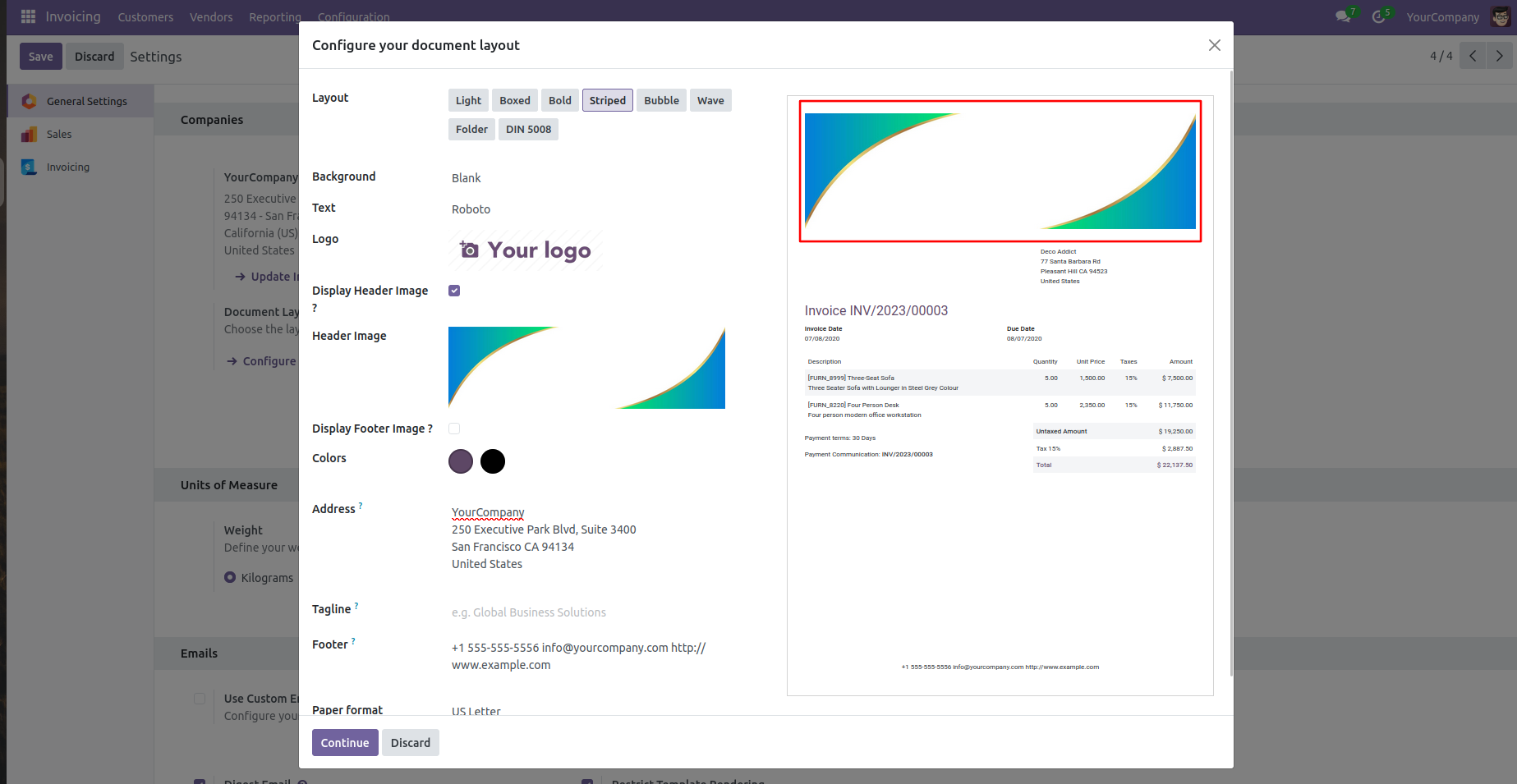
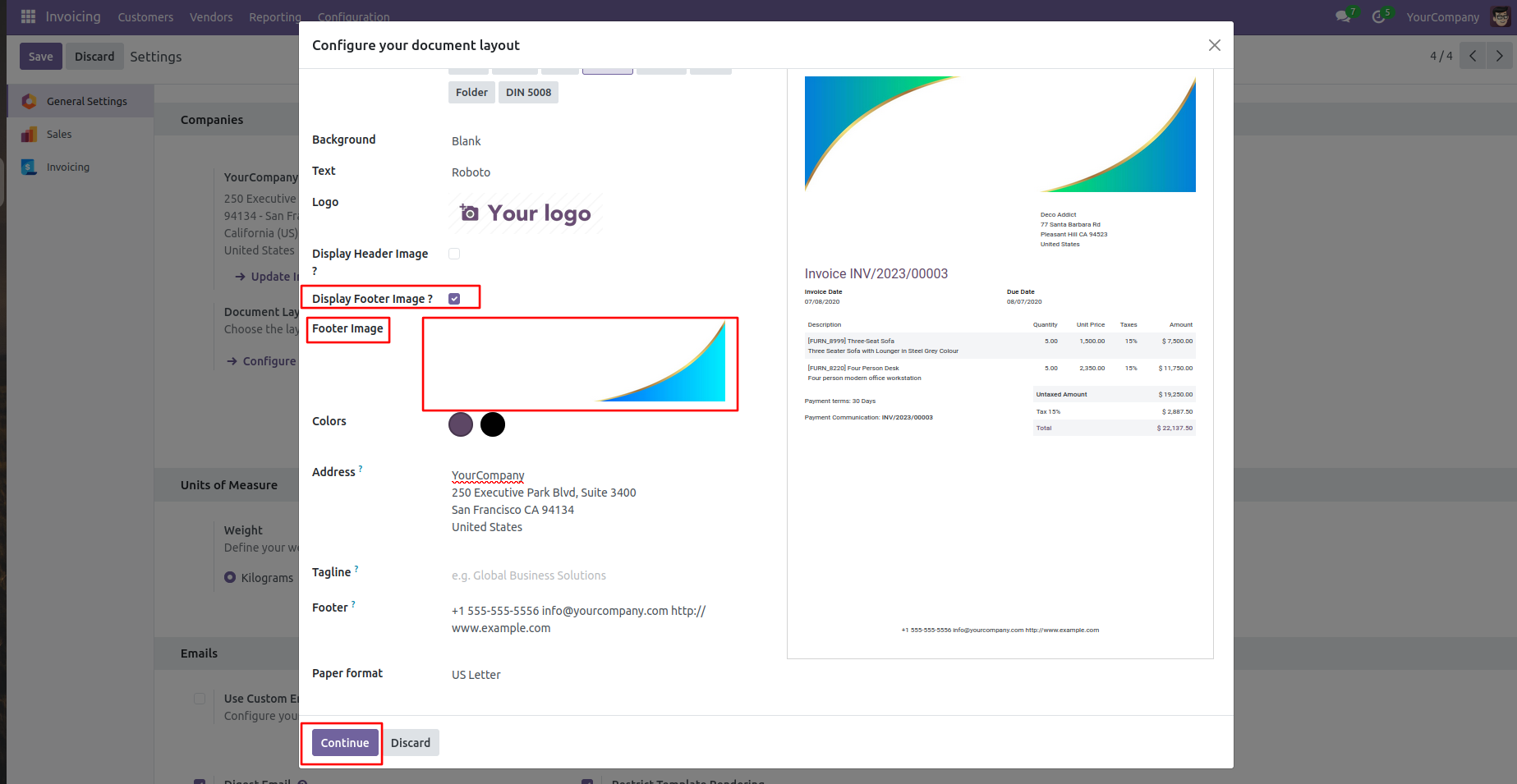
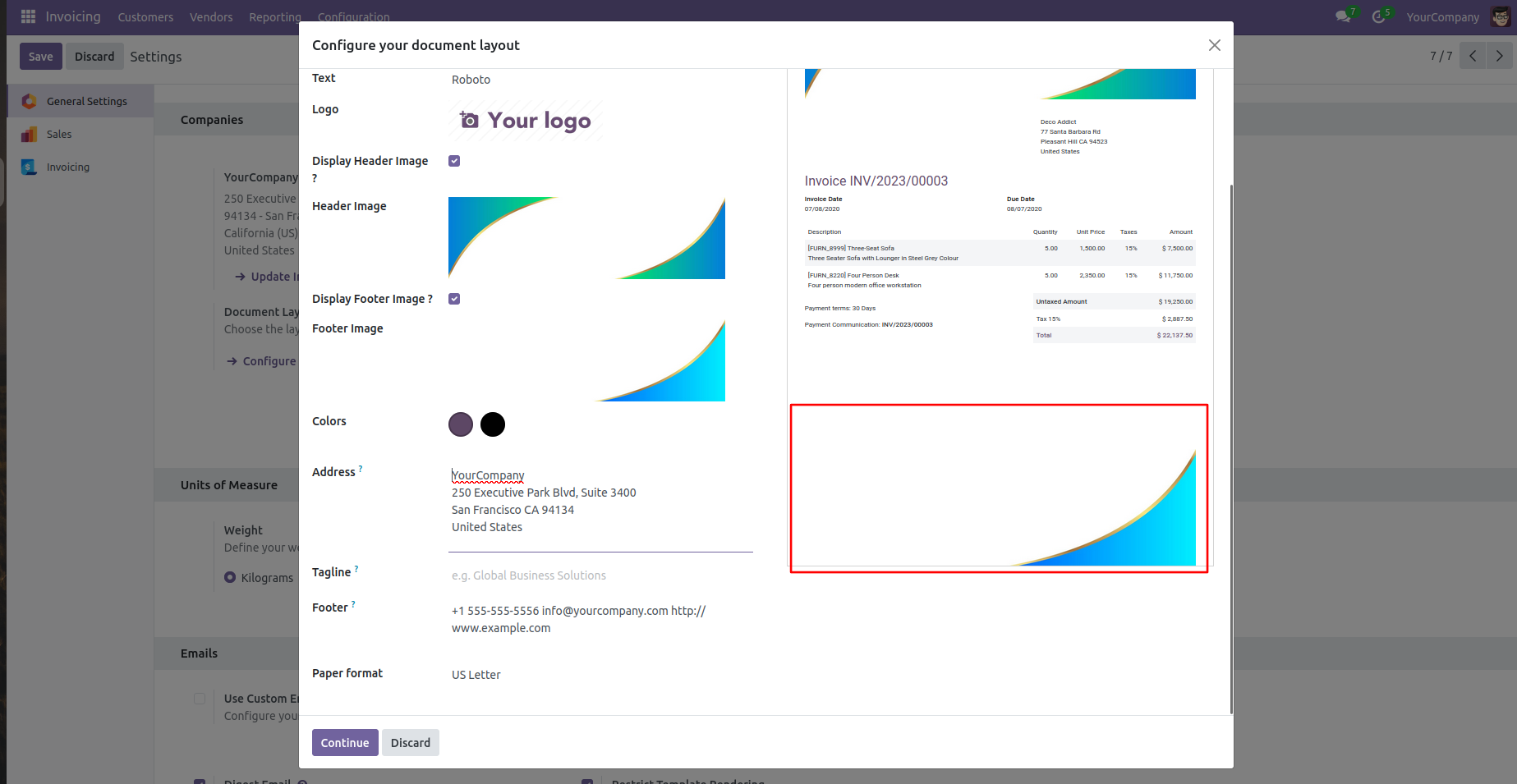
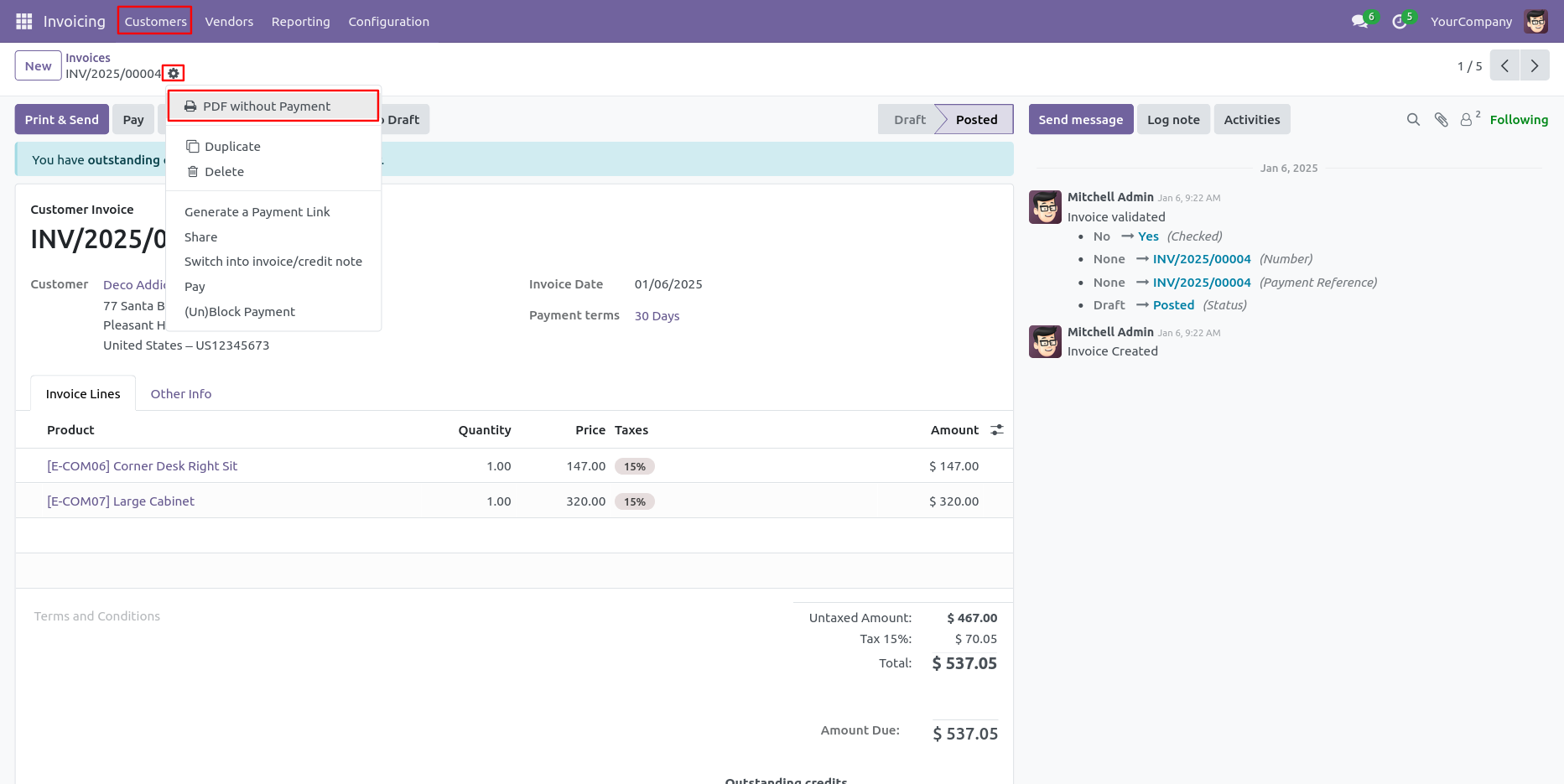
In the invoice form view, click on the 'PDF Without Payment' under the action menu to print the PDF.
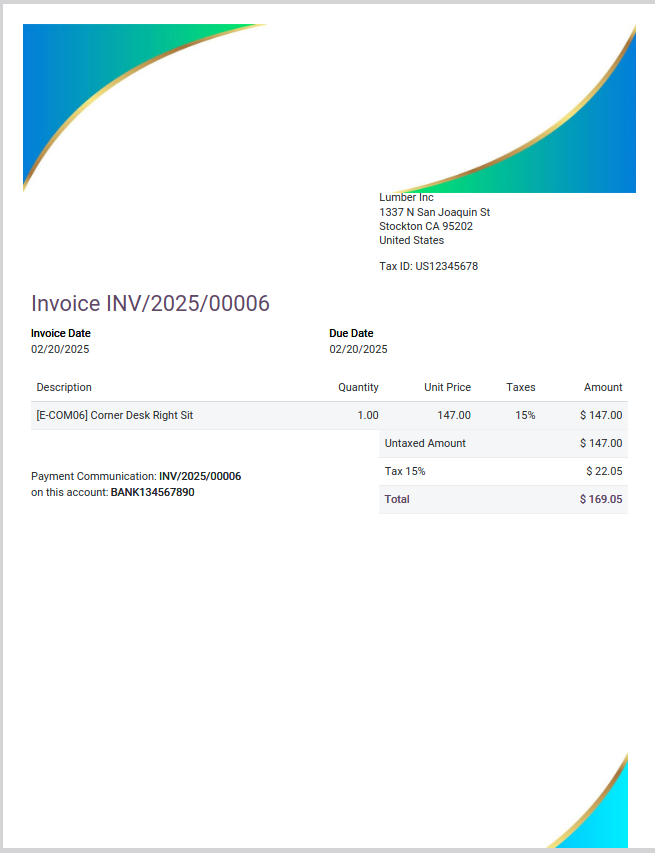
The custom header and footer of the document.
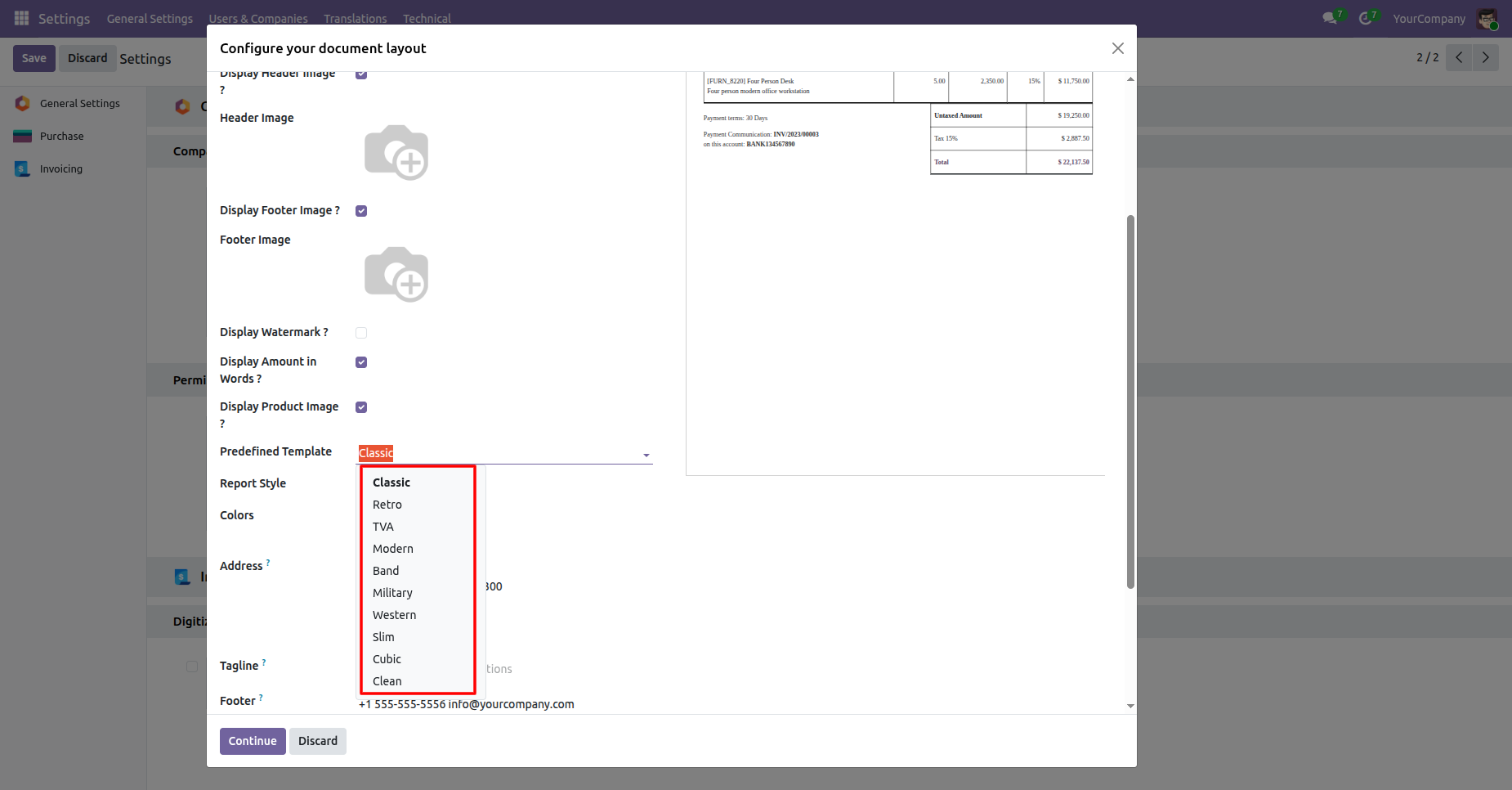
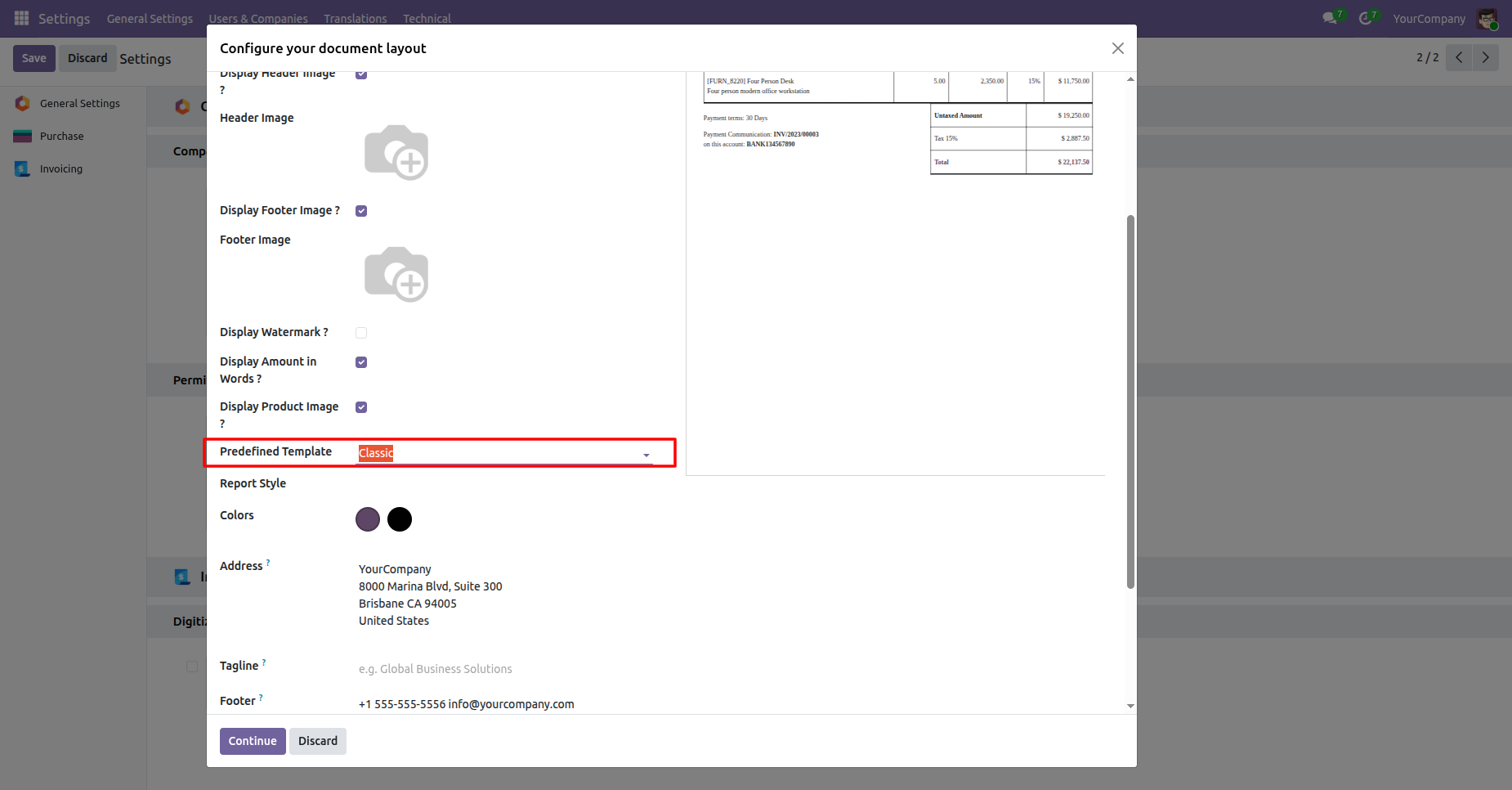
Open Settings and use Configure your document layout to select a predefined report template. Choose the Predefined Template field, review the available layouts, select the required option, and continue.
Open Predefined Template to choose from Classic, Retro, TVA, Modern, and other layouts.
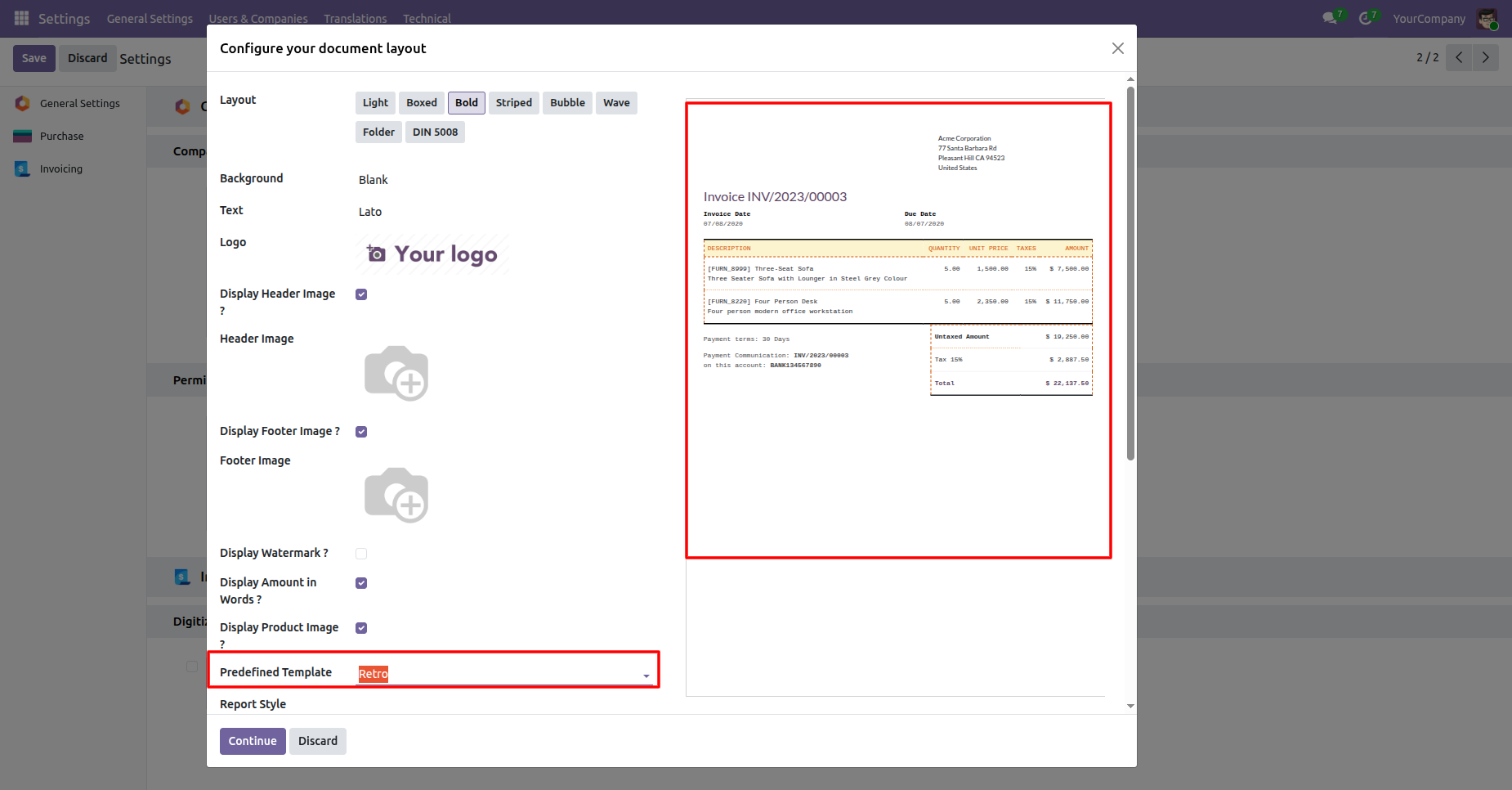
The selected Retro template updates the invoice preview with its chosen visual layout.
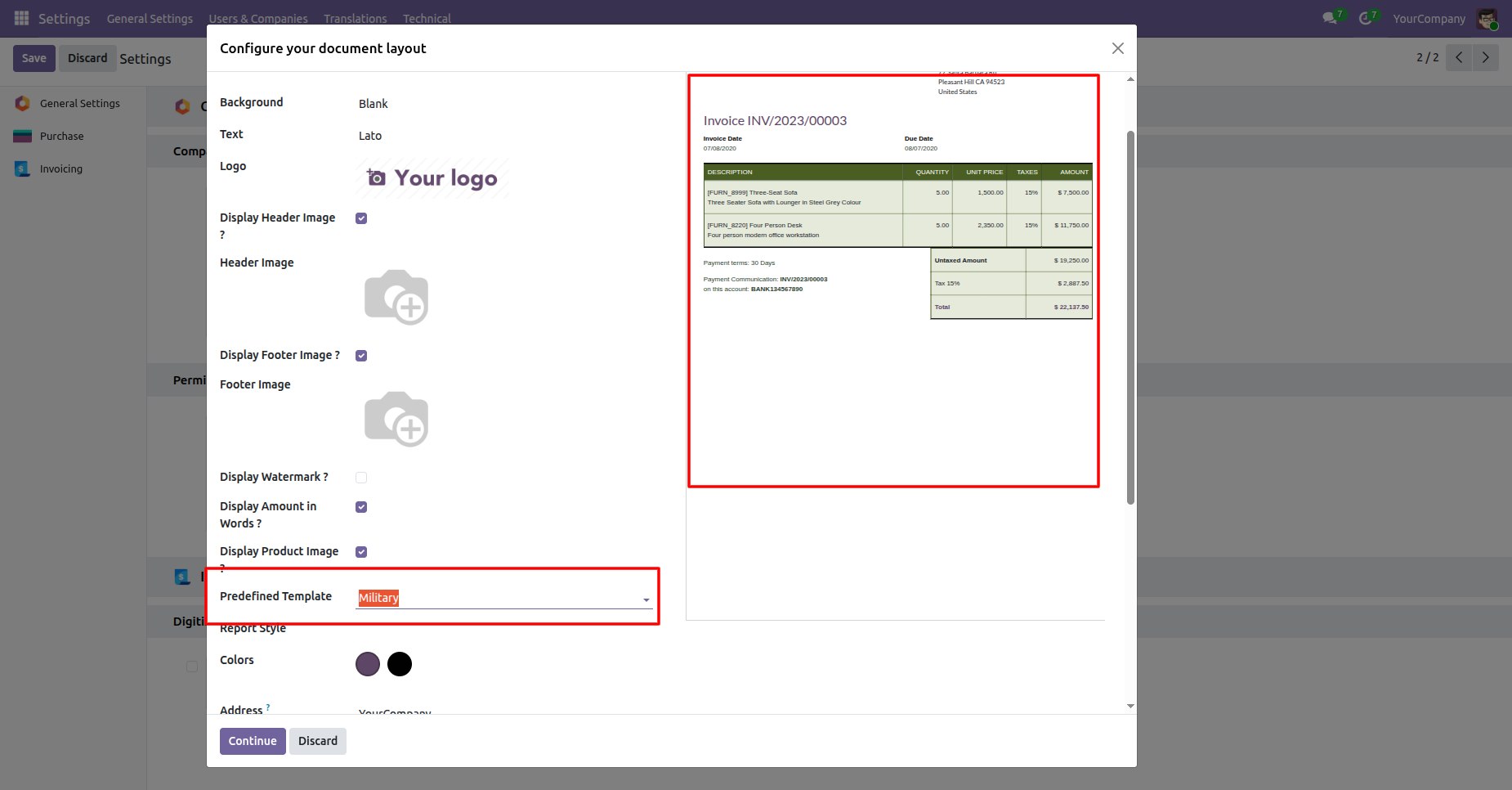
Selecting Military changes the preview to the corresponding predefined report presentation.
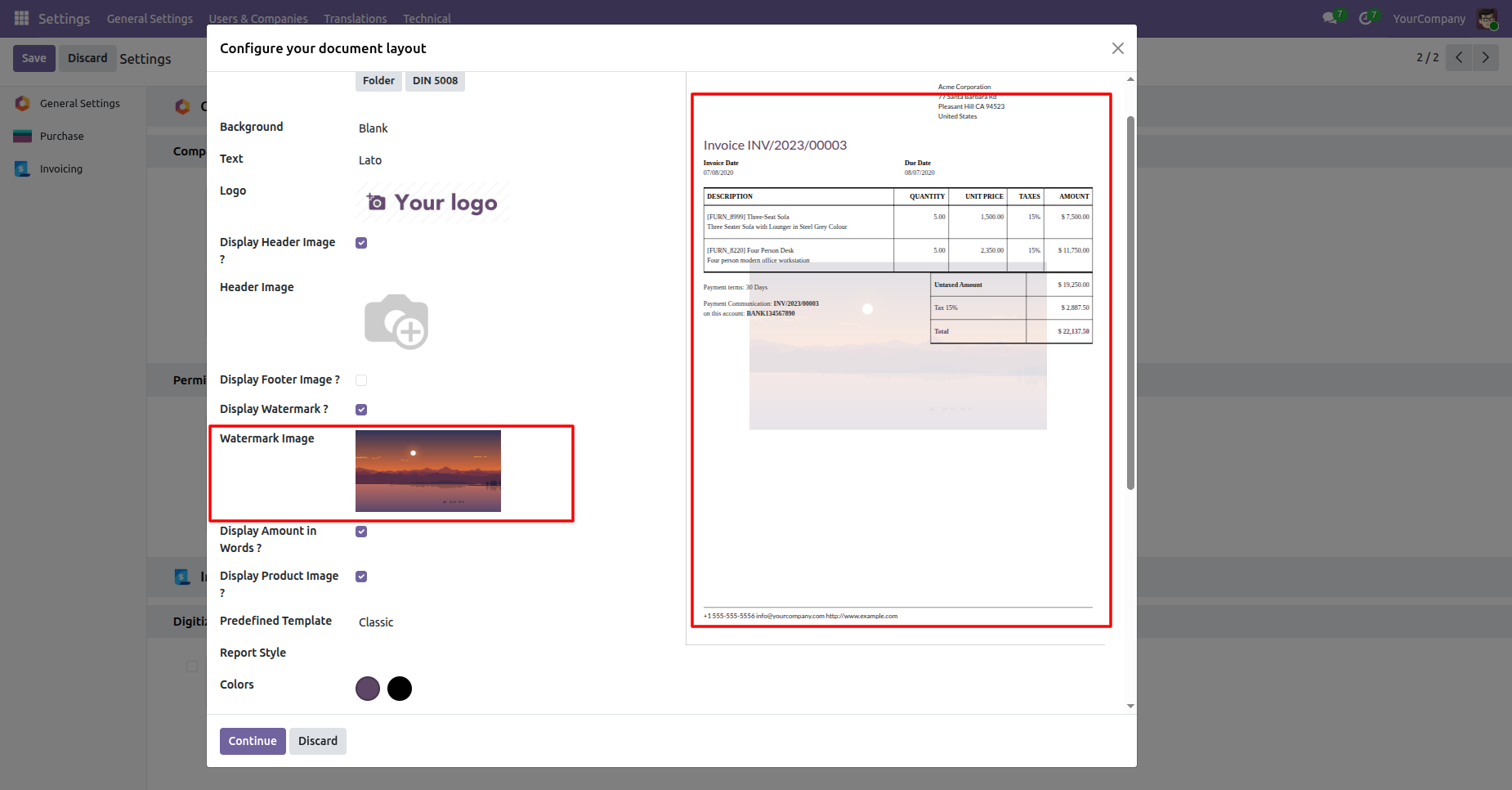
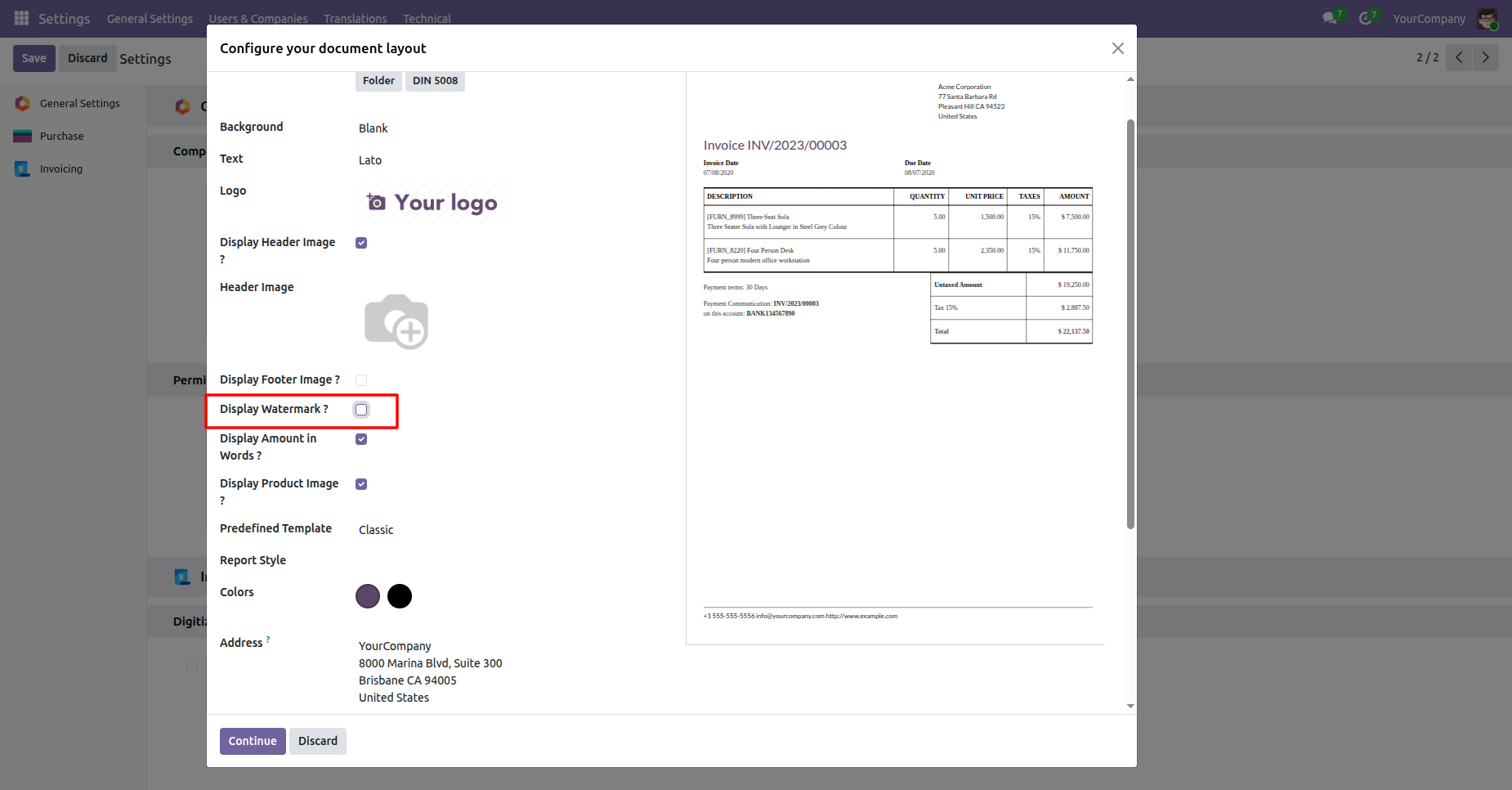
Open Settings and Configure your document layout, enable Display Watermark, then upload a Watermark Image. Continue to apply the setting.
The watermark option is highlighted while the report preview remains visible for confirmation.
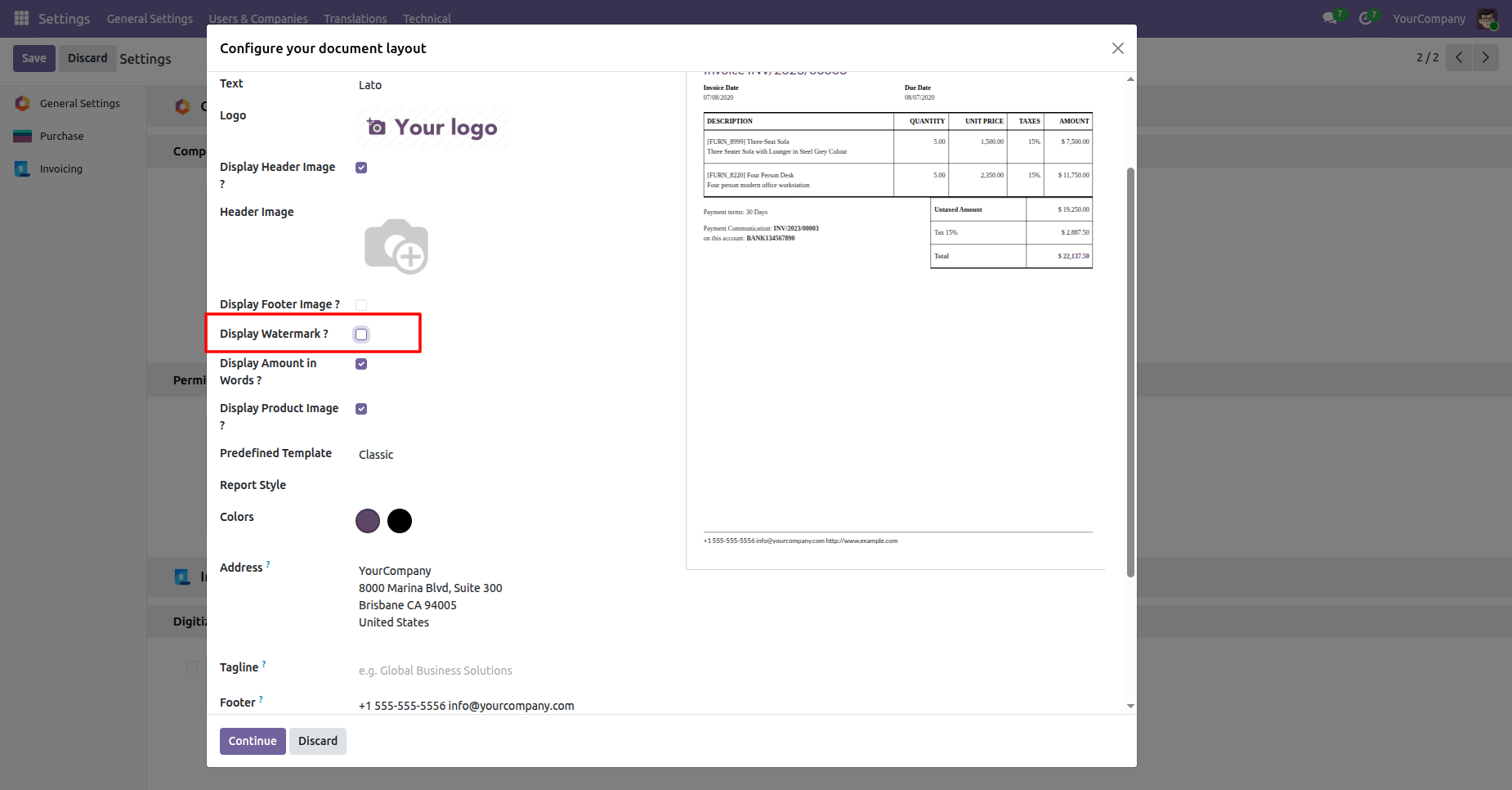
Enable Display Watermark and upload an image to place it visibly across reports.
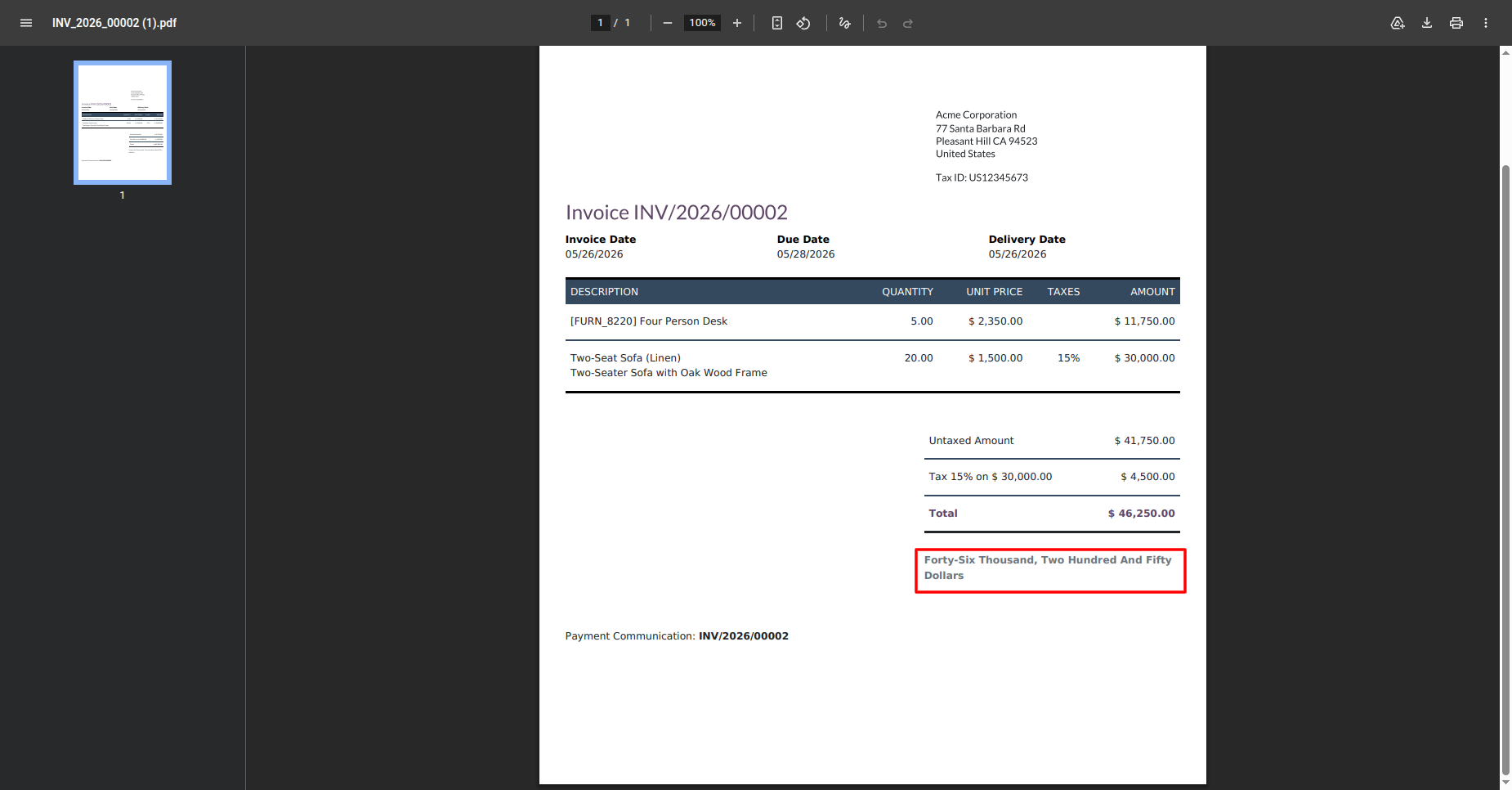
In Settings, enable Display Amount in Words in the document layout configuration. Generated invoices, sales documents, and purchase documents can then show totals in words.
The invoice PDF shows the total amount written clearly in words beneath totals.
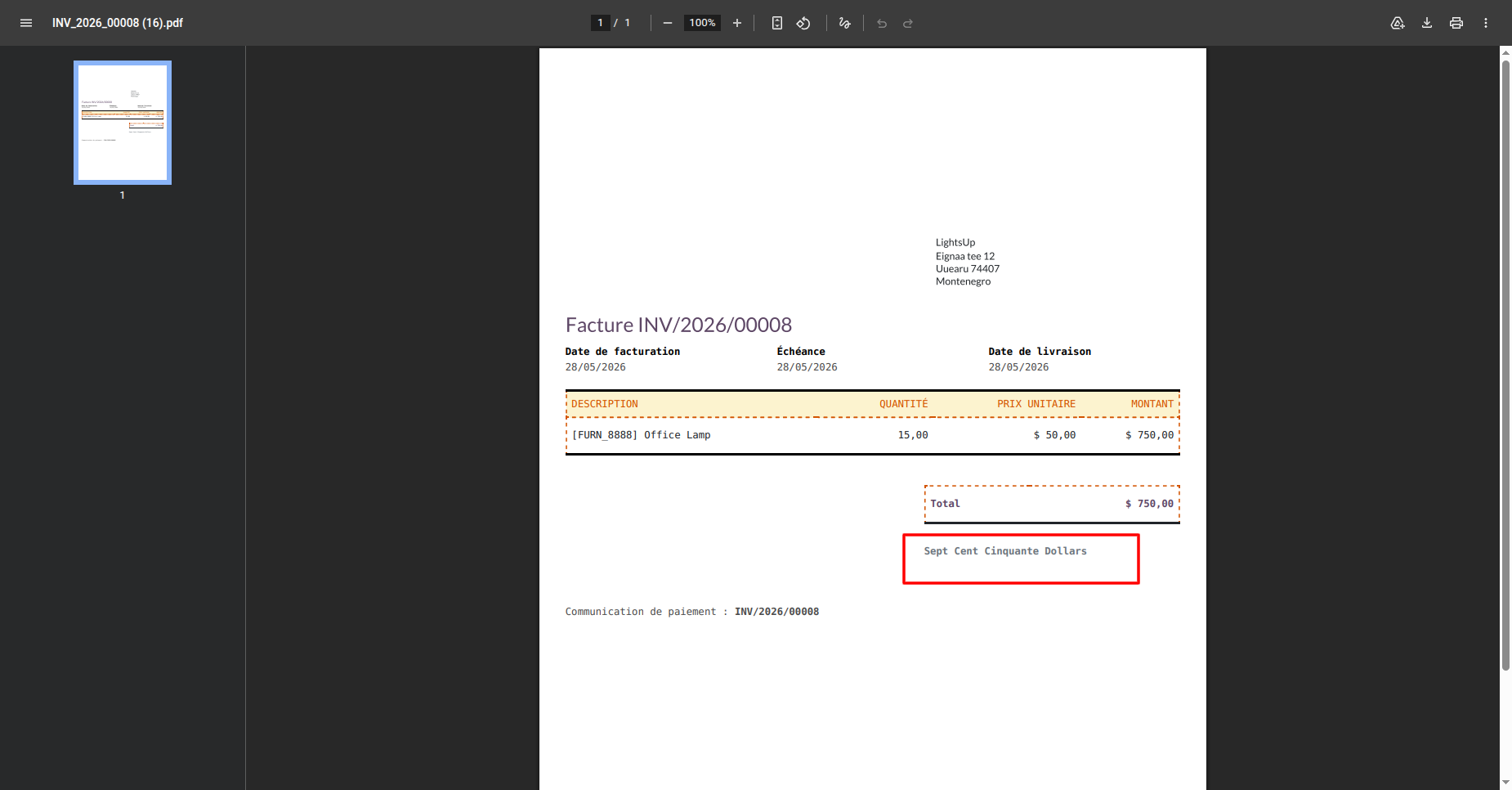
A French invoice demonstrates the amount-in-words value using the document language.
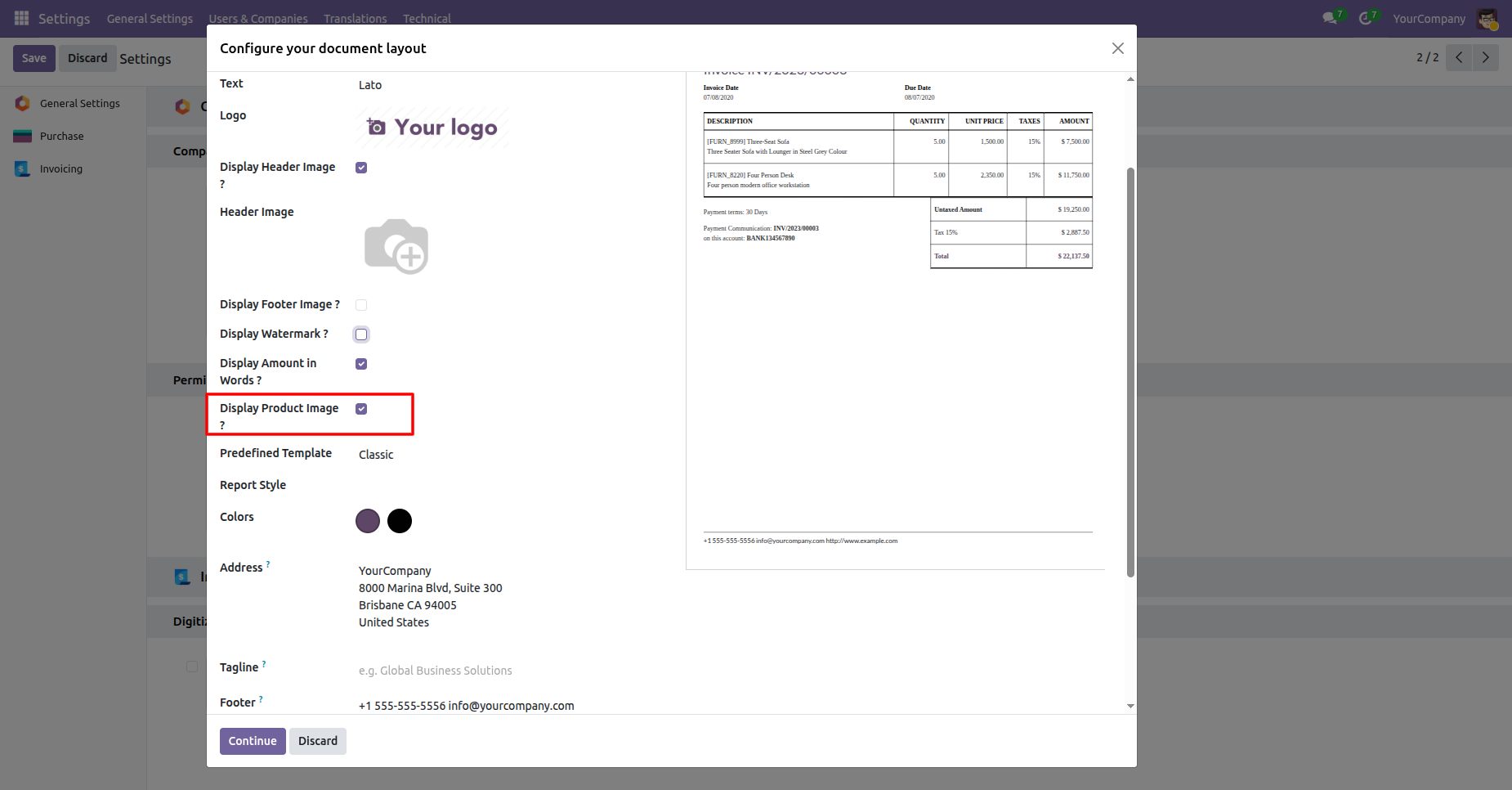
In Settings, enable Display Product Image in the document layout configuration. Product images are then included with report lines where available.
Enable Display Product Image to include product pictures in generated reports.
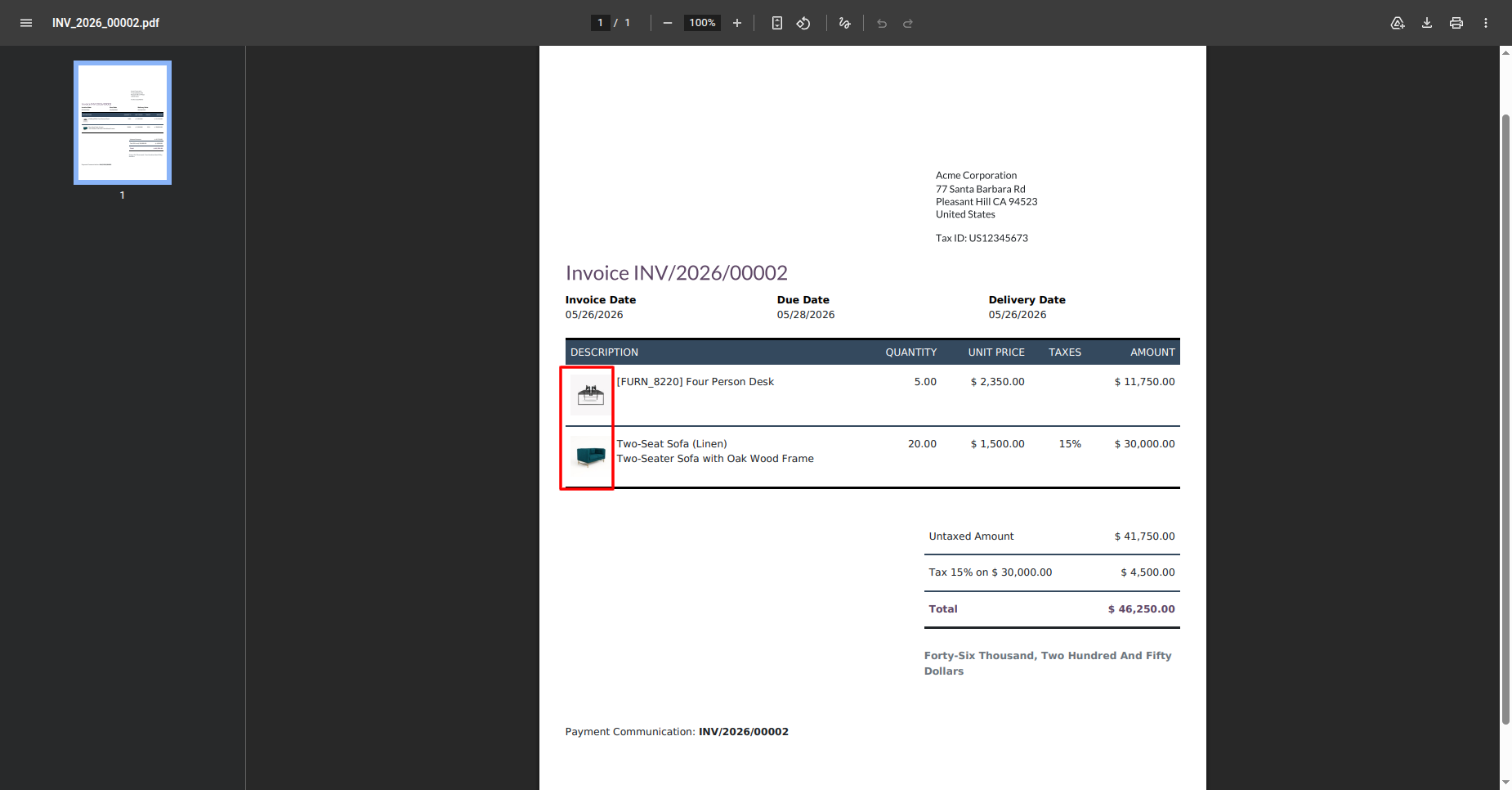
Invoice lines display product images alongside descriptions, quantities, prices, and totals.
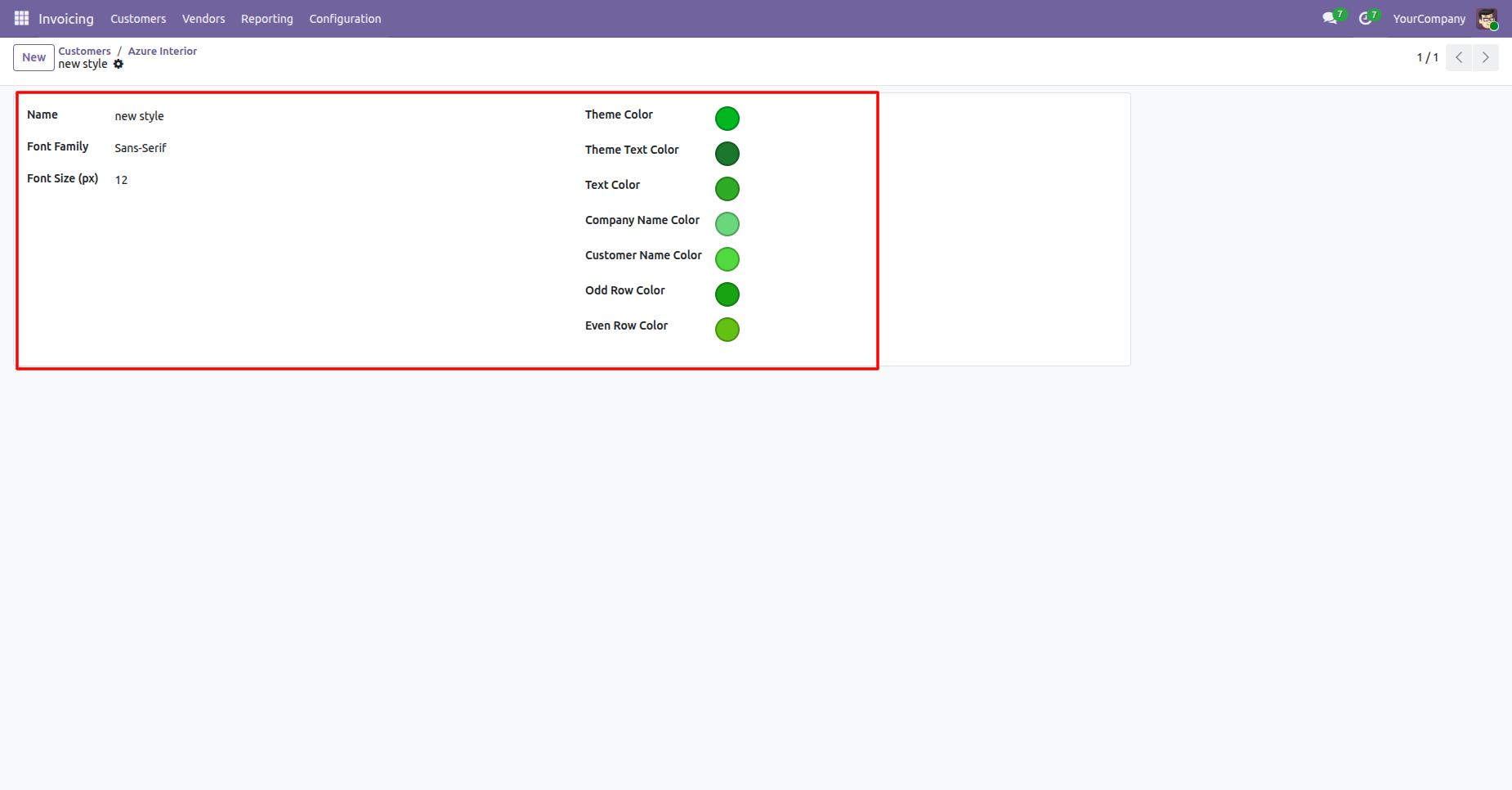
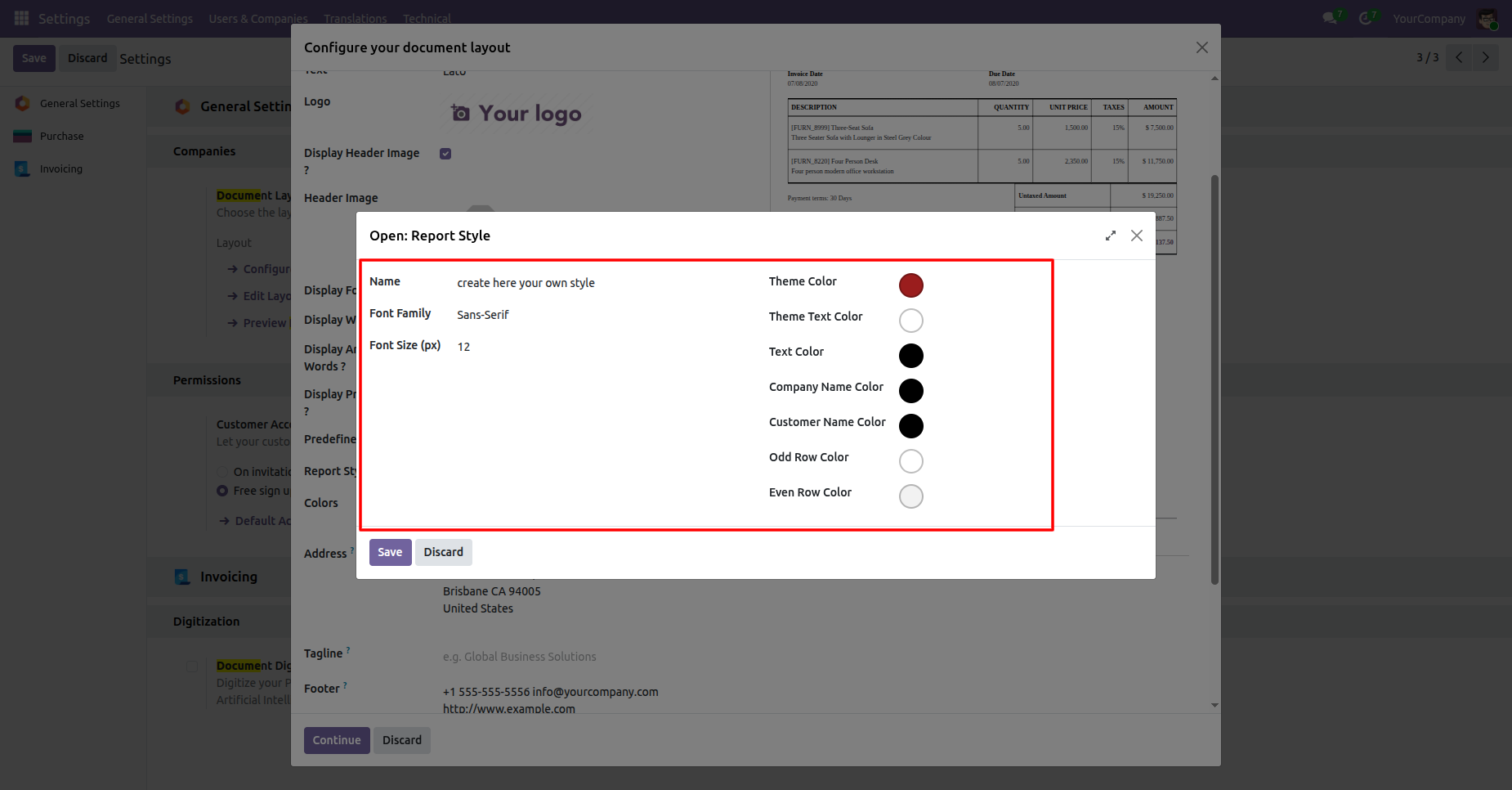
Use the Report Styles menu to create a style. Configure the name, font family, font size, theme colors, text colors, company and customer colors, and odd or even row colors, then save it.
A custom report style defines fonts, sizes, theme colors, and row colors.
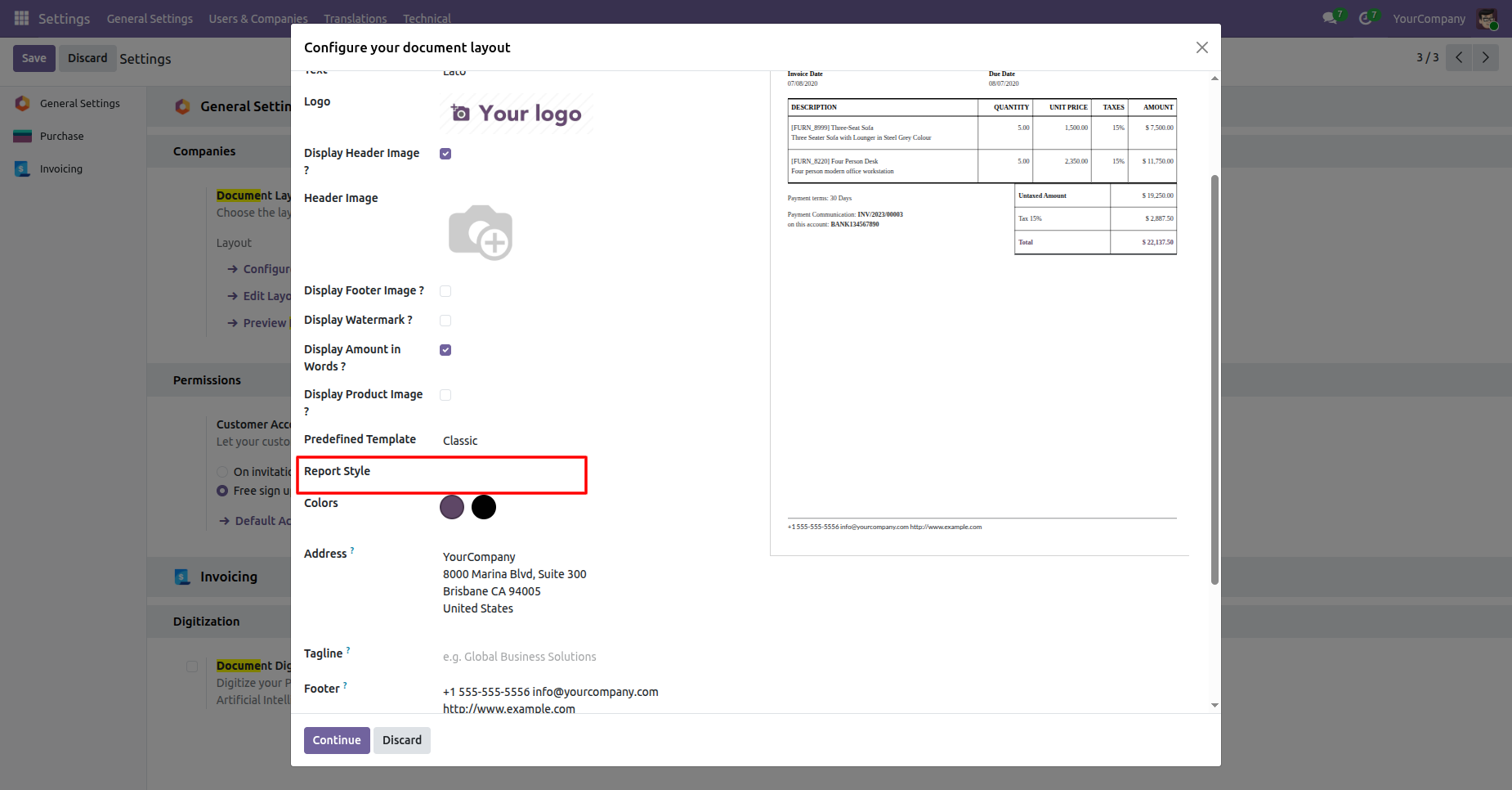
The document layout settings include a Report Style field for selecting a custom report style.
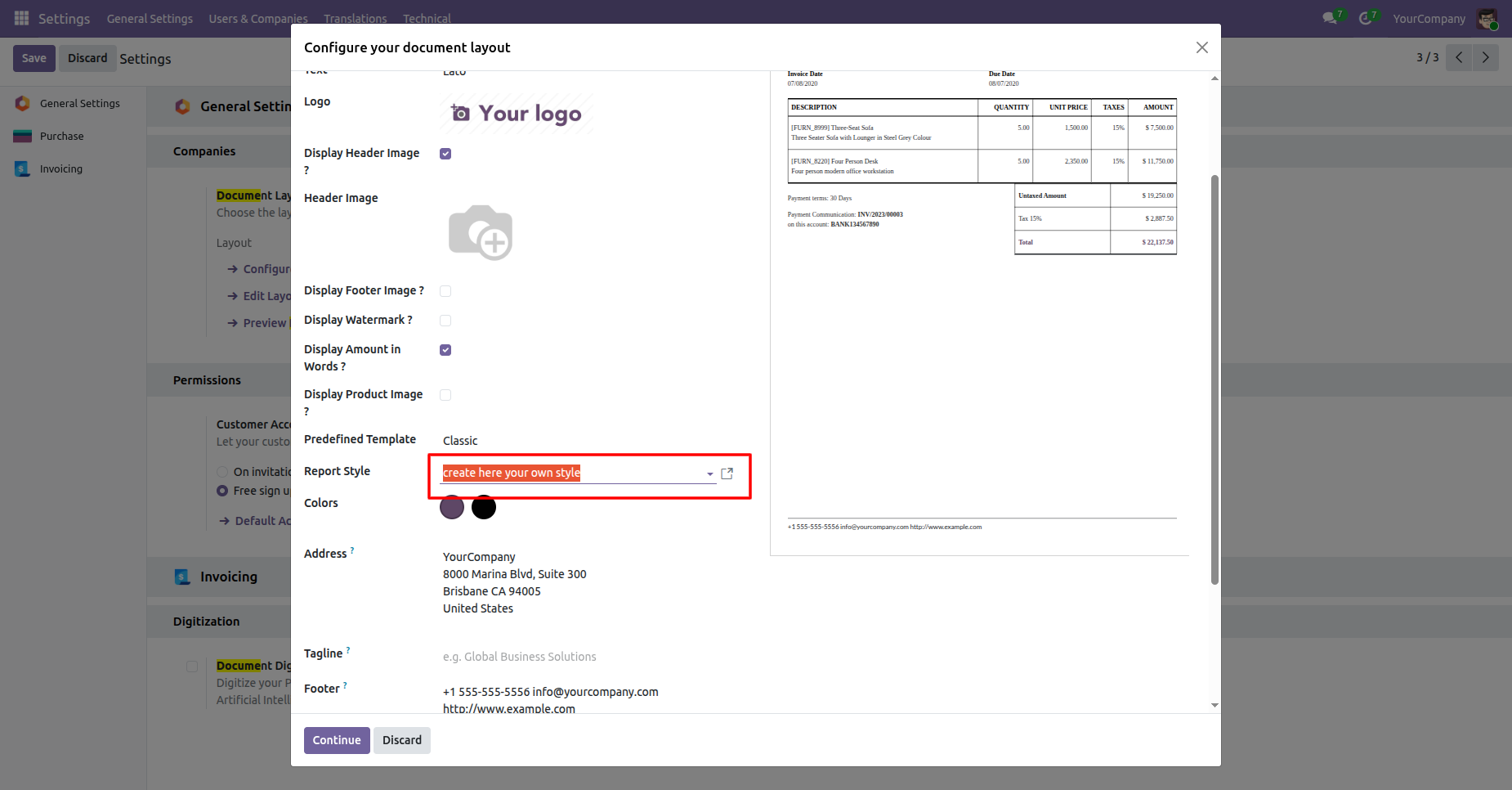
Choose a custom Report Style from the document layout field before continuing with report configuration.
The custom style form lists visual settings used to control report appearance.
Go to Settings > General Settings > Report Enhancement and configure the global report defaults. The available options include templates, styles, header and footer images, watermarks, amount in words, and product images.
Document layout settings show global report options and the current invoice preview.
Global settings display report options, template selection, colors, address, and footer information.
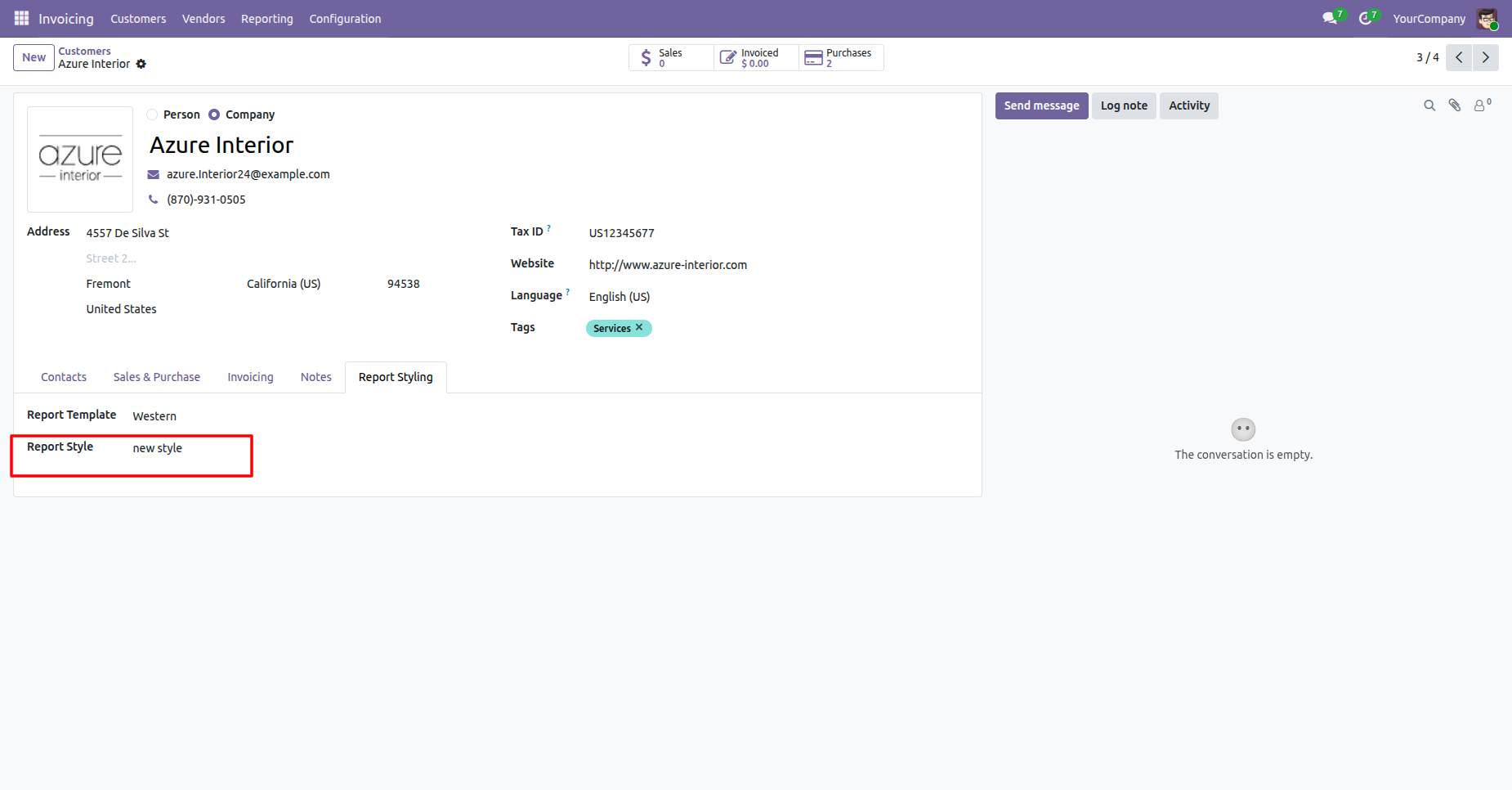
Open a customer or vendor record and use the Report Styling tab to choose its report template and report style. The selected values apply specifically to that partner.
Customer details include a Report Styling tab with template and style selections.
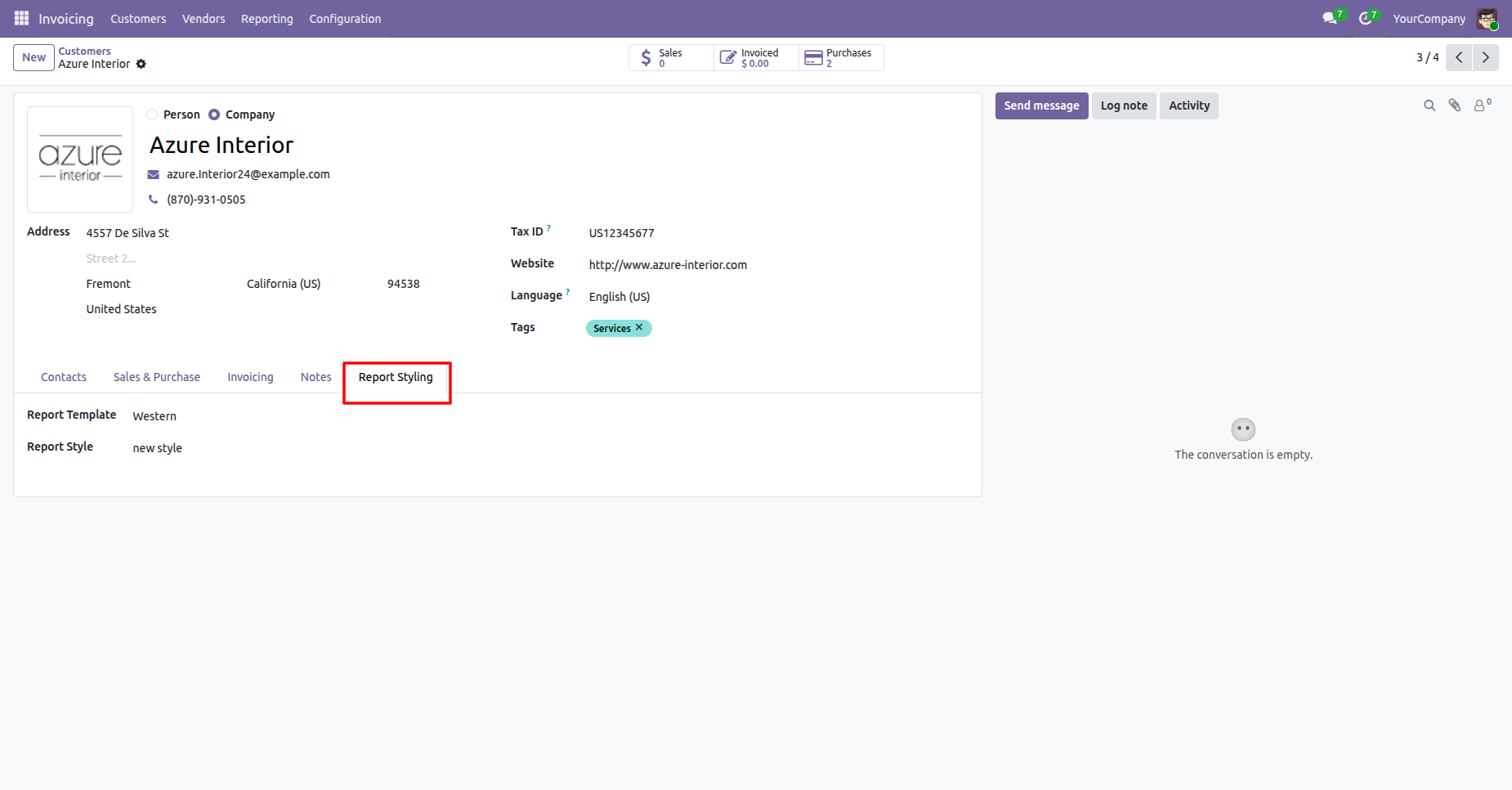
The Report Styling tab lets each customer use a specific template and style.
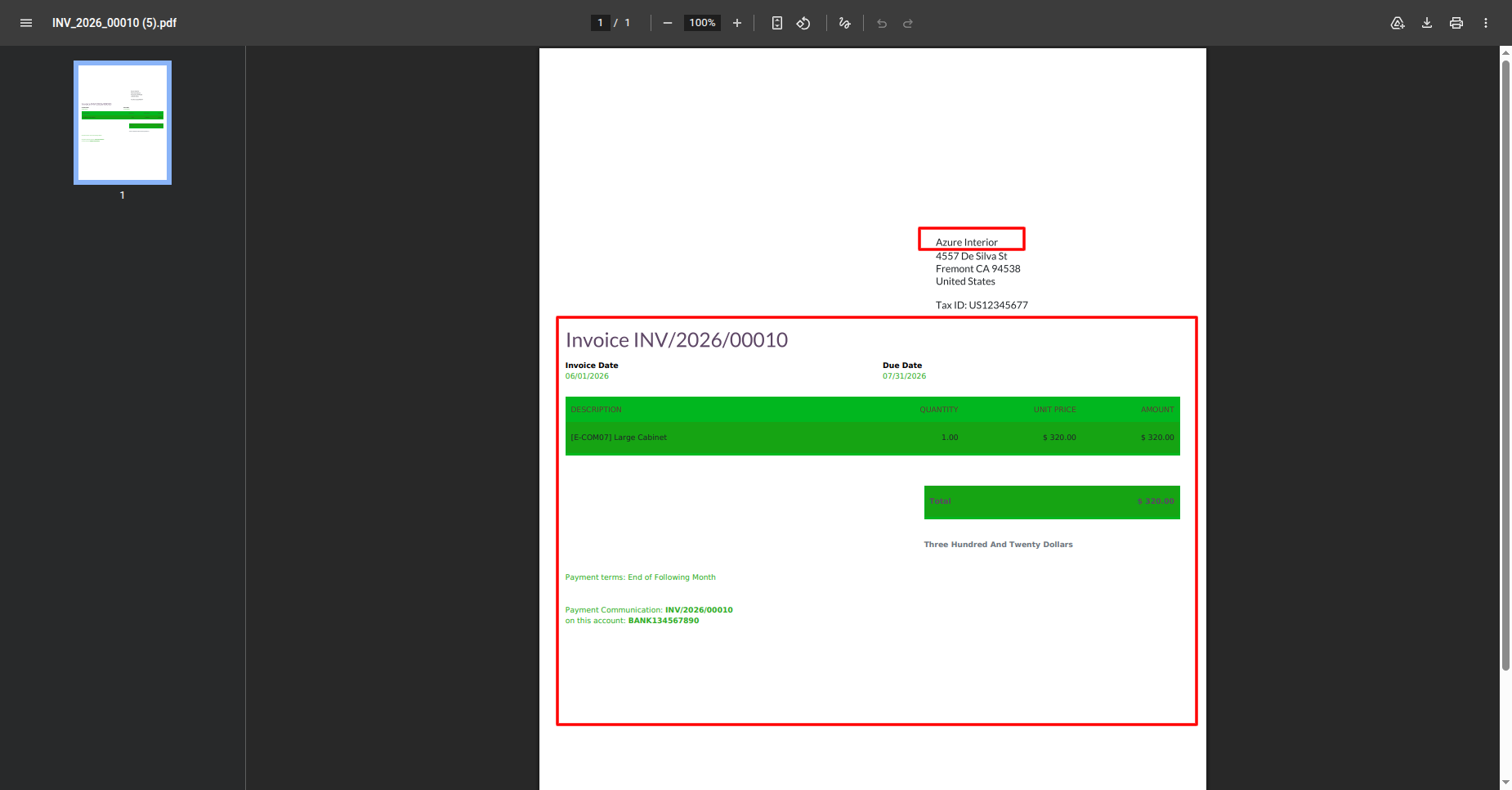
The generated invoice demonstrates the report styling applied to the selected partner.
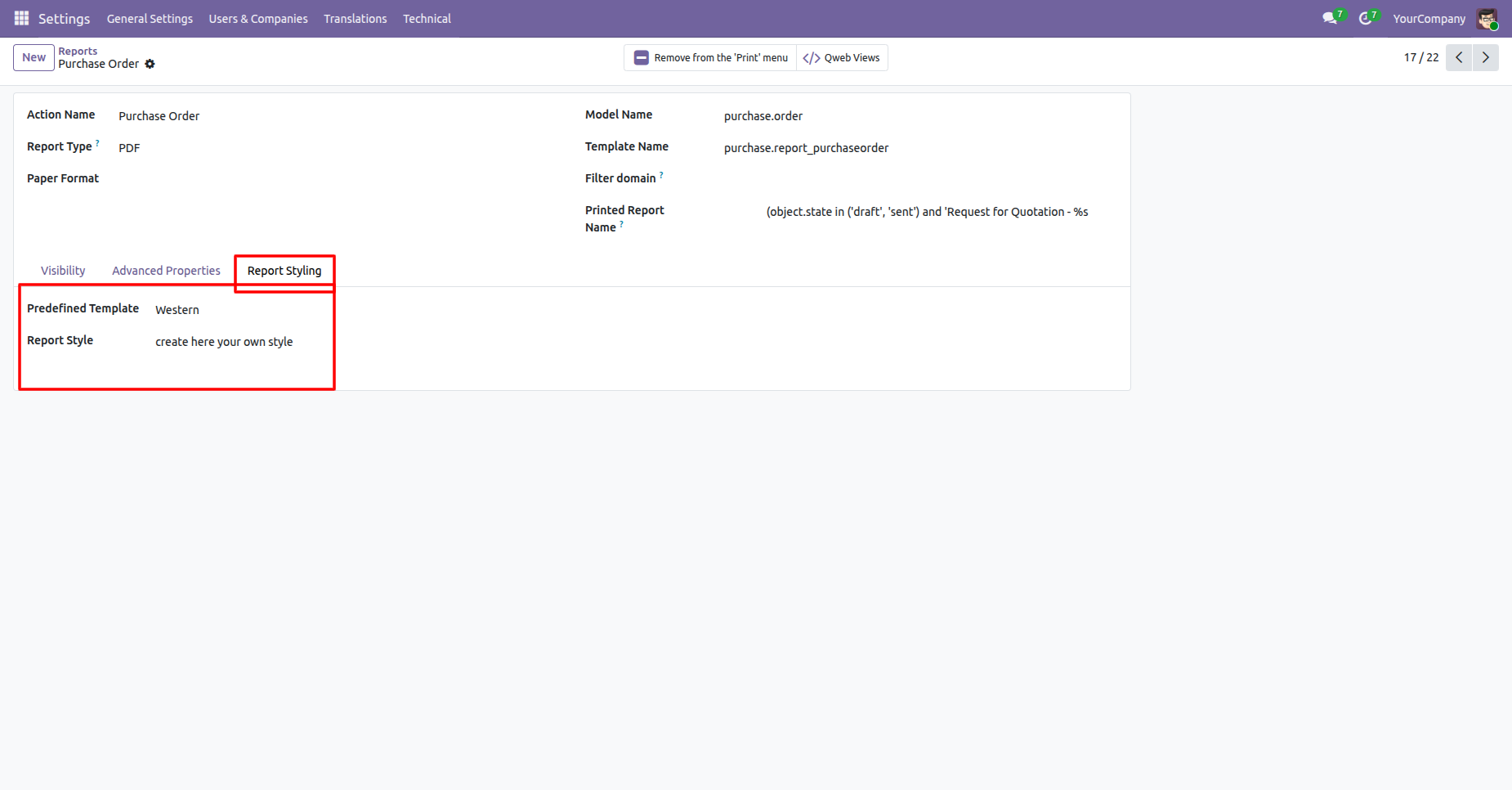
Open Report Type Styles to configure a report action for a specific report type. Choose its predefined template and report style, then use the configured report action to generate the output.
Report Type Styles shows the Purchase Order report with template and style choices.
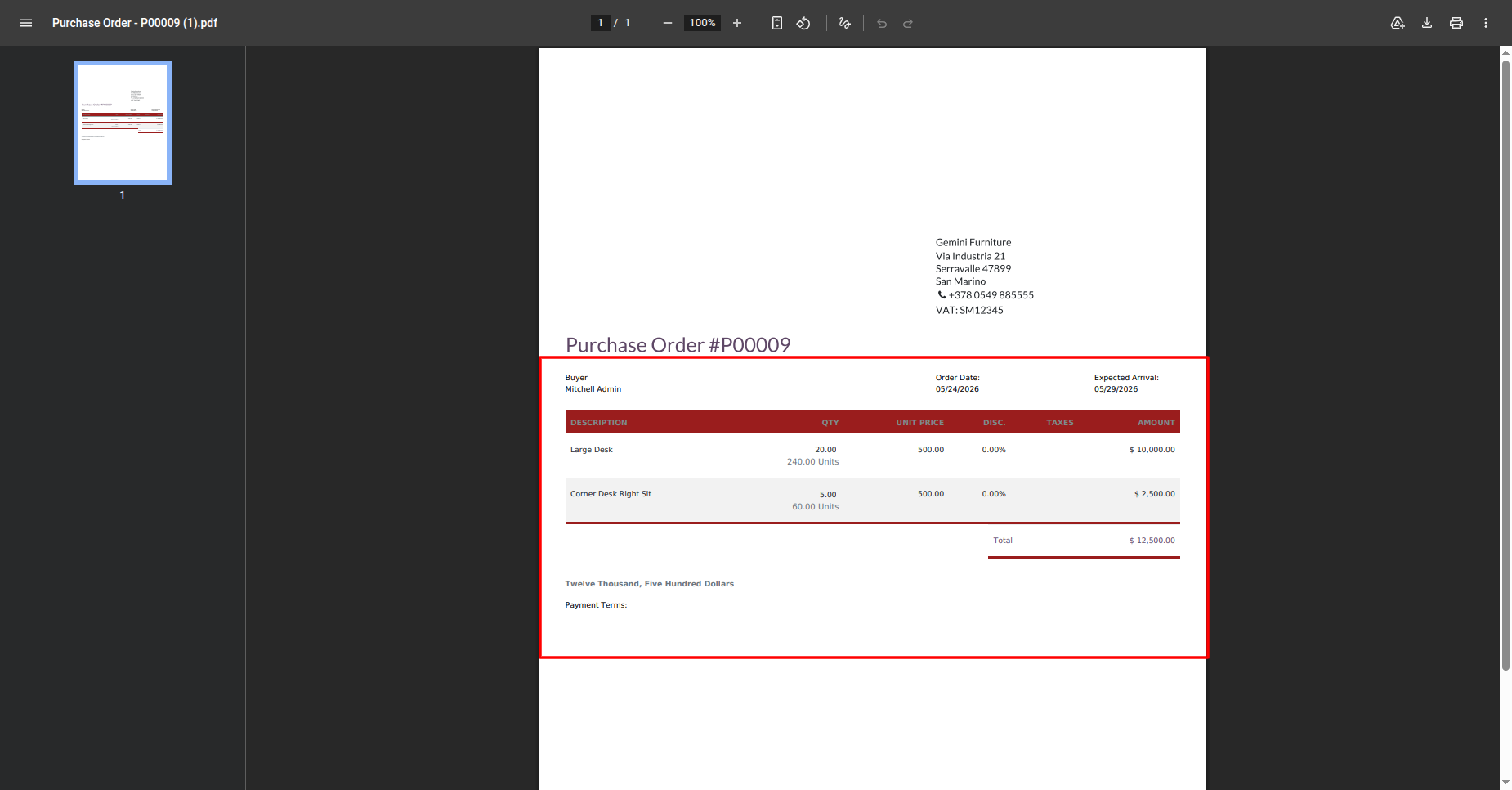
The generated purchase order preview reflects the selected report styling configuration.
Version 18.0.3.0.0 | Released on : 26th August 2026
Version 18.0.2.0.0 | Released on : 02nd January 2025
Version 18.0.1.0.0 | Released on : 30th October 2024
- Yes, this app works perfectly with Odoo Enterprise (Odoo.sh & Premise) as well as Community.
- No, this application is not compatible with odoo.com(odoo saas/Odoo Online)
- Yes, to test this module, please contact us at sales@softhealer.com.
- Please contact us at sales@softhealer.comto request customization.
- Yes, we provide free lifetime support for the version you purchased.
- Yes, you will receive lifetime free updates for the version of the module you purchased.
- No, there is no need to install any additional libraries.
- Yes, for version 12 and above, you need to purchase the module separately for each version you intend to use.
- No, exchanges or refunds are not allowed. Please make sure to select the correct version before purchasing.
- You can contact us at support@softhealer.com for language translation support. We use Google Translator tools to provide translations in multiple languages, so the accuracy may vary. We welcome your suggestions to help improve translations.
Discover Our Latest Apps