












Project Portfolio

This module is useful to show the project portfolio on the website. The portfolio is a fully responsive module that displays projects portfolio on the website Awesome Filterable projects allow you to create, manage and publish a very modern and outstanding filterable portfolio that can be filtered using smooth animations and cool image hover effects. Cheers!! Set up, customize and publish your portfolio within just a few minutes.

Features
- Fully Responsive.
- Separate project page showcase.
- Project Portfolio Categories.
- Project Portfolio Image Gallery.
- Categorized portfolio image description.
- Easy to use and customize.
- Easy to active/deactivate categories/projects.
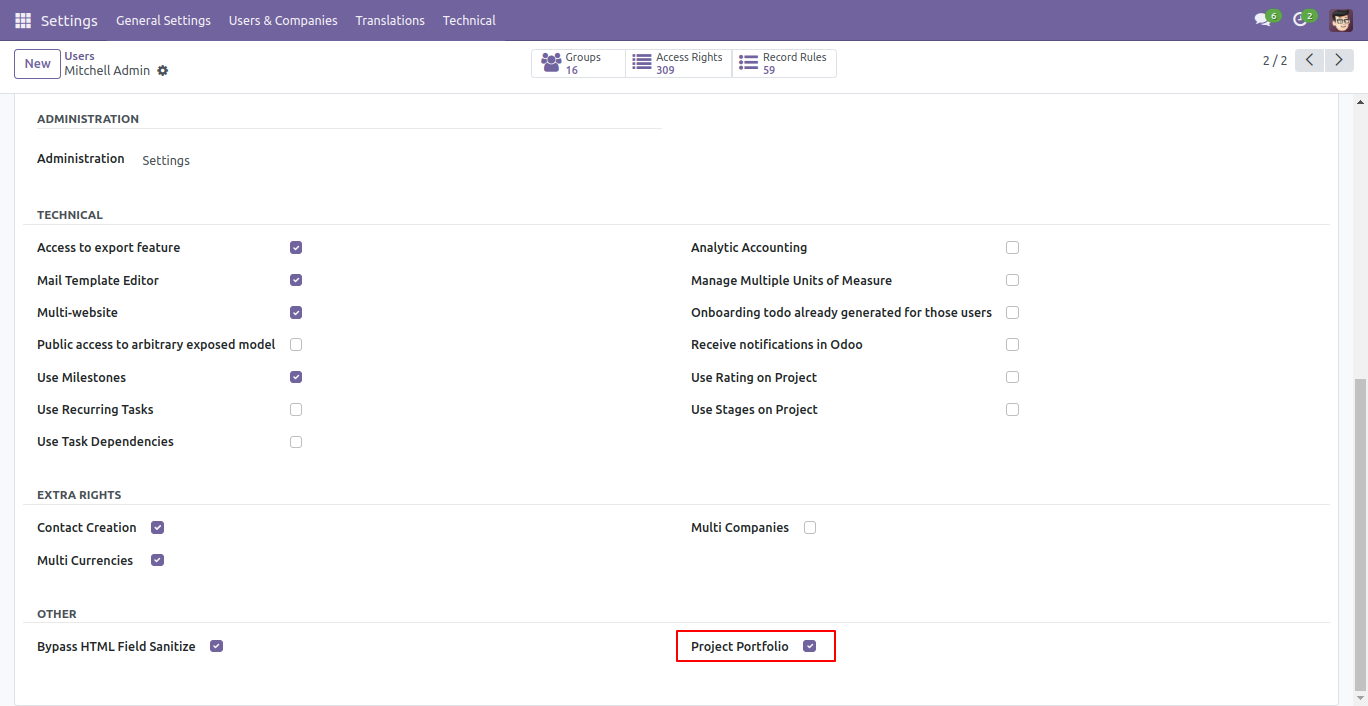
Enable 'Project Portfolio'.
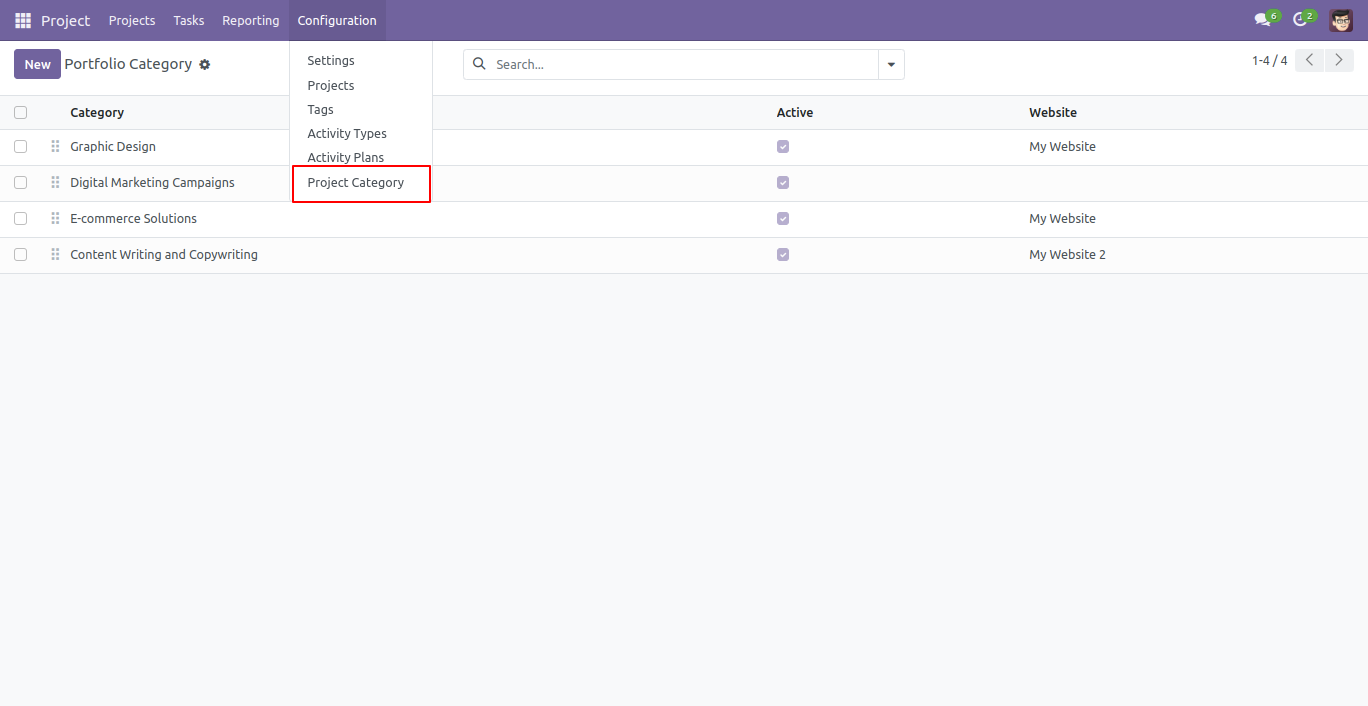
You can create project categories by clicking on project category.
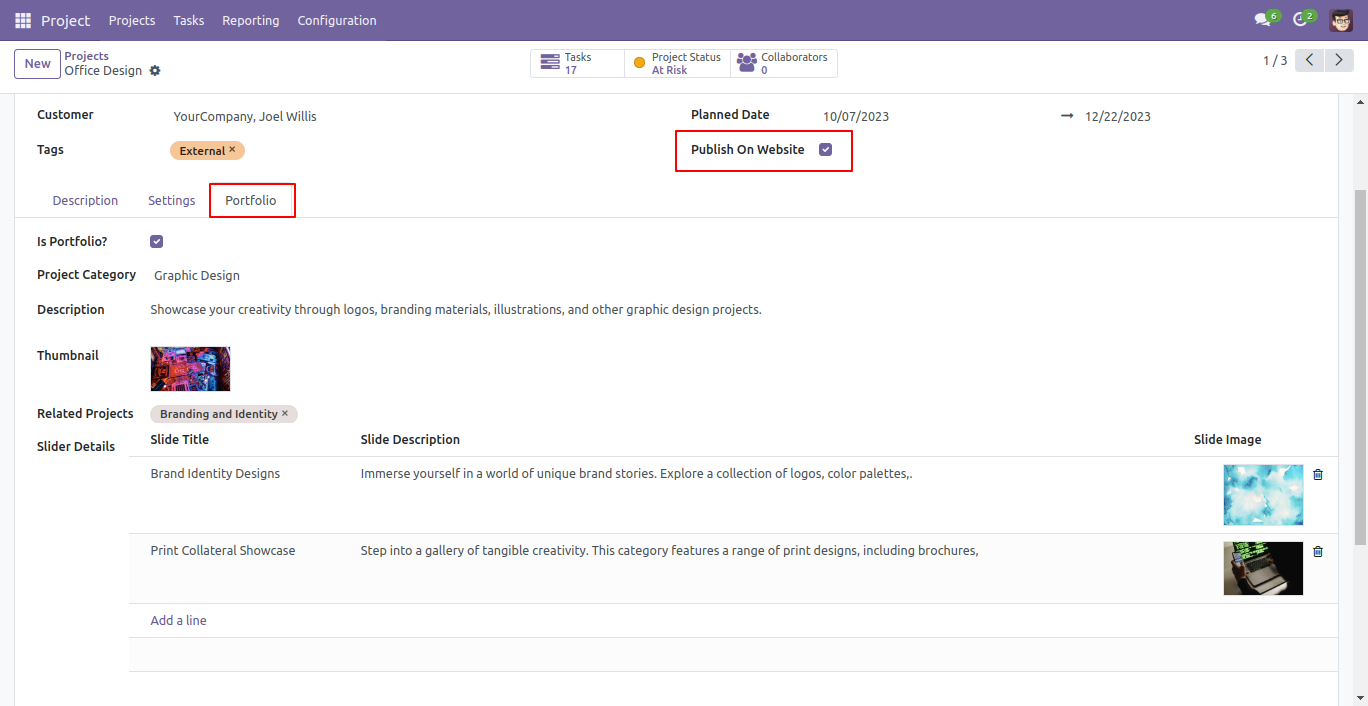
There is a "portfolio" tab in projects form view, so you can add portfolio related details.
please upload "thumbnail image" as 700px x 450px and slide image as 1024px x 400px.
Tick 'Publish On Website'.
Project portfolio looks like below.
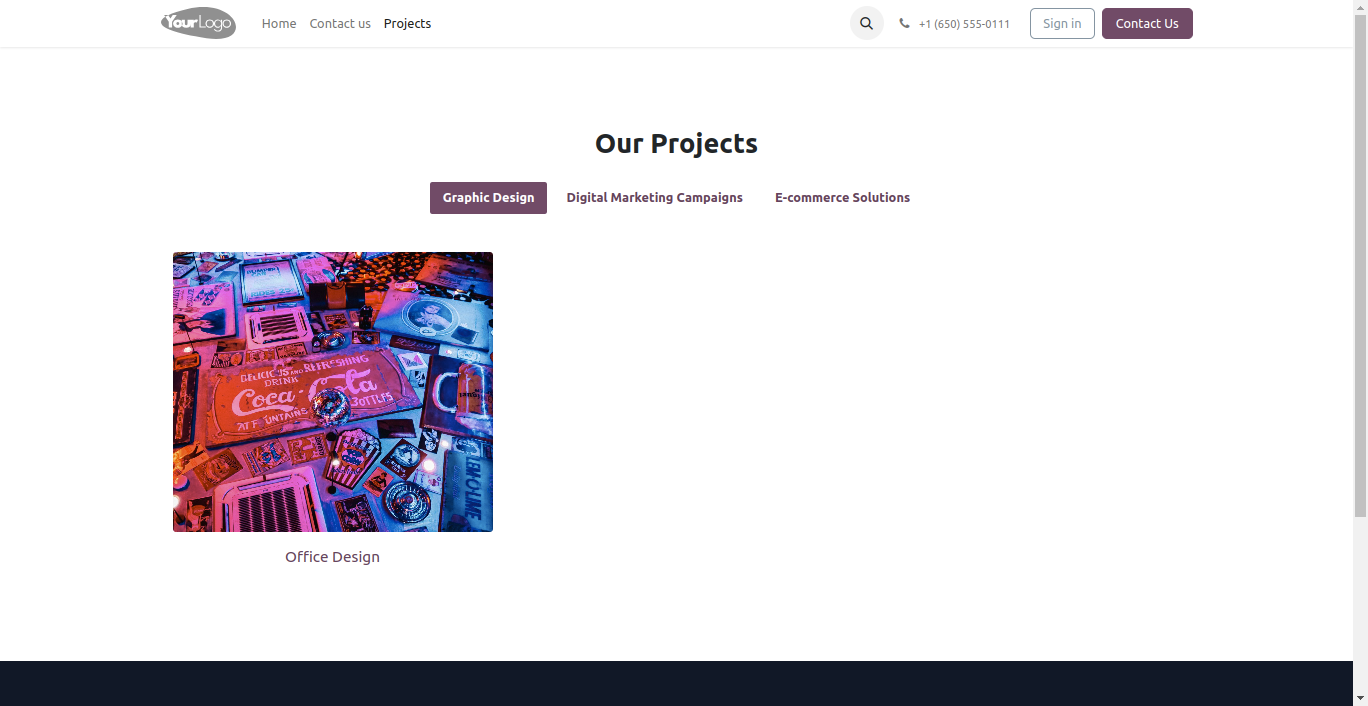
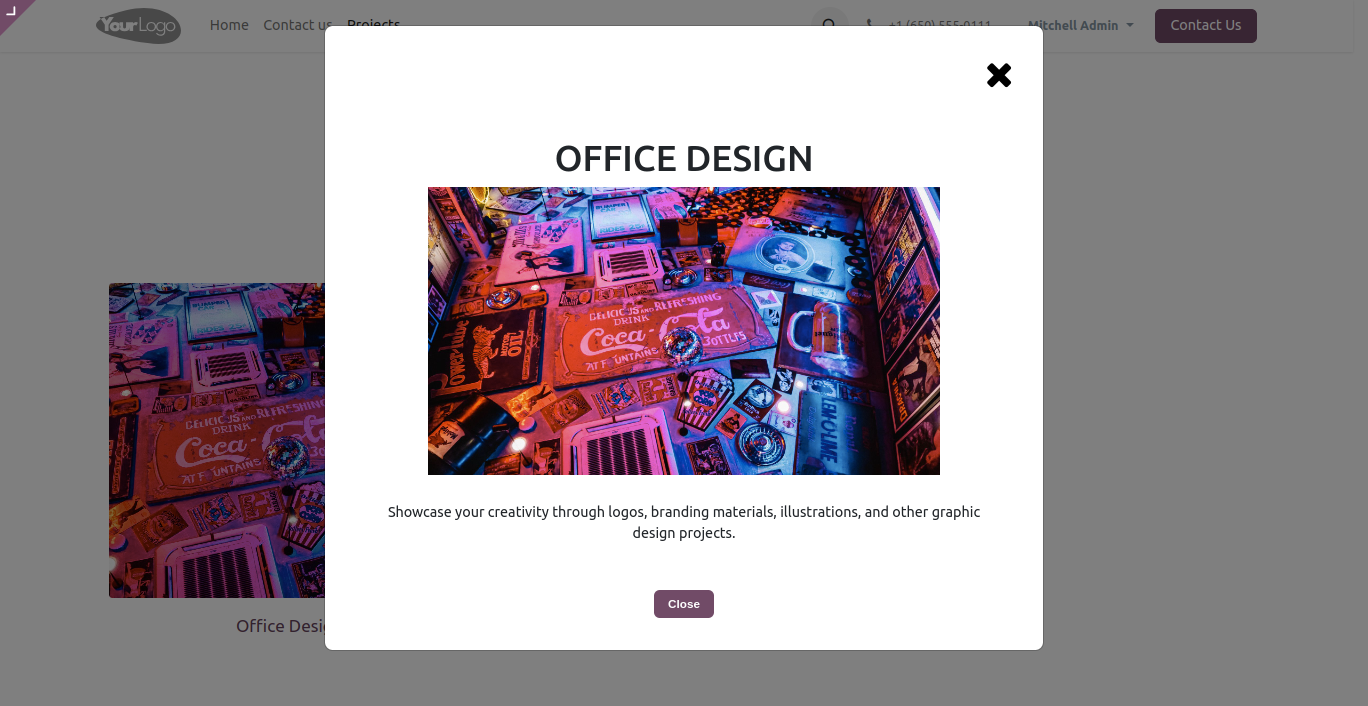
When you click any one of portfolio image a new model dialog will open that contains a project details.
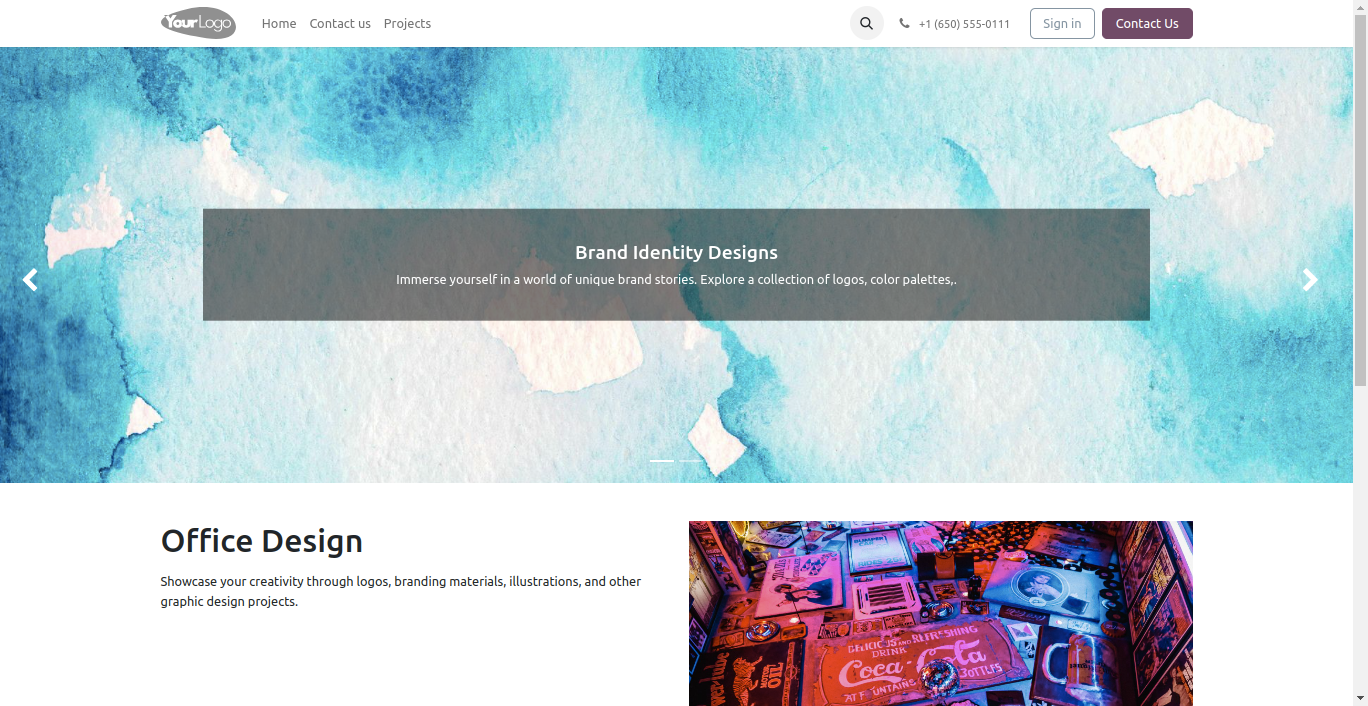
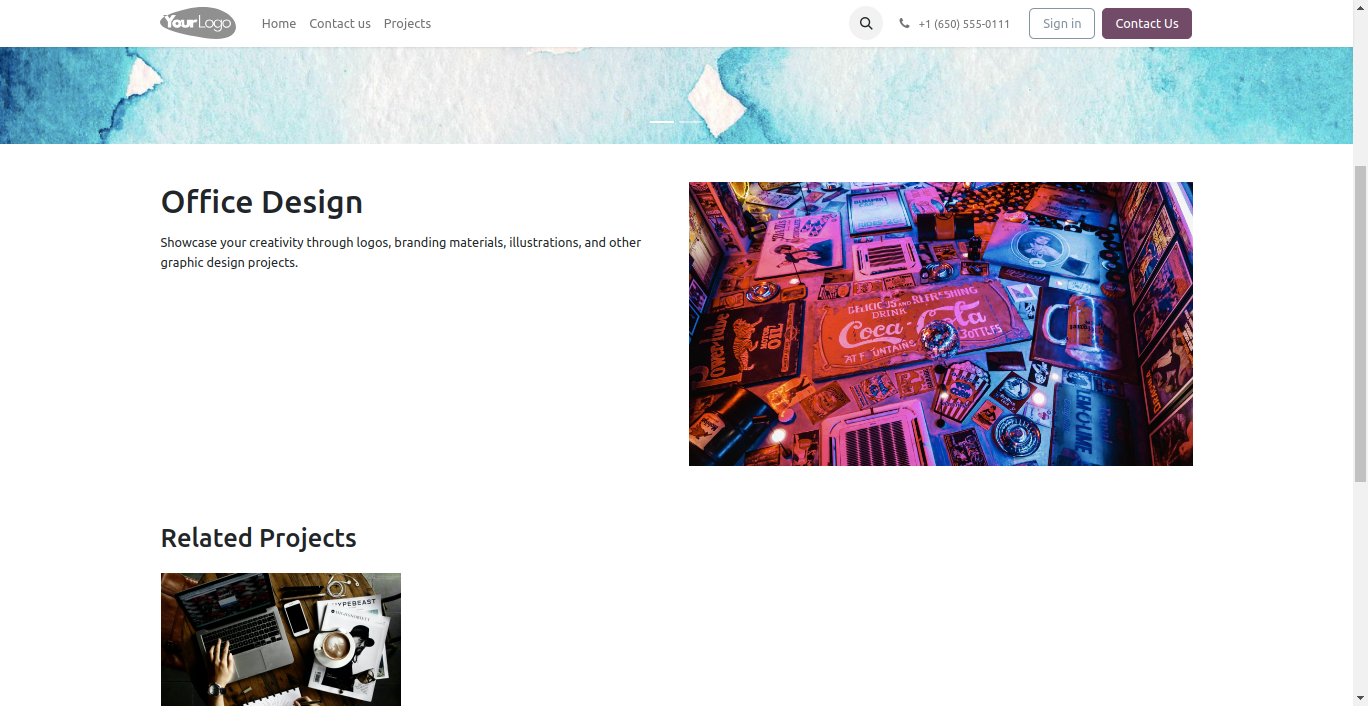
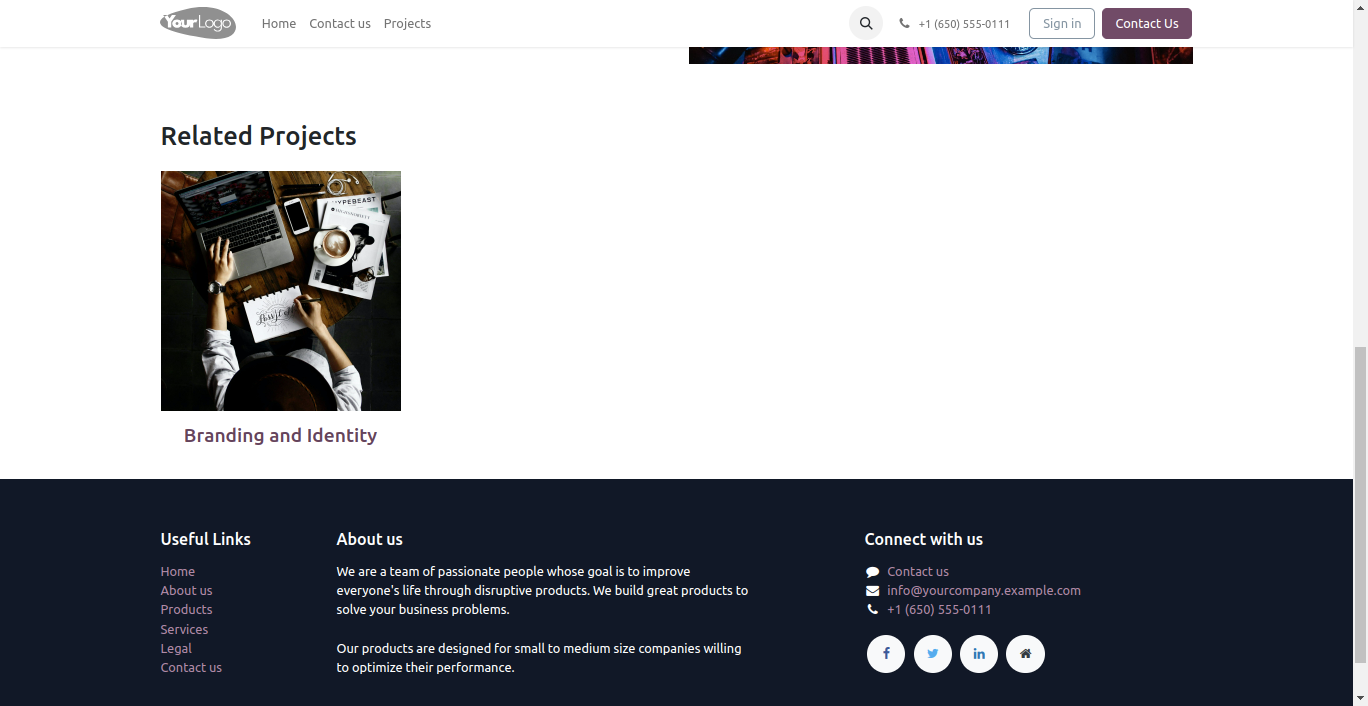
when you click on project name the new page open that contains project image slider, project details and related projects.
Version 19.0.1 | Released on : 8th October 2025
- Yes, this app works perfectly with Odoo Enterprise (Odoo.sh & Premise) as well as Community.
- No, this application is not compatible with odoo.com(odoo saas/Odoo Online)
- Yes, to test this module, please contact us at sales@softhealer.com.
- Please contact us at sales@softhealer.com to request customization.
- Yes, we provide free support for 365 days from the date of purchase.
- Yes, you will receive lifetime free updates for the version of the module you purchased.
- No, there is no need to install any additional libraries.
- Yes, for version 12 and above, you need to purchase the module separately for each version you intend to use.
- No, exchanges or refunds are not allowed. Please make sure to select the correct version before purchasing.
- You can contact us at support@softhealer.com for language translation support. We use Google Translator tools to provide translations in multiple languages, so the accuracy may vary. We welcome your suggestions to help improve translations.
Discover Our Latest Apps