












Product Brand Management - Website

Do you want to get brand-wise products on the website? Currently, in odoo, you can't manage products by brands. This module allows for managing product brands on the shop page. It also helps to search, filter and group by-products by brand, it also shows how many products in a particular brand.You can see the product in many styles. cheers!

Related Modules
Features

Product Brand Management
Assign a brand to your products and update it from the backend whenever needed.

Bulk Brand Assignment
Assign a brand to multiple products at once.

Product Brand Visibility in SO
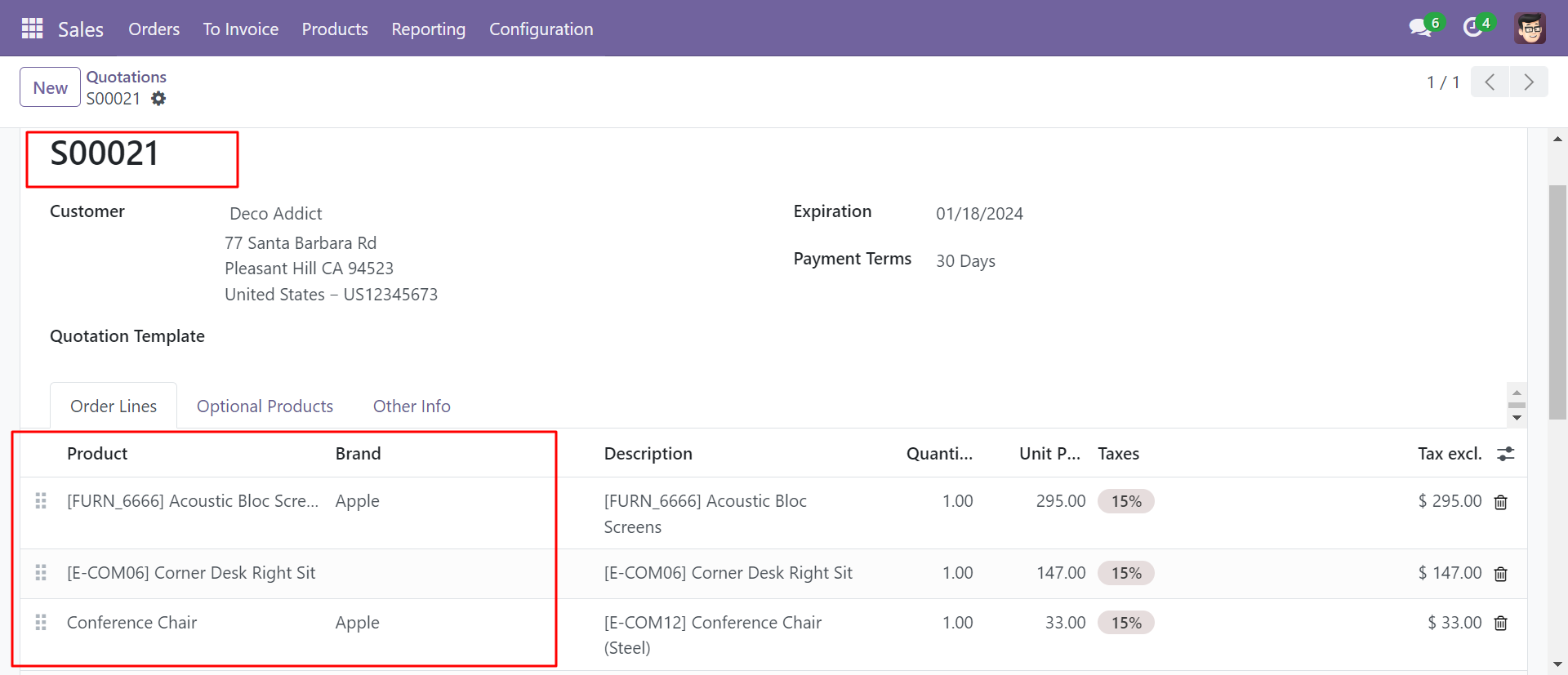
View the product brand directly in the sale order line, allowing quick identification of branded products during the sales process.
Products By Brand at Shop
Users can select and view products based on their brand directly from the shop page.
Brand-Based Product Filtering & Grouping
Allow users to select, filter, search, and group products based on their brand in backend.

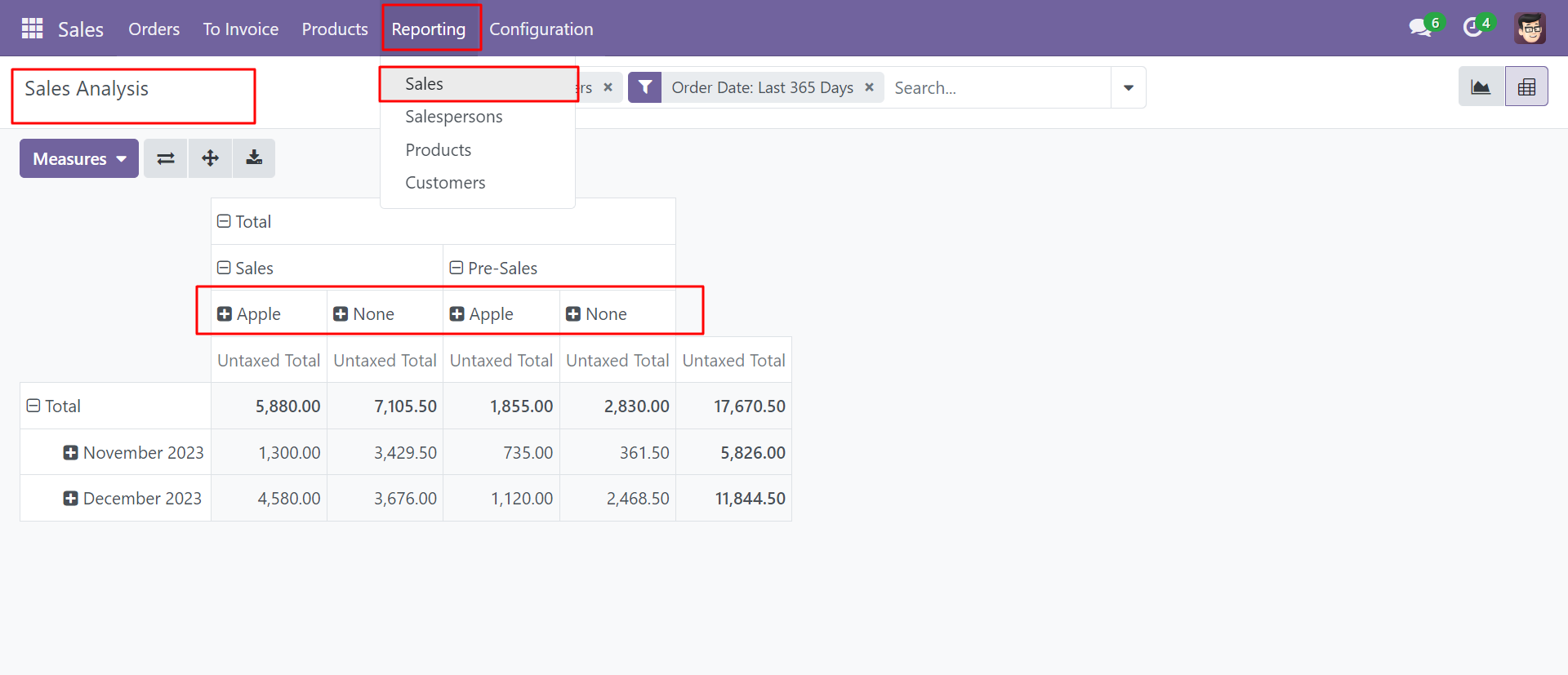
Brand in Sales Analysis Report
Includes product brand information in sales reporting for better insights.

Attach Image for Brand
Allows users to attach for better understanding.

Brand-Based Product Search, Filtering & Grouping
Allow users to select, filter, search, and group products based on their brand in backend at shop age.
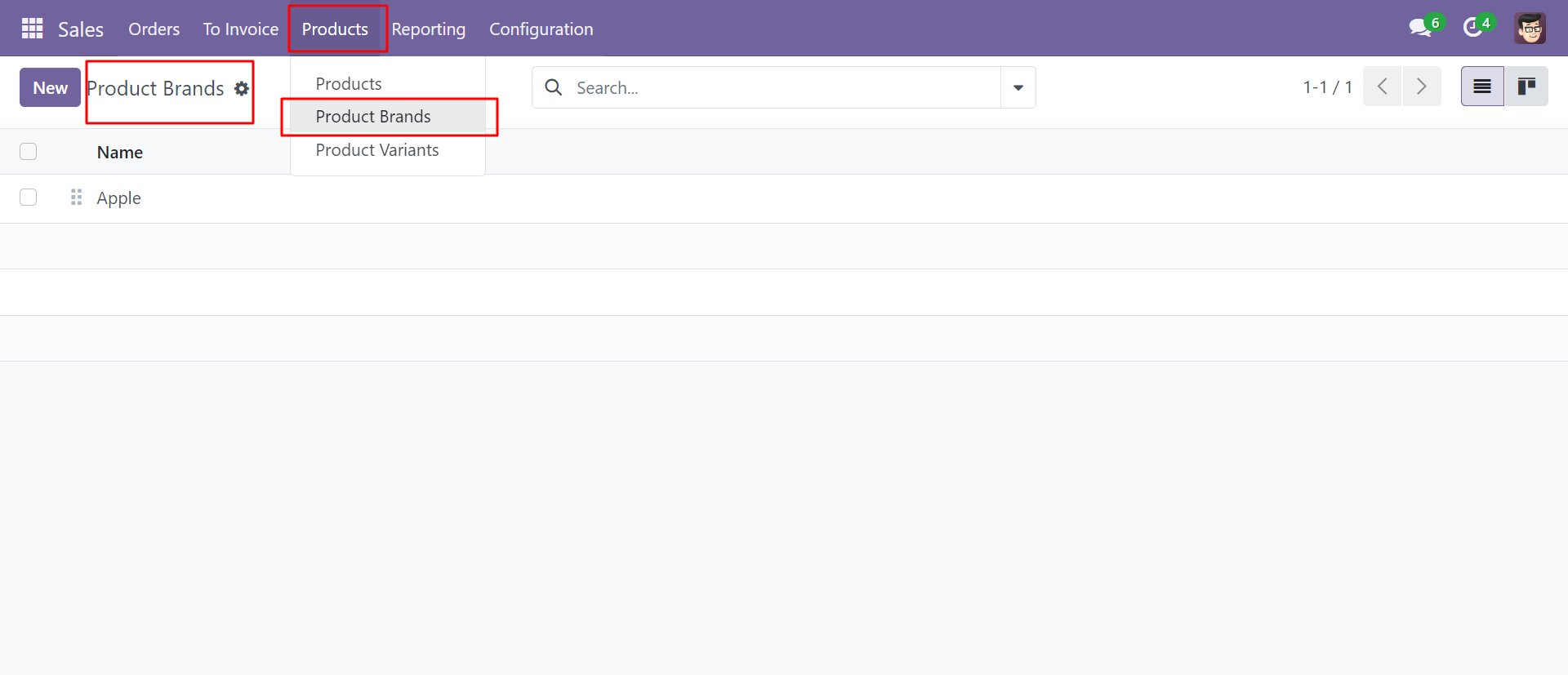
Go to product brands, You can see a list of product brands, sequence number & create product brands.
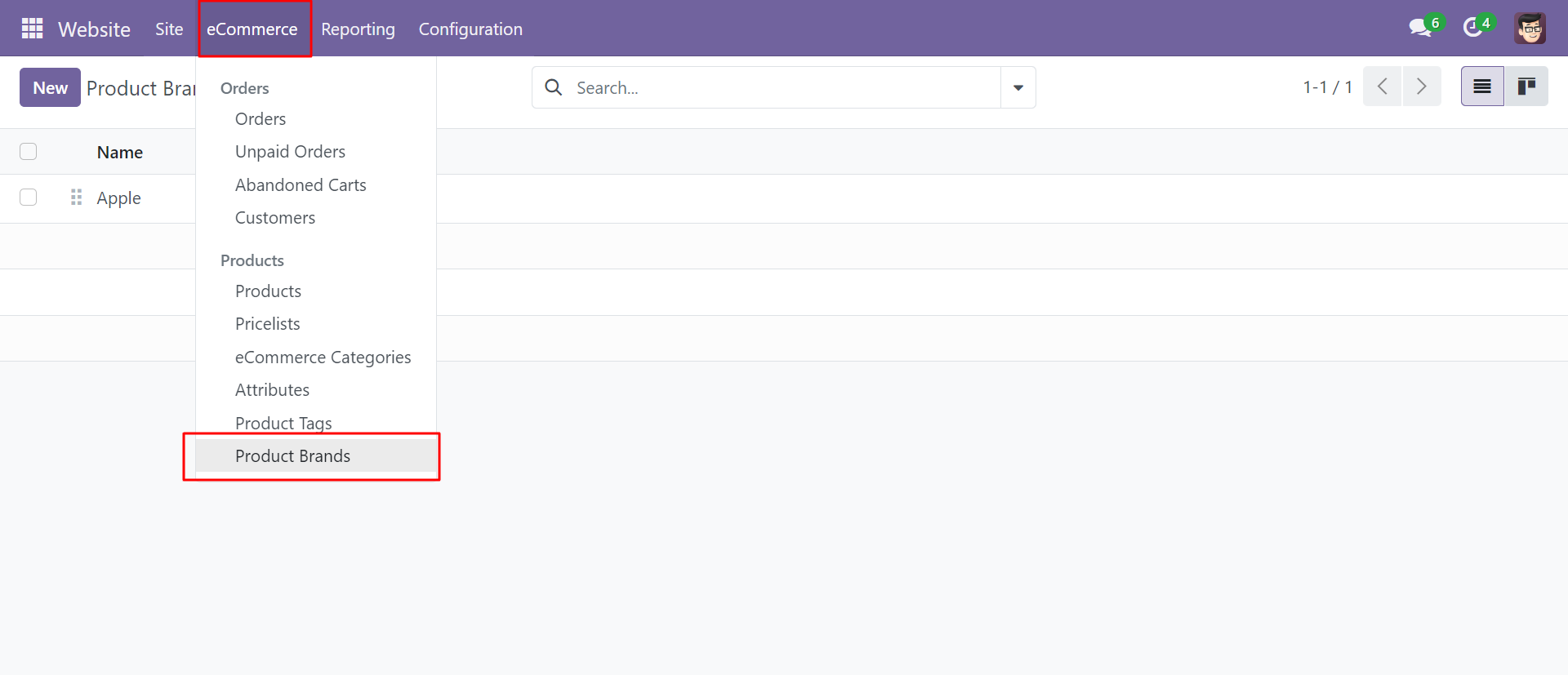
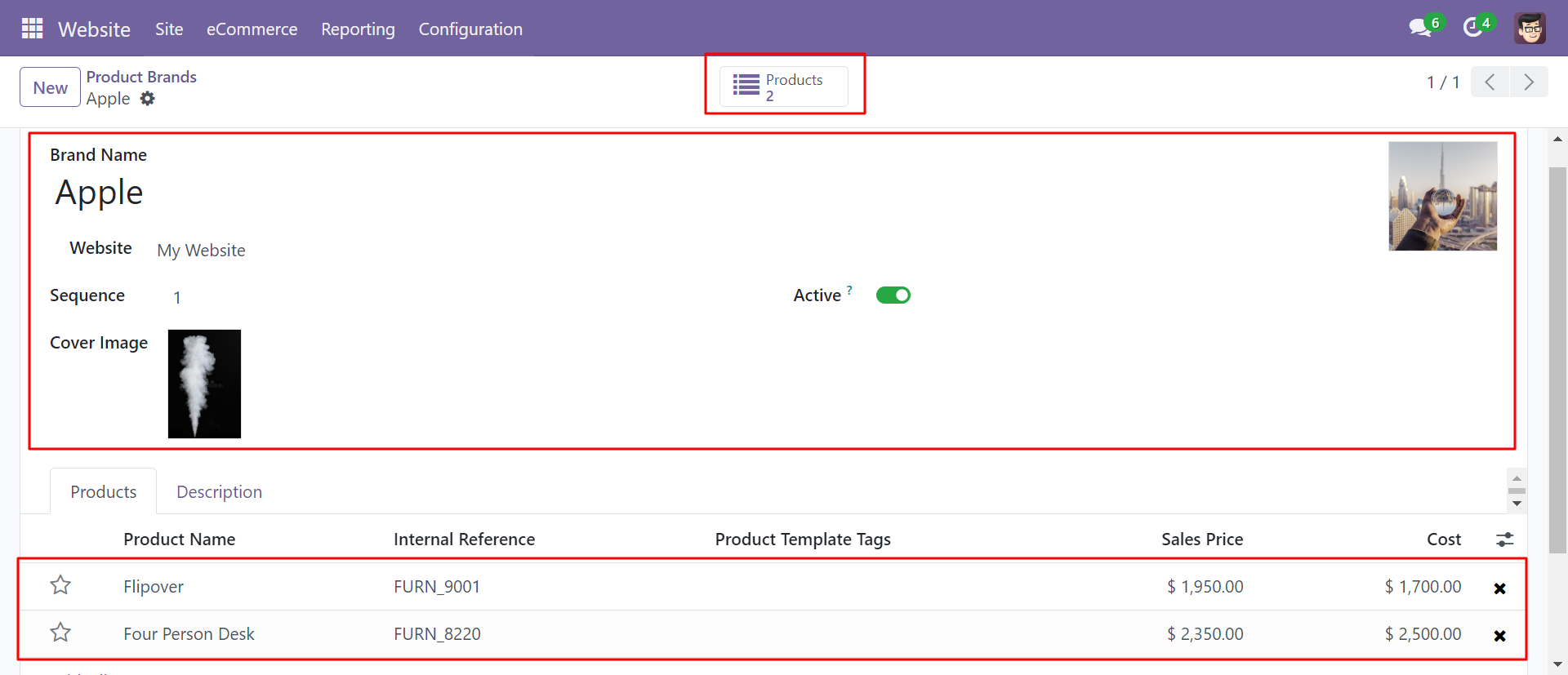
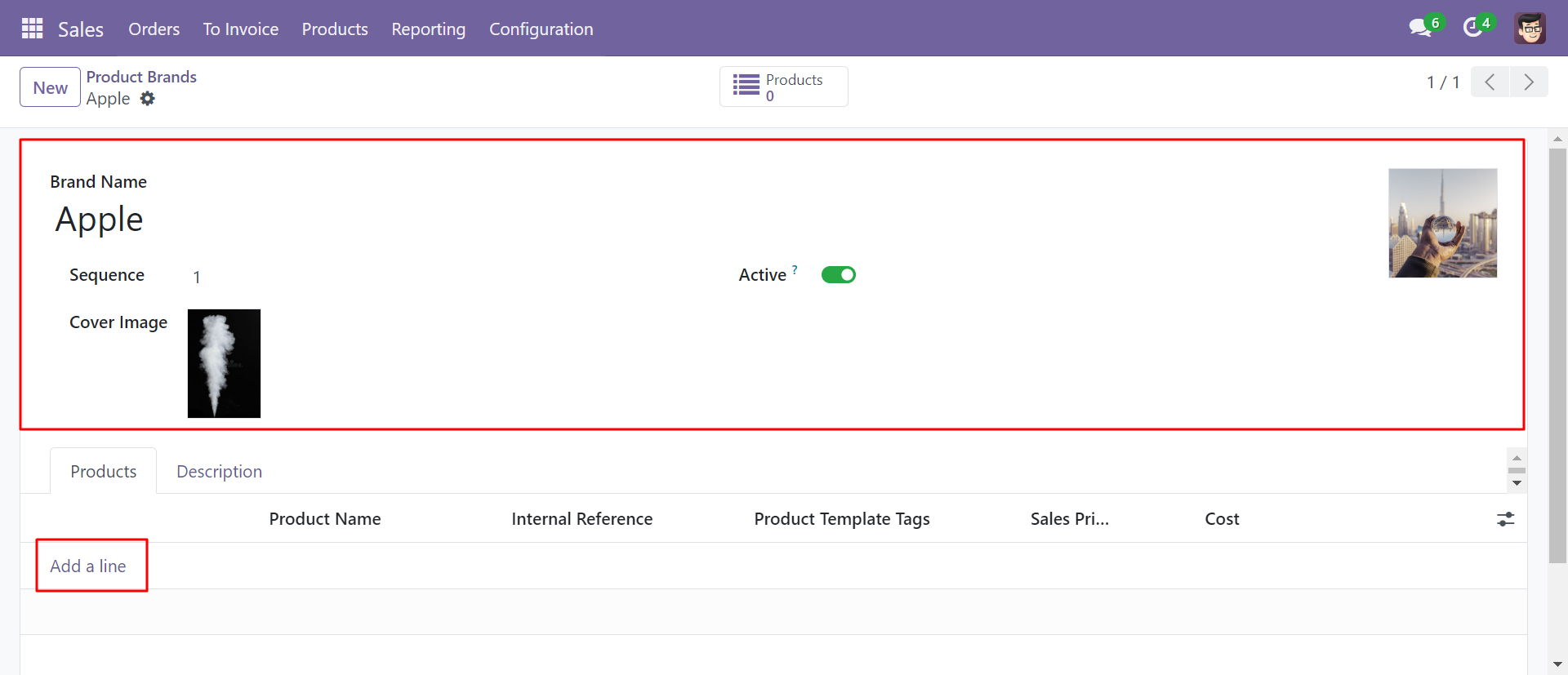
Write the brand name and add the logo after add products in that brand.
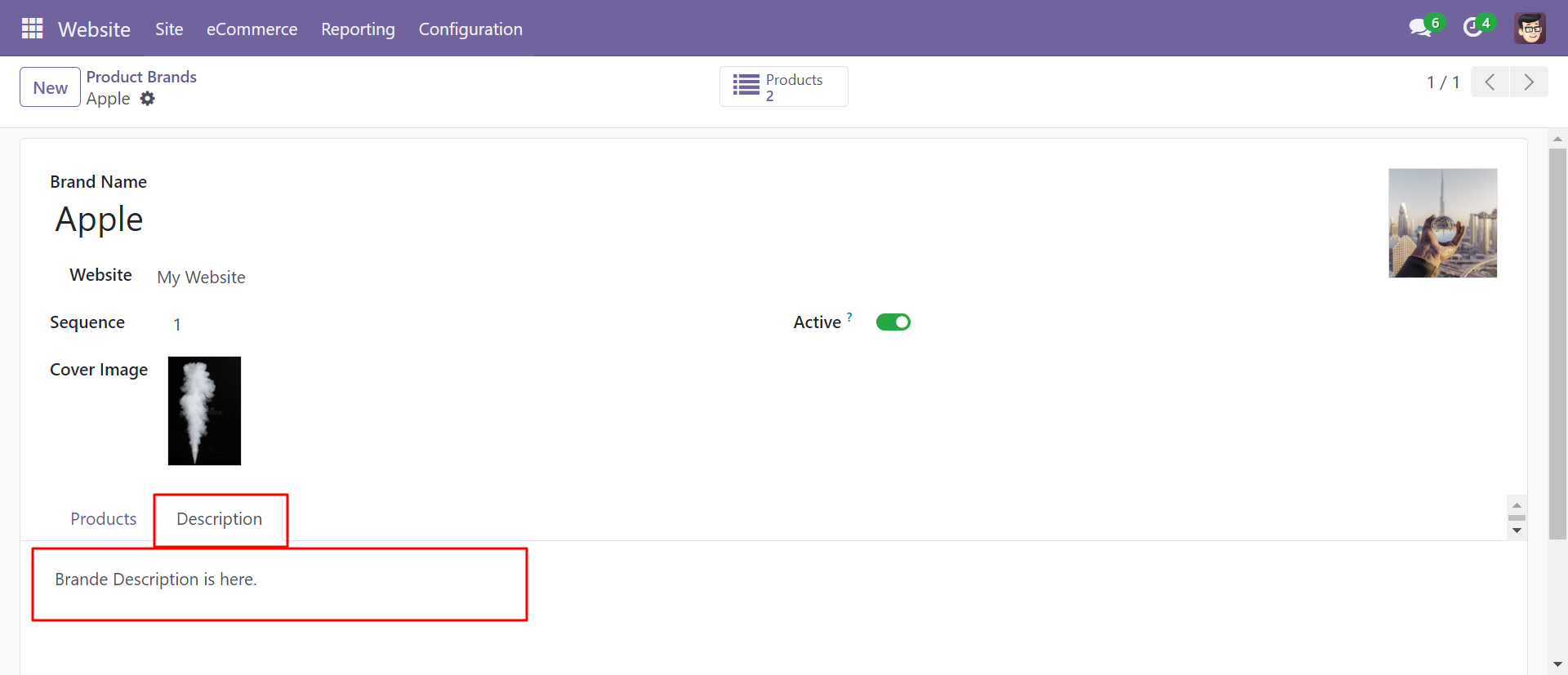
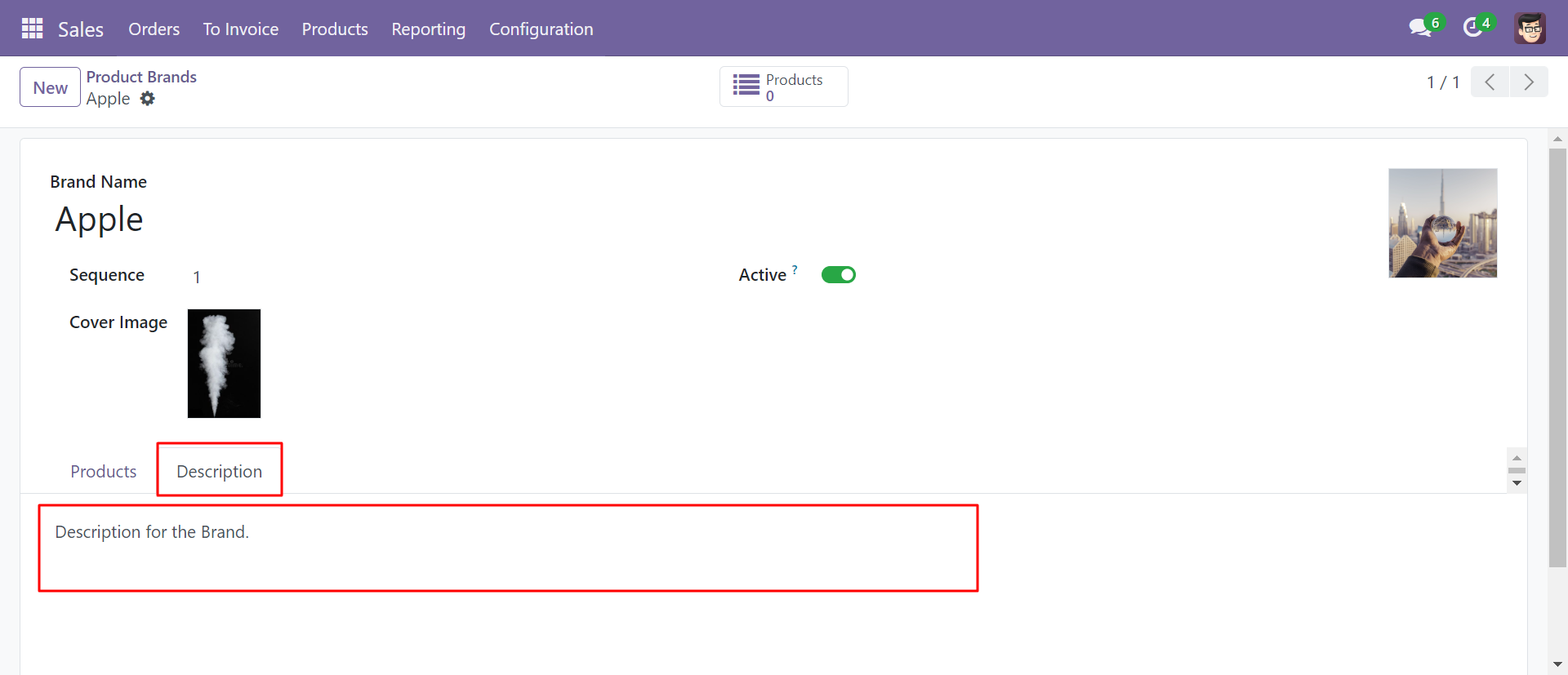
Here you can add a description for the brand.
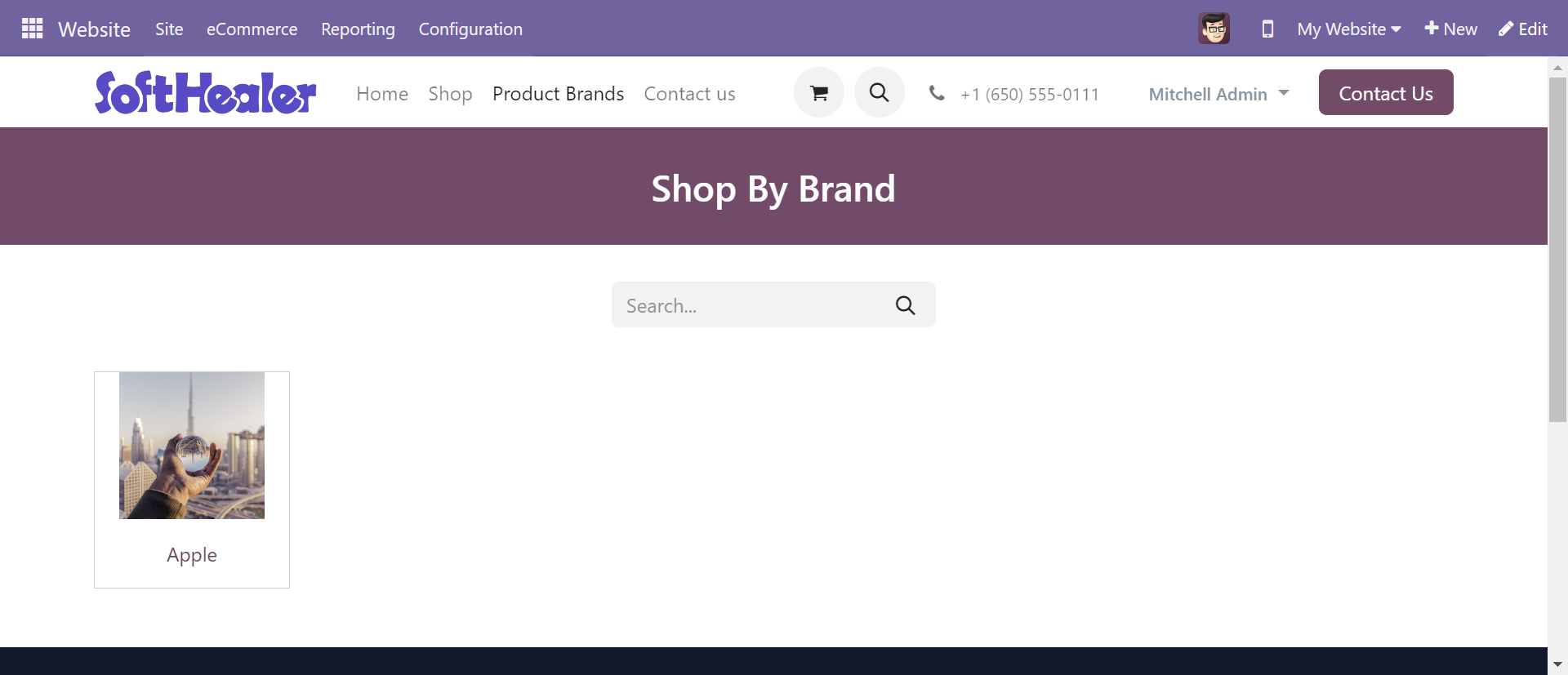
The product brand on the shop page looks like below.
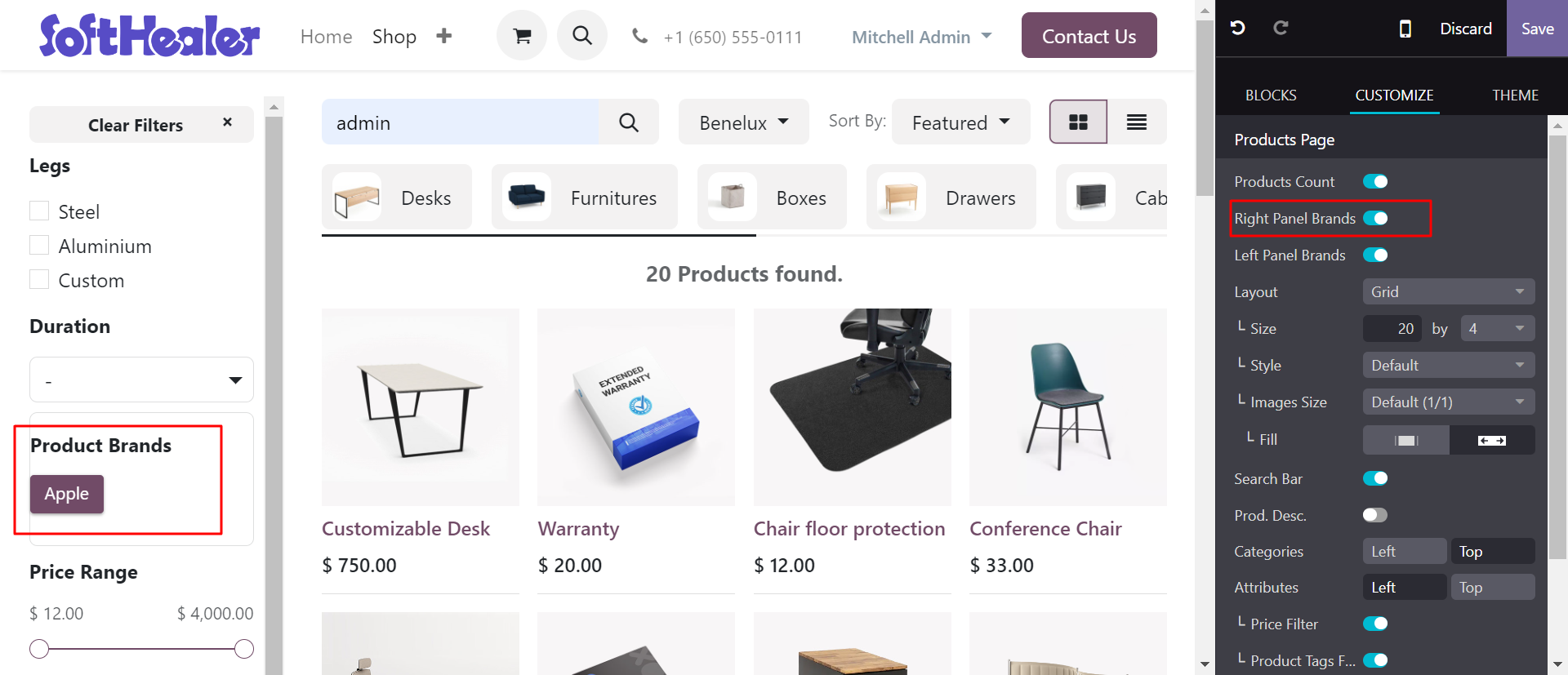
You can sort by product brands & can set brands at right panel.
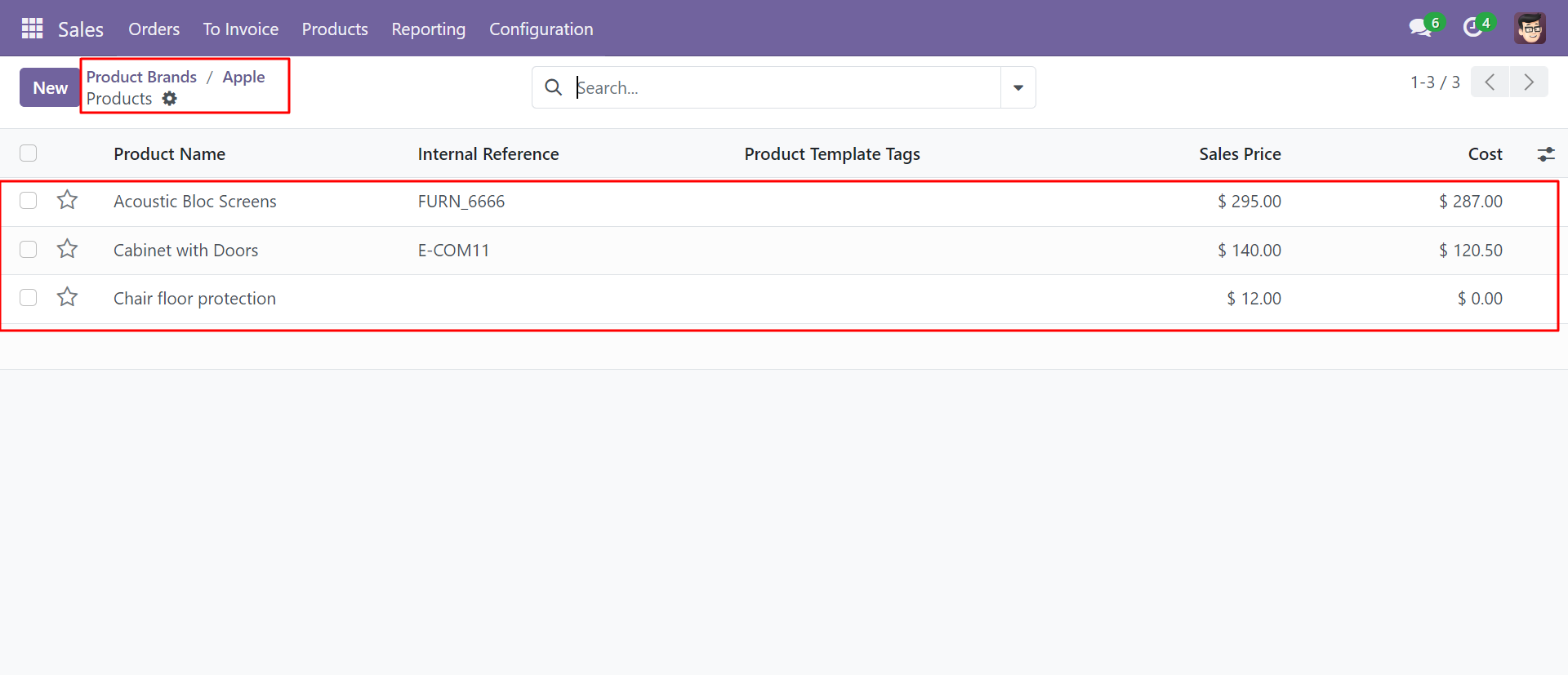
You can see the created brand and its products.
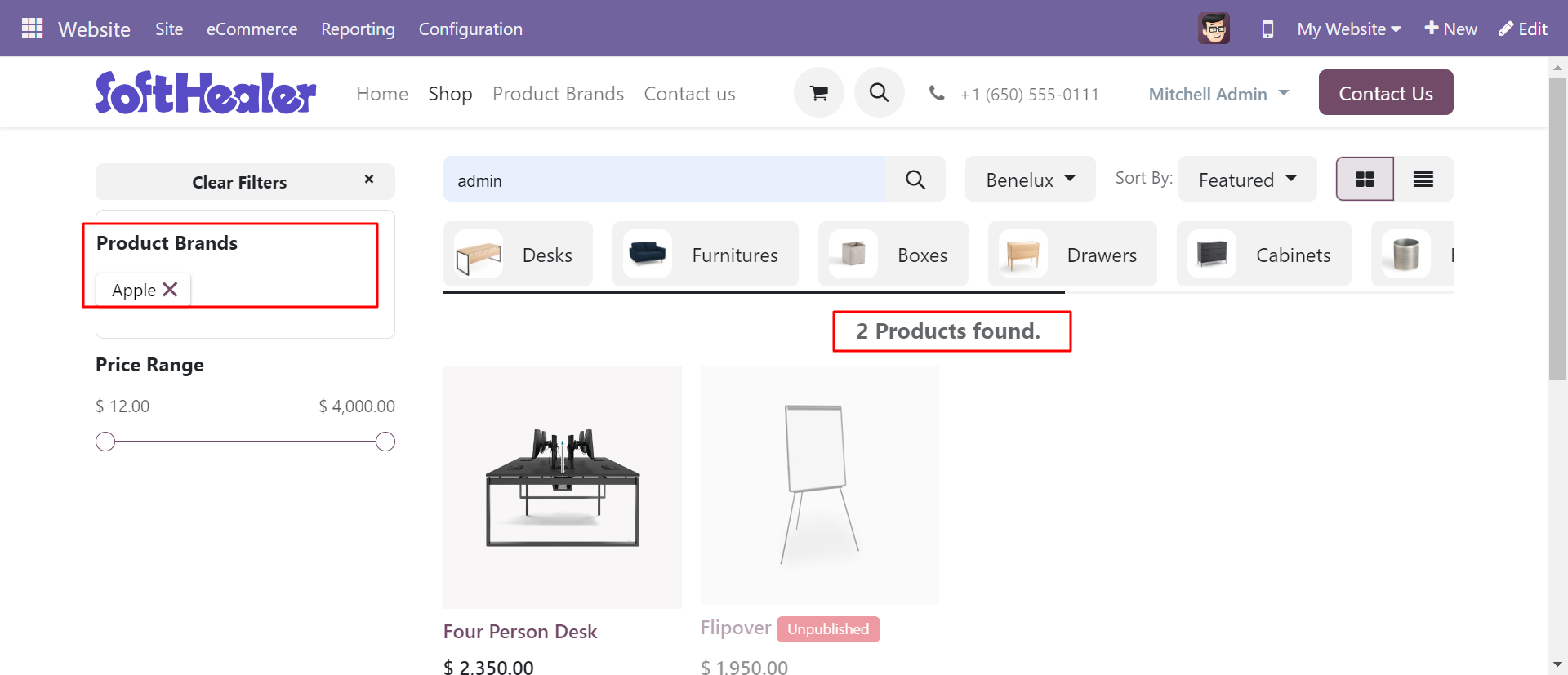
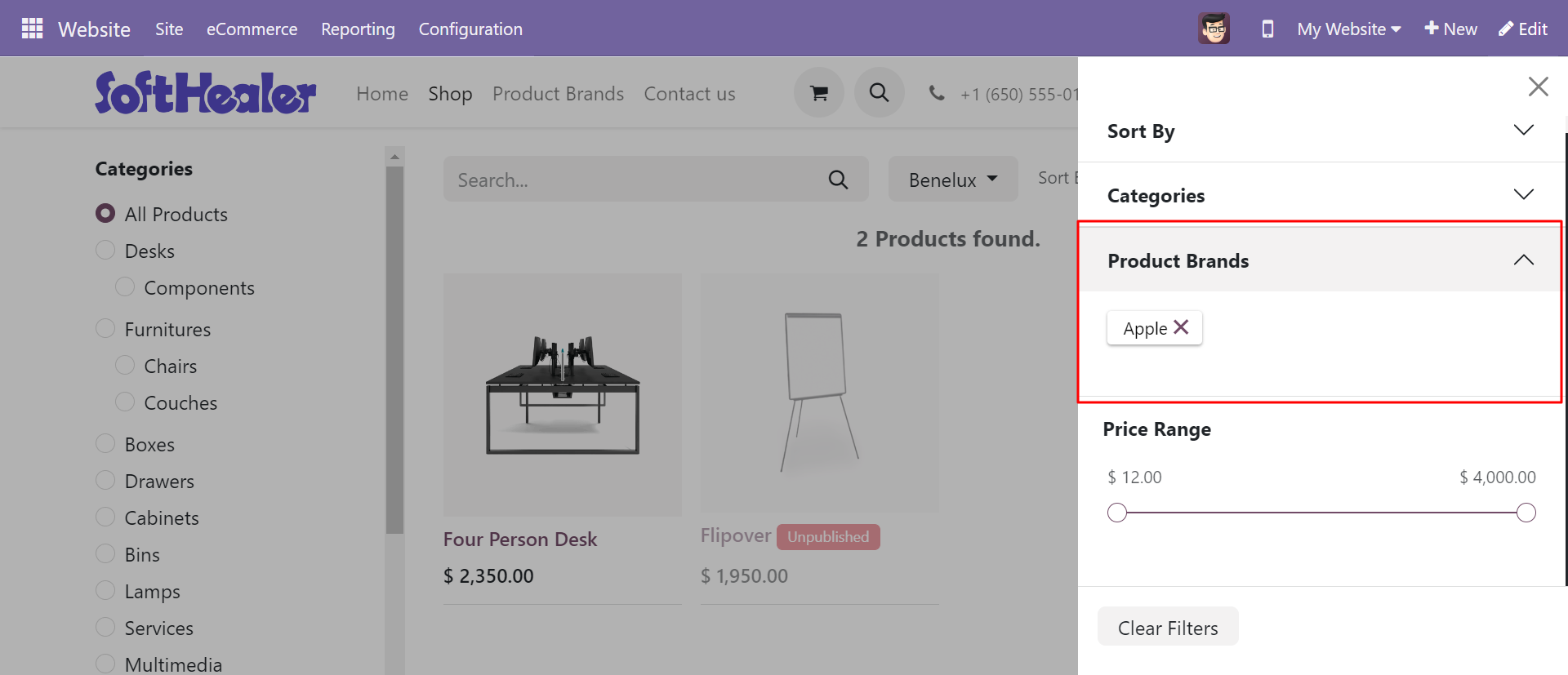
You can sort by product brands & can set brands at left panel.
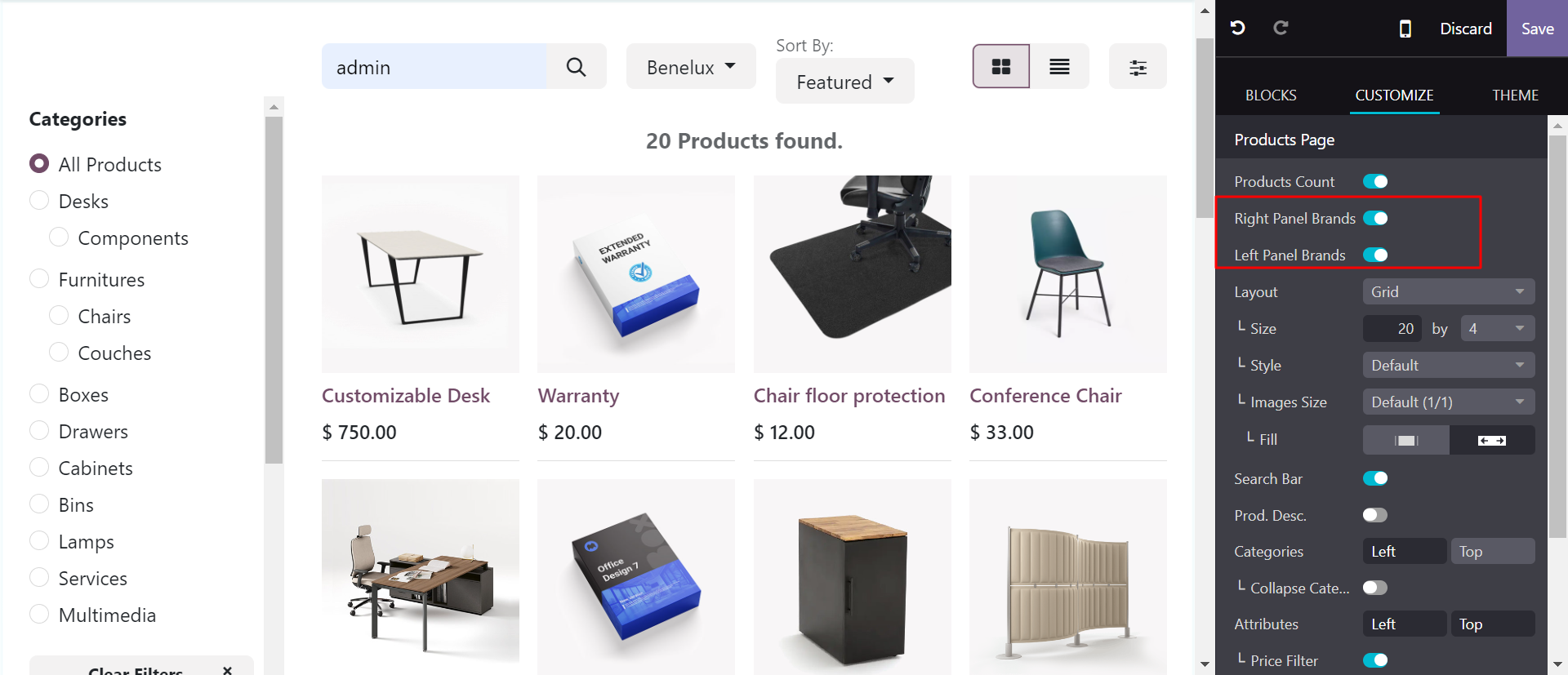
You can sort by product brands & can set brands at right panel as well left panel.
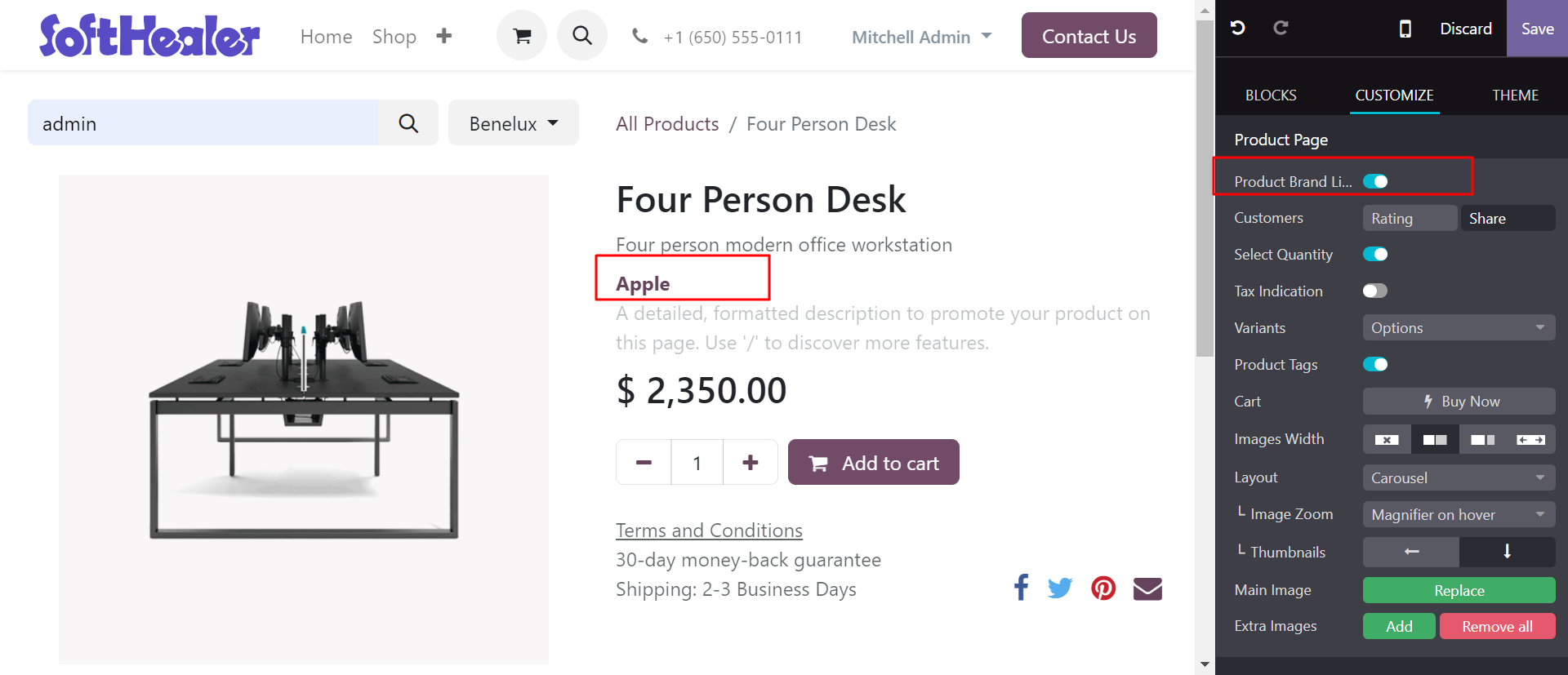
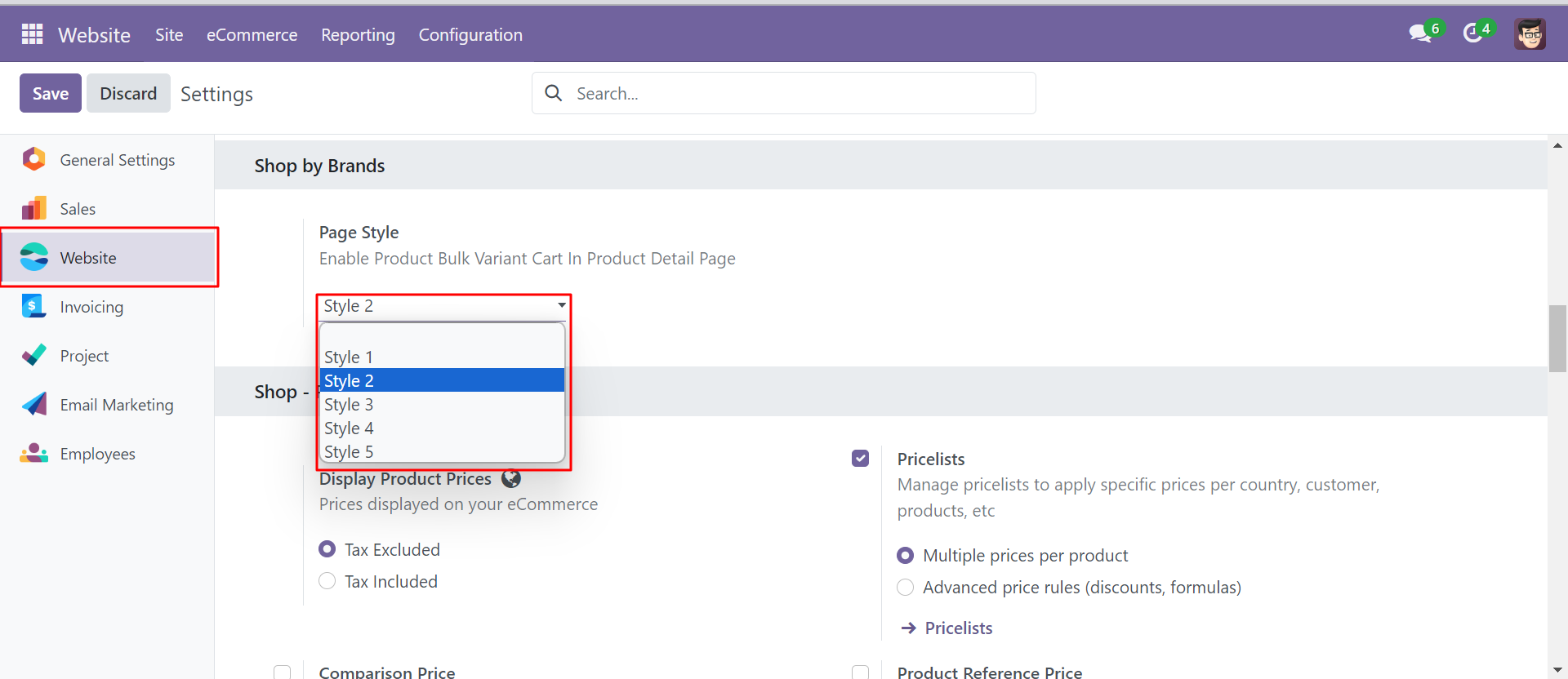
'Product Brand Link' toggle button helps to show the brand of product.
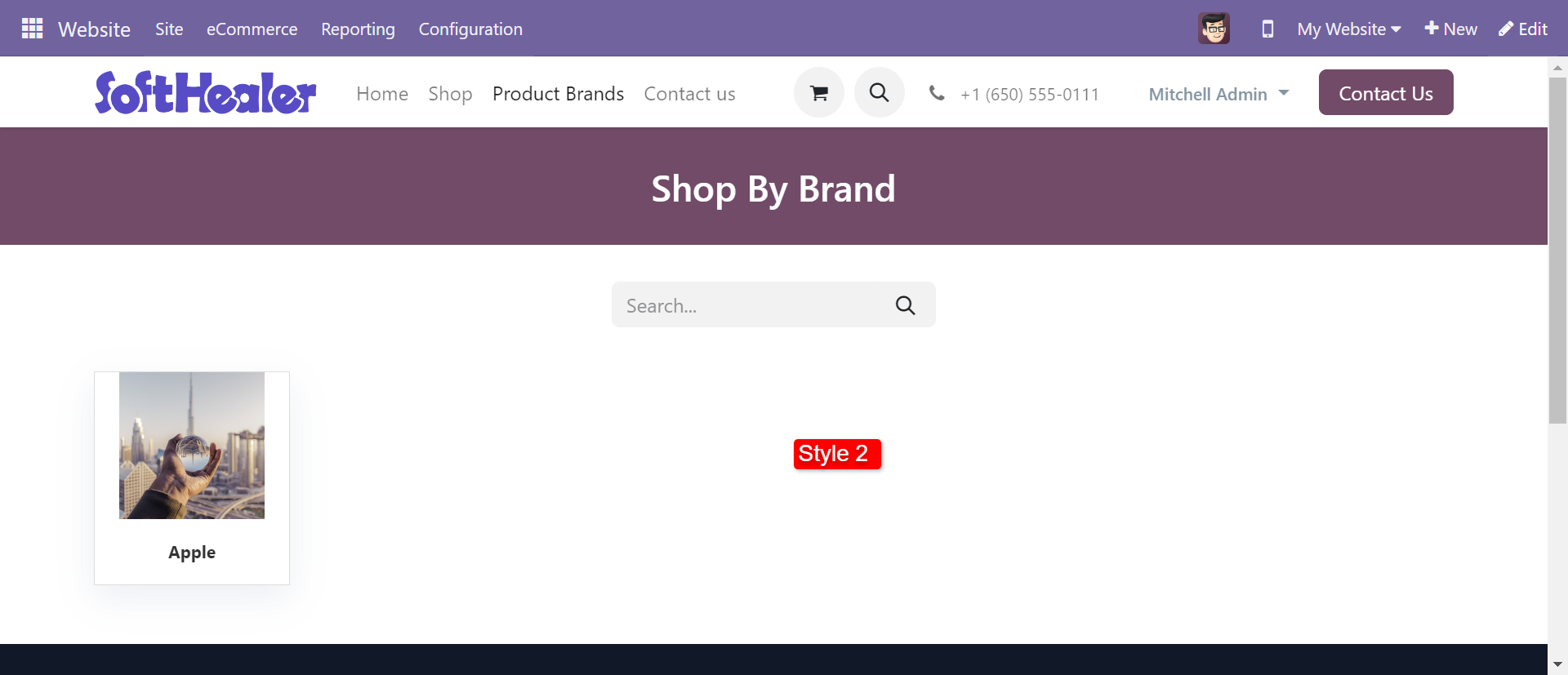
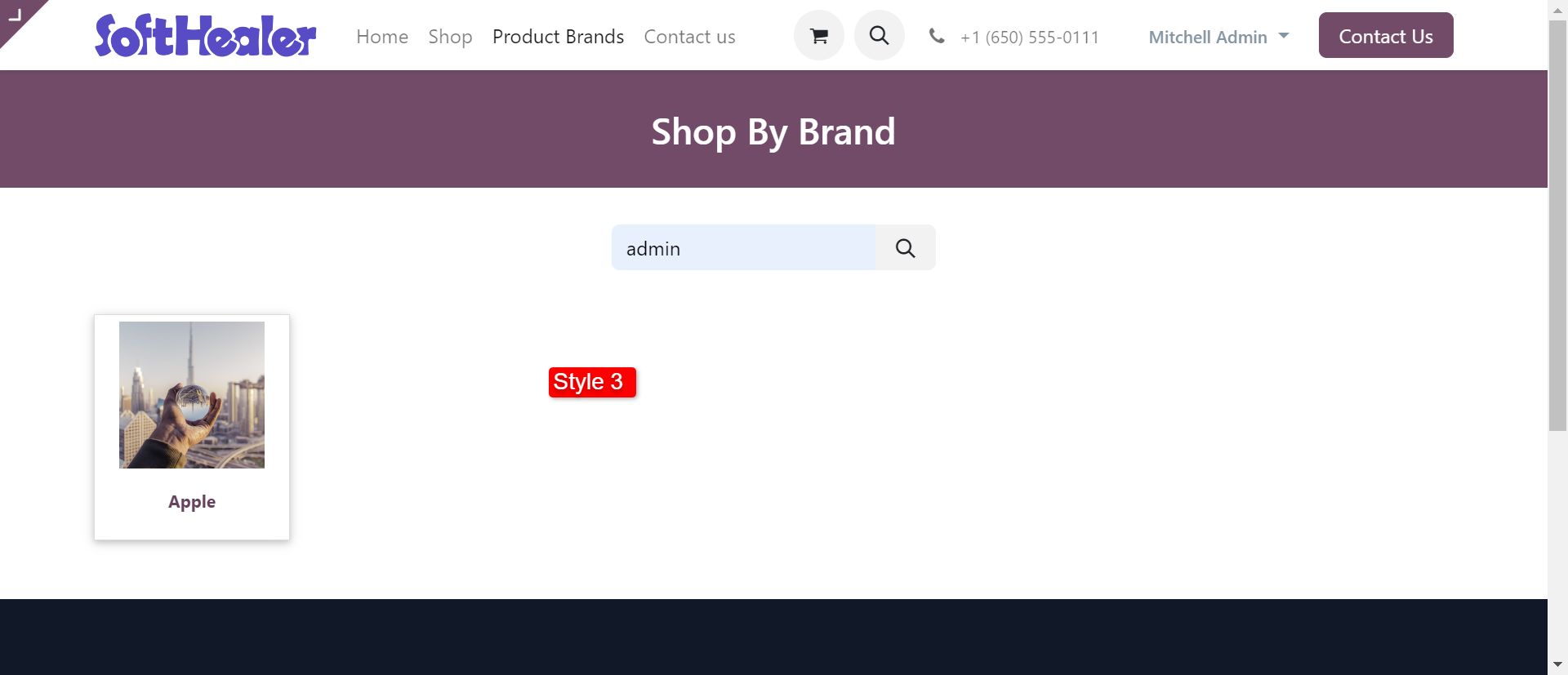
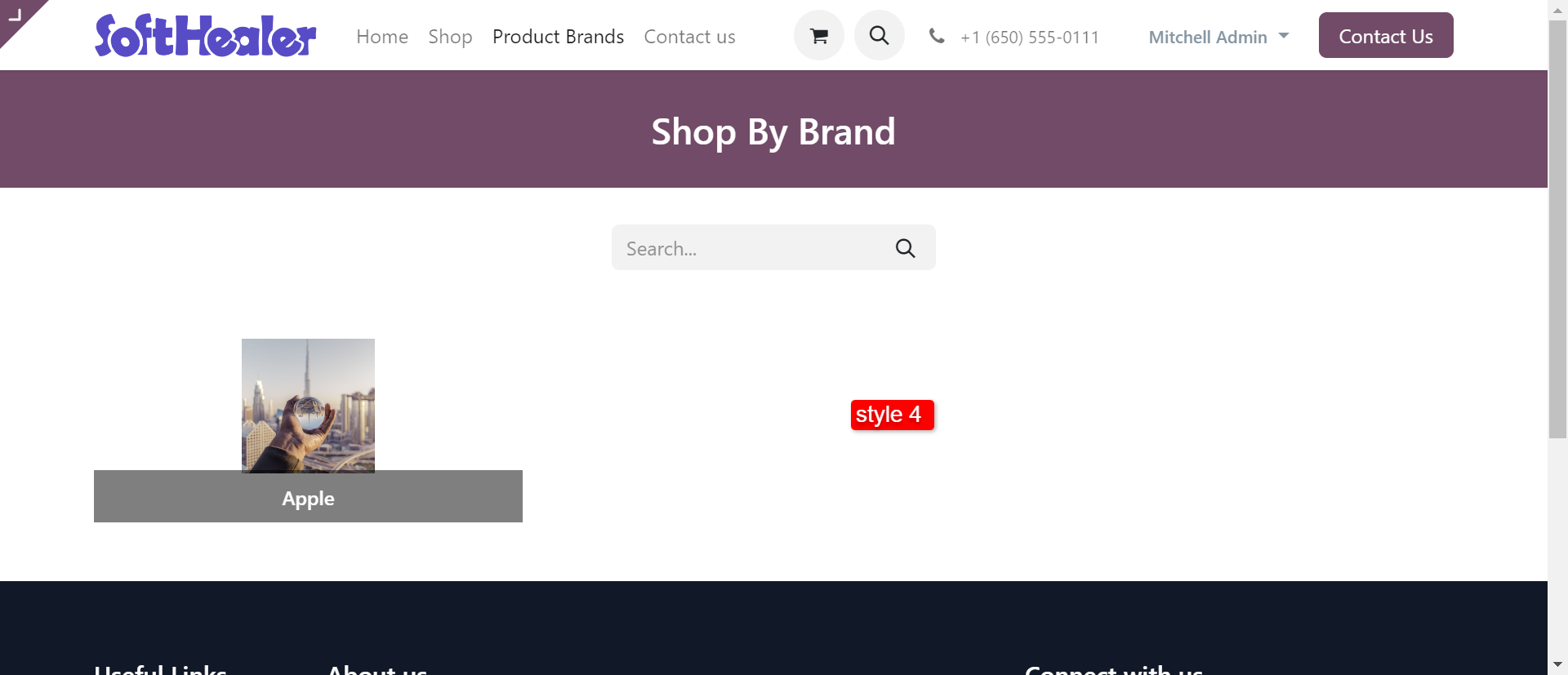
If you change style than it shows that style in frontend means website.
Style 2 looks like below.
Style 3 looks like below.
Style 4 looks like below.
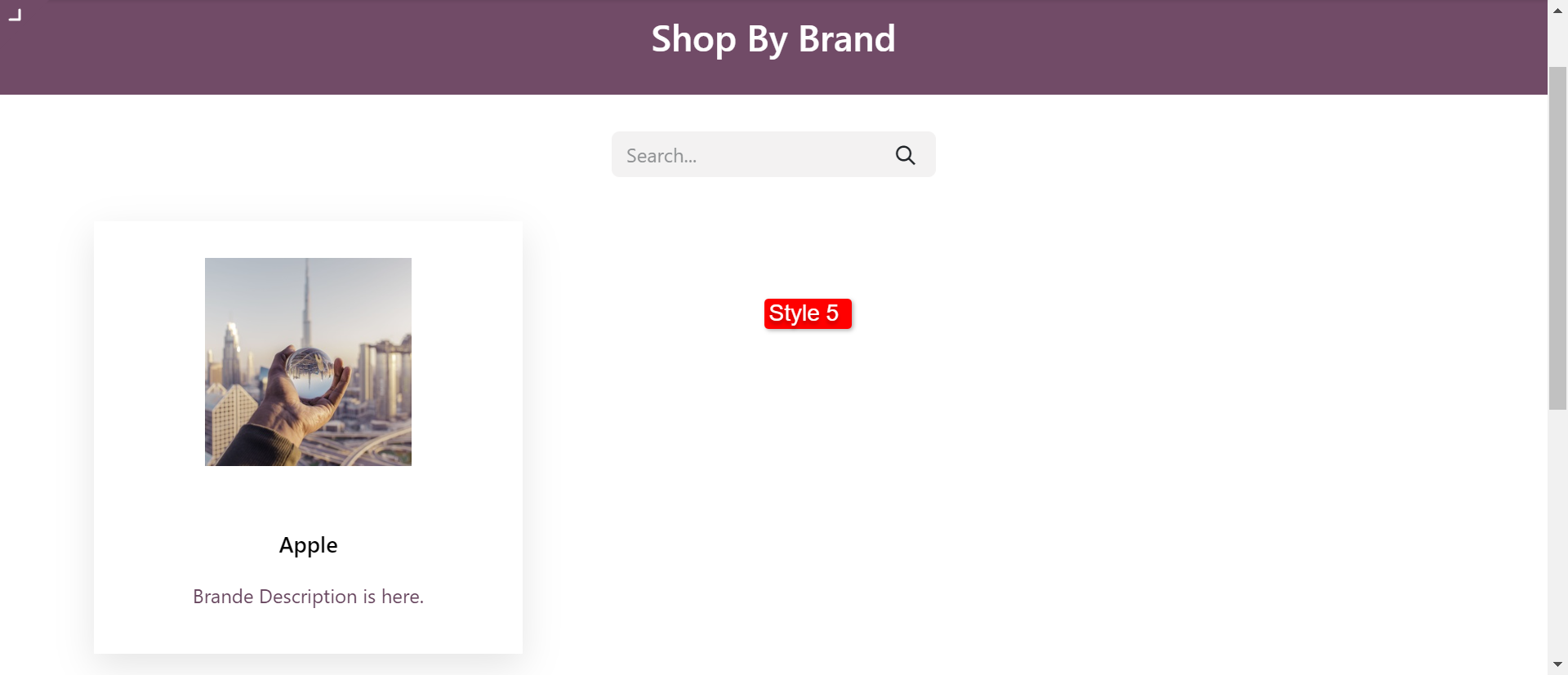
Style 5 looks like below.
Go to product brands, You can create product brands and select a logo for particular brands.
Write the brand name, image, and sequence number, currently we have no products in the brand so it shows 0(Zero) in products.
Here you can add a description for the product.
you can add product in a particular brand.
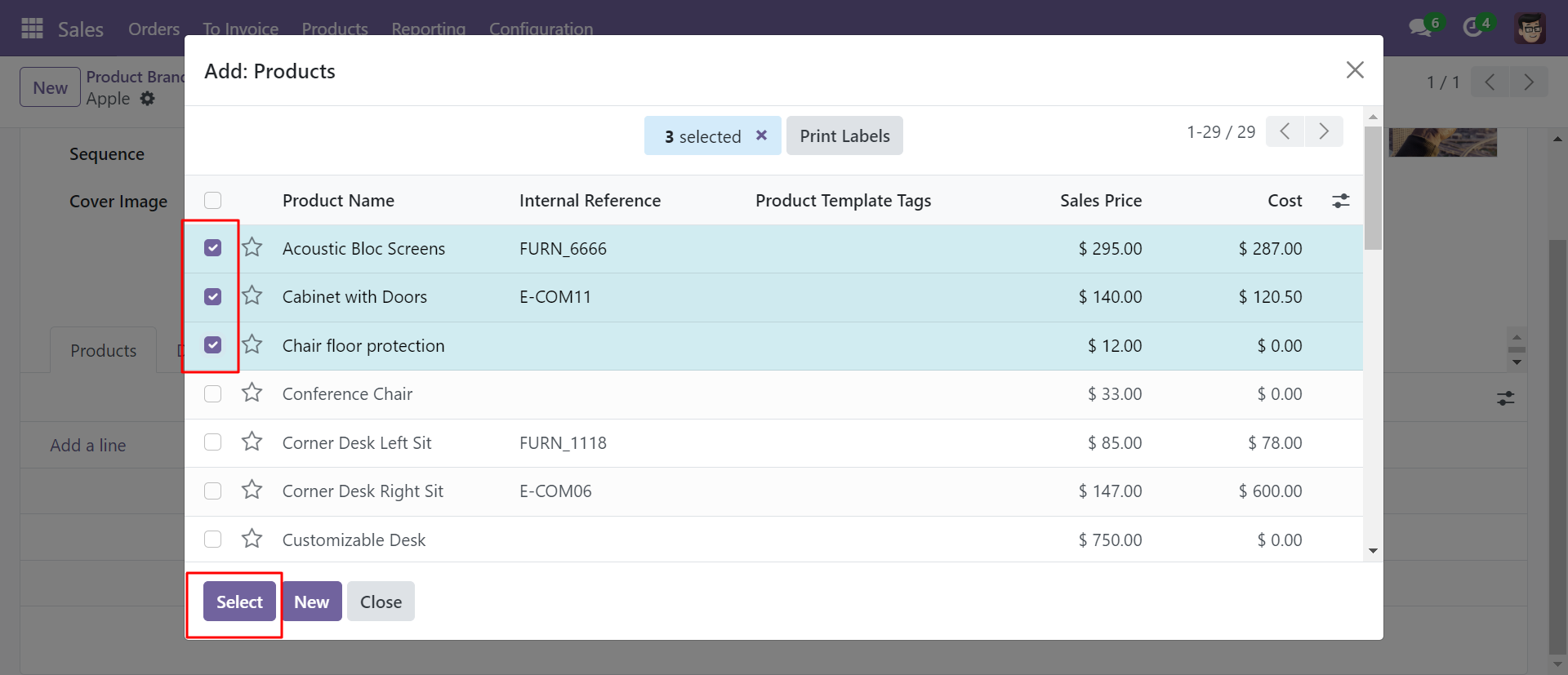
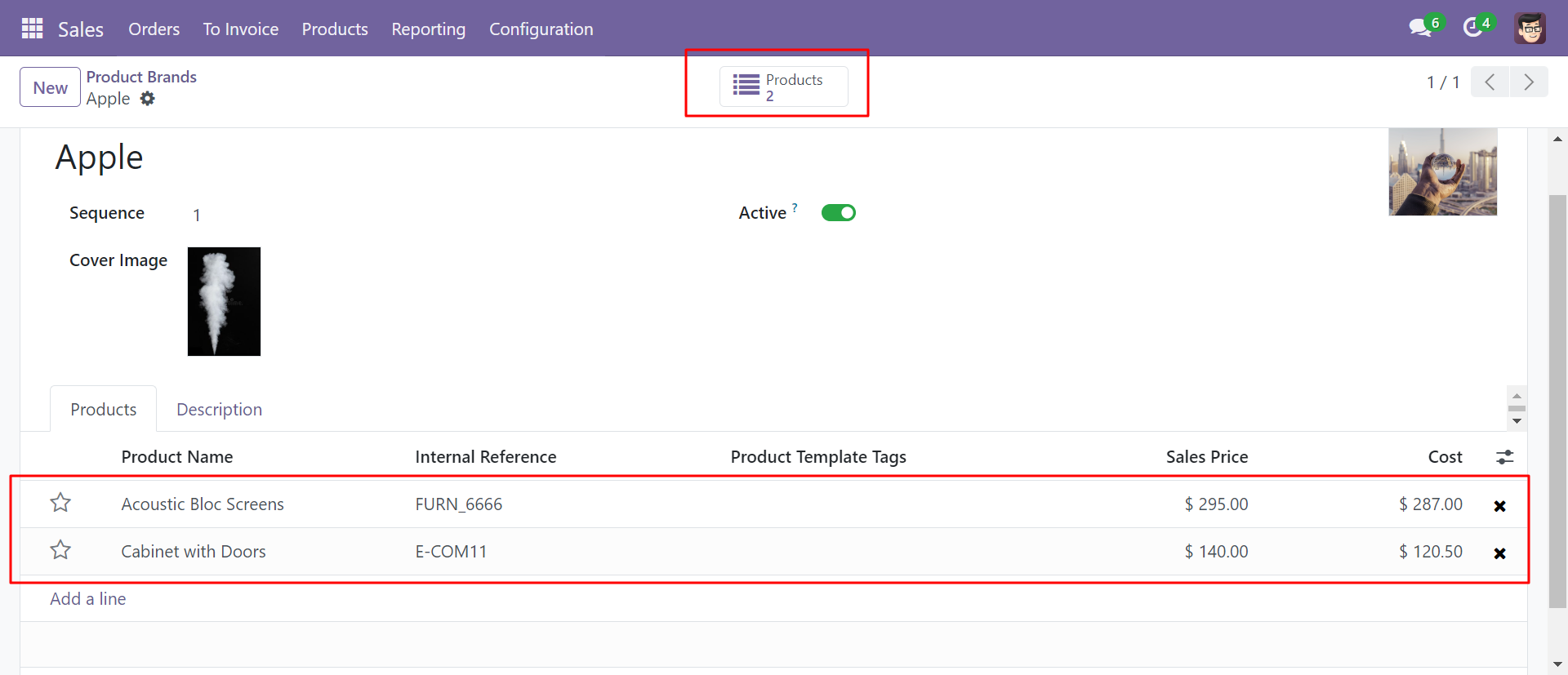
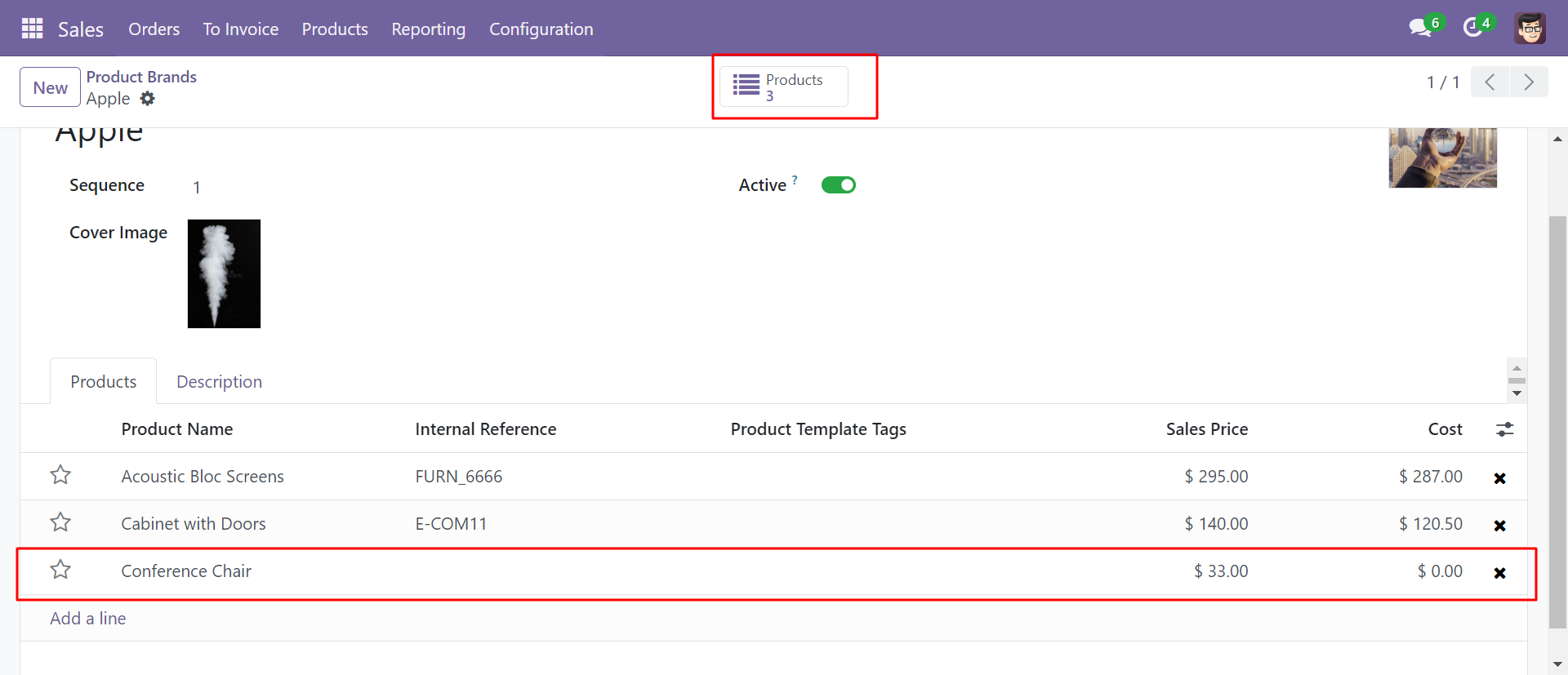
Assigned brand to particular products, now product shows 2(two).
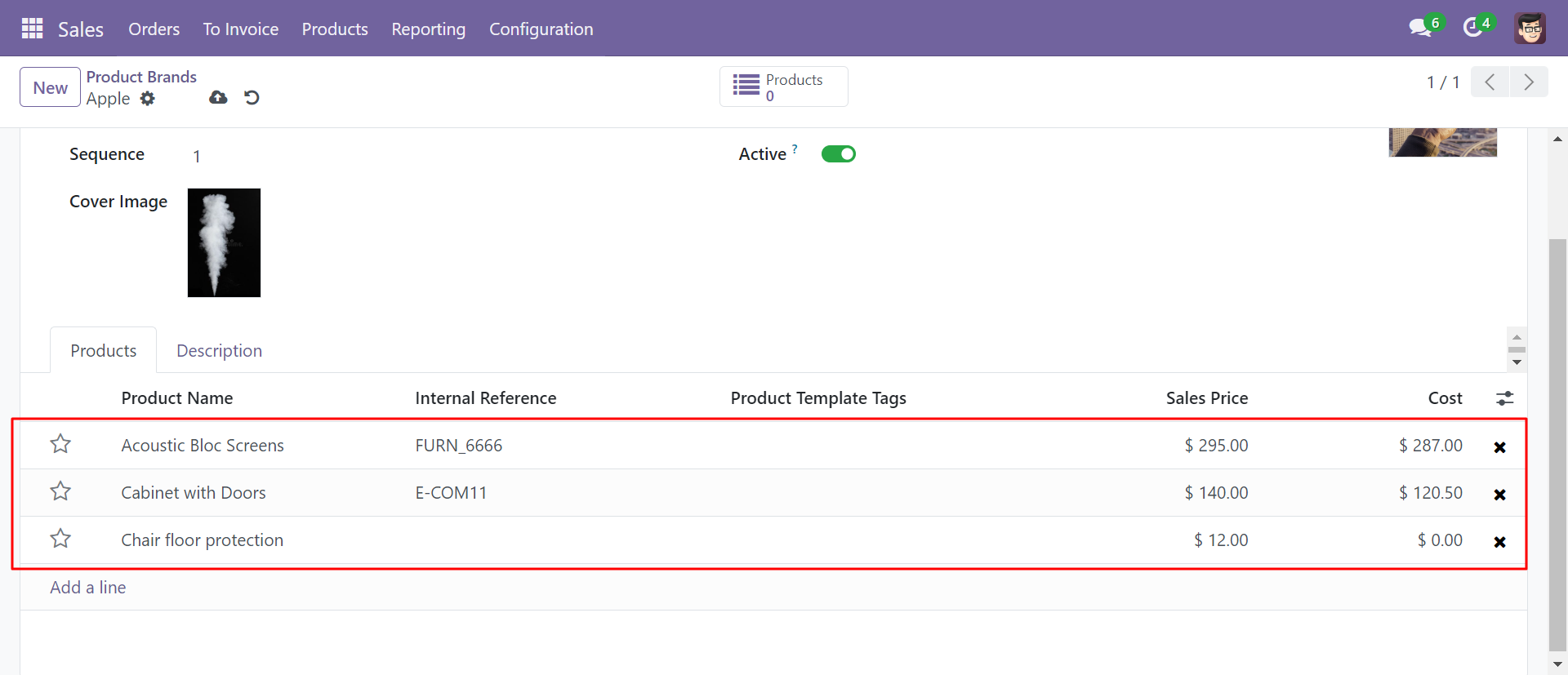
You can see the created brand and its products.
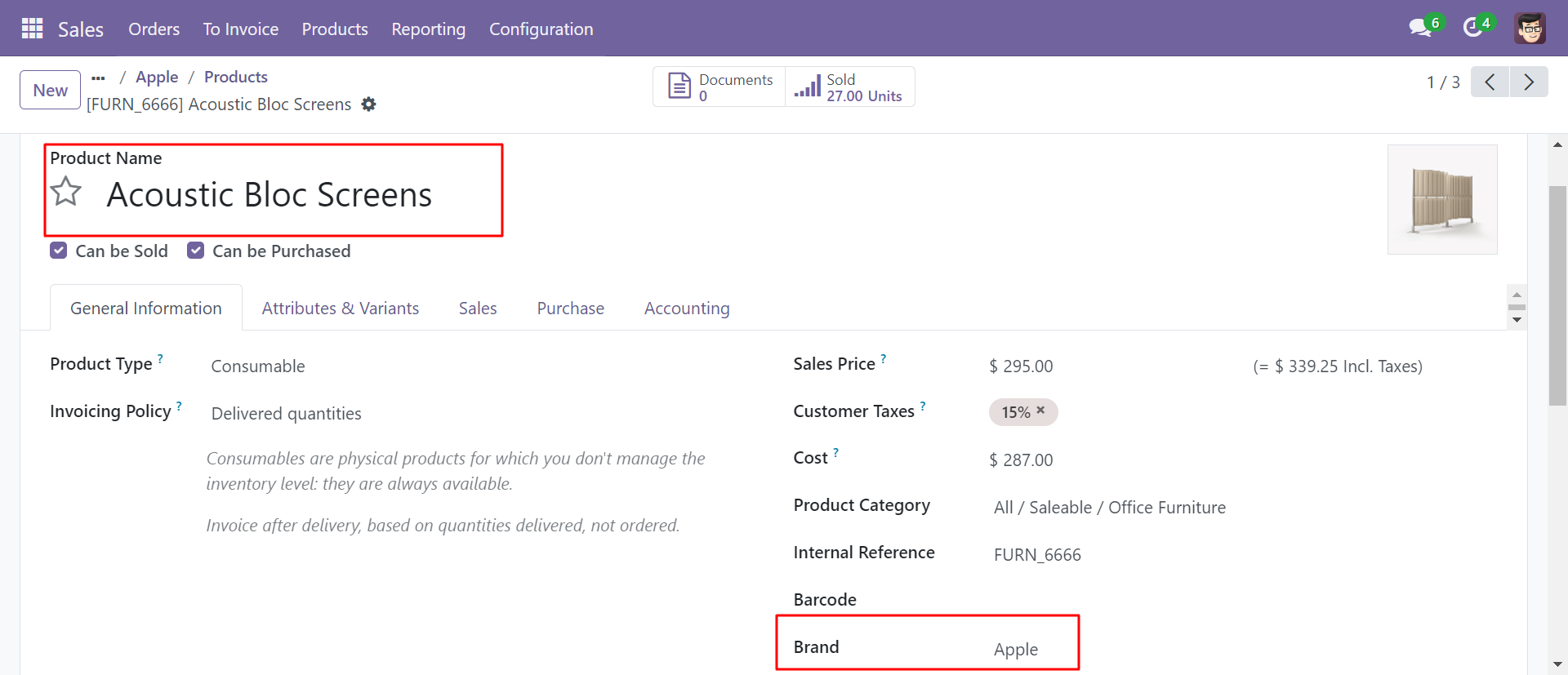
'Acoustic Bloc Screens' product added to the 'Apple' brand.
'Cabinet With Doors' product added to the 'Apple' brand.
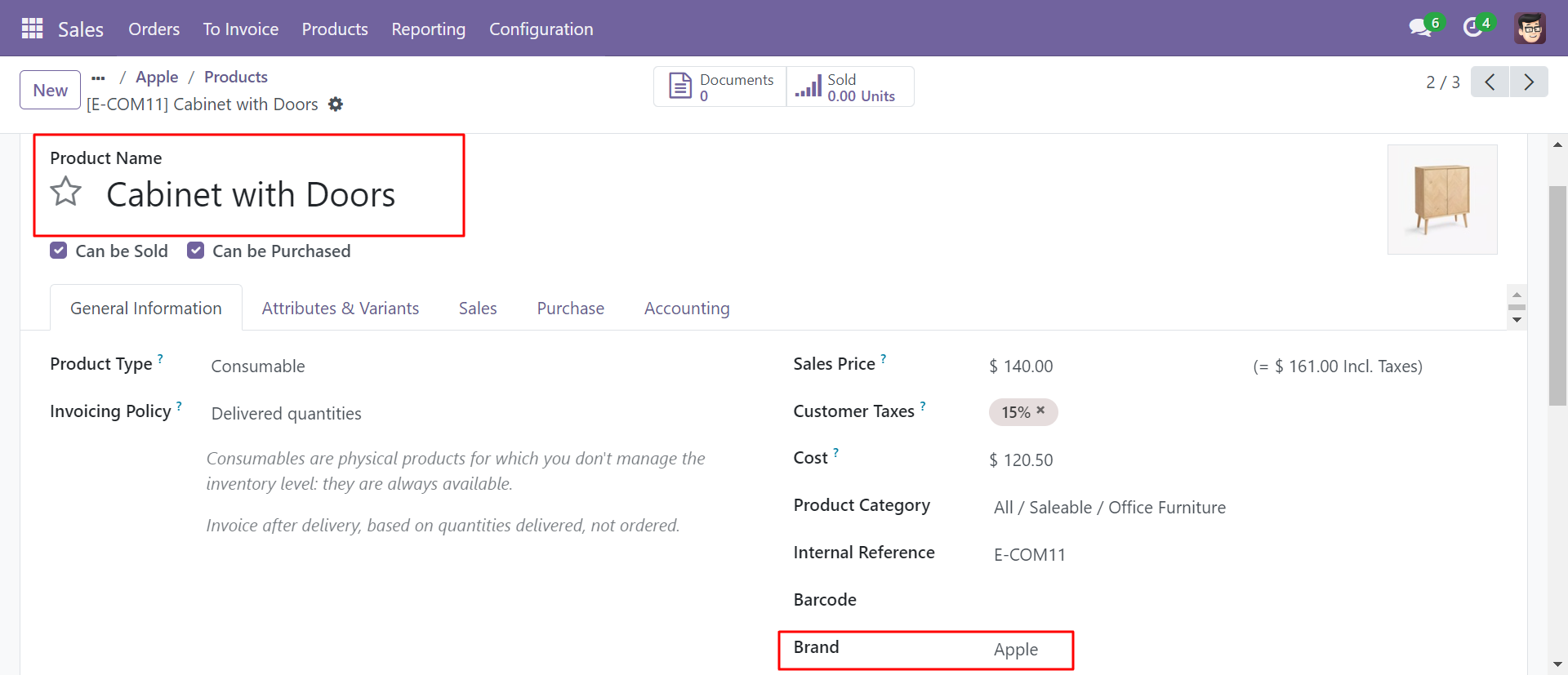
'Chair Floor Protection' product not added to any brand.
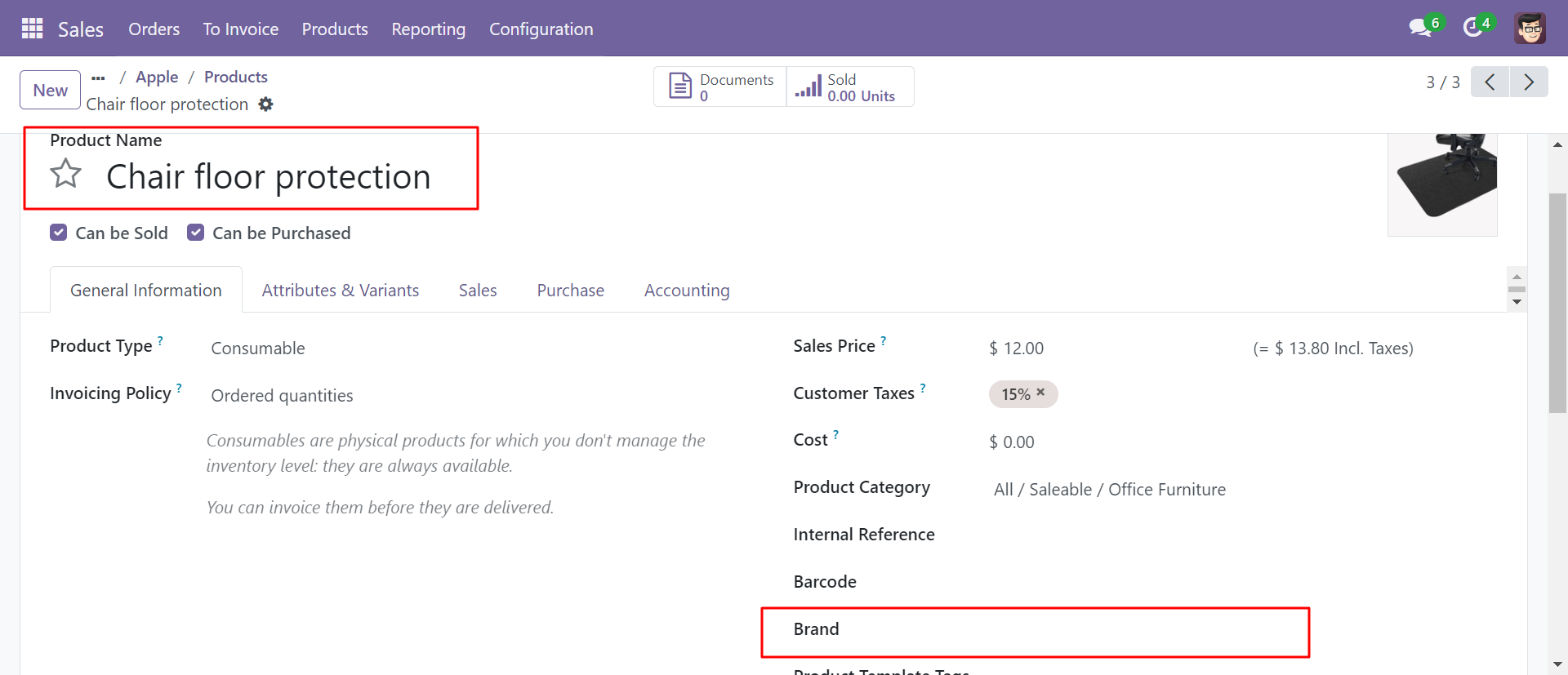
So in the 'Apple' brand, it shows 2 product only.
'Conference Chair' product added to the 'Apple' brand.
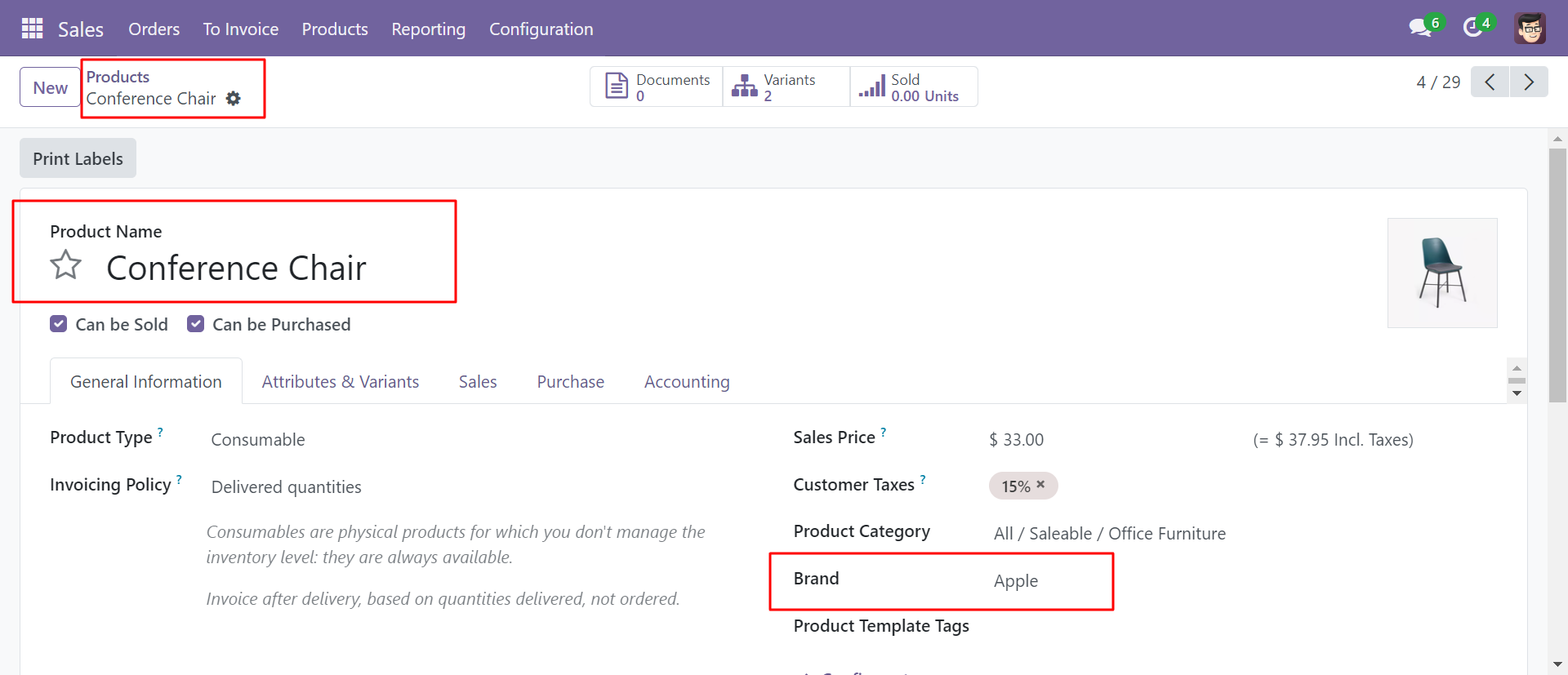
After adding one other product in the 'Apple' brand, it shows 3 products.
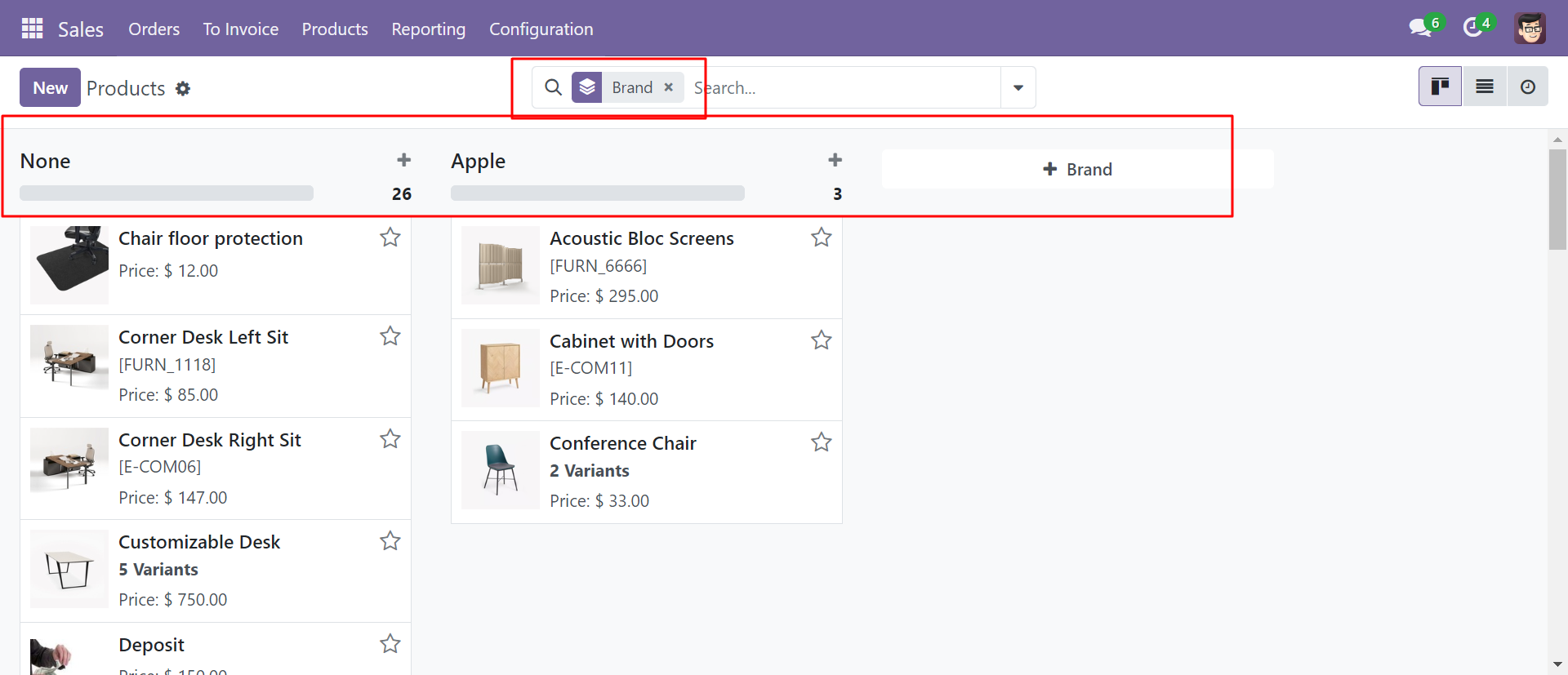
Group By 'Brand' looks like below.
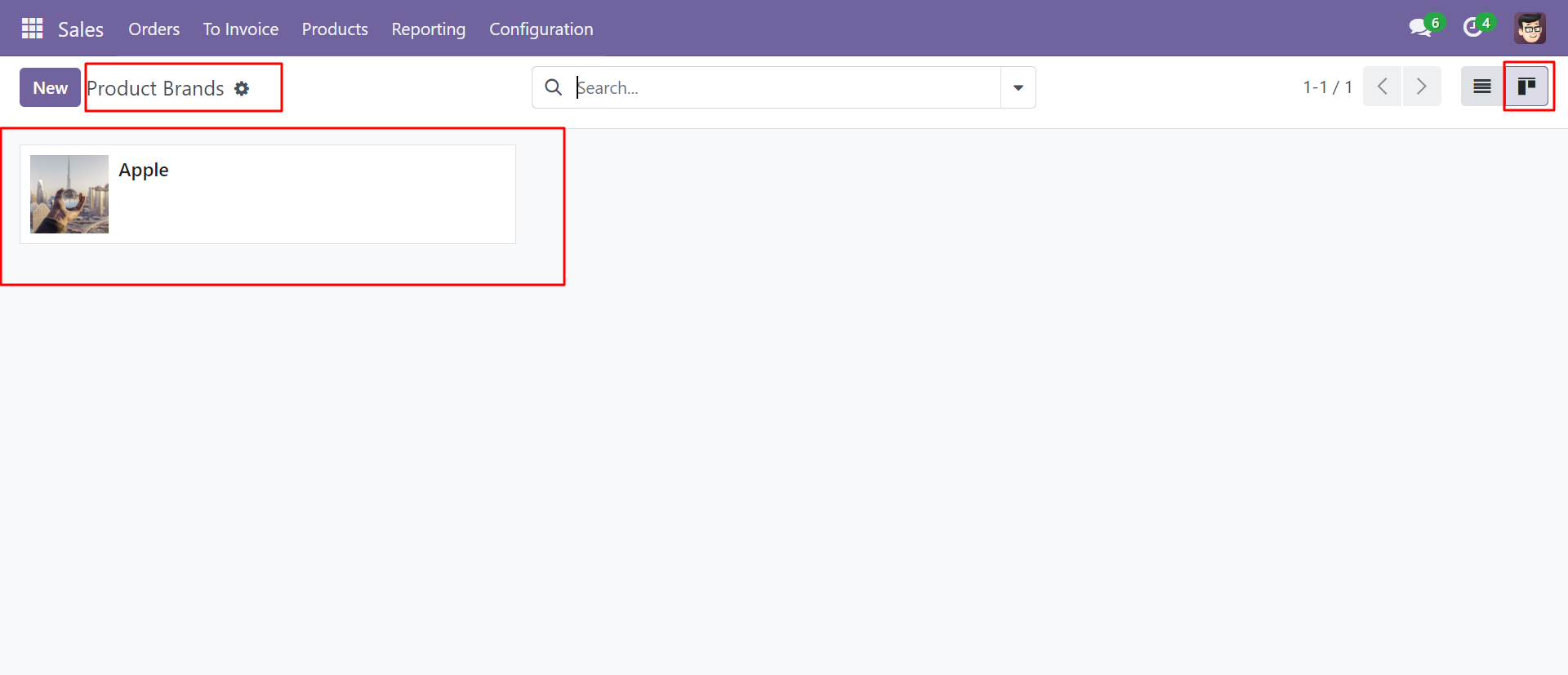
The product brand's kanban view looks like below.
Brand name with selected products in sale order line.
Brand name in the sales analysis report.
Version 20.0.1.0.0 | Released on : 15th September 2026
- Yes, this app works perfectly with Odoo Enterprise (Odoo.sh & Premise) as well as Community.
- No, this application is not compatible with odoo.com(odoo saas/Odoo Online)
- Yes, to test this module, please contact us at sales@softhealer.com.
- Please contact us at sales@softhealer.com to request customization.
- Yes, we provide free support for 365 days from the date of purchase.
- Yes, you will receive lifetime free updates for the version of the module you purchased.
- No, there is no need to install any additional libraries.
- Yes, for version 12 and above, you need to purchase the module separately for each version you intend to use.
- No, exchanges or refunds are not allowed. Please make sure to select the correct version before purchasing.
- You can contact us at support@softhealer.com for language translation support. We use Google Translator tools to provide translations in multiple languages, so the accuracy may vary. We welcome your suggestions to help improve translations.
Discover Our Latest Apps