












Portal User Activate/Deactivate Account

If you wish to discontinue using the portal, you have the option to close or deactivate your account
directly from the portal. To initiate this process, a one-time password (OTP) will be sent to you via
email. Upon receiving the OTP, you can use the code on the portal to submit a close account request.
Should you later decide to resume using the portal, you can request reactivation by providing an email
address to receive a new OTP and activation request. After receiving the OTP, you can utilize the code on
the portal to reactivate your account. This ensures a secure and controlled process for both account
closure and reactivation.

Features
- You can close/deactivate the account from the portal.
- You can activate a closed account from the portal.
- Whenever you are closing or activating your account, you'll have to enter the OTP received in your email address.
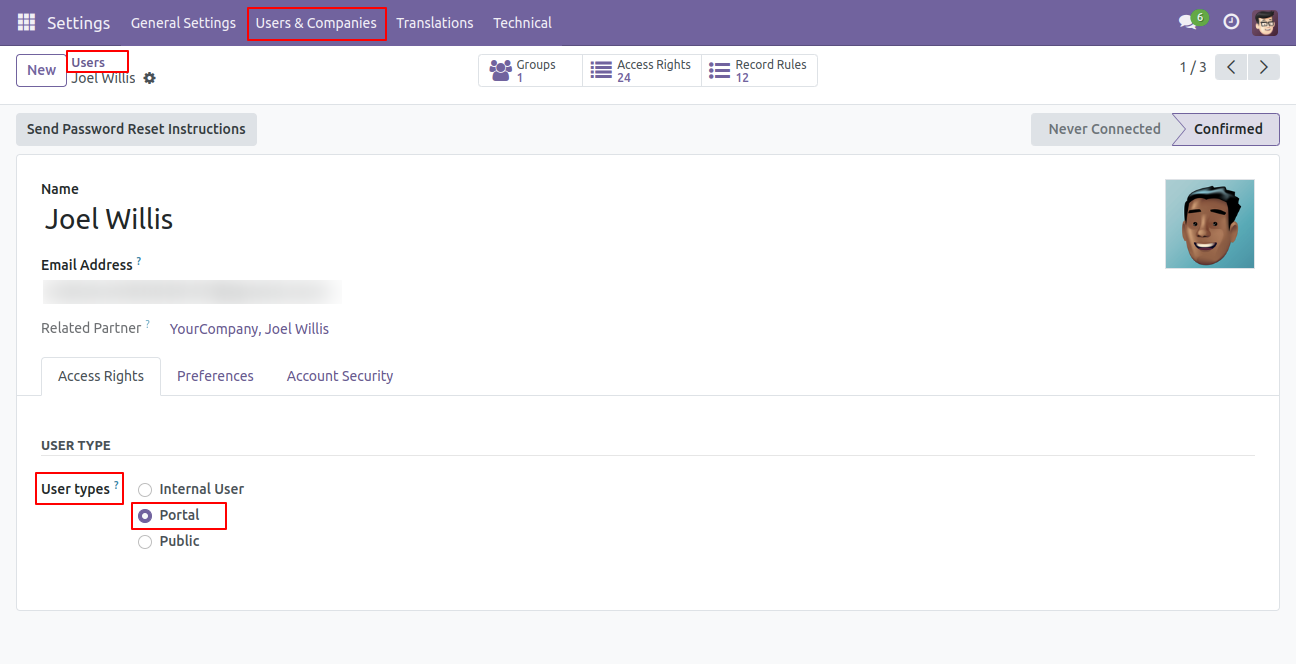
Go to the user settings and select portal user.
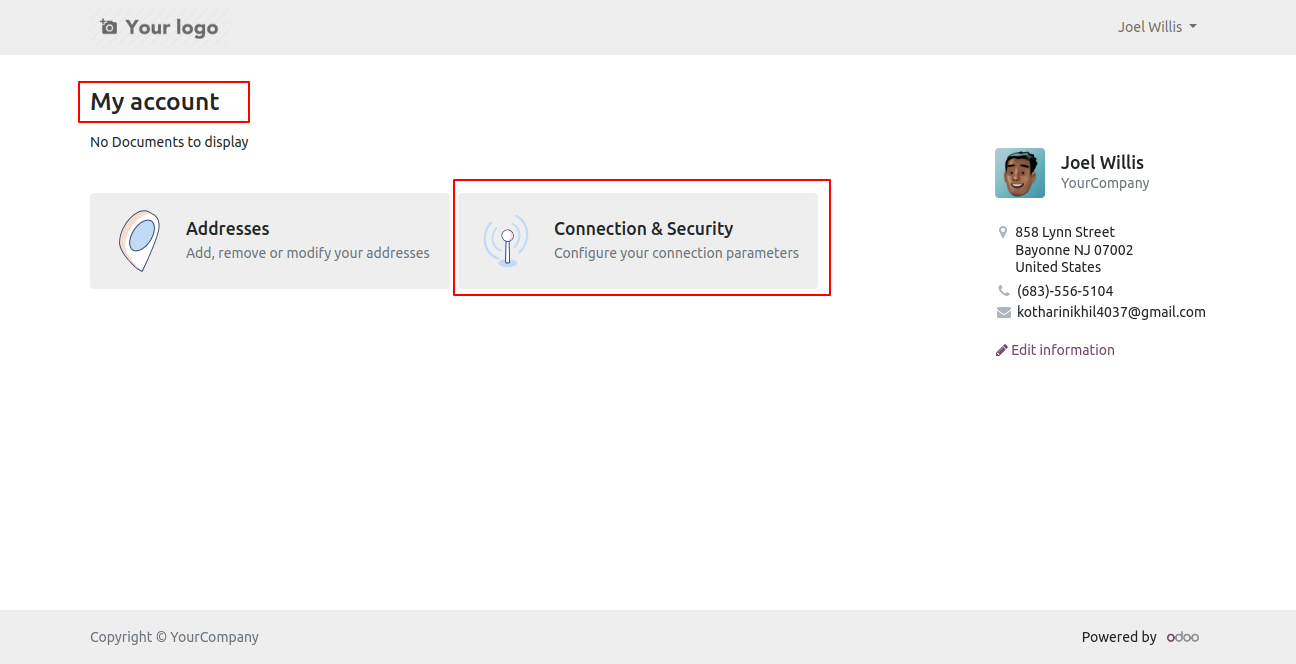
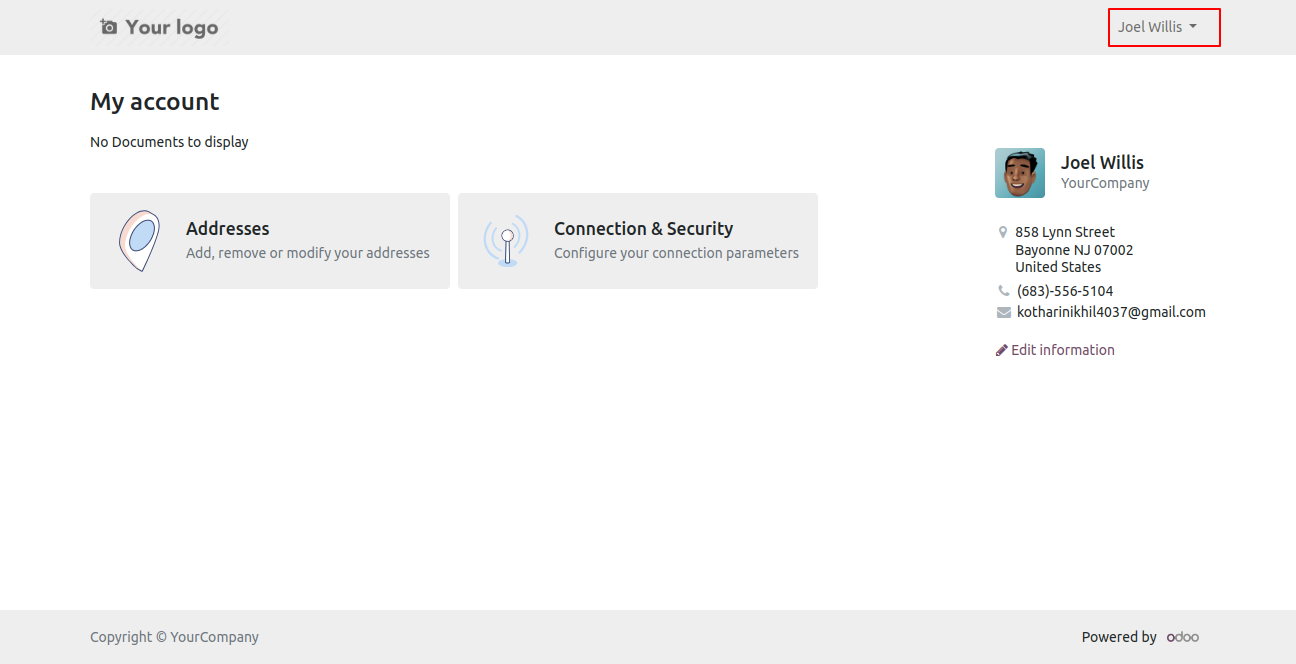
Log in with the user and click on connection & security from the my account.
If you want to close the account then click on the "Close Account" button.
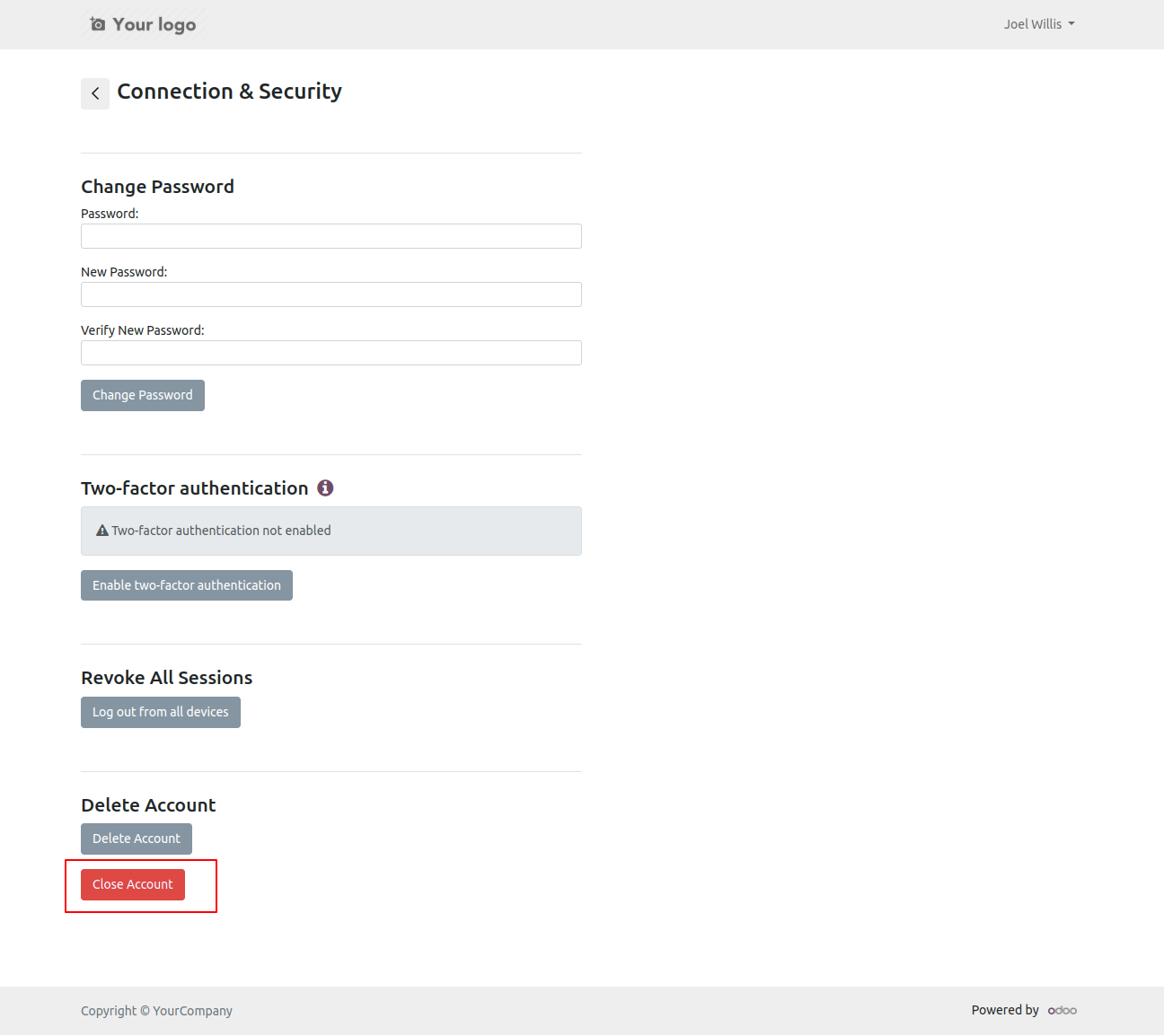
By clicking on the close account button, you will get an OTP to your email.
Open an email and you will find an OTP.
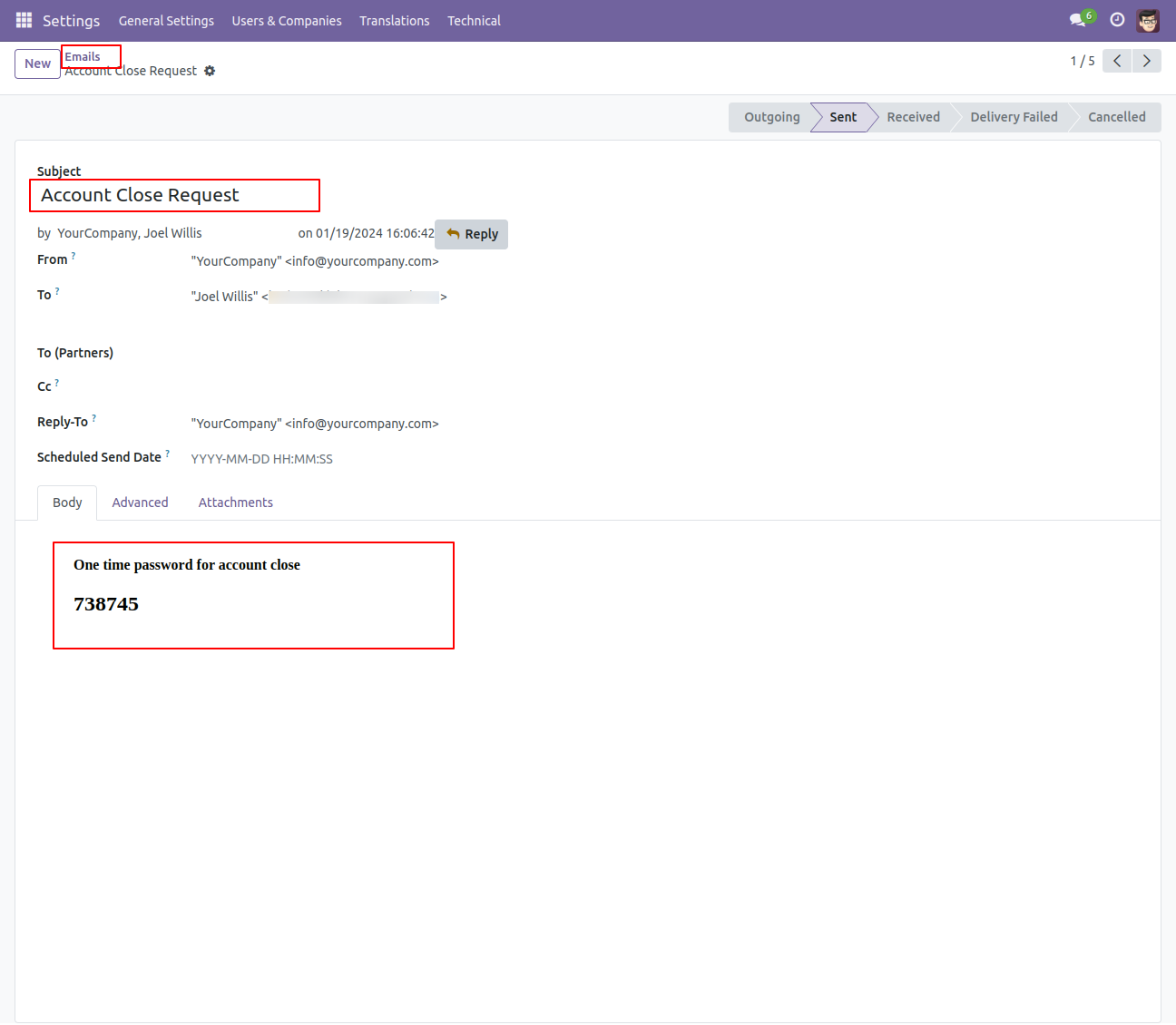
Enter an OTP here.
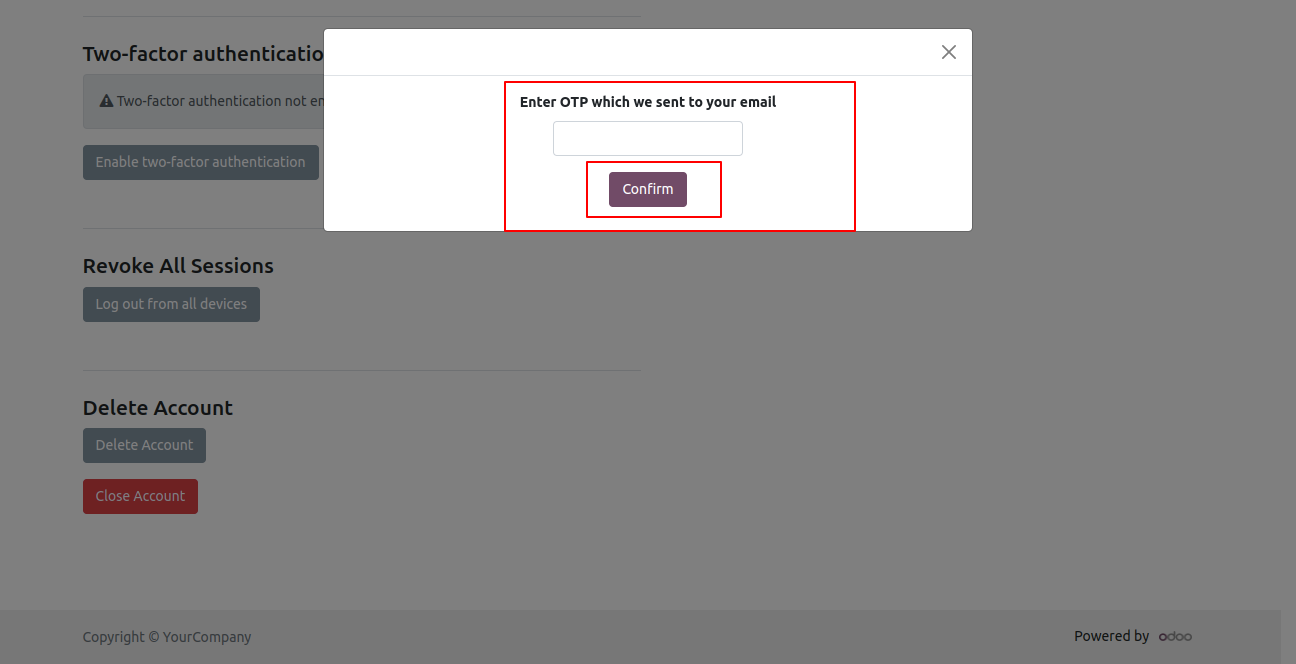
If you enter the wrong OTP it will give an error message.
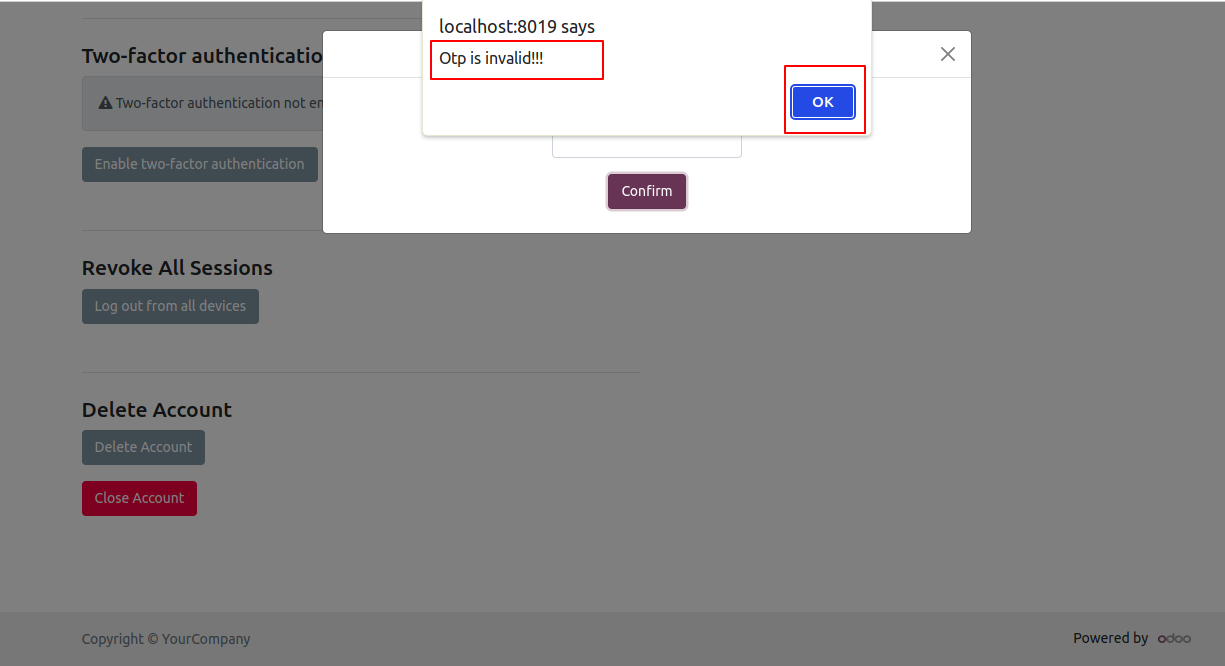
Enter the correct OTP here.
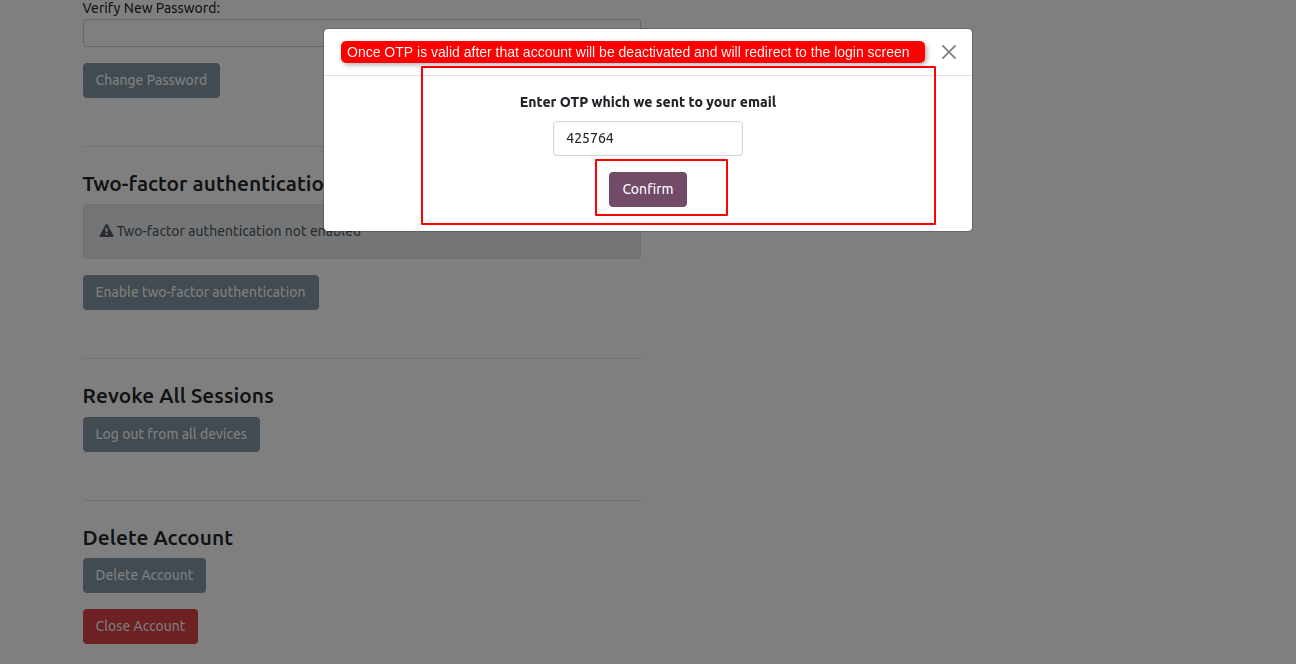
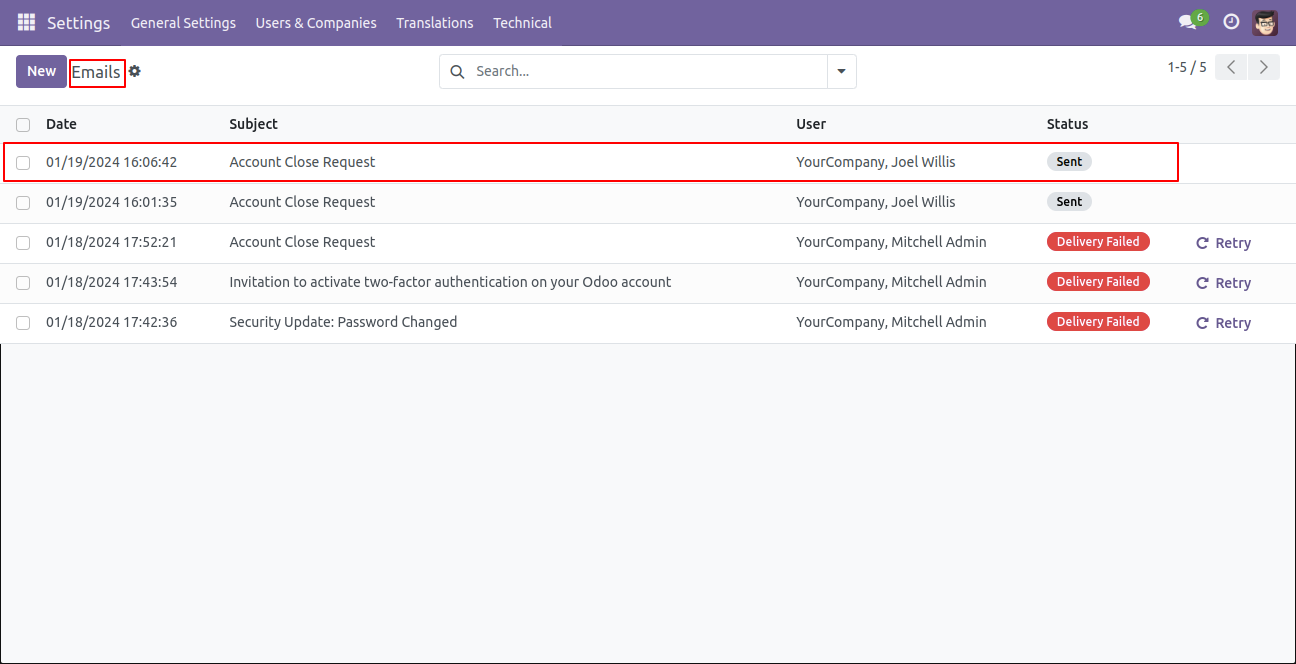
When the account is closed, the system will send an email.
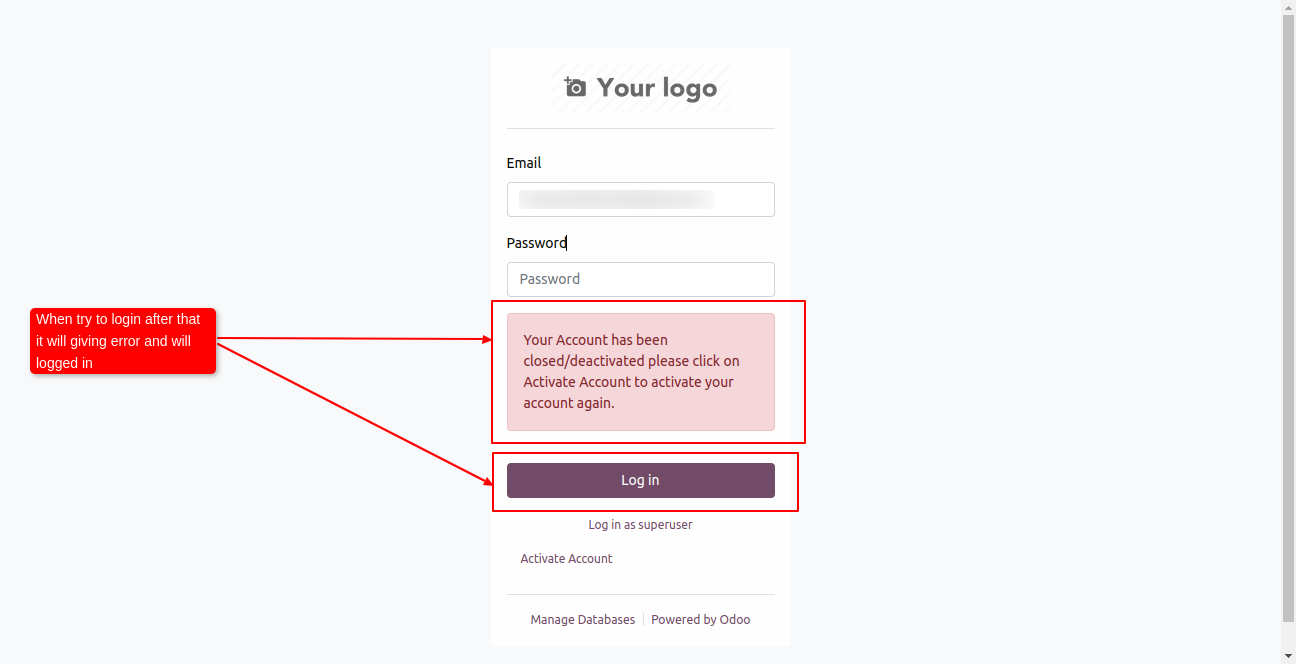
When you click on the login button after closing the account it will generate an error message.
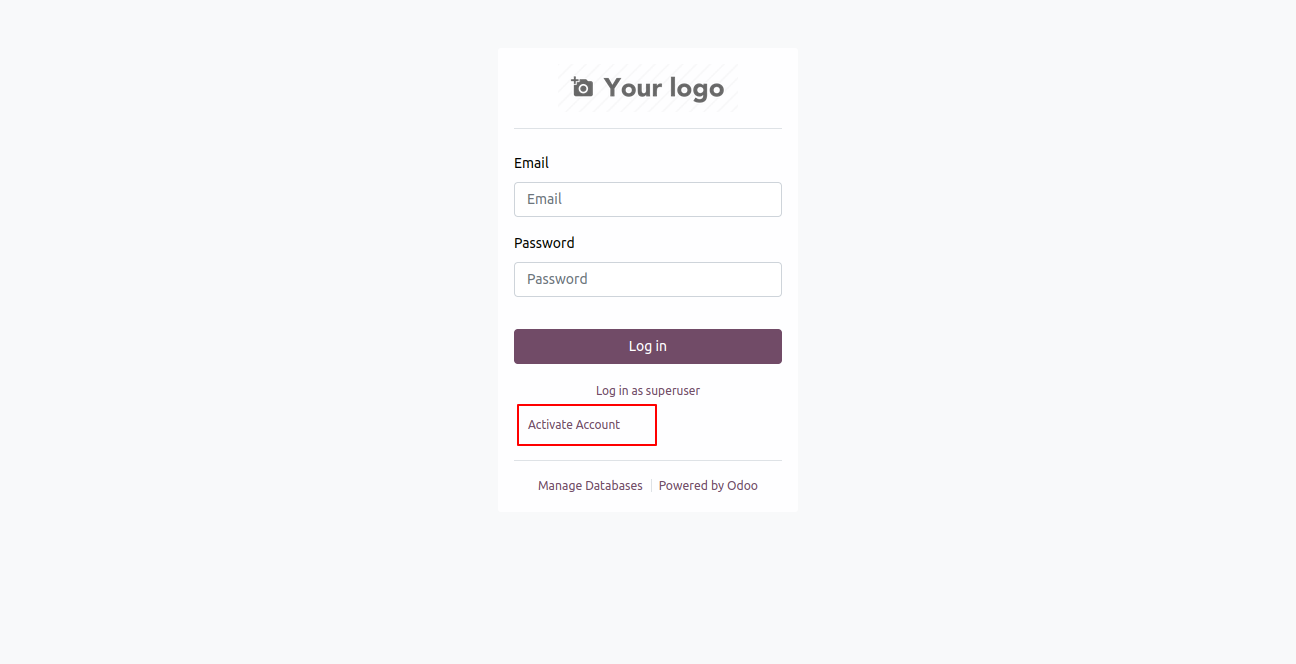
To activate the account click on the "Activate Account" button.
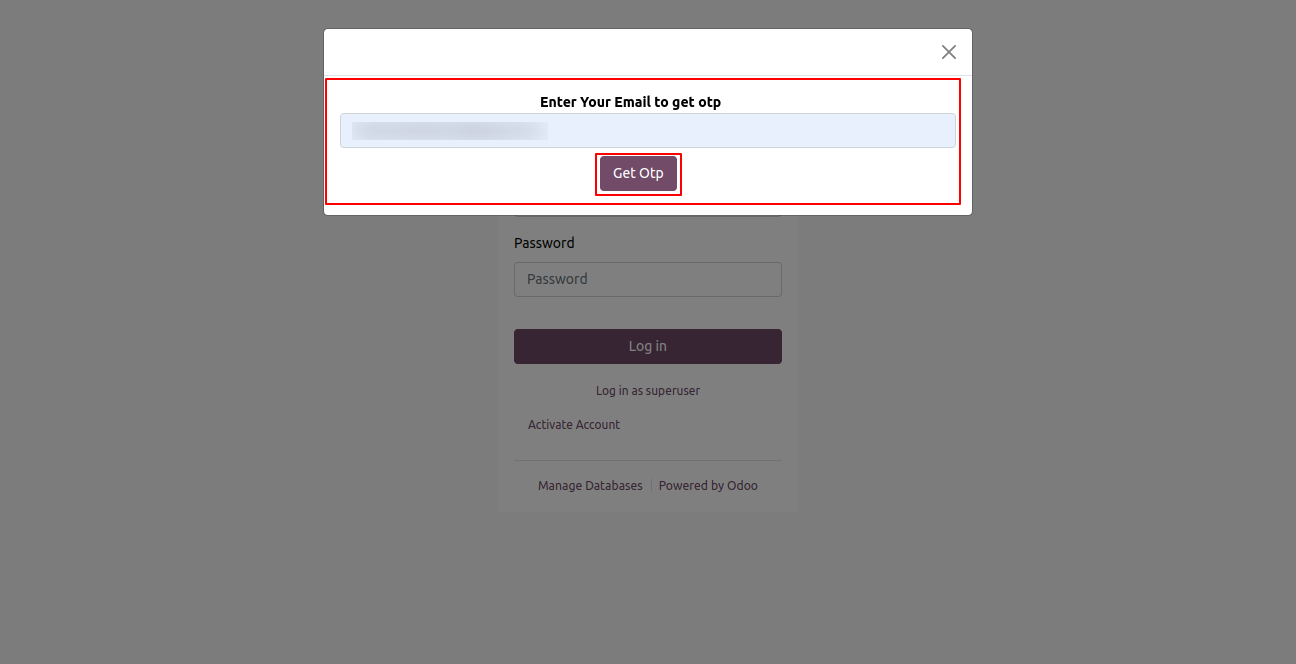
By clicking on the activate account it will ask for an email ID to get an OTP.
Enter an email ID and click on the get OTP button.
It will send an email with an account activation request.
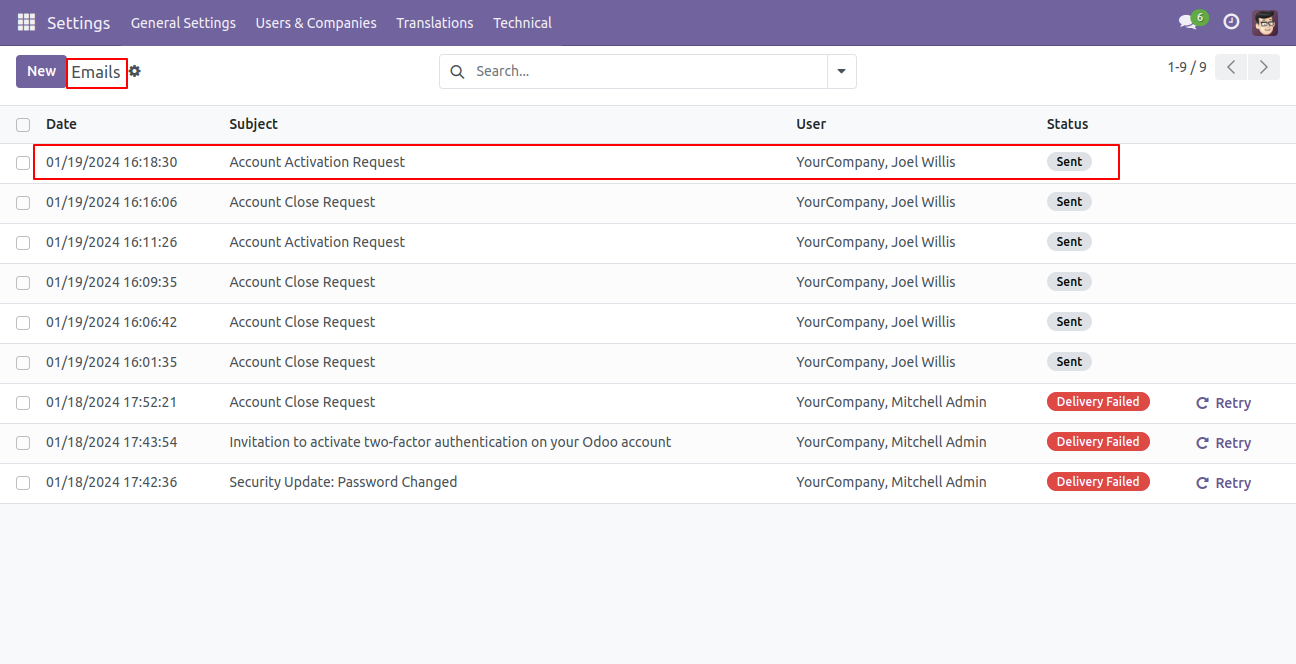
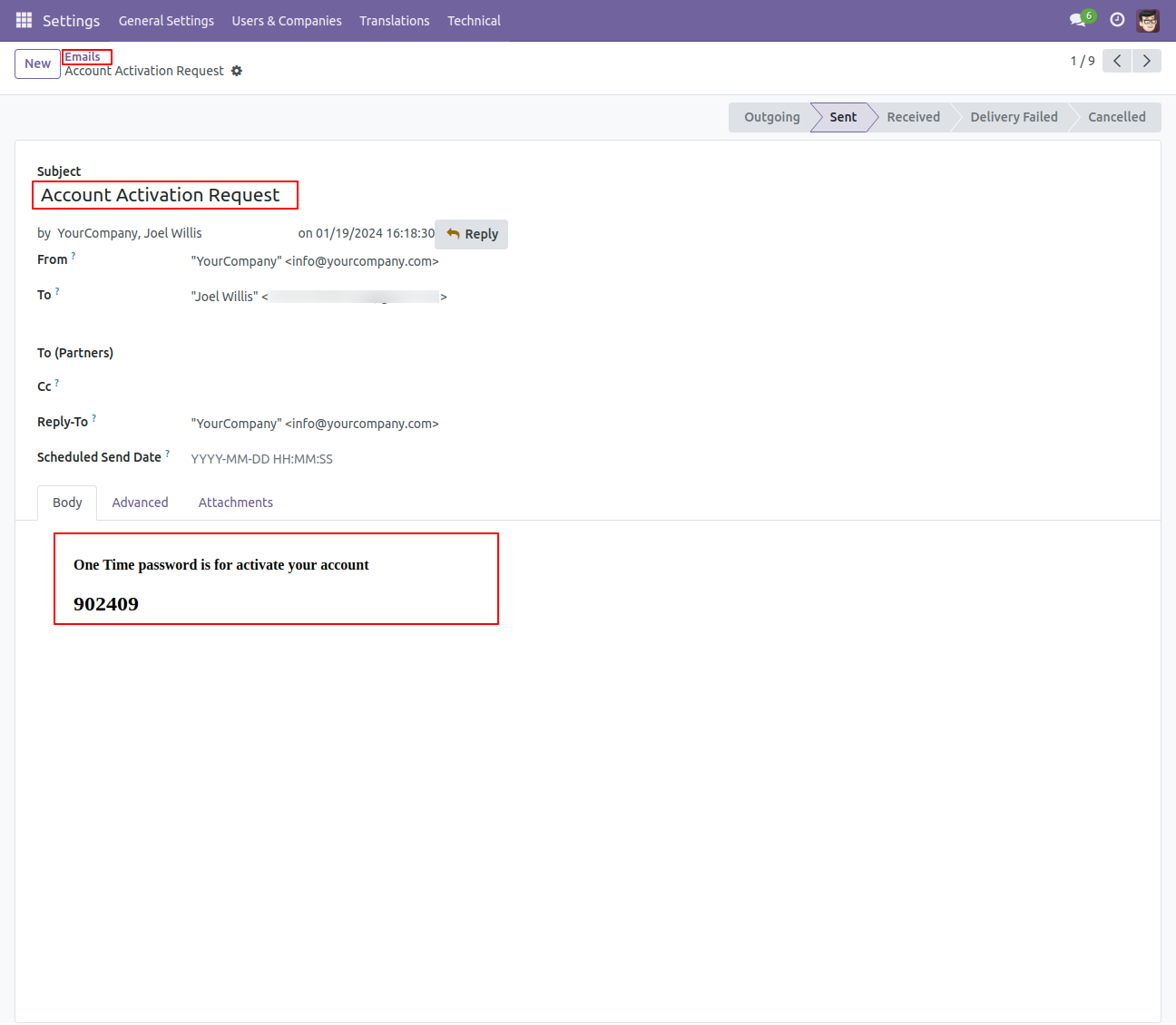
Open an email and you will find OTP to activate the account.
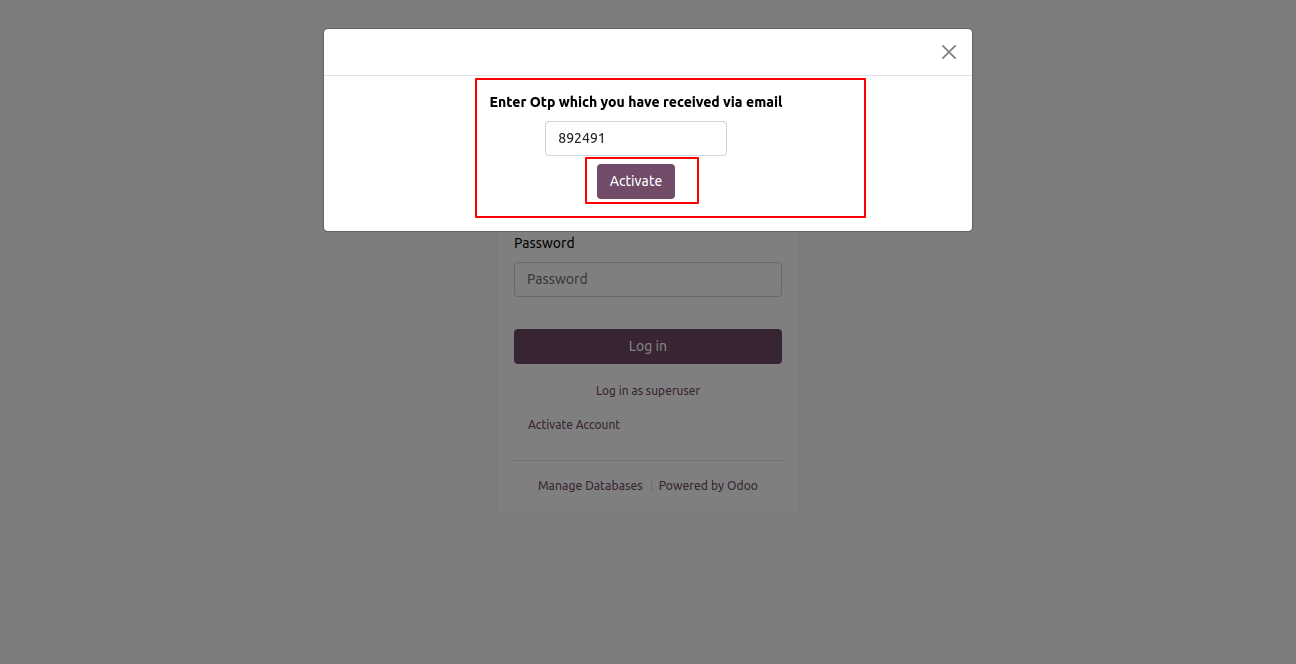
Enter OTP here.
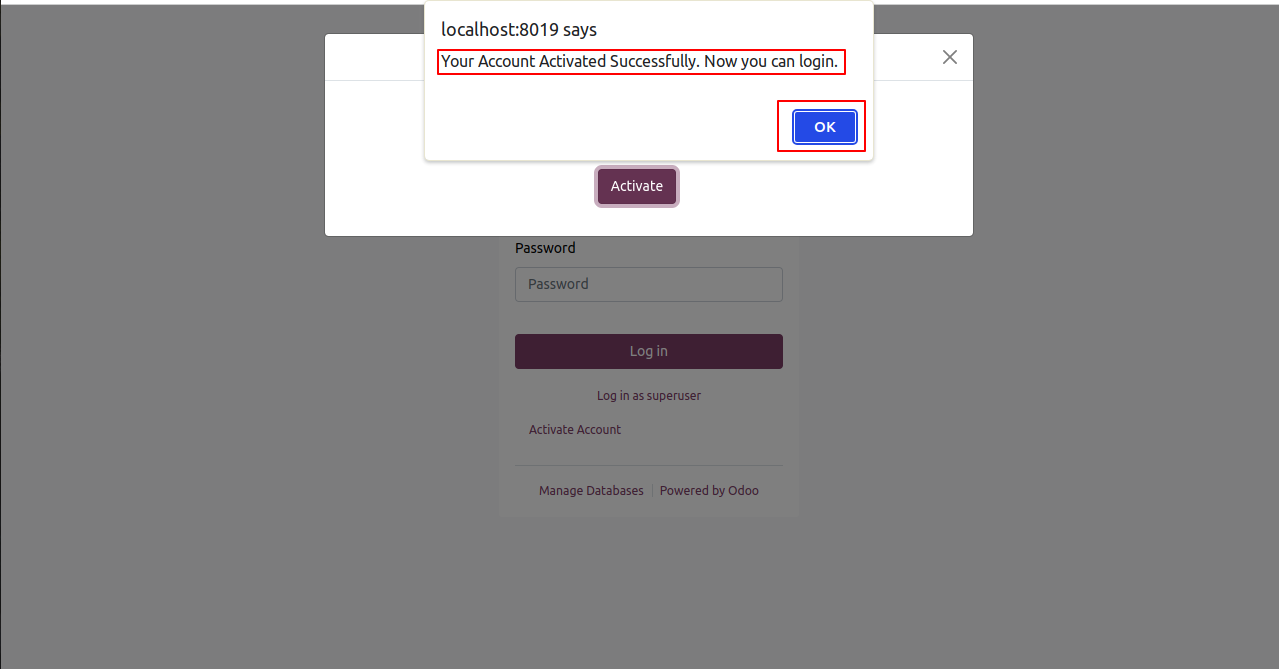
You will find a successful account-activated notification.
You can log in again after activating your account.
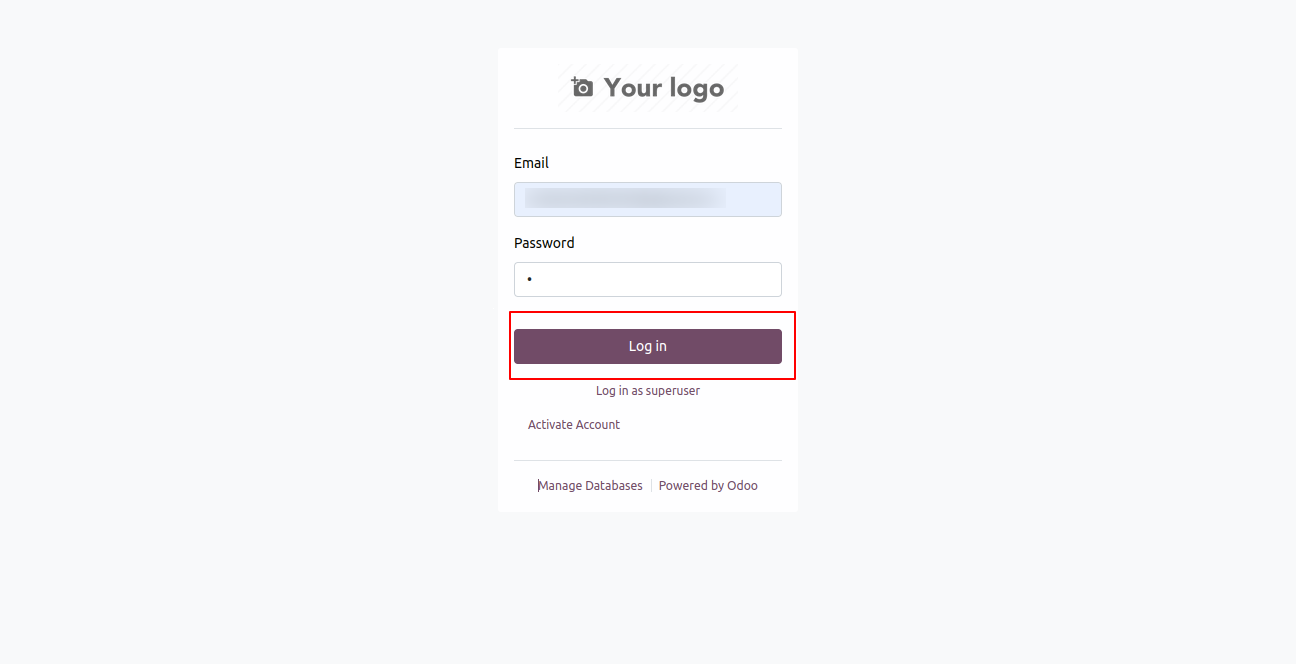
You can see the deactivated portal user is again activated.
Version 18.0.1.0.0 | Released on : 23rd March 2026
- Yes, this app works perfectly with Odoo Enterprise (Odoo.sh & Premise) as well as Community.
- No, this application is not compatible with odoo.com(odoo saas/Odoo Online)
- Yes, to test this module, please contact us at sales@softhealer.com.
- Please contact us at sales@softhealer.comto request customization.
- Yes, we provide free support for 365 days from the date of purchase.
- Yes, you will receive lifetime free updates for the version of the module you purchased.
- No, there is no need to install any additional libraries.
- Yes, for version 12 and above, you need to purchase the module separately for each version you intend to use.
- No, exchanges or refunds are not allowed. Please make sure to select the correct version before purchasing.
- You can contact us at support@softhealer.com for language translation support. We use Google Translator tools to provide translations in multiple languages, so the accuracy may vary. We welcome your suggestions to help improve translations.
Discover Our Latest Apps