











Point Of Sale Tamara Payment Integration

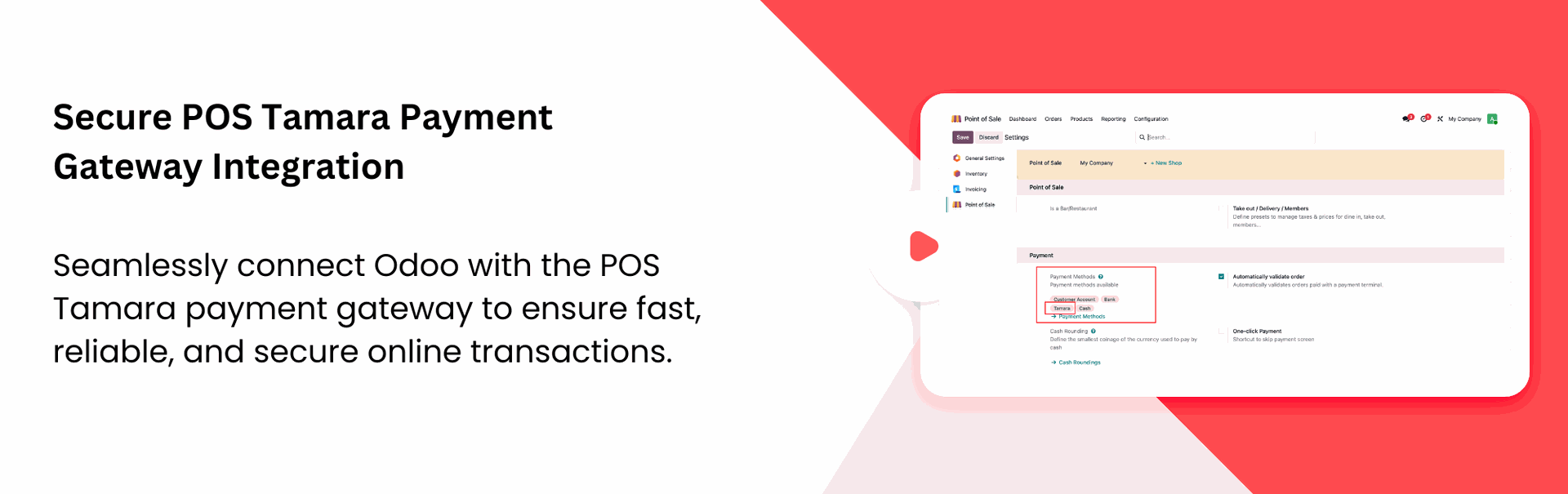
Tamara POS Integration seamlessly connects Tamara with Odoo Point of Sale. The module supports both Sandbox and Live environments, and synchronizes transaction details in real time. With secure credential management and automatic cancellation of pending transactions, businesses can offer a smooth and convenient checkout experience while managing all Tamara payment operations directly from Odoo.
Key Features
Features
Seamless POS Integration
Integrate Tamara directly with Odoo Point of Sale for a smooth checkout experience.
Sandbox & Live Environment Support
Switch easily between Sandbox and Live modes for testing and production transactions.

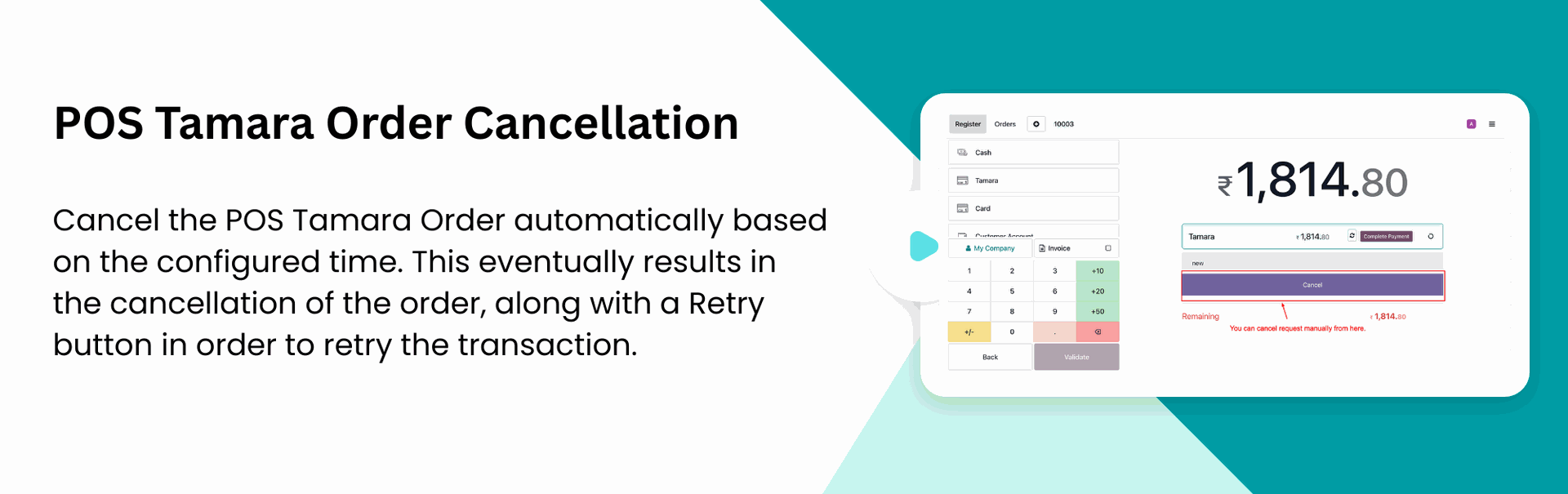
Automatic Transaction Cancellation
Automatically cancel pending Tamara transactions after a configurable time period.

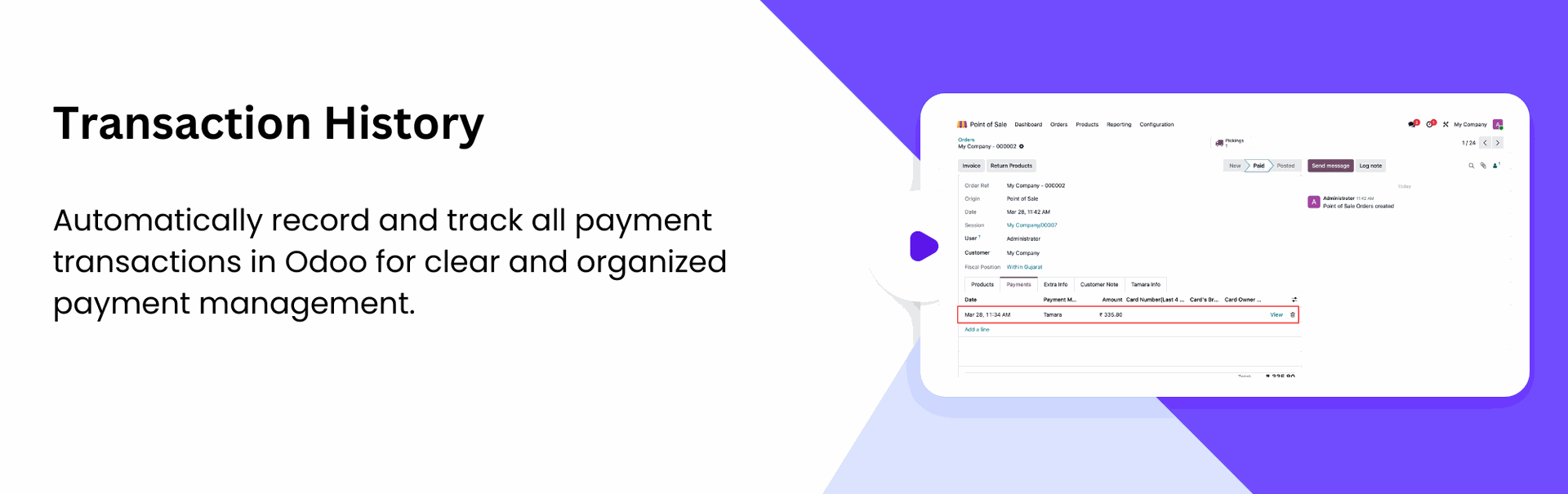
Transaction History
Synchronize Tamara transaction details instantly within Odoo POS for quick verification.
Go to POS settings and enable Tamara Payment.
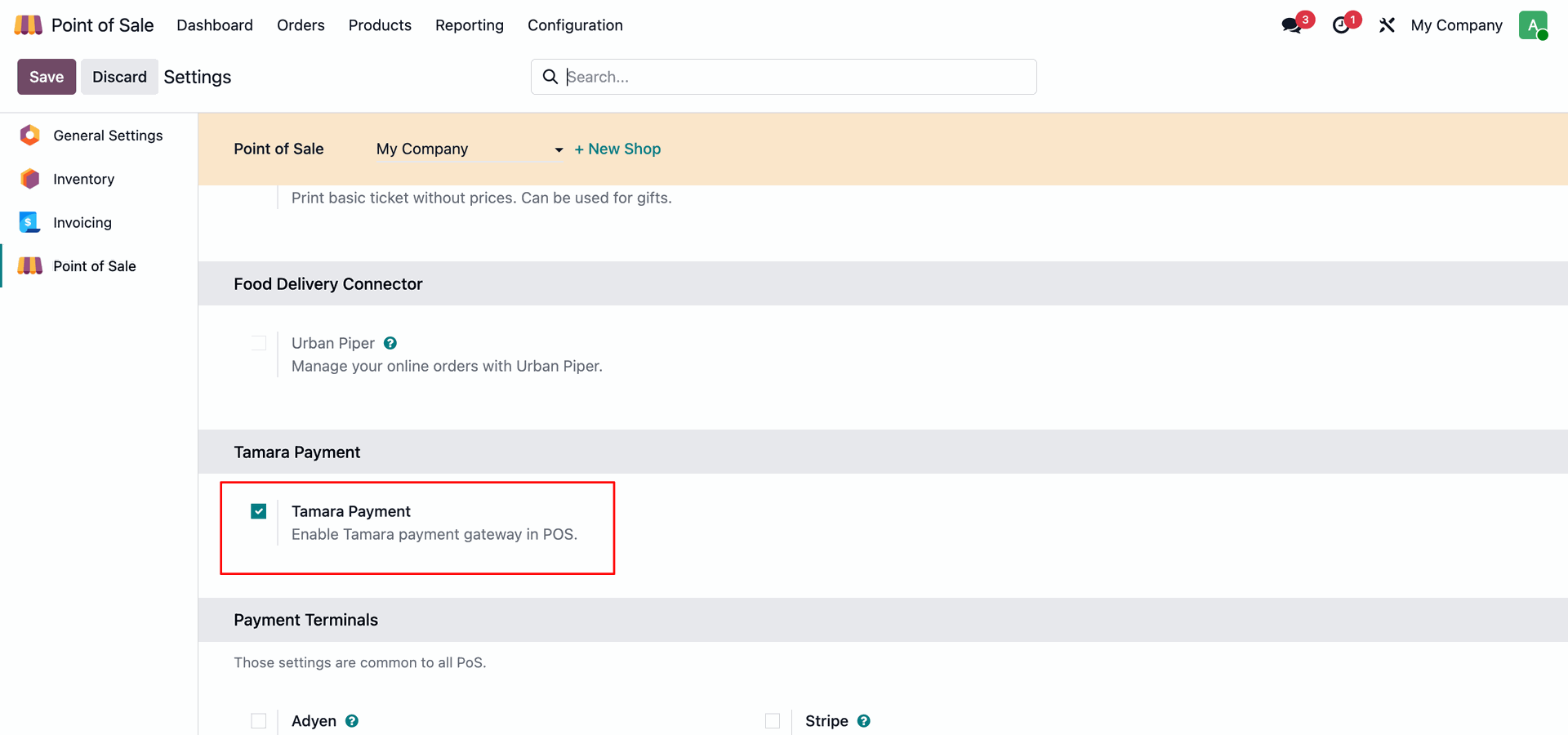
Add POS Tamara in the list of available payment methods.
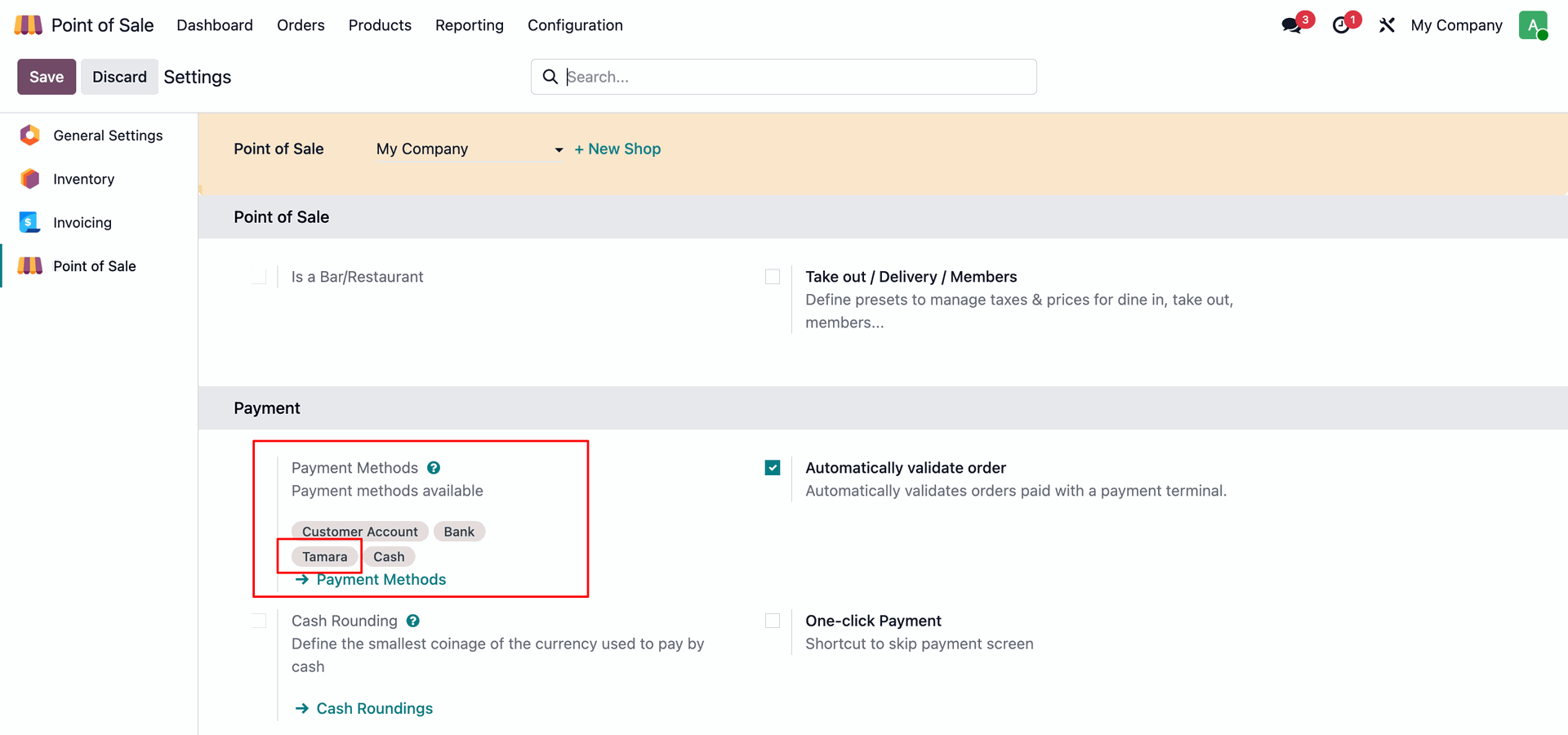
Enter your POS Tamara credentials to enable payment processing.
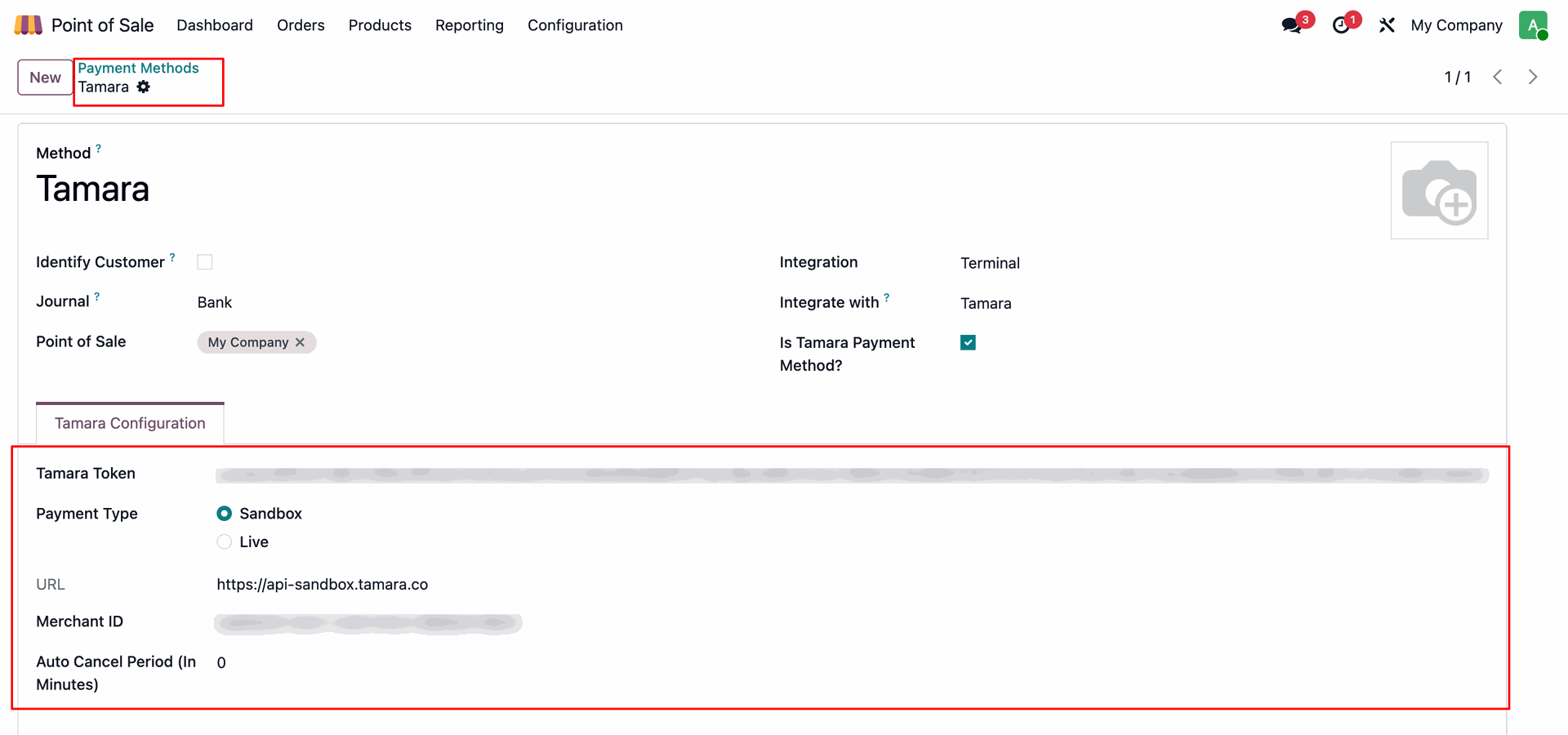
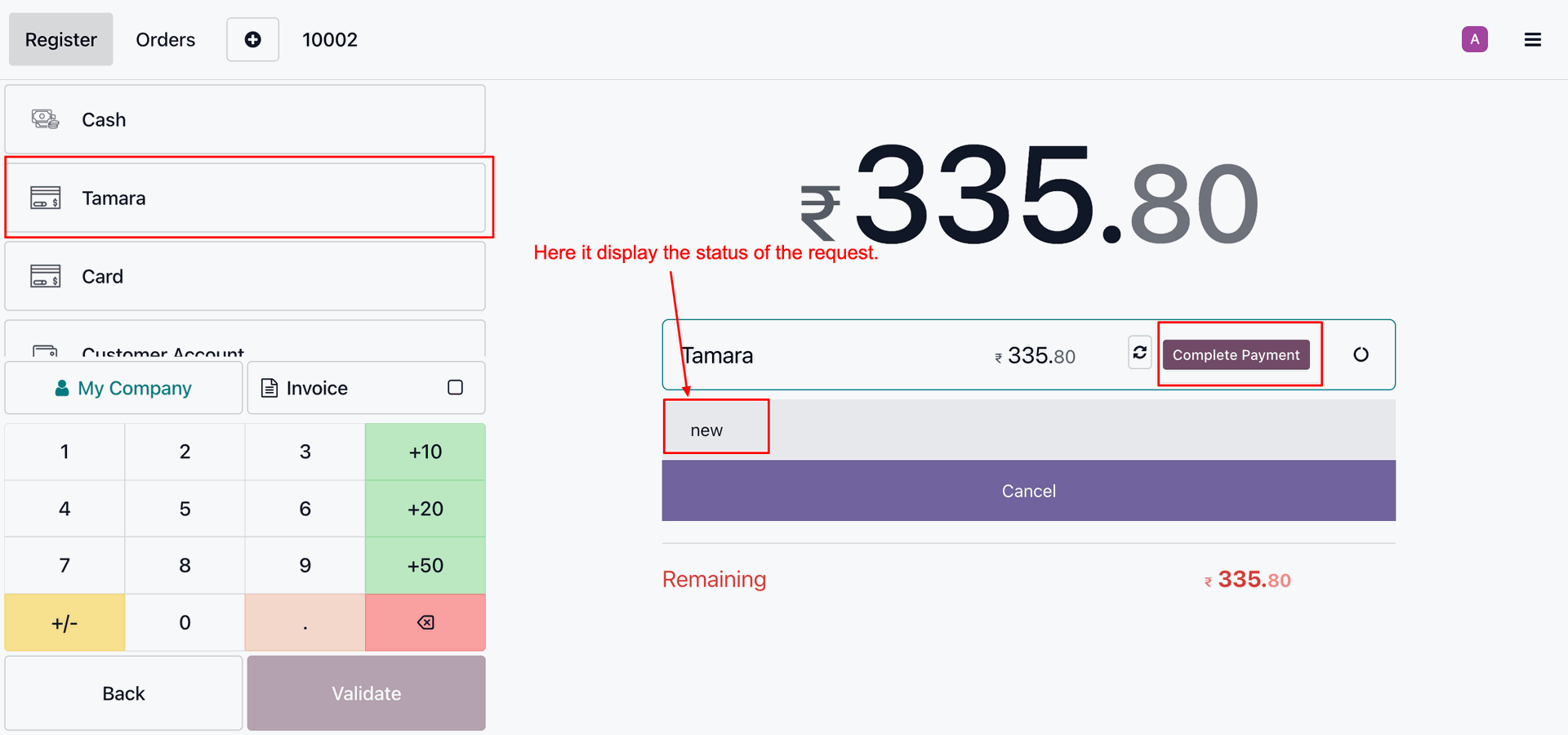
Select "POS Tamara" in checkout and click "Complete Payment".
Enter number details.
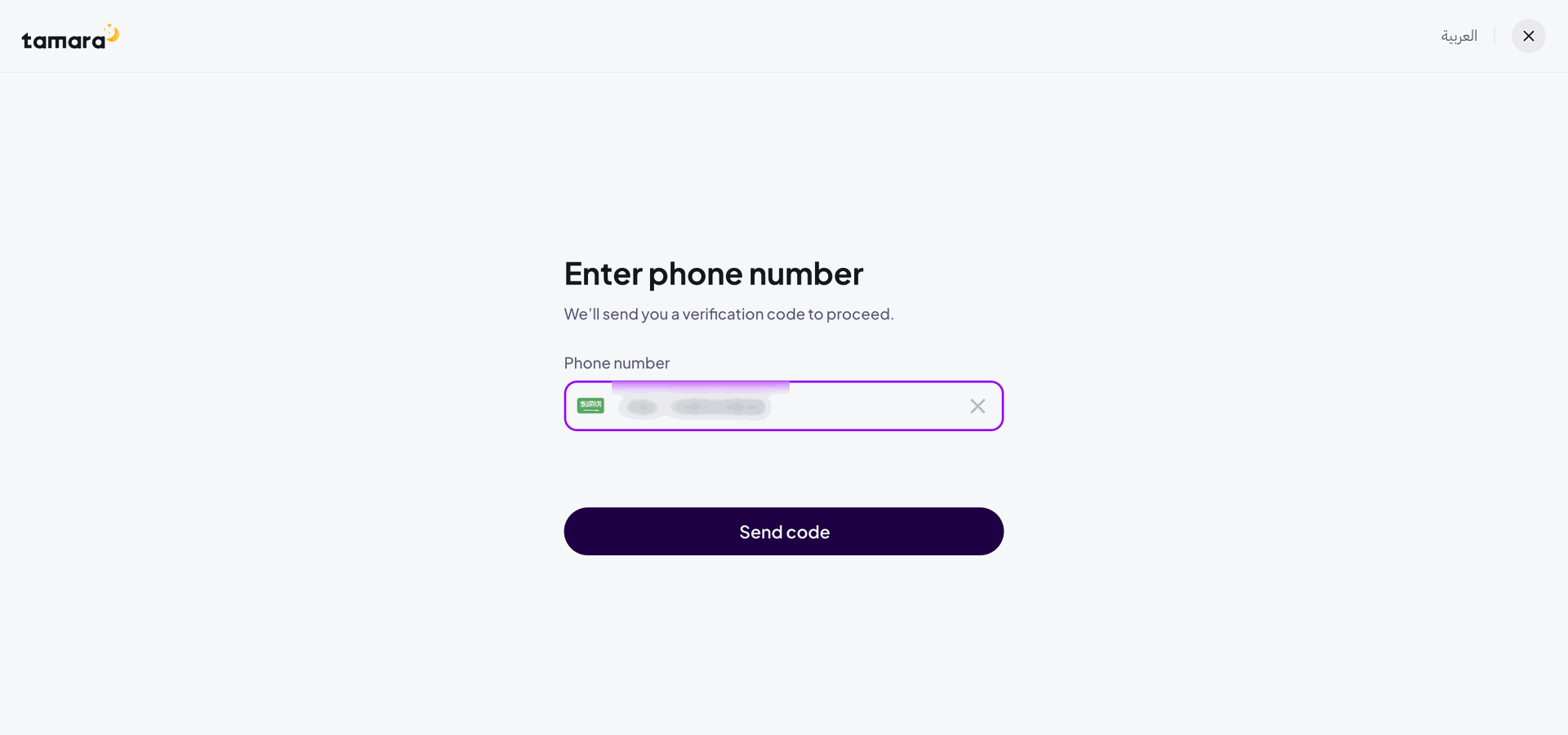
Enter OTP.
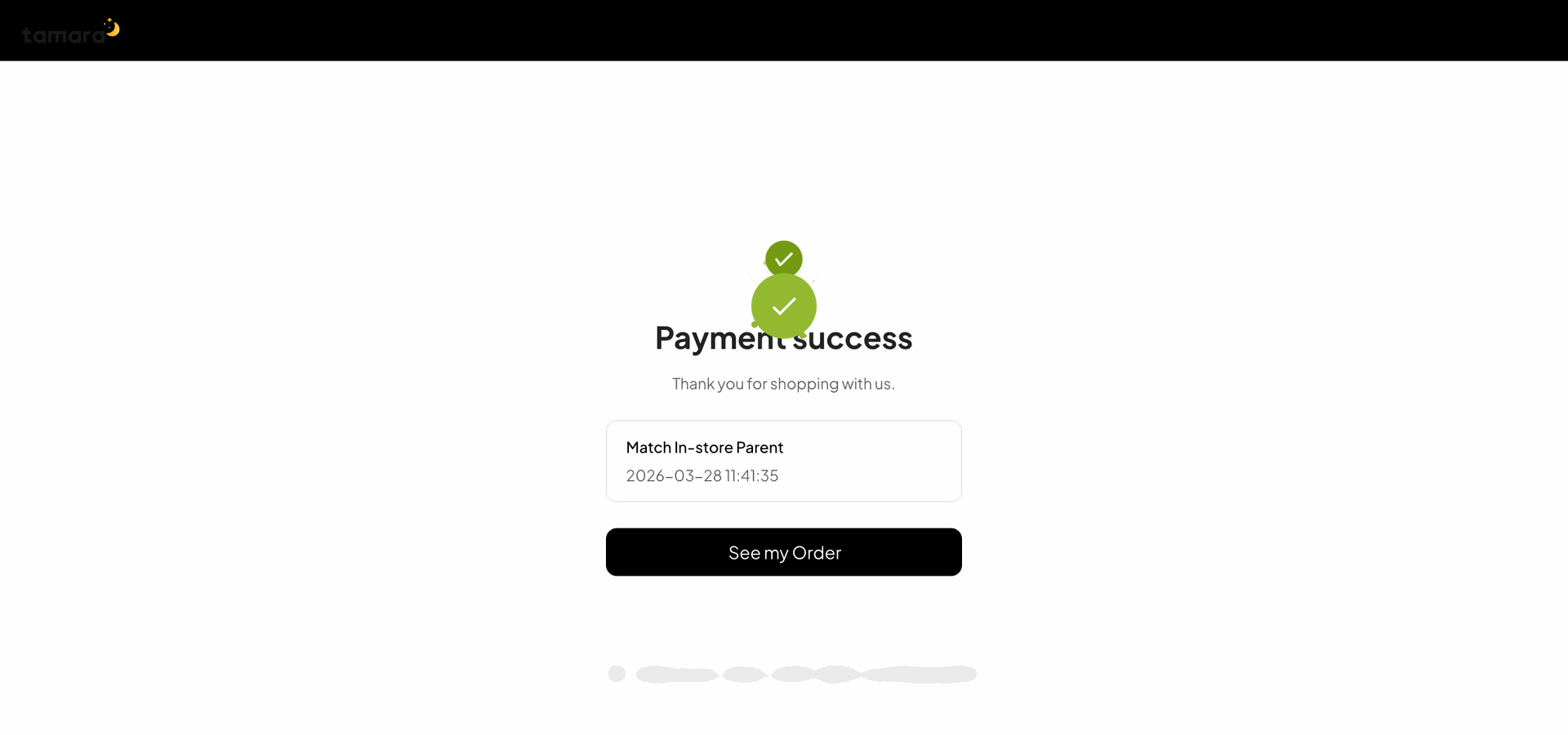
Once payment is done, it shows an order confirmation message.
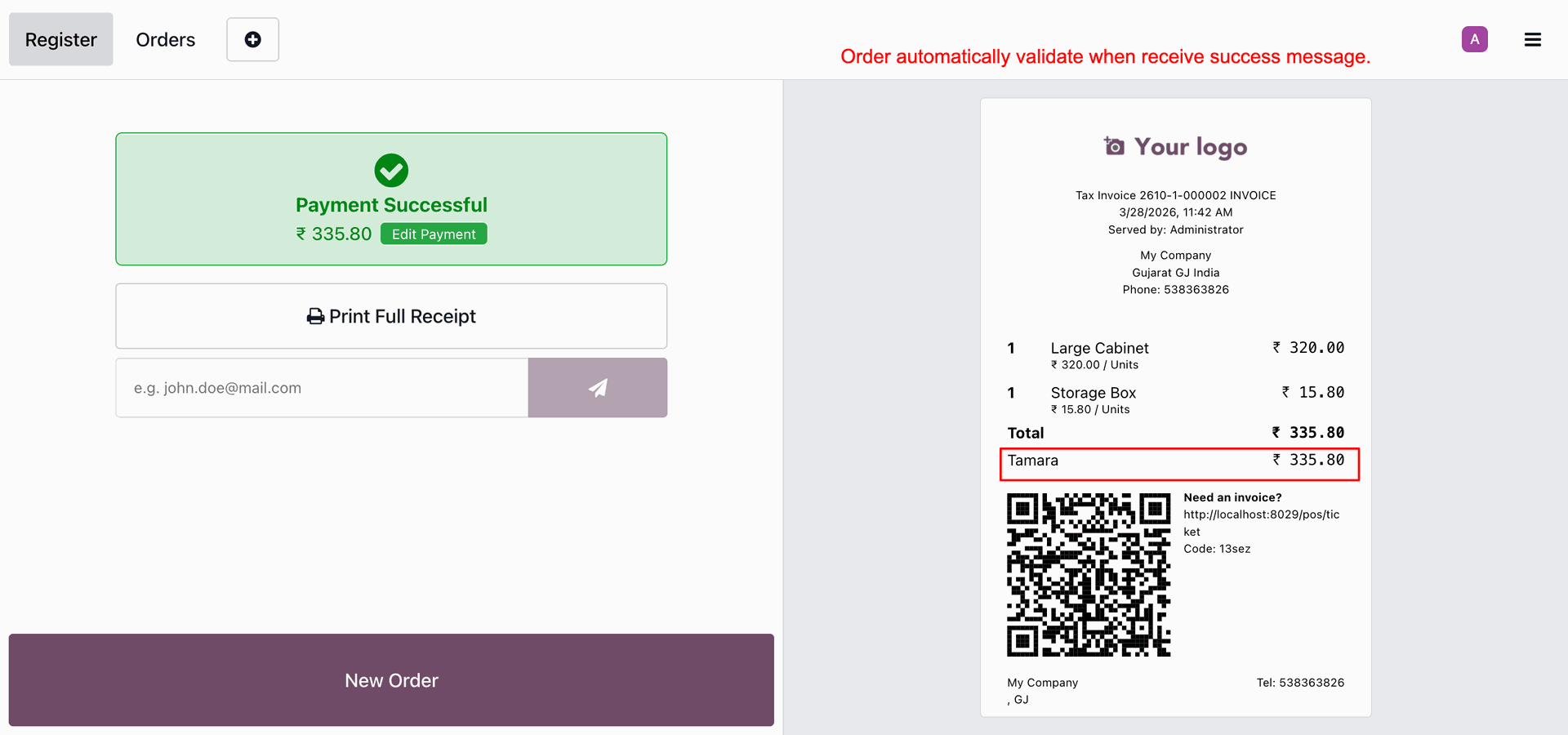
It shows payment transaction details.
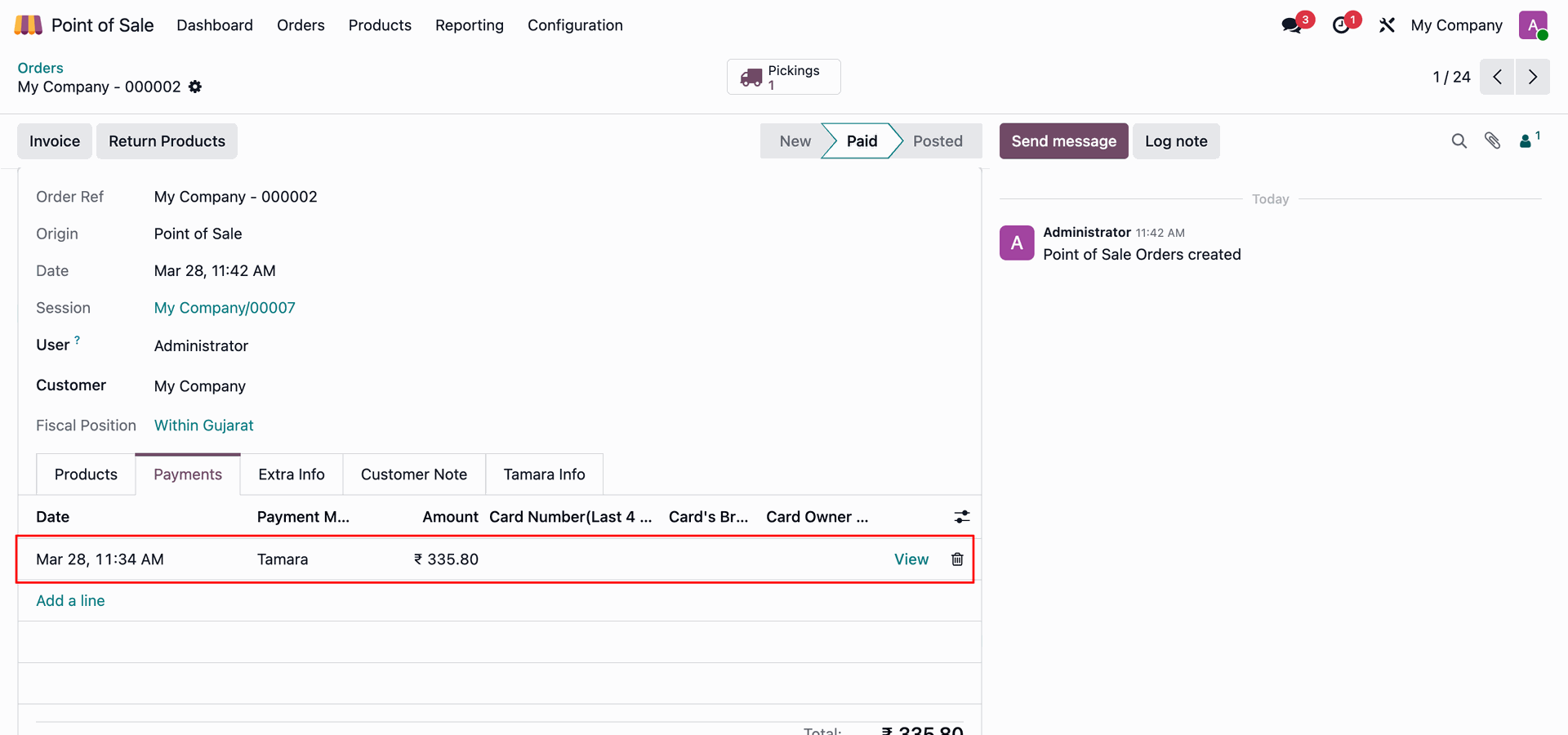
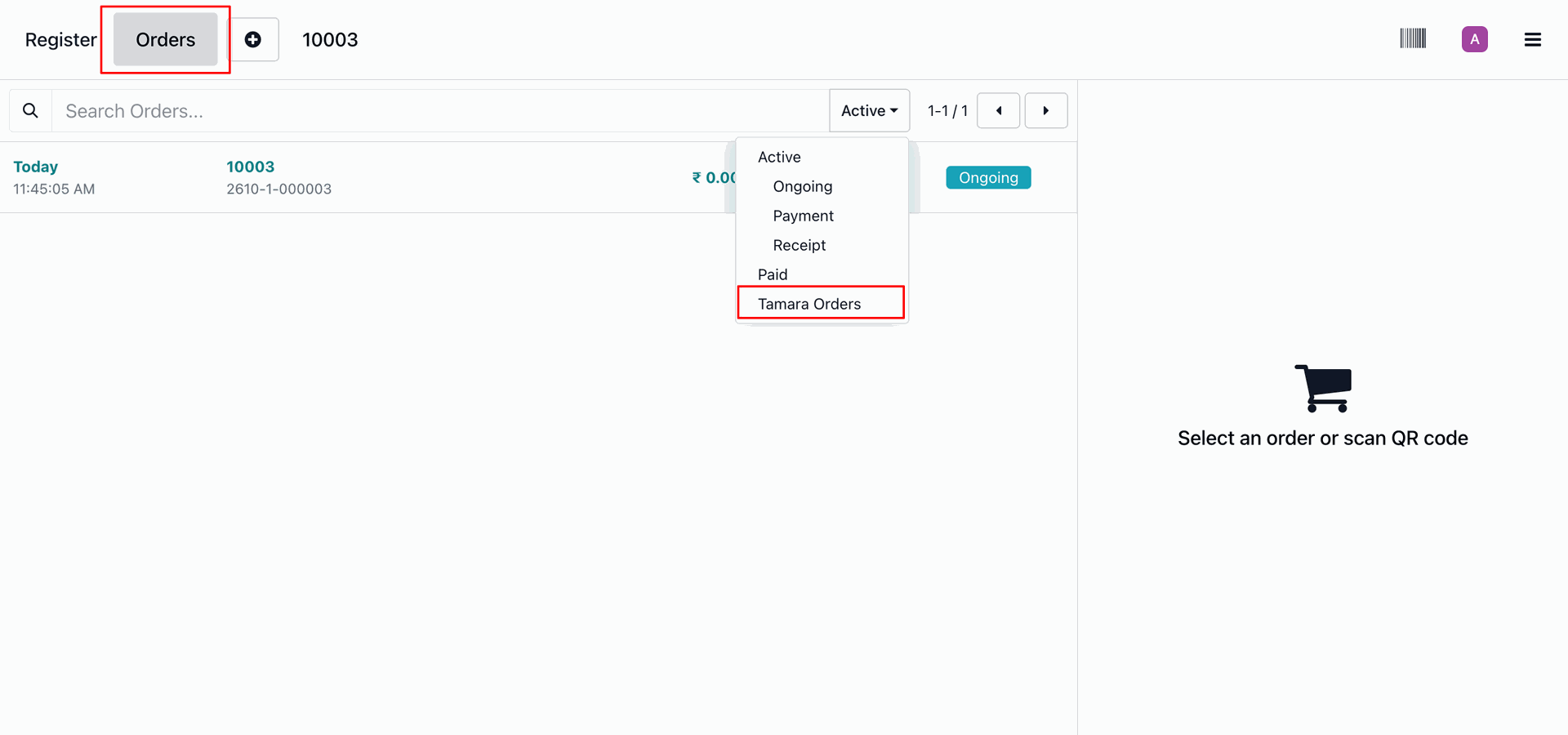
It shows Tamara Orders details.
Tamara Payment transaction list view with all details.
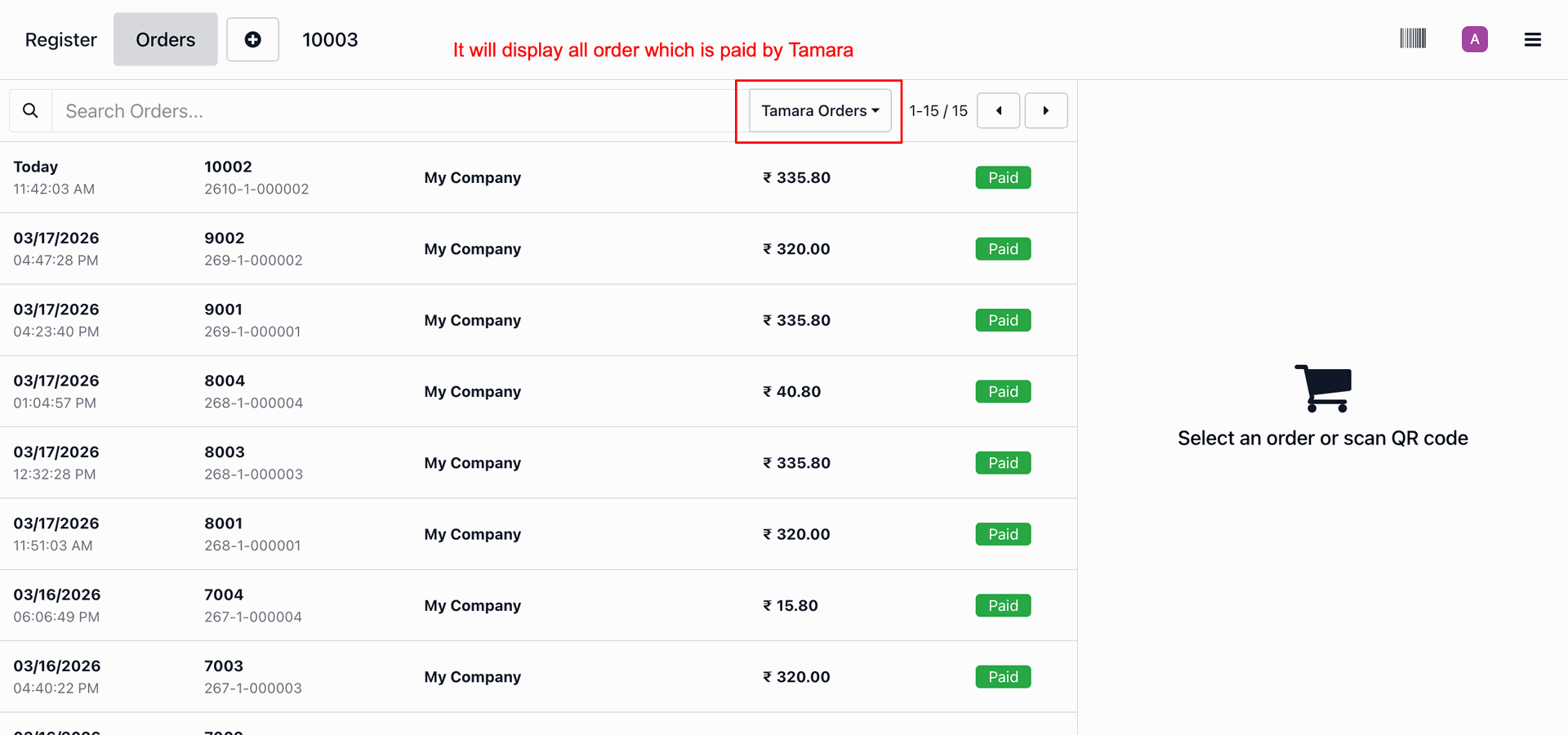
Click the Cancel button in the POS order.
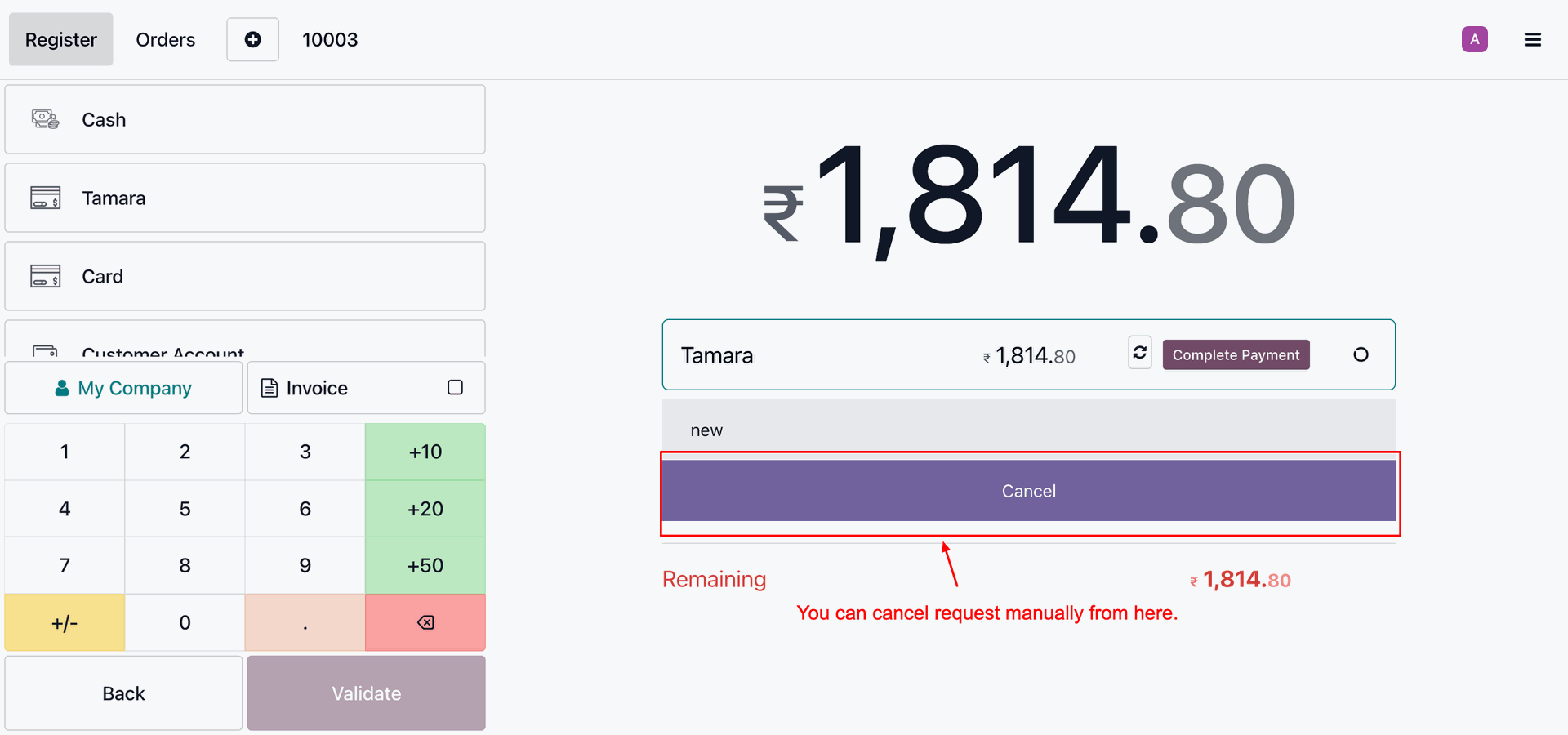
It shows canceled order along with a retry button to resent the request.
Autocancel after the specified time(in minutes) if the order is not processed.
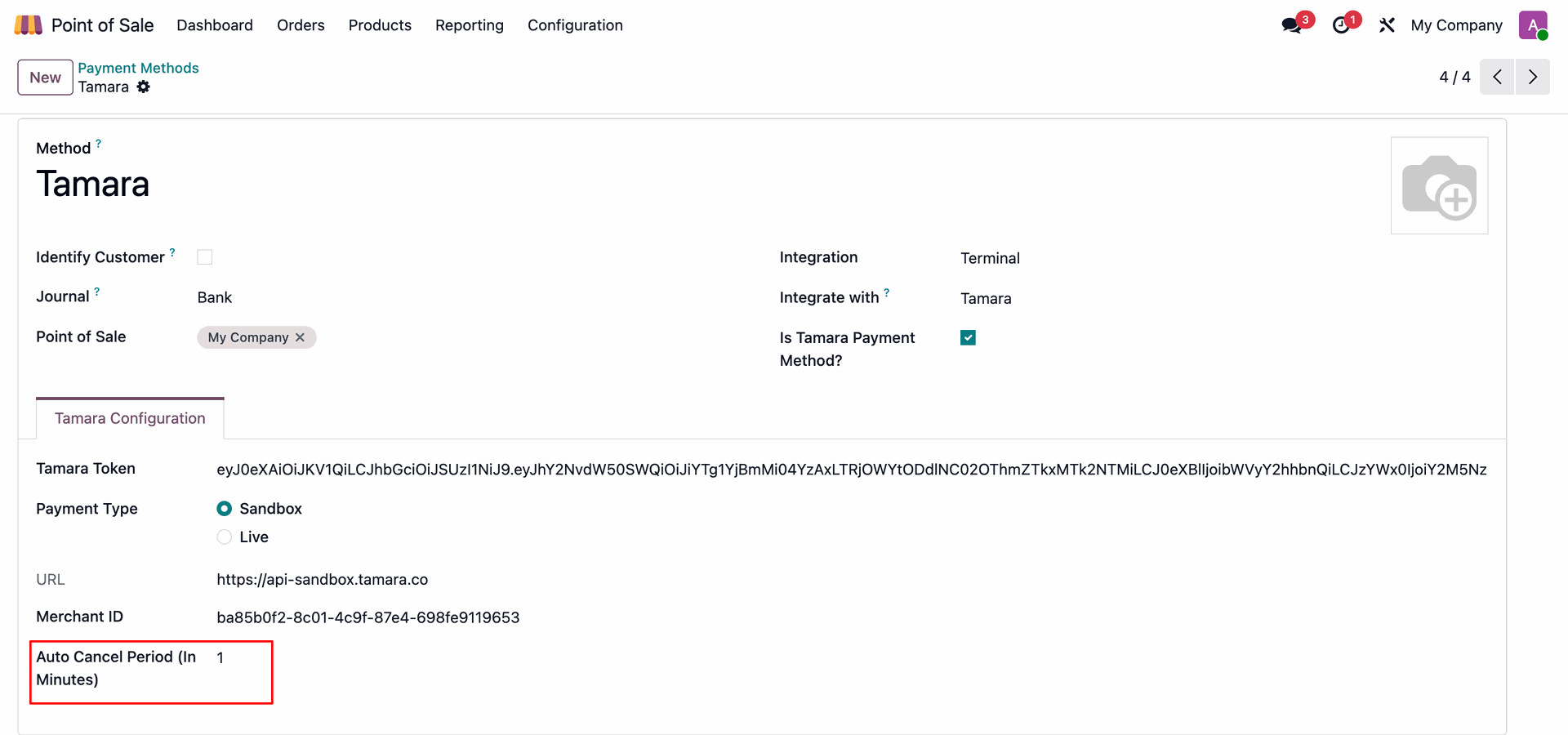
Automatically cancelled order in Tamara.
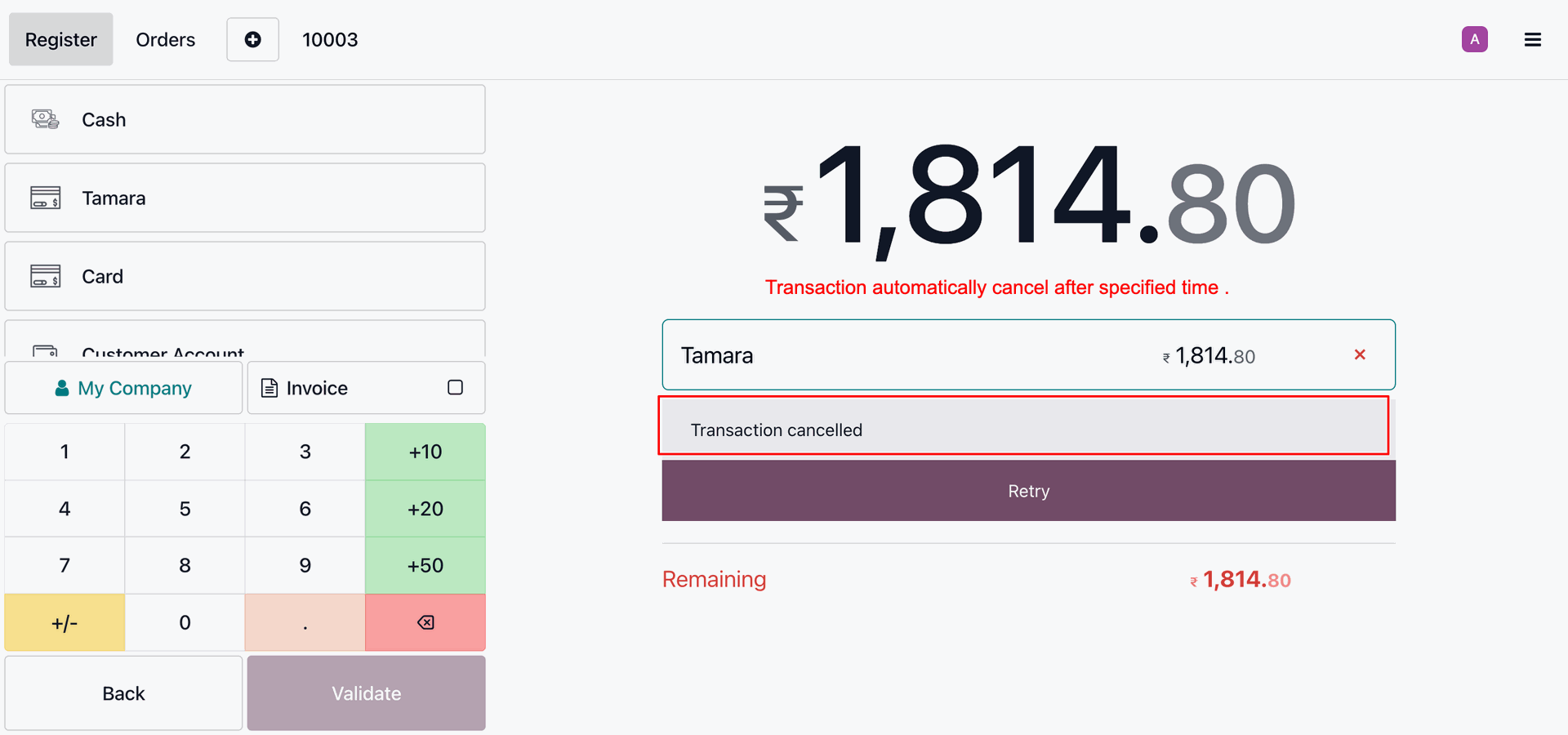
Version 18.0.1.0.0 | Released on : 23rd June 2026
- Yes, this app works perfectly with Odoo Enterprise (Odoo.sh & On-Premise) as well as Community.
- No, this application is not compatible with odoo.com(odoo saas/Odoo Online).
- Please Contact Us at sales@softhealer.com to request customization.
- Yes, you will get free update for lifetime.
- No, you don't need to install additional libraries.
- For version 12 or upper, you will need to purchase the module for each version that you want to use.
- Yes, we provide free support for 365 days.
- No, We do not provide any kind of exchange.
Discover Our Latest Apps