












Point Of Sale Cash Transfer

Streamline your Point of Sale operations with our POS Cash Transfer module. This tool allows users to easily transfer cash from closed POS sessions to any specified journal. With integrated configuration options, smart buttons for tracking. It ensures accurate and secure financial management for your retail business.

Related Modules
Features

Seamless Cash Transfer
Transfer cash directly from closed POS sessions to any selected journal.

Integrated Smart Buttons
Easily track all cash transfers through a dedicated smart button on the POS session.

Configurable Default Journal
Set a default destination journal in POS settings to save time during transfers.
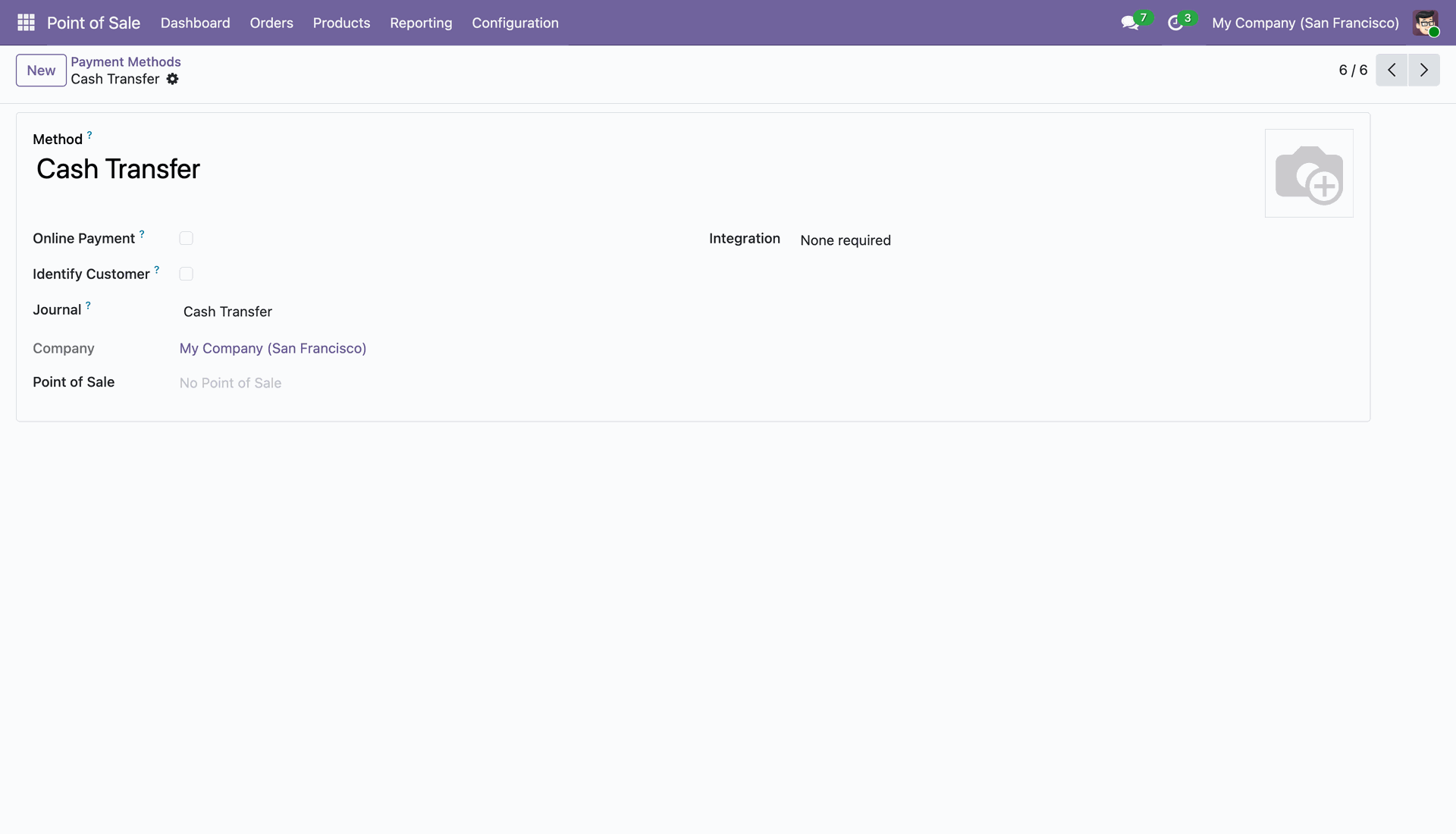
Configuring the Cash Transfer payment method in the Point of Sale module, linked to the "Cash Transfer" accounting journal for My Company (San Francisco).
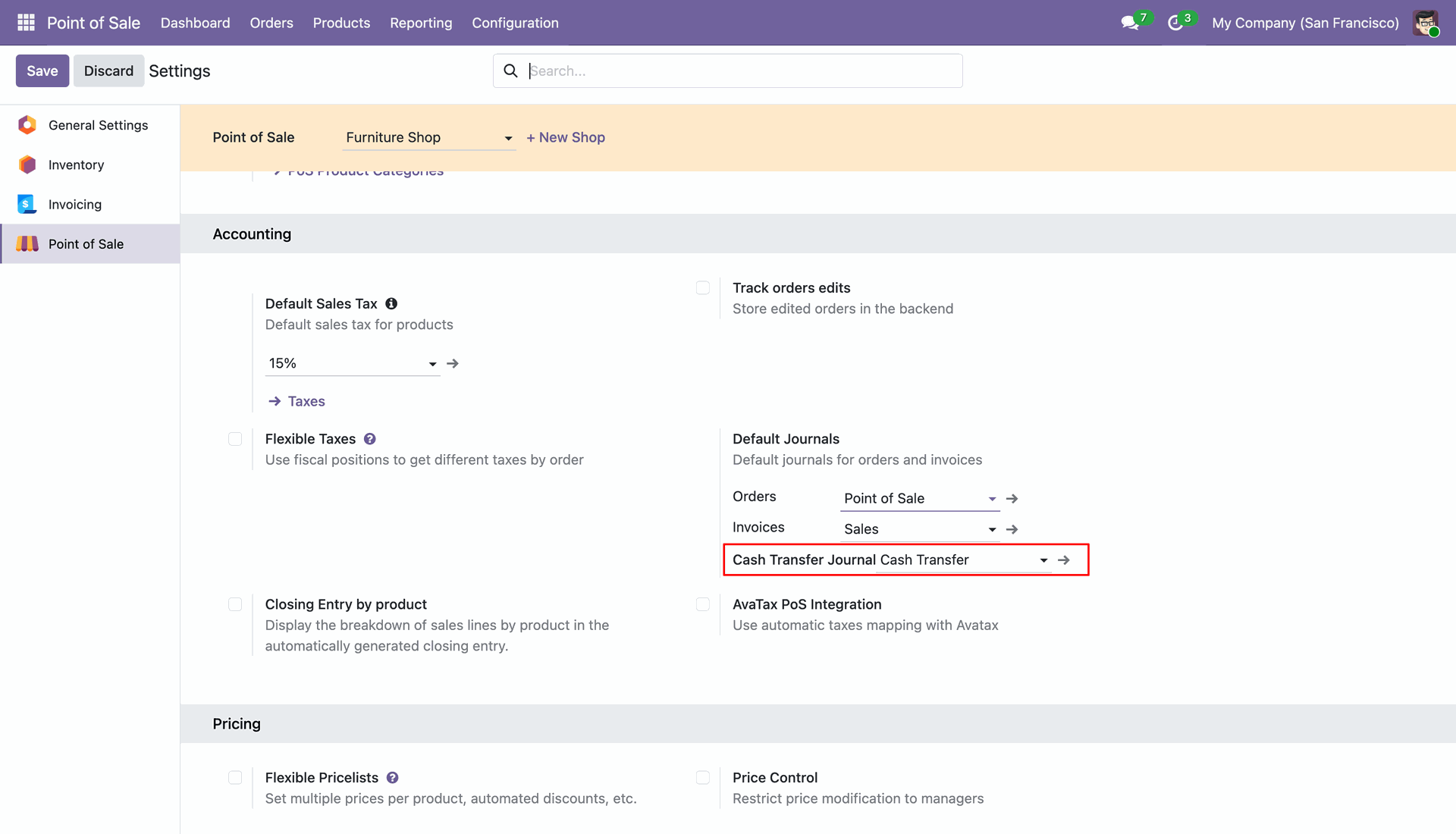
Setting the Cash Transfer Journal for the Furniture Shop.
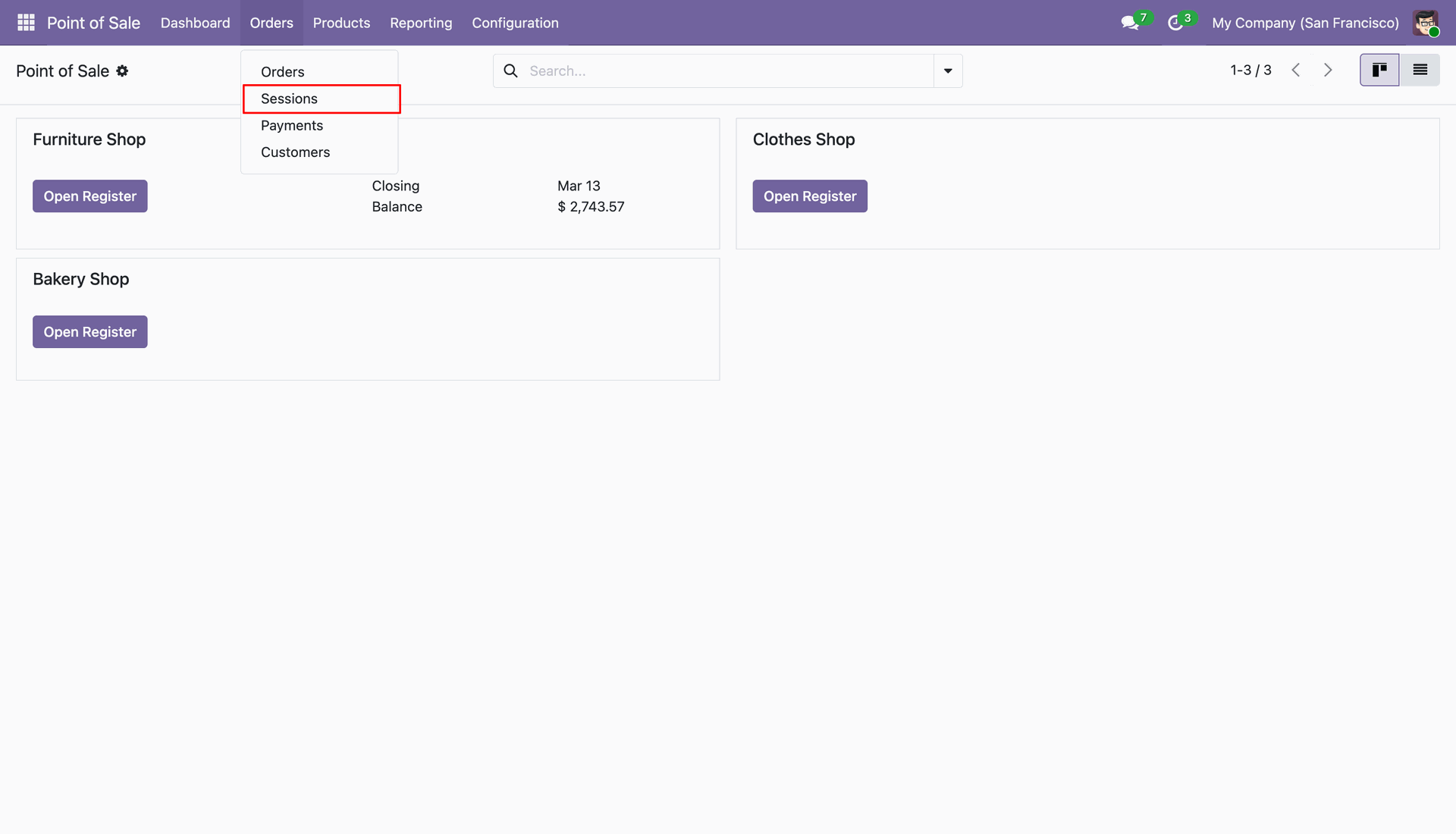
Navigating to the Orders menu to access the Sessions list for the Furniture, Clothes, and Bakery shops.
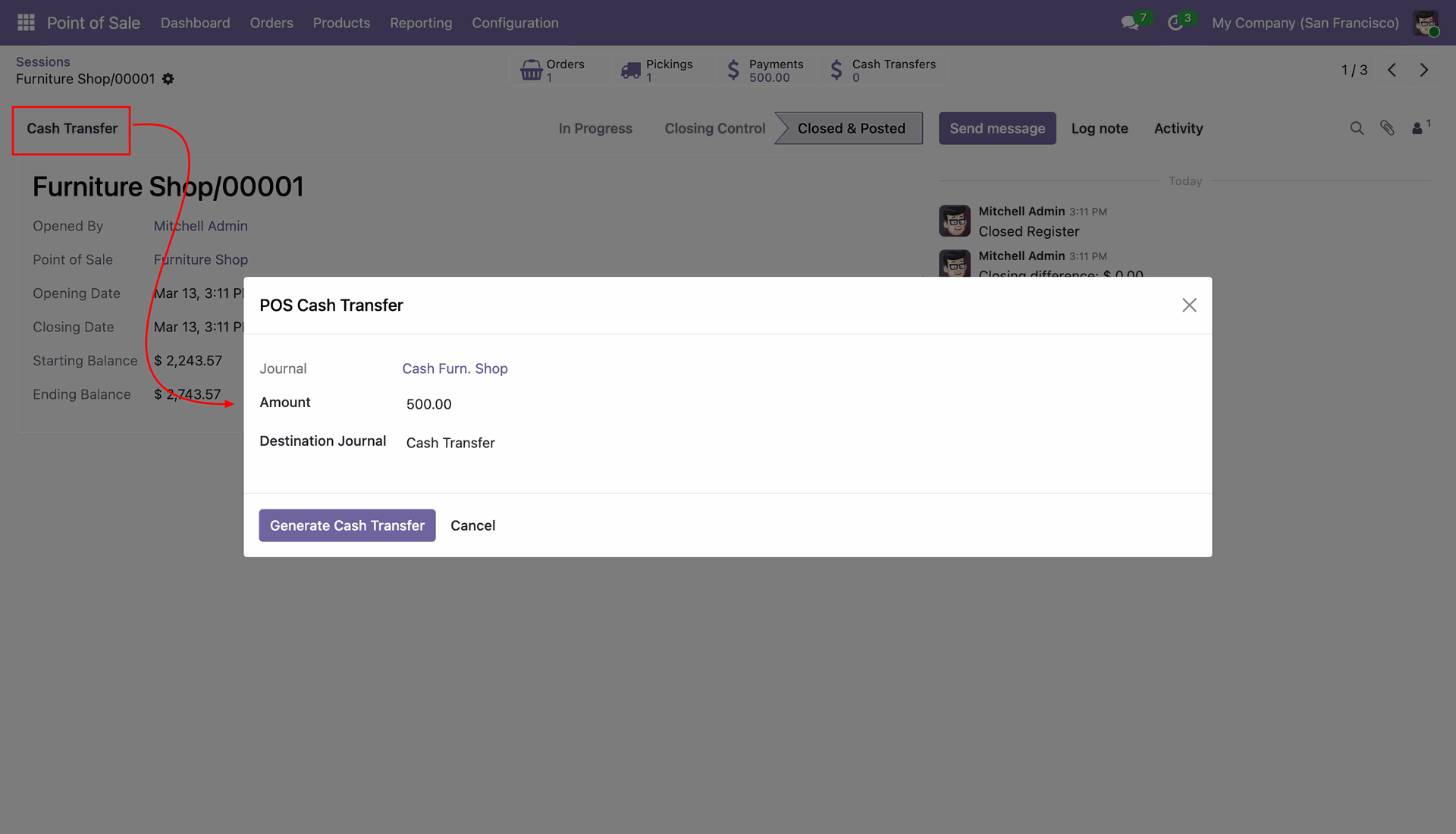
Using the Cash Transfer button to move $500.00 from the Furniture Shop journal to the designated Destination Journal.
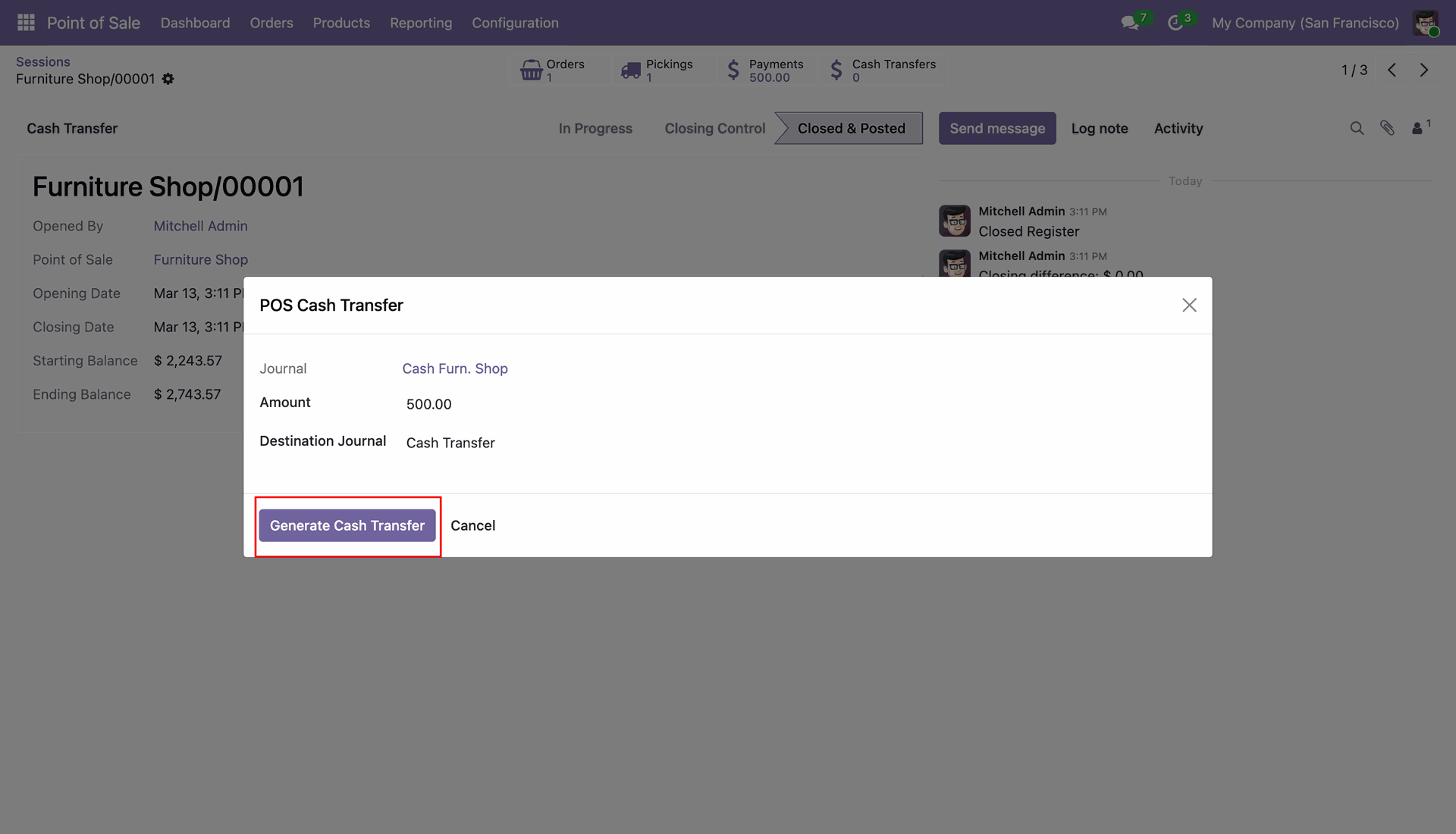
Clicking Generate Cash Transfer to finalize the movement of $500.00 from the Furniture Shop session to the designated destination journal.
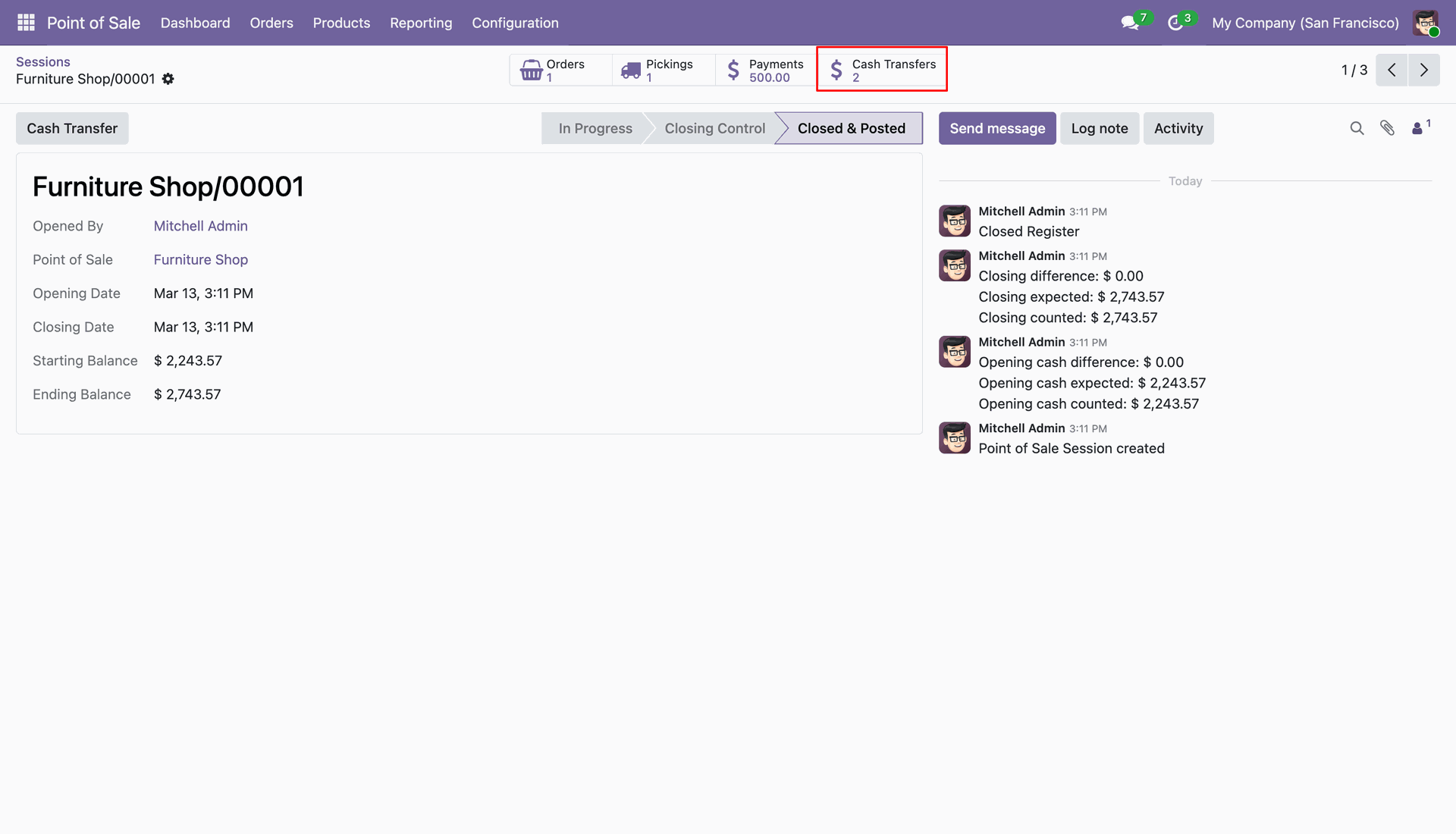
Accessing the Cash Transfers smart button on a closed session to review the transaction logs for internal fund movements.
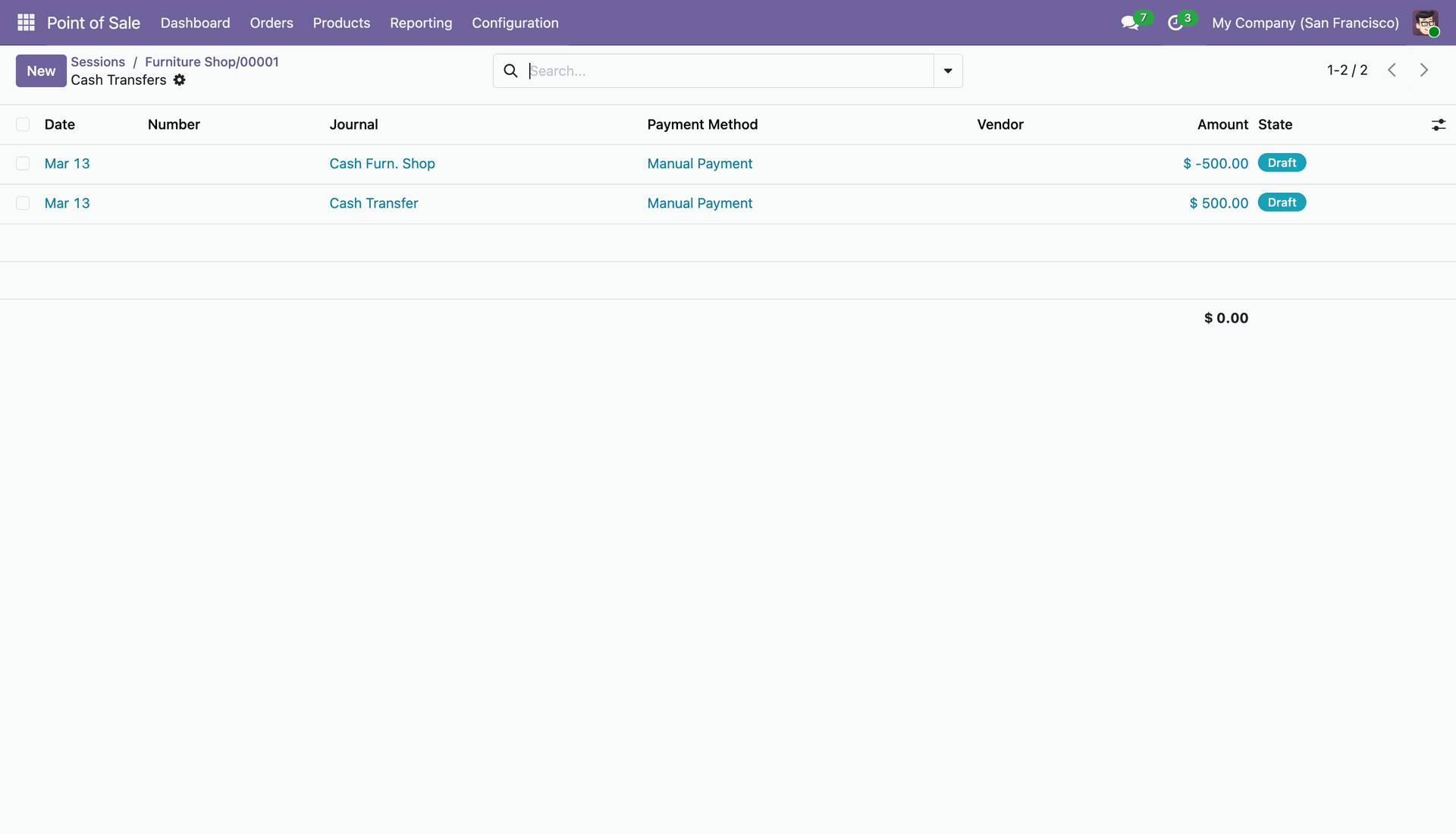
Reviewing the Draft cash transfer entries for the Furniture Shop session, showing the balanced debit and credit of $500.00 across journals.
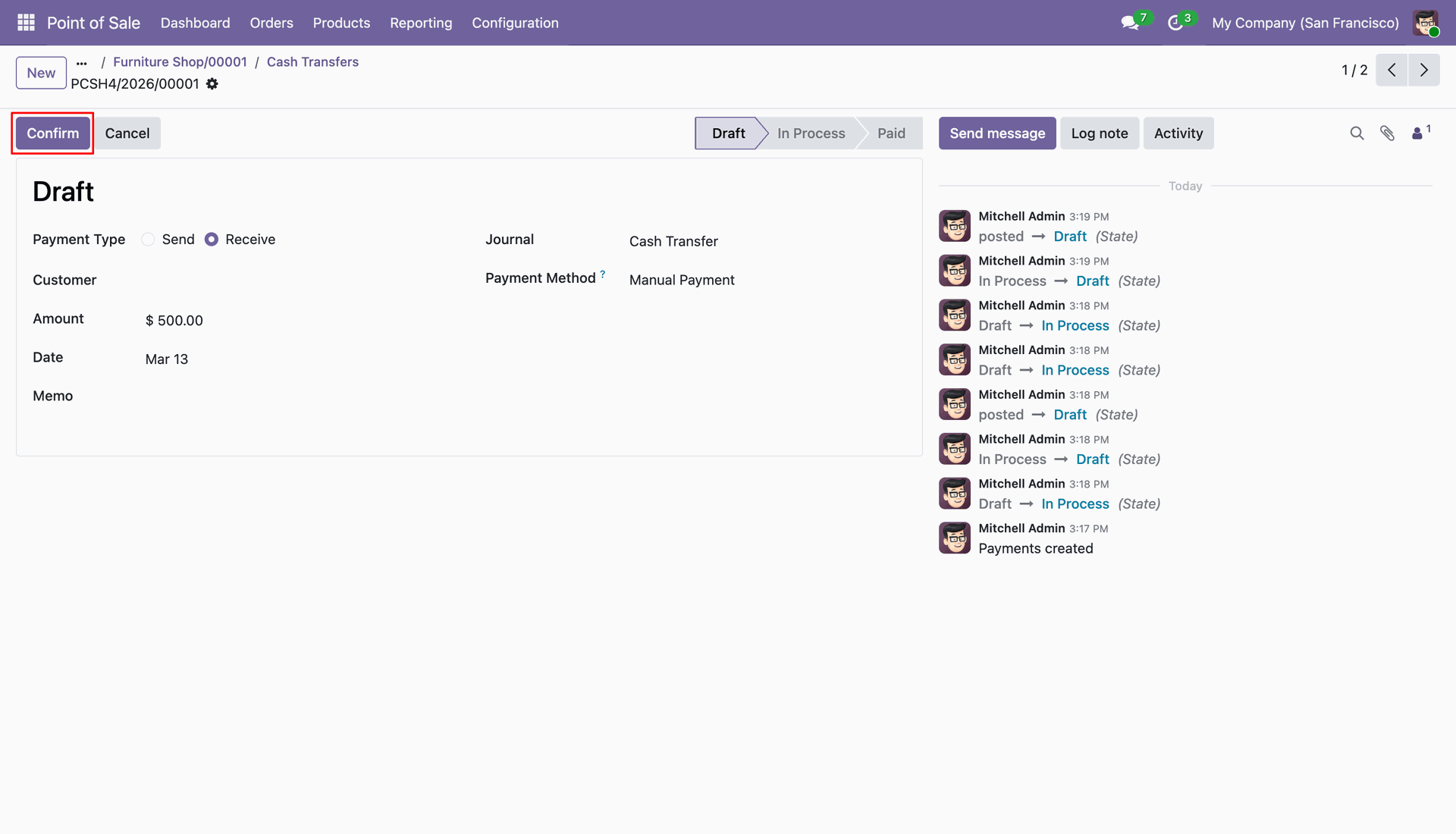
Ready to Confirm a draft payment of $500.00 to finalize the receipt of funds in the Cash Transfer journal.
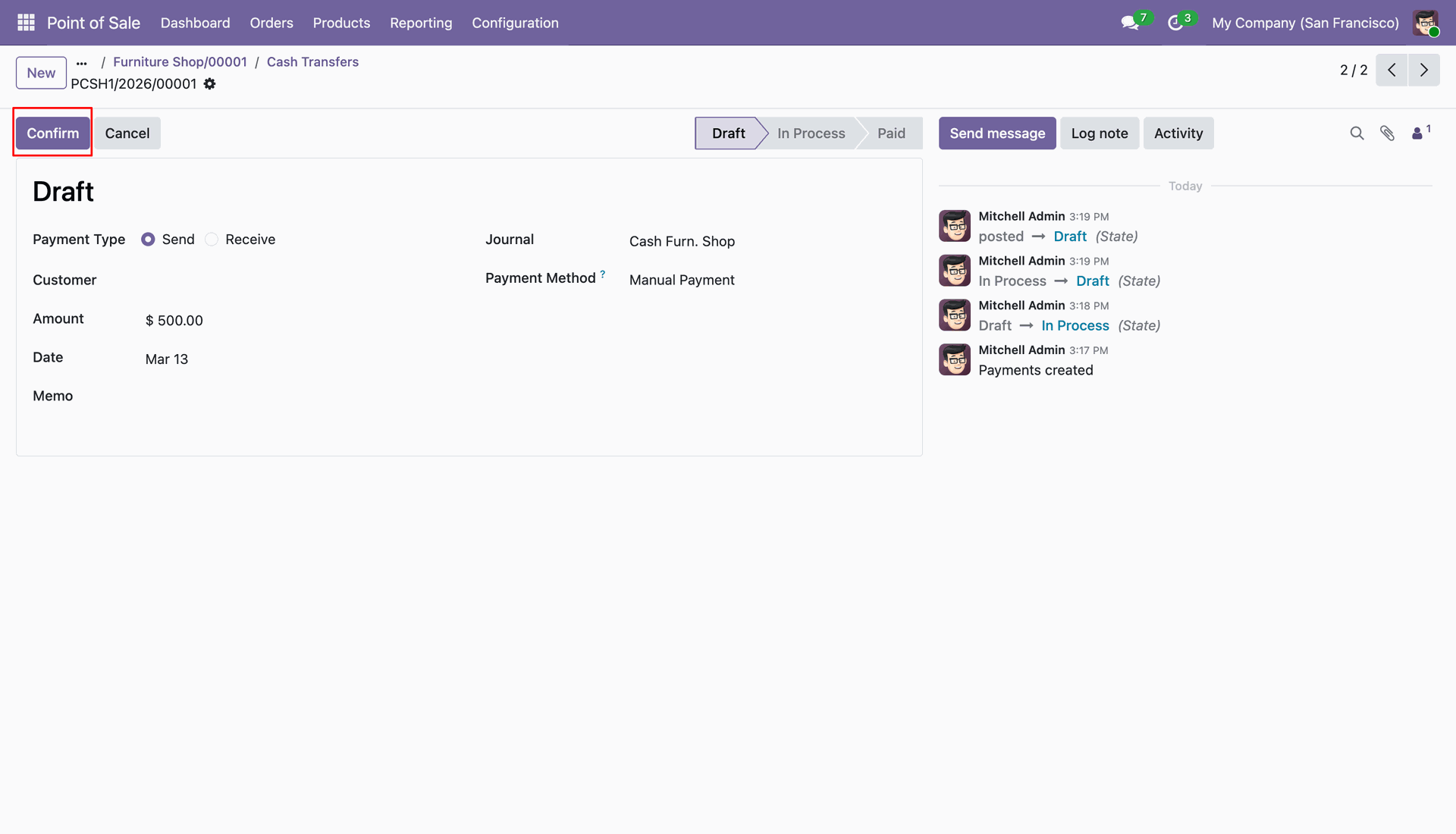
Ready to Confirm a draft payment of $500.00 to finalize the "Send" transaction from the Furniture Shop journal.
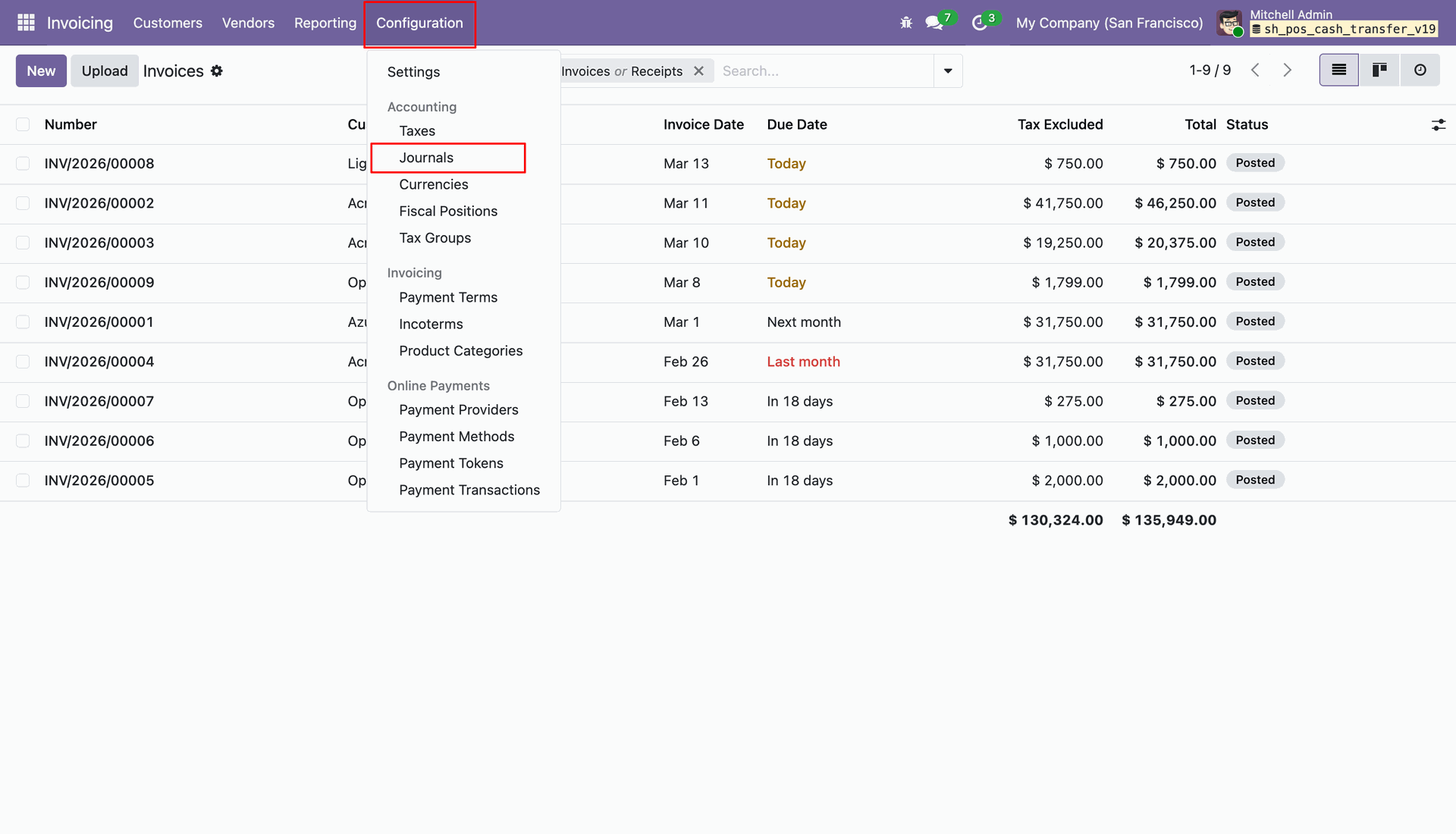
Navigating to the Journals section under the Configuration menu.
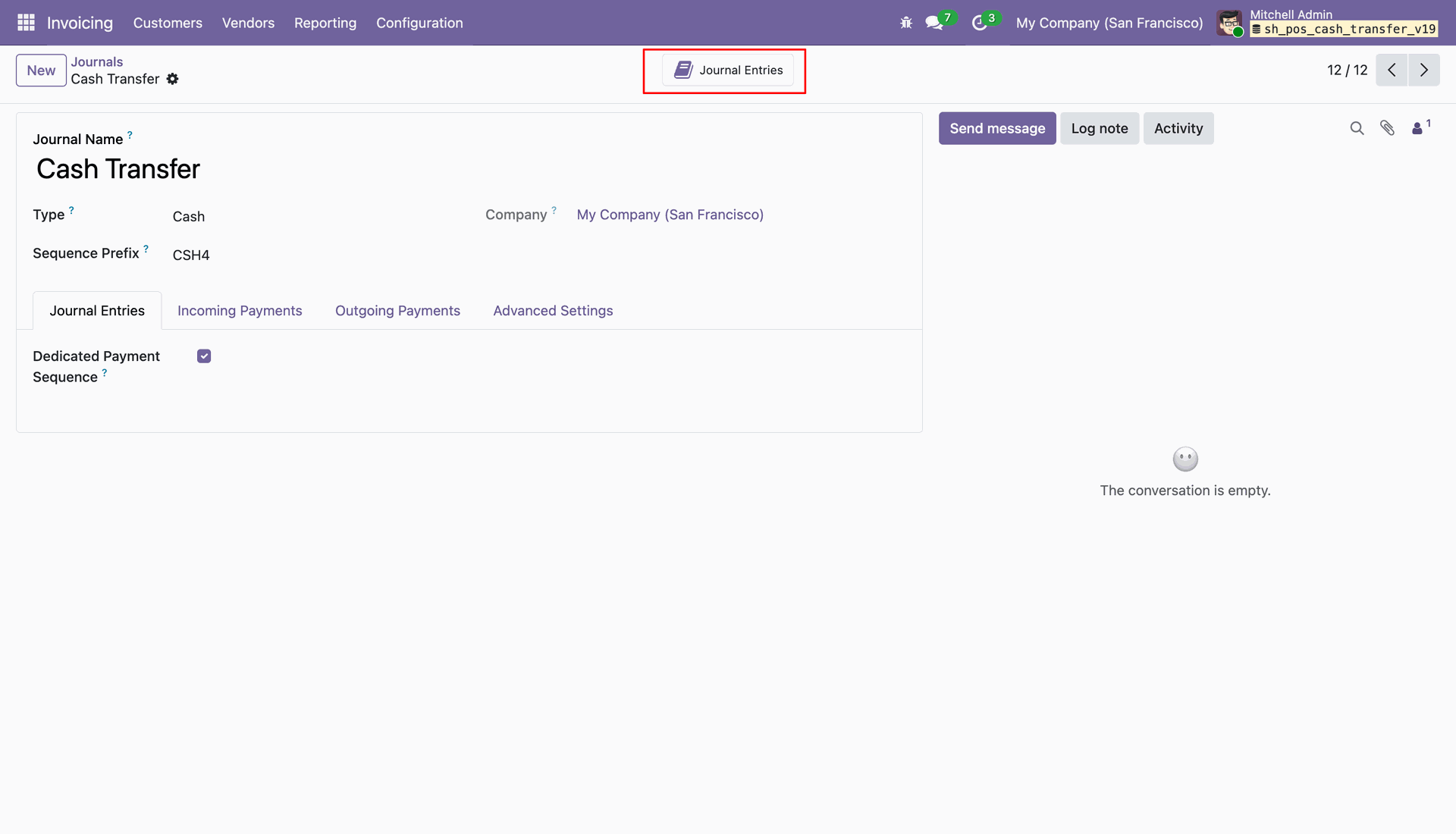
Accessing the Journal Entries smart button within the Cash Transfer journal to review all posted accounting transactions.
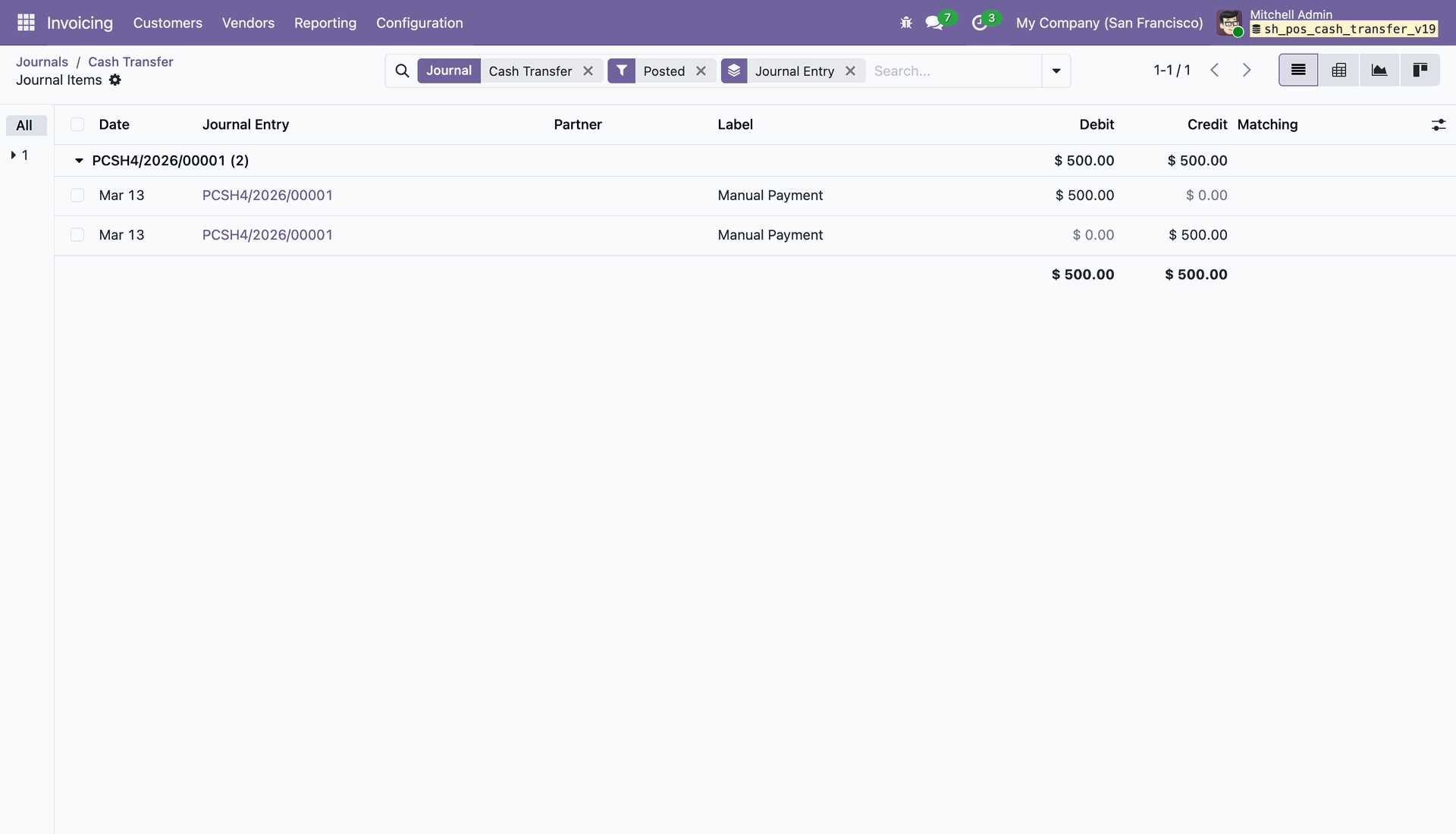
Reviewing the Posted journal entry PCSH4/2026/00001, showing a balanced debit and credit of $500.00 for a manual payment.
Version 19.0.1.0.0 | Released on : 20th April 2026
- Yes, this app works perfectly with Odoo Enterprise (Odoo.sh & Premise) as well as Community.
- No, this application is not compatible with odoo.com(odoo saas/Odoo Online)
- Yes, to test this module, please contact us at sales@softhealer.com.
- Please contact us at sales@softhealer.com to request customization.
- Yes, we provide free support for 365 days from the date of purchase.
- Yes, you will receive lifetime free updates for the version of the module you purchased.
- No, there is no need to install any additional libraries.
- Yes, for version 12 and above, you need to purchase the module separately for each version you intend to use.
- No, exchanges or refunds are not allowed. Please make sure to select the correct version before purchasing.
- You can contact us at support@softhealer.com for language translation support. We use Google Translator tools to provide translations in multiple languages, so the accuracy may vary. We welcome your suggestions to help improve translations.
Discover Our Latest Apps