












Period Lock - Community Edition

"Period Lock" module blocks respective journals like customer invoices, vendor bills. of selected journals so you can lock transactions for the given date range. We provide unlock option to revert the lock when required. It prevents users from posting journals on a date after the defined period.


Features

User-Based Unlock Period Access Control
Allow administrators to grant unlock period access rights to specific users.
Period-Based Accounting Lock Control
Lock the Chart of Accounts and journals for a specified time period.
Transaction Date Locking
Prevent users from posting incorrect transactions by locking entries for a specified date.
Unlock Option for Locked Periods
Unlock option to temporarily or permanently revert locked periods when changes are required.
Accounting Period Control & Data Security
Maintain better control over accounting periods and data security.
Accounting Lock Date
You can configure a lock date to prevent the creation of invoices, bills, credit notes, and refunds beyond the specified date.
Period Lock History in Chatter
You can track the complete history of period locks in the chatter, including all updates and the users who made the changes.
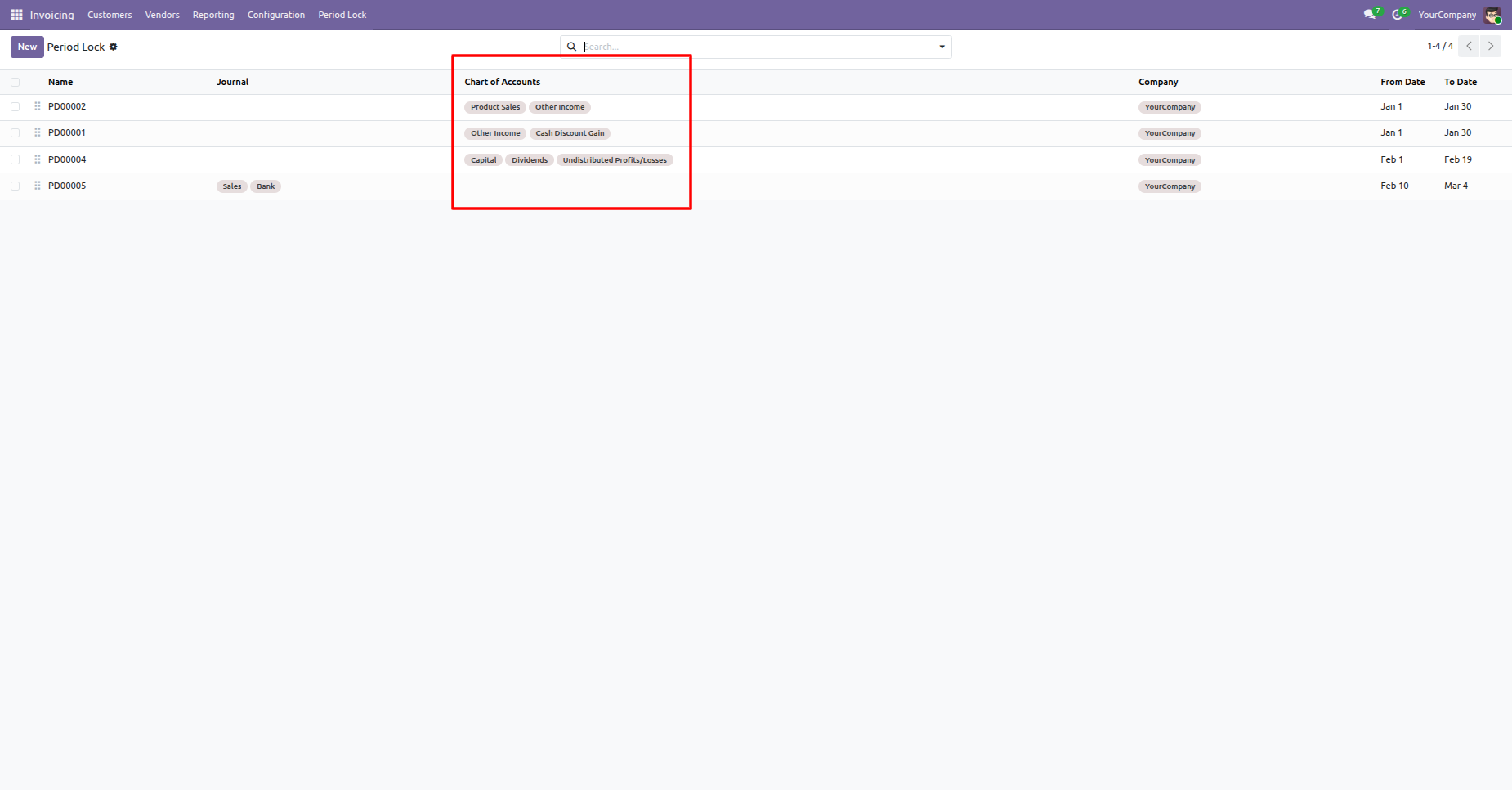
Chart of Account Column in List View
Chart of Account column in list view, allowing users to easily view and manage account information directly from list.

Go to the "Period Lock" menu.
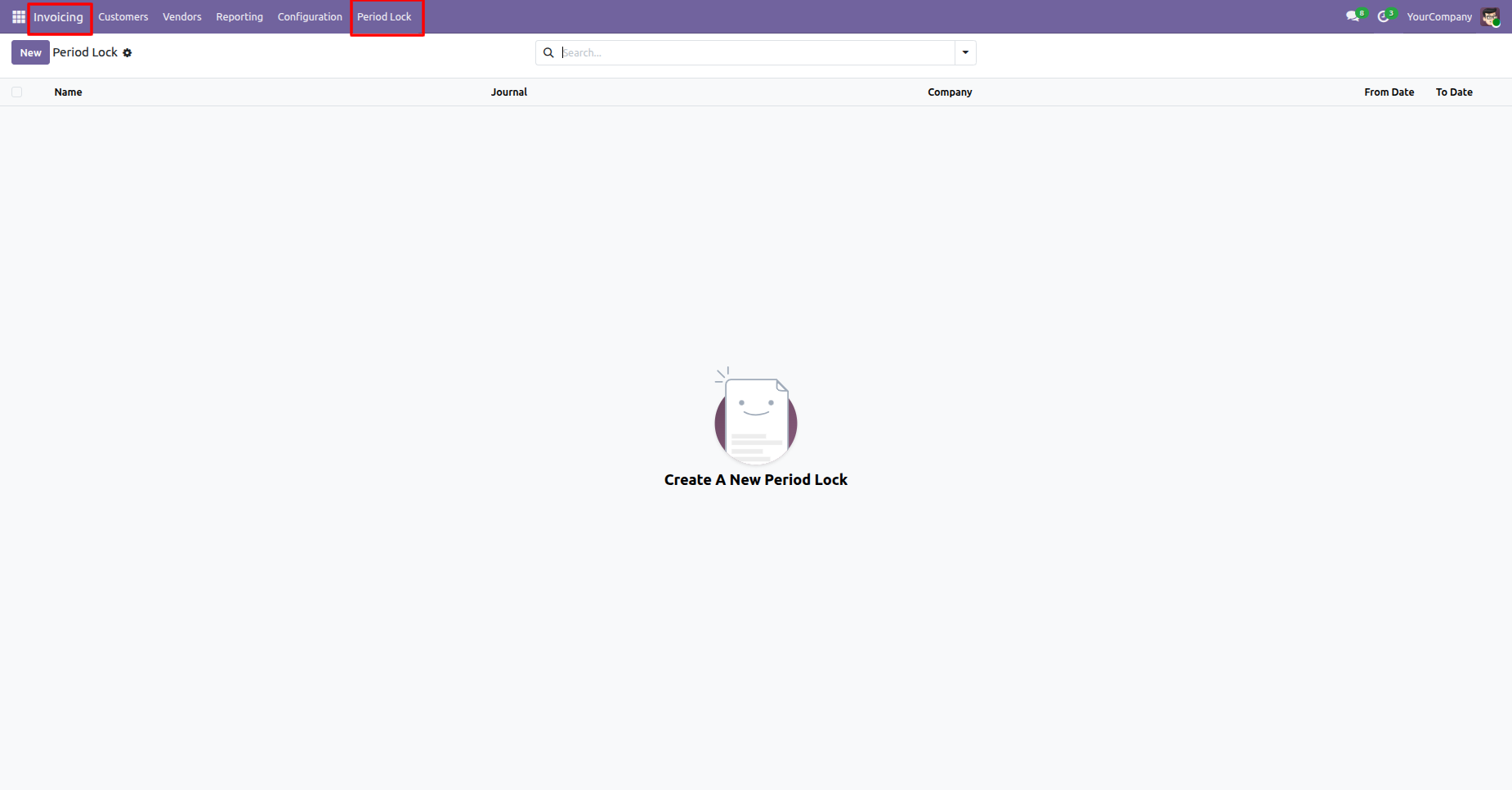
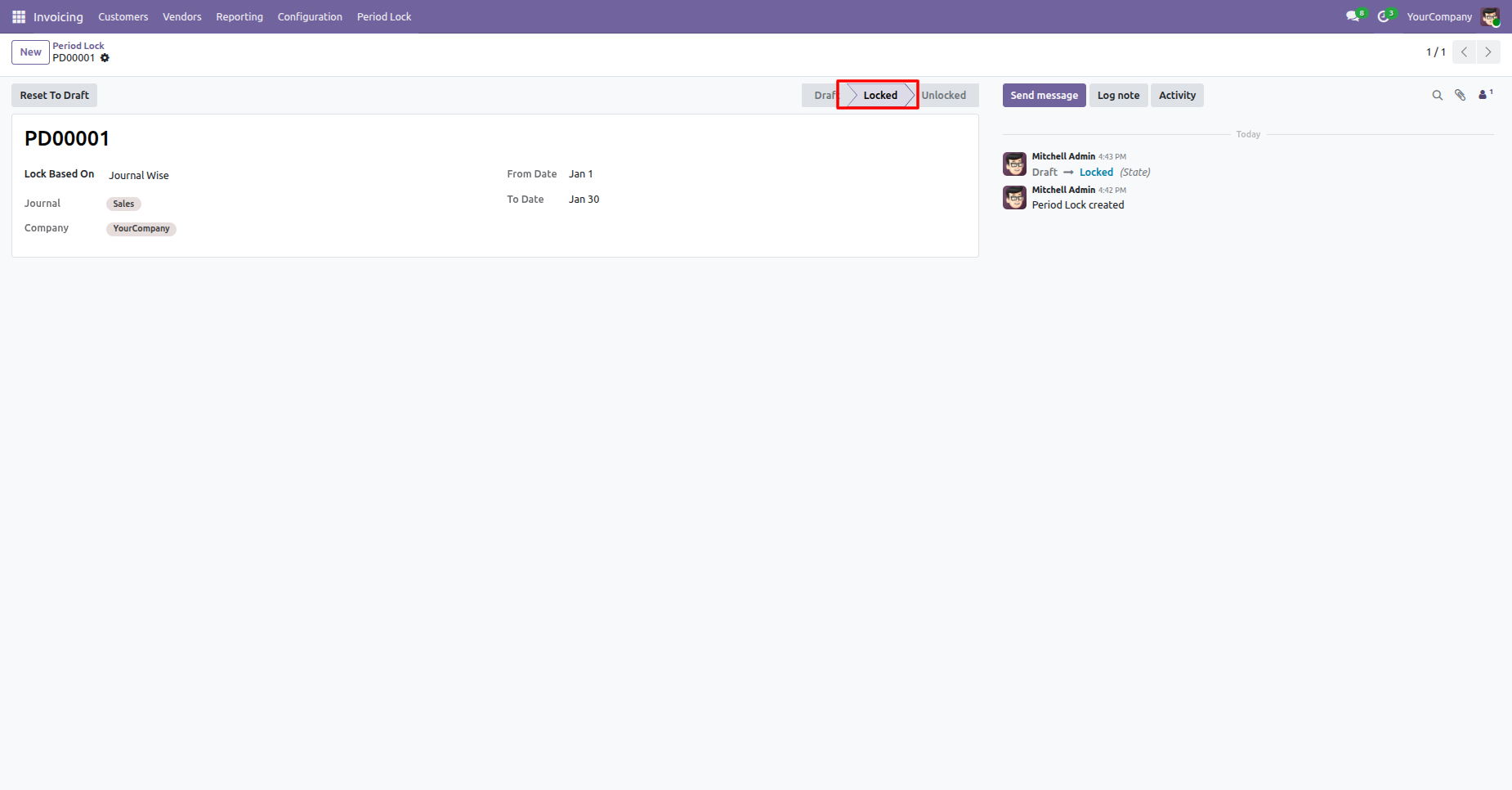
The Period Lock form view appears as shown. Select Lock Based On: Journal Wise, enter the required details, and lock it.
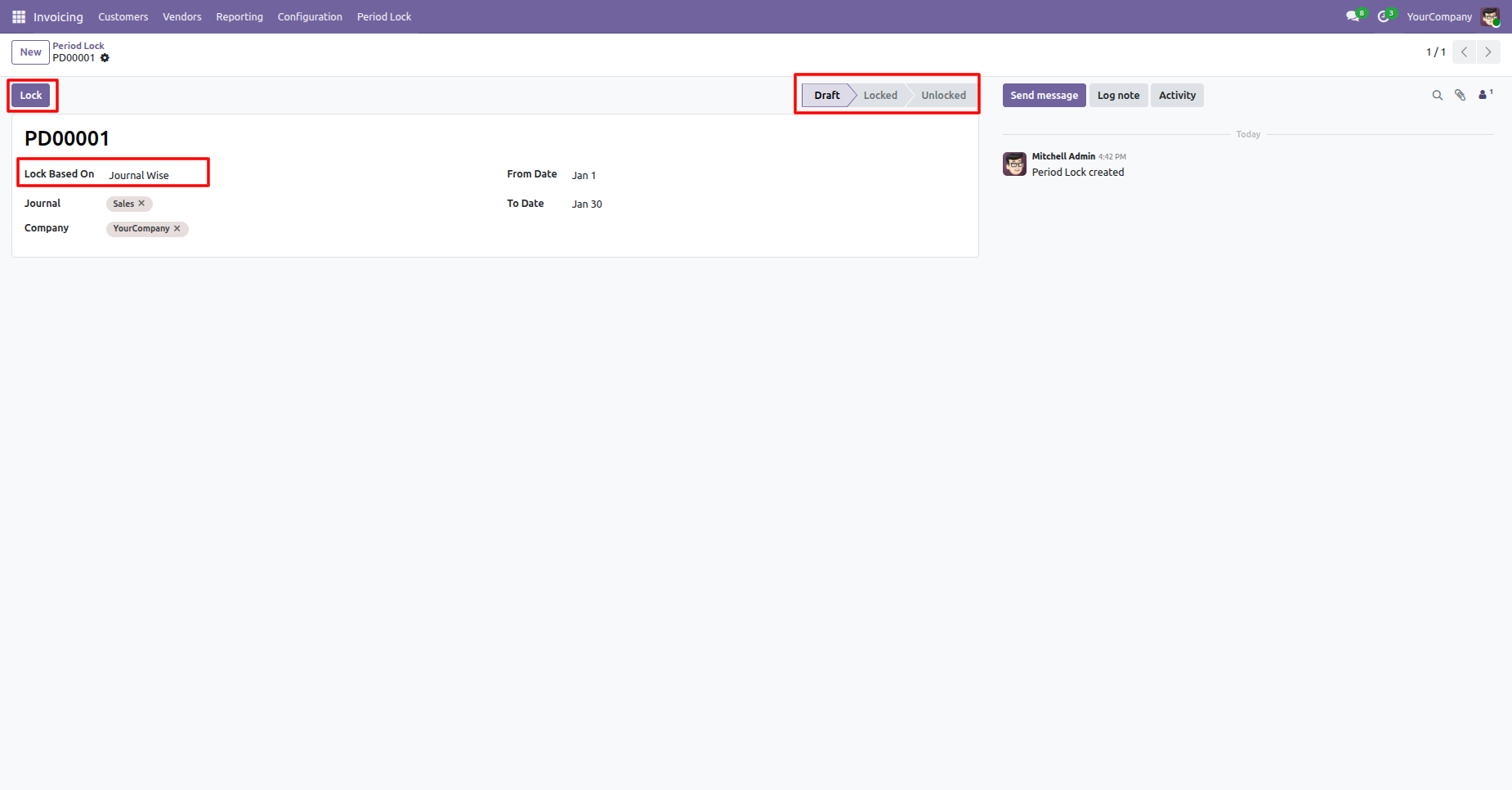
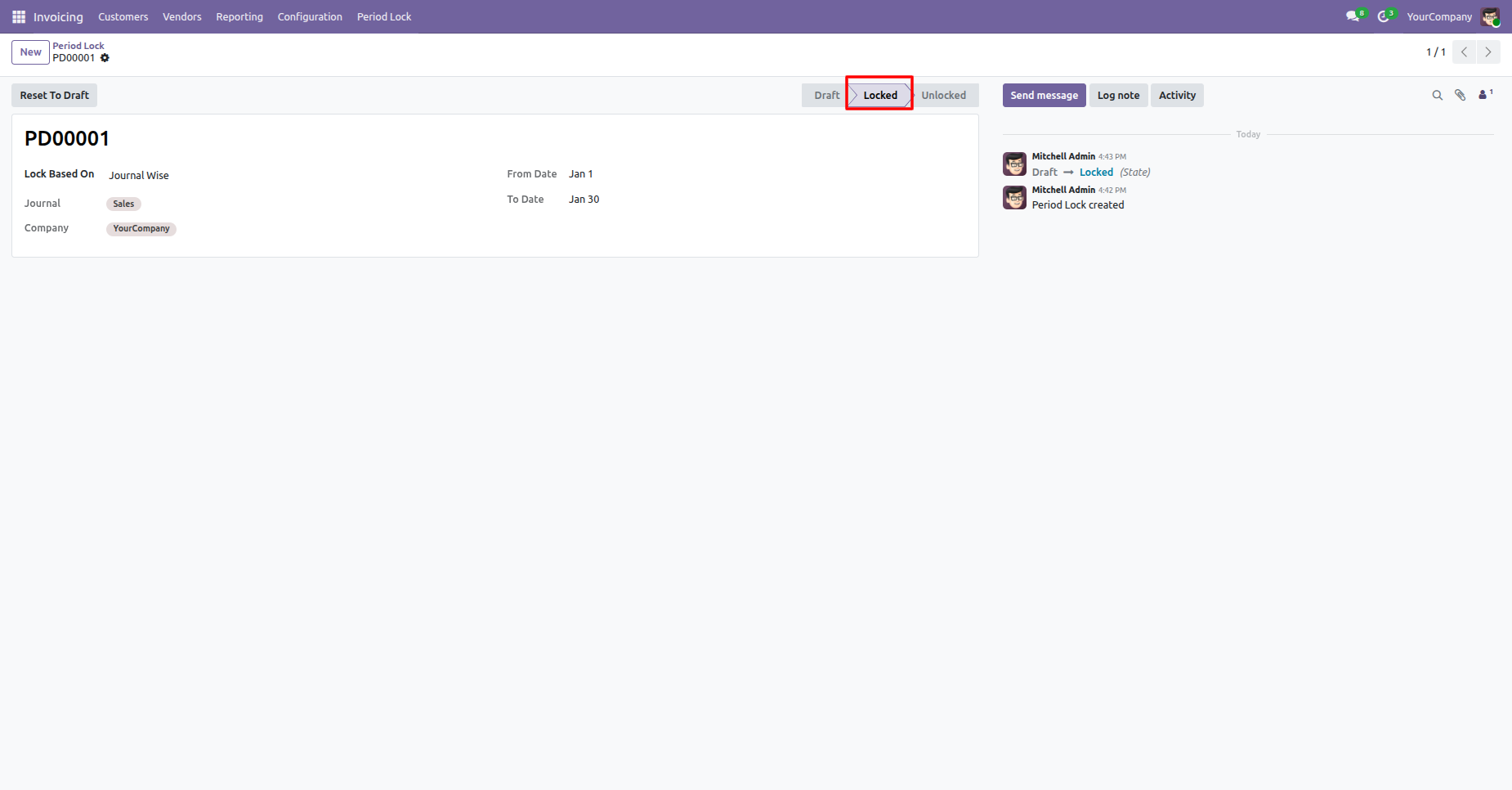
Here, you can see that the period is now locked.
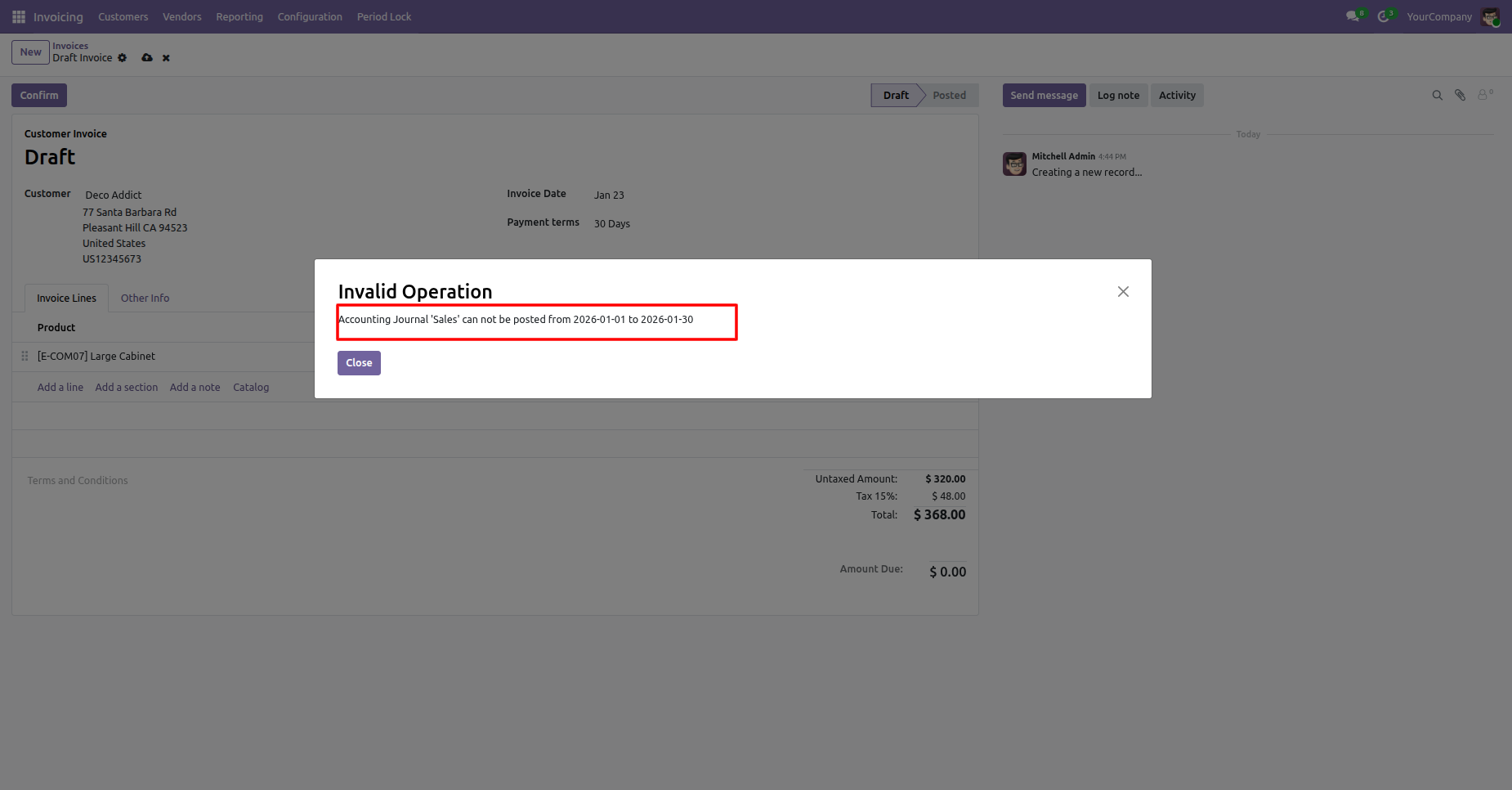
Now, when we create an invoice for a locked period, the its generates an alert.
Enable group "Special Permission For Period Lock".
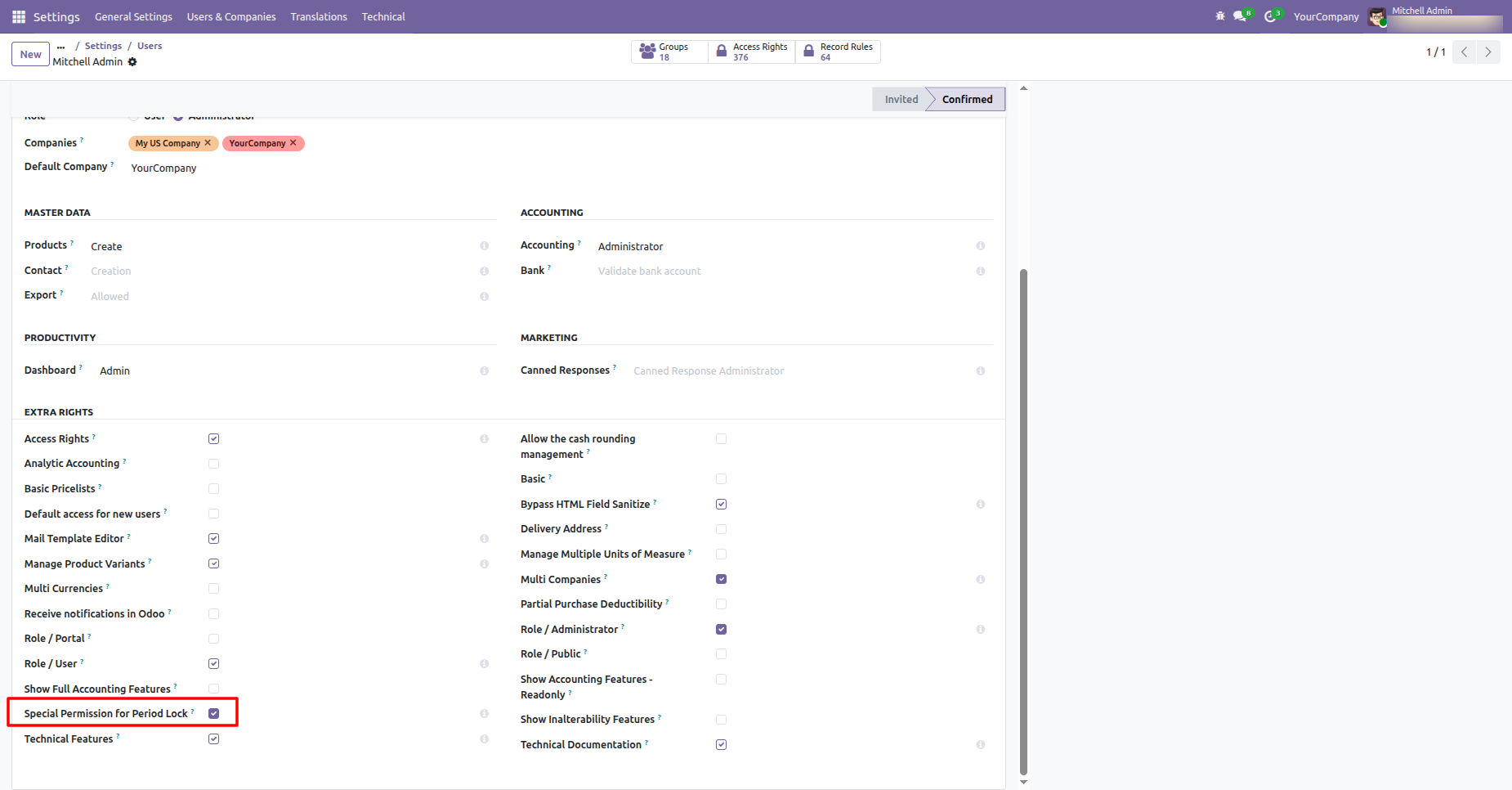
Specific users can unlock periods when required.
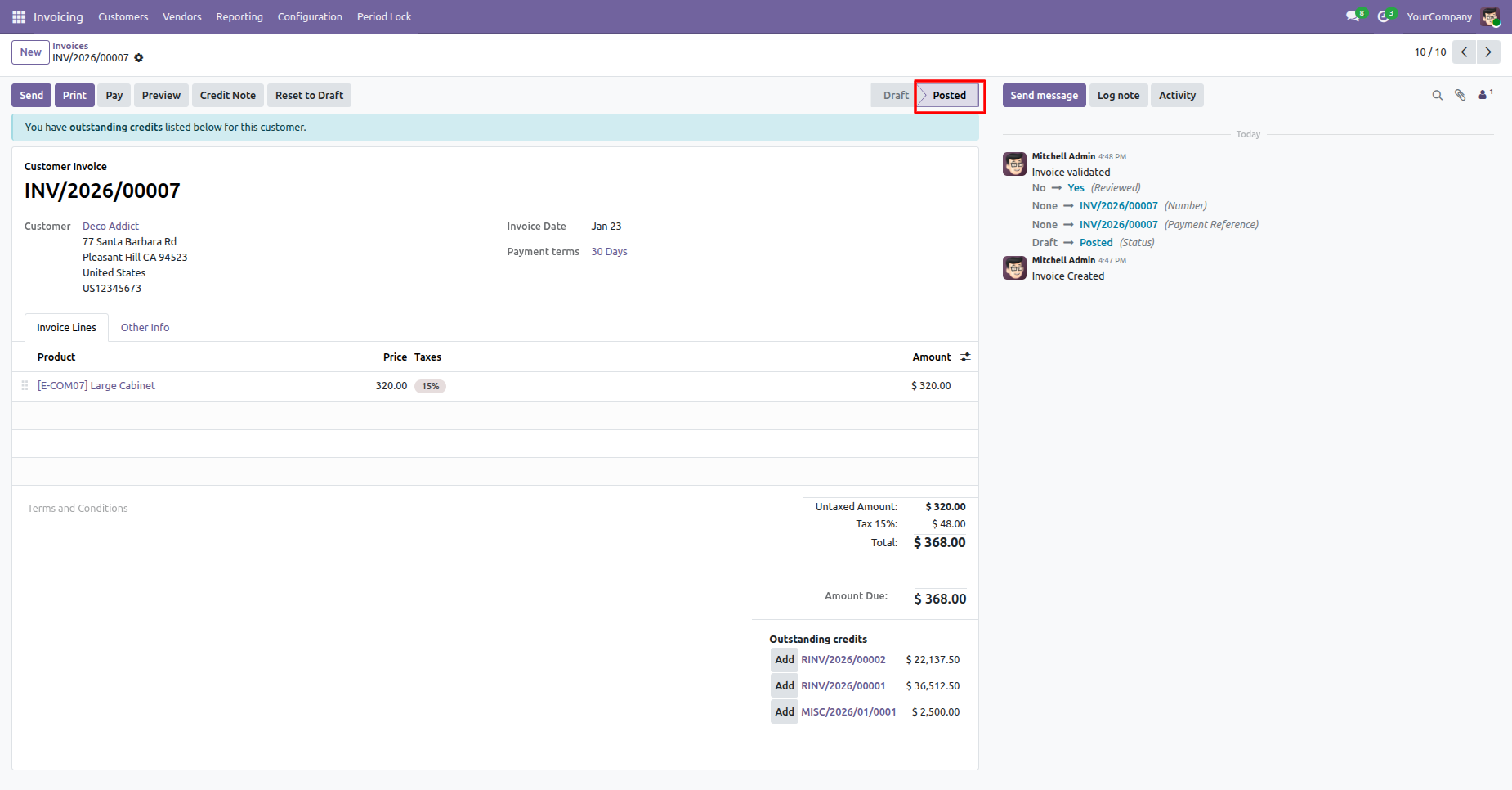
Now we make an invoice and confirm which period is locked.
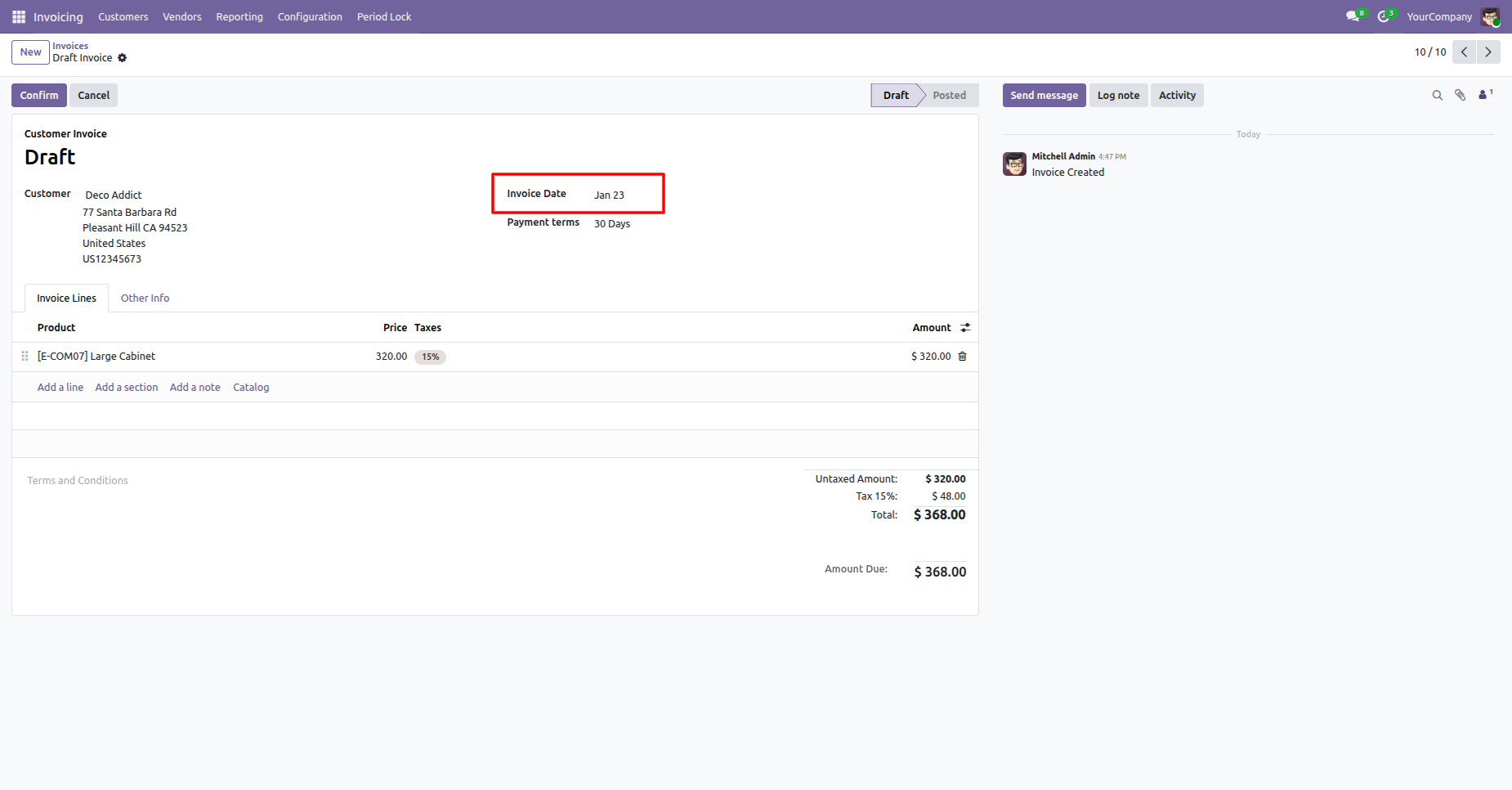
The invoice is posted.
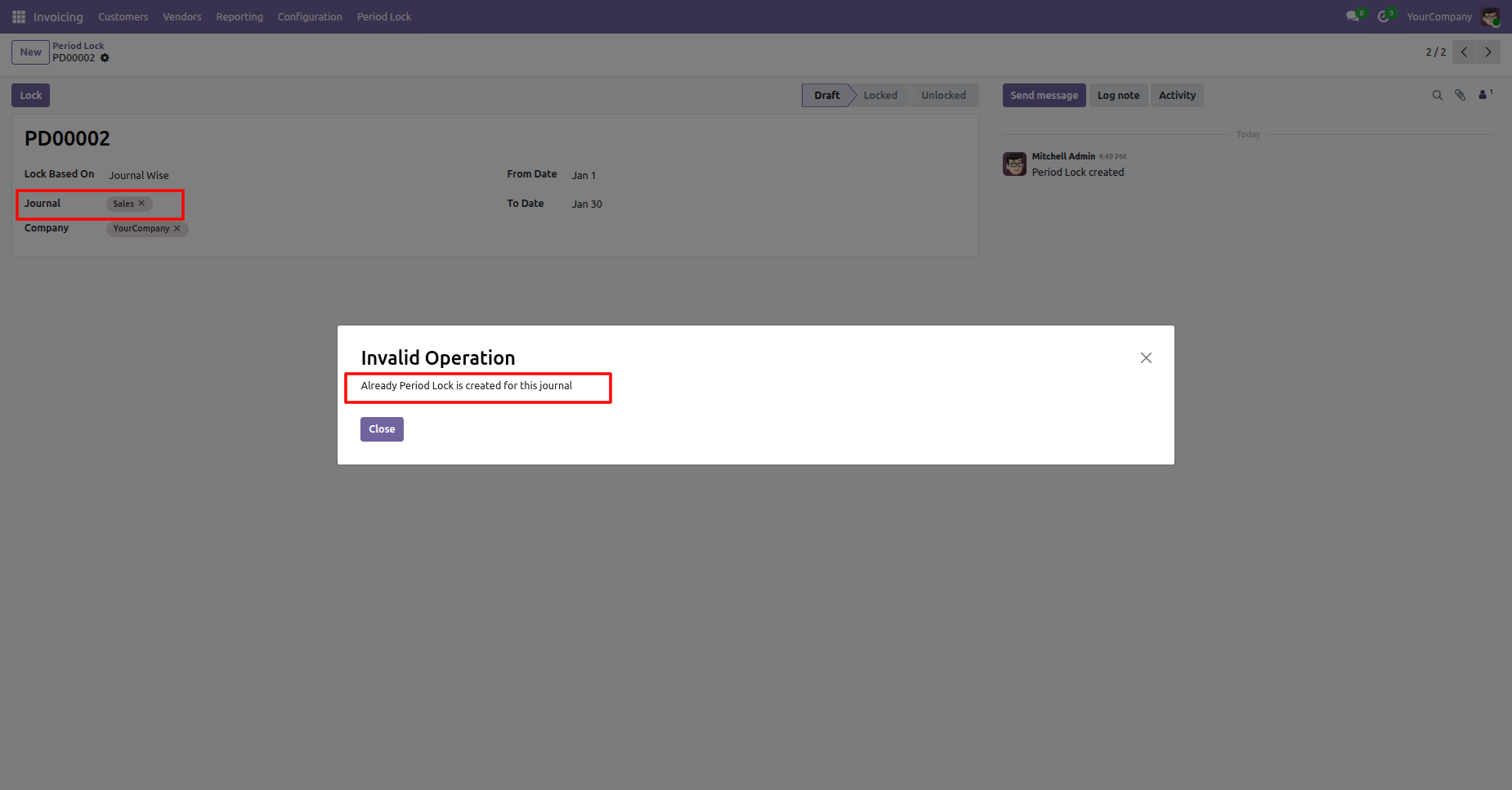
Now, when we create a new period lock, the its generates an alert if a period lock has already been created for the same period.
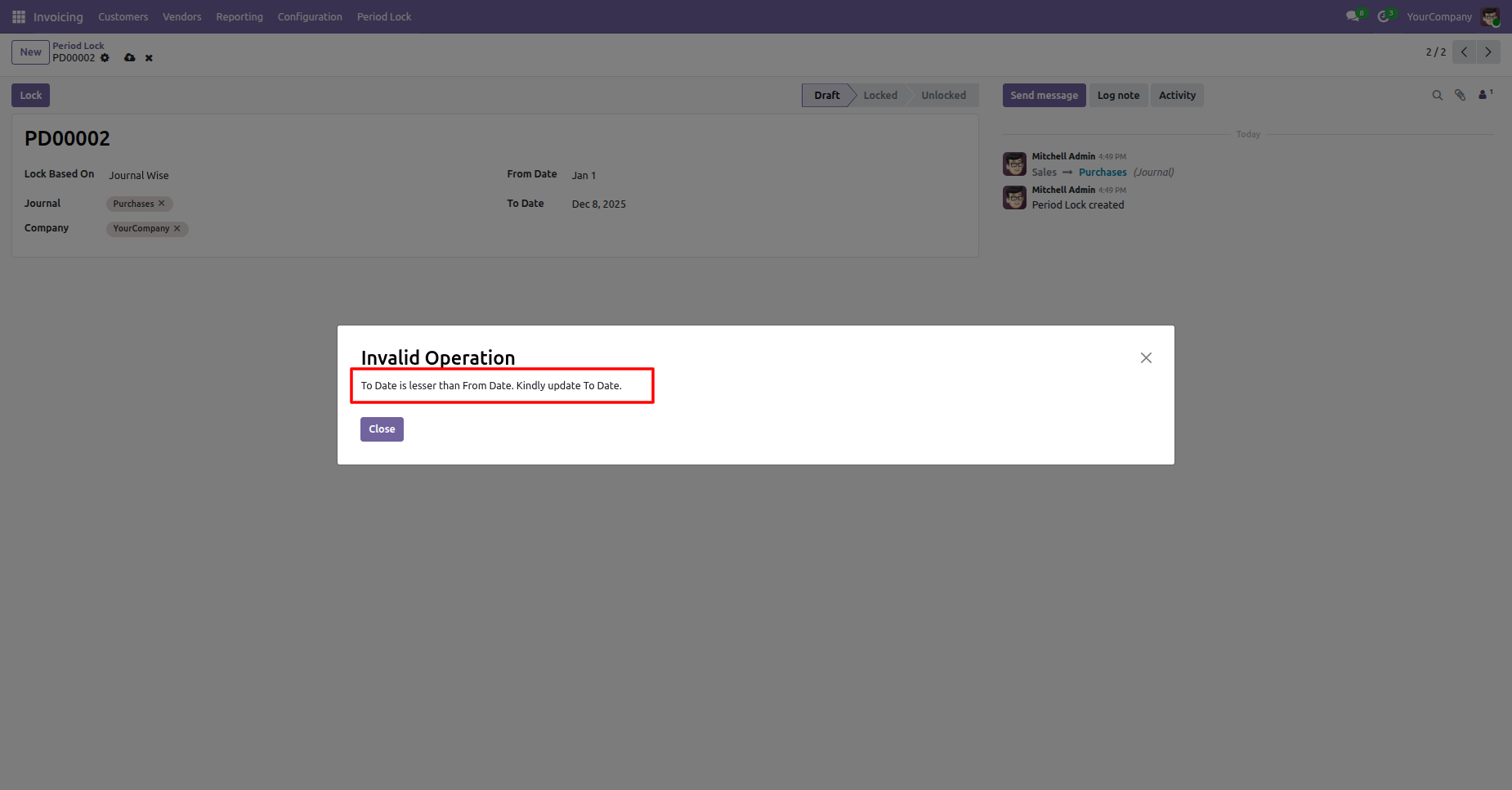
It generates an alert if your "From Date" & "To Date" are not proper.
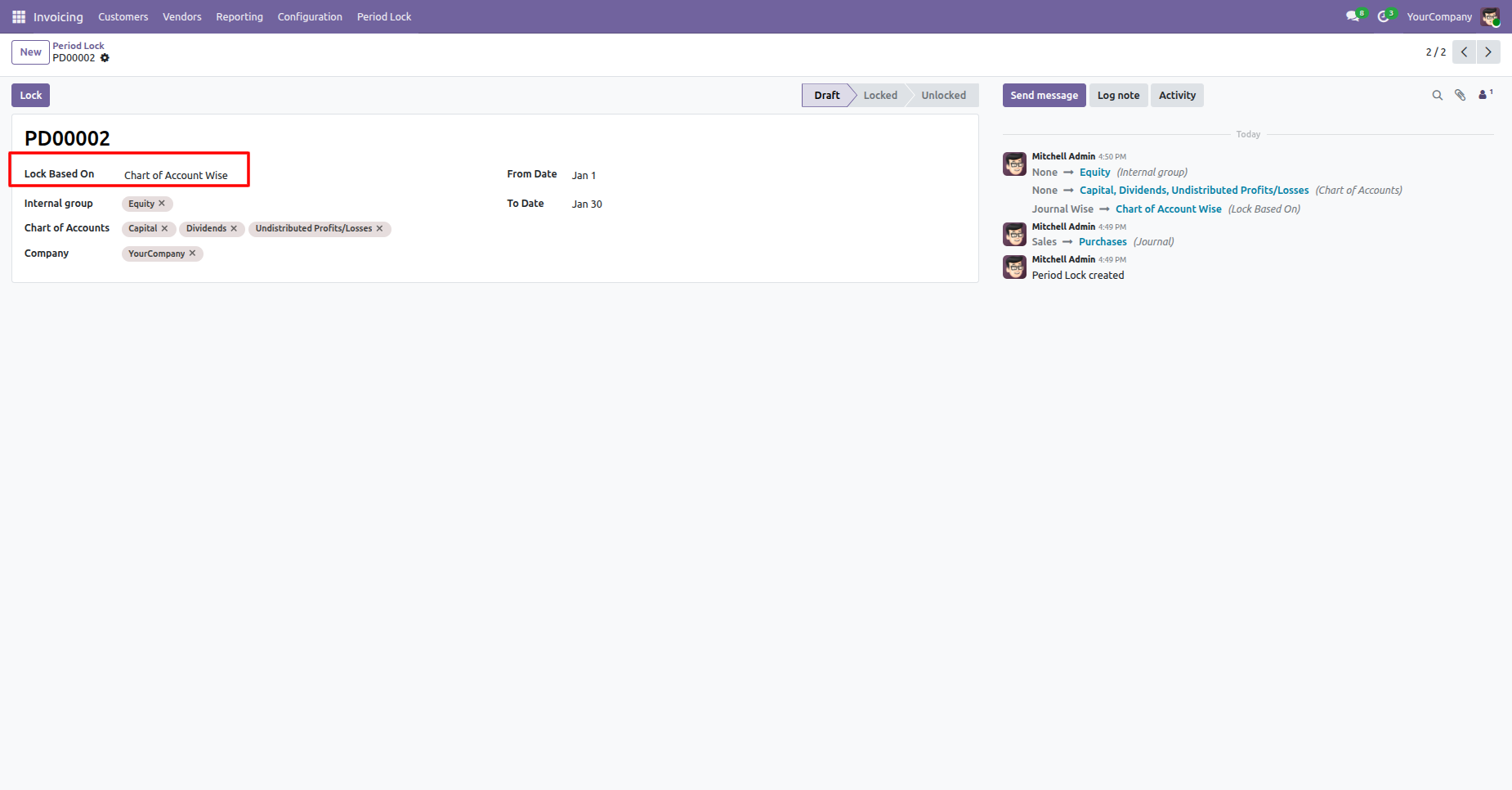
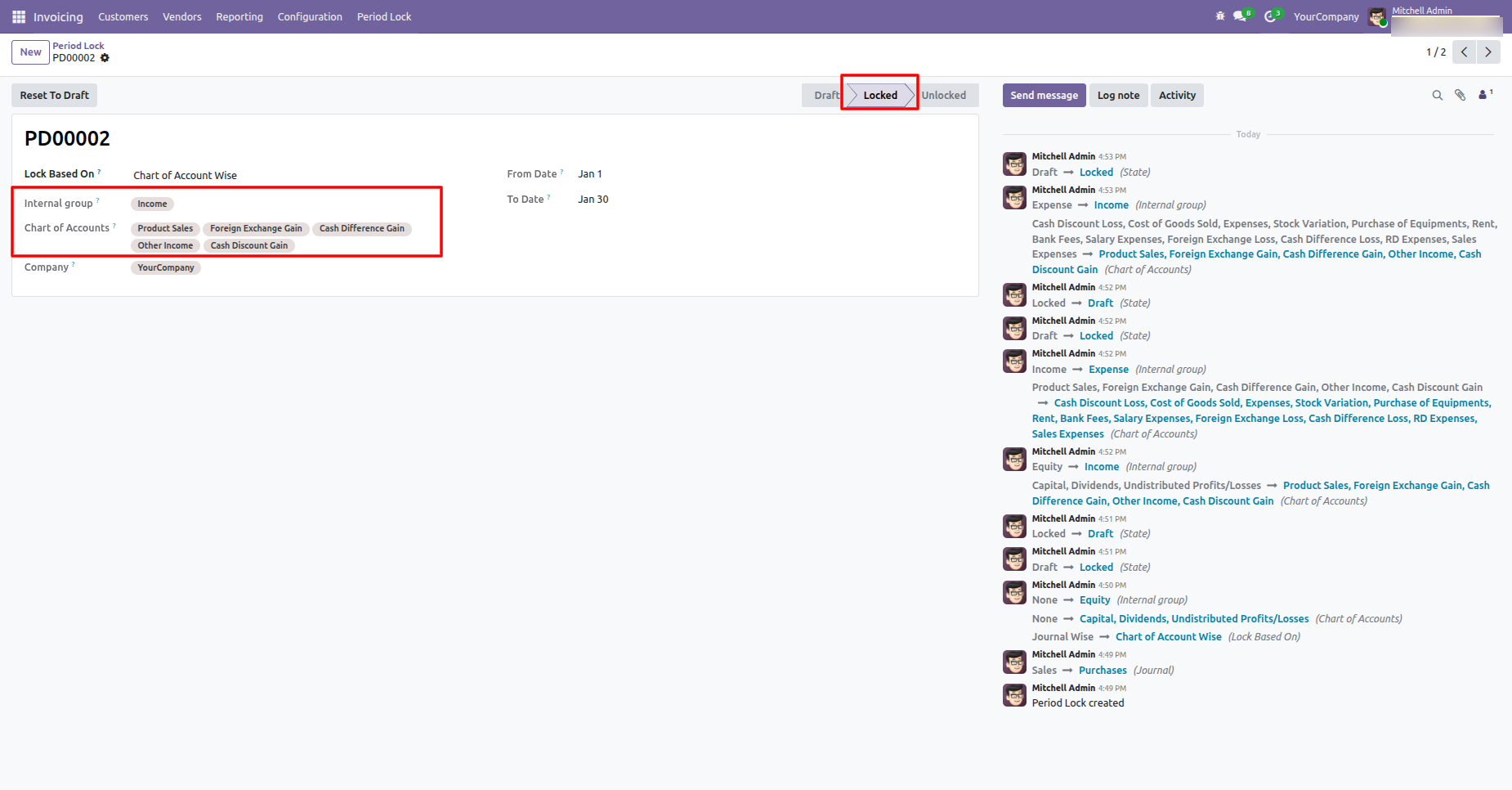
Select Lock Based On: Chart of Account wise, enter the required details, and lock it.
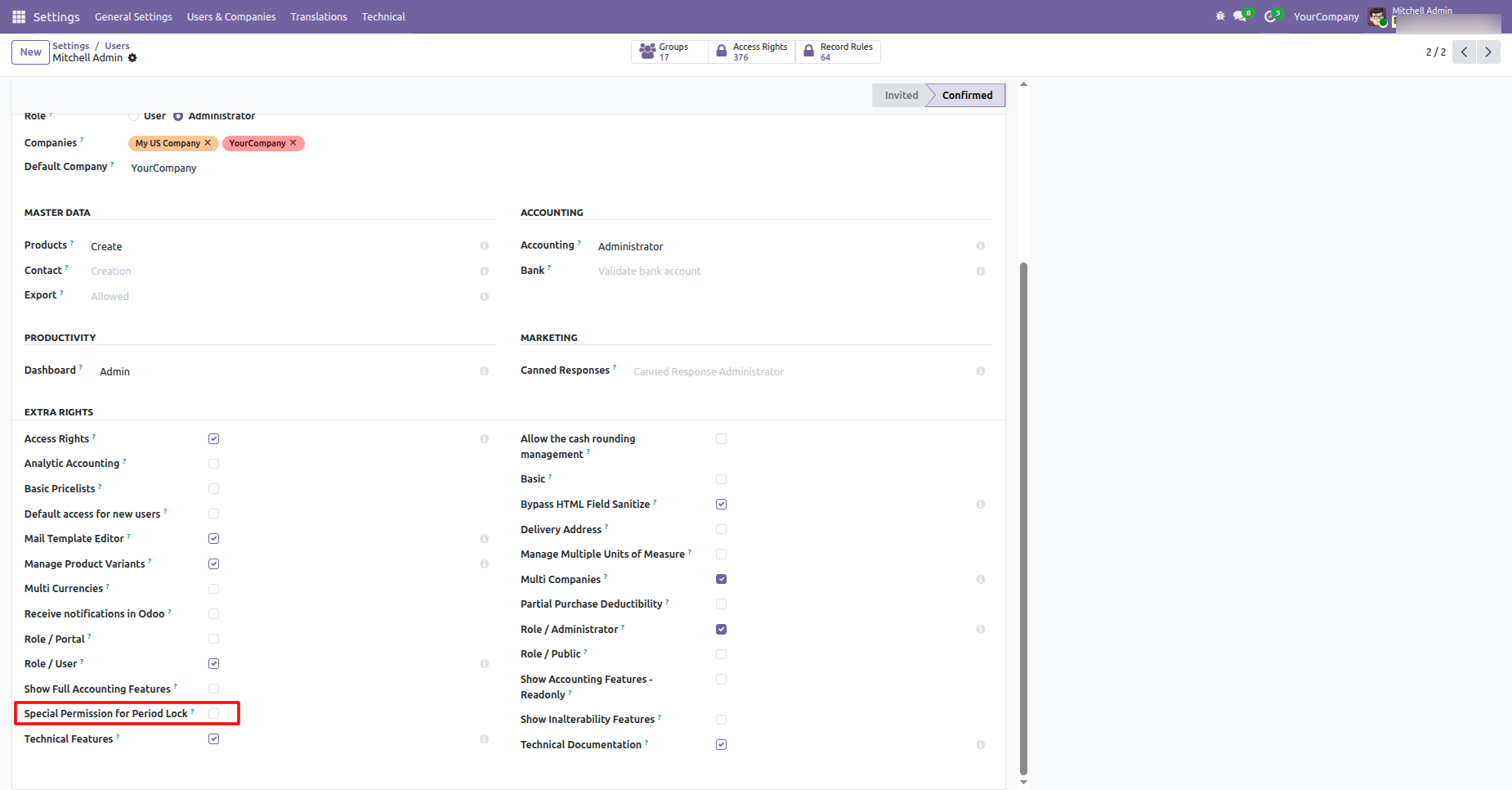
Go to the User settings and disable the "Special Permission For Lock Accounts" option.
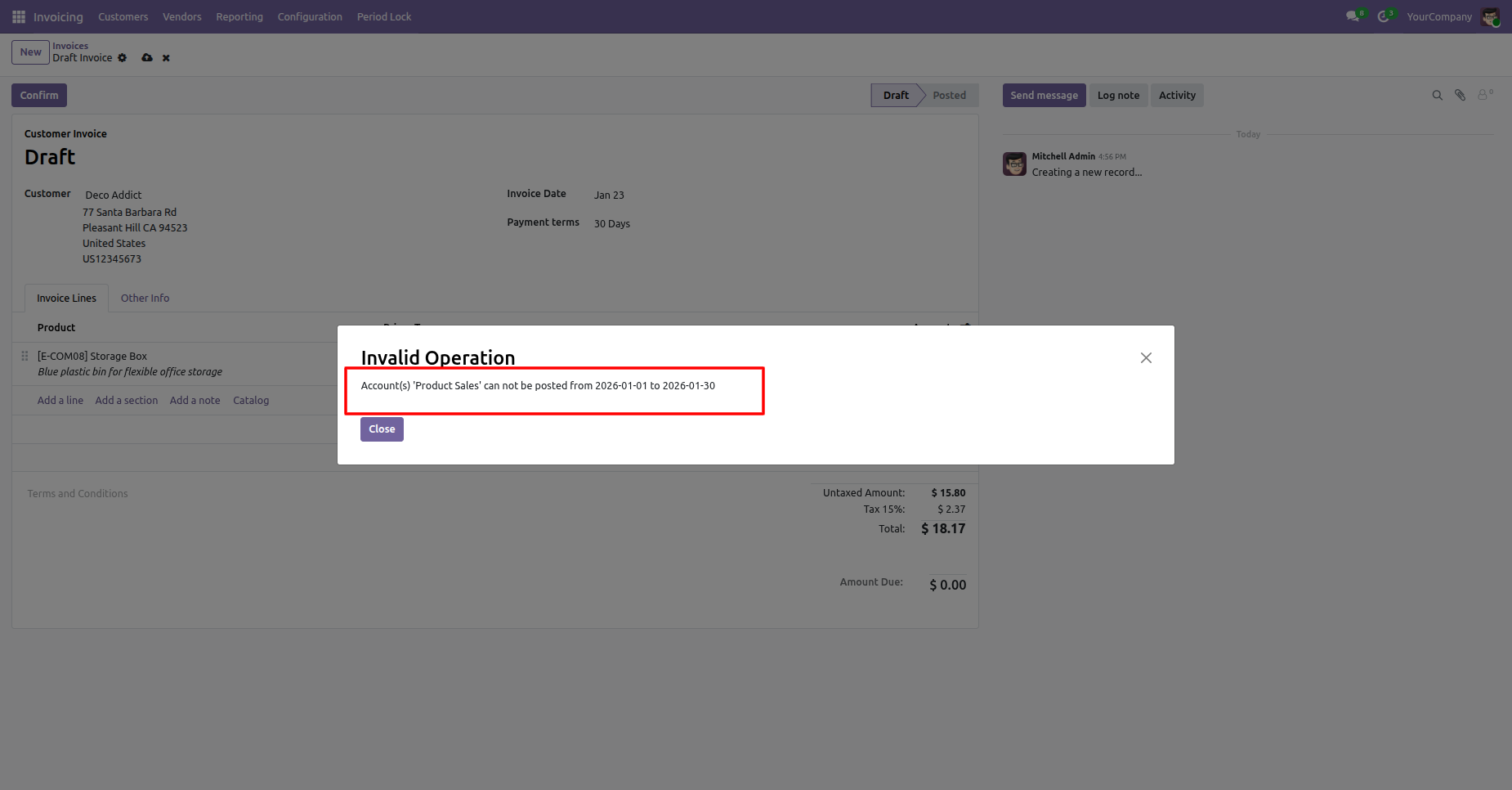
When you create an invoice, a warning pop-up will appear if the account is locked.
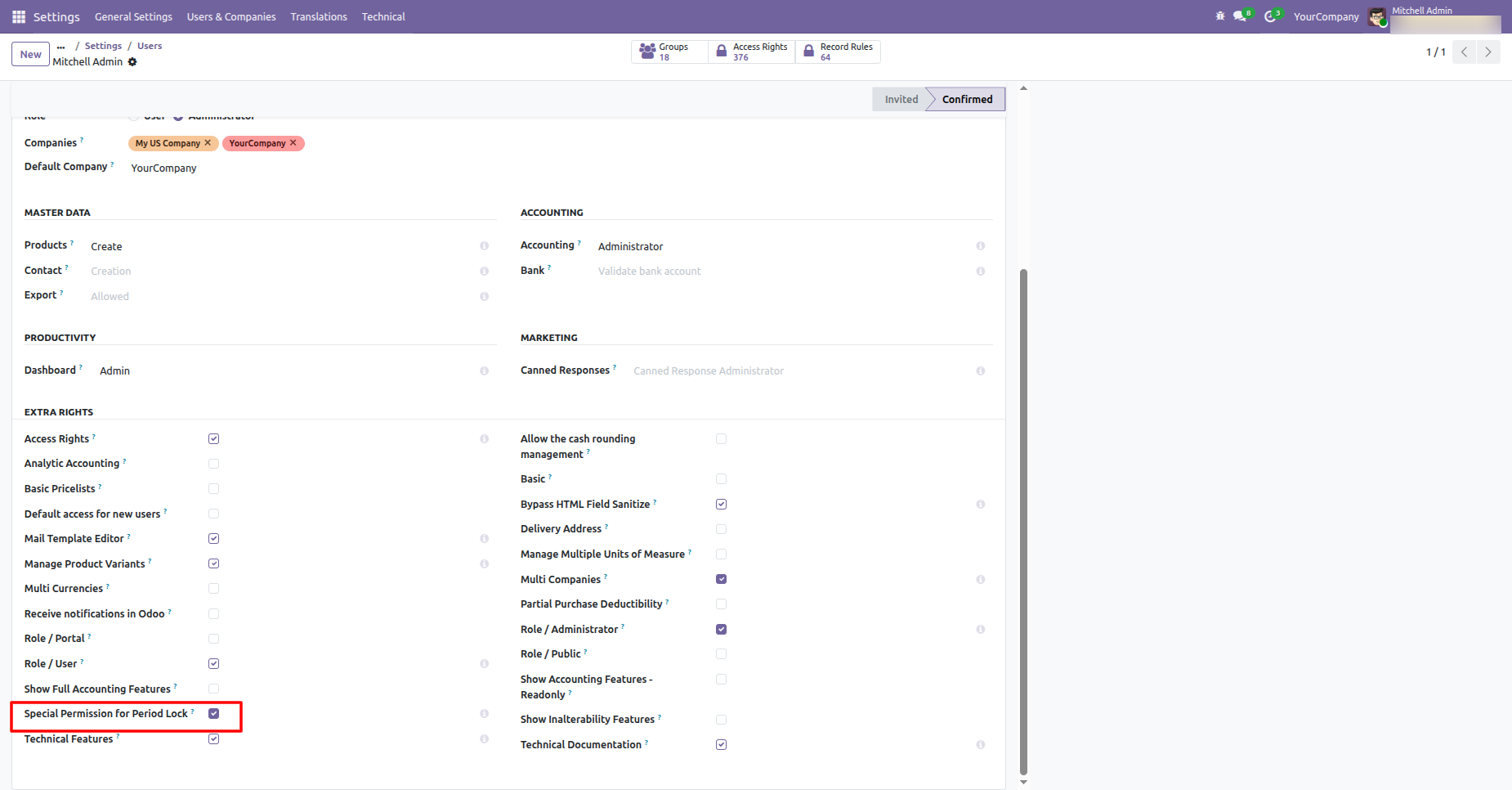
Enable group "Special Permission For Period Lock".
The invoice is posted.
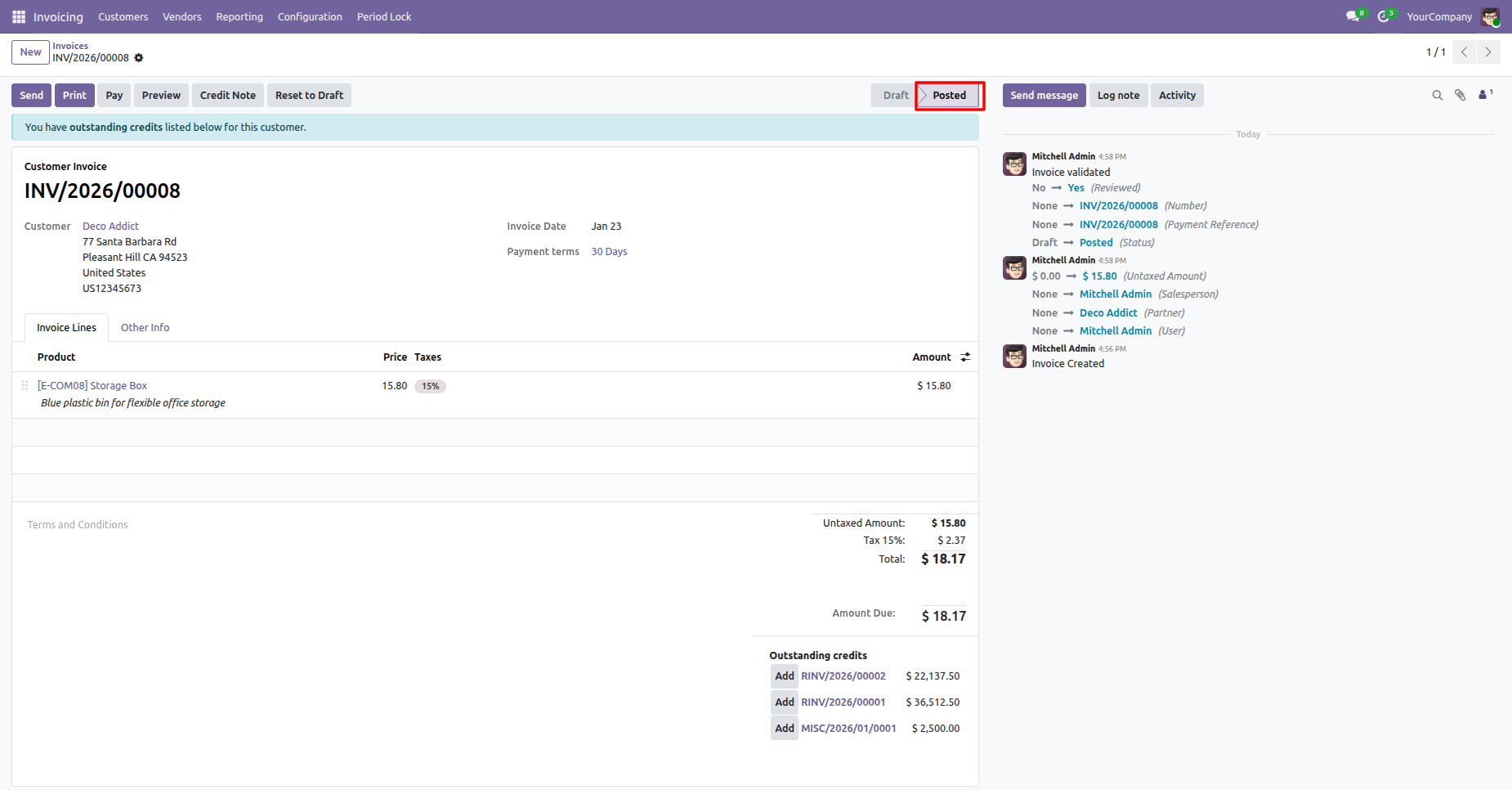
We provide unlock option to revert the lock when required.
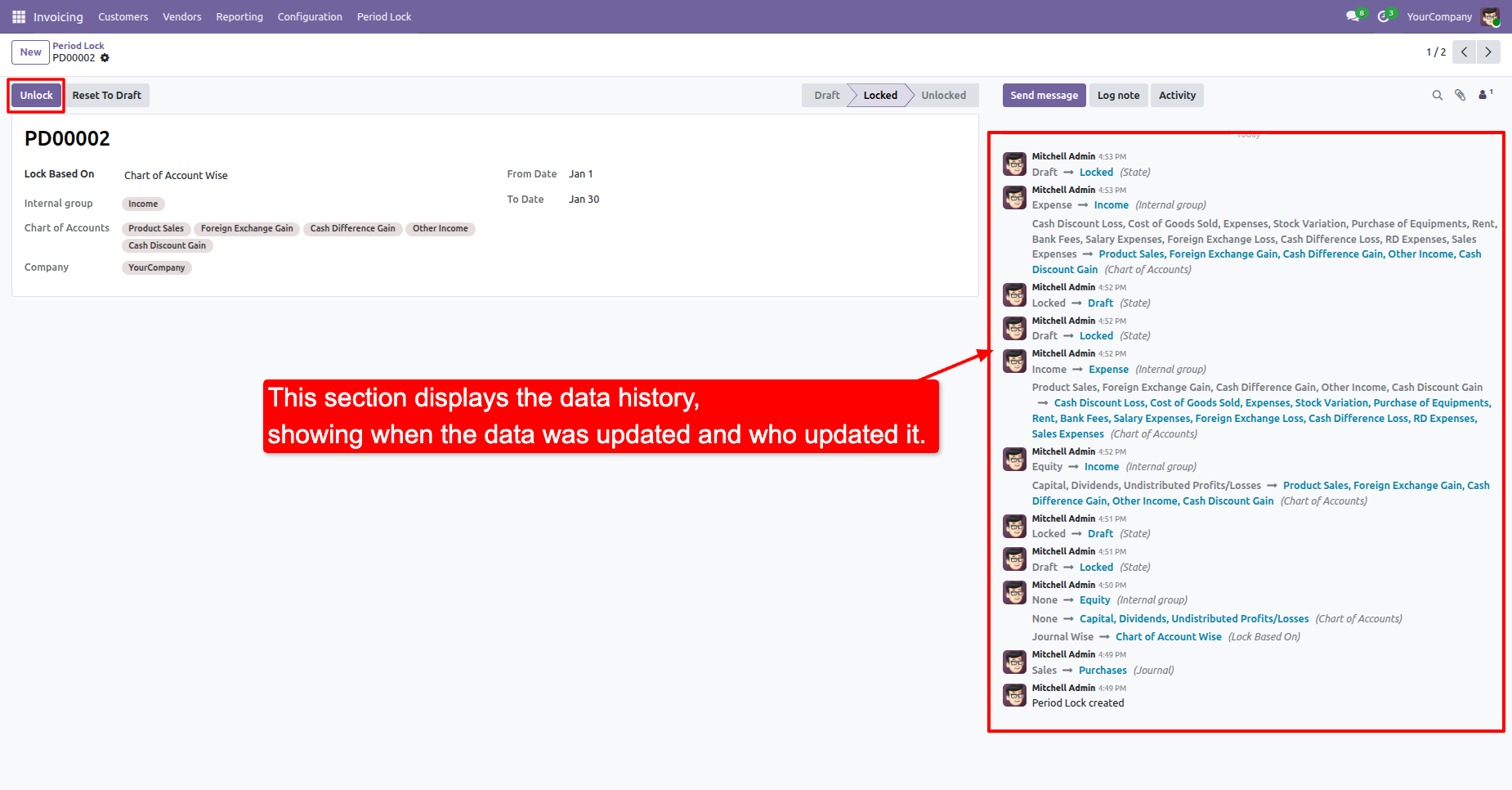
In the chatter, you can view the data history, including when each
update
was made and by whom.
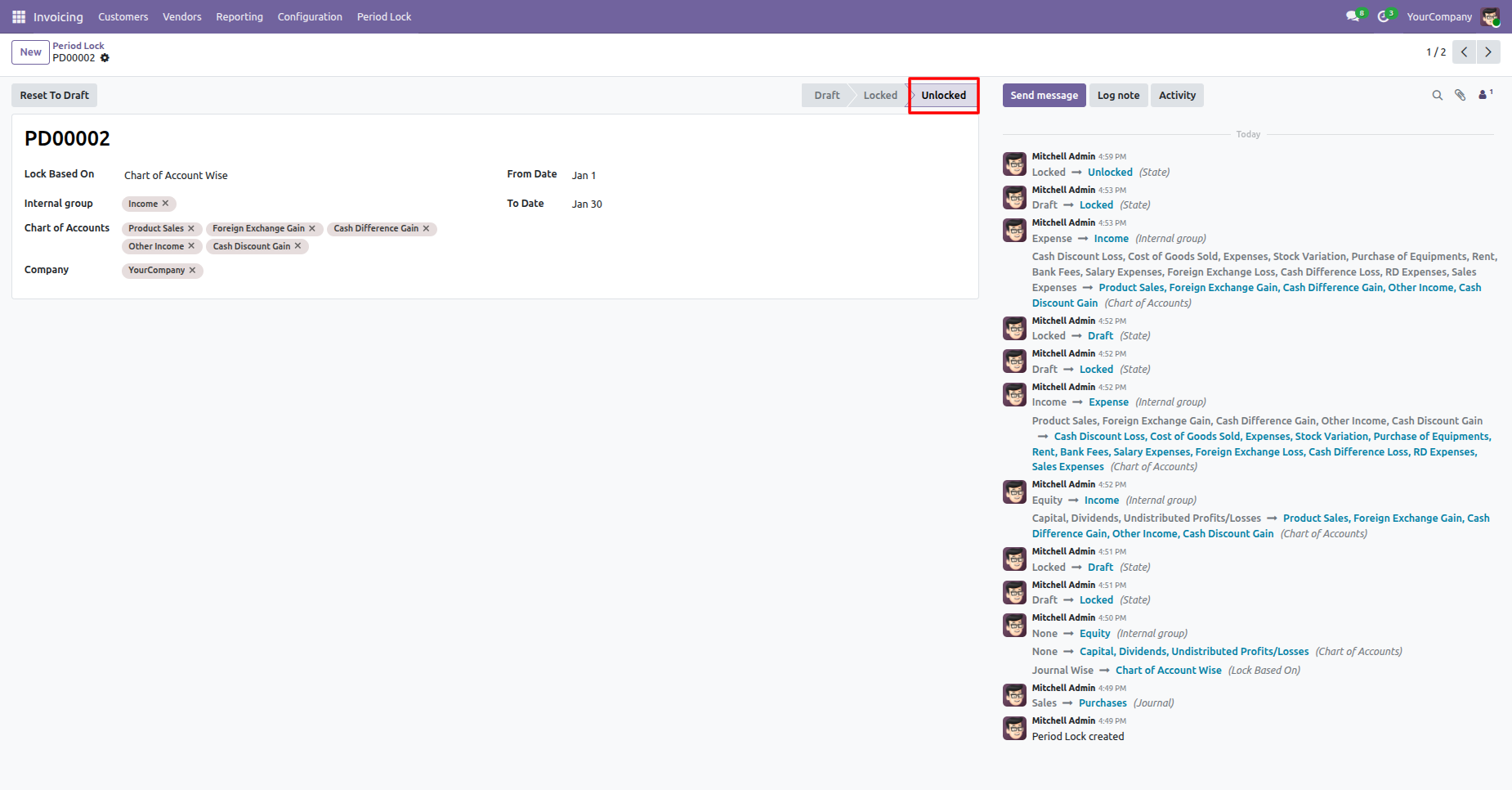
The period lock has now been unlocked.
You can view the Chart of Account column in the list view of the Period Lock.
Version 19.0.3.0.0 | Released on : 11th February 2026
Version 19.0.2.0.0 | Released on : 29th December 2025
Version 19.0.1.0.0 | Released on : 21st August 2025
- No, this app works perfectly with Odoo Community only.
- No, this application is not compatible with odoo.com(odoo saas/Odoo Online)
- Yes, to test this module, please contact us at sales@softhealer.com.
- Please contact us at sales@softhealer.comto request customization.
- Yes, we provide free support for 365 days from the date of purchase.
- Yes, you will receive lifetime free updates for the version of the module you purchased.
- No, there is no need to install any additional libraries.
- Yes, for version 12 and above, you need to purchase the module separately for each version you intend to use.
- No, exchanges or refunds are not allowed. Please make sure to select the correct version before purchasing.
- You can contact us at support@softhealer.com for language translation support. We use Google Translator tools to provide translations in multiple languages, so the accuracy may vary. We welcome your suggestions to help improve translations.
Discover Our Latest Apps