












Pathology Lab Management System - Website

A complete Odoo website solution for pathology laboratories that enables patients to browse diagnostic tests, book appointments online, select preferred laboratories and collection centres, and receive instant booking confirmations.

Related Modules
Features
Dedicated Pathology Website
A fully branded, public-facing Odoo website for pathology labs with hero banner, service highlights, and call-to-action sections integrated into the Odoo website builder.
Pathology Test & Service Catalogue
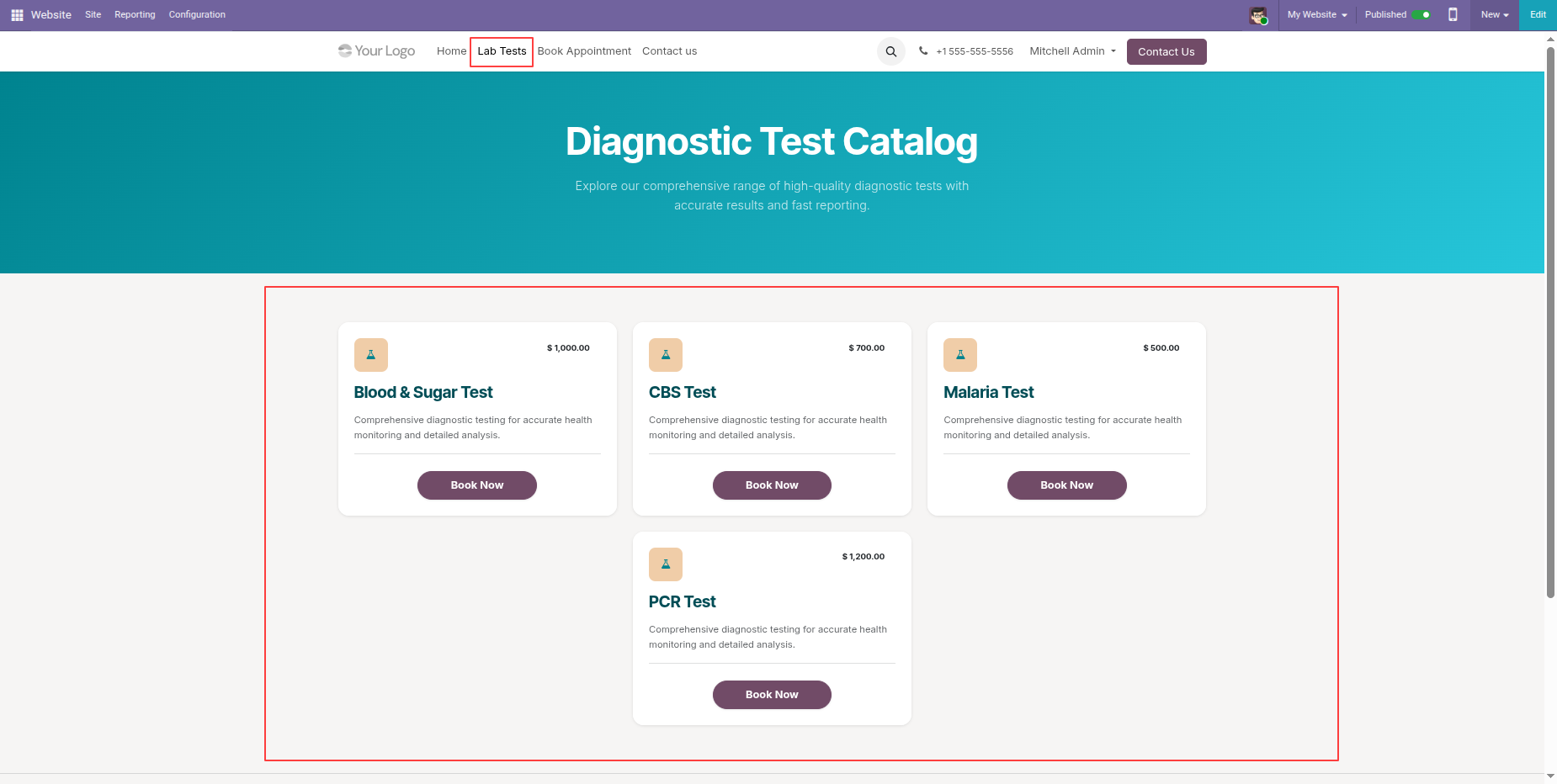
Display pathology tests and laboratory services on the website for easy patient access.
Online Appointment Booking
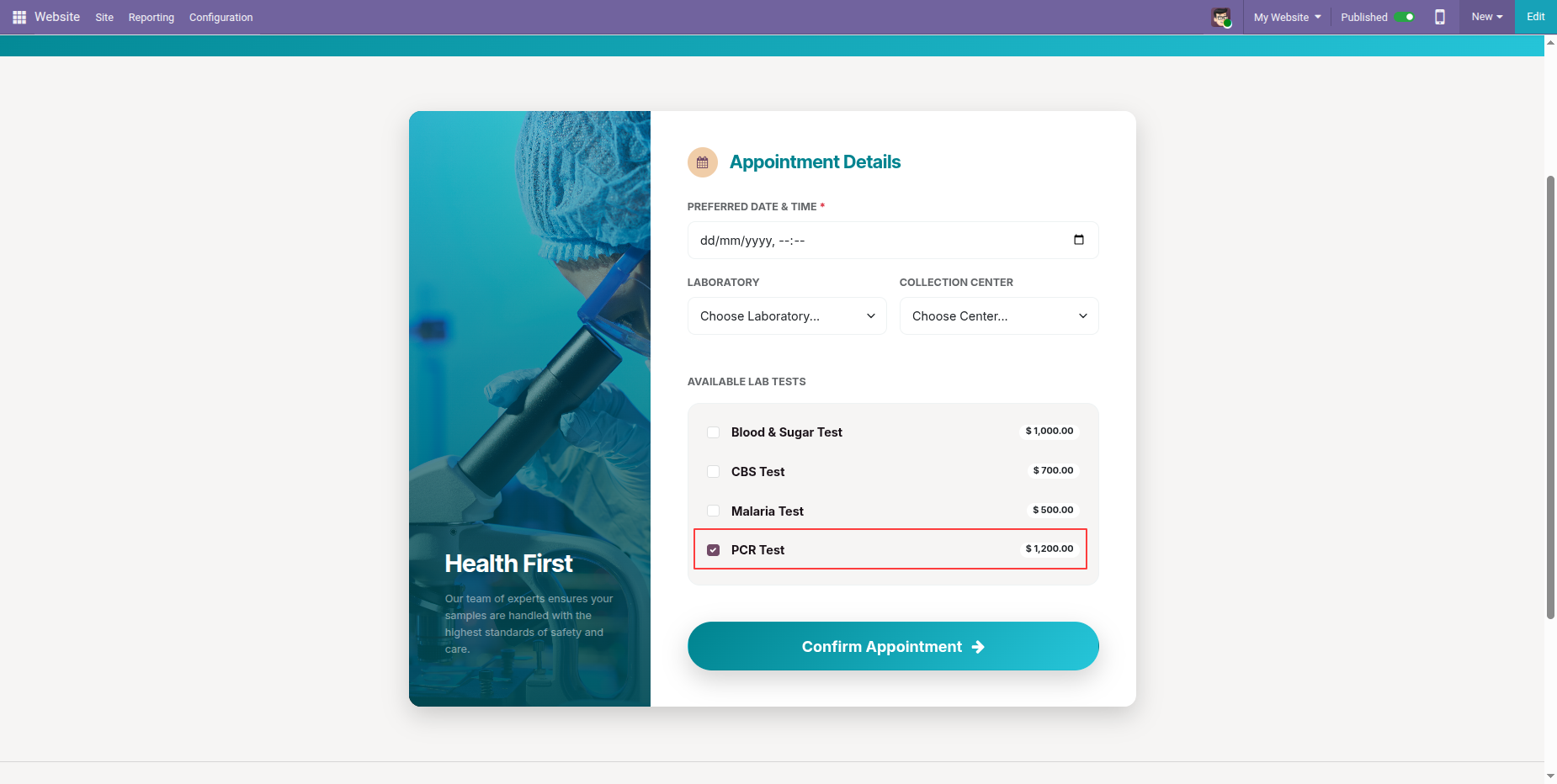
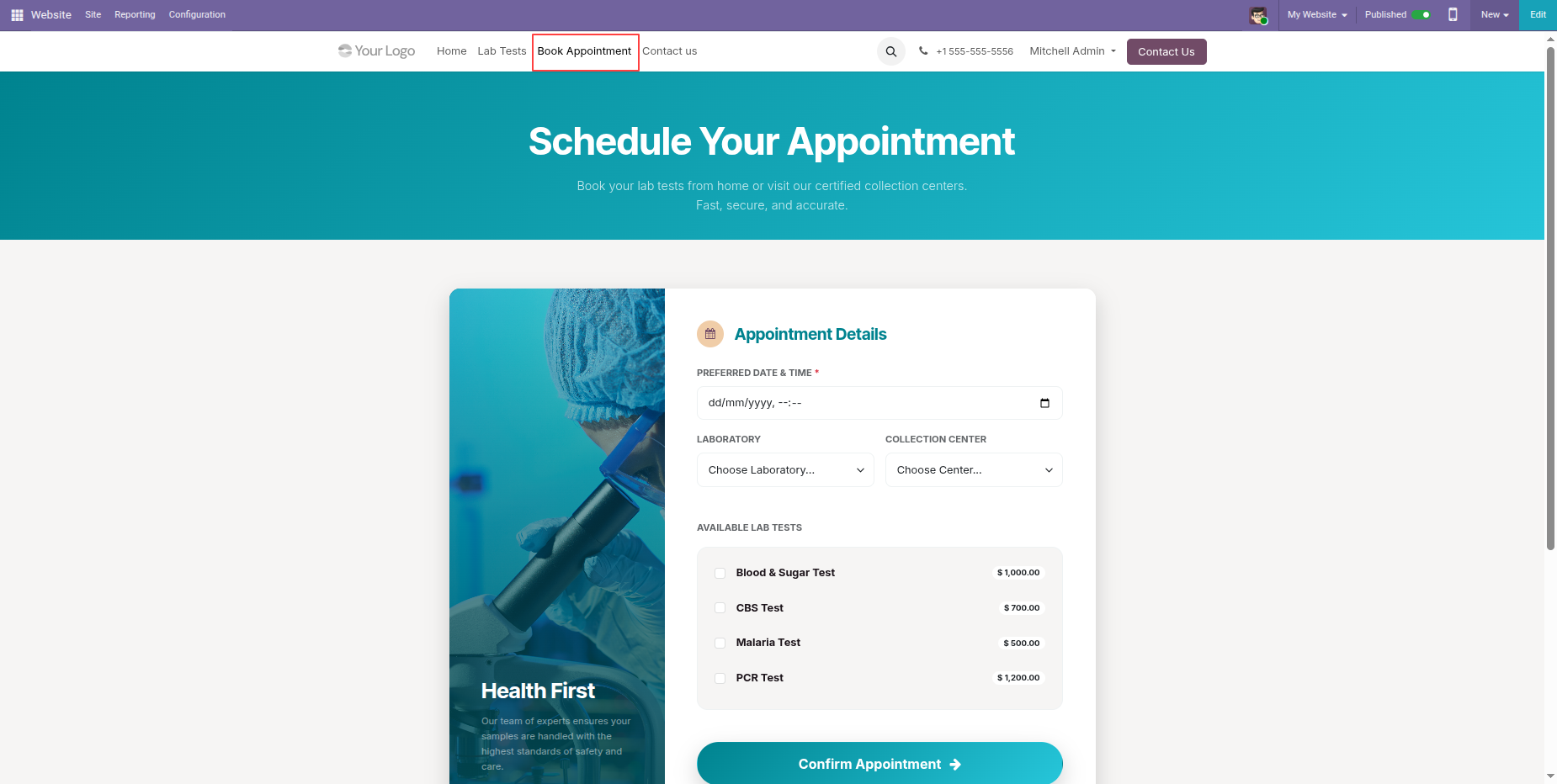
Patients can schedule appointments online by selecting preferred date & time, laboratory, collection center, and choosing multiple tests — all from a single elegant form.
Laboratory & Collection Center Selection
Patients can choose their preferred laboratory and corresponding collection center during booking, making it easy to find the nearest or most convenient location.
Popular Lab Tests Snippet
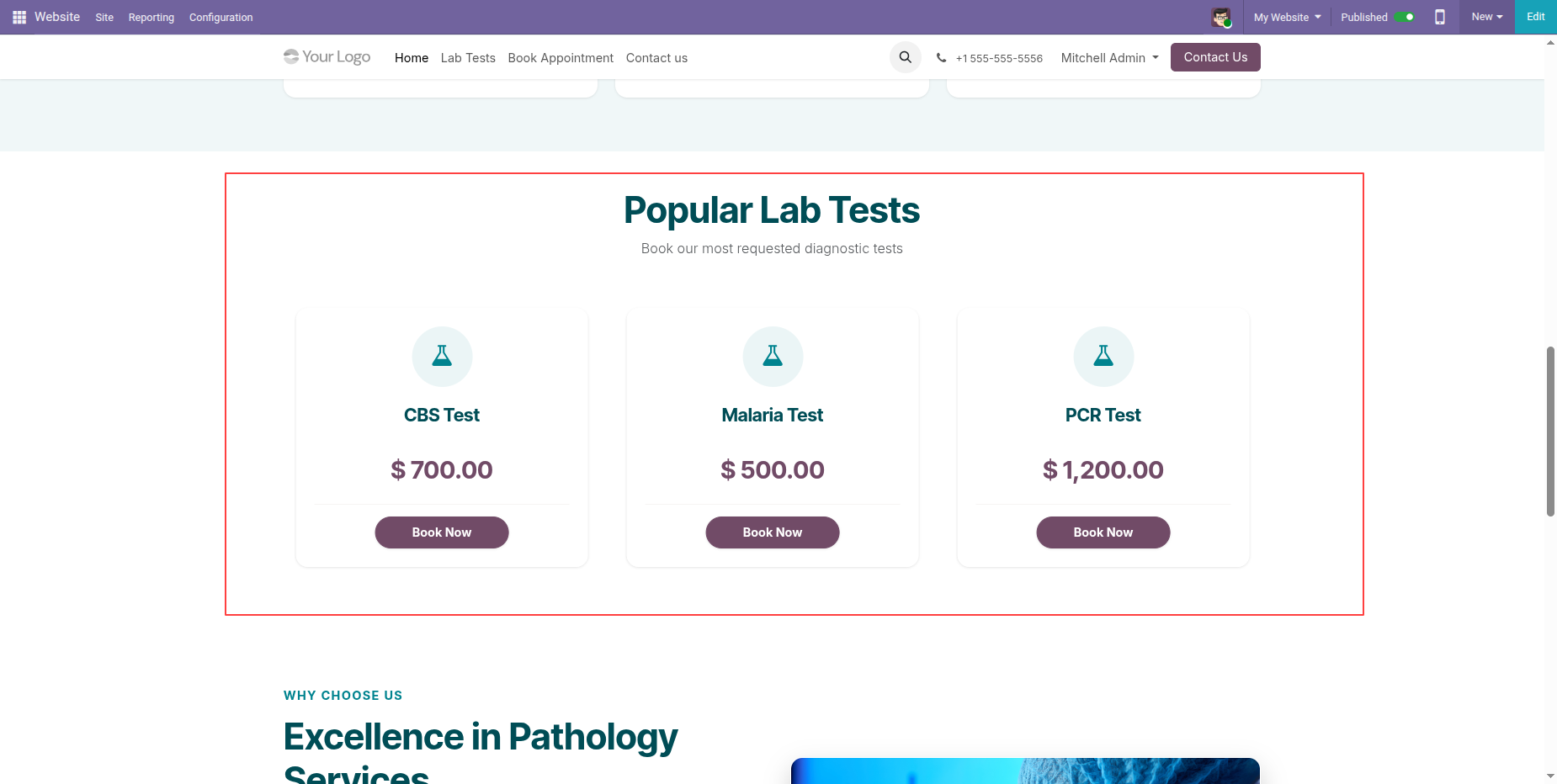
A custom website snippet block to display the most popular lab tests on any page, allowing website editors to showcase highlighted tests with direct booking links.
Booking Confirmation & Reference Number
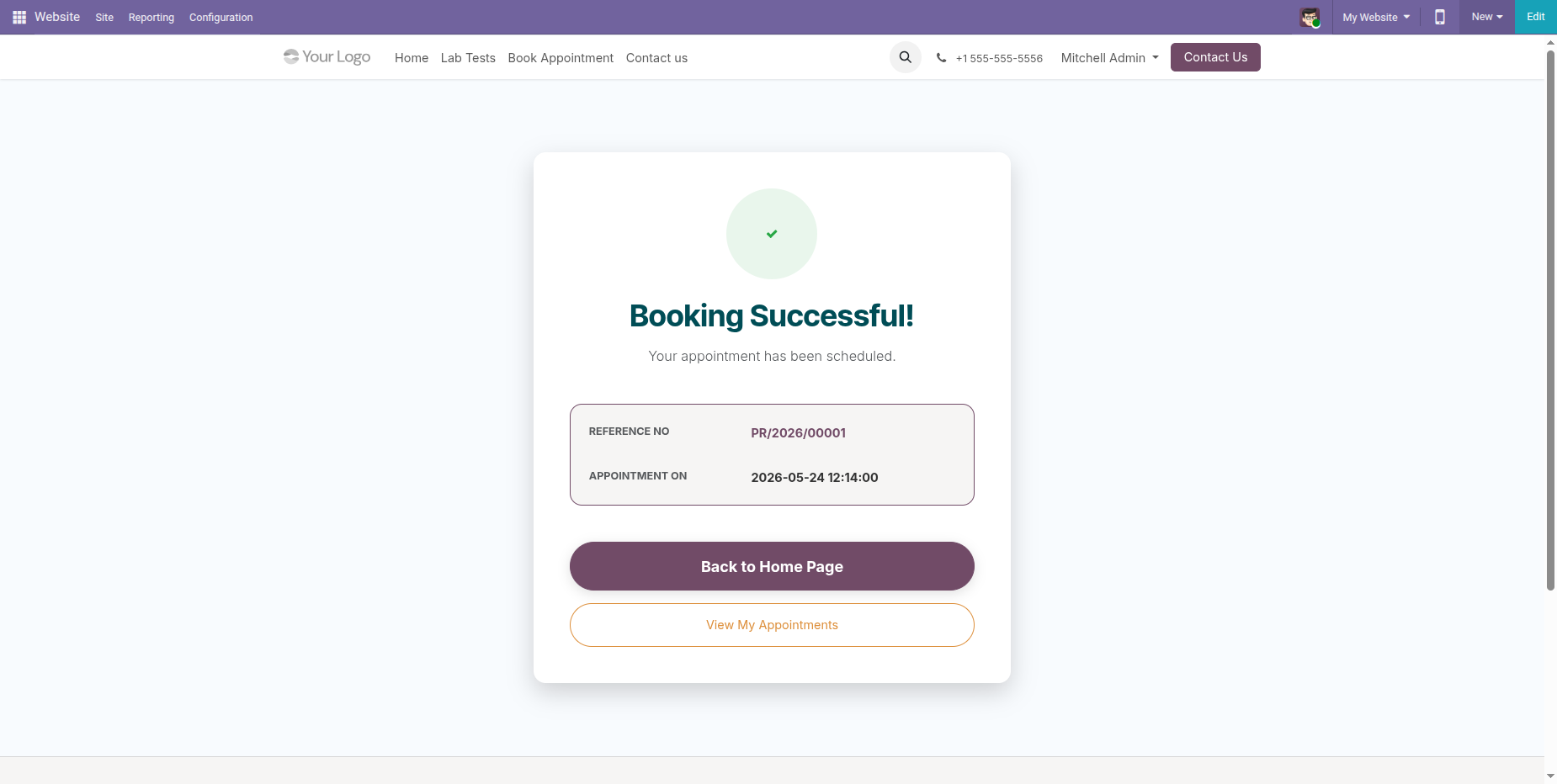
After submitting an appointment, patients receive an instant booking confirmation page with a unique reference number and appointment date for easy tracking.
Patient Portal Integration
Registered patients can log in to view and track their appointments from the Odoo customer portal, with pre-filled form fields for a seamless booking experience.
WhatsApp & Email Notifications
Instantly notify patients by sending automated appointment booking details and completed diagnosis PDF reports directly via email or WhatsApp.
Multi-Laboratory Support
Manage multiple laboratories and collection centres within a single system.
Real-Time Website & Backend Synchronisation
Automatically synchronise website bookings with backend laboratory operations in real time.
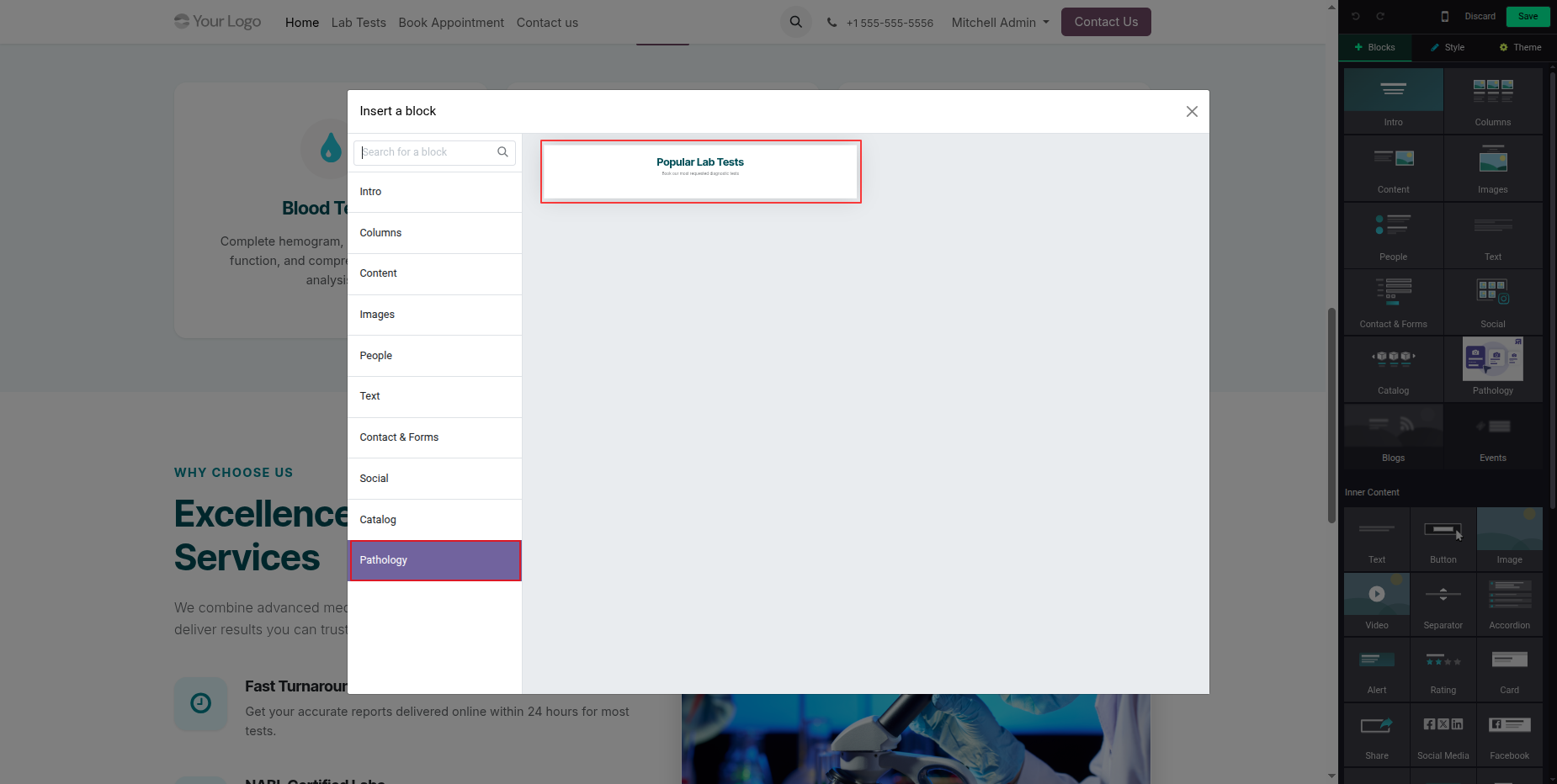
Go to the Website Editor and select the Pathology Snippet from the Blocks section to add pathology-related content to your webpage.
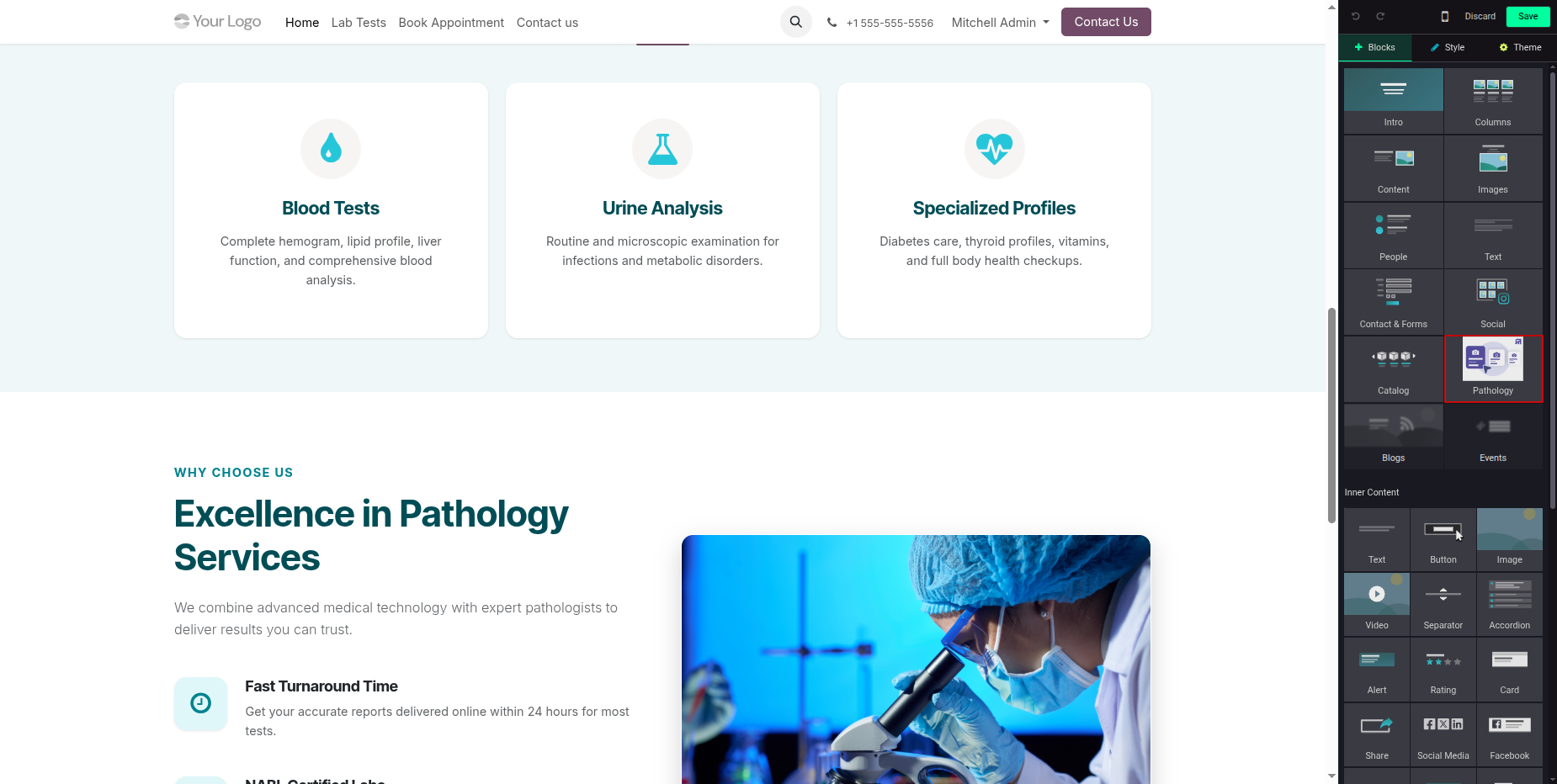
Drag and drop the Pathology Snippet onto the homepage to insert a Pathology Block and display pathology-related information on the website.
Click on a Popular Lab Test from the website to proceed with booking an appointment for the selected test.
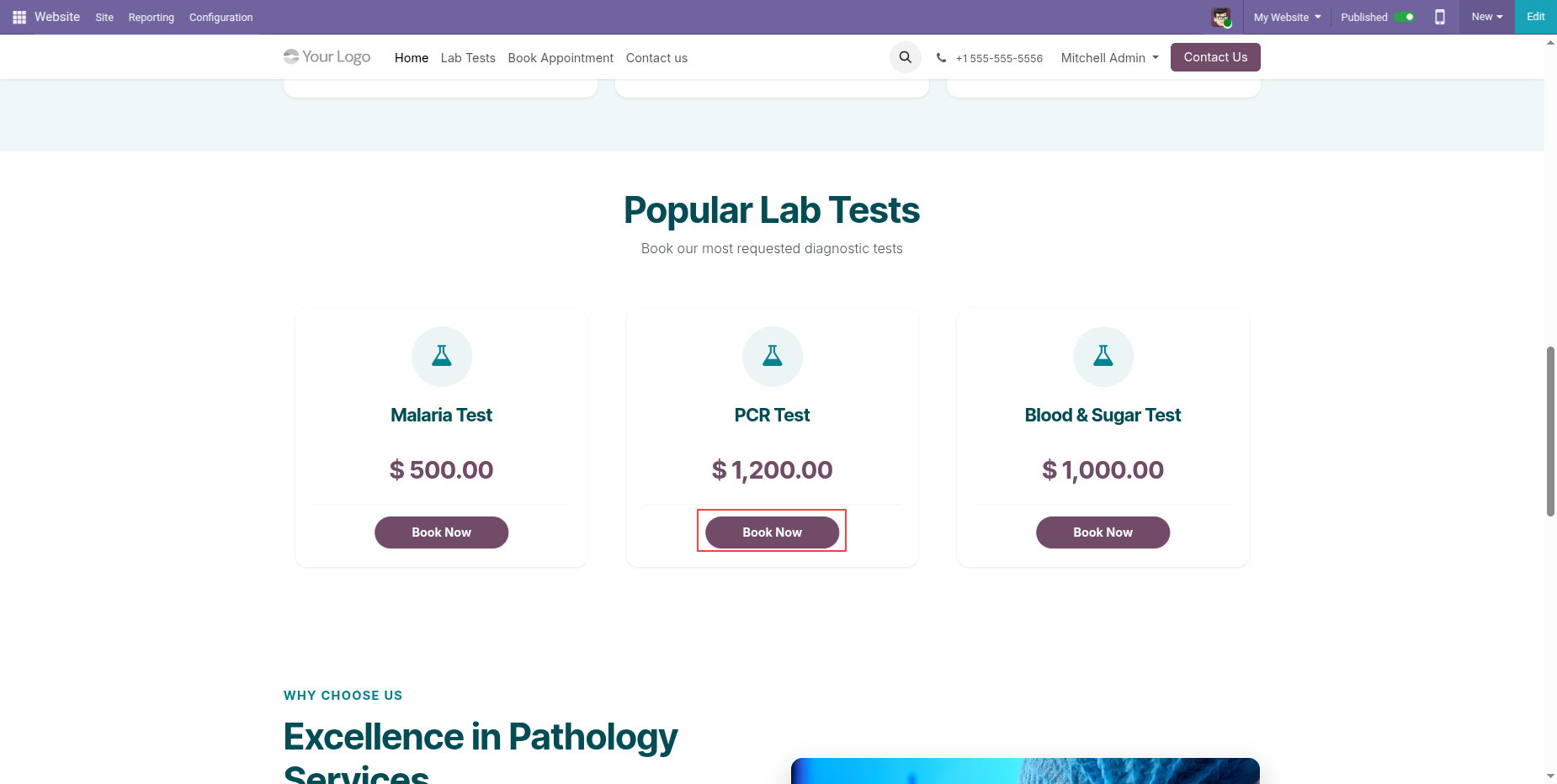
Select the desired Lab Test and click the Book Now button on the website to proceed with the appointment booking process.
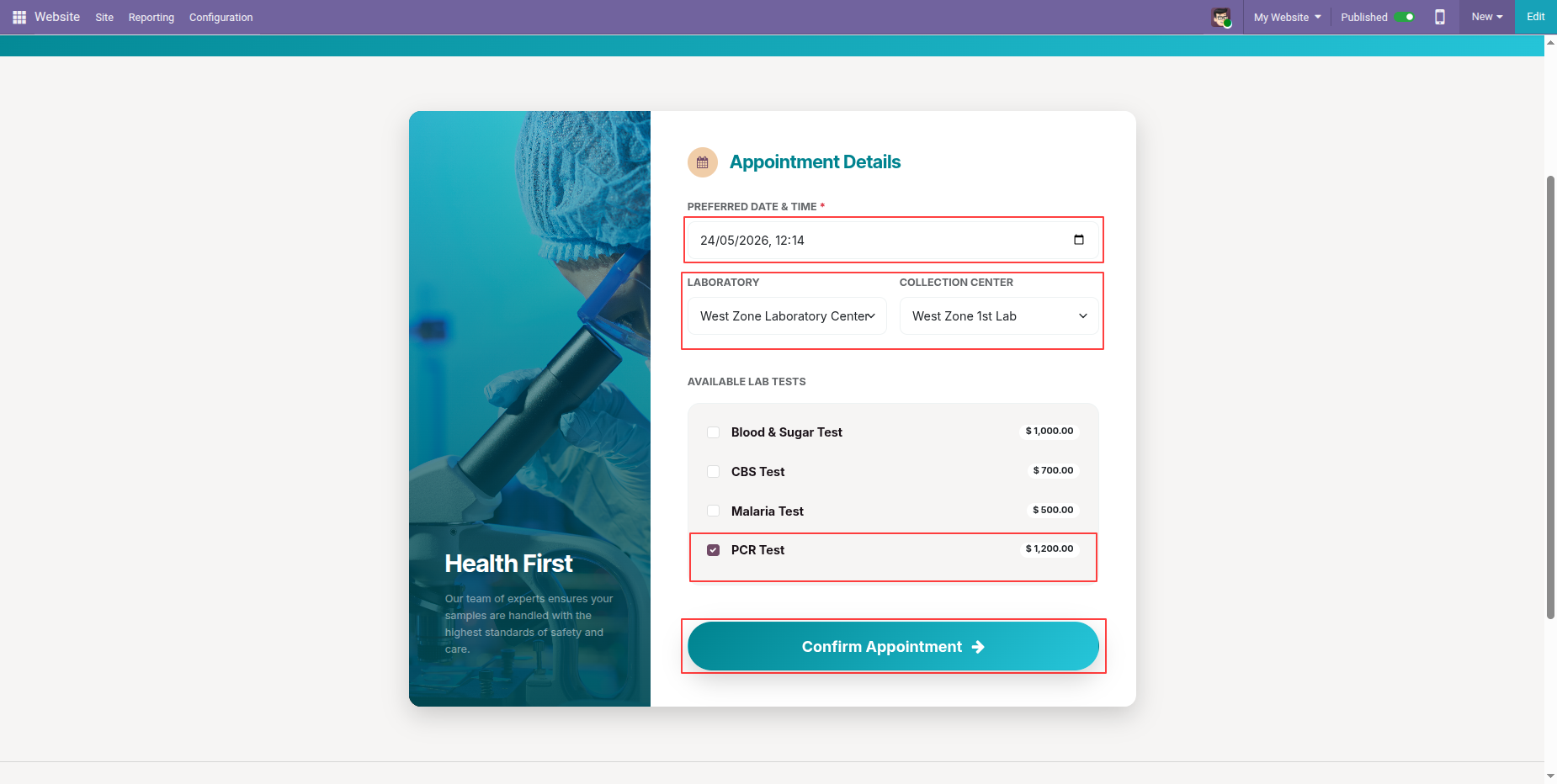
By clicking the Book Now button, the Appointment Form will open with the selected Lab Test automatically pre-filled, allowing the user to complete the remaining details and confirm the appointment.
Fill in all the required details in the Appointment Form and click the Confirm button to book the appointment successfully.
Booking Successful confirmation page displaying the unique reference number and scheduled appointment date-time, with options to go back to the homepage or view My appointments.
Clicking on the Lab Tests menu on the website will open the Diagnostic Test Catalogue, where users can browse and explore the available laboratory tests with pricing and "Book Now" buttons.
Clicking on the Book Appointment menu on the website will open the Schedule Your Appointment form, allowing users to enter their details and book an appointment online.
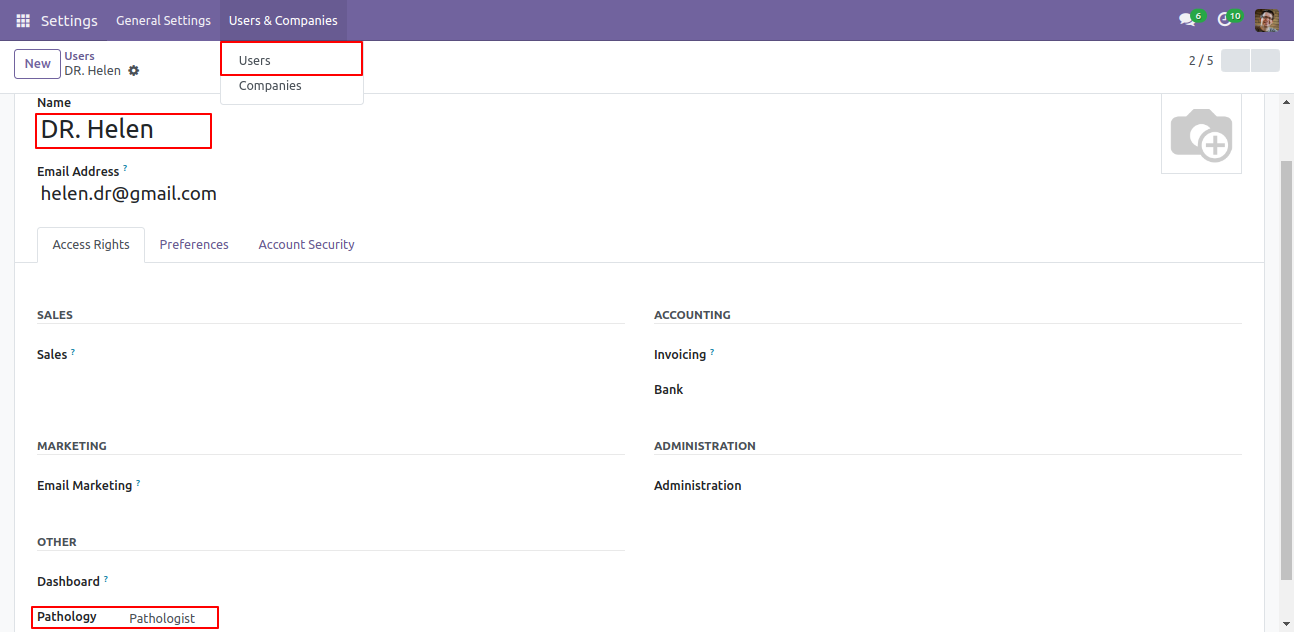
Goto user setting and set specific user group for specific users 'Pathologist'.
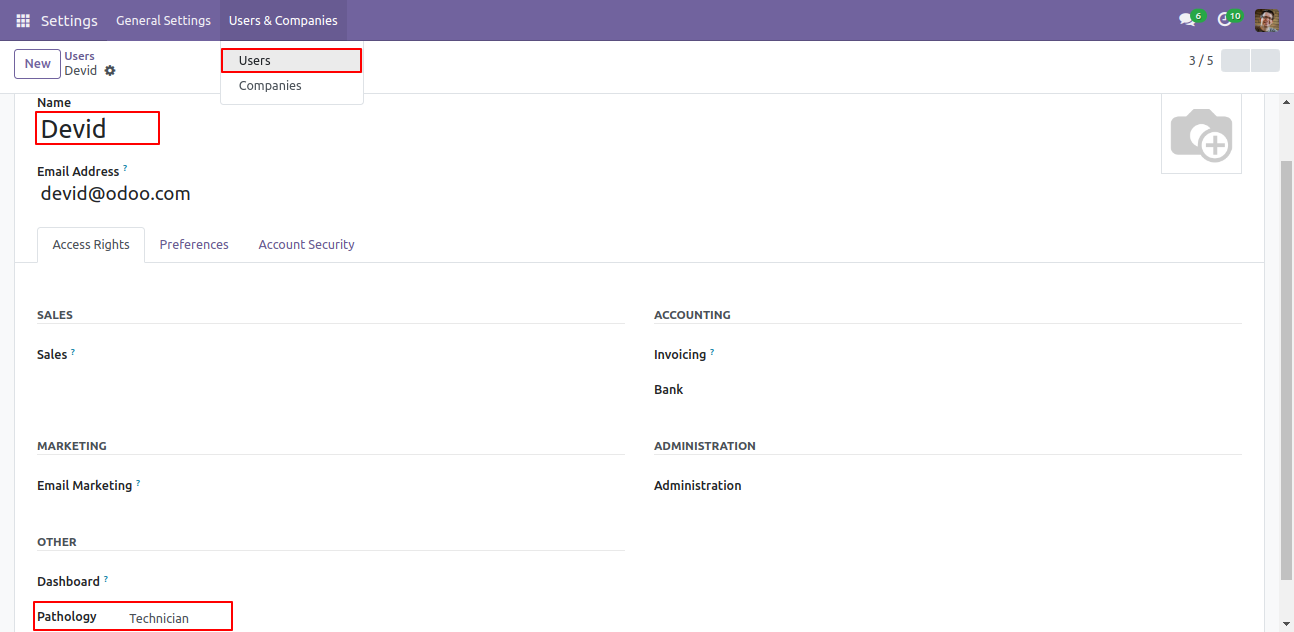
Goto user setting and set specific user group for specific users 'Technician'.
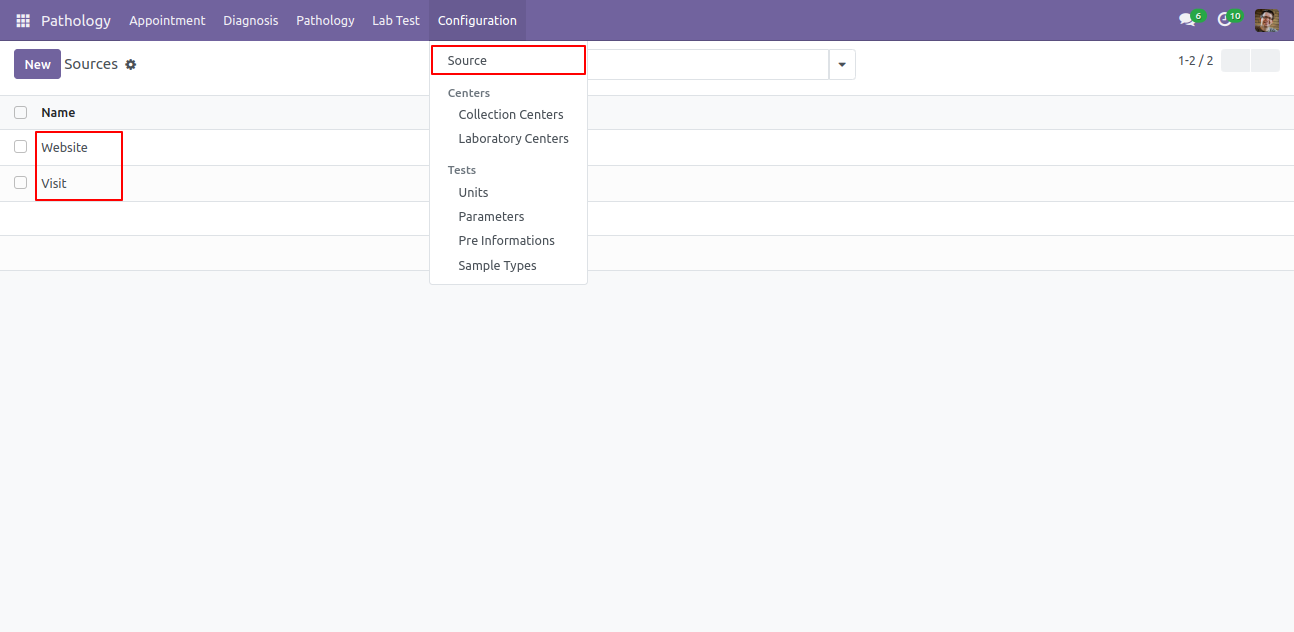
Create a sources.
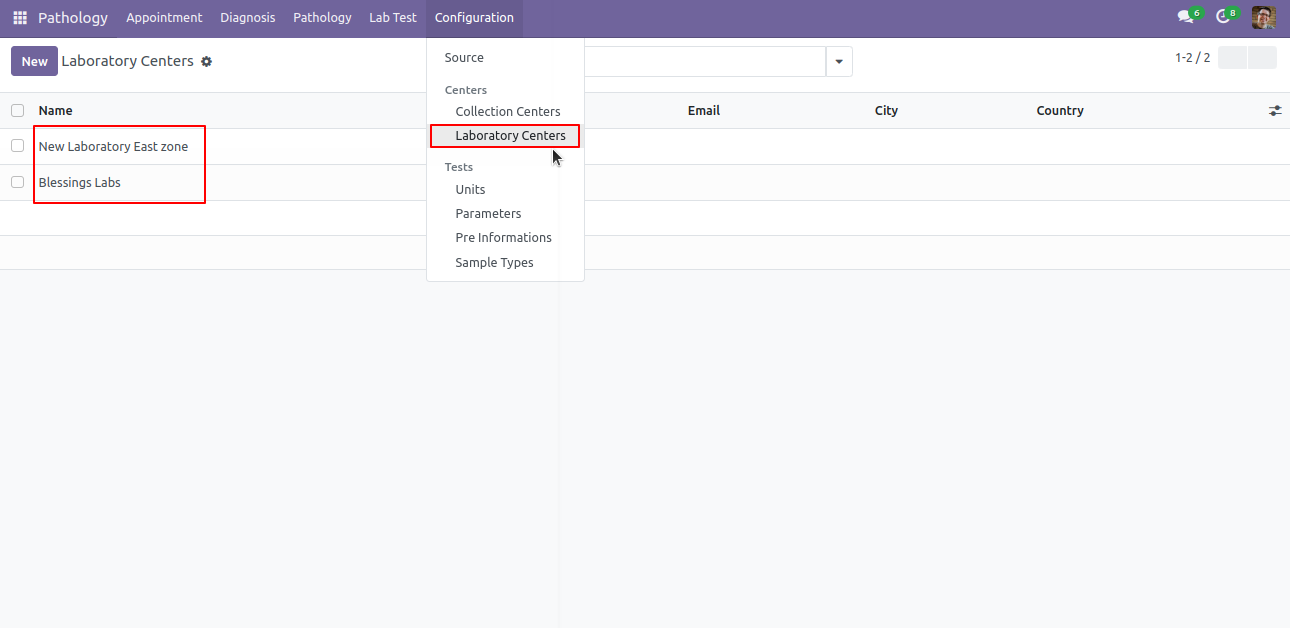
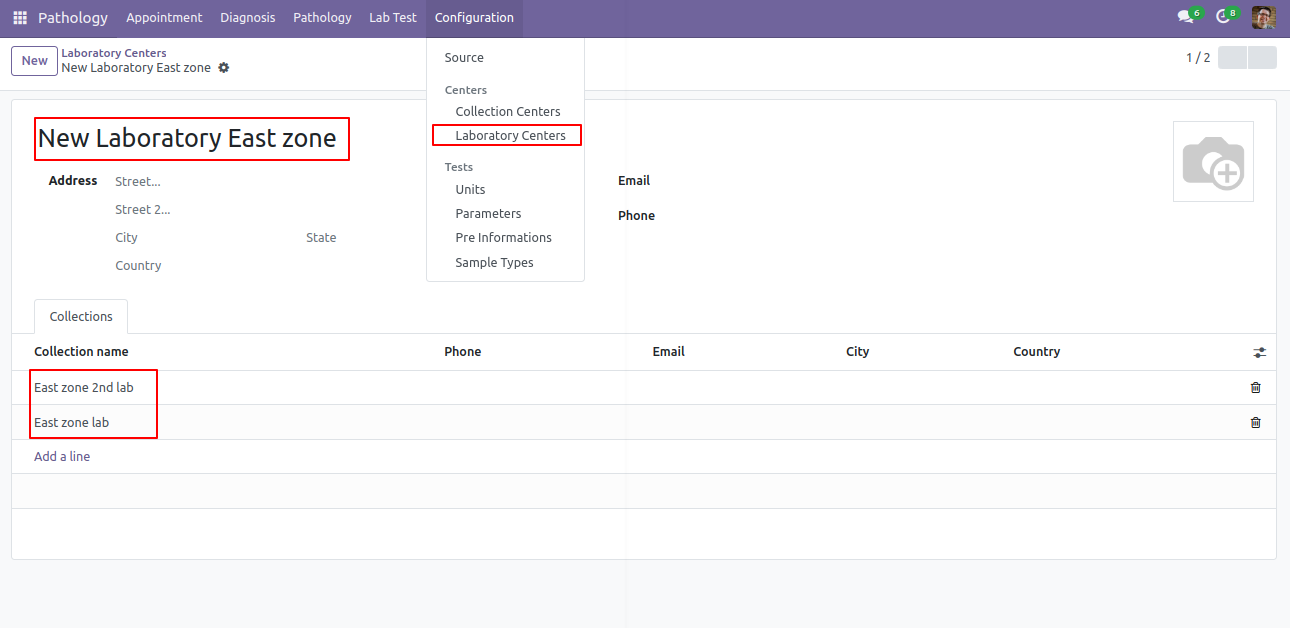
Laboratory Centers list view.
Laboratory Centers form view.
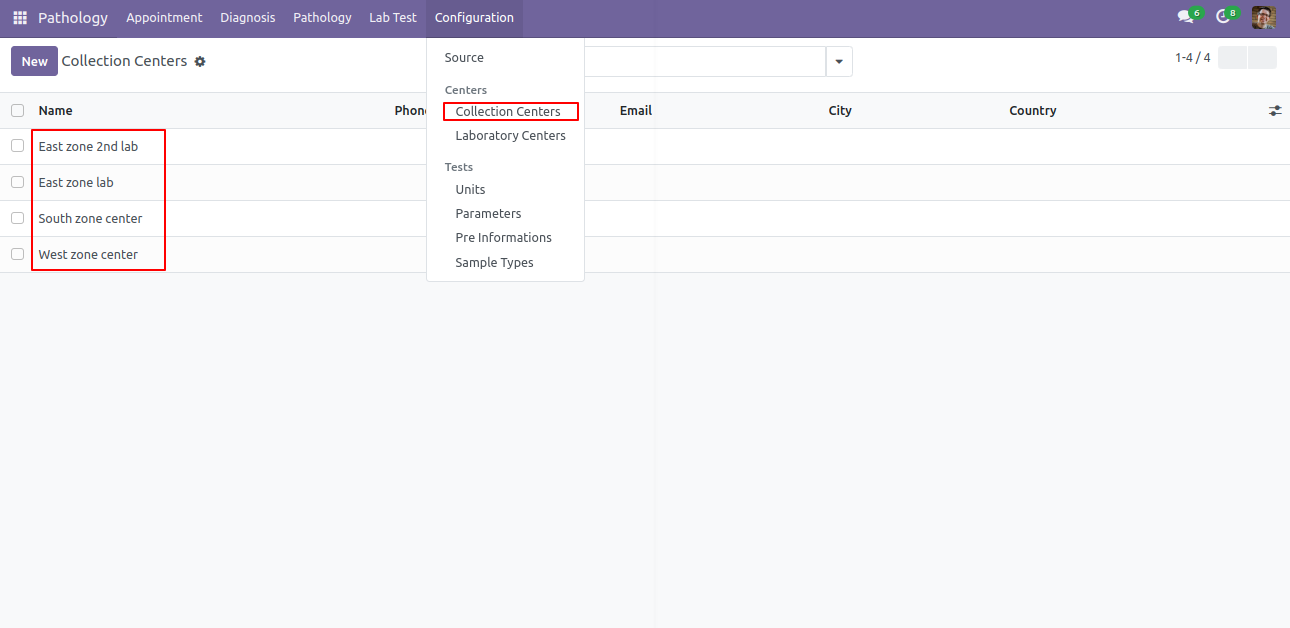
Collection Center menu and list view.
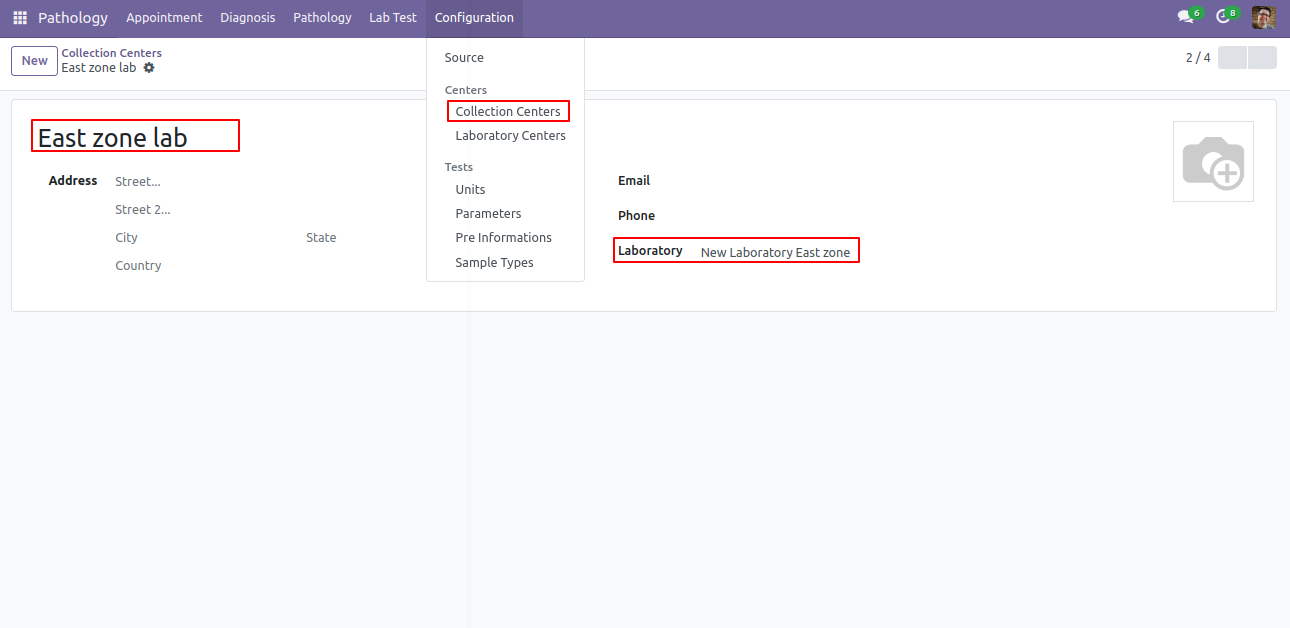
Collection Center form view. Here you can define related lab center.
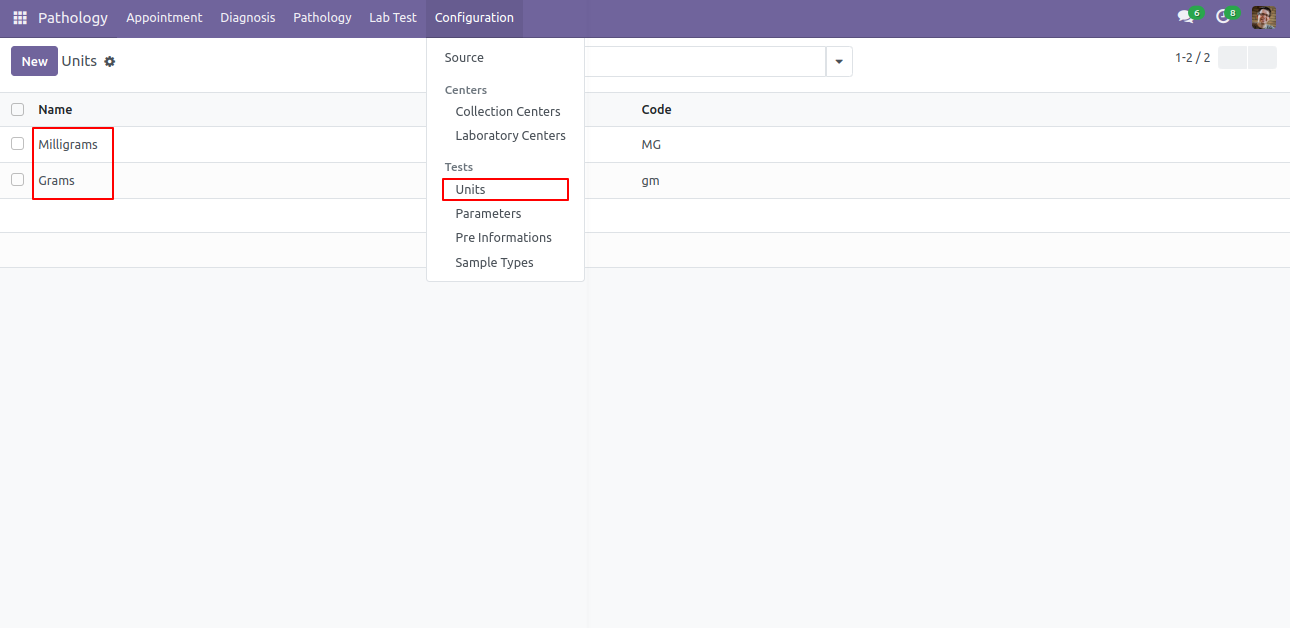
Units menu and list view.
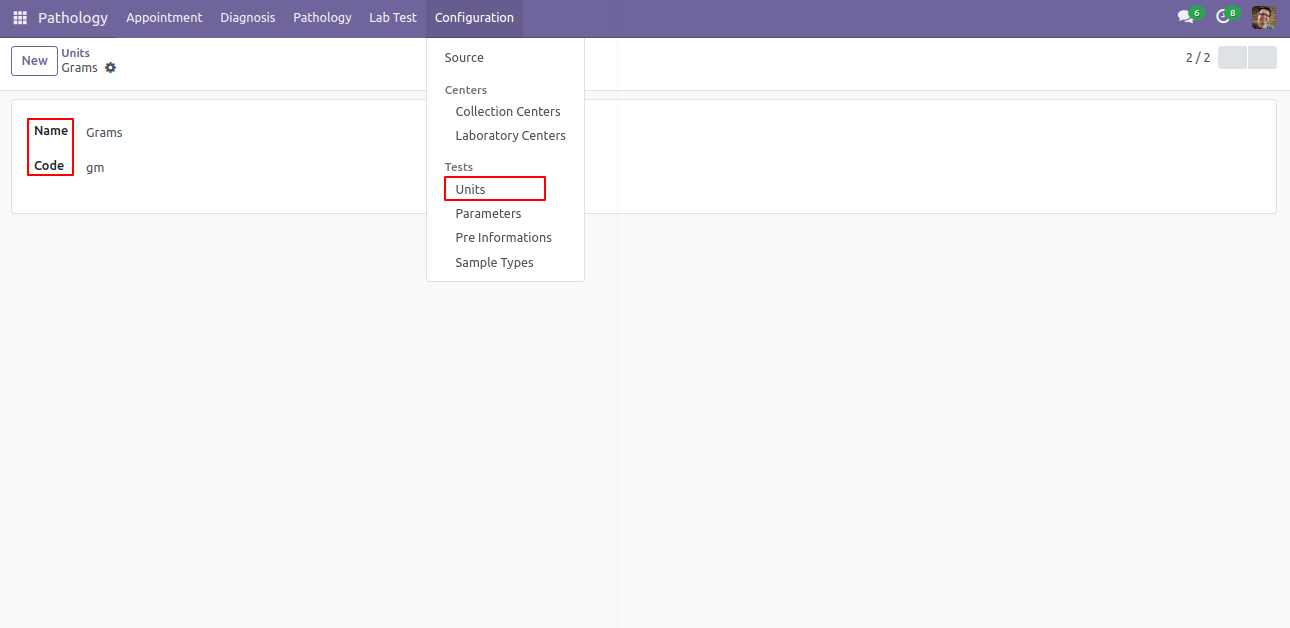
Units form view.
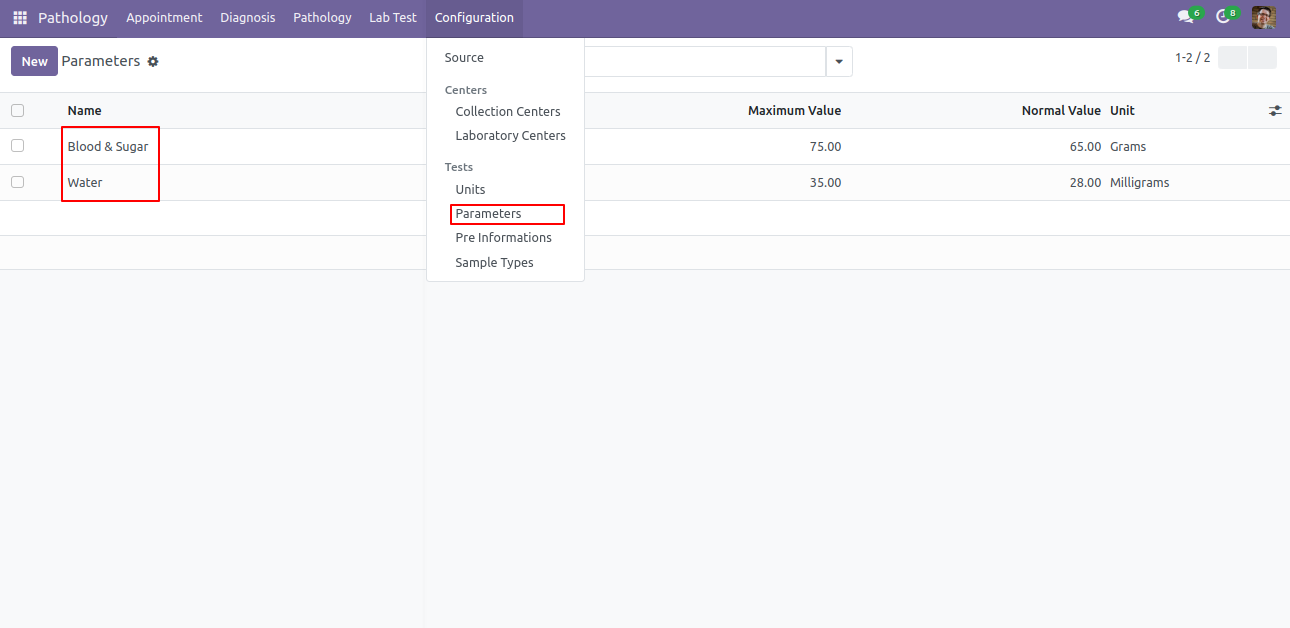
Parameter menu and list view.
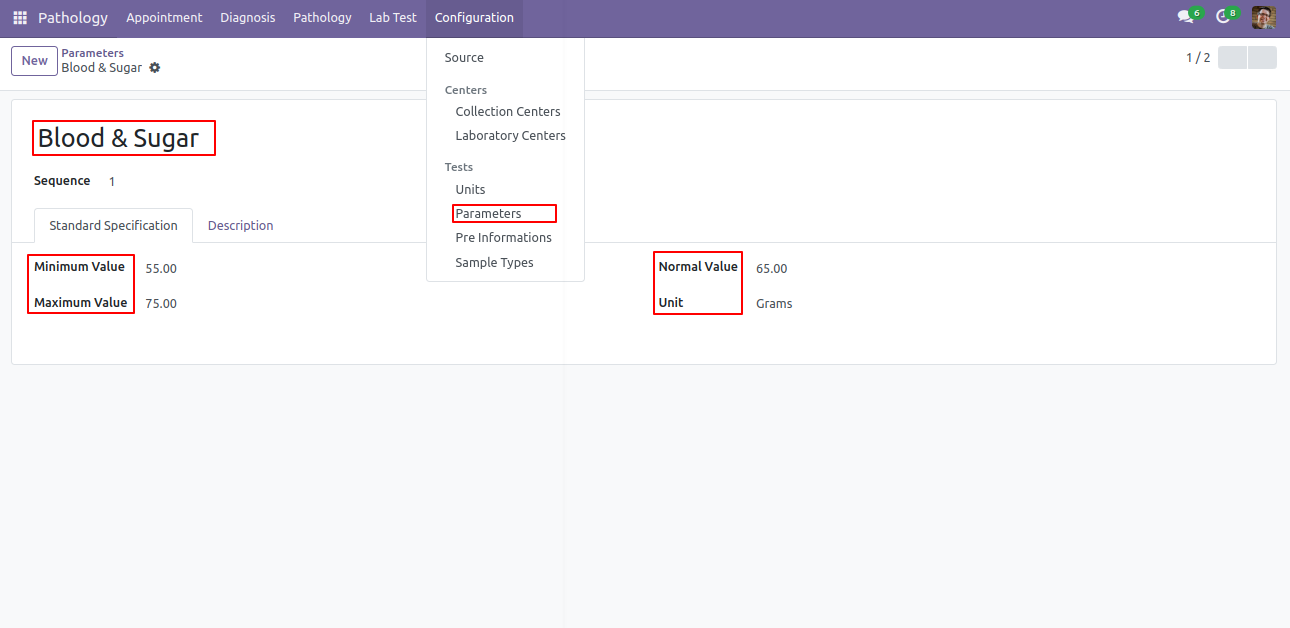
Parameter form view. Here you can define min max value of elements of test also set normal values.
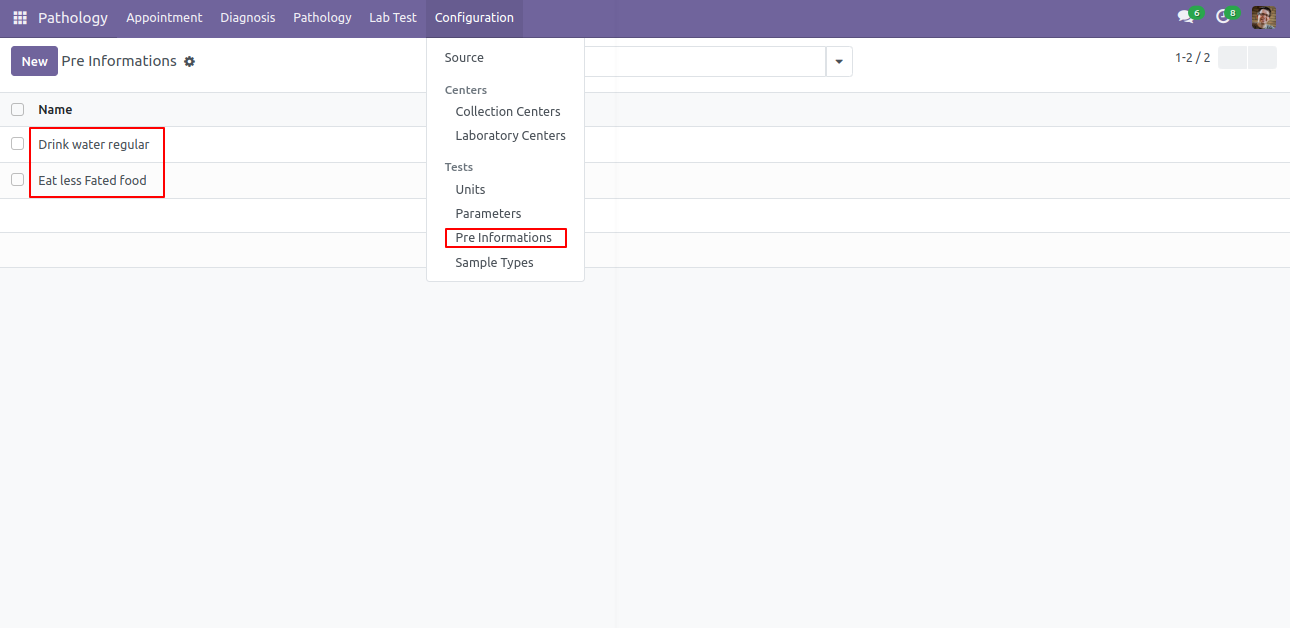
Pre-Information menu and list view.
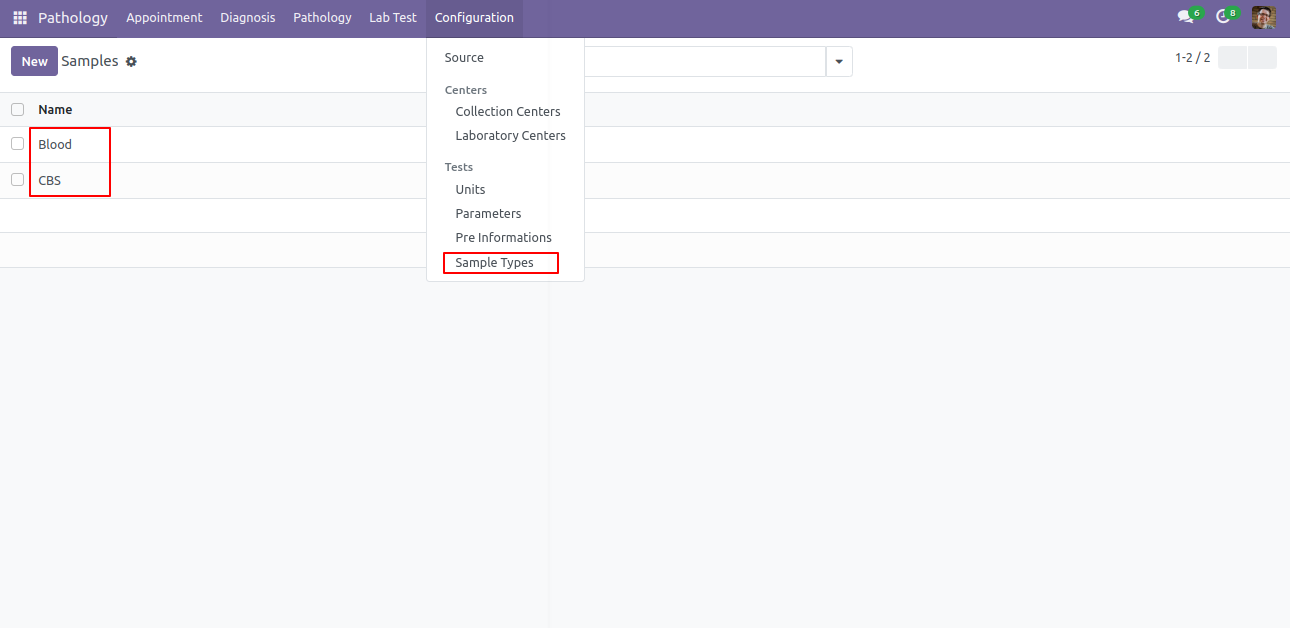
Sample type menu and list view.
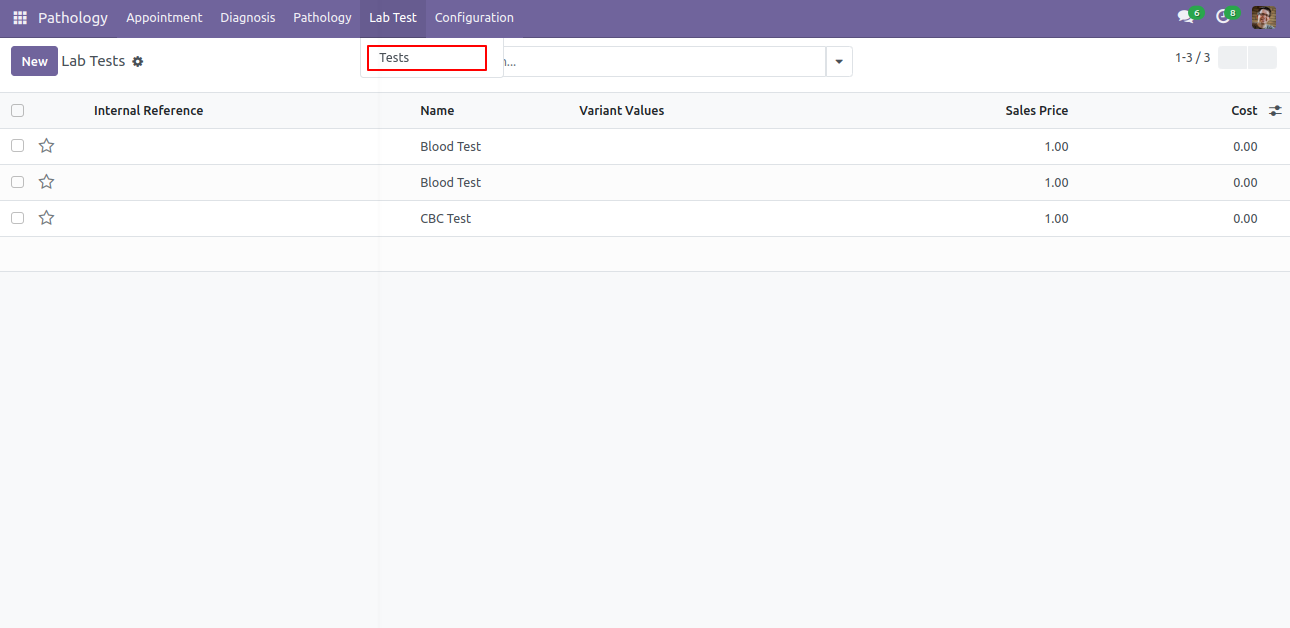
Tests menu and list view.
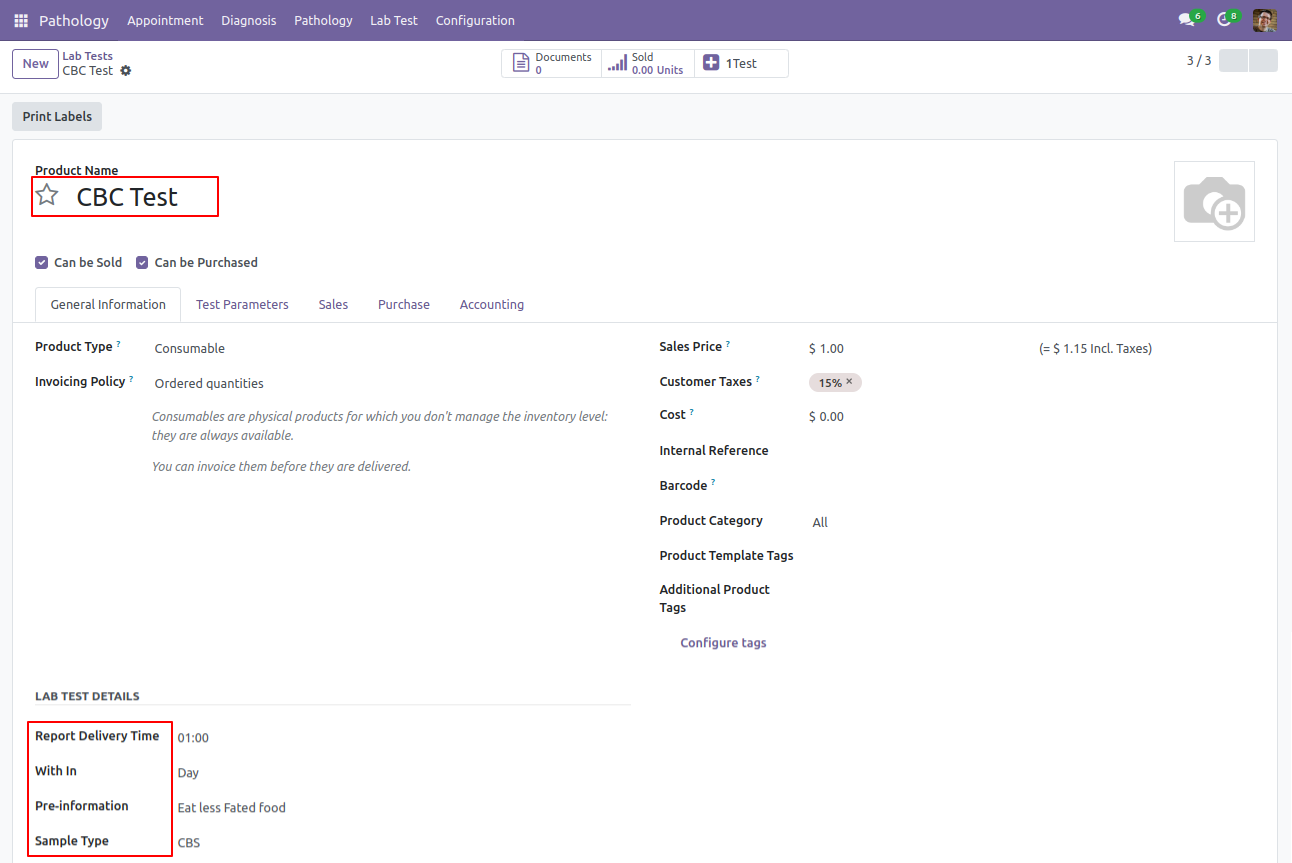
Tests form view. Here you can define all tests with it's all general informations like delivery time, cost, price, etc...
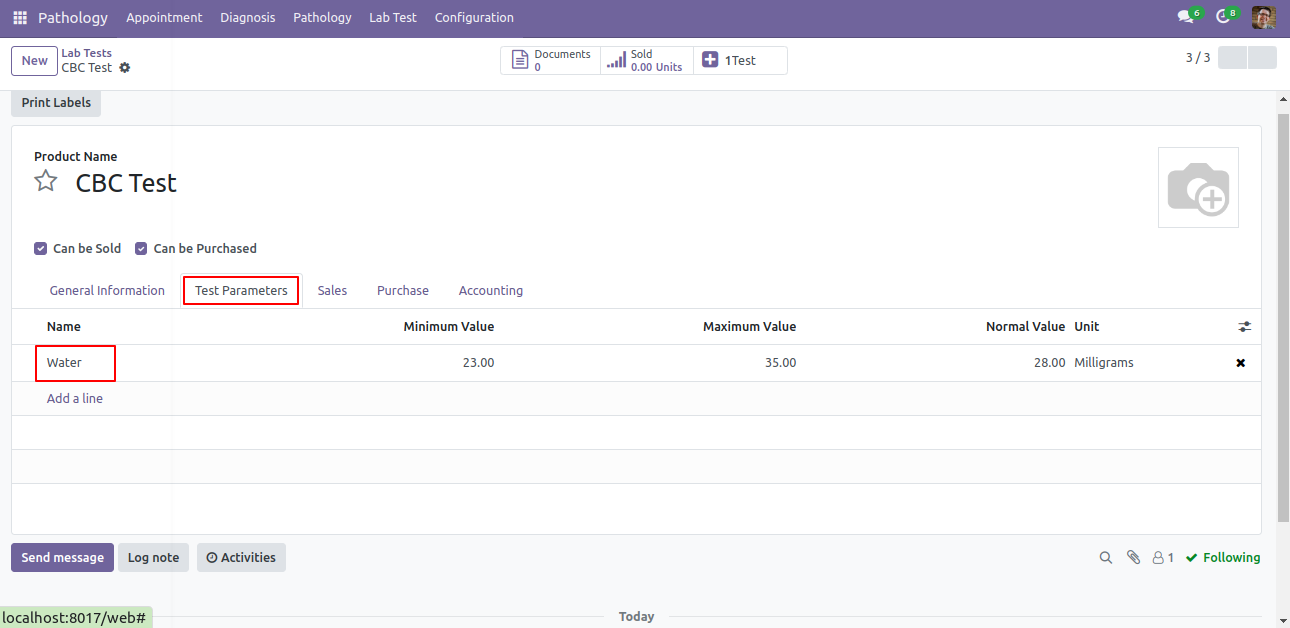
In Tests Test Parameter you can define parameters of test with it's min, max and normal values.
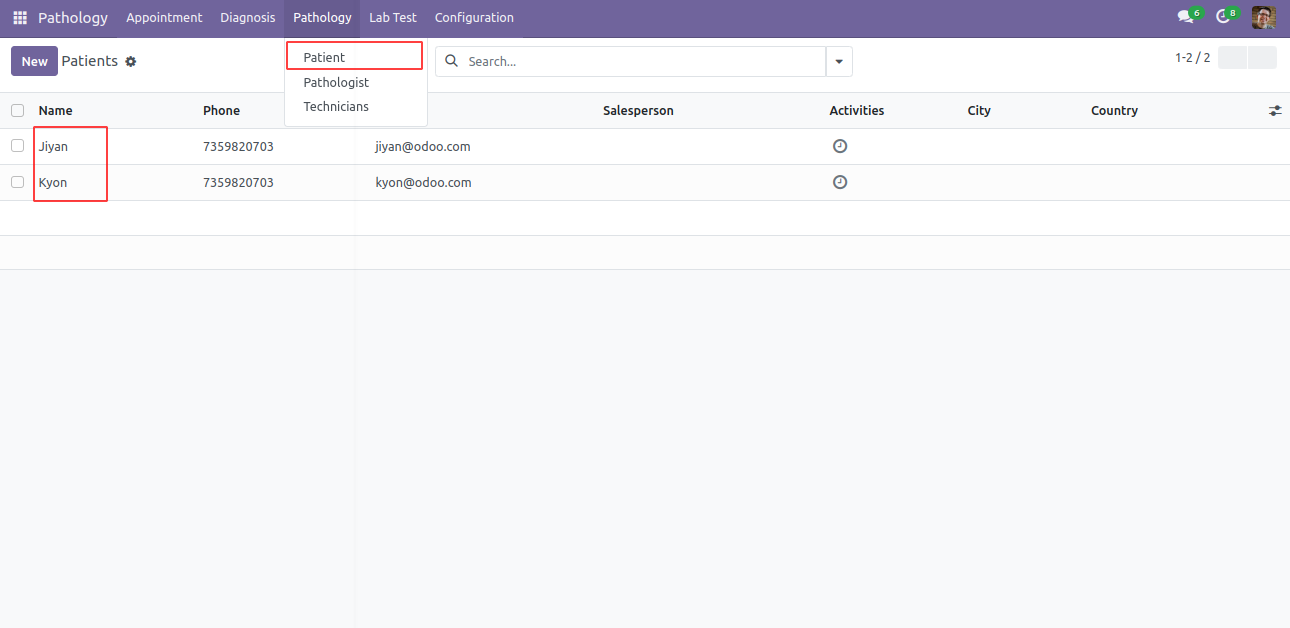
Patient menu and list view.
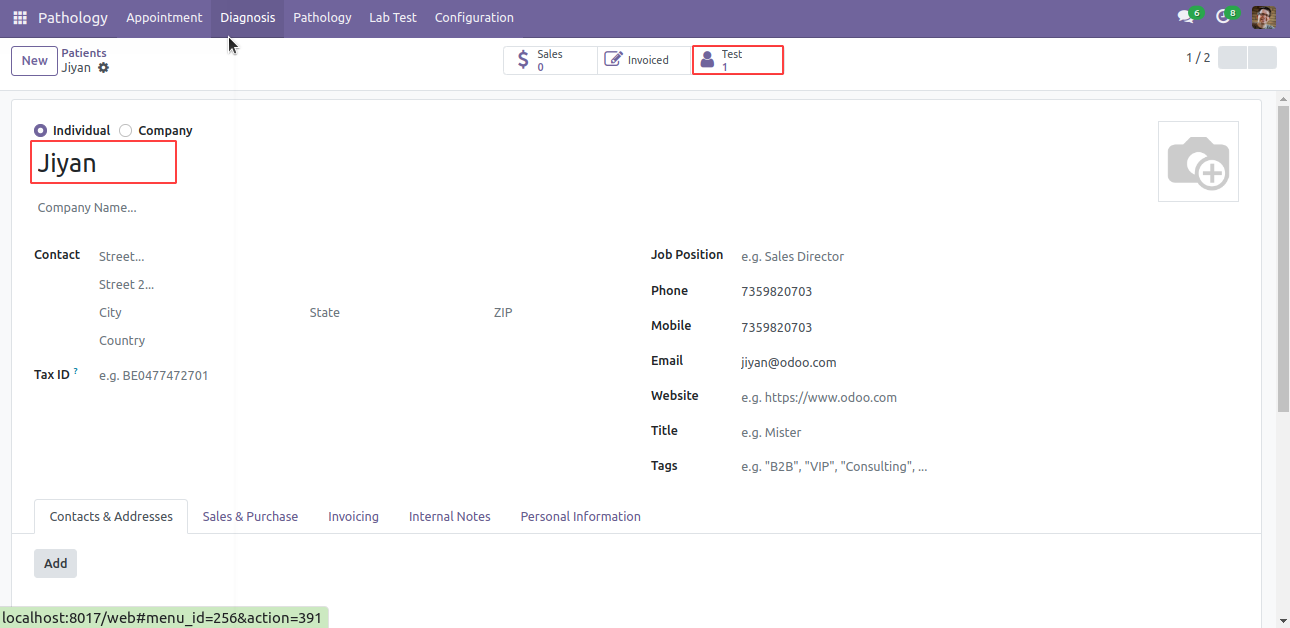
Patient form view. Here you can define patient details.
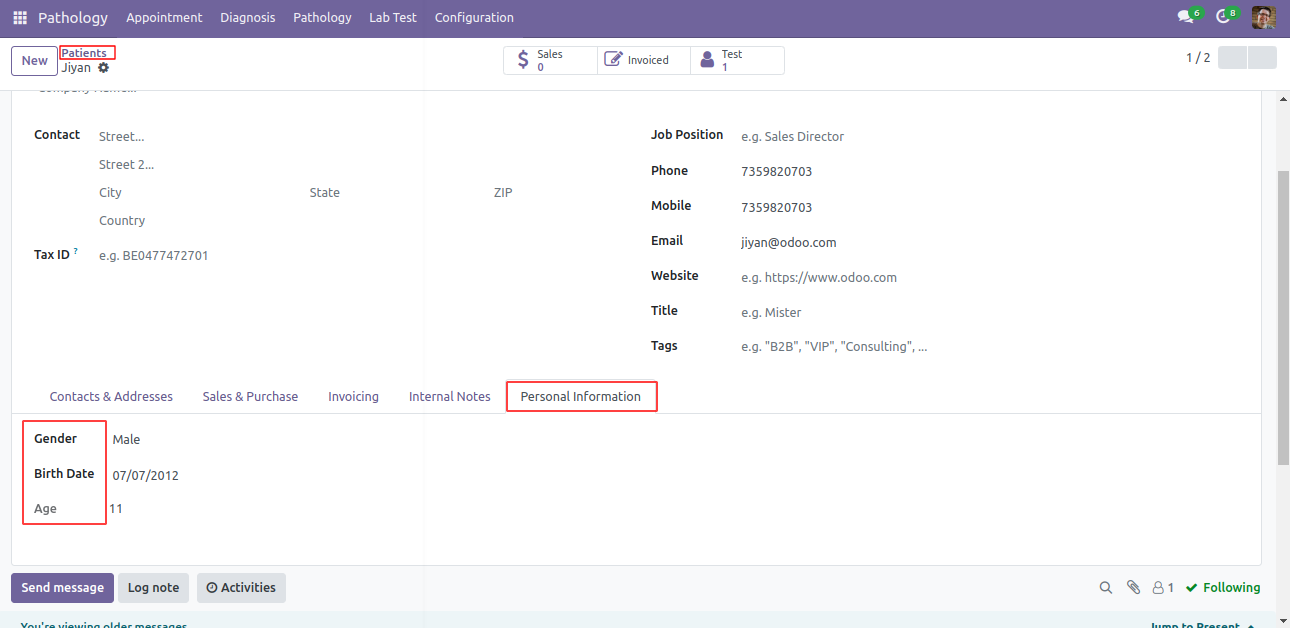
In Patient, here in 'Personal Information' tab you can define patients date of birth, gender and age.
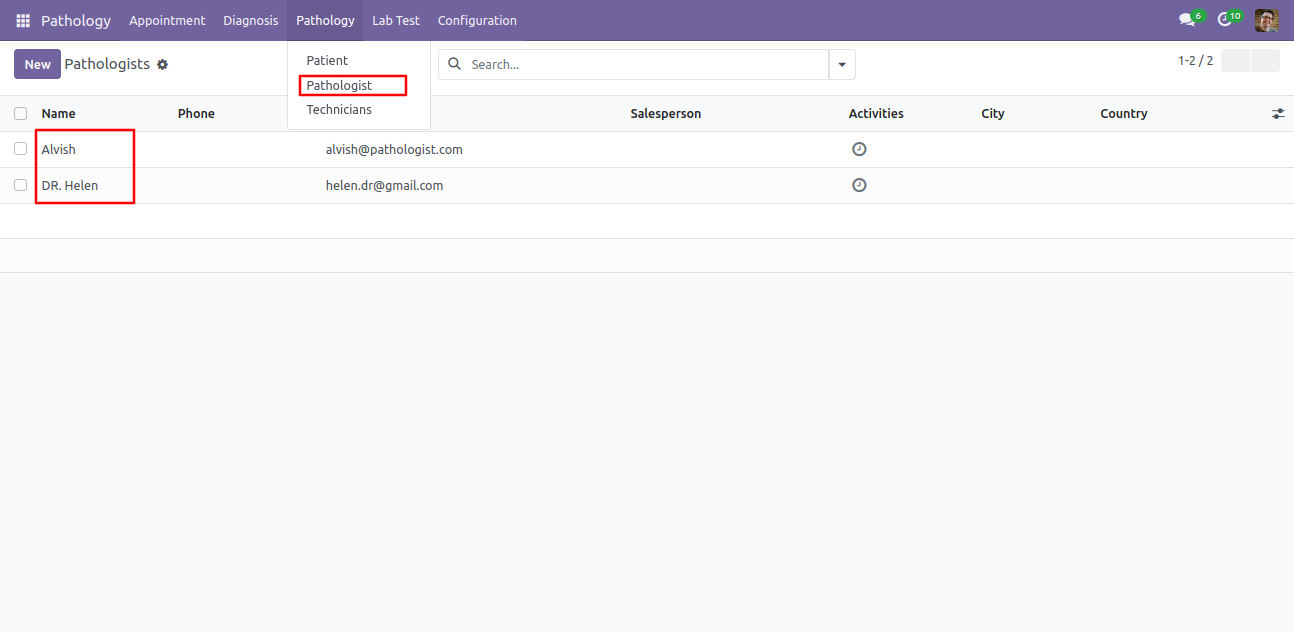
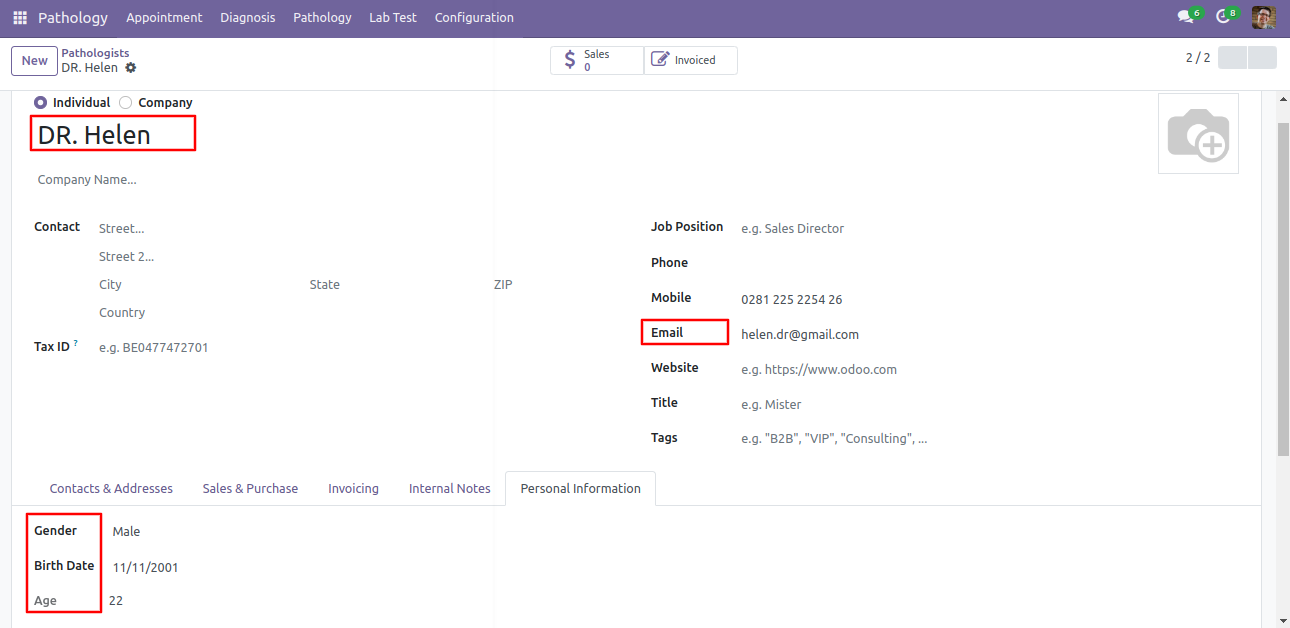
Pathologist sub-menu and list view under the 'Pathologist' menu.
Pathologist form view. Here you can define pathologist details. Also in 'Personal Information' tab you can define pathologist date of birth, gender and age.
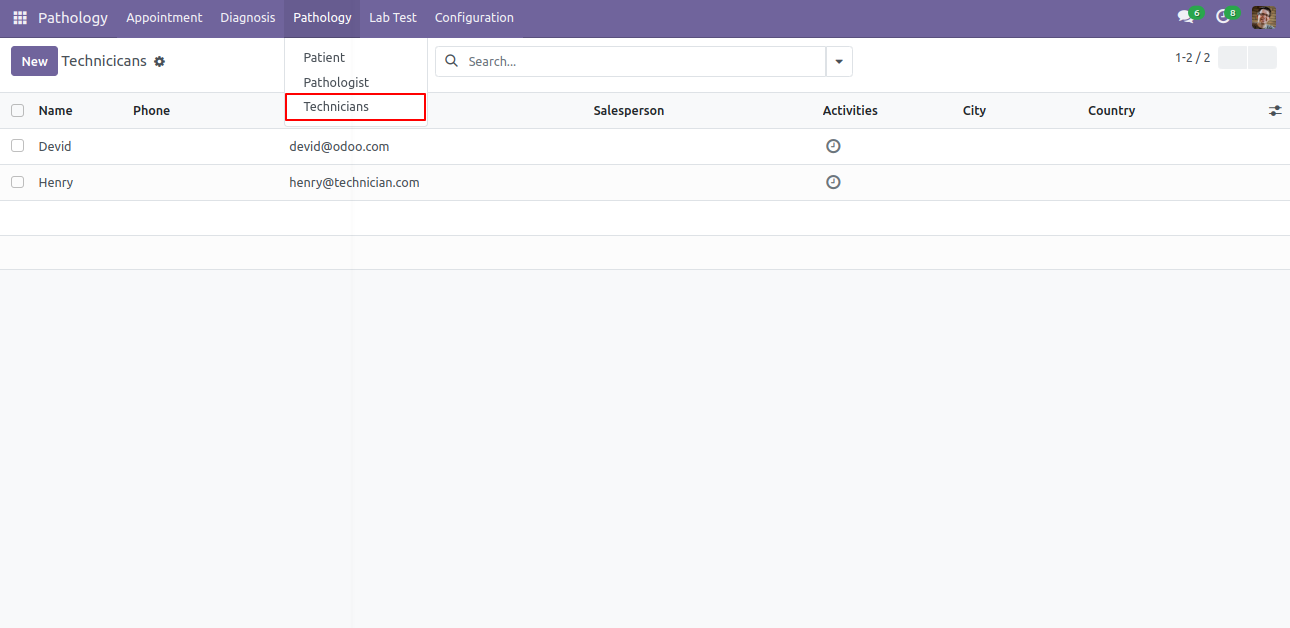
Technicians menu and list view.
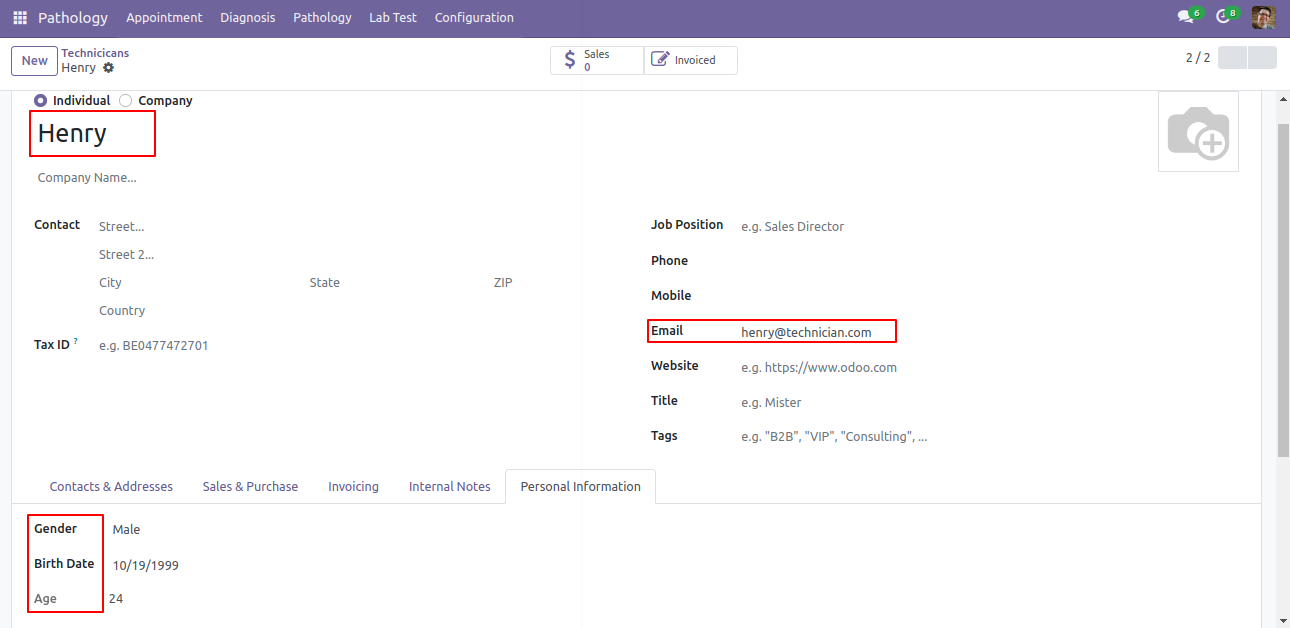
Technician form view.
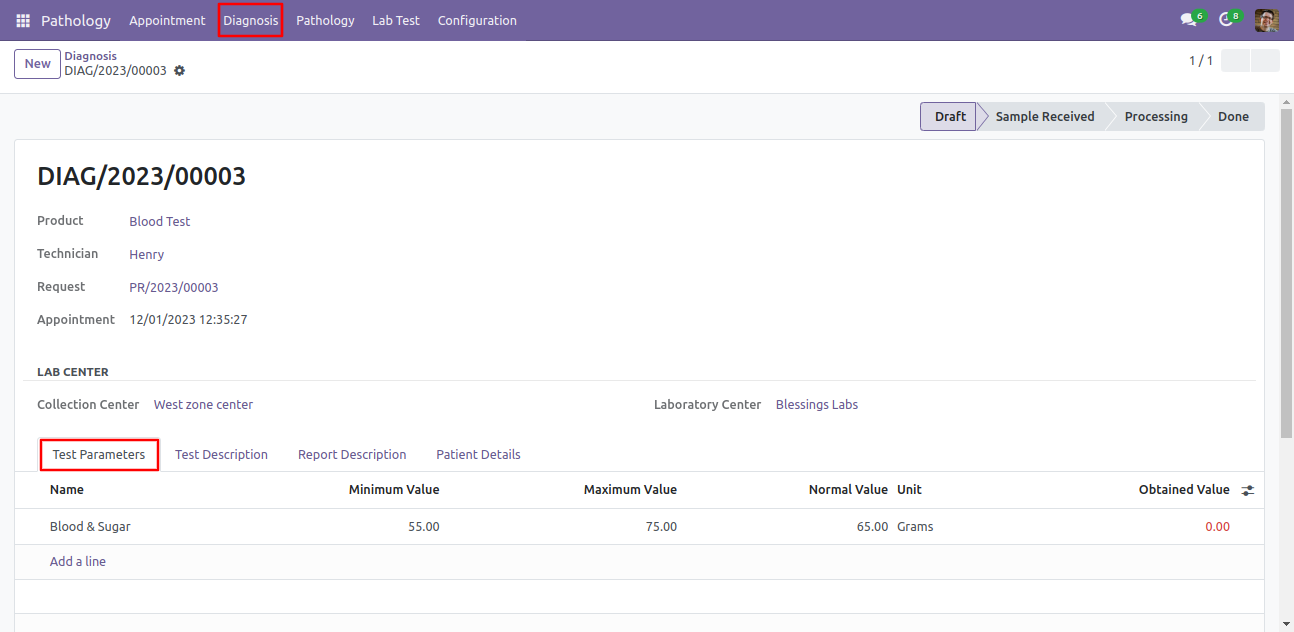
In 'Diagnosis' Menu and form view, Here you can see the details of diagnosis with status. Also you can see the test parameters.
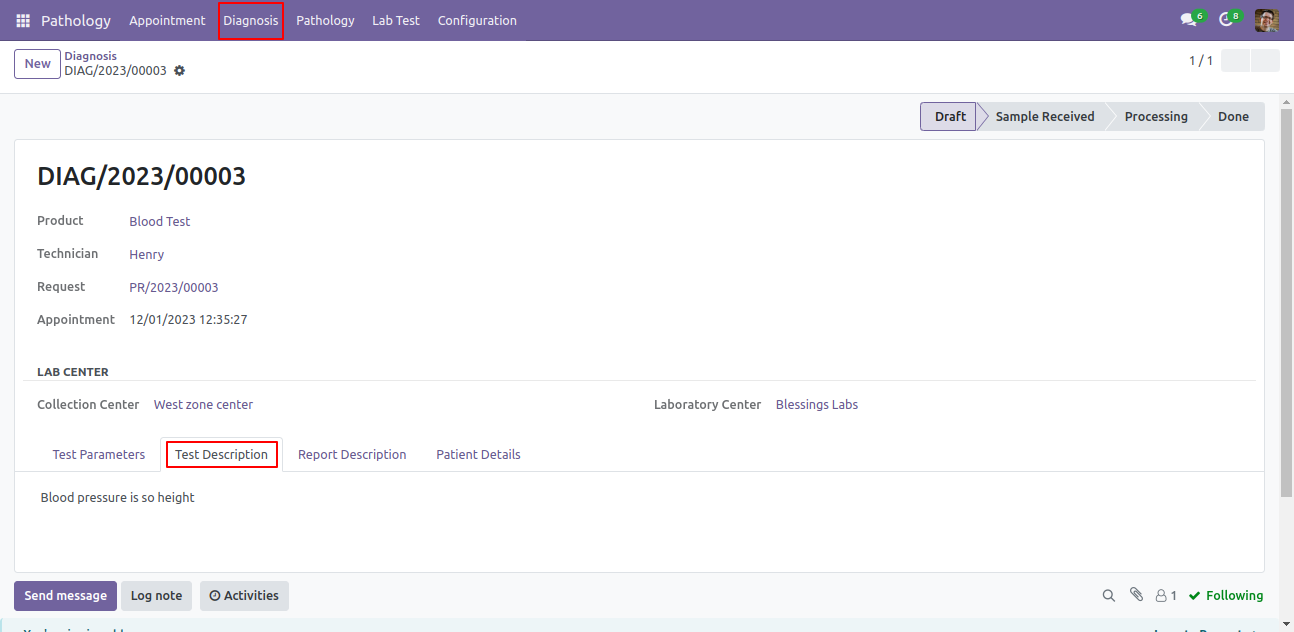
In 'Diagnosis' form view, you can add test description.
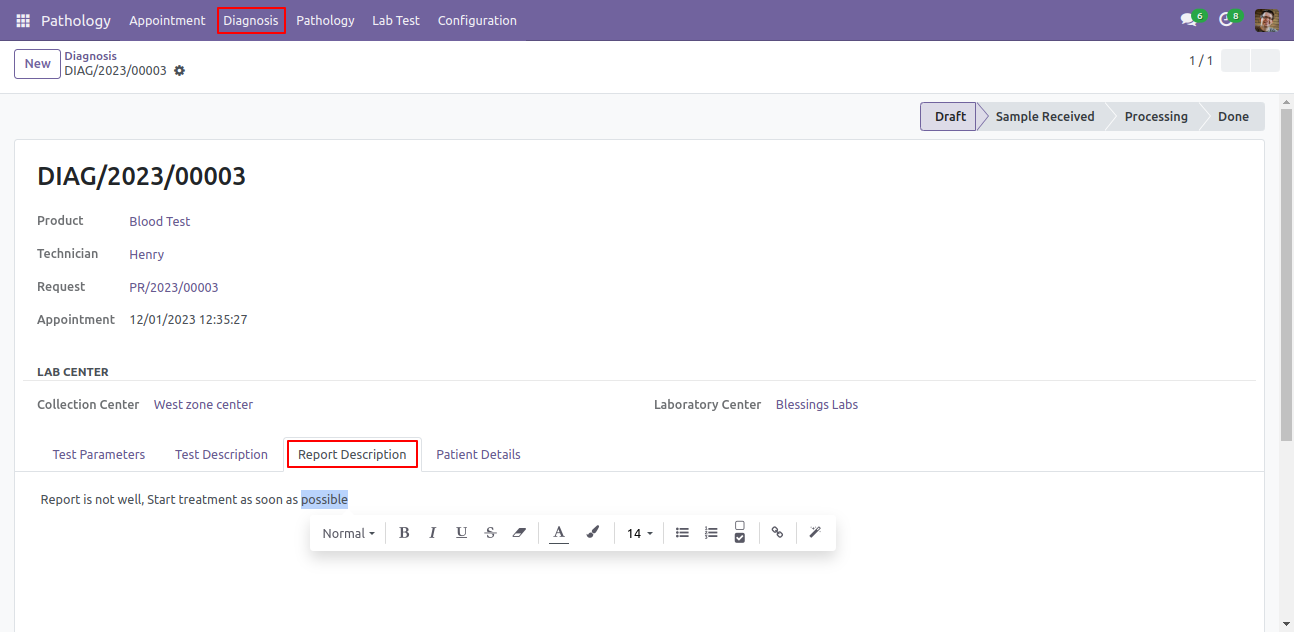
In 'Diagnosis' form view, you can add report description.
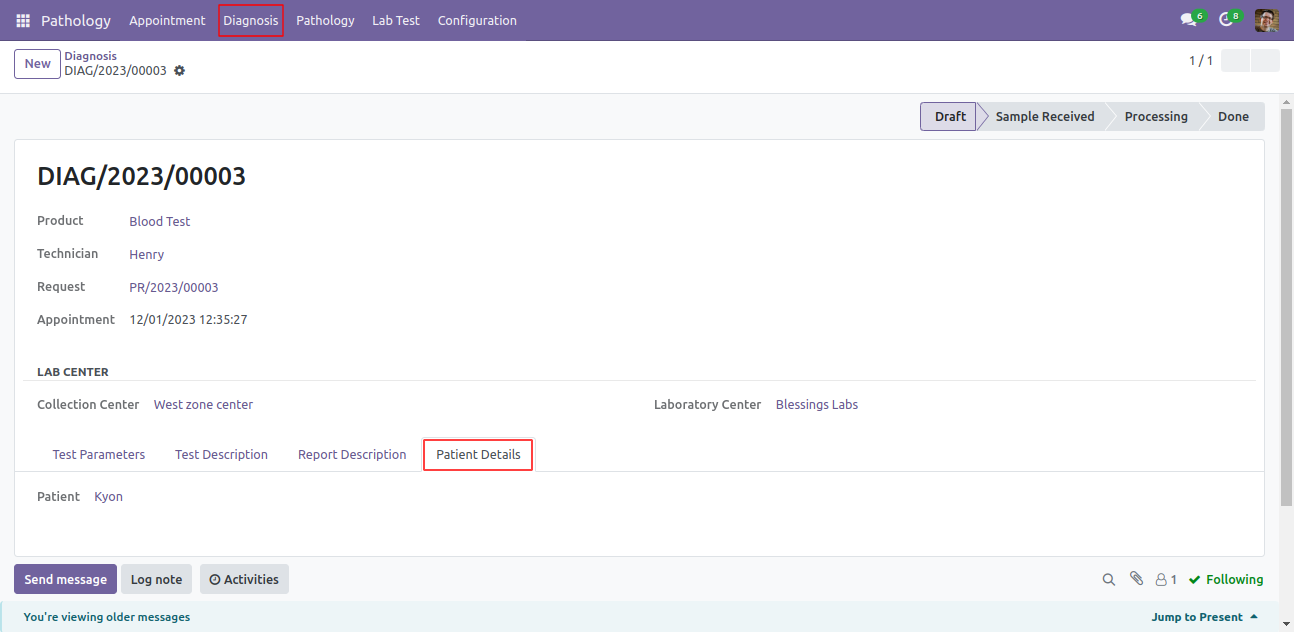
In 'Diagnosis' form view, you can see patients details.
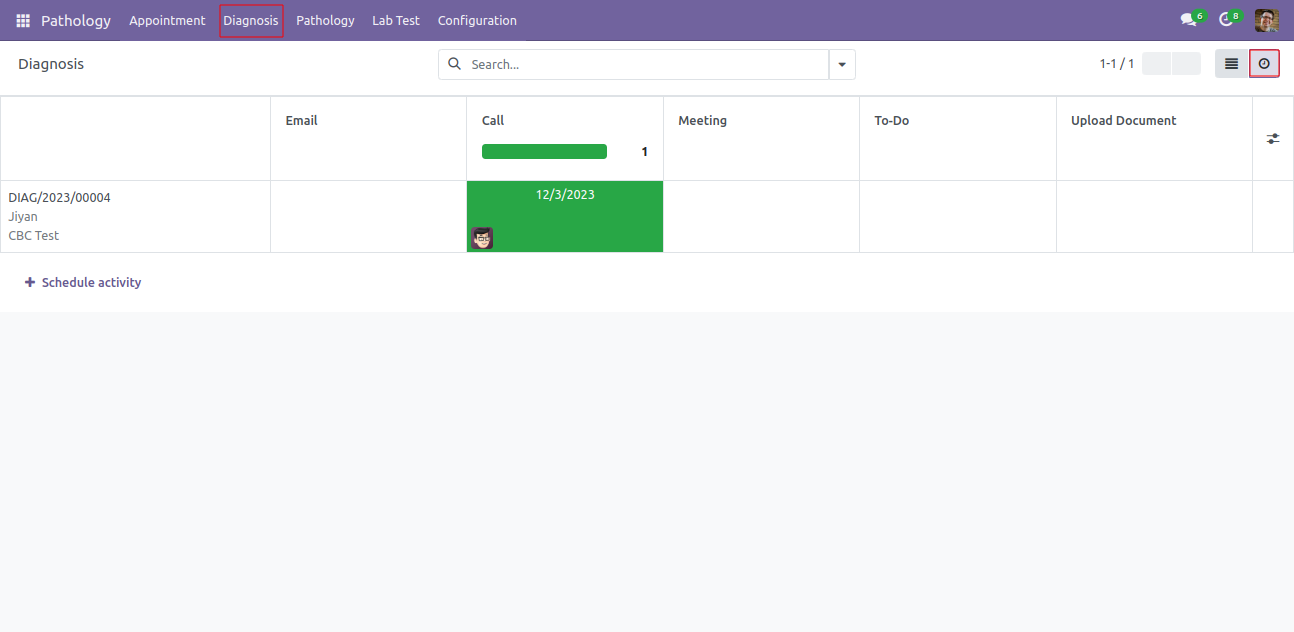
'Diagnosis' activity view.
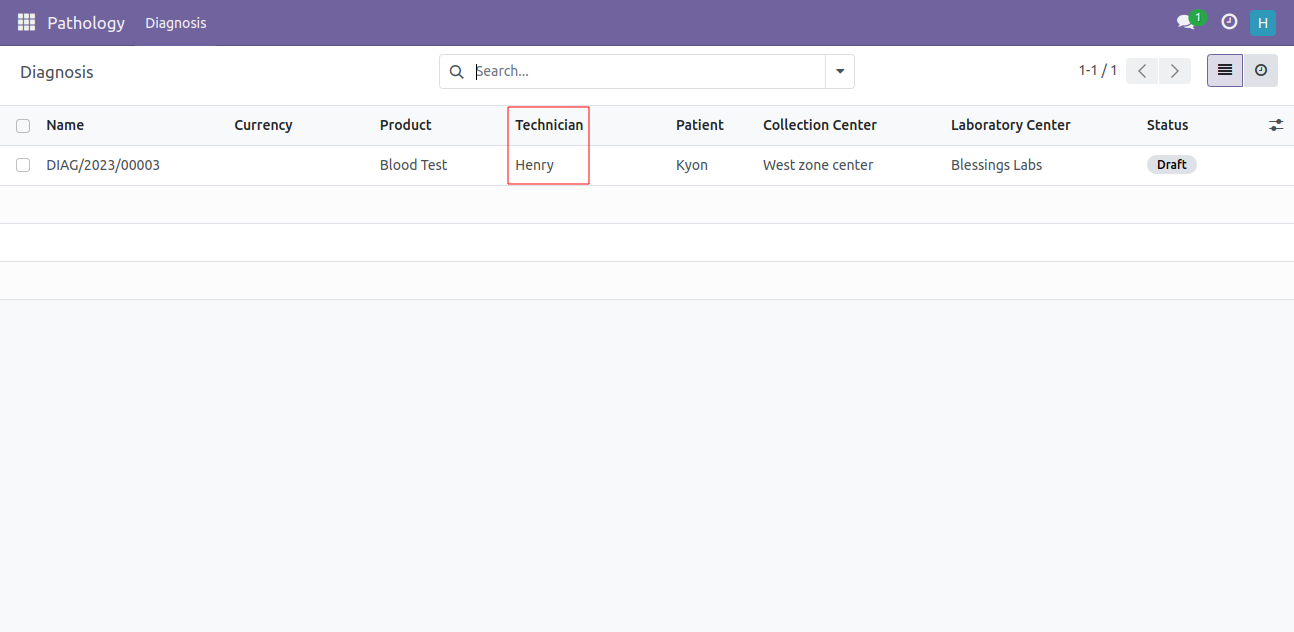
Technician user can see only 'Diagnosis' menu and it's diagnosis list.
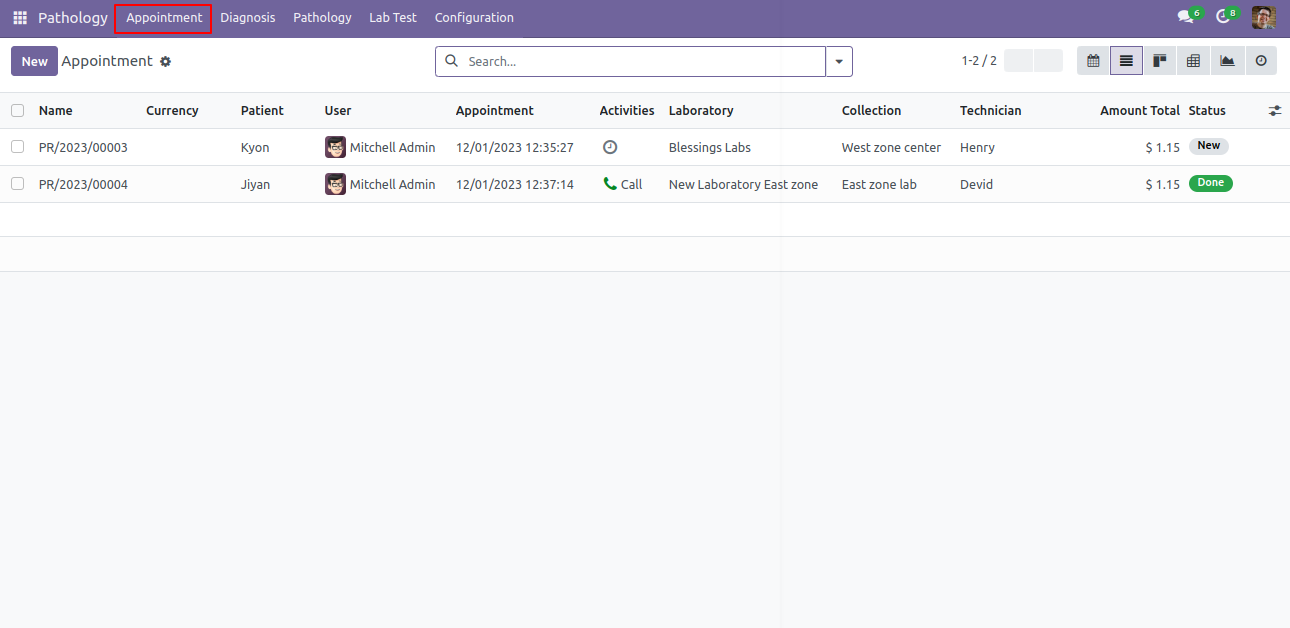
Appointment menu and list view.
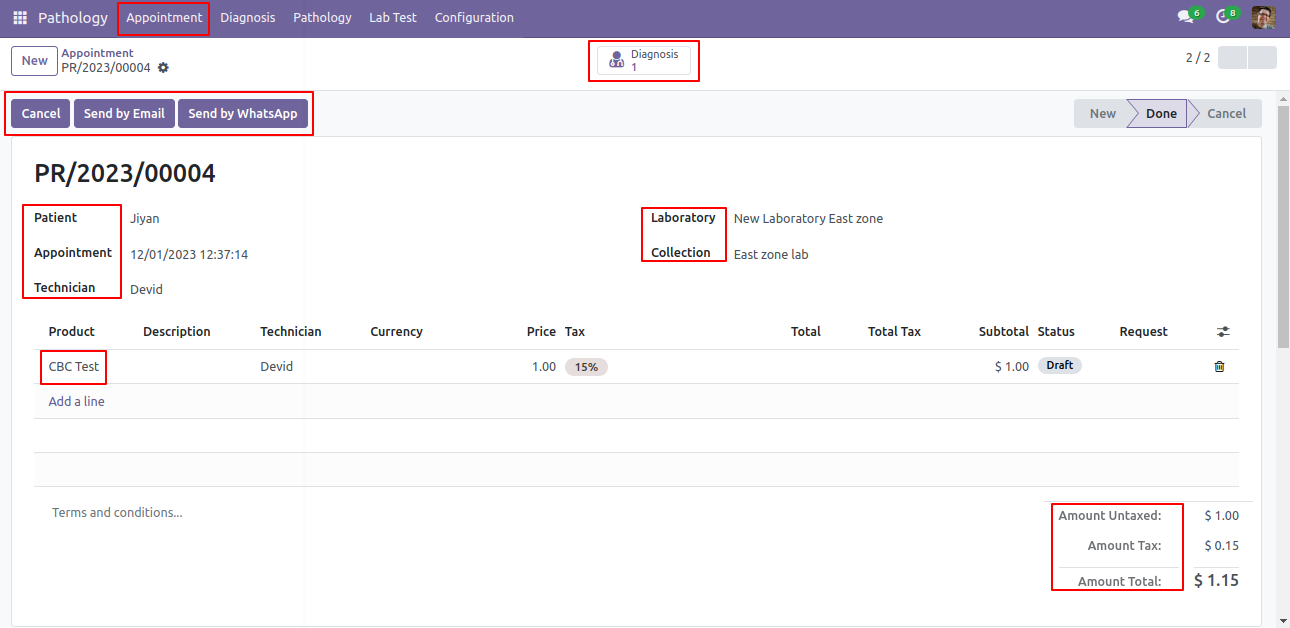
Appointment form view. Here you can create appointment for patients, define test type, lab center, collection center and total amount.
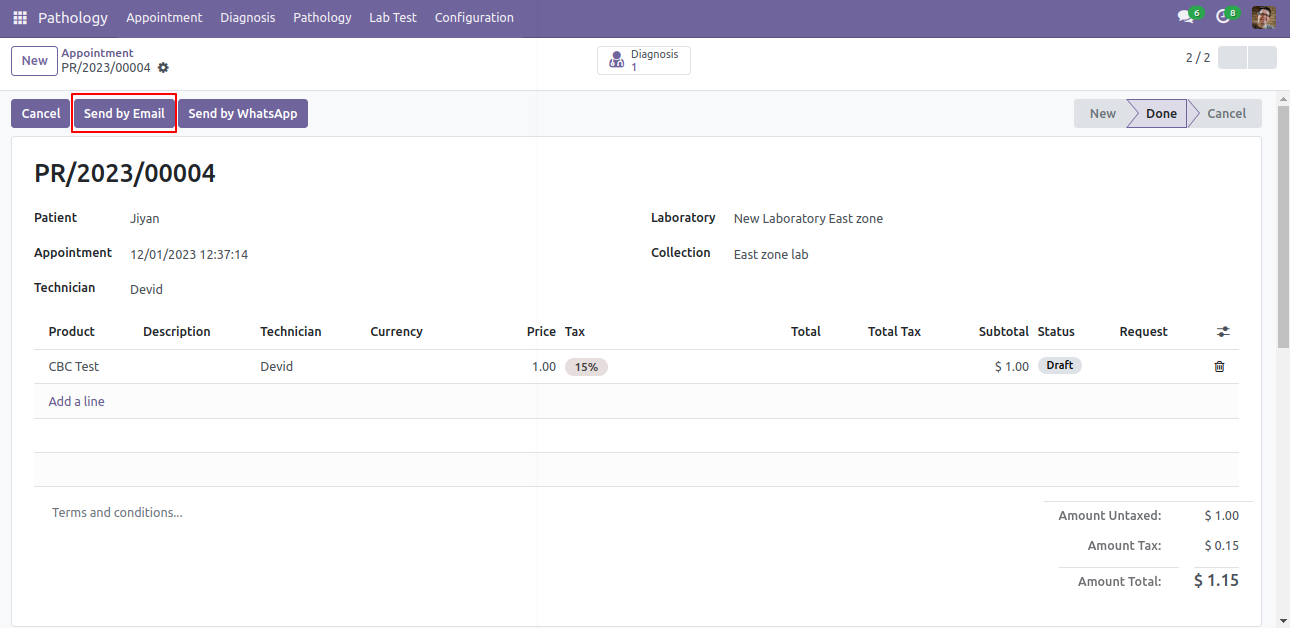
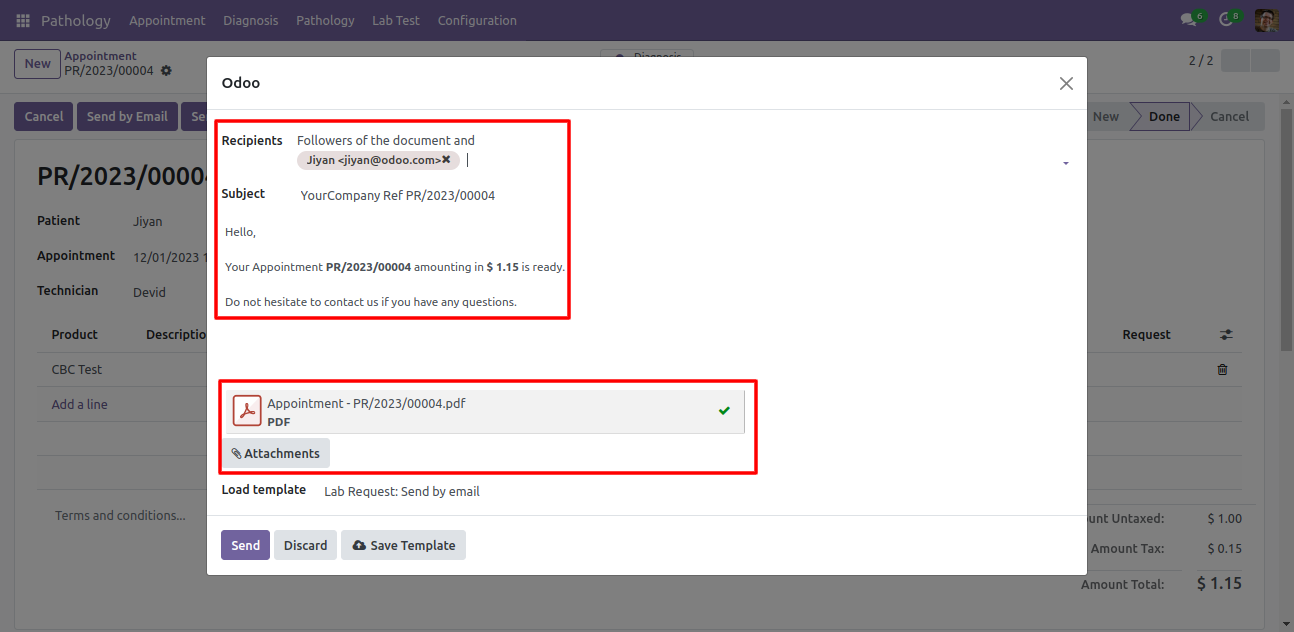
Click on 'Send by Email', you can send appointment detail on patients email.
After click on Send by email, this popup will pop out, here you can see the message and attach appointment pdf automatically.
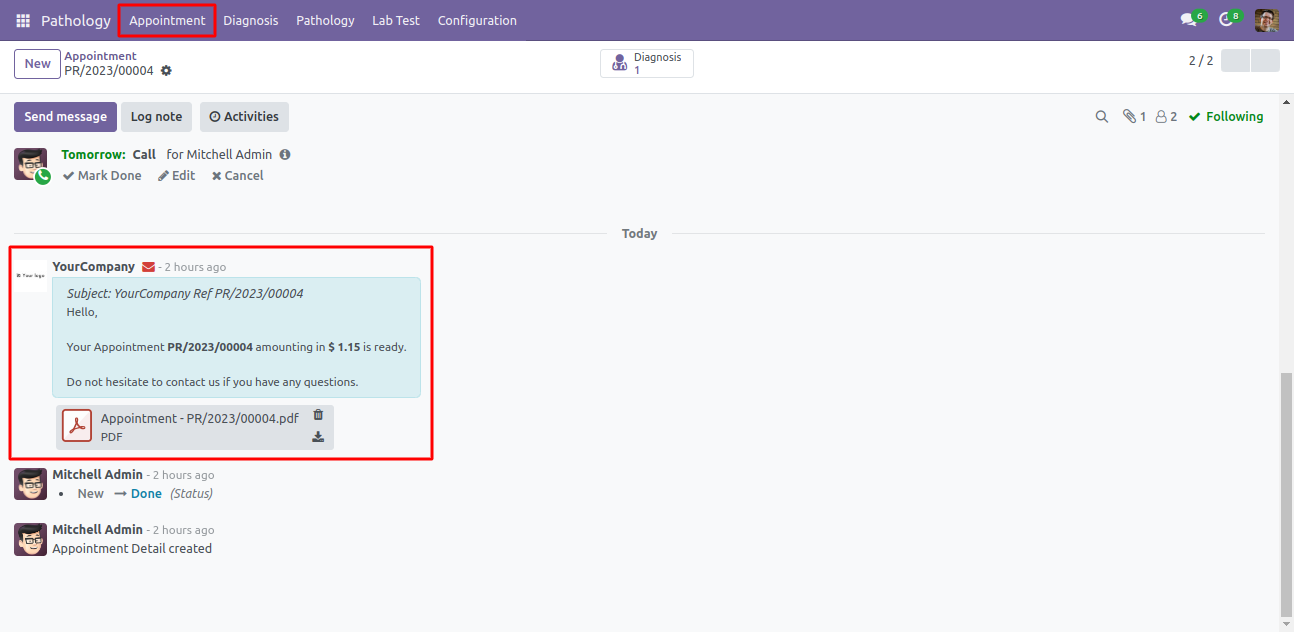
You can see the email sending info in chatter.
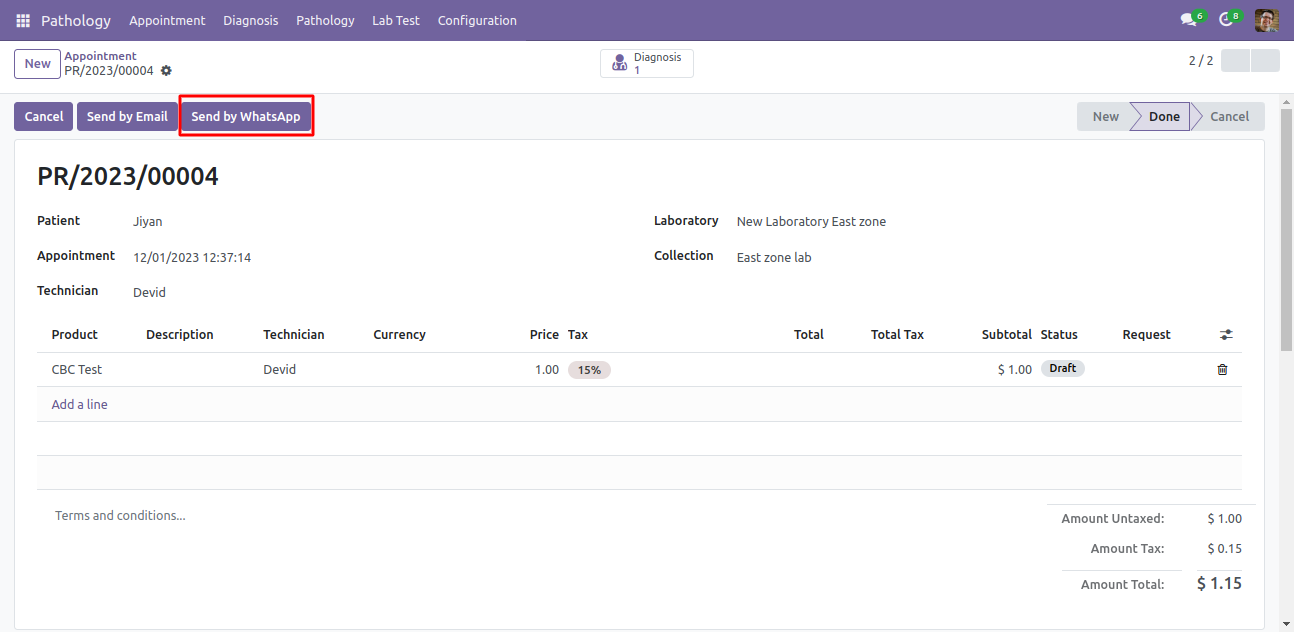
You can also send appointment details direct on patients whatsapp. Just click 'Send By Whatsapp'.
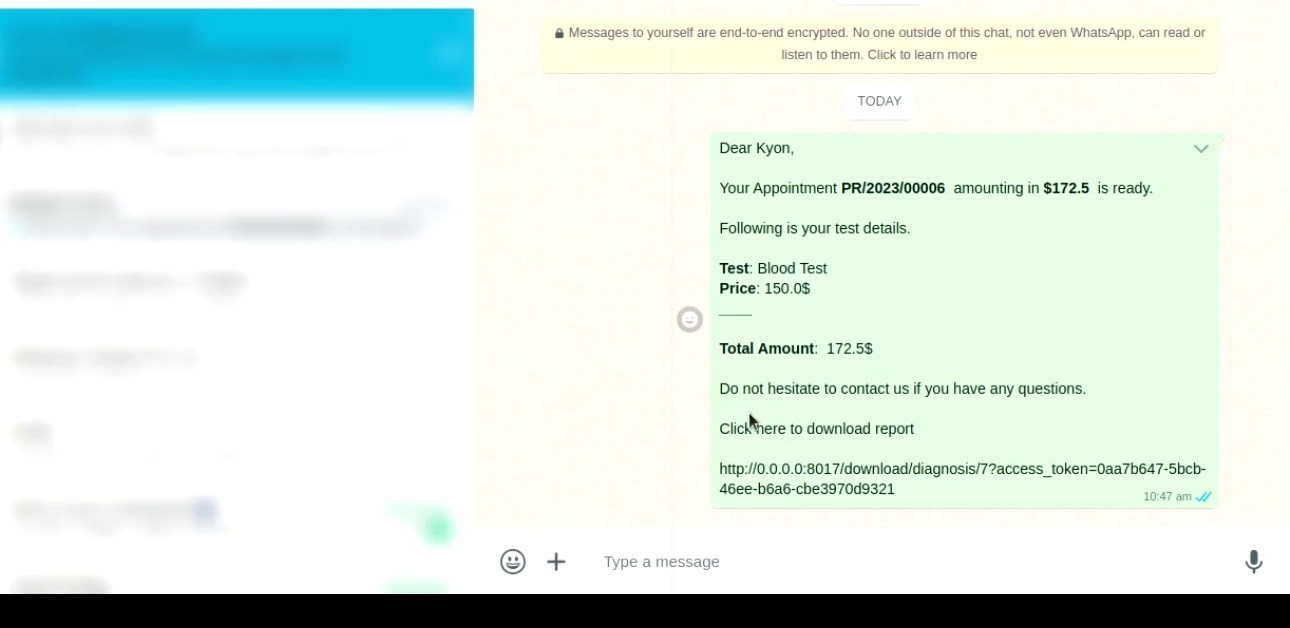
Whatsapp message formate be like that.
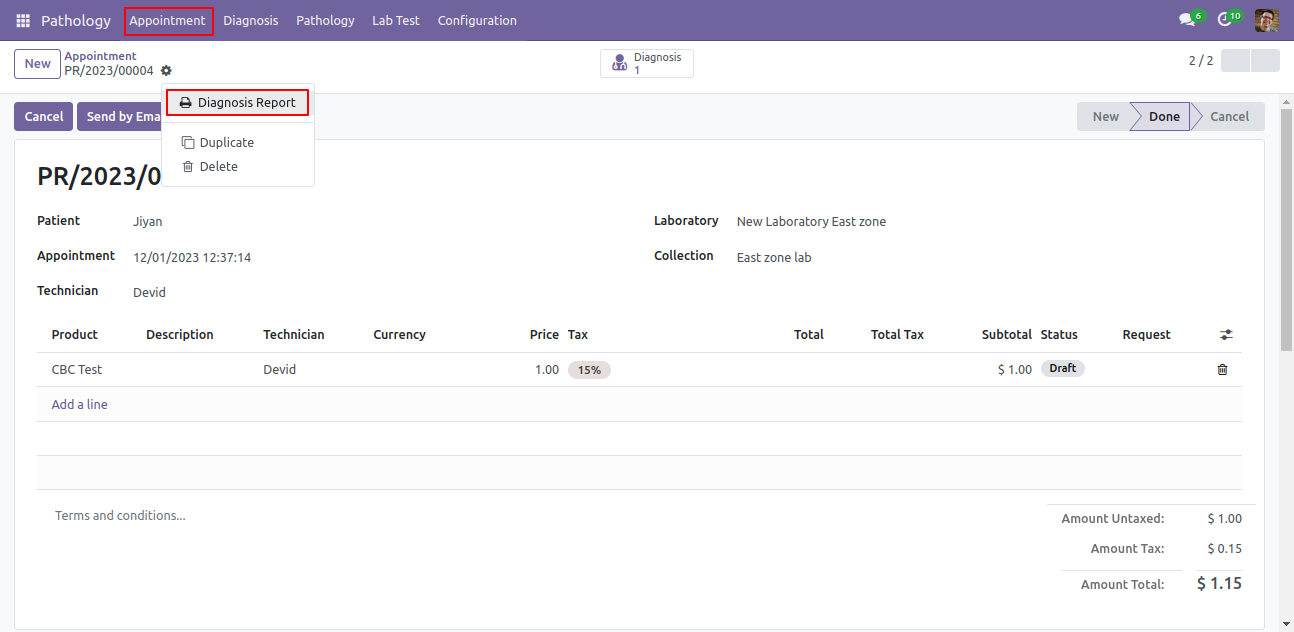
You can also print appointment in PDF formate, Just click 'Diagnosis Report'.
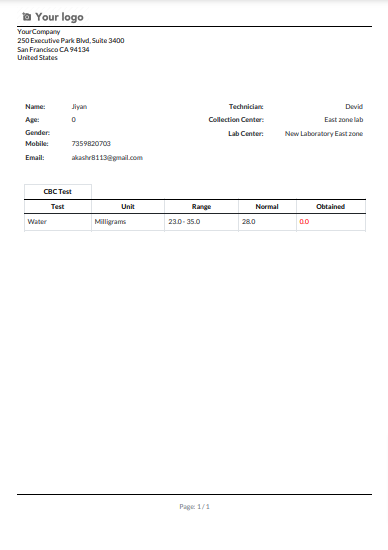
Diagnosis PDF Report be like that.
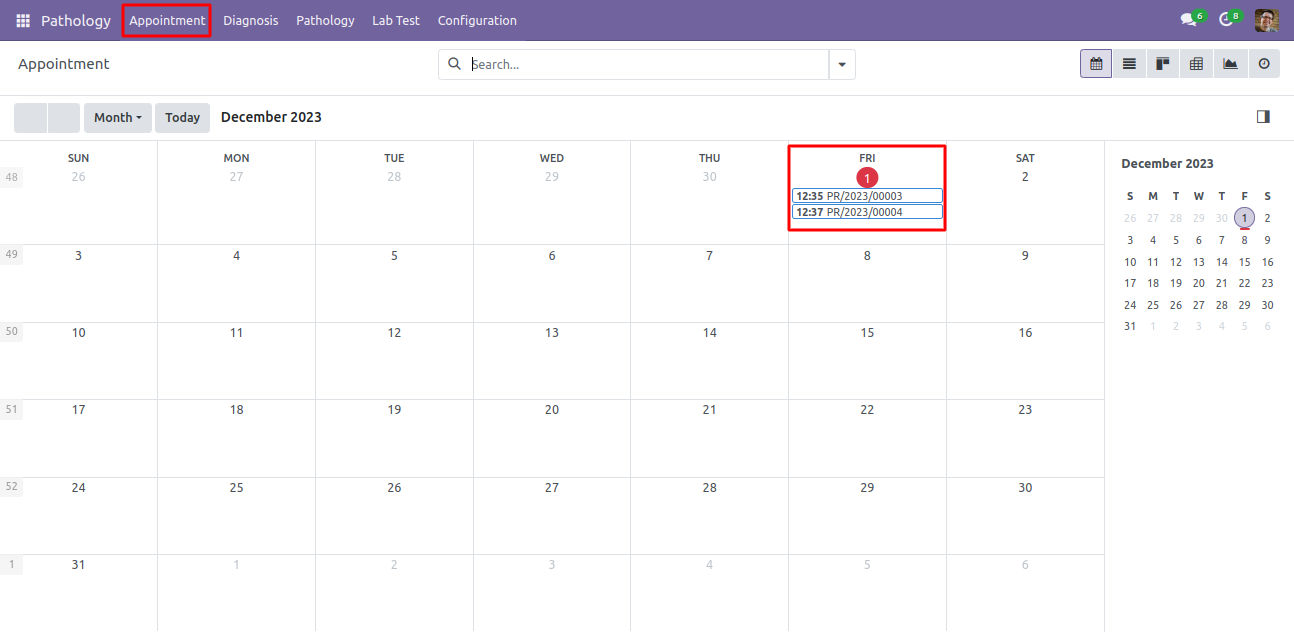
Appointment Calendar view.
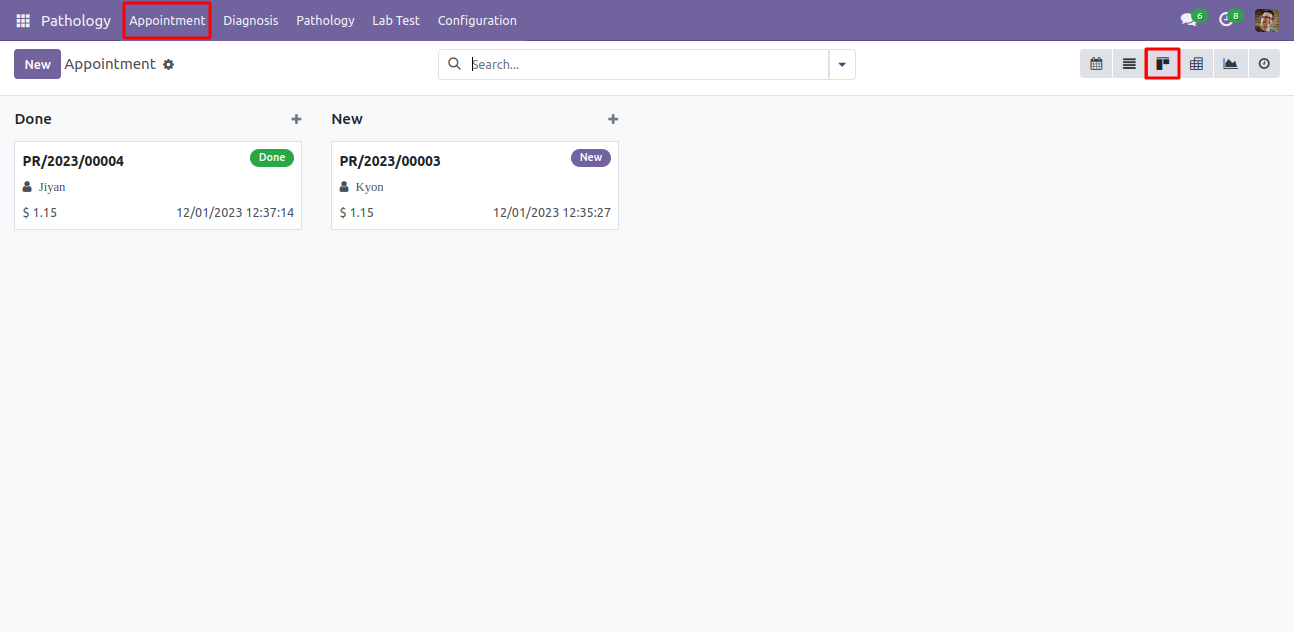
Appointment Kanban view.
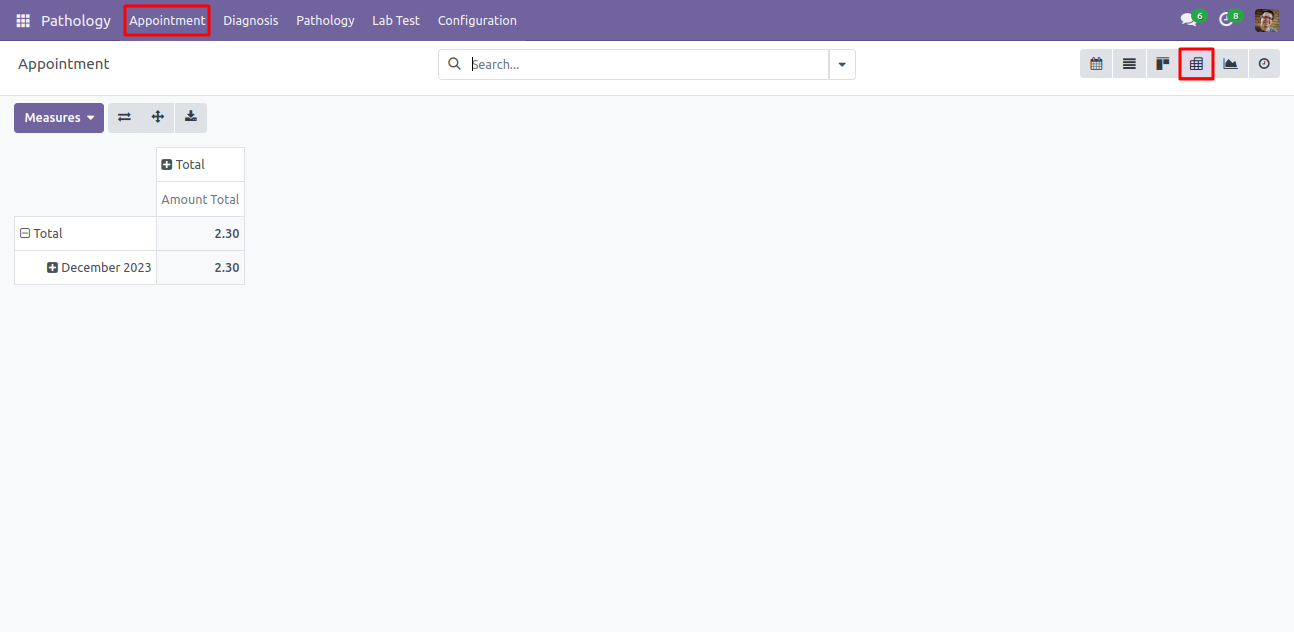
Appointment pivot view. It will helps to analysis of all appointments.
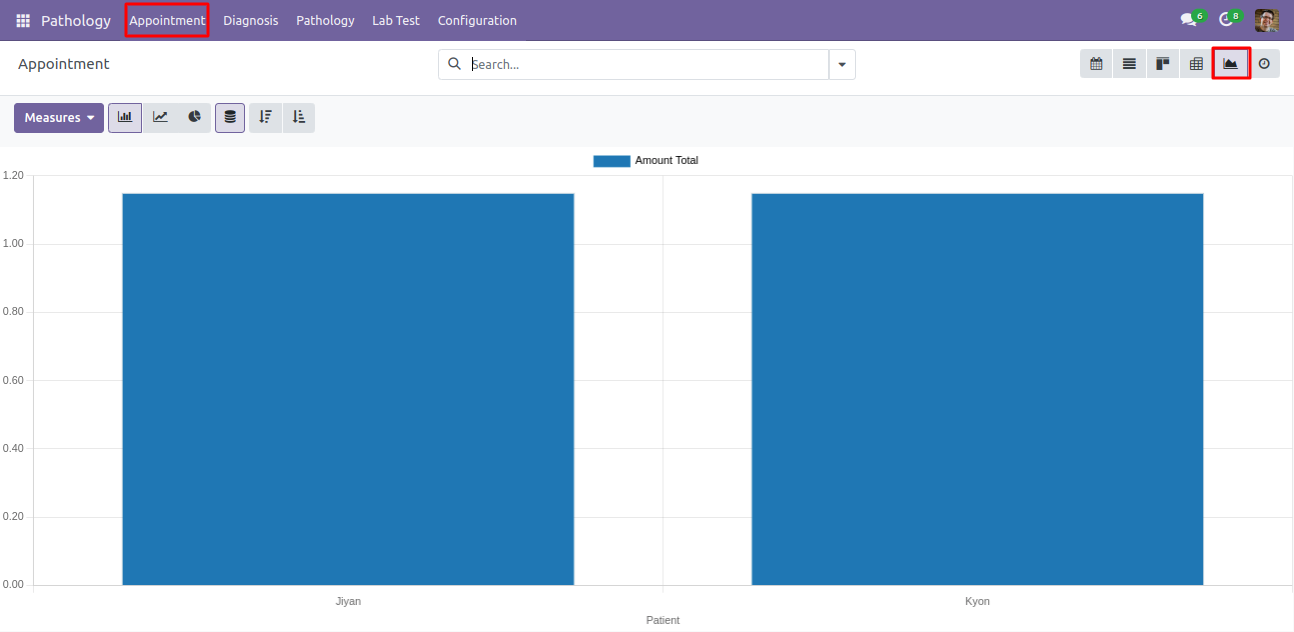
Appointment Graph view.
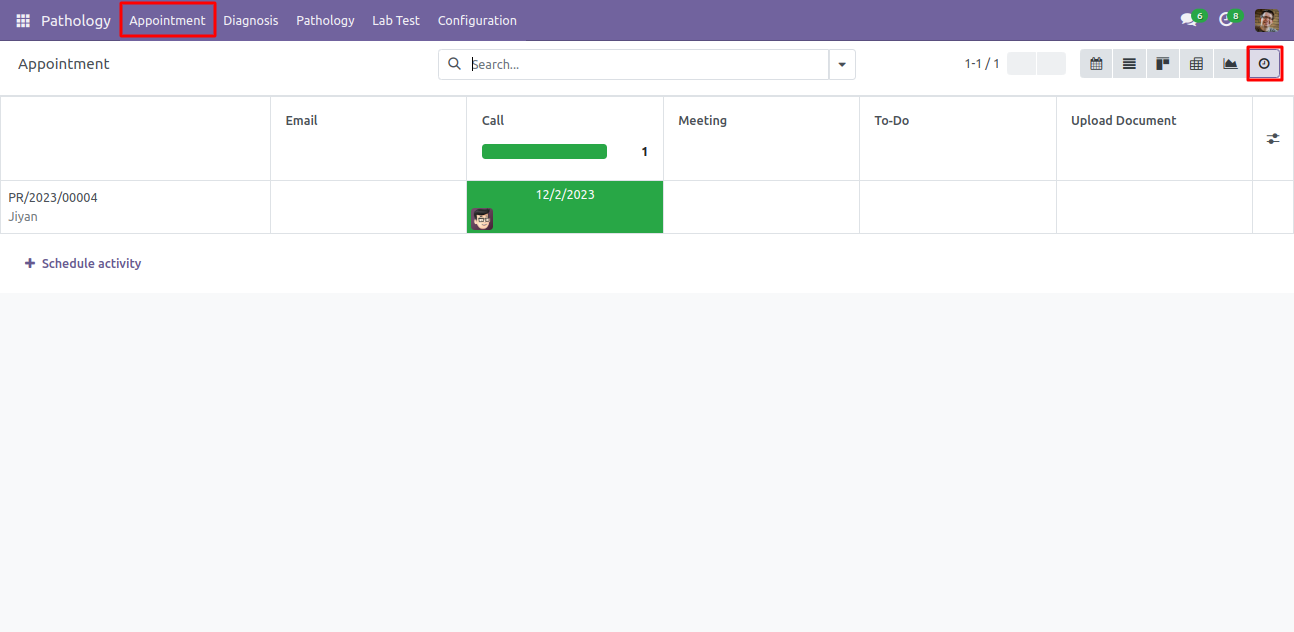
Appointment activity view.
You can group by appointment with patients, technician, and appointment date as well.
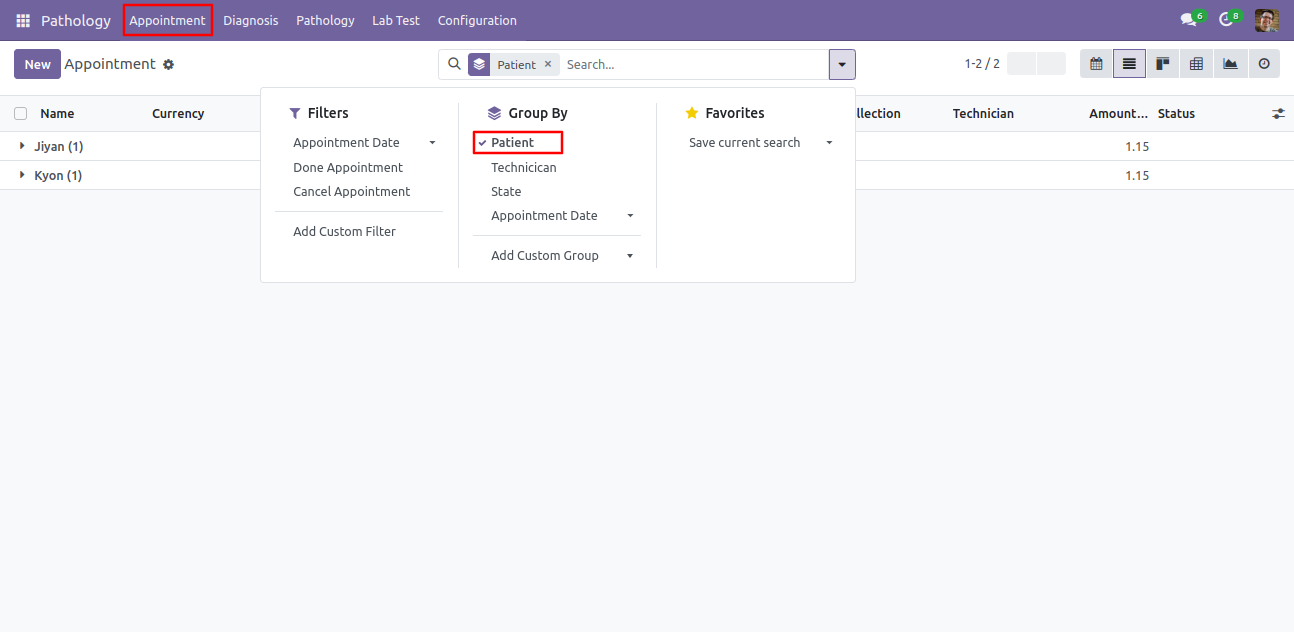
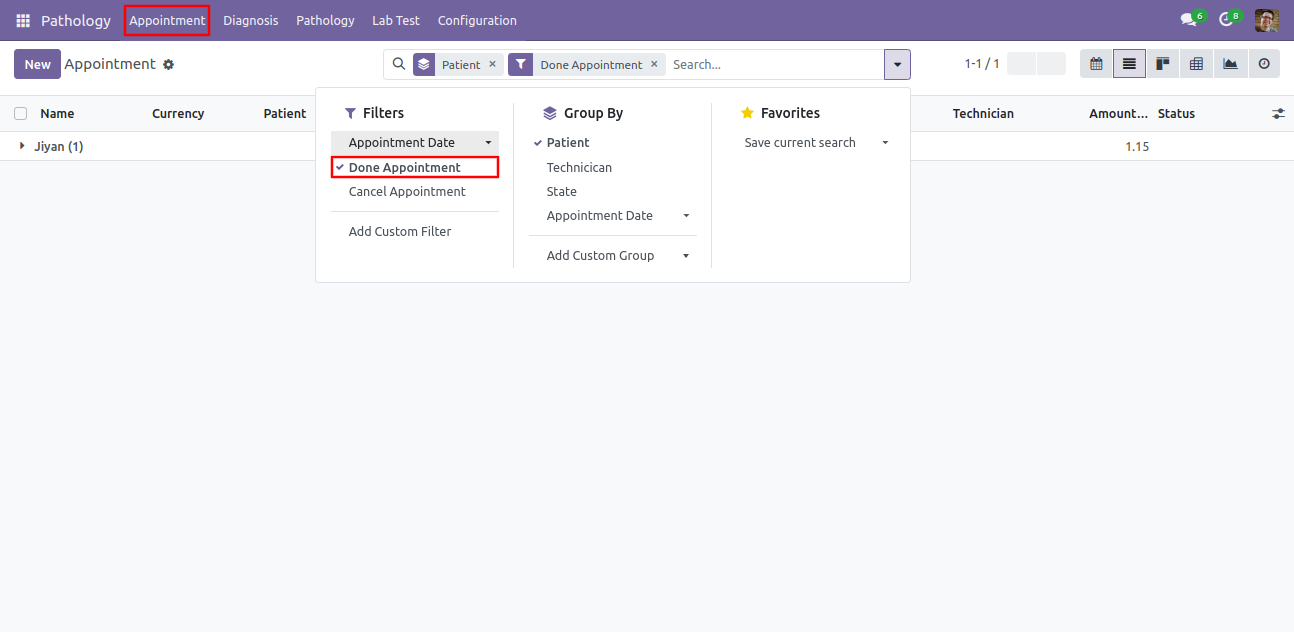
You can filter appointment with done, cancel appointment and it's date as well.
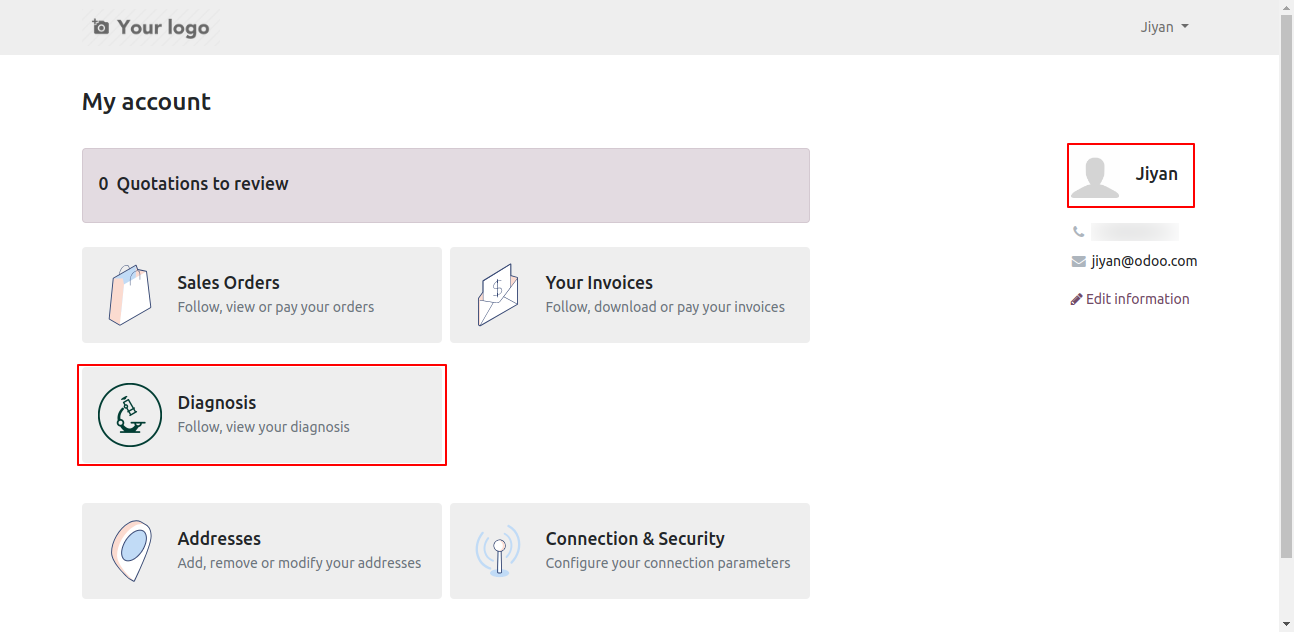
Also patients have portal, so they can also see 'diagnosis' details.
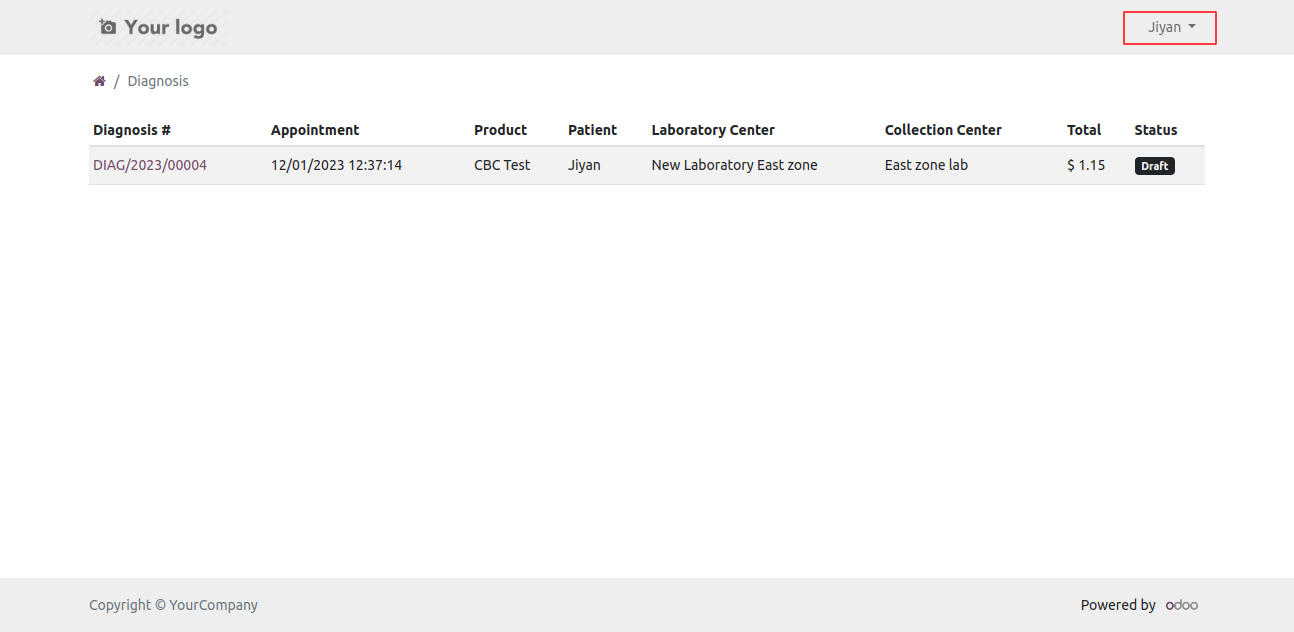
Diagnosis list view on portal.
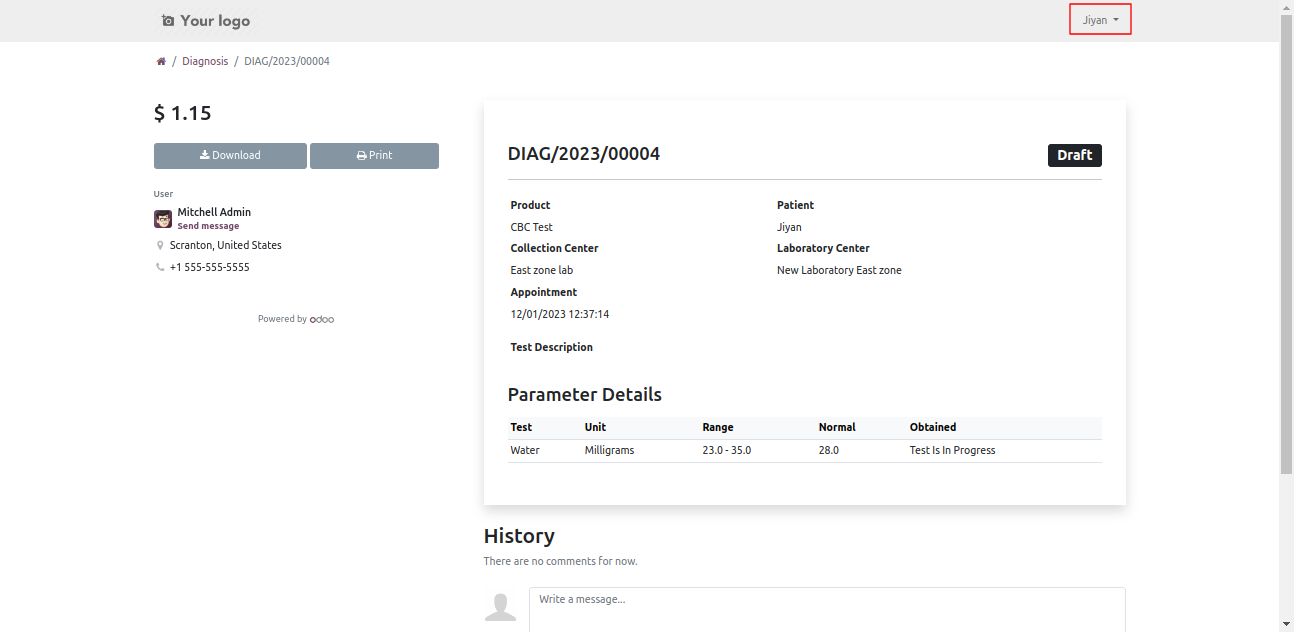
Diagnosis detail view. Here patient can see the test status and also print pdf report.
Version 19.0.1.0.0 | Released on : 18th June 2026
- Yes, this app works perfectly with Odoo Enterprise (Odoo.sh & Premise) as well as Community.
- No, this application is not compatible with odoo.com(odoo saas/Odoo Online)
- Yes, to test this module, please contact us at sales@softhealer.com.
- Please contact us at sales@softhealer.com to request customization.
- Yes, we provide free support for 365 days from the date of purchase.
- Yes, you will receive lifetime free updates for the version of the module you purchased.
- No, there is no need to install any additional libraries.
- Yes, for version 12 and above, you need to purchase the module separately for each version you intend to use.
- No, exchanges or refunds are not allowed. Please make sure to select the correct version before purchasing.
- You can contact us at support@softhealer.com for language translation support. We use Google Translator tools to provide translations in multiple languages, so the accuracy may vary. We welcome your suggestions to help improve translations.
Discover Our Latest Apps