











Pathology Lab Management System

Are you looking for comprehensive lab operations management plan? So you are at the right place. Our this module will help you to manage your lab with patients, technicians, pathologist, lab centers, collection centers, Also it will provide a feature to send the report on direct patients WhatsApp messenger. This module provides user-friendly views so it is easy to use for all users.
Related Modules

Features

Pathologist & Technician User Roles
Manage laboratory operations with dedicated user groups for Pathologists and Technicians.
Lab & Collection Centre Management
Easily create and manage laboratory centers and sample collection centers.
Test Configuration Management
Define test units, parameters, sample types, and pre-test information for laboratory testing.
Laboratory Test Management
Create and manage laboratory tests with detailed testing parameters and configurations.
Patient & Staff Management
Manage patient records, technician details, and pathologist information from dedicated sections.
Patient Portal Access
Allow patients to view diagnosis details and download reports directly from the portal.
Appointment Management
Schedule and manage patient appointments efficiently.
WhatsApp Appointment Notifications
Send appointment details directly to patients via WhatsApp using predefined templates.

Email Appointment Notifications
Automatically send appointment details and confirmations to patients via email.
Appointment Analytics
Analyze appointment trends and performance using pivot and graph views.
Diagnosis Report Printing
Generate and print professional diagnosis reports for patients.
Portal Appointment Booking

Allow patients to create and schedule laboratory appointments directly from the customer portal.
Pathology Lab Management Dashboard
Monitor appointments, patients, tests, reports, and laboratory activities from a centralized dashboard.

Patient menu and list view.
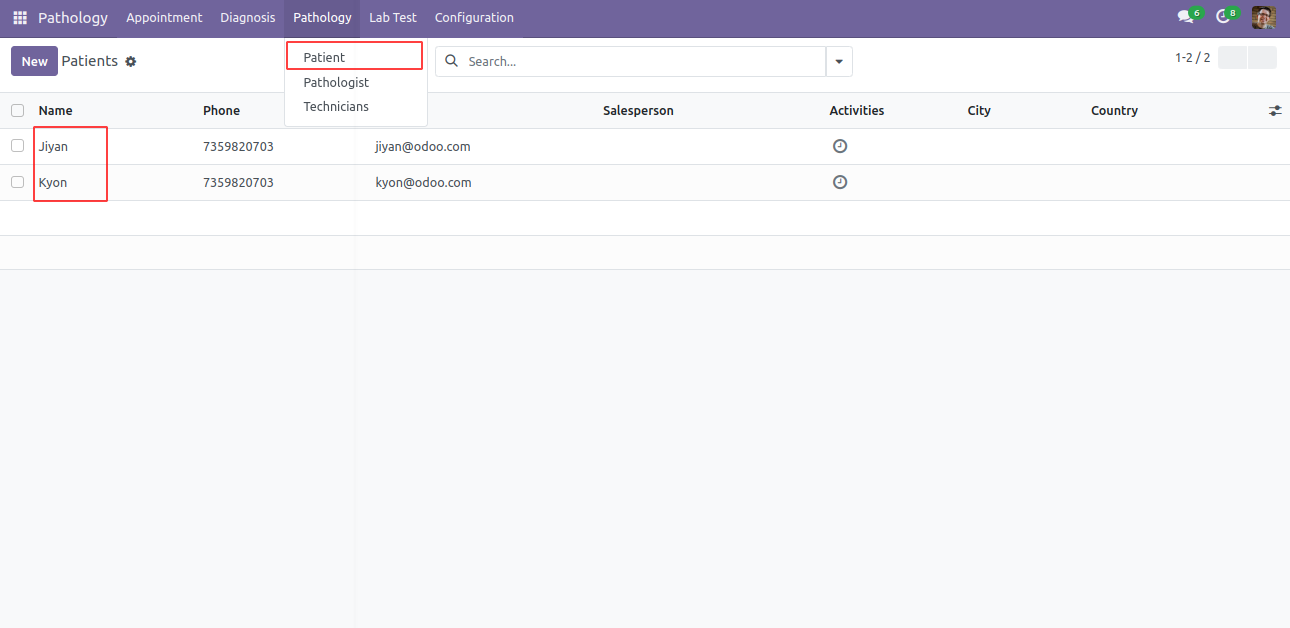
Patient form view. Here you can define patient details.
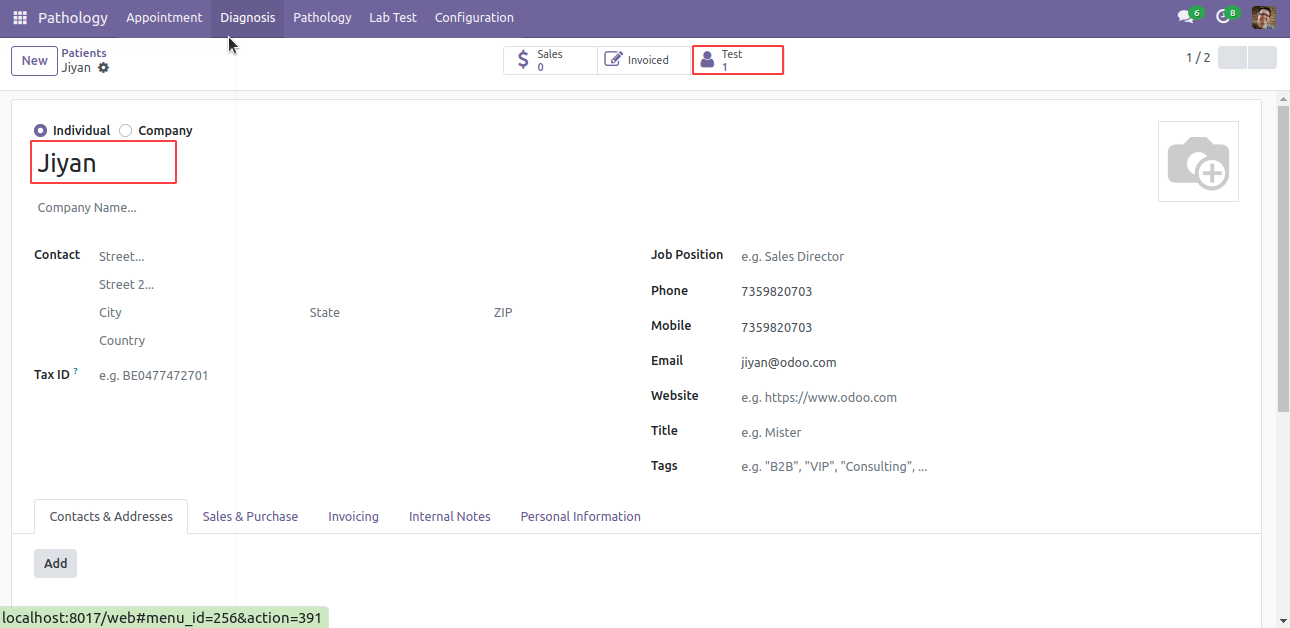
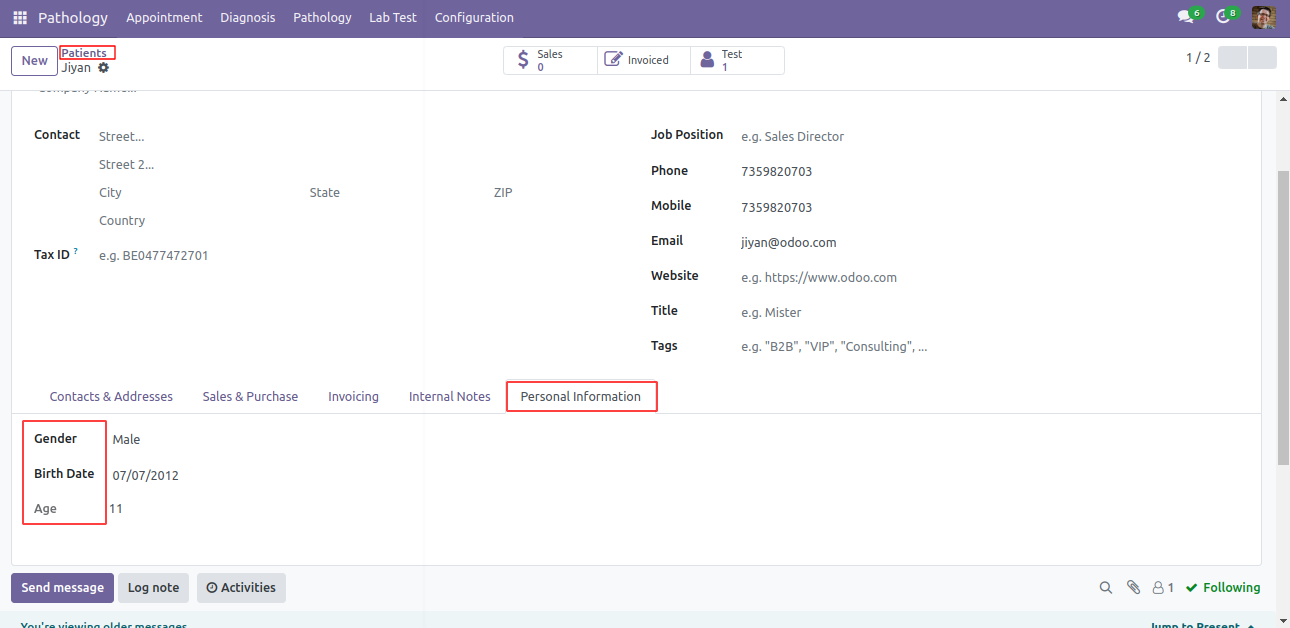
In Patient, here in 'Personal Information' tab you can define patients date of birth, gender and age.
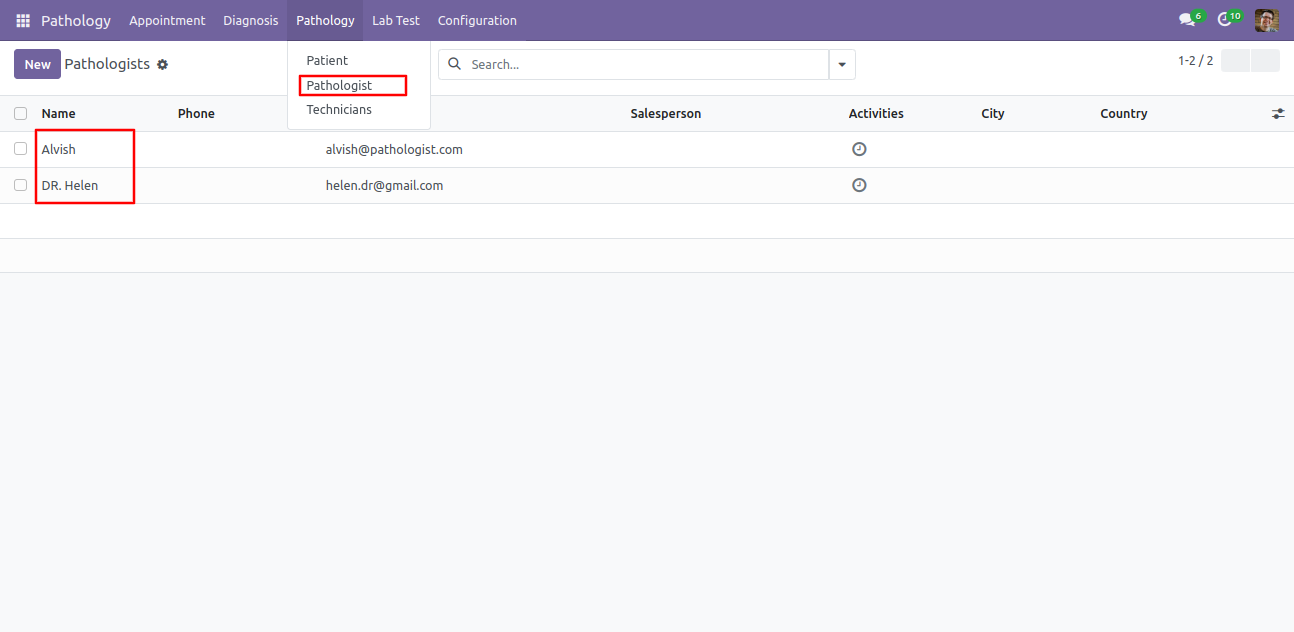
Pathologist sub-menu and list view under the 'Pathologist' menu.
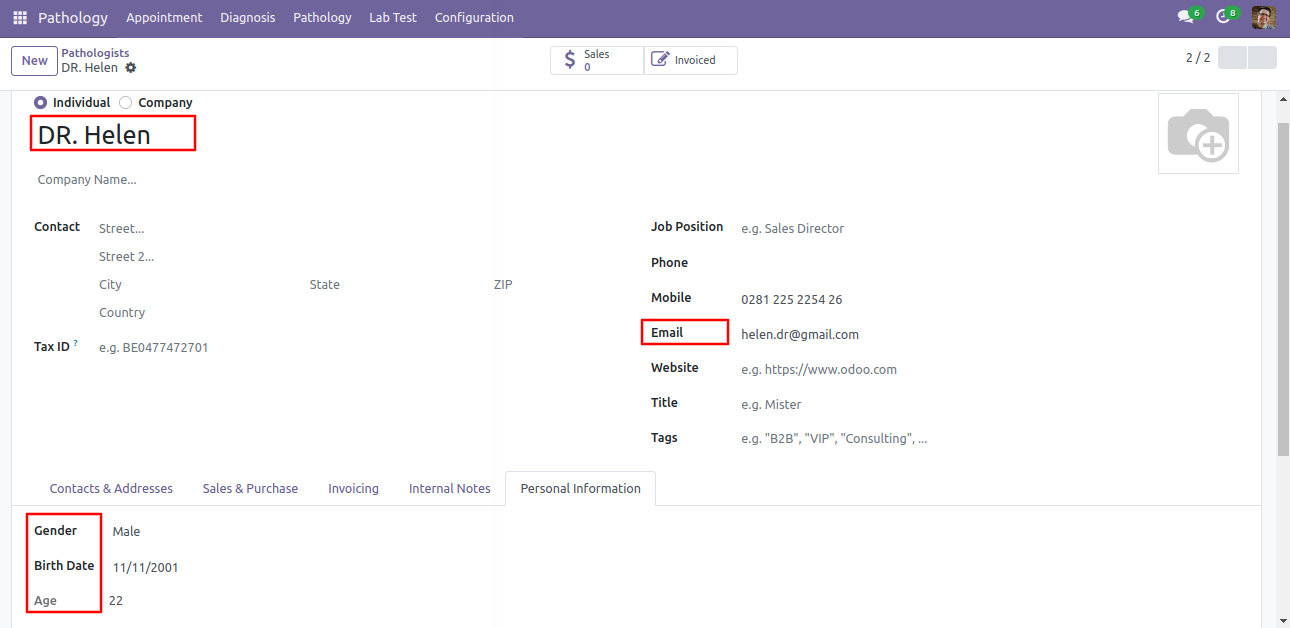
Pathologist form view. Here you can define pathologist details. Also in 'Personal Information' tab you can define pathologist date of birth, gender and age.
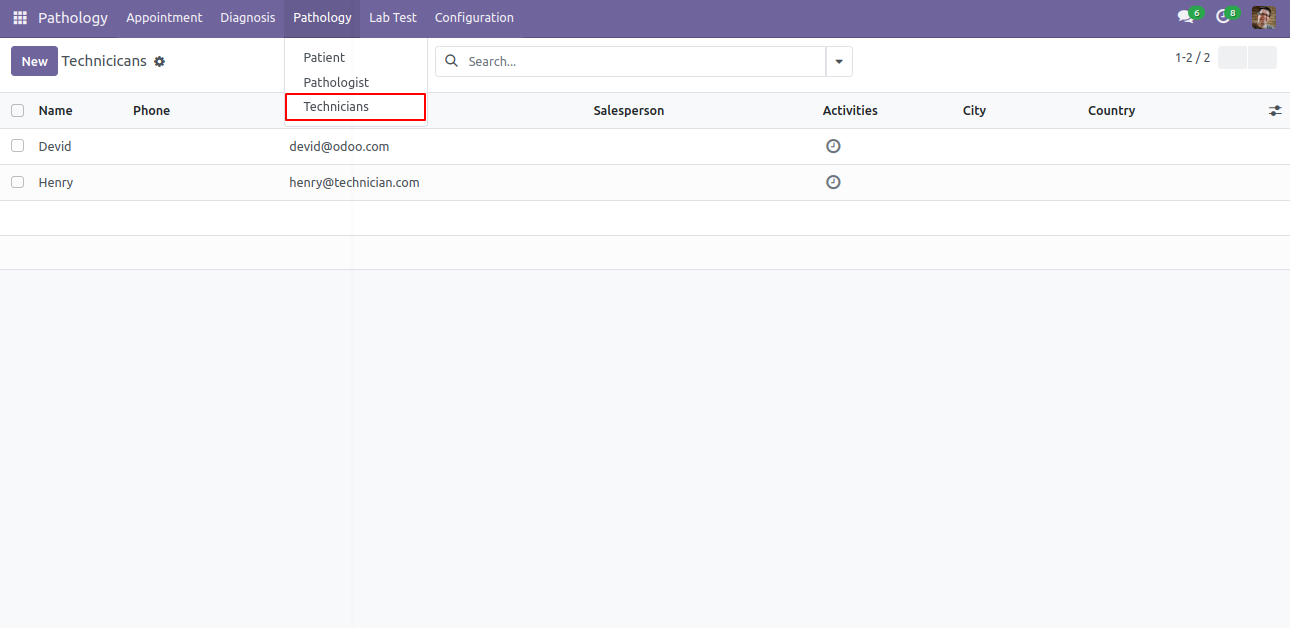
Technicians menu and list view.
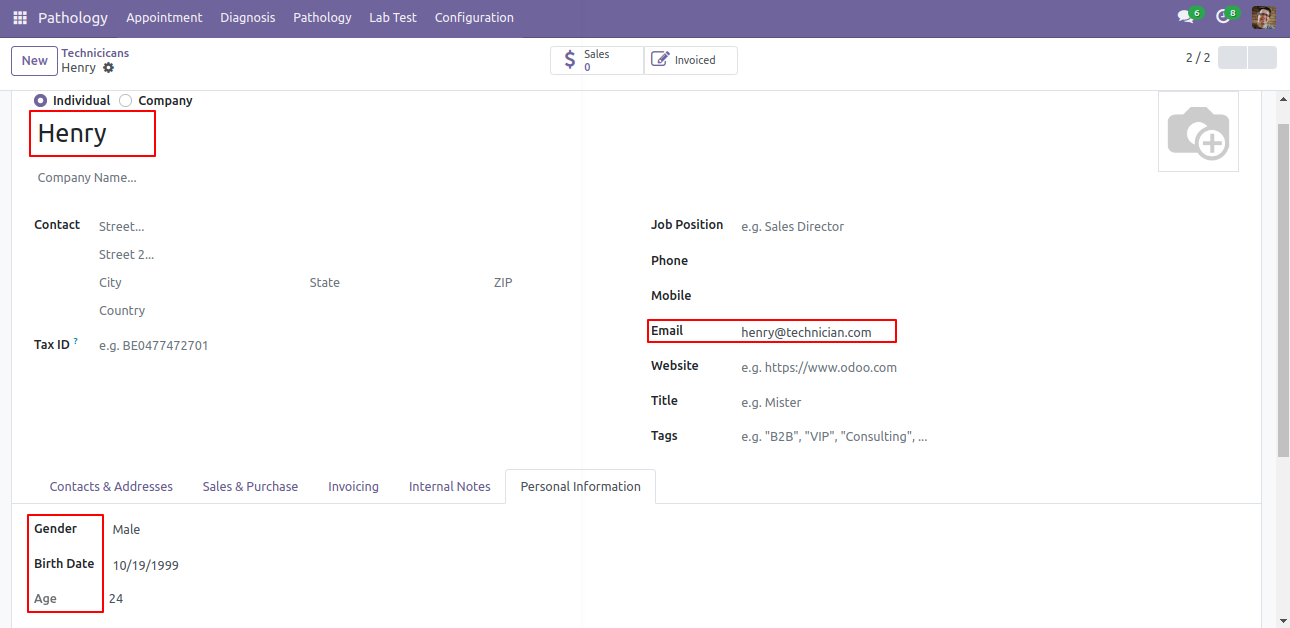
Technician form view.
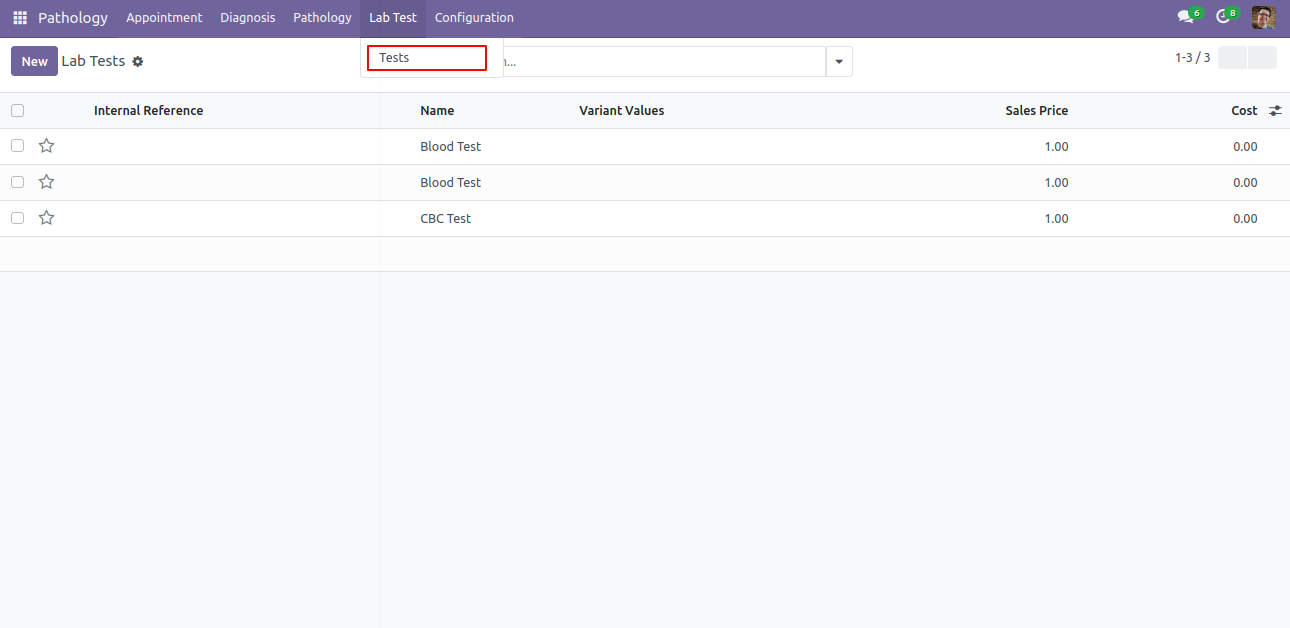
Tests menu and list view.
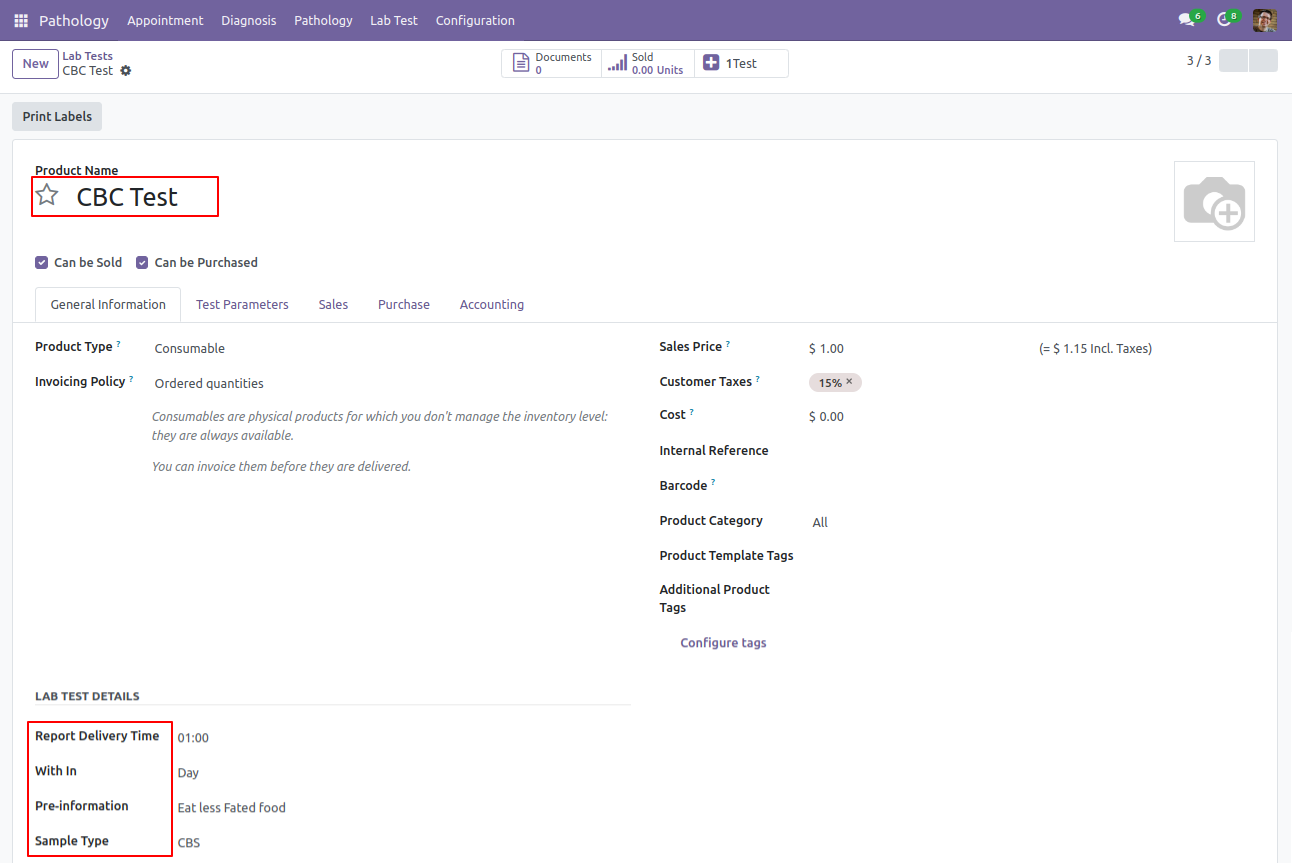
Tests form view. Here you can define all tests with it's all general informations like delivery time, cost, price, etc...
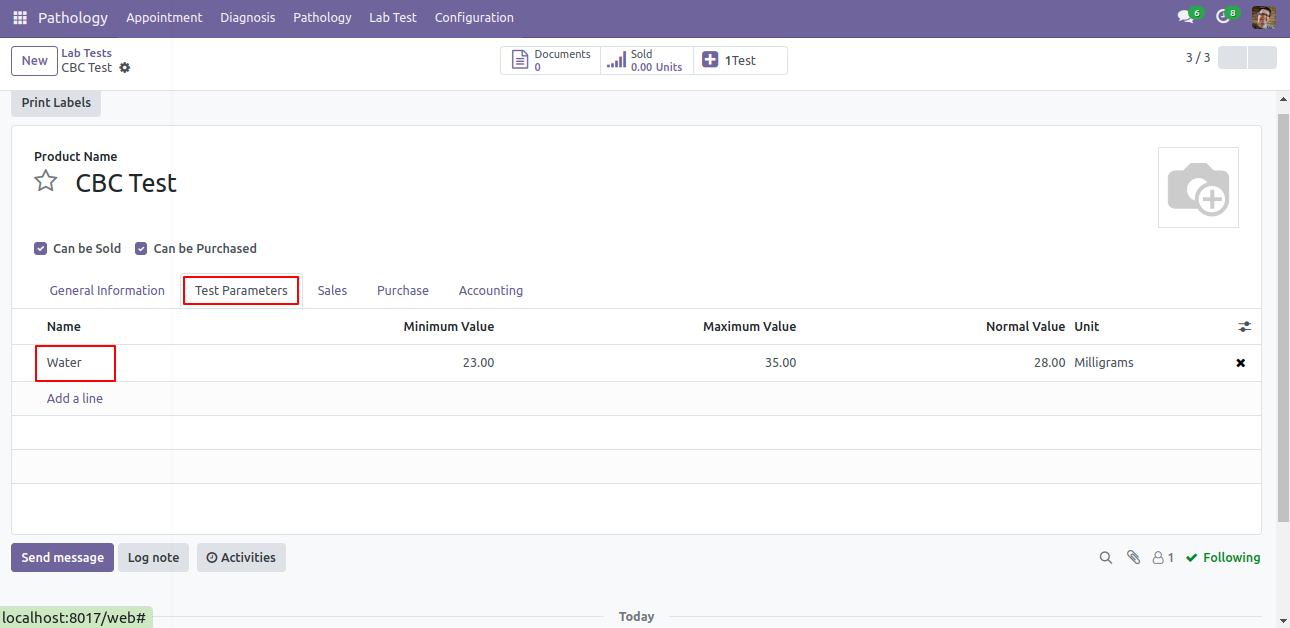
In Tests Test Parameter you can define parameters of test with it's min, max and normal values.
Appointment menu and list view.
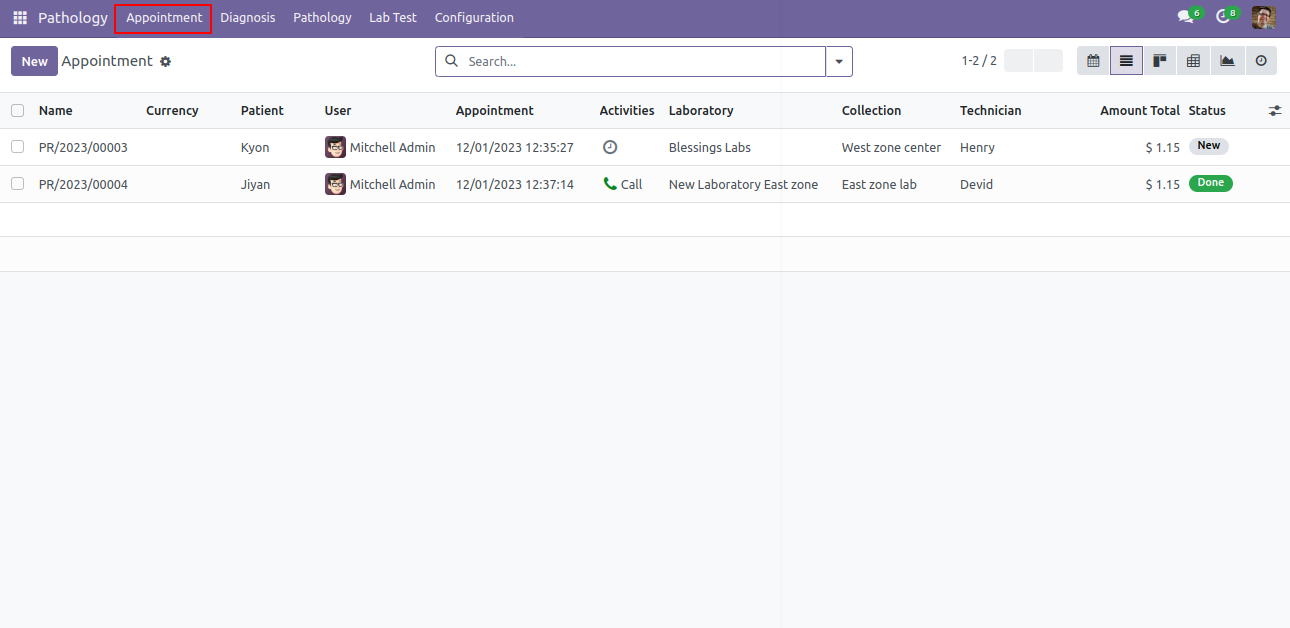
Appointment form view. Here you can create appointment for patients, define test type, lab center, collection center and total amount.
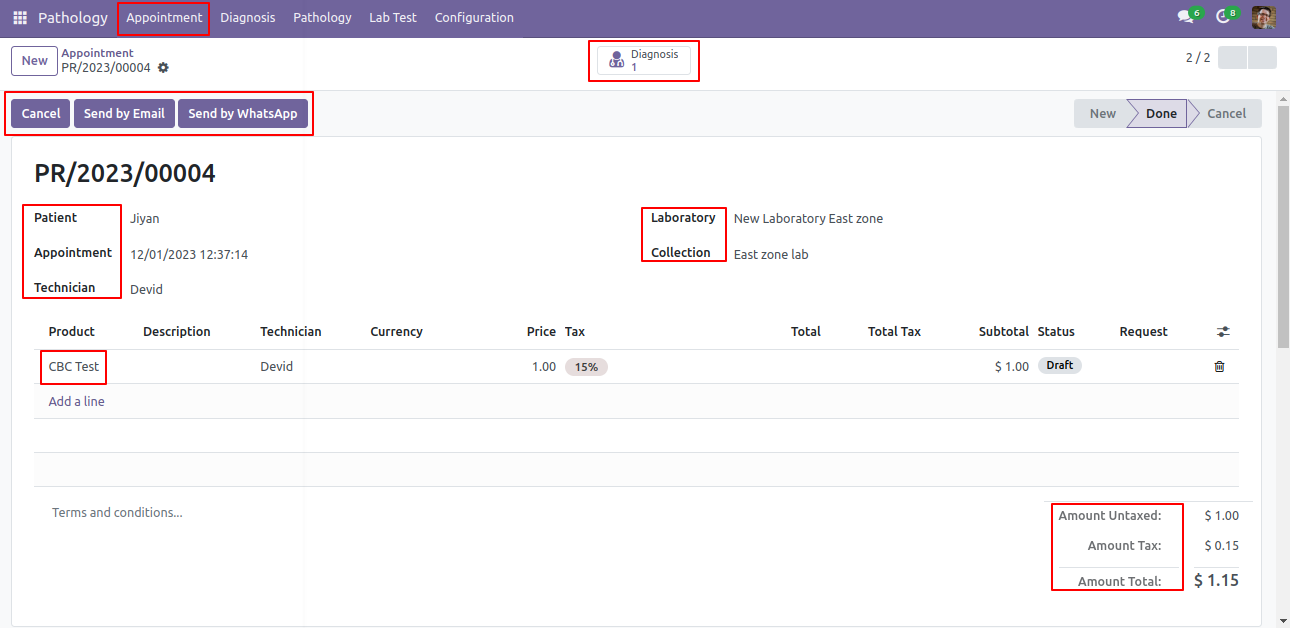
Click on 'Send by Email', you can send appointment detail on patients email.
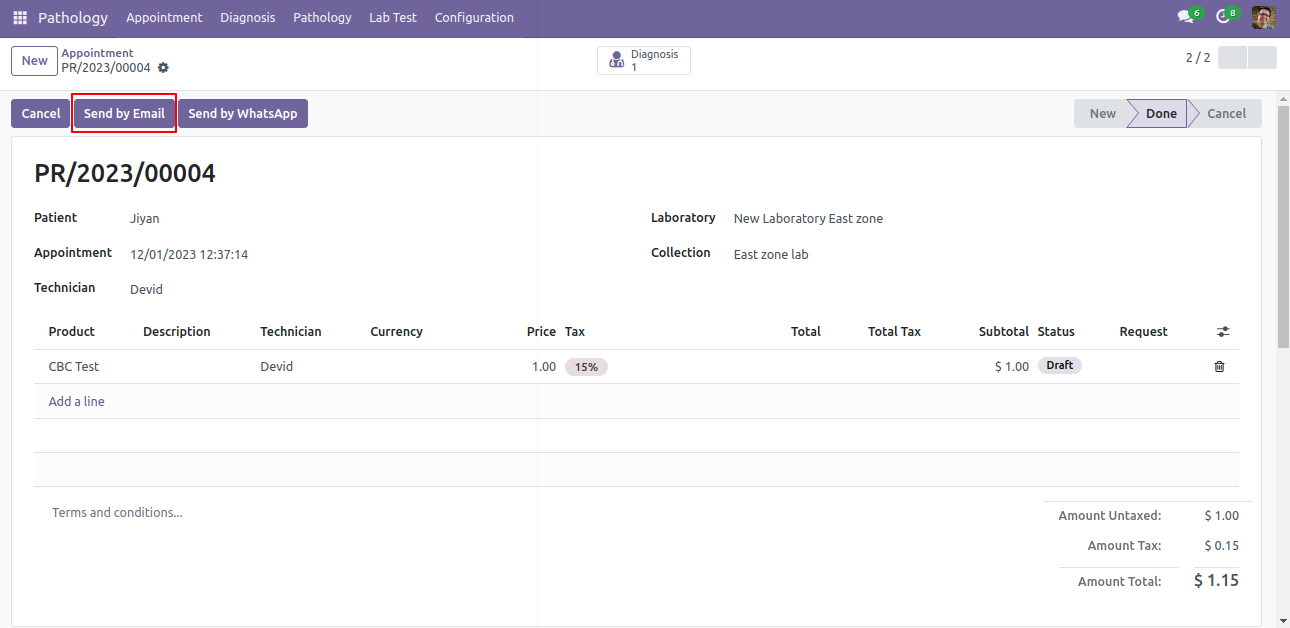
After click on Send by email, this popup will pop out, here you can see the message and attach appointment pdf automatically.
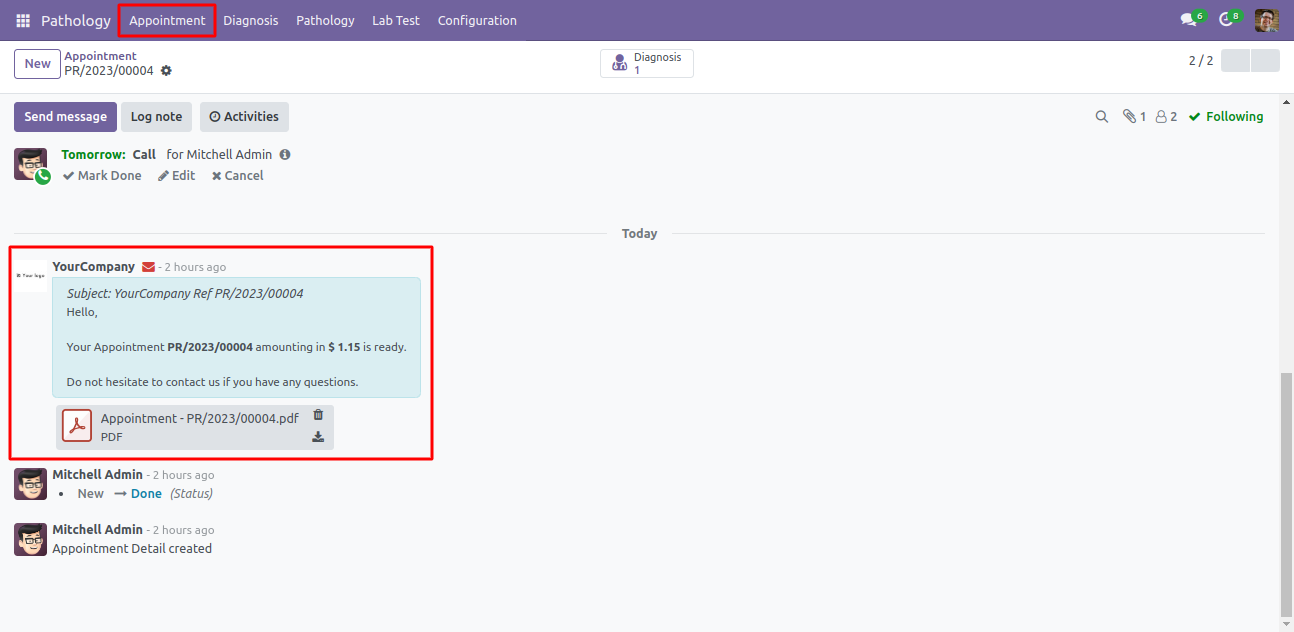
You can see the email sending info in chatter.
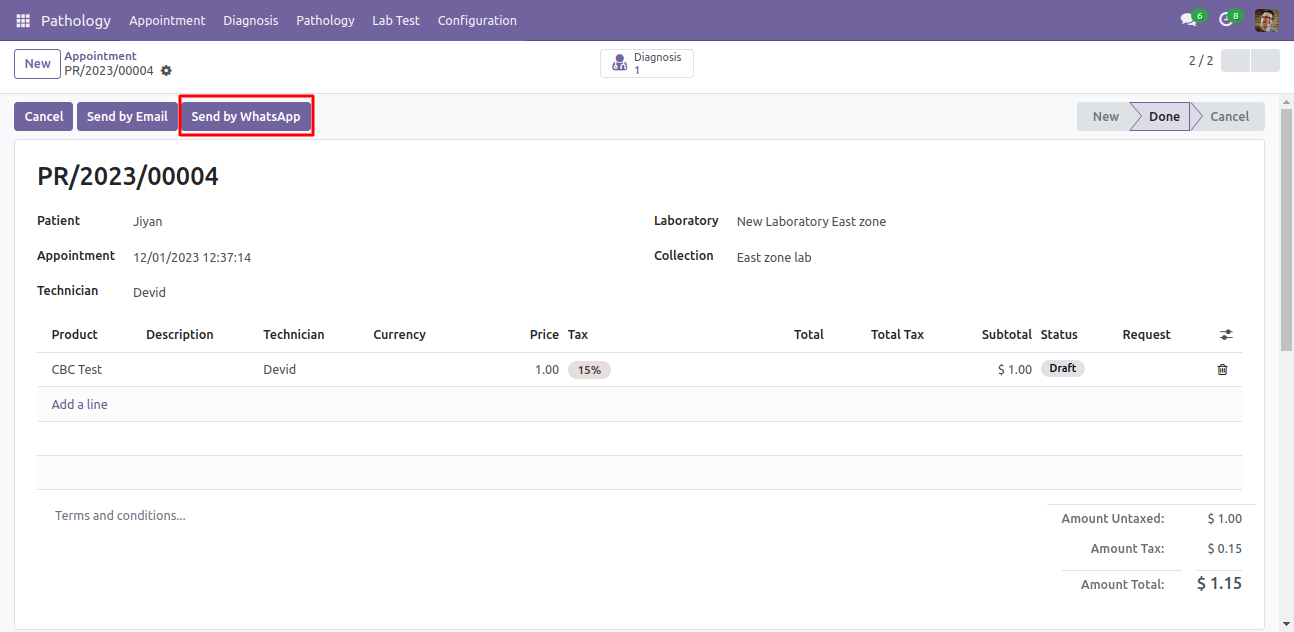
You can also send appointment details direct on patients whatsapp. Just click 'Send By Whatsapp'.
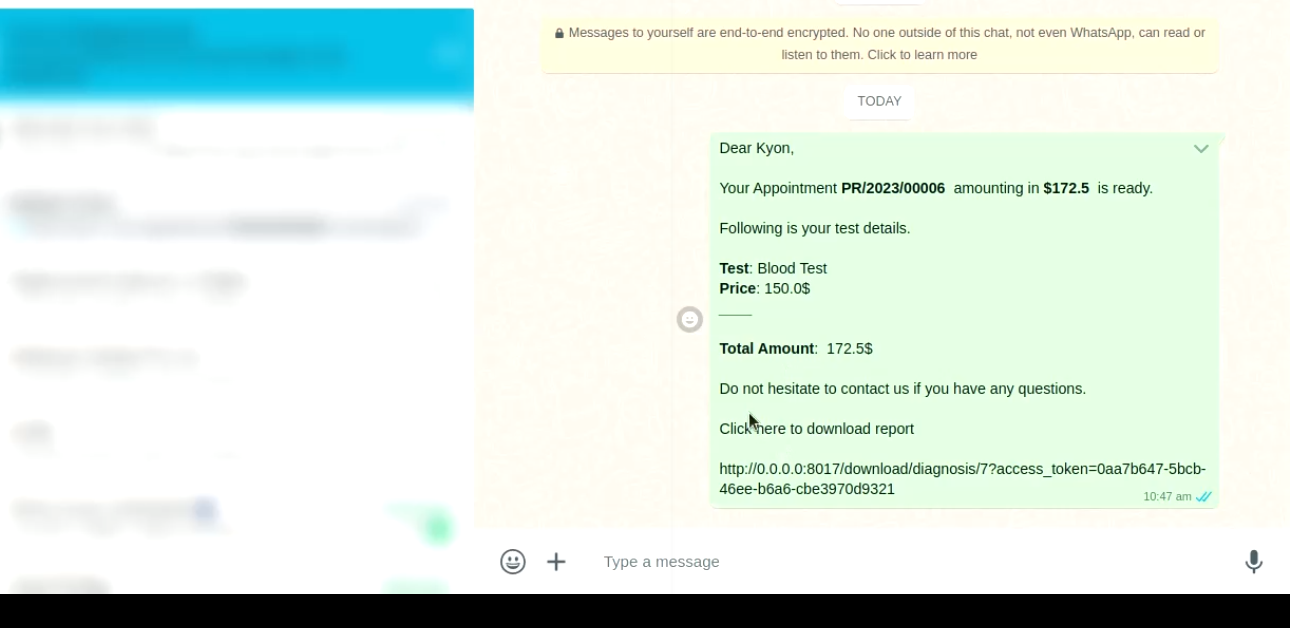
Whatsapp message formate be like that.
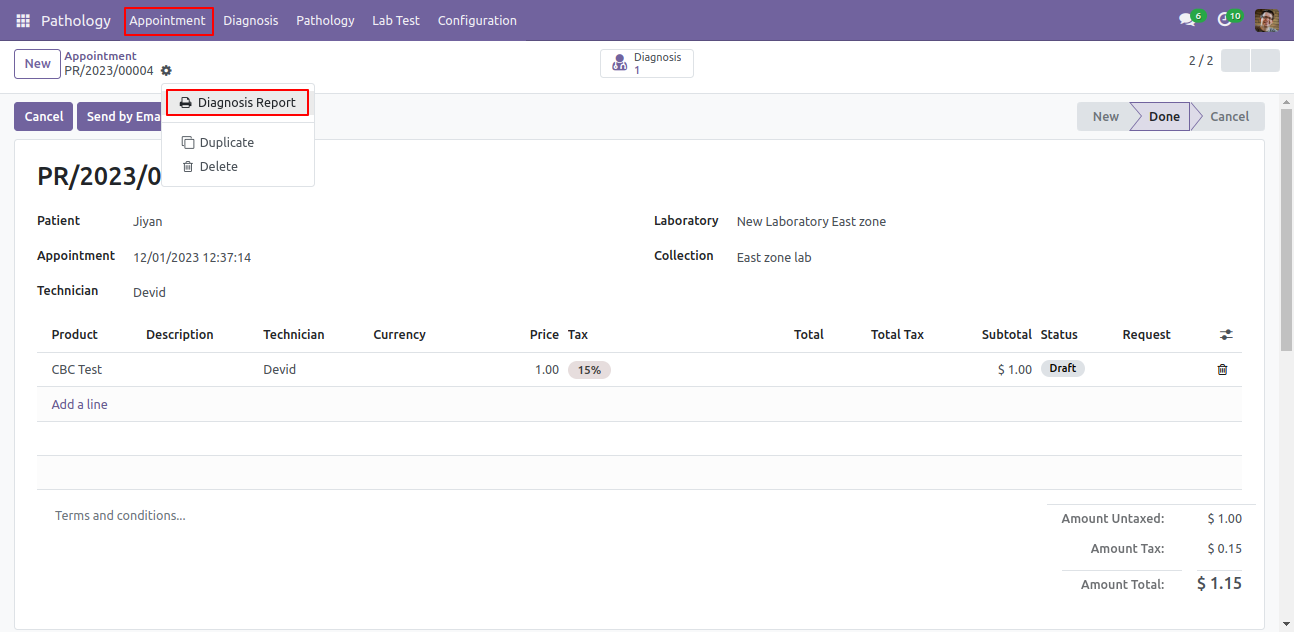
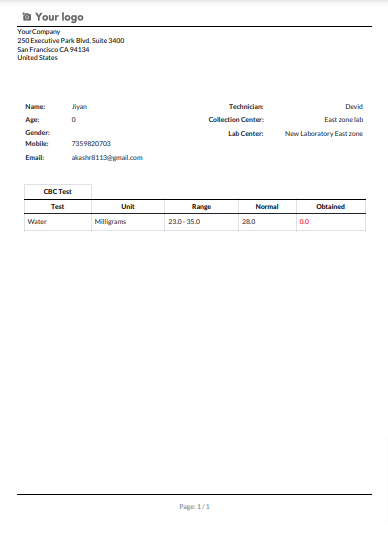
You can also print appointment in PDF formate, Just click 'Diagnosis Report'.
Diagnosis PDF Report be like that.
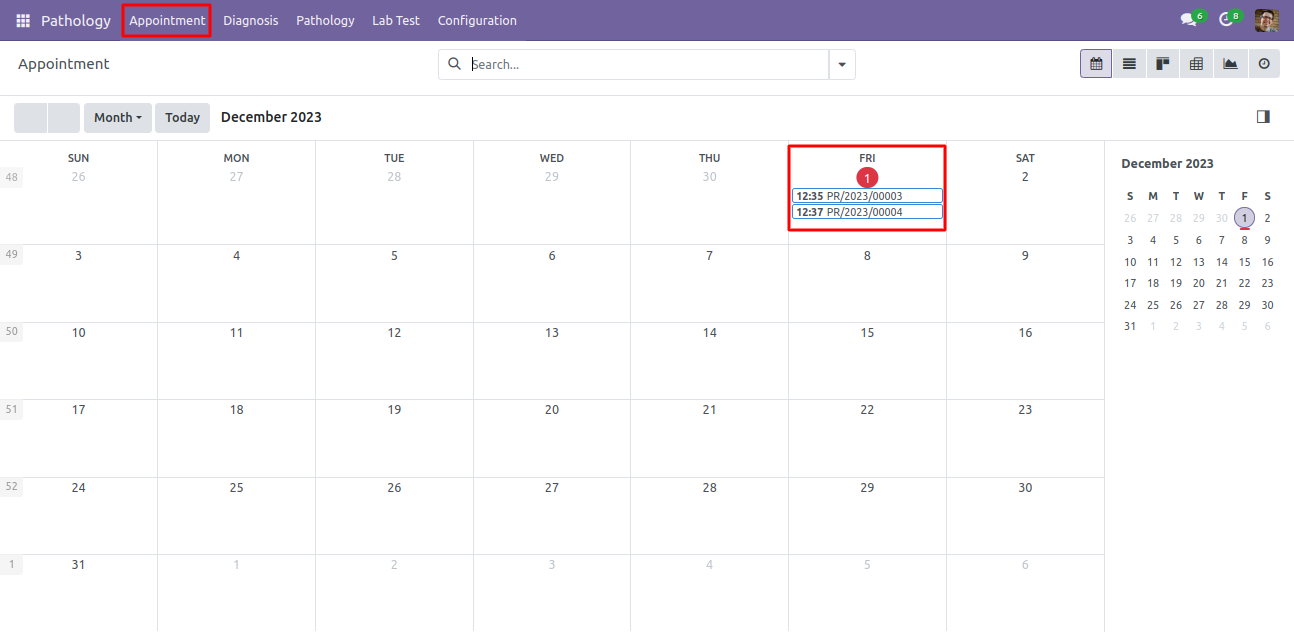
Appointment Calendar view.
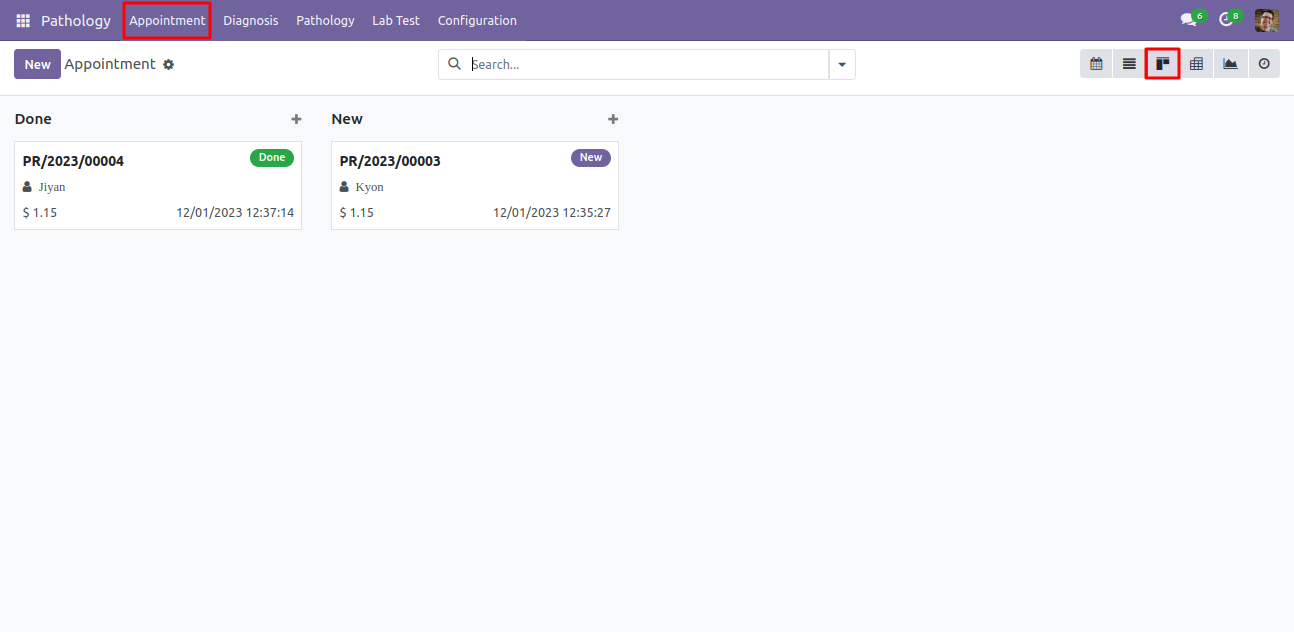
Appointment Kanban view.
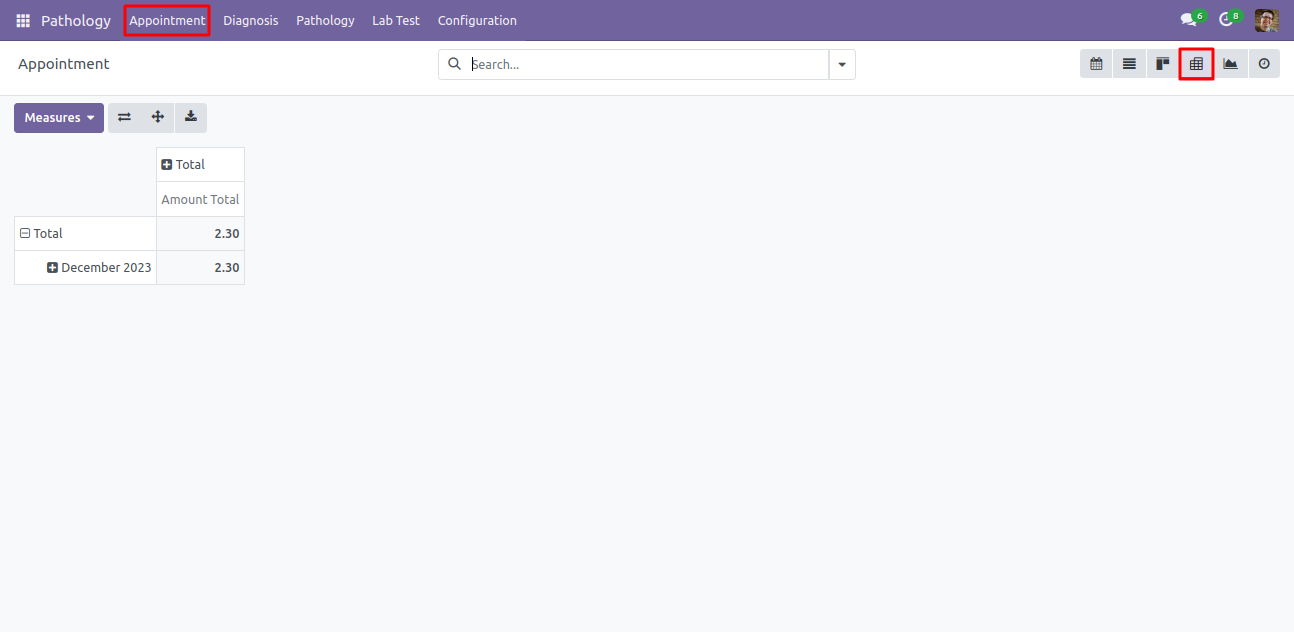
Appointment pivot view. It will helps to analysis of all appointments.
Appointment Graph view.
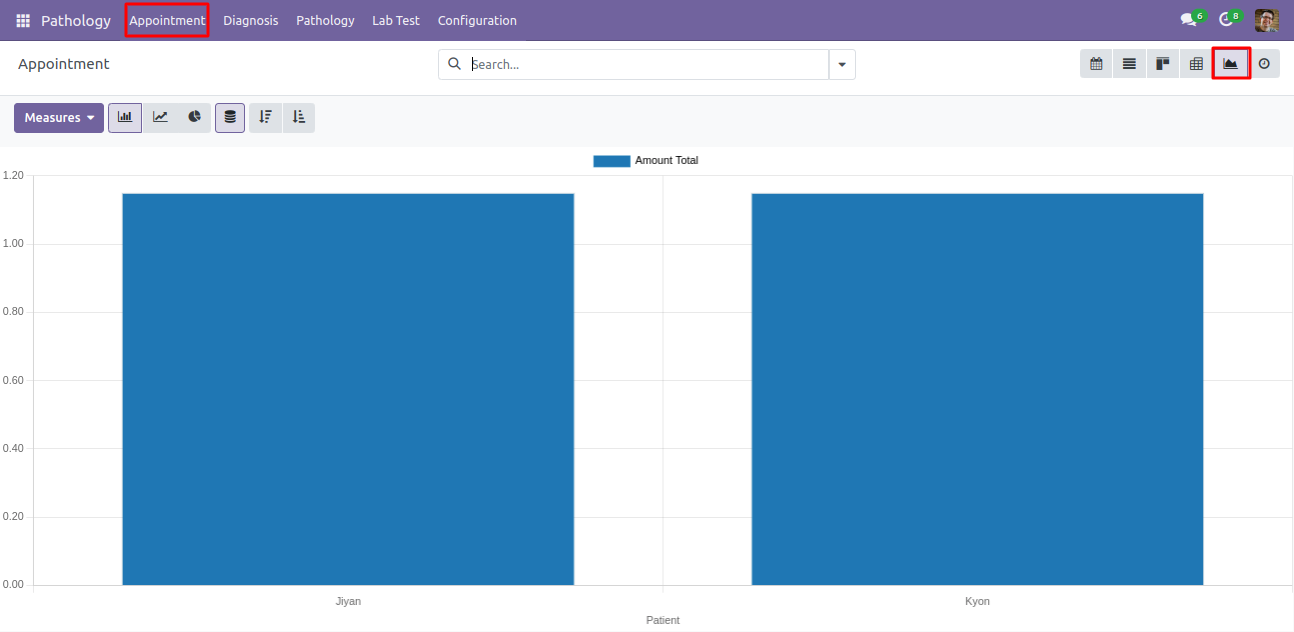
Appointment activity view.
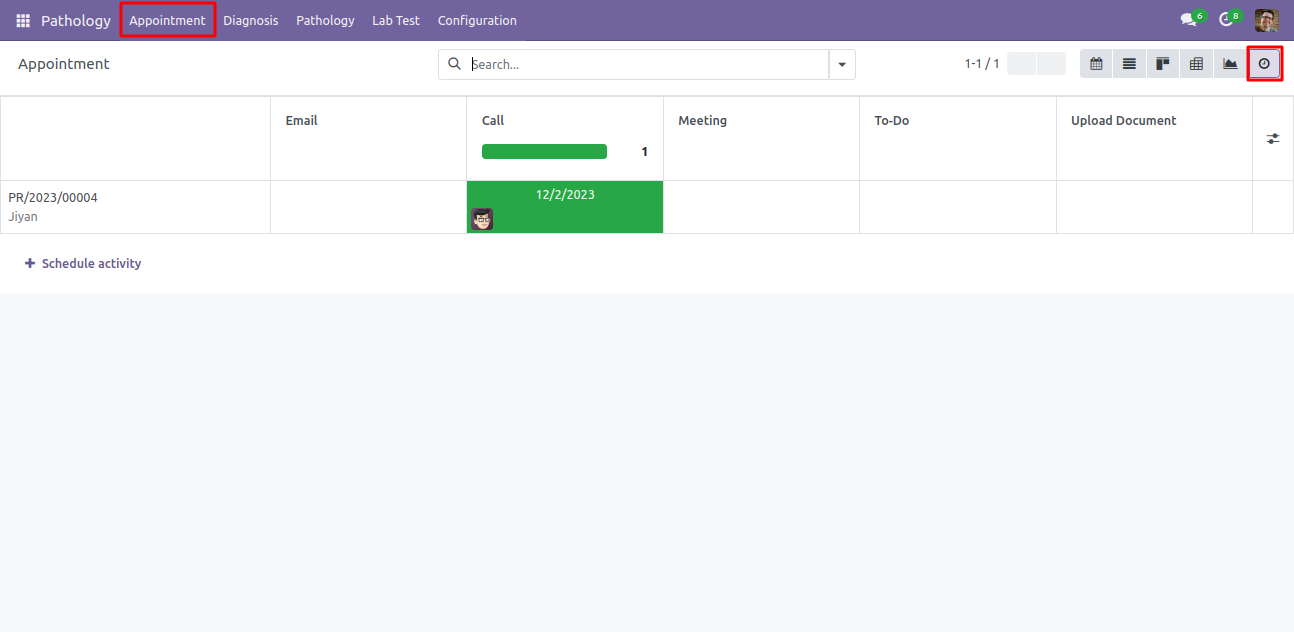
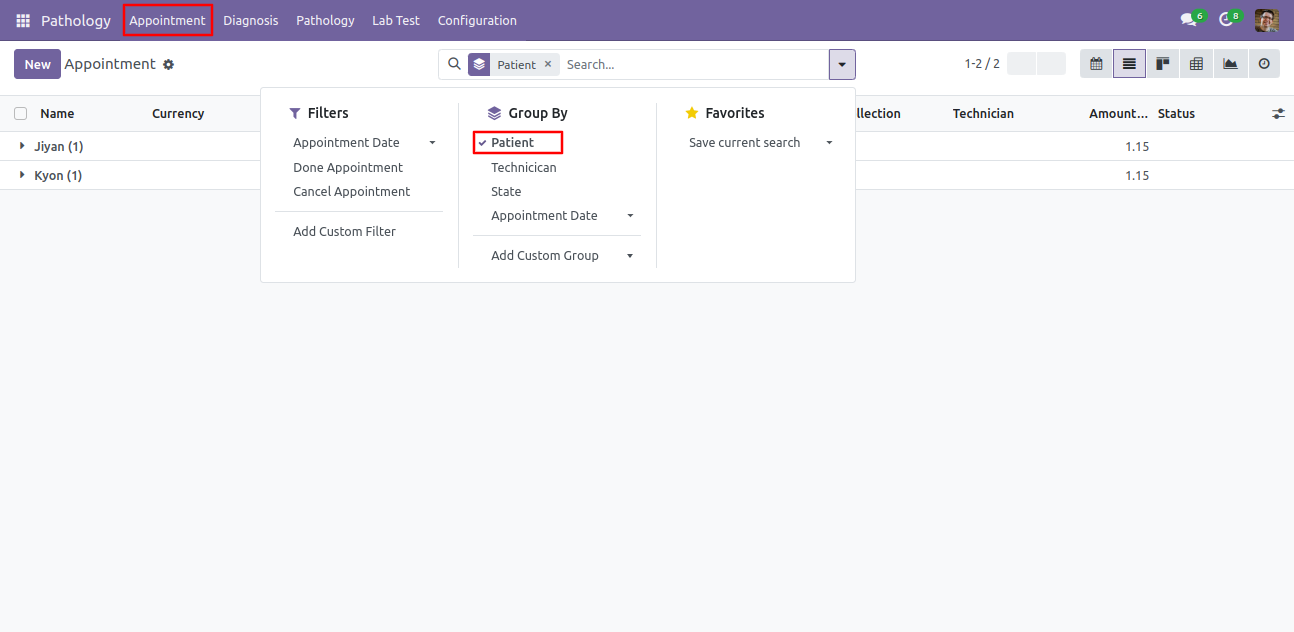
You can group by appointment with patients, technician, and appointment date as well.
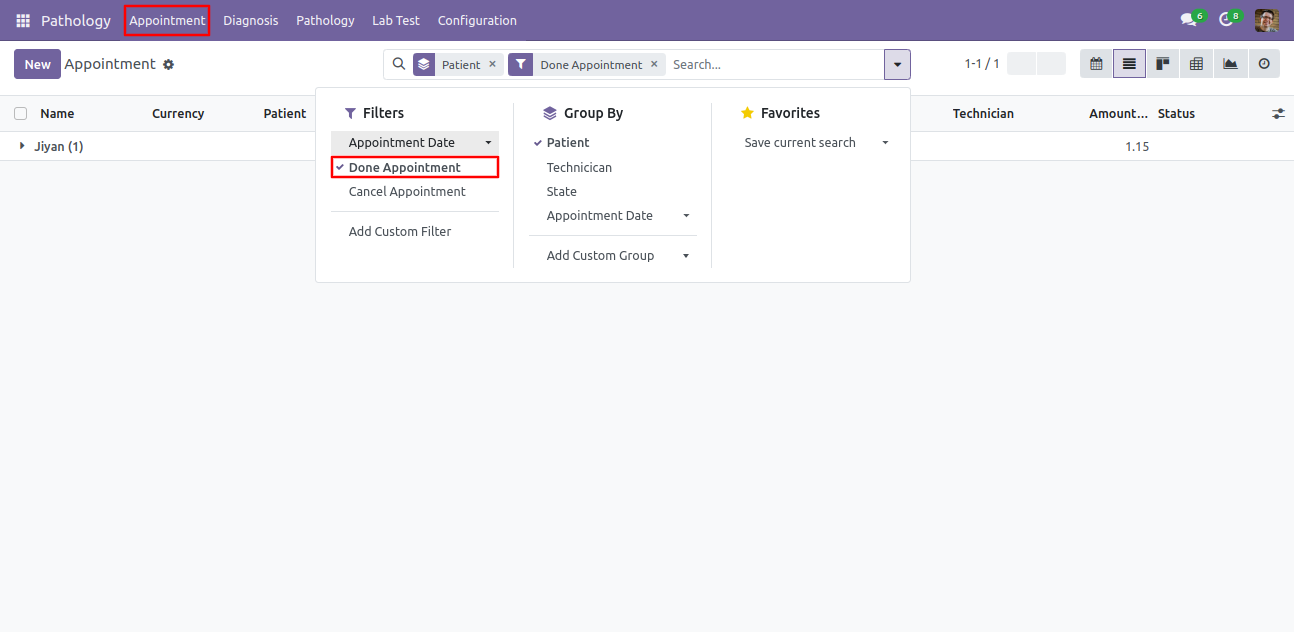
You can filter appointment with done, cancel appointment and it's date as well.
In 'Diagnosis' Menu and form view, Here you can see the details of diagnosis with status. also you can see the test parameters.
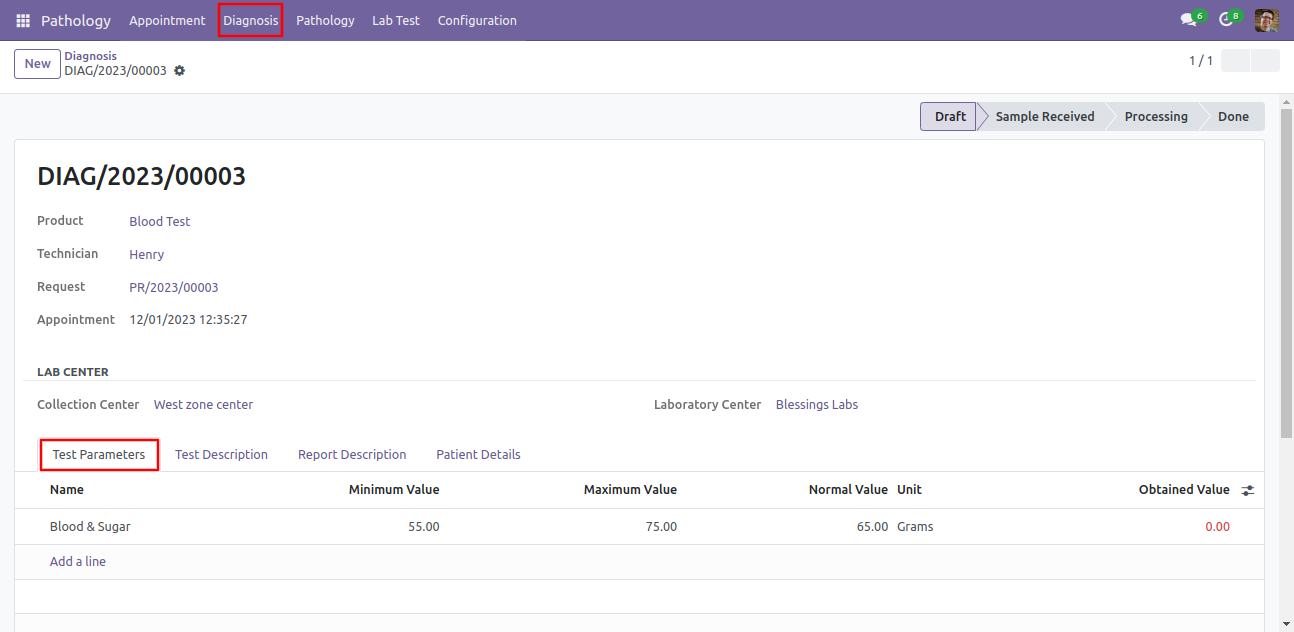
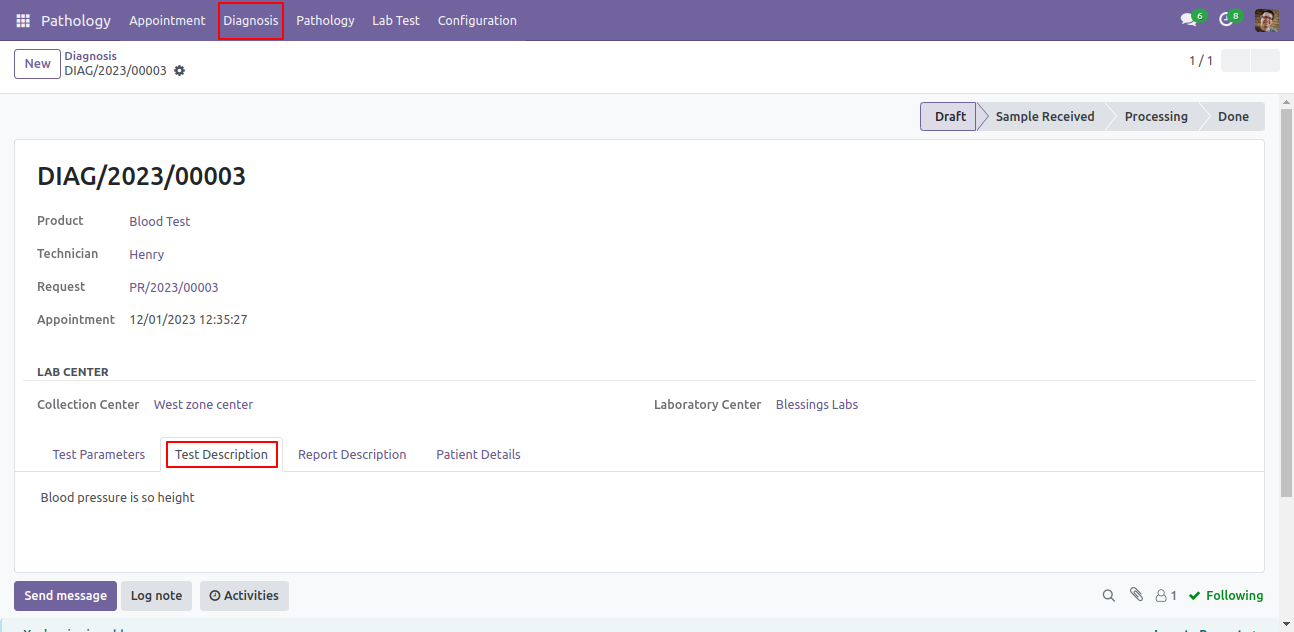
In 'Diagnosis' form view, you can add test description.
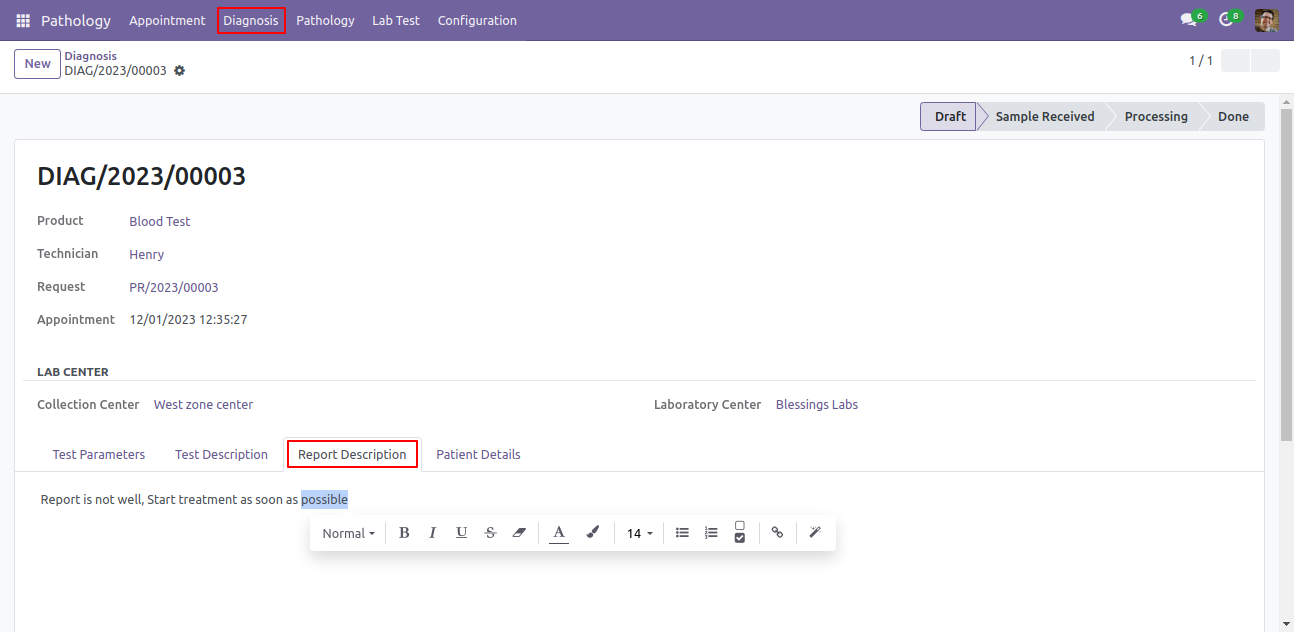
In 'Diagnosis' form view, you can add report description.
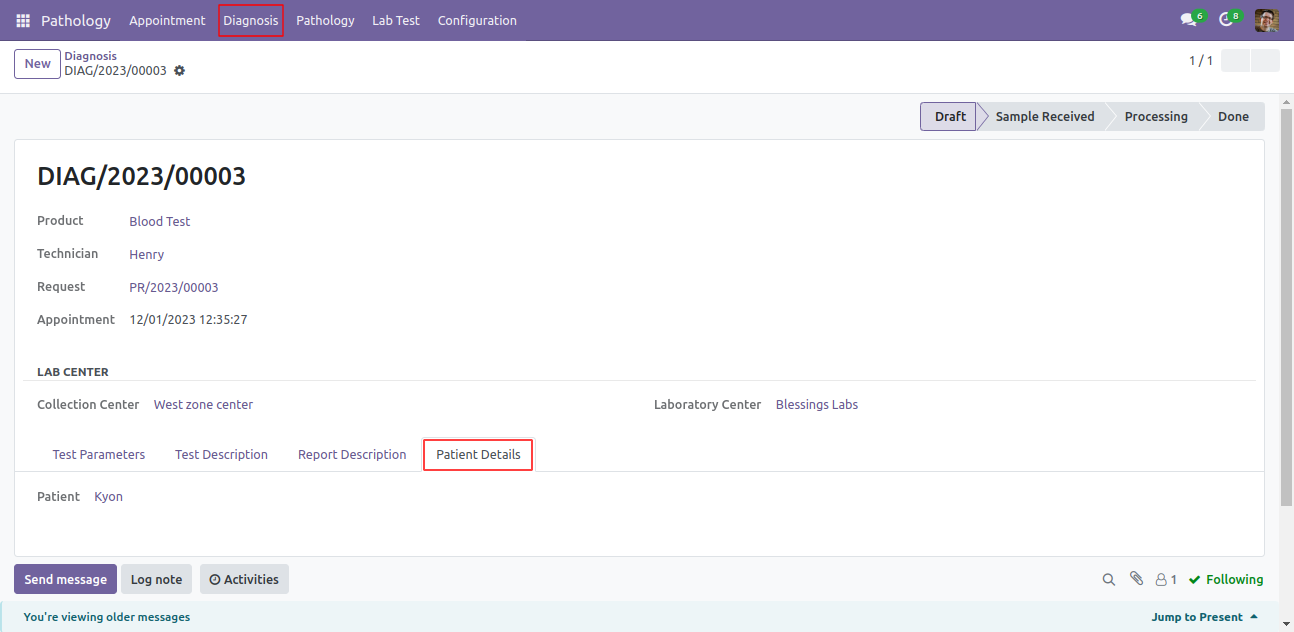
In 'Diagnosis' form view, you can see patients details.
'Diagnosis' activity view.
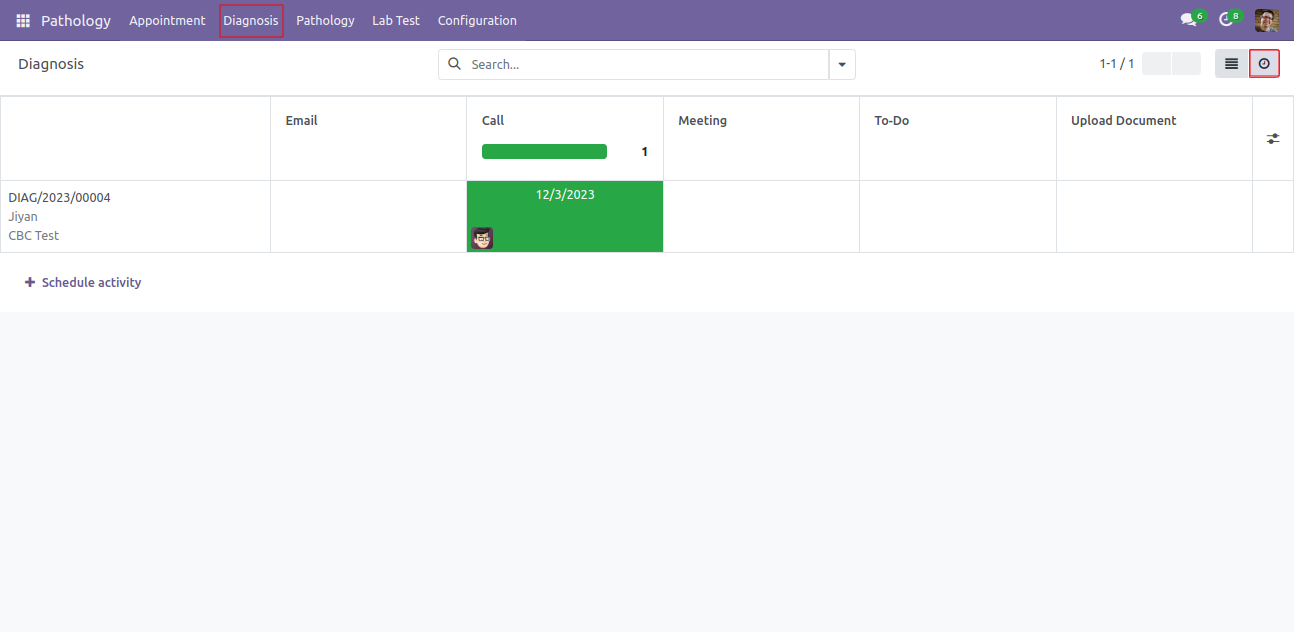
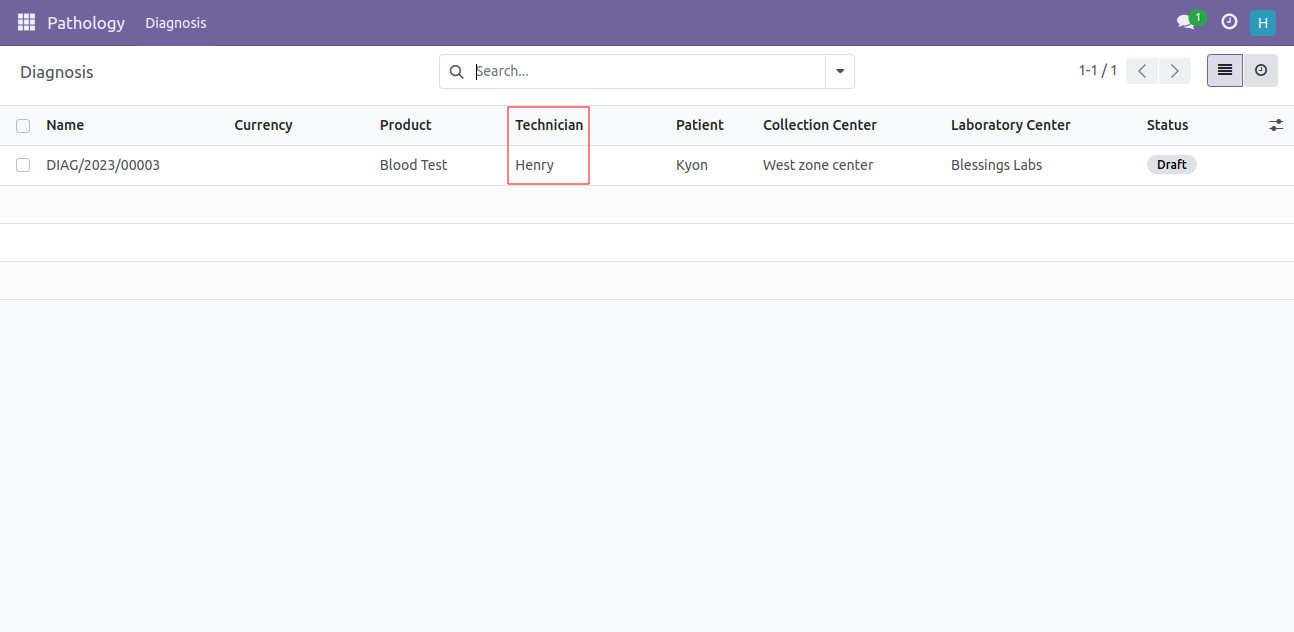
Technician user can see only 'Diagnosis' menu and it's diagnosis list.
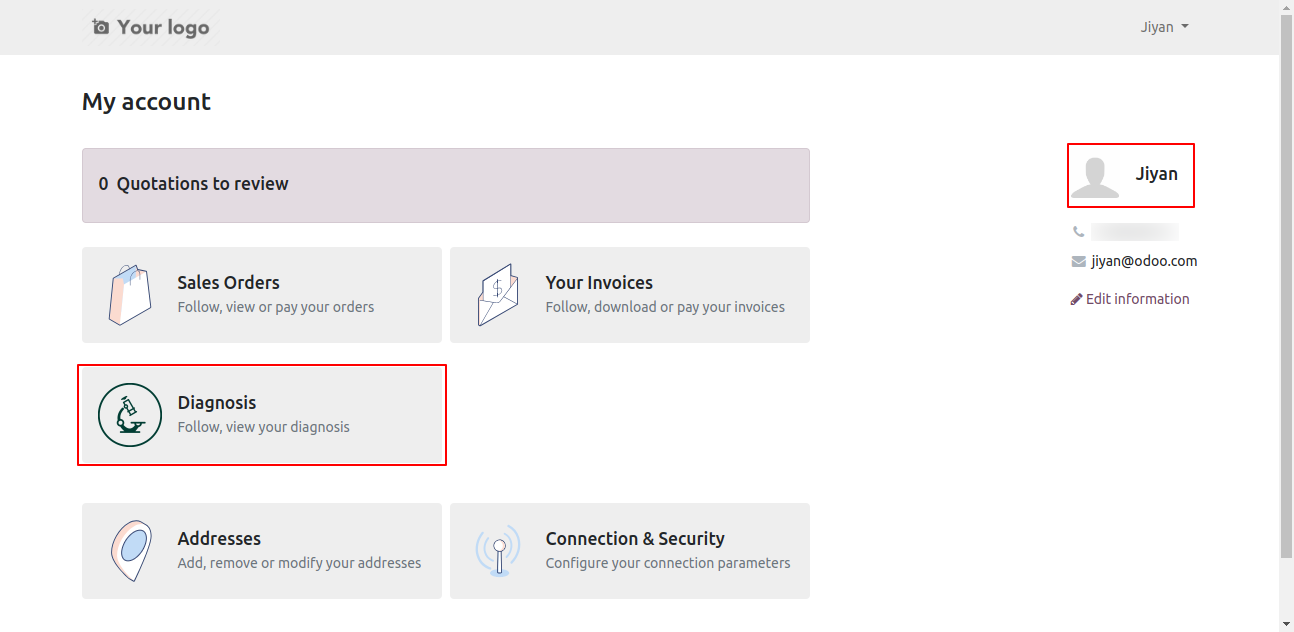
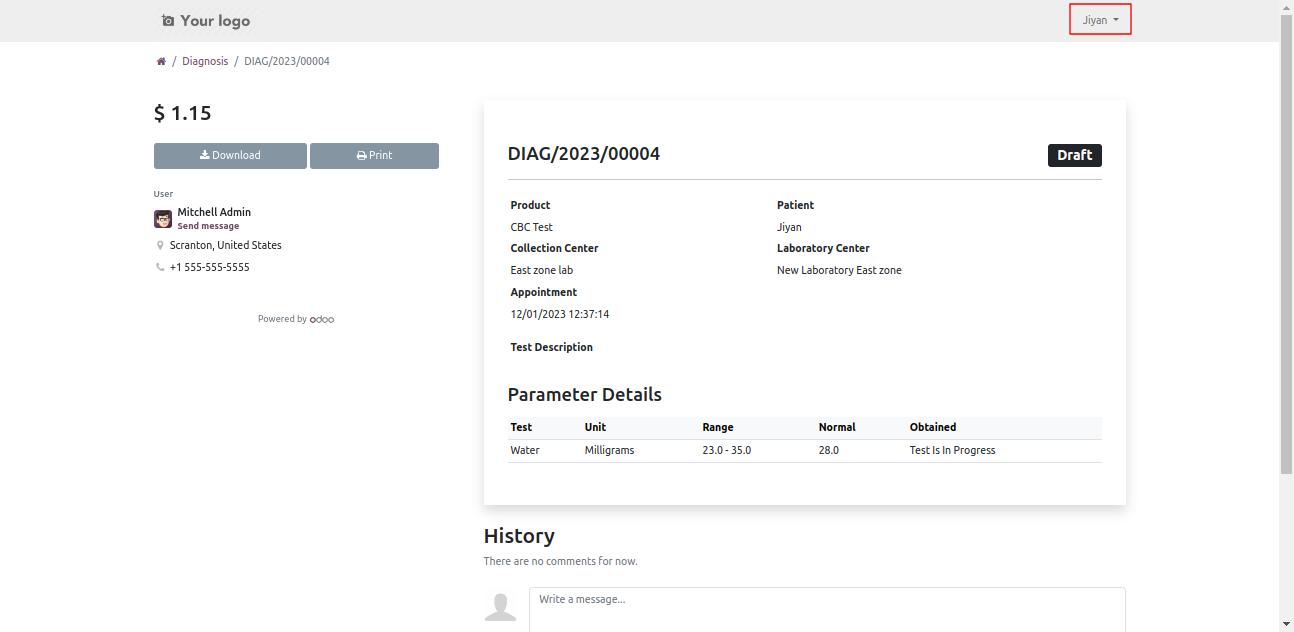
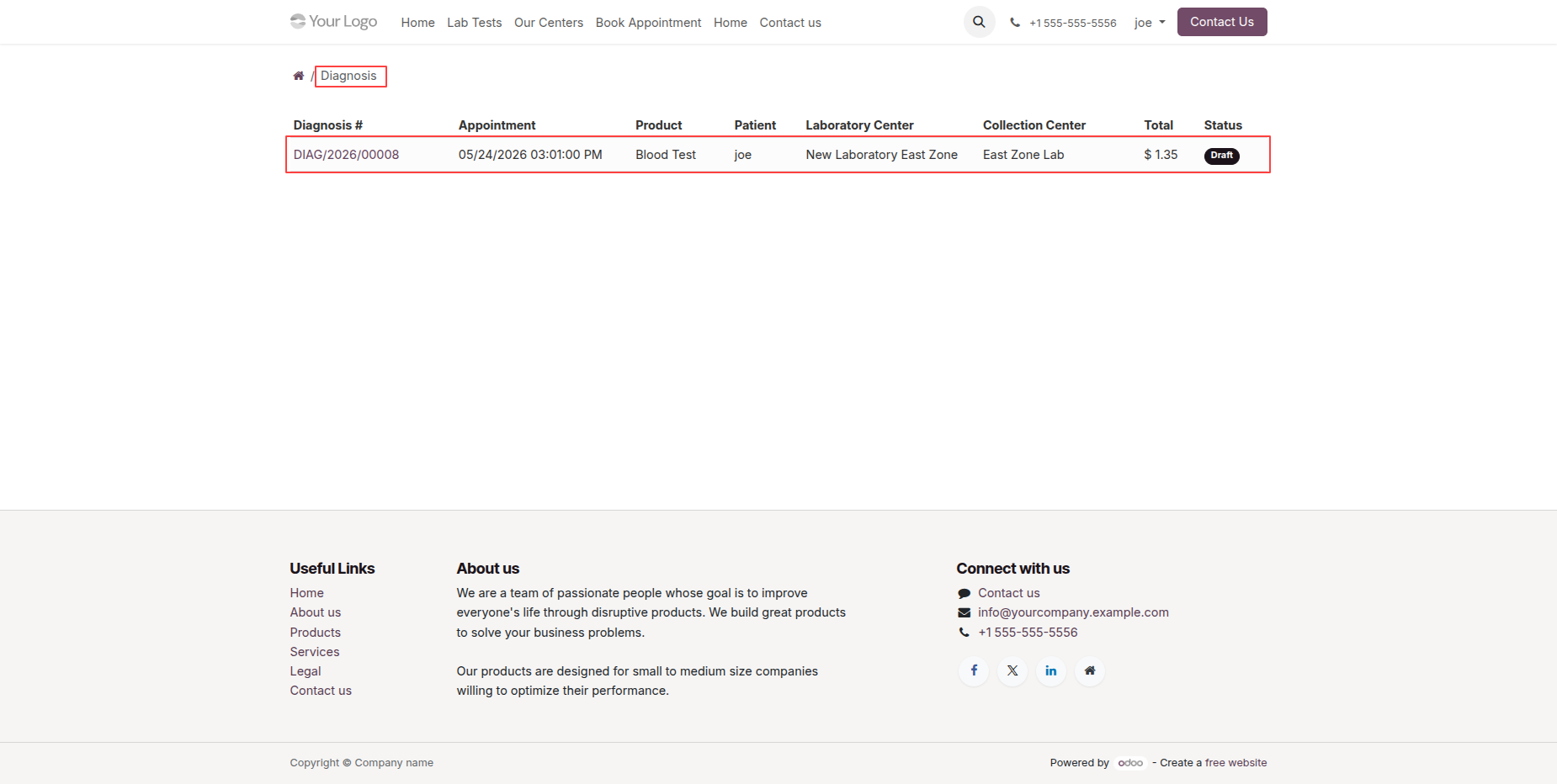
Also patients have portal, so they can also see 'diagnosis' details.
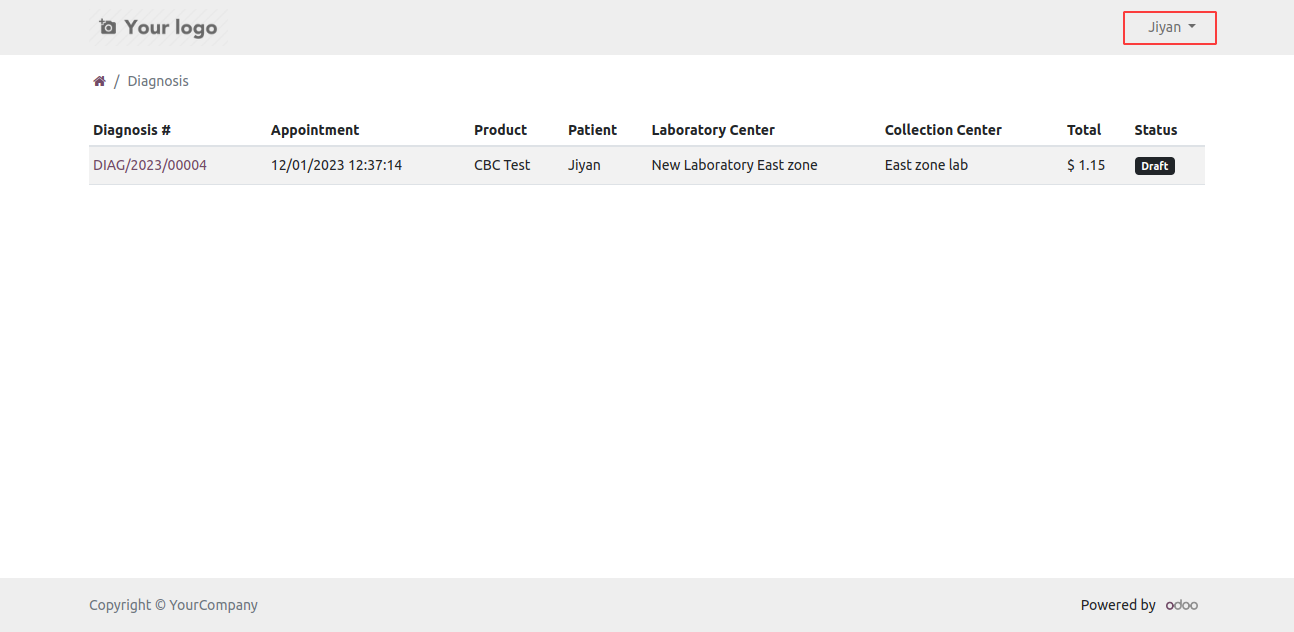
Diagnosis list view on portal.
Diagnosis detail view. Here patient can see the test status and also print pdf report.
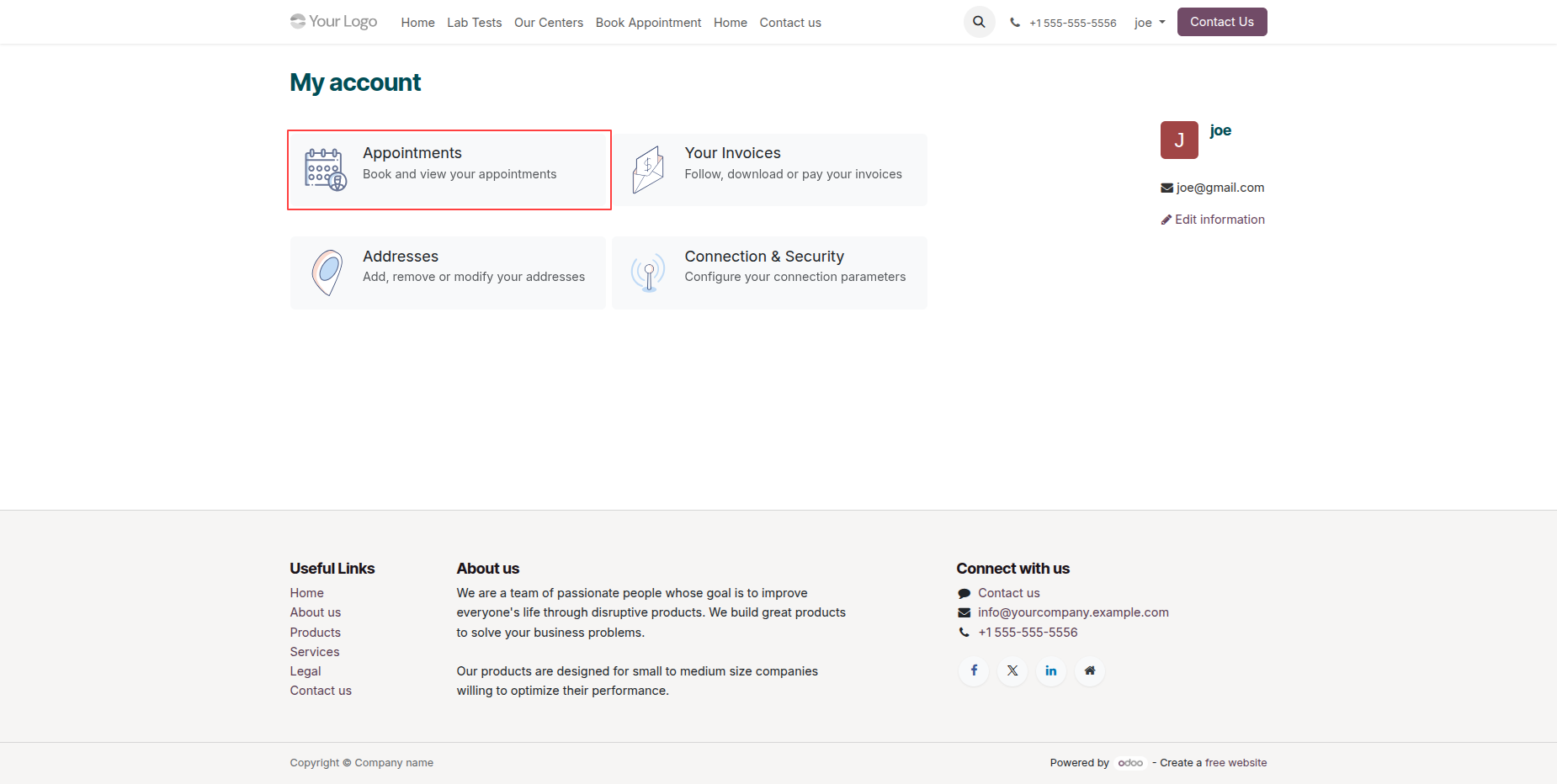
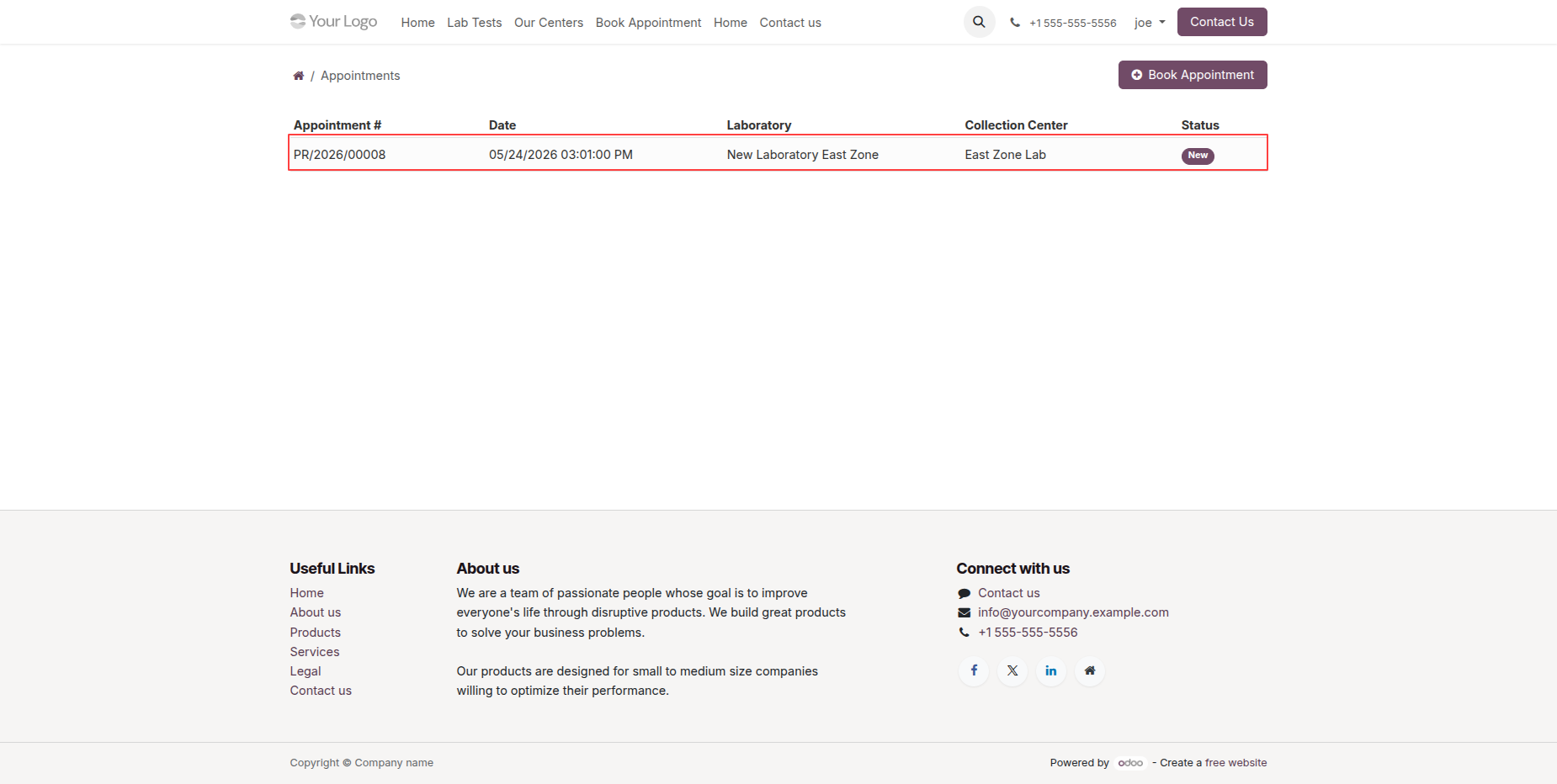
Patients can create an appointment from the Portal by clicking on the Appointments.
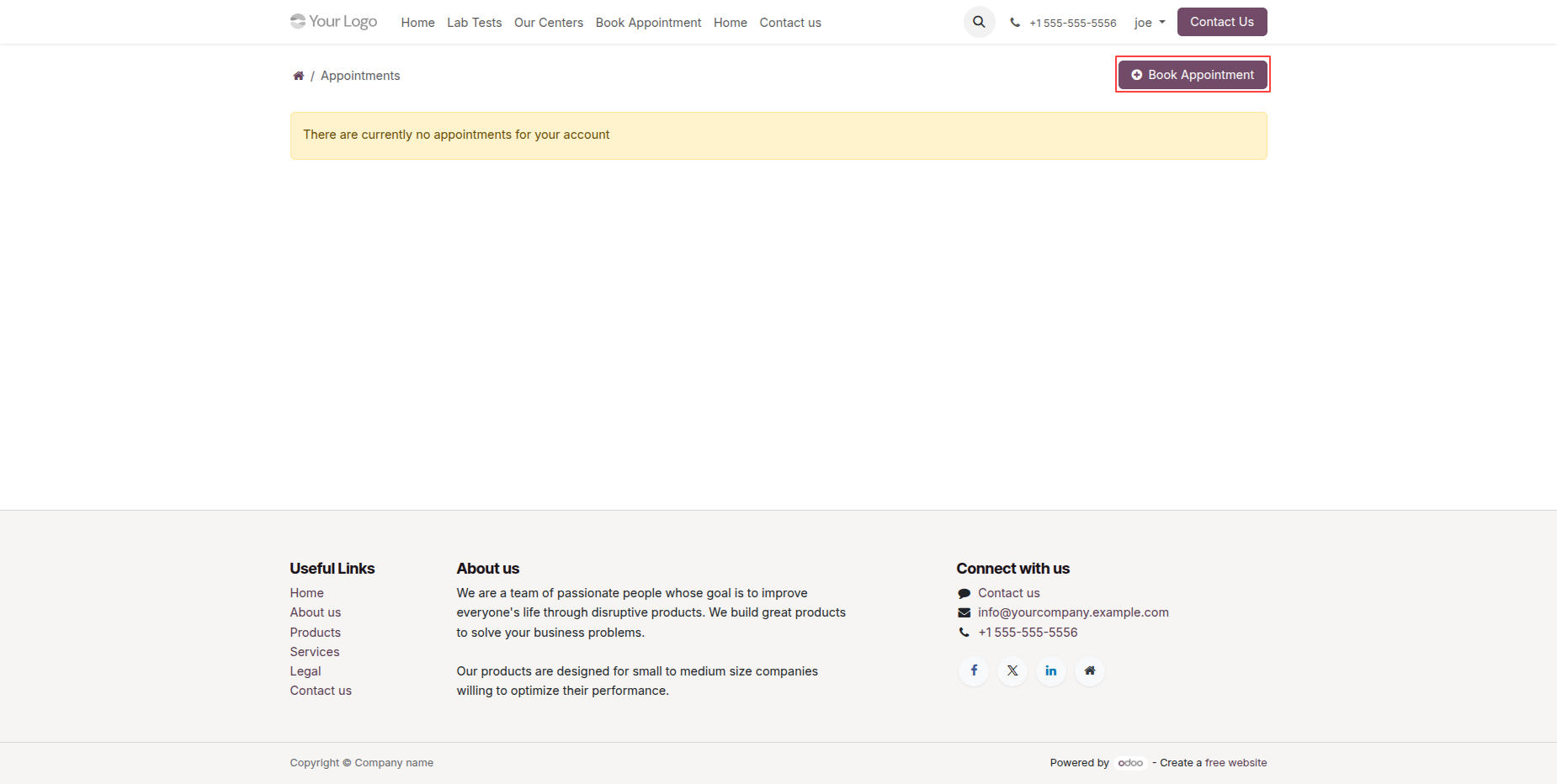
Click the Book Appointment button from the Appointments List View in the portal to create a new appointment request.
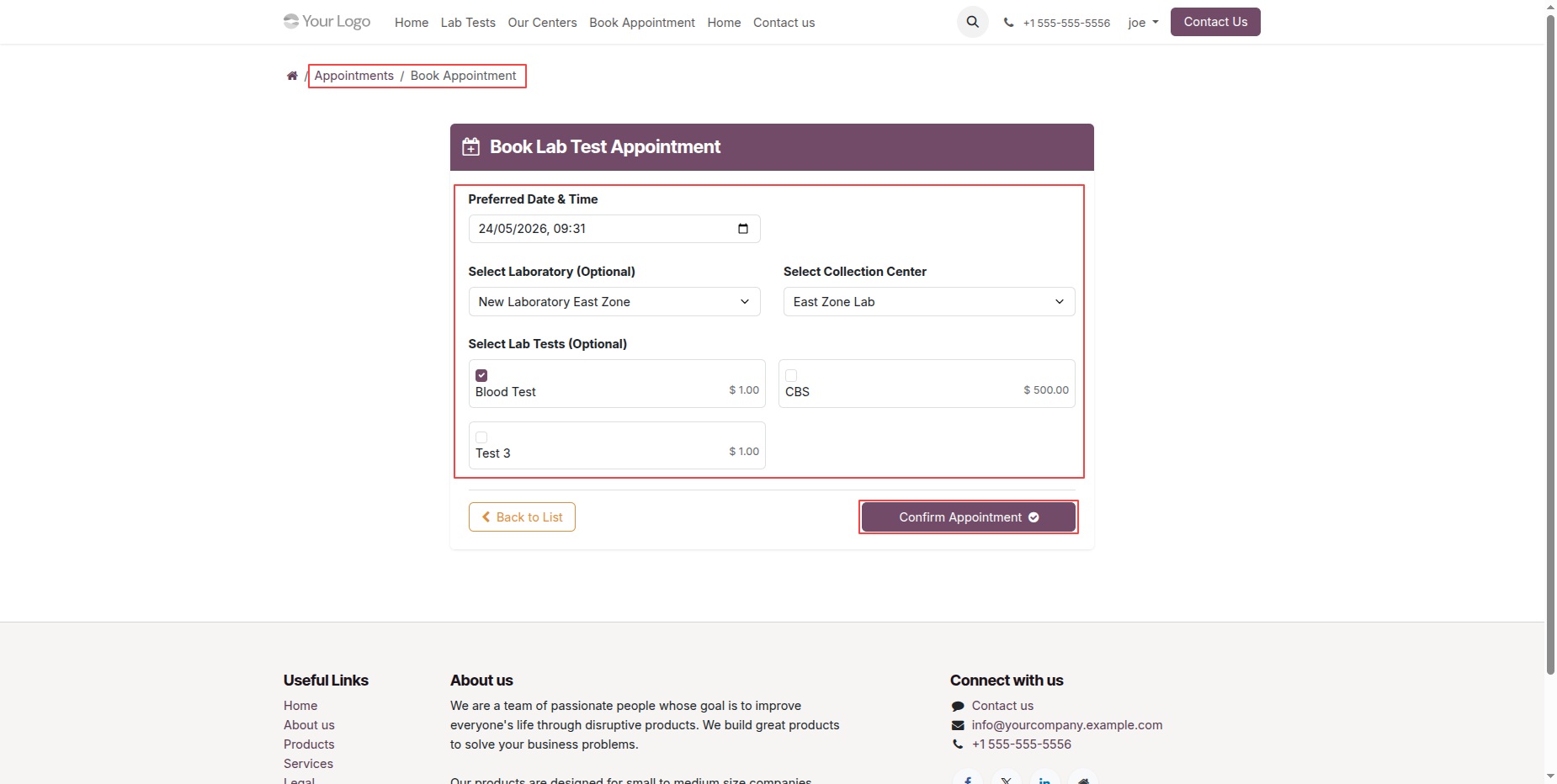
Enter the required appointment details and click the Confirm Appointment button to submit and schedule the appointment.
The created appointments can be viewed from the Appointments List View, allowing patients to track and manage their appointment records.
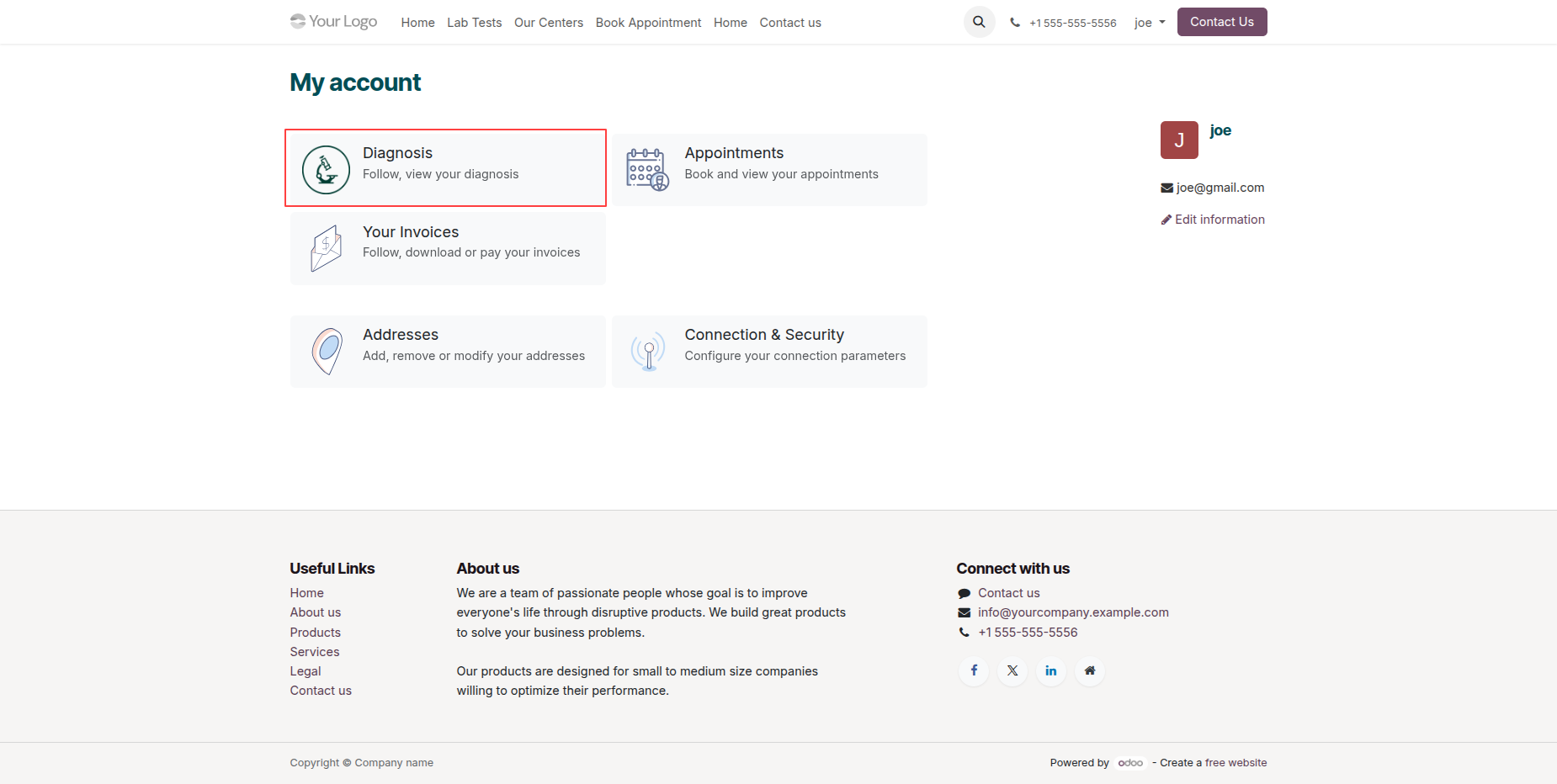
Patients can also view their Diagnosis Records from the Portal.
Diagnosis records can be viewed from the Diagnosis List View in the portal, allowing patients to easily access and review their diagnosis details.
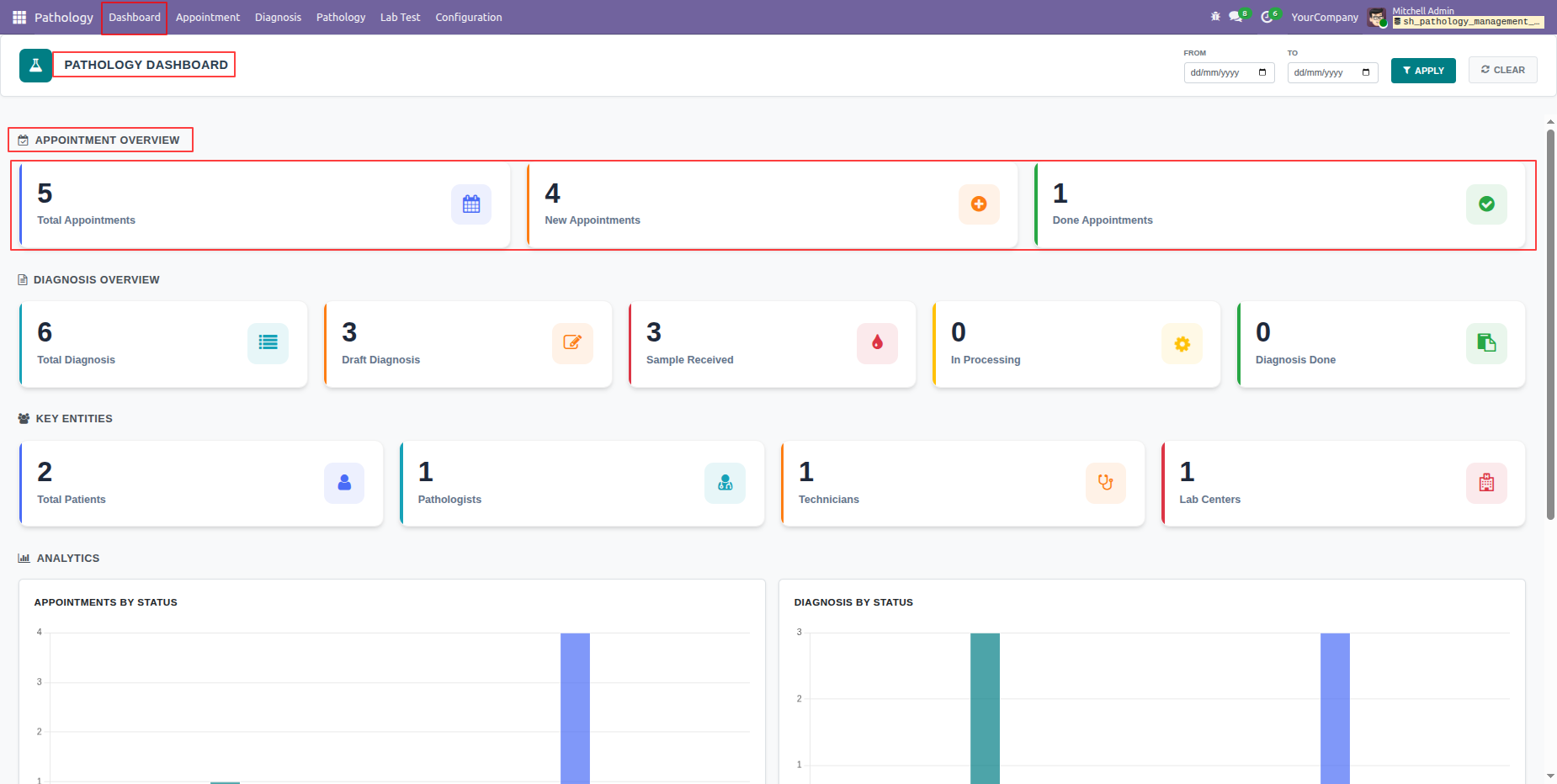
The Pathology Dashboard provides an overview of appointments, diagnoses, and other key metrics, helping users monitor and manage pathology operations efficiently.
Click on the Total Appointments tile from the Pathology Dashboard.
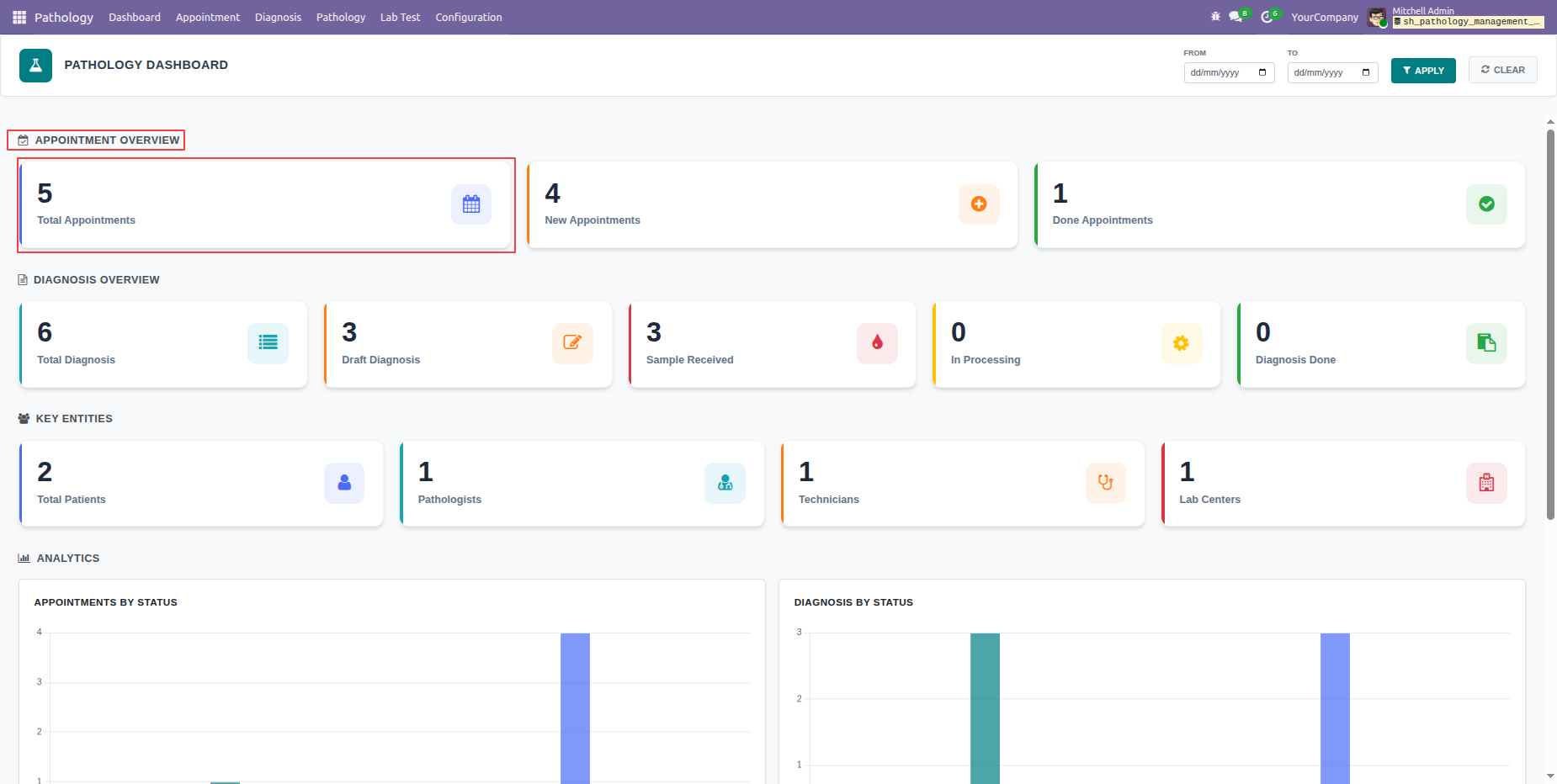
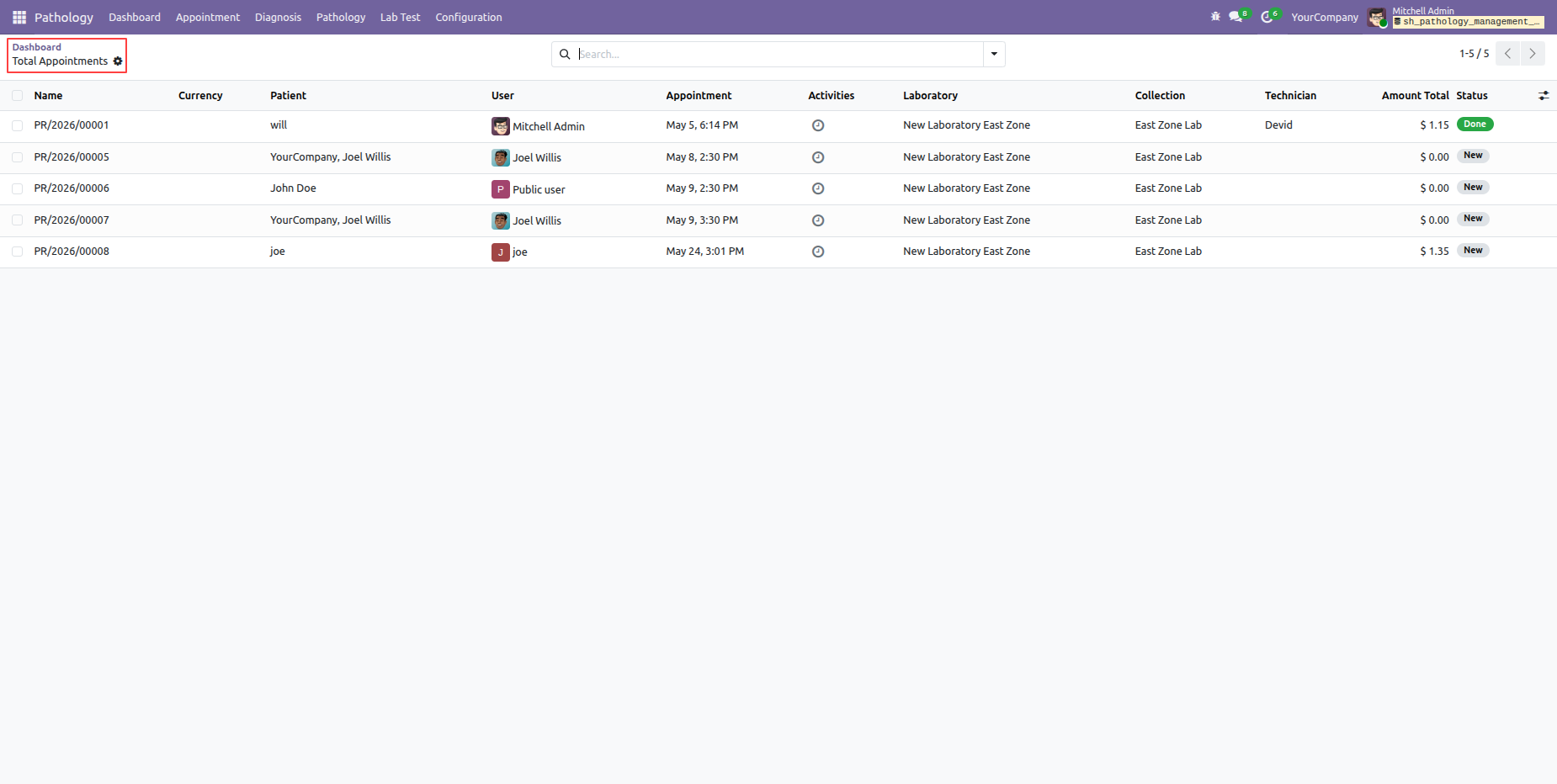
Clicking on the Total Appointments tile from the Pathology Dashboard will open a List View of all pathology appointments.
Click on the Total Diagnosis tile from the Pathology Dashboard.
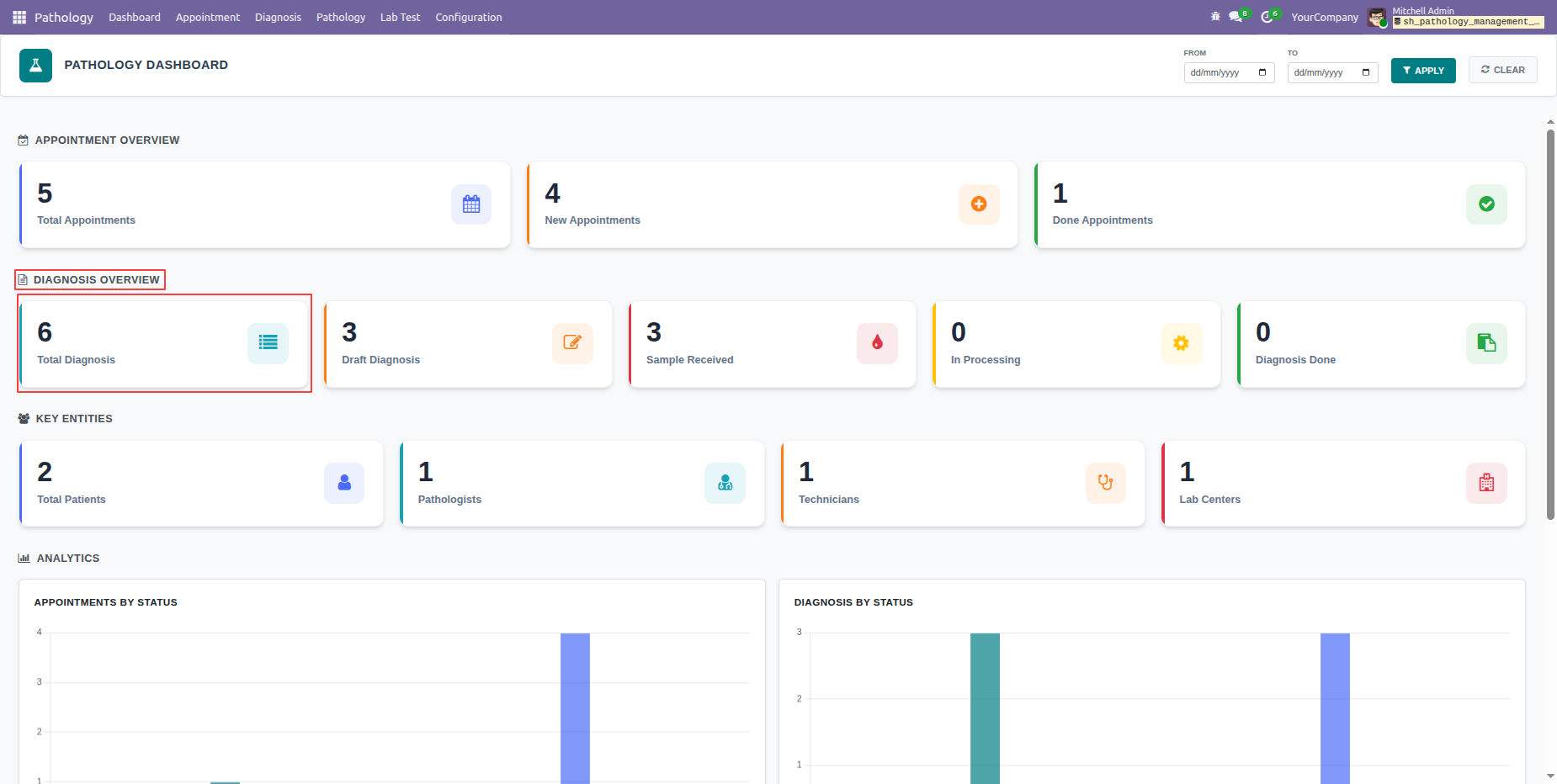
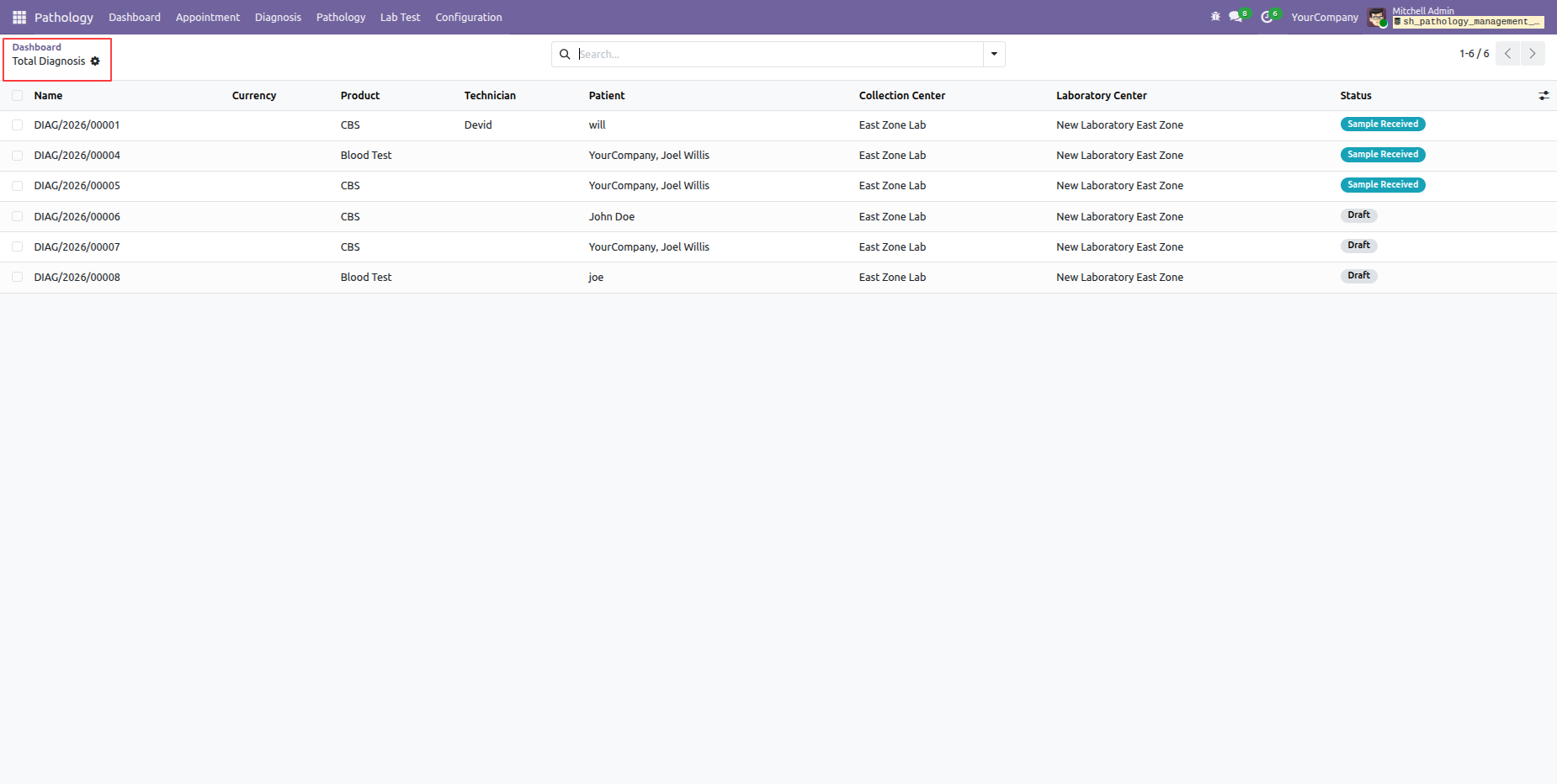
Clicking on the Total Diagnosis tile from the Pathology Dashboard will open a List View of all diagnosis records.
Click on the Total Patients tile from the Pathology Dashboard.
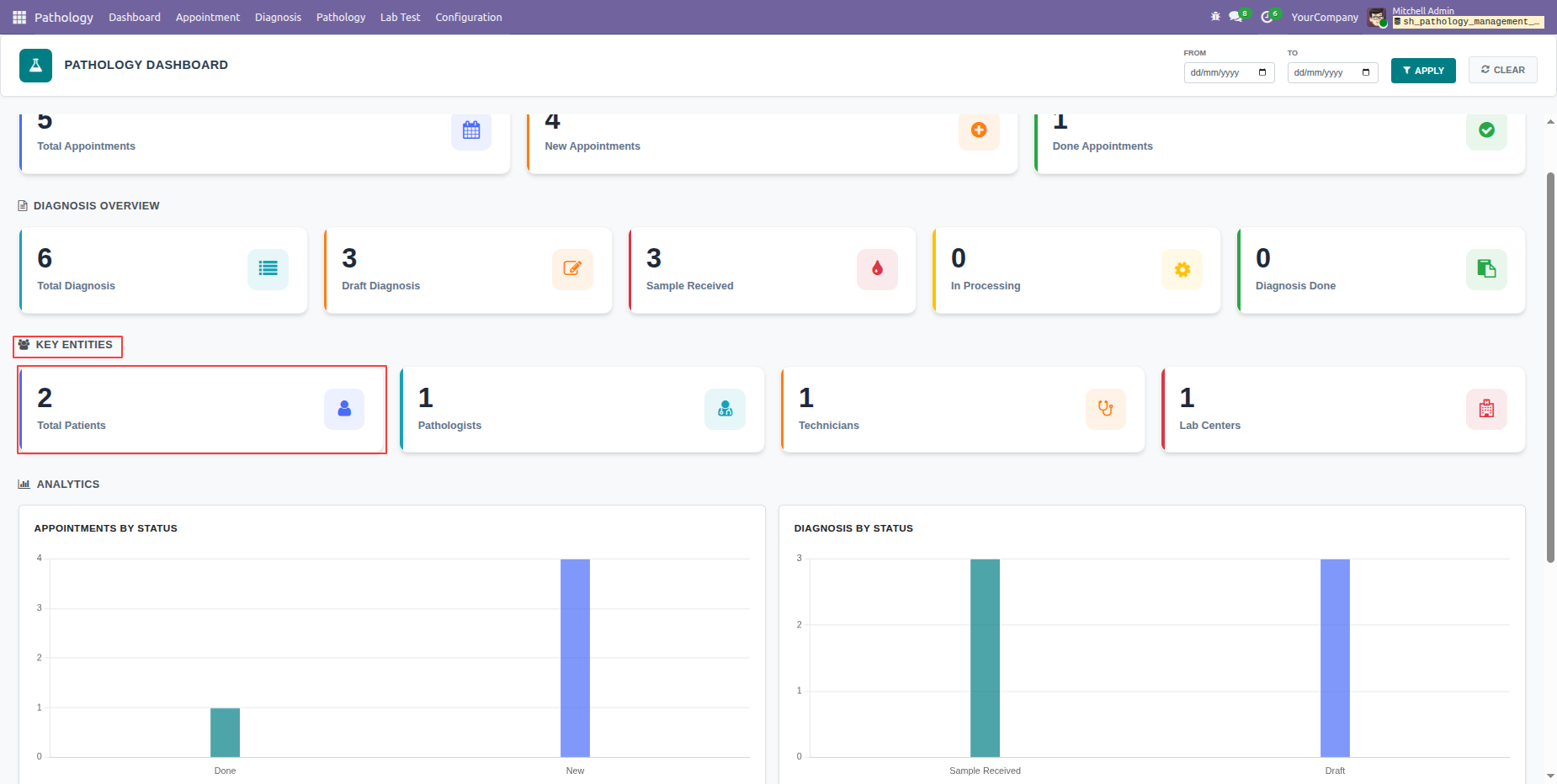
Clicking on the Total Patients tile from the Pathology Dashboard will open a List View of all patient records. .
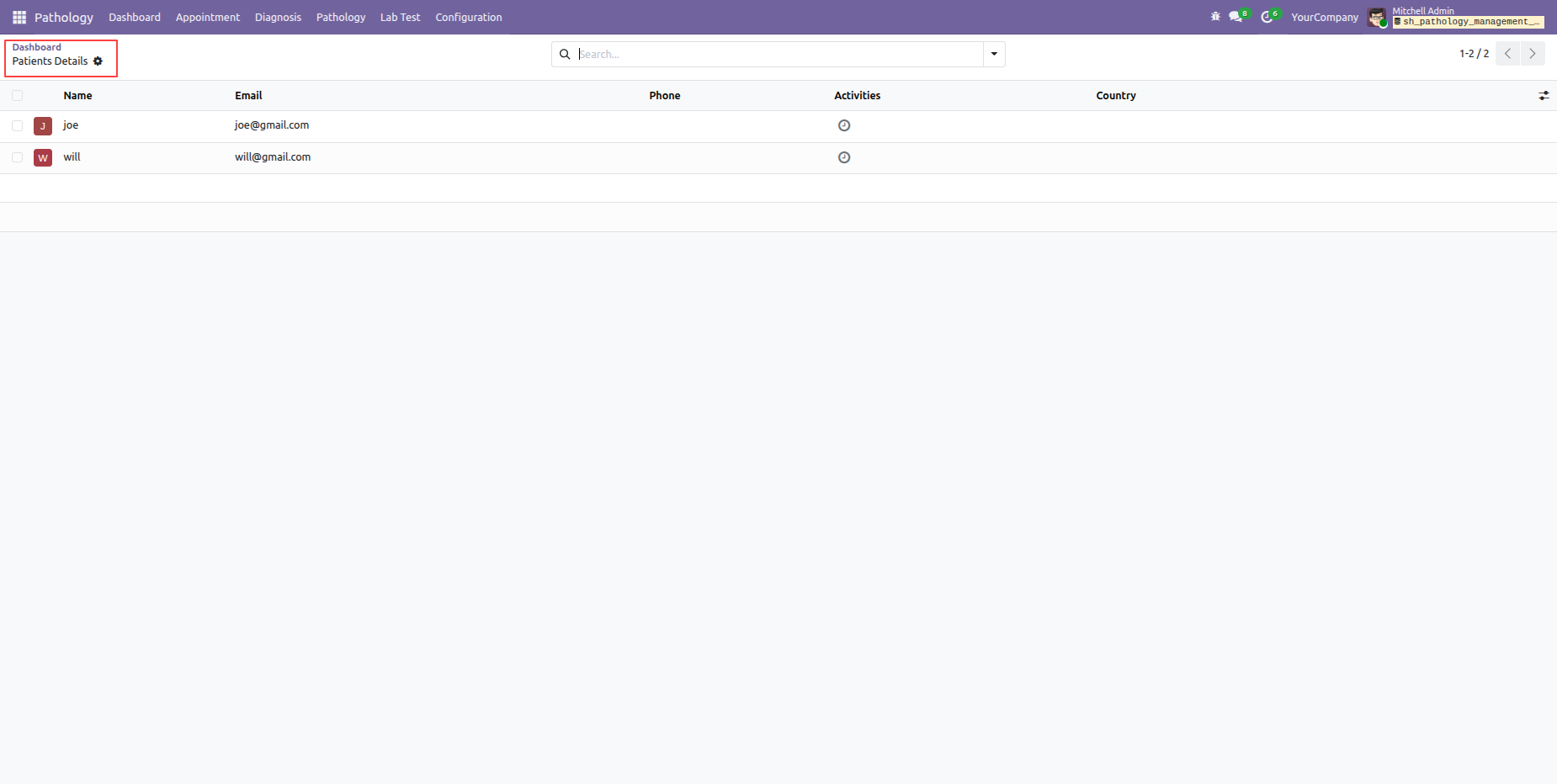
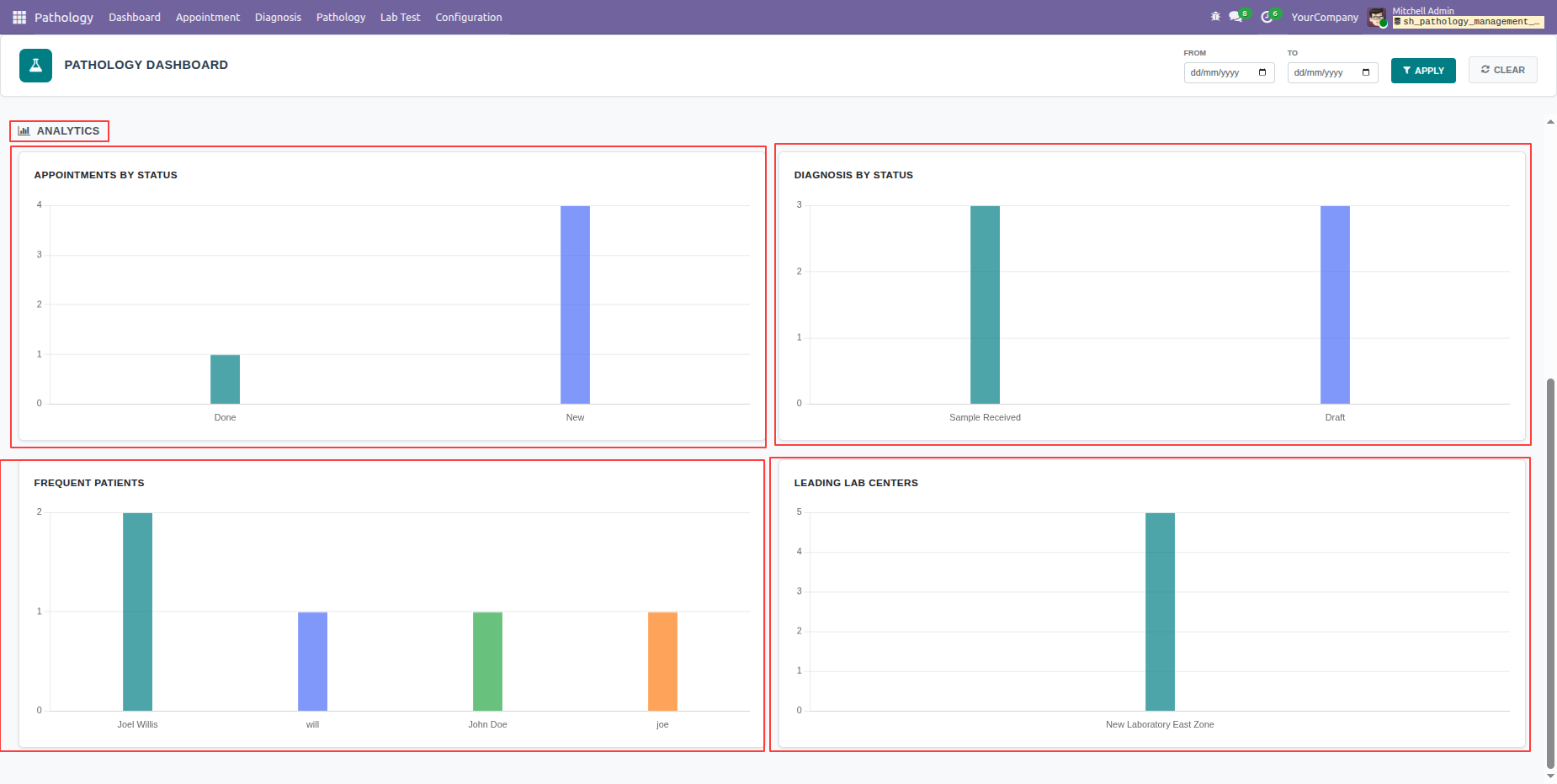
The Pathology Dashboard also displays analytical charts for Appointments by Status, Diagnosis by Status, Frequent Patients, and Leading Lab Centres.
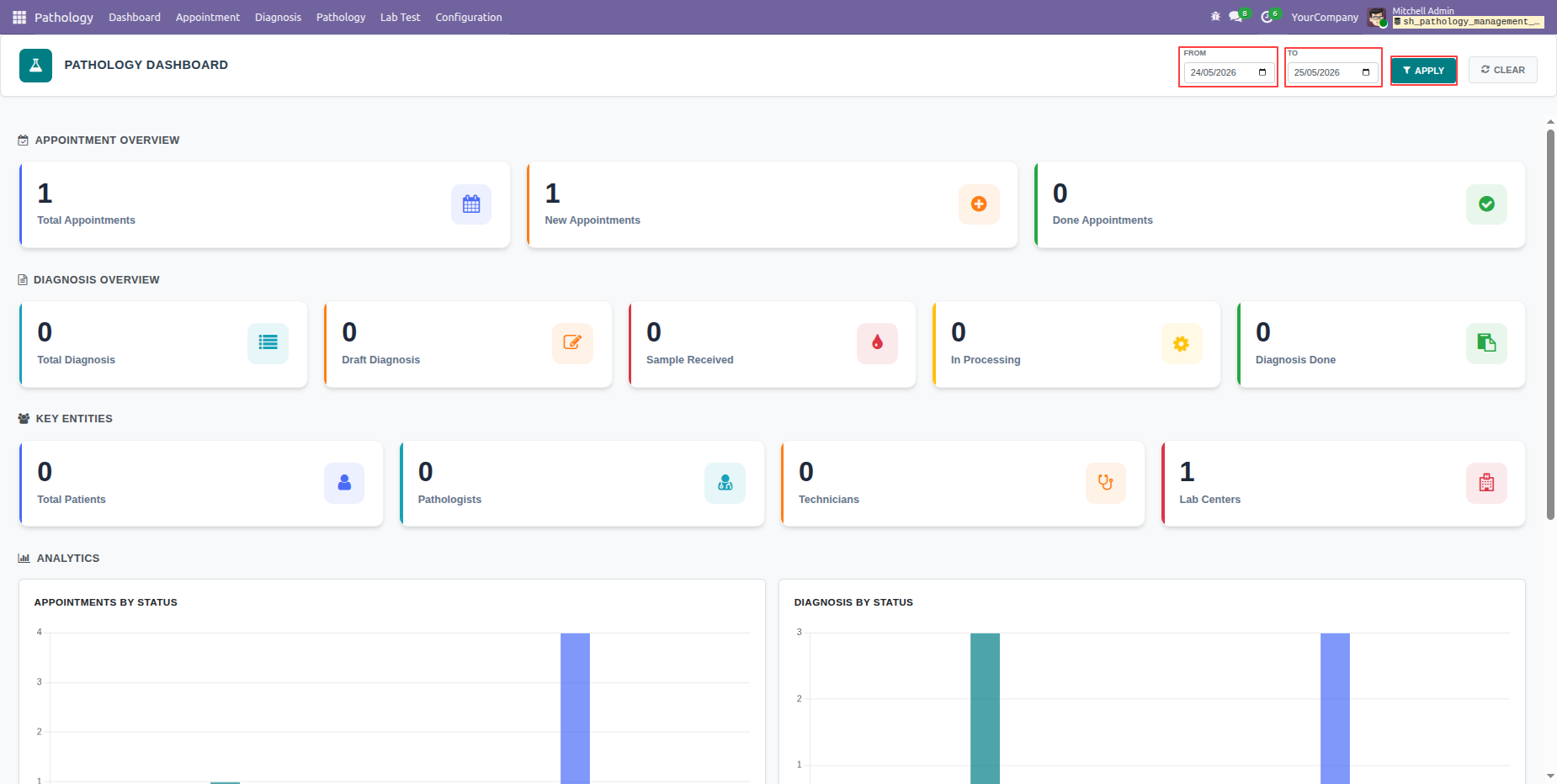
Users can also apply Date Range Filters to view dashboard statistics and charts for a specific period.
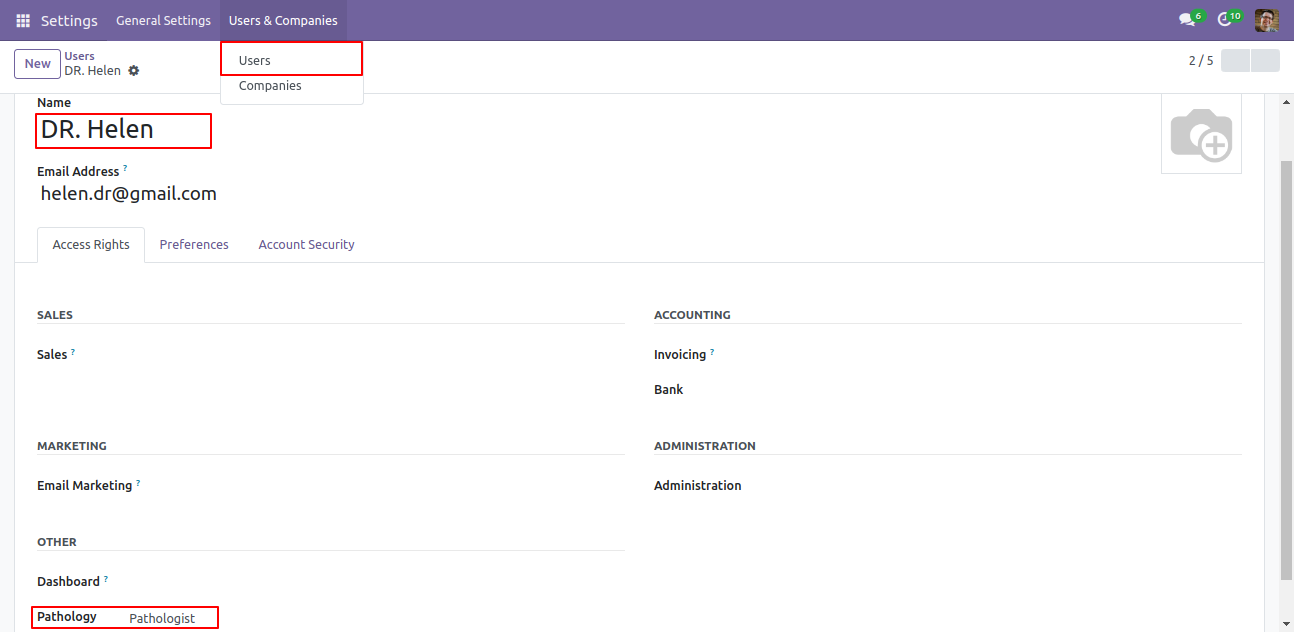
Goto user setting and set specific user group for specific users 'Pathologist'.
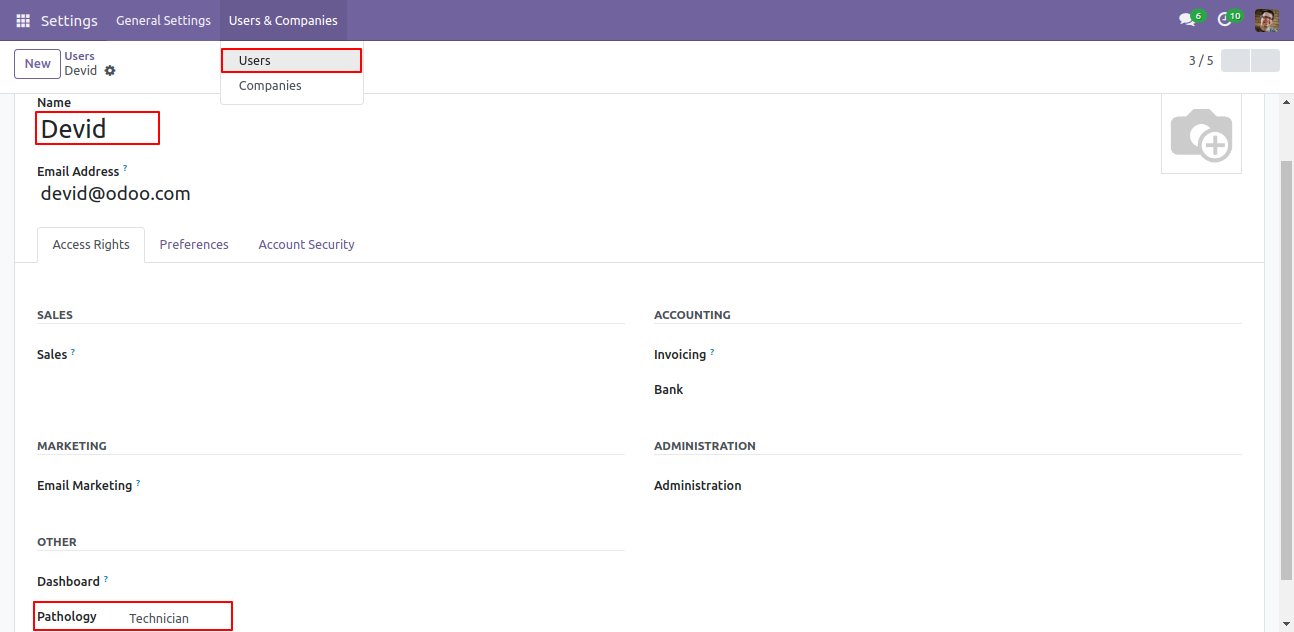
Goto user setting and set specific user group for specific users 'Technician'.
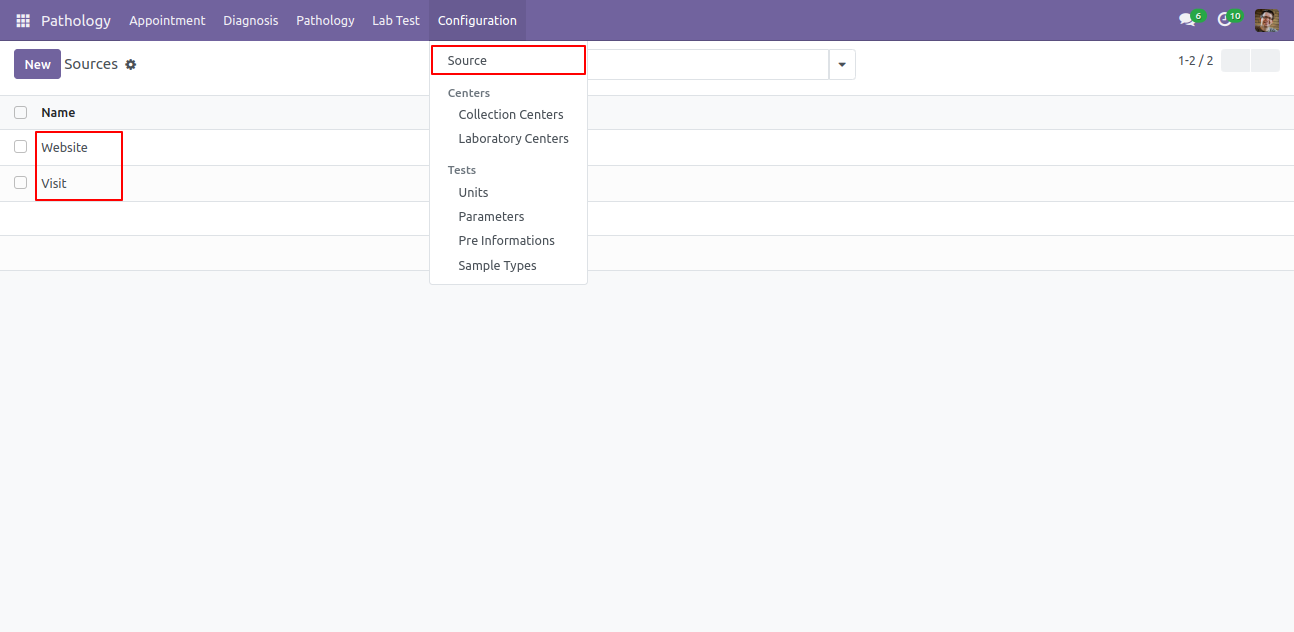
Create a sources.
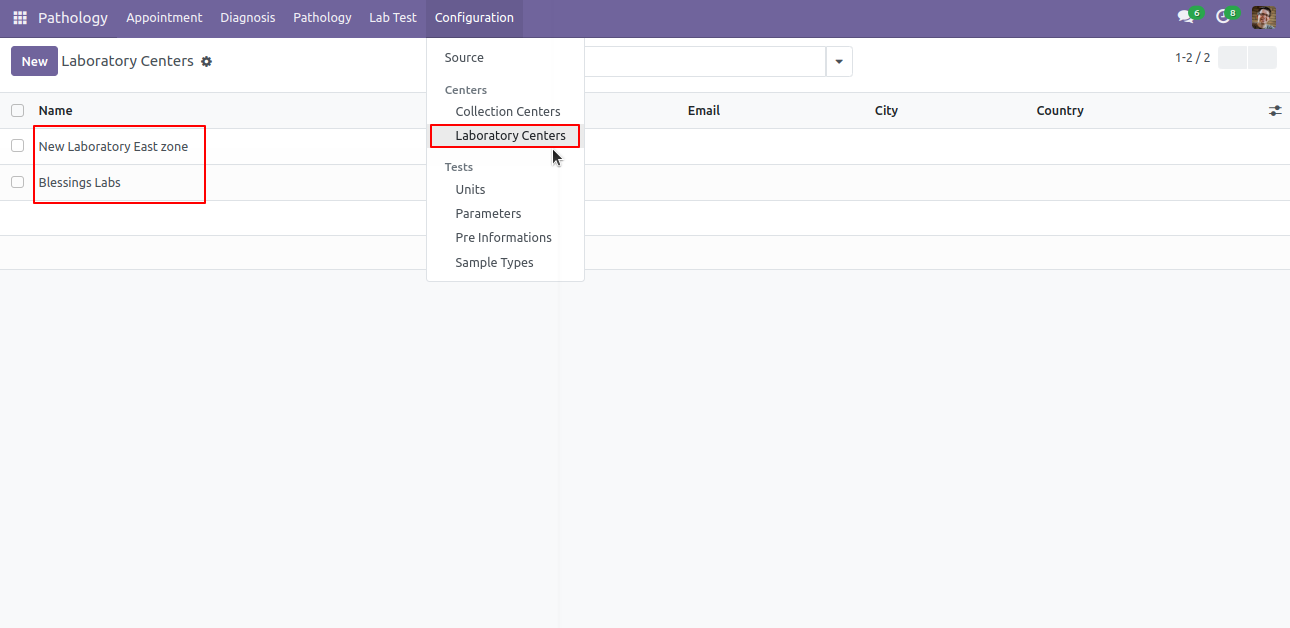
Laboratory Centers list view.
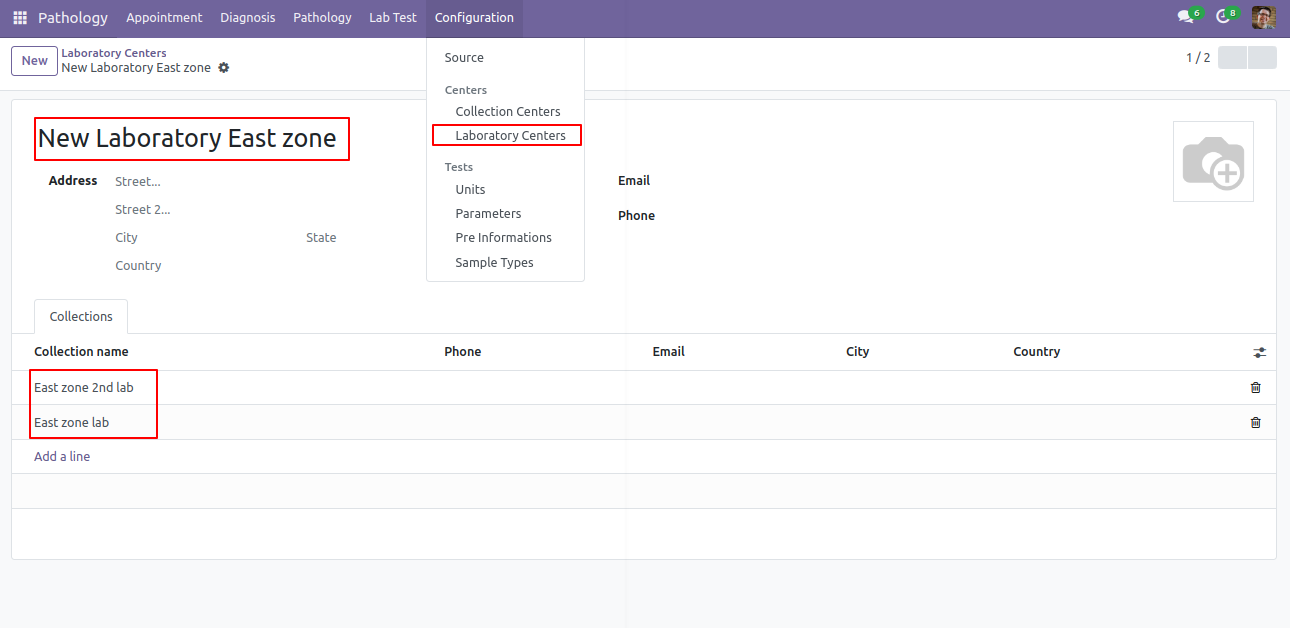
Laboratory Centers form view.
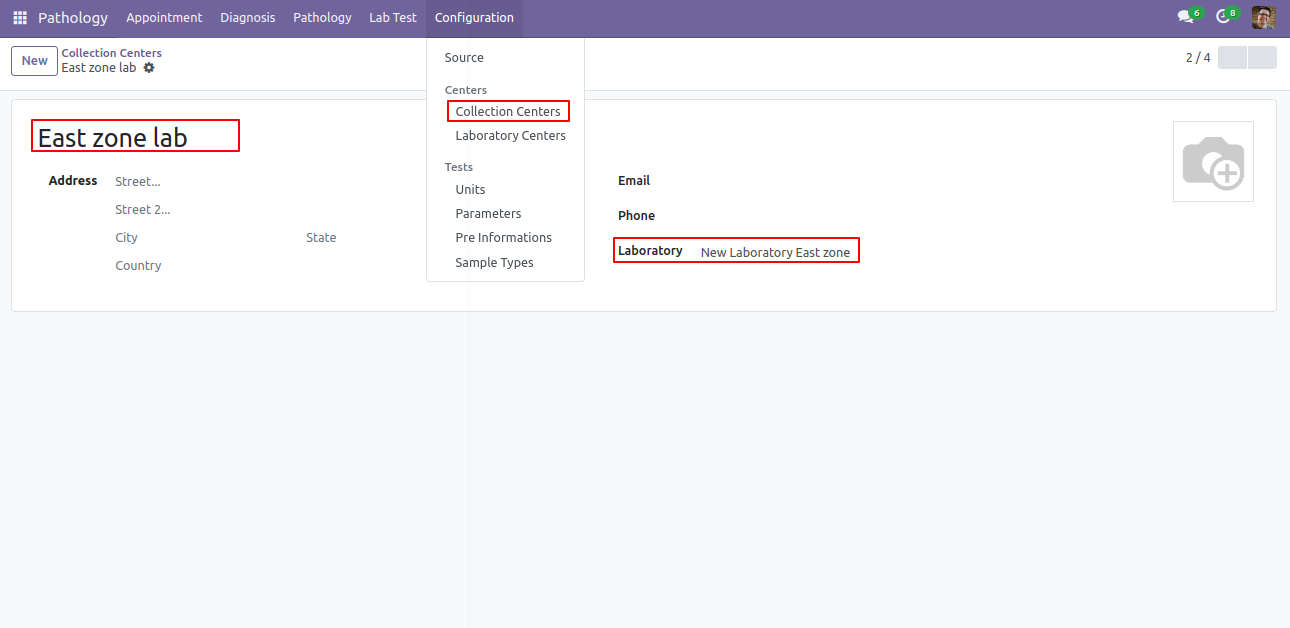
Collection Center menu and list view.

Collection Center form view. Here you can define related lab center.
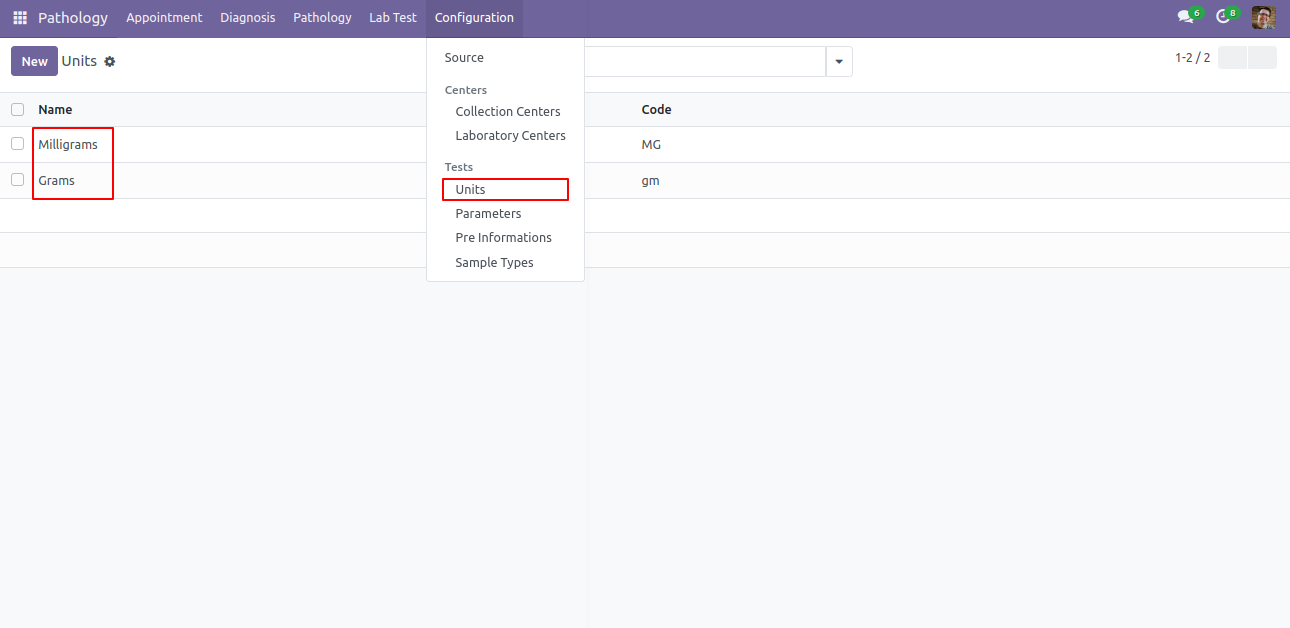
Units menu and list view.
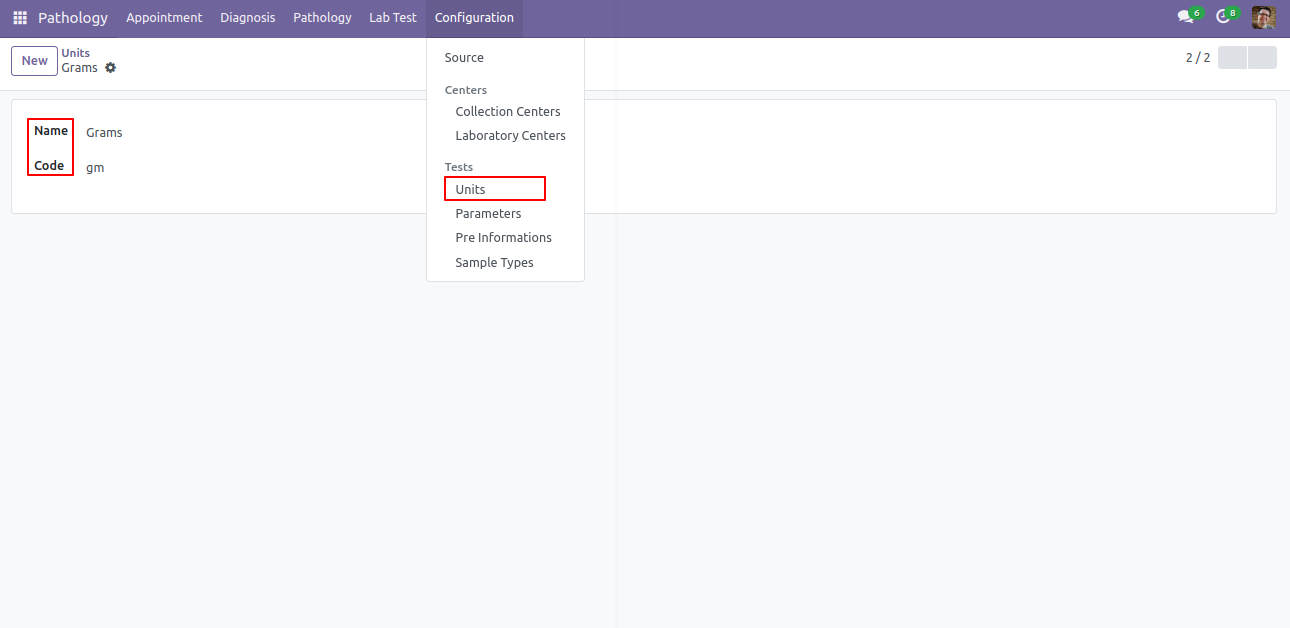
Units form view.
Parameter menu and list view.
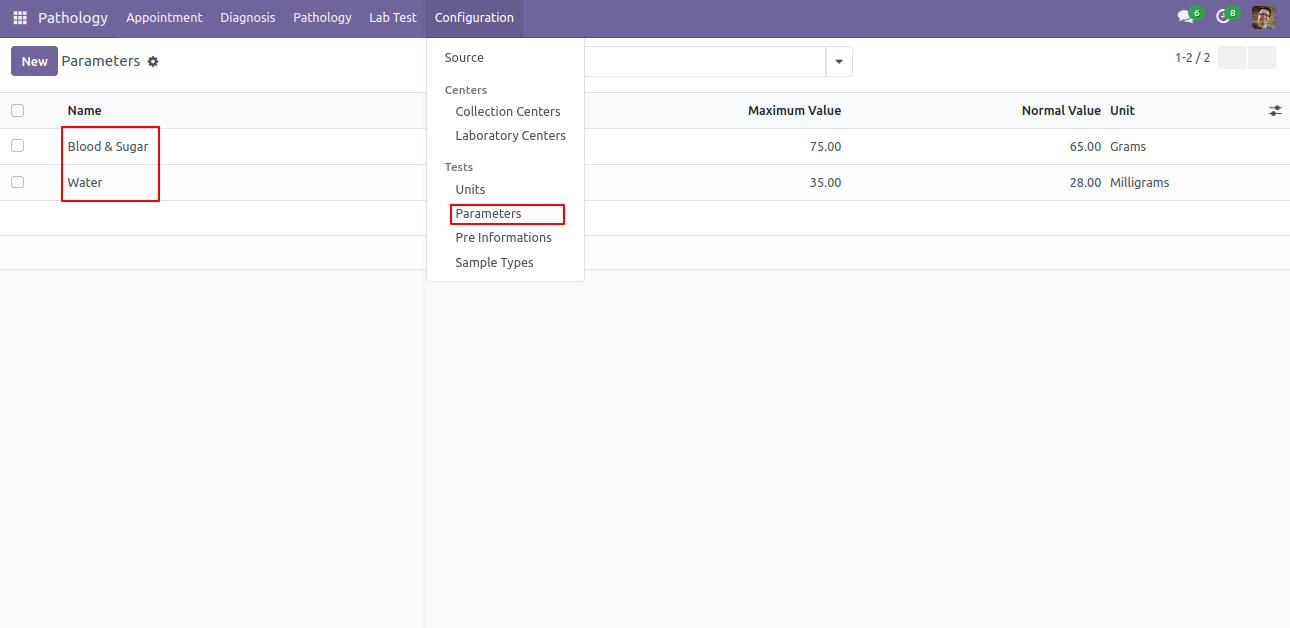
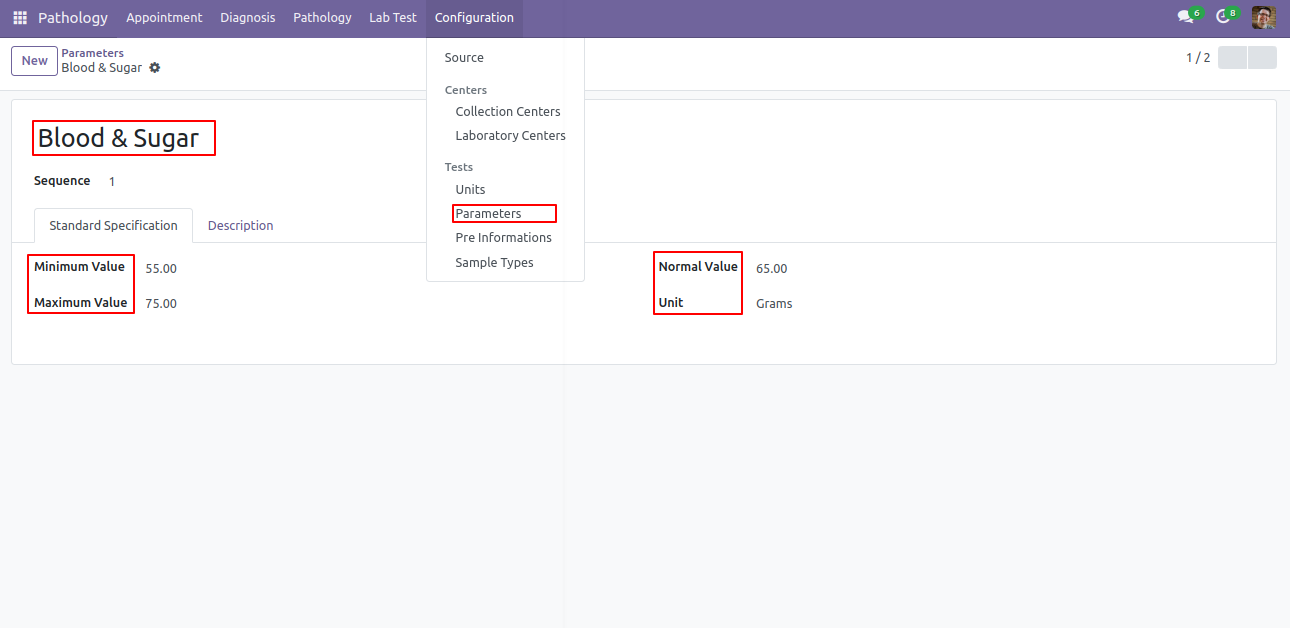
Parameter form view. Here you can define min max value of elements of test also set normal values.
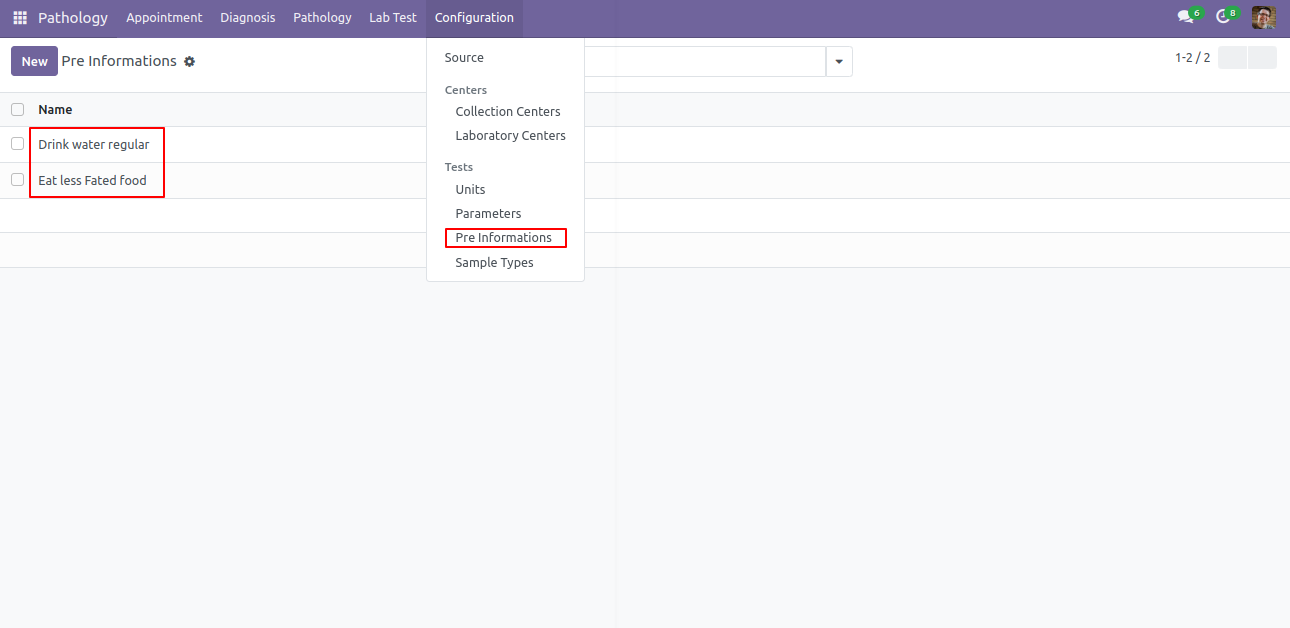
Pre-Information menu and list view.
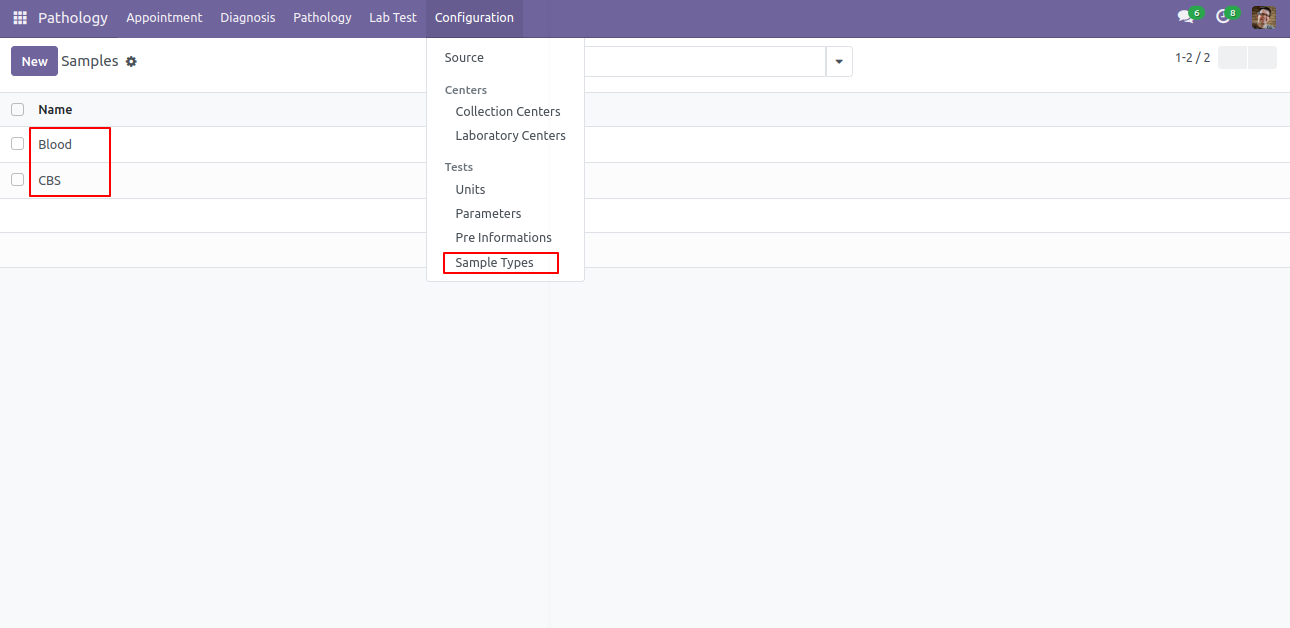
Sample type menu and list view.
Version 18.0.3.0.0 | Released on : 17th June 2026
Version 18.0.2 | Released on : 26th November 2024
Version 18.0.1 | Released on : 19th September 2024
- Yes, this app works perfectly with Odoo Enterprise (Odoo.sh & On-Premise) as well as Community.
- No, this application is not compatible with odoo.com(odoo saas/Odoo Online).
- Please Contact Us at sales@softhealer.com to request customization.
- Yes, you will get free update for lifetime.
- No, you don't need to install addition libraries.
- For version 12 or upper, you will need to purchase the module for each version that you want to use.
- Yes, we provide free lifetime support for the version you purchased.
- No, We do not provide any kind of exchange.
Discover Our Latest Apps