












Partner Address Autofill

This module allows to auto fill company address quickly. Once you configure google API key it auto fill address like street number, city, zip code, country & state.
Related Modules
Key Features
Features
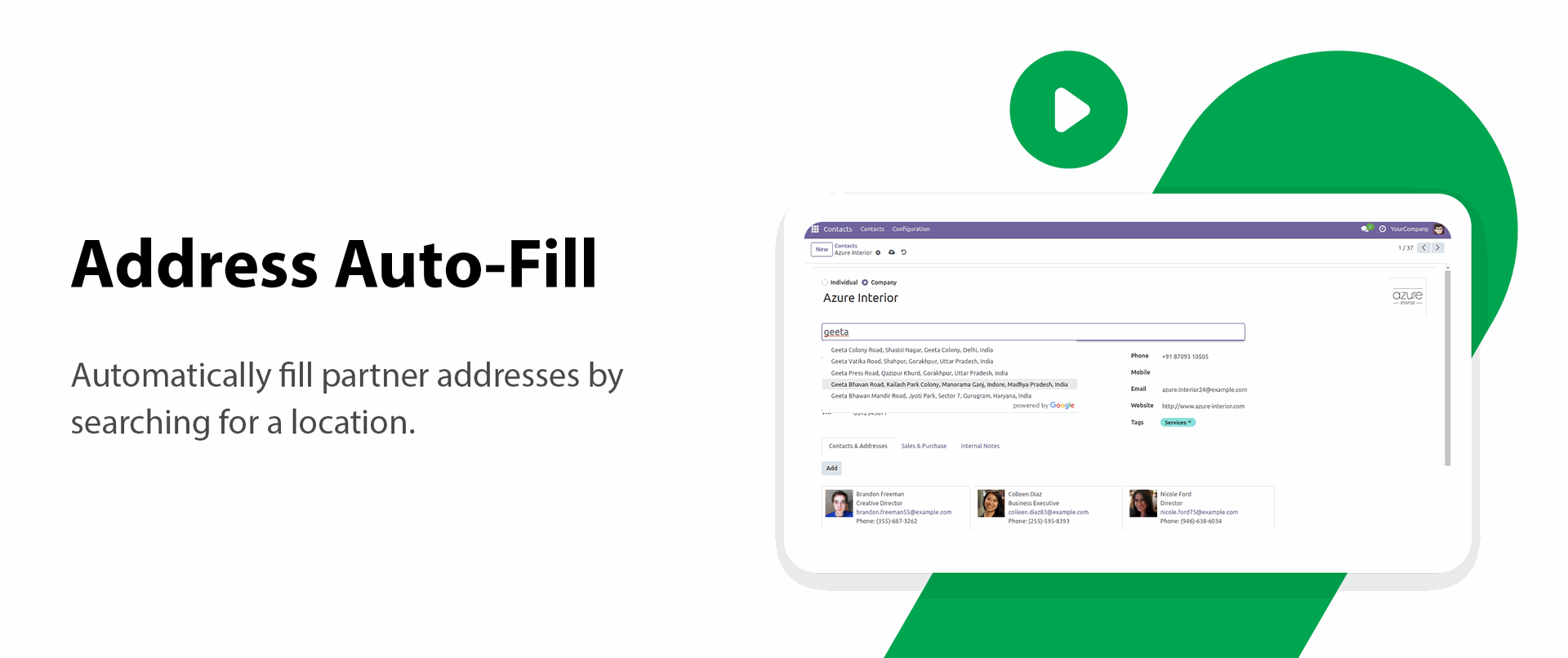
Address Auto-Fill
Automatically fill partner addresses by searching for a location.
Automatic Address Details
Automatically fill street, city, ZIP code, state, and country details.

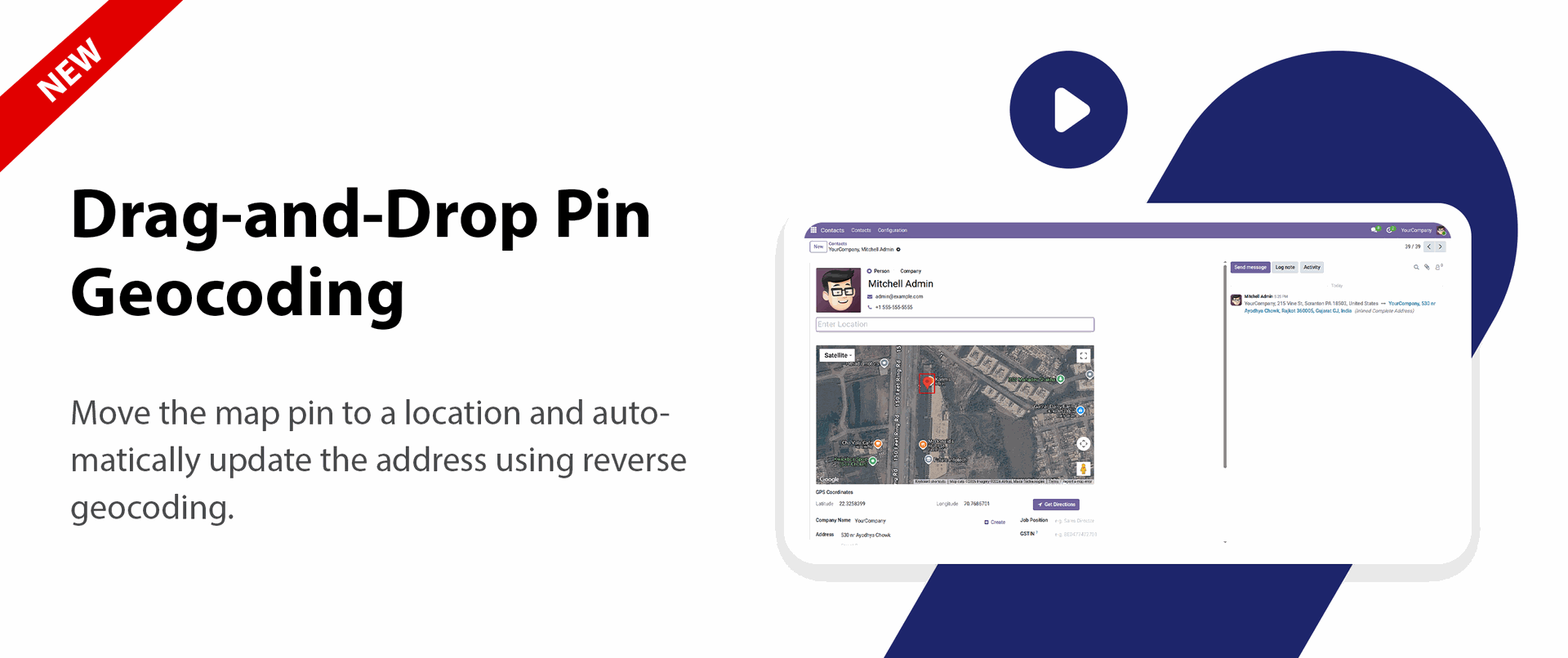
Drag-and-Drop Pin Geocoding

Move the map pin to a location and automatically update the address using reverse geocoding.

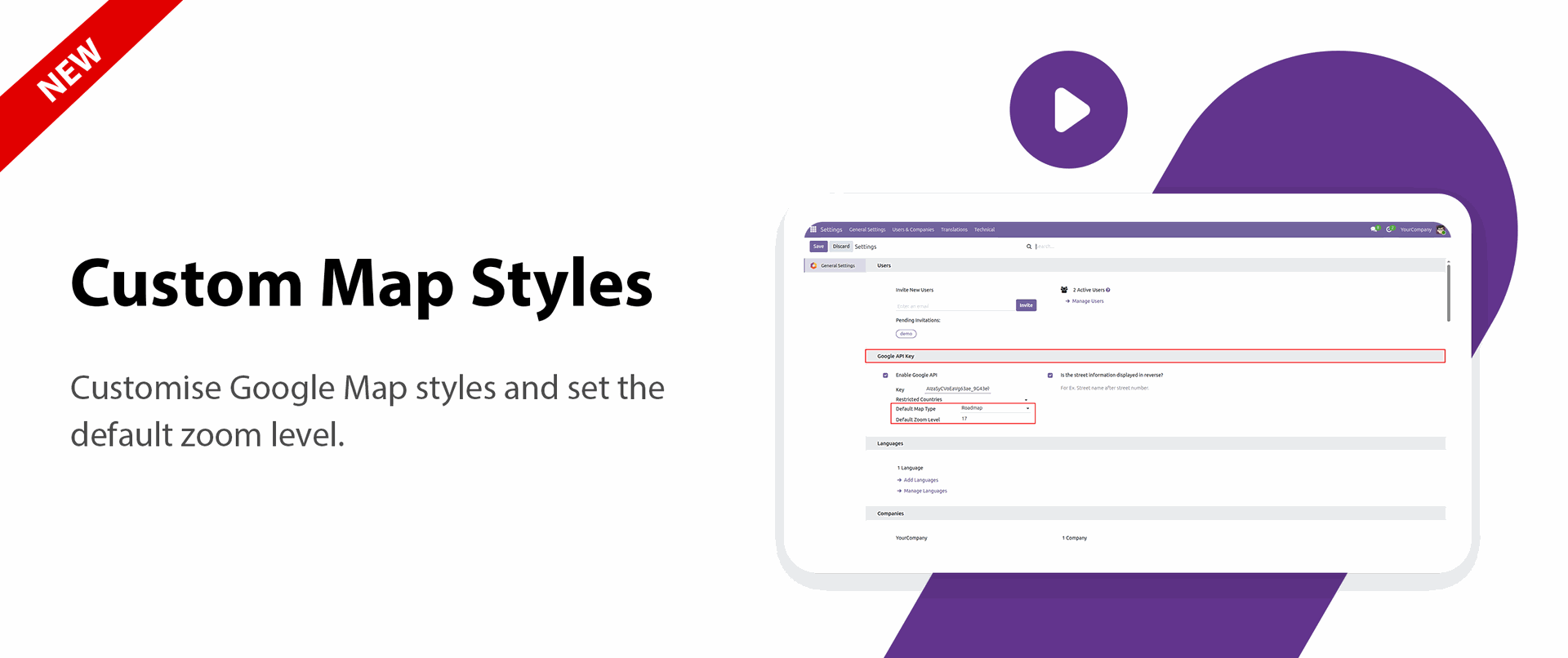
Custom Map Styles
Customize Google Map styles and set the default zoom level.

Contact Map View
View the partner's location directly on a map from the contact form.

Country Restriction
Display address search results only from the configured countries.
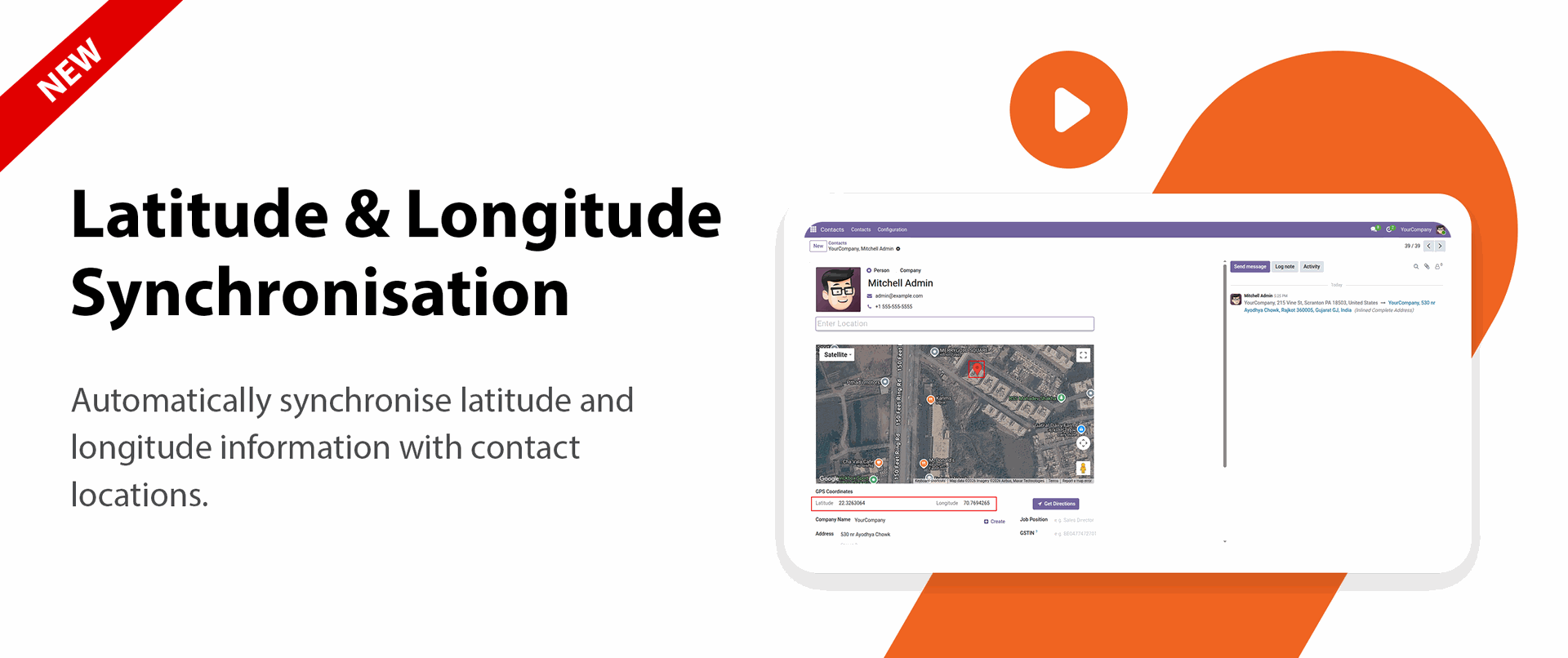
Latitude & Longitude Synchronization
Automatically synchronize latitude and longitude information with contact locations.

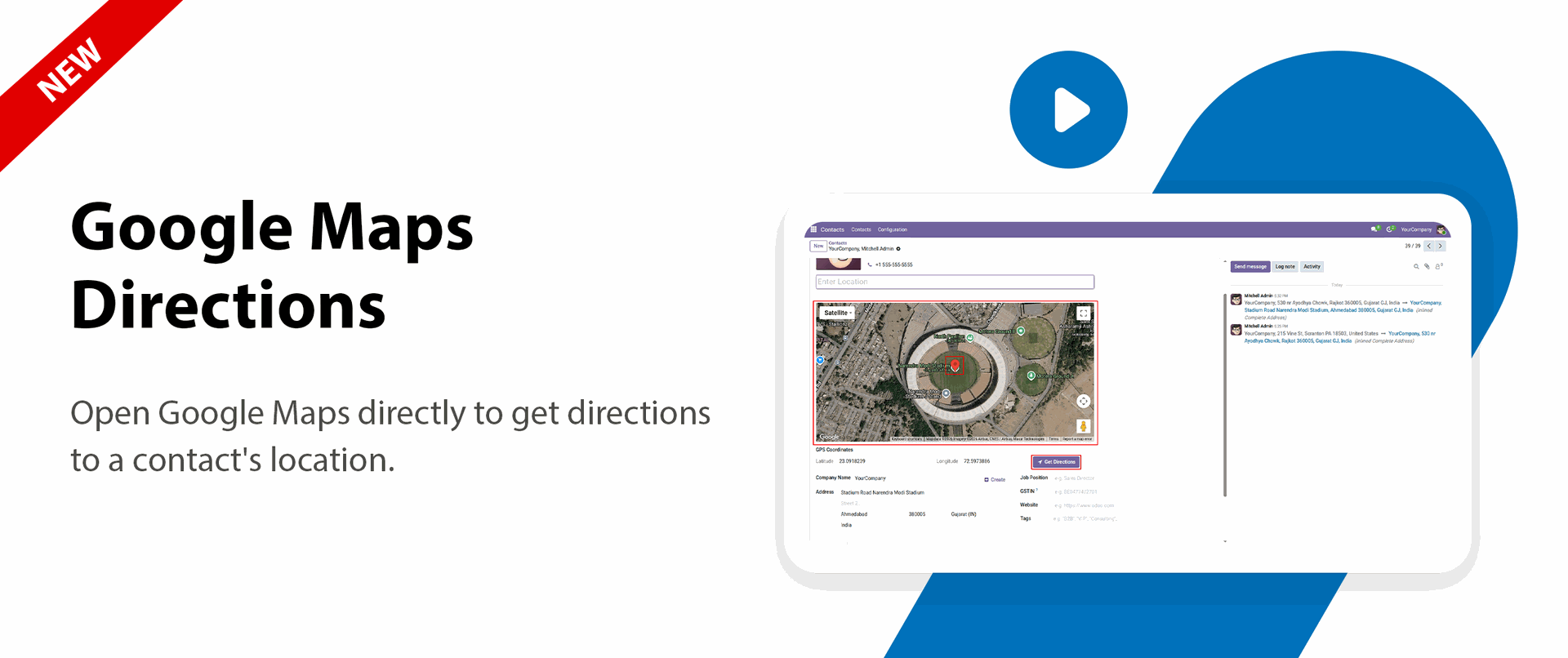
Google Maps Directions
Open Google Maps directly to get directions to a contact's location.

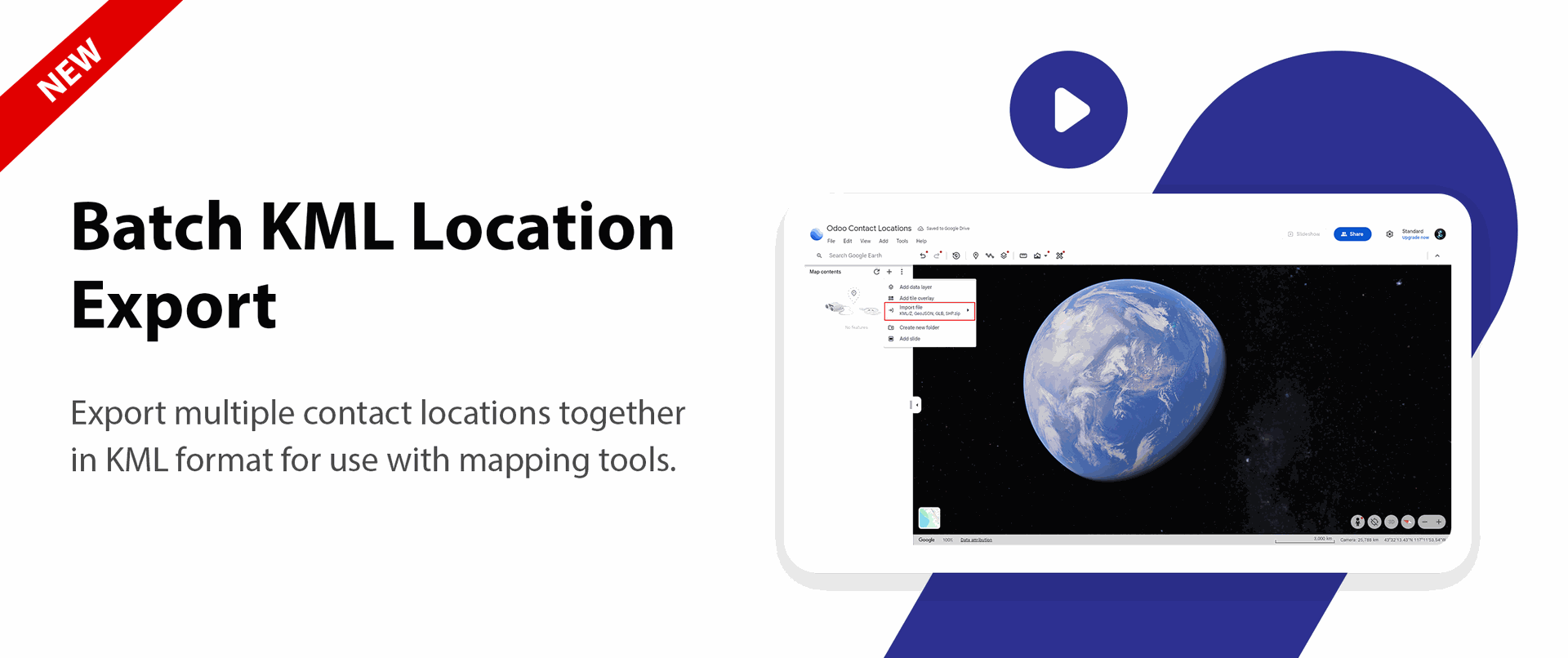
Batch KML Location Export
Export multiple contact locations together in KML format for use with mapping tools.

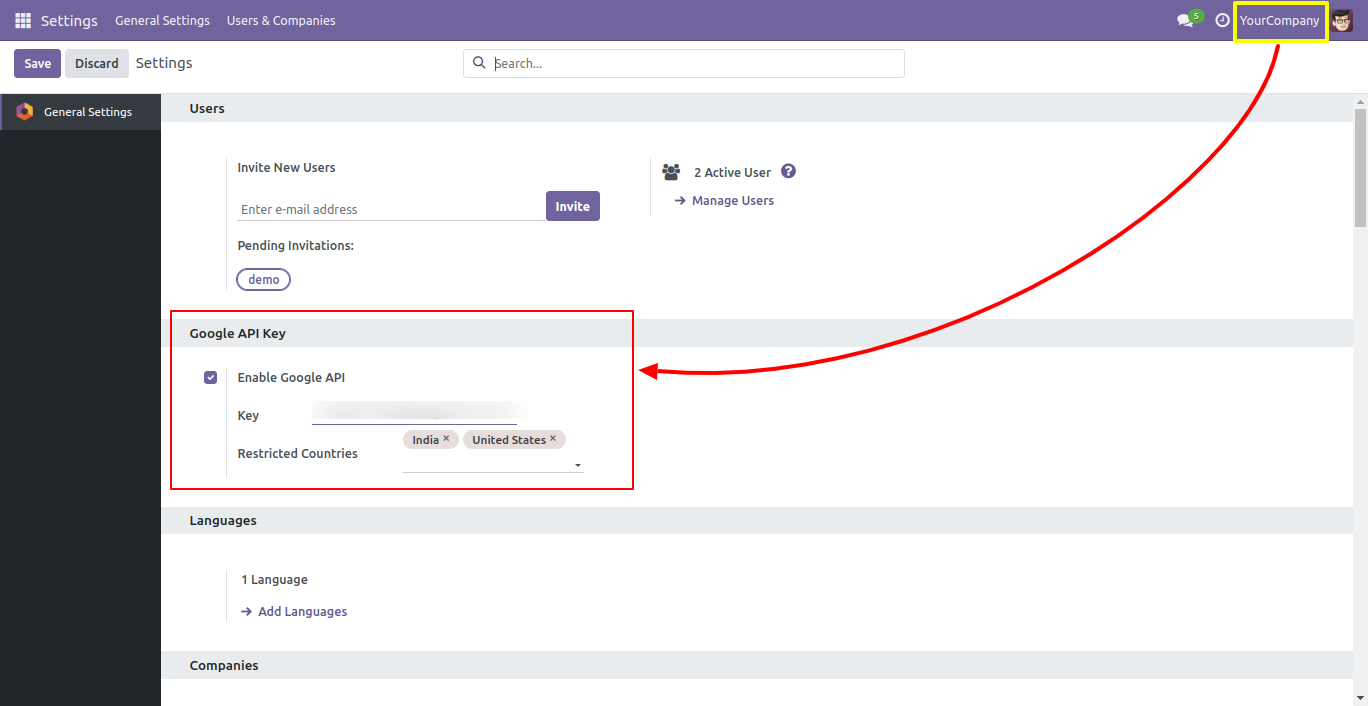
Go to the general settings and enable the 'Enable Google API' and set the key and select the restricted countries.
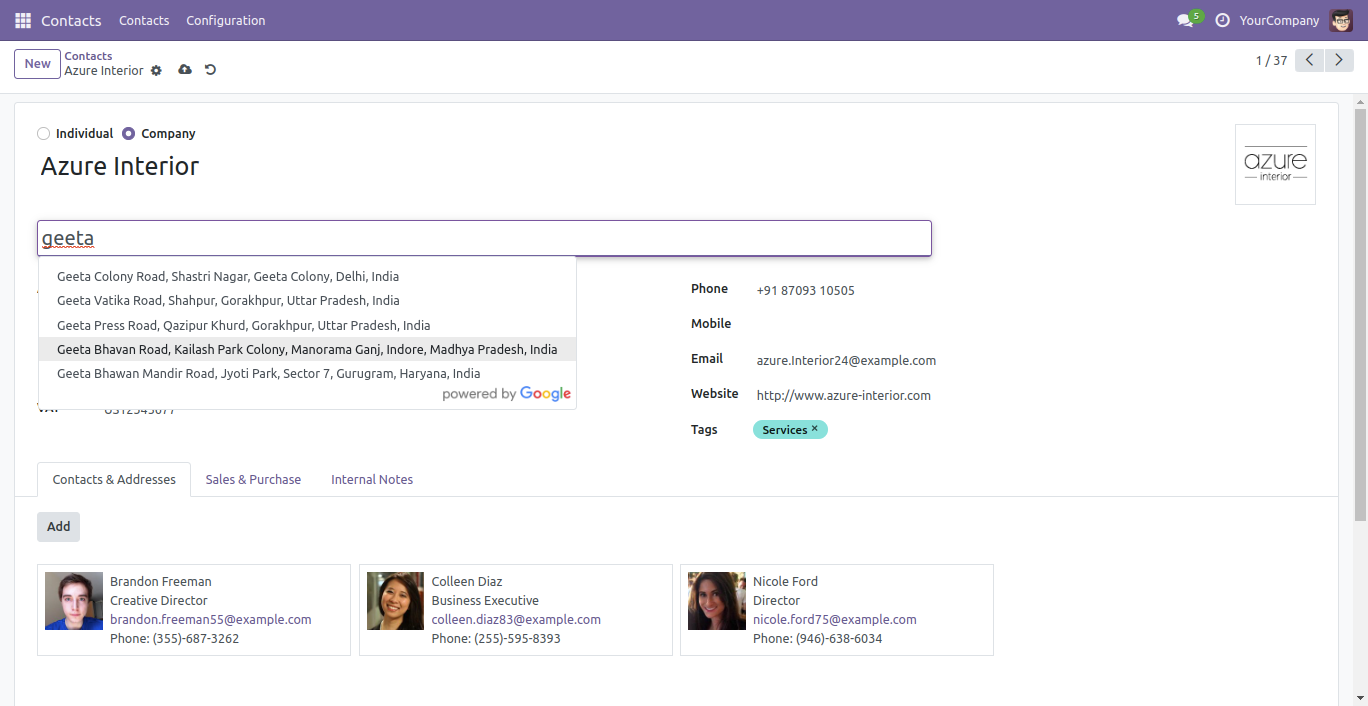
It shows address based on your search and auto fill address.
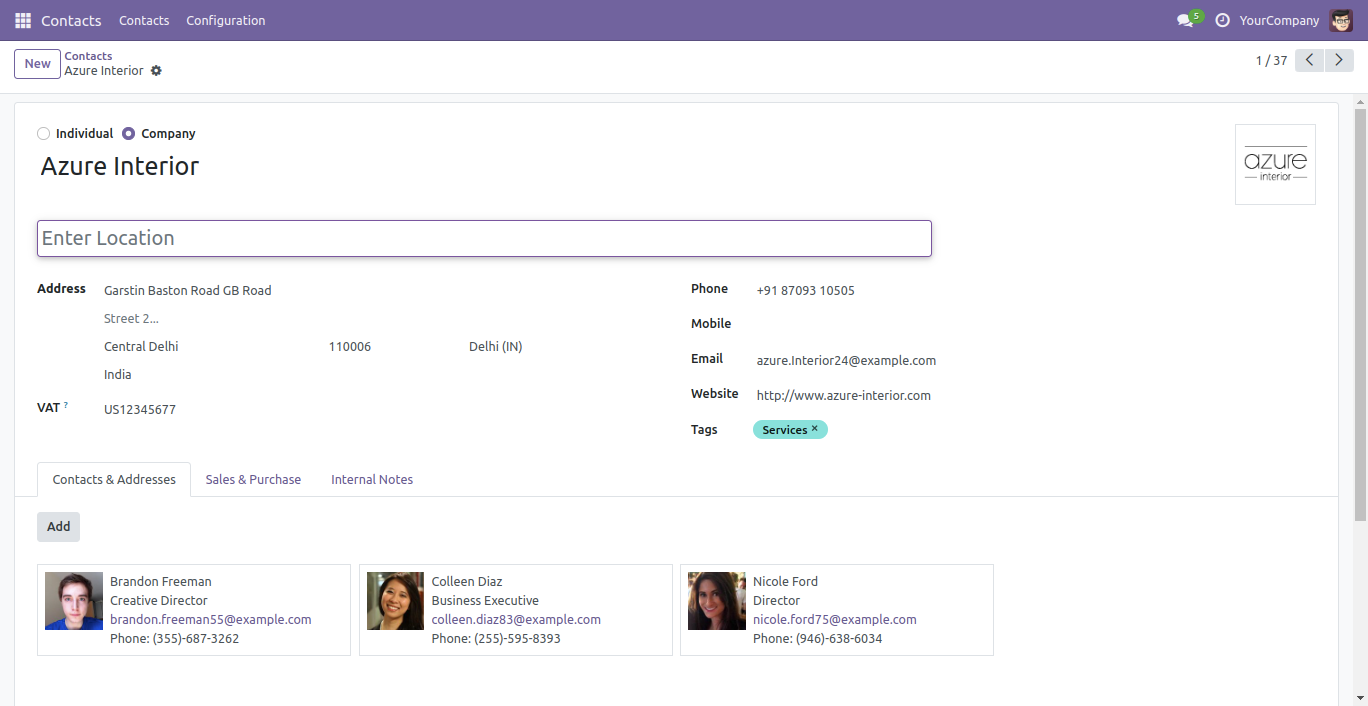
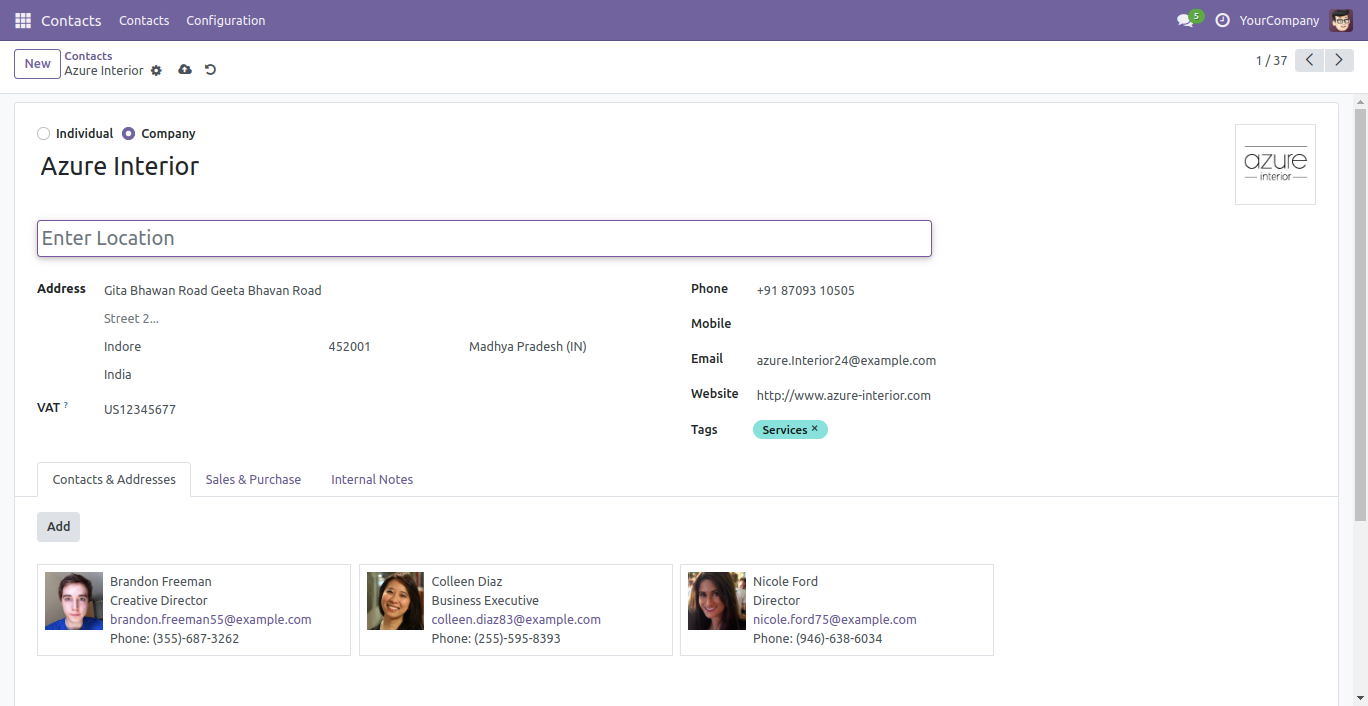
When you select address, it auto fill address like street number, city, zip code, country & state.
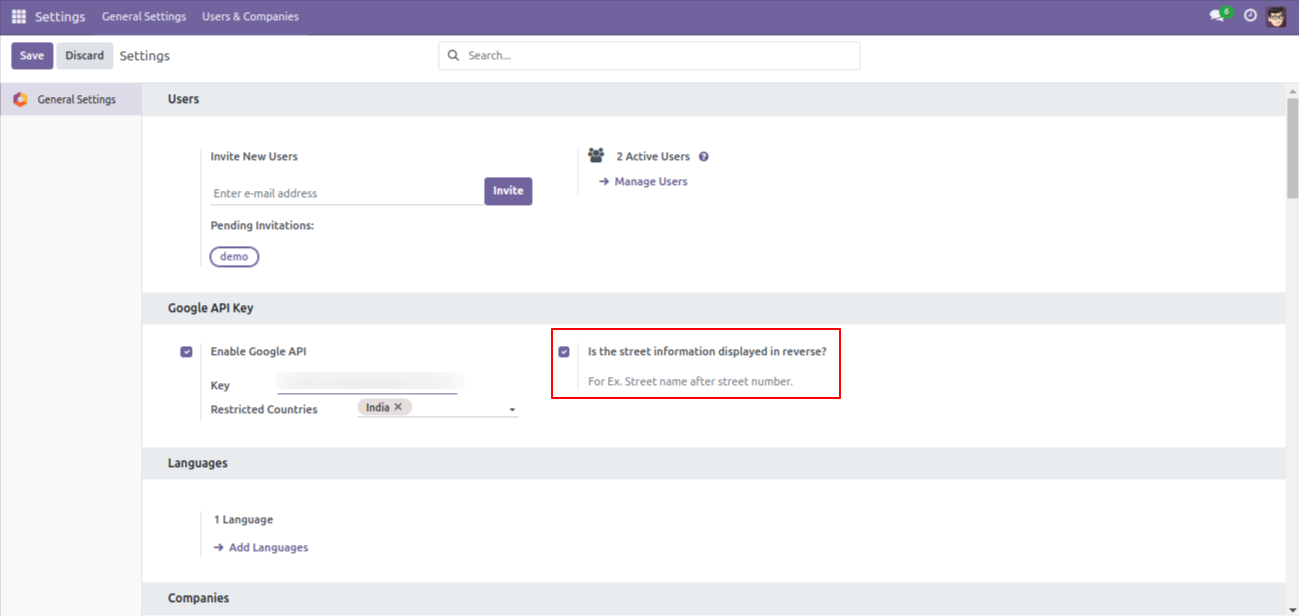
Go to the general settings ==> Tick 'Is the street information displayed in reverse?'.
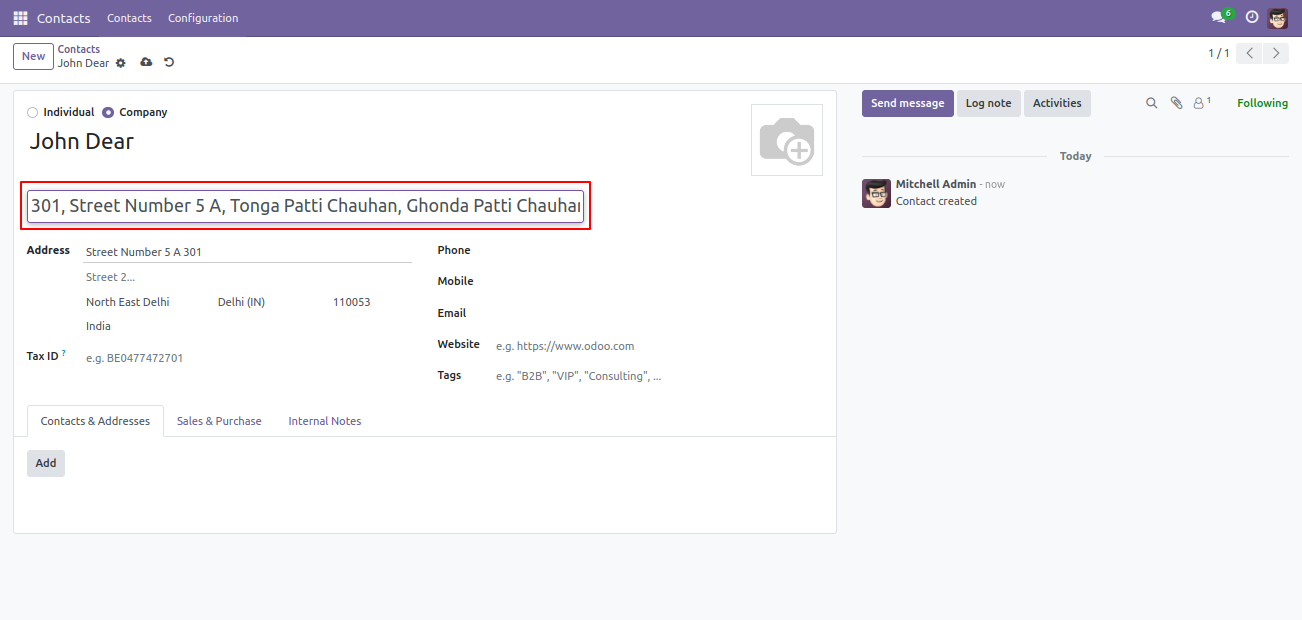
The location UI looks like this.
You can view the map directly in the contact form view.
.png)
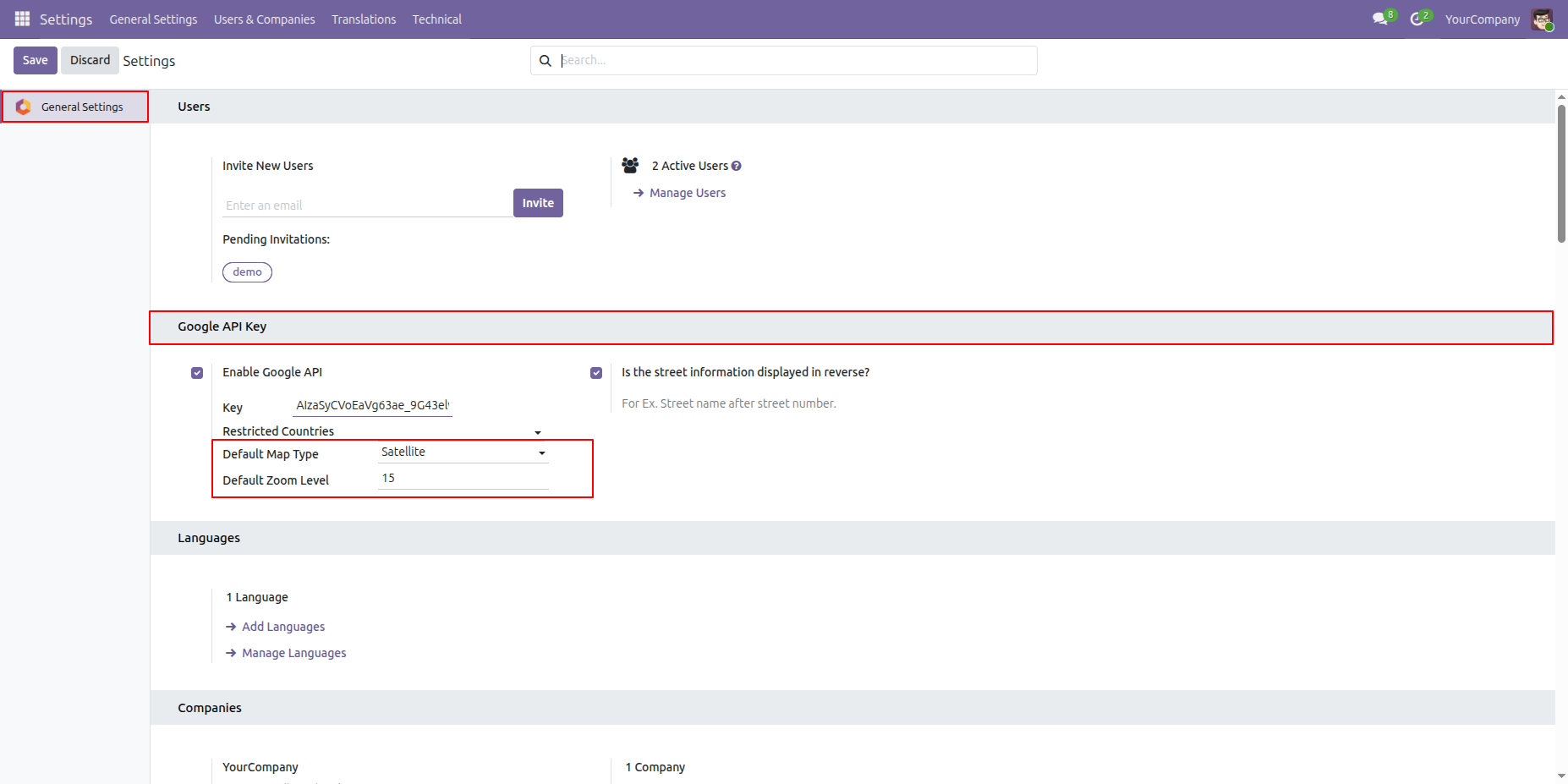
Go to General Settings and configure the Default Map Type and Default Zoom Level according to your requirements.
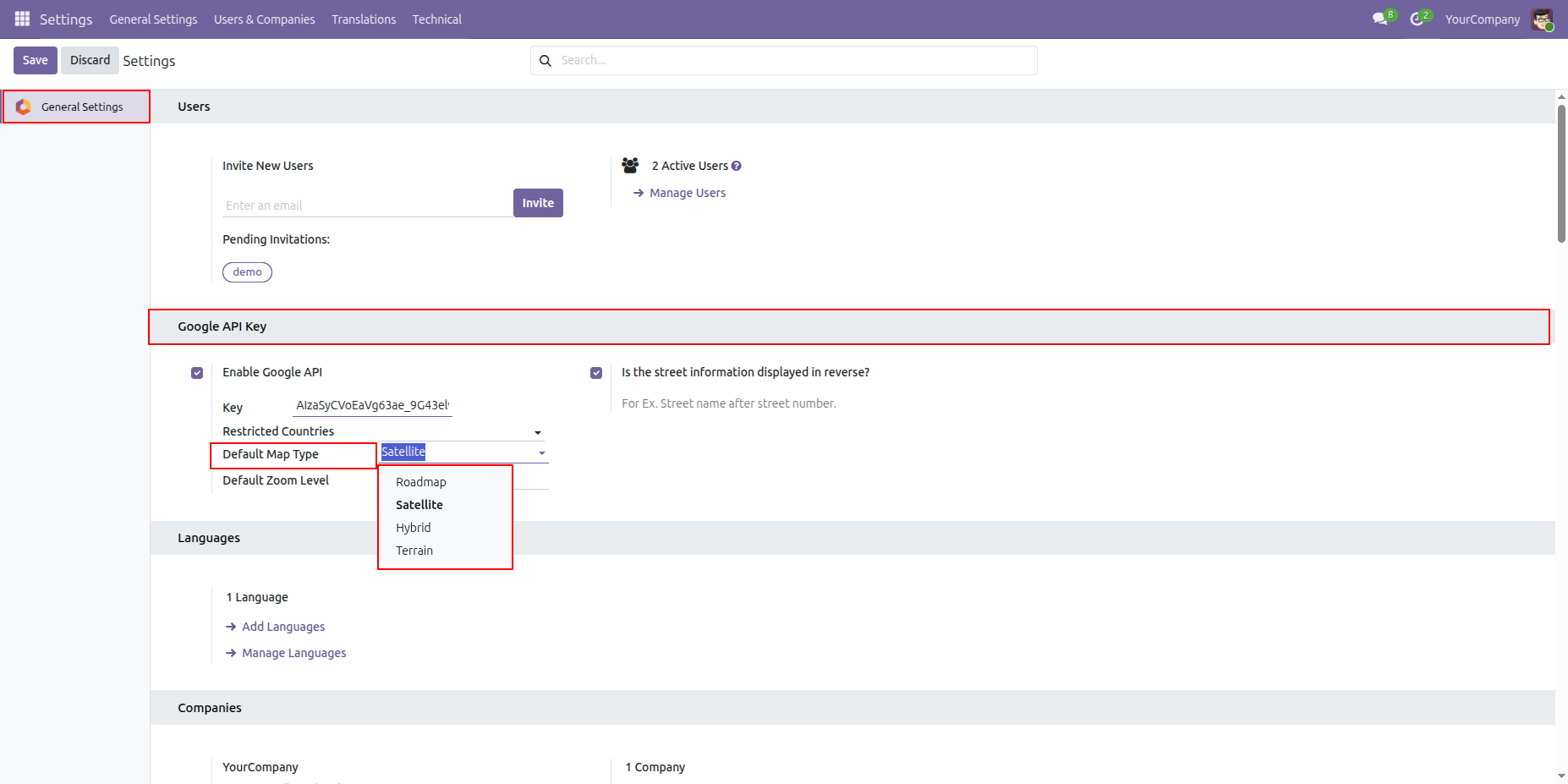
Select the required Map Type from the available list.
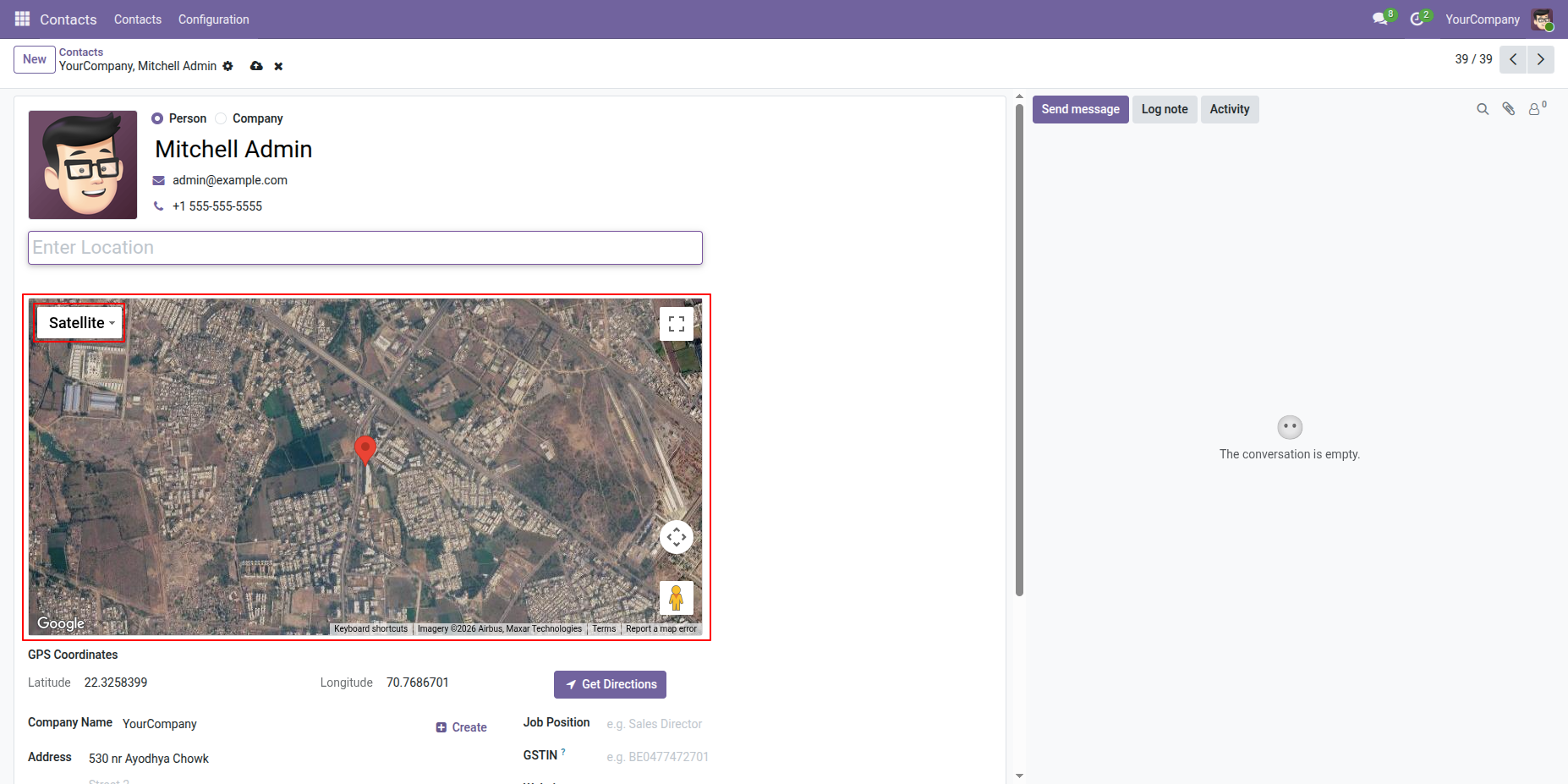
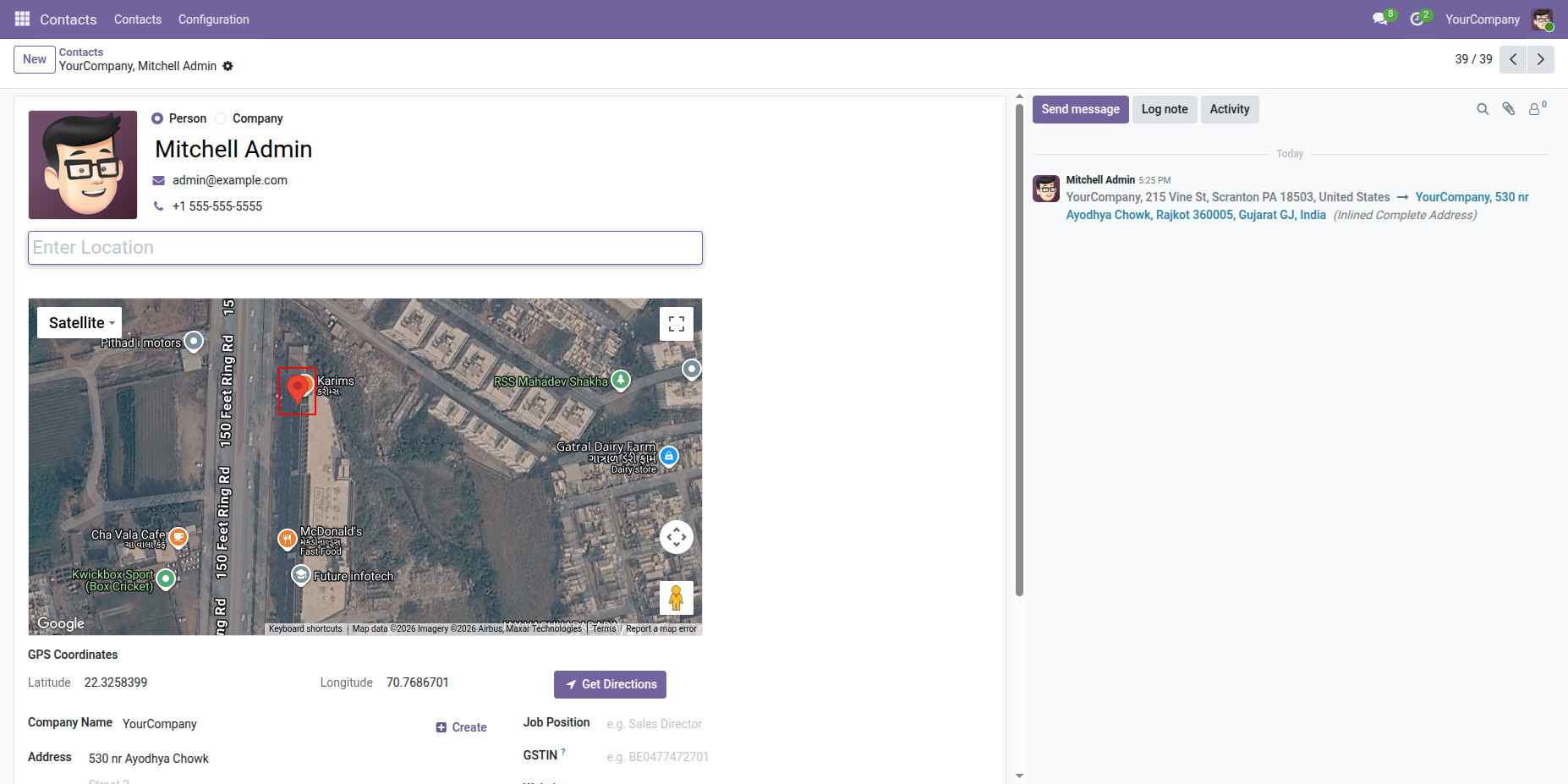
If Satellite is selected as the default map type, the map will be displayed in Satellite view on the Contact Form View.
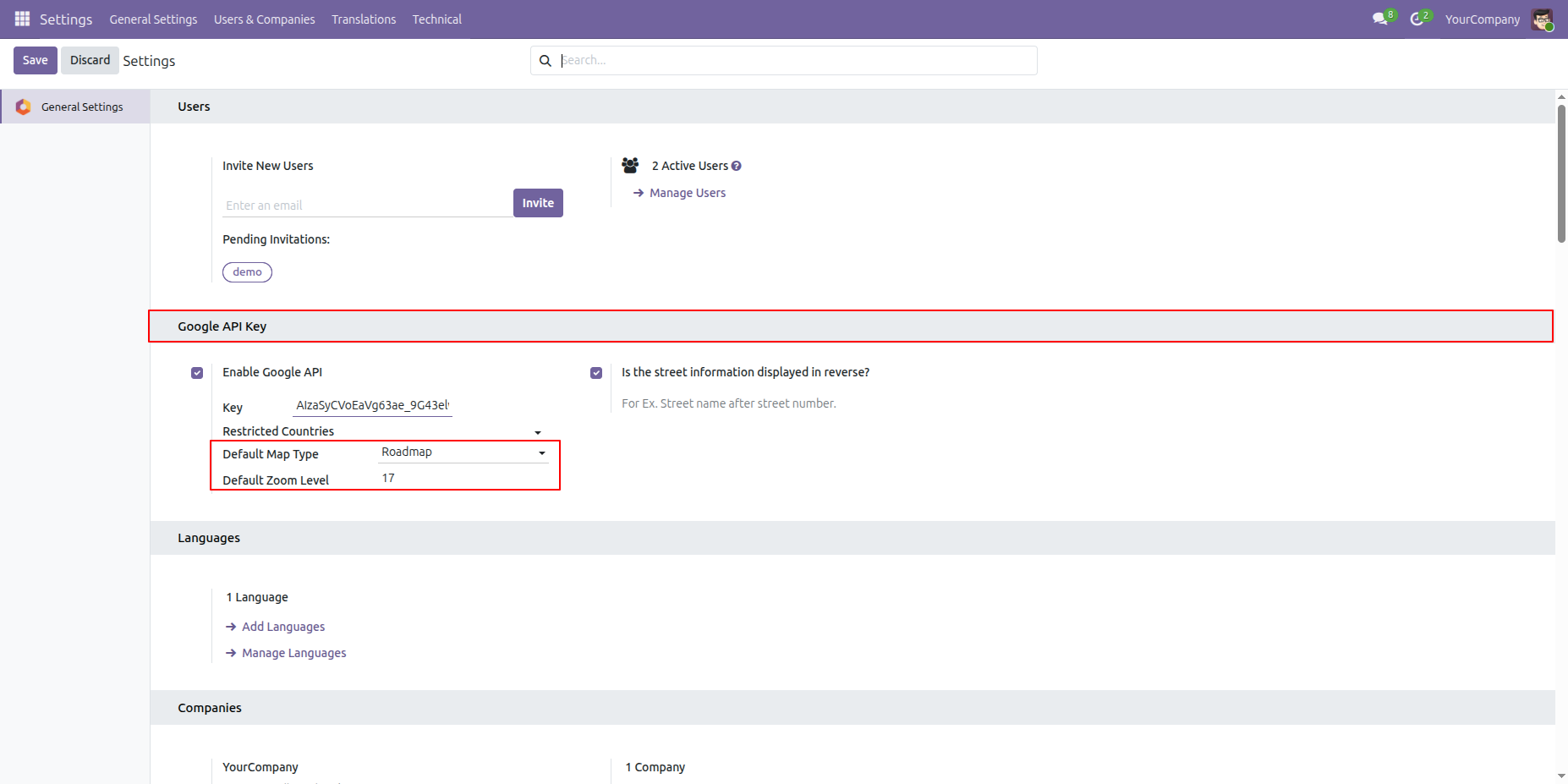
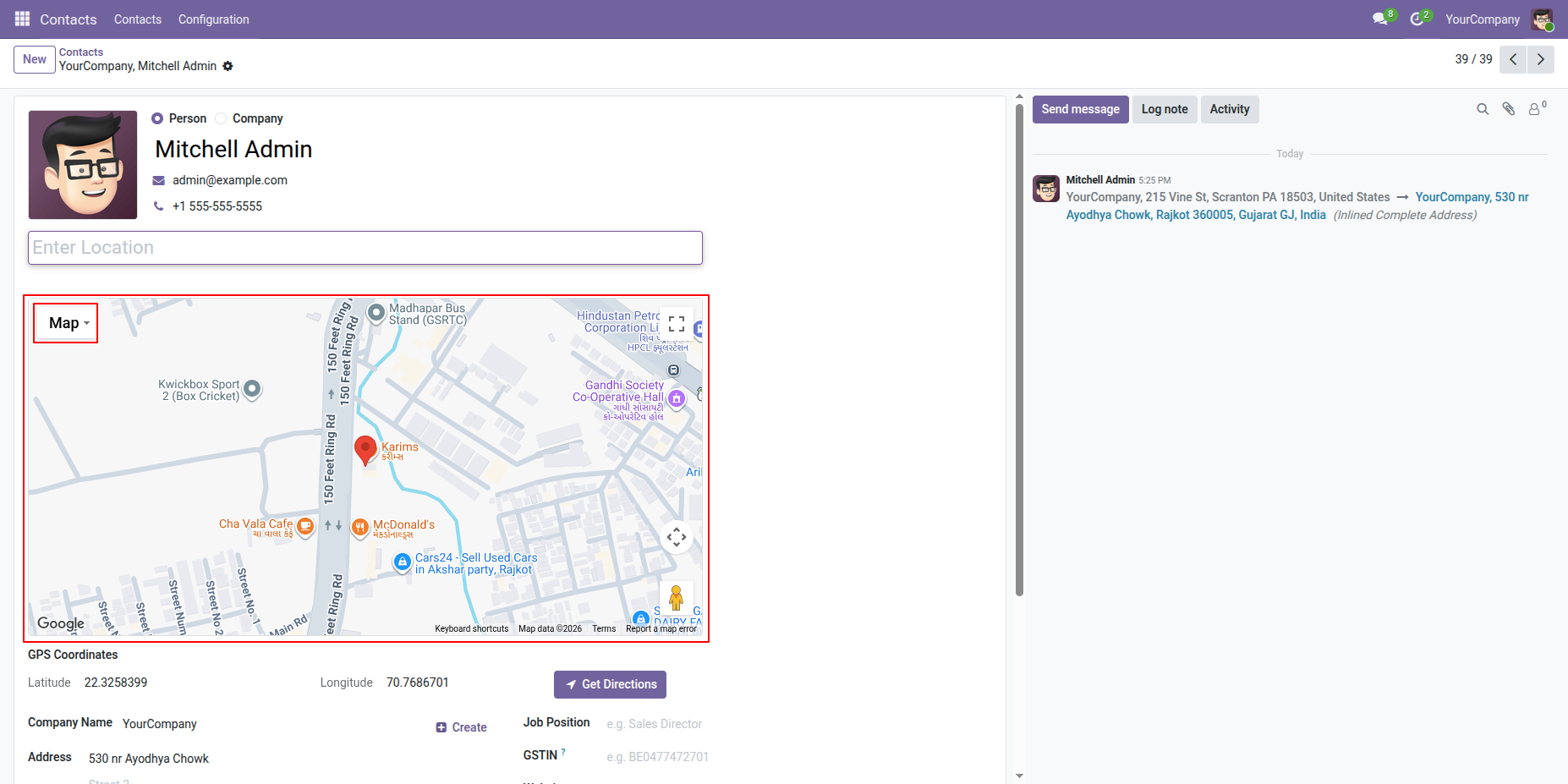
Select Roadmap as the Map Type from General Settings.
The Roadmap-style map will be displayed in the Contact Form View.
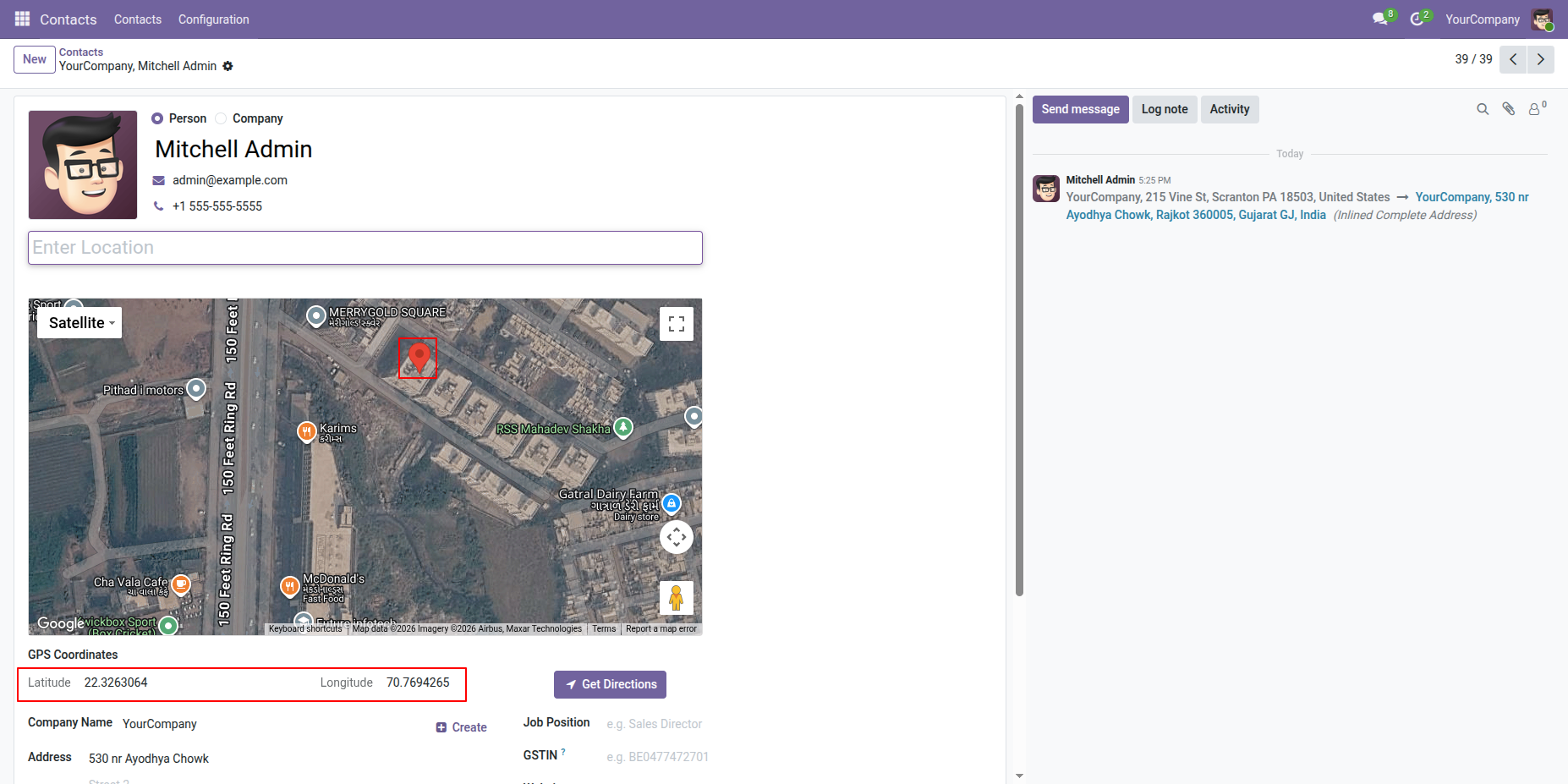
Drag the pin from the desired location on the map.
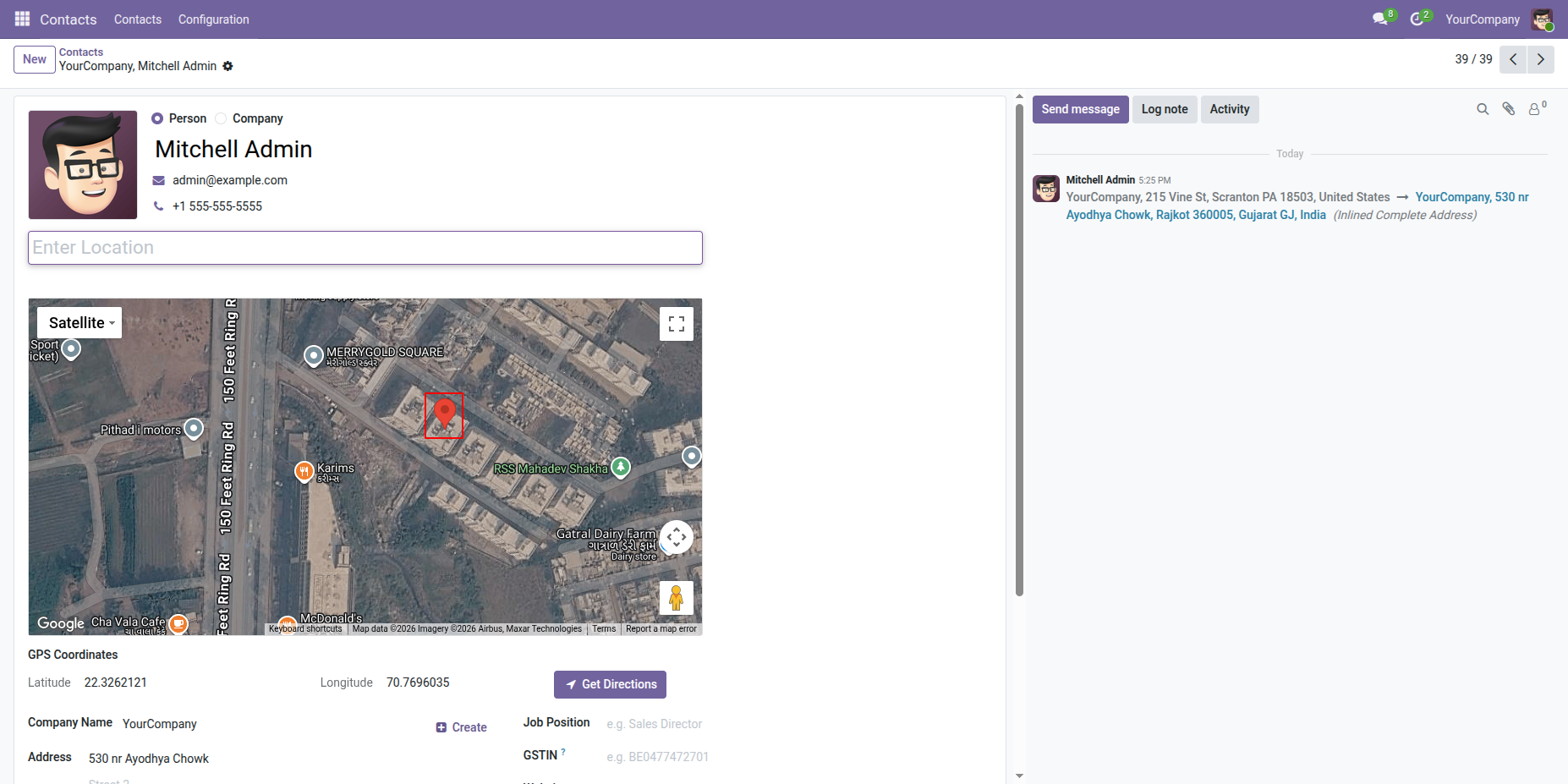
Drop the pin to the desired location on the map.
The Pin Latitude and Pin Longitude will be displayed.
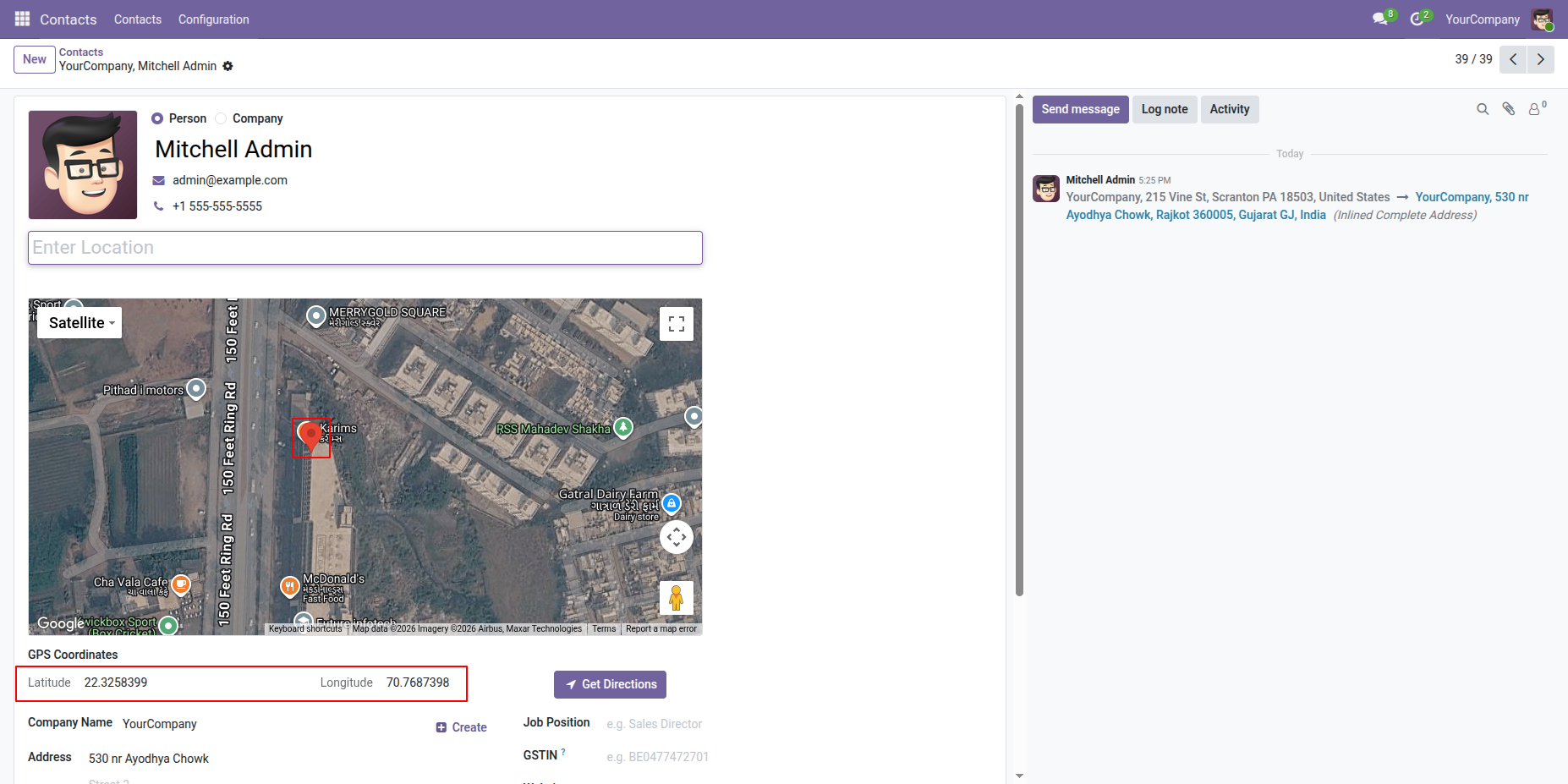
Drag and drop the pin to another location on the map. The Latitude and Longitude will be updated accordingly.
Click the Map Direction button from the Contact Form.
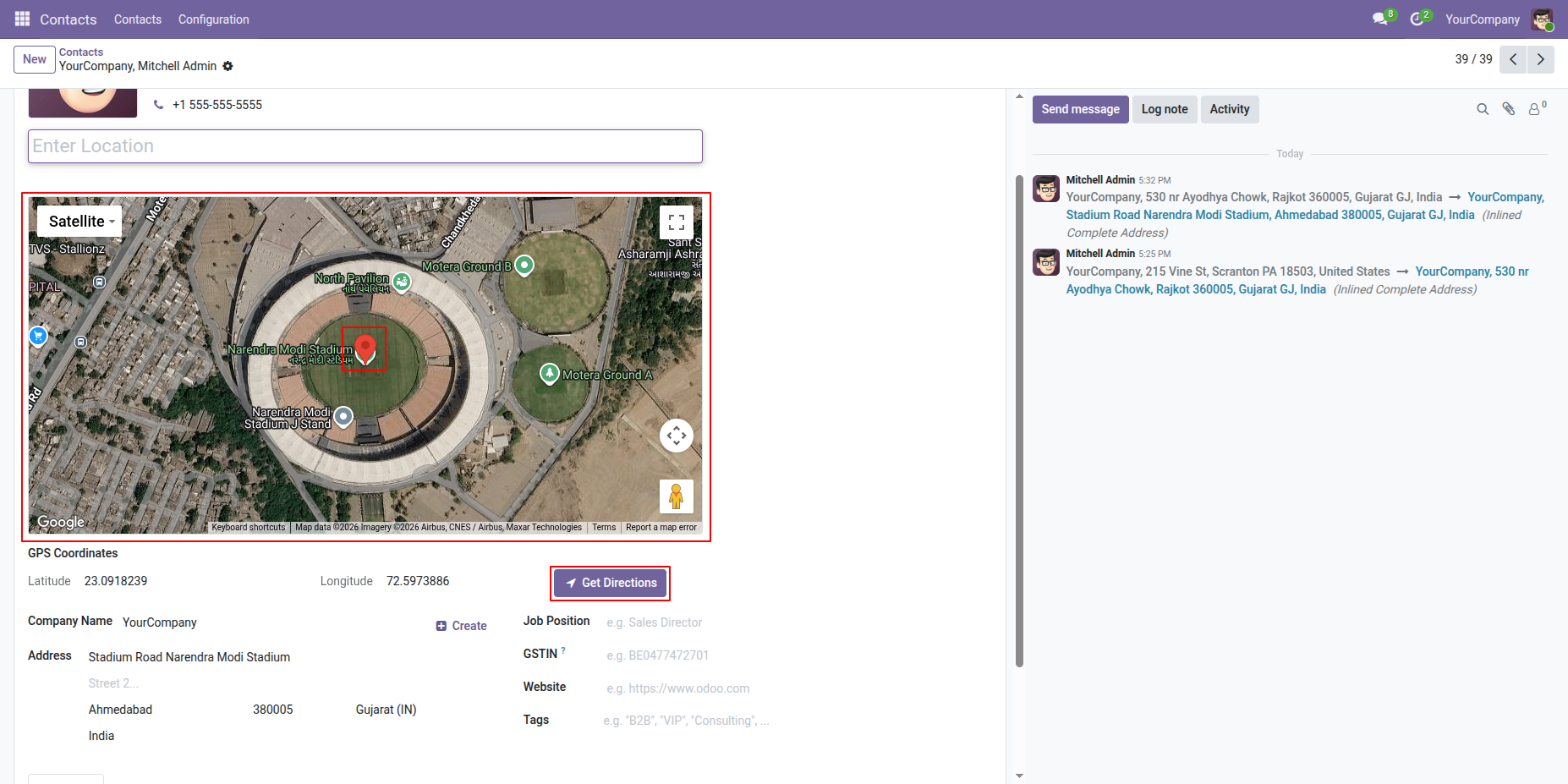
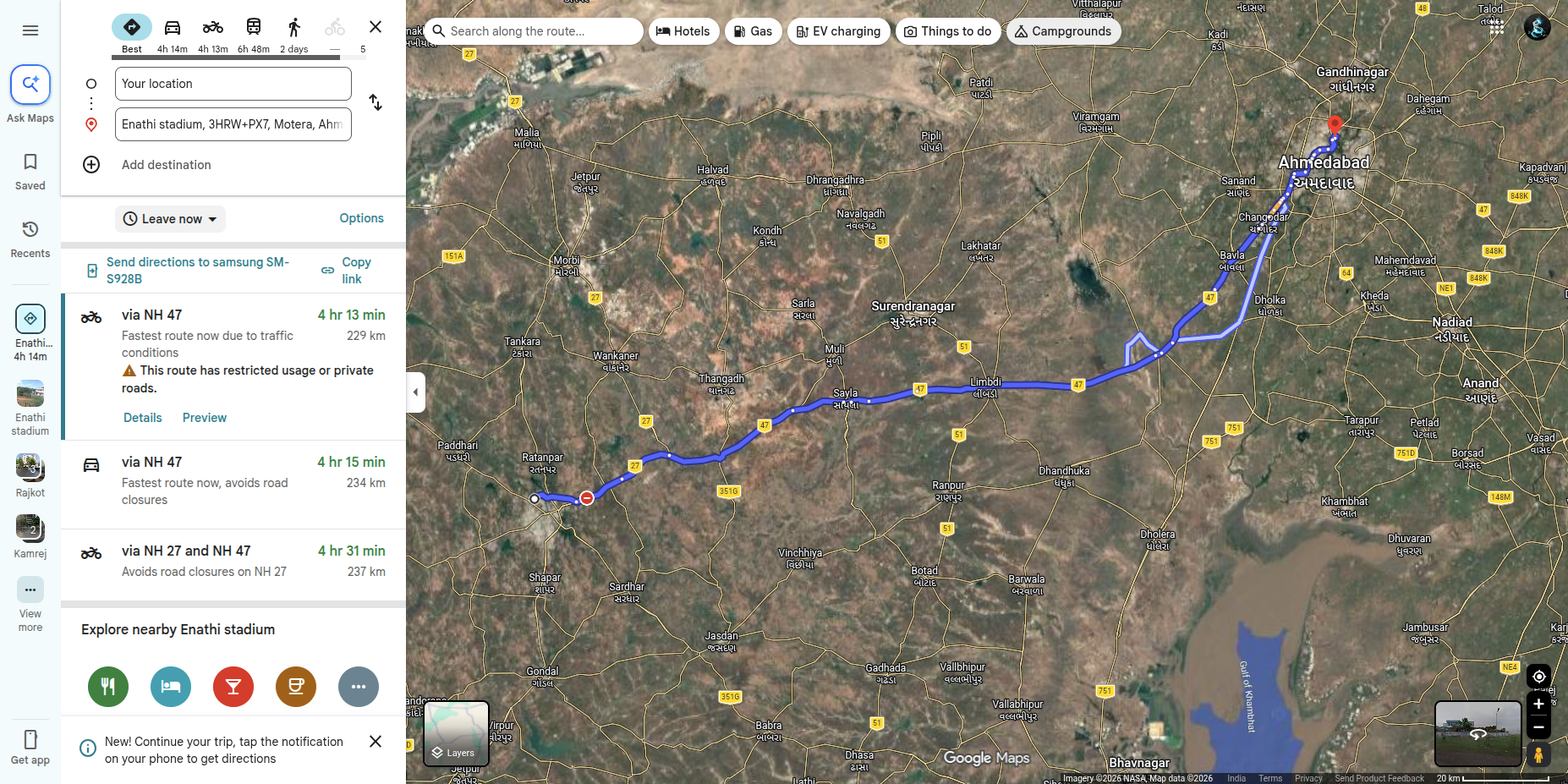
It will open the map with the location details and directions.
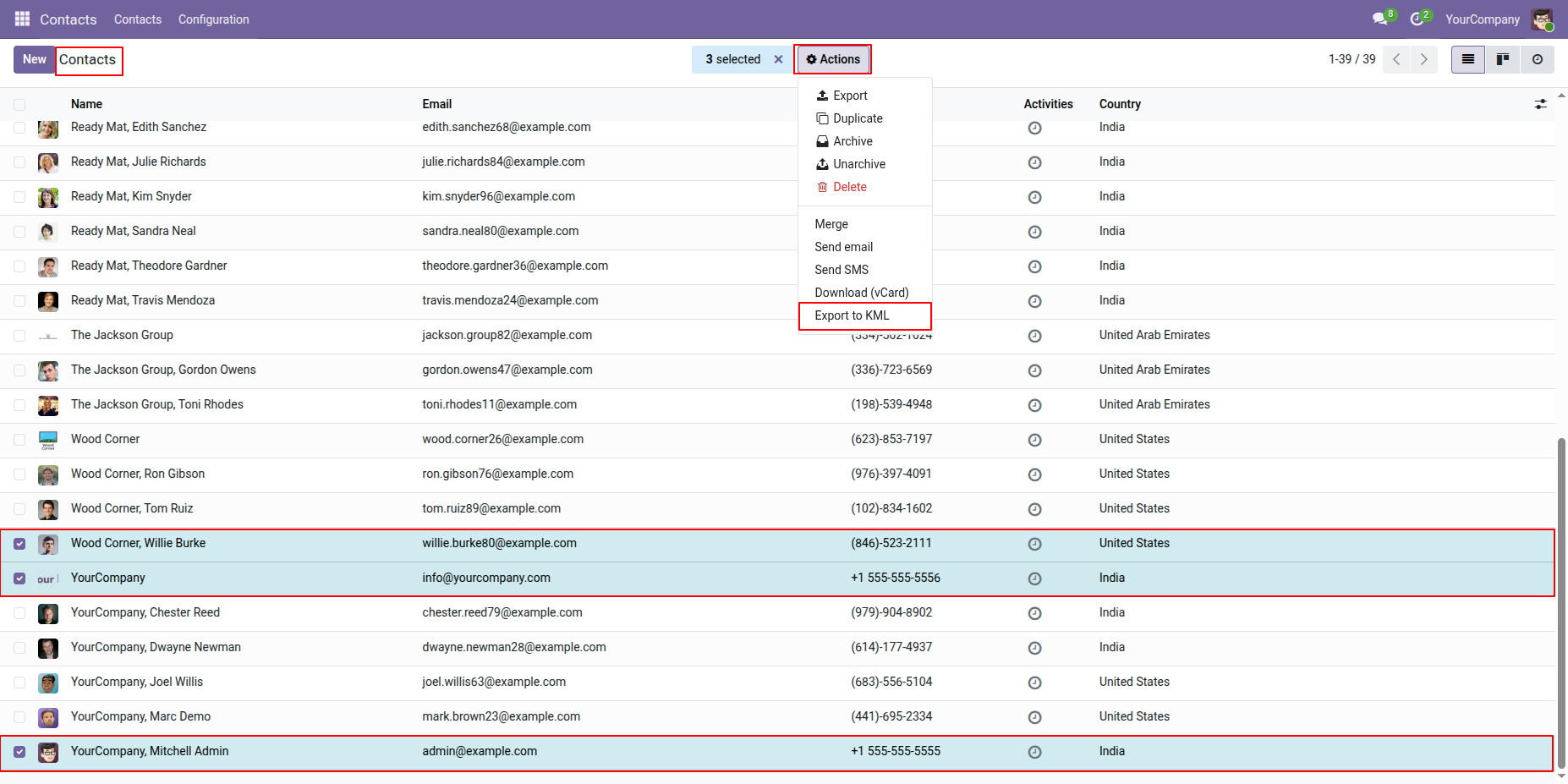
Select multiple Contacts from the list view and click Export to XML from the Action.
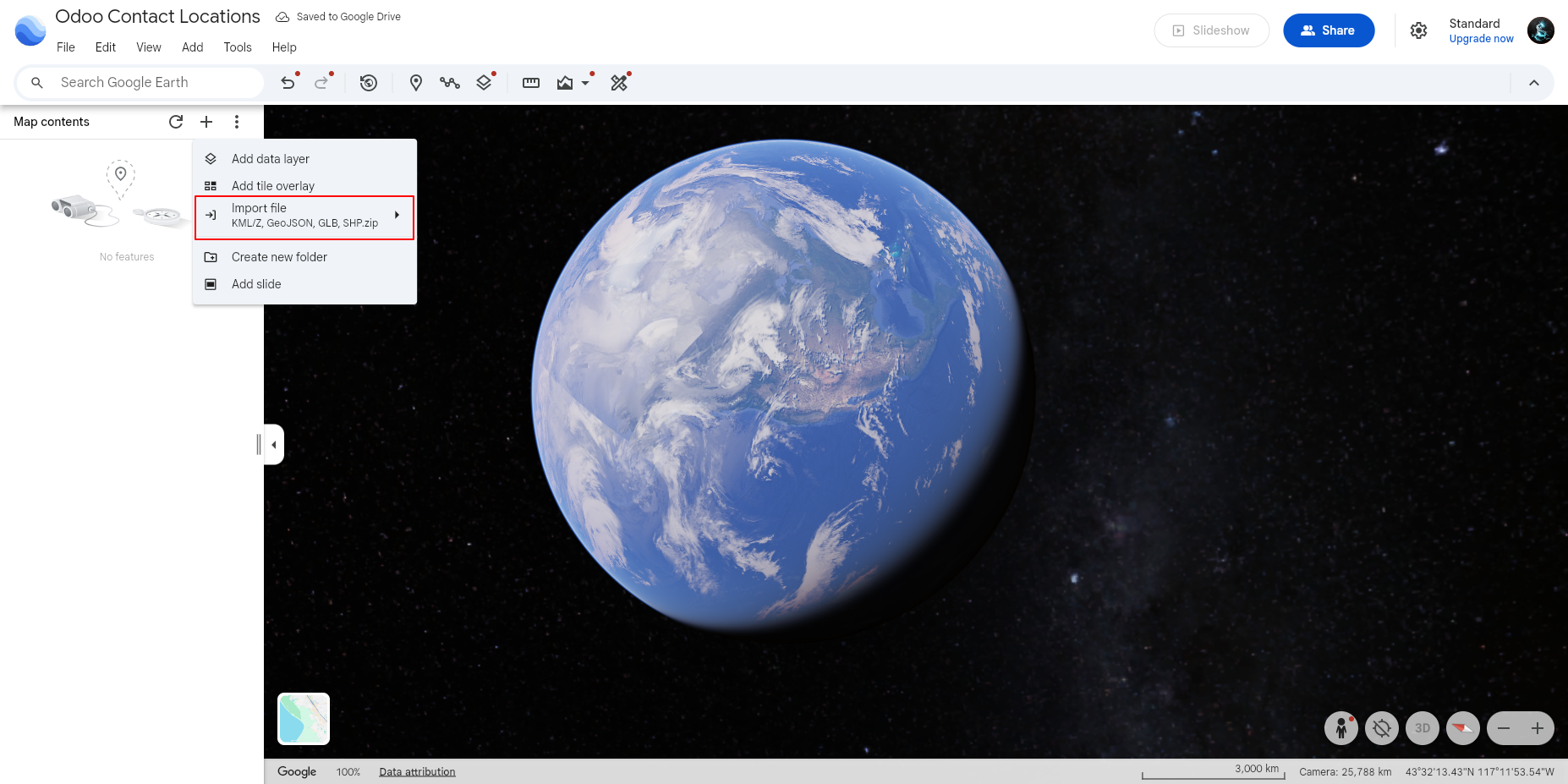
Users can select the Import File option to upload location data and display multiple locations together on the map.
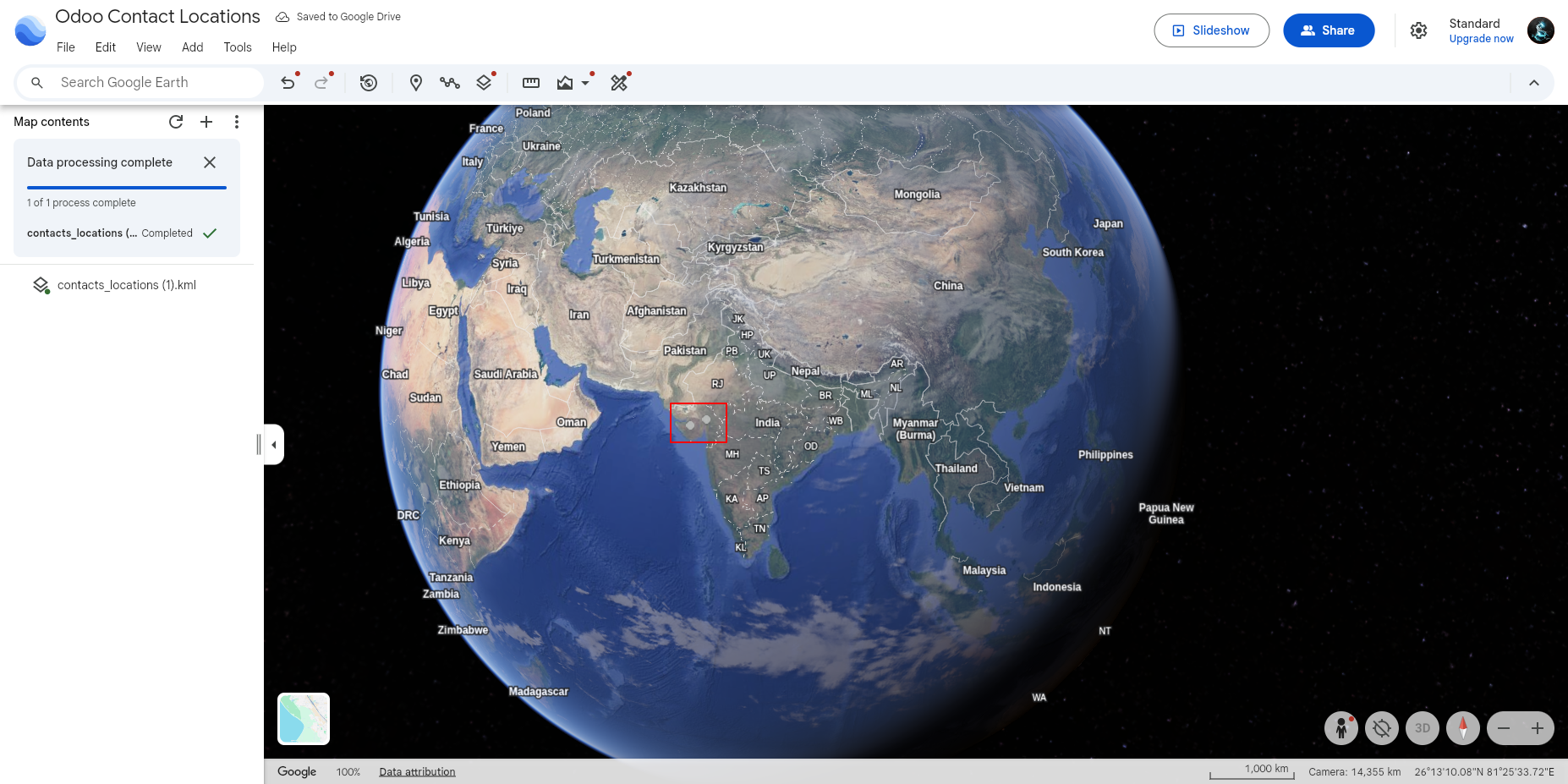
Displays successfully imported KML location data on the map.
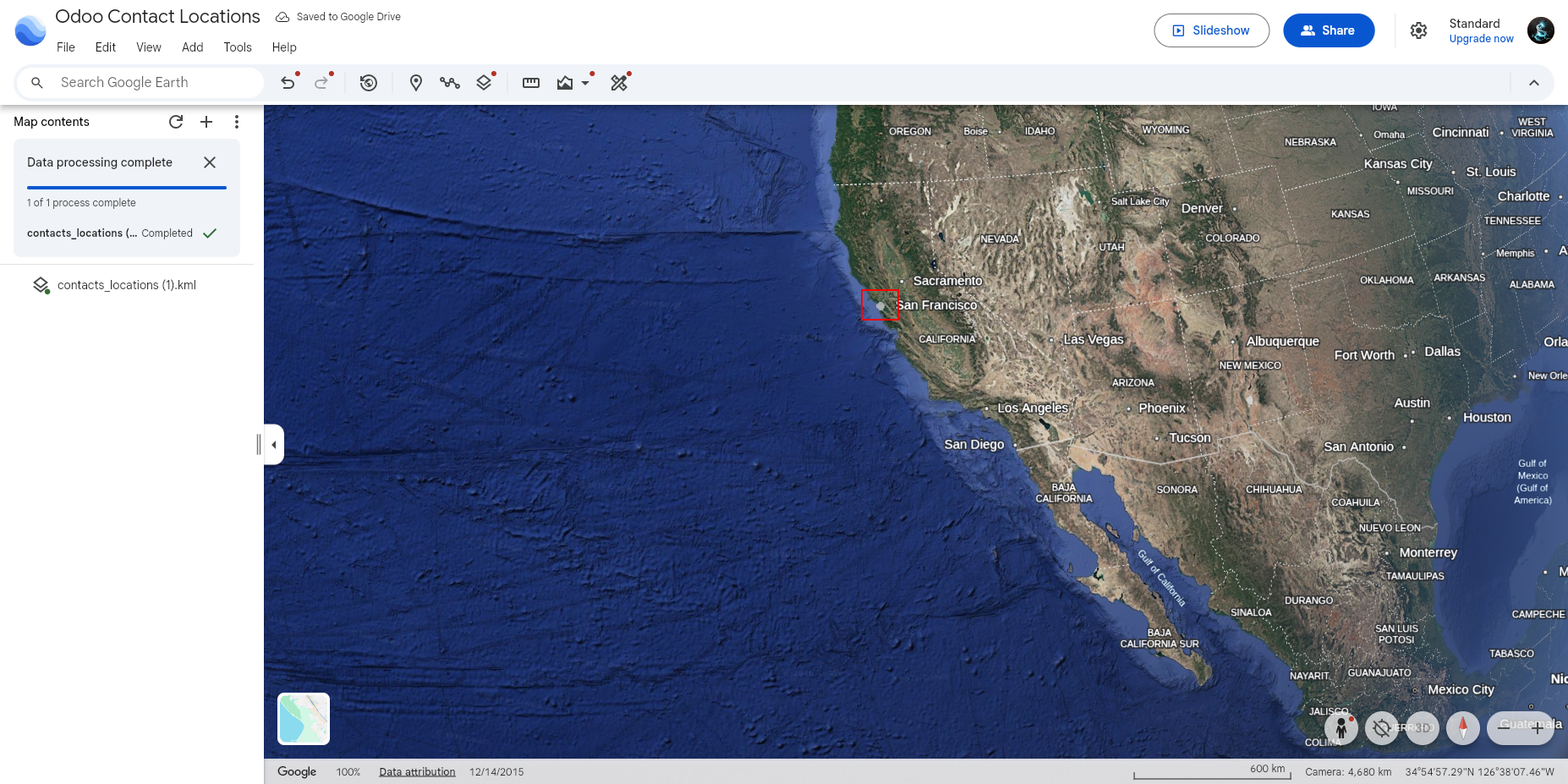
Displays the imported contact location on the map, accurately pinpointing the location.
Version 18.0.6.0.0 | Released on : 21th August 2026
Version 18.0.5.0.0 | Released on : 27th February 2026
Version 18.0.4.0.0 | Released on : 04th December 2025
Version 18.0.3.0.0 | Released on : 22nd July 2025
Version 18.0.2.0.0 | Released on : 24th February 2025
Version 18.0.1.0.0 | Released on : 4th December 2024
- Yes, this app works perfectly with Odoo Enterprise (Odoo.sh & Premise) as well as Community.
- No, this application is not compatible with odoo.com(odoo saas/Odoo Online)
- Yes, to test this module, please contact us at sales@softhealer.com.
- Please contact us at sales@softhealer.comto request customization.
- Yes, we provide free lifetime support for the version you purchased.
- Yes, you will receive lifetime free updates for the version of the module you purchased.
- No, there is no need to install any additional libraries.
- Yes, for version 12 and above, you need to purchase the module separately for each version you intend to use.
- No, exchanges or refunds are not allowed. Please make sure to select the correct version before purchasing.
- You can contact us at support@softhealer.com for language translation support. We use Google Translator tools to provide translations in multiple languages, so the accuracy may vary. We welcome your suggestions to help improve translations.
Discover Our Latest Apps