










Nexi(Nets) Payment Integration

The Nexi(Nets) Payment Provider module seamlessly integrates your Odoo store with the Nexi(Nets) payment gateway, enabling fast and secure online payments through supported credit/debit cards and other Nexi(Nets) payment methods. It enhances the checkout experience with customizable payment status messages and automatic notifications, while offering full multi-website compatibility so each site can manage its own payment settings. The module also supports processing refunds directly from Odoo for smoother cancellations, maintains complete transaction history for easy tracking, and handles multi-currency payments with accurate conversions. Additionally, customers can securely pay through a dedicated self-service payment portal, ensuring a reliable and convenient payment experience for your e-commerce business.
Key Features
Features
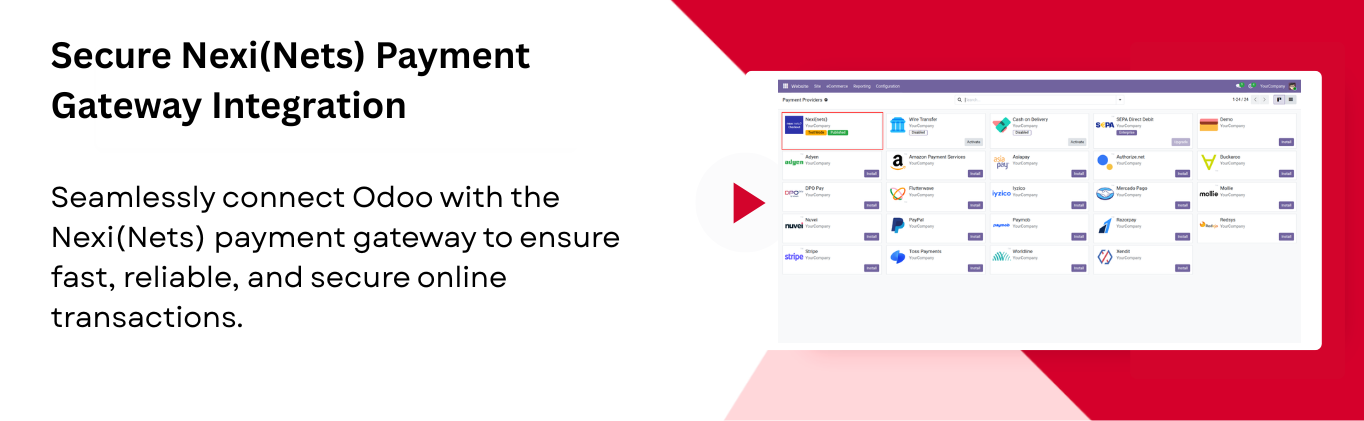
Secure Nexi(Nets) Payment Gateway Integration
Connect your store with Nexi(Nets) for fast and secure payment processing.
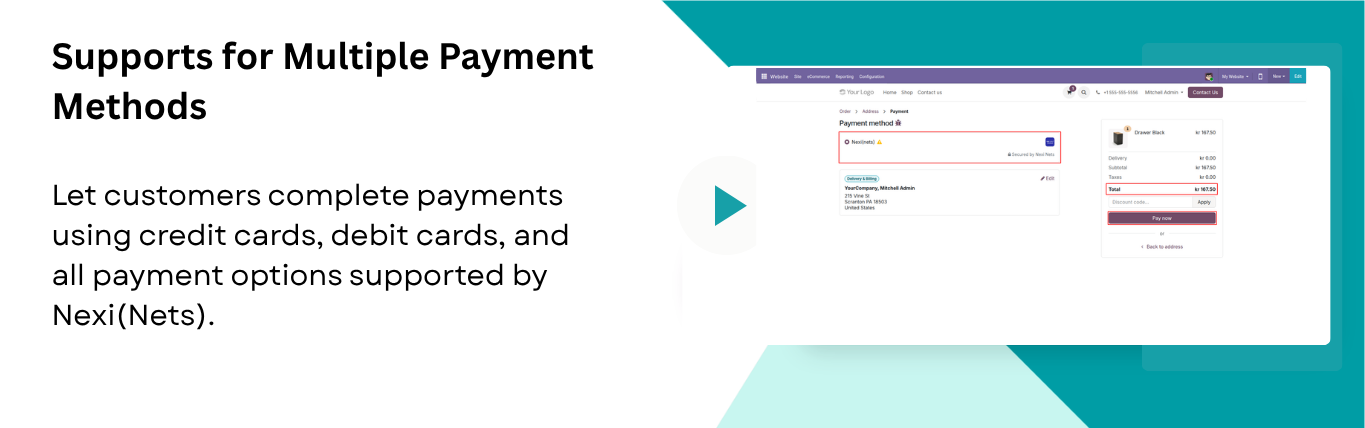
Support for Multiple Payment Methods
Allow customers to pay via credit/debit cards or any other payment methods supported by Nexi(Nets).
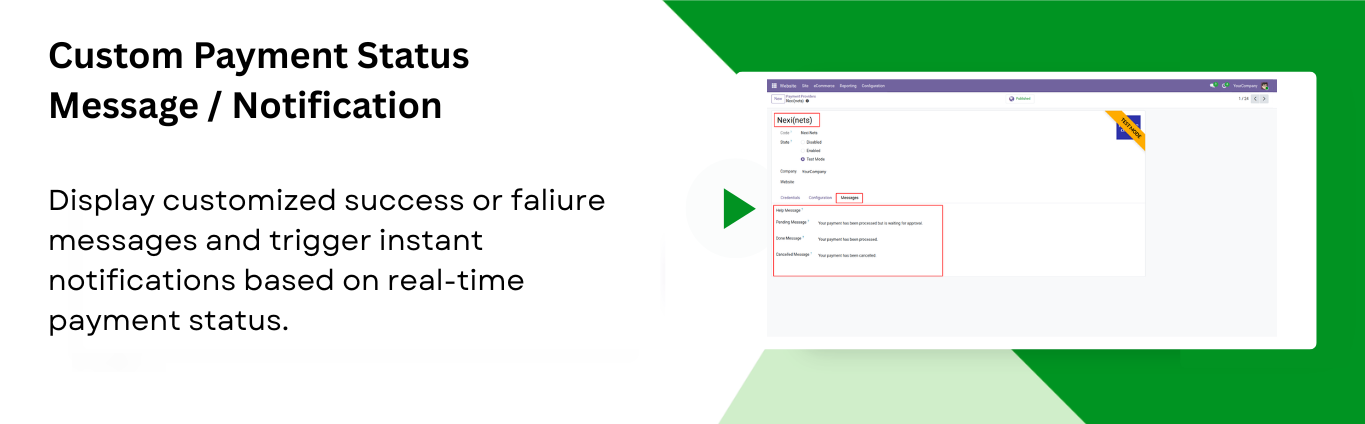
Custom Payment Status Message / Notification
Show personalized success/failure messages and send notifications after each payment update.

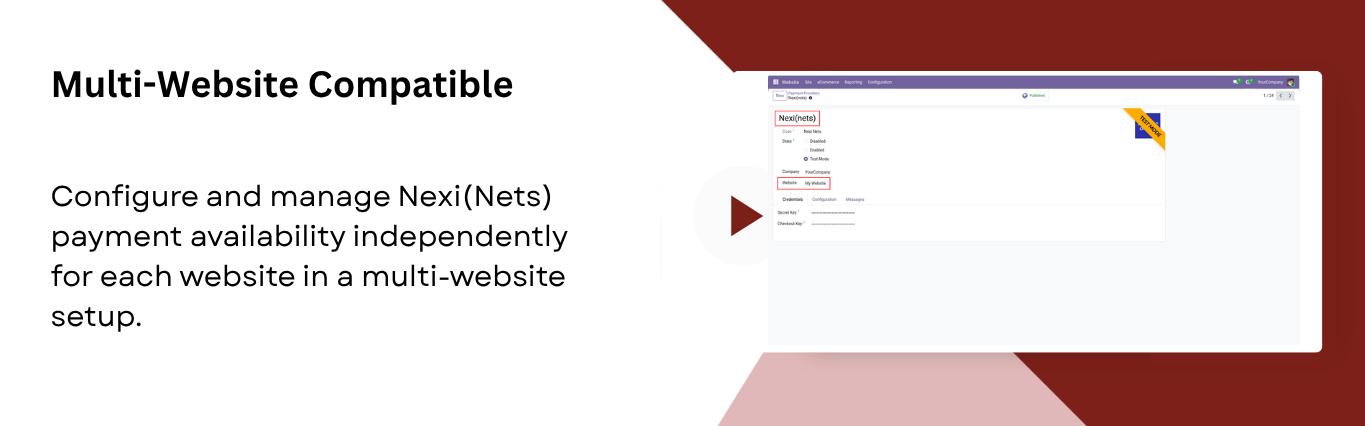
Multi-Website Compatible
Enable payment methods separately for each website in a multi-website environment.

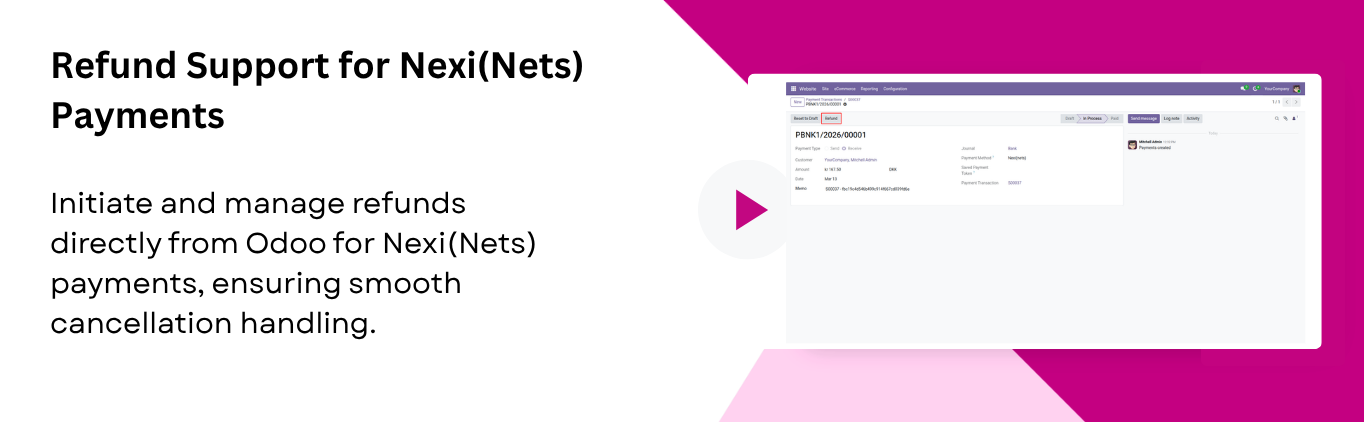
Refund Support for Nexi(Nets) Payments
Process refunds directly from Odoo for any order paid through Nexi(Nets). Ensuring smooth handling of cancellations.

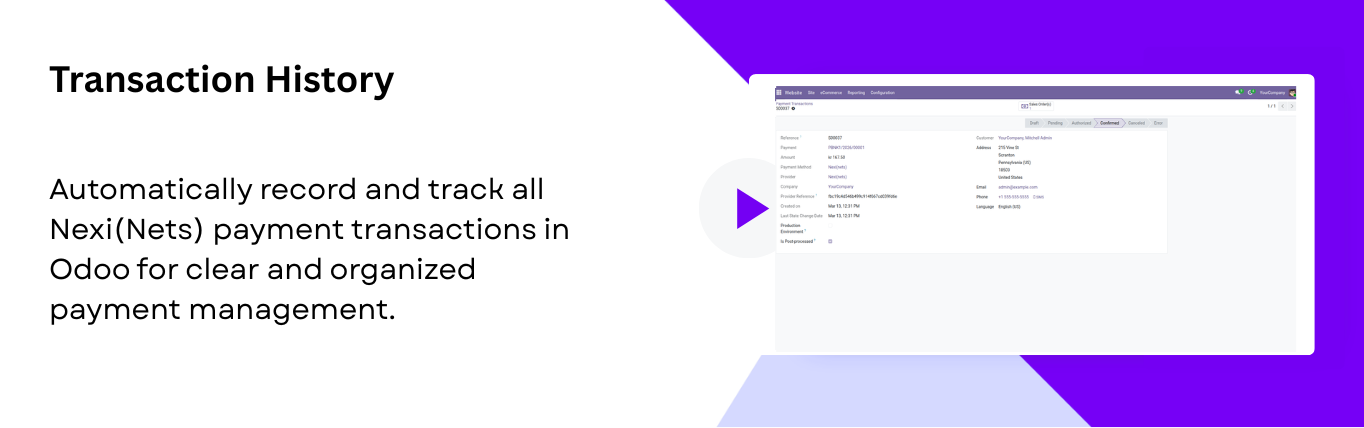
Transaction History
Maintain a transaction history in Odoo for all payments processed through Nexi(Nets), making payments straightforward.
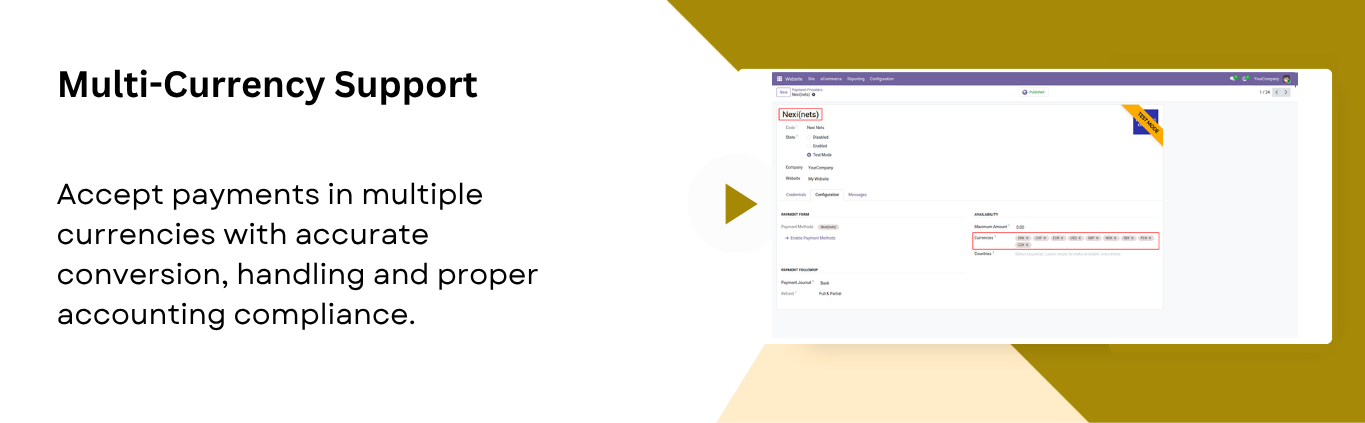
Multi-currency Support
Accept and process payments in multiple currencies with accurate conversions and compliant accounting.

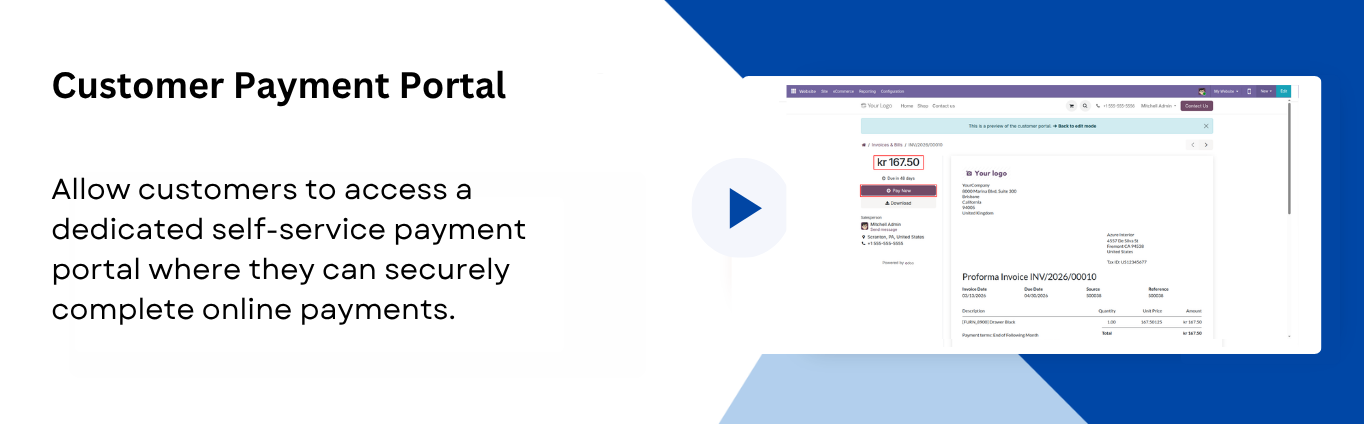
Customer Payment Portal
Let customers pay online securely through a self-service payment portal.
Go to Website -> Configuration -> Payment Providers to access Nexi(Nets) settings.
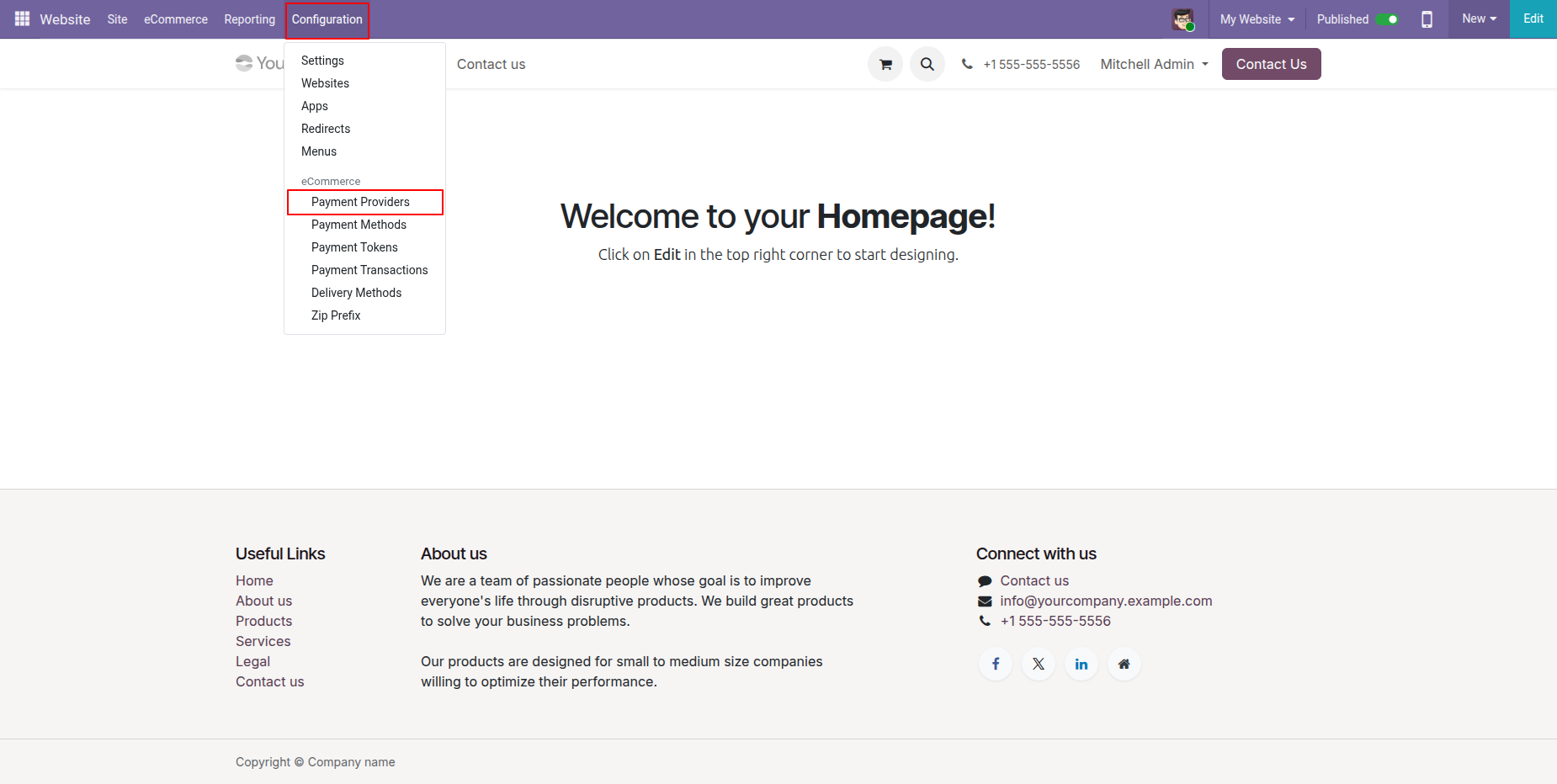
Select Nexi(Nets) from the list of available payment providers and click Activate.
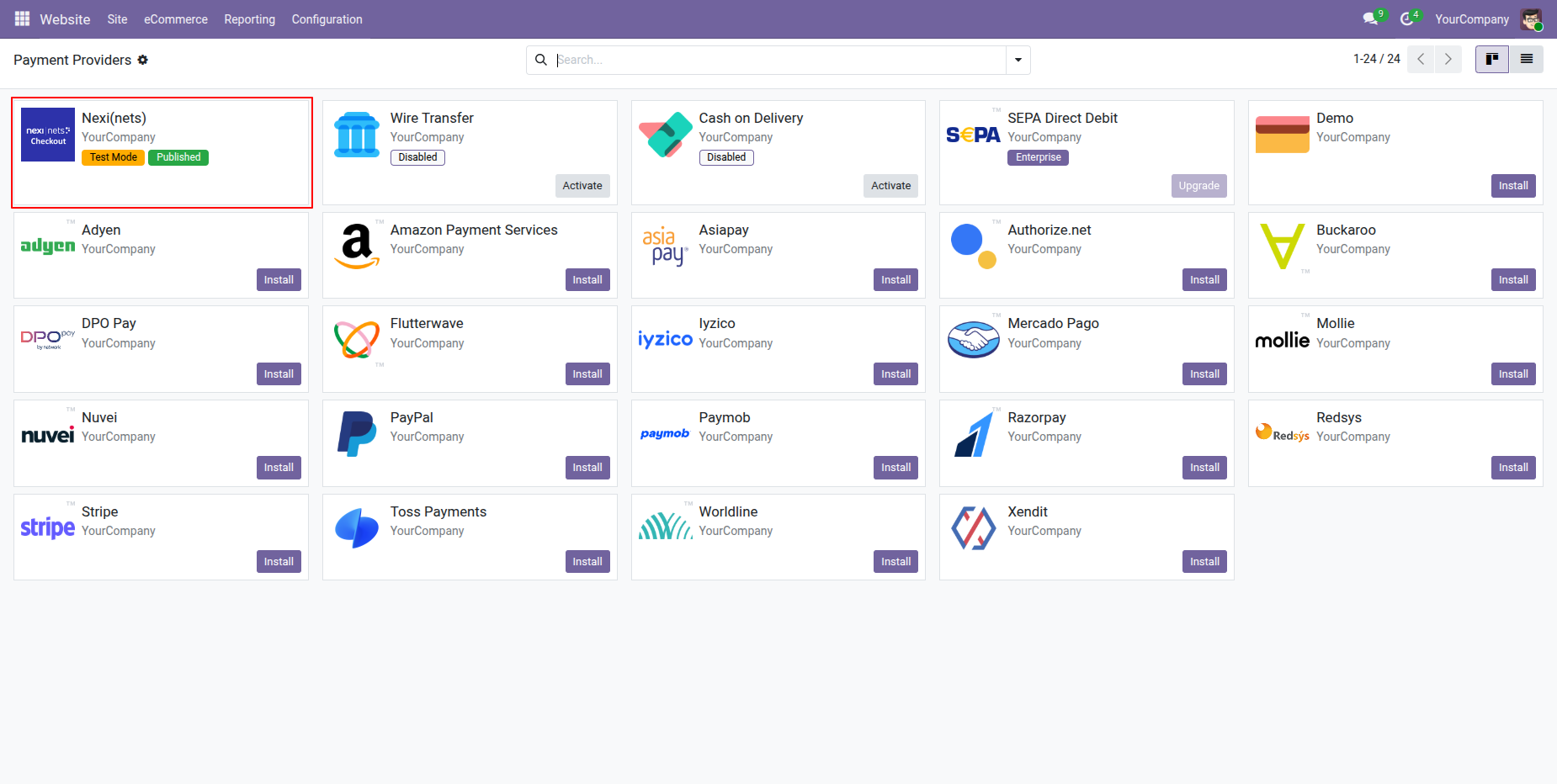
Enter your Nexi(Nets) credentials to enable payment processing.
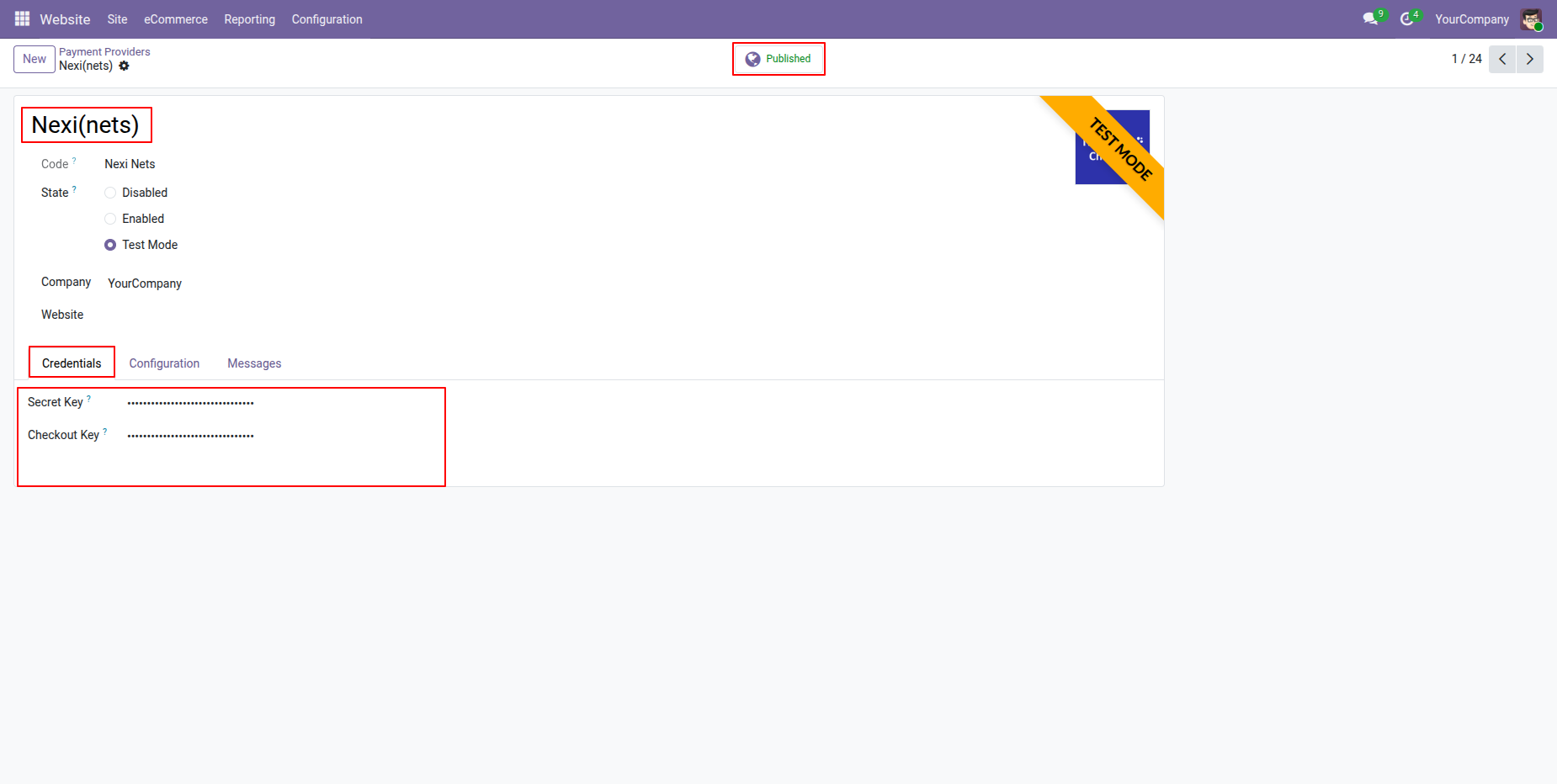
Enable Nexi(Nets) Payments across multiple Odoo websites.
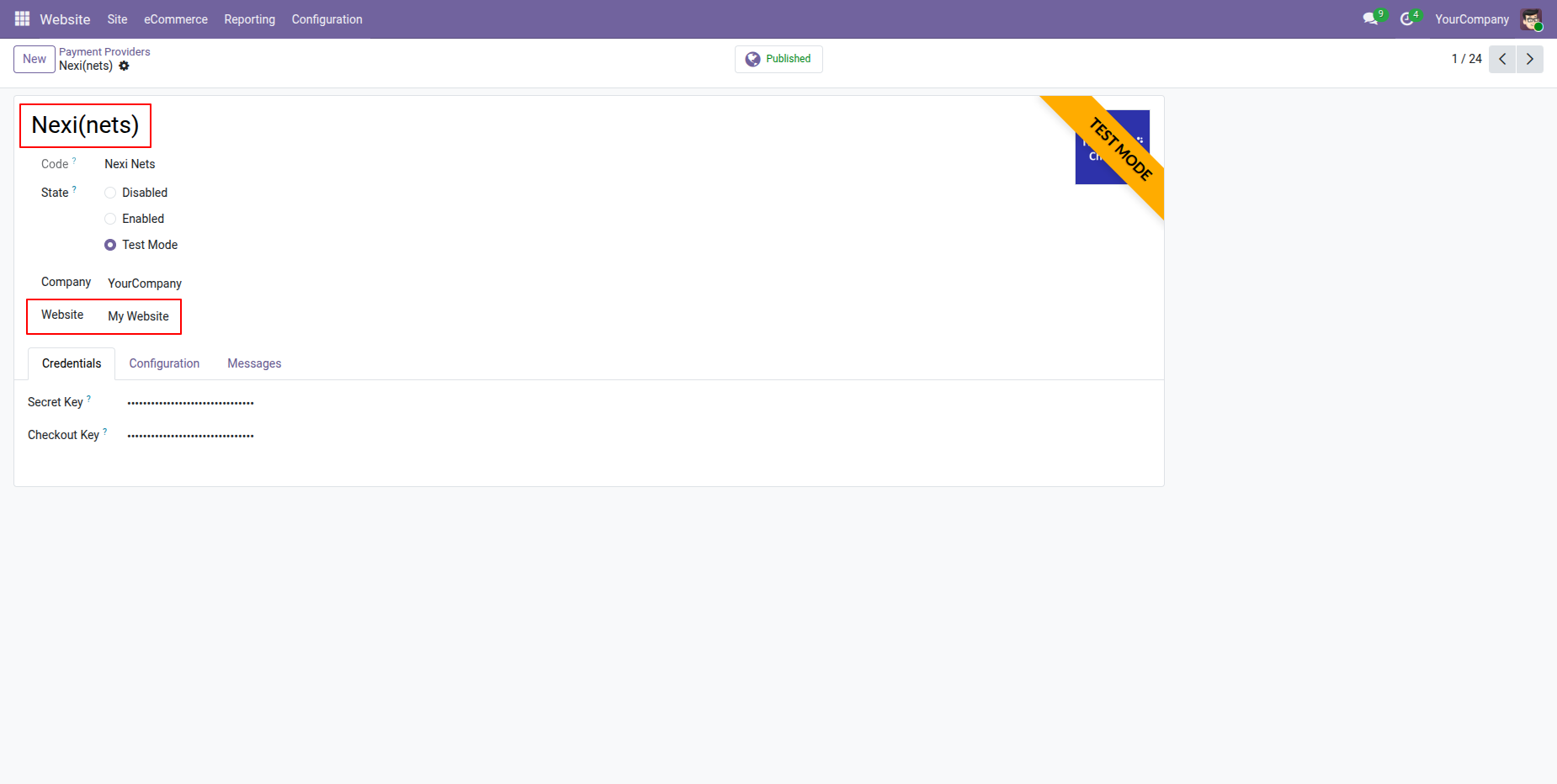
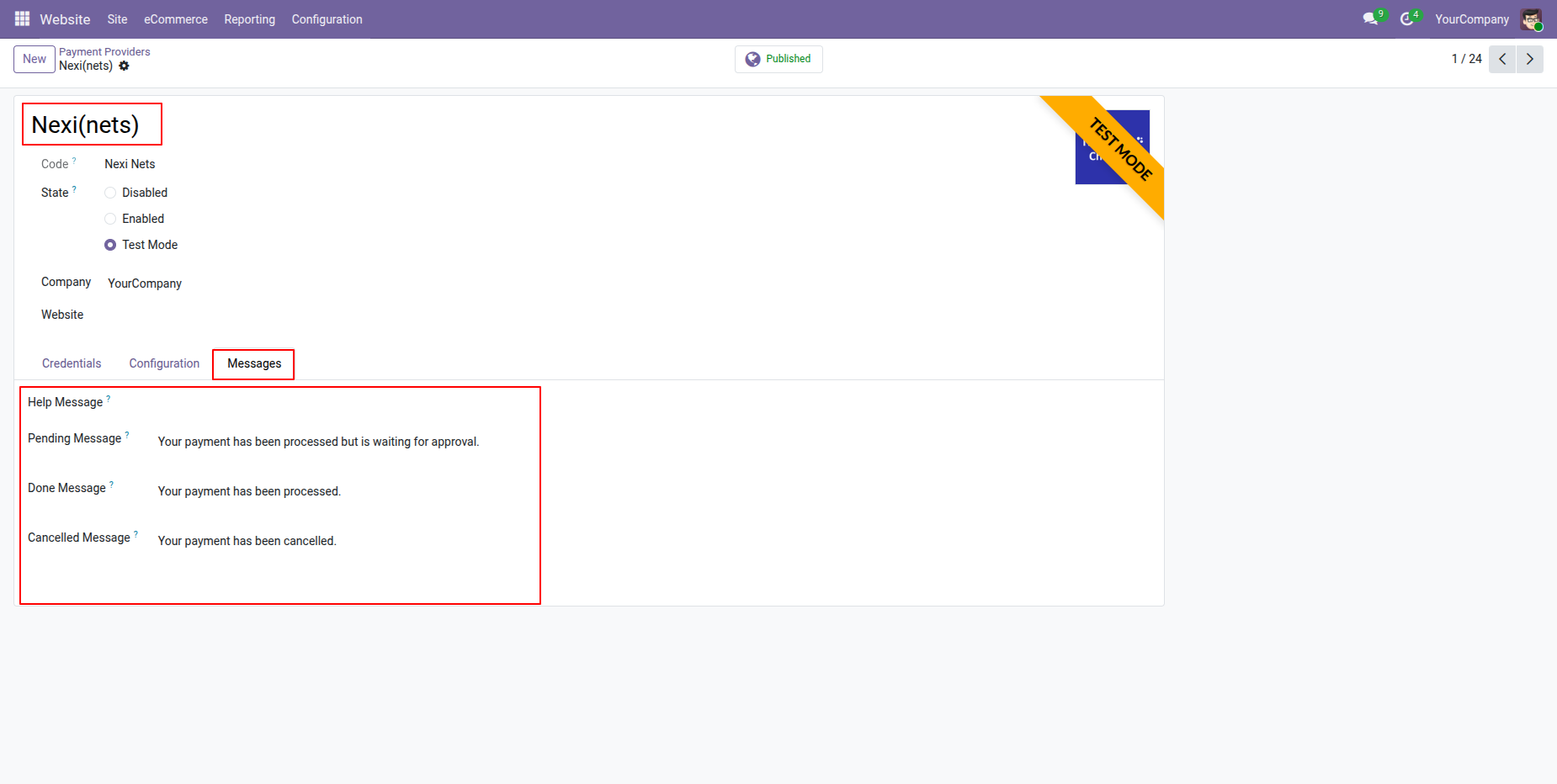
You can set custom payment messages.
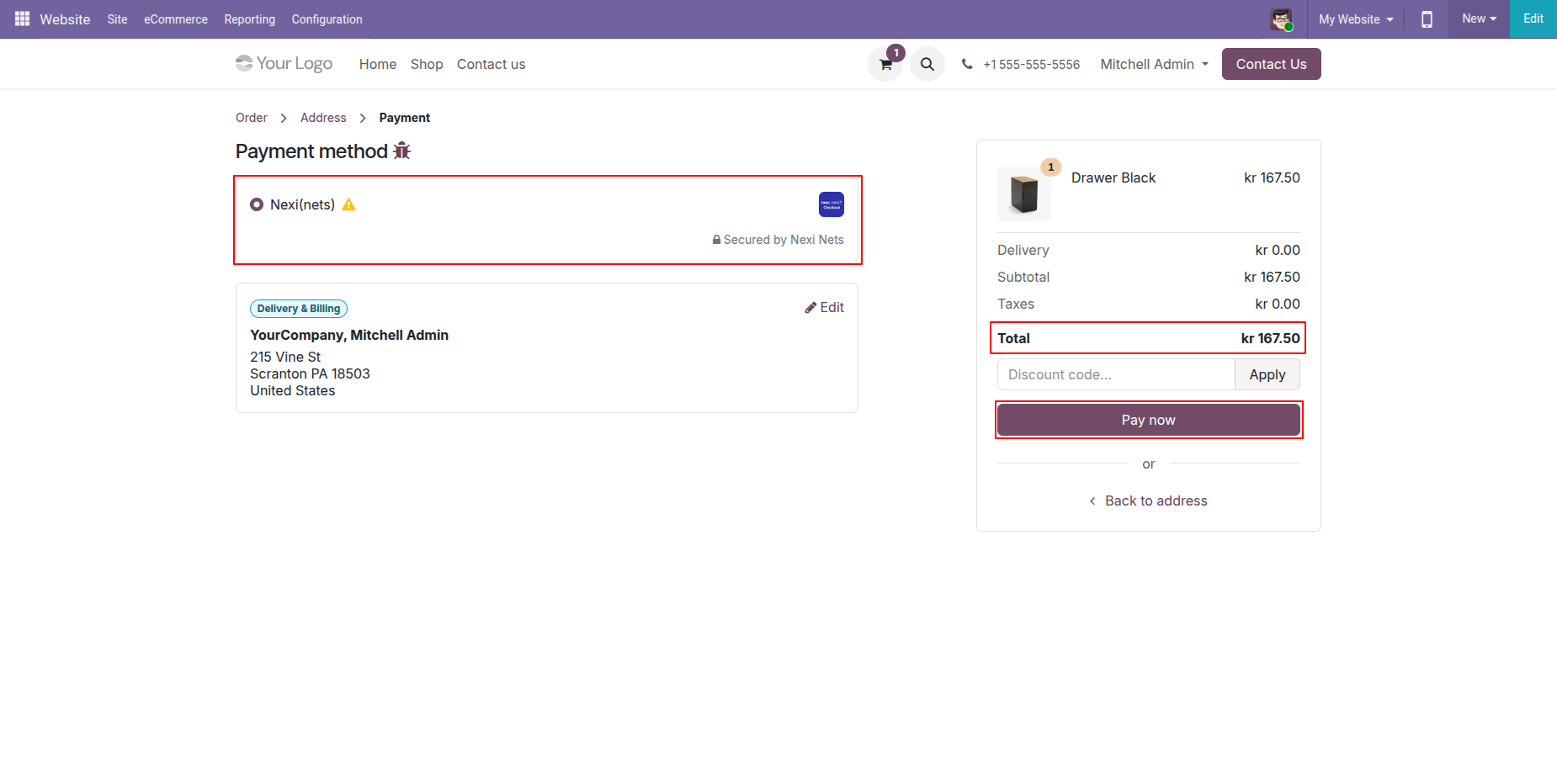
Select "Nexi(Nets)" in checkout and click "Pay Now".
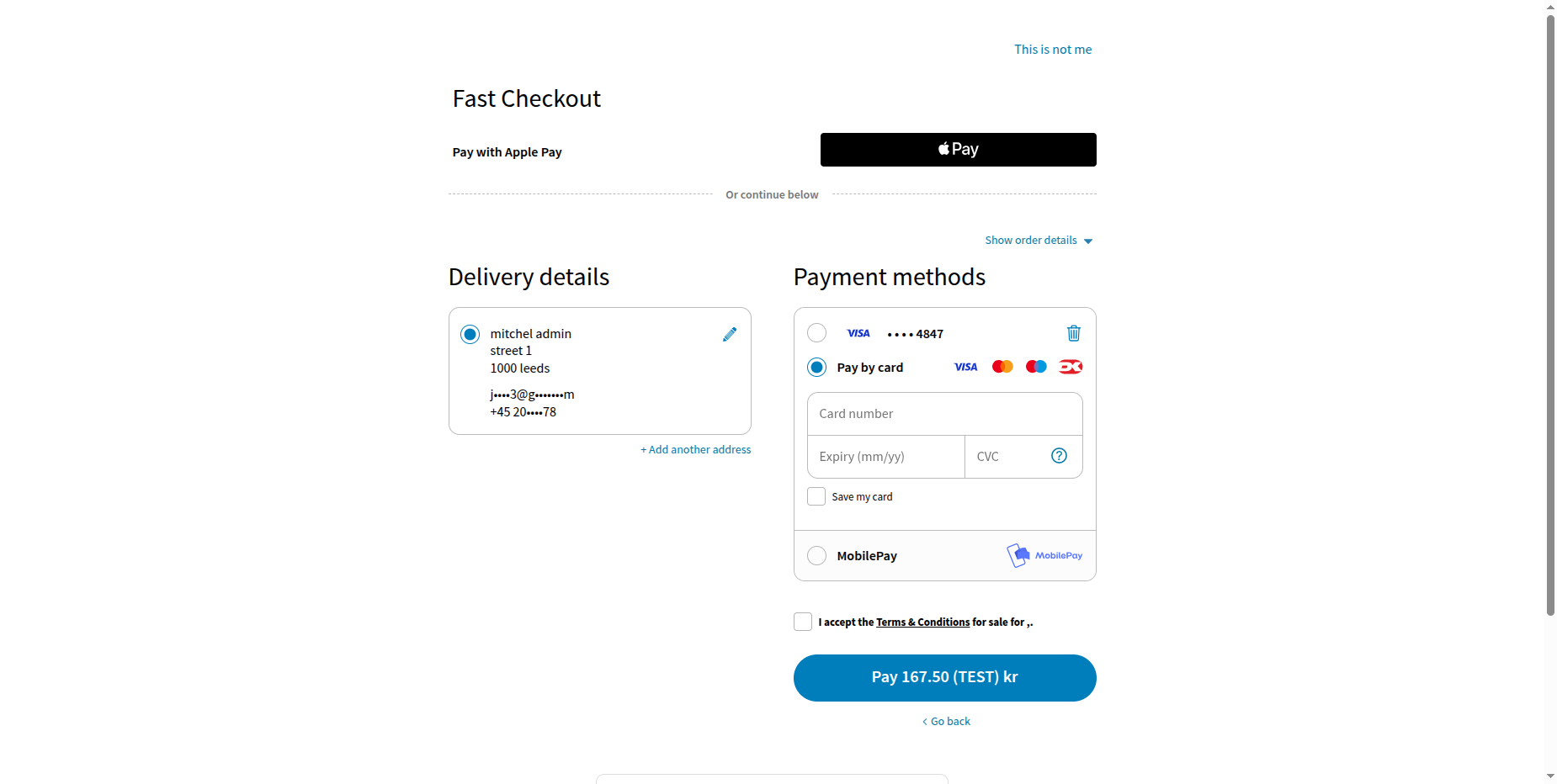
Enter card details.
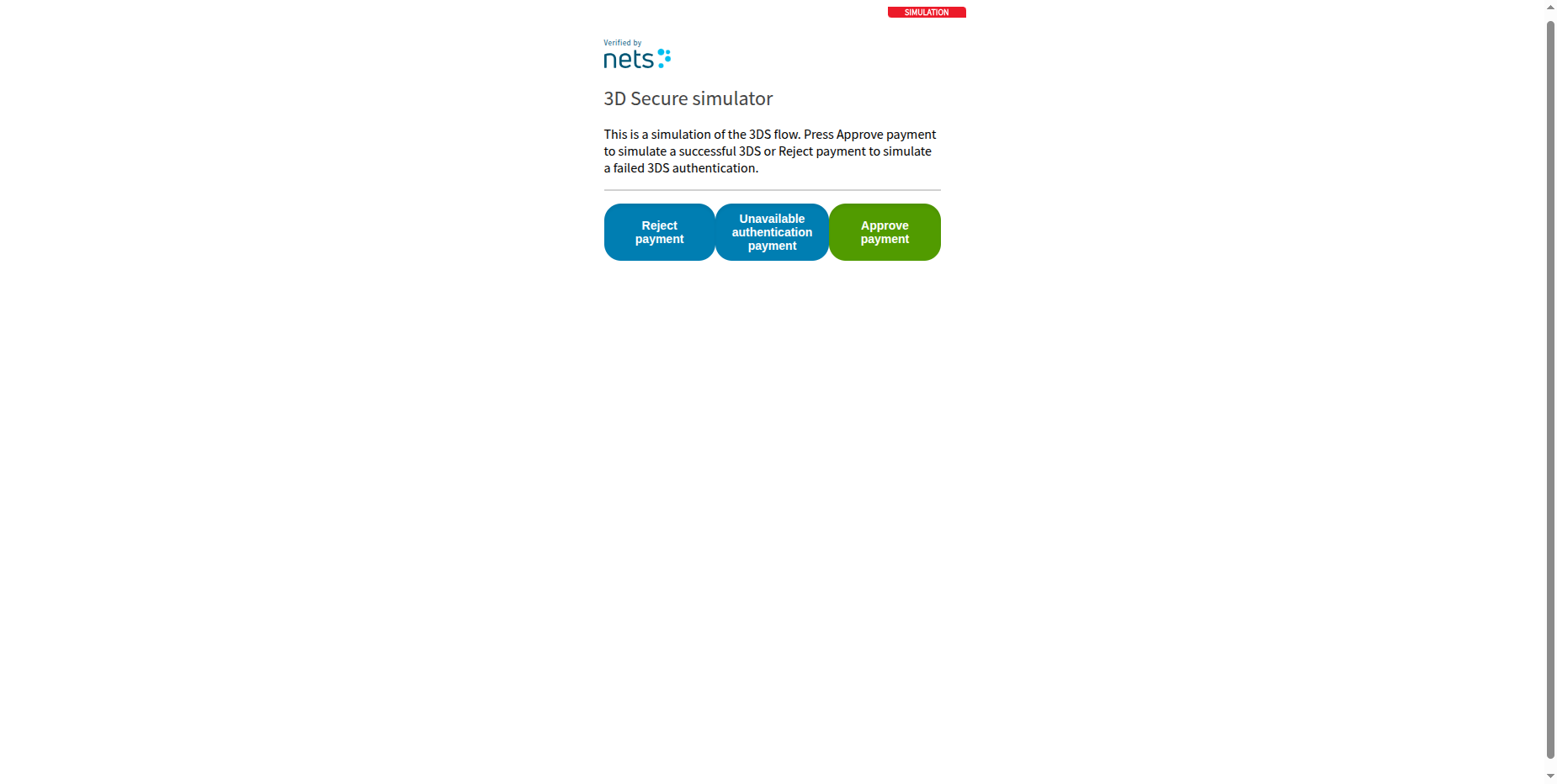
Enter OTP.
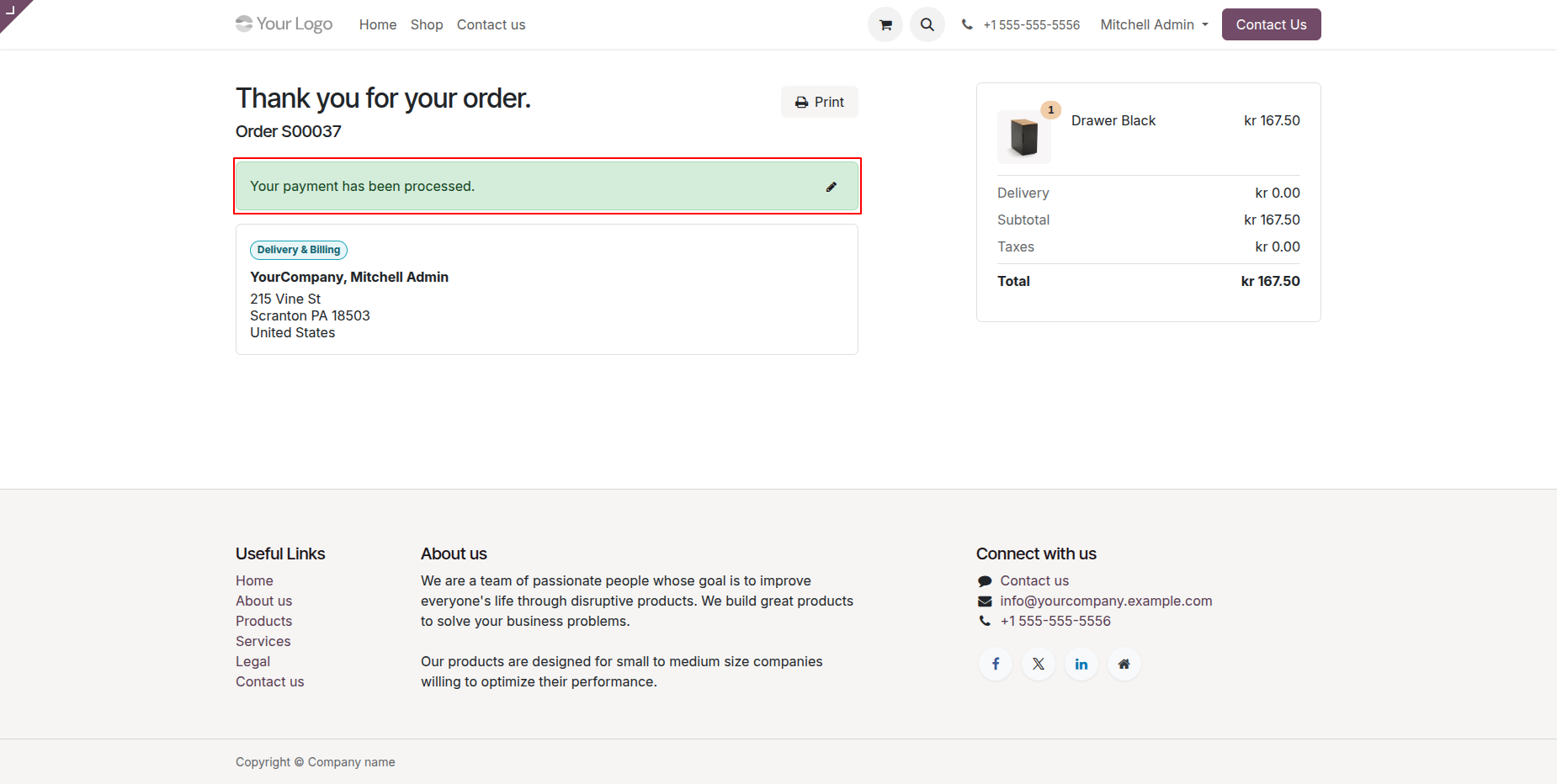
Once payment is done, it shows an order confirmation message.
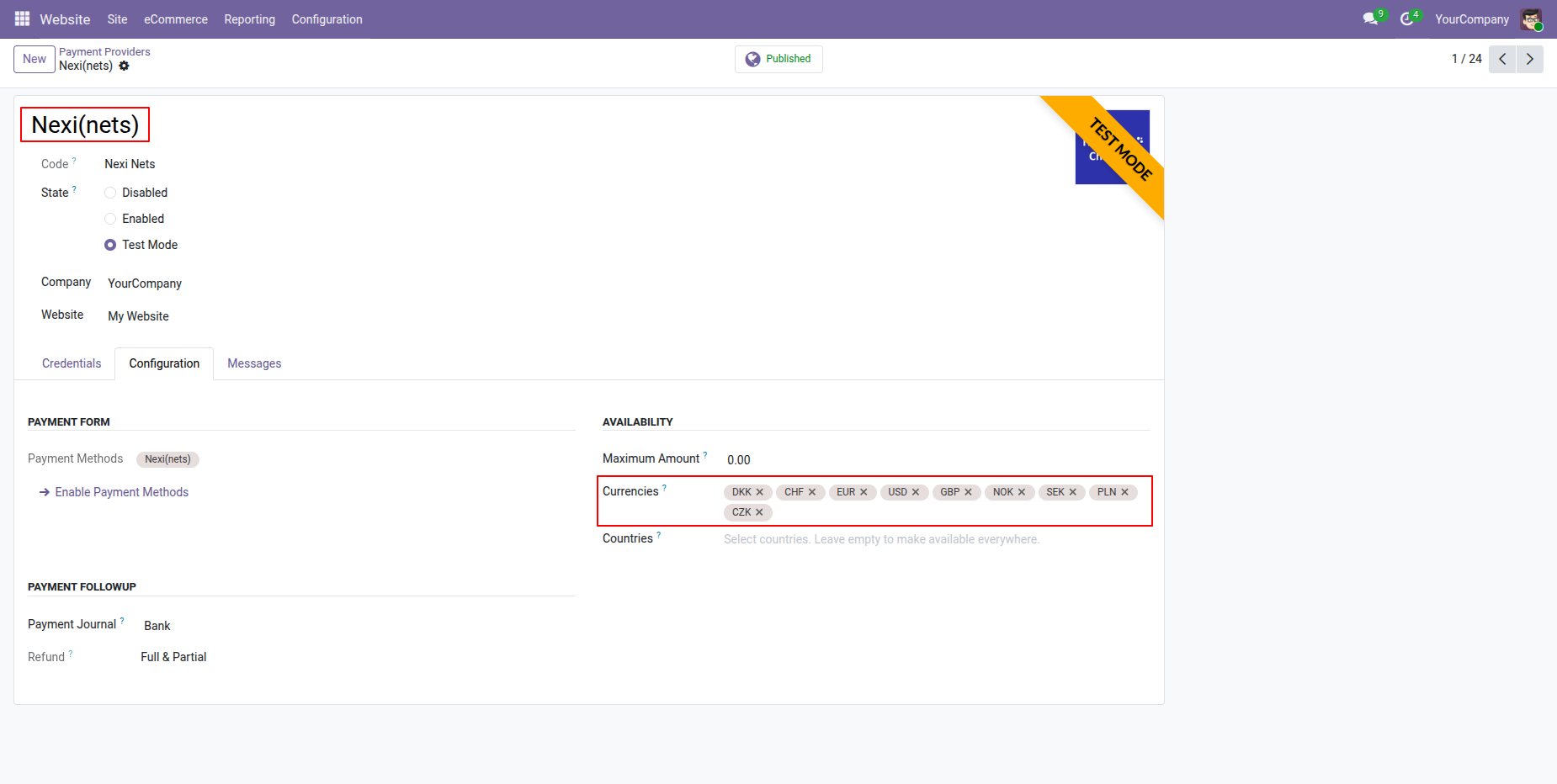
Support for Multiple Currencies.
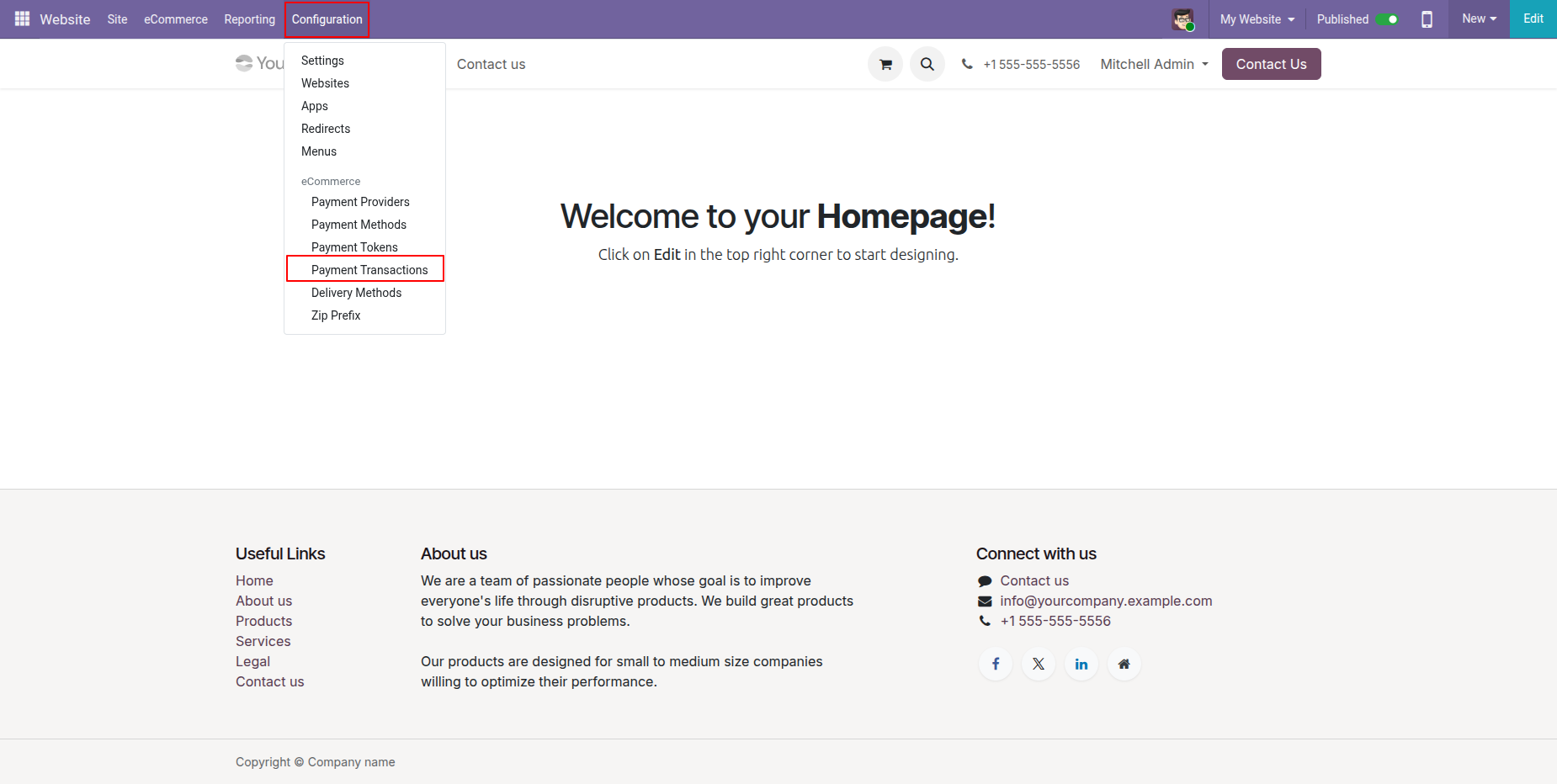
Now go to the "Configuration" => "Payment Transactions".
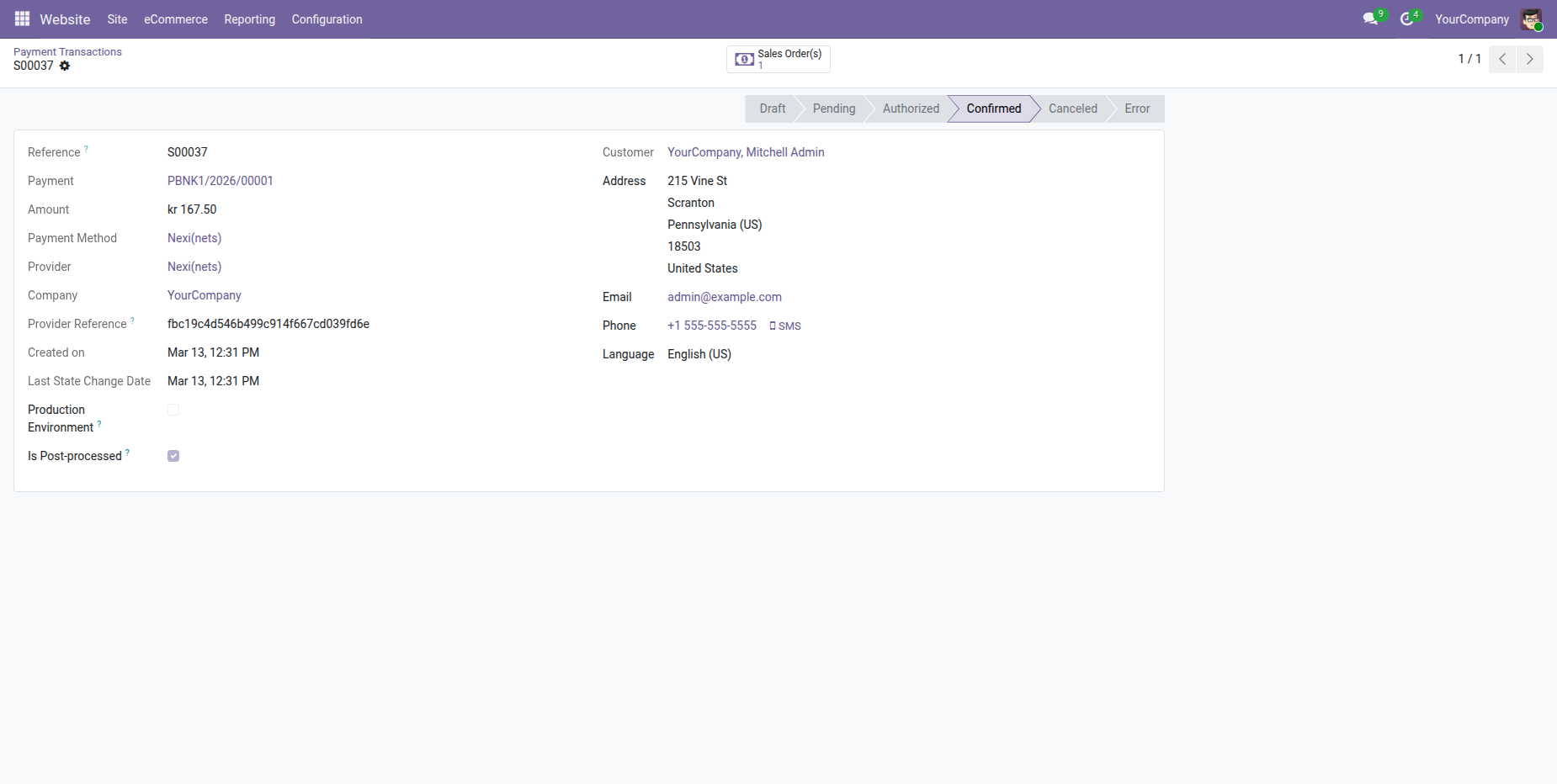
Payment transaction form view with all details.
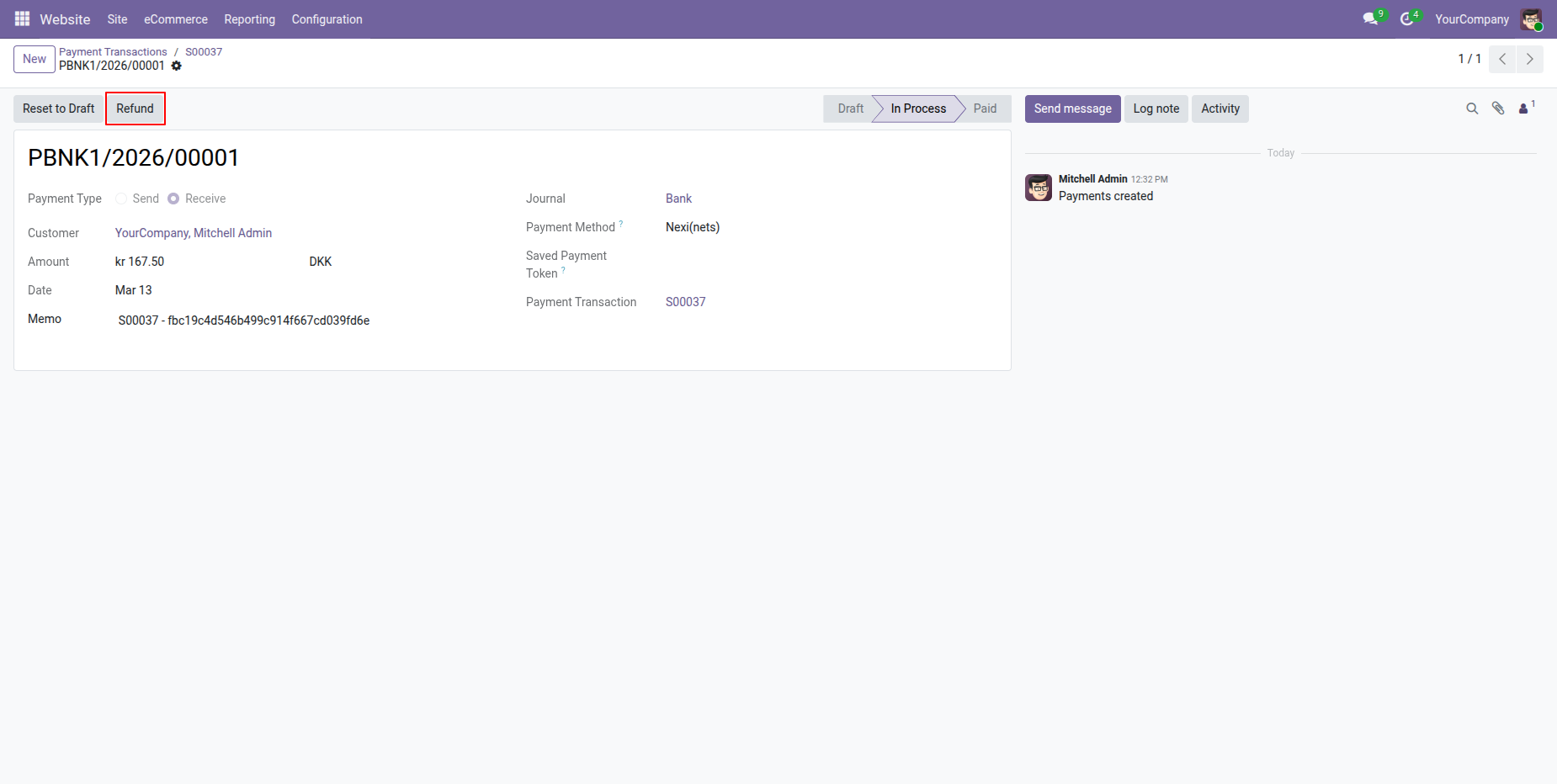
Press "Refund" to make a refund order.
The"Refund" pop-up with details, click "Refund".
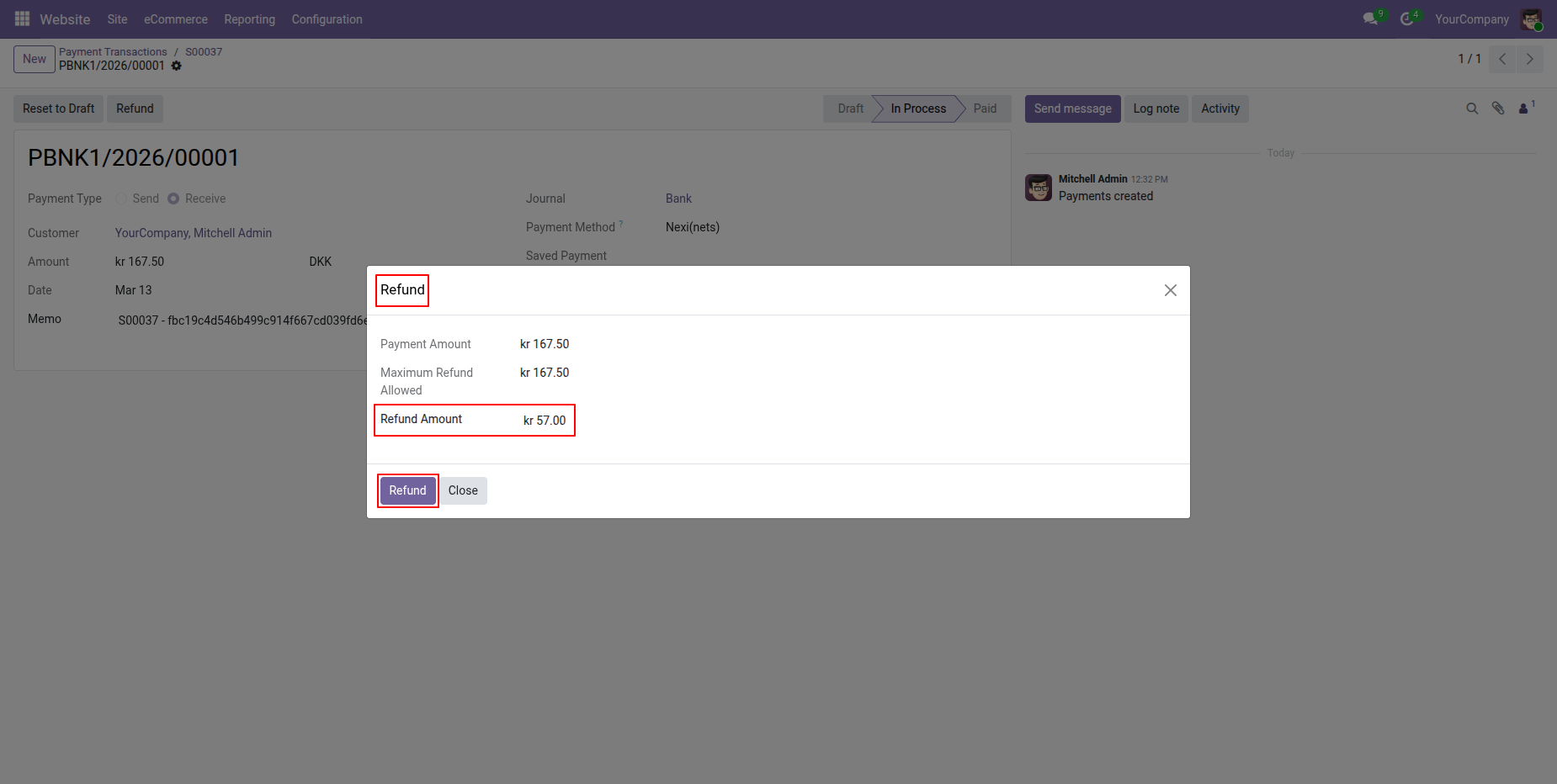
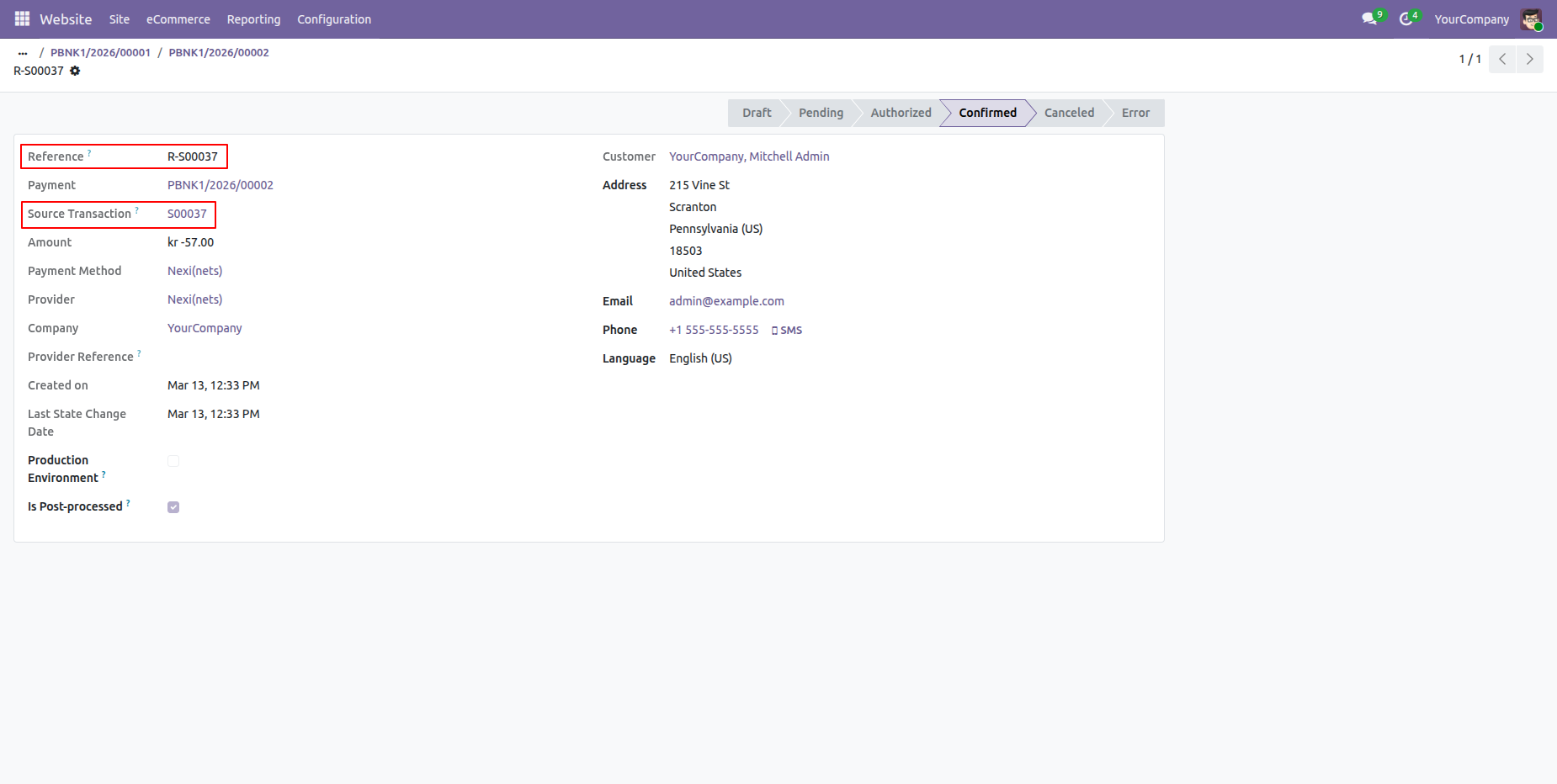
Payment transactions form view with refund details.
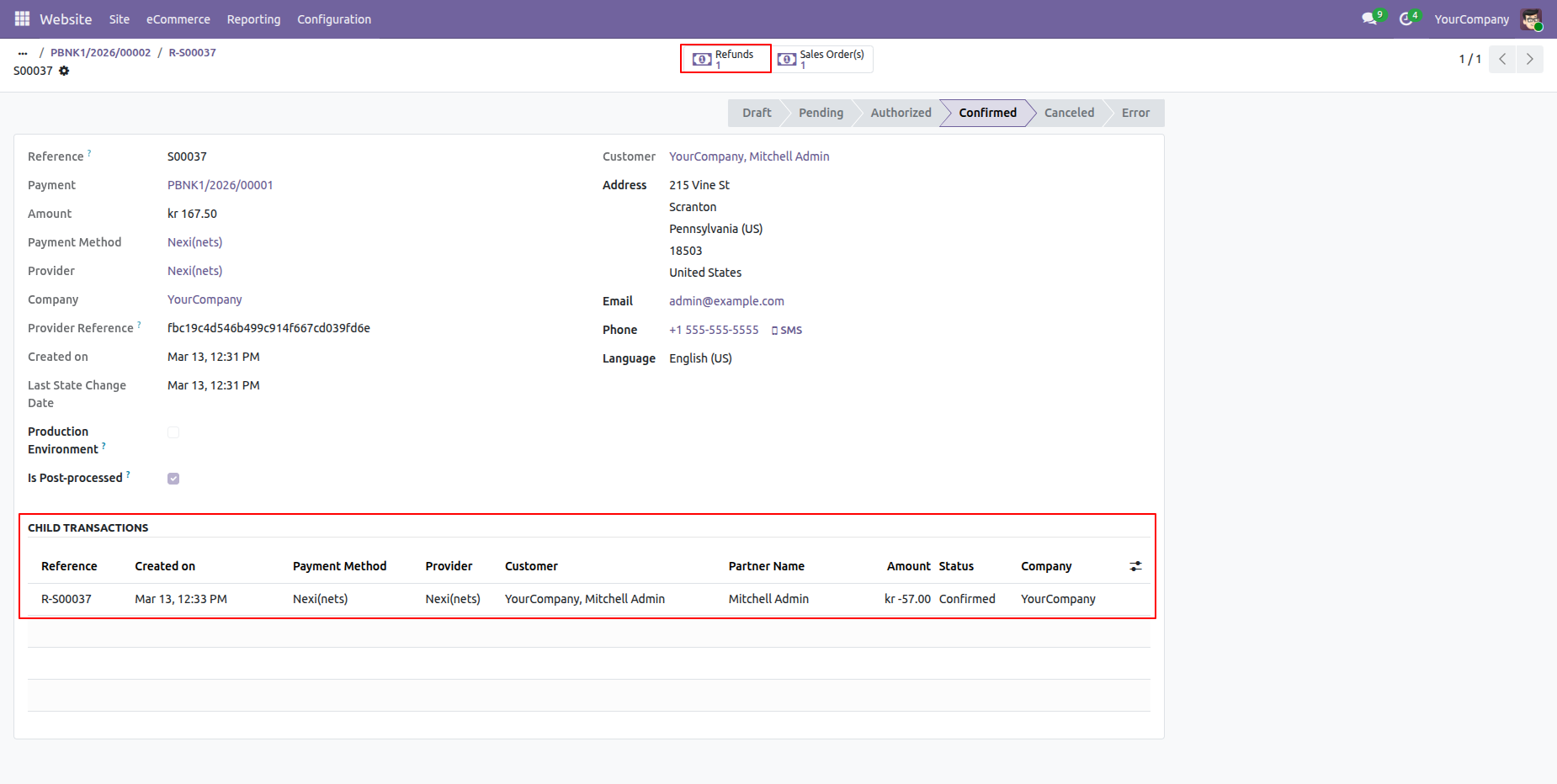
Child transaction details in the payment transaction order.
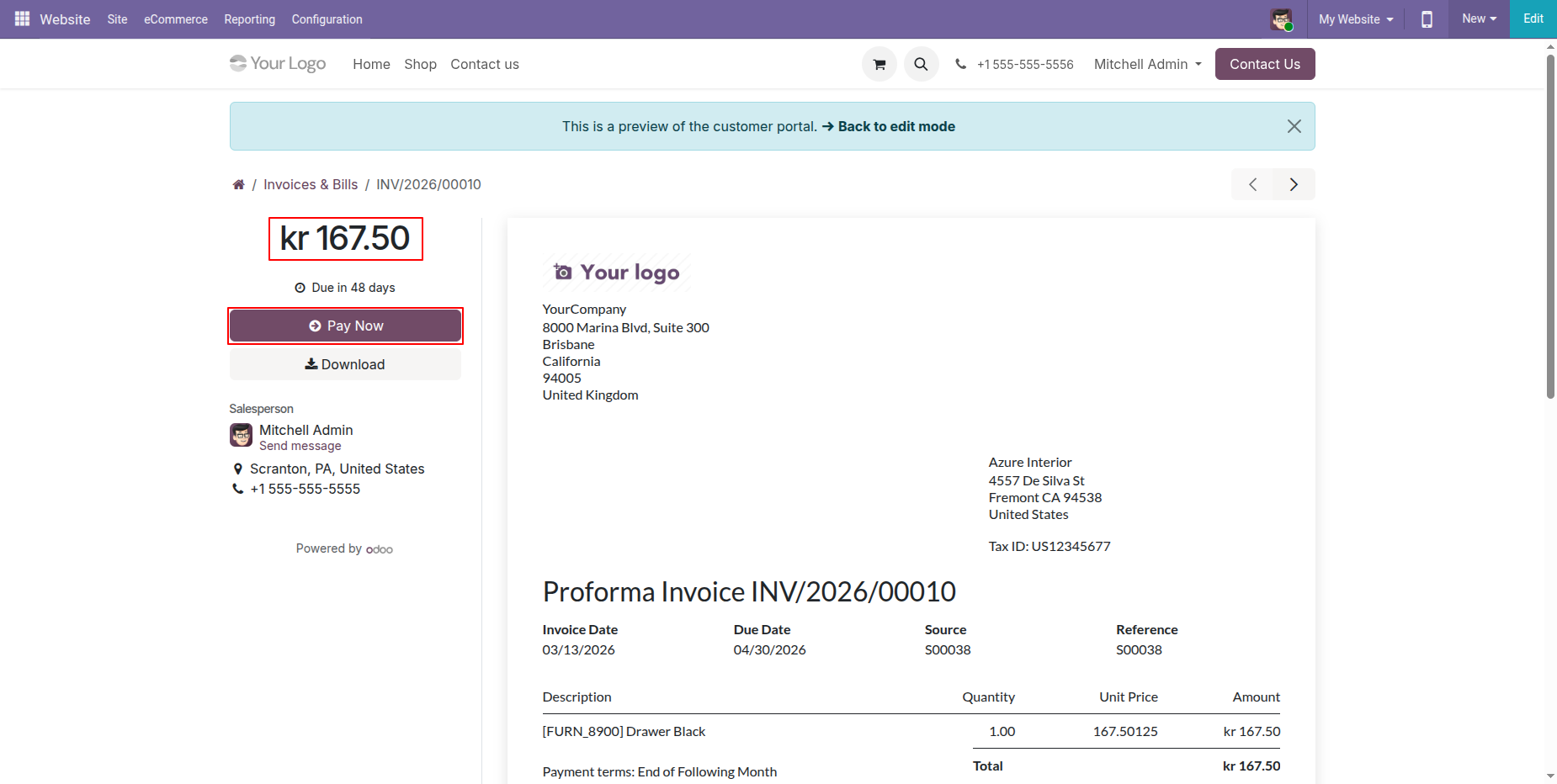
Click the Pay Now button at the portal for portal payment.
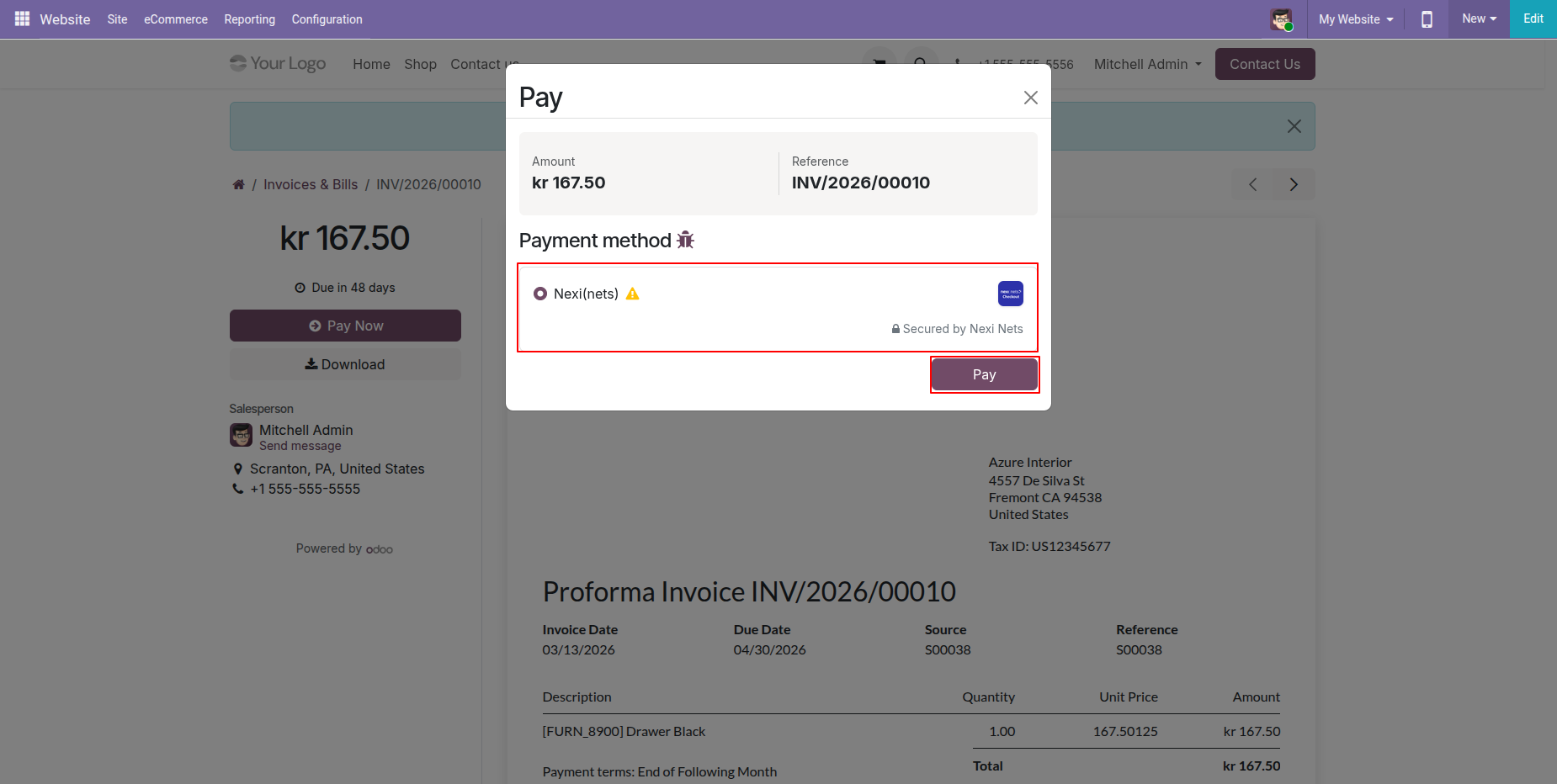
Select "Nexi(Nets)" in checkout and click "Pay".
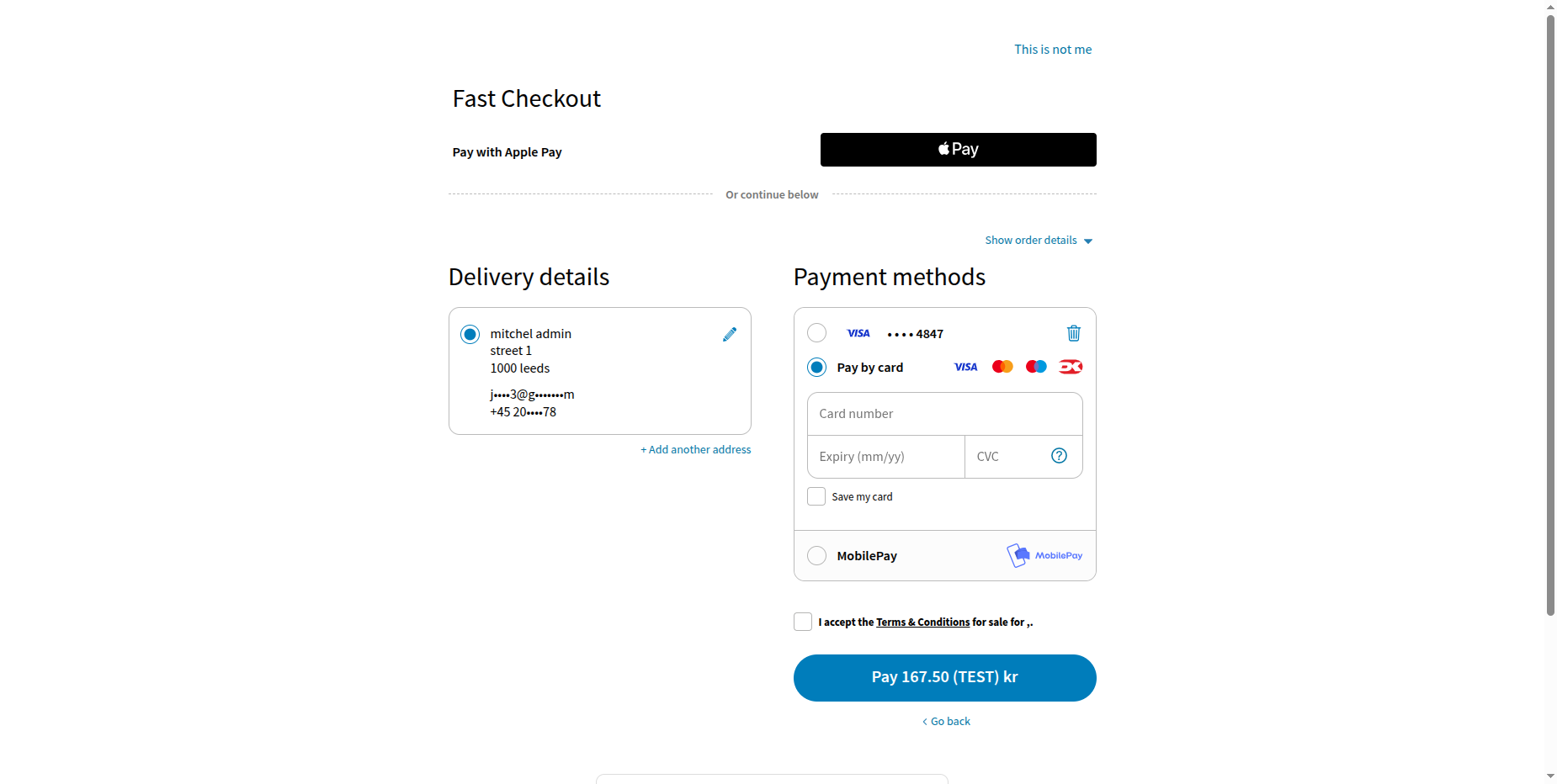
Enter card details.
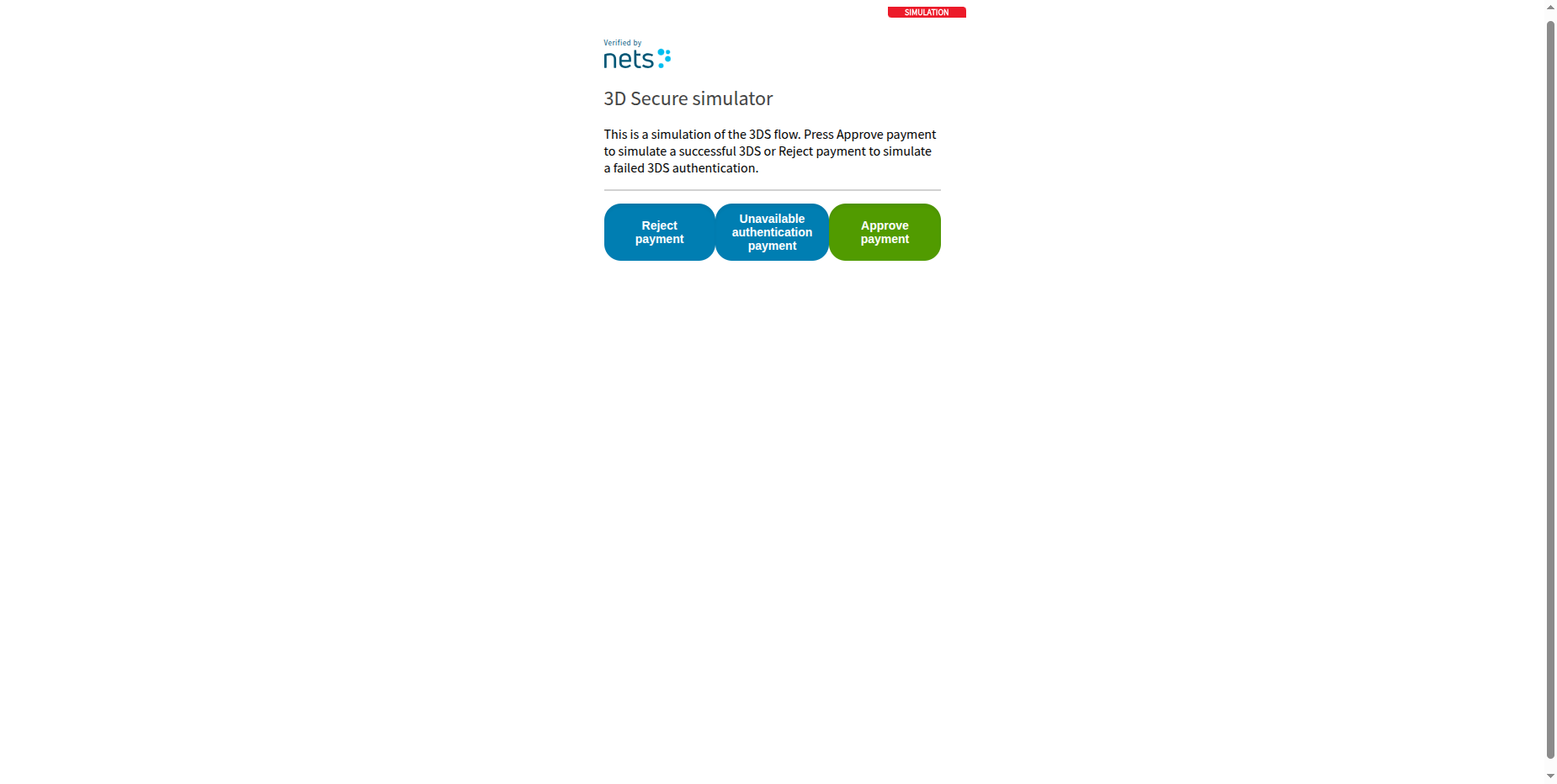
Enter OTP.
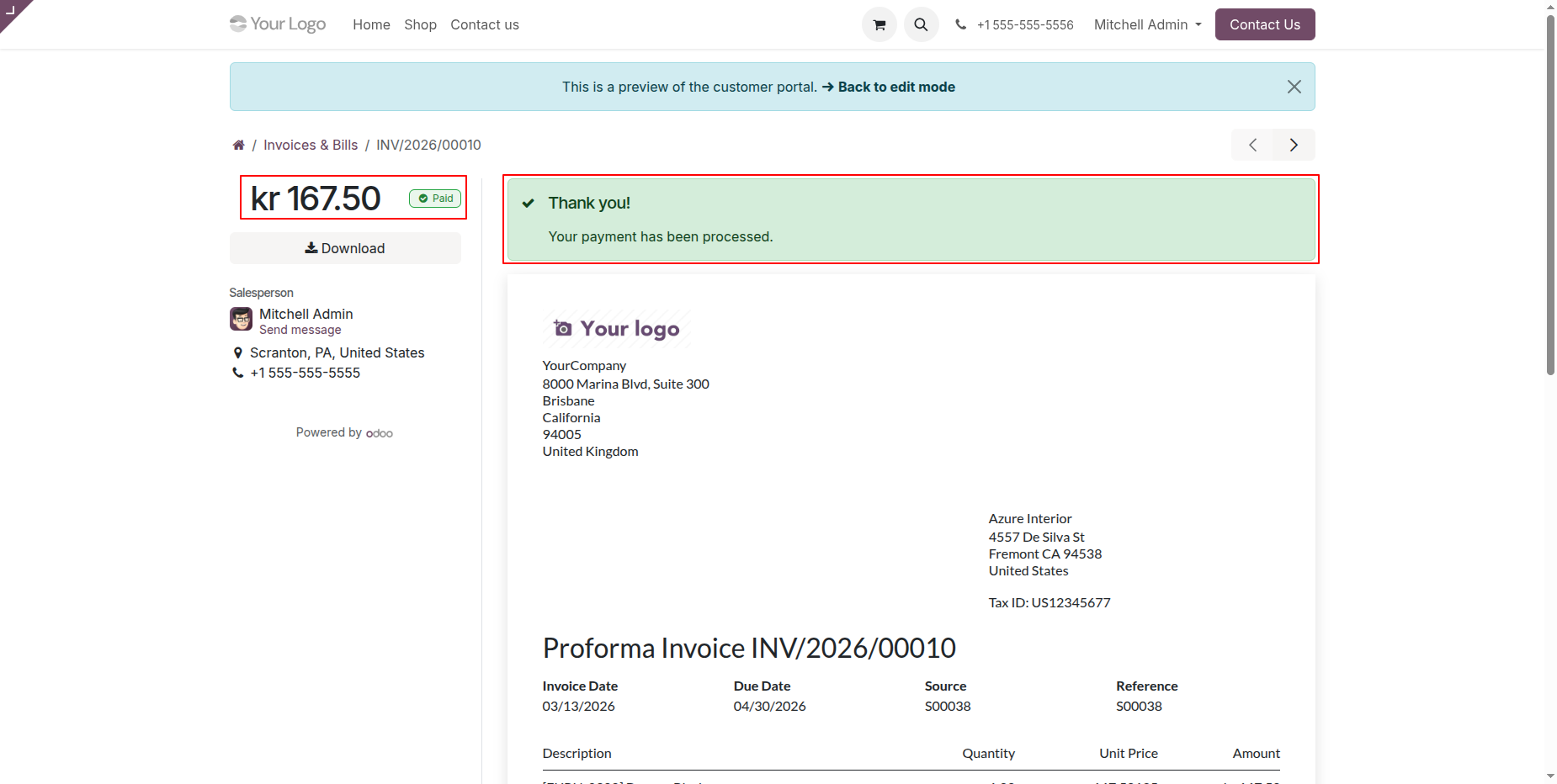
Once payment is done, it shows an order confirmation message.
Version 19.0.1.0.0 | Released on : 6th April 2026
- Yes, this app works perfectly with Odoo Enterprise (Odoo.sh & On-Premise) as well as Community.
- No, this application is not compatible with odoo.com(odoo saas/Odoo Online).
- Please Contact Us at sales@softhealer.com to request customization.
- Yes, you will get free update for lifetime.
- No, you don't need to install additional libraries.
- For version 12 or upper, you will need to purchase the module for each version that you want to use.
- Yes, we provide free support for 365 days.
- No, We do not provide any kind of exchange.
Discover Our Latest Apps