











Mass Manufacturing Orders Produce

Are you tired of marking each Manufacturing Order as Done one at a time? This module lets you mark multiple Manufacturing Orders as Done with just one click. It also alerts you if any orders are already completed or if the required component quantities are missing.

Features
- You can done multiple Manufacturing Orders at once, whether they are in the Draft or Confirmed stage.
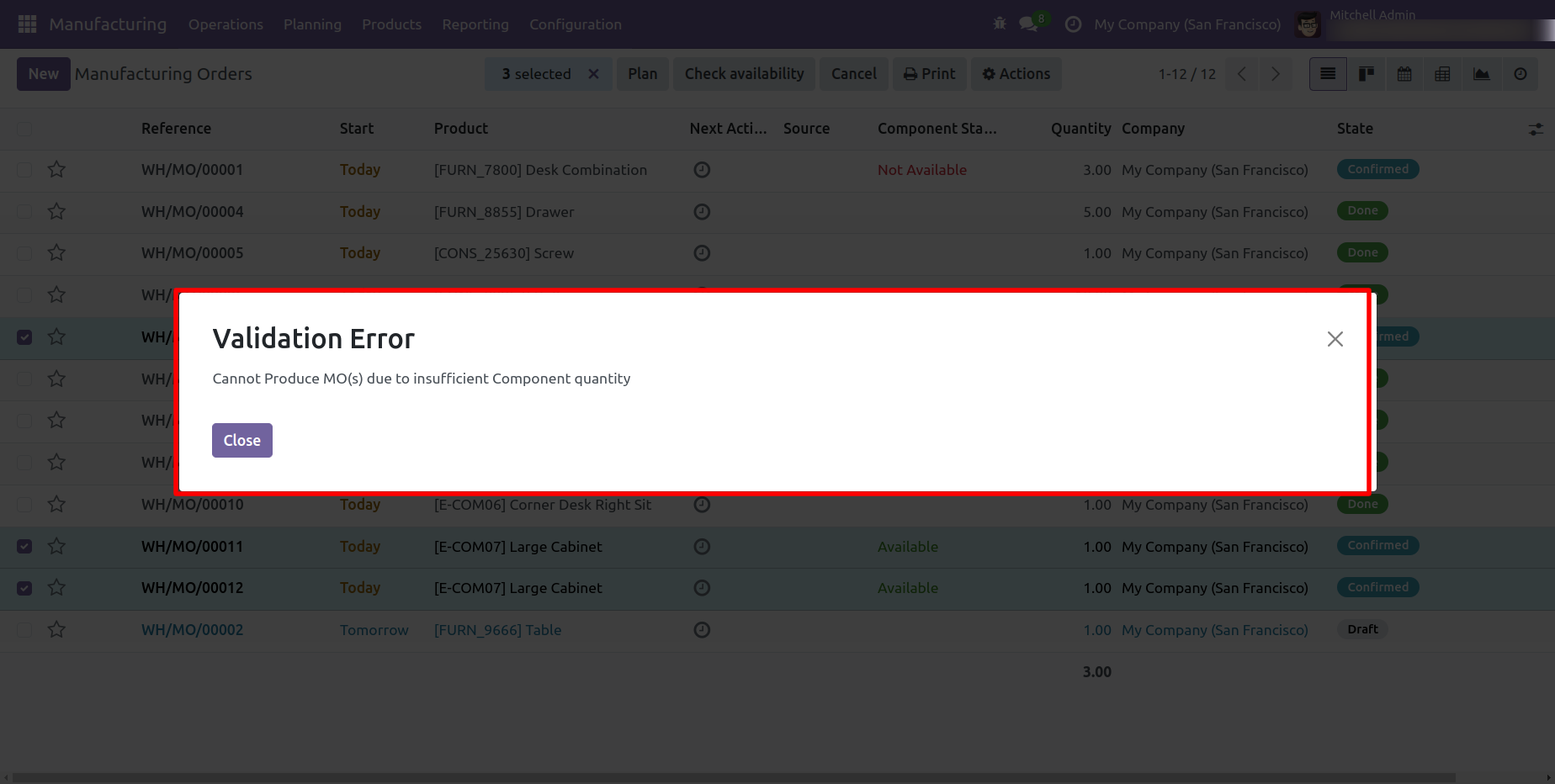
- Warning popup appears if the component quantity is insufficient for the Manufacturing Order.
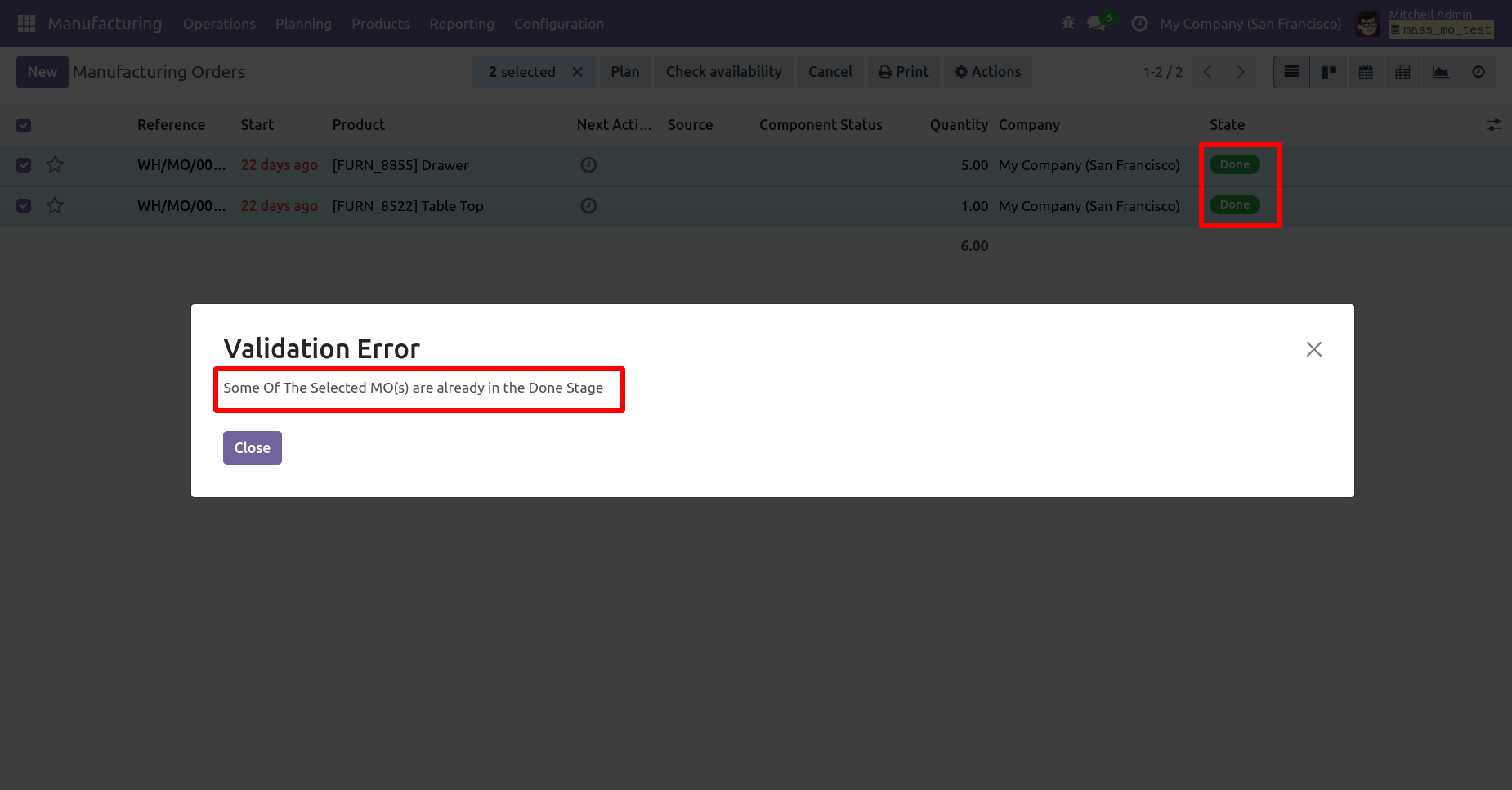
- Warning popup appears if you try to produce a Manufacturing Order that is already marked as Done.
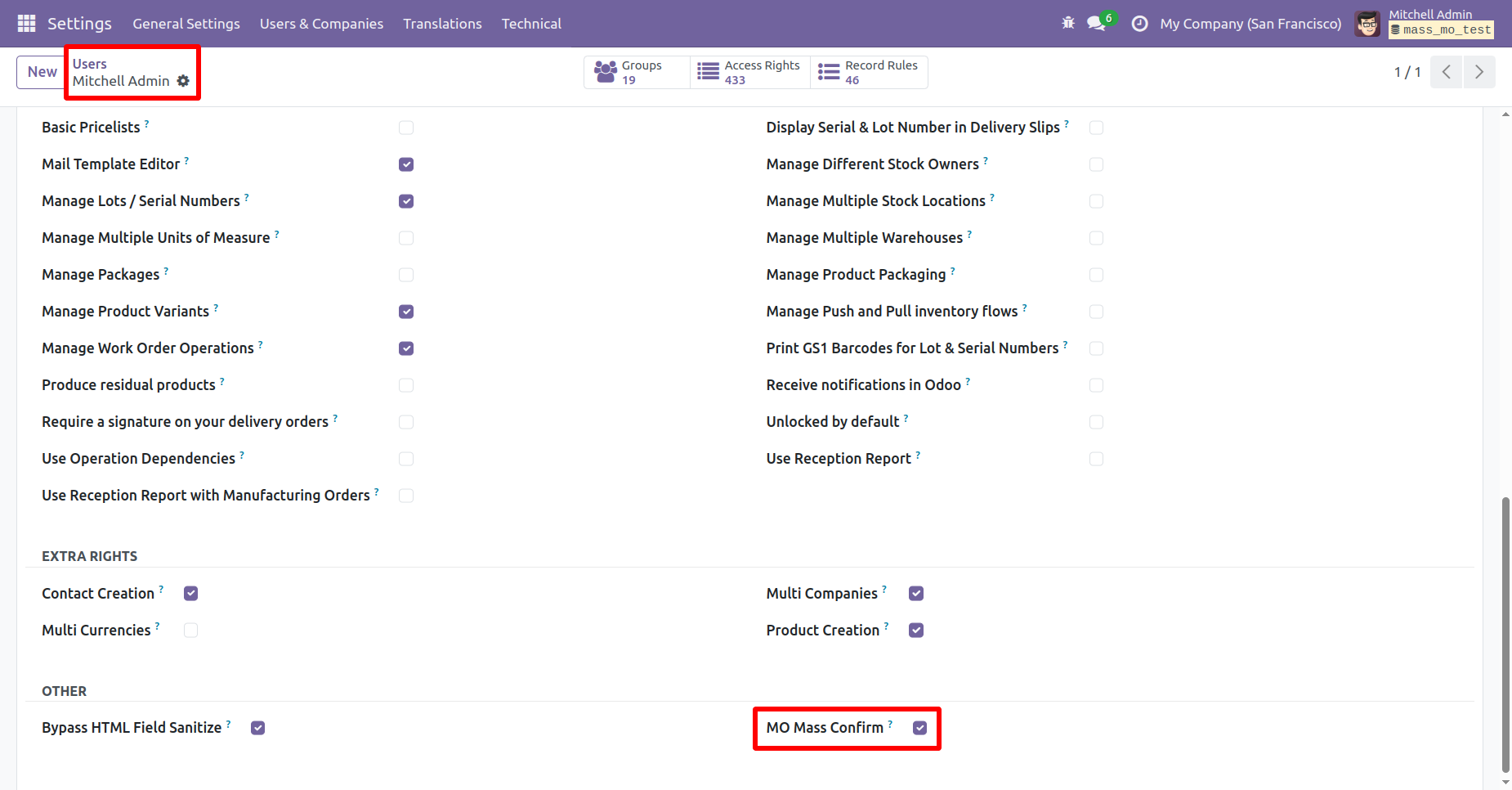
Go to the users setting and tick 'Mass Mo Confirm' boolean.
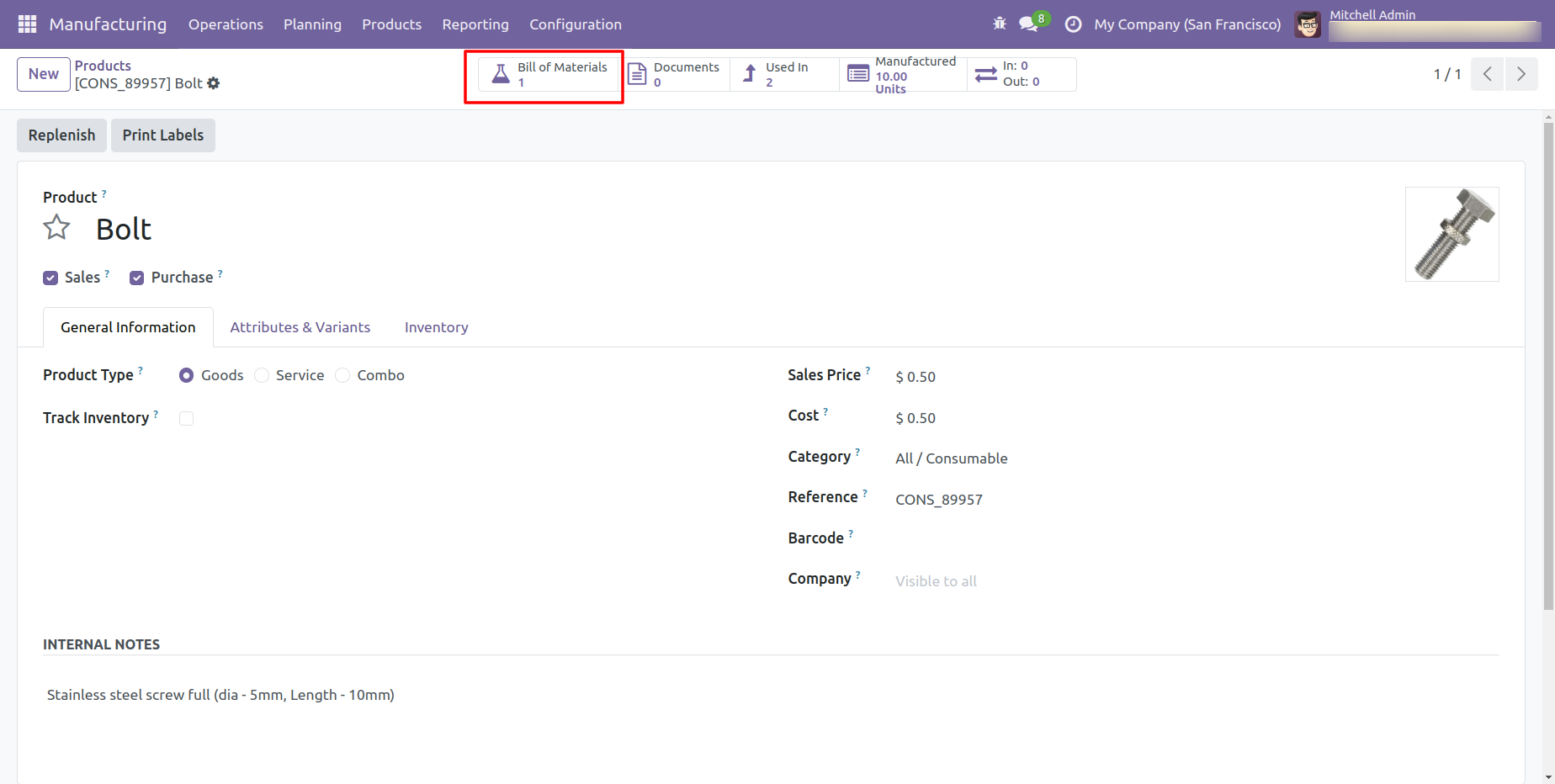
Product Form View.
To view the Bill of Materials (BOM), click on the BOM smart button.
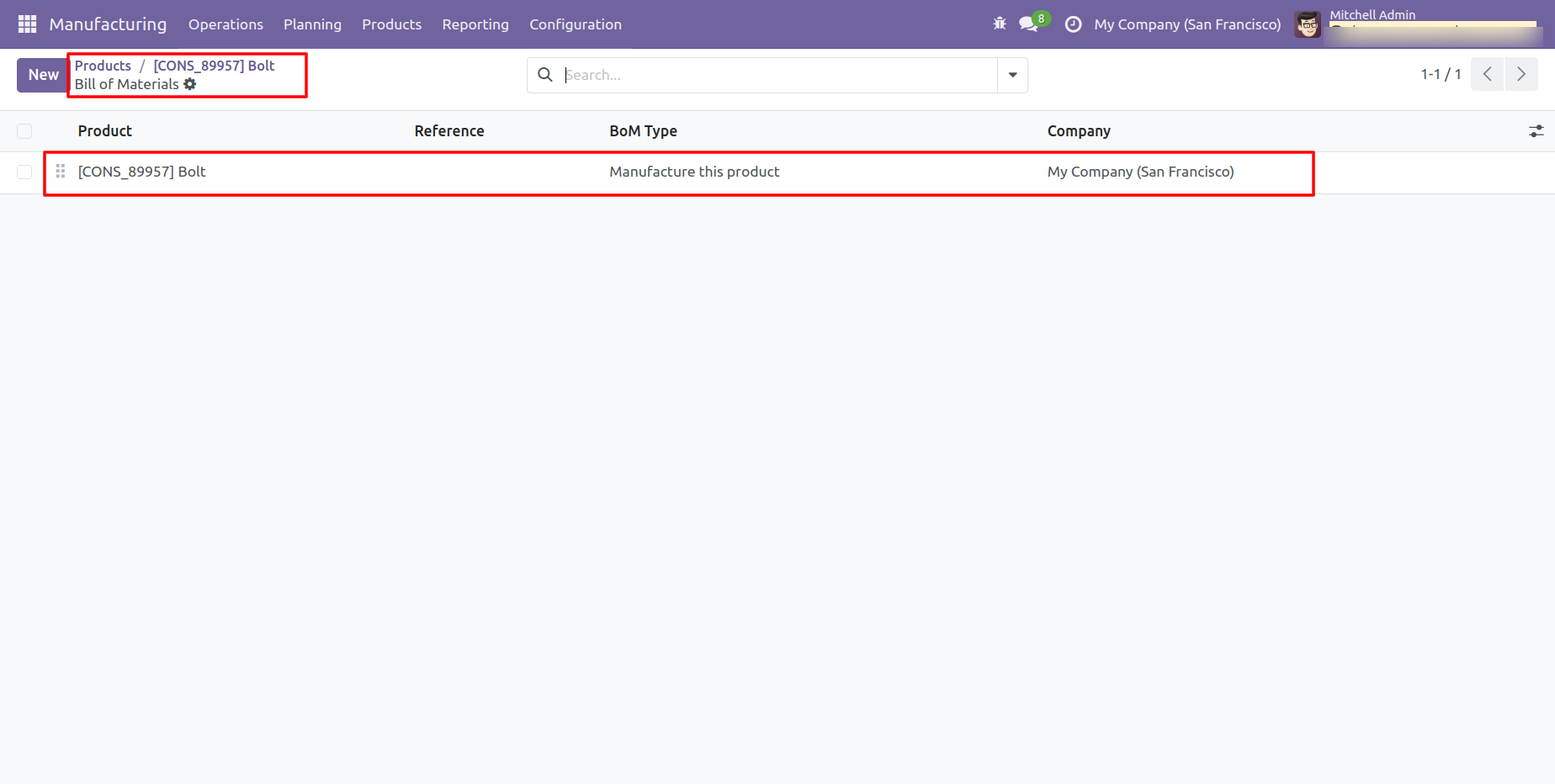
Tree view of the BOM.
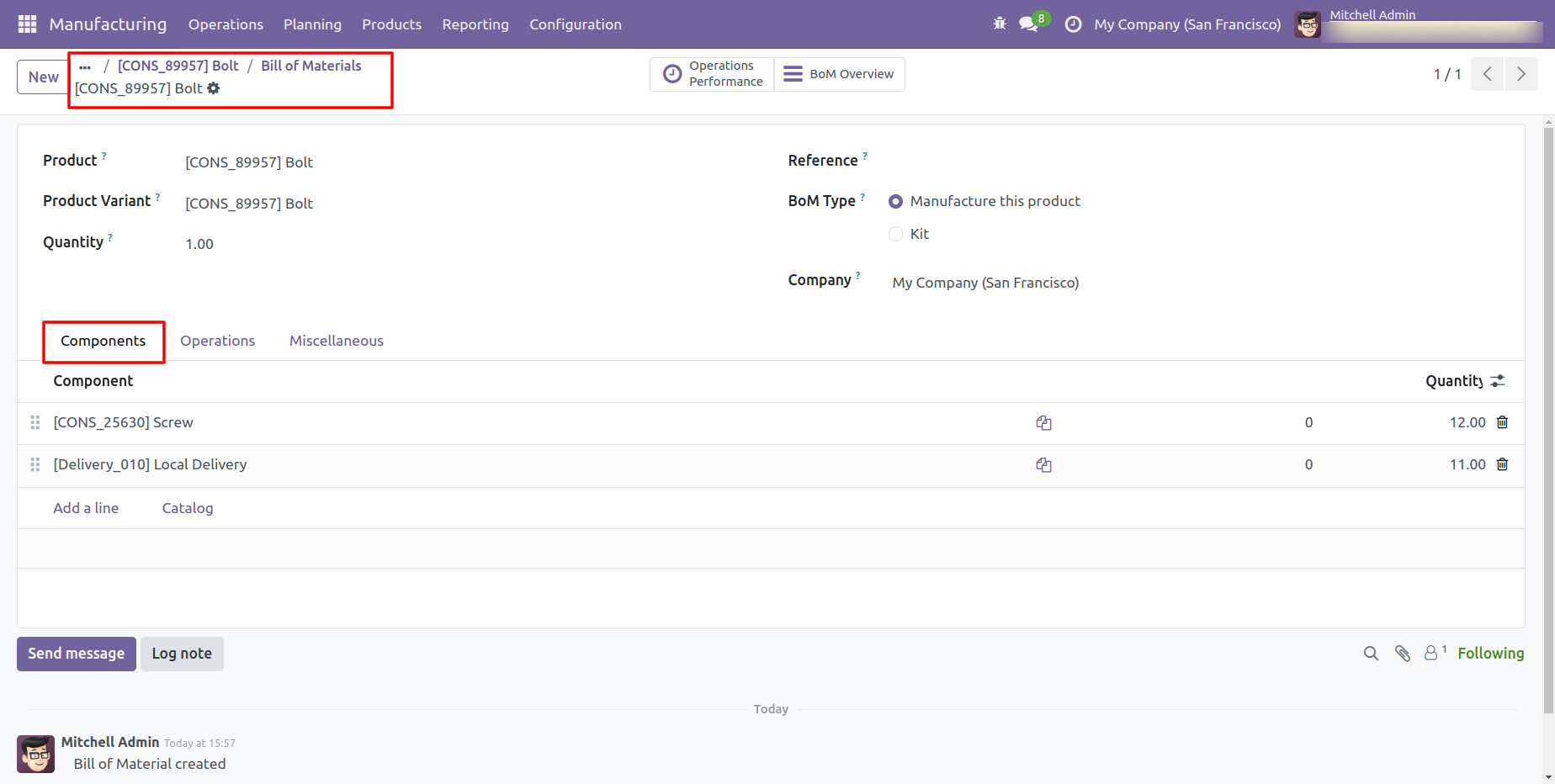
Form view of the BOM.
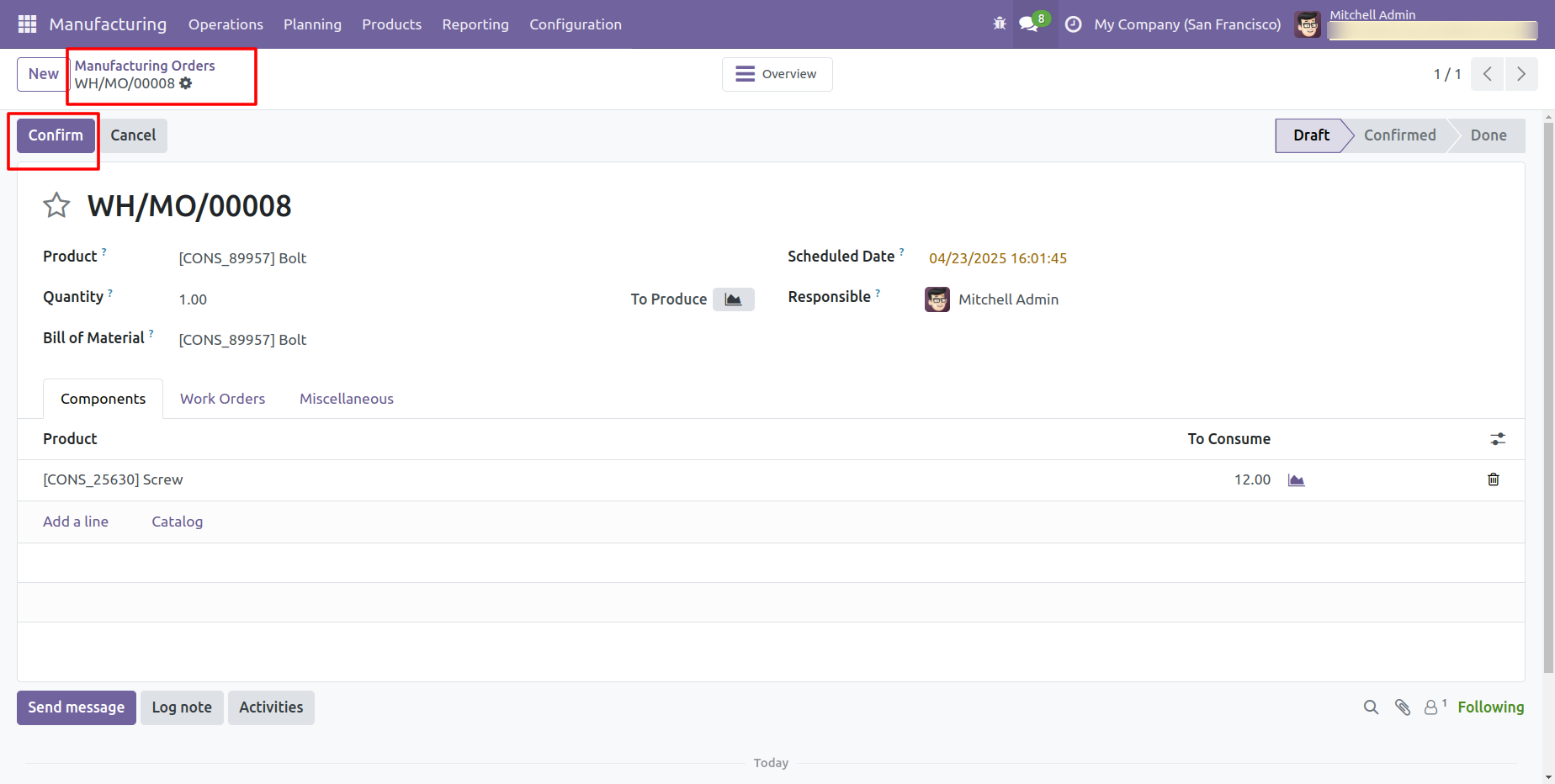
Create and confirm a Manufacturing Order.
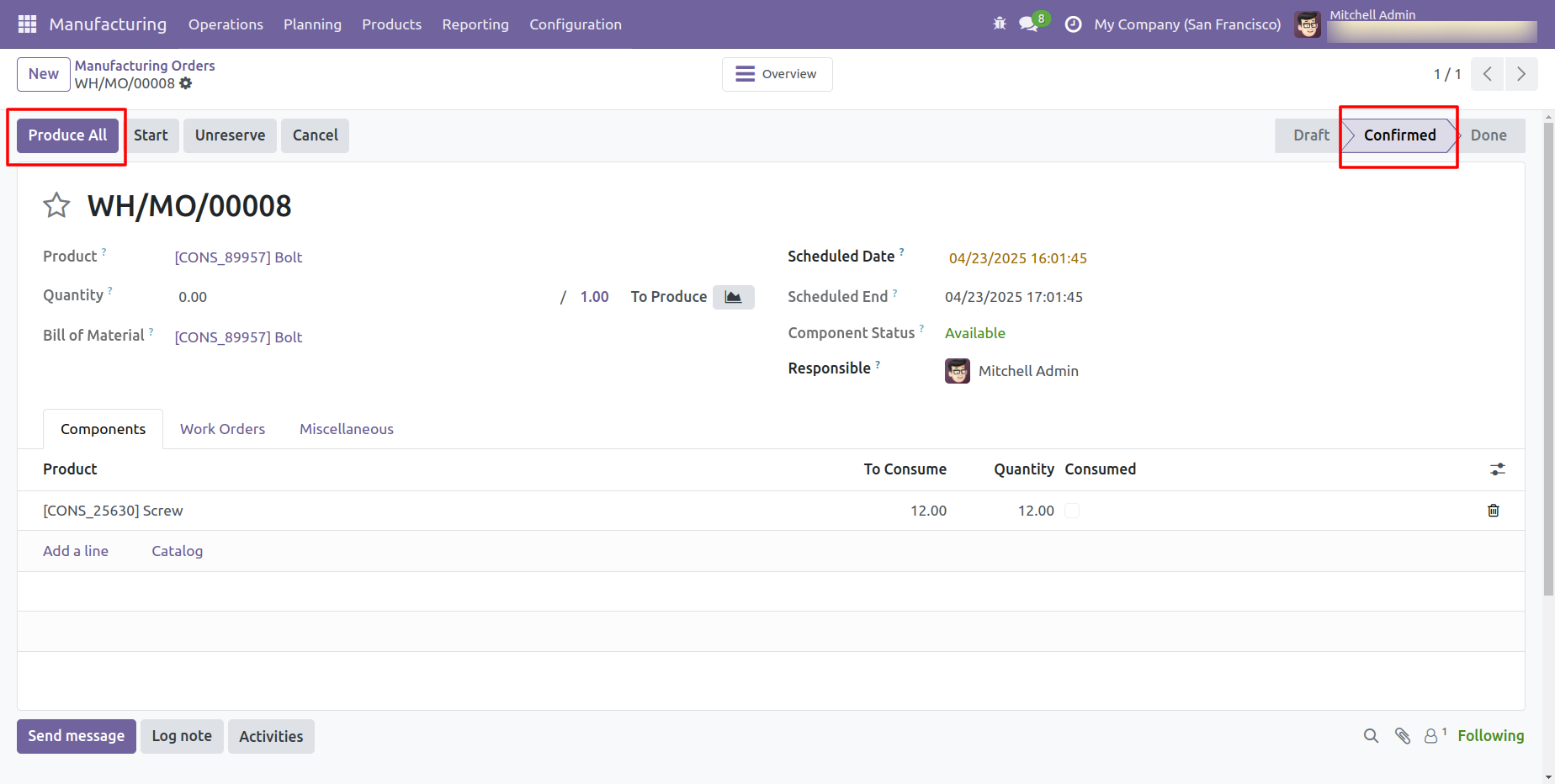
The Manufacturing Order is now in the Confirmed stage. Click on the 'Produce All' button to proceed.
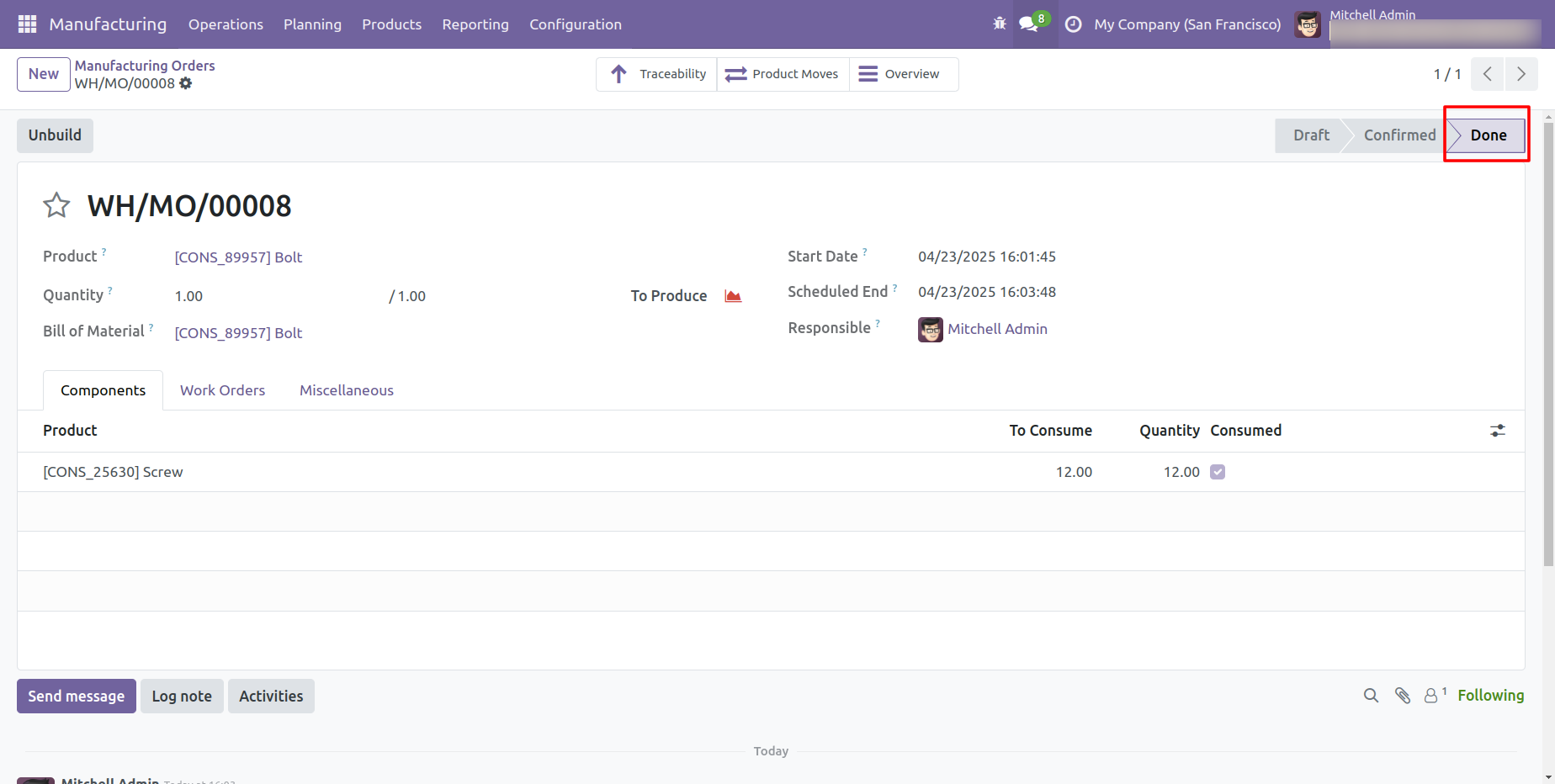
The Manufacturing Order is now in the Done stage.
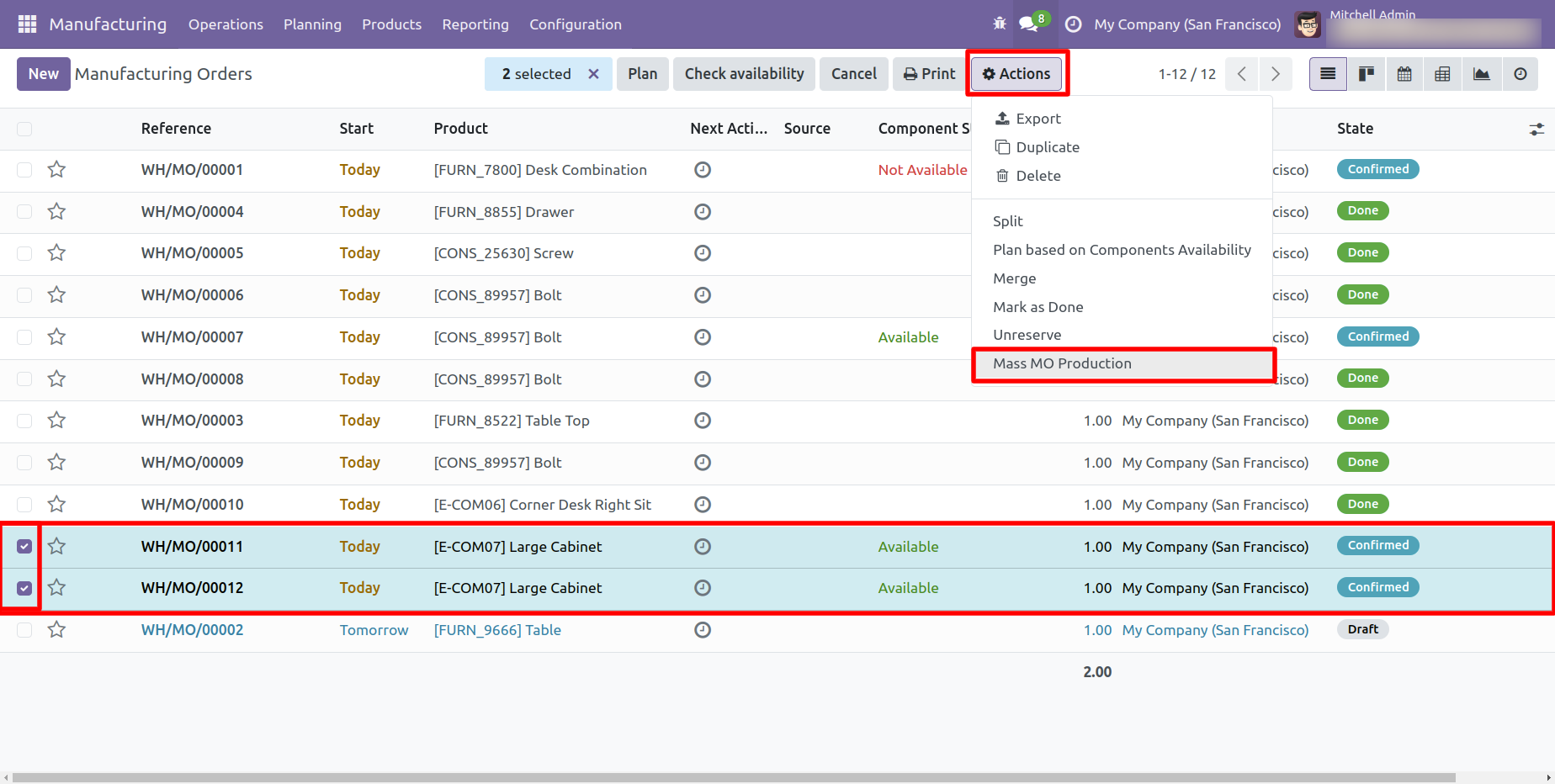
Select the Manufacturing Order and click on the 'Mass MO Production' from the Action menu.
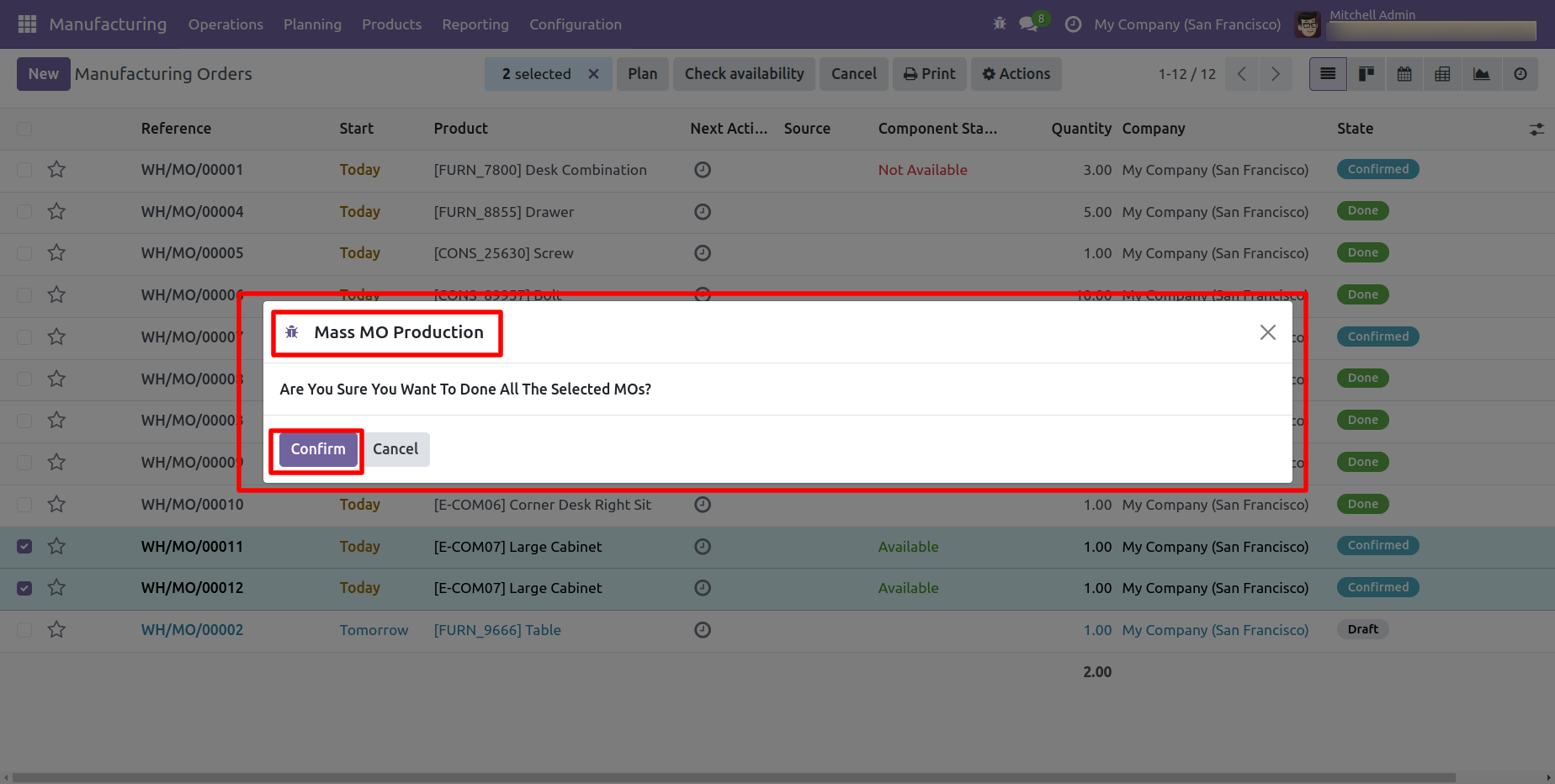
After that, a confirmation wizard will appear. Click on the 'Confirm' button to proceed.
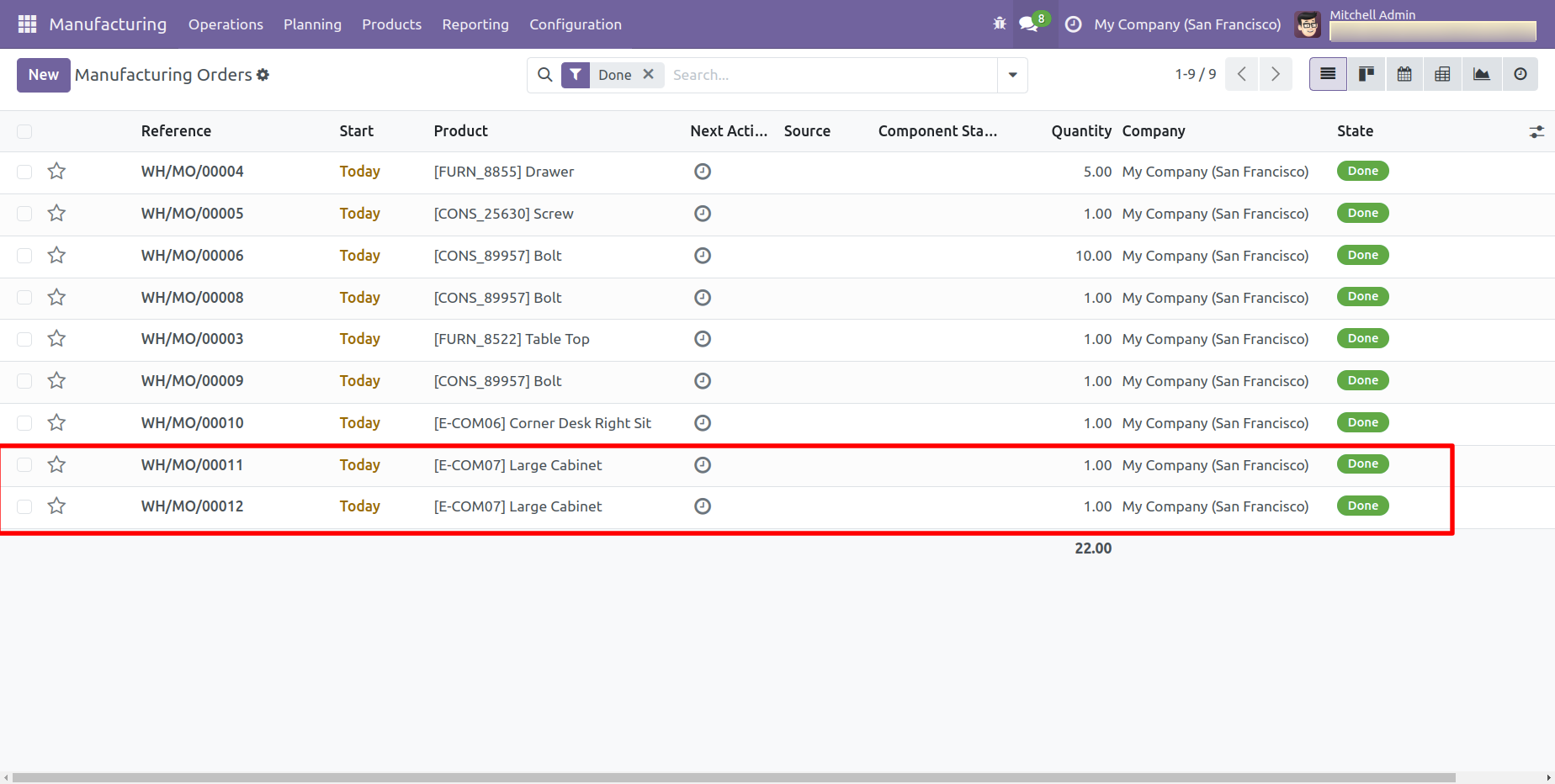
Here, you can see that the selected Manufacturing Orders have been moved to the Done stage.
If the component quantity for the Manufacturing Order is insufficient, a warning popup will appear.
If you try to produce a Manufacturing Order that is already marked as Done, then this warning popup will appear.
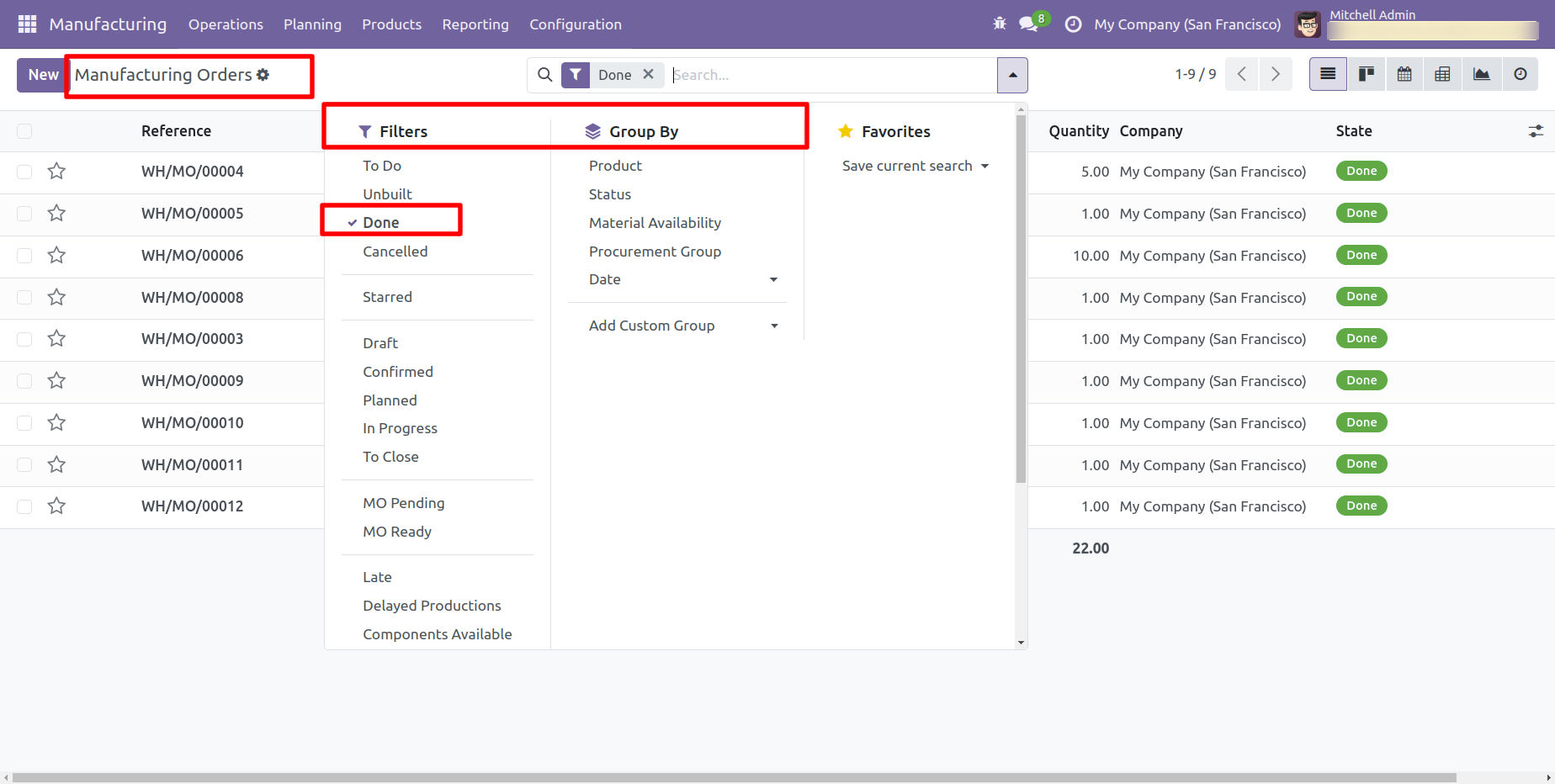
You can group by and Filter the MO.
Version 20.0.1.0.0 | Released on : 15th September 2026
- Yes, this app works perfectly with Odoo Enterprise (Odoo.sh & Premise) as well as Community.
- No, this application is not compatible with odoo.com(odoo saas/Odoo Online)
- Yes, to test this module, please contact us at sales@softhealer.com.
- Please contact us at sales@softhealer.comto request customization.
- Yes, we provide free support for 365 days from the date of purchase.
- Yes, you will receive lifetime free updates for the version of the module you purchased.
- No, there is no need to install any additional libraries.
- Yes, for version 12 and above, you need to purchase the module separately for each version you intend to use.
- No, exchanges or refunds are not allowed. Please make sure to select the correct version before purchasing.
- You can contact us at support@softhealer.com for language translation support. We use Google Translator tools to provide translations in multiple languages, so the accuracy may vary. We welcome your suggestions to help improve translations.
Discover Our Latest Apps