












Kuehne Nagel Shipping Integration

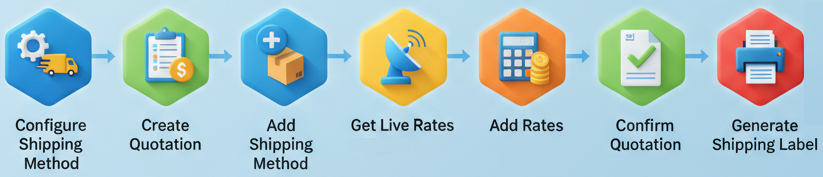
The Kuehne Nagel Shipping Integration module connects your Odoo system directly with Kuehne Nagel to automate your complete shipping workflow. From quotation to delivery, every step is streamlined with real-time communication. Users can add shipping methods, fetch accurate live rates, manage multiple packages, confirm orders, generate Kuehne Nagel labels, and track shipments without leaving Odoo. This integration reduces manual effort, improves dispatch accuracy, and ensures a smooth, fast, and reliable order-to-shipment process for businesses of any size.
Related Modules
Key Features
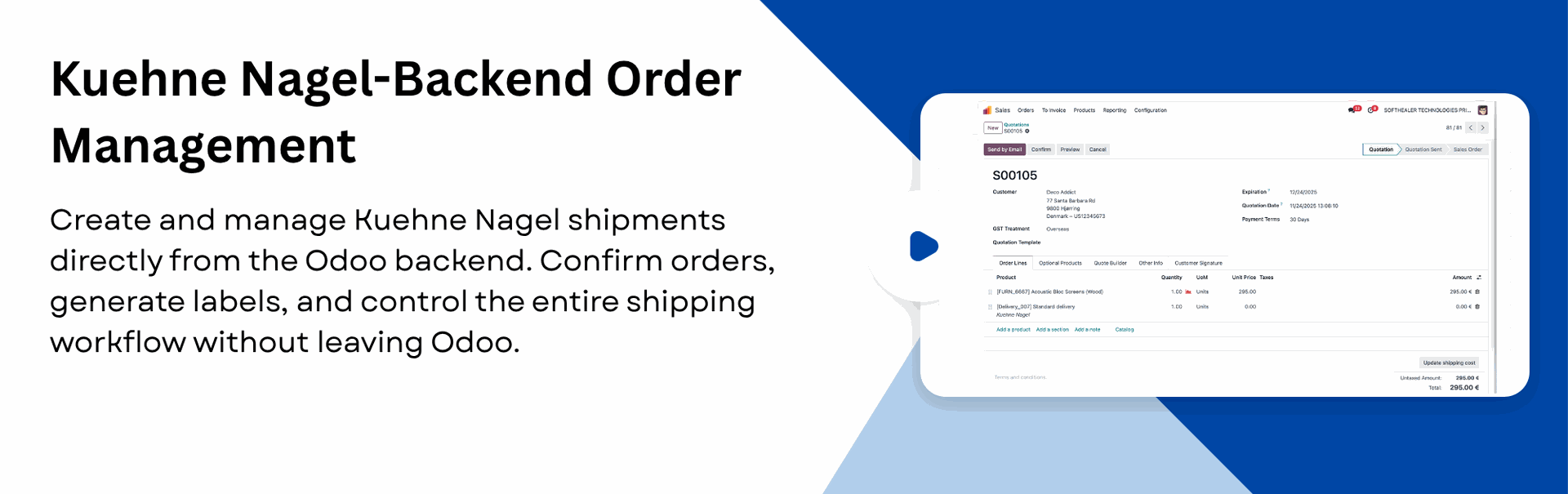
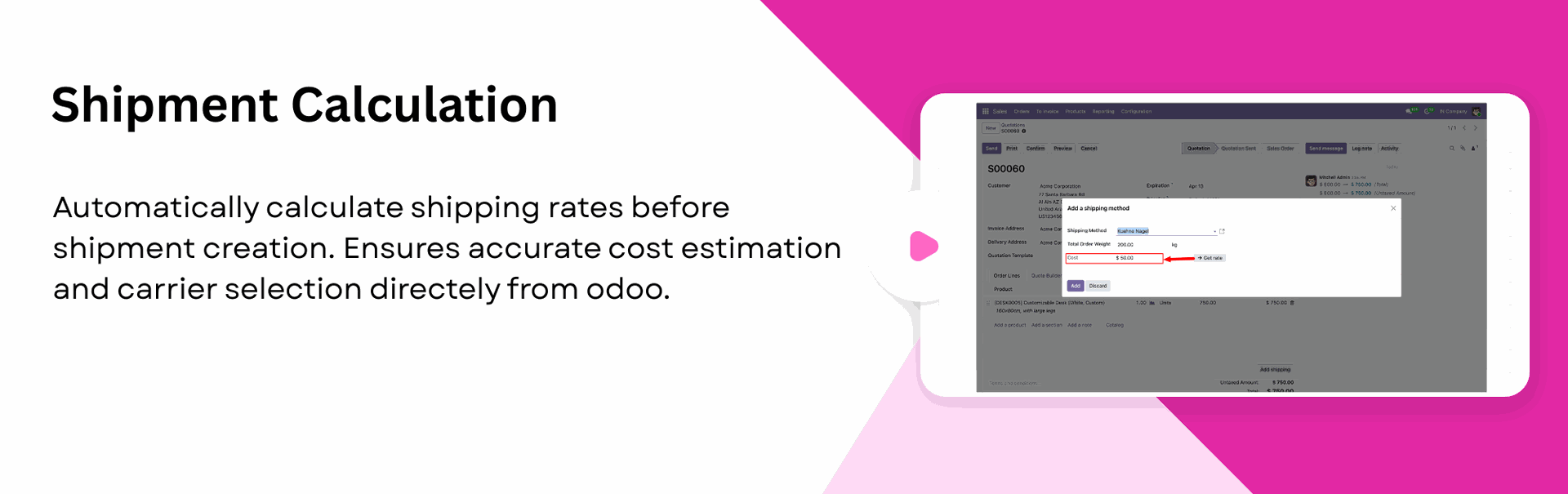
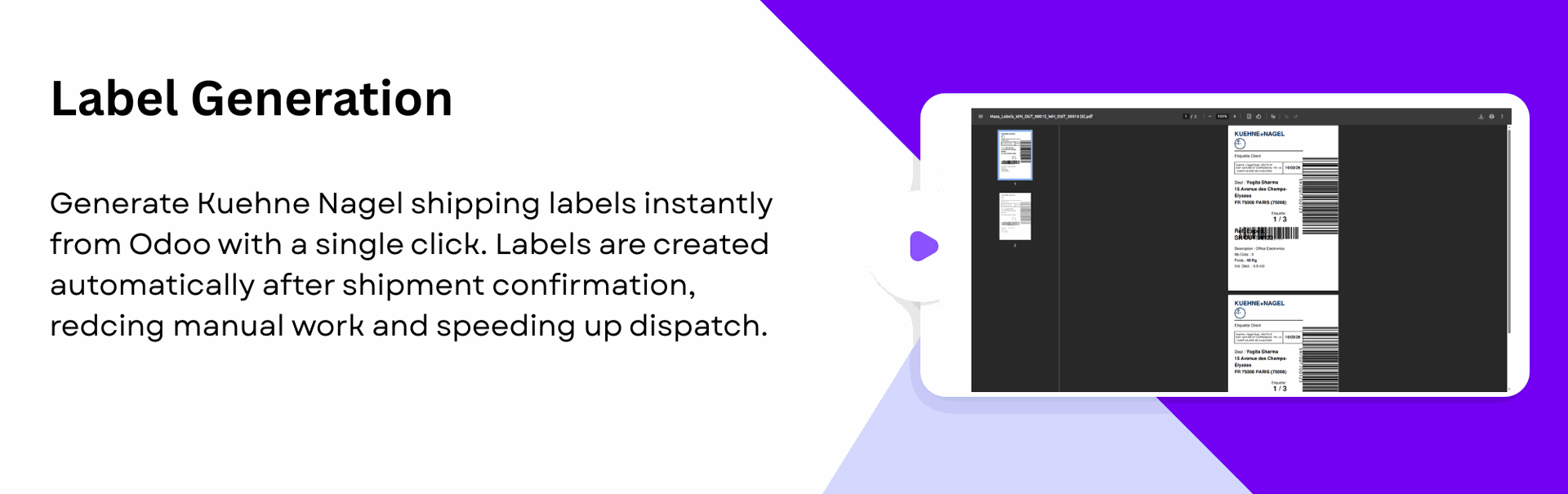
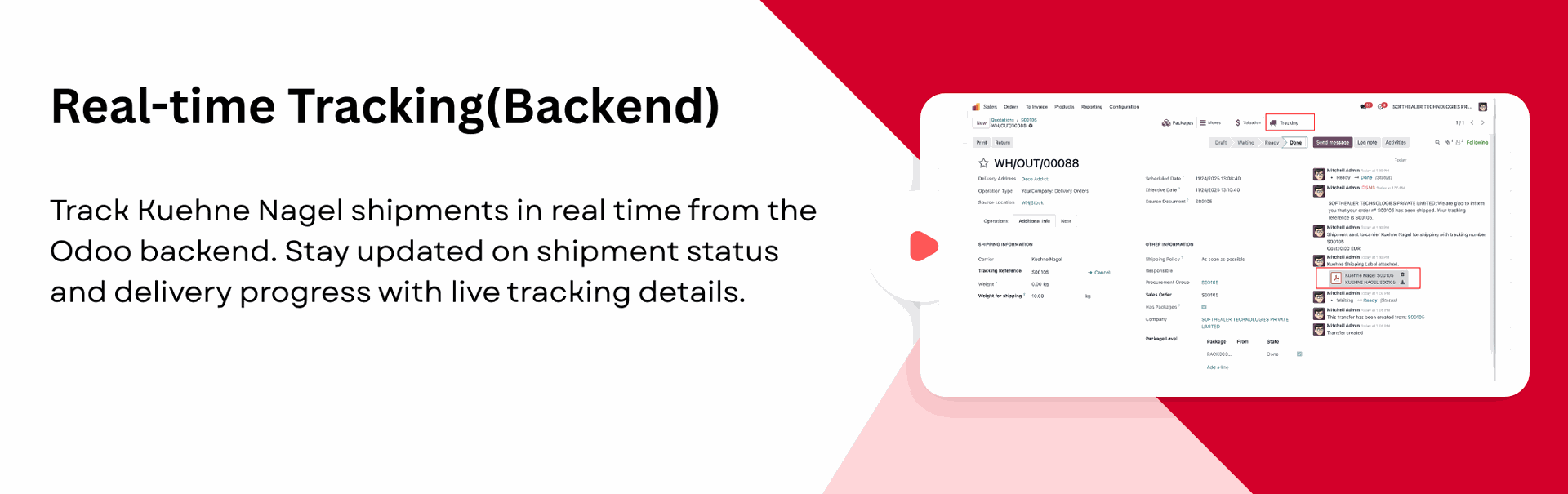
Features

Kuehne Nagel Integration
Real-time Kuehne Nagel integration for instant data sync between Odoo and Kuehne Nagel.
Instant Rate Calculation
Automatic rate fetching to provide live Kuehne Nagel shipping prices during Quotation creation.

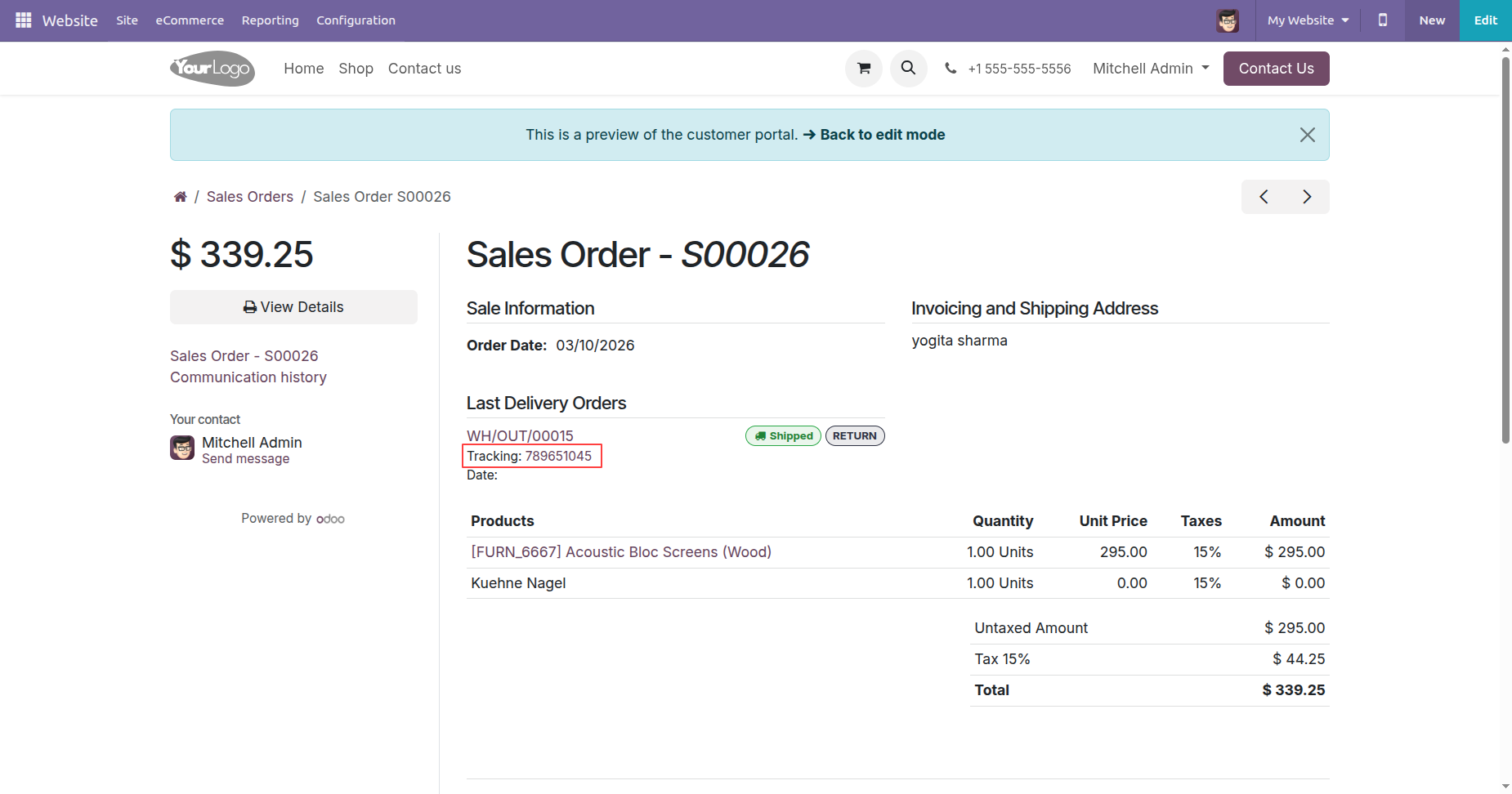
Real-time Tracking (Backend & Portal)
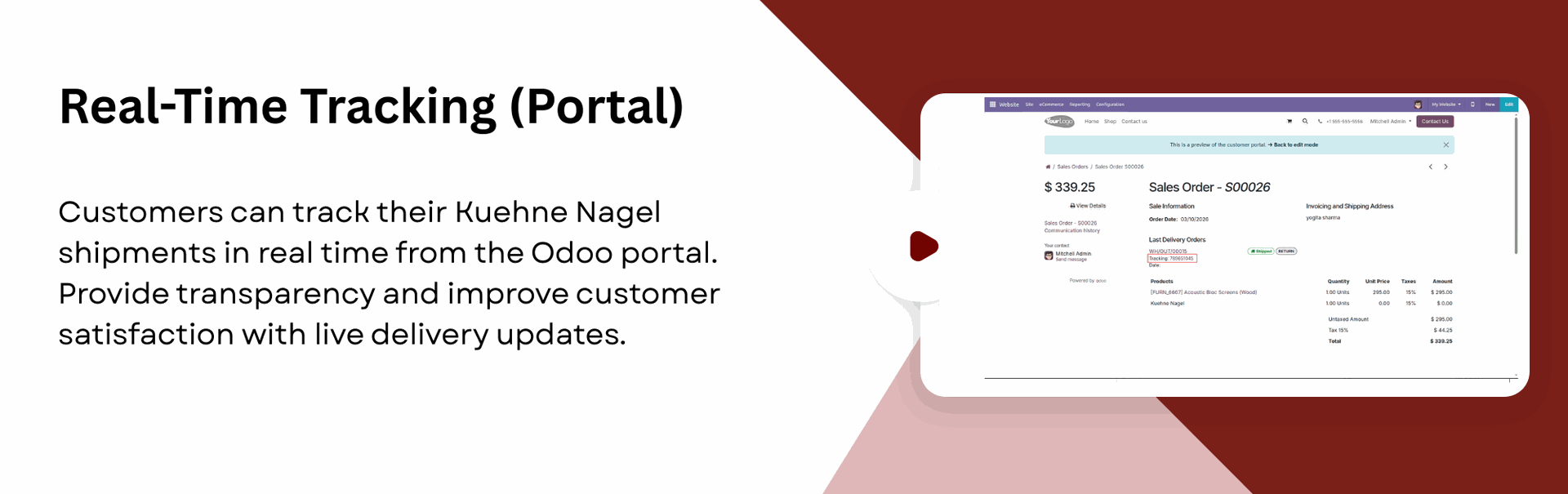
Track shipments in real-time within Odoo, admins can monitor deliveries from the backend, while customers can track from portal.

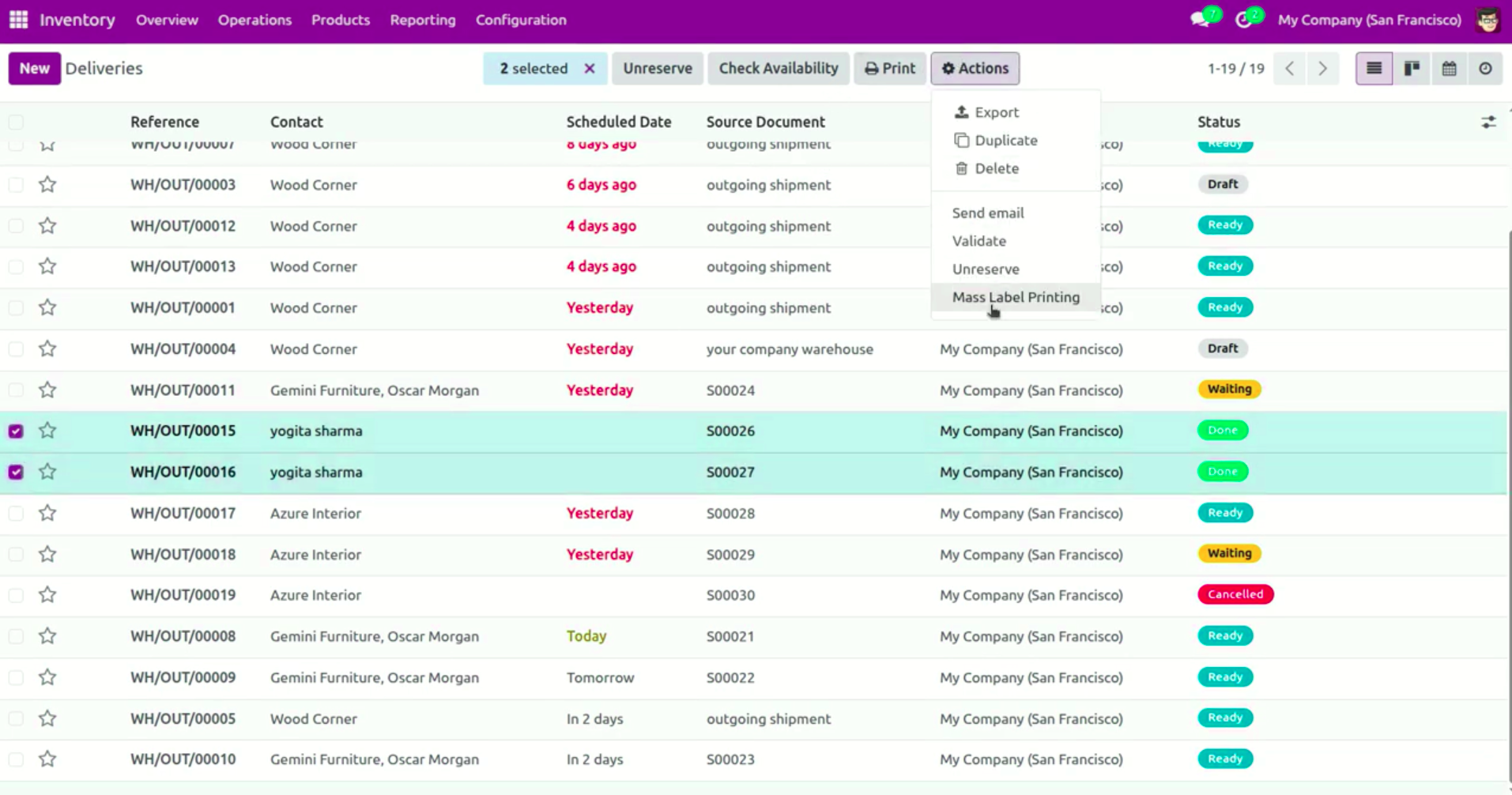
Generate Mass Shipping Labels
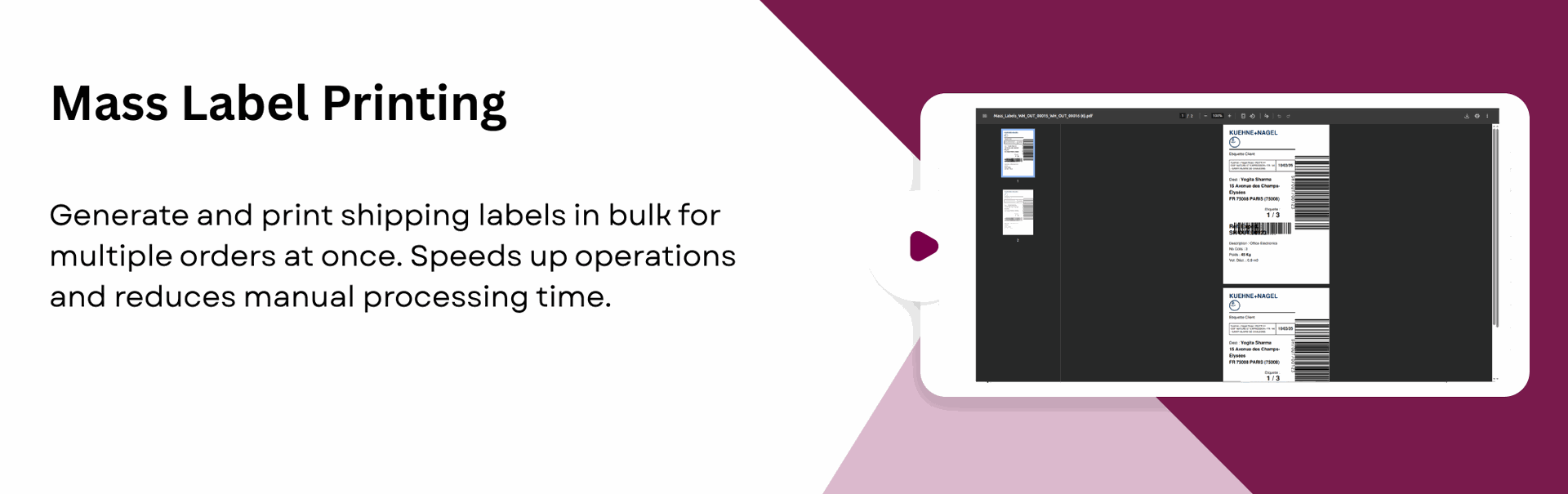
Generate multiple shipping labels in one action directly from Odoo, allowing you to process bulk delivery orders faster.

Compatible with Odoo Website and Backend
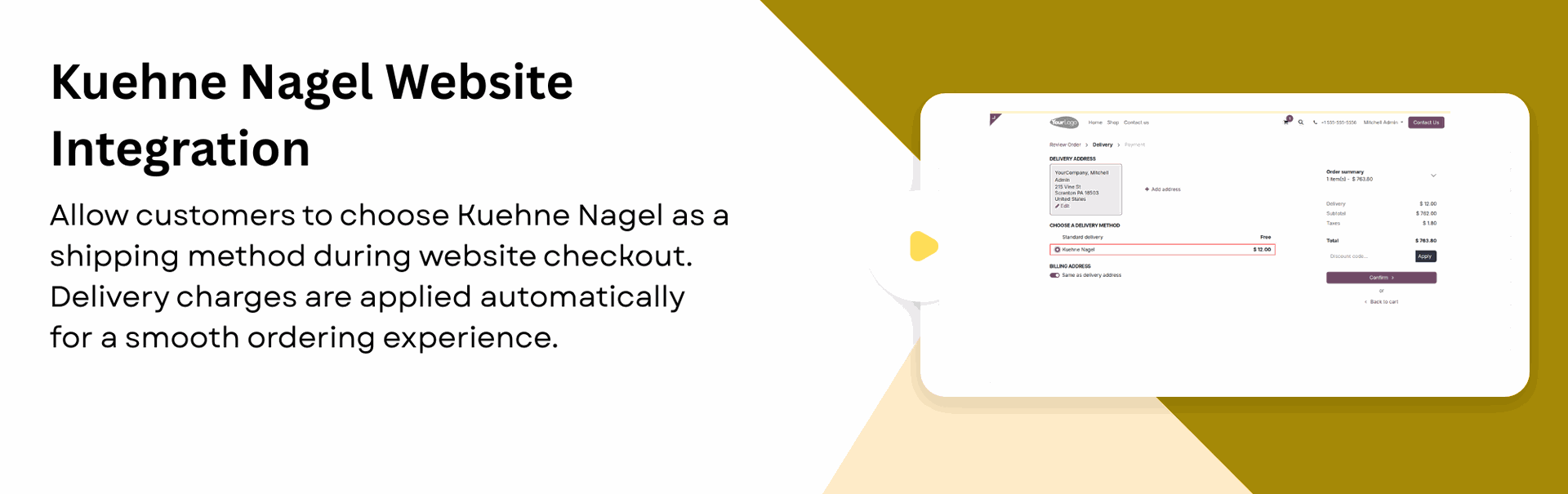
Allow admins to manage Kuehne Nagel shipping from the backend while customers can select Kuehne Nagel during website checkout.
Generate Shipping Labels
One-click label generation and download for seamless Kuehne Nagel shipment processing.
Multiple Package Management
Multiple package handling to create and manage several packages within one shipment.

Attach Details in Chatter
Automatically attach generated label PDFs and tracking details in Chatter.

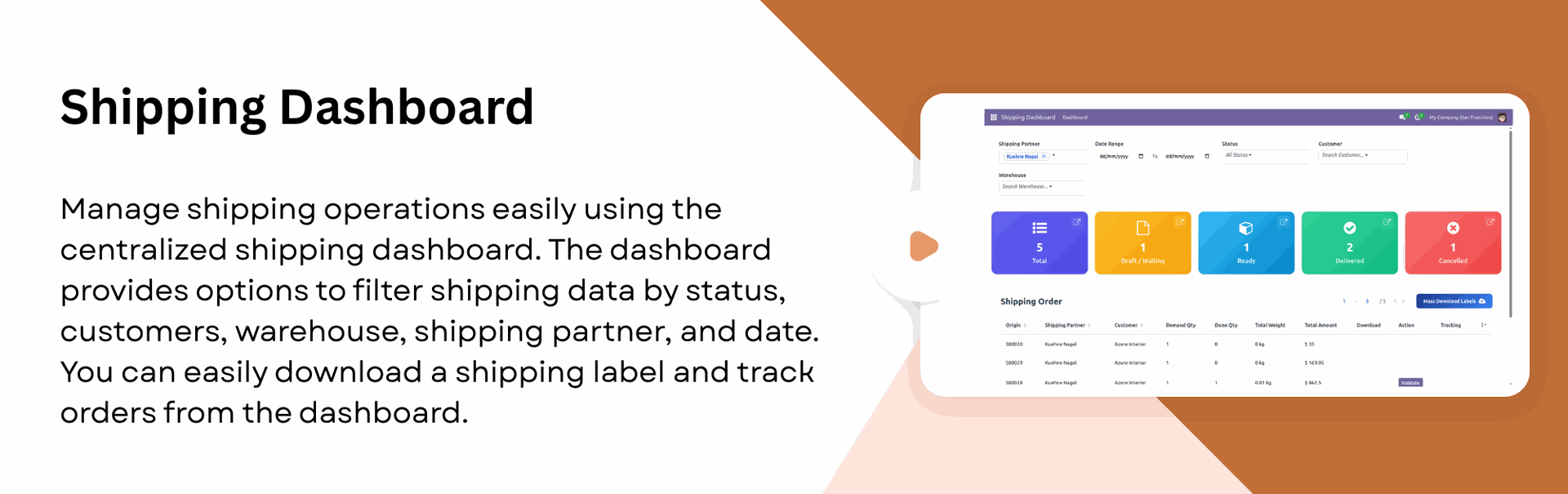
Shipping Dashboard
Get a centralized view of all shipping activities in one place. The dashboard provides quick operational insights.
Test and Production
Environment Support

Support both Test and Production environments within the module.
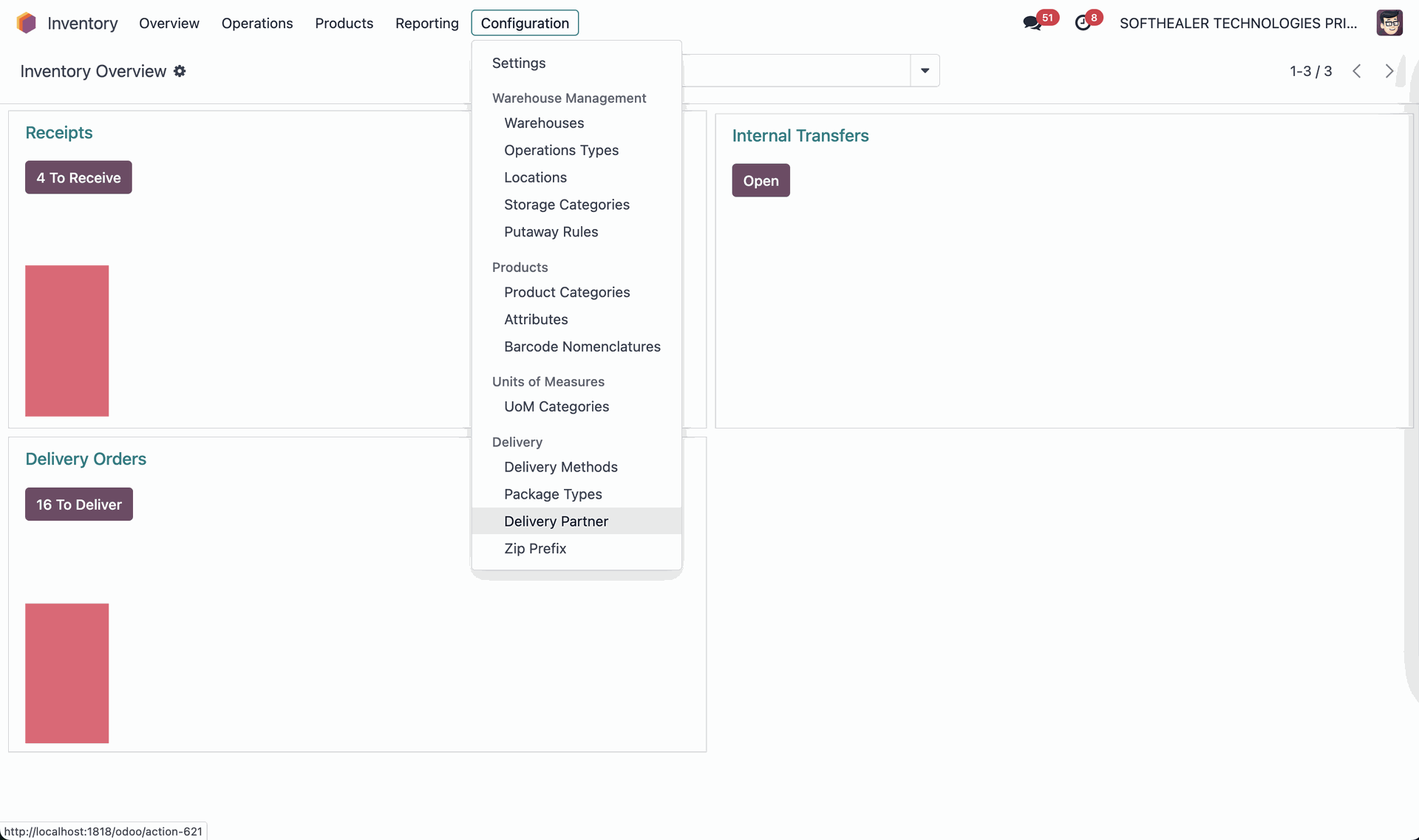
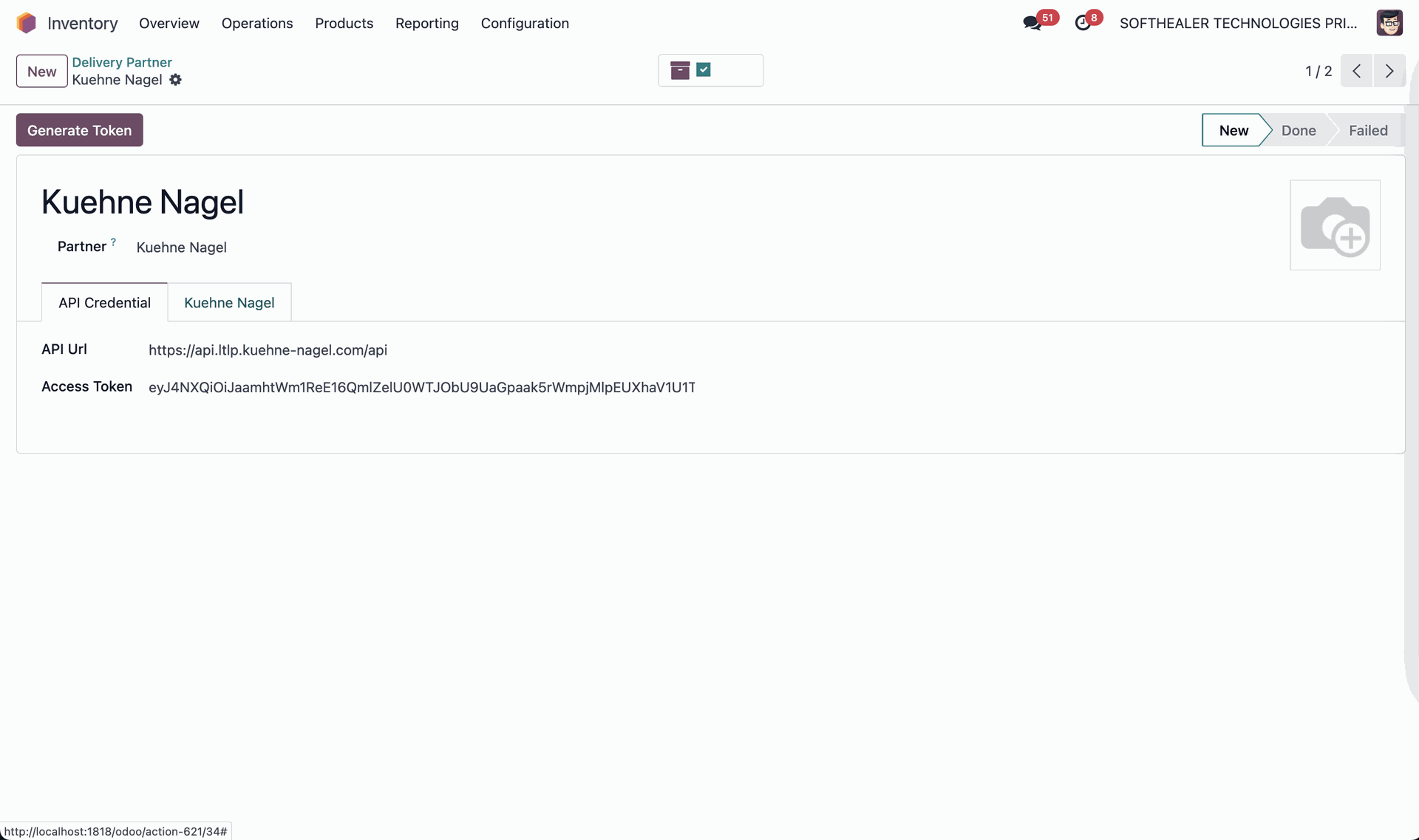
Go to the Inventory ==> Delivery Partner.
Click the "Generate Token" button to generate a token.
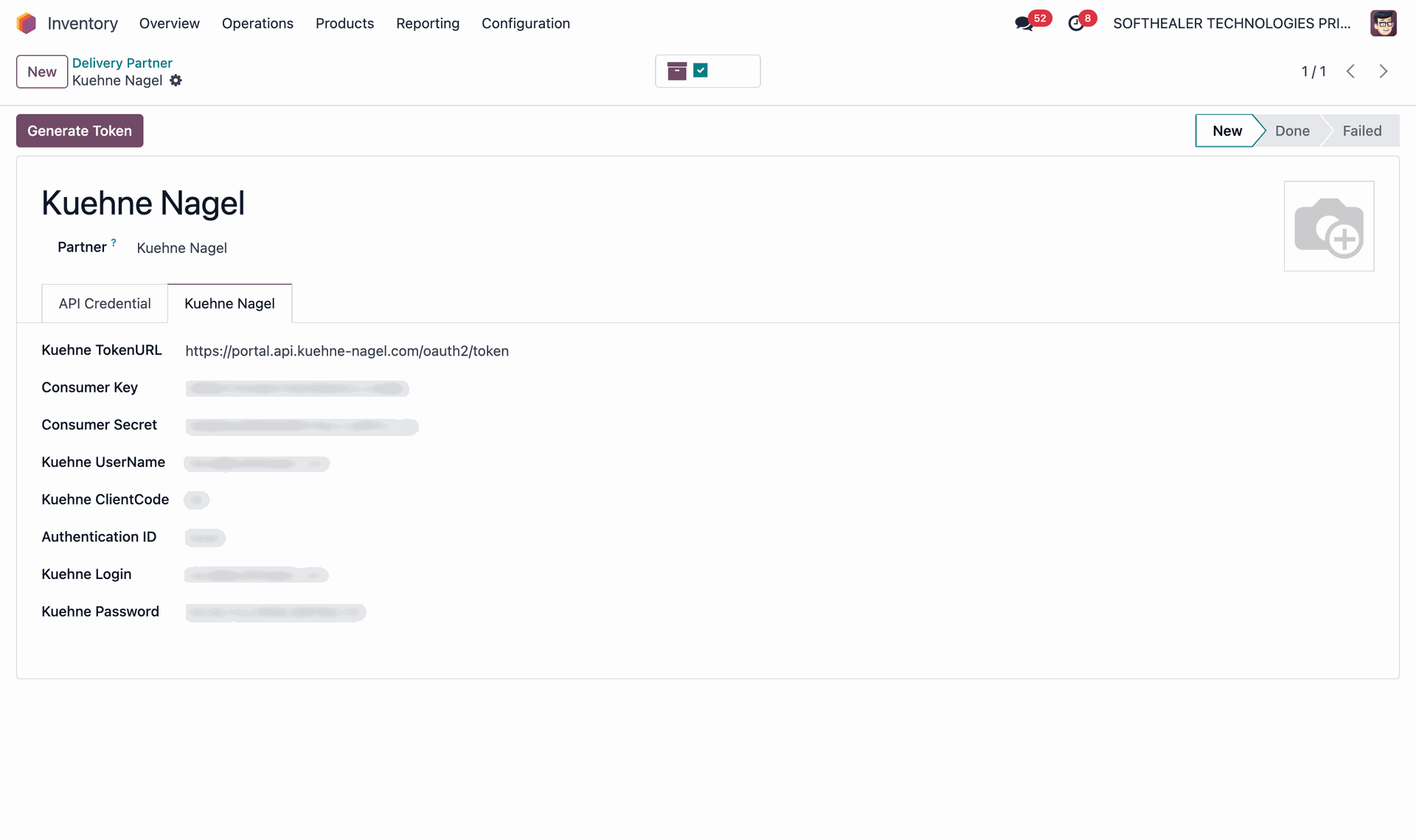
Fill in your Kuehne Nagel credentials for proper API authentication.
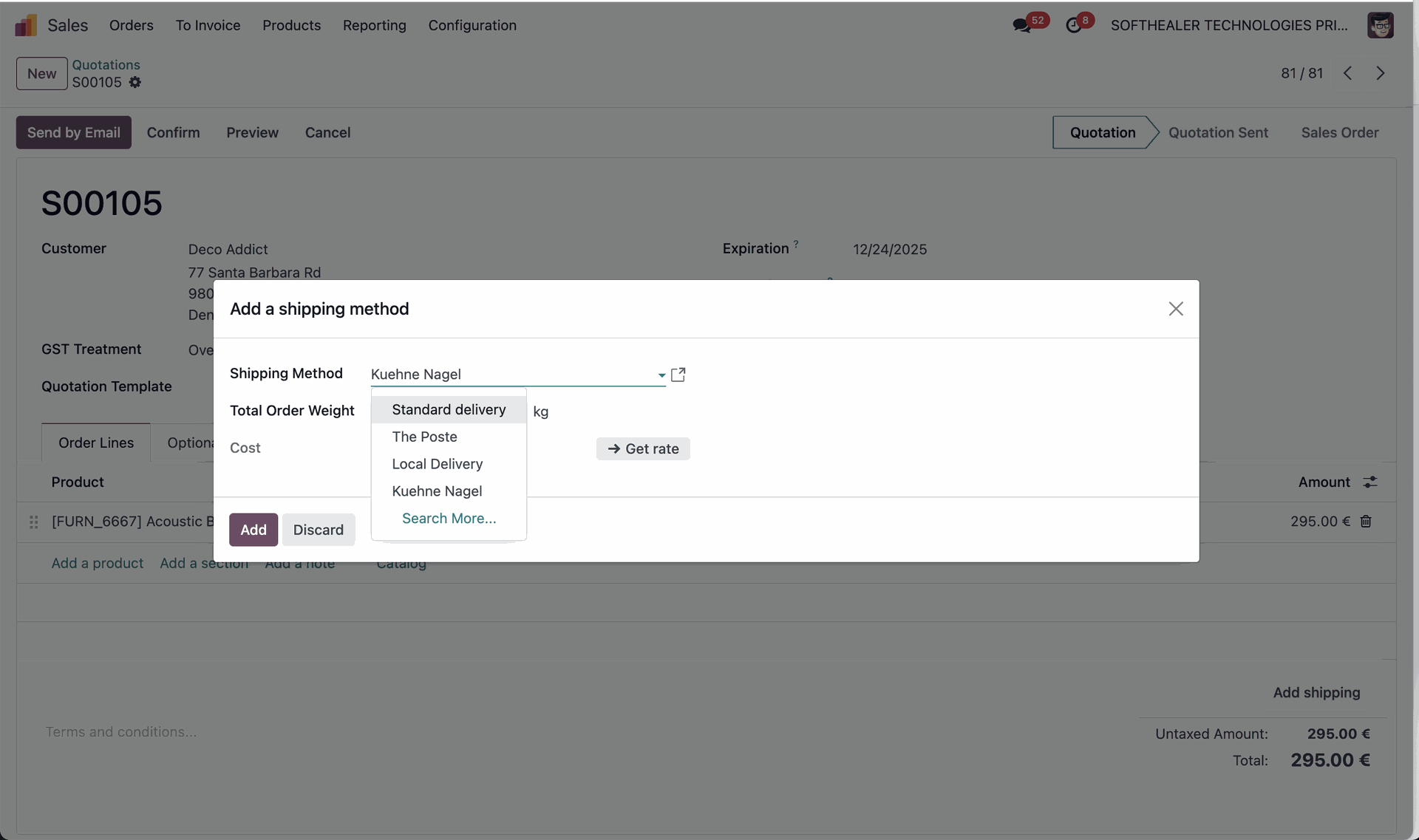
Create a quotation and click on the "Add Shipping" button. After that, "Add a Shipping Method" wizard will appear. Enter the details and click on the "Add" button.
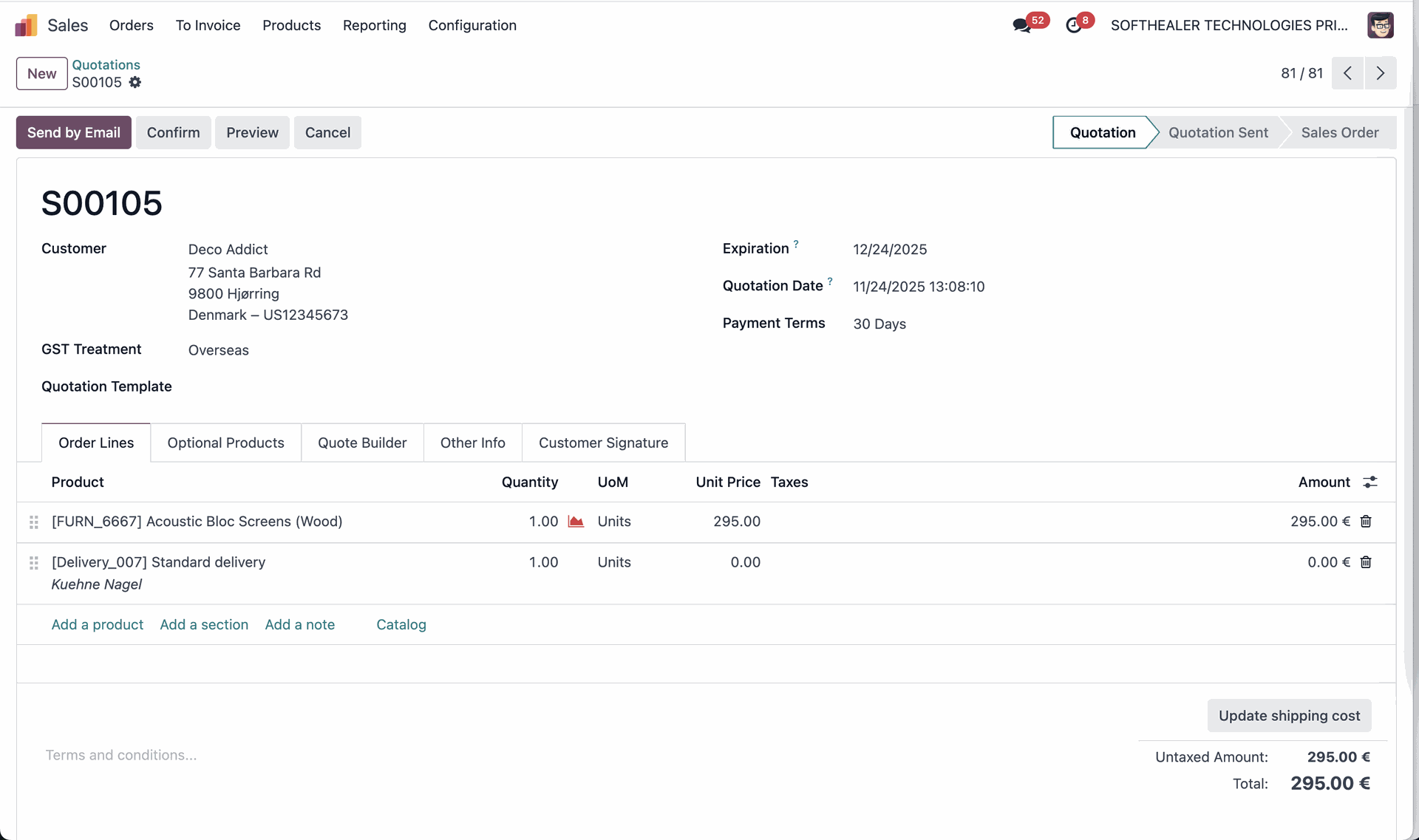
Kuehne Nagel shipping rate in the quotation.
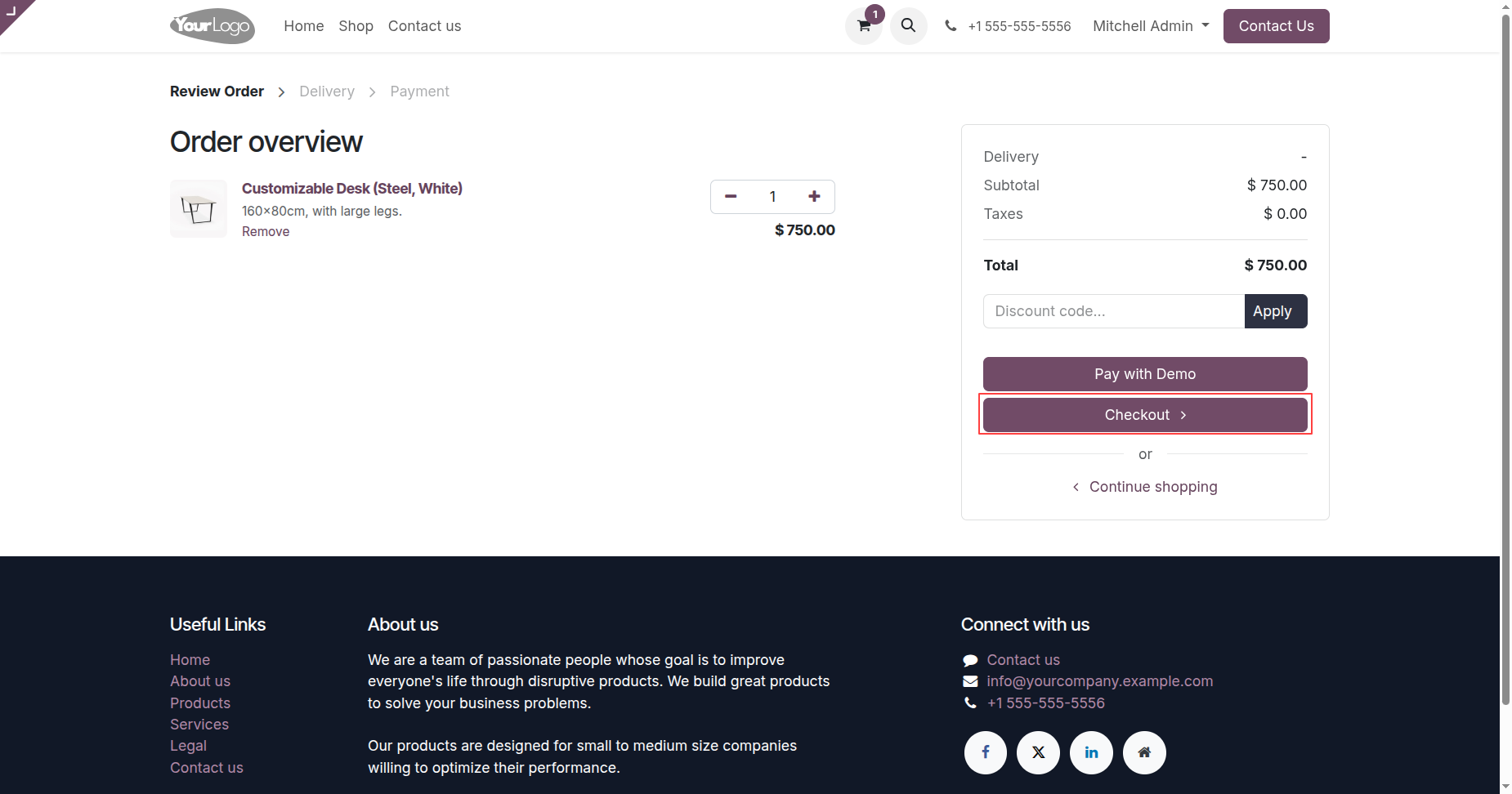
Select products and proceed to checkout.
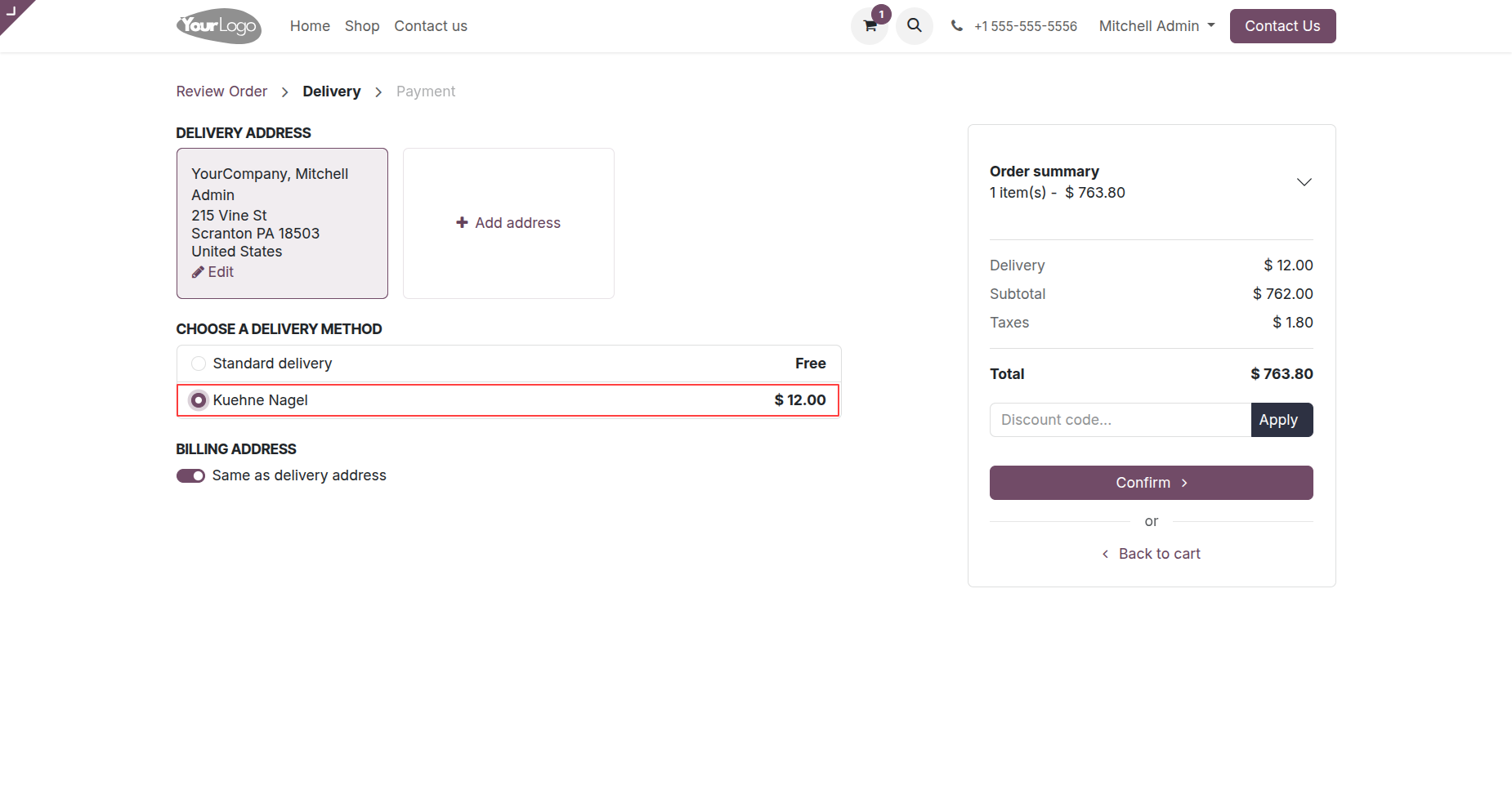
Select Kuehne Nagel delivery method.
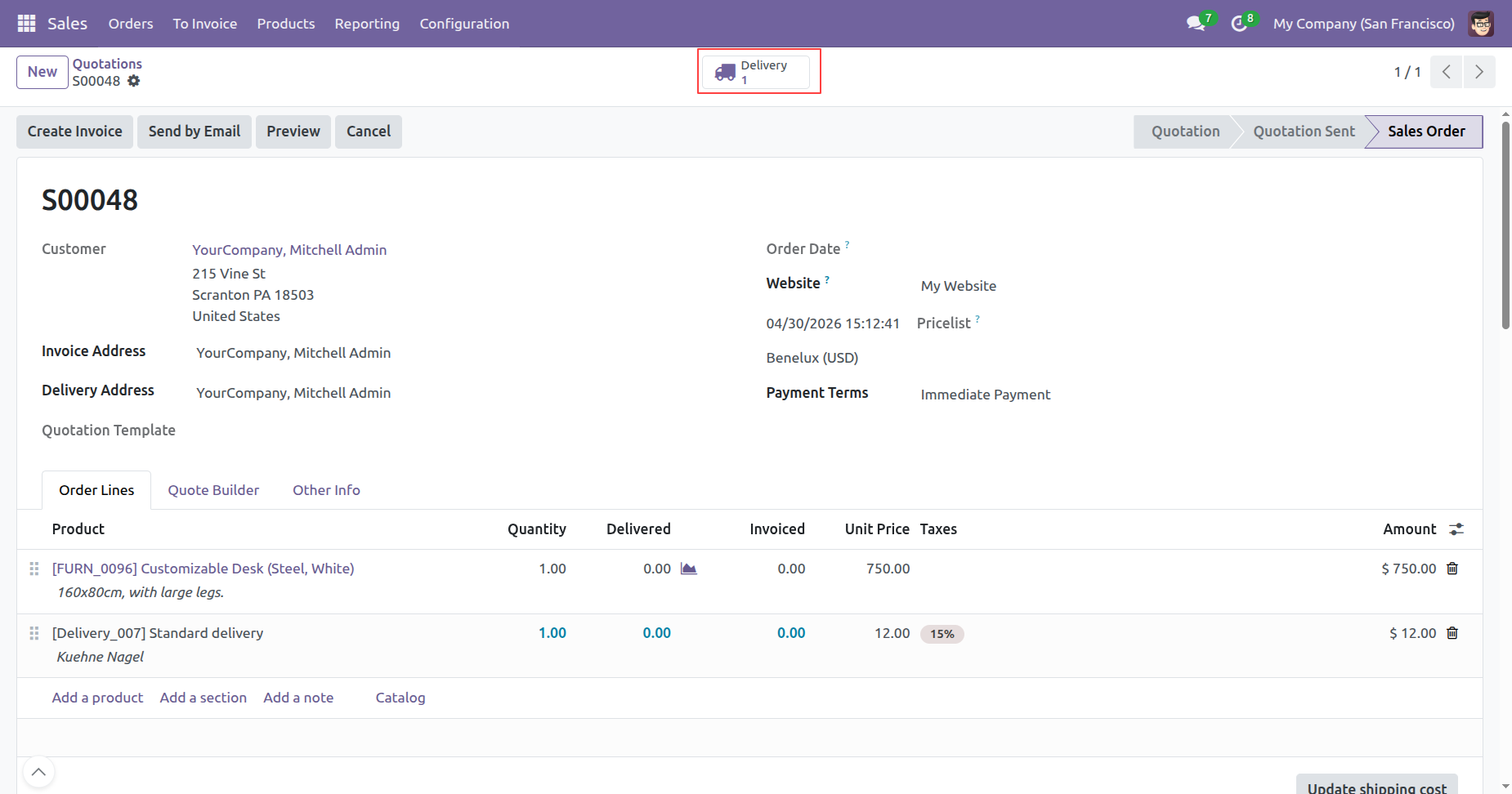
Backend order created with all details.
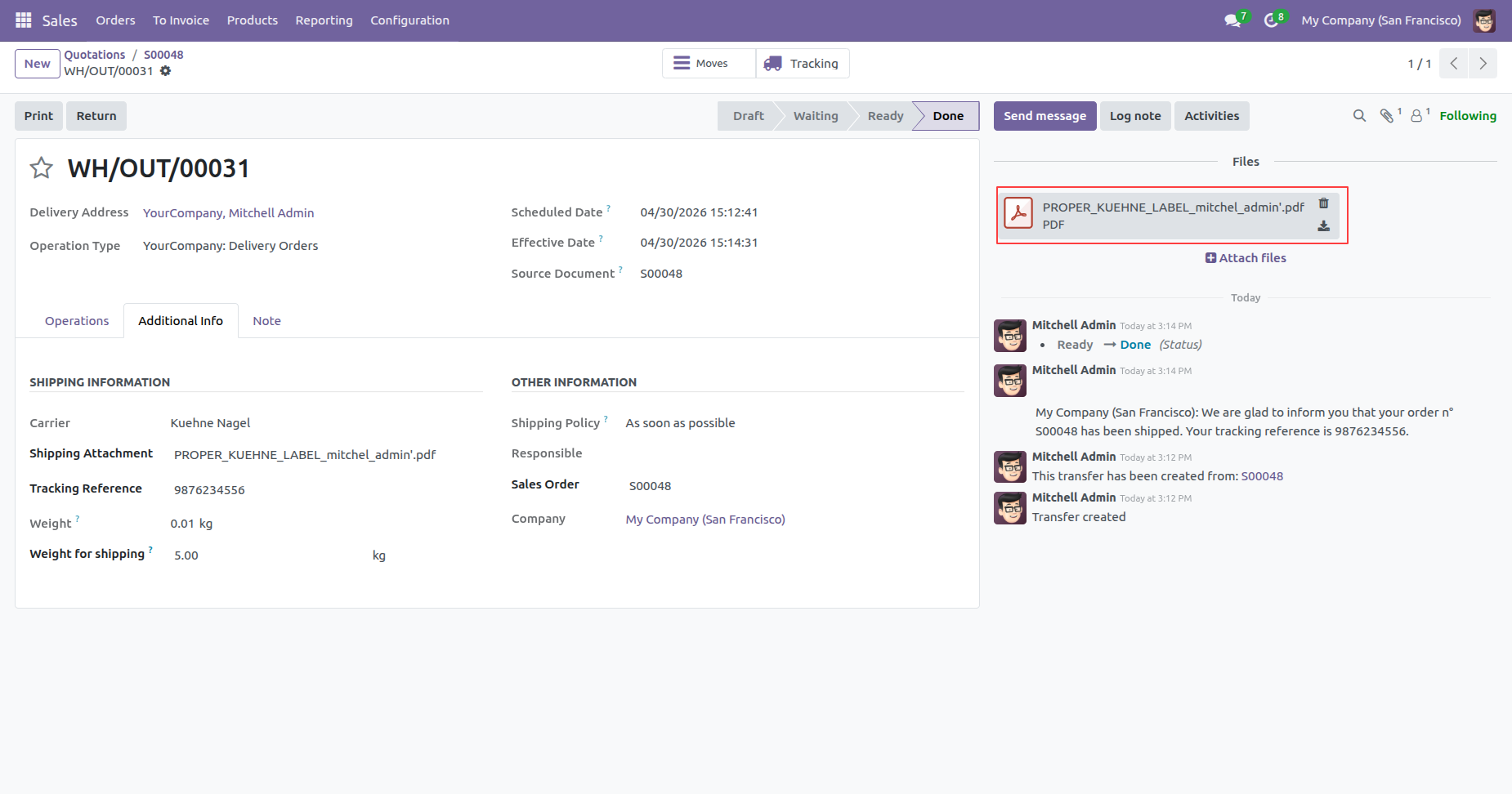
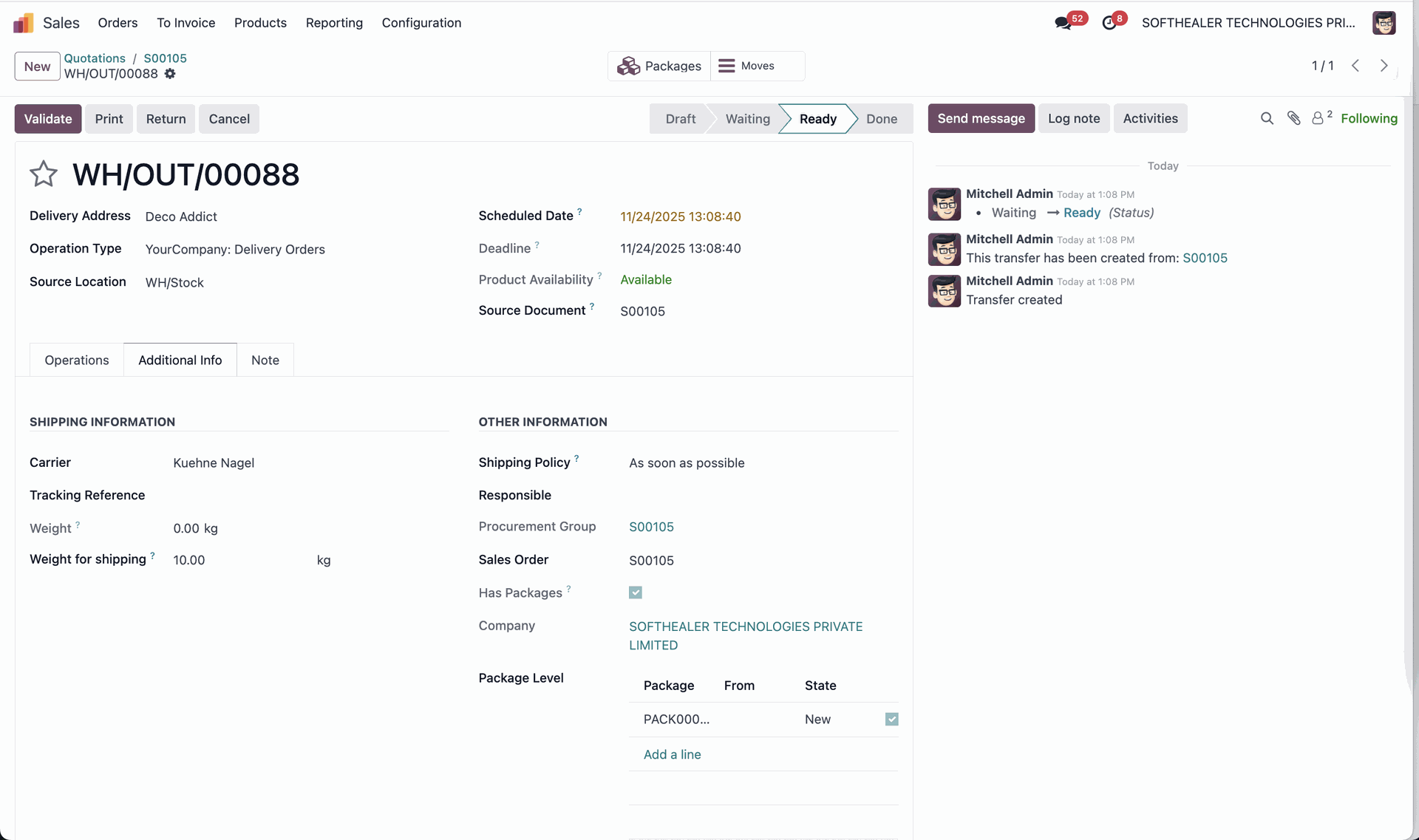
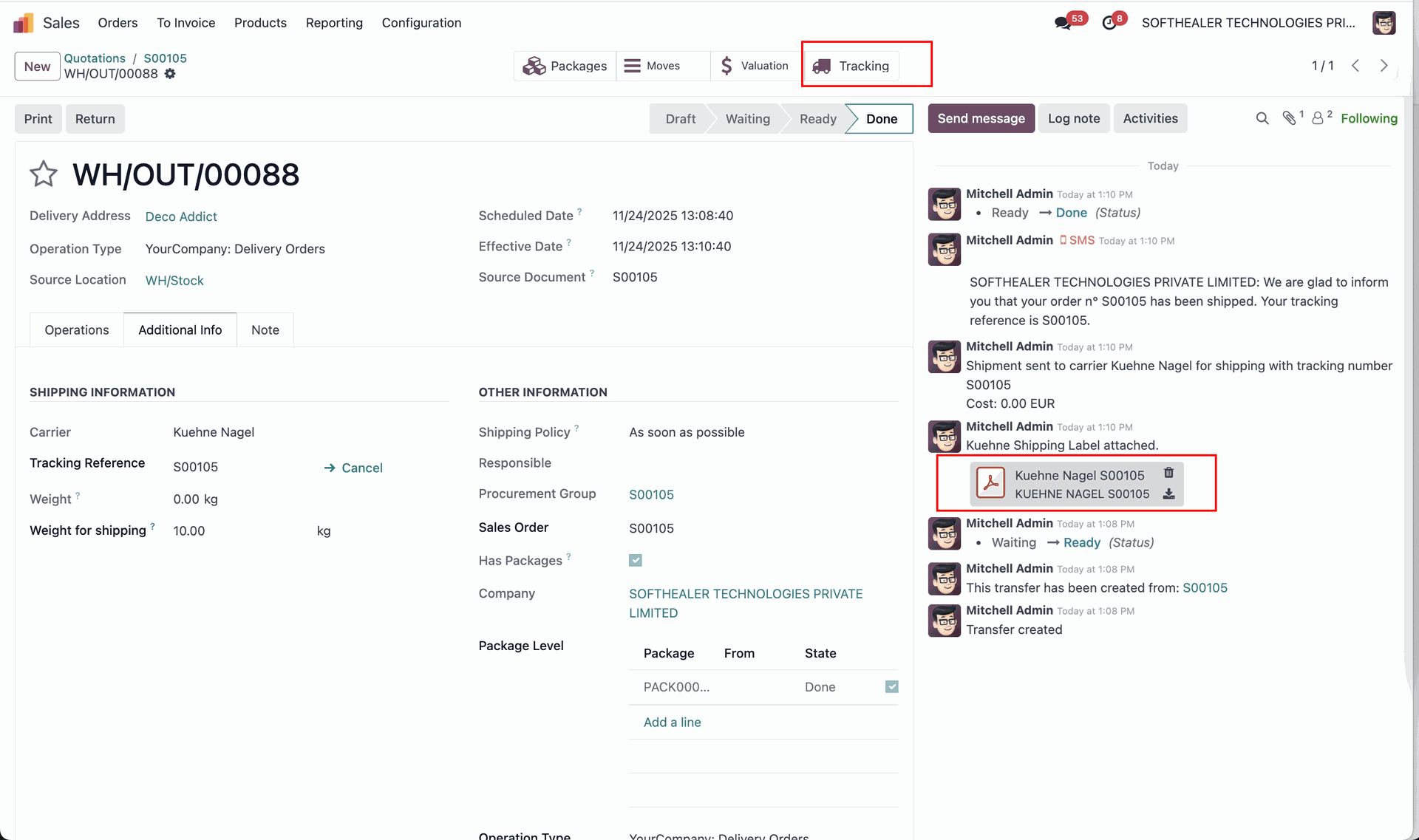
The delivery order with details in the backend. It displays the Shipping Information under the Additional Info tab after generating the label. In the log note, it shows that the shipping label was successfully generated, along with a downloadable PDF link.
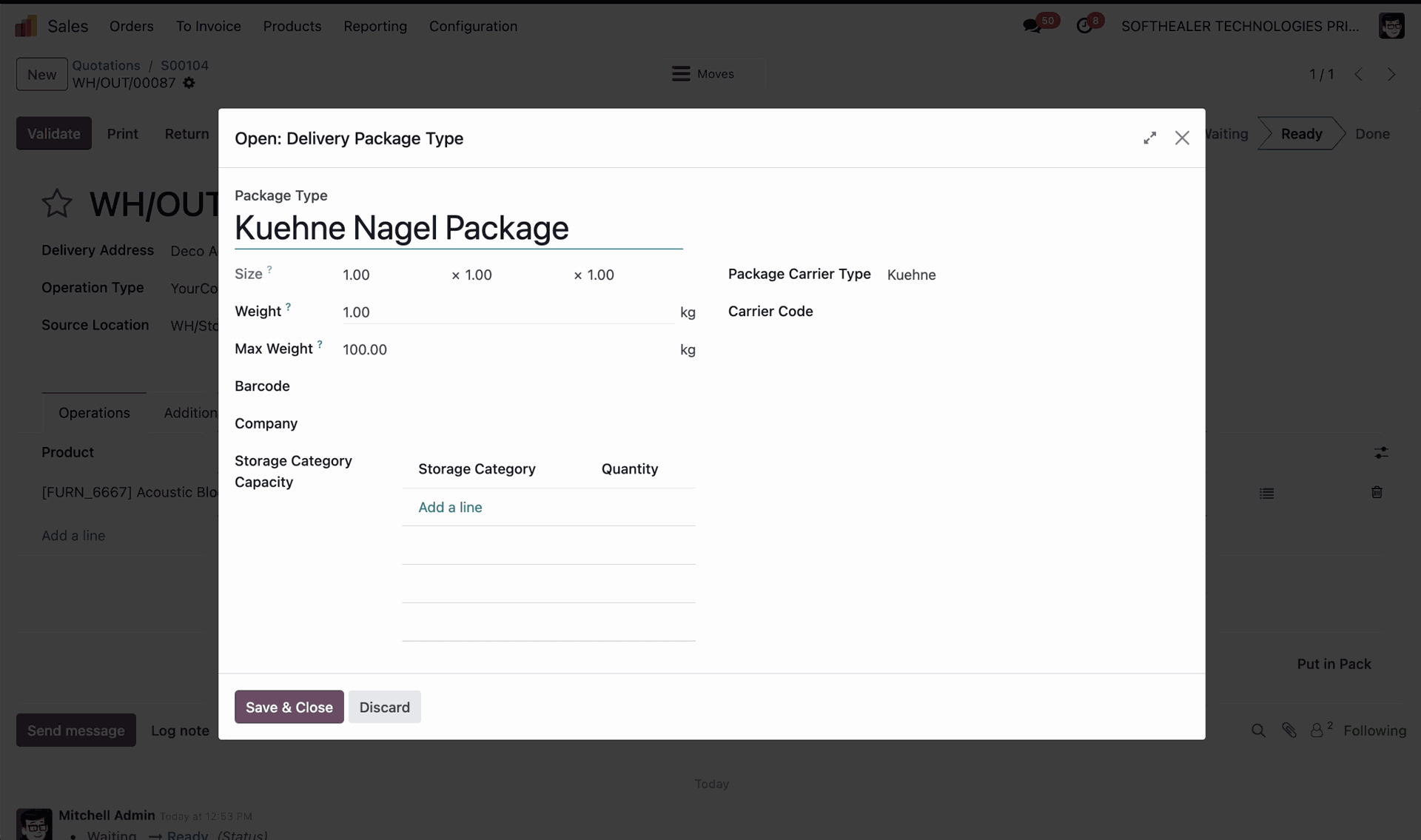
Add package details by selecting the Kuehne Nagel delivery package type to prepare for label generation and shipment processing. Click on the arrow to open the detailed wizard.
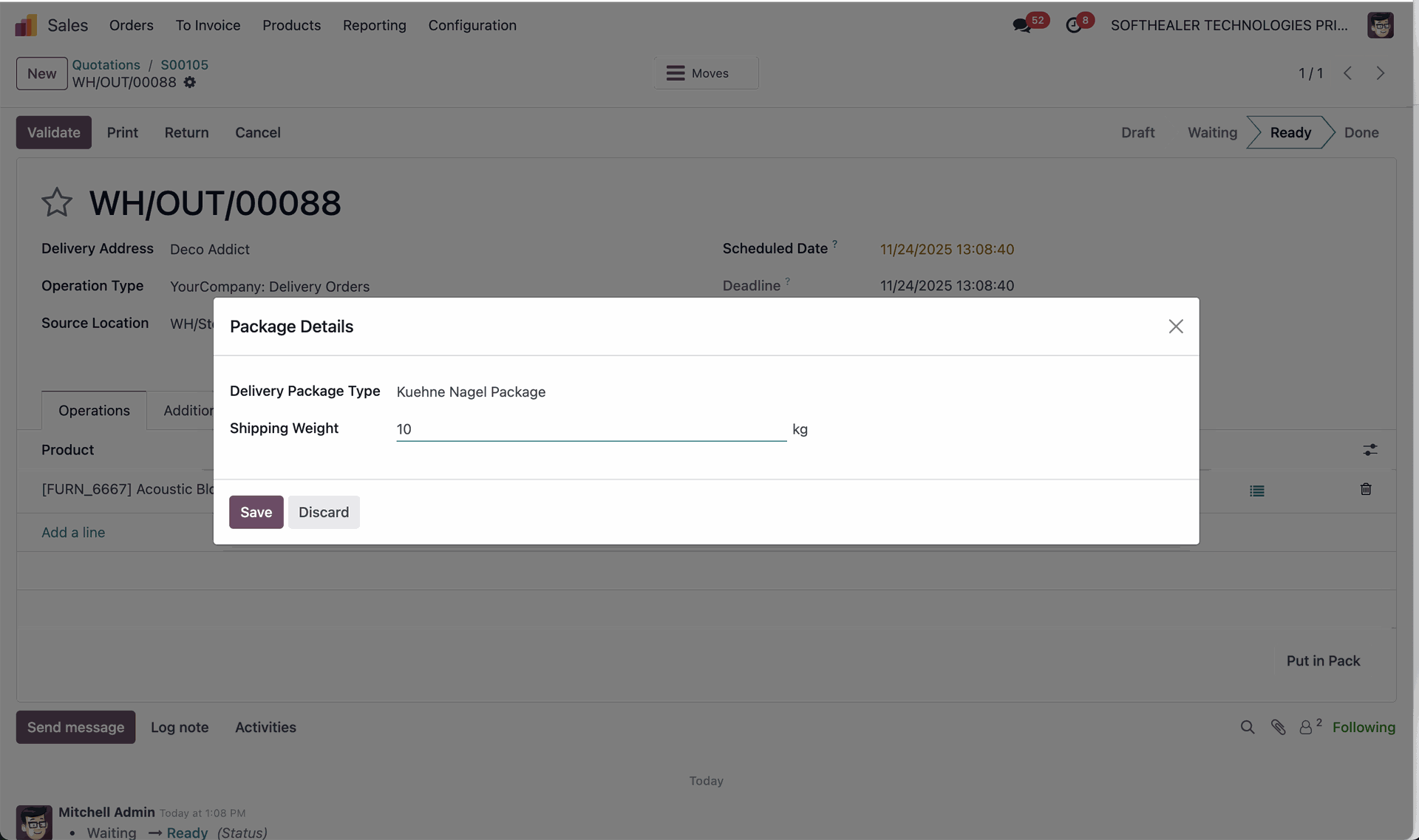
Enter the required details, specify its dimensions, weight, and all details, and click "Save".
The delivery order with details. It displays the Shipping Information under the Additional Info tab after generating the label.
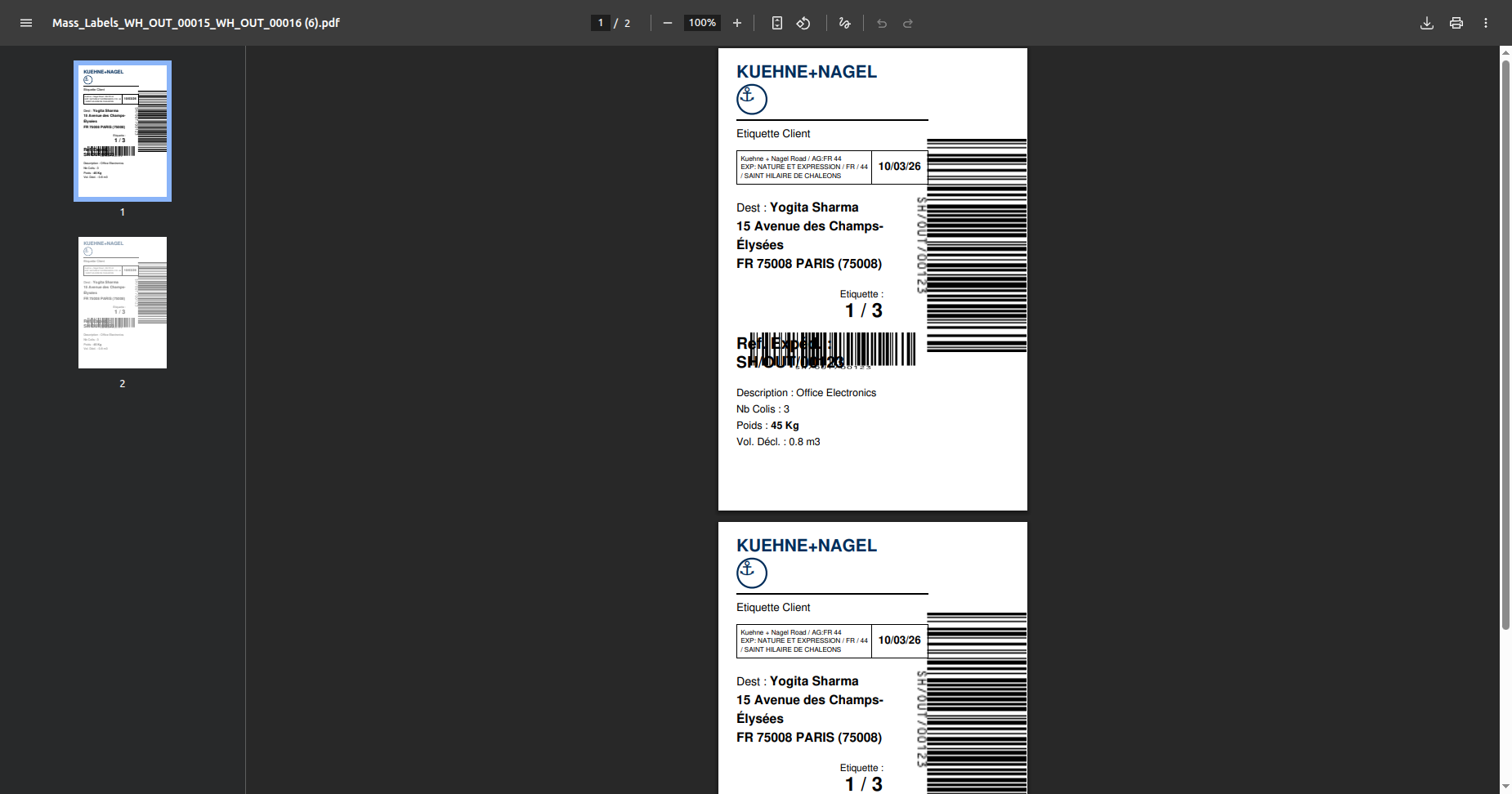
PDF view of the shipping label.
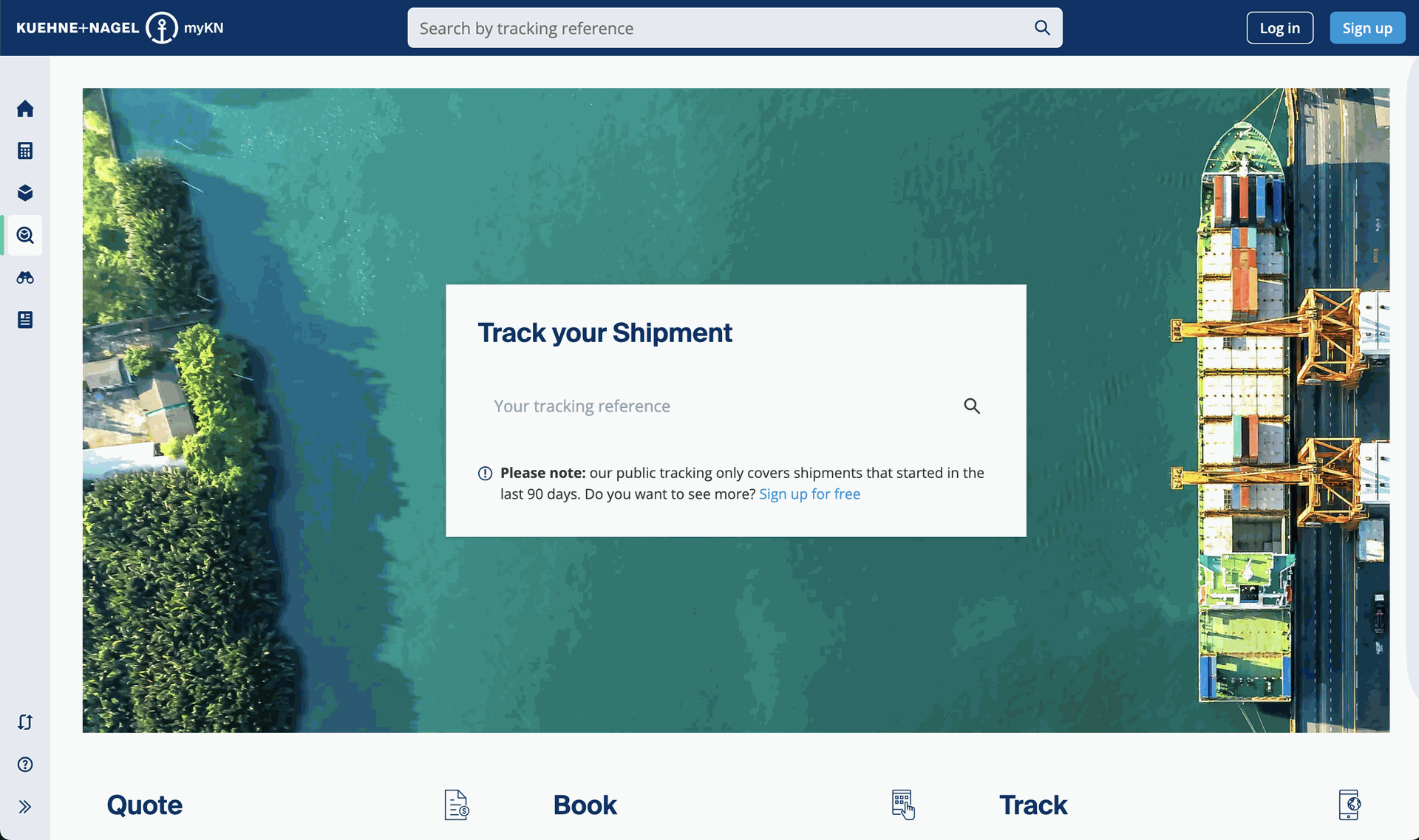
Click on tracking to track the shipment.
You can track the shipment using the tracking number.
Website order with tracking details.
Select deliveries and click Action -> Mass Label Printing.
Labels generated.
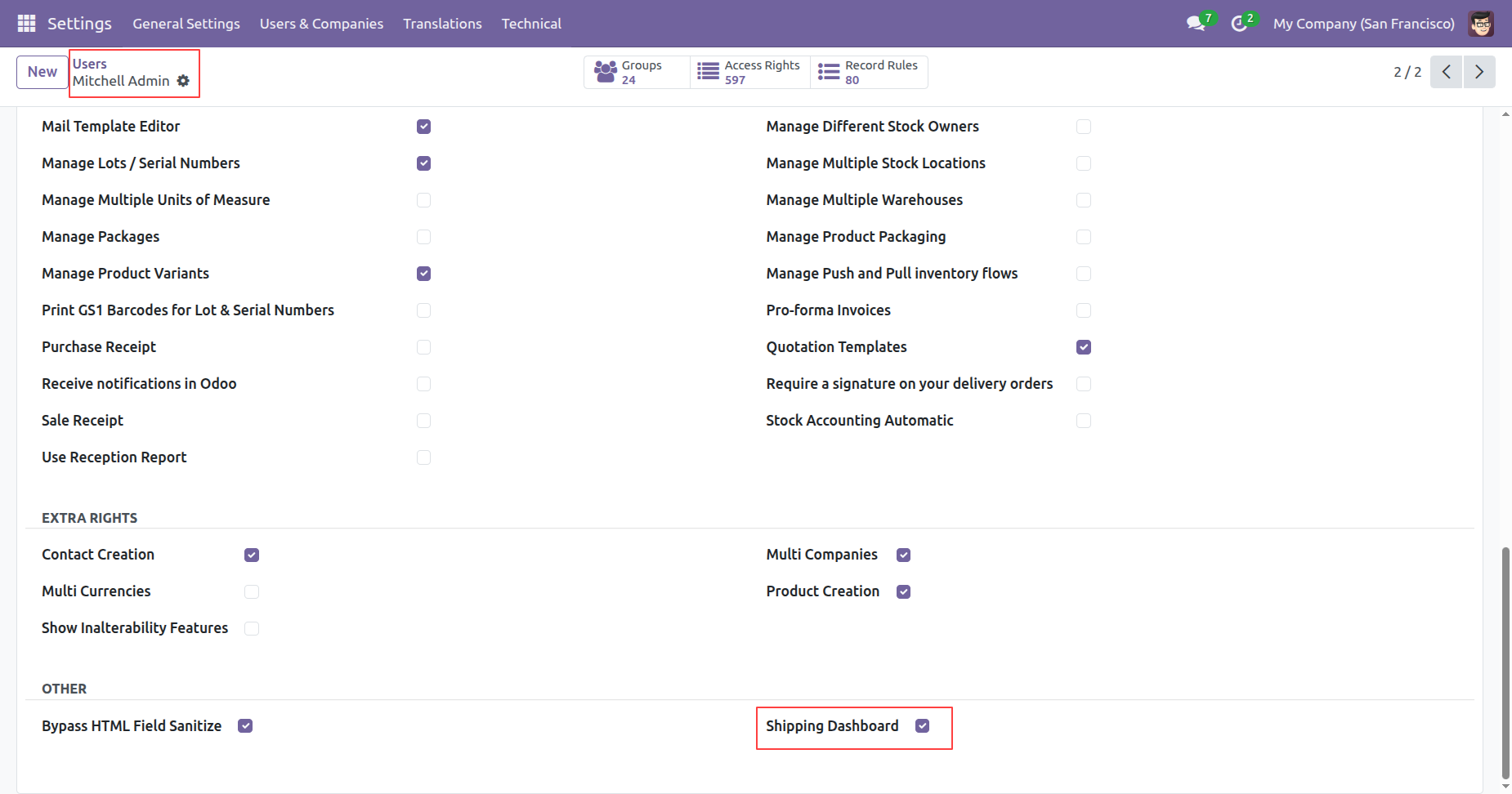
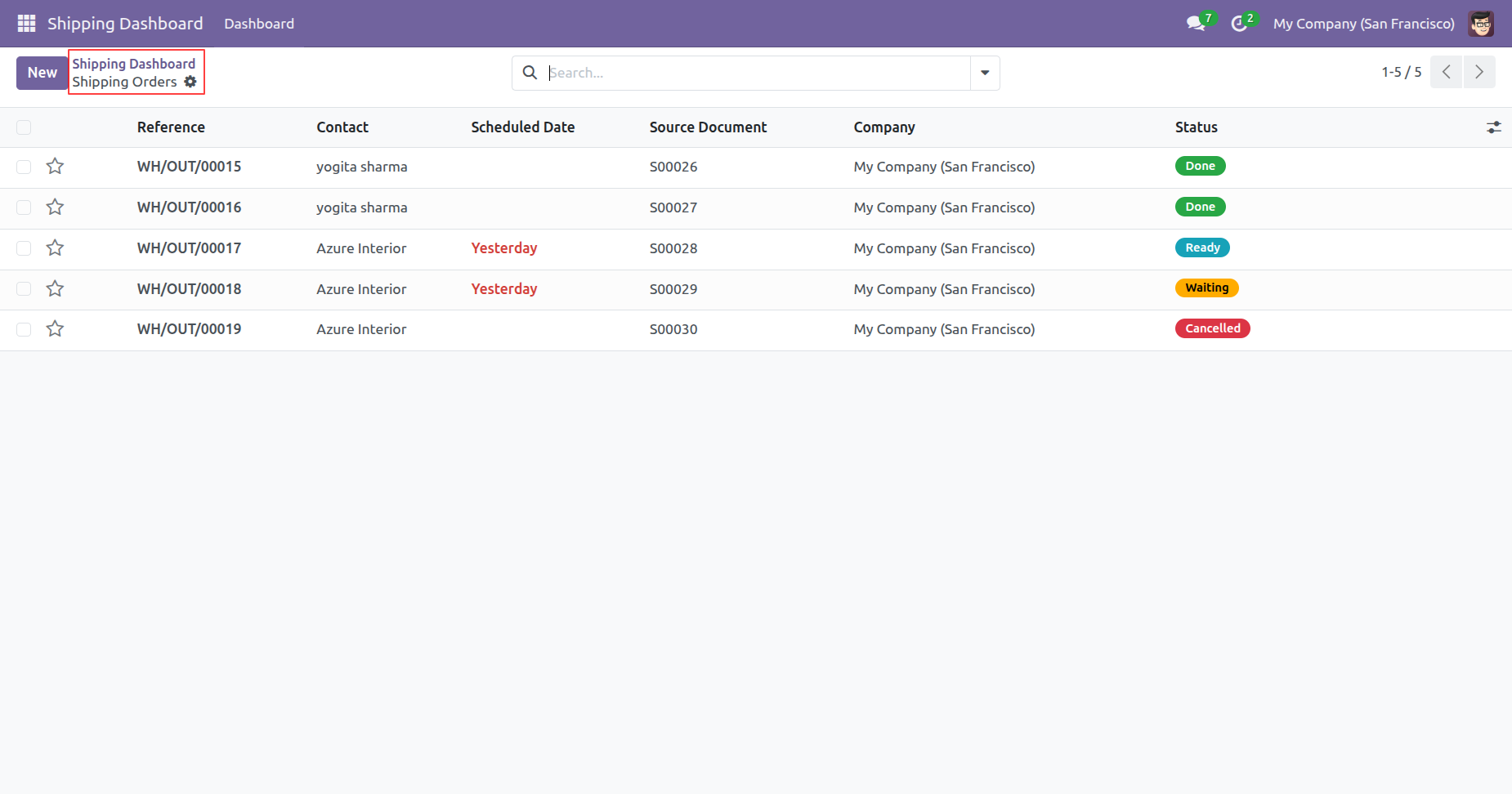
Enable 'Shipping Dashboard'.
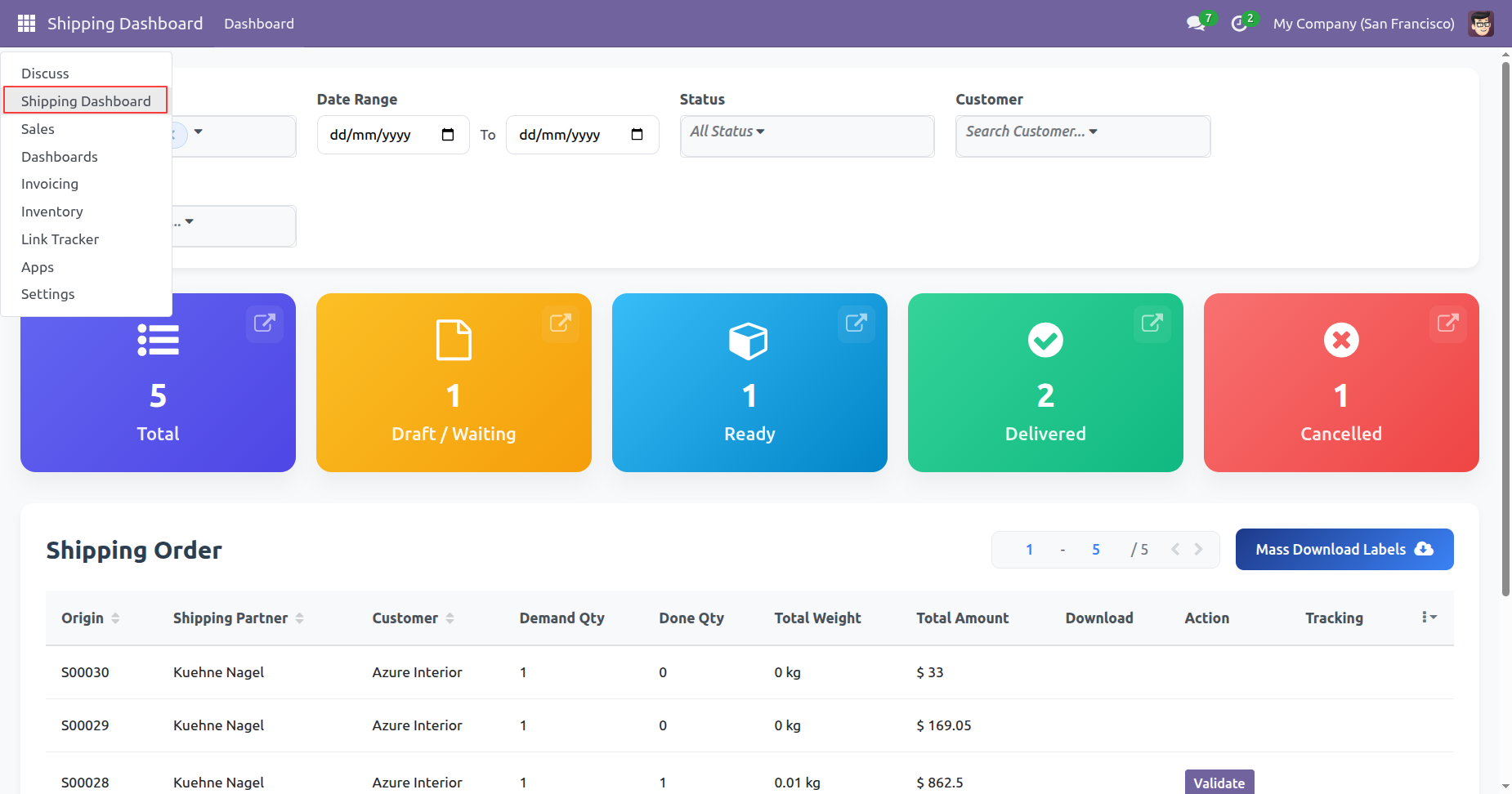
Click 'Shipping Dashboard'.
Dashboard view.
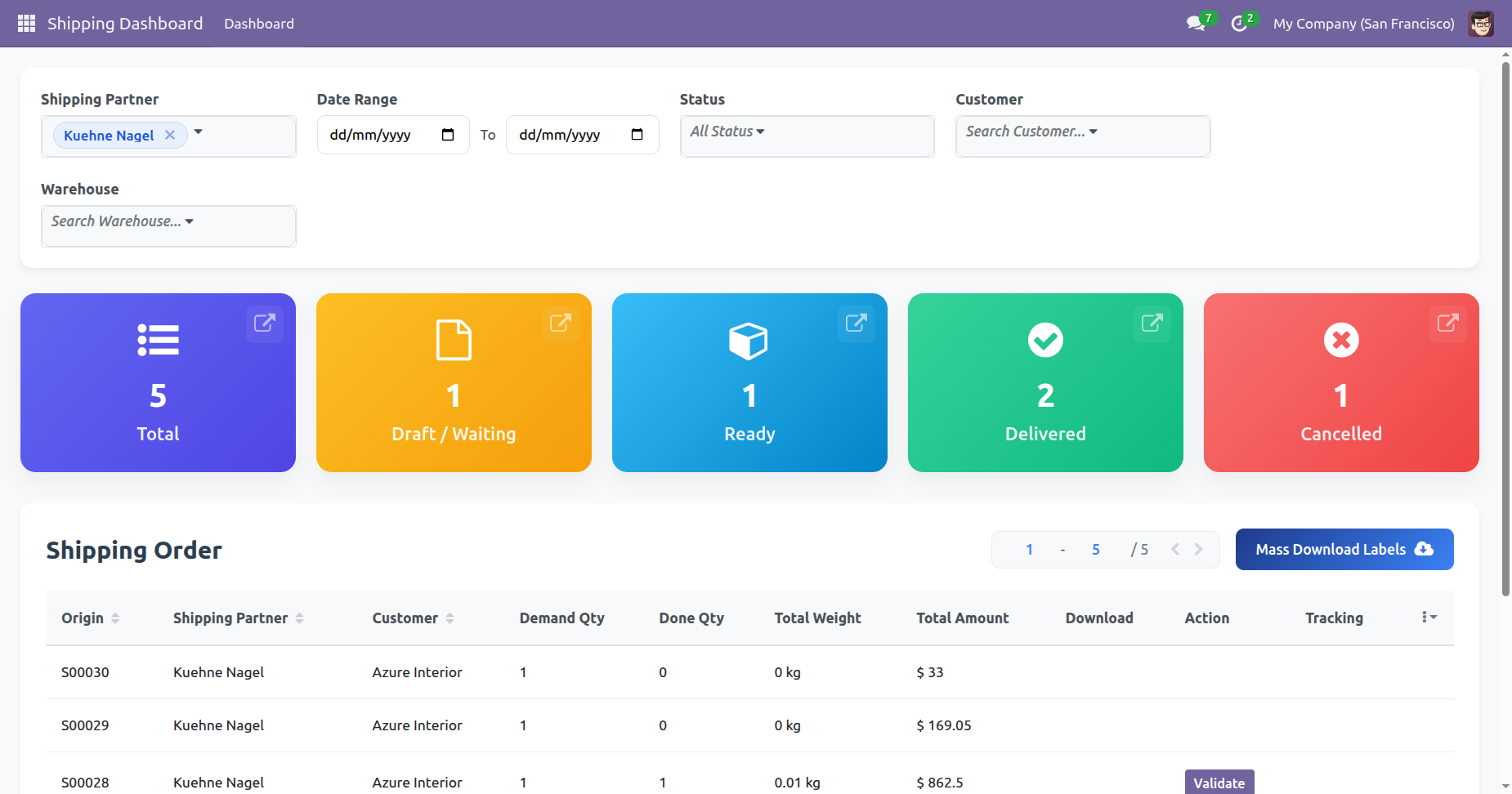
You can select shipping status from the drop-down.
You can select customers from the drop-down.
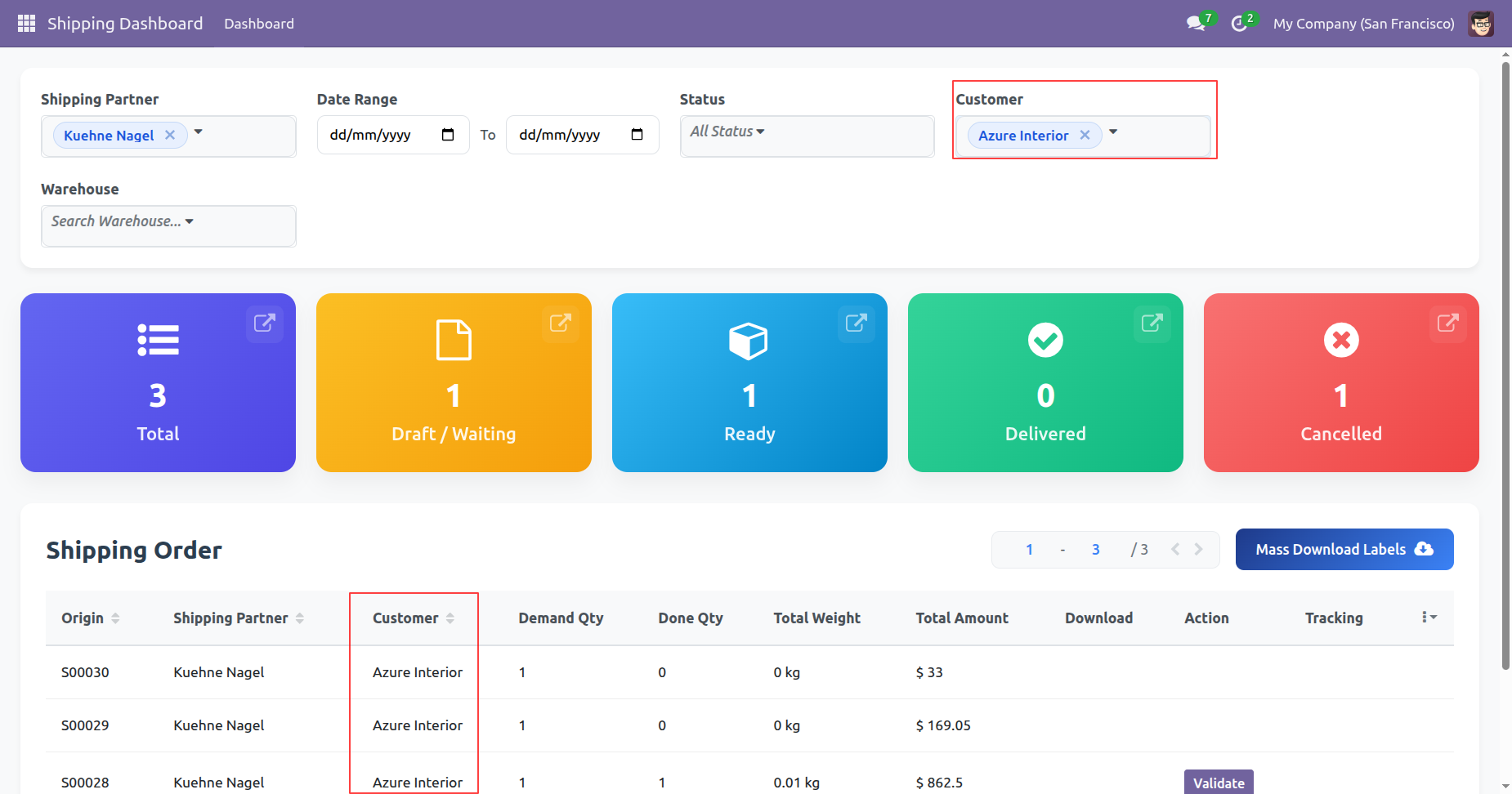
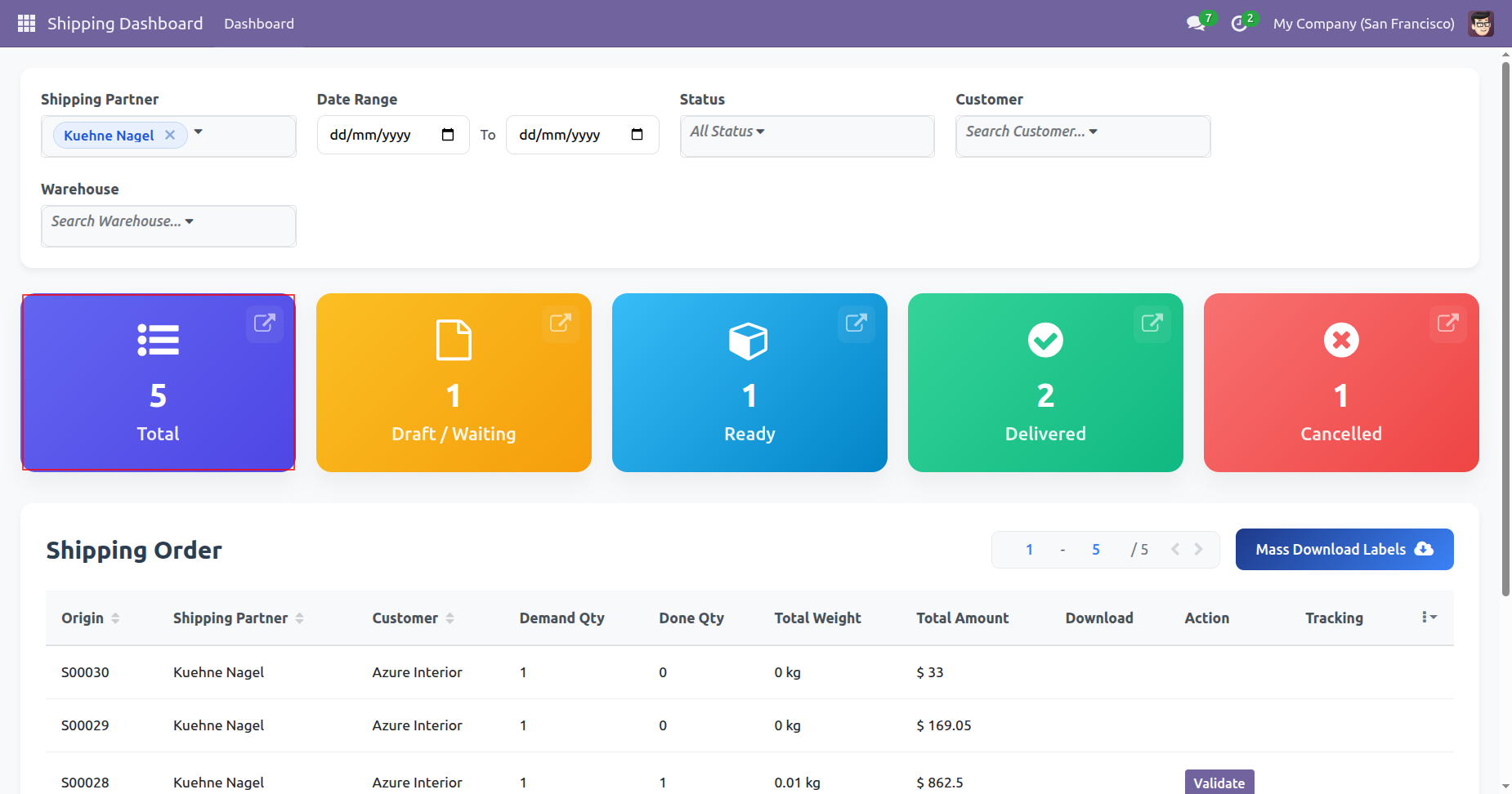
By clicking on a particular status, it shows its own details only on the dashboard.
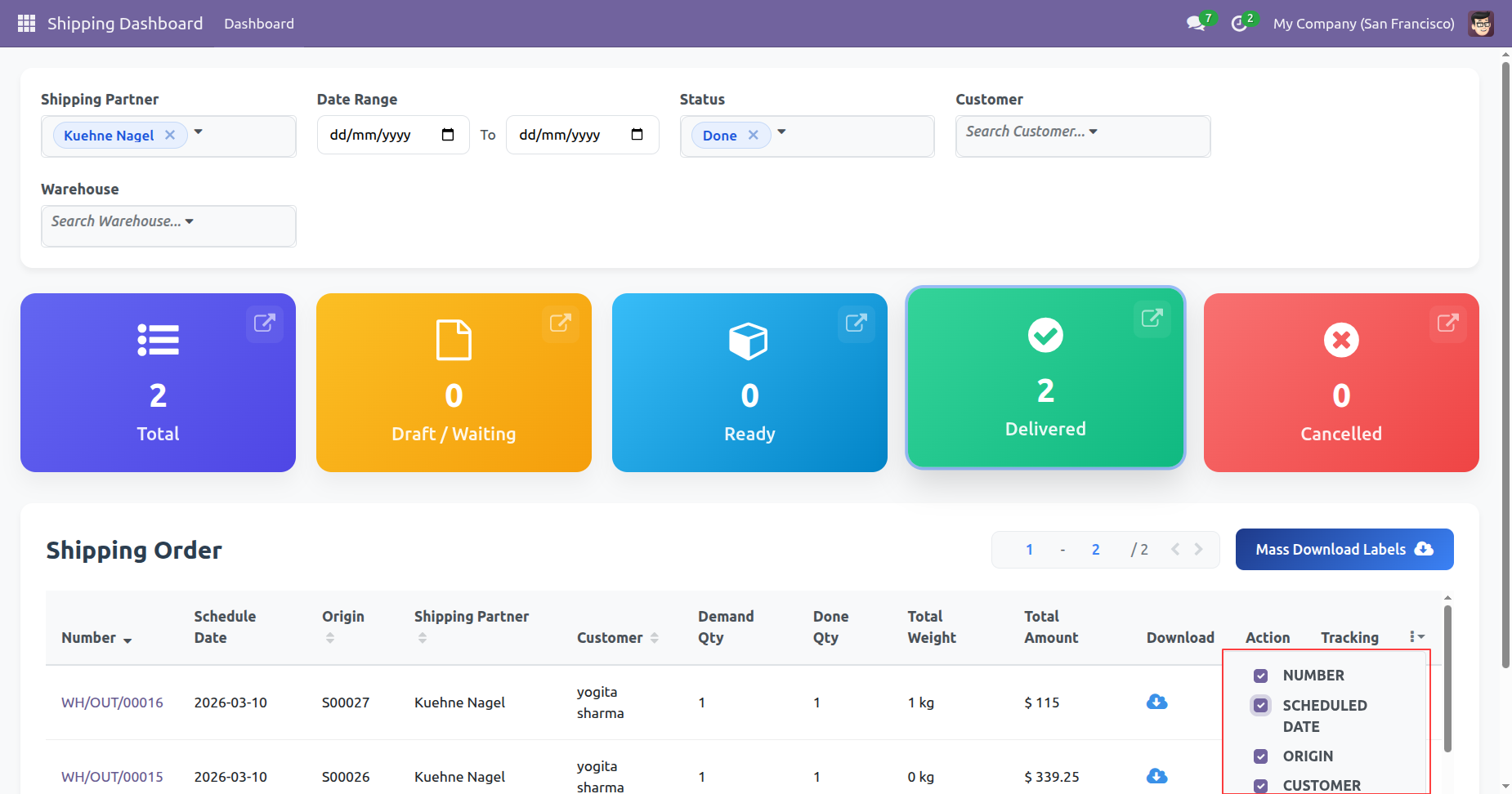
You can set fields by enabling/disable option.
Click 'Mass Download Labels' to download all at single click, You can download and track shipping from the dashboard.
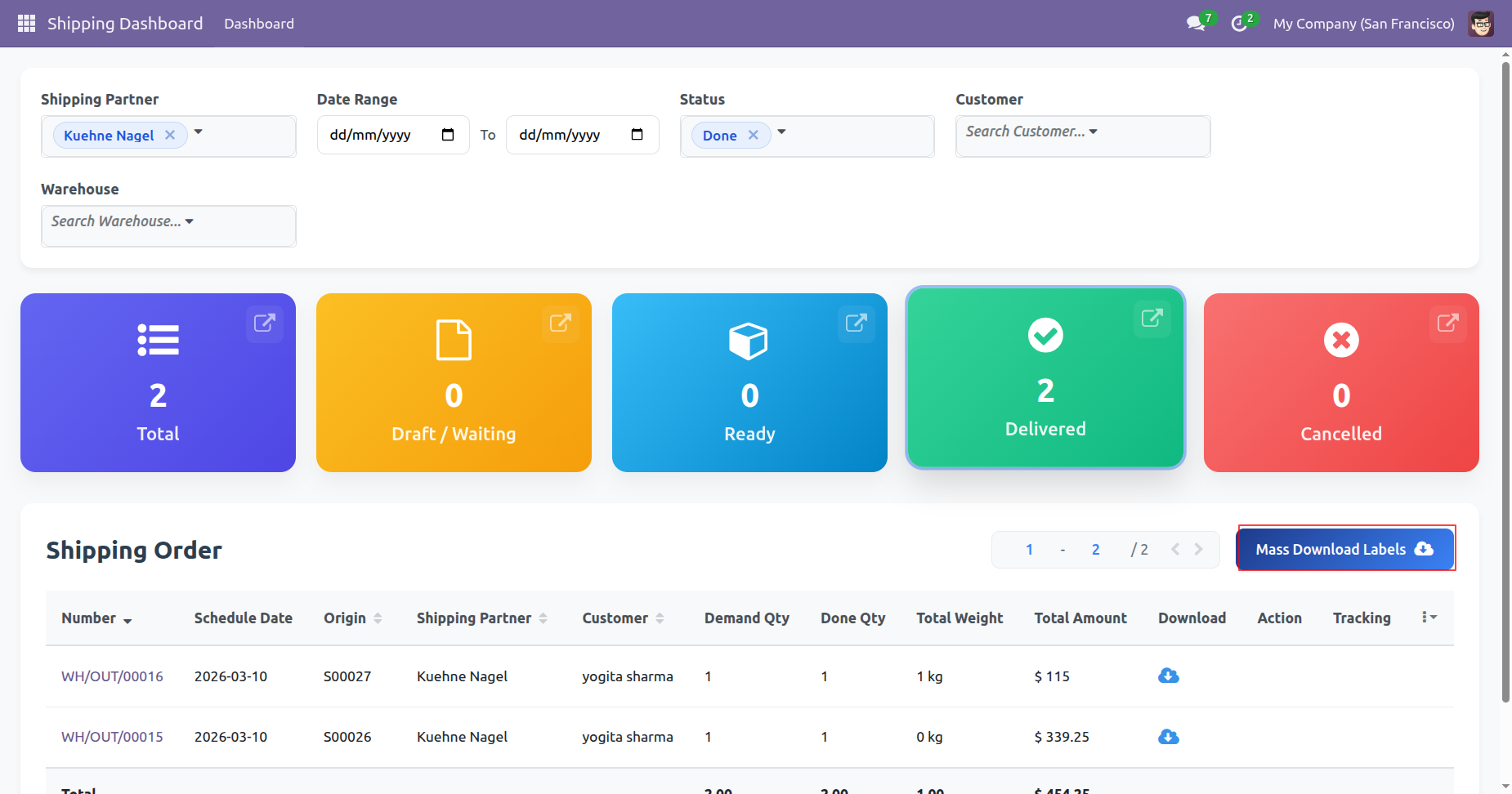
Labels downloaded.
Version 19.0.2.0.0 | Released on : 3rd July 2026
Version 19.0.1.0.0 | Released on : 19th June 2026
- Yes, this app works perfectly with Odoo Enterprise (Odoo.sh & Premise) as well as Community.
- No, this application is not compatible with odoo.com(odoo saas/Odoo Online)
- Yes, to test this module, please contact us at sales@softhealer.com.
- Please contact us at sales@softhealer.comto request customization.
- Yes, we provide free support for 365 days from the date of purchase.
- Yes, you will receive lifetime free updates for the version of the module you purchased.
- No, there is no need to install any additional libraries.
- Yes, for version 12 and above, you need to purchase the module separately for each version you intend to use.
- No, exchanges or refunds are not allowed. Please make sure to select the correct version before purchasing.
- You can contact us at support@softhealer.com for language translation support. We use Google Translator tools to provide translations in multiple languages, so the accuracy may vary. We welcome your suggestions to help improve translations.
