









Klaviyo Odoo Connector

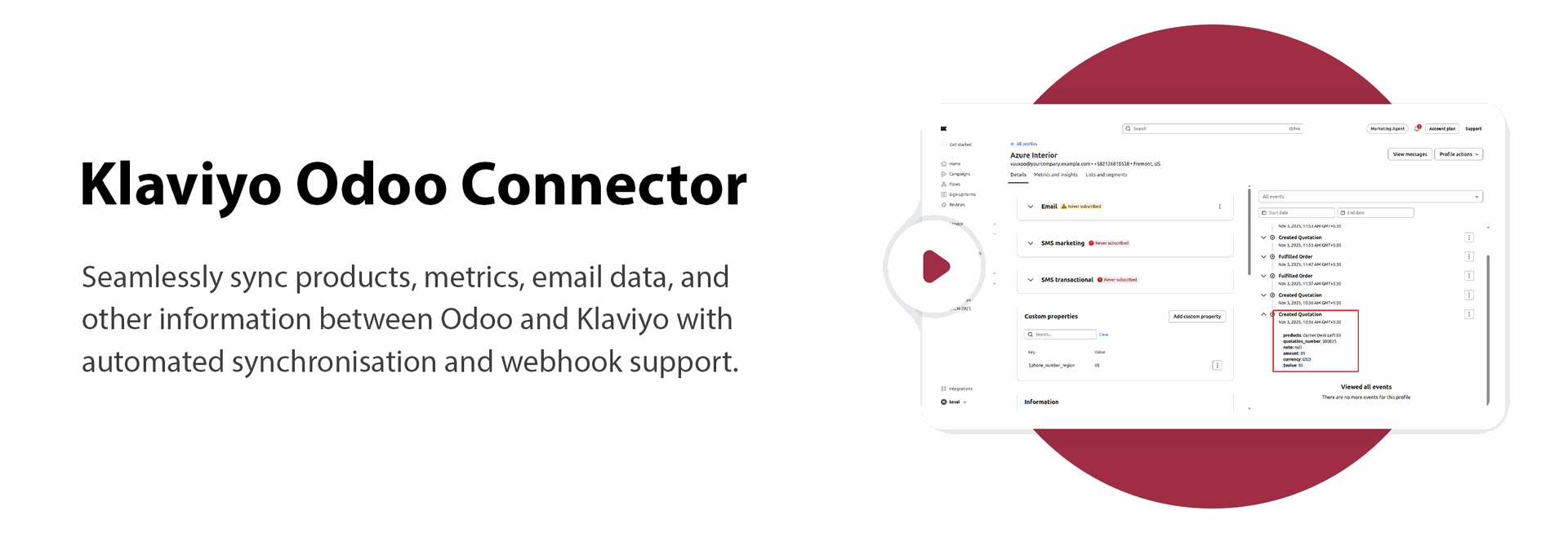
The Klaviyo Odoo Connector enables smooth two-way synchronization between Odoo and Klaviyo, helping you keep your marketing data always up to date. You can import and export contacts and mailing lists directly between both platforms, while important transactional data such as quotations and deliveries can also be exported to Klaviyo. It also provides a centralized dashboard to monitor synchronization activities and key integration data, helping streamline marketing workflows, reduce manual effort, and ensure Klaviyo always has the latest customer and order information from Odoo.
Key Features
Features

Import Contacts
Bring Klaviyo contacts into your system to keep customer information updated instantly.
Export Contacts
Send contacts from Odoo to Klaviyo to use them in email campaigns and audience segments.
Import Mailing Lists
Fetch mailing lists or audiences from Klaviyo into Odoo for easy viewing and management.
Export Mailing Lists
Send mailing lists from Odoo to Klaviyo so both platforms show the same groups.
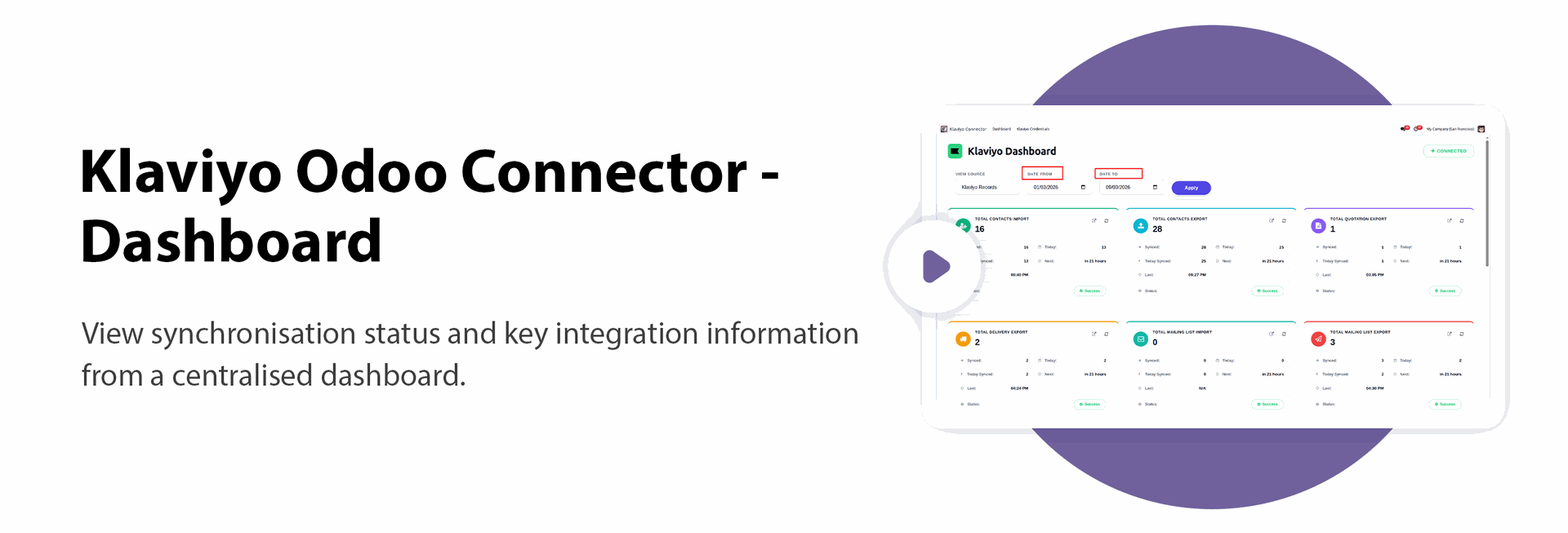
Dashboard
Get a centralized dashboard to monitor synchronization activities and gain quick visibility into Klaviyo connector operations.
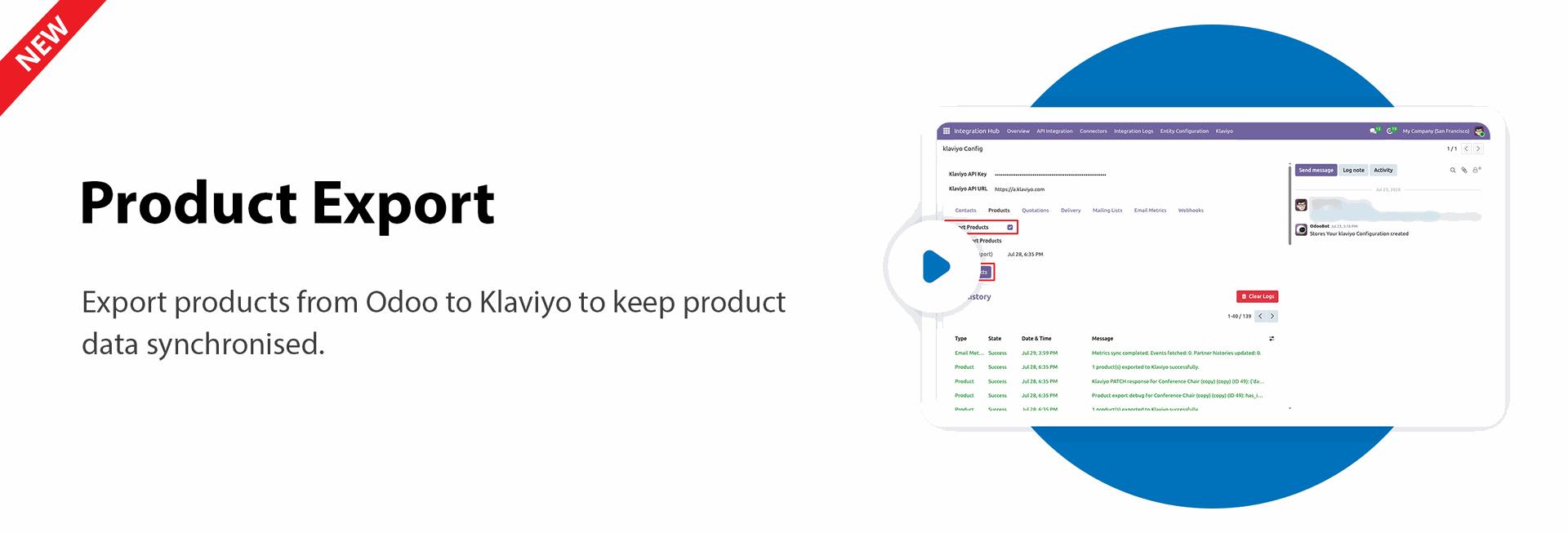
Product Export

Export products from Odoo to Klaviyo to keep product data synchronized.
Clear Logs
Clear old synchronization logs to keep the log history organized.
Export Quotations
Export quotation details from Odoo to Klaviyo so both platforms stay aligned.
Export Delivery
Export delivery from Odoo to Klaviyo so you never need to enter the same data twice.
Sync Logs
See all import and export logs in one place so you can easily check what data was synced and if anything needs attention.
Two-Way Data Sync
Keep information updated between Odoo and Klaviyo without manual work.
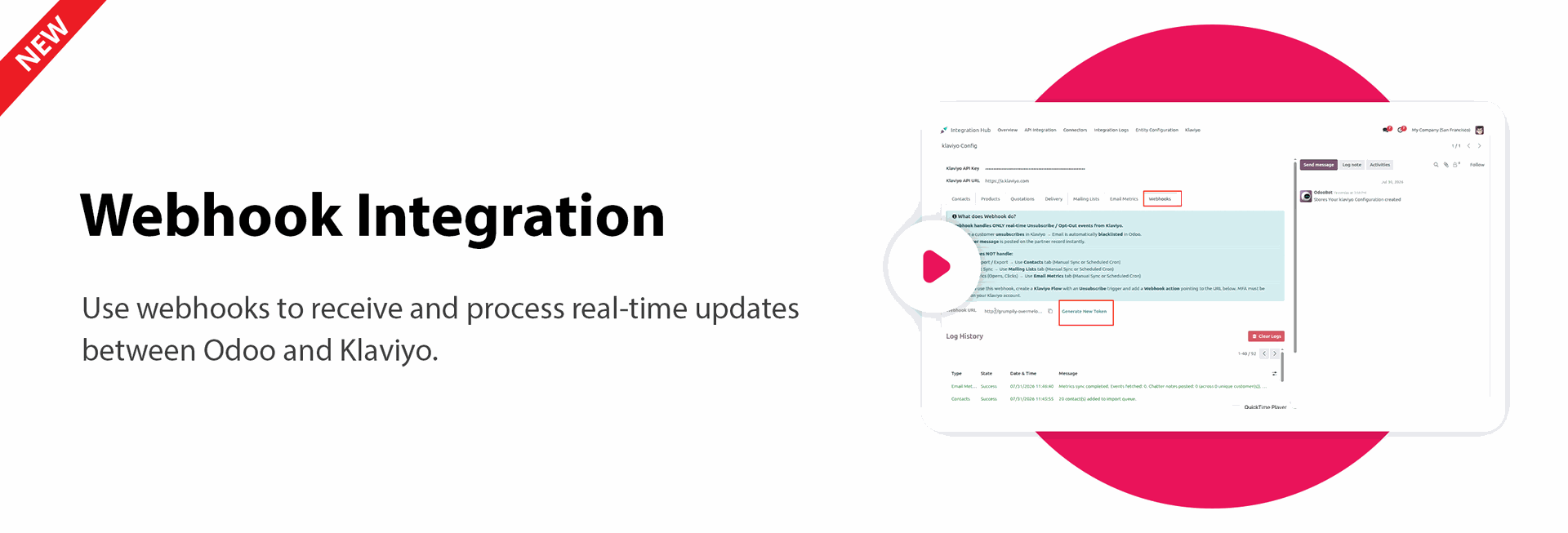
Webhook Integration
Use webhooks to receive and process real-time updates between Odoo and Klaviyo.

Metric Export
Export Odoo metrics to Klaviyo for better tracking and analysis.
Retry Failed Sync
Retry failed synchronization records directly from the log history.

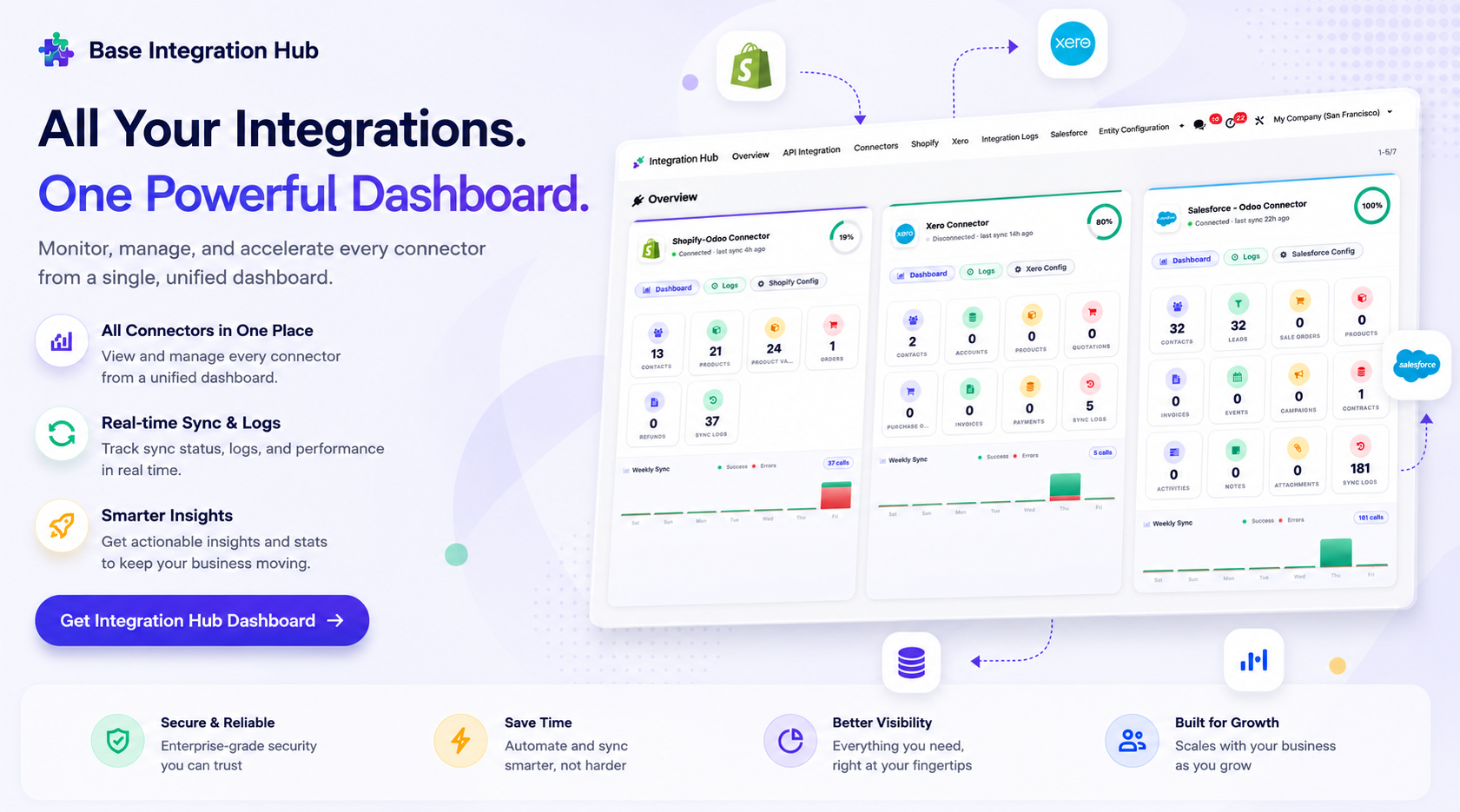
Centralized dashboard to manage and monitor all connectors from one place. Quickly access sync summary, activity logs, and configuration controls with improved visibility.
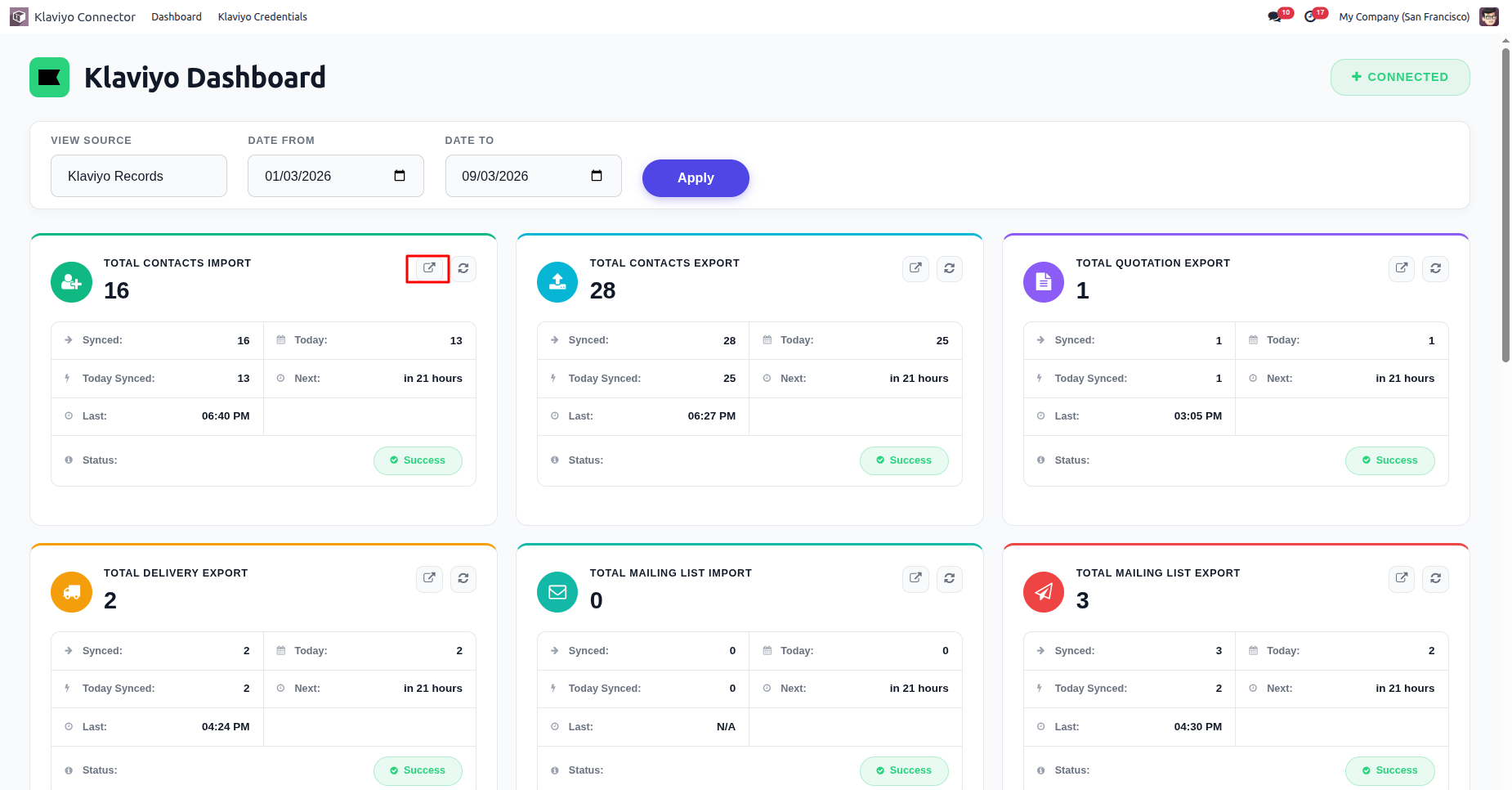
Dashboard view.
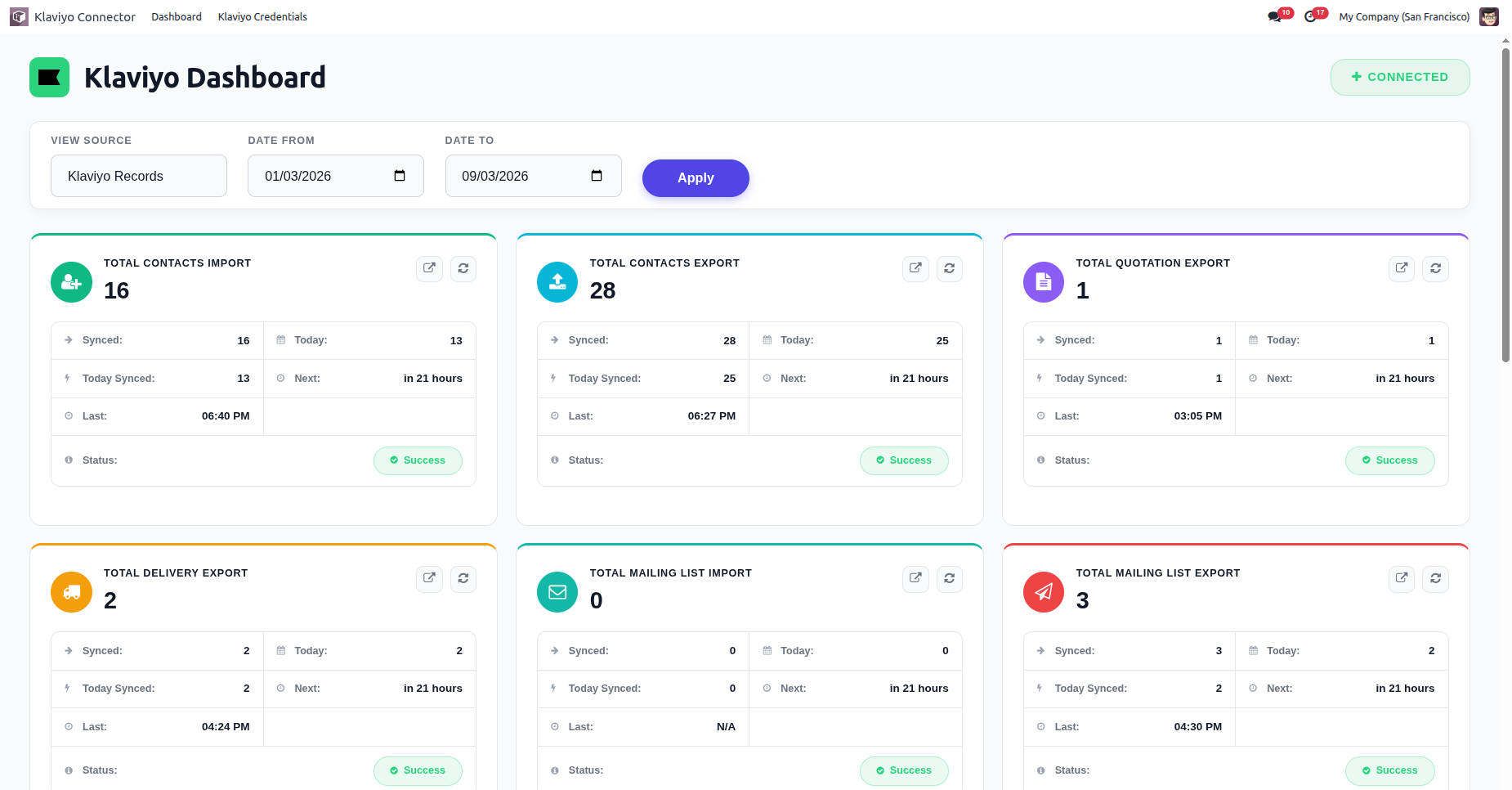
You can select a date range in the dashboard.
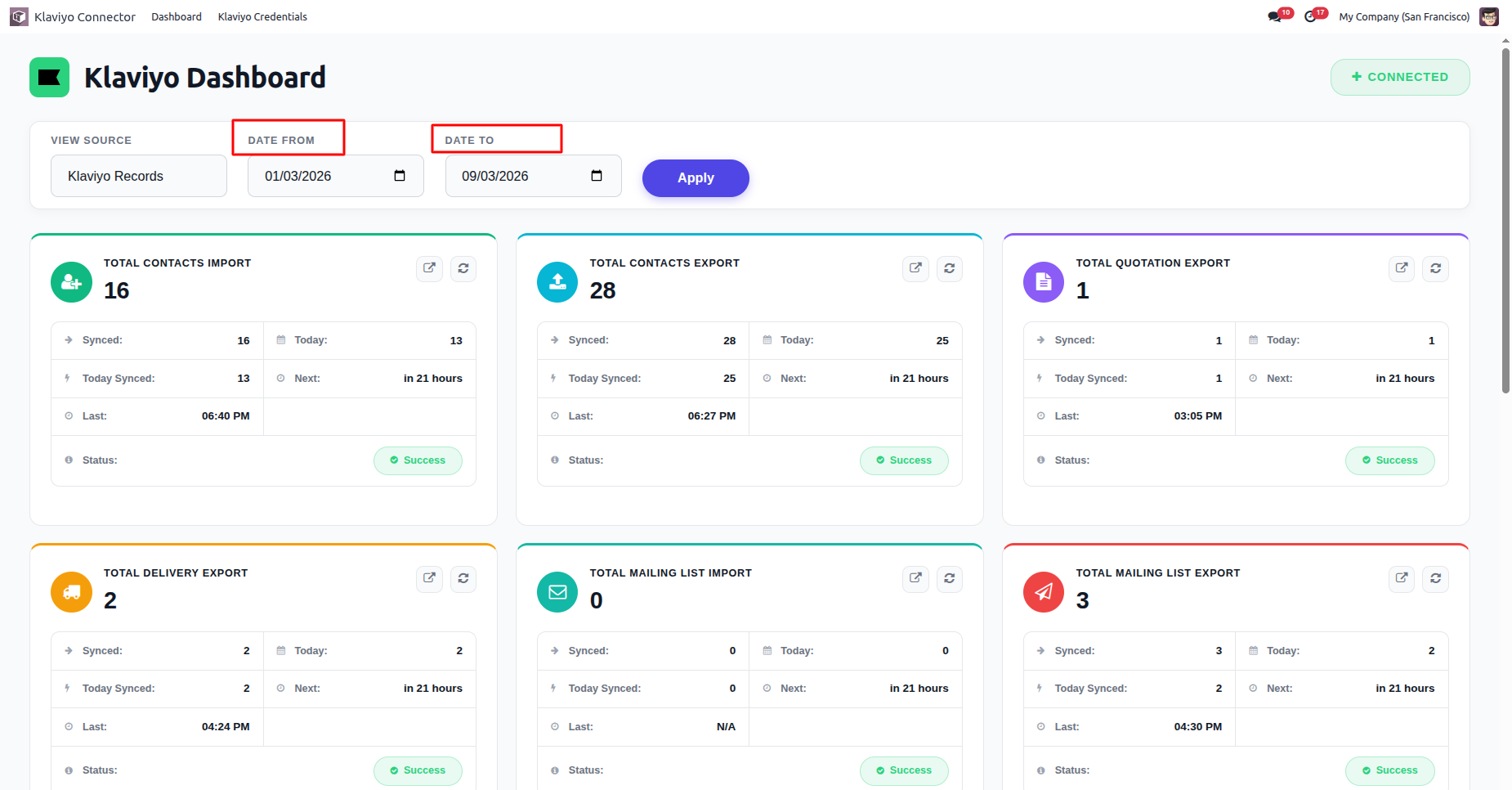
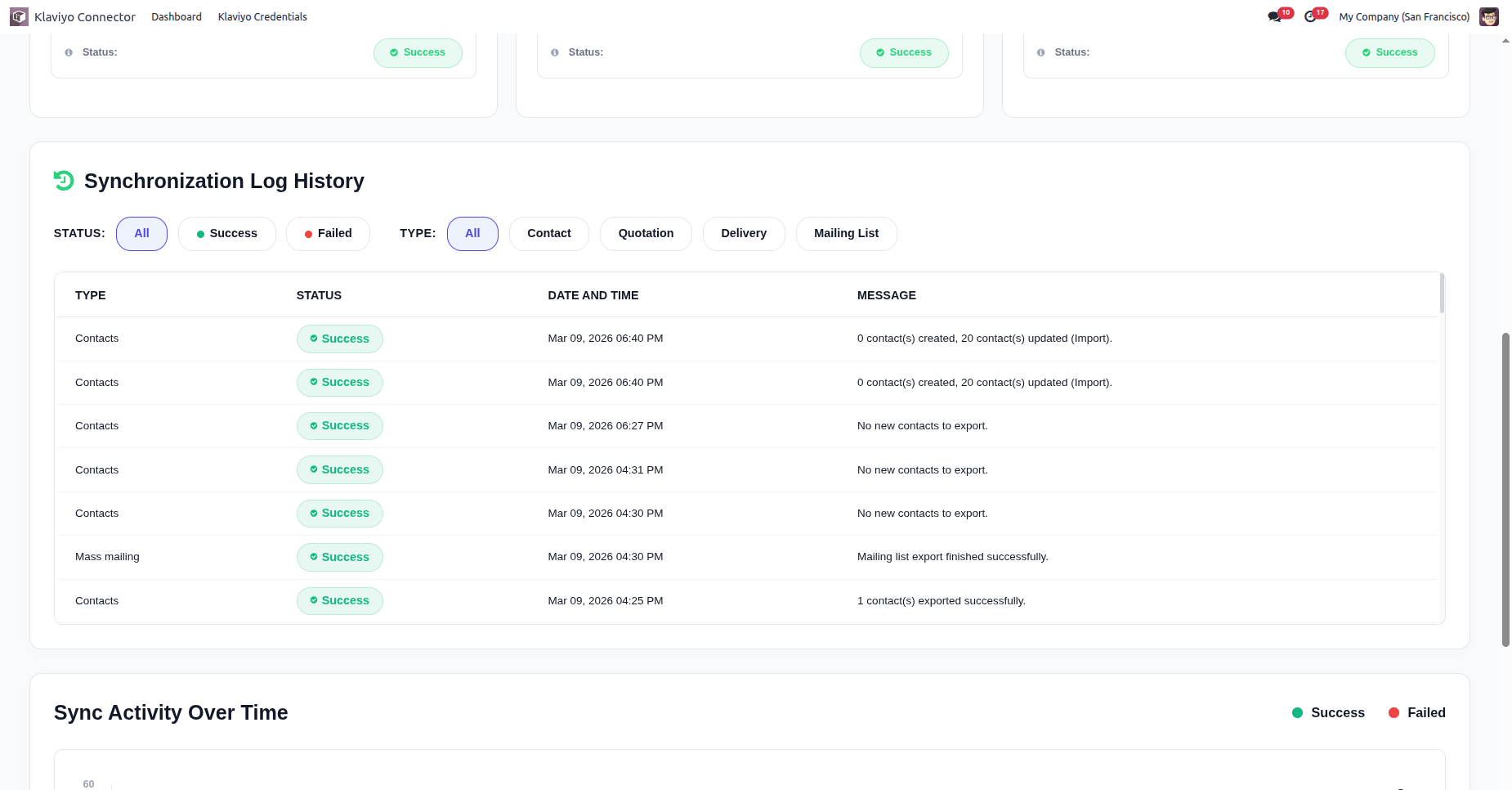
Sync logs in the dashboard.
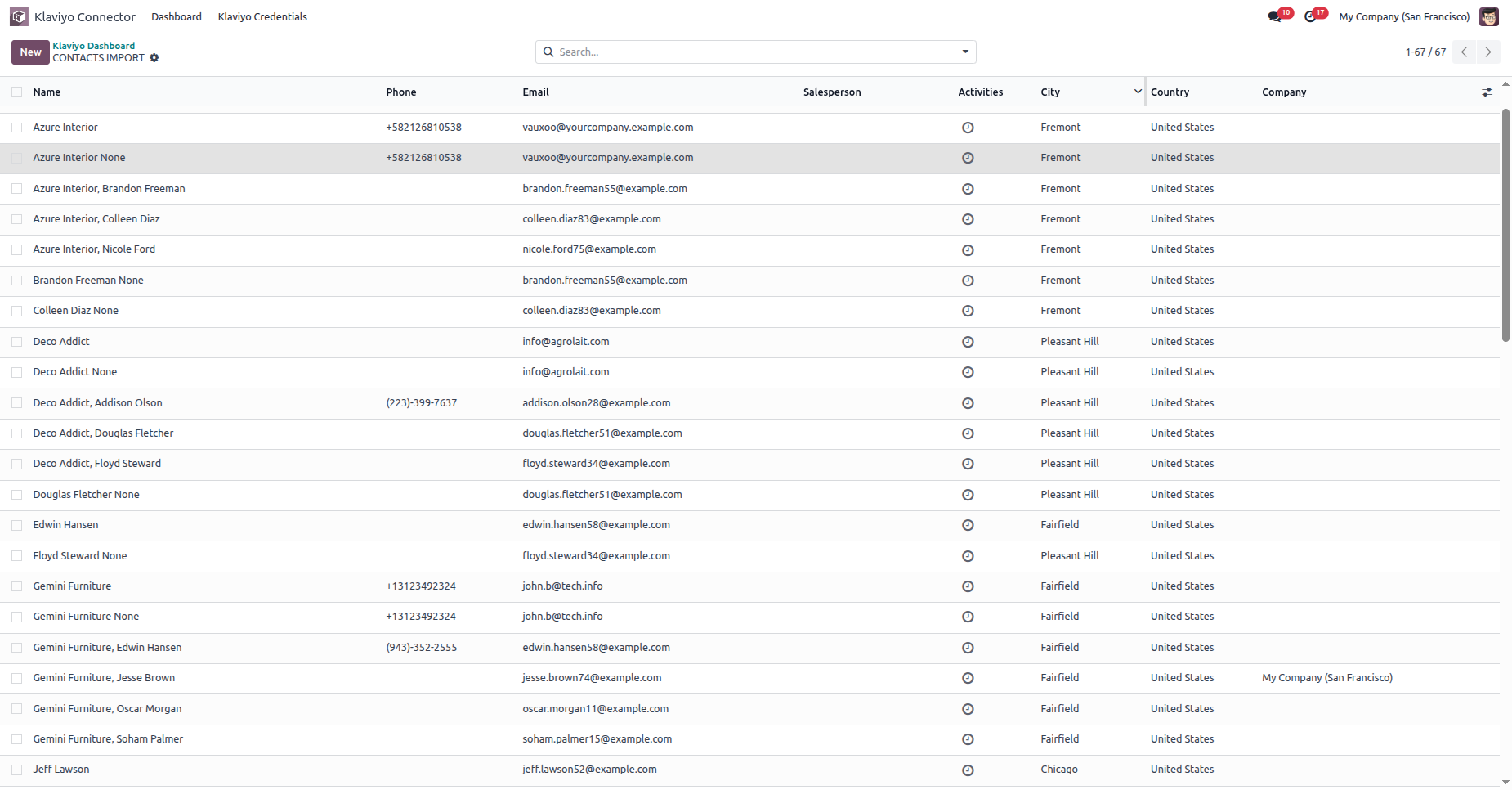
By clicking on a particular operation, it opens in the backend.
Backend view.
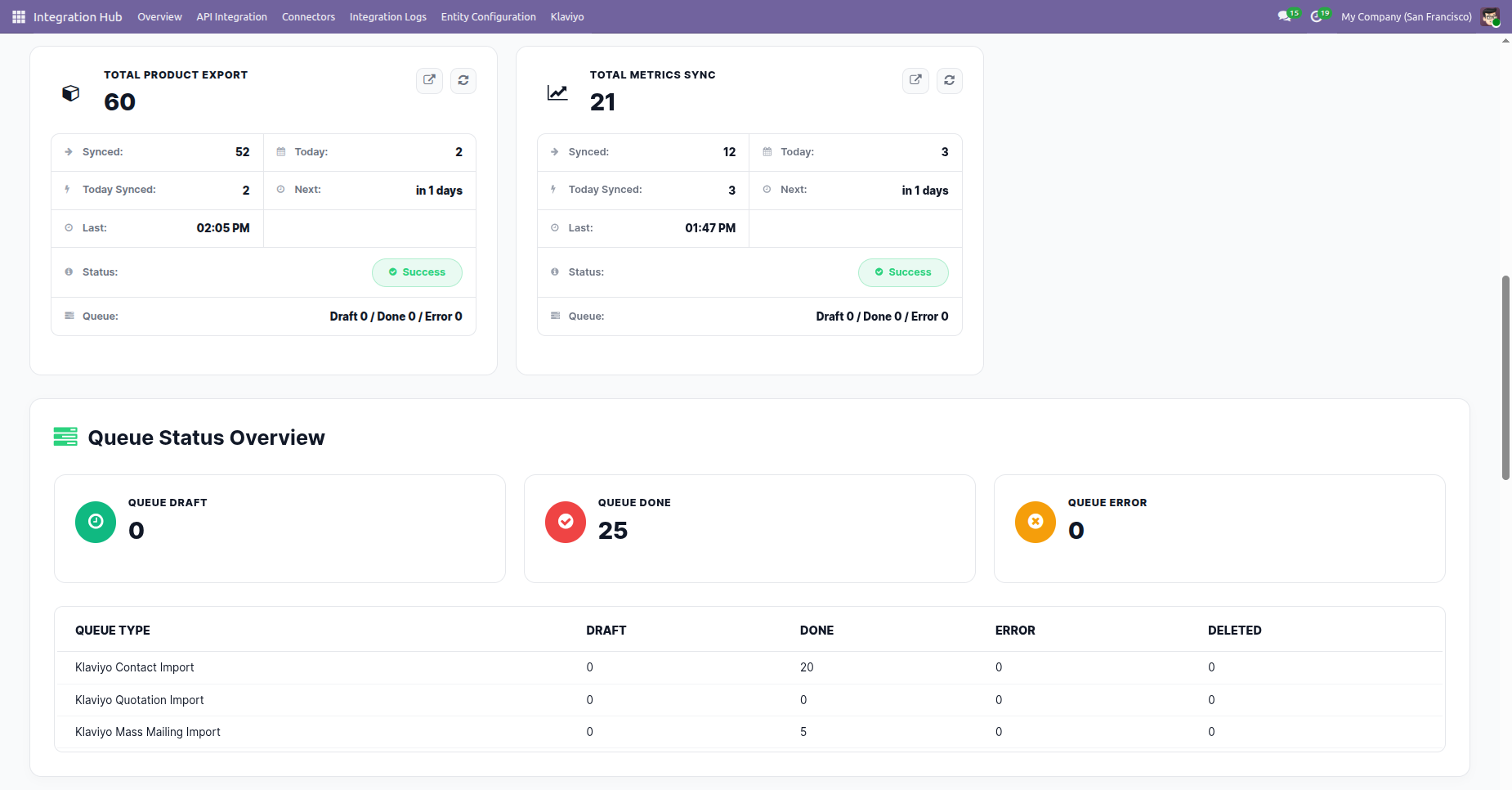
The Total Metrics, Total Product Export and Queue overview status counts will be displayed on the Dashboard.
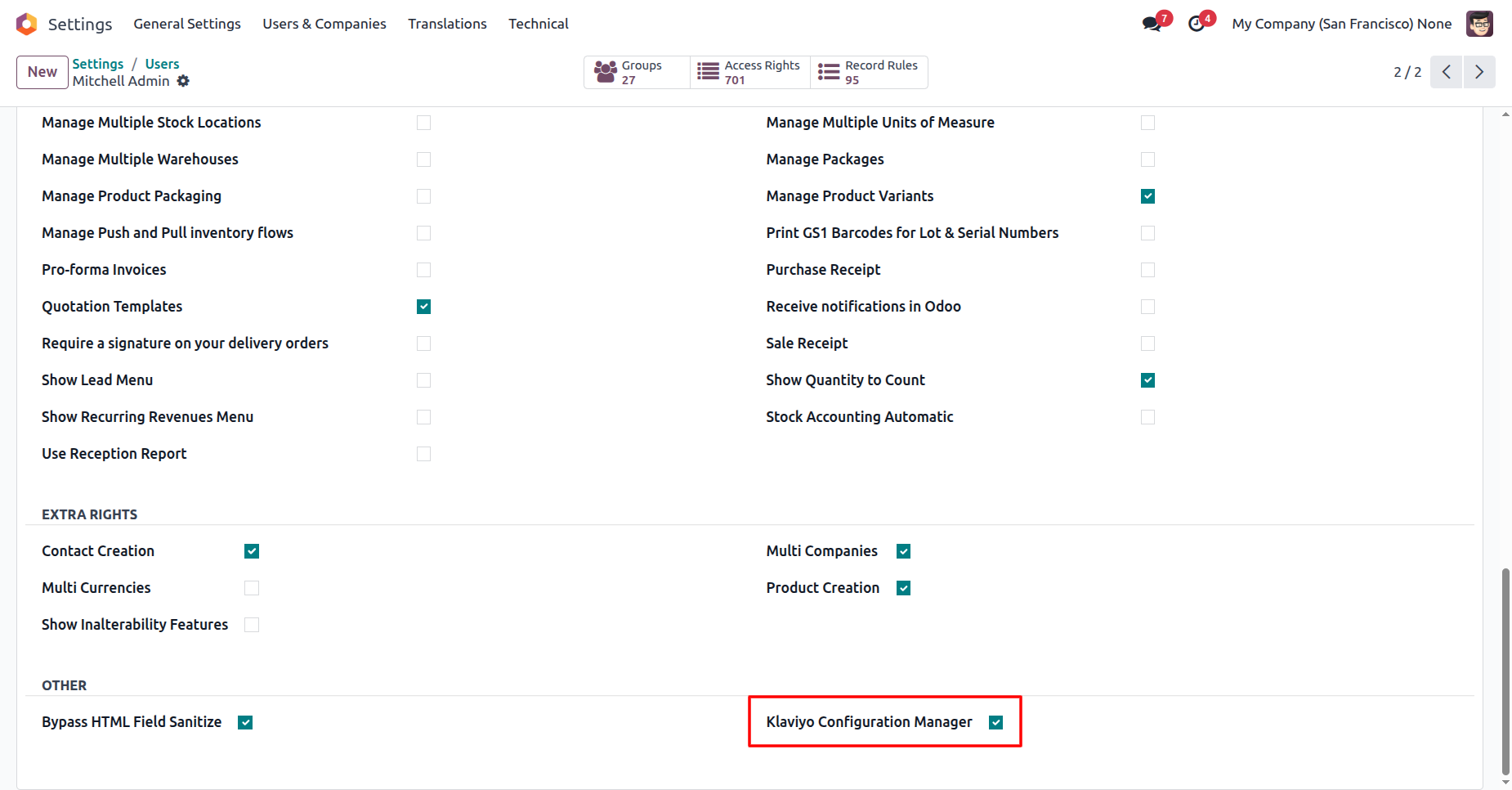
Enable access group "Klaviyo Configuration Manager".
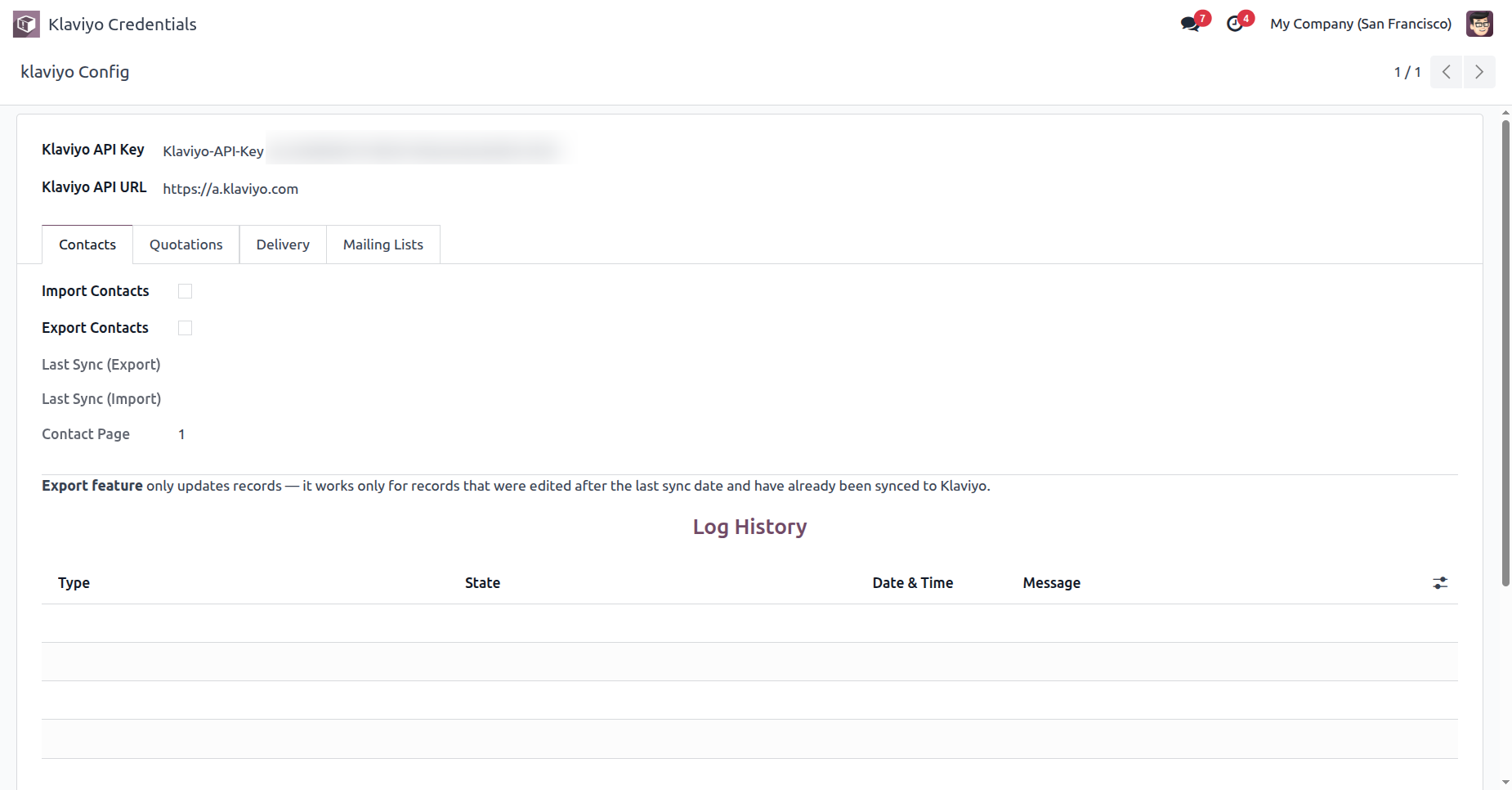
Enter API key and API URL.
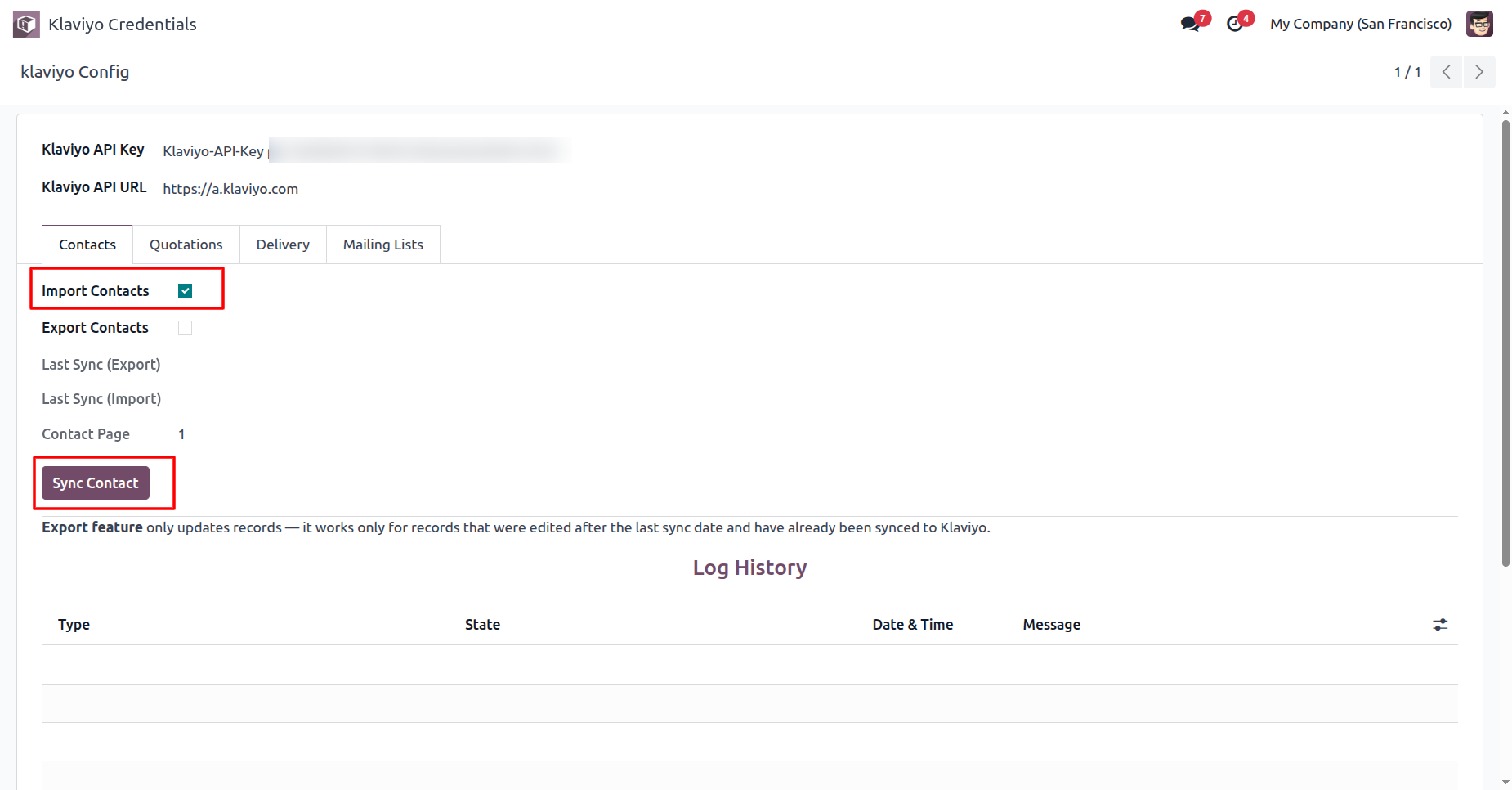
Enable “Import Contacts” and then press “Sync Contact” to import contacts into Odoo.
Enable “Export Contacts” and then press “Sync Contact” to export updated contacts.
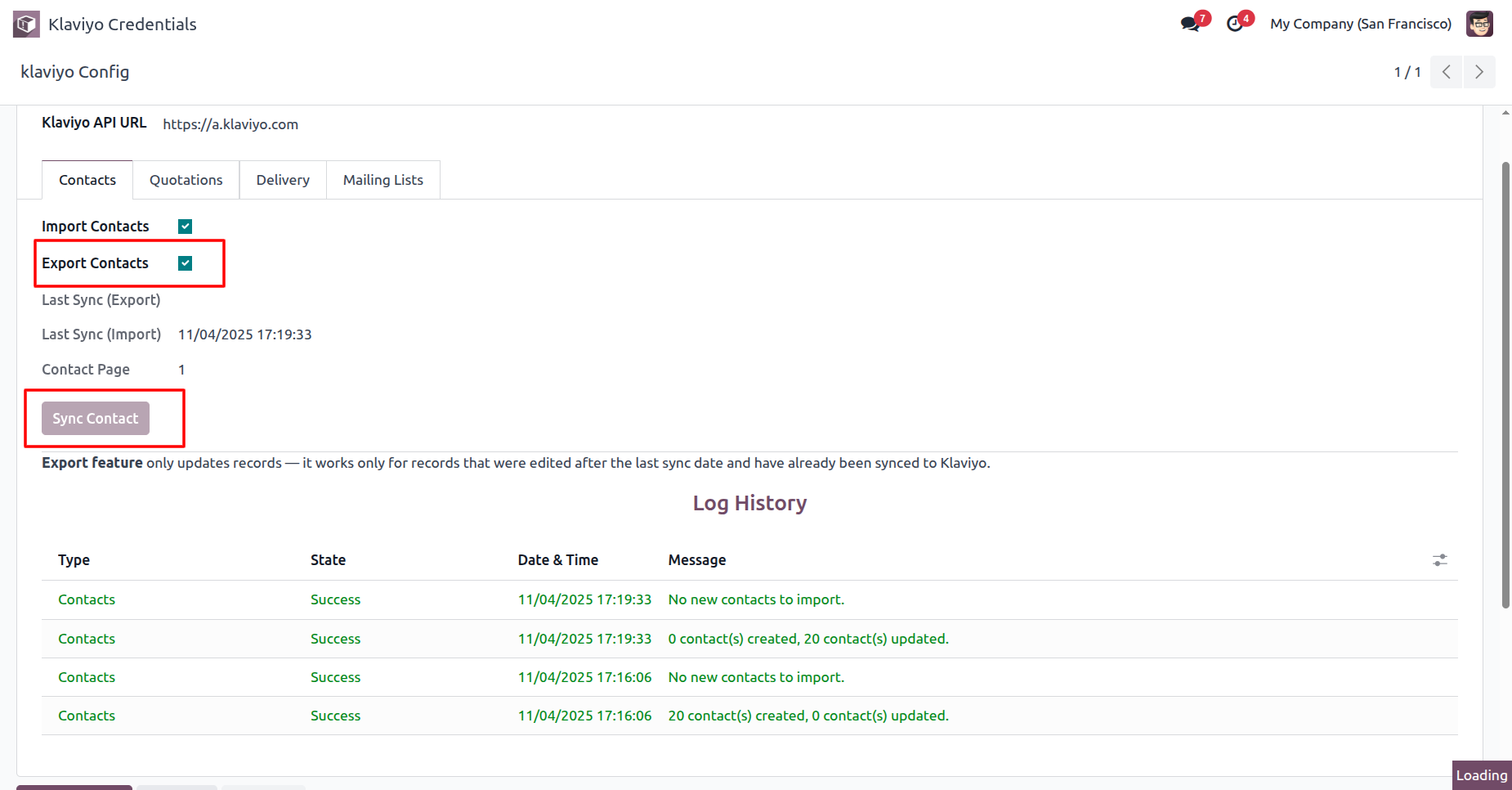
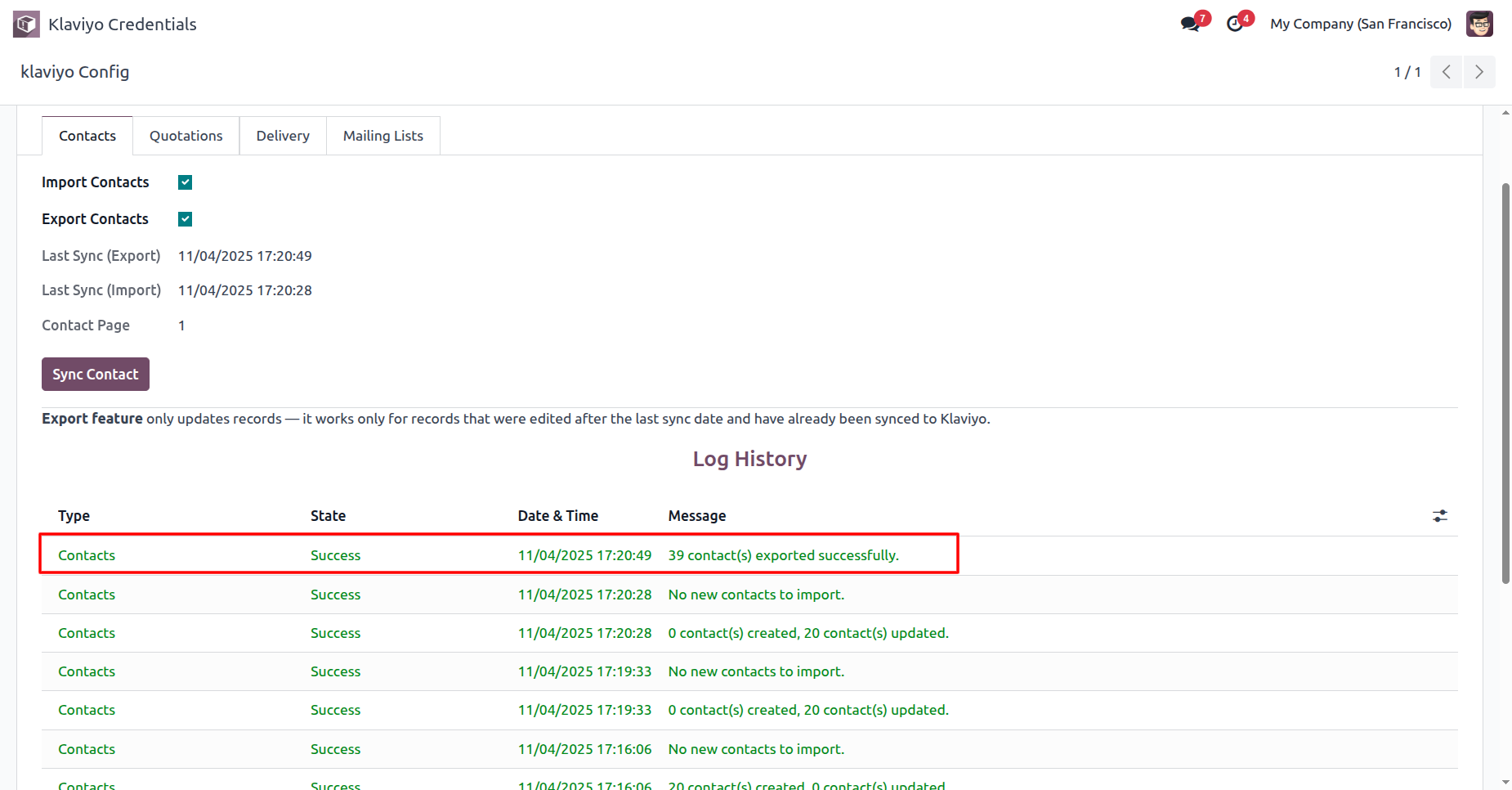
View the Log History to see detailed results of each contact exported.
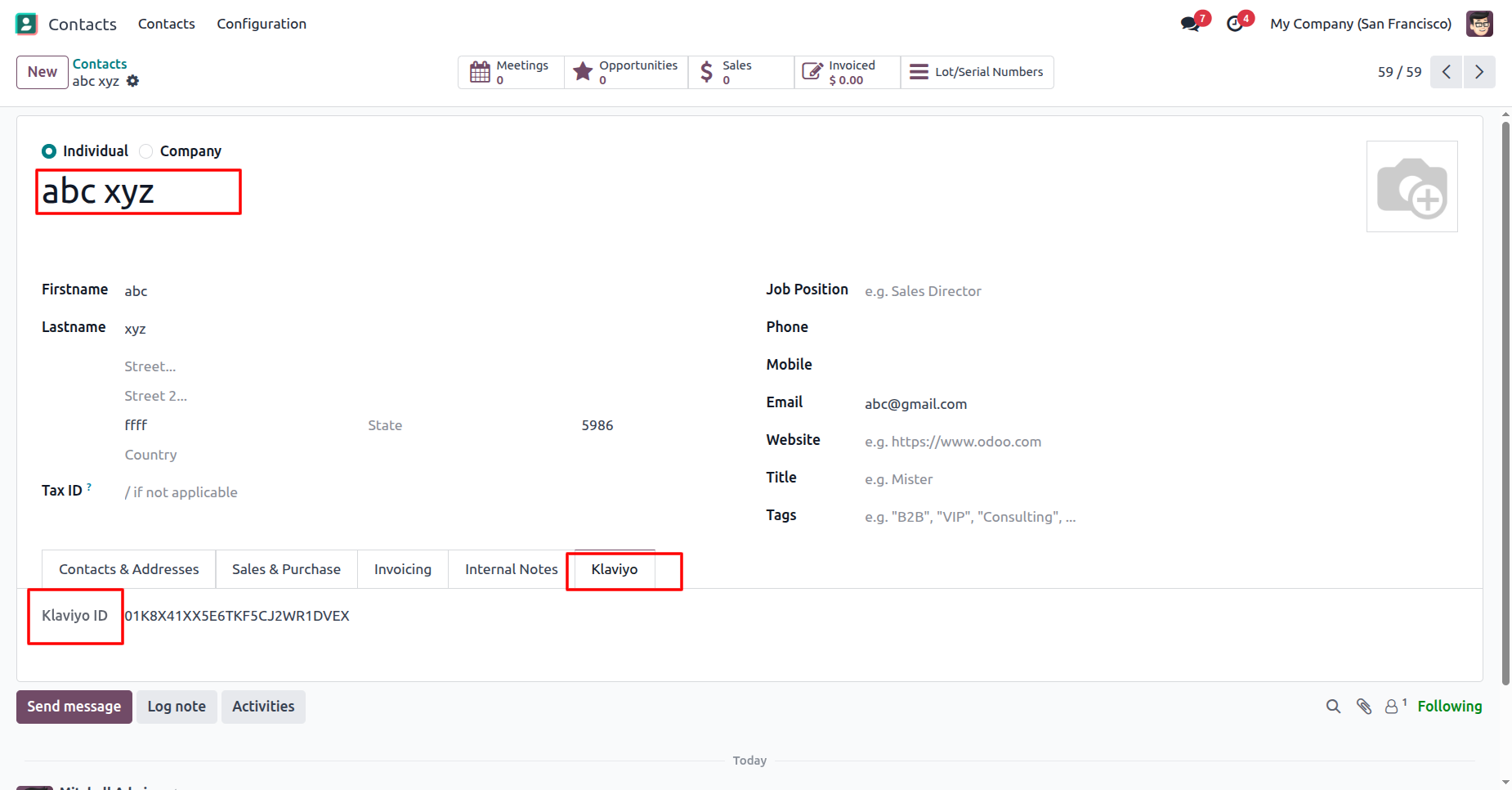
Open the Klaviyo tab to view the synced Klaviyo ID for this contact.
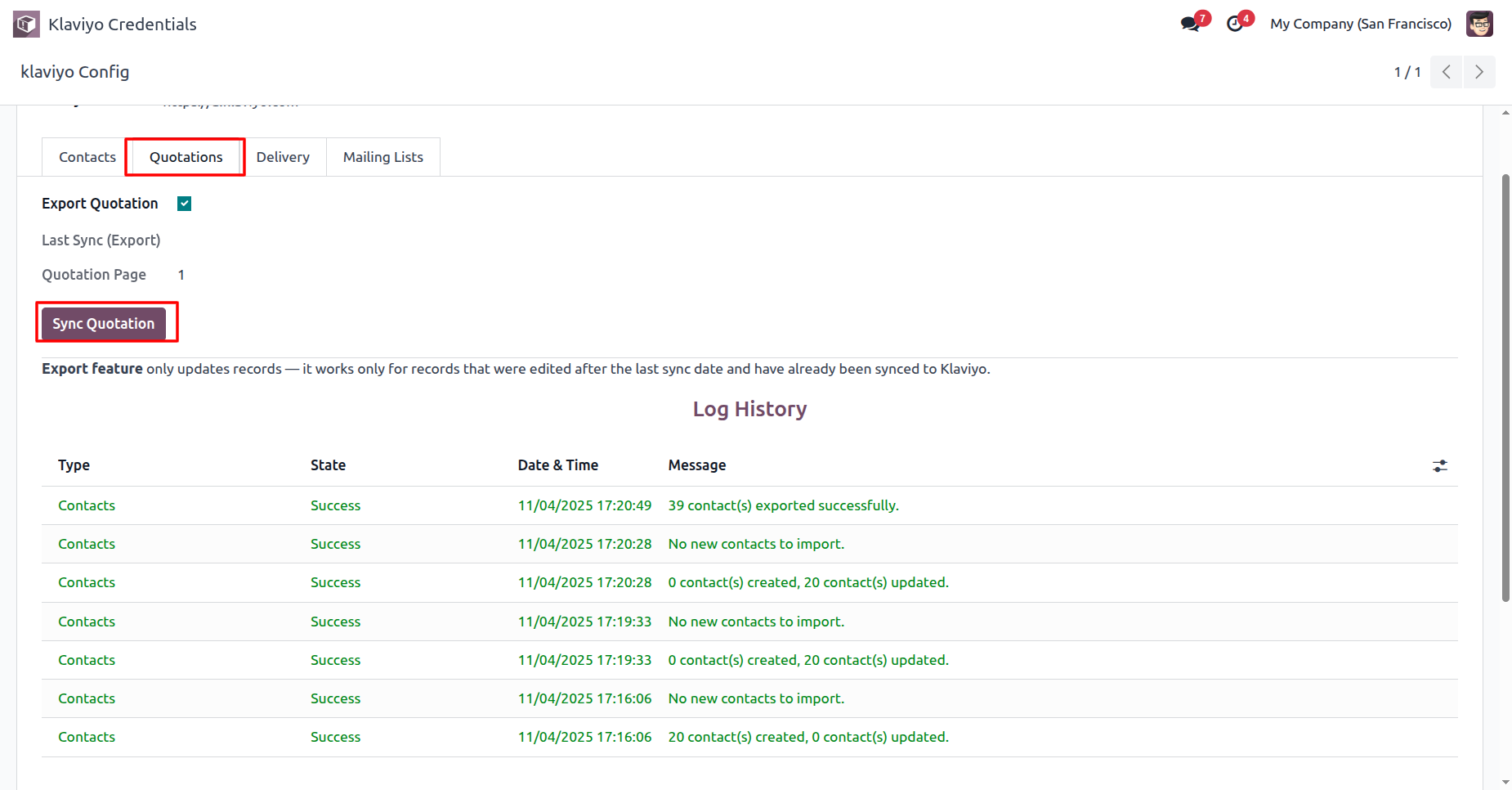
Enable “Export Quotation” and then press “Sync Quotation” to export the updated Quotation.
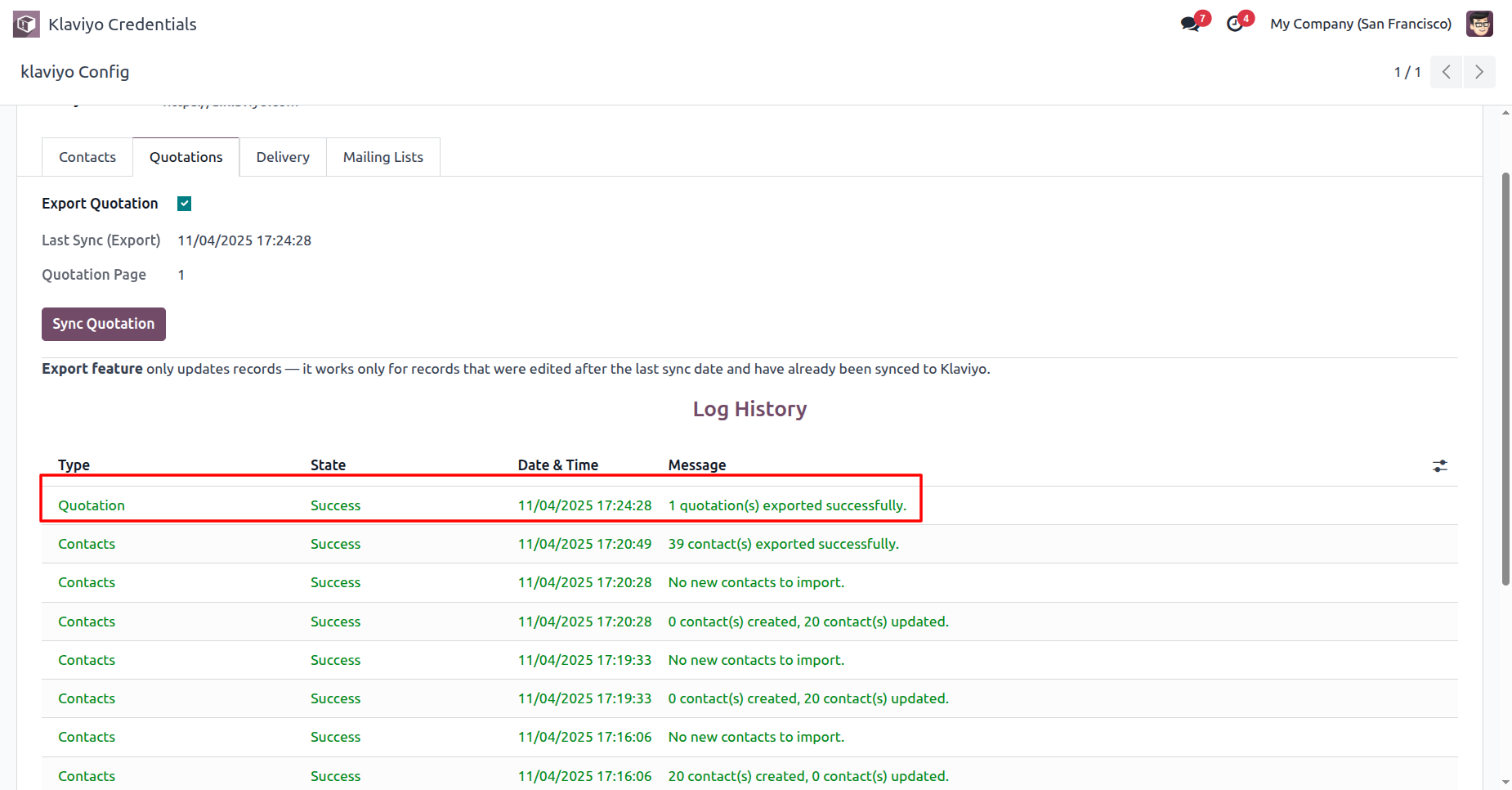
Log history with the updated Quotation.
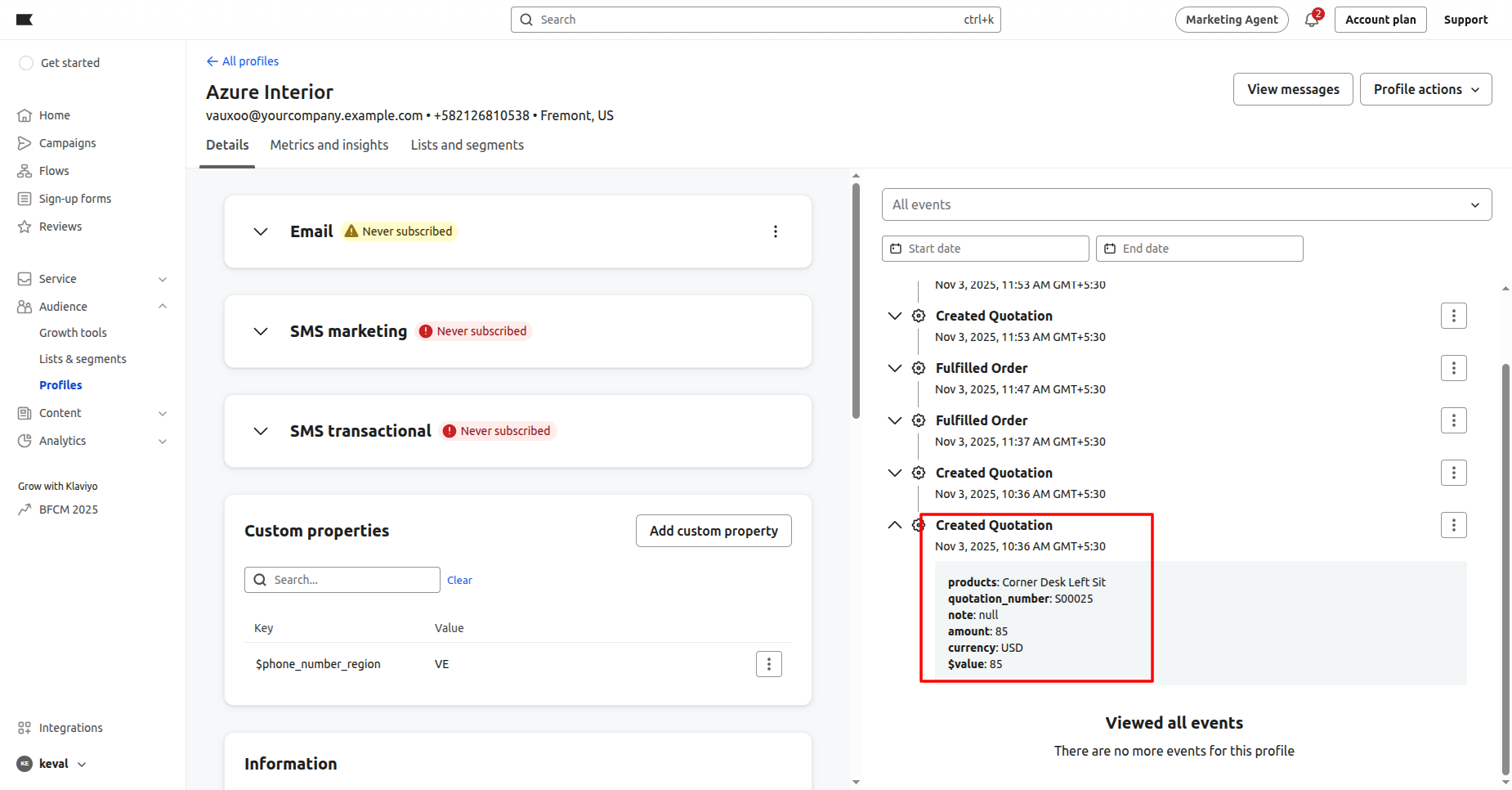
Quotation detail in Klaviyo.
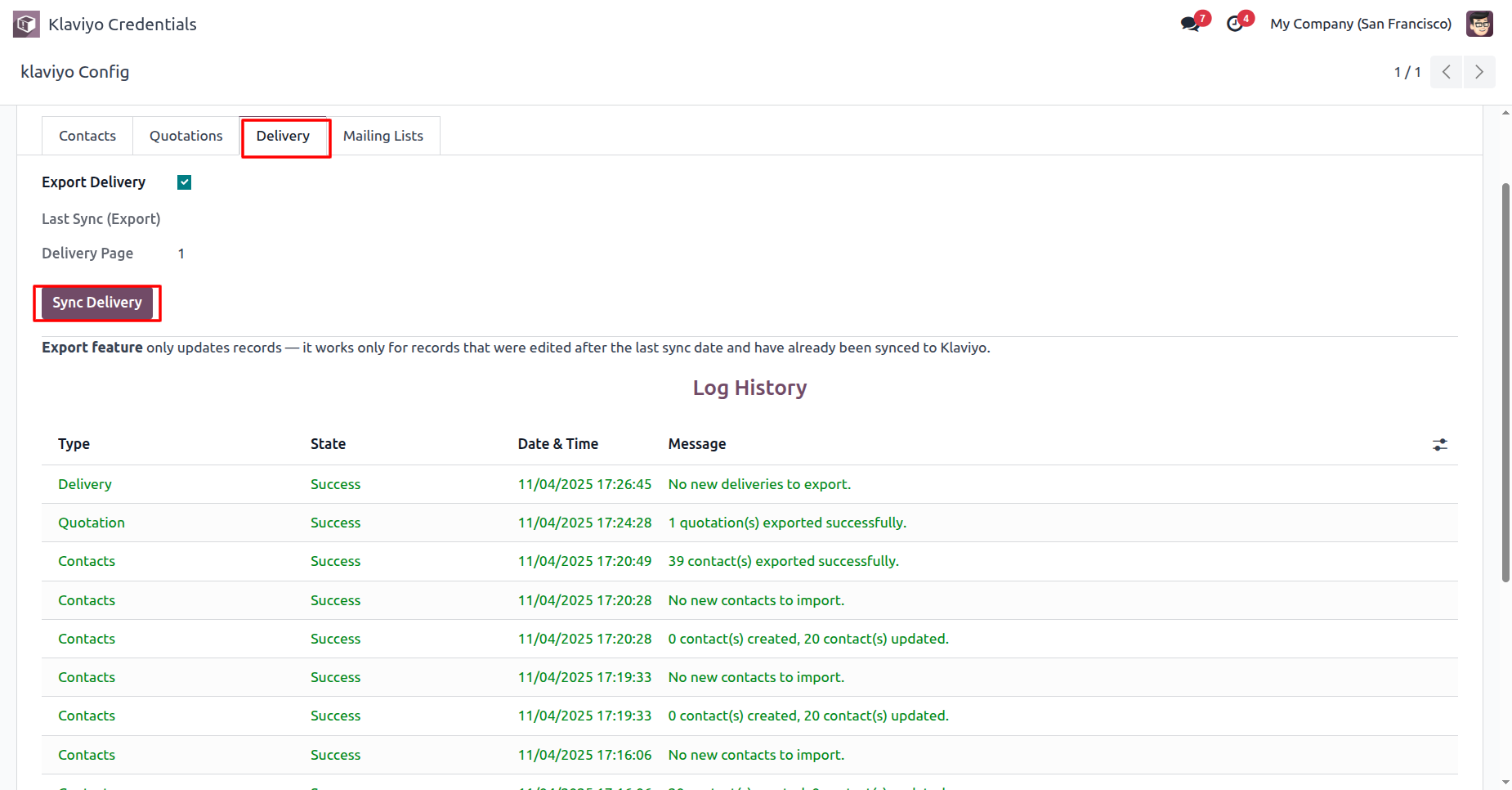
Enable “Export Delivery” and then press “Sync Delivery” to export the updated Delivery.
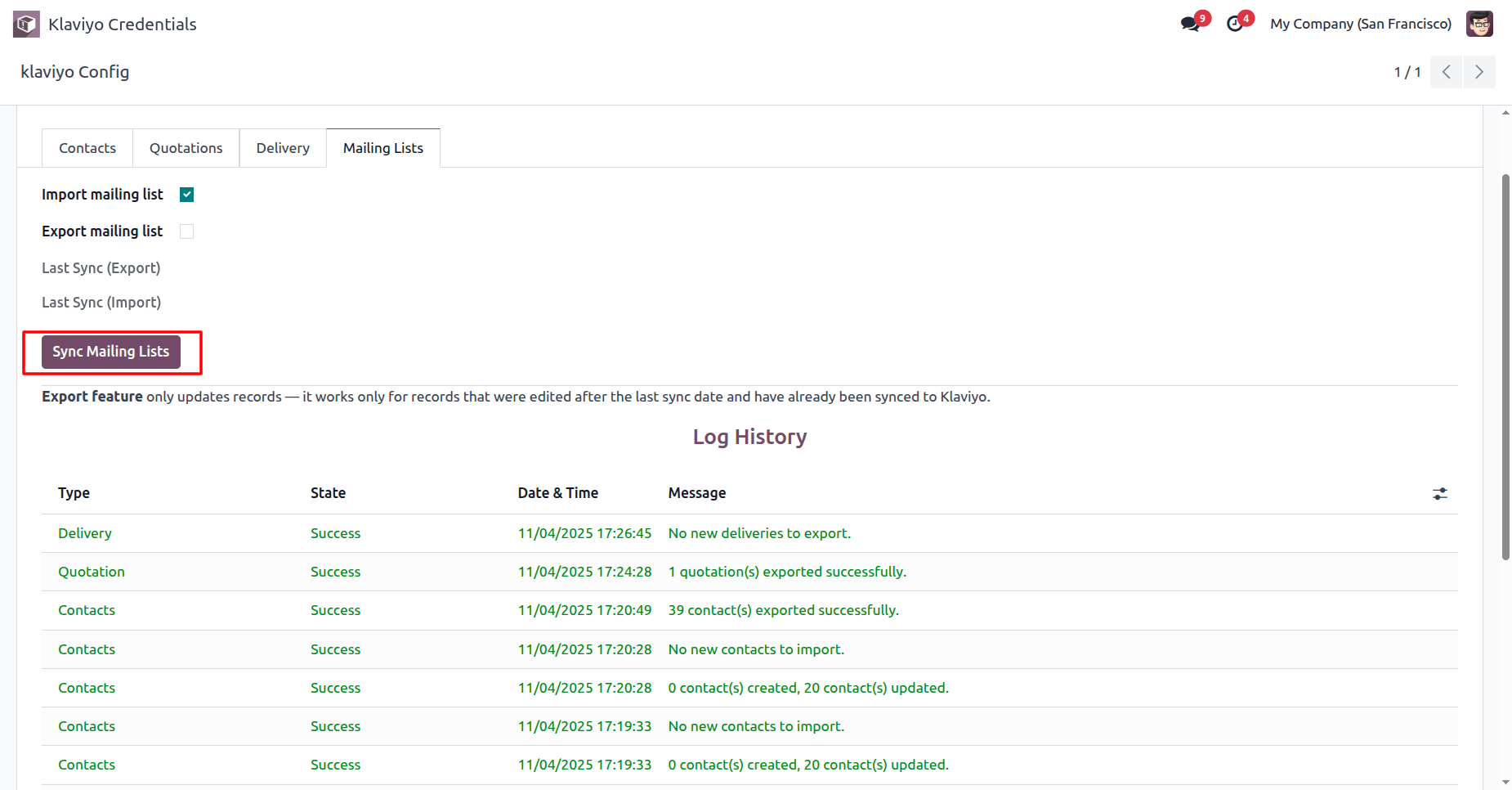
Enable “Import Mailing List” and then press “Sync Mailing Lists” to import Mailing Lists into Odoo.
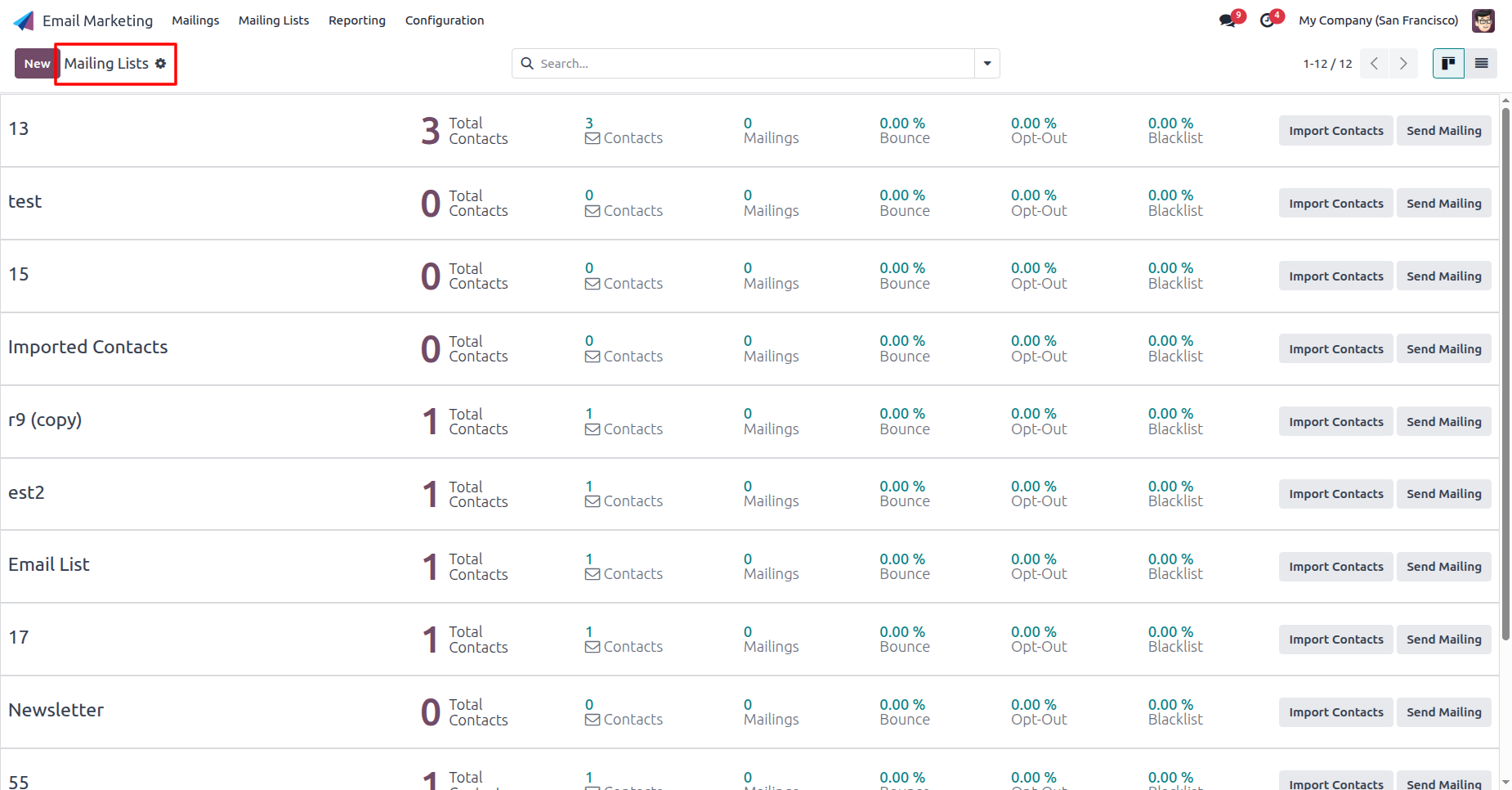
The list view of the Mailing Lists.
Enable “Export Mailing List” and then press “Sync Mailing Lists” to export the updated Mailing Lists.
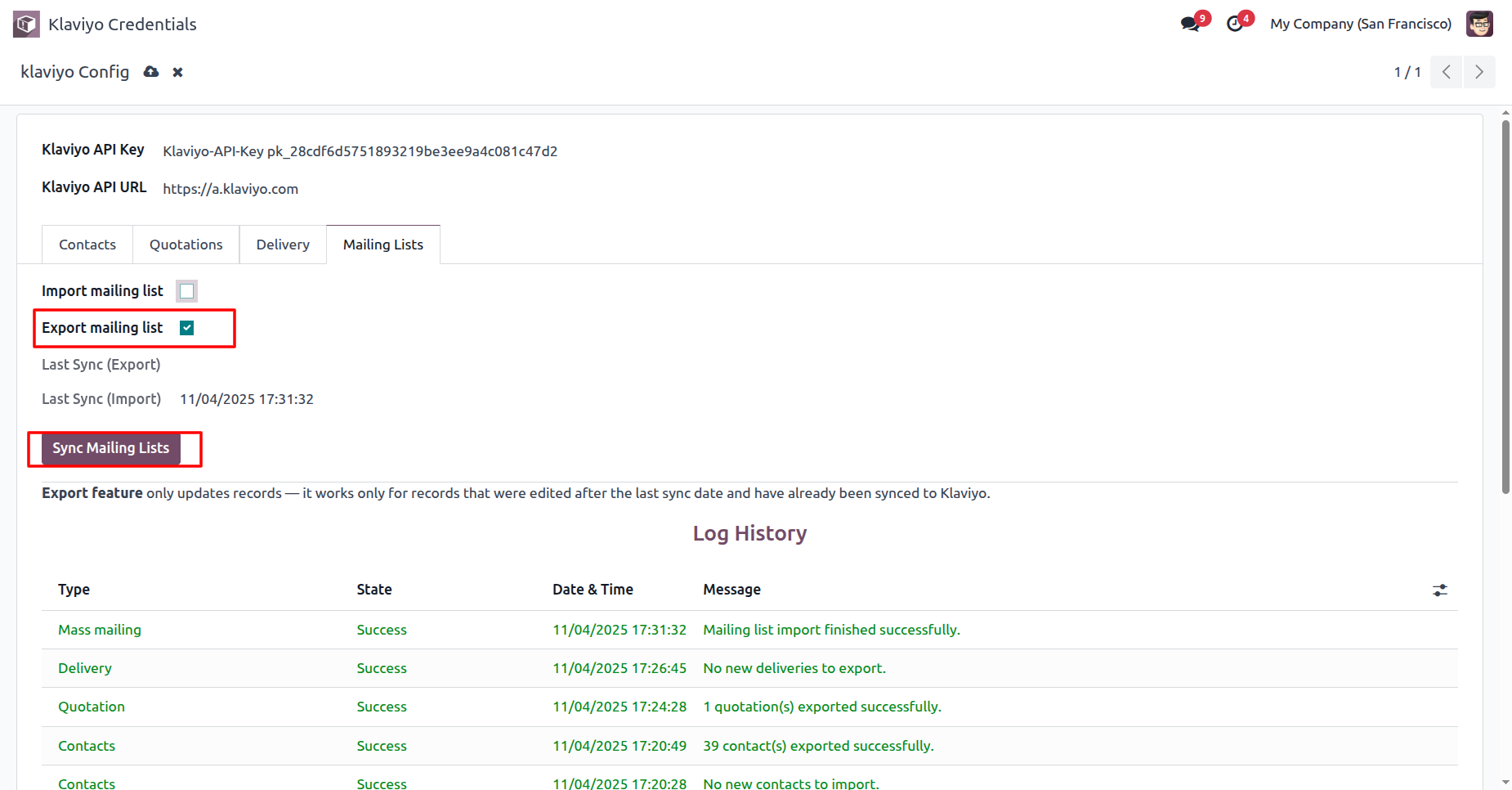
Synced Klaviyo ID for the mailing lists.
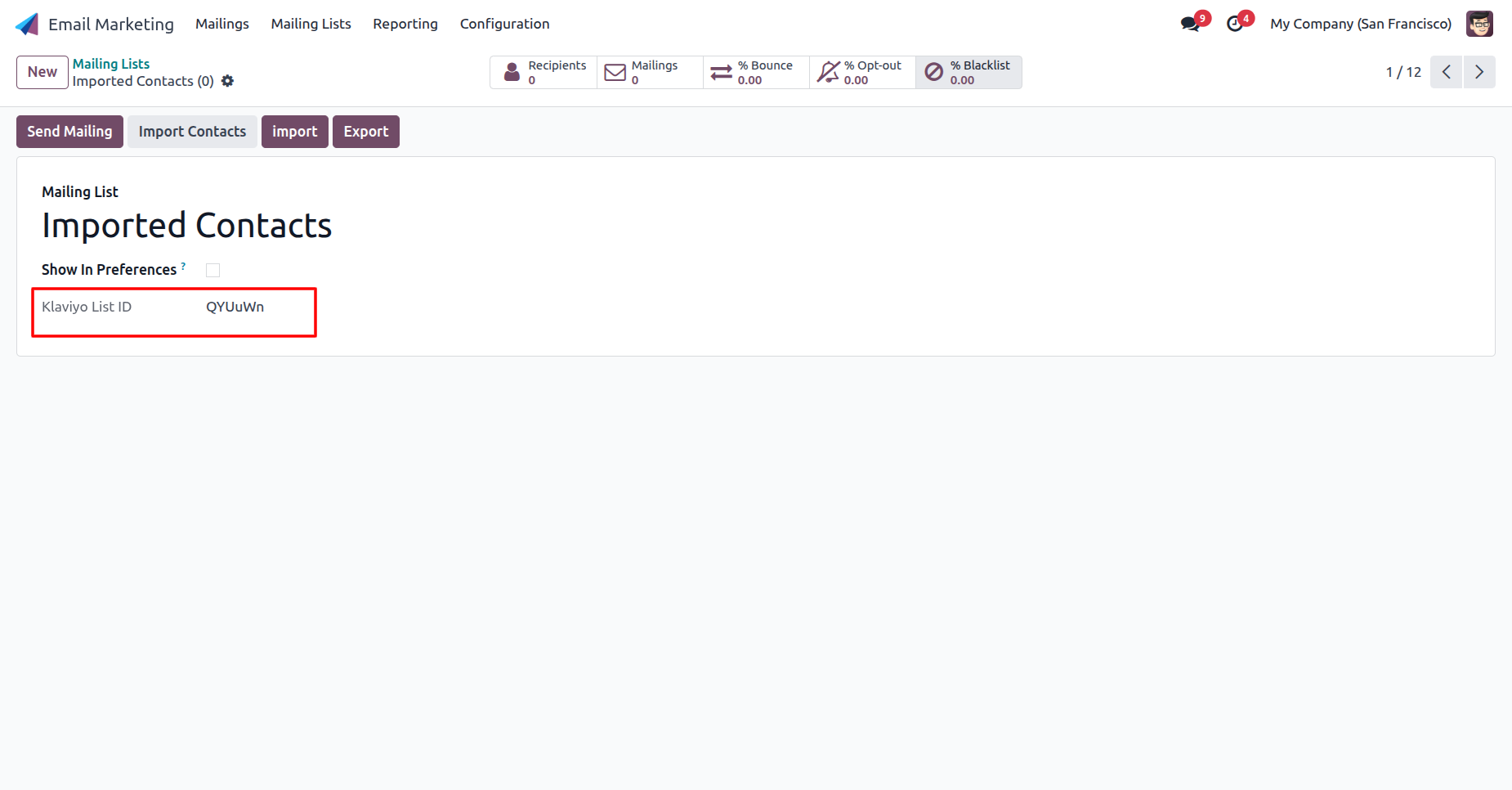
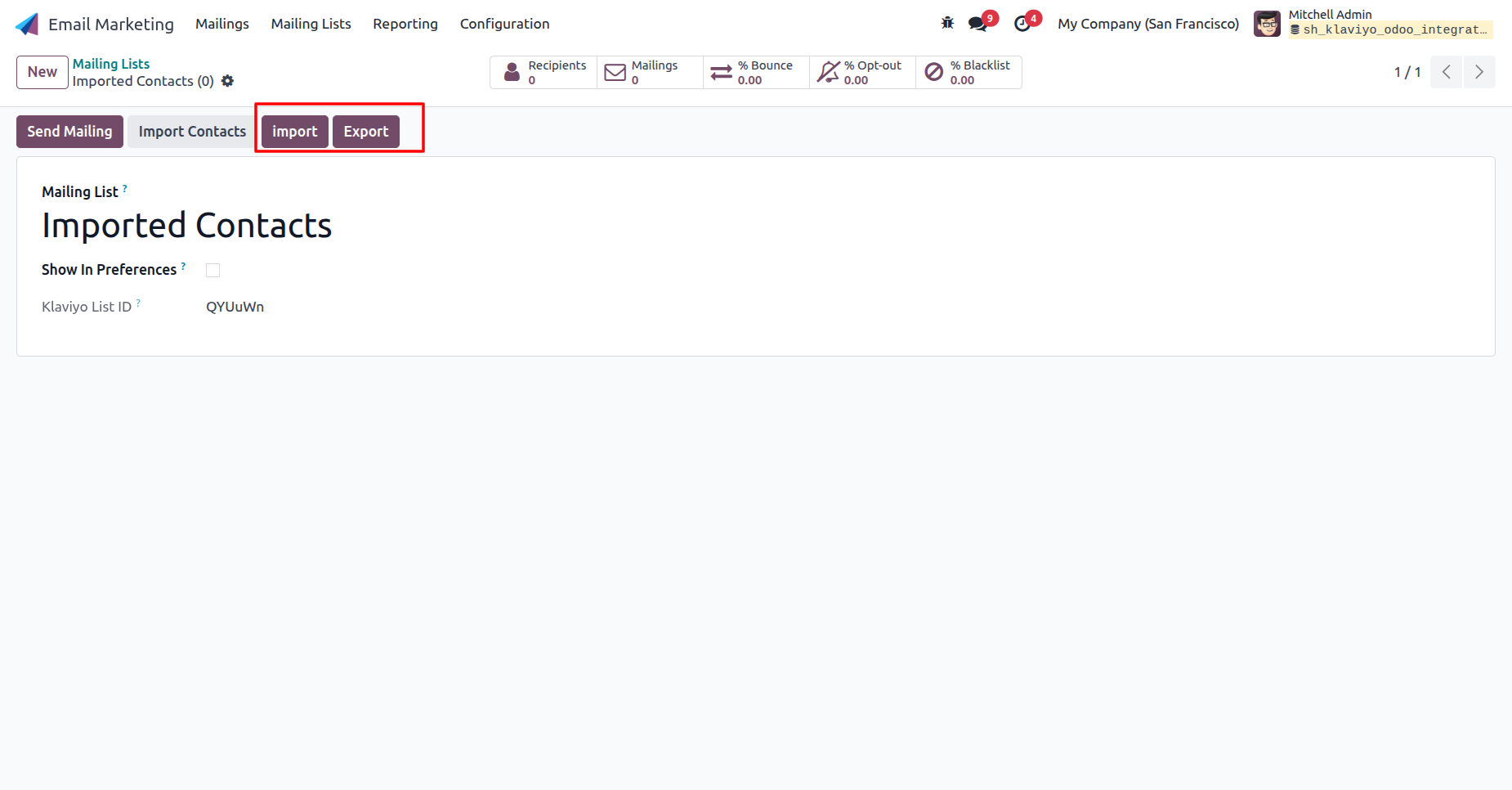
You can import-export mailing list from the form view.
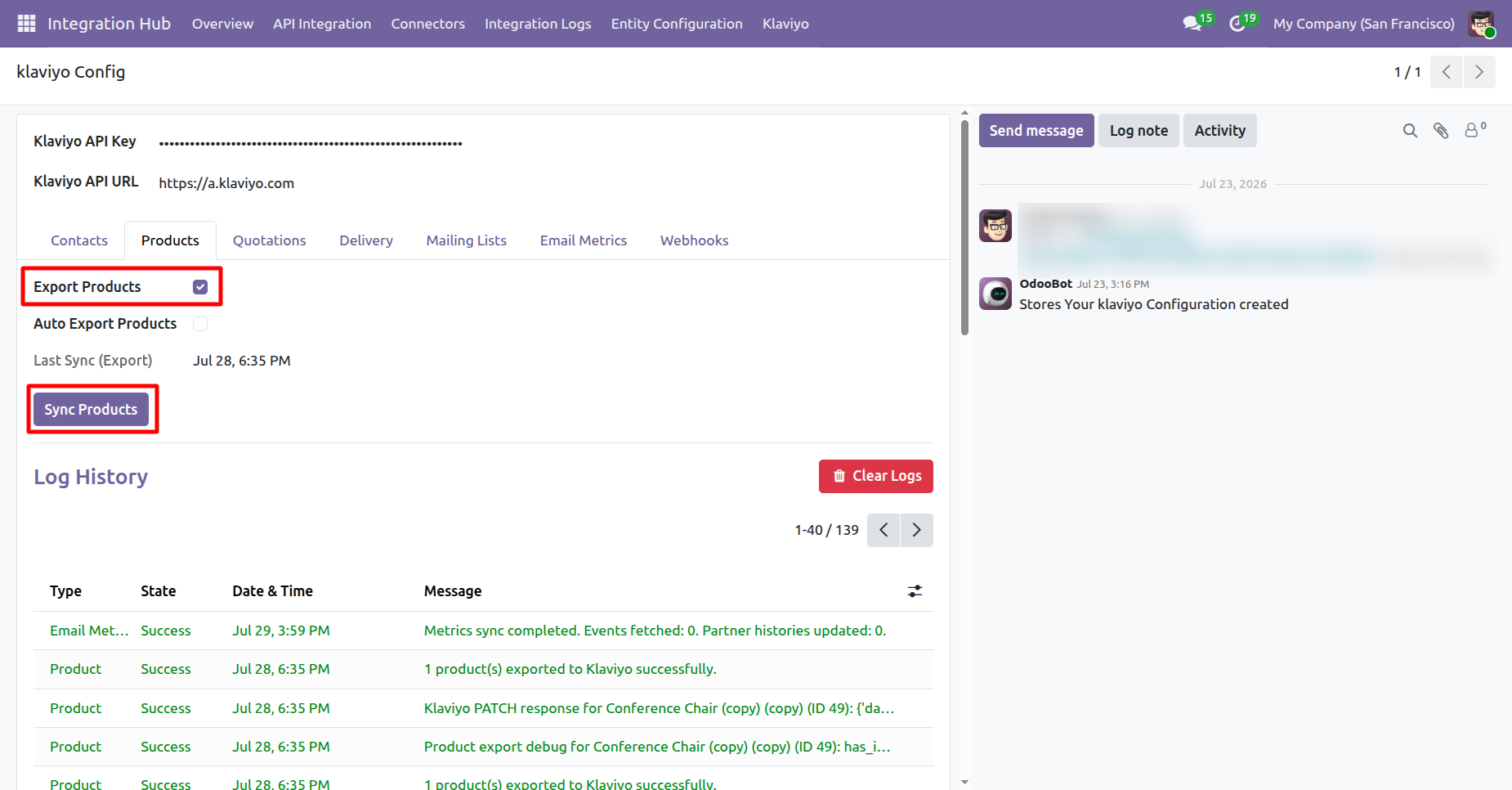
Go to Klaviyo Configuration -> Product and enable Export Products. Then click the Sync Products button.
The exported products will be visible in the Klaviyo app.
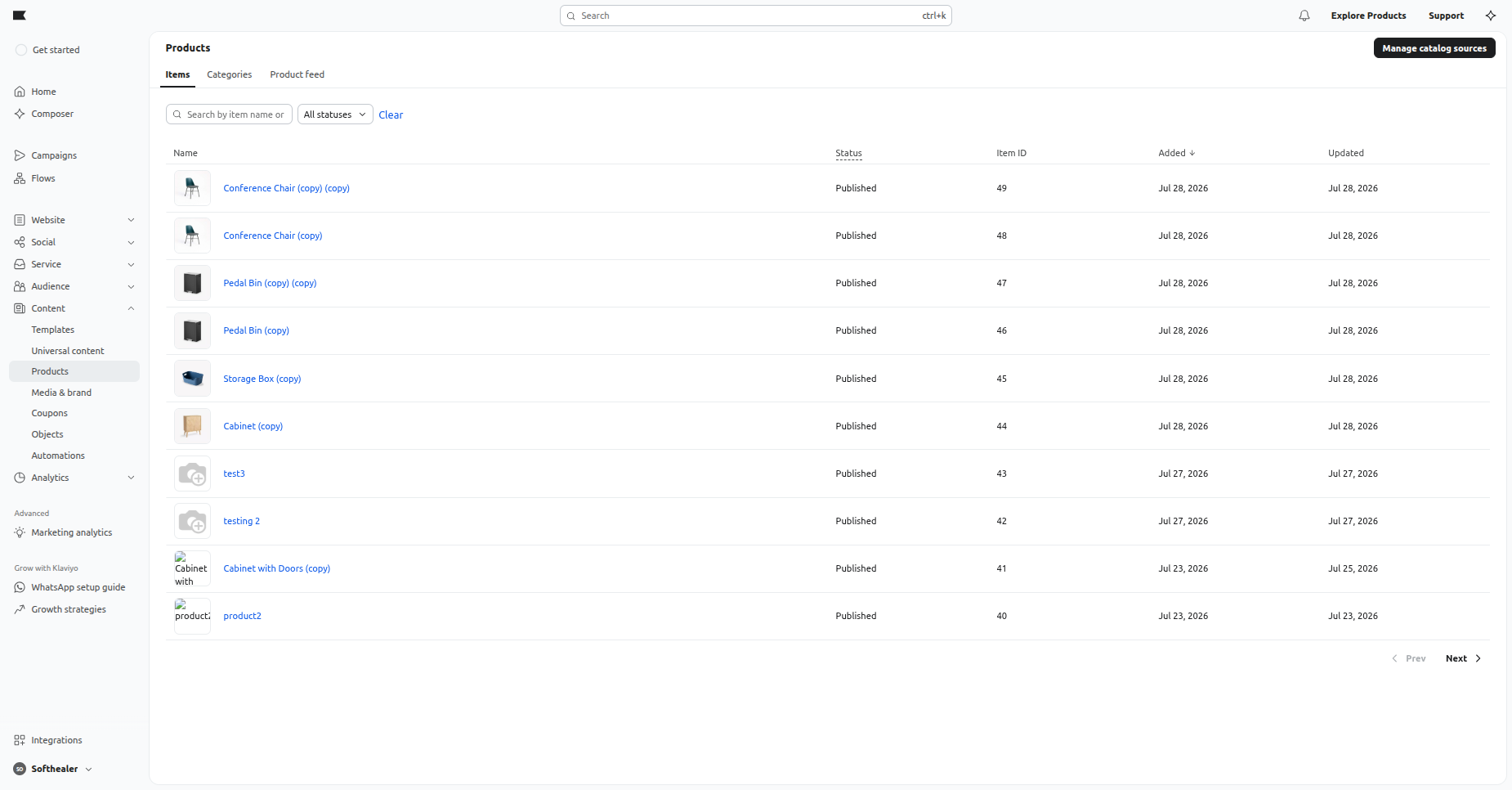
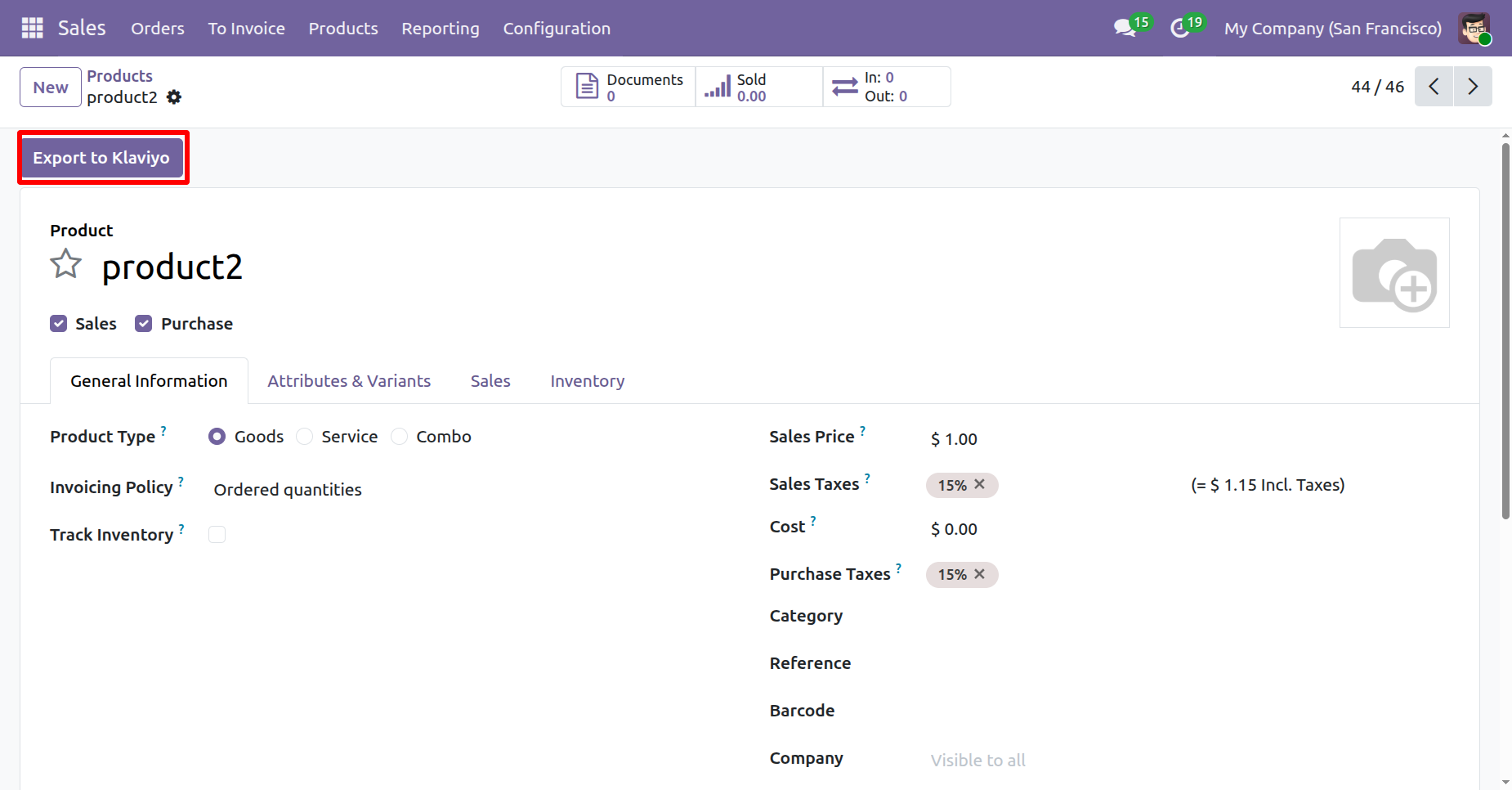
An “Exported Successfully” log will be visible under Log History.
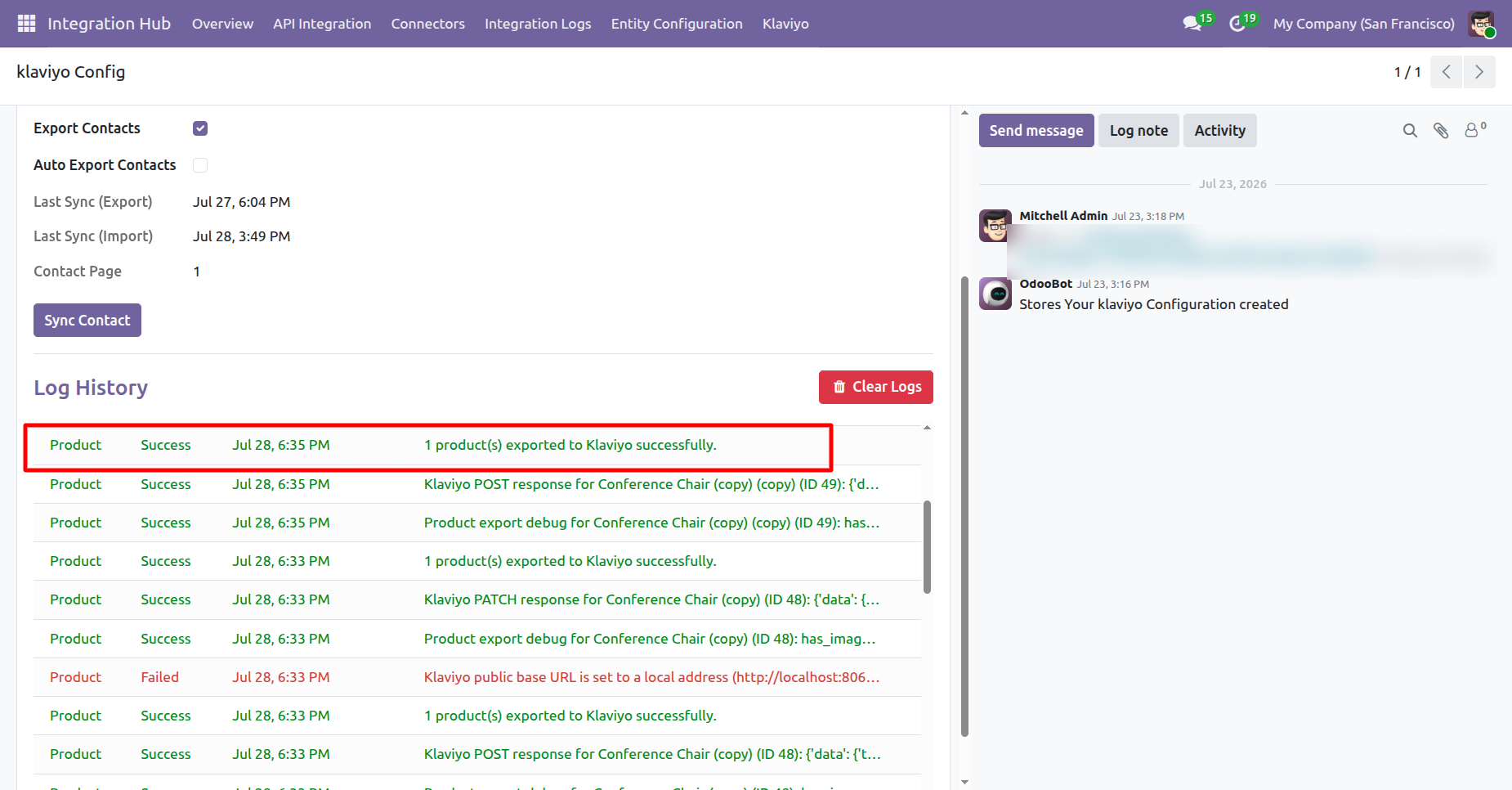
Go to the Product Form View and click the Export to Klaviyo button.
The product will be successfully exported to Klaviyo from the Product Form View.
.png)
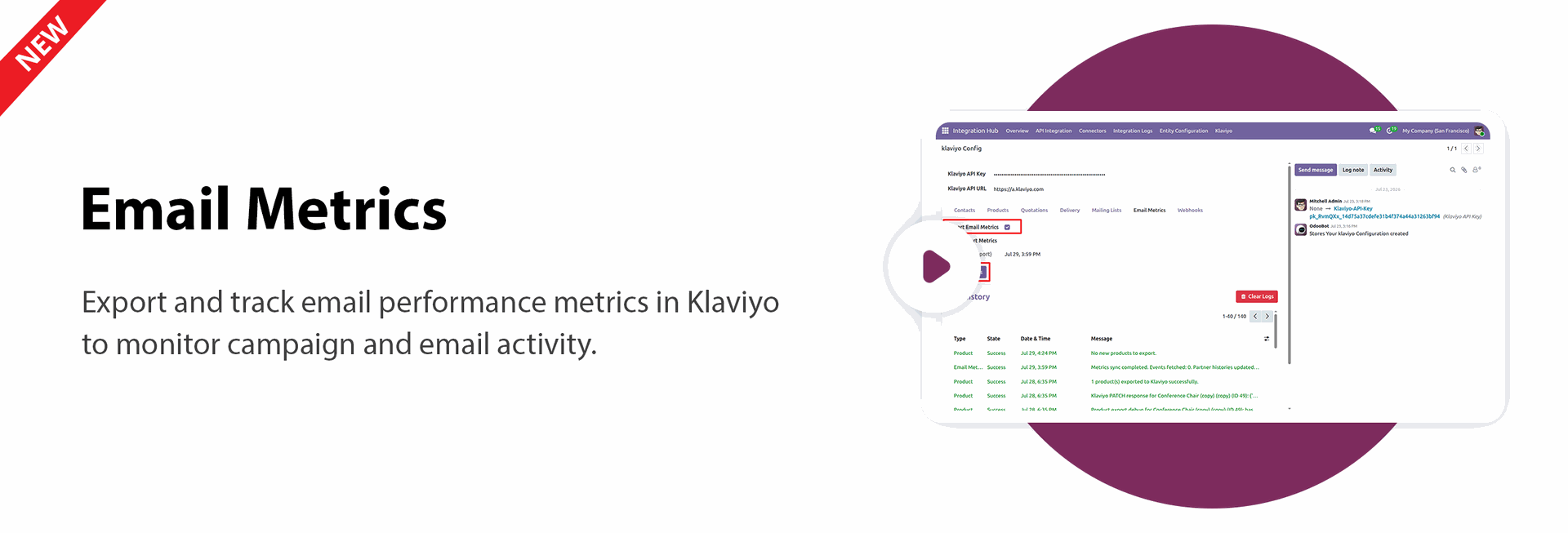
Go to Klaviyo Configuration -> Email Matrics and enable Import Email Matrics. Then click the Sync Matrics button.
.png)
An “Imported Successfully” log will be visible under Log History.
.png)
Klaviyo Campaigns allow you to create and manage targeted marketing campaigns.
.png)
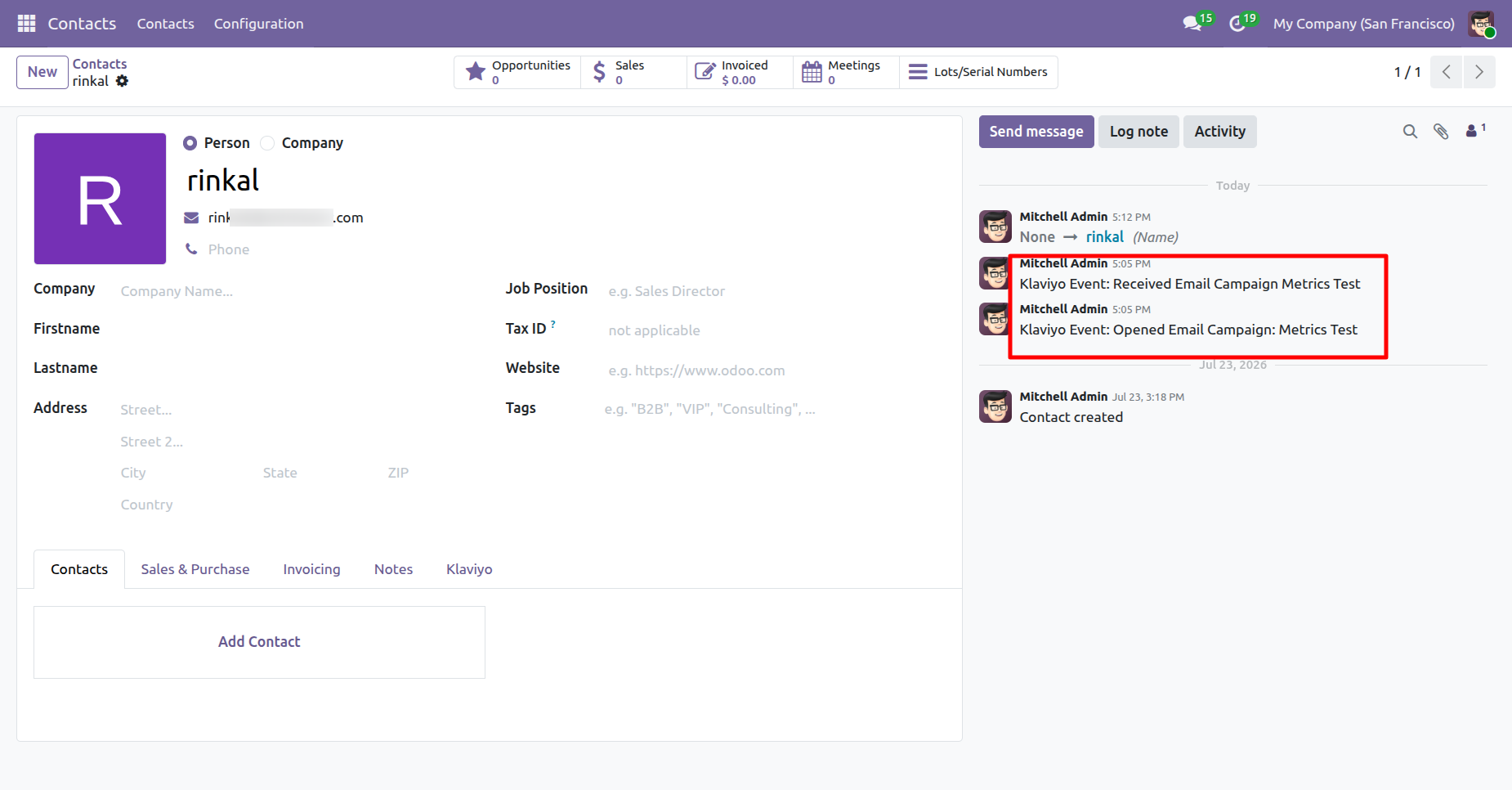
Imported emails from Klaviyo will be attached to the corresponding Contact.
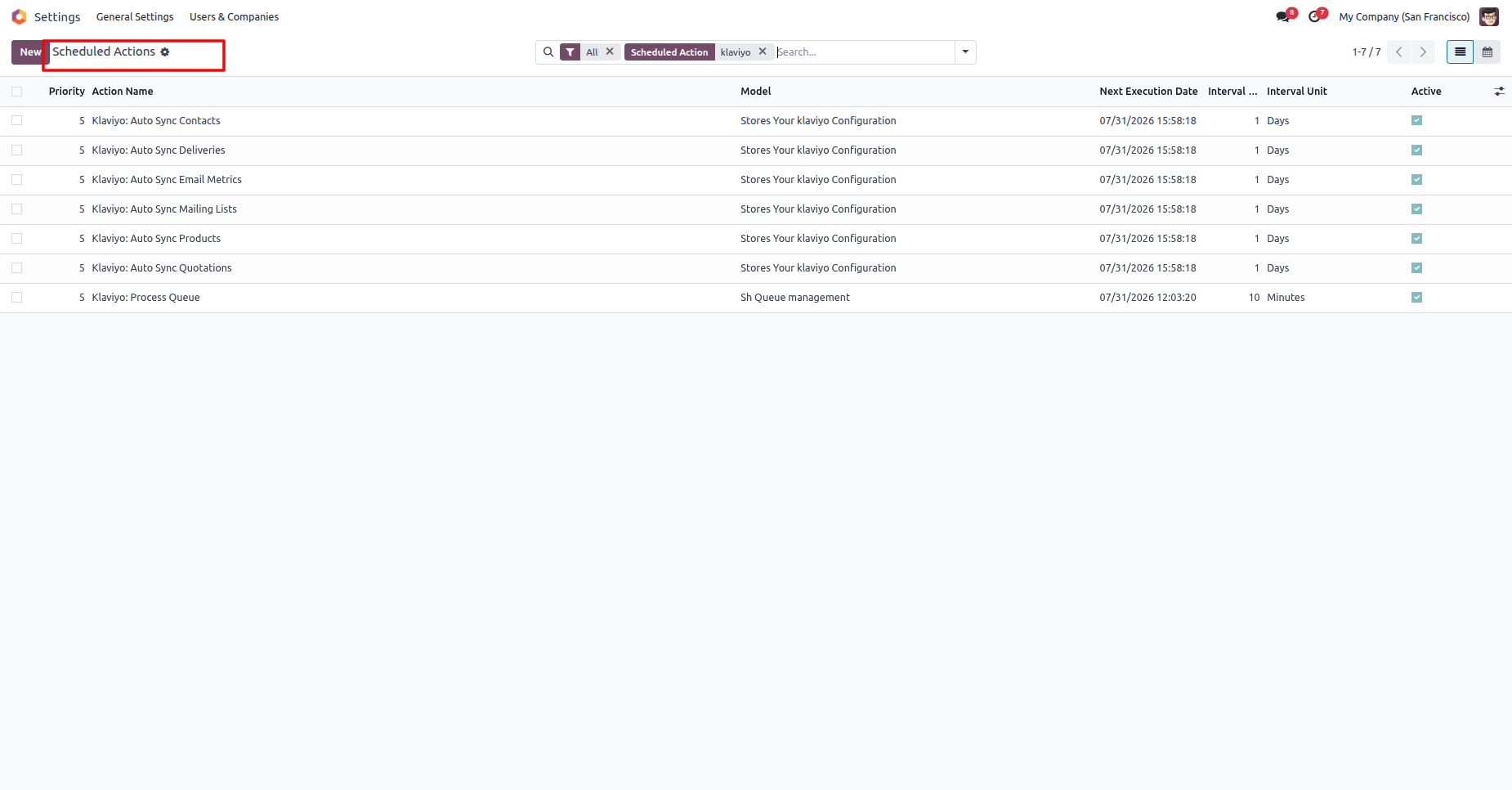
Schedule actions list view to automatically synchronize Klaviyo and Odoo records.
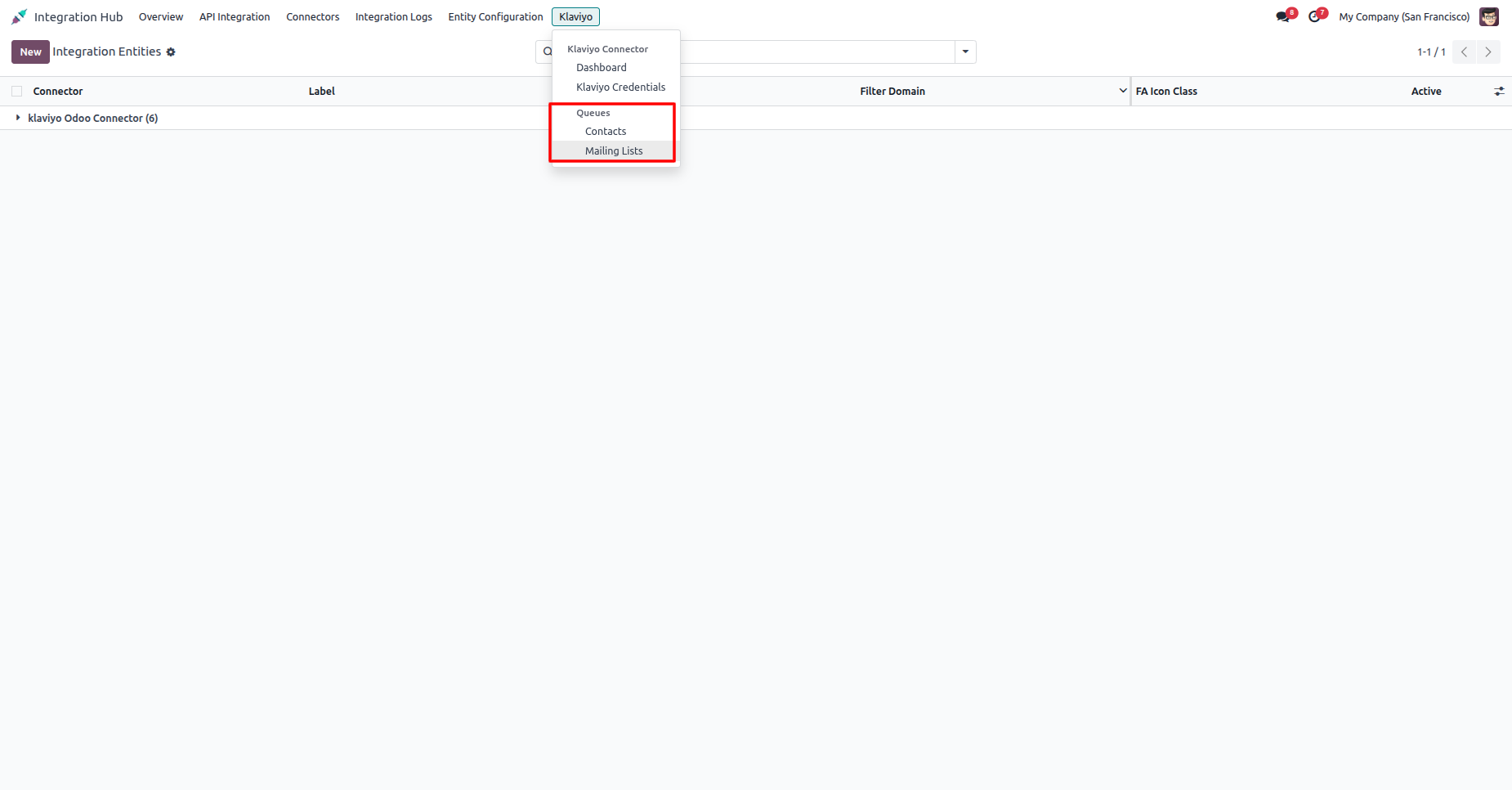
Click on the Klaviyo menu. The user can view the Contacts Queue and Mailing Items Queue submenus.
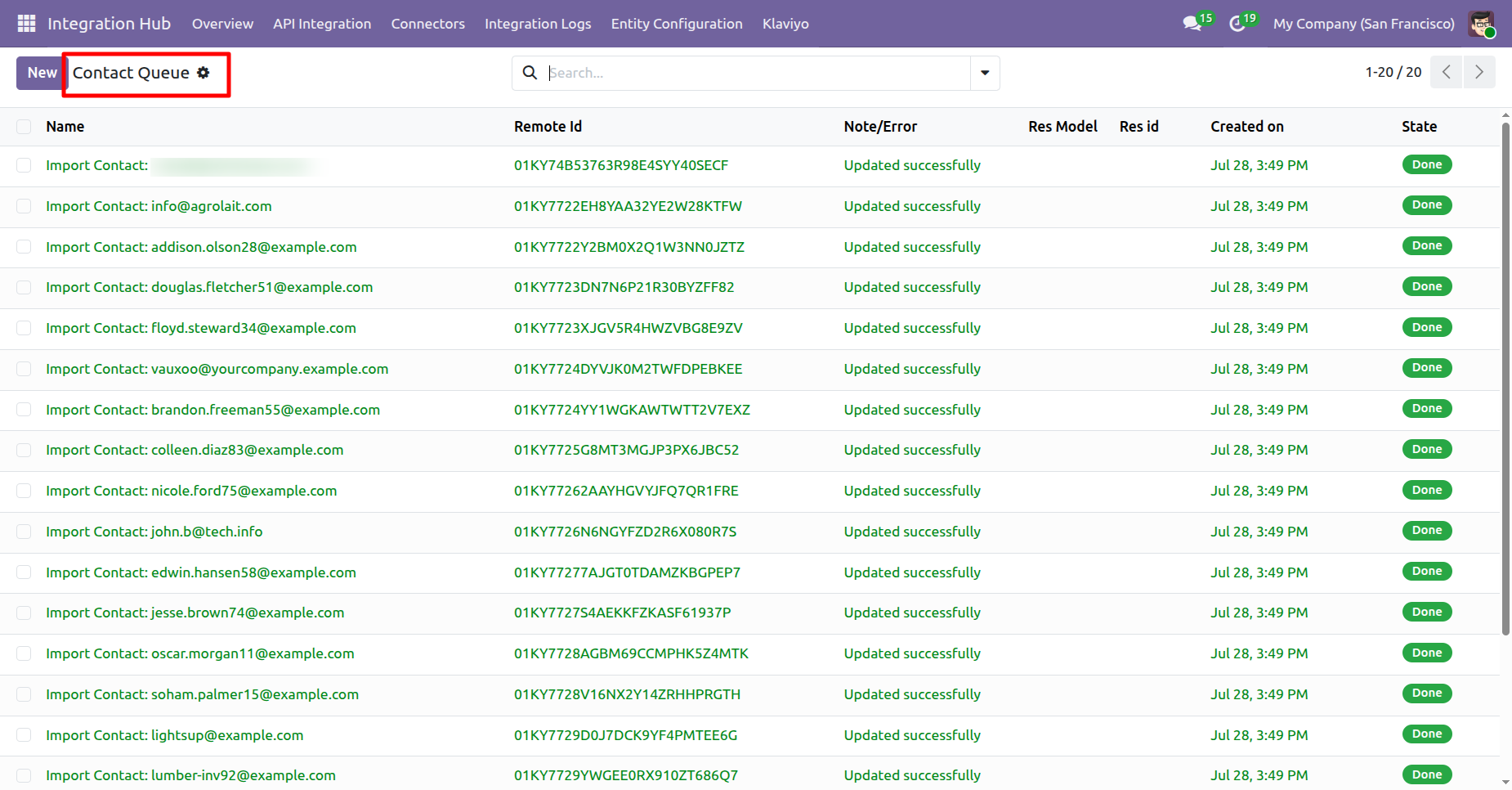
Click the Contacts Queue menu to open the Contacts Queue list view.
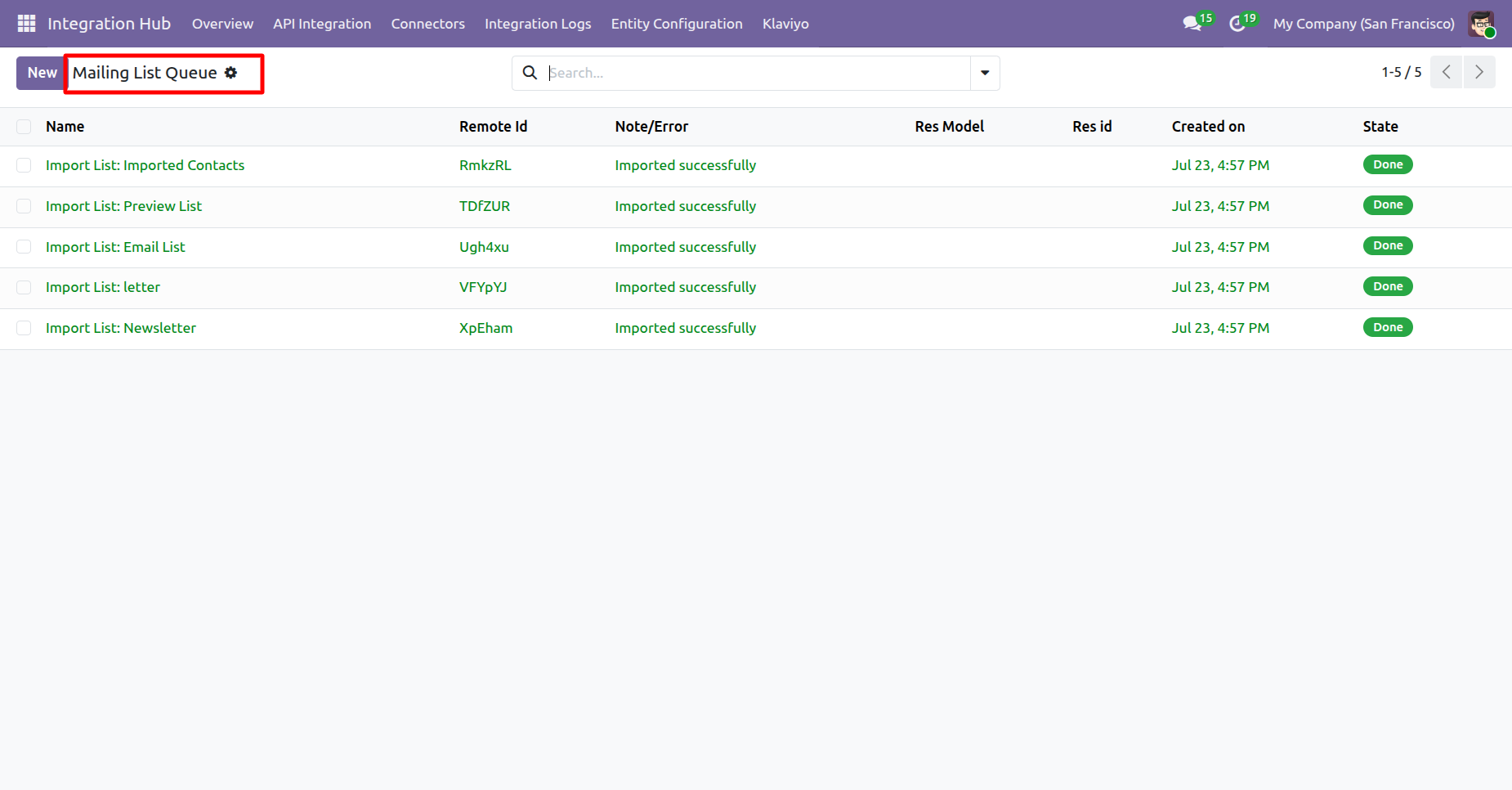
Click the Mailing Items Queue menu to open the Mailing Items Queue list view.
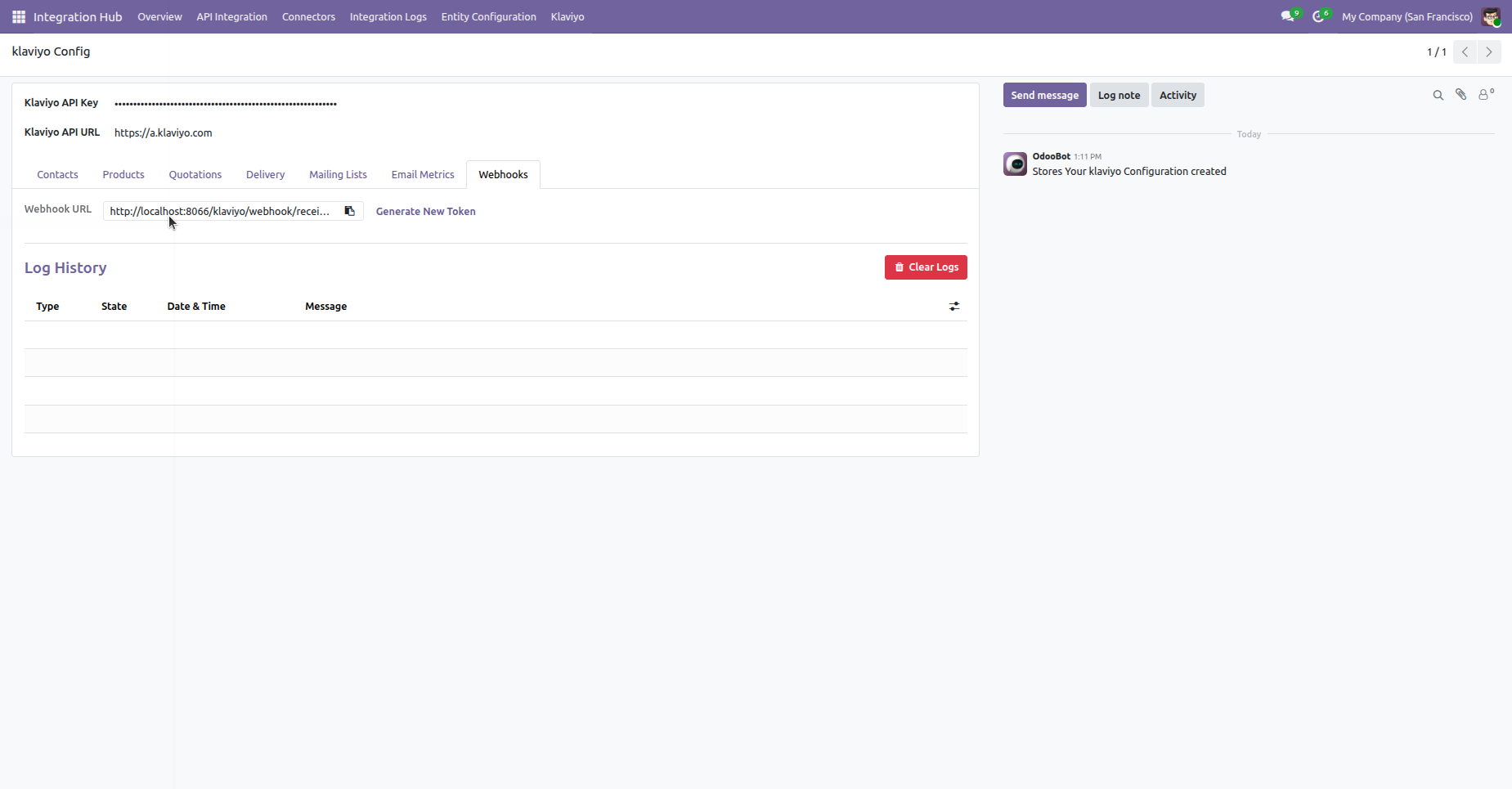
Click the Clear Logs button from the Log History section.
.png)
A confirmation pop-up will open. Click Yes to clear all logs.
.png)
All logs will be cleared from the Log History.
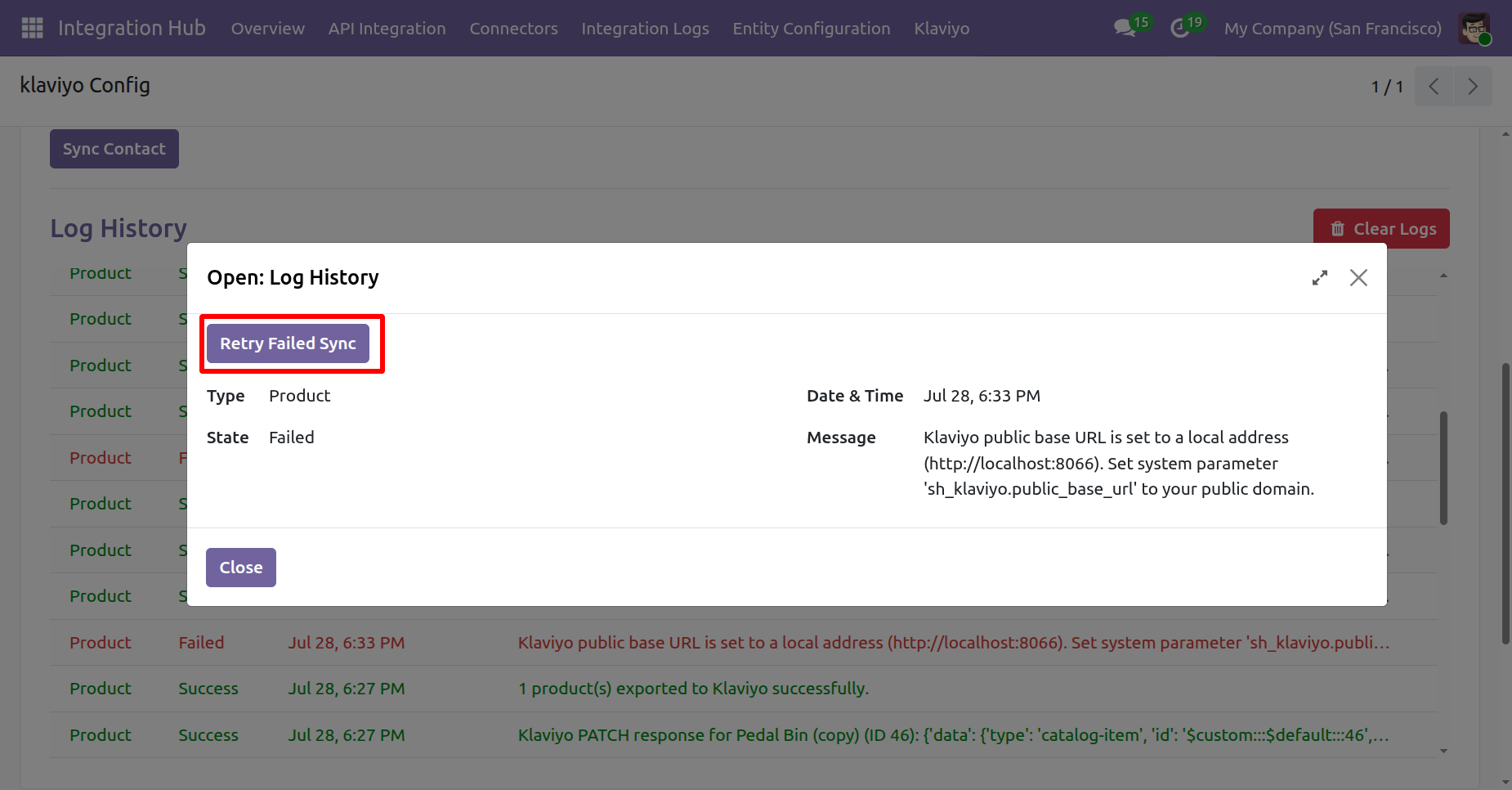
Click on a Failed Sync Log. The Log History wizard will open. Click the Retry Failed Sync button in the wizard.
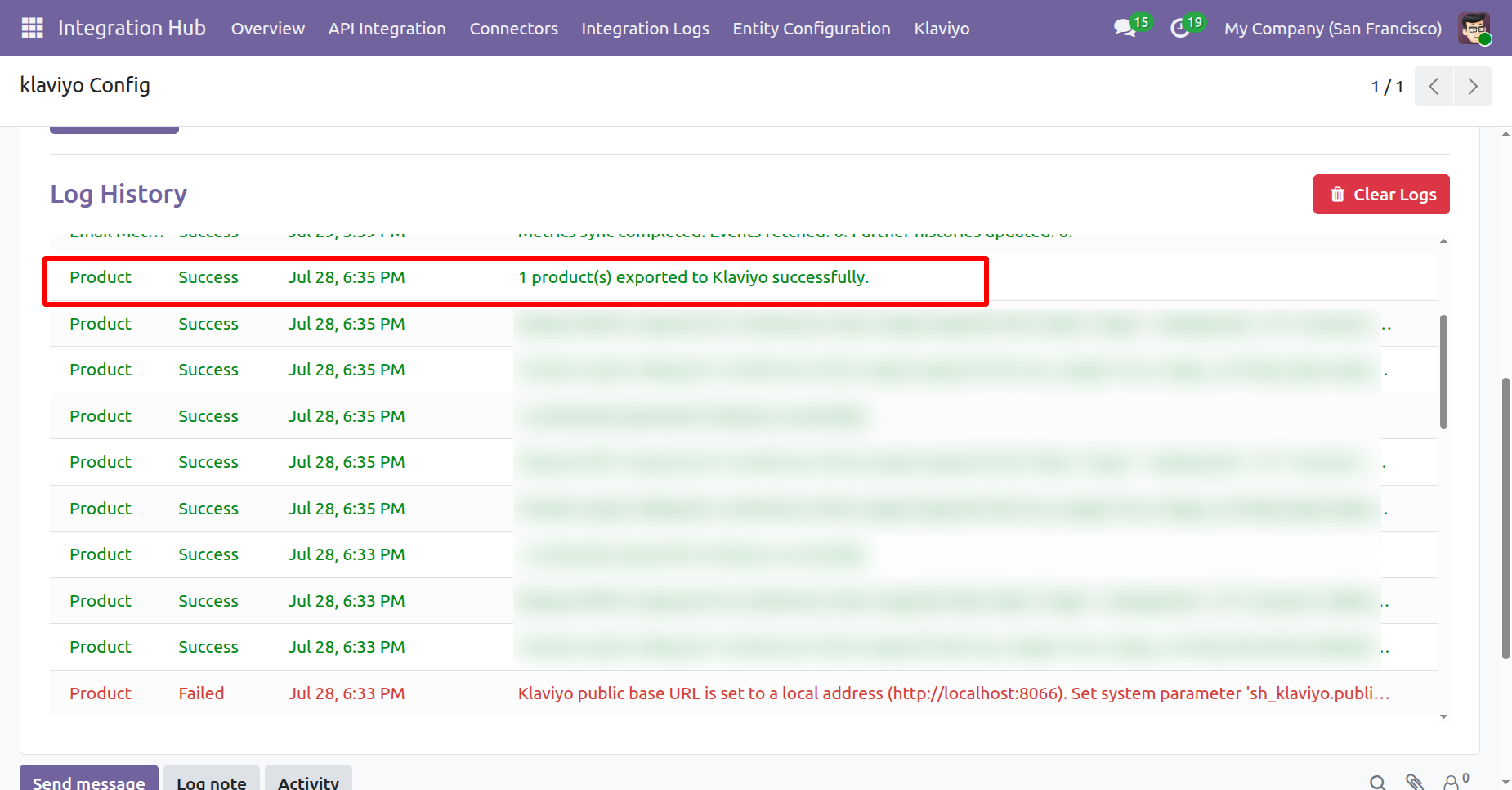
The sync will be completed successfully.
Version 19.0.2.0.0 | Released on : 22nd August 2026
Version 19.0.1.0.0 | Released on : 9th May 2026
- Yes, this app works perfectly with Odoo Enterprise (Odoo.sh & On-Premise) as well as Community.
- No, this application is not compatible with odoo.com(odoo saas/Odoo Online).
- Please Contact Us at sales@softhealer.com to request customization.
- Yes, you will get free update for lifetime.
- No, you don't need to install addition libraries.
- For version 12 or upper, you will need to purchase the module for each version that you want to use.
- Yes, we provide free lifetime support for the version you purchased.
- No, We do not provide any kind of exchange.
Discover Our Latest Apps