





Inventory Tags/Incoming-Delivery Order Tags

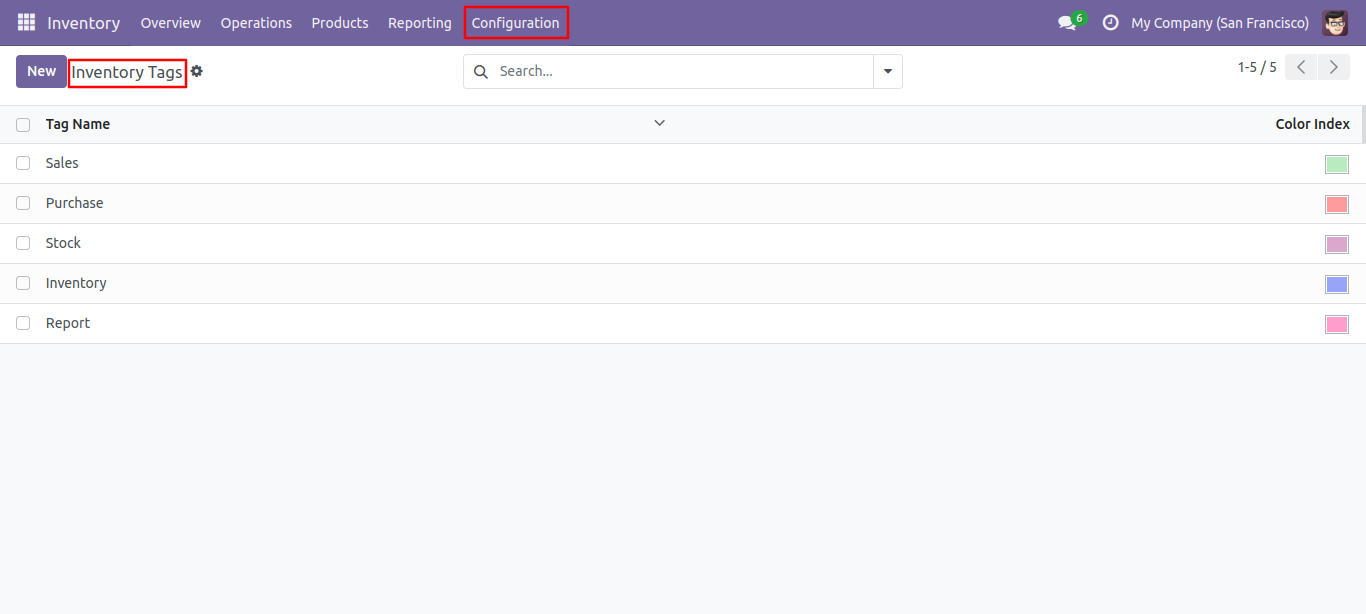
This module enables the feature to create inventory tags/ incoming-delivery order tags. You can change the color of tags as per need. You can search the records using tags also.

Related Modules
Features
- You can set default tags.
- You can update mass inventory tags/incoming-delivery order tags.
- You can create inventory tags/incoming-delivery order tags.
- You can change the tag color.
Go to the 'Configuration' => 'Inventory Tags'.
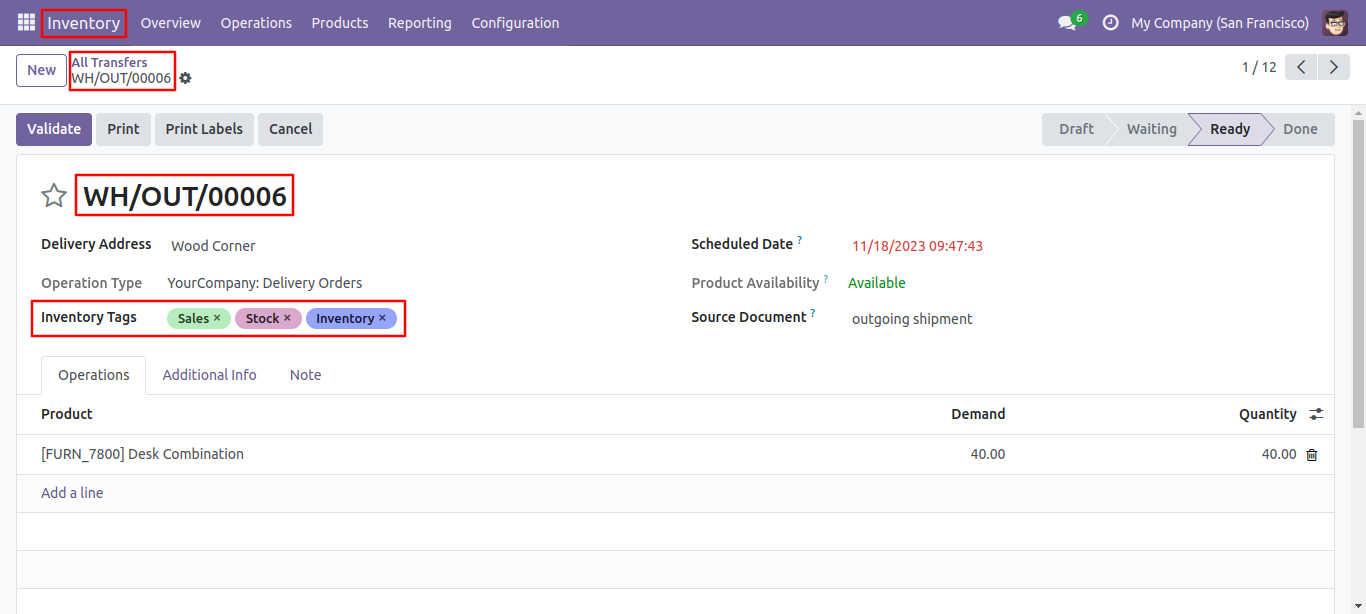
Inventory form view with tags.
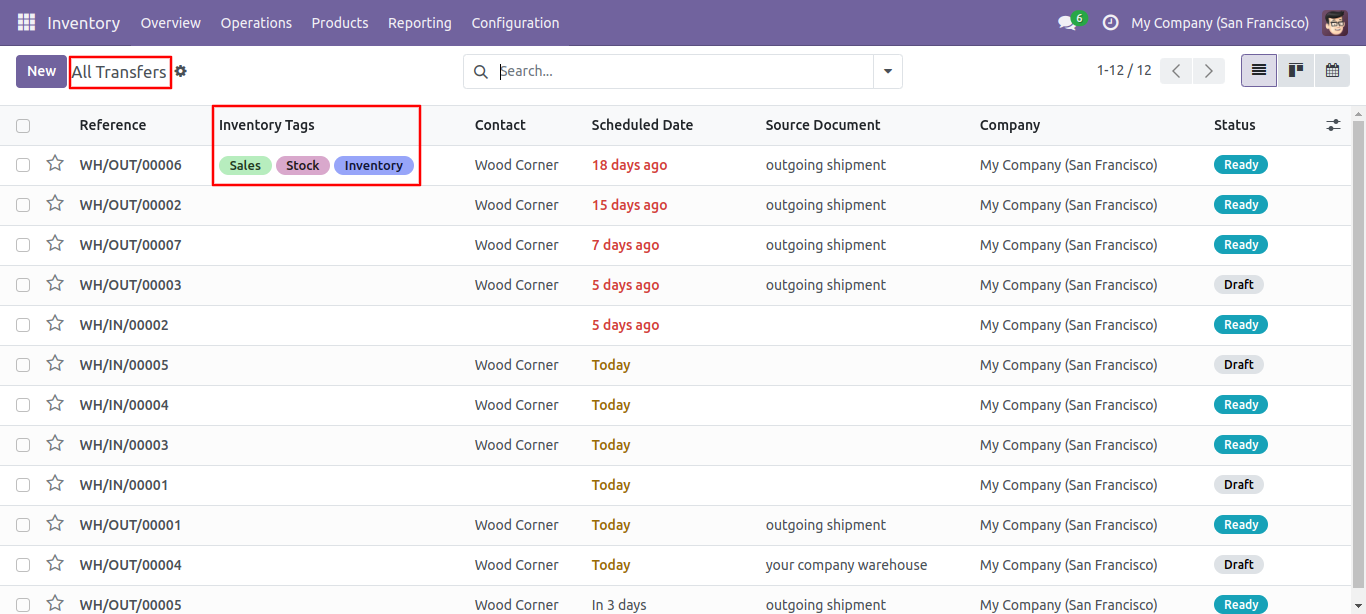
Inventory list view with tags.
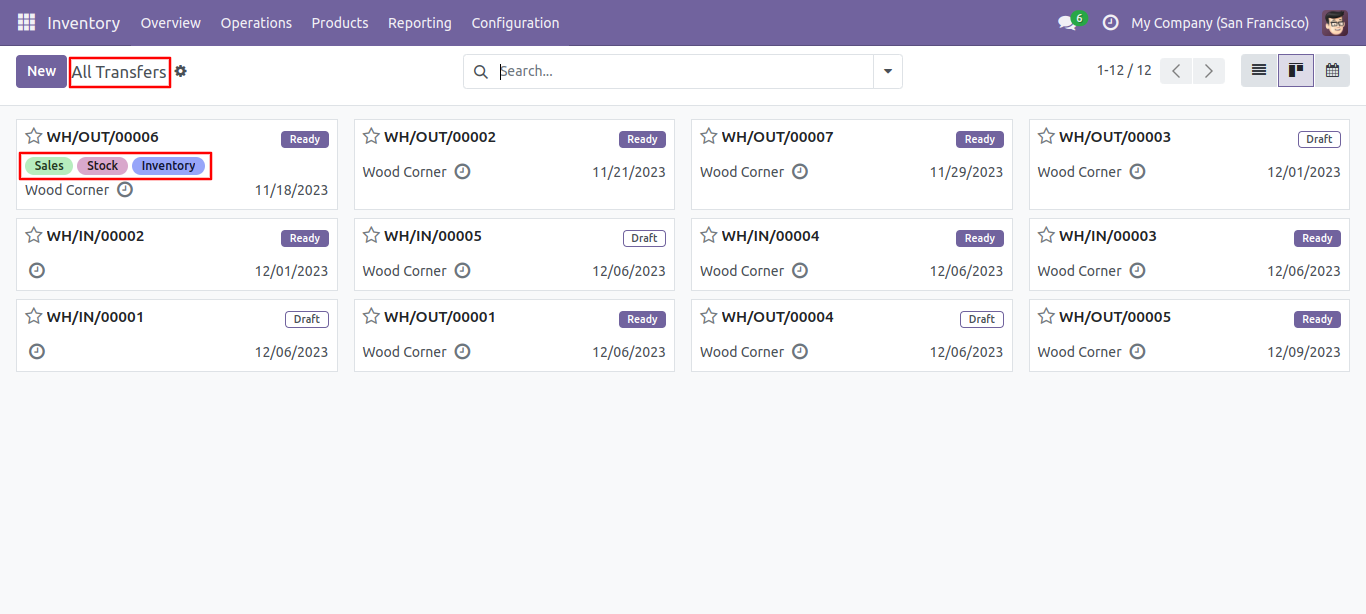
Inventory kanban view with tags.
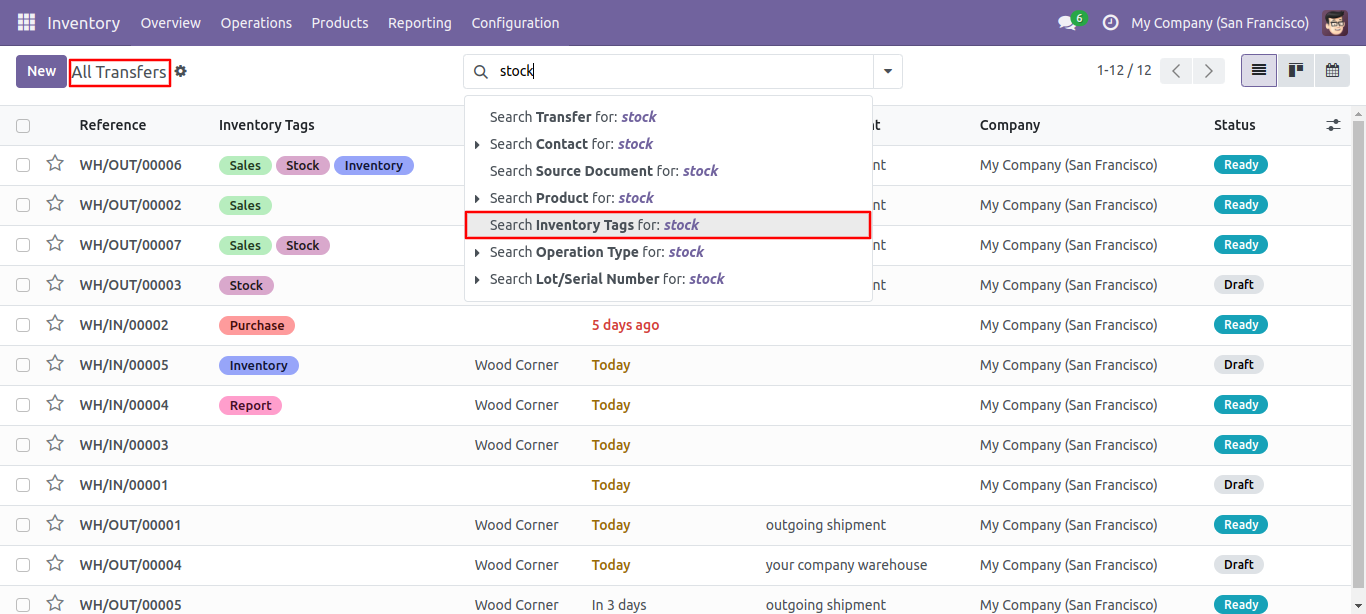
You can search tags from the search view in the internal transfer.
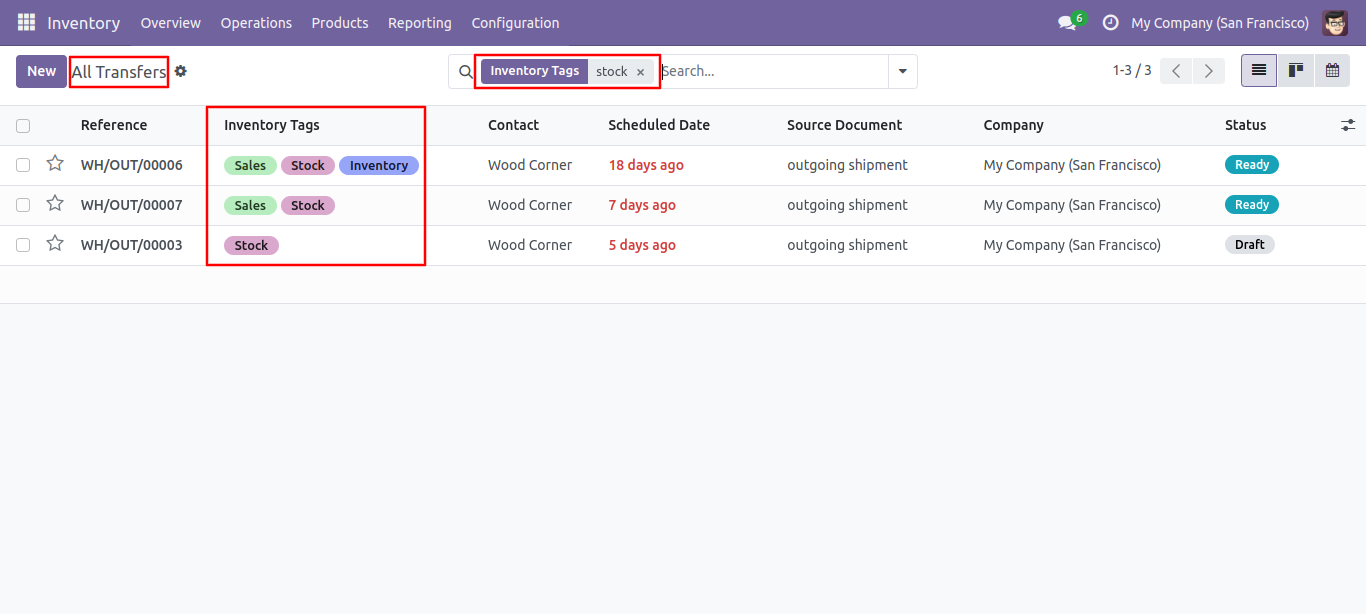
The search tags result in the internal transfer.
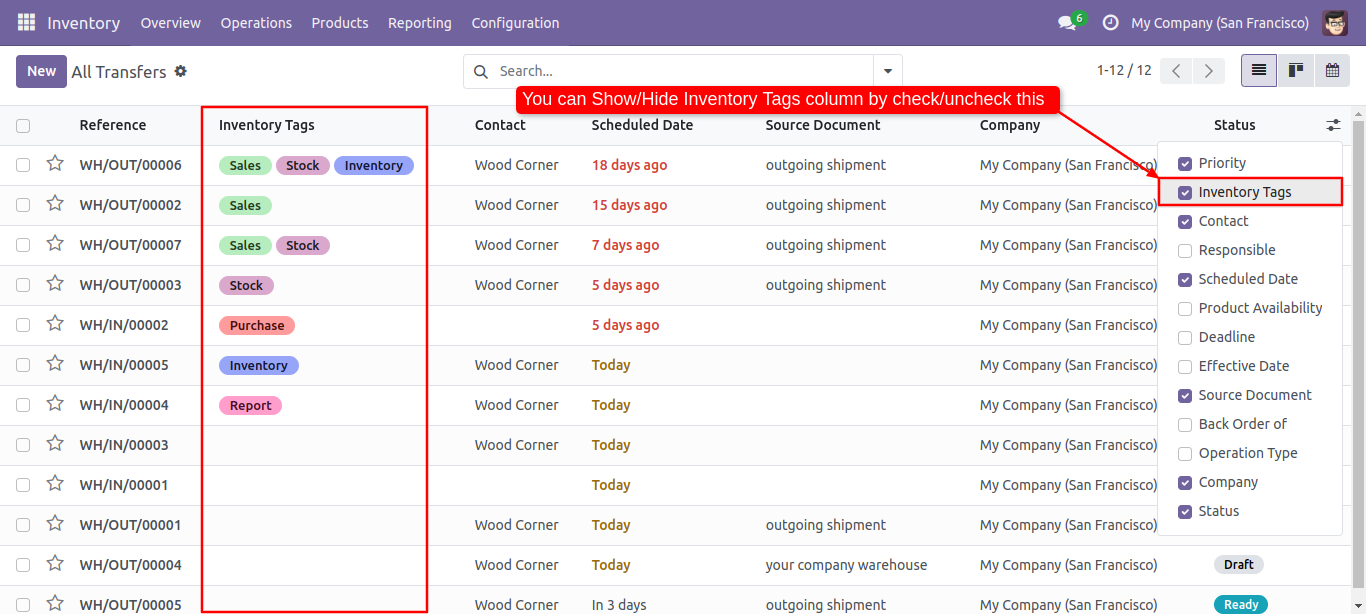
You can enable/disable tags fields in the internal transfer tree view.
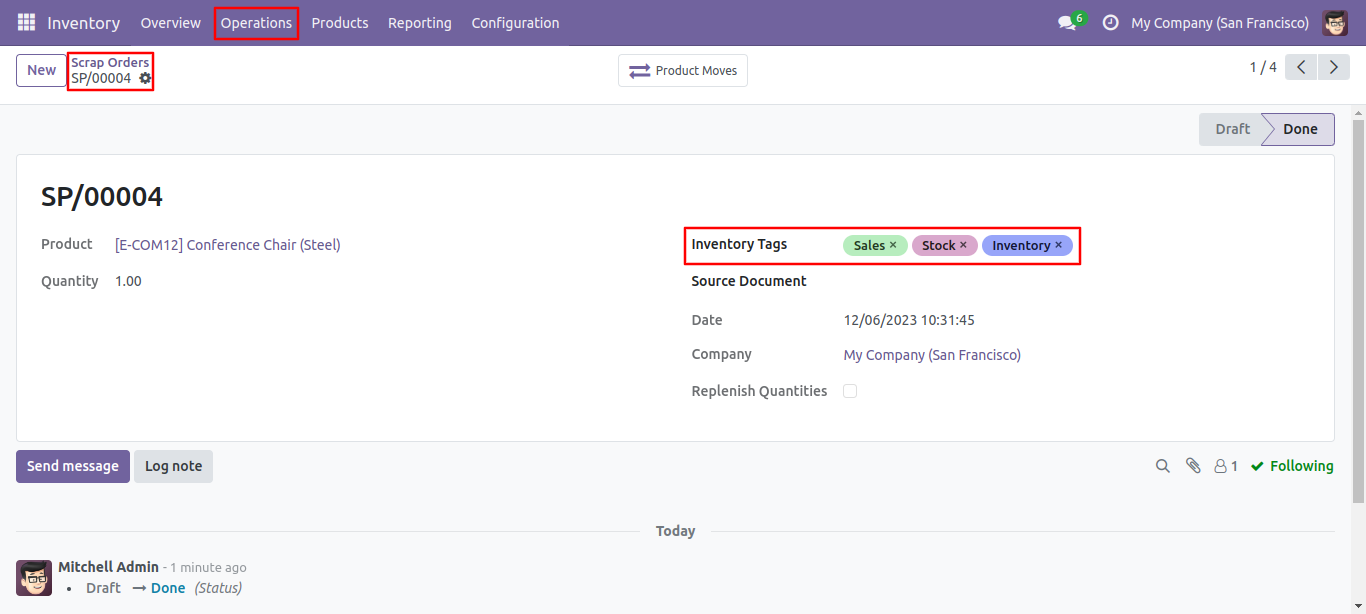
Scrap orders form view with tags.
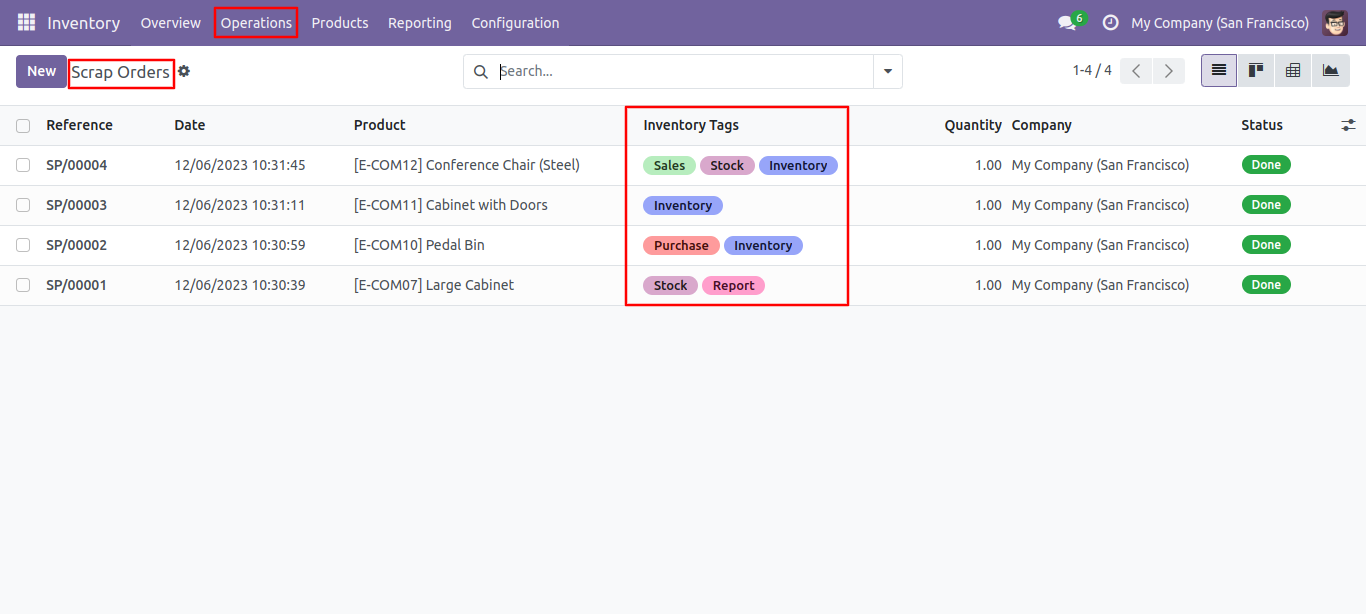
Scrap orders list view with tags.
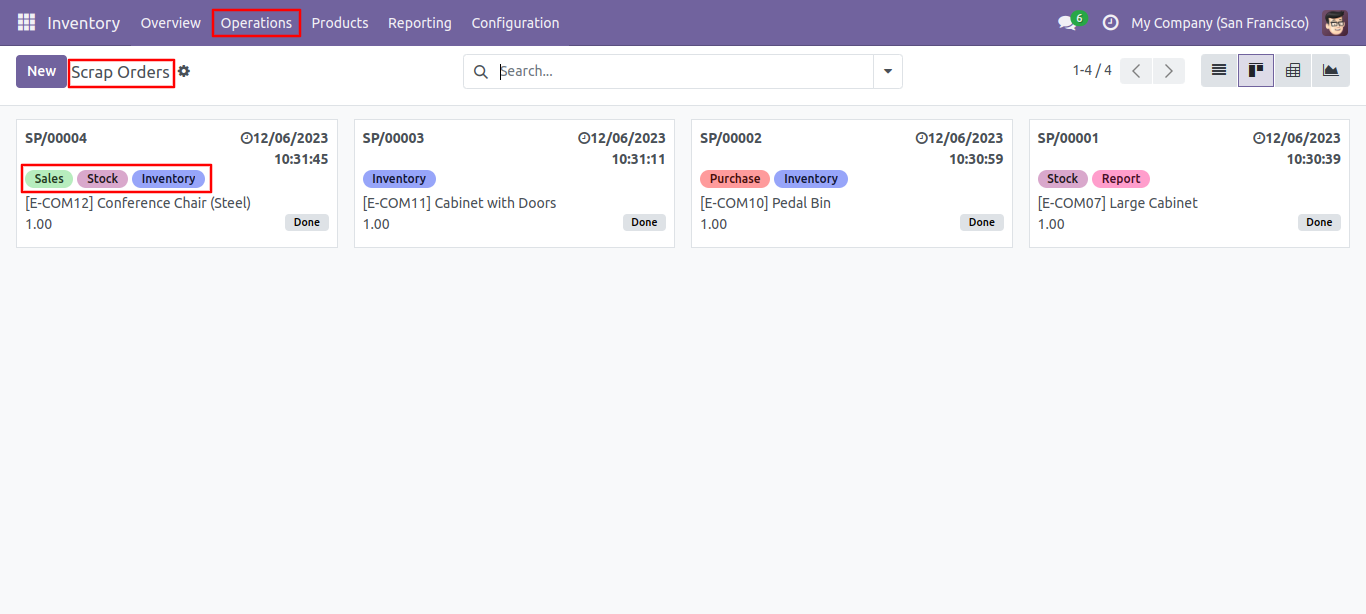
Scrap orders kanban view with tags.
You can search tags from the search view in the scrap orders.
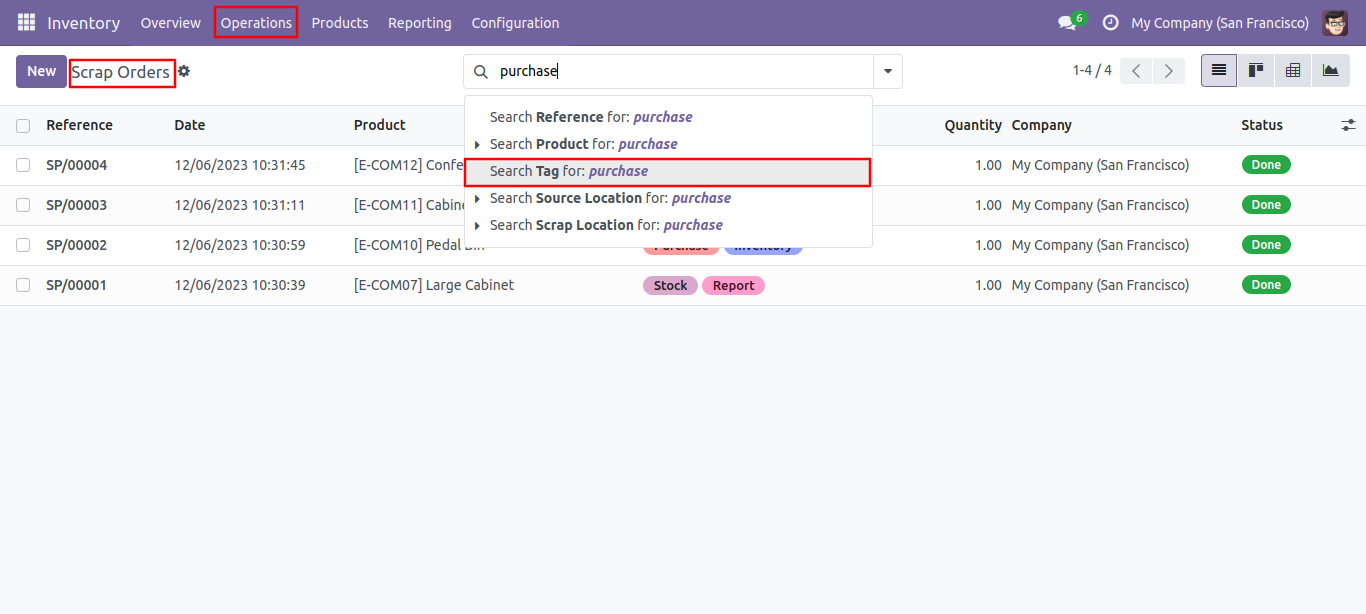
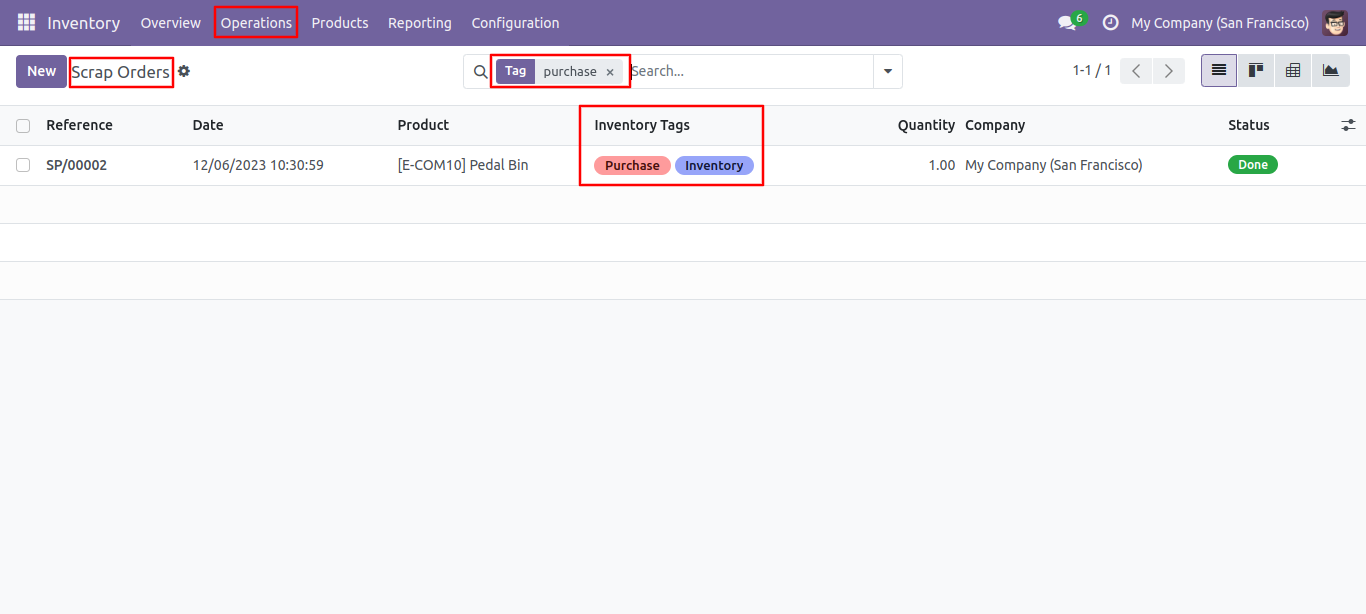
The search tags result in the scrap orders.
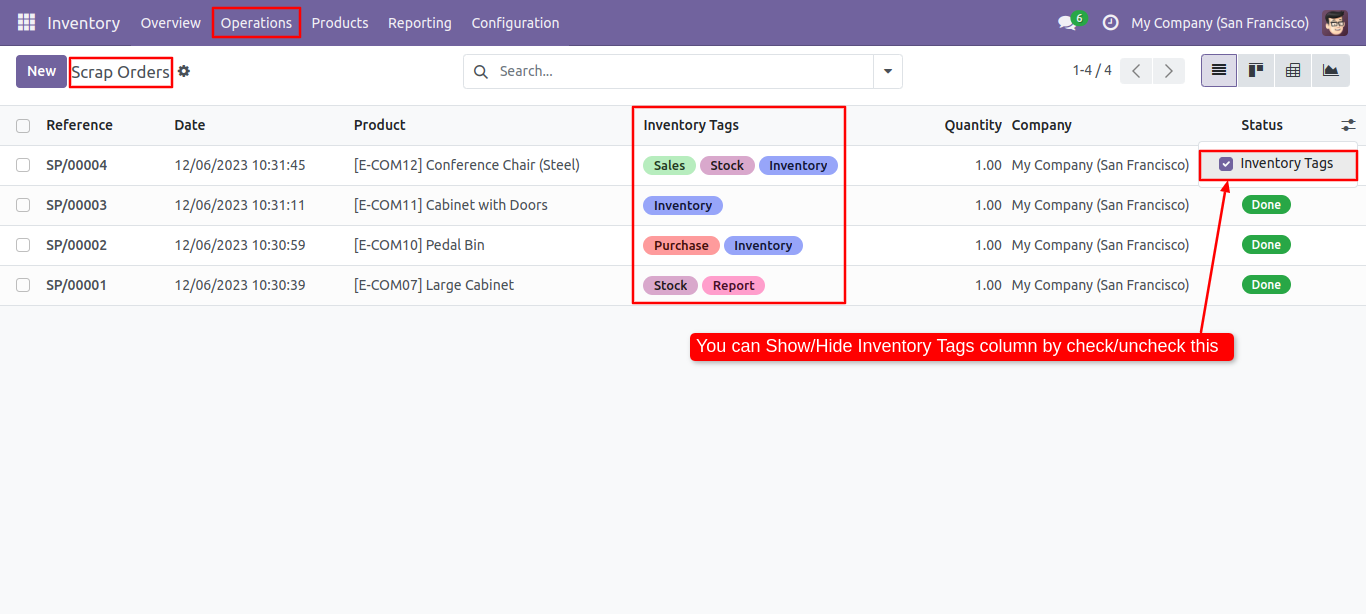
You can enable/disable tags fields in the scrap orders tree view.
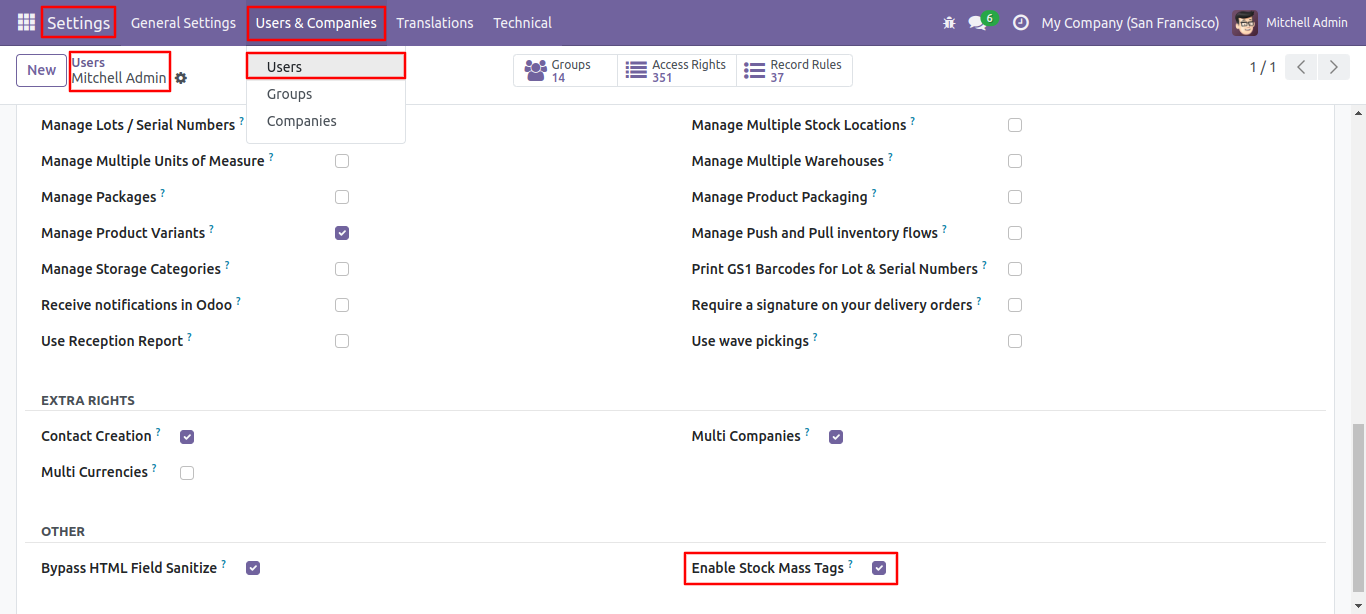
Update mass tags access rights.
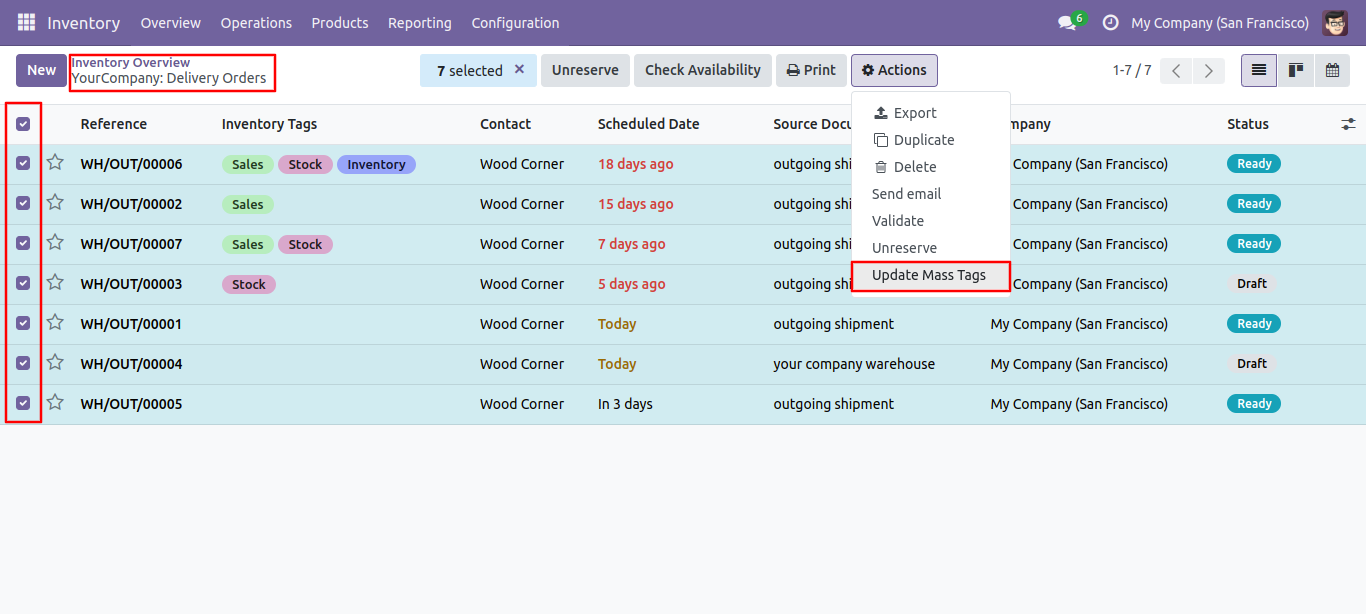
Select tags from the list view and click 'Update Mass Tag'.
After that one wizard opens, select update method and tags then press the "Done" button to update tags.
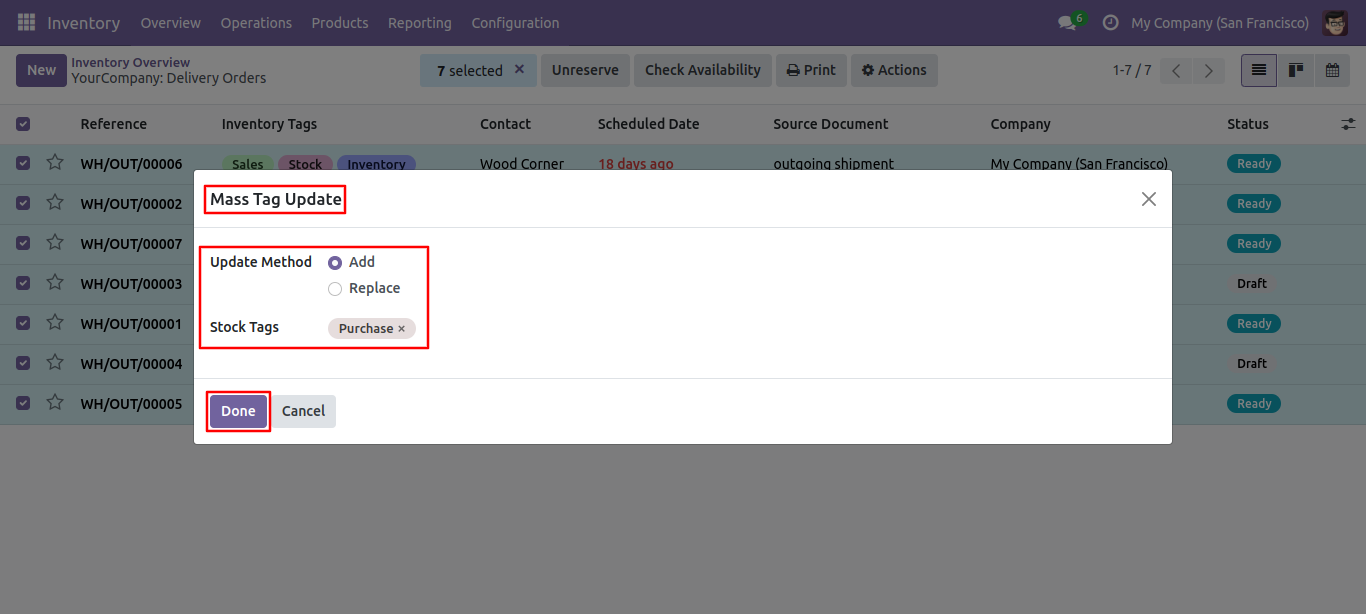
List view of the Inventory Overview with newly added tags.
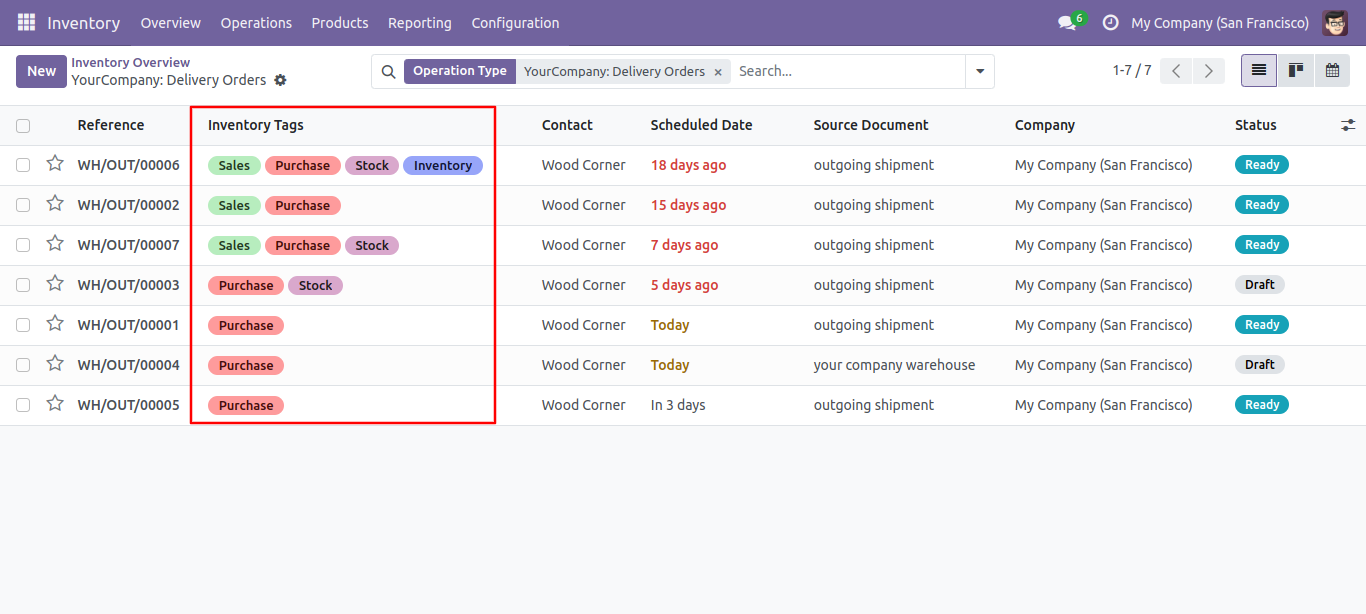
Select update method and tags then press the 'Done' button to update tags.
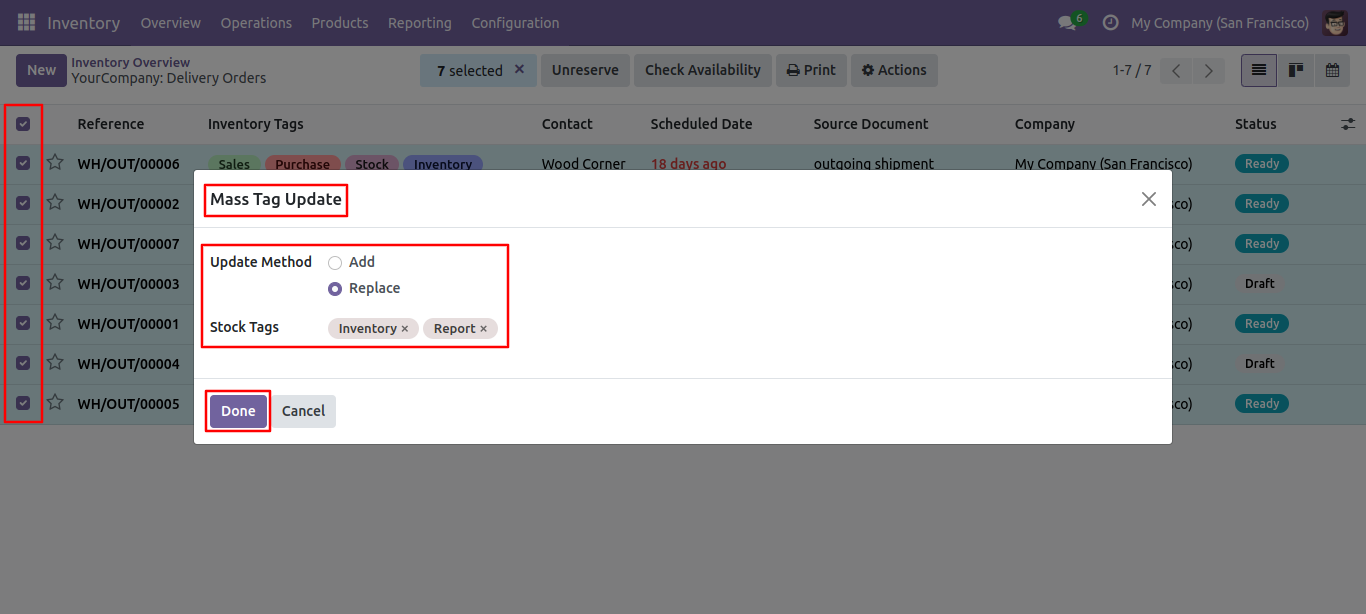
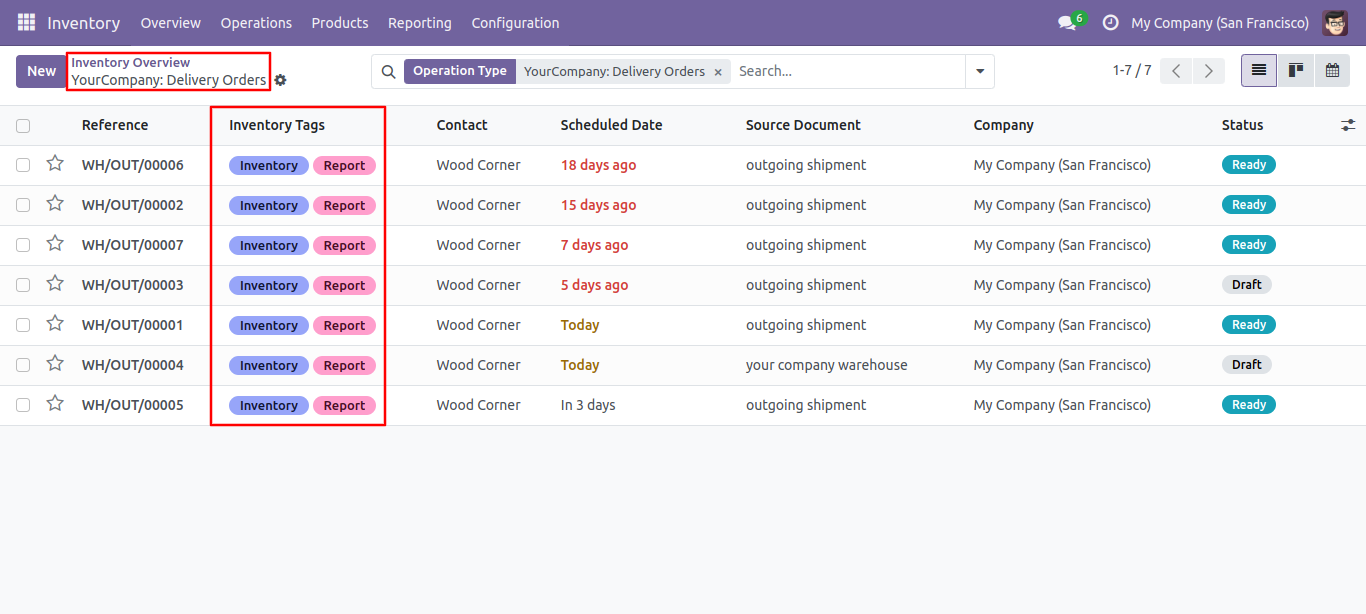
Here, you acn see old tags are replaced with new tags.
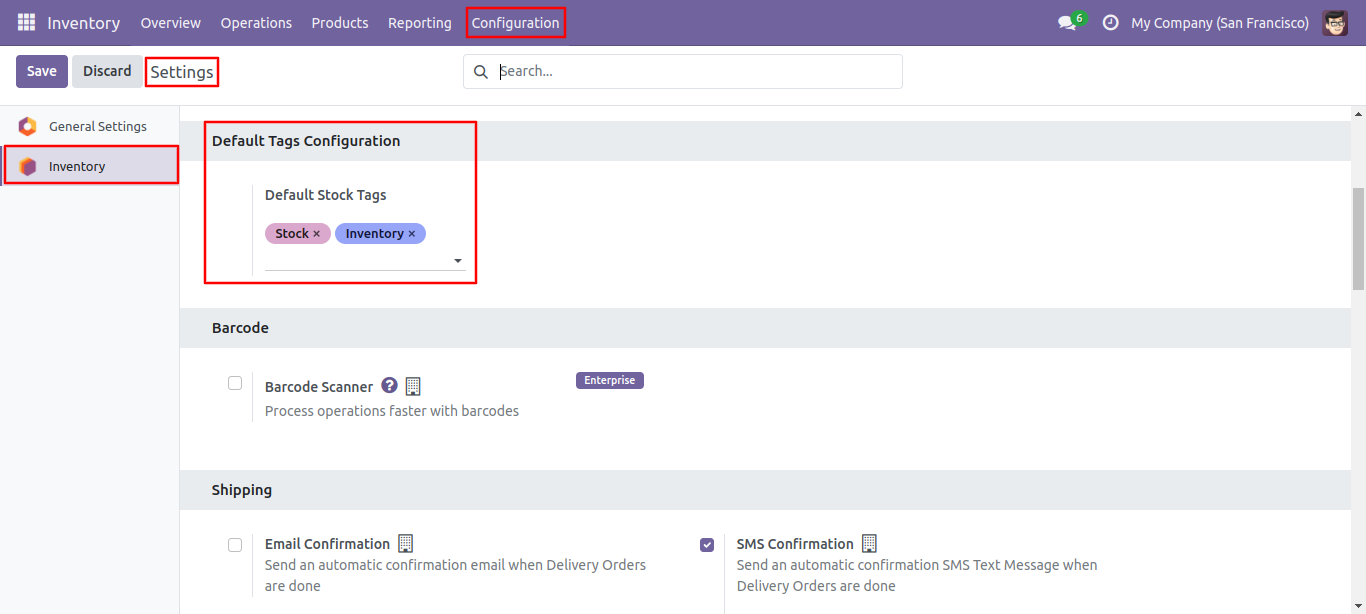
Default tags configuration.
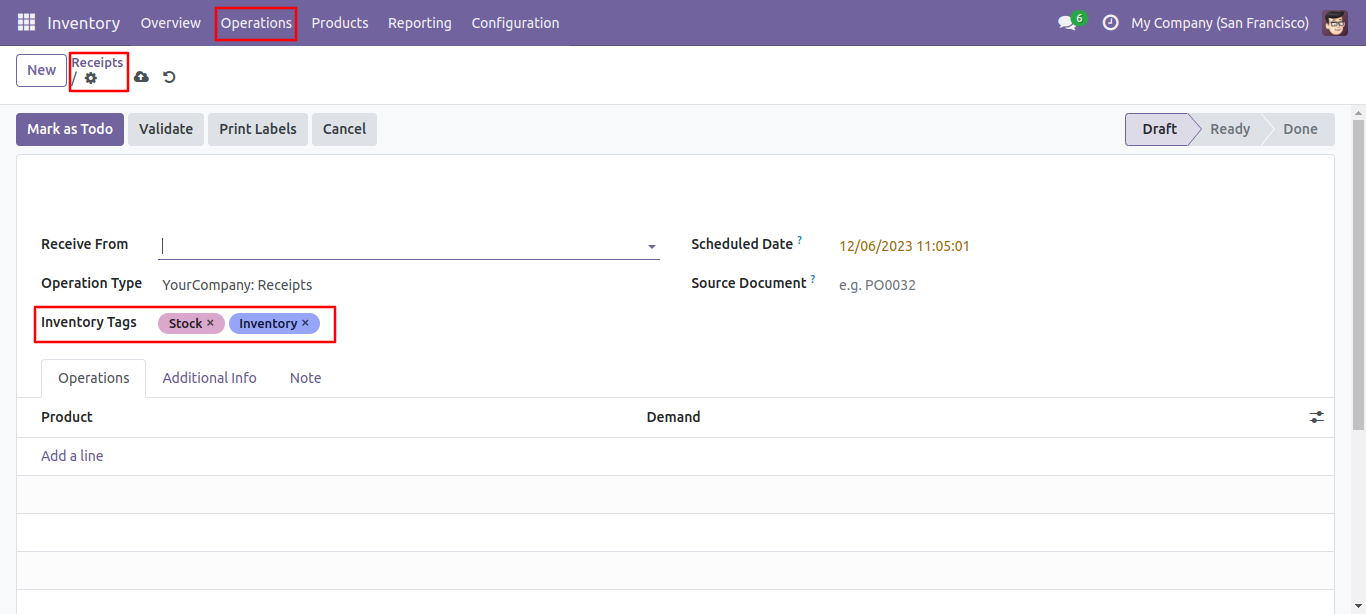
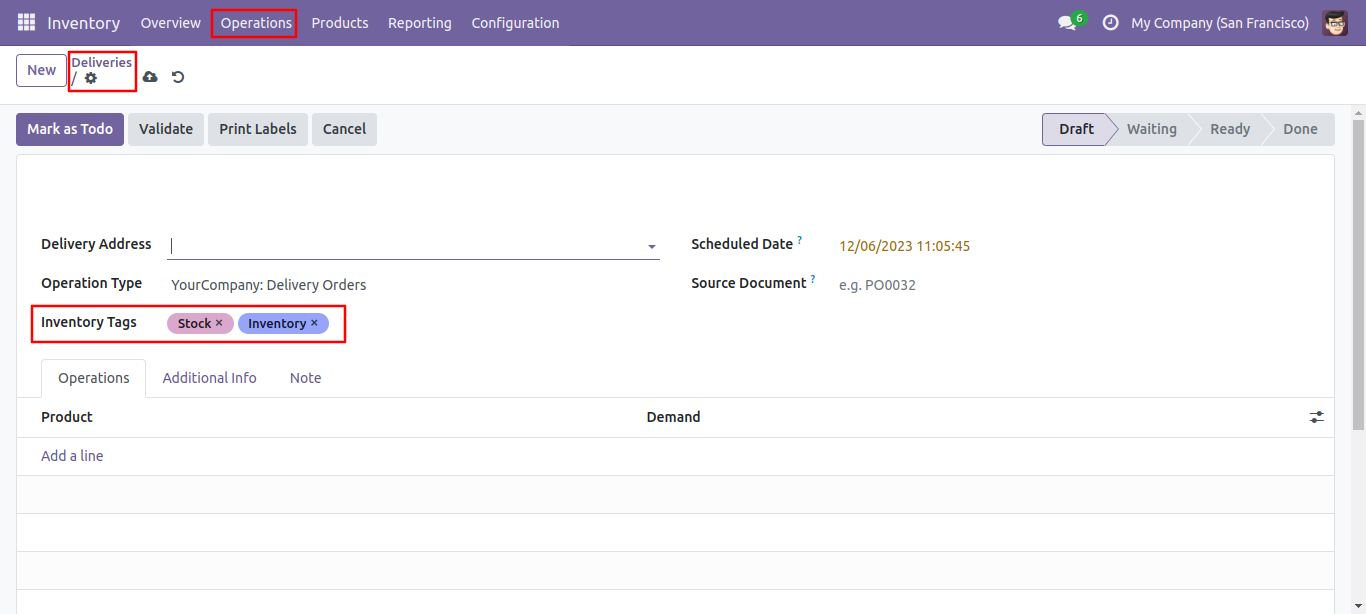
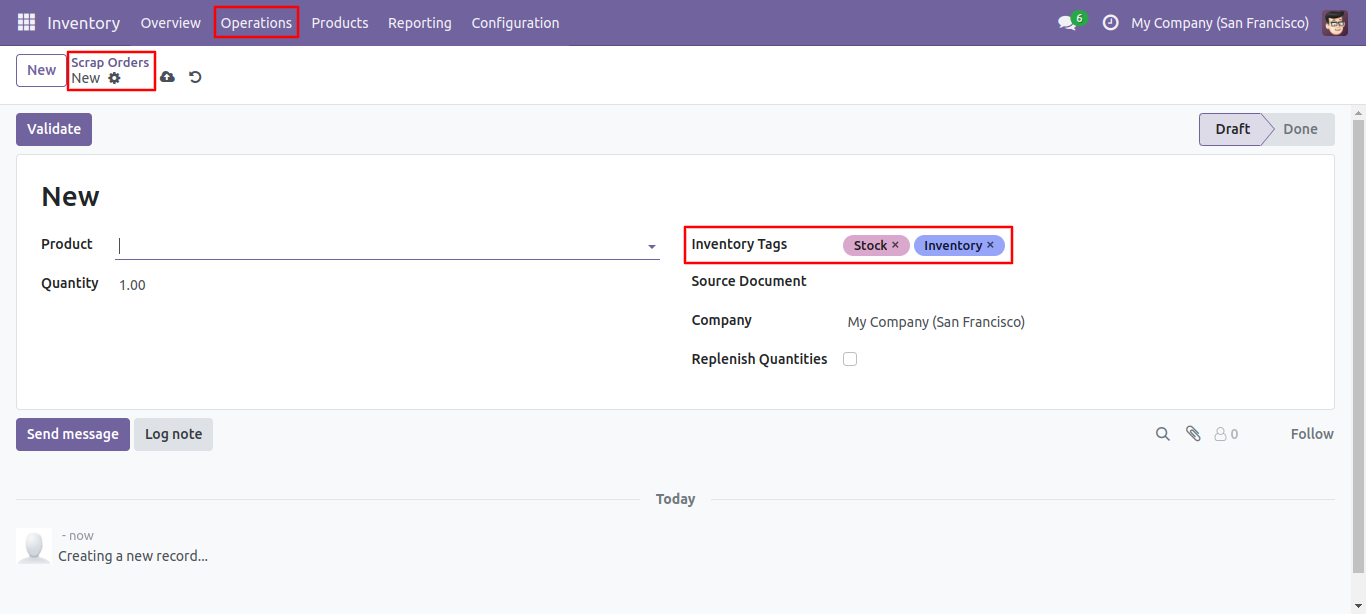
Default tags auto added in form view.
Version 18.0.2 | Released on : 11th October 2024
Version 18.0.1 | Released on : 13th August 2024
- Yes, this app works perfectly with Odoo Enterprise (Odoo.sh & On-Premise) as well as Community.
- No, this application is not compatible with odoo.com(odoo saas/Odoo Online).
- Please Contact Us at [email protected] to request customization.
- Yes, you will get free update for lifetime.
- No, you don't need to install addition libraries.
- For version 12 or upper, you will need to purchase the module for each version that you want to use.
- Yes, we provide free support for 100 days.
- No, We do not provide any kind of exchange.