












Import Survey with Questions From CSV/Excel File

This module allows users to efficiently import multiple surveys with questions in CSV/XLS file formats. Additionally, the module offers a sample file format. Furthermore, This feature enables survey administrators to update and adjust surveys with many options.

Related Modules
Features
- You can Import multiple surveys with questions using a CSV/XLS file.
- You can easily download the sample file format.
- You can change or delete the survey image.
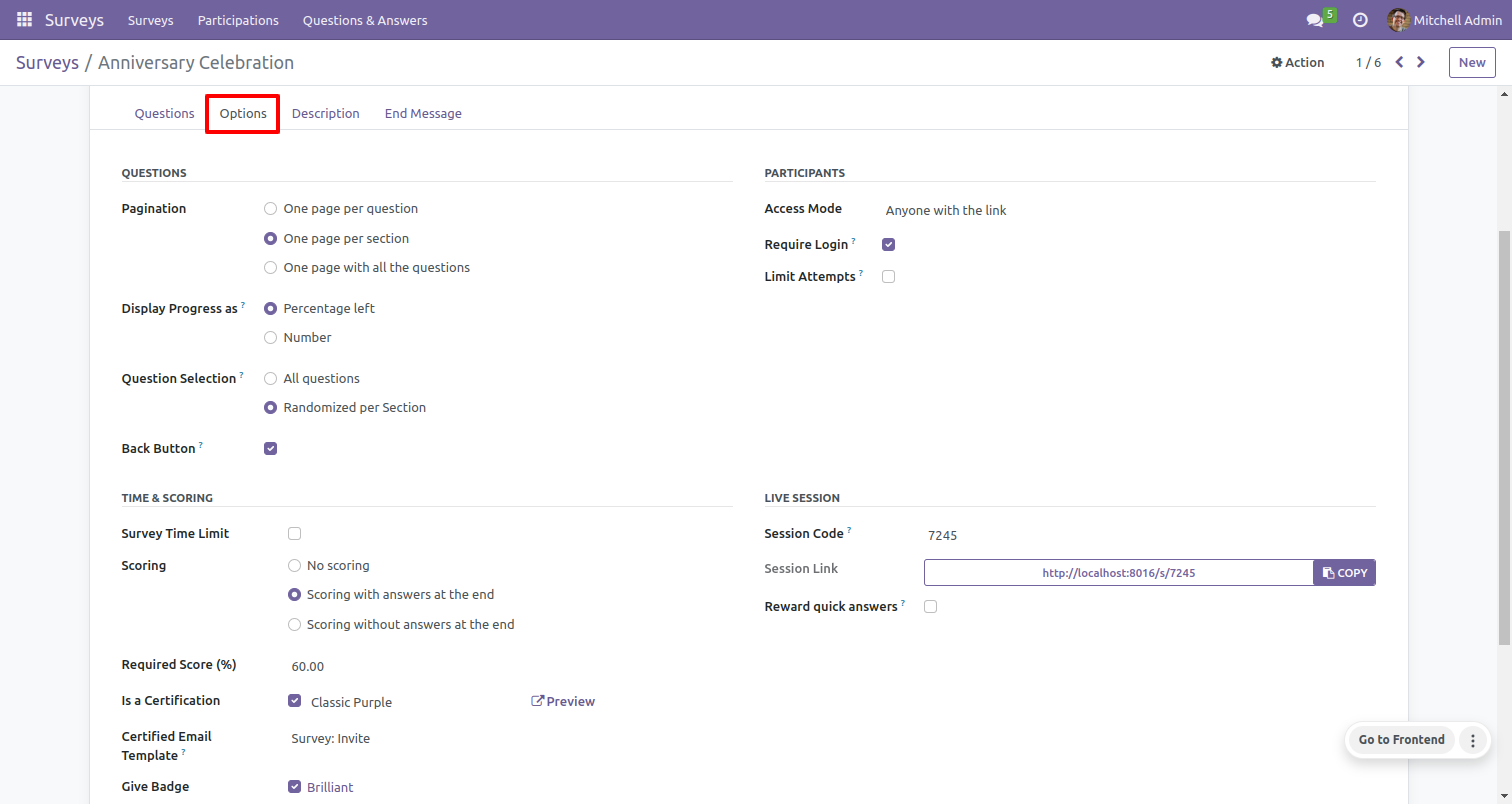
- Import survey with options like pagination, display progress in percentage/number, question selection, back button, access mode, login required, limit on attempts, time limit, live session & many more.
Go to the user setting and enable 'Import Survey Questions'.
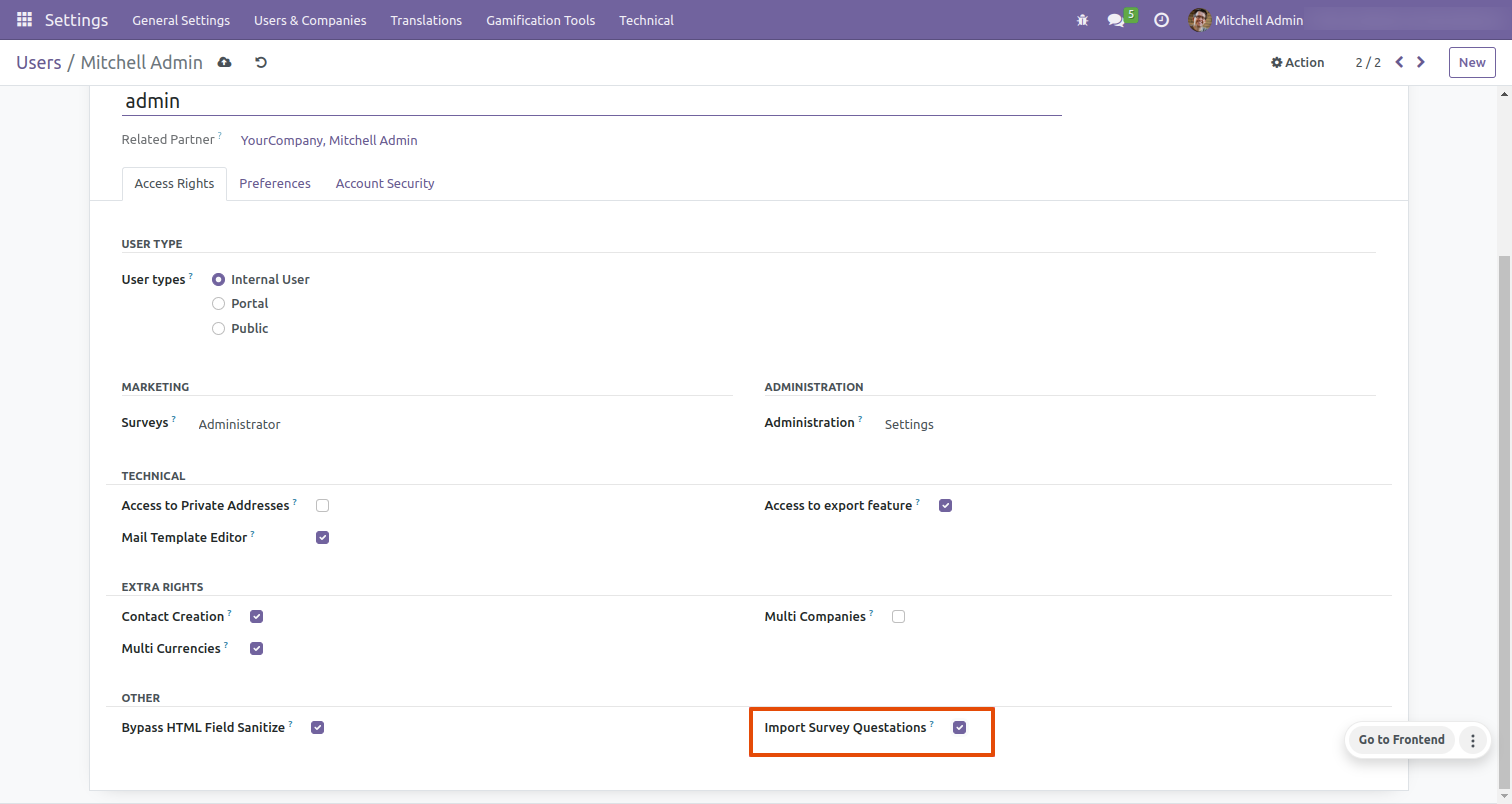
After that, You can import the Survey with Questions.
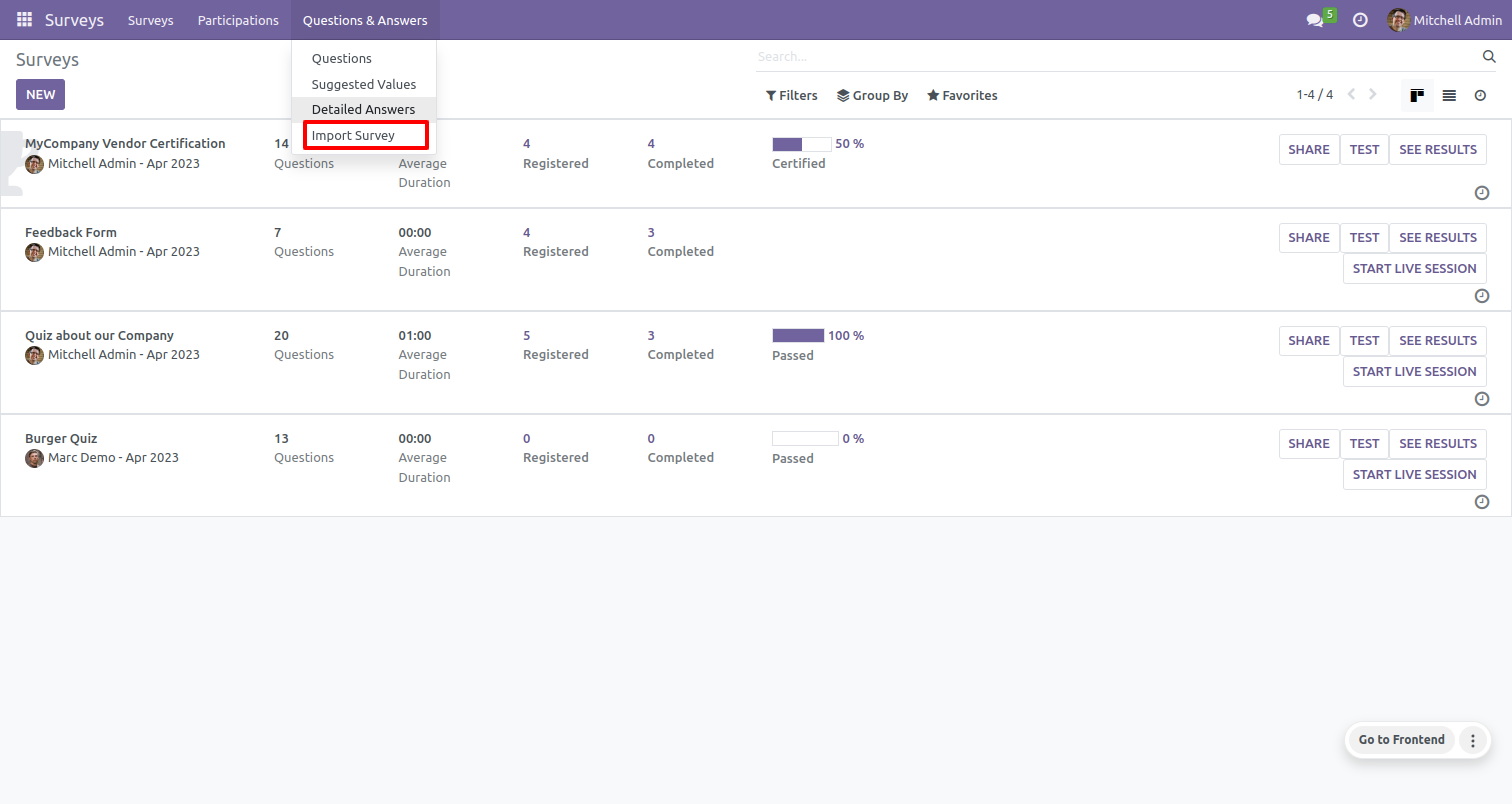
To import the survey Questions, Click on 'Import Survey'.
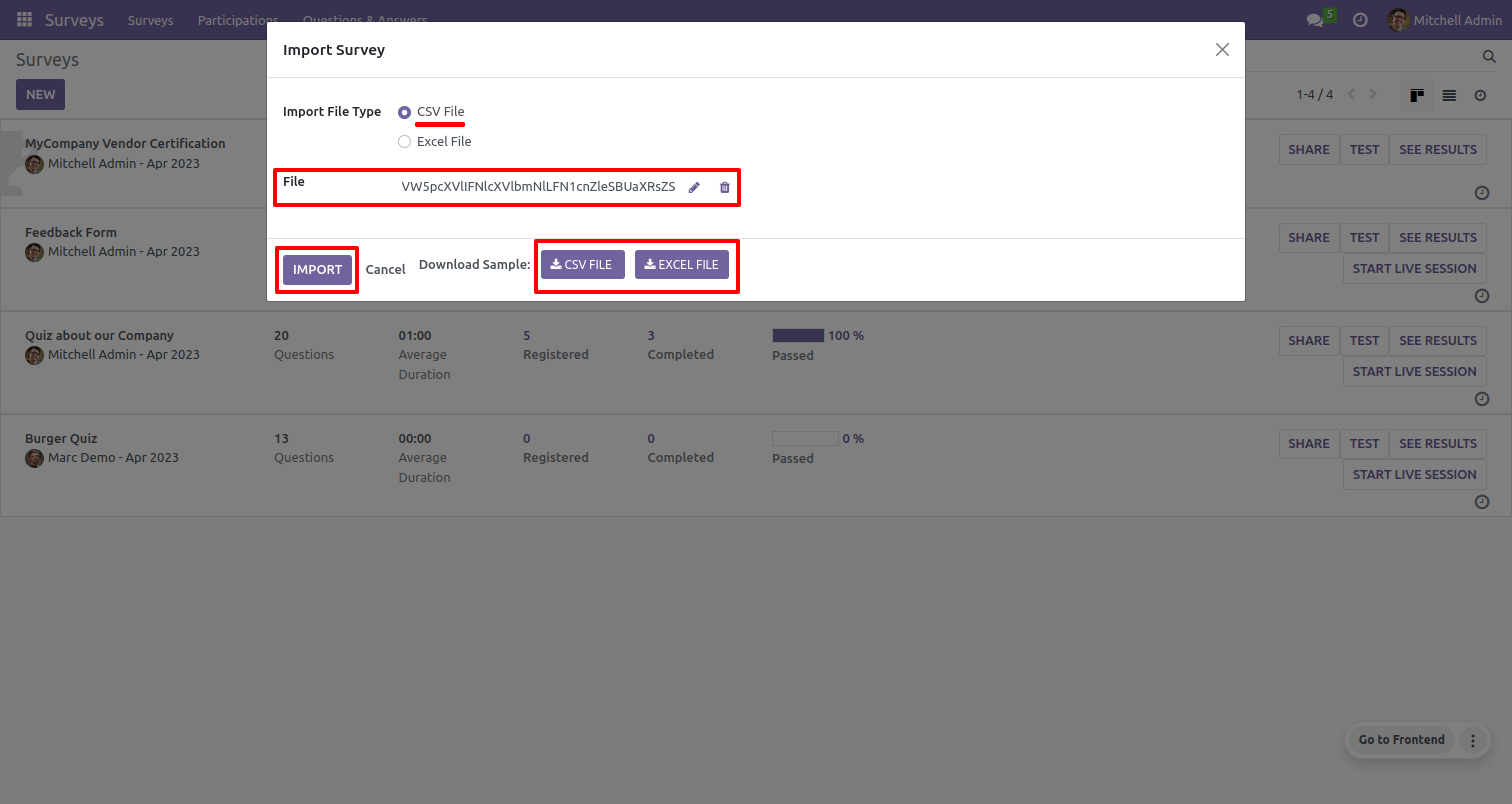
The 'Import Survey' wizard will appear.
You can download the sample file by clicking on the "Download Sample" button,
which will allow you to download either an XLS file or a CSV file.
Tick the file format option that you prefer ('XLS' or 'CSV') for importing the data in that
format.
Choose the file that you want to import.
Click on the 'Import' button.
Success Message.
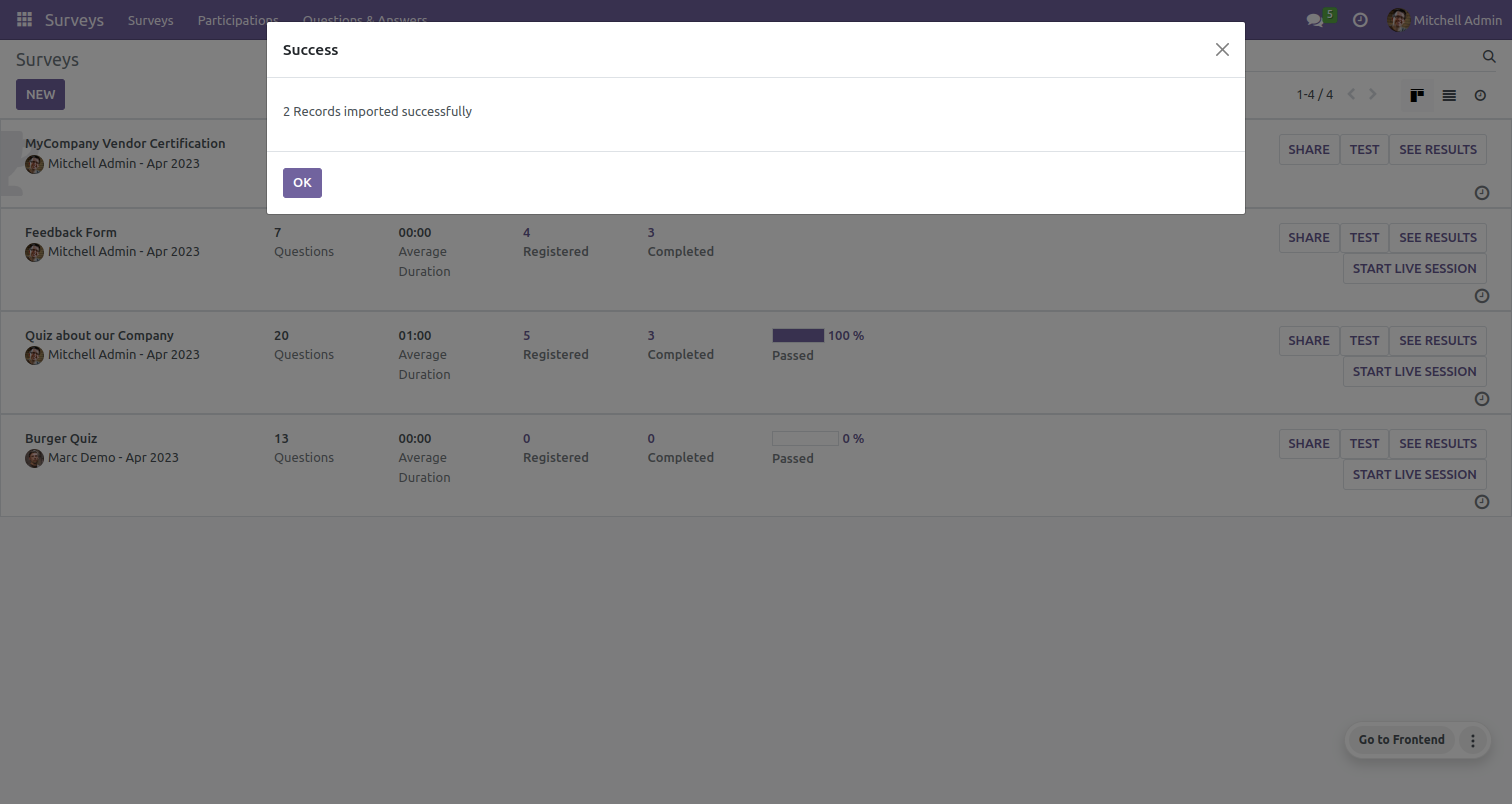
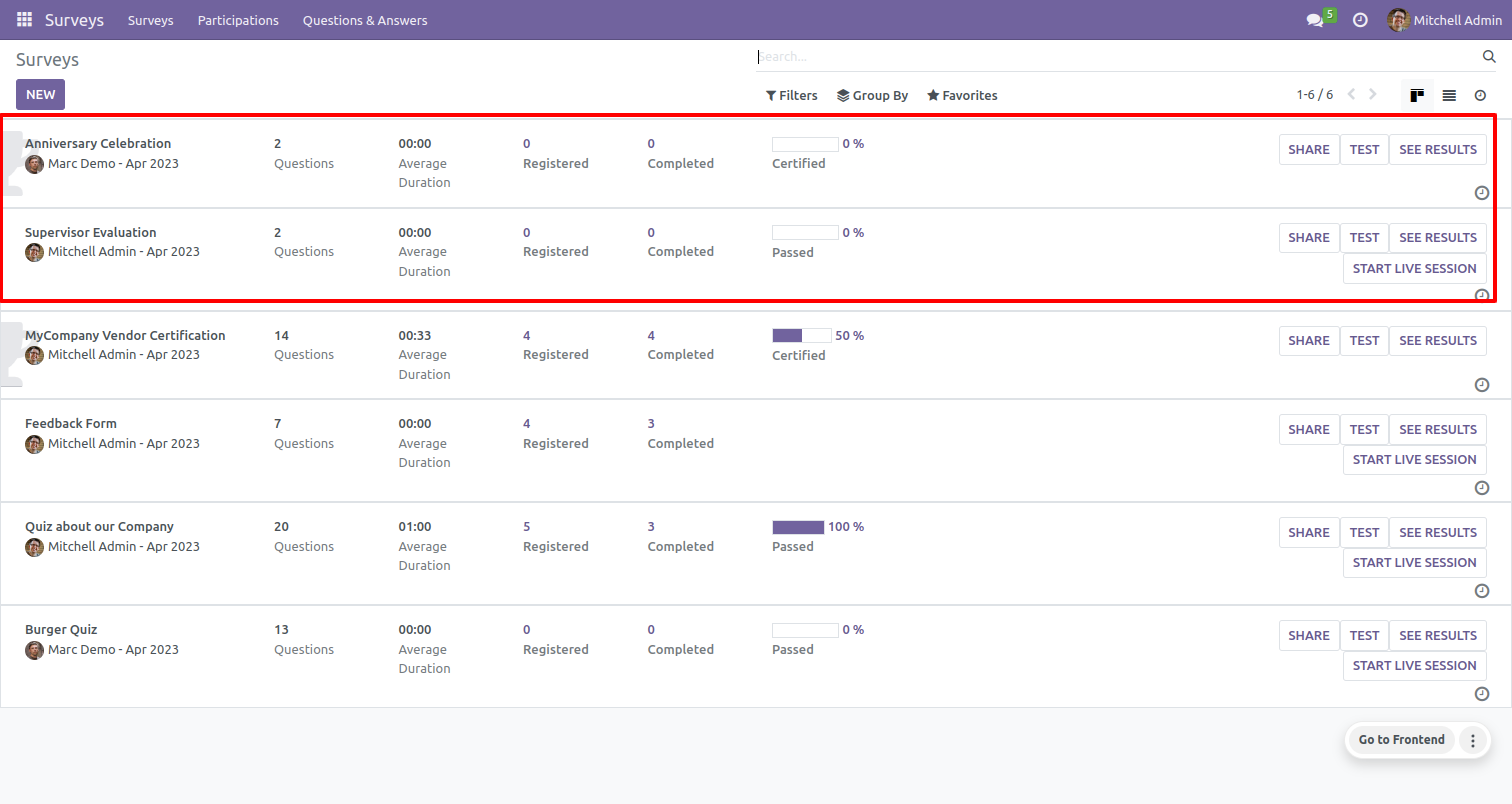
The list of imported surveys can be viewed in the list view of the survey.
In the form view of the survey, You can delete or change the survey image.
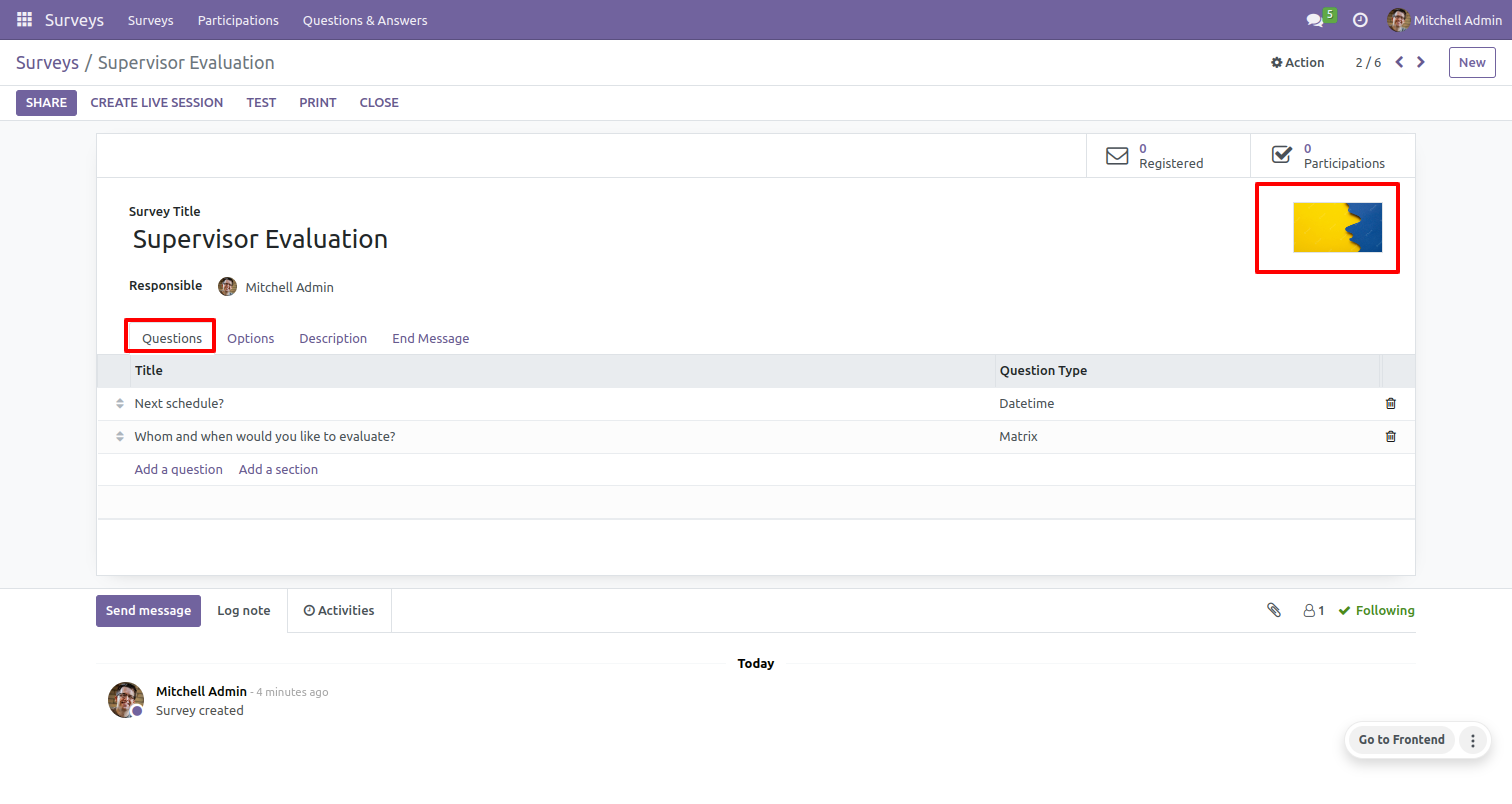
To view the Questions, click on the 'Questions' tab. From there, you will be able to see the survey questions.
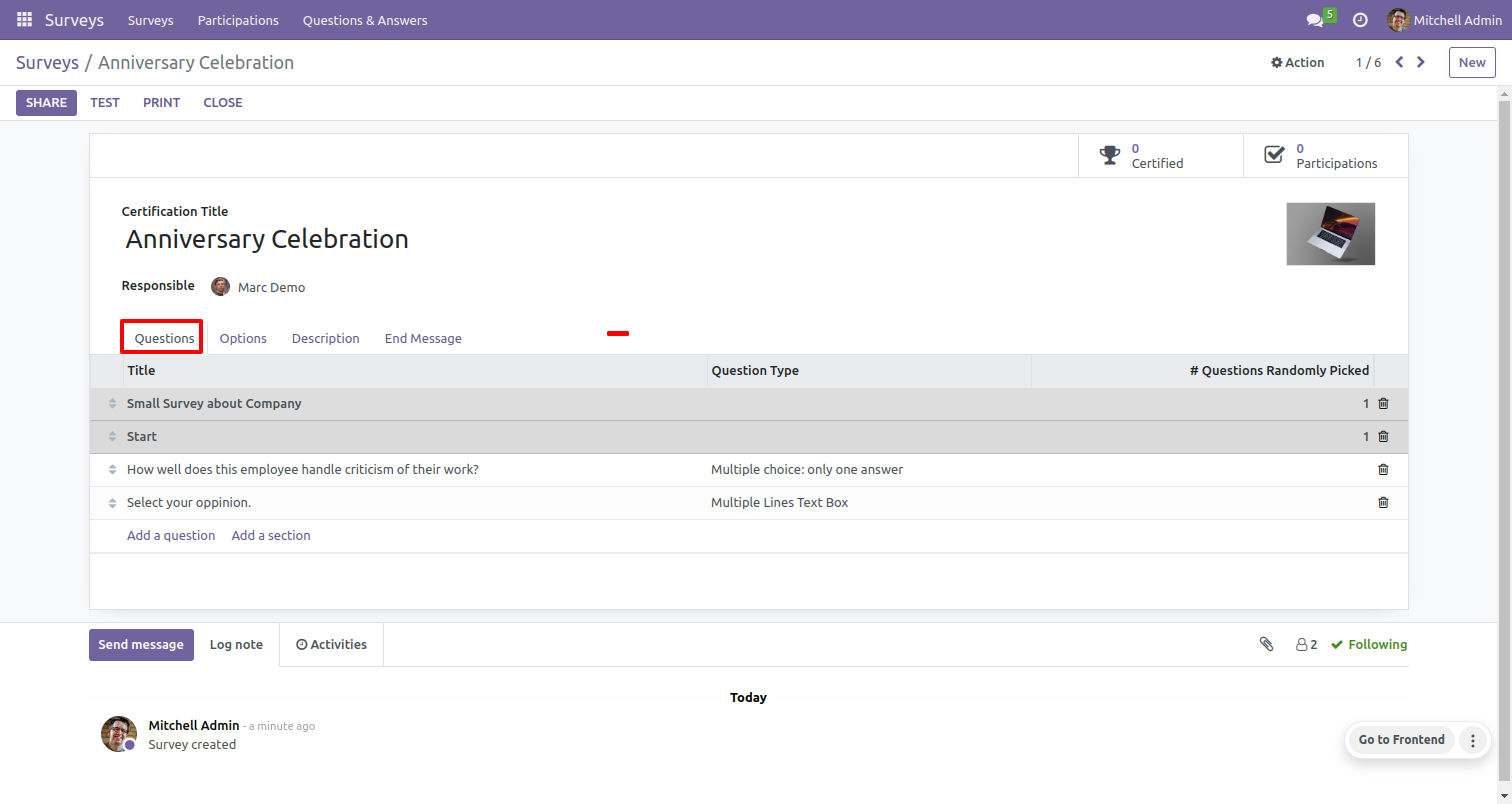
To view the Question details, Click on that Question.
After that, the 'Selections and Questions' wizard will appear.
Click on the 'Save' button.
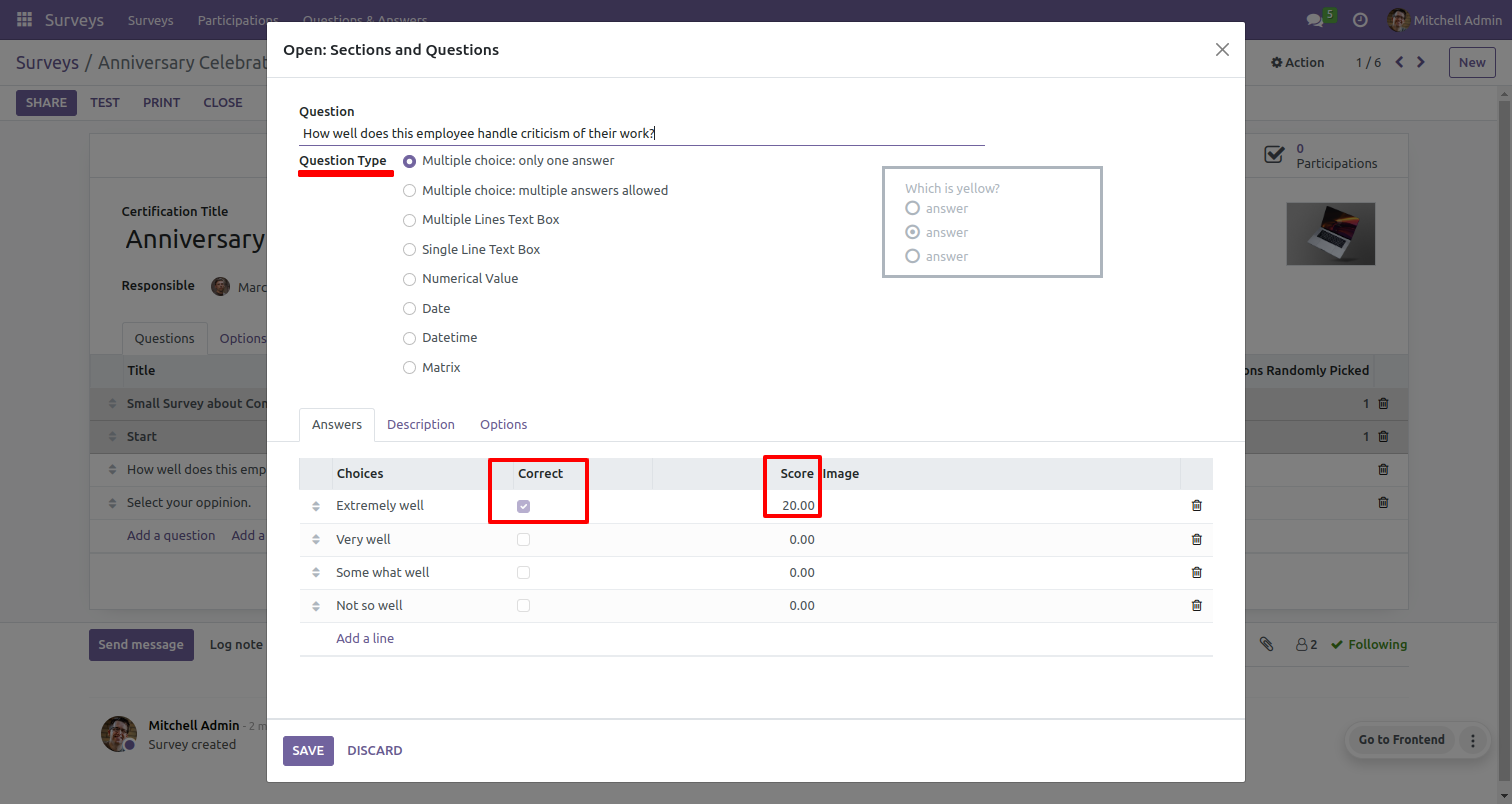
Survey answers options tab.
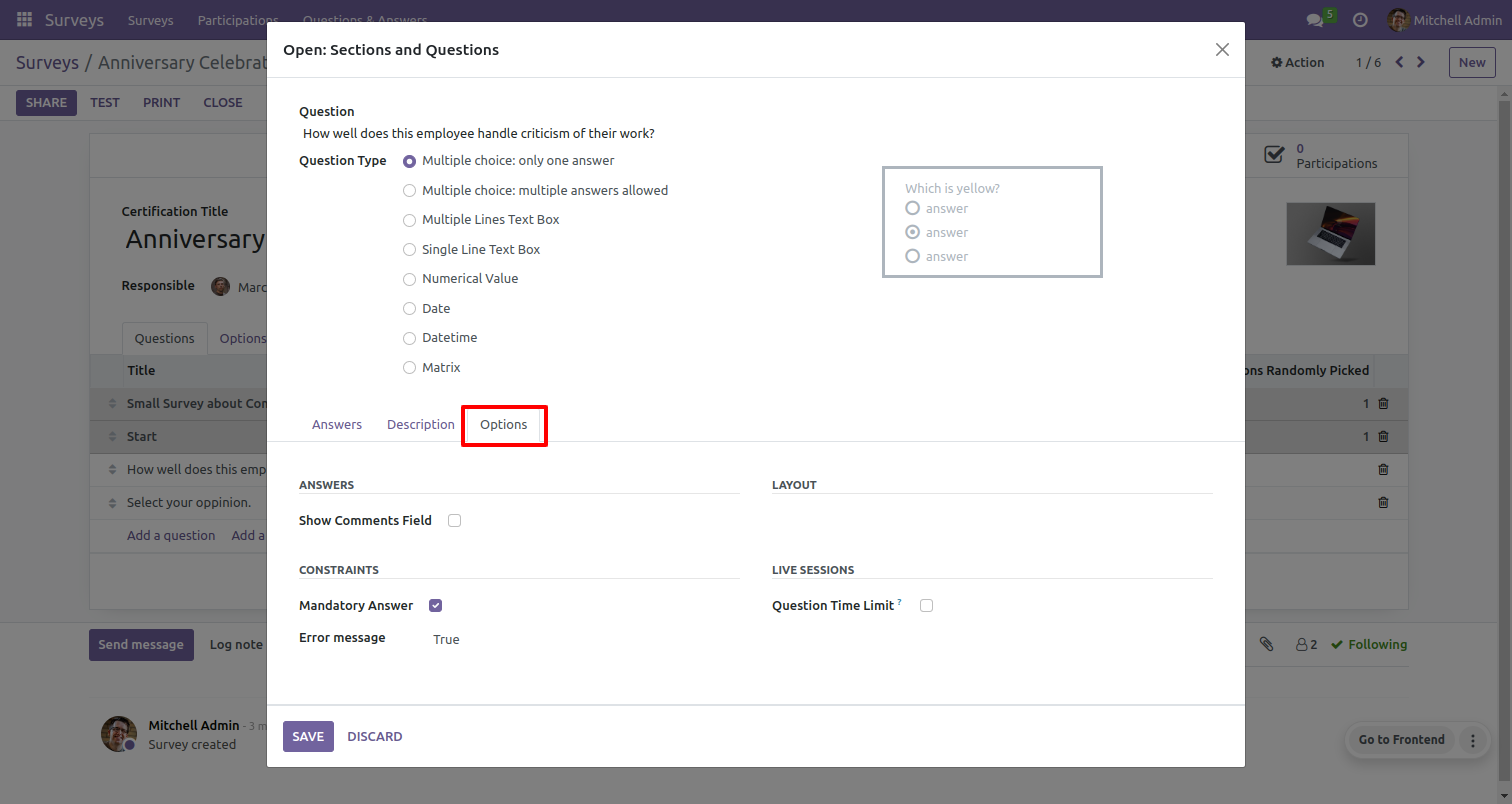
Survey questions options tab.
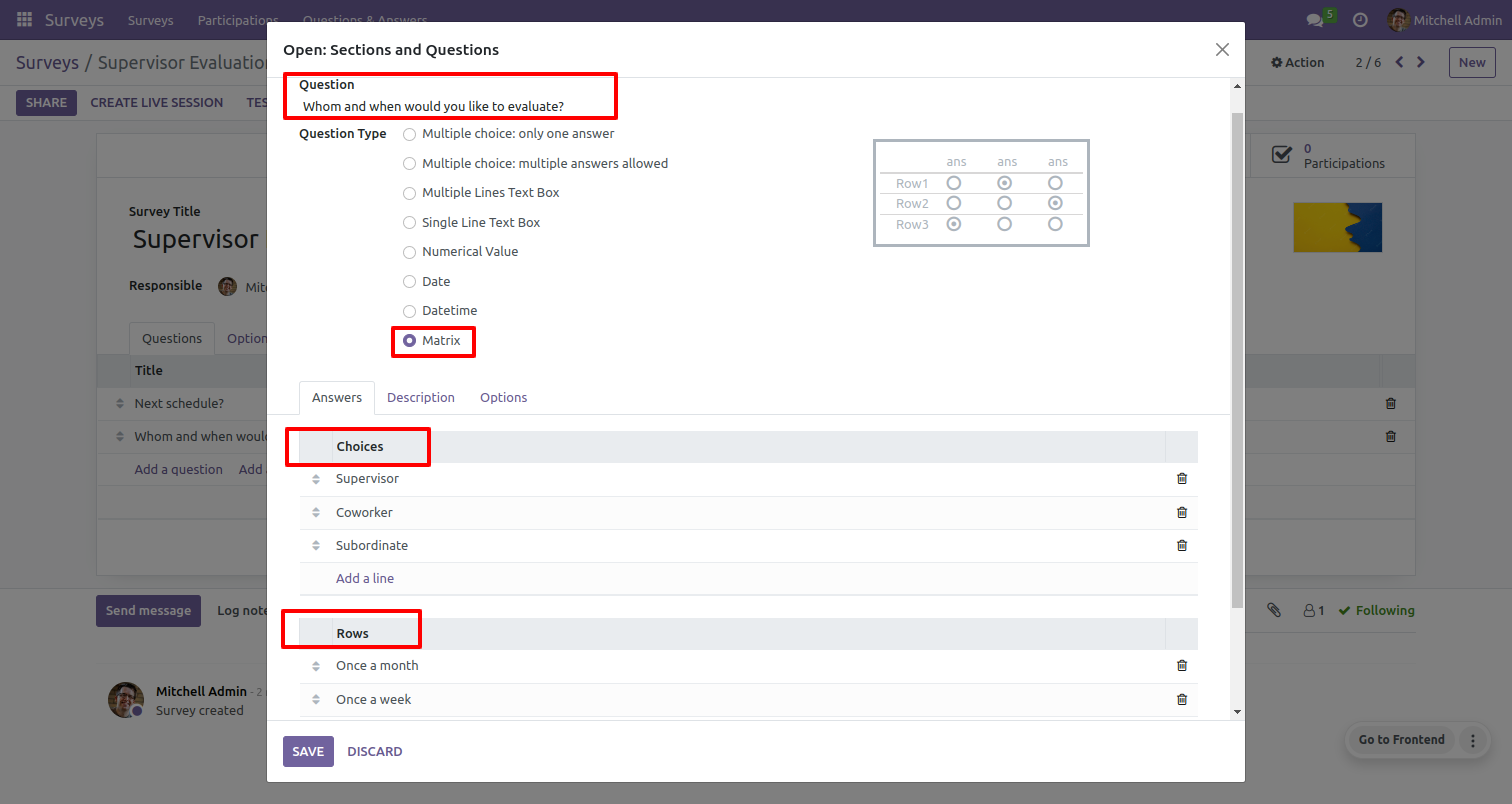
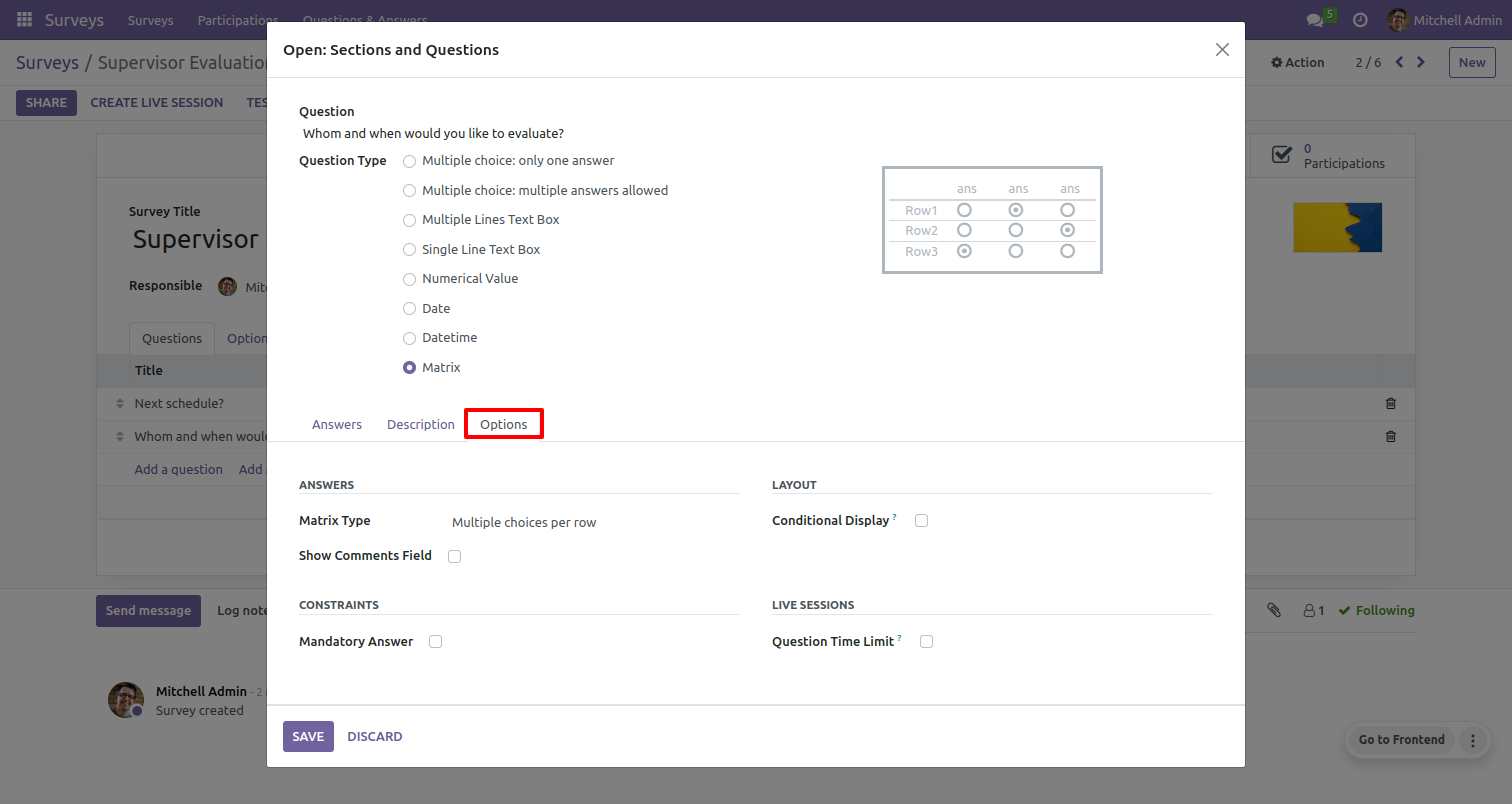
The matrix question type with answer tab & option tab.
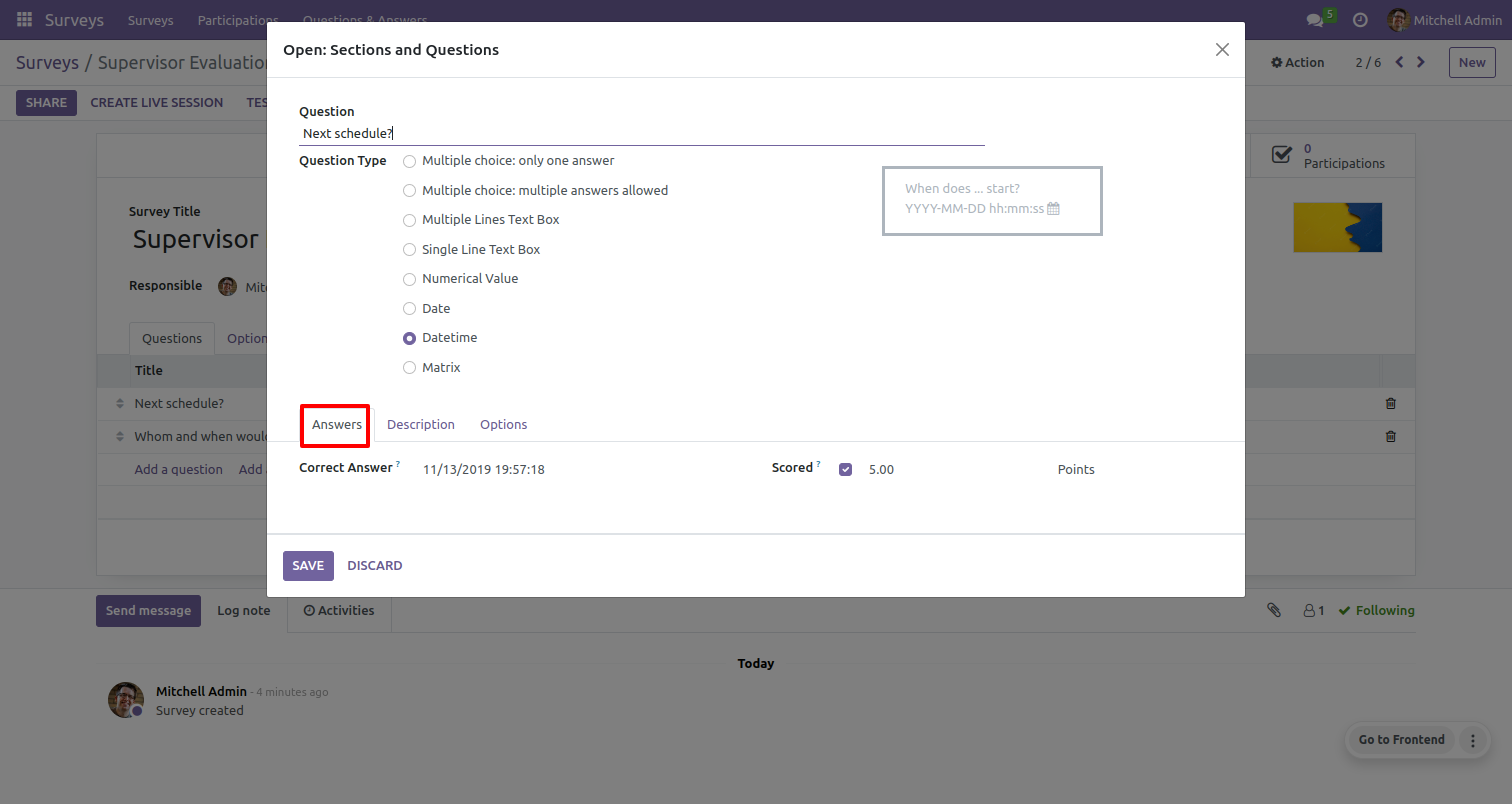
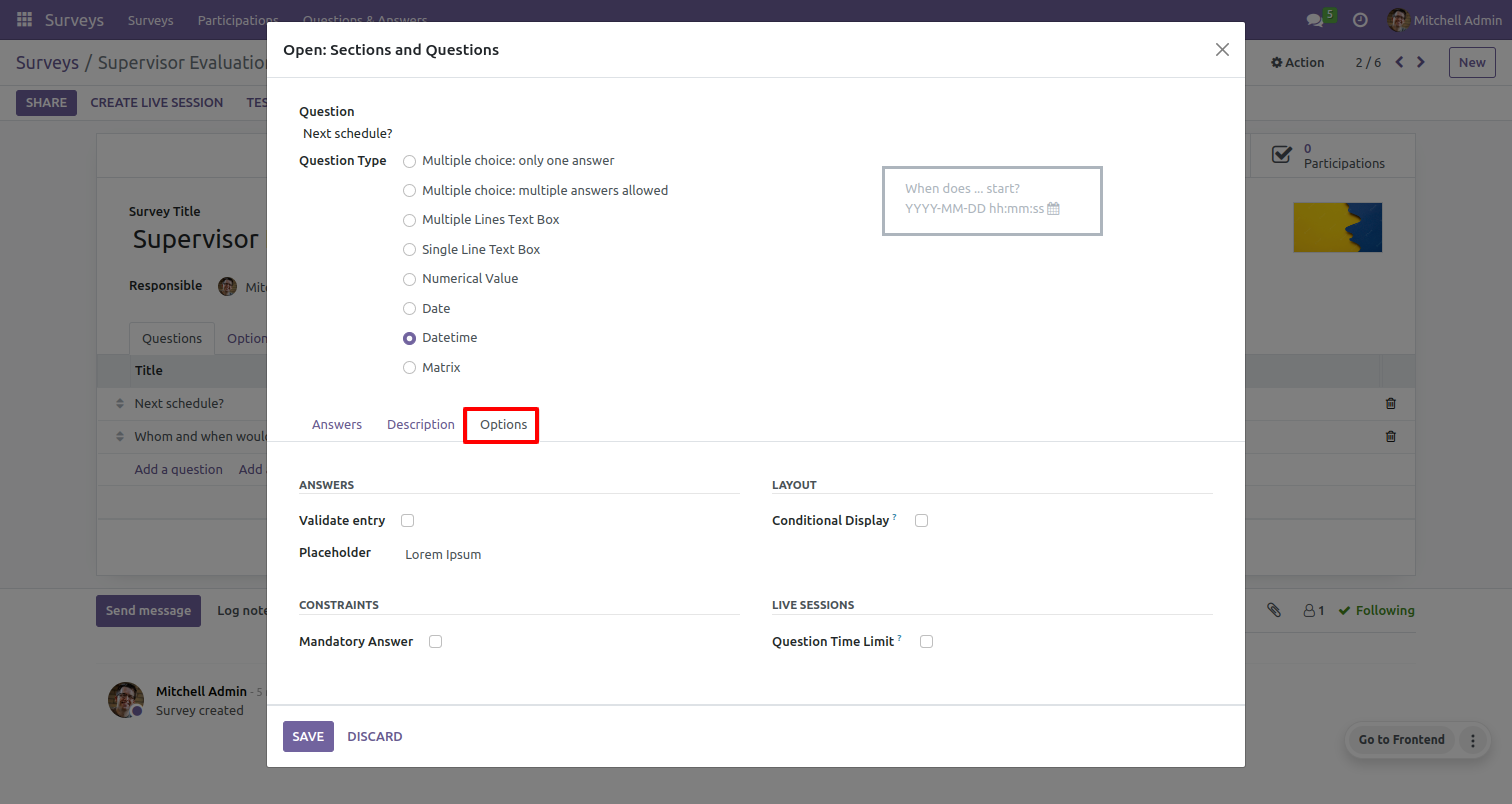
The datetime question type with answer tab & option tab.
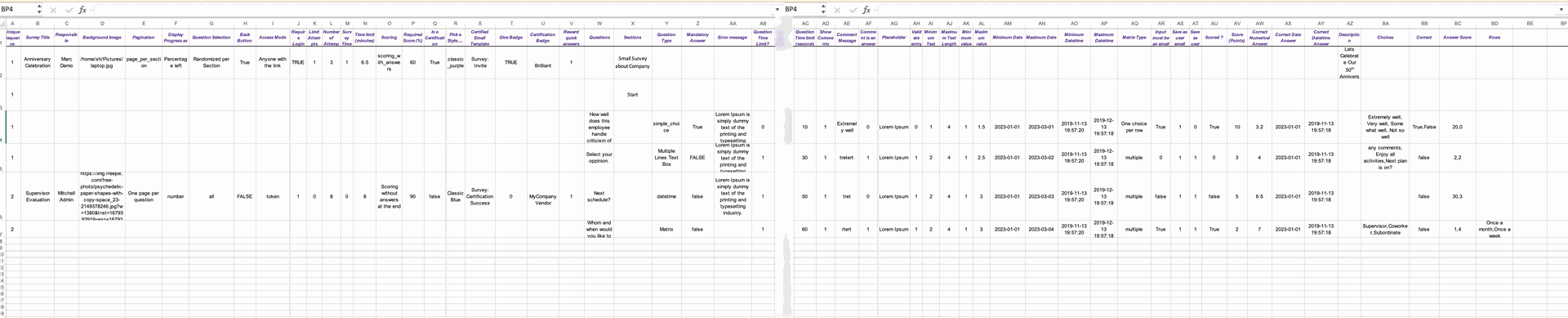
CSV File.

Exels File.
Version 19.0.1.0.0 | Released on : 28th March 2026
- Yes, this app works perfectly with Odoo Enterprise (Odoo.sh & Premise) as well as Community.
- No, this application is not compatible with odoo.com(odoo saas/Odoo Online)
- Yes, to test this module, please contact us at sales@softhealer.com.
- Please contact us at sales@softhealer.comto request customization.
- Yes, we provide free support for 365 days from the date of purchase.
- Yes, you will receive lifetime free updates for the version of the module you purchased.
- Yes, you need to install xlrd library.
- Yes, for version 12 and above, you need to purchase the module separately for each version you intend to use.
- No, exchanges or refunds are not allowed. Please make sure to select the correct version before purchasing.
- You can contact us at support@softhealer.com for language translation support. We use Google Translator tools to provide translations in multiple languages, so the accuracy may vary. We welcome your suggestions to help improve translations.
Discover Our Latest Apps