












Global Barcode/QRCode Search

This module helps to search records globally by scanning Barcode/QRCode from the search bar. So be very quick in all operations of odoo in mobile/tablet and cheers!

Hot Features
Features
- You can search records by scanning Barcode/QRCode.
- Easy to search any object in odoo.
- You can search all data in a single click.
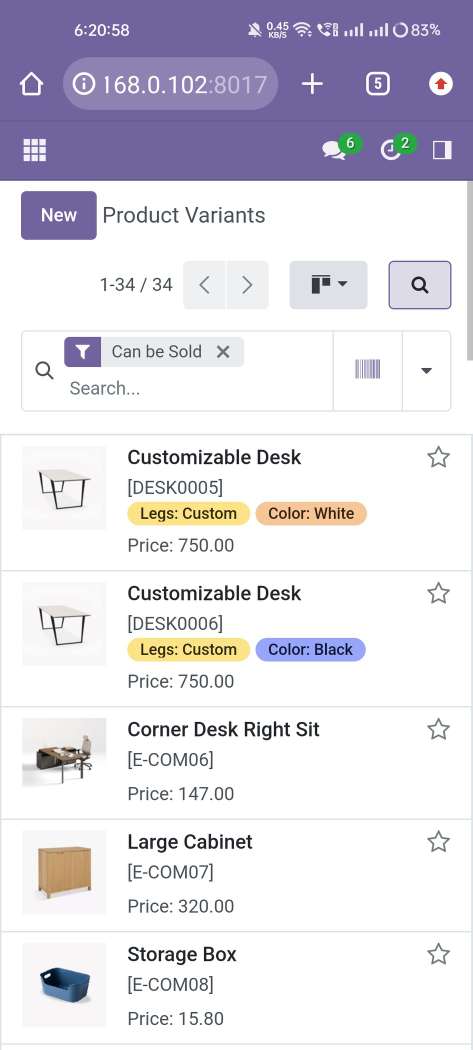
We search records by scan Barcode/QRCode from the search bar. So press the button that is given in the search bar.
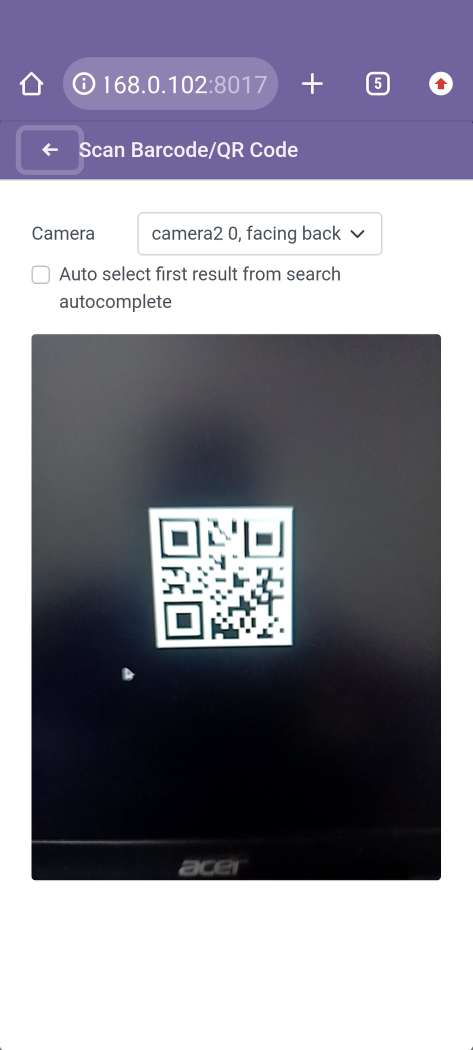
Now scan the Barcode/QRCode.
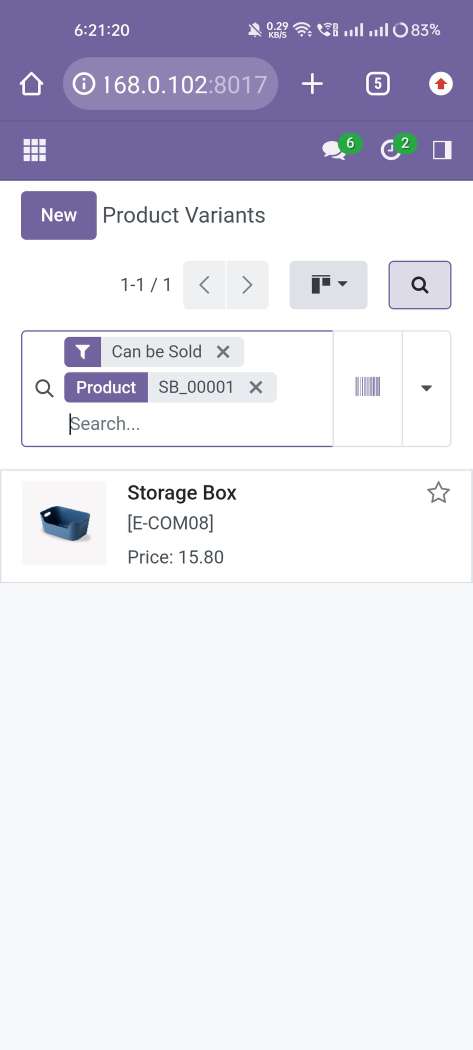
Scanned Barcode/QRCode search result comes in the search bar.
In the products kanban view, click on the scanning button provided in the search bar.
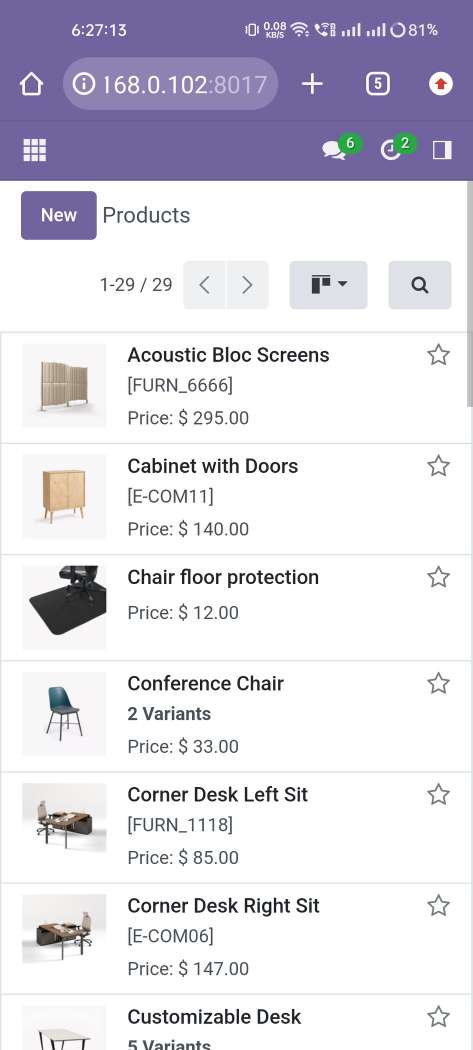
Now scan the Barcode/QRCode.
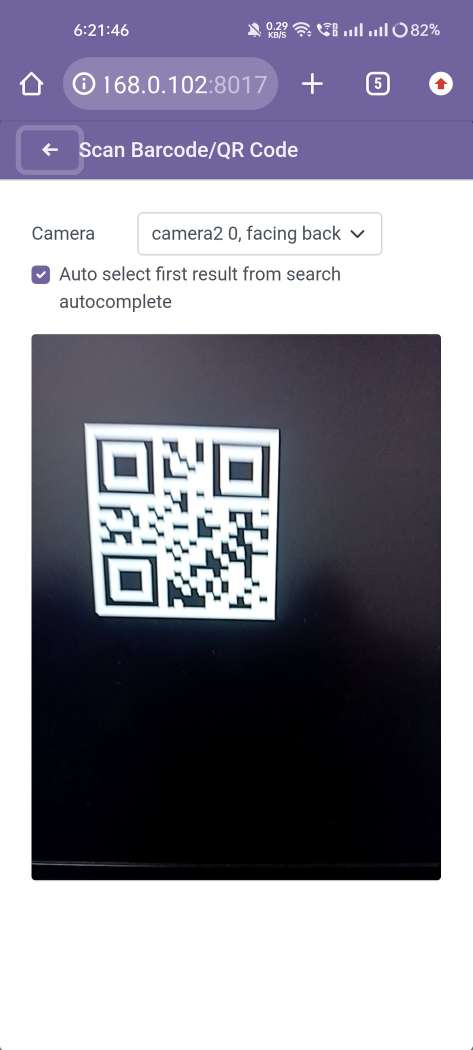
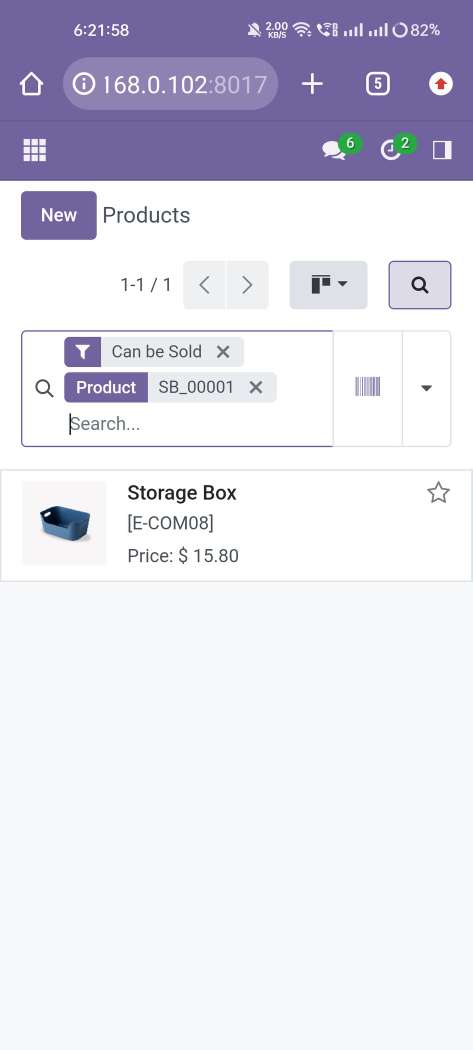
Scanned Barcode/QRCode search result comes in the search bar.
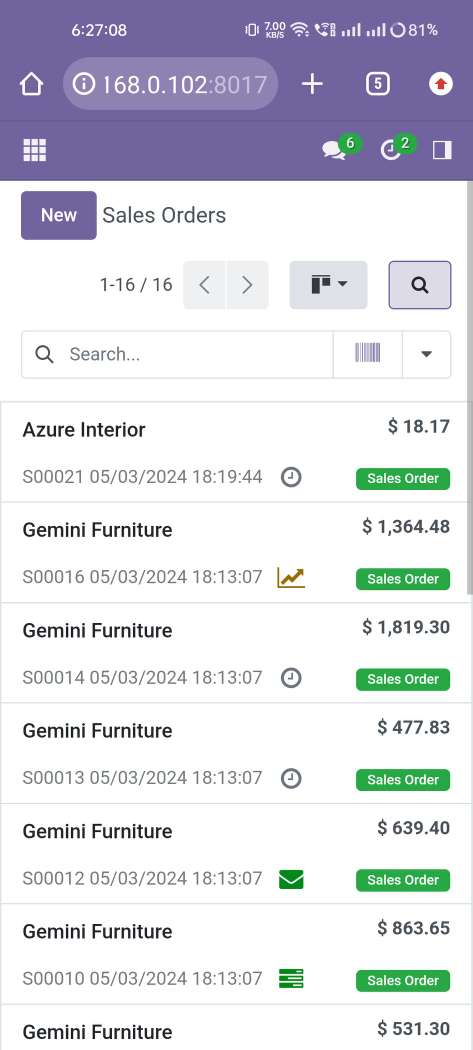
In the sale order, click on the scanning button provided in the search bar.
Now scan the Barcode/QRCode.
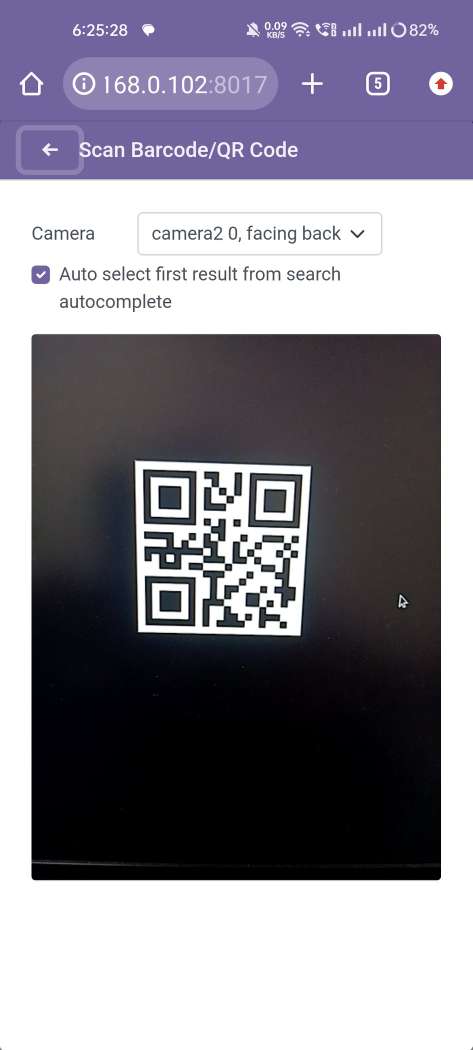
Scanned Barcode/QRCode search result comes in the search bar.
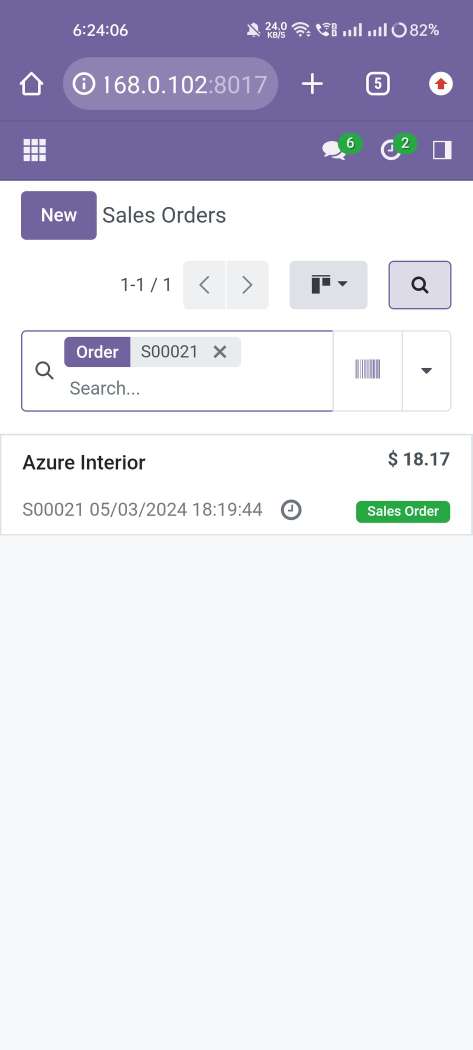
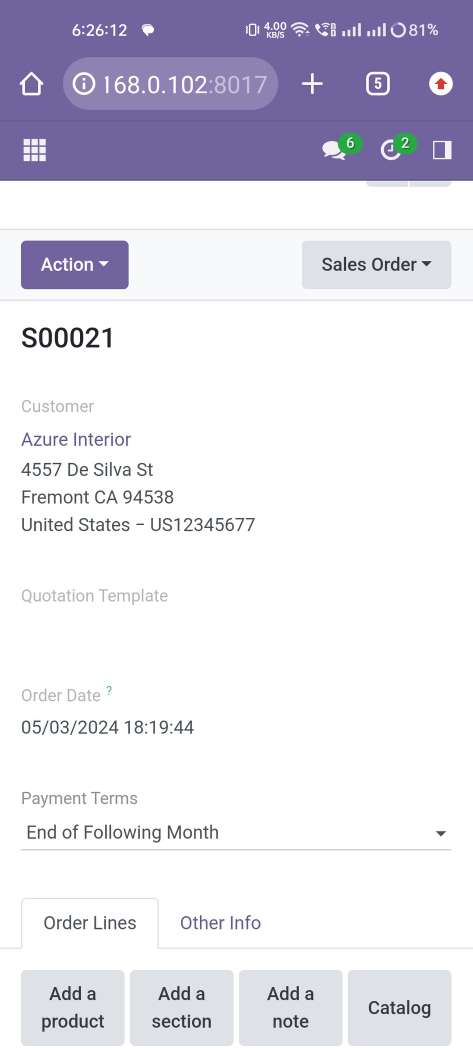
Open record from the search view.
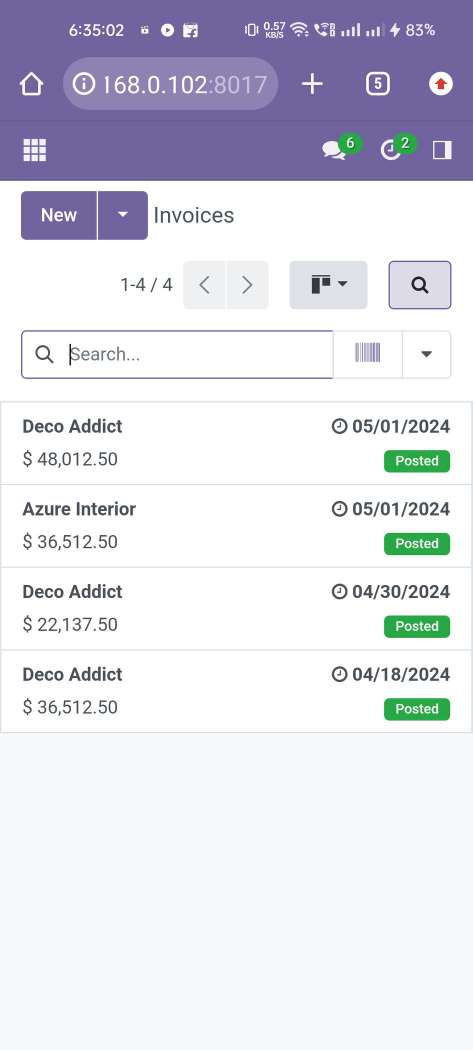
In the invoices, click on the scanning button provided in the search bar.
Now scan the Barcode/QRCode.
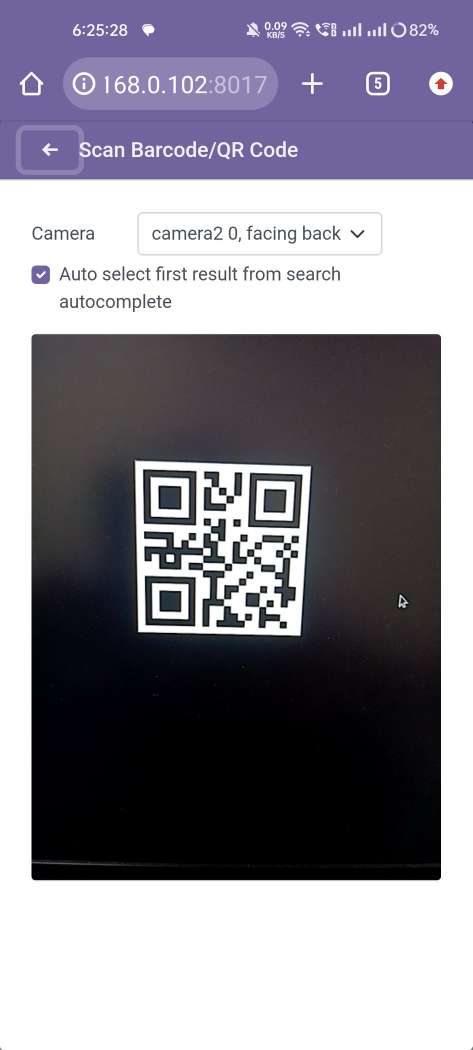
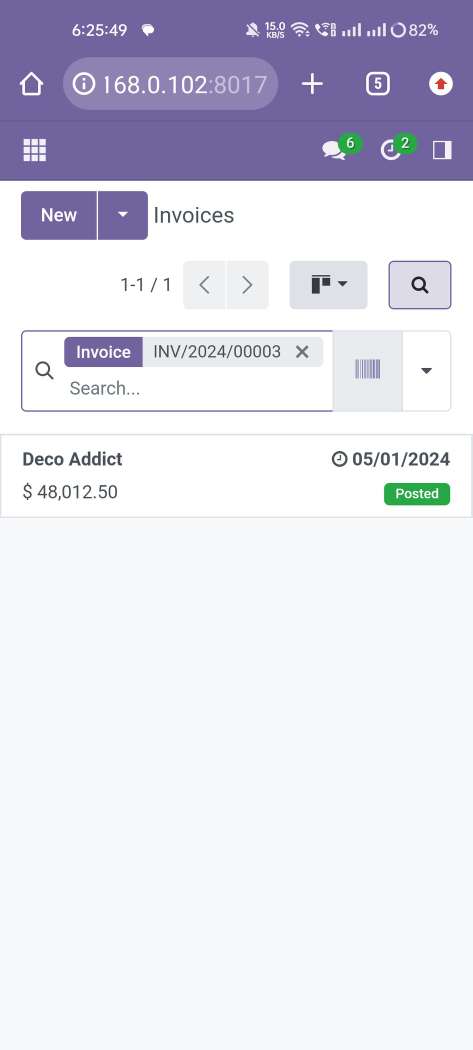
Scanned Barcode/QRCode search result comes in the search bar.
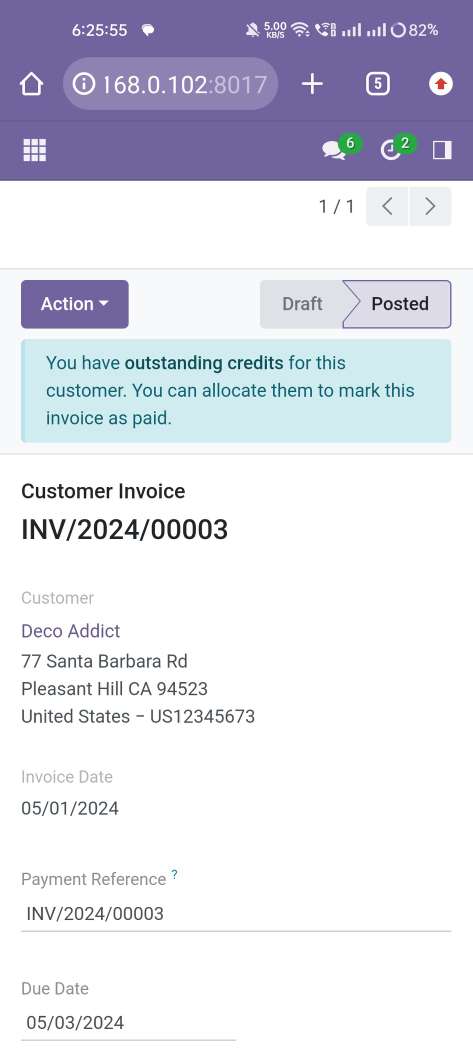
Open record from the search view.
Version 20.0.1.0.0 | Released on : 15th September 2026
Discover Our Latest Apps