












Face Recognition Attendance

The Face Recognized Attendance module provides a seamless and fully automated attendance tracking solution using facial recognition technology. Users can register their faces once, and the system automatically detects and logs their attendance in real time when they approach the camera. Both check-in and check-out times are recorded instantly, ensuring accurate and hygienic tracking. Designed to eliminate manual attendance methods and reduce the need for biometric devices, this module streamlines attendance management for organizations, schools, and workplaces with multiple users. Administrators can view real-time attendance logs, monitor user activity, and maintain a secure and efficient record of all attendance events.

Features

Face Registration
Register users facial data for recognition and future attendance tracking.

Automatic Face Detection
Instantly detect and recognize users when they appear before the camera.

Real-Time Attendance Logging
Record check-in and check-out times automatically upon recognition, enabling smooth, error-free attendance management.

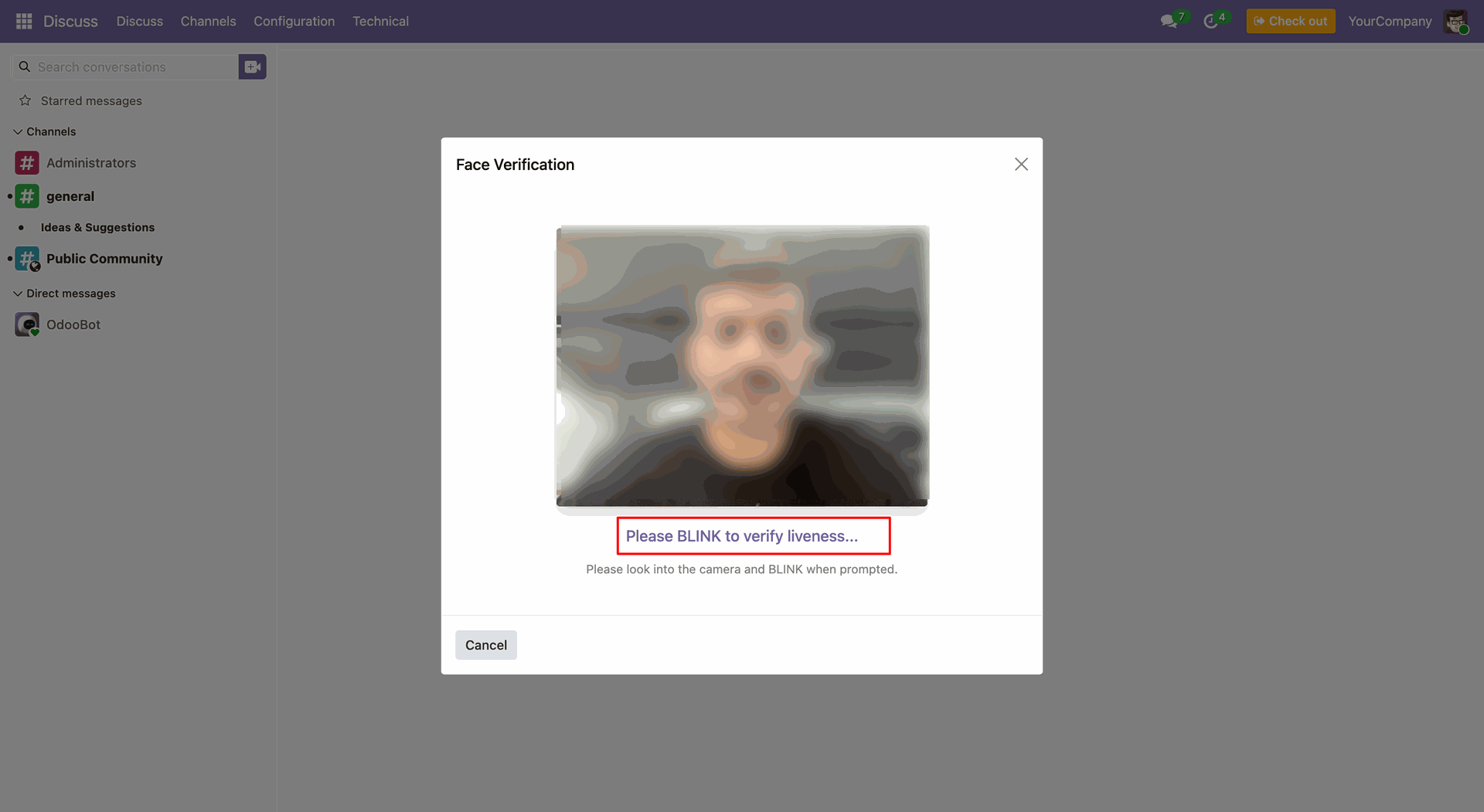
Liveness Detection 
Works effortlessly Prevent fake attendance by verifying live face presence during check-in/check-out.
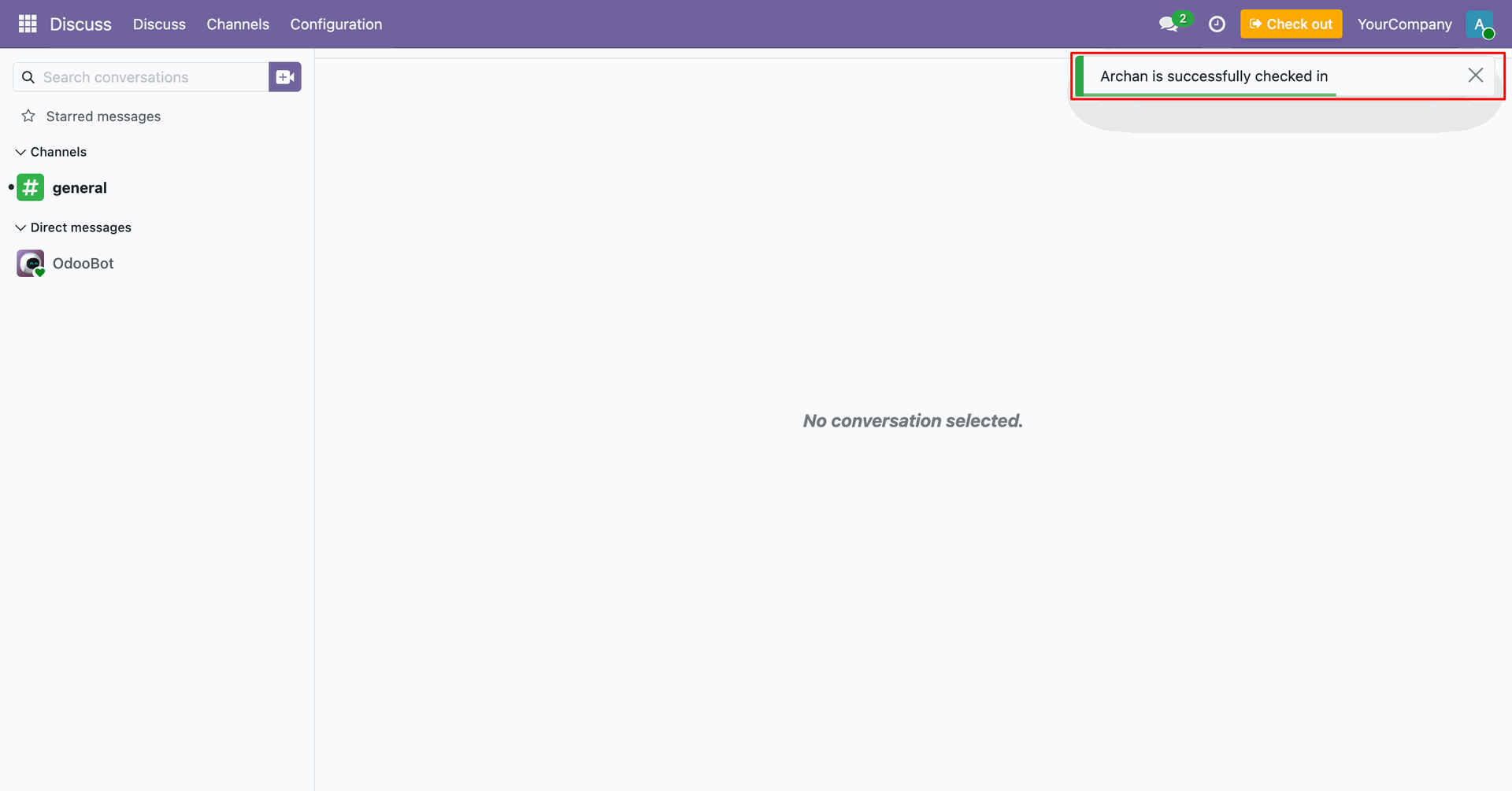
Instant Confirmation Feedback
Users receive visual confirmation when their attendance is successfully recorded.
Attendance Logs
Maintain accurate records with date and time for each recognized user, ensuring complete transparency and traceability.

Standard Camera Support
Works effortlessly with regular cameras without requiring any additional hardware, making the setup easy.

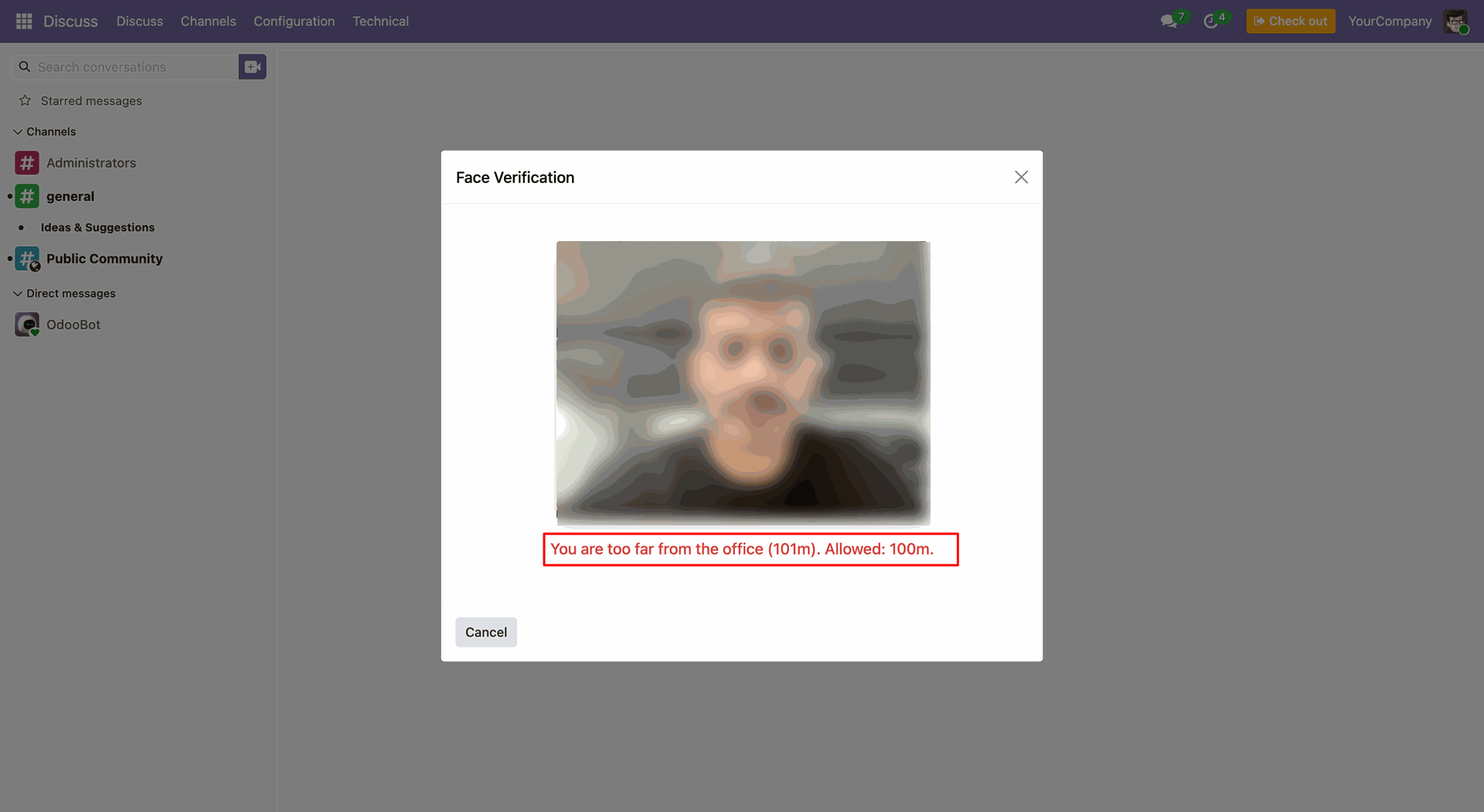
Face Recognition + GPS Restriction
Works effortlessly Ensure employees can mark attendance only from authorized locations.

Face Check-In/Check-Out Widget
Allow employees to quickly check in and check out using face recognition directly from the widget.

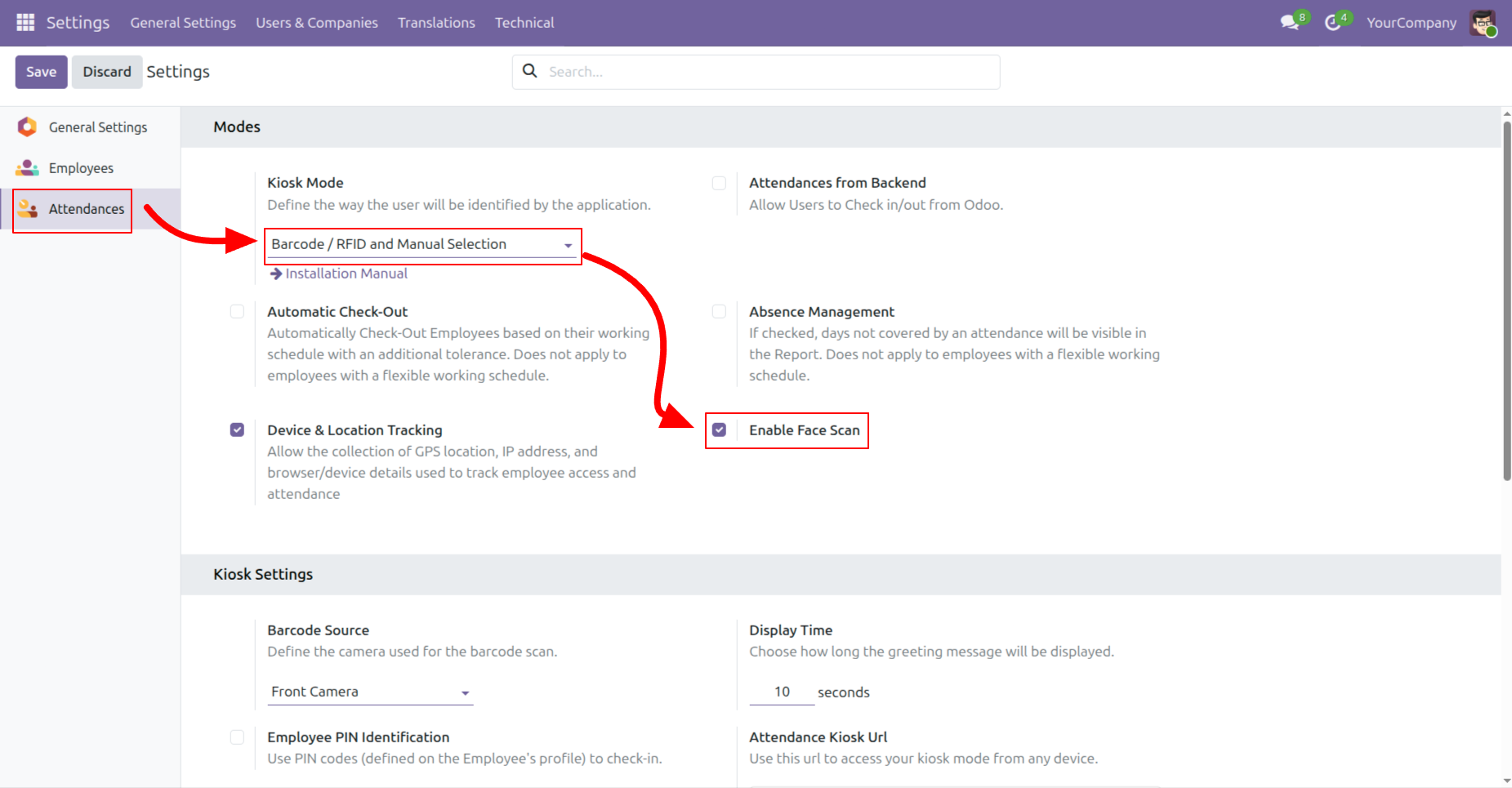
Enable face scan.
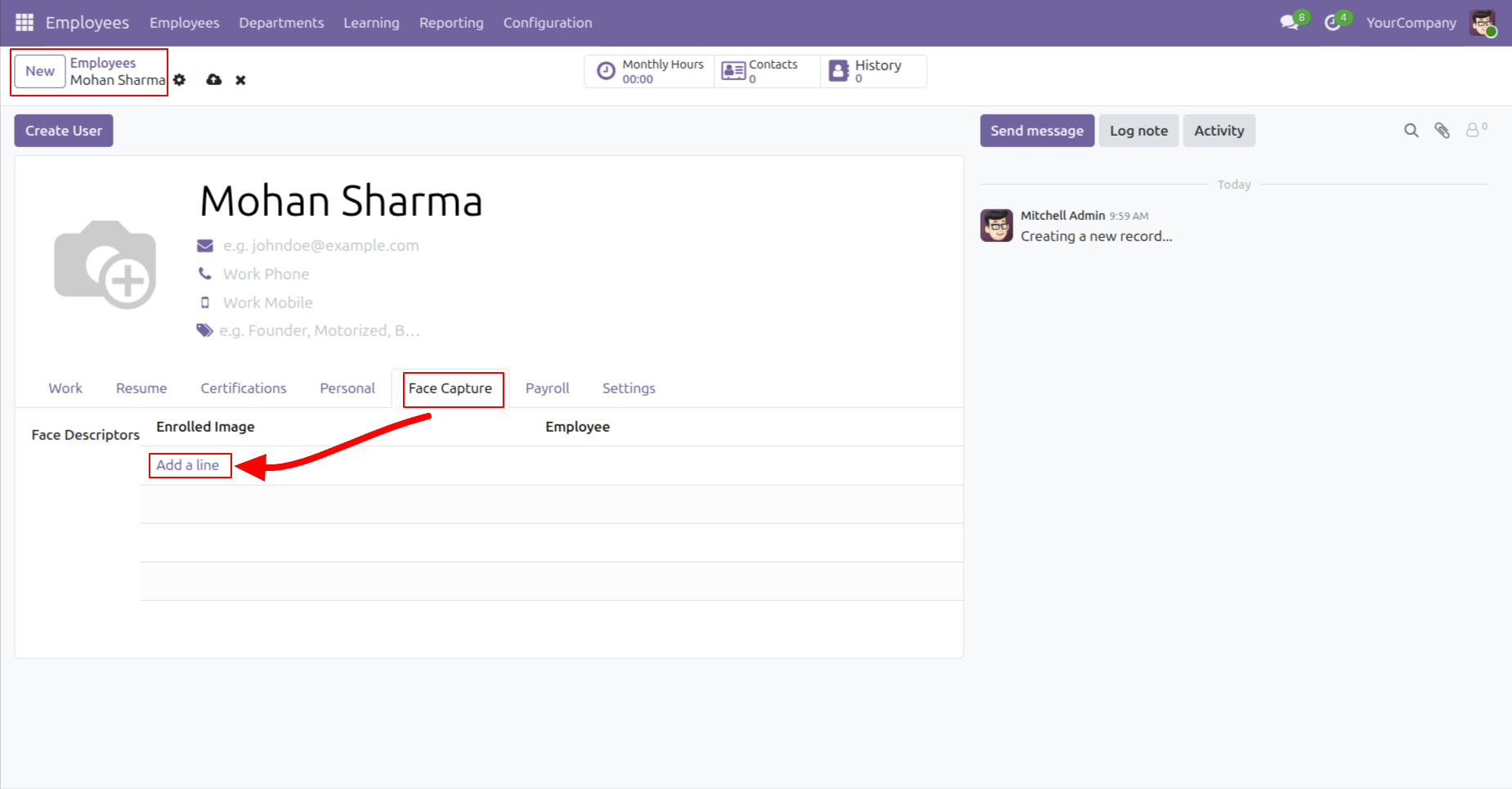
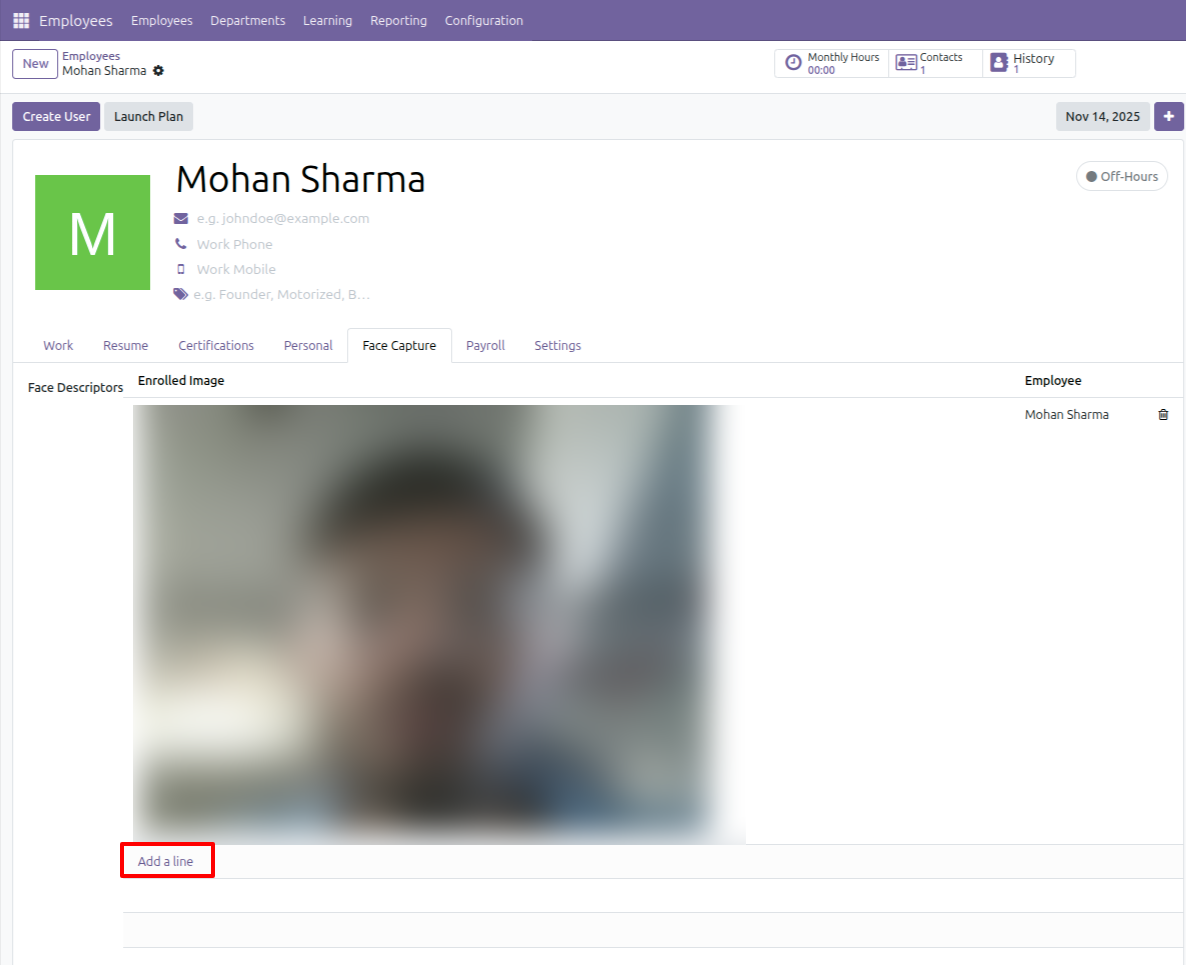
Open the employee profile and navigate to the Face Capture tab to add a new face enrollment.
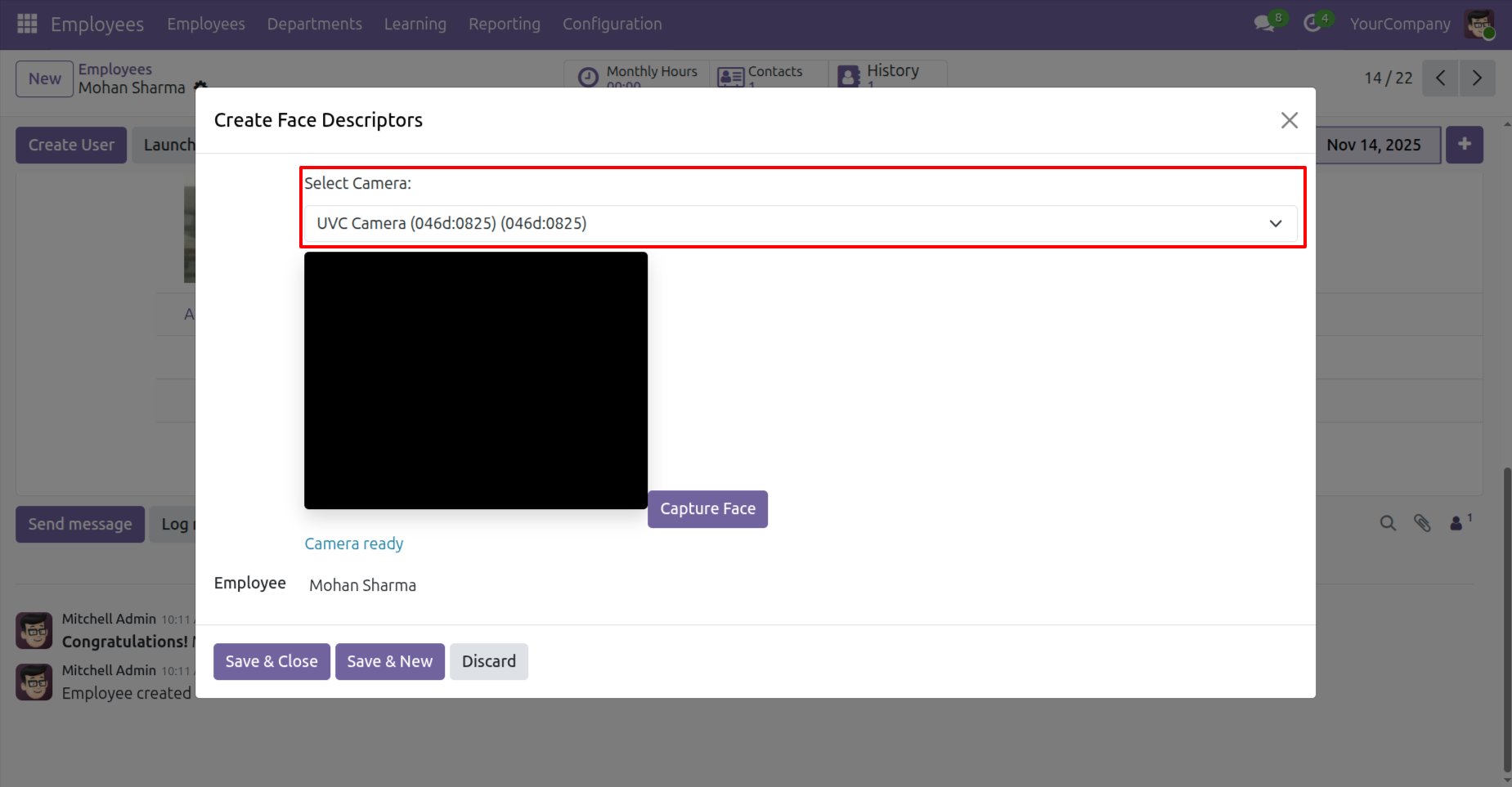
Choose the preferred camera from the dropdown before starting the face capture process.
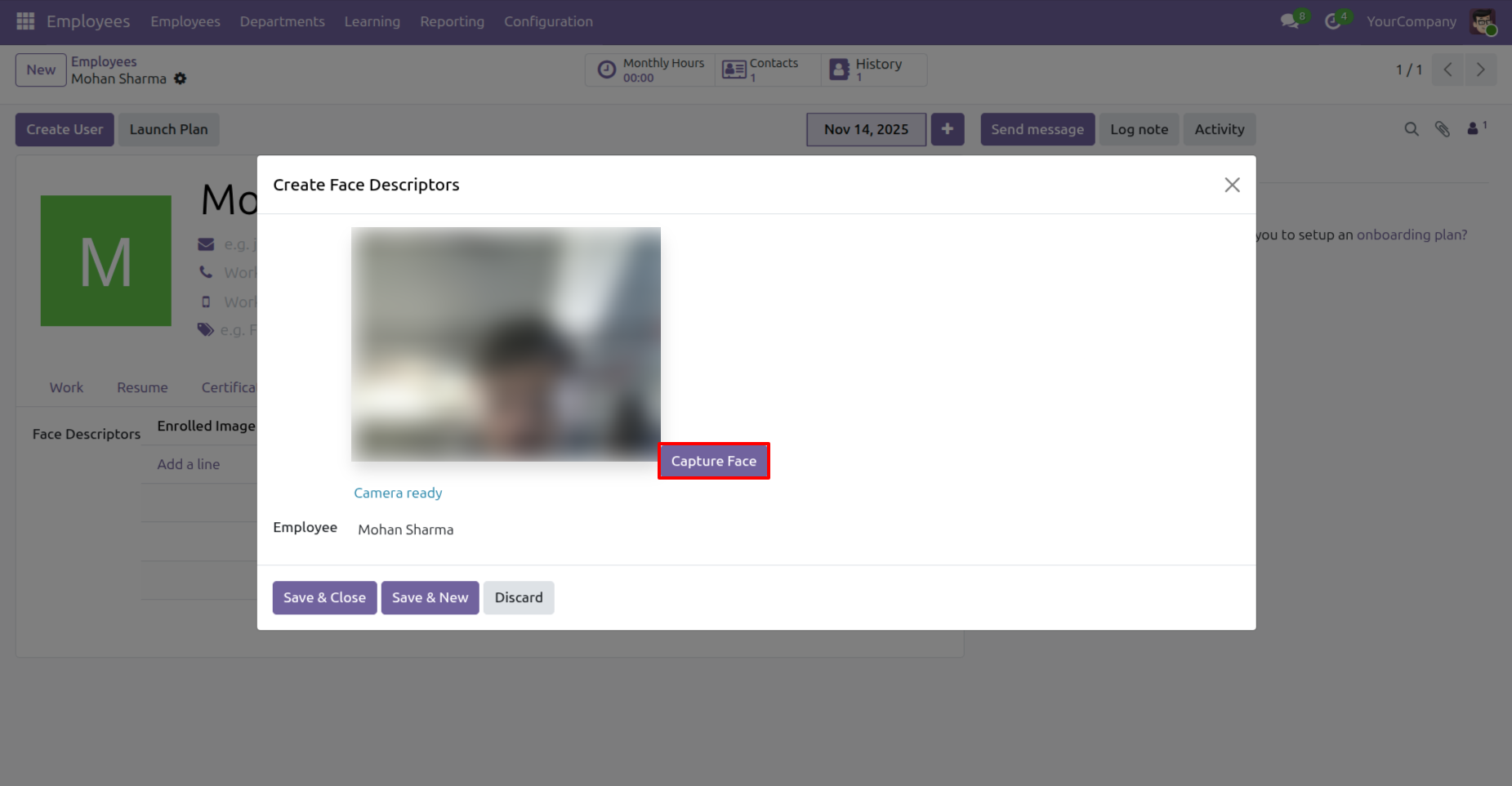
Use the live camera preview to position the employee correctly and get ready for face capture.
Capture the employees face or retake the photo until the correct face image is recorded.
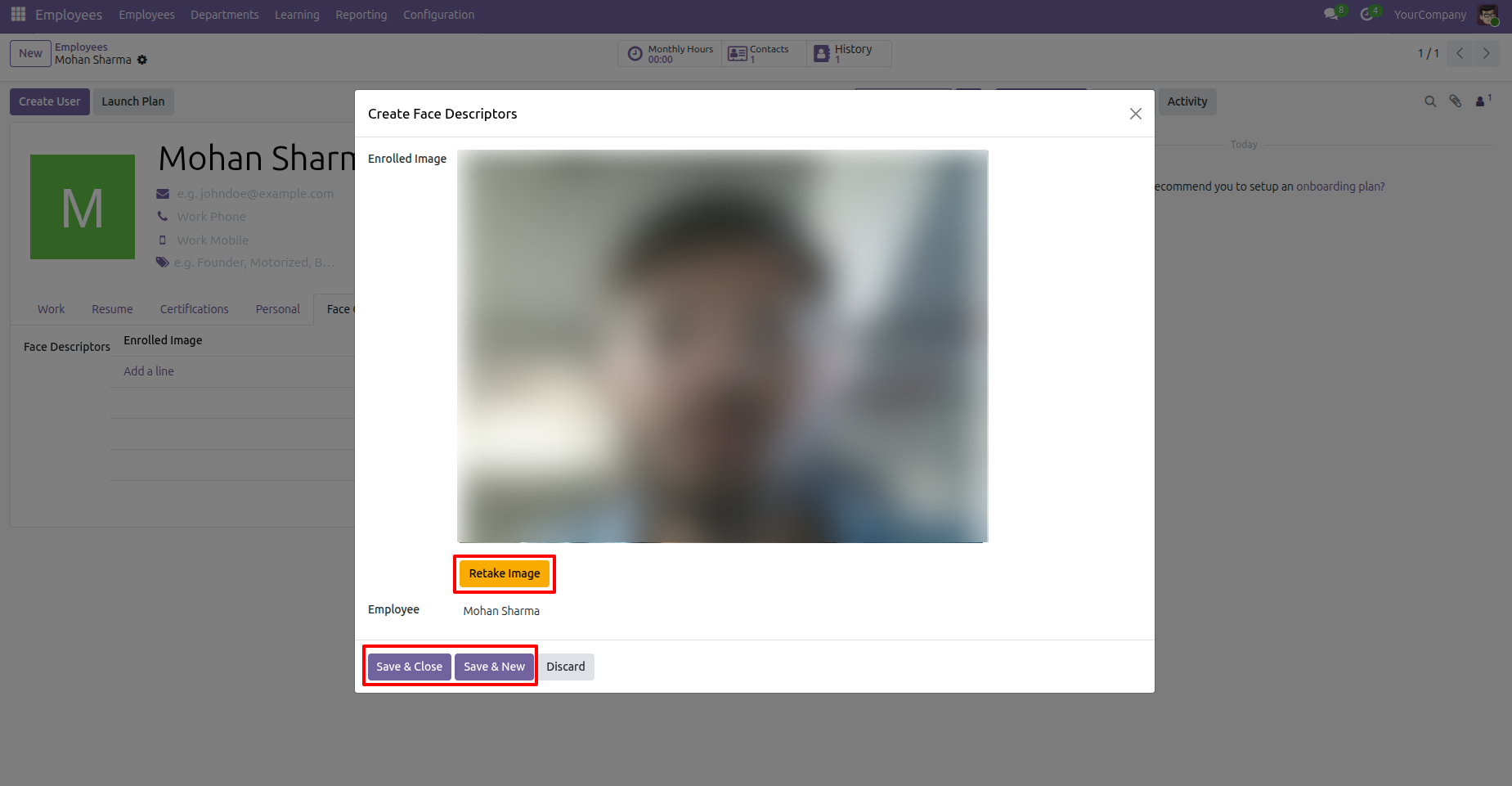
Save the captured face image to complete the employees face enrollment.
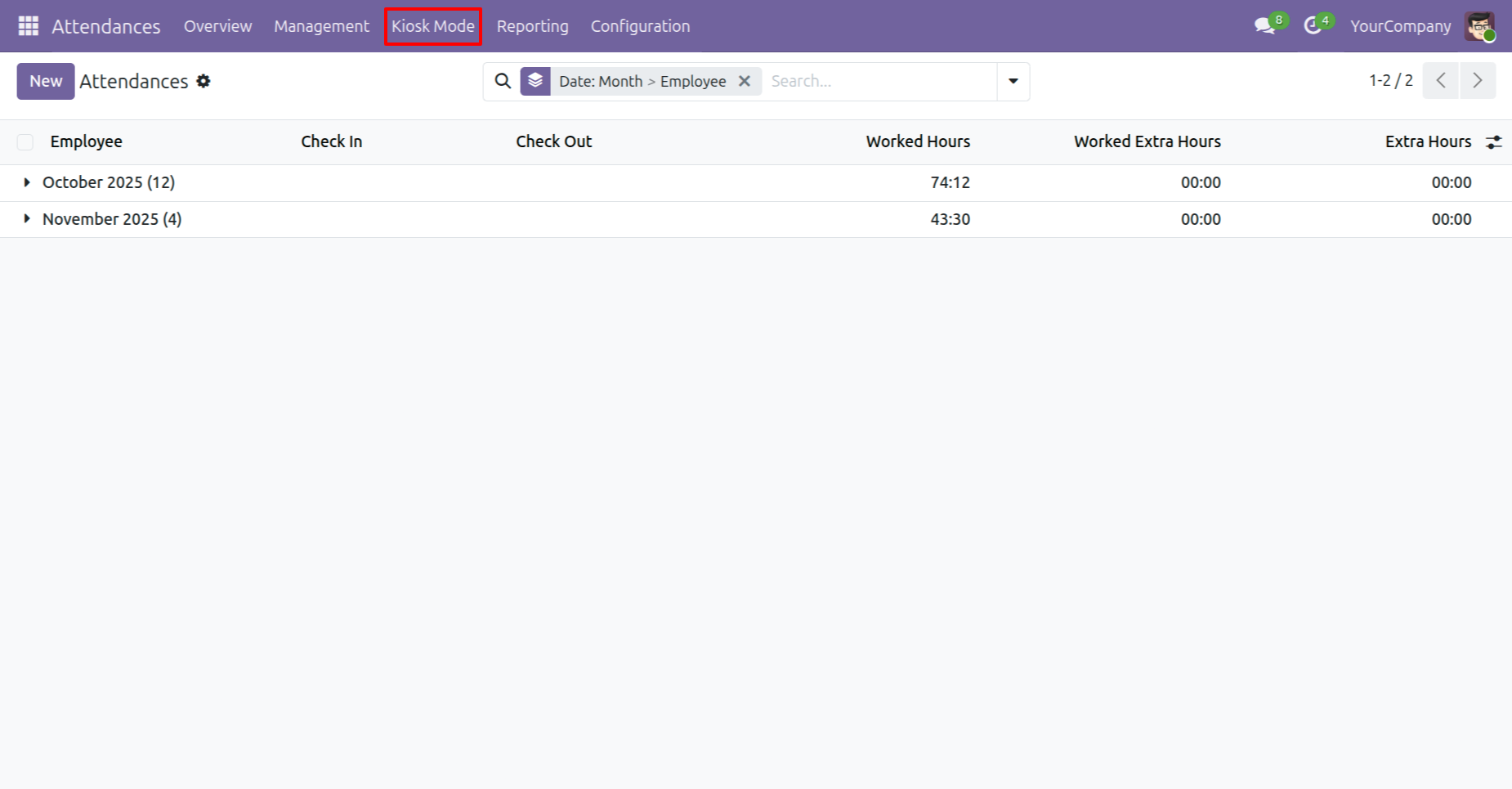
Open the Attendance module and click the Kiosk Mode button from the list view.
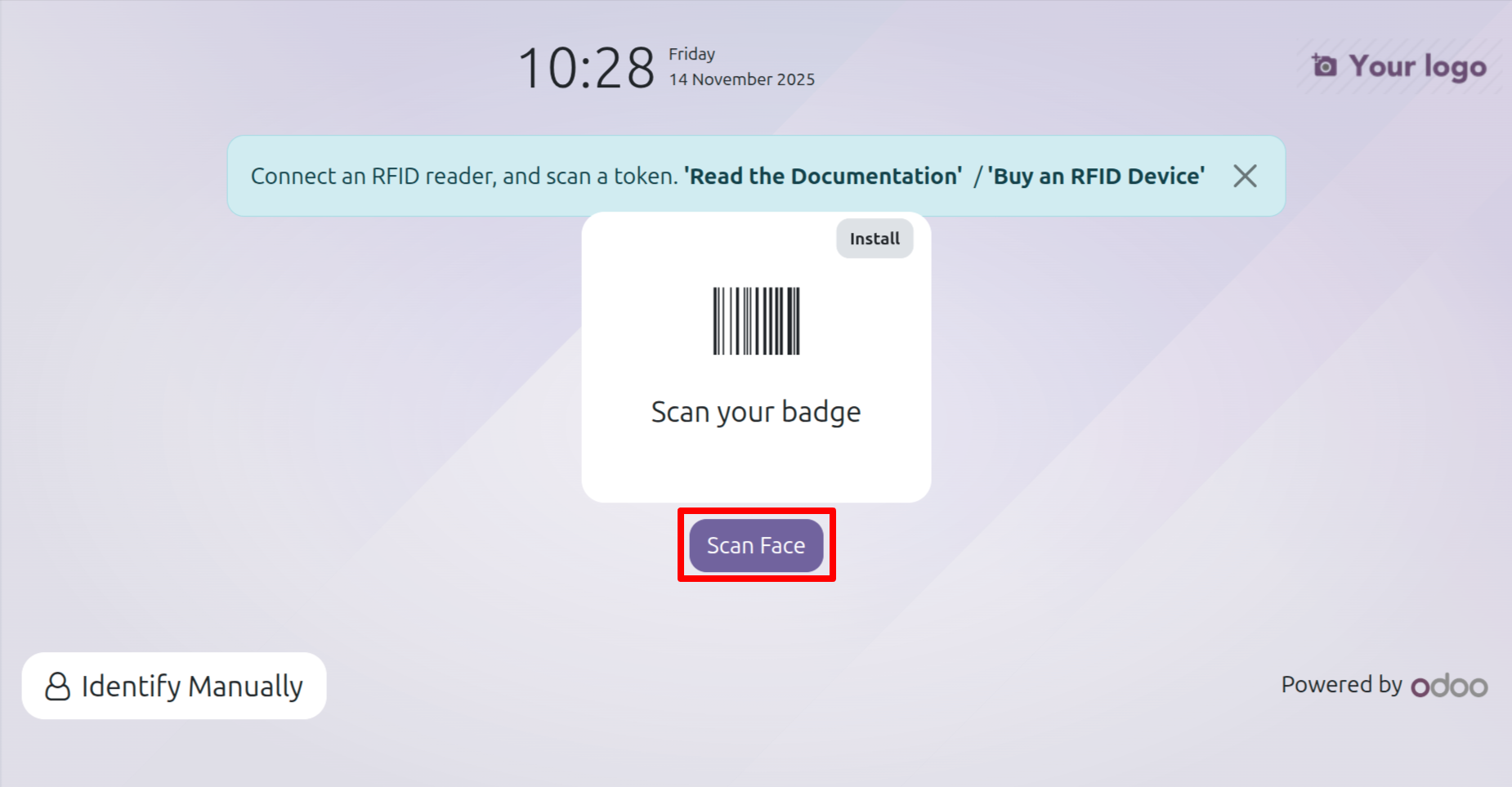
Select the “Scan Face” option in Kiosk Mode to allow employees to check in or out using facial recognition.
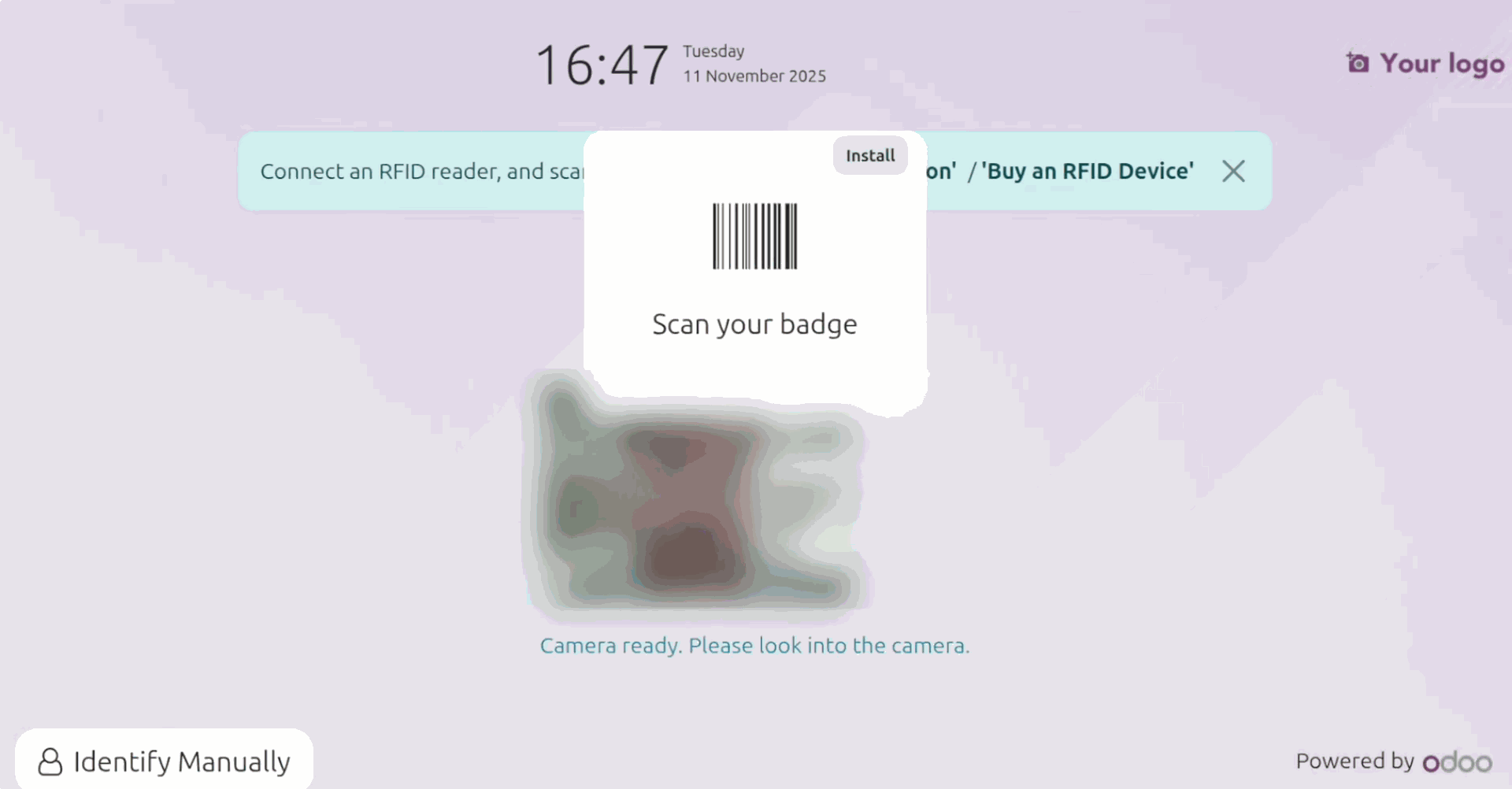
Look at the camera properly.
If the scan is successful, it shows a message like below.
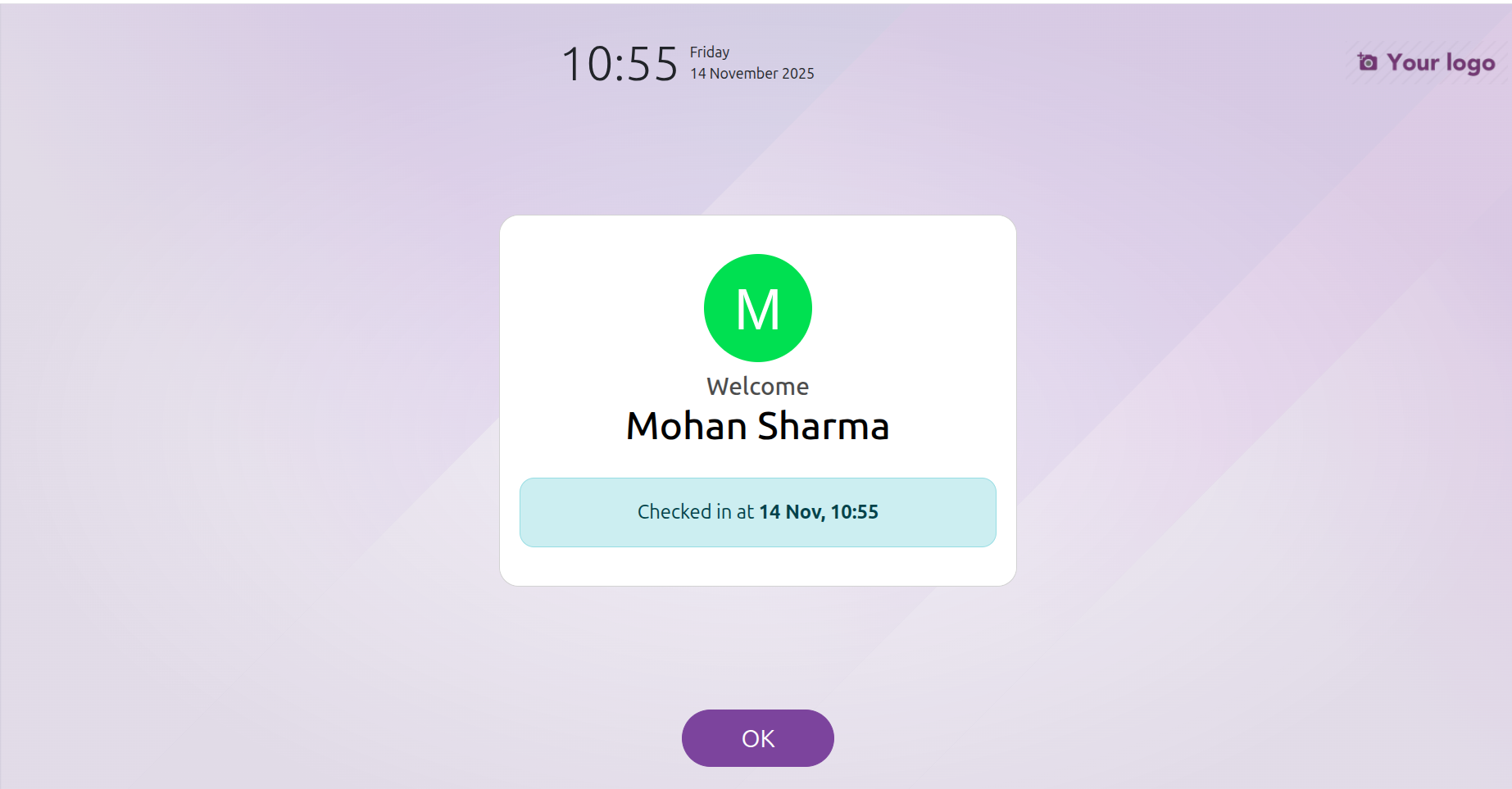
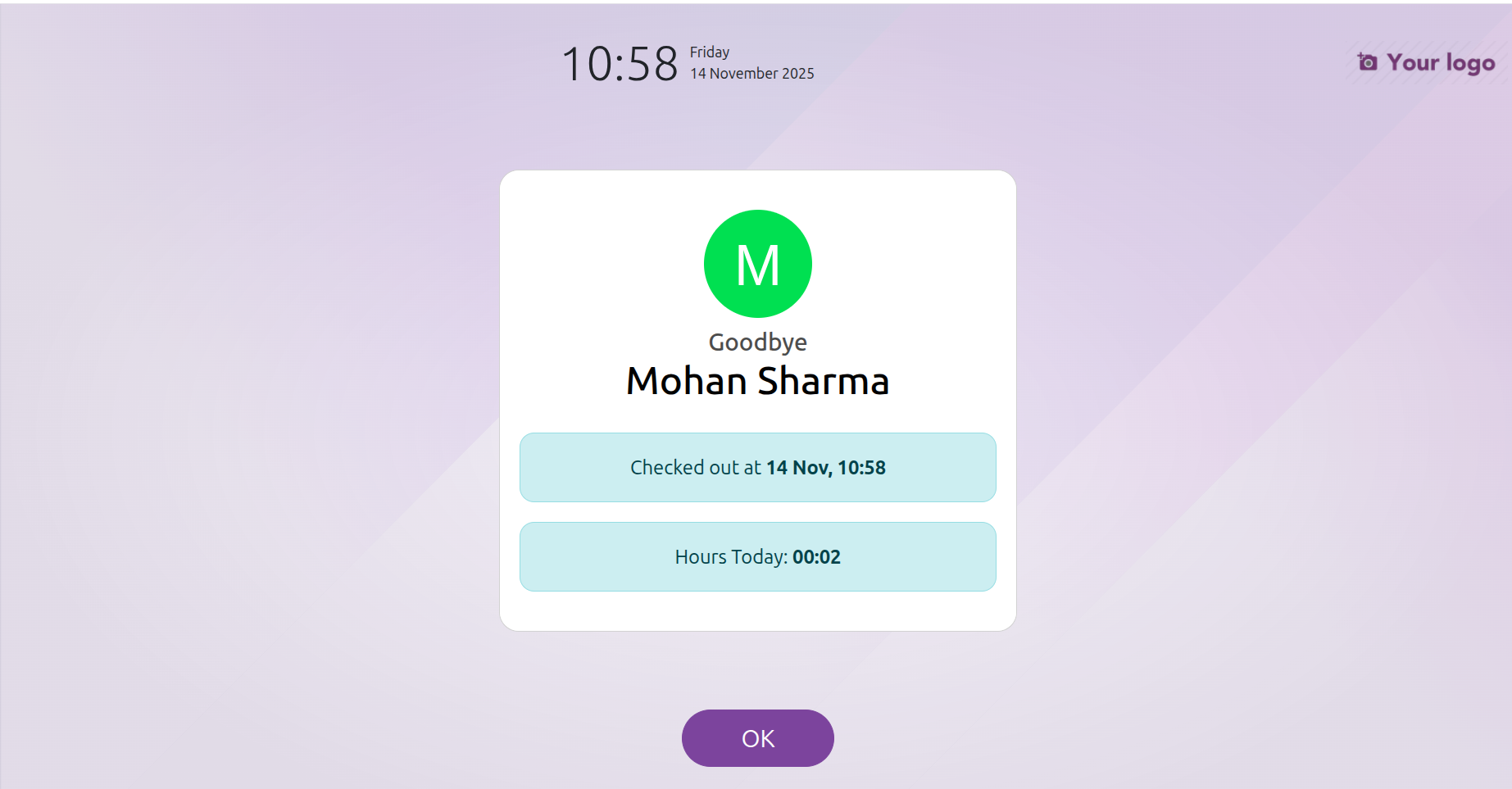
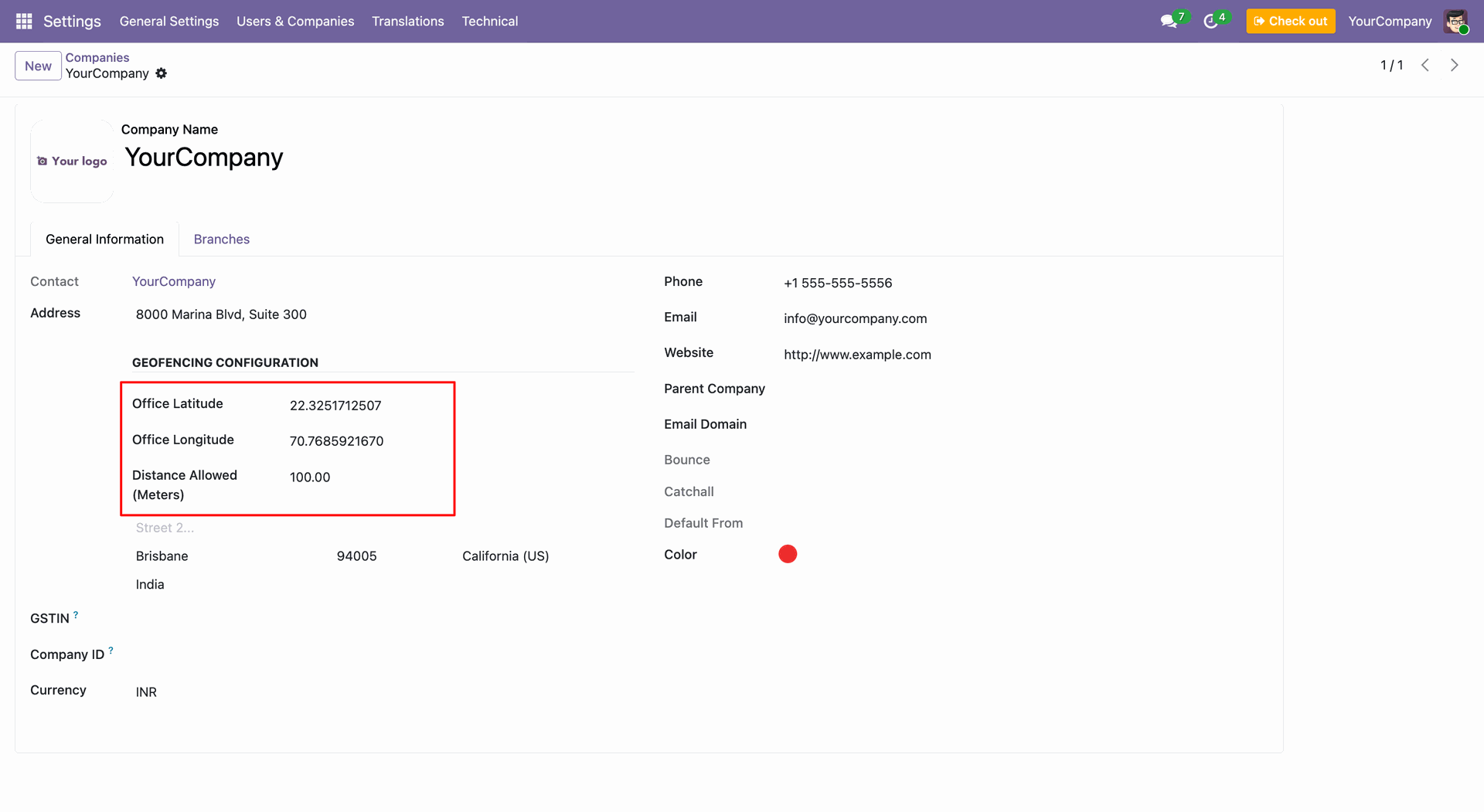
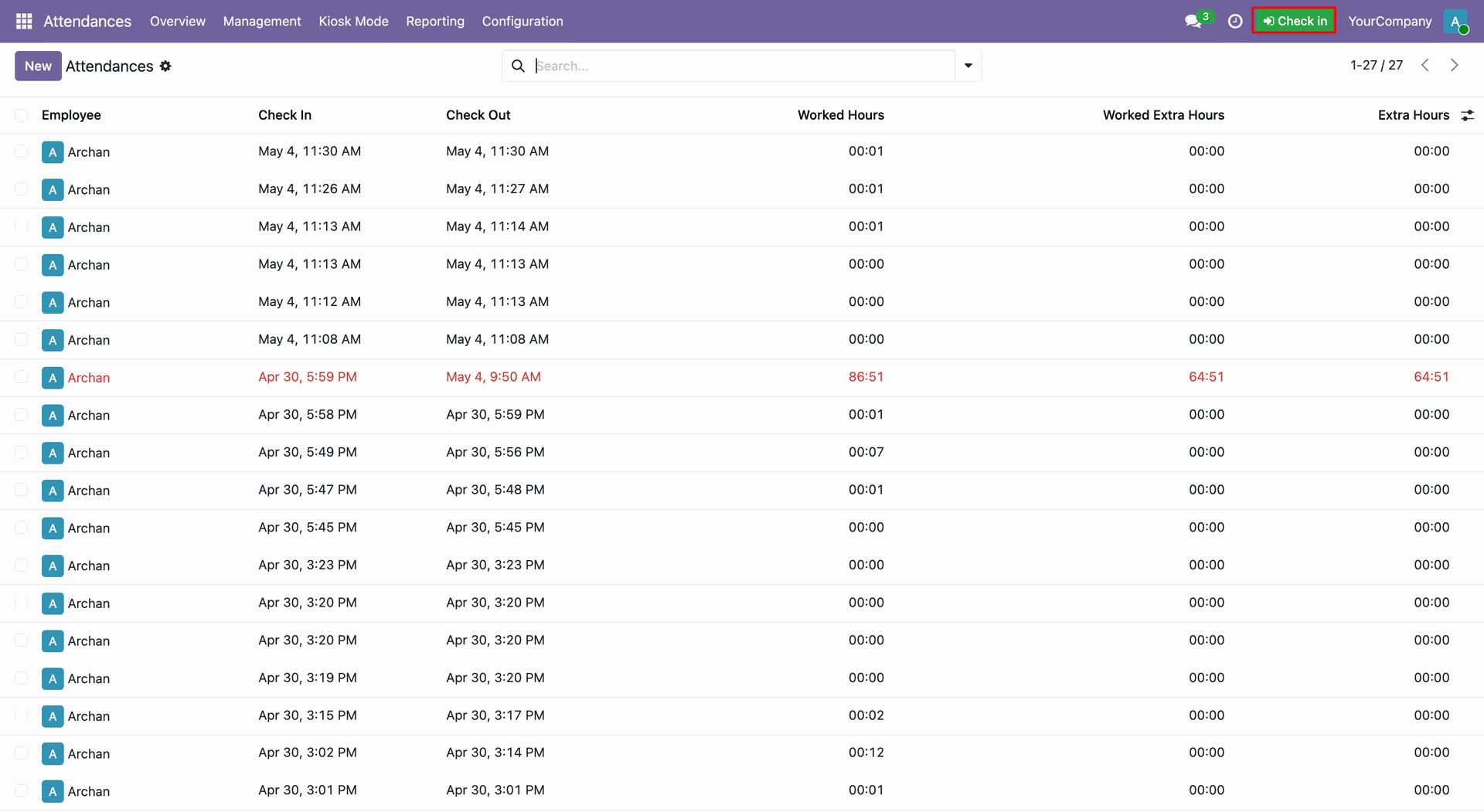
Attendance log.
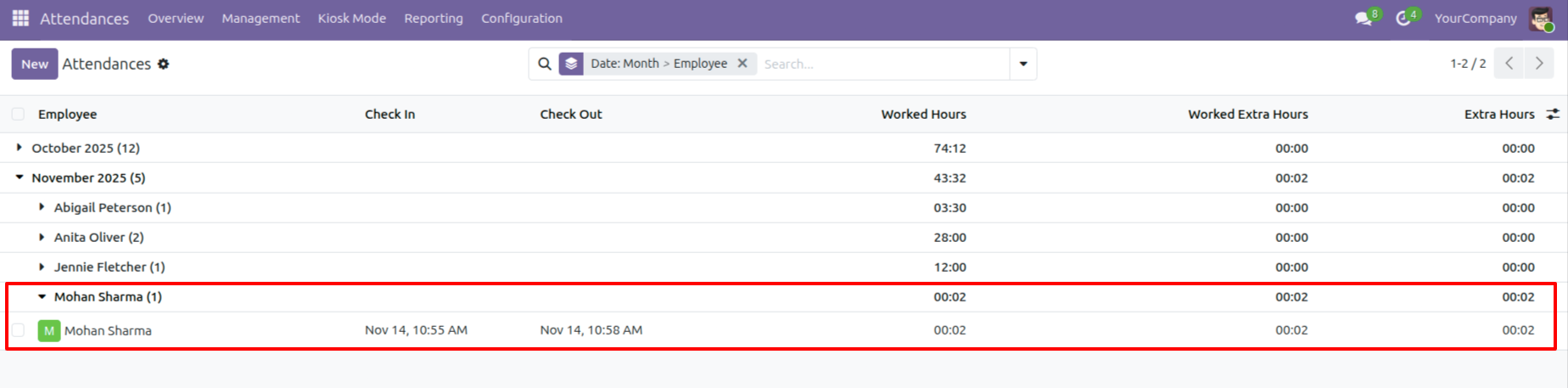
Configure Geofencing settings for your company, specifying latitude, longitude, and allowed distance range for location-based attendance.
Seamlessly check-in using the new systray widget, providing a quick way for employees to start their attendance.
Advanced Liveness Detection ensures security by prompting users to blink, verifying they are physically present.
Automated GPS validation prevents check-ins/check-outs when employees are outside the defined geofence boundary.
Instant notification feedback confirms successful check-in, providing peace of mind for the employee.
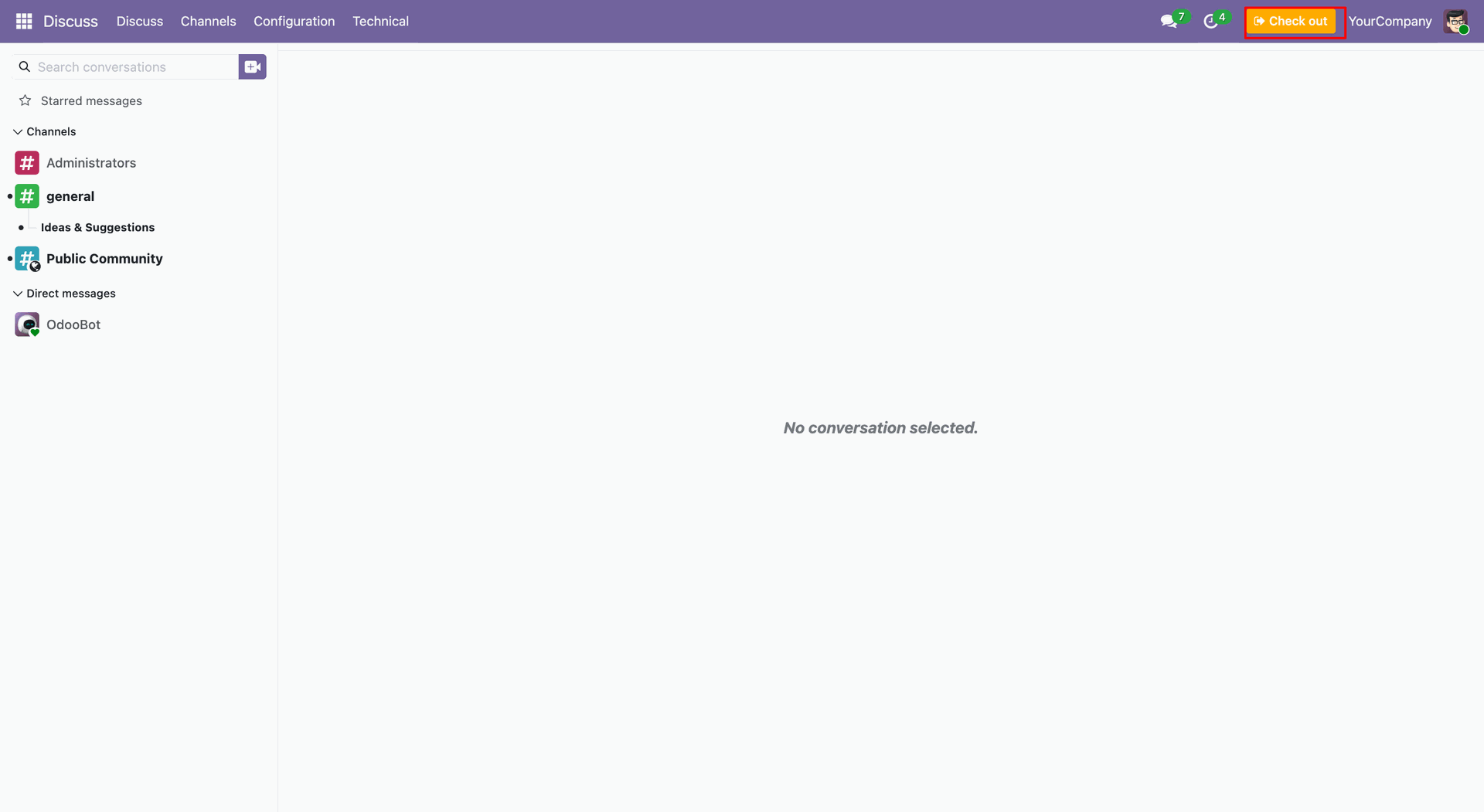
Quick check-out option available directly from the systray, streamlining the end-of-day process.
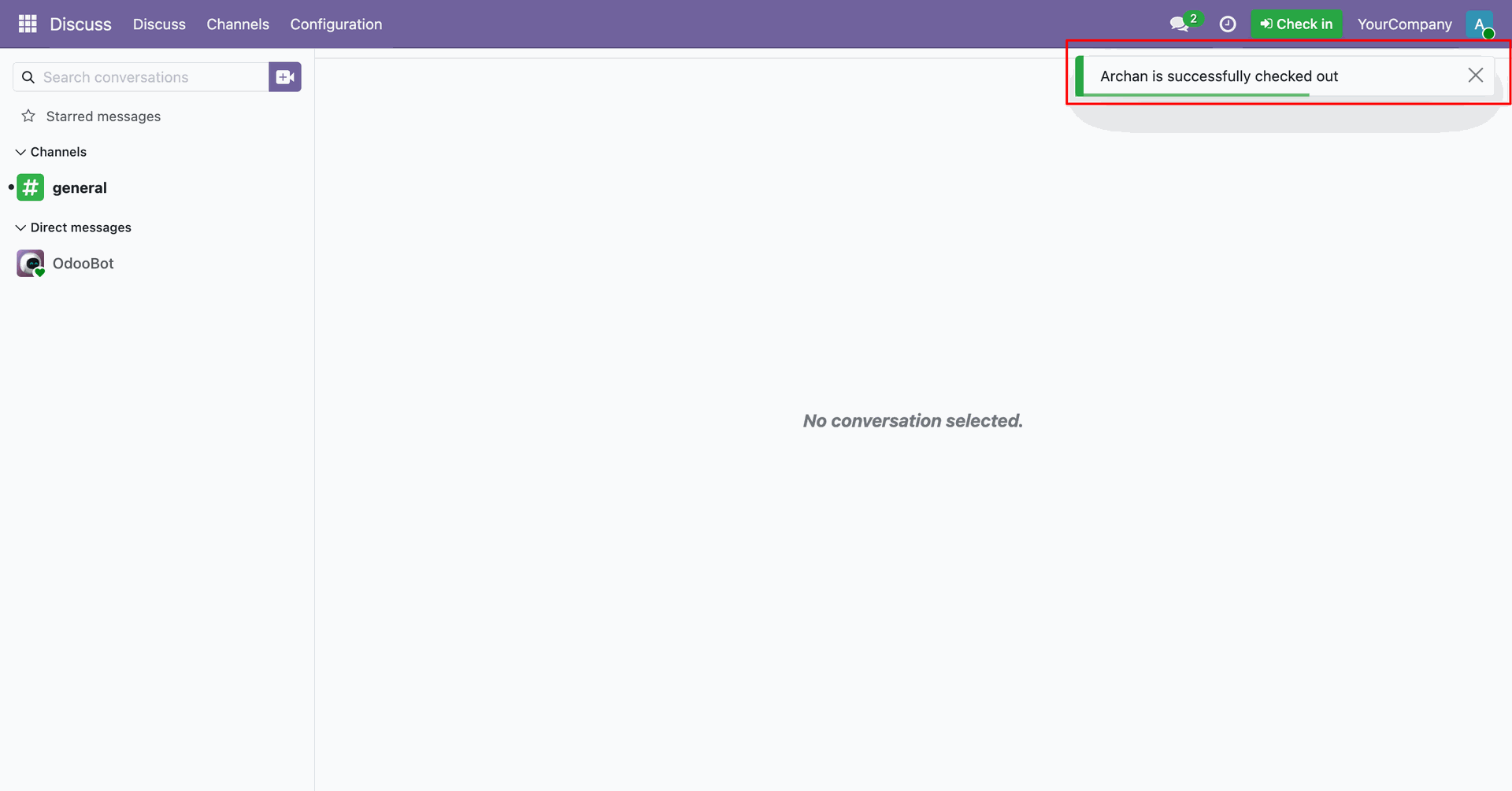
Visual success notification for check-out operations, maintaining clear communication with users.
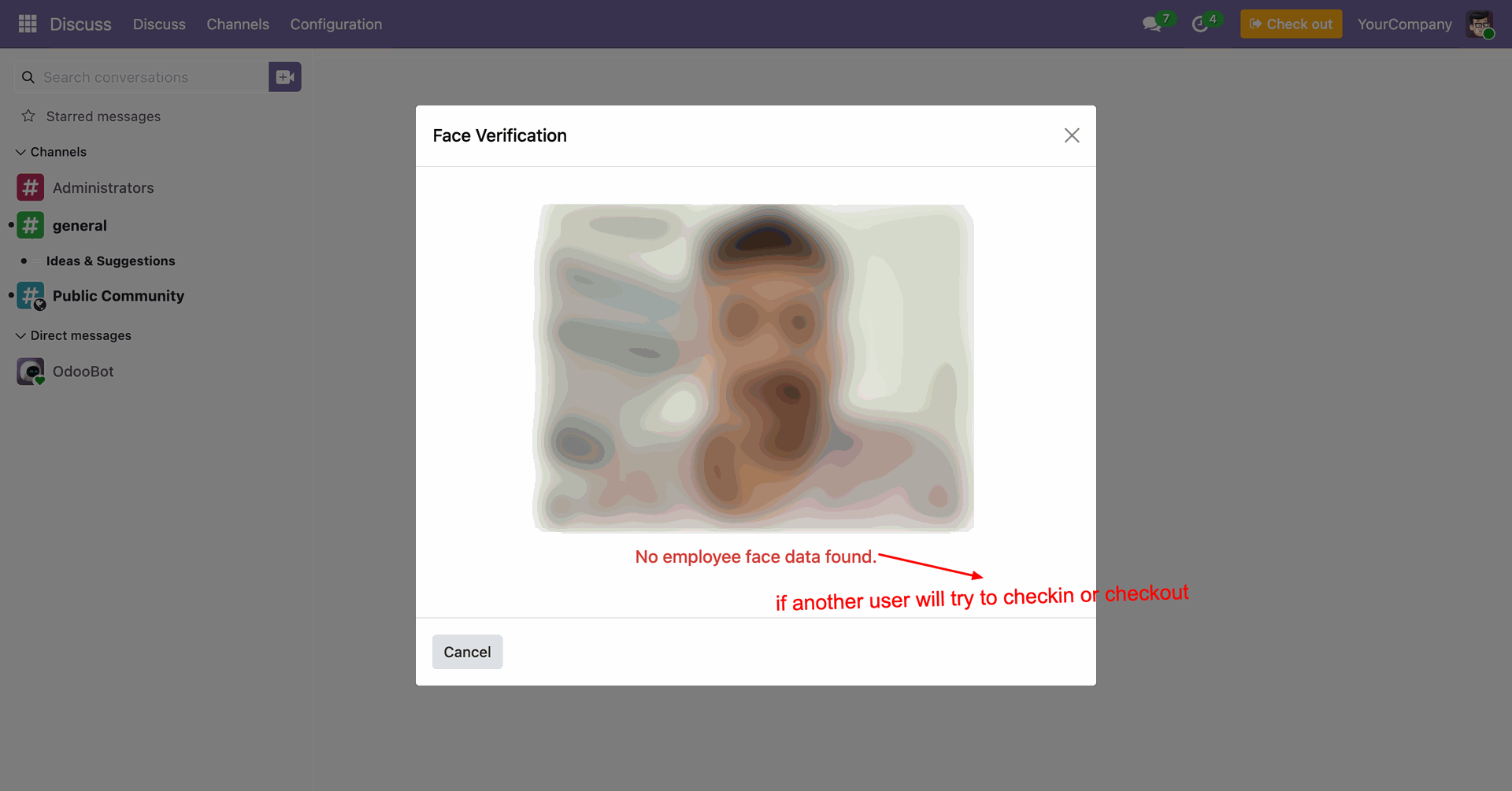
Intelligent error handling alerts users if no registered face data is found during the recognition process.
Version 19.0.2.0.0 | Released on : 19th May 2026
Version 19.0.1.0.0 | Released on : 5th December 2025
- Yes, this app works perfectly with Odoo Enterprise (Odoo.sh & Premise) as well as Community.
- No, this application is not compatible with odoo.com(odoo saas/Odoo Online)
- Yes, to test this module, please contact us at sales@softhealer.com.
- Please contact us at sales@softhealer.comto request customization.
- Yes, we provide free support for 365 days from the date of purchase.
- Yes, you will receive lifetime free updates for the version of the module you purchased.
- No, there is no need to install any additional libraries.
- Yes, for version 12 and above, you need to purchase the module separately for each version you intend to use.
- No, exchanges or refunds are not allowed. Please make sure to select the correct version before purchasing.
- You can contact us at support@softhealer.com for language translation support. We use Google Translator tools to provide translations in multiple languages, so the accuracy may vary. We welcome your suggestions to help improve translations.
Discover Our Latest Apps