











ExportersIndia Odoo Integration

Are you tired of manually entering ExportersIndia data into Odoo? We have a perfect solution for you! This powerful module easily connects your Odoo CRM with ExportersIndia, allowing automatic lead imports and efficient lead management. With this integration, businesses can easily fetch lead data from ExportersIndia directly into Odoo, saving time and eliminating manual data entry.
Related Modules
Features

Fetch Leads from ExportersIndia
Users can easily fetch leads from ExportersIndia directly into Odoo for quick access.

Smart Lead Search & Filters
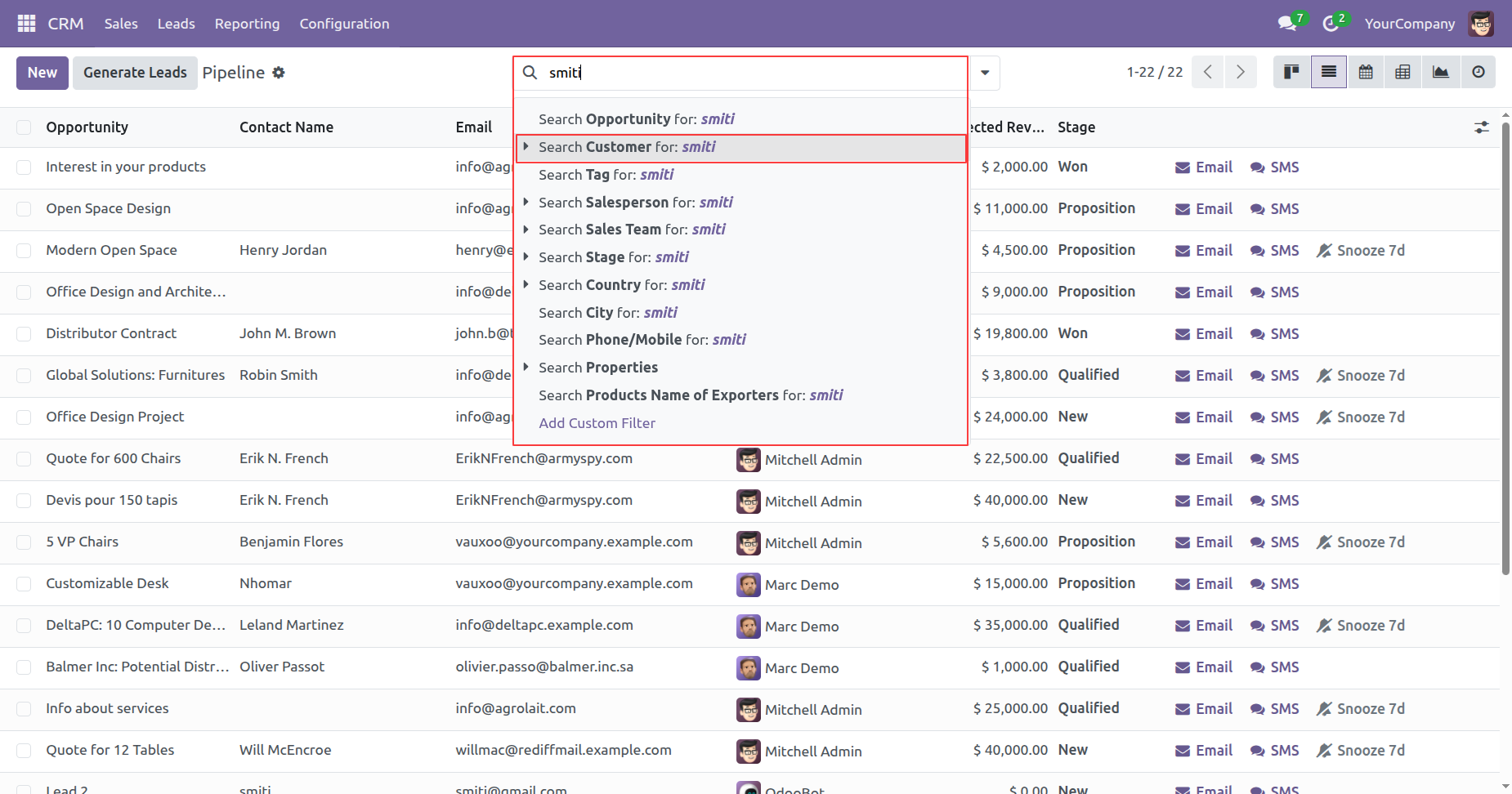
Users can filter and search leads by partner, product, or contact name for faster lead management.

Manual & Scheduled Lead Import
Users can import leads manually whenever needed or automate the process through scheduled actions.

Complete Lead Tracking with Logs
Users can track every imported lead through detailed log records for full visibility and auditing.
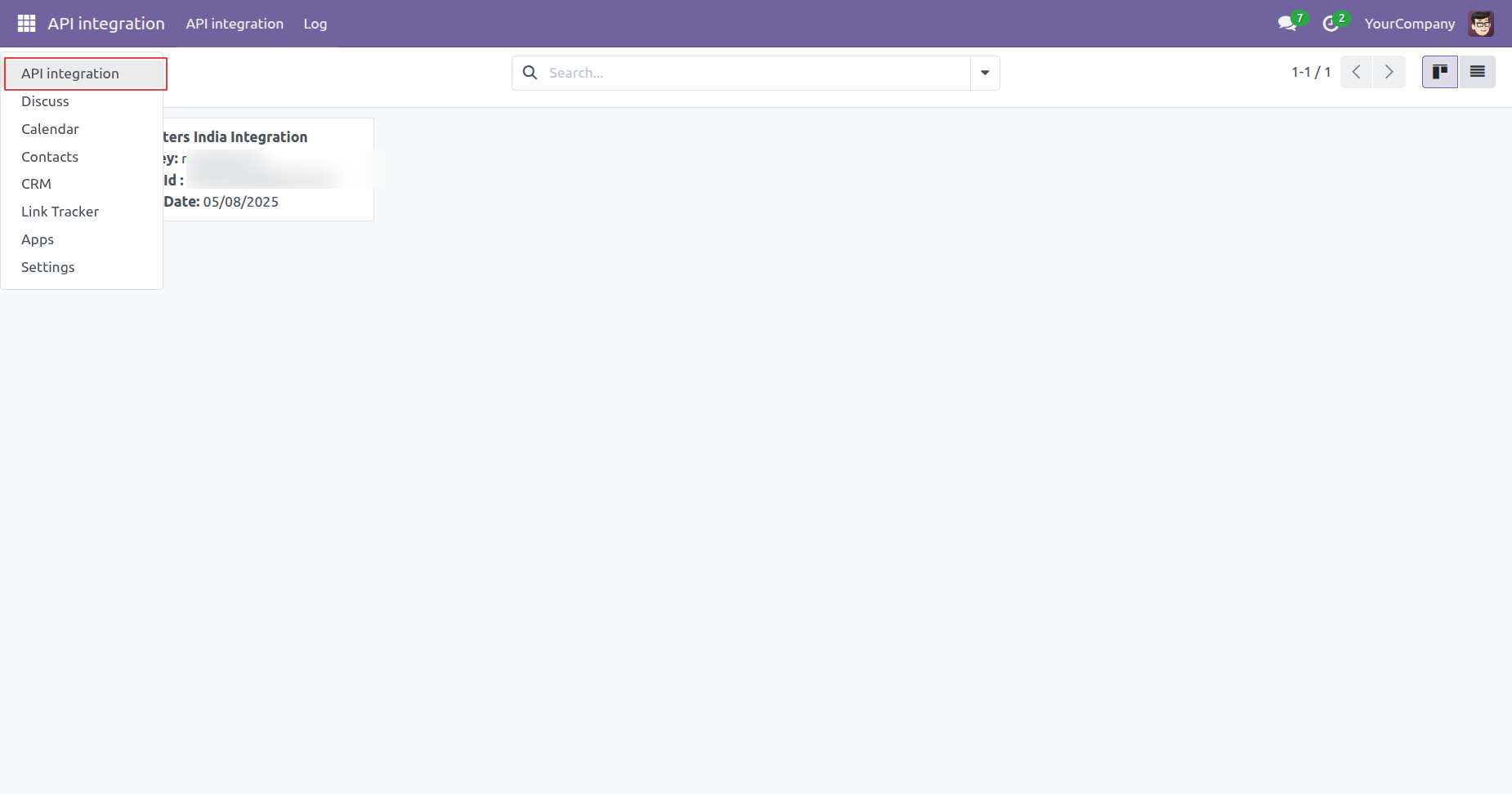
'API Integration' menu and tree view.
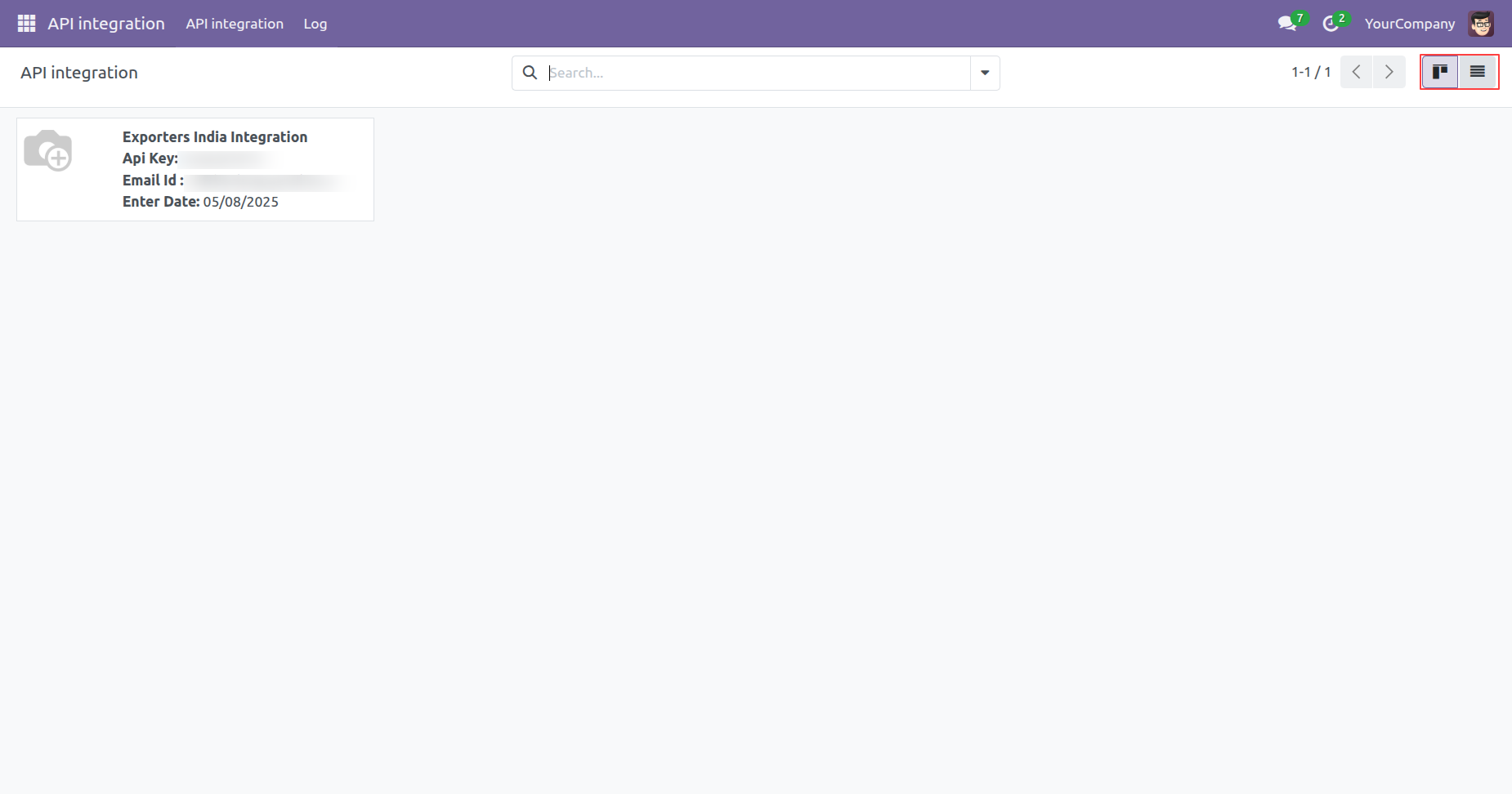
Kanban view of the 'API Integration'.
Tick the 'Import Lead' boolean, then click on the 'Fetch Now' button to fetch the lead data form ExportersIndia.
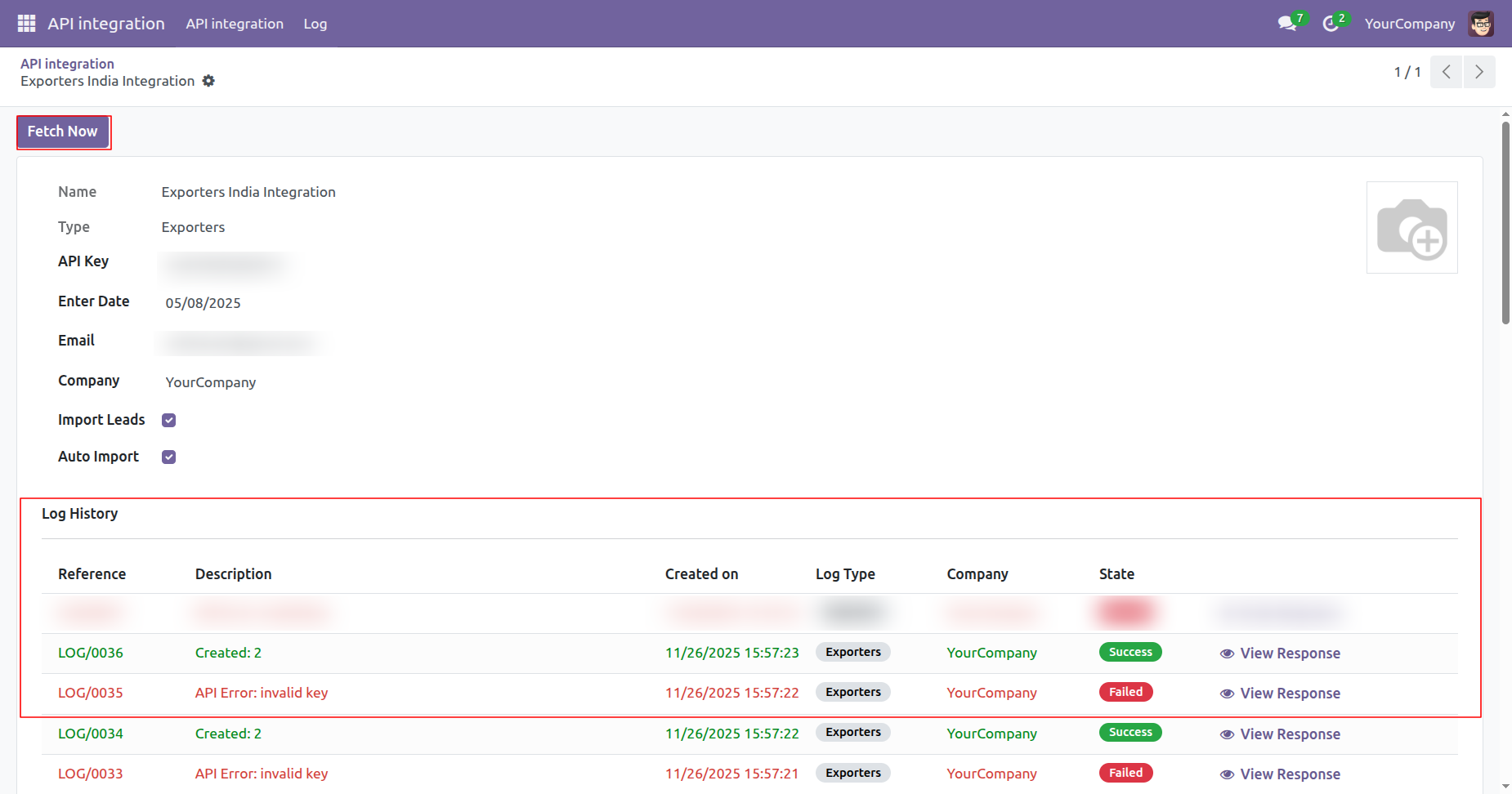
If the user tries to fetch data without enabling the 'Import Leads' option, this warning pop-up will appear.
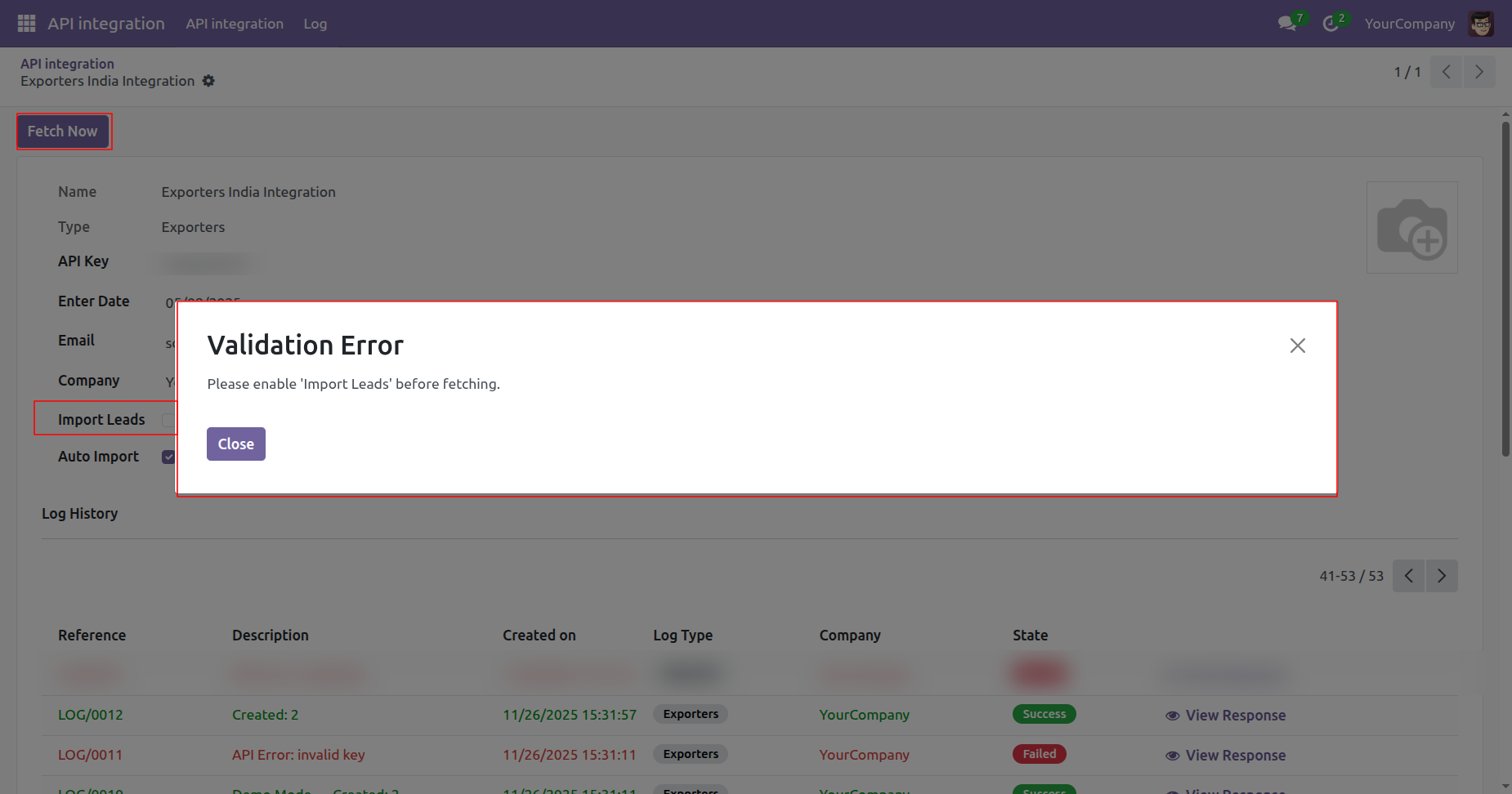
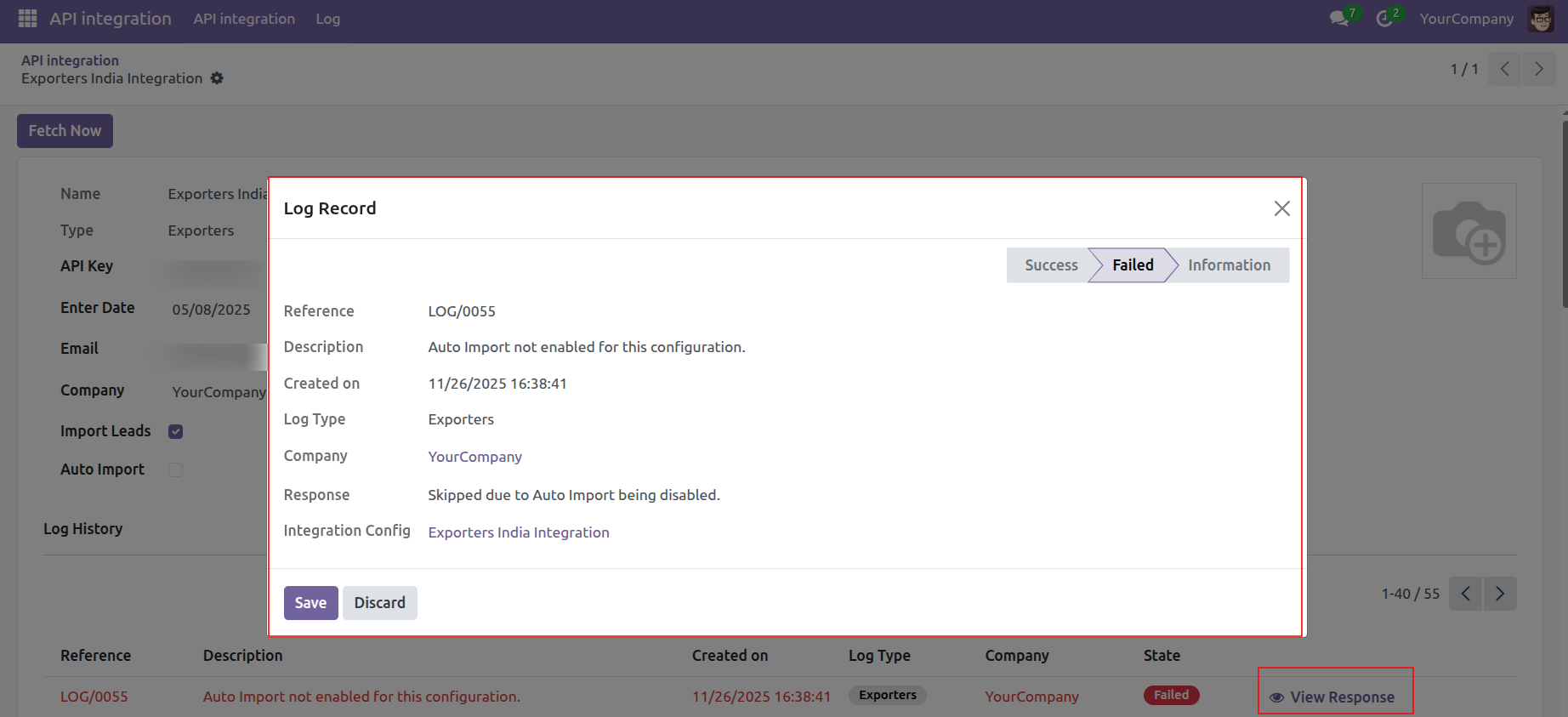
Here, you can see the fetched lead data. Click on the 'View Response' to view the log history.
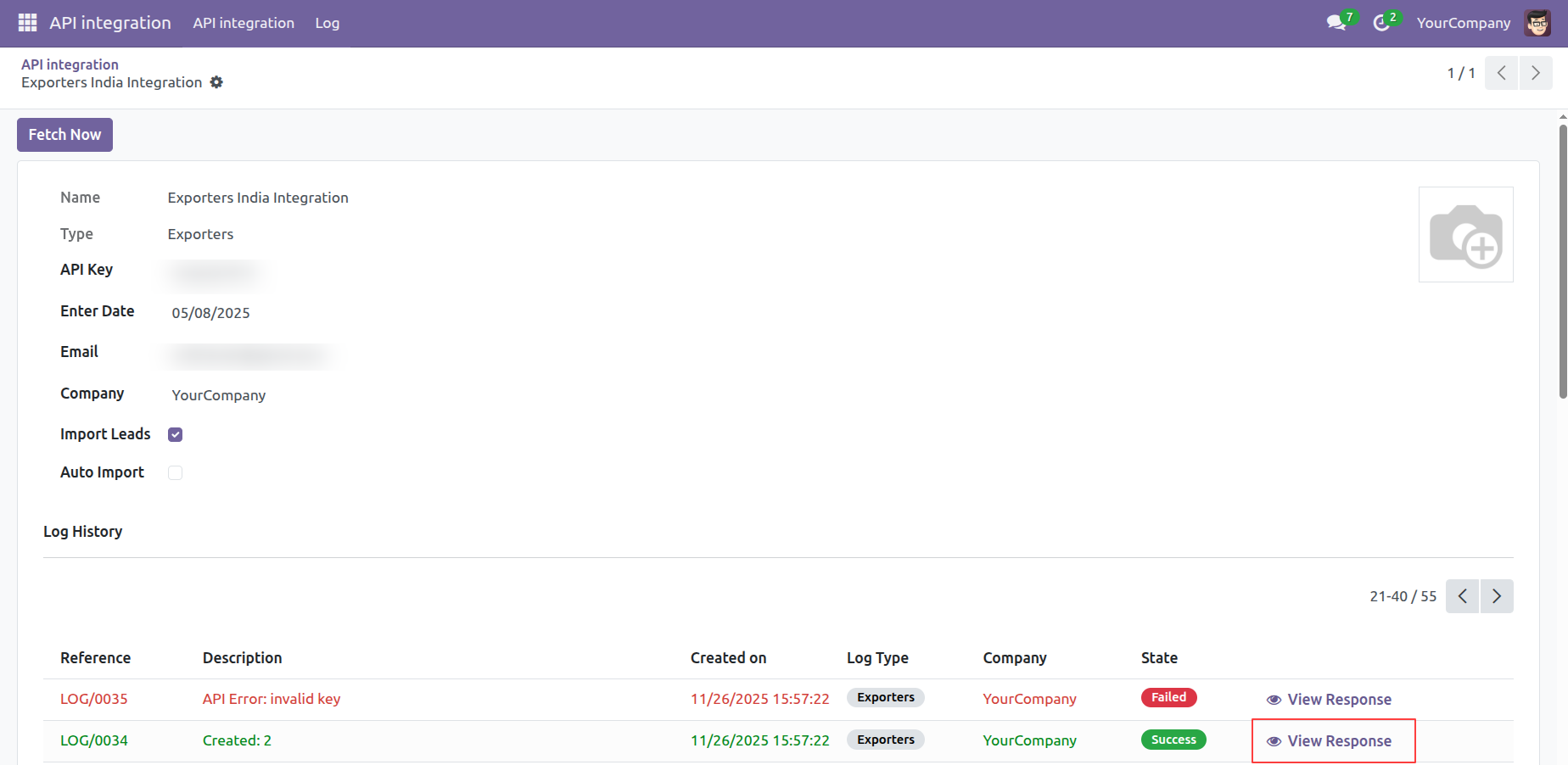
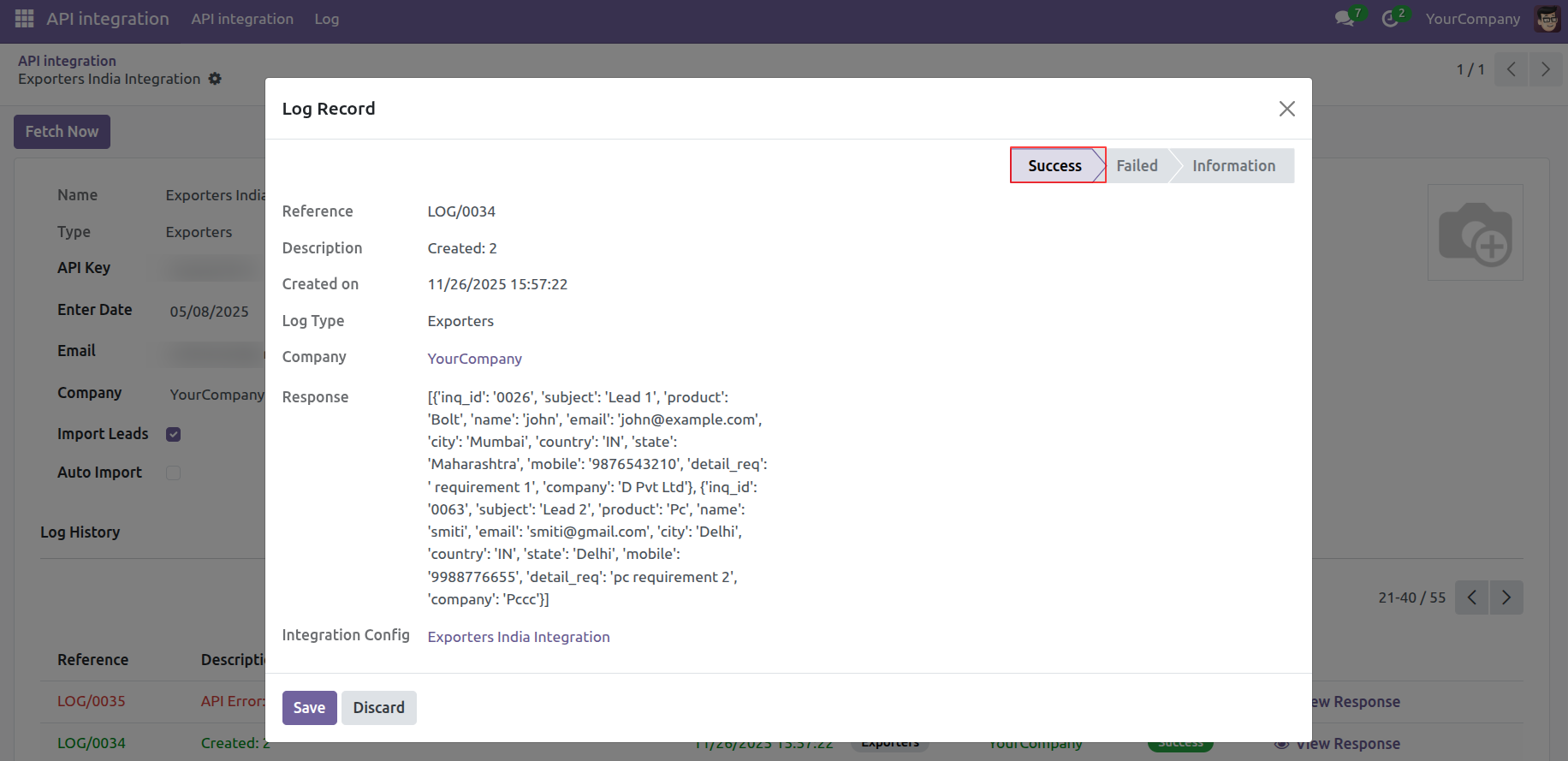
After that, the Log Record wizard will appear, where you can view the complete log history of the lead record.
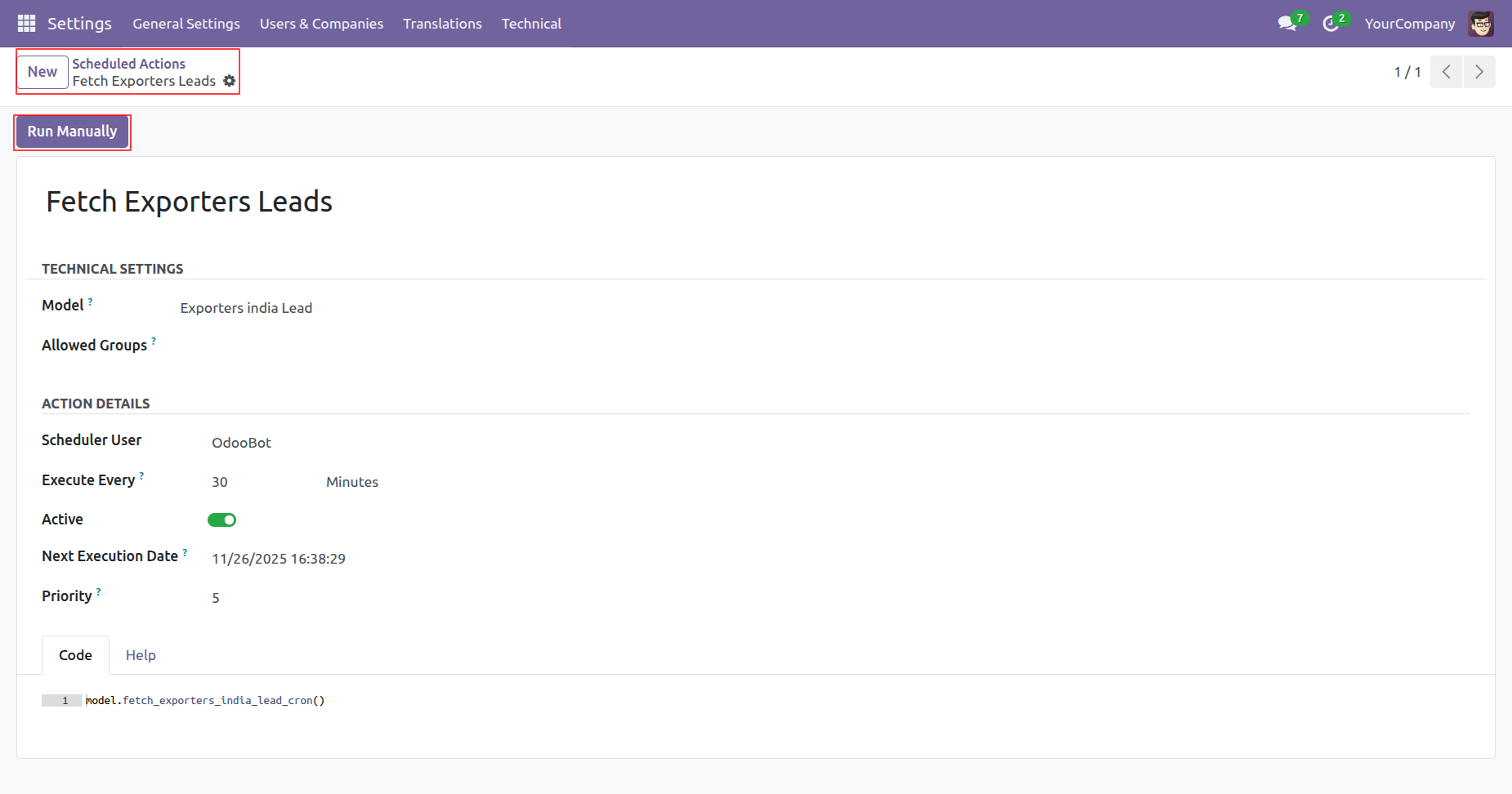
Go to the 'Scheduled Actions' and click on the 'Run Manually' button.
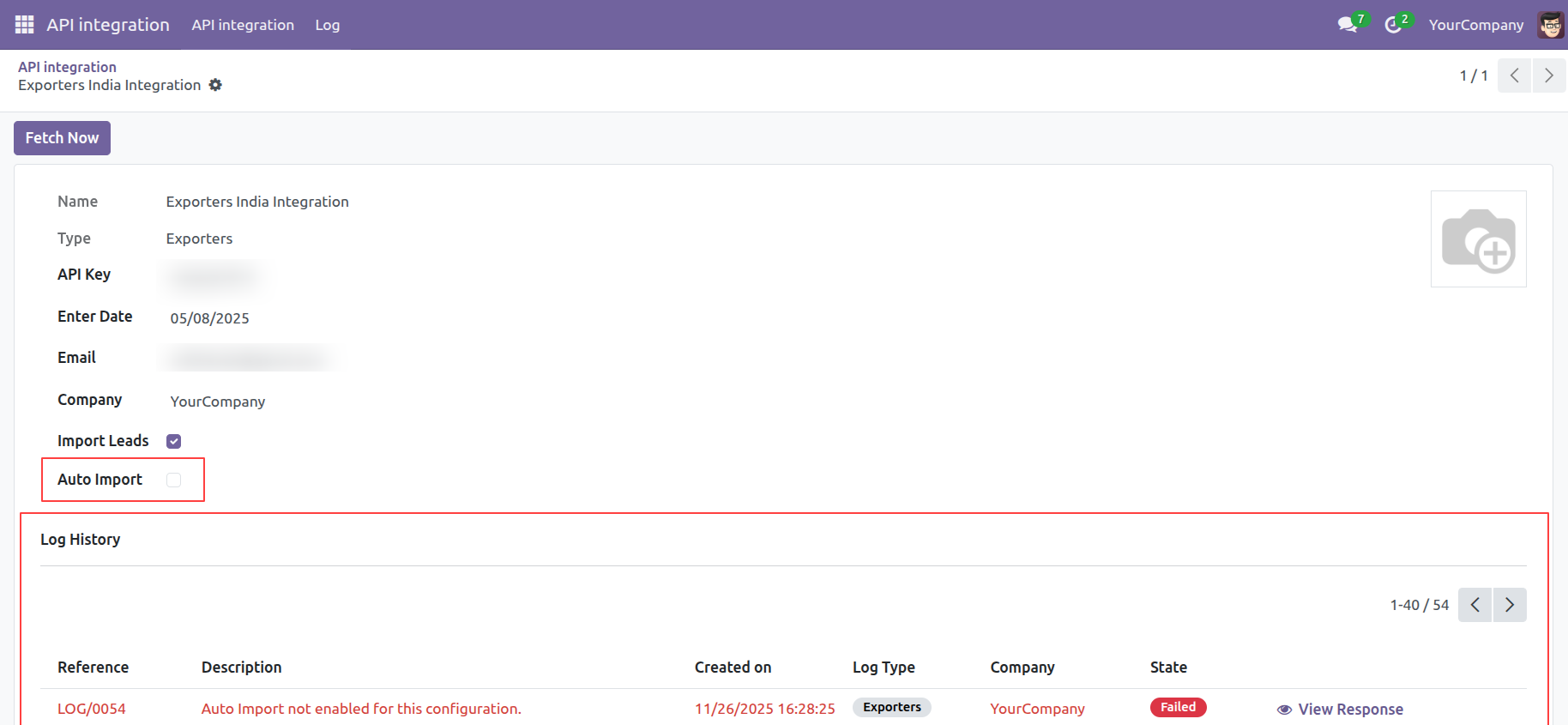
If the 'Auto Import' option is unticked at the scheduled cron time, the data will not be fetched successfully, and the process will fail.
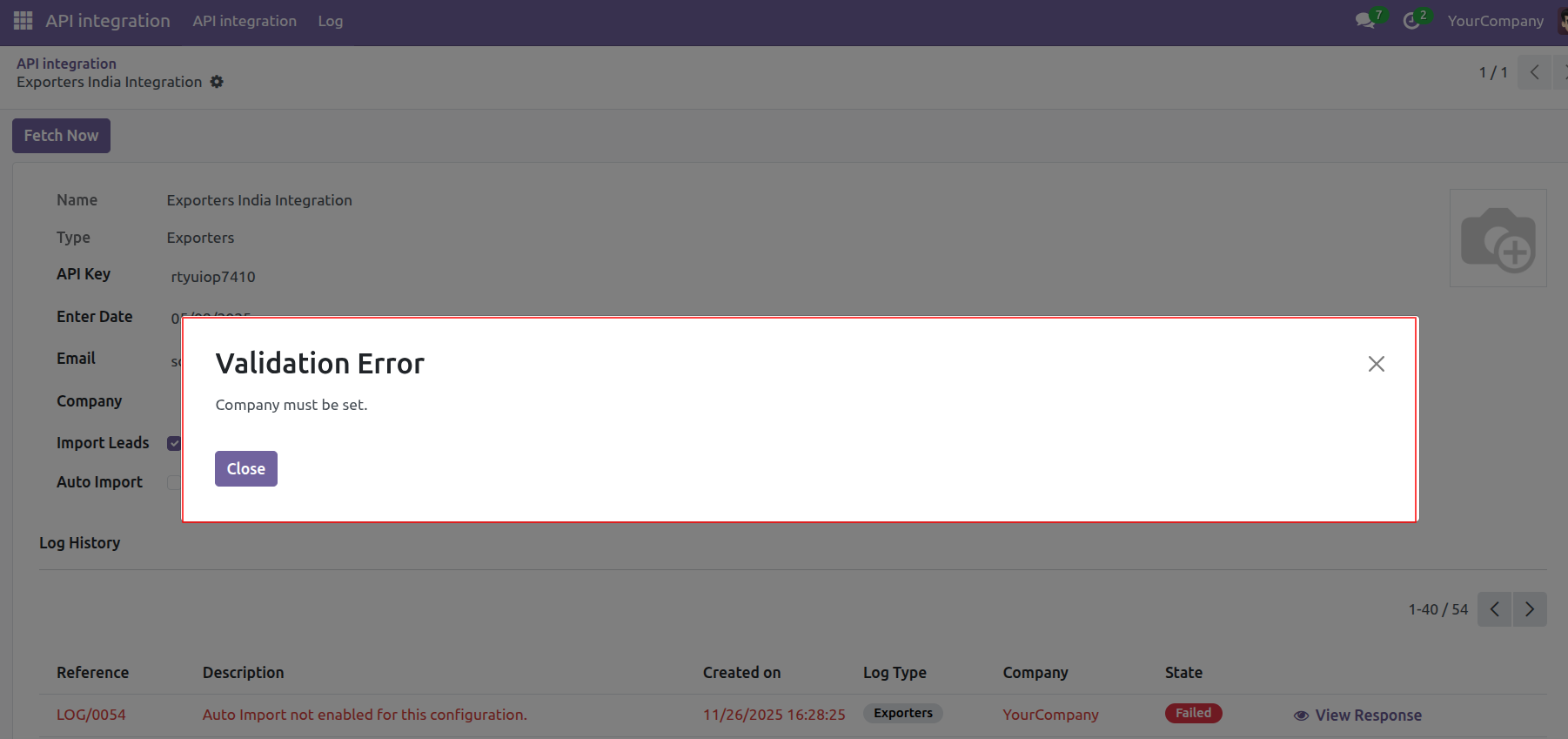
If the user attempts to fetch data without entering a company name, this warning pop-up will appear.
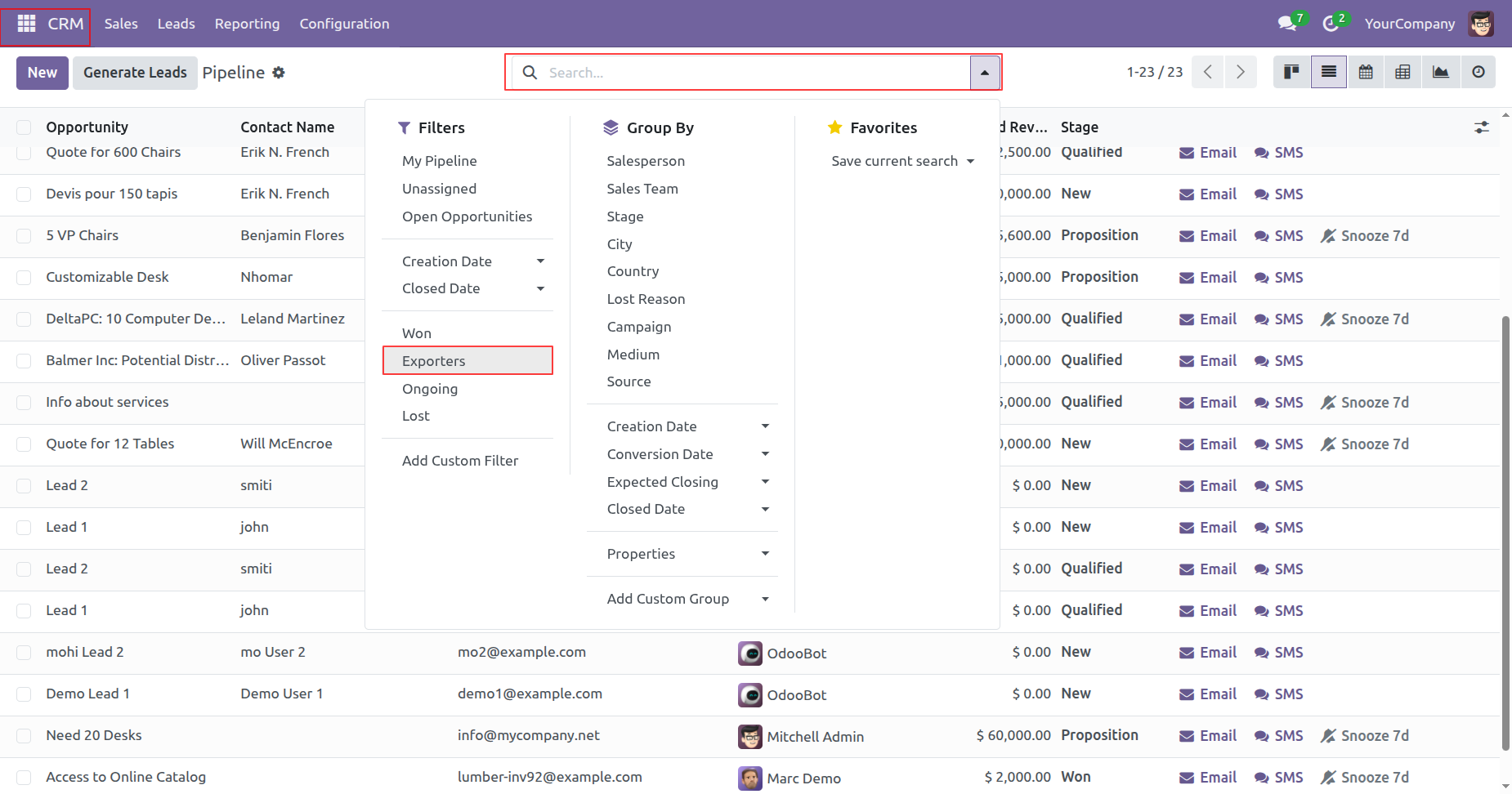
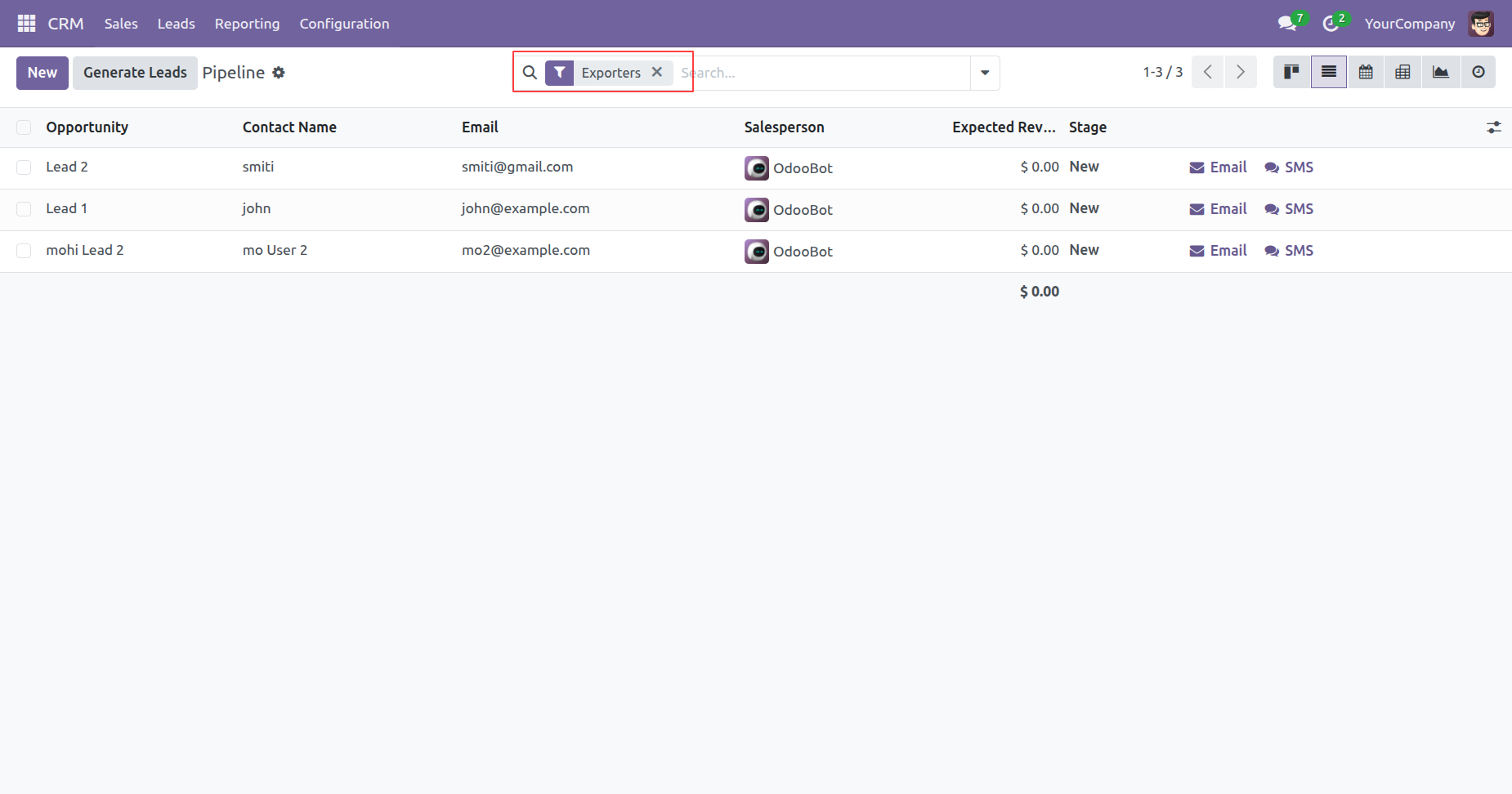
The user can also filter the leads by "Exporters".
Leads with filter "Exporters".
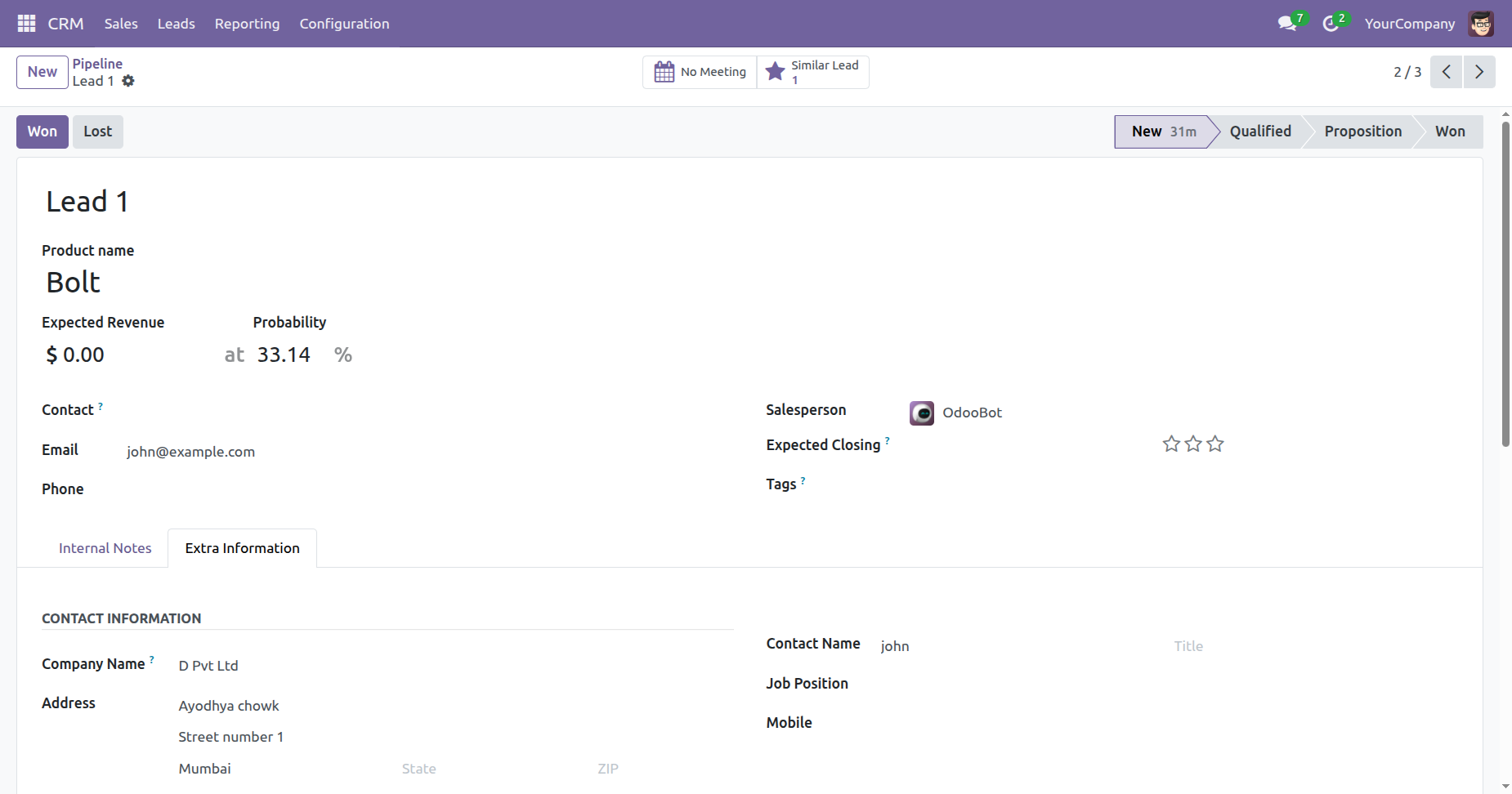
Form view of the pipeline.
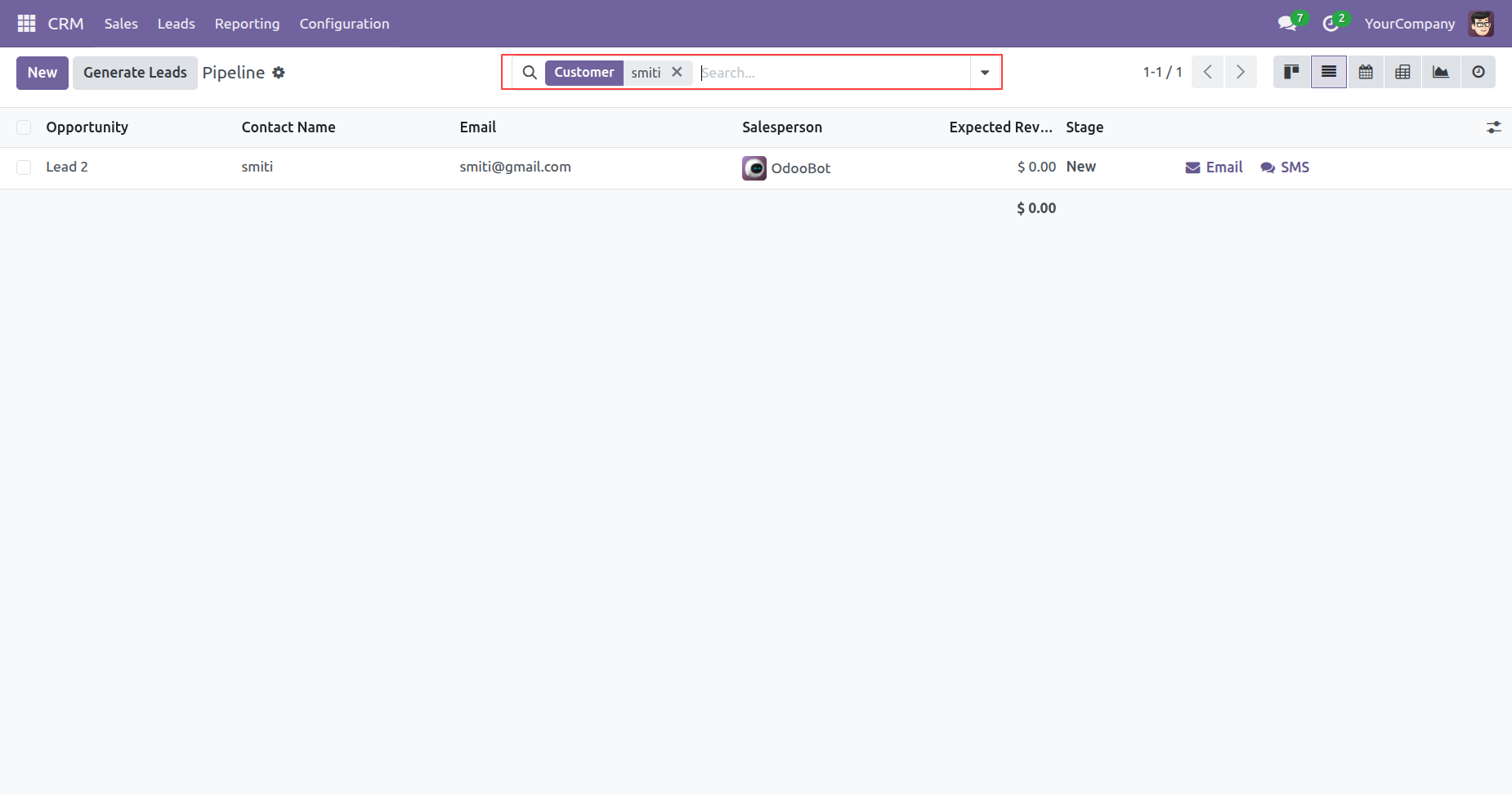
The user can search leads by customer name.
Search result.
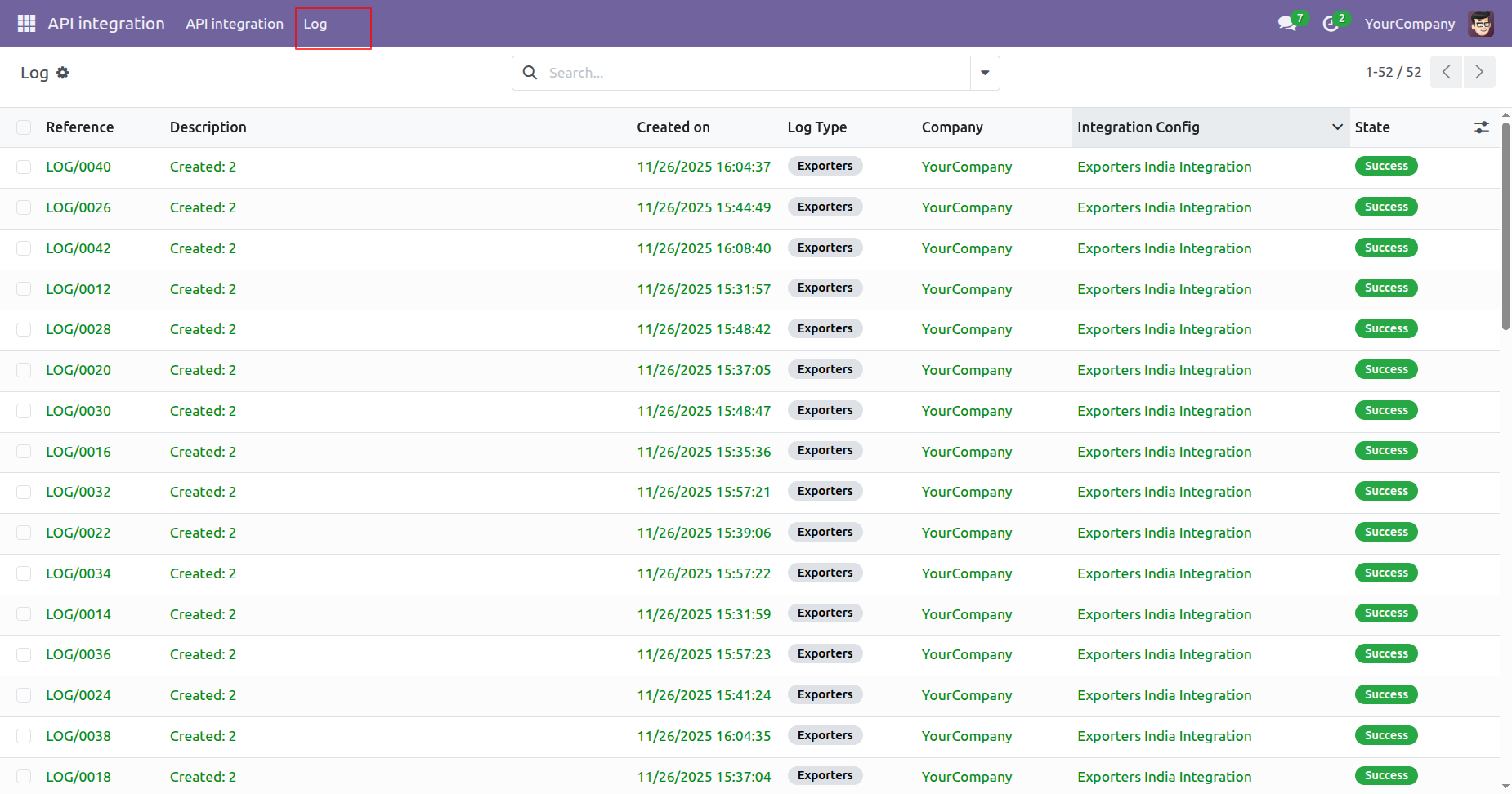
'Log' menu and tree view.
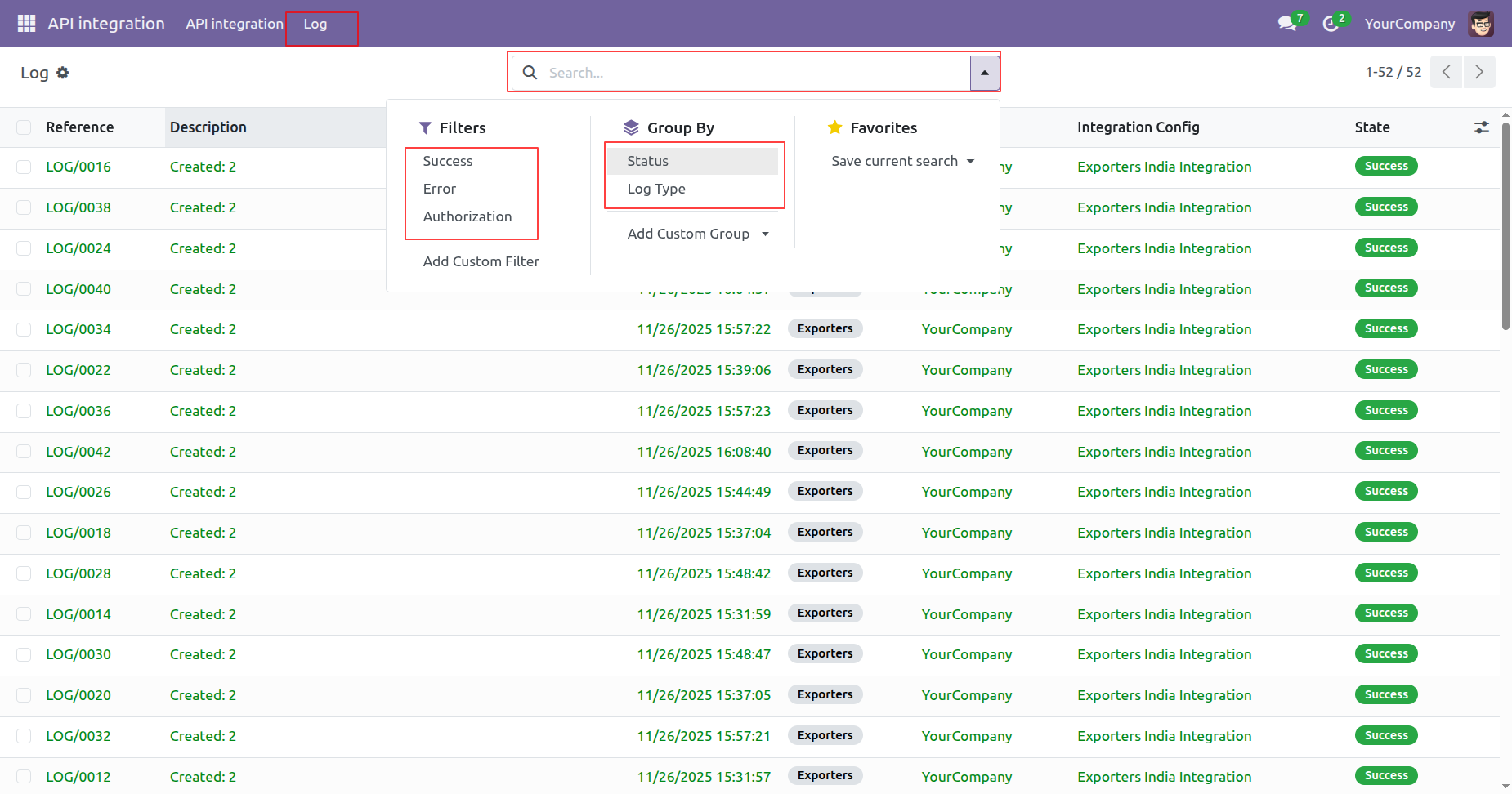
User can group by & filter the log.
Version 18.0.1 | Released on : 6th January 2026
- Yes, this app works perfectly with Odoo Enterprise (Odoo.sh & Premise) as well as Community.
- No, this application is not compatible with odoo.com(odoo saas/Odoo Online)
- Yes, to test this module, please contact us at sales@softhealer.com.
- Please contact us at sales@softhealer.comto request customization.
- Yes, we provide free support for 365 days from the date of purchase.
- Yes, you will receive lifetime free updates for the version of the module you purchased.
- No, there is no need to install any additional libraries.
- Yes, for version 12 and above, you need to purchase the module separately for each version you intend to use.
- No, exchanges or refunds are not allowed. Please make sure to select the correct version before purchasing.
- You can contact us at support@softhealer.com for language translation support. We use Google Translator tools to provide translations in multiple languages, so the accuracy may vary. We welcome your suggestions to help improve translations.
