

 Easy to Manage
 Dedicated Support











 Scan to email sales



Expense Portal

The Expense Portal Odoo module empowers your employees by providing a dedicated portal interface to manage their expenses. Effortlessly create, edit, and submit expenses with attachments directly from the user portal. It features real-time status tracking, category management, and seamless communication history, ensuring a streamlined and transparent reimbursement process for both employees and management.

Features

Portal-based Expense Management
Manage all individual expenses through a user-friendly and intuitive portal interface.

Easy Expense Creation
Quickly create new expense records with comprehensive details including description, date, and amount.
Draft and Submit Workflow
Save your expense entries as drafts and submit them for approval only when they are complete.

Categorized Expense Records
Organize your expenses by choosing from predefined categories to ensure accurate financial tracking.

Seamless Attachment Upload
Securely upload receipts and other supporting documents directly to your expense records for verification.
Real-time Status Tracking
Monitor the progress of your submitted expenses with live status updates ranging from draft to paid.

Flexible Payment Methods
Specify whether expenses were paid out-of-pocket for reimbursement or via company accounts.

Transparent Communication
View and participate in message threads related to each expense directly within the portal.

Efficient Search and Filtering
Quickly locate specific expenses using powerful search features and grouping options.

Integrated Breadcrumb Navigation
Navigate easily between the expense list and individual records with clear breadcrumb paths.
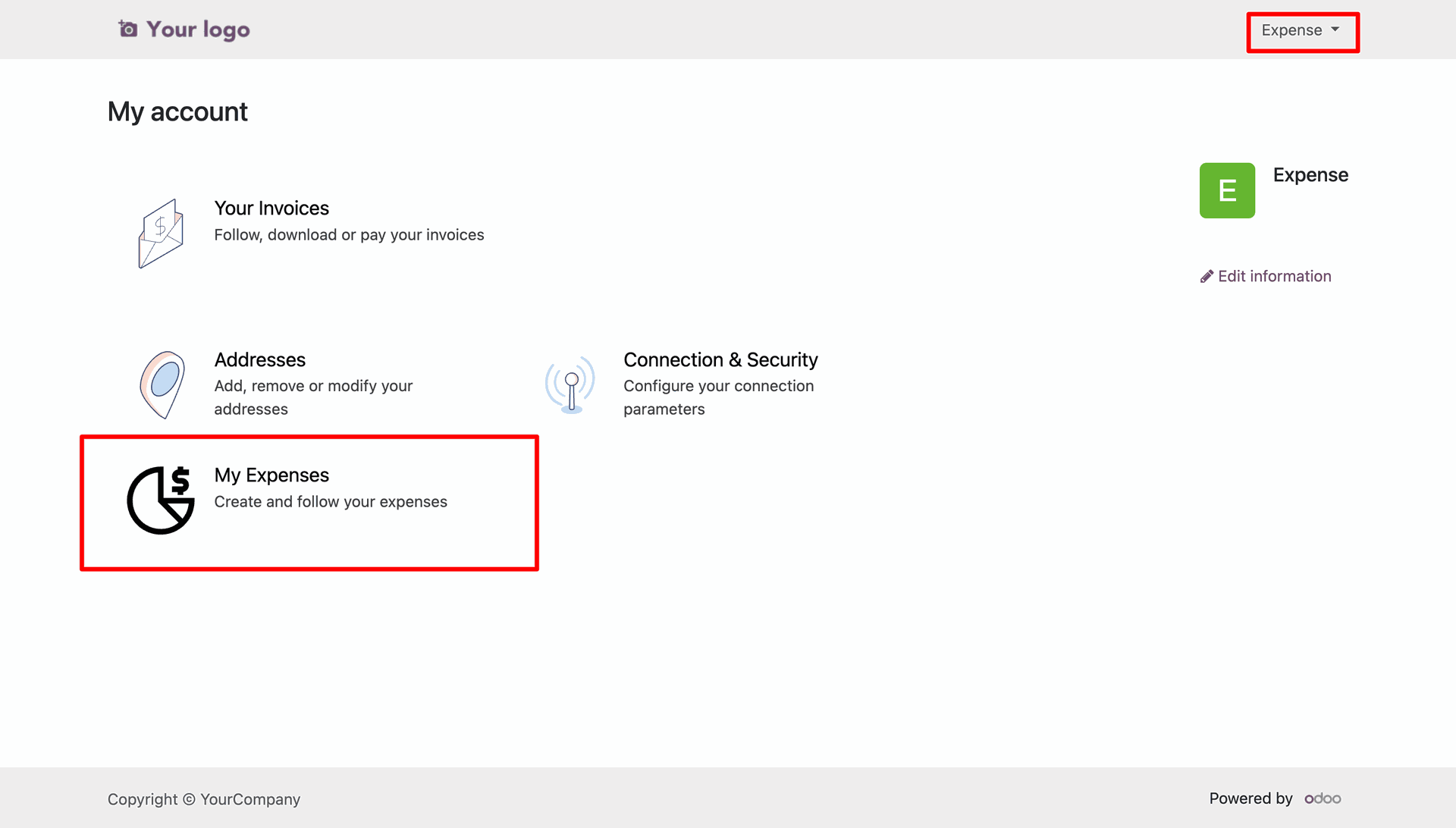
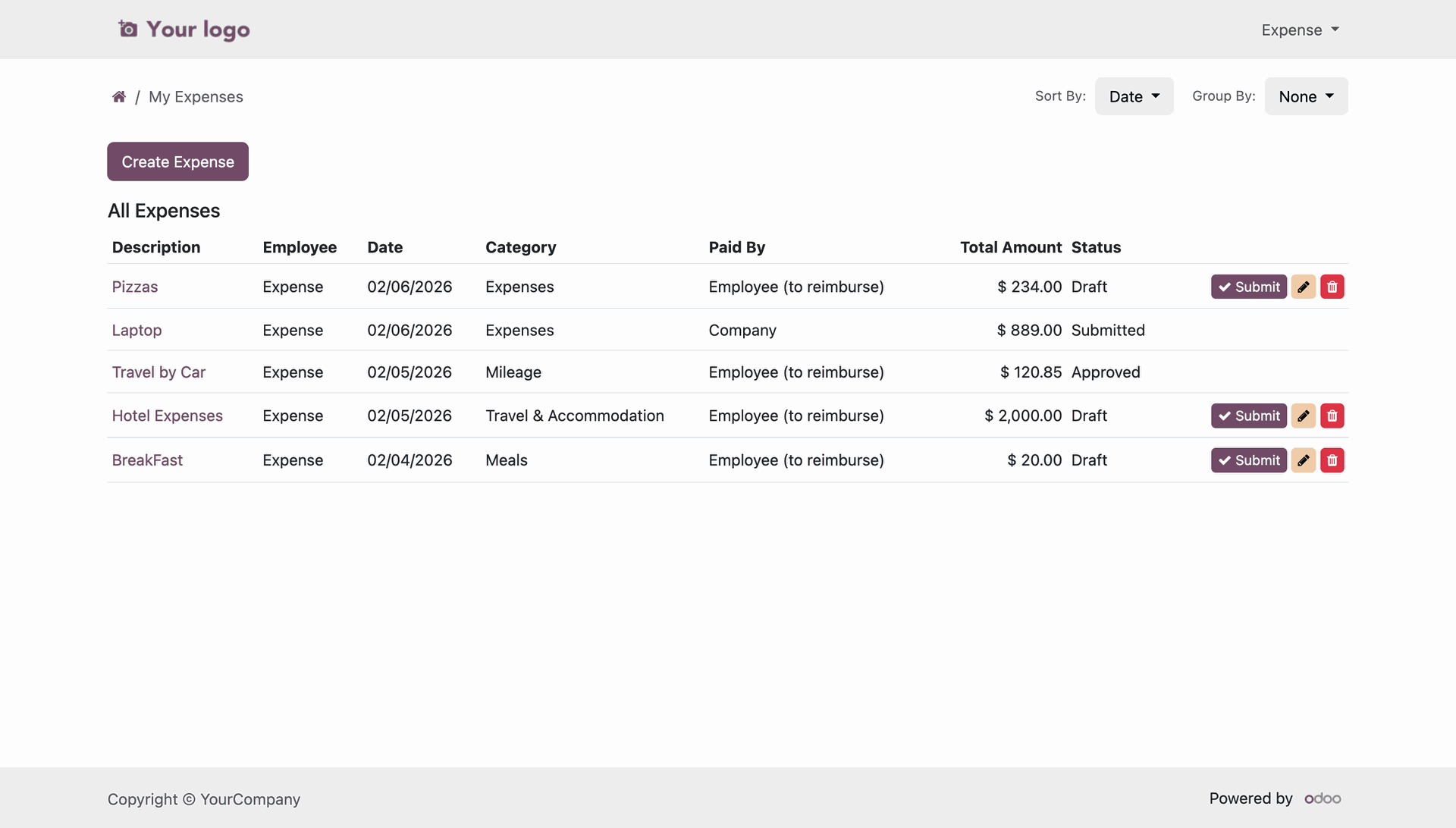
Navigating to the "My Expenses" section within the user portal.
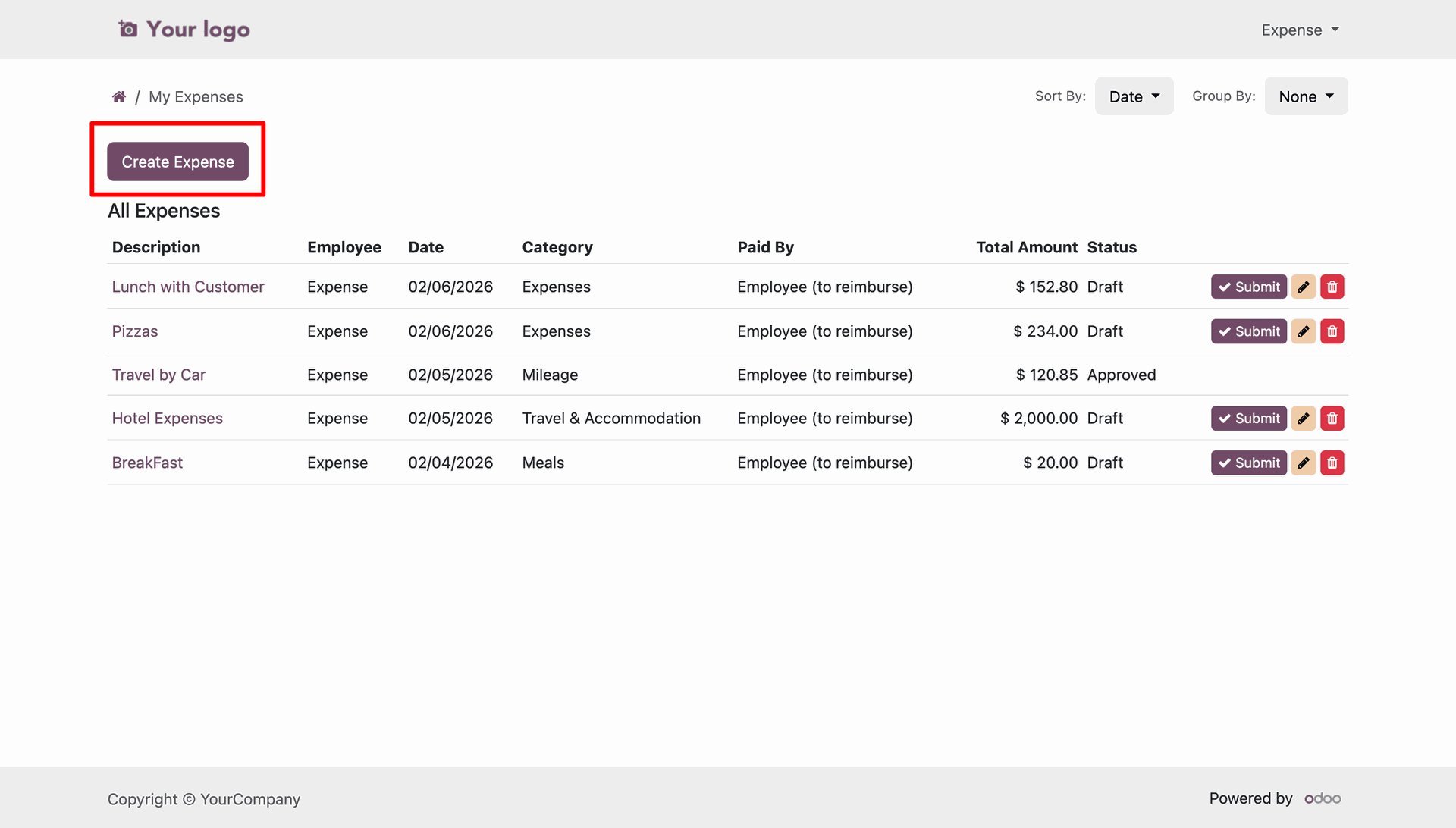
Accessing the "Create Expense" option within the employee portal.
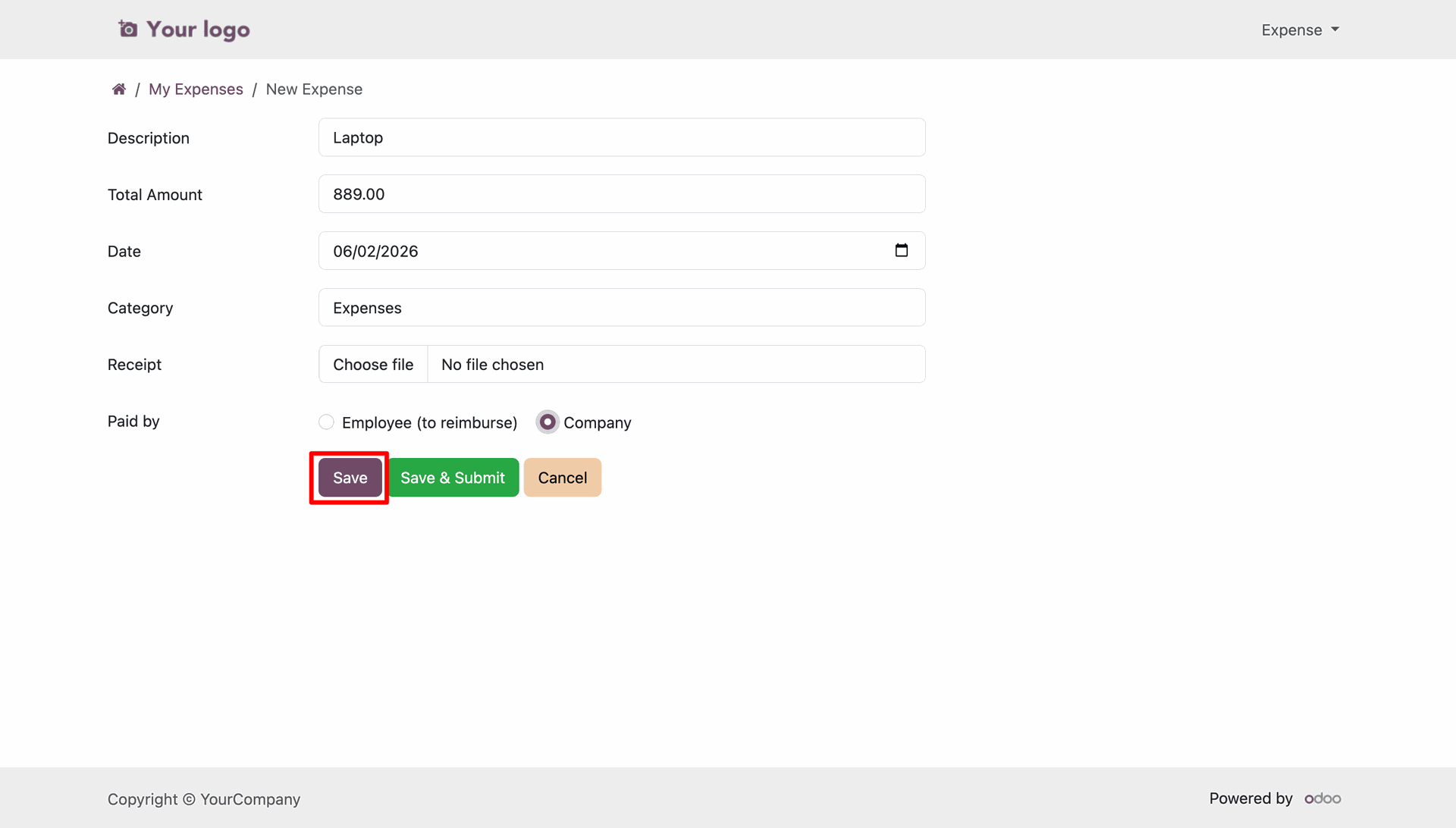
Detailed view of the expense entry, including category, amount, and receipt upload.
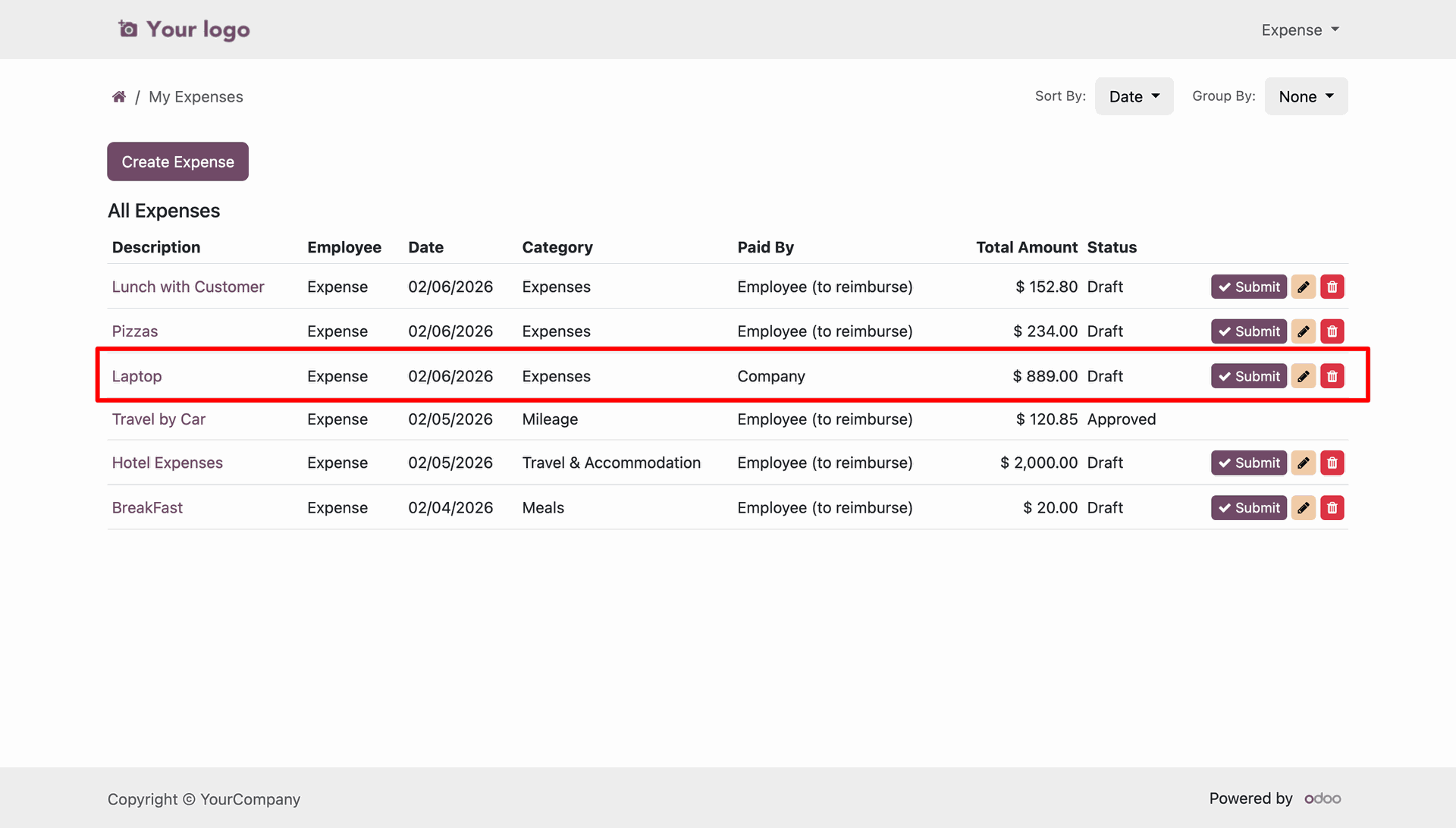
Expense list with new draft entry.
Submitting a draft expense.
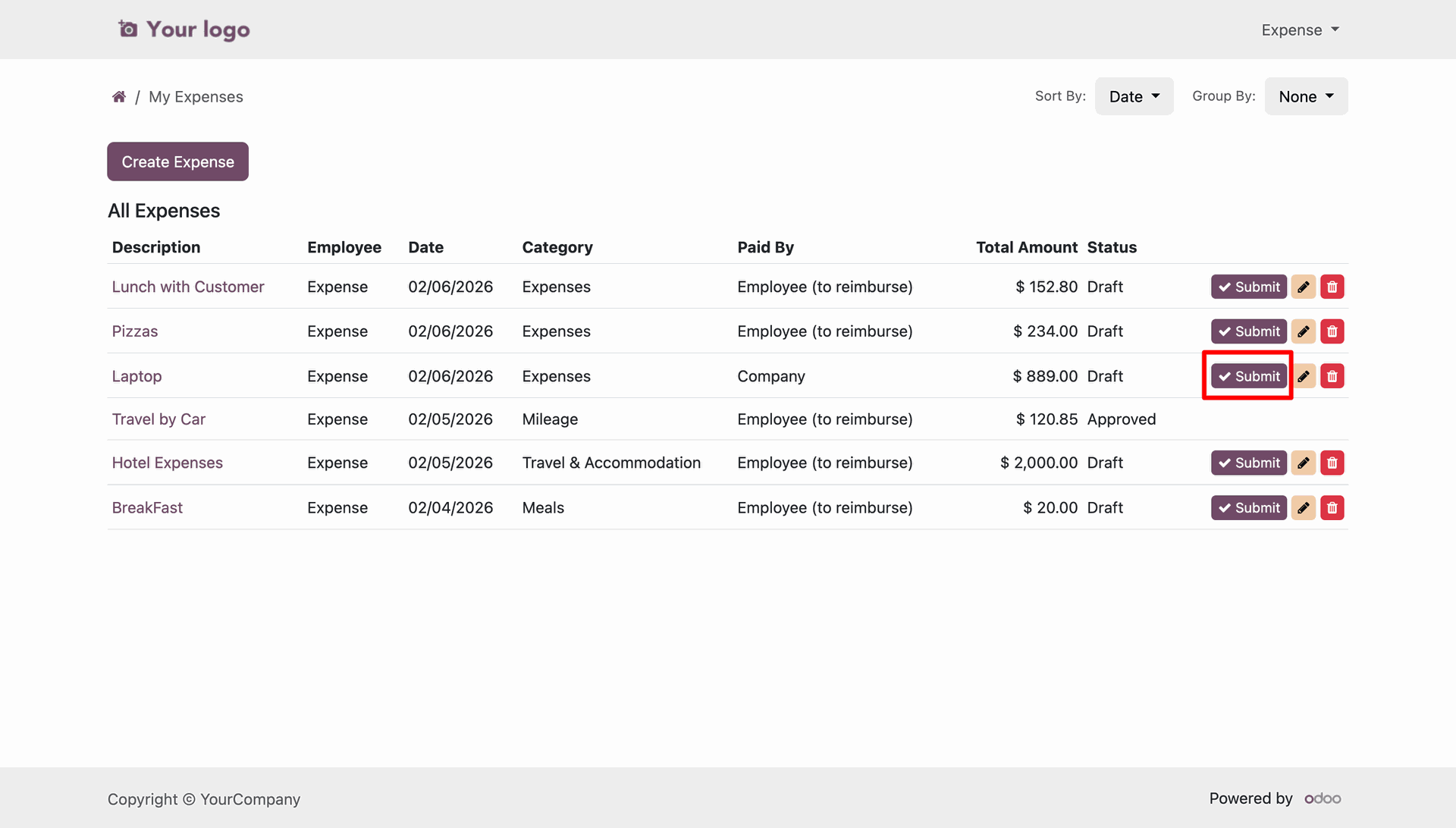
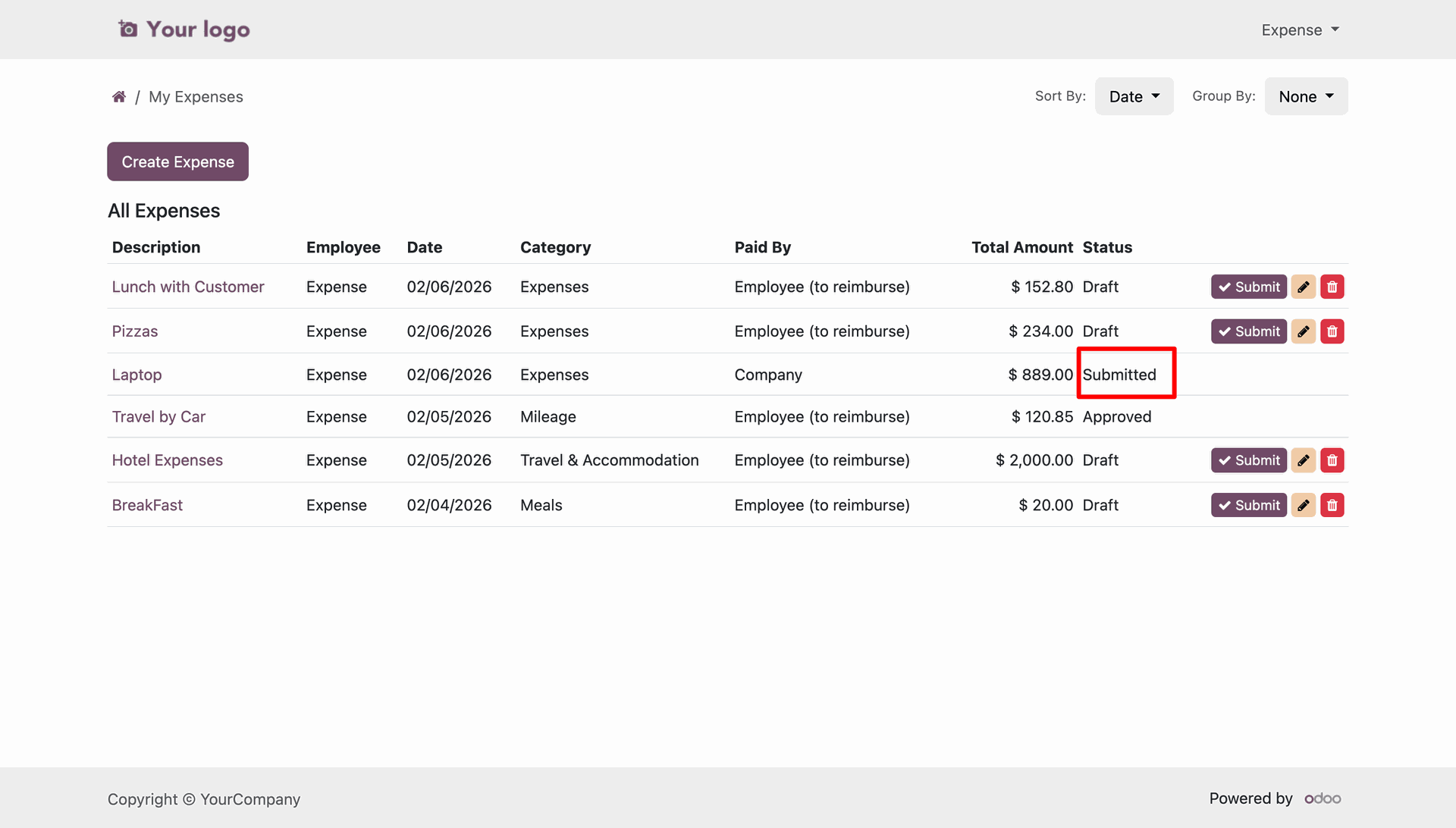
Expense list showing the successful submission of a company-paid laptop record.
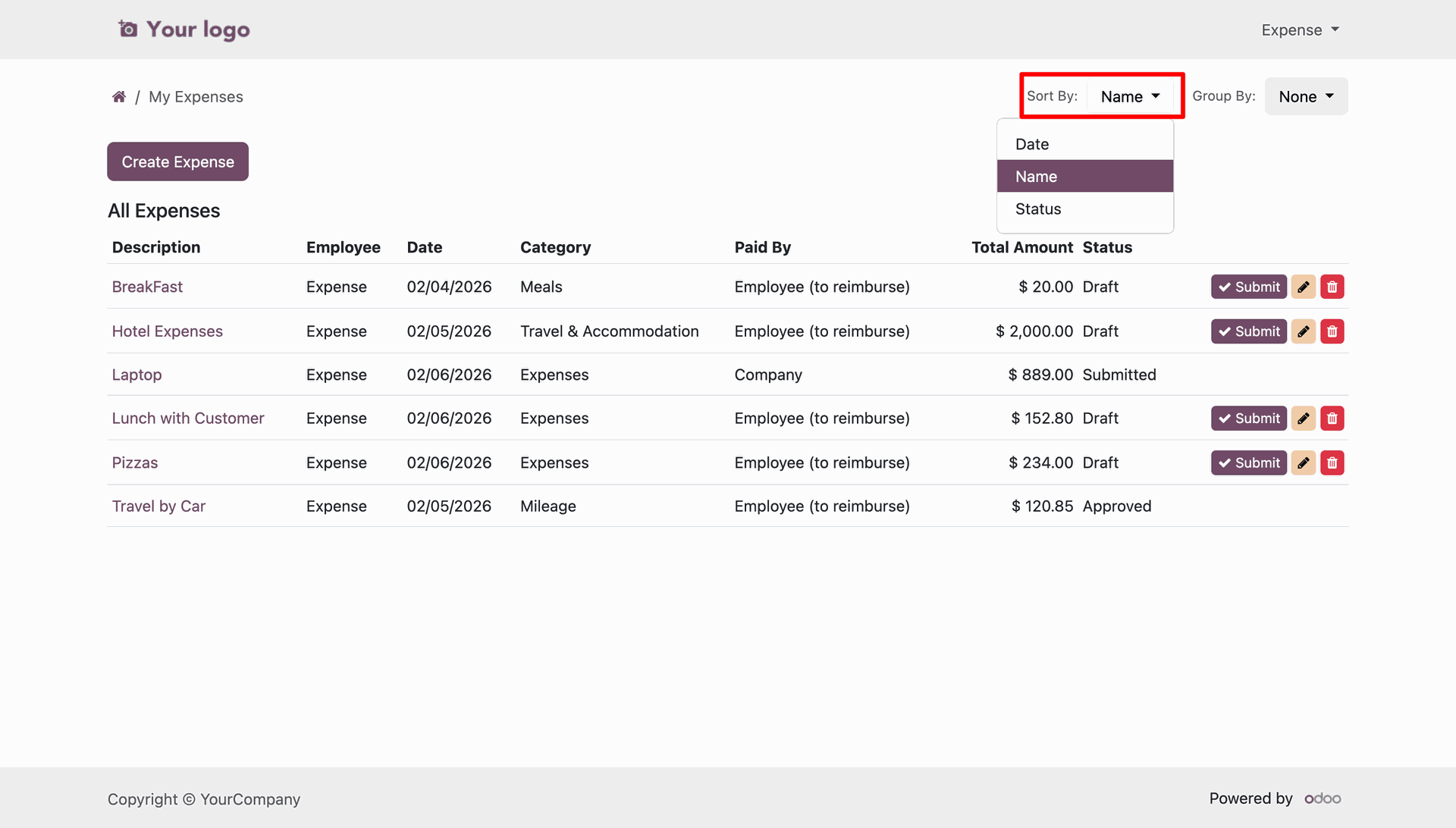
Applying a "Name" sort filter to organize the expense list alphabetically.
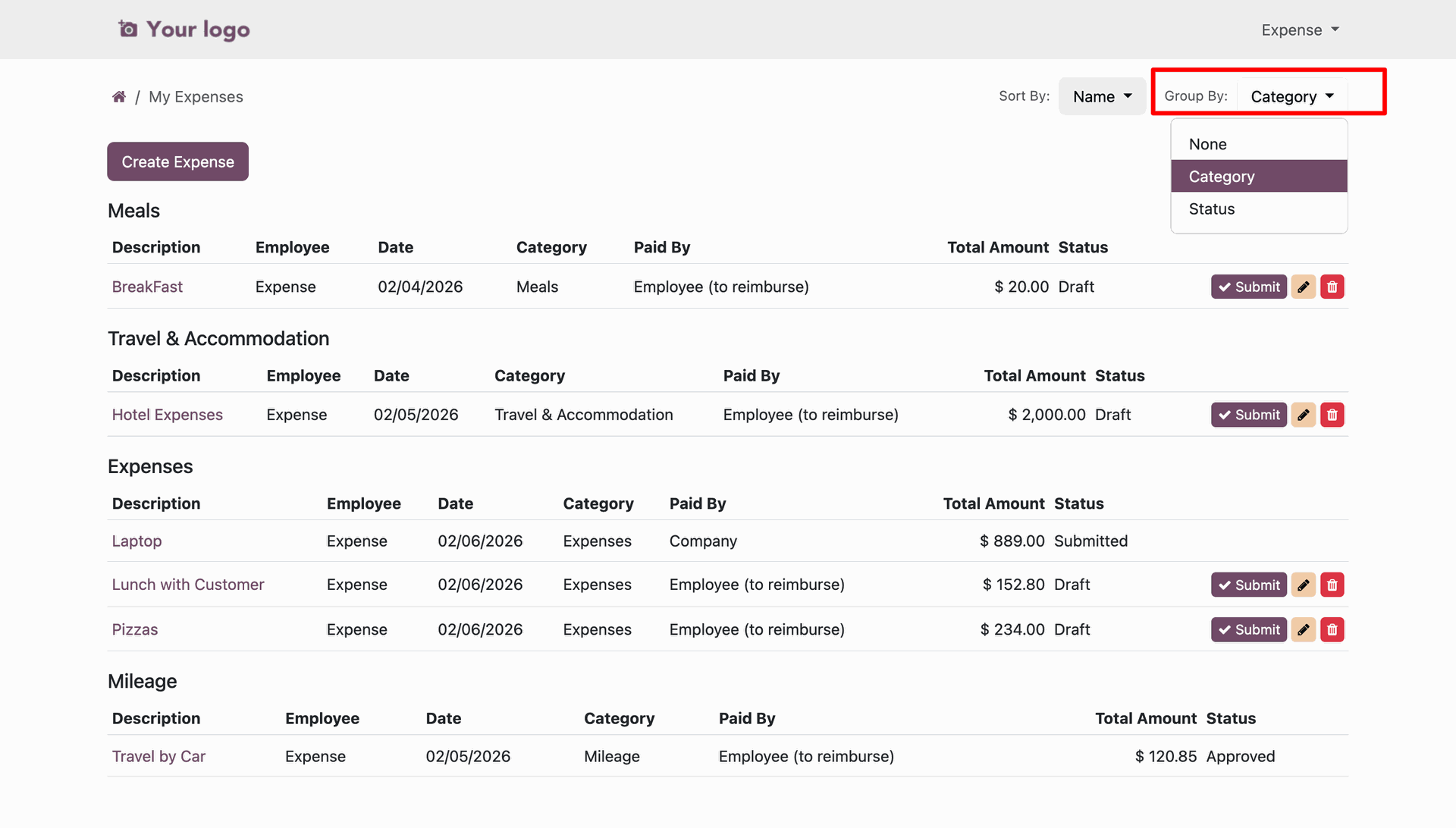
Applying the "Category" group filter to organize expenses by category.
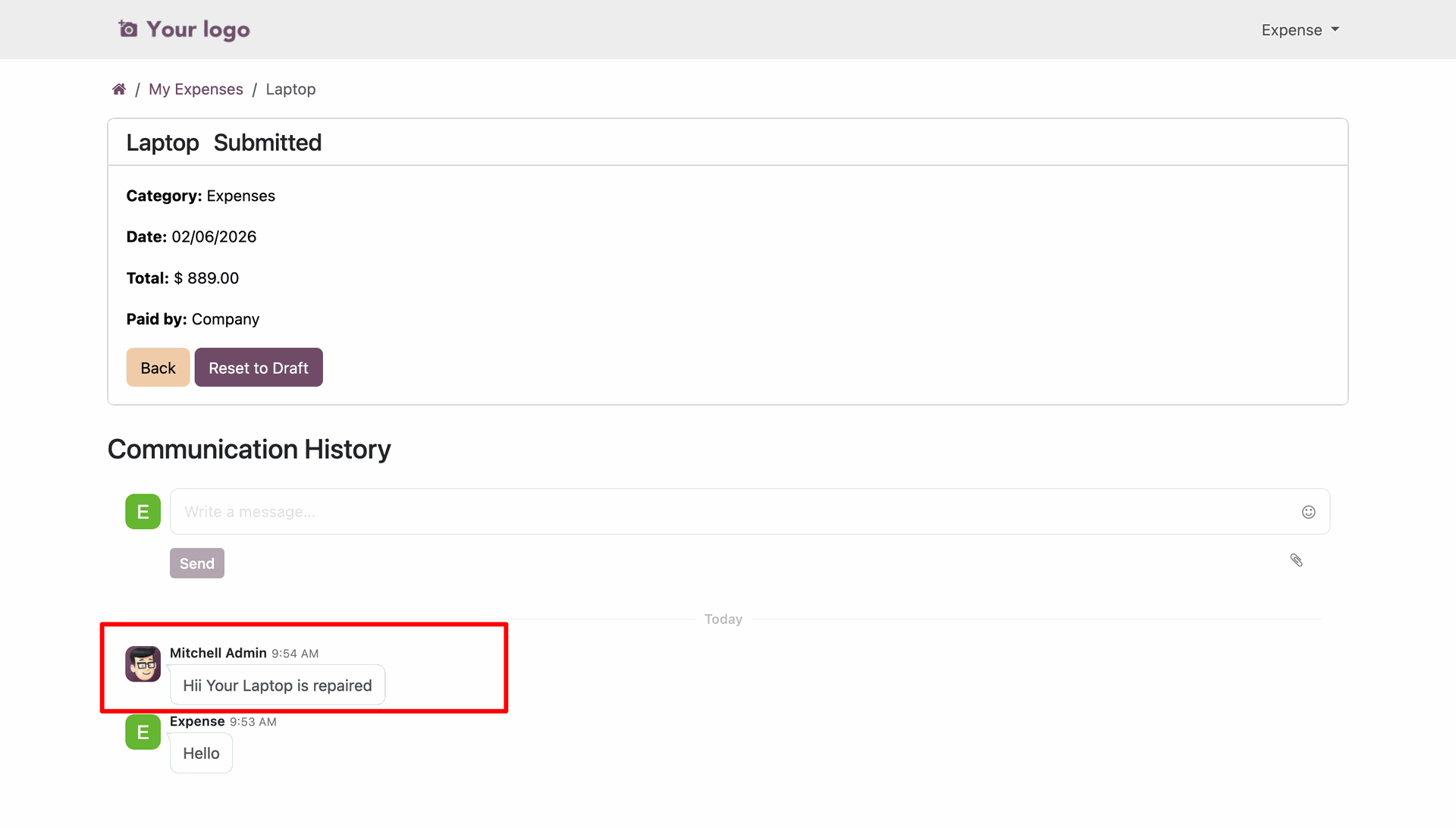
Using the "Communication History" chatter to send a message regarding the submitted laptop expense.
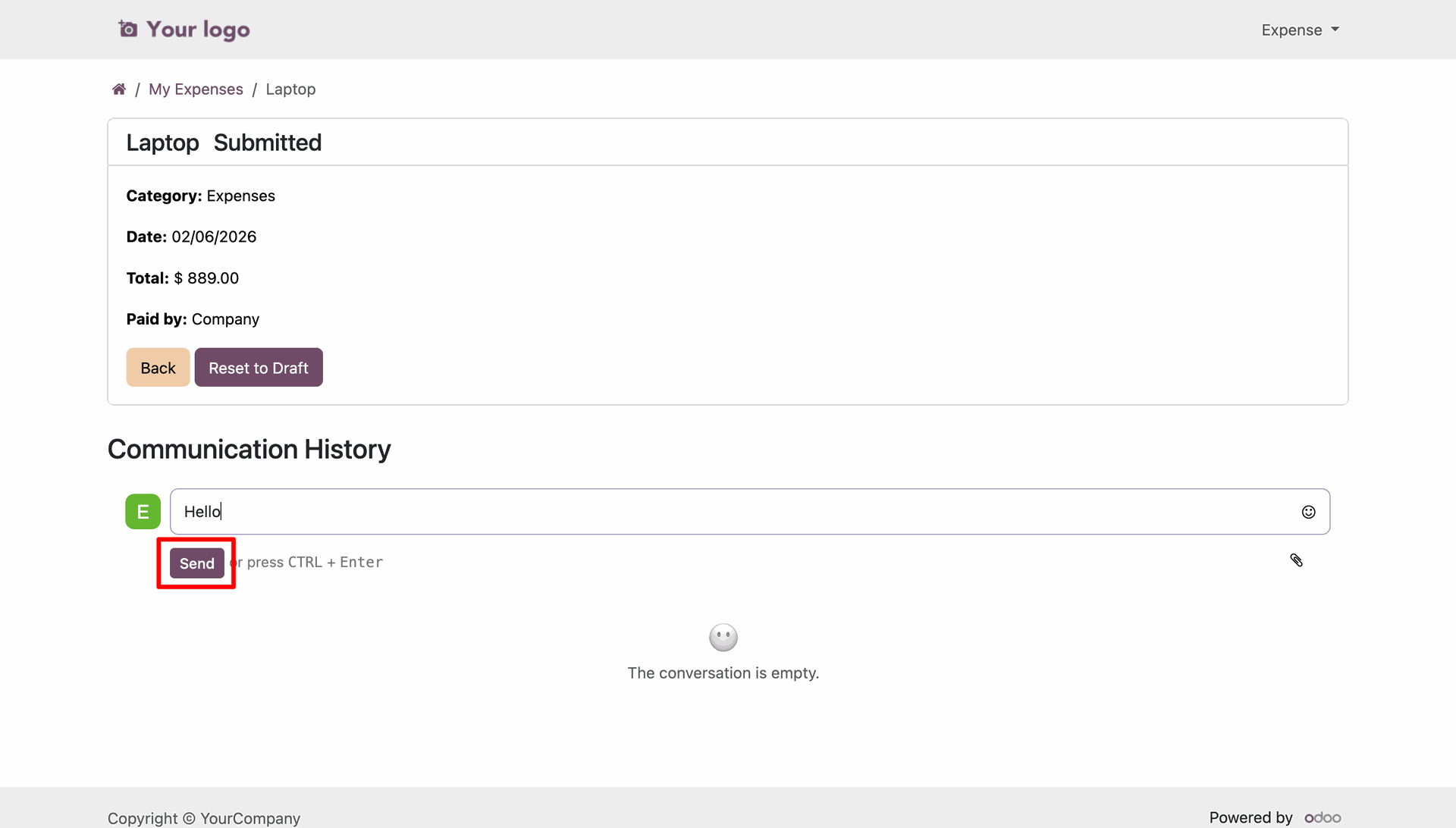
Responding to a submitted "Laptop" expense with a message in the internal chatter.
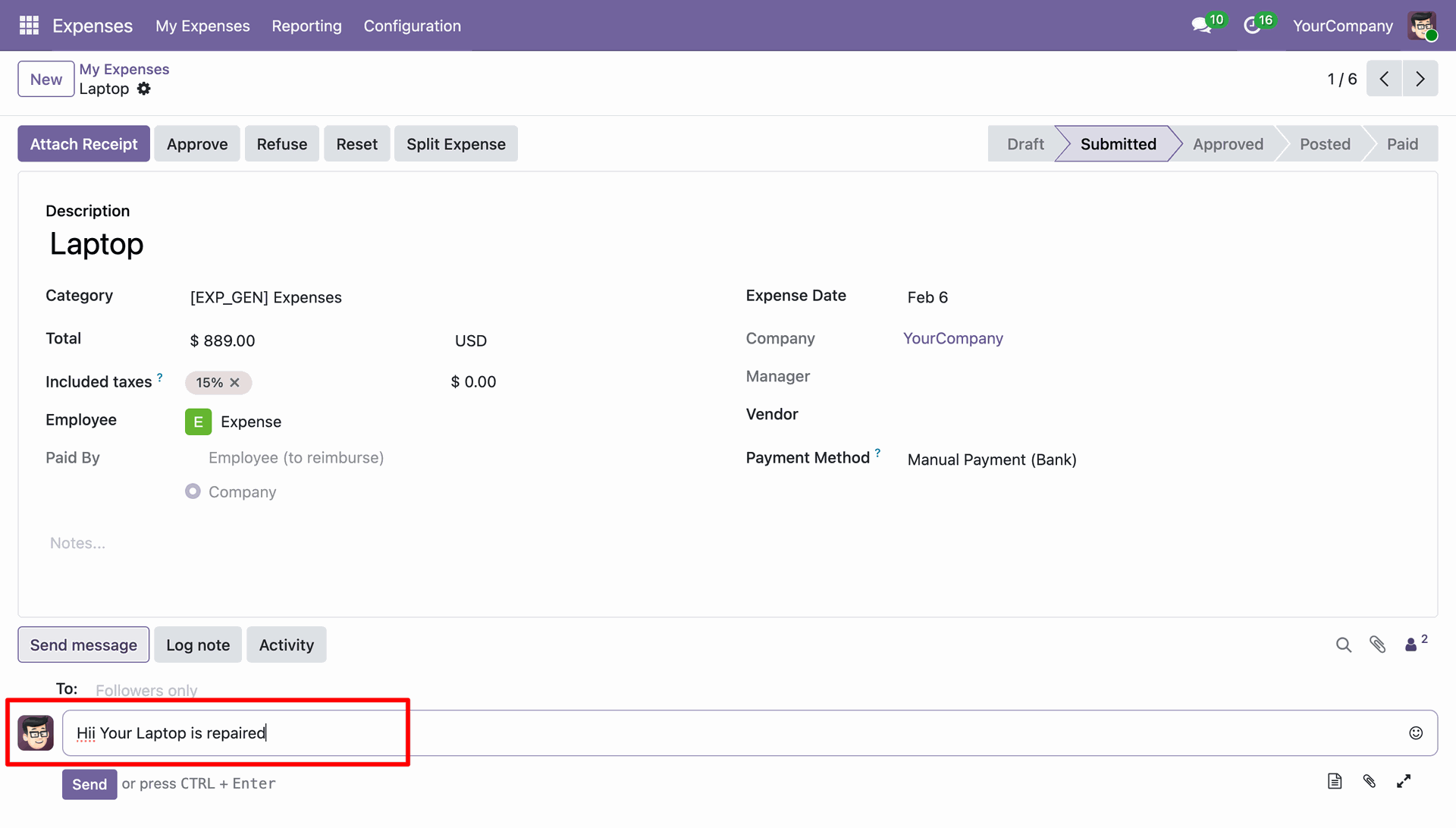
Message for laptop repair update.
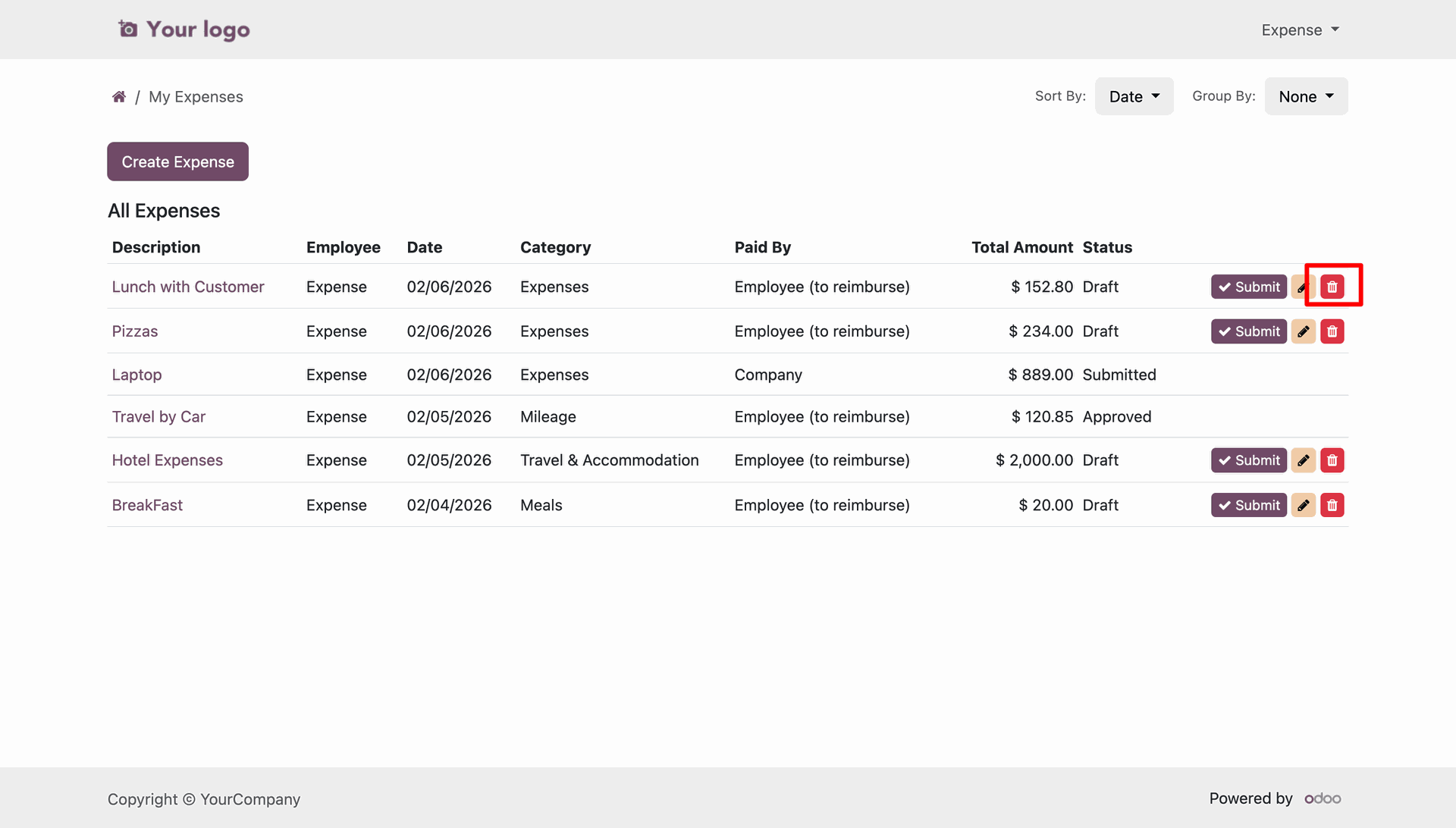
Deleting a draft expense record.
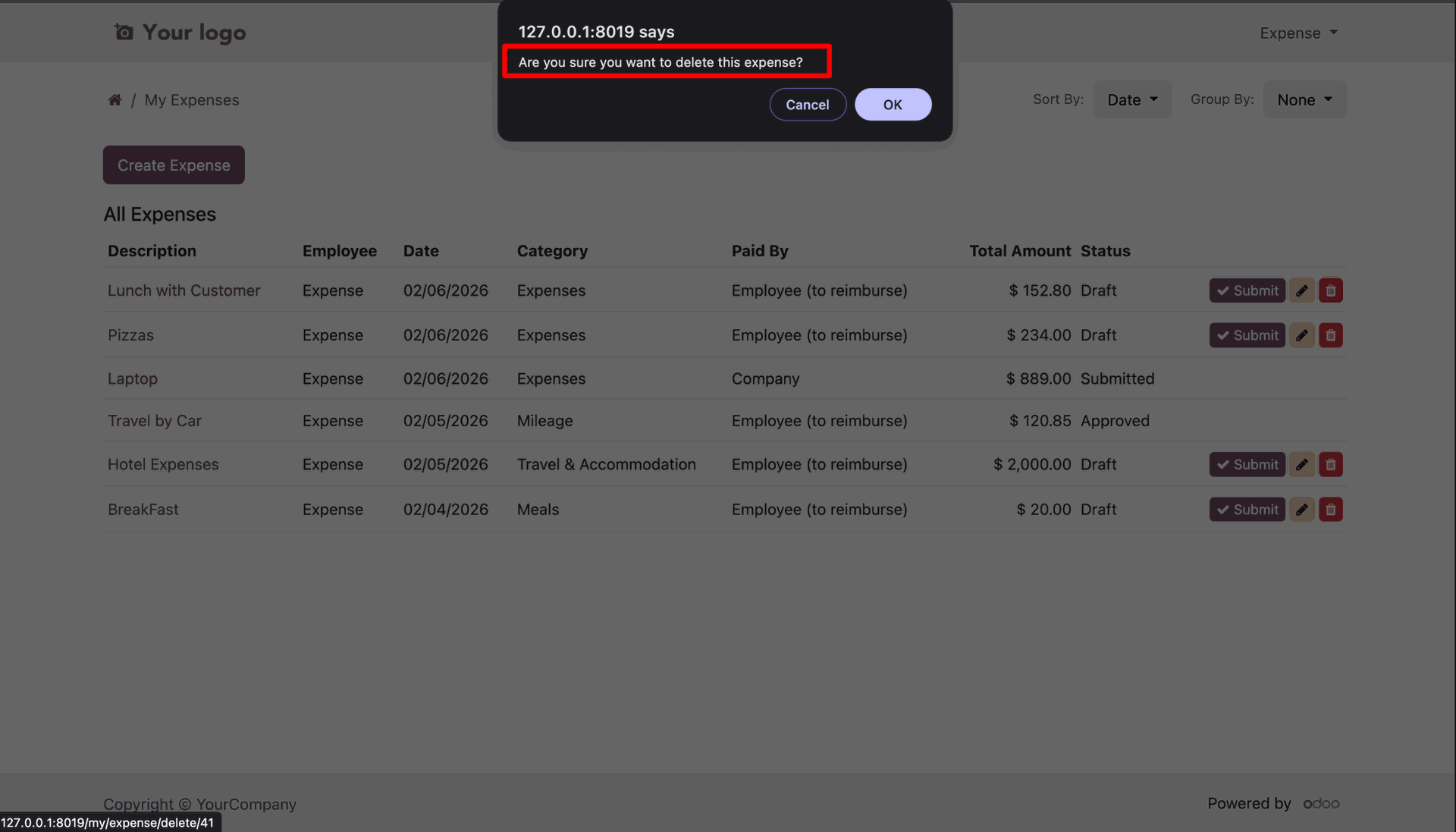
Confirming the deletion of an expense record via the browser alert.
Reviewing the "All Expenses" list after successfully deleting an entry.
Version 19.0.1.0.0 | Released on : 18th August 2026
- Yes, this app works perfectly with Odoo Enterprise (Odoo.sh & Premise) as well as Community.
- No, this application is not compatible with odoo.com(odoo saas/Odoo Online)
- Yes, to test this module, please contact us at sales@softhealer.com.
- Please contact us at sales@softhealer.com to request customization.
- Yes, we provide free support for 365 days from the date of purchase.
- Yes, you will receive lifetime free updates for the version of the module you purchased.
- No, there is no need to install any additional libraries.
- Yes, for version 12 and above, you need to purchase the module separately for each version you intend to use.
- No, exchanges or refunds are not allowed. Please make sure to select the correct version before purchasing.
- You can contact us at support@softhealer.com for language translation support. We use Google Translator tools to provide translations in multiple languages, so the accuracy may vary. We welcome your suggestions to help improve translations.
Discover Our Latest Apps