











Employee Payslip Batch

The Employee Payslip Batch module streamlines your payroll workflow by adding a convenient smart button
to the payslip batch form. This button instantly displays the total count of payslips within a batch,
giving you an immediate overview of the pay run's size. By clicking the button, you are directly taken to
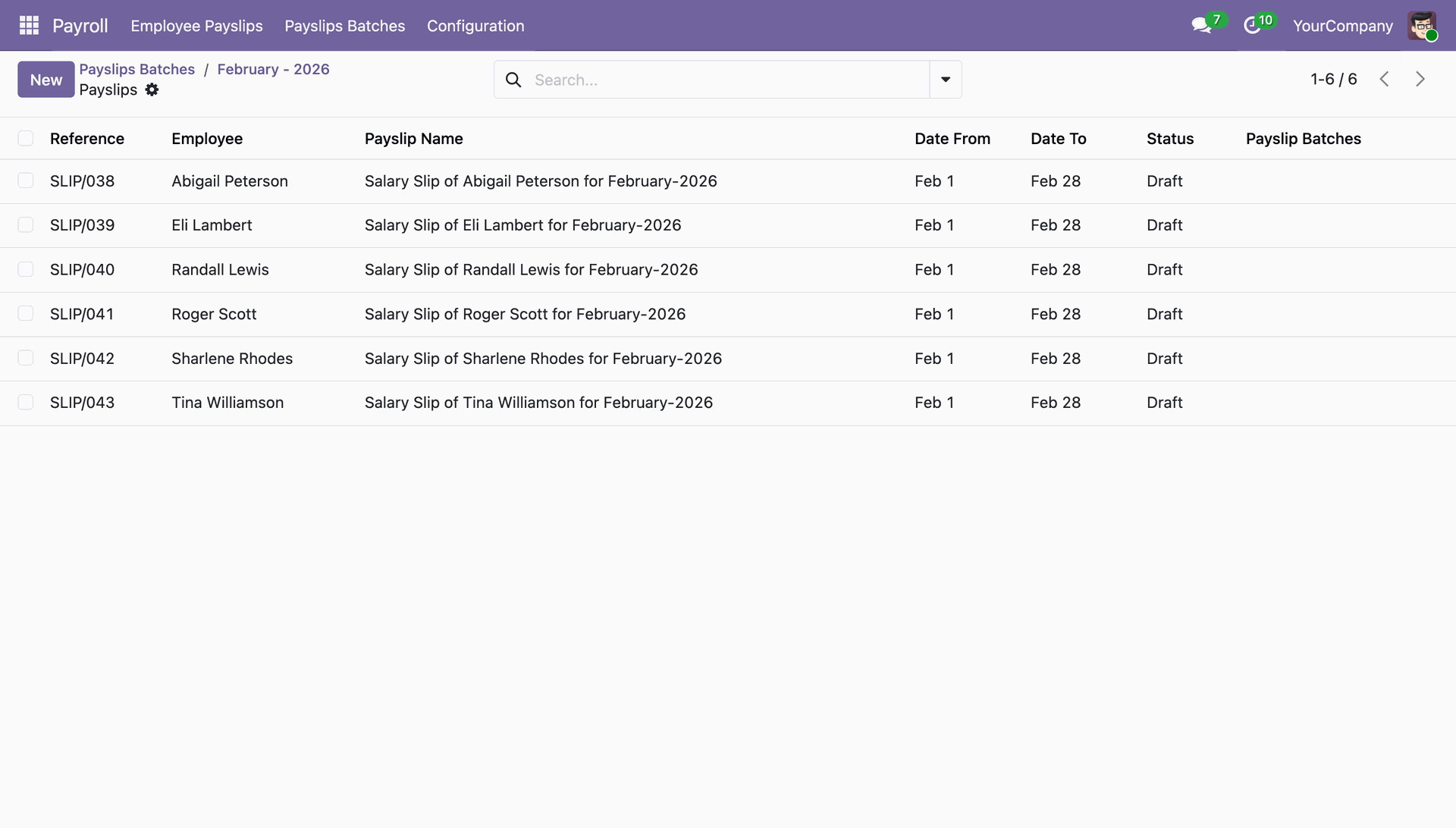
a detailed list of all the payslips associated with that batch, eliminating the need to search for them
manually and making it easier to review and manage your payroll documents efficiently.

Related Modules
Features

Payslip Count Display
Automatically calculates and displays the total number of payslips generated within a specific batch directly on the batch form view.

Quick Access Smart Button
Adds a dedicated smart button to the Payslip Batch form, providing one-click access to all associated payslips.
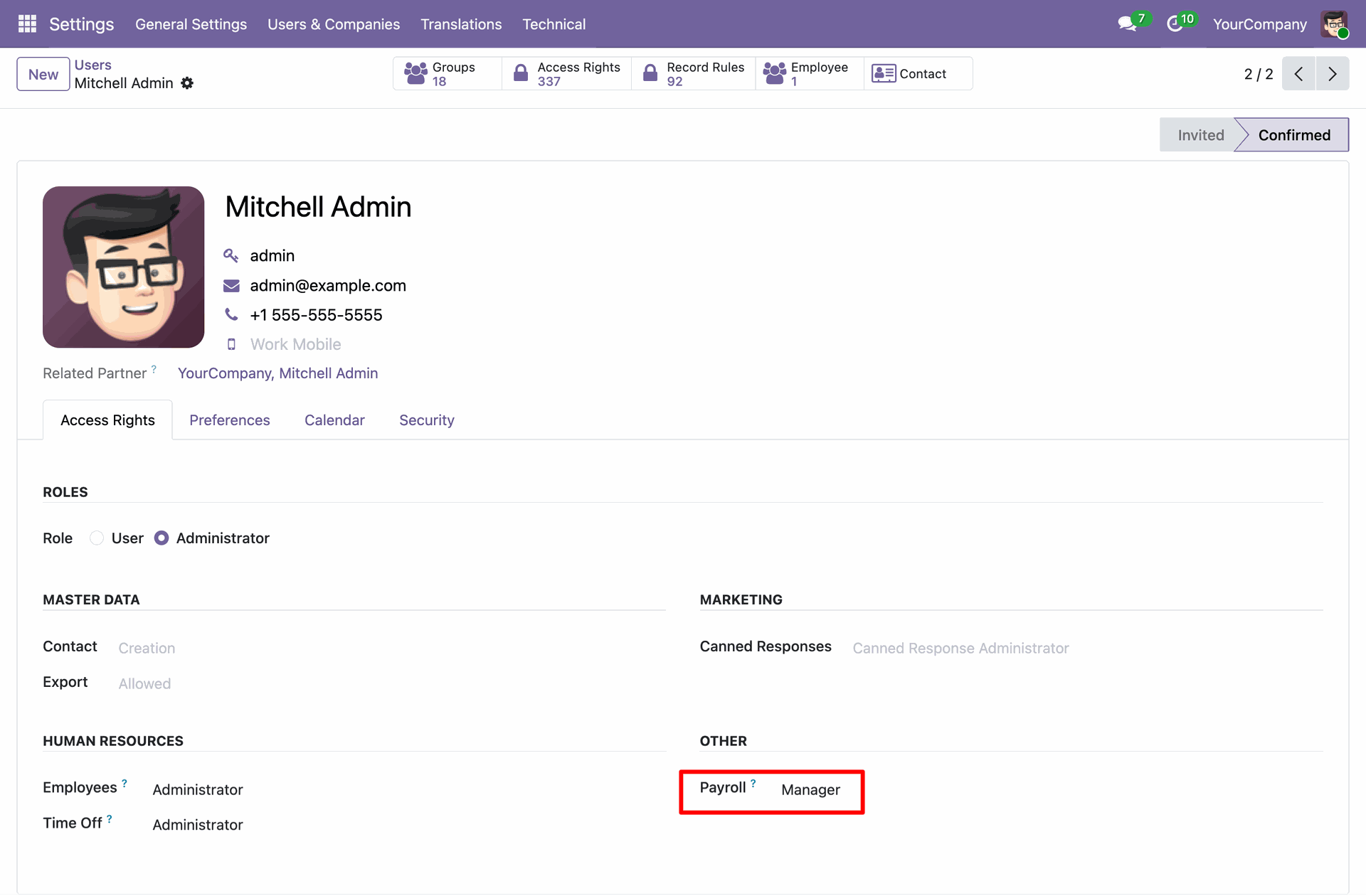
The Access Rights tab in a user profile allows administrators to define specific roles, such as Payroll Manager, under the 'Other' settings category.
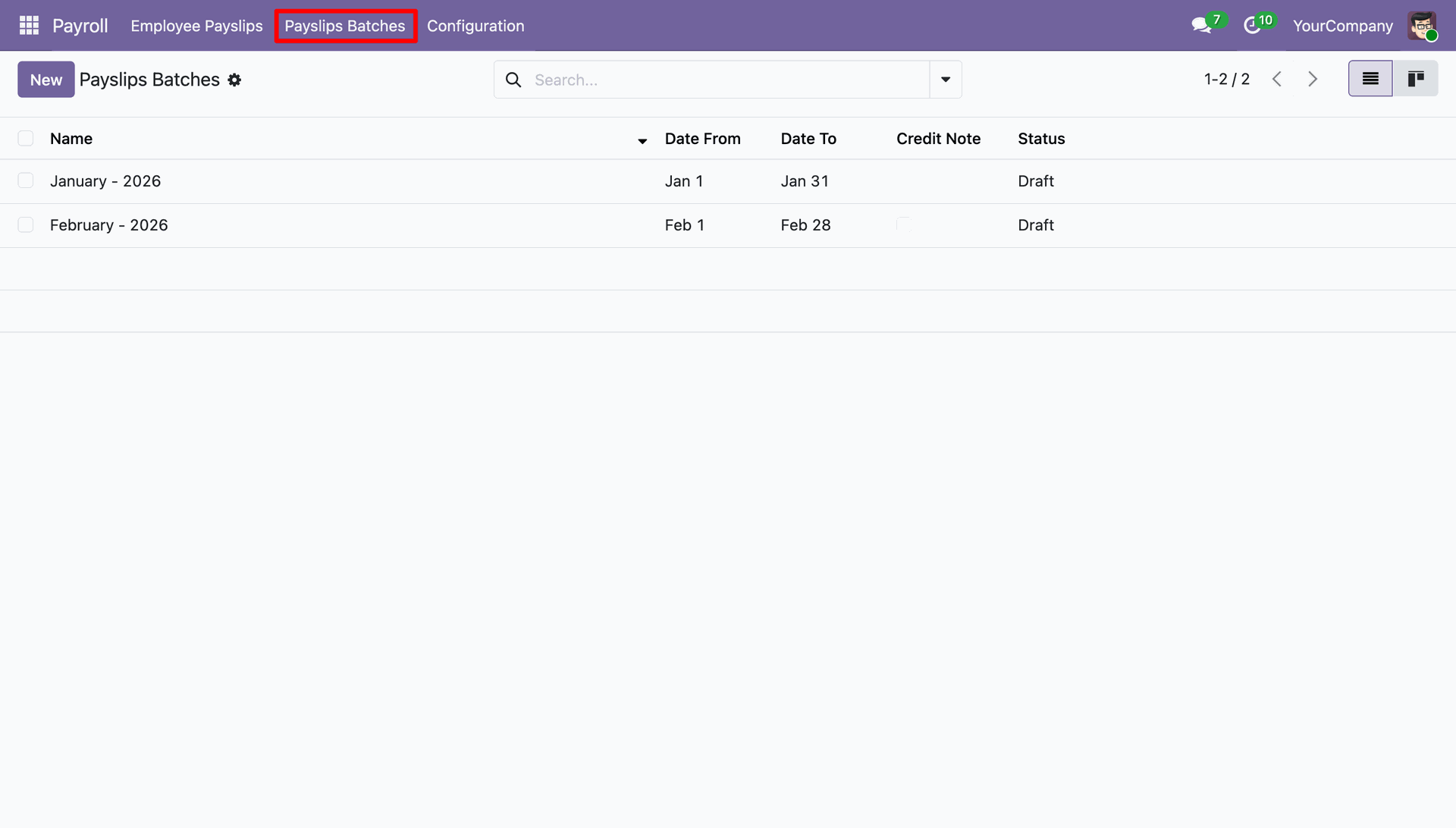
The Payslips Batches view provides an organized list of payroll periods, showing their date ranges and processing status for efficient bulk management.
The Payslips Batch detail view shows individual employee salary slips, providing a summary count and a list of all references included in the monthly period.
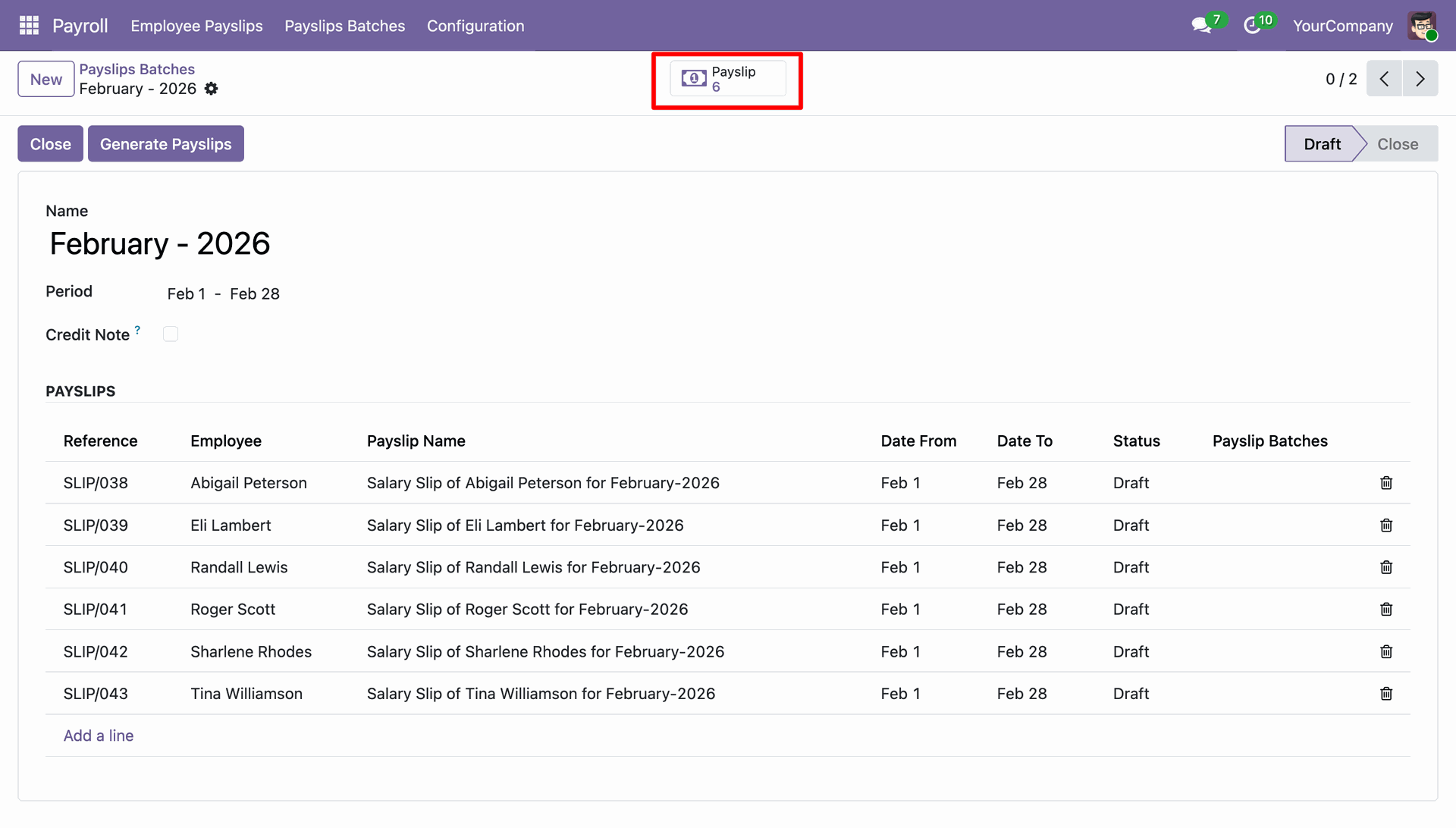
The smart button displays payslips views all individual employee salary records belonging to a specific batch, showing their unique reference numbers and current status.
Version 18.0.1.0.0 | Released on : 29th July 2026
- No, this app works perfectly with Odoo Community only.
- No, this application is not compatible with odoo.com(odoo saas/Odoo Online)
- Yes, to test this module, please contact us at sales@softhealer.com.
- Please contact us at sales@softhealer.comto request customization.
- Yes, we provide free support for 365 days from the date of purchase.
- Yes, you will receive lifetime free updates for the version of the module you purchased.
- No, there is no need to install any additional libraries.
- Yes, for version 12 and above, you need to purchase the module separately for each version you intend to use.
- No, exchanges or refunds are not allowed. Please make sure to select the correct version before purchasing.
- You can contact us at support@softhealer.com for language translation support. We use Google Translator tools to provide translations in multiple languages, so the accuracy may vary. We welcome your suggestions to help improve translations.
Discover Our Latest Apps