

 Easy to Manage
 Dedicated Support
















 Scan to email sales





Employee Advance Expense Request

Using this module users can easily create and submit expenses for approval. Once submitted, managers have full authority to review and make decisions either approve or reject the expense. In case of rejection, the manager can provide a clear, detailed reason, ensuring complete transparency in the process. This seamless workflow enhances control, accountability, and efficient tracking of all expenses throughout every approval stage, making expense management smooth and reliable.

Features
- Easily create expenses by entering the required details.
- Expenses can be approved by a particular user.
- The manager can reject an expense and specify a reason, ensuring transparency in the process.
- User can print the expense PDF.
Go to the user configuration and enable the "Expense Double Approval" option.
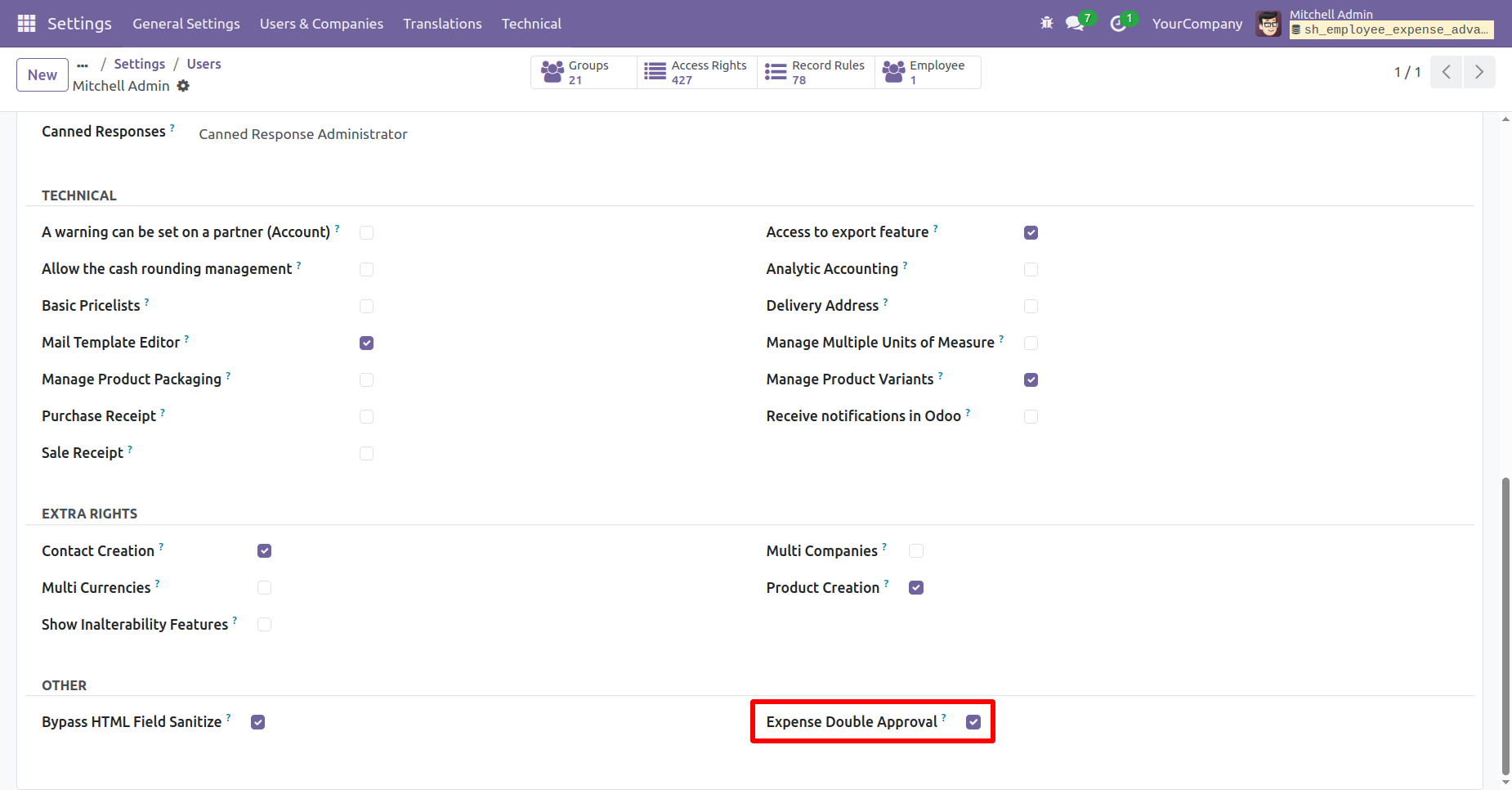
'Advance Expense' menu.
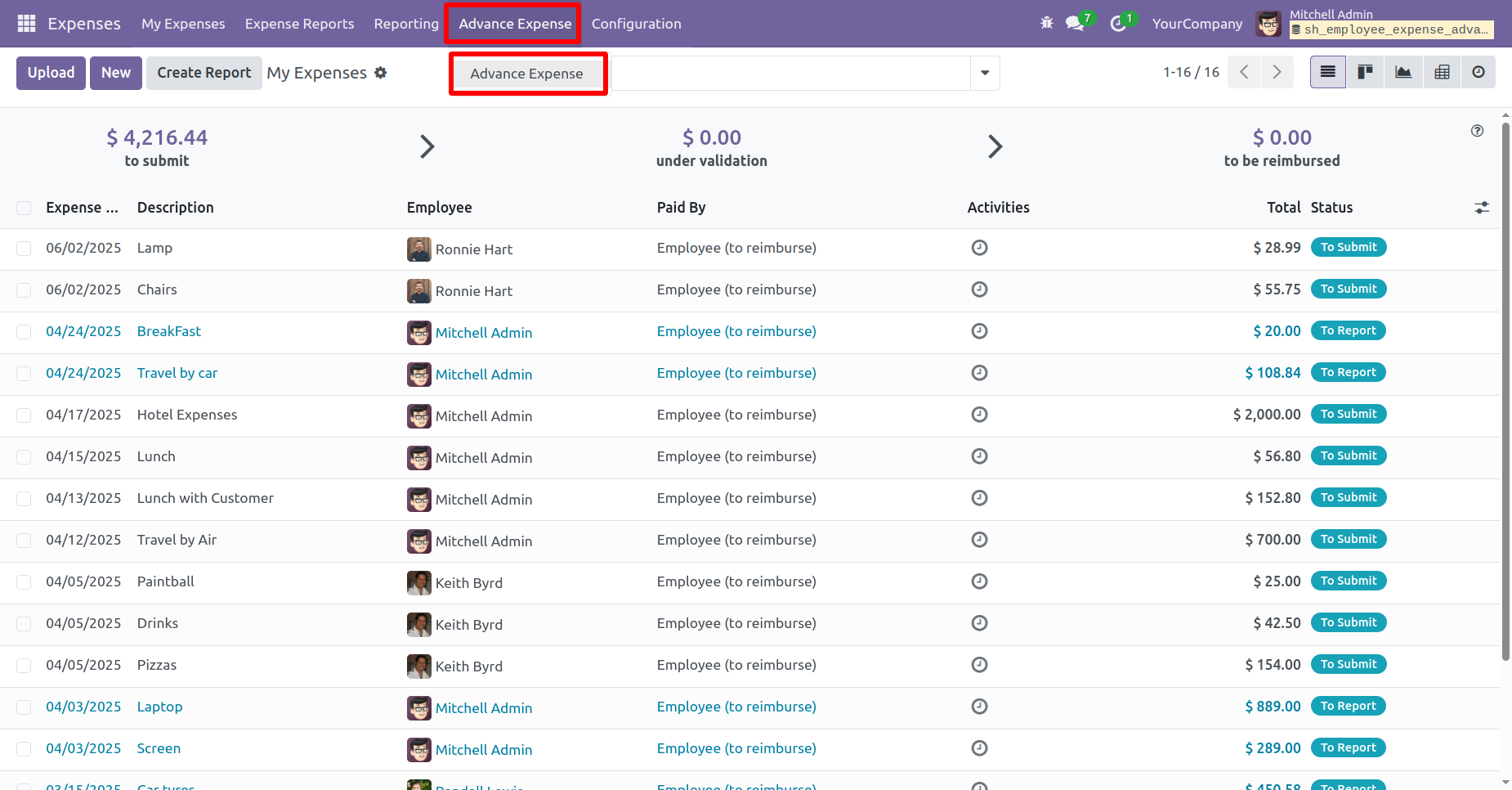
Create an expense and click on the "Confirm" button to proceed.
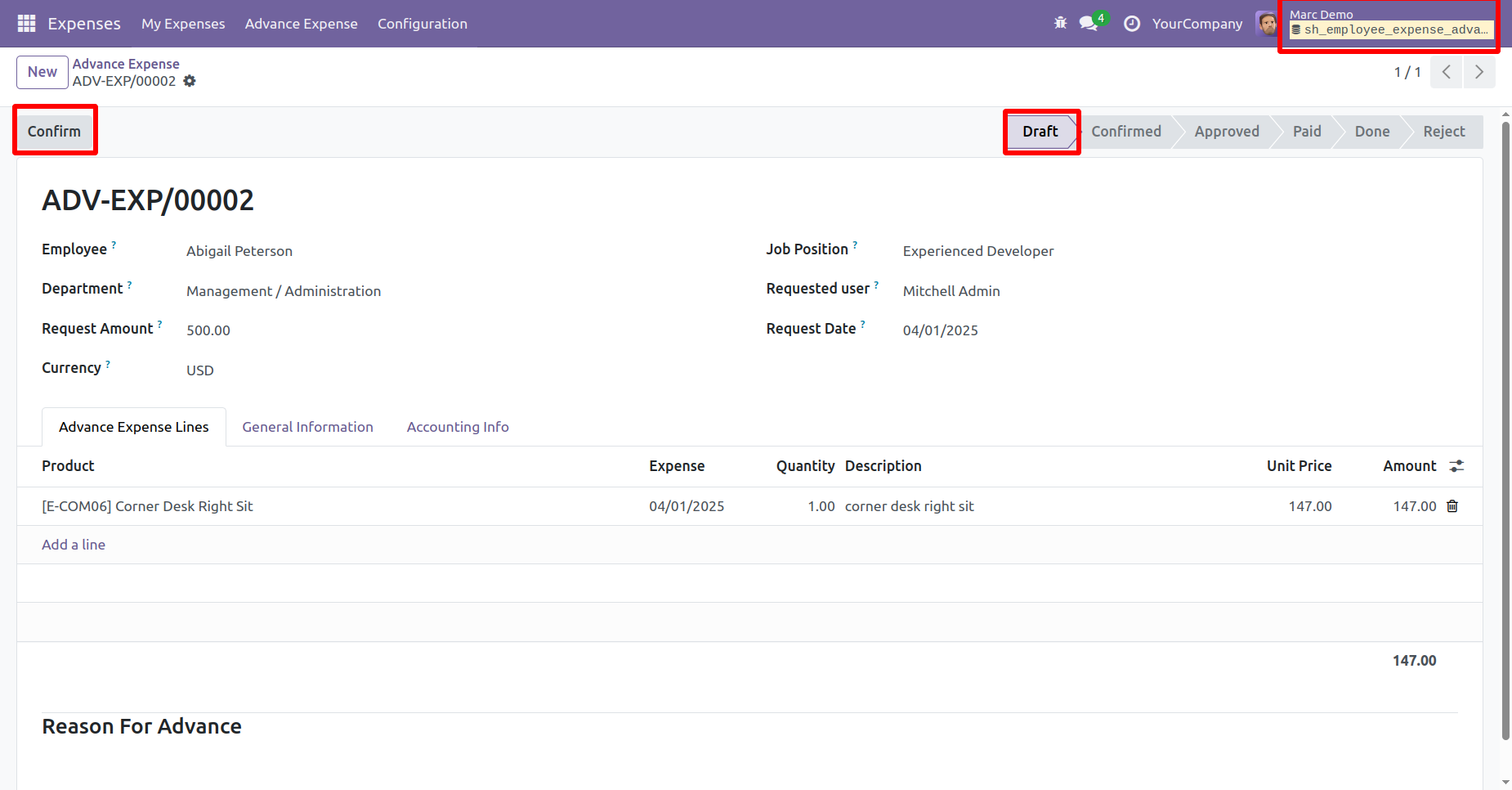
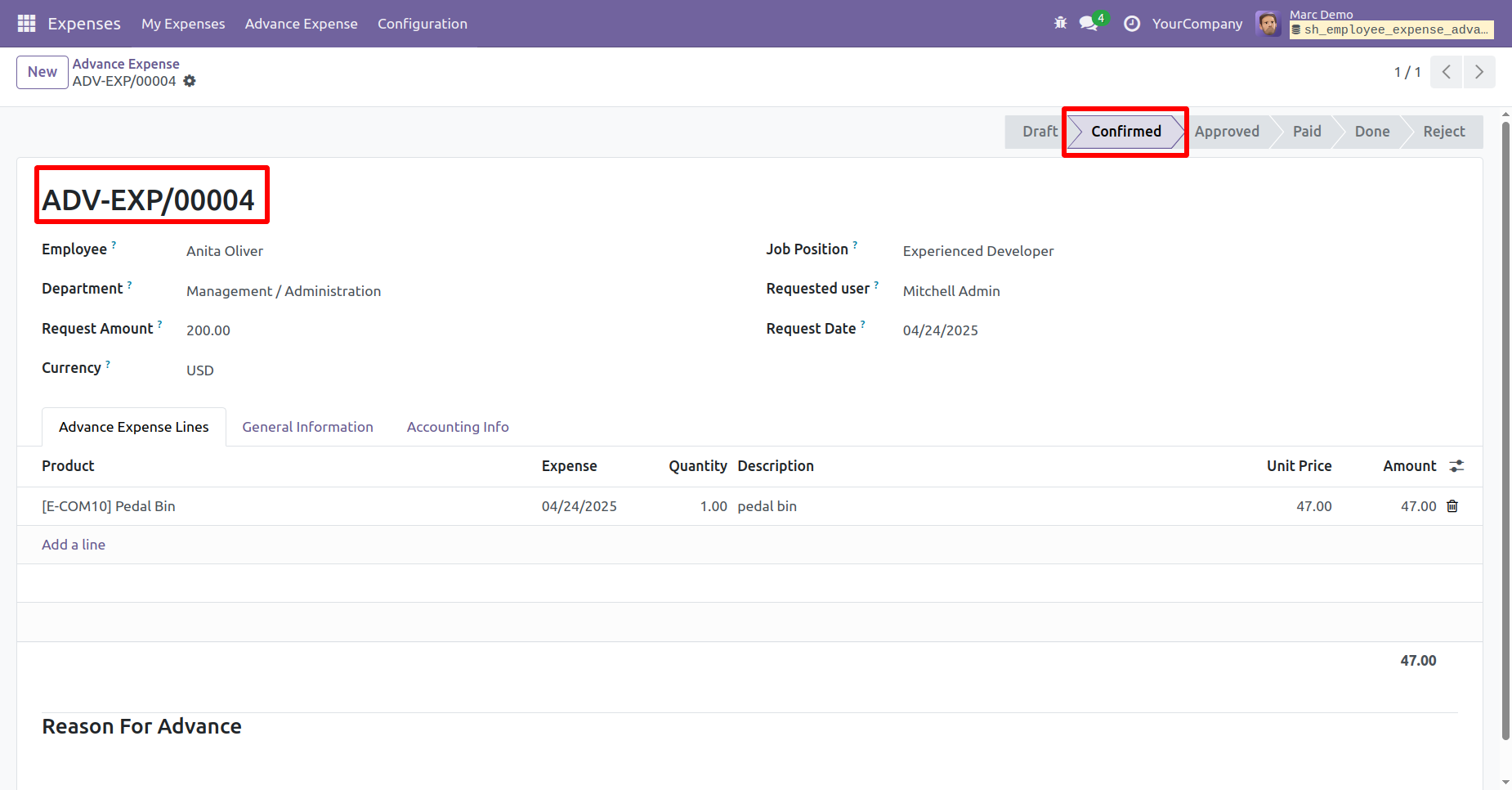
The expense is now in the Confirmed stage.
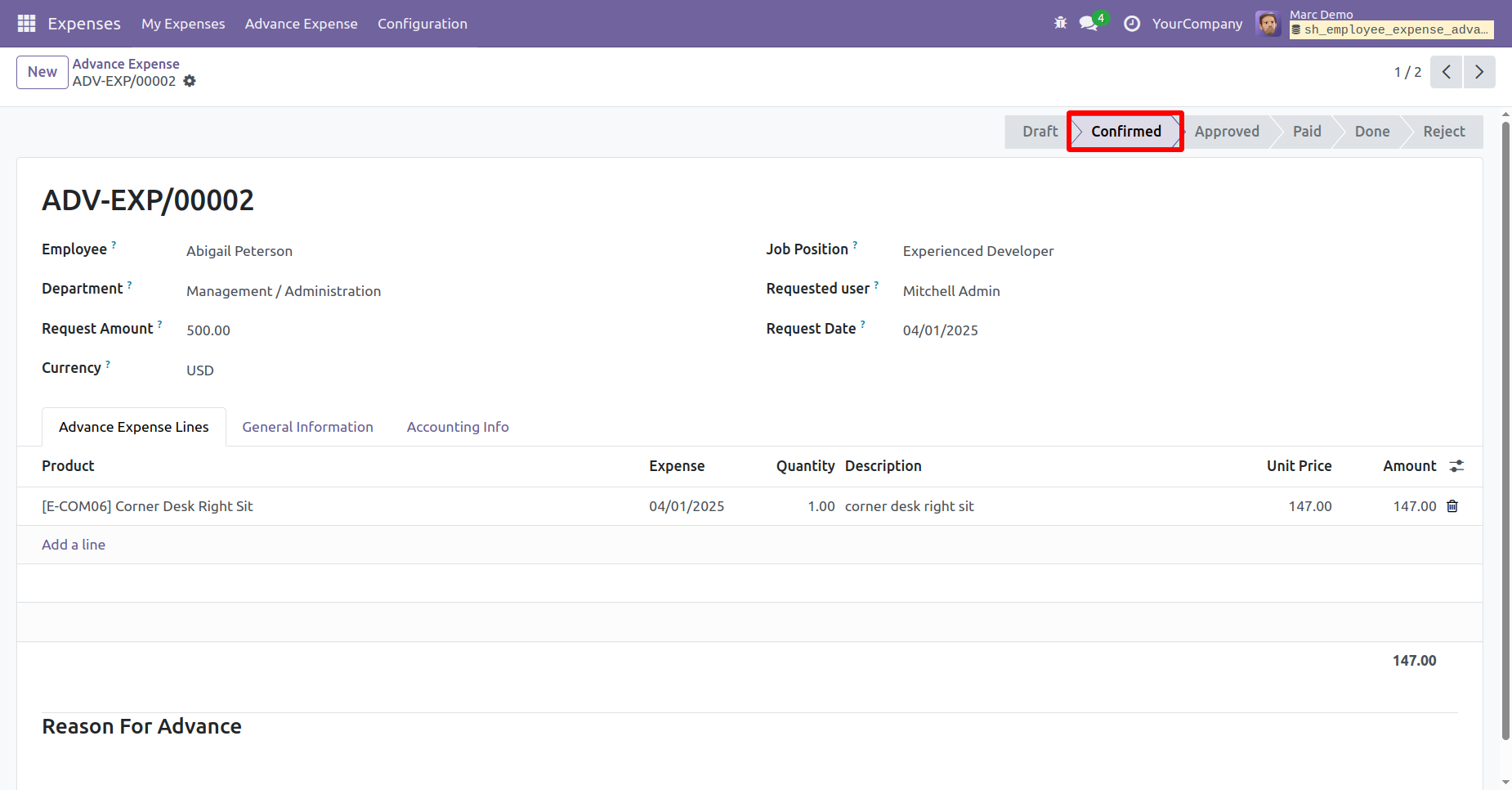
Click on the "Approve" button to approve the expense.
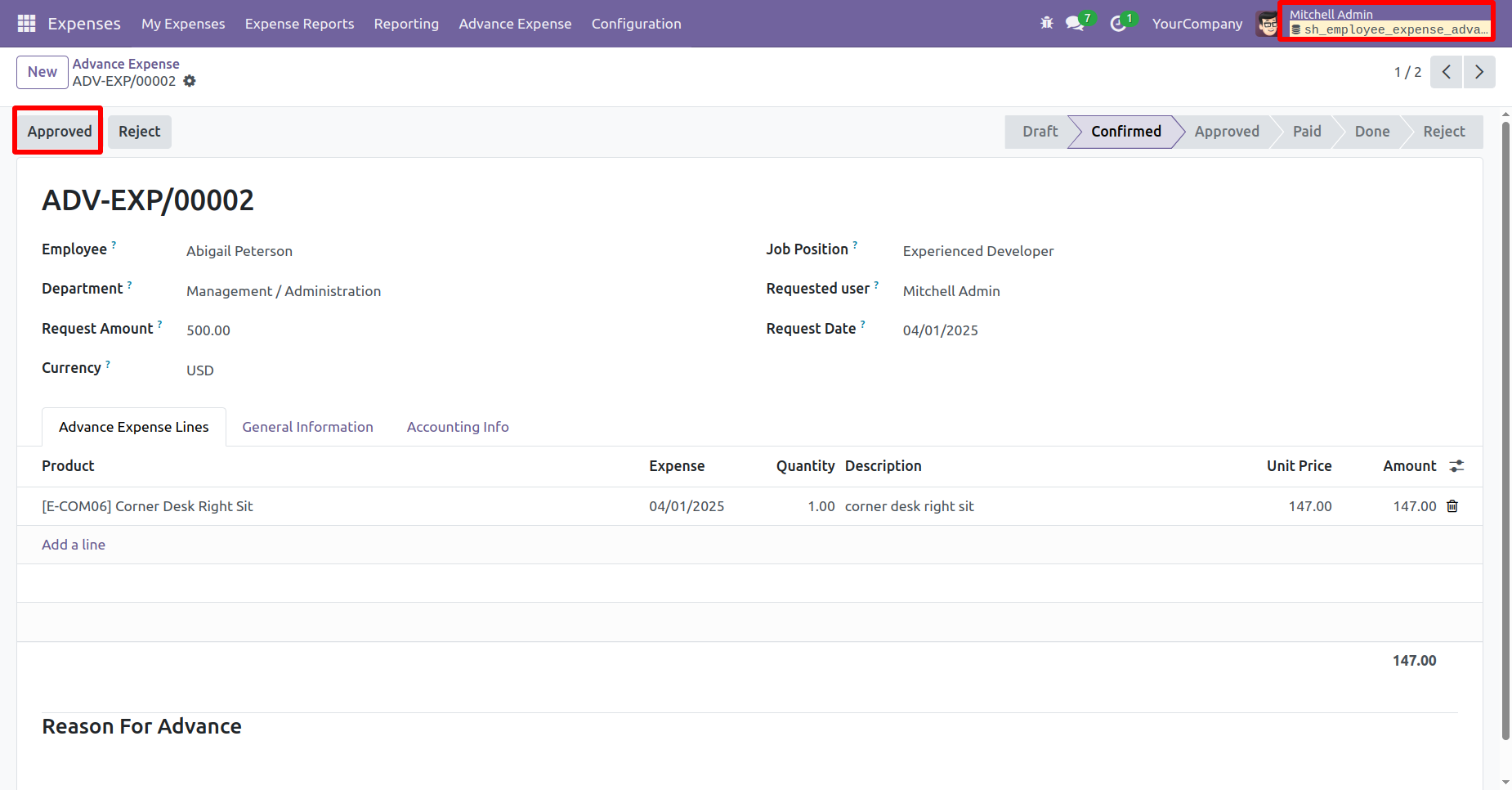
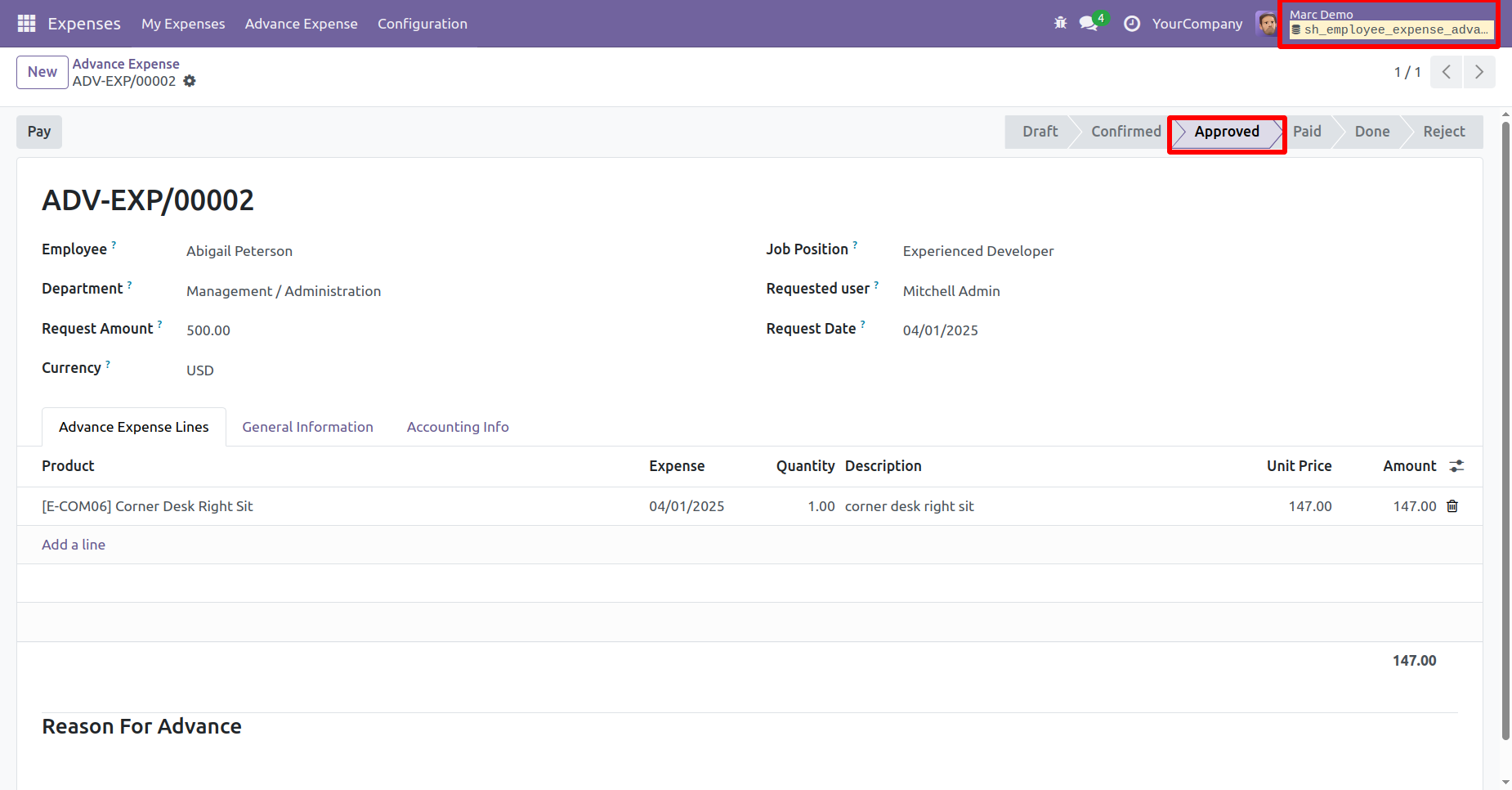
After that, the expense moves to the Approved stage.
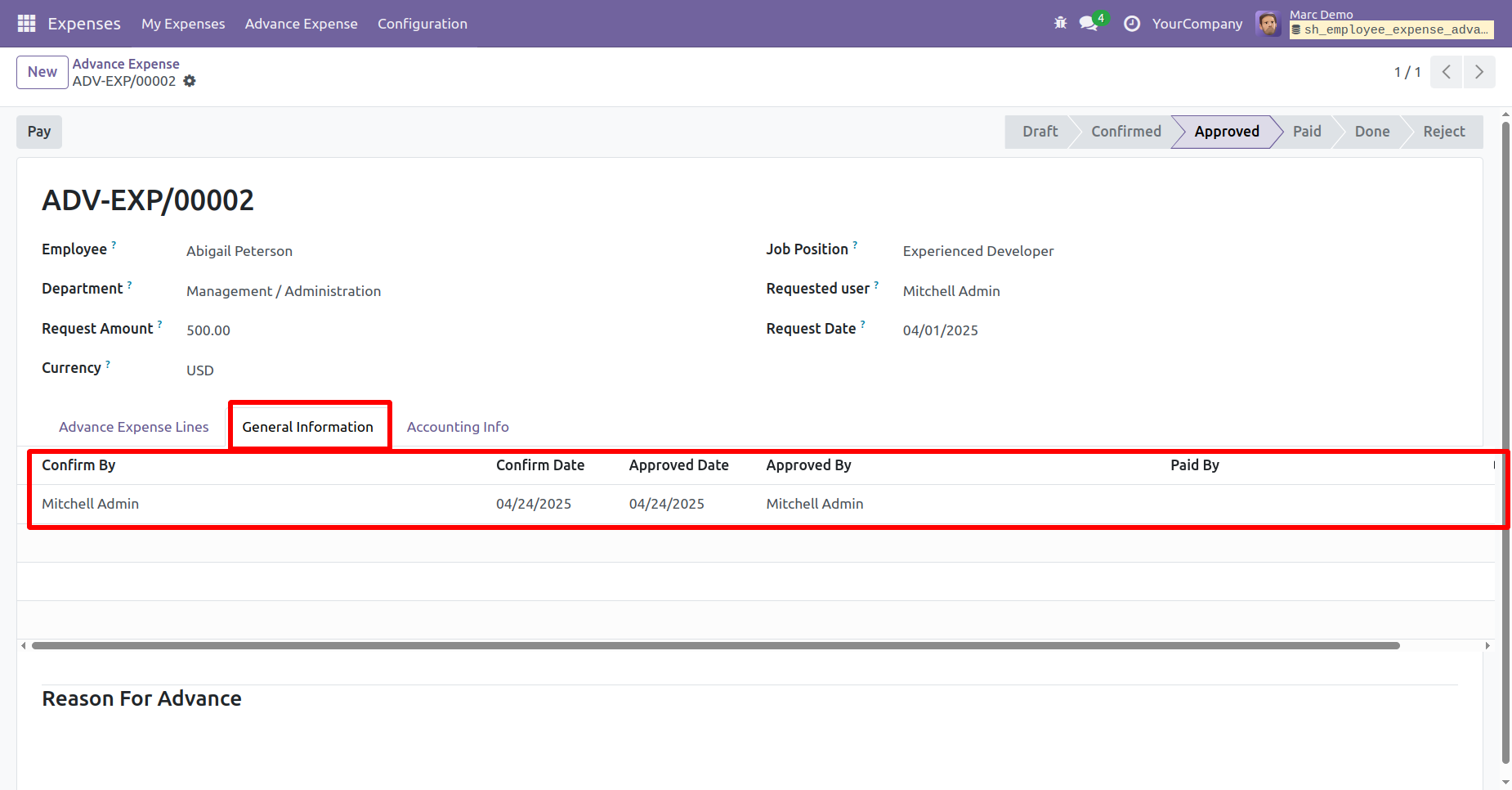
All the details related to the expense can be viewed under the "General Information" tab.
Click on the "Pay" button to process the payment.
After that, you will be redirected to the Payment form view.
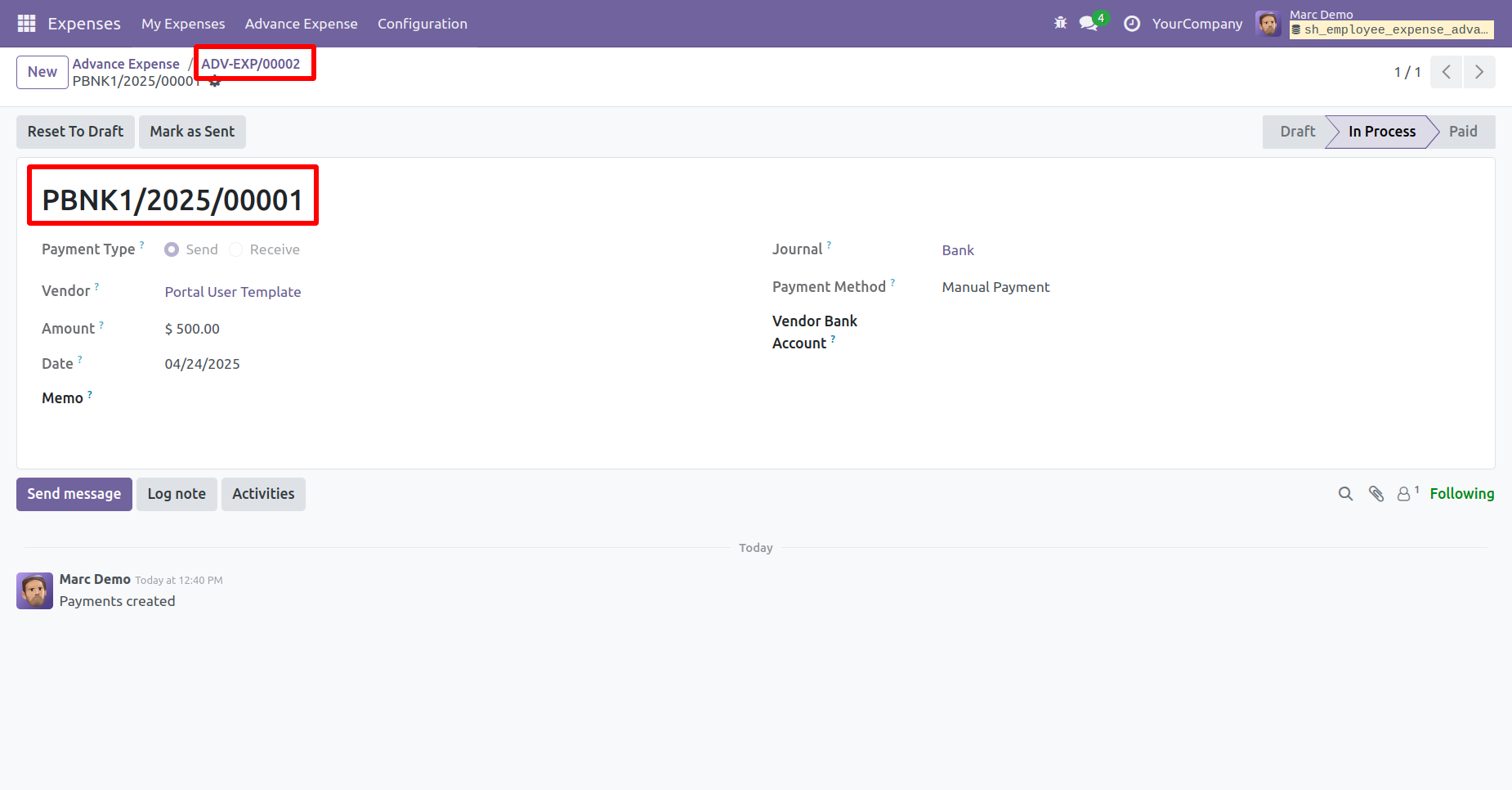
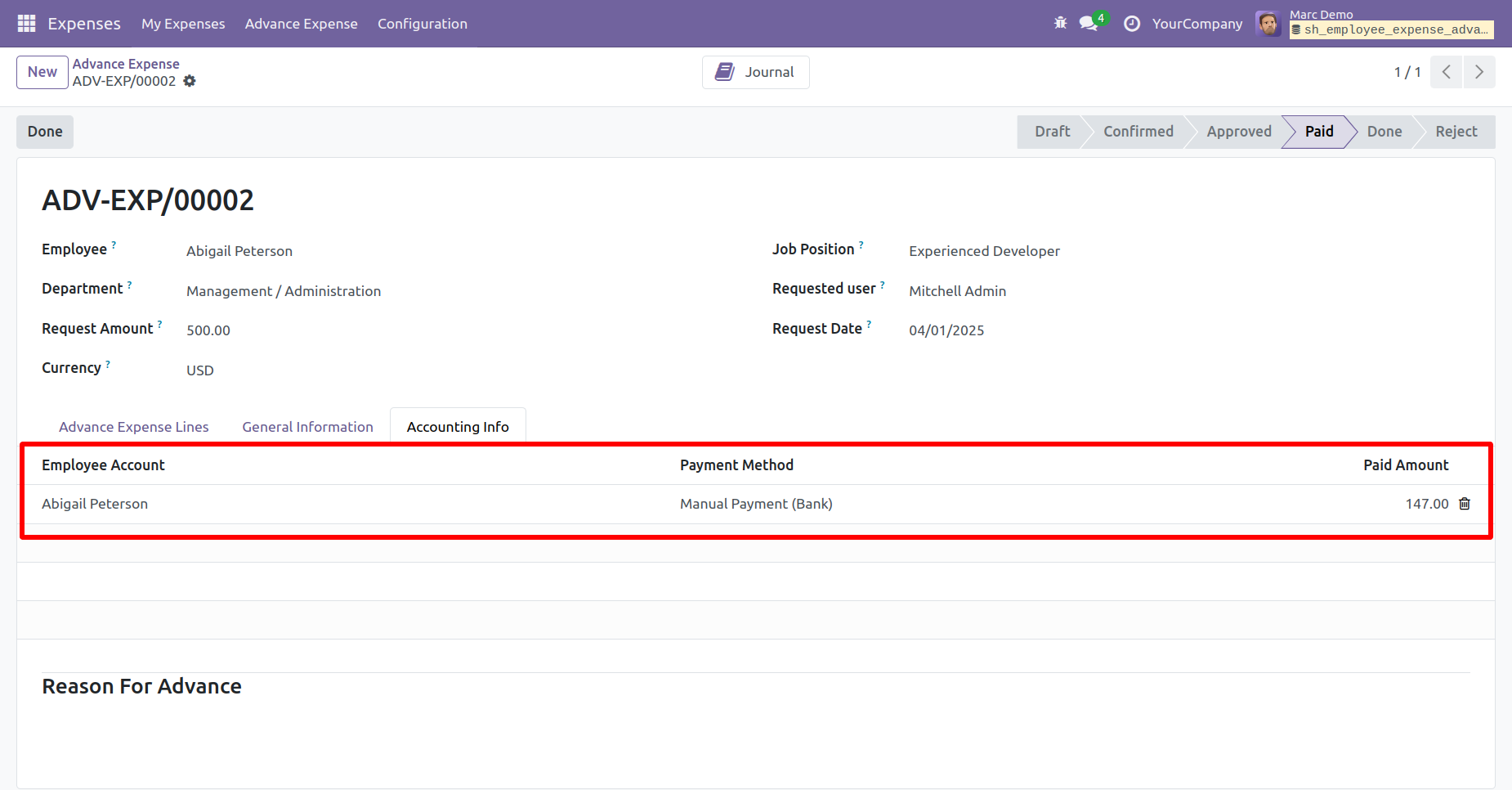
Here, you can see that the expense is now in the Paid stage. You can view all the payment details under the 'Account Info' tab.
Create the expense and then Confirm it.
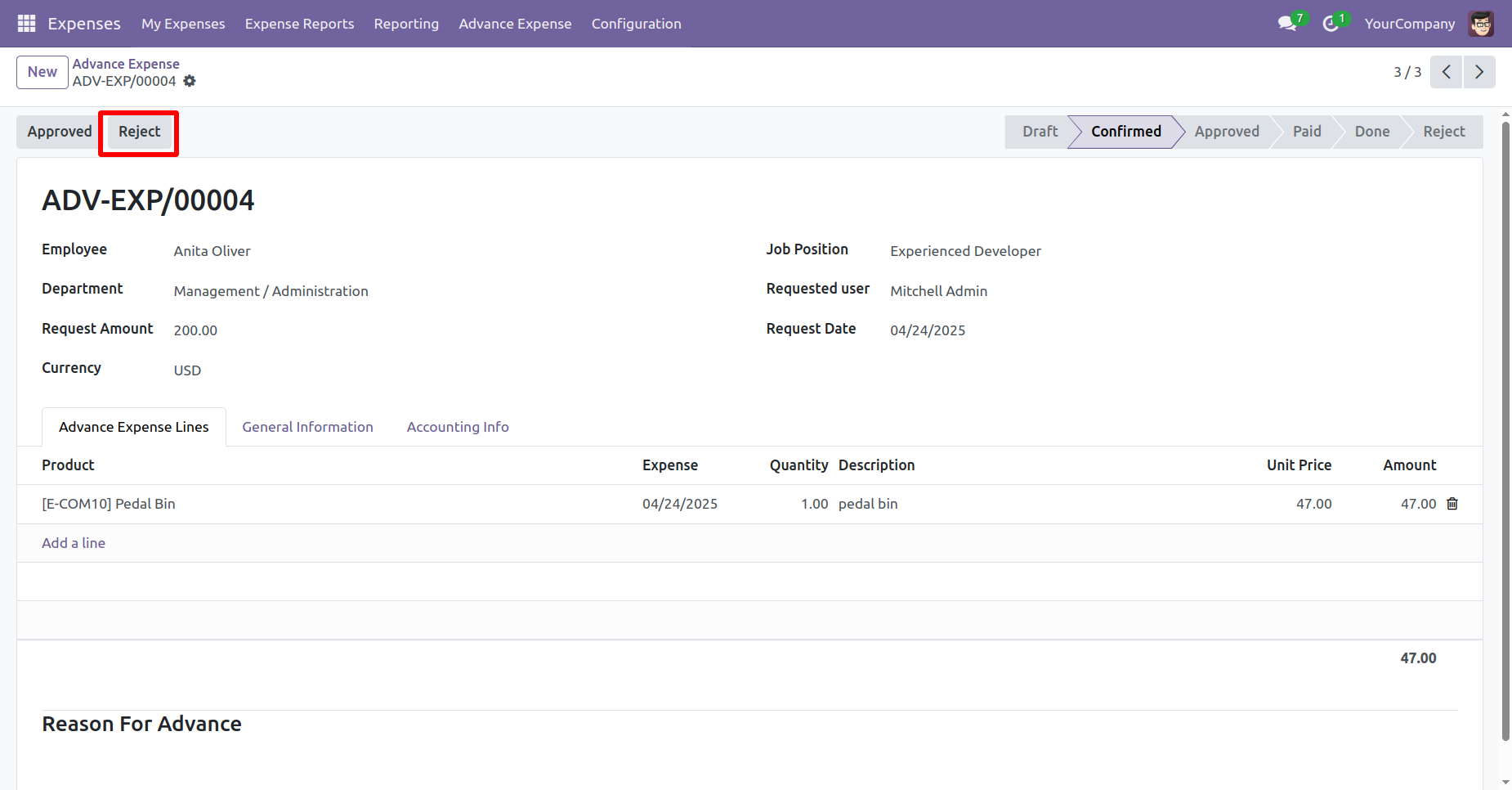
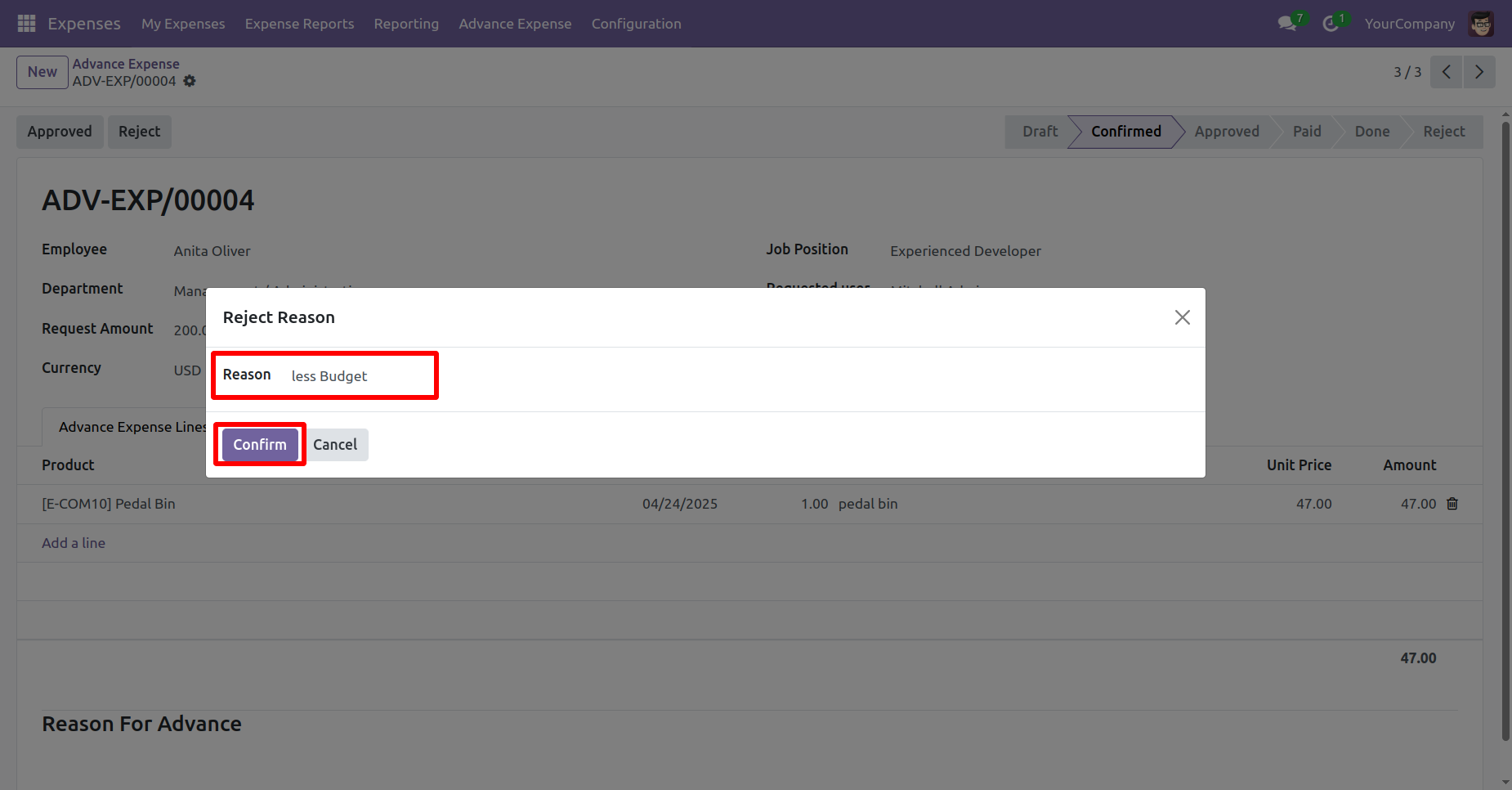
To Reject the expense, click on the "Reject" button.
After that, the 'Reject Reason' wizard will appear. Enter the reason and click on the "Confirm" button.
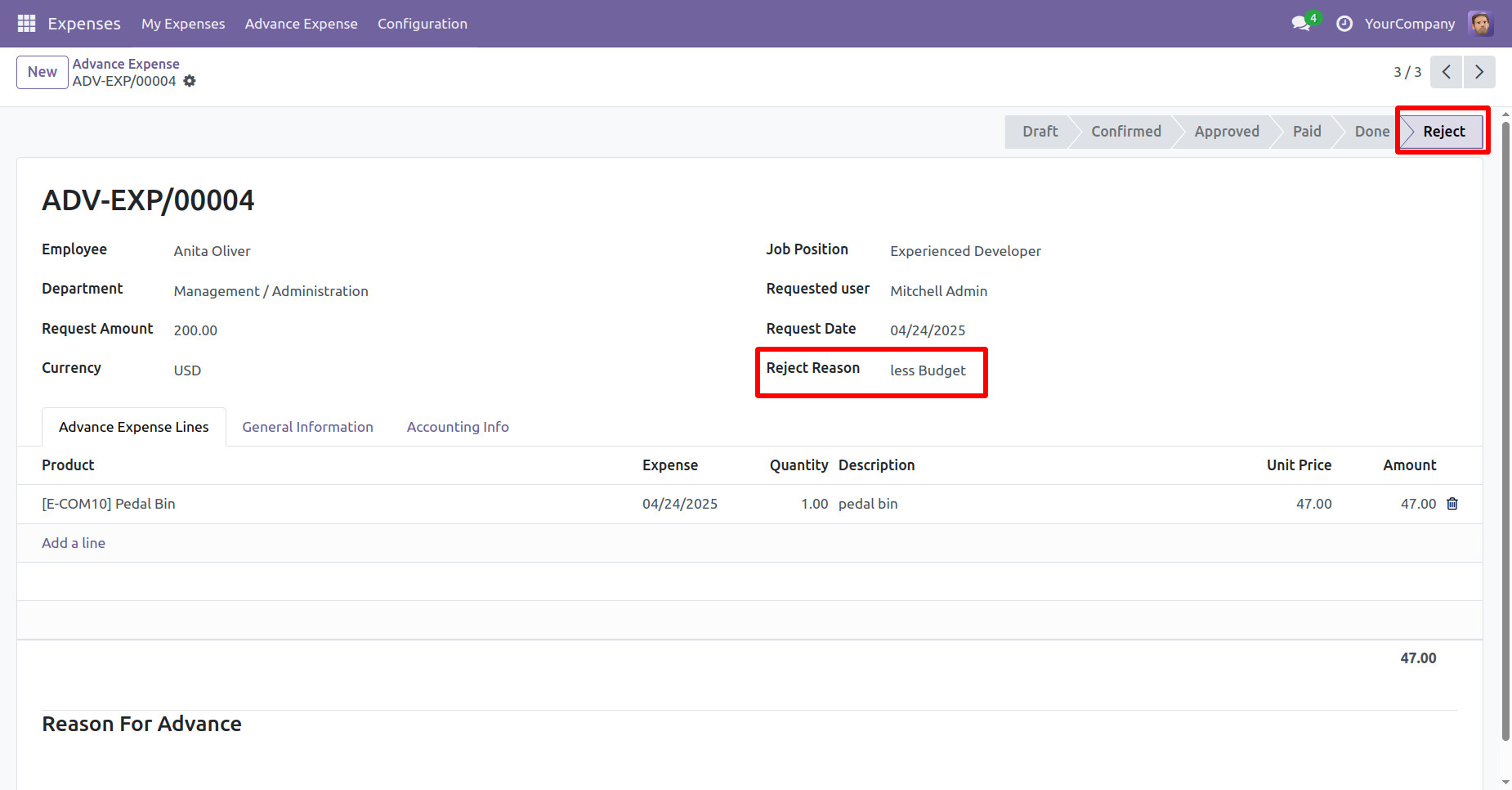
The expense is now in the Reject stage. In the expense form view, the user will be able to see the rejection reason.
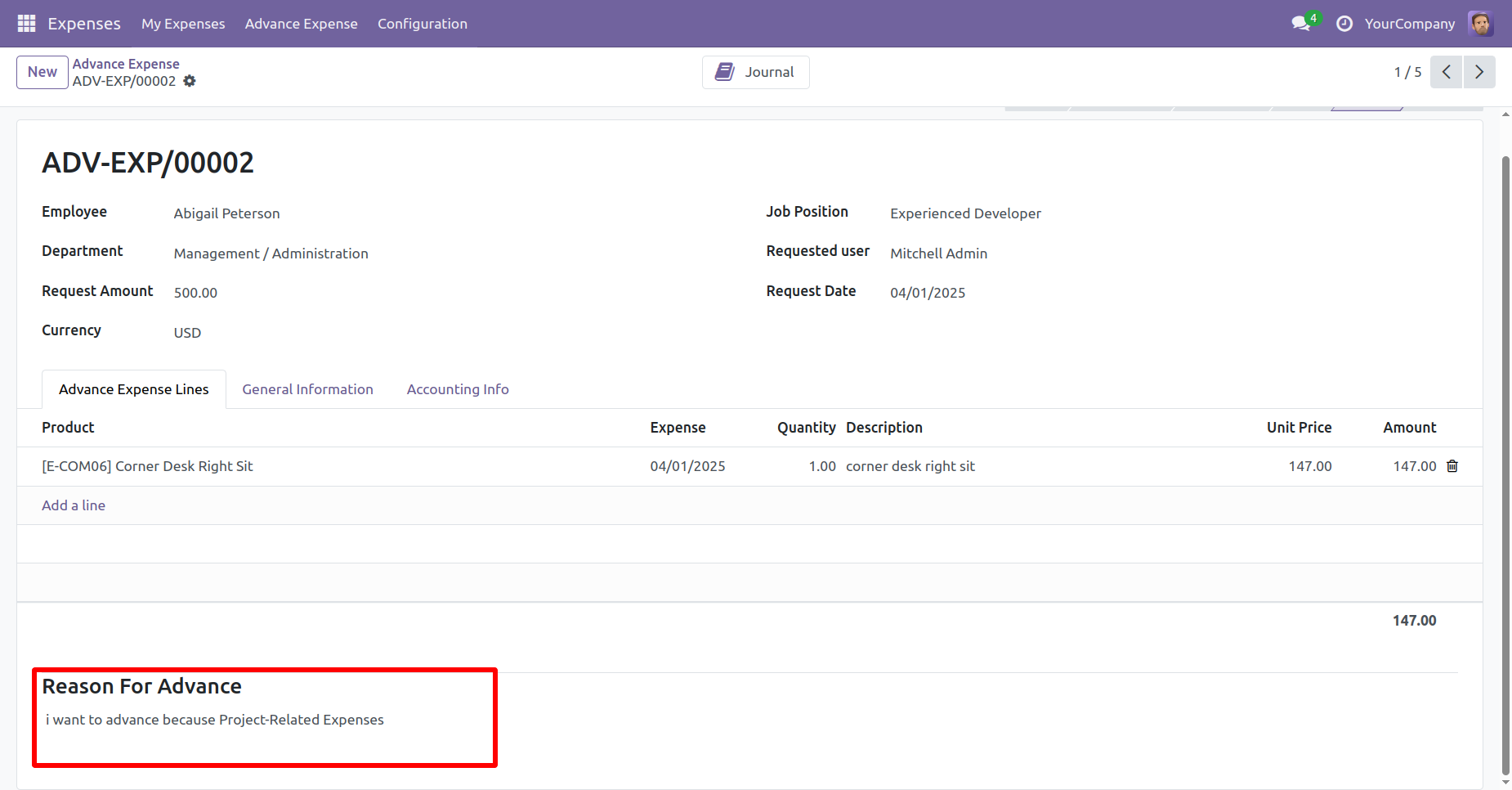
You can add an advance reason in the expense form view.
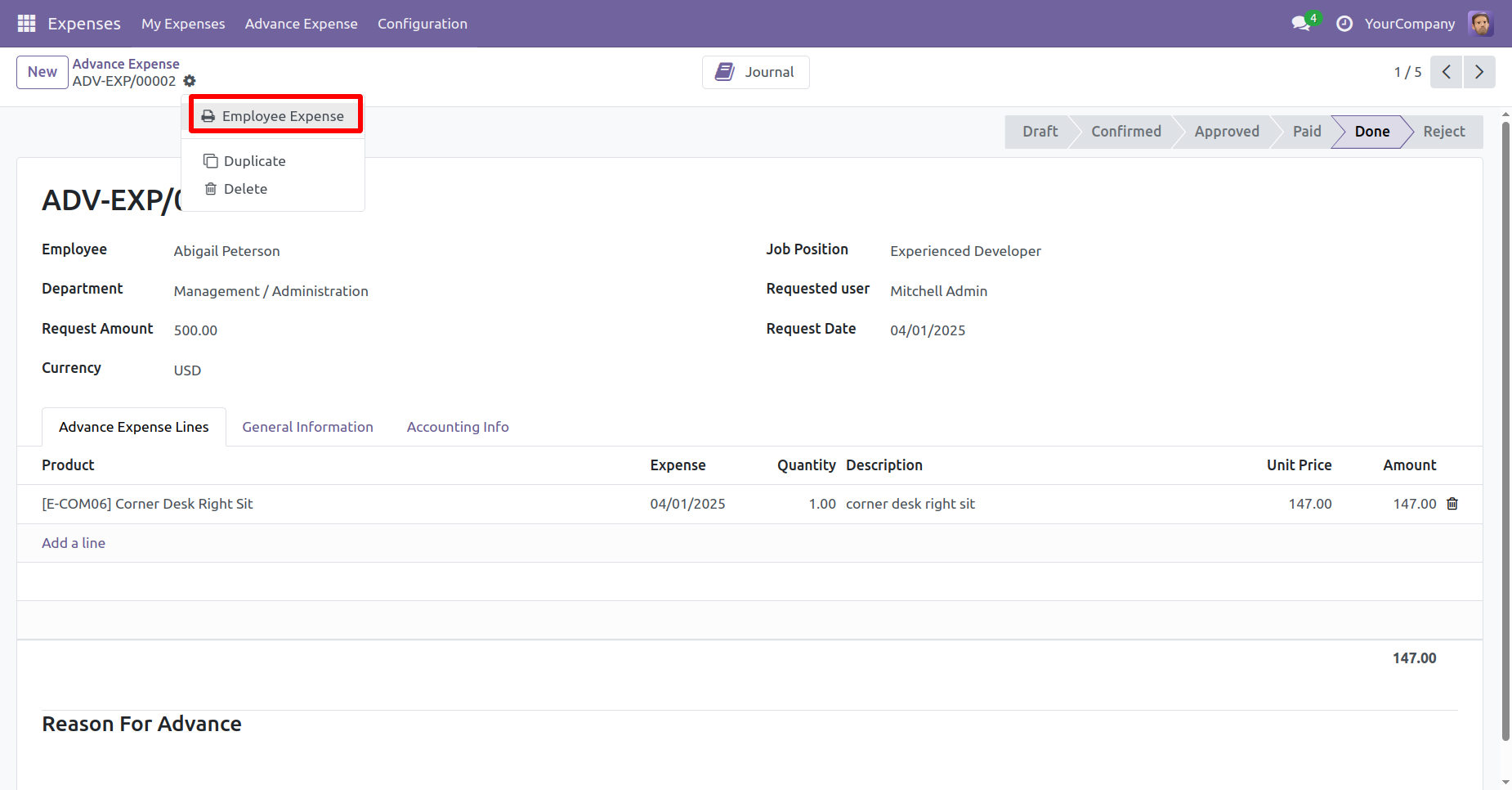
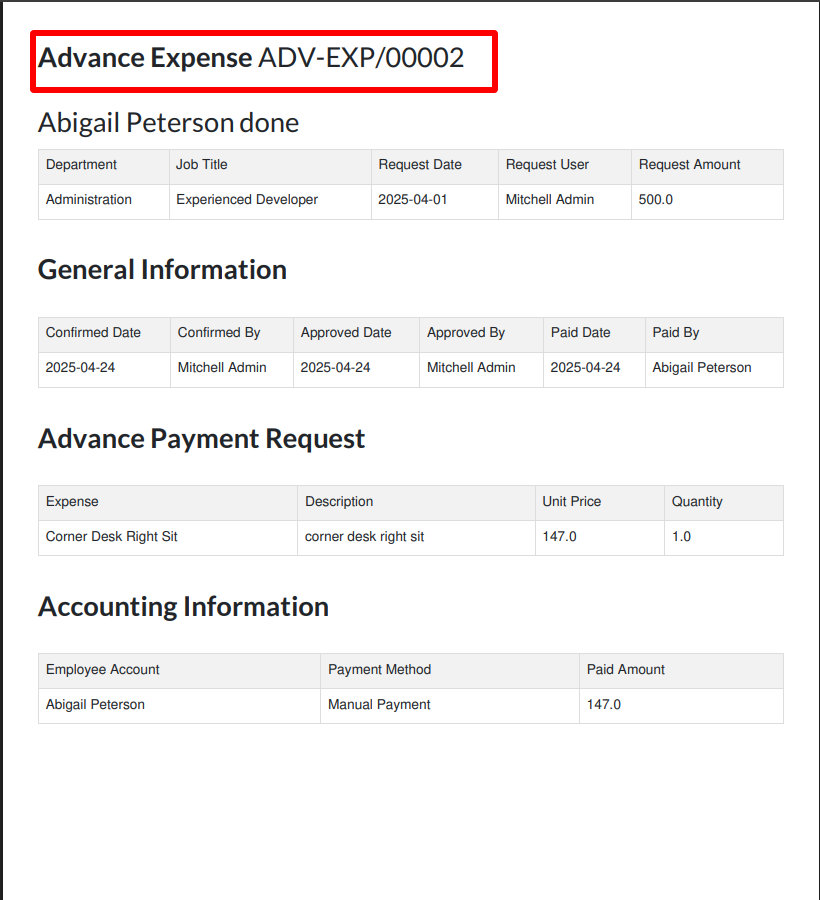
To print the expense, click on the "Employee Expense" from the action menu.
The expense PDF will appear as shown below.
Version 19.0.1 | Released on : 15th September 2025
- Yes, this app works perfectly with Odoo Enterprise (Odoo.sh & Premise) as well as Community.
- No, this application is not compatible with odoo.com(odoo saas/Odoo Online)
- Yes, to test this module, please contact us at sales@softhealer.com.
- Please contact us at sales@softhealer.comto request customization.
- Yes, we provide free support for 365 days from the date of purchase.
- Yes, you will receive lifetime free updates for the version of the module you purchased.
- No, there is no need to install any additional libraries.
- Yes, for version 12 and above, you need to purchase the module separately for each version you intend to use.
- No, exchanges or refunds are not allowed. Please make sure to select the correct version before purchasing.
- You can contact us at support@softhealer.com for language translation support. We use Google Translator tools to provide translations in multiple languages, so the accuracy may vary. We welcome your suggestions to help improve translations.
Discover Our Latest Apps