












eLearning Video Uploader

Effortlessly manage your eLearning content by uploading videos directly to Odoo with the eLearning Video
Uploader. This module enables you to store and host your own video assets within the system, ensuring a
distraction-free learning environment. Simply select the "File" option when creating a video slide,
upload your media, and the integrated player will handle the rest, offering a seamless and professional
viewing experience for your learners.

Features

Direct Video Upload
Enables uploading of video files directly from your local device to Odoo slides, removing the need for external hosting.

Built-In Video Playback
Includes a built-in video player that automatically renders for uploaded video files, ensuring compatibility across modern browsers.

Local Storage
Securely stores video files as standard Odoo attachments within your system's database or filestore.

Automatic Publishing
Automatically sets the slide to "Published" status upon uploading or updating a local video file, streamlining the workflow.
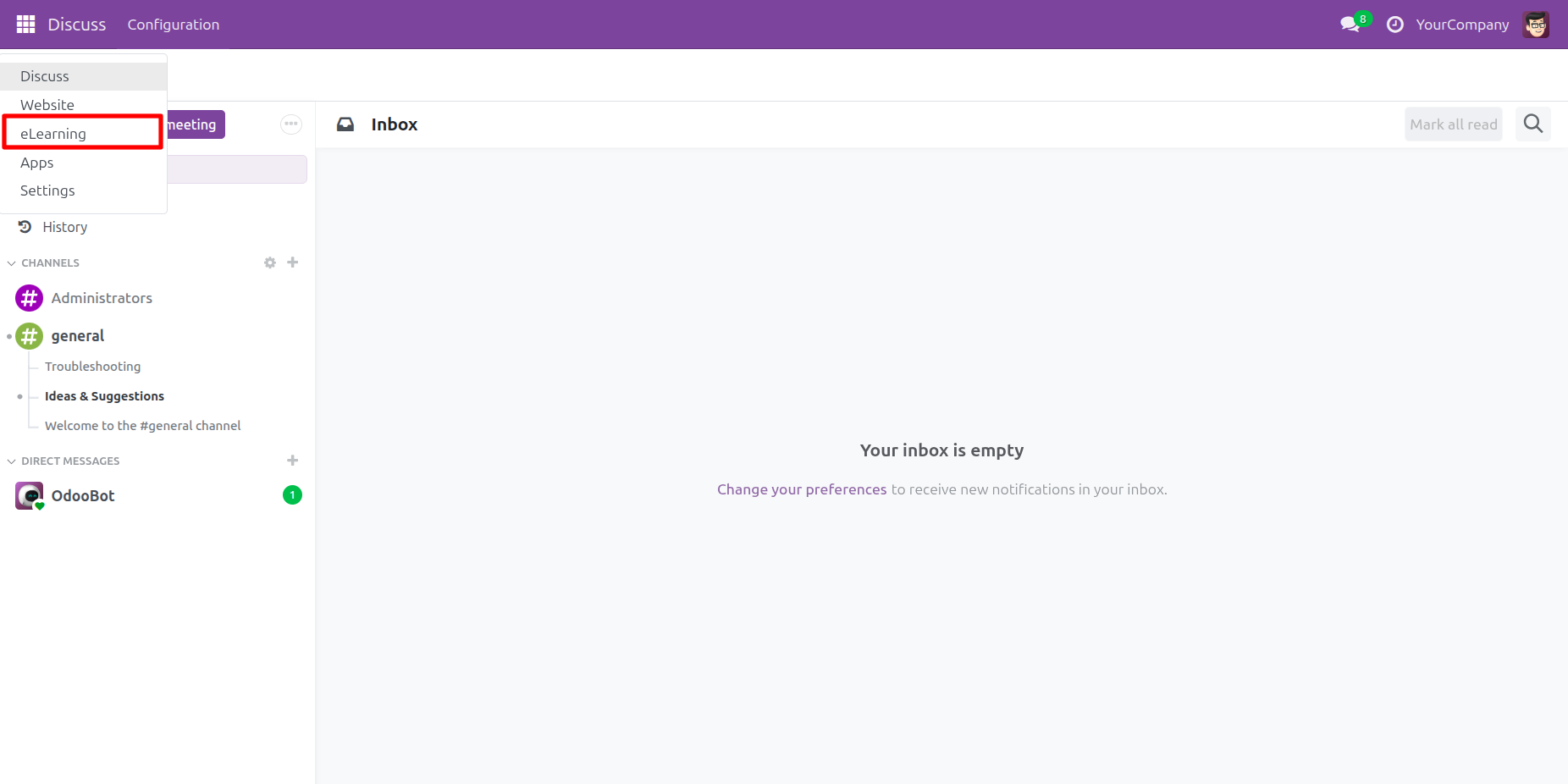
The user selects eLearning from the main menu dropdown, as highlighted by the red box, to navigate to the eLearning application.
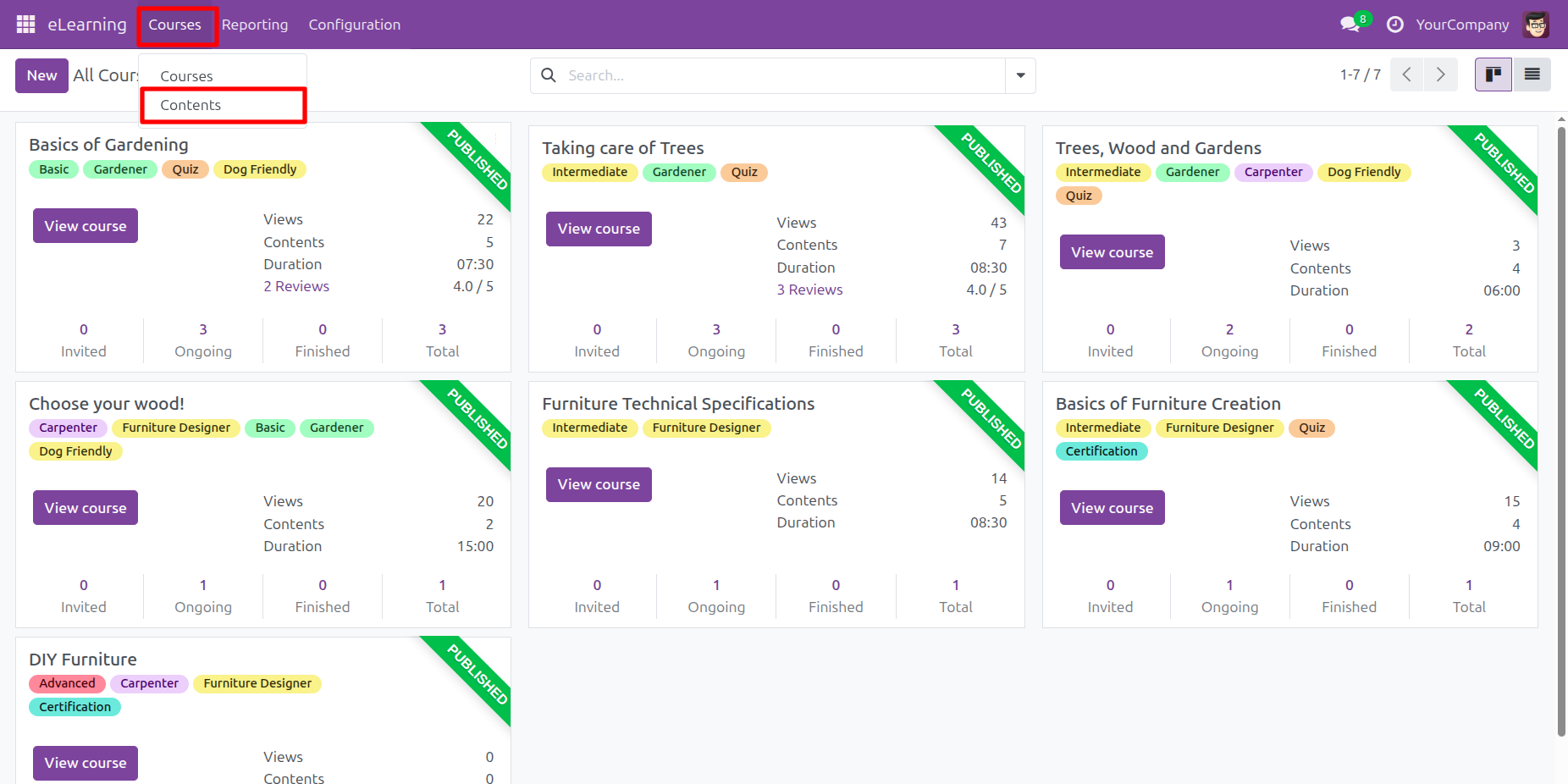
The user selects Contents from the Courses dropdown menu, as highlighted by the red box, to access the individual learning materials instead of the general course overview.
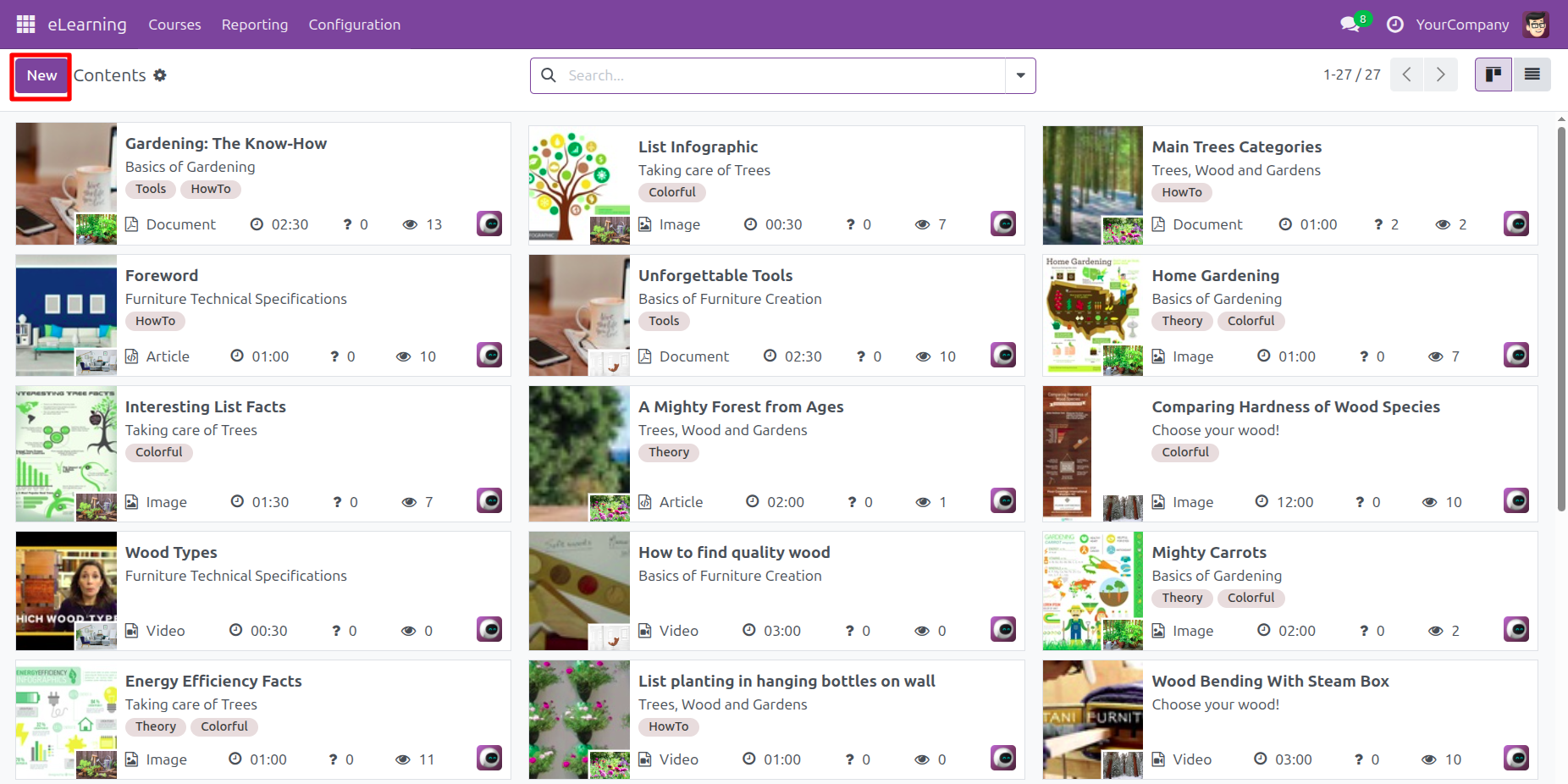
The user clicks the New button in the top-left header to start creating a new eLearning content item within the library.
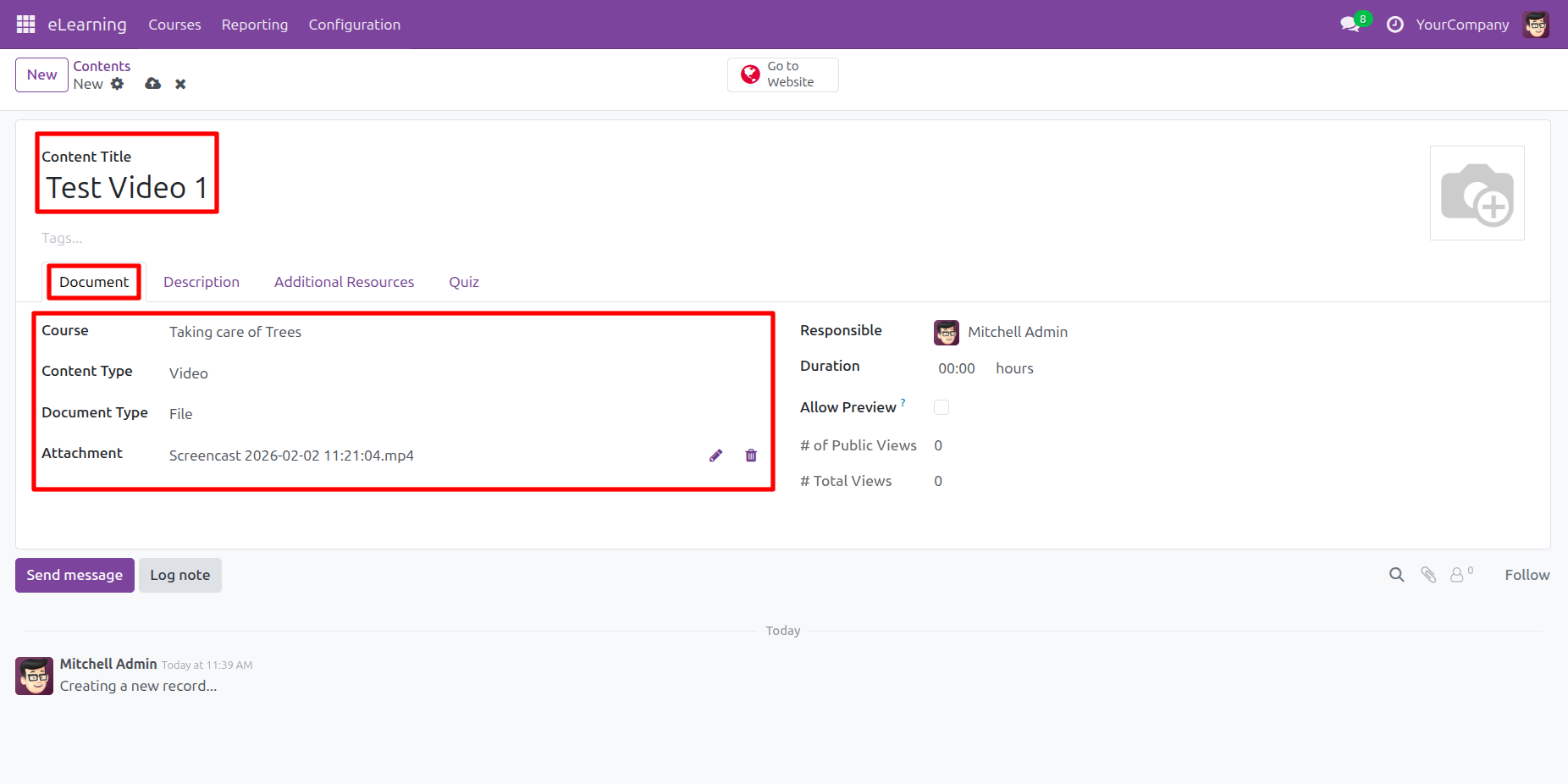
The user creates a new content item, names it Test Video 1, selects the Taking Care of Trees course, and uploads the video file from the Document tab.
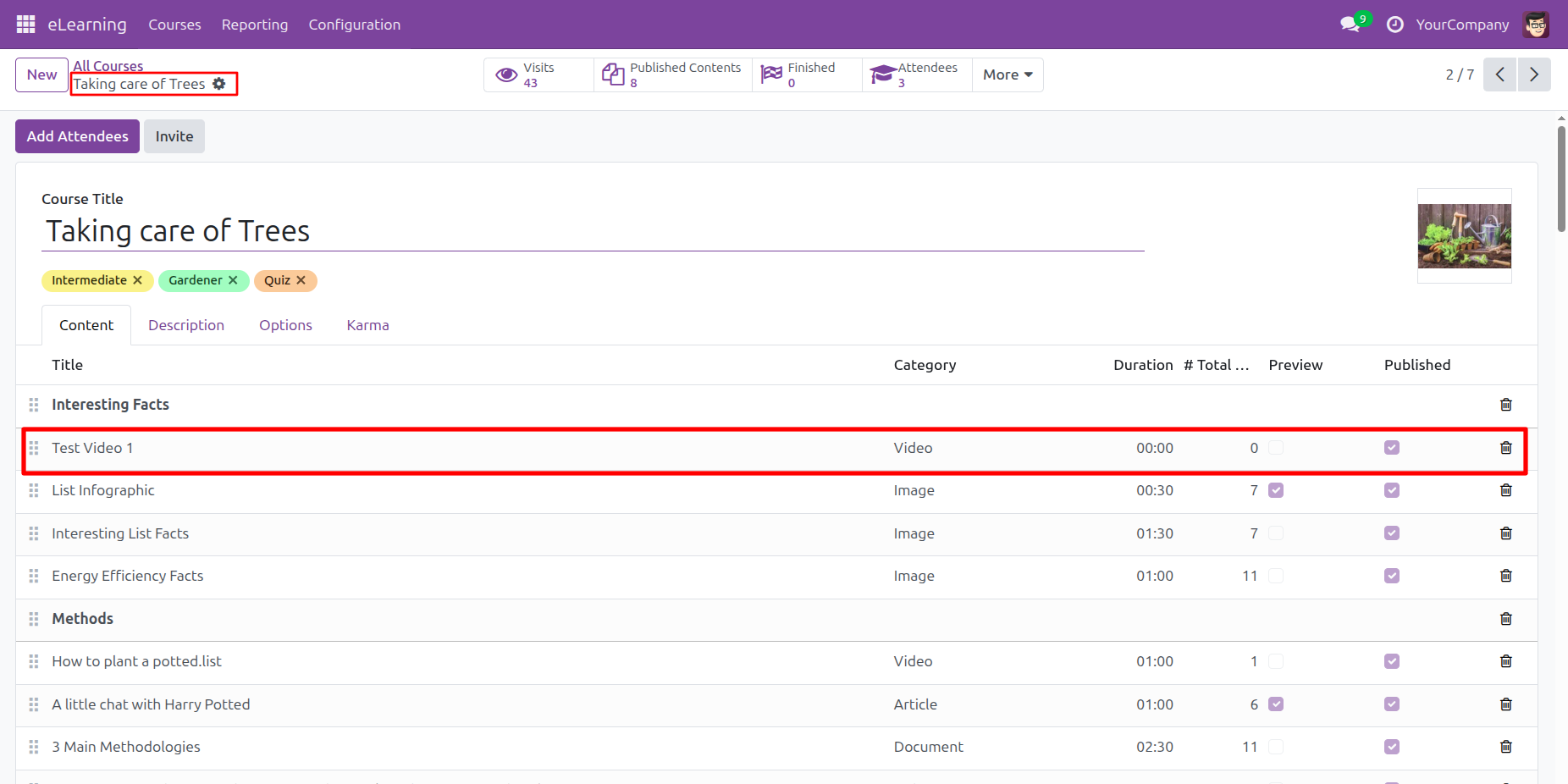
The user verifies the Taking care of Trees course content, where the highlighted row confirms that Test Video 1 has been successfully added as a published Video.
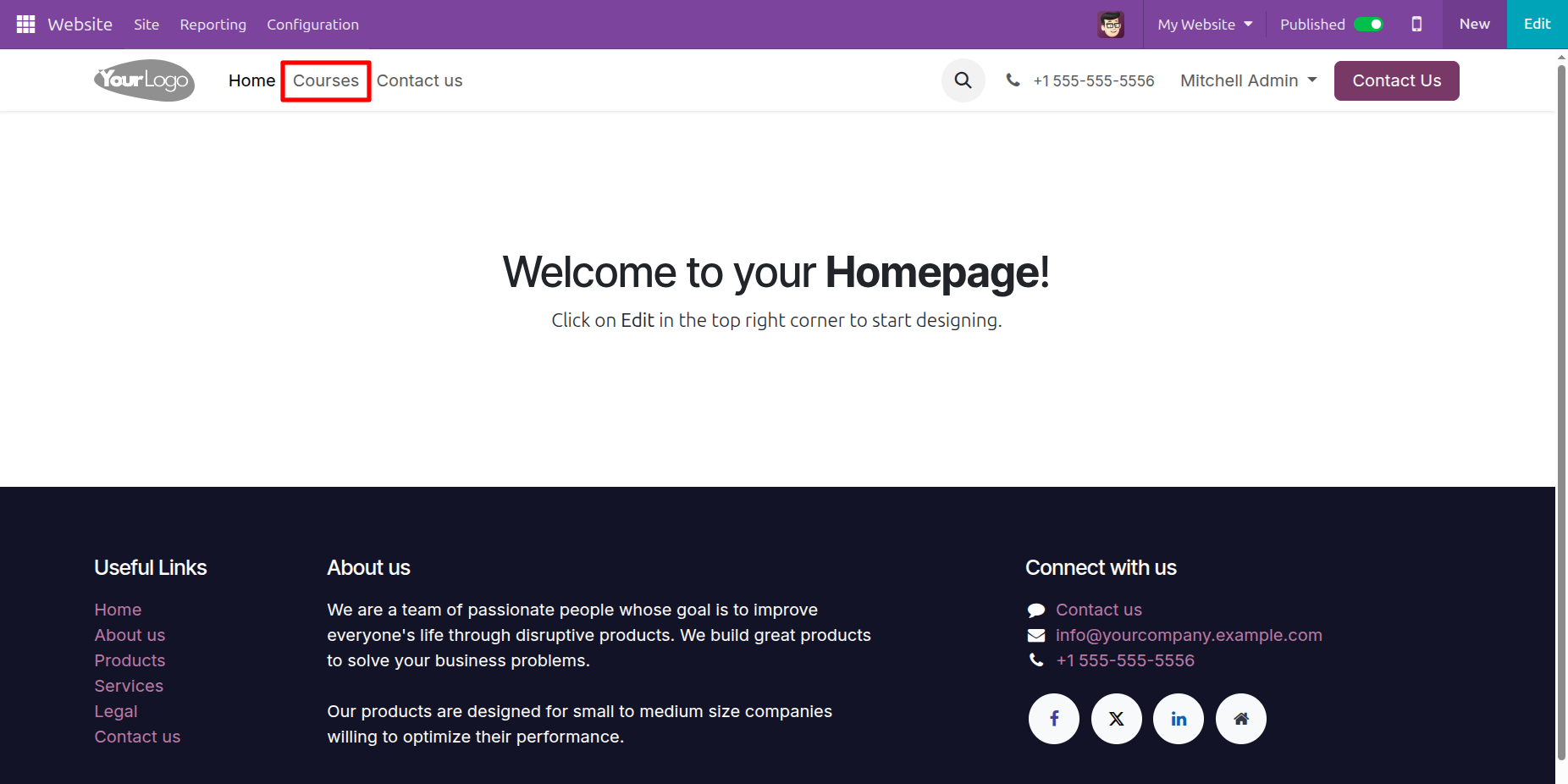
The user selects the Courses link in the website header, as highlighted by the red box, to navigate from the homepage to the public course directory.
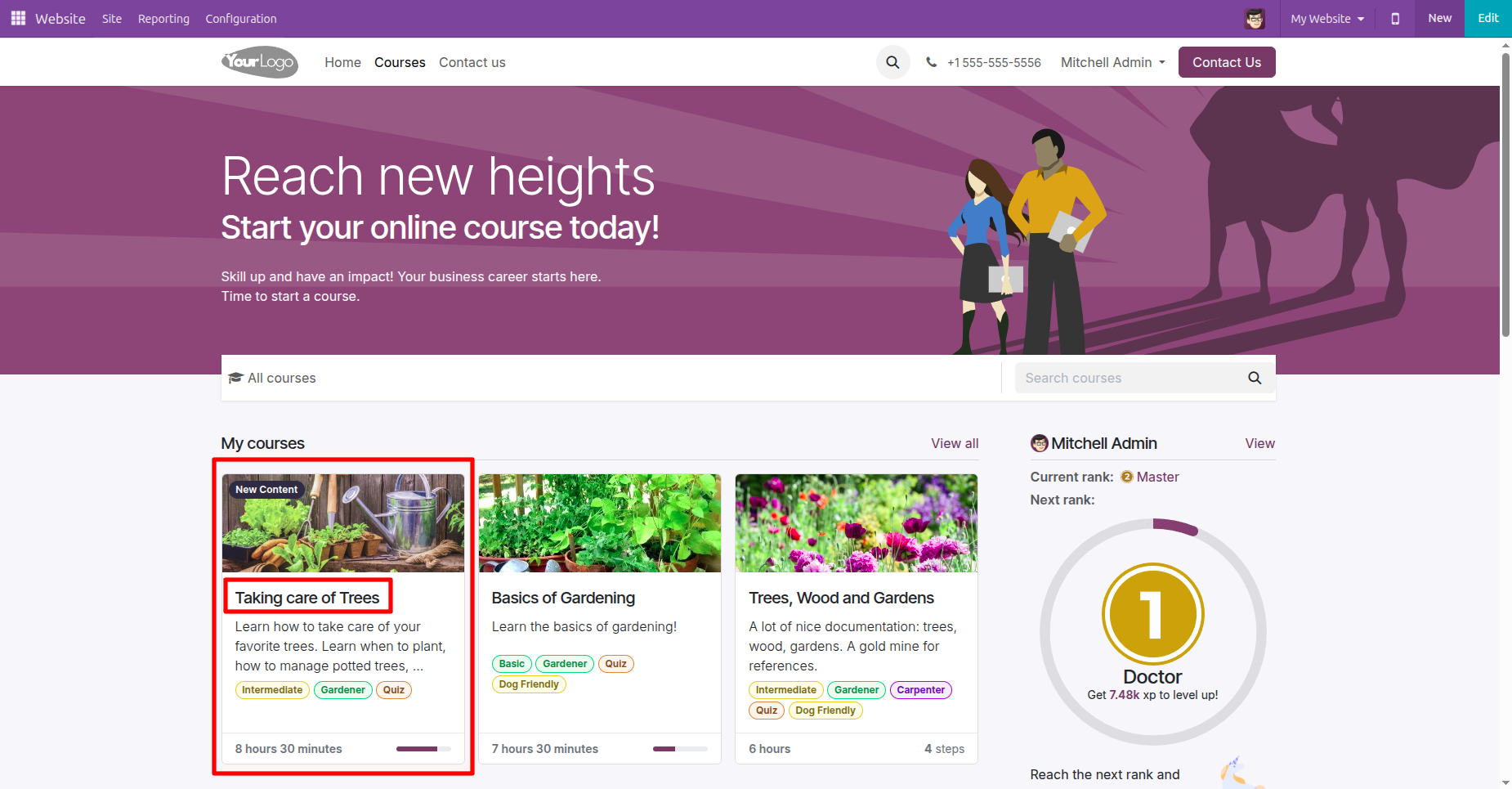
The user selects the Taking care of Trees course card, which is highlighted by a red box and features a New Content badge indicating recent updates.
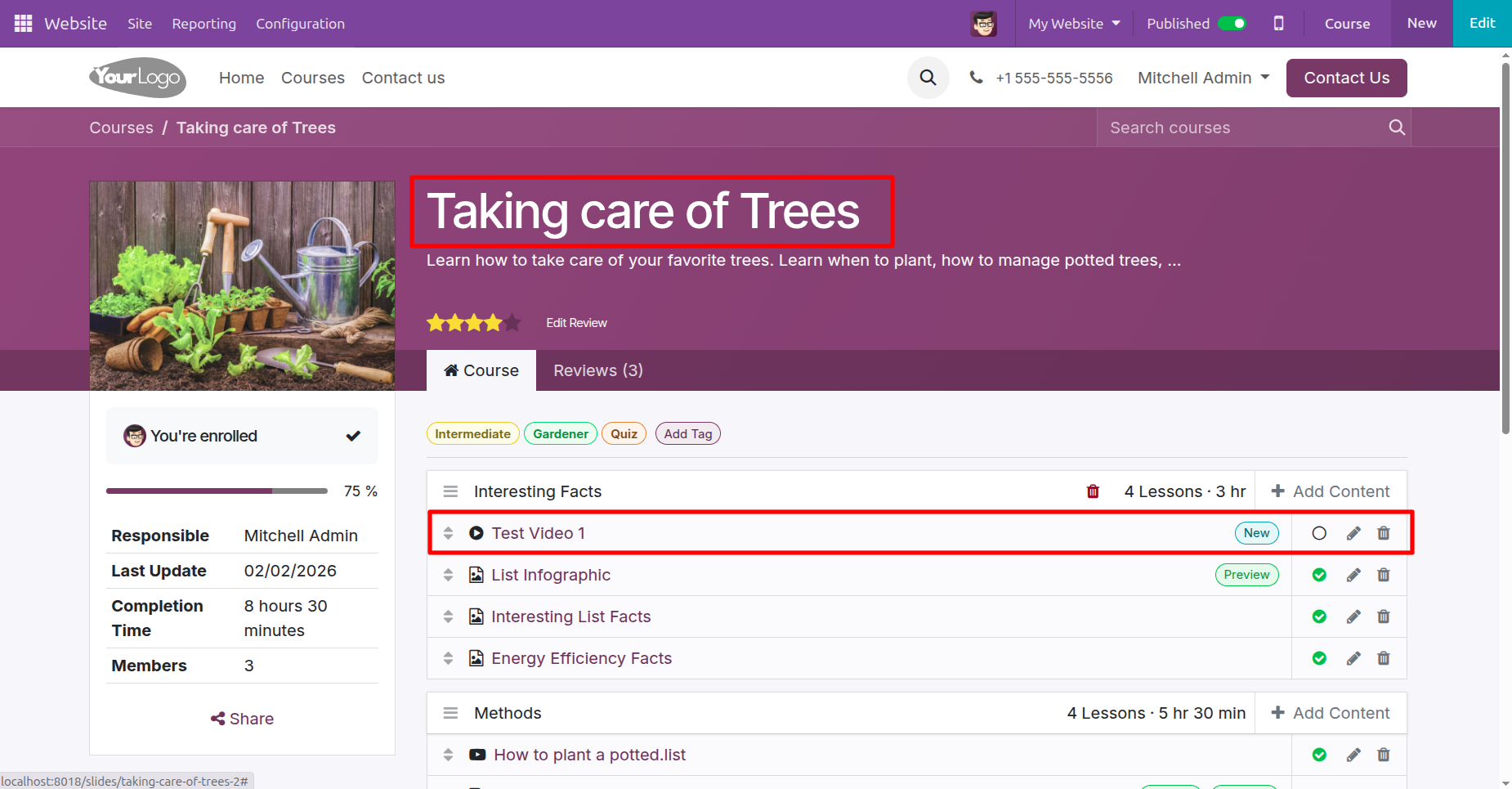
The user verifies the Taking care of Trees course page, where the highlighted Test Video 1 entry confirms the successful addition of the new content with a New badge.
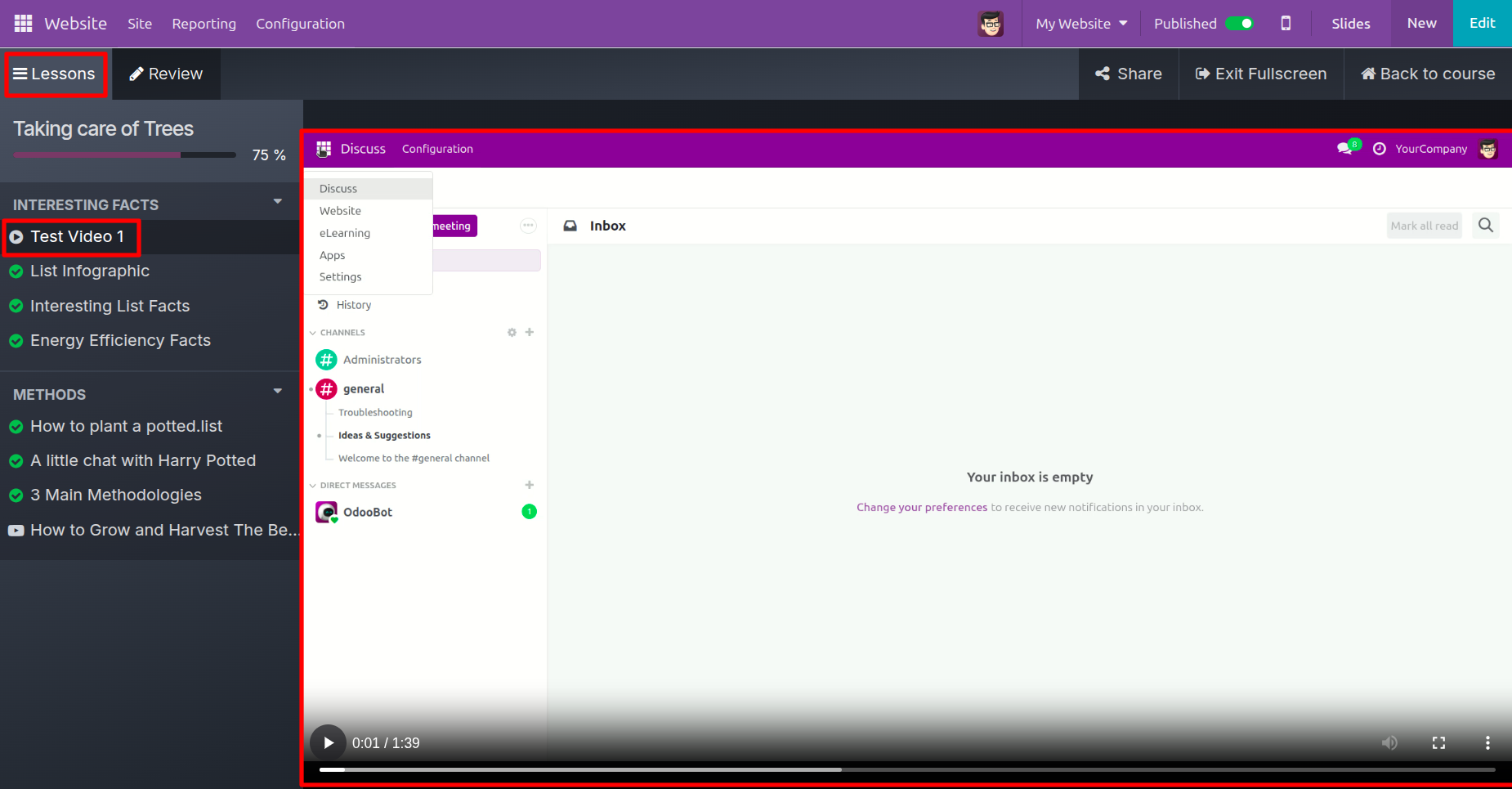
The user views the Test Video 1 lesson, where the sidebar highlights the active item and the main screen plays the uploaded video content.
Version 18.0.1 | Released on : 2nd January 2026
- Yes, this app works perfectly with Odoo Enterprise (Odoo.sh & Premise) as well as Community.
- No, this application is not compatible with odoo.com(odoo saas/Odoo Online)
- Yes, to test this module, please contact us at sales@softhealer.com.
- Please contact us at sales@softhealer.comto request customization.
- Yes, we provide free support for 365 days from the date of purchase.
- Yes, you will receive lifetime free updates for the version of the module you purchased.
- No, there is no need to install any additional libraries.
- Yes, for version 12 and above, you need to purchase the module separately for each version you intend to use.
- No, exchanges or refunds are not allowed. Please make sure to select the correct version before purchasing.
- You can contact us at support@softhealer.com for language translation support. We use Google Translator tools to provide translations in multiple languages, so the accuracy may vary. We welcome your suggestions to help improve translations.
Discover Our Latest Apps