












Dynamic Mailbox Interface

Experience a revolutionary way to manage your Odoo emails with Inbox. This premium module offers a dynamic, pane-style interface designed for speed and productivity. With features like email snoozing, custom folders, and vibrant tags, you can stay organized effortlessly.

Related Modules
Features

Dynamic Mailbox Interface
Experience a modern and intuitive layout for all your email management needs.

Email Snoozing
Temporarily hide emails from your inbox and have them reappear exactly when you need them.

Custom Folder Management
Organize your communication efficiently with personalized folders tailored to your workflow.

Vibrant Email Tagging
Categorize and prioritize your messages using a colorful and flexible tagging system.

Split-Pane View
Efficiently browse and read emails simultaneously with a high-productivity pane layout.

Theme Customization
Personalize your inbox aesthetics with customizable themes to match your preference.
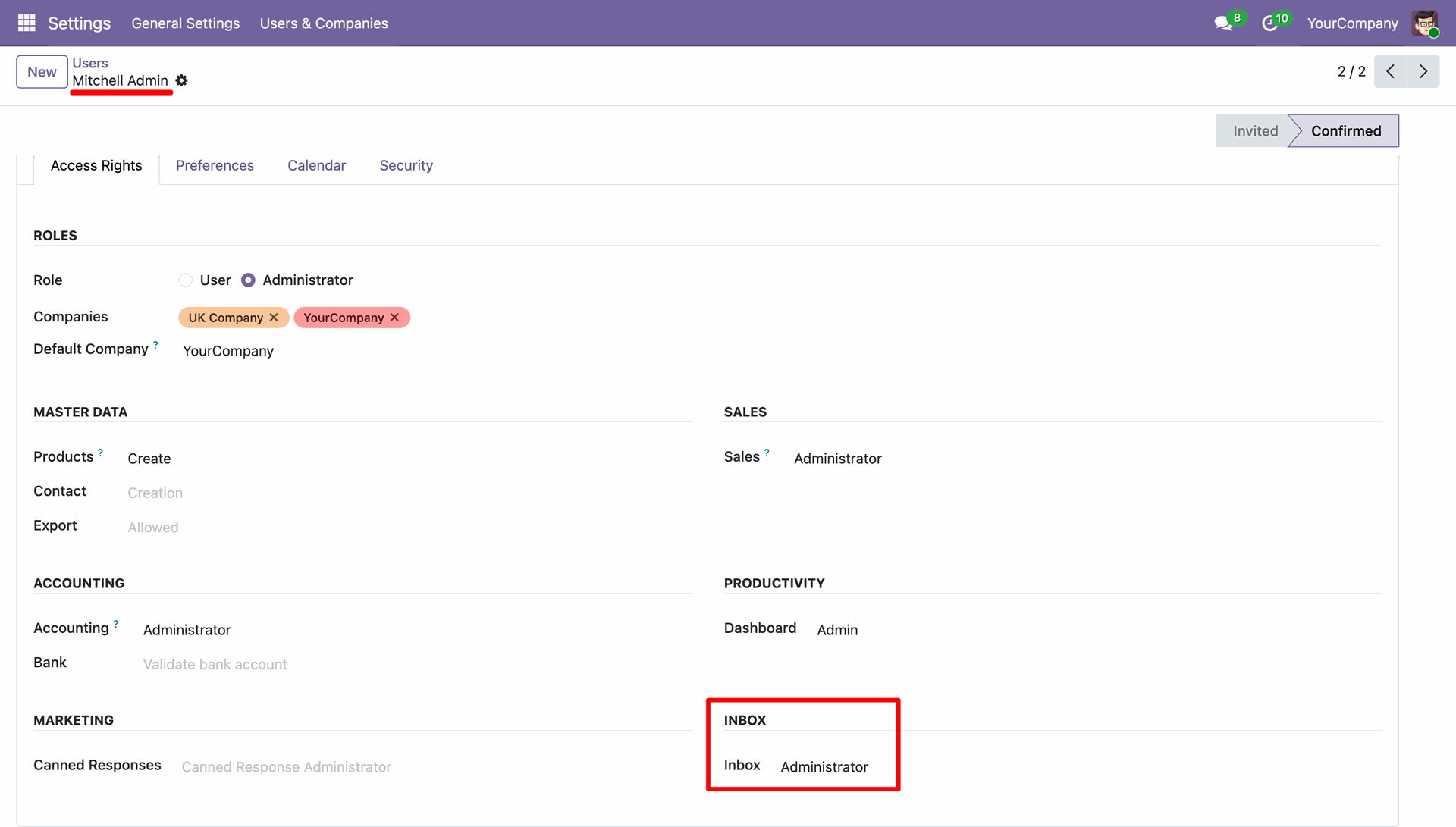
Set the user as the Inbox Administrator.
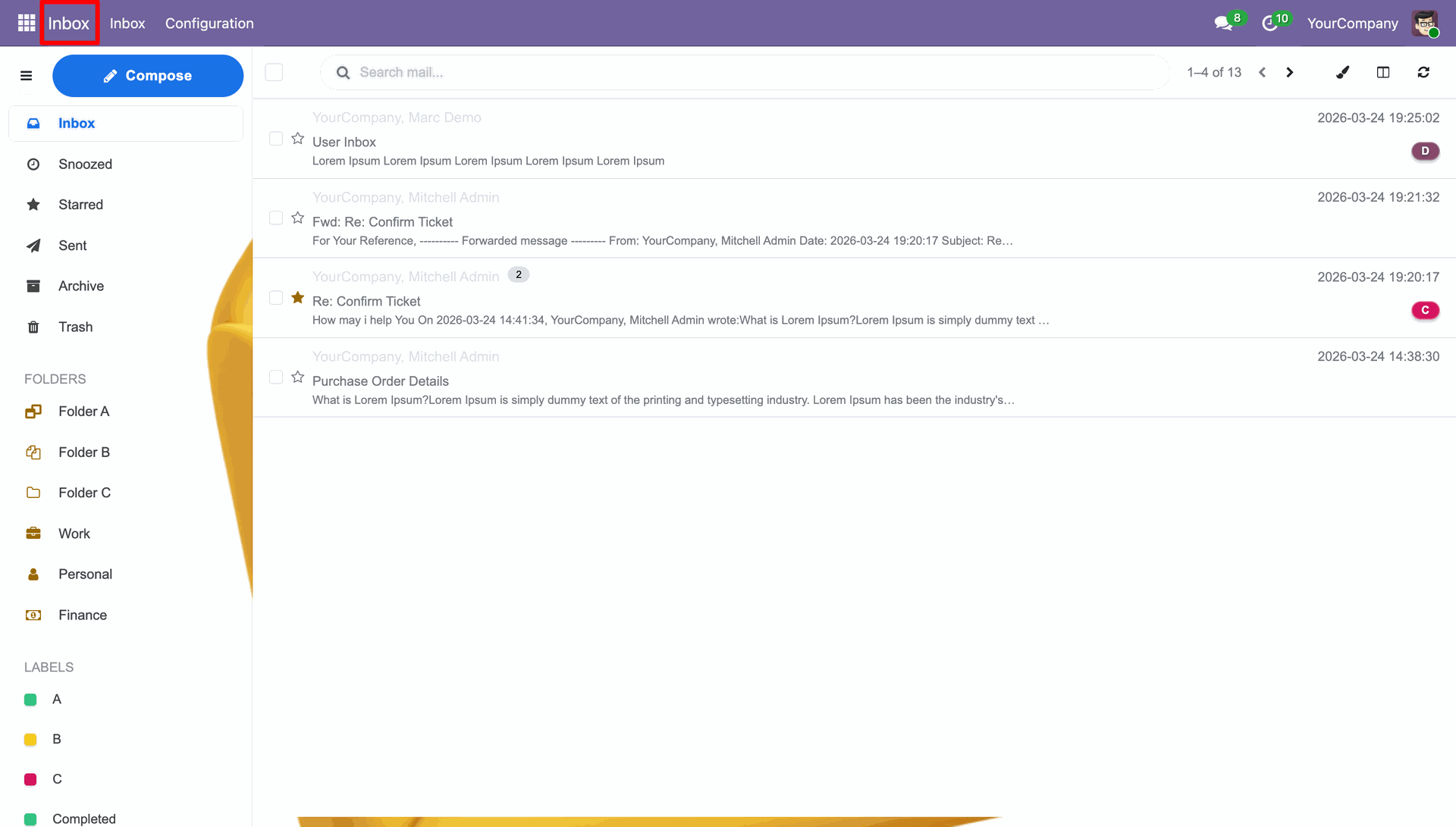
Mail Inbox View.
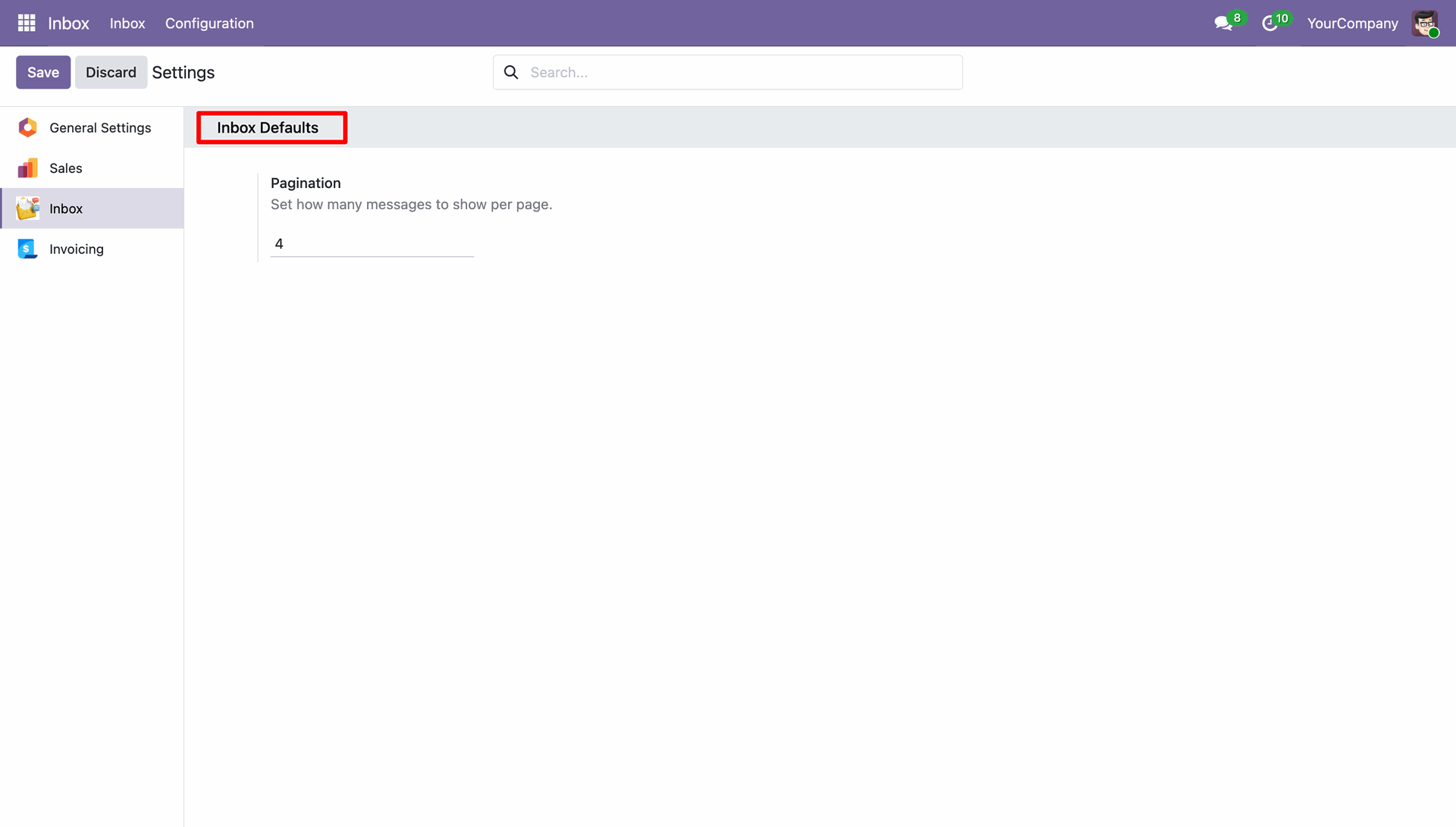
You can set how many messages to show per page in settings.
Navigate to Configurations => Themes.
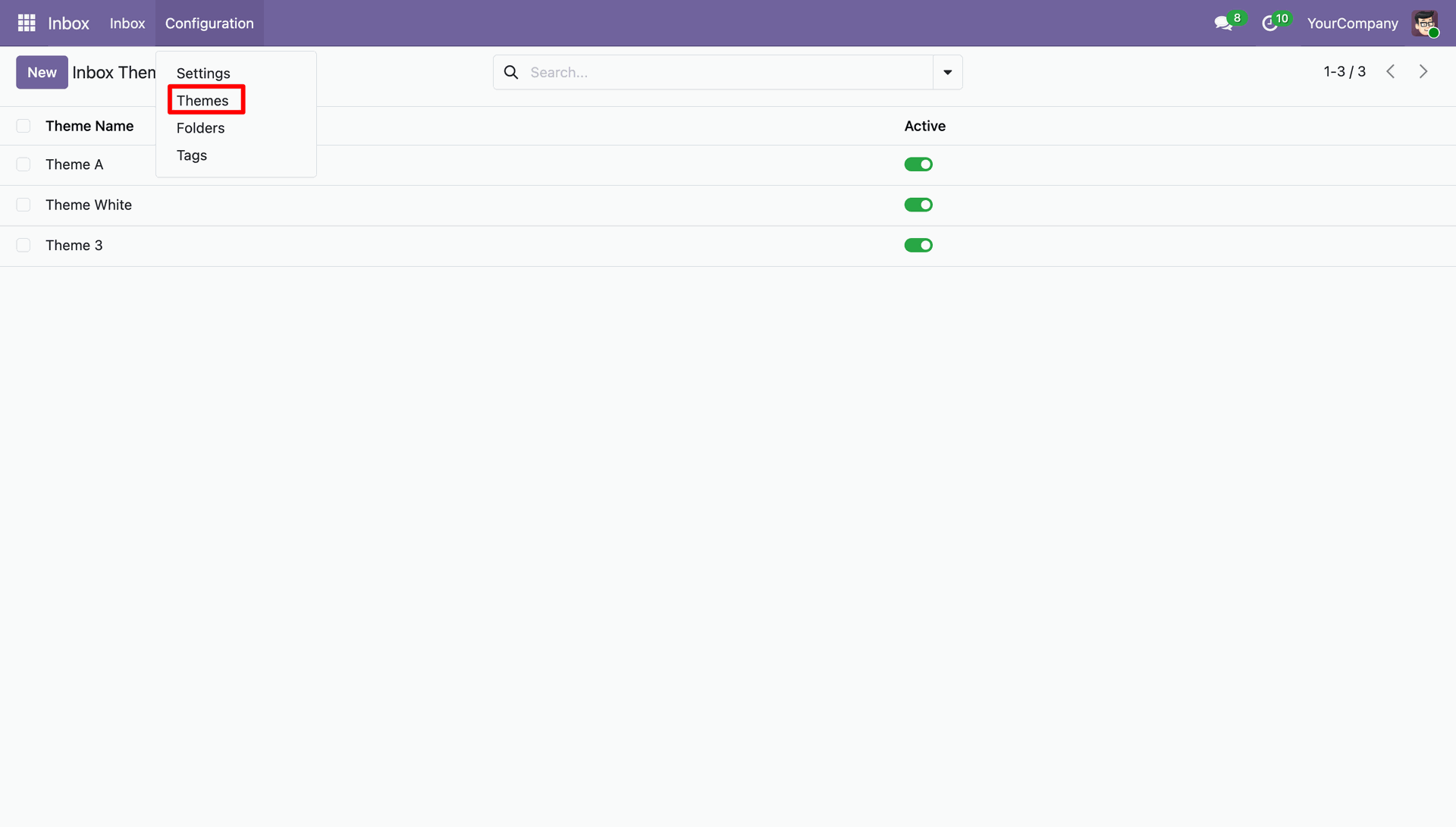
Here you can create a new theme by setting its opacity, colour and name.
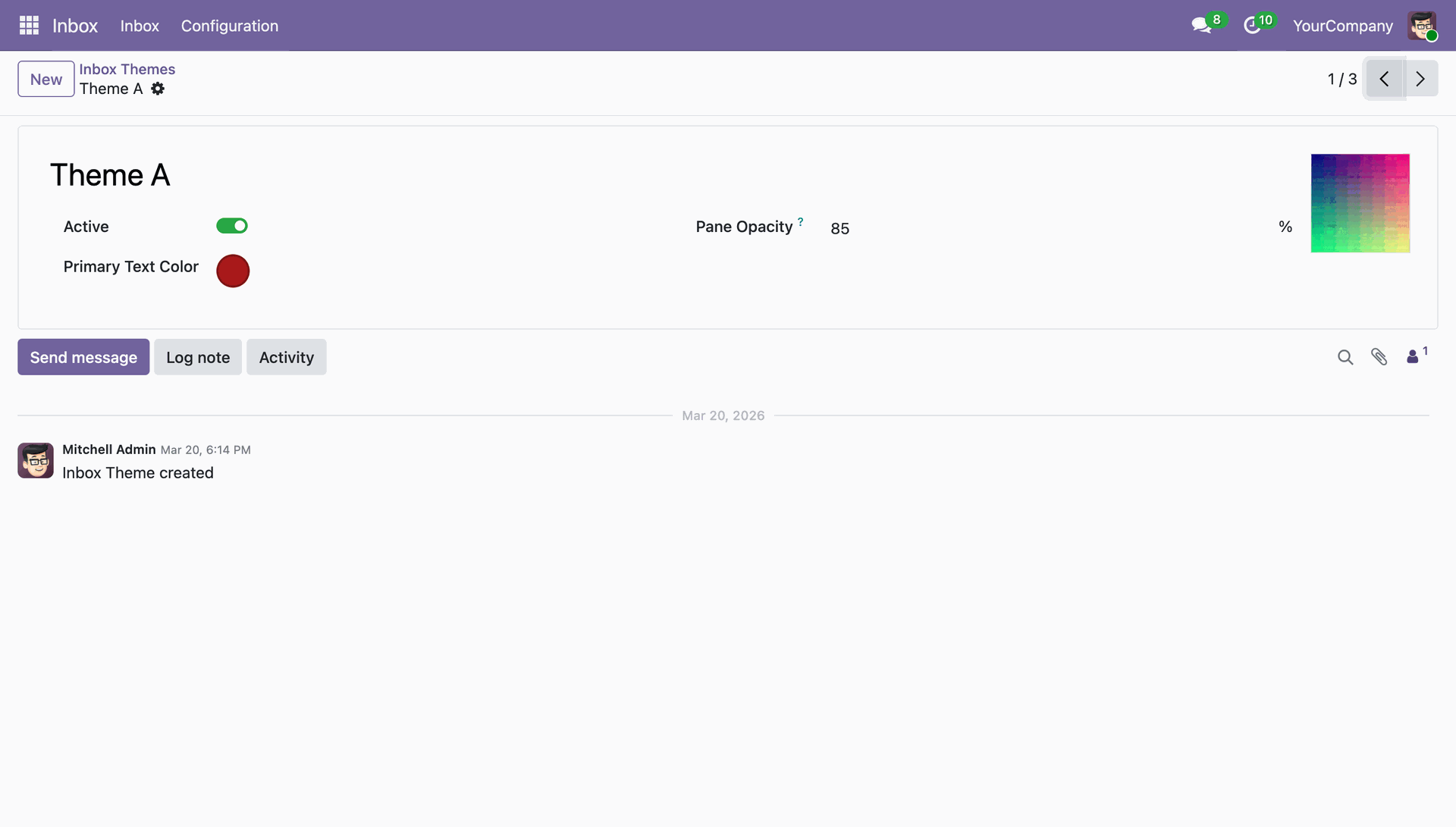
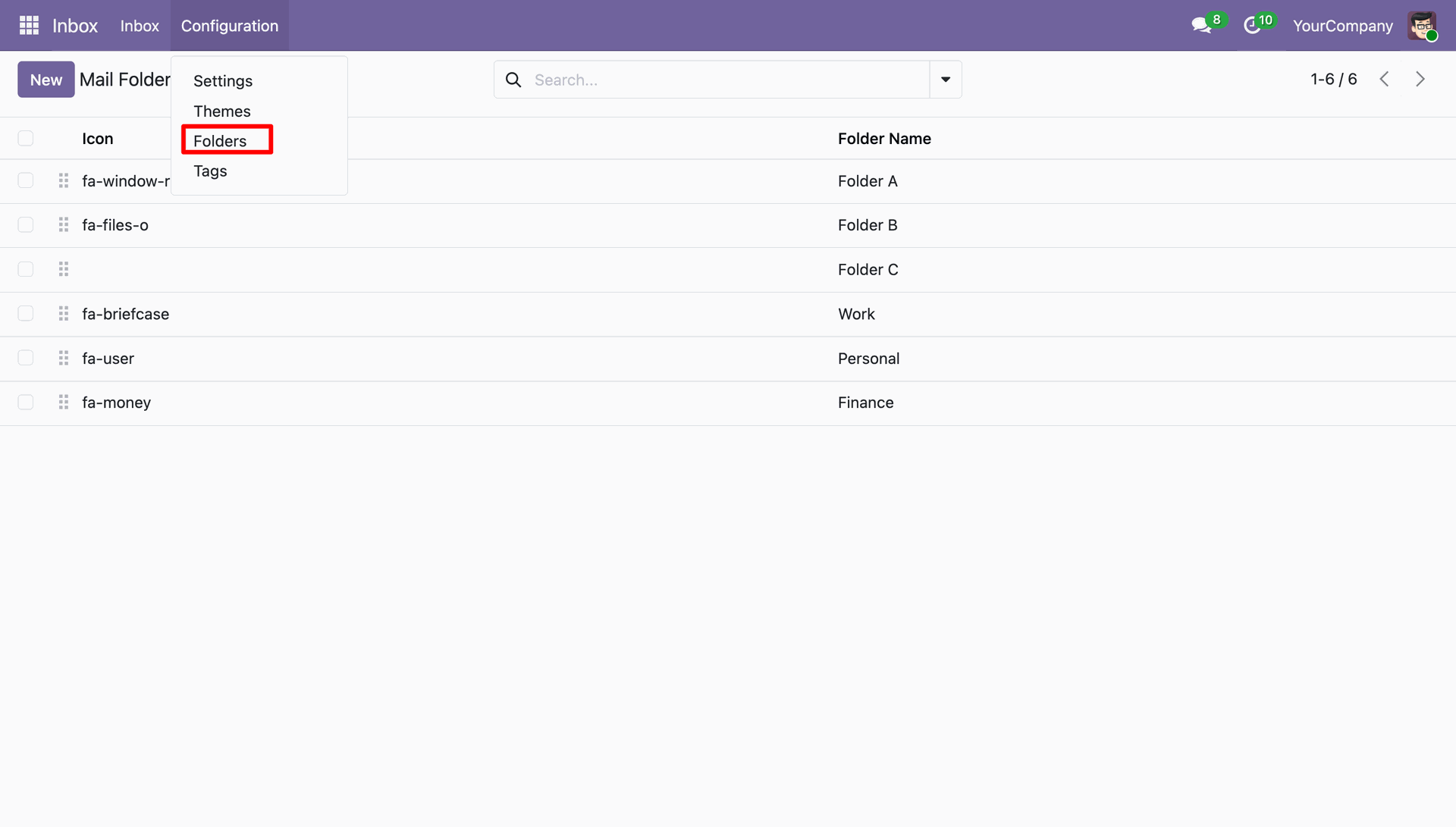
Navigate to Configurations => Folders.
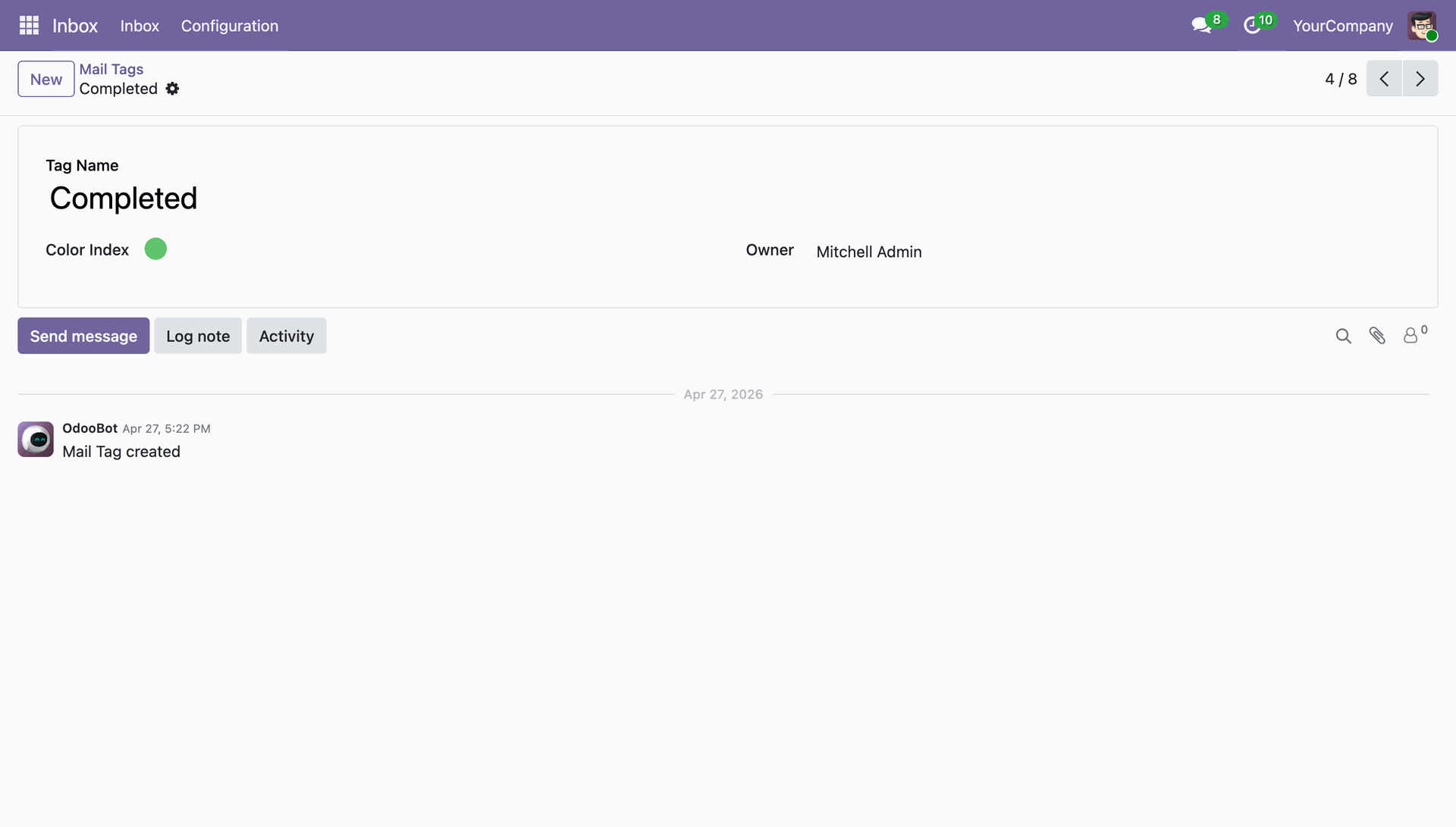
Navigate to Configurations => Tags.
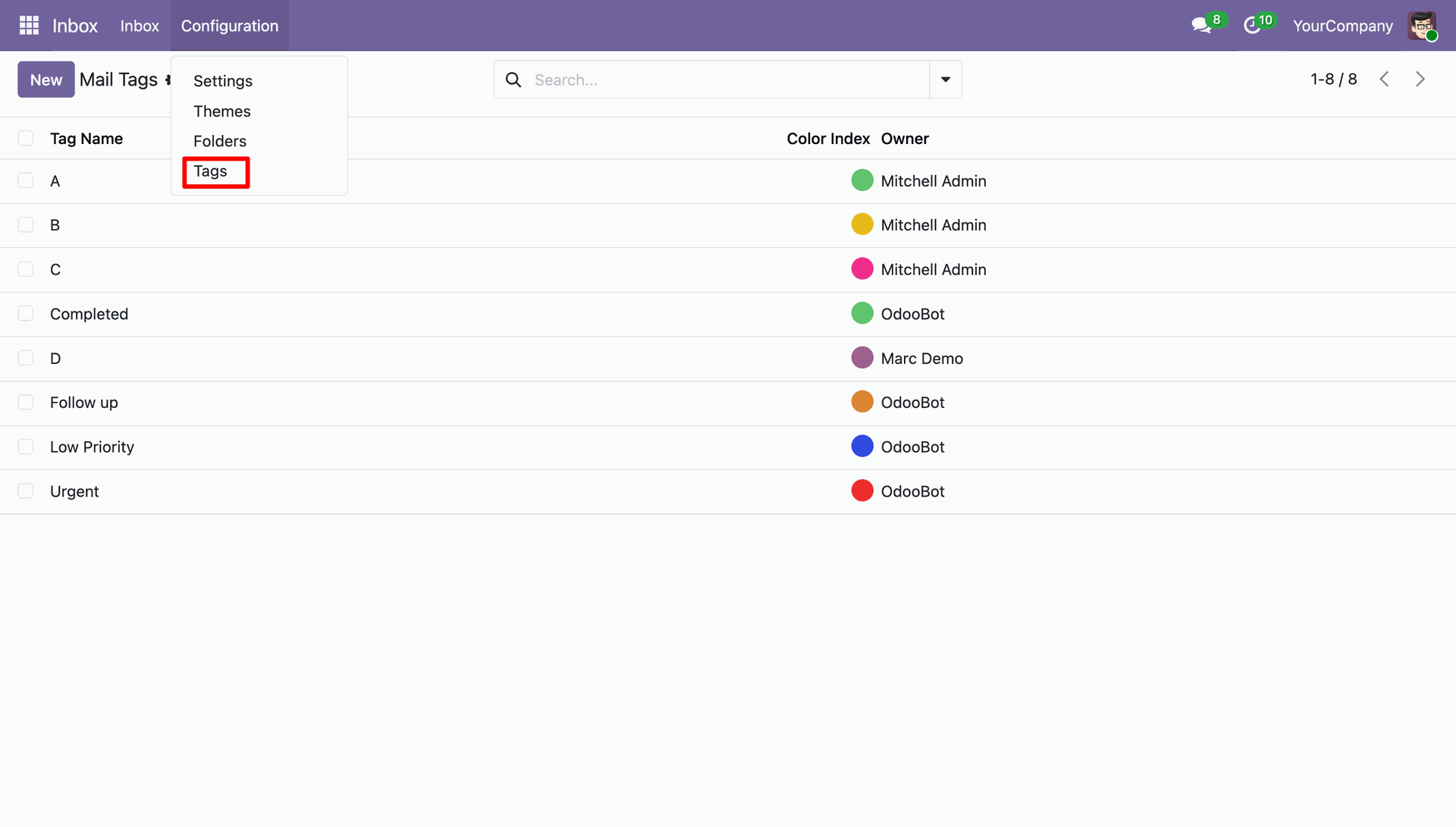
You can create tags based on colour, name and owner.
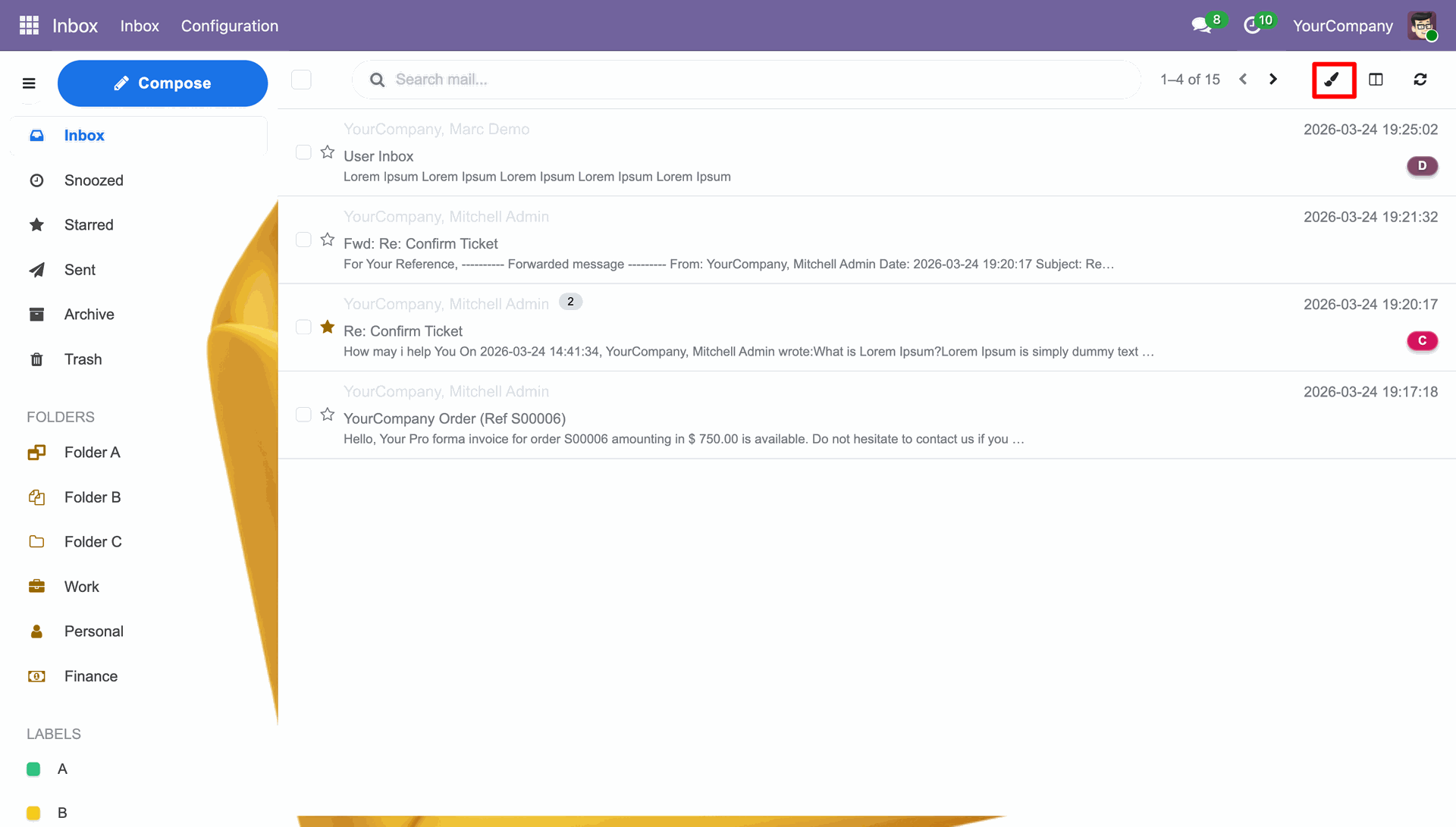
Click on the paint brush icon to select the theme.
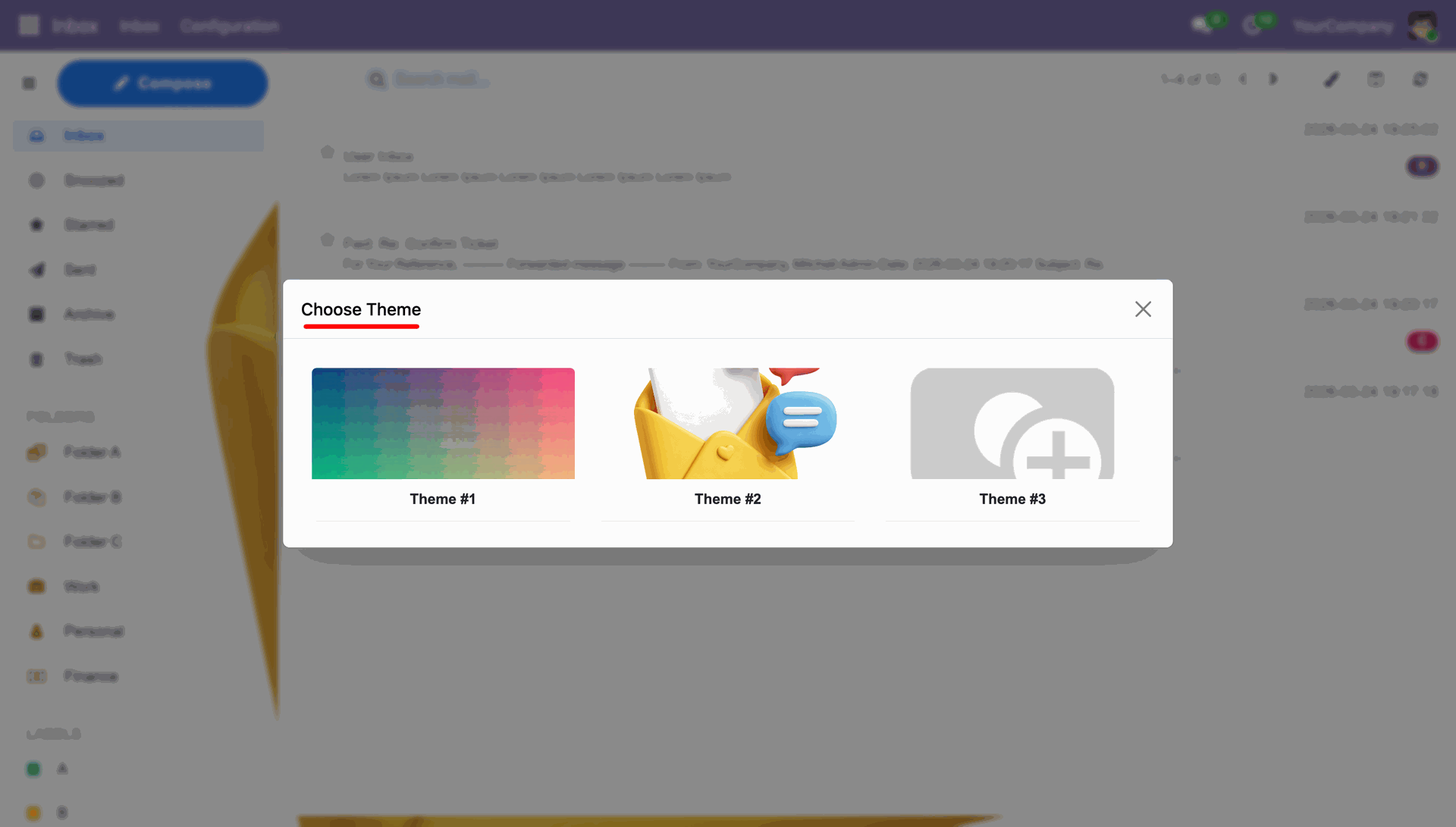
Choose the desired theme from the available themes.
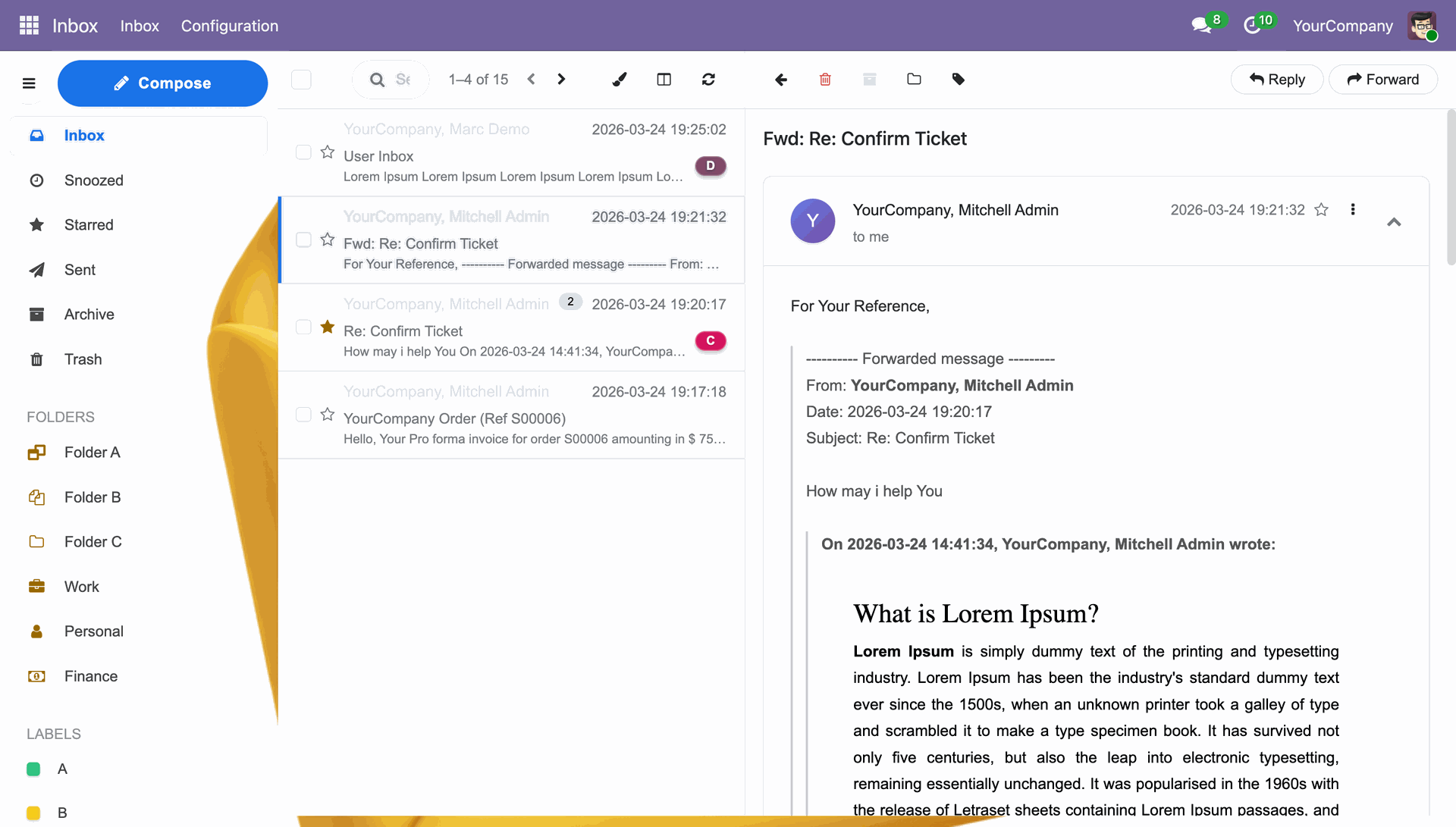
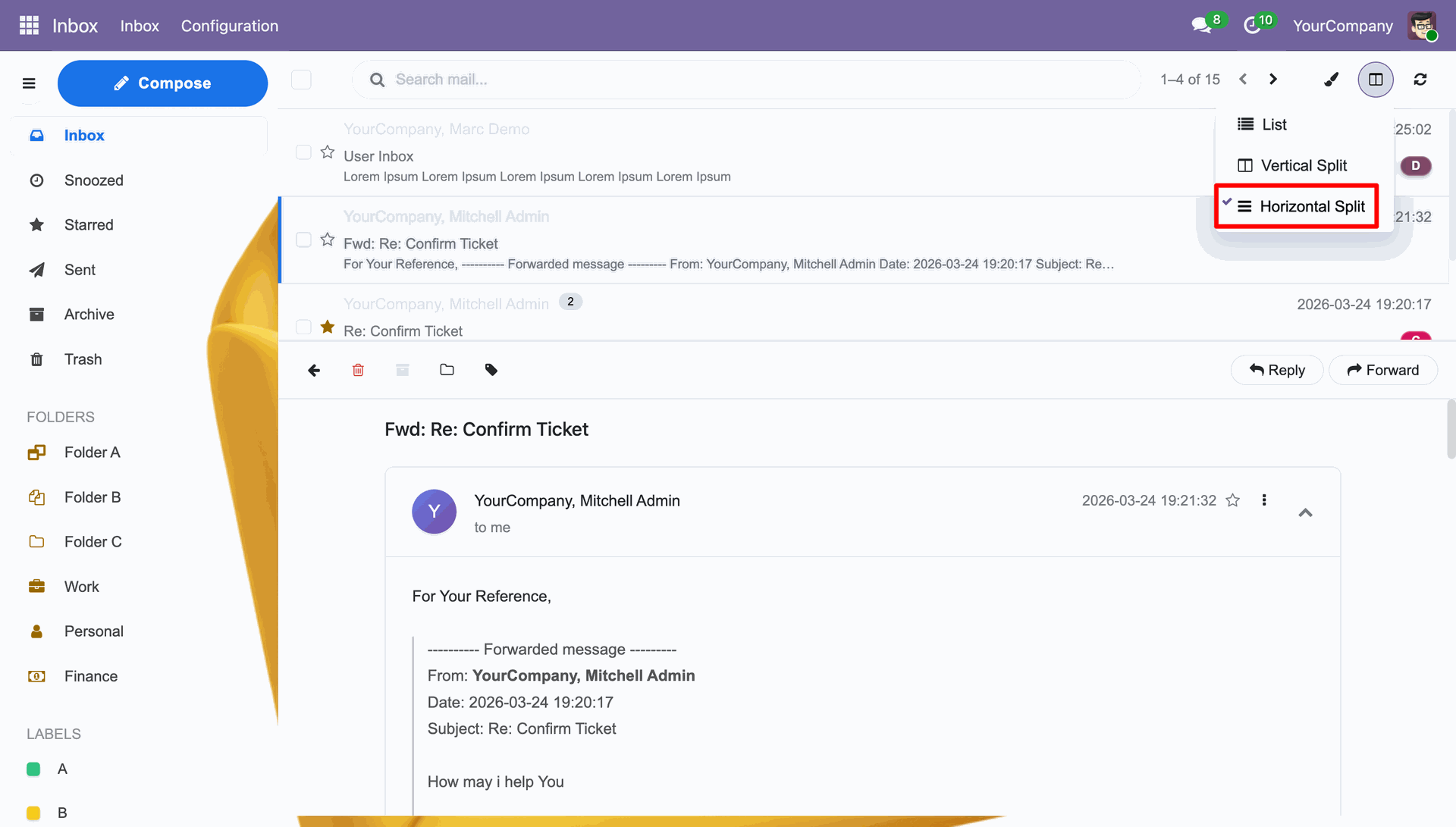
Click the split icon on the top right corner and you can select from either Vertical or Horizontal Split.
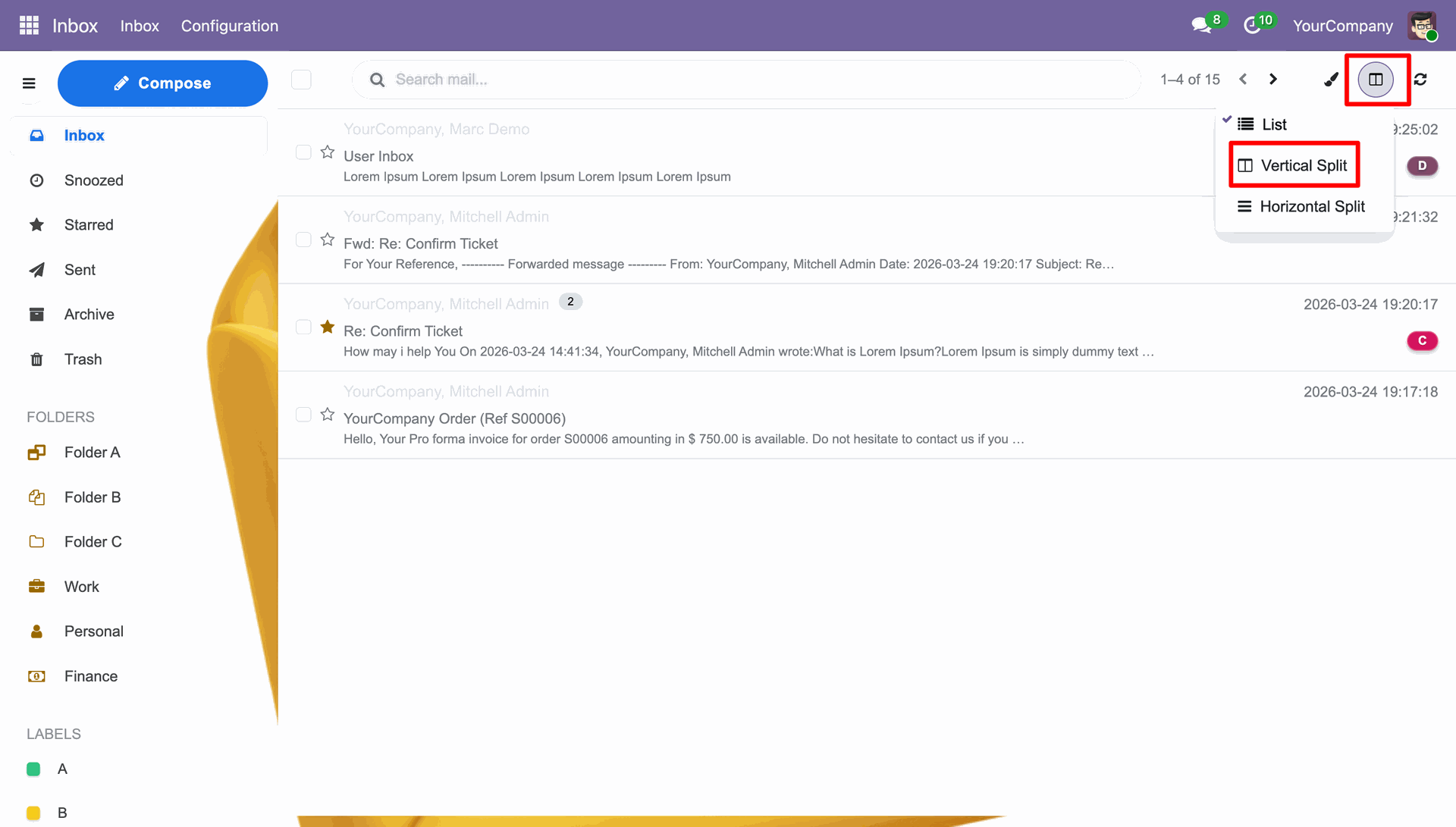
Vertical Split View.
Horizontal Split View.
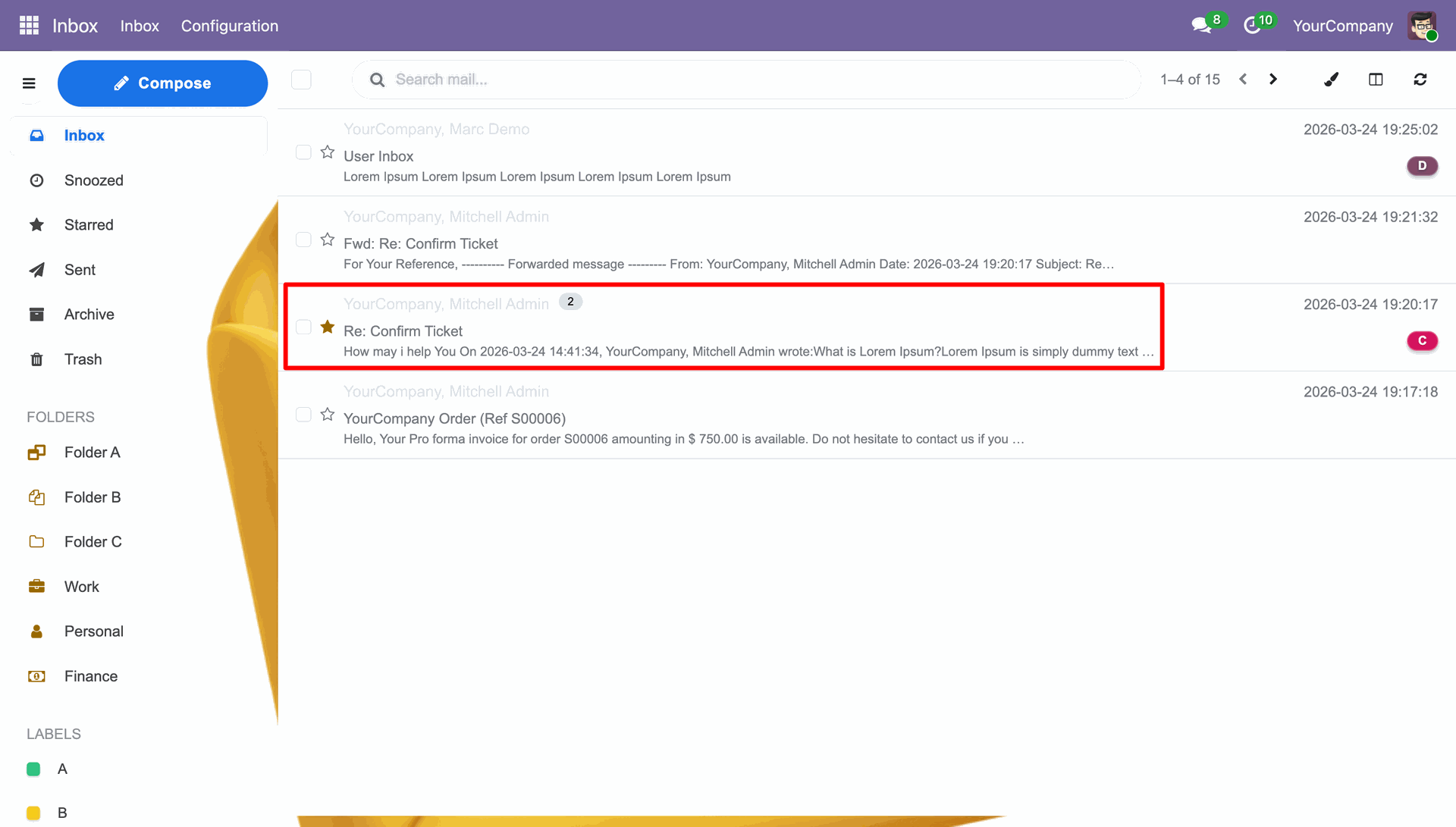
Opening a mail.
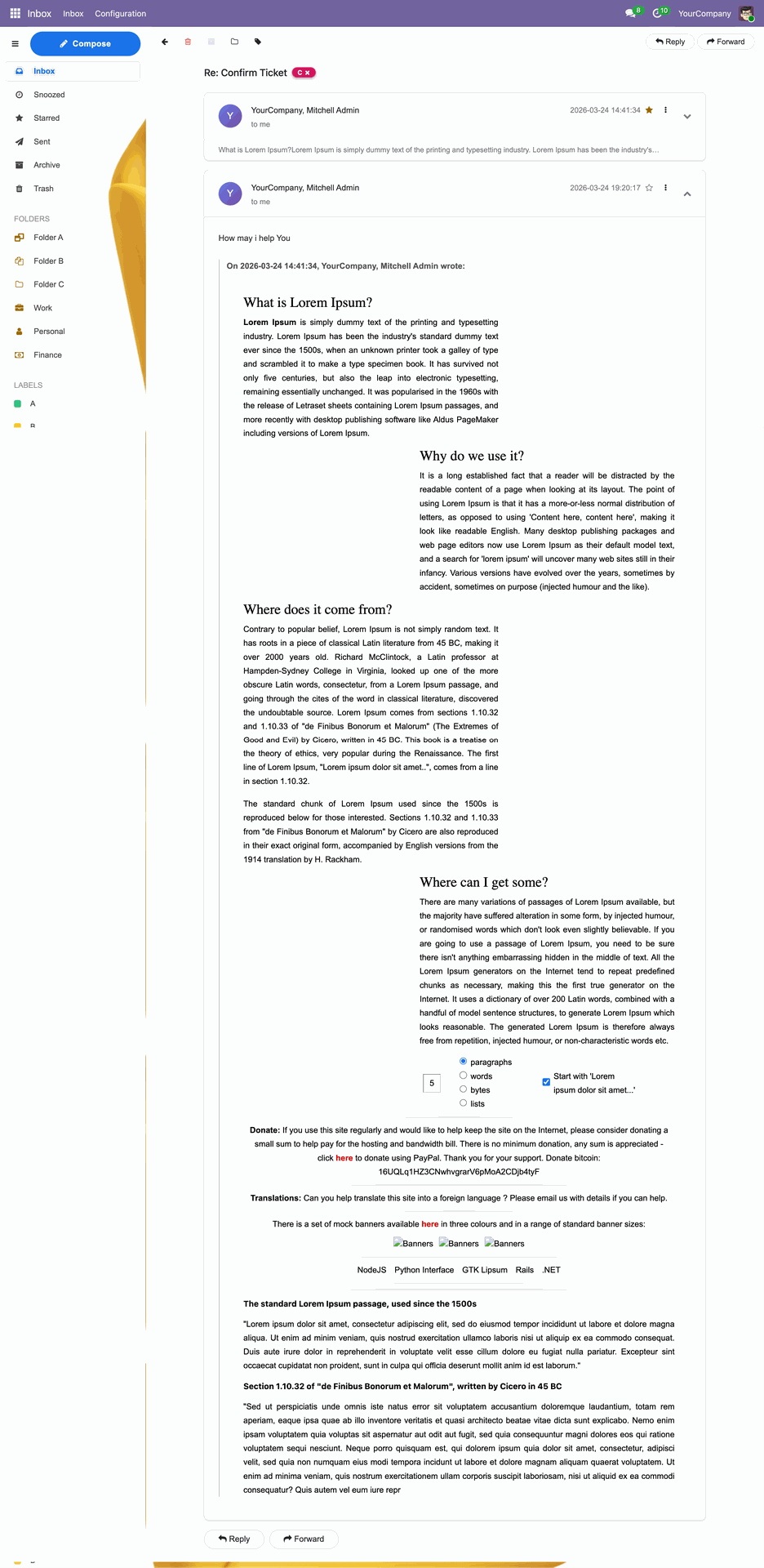
Mail View.
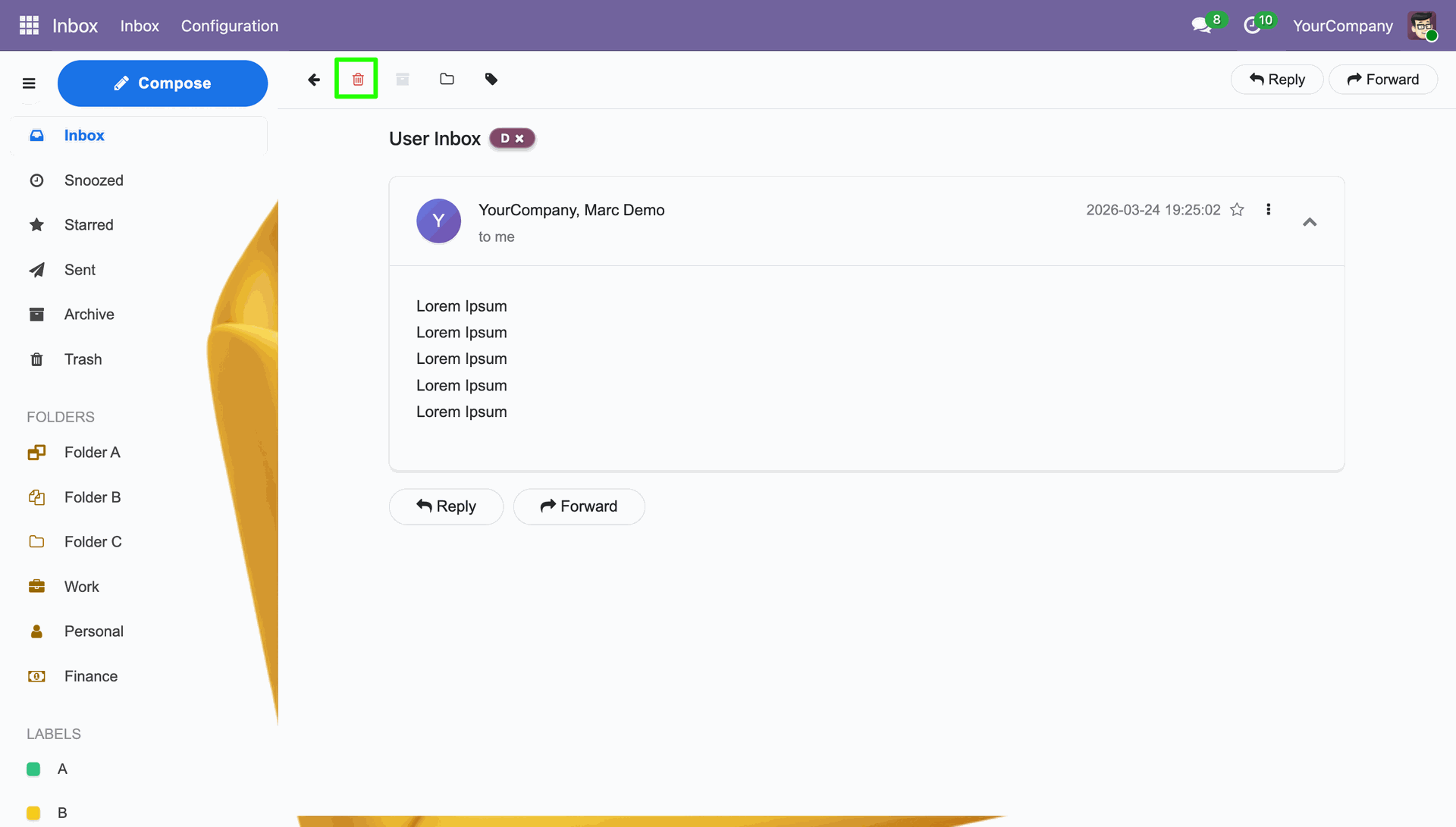
Deleting a mail.
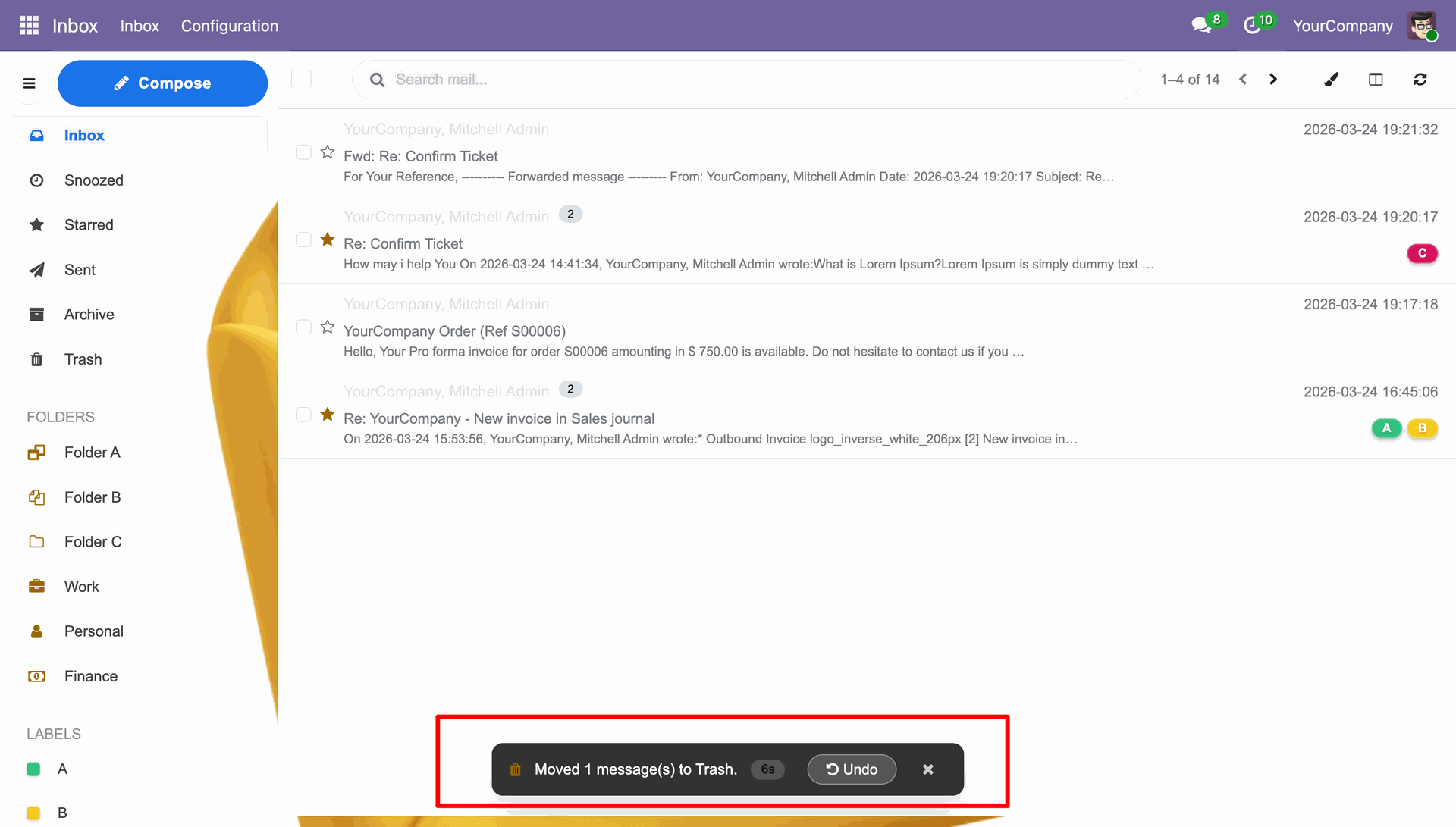
Mail deleted with a deletion message.
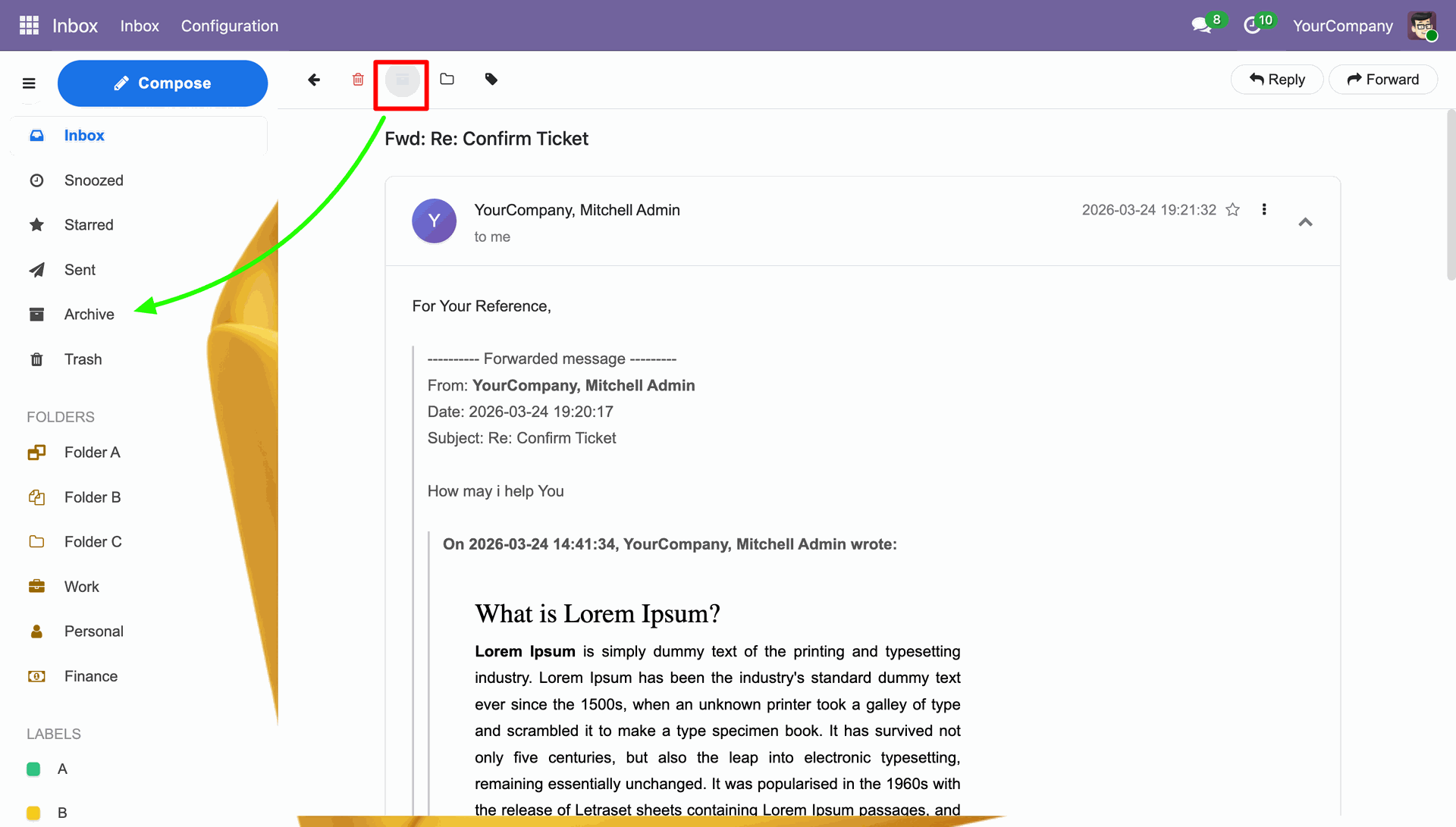
Archiving a mail.
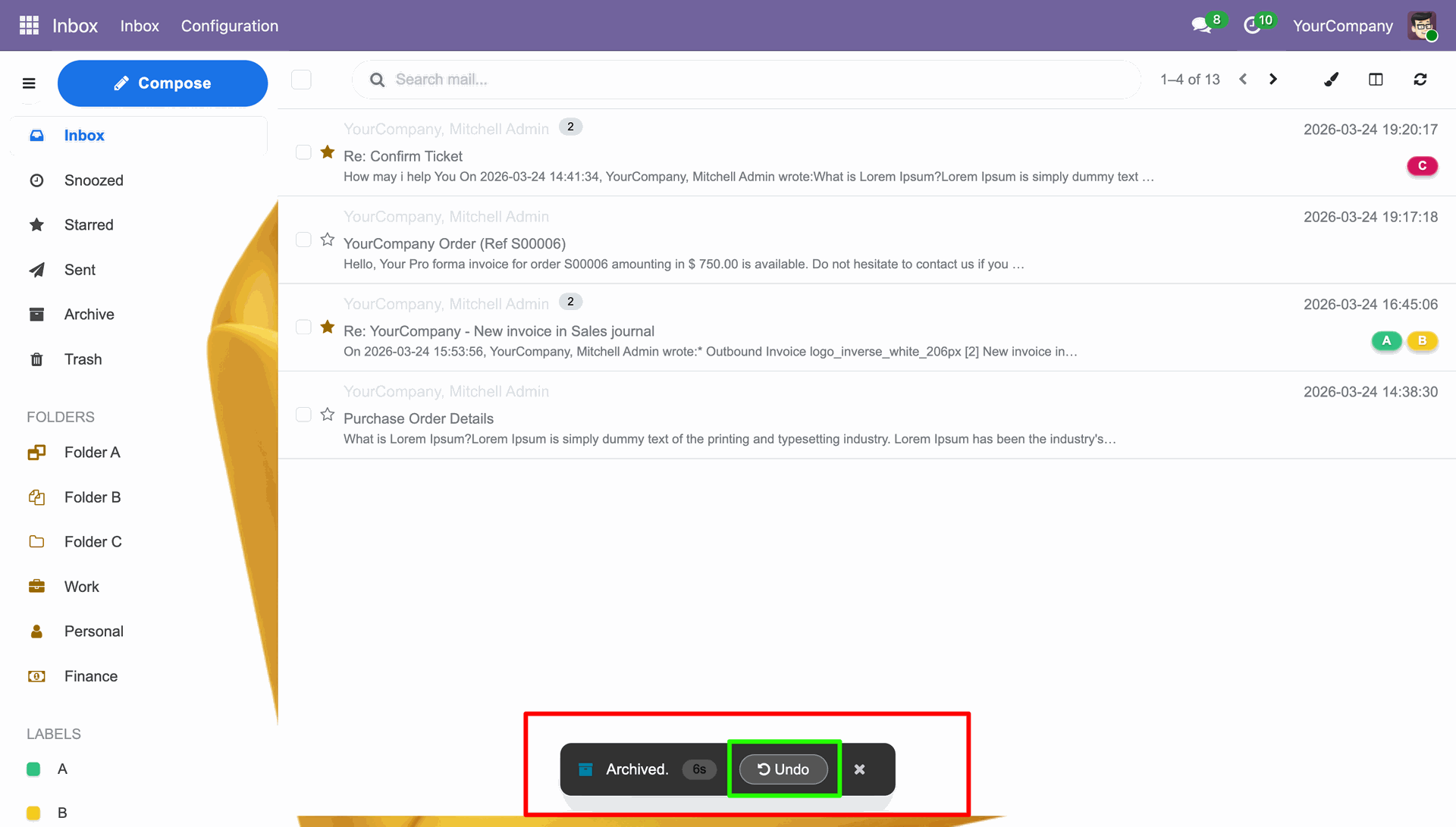
Mail archived with an undo option.
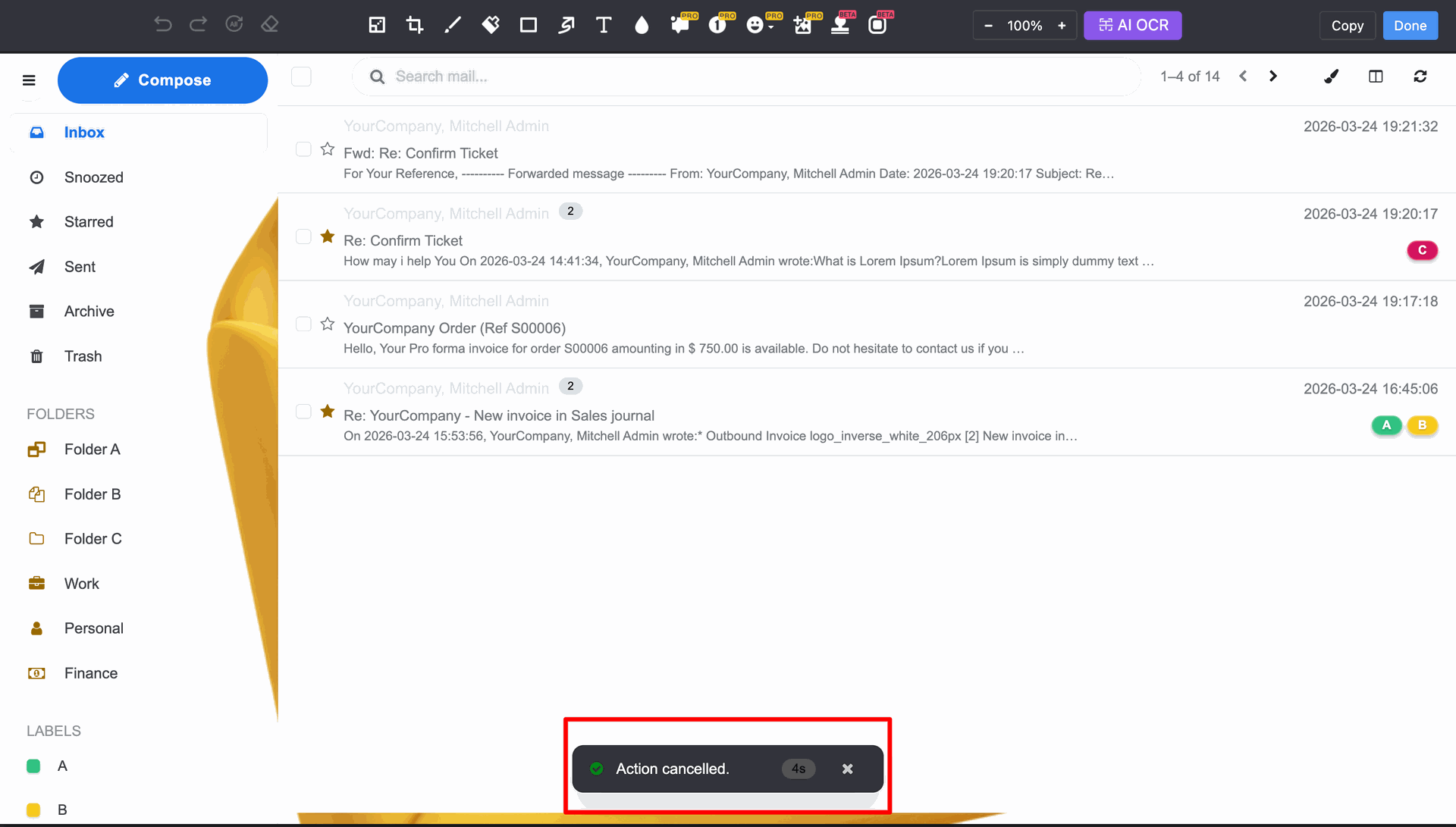
The archiving of the mail cancelled.
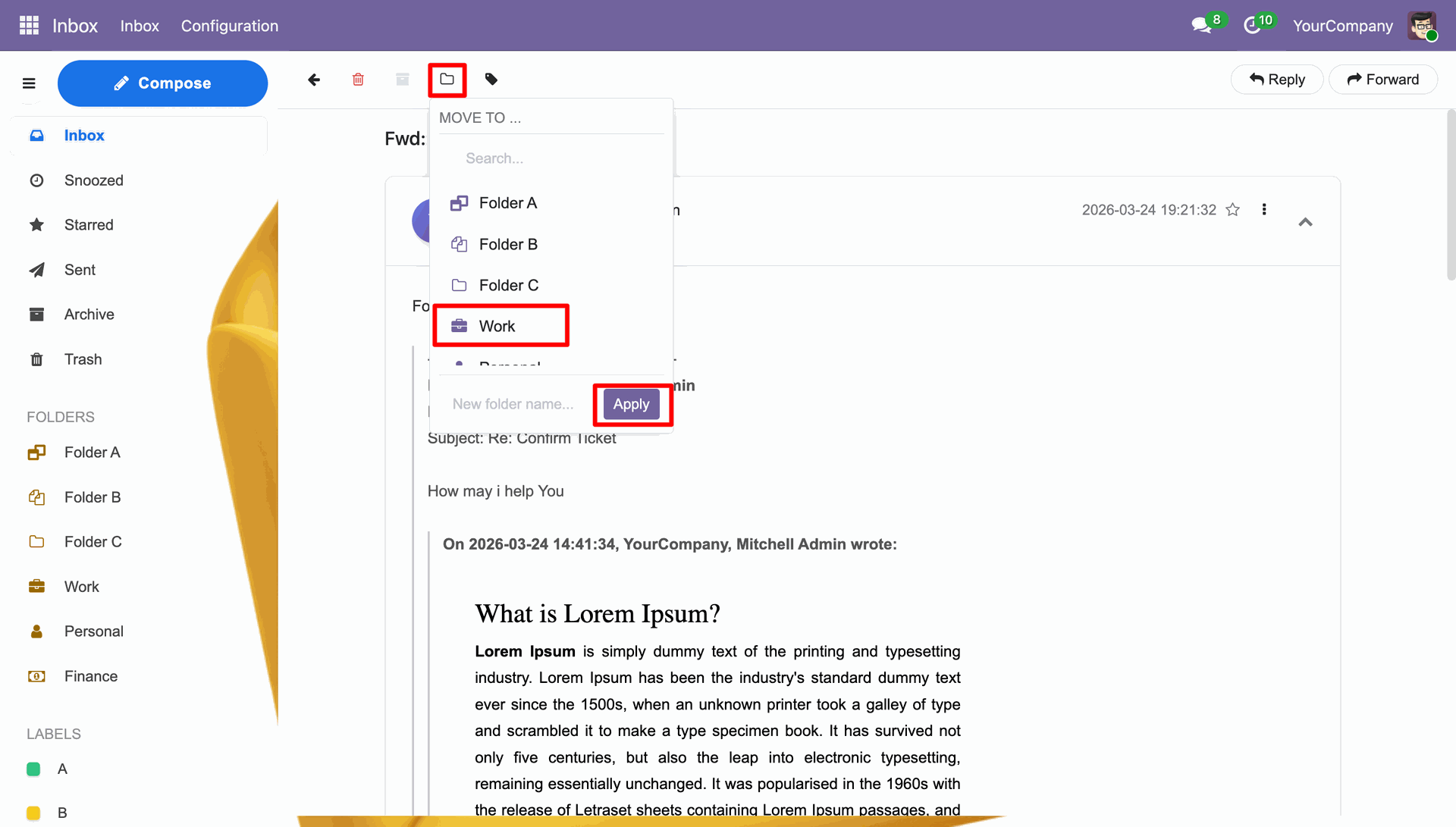
You can move the mails to a particular folder.
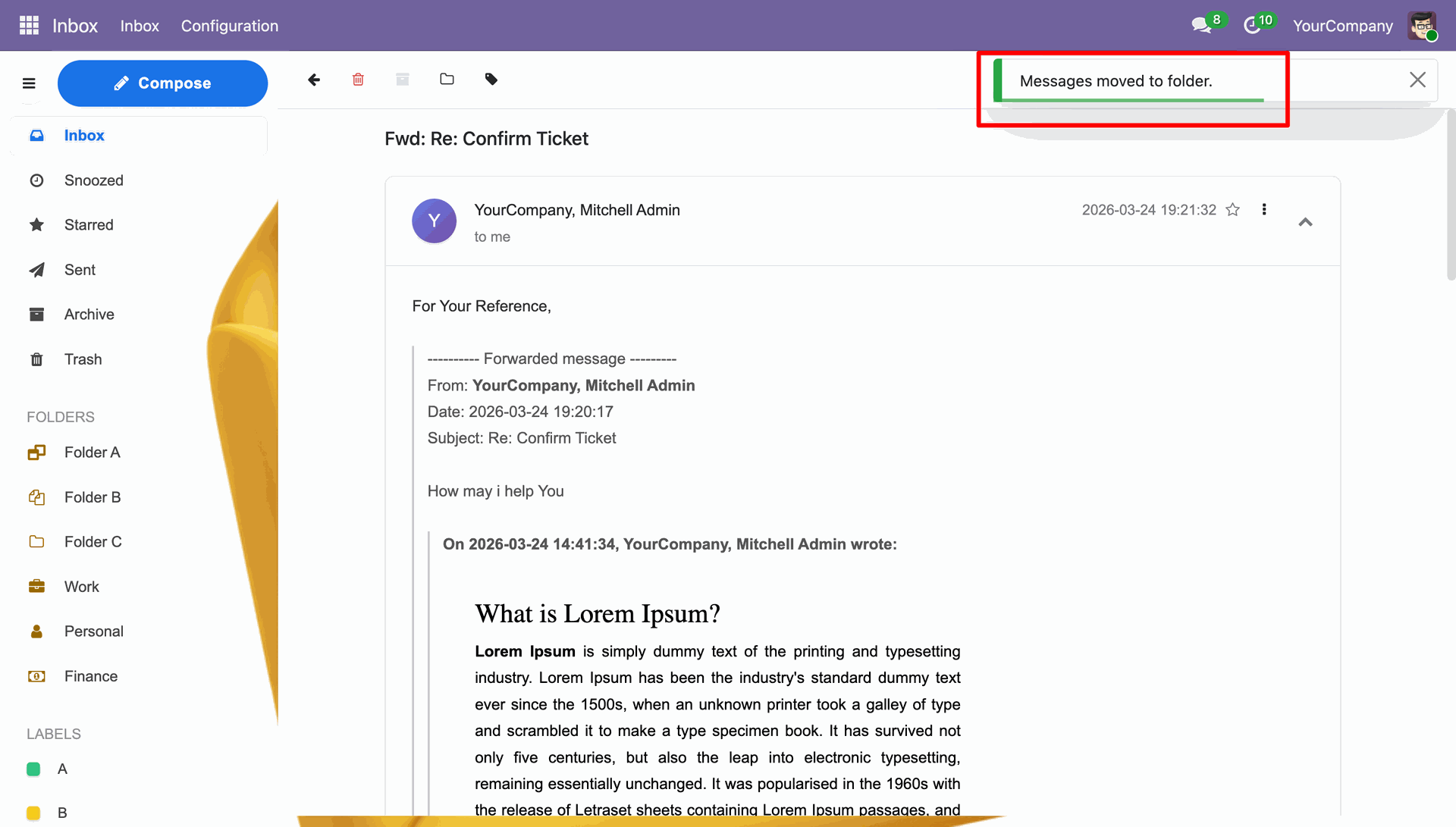
Notification stating that the message moved to a folder.
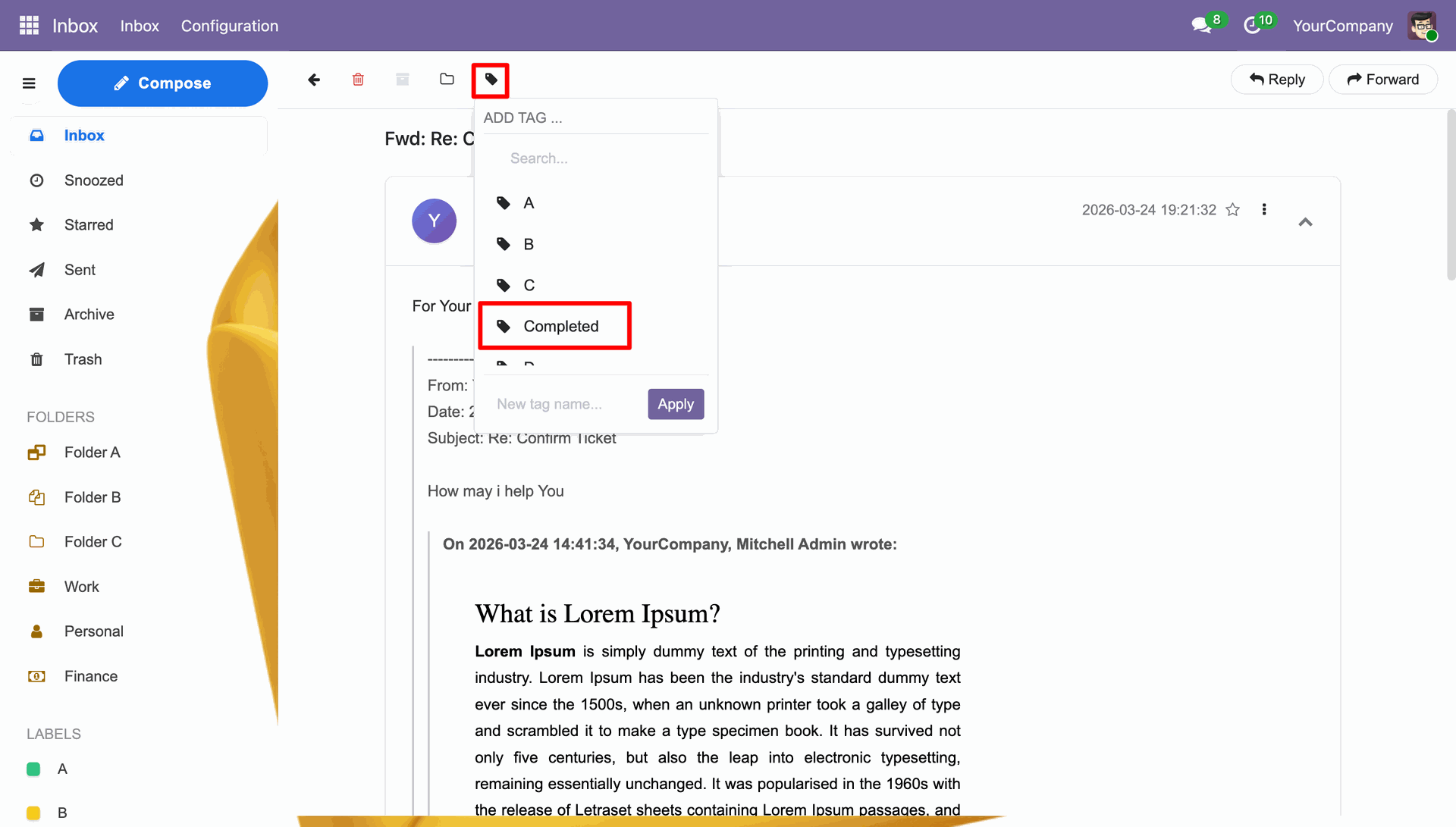
You can add a tag to the mail.
Tag added notification.
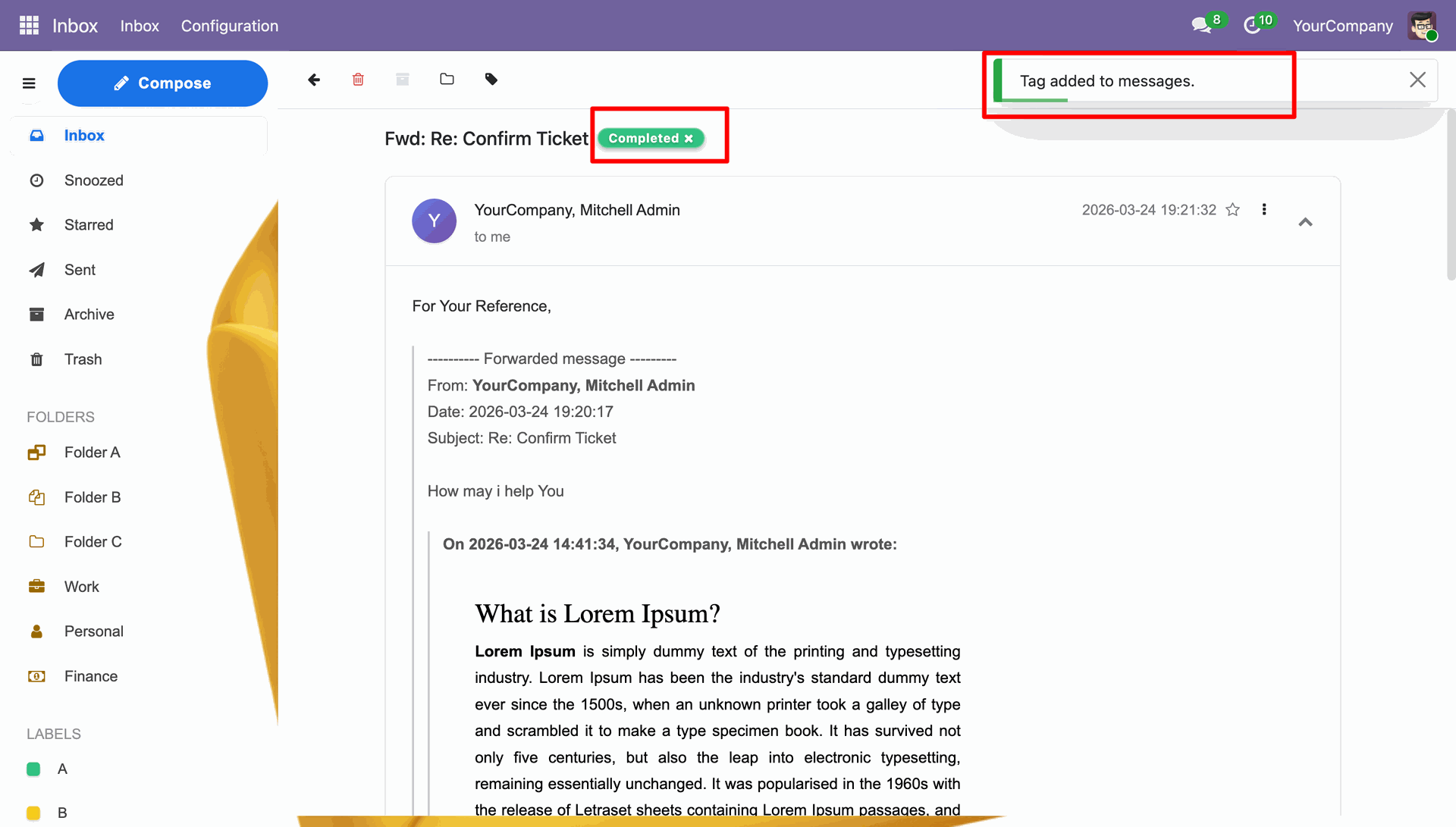
Click the Reply to reply the mail in current mail thread.
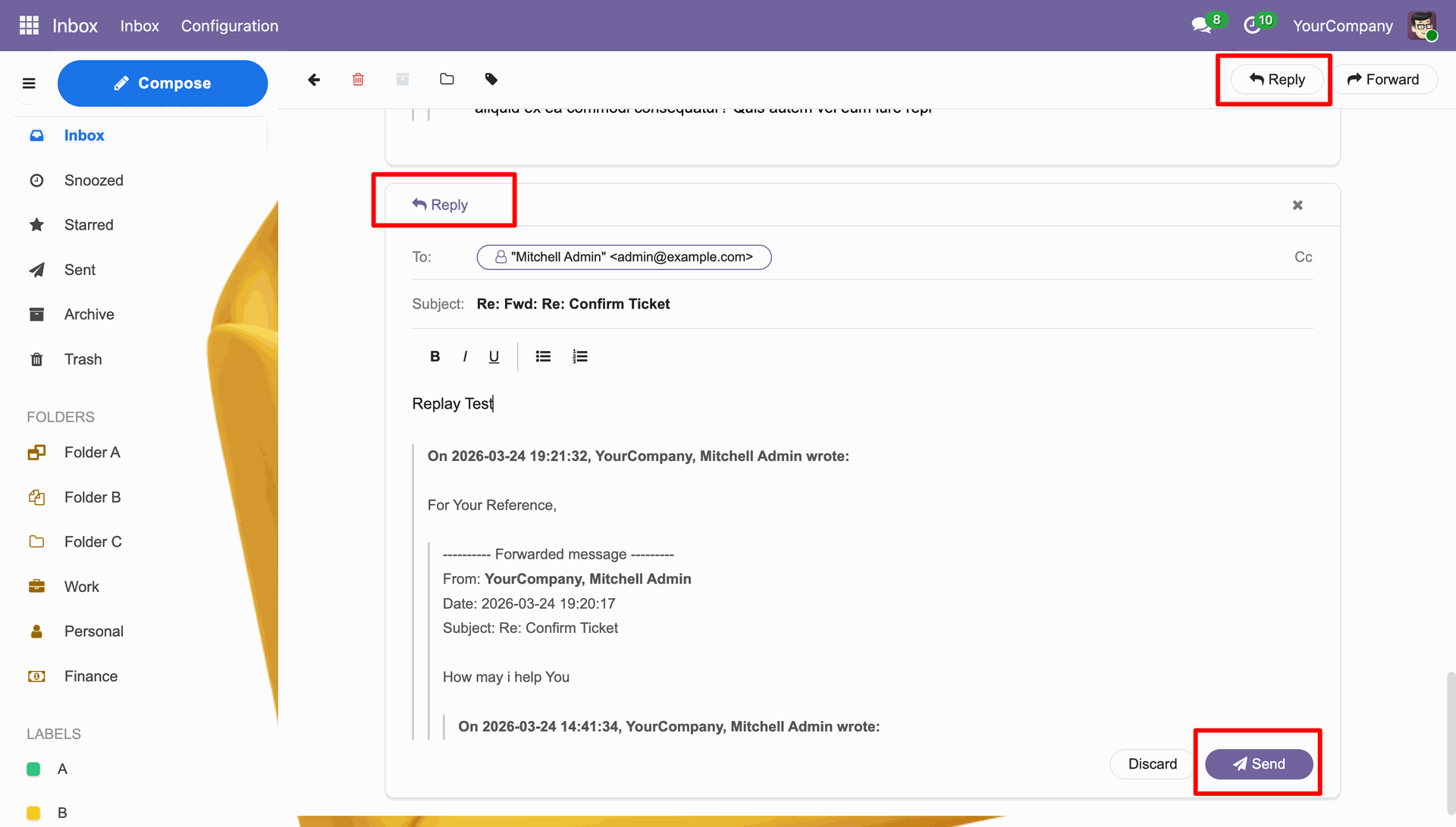
Reply mail view.
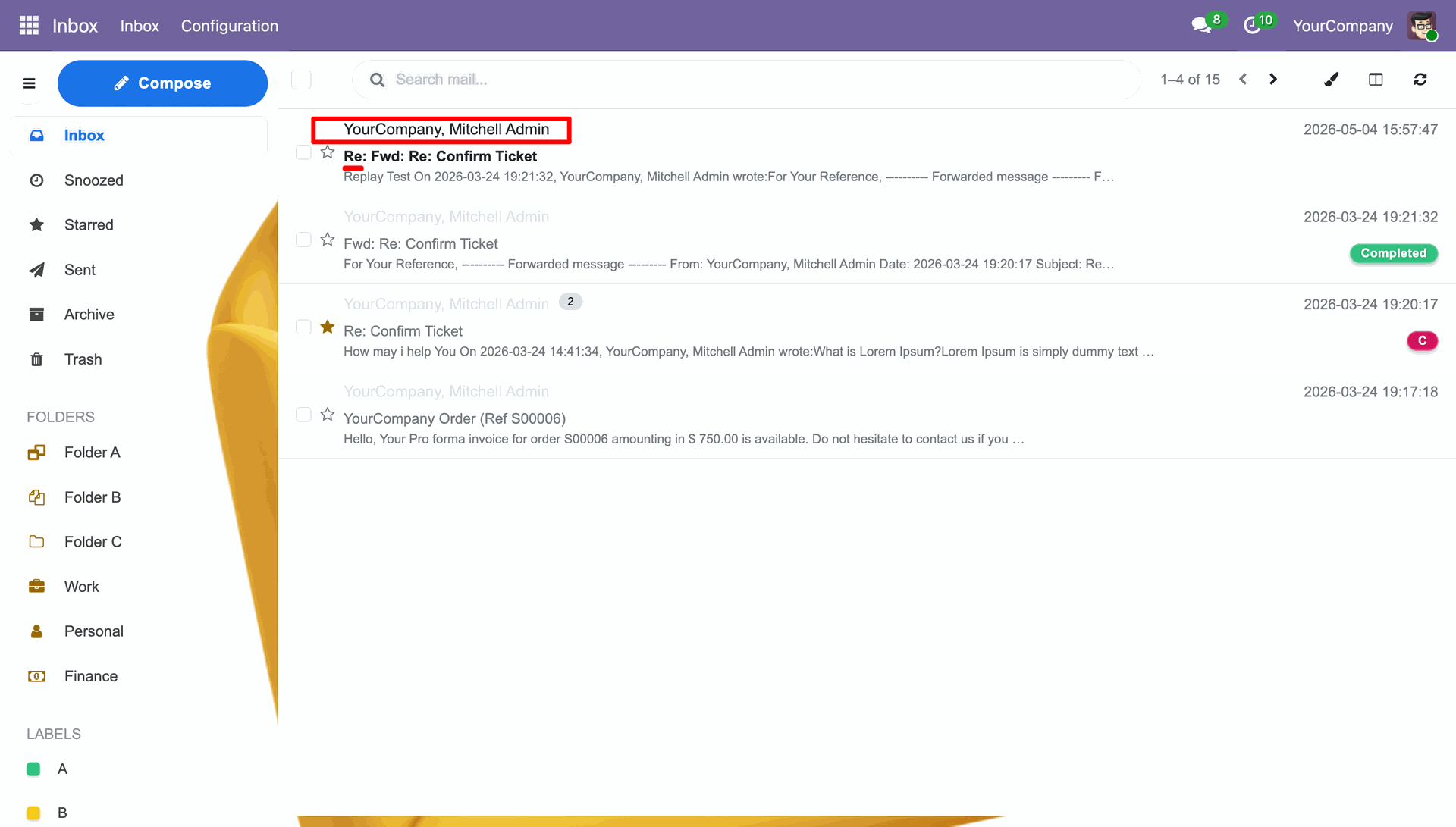
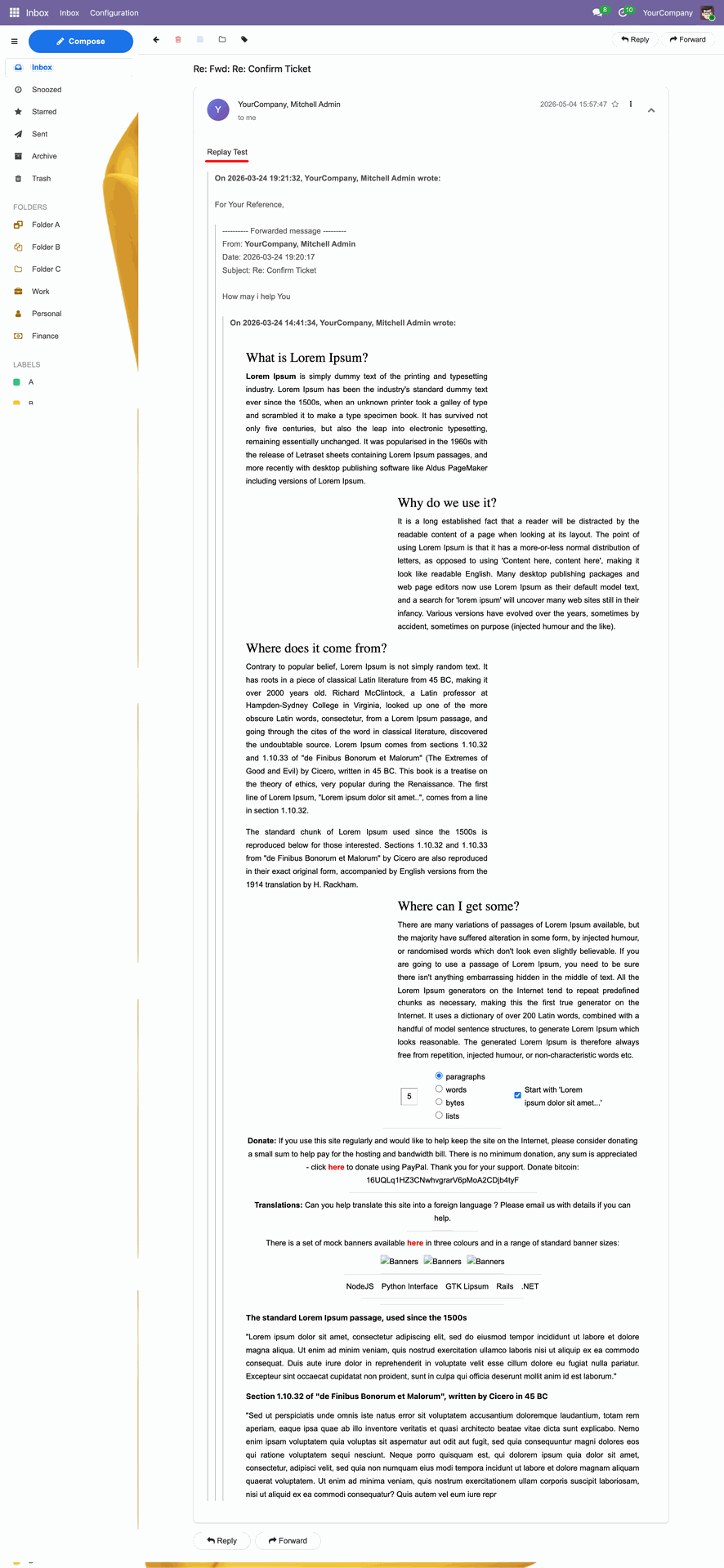
Replied message in the mail.
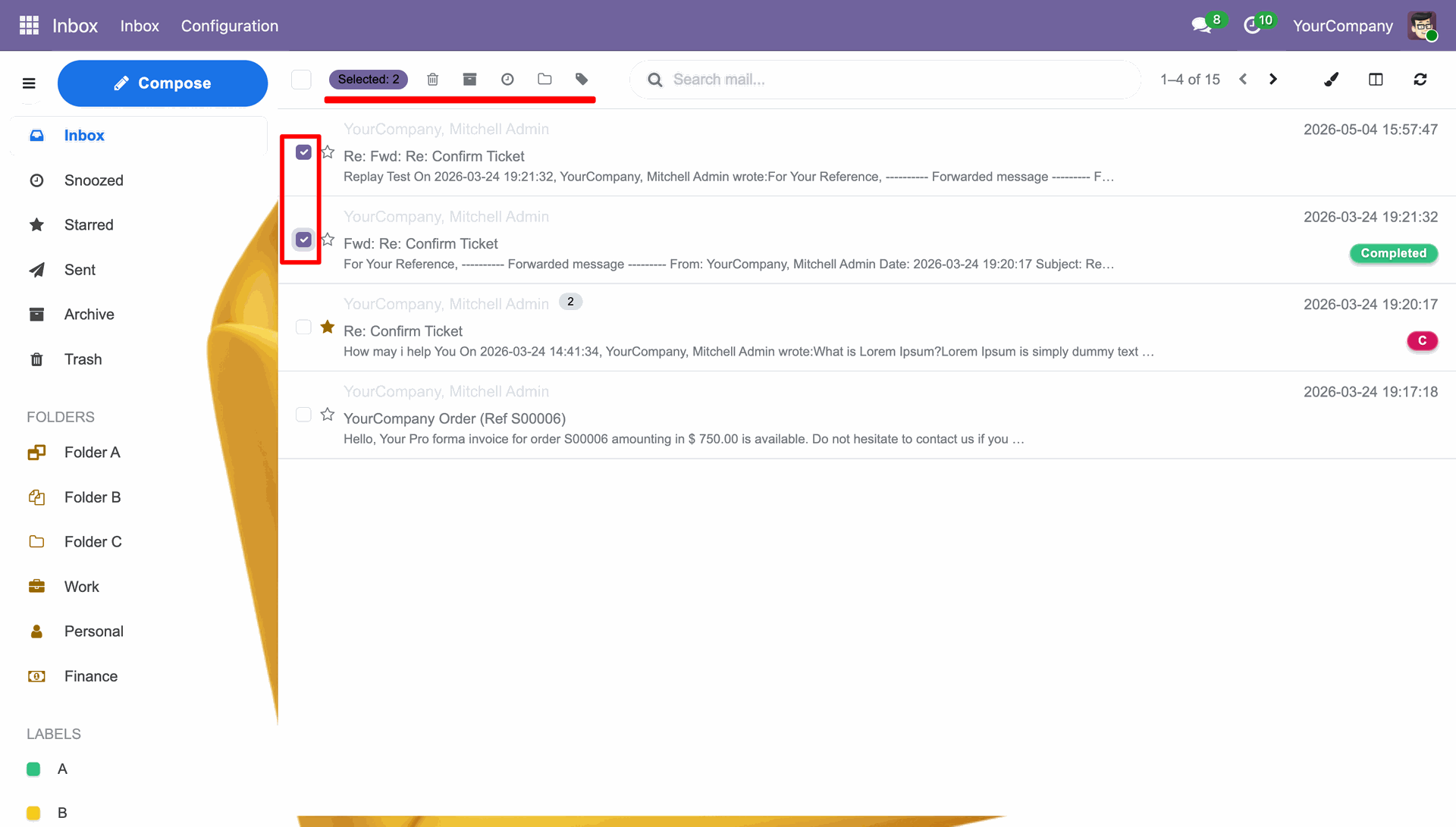
You can multi-select the mails and you can delete, archive, add theme, add tags, etc. at once.
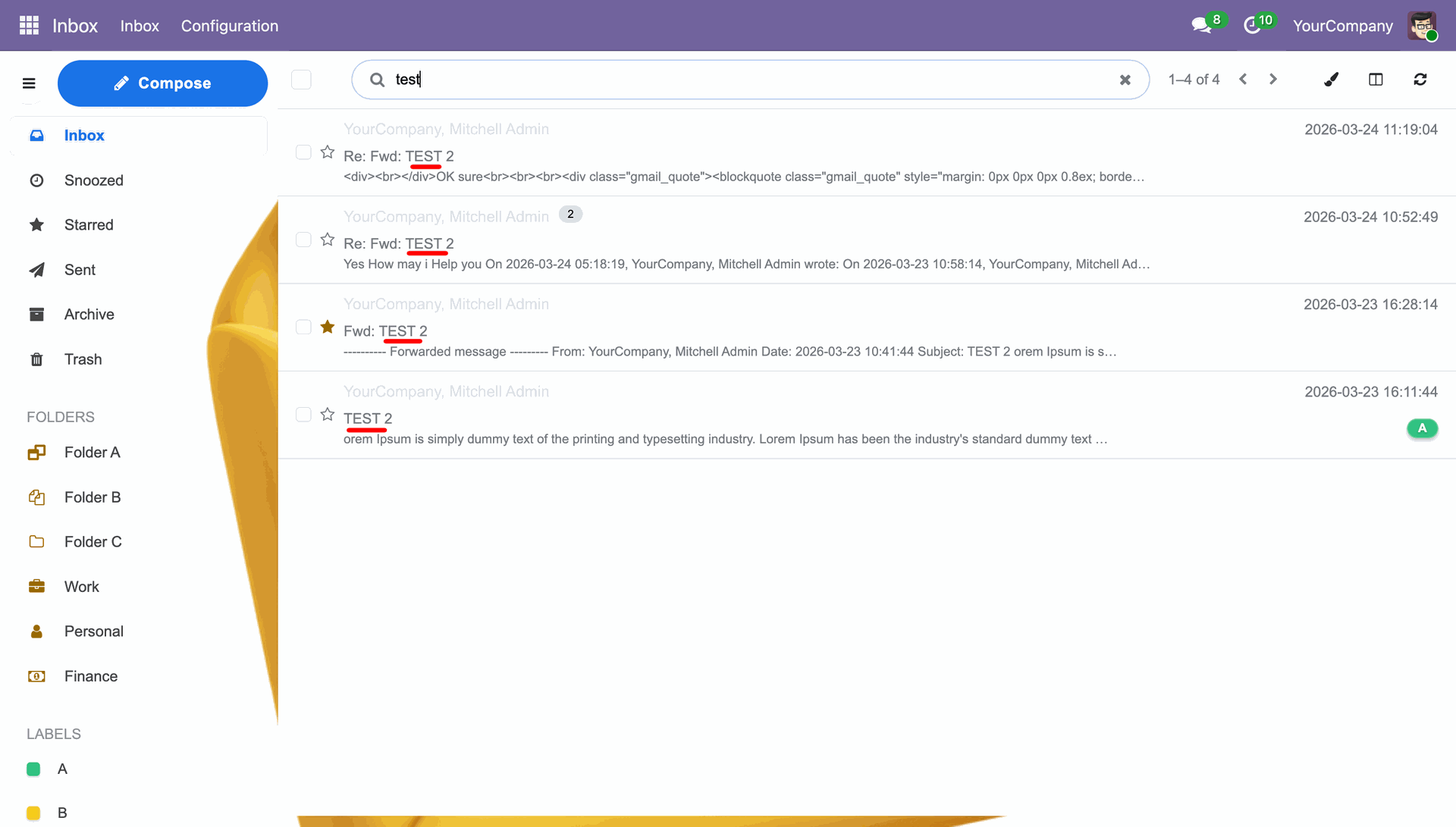
You can search the mail by the words used in the mail.
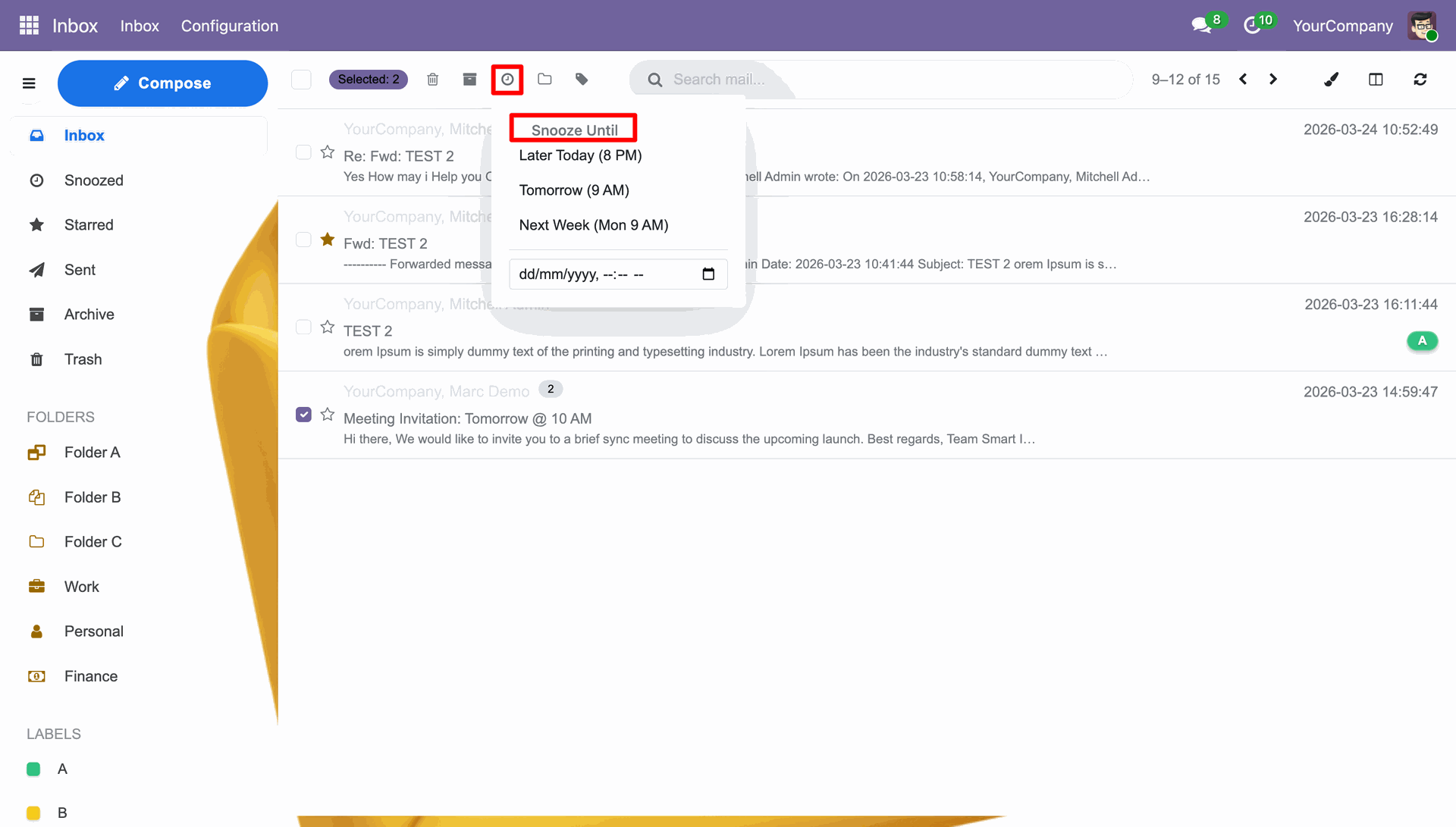
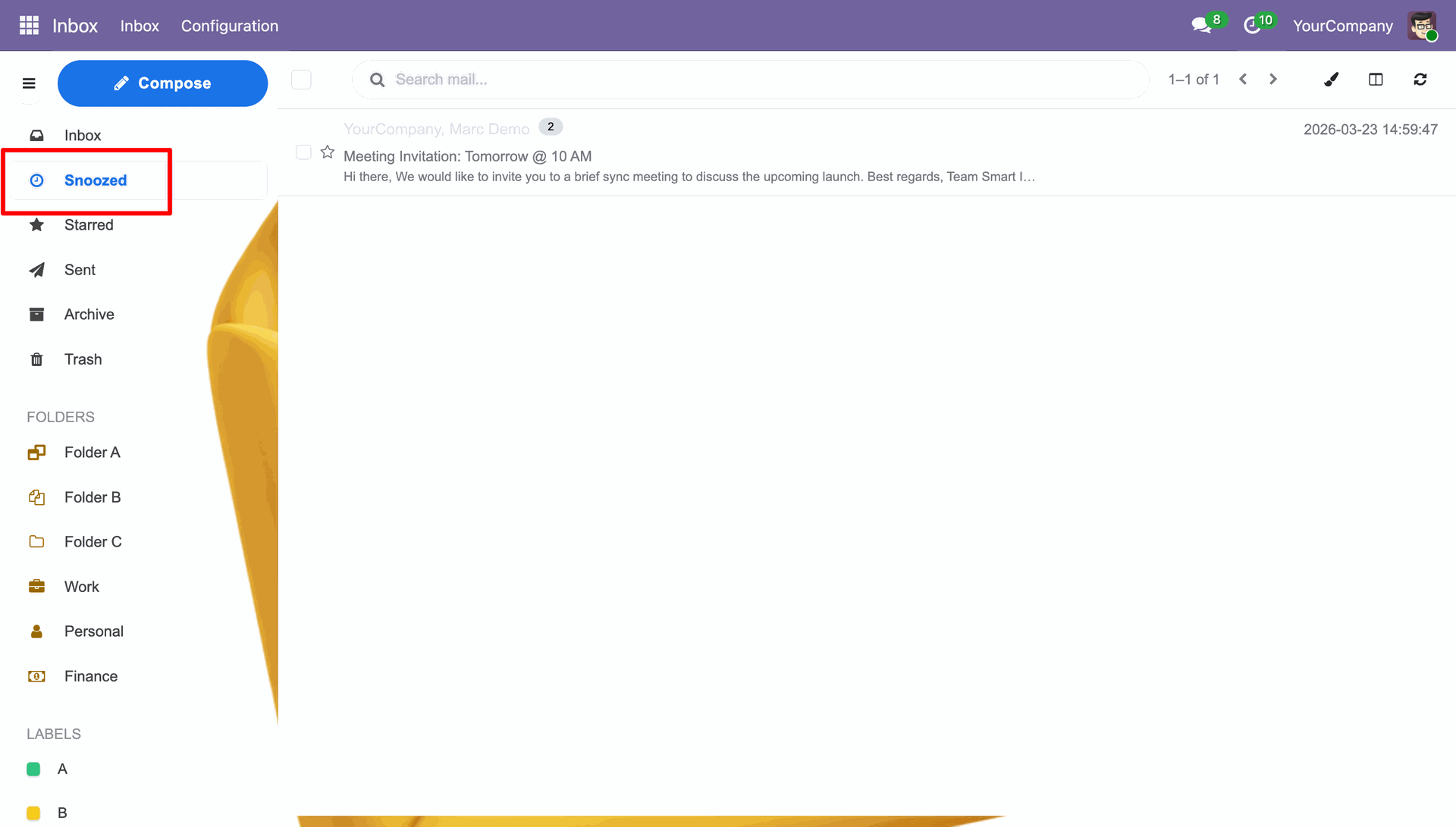
Selecting the Snooze Until option for selected emails to temporarily remove them from the inbox until a later date or time..
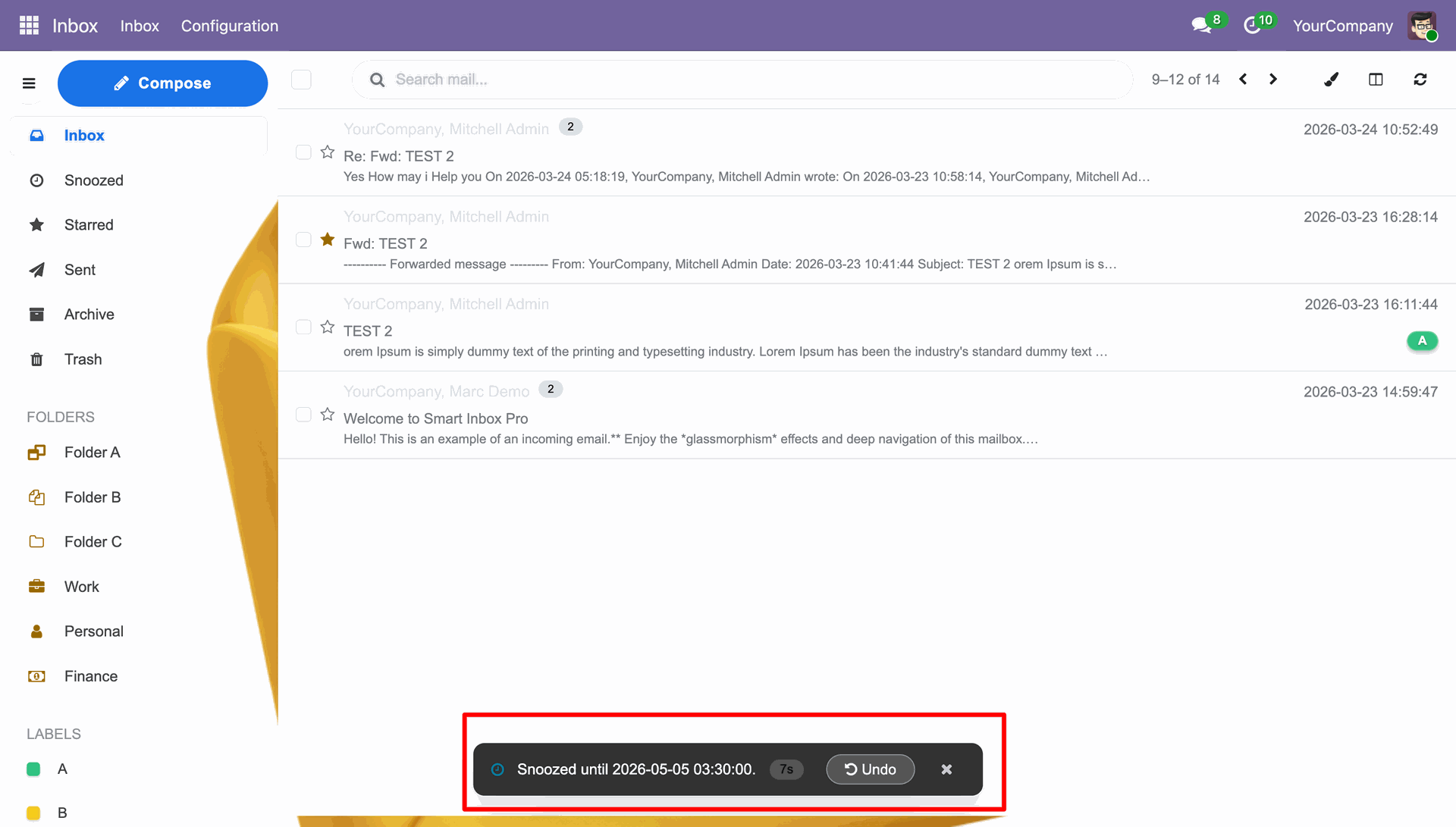
You can see the snooze message once the snooze time is set.
Accessing the Snoozed folder to review and manage emails that have been temporarily hidden from the main inbox.
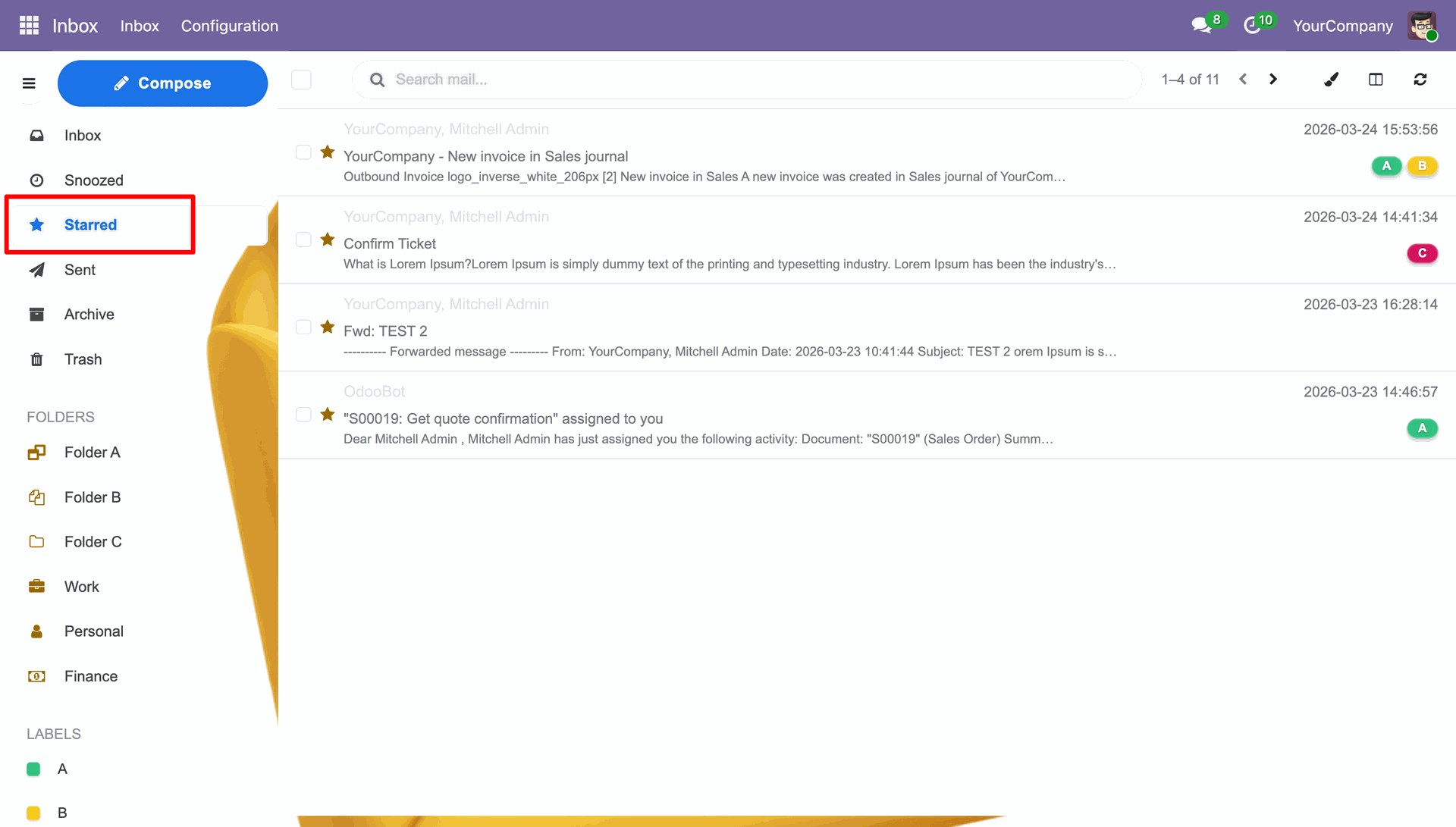
You can review the Starred mails in the Starred Folder.
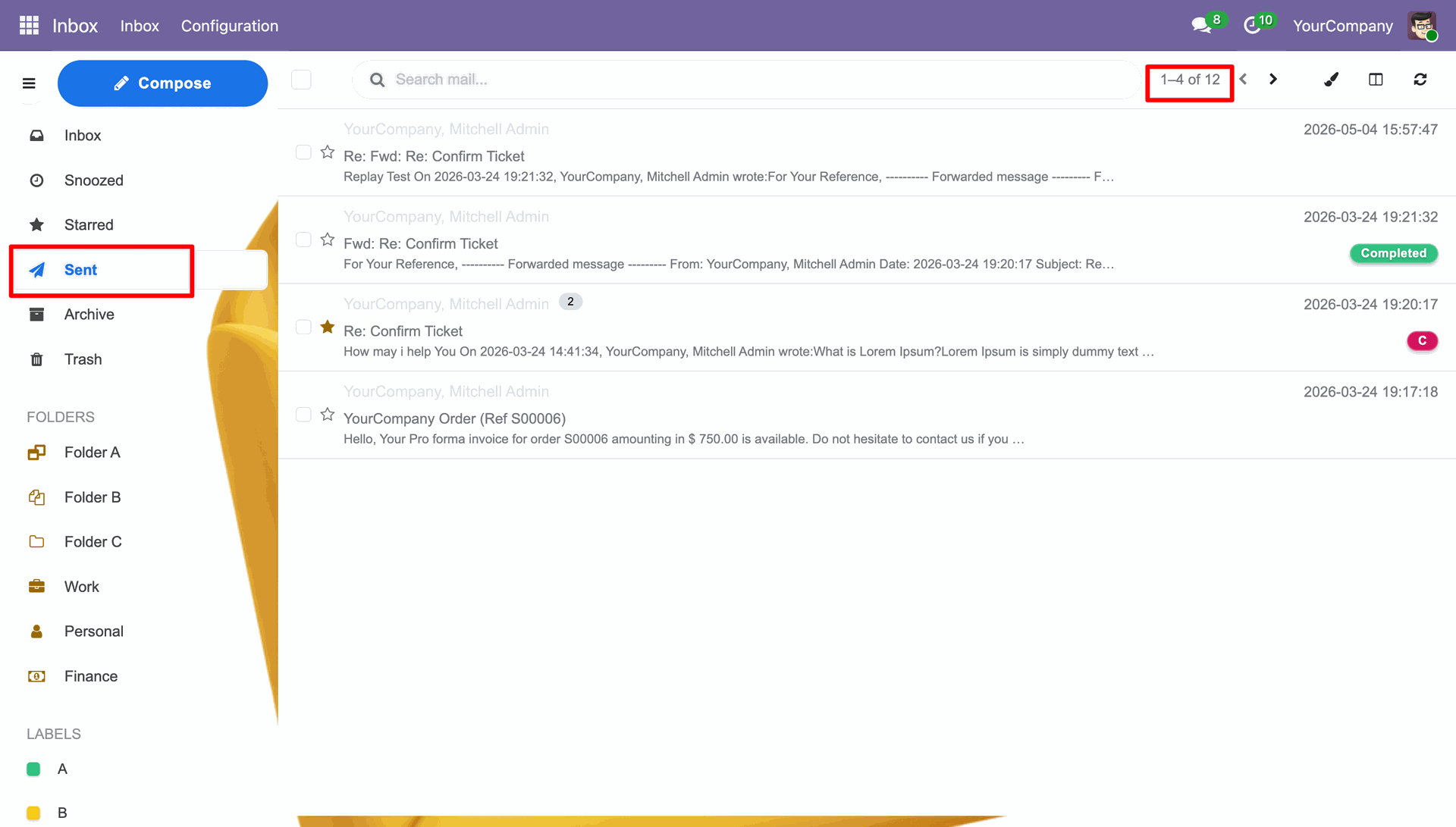
You can review the Sent mails in the Sent Folder.
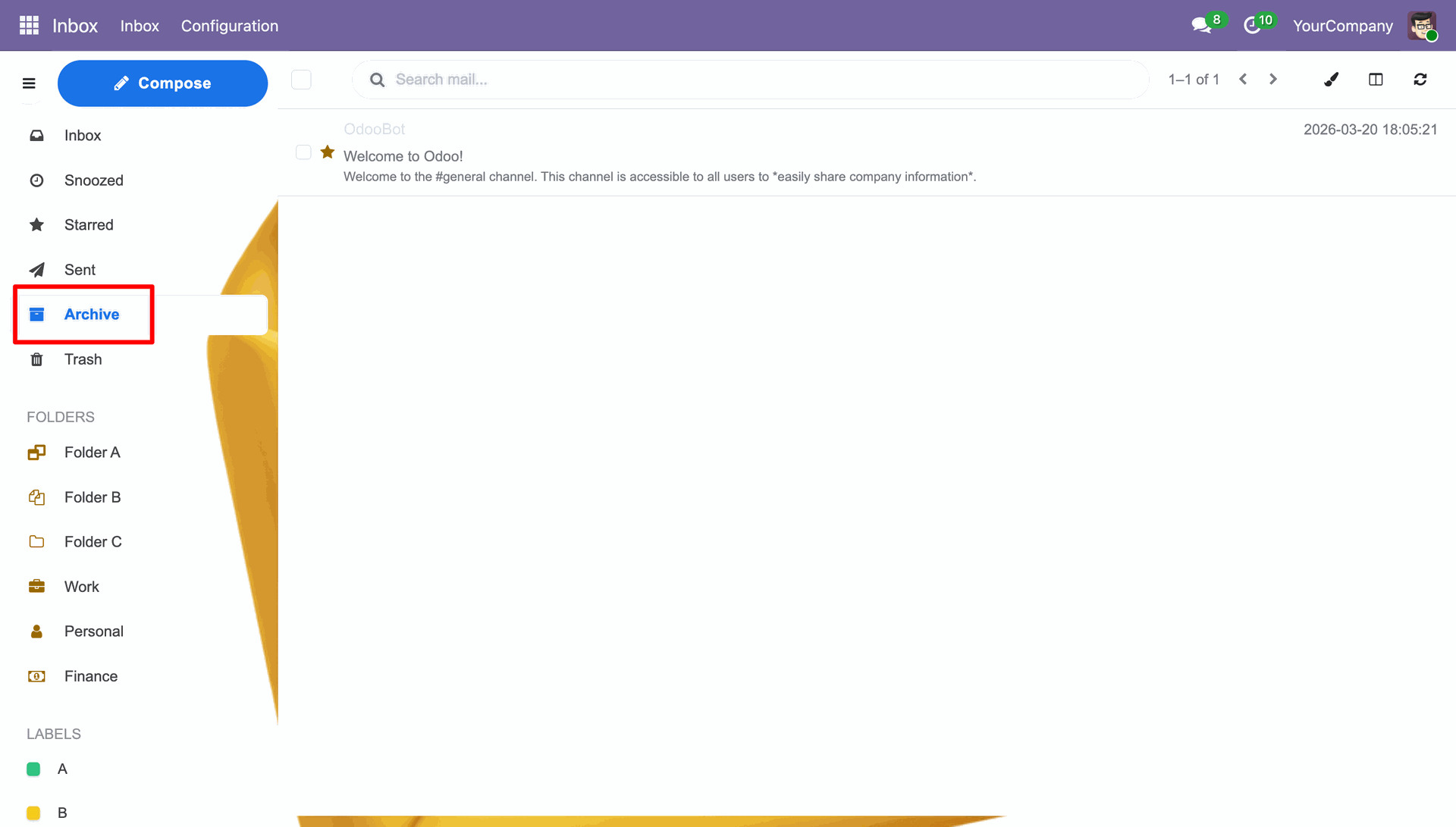
You can review the Archive mails in the Archive Folder.
You can review the Trash/Deleted mails in the Trash Folder.
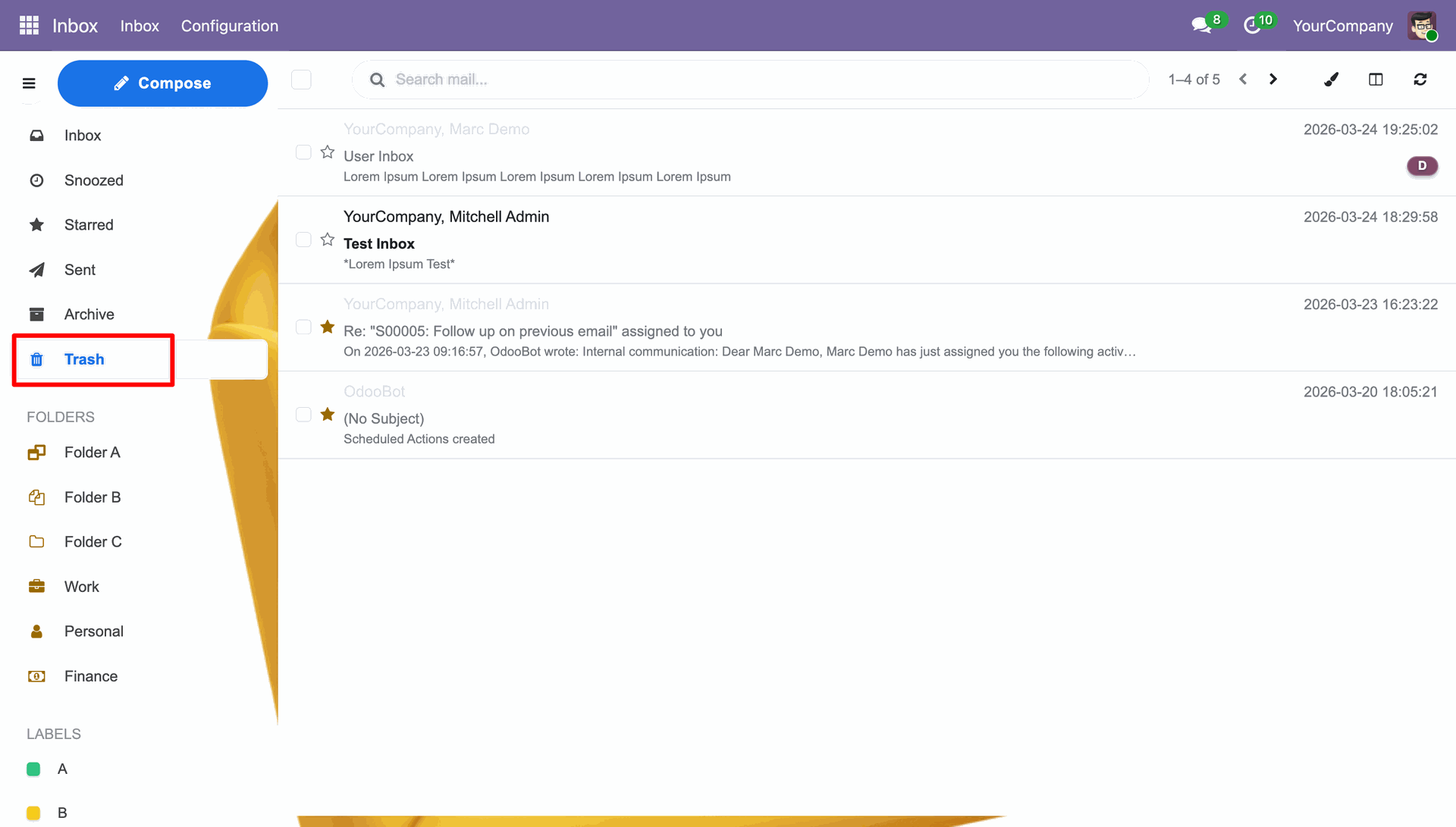
You can also delete the mail from the Trash Folder to permanently delete it.
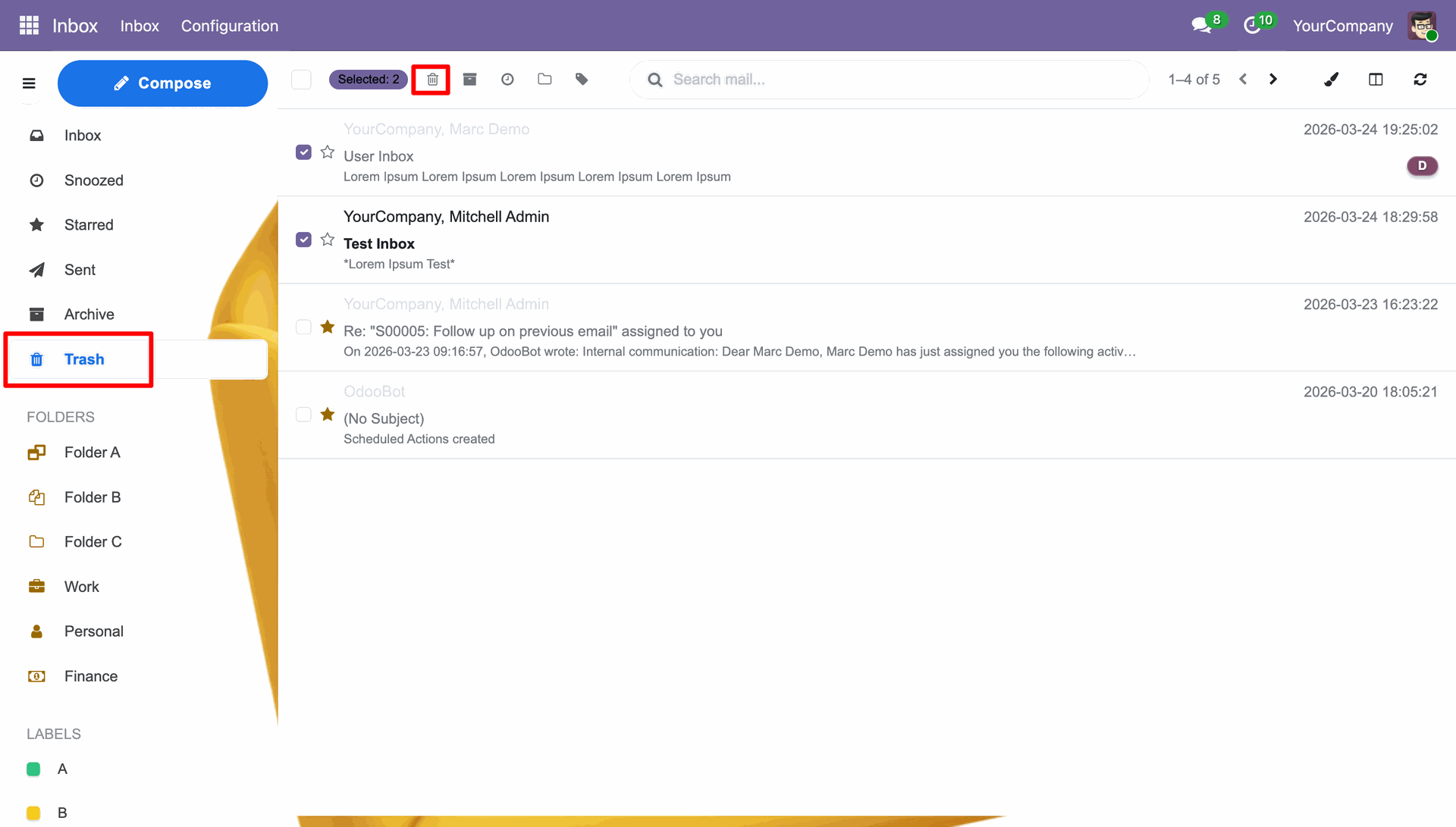
Click the Permanently Delete button to permanently delete the mail.
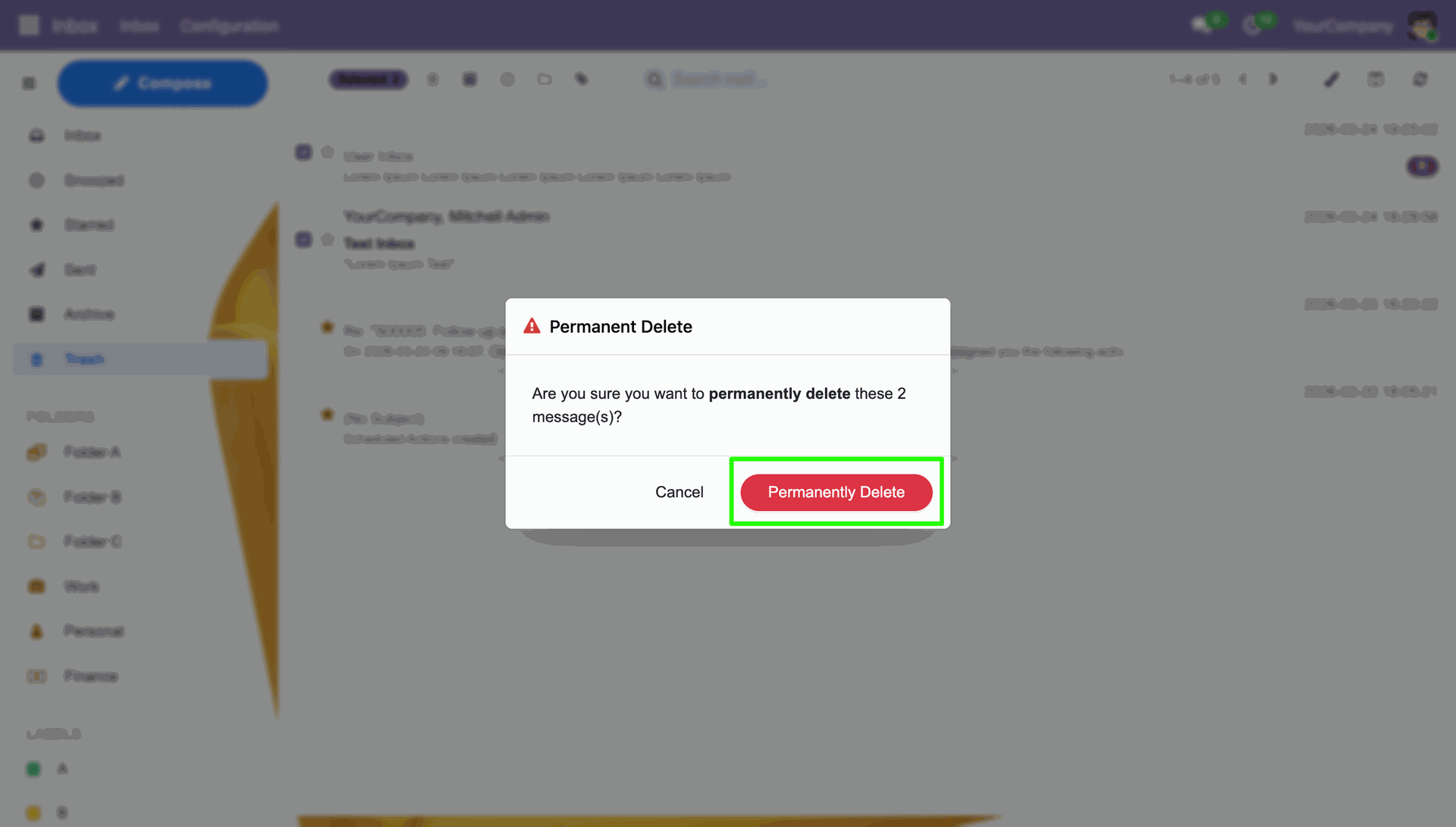
Notification stating that the mail have been permanently deleted.
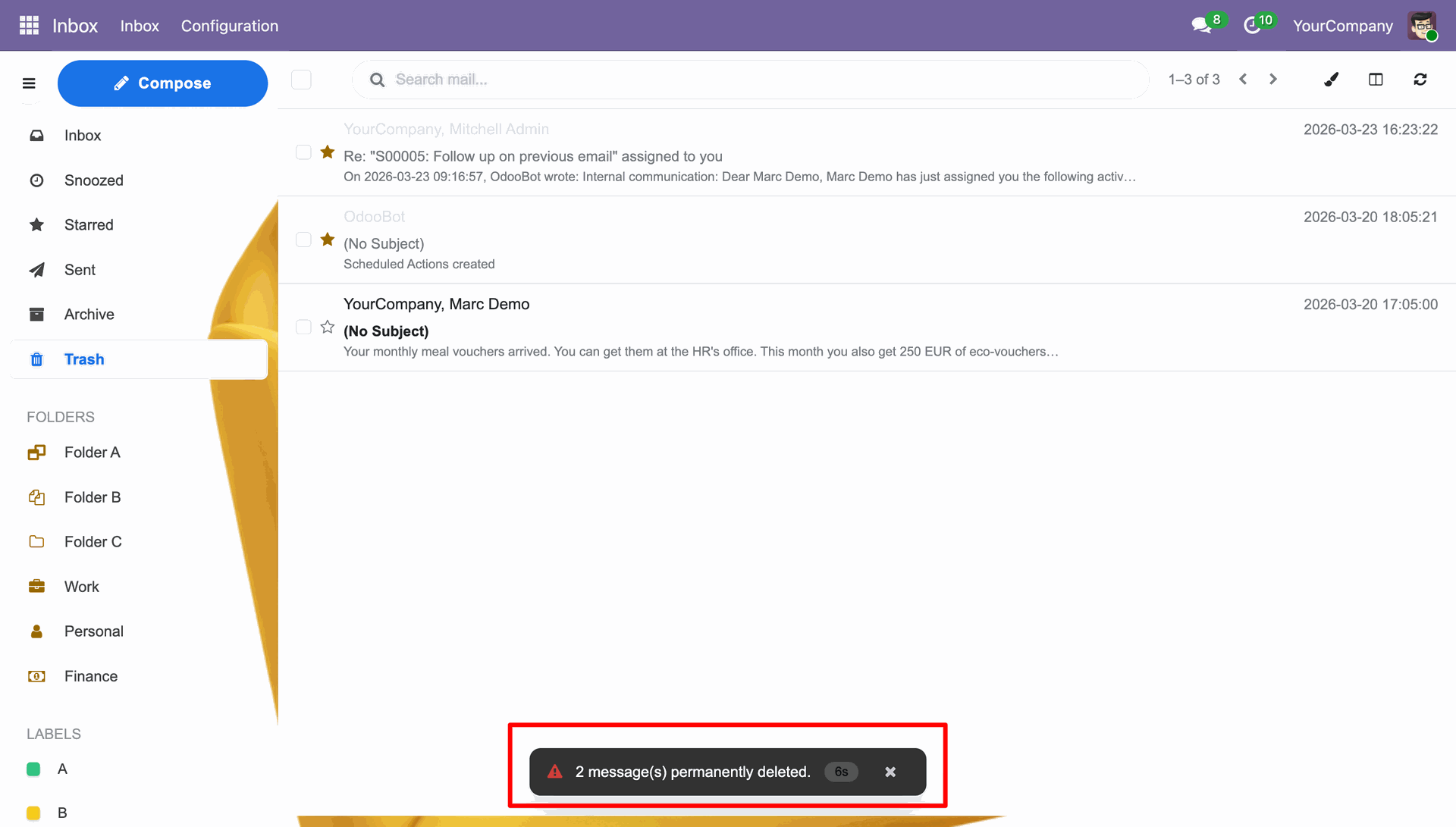
You can review the Folders in the Folders section.
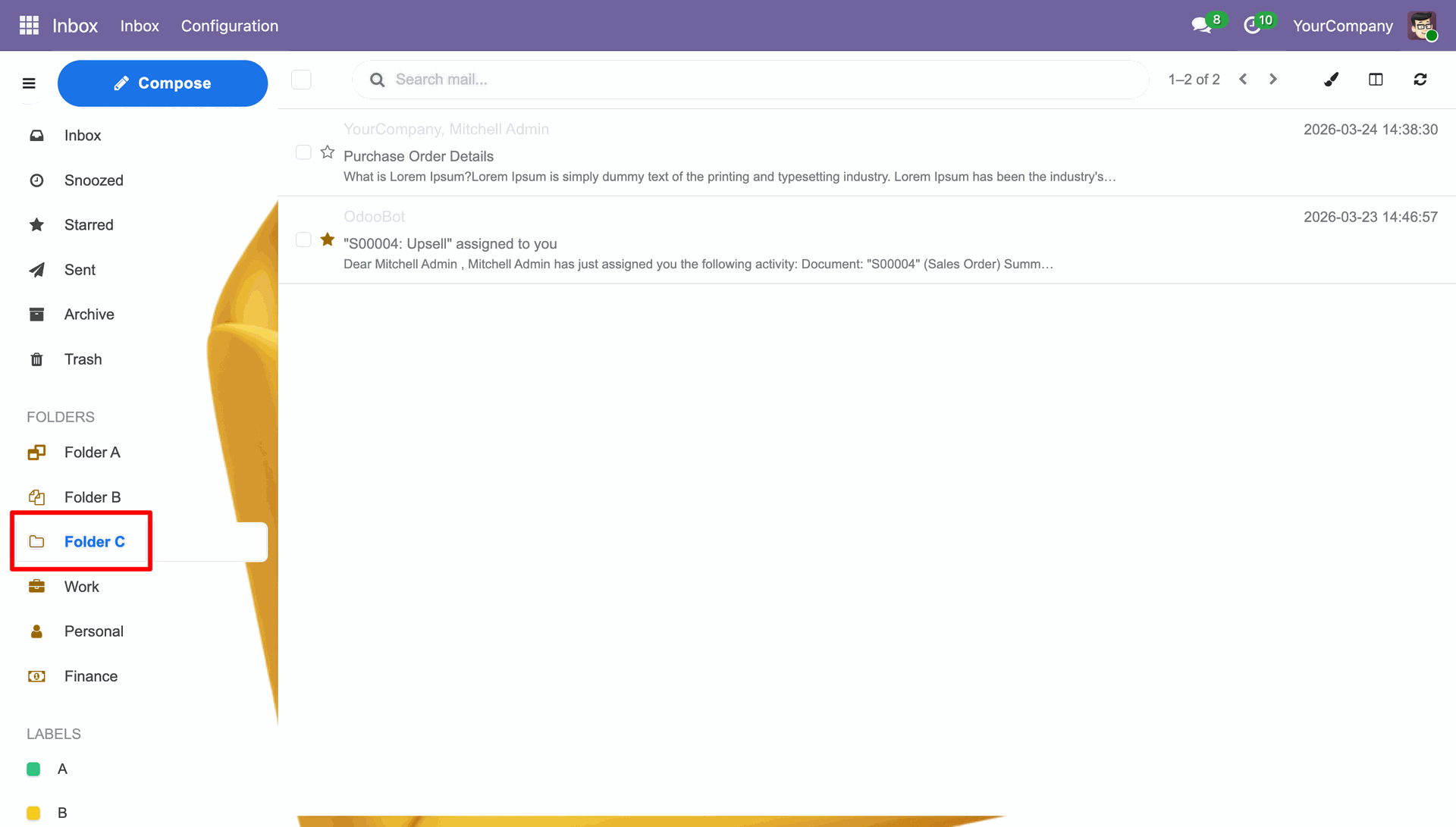
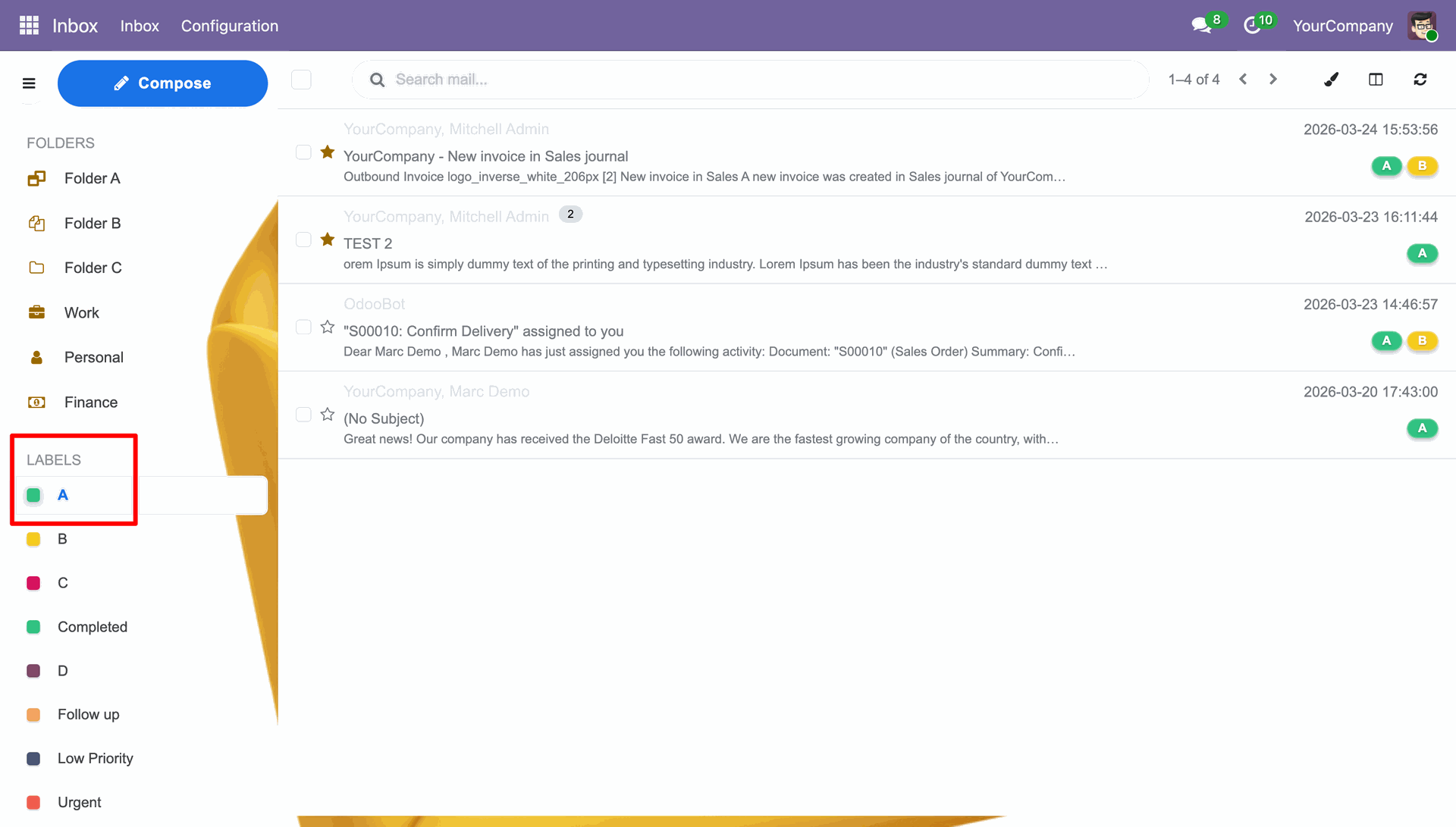
You can review the Labels in the labels section.
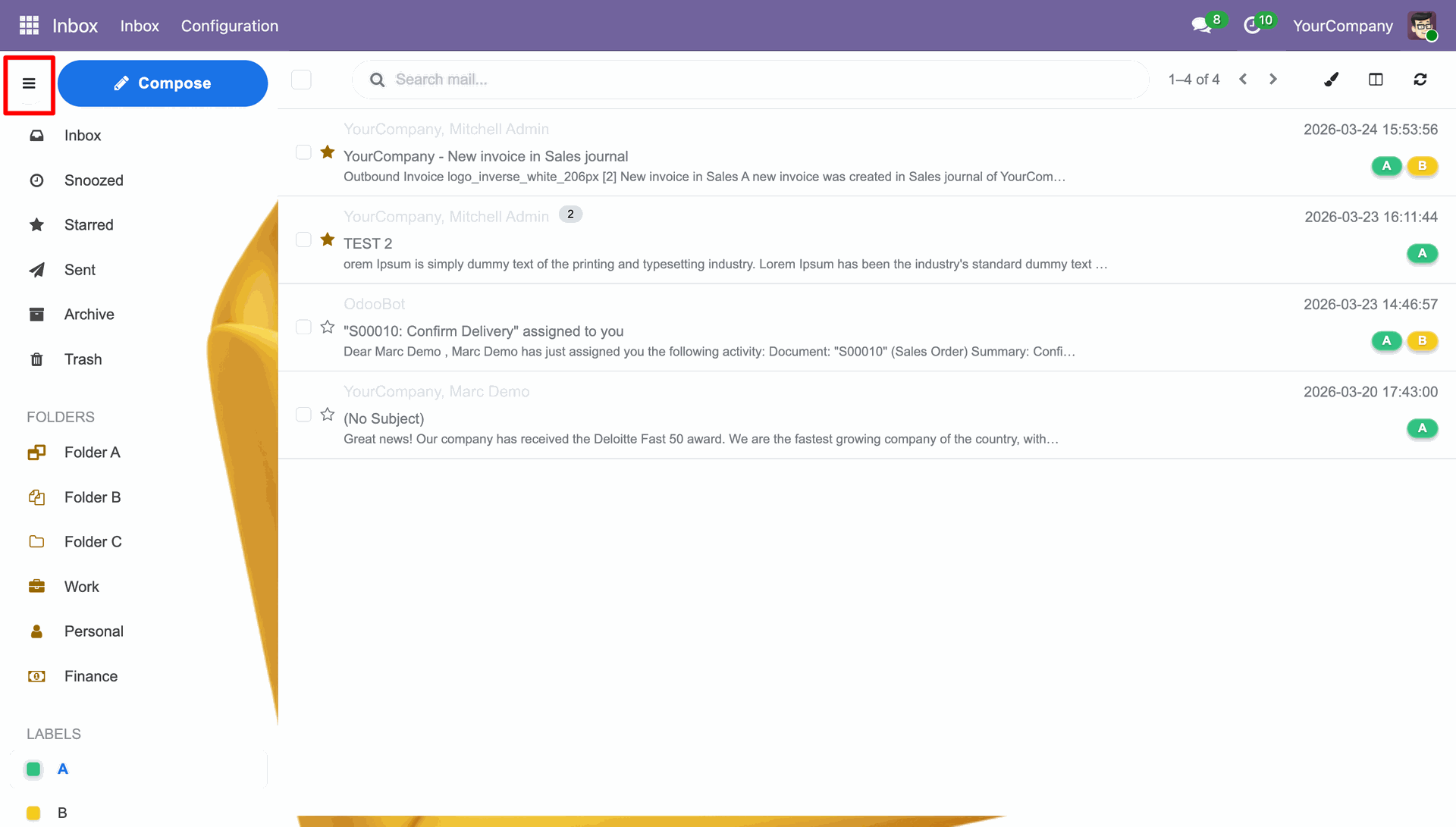
Click the three line button in the top left corner to close the side menu.
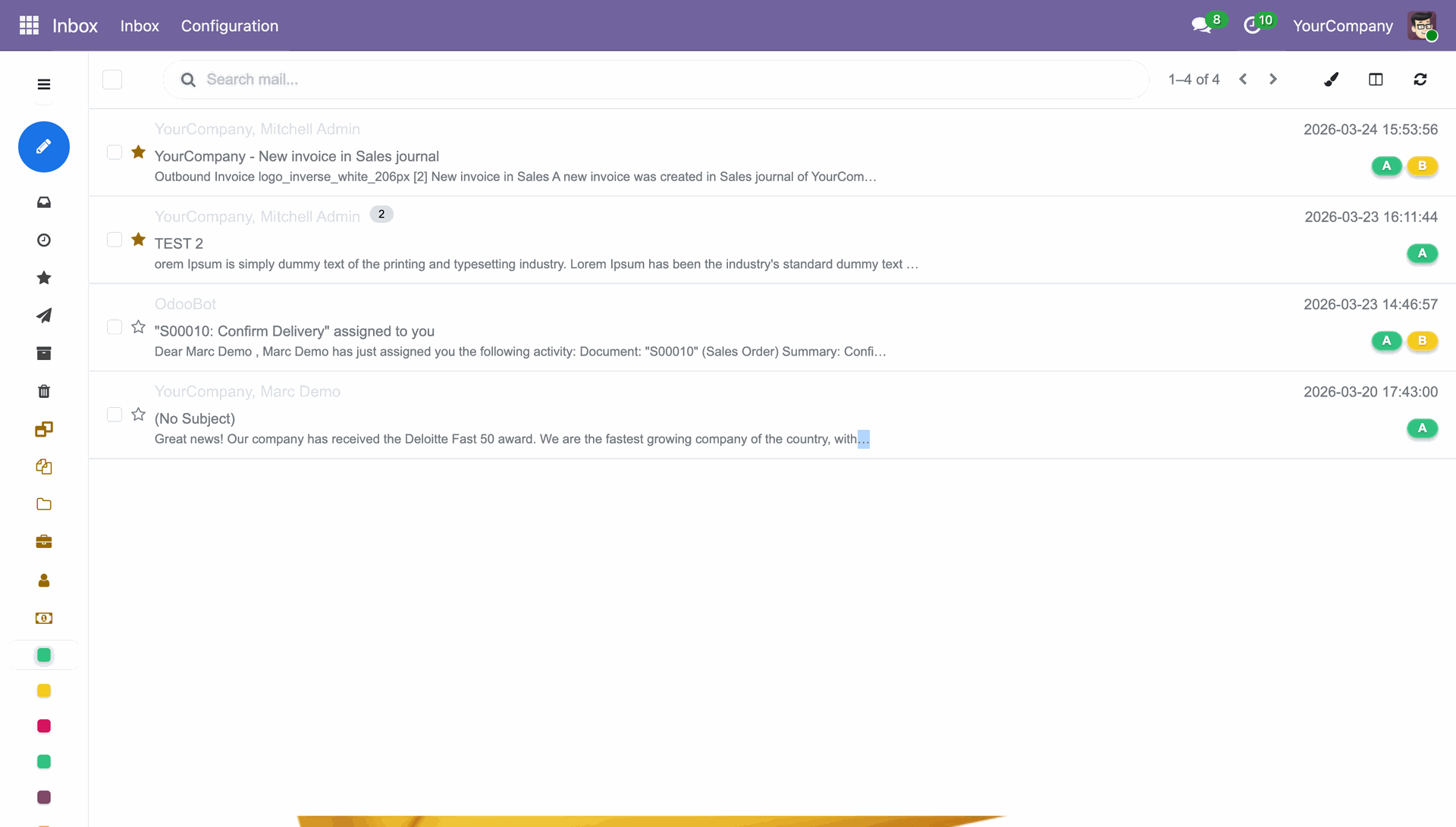
Side menu closed which showcases the full inbox view.
Version 19.0.1.0.0 | Released on : 19th August 2026
- Yes, this app works perfectly with Odoo Enterprise (Odoo.sh & Premise) as well as Community.
- No, this application is not compatible with odoo.com(odoo saas/Odoo Online)
- Yes, to test this module, please contact us at sales@softhealer.com.
- Please contact us at sales@softhealer.comto request customization.
- Yes, we provide free support for 365 days from the date of purchase.
- Yes, you will receive lifetime free updates for the version of the module you purchased.
- No, there is no need to install any additional libraries.
- Yes, for version 12 and above, you need to purchase the module separately for each version you intend to use.
- No, exchanges or refunds are not allowed. Please make sure to select the correct version before purchasing.
- You can contact us at support@softhealer.com for language translation support. We use Google Translator tools to provide translations in multiple languages, so the accuracy may vary. We welcome your suggestions to help improve translations.
Discover Our Latest Apps