












Docusign Integration - Sales, Purchase, Invoice

This module allows you to connect your Odoo system with DocuSign, letting you send, sign, and manage documents electronically within your workflow. Users can easily send documents for signature, monitor the status of sent and signed documents. This integration simplifies document management, minimizes paperwork, speeds up approvals, and improves overall business efficiency.

Features
- Easy to get a signature document.
- You can send documents directly to partners from Odoo for signing via DocuSign.
- Easy to track the status of sent and signed documents.
- You can generate and send signature documents directly from quotations, RFQs, and invoices.
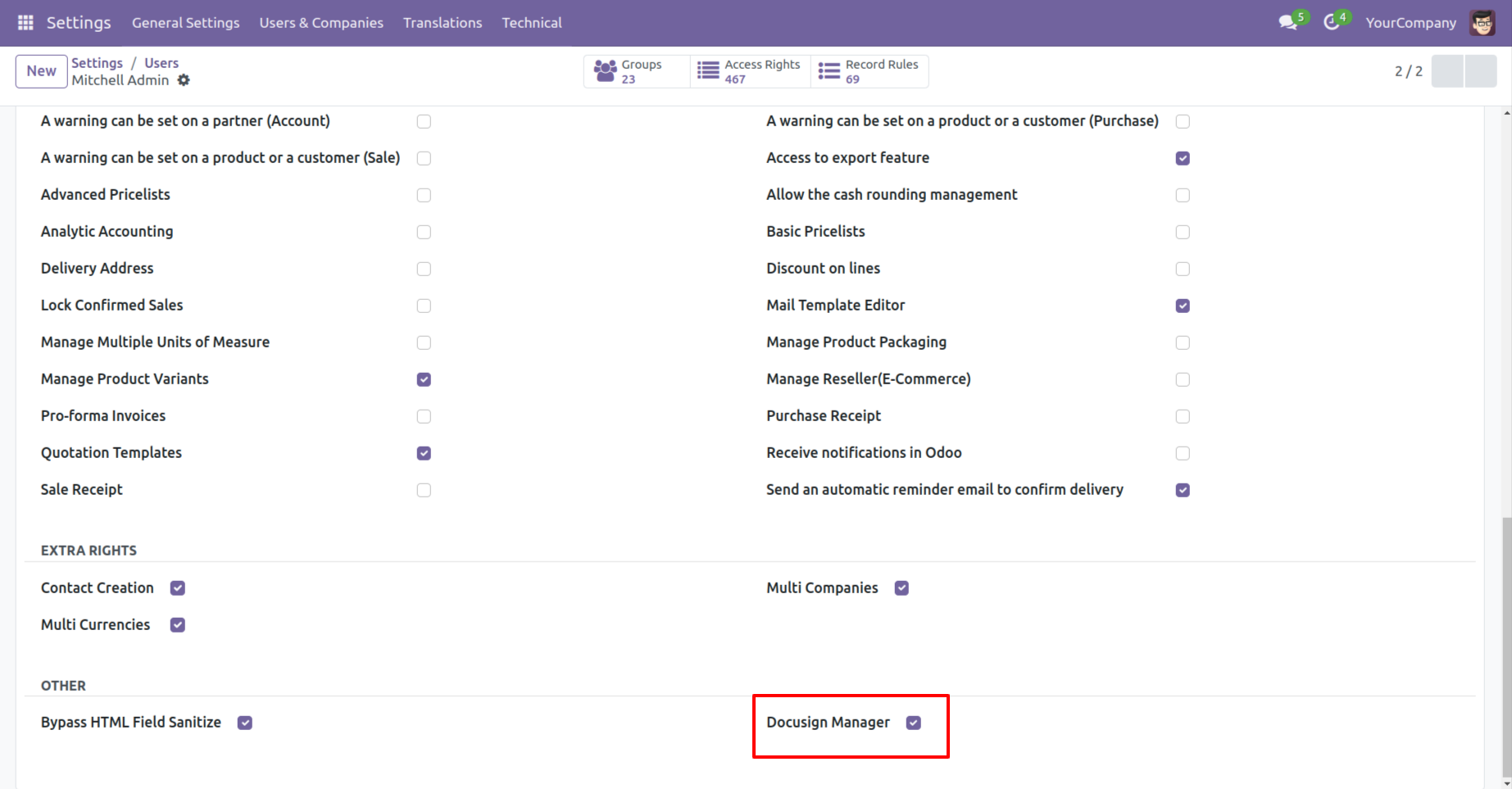
Go to the user's settings ==> enable "DocuSign Manager".
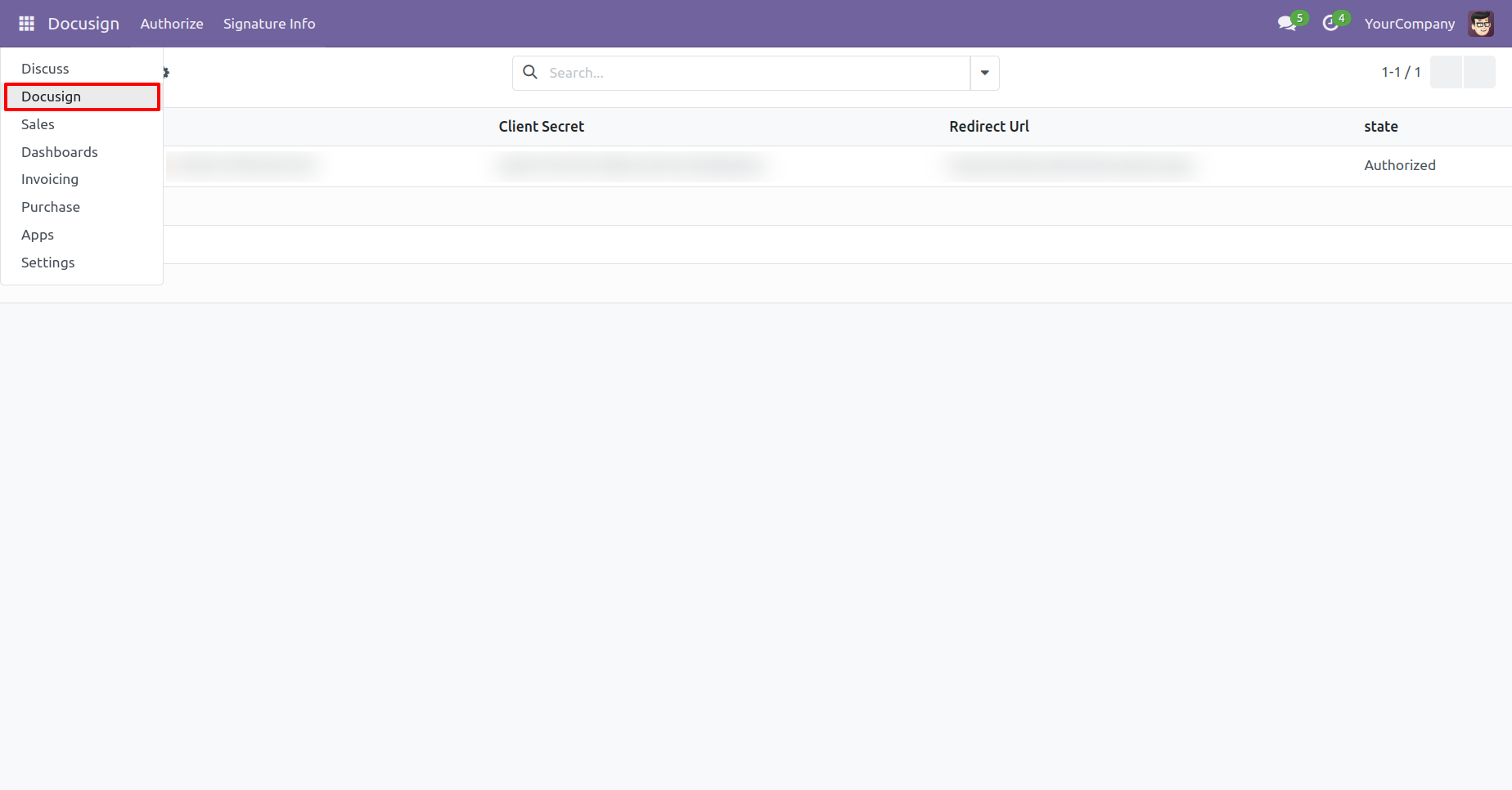
Menu of the 'Docusign'.
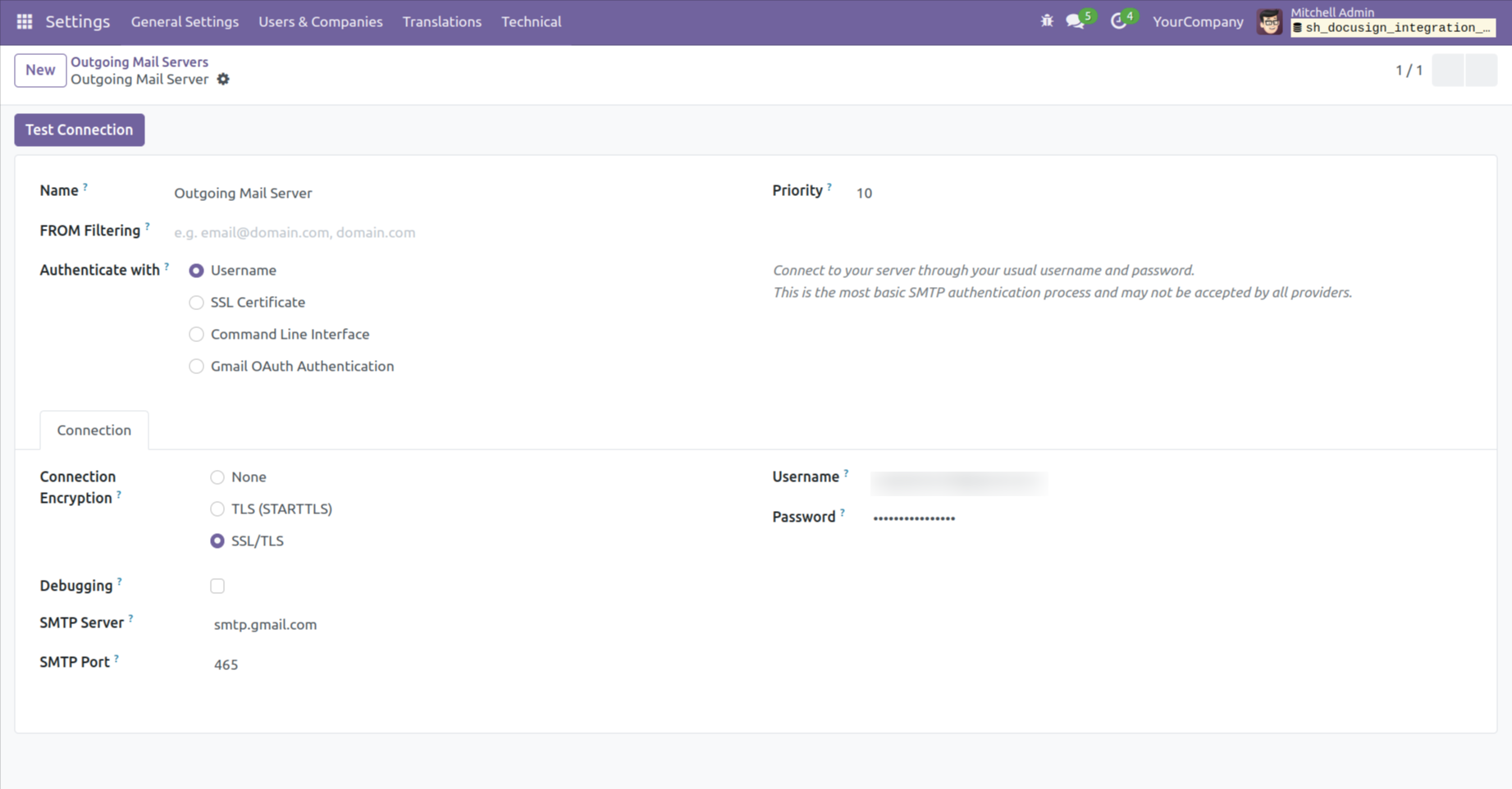
Form view of the 'Outgoing Mail Servers'.
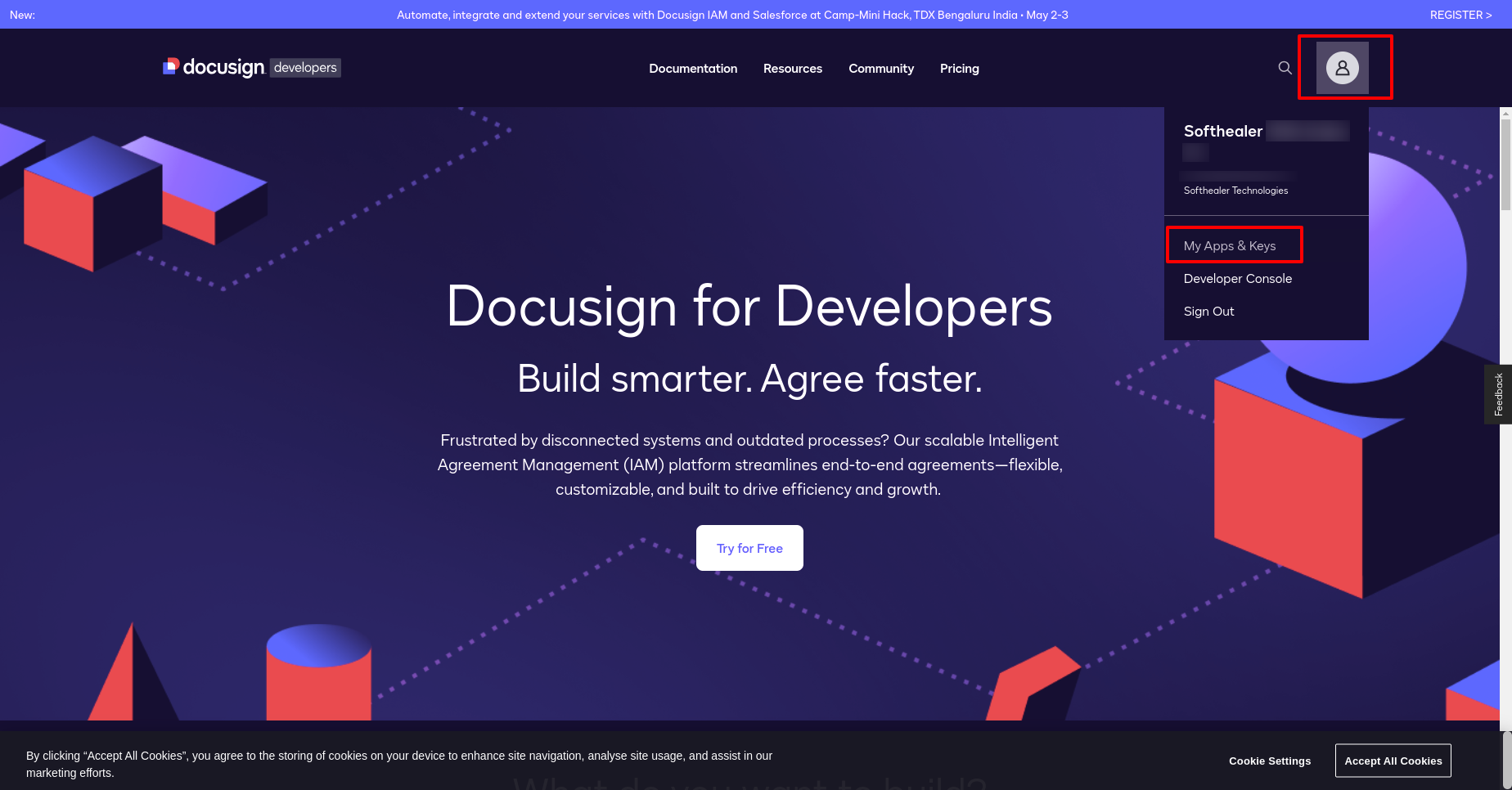
Docusign looks like below. Go to 'My Apps & Keys'.
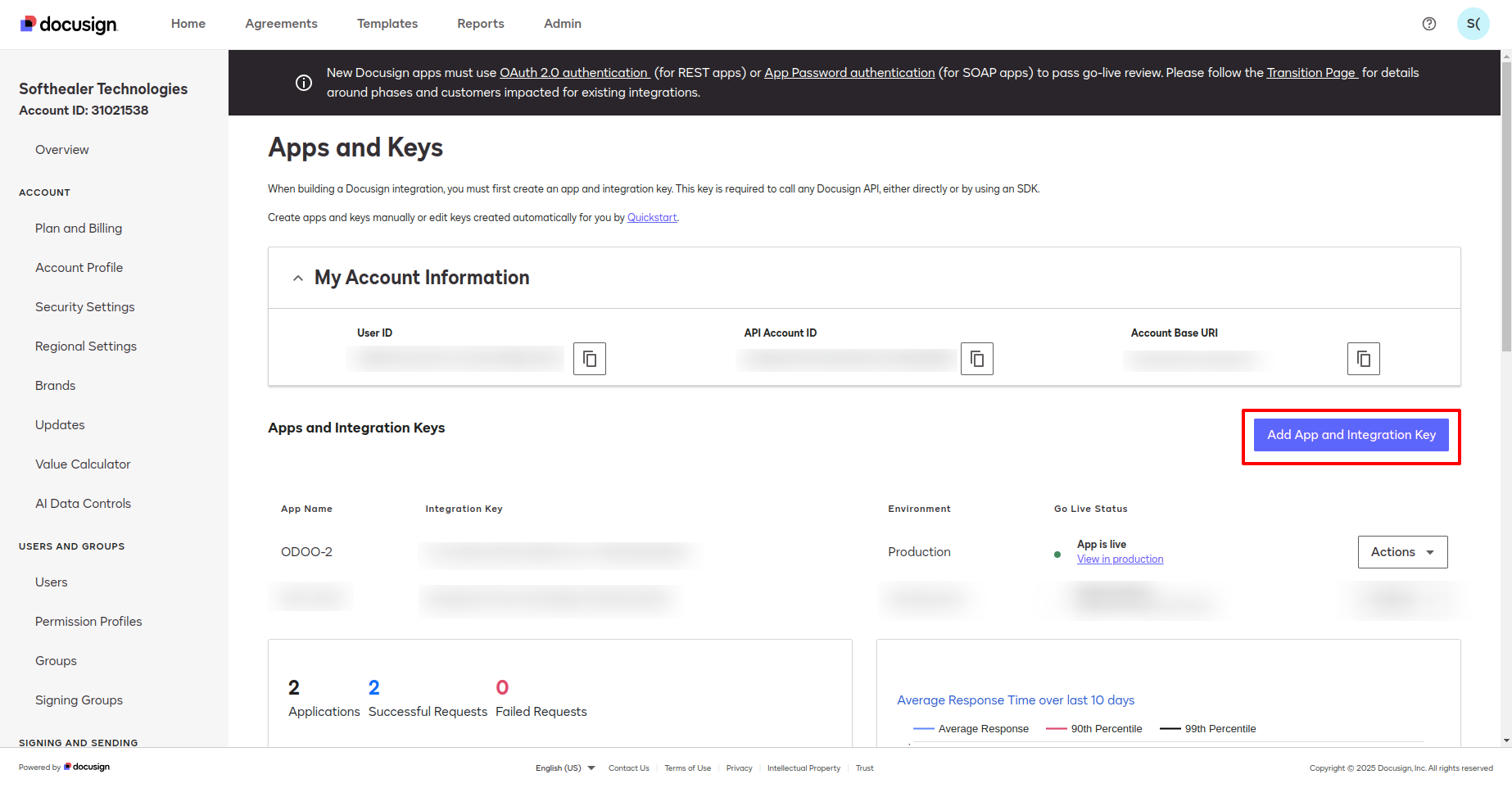
You can add an integration key by clicking on the "Add App and Integration Key" button.
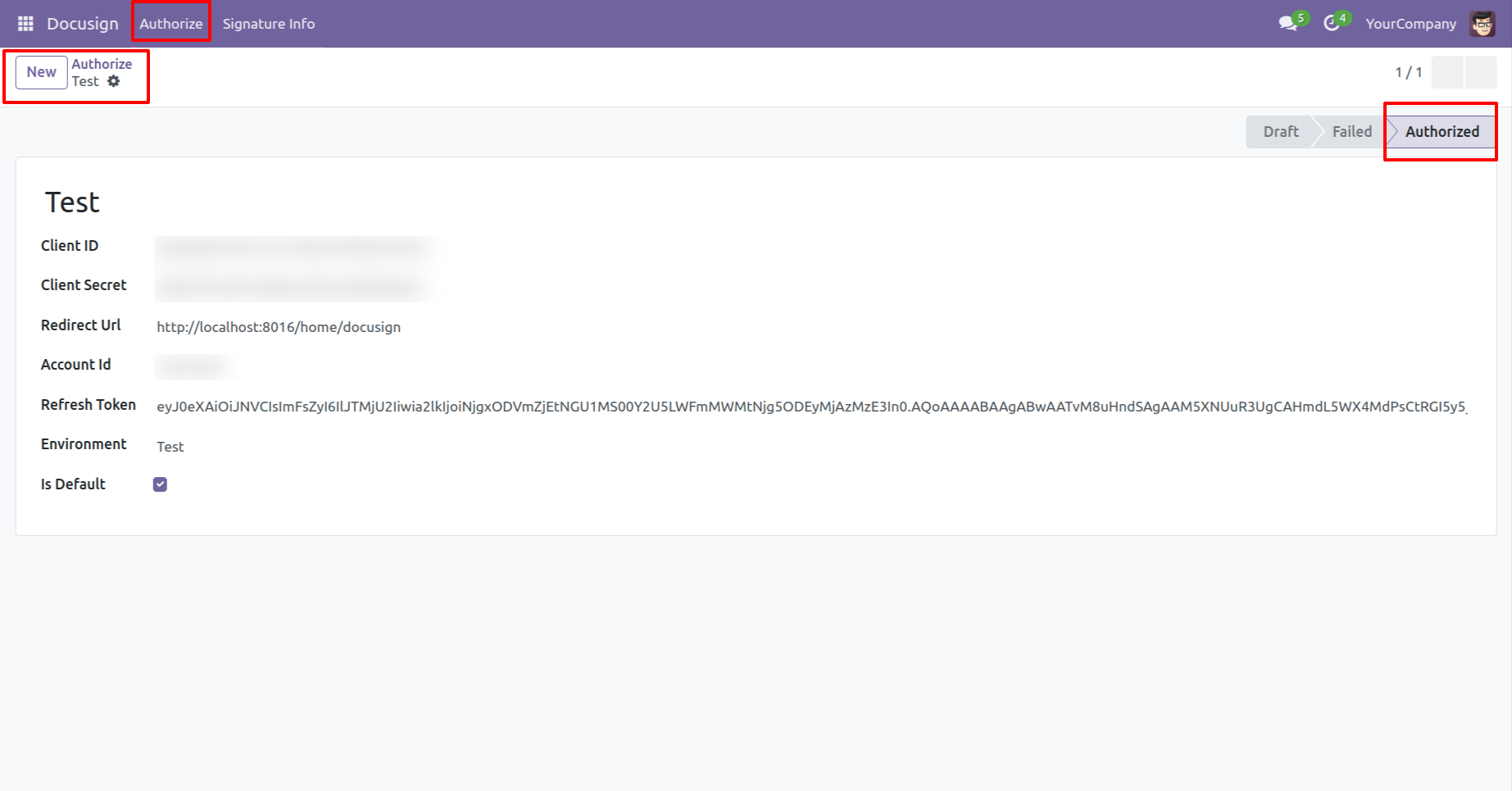
Form view of the "Authorize".
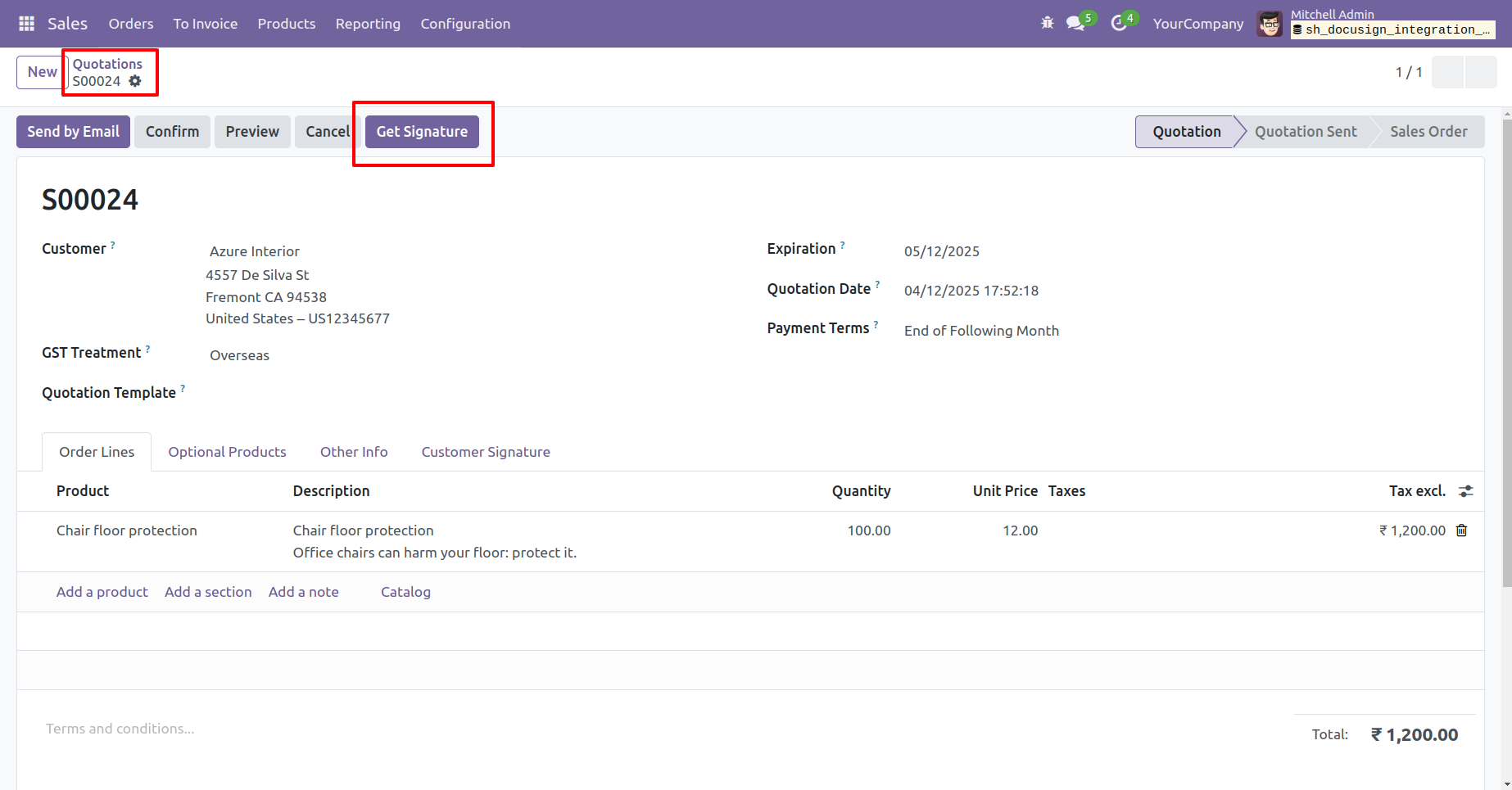
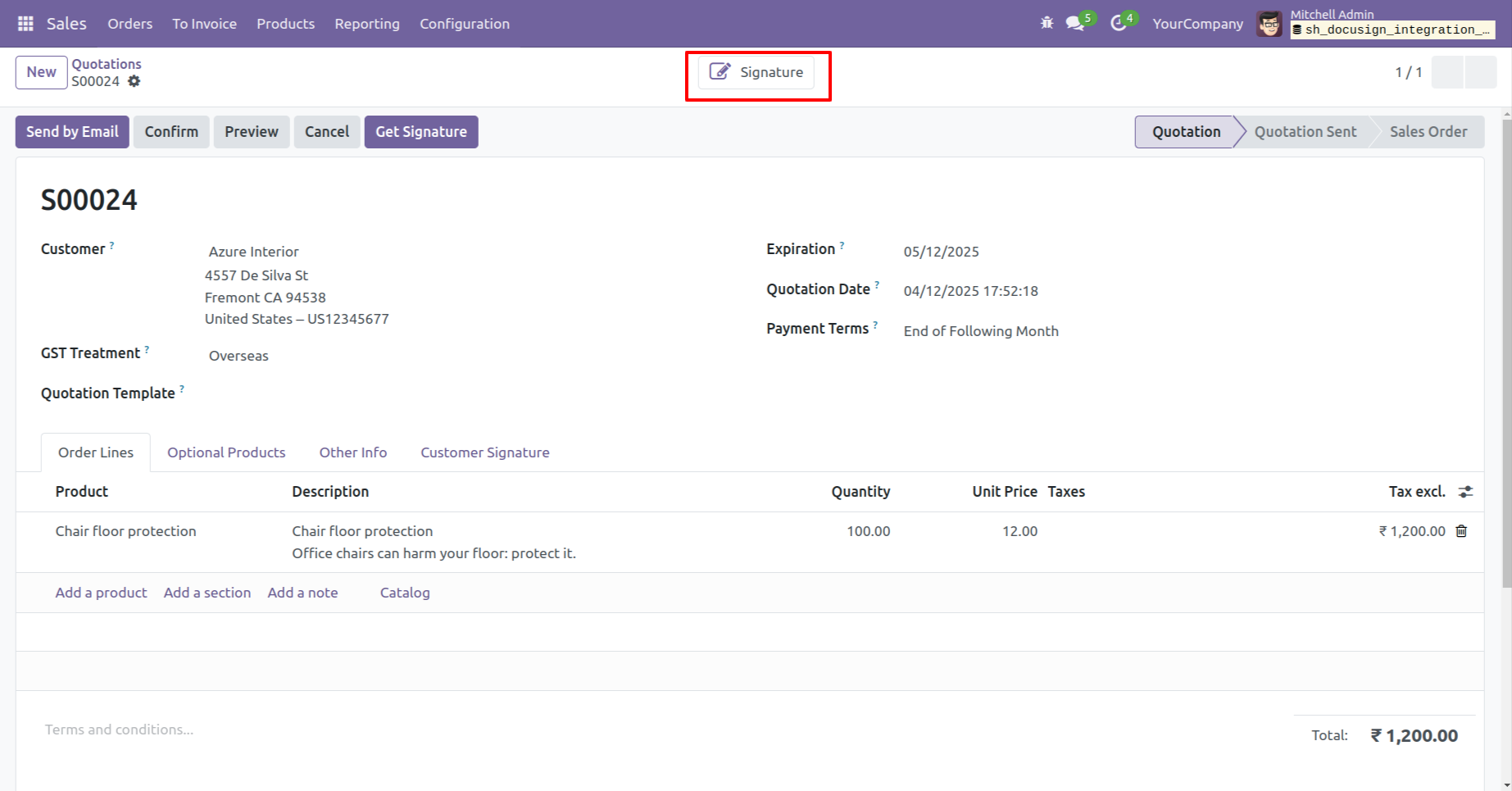
Create a quotation and then click on the "Get Signature" button.
Here you can see that the signature has been created. Click on the 'Signature' smart button.
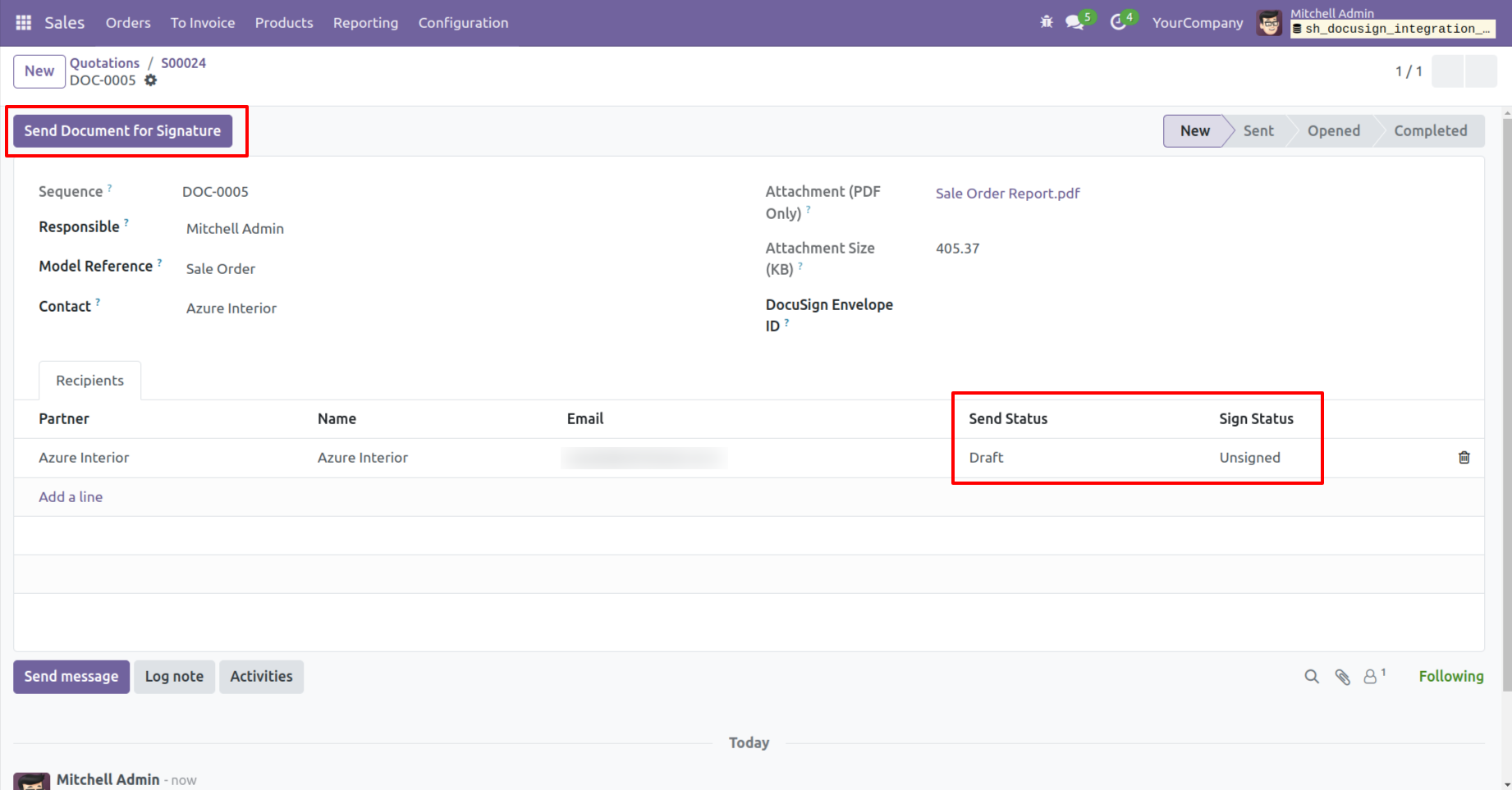
Click on the "Send Document For Signature" button to send the document for signing.
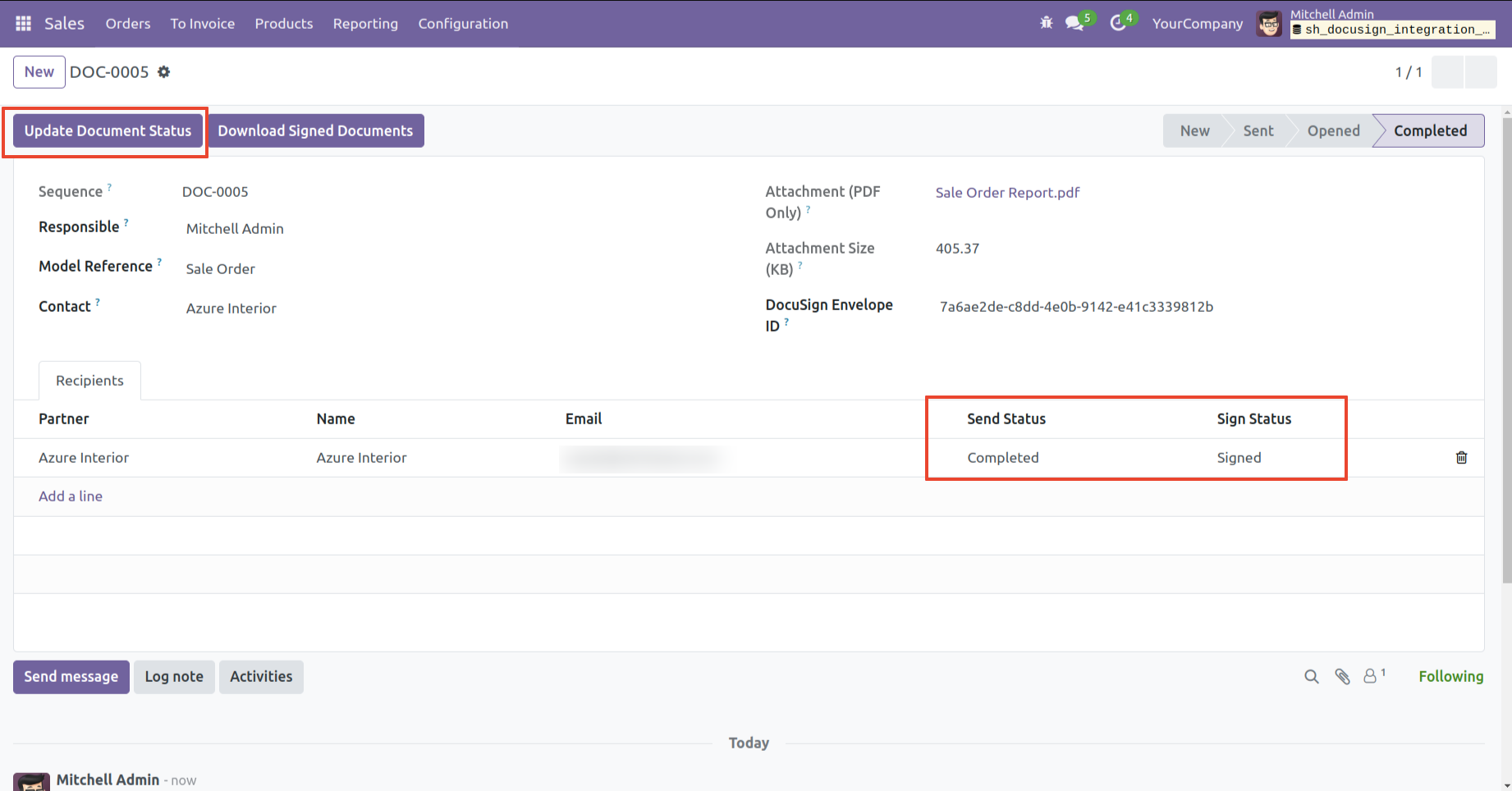
You can also view the send and sign status of the document here.
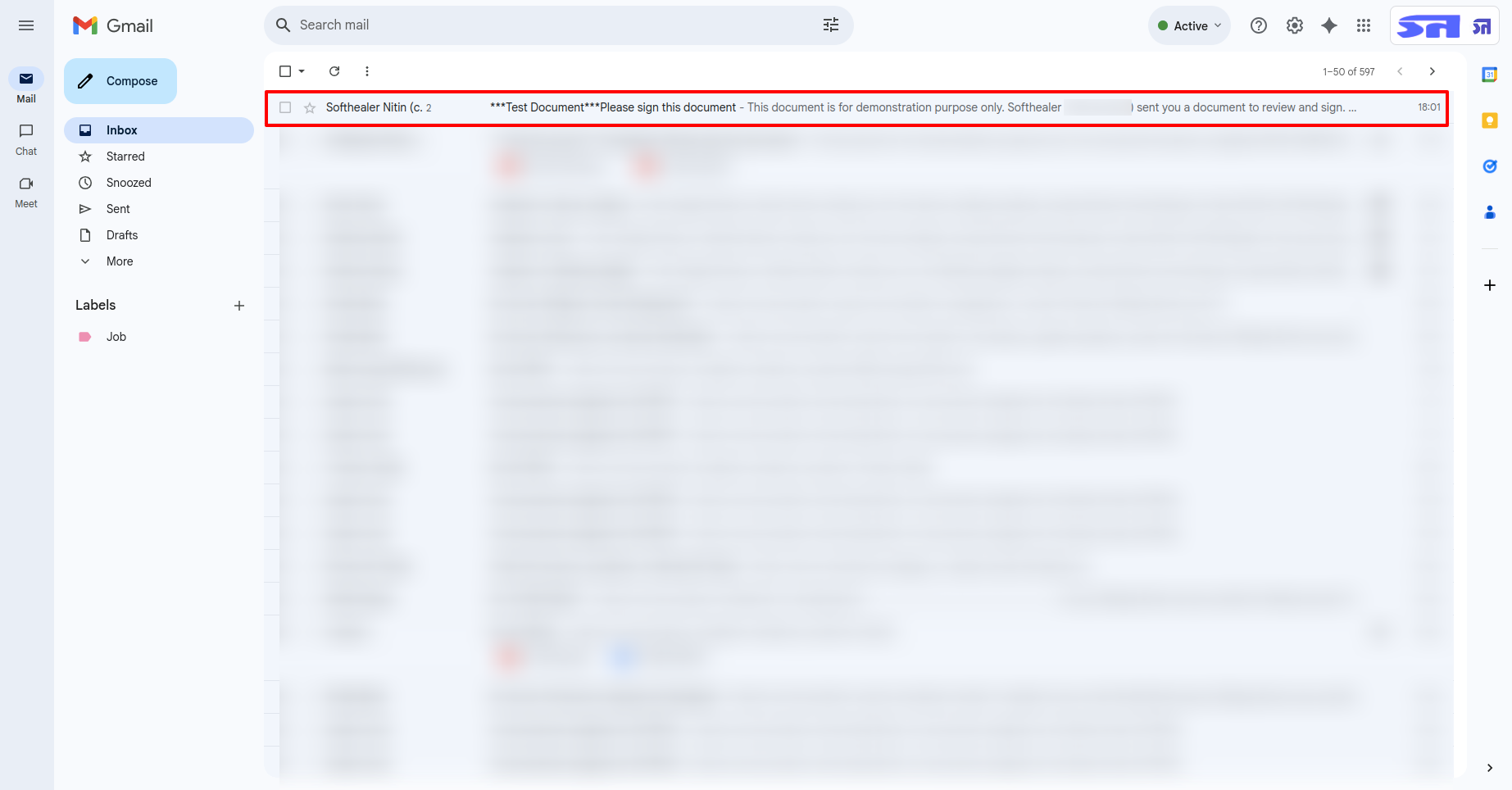
E-Mail view.
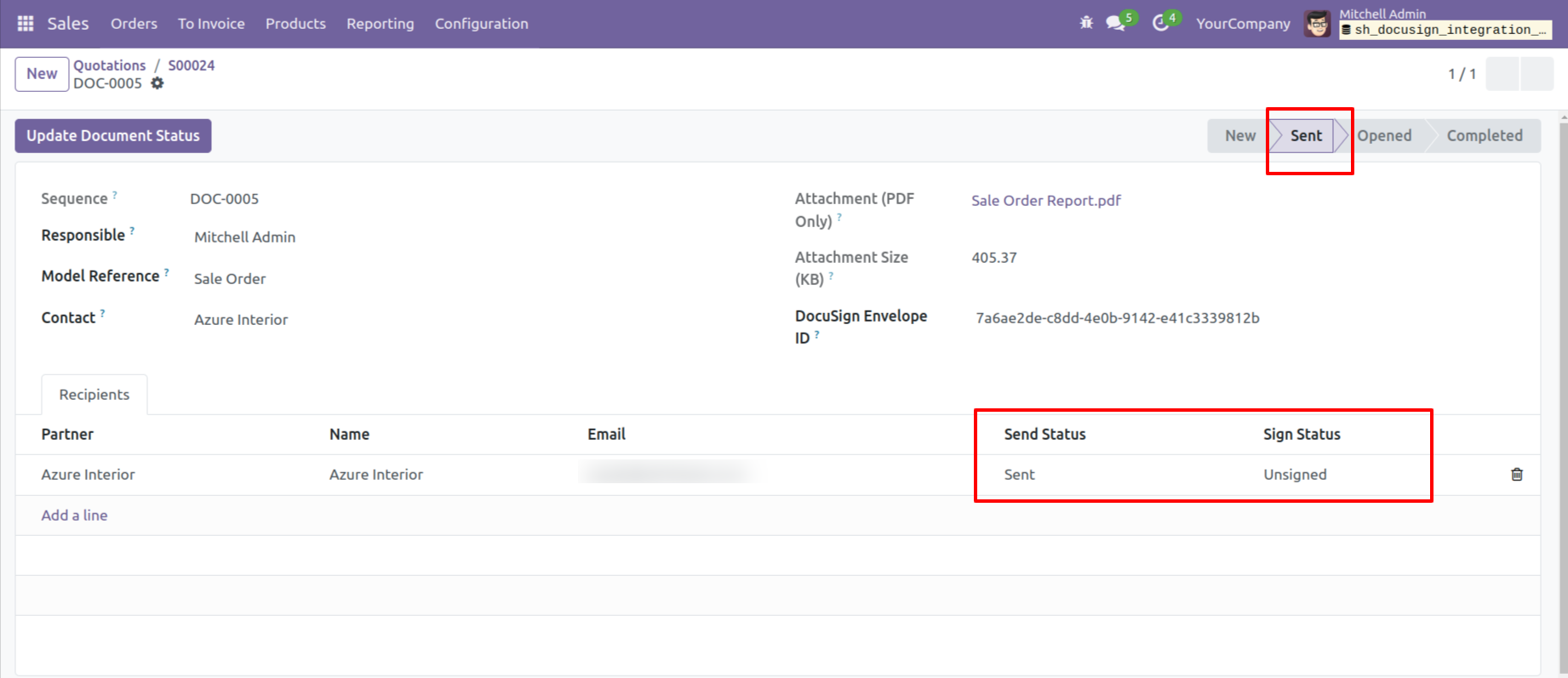
The signature document is now in the "Sent" stage.
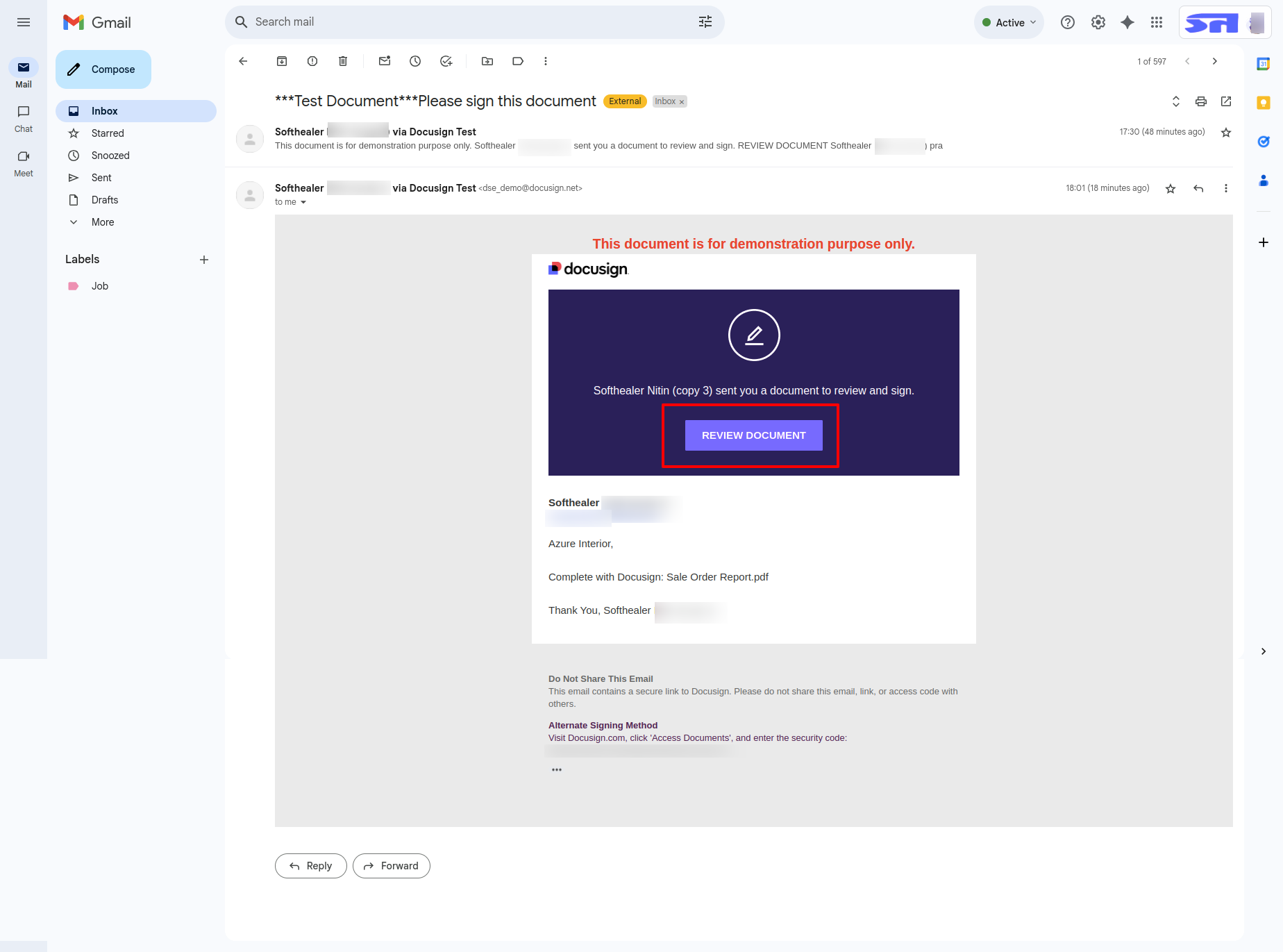
In the email, click on the "Review Document" to open and view the signature document.
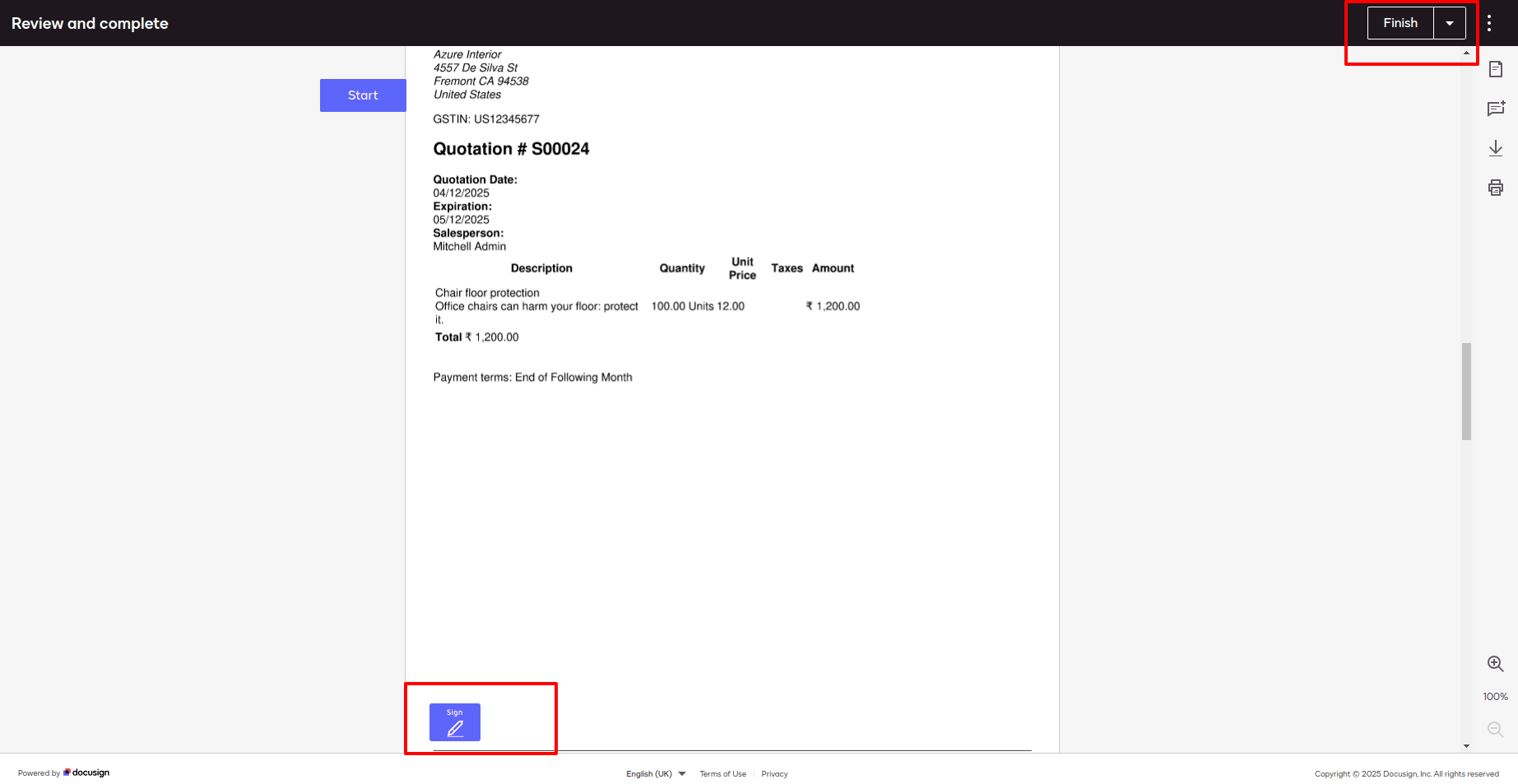
The signature document appears as shown below. Click on the "Sign" icon to add a signature.
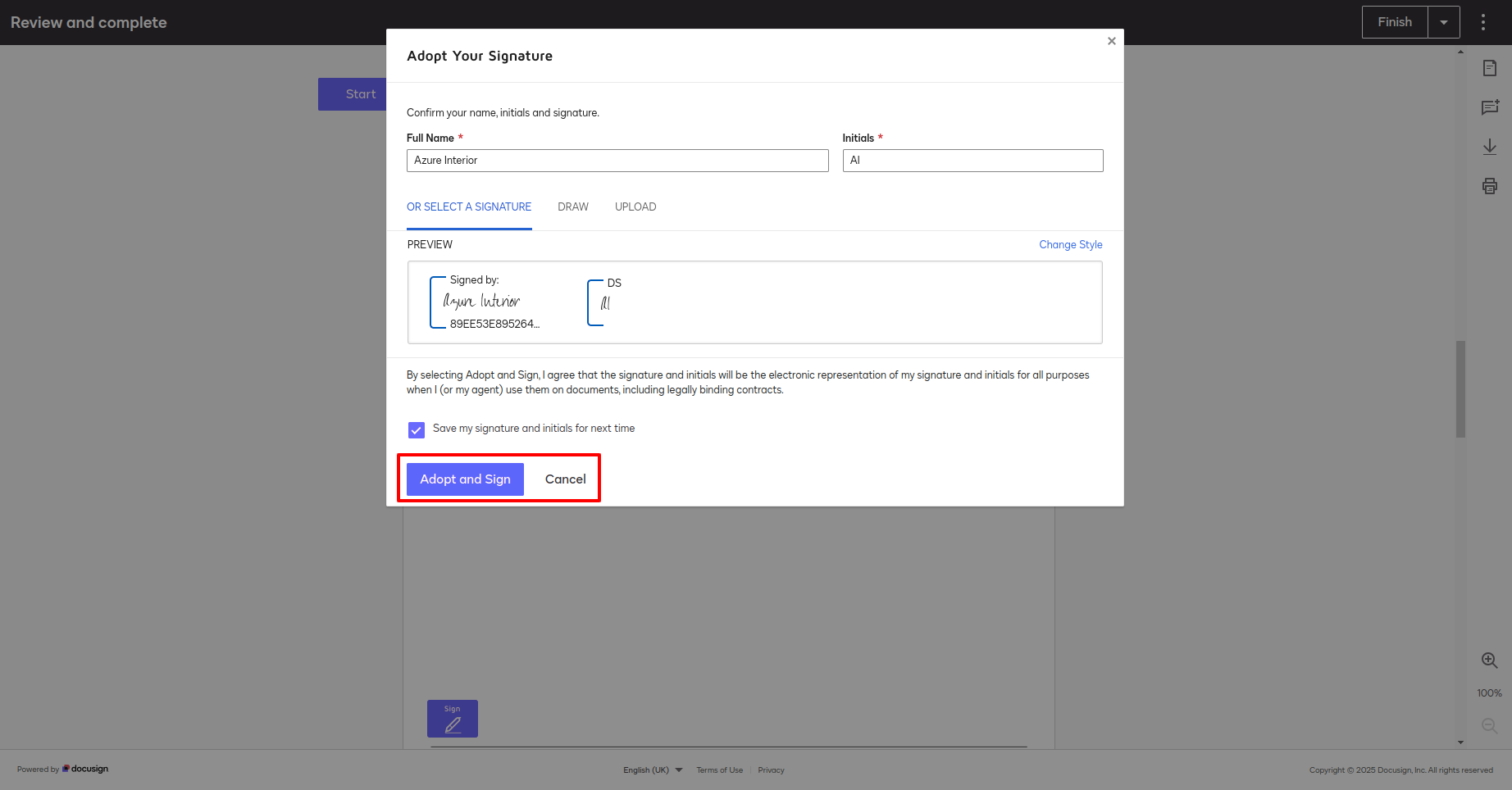
After that, this wizard will appear. Fill all the details and click on the "Adopt and Sign" button.
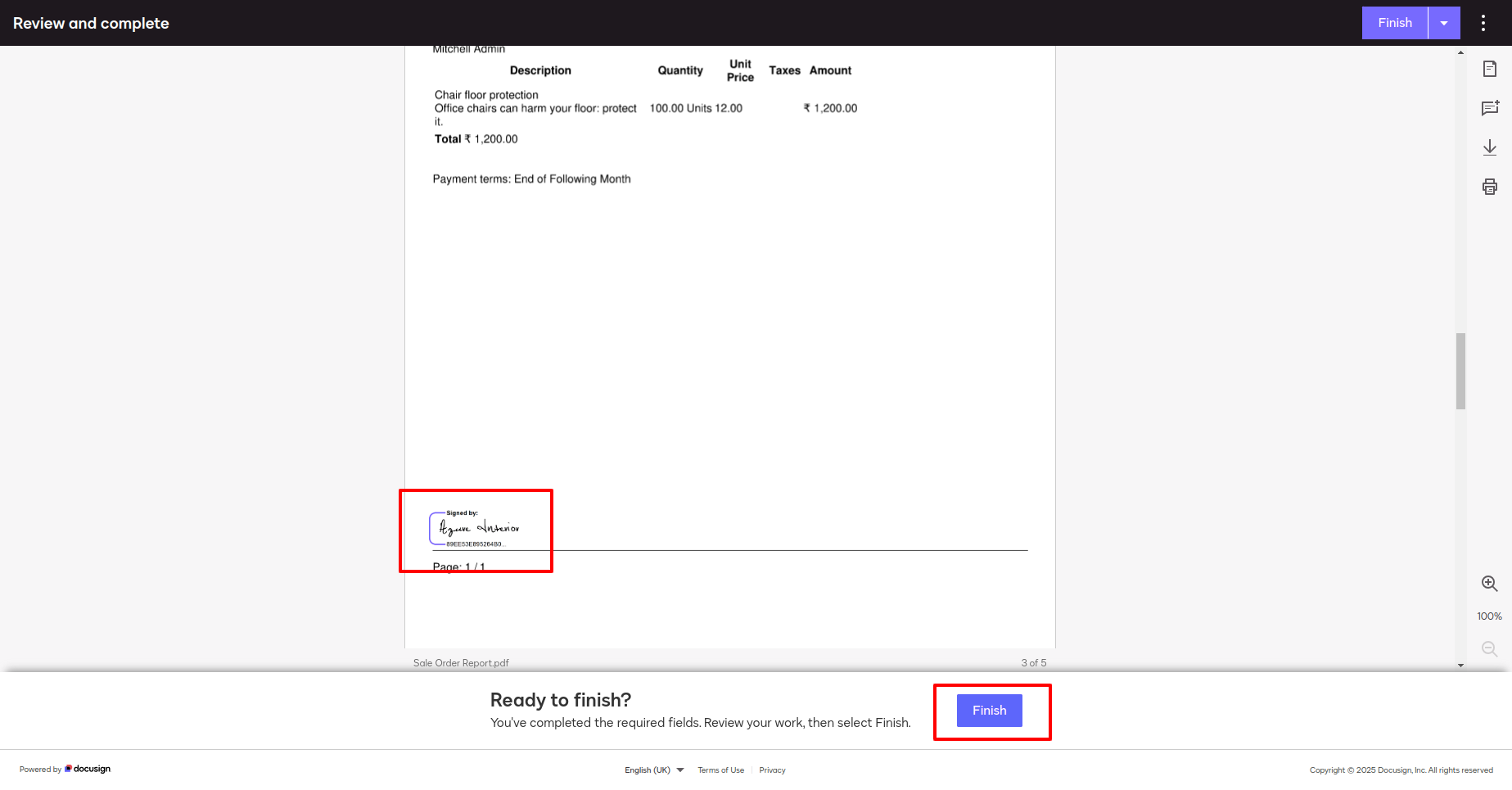
Here, you can see that the signature has been added.
Click on the "Finish" button.
Click on the "Update Document Status" button to see the updated send and sign statuses.
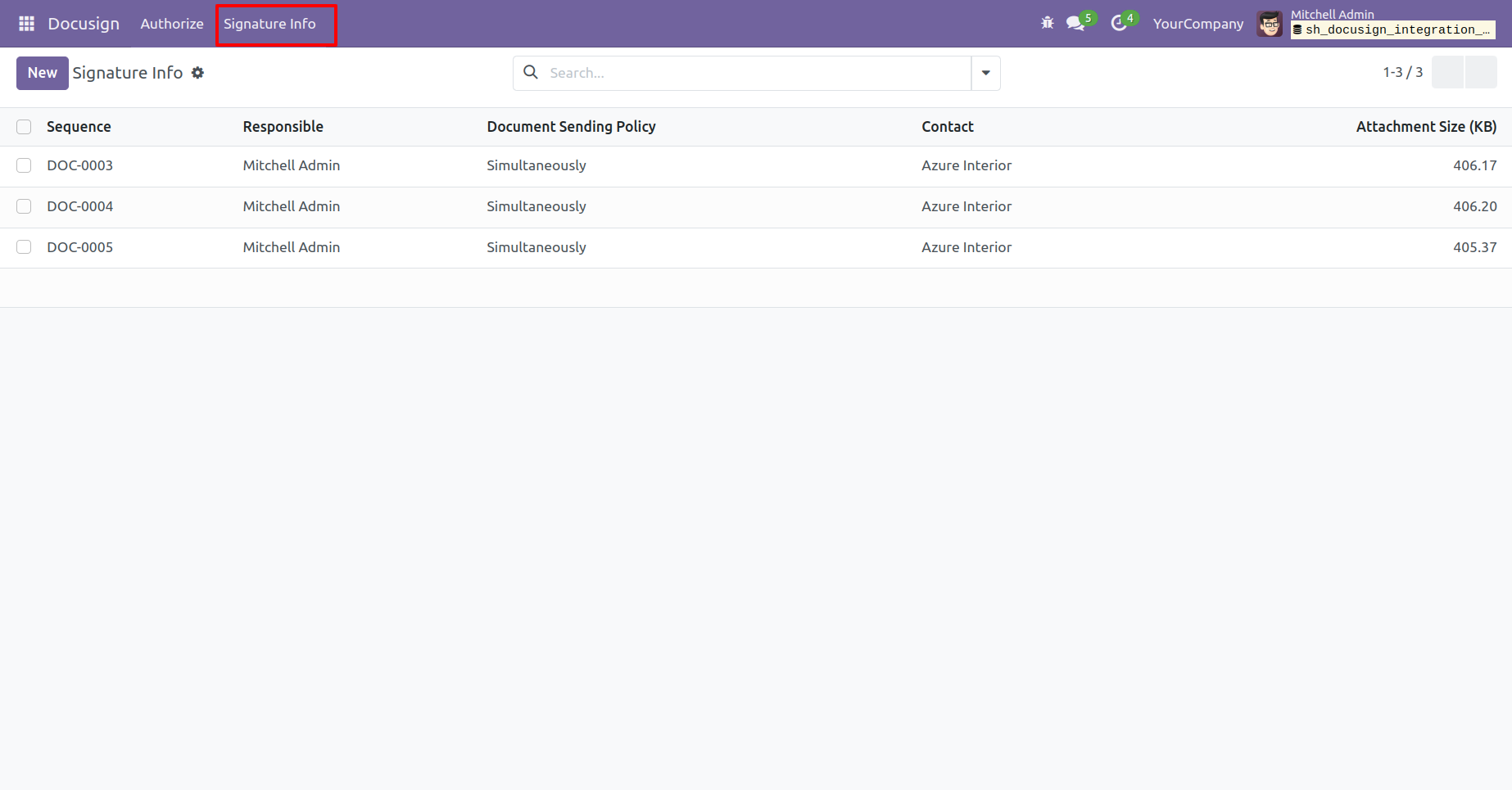
"signature Info" menu and tree view.
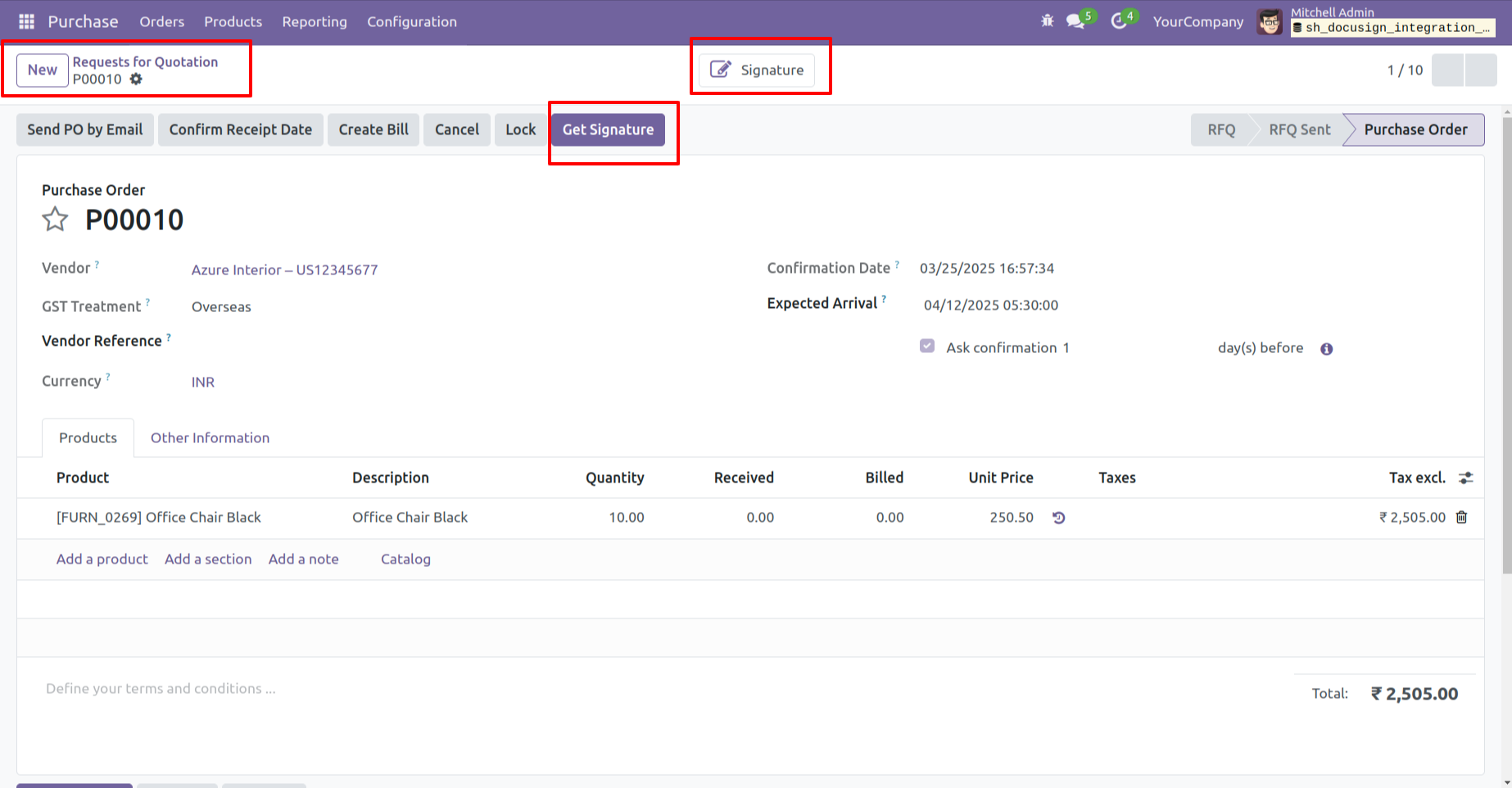
You can also obtain a signature document for the RFQ by clicking on the "Get Signature" button.
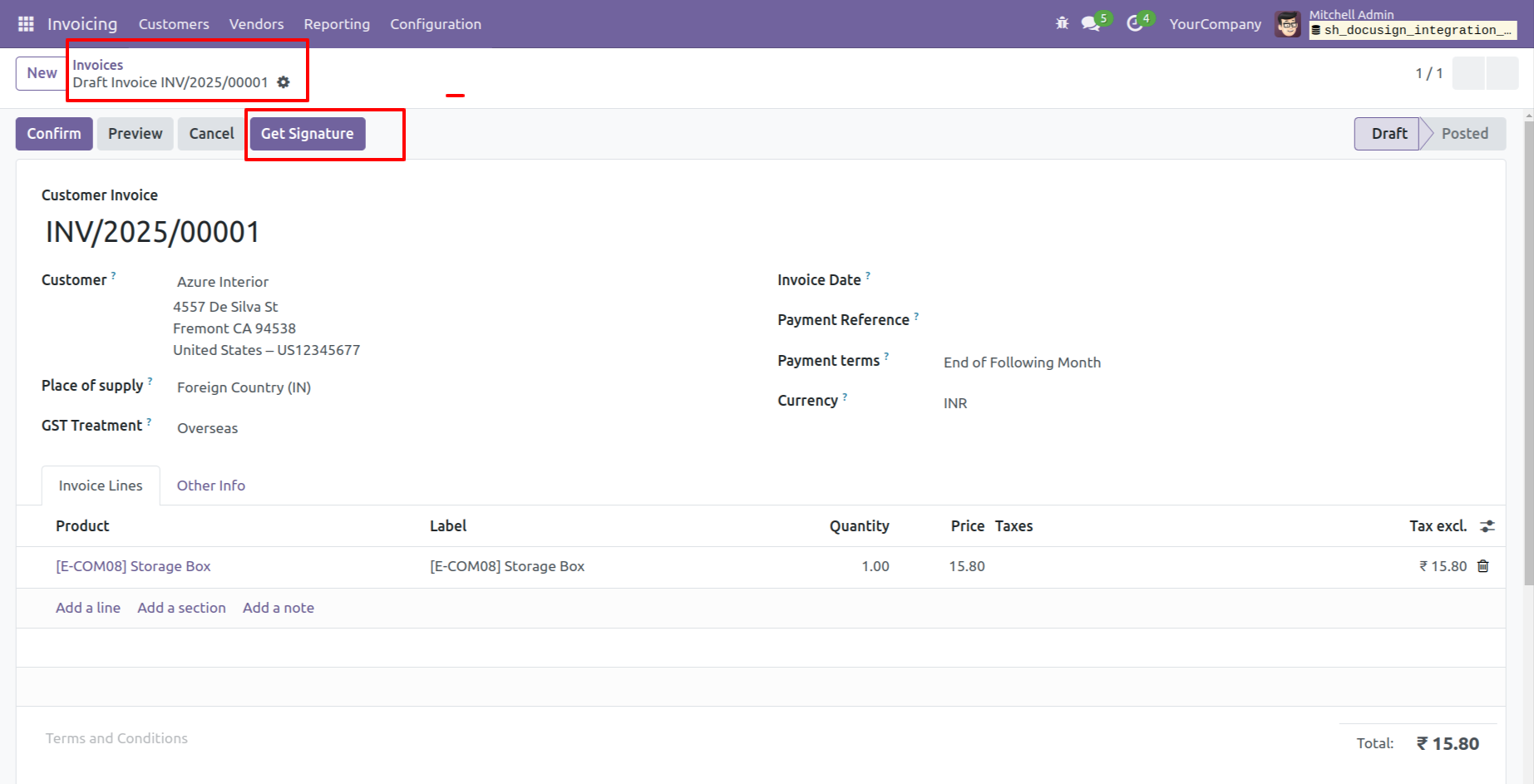
You can also obtain a signature document for the invoices by clicking on the "Get Signature" button.
Version 18.0.1.0.0 | Released on : 17th March 2026
- Yes, this app works perfectly with Odoo Enterprise (Odoo.sh & Premise) as well as Community.
- No, this application is not compatible with odoo.com(odoo saas/Odoo Online)
- Yes, to test this module, please contact us at sales@softhealer.com.
- Please contact us at sales@softhealer.comto request customization.
- Yes, we provide free support for 365 days from the date of purchase.
- Yes, you will receive lifetime free updates for the version of the module you purchased.
- No, there is no need to install any additional libraries.
- Yes, for version 12 and above, you need to purchase the module separately for each version you intend to use.
- No, exchanges or refunds are not allowed. Please make sure to select the correct version before purchasing.
- You can contact us at support@softhealer.com for language translation support. We use Google Translator tools to provide translations in multiple languages, so the accuracy may vary. We welcome your suggestions to help improve translations.
Discover Our Latest Apps