







Diet Management System

The Diet Management System is designed to streamline communication between dieticians and their clients, enabling them to create and manage personalized diet plans, track progress, and offer tailored guidance to help clients achieve their health goals.

Features

Manage Dieticians
Add, edit, and manage dieticians along with their specialties.
Food Item Management
Create, organize, and maintain a database of food items for diet plans.
Personalized Diet Plans
Design customized diet plans tailored to each client’s health goals and dietary needs.
Client Assignment & Tracking
Assign clients to dieticians and monitor their progress individually.
Monitor Health Metrics
Track clients weight, BMI, and other vital health indicators over time.
Diet Plan Overview / Summary
Get a complete overview of all active diet plans for easy management.
When a ticket is created that time customer will notify via email.
When a ticket is created that time assigned users will notify via email.
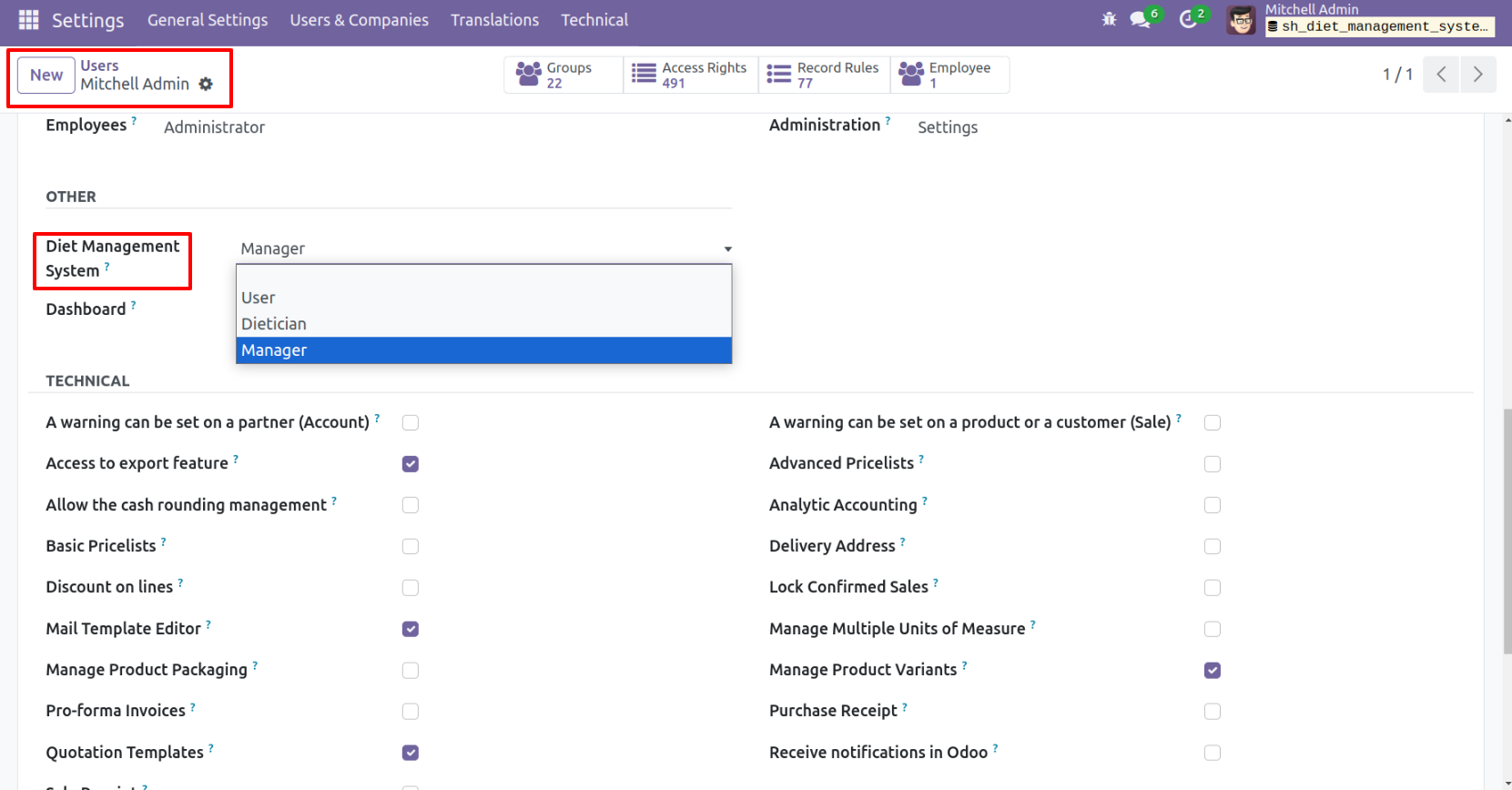
Go to User Settings and assign the role Diet Management system: Manager.
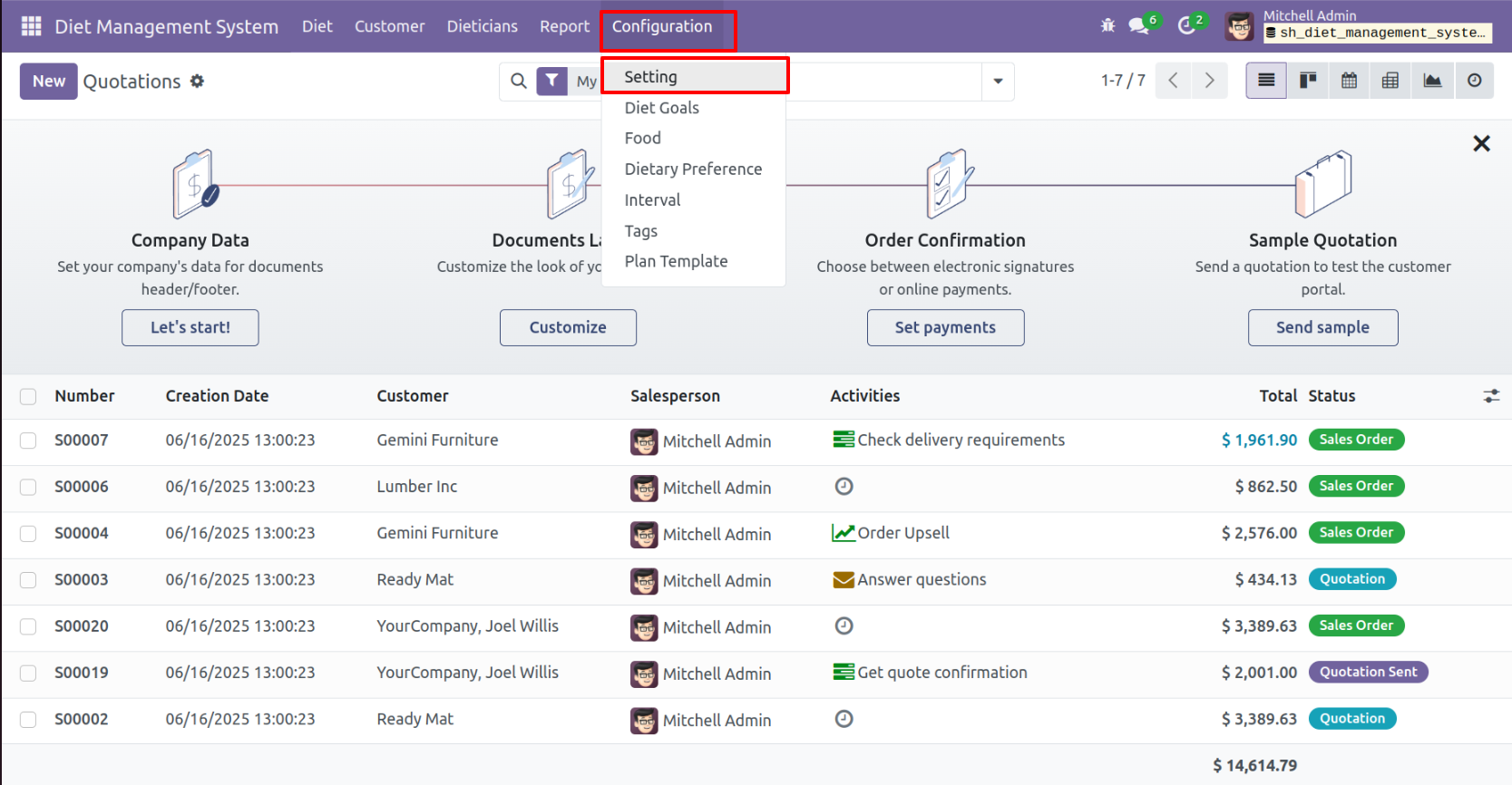
click on the 'Settings' submenu from the configuration of the 'Diet Management system'.
Tick the 'Notify Customer Before Due Date' boolean and set the days.

'Diet Goal' menu and tree view.

Form view of the 'Diet Goal'.

'Food' menu and tree view.

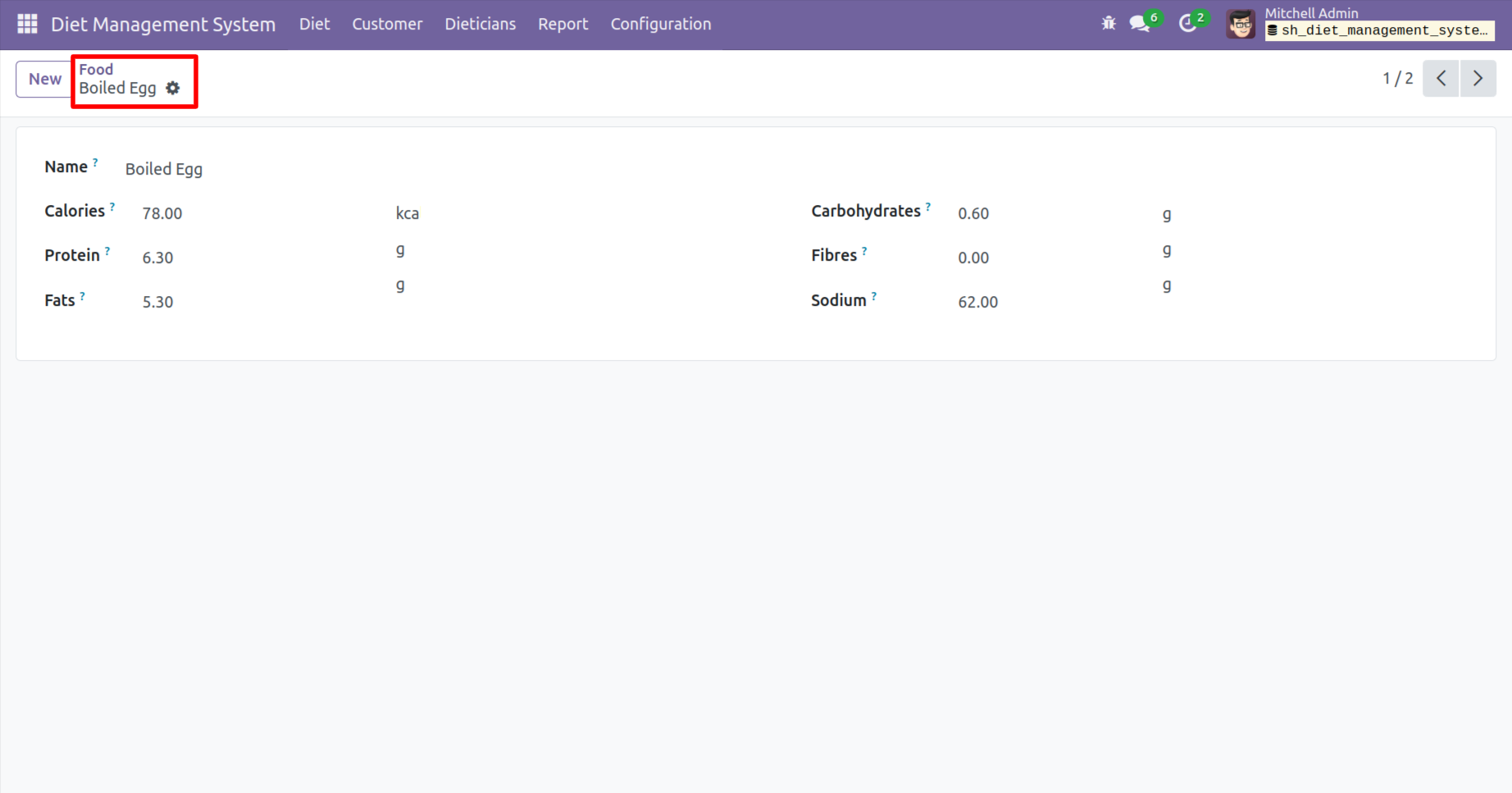
Form view of the 'Food'.
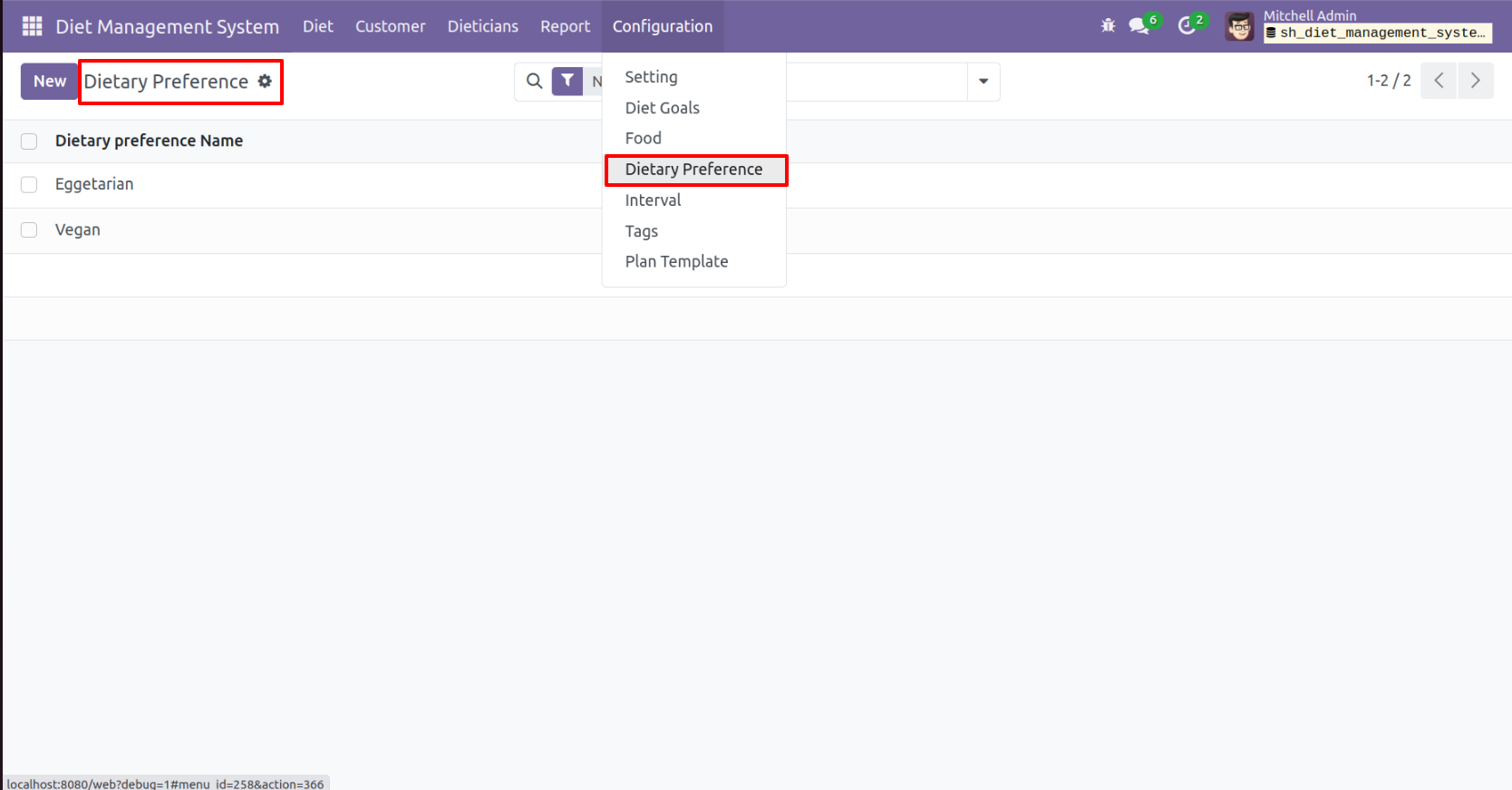
'Dietary Pereference' menu and tree view.
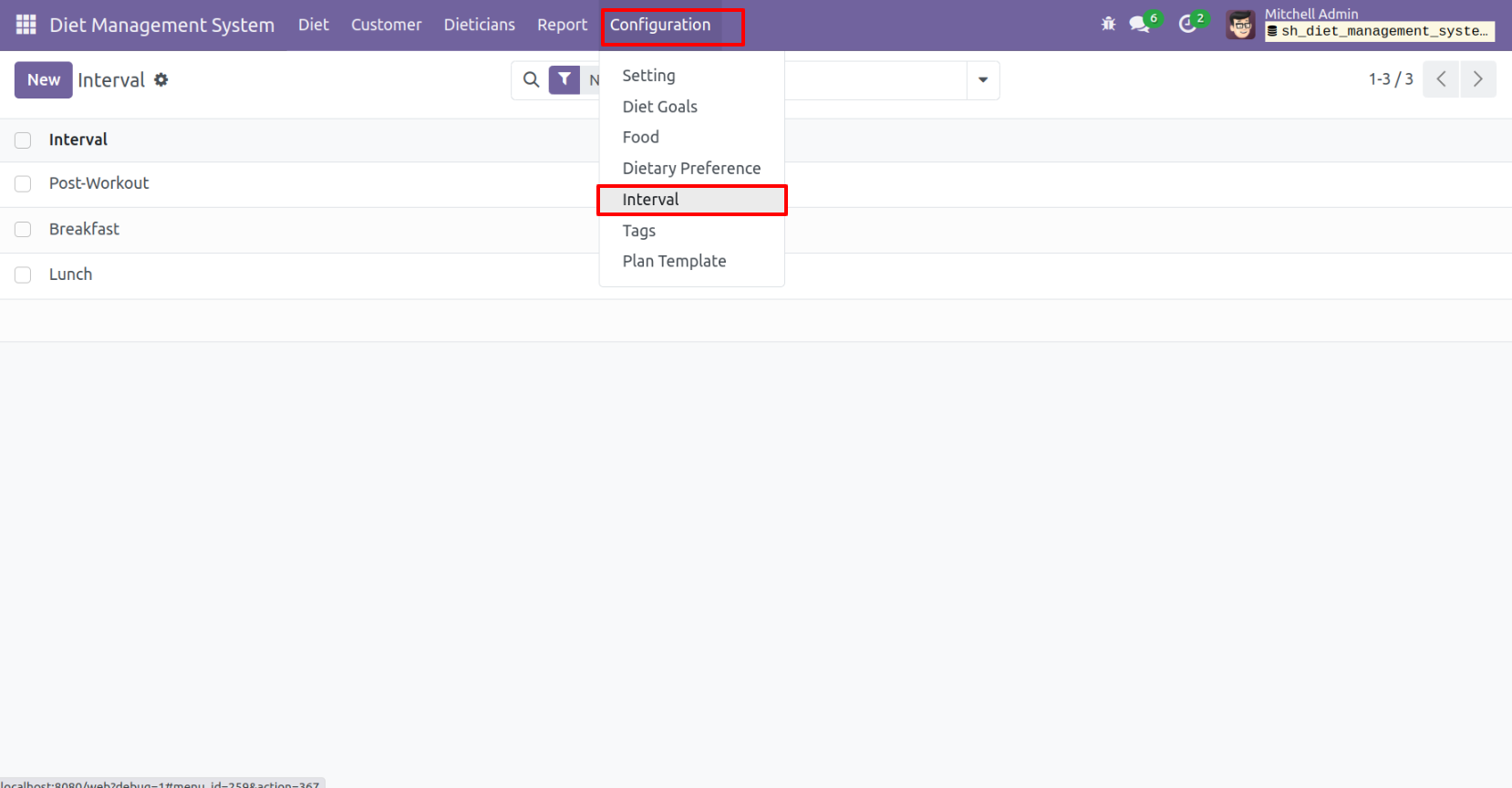
'Interval' menu and tree view.
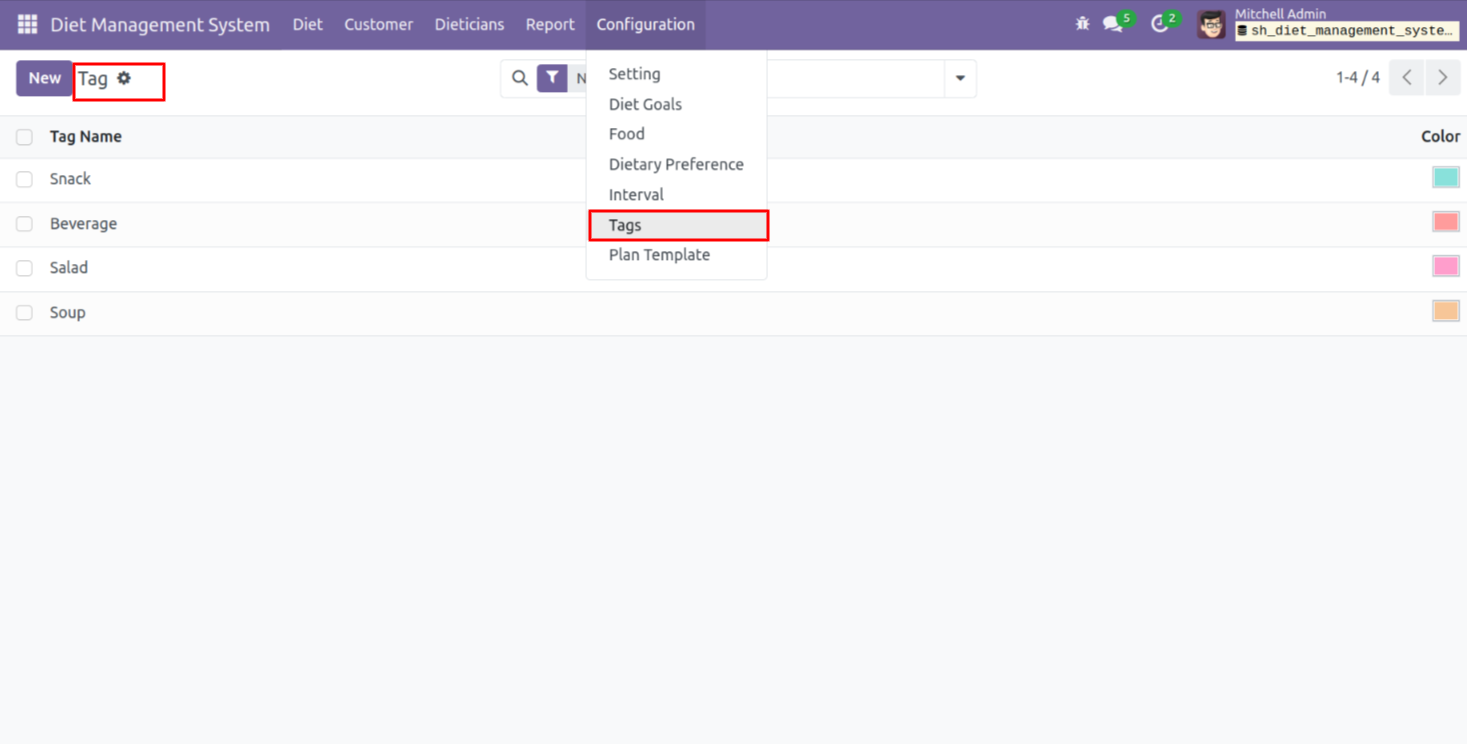
'Tags' menu and tree view.
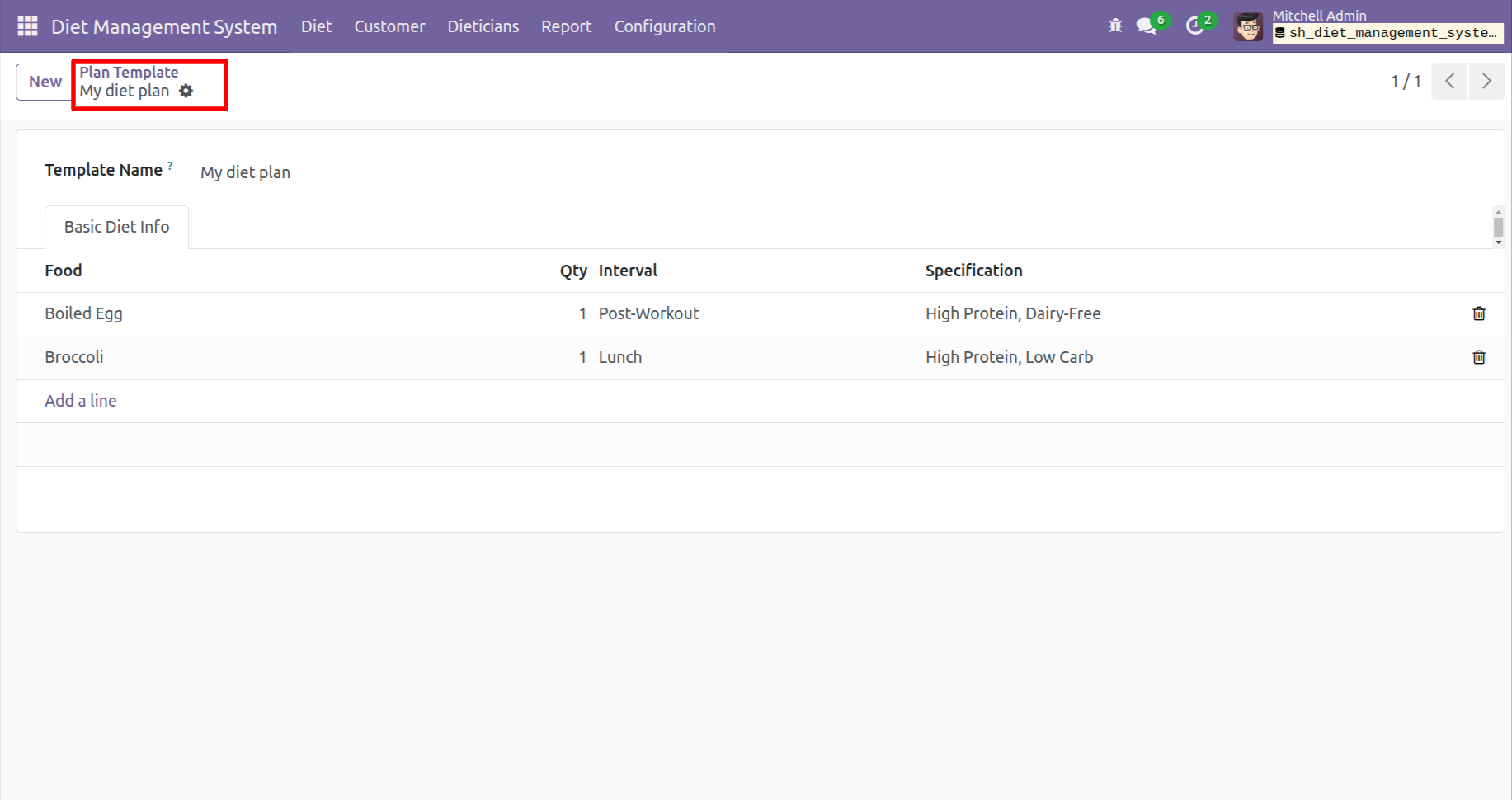
'Plan Template' menu and tree view.

Form view of the 'Plan Template'.
Now you can see the invoice is in 'Posted' stage.
To print the invoice, click on the 'Print & Send' button.
after the below wizard will appears and click on the 'Continue' button.
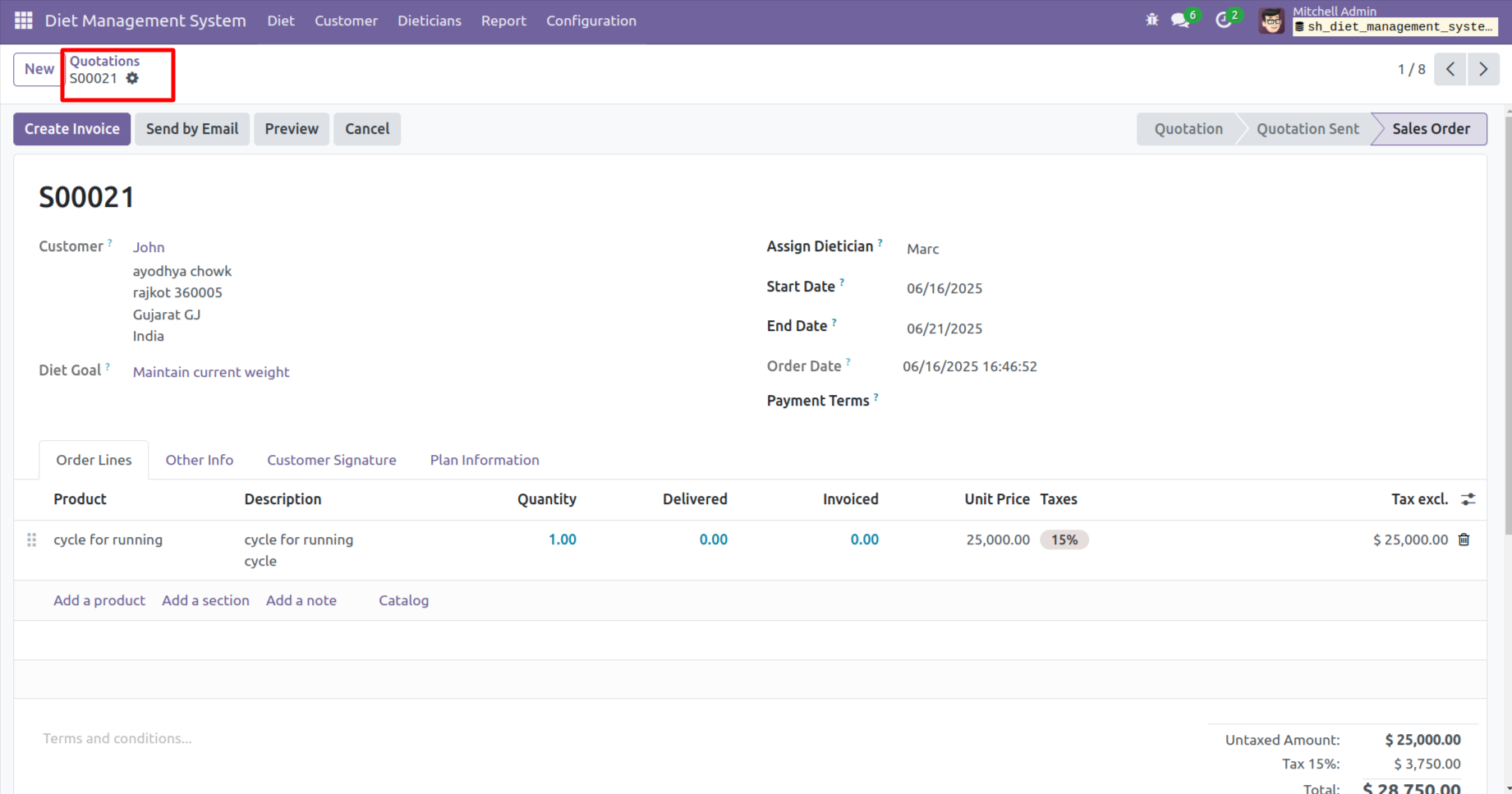
Select the 'Download' option and click on the 'Print' button.

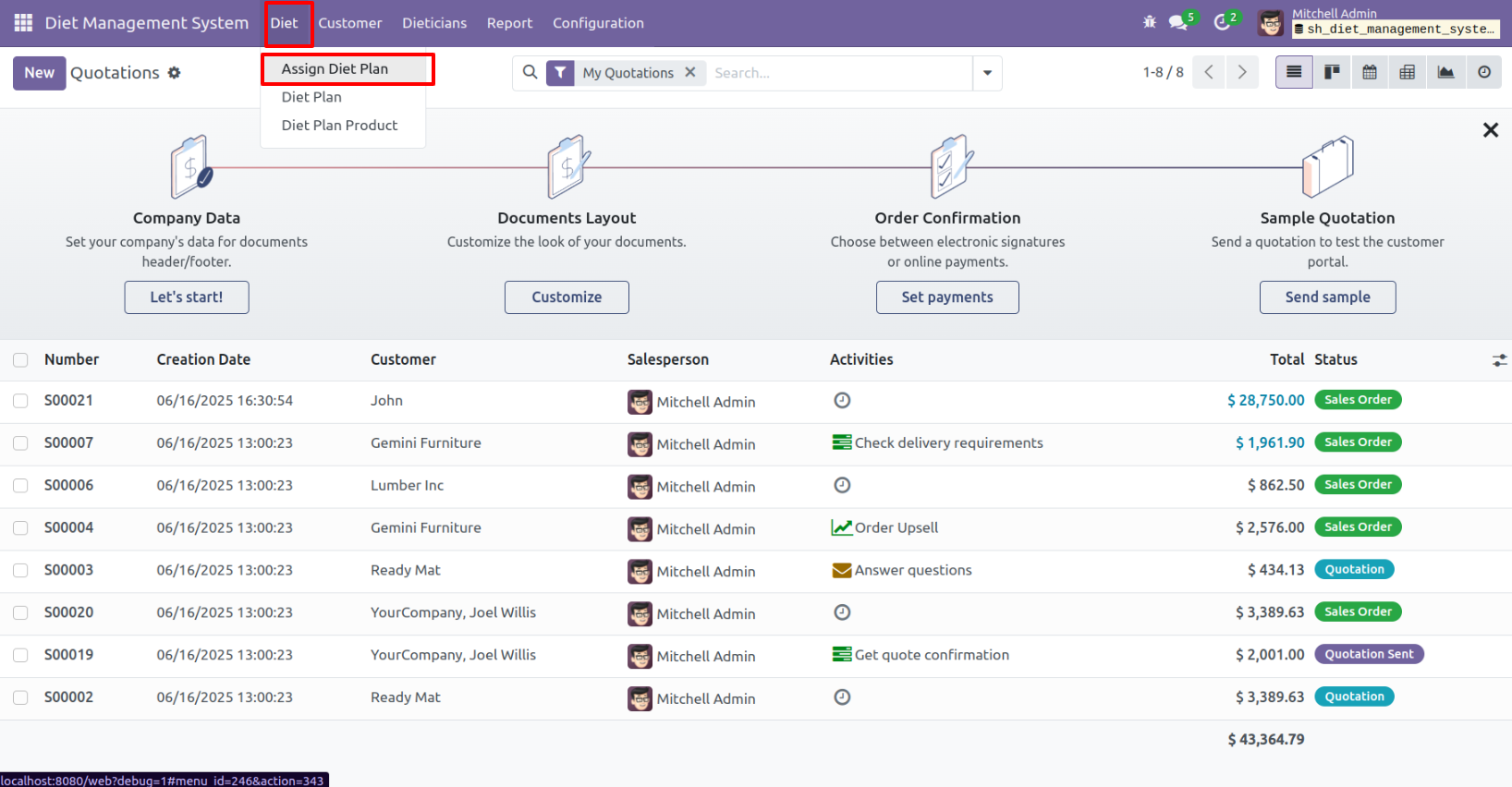
'Diet Plan' menu and kanban view.
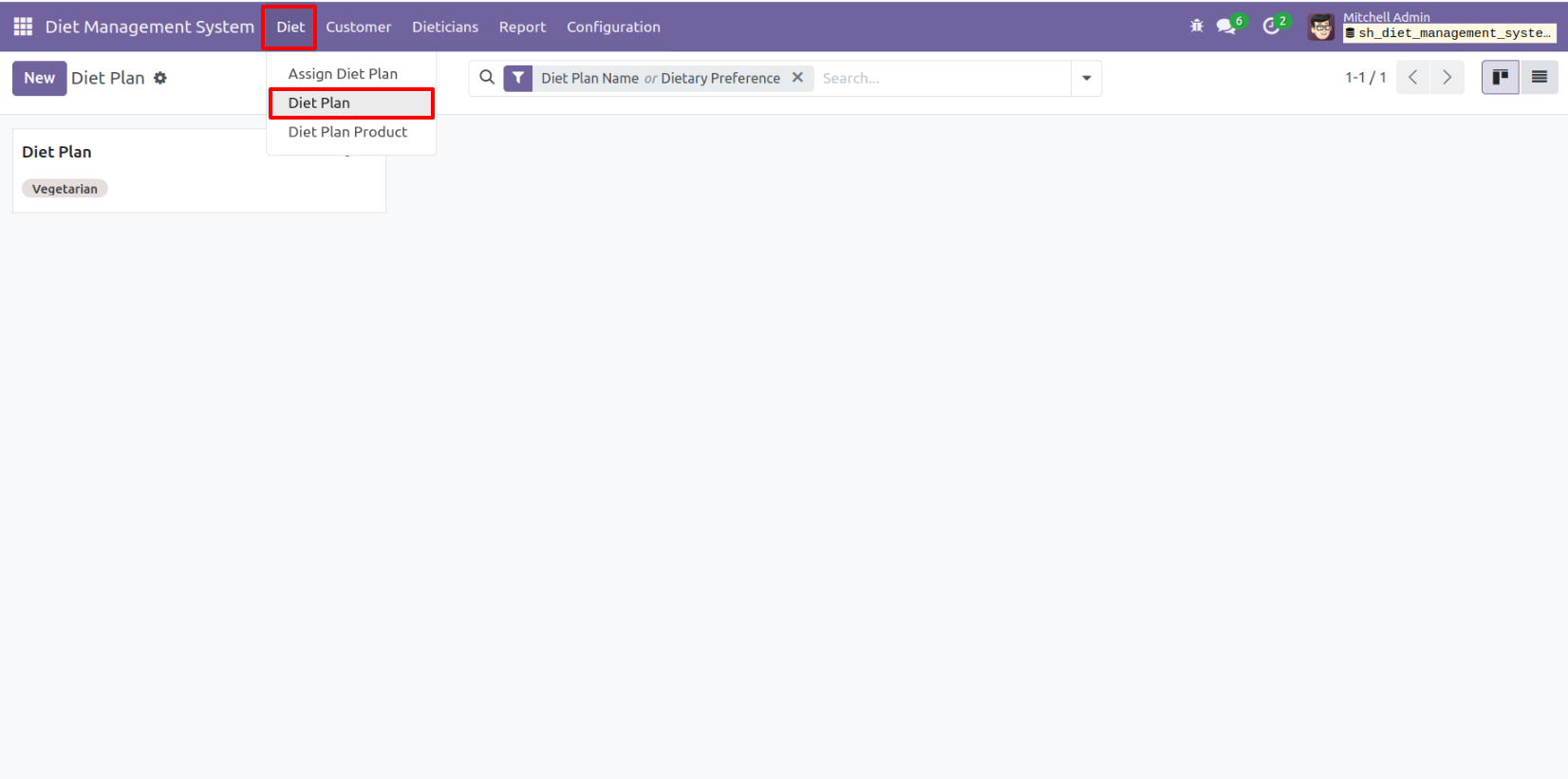
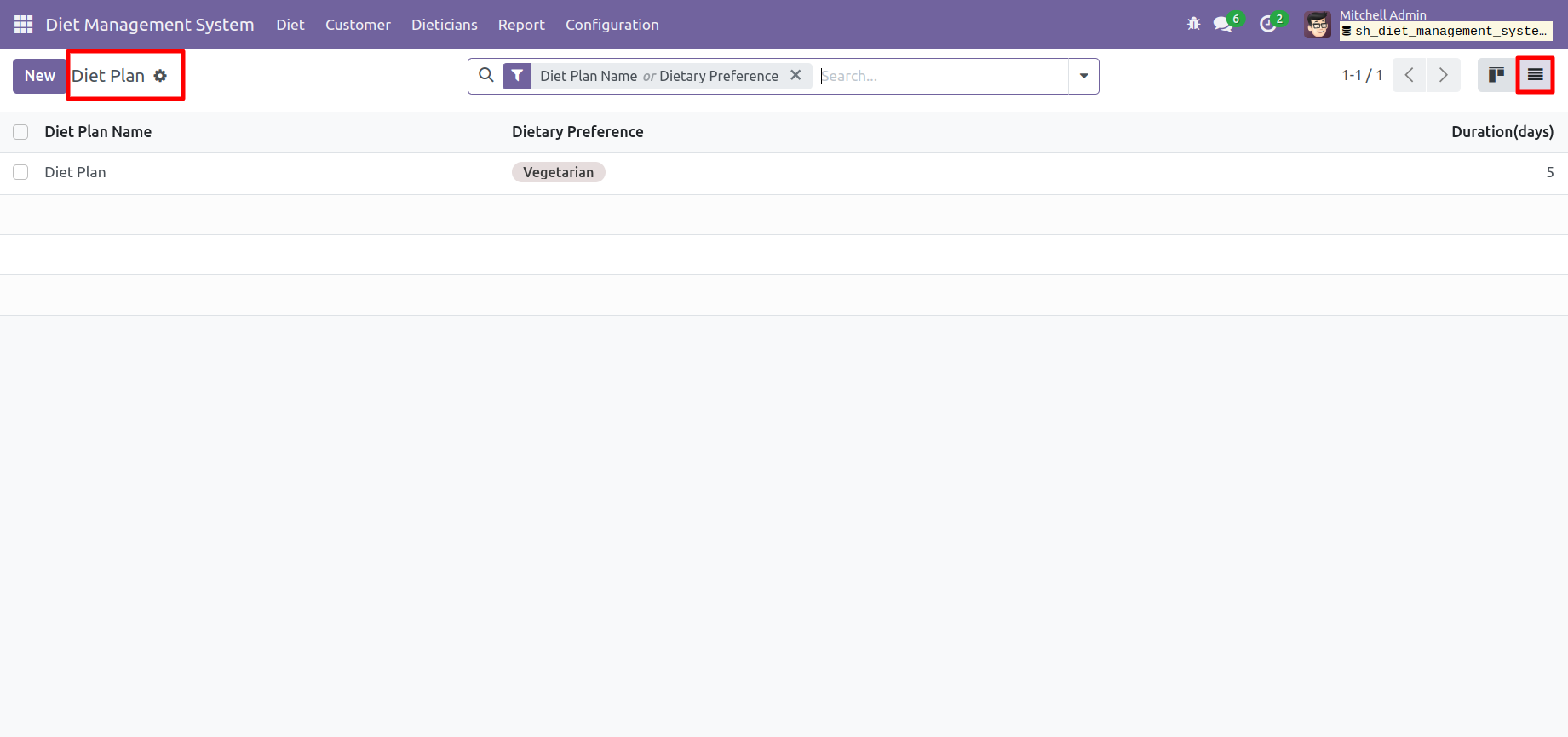
Tree view of the 'Diet Plan'.
Form view of the 'Diet Plan'.

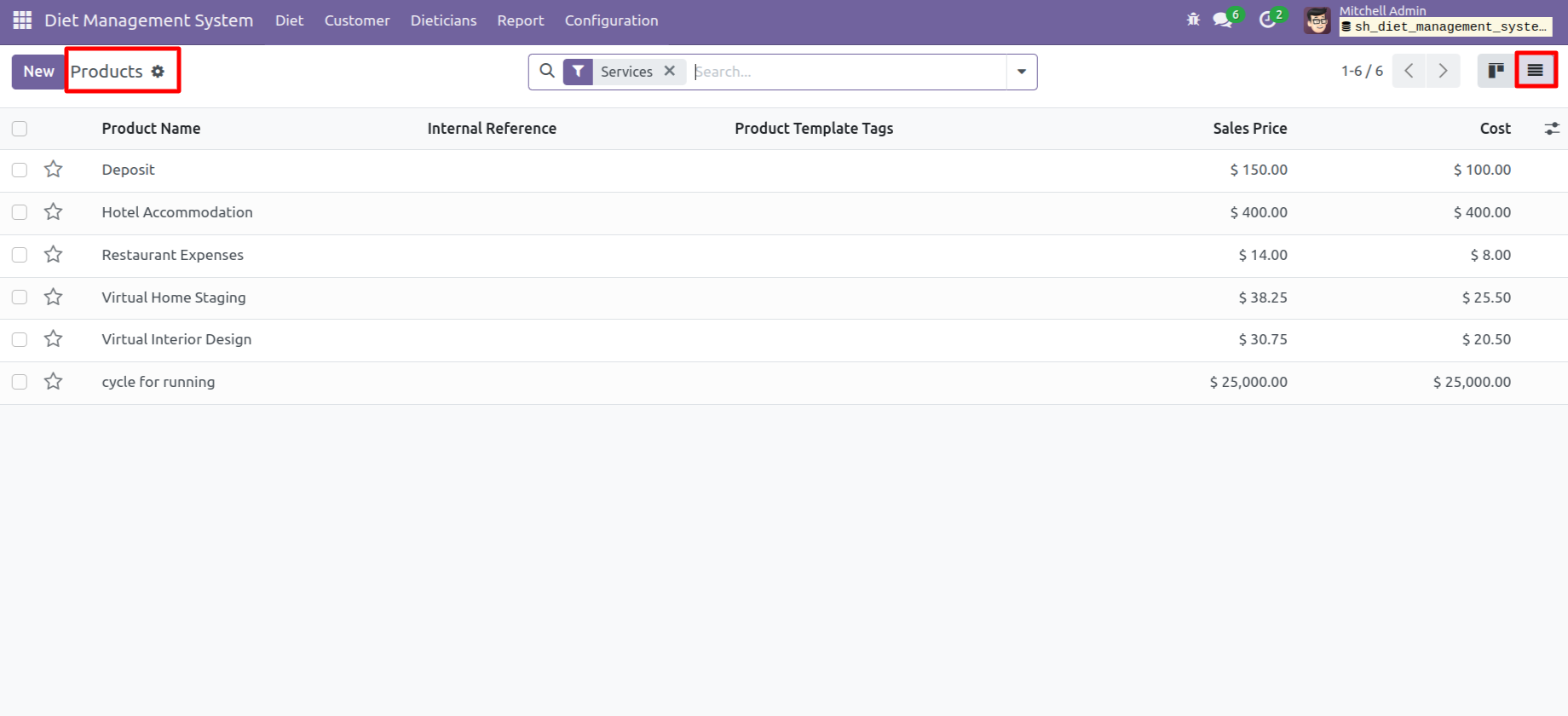
'Diet Plan Products' menu and kanban view.
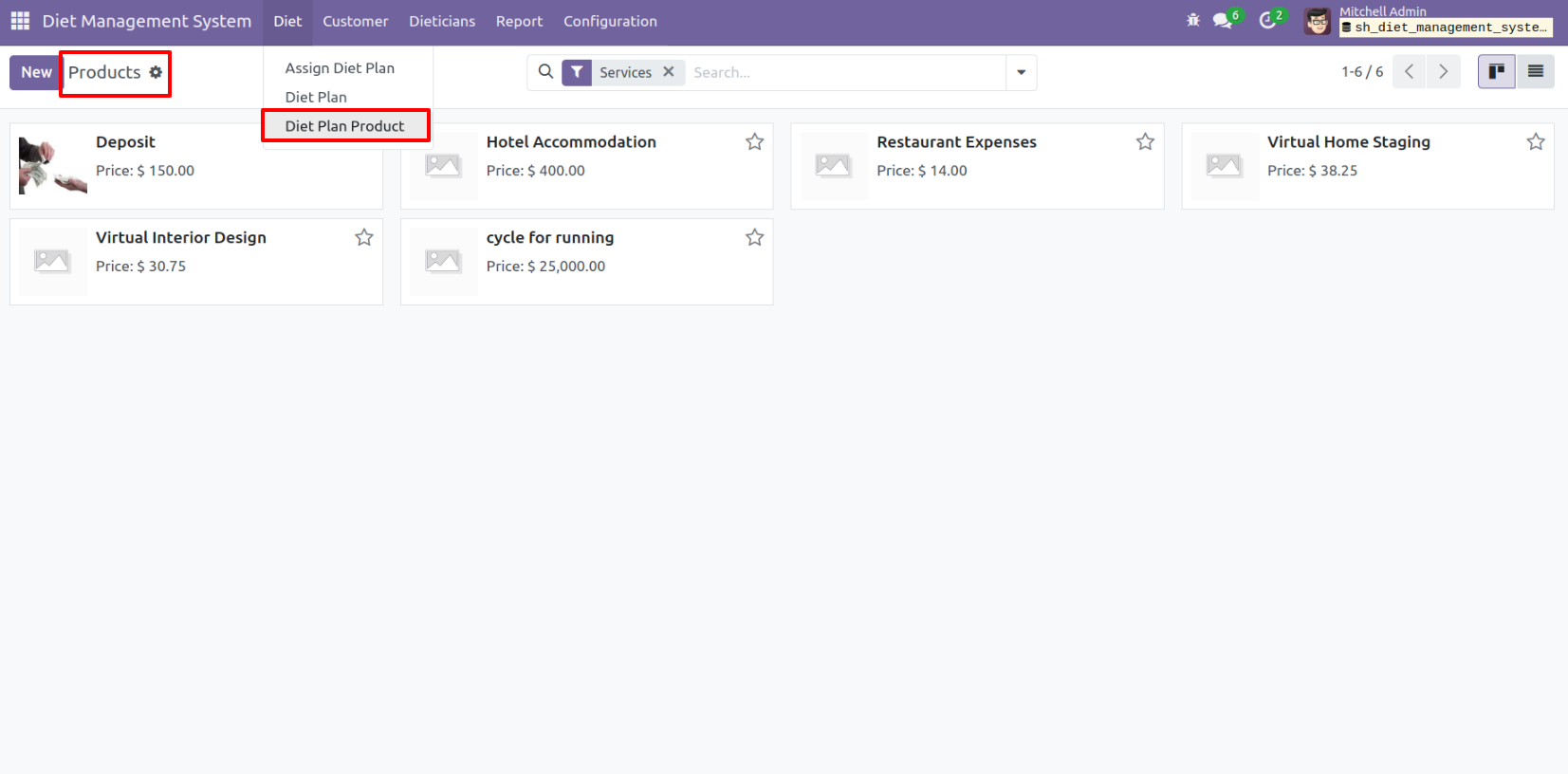
tree view of the 'Diet Plan Products'.
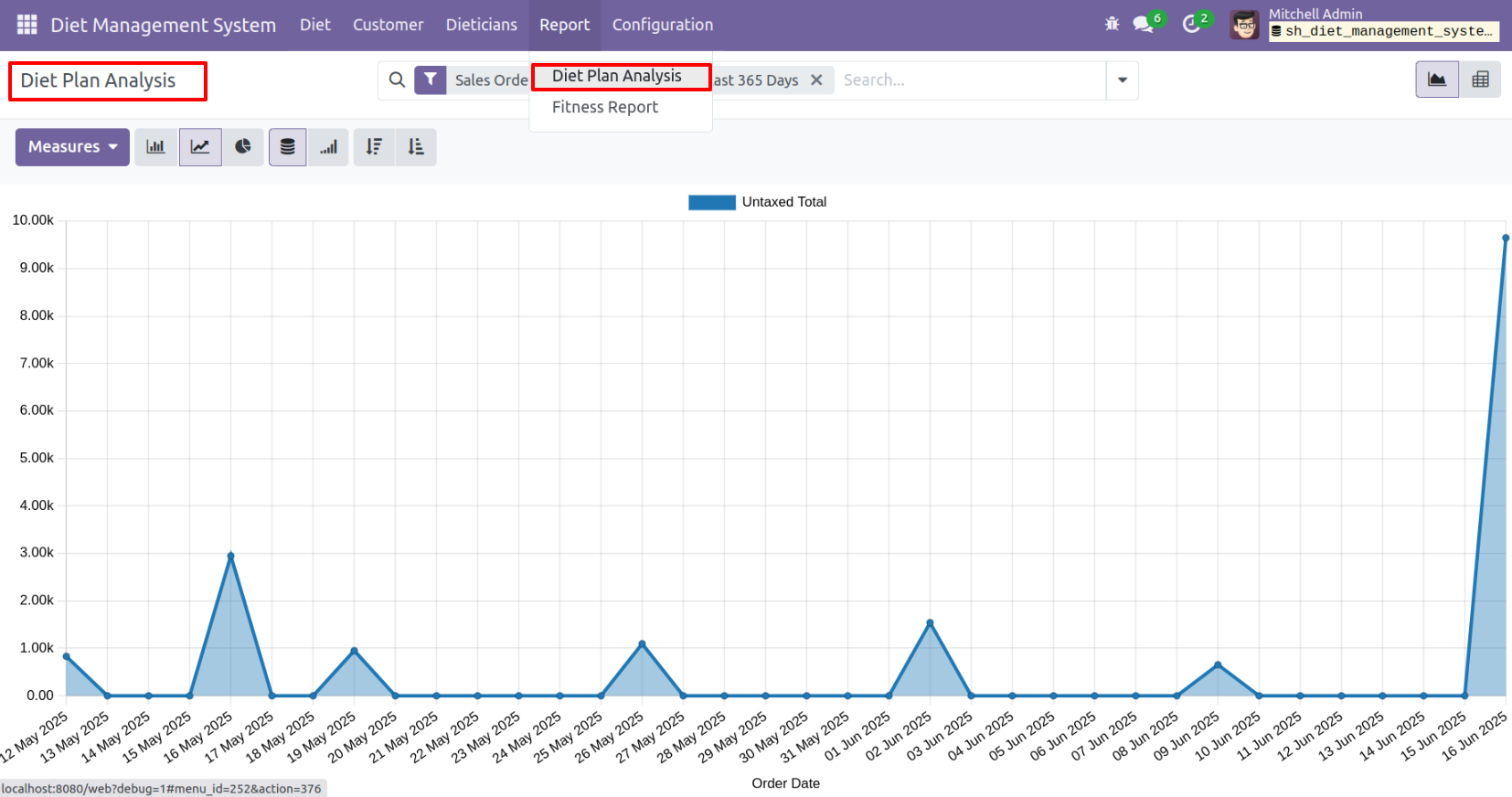
'Diet Plan Analysis' menu and chart view.
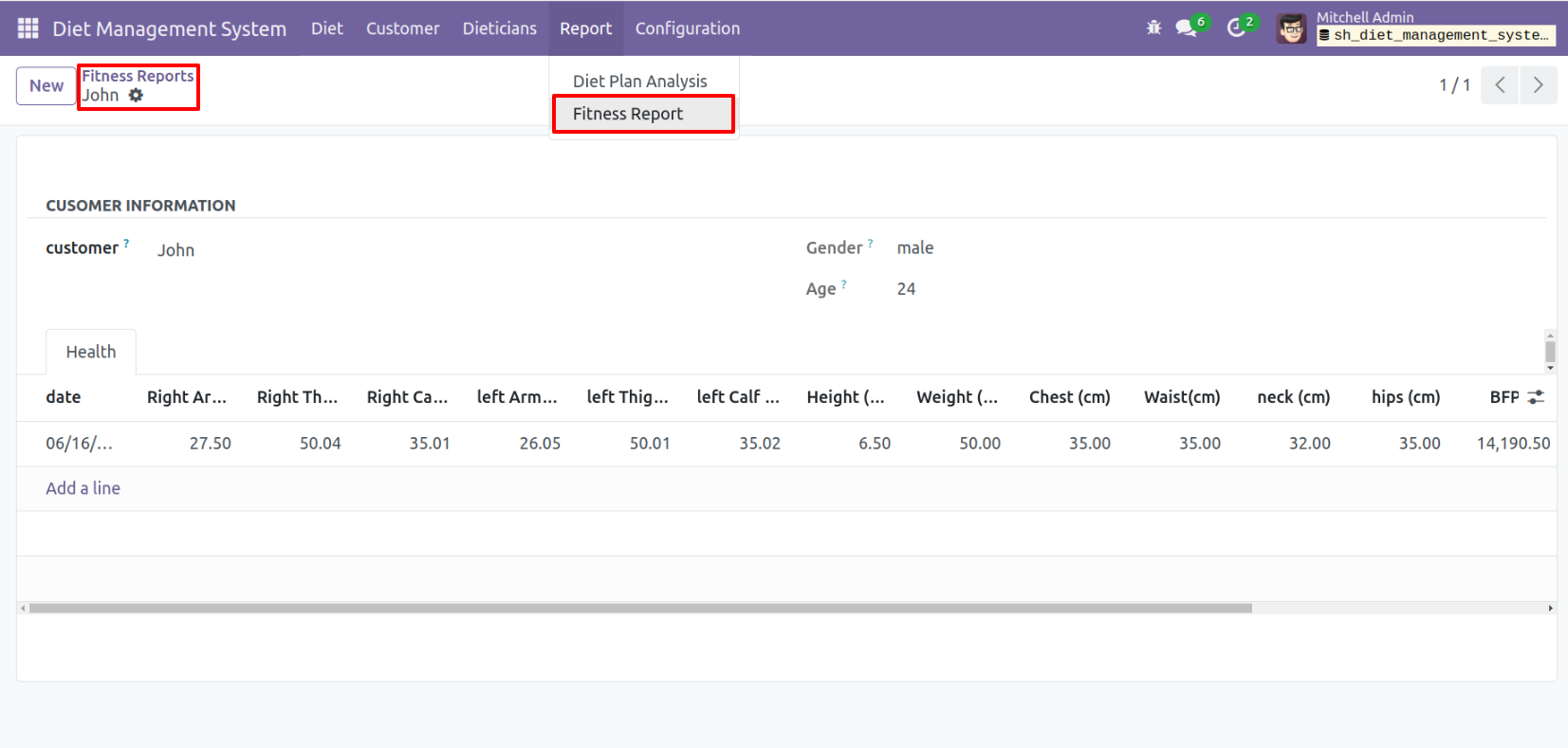
'Fitness Report' menu and form view.
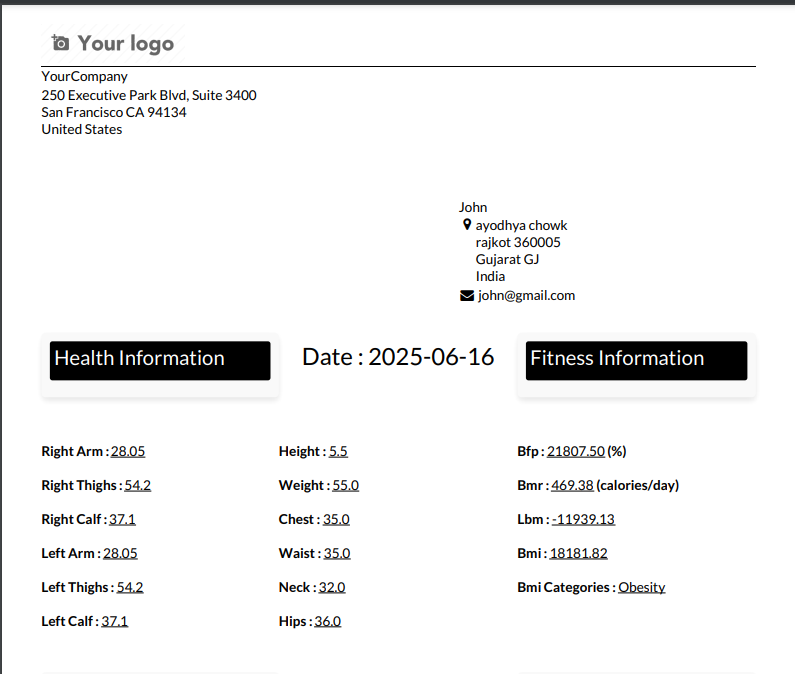
To print the report, click on the 'Health Report' from the action.

'Fitness Report' looks like below.
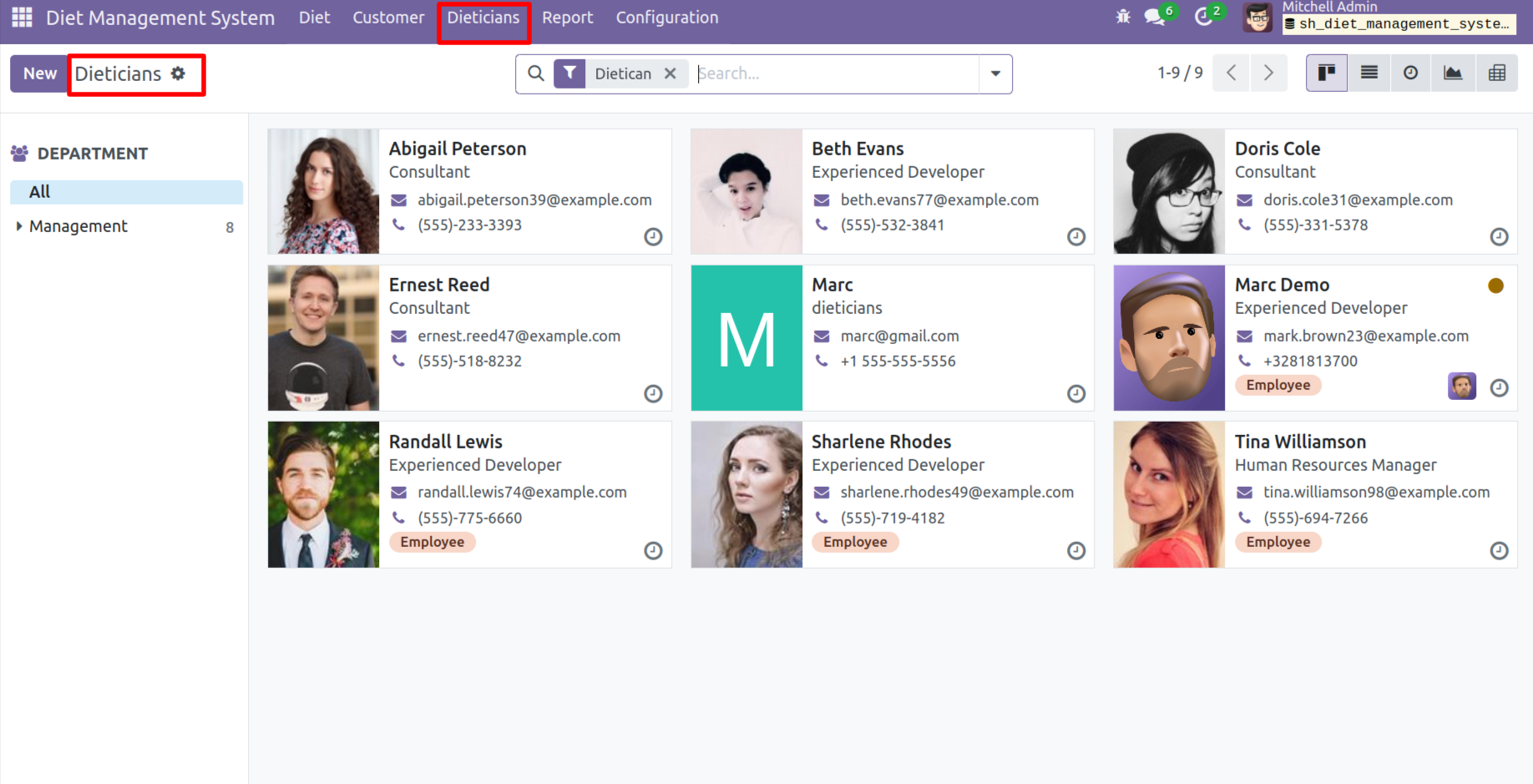
'Dieticians' menu and kanban view.
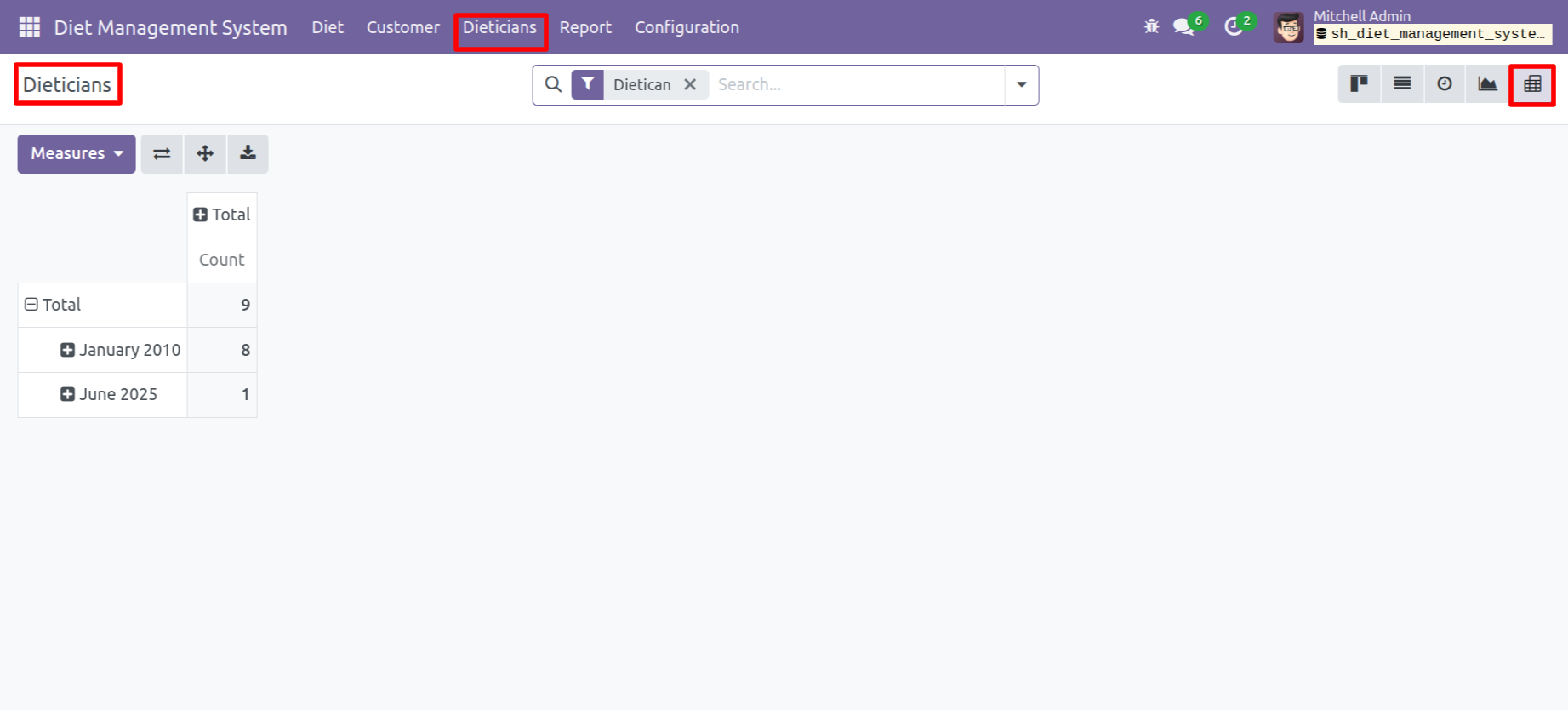
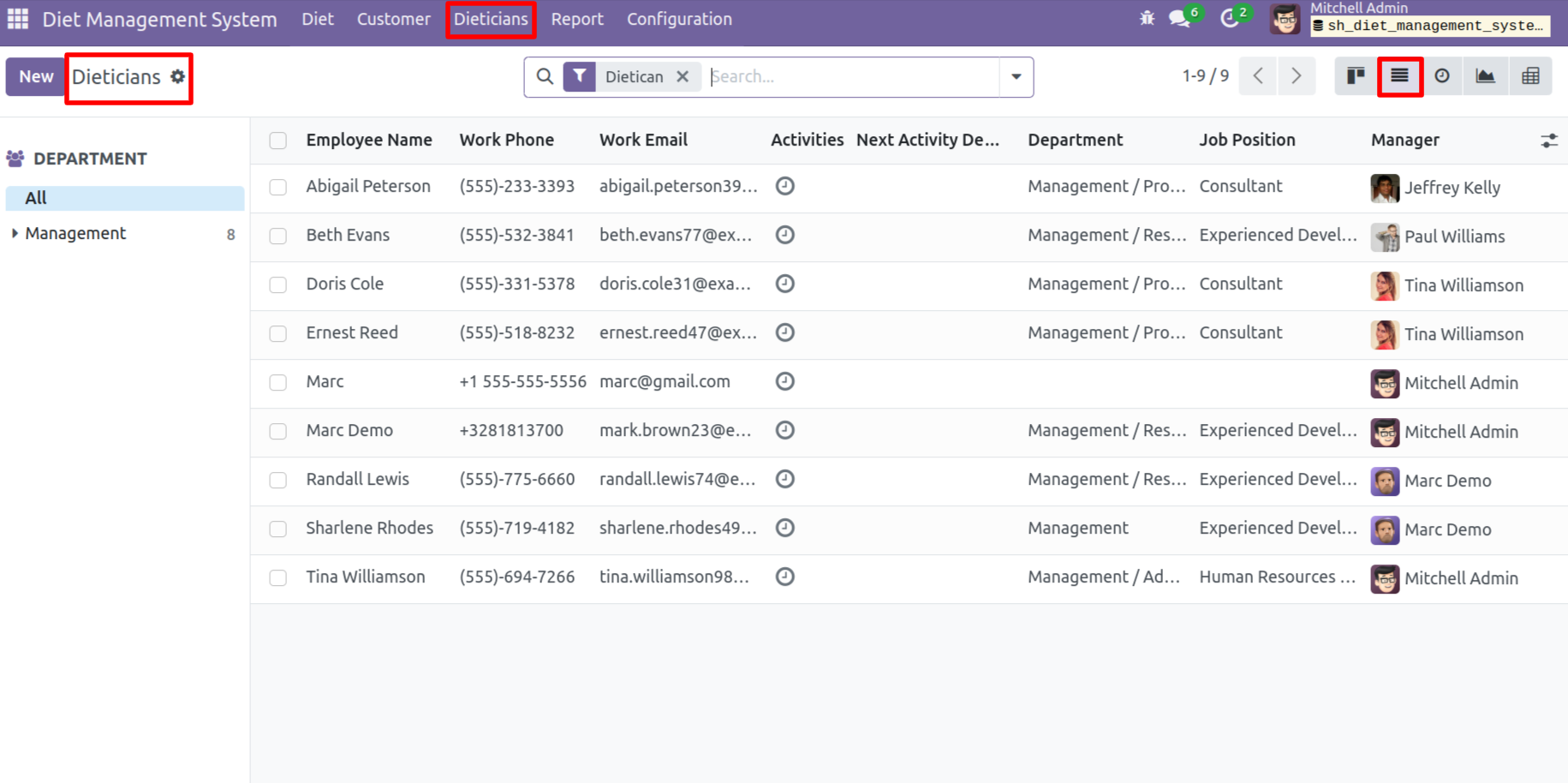
Tree view of the 'Dieticians'.
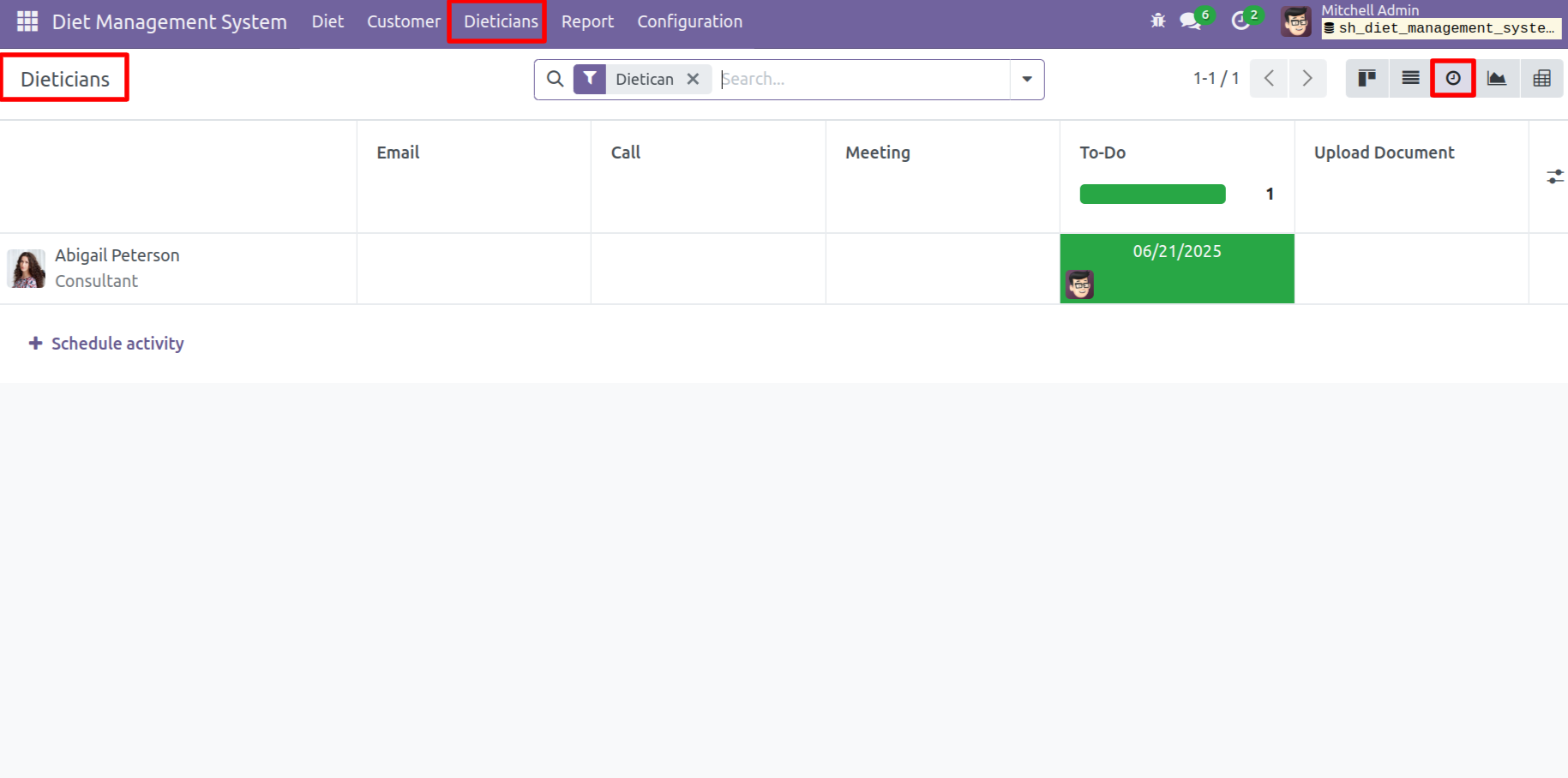
Activity view of the 'Dieticians'.
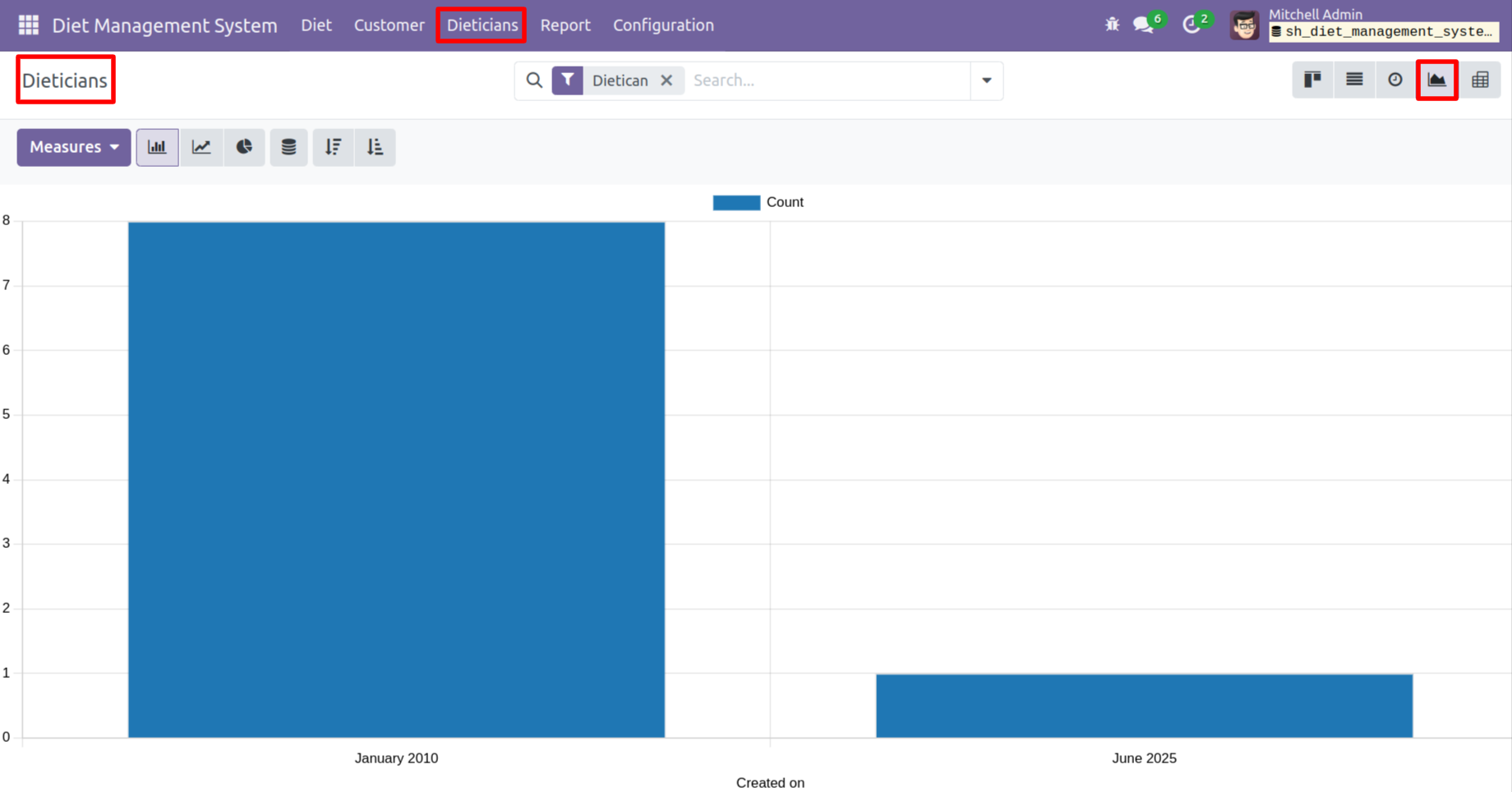
Graph view of the 'Dieticians'.
Calender view of the 'Dieticians'.
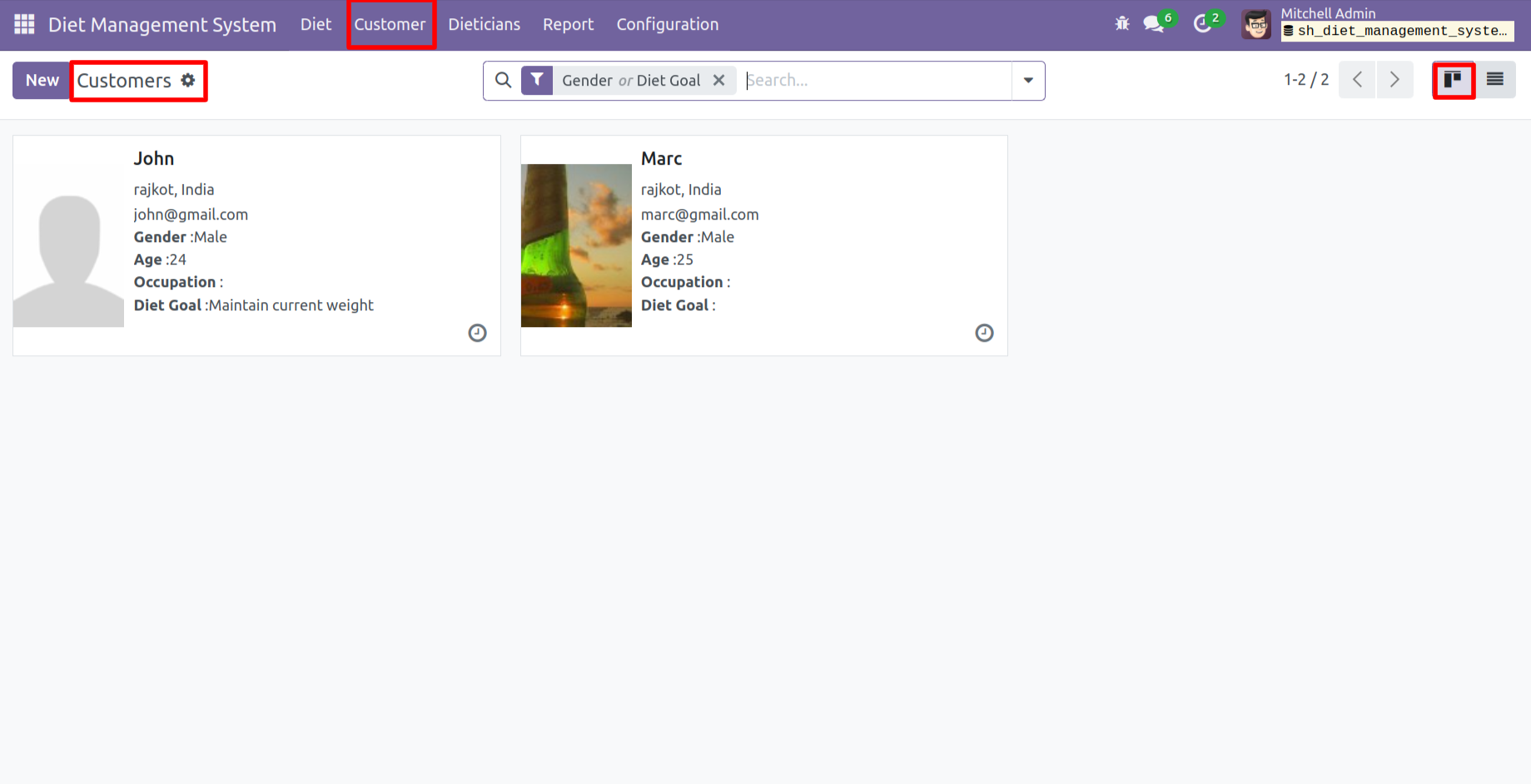
'Customer' menu and kanban view.
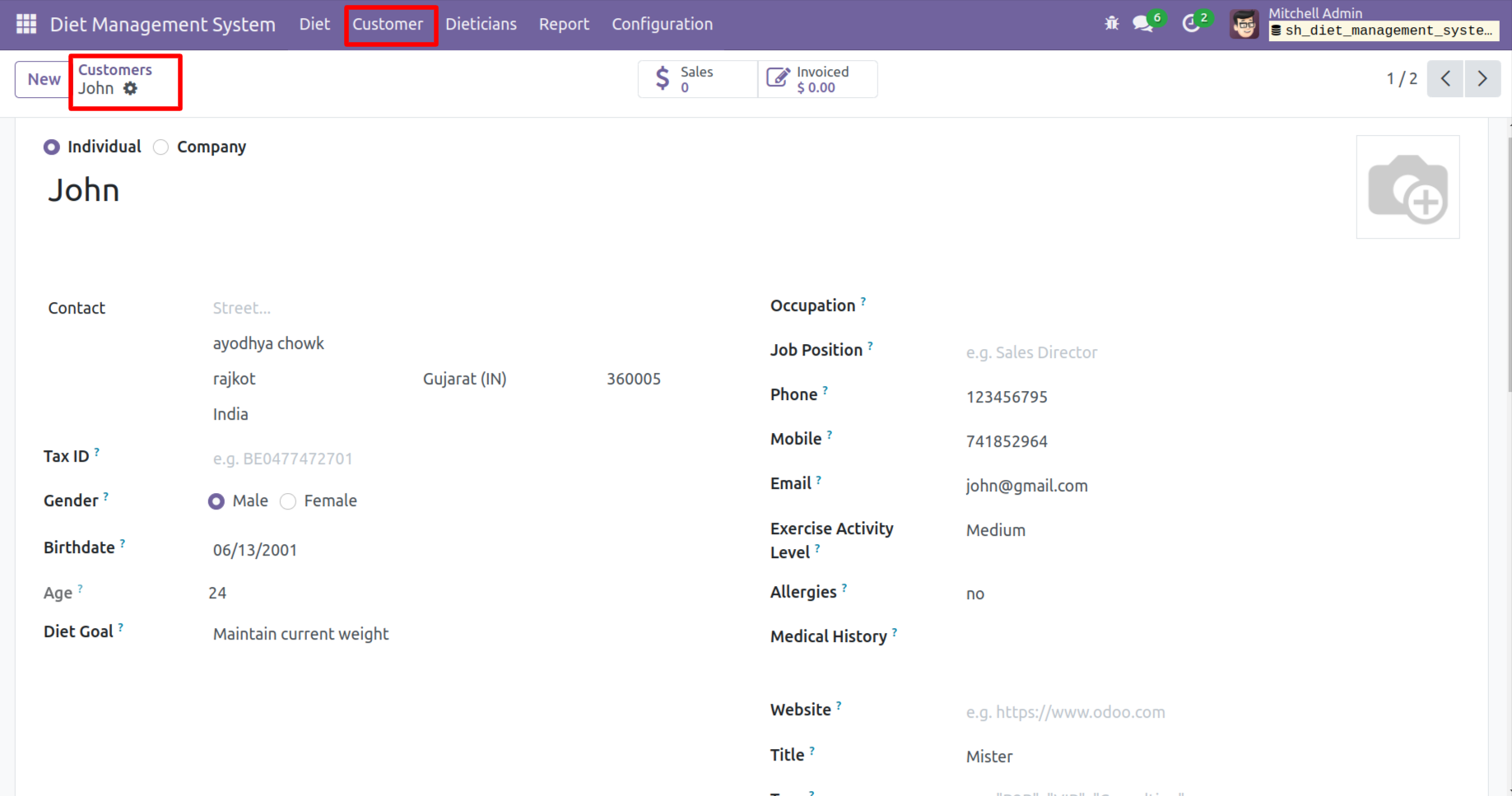
Form view of the 'Customers'.
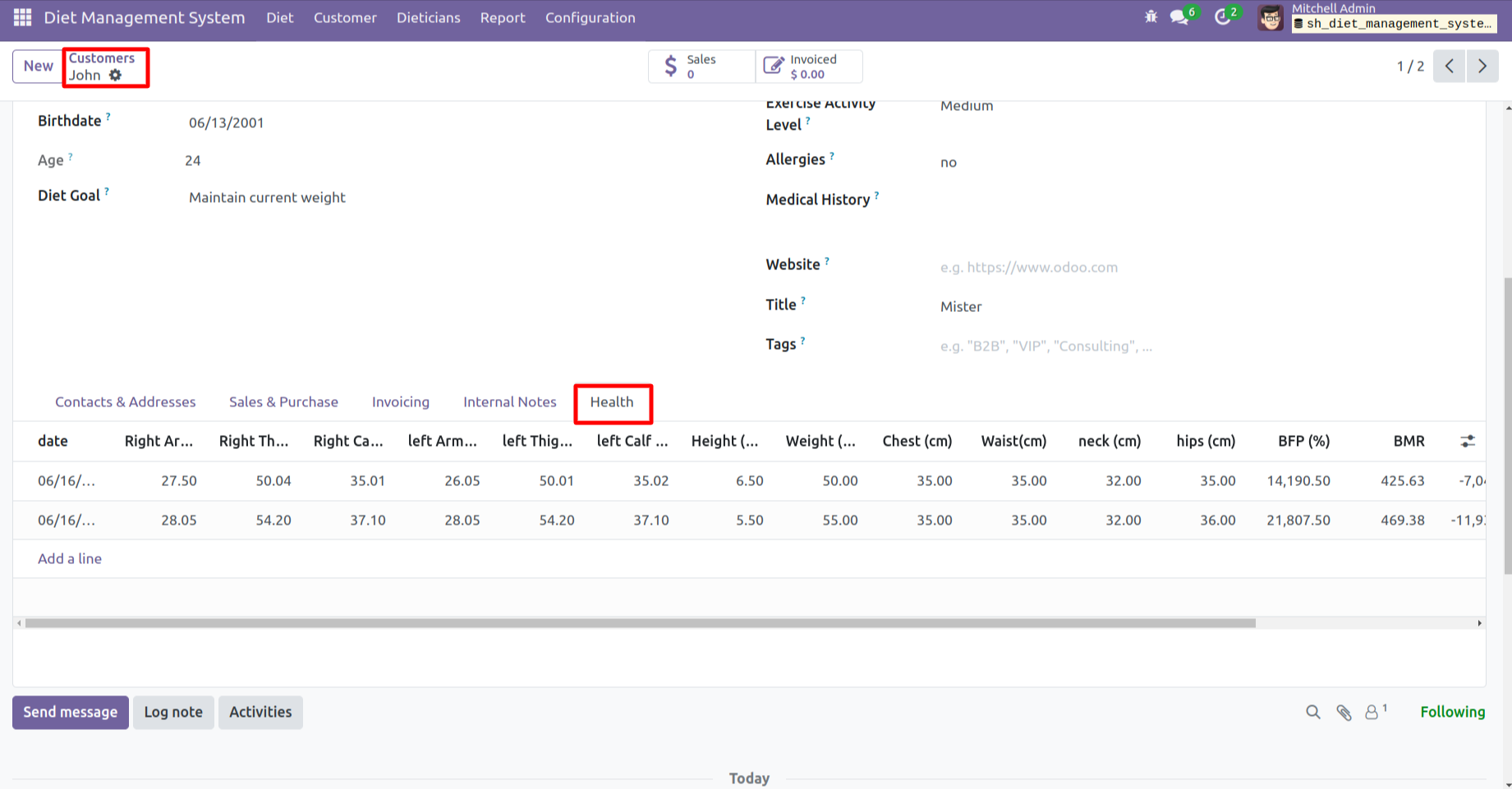
You can see the health related data in the 'Health' tab.
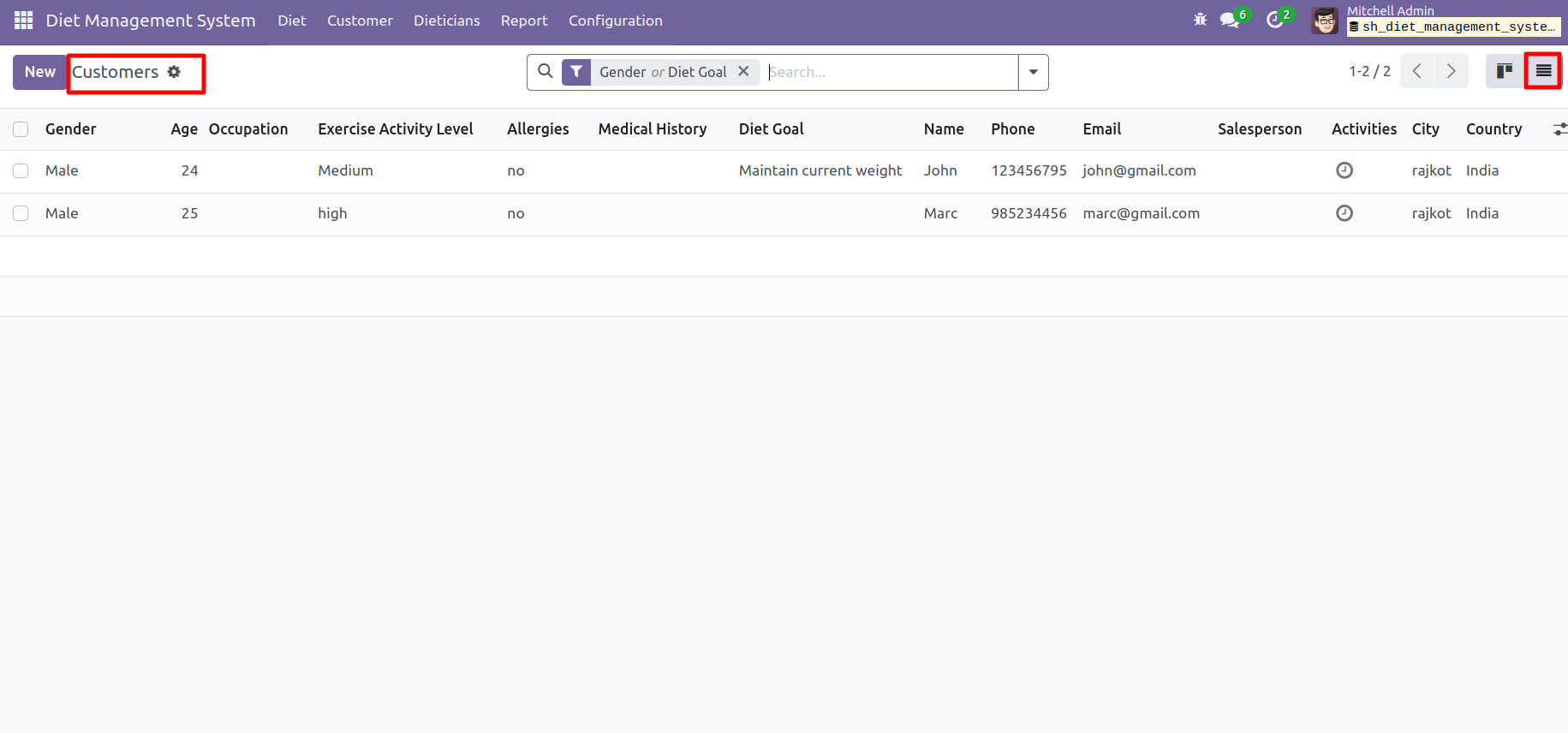
Form view of the 'Customers'.
Version 17.0.1.0.0 | Released on : 12th Dember 2025
- Yes, this app works perfectly with Odoo Enterprise (Odoo.sh & On-Premise) as well as Community.
- No, this application is not compatible with odoo.com(odoo saas/Odoo Online).
- Please Contact Us at sales@softhealer.com to request customization.
- Yes, you will get free update for lifetime.
- No, you don't need to install additional libraries.
- For version 12 or upper, you will need to purchase the module for each version that you want to use.
- Yes, we provide free support for 100 days.
- No, We do not provide any kind of exchange.
