











Customer Visit Management for Salesperson

This module helps businesses efficiently track, schedule, and manage customer visits in Odoo CRM. Easily record visit details, track salesperson schedules, and monitor visit stages from draft to completion. Convert successful customer visits into sales quotations with a single click, record cancellation reasons.

Features
Customer Visit Tracking
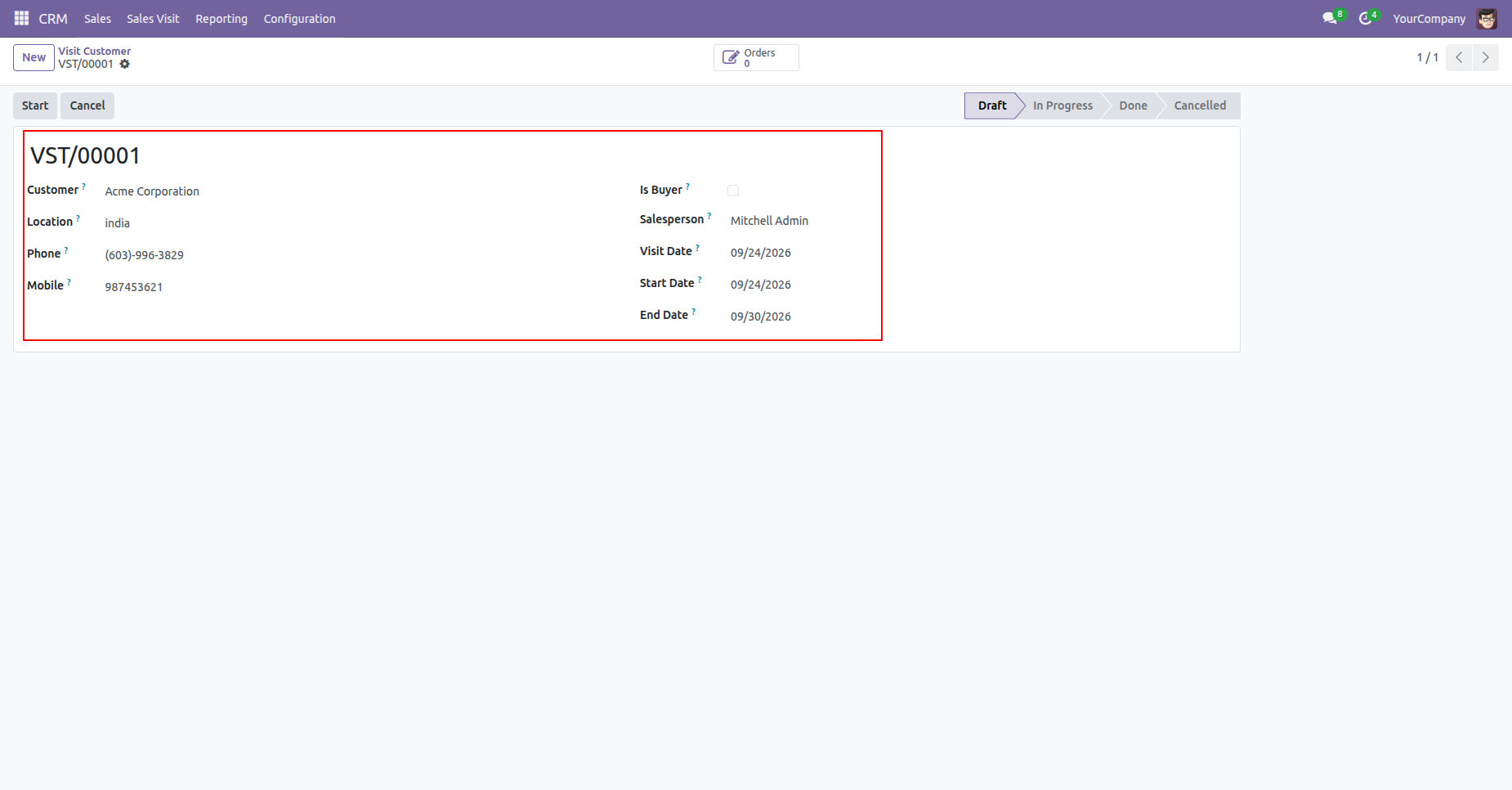
Easily record customer visits with details including name, visit location, contact numbers, salesperson, visit date, start date, and end date.
Structured Visit Workflow
Track visit progress seamlessly through predefined stages: Draft, In Progress, Done, and Cancelled with clear visual status badges.
Quick Sales Quotation Generation
Create sales quotations directly from completed customer visits with a single click when a customer is identified as a buyer.
Visit Cancellation Management
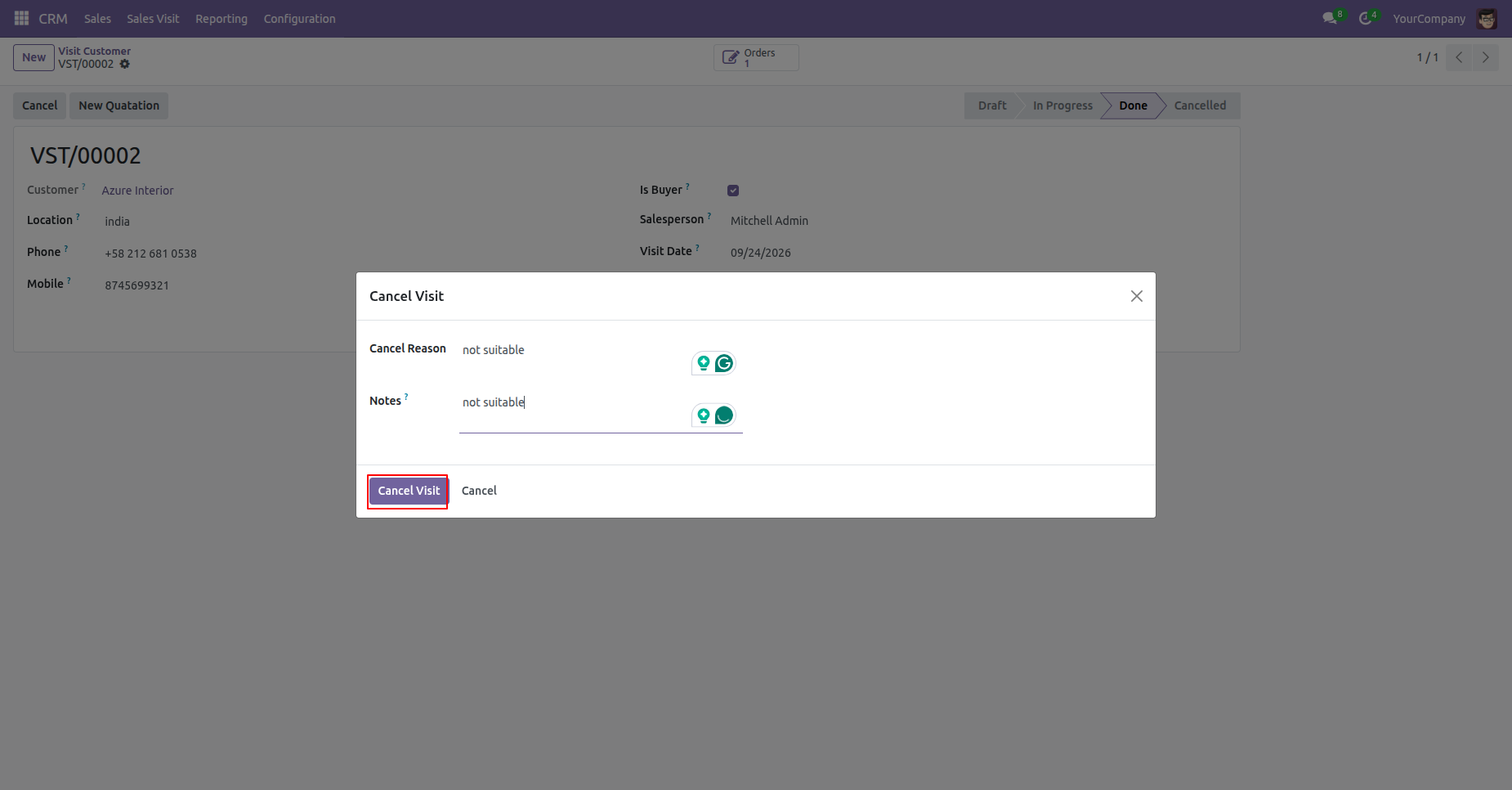
Manage visit cancellations using an interactive wizard to record specific cancellation reasons and internal notes for audit and analysis.
Cross-Module Linking
Instantly navigate between Customer Visits and Sales Orders with smart buttons.
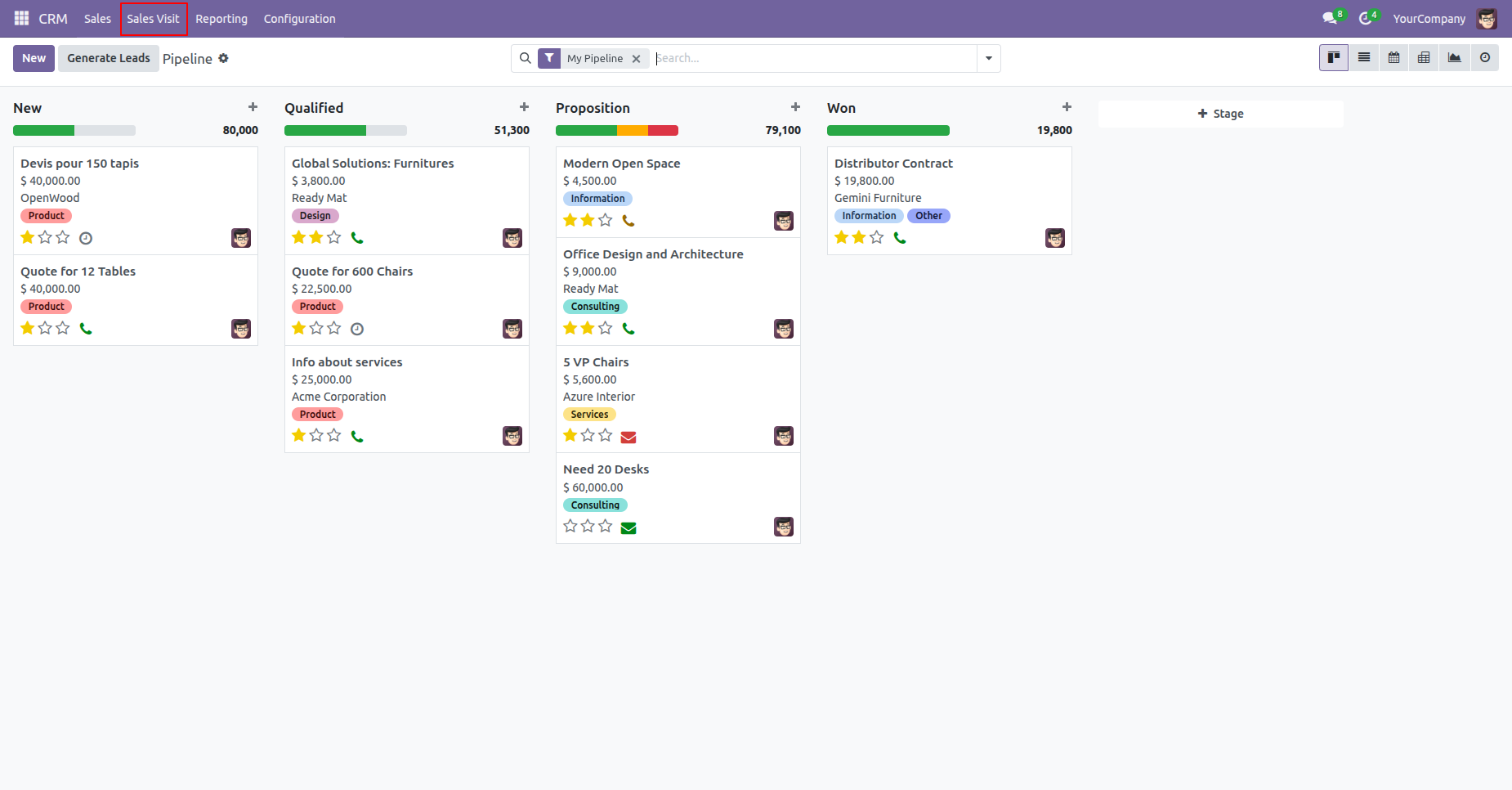
Access the Sales Visit menu directly under the CRM main menu to manage all customer visits.
Create a new Customer Visit record with details such as customer, location, contact info, salesperson, and scheduled dates.
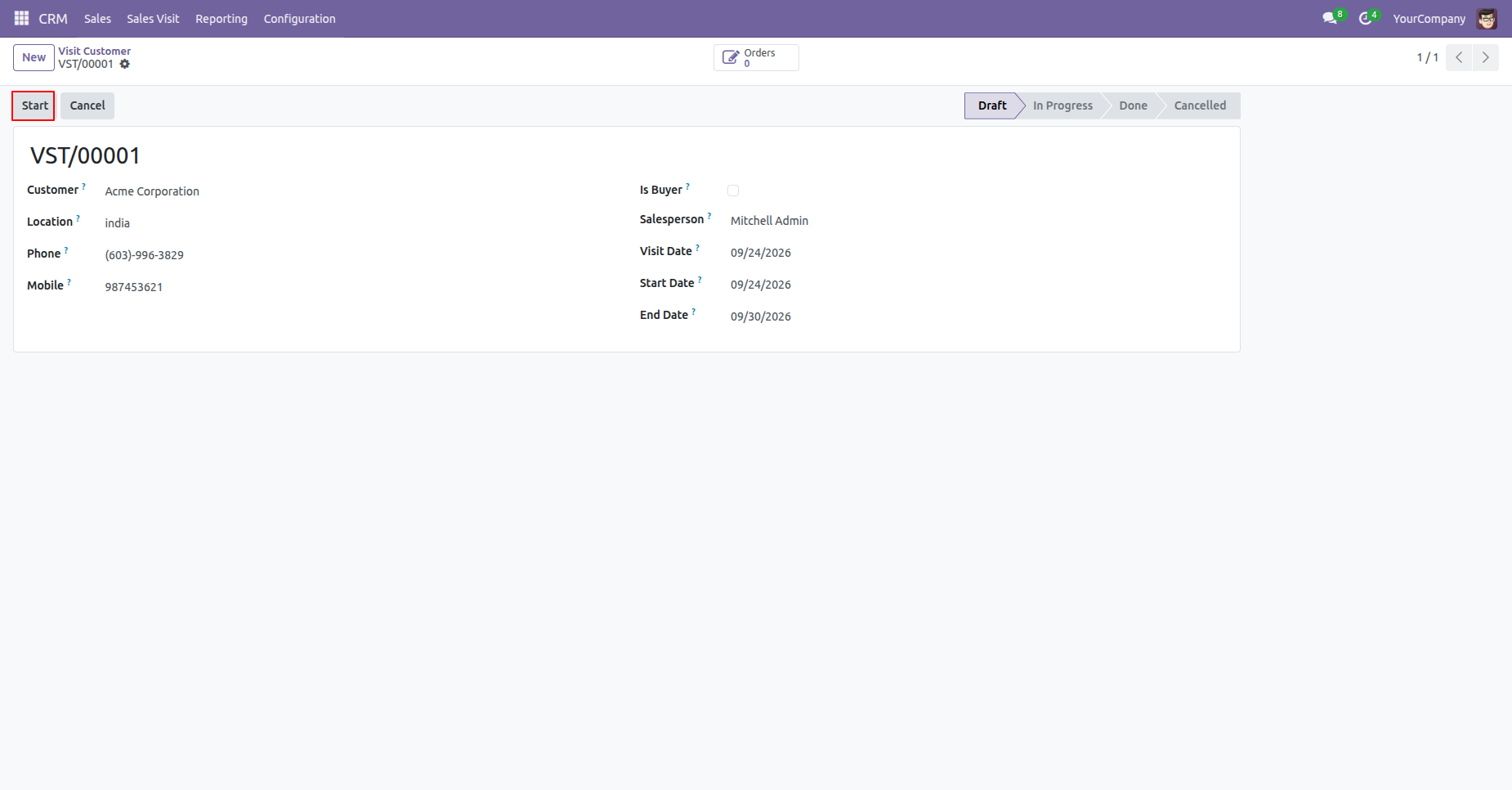
Click the 'Start' button on the customer visit record to begin the visit.
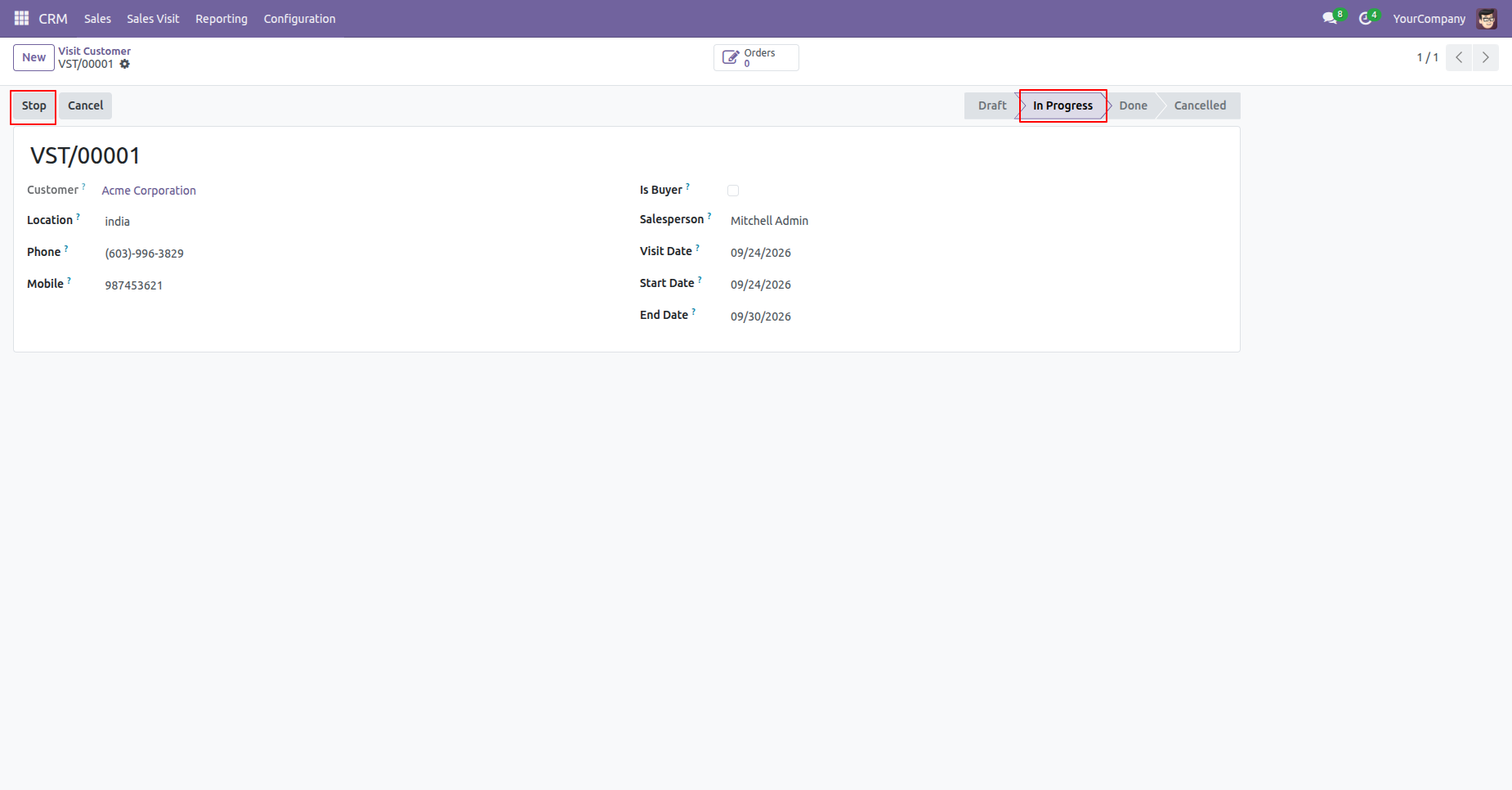
The visit status changes to 'In Progress' and sets the start date. Click 'Stop' when the visit is completed.
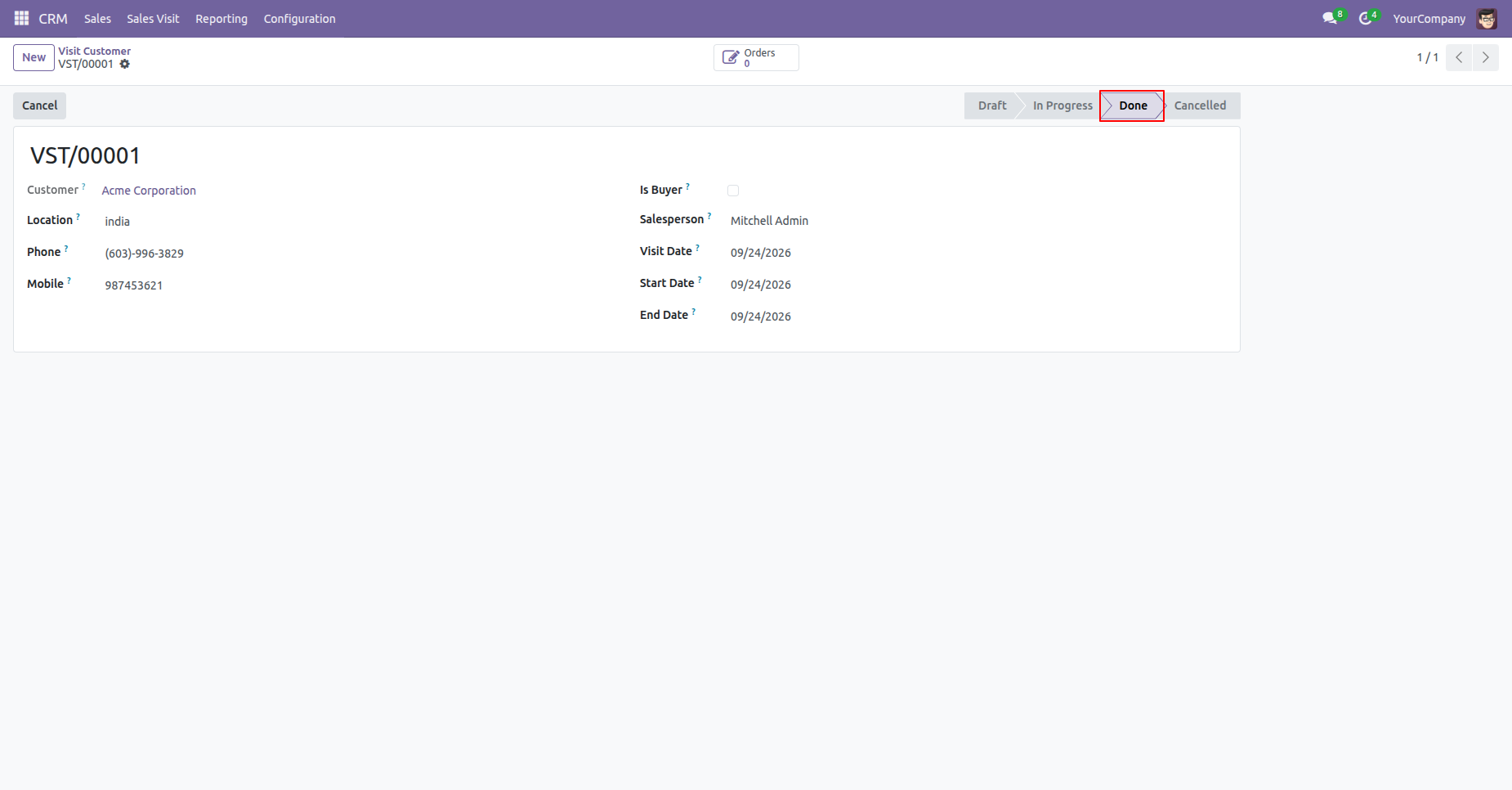
Clicking 'Stop' marks the visit status as 'Done' and updates the end date.
Enable the 'Is Buyer' checkbox for visits where the customer is a potential or active buyer.
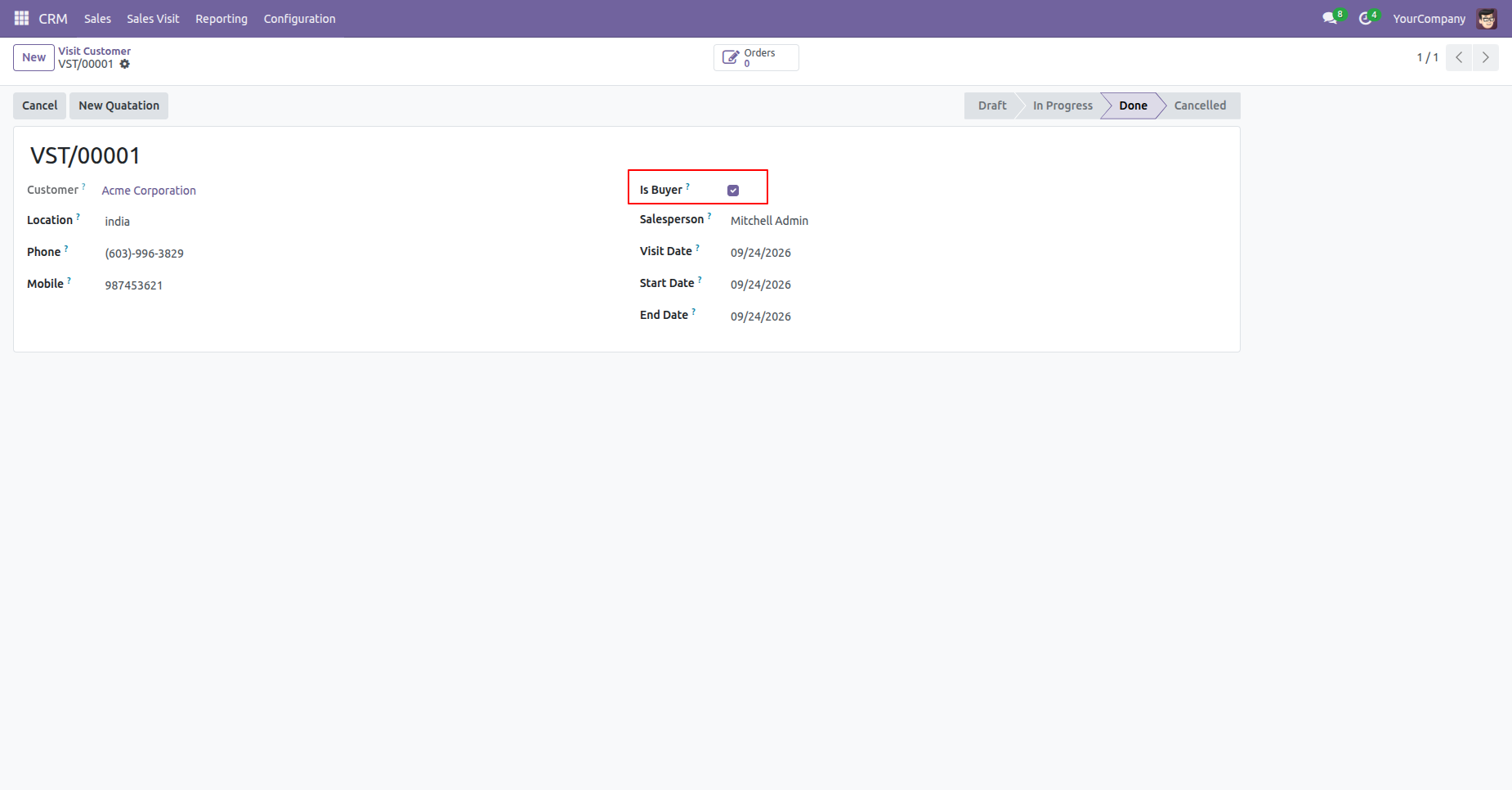
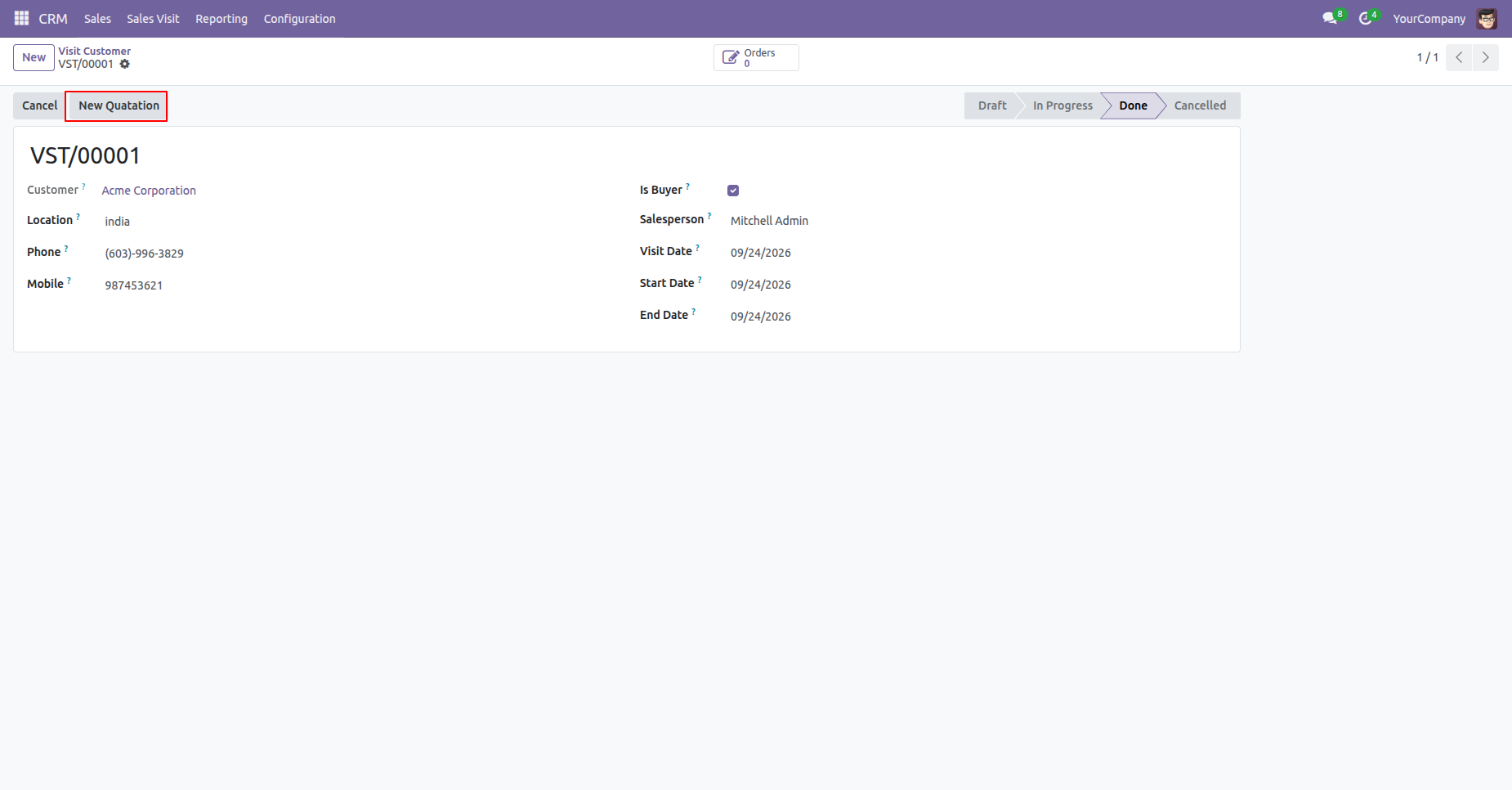
Click the 'New Quotation' button available for completed buyer visits to create a sales quotation.
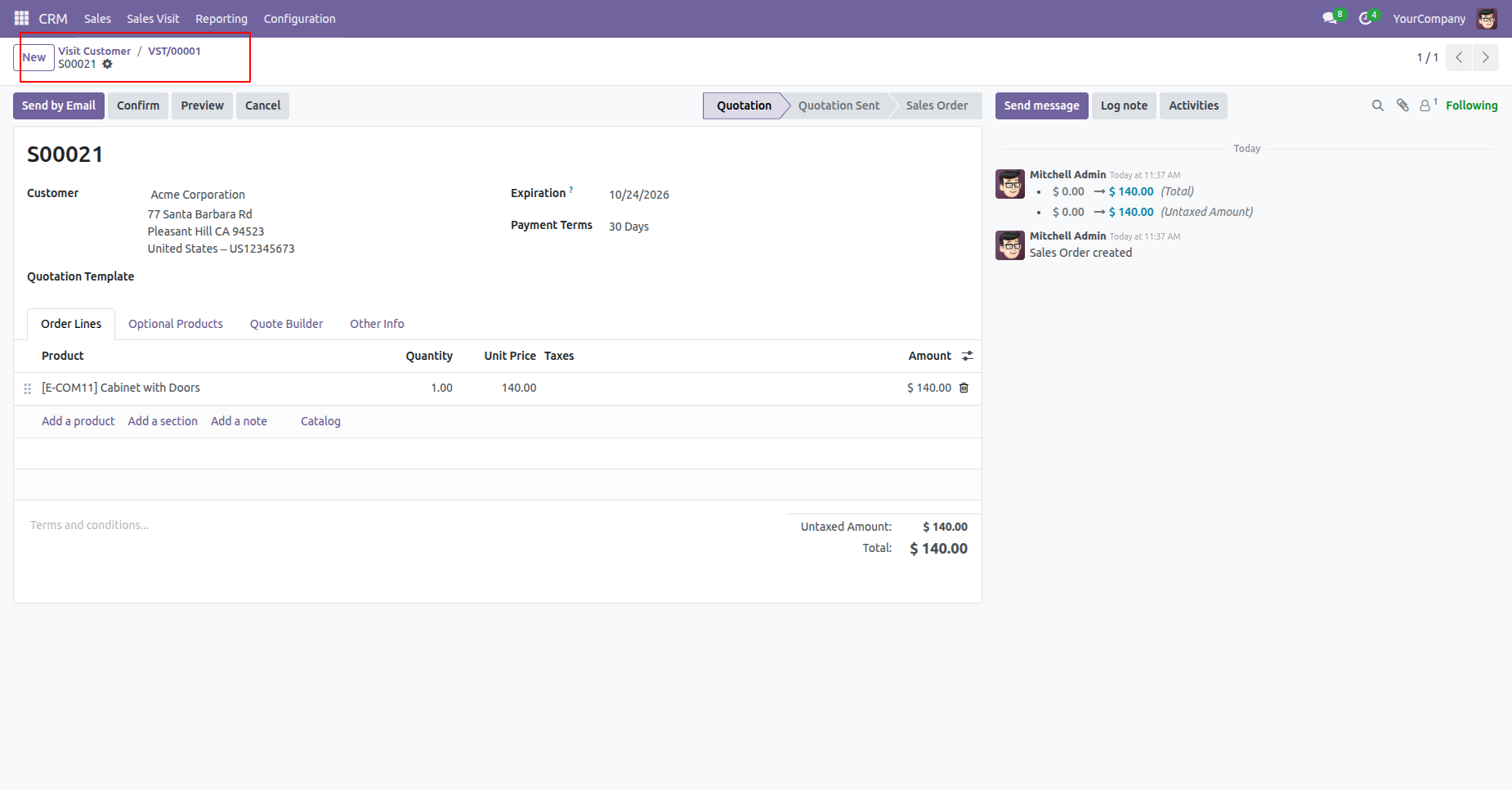
A new sales quotation is created, automatically populated with customer details and linked to the visit record.
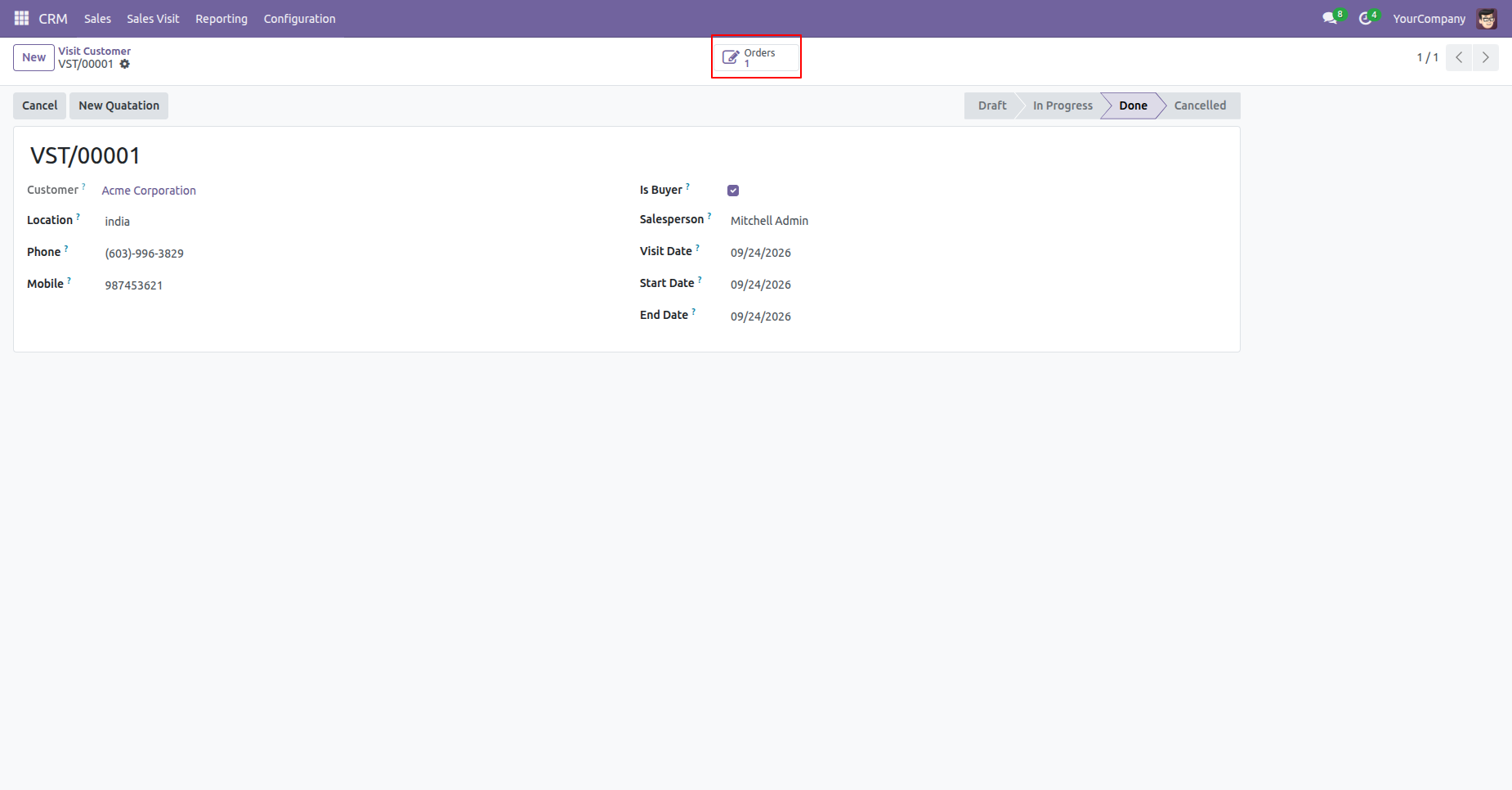
View linked sales orders count and navigate to related quotations using the 'Orders' smart button.
Check total sales visits for a customer via the 'Sales Visits' smart button on the customer profile.
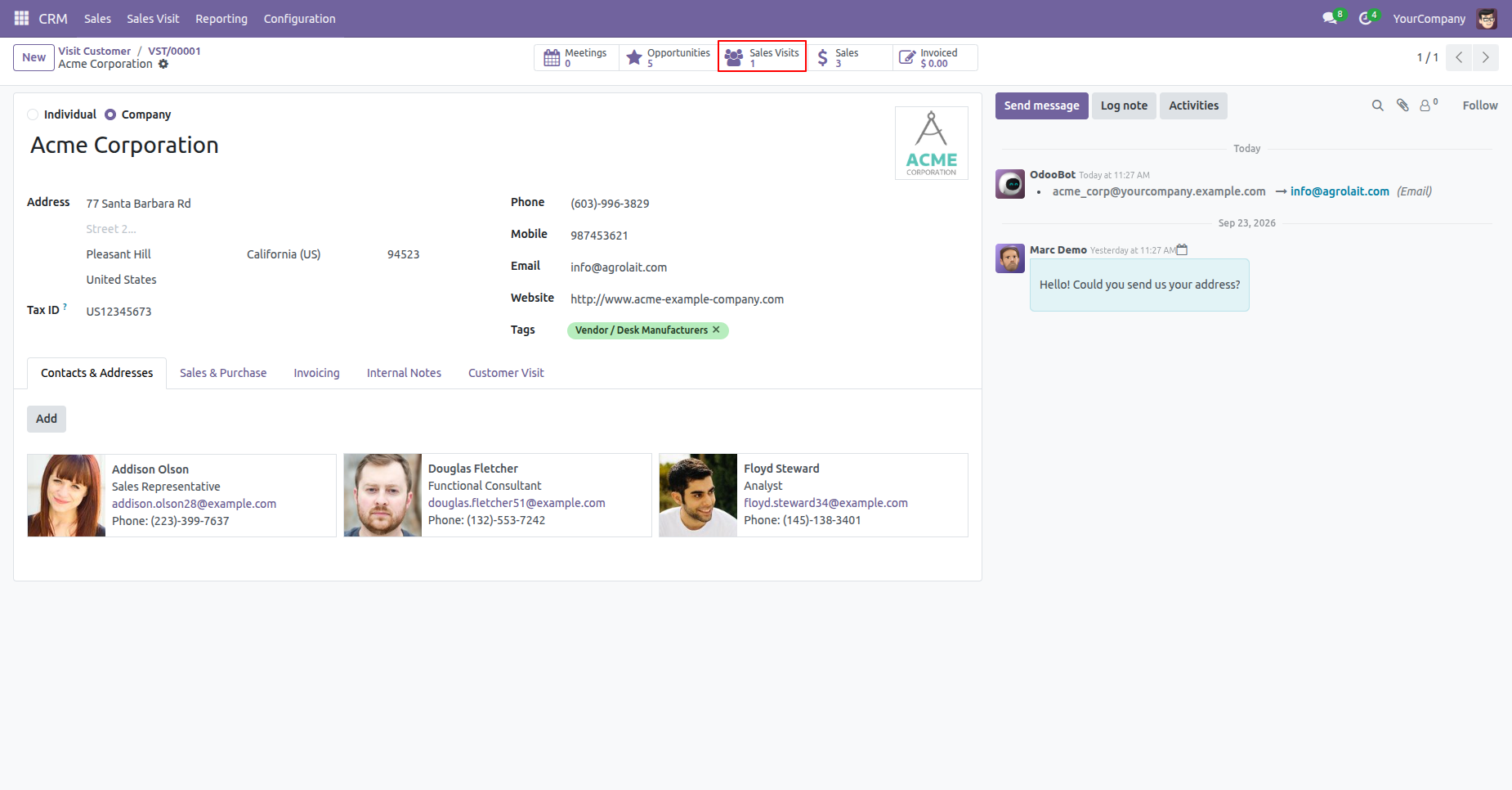
View the complete list of sales visits associated with a customer directly from their contact form.
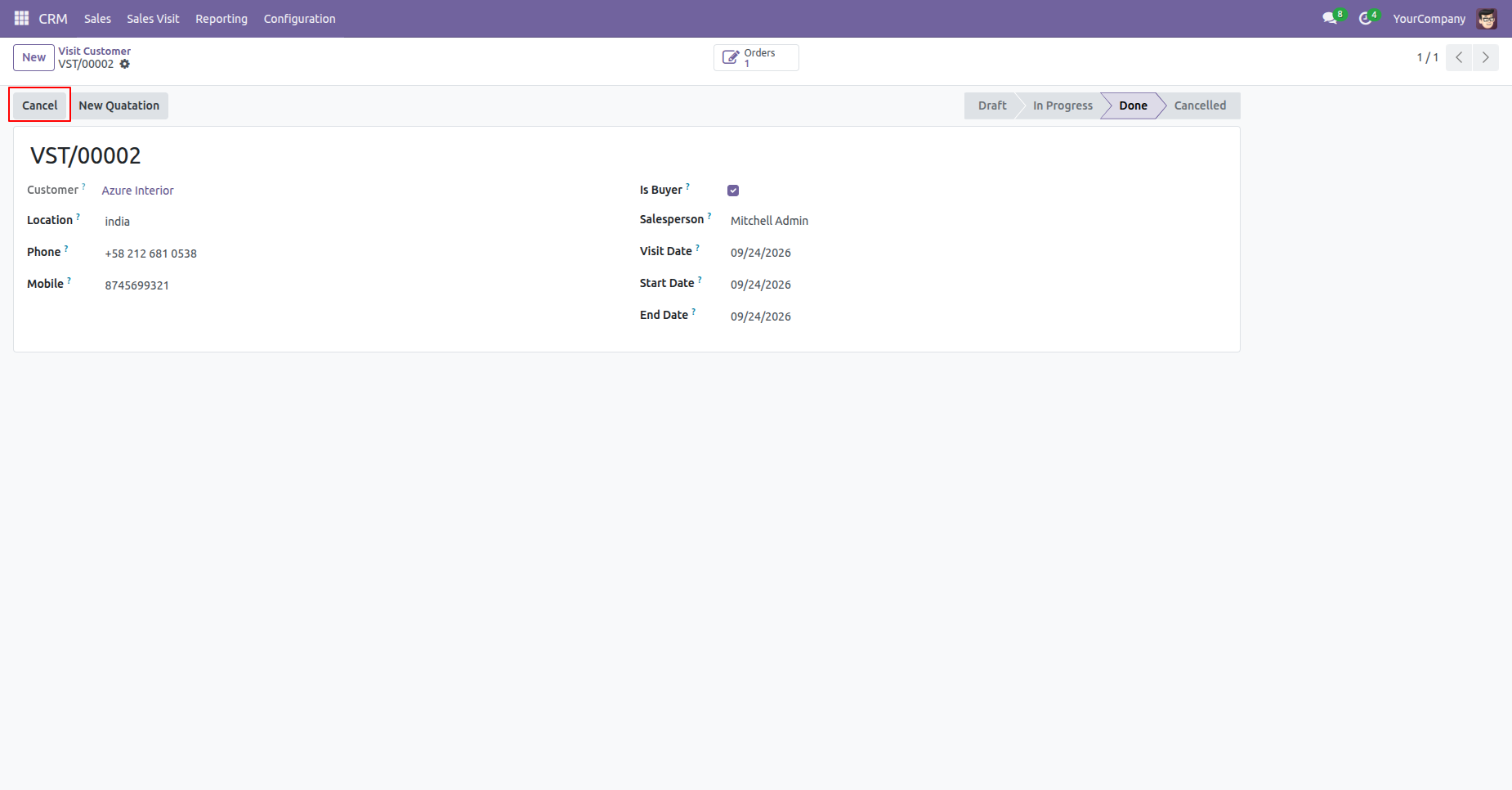
Click the 'Cancel' button on a customer visit form to initiate visit cancellation.
Provide the cancellation reason and optional notes in the cancel visit wizard pop-up.
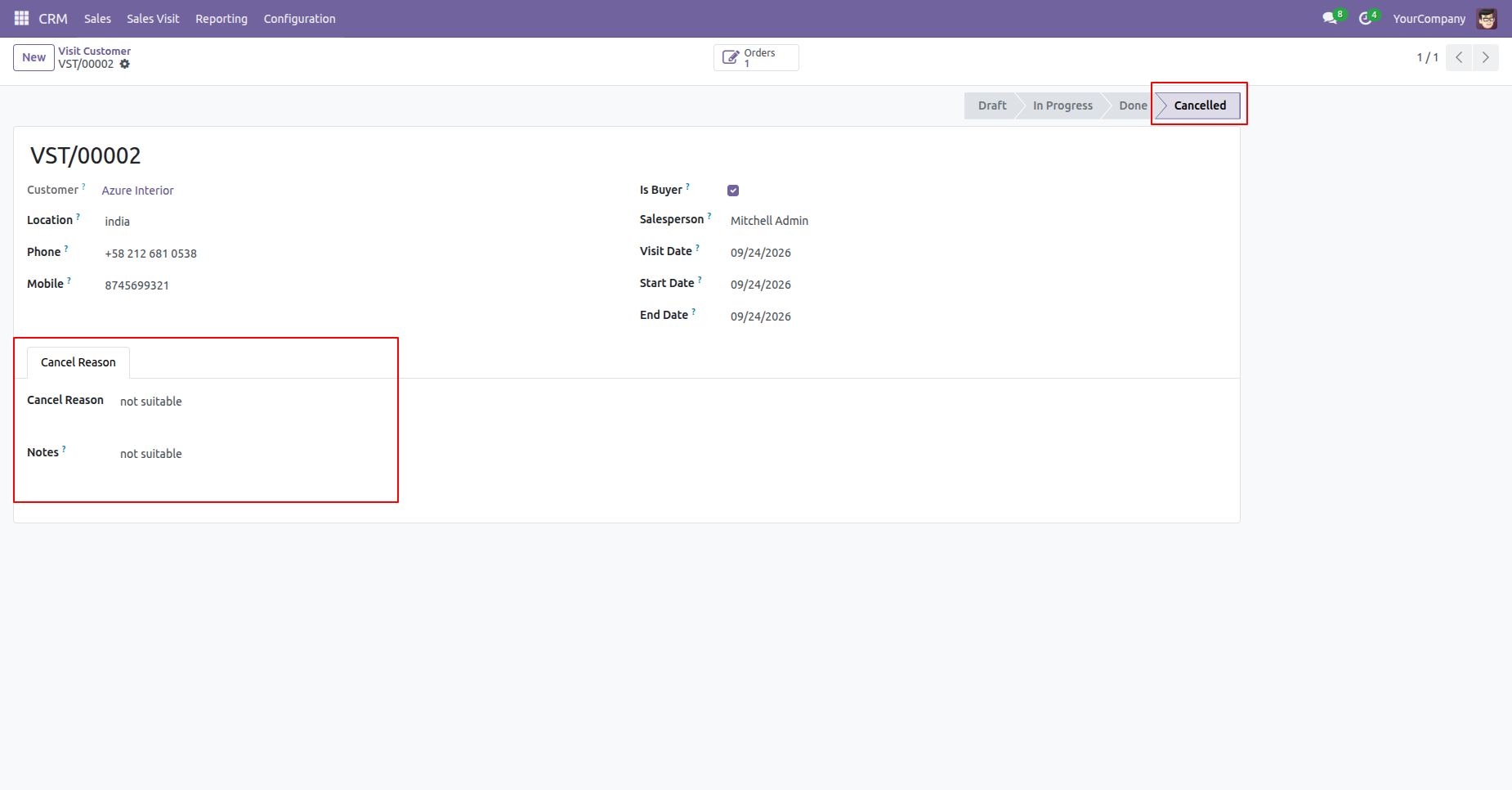
The visit status updates to 'Cancelled' and records the cancellation reason and notes.
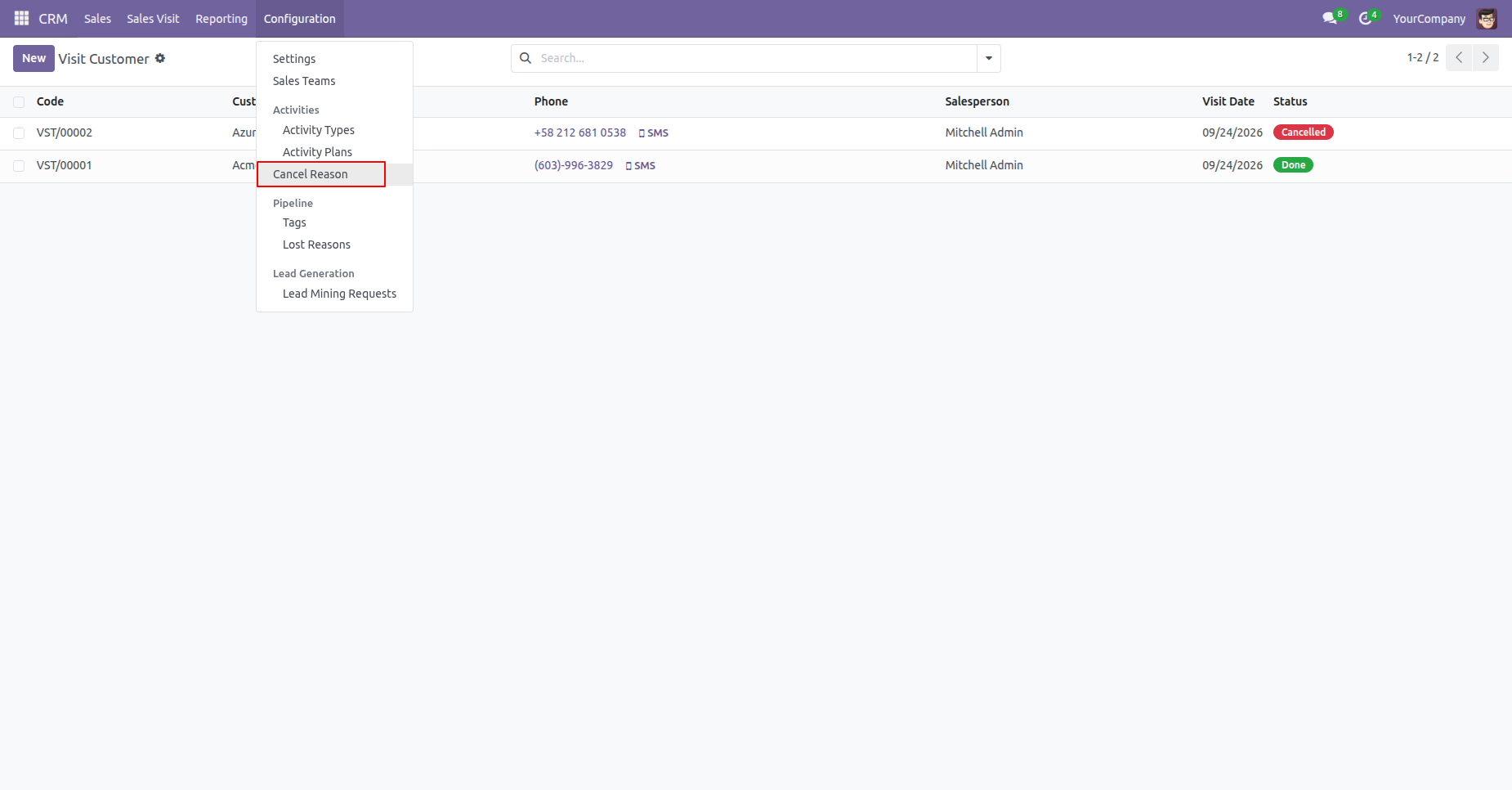
Access the 'Cancel Reason' configuration menu under CRM -> Configuration.
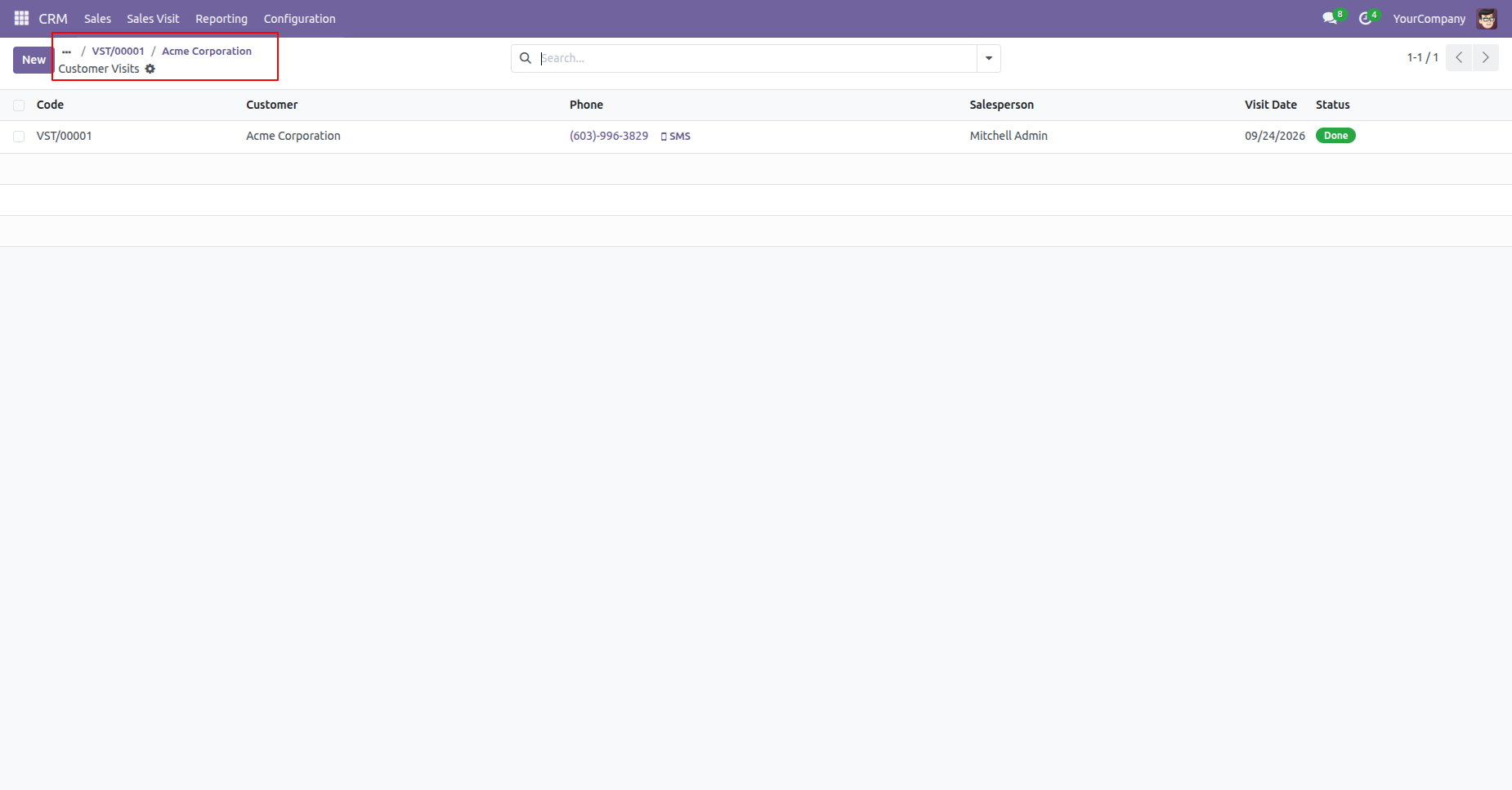
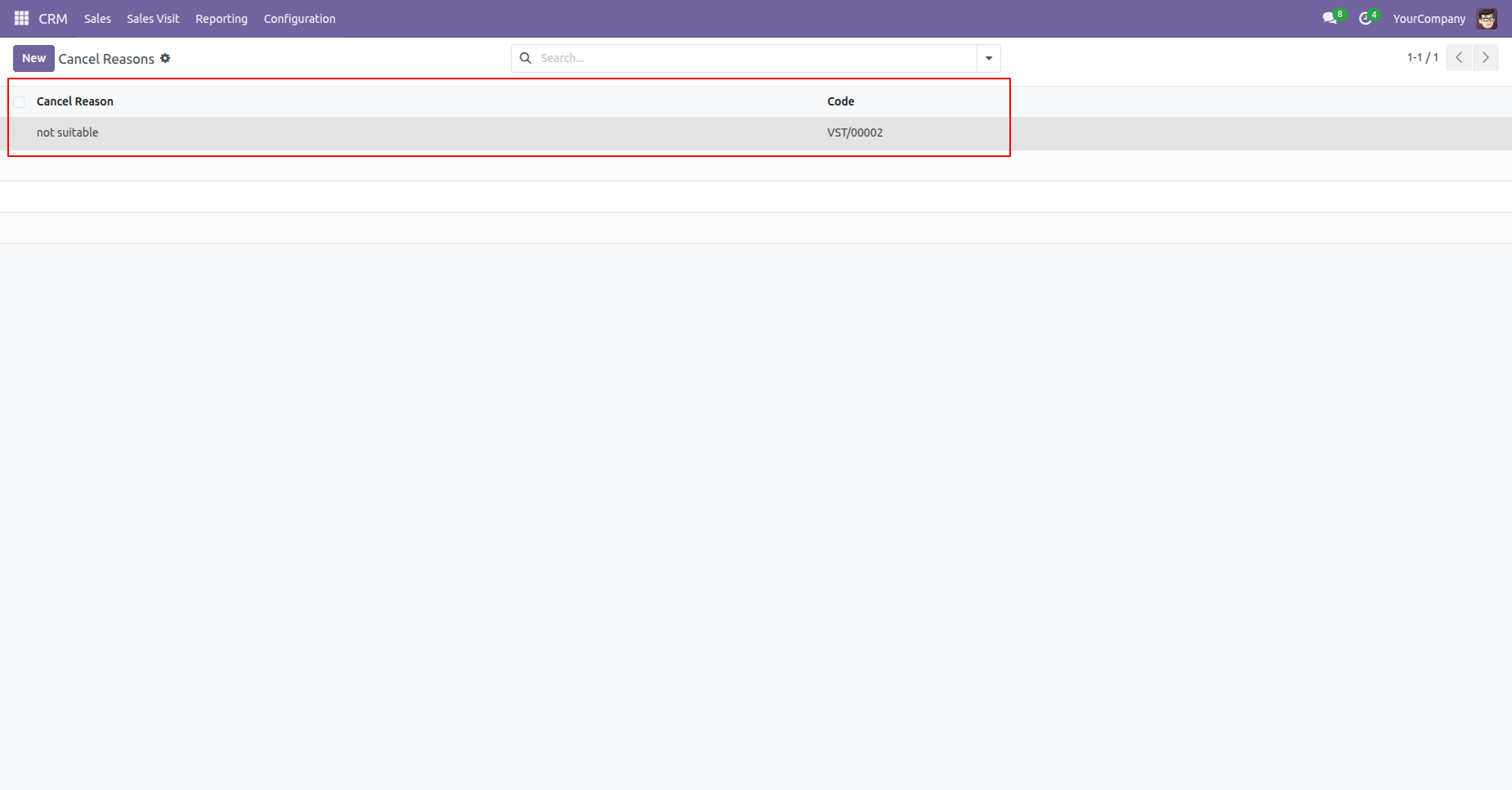
View all cancelled customer visits along with their cancellation reasons in a central list view.
Version 18.0.1.0.0 | Released on : 6th October 2026
- Yes, this app works perfectly with Odoo Enterprise (Odoo.sh & Premise) as well as Community.
- No, this application is not compatible with odoo.com(odoo saas/Odoo Online)
- Yes, to test this module, please contact us at sales@softhealer.com.
- Please contact us at sales@softhealer.com to request customization.
- Yes, we provide free support for 365 days from the date of purchase.
- Yes, you will receive lifetime free updates for the version of the module you purchased.
- No, there is no need to install any additional libraries.
- Yes, for version 12 and above, you need to purchase the module separately for each version you intend to use.
- No, exchanges or refunds are not allowed. Please make sure to select the correct version before purchasing.
- You can contact us at support@softhealer.com for language translation support. We use Google Translator tools to provide translations in multiple languages, so the accuracy may vary. We welcome your suggestions to help improve translations.
Discover Our Latest Apps