













Customer Sales Report by Date Range

This module allows you to generate a New Customer Report based on a selected date range. It helps businesses identify which customers placed sales orders during that period and provides a clear report that can be exported in Excel.

Related Modules
Features

Easy Date-Range Customer Report
Select start and end dates and instantly get a list of customers who created sales orders in that period.

Excel Report Export
Download your full customer report in XLS format for analysis, presentations, or business reviews.

Detailed Insights
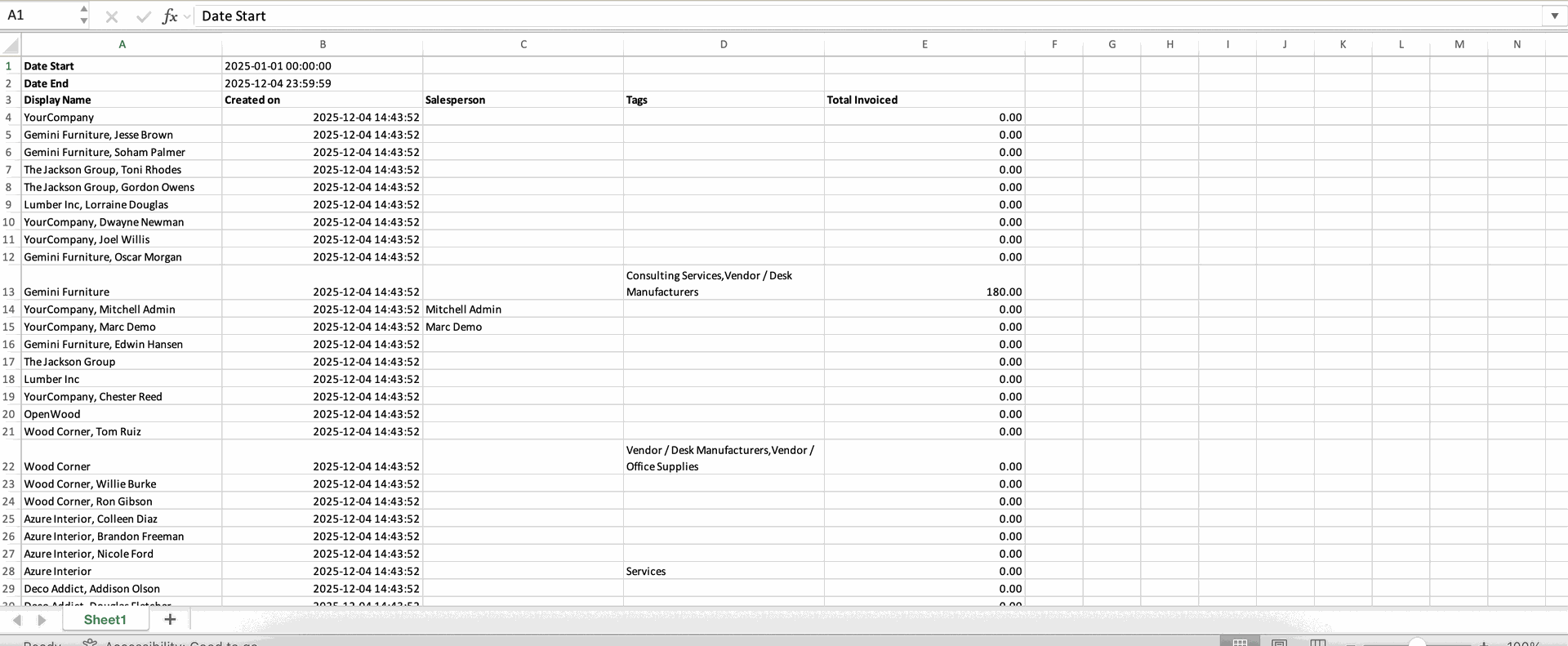
View customer name, sales order details, amount, and order date in a structured way.
Create a quotation.
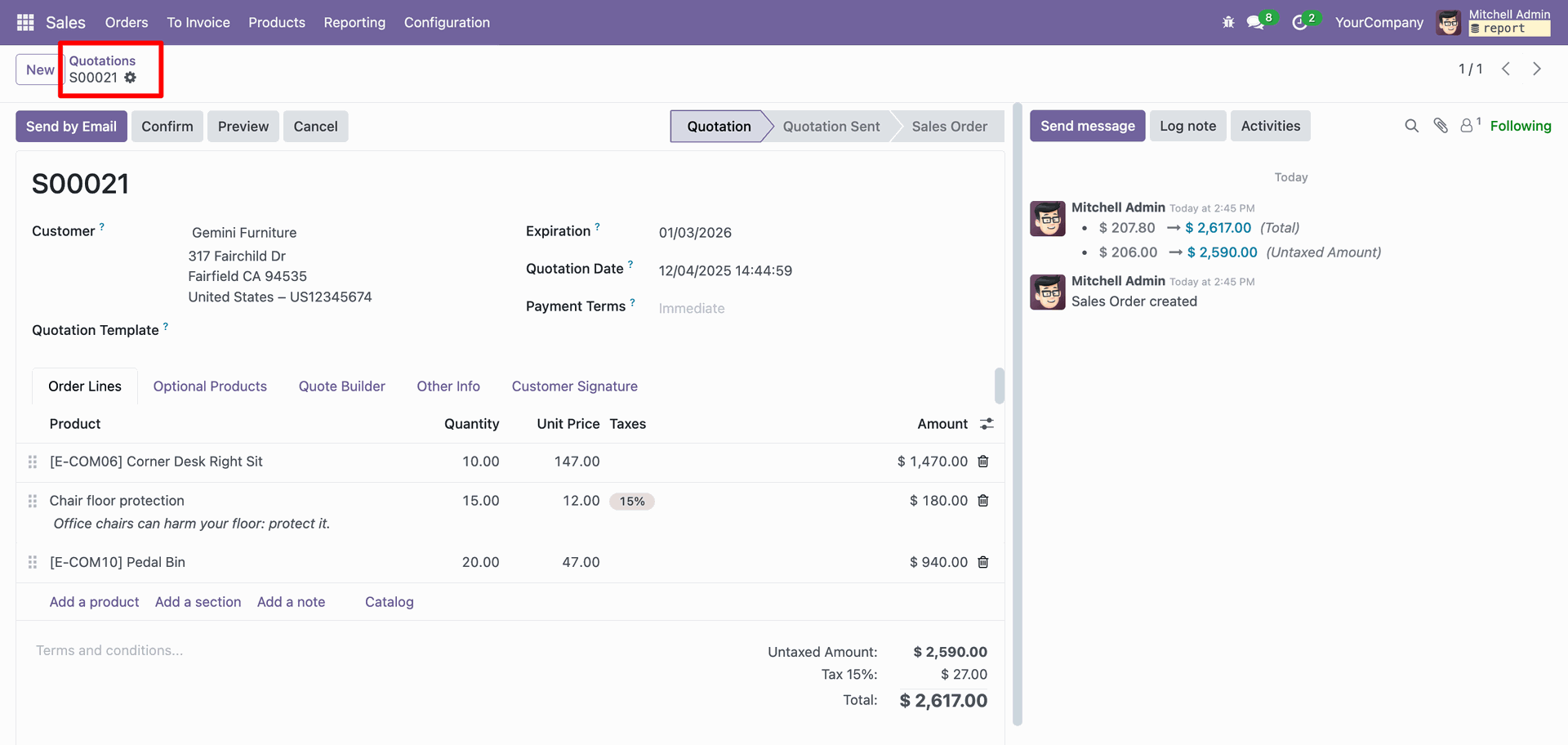
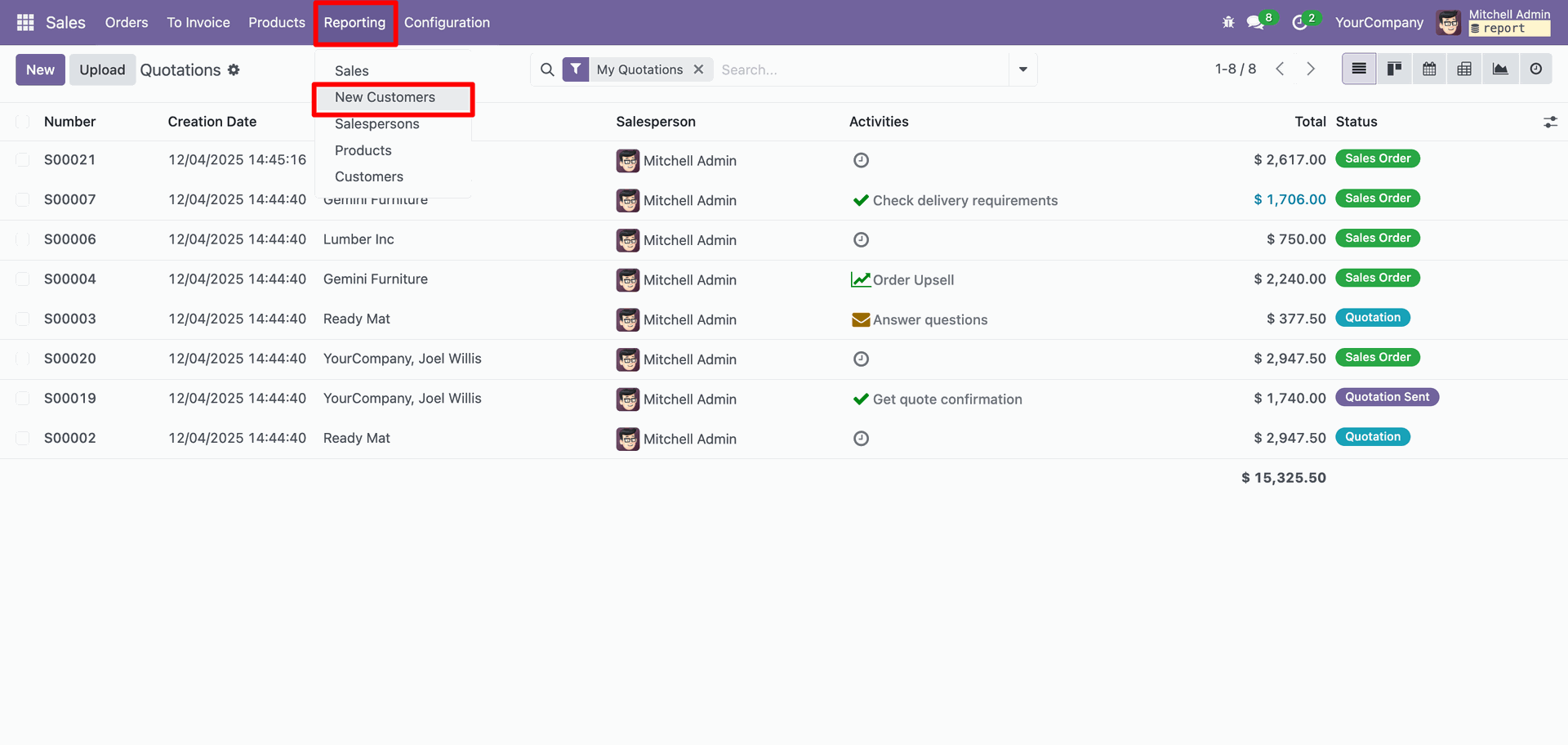
Go to the sales Reporting ==> New Customers
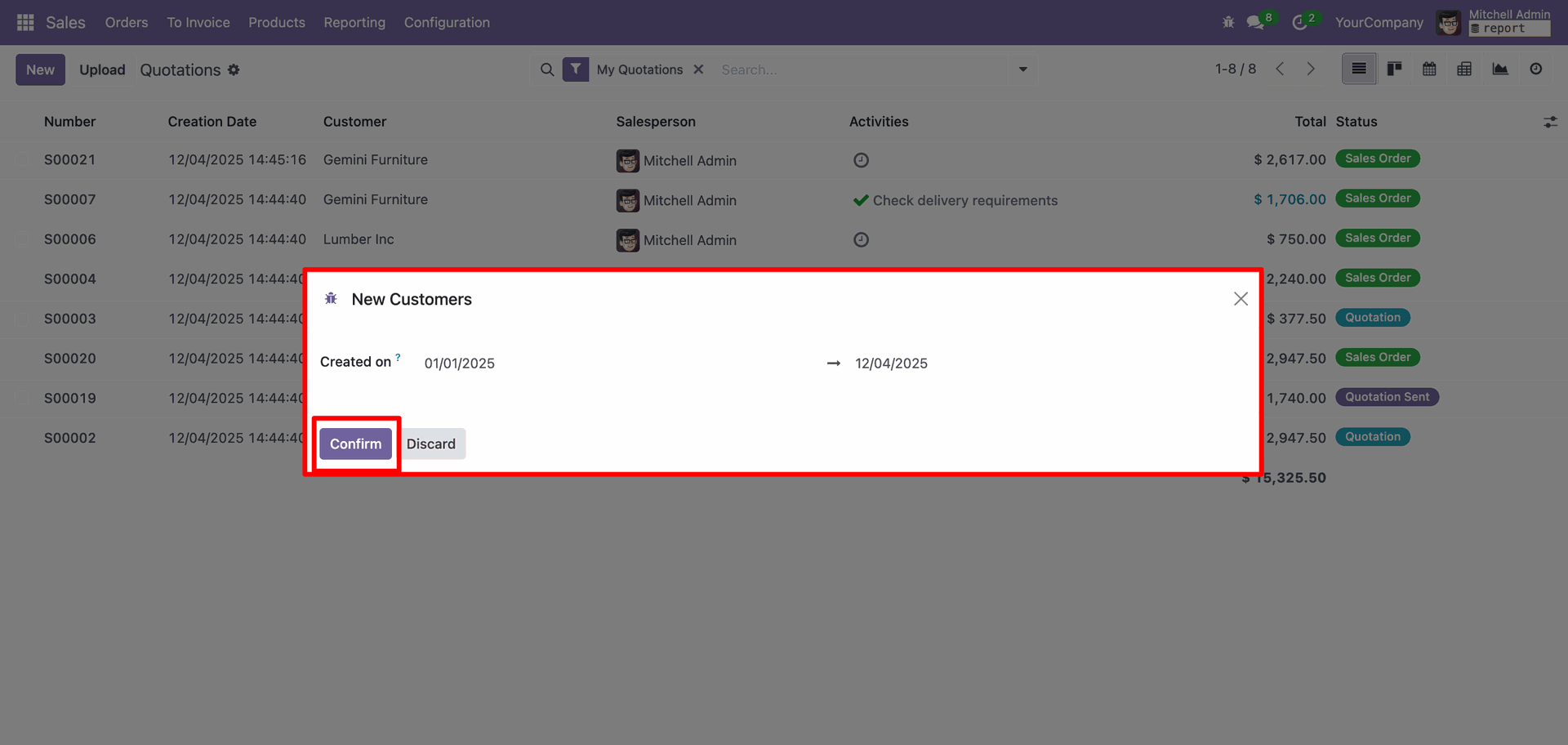
In the New Customers Report wizard, add the date and click on the 'Confirm' button.
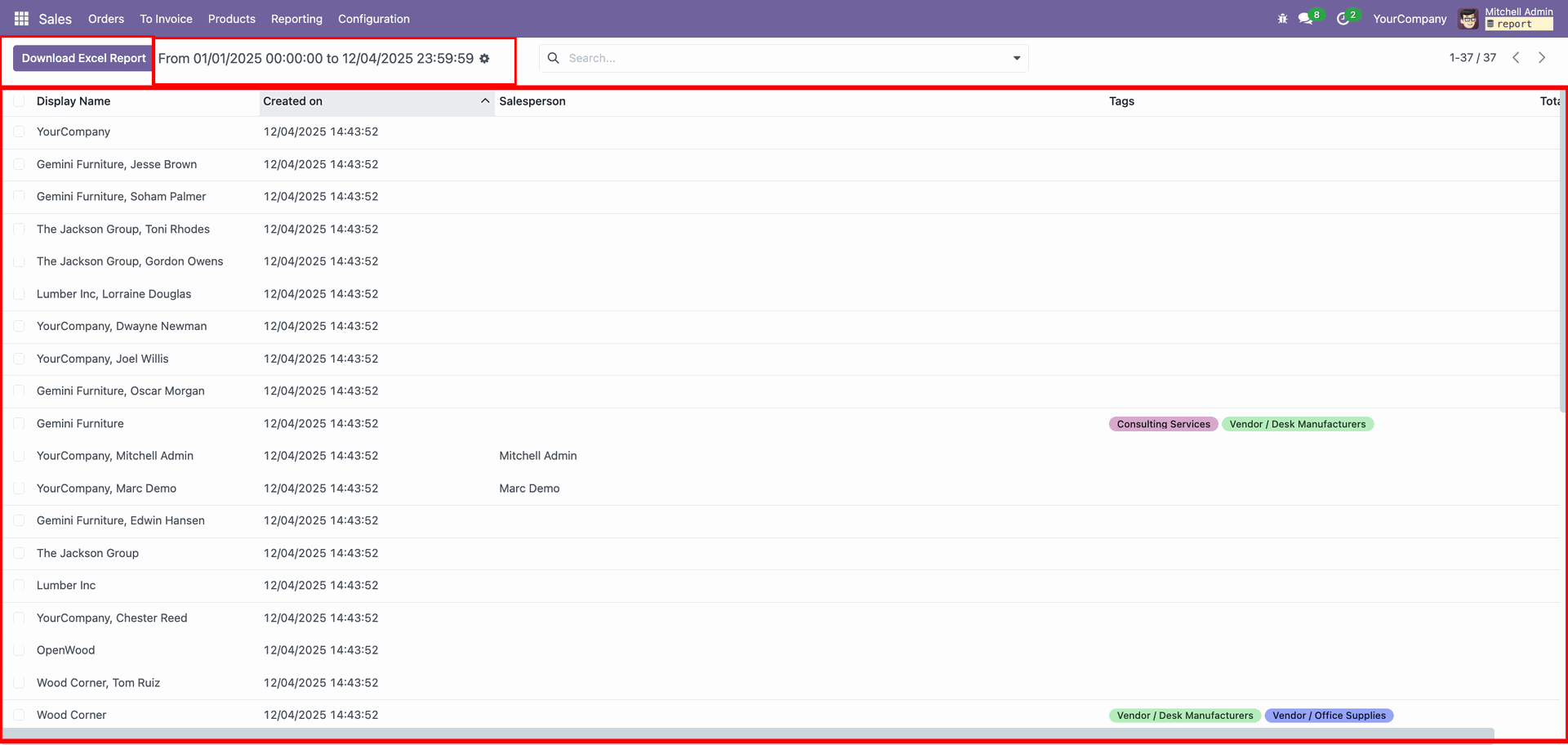
The New Customers Report displays all customers who have sales orders created within the
selected date range.
Click on the 'Download Excel Report' button.
XLS Report look like below.
Version 18.0.1.0.0 | Released on : 7th January 2026
- Yes, this app works perfectly with Odoo Enterprise (Odoo.sh & Premise) as well as Community.
- No, this application is not compatible with odoo.com(odoo saas/Odoo Online)
- Yes, to test this module, please contact us at sales@softhealer.com.
- Please contact us at sales@softhealer.comto request customization.
- Yes, we provide free support for 365 days from the date of purchase.
- Yes, you will receive lifetime free updates for the version of the module you purchased.
- No, there is no need to install any additional libraries.
- Yes, for version 12 and above, you need to purchase the module separately for each version you intend to use.
- No, exchanges or refunds are not allowed. Please make sure to select the correct version before purchasing.
- You can contact us at support@softhealer.com for language translation support. We use Google Translator tools to provide translations in multiple languages, so the accuracy may vary. We welcome your suggestions to help improve translations.
