
 Easy to Manage
 Dedicated Support














 Scan to email sales




Customer KYC Management

This module helps you easily manage the Know Your Customer (KYC) process within Odoo. It provides a smooth workflow to collect, send, and verify customer identity details directly from the contact form, ensuring better compliance and streamlined onboarding.

Features
- Easily manage and track customer KYC details directly from the contact form.
- Easily send KYC forms to customers with a single click.
- Allow customer to securely review and sign KYC documents online.
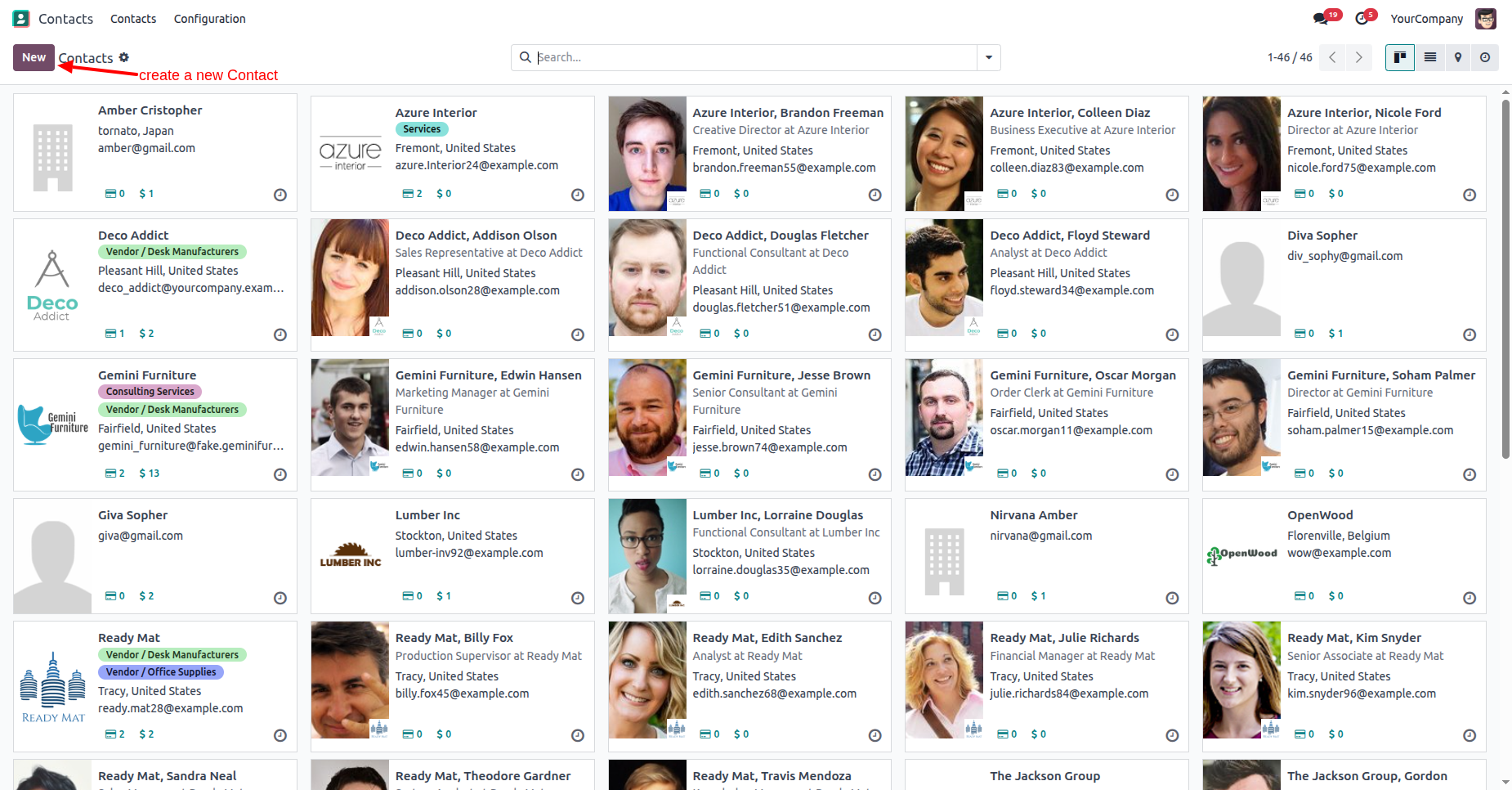
Create a new contact.
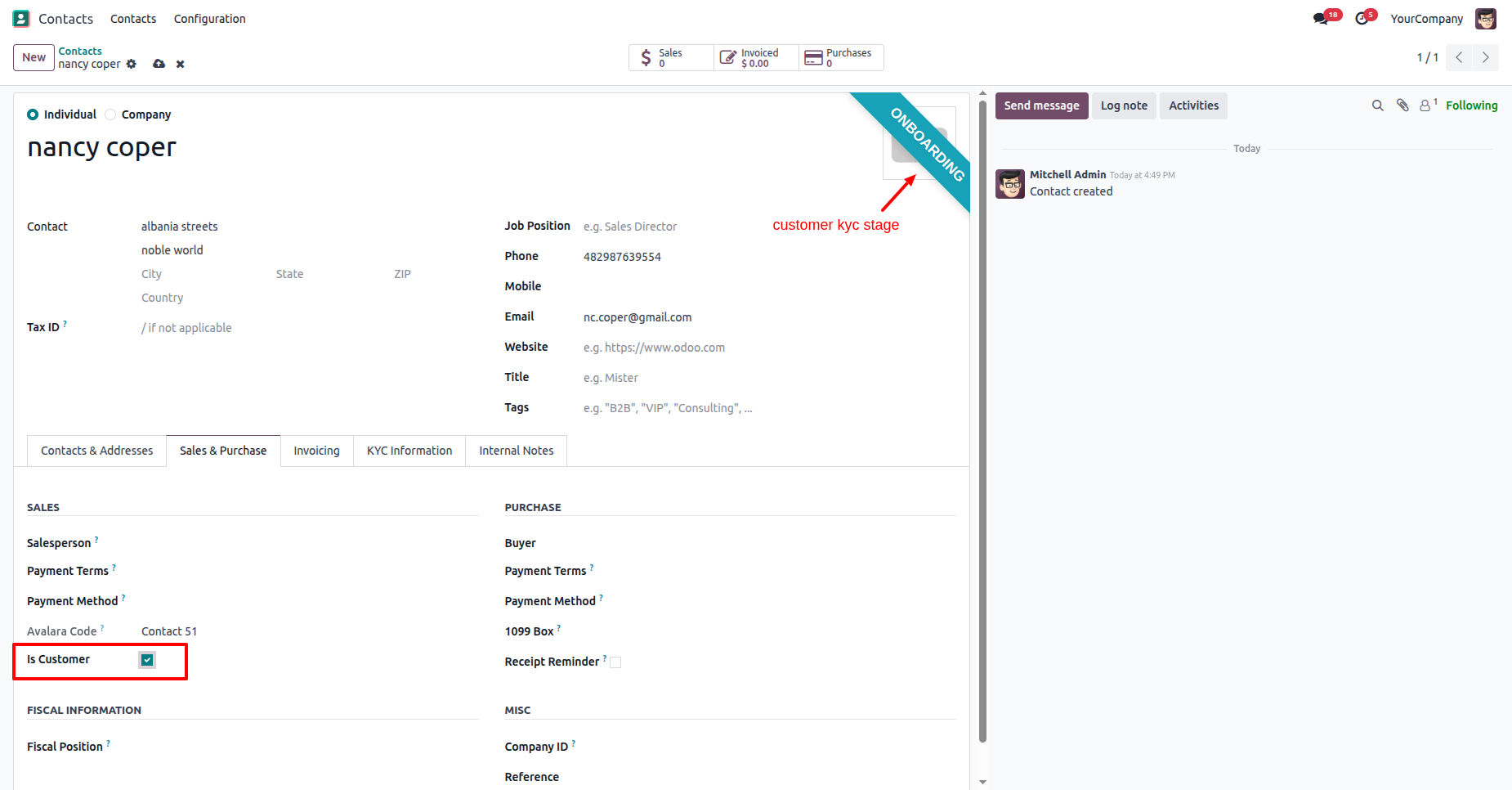
Enable the "Is Customer" boolean under the "Sales/Purchase" tab. After that, you will see the "Onboarding" ribbon on the contact form.
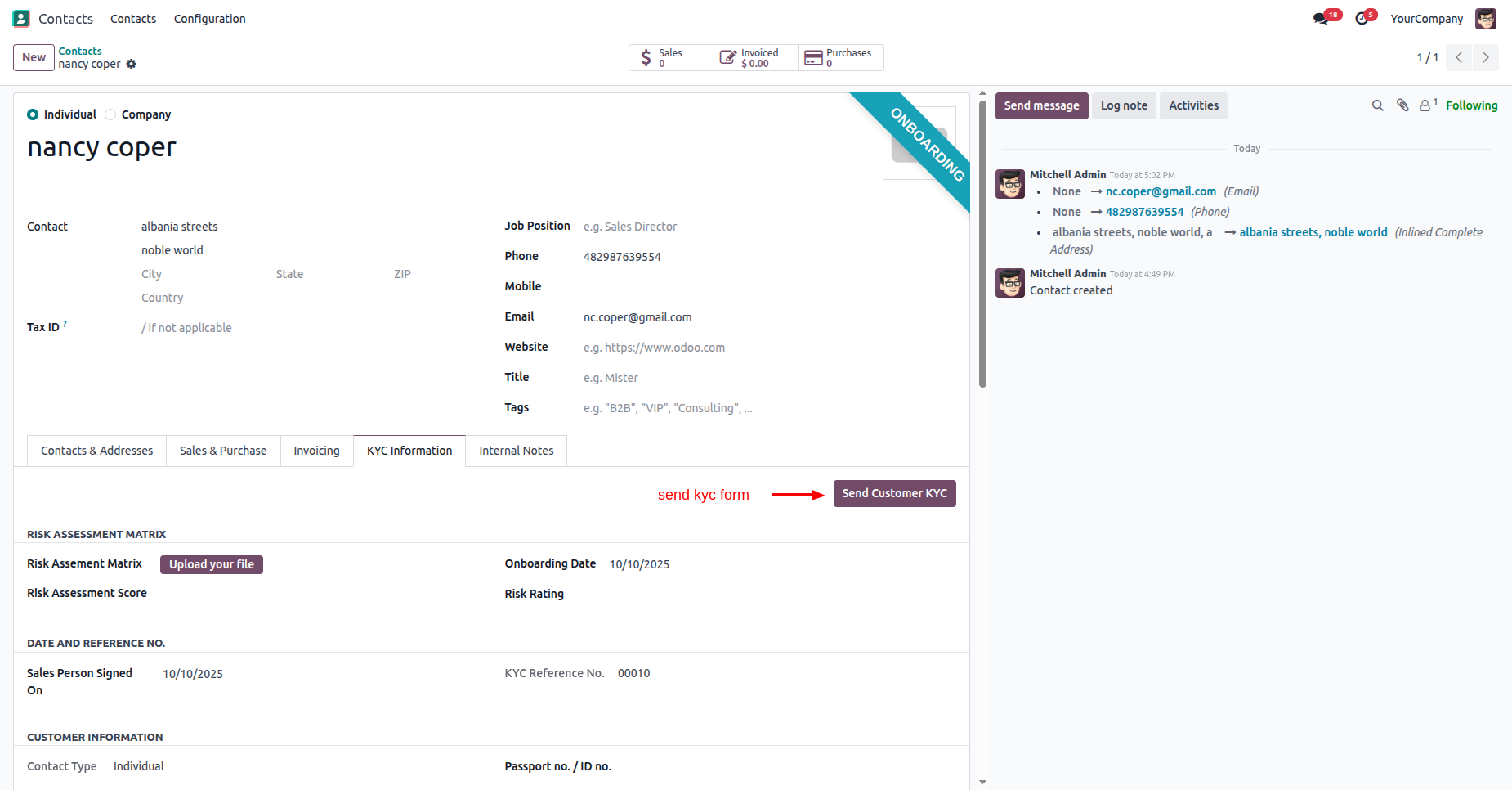
Click on the "Send Customer KYC" button under the "KYC Information" tab.
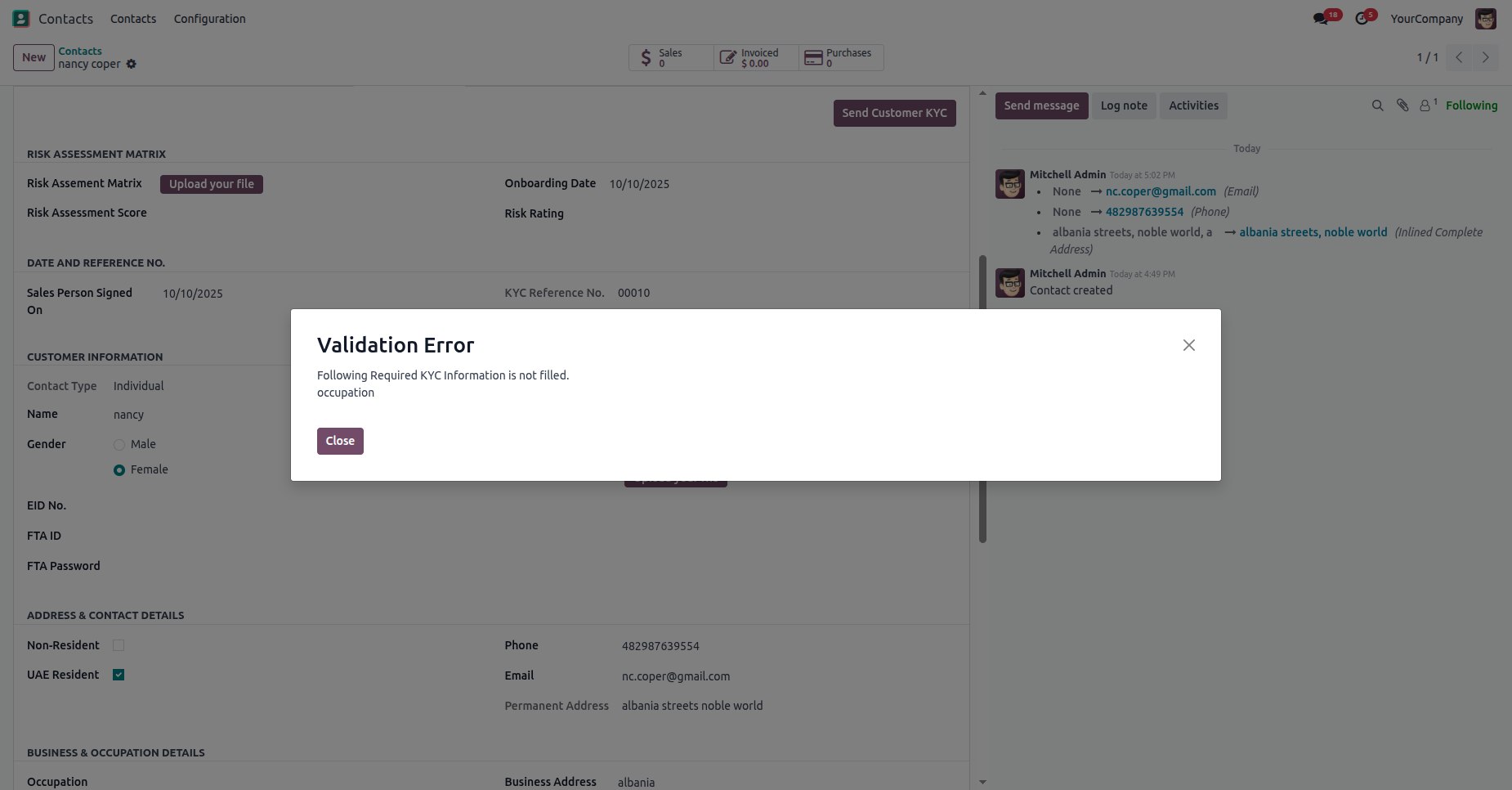
If the KYC details are not added to the contact, a validation error will occur.
Add KYC details to the contact, and click on the "Send Customer KYC" button.
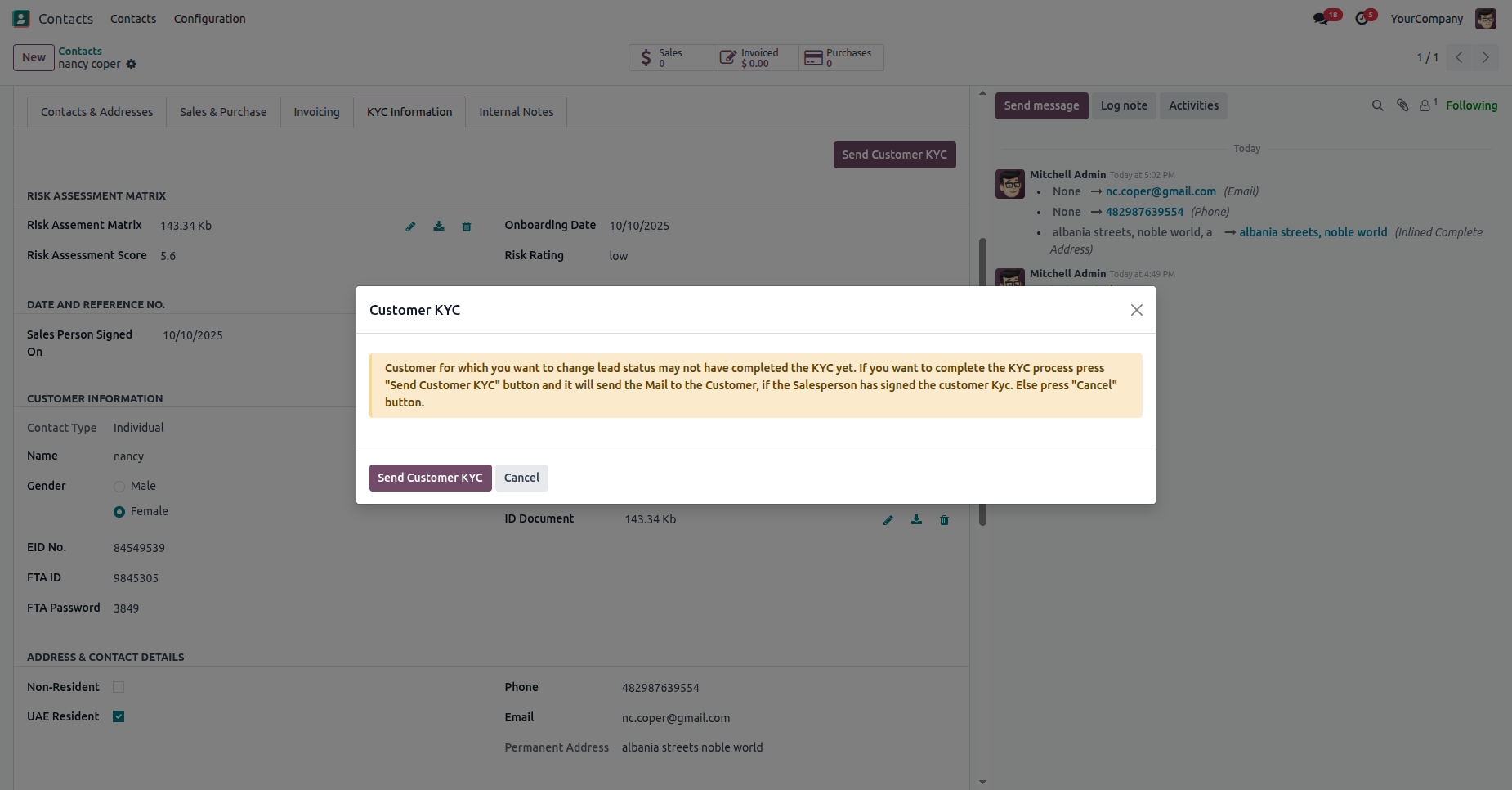
Click on the "Send Customer KYC" button.
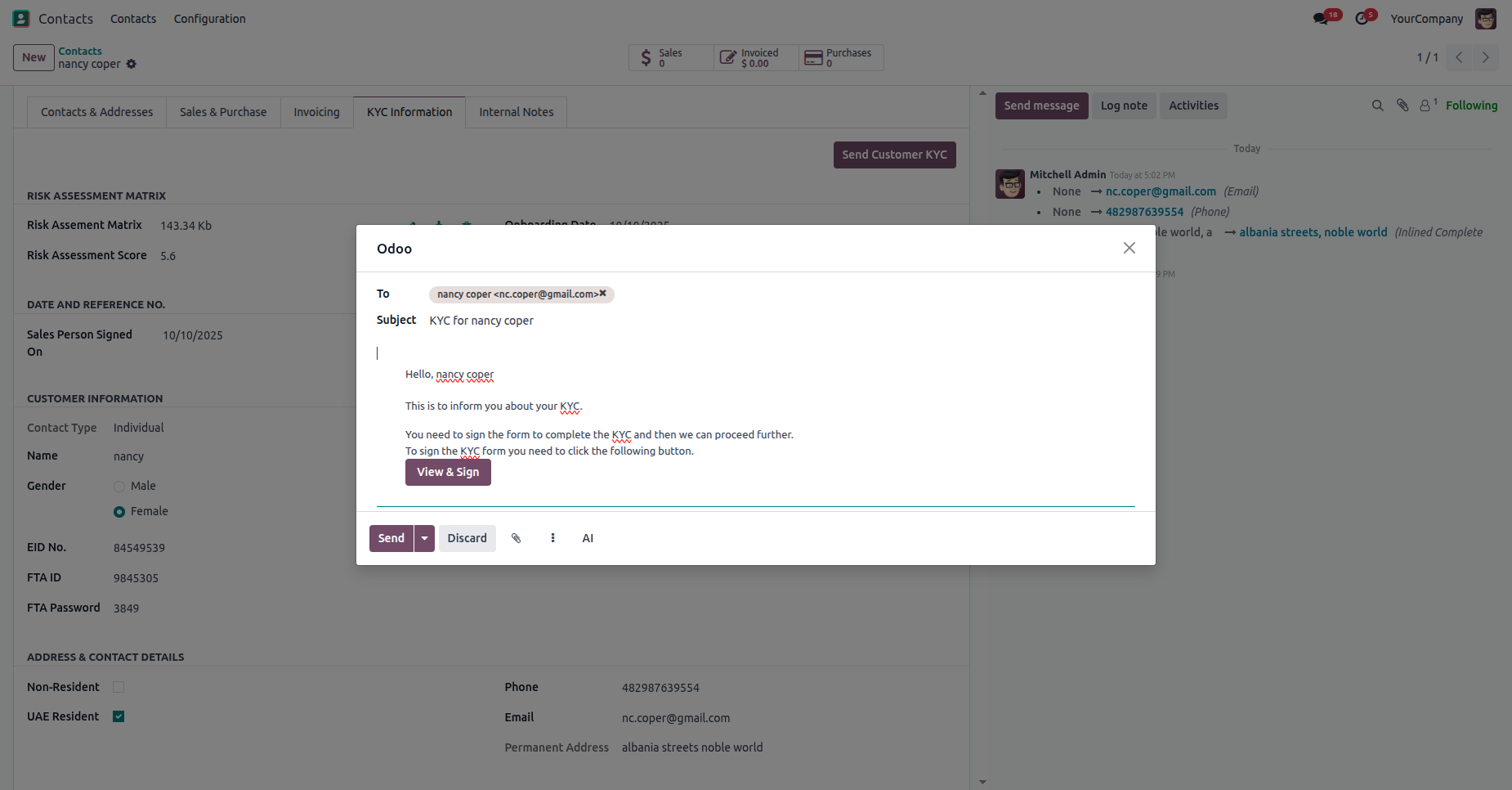
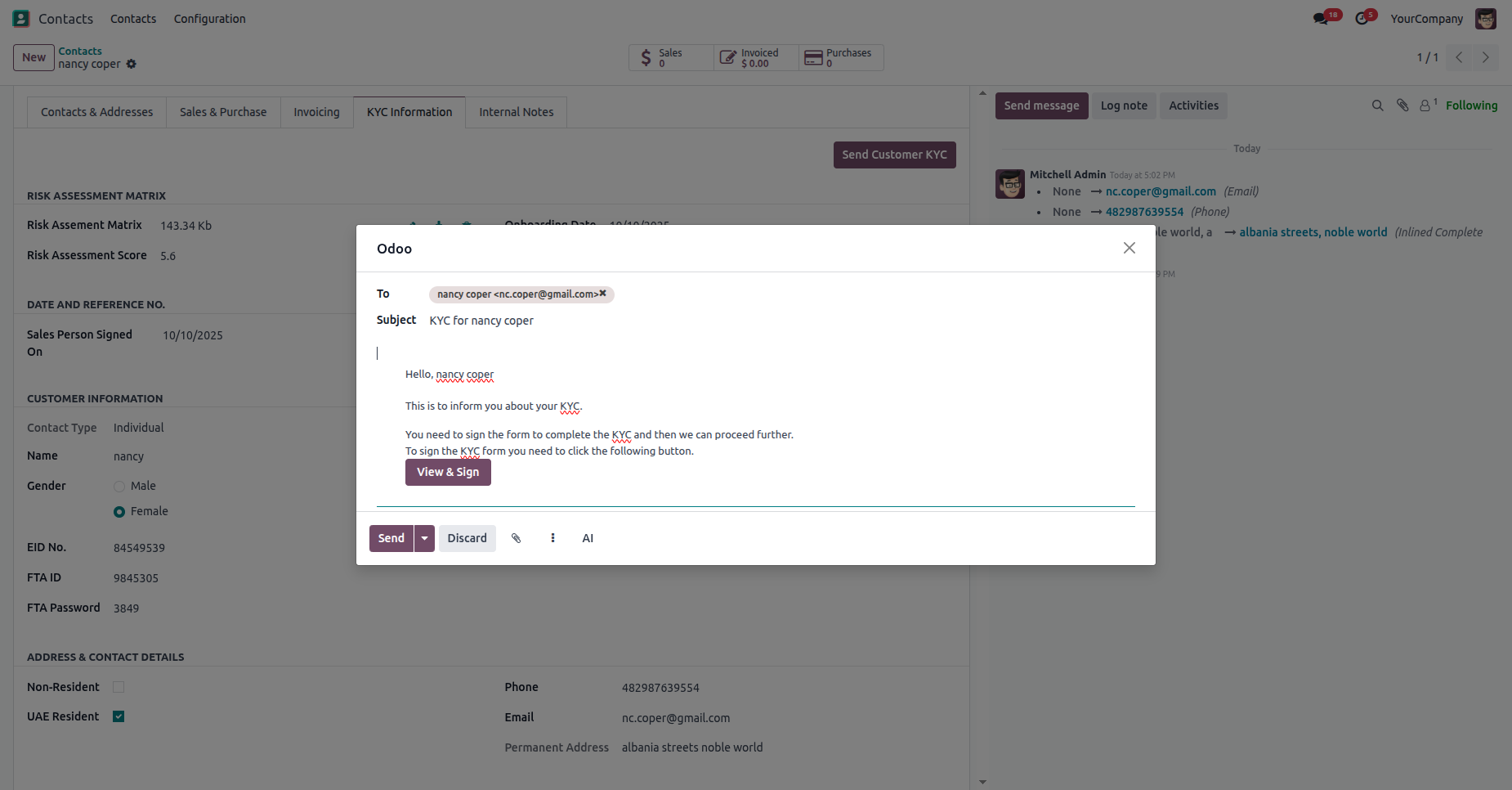
Verify the email, then click on the "Send" button.
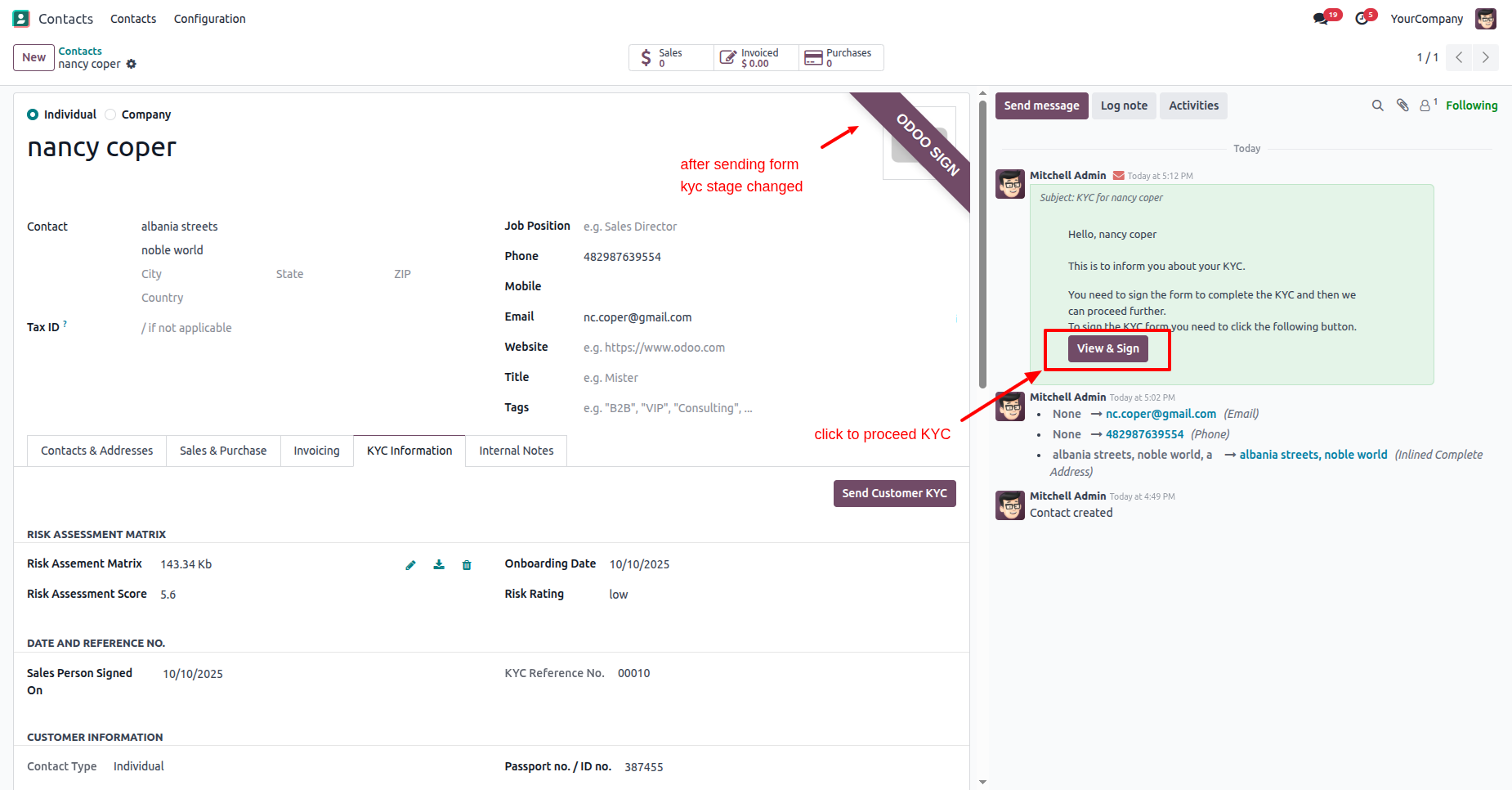
Here, you can see that the stage changes to "Odoo Sign" after sending the KYC form.
Click on the "Send Customer KRY" button.
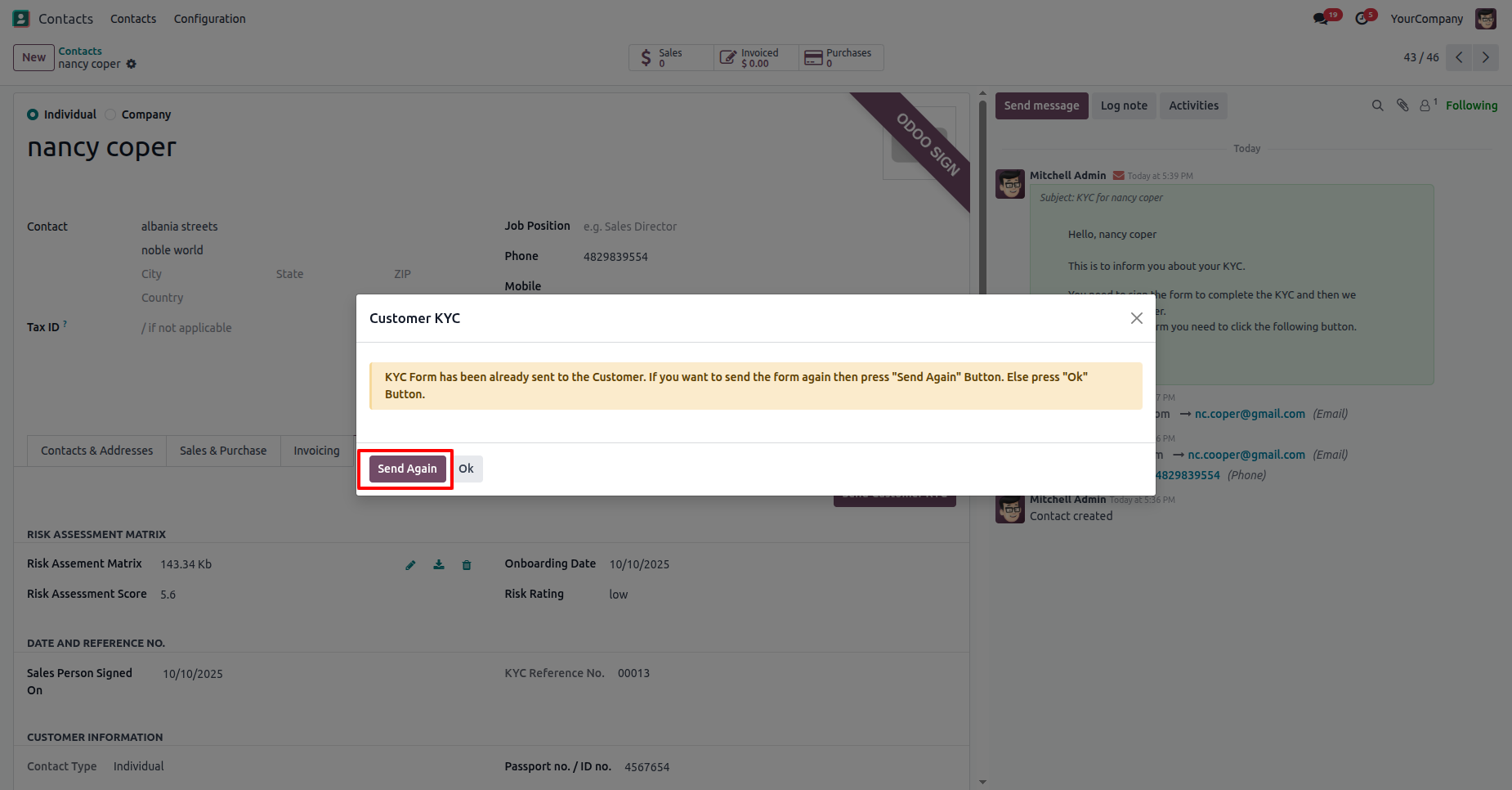
Click on the "Send Again" button.
Note: If you resend the KYC form then this popup will appears.
Click on the "Send" button.
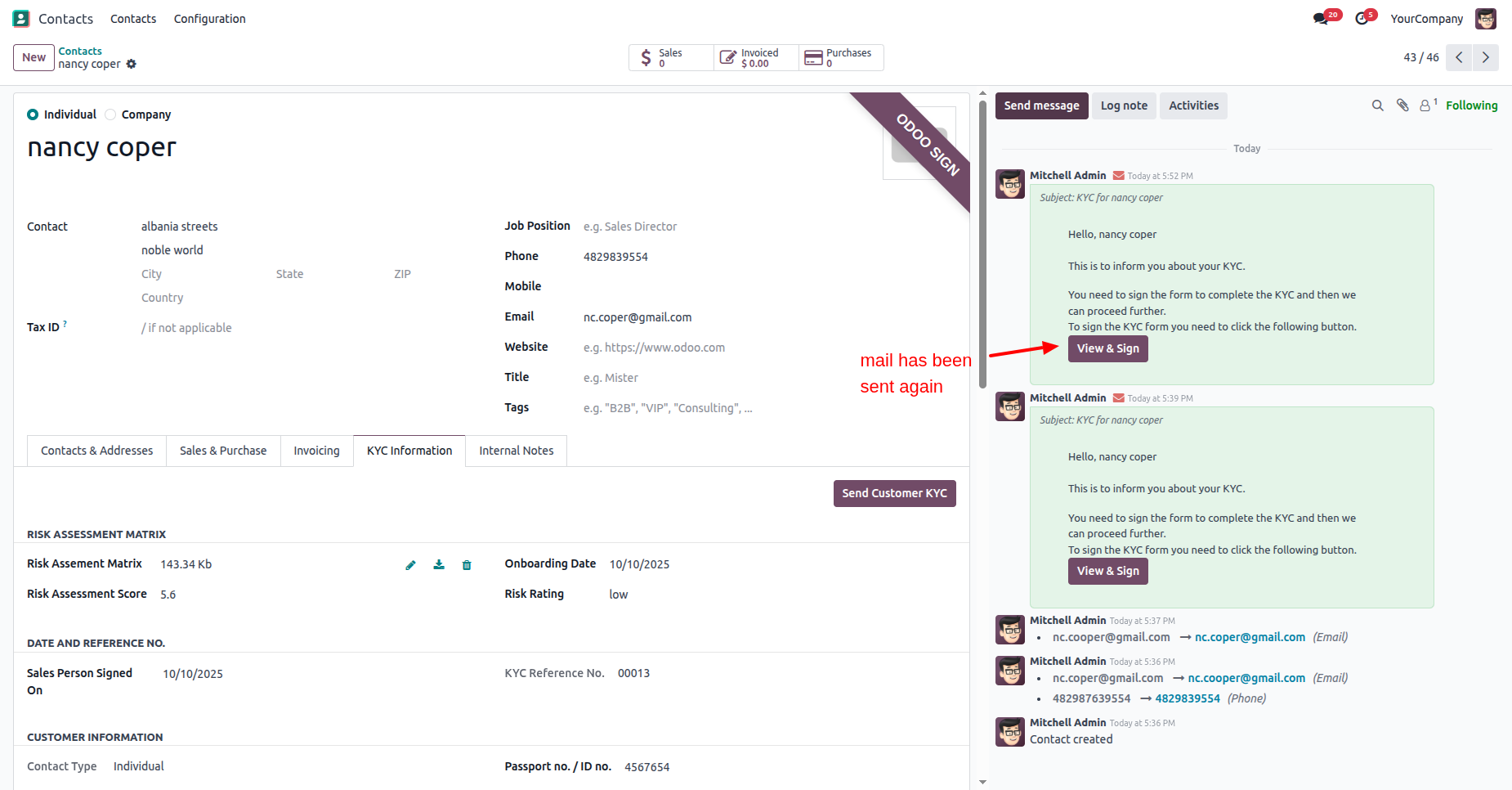
In the contact form view, you can see the sent email in the chatter.
Click on the "View & Sign" button.
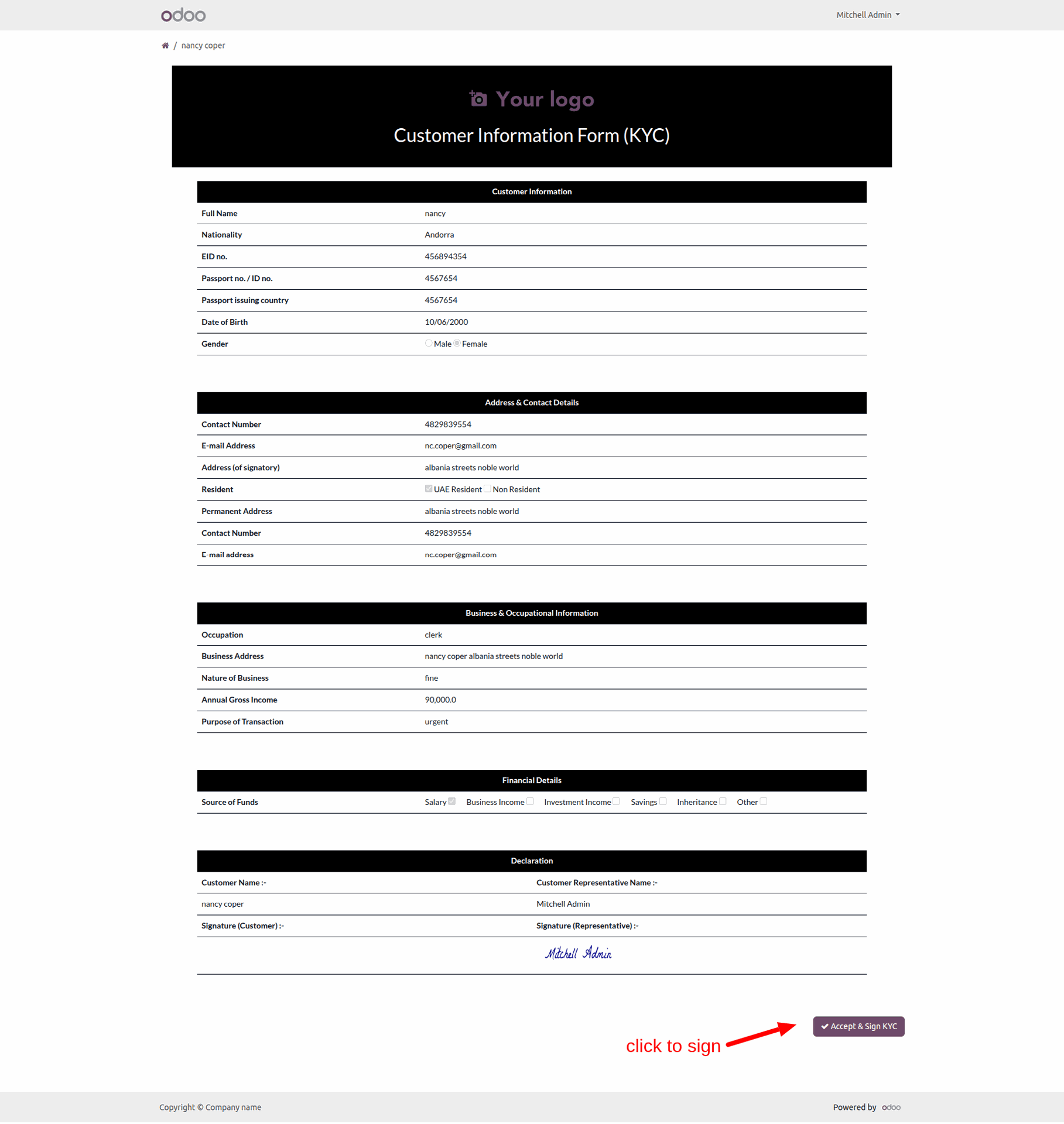
The KYC form looks like below.
To sign the form, click on the "Accept and Sign KYC" button.
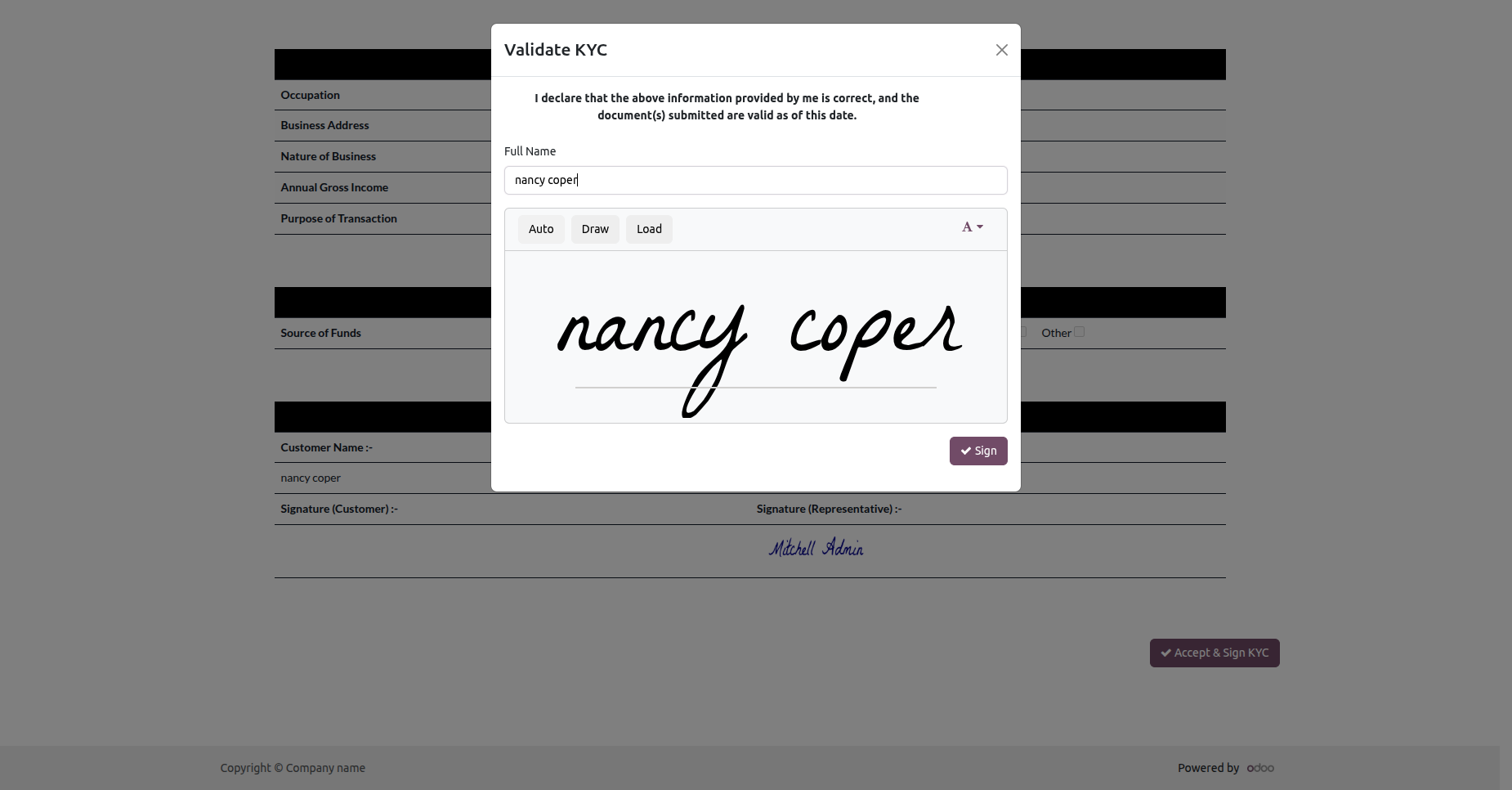
Add your name, signature, and then click on the "Sign" button.
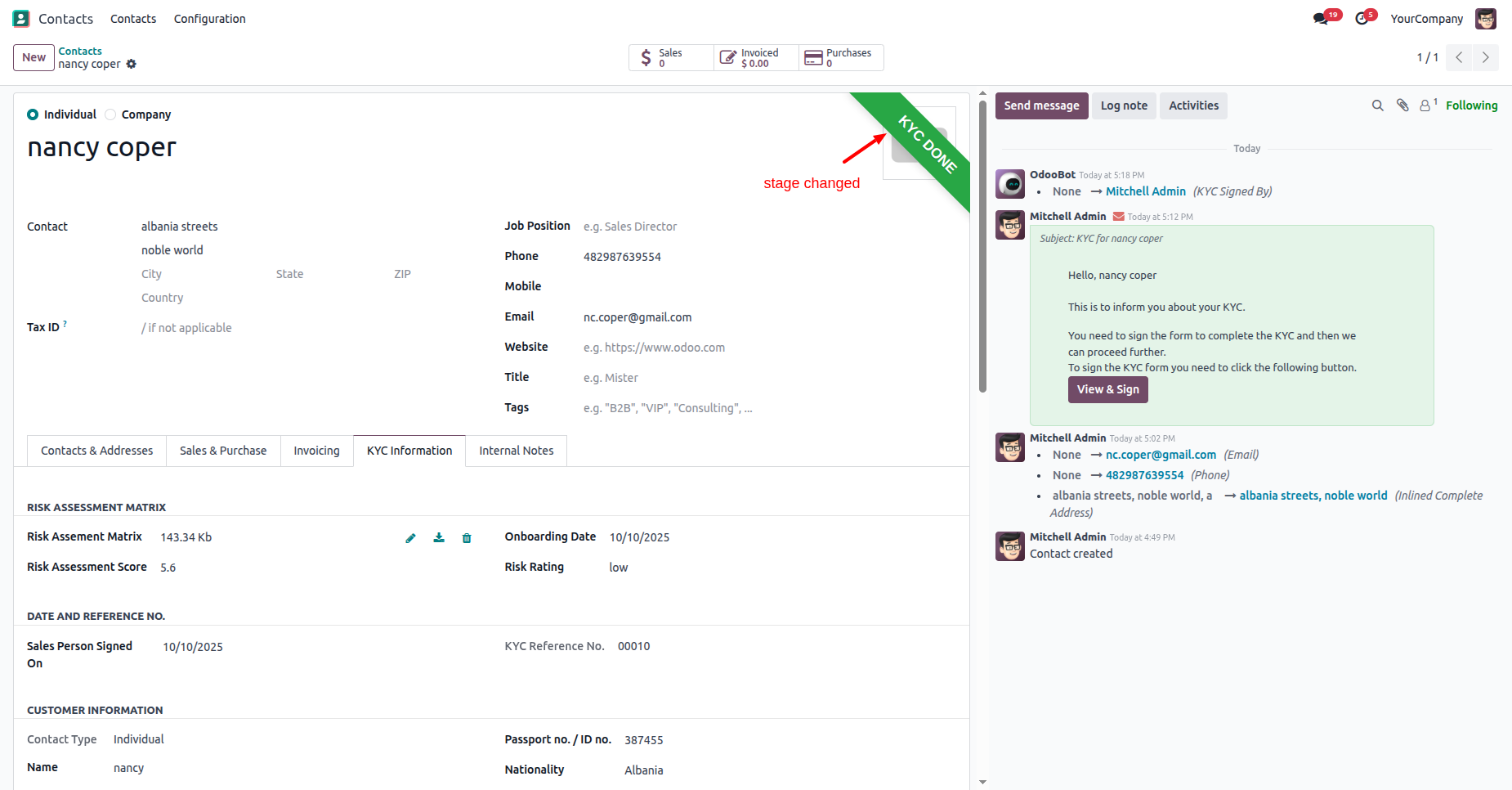
Here, you can see that the contact stage has been updated to "KYC Done".
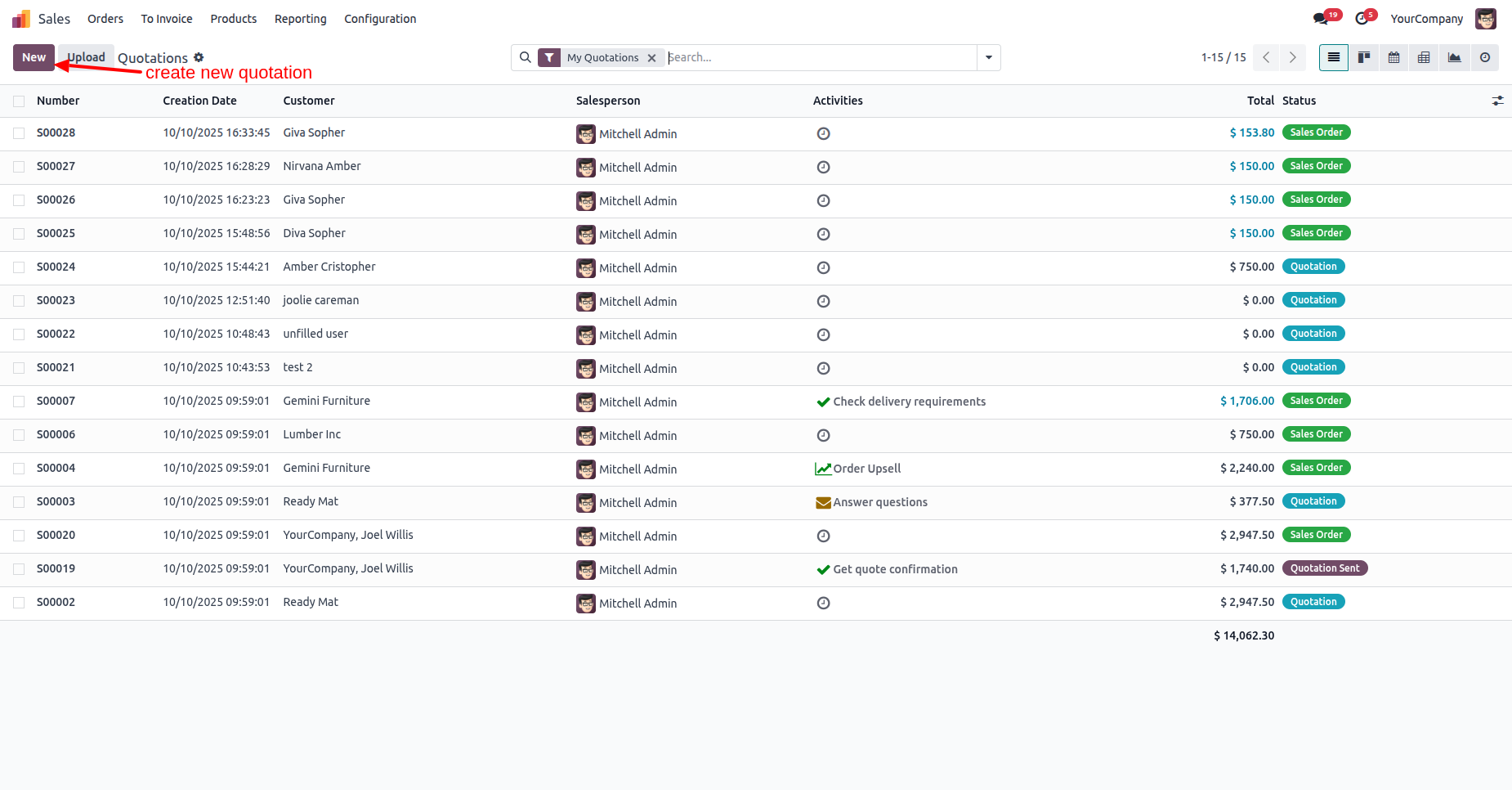
Create a new quotation.
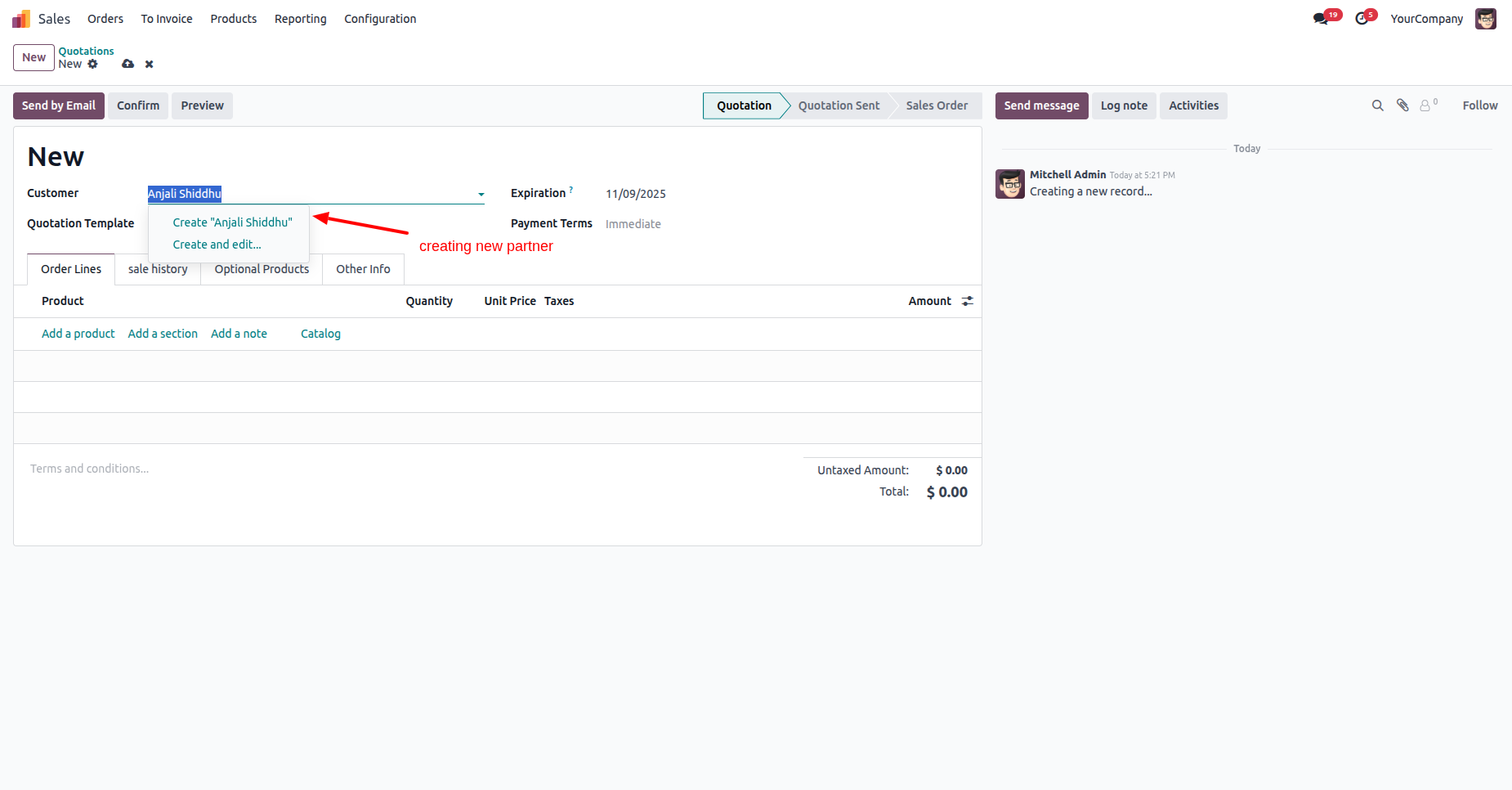
Create a contact from the quotation.
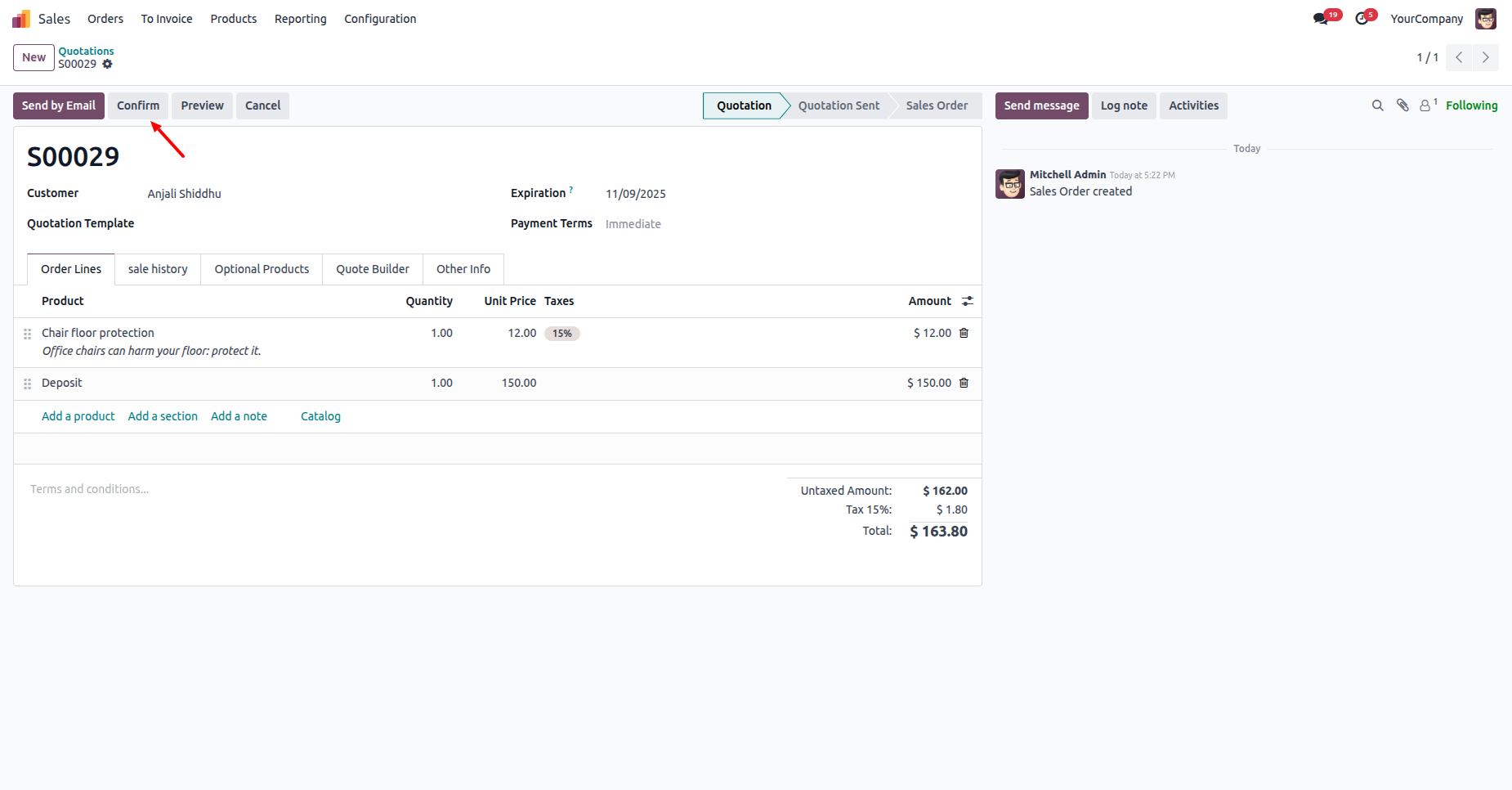
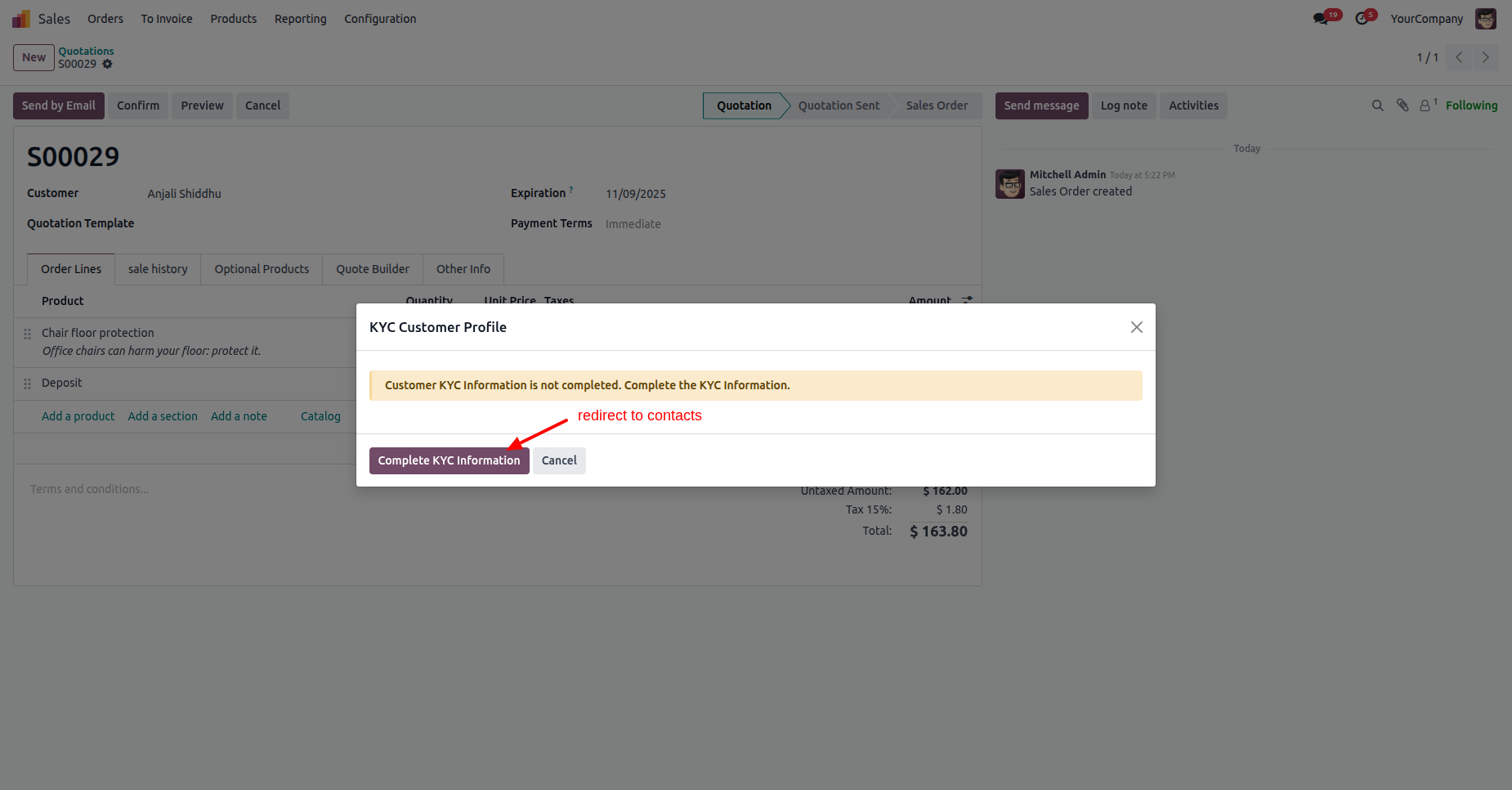
After that, the "KYC Customer Profile" wizard will appear. Click on the "Customer KYC Information".
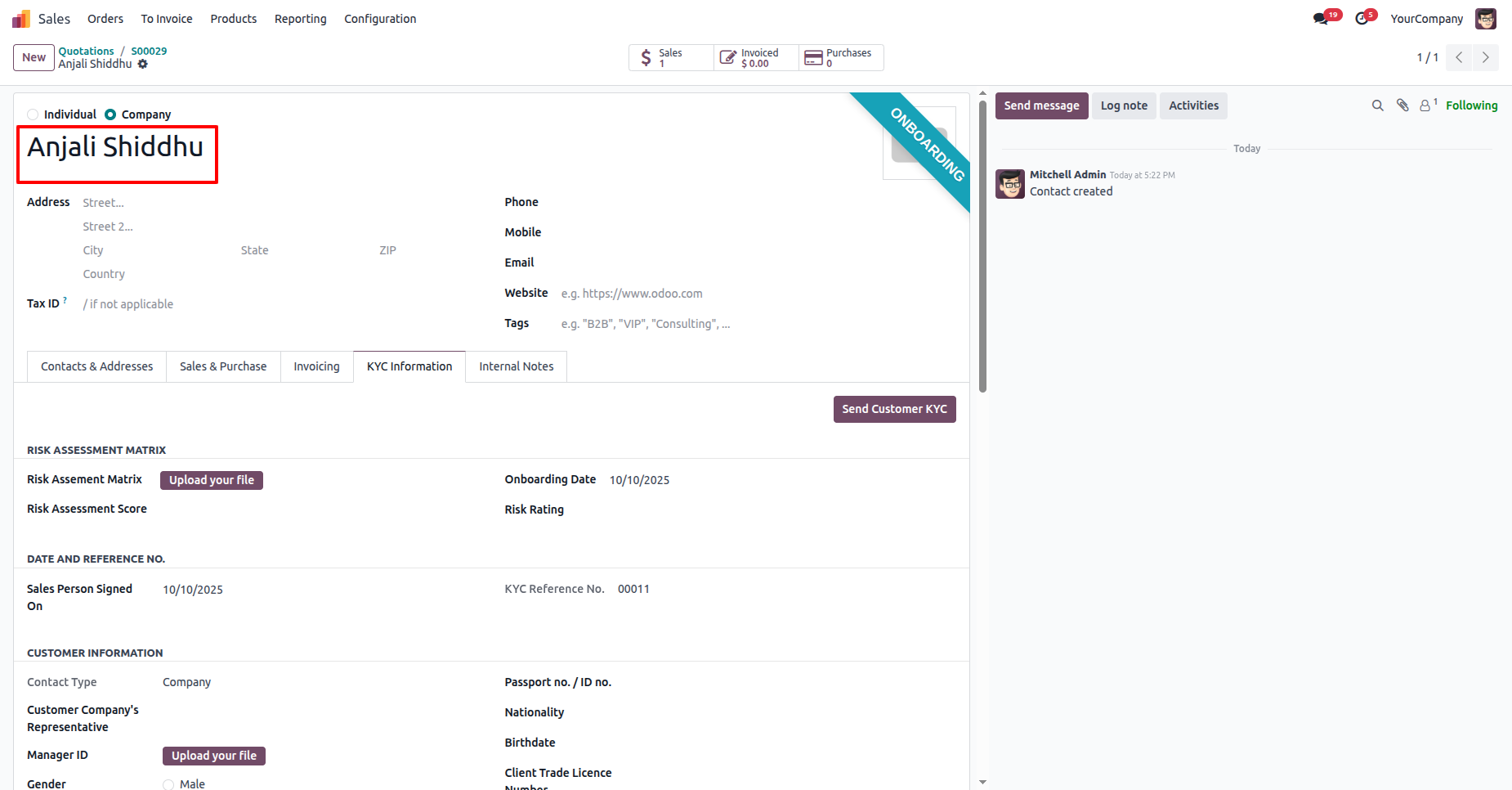
After that, you will be redirect to the contact's form view.
Version 18.0.1 | Released on : 12th November 2025
- Yes, this app works perfectly with Odoo Enterprise (Odoo.sh & Premise) as well as Community.
- No, this application is not compatible with odoo.com(odoo saas/Odoo Online)
- Yes, to test this module, please contact us at sales@softhealer.com.
- Please contact us at sales@softhealer.com to request customization.
- Yes, we provide free support for 365 days from the date of purchase.
- Yes, you will receive lifetime free updates for the version of the module you purchased.
- No, there is no need to install any additional libraries.
- Yes, for version 12 and above, you need to purchase the module separately for each version you intend to use.
- No, exchanges or refunds are not allowed. Please make sure to select the correct version before purchasing.
- You can contact us at support@softhealer.com for language translation support. We use Google Translator tools to provide translations in multiple languages, so the accuracy may vary. We welcome your suggestions to help improve translations.
