












CRM Whatsapp Integrations

Nowadays, WhatsApp is frequently used. Many communications take place on WhatsApp. Currently, in odoo, there is no feature where you can send Opportunity/Lead details direct to customers WhatsApp. Our module will provide that feature. You can send Opportunity/Lead details direct or manually to the customer's WhatsApp. You can track sent messages in chatter.

Related Modules
Features
- Display in Chatter Message - Easy to track send the message which is sent in WhatsApp.
- Easy to send Opportunity/Lead details to customer's WhatsApp in a single click.
- Easy to send Opportunity/Lead to more than one customer Whatsapp in a single click.
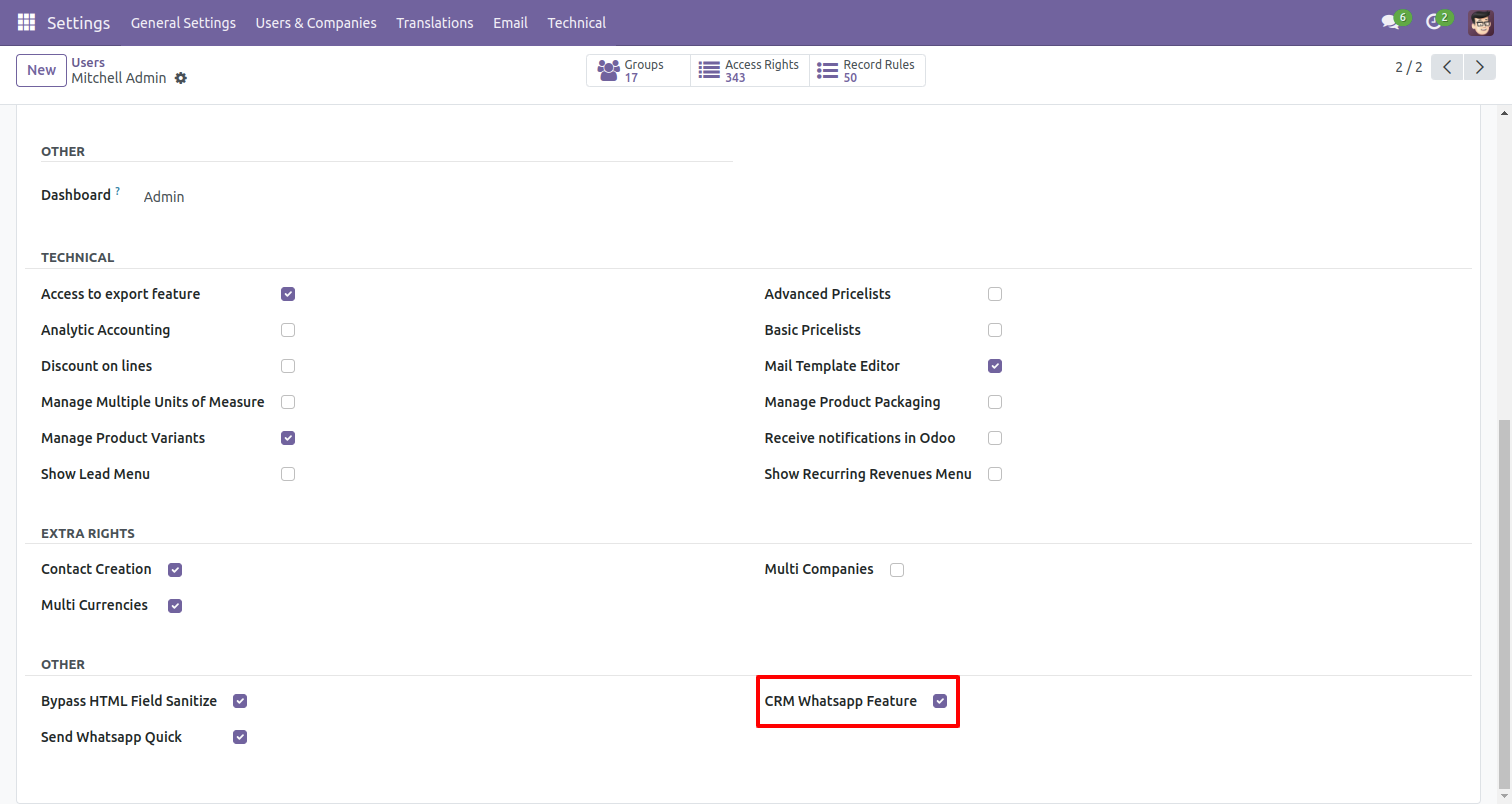
In "User", enable the "CRM Whatsapp Feature" option.
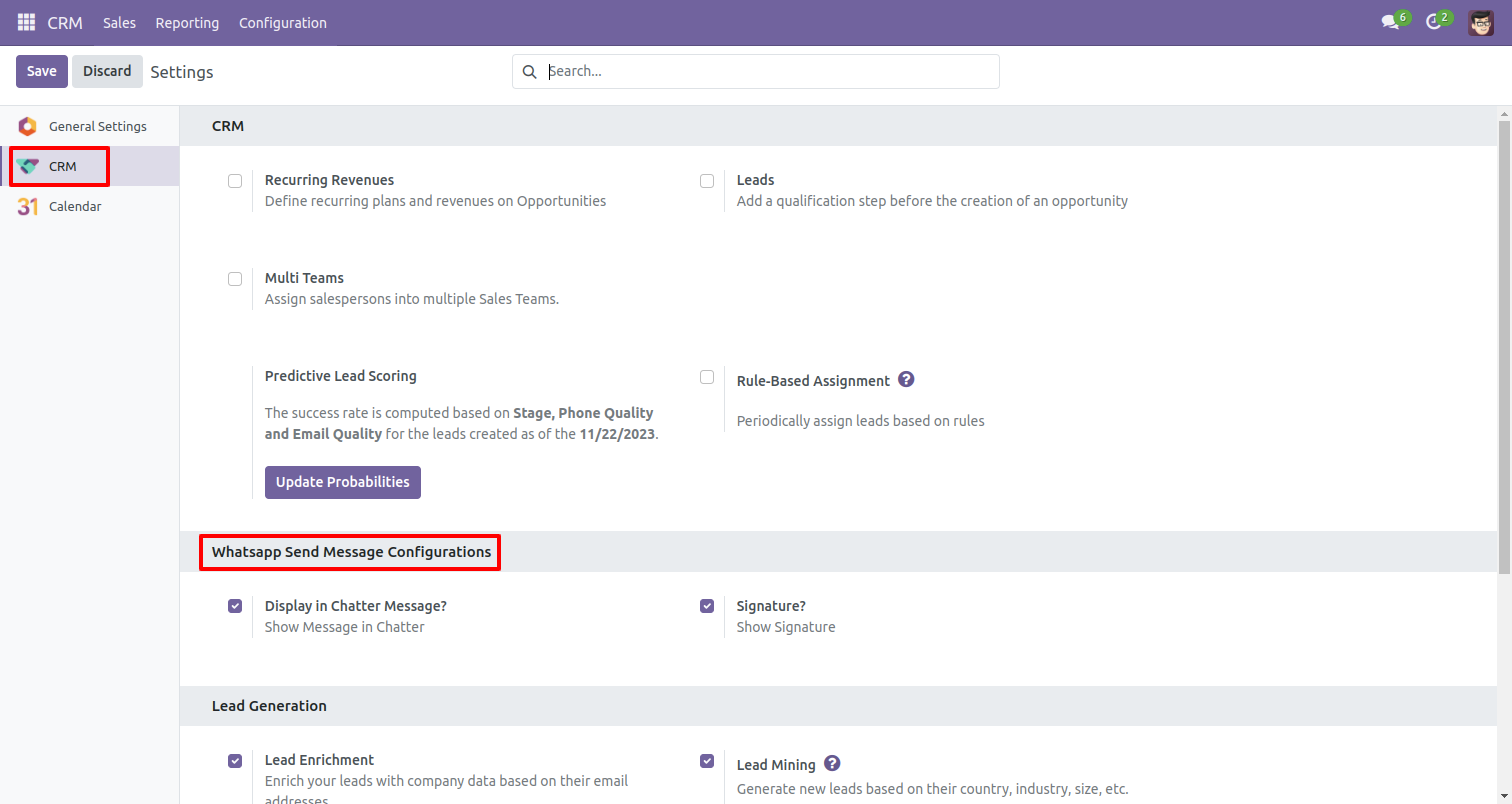
In CRM configuration Setting enable given options for whatsapp.
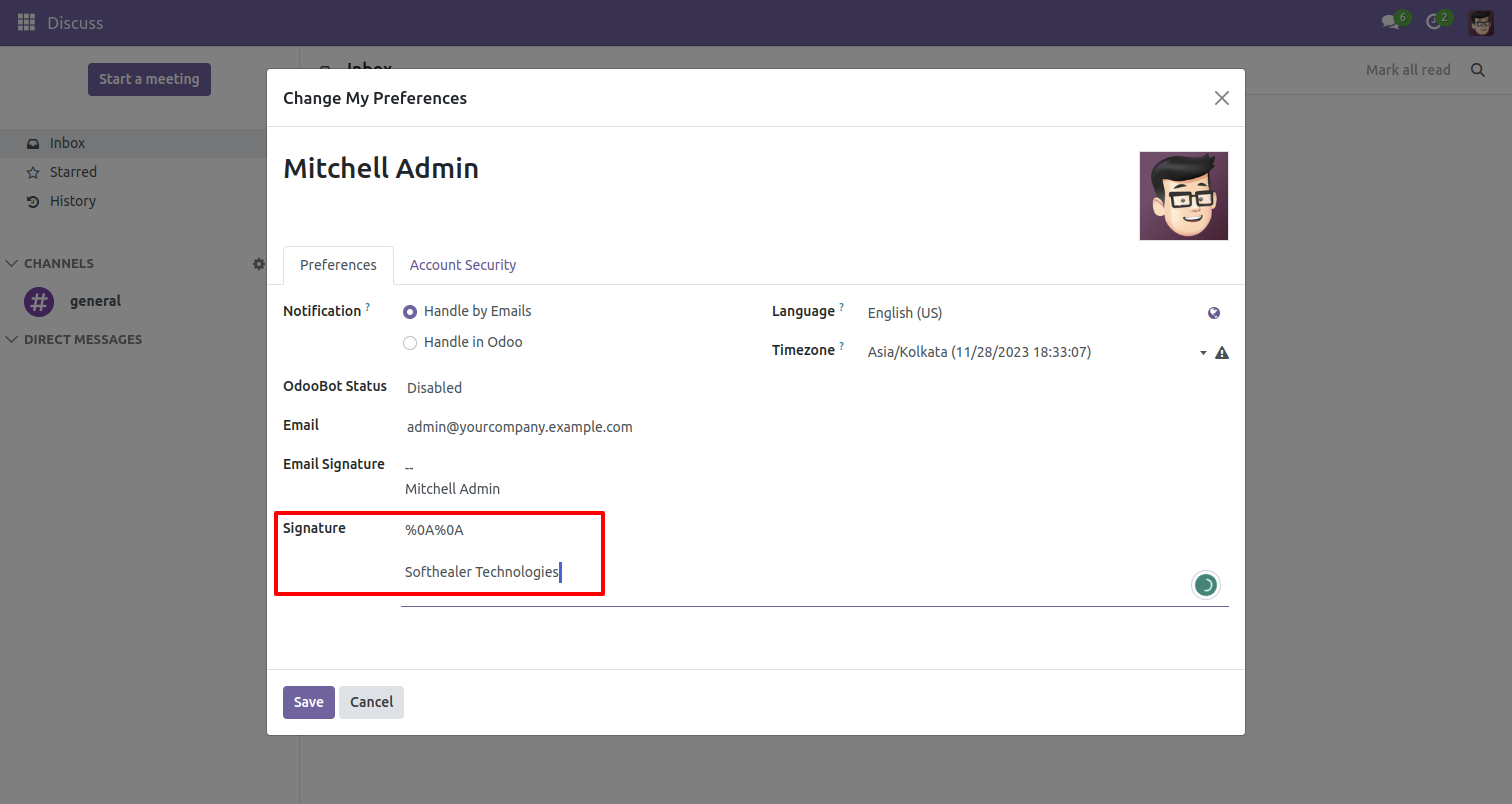
Set the signature in the message,
1) Go to Preferences.
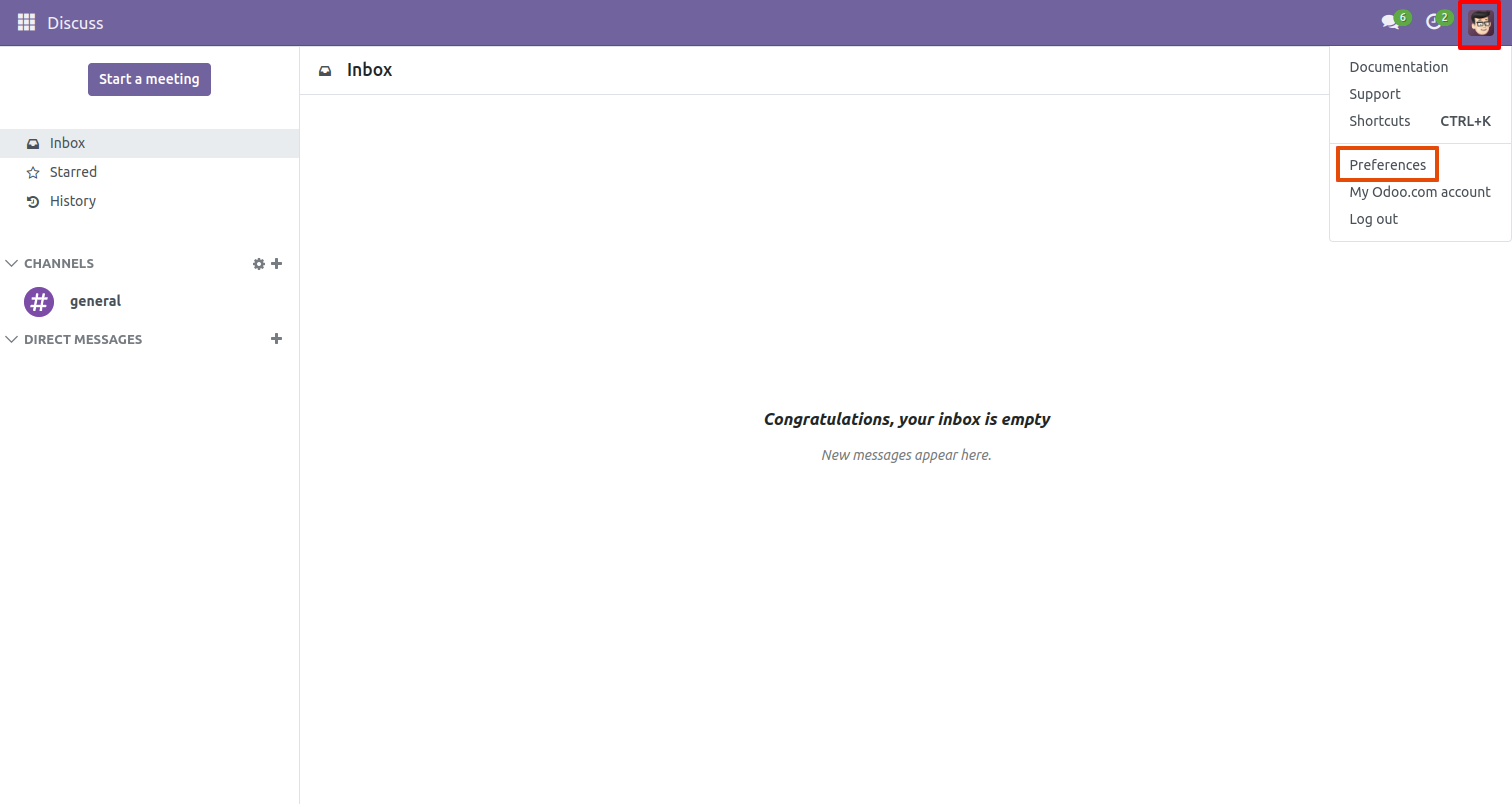
2) Add Signature.
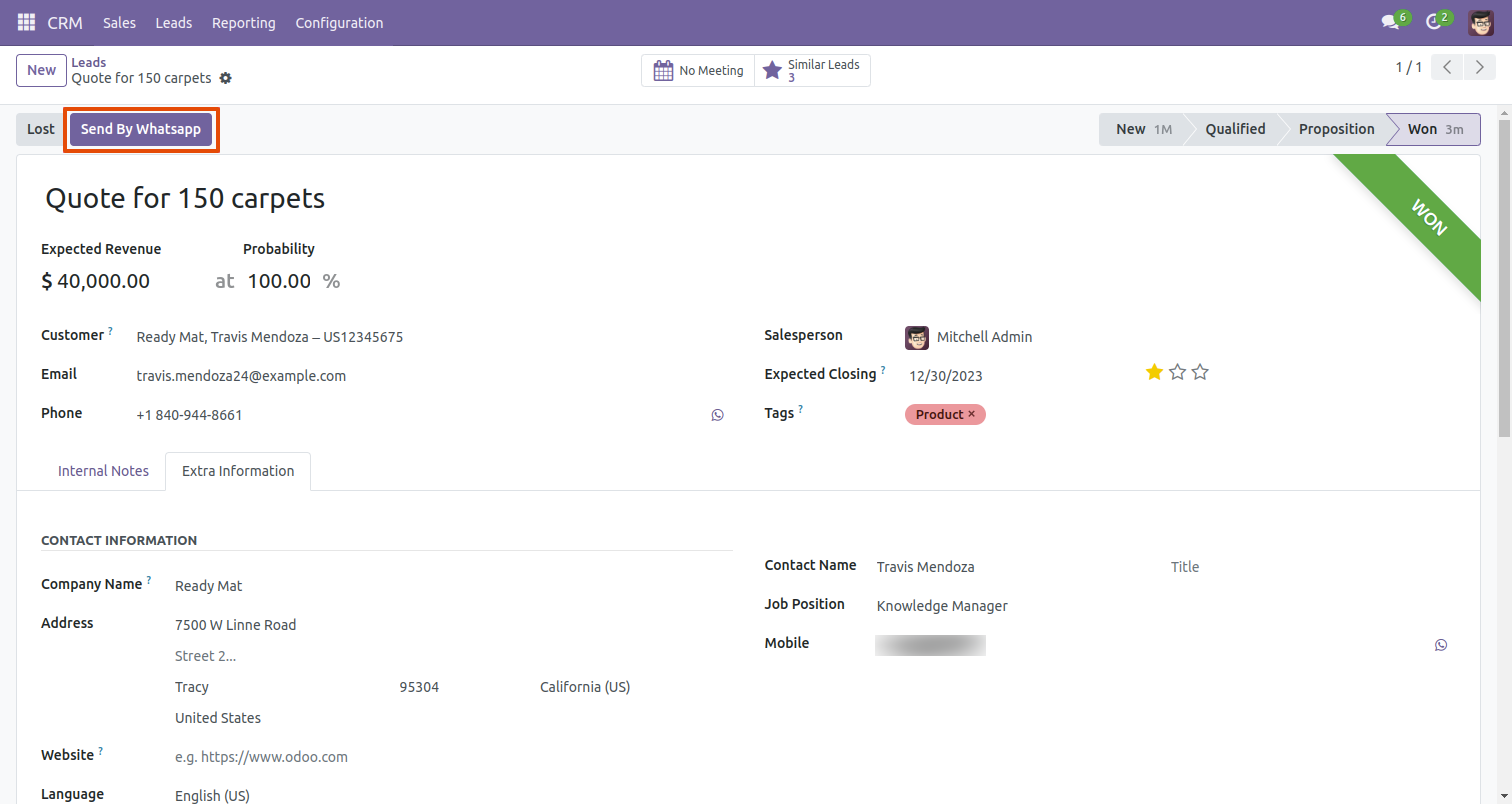
Press 'Send By Whatsapp' button in the Leads form view.
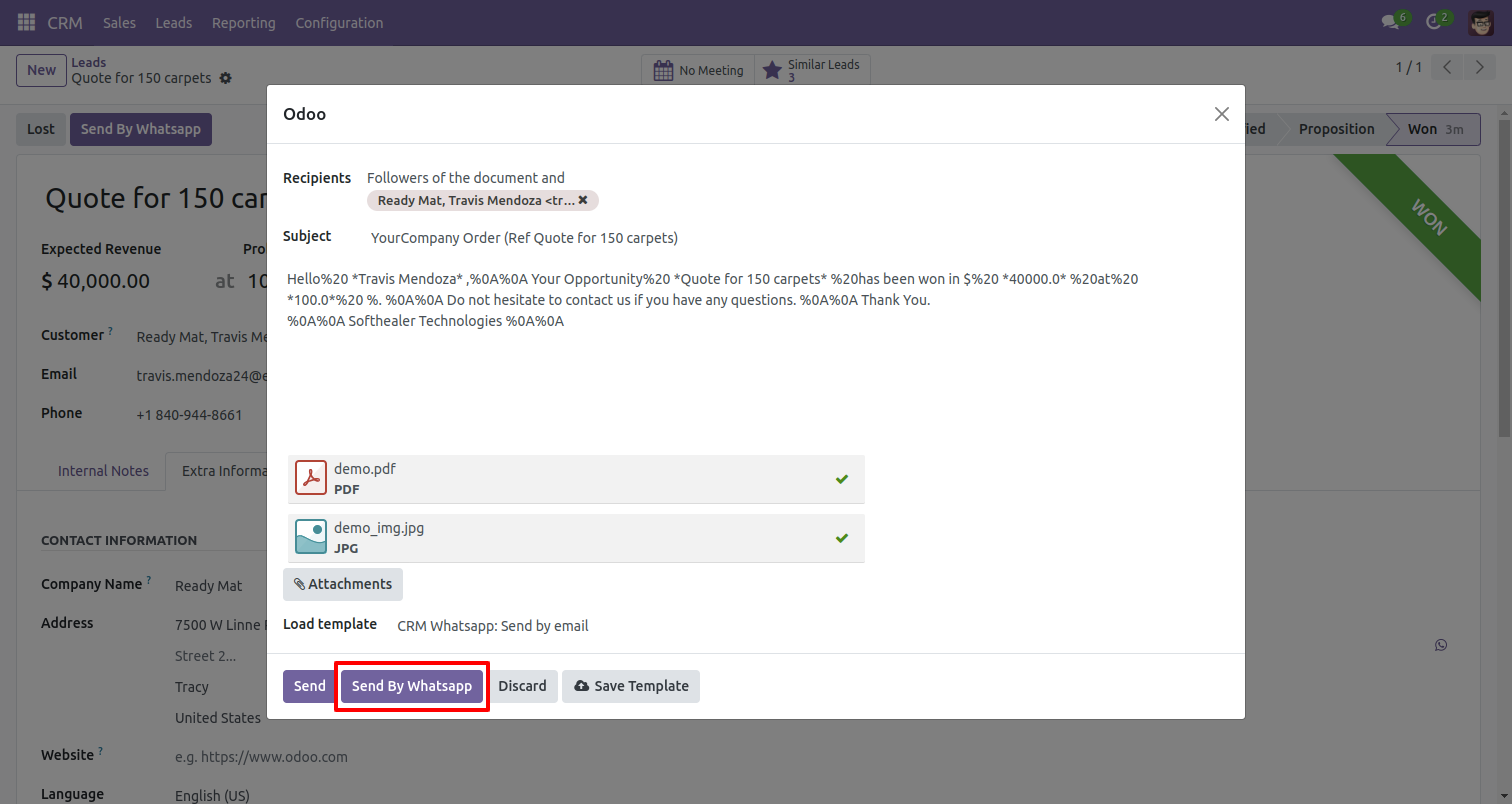
After click on that button this wizard will appear, where you can edit message and send to whatsapp.
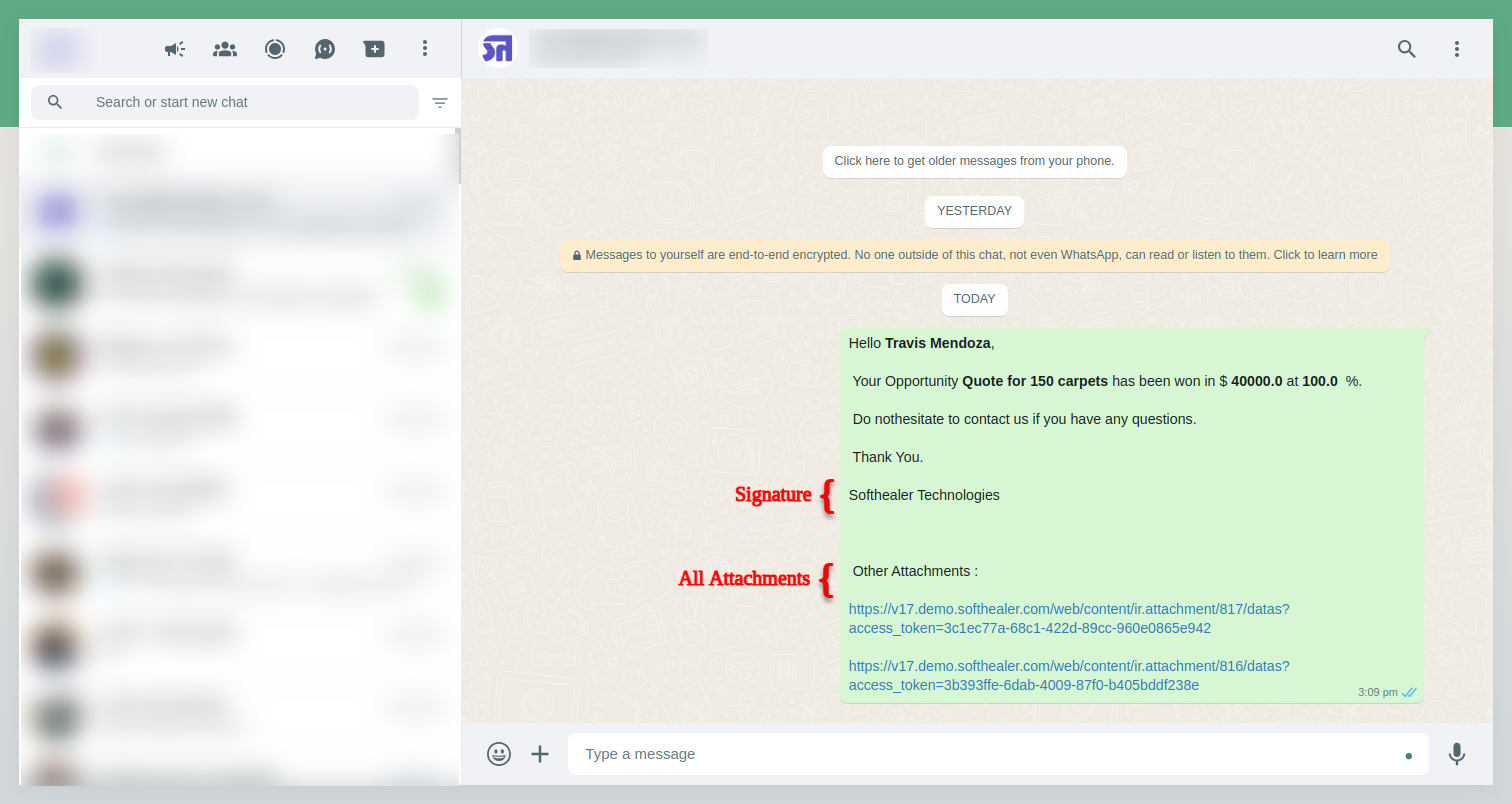
After that message sent to customers whatsapp.
In Lead you can send message on customer whatsapp direct, Just click 'Whatsapp' icon beside of mobile numbers.
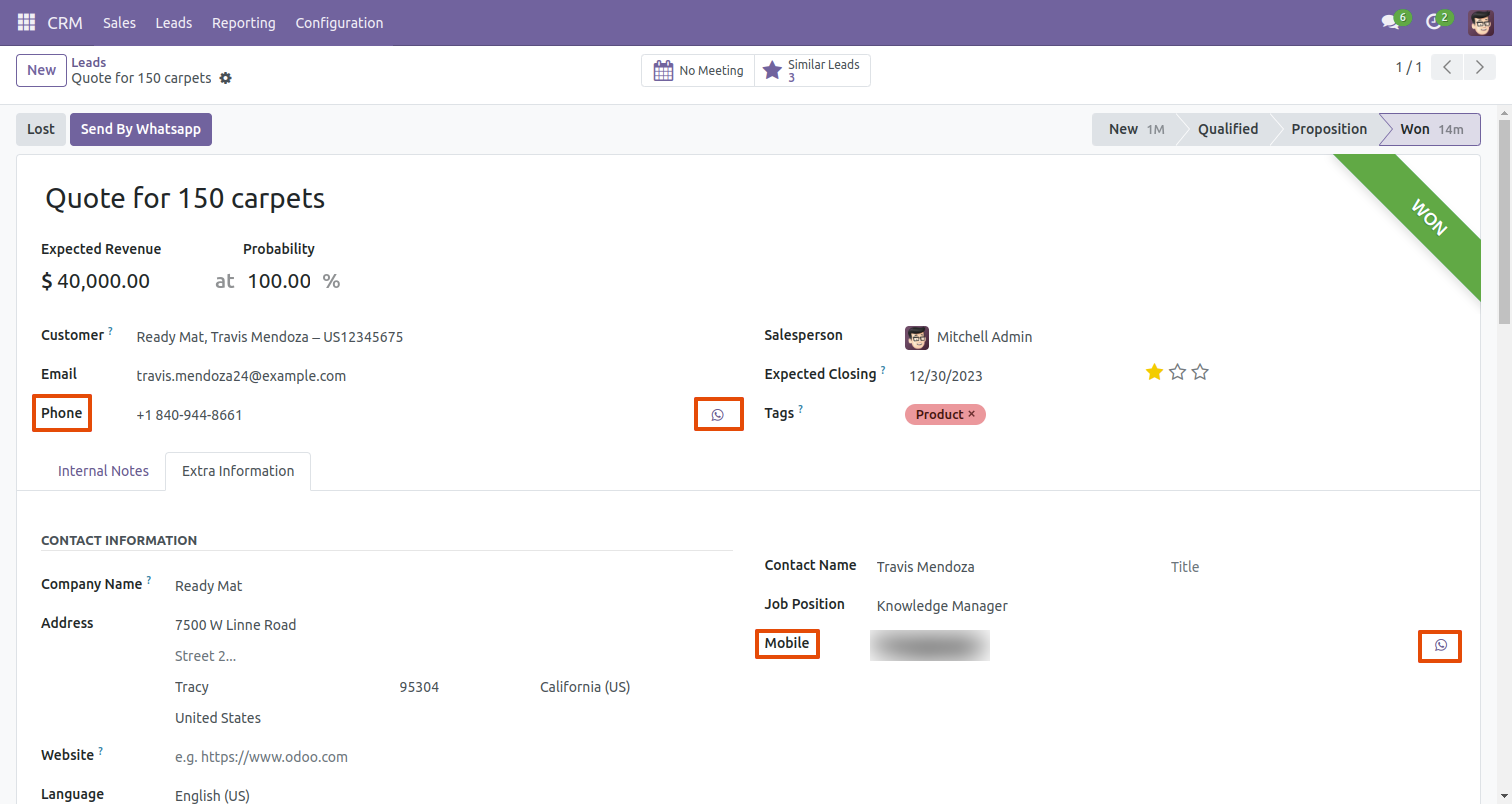
After click on whatsapp icon this wizard will appear, where you can write message for customer. and click 'Send'
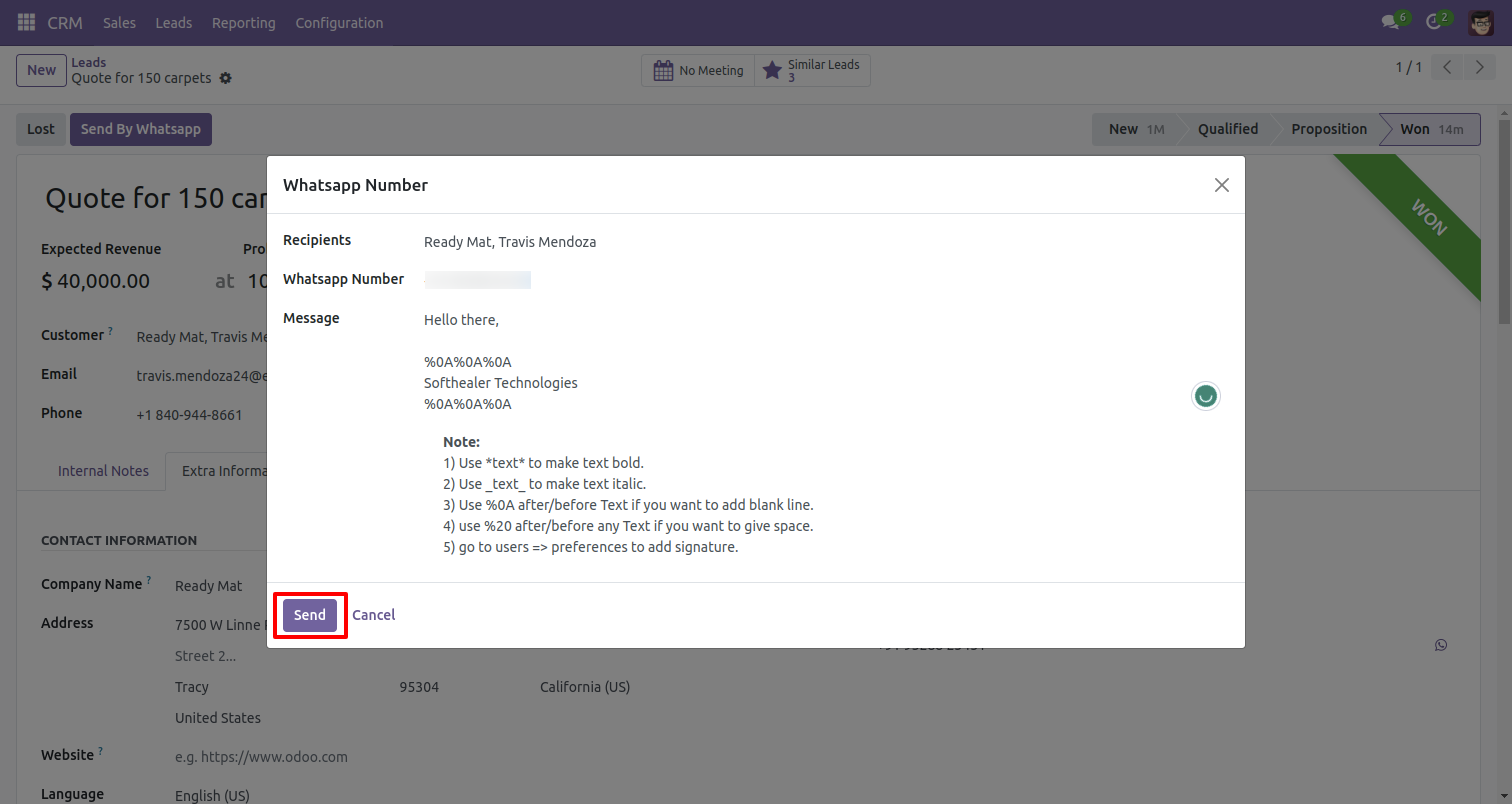
After that message sent to customers whatsapp.
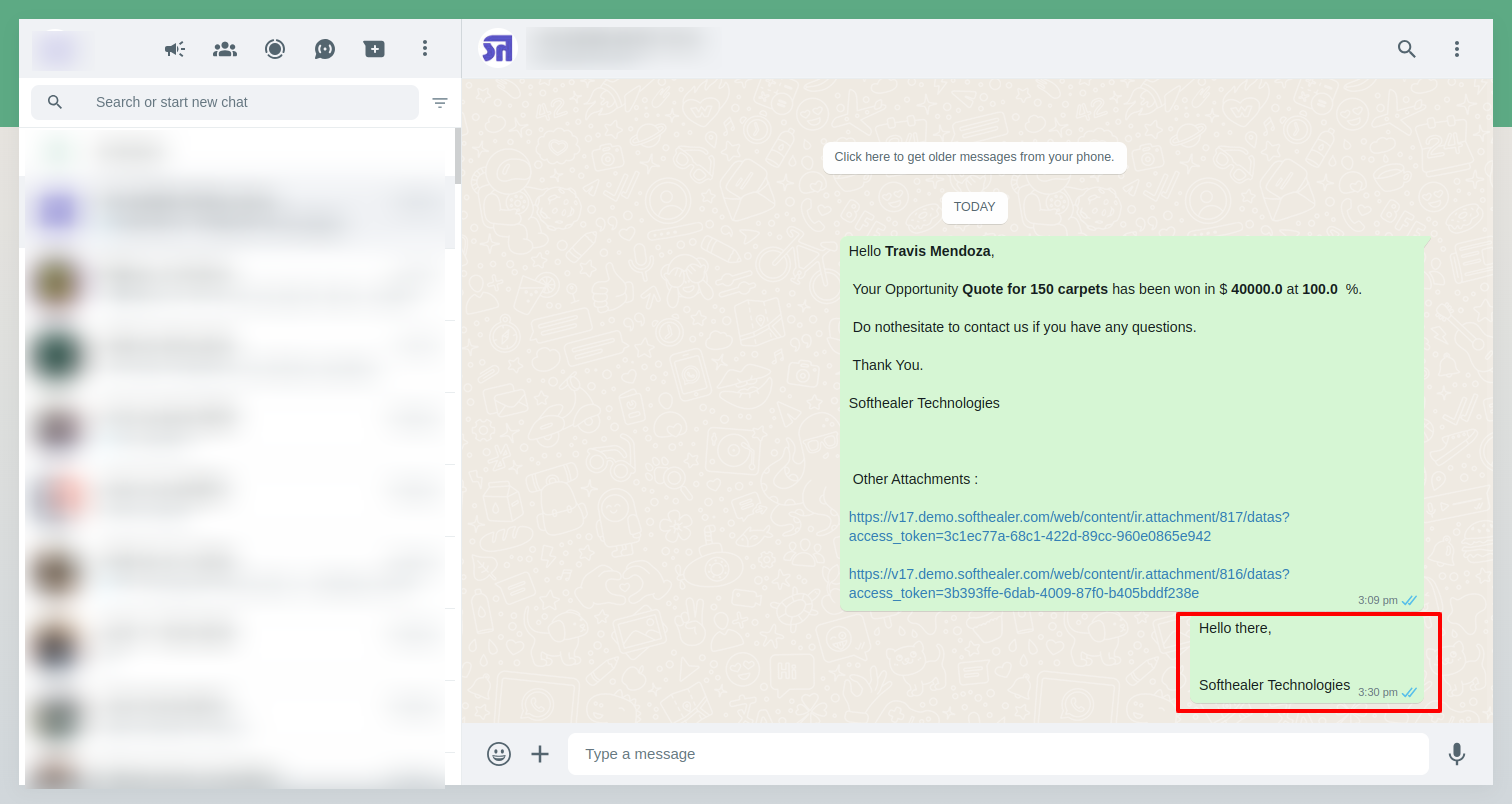
You can tract that in chatter also.
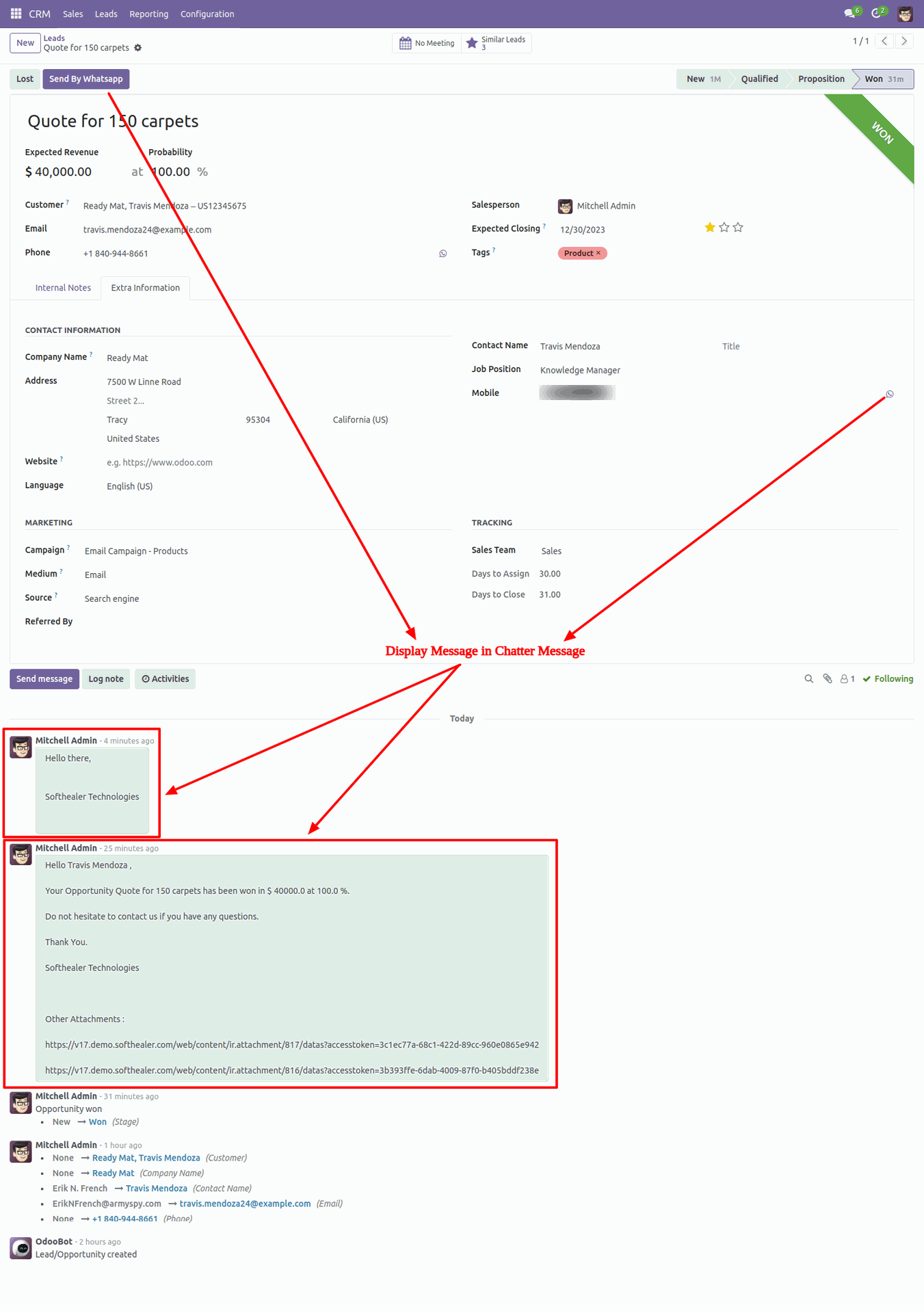
The user has one quick menu option to send a WhatsApp message to anyone. Users can easily send a message to anyone using that menu.
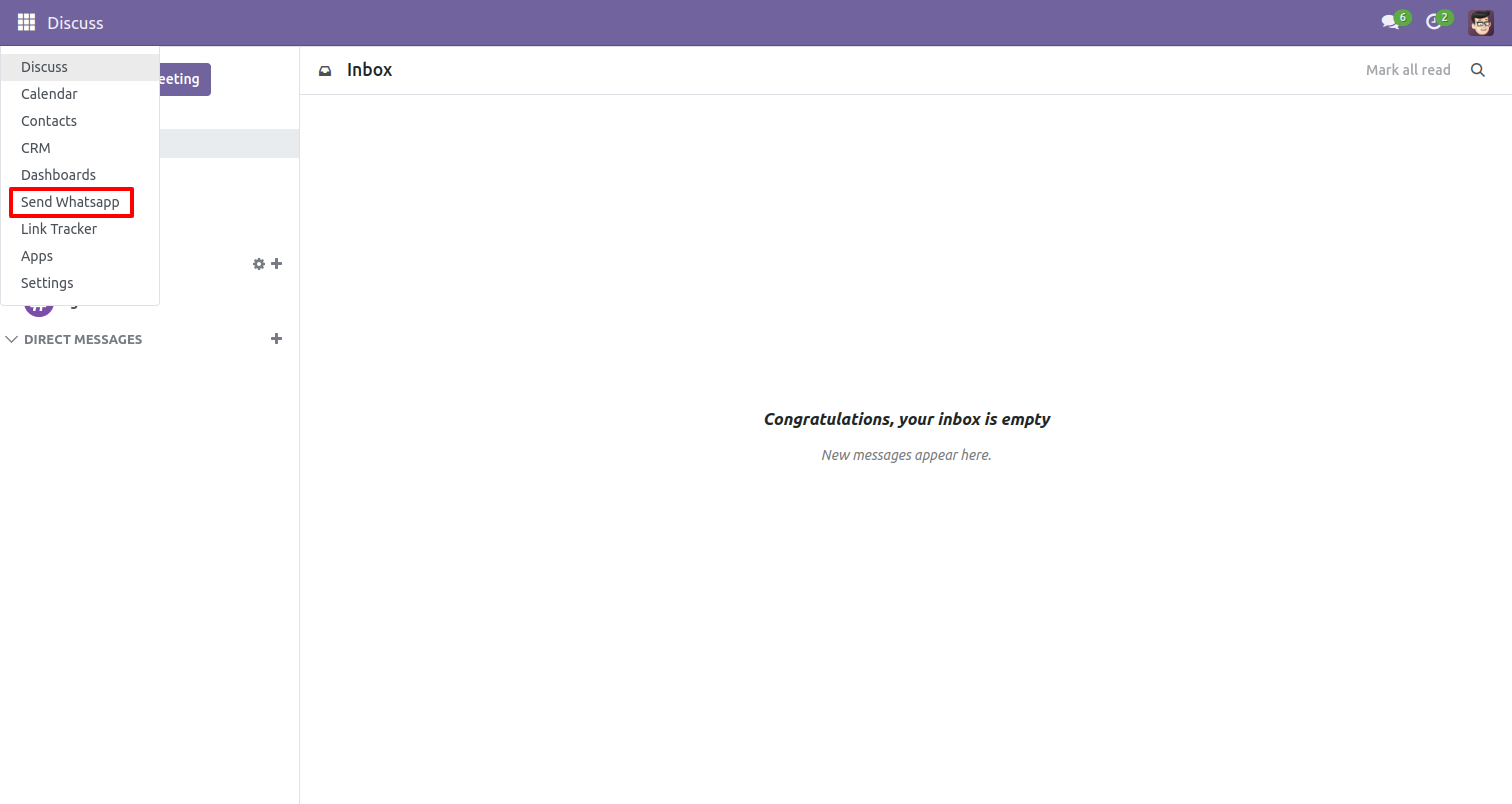
This page will open by clicking the WhatsApp Number menu and fill the detail and click send.
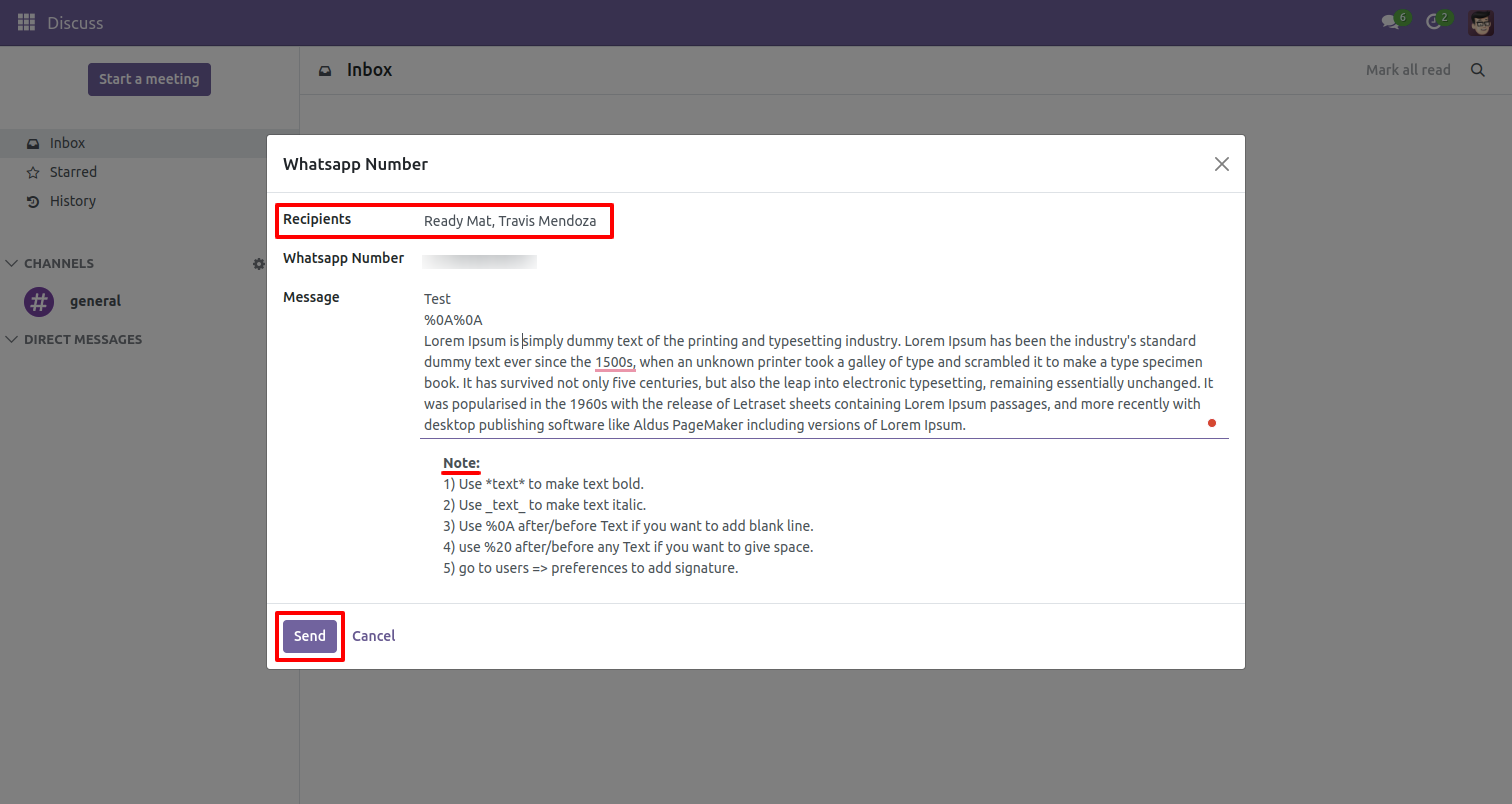
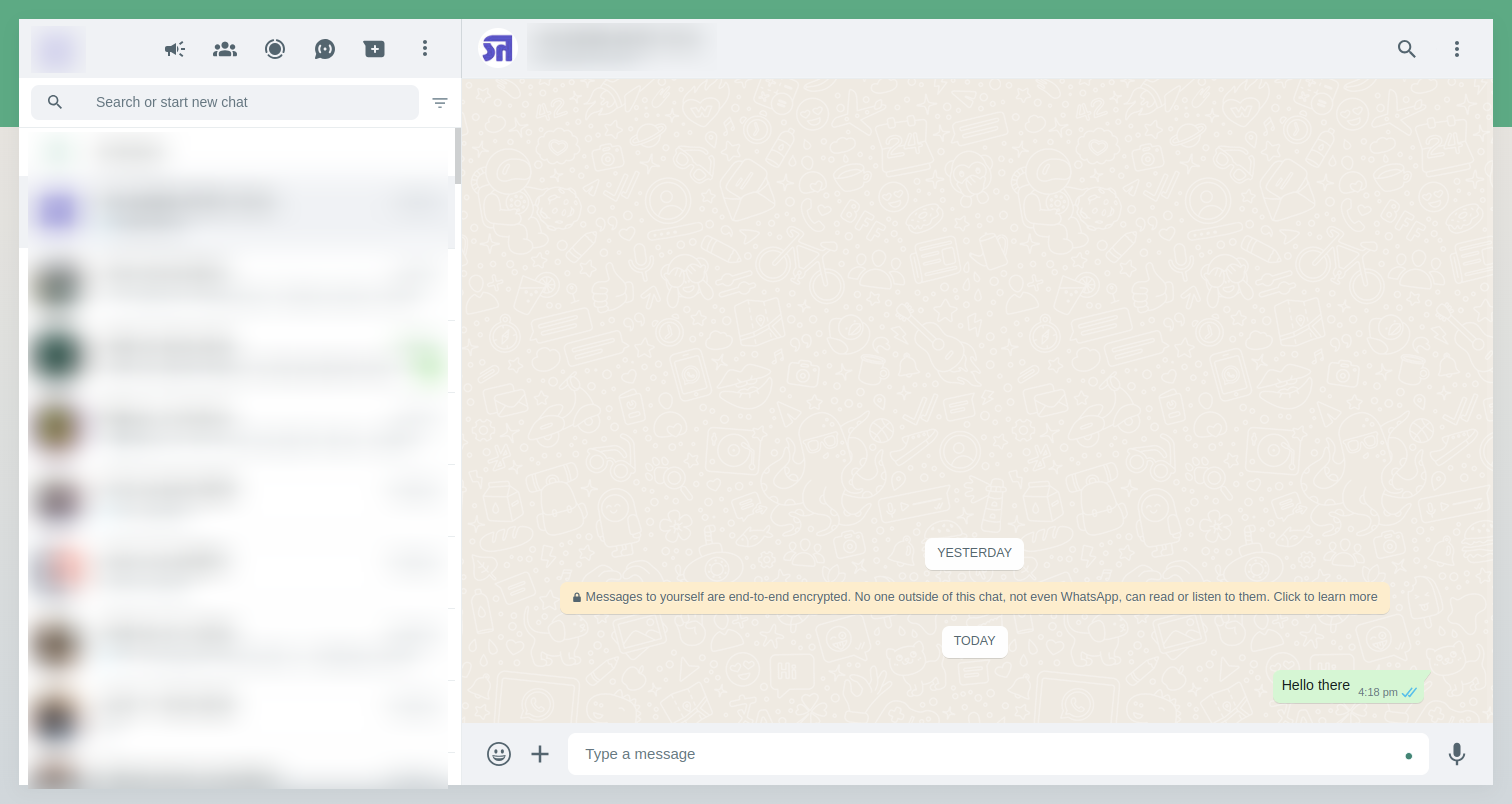
This is the output shown in the WhatsApp messenger.
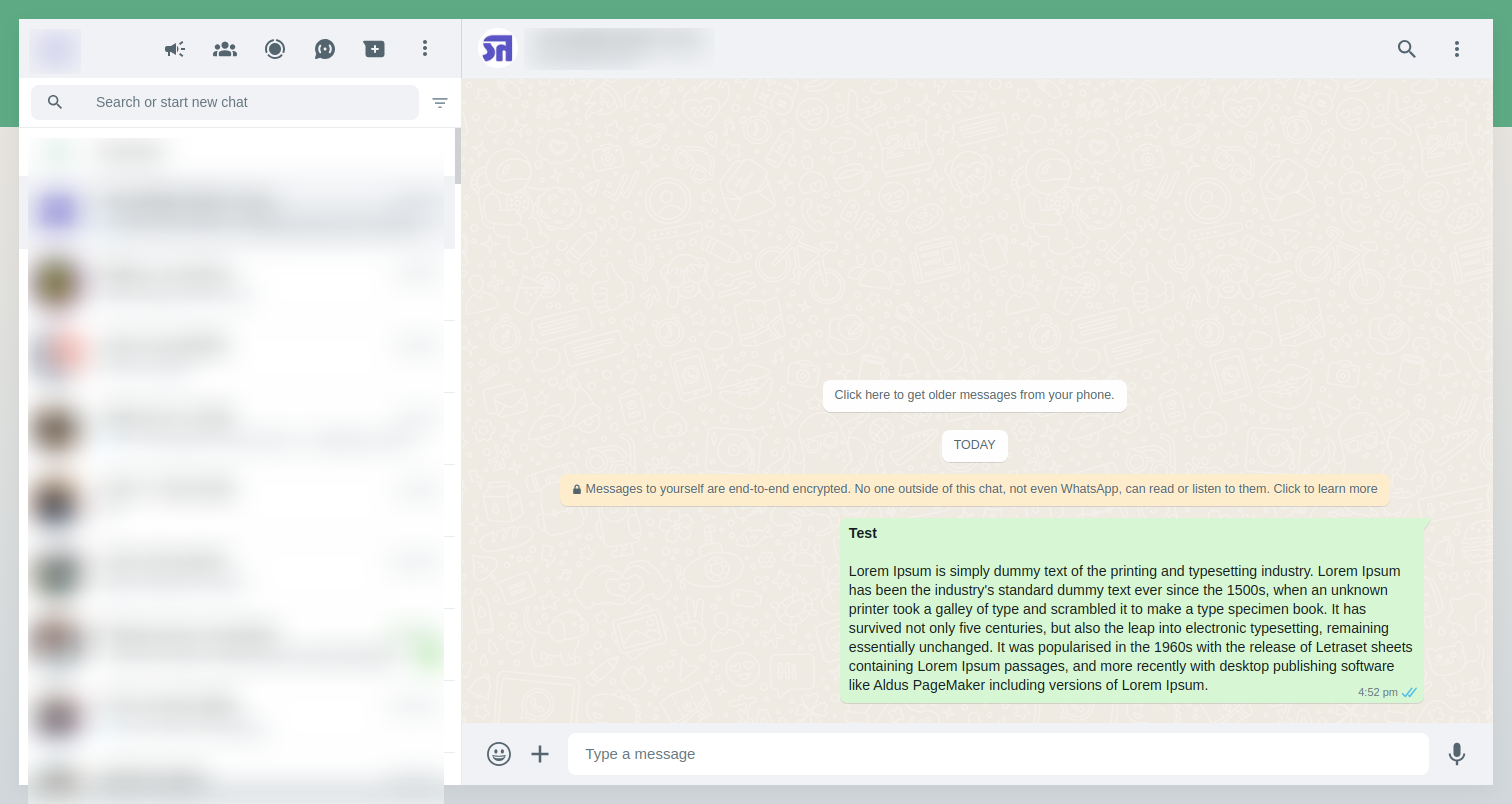
In contact there is 'Whatsapp' icon which is placed beside of mobile number.
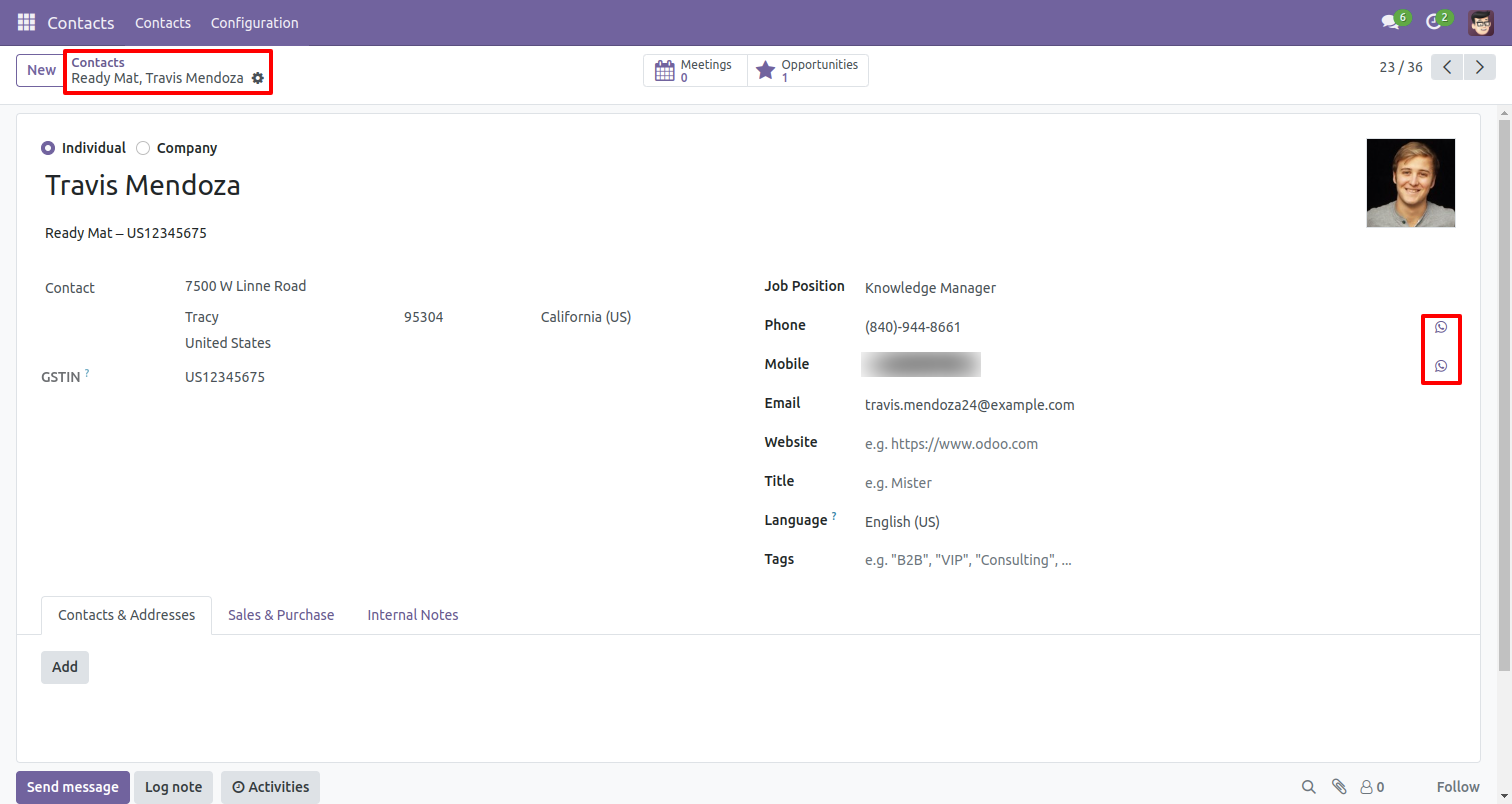
After click on icon you will see this wizard where you can write message. and click 'Send'.
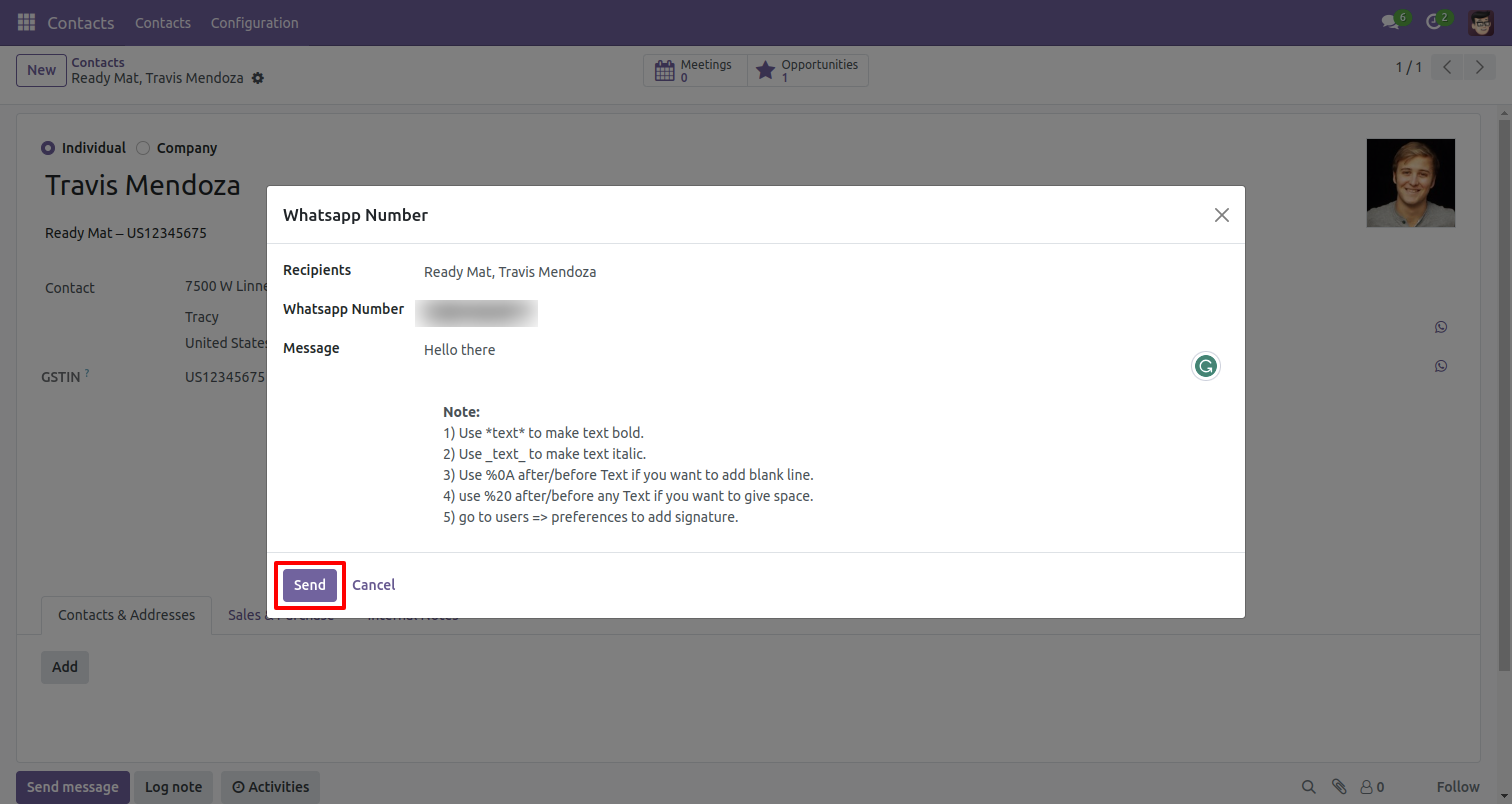
After clicking send you will see output in whatsapp messanger like.
Version 19.0.1 | Released on : 17th September 2025
- Yes, this app works perfectly with Odoo Enterprise (Odoo.sh & Premise) as well as Community.
- No, this application is not compatible with odoo.com(odoo saas/Odoo Online)
- Yes, to test this module, please contact us at sales@softhealer.com.
- Please contact us at sales@softhealer.comto request customization.
- Yes, we provide free support for 365 days from the date of purchase.
- Yes, you will receive lifetime free updates for the version of the module you purchased.
- No, there is no need to install any additional libraries.
- Yes, for version 12 and above, you need to purchase the module separately for each version you intend to use.
- No, exchanges or refunds are not allowed. Please make sure to select the correct version before purchasing.
- You can contact us at support@softhealer.com for language translation support. We use Google Translator tools to provide translations in multiple languages, so the accuracy may vary. We welcome your suggestions to help improve translations.
Discover Our Latest Apps