













Create Single Invoice For Multiple Sale Orders

Purpose of the module is to create a single invoice from multiple sale orders. Sometimes we have the same customer which are not invoiced so at that time it's easy to maintain one invoice for every sale order. So choose the sales orders from the list view and generate invoice!

Features
- You can able to create a single invoice from multiple sale orders.
- Easy to manage invoice of multiple orders.
- It shows an alert if your partner is different.
- It shows a warning if your sale order is not confirmed and you generate an invoice.
- This module saves your important time.
- Easy to install and use it, no more configuration required.
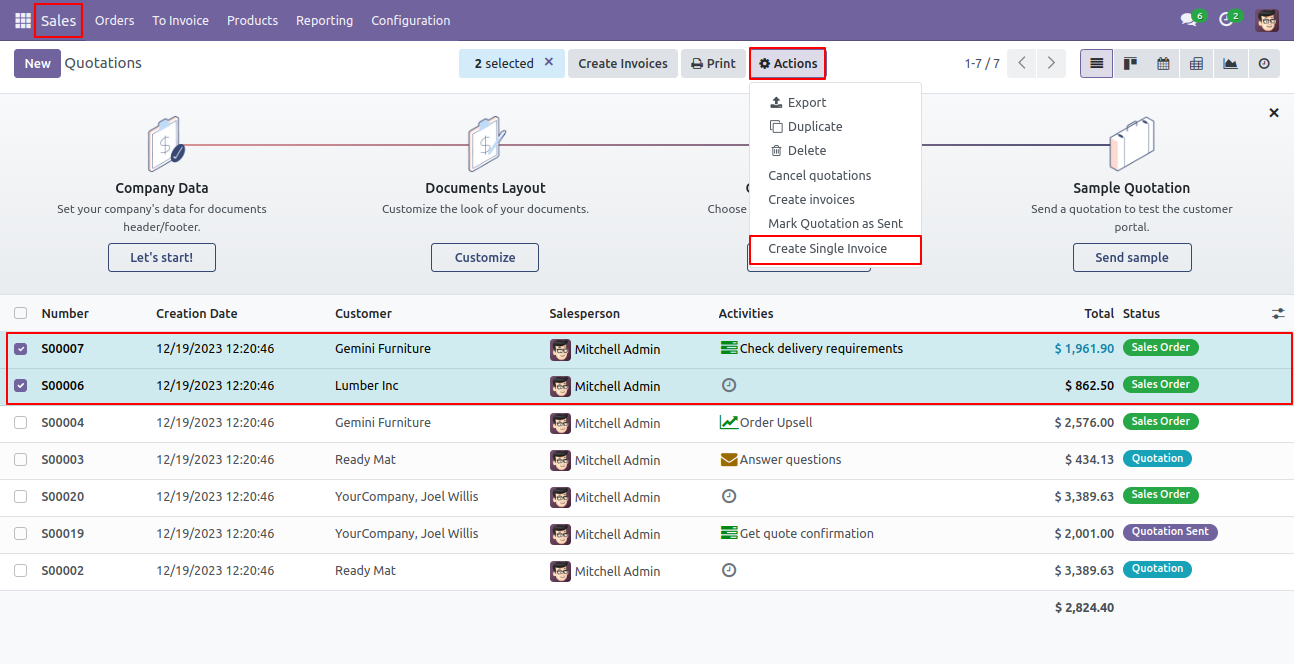
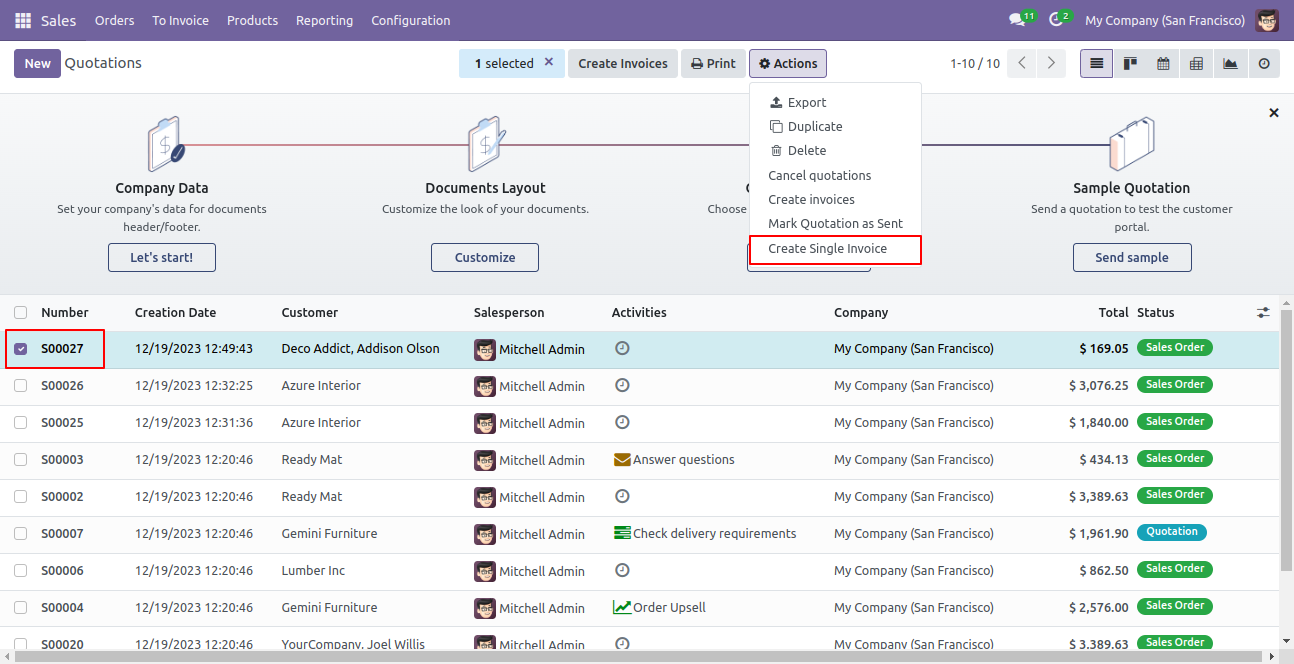
Select sales orders from the list view and press "Create Single Invoice".
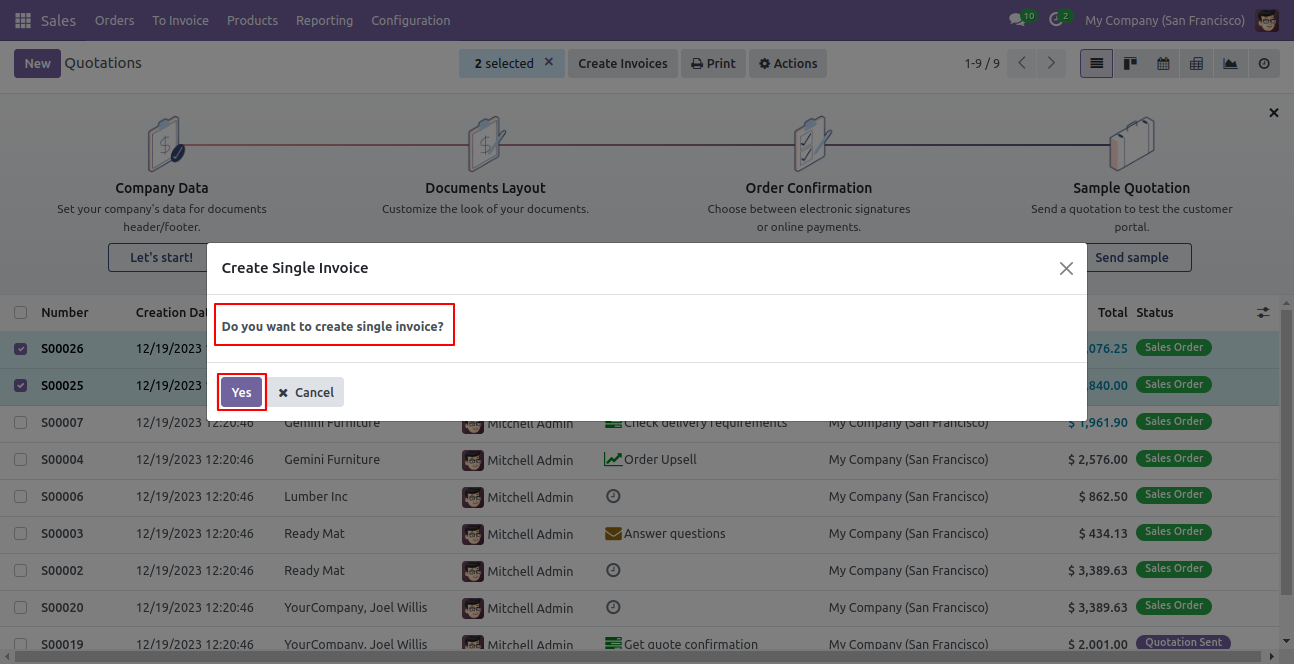
After that popup opens, press "Yes".
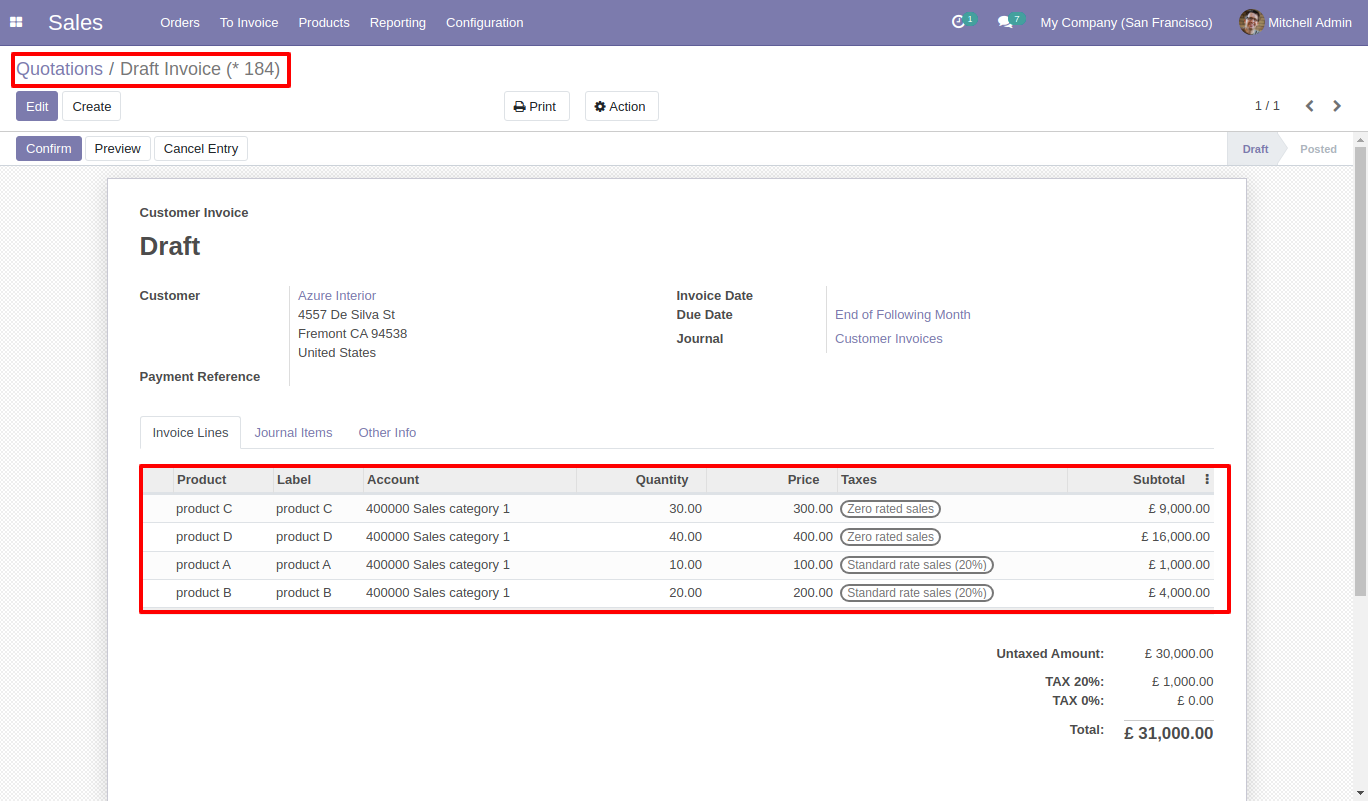
Invoice generated.
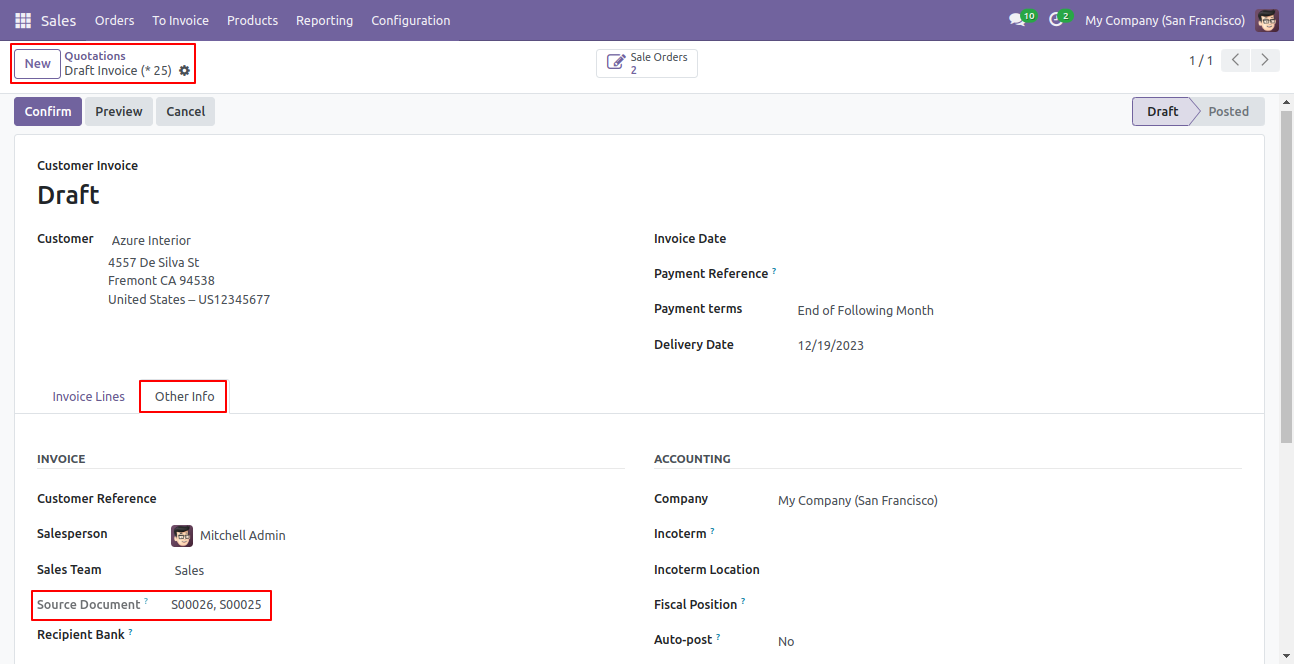
You can see the source document in the 'Other Info' tab.
You can see the invoice from sale orders using the 'Invoice' smart button.
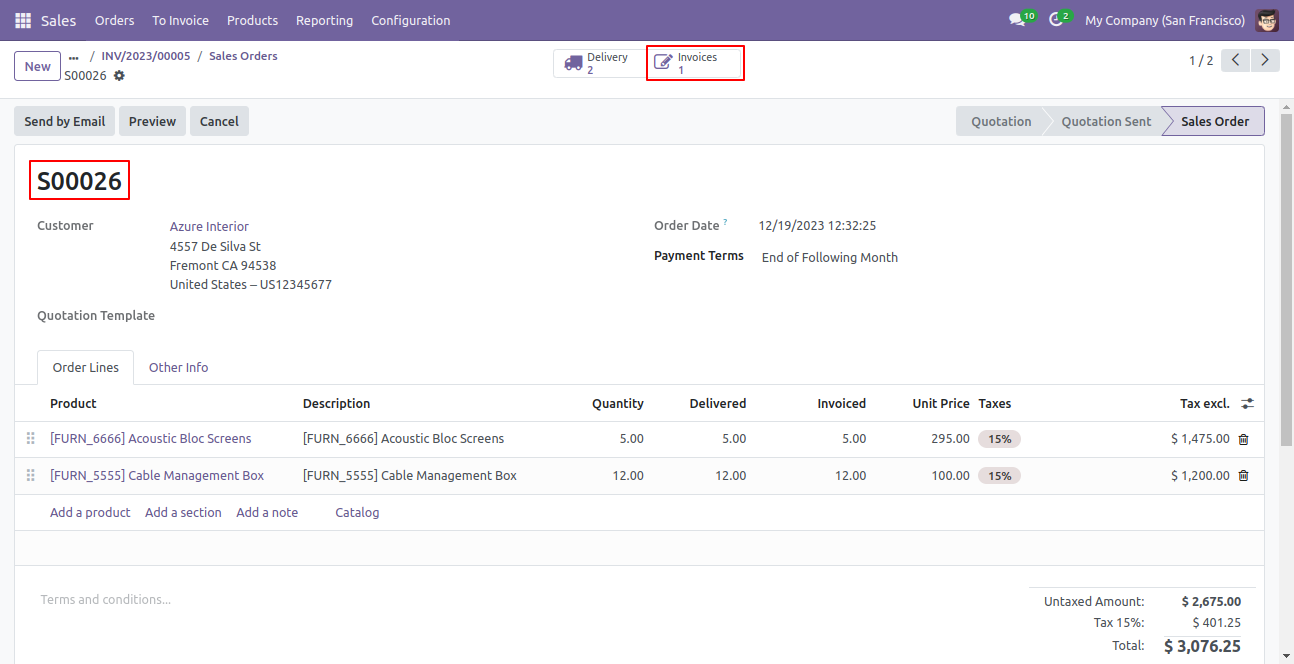
Now we select only one order and generate an invoice.
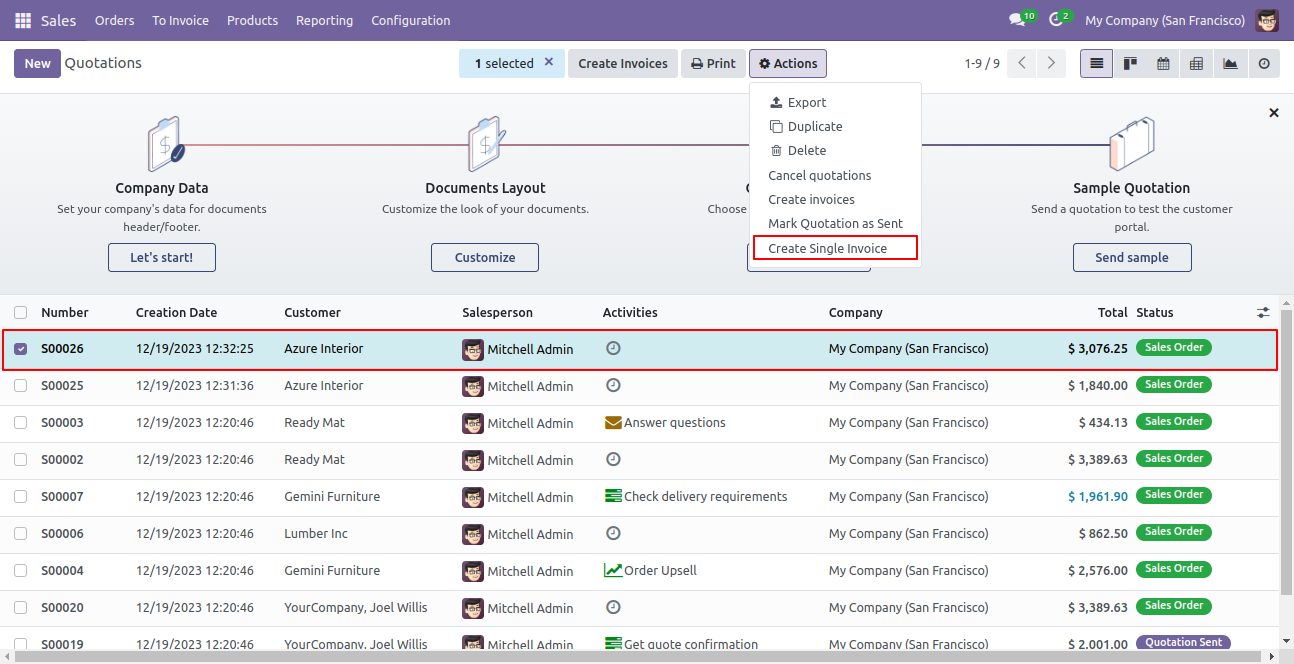
This error message will show when you select only one order.
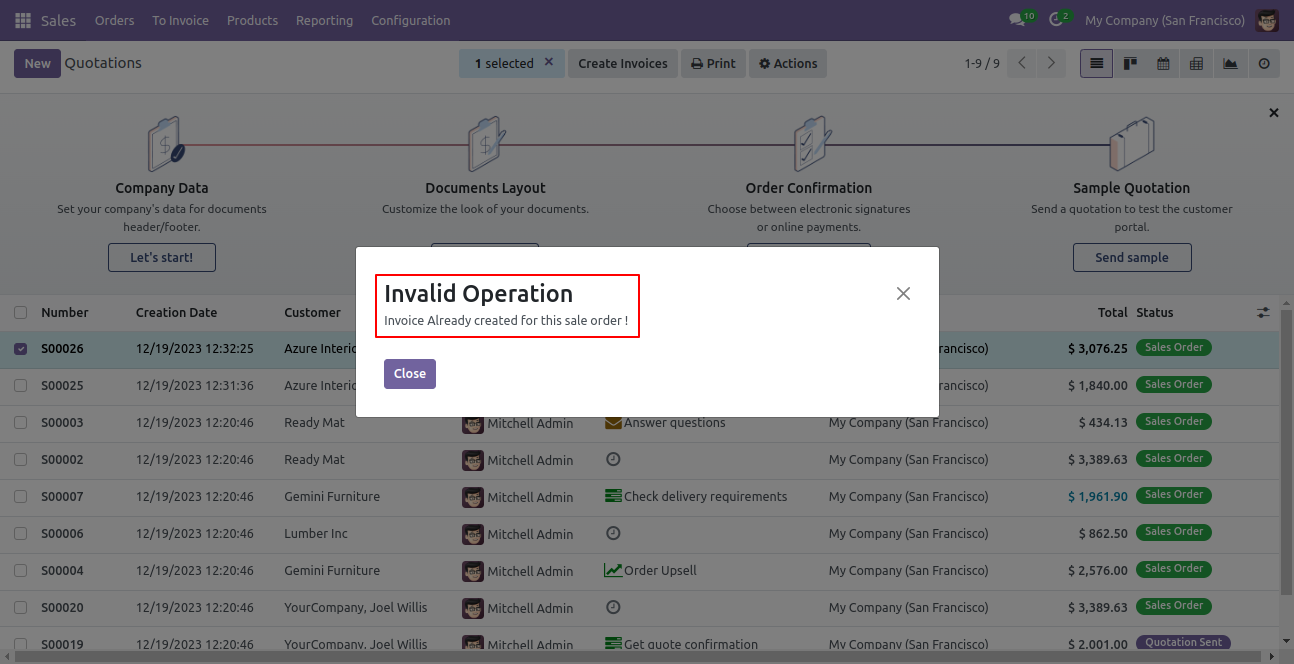
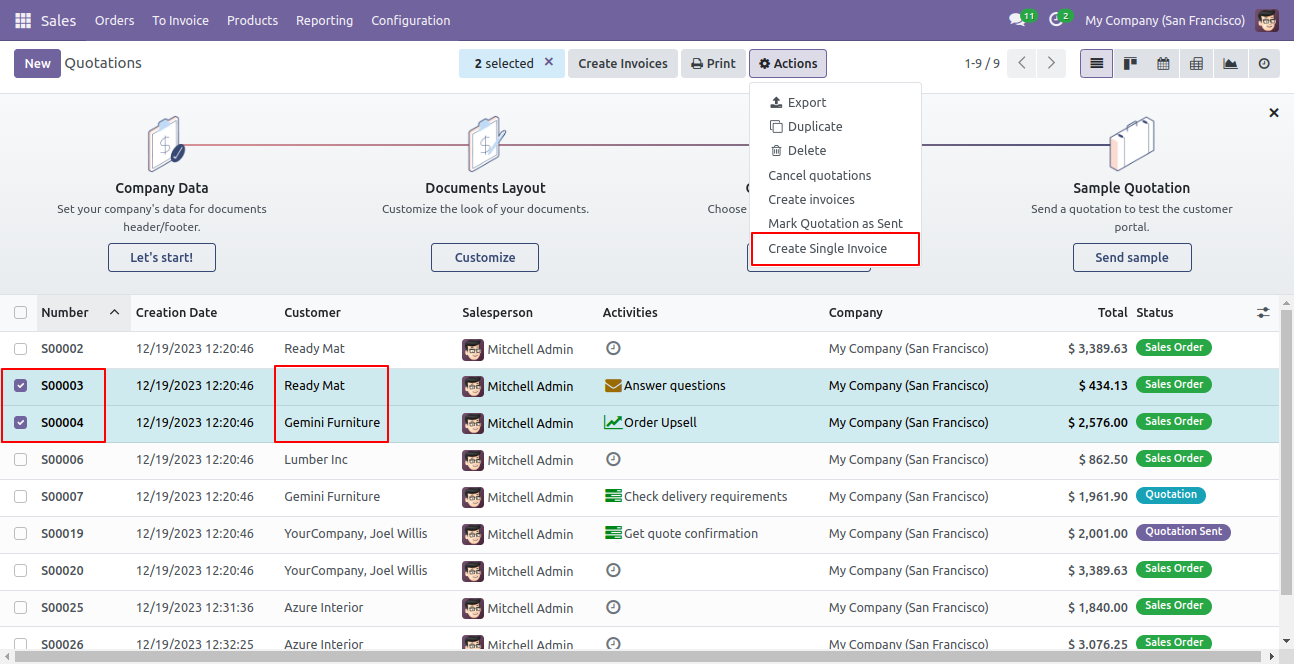
Select sales orders from the list view and press 'Create Single Invoice'.
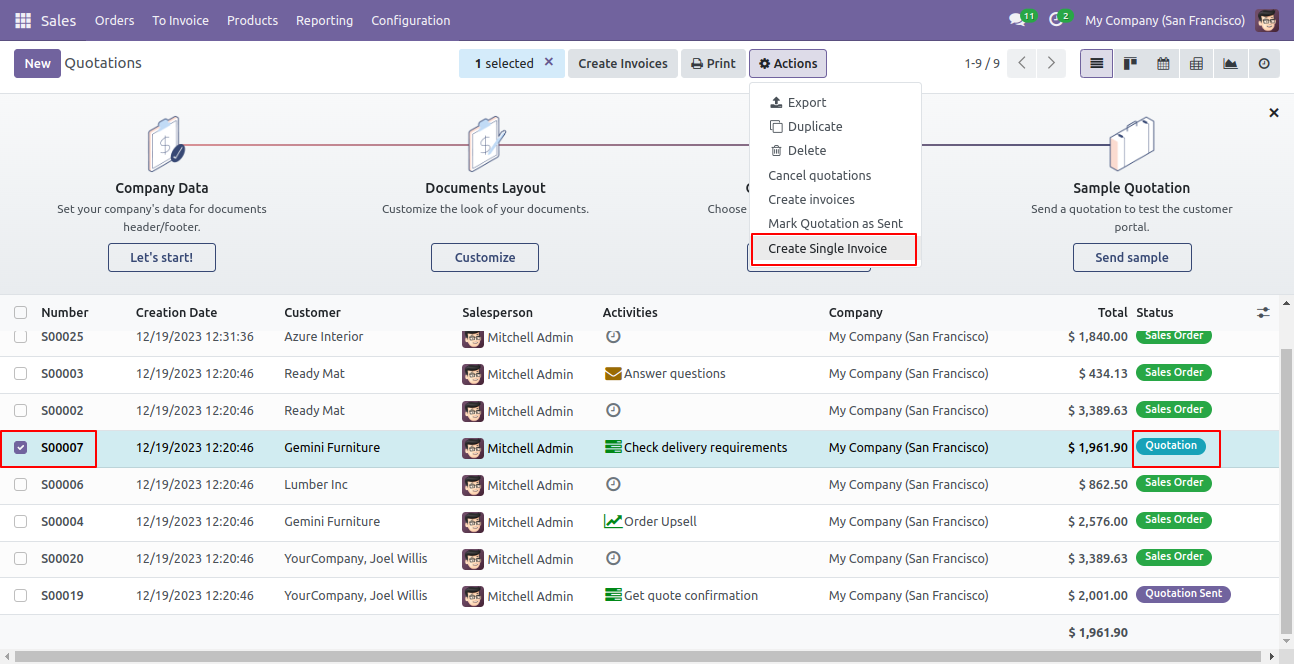
This error message will show when you select an order which is not confirmed.
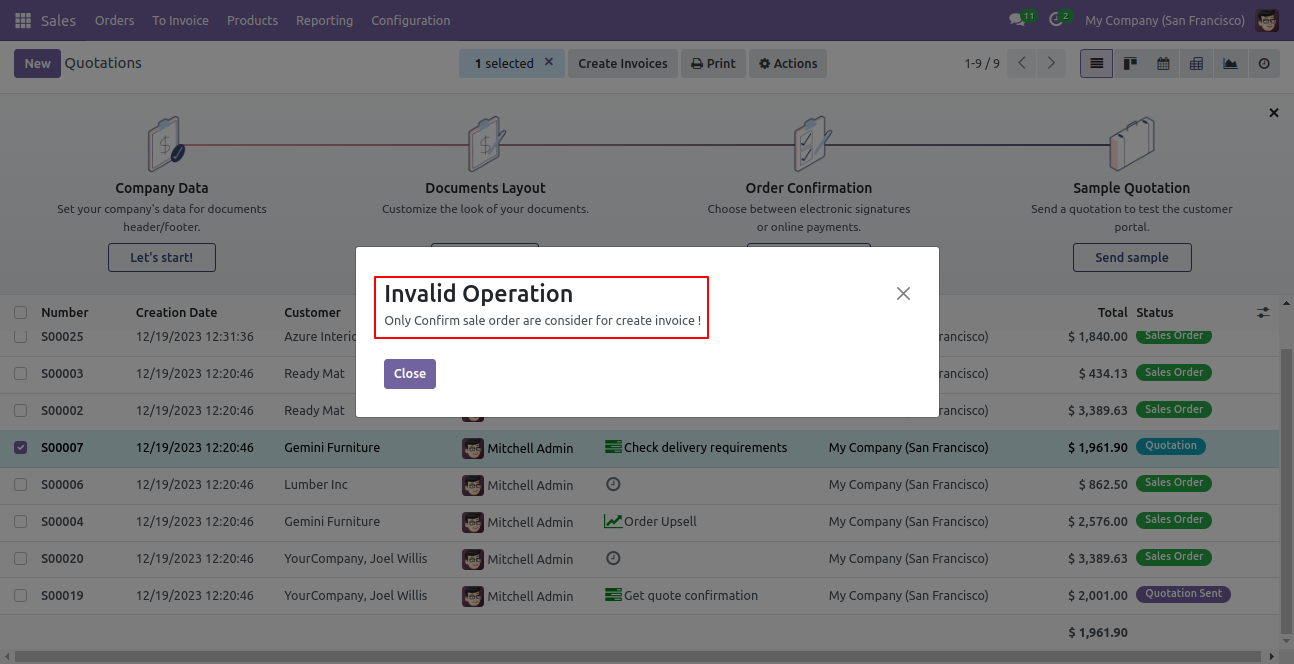
Select sales orders from the list view and press 'Create Single Invoice'.
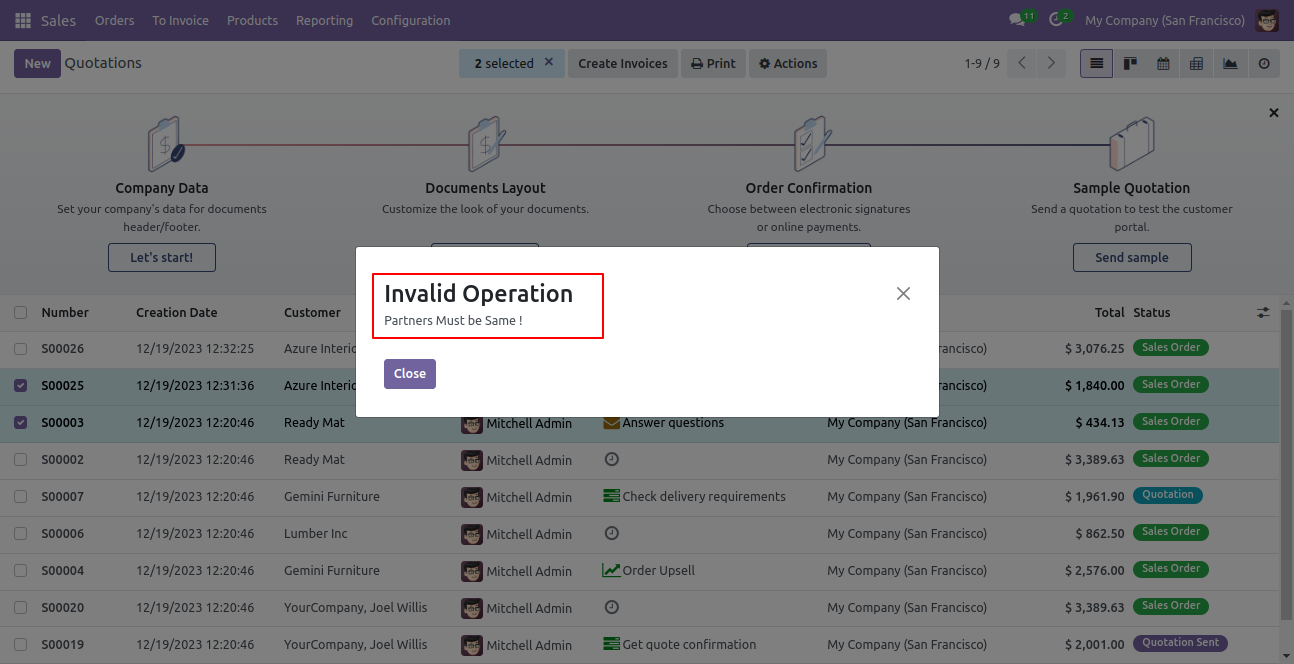
It shows an alert if your partner is not the same.
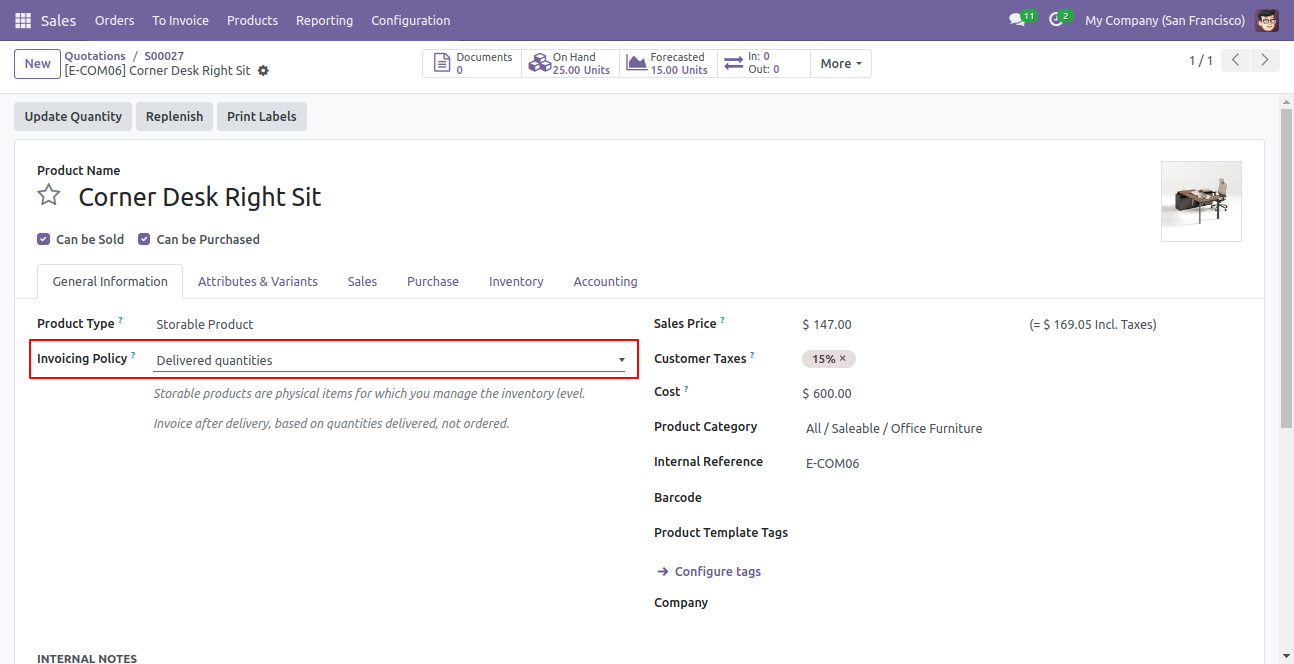
Now we select 'Delivered Quantities' in the invoicing policies.
Now select sales orders from the list view and press 'Create Single Invoice'.
It shows an alert if your invoicing policy 'Delivered Quantities' and your product is not delivered yet.

Version 18.0.2.0.0 | Released on : 17th November 2025
Version 18.0.1.0.0 | Released on : 3rd September 2024
- Yes, this app works perfectly with Odoo Enterprise (Odoo.sh & Premise) as well as Community.
- No, this application is not compatible with odoo.com(odoo saas).
- No, currently it does not work if the product type is selected as a combo product. For more details, please contact our support team at support@softhealer.com.
- Please Contact Us at sales@softhealer.comto request customization.
- Yes, we provide free support for 100 days.
- Yes, you will get free update for lifetime.
- No, you don't need to install addition libraries.
- Yes, You have to download module for each version (13,14,15) except in version 12 or lower.
- No, We do not provide any kind of exchange.
