












Create Purchase Order from Barcode

Streamline your order management process by creating Request for Quotations/Purchase Orders directly from the barcode interface. This module allows users to instantly generate orders without switching screens, reducing manual effort and saving valuable time.

Features

Create Purchase Order From Barcode
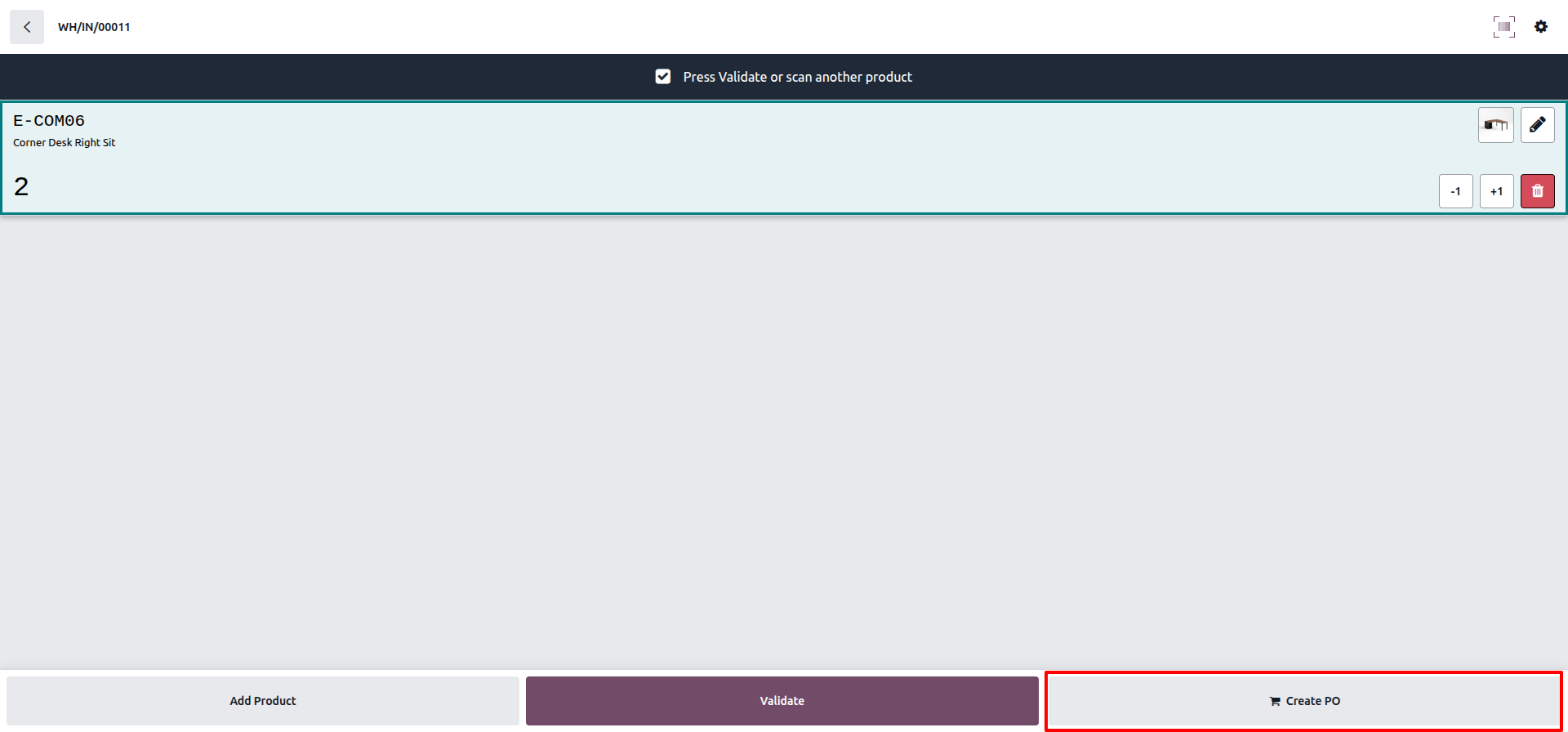
Easily generate request for quotations or purchase orders directly from the barcode interface.

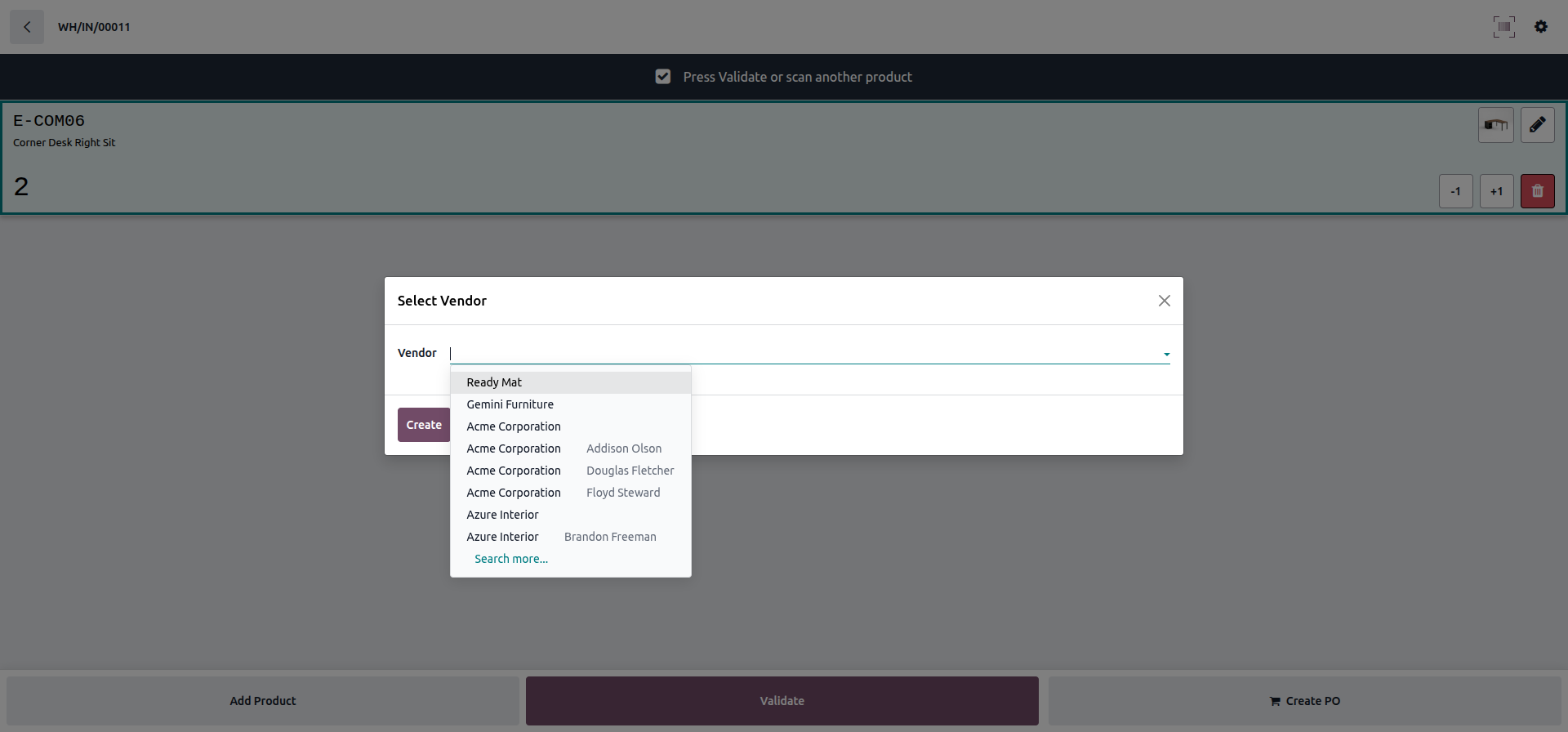
Smart Vendor Selection Pop-up
Select a vendor instantly with a user-friendly pop-up for faster order processing.
Barcode scanning interface to add products to Purchase Order.
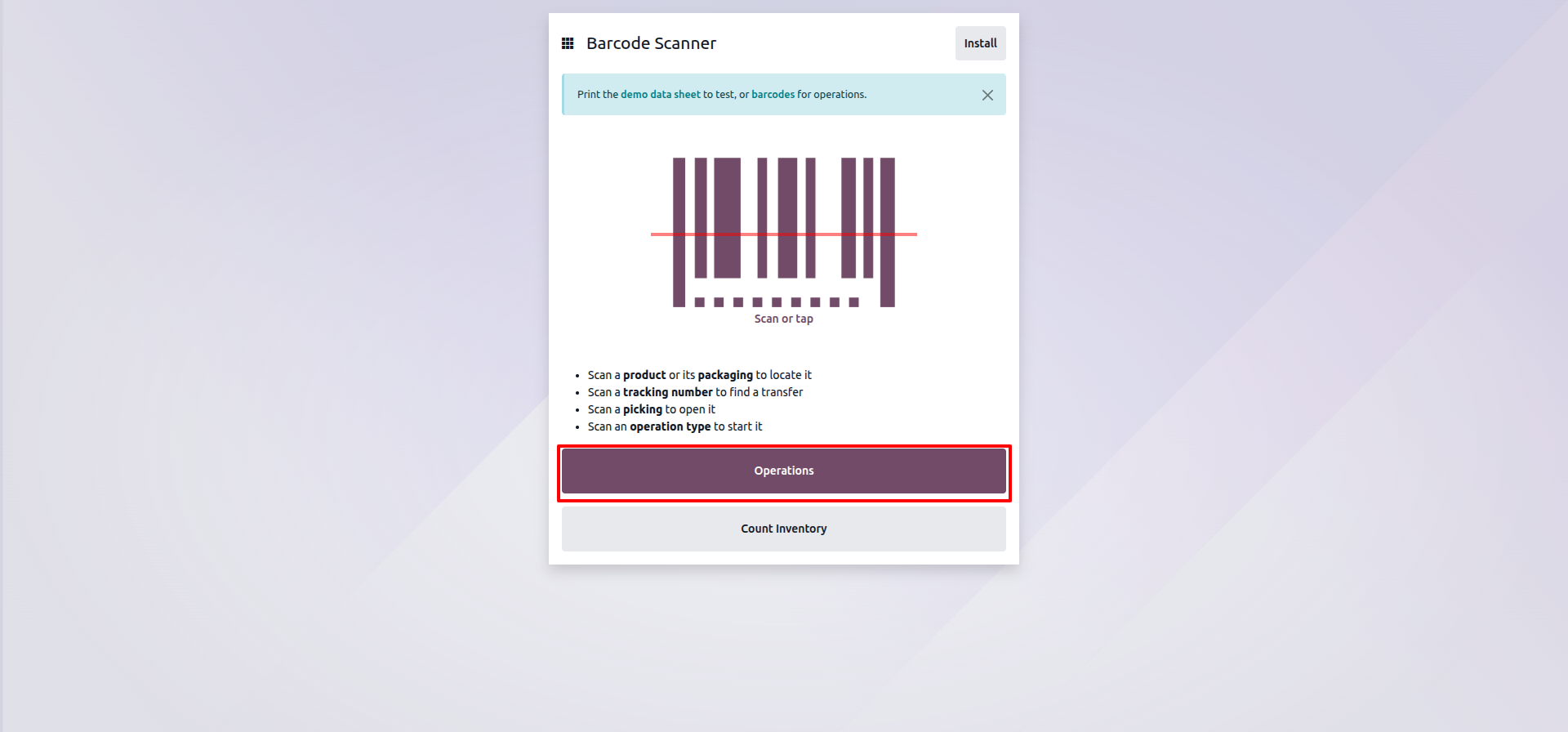
Receipts highlighted in the Barcode Operations dashboard.
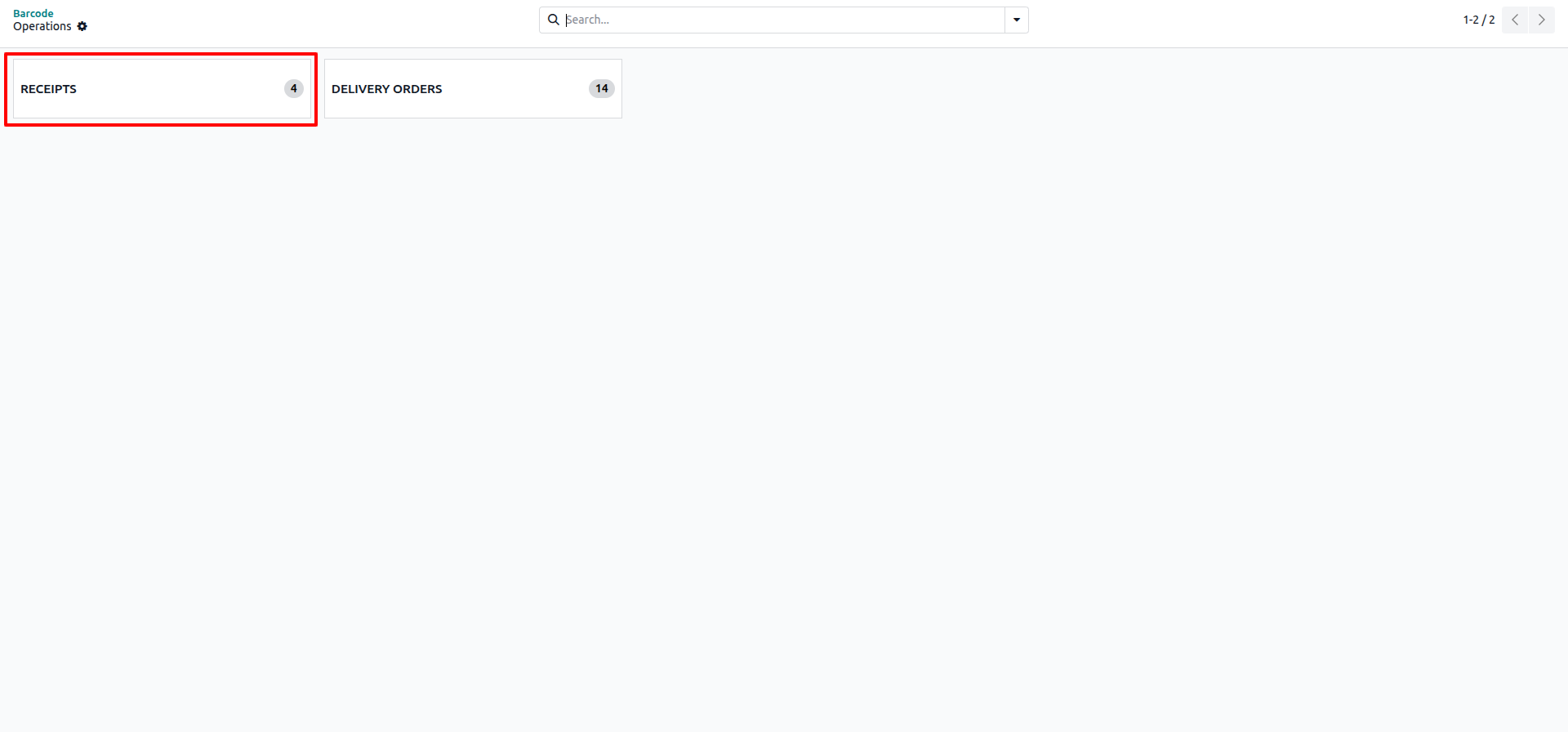
Selecting a product from the dropdown menu to add to the order.
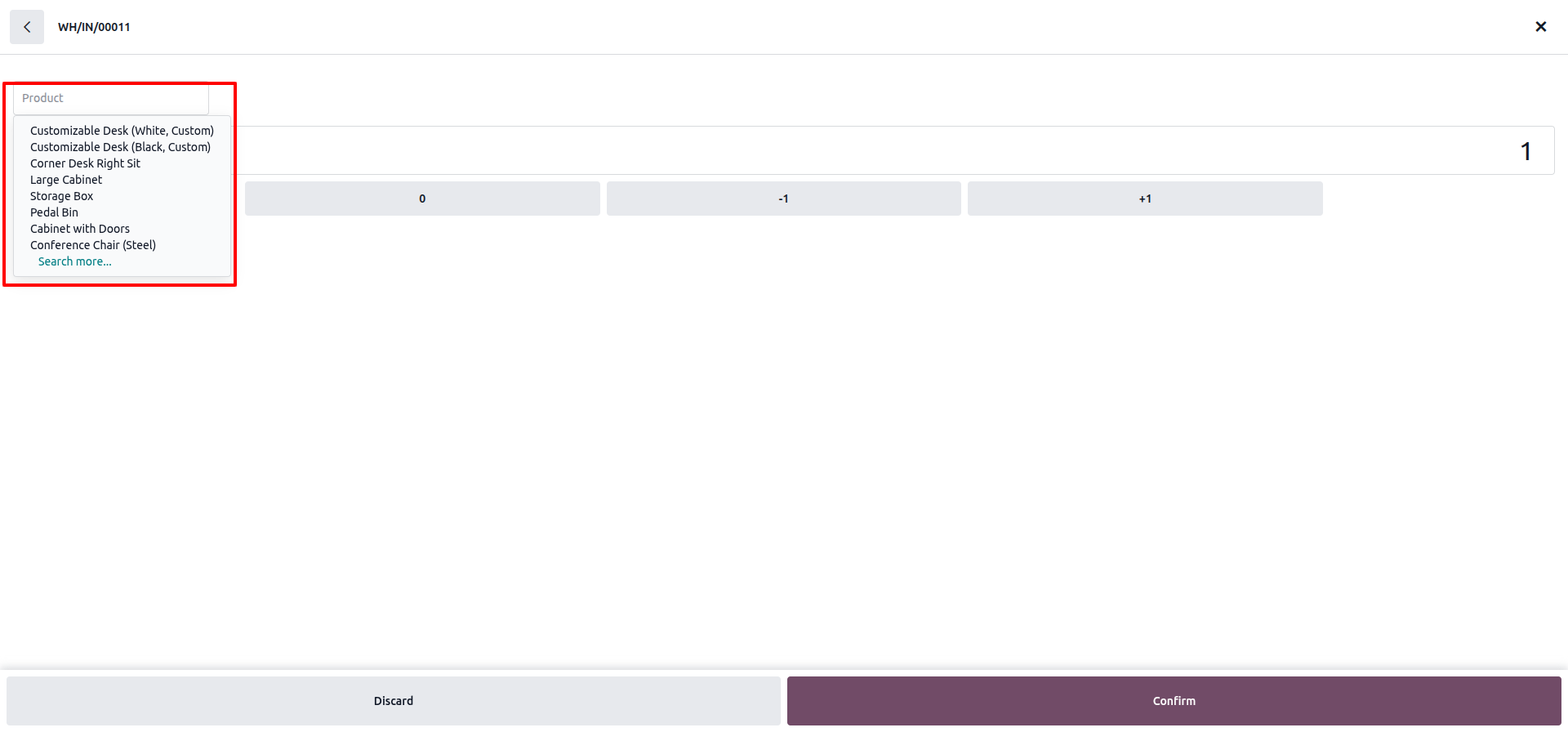
Adjusting item quantity and confirming the pick.
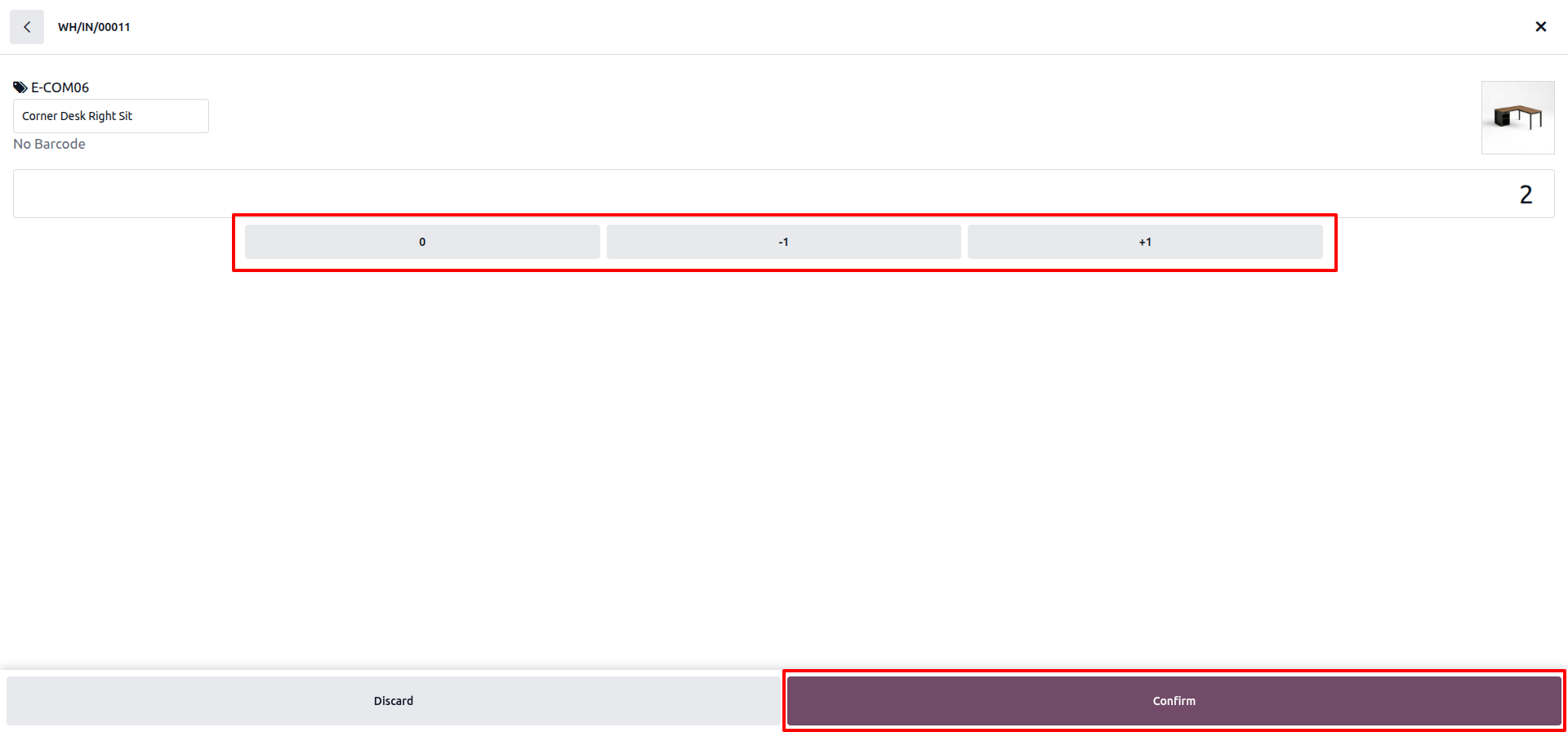
Creating a Purchase Order directly from the barcode screen.
Selecting a vendor to link to the new Purchase Order.
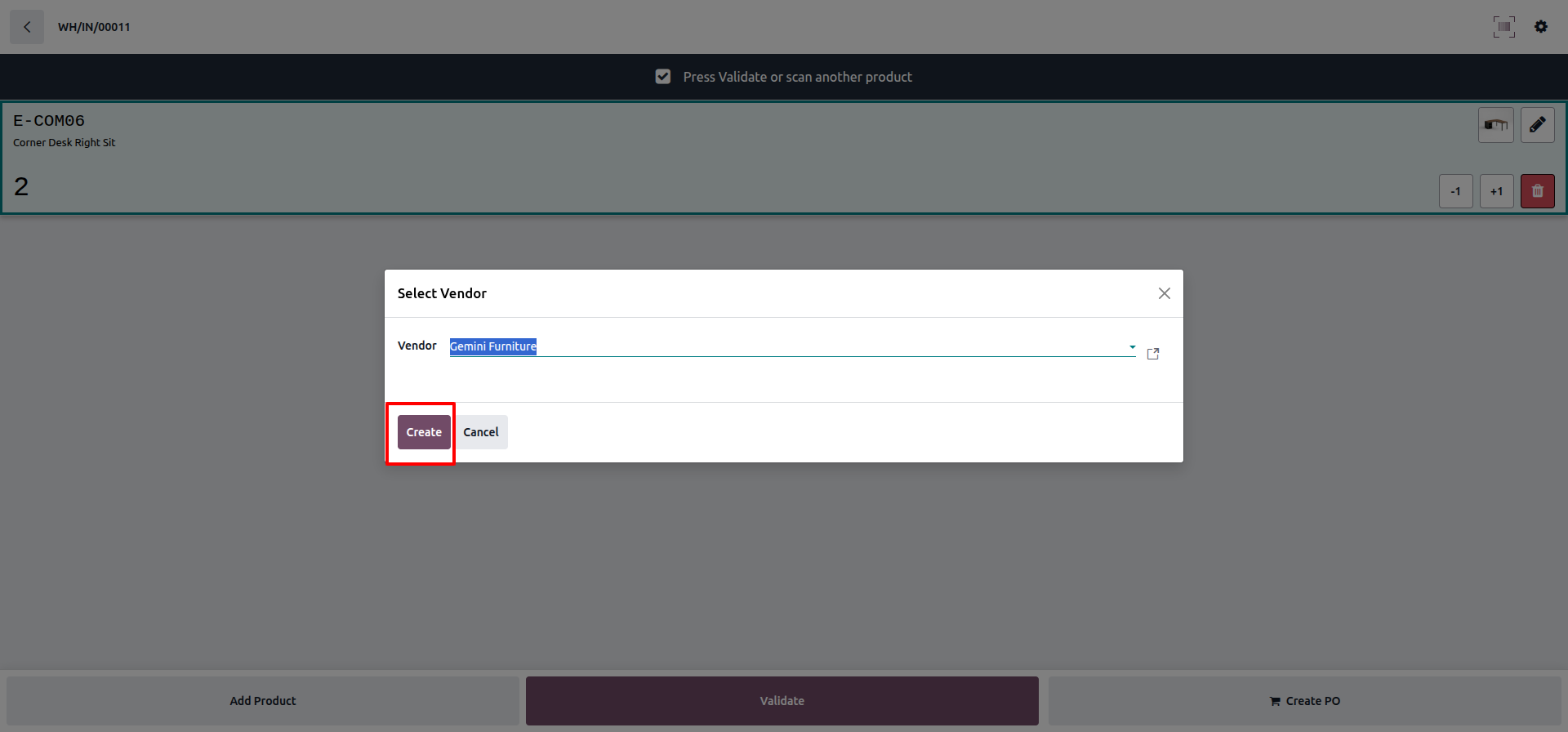
Clicking 'Create' to confirm the selected vendor.
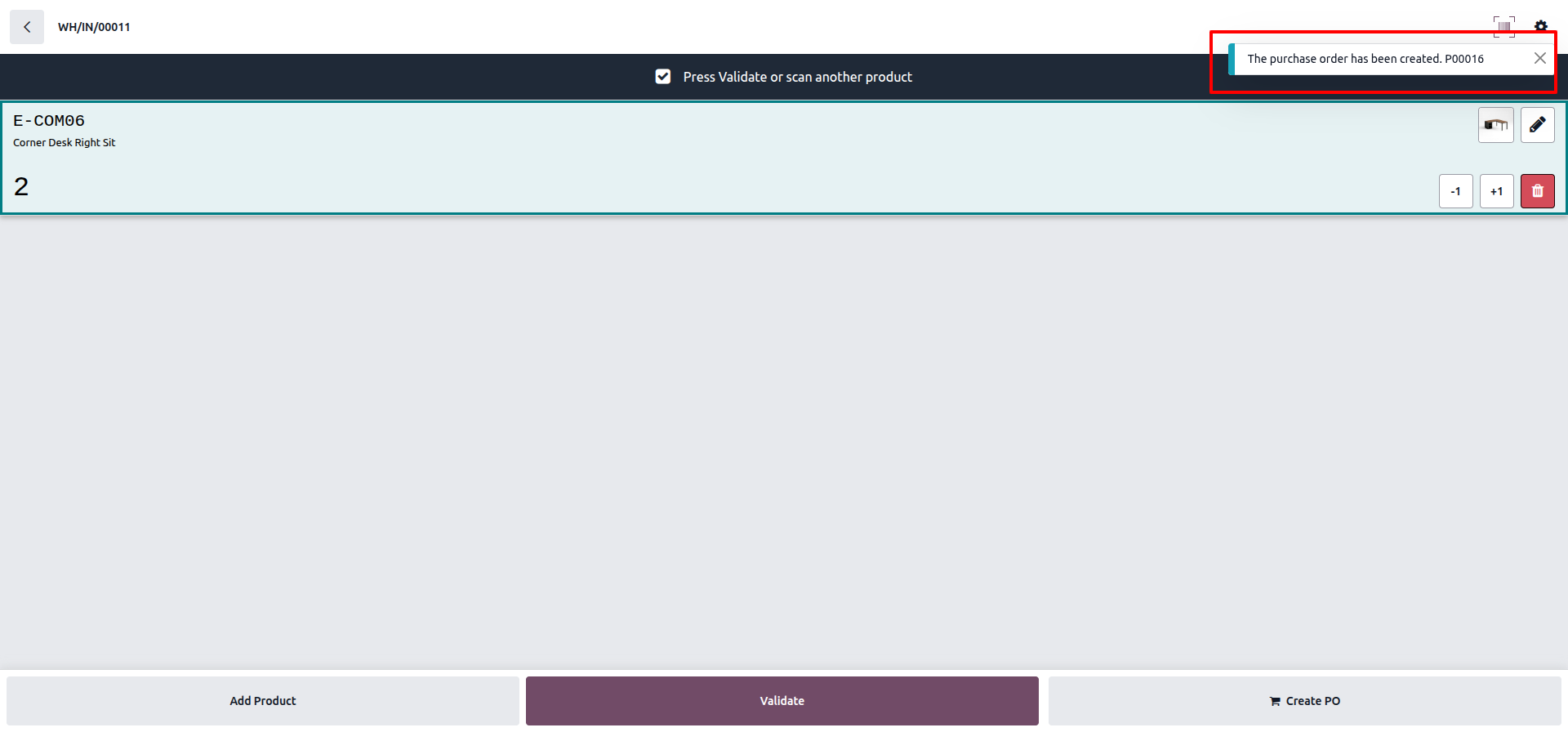
Confirming the successful creation of the Purchase Order.
Version 19.0.1.0.0 | Released on : 09th July 2026
- Yes, this app works perfectly with Odoo Enterprise (Odoo.sh & Premise) as well as Community.
- No, this application is not compatible with odoo.com(odoo saas/Odoo Online)
- Yes, to test this module, please contact us at sales@softhealer.com.
- Please contact us at sales@softhealer.comto request customization.
- Yes, we provide free support for 365 days from the date of purchase.
- Yes, you will receive lifetime free updates for the version of the module you purchased.
- No, there is no need to install any additional libraries.
- Yes, for version 12 and above, you need to purchase the module separately for each version you intend to use.
- No, exchanges or refunds are not allowed. Please make sure to select the correct version before purchasing.
- You can contact us at support@softhealer.com for language translation support. We use Google Translator tools to provide translations in multiple languages, so the accuracy may vary. We welcome your suggestions to help improve translations.
Discover Our Latest Apps