












Create Products Using Barcode

This module streamlines inventory and order management with barcode integration. It allows users to create products from barcodes and manage receipts, purchase orders, and sales orders. With simple and efficient operations, users can quickly add products, generate orders, select vendors or partners, and validate transfers. The module enhances processing speed, minimizes manual errors, and delivers a seamless workflow for handling both purchases and sales.

Features

Product Creation via Barcode
Easily create products instantly by scanning their barcodes.
Quick Purchase Order Generation
Easily generate PO from the receipt view by selecting vendors.
Delivery Order and Transfer Validation
Validate delivery orders and transfers to ensure a smooth workflow and accurate processing.
Quick Sales Order Generation
Easily generate SO from the delivery order view by selecting vendors.
Real-Time Barcode Scanning
Scan barcodes instantly for quick product identification, accelerating operational efficiency.
Click on the "Barcode".
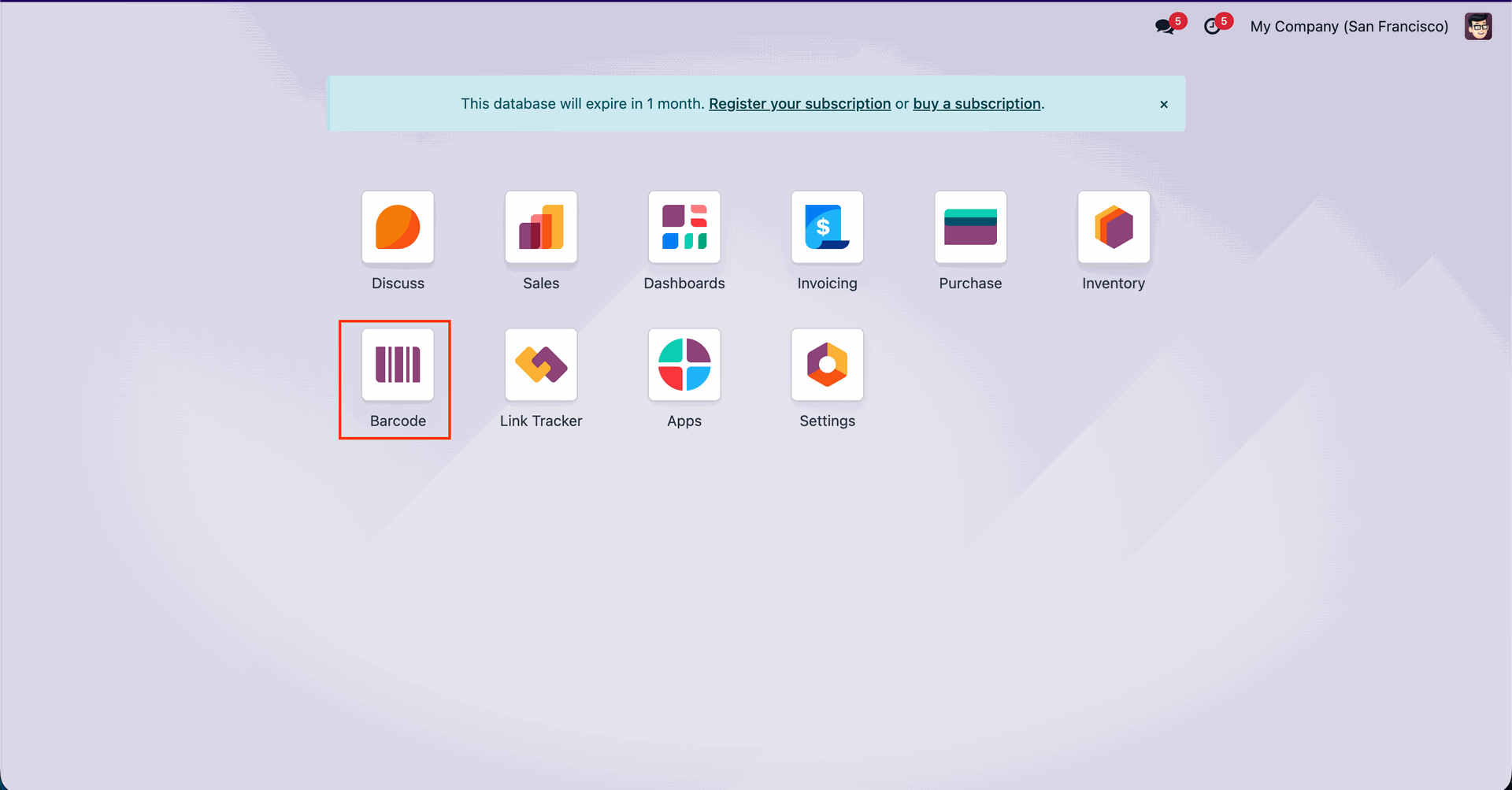
Click on the "Operations" button.
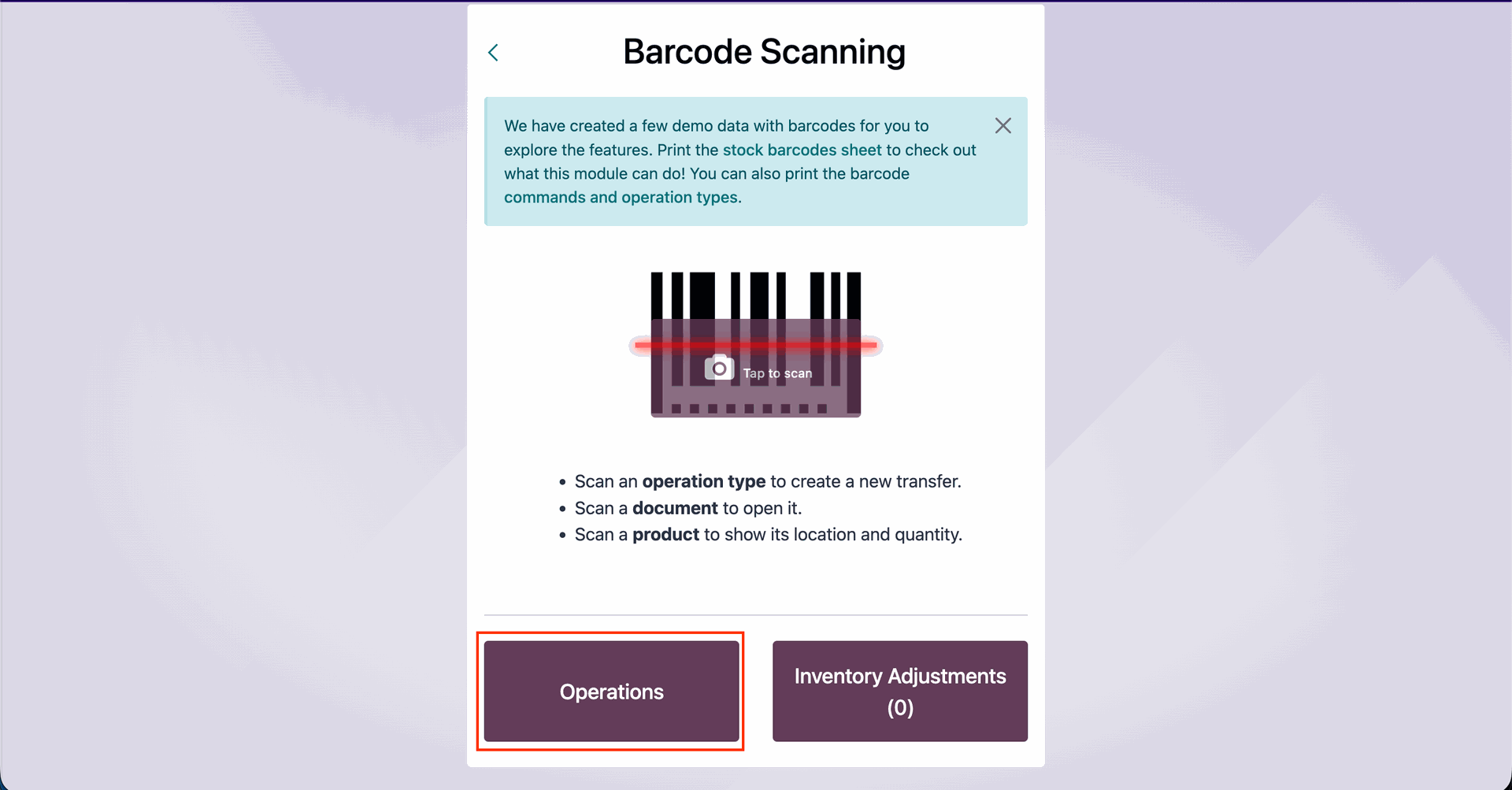
Click on the “Receipt” to open the receipts.
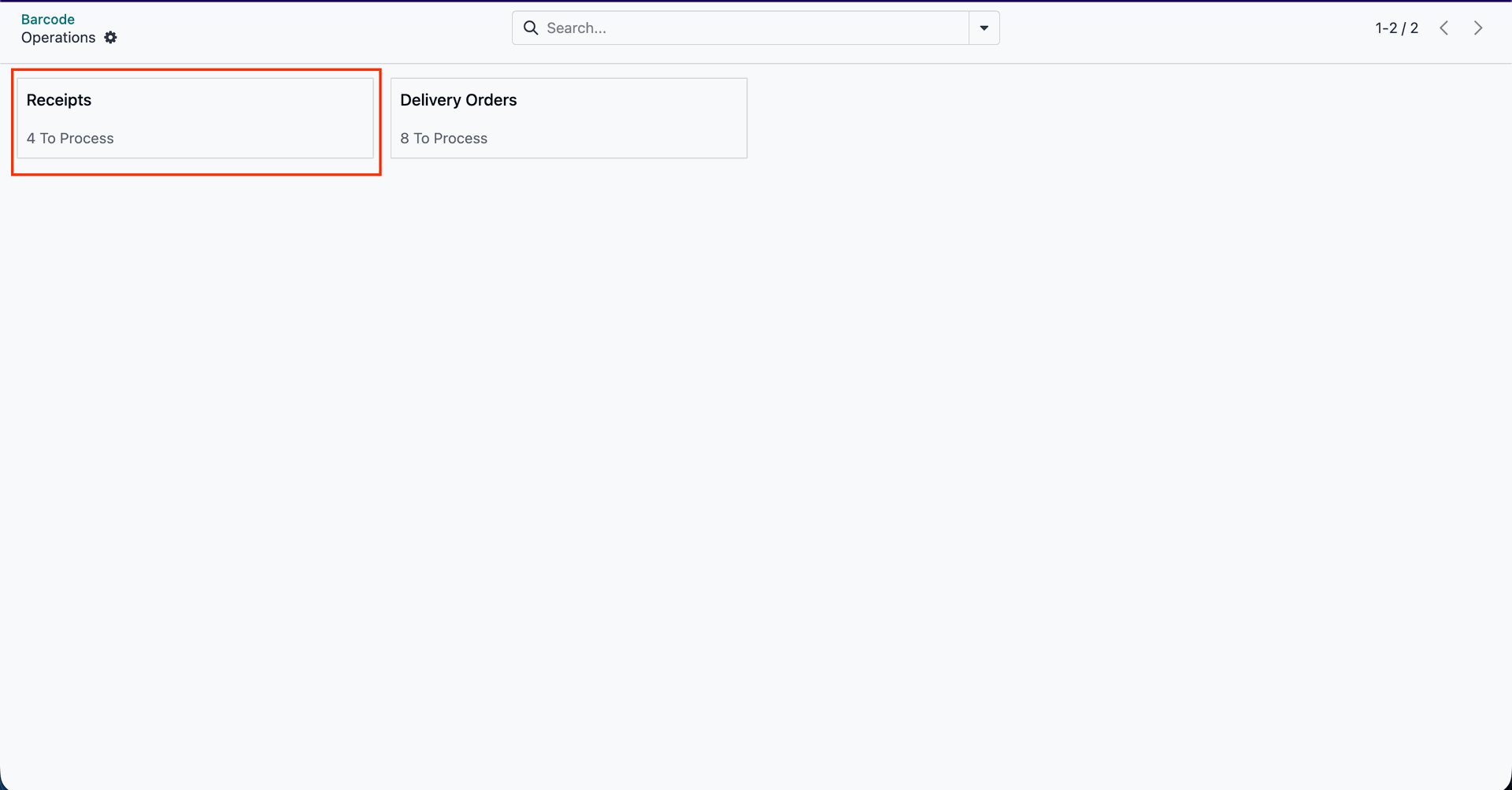
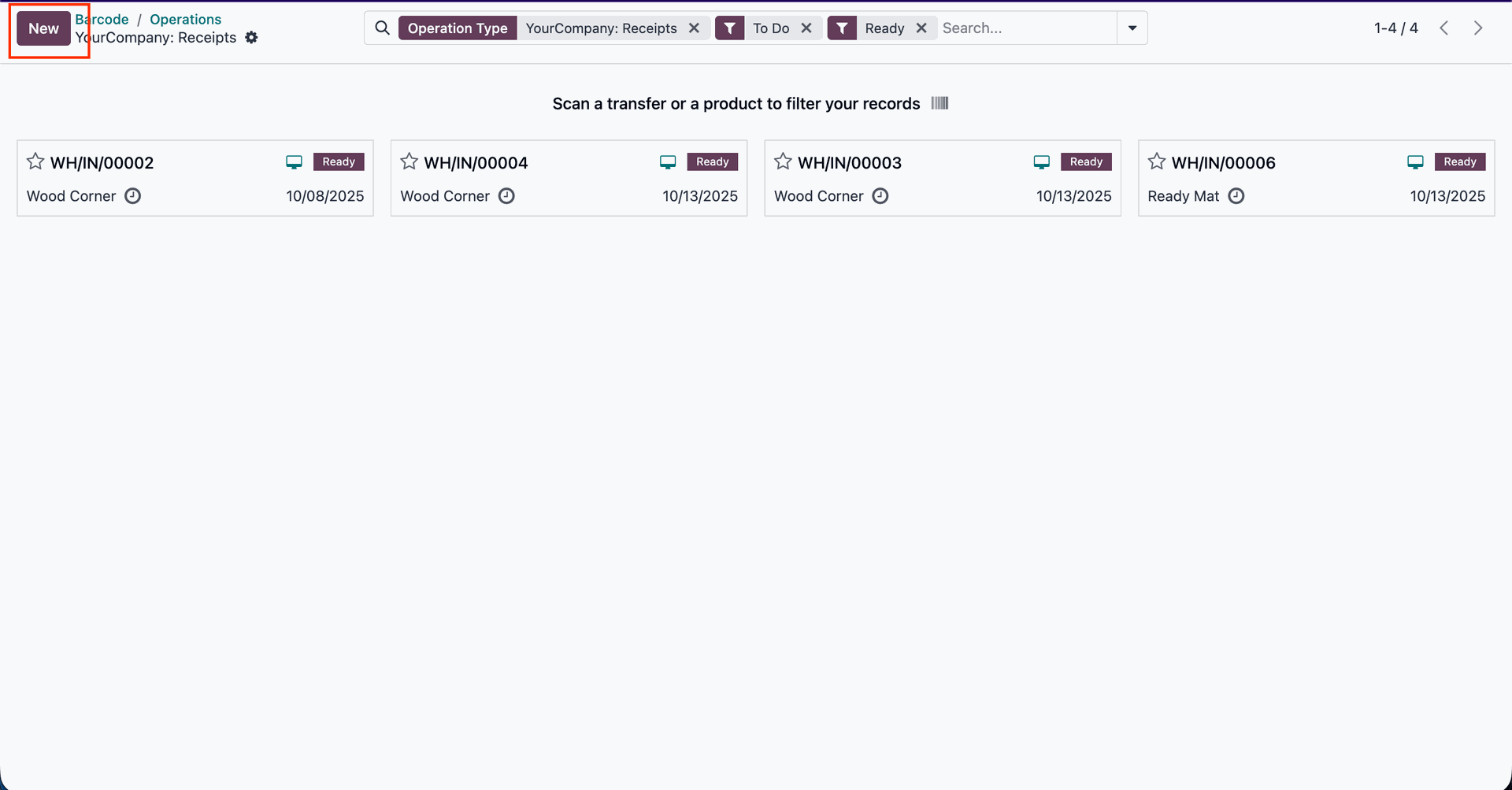
To create a new receipt, click on the "New" button..
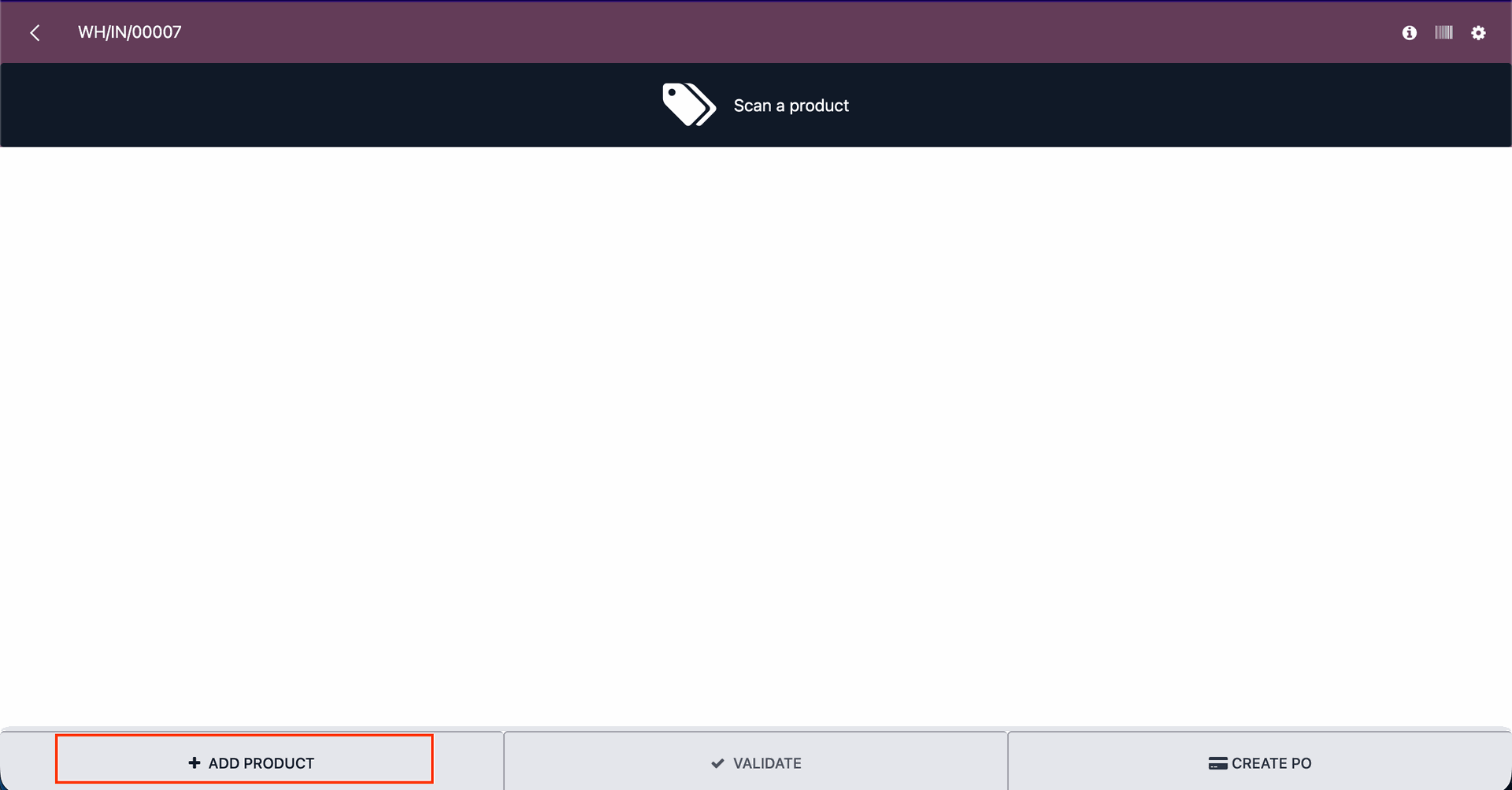
Click on the "Add Product" button.
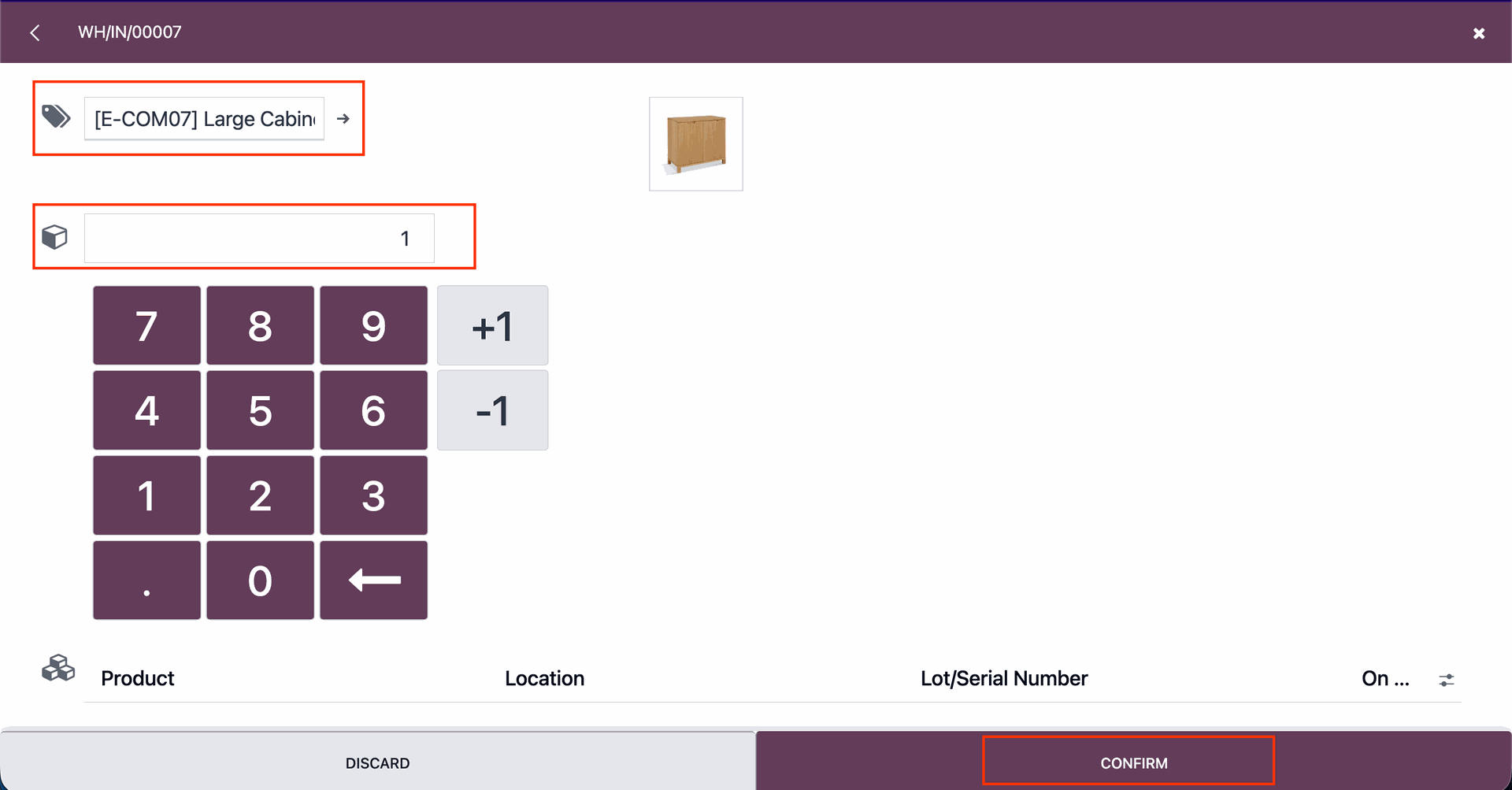
Add the product details and click on the “Confirm” button.
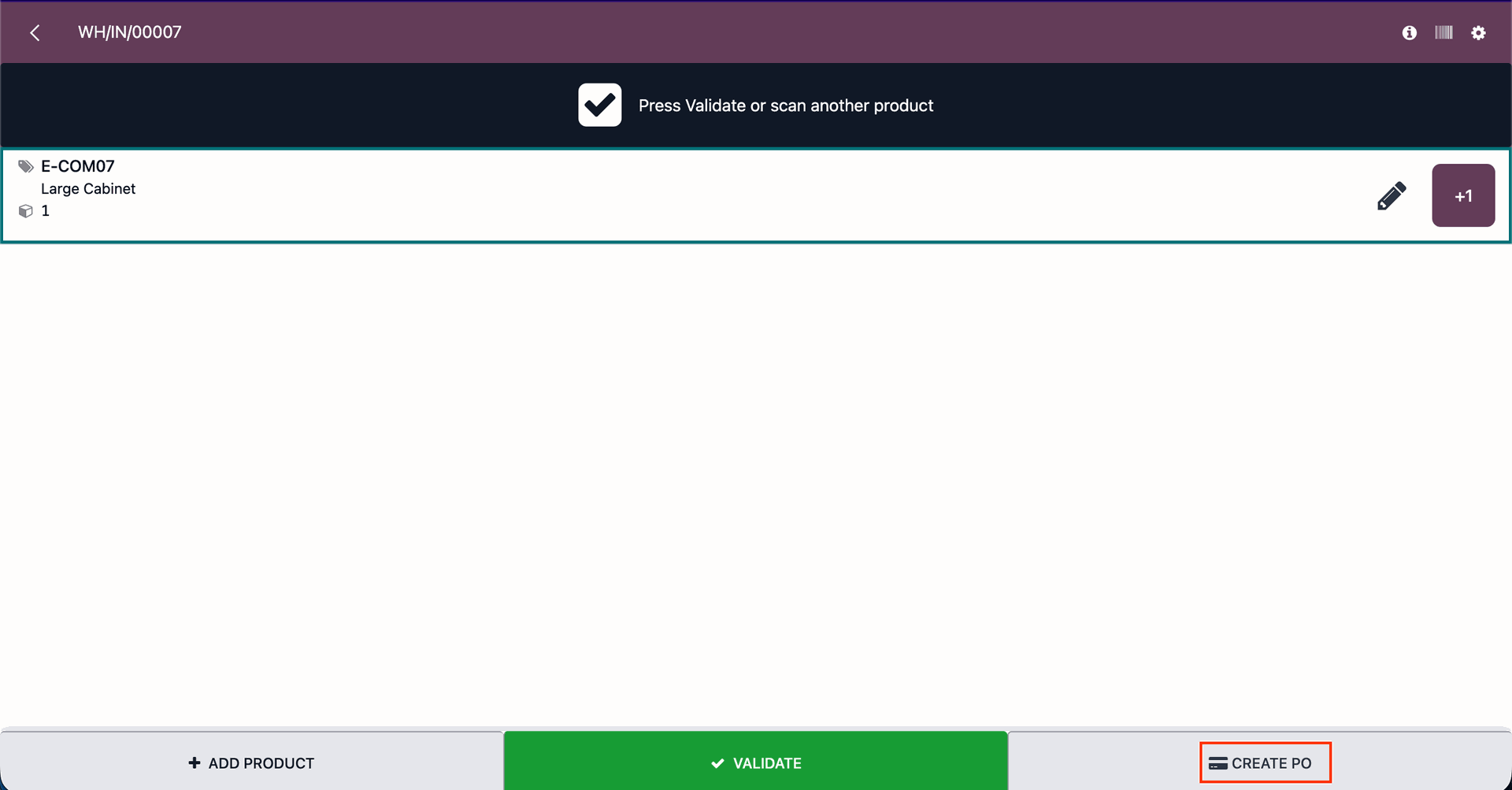
Click on the “Create PO” button to create a purchase order.
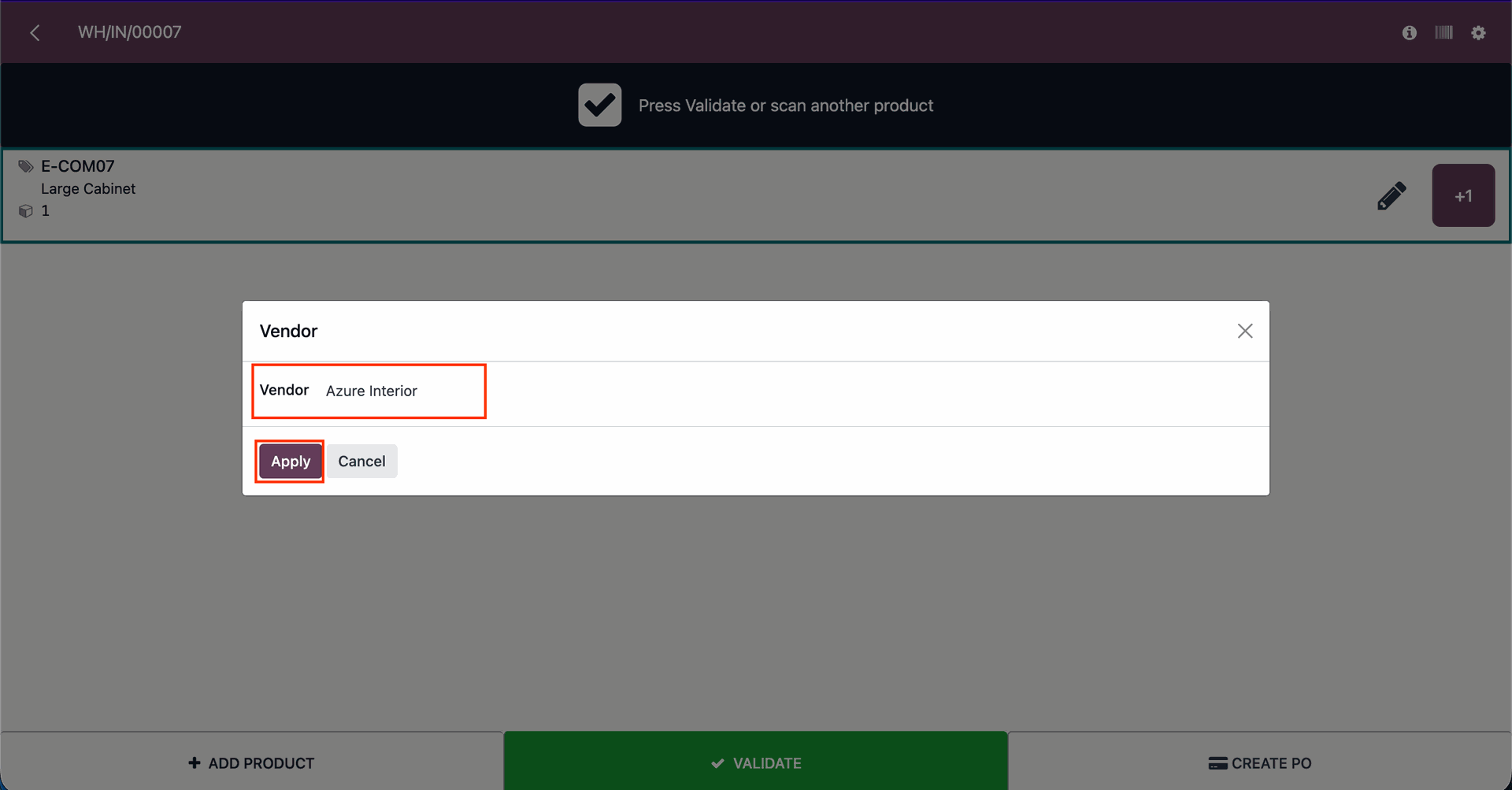
Select the vendor and click on the “Apply” button.
After that, you will receive a confirmation pop-up notification saying “The purchase order has been created”.
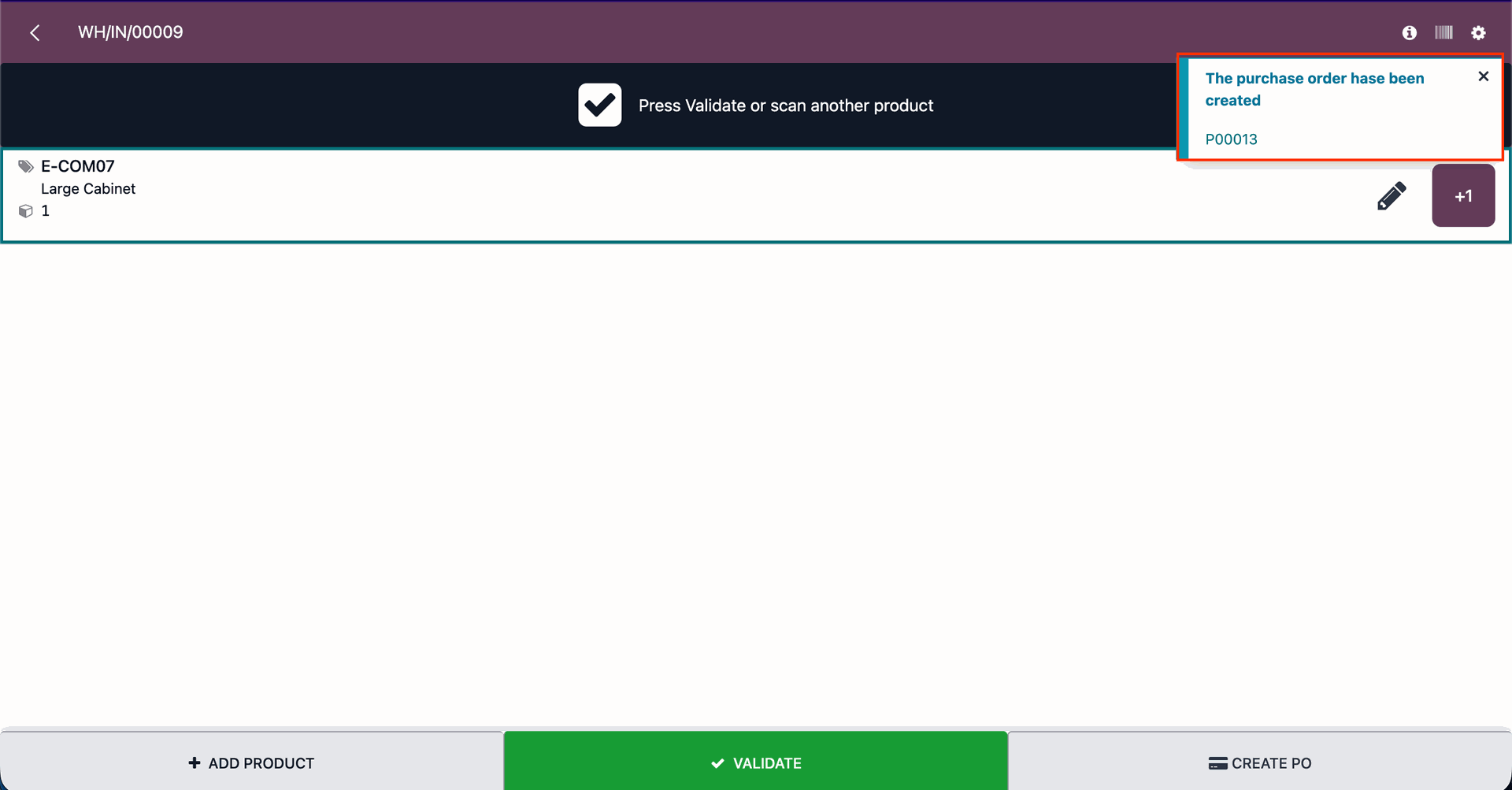
Click on the "Validate" buton.
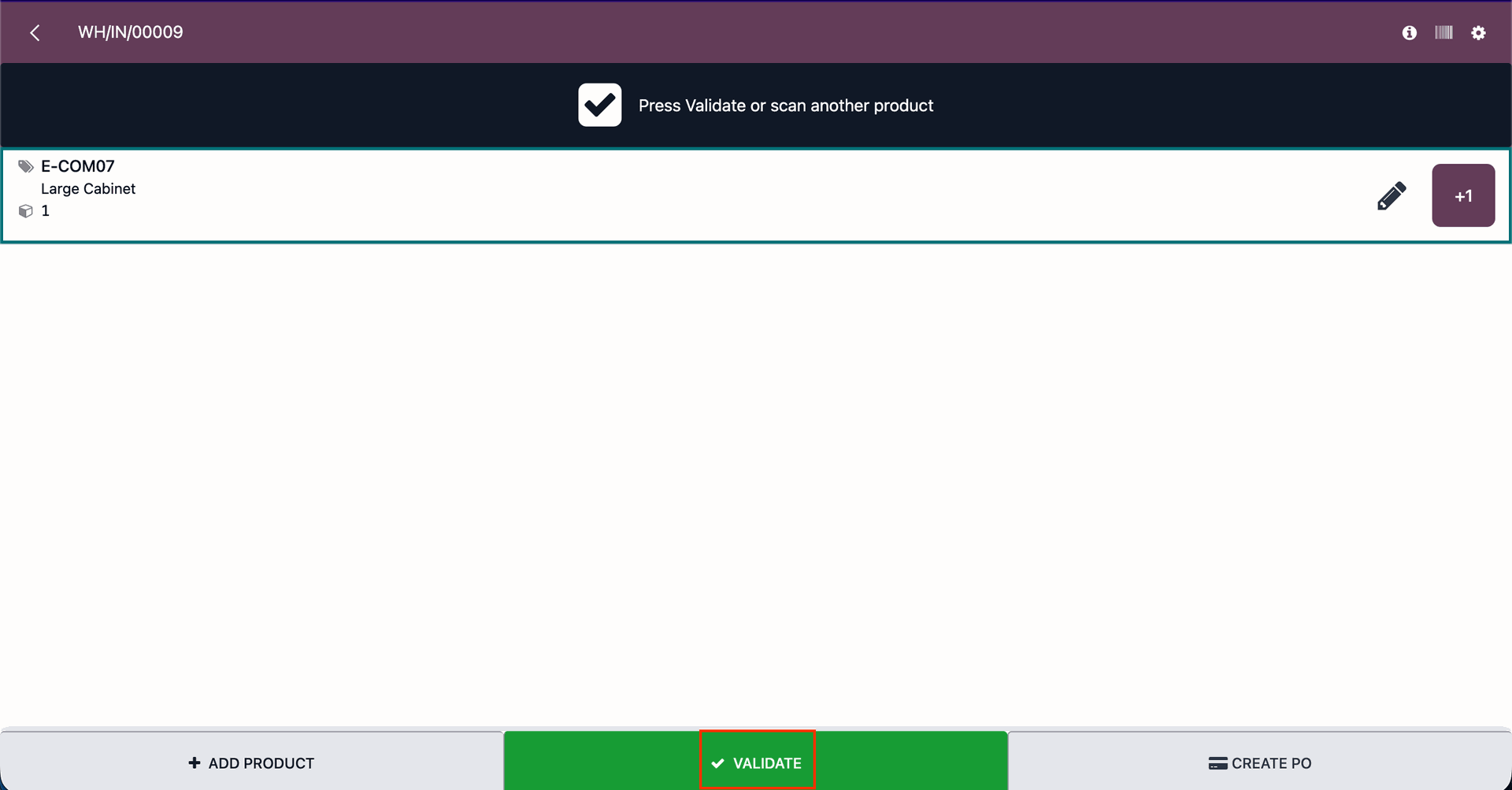
After that, you will receive a pop-up notification saying “The transfer has beed validated”.
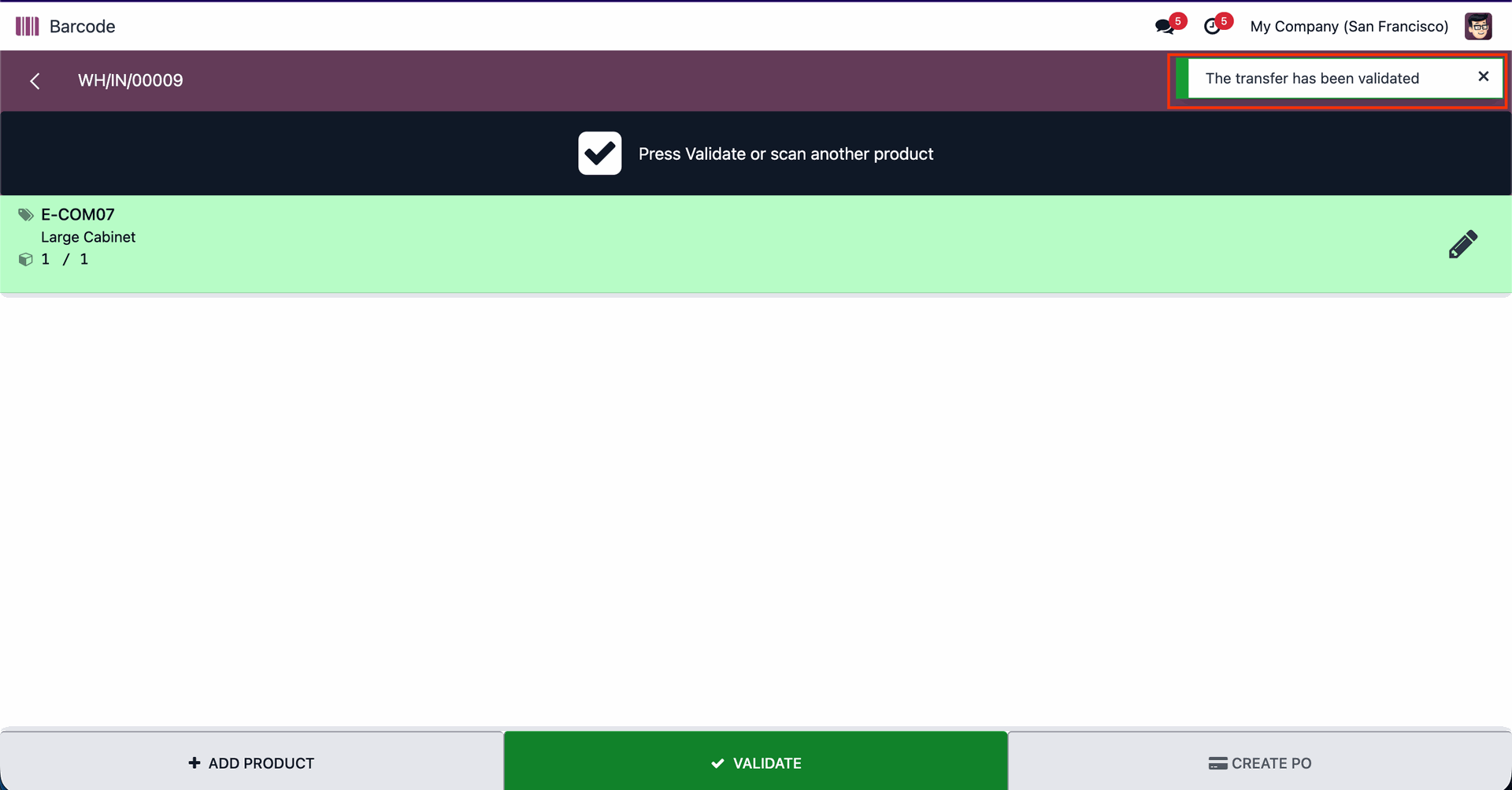
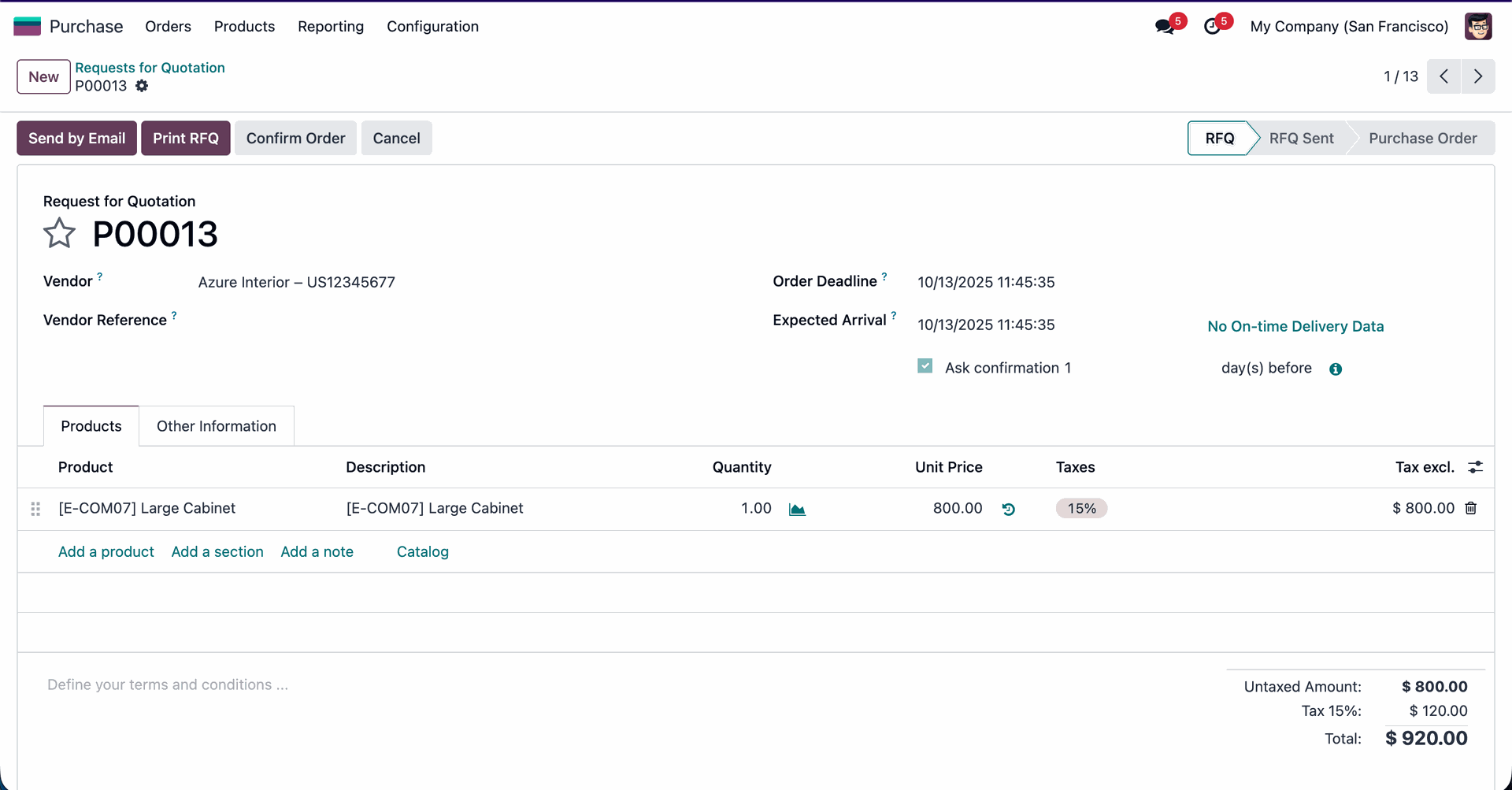
Here, you can view the created PO.
Form view of the Purchase Order.
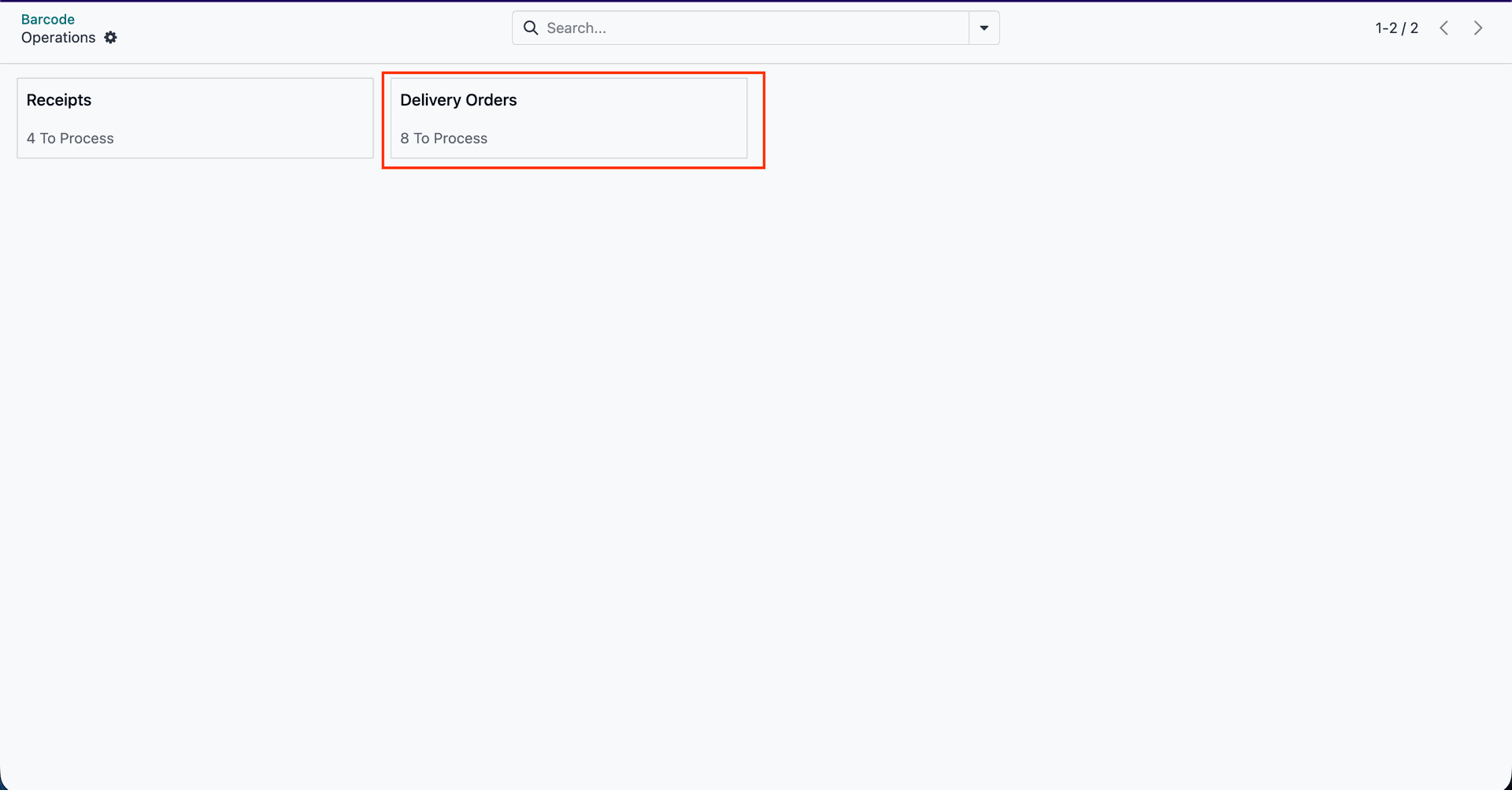
Click on the "Delivery Orders".
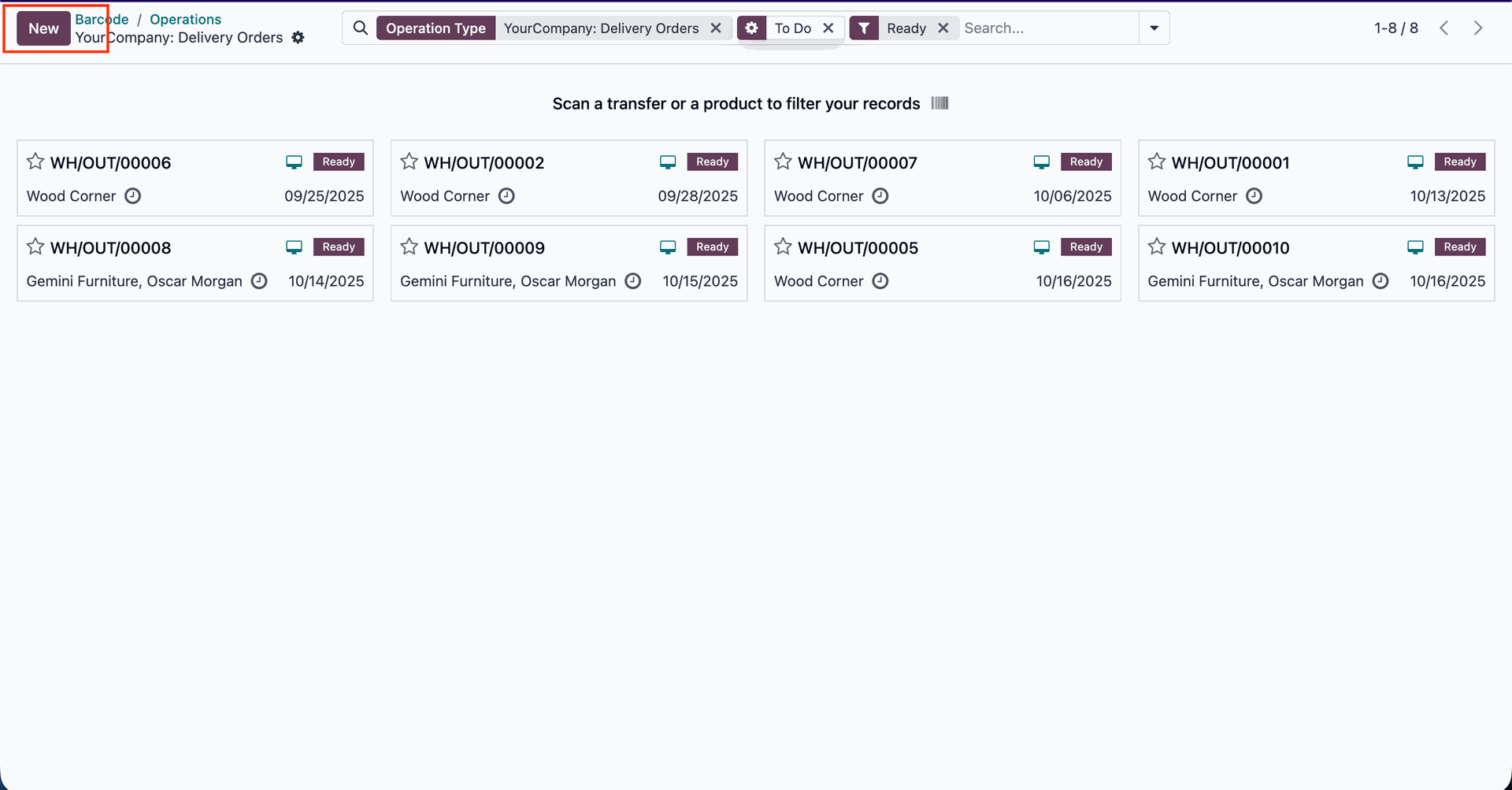
Click on the “New” button to create a new delivery order.
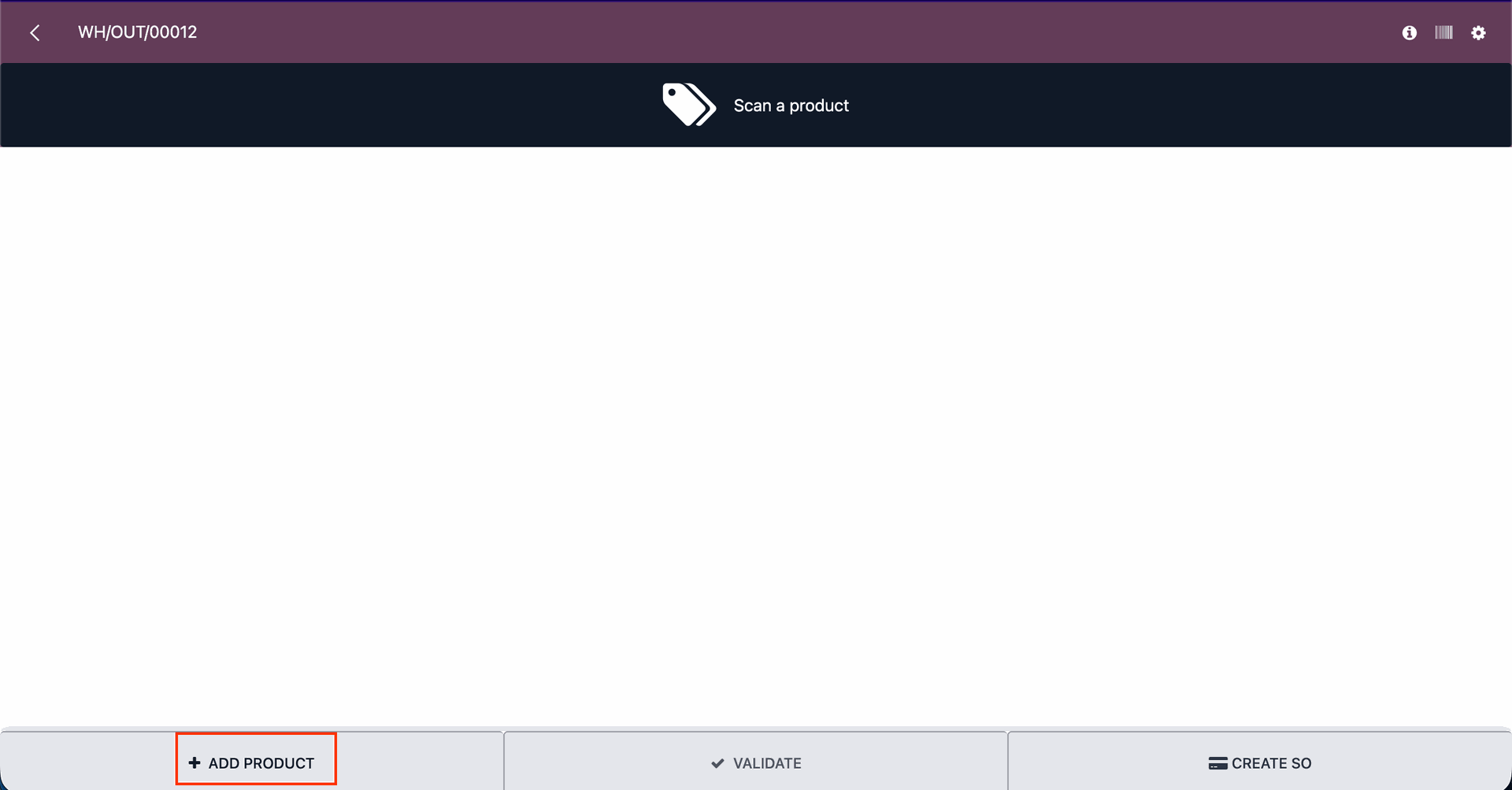
Click on the "Add Product" button.
Add the product details and click on the “Confirm” button.
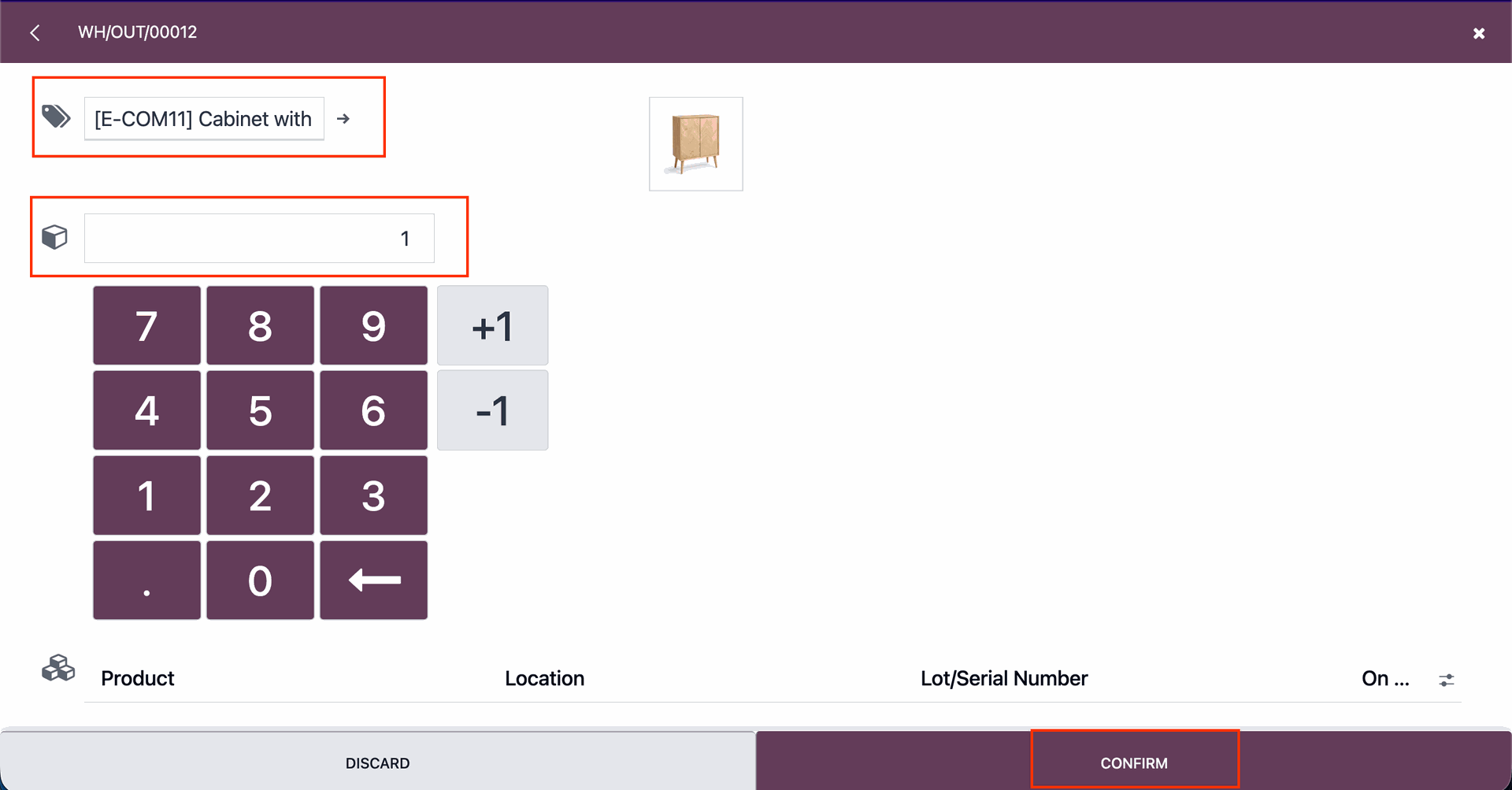
Click on the “Create SO” button to create a Sale order.
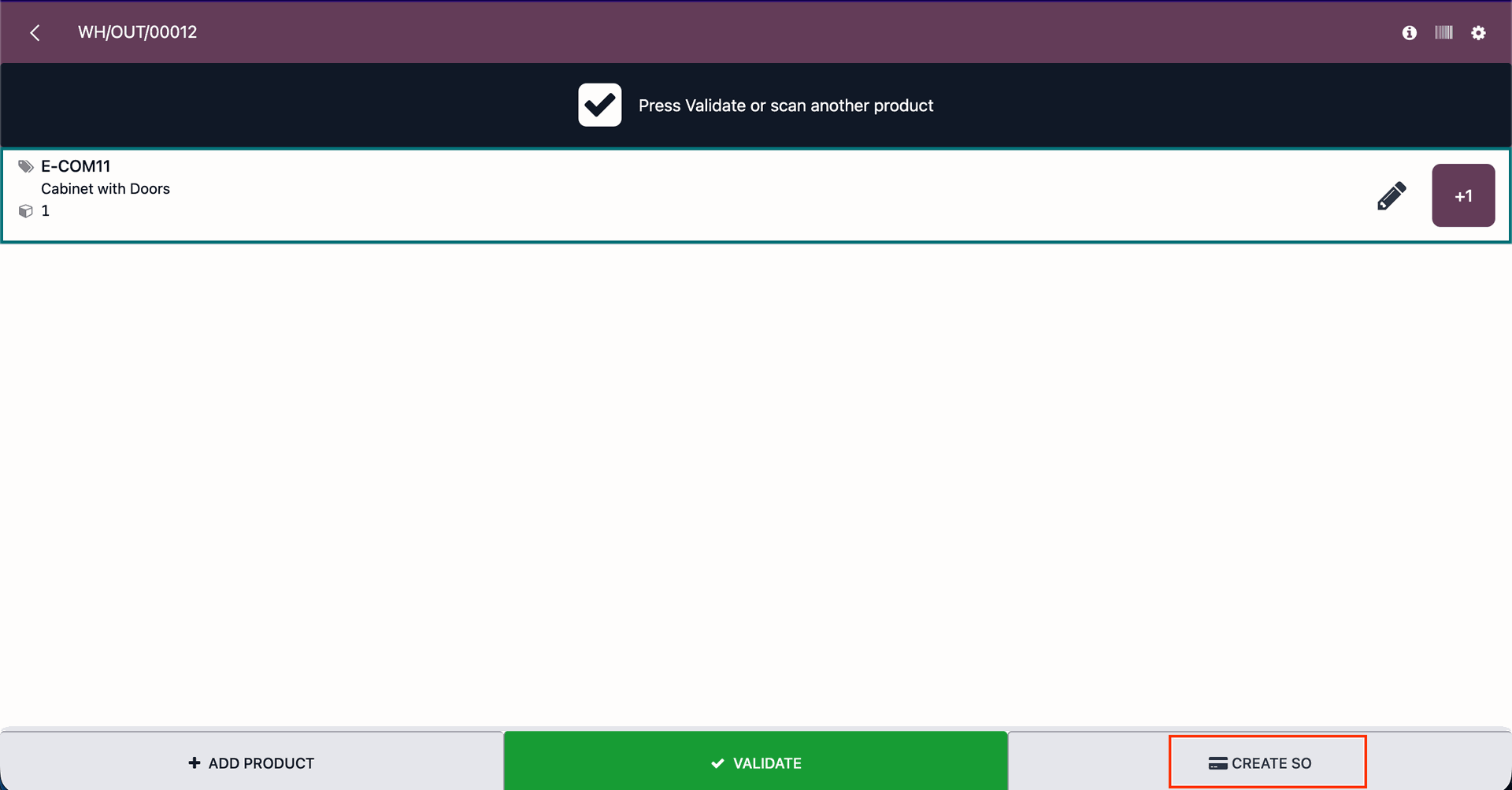
Select the partner and click on the “Apply” button.
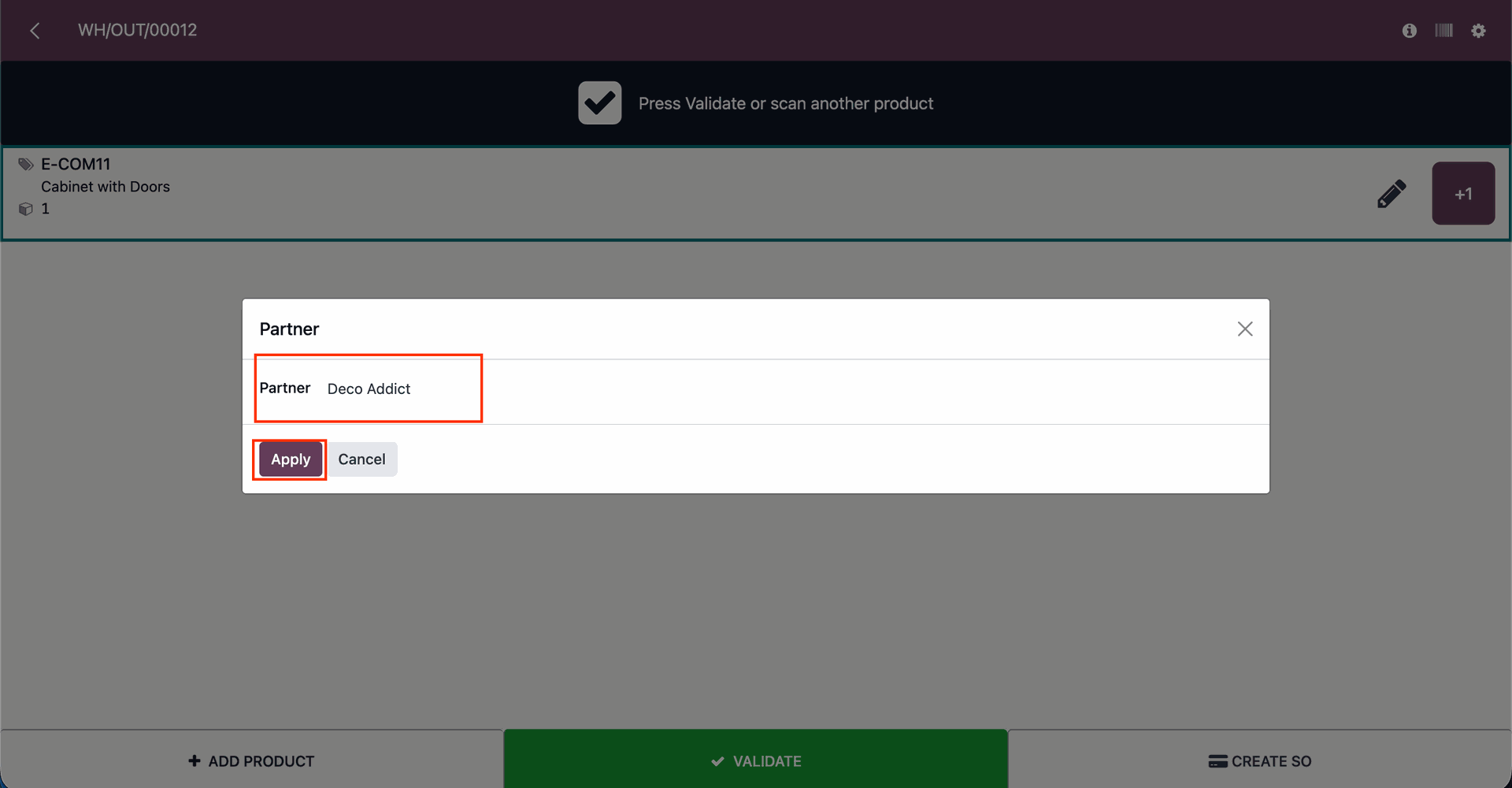
After that, you will receive a confirmation pop-up notification saying “The sale order has been created”.
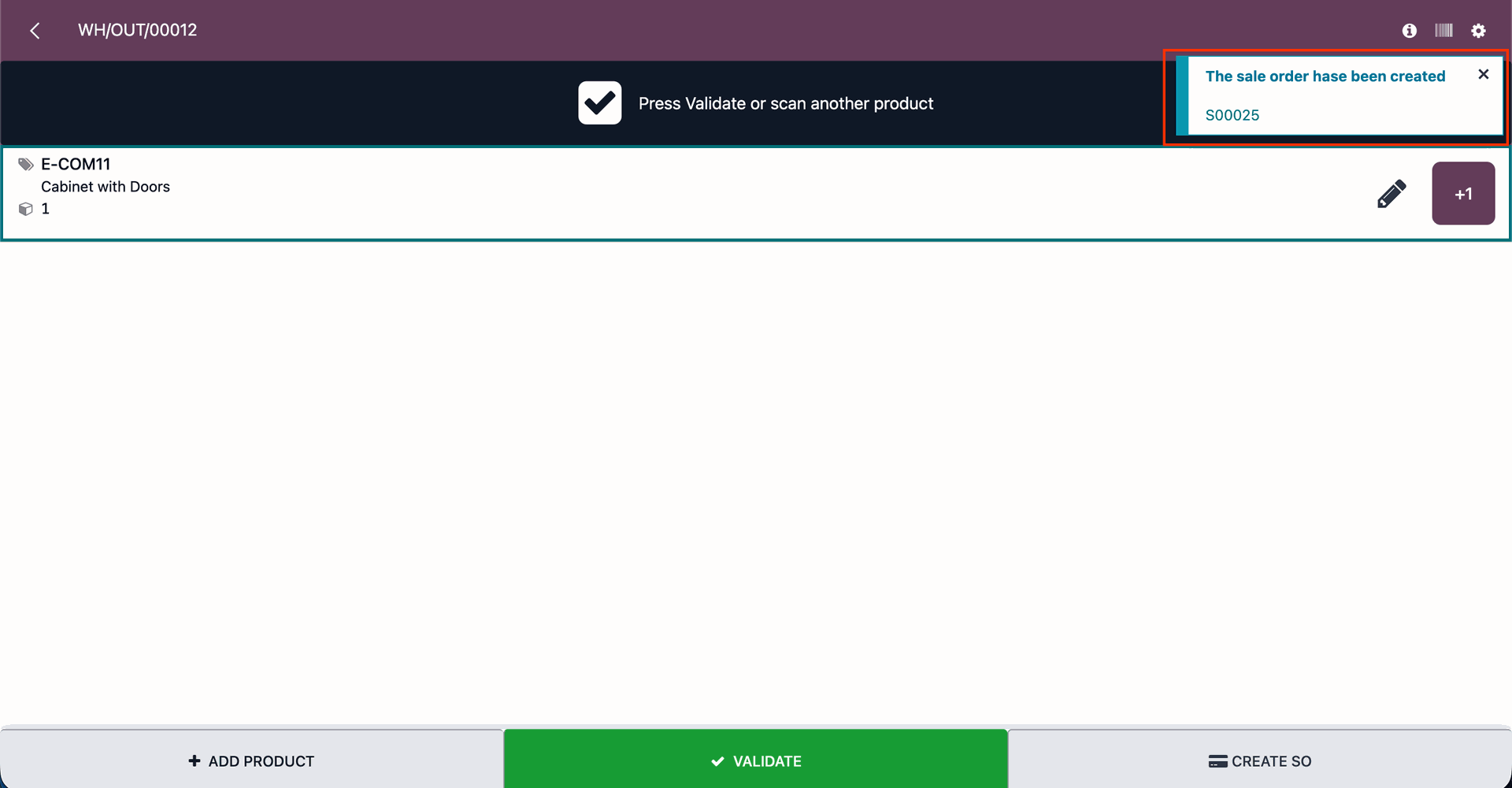
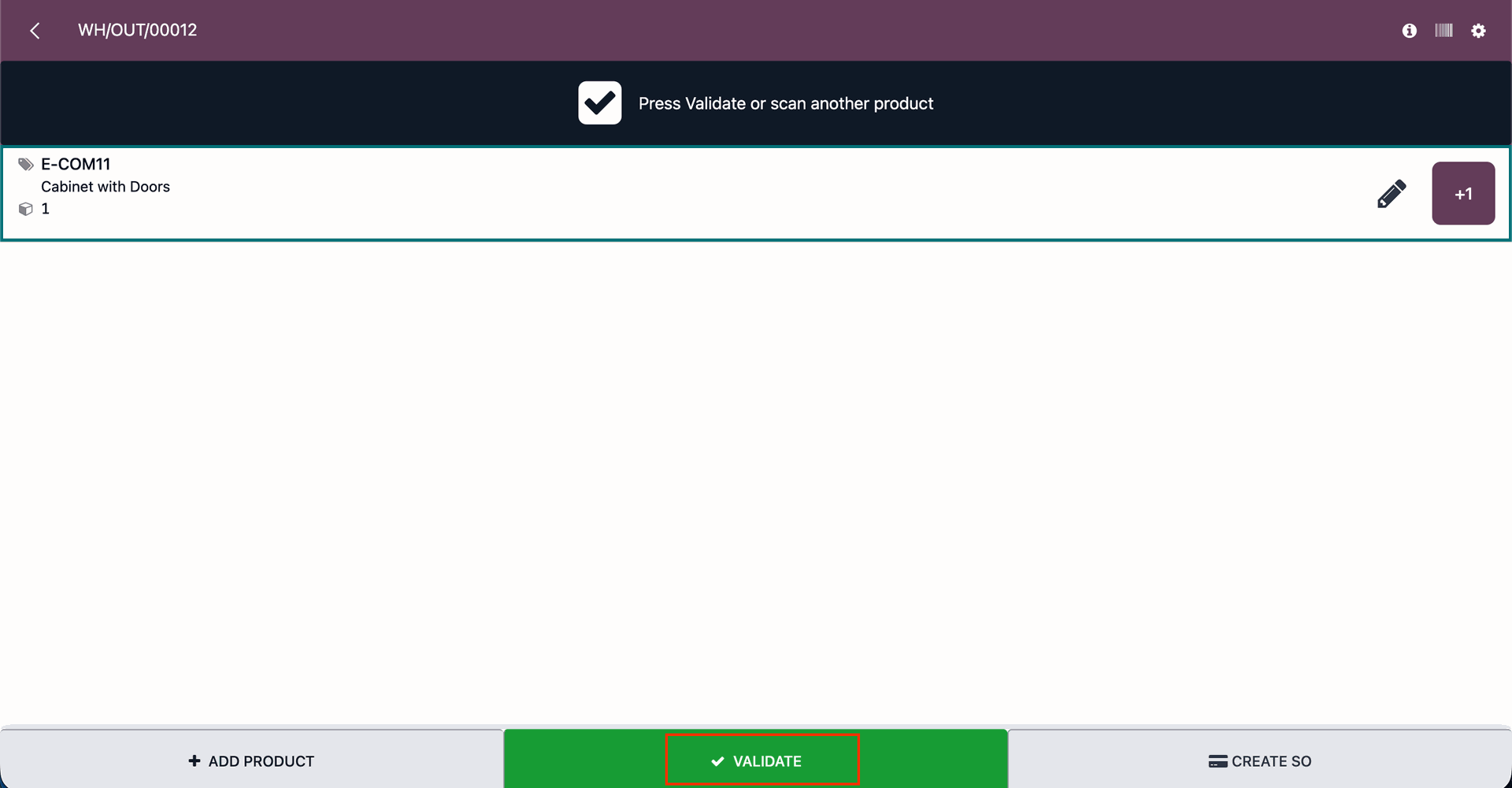
Click on the "Validate" buton.
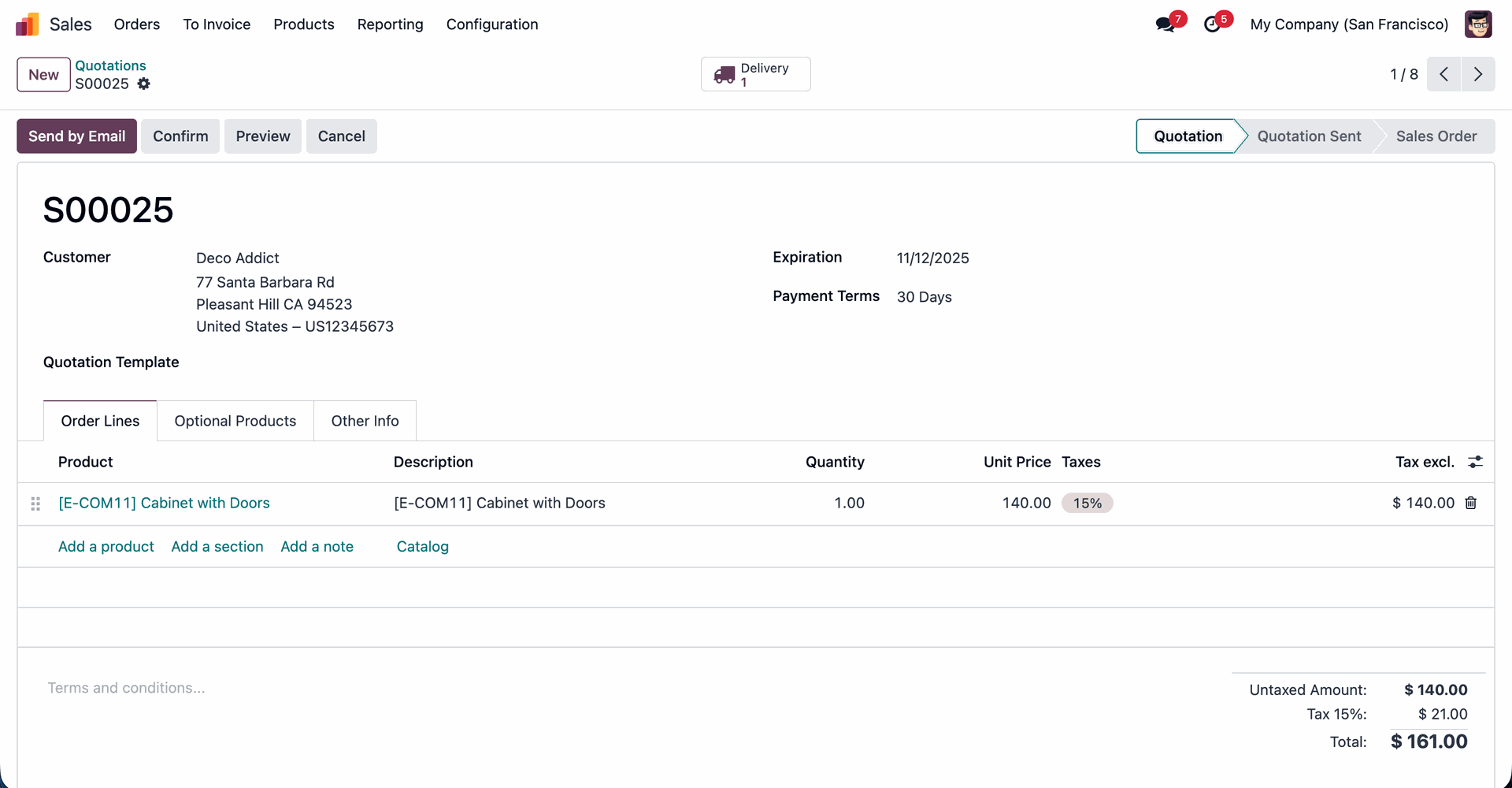
Form view of the created SO.
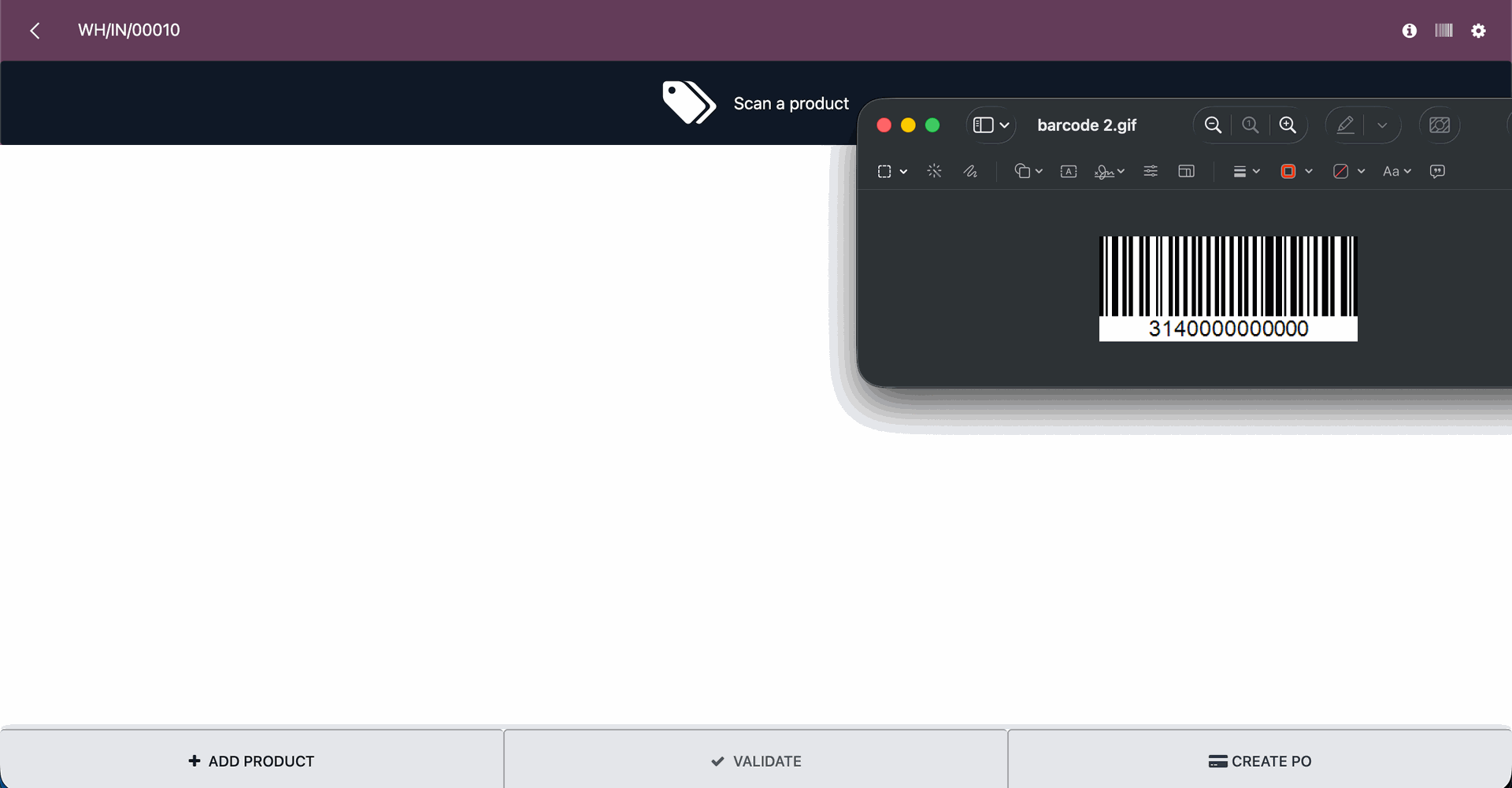
Scan the "Barcode".
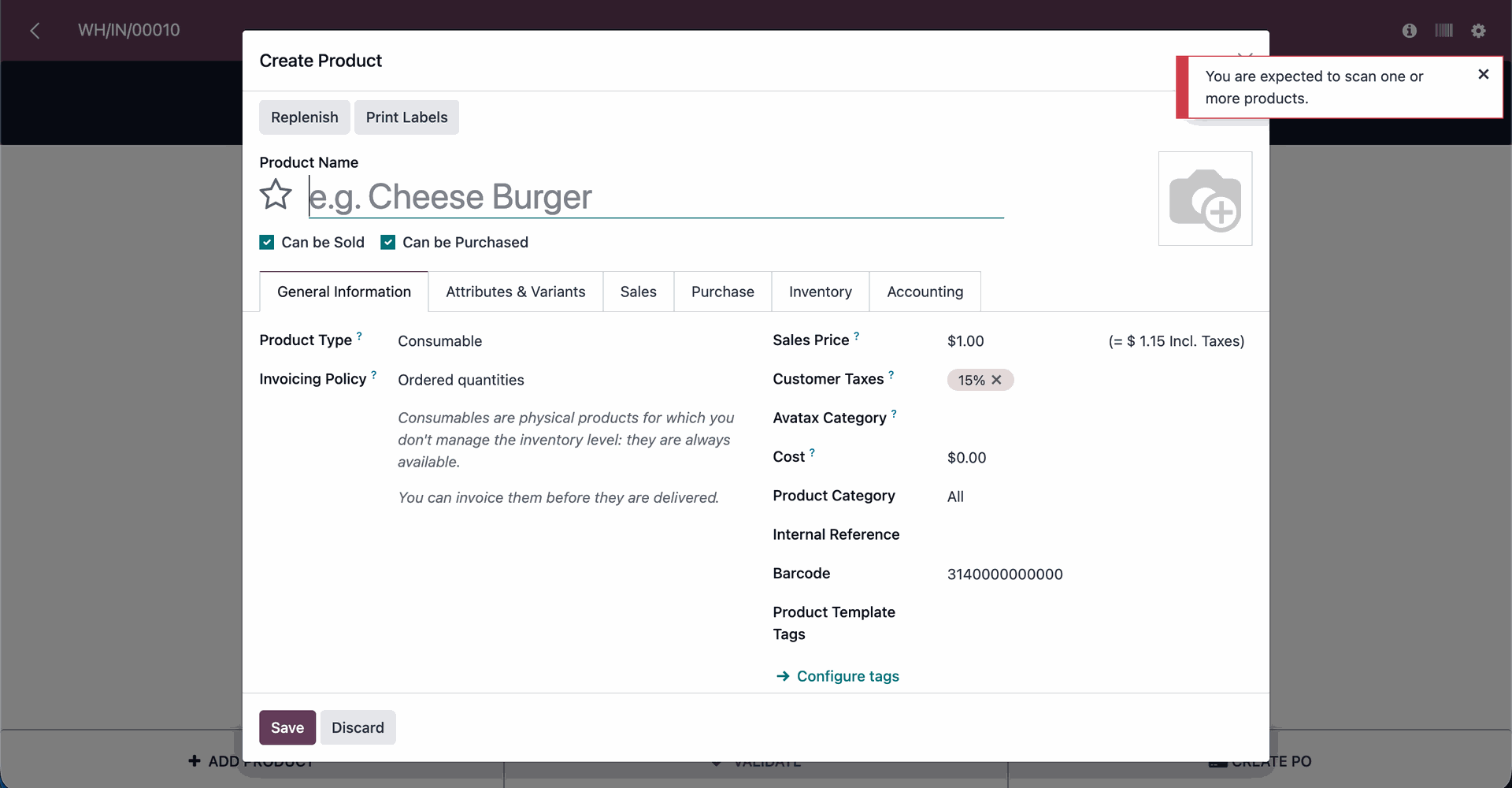
If the product is not available, a “You are expected to scan one or more products” pop-up will appear.
The product creation pop-up will appears.
Version 17.0.1.0.0 | Released on : 6th February 2026
- This app works perfectly with Odoo Enterprise (Odoo.sh & Premise) only.
- No, this application is not compatible with odoo.com(odoo saas/Odoo Online)
- Yes, to test this module, please contact us at sales@softhealer.com.
- Please contact us at sales@softhealer.com to request customization.
- Yes, we provide free support for 365 days from the date of purchase.
- Yes, you will receive lifetime free updates for the version of the module you purchased.
- No, there is no need to install any additional libraries.
- Yes, for version 12 and above, you need to purchase the module separately for each version you intend to use.
- No, exchanges or refunds are not allowed. Please make sure to select the correct version before purchasing.
- You can contact us at support@softhealer.com for language translation support. We use Google Translator tools to provide translations in multiple languages, so the accuracy may vary. We welcome your suggestions to help improve translations.
