












Contact Parent To Child Salesperson

Using this module ensure data accuracy by identifying contacts without a salesperson or with incorrect salesperson assignments. When executed, it displays a popup notification and automatically updates the Child contacts with the correct salesperson and sales team information. This ensures all contacts are properly assigned, improving sales tracking and management.

Features
- Corrects and assigns the appropriate salesperson.
- You have an option to update all contacts or only selected ones.
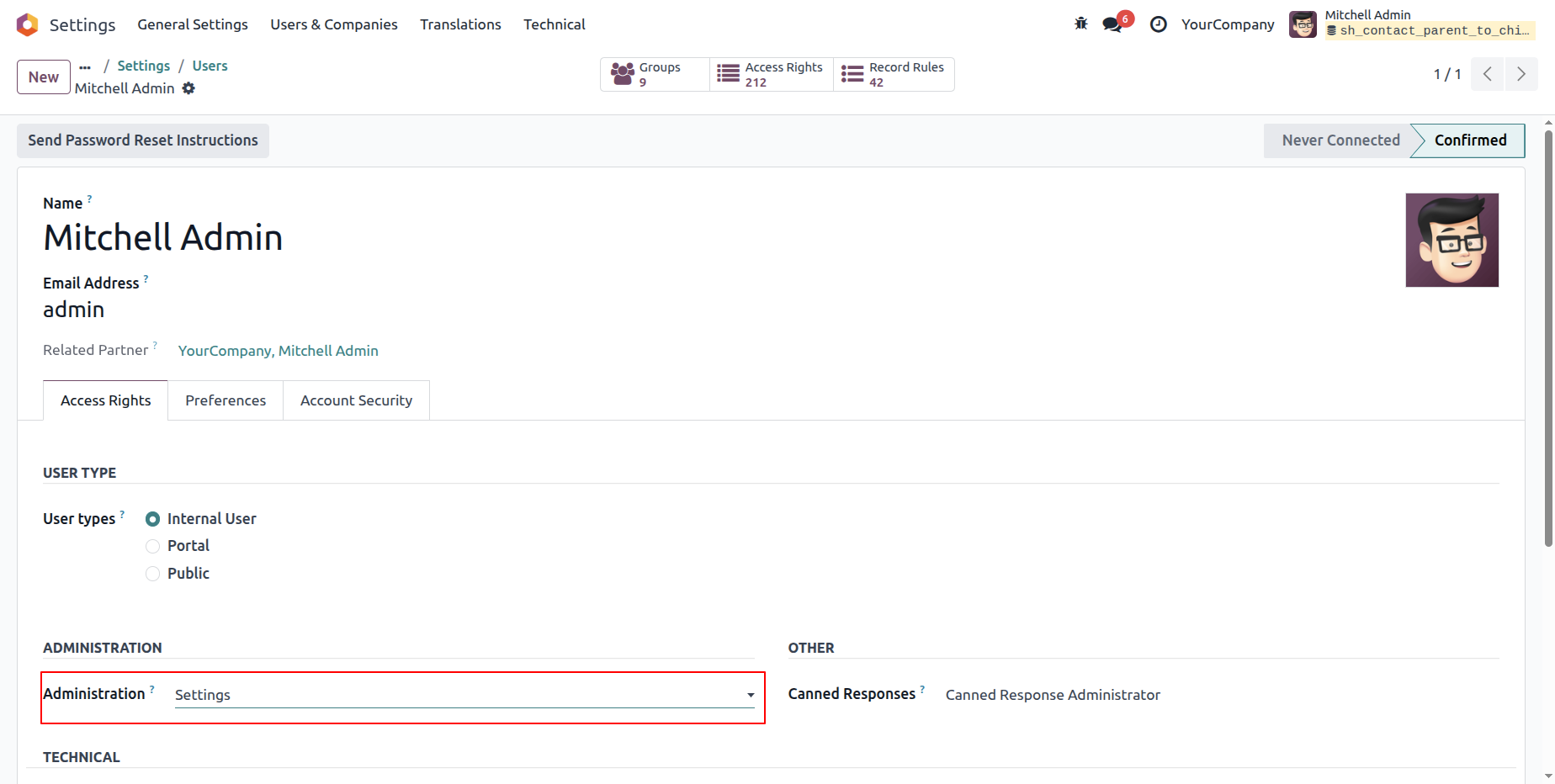
Go to User Settings and assign the 'Settings' access rights under the Administration.
Note: Only users with 'Settings' access rights can run the Contact Correction
process.
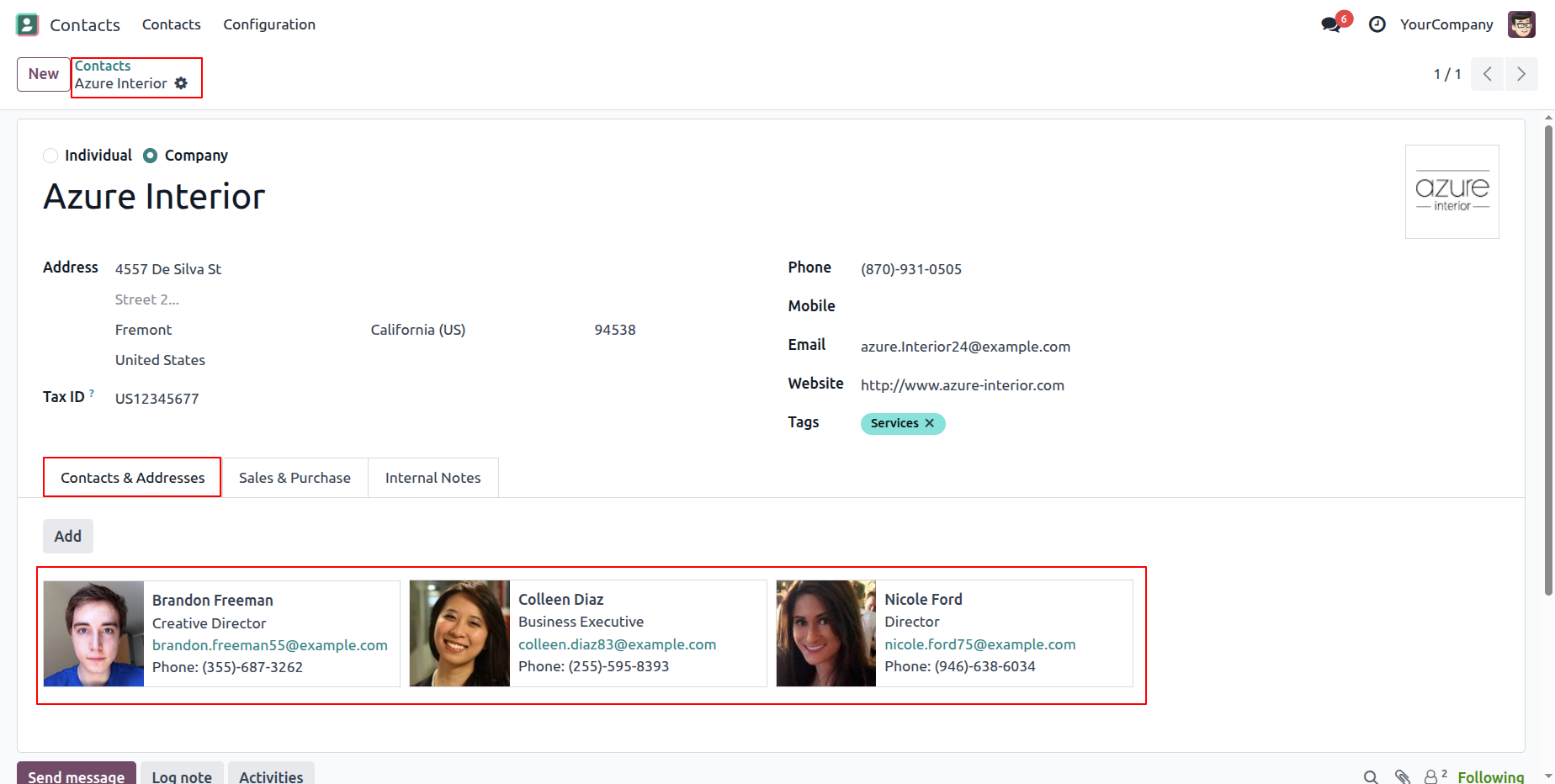
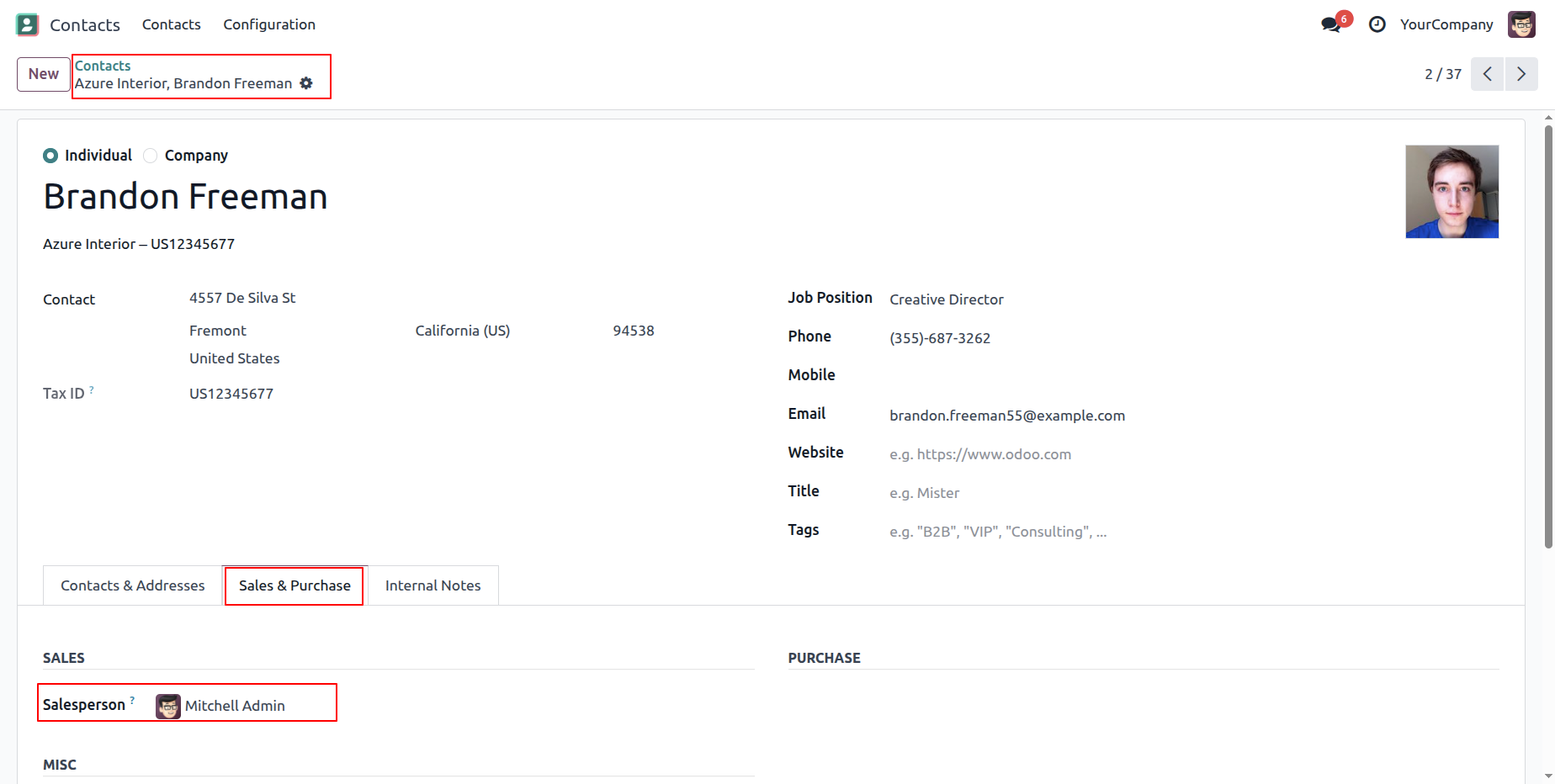
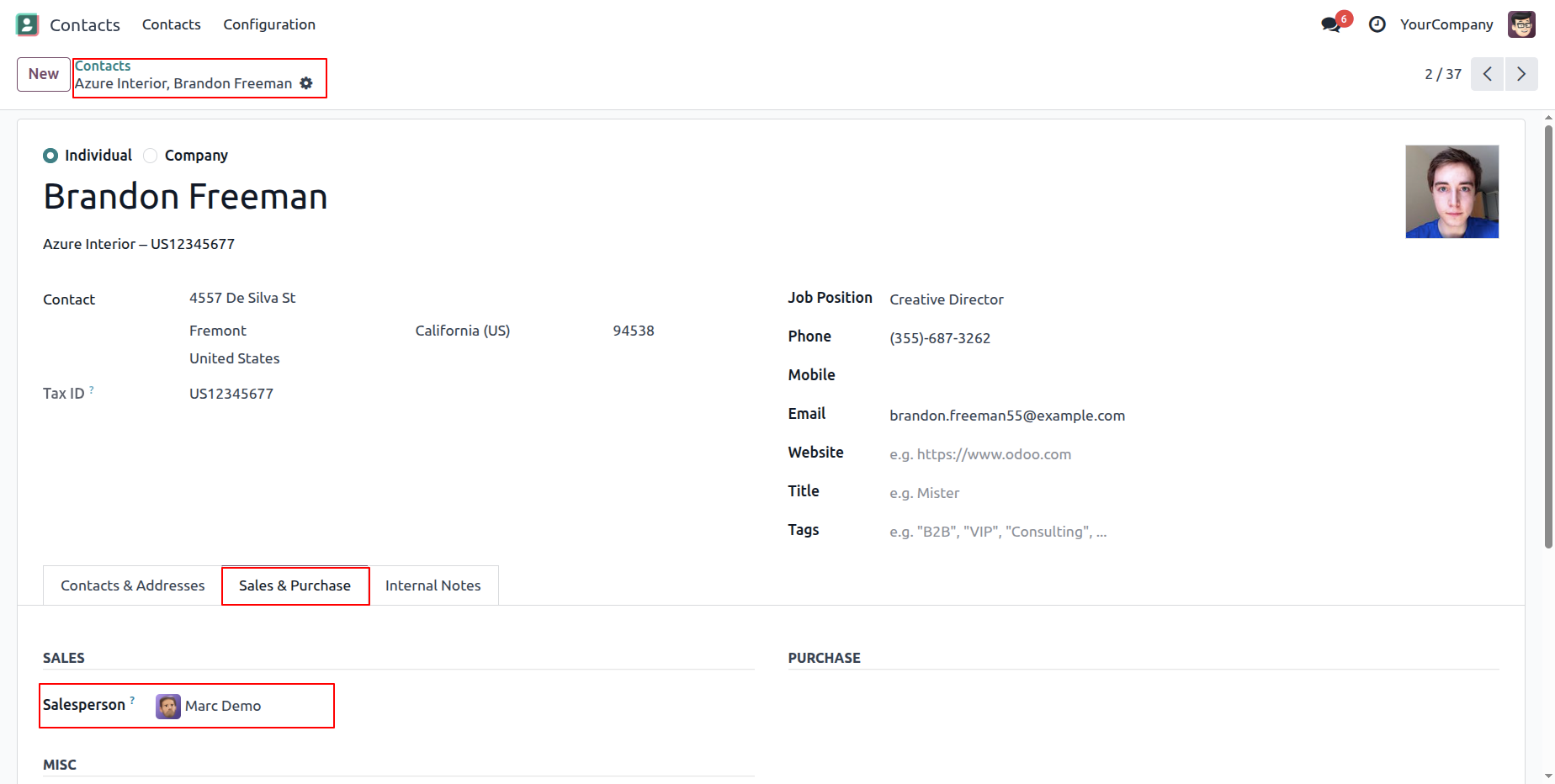
Here, you can see the contacts along with their child contact and addresses.
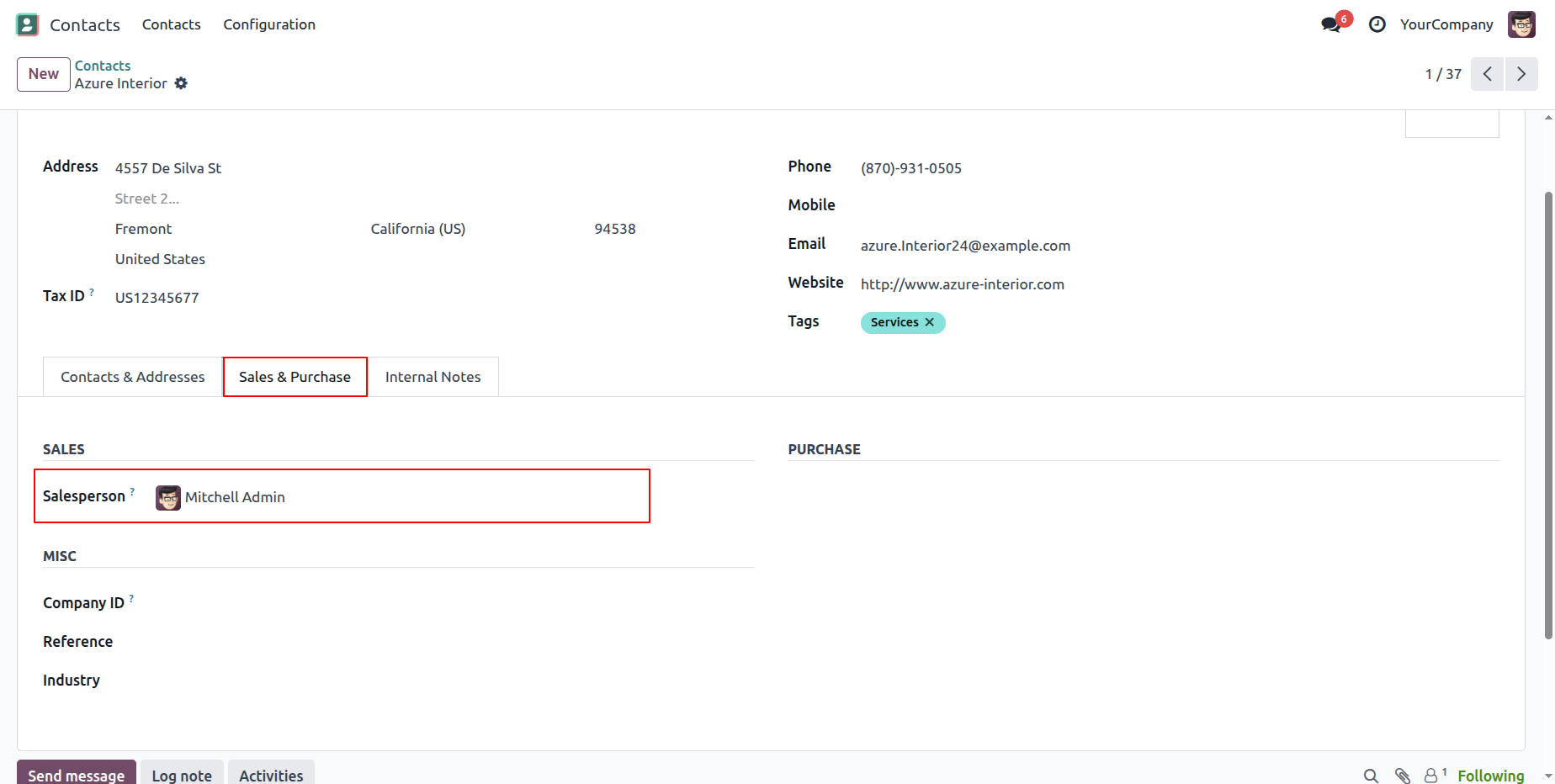
Salesperson under the 'Sales & Purchase' tab.
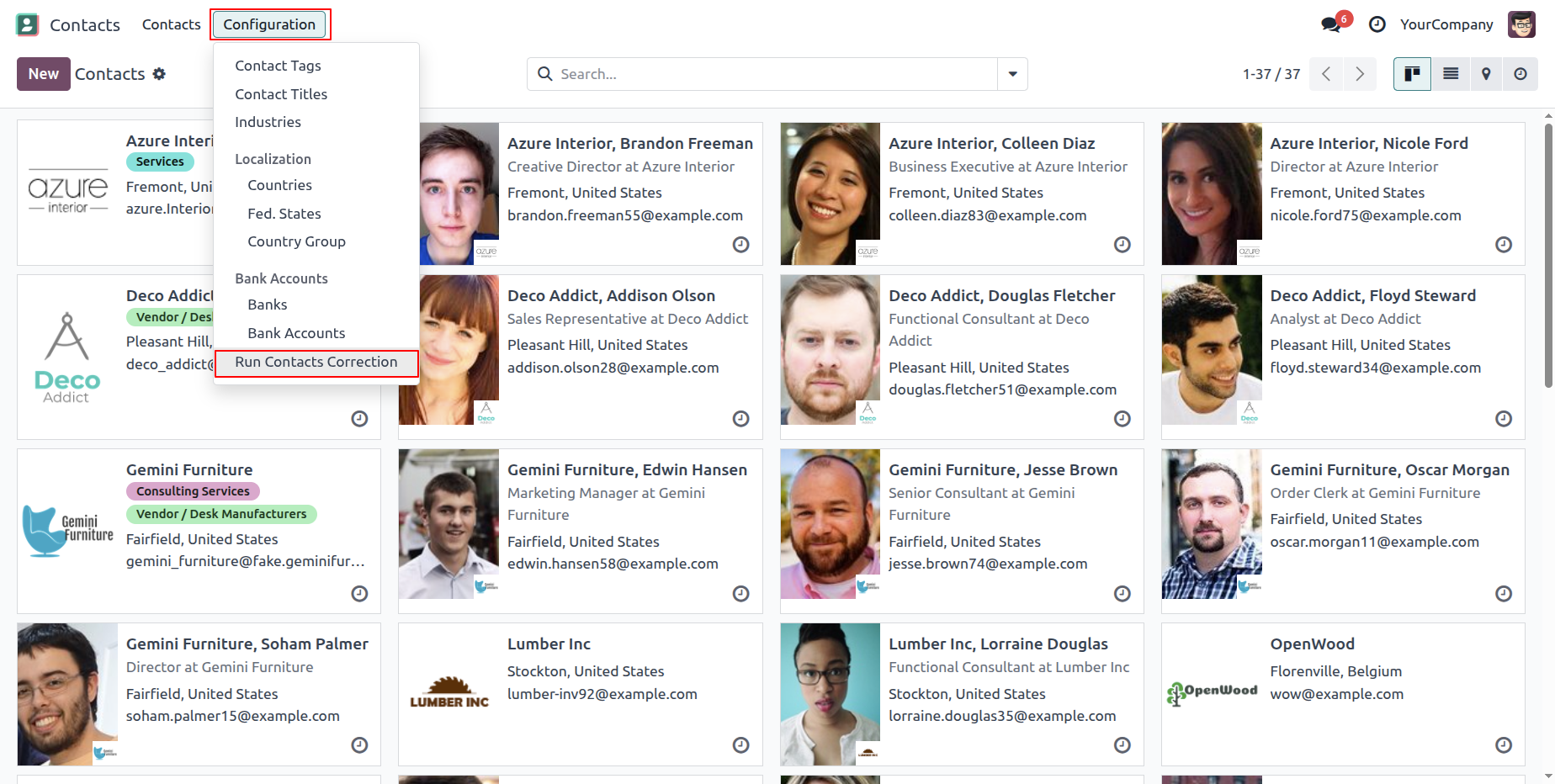
Go to the contact configurations ==> 'Run Contacts Corrction'
Note: This option allows you to add or correct the salesperson for all the contacts.
This popup notification will appear if any contacts are found without a salesperson or with an incorrect salesperson.
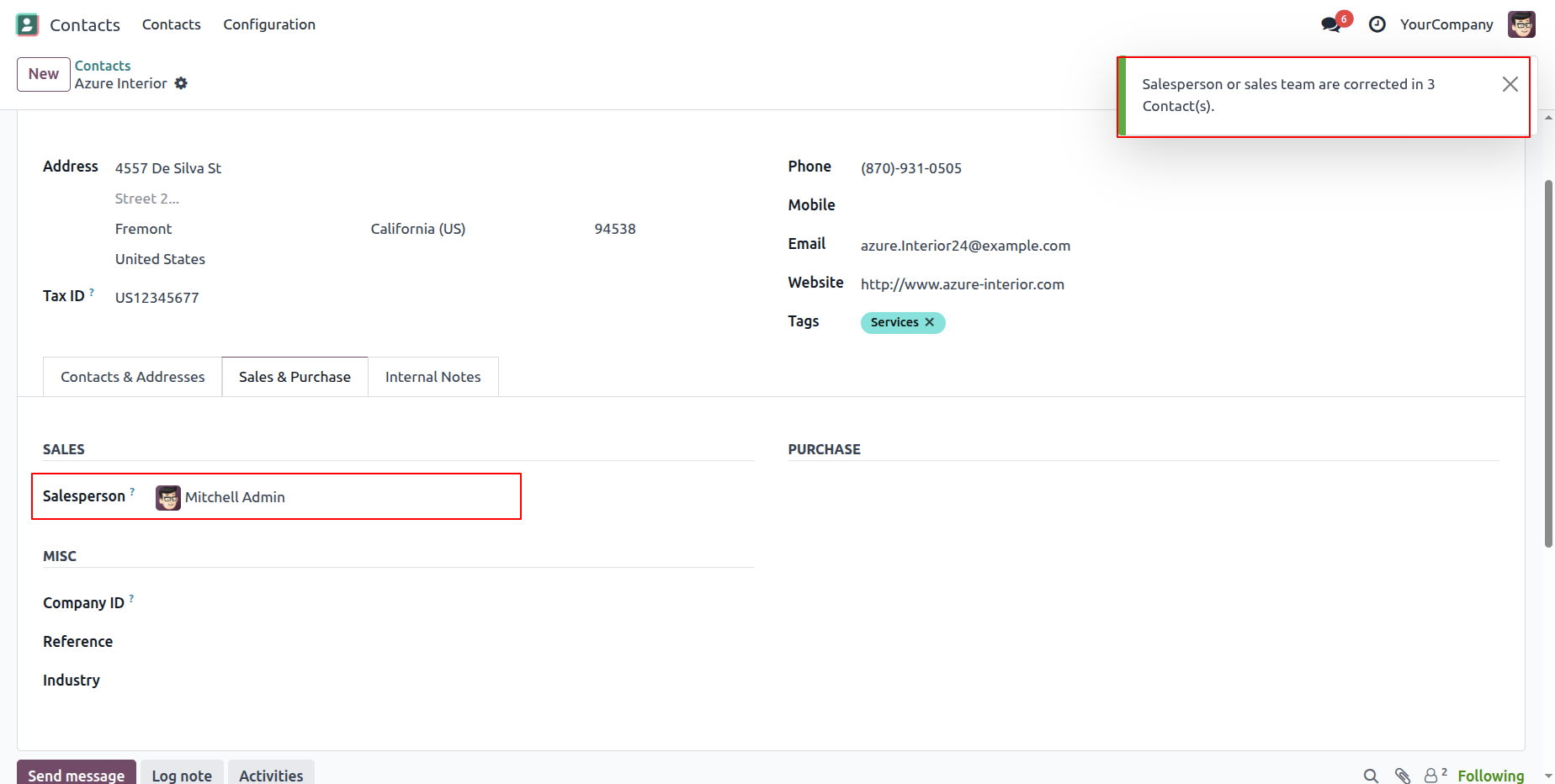
You can see that the salesperson has been added or corrected successfully.
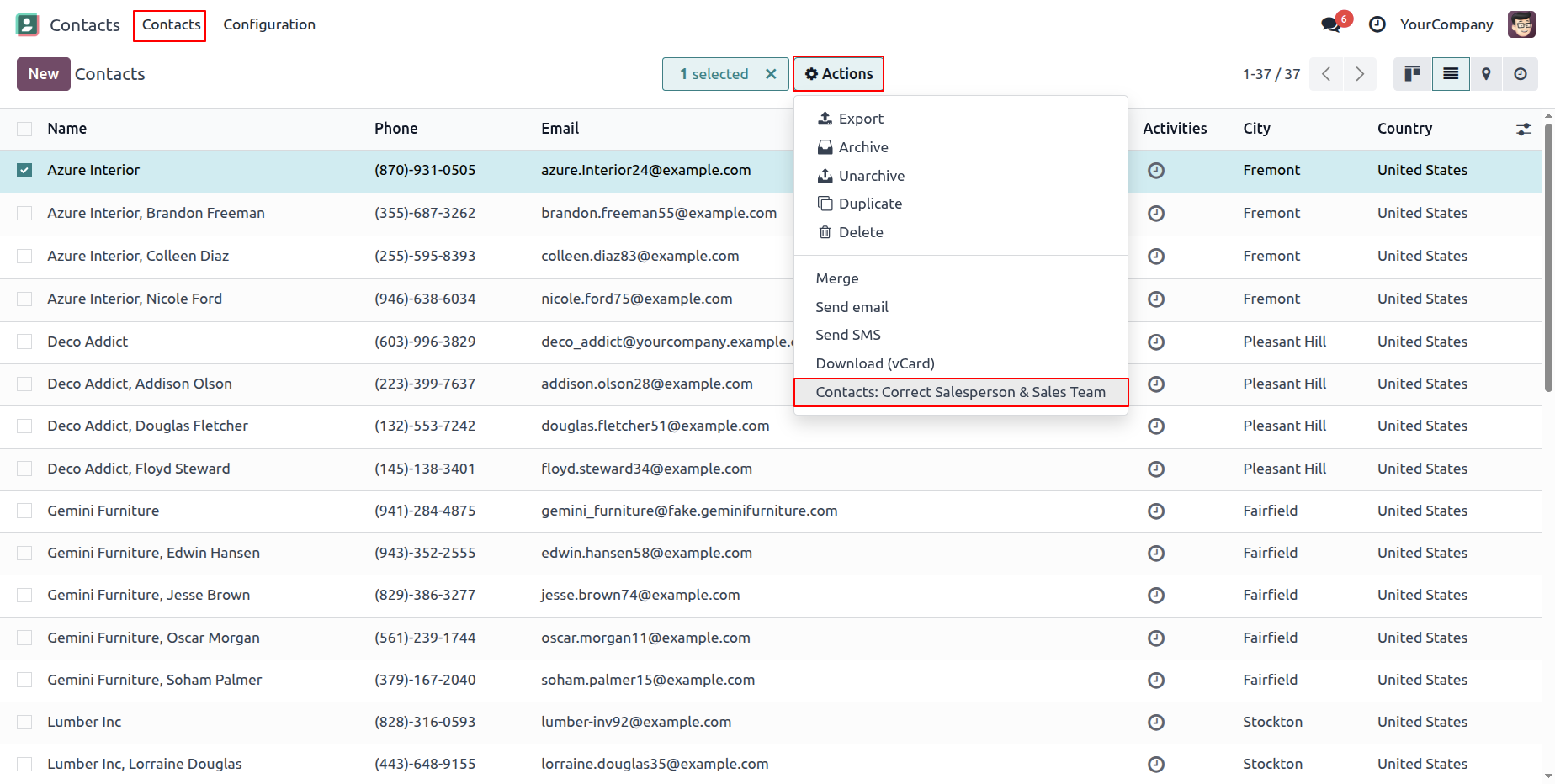
Select the contacts and click on the 'Contacts: Correct Salesperson & Sales Team' from the
Action menu.
Note: This option allows you to add or correct the salesperson for the selected
contacts only.
This popup notification will appear if any contacts are found without a salesperson or with an incorrect salesperson.
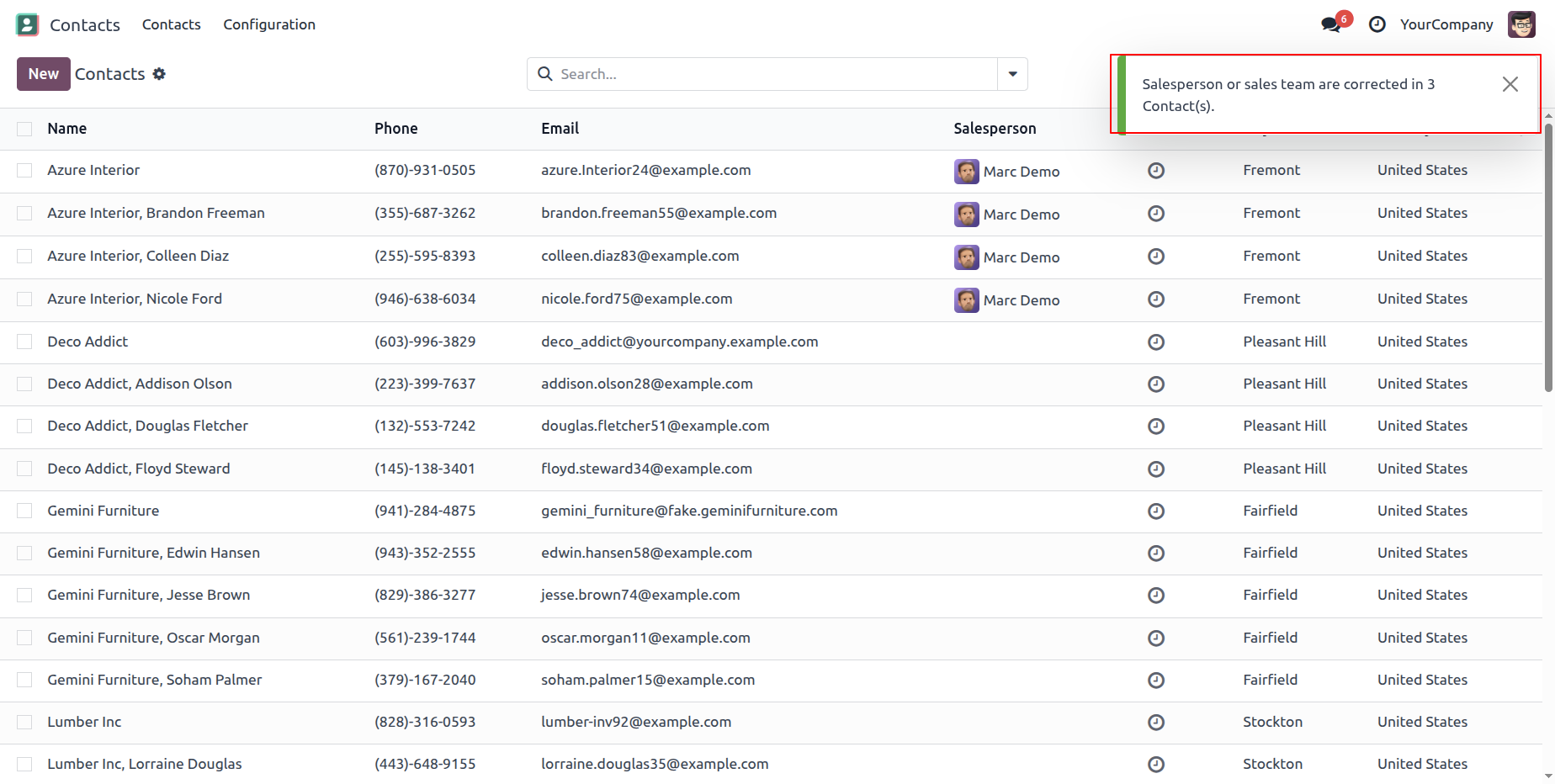
You can see that the salesperson has been added or corrected successfully.
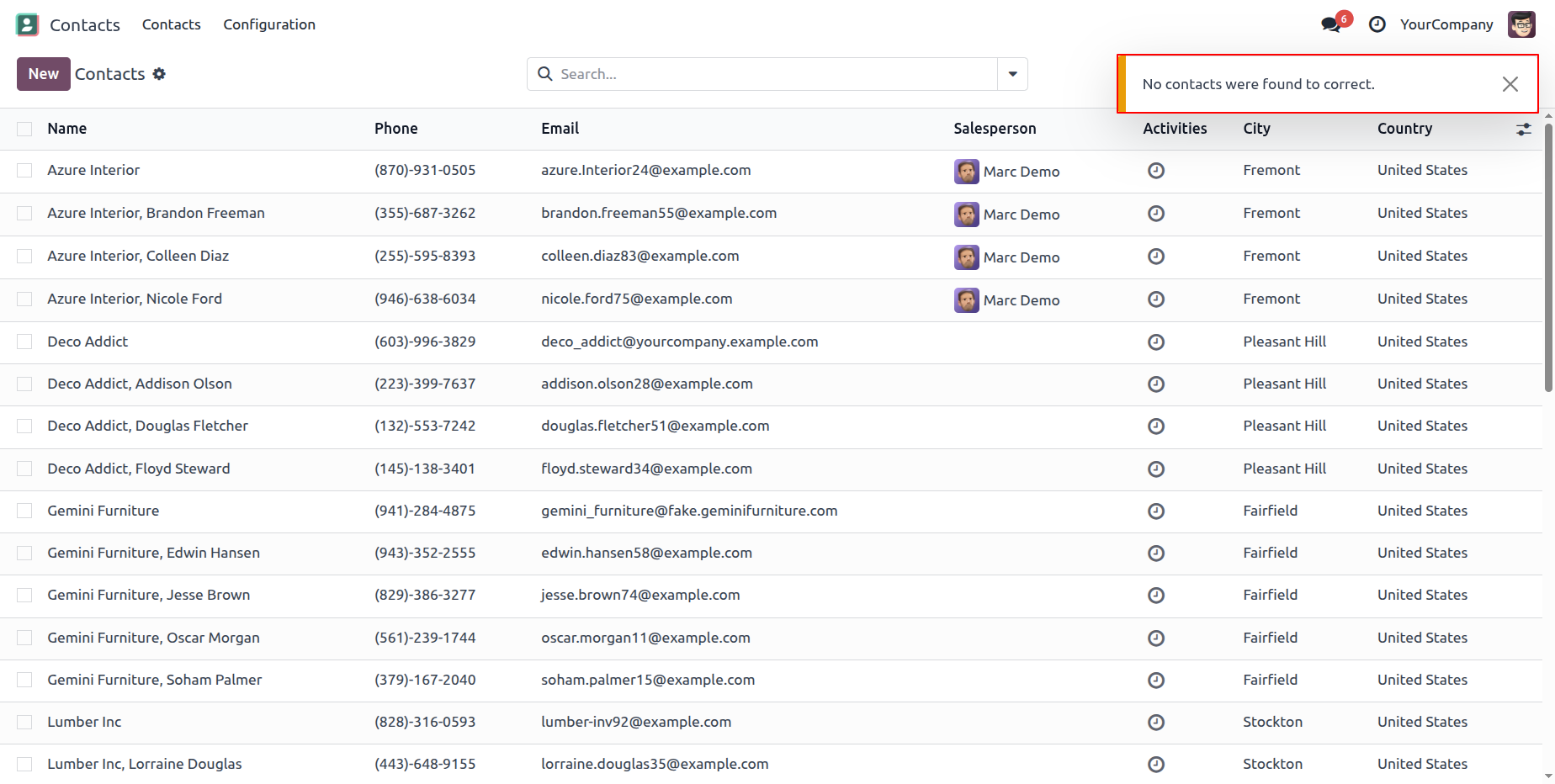
This popup notification appears when no matching contacts are found, indicating that all contacts already have the correct salesperson assigned.
Version 18.0.1 | Released on : 28th July 2025
- Yes, this app works perfectly with Odoo Enterprise (Odoo.sh & On-Premise) as well as Community.
- No, this application is not compatible with odoo.com(odoo saas/Odoo Online).
- Please Contact Us at sales@softhealer.com to request customization.
- Yes, you will get free update for lifetime.
- No, you don't need to install addition libraries.
- For version 12 or upper, you will need to purchase the module for each version that you want to use.
- Yes, we provide free support for 100 days.
- No, We do not provide any kind of exchange.
