













Construction Project

This module helps to
show construction details on the website. You can manage construction projects with categories & stages.
Visitors can see the location of the project with Google Map. You can add project extra information like
description, extra images, brochures, surface area, value, architects, the scope of working, amenities,
floor plan & many more. We provide an image gallery for your construction project like the project image
gallery, floor plan image gallery & location plan image gallery.
Many construction agencies used social media to share their projects with the audience so we provide
social media facilities. If any visitor has an inquiry about construction then they can do an inquiry to
the constructor using this odoo module. You can add contact us employee details for your construction
project. You can also add your related construction project links in the other construction project.

Hot Features
Features
- Easy to manage a construction project with categories & stages.
- You can display construction project details on the website.
- You can add project extra information(description, extra images, brochures, surface area, value, architects, the scope of working, amenities, floor plan) in the project.
- We provide 5 extra fields for project information so you can add customize labels & values in the project.
- Visitors can see the location of the project with Google Map.
- You can provide social media links for share projects on social media platforms.
- You can set an inquiry button for visitors.
- You can add contact us details for your project.
- You can add other construction project links in your project.
- Easily set the primary secondary color from the primary secondary color picker.
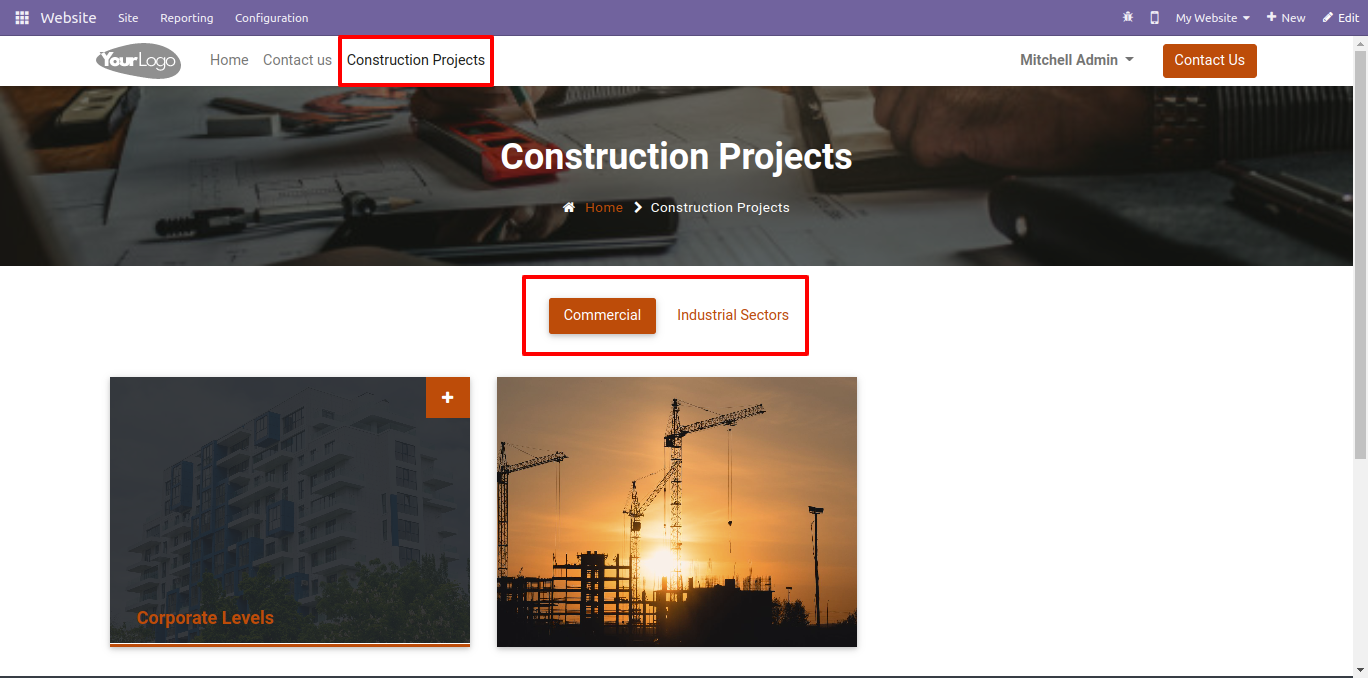
Construction project website view with project categories.
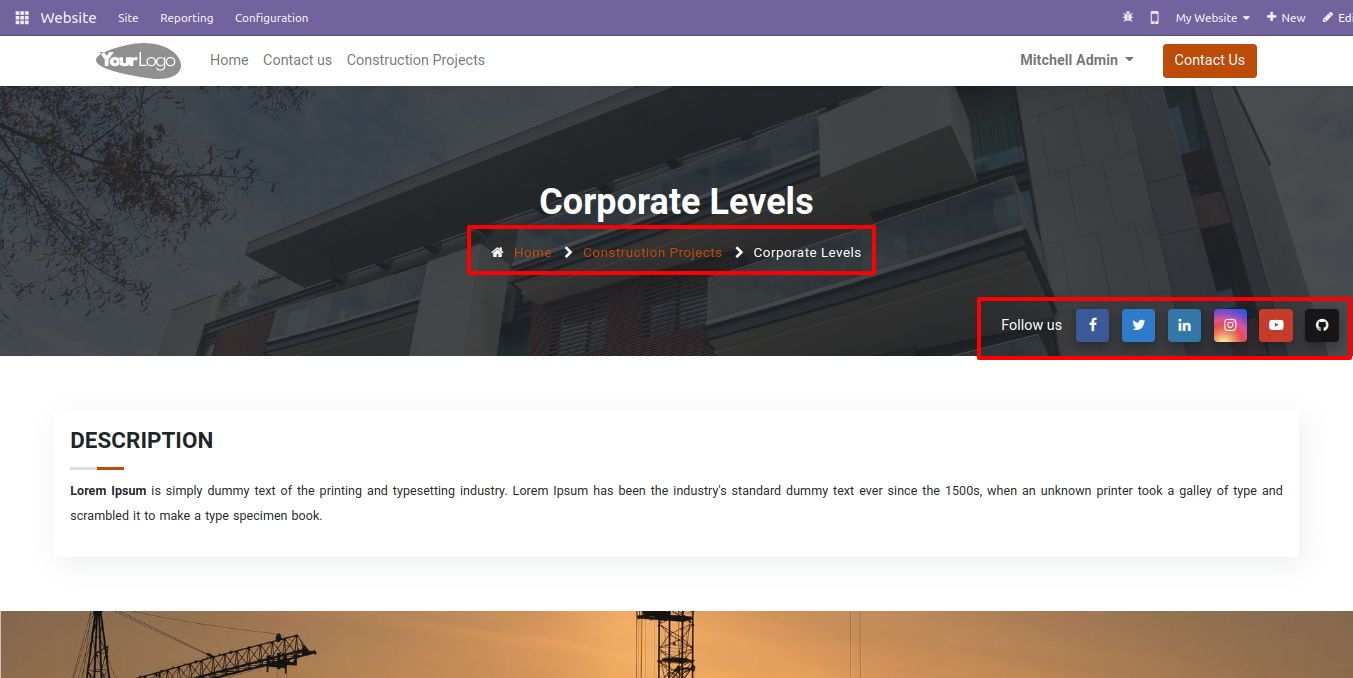
Construction project share links button, that displayed if you tick that group in the backend.
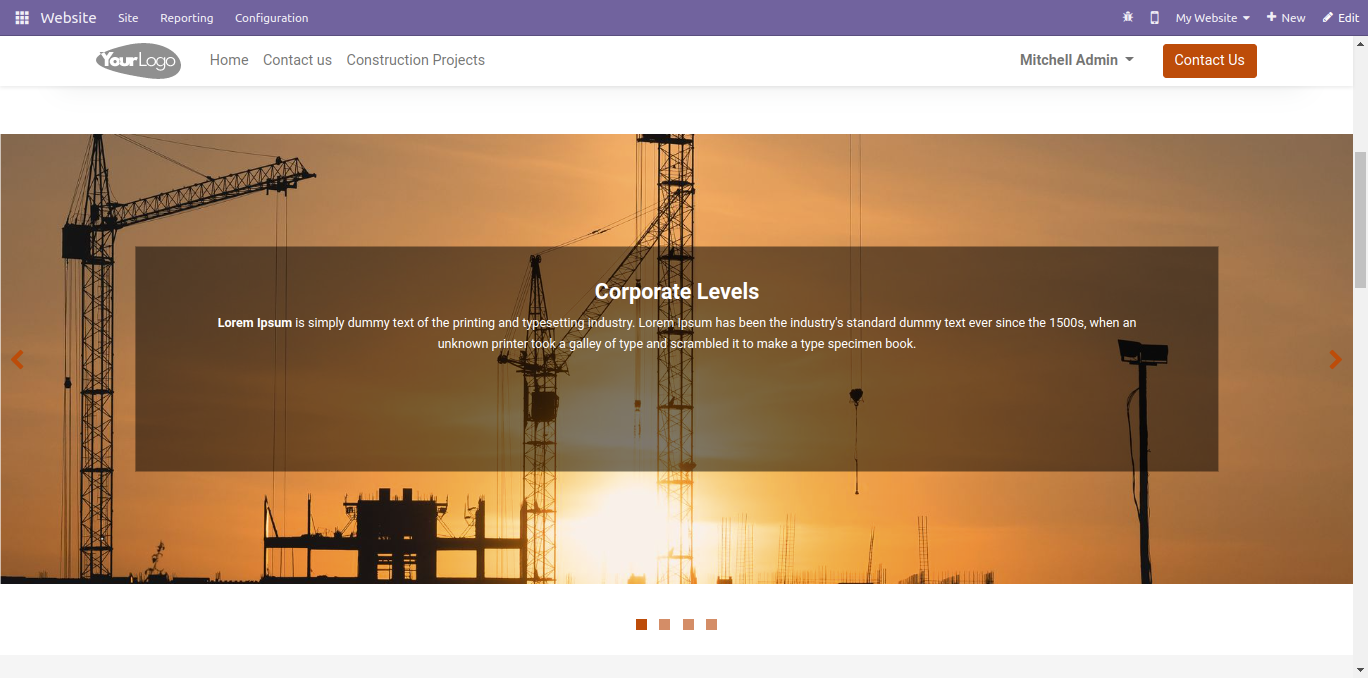
Construction project slider image with description at the website.
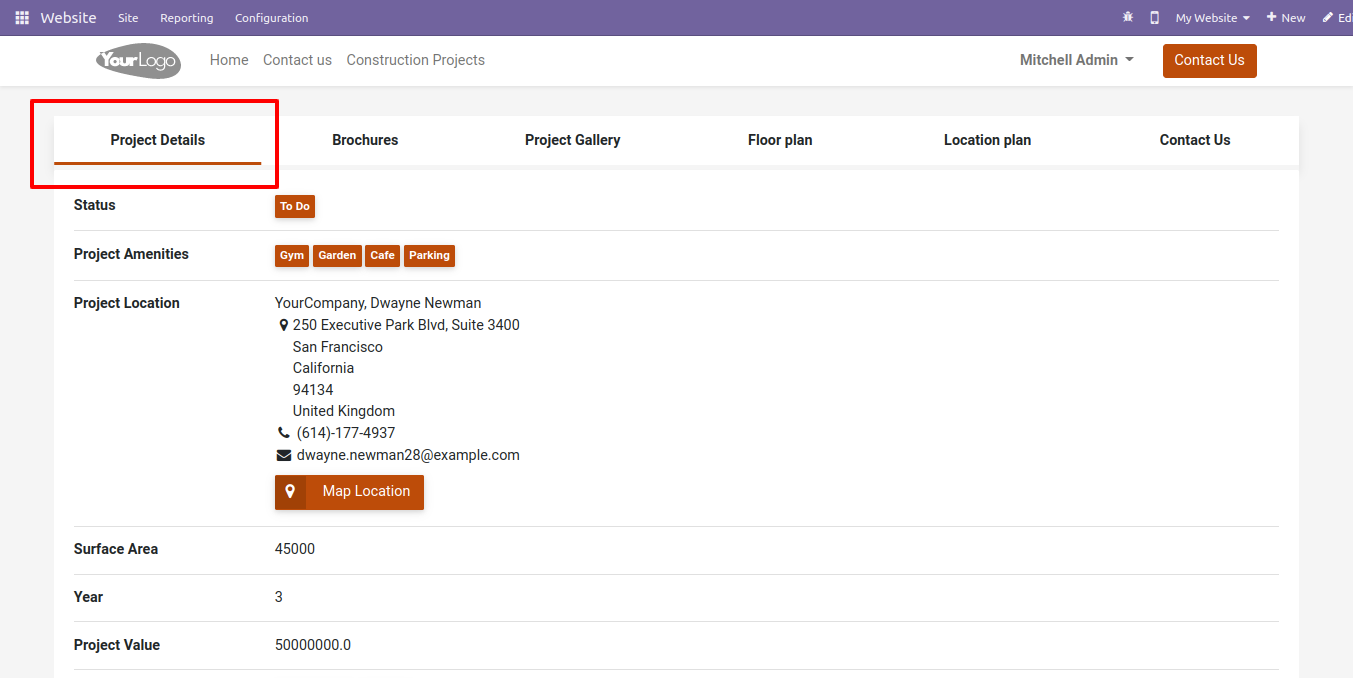
Construction project website view with the map location and other details.
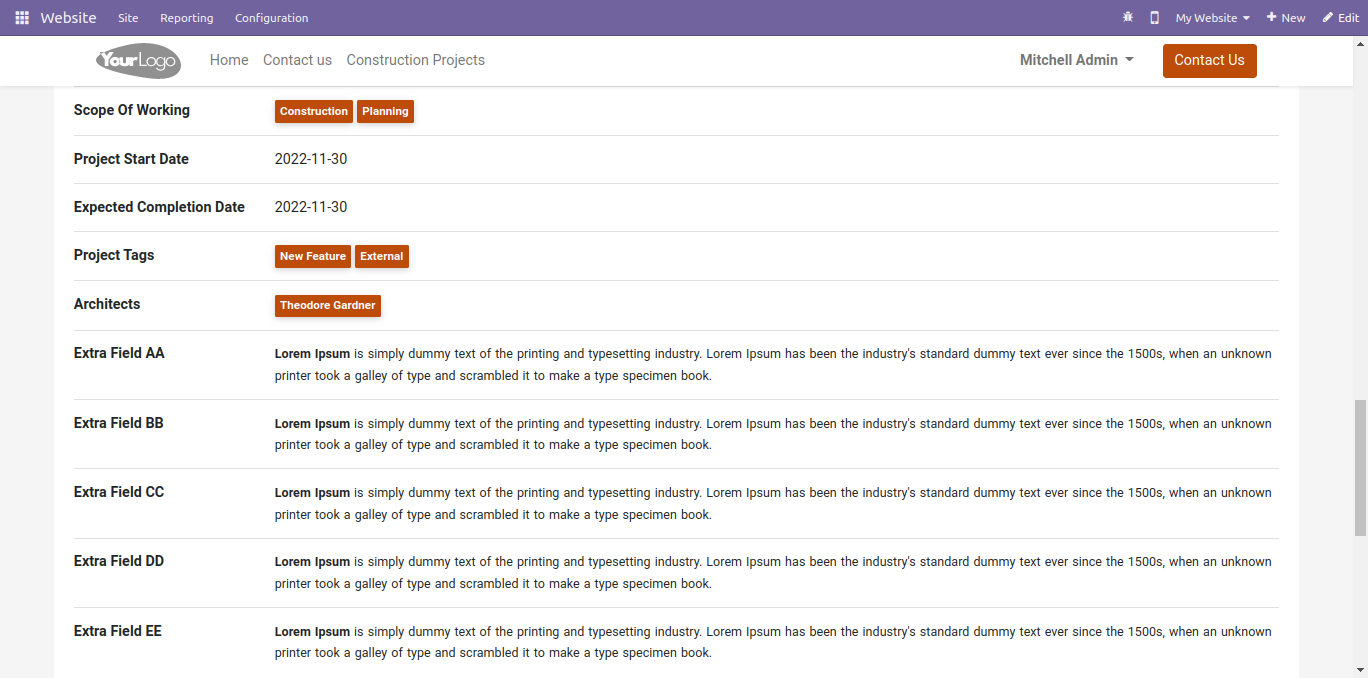
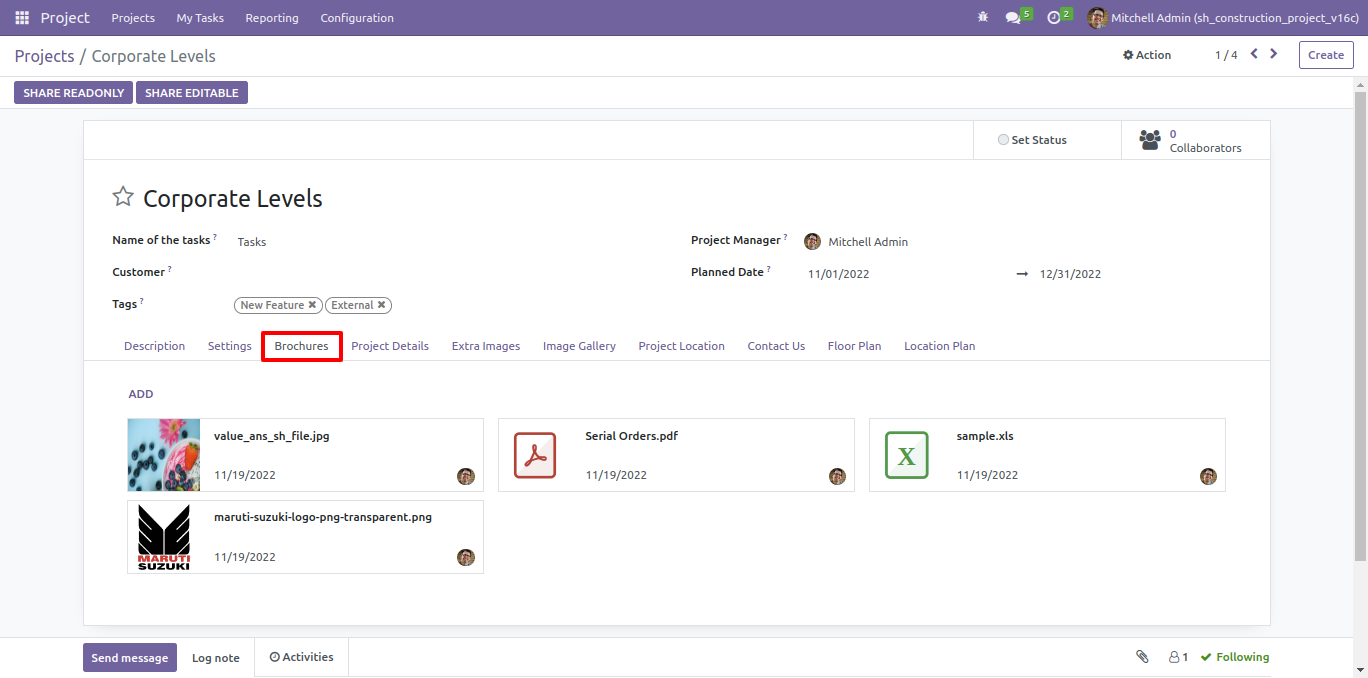
Construction project brochures with download option.
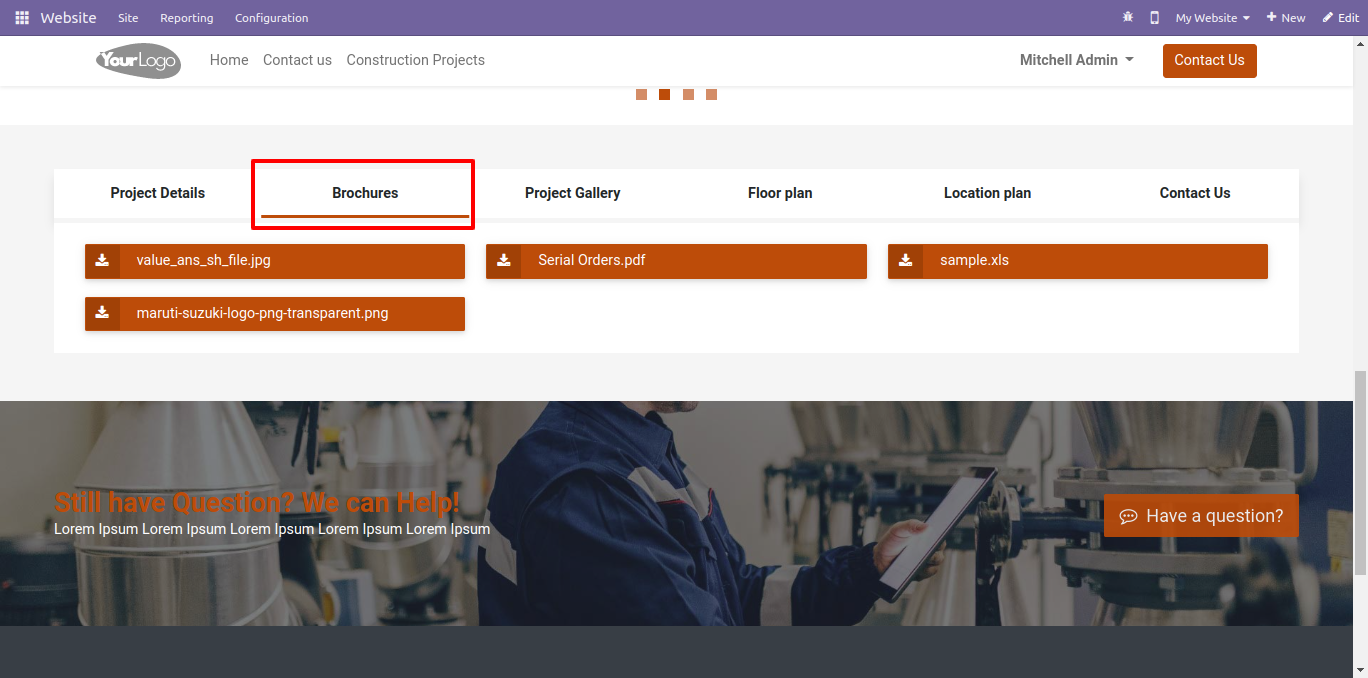
Project image gallery at website.
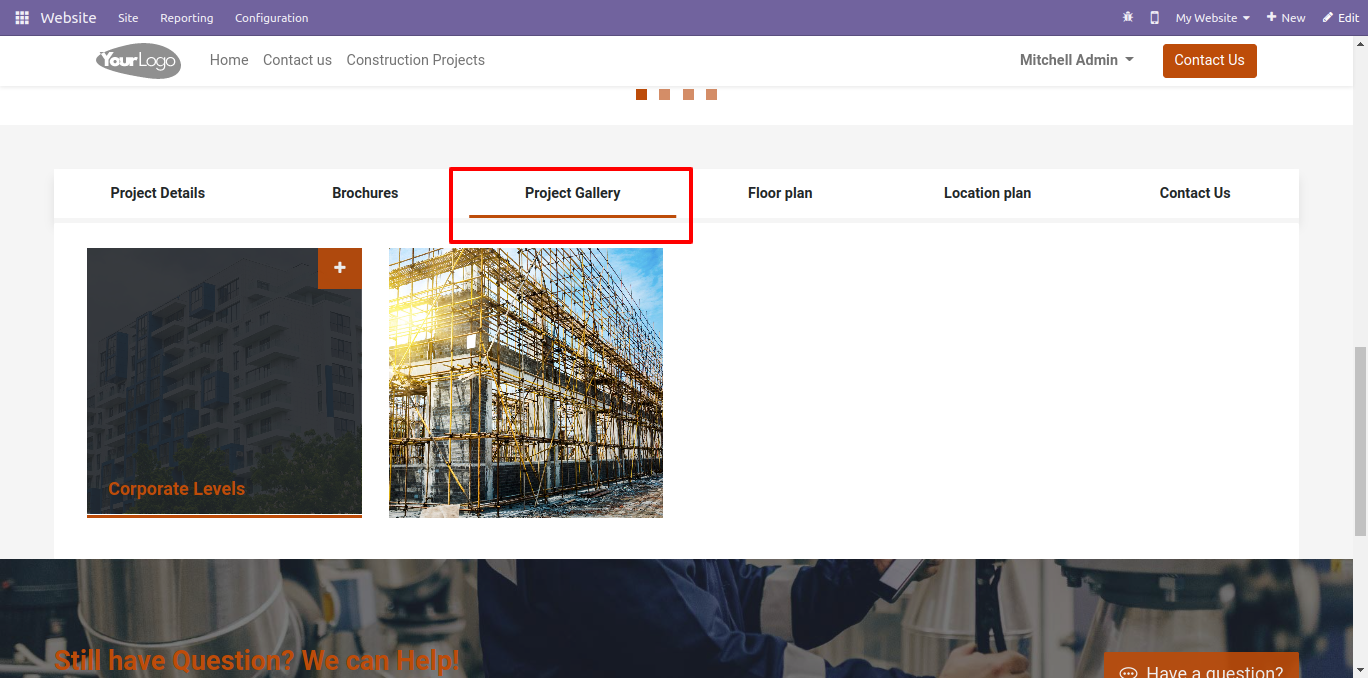
Project image gallery at a website with image options like zoom, share, download etc.
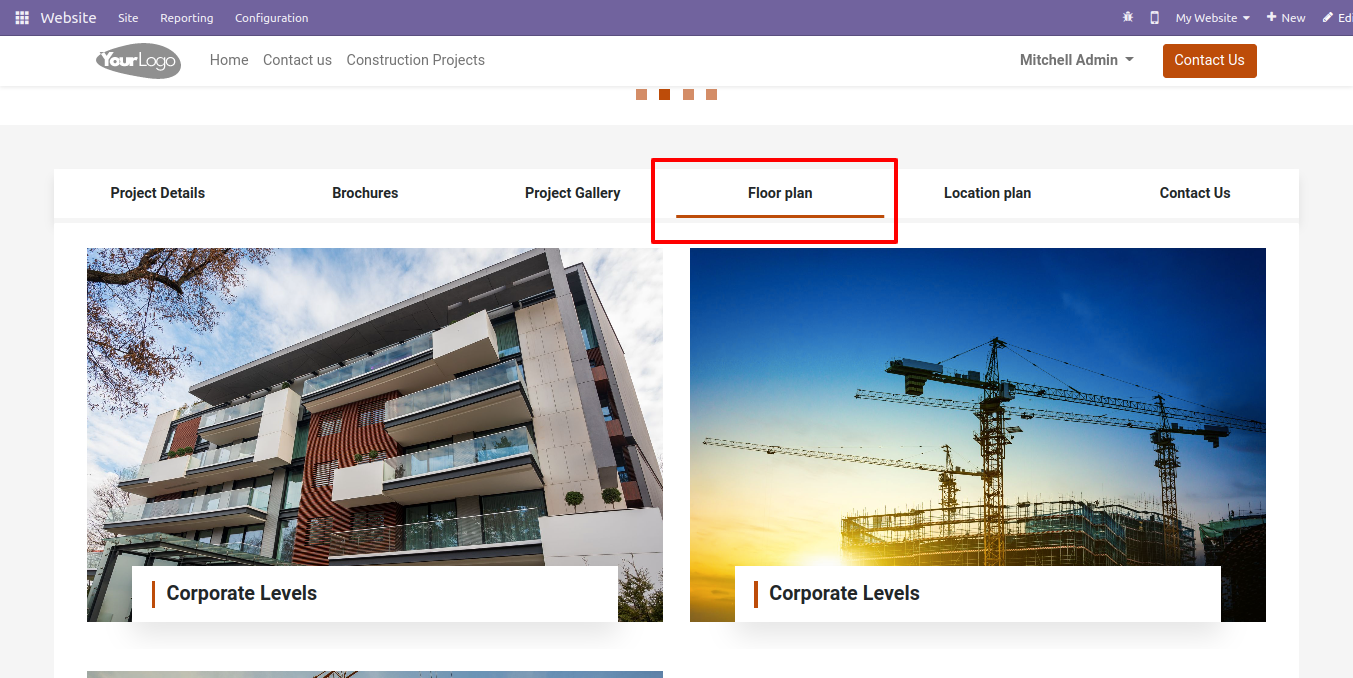
Floor plan image gallery at website.
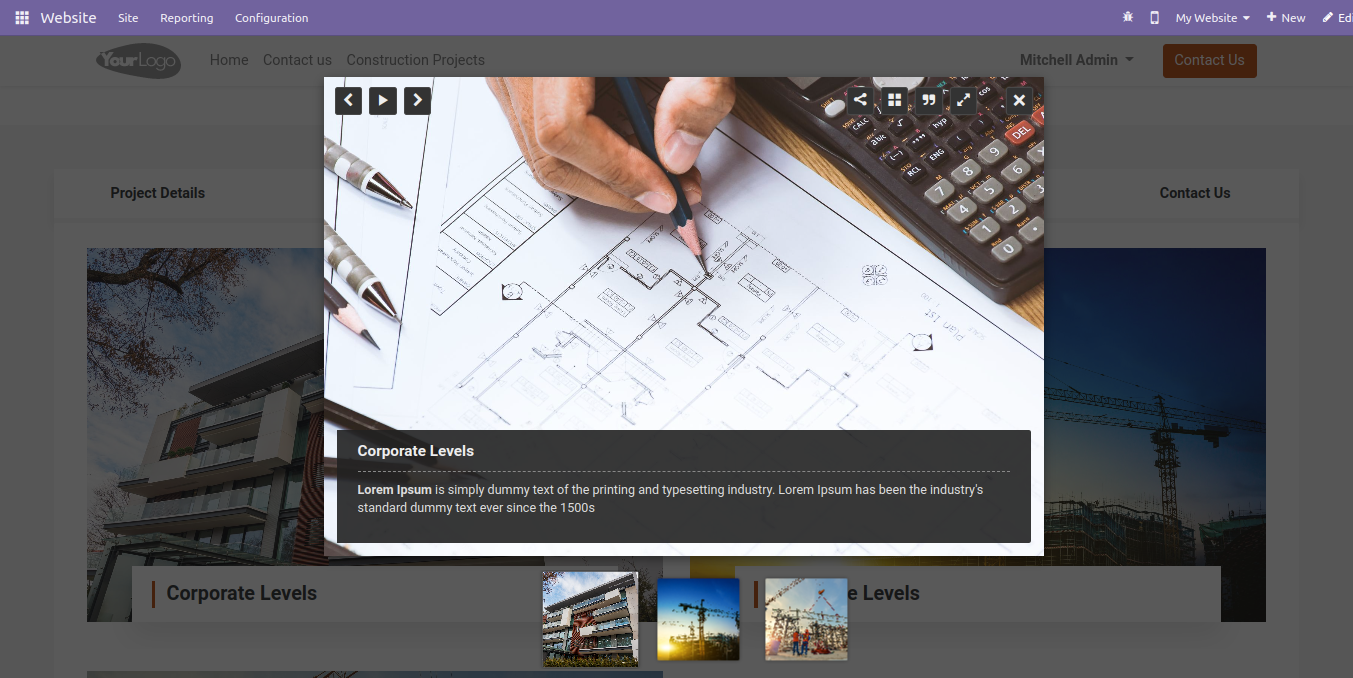
Floor plan image gallery at a website with image options like zoom, share, download etc.
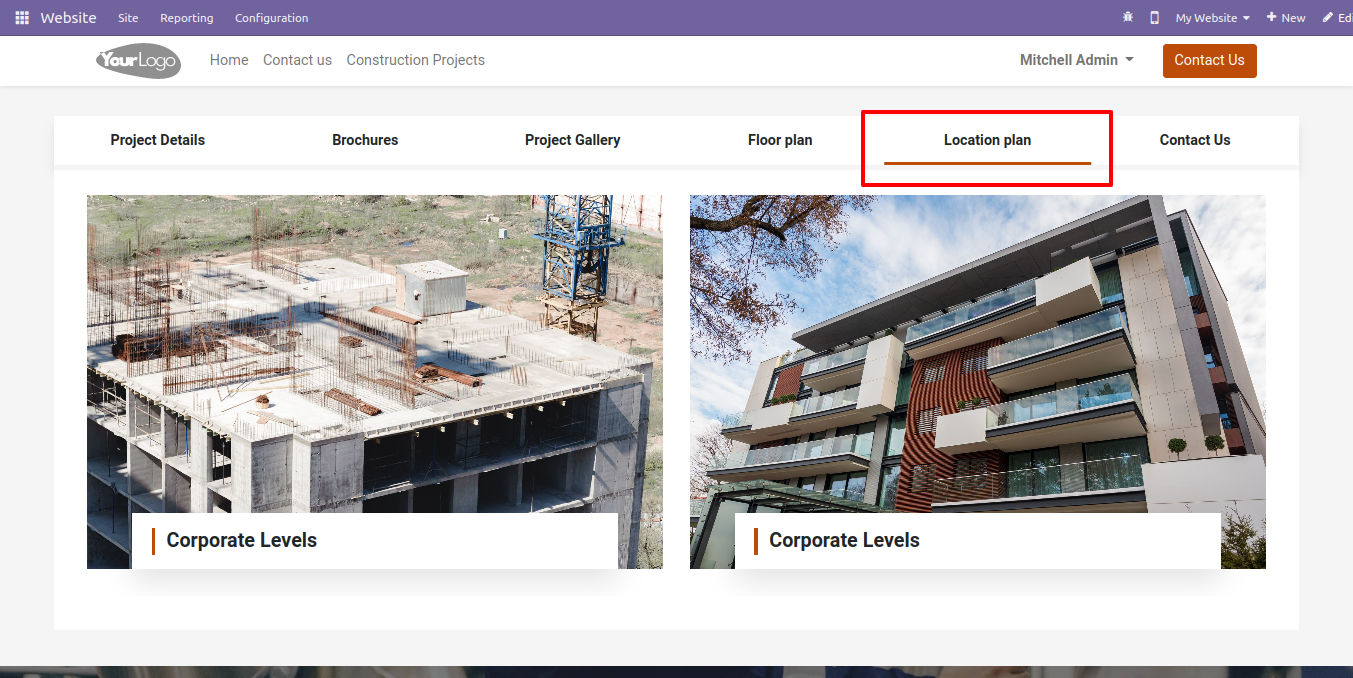
Location plan image gallery at website.
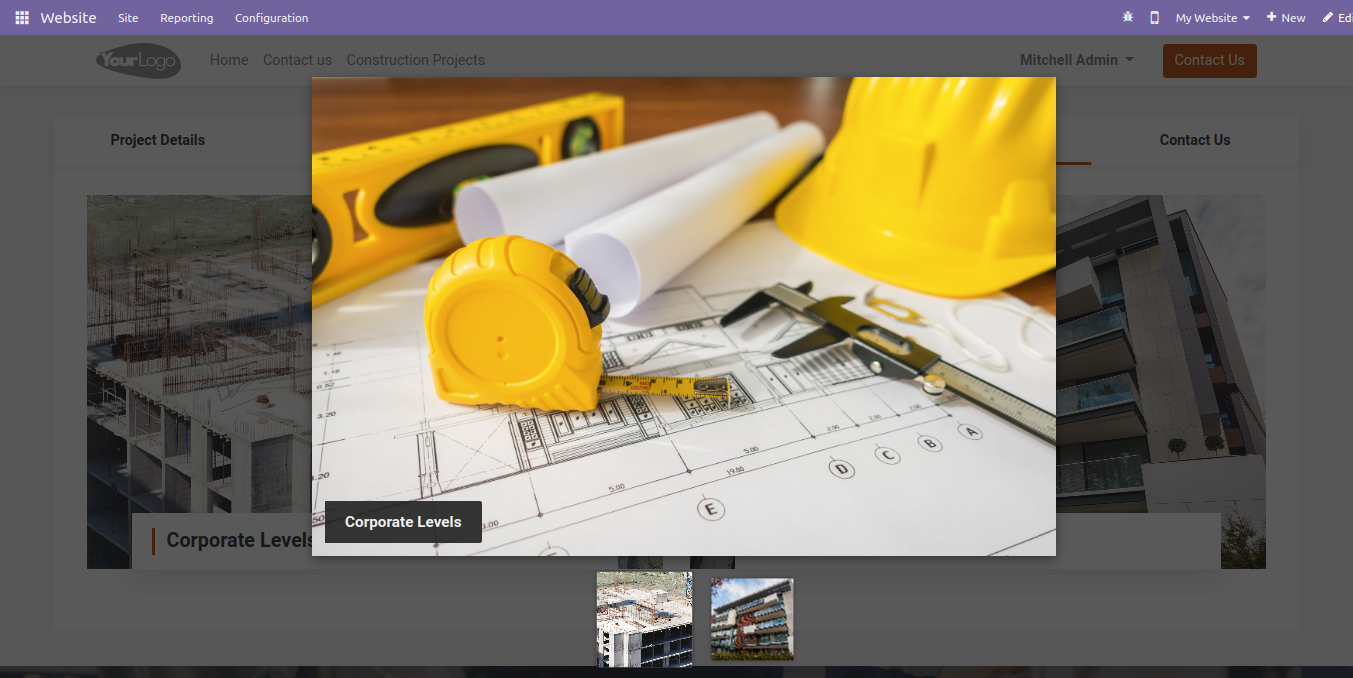
Location plan image gallery at a website with image options like zoom, share, download etc.
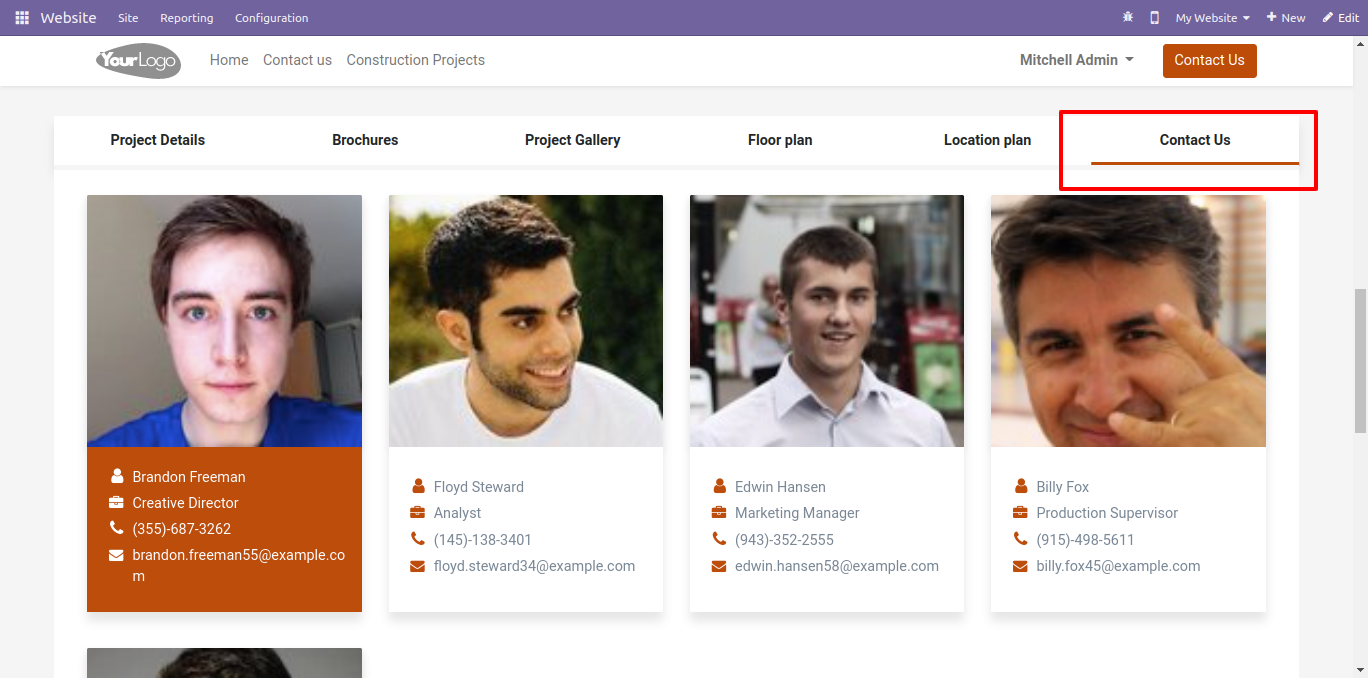
Contact us employee details at the website.
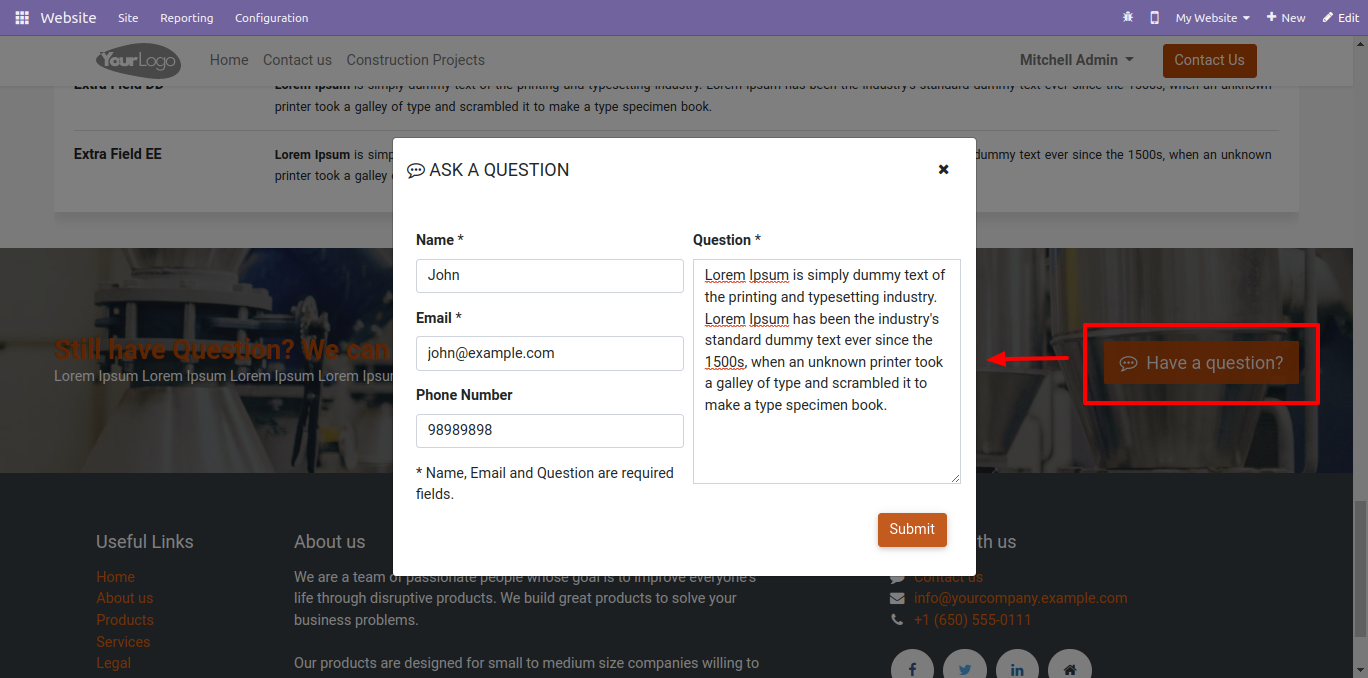
The inquiry popup looks like this.
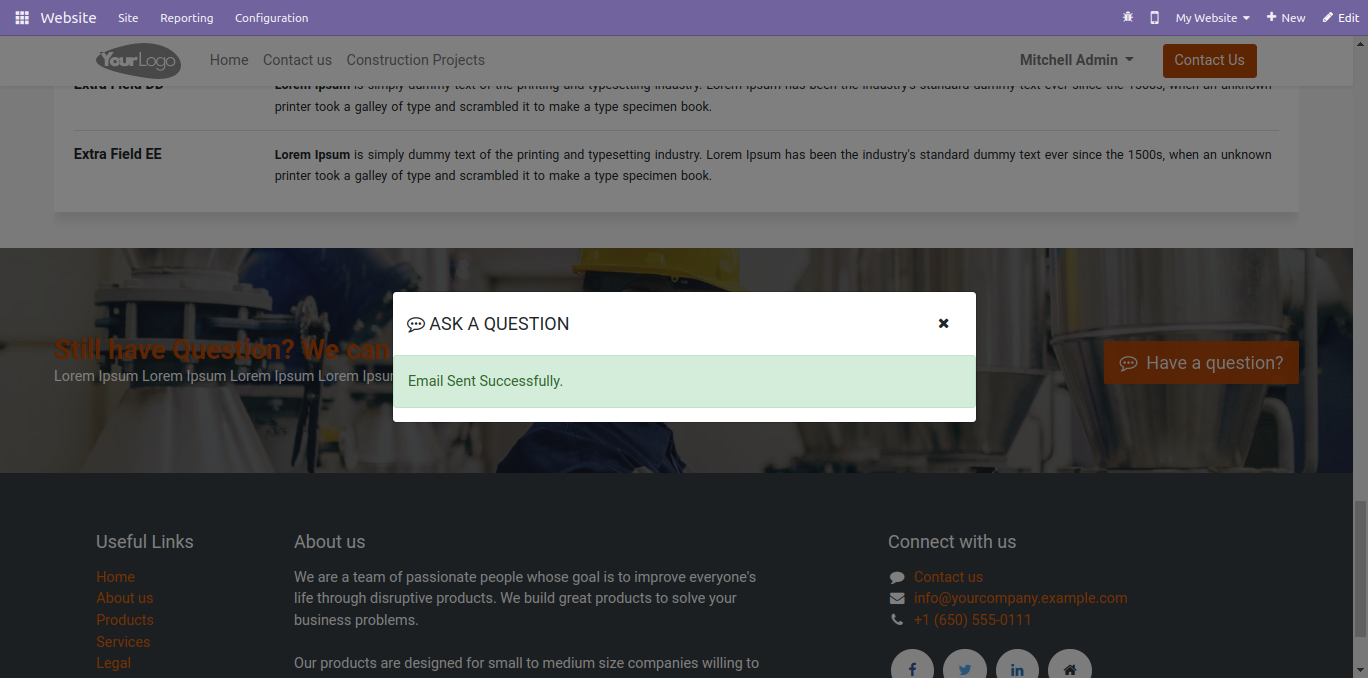
After the inquiry submits, a success message popup looks like below.
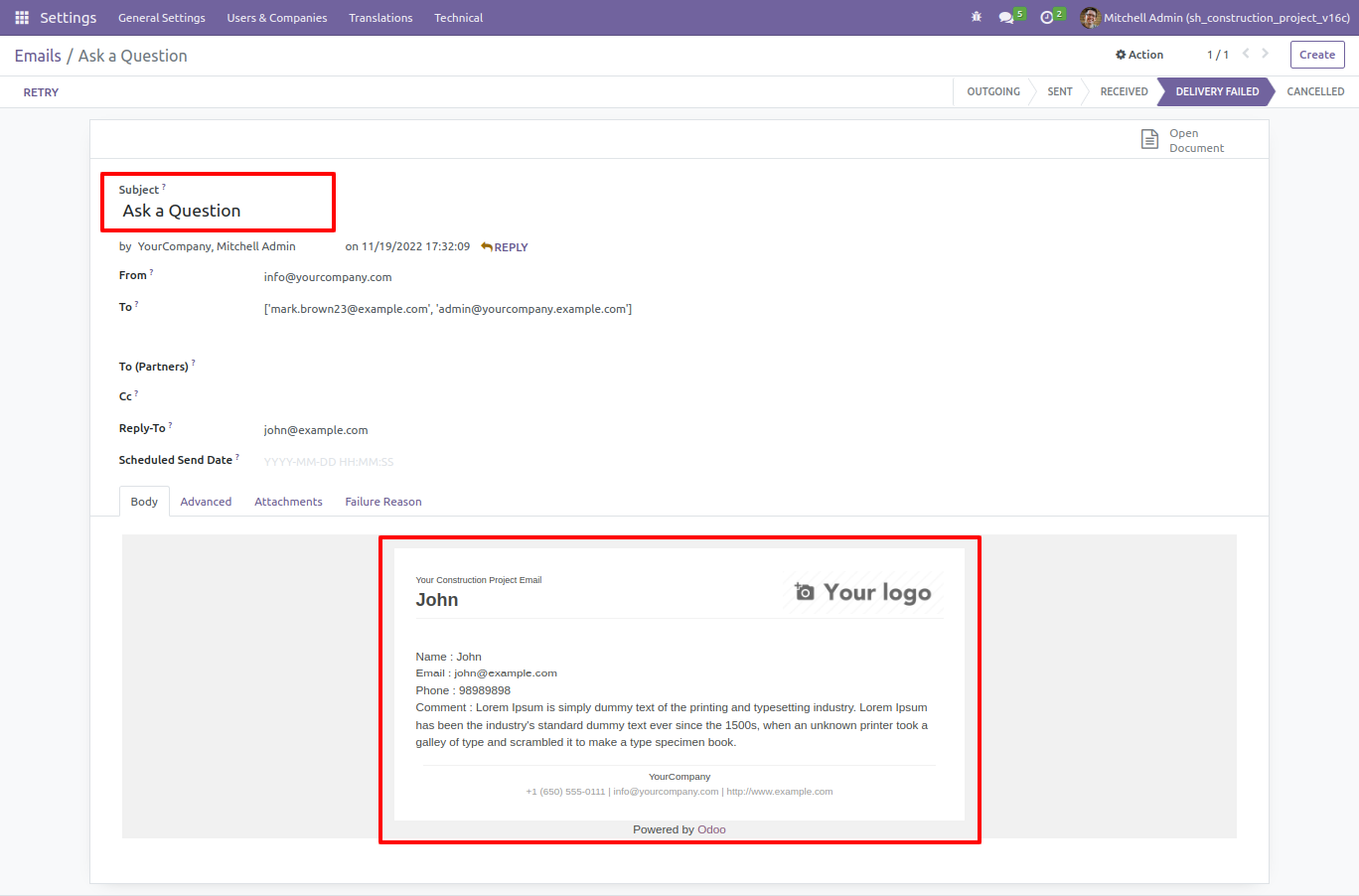
The inquiry email form view at the backend.
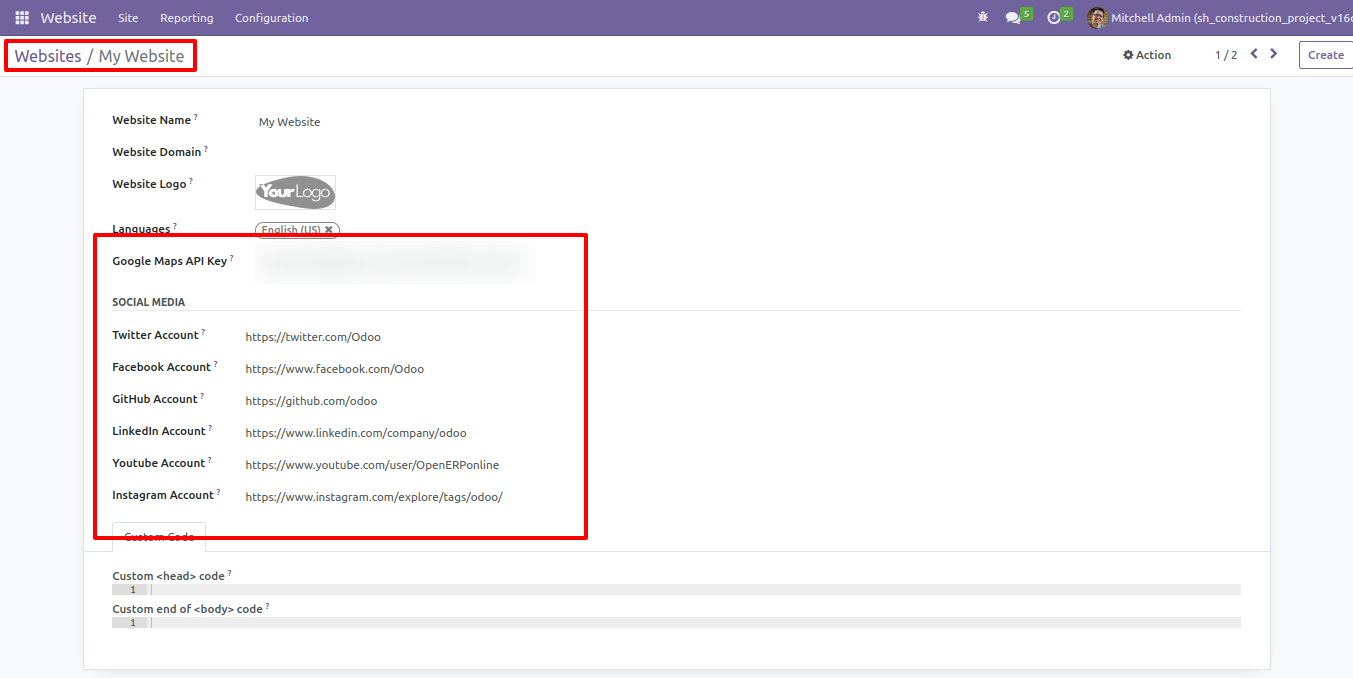
Add social media links & google maps API key.
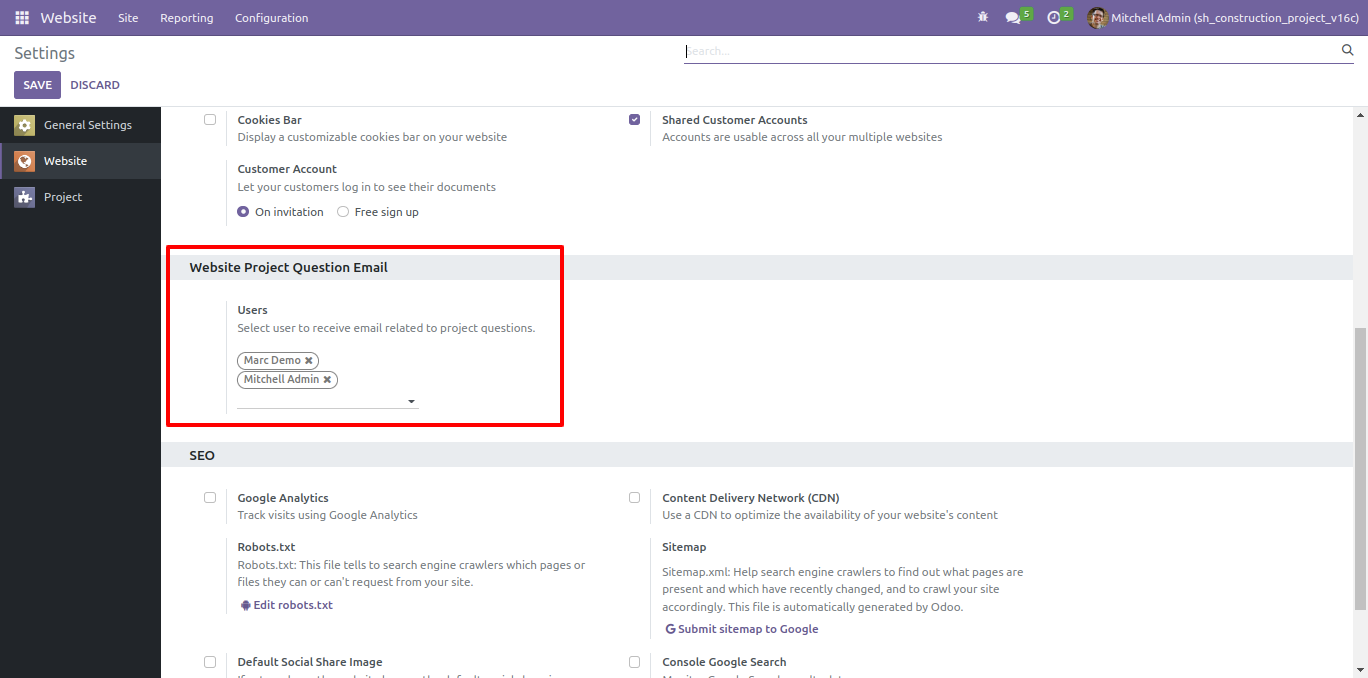
Add inquiry users that receive emails of visitor's inquiry.
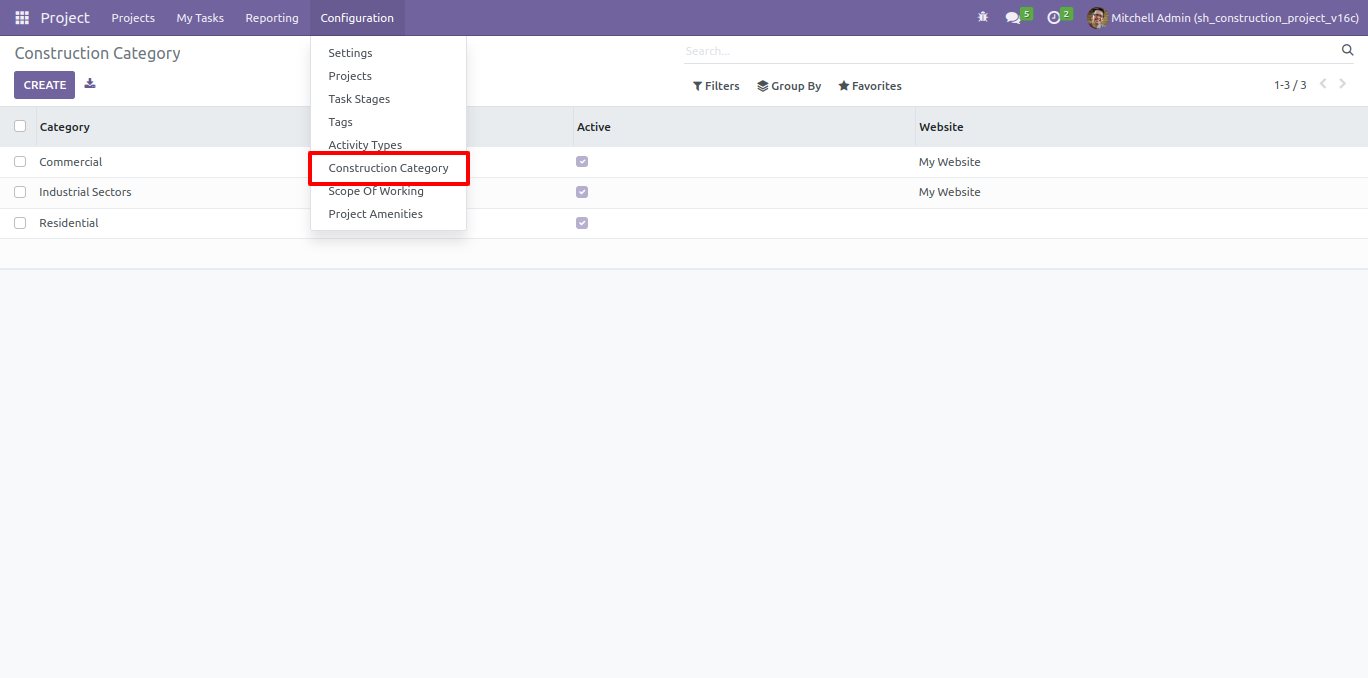
Add projects construction categories.
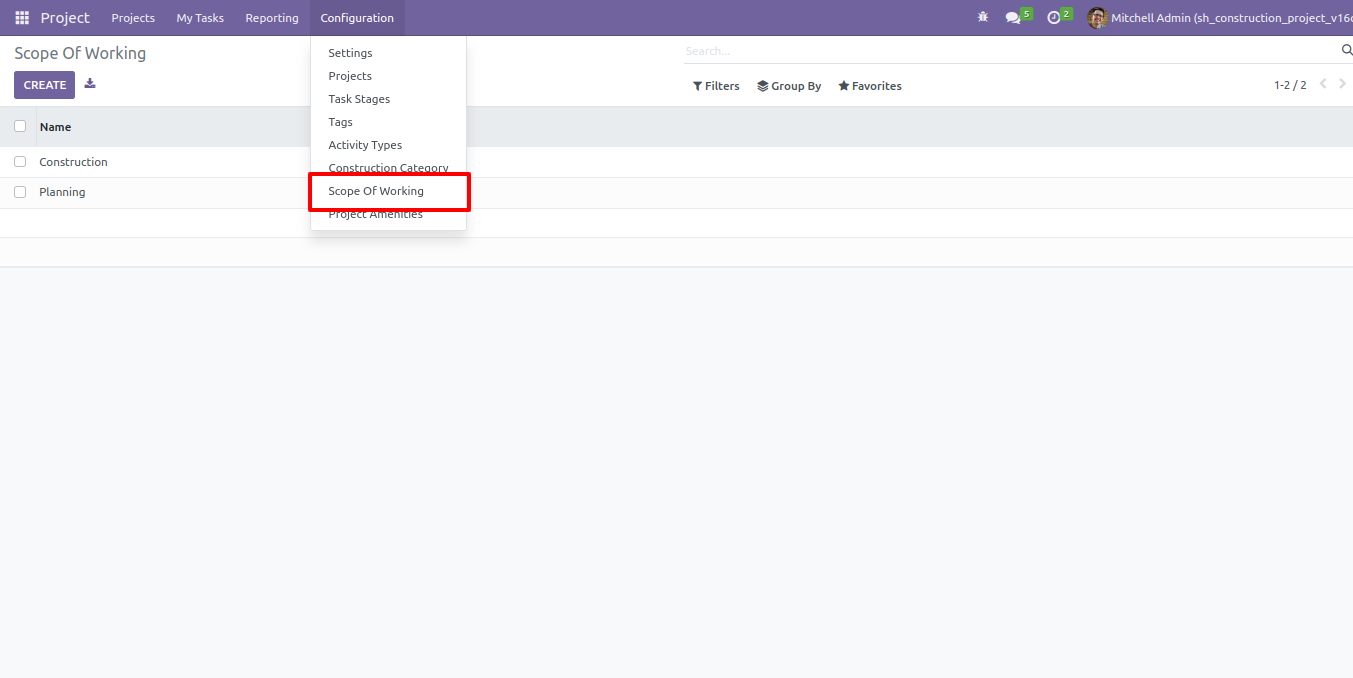
Add project scope of working.
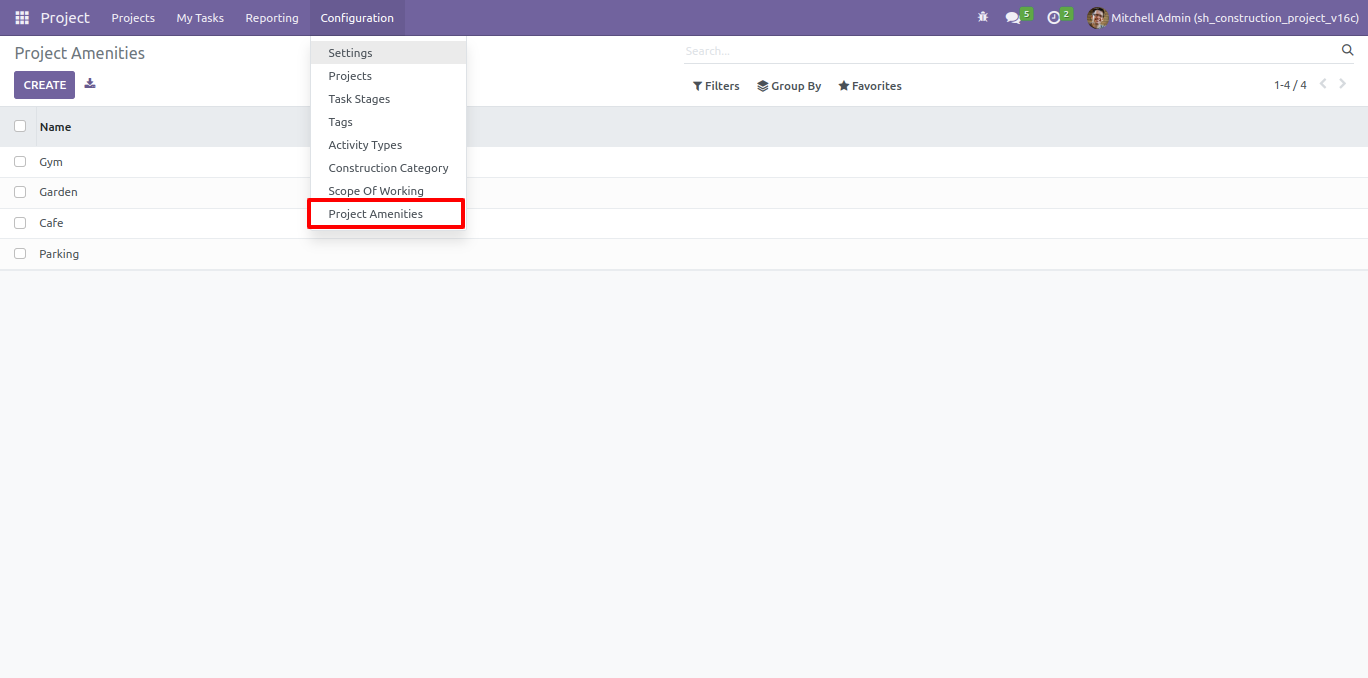
Add project amenities.
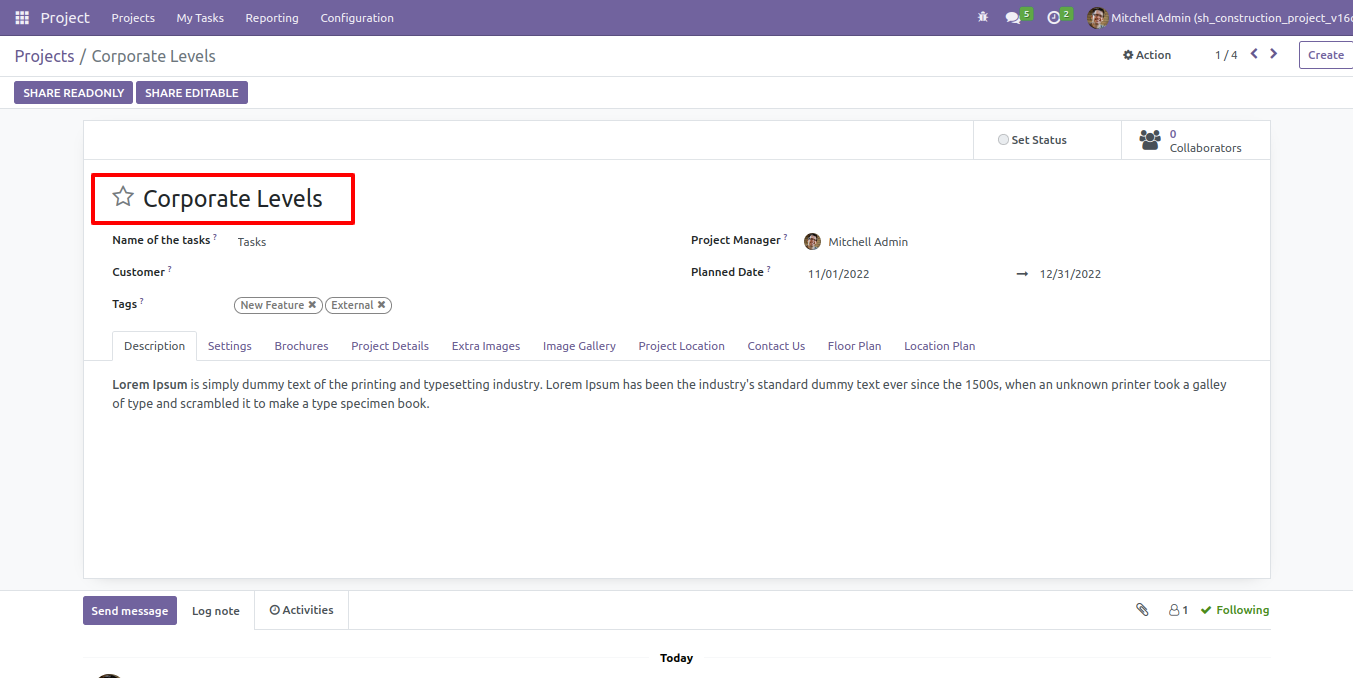
Write a project name and description
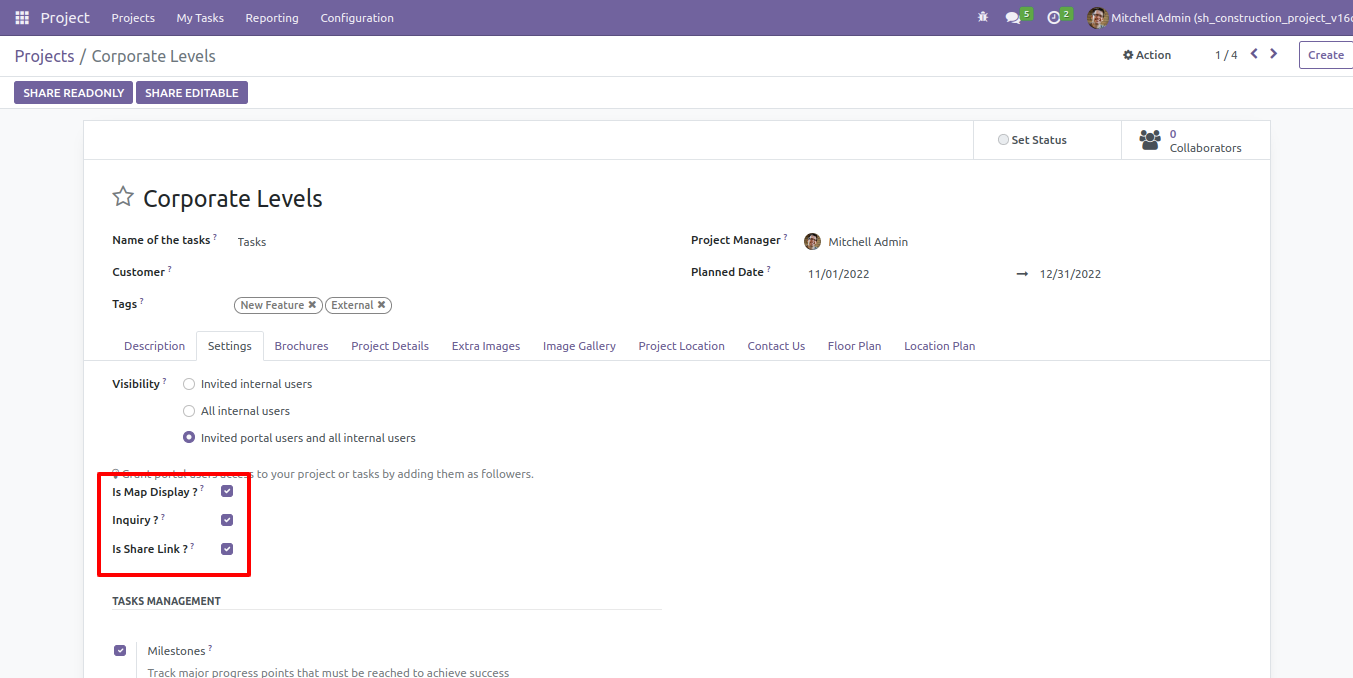
We have added 3 configurations in settings, Google map, inquiry, and social media share tick that group as per need.
You can add project brochures.
Select the project category and detailed description.
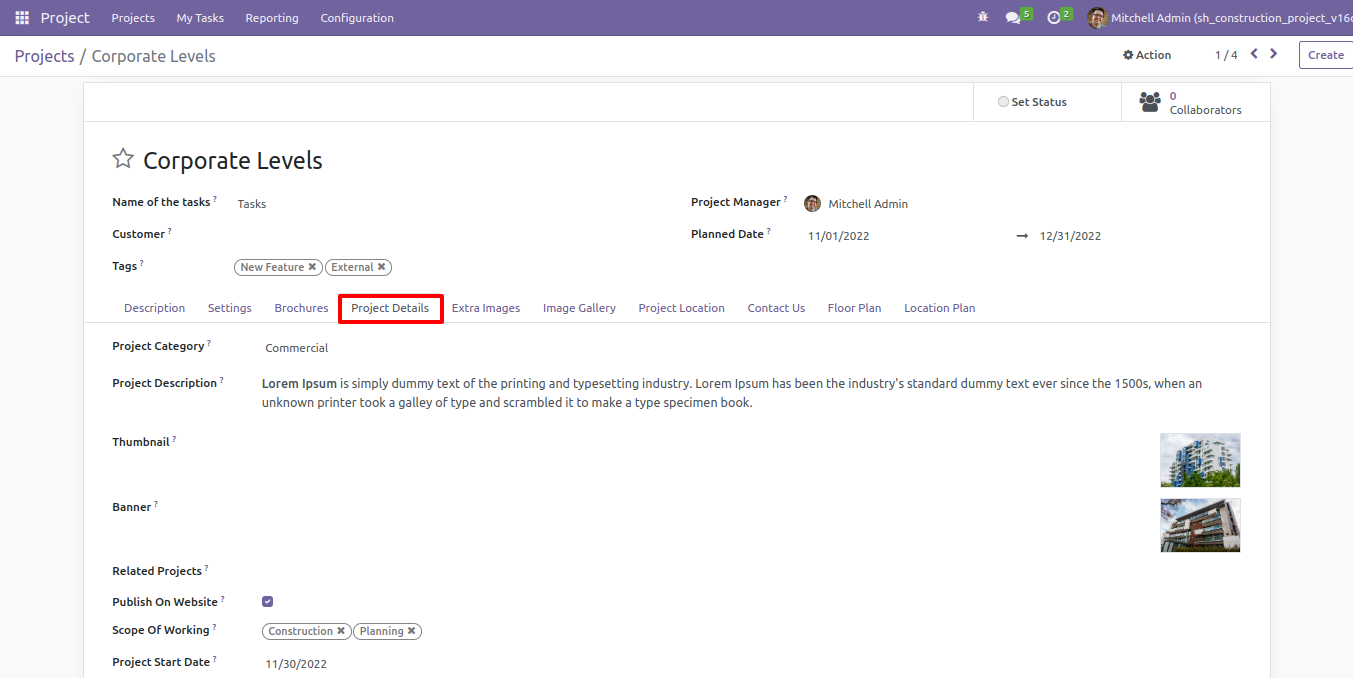
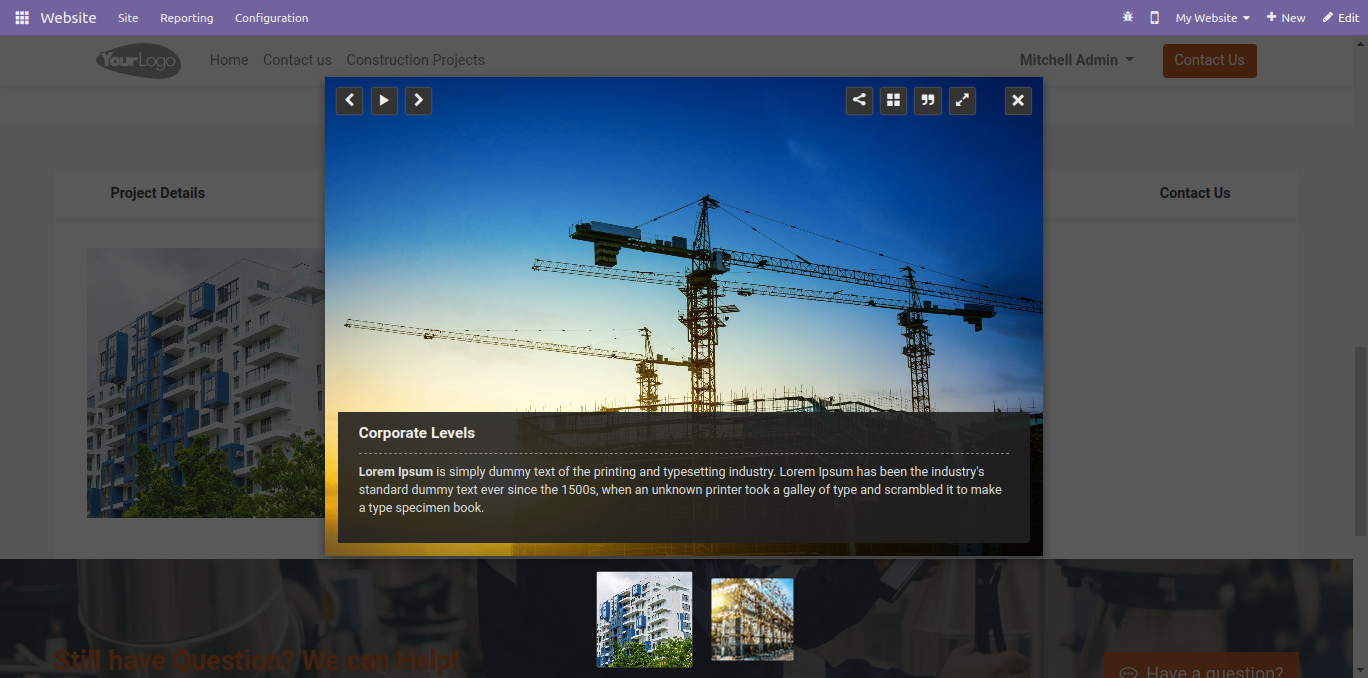
You can add project extra fields, Here we add project 5 extra fields.
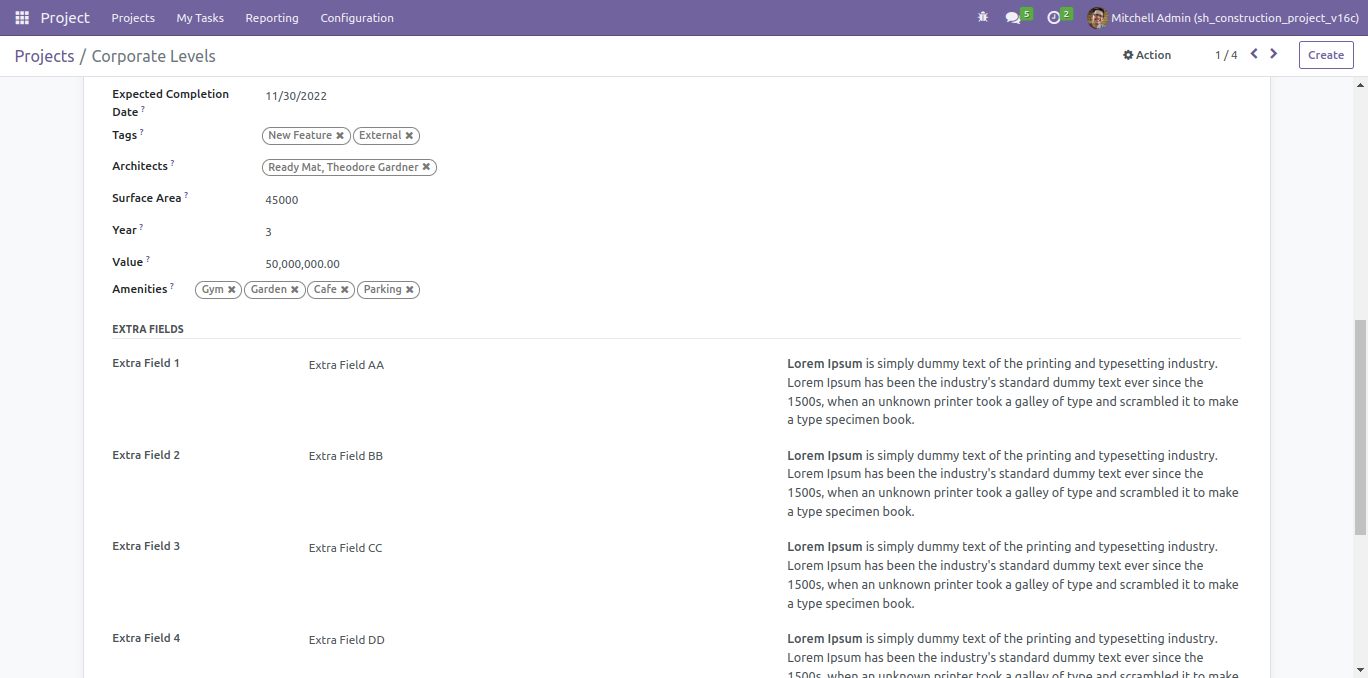
Add extra images of the projects here.
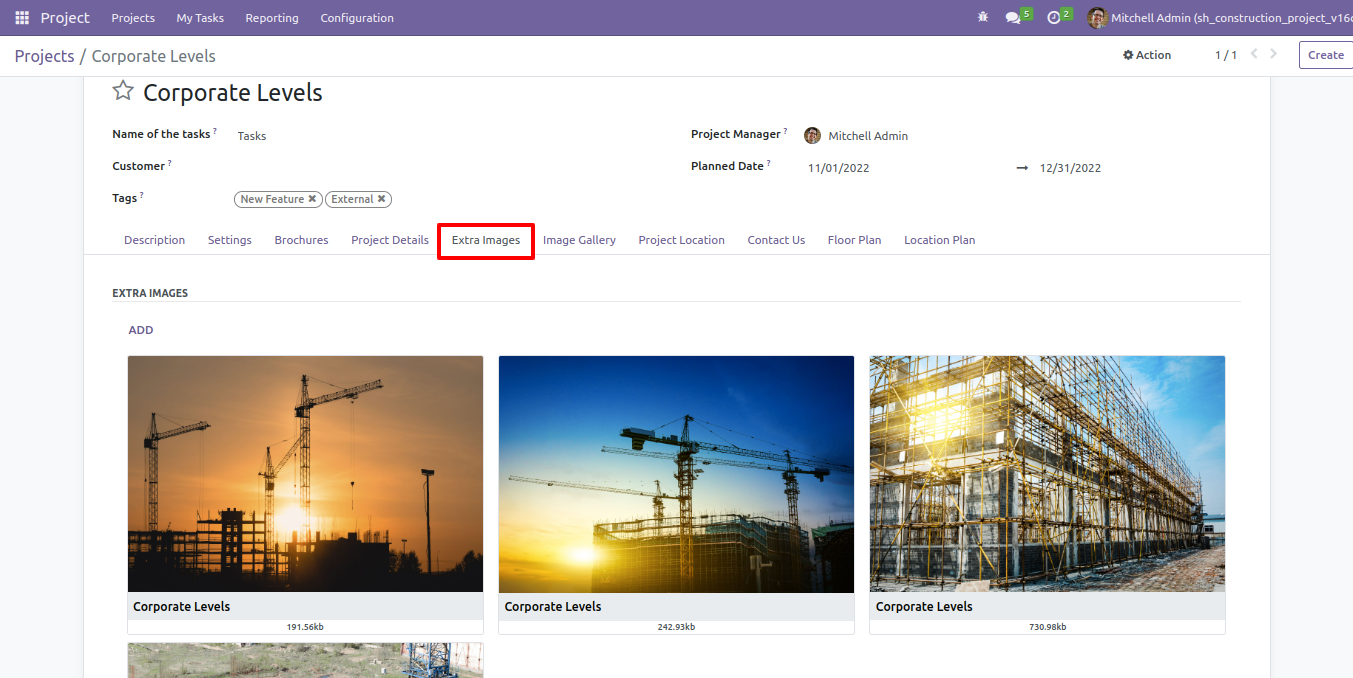
Add extra images in "Image Gallery".
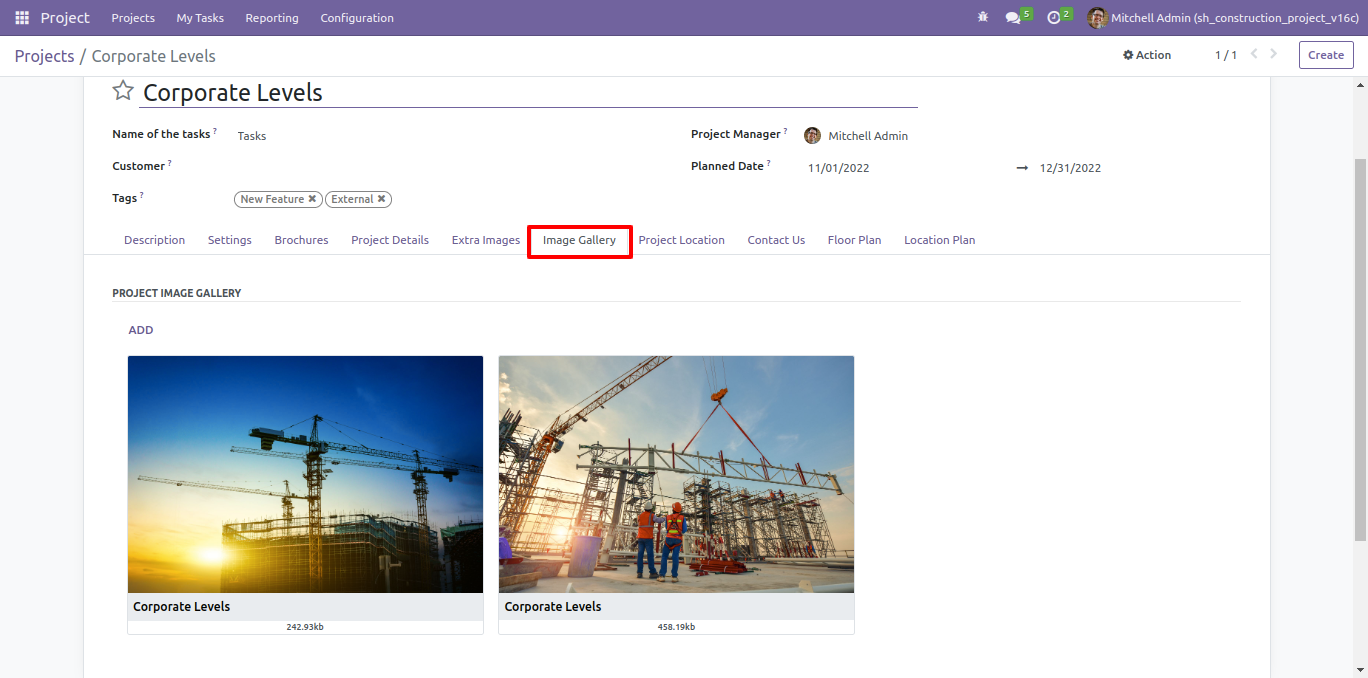
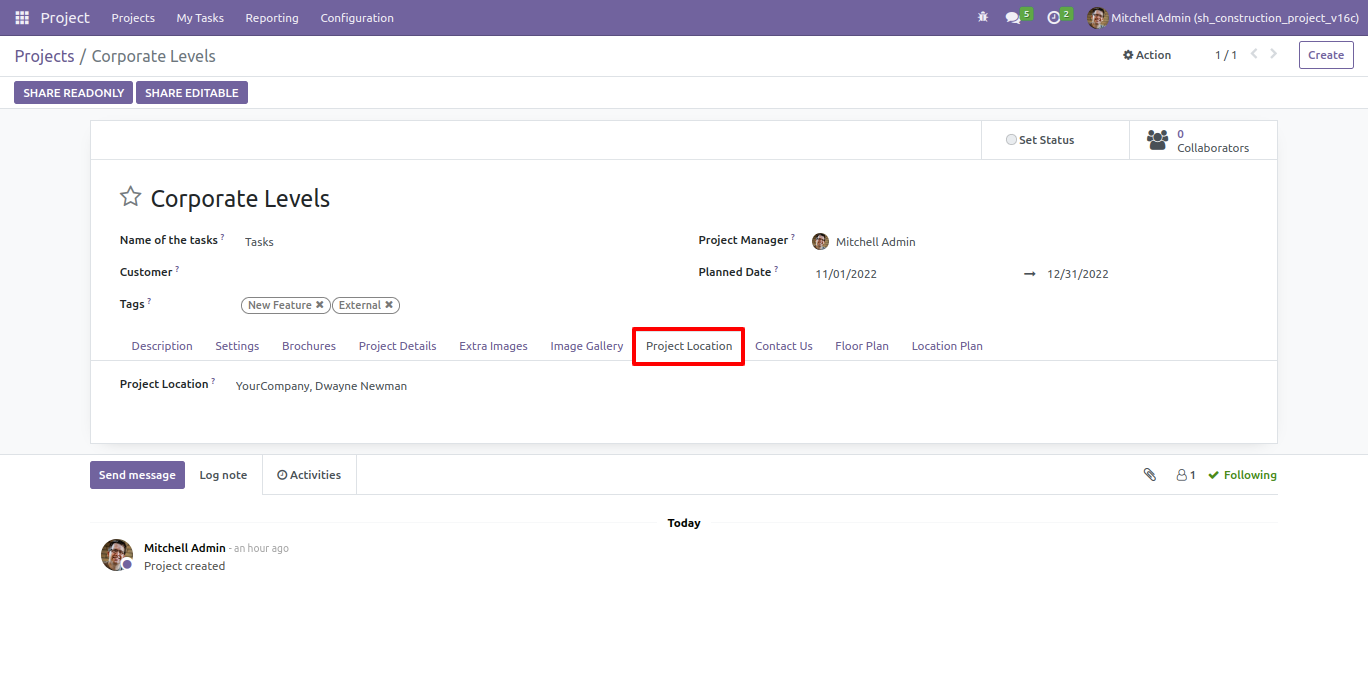
You can add the project location in this project location tab.
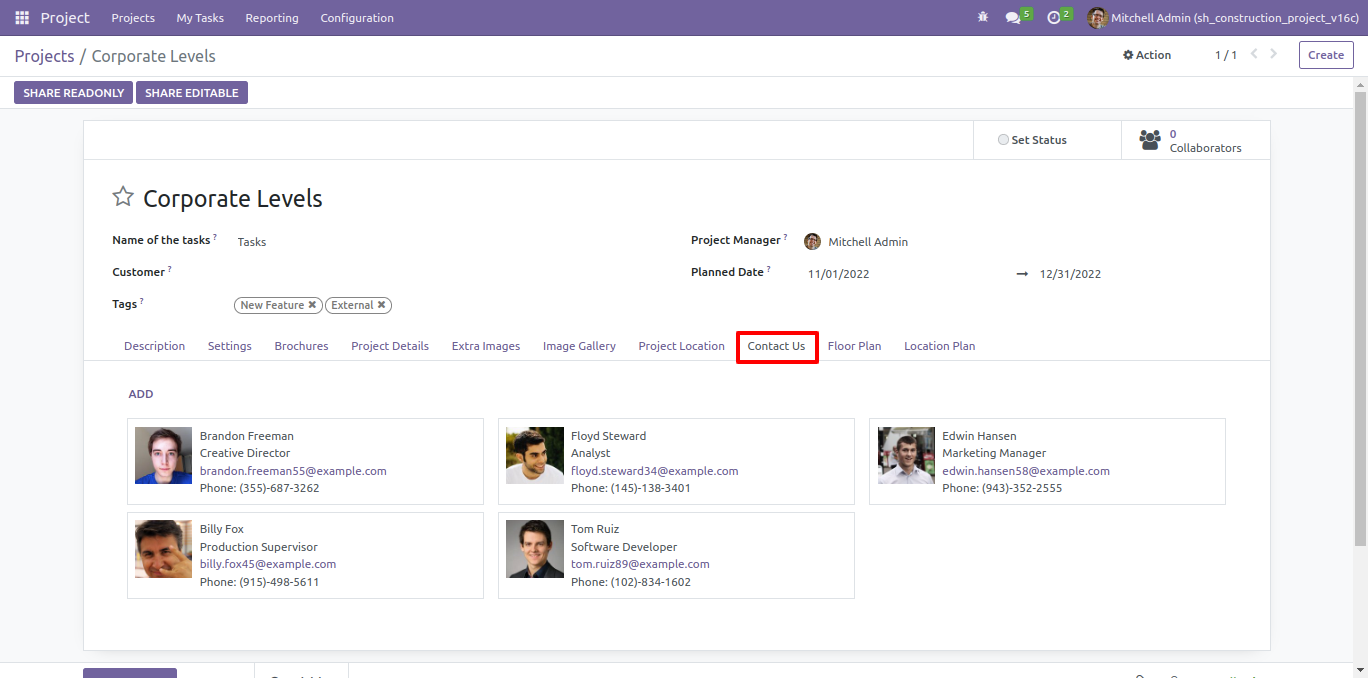
You can add the contact us employee in the contact us tab.
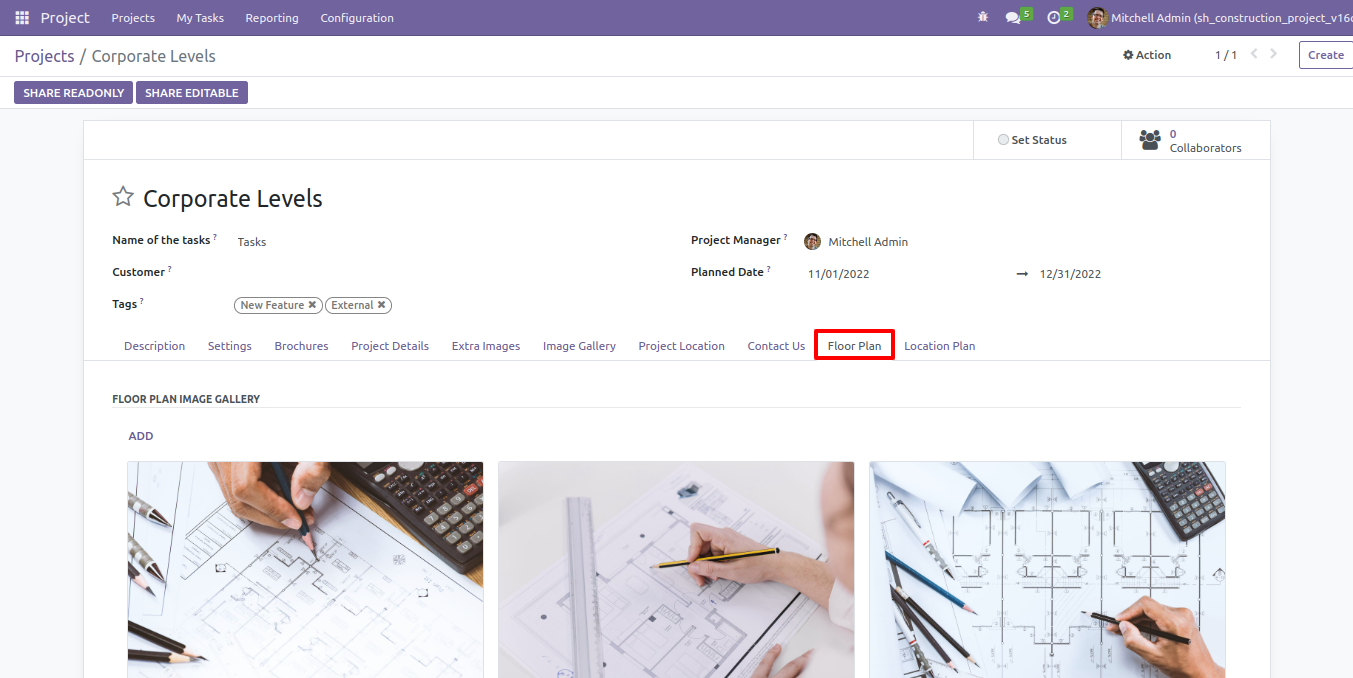
Add floor plan images of the projects here.
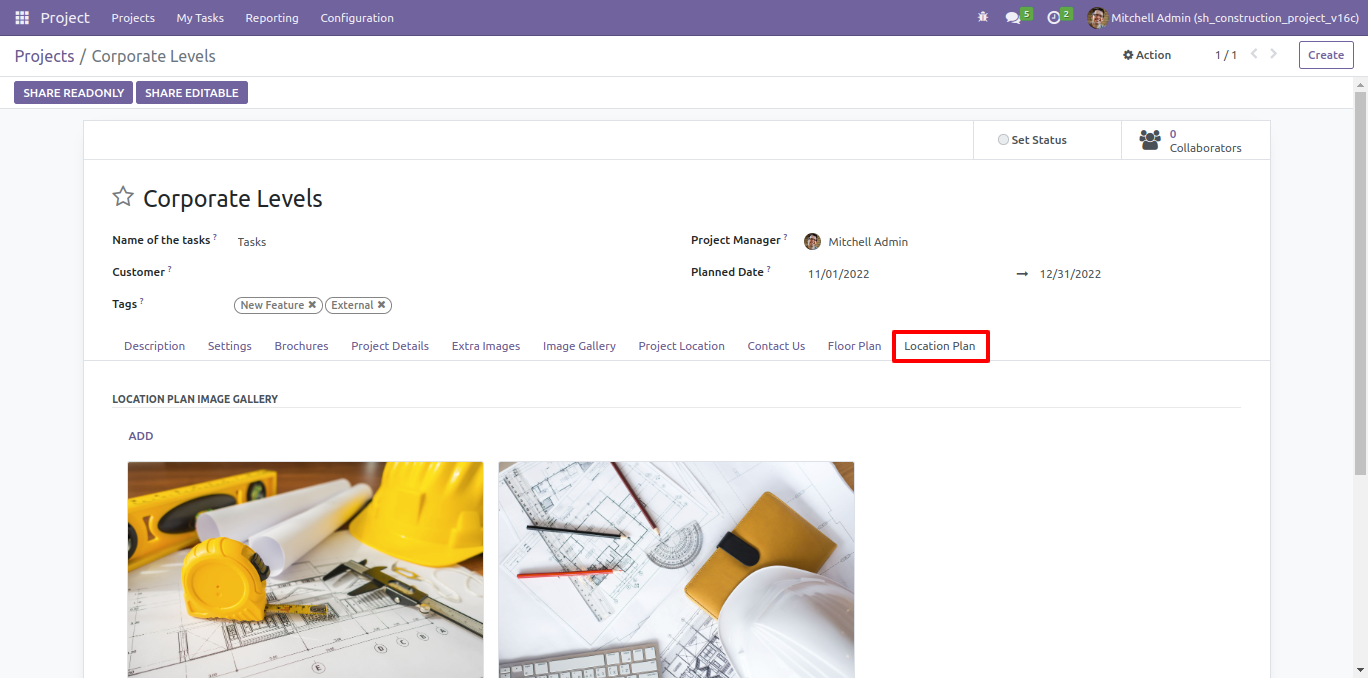
Add Location plan images of the projects here.
Version 18.0.1.0.0 | Released on : 9th February 2026
- Yes, this app works perfectly with Odoo Enterprise (Odoo.sh & Premise) as well as Community.
- No, this application is not compatible with odoo.com(odoo saas/Odoo Online)
- Yes, to test this module, please contact us at sales@softhealer.com.
- Please contact us at sales@softhealer.com to request customization.
- Yes, we provide free support for 365 days from the date of purchase.
- Yes, you will receive lifetime free updates for the version of the module you purchased.
- No, there is no need to install any additional libraries.
- Yes, for version 12 and above, you need to purchase the module separately for each version you intend to use.
- No, exchanges or refunds are not allowed. Please make sure to select the correct version before purchasing.
- You can contact us at support@softhealer.com for language translation support. We use Google Translator tools to provide translations in multiple languages, so the accuracy may vary. We welcome your suggestions to help improve translations.
