












Bus Booking Management-Backend

Are you looking for a bus booking management system on odoo? Here it is. We build an application for bus management. This application will provide features like Bus Management, Ticket Booking, Route Management, Special Prices for special routes, Trip Management, Real-Time Check-In, and so on.
Related Modules
Key Features
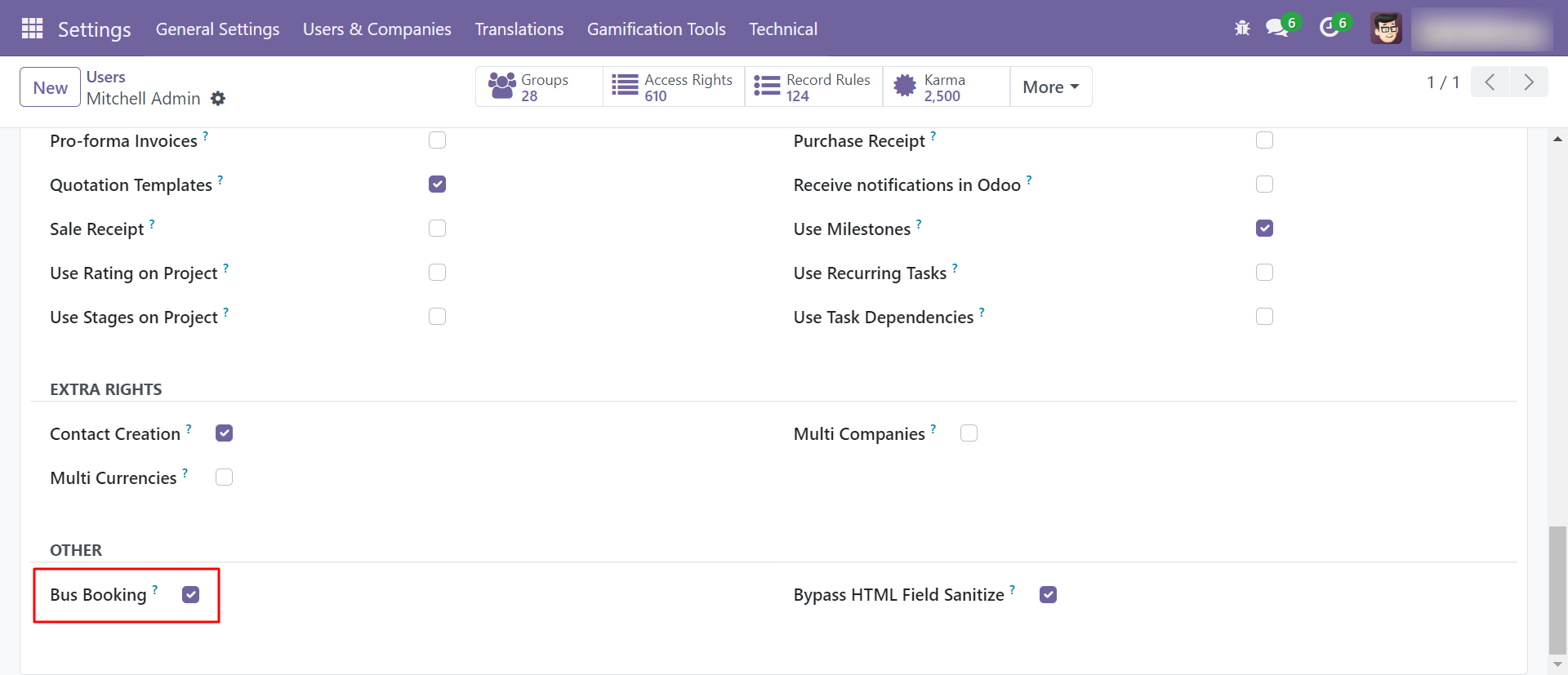
Enable user group for bus booking.
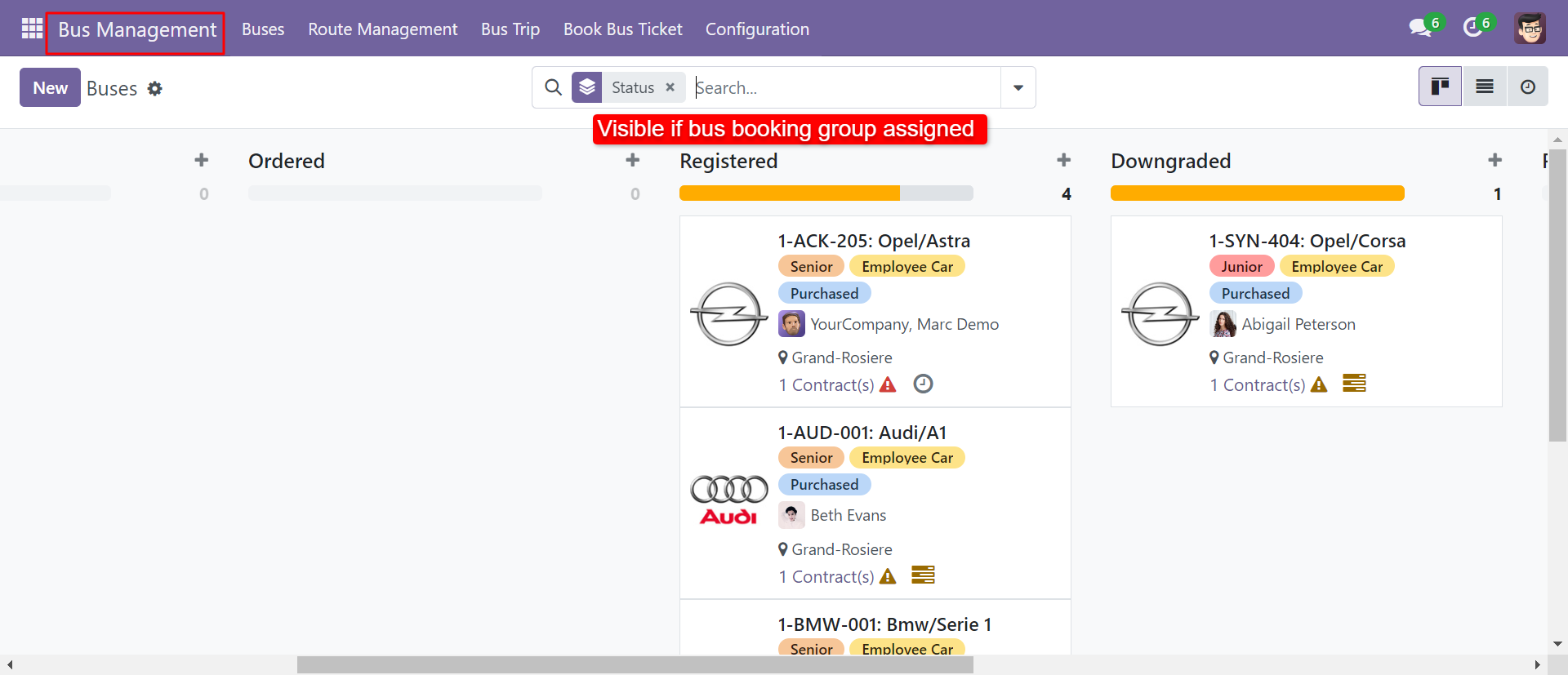
Bus management kanban view.
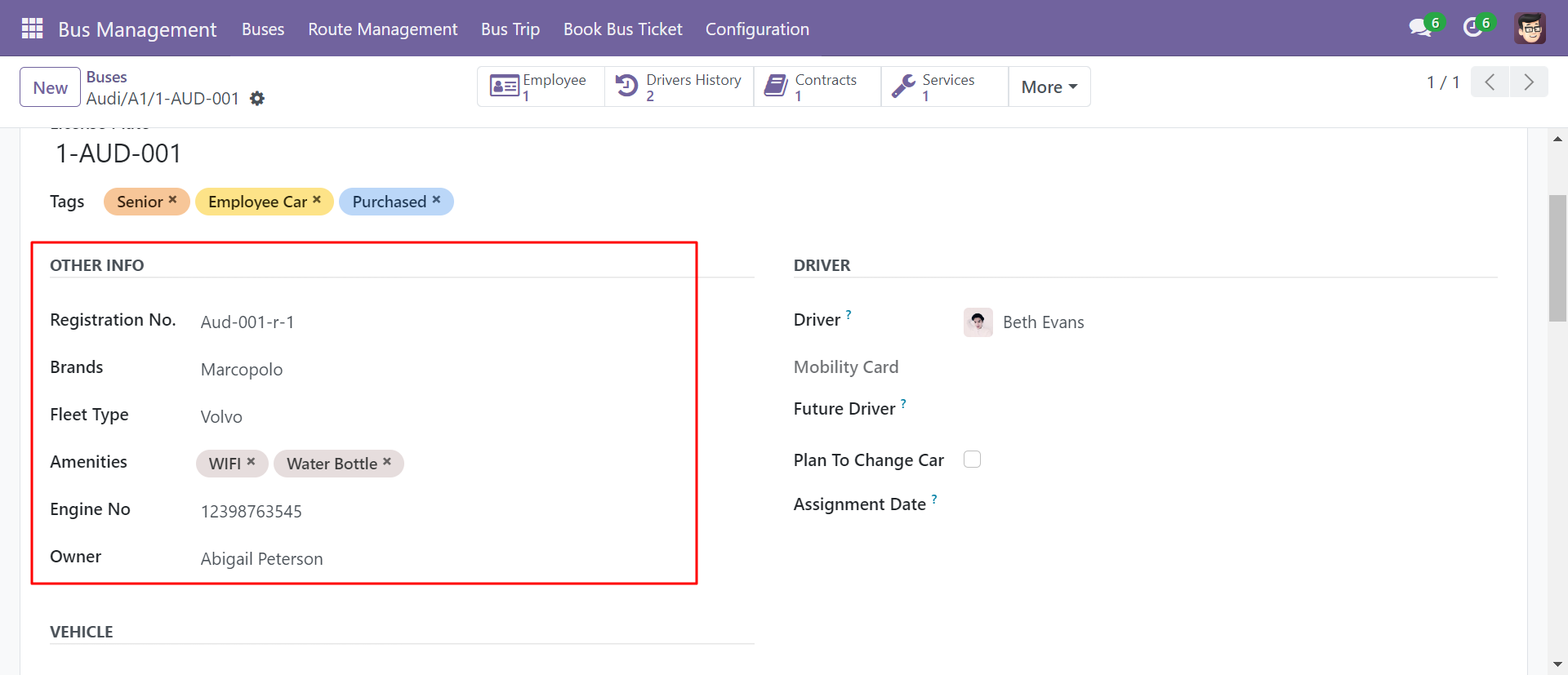
Create buses.
'Fleet Type' menu and list view.
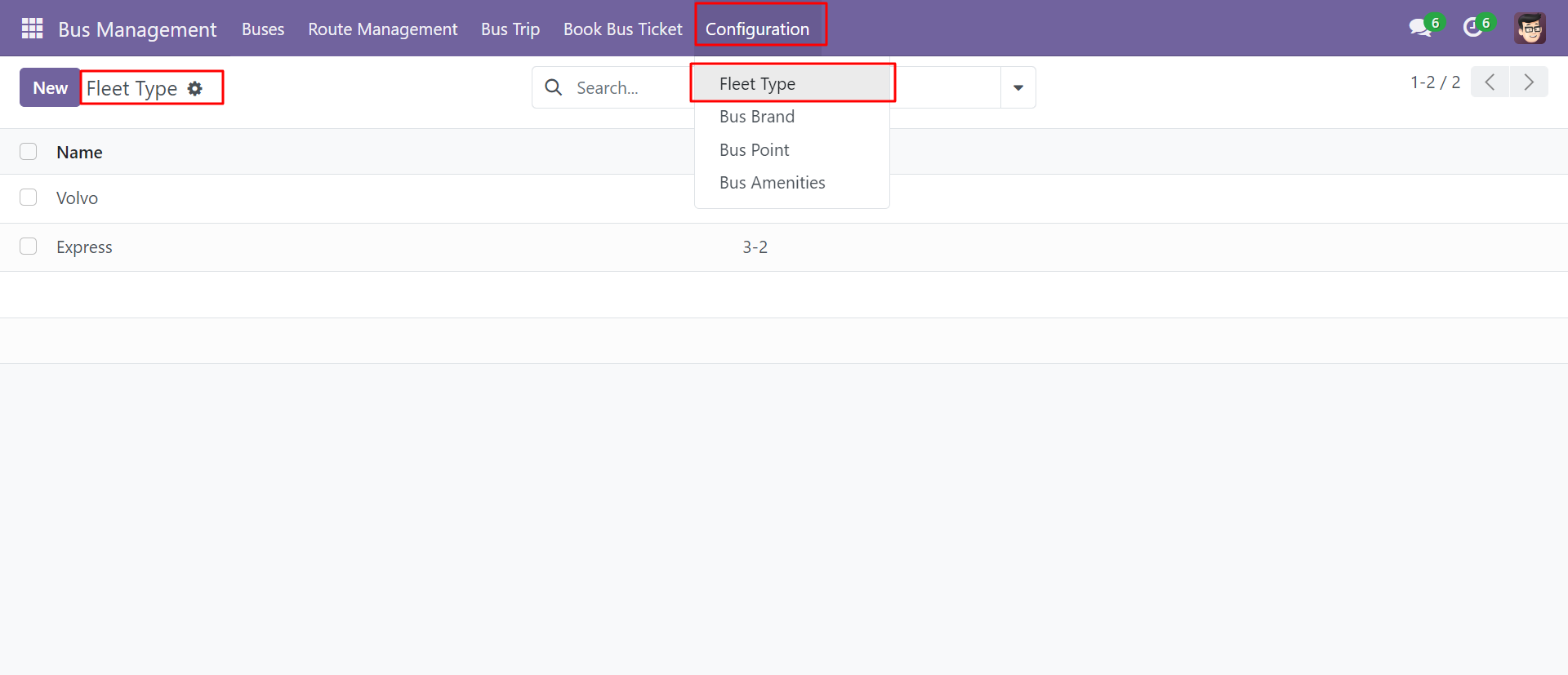
'Fleet Type' form View. Where you can create feet and it's the layout. There are different types of layouts.
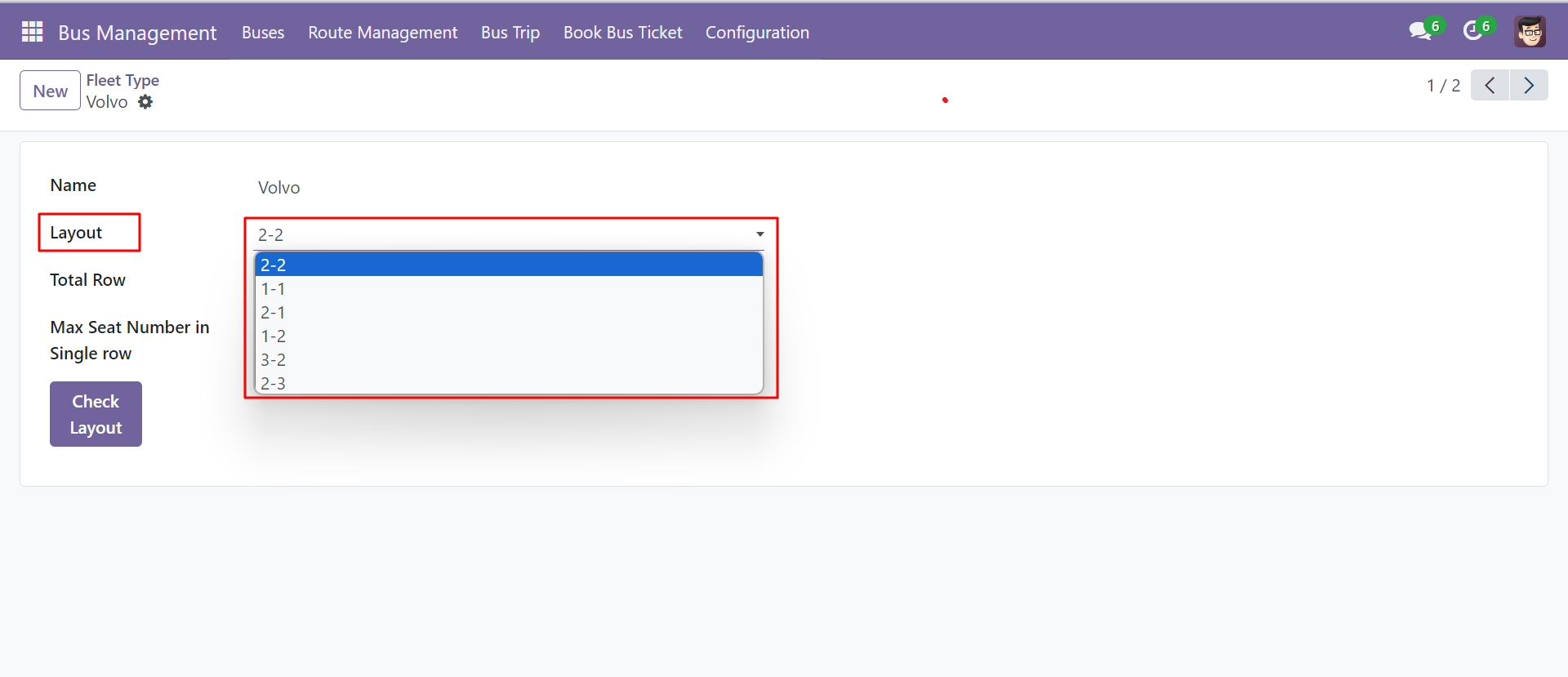
'Max Seats in Single Row' is auto-computed based on layout.
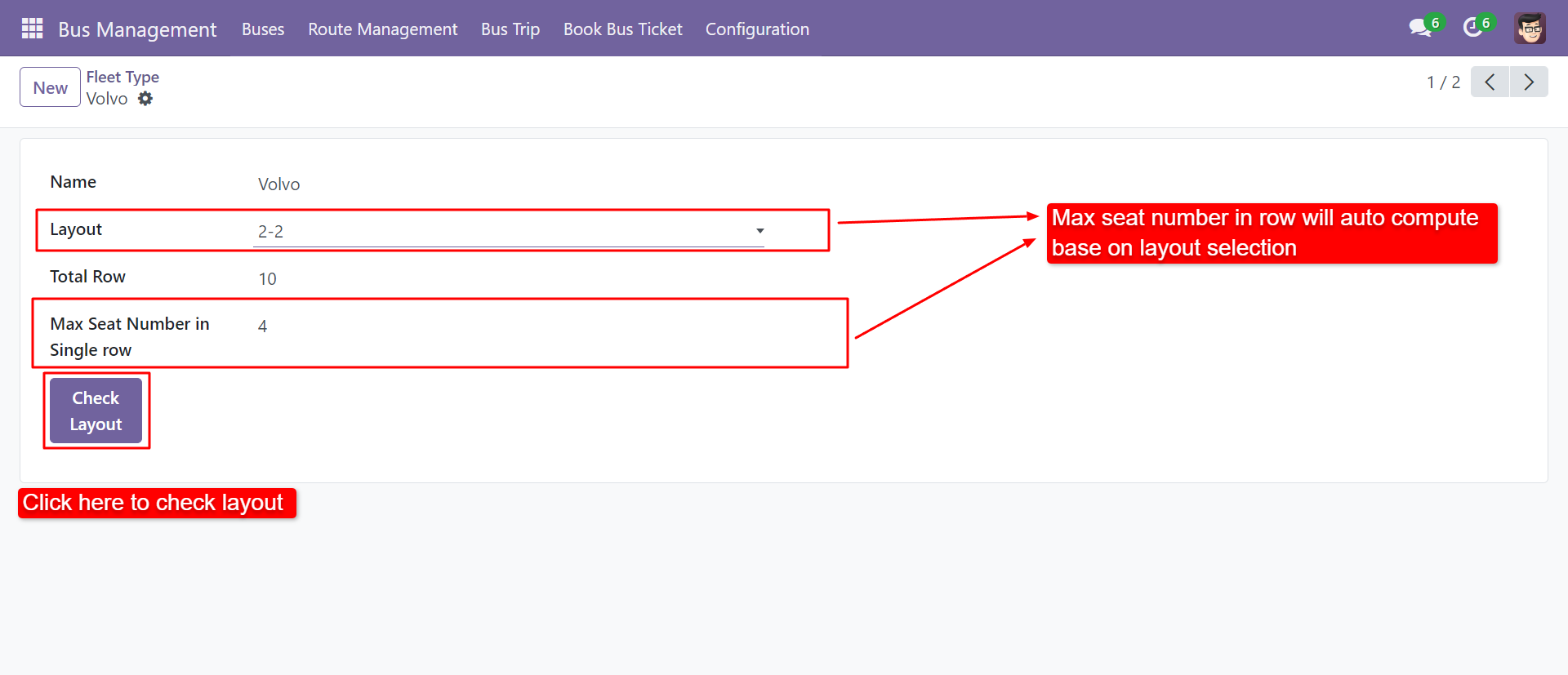
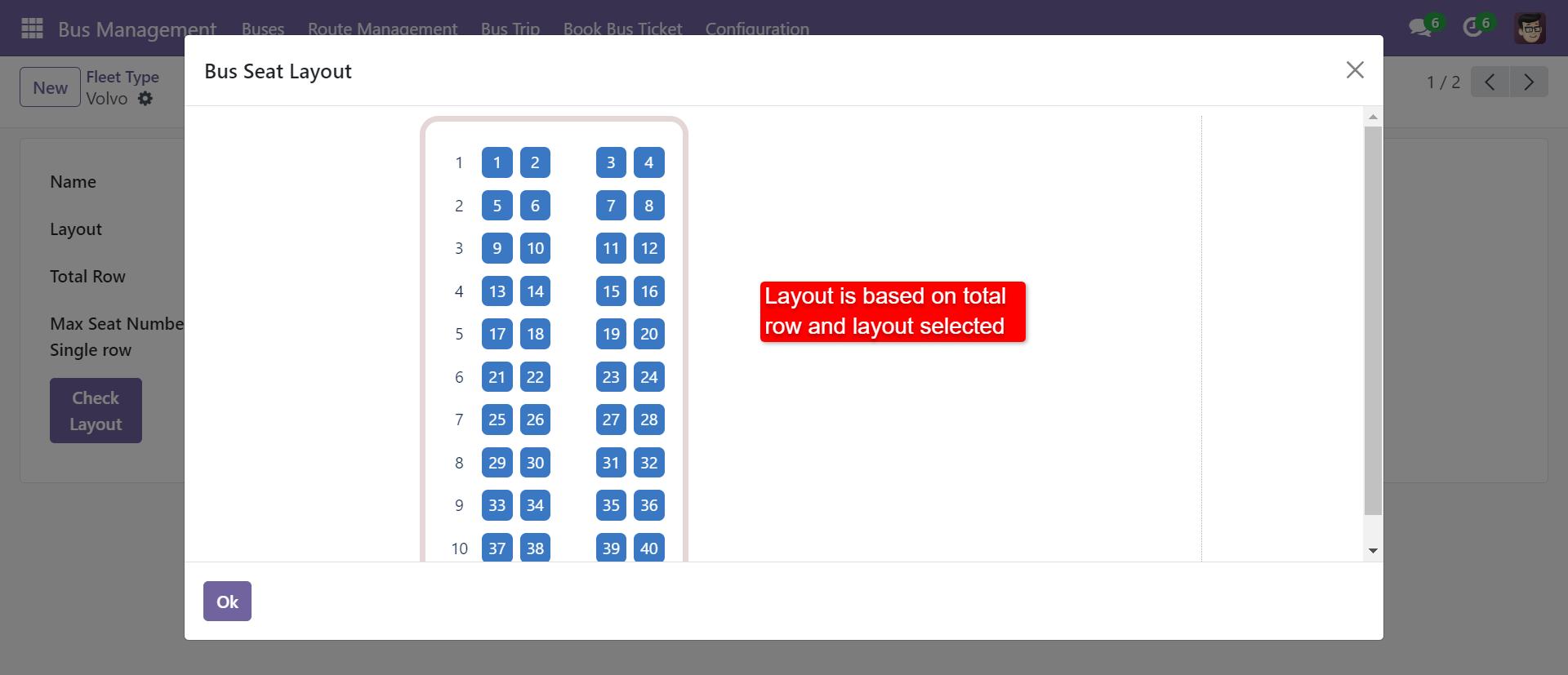
After clicking on 'Check Layout,' you can see the layout like the below image.
'Bus Brand' menu and list view.
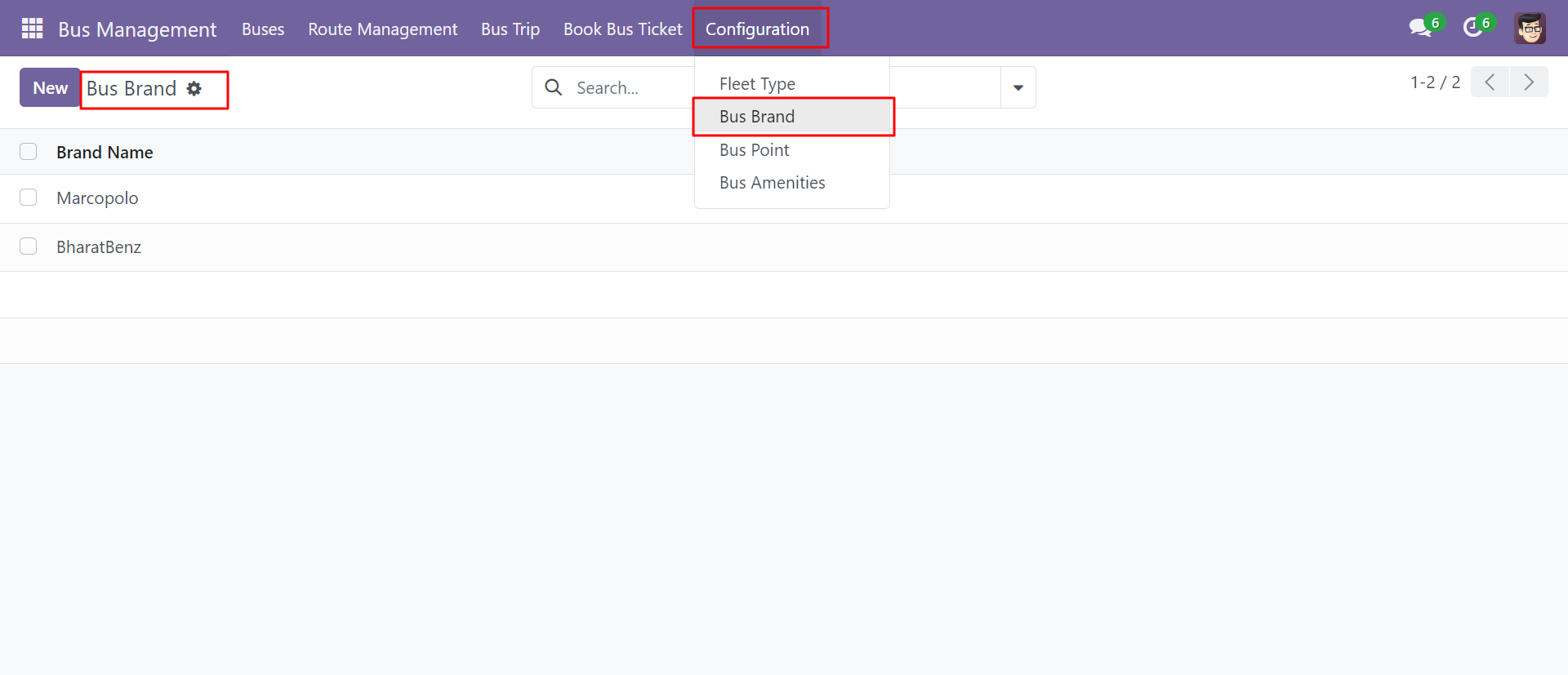
'Bus Point' menu and list view.
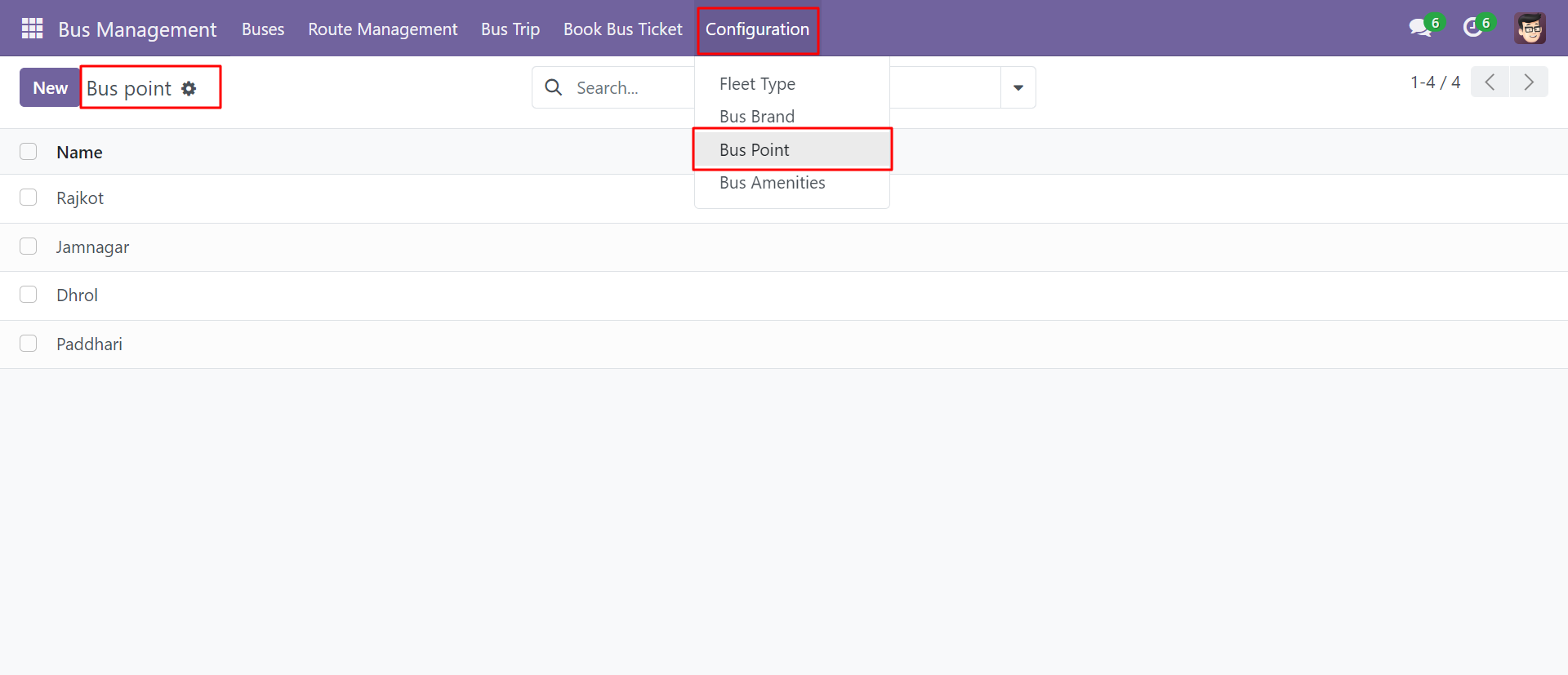
'Bus Point' form view. Where you can define dropping points more than once.
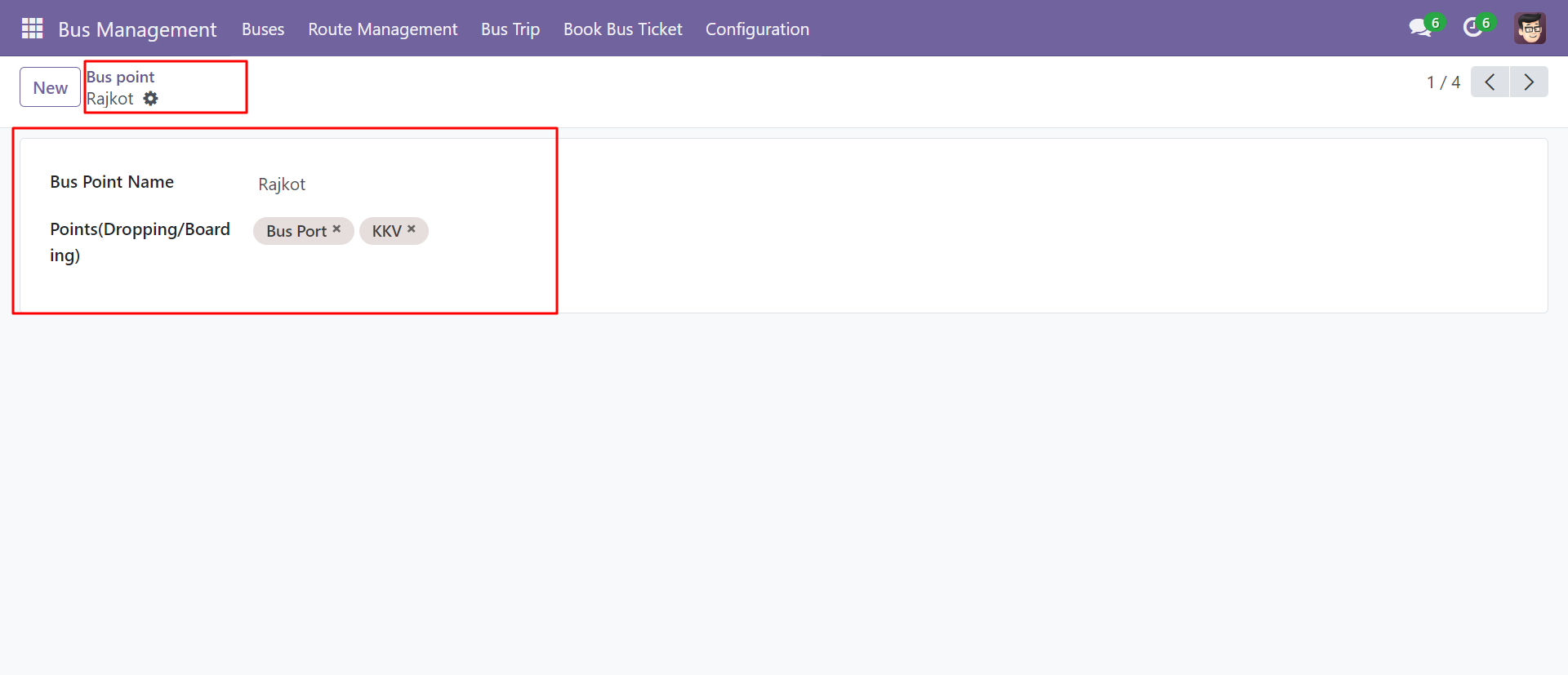
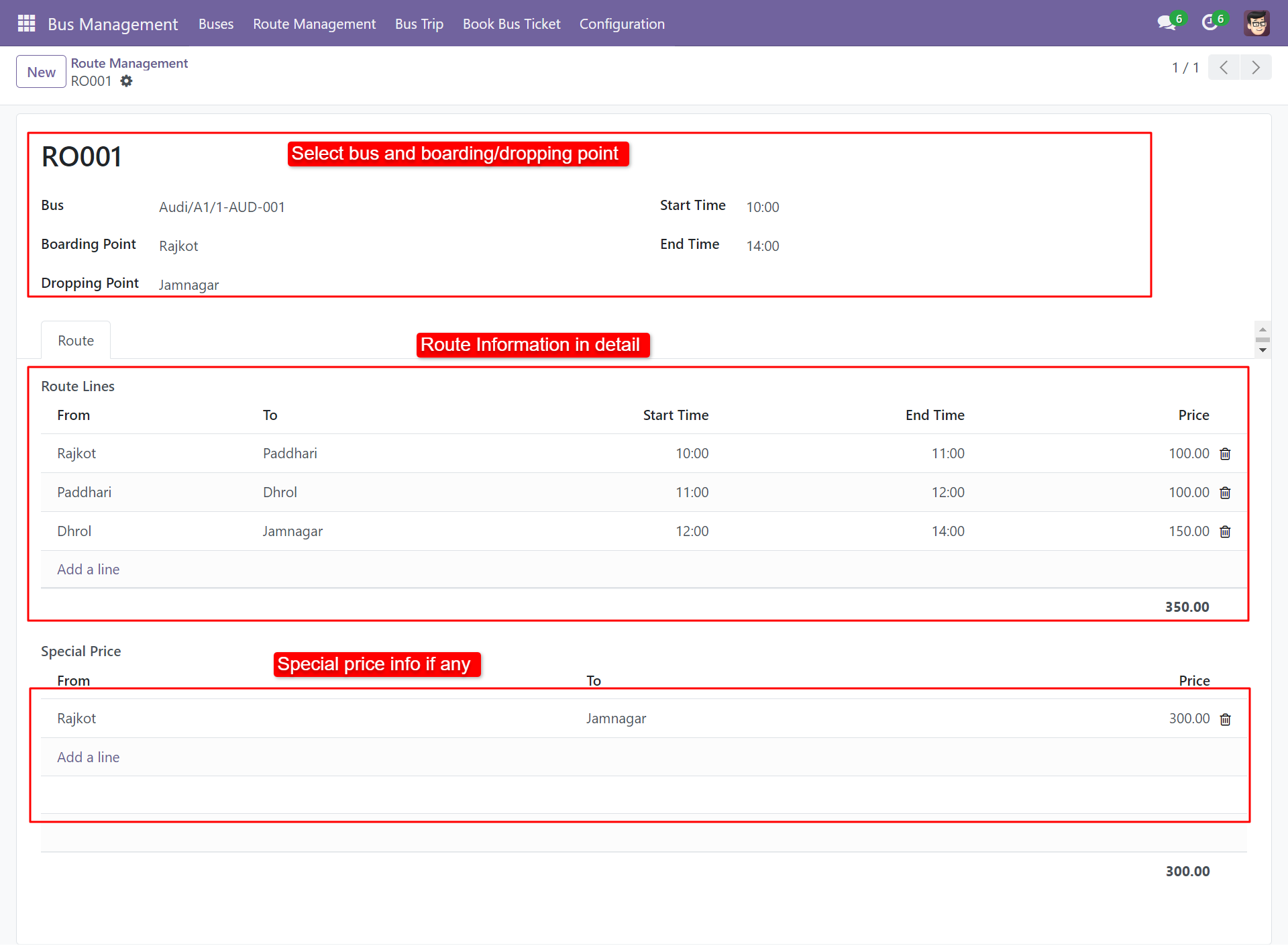
'Route Management' menu and list view.
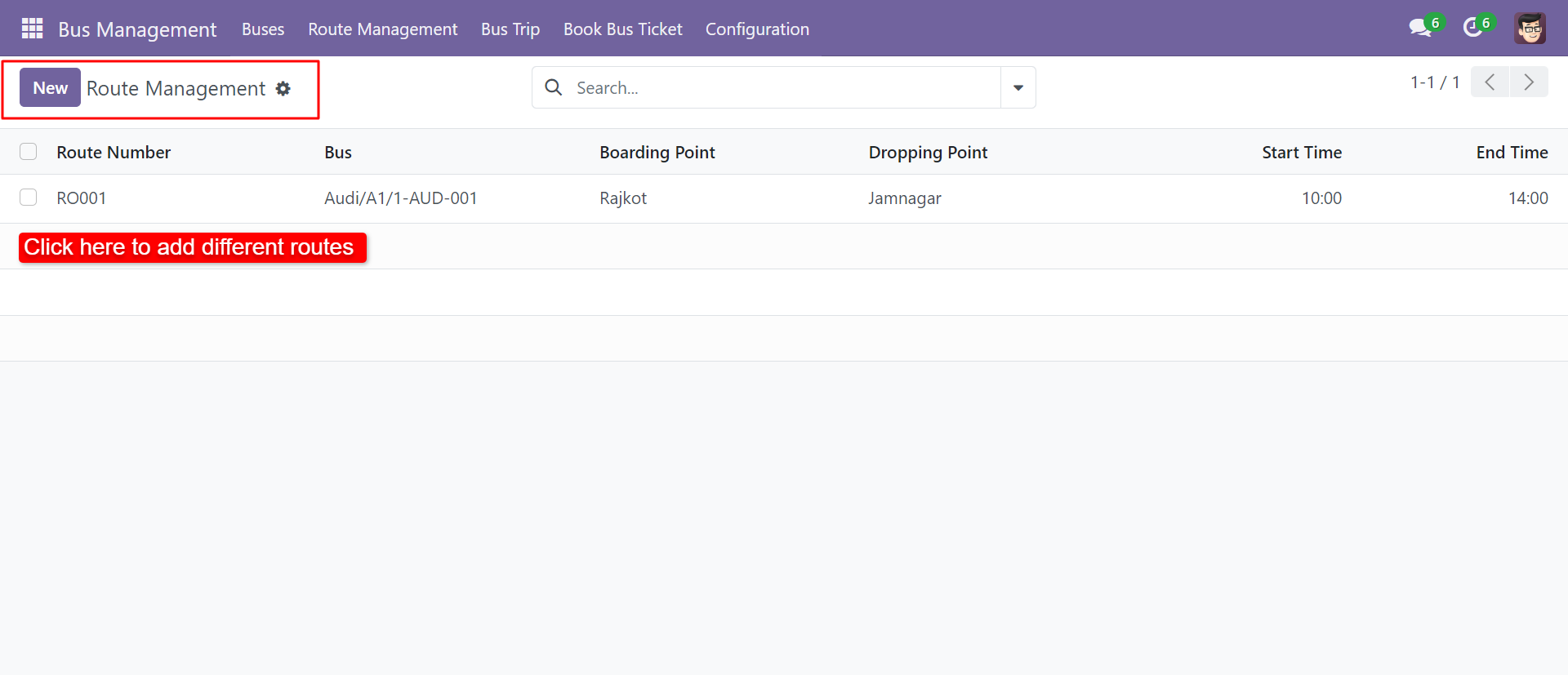
'Route Management' form view. Where you can define a route for particular buses with a price. Also, you can define a 'Special Price' for a particular route.
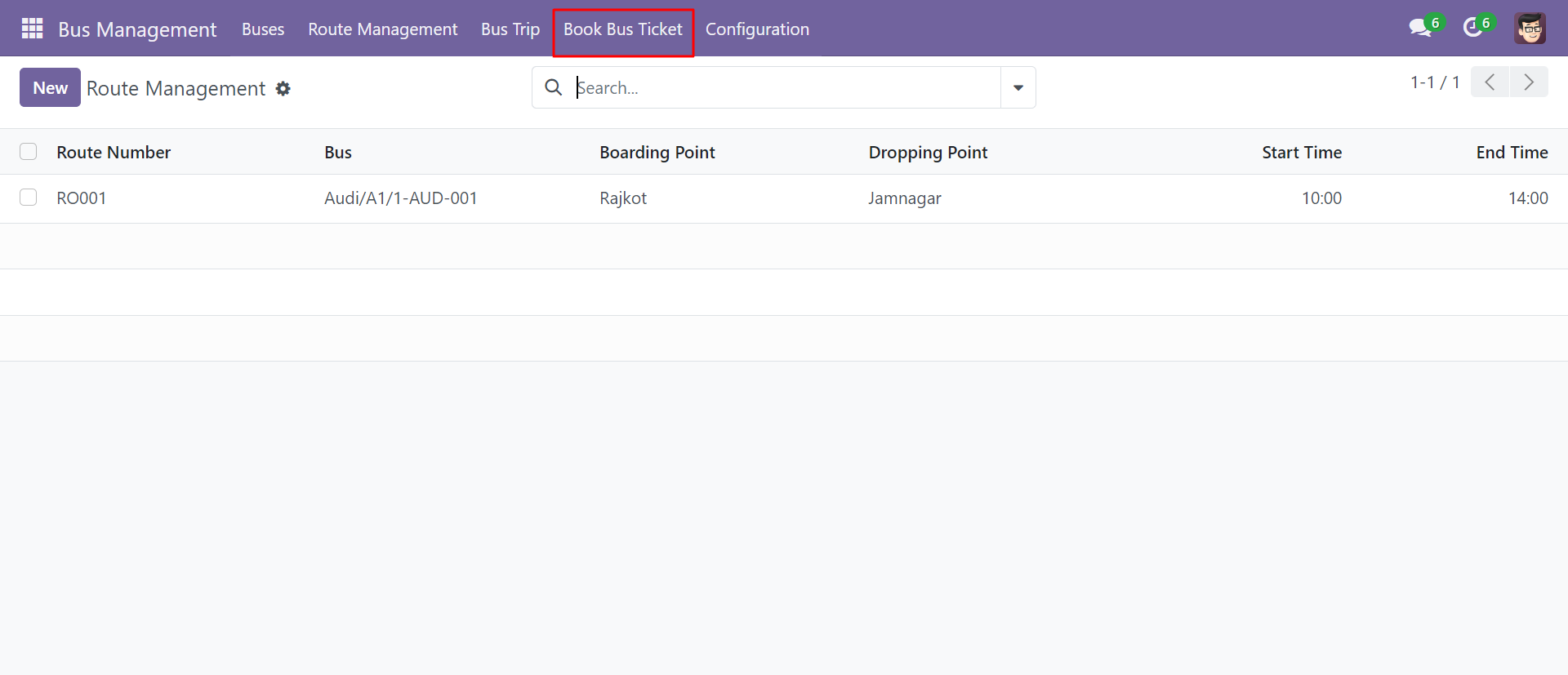
'Book Bus Ticket' menu and list view.
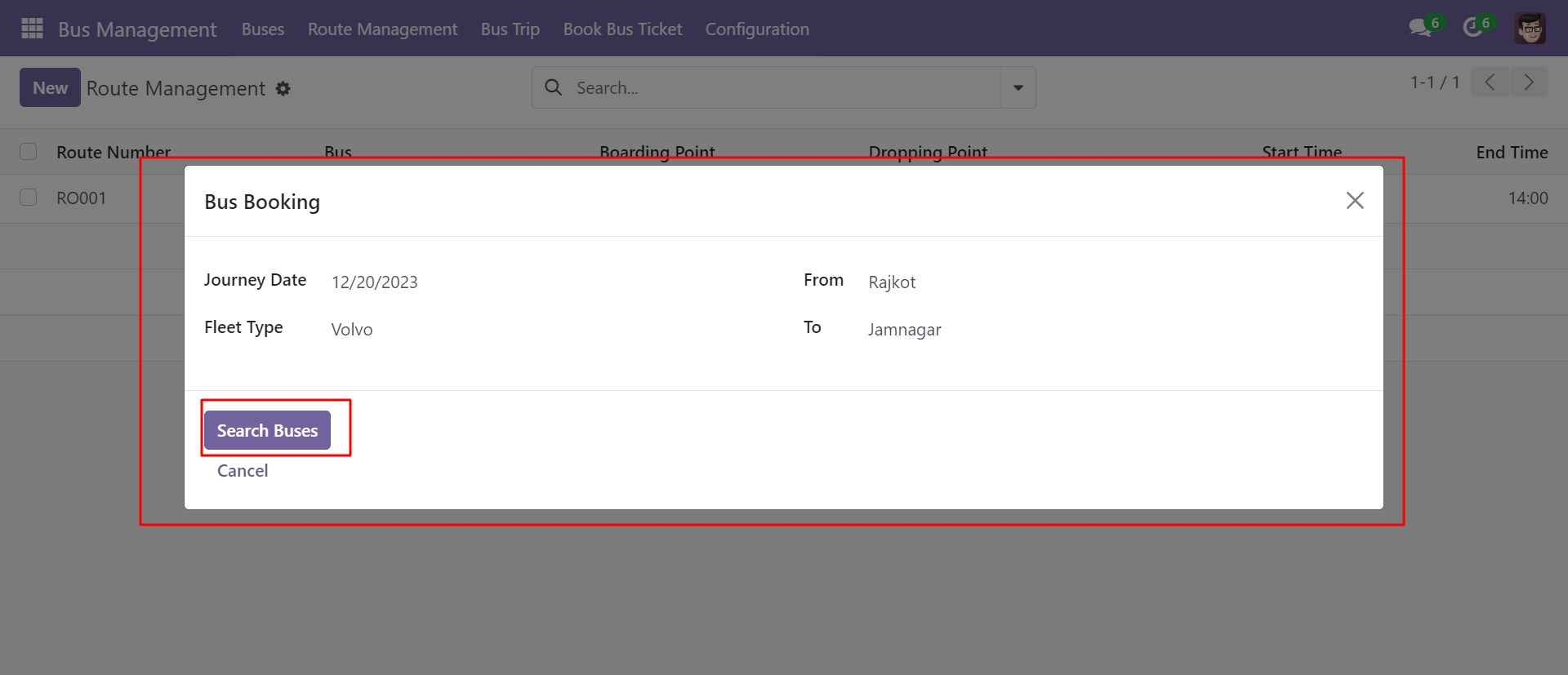
After clicking on 'Create' this wizard will pop up. Where you can search for buses to your requirements.
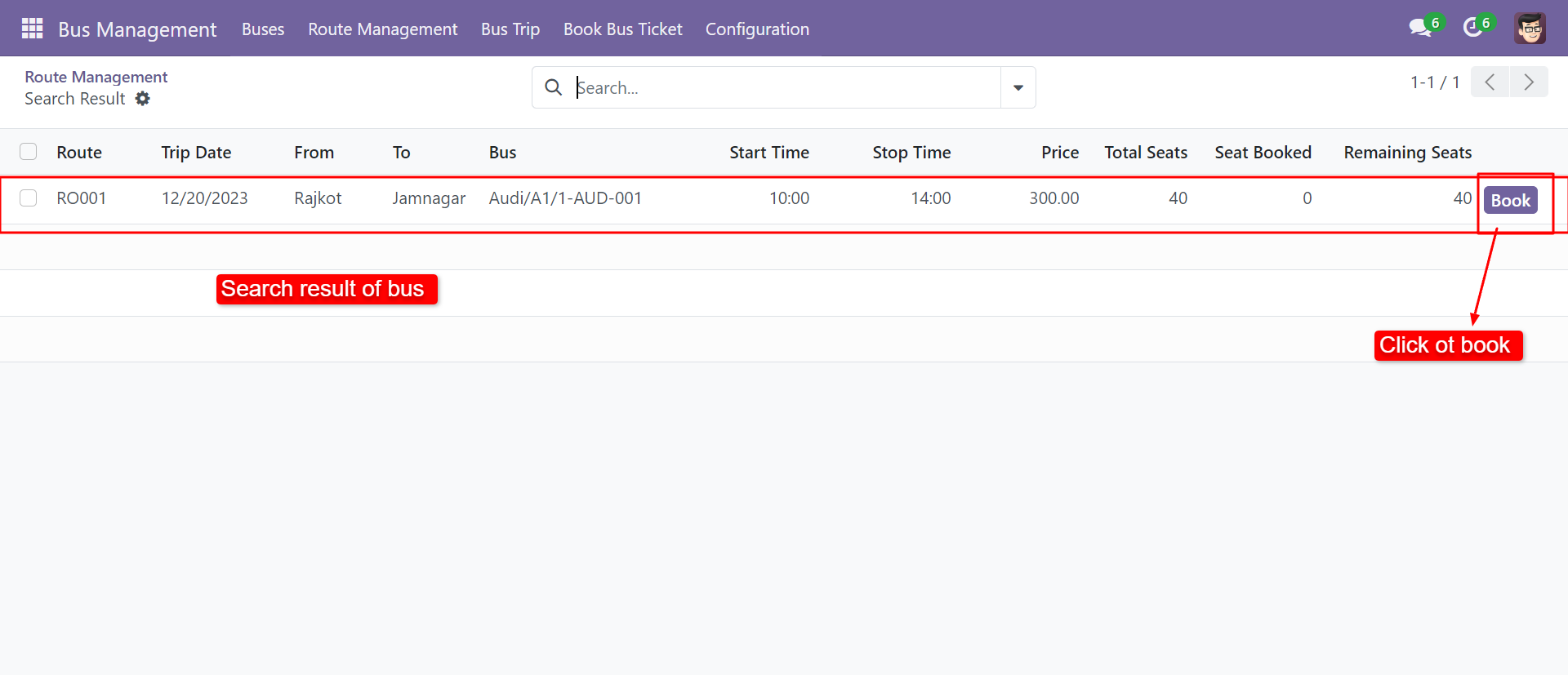
After clicking on 'Search Buses', you can see the search results list with the 'Book' buttons.
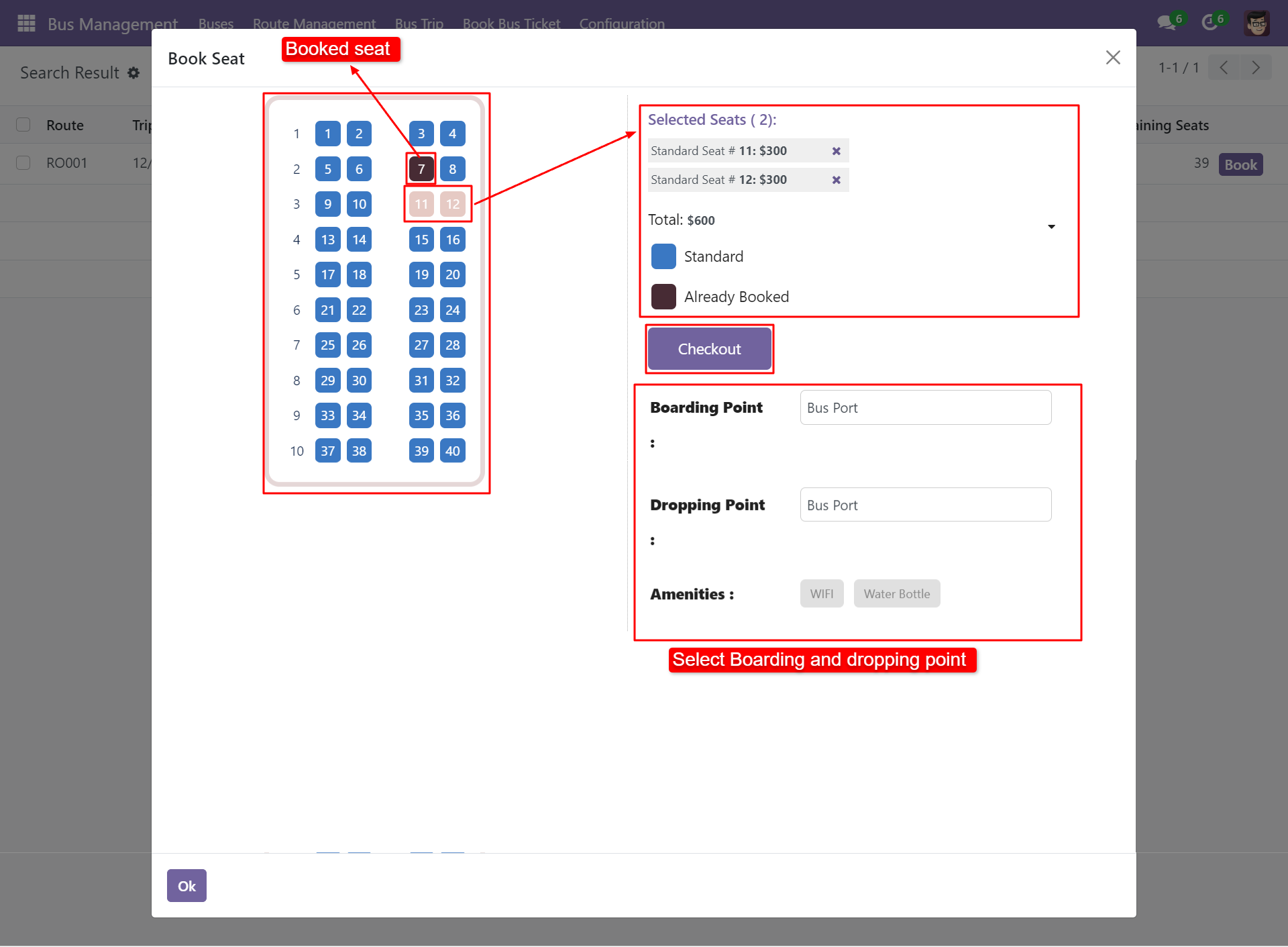
After clicking on the 'Book' buttons, the 'Book Seat' wizard will pop up. Select seats, boarding and dropping points and click 'Check Out'.
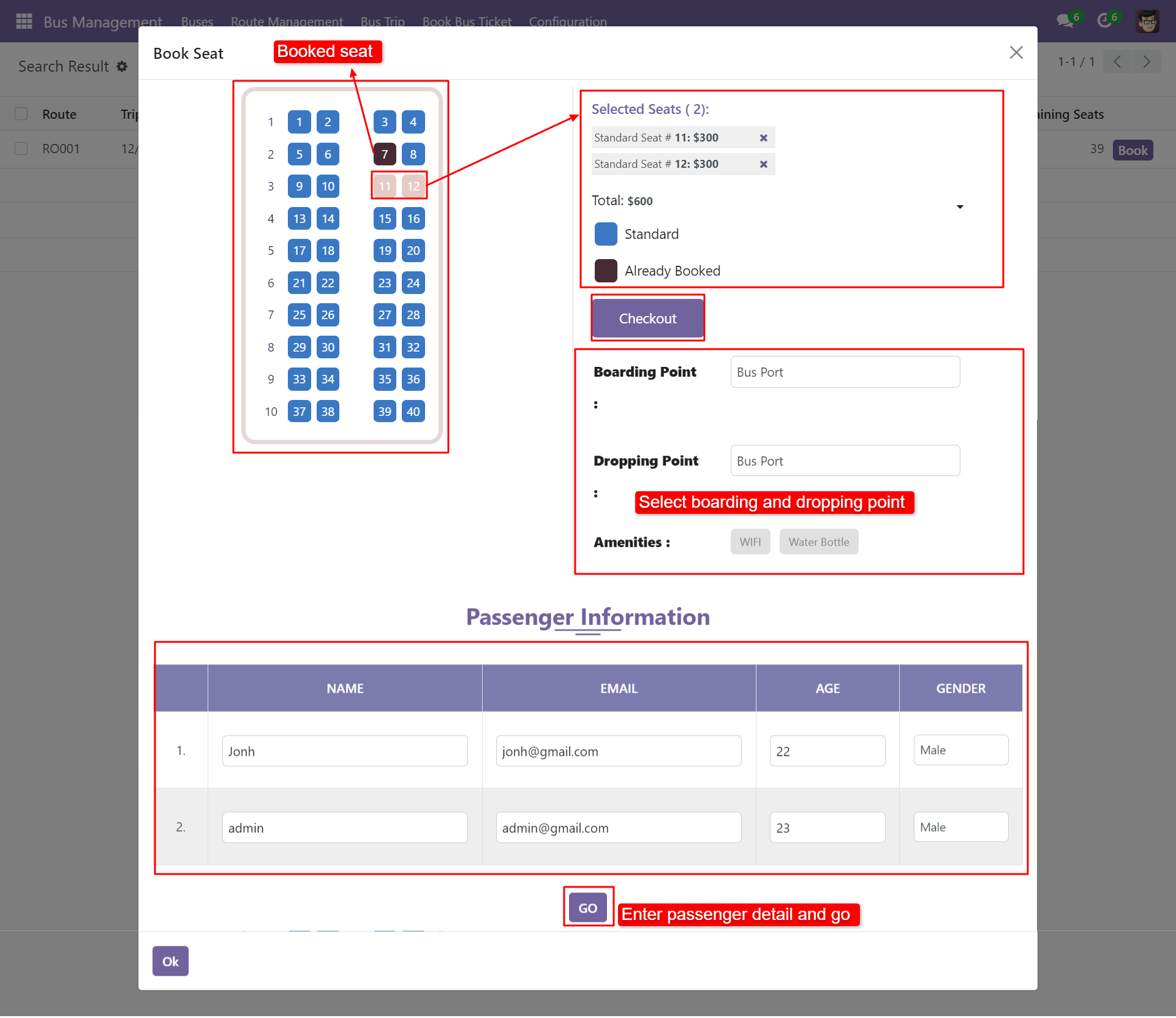
After clicking check out you can see the form like this. Add passenger's details.
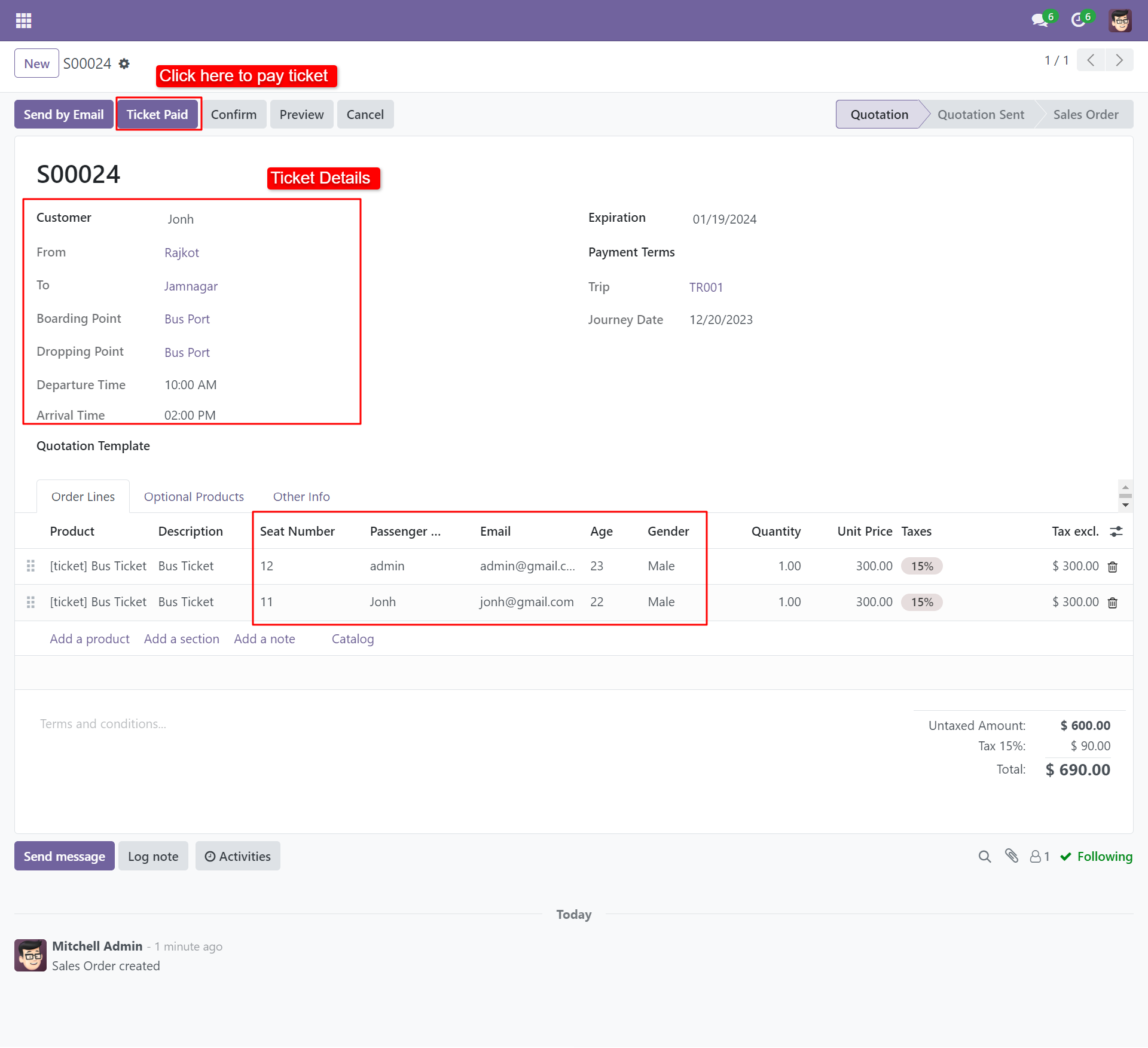
After clicking on 'Go', you will redirect the sale order. Here you can see the order line passenger list and total amounts.
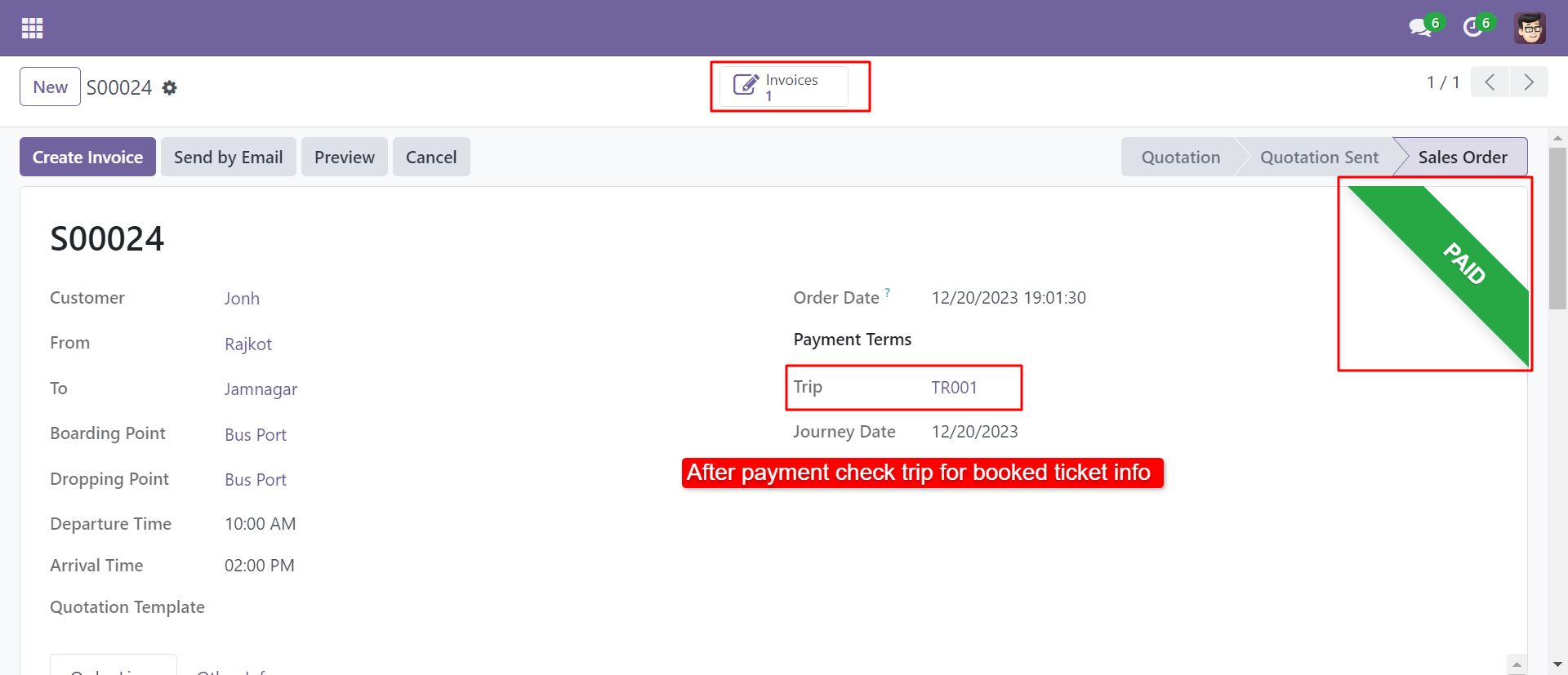
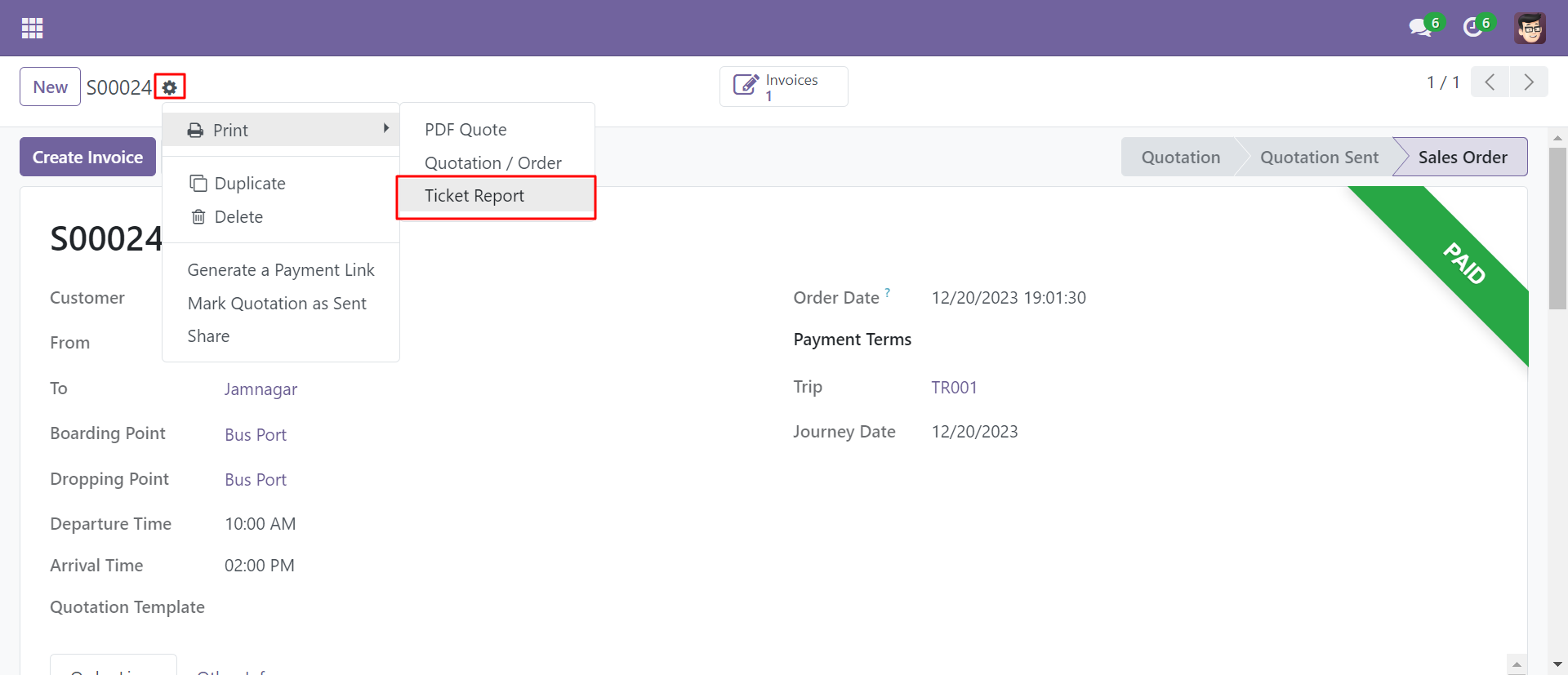
After clicking on 'Ticket Paid', you can see that ticket with a paid tag.
You can print a pdf ticket from the sale order. Go to print and click 'Ticket Report'.
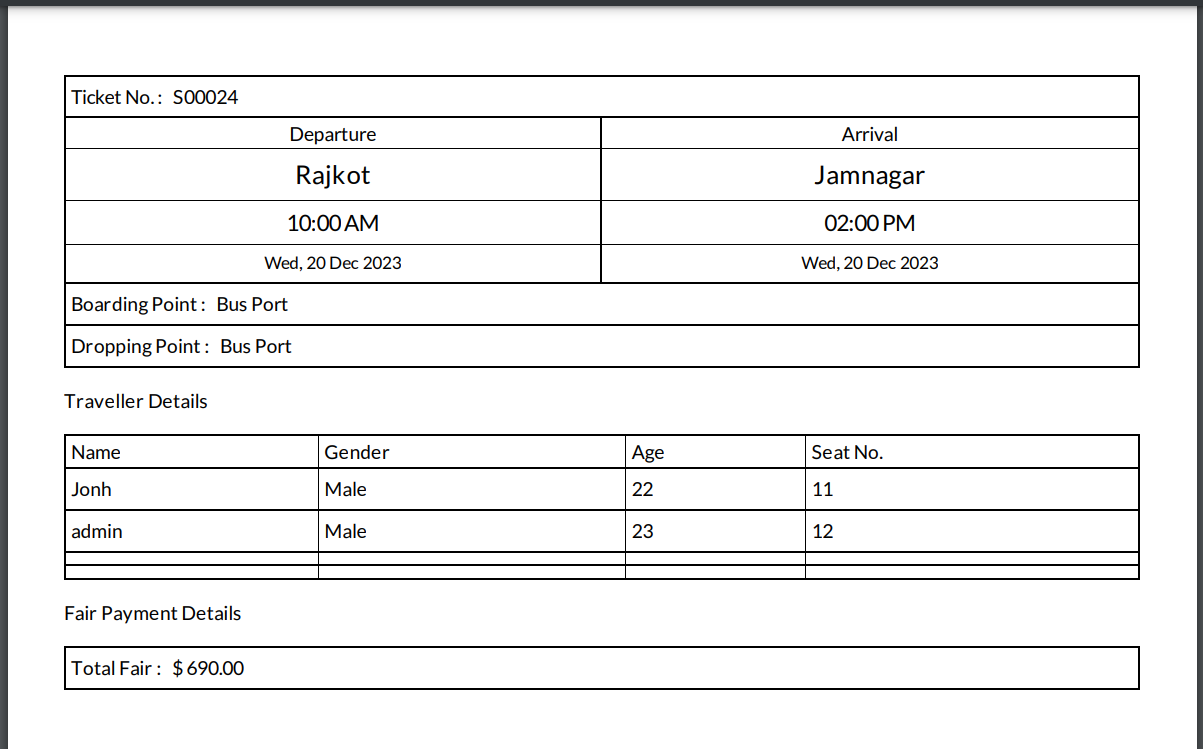
PDF ticket will look like below.
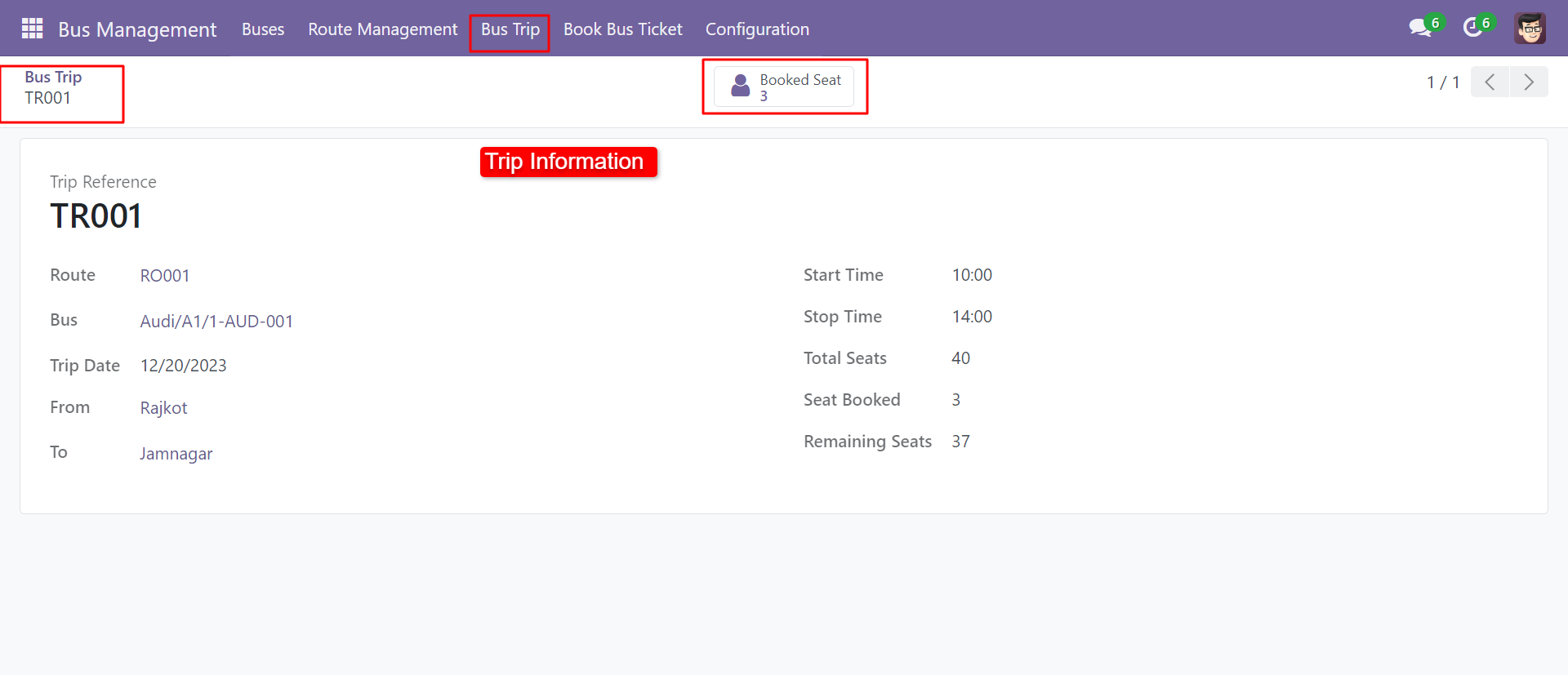
Click on the 'Bus Trip' menu and select the appropriate trip to see the booked seat smart button.
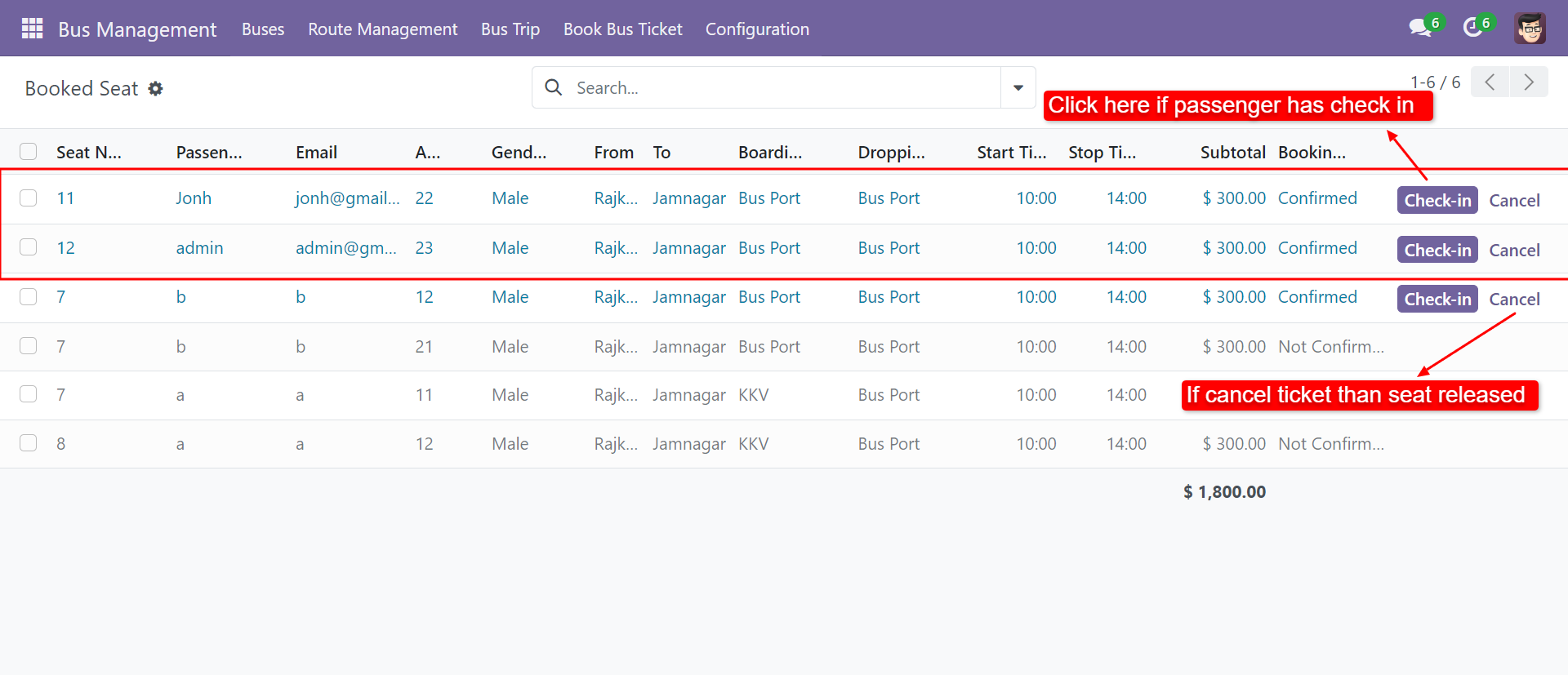
After clicking the smart button you can see the confirmed ticket list with two different buttons 'Check-In', and 'Cancel'. If passengers are available then click 'Check-In' otherwise 'Cancel'. Cancelled the ticket seats available for reservation.
Version 20.0.1.0.0 | Released on : 22nd August 2026
- Yes, this app works perfectly with Odoo Enterprise (Odoo.sh & Premise) as well as Community.
- No, this application is not compatible with odoo.com(odoo saas/Odoo Online)
- Yes, to test this module, please contact us at sales@softhealer.com.
- Please contact us at sales@softhealer.com to request customization.
- Yes, we provide free support for 365 days from the date of purchase.
- Yes, you will receive lifetime free updates for the version of the module you purchased.
- No, there is no need to install any additional libraries.
- Yes, for version 12 and above, you need to purchase the module separately for each version you intend to use.
- No, exchanges or refunds are not allowed. Please make sure to select the correct version before purchasing.
- You can contact us at support@softhealer.com for language translation support. We use Google Translator tools to provide translations in multiple languages, so the accuracy may vary. We welcome your suggestions to help improve translations.
Discover Our Latest Apps