













Bol.com Odoo Integration

Connect Odoo with Bol.com to manage product matching, orders, deliveries, synchronization queues, and API logs from a centralized interface. Keep product and order data organized, monitor synchronization activities, and track integration logs directly within Odoo.

Features
Bol.com Access Rights
Configure the users Bol.com access level to control whether they can view records or perform operations.

Fetch Orders
Fetch Bol.com orders in Odoo and monitor the imported order records from the integration interface.
Product Matching
Match Bol.com marketplace products with their corresponding Odoo products using name, barcode, and internal reference number.
Synchronization Queue
Monitor synchronization activities through dedicated queues and review the records processed between Odoo and Bol.com.
Synchronization Dashboard
View synchronization activity through a dashboard with summarized information and visual reporting for quick monitoring.

Bol.com Odoo Integration
Configure and manage the Bol.com marketplace instance in Odoo to establish communication between Odoo and the marketplace.

Delivery Management
Create the related Odoo delivery order from the synchronized sales order and manage the configured Bol.com delivery method.
API Log Management
View API logs to monitor synchronization activities for easier tracking and troubleshooting.
Developer Mock Mode
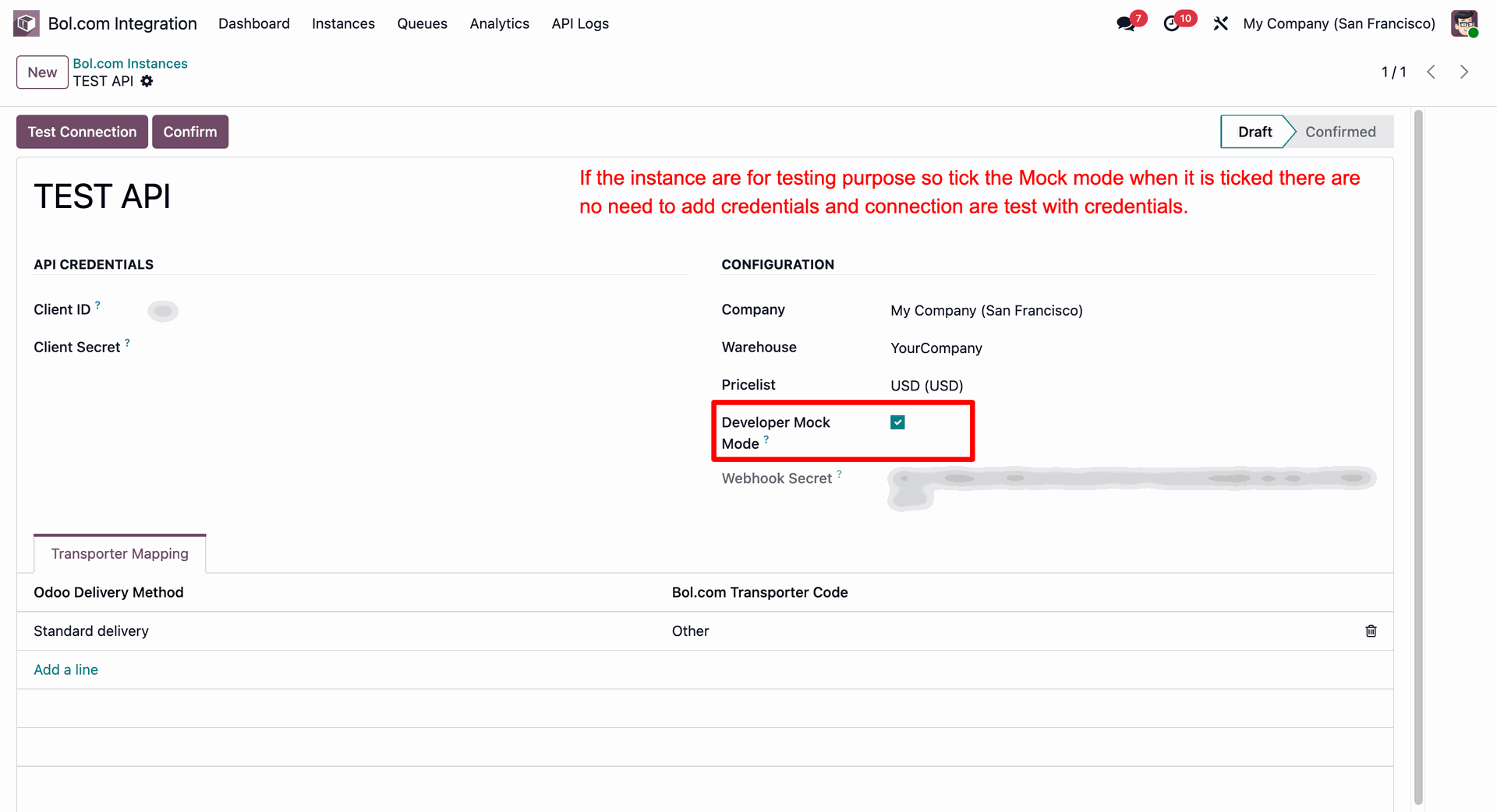
Enable Mock Mode for testing instances without adding live API credentials.

Sales Analytics
Analyze Bol.com sales data through the dedicated Sales Analytics view for better visibility into marketplace sales performance.
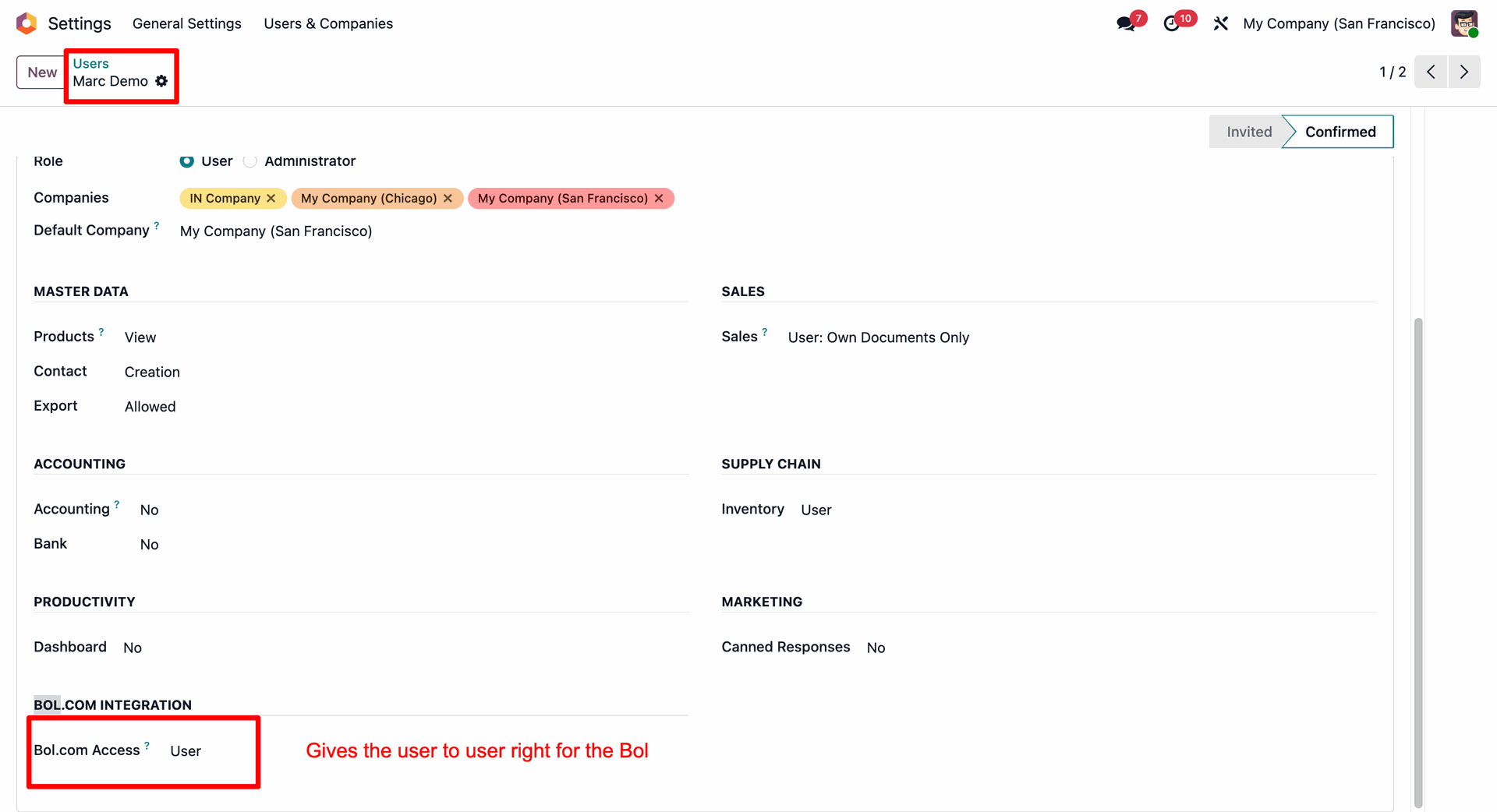
Assign User access level under Bol.com Integration section to set permissions for Marc Demo.
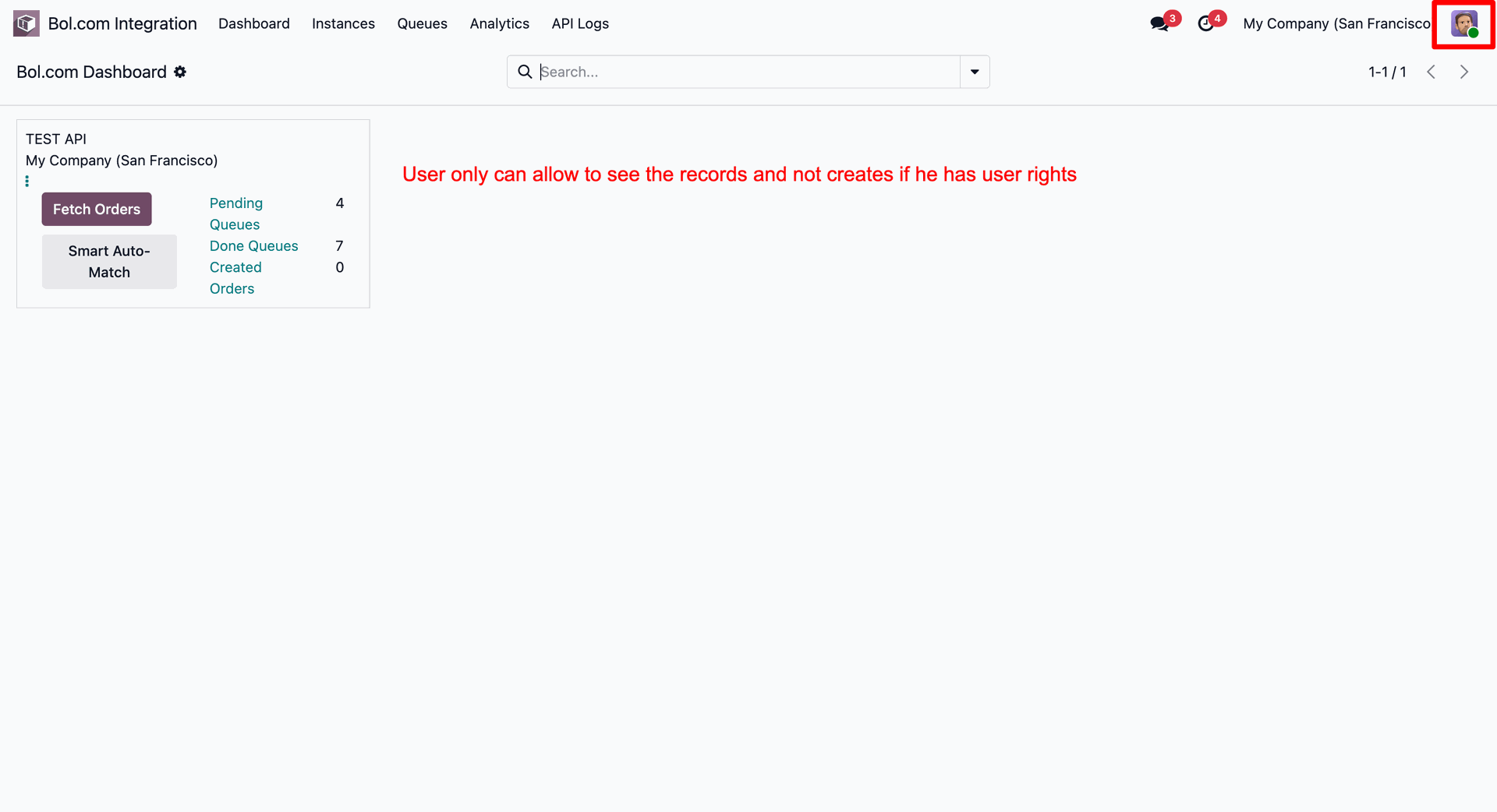
View the Bol.com Dashboard to monitor synchronization metrics while operating under User access privileges.
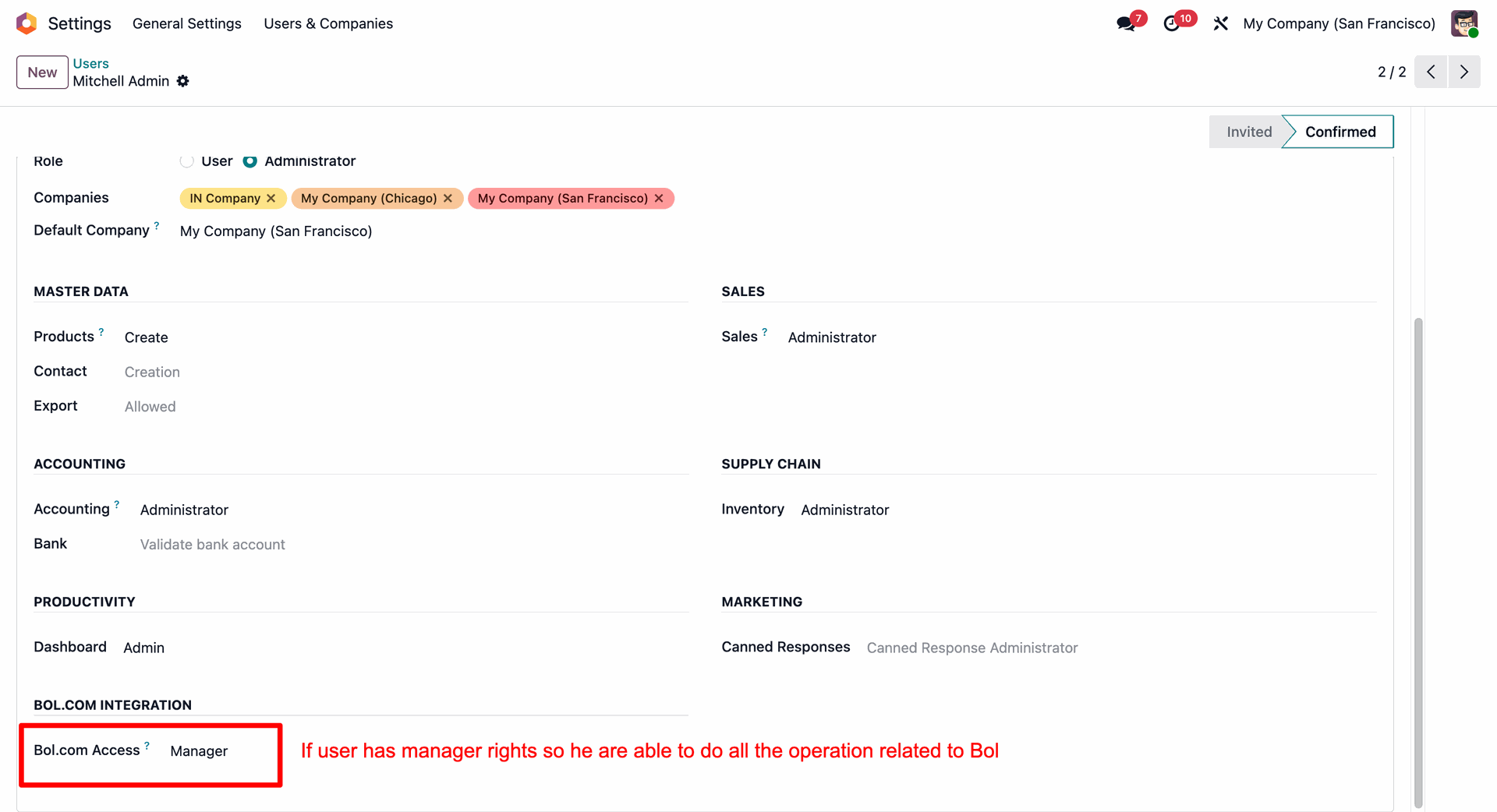
Set Bol.com Access to Manager level under user settings to enable full administrative privileges.
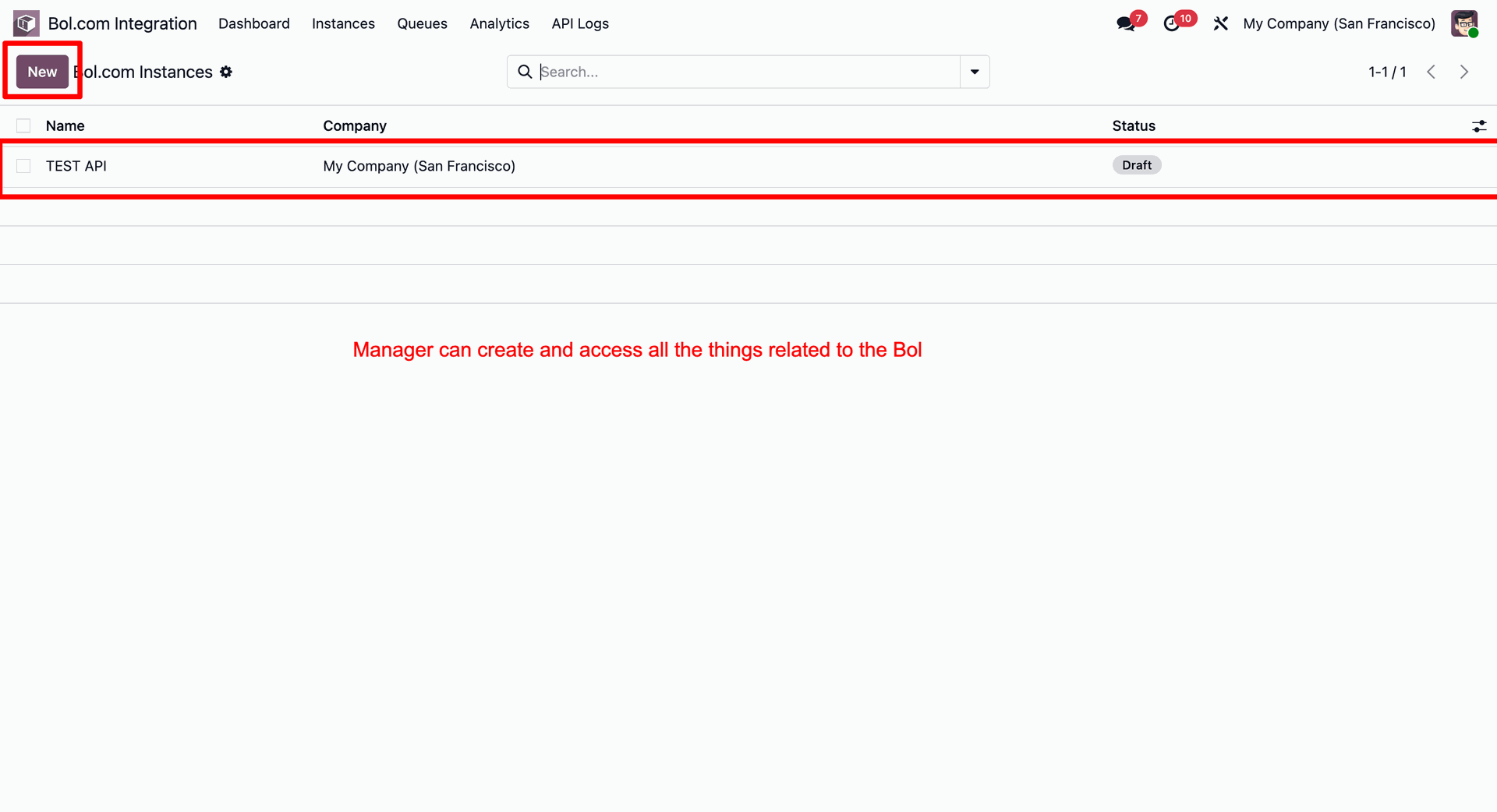
Navigate to Bol.com Instances to create new integration configurations and manage existing marketplace instances.
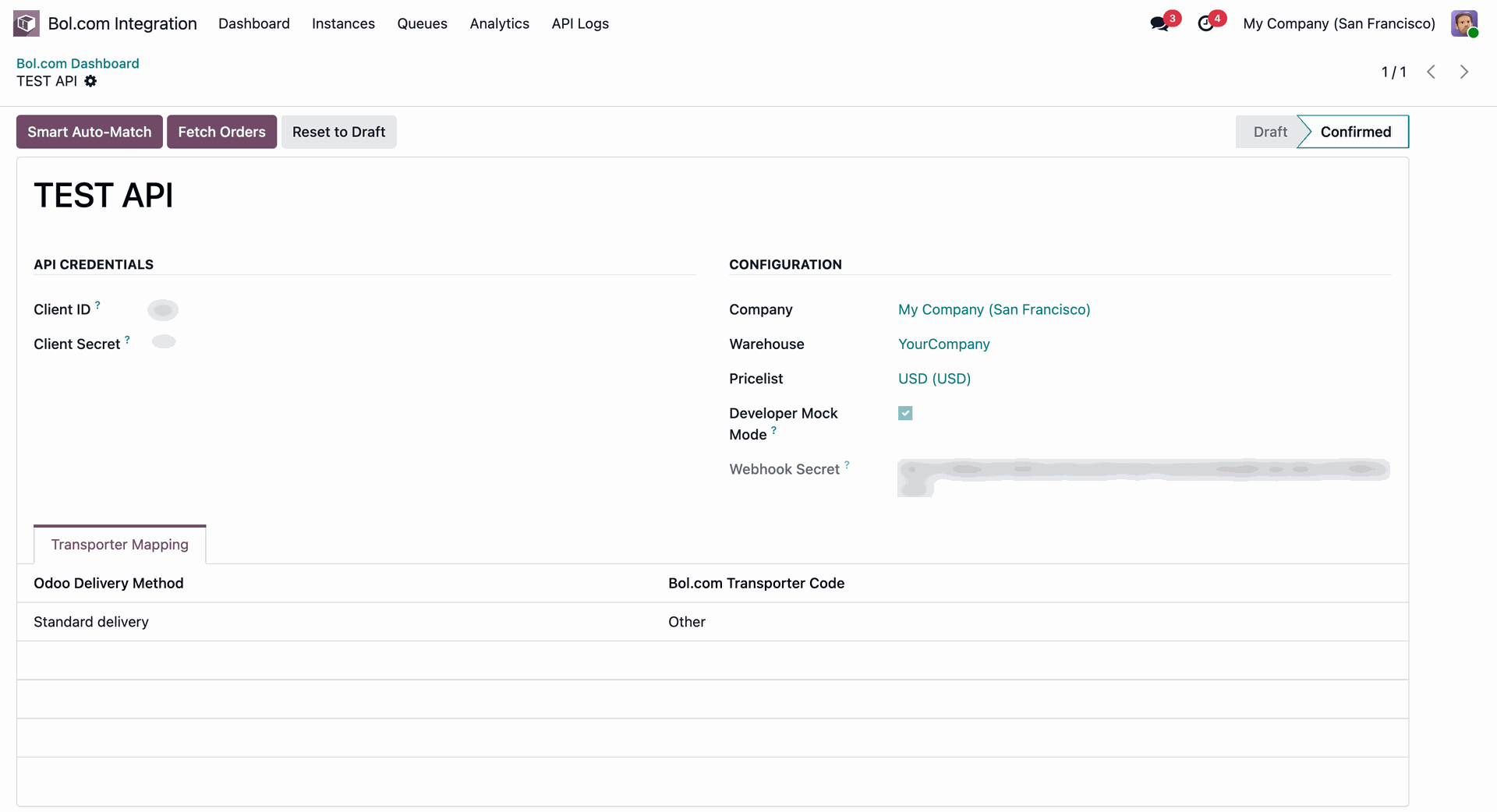
Configure API credentials and instance parameters before pressing Confirm to finalize integration setup.
Enable Developer Mock Mode checkbox to test integration workflows without requiring live API credentials.
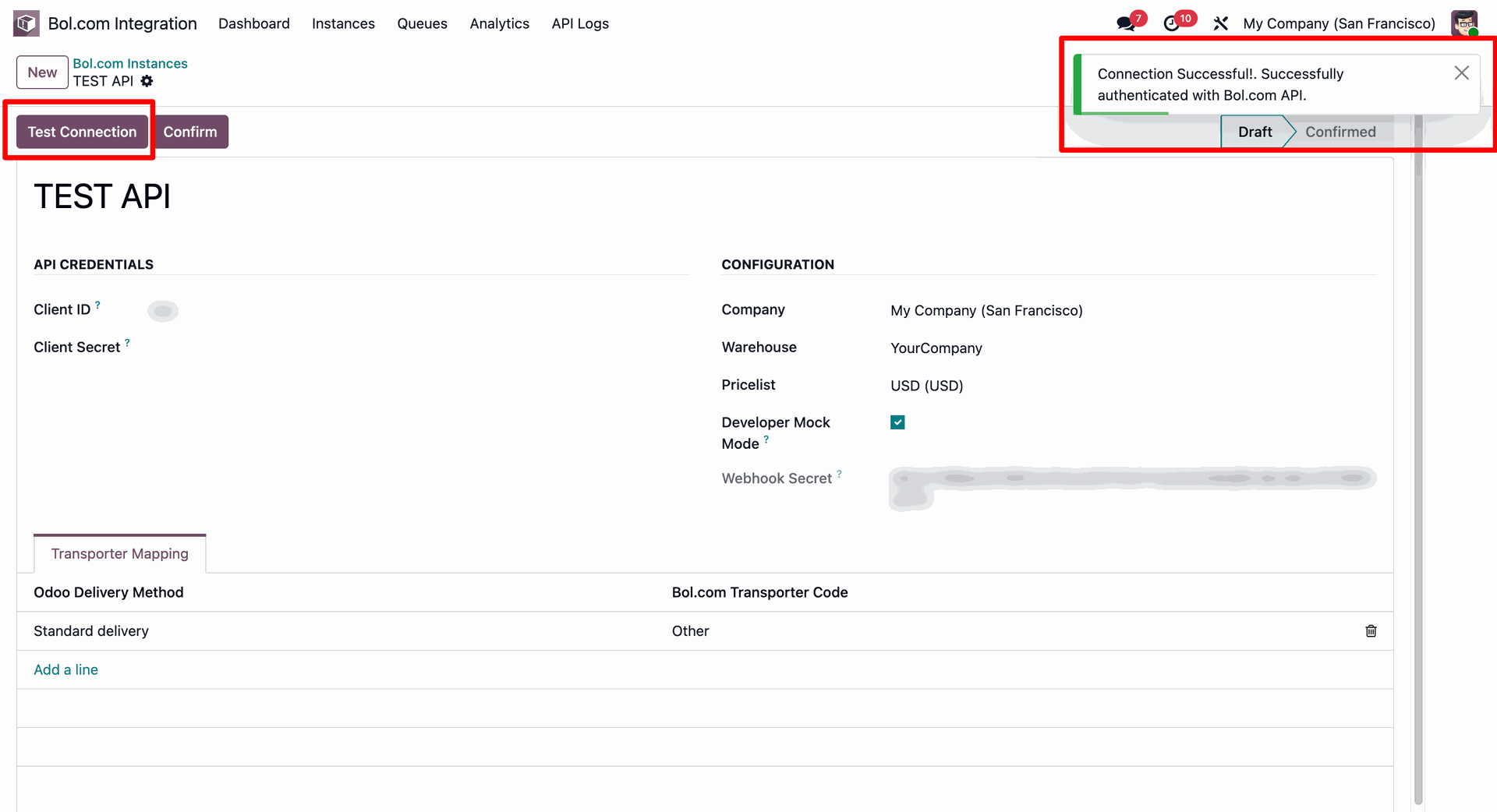
Press Test Connection button to authenticate credentials and receive successful API connection feedback.
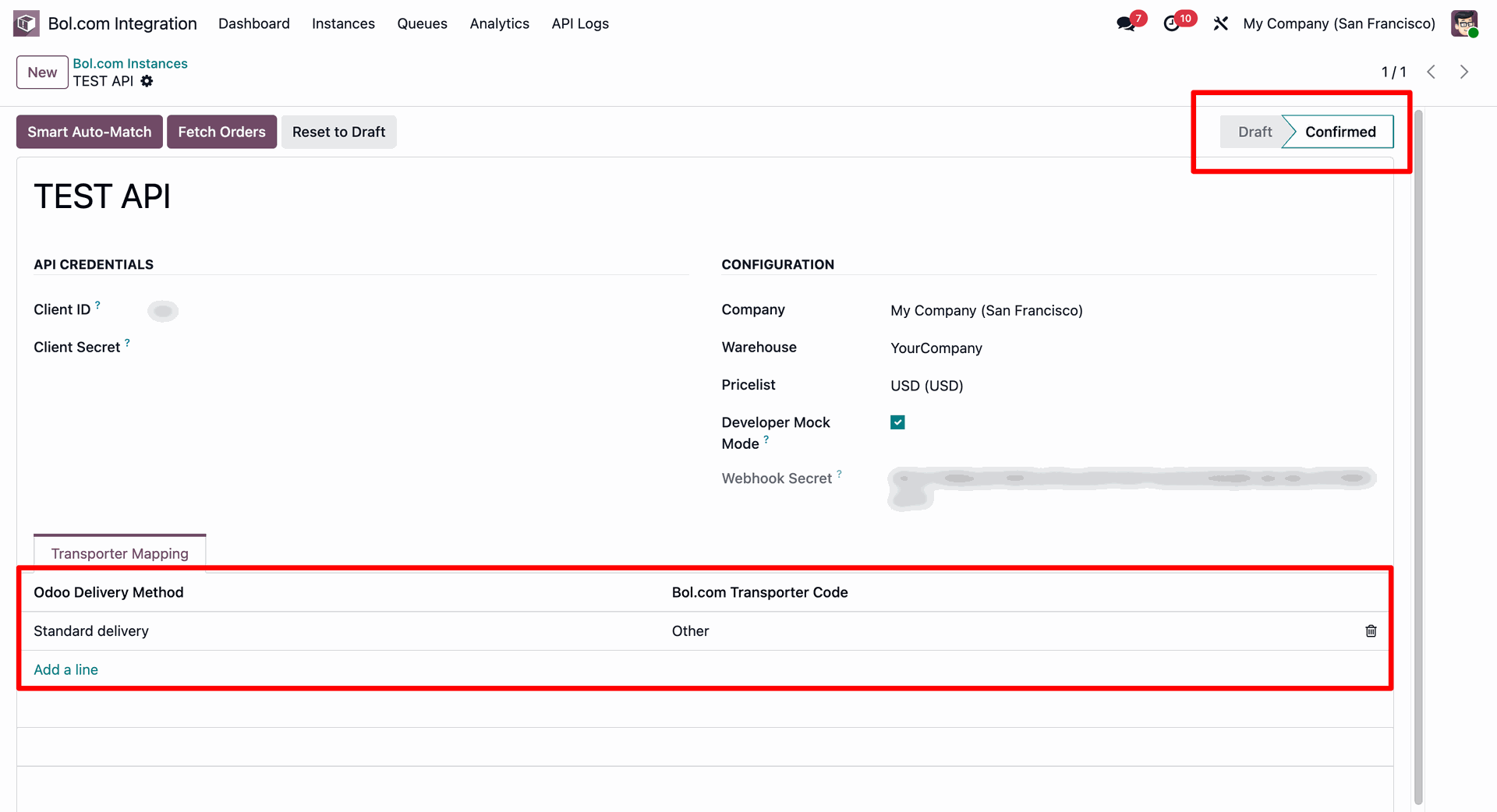
Map Odoo delivery methods with Bol.com transporter codes under Transporter Mapping tab.
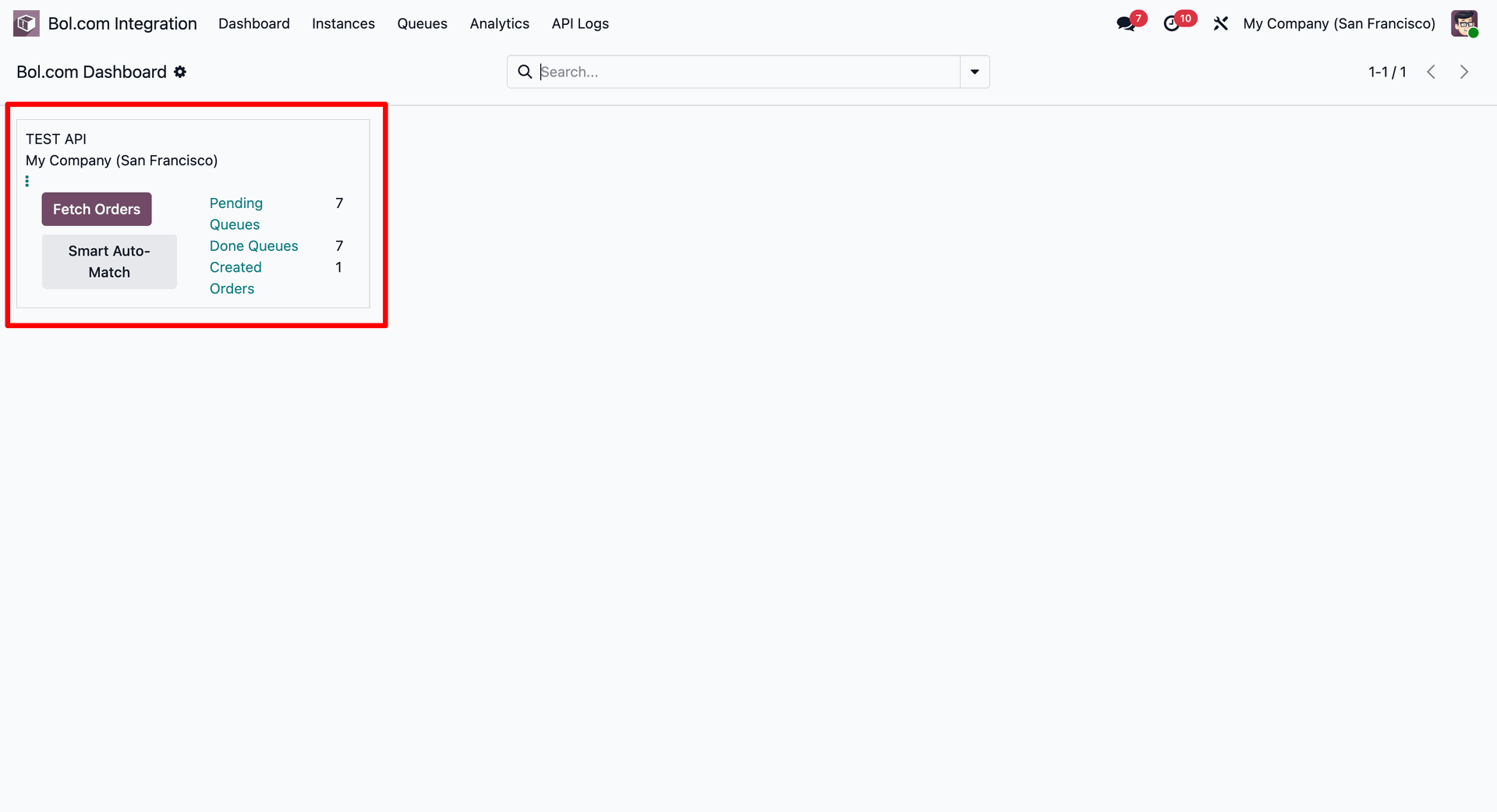
Check pending queues and created orders from the active instance card on Bol.com Dashboard.
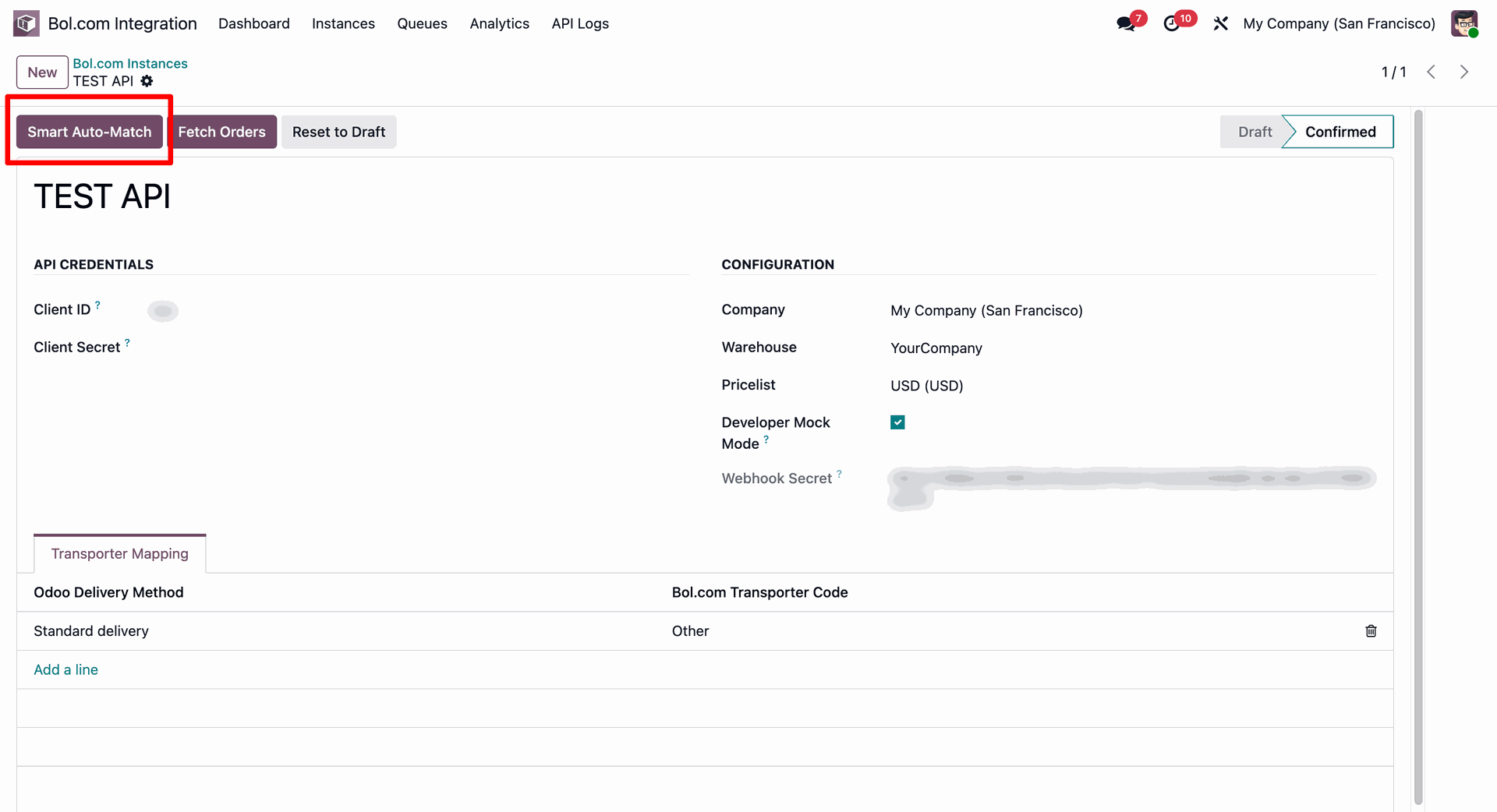
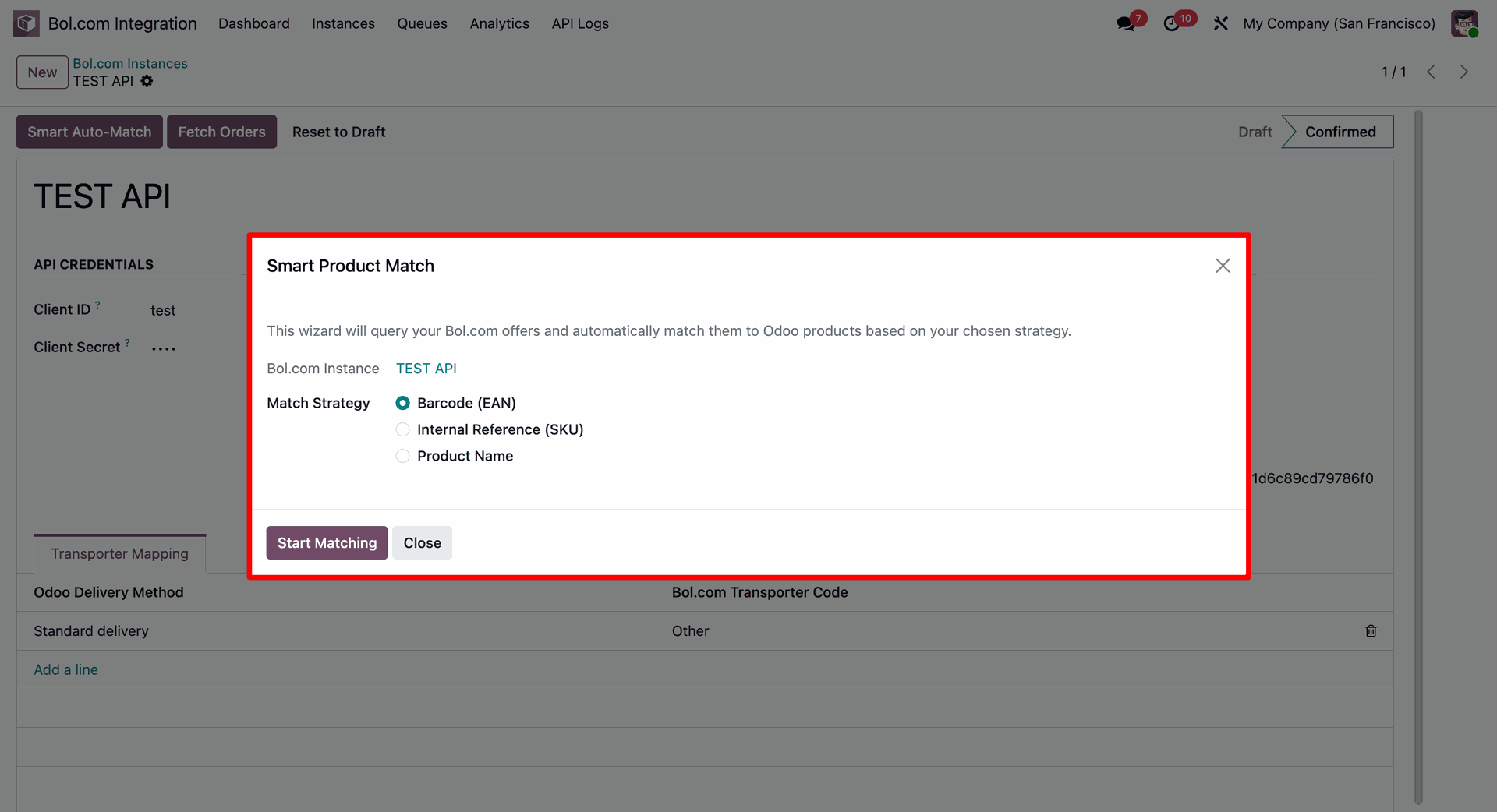
Press Smart Auto-Match button on confirmed instance form to launch automated product matching.
Select preferred Match Strategy inside Smart Product Match popup and press Start Matching.
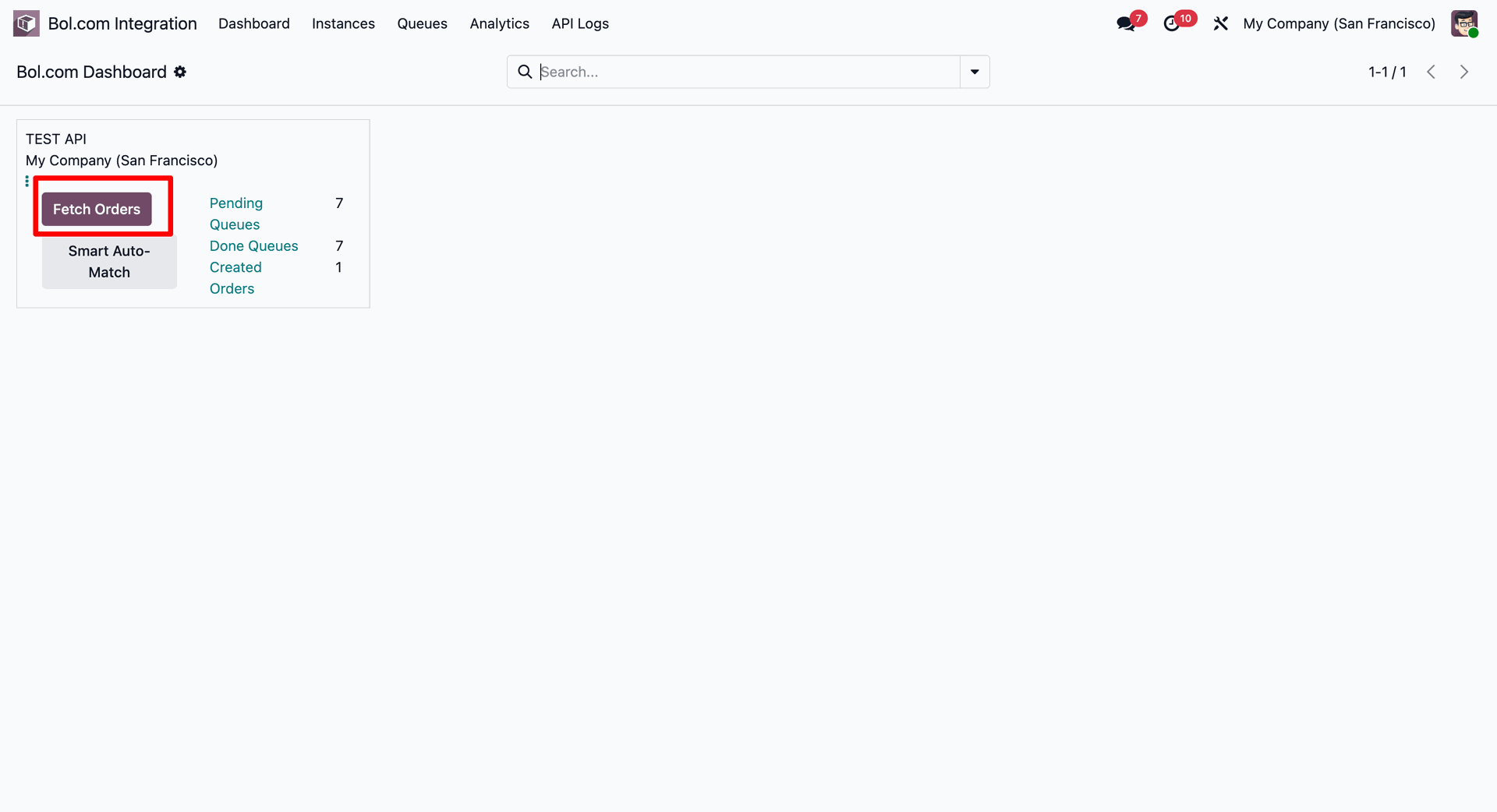
Press Fetch Orders button on dashboard card to pull recent customer orders into Odoo.
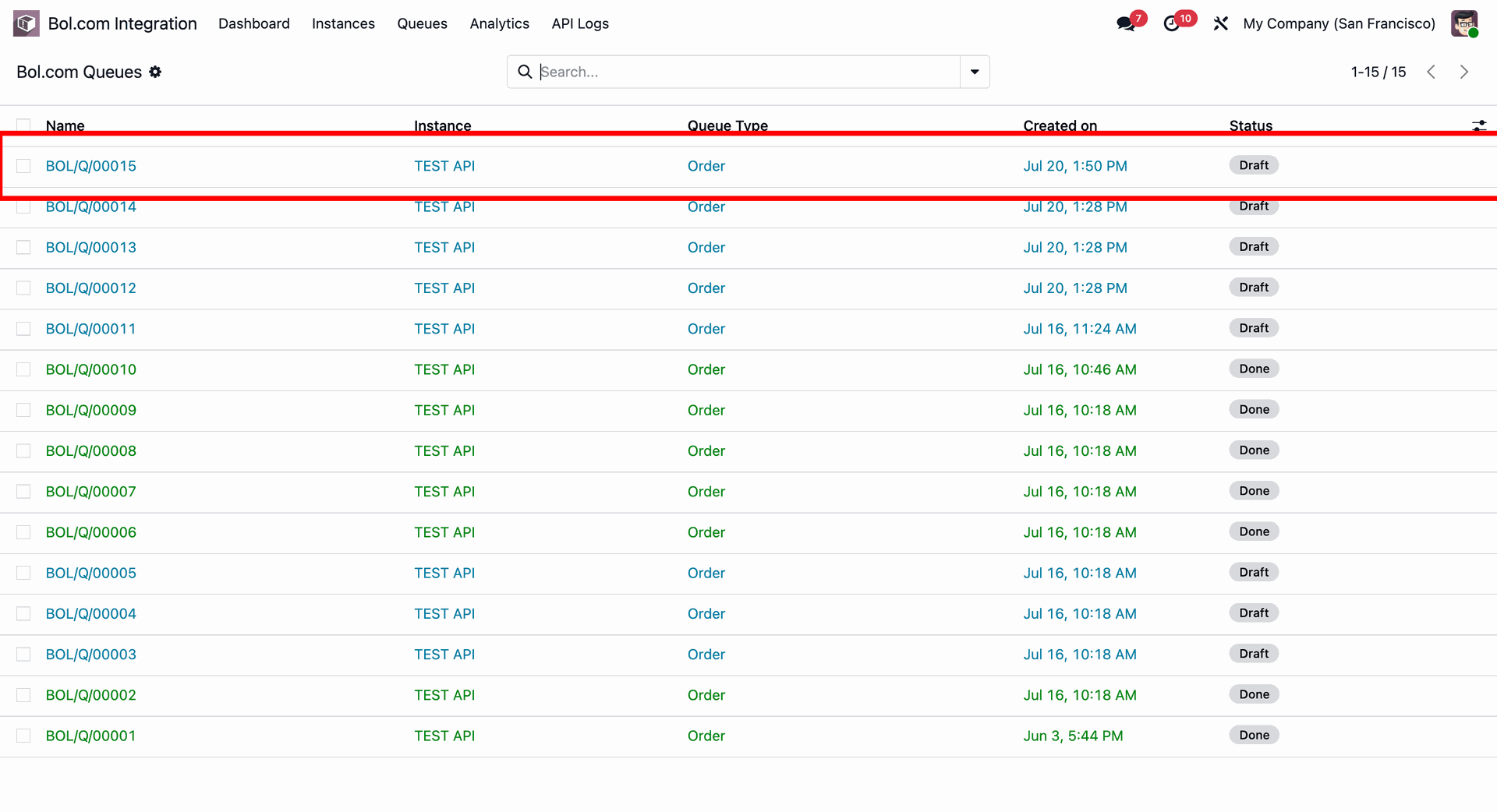
Examine imported order entries in Bol.com Queues table to select pending draft records.
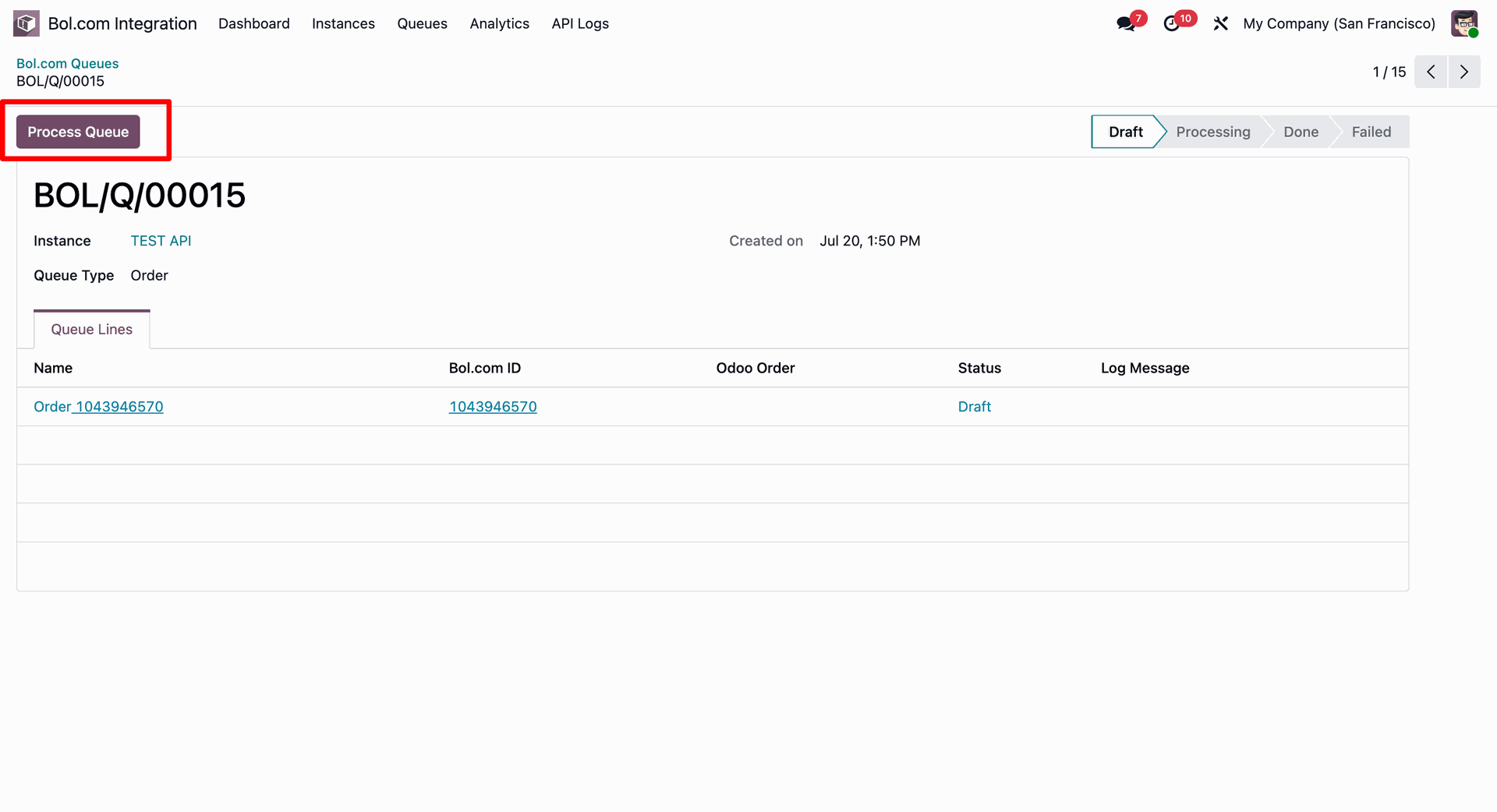
Open draft queue form and press Process Queue to execute order synchronization into sales.
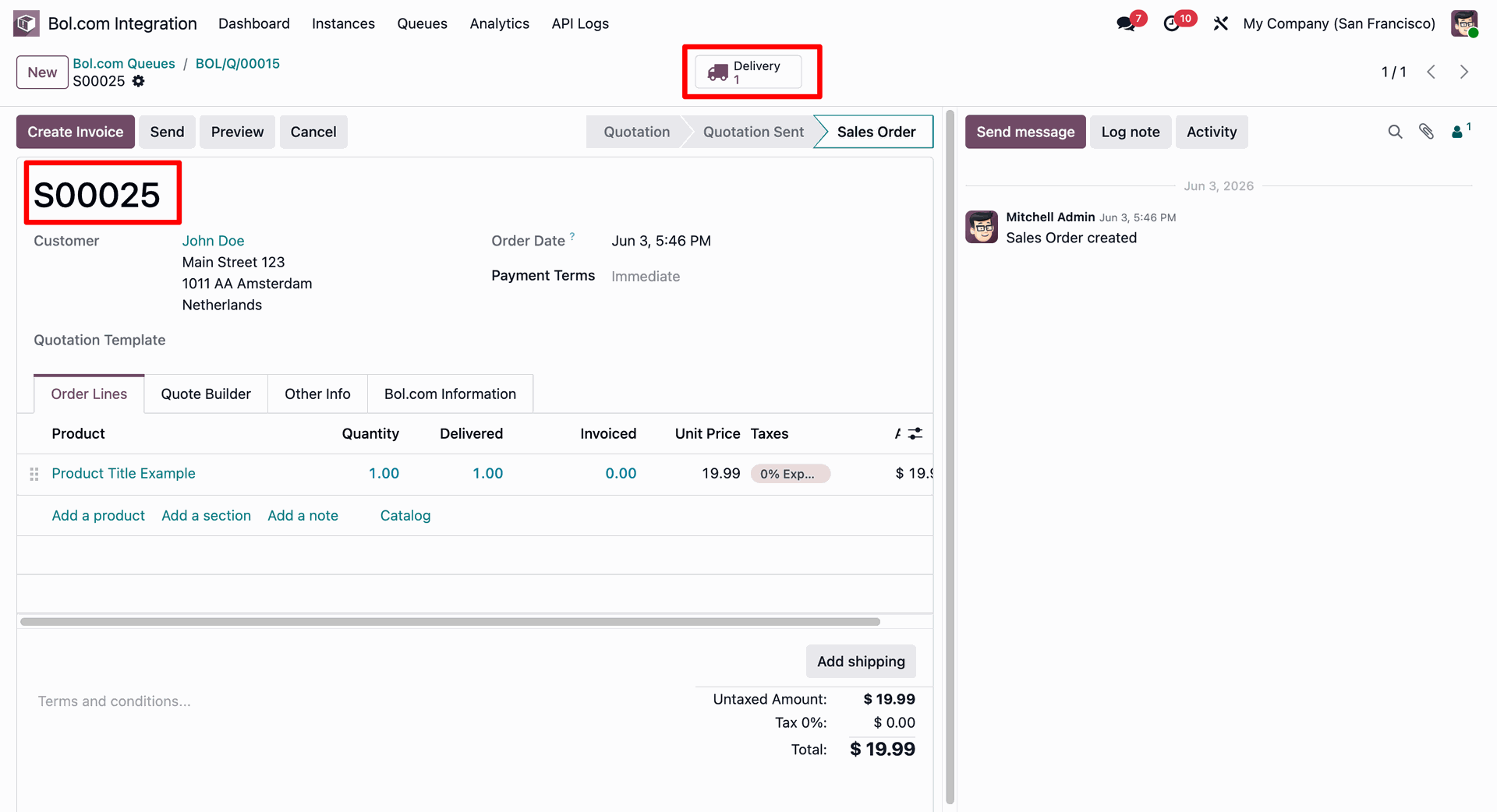
Review generated sales order details and click Delivery smart button to open stock transfers.
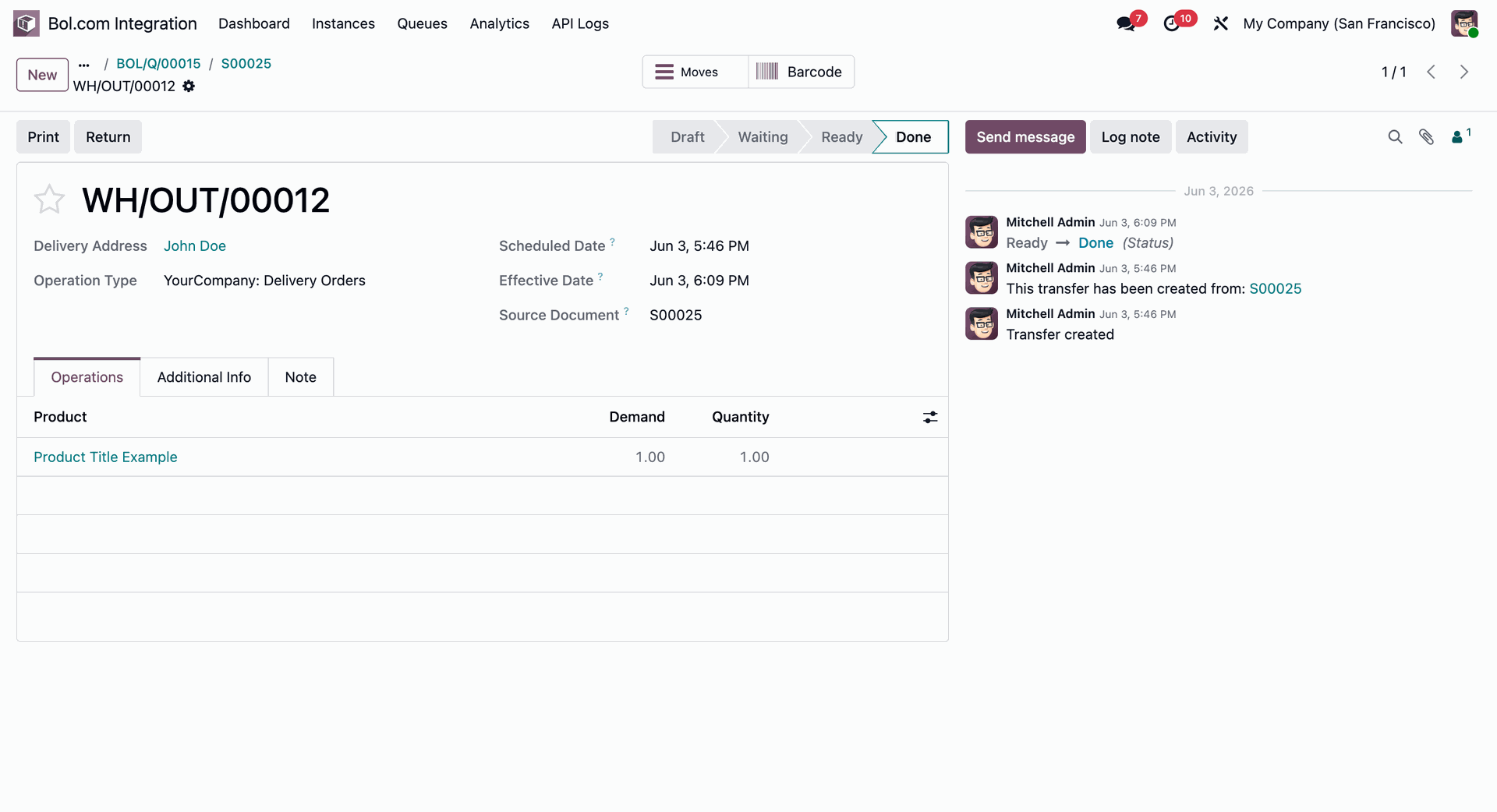
Inspect completed delivery order details and source sales document to confirm fulfillment status.
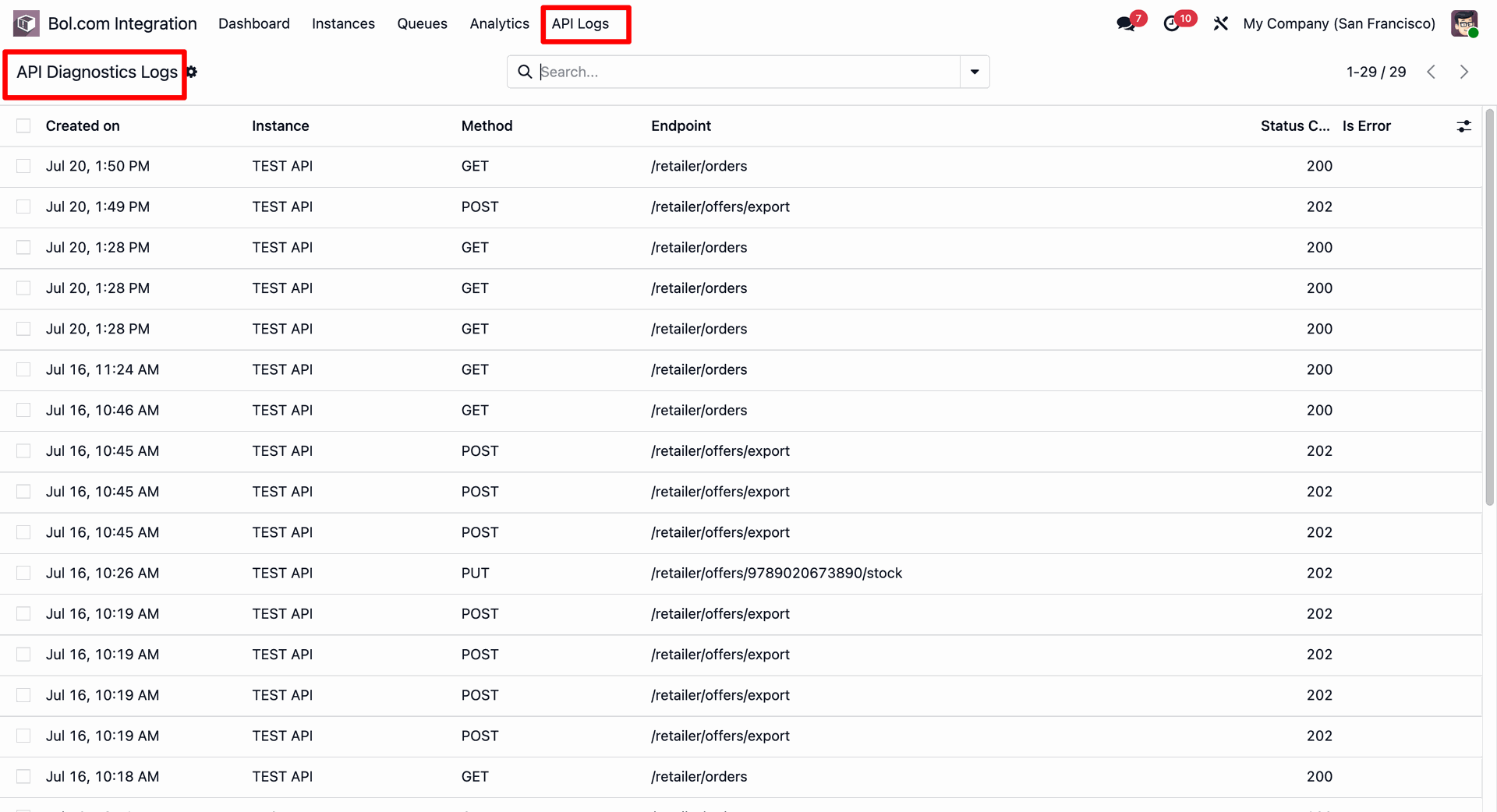
Open API Diagnostics Logs to verify request endpoints, HTTP methods, and response status codes.
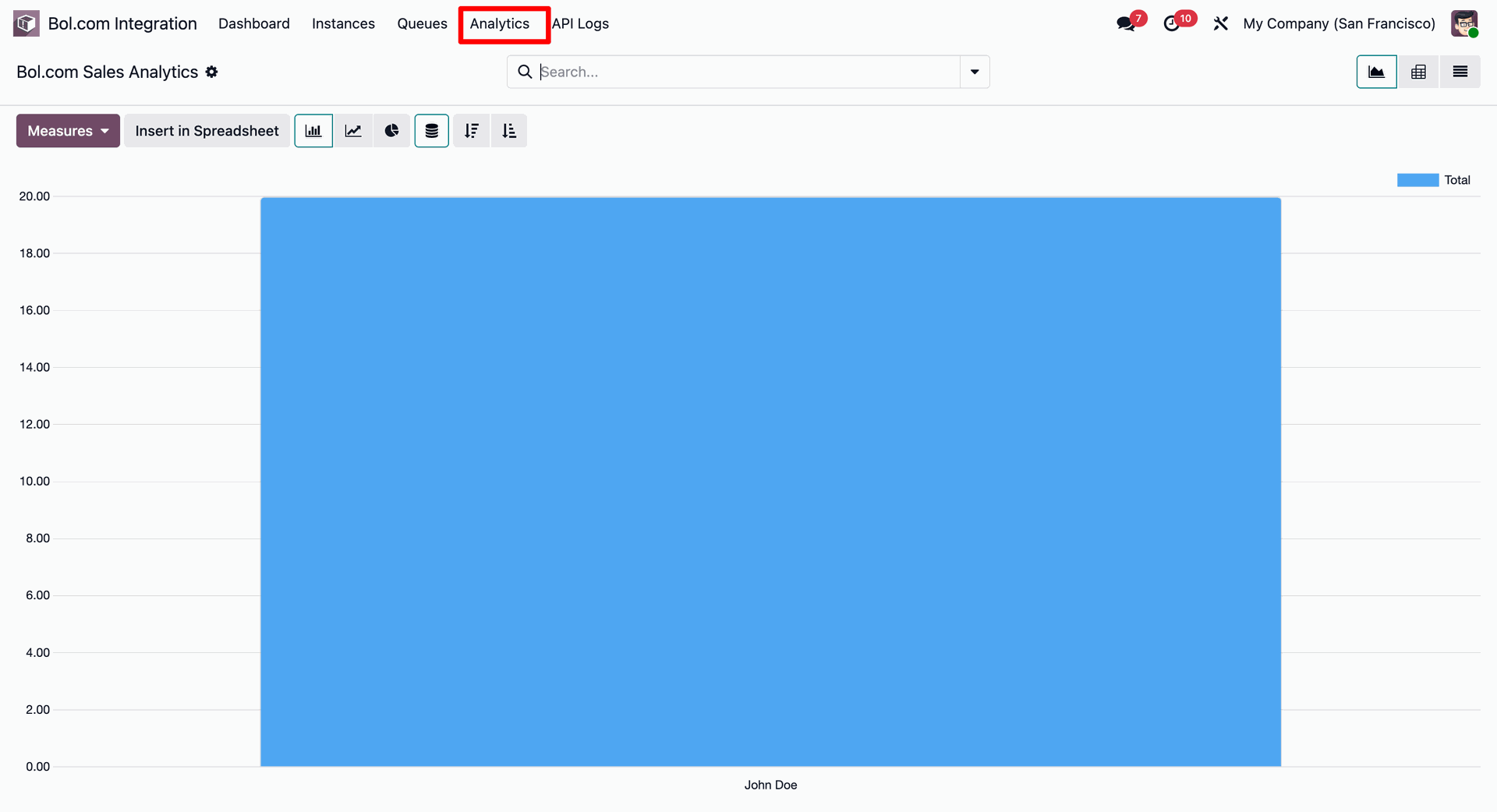
Open Bol.com Sales Analytics to analyze marketplace revenue metrics through interactive chart reports.
Version 19.0.1.0.0 | Released on : 28th October 2026
- Yes, this app works perfectly with Odoo Enterprise (Odoo.sh & Premise) as well as Community.
- No, this application is not compatible with odoo.com(odoo saas/Odoo Online)
- Yes, to test this module, please contact us at sales@softhealer.com.
- Please contact us at sales@softhealer.comto request customization.
- Yes, we provide free support for 365 days from the date of purchase.
- Yes, you will receive lifetime free updates for the version of the module you purchased.
- No, there is no need to install any additional libraries.
- Yes, for version 12 and above, you need to purchase the module separately for each version you intend to use.
- No, exchanges or refunds are not allowed. Please make sure to select the correct version before purchasing.
- You can contact us at support@softhealer.com for language translation support. We use Google Translator tools to provide translations in multiple languages, so the accuracy may vary. We welcome your suggestions to help improve translations.
